
balenciagaaa
Members
-
Joined
-
Last visited
Everything posted by balenciagaaa
-
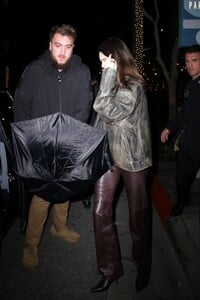
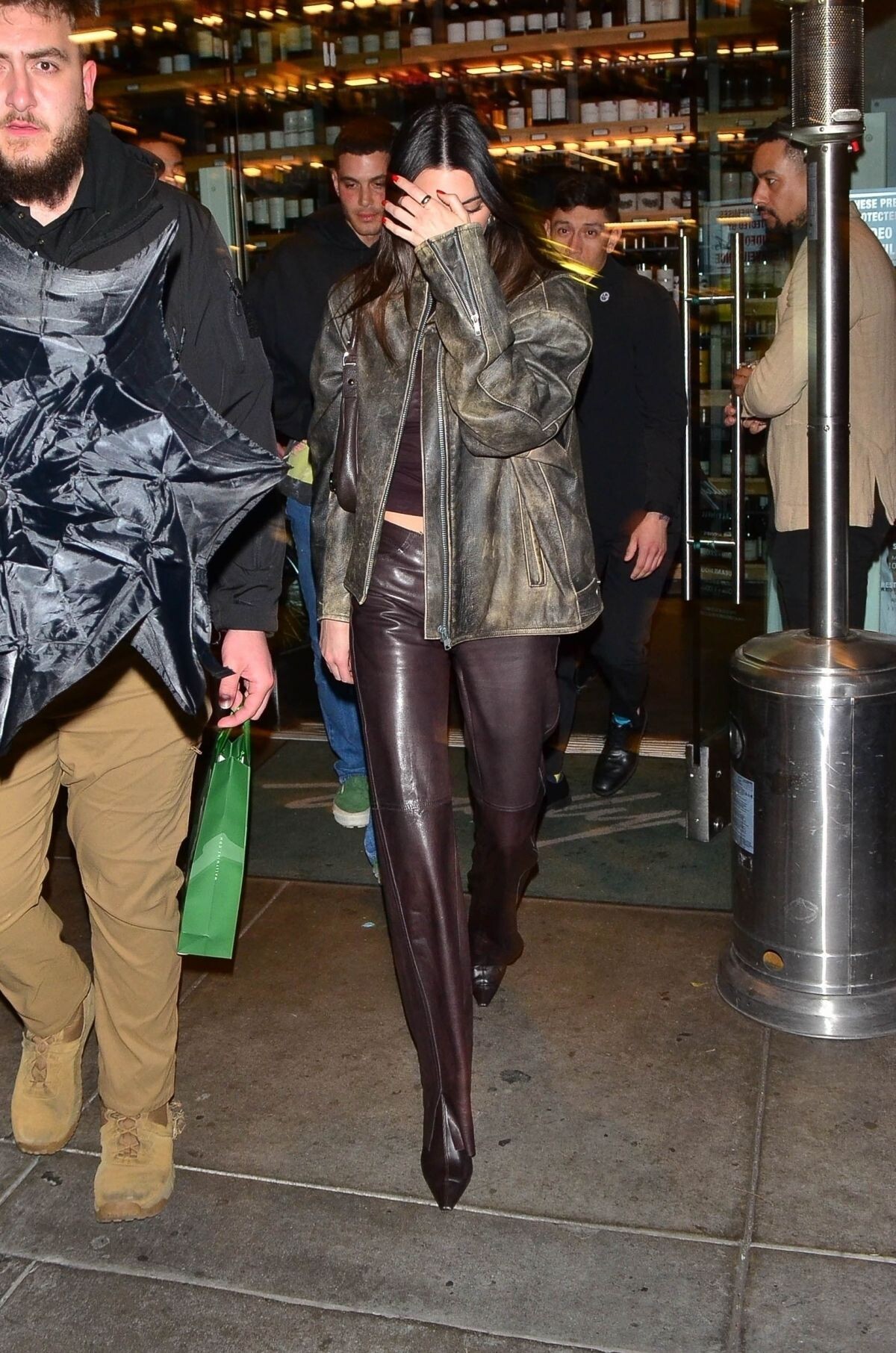
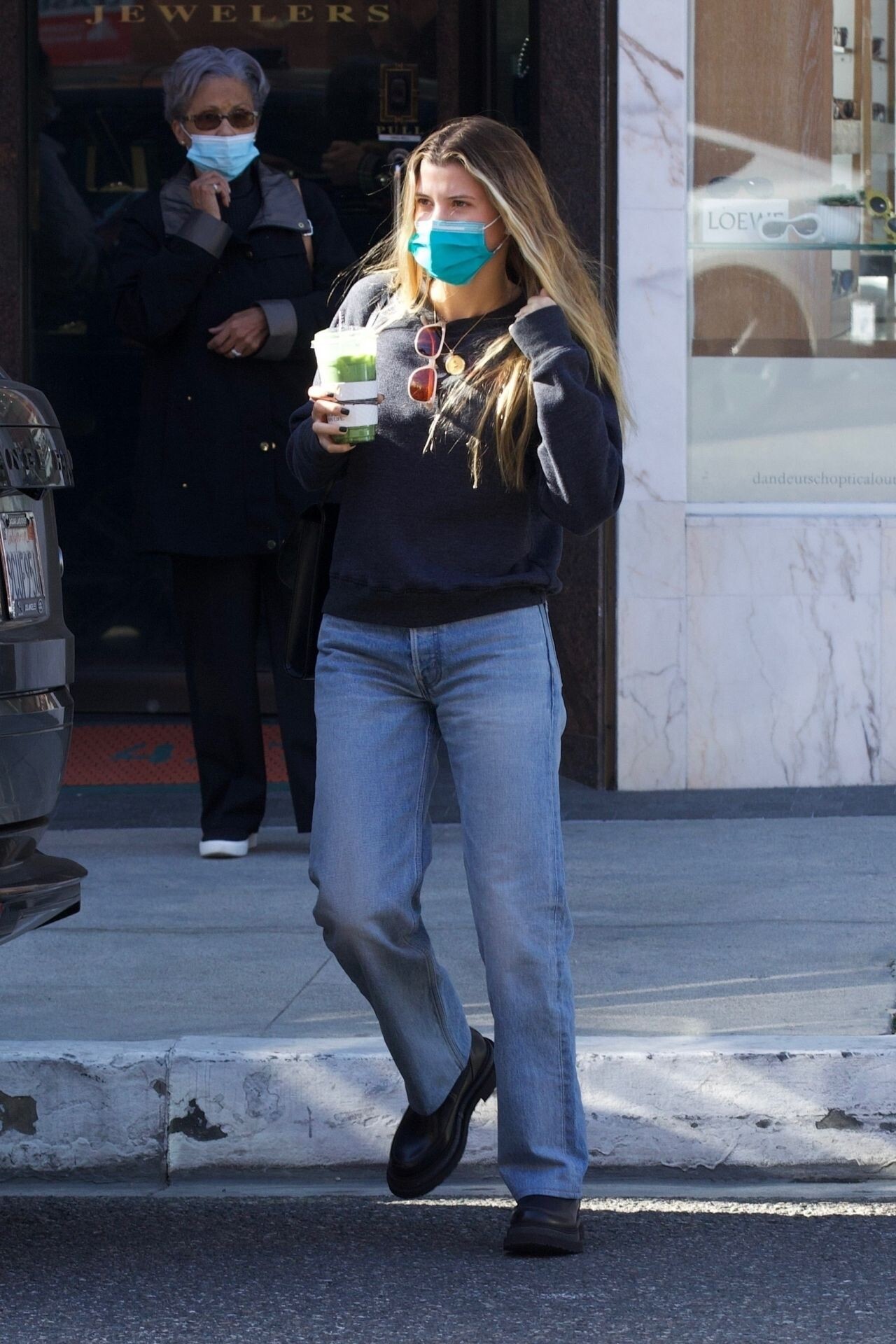
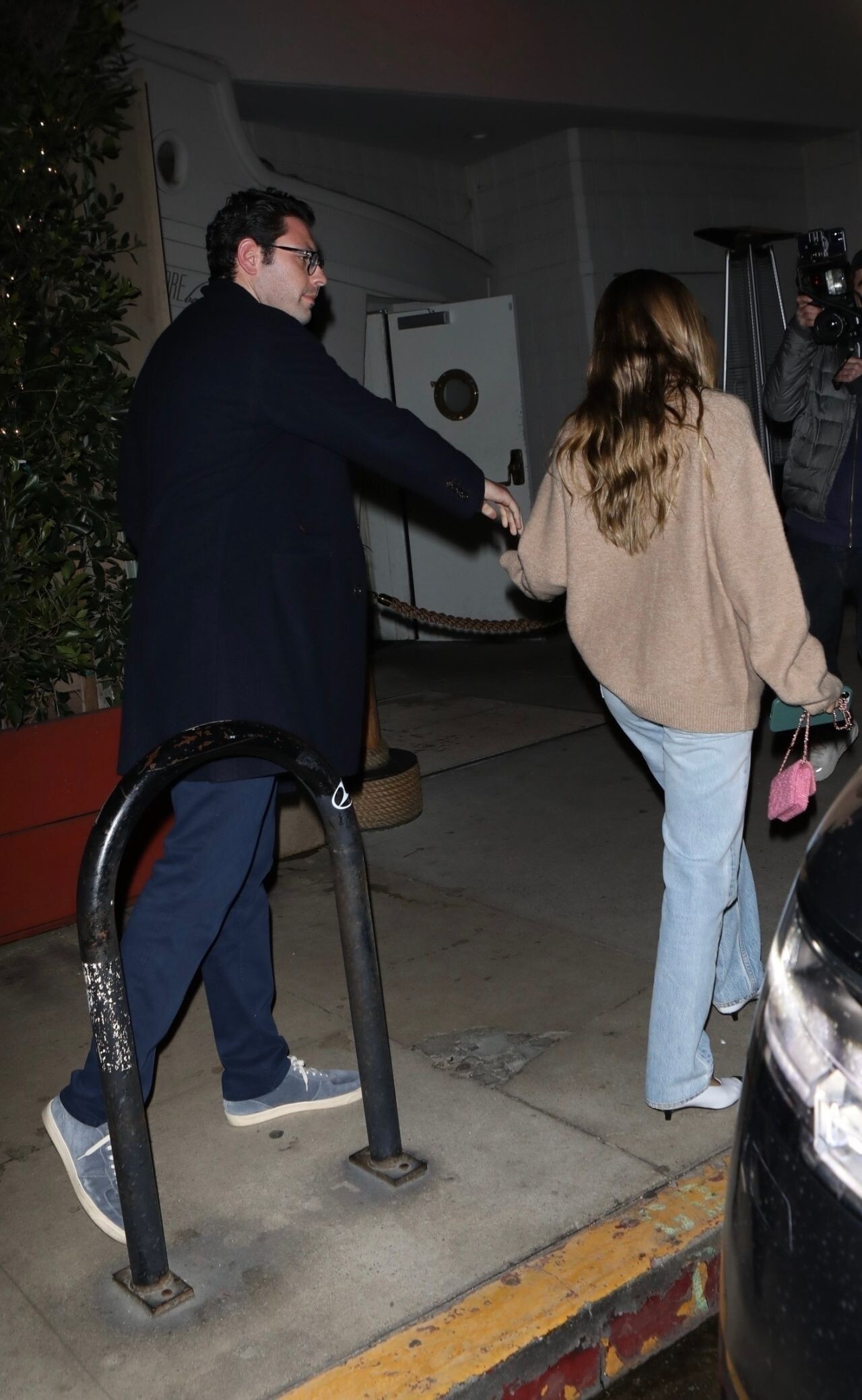
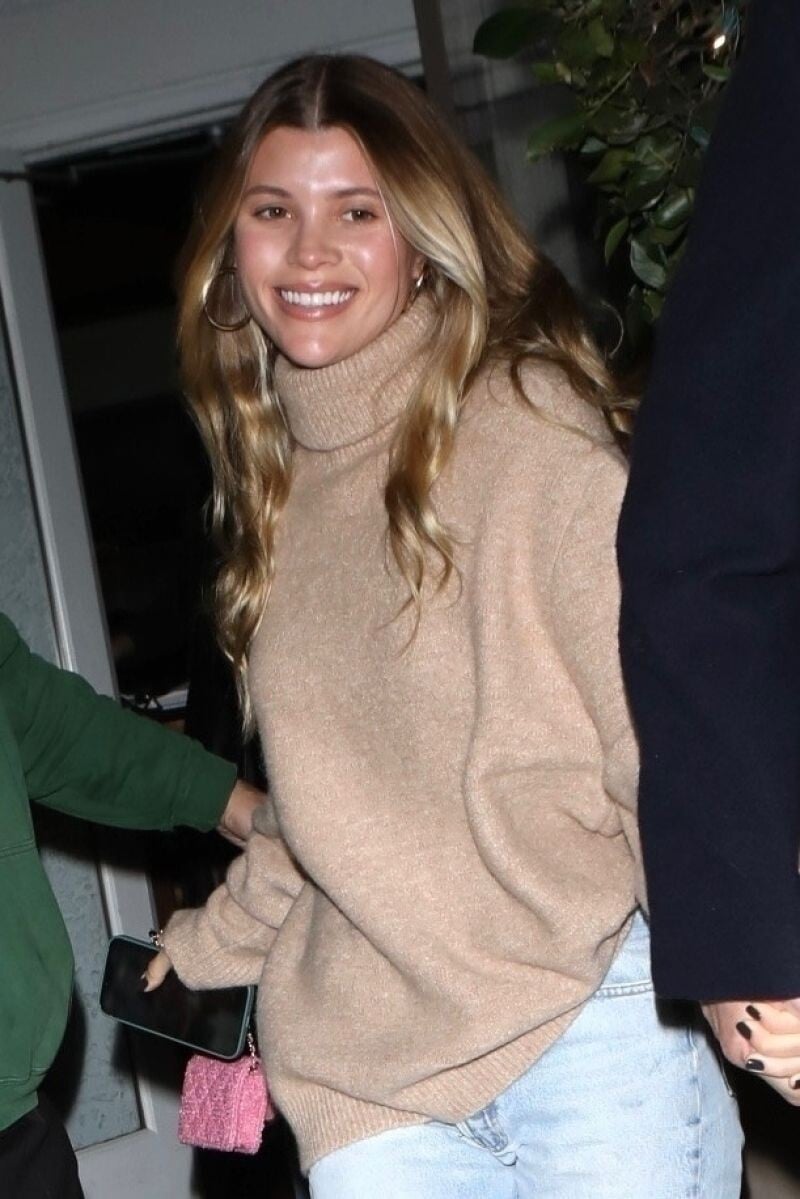
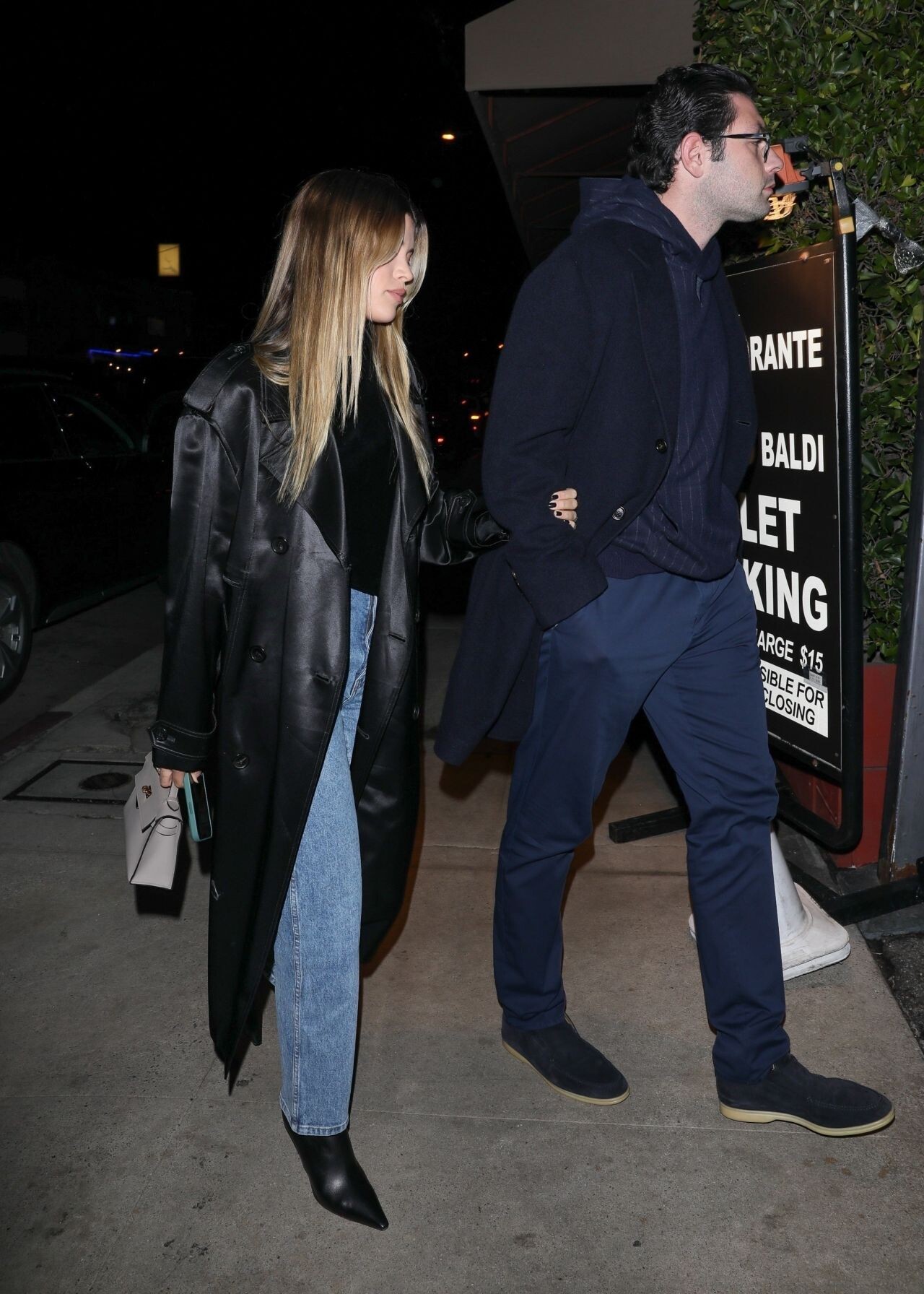
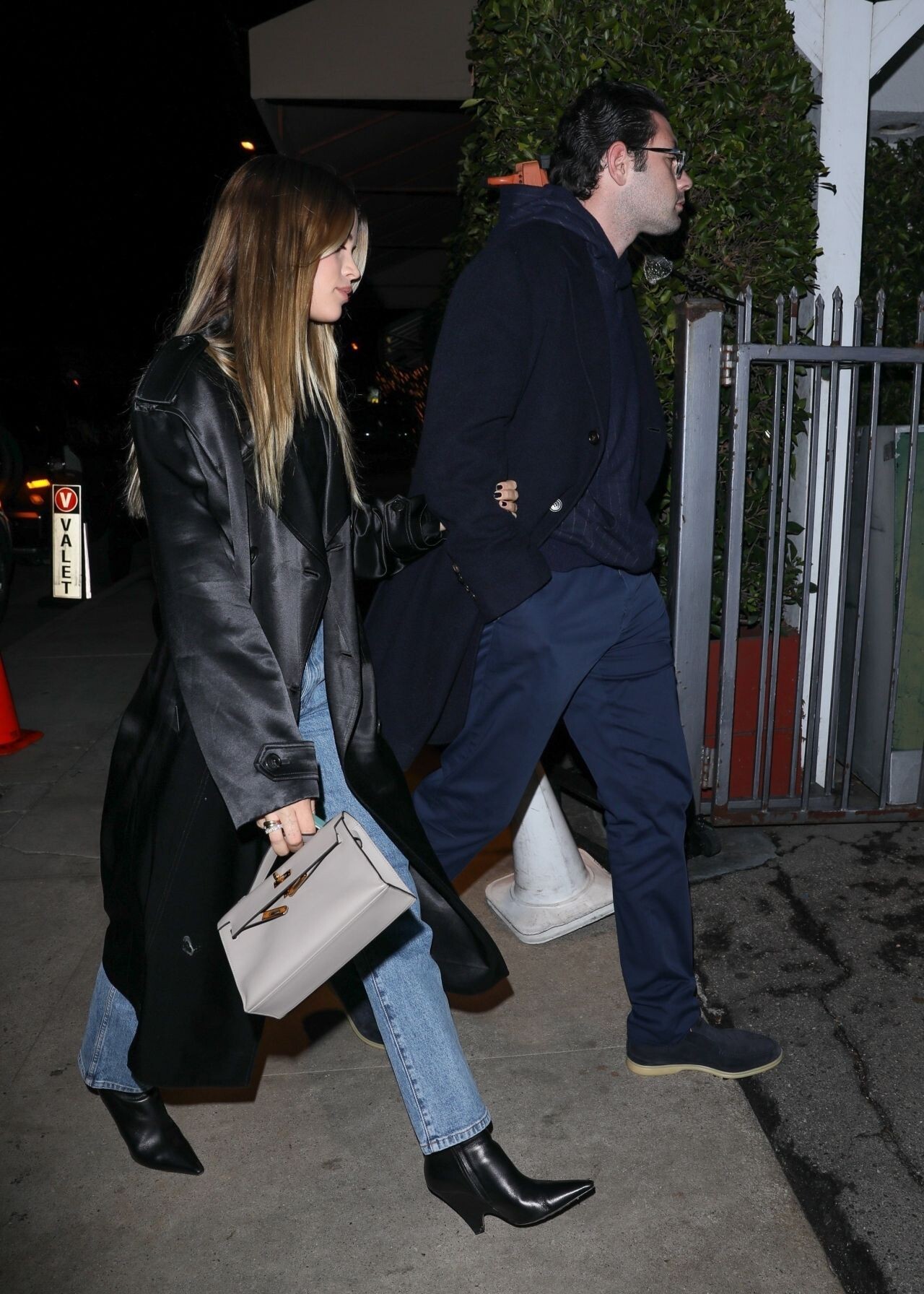
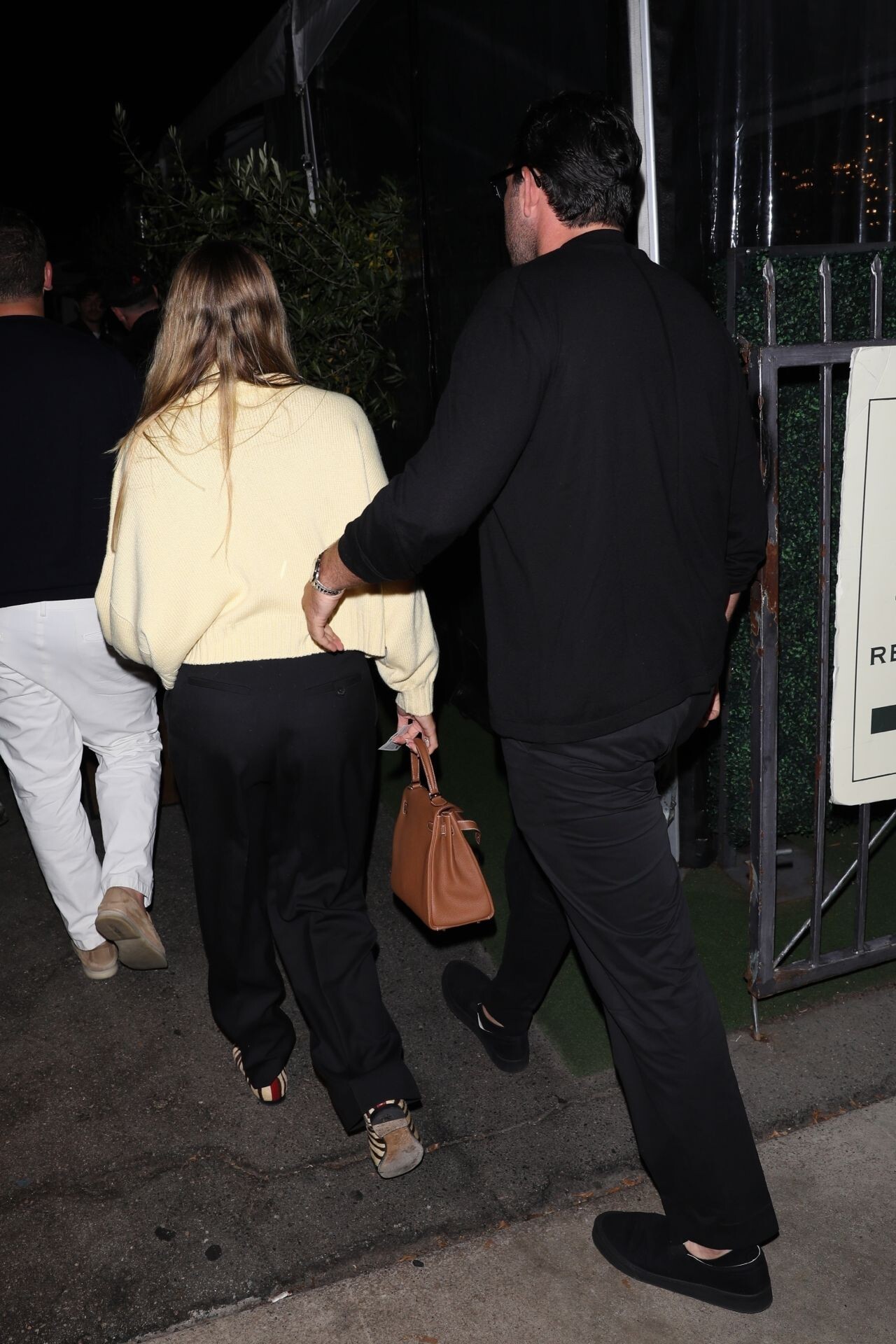
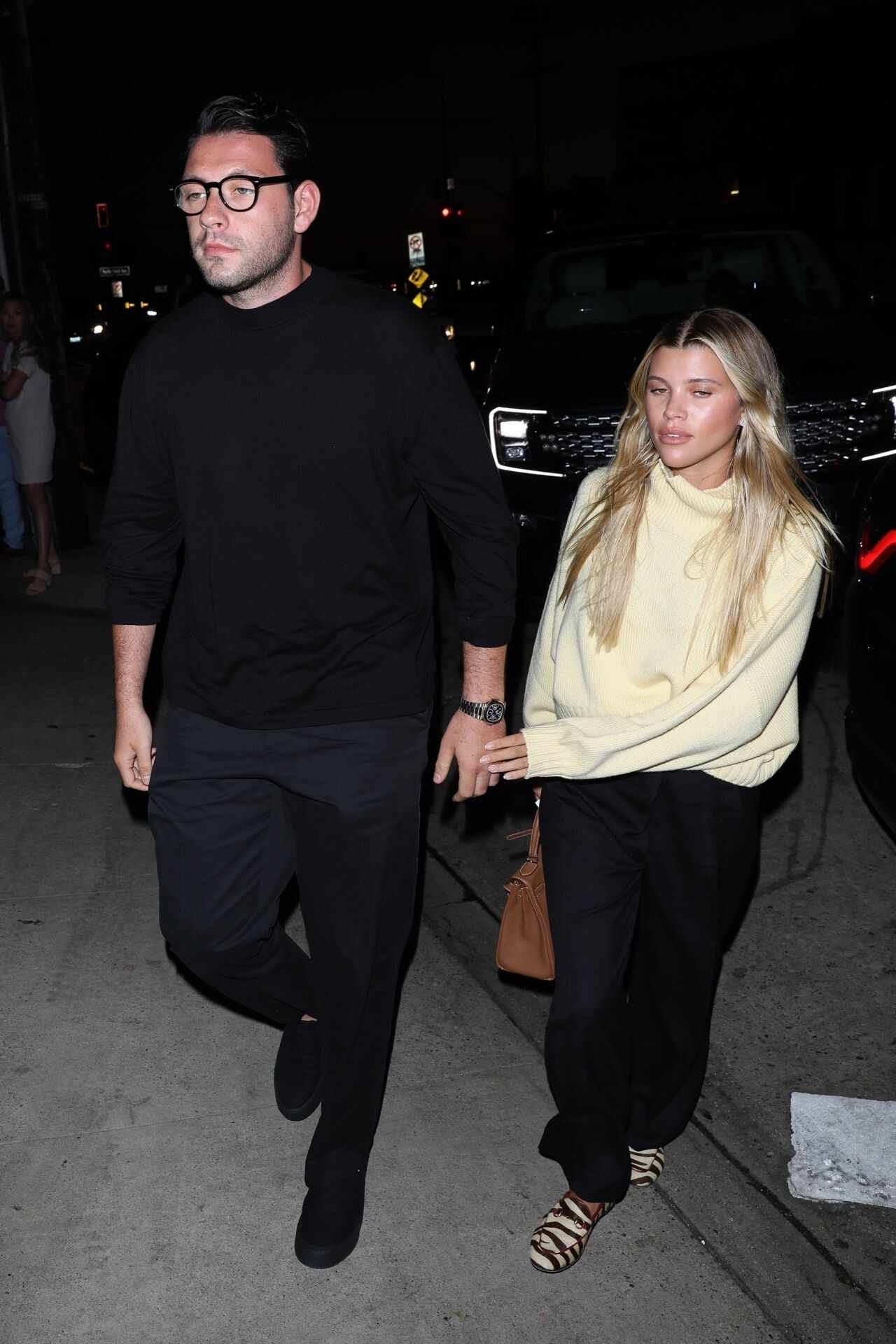
 KENDALL JENNER and Bad Bunny Out for Dinner Date in Beverly Hills 02/18/2023





-
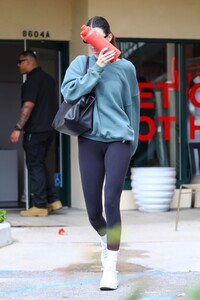
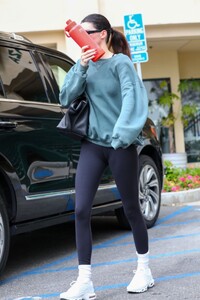
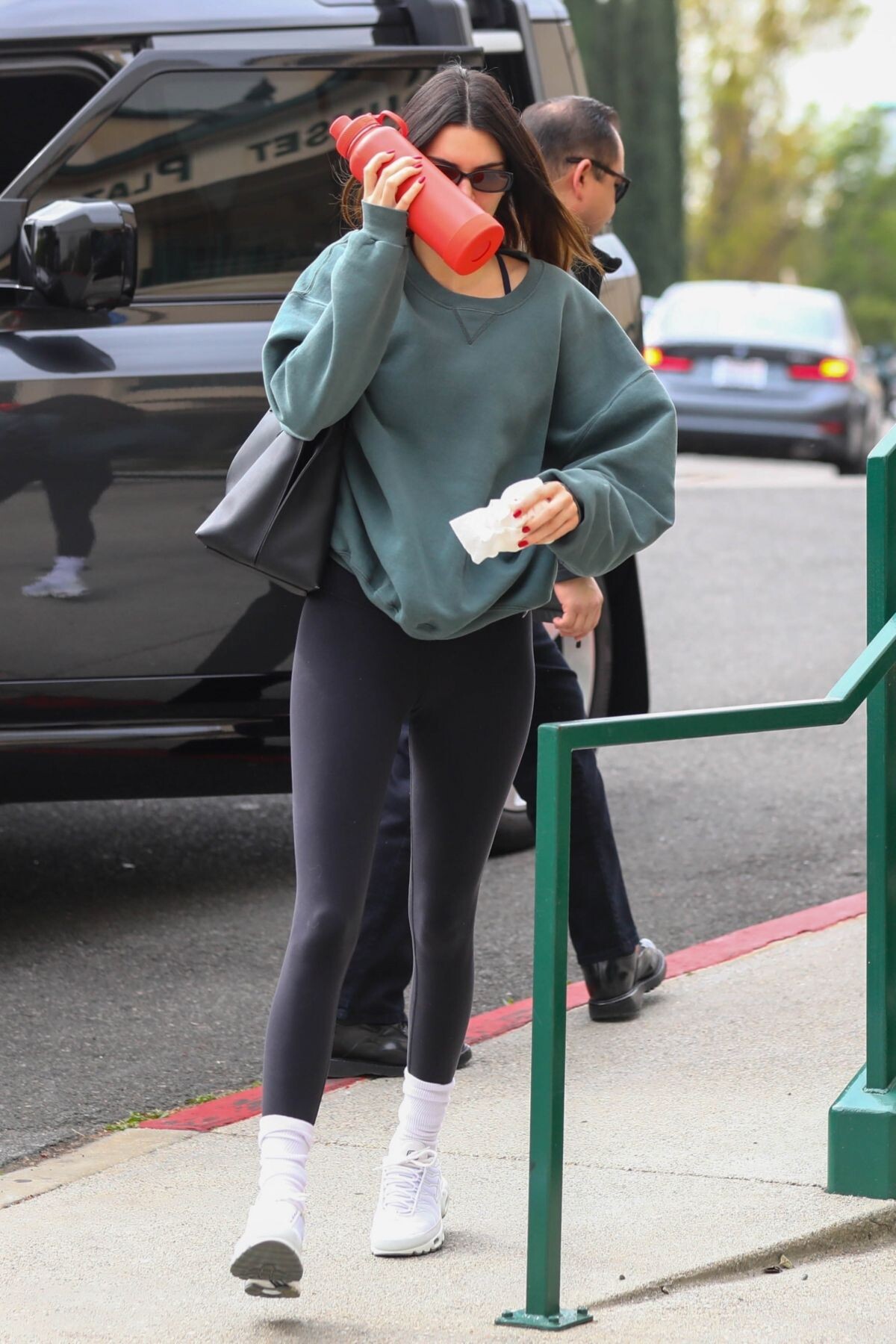
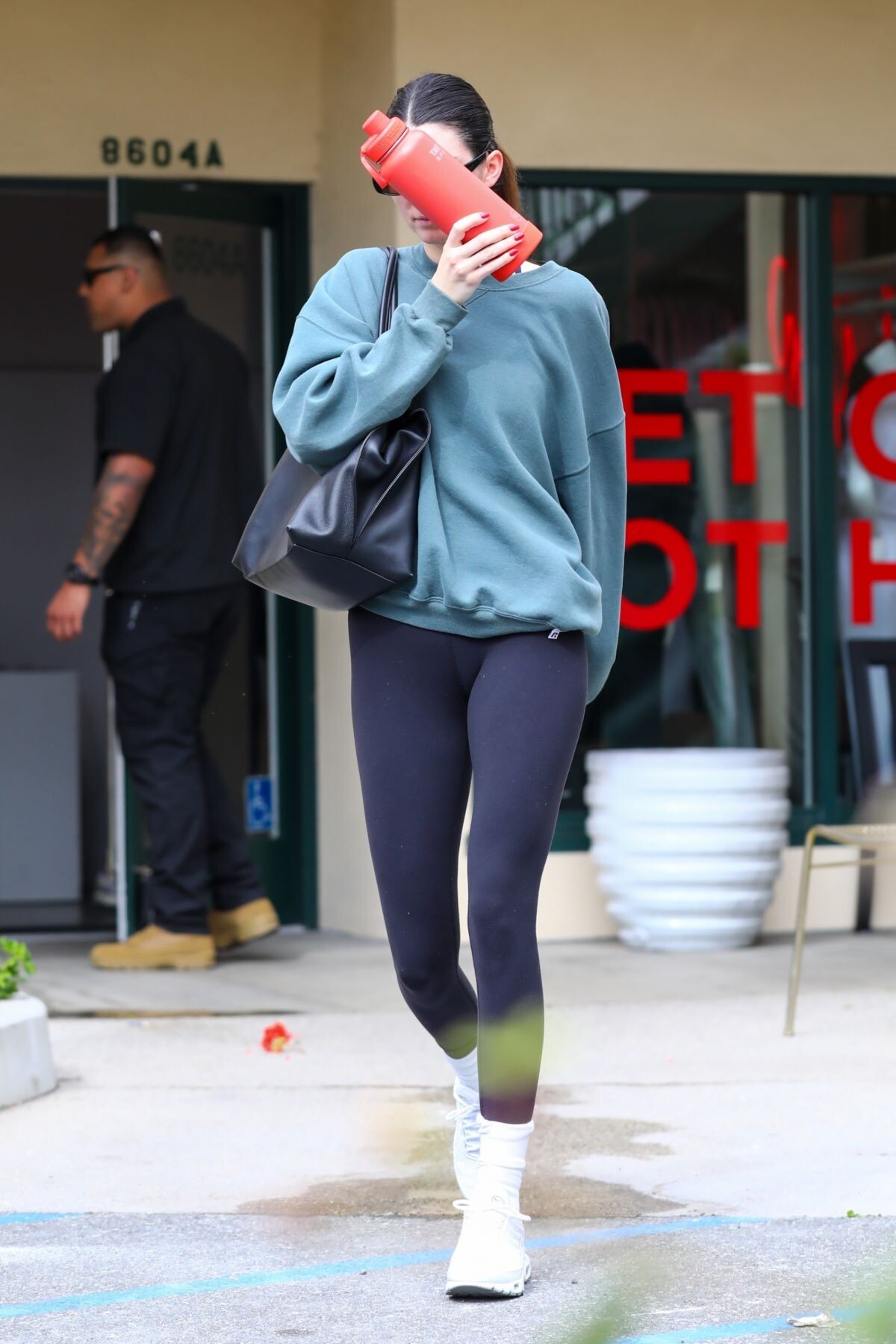
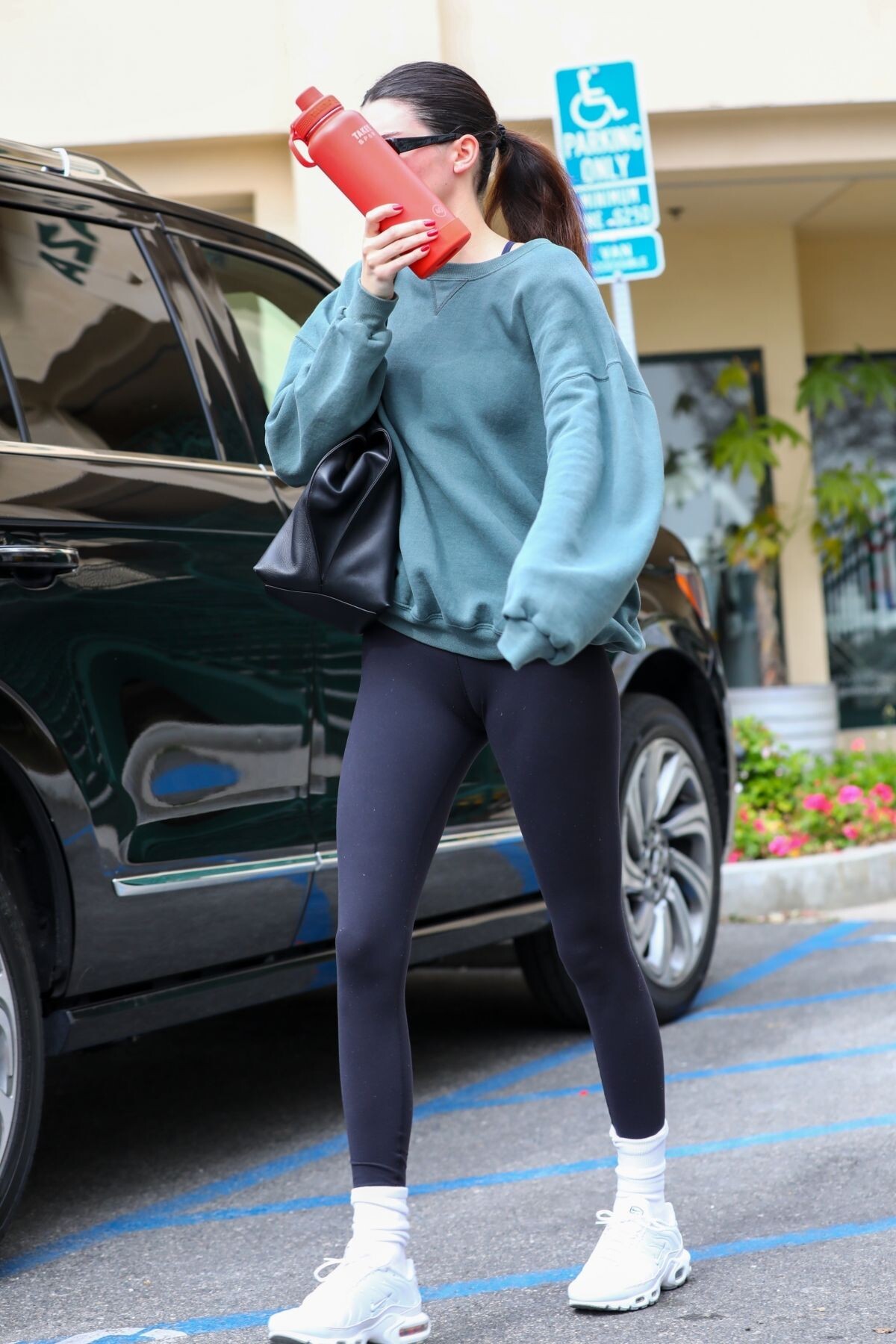
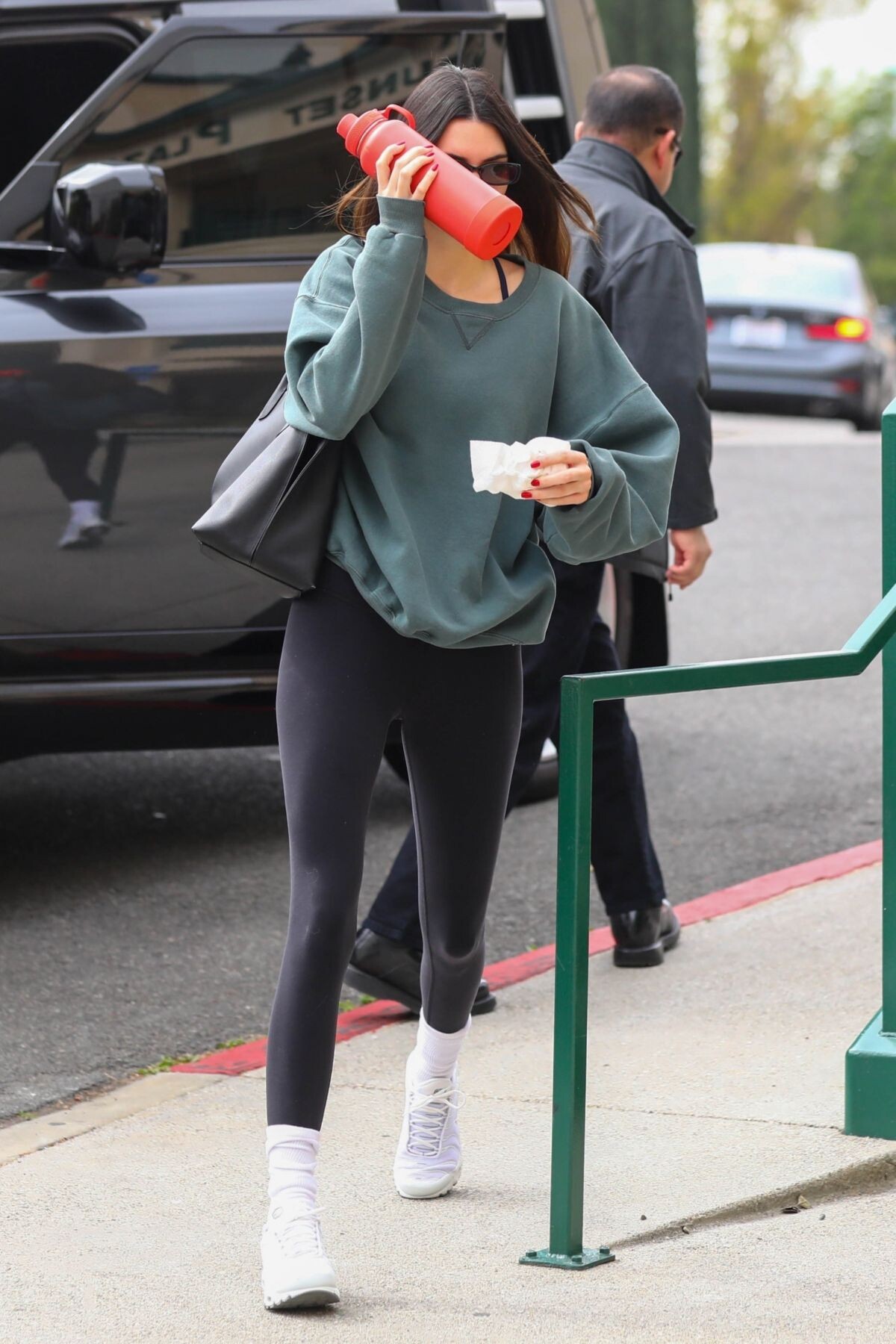
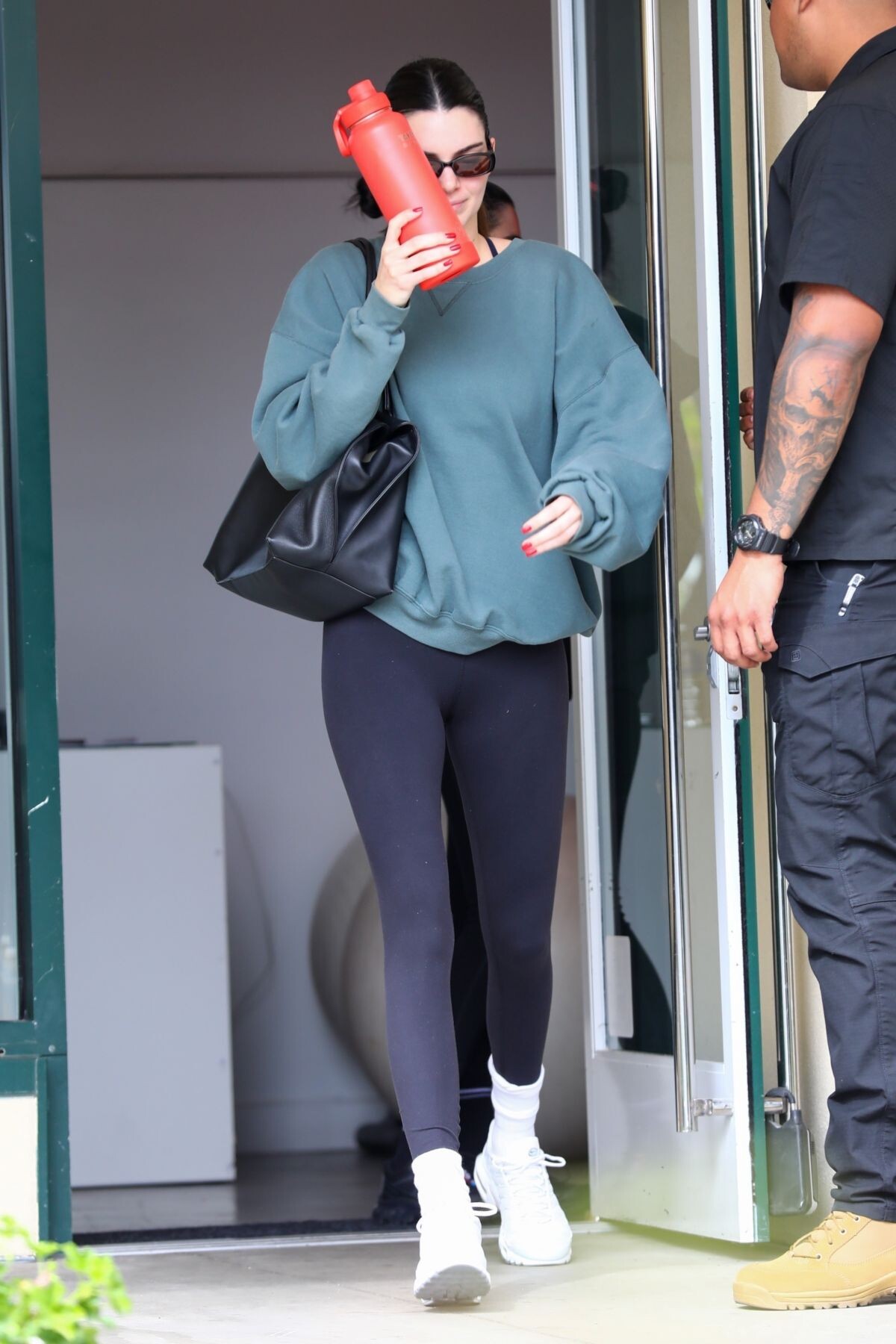
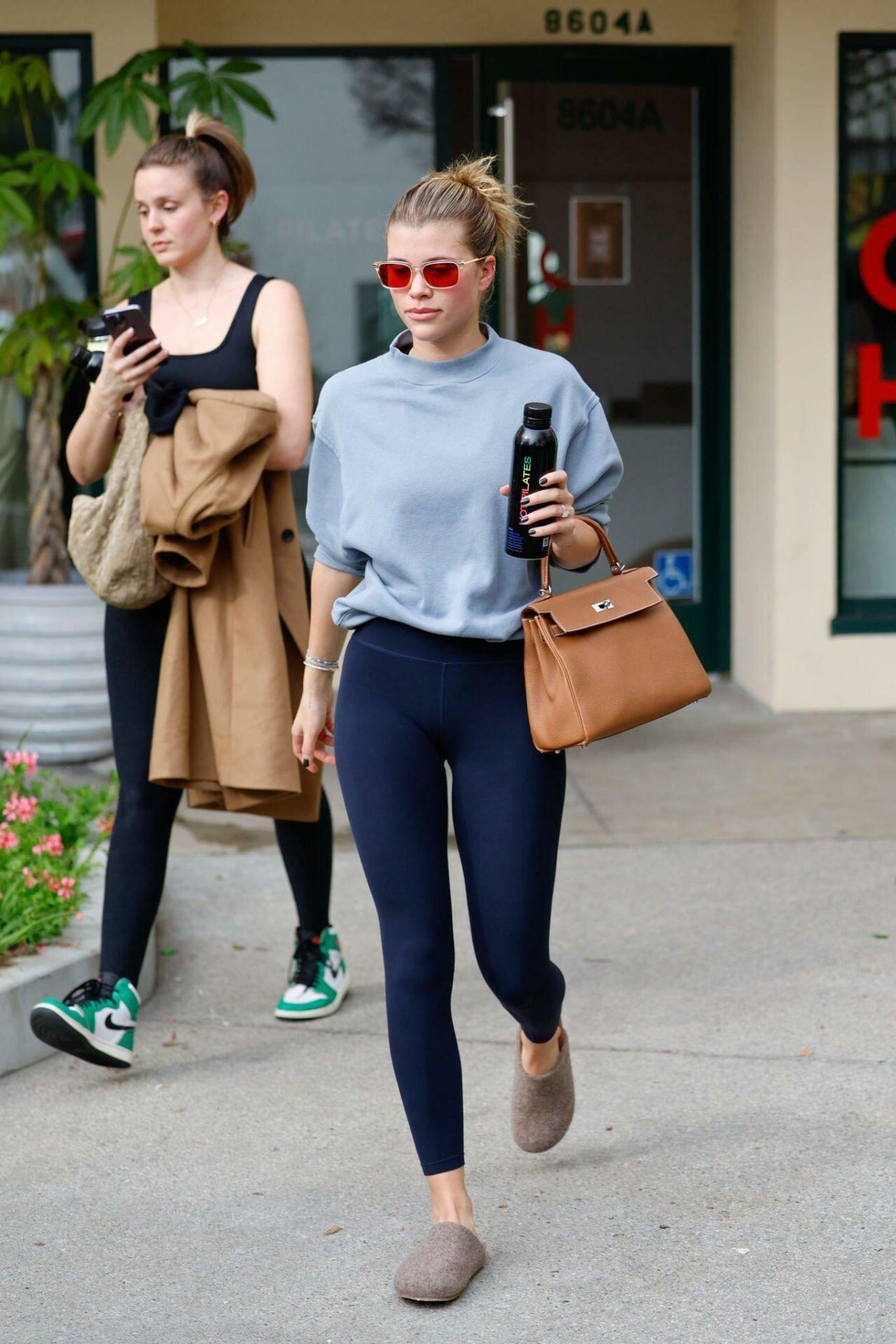
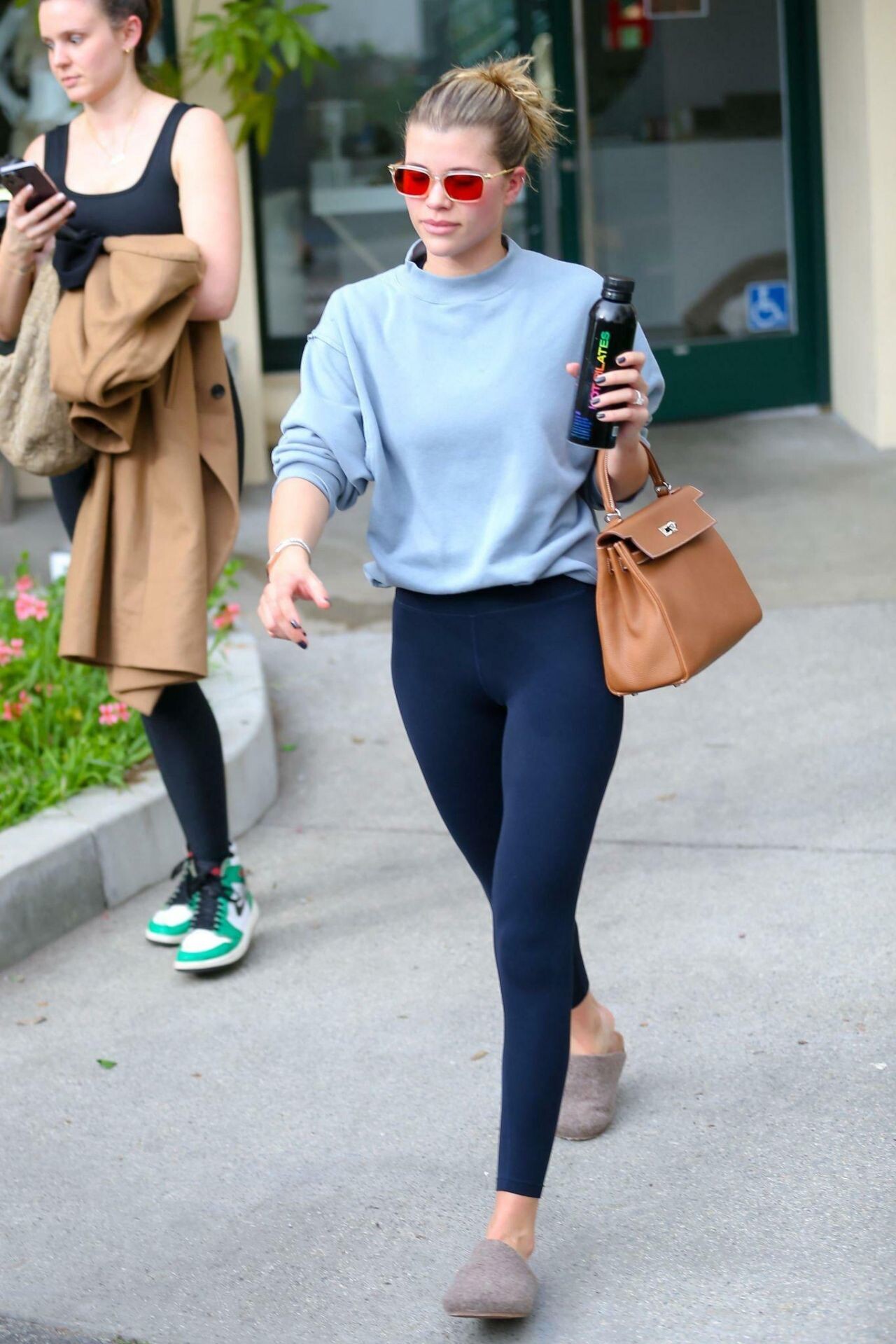
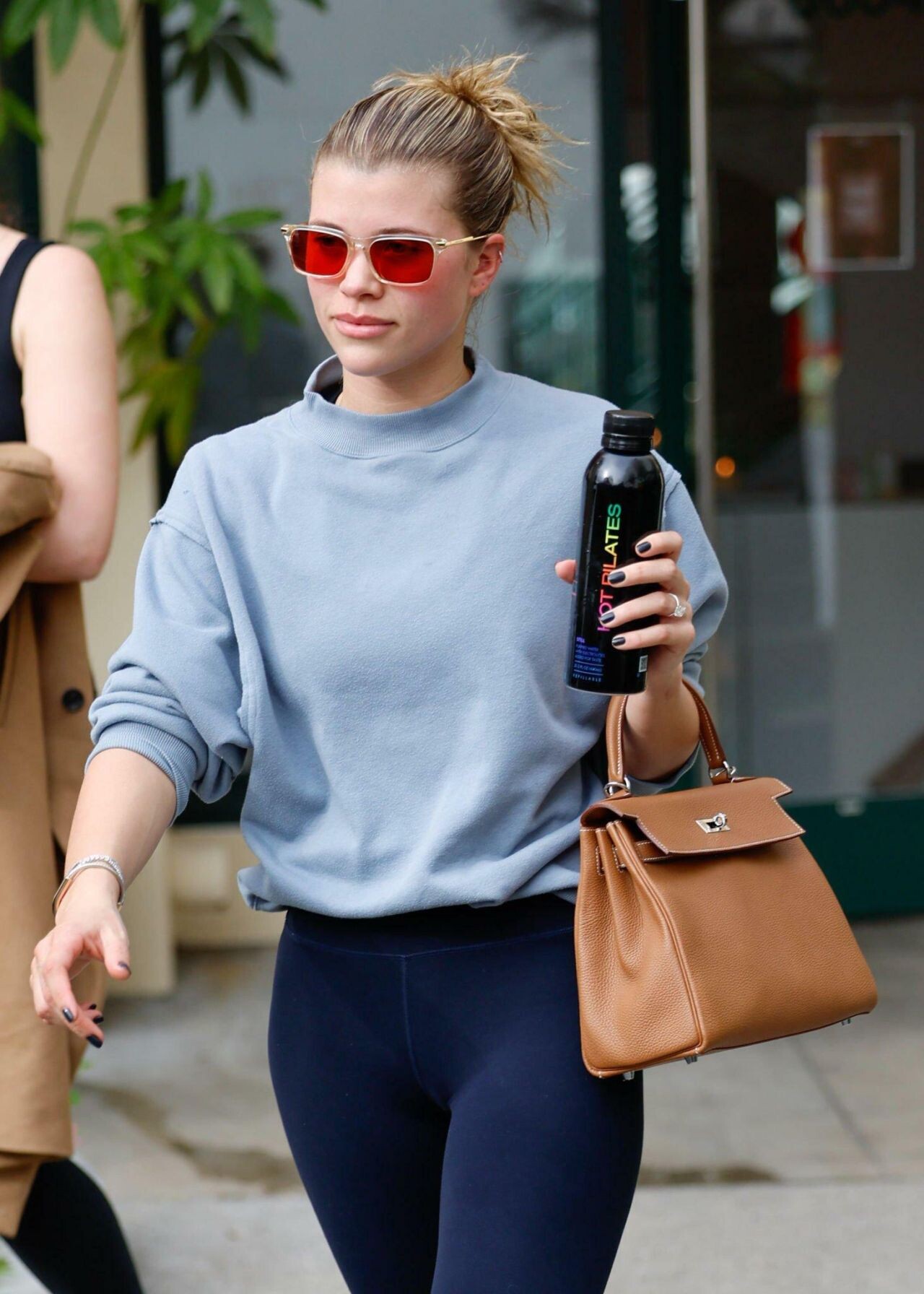
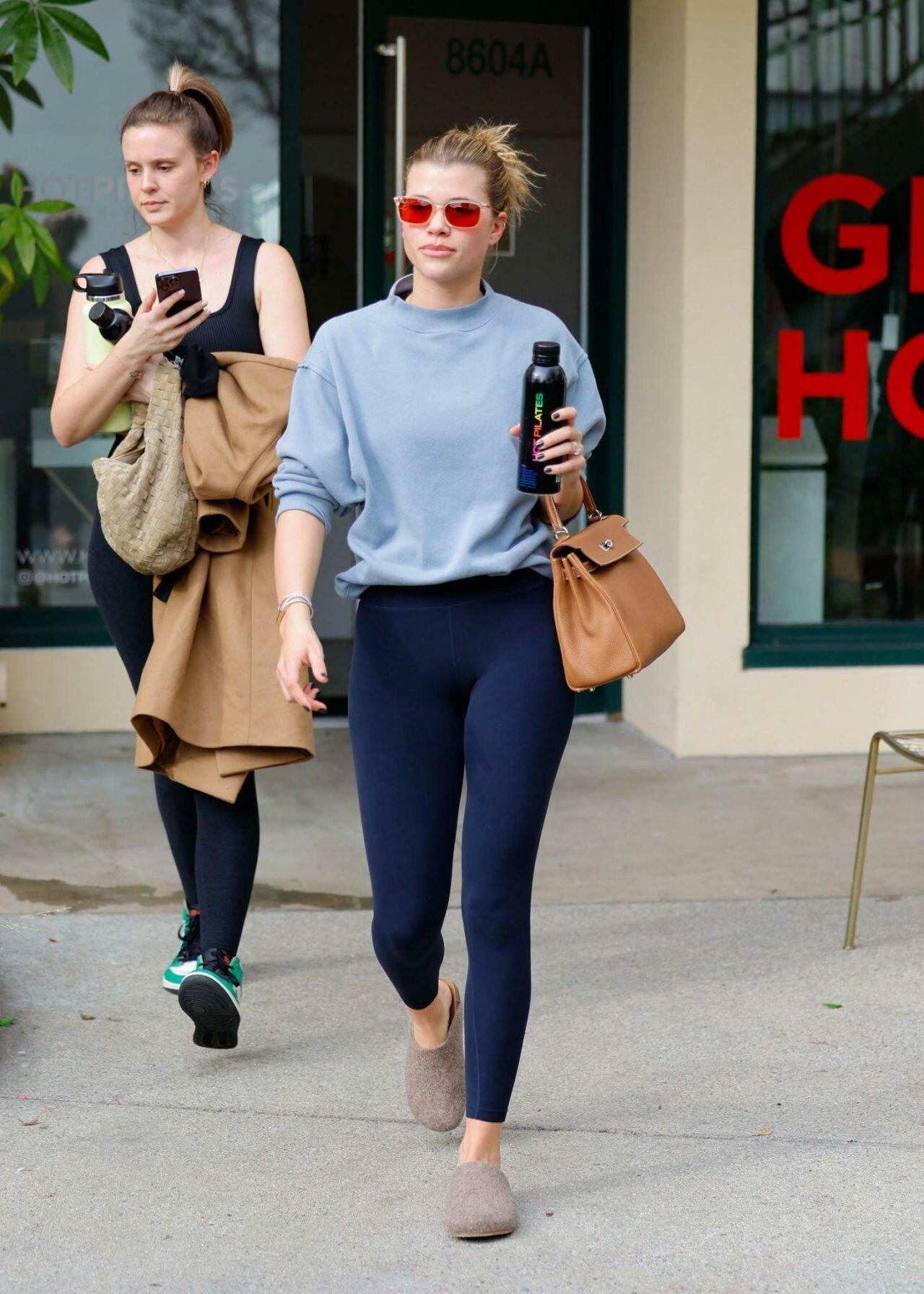
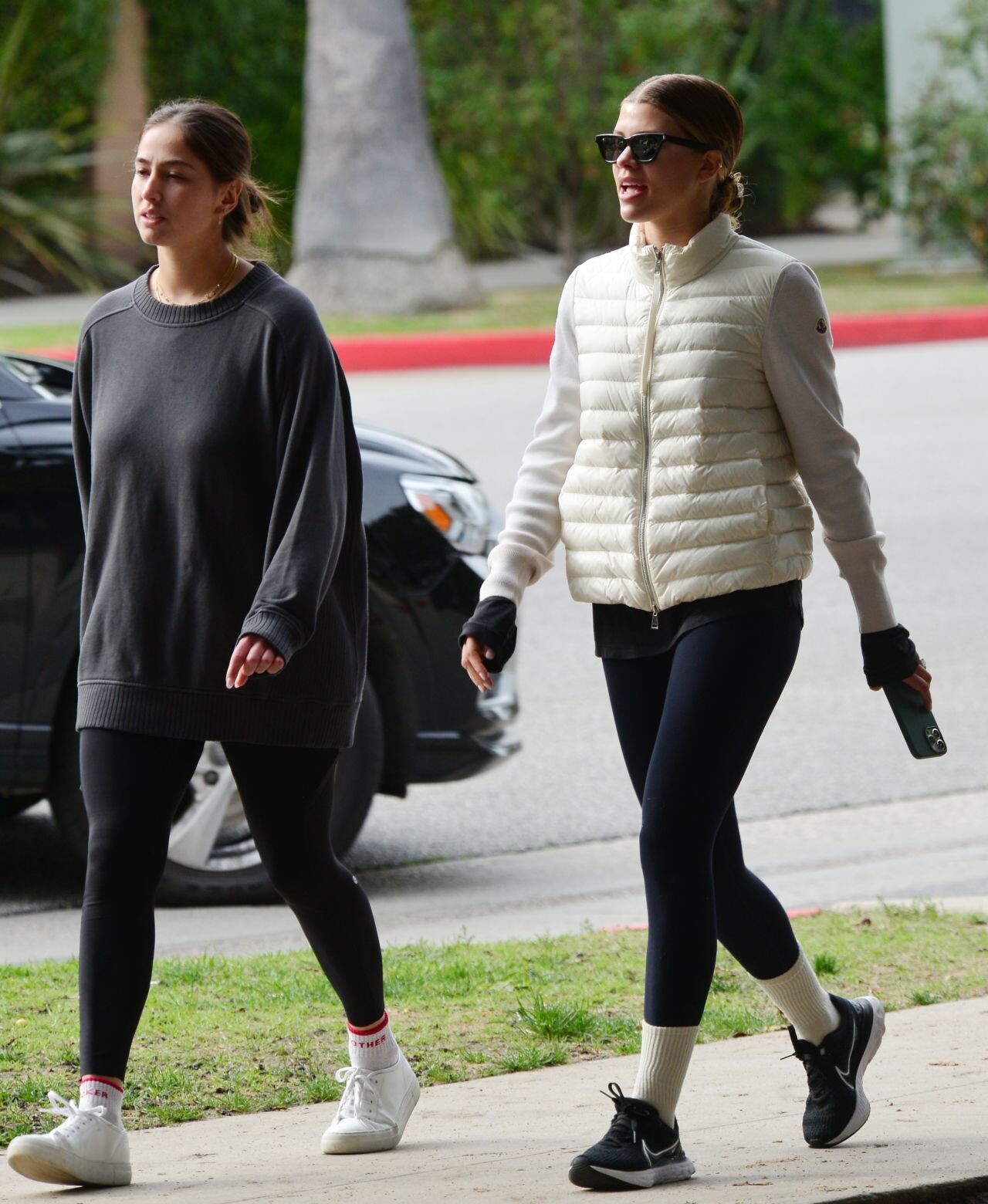
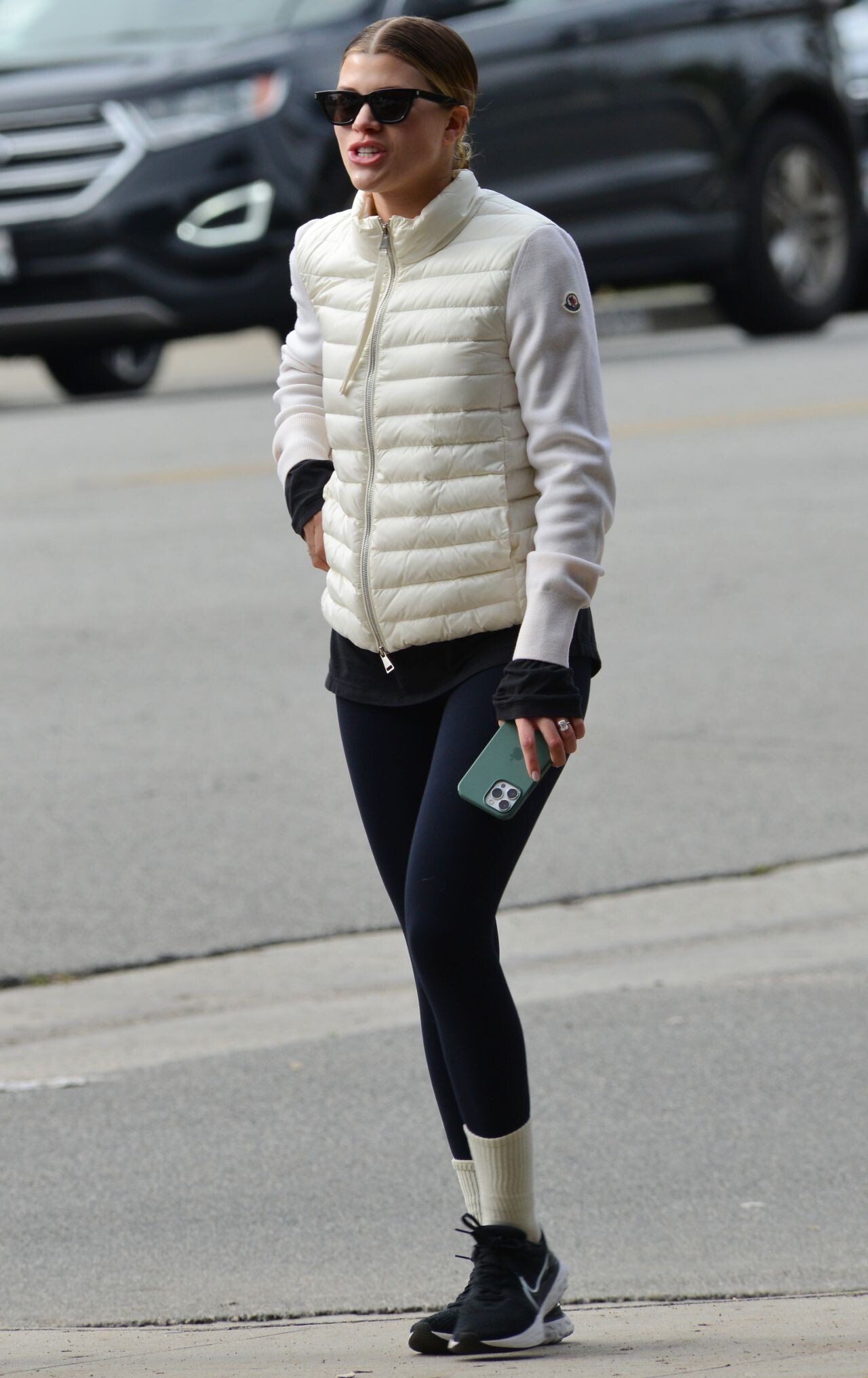
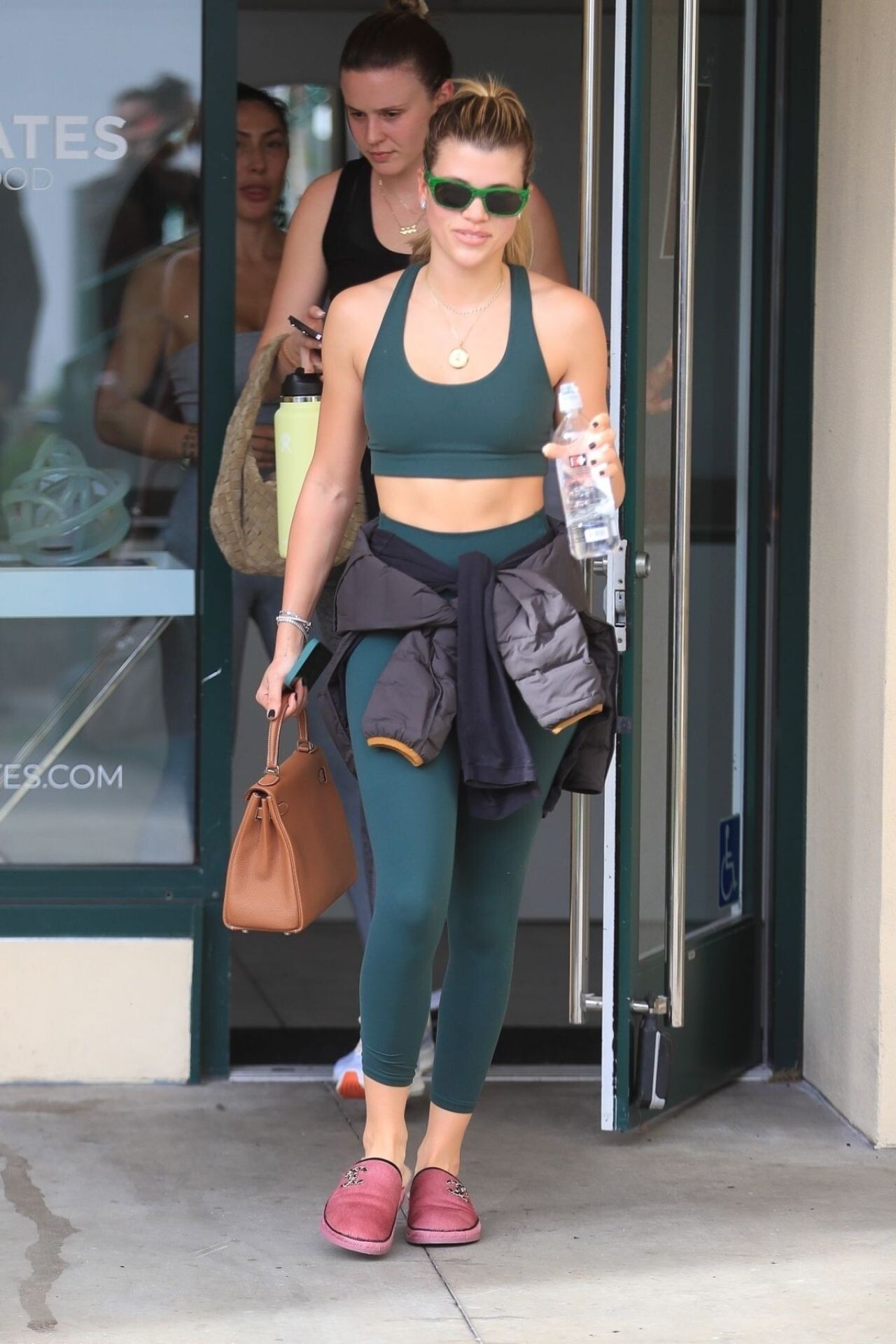
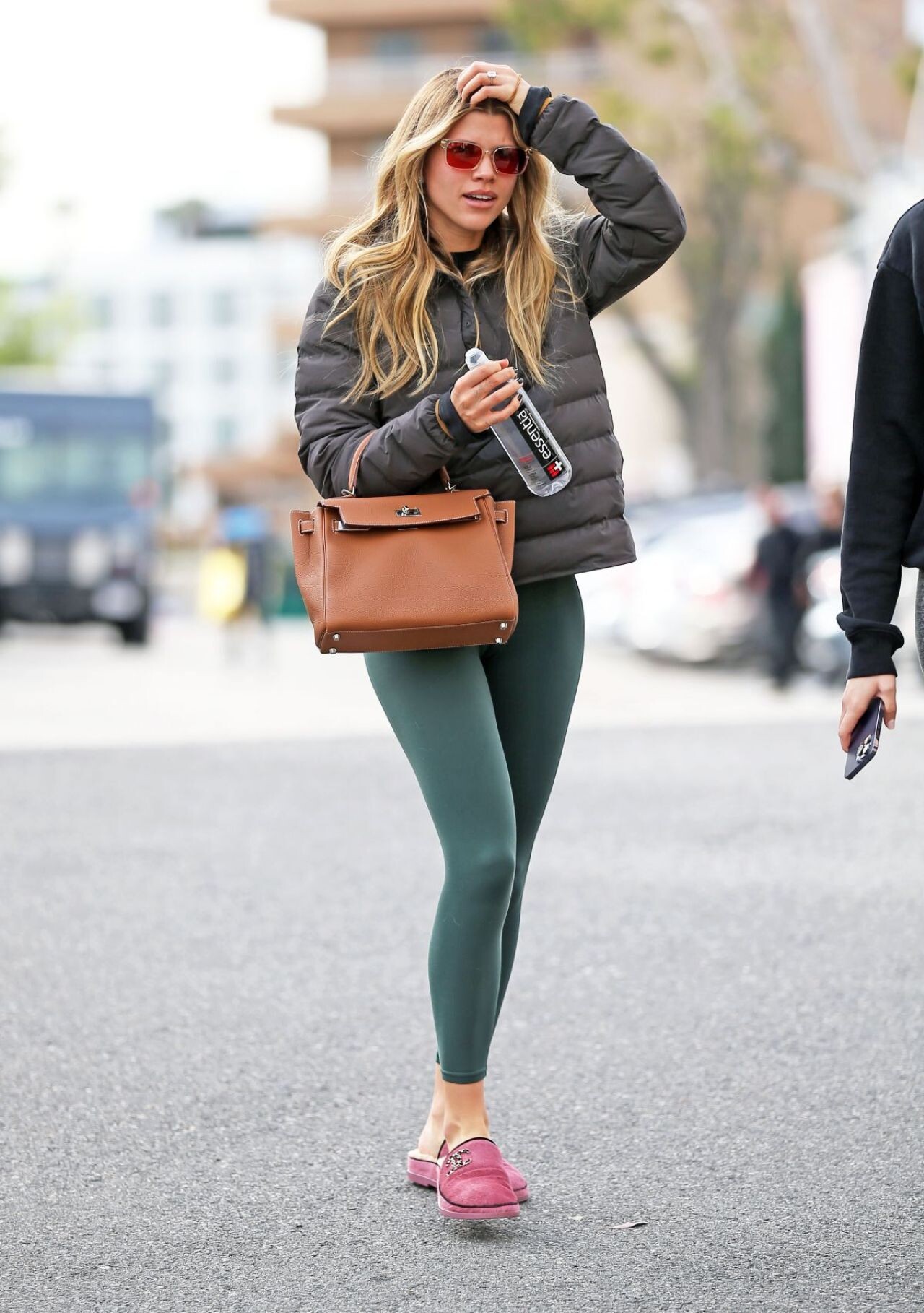
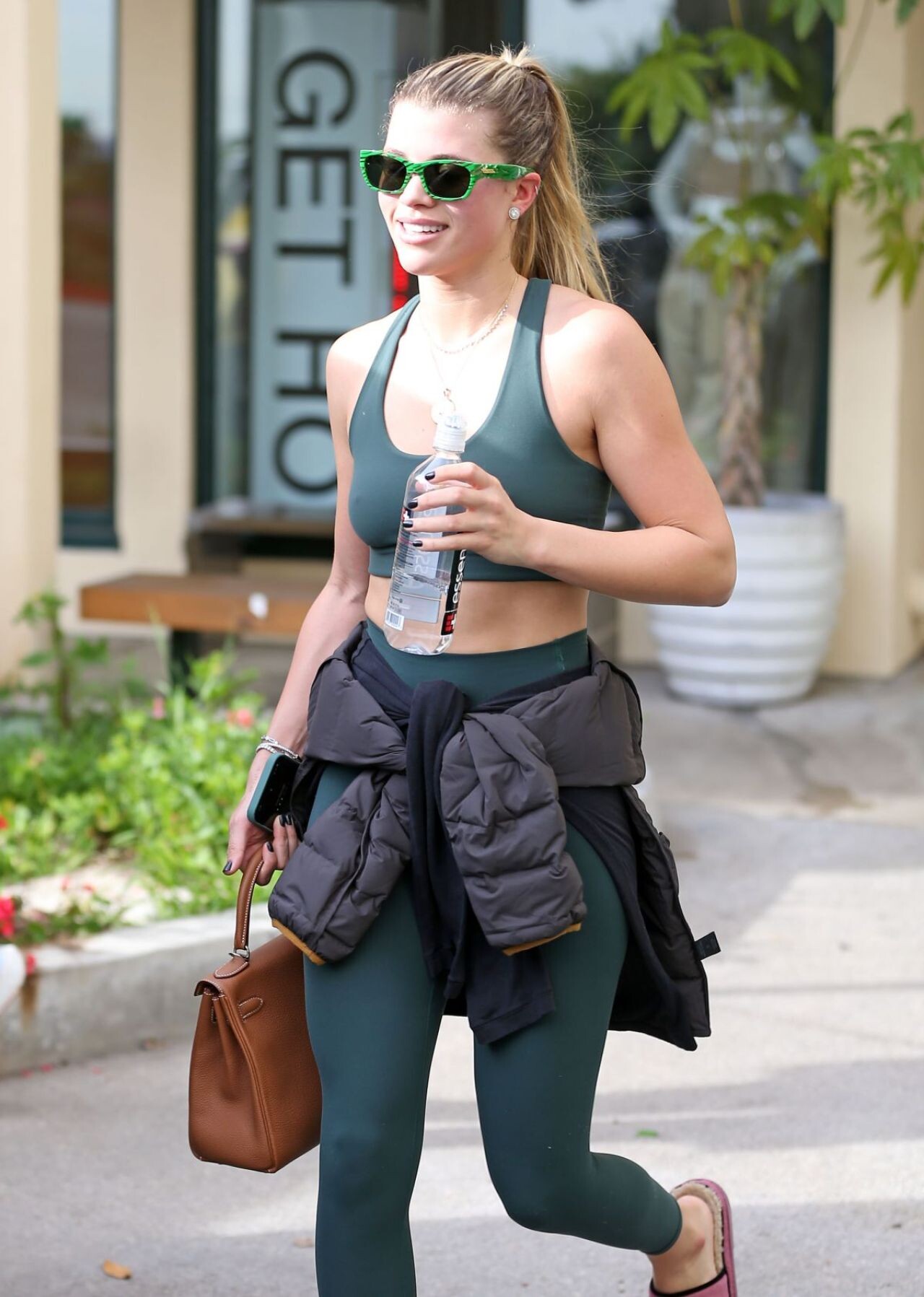
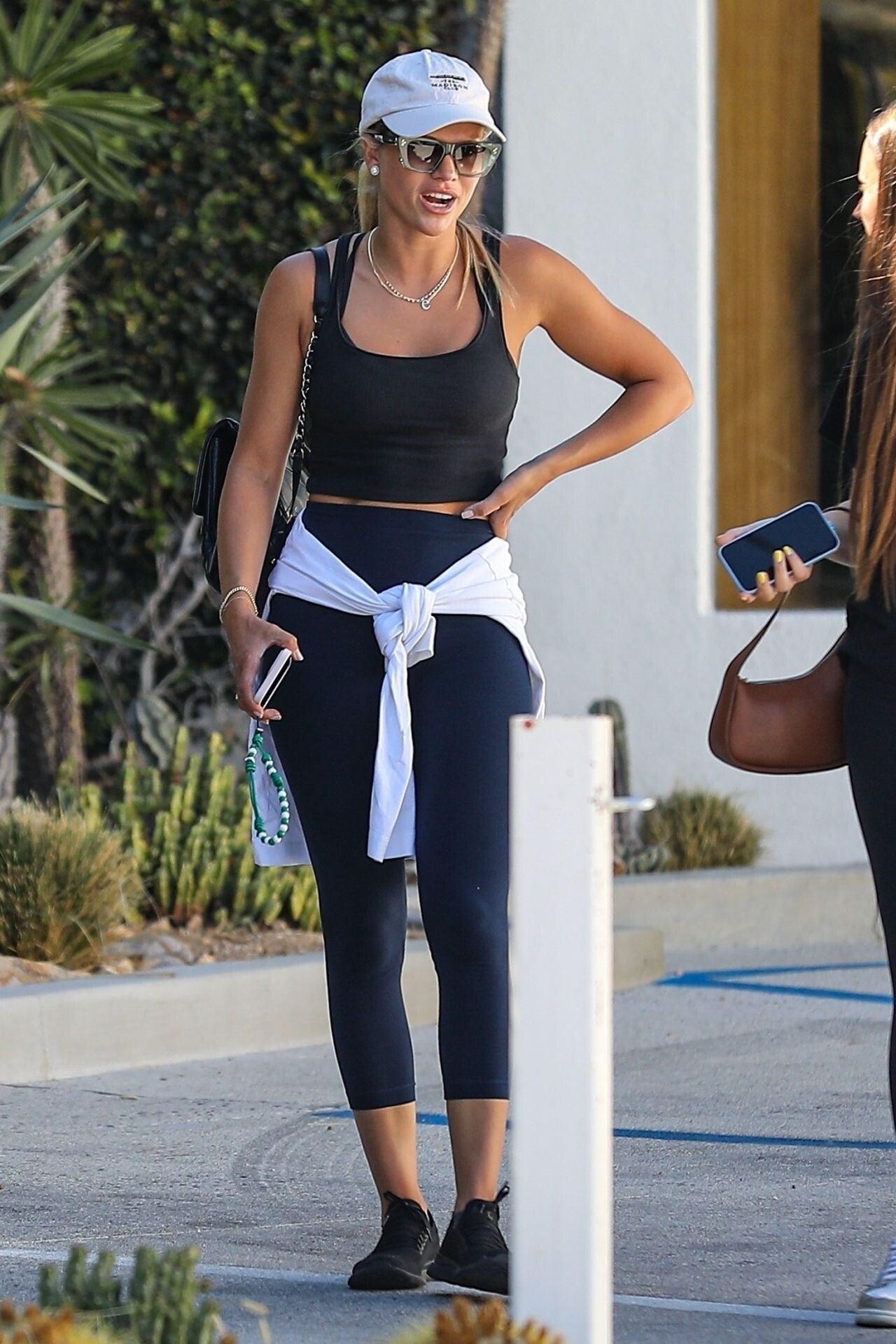
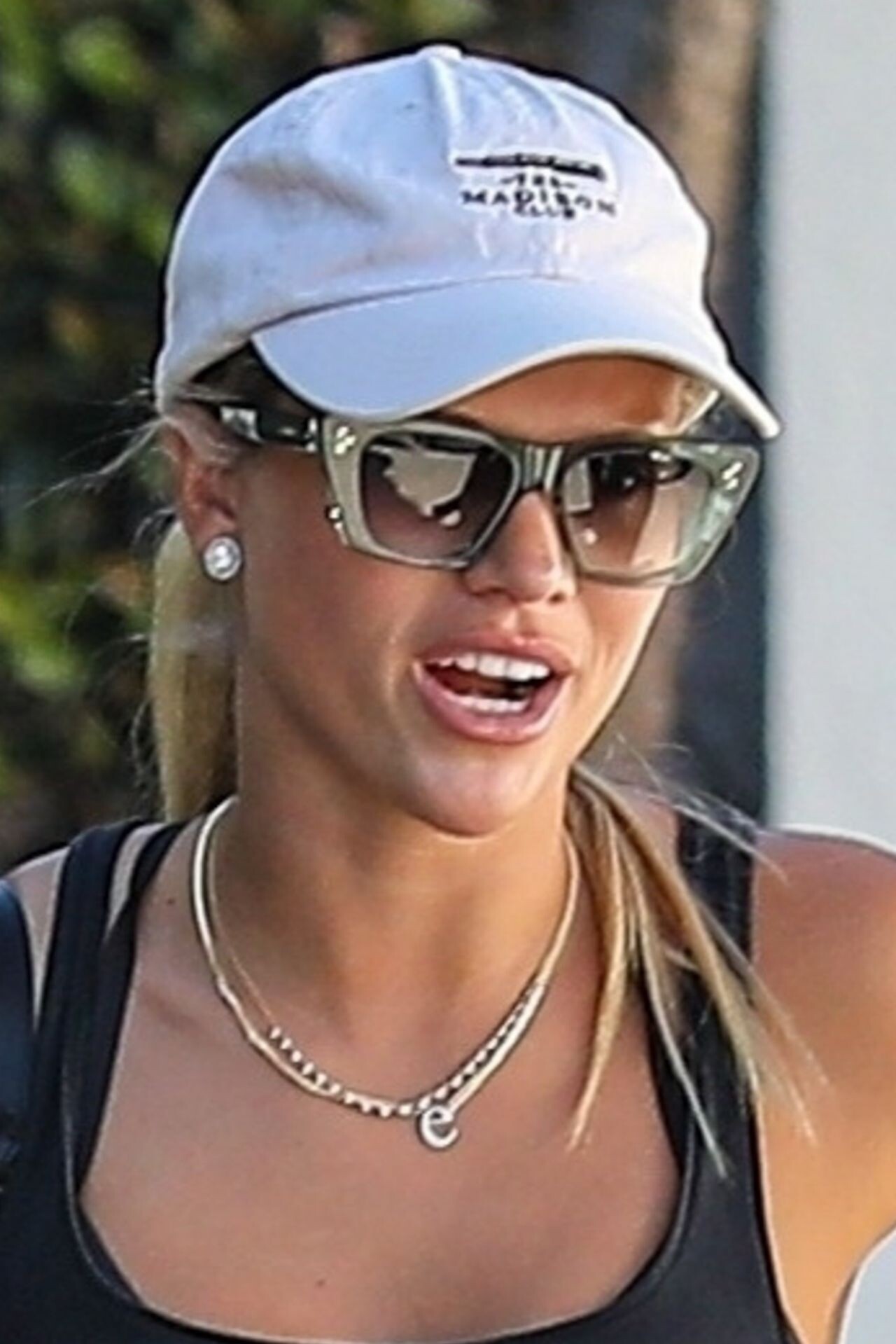
Heading to Pilates Class in Los Angeles 02/18/2023





-
-
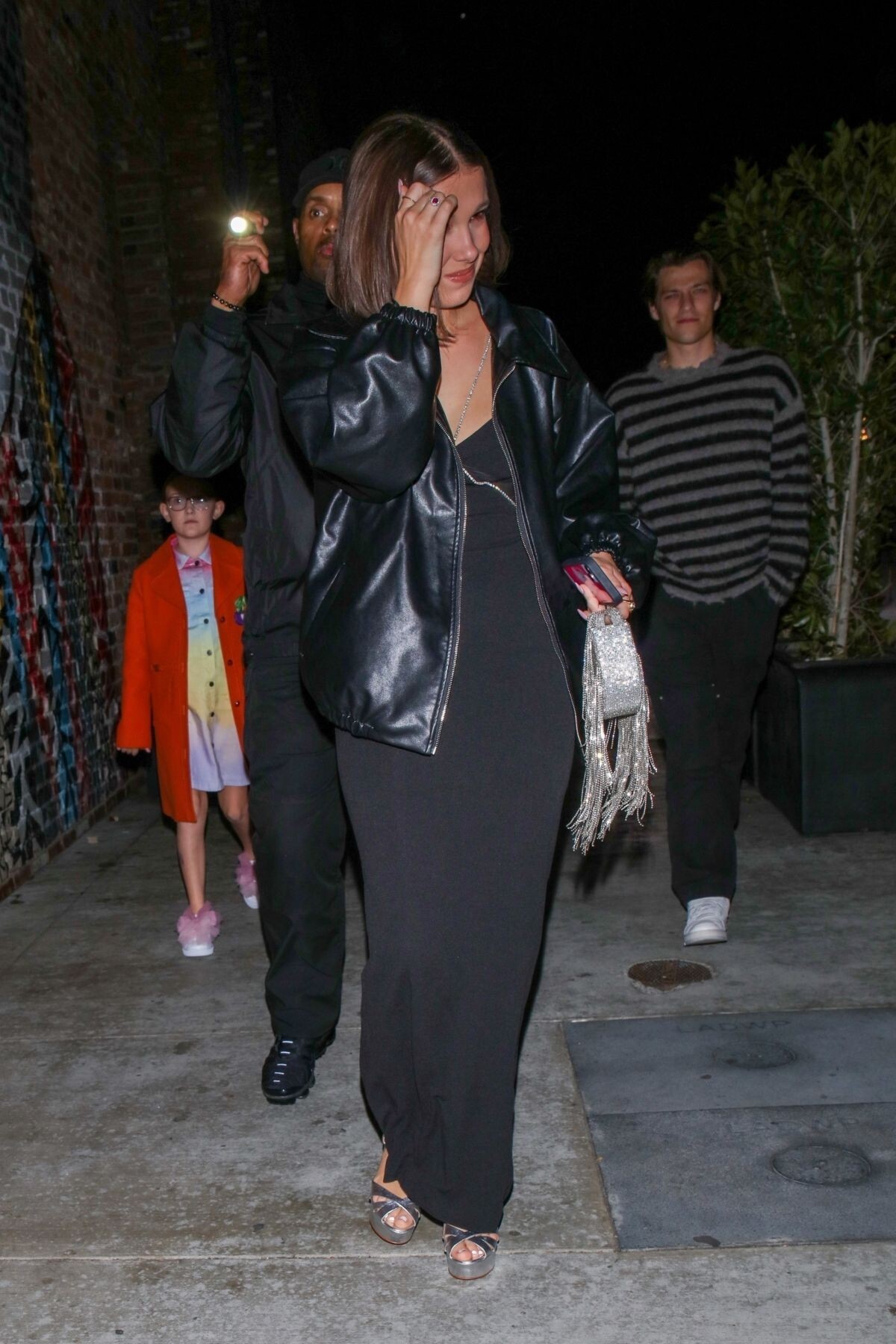
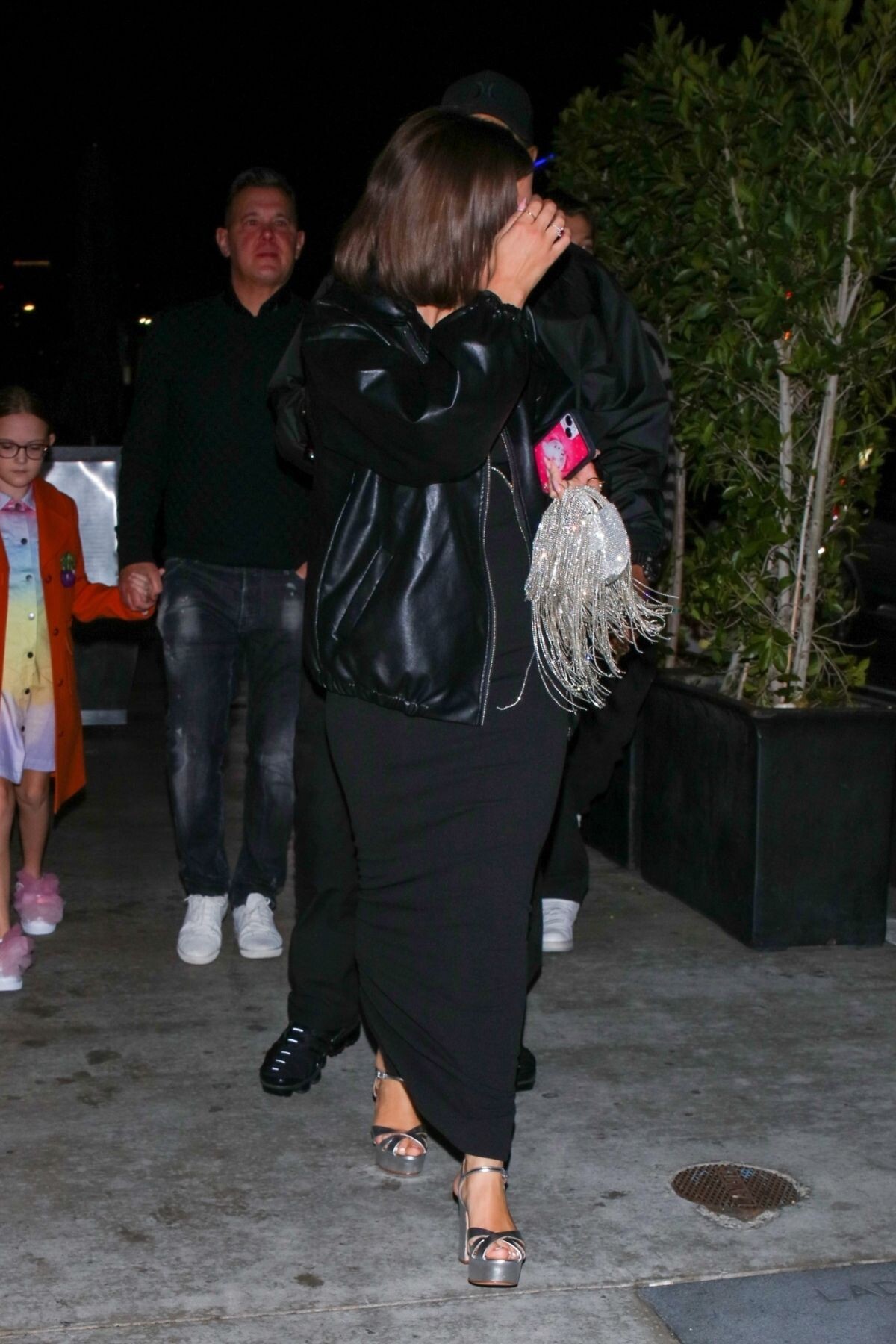
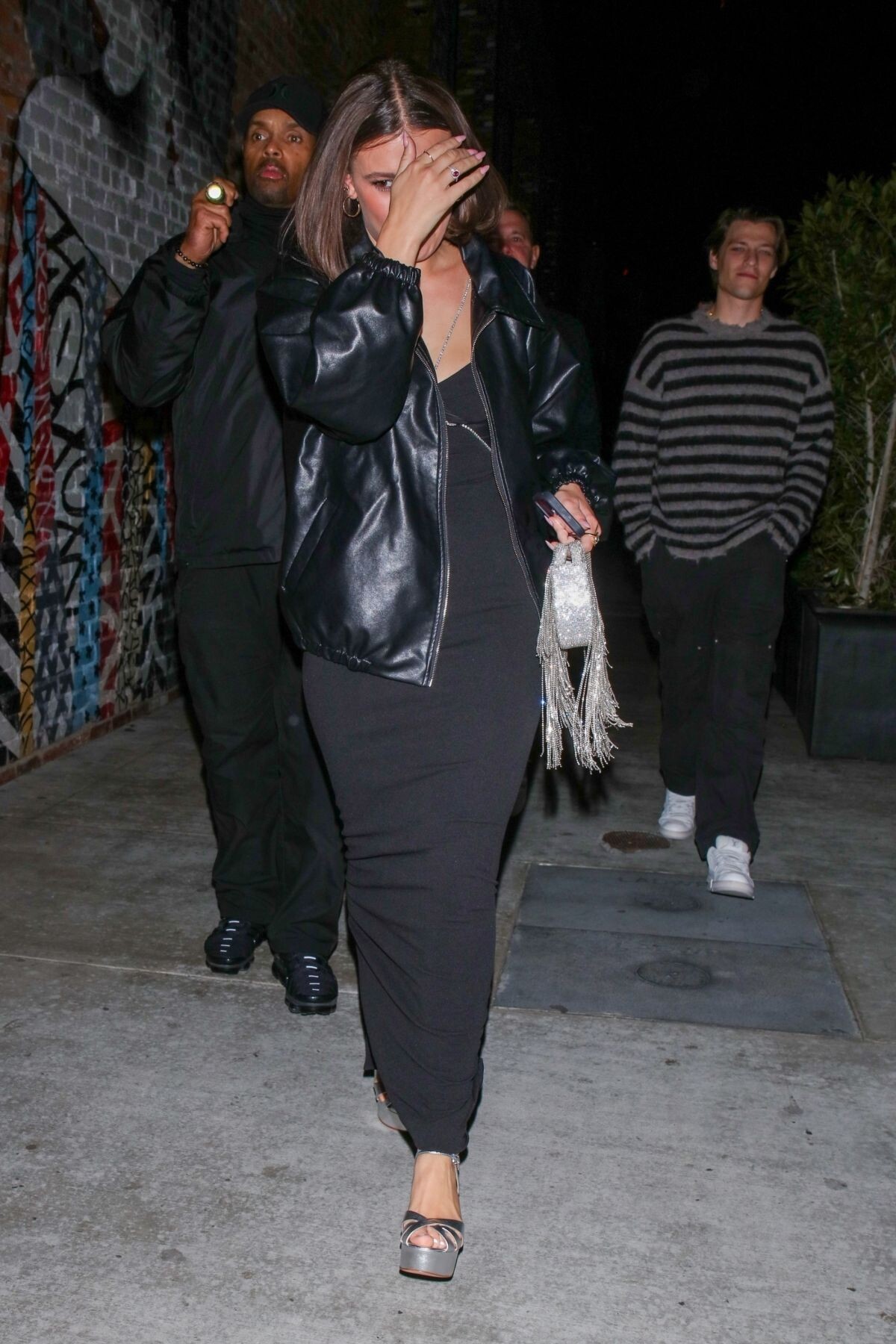
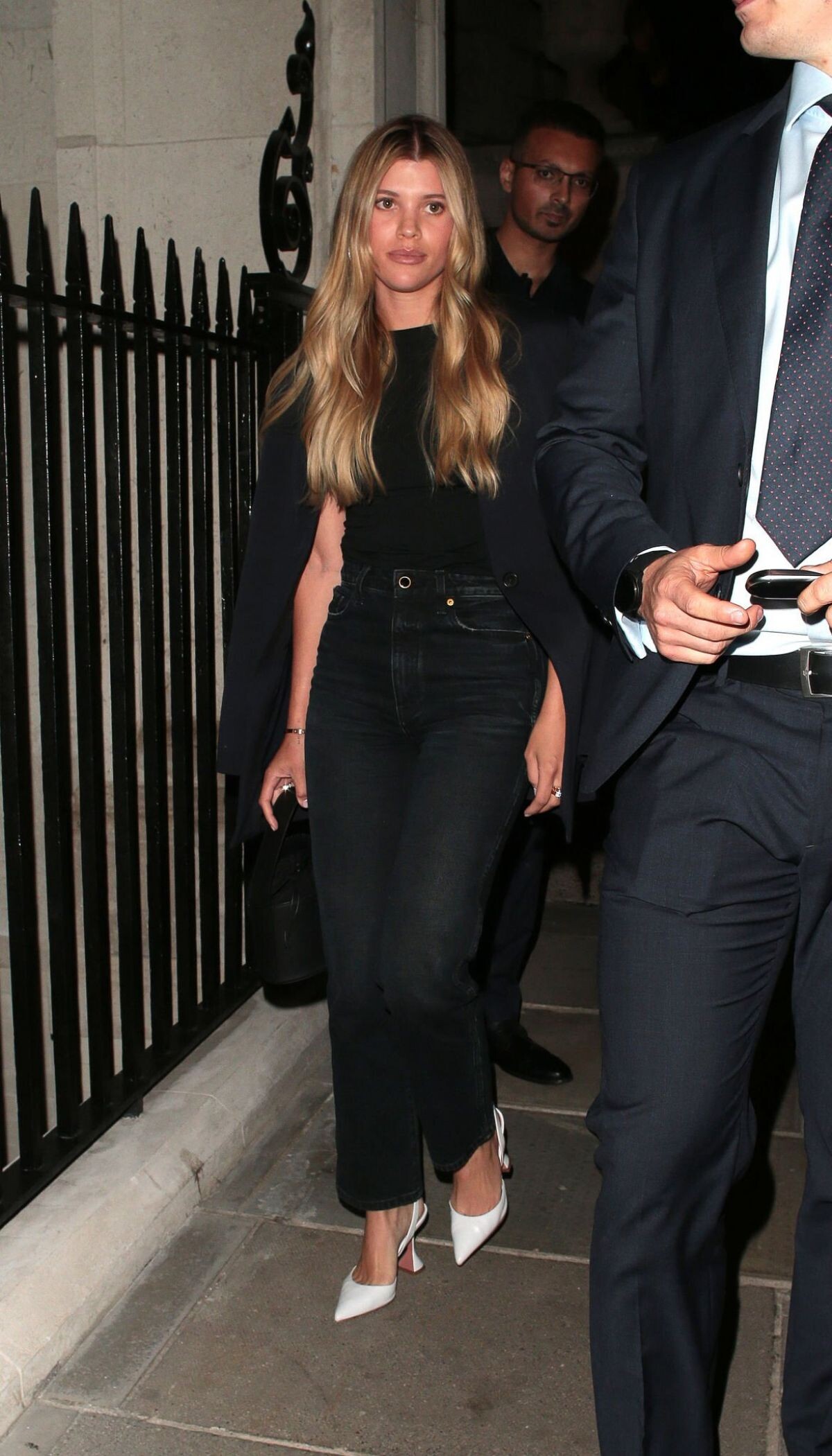
British Vogue and Tiffany & Co. Fashion and Film Party in London 02/19/2023


-
Arrives at Twenty Two in London 07/08/2022



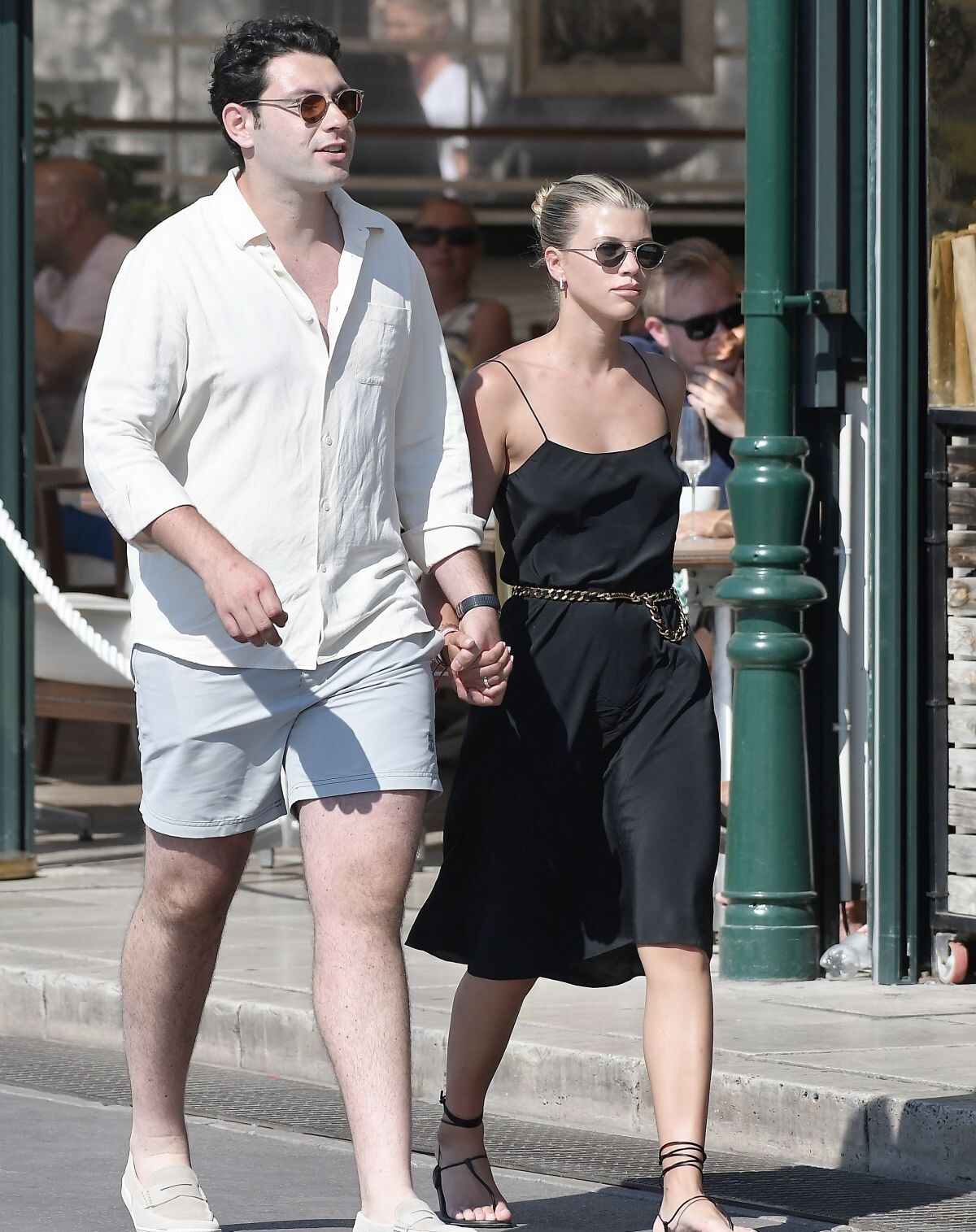
 St-Tropez 07/14/2022






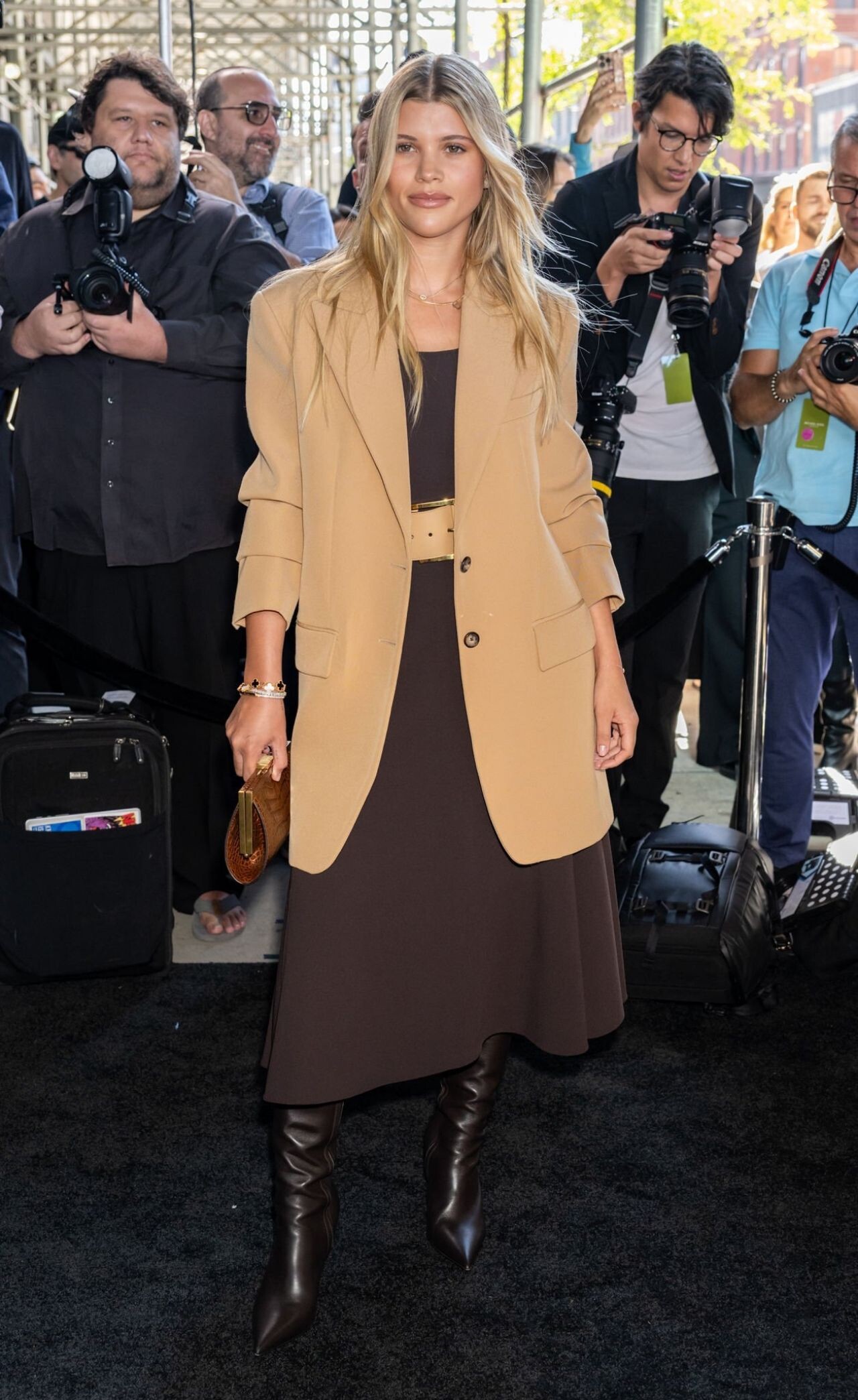
 SOFIA RICHIE and TESS KEMER in Denims Out in New York 09/15/2022





 June 2022


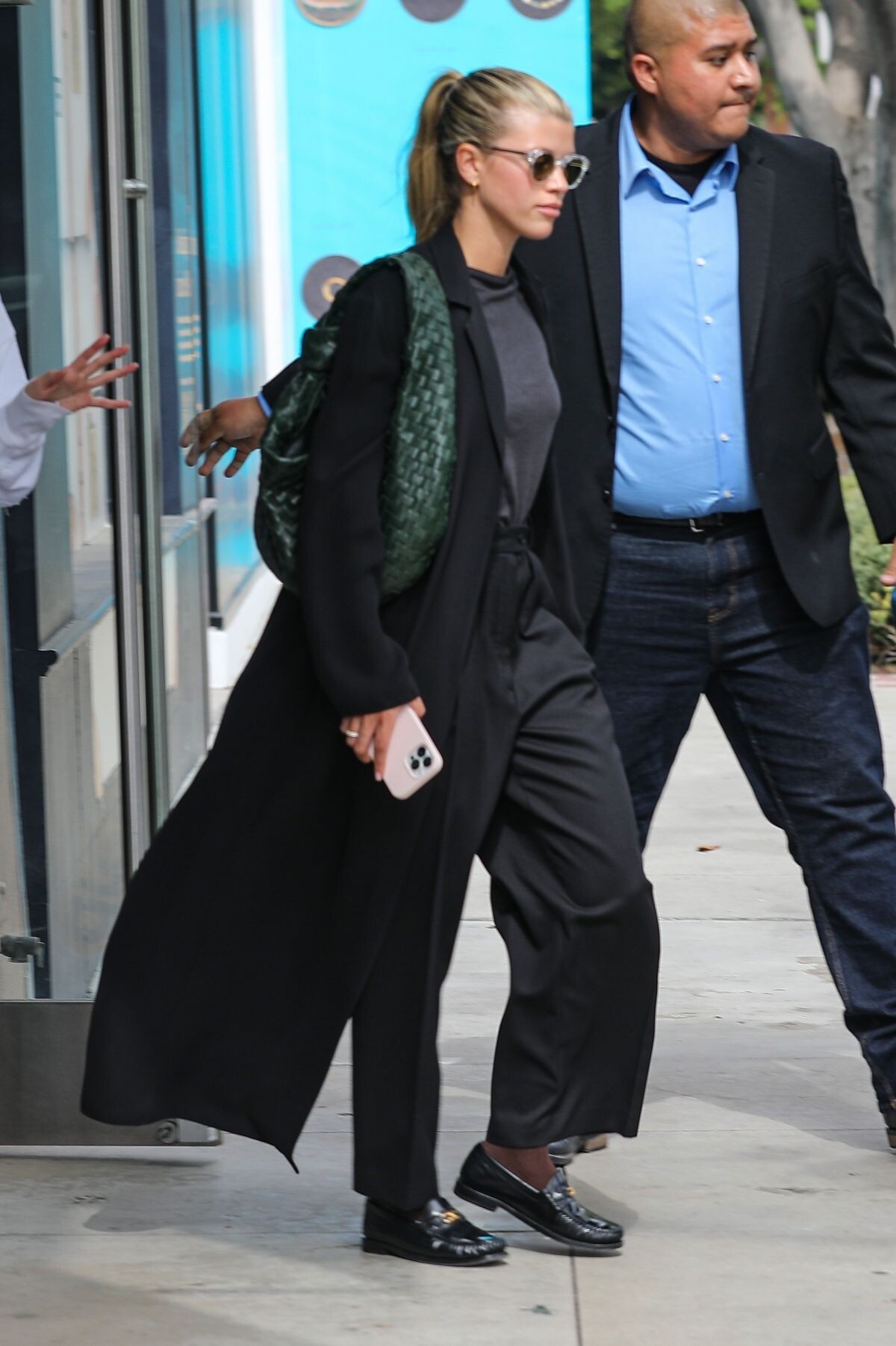
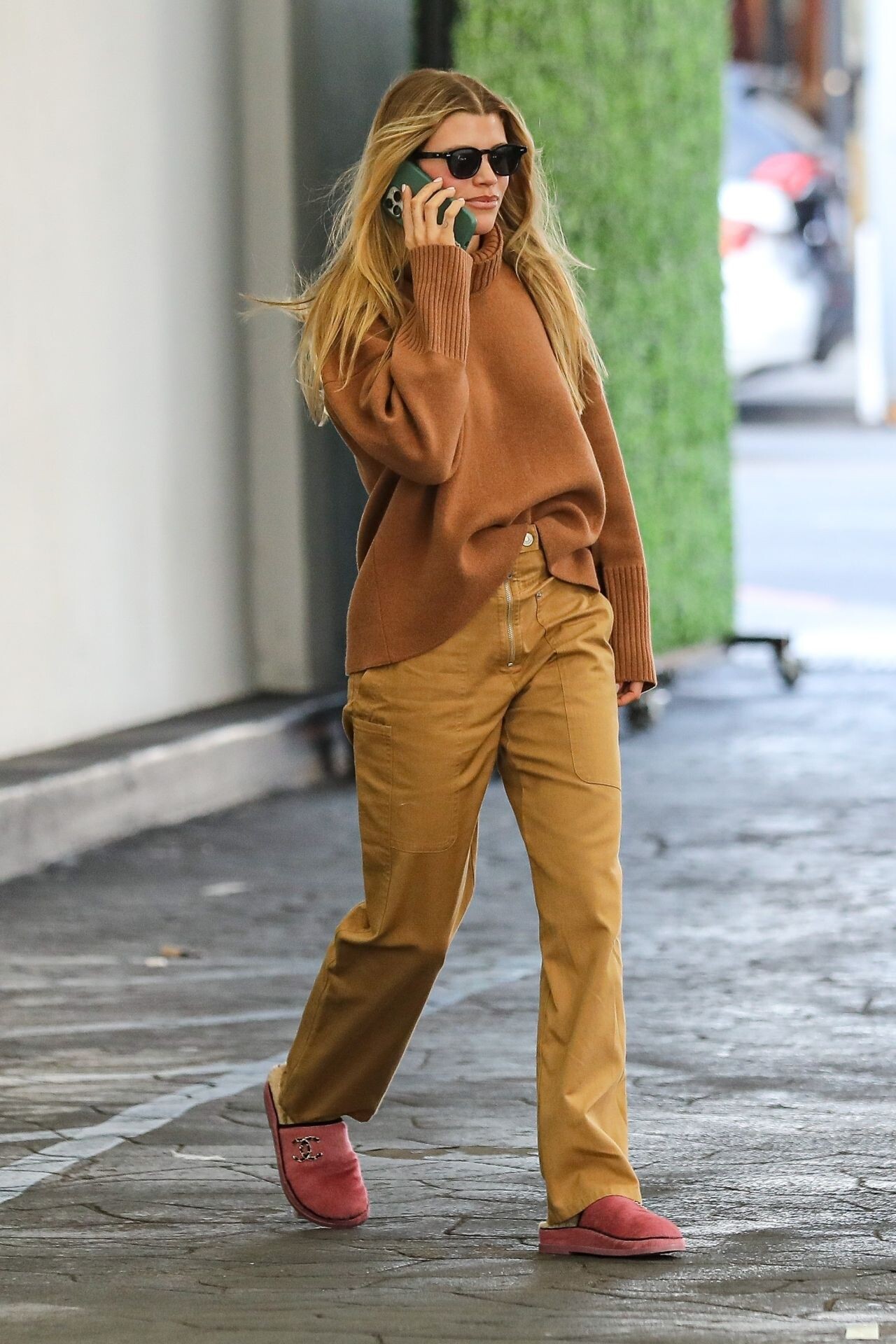
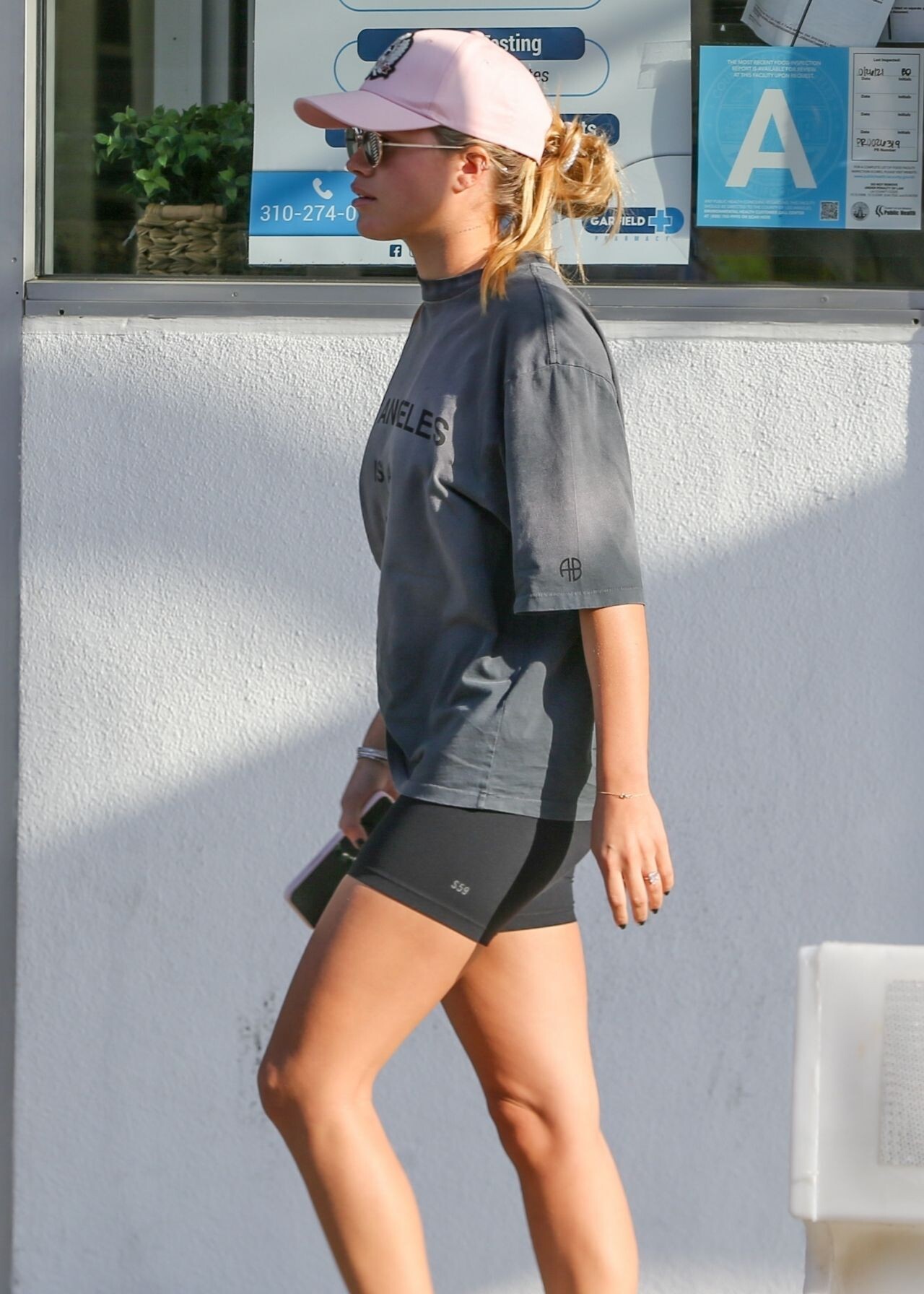
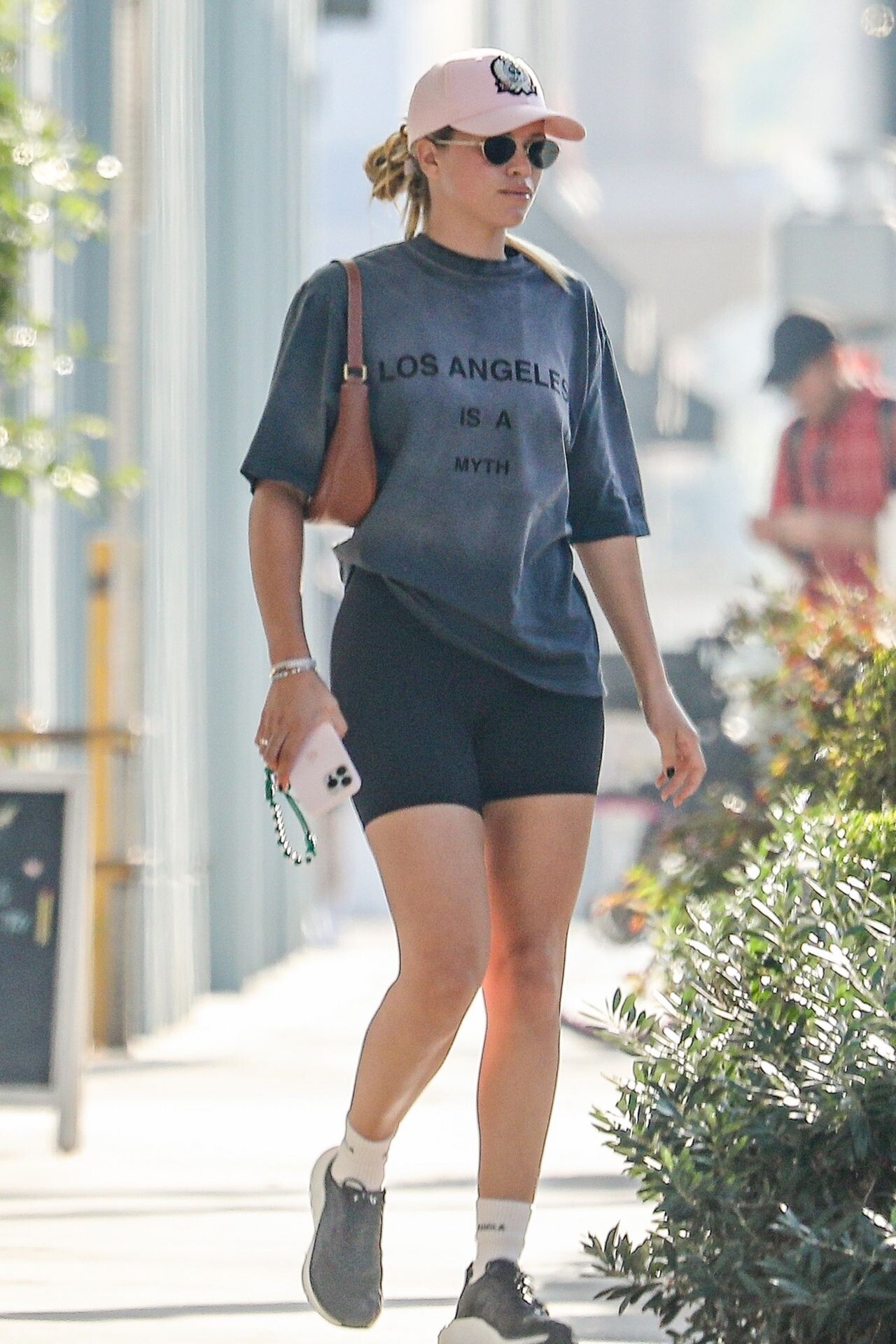
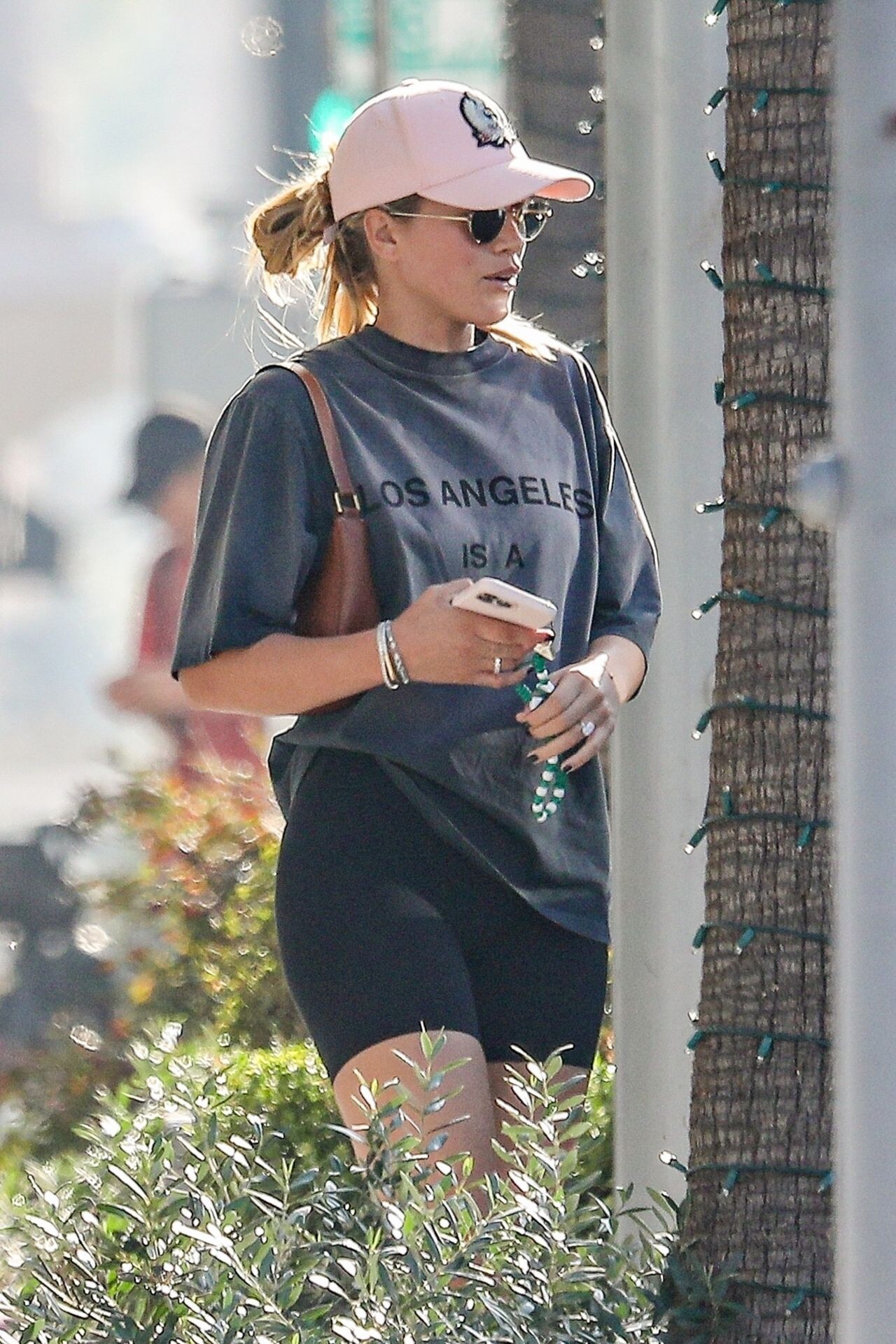
 Los Angeles 11/14/2022






 Los Angeles 11/23/2022





 Gioseppo Brand Event in Madrid 02/17/2023








 Magic Millions Polo 2023 on the Gold Coast 01/08/2022


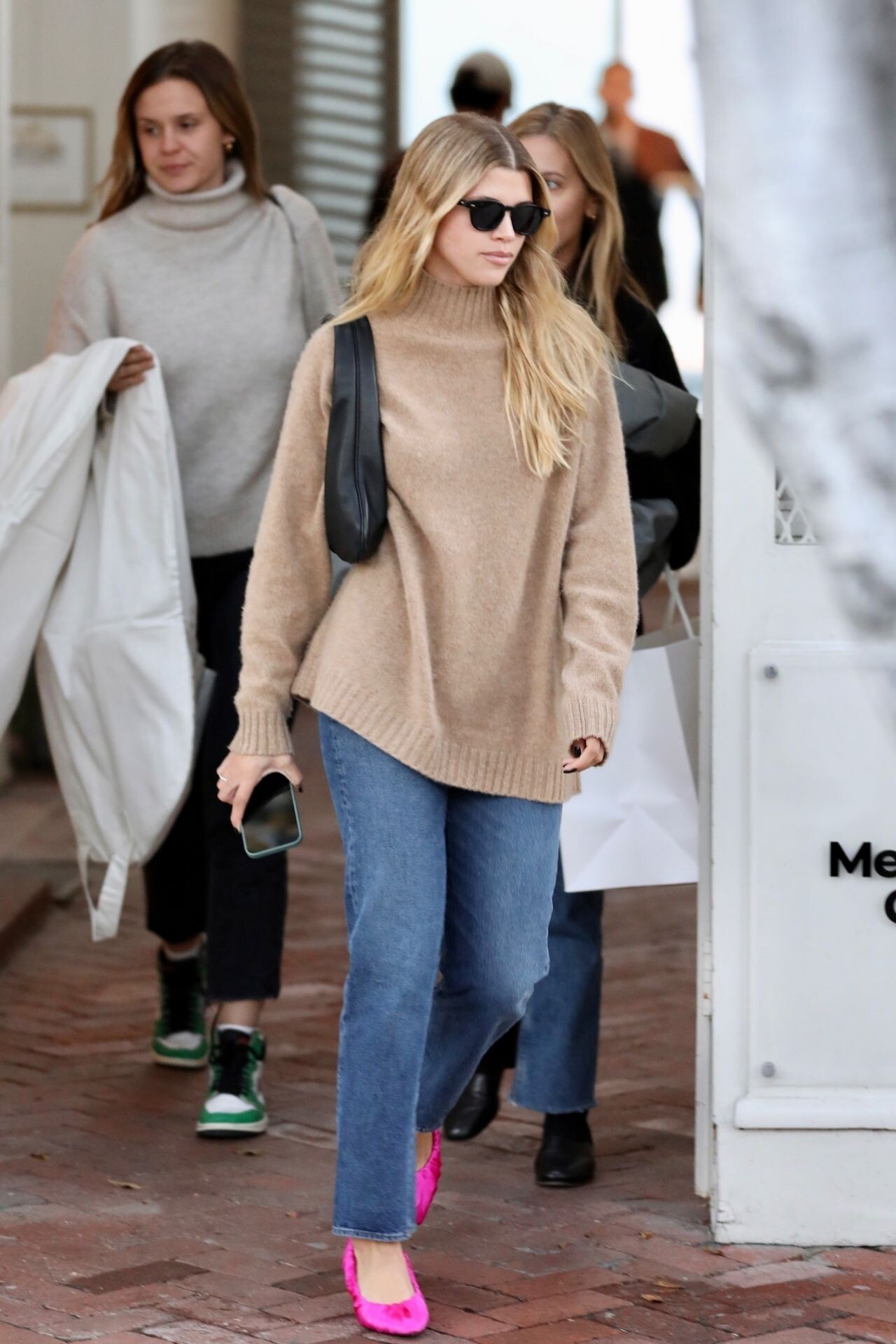
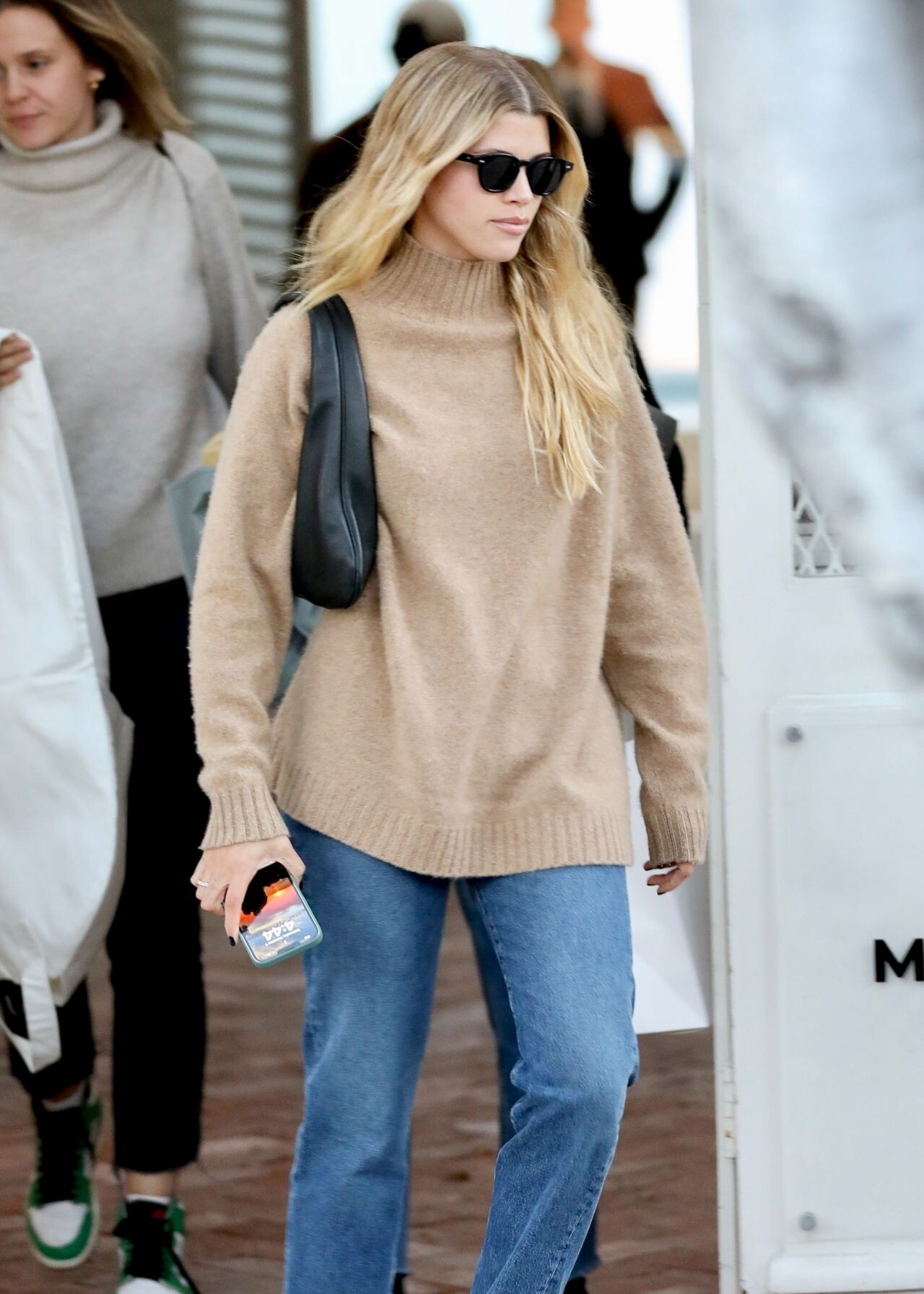
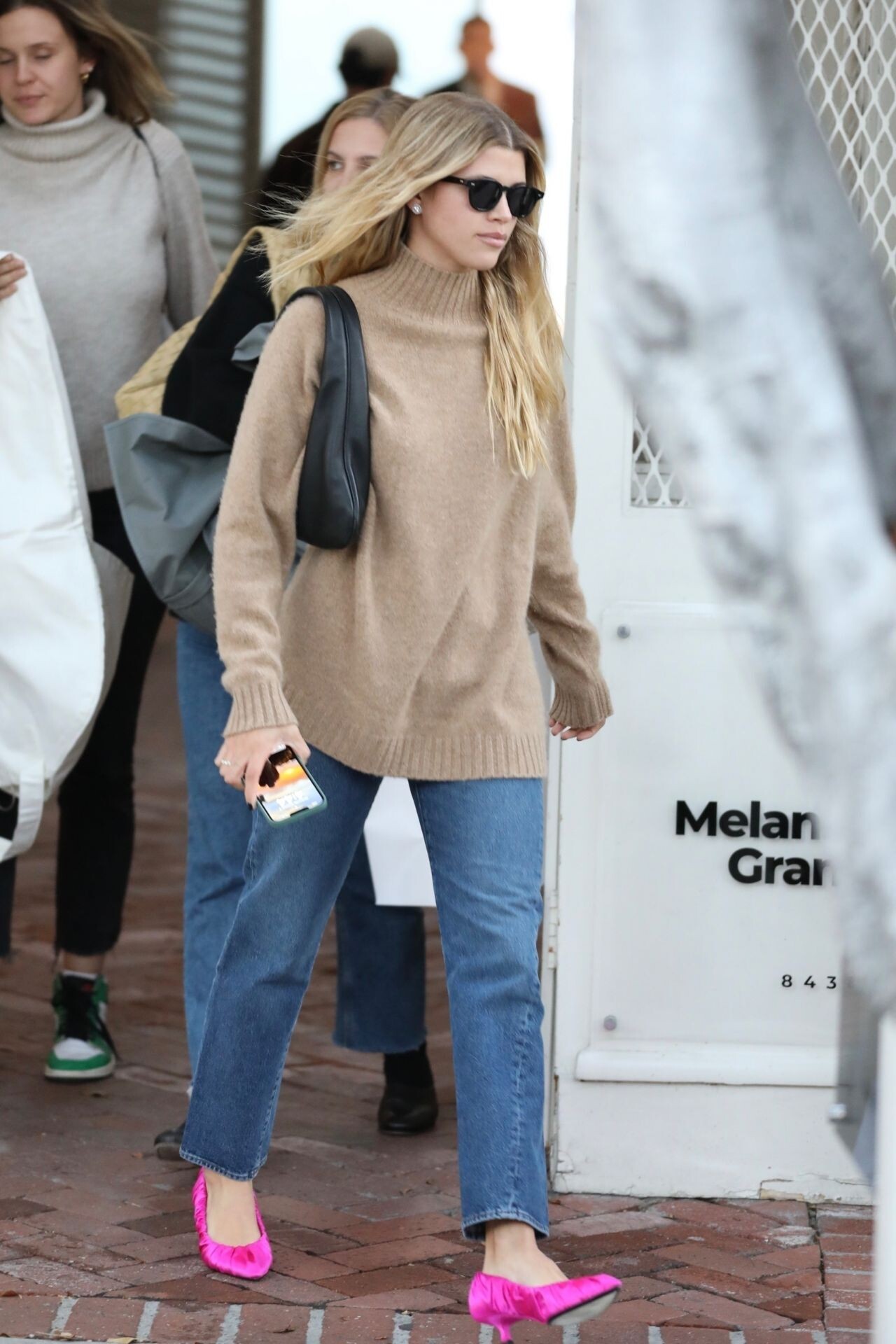
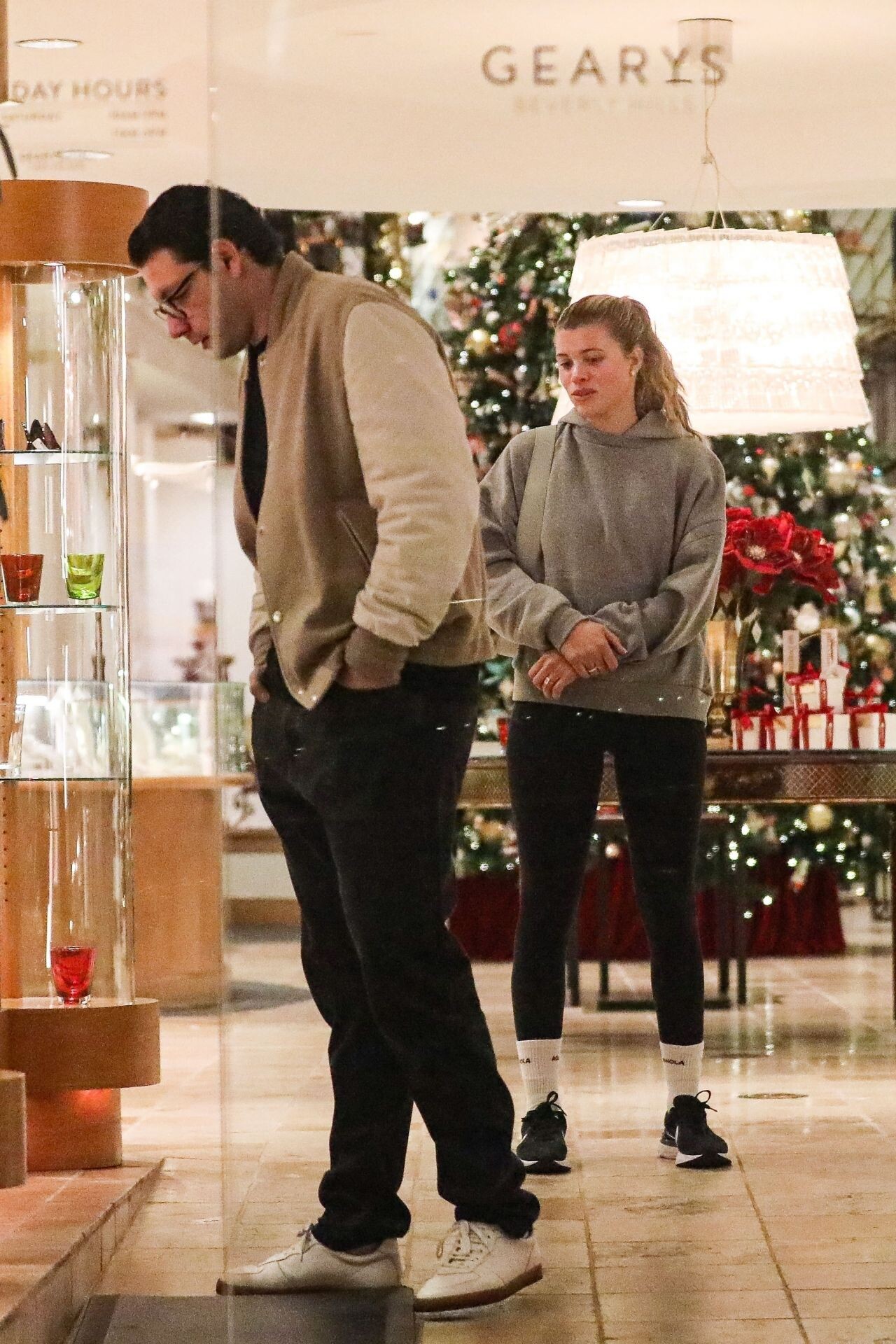
 Beverly Hills 02/17/2023


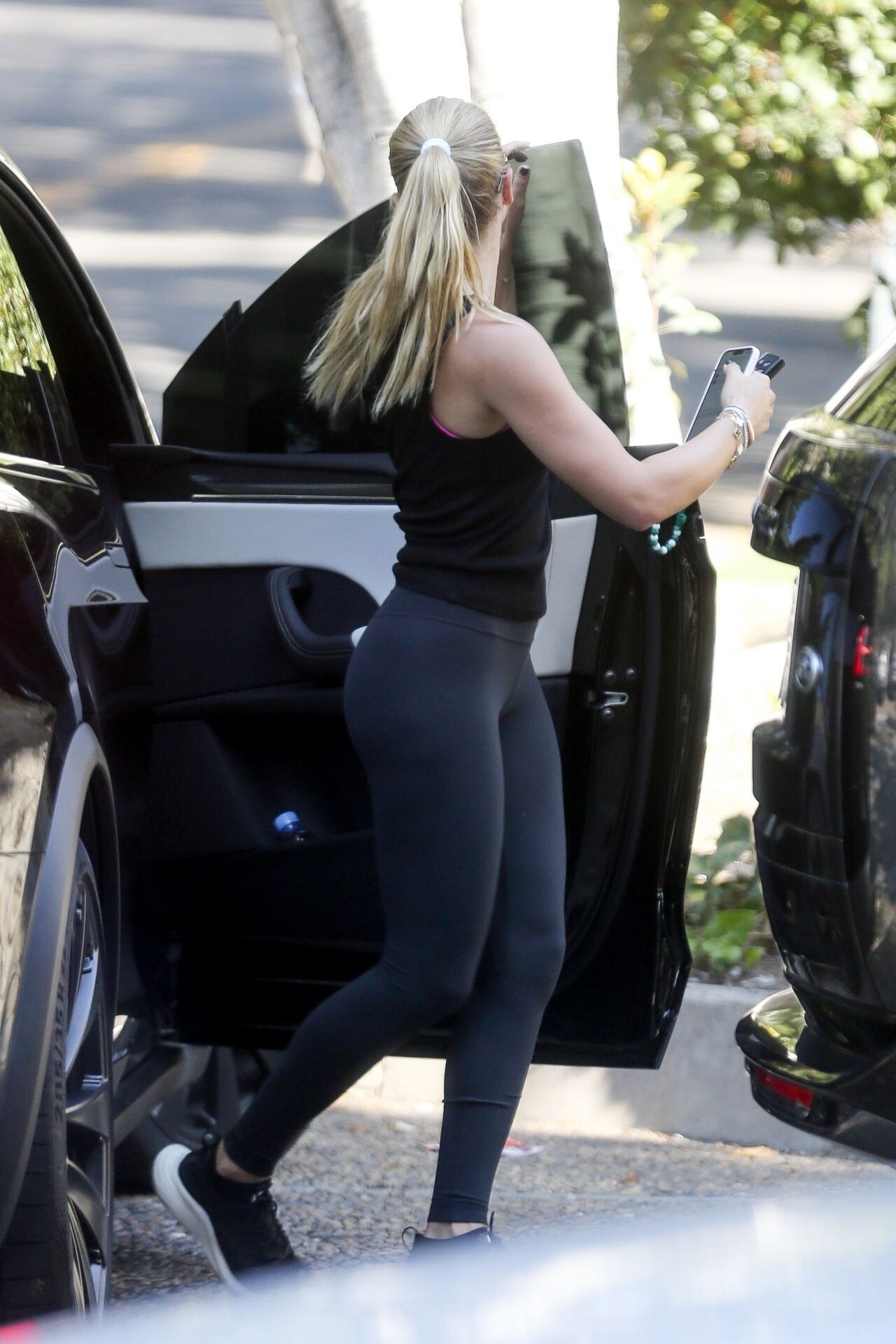
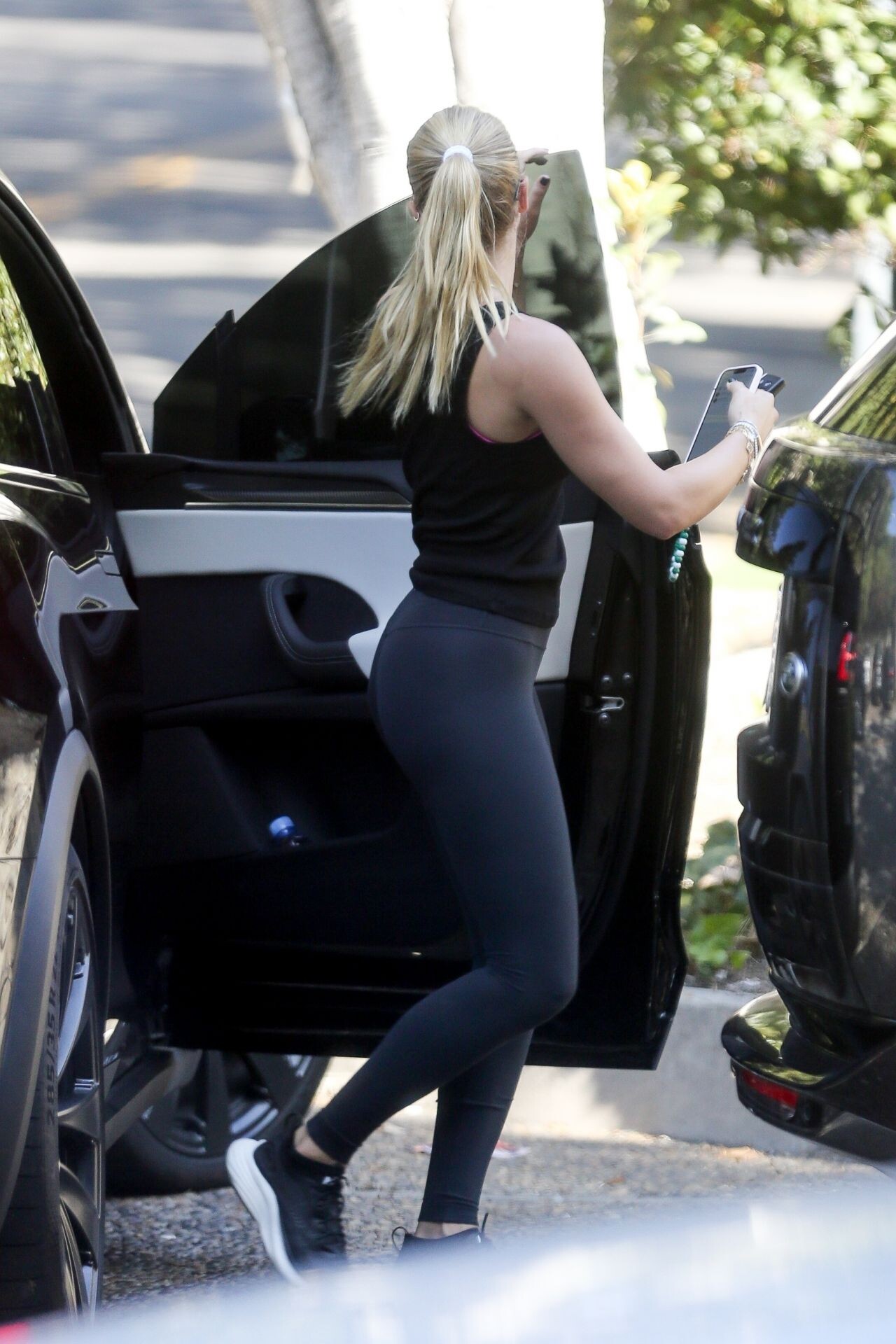
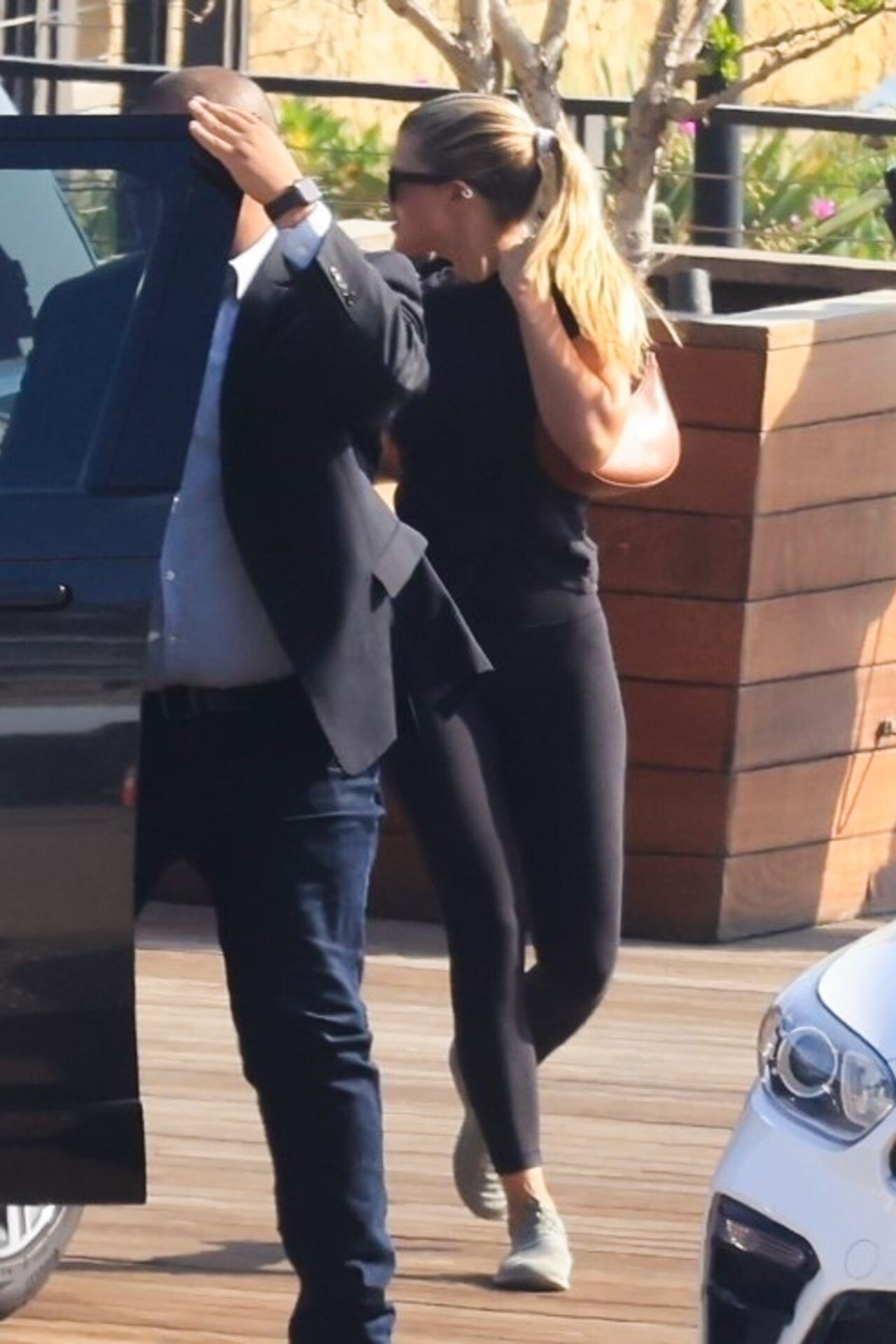
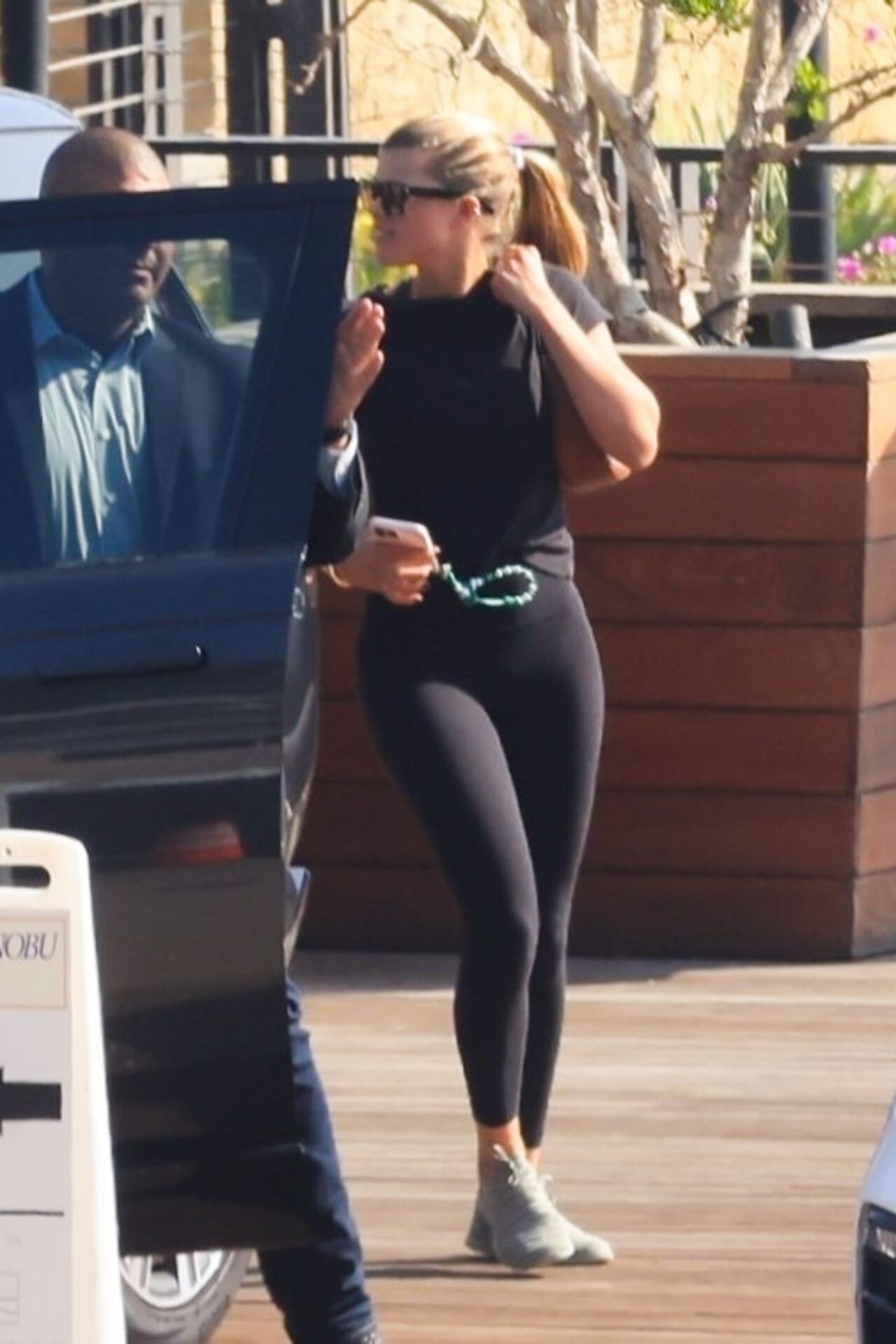
 at Nobu in Malibu 02/01/2023

 at the Haute-Couture Chanel Fashion Show in Paris 01/24/2023


 Summer Fridays Midnight in L.A Retinol Launch Event in West Hollywood 01/11/2023




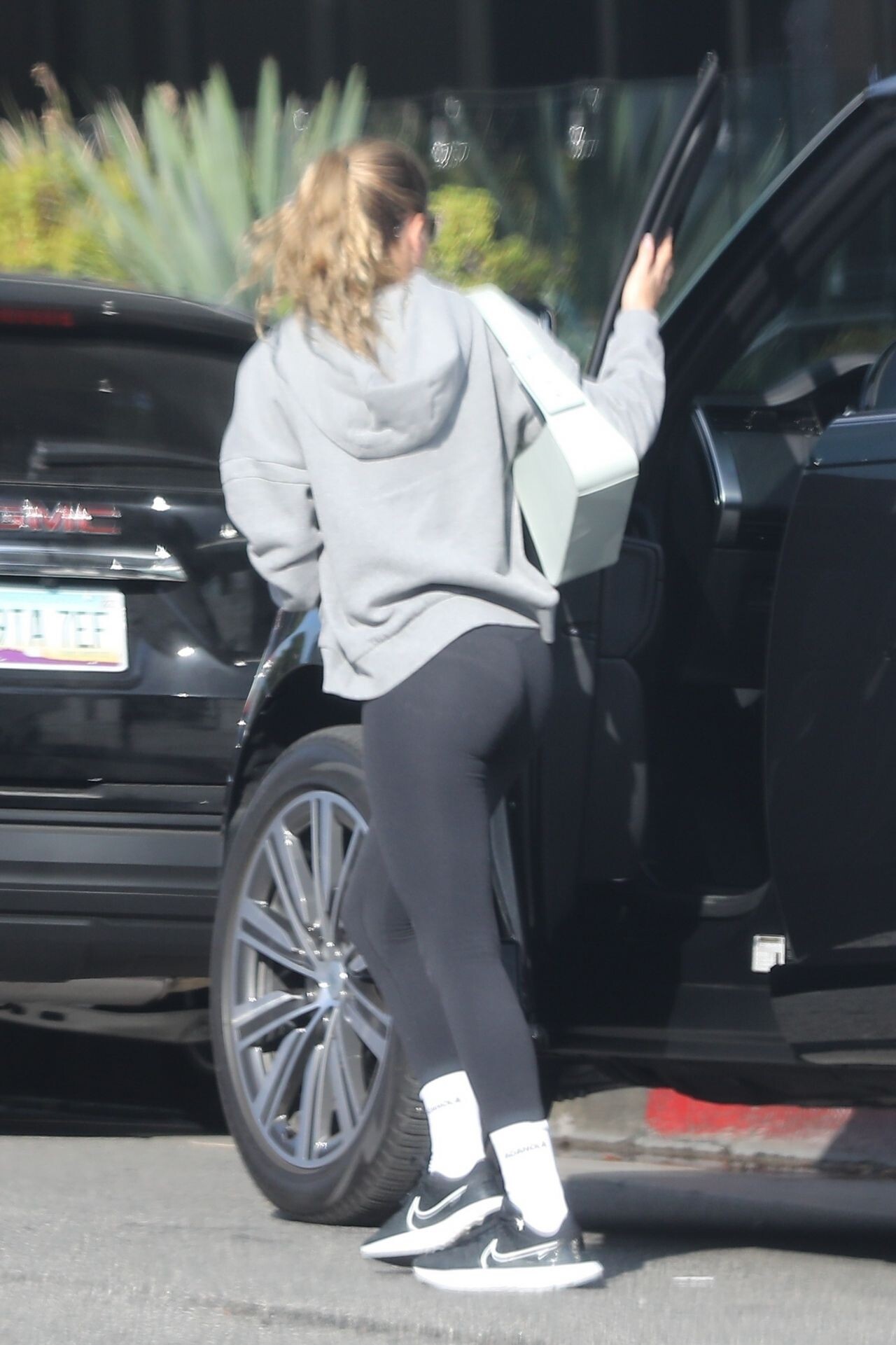
 Out in Beverly Hills 01/18/2023

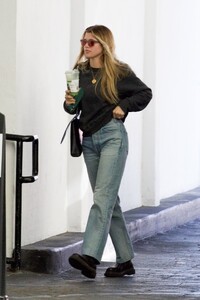
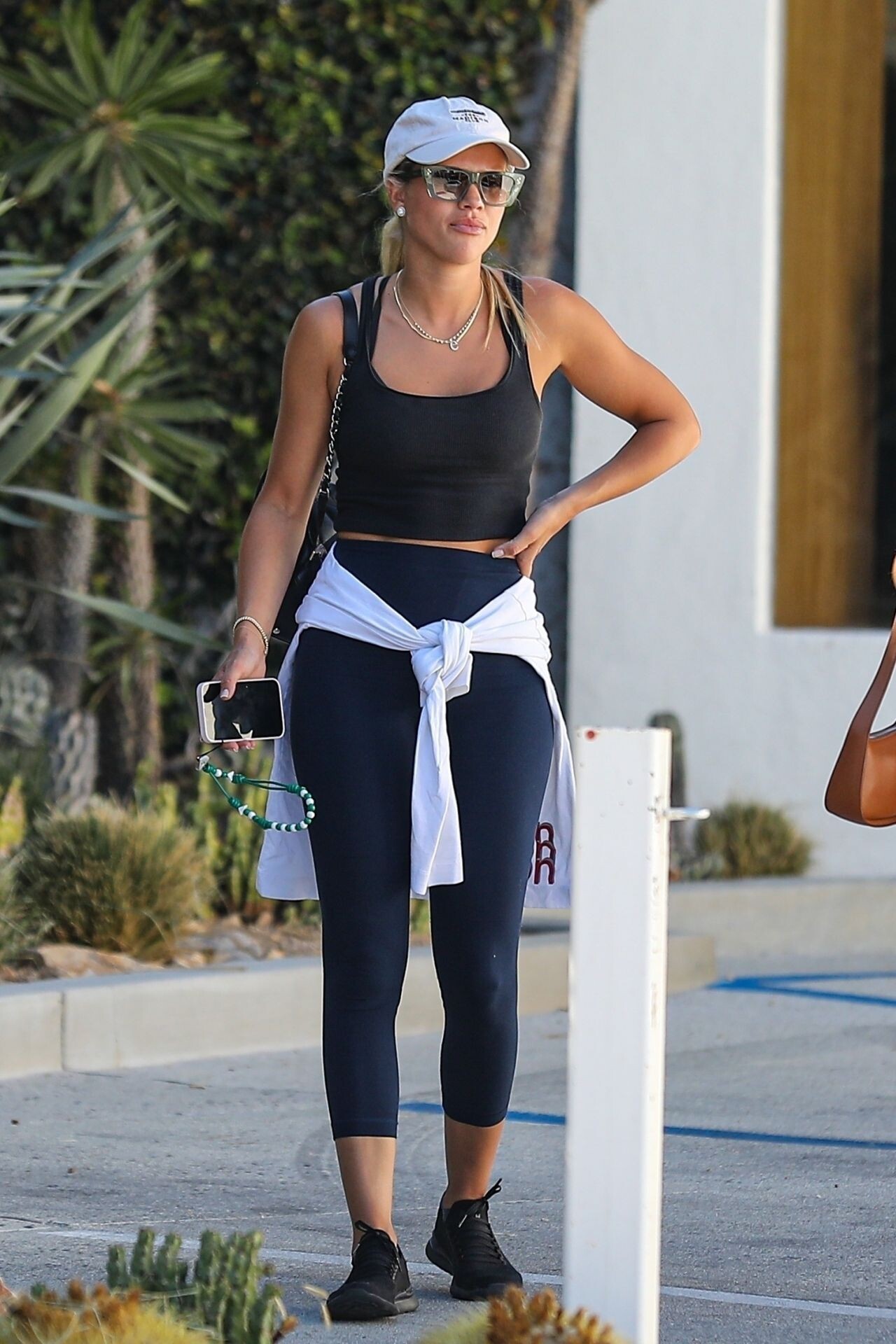
 Santa Monica 01/13/2023






 Paris 10/13/2022





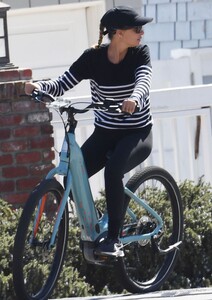
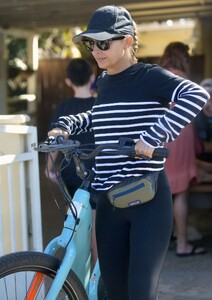
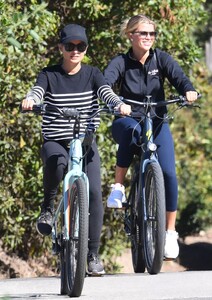
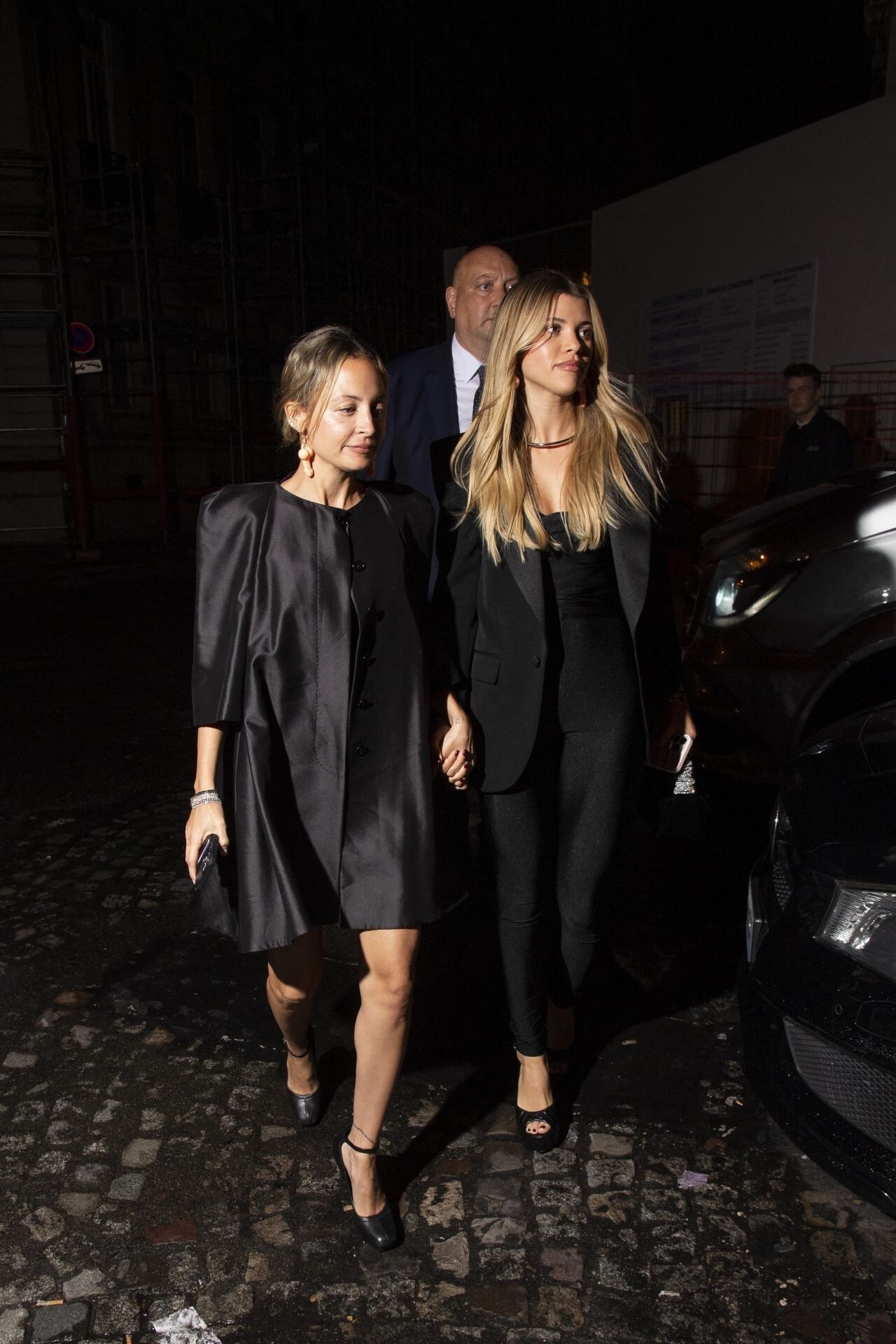
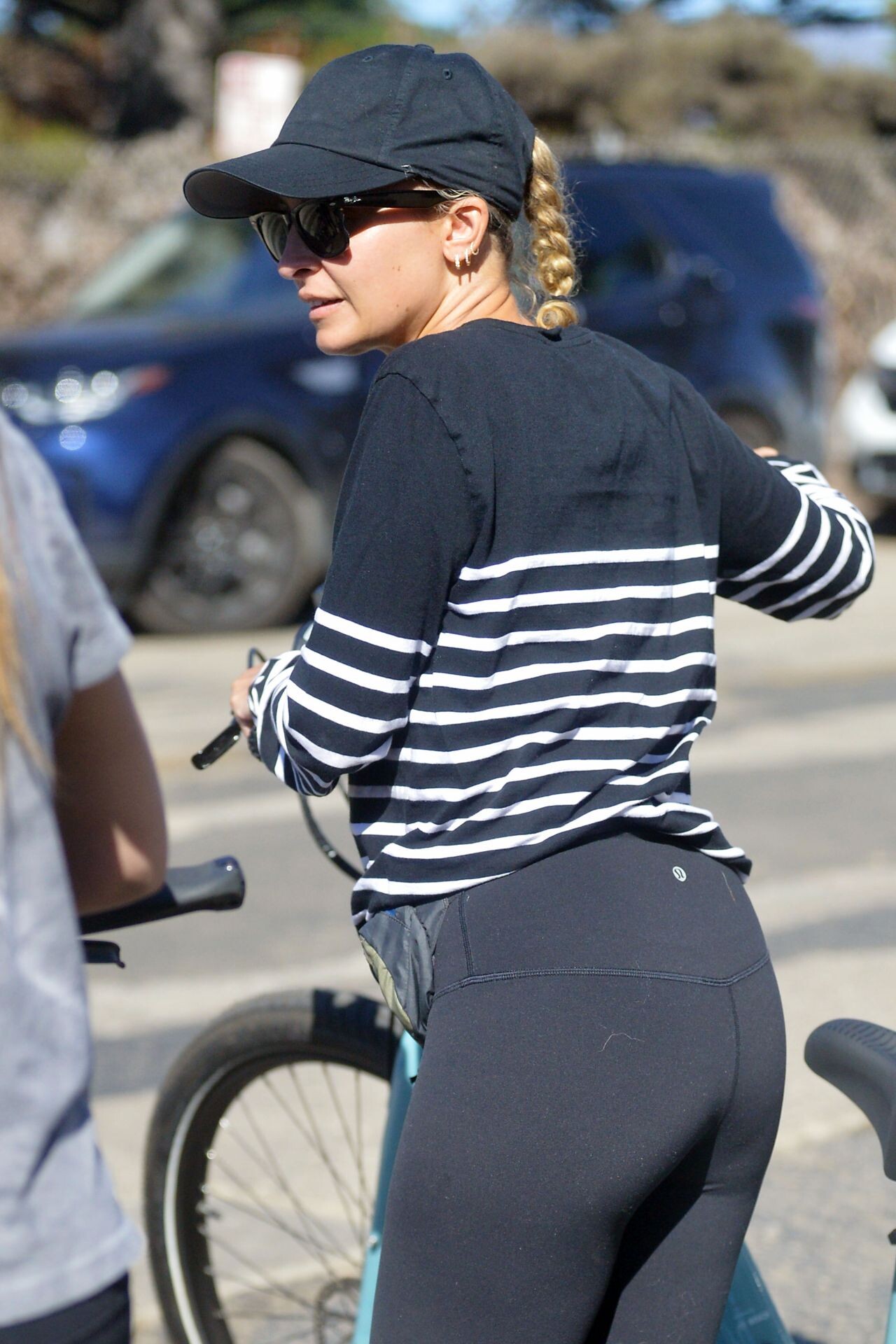
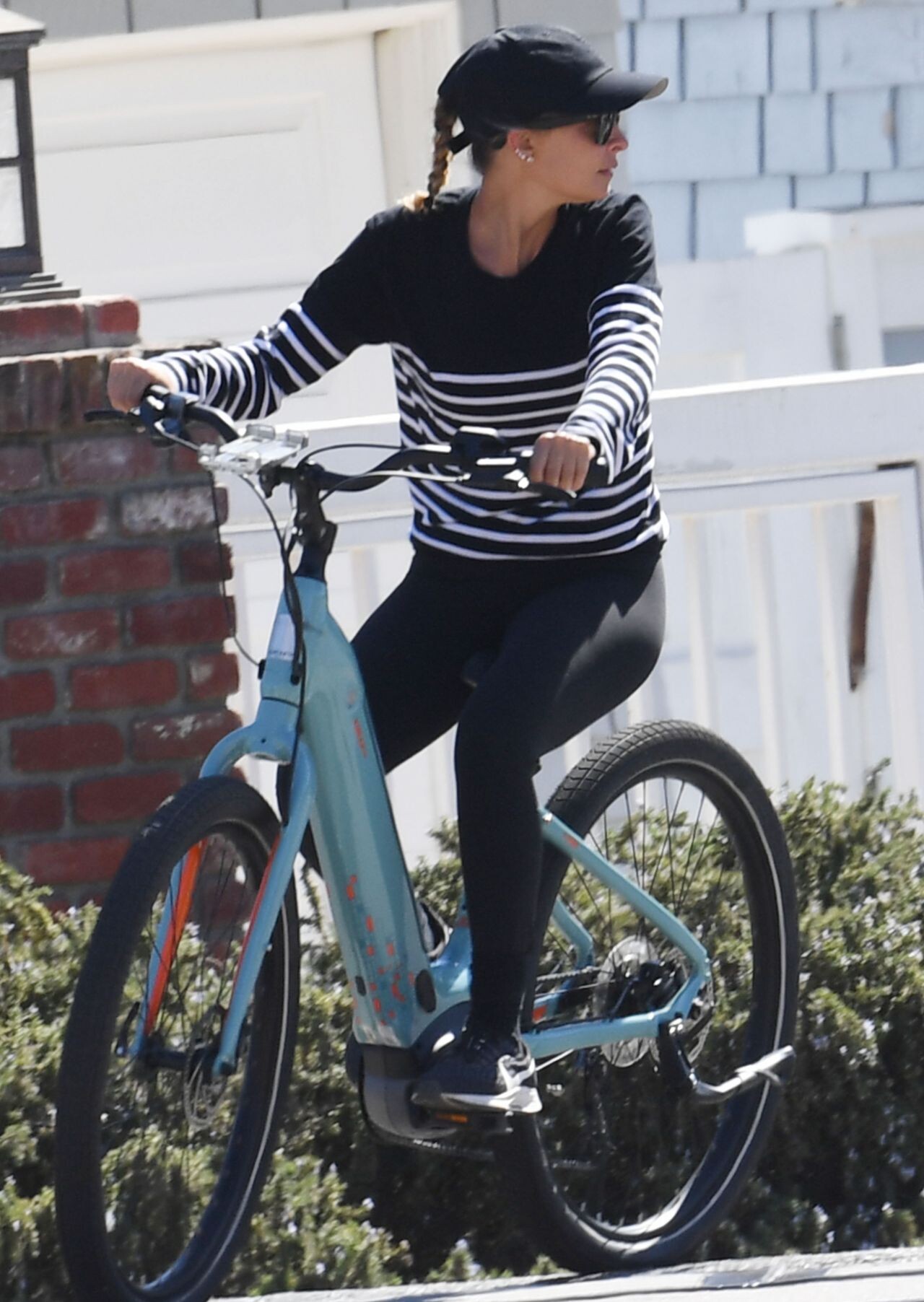
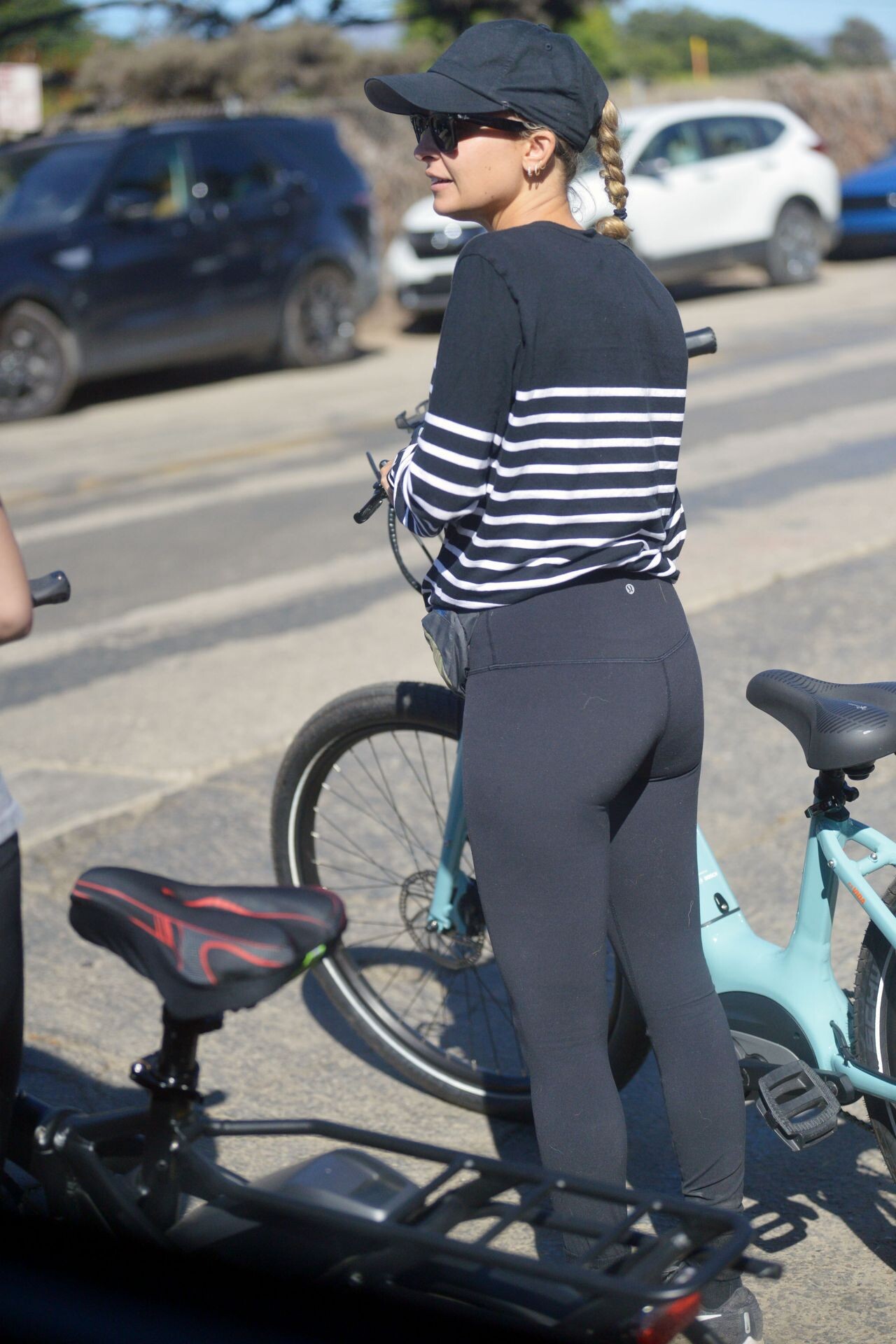
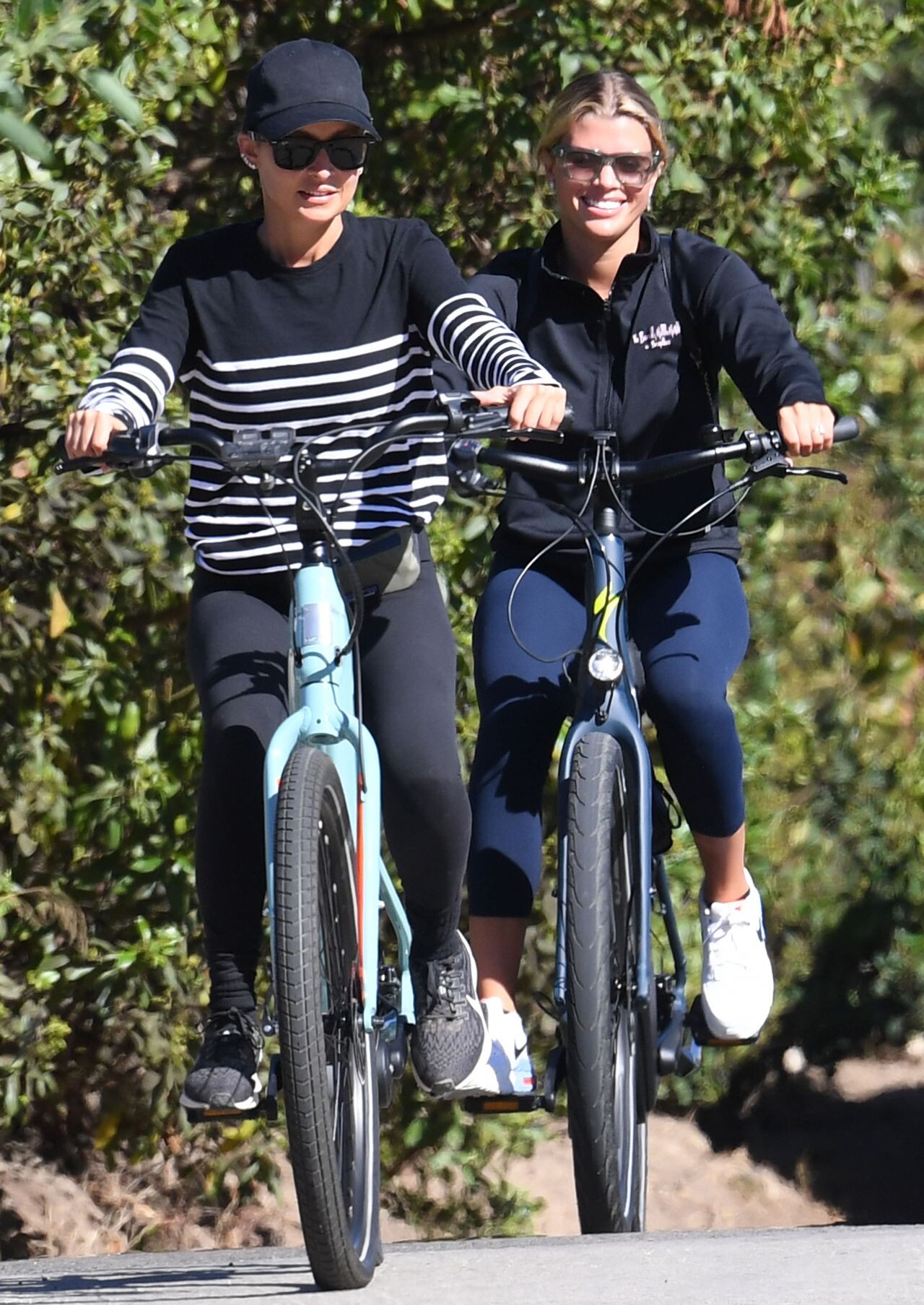
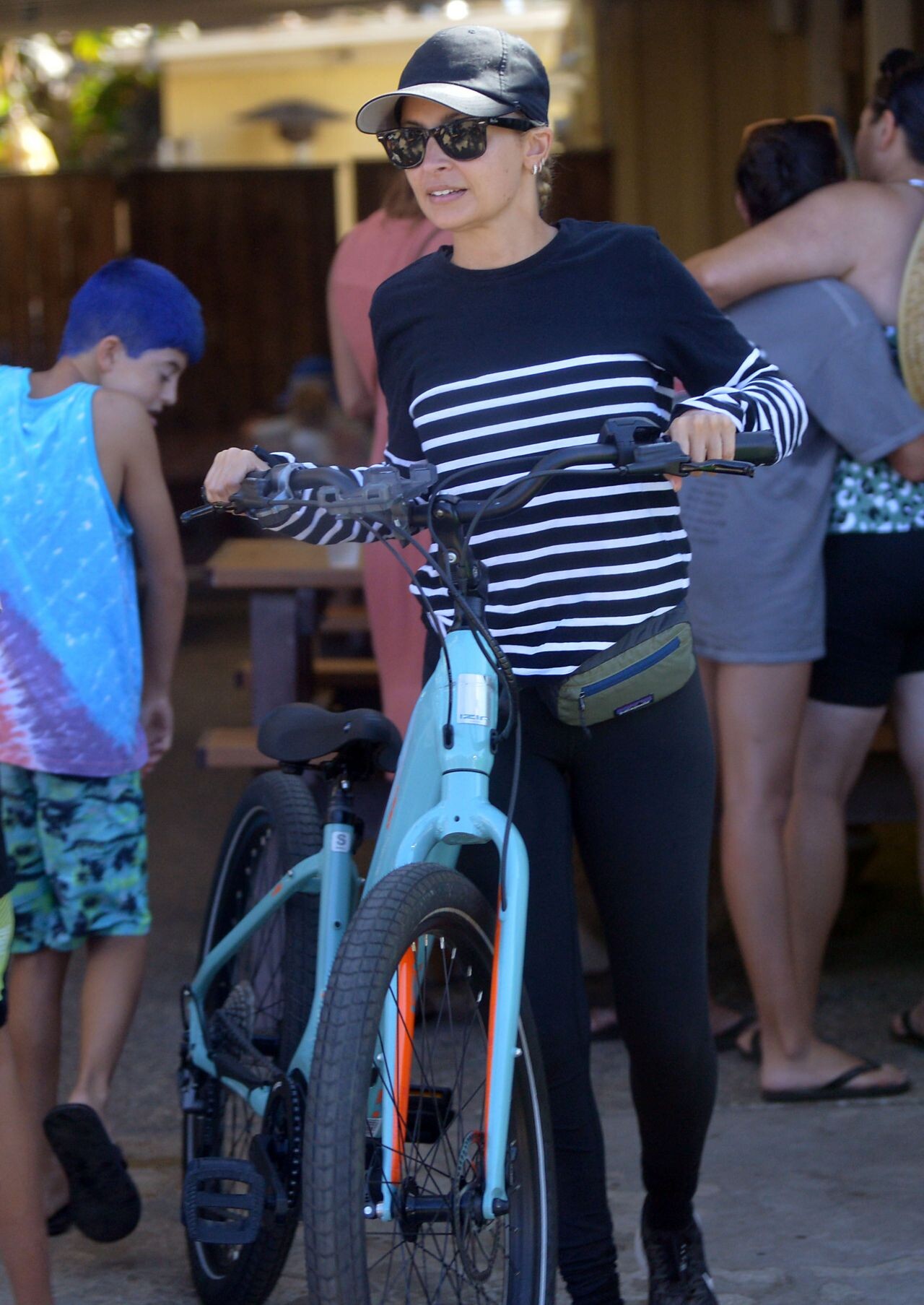
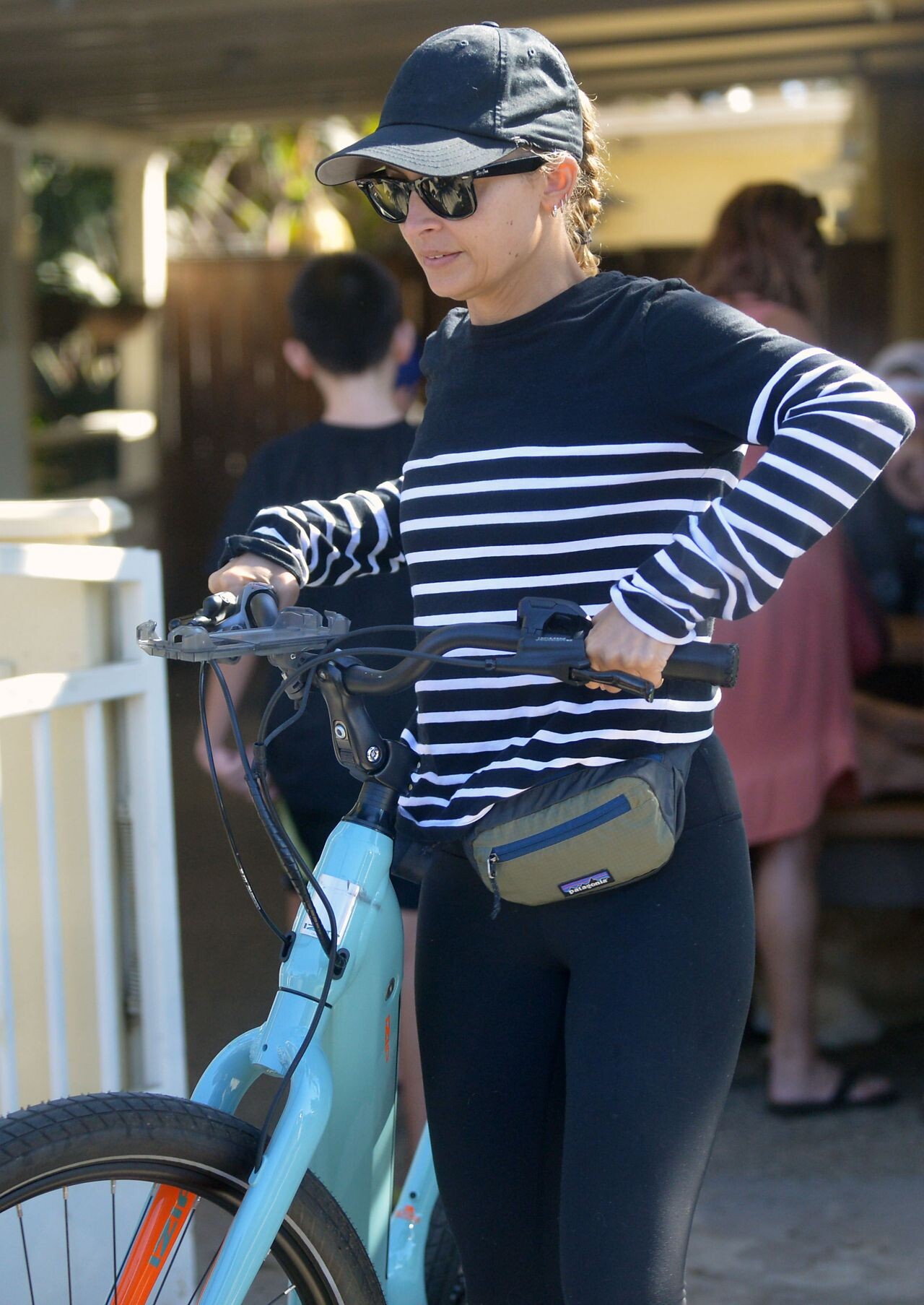
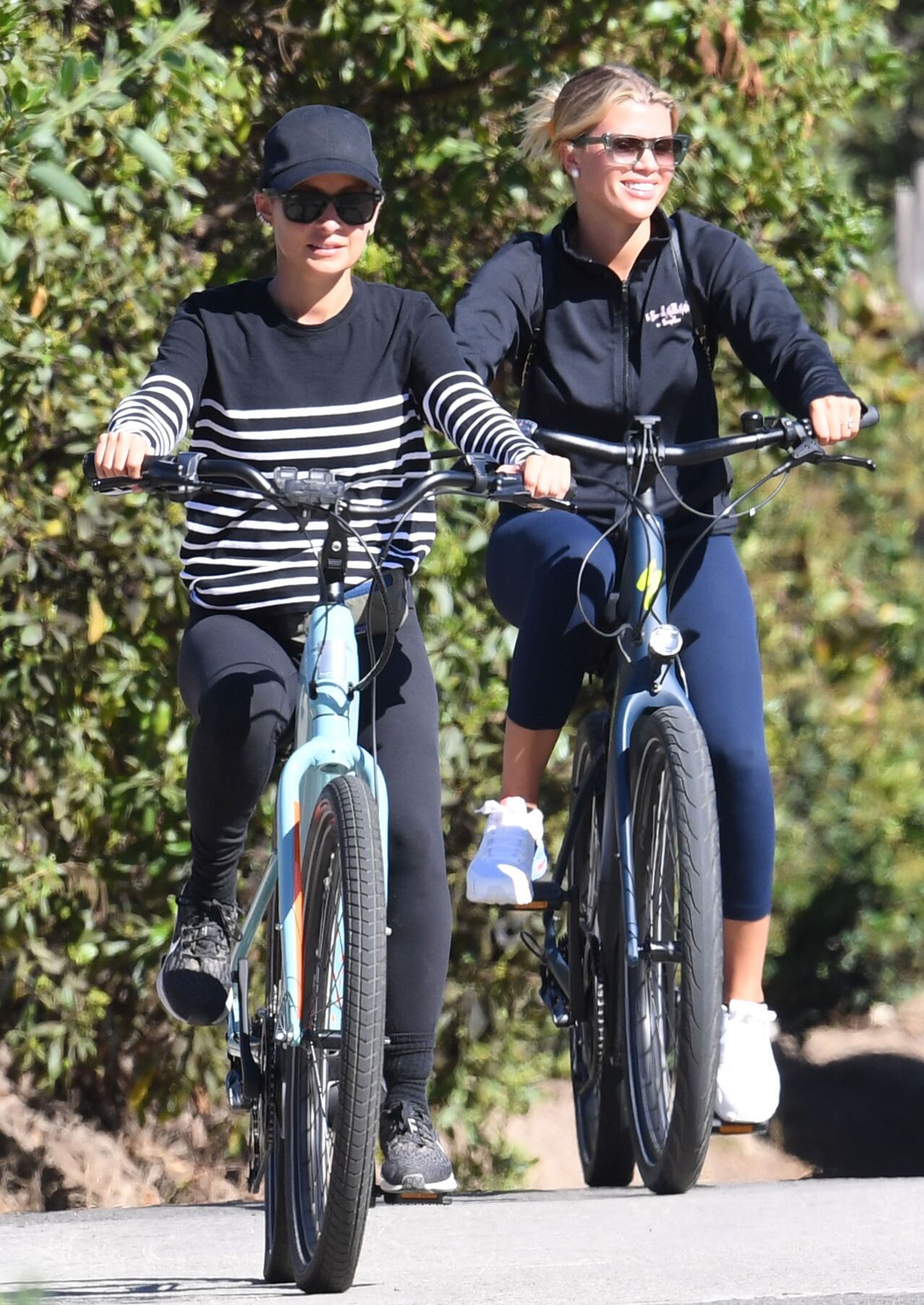
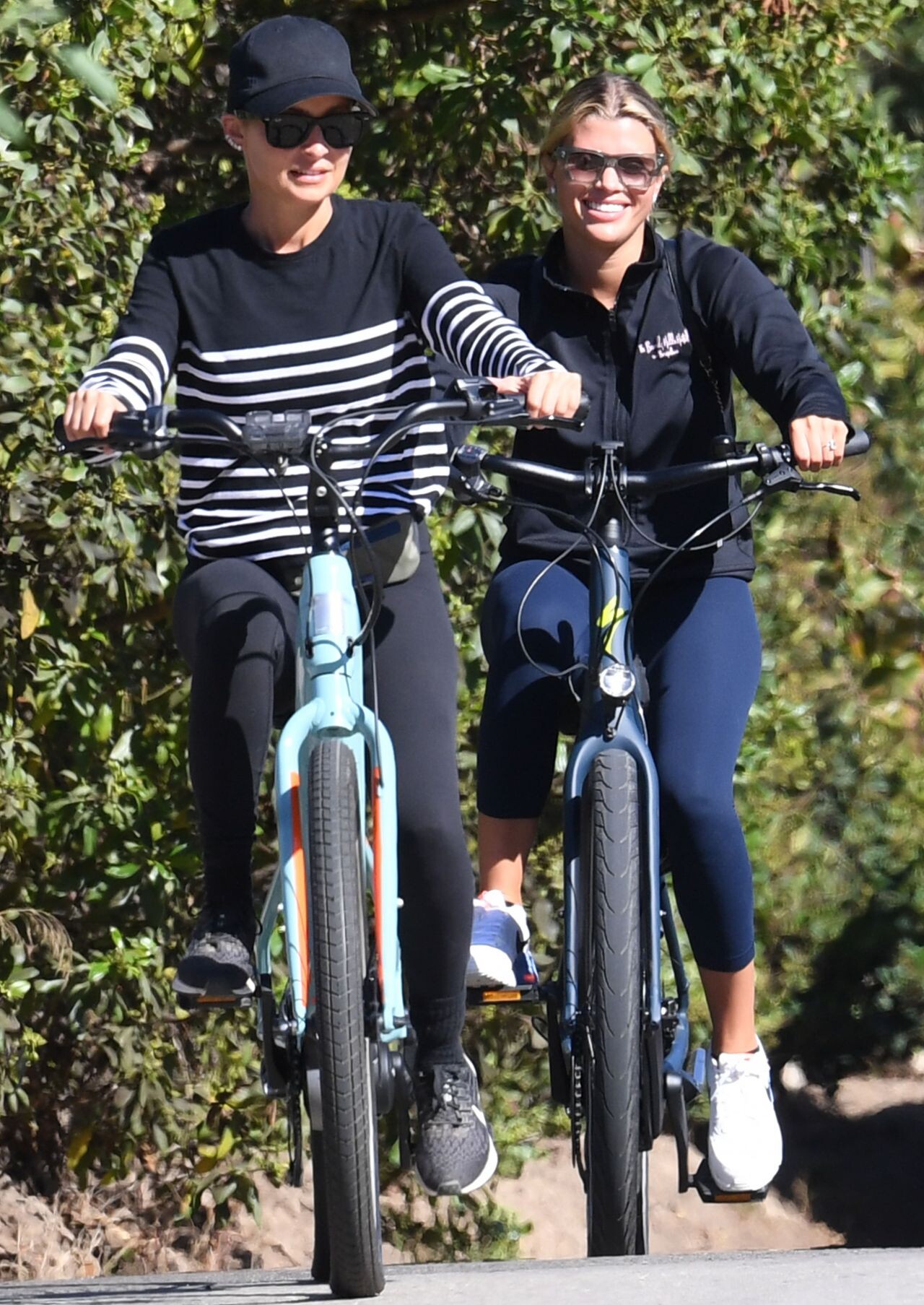
 Nicole Richie and Sofia Richie on a Bike Ride in Santa Barbara 08/07/2022






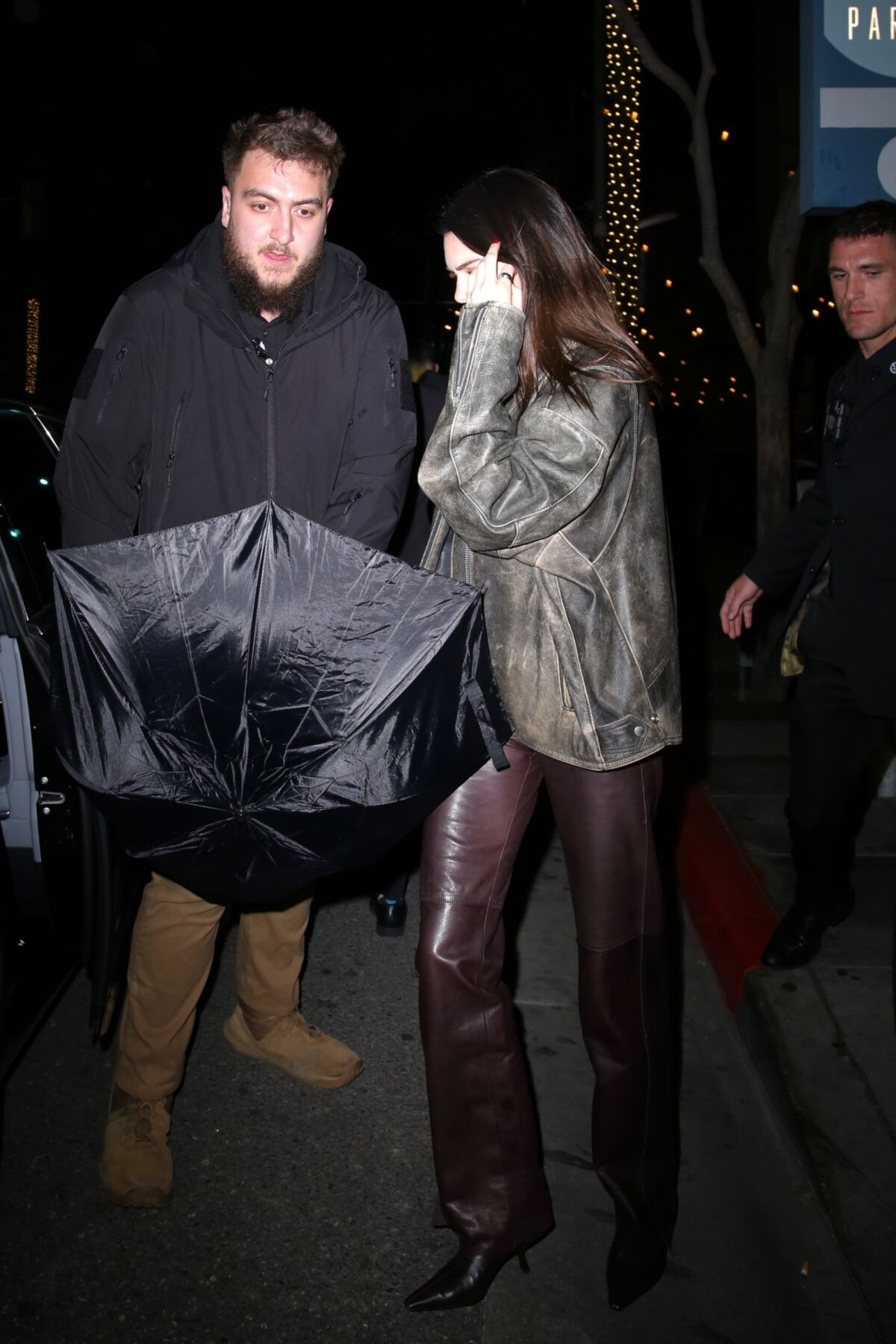
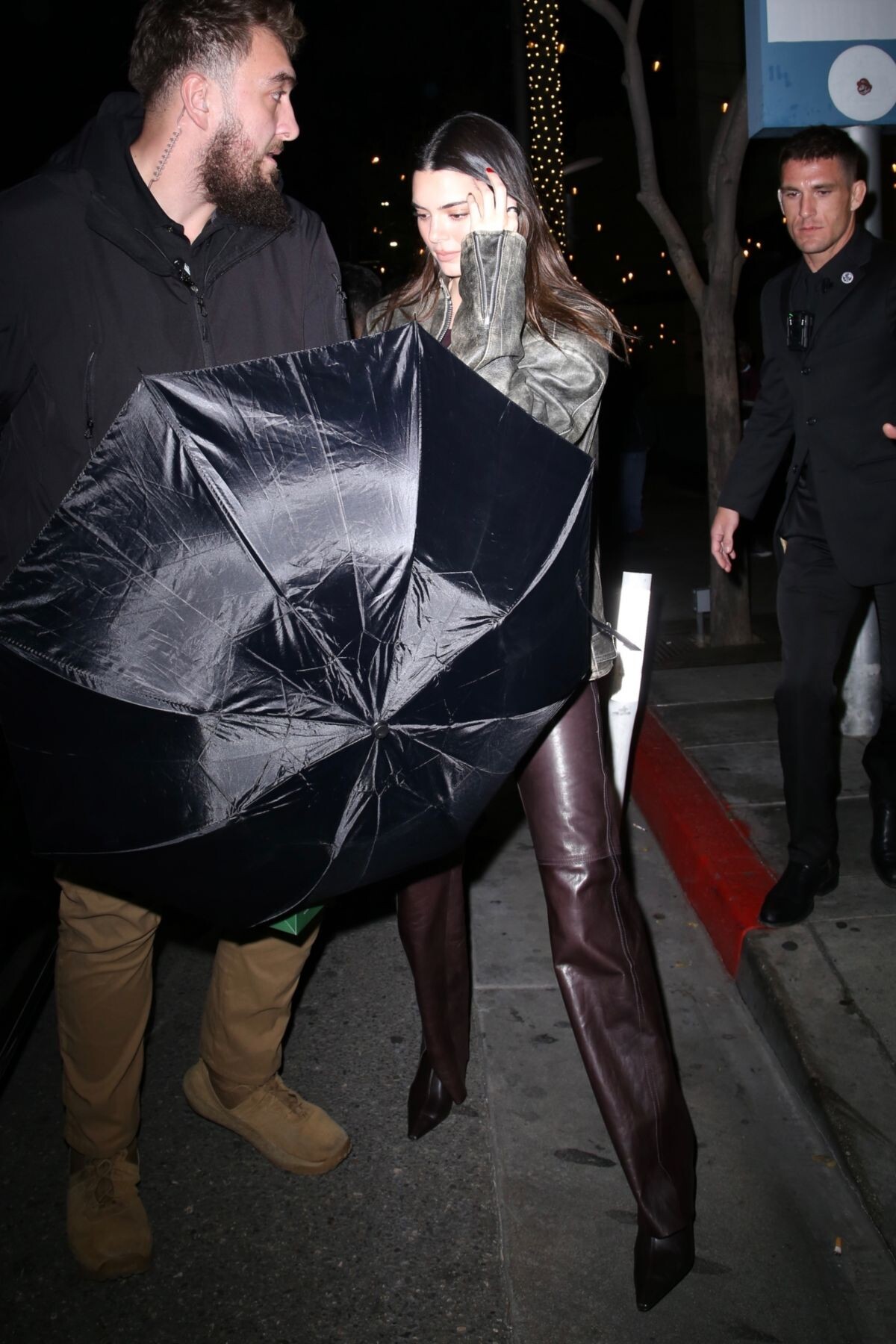



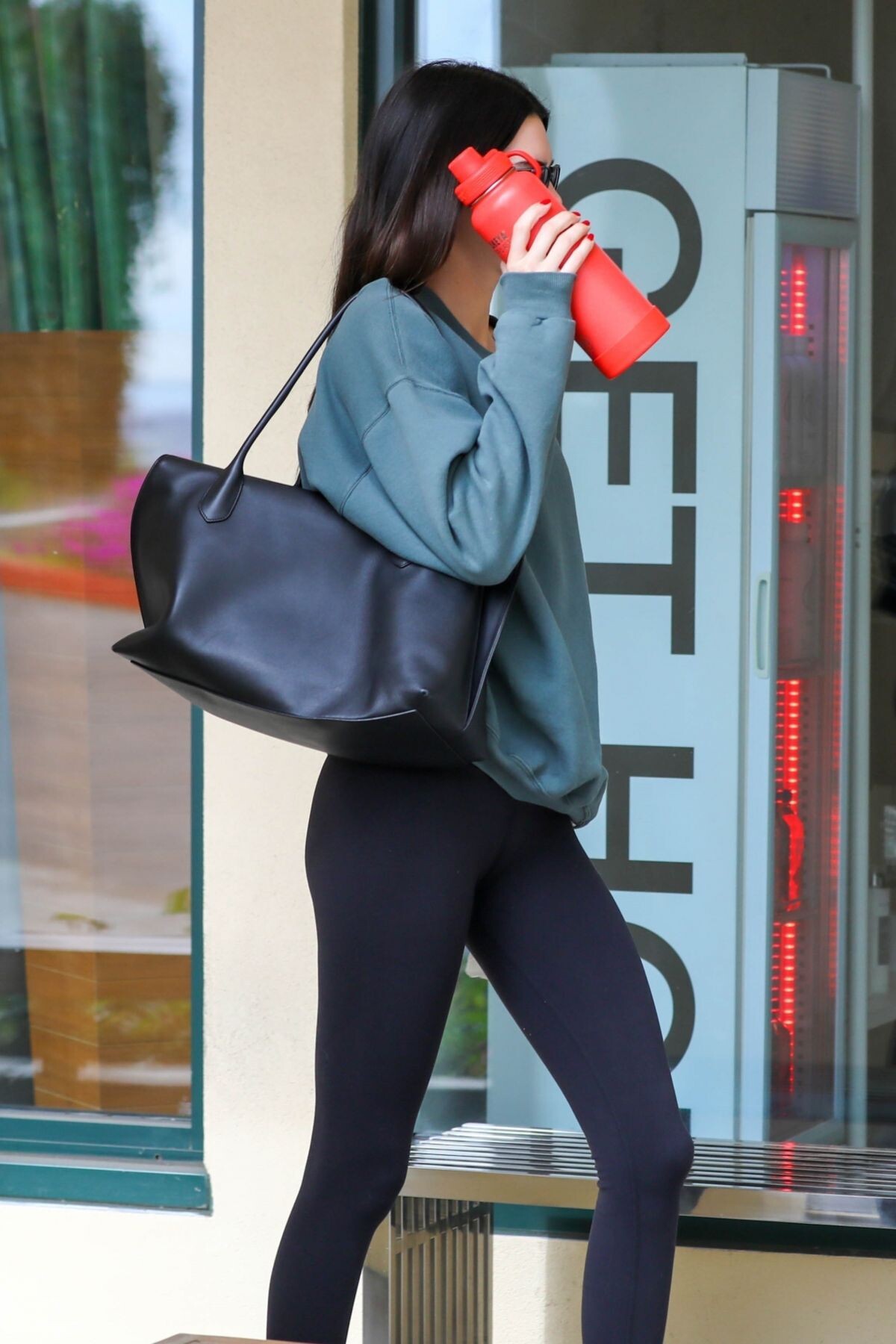
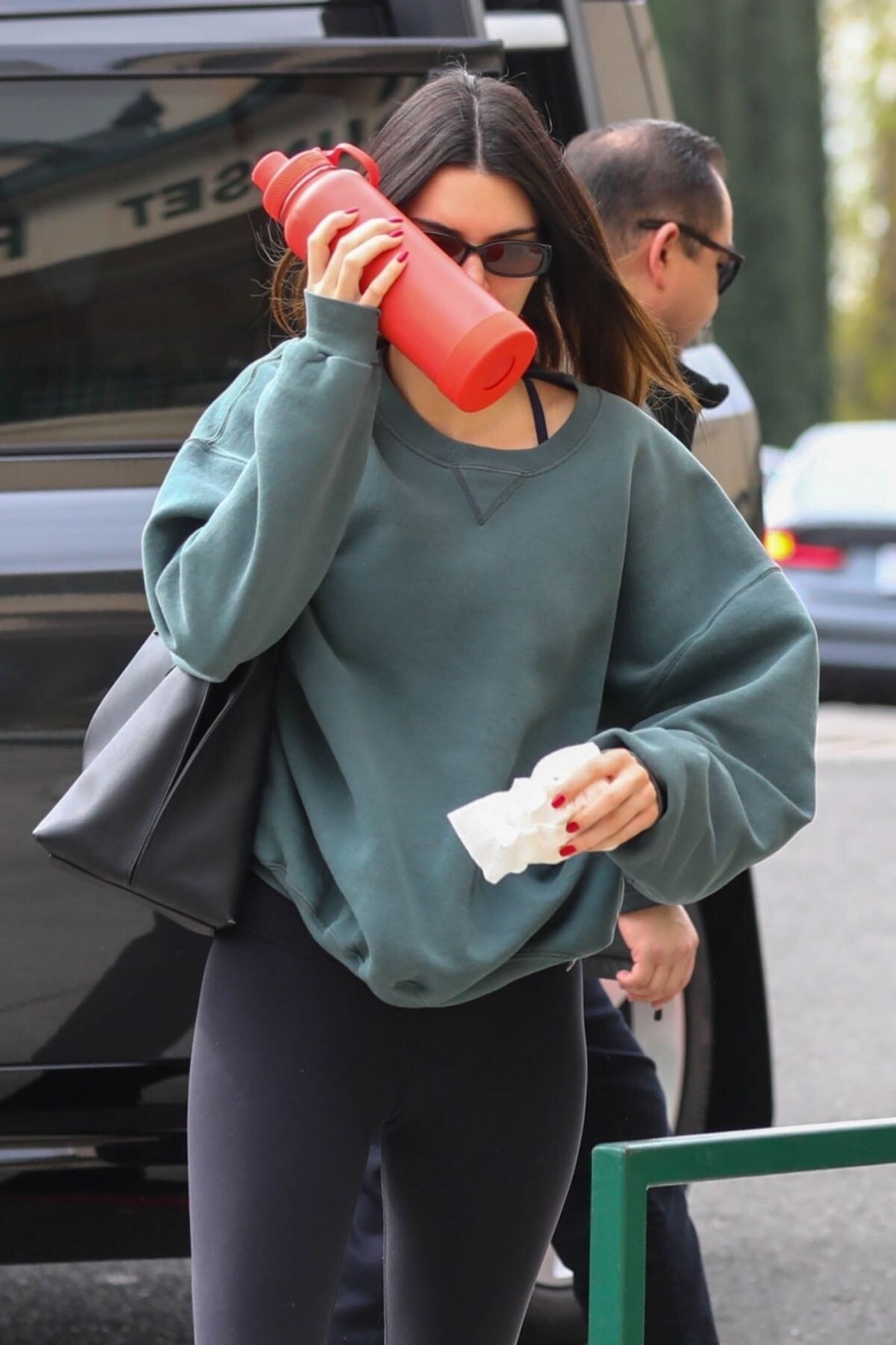







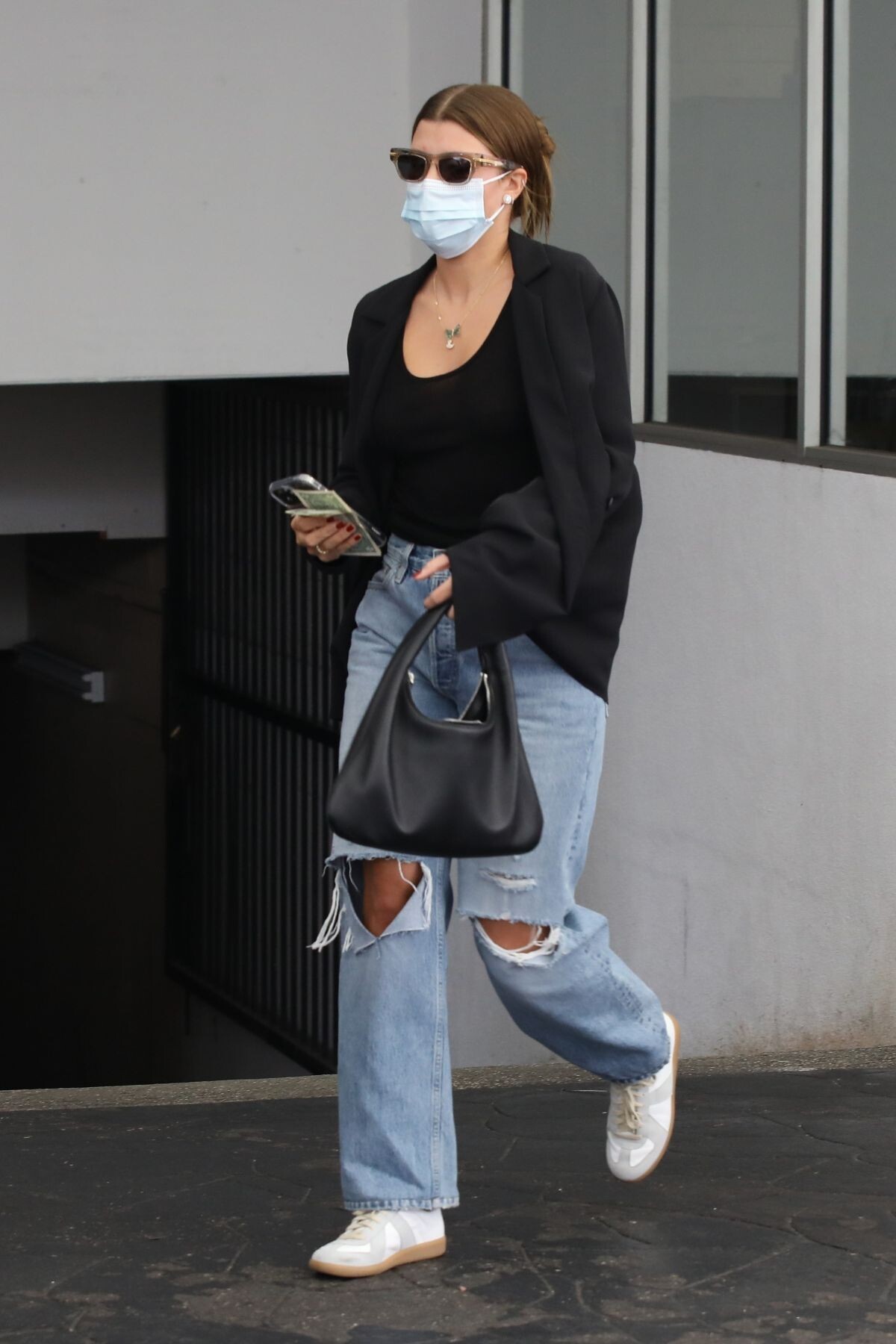
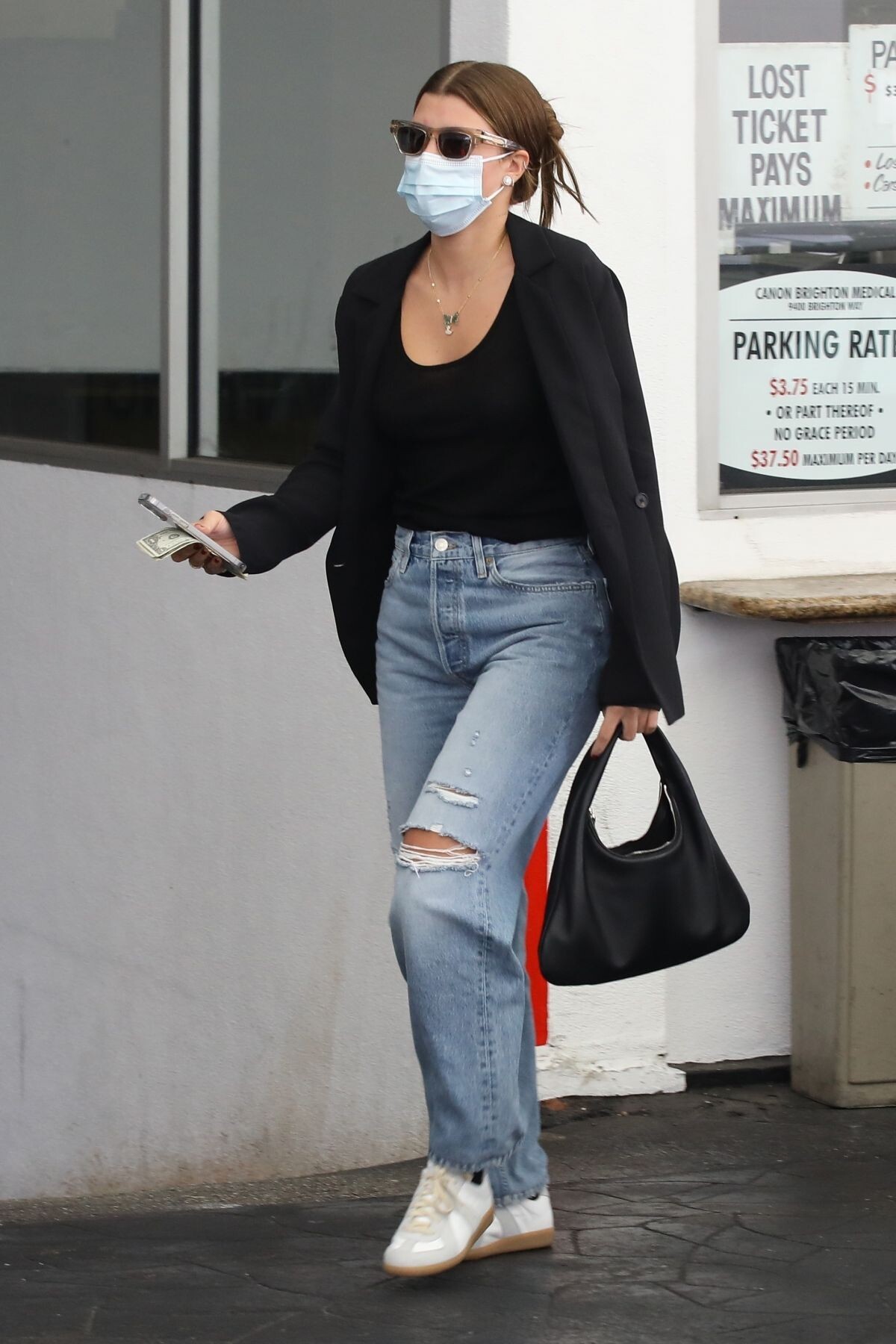
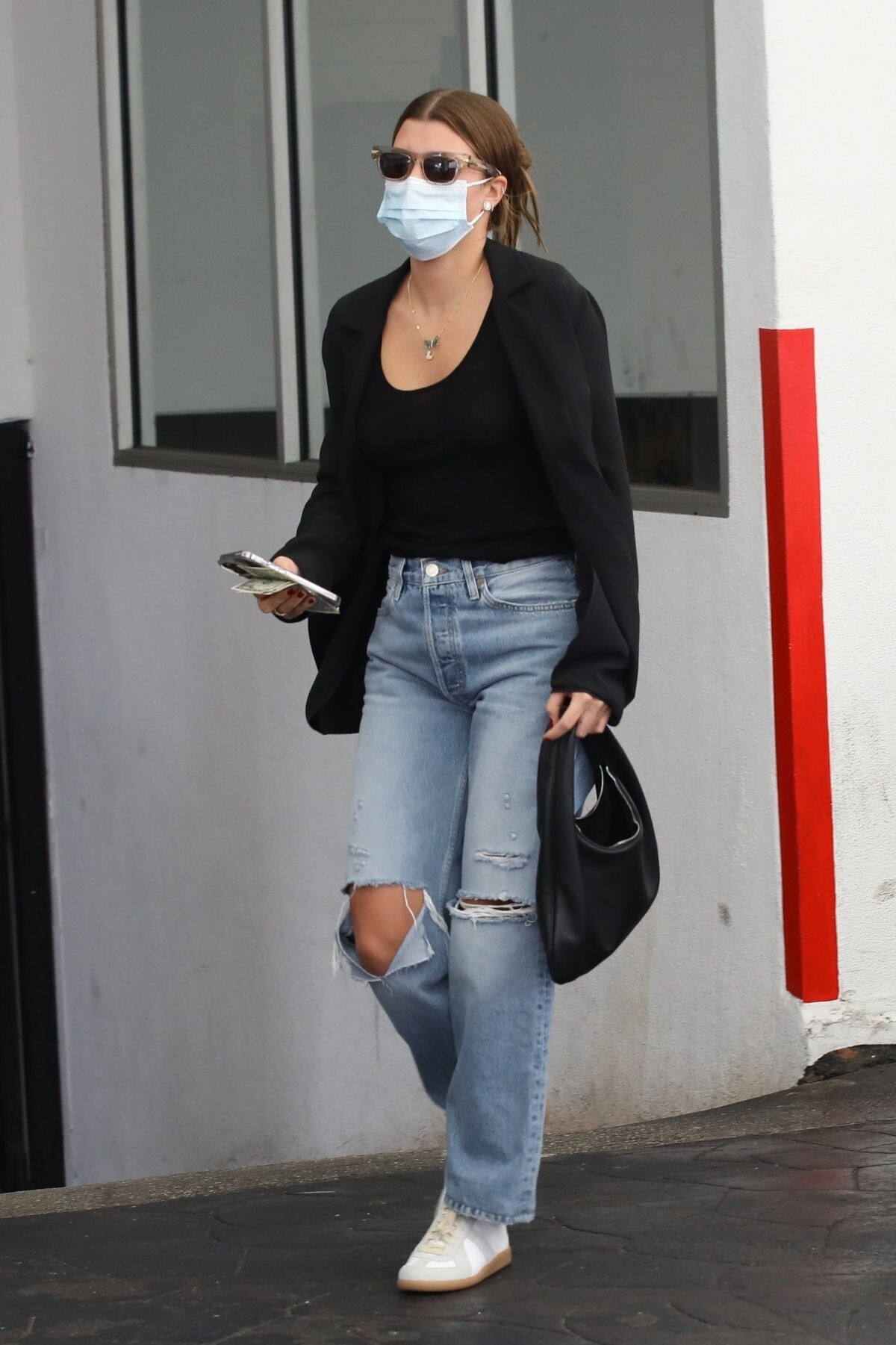
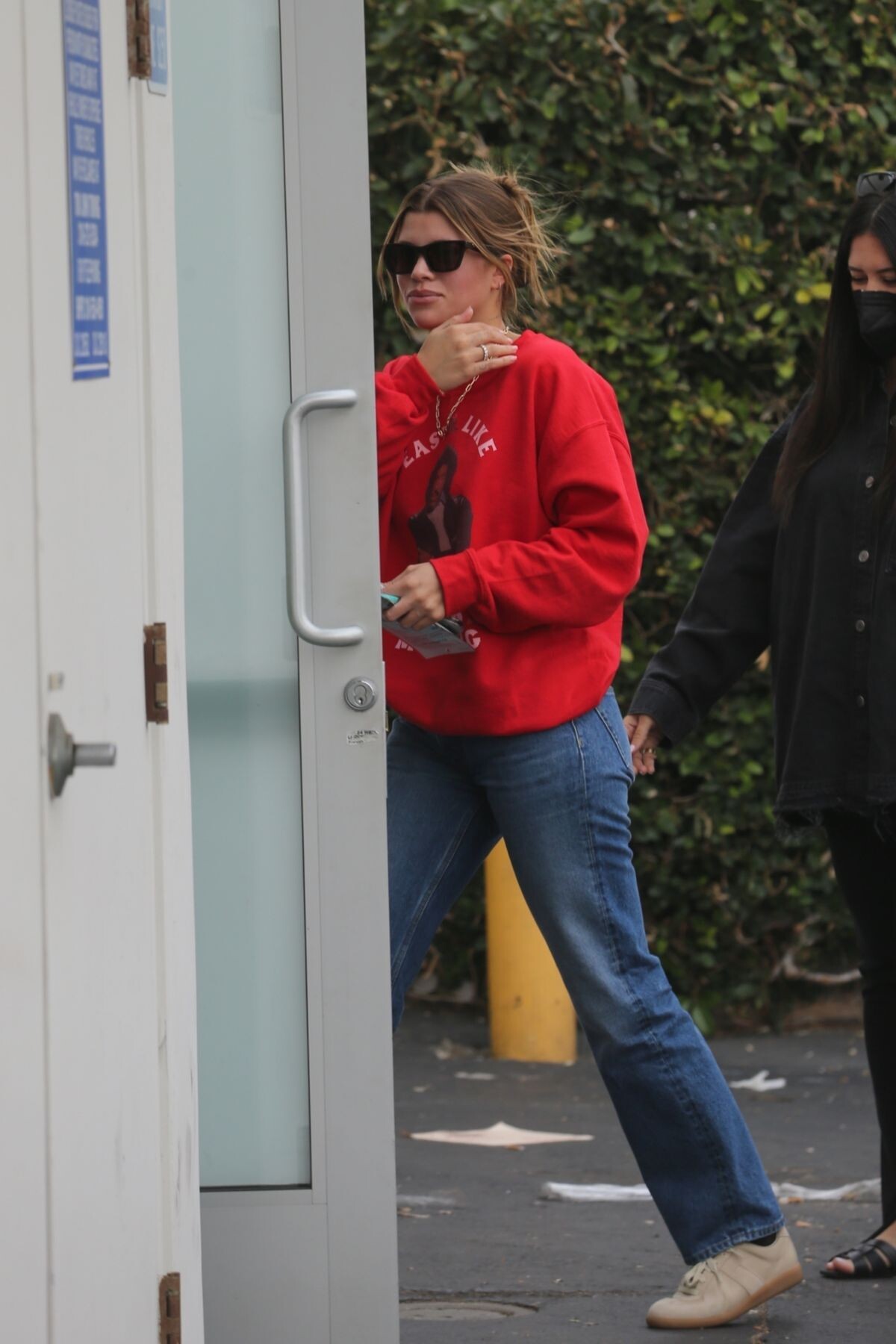
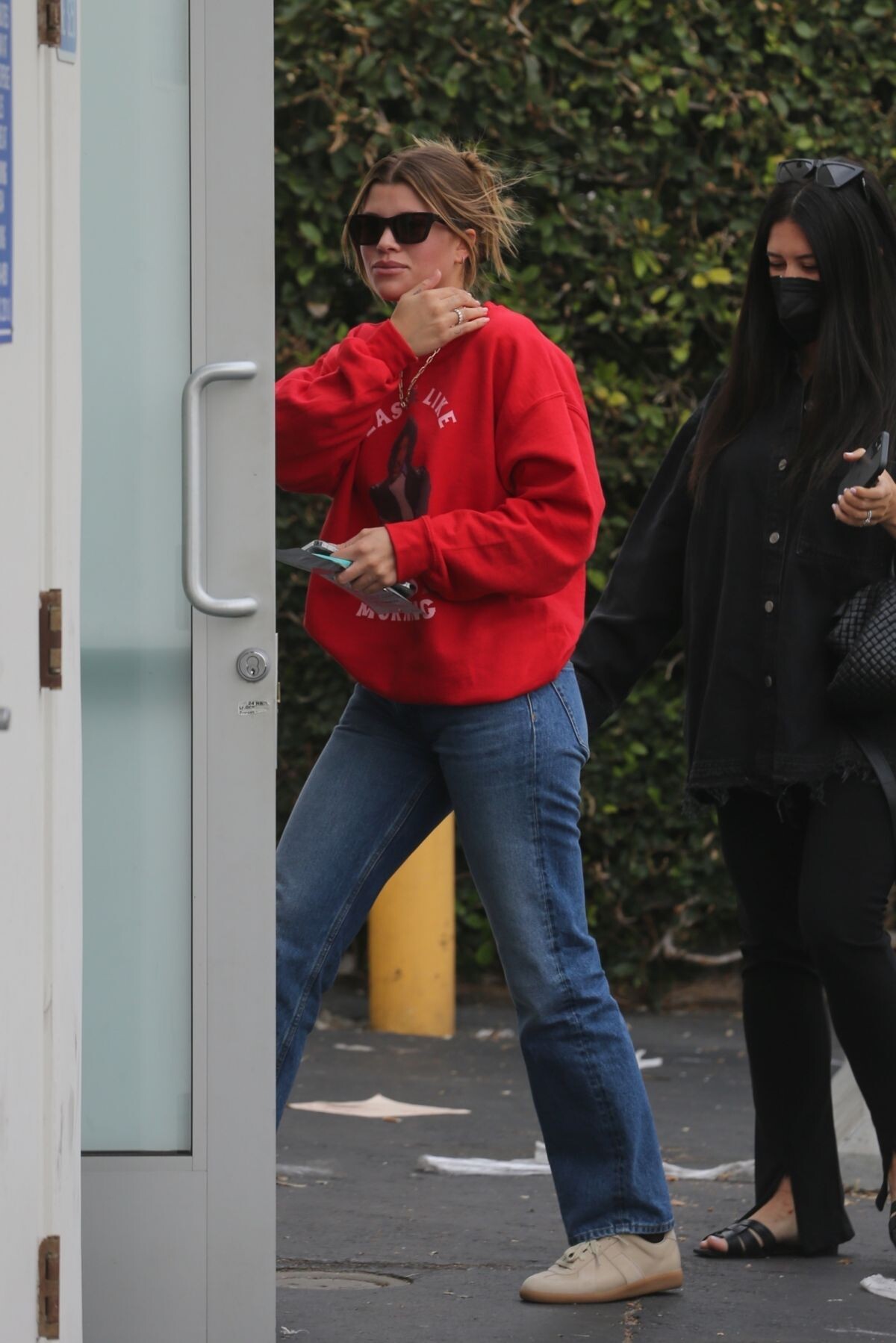
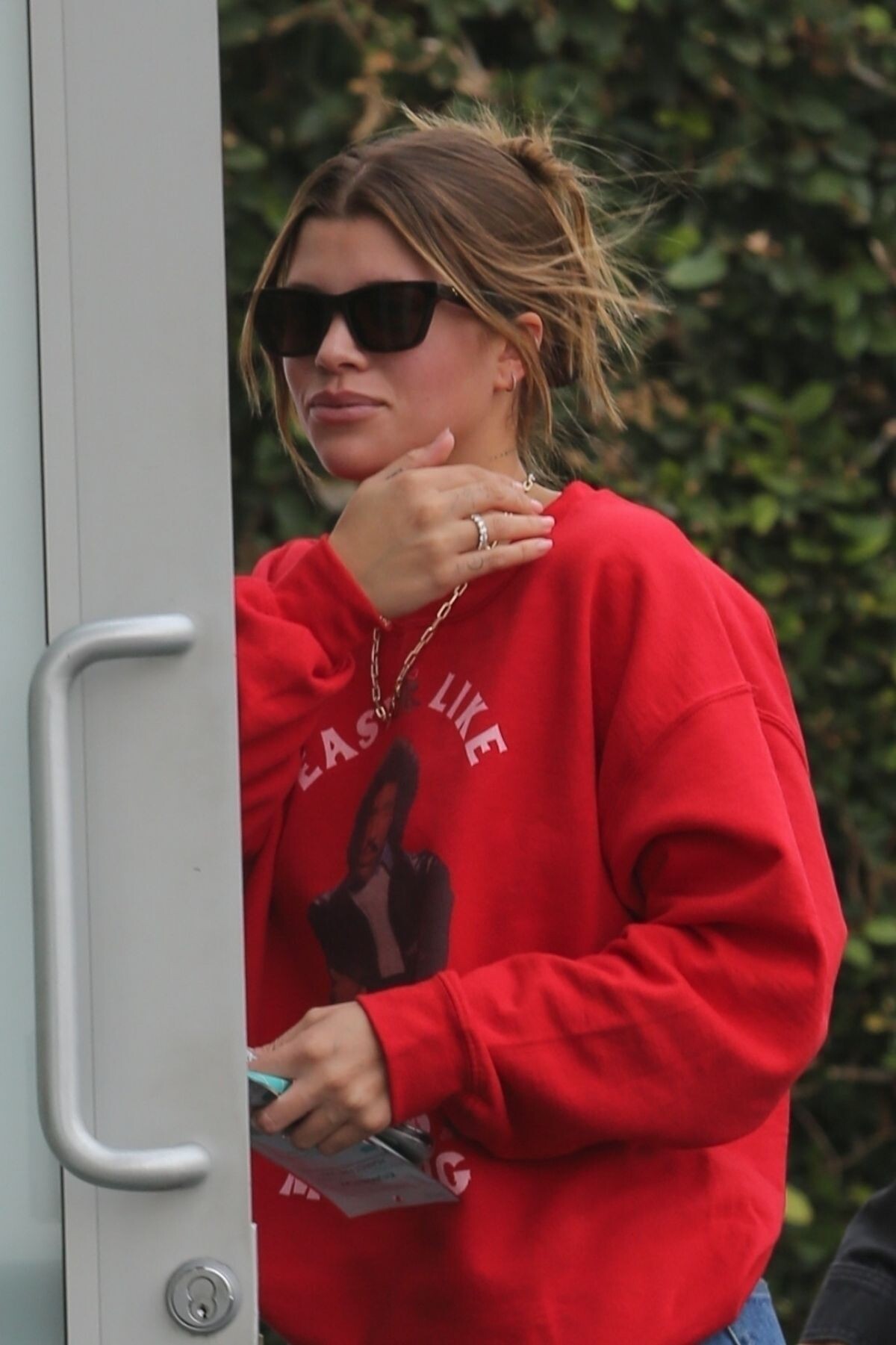
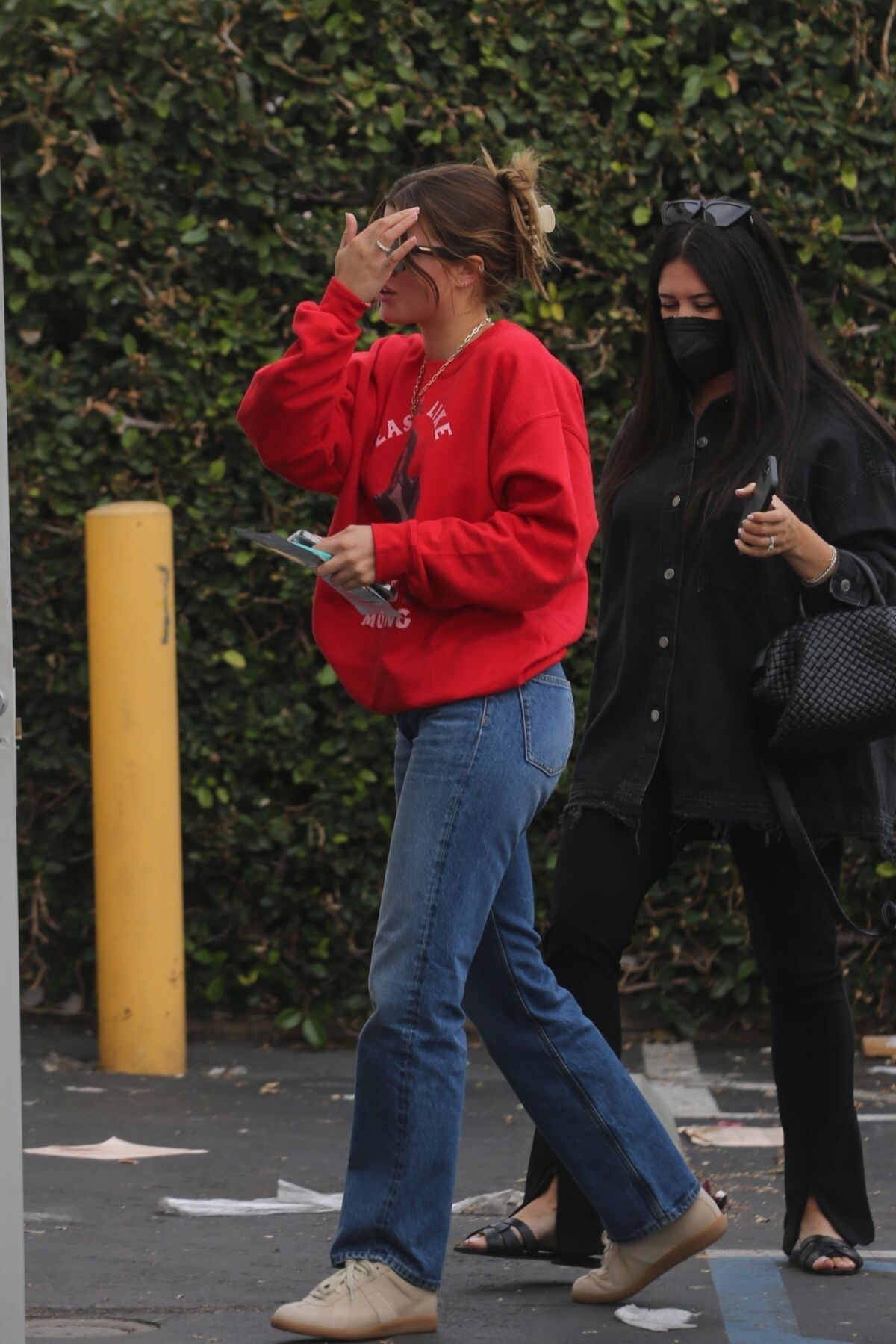
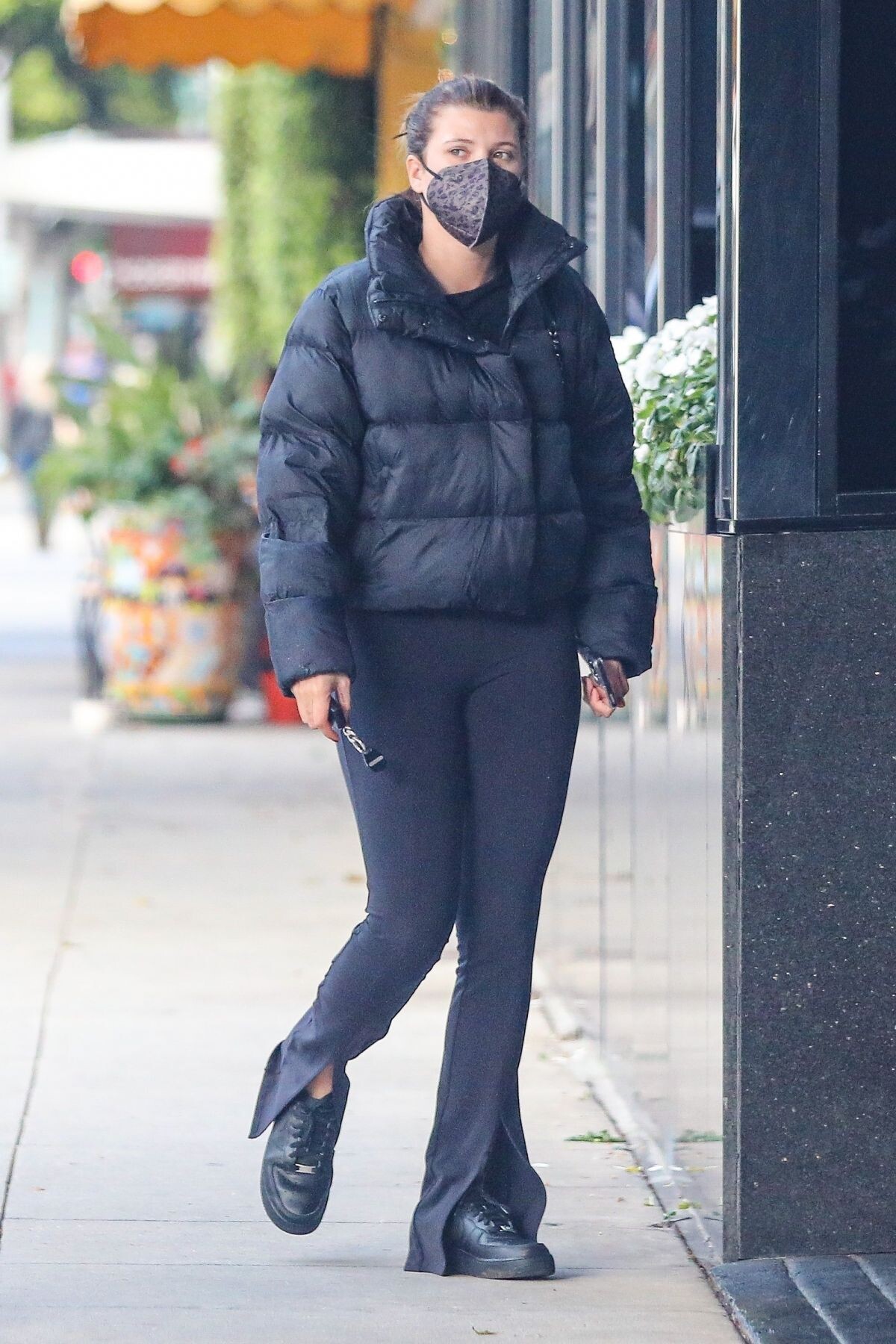
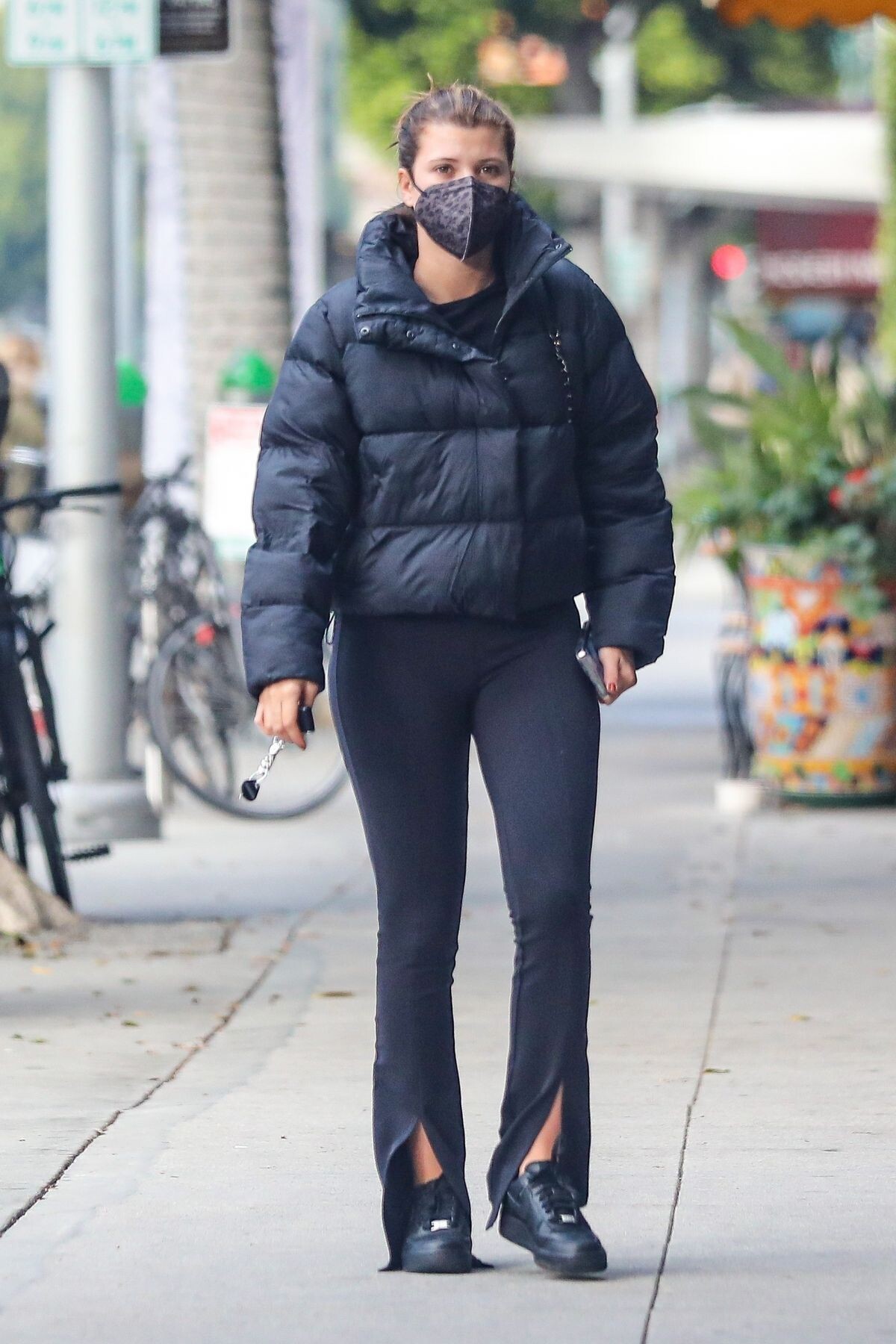


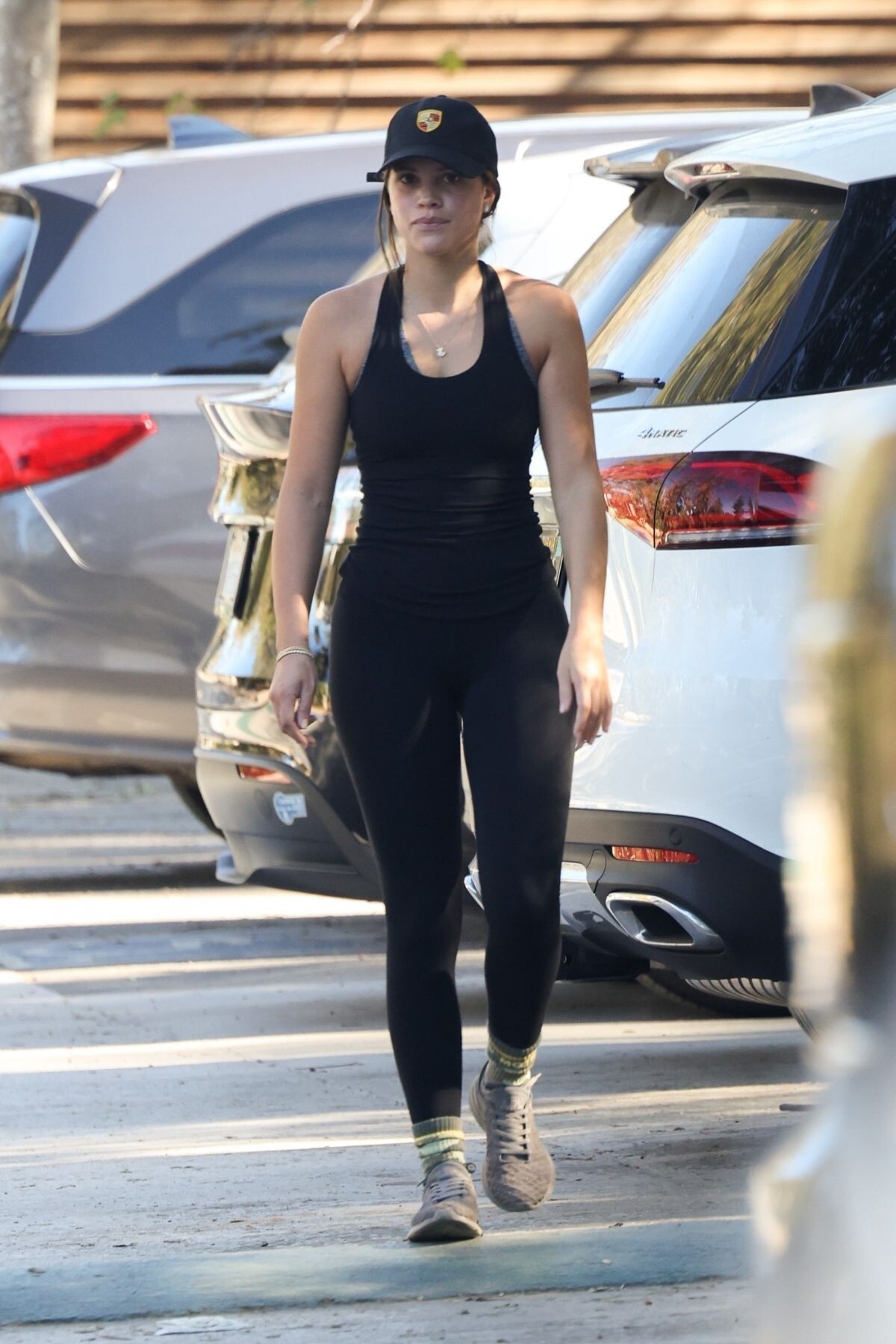
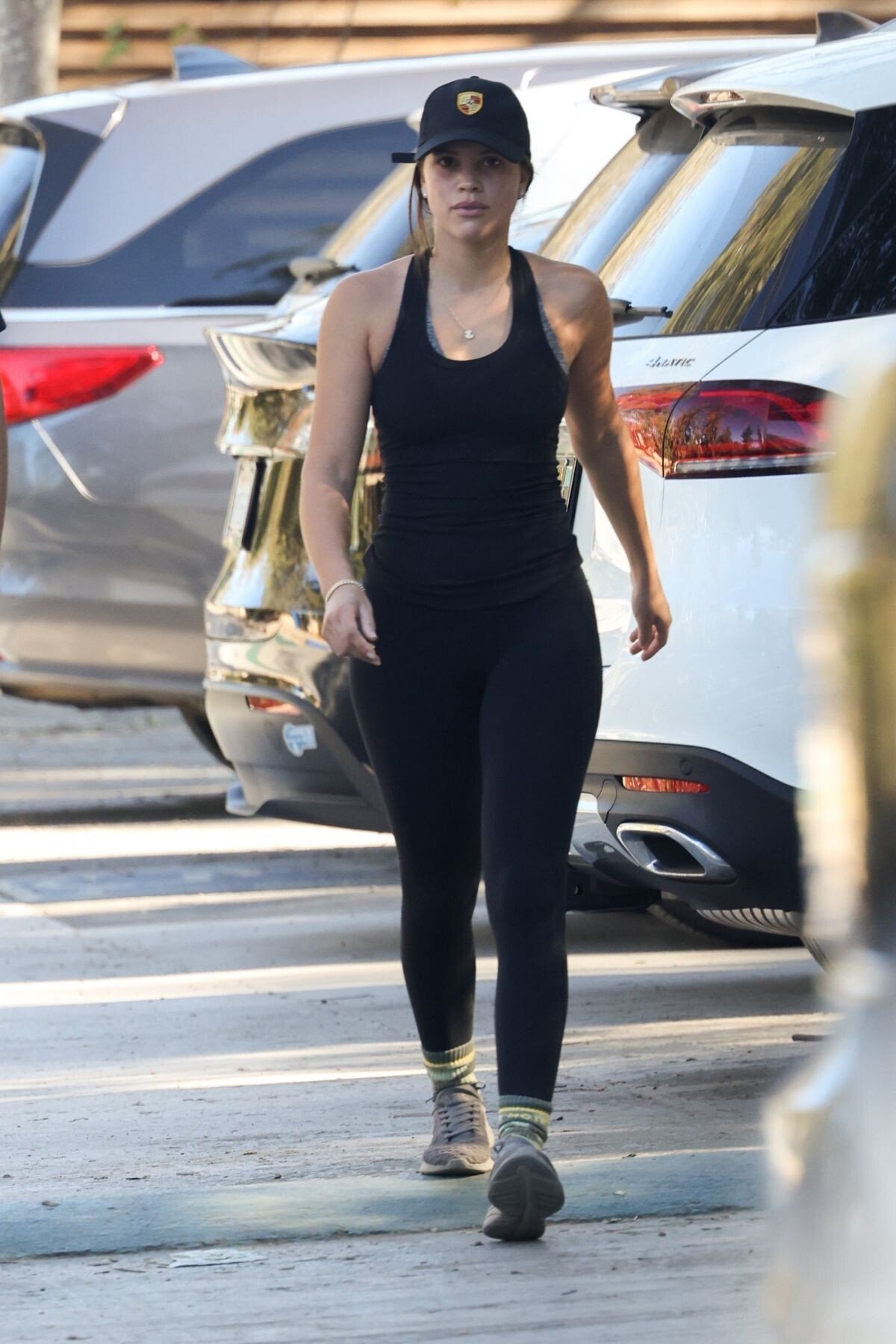
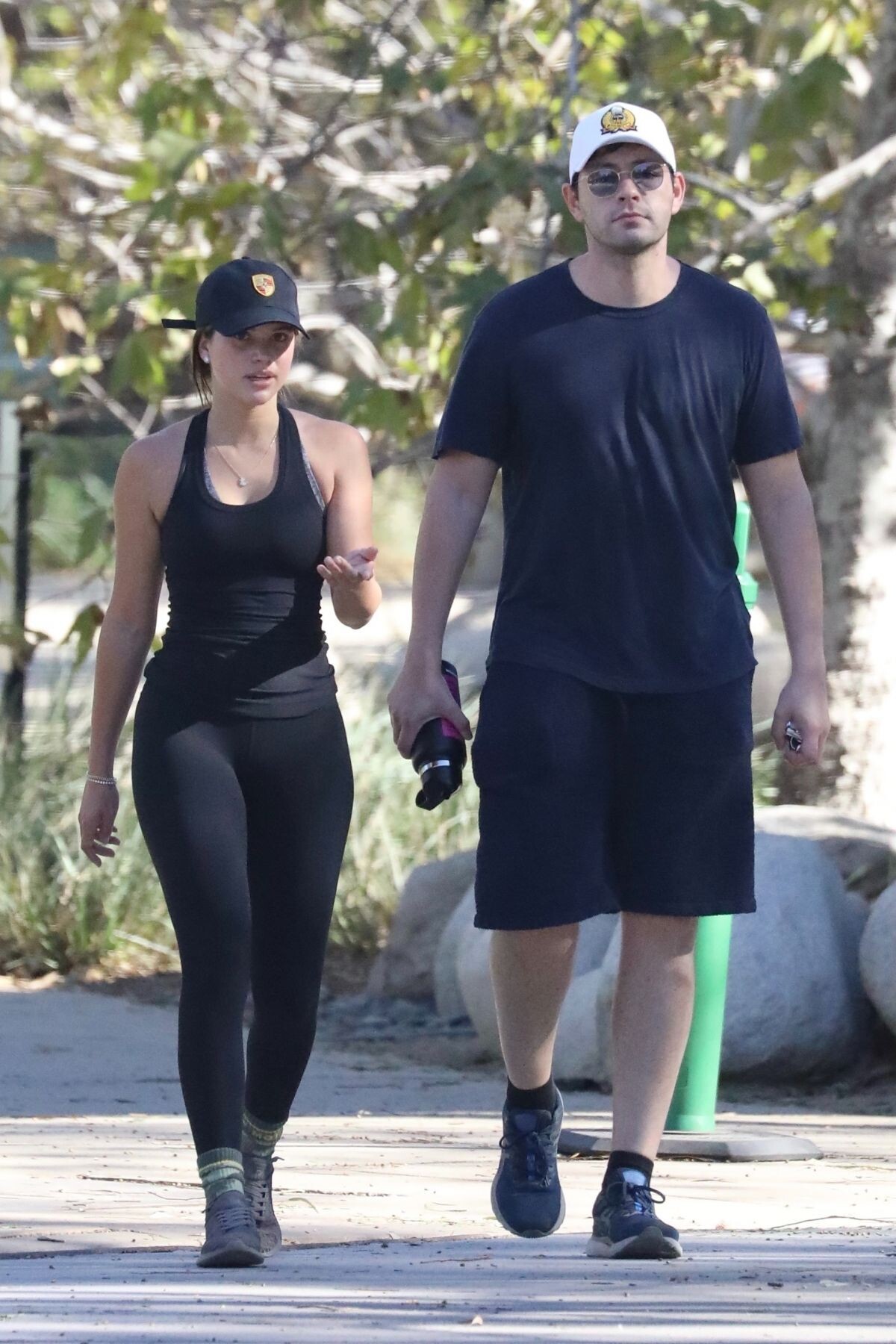
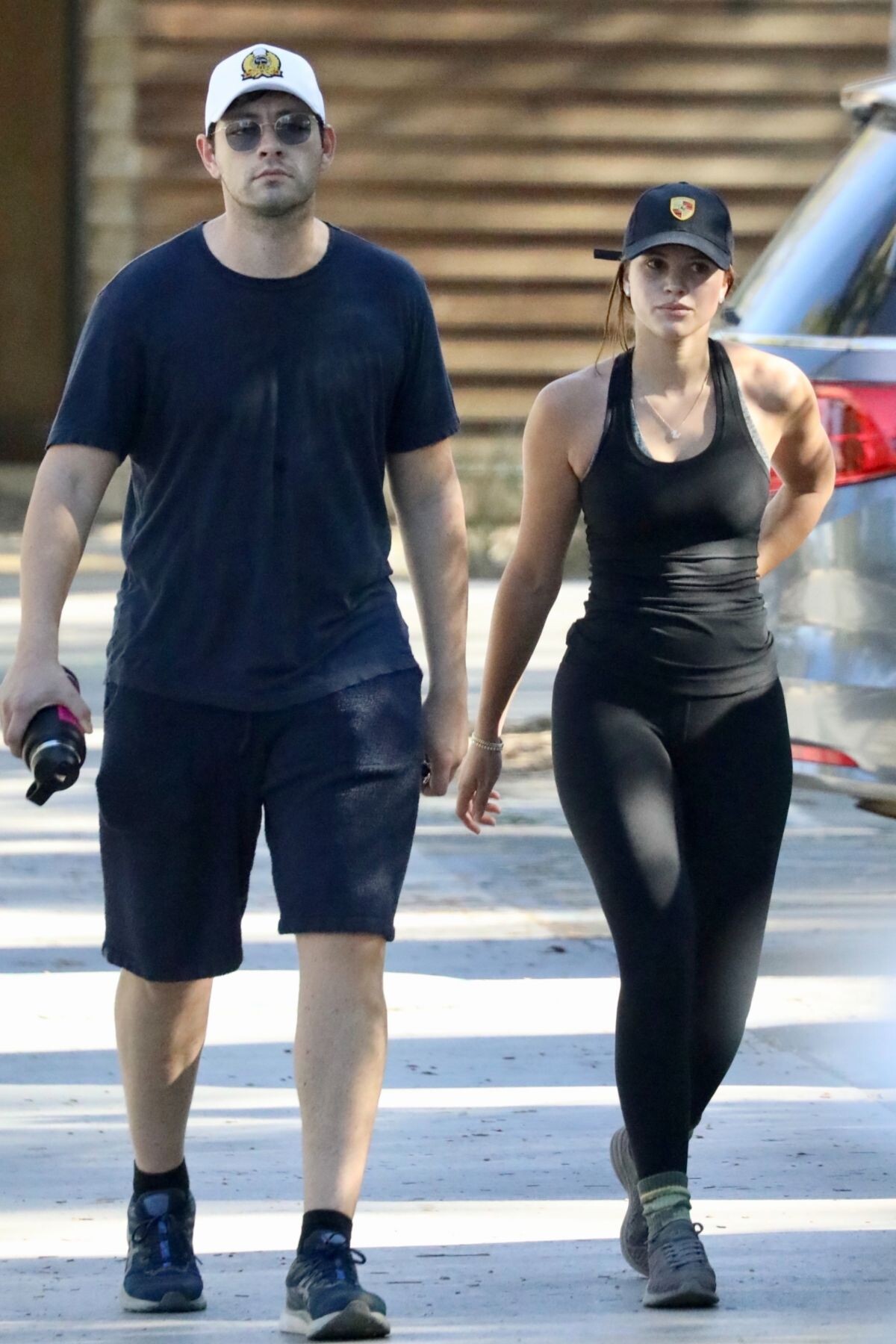

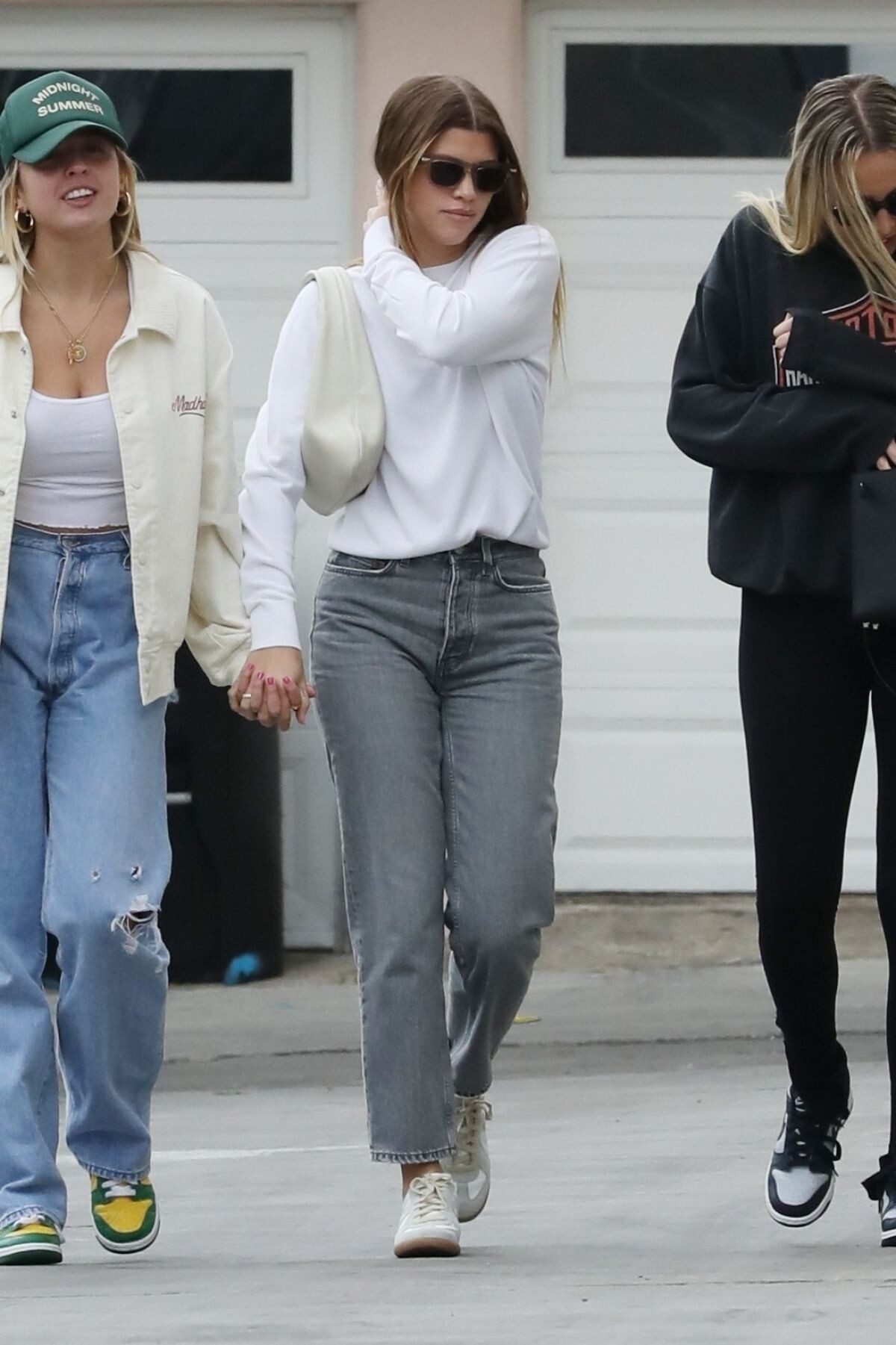



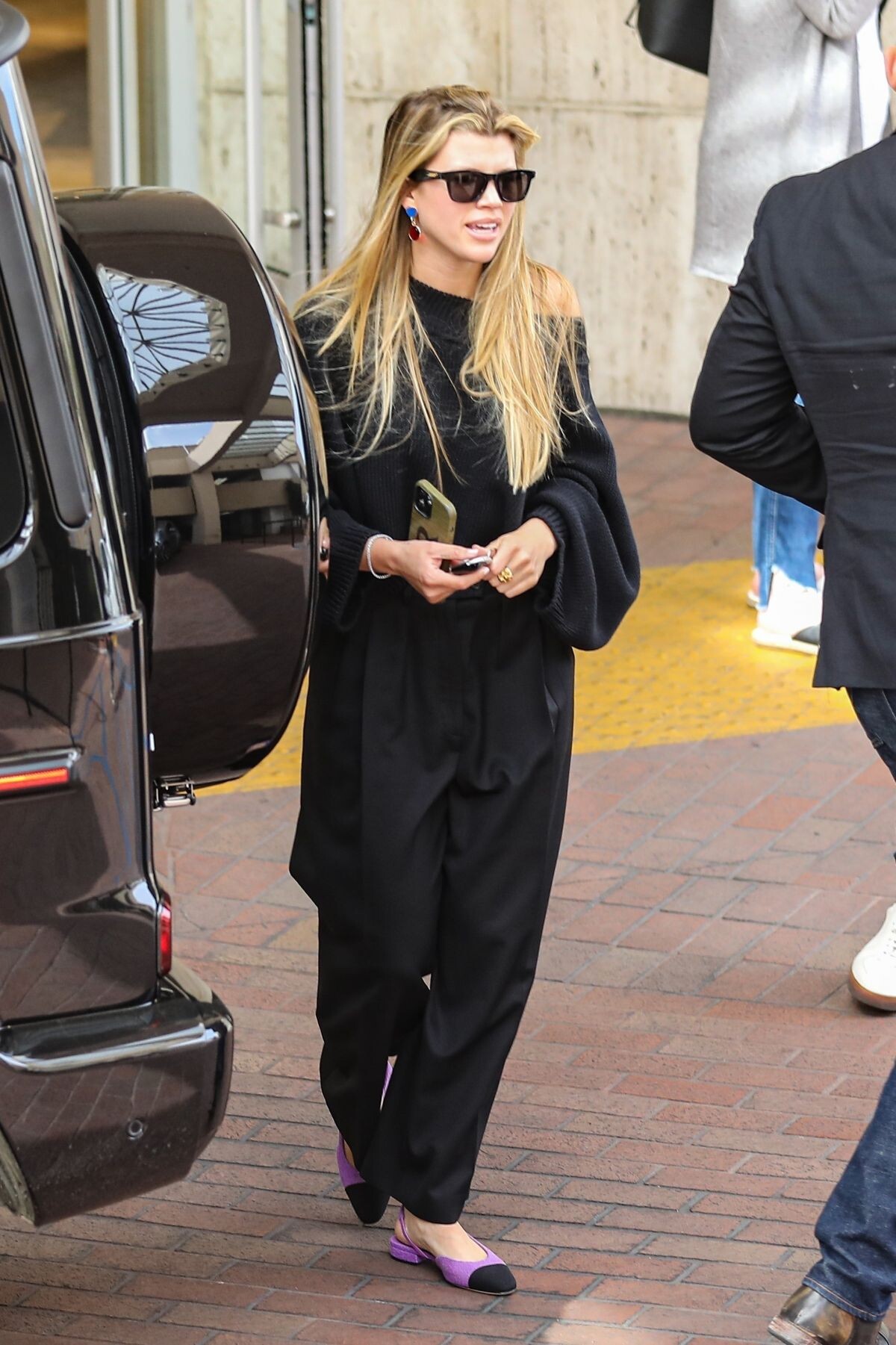
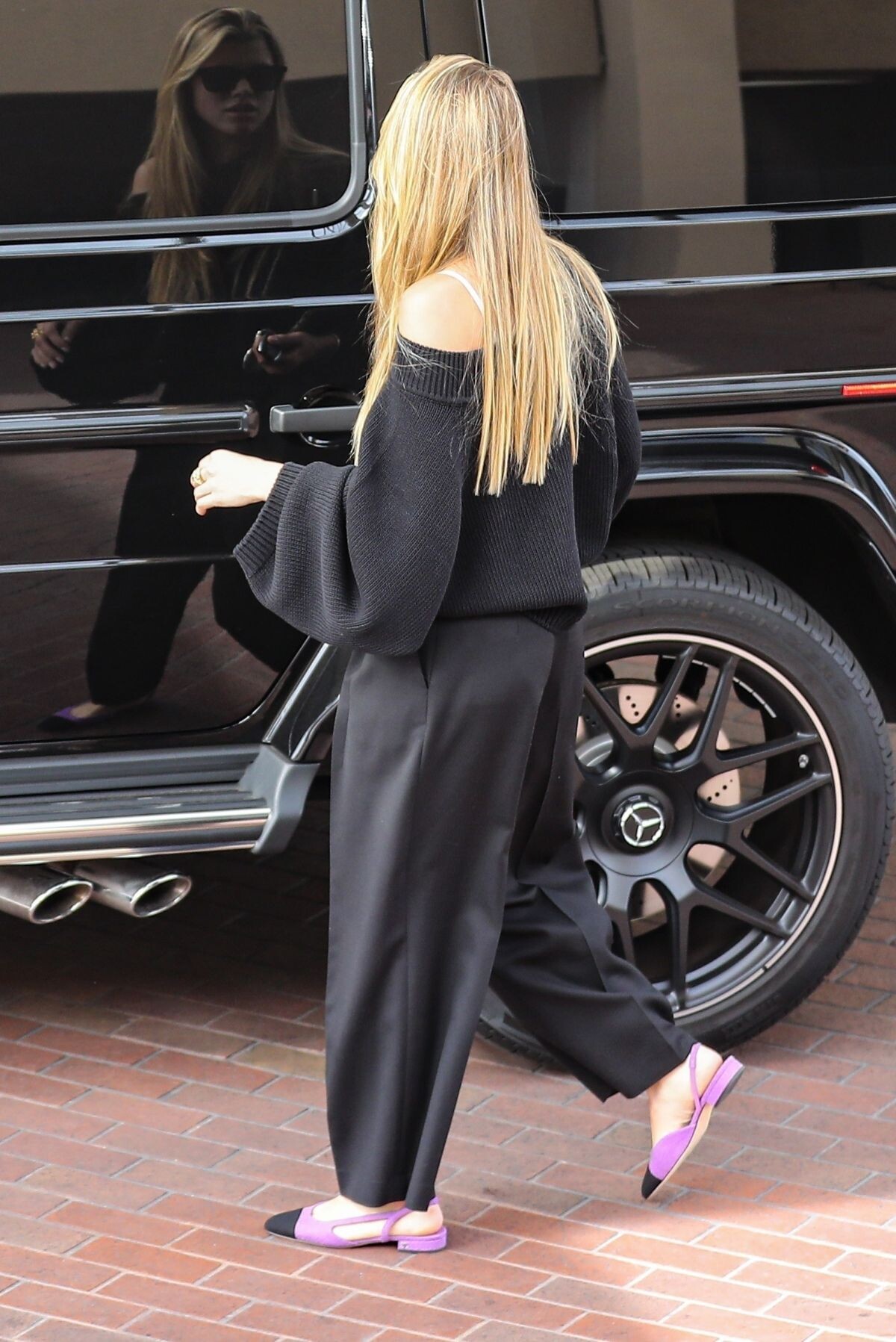
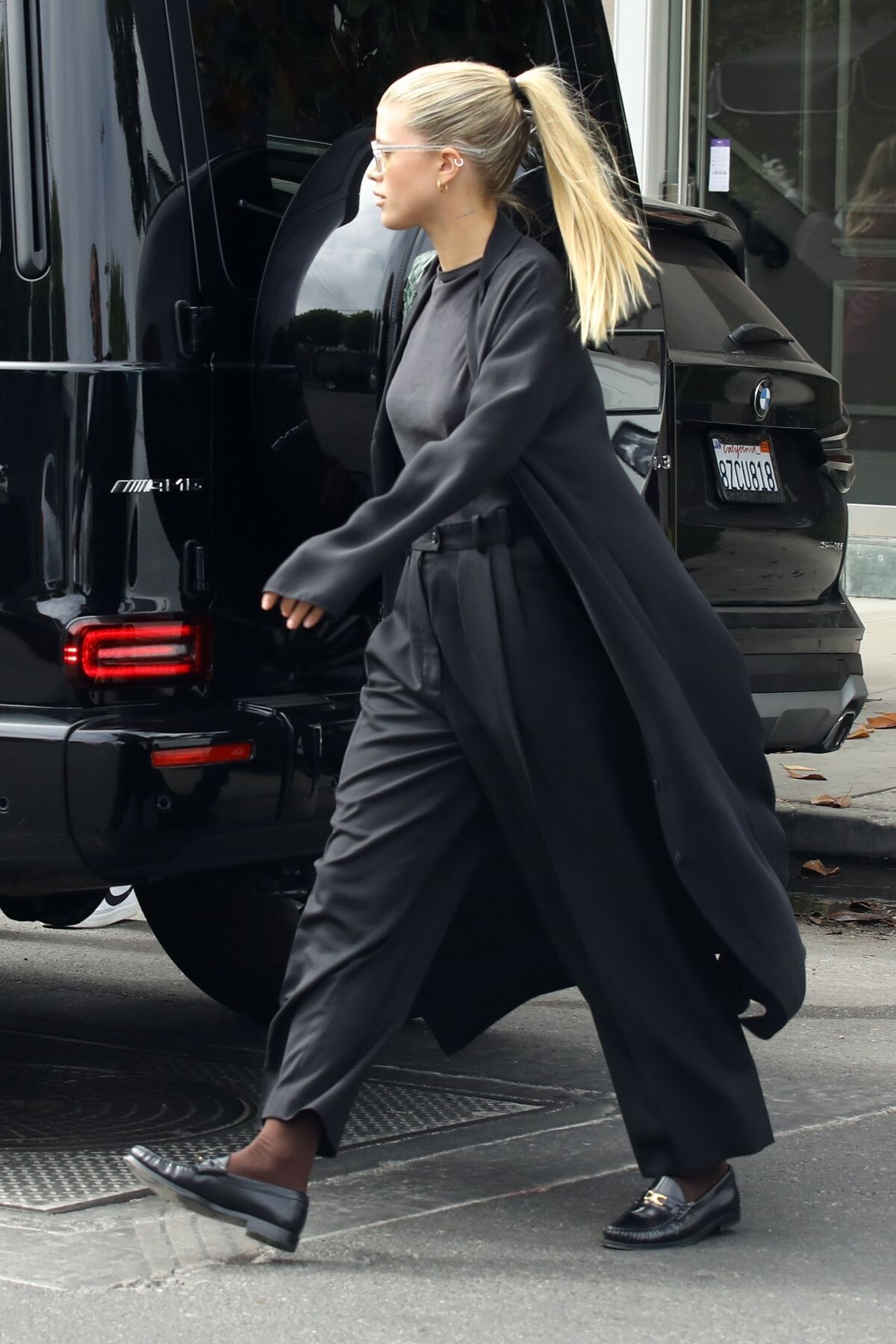

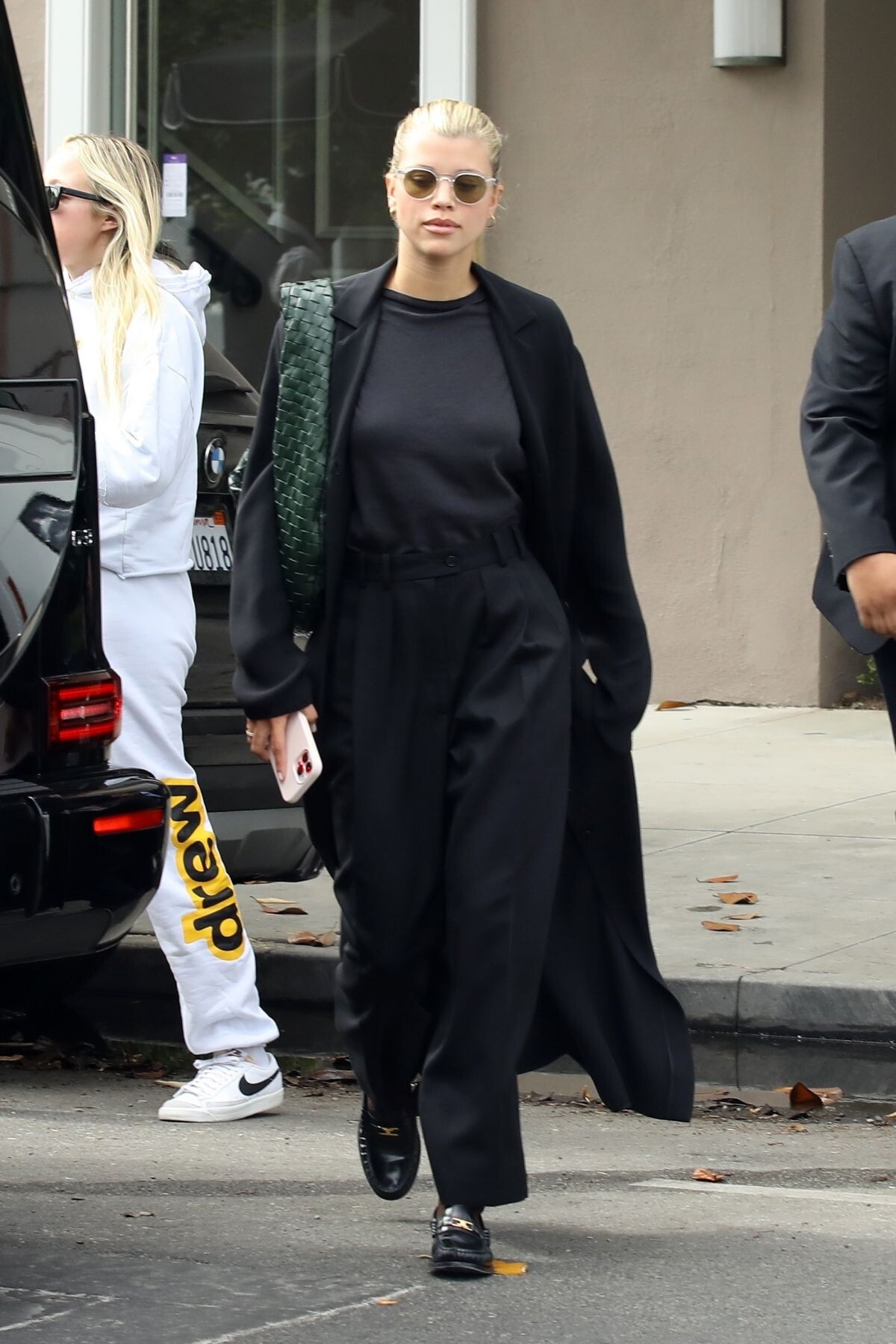
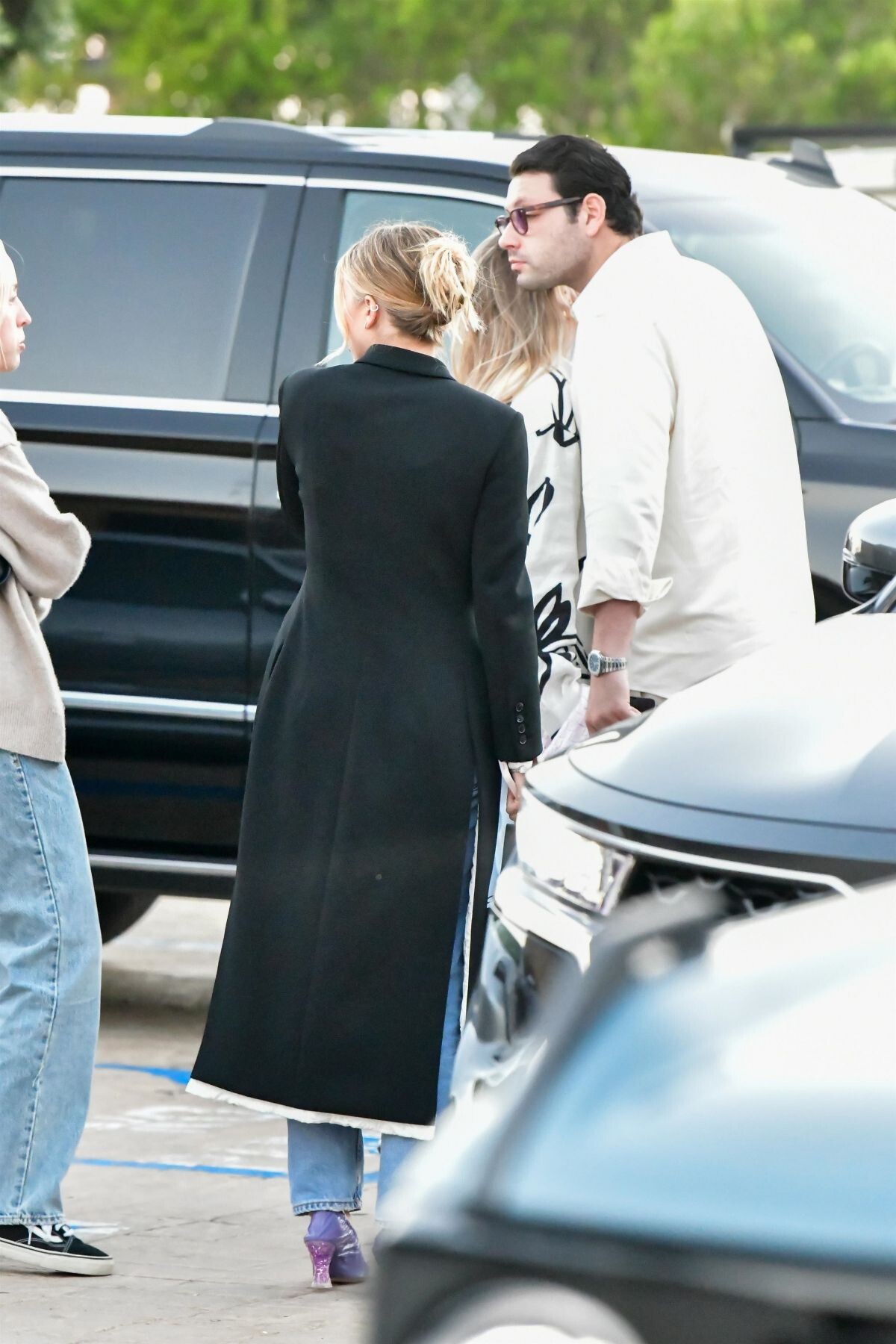
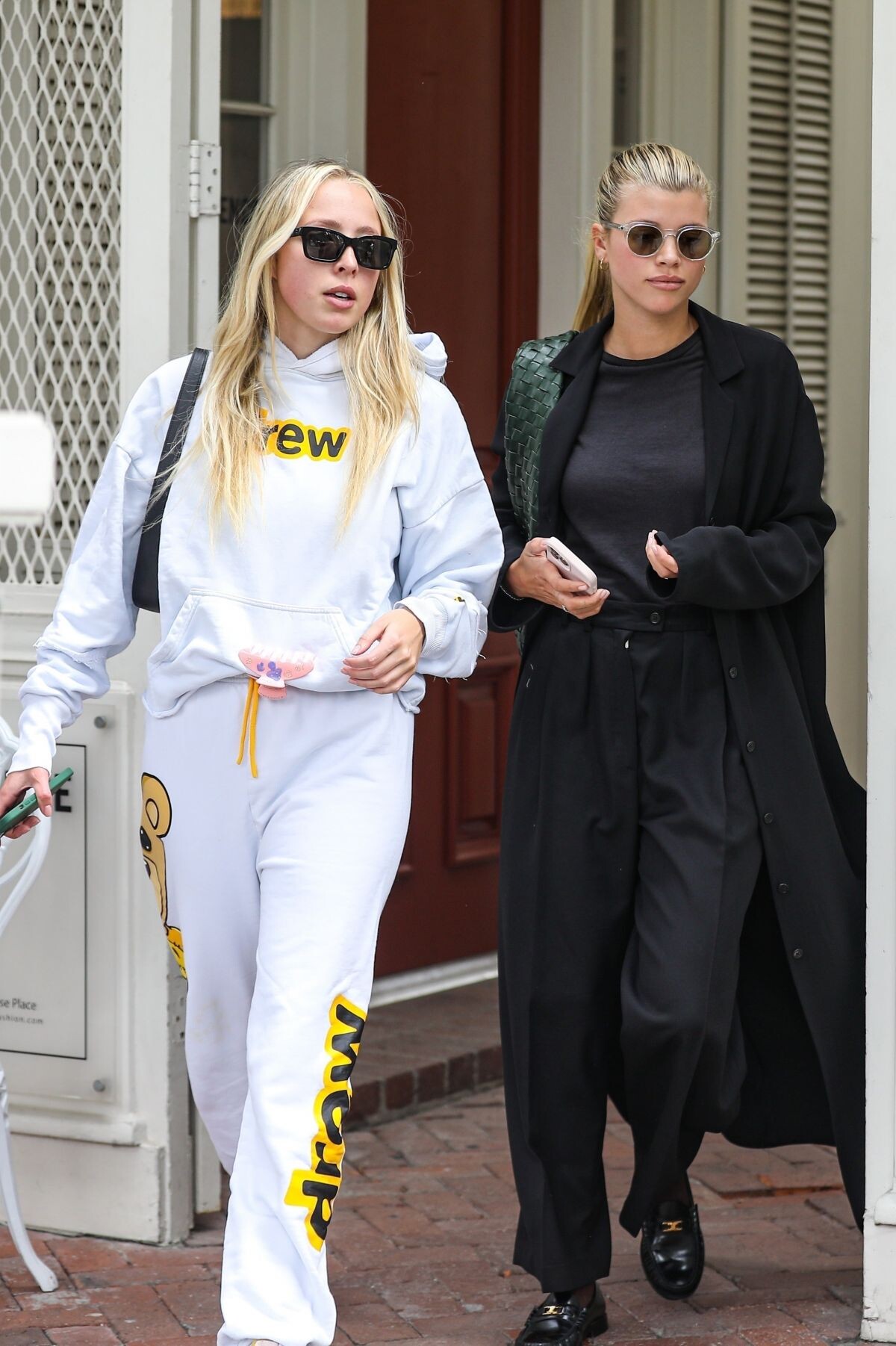
.jpg.ac8fe1fdafd739bdb5cfa4e34c88d184.jpg)
























































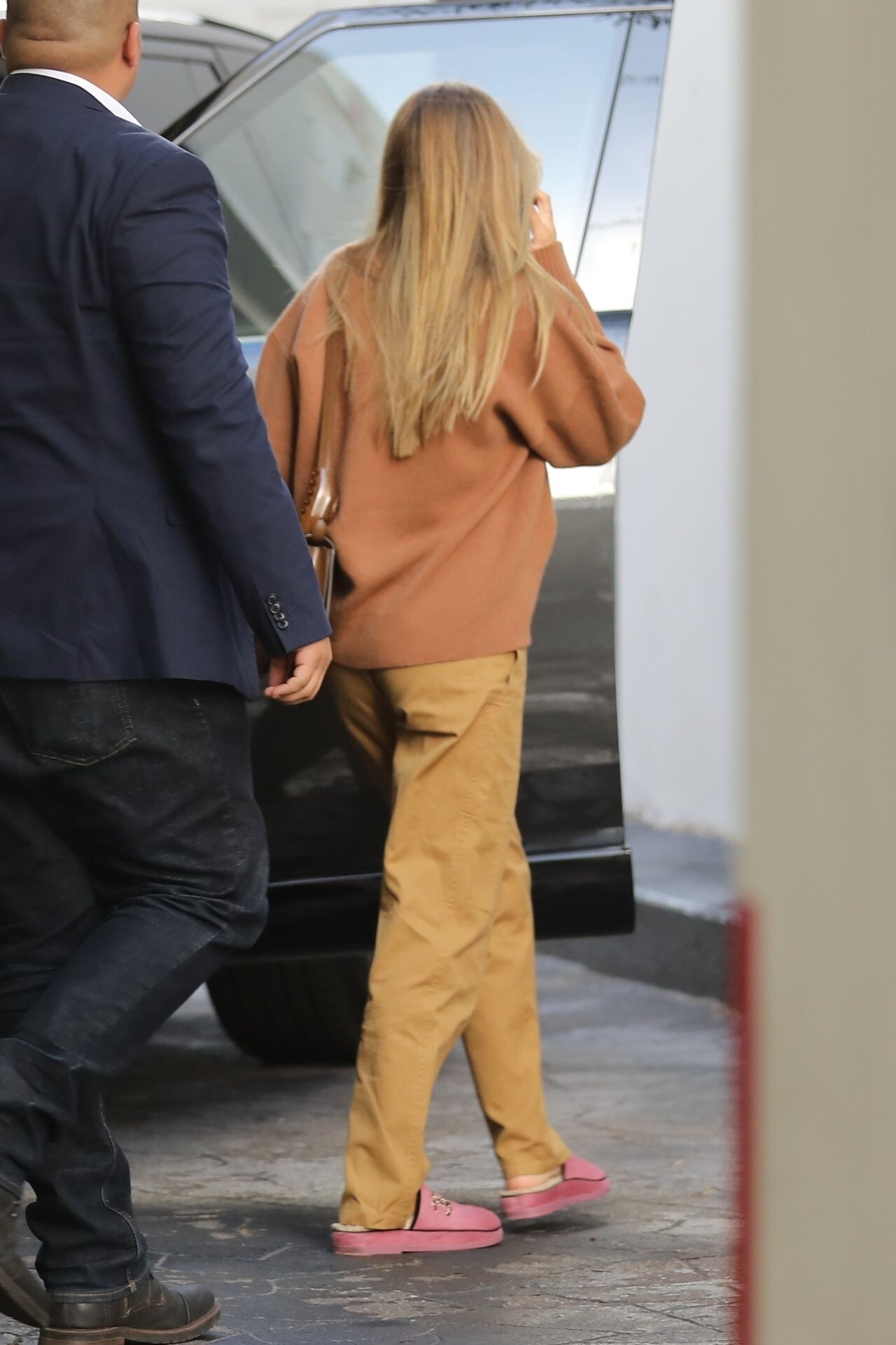




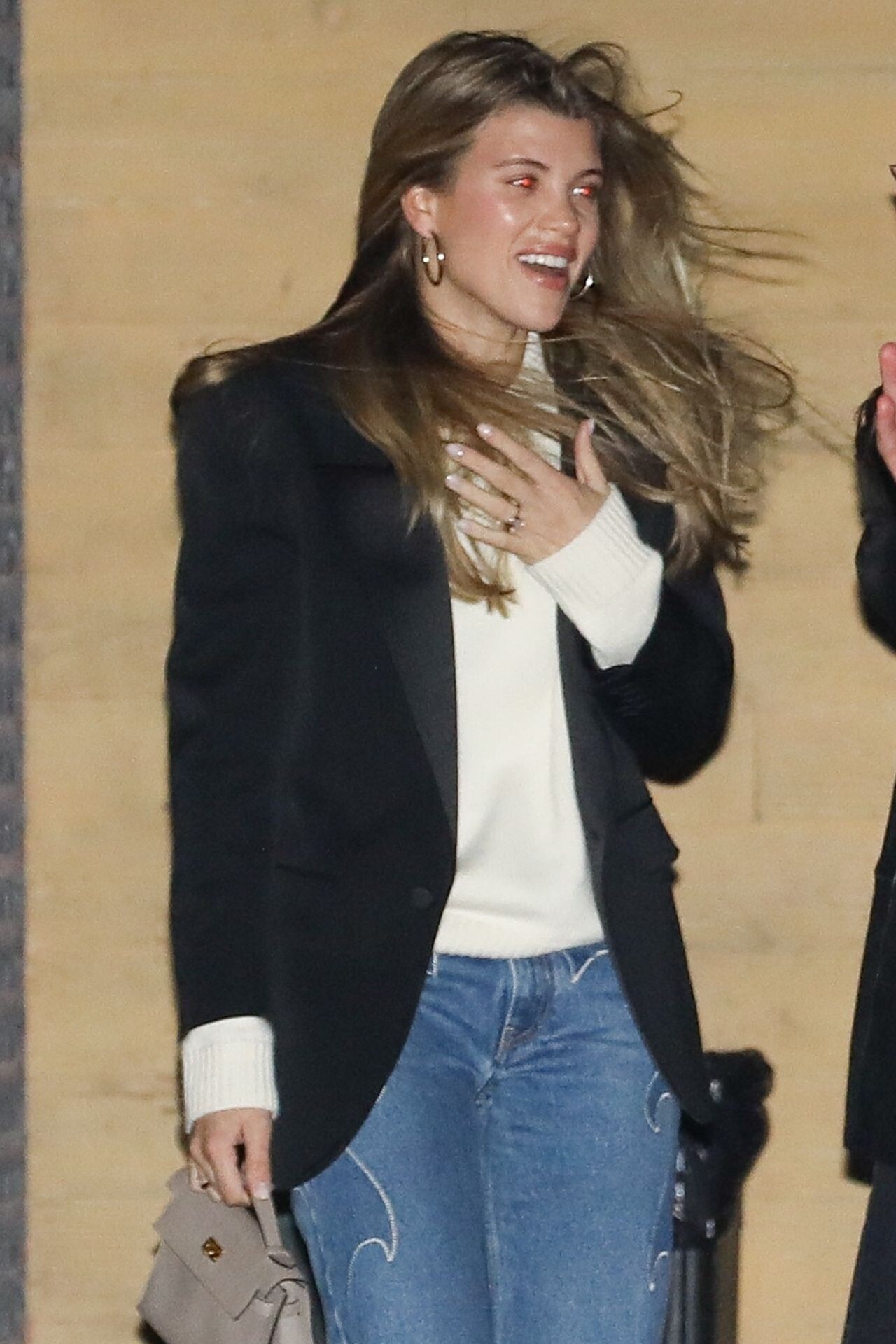











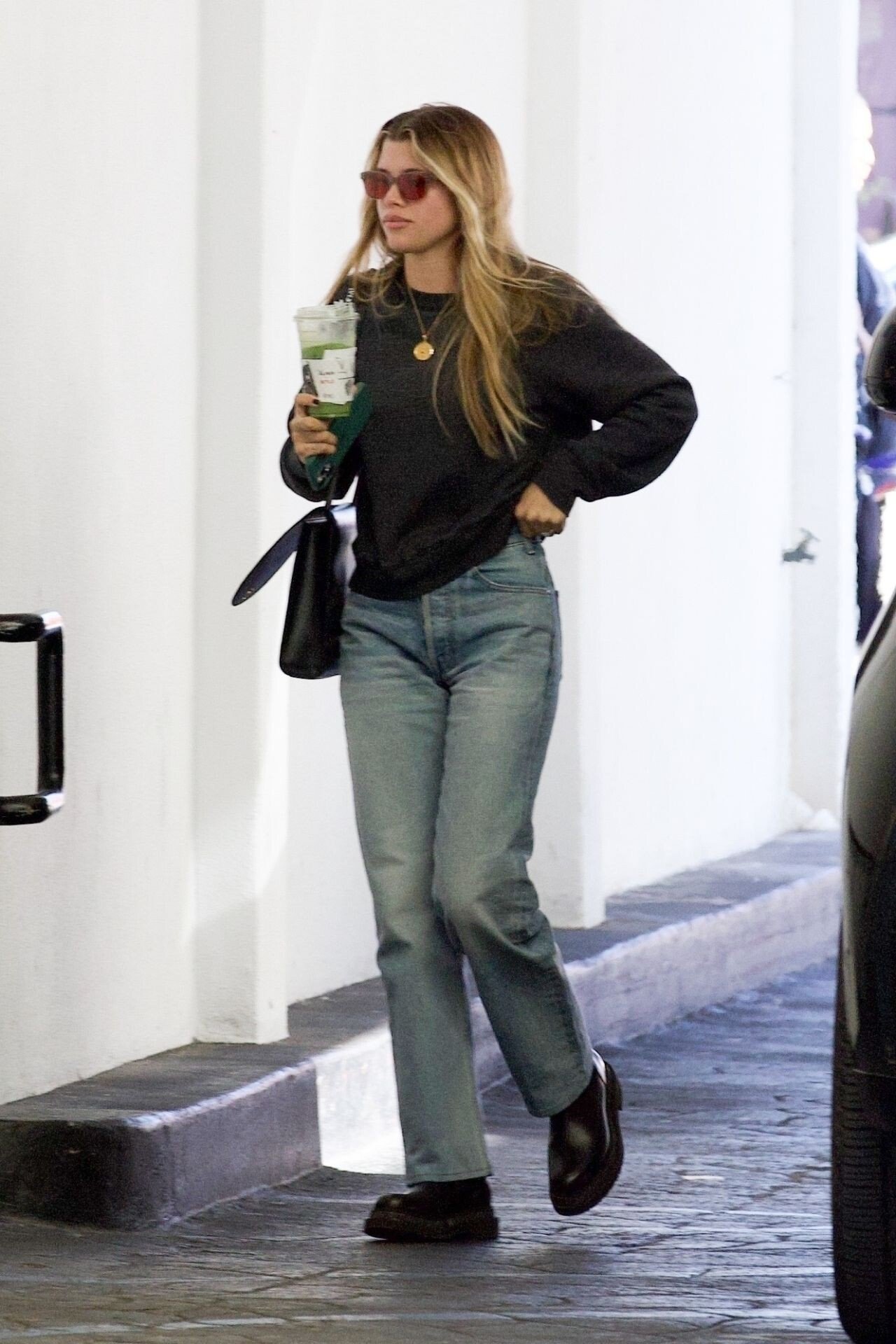
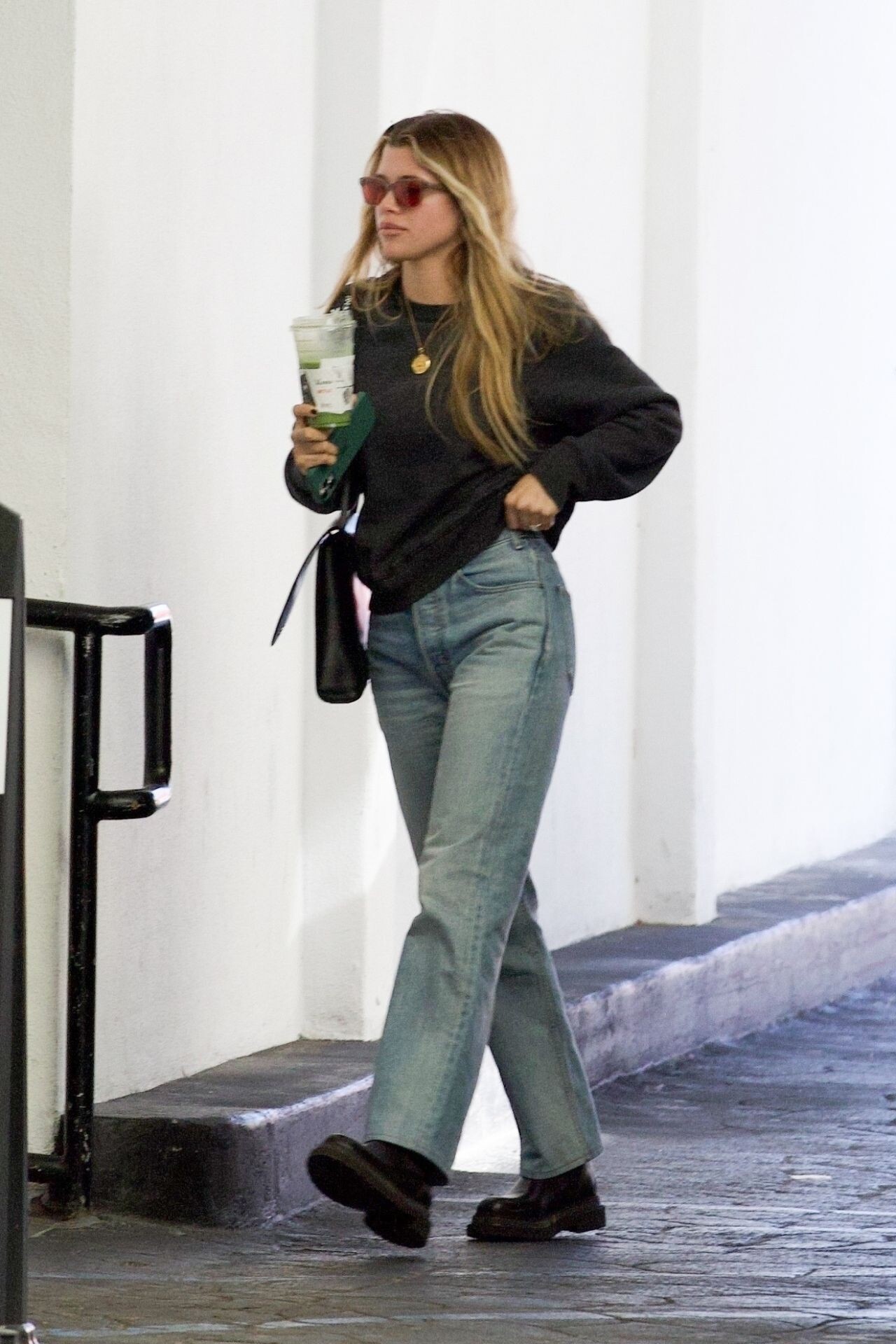



























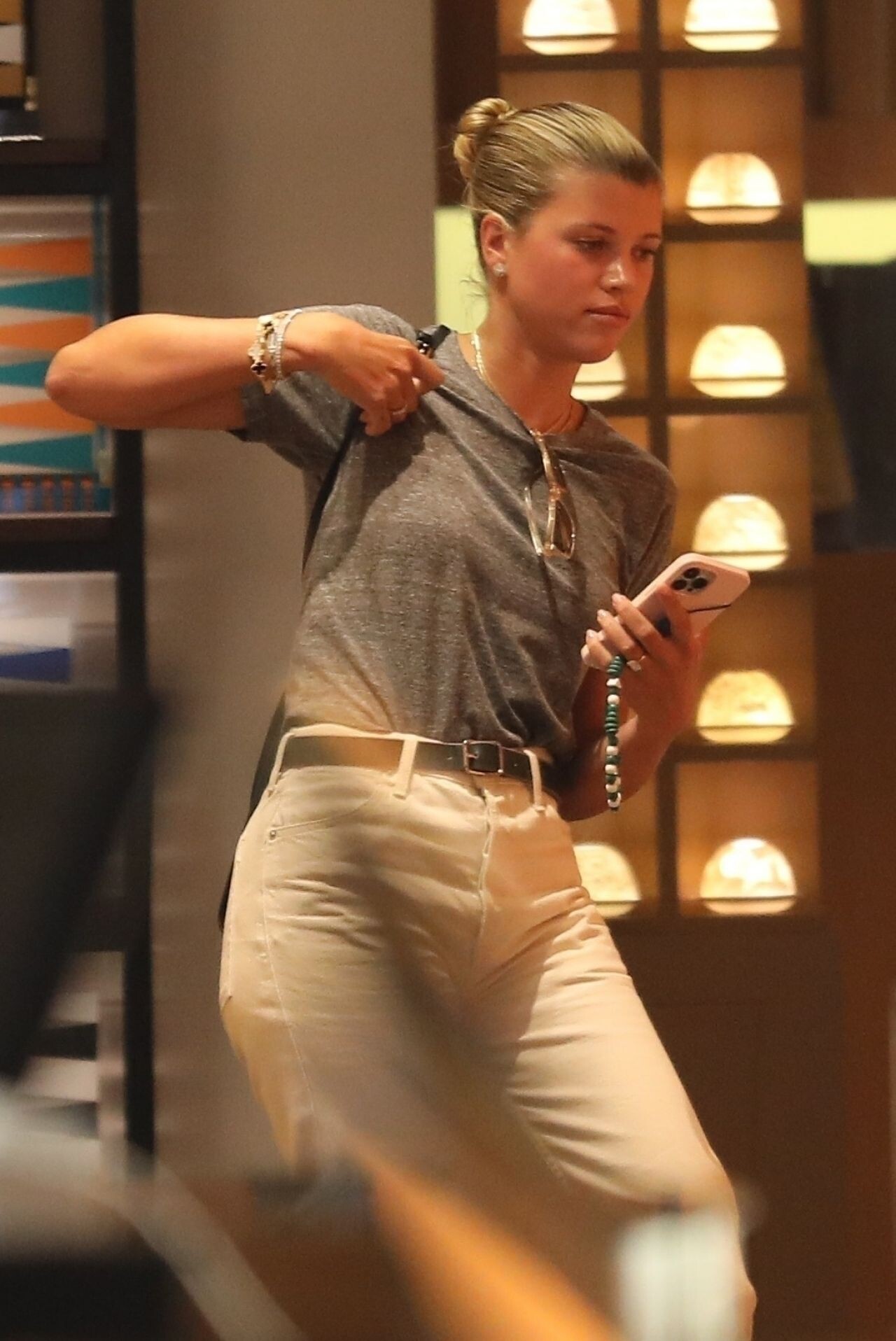
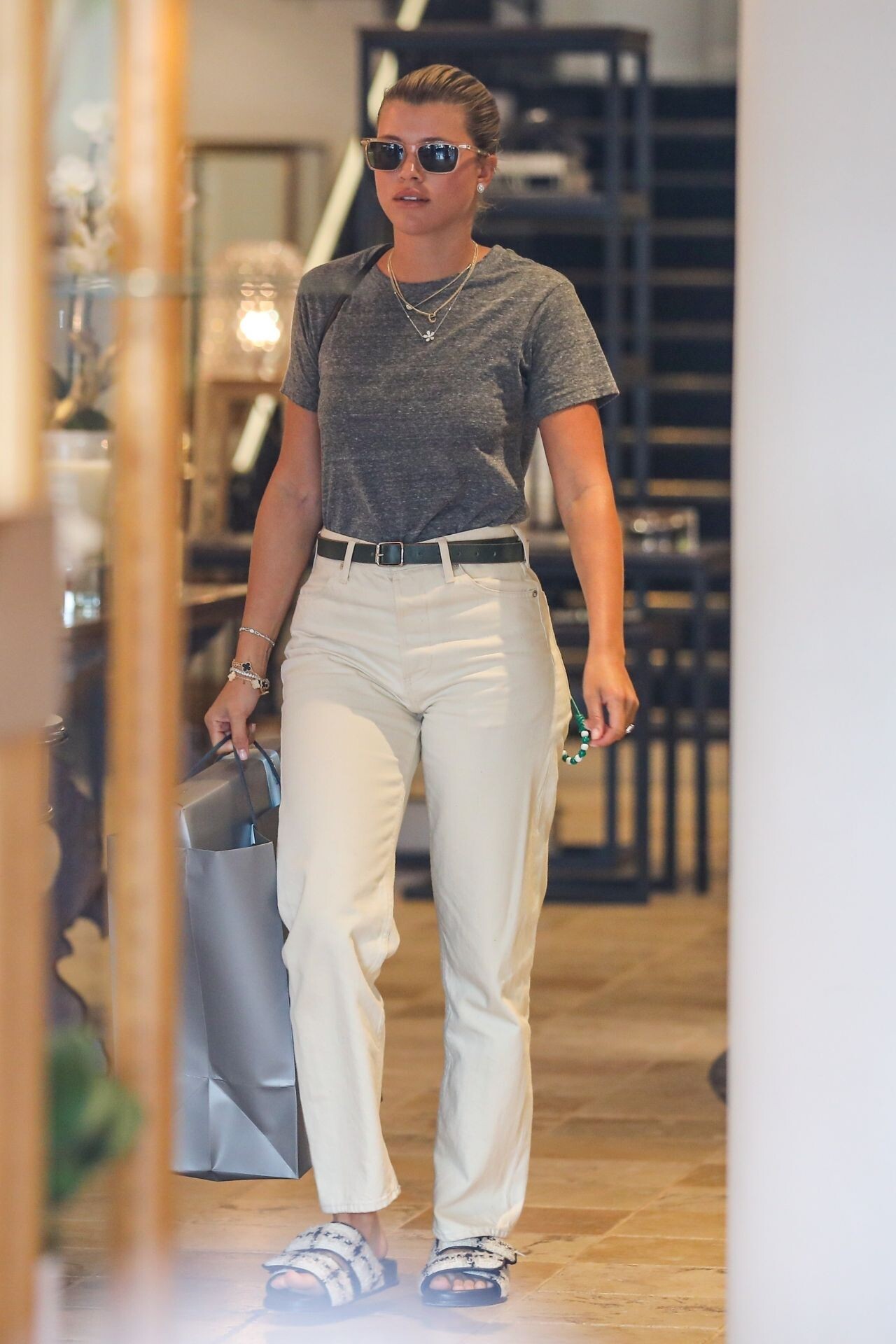


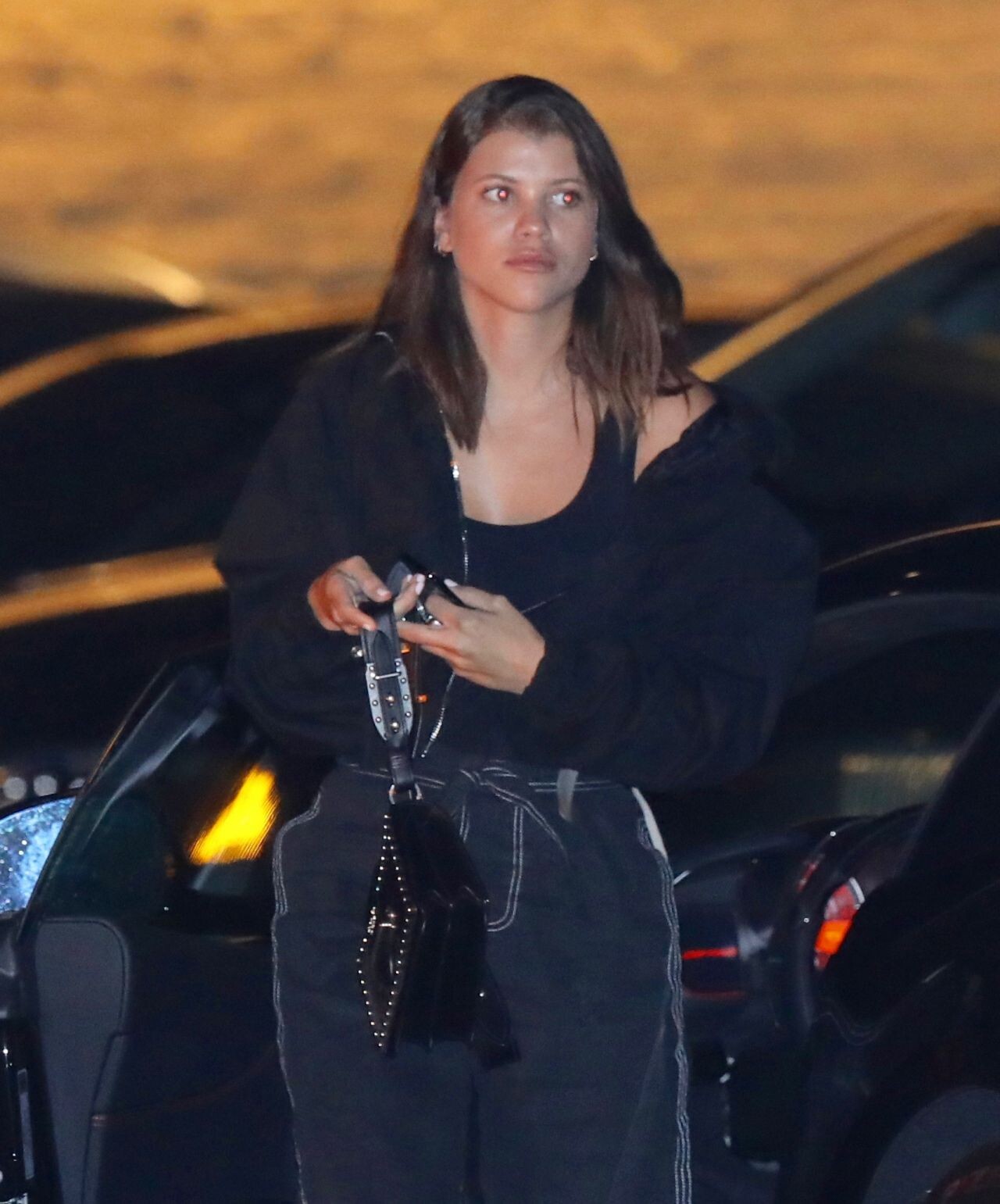
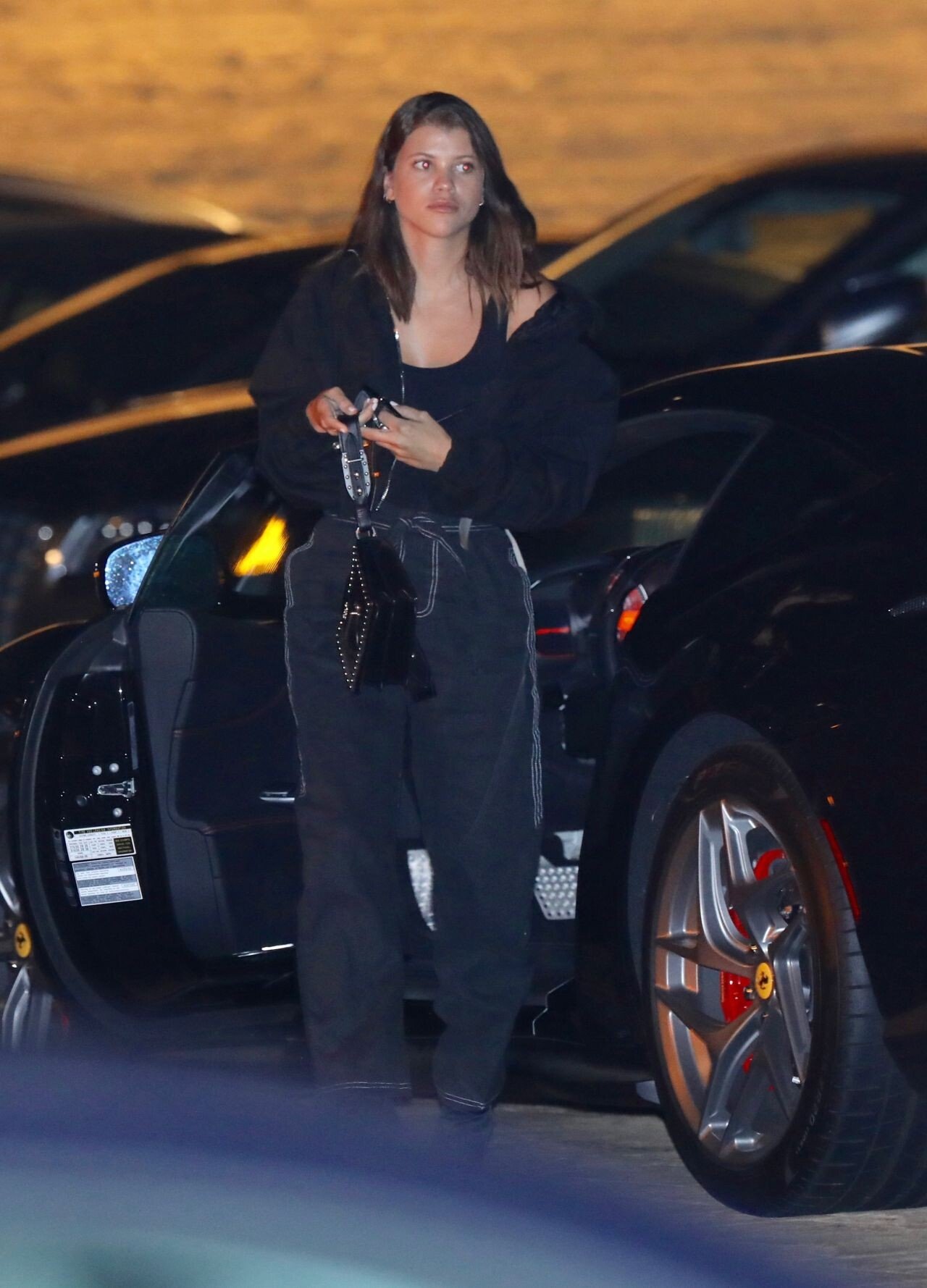



Account
Navigation
Search
Configure browser push notifications
Chrome (Android)
- Tap the lock icon next to the address bar.
- Tap Permissions → Notifications.
- Adjust your preference.
Chrome (Desktop)
- Click the padlock icon in the address bar.
- Select Site settings.
- Find Notifications and adjust your preference.
Safari (iOS 16.4+)
- Ensure the site is installed via Add to Home Screen.
- Open Settings App → Notifications.
- Find your app name and adjust your preference.
Safari (macOS)
- Go to Safari → Preferences.
- Click the Websites tab.
- Select Notifications in the sidebar.
- Find this website and adjust your preference.
Edge (Android)
- Tap the lock icon next to the address bar.
- Tap Permissions.
- Find Notifications and adjust your preference.
Edge (Desktop)
- Click the padlock icon in the address bar.
- Click Permissions for this site.
- Find Notifications and adjust your preference.
Firefox (Android)
- Go to Settings → Site permissions.
- Tap Notifications.
- Find this site in the list and adjust your preference.
Firefox (Desktop)
- Open Firefox Settings.
- Search for Notifications.
- Find this site in the list and adjust your preference.