
balenciagaaa
Members
-
Joined
-
Last visited
Everything posted by balenciagaaa
-
 2023 CFDA Fashion Awards in New York 11/06/2023








-
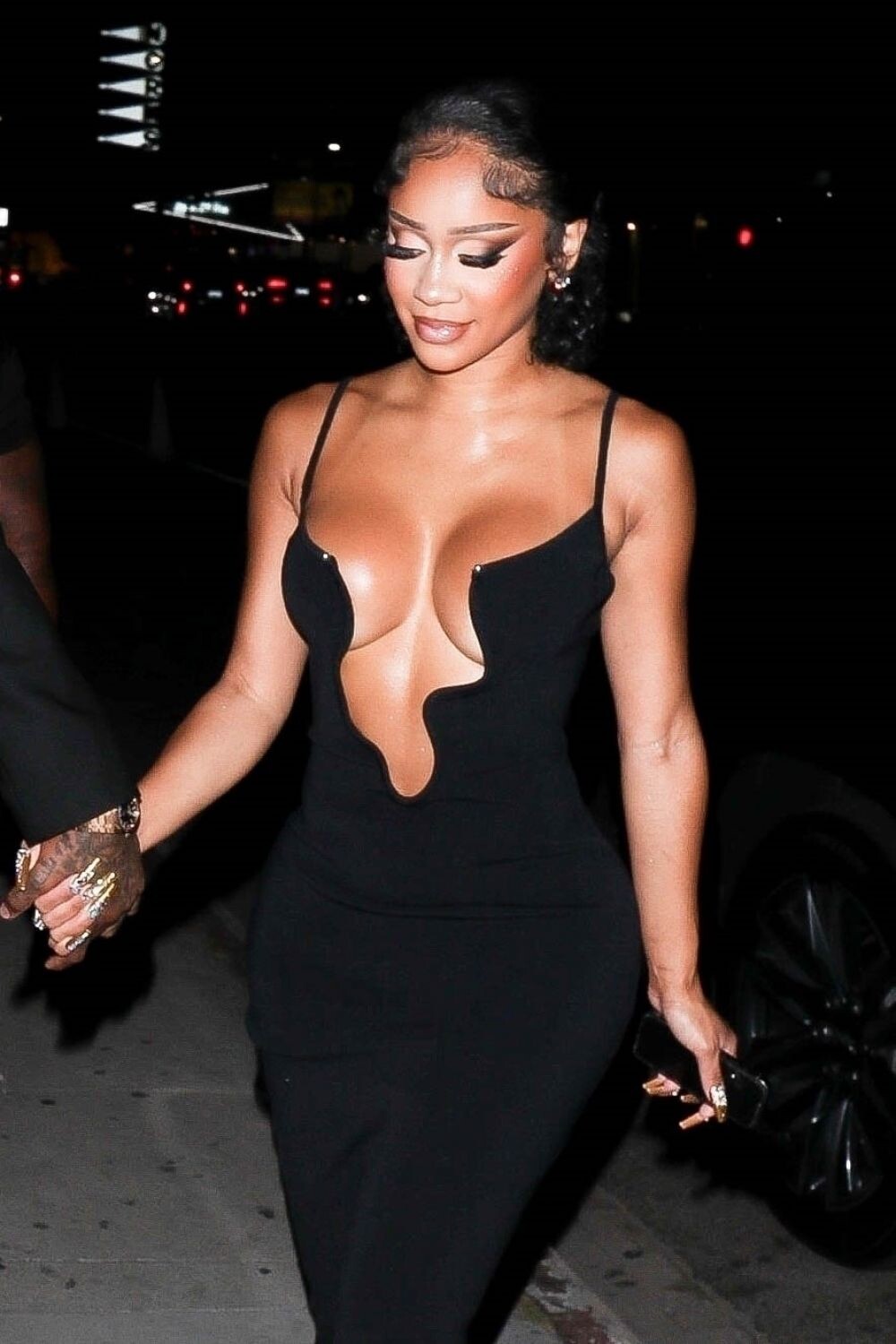
2023 MTV Video Music Awards in Newark 09/12/2023







-
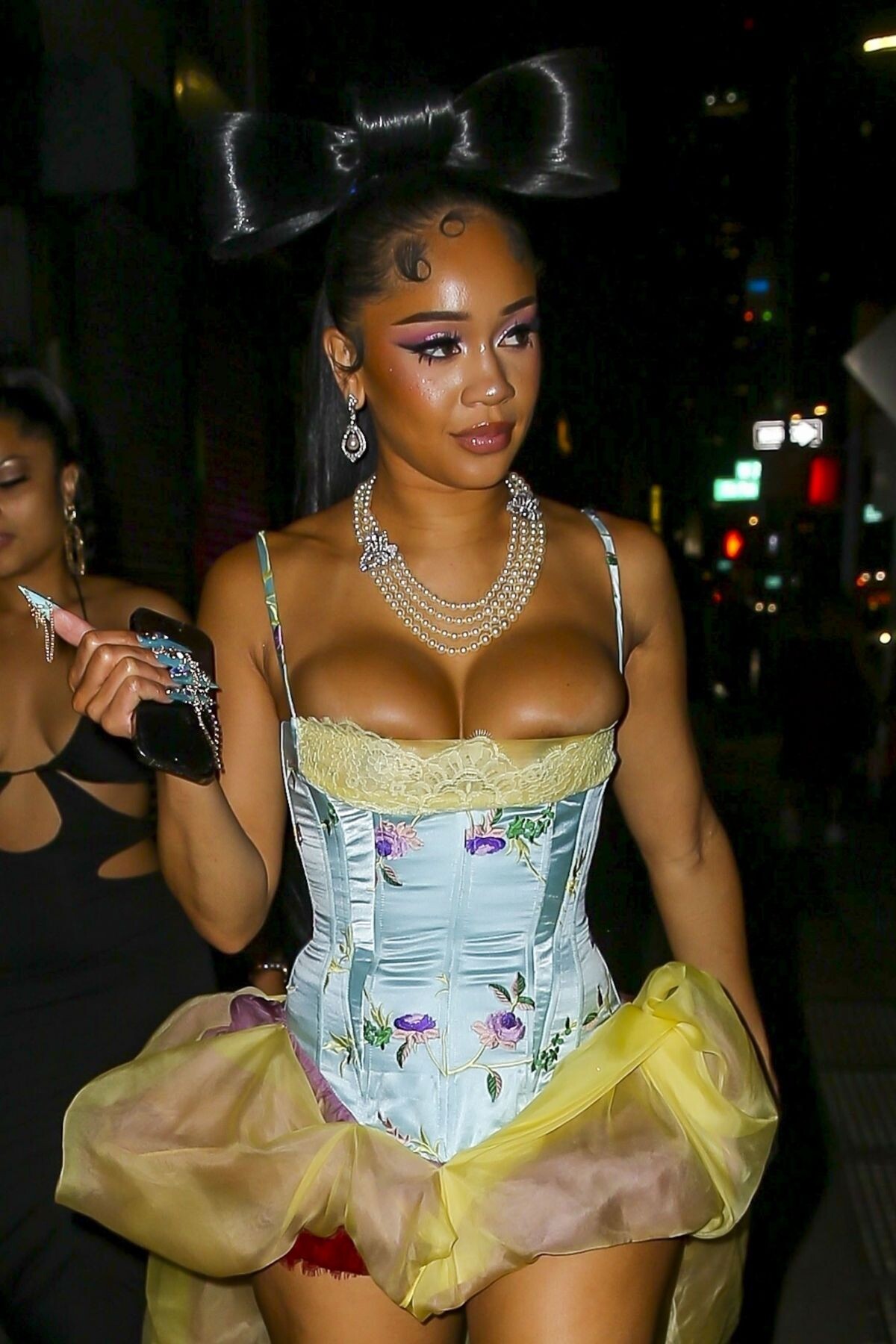
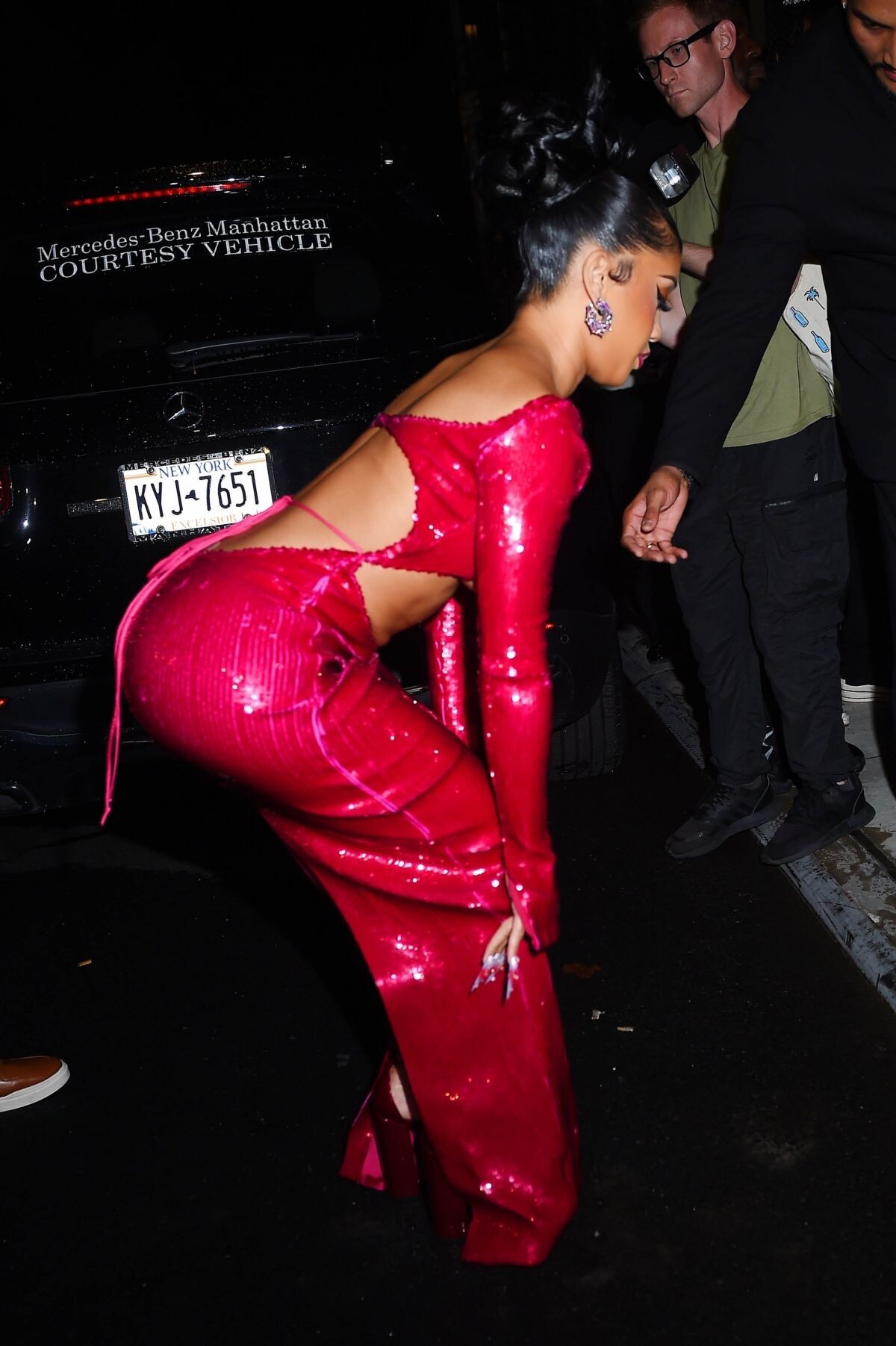
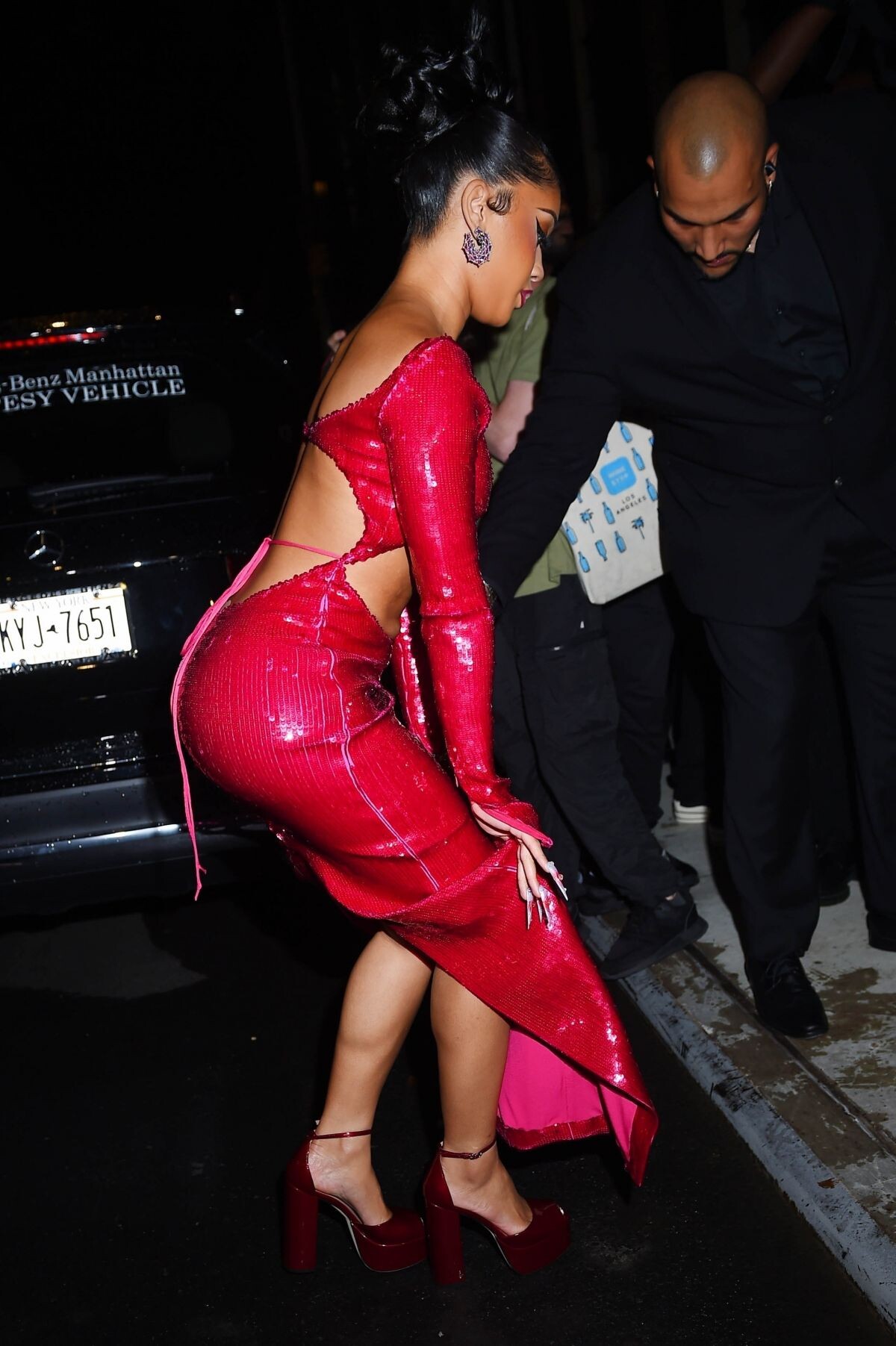
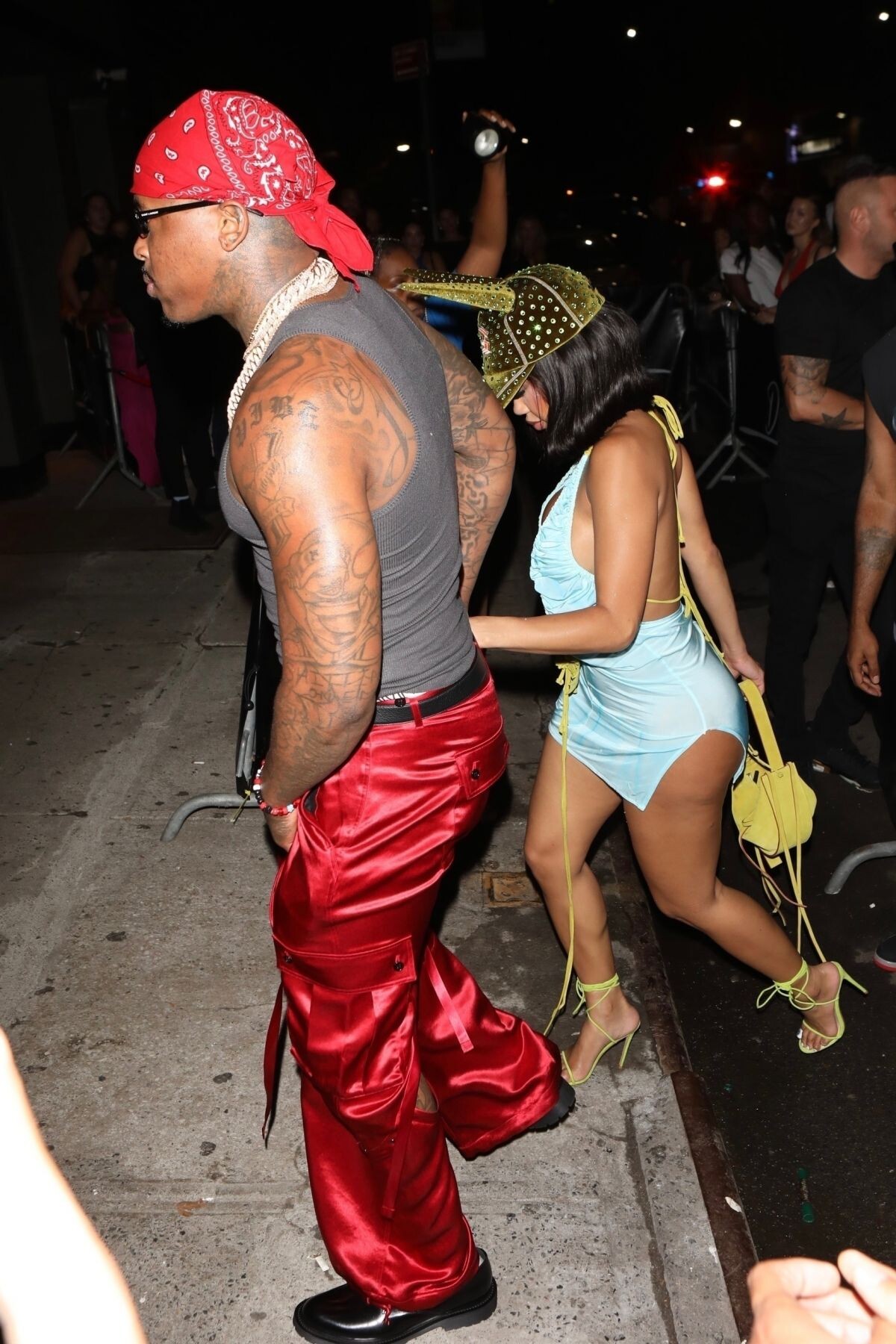
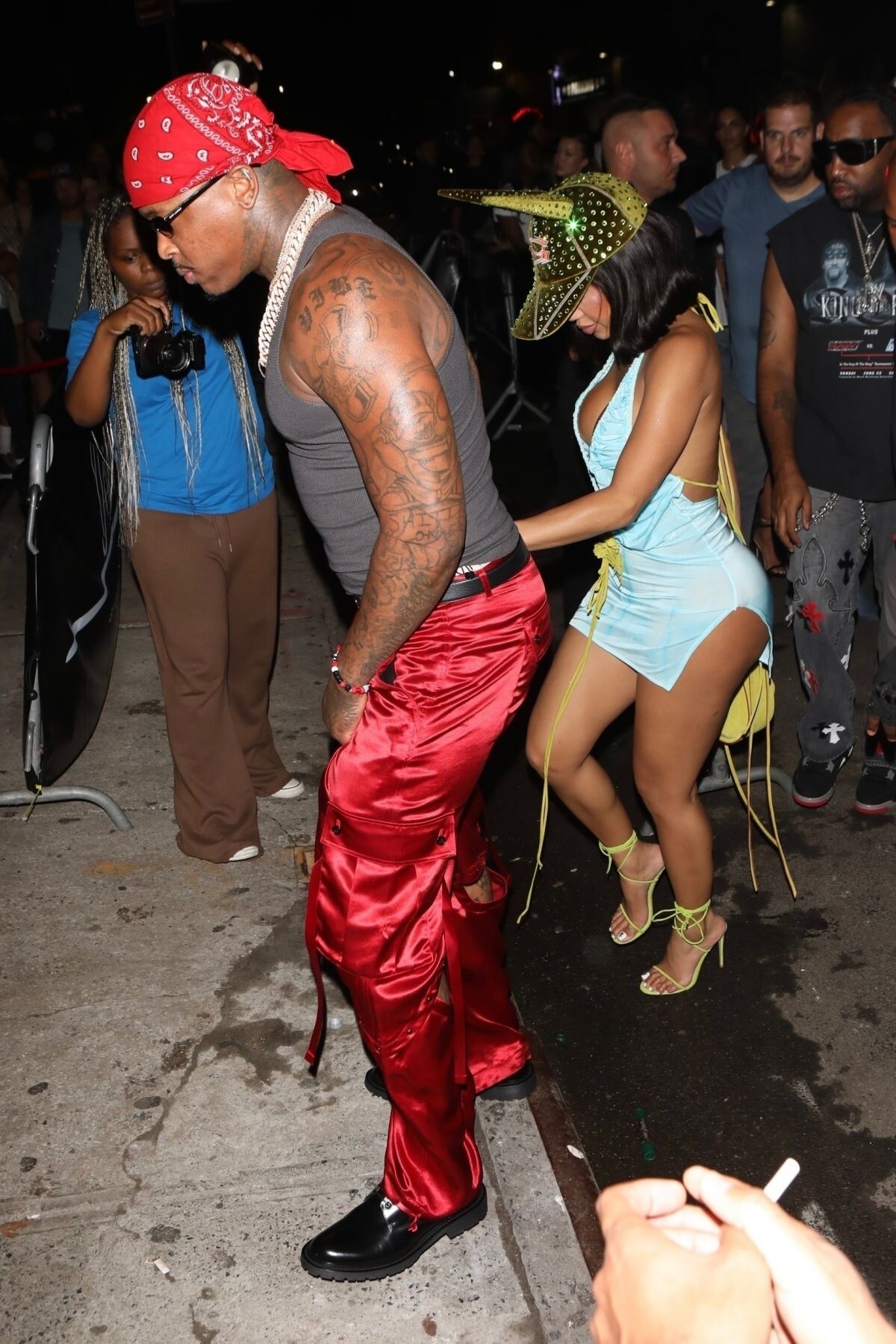
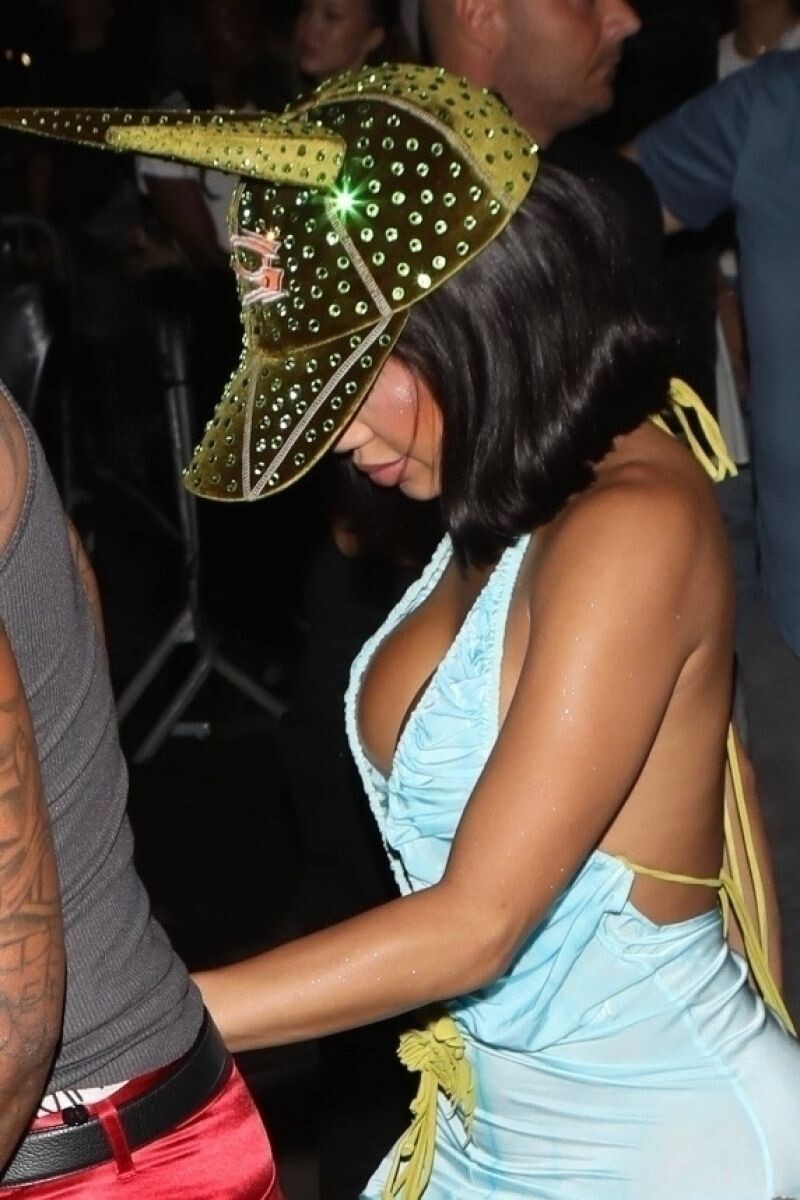
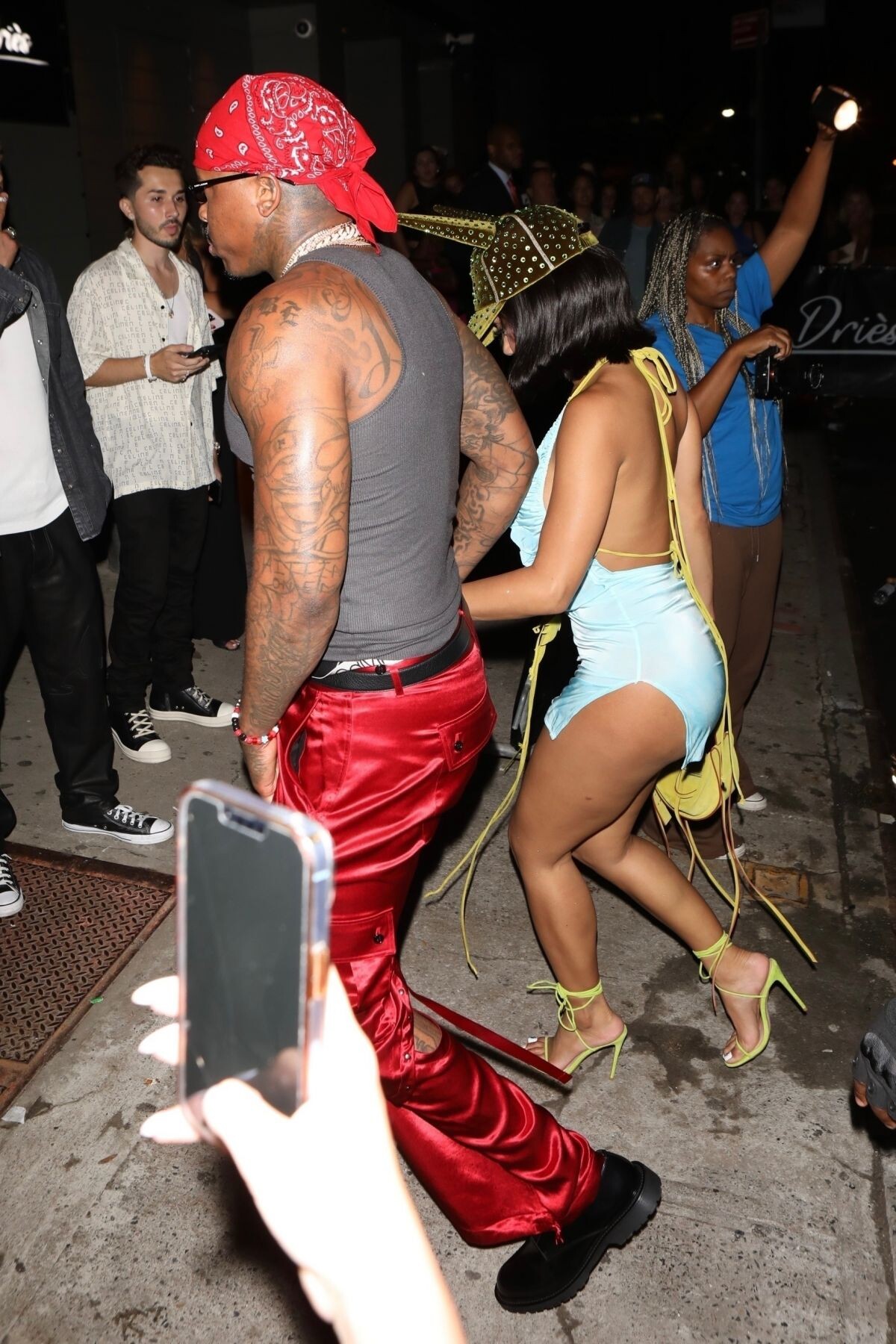
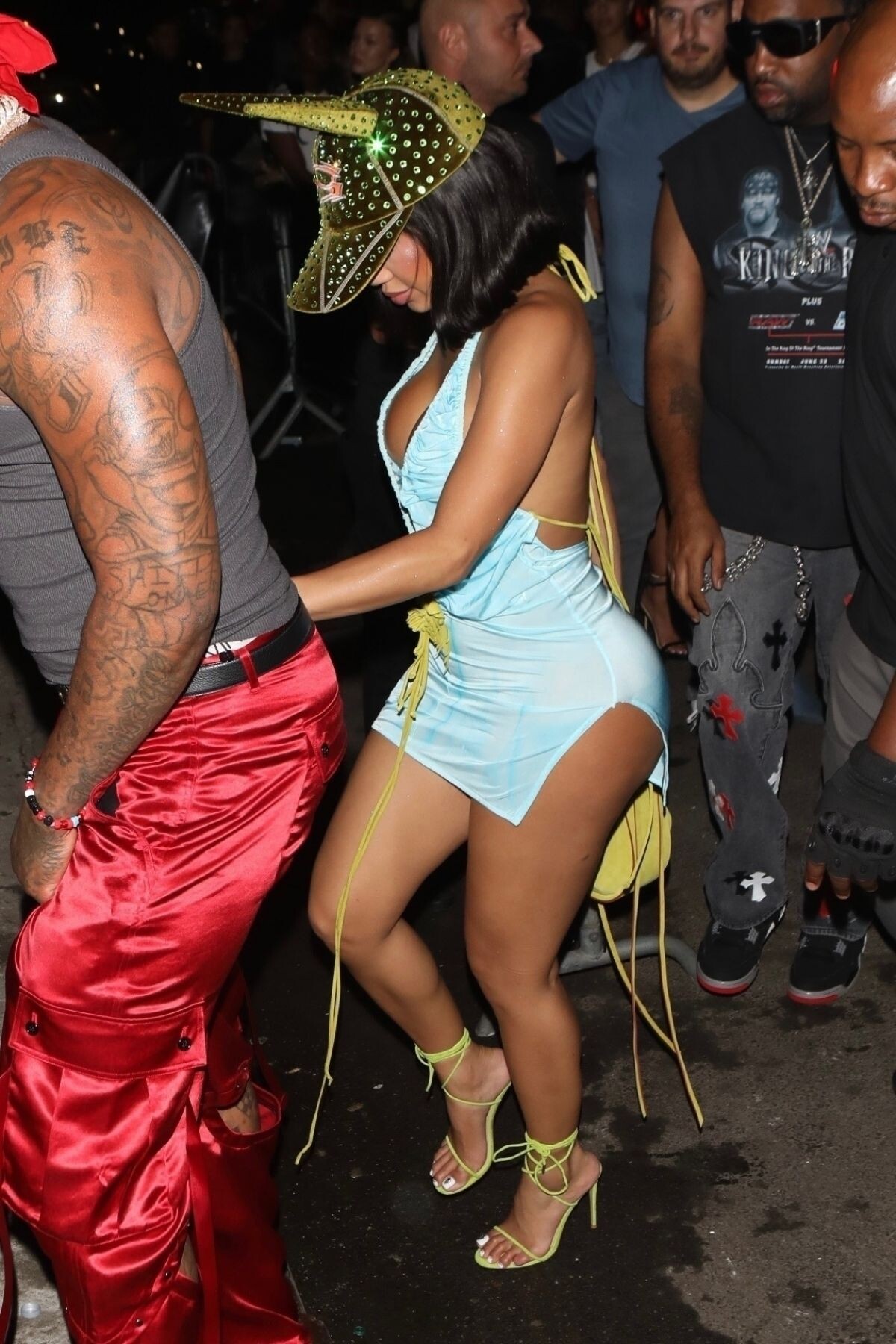
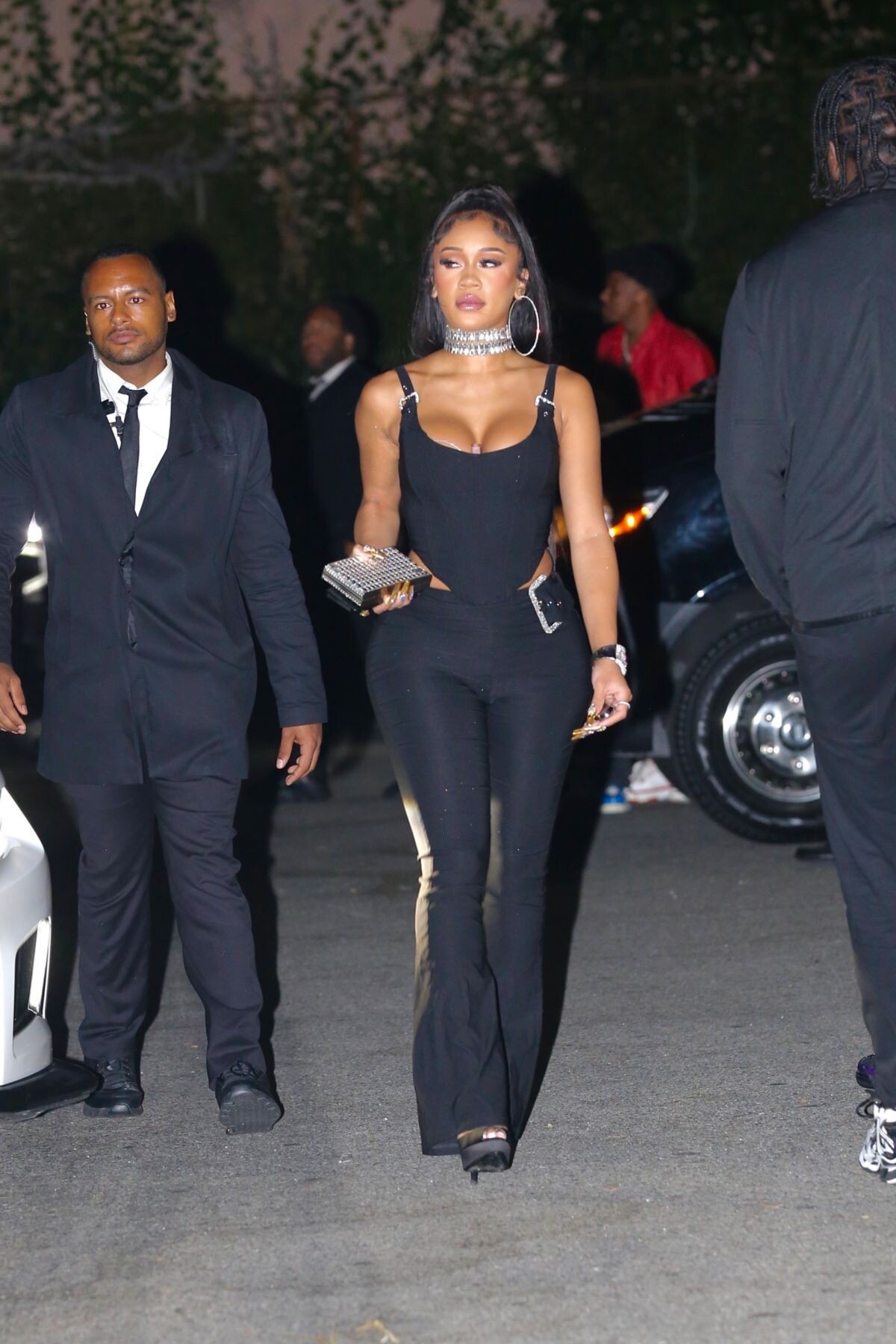
Arrives at VMA’s After-party in New York 09/12/2023







-
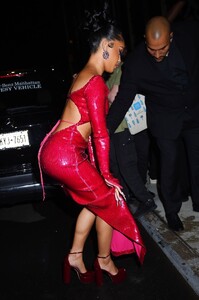
LaQuan Smith Fashion Show at NYFW in New York 09/11/2023











-
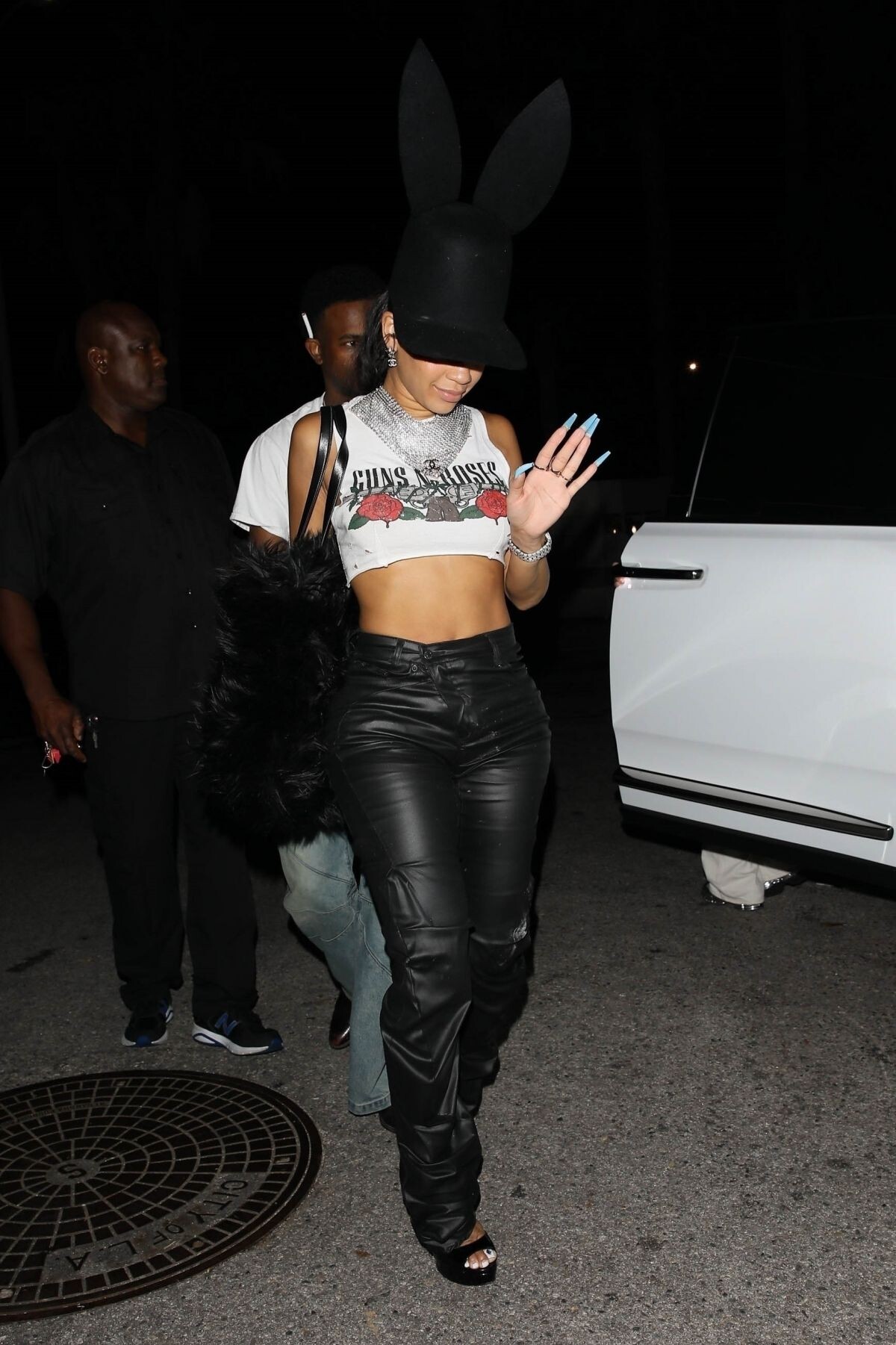
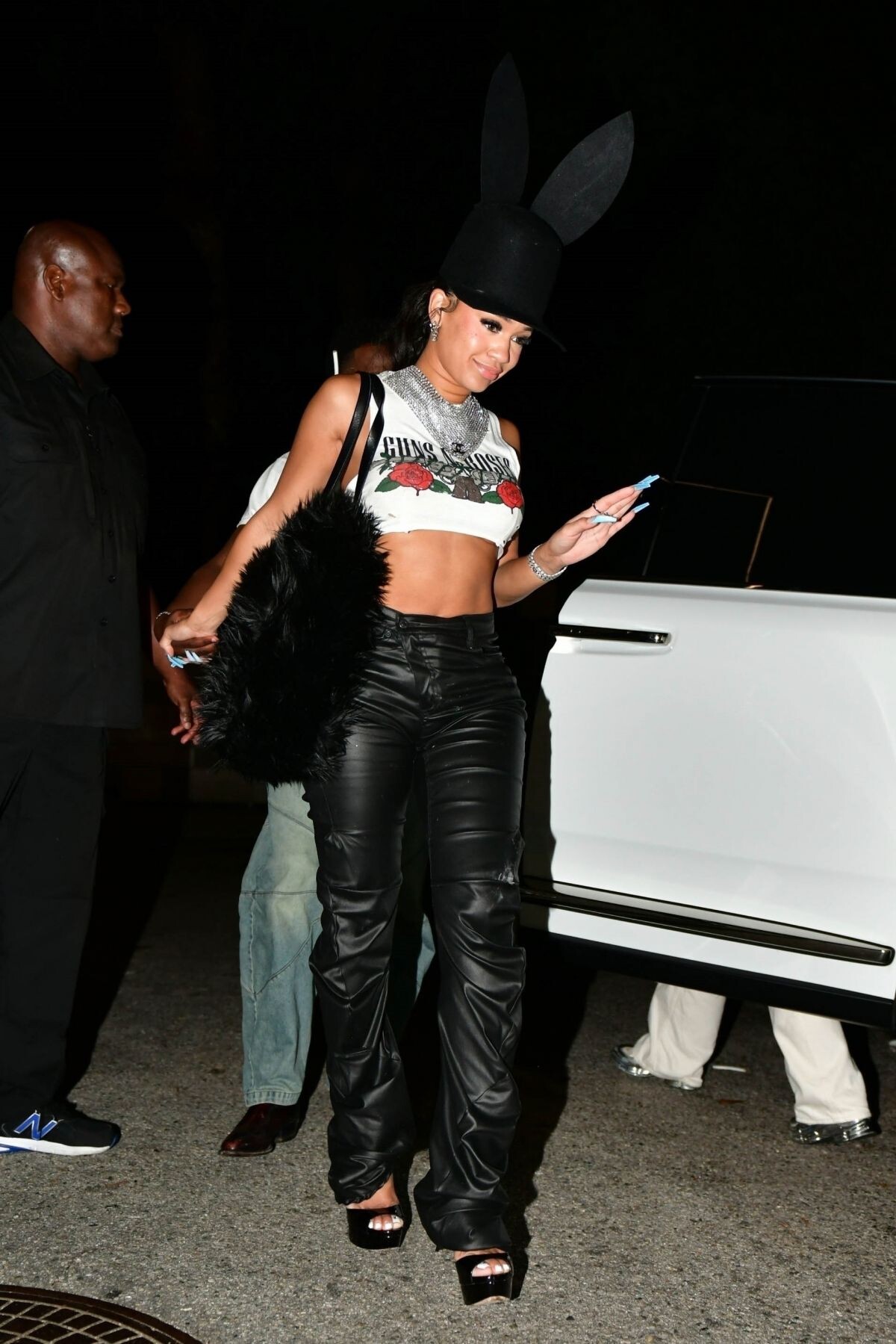
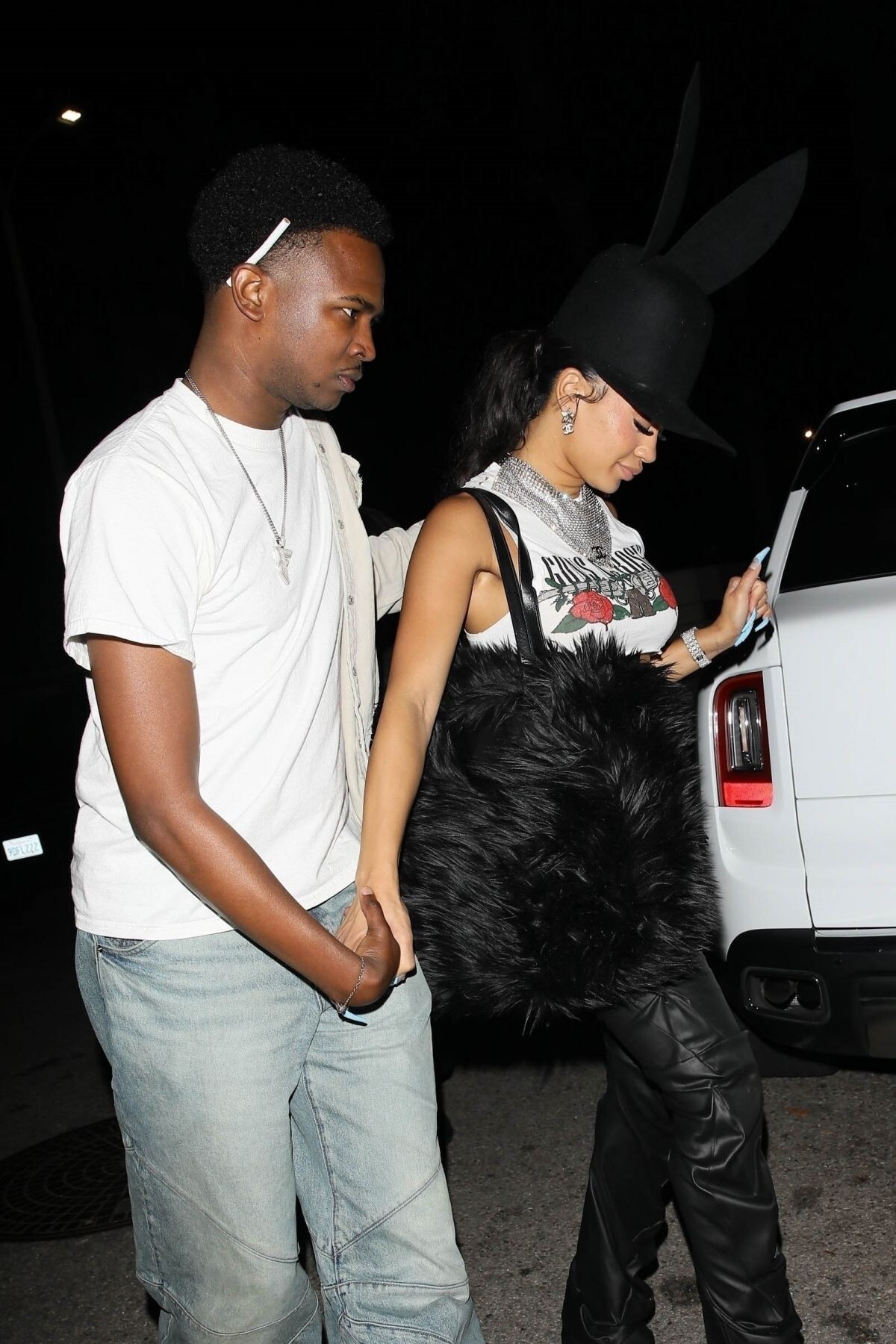
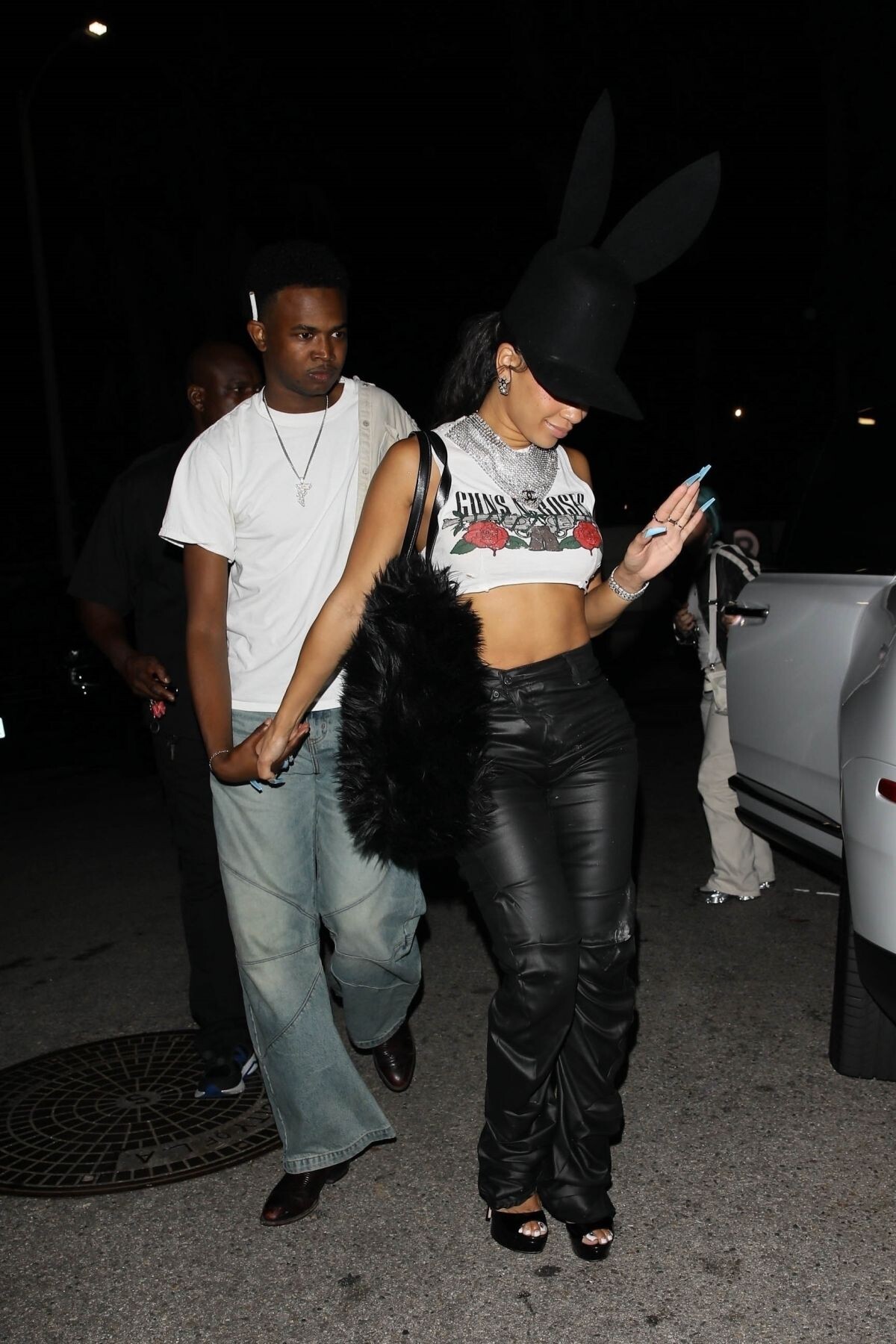
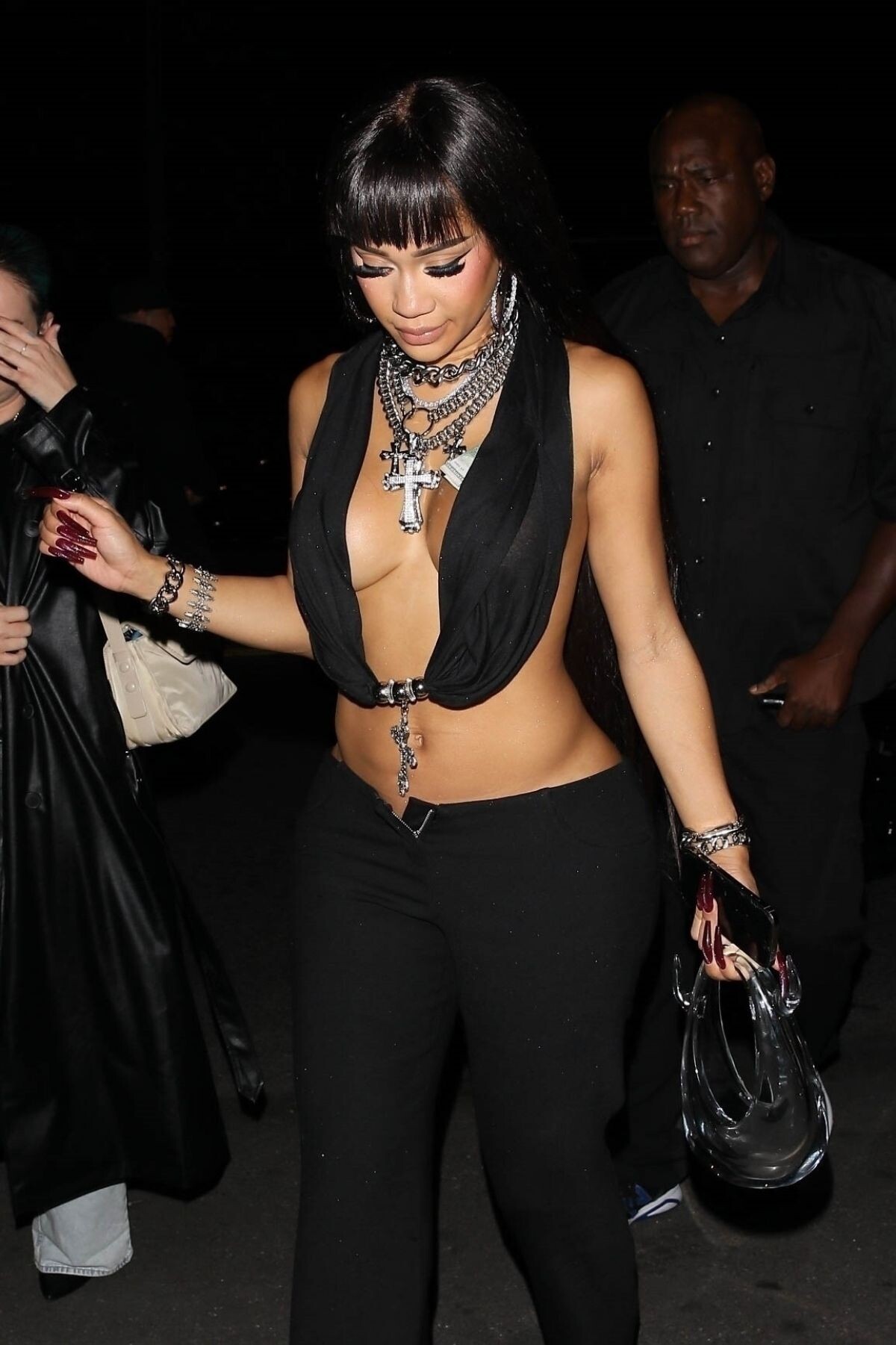
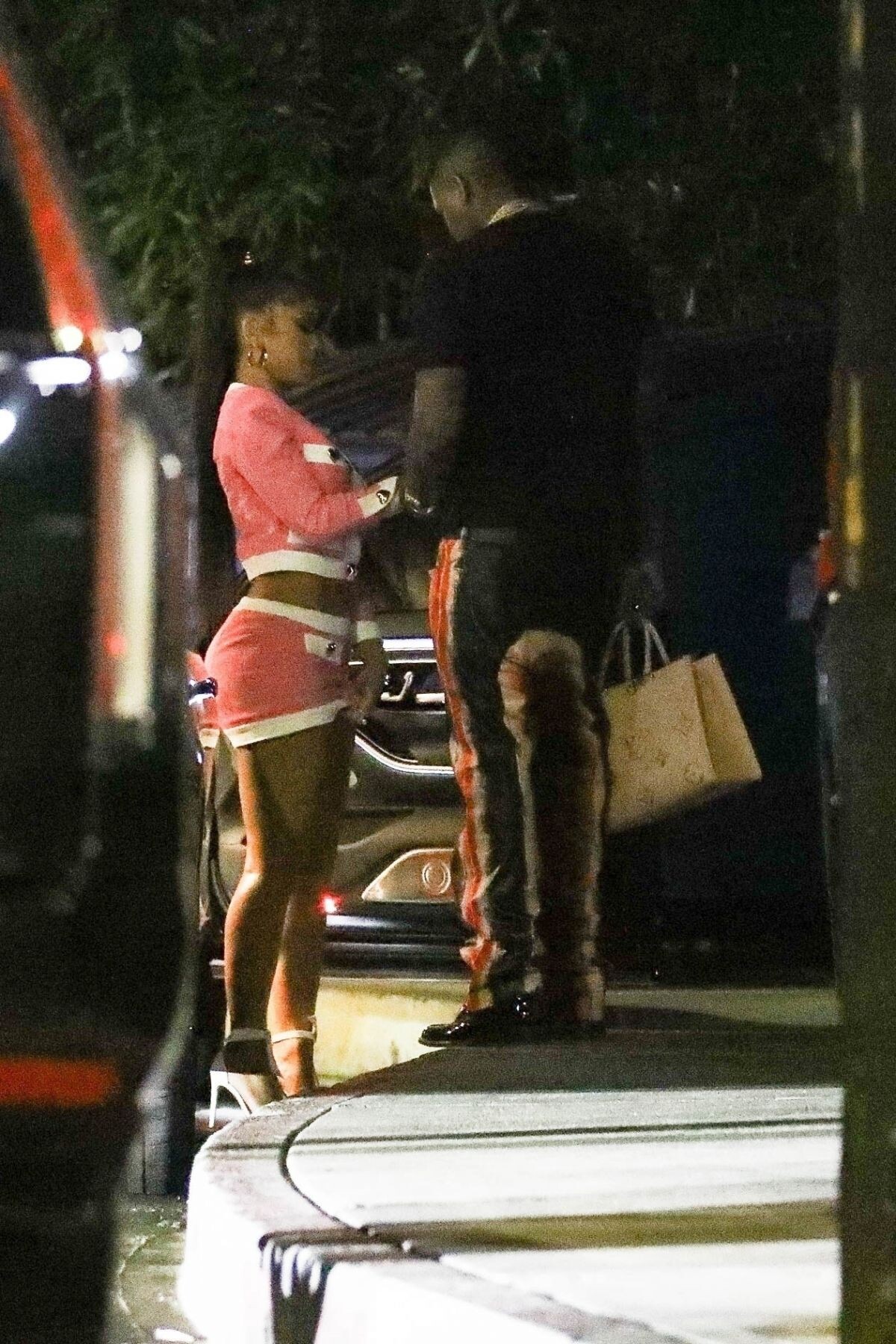
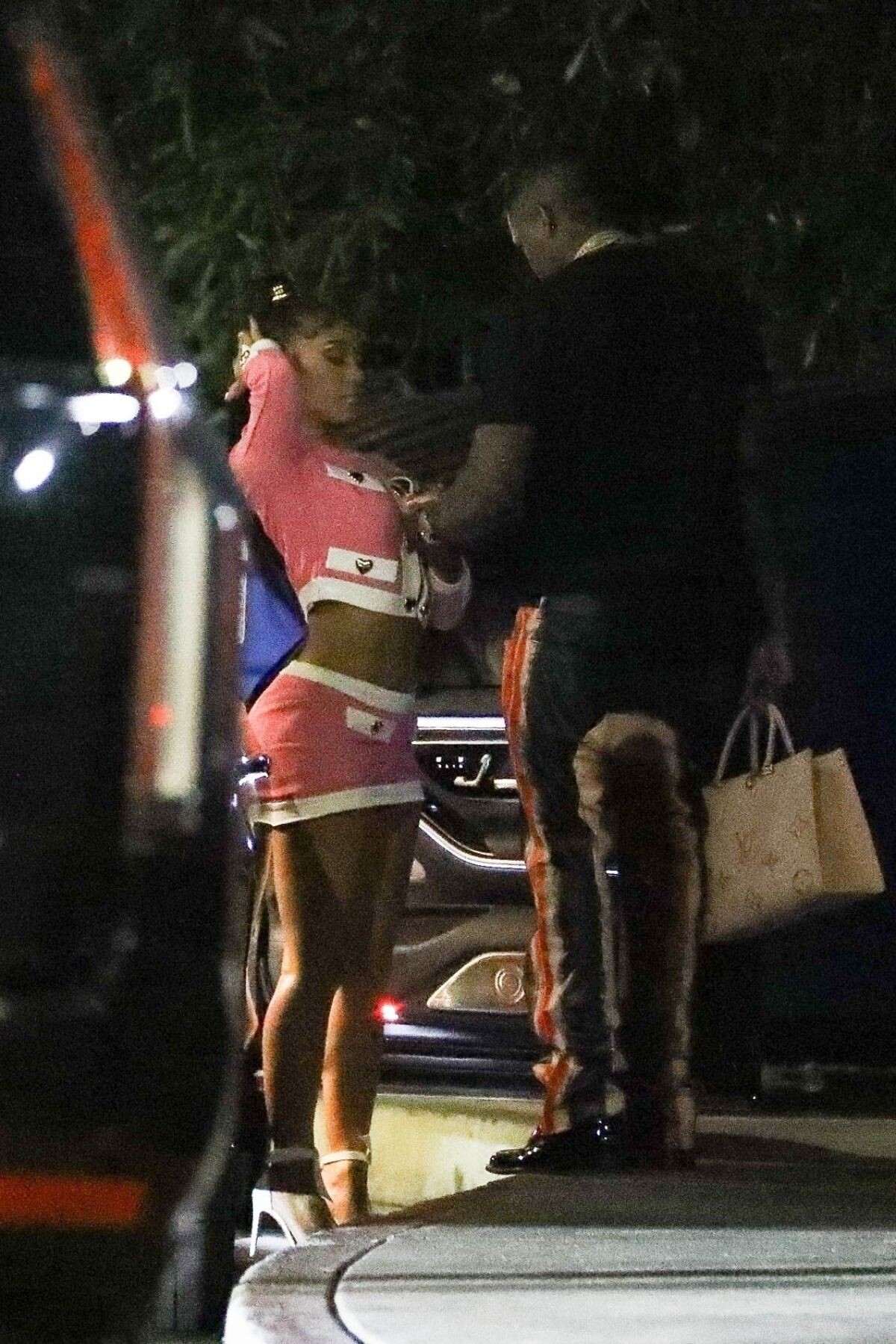
Arrives at The Nice Guy in West Hollywood 07/14/2023







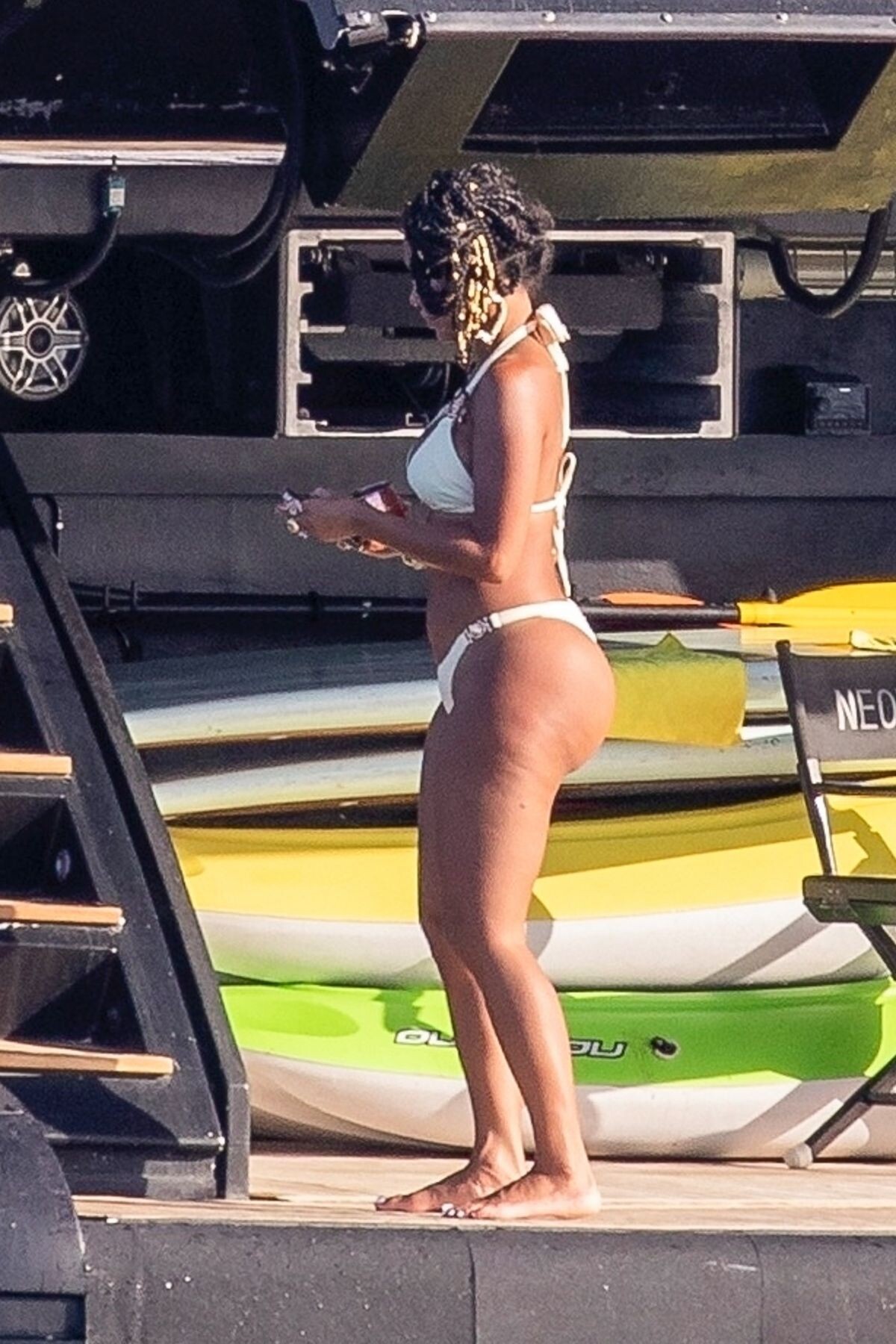
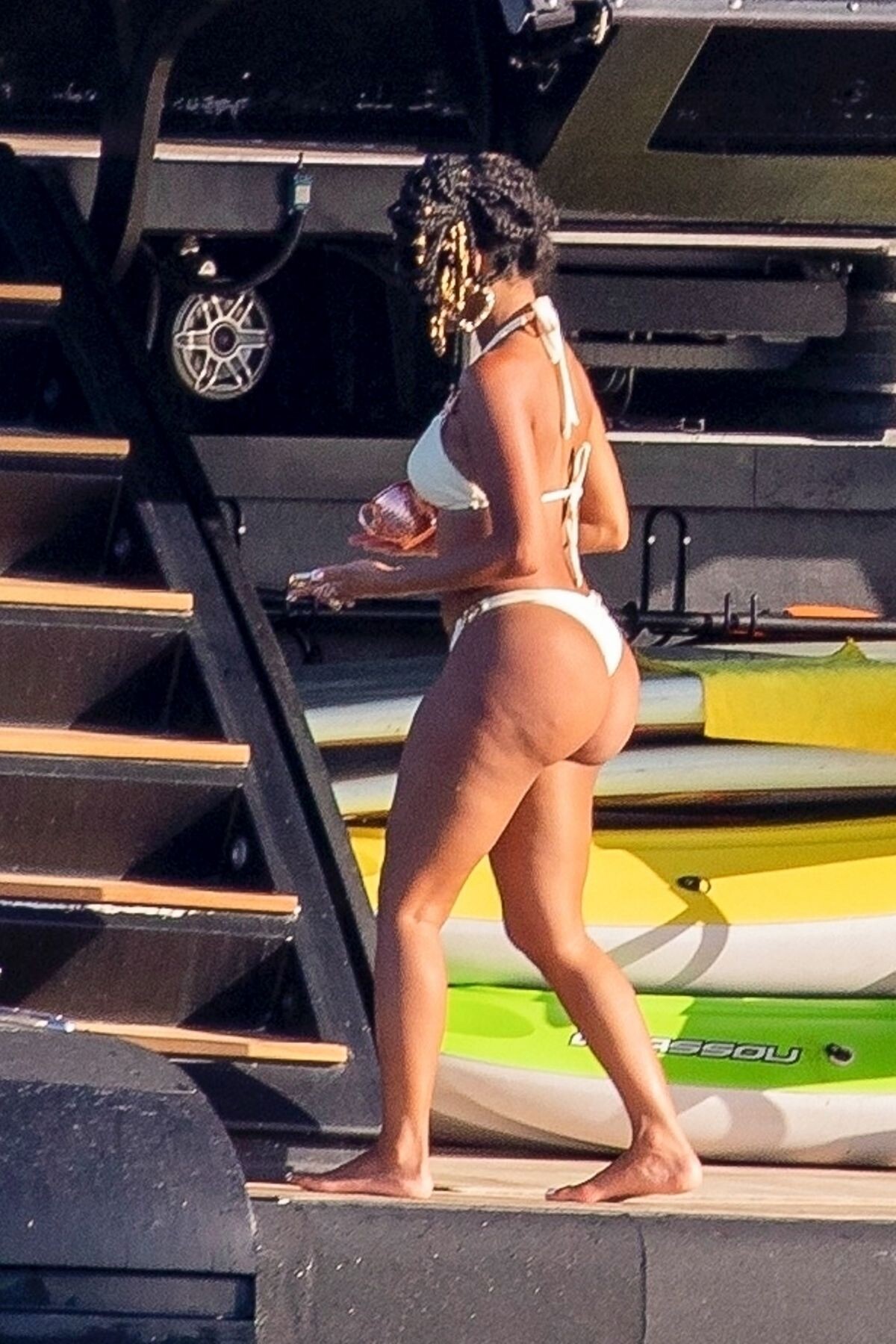
 Cabo 05/29/2023




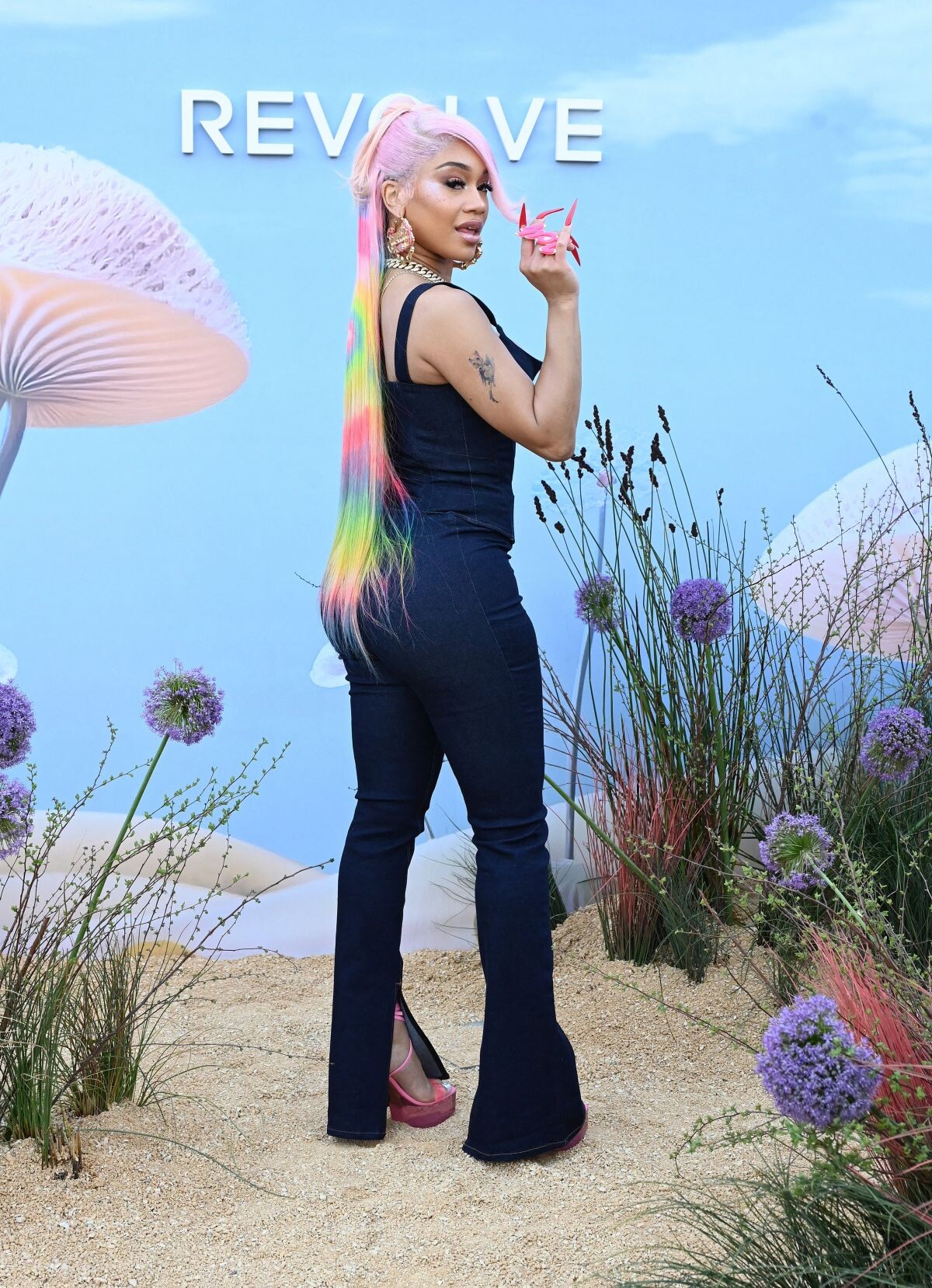
 Revolve Party at Coachella Music Festival in Indio 04/15/2023







 Vanity Fair Oscar Party in Beverly Hills 03/12/2023








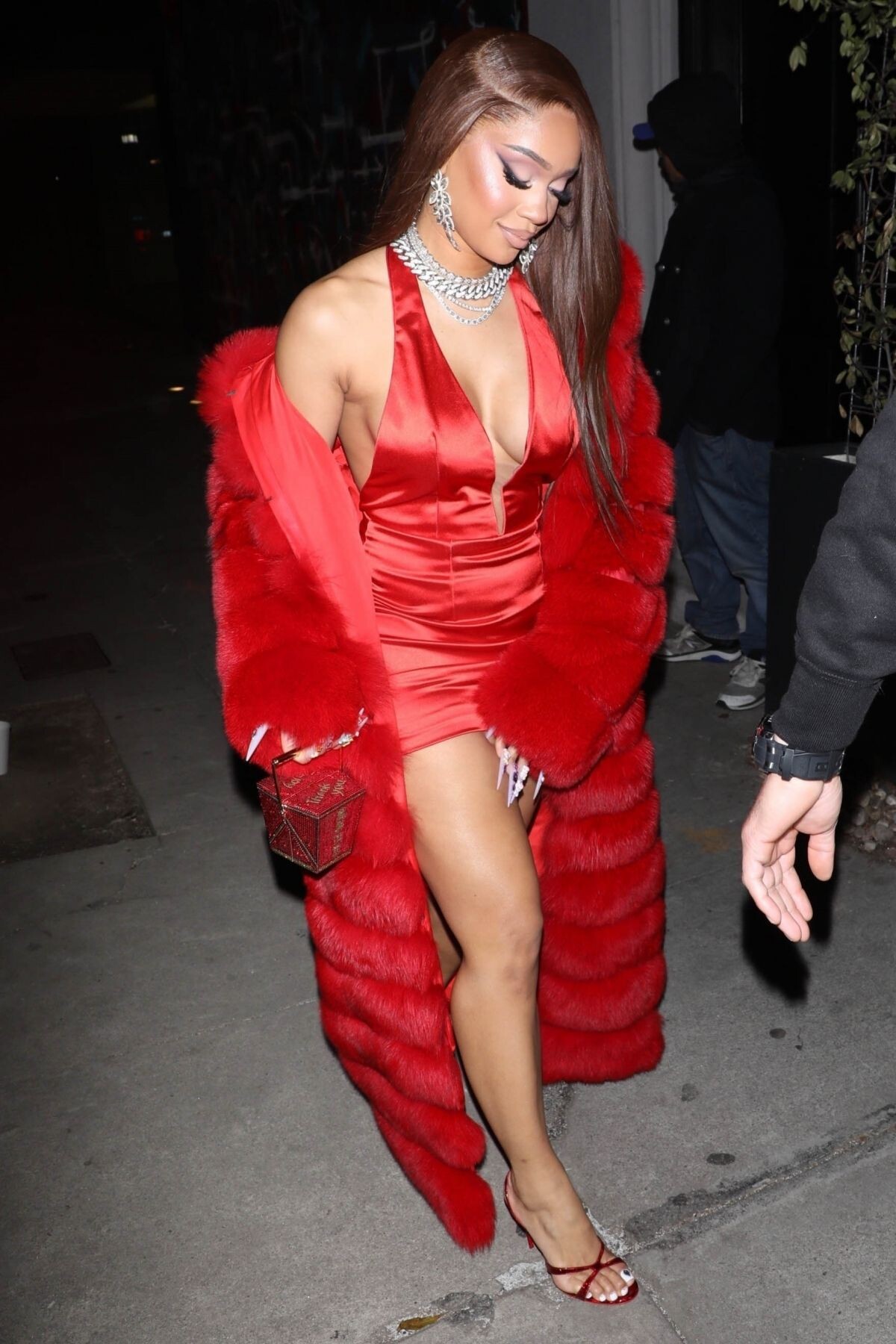
 Arrives at Craig’s in West Hollywood 03/08/2023





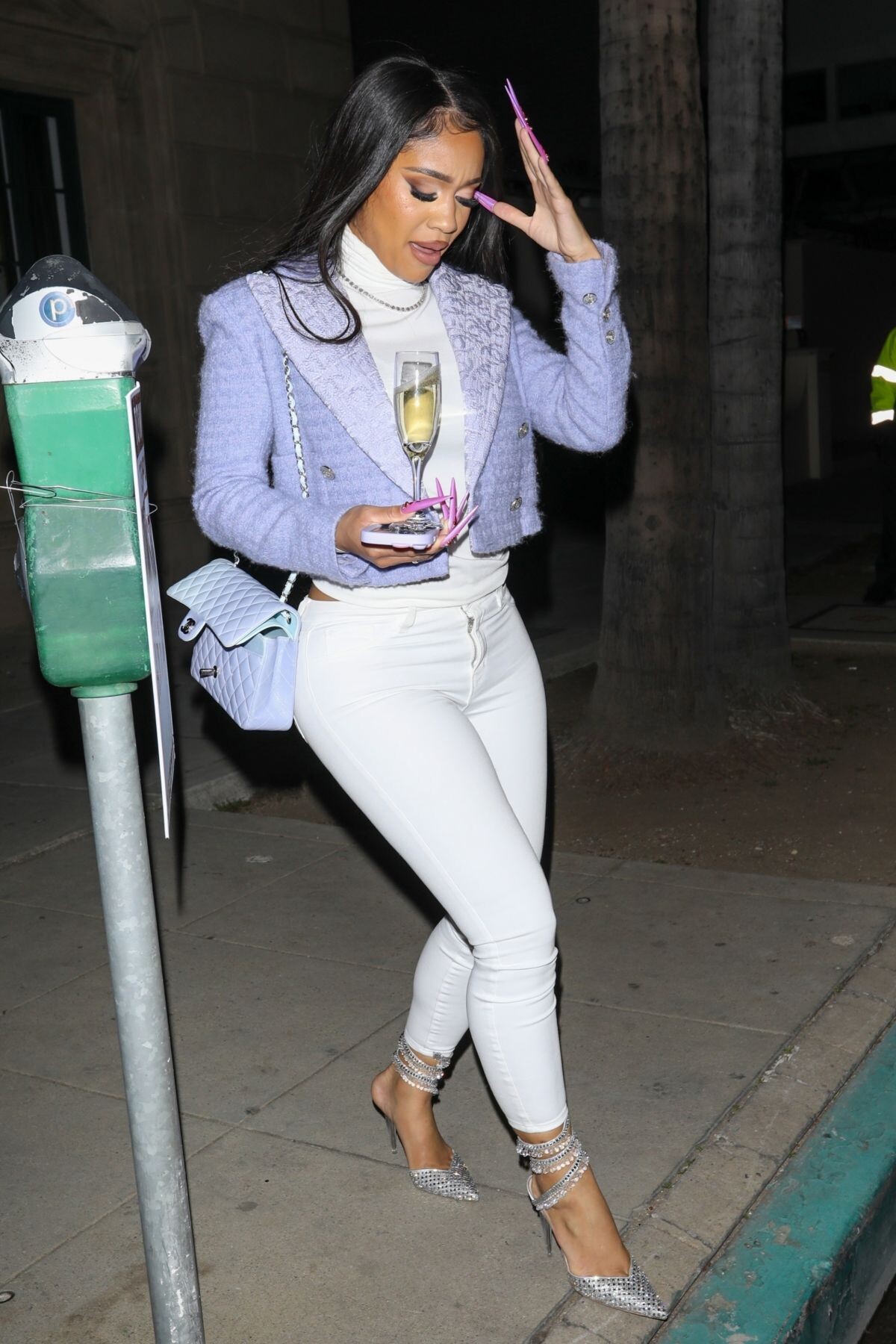
 Arrives at Lakers Game at Crypto.com Arena in Los Angeles 02/23/2023


 Los Angeles 09/02/2022




 Harper’s Bazaar Icons Issue 2022
 Glamour Magazine, UK May 2022



 64th Annual Grammy Awards in Las Vegas 04/03/2022





 2022 Vanity Fair Oscar Party in Beverly Hills 03/27/2022











 Elton John AIDS Foundation’s 30th Annual Academy Awards Viewing Party in West Hollywood 03/27/2022





 Performs at Her Opening Night Show at Voltaire in Las Vegas 12/30/2023








 at a New Year’s Day Brunch with Her Mother in Malibu 01/01/2024











































































































































































































Account
Navigation
Search
Configure browser push notifications
Chrome (Android)
- Tap the lock icon next to the address bar.
- Tap Permissions → Notifications.
- Adjust your preference.
Chrome (Desktop)
- Click the padlock icon in the address bar.
- Select Site settings.
- Find Notifications and adjust your preference.
Safari (iOS 16.4+)
- Ensure the site is installed via Add to Home Screen.
- Open Settings App → Notifications.
- Find your app name and adjust your preference.
Safari (macOS)
- Go to Safari → Preferences.
- Click the Websites tab.
- Select Notifications in the sidebar.
- Find this website and adjust your preference.
Edge (Android)
- Tap the lock icon next to the address bar.
- Tap Permissions.
- Find Notifications and adjust your preference.
Edge (Desktop)
- Click the padlock icon in the address bar.
- Click Permissions for this site.
- Find Notifications and adjust your preference.
Firefox (Android)
- Go to Settings → Site permissions.
- Tap Notifications.
- Find this site in the list and adjust your preference.
Firefox (Desktop)
- Open Firefox Settings.
- Search for Notifications.
- Find this site in the list and adjust your preference.