
balenciagaaa
Members
-
Joined
-
Last visited
Everything posted by balenciagaaa
-
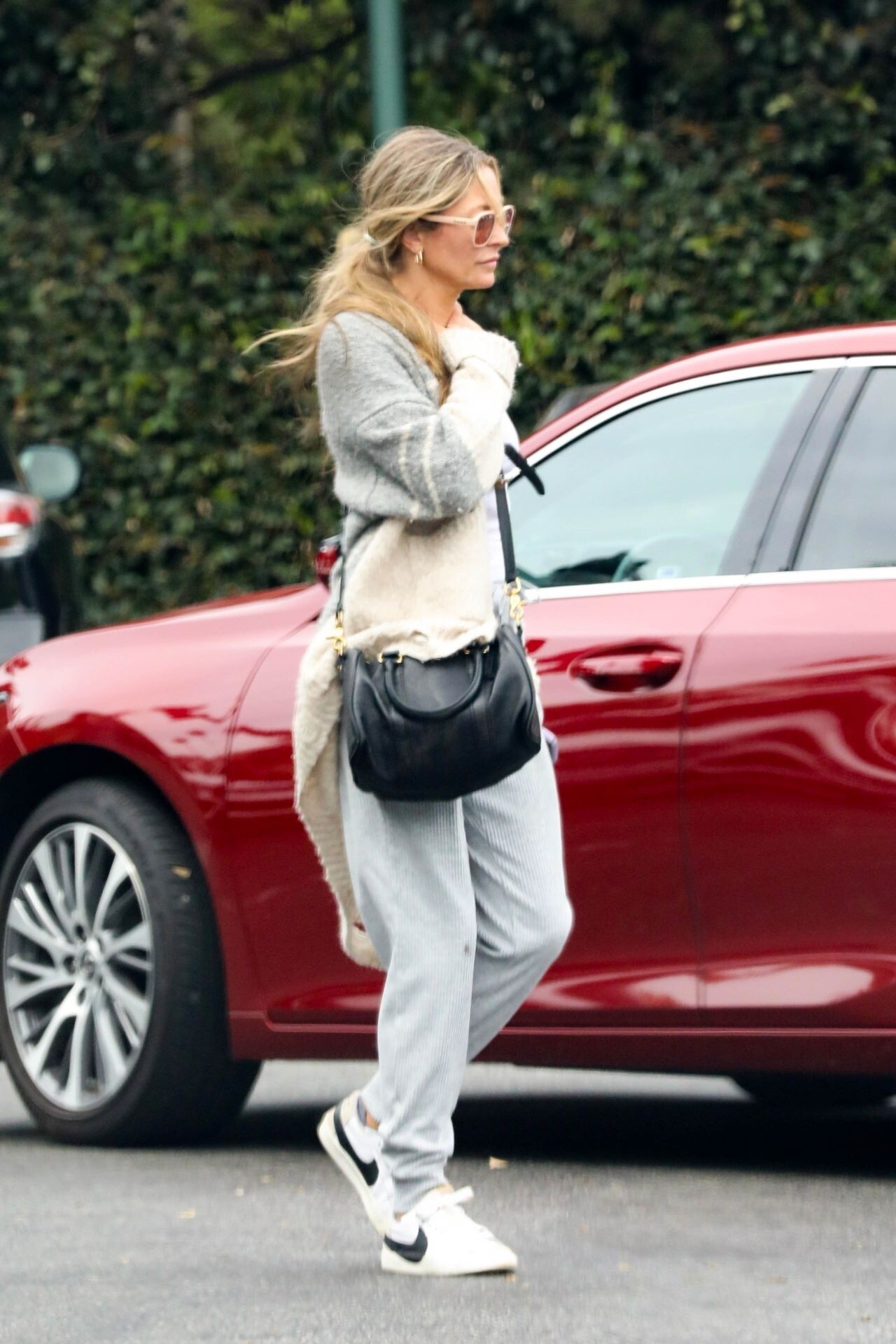
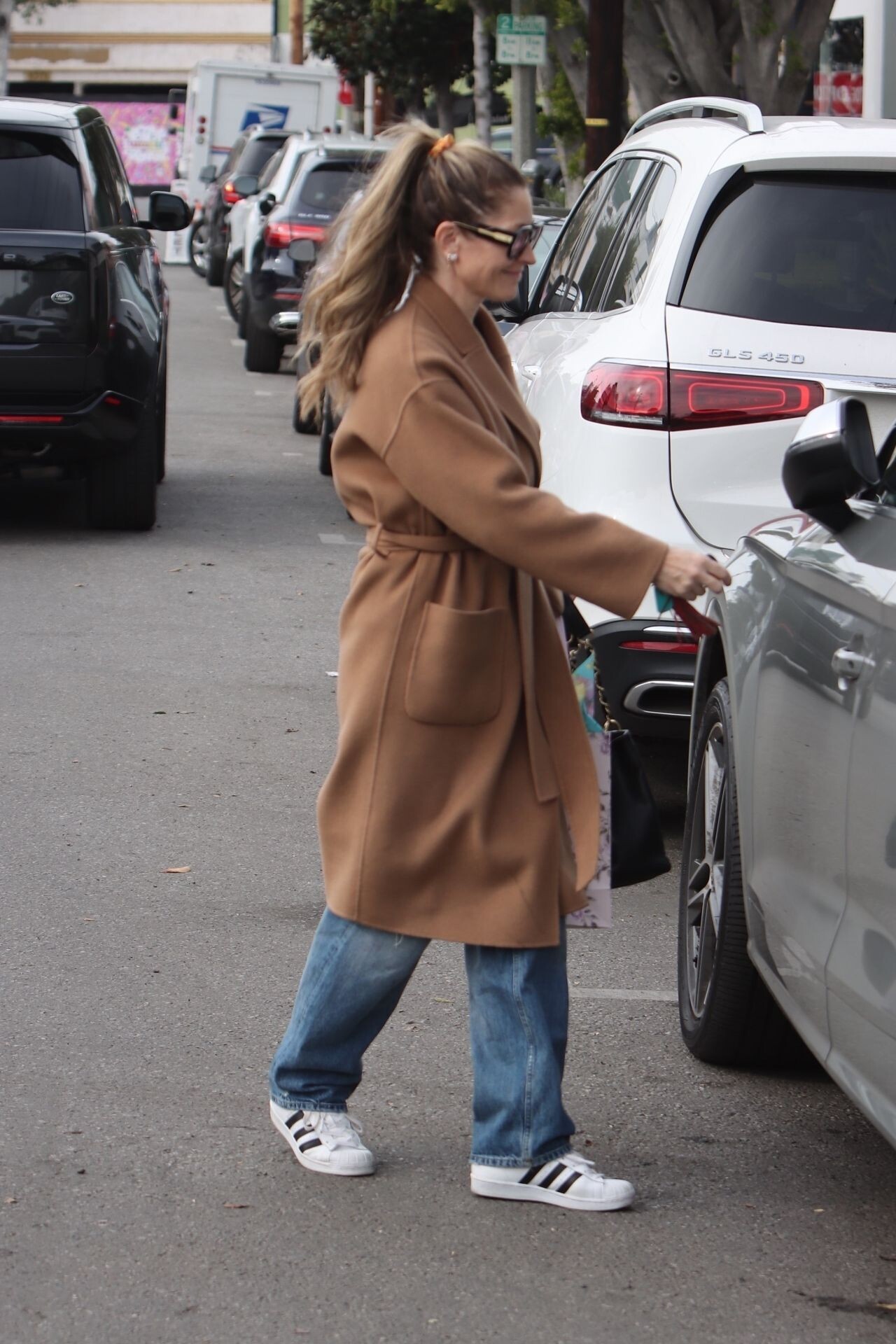
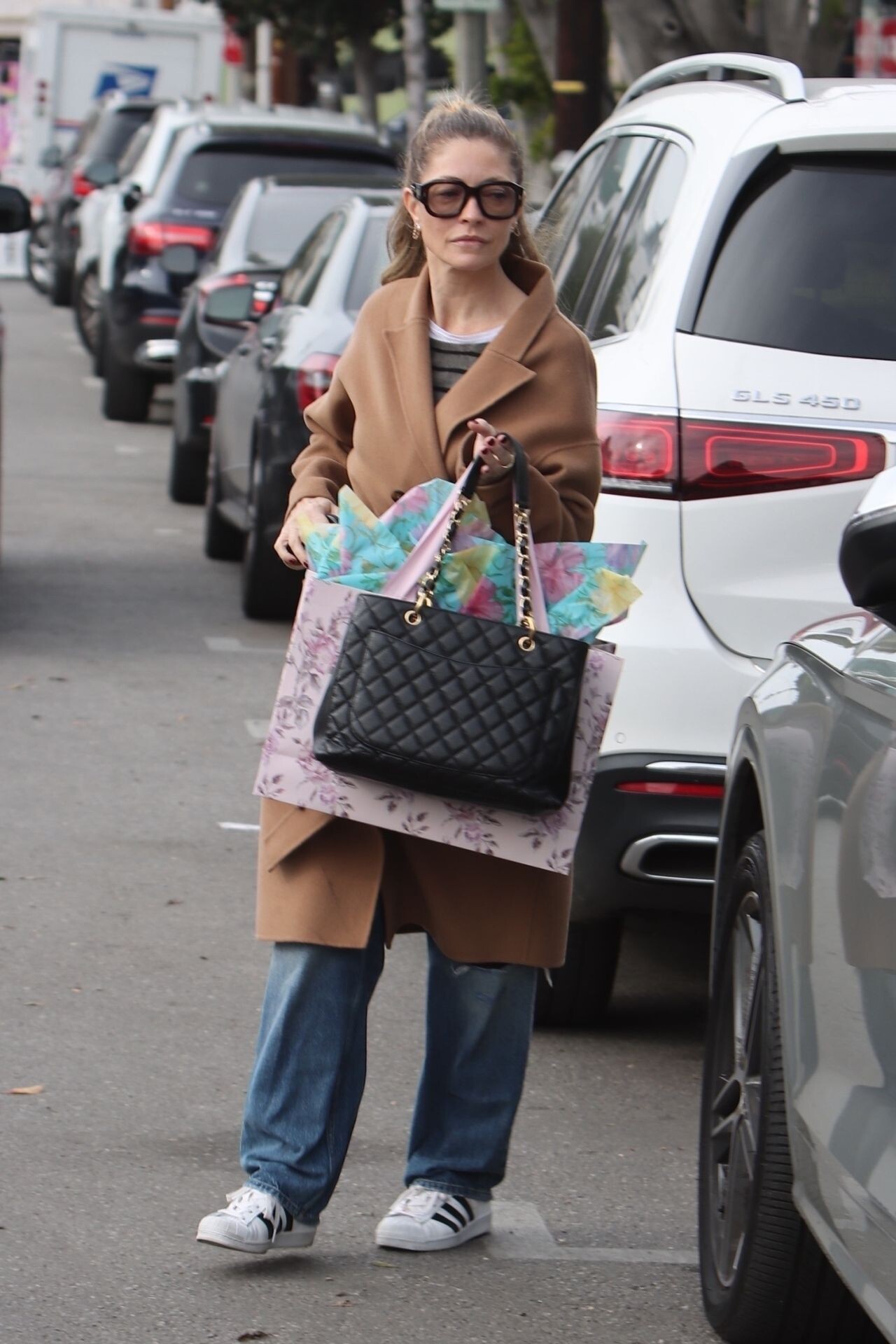
 Los Angeles 12/02/2023






-
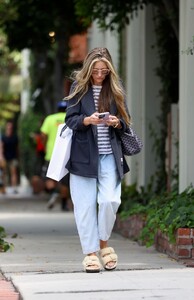
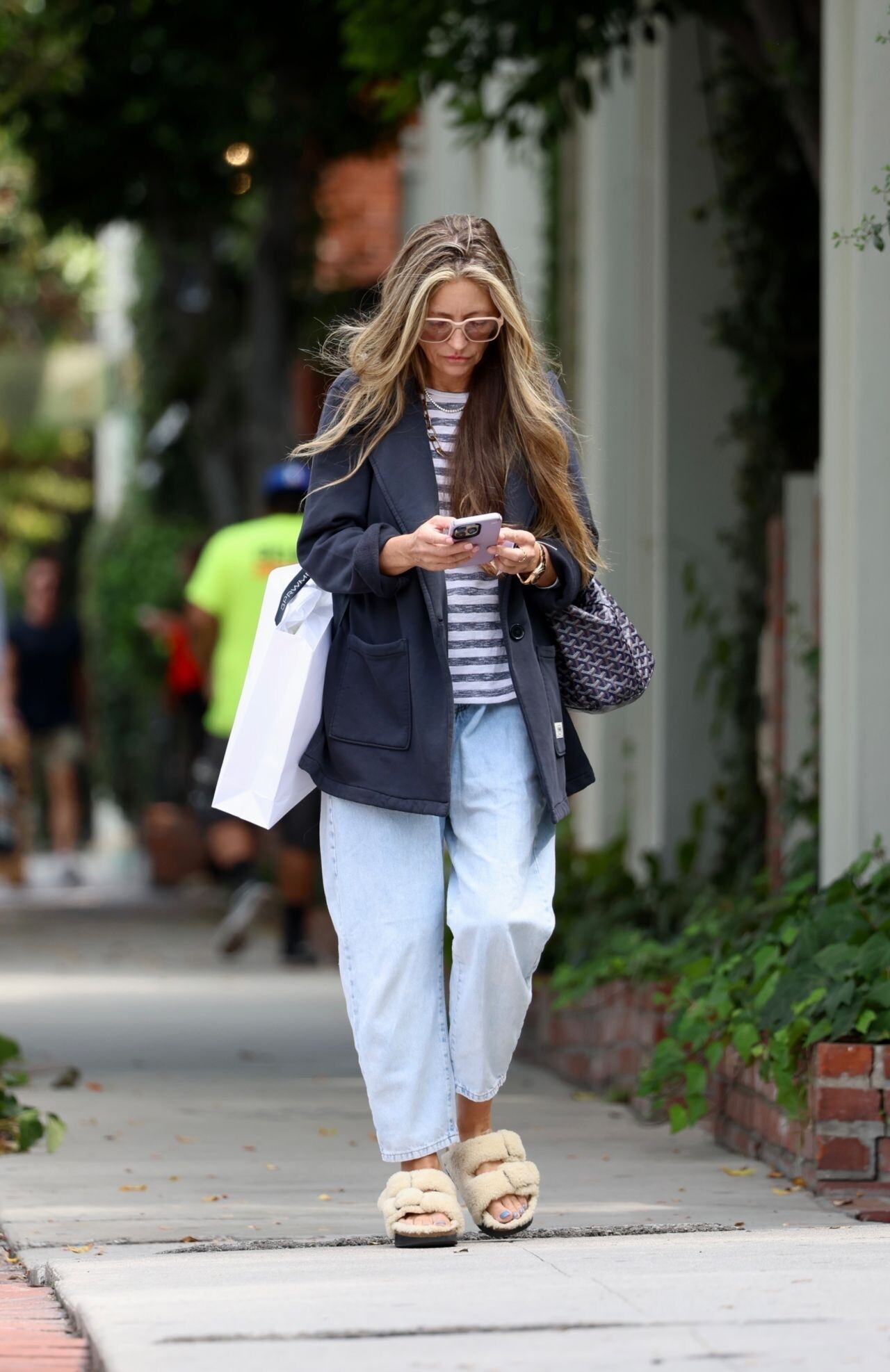
Shopping on Melrose Place in LA 09/20/2023




-
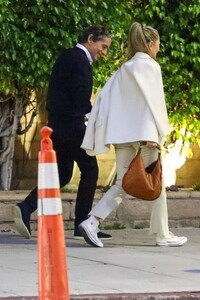
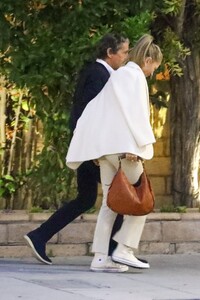
at Matsuisha in West Hollywood 09/19/2023




-
Beverly Hills 08/19/2023





-
Christmas Shopping in West Hollywood 12/22/2022





-
Shonda Rhimes Performing Arts Center Grand Opening in LA 04/09/2022






-
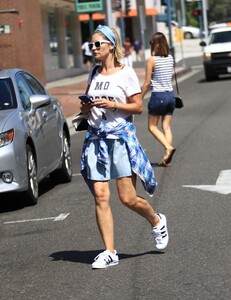
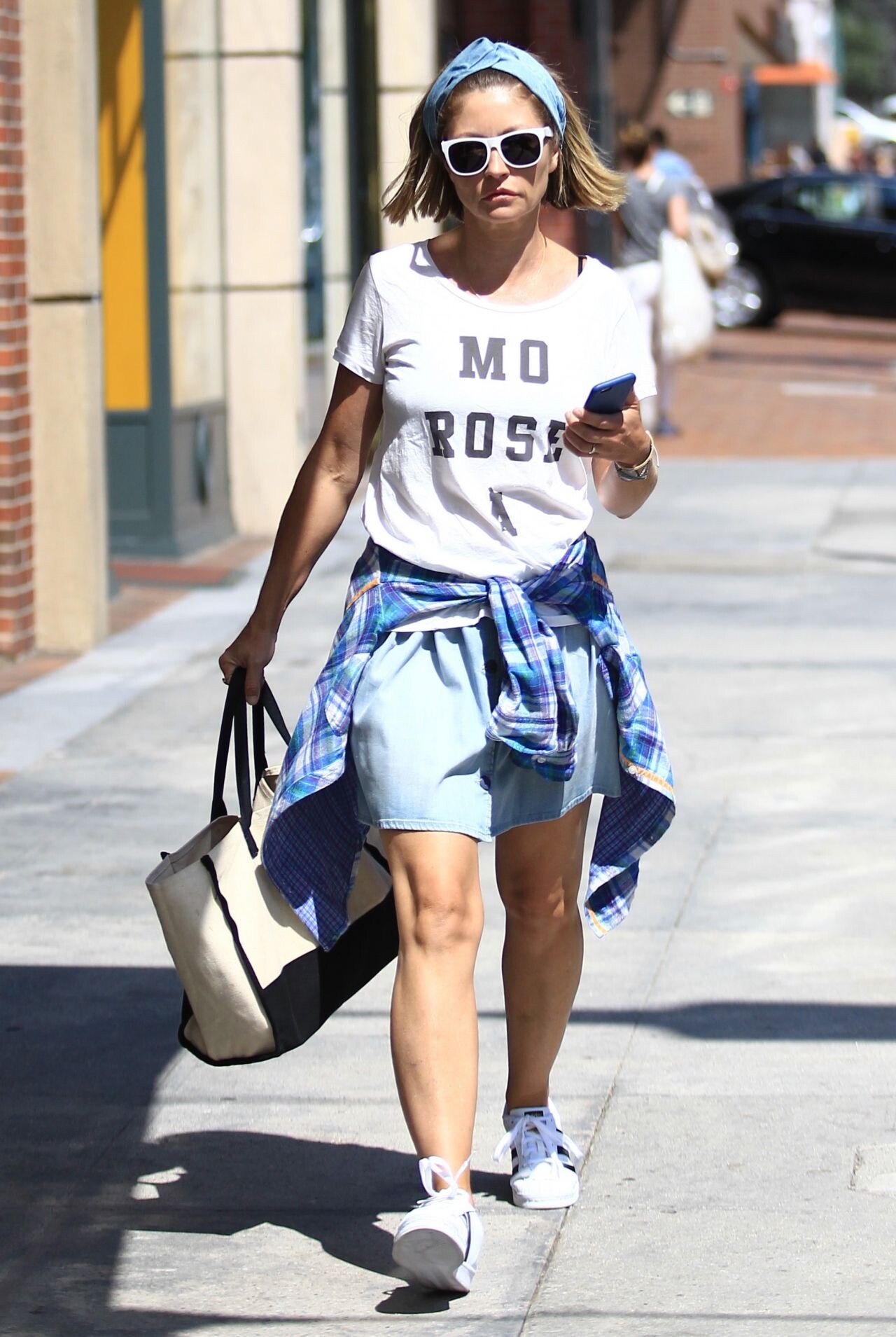
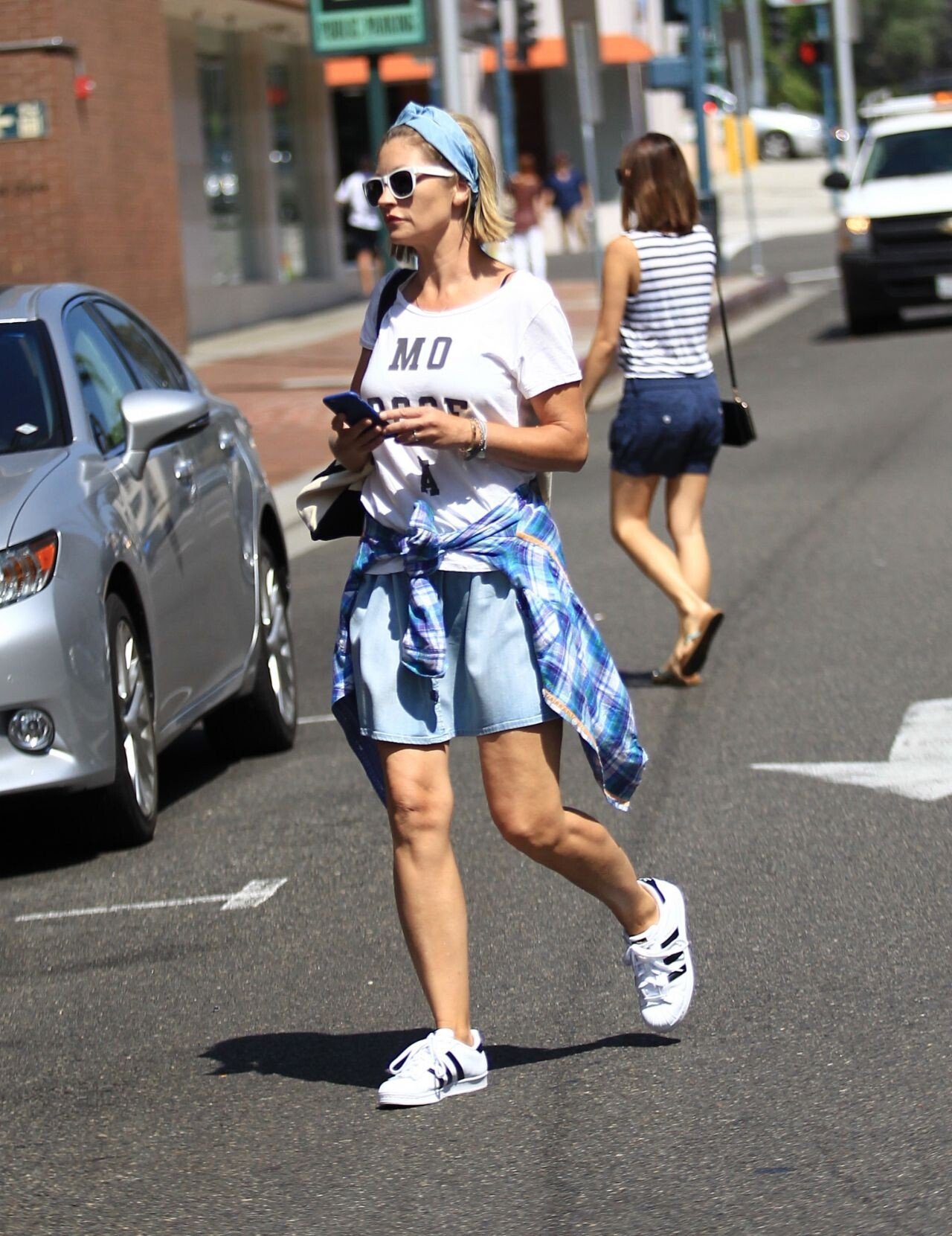
Beverly Hills, August 2016






-
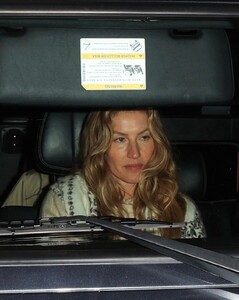
Santa Monica 01/12/2024





-
-
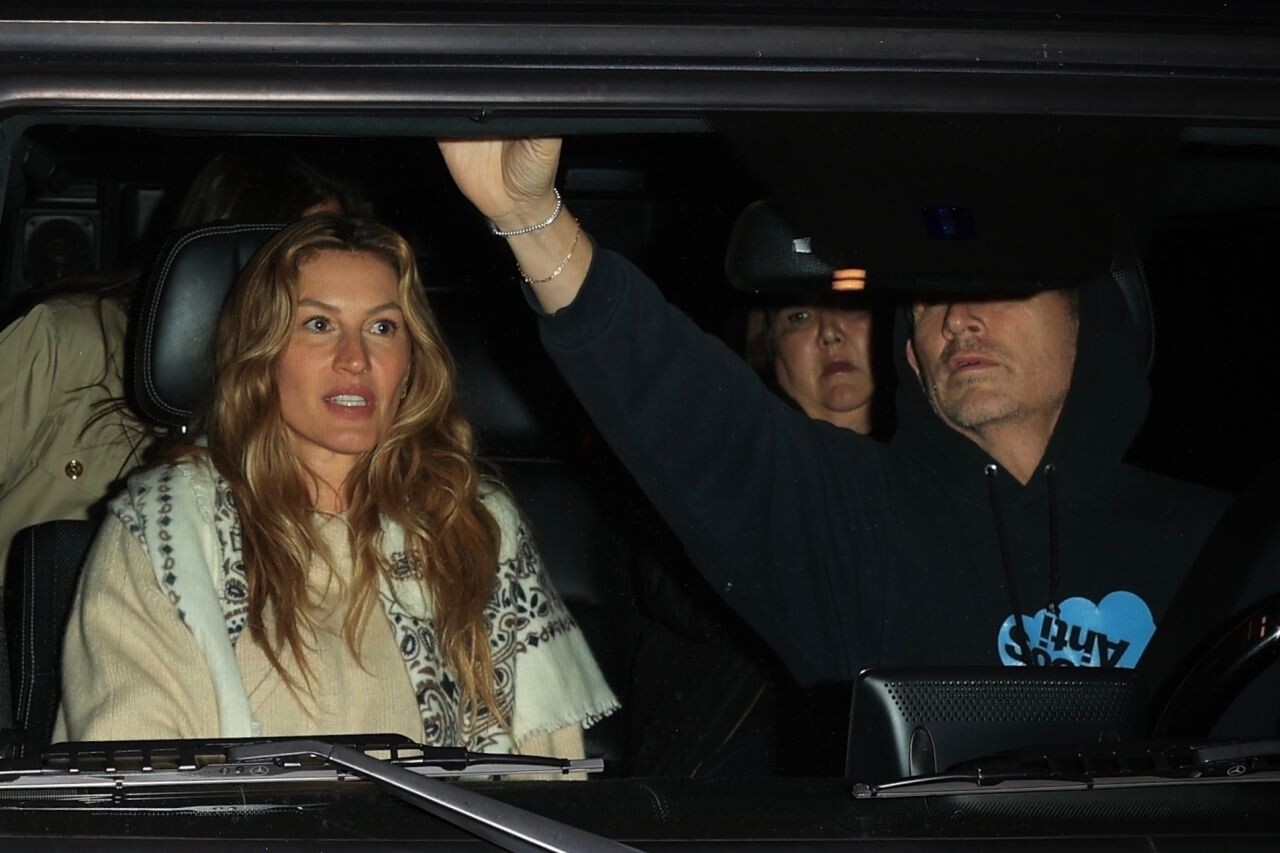
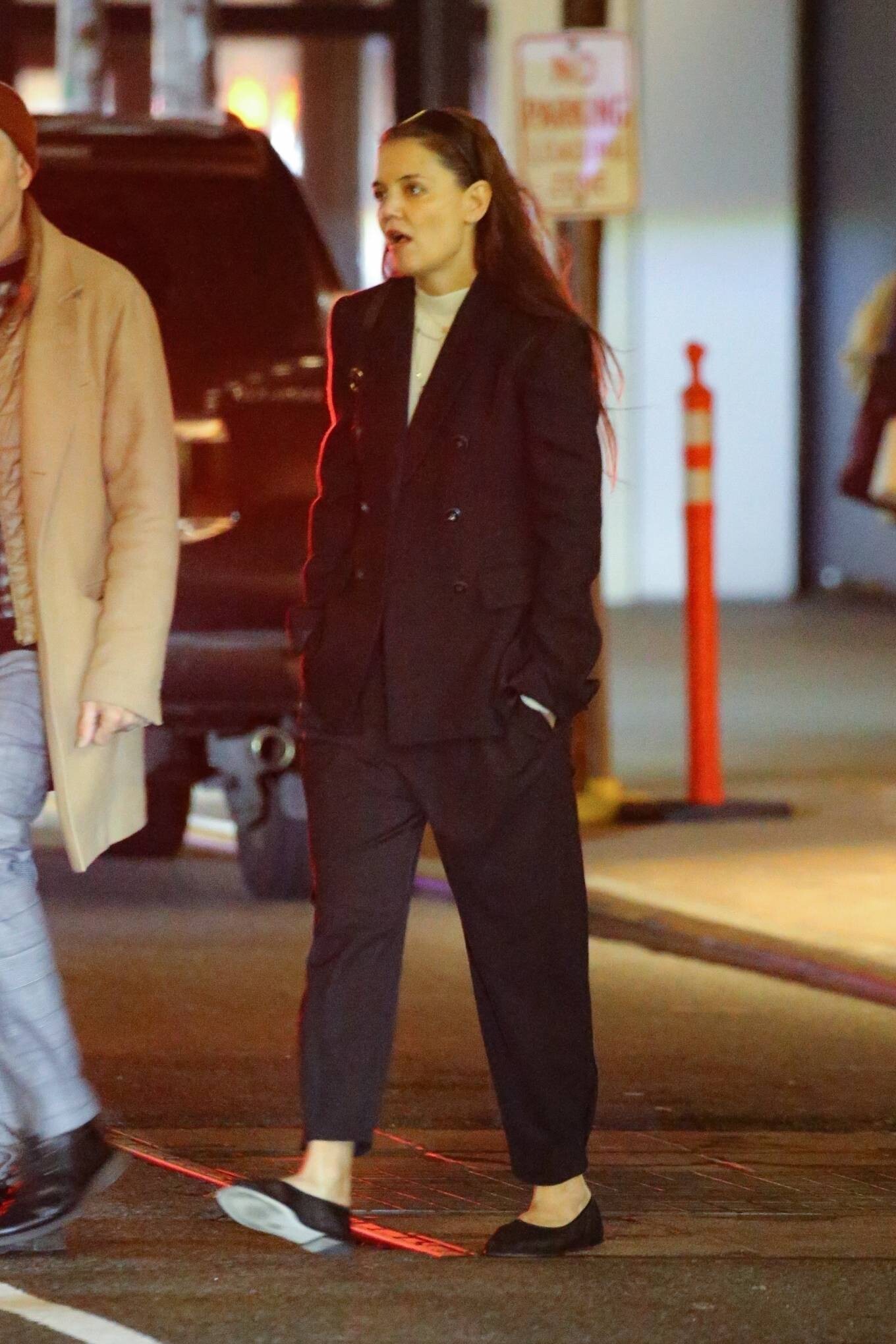
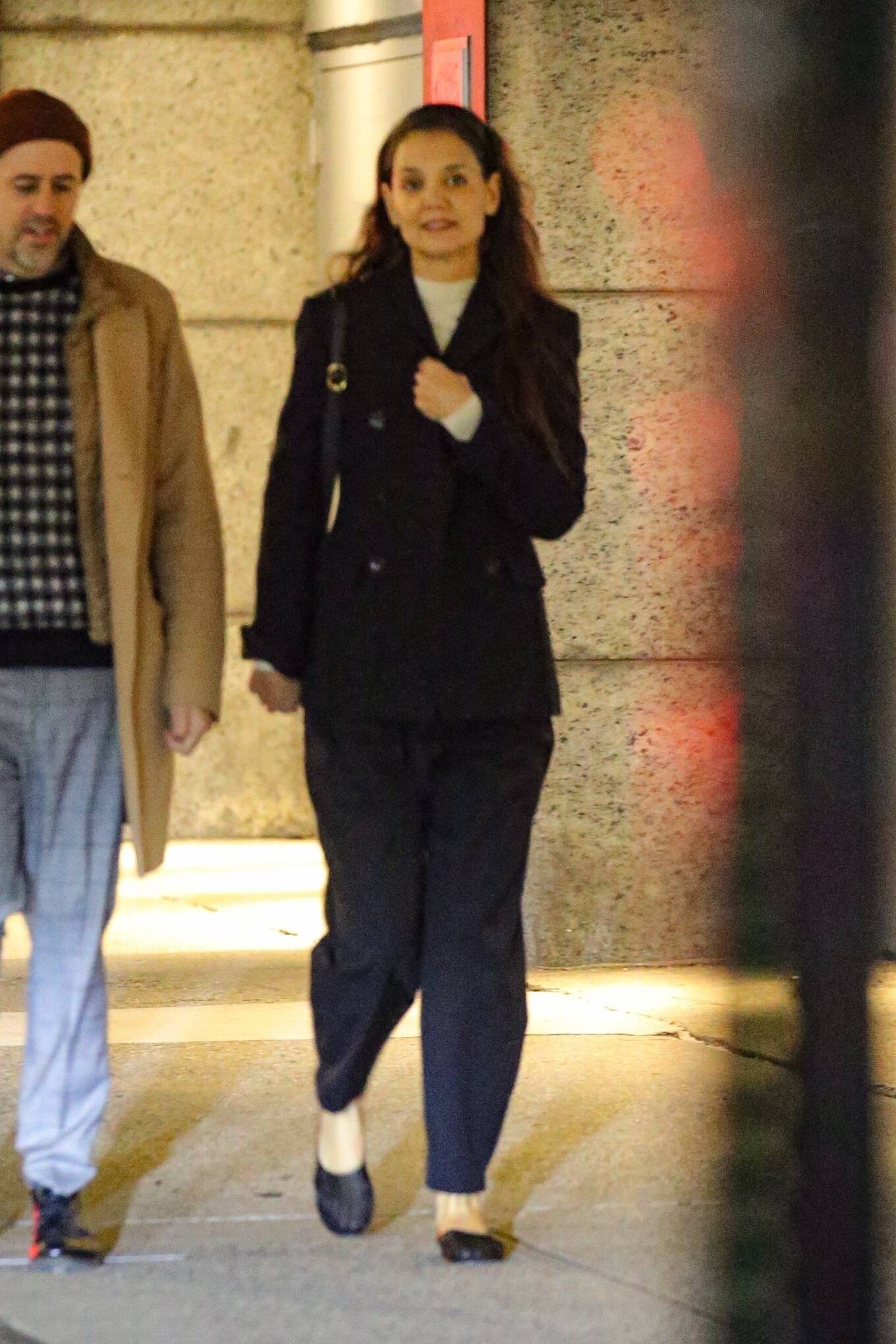
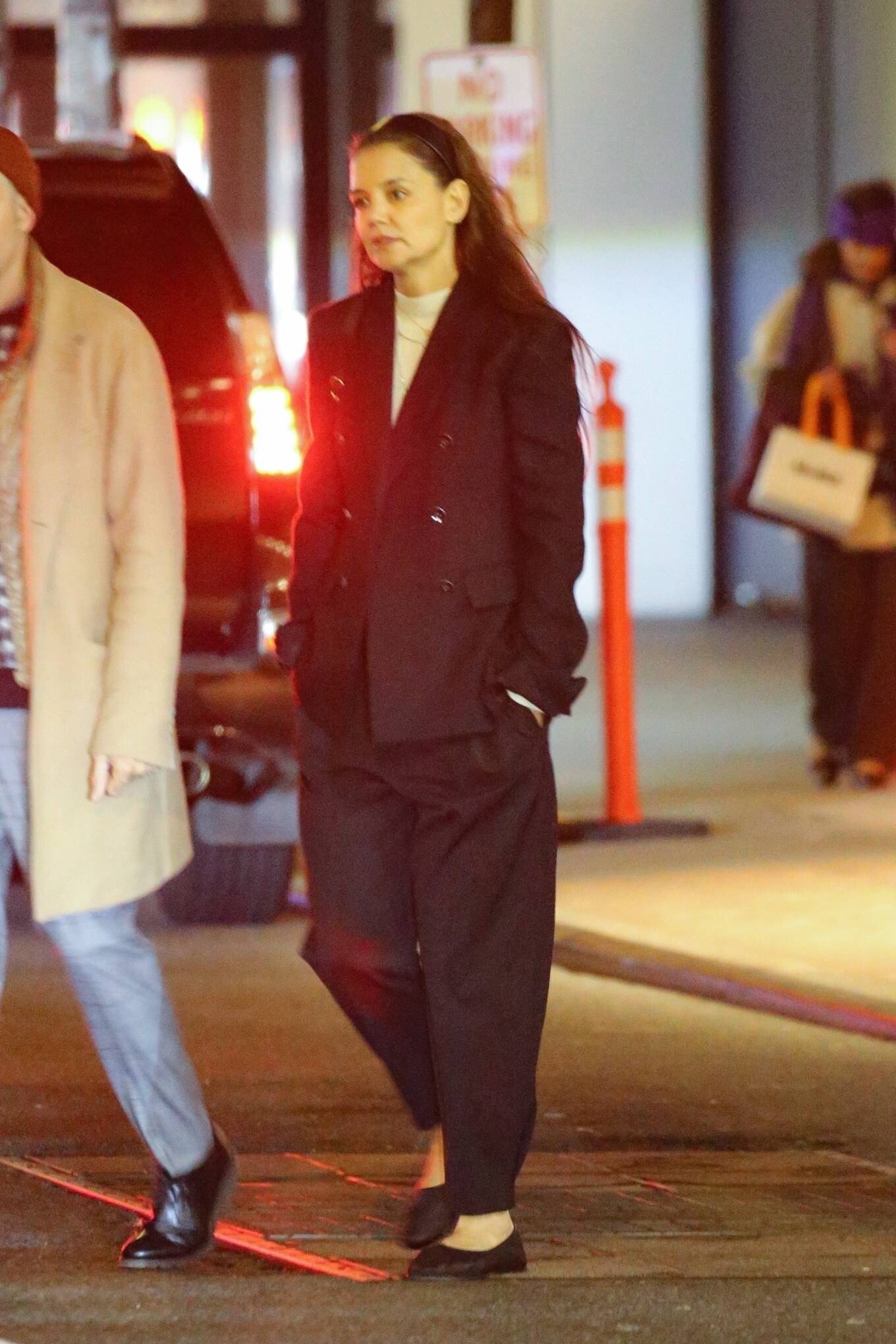
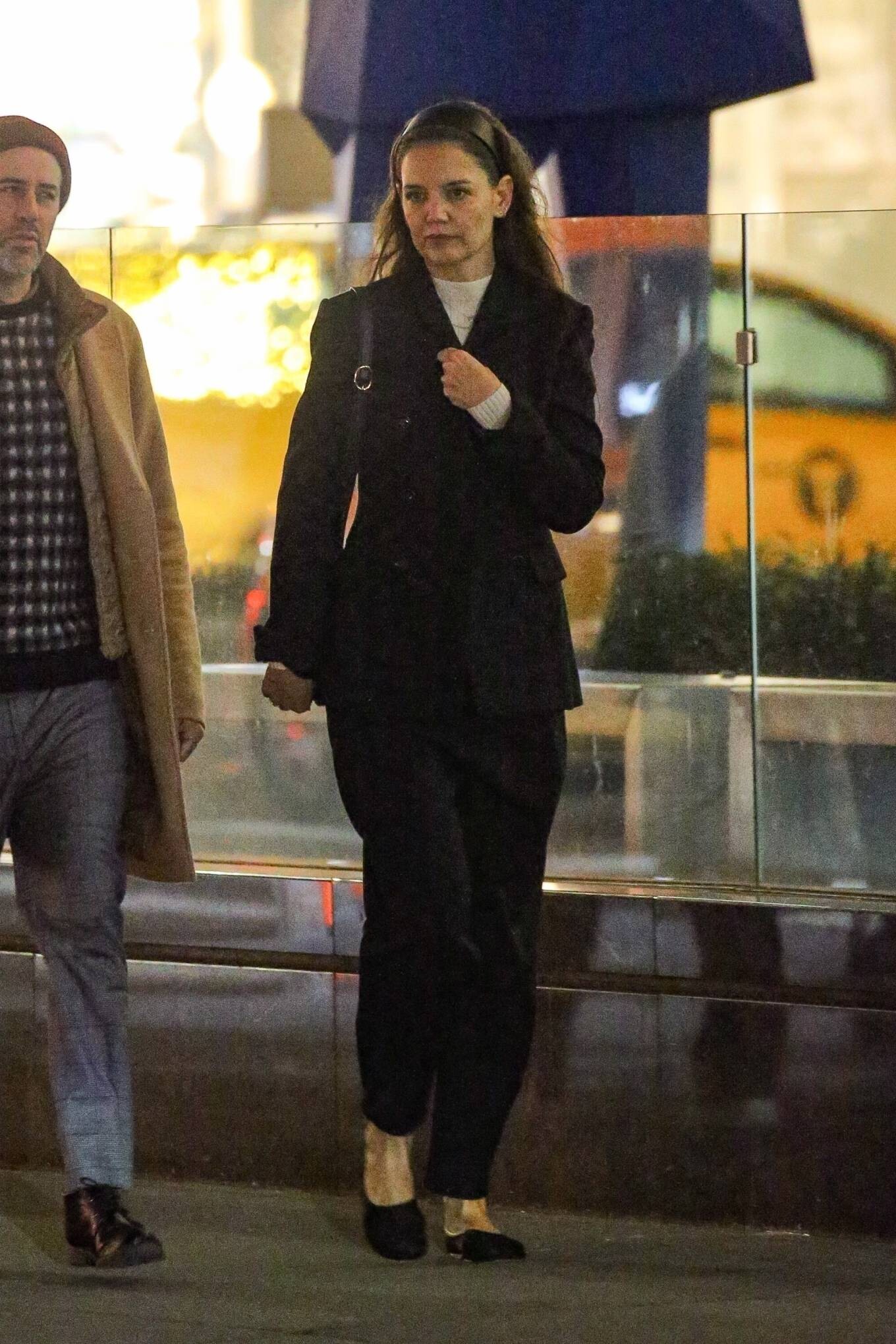
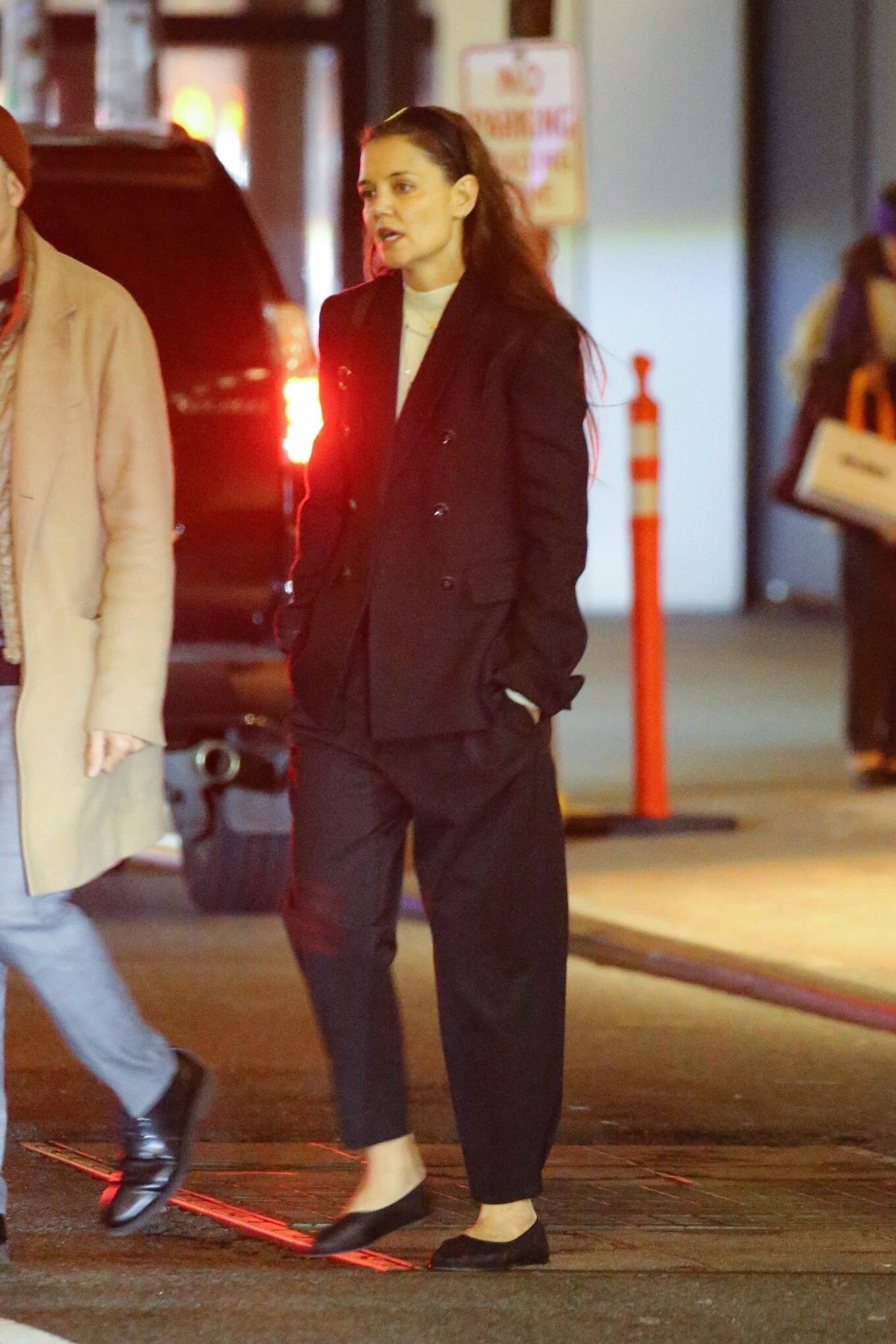
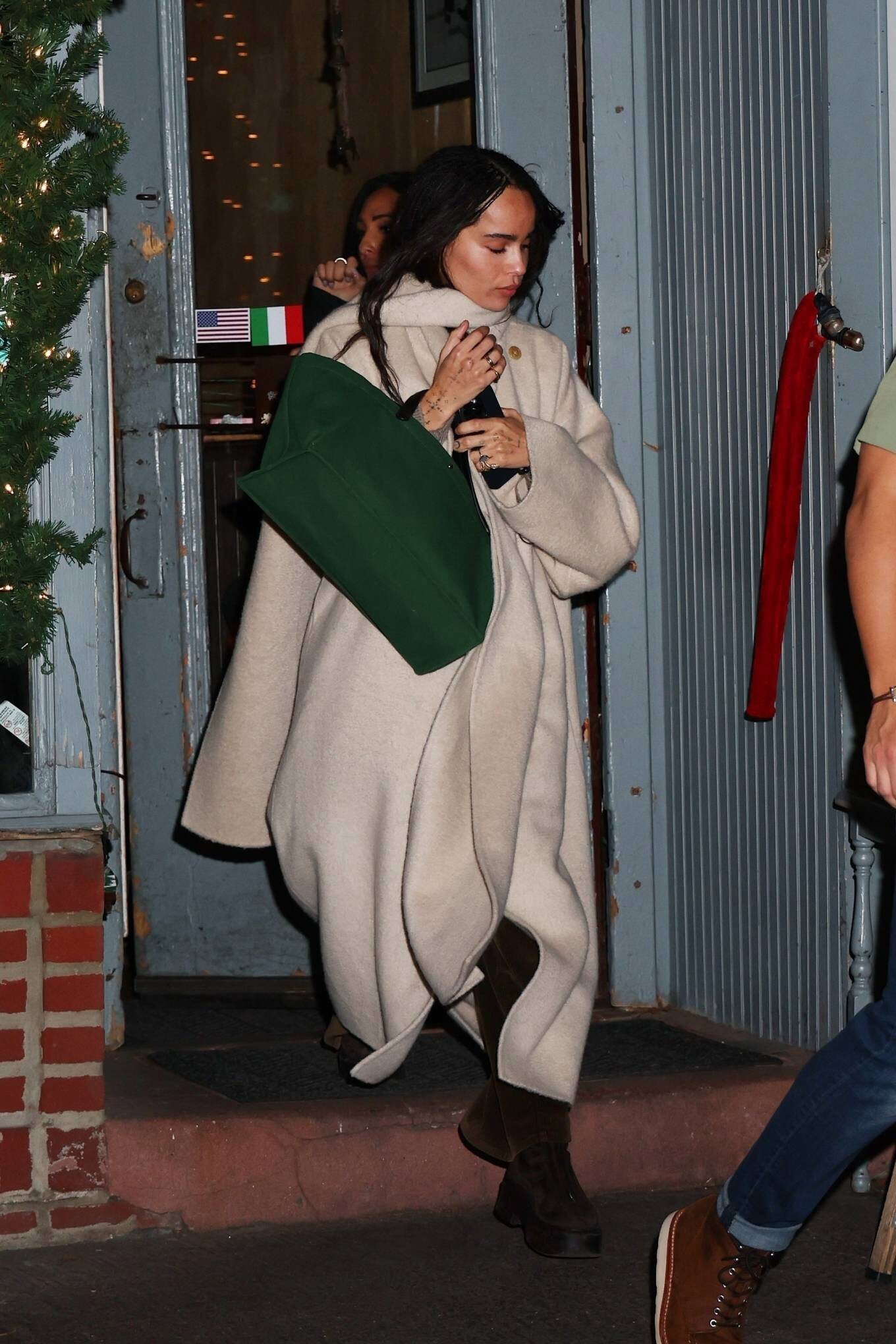
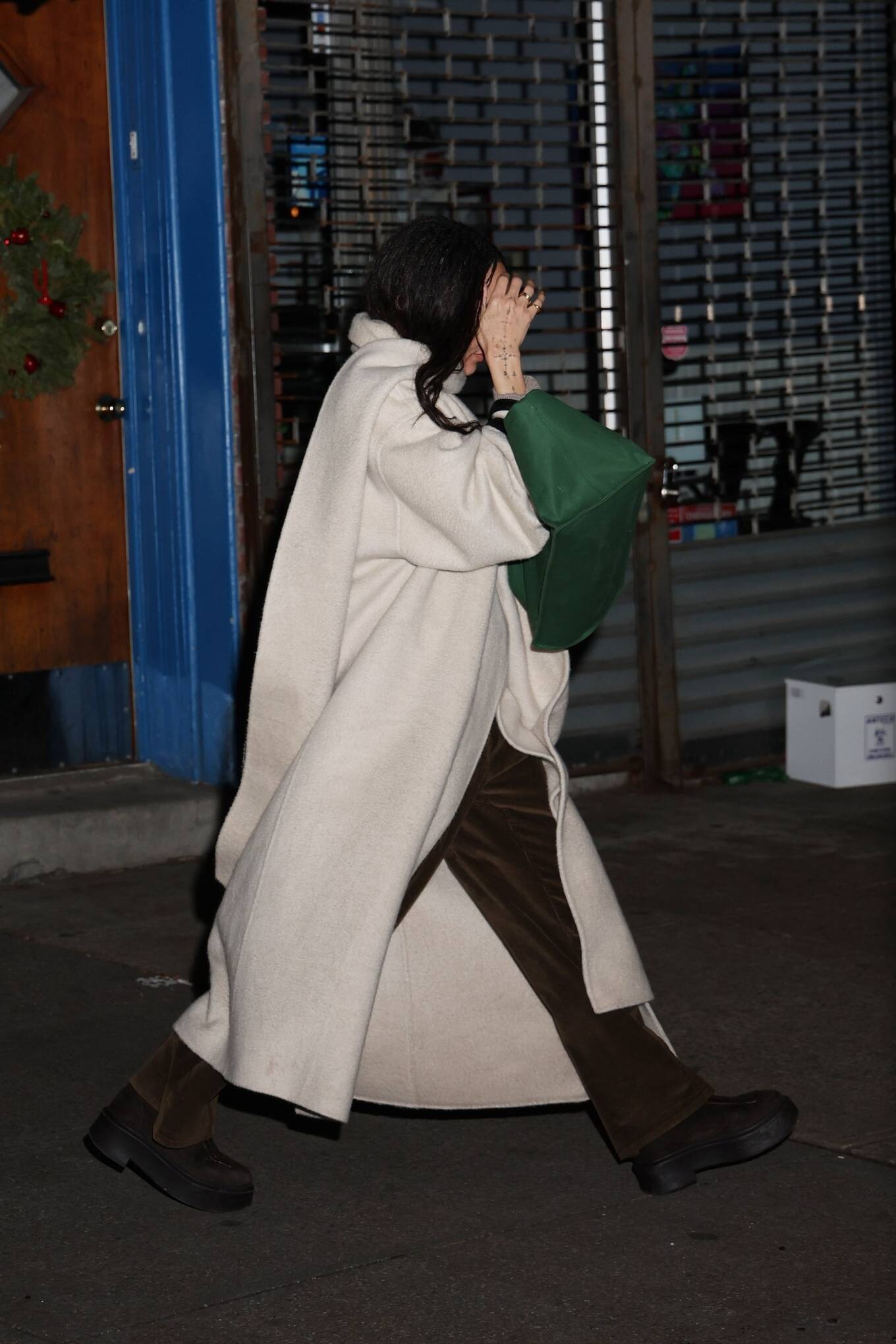
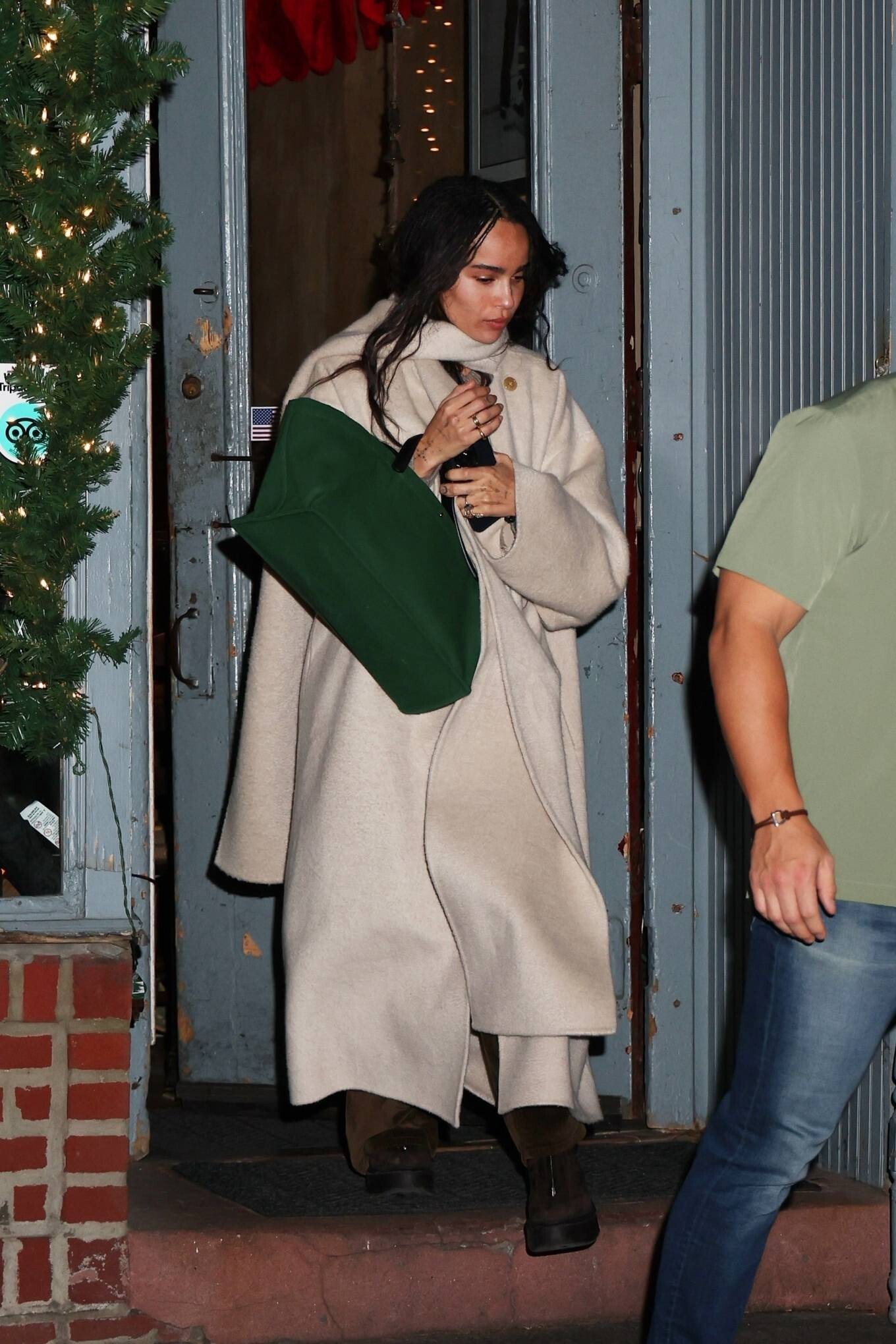
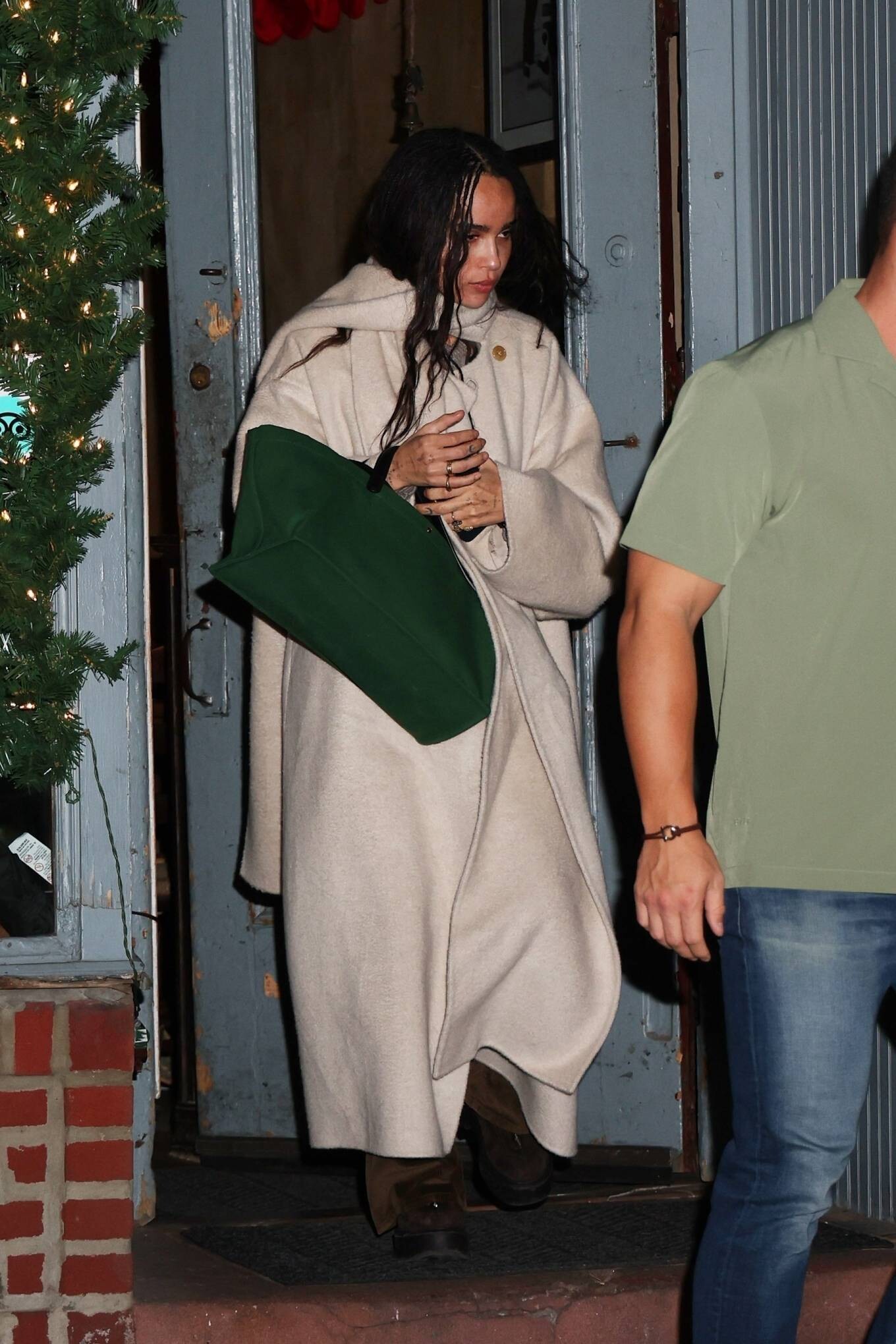
Steps out for dinner with producer Michael Fitzgerald in New York













-
AFI Awards Luncheon in Los Angeles 01/12/2024



















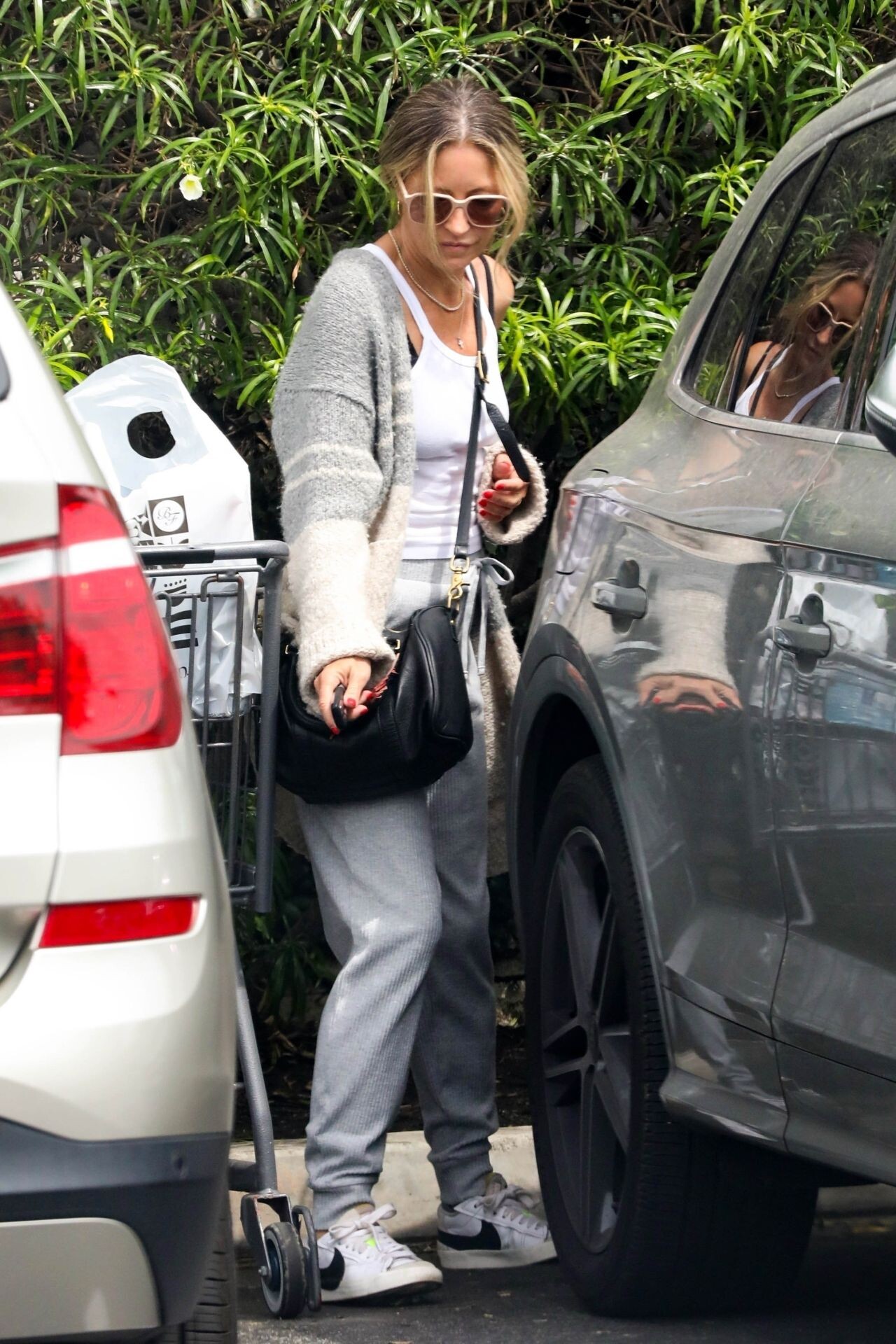
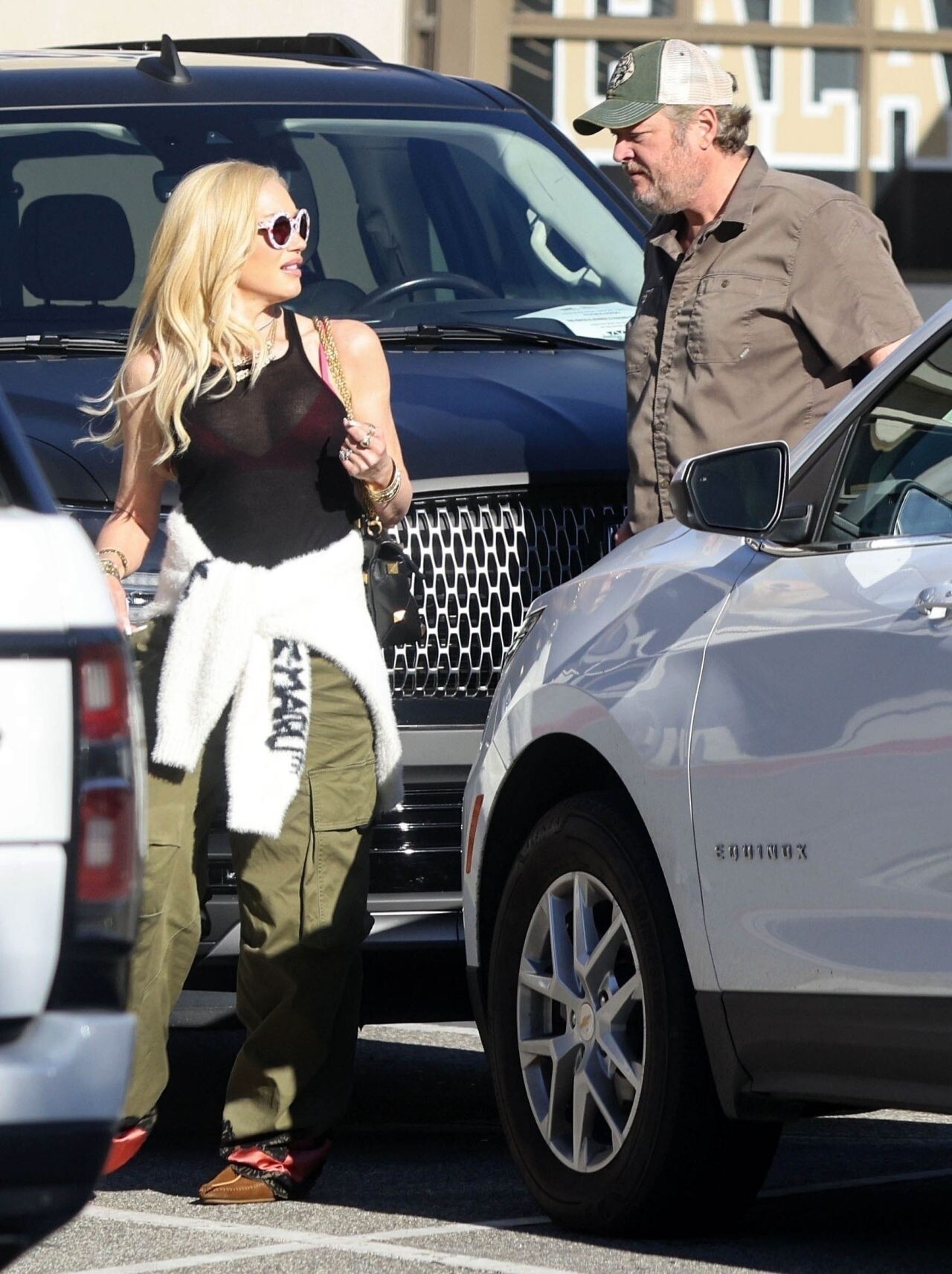
 Out in Los Angeles 01/13/2024





 AFI Awards Luncheon in Los Angeles 01/12/2024







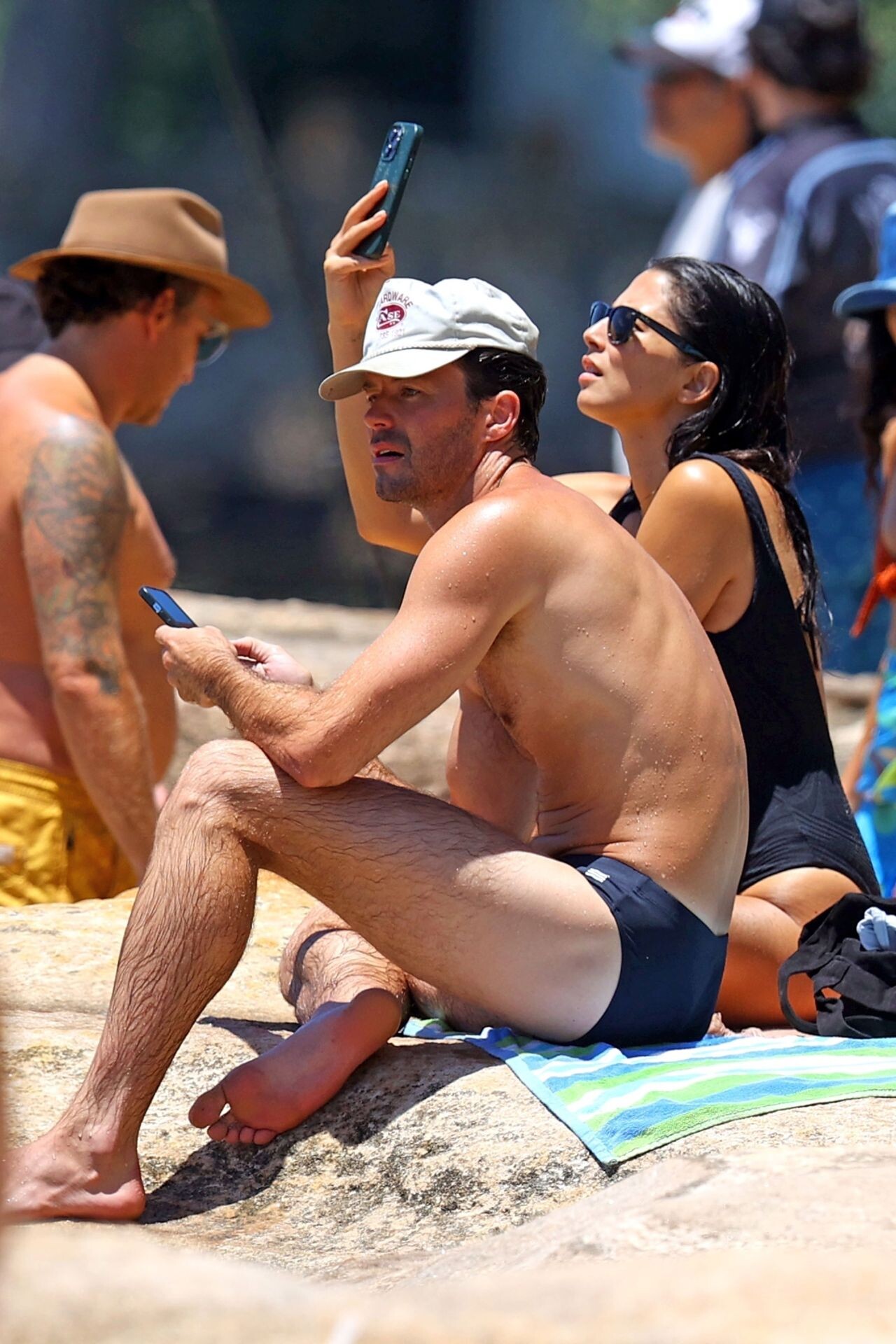
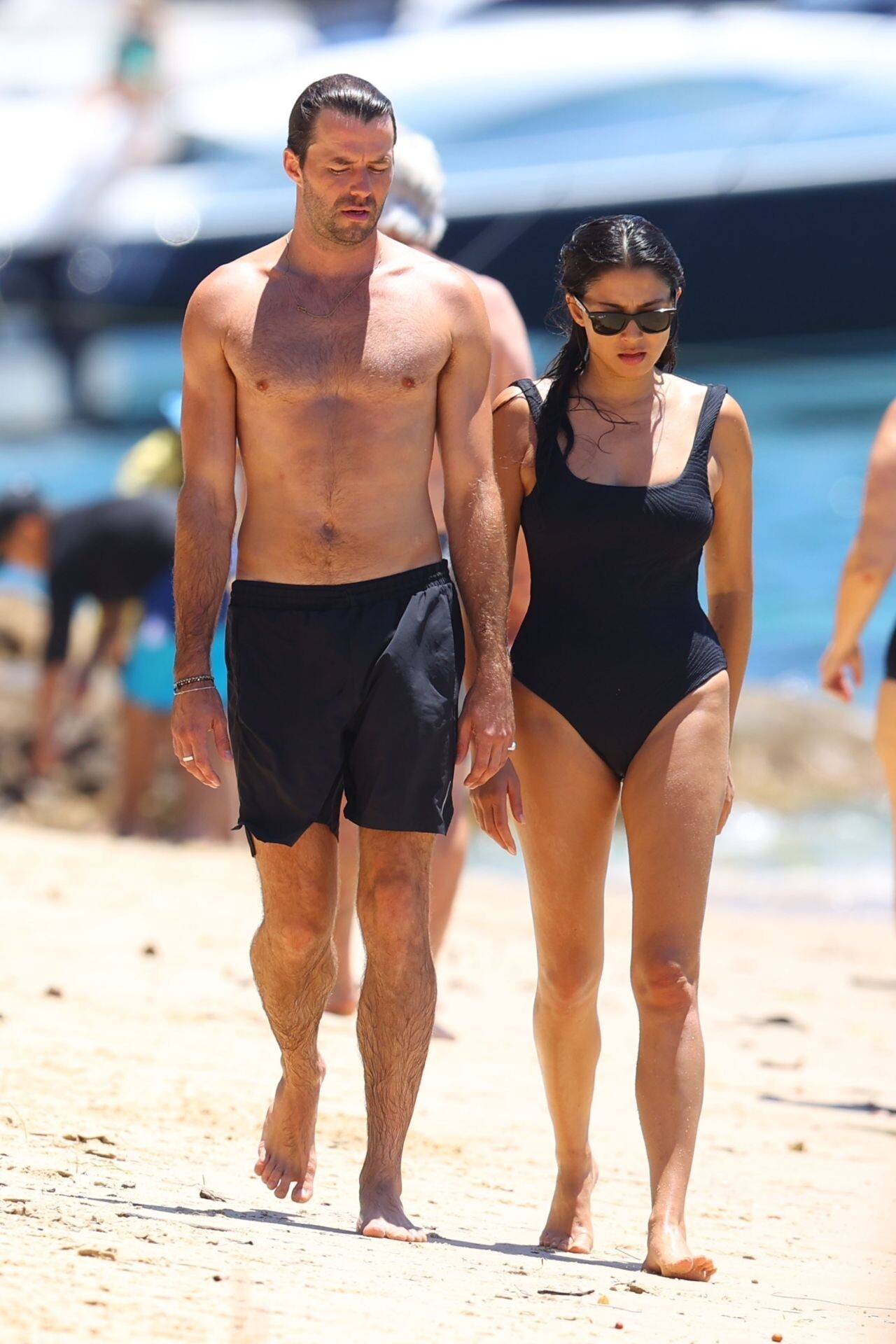
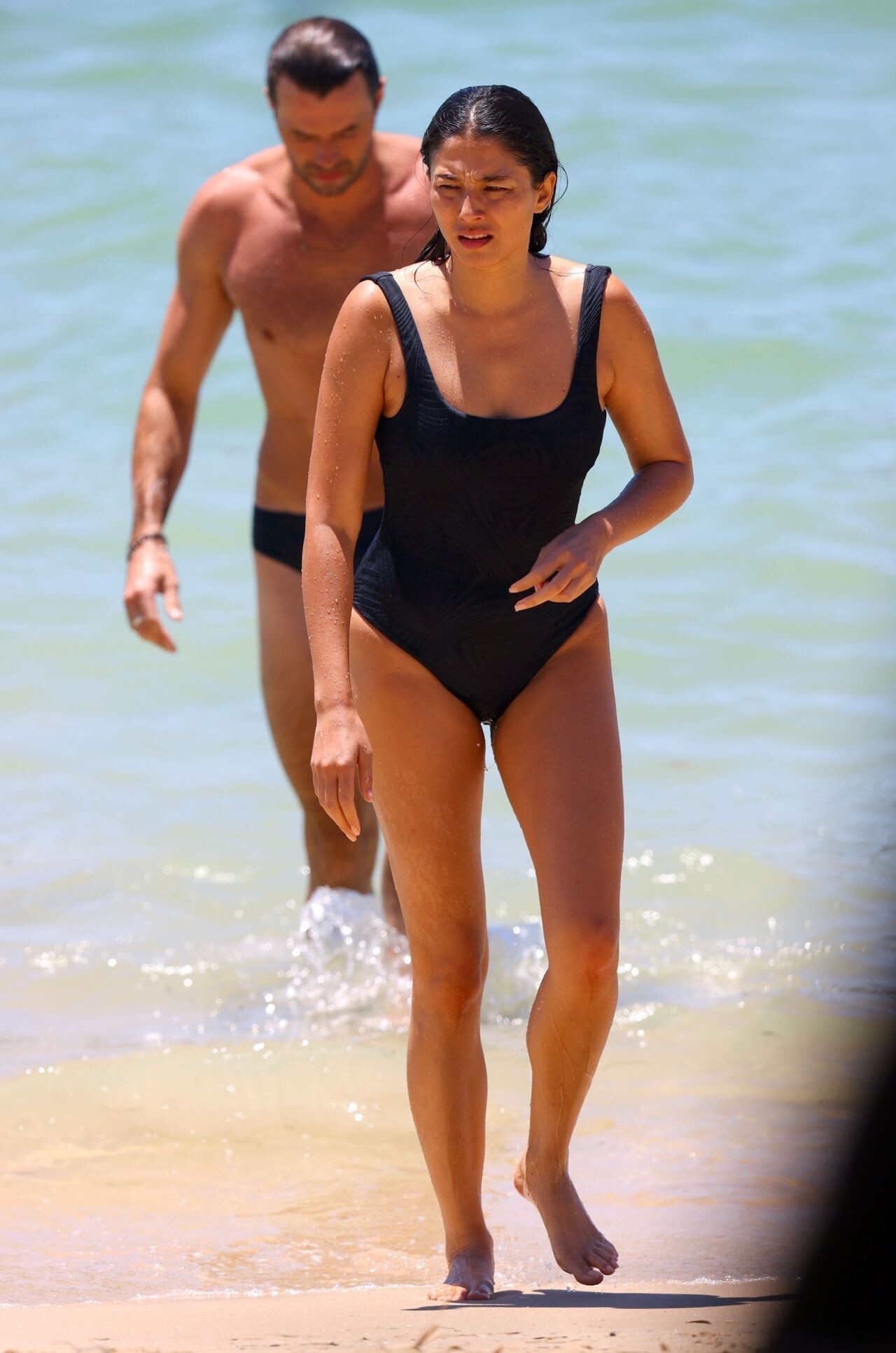
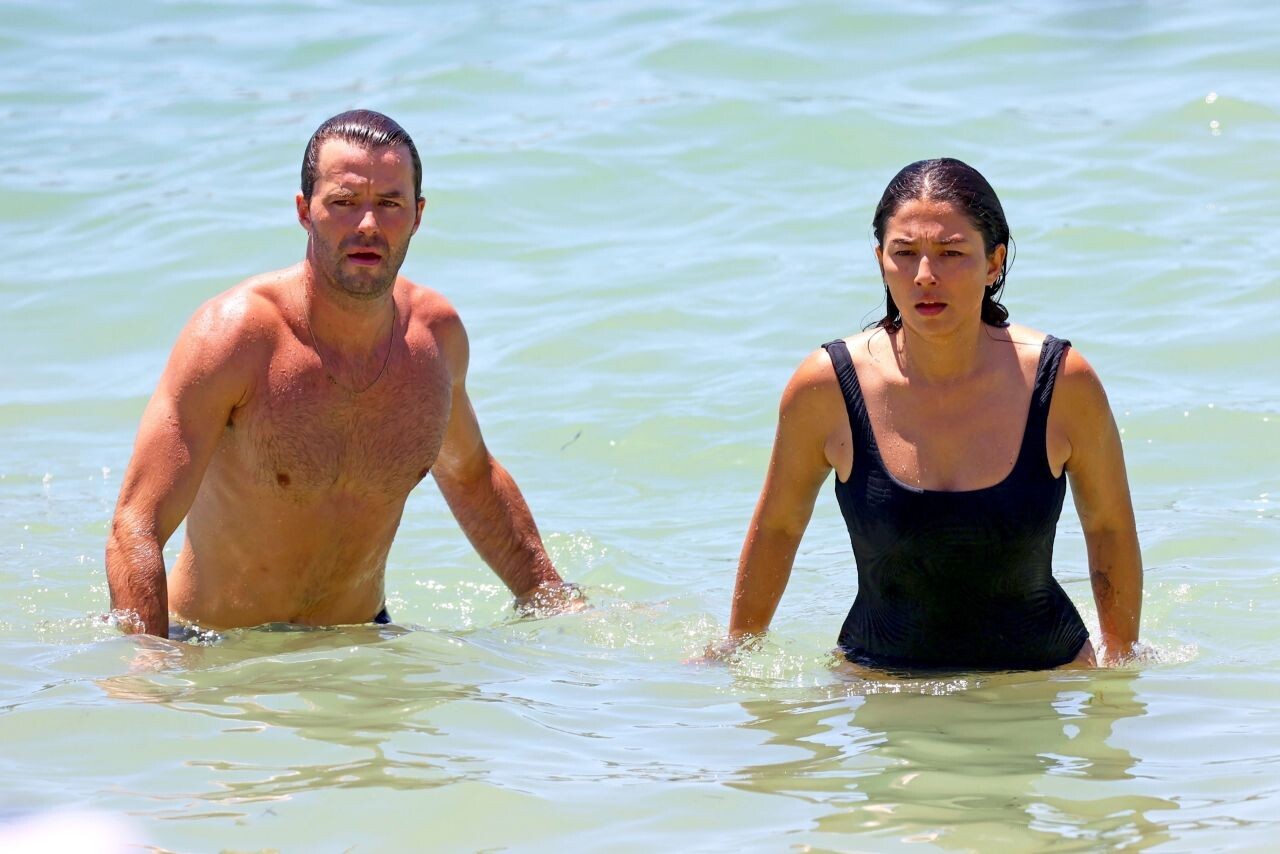
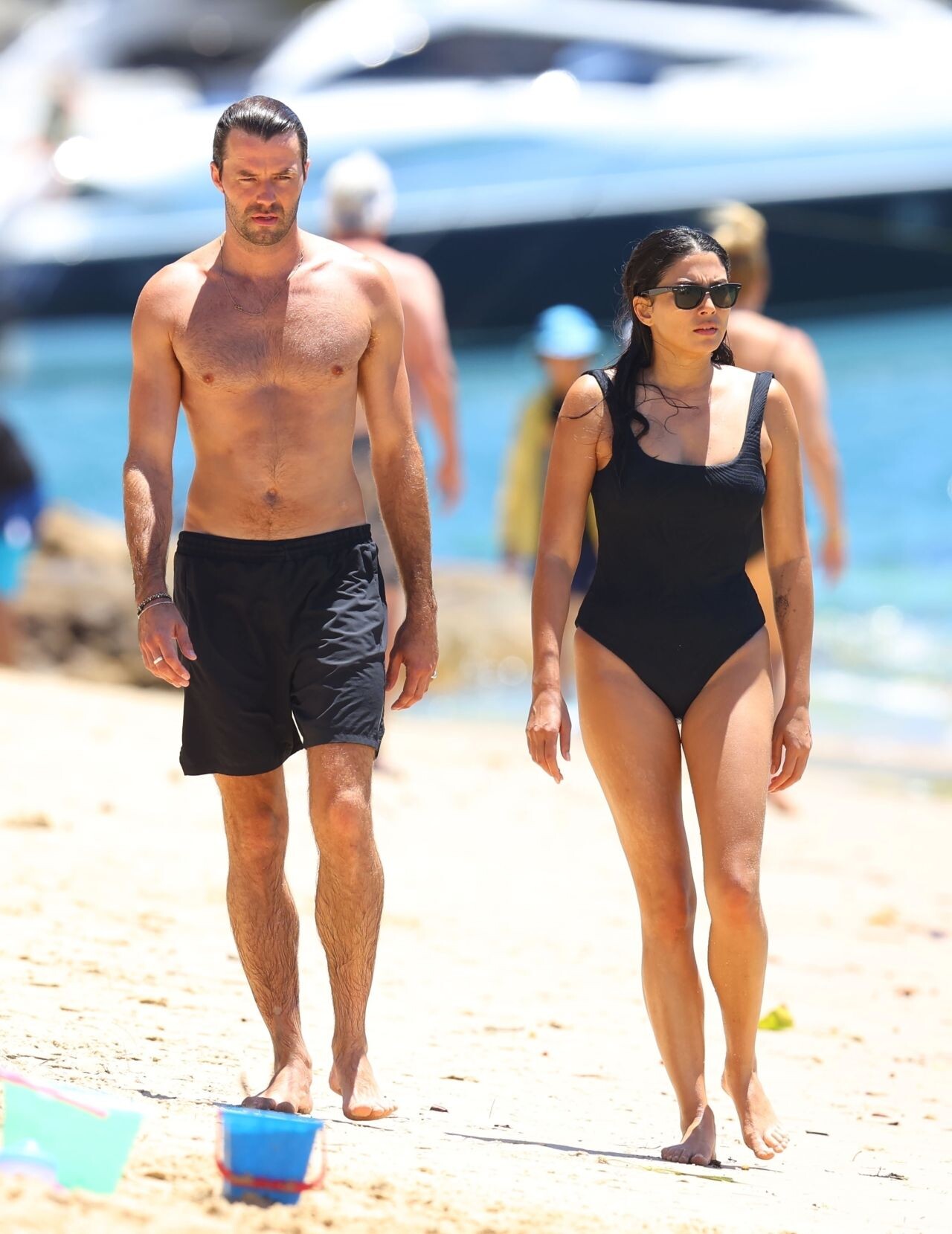
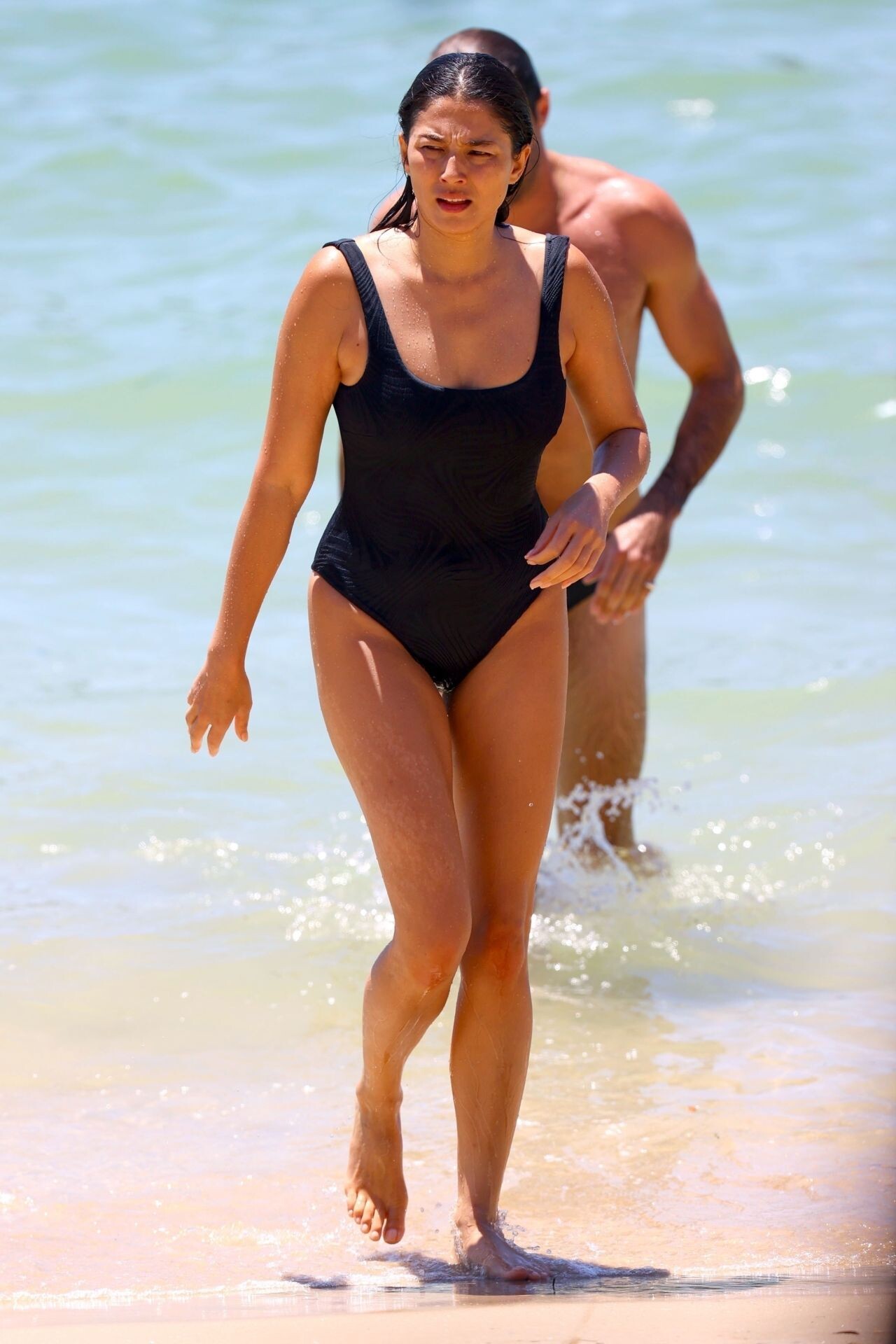
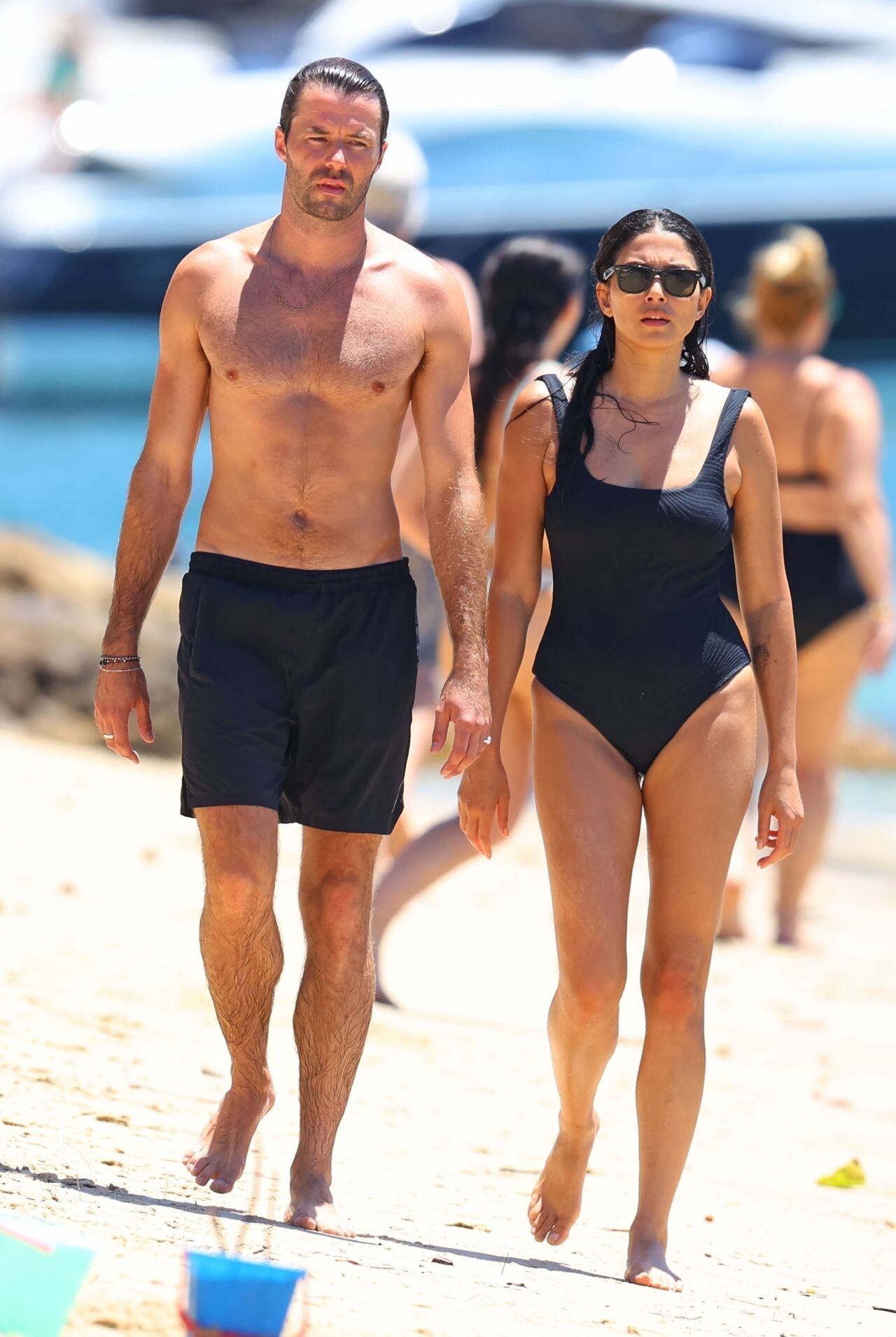
 at Chinamans Beach in Sydney 01/13/2024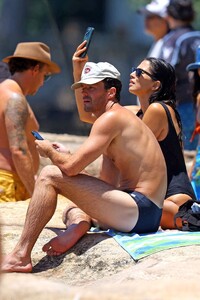
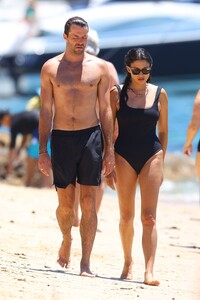
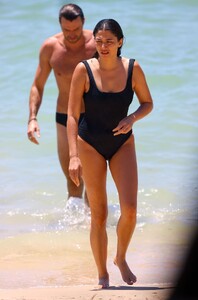

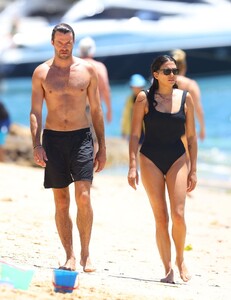

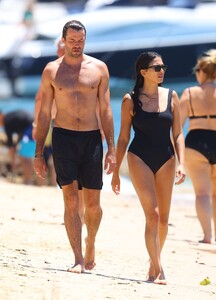

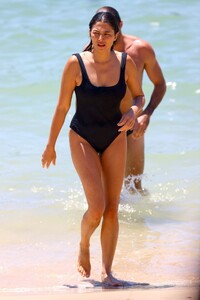
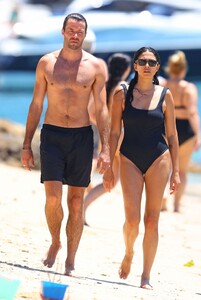 Australian Fashion Week in Sydney 05/15/2023




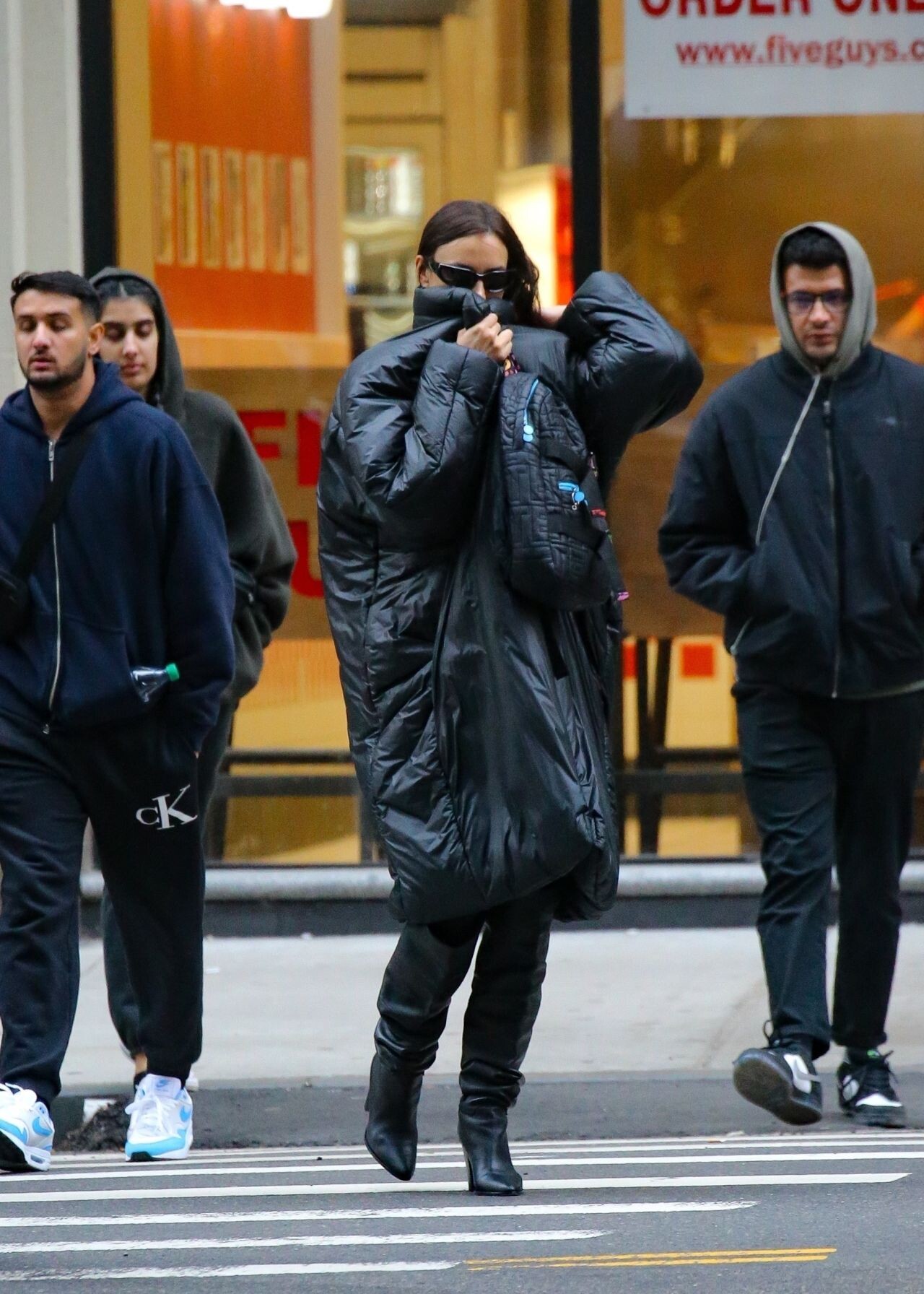
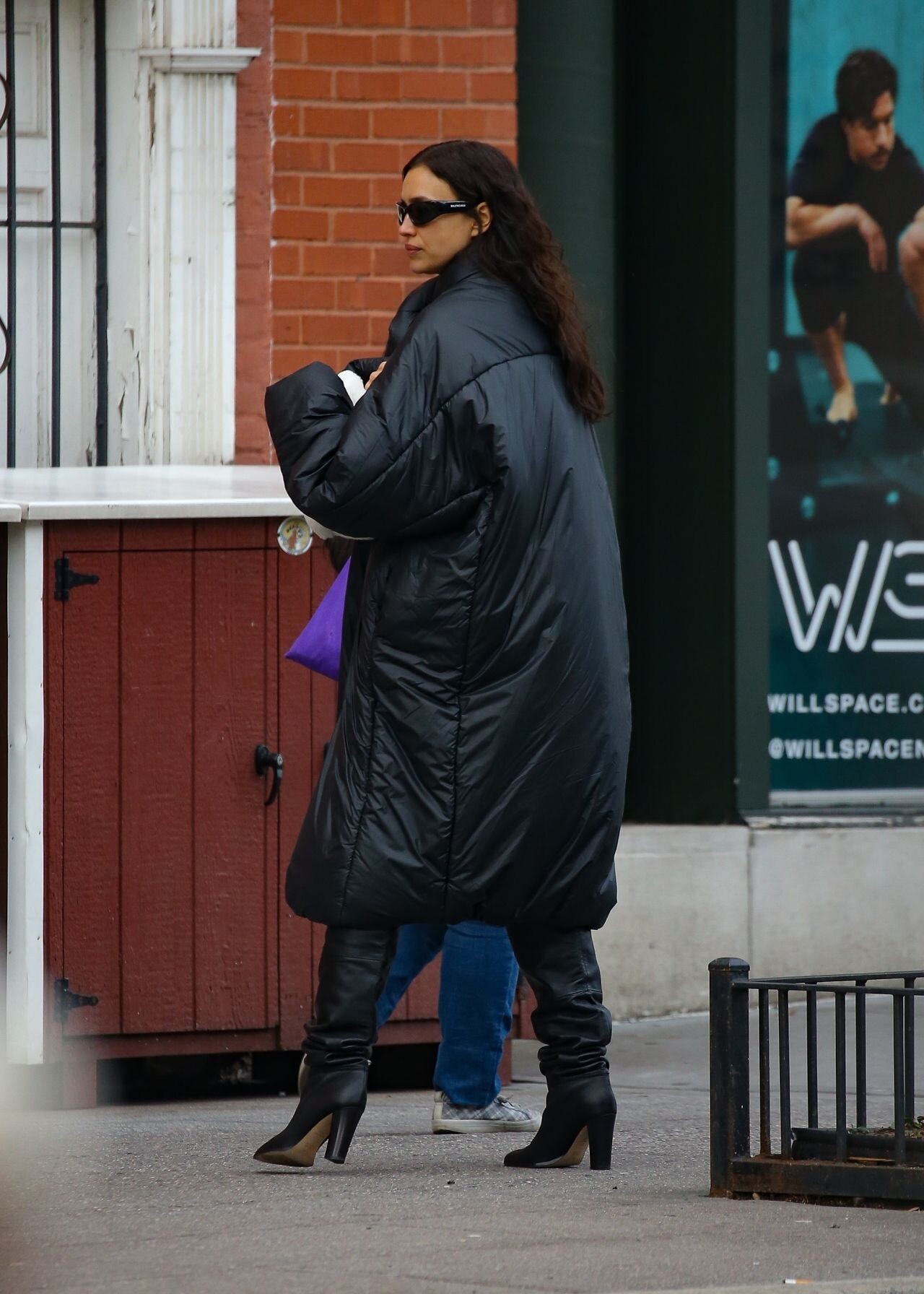
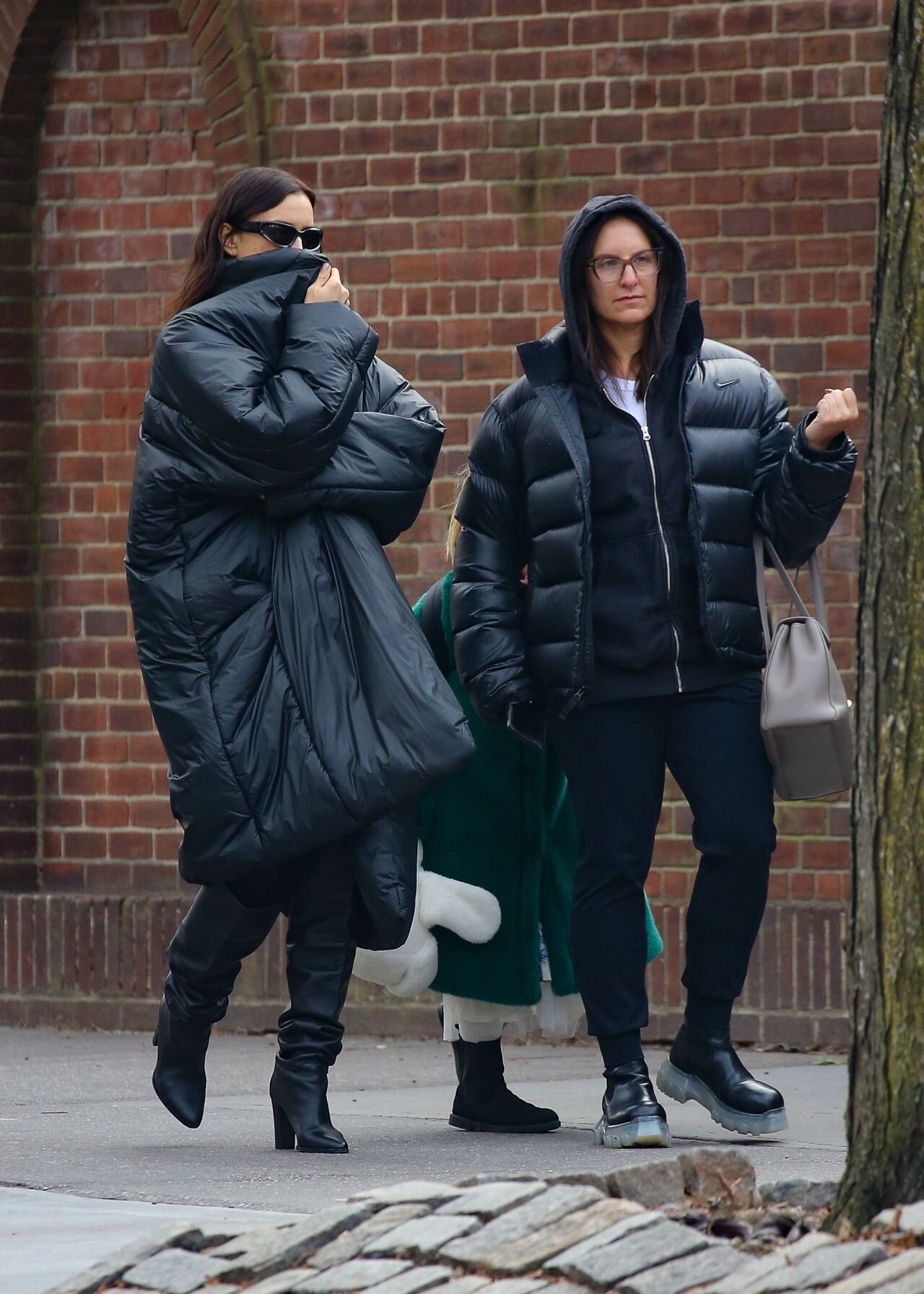
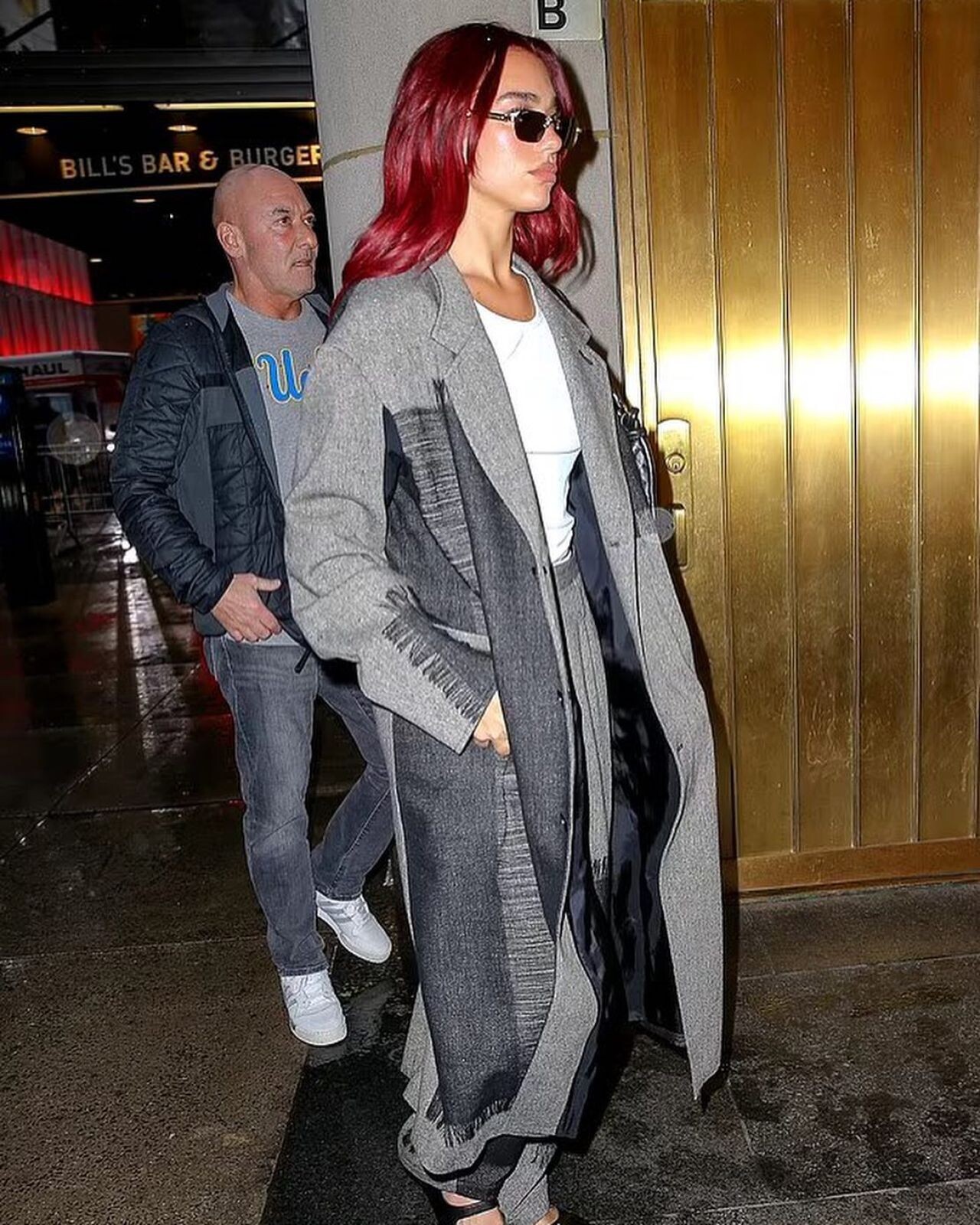
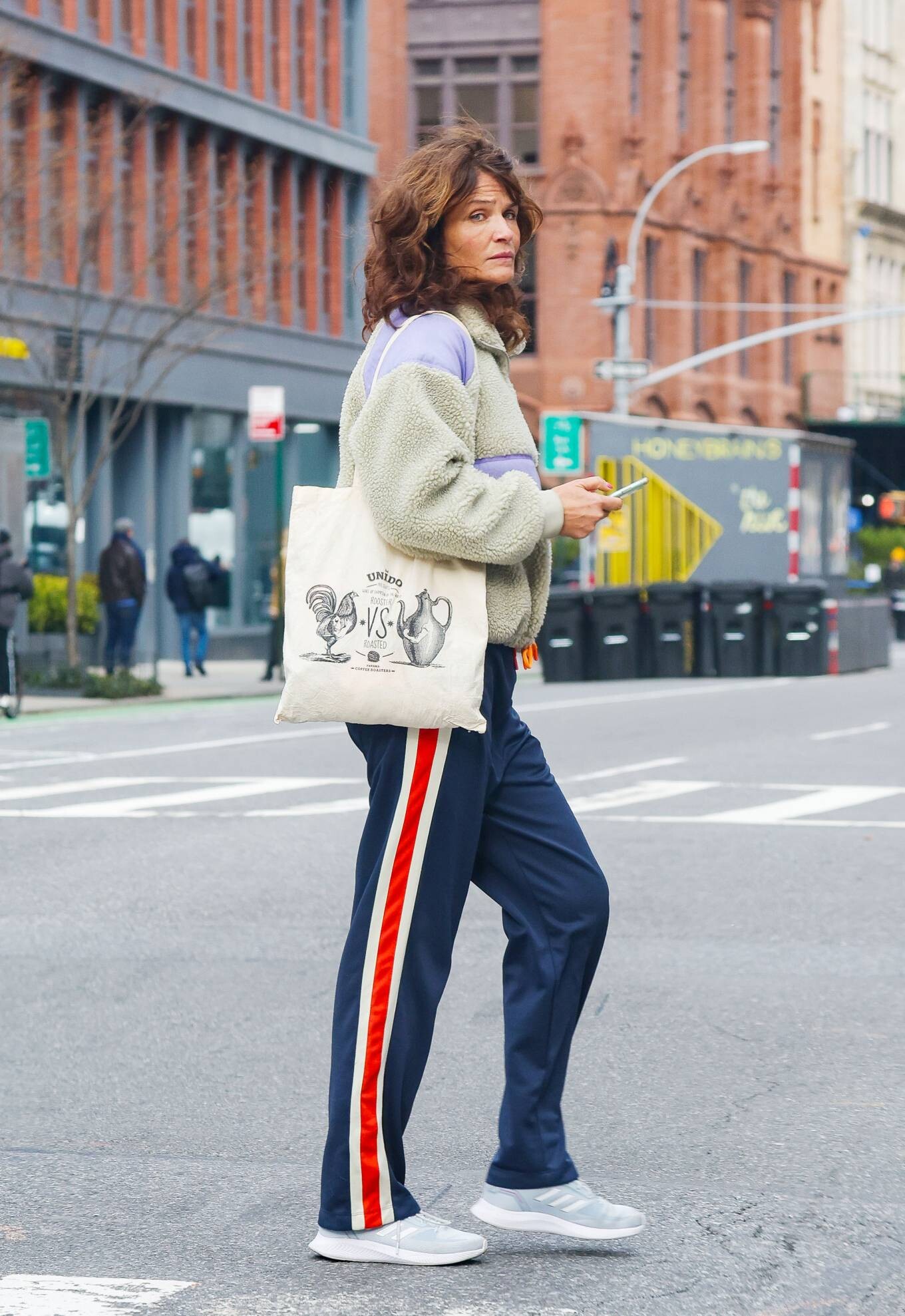
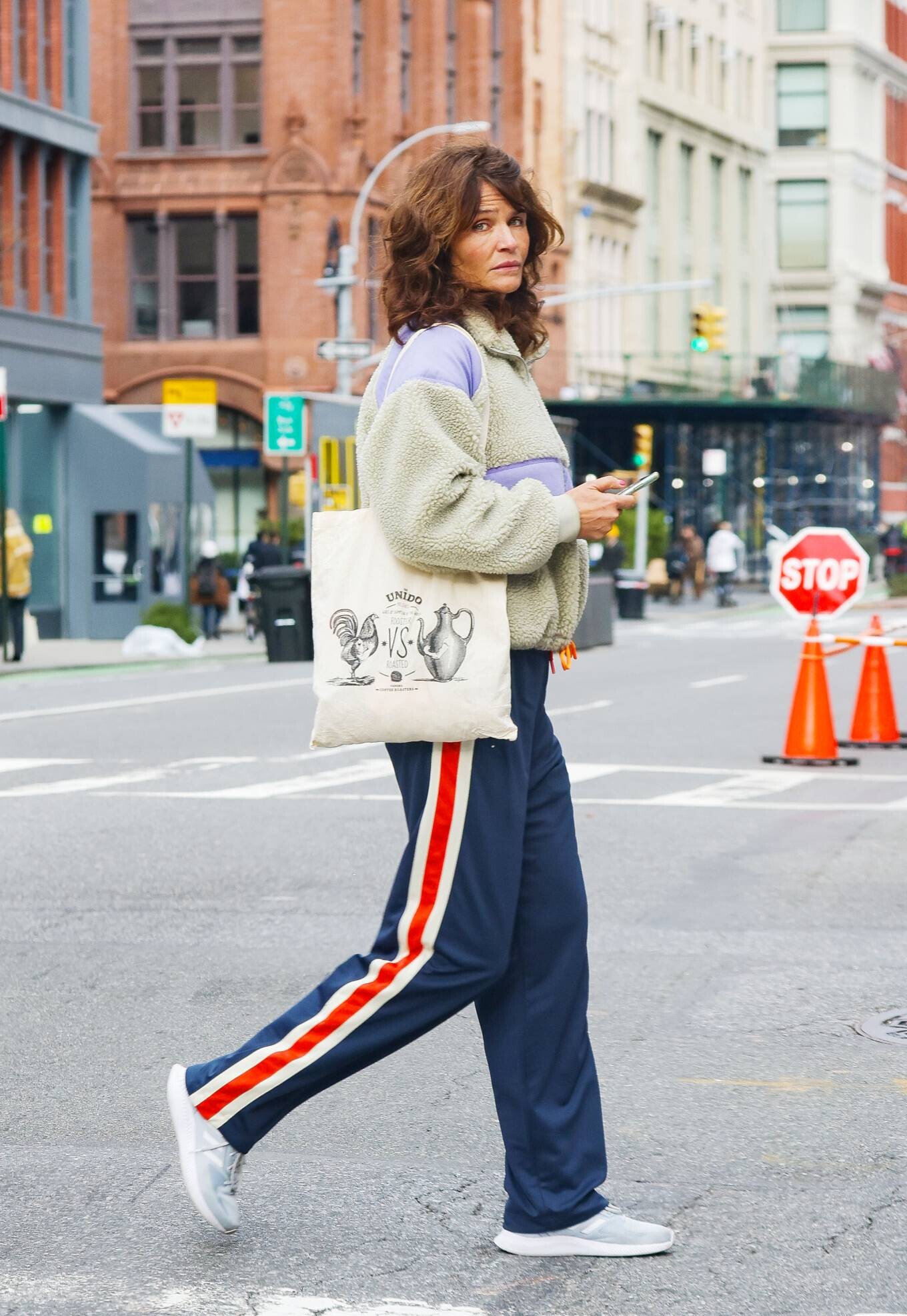
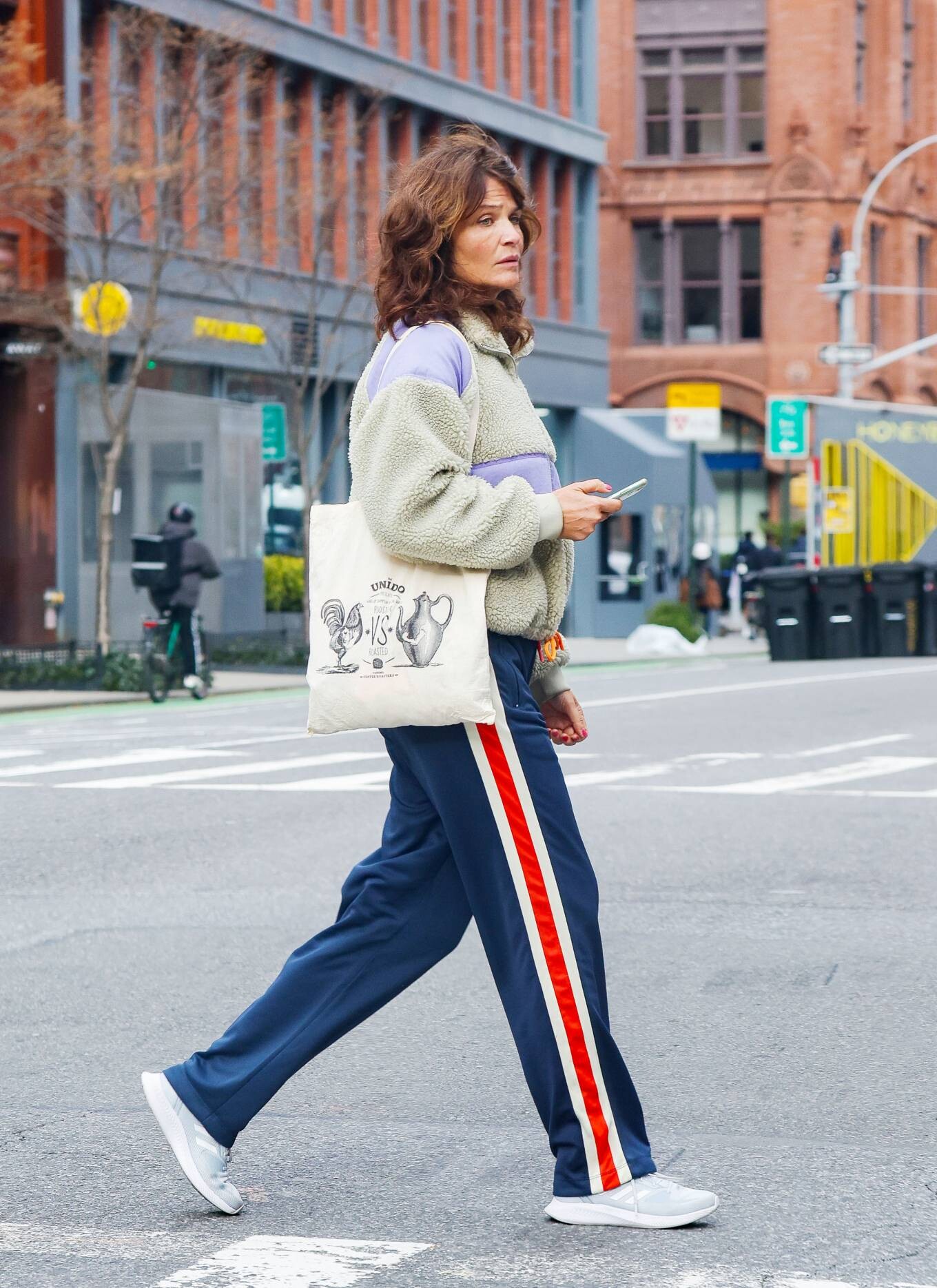
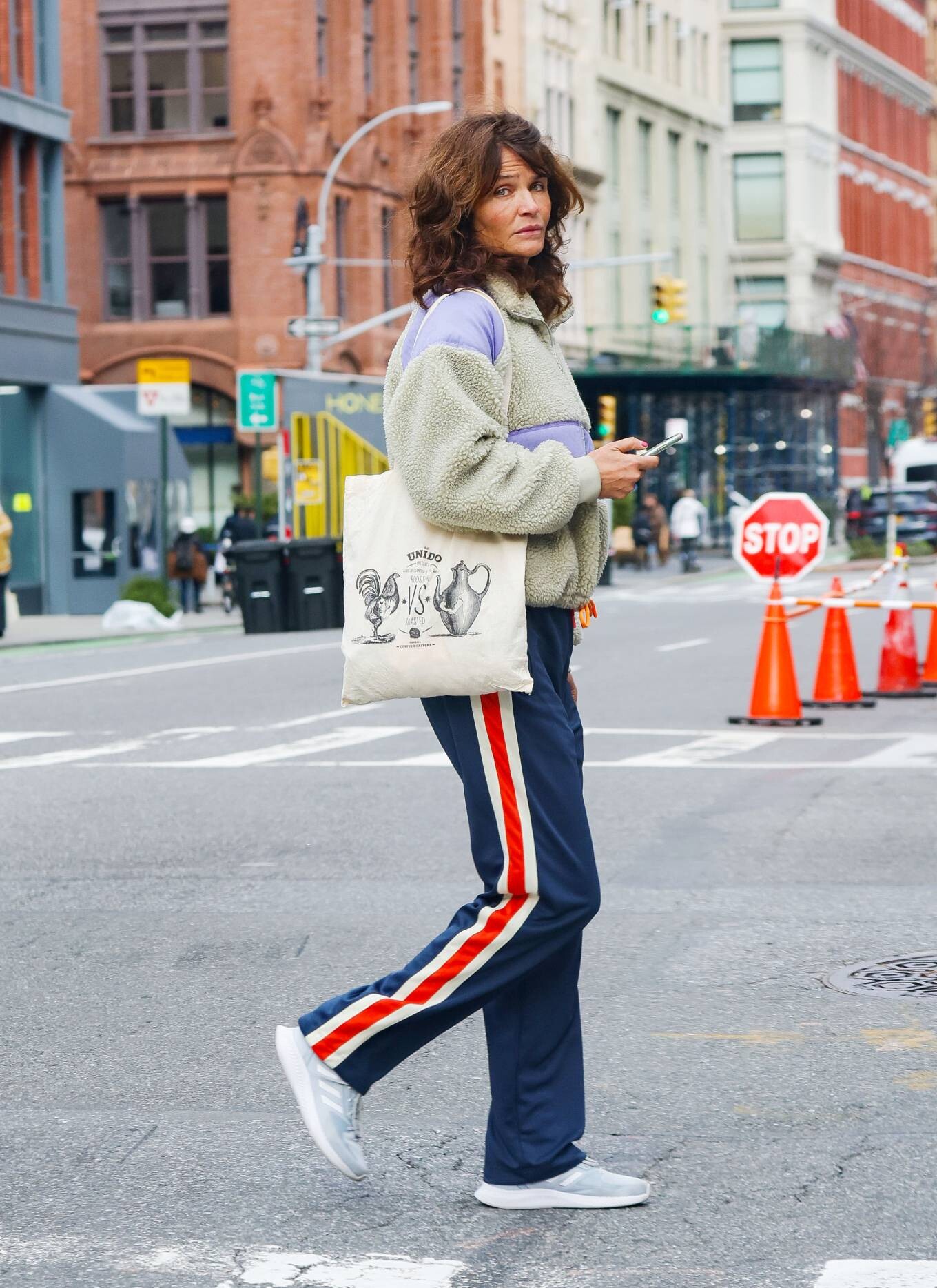
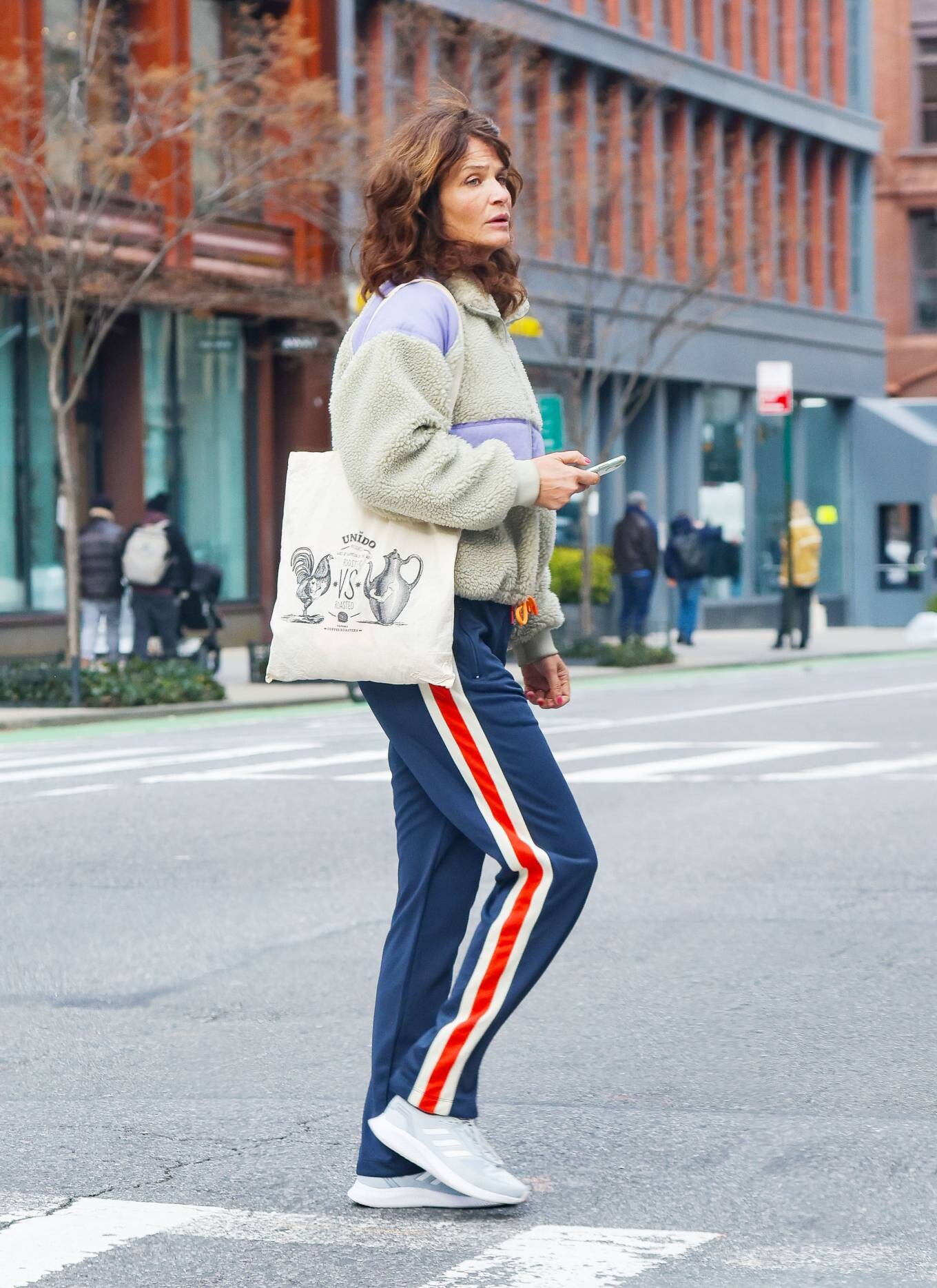
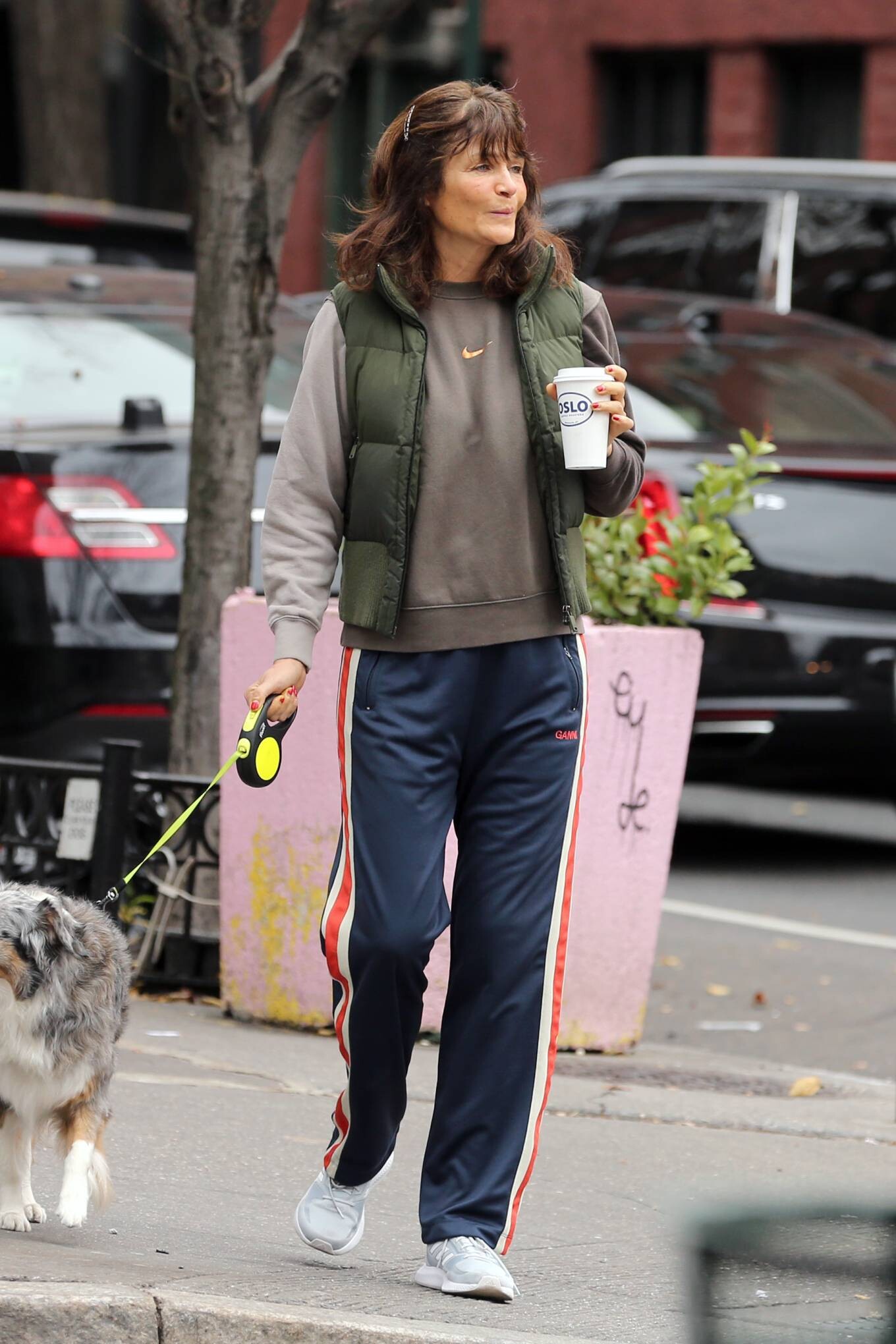
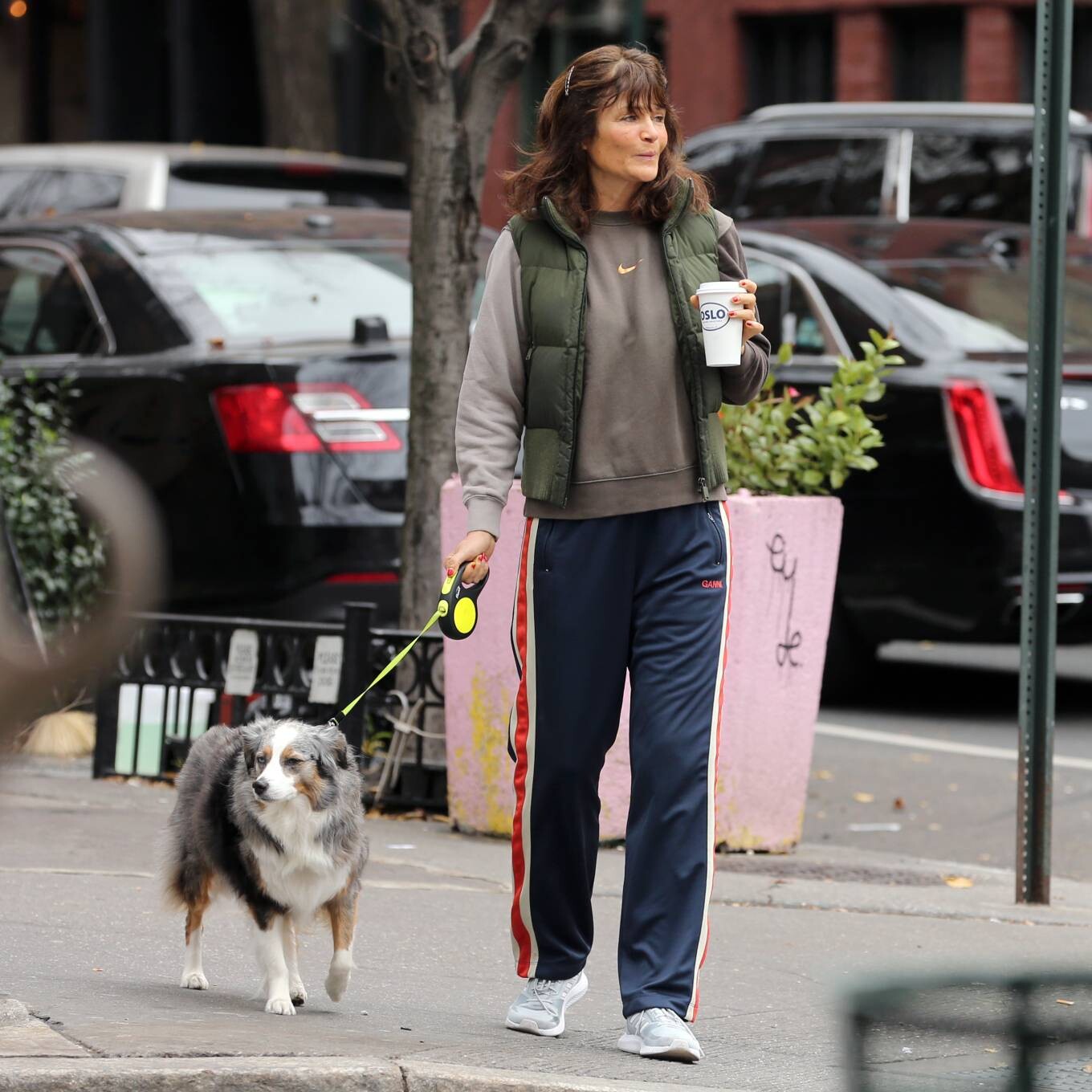
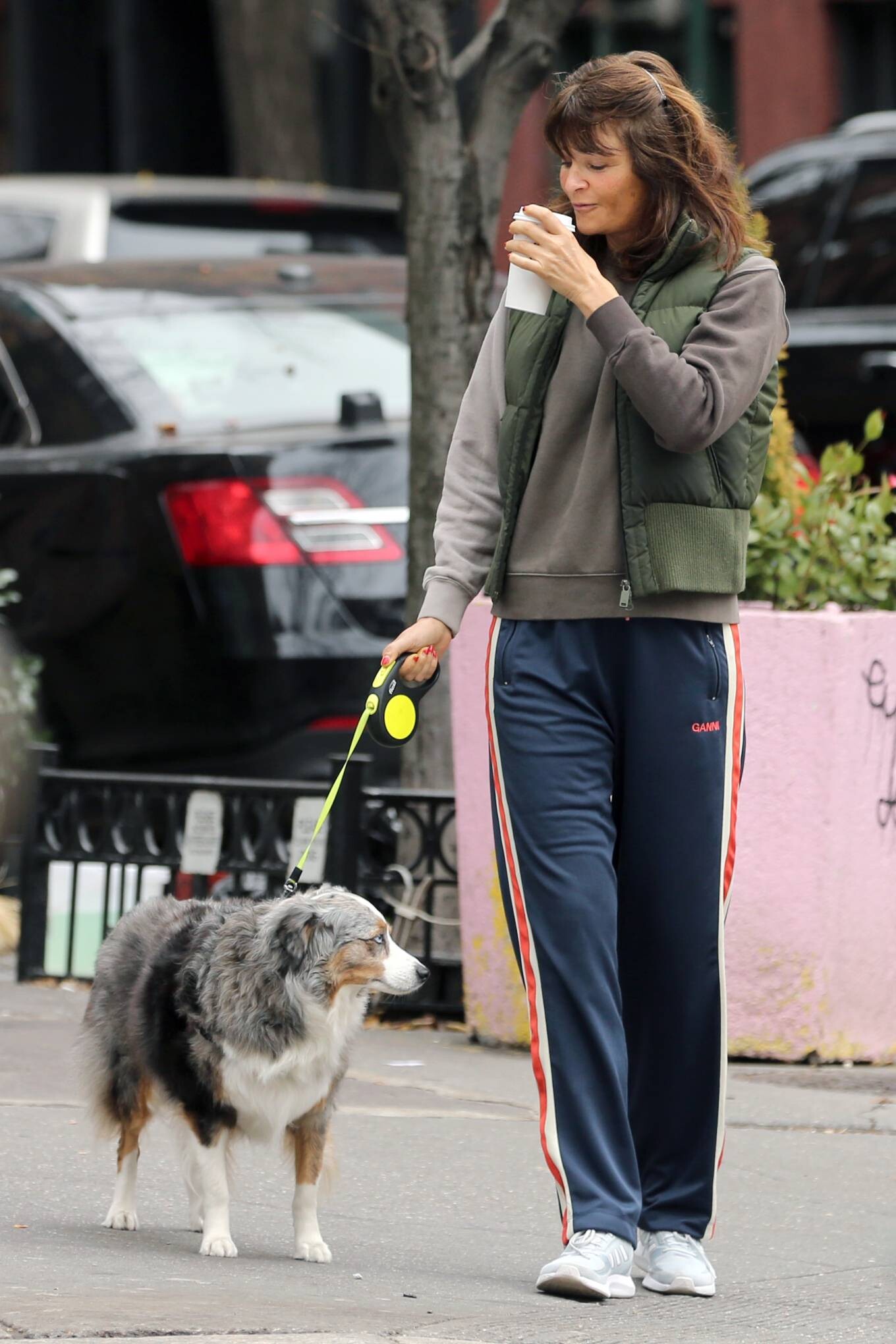
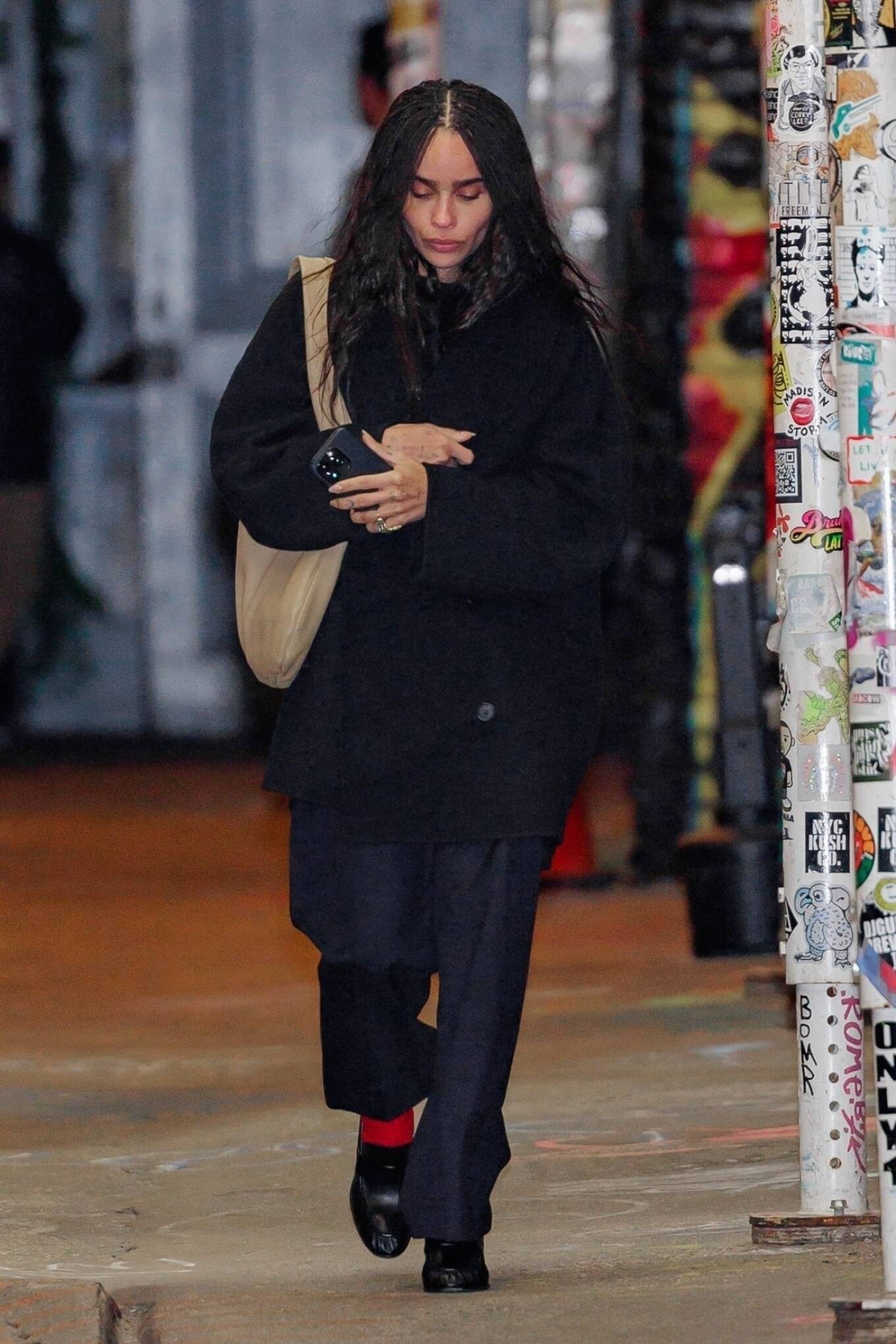
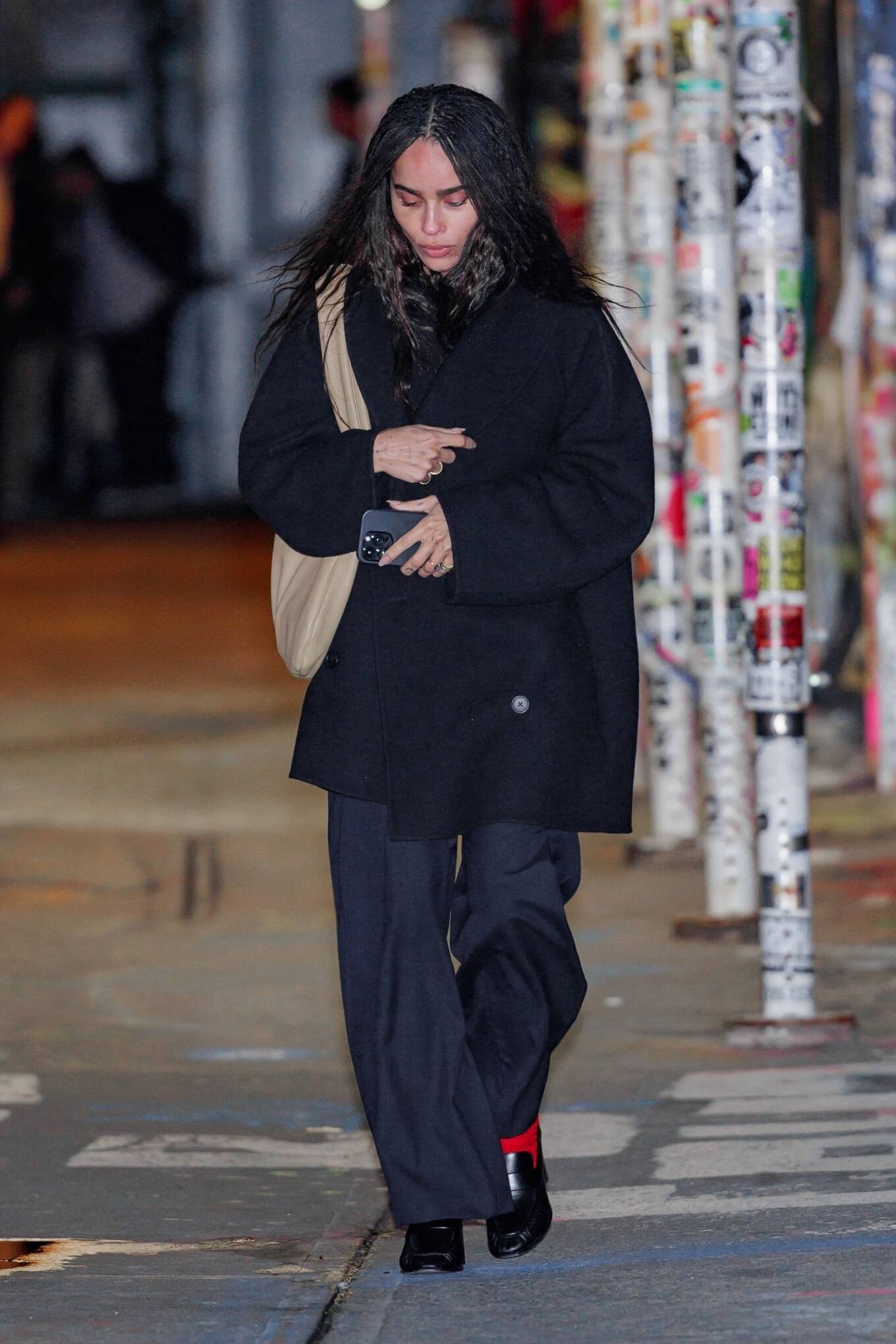
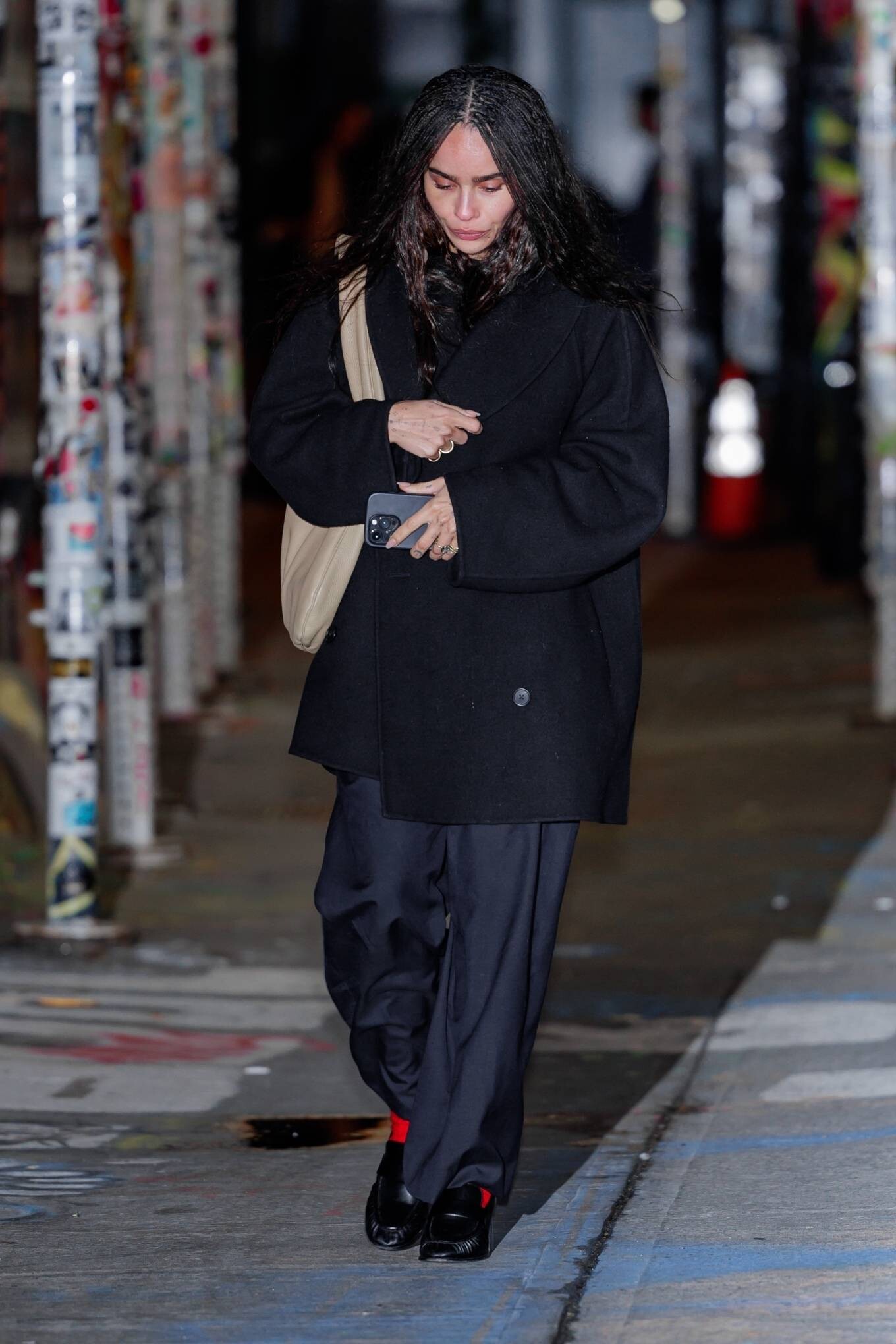
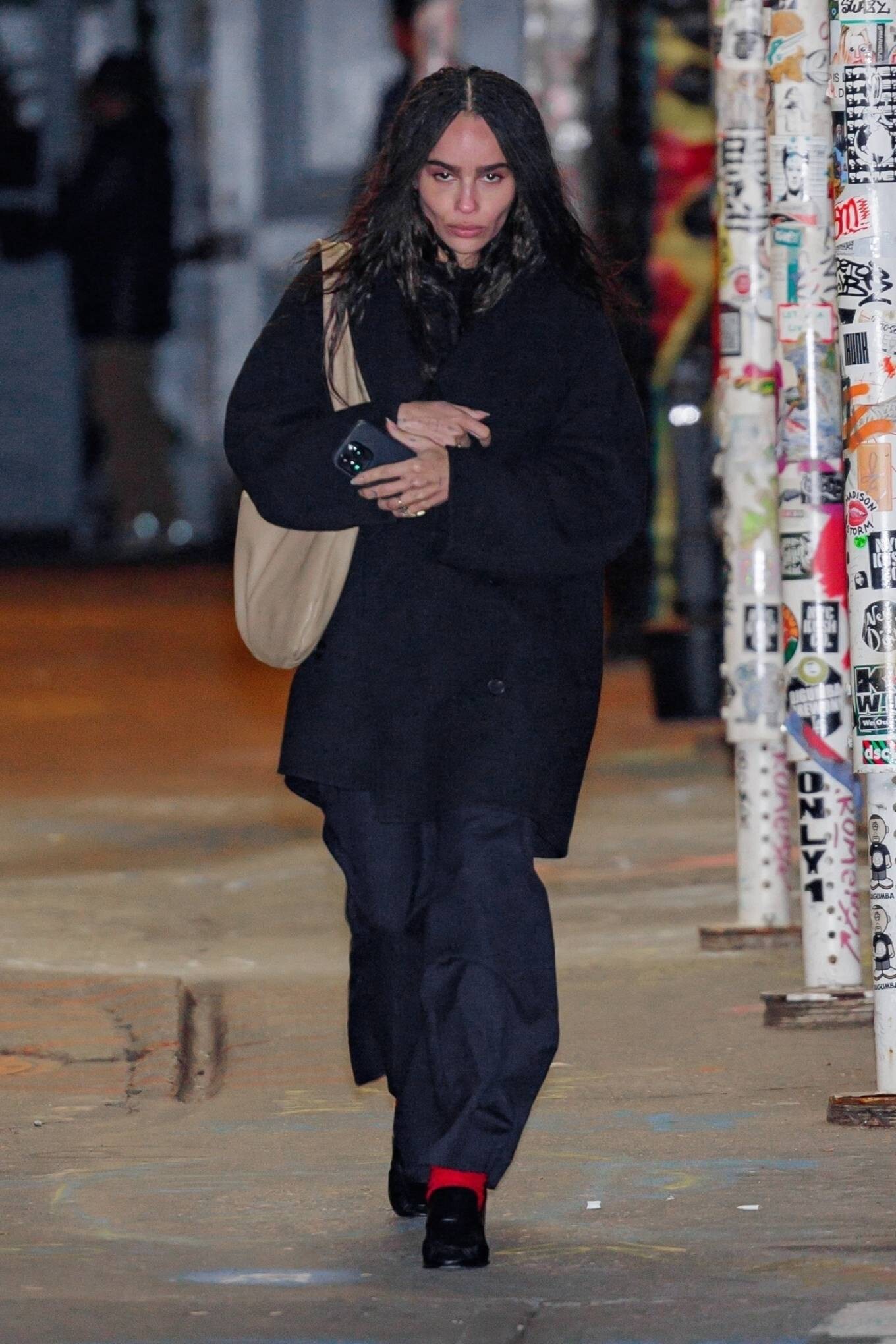
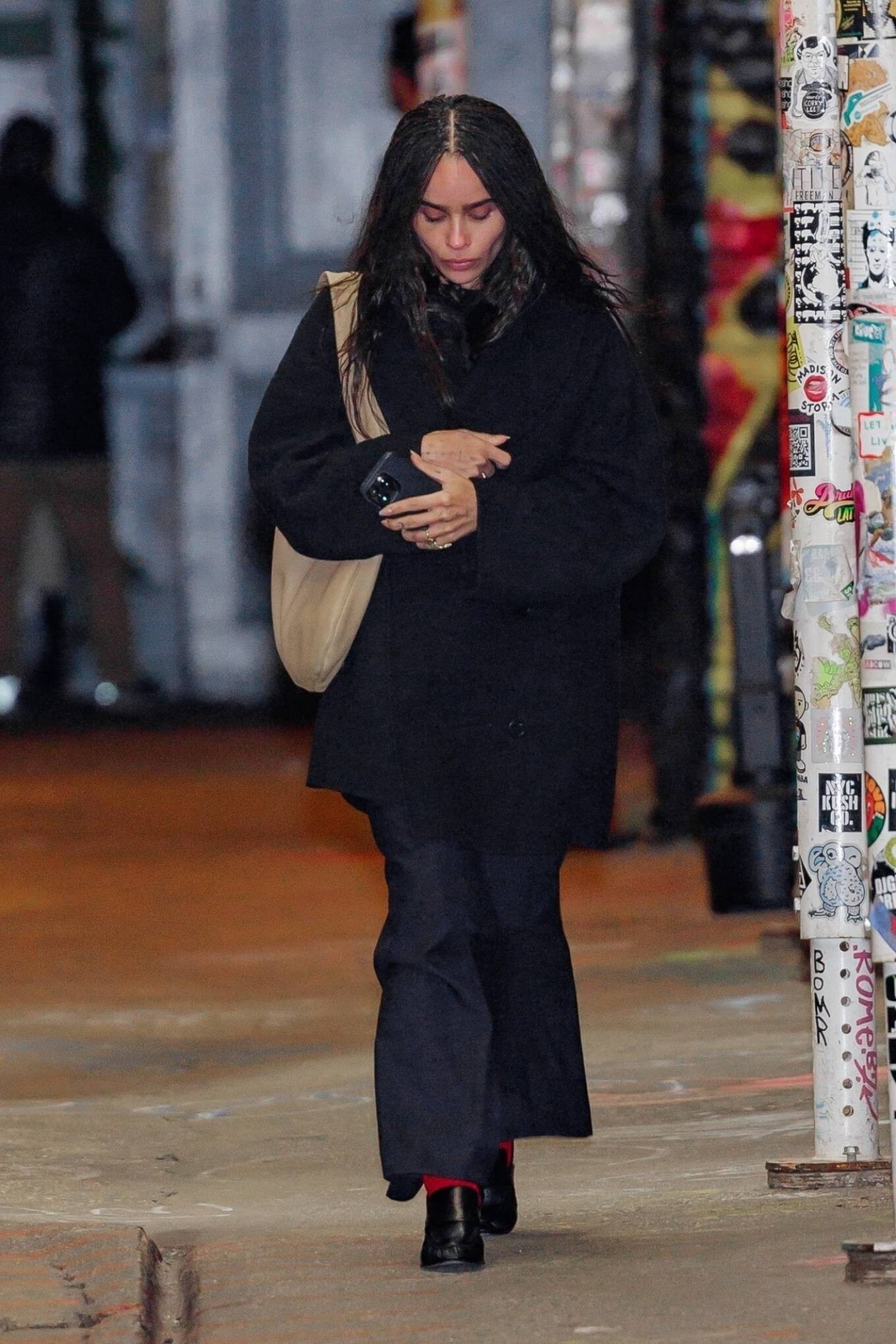
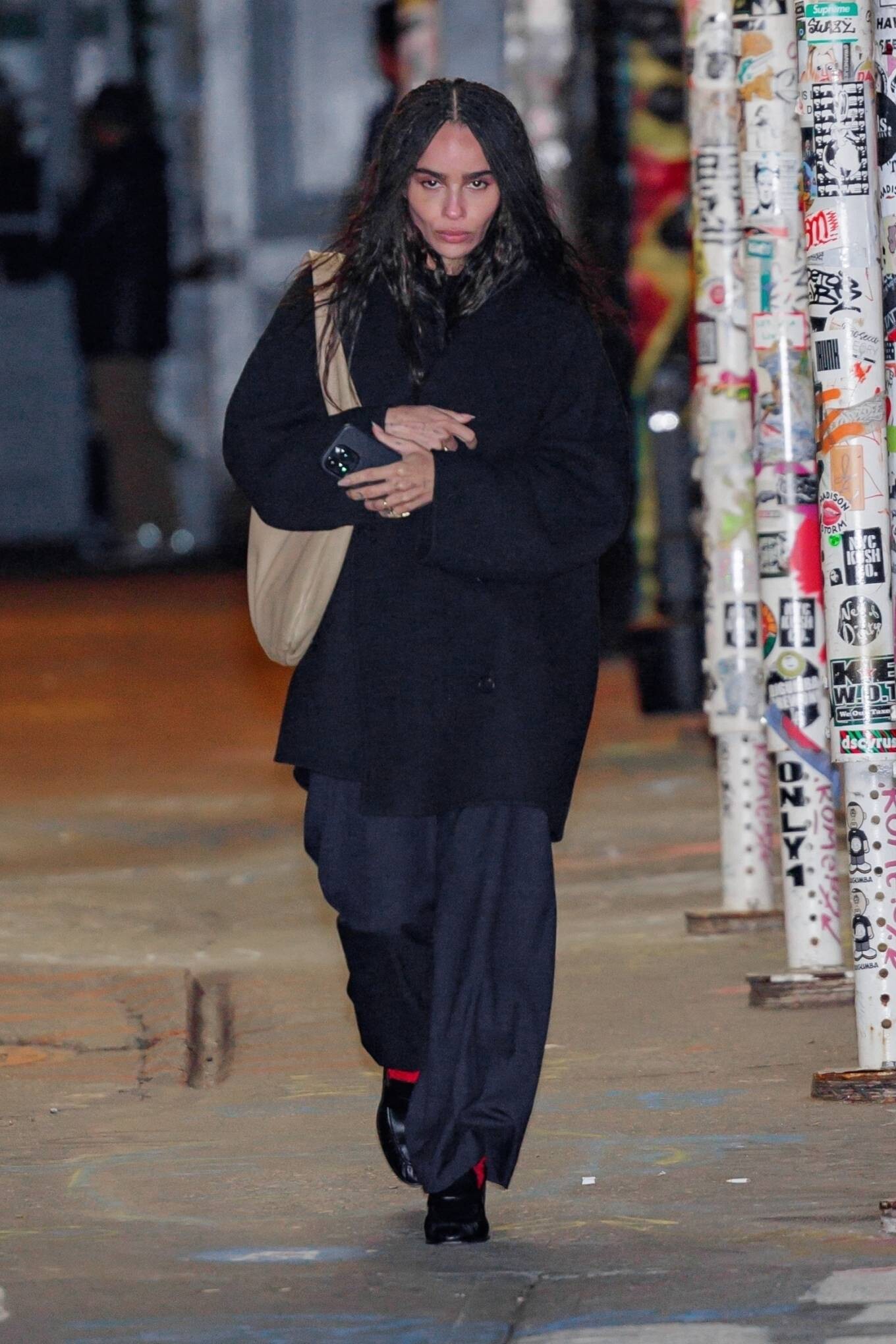
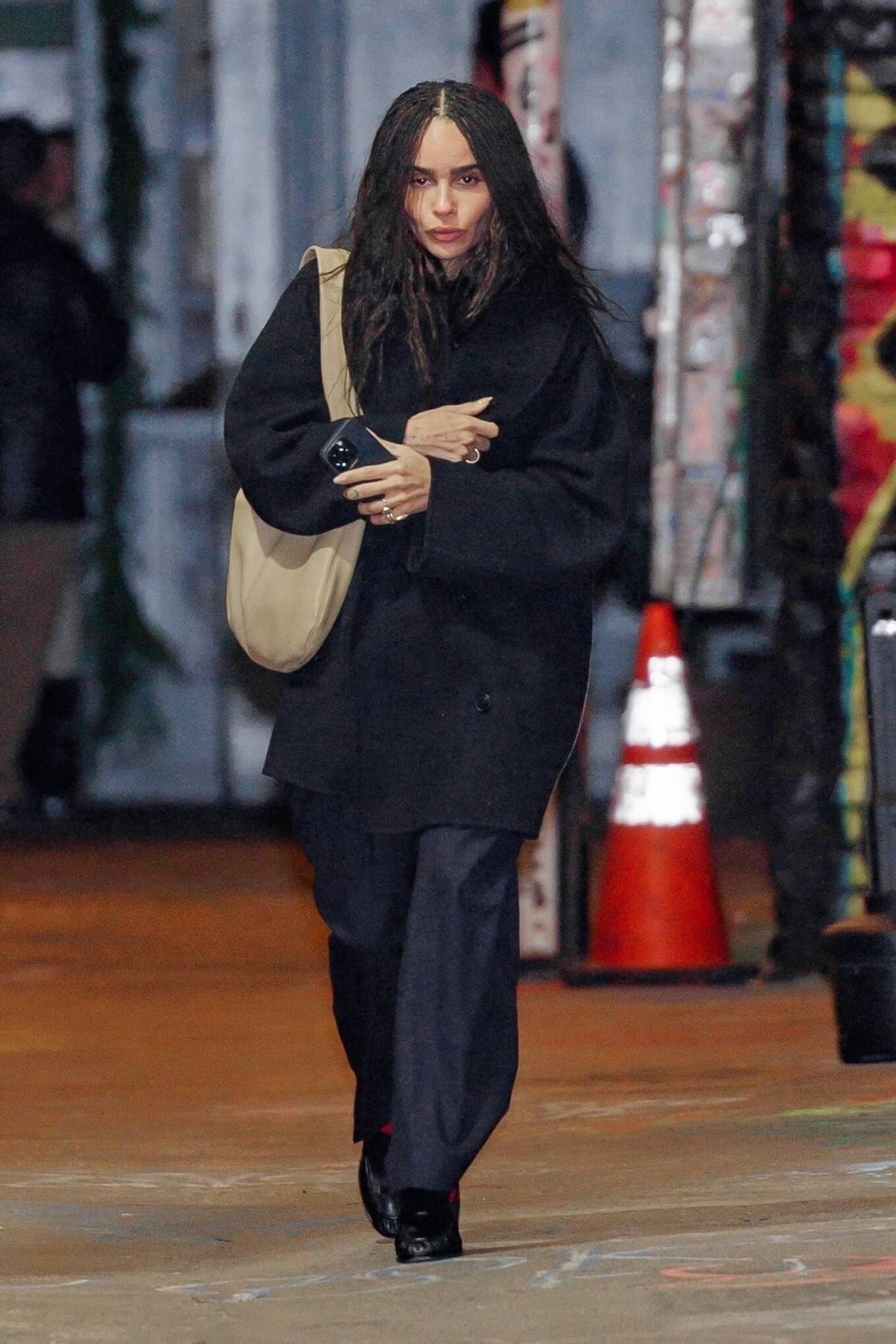
 Walking Her Dog In New York City



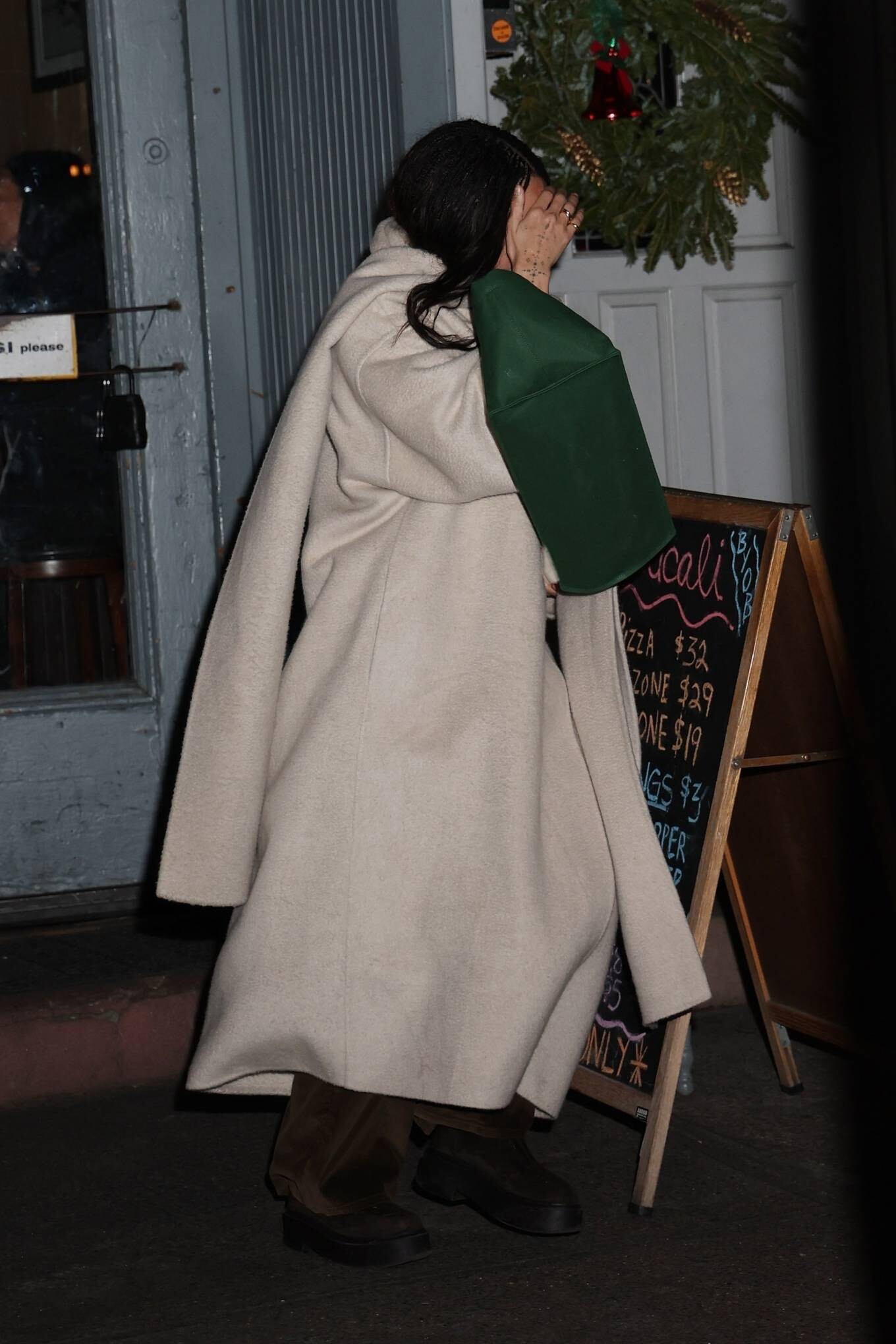
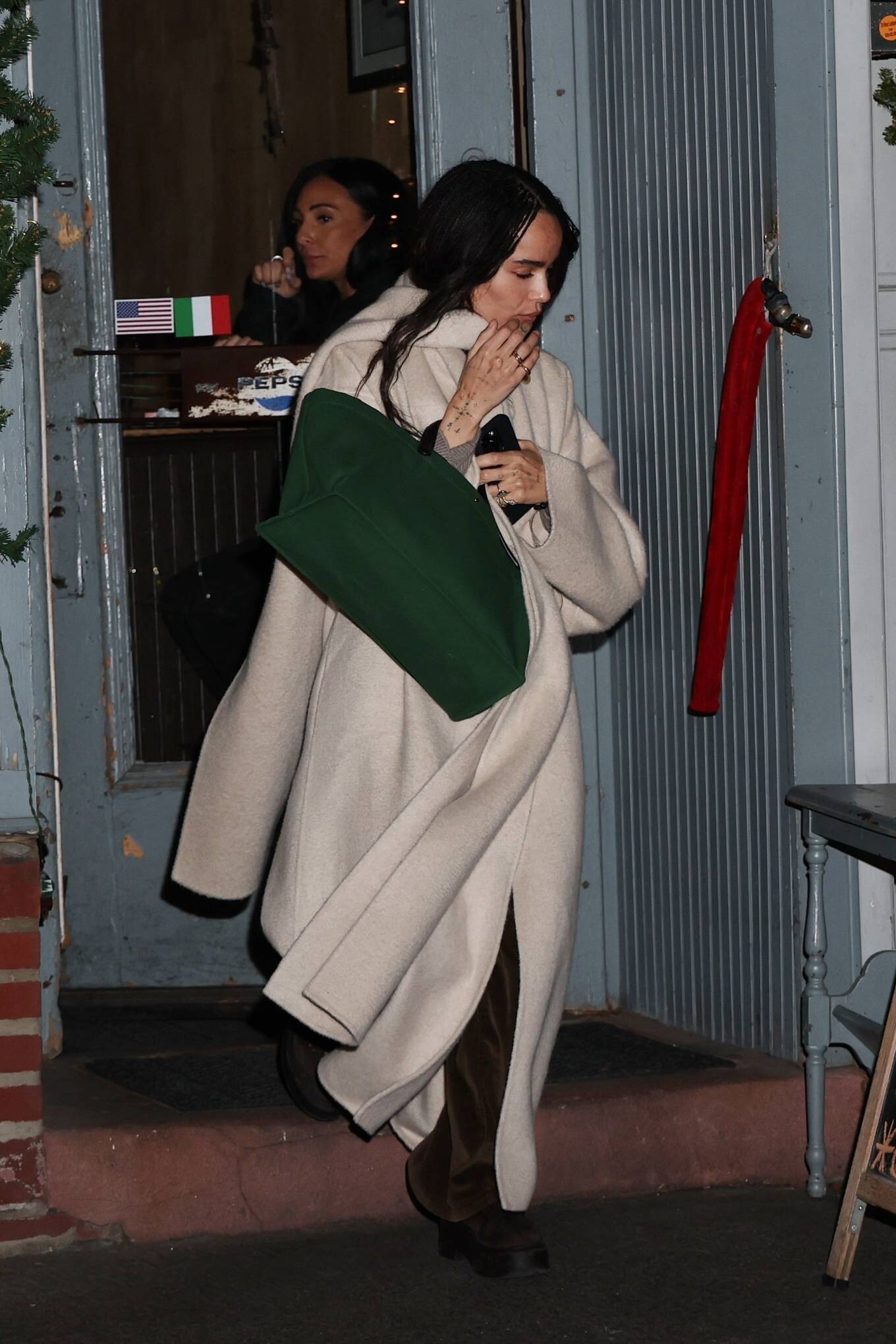
 Leaving Lucali after having dinner in New York



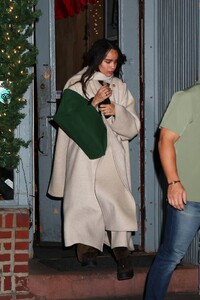
 Leaving Taylor Swifts Birthday Party At The Box In New York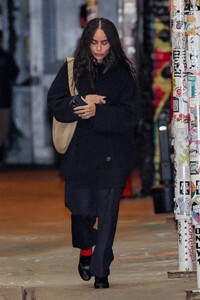
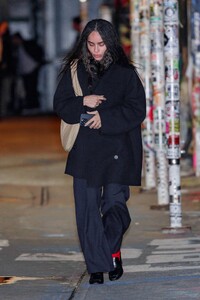
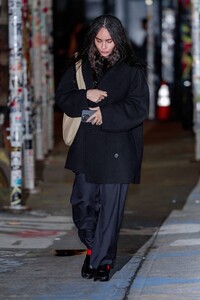

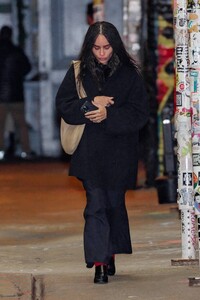
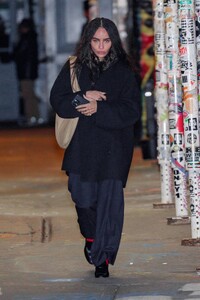
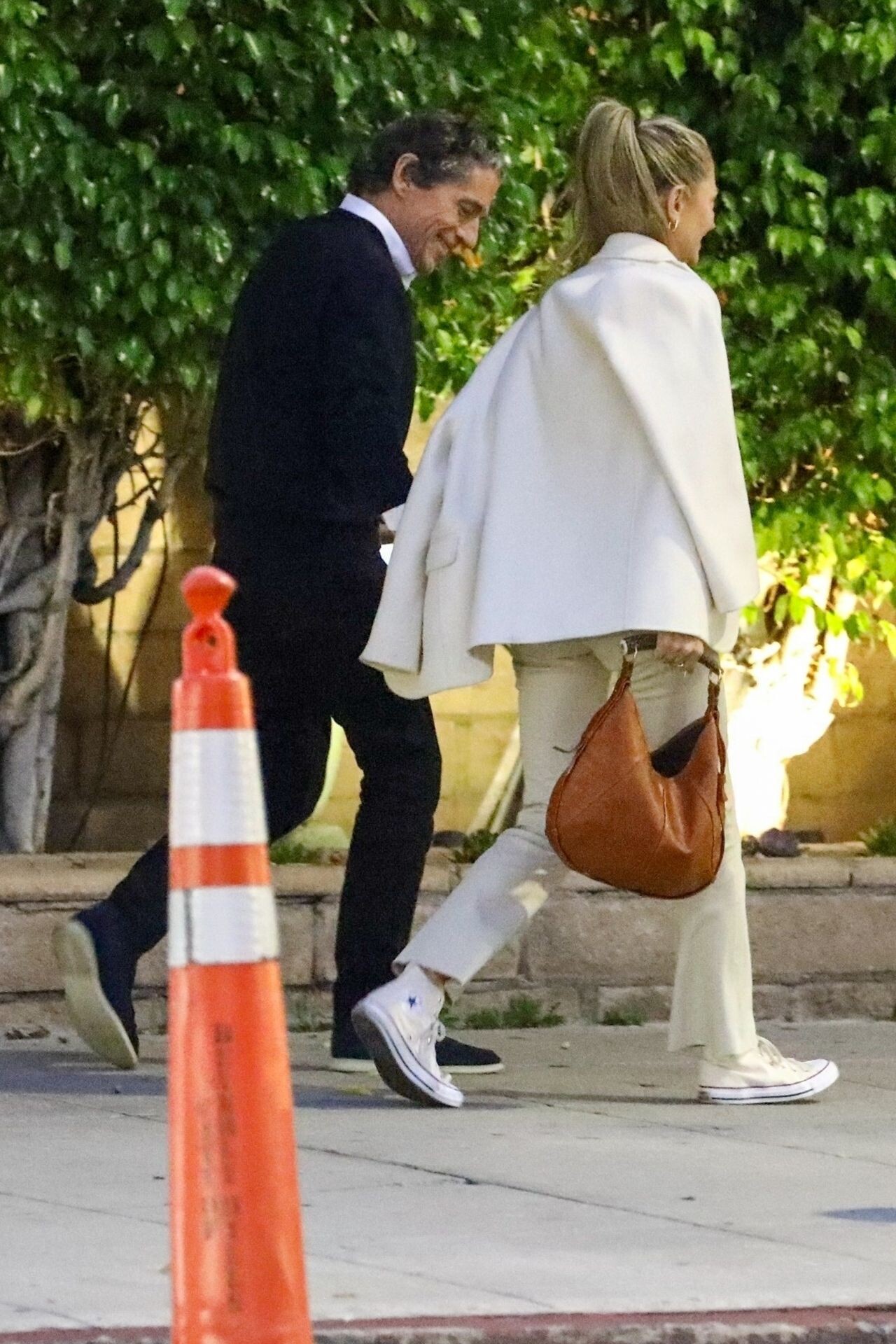
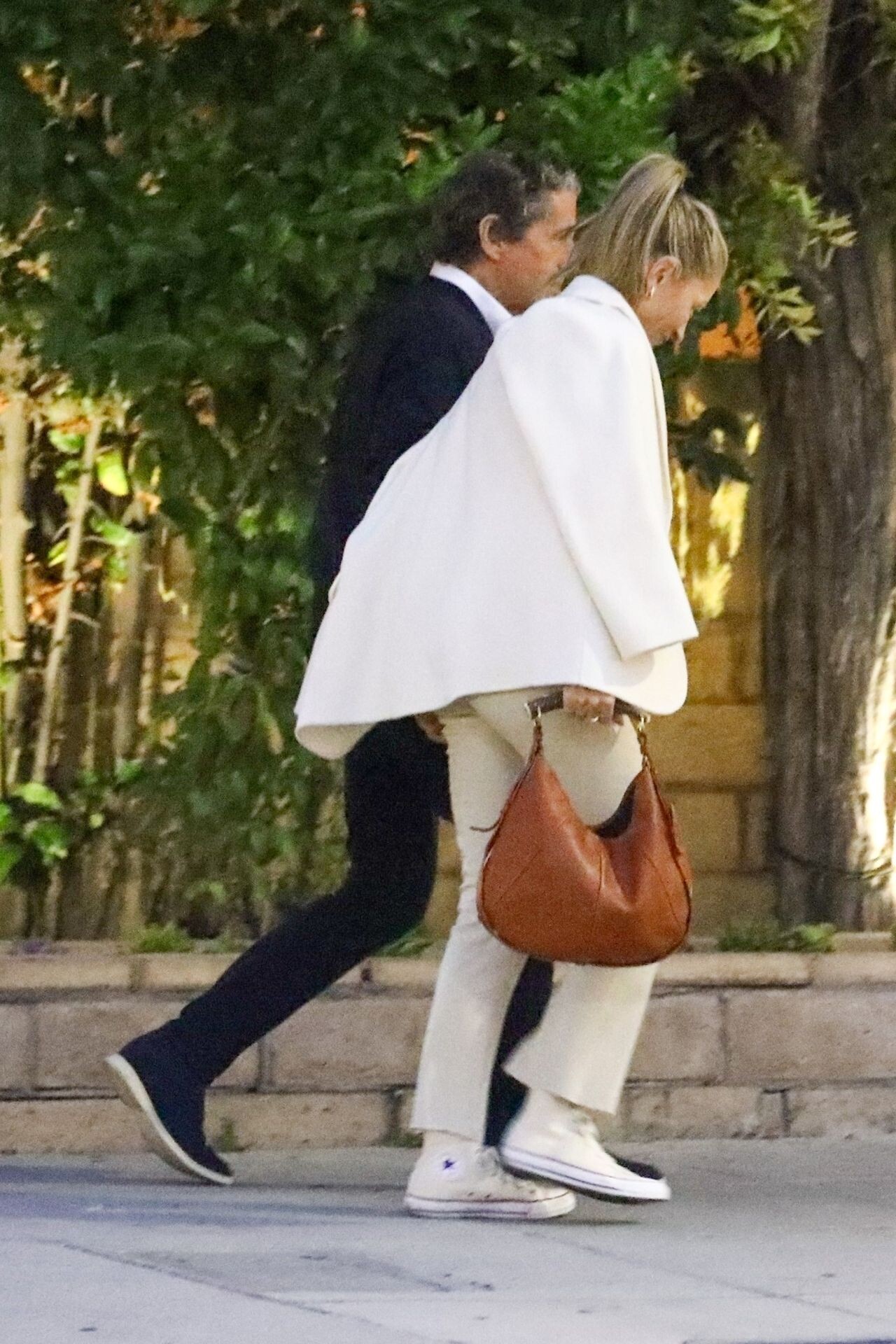
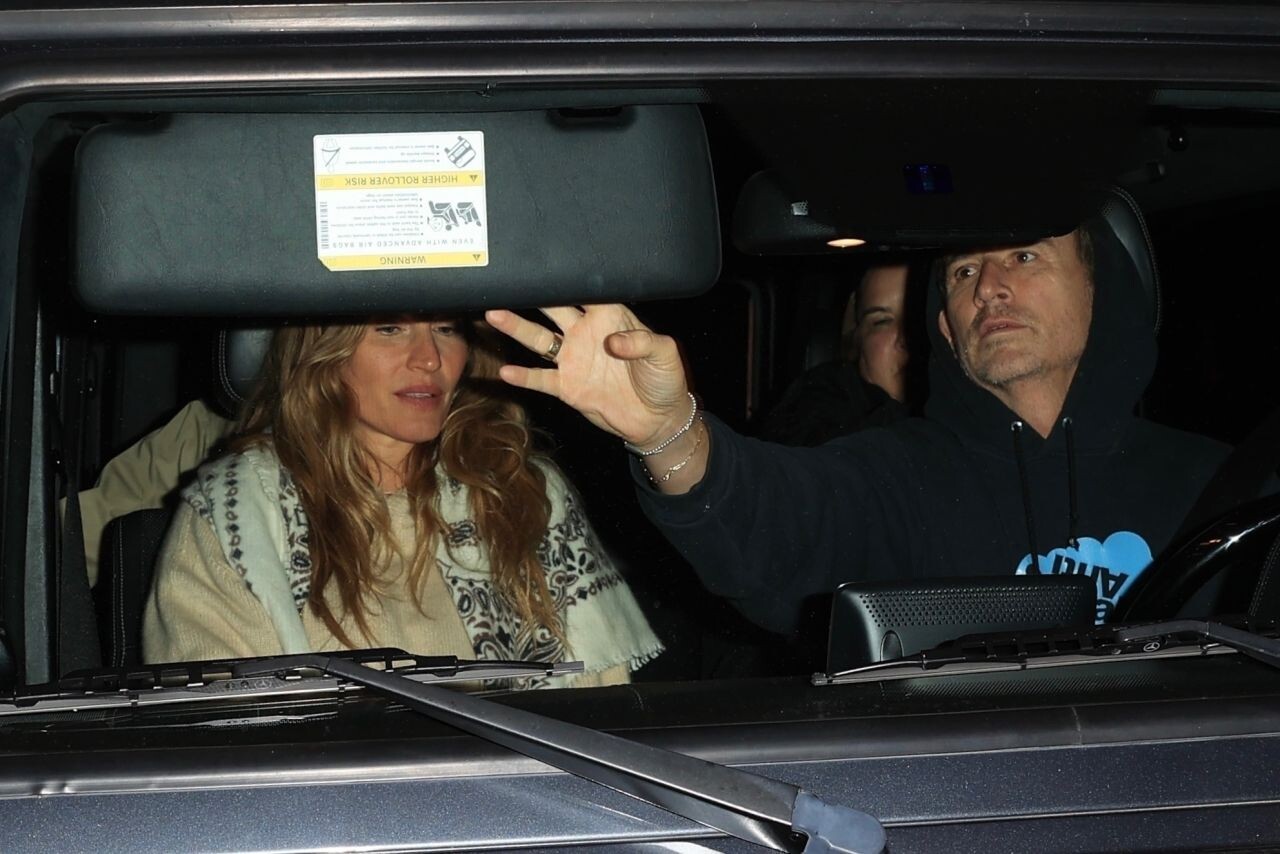
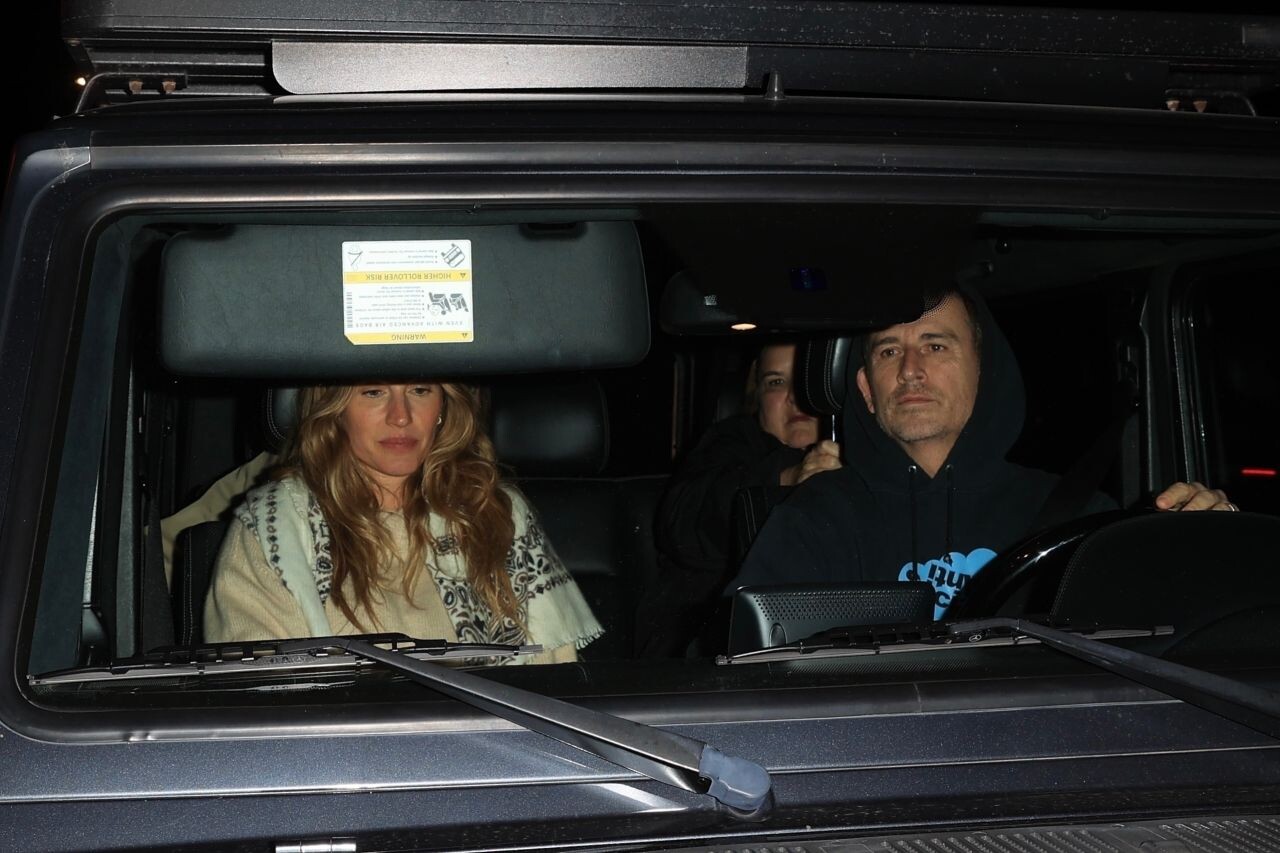
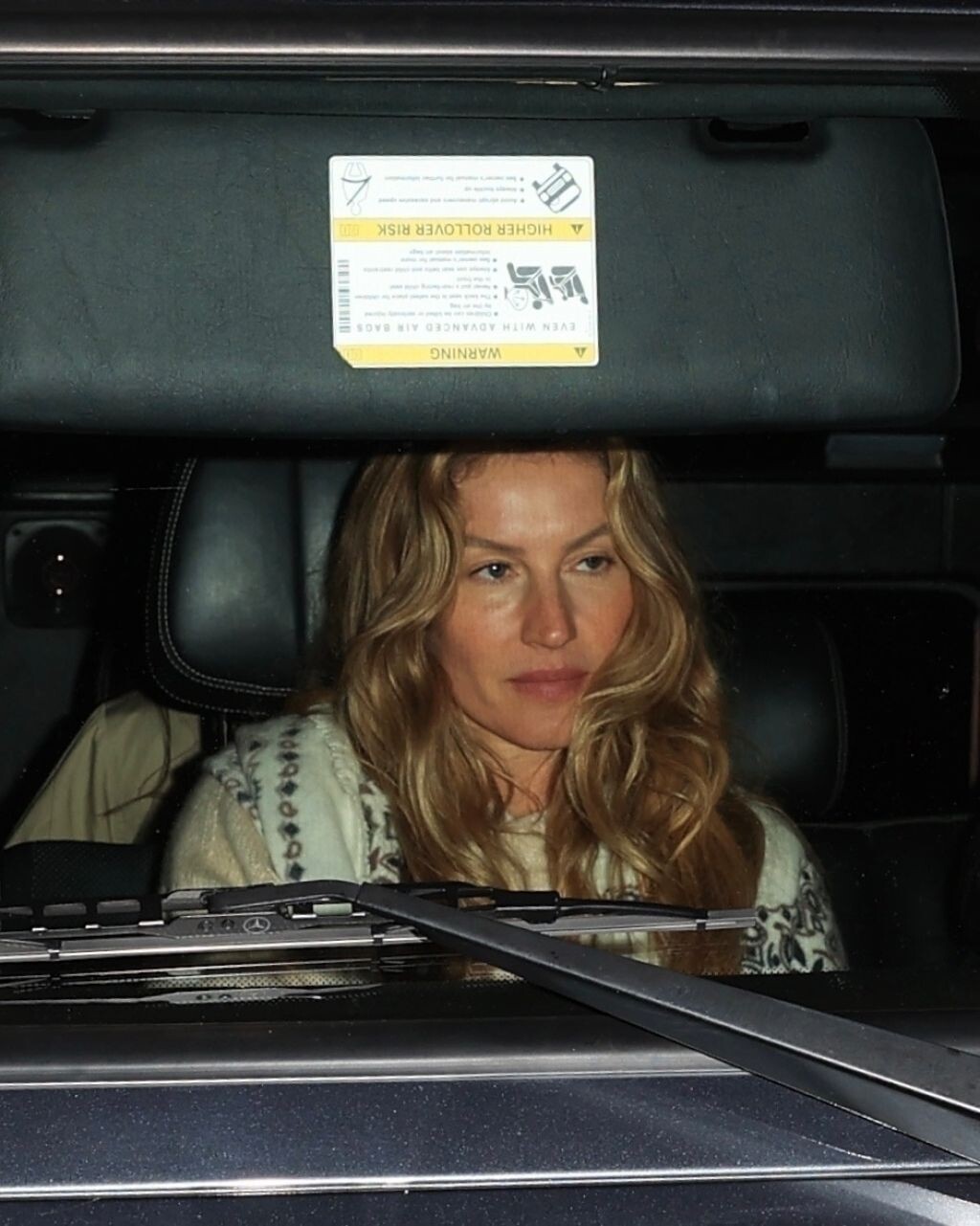
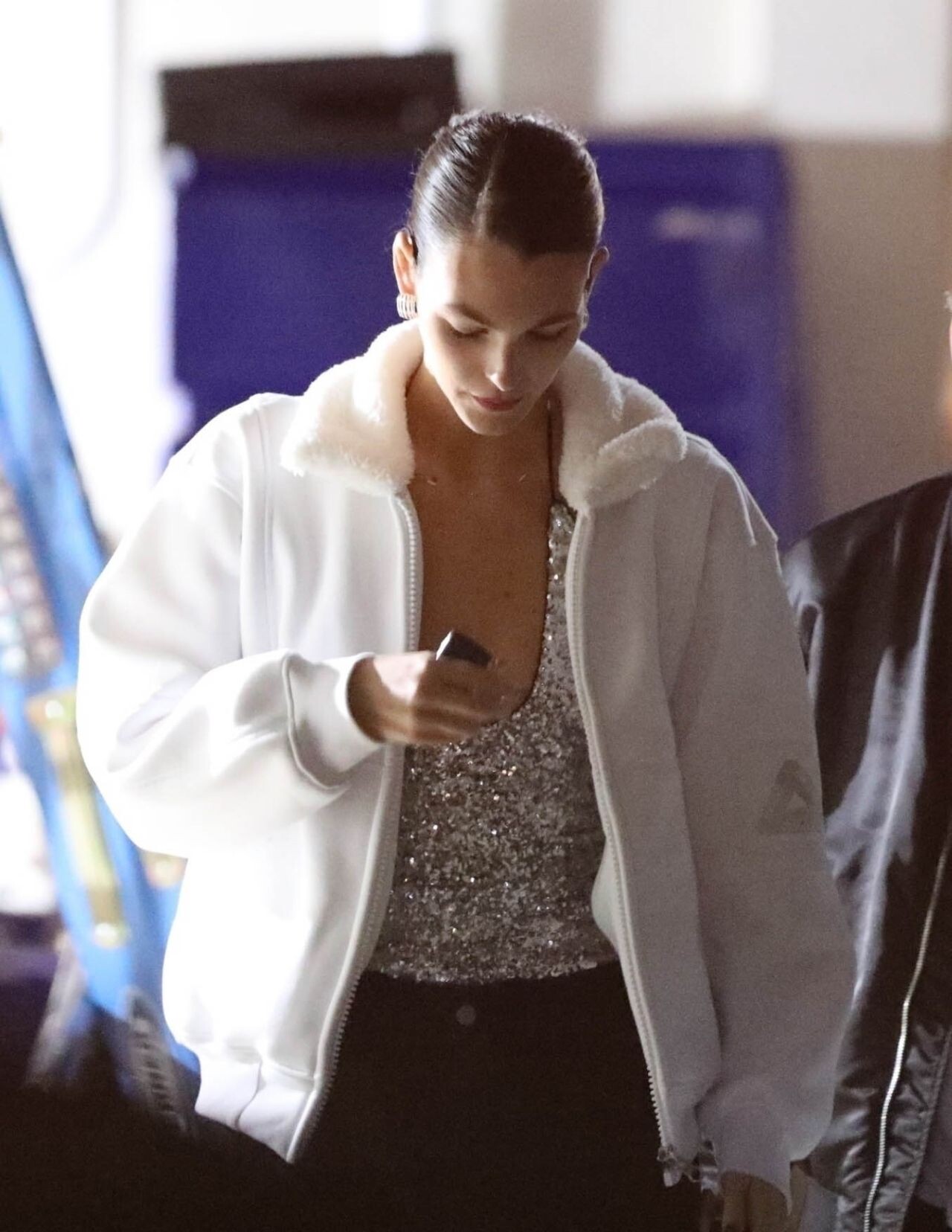
 Leaving Cipriani in Beverly Hills 01/13/2024


 Arriving at Cipriani in Beverly Hills 01/13/2024





 BAFTA Tea Party in Beverly Hills 01/13/2024


 Variety 12/11/2023








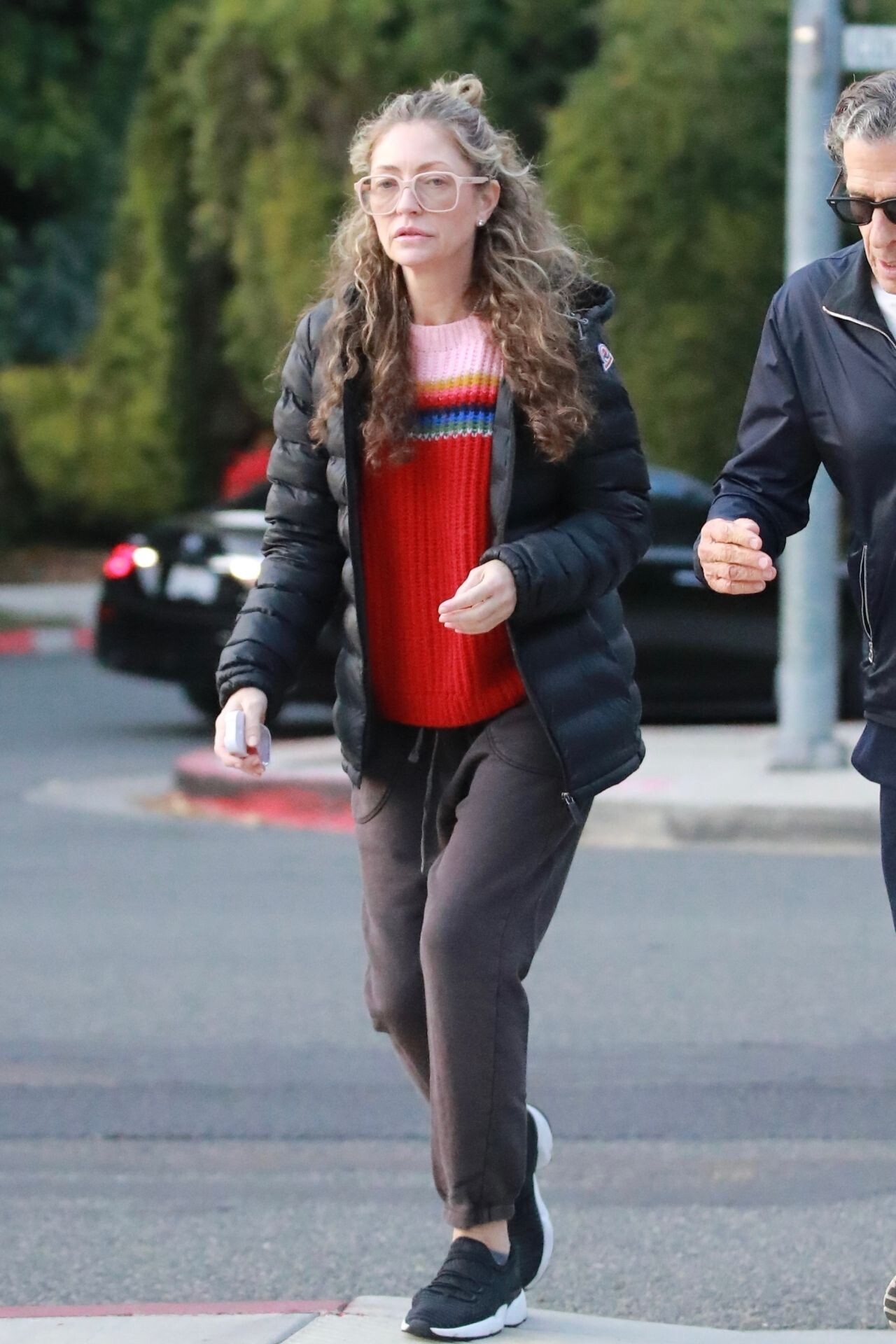

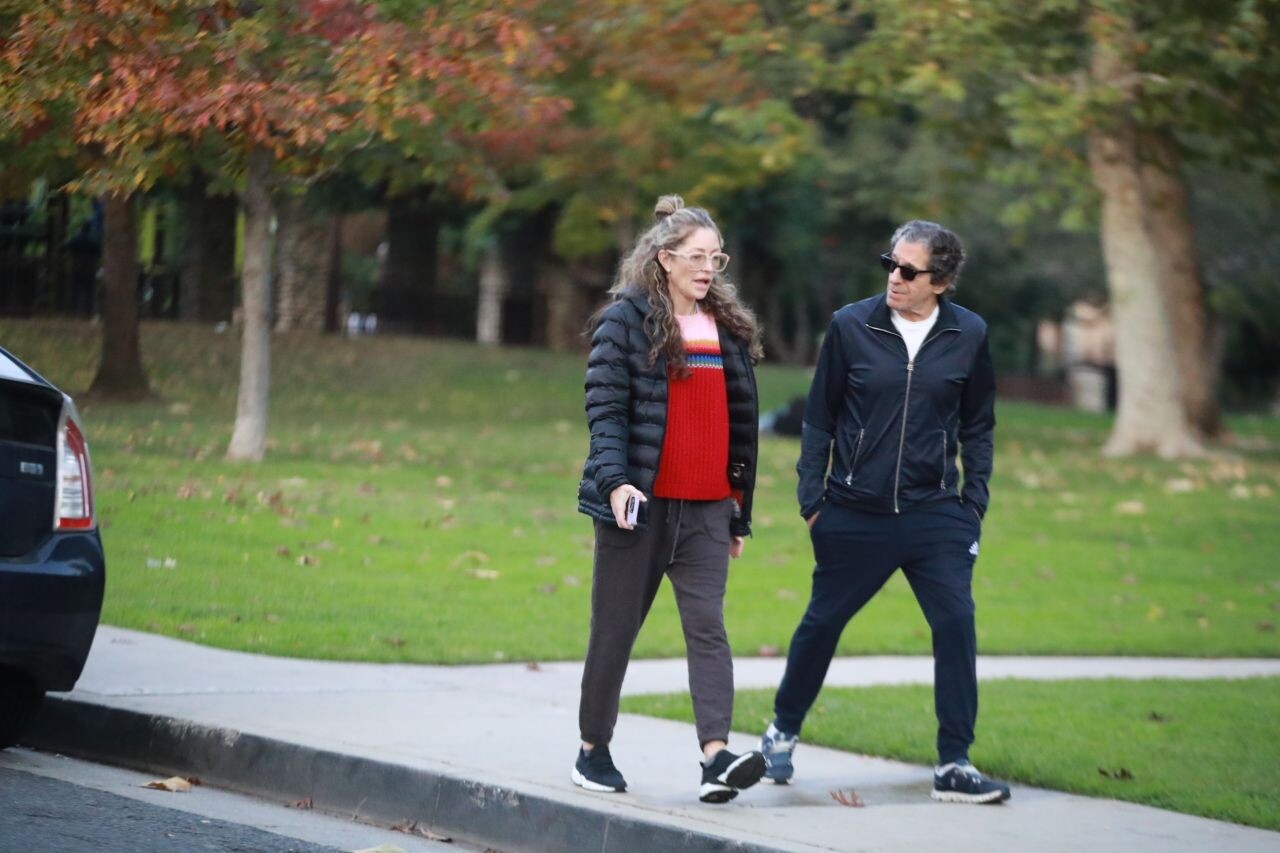
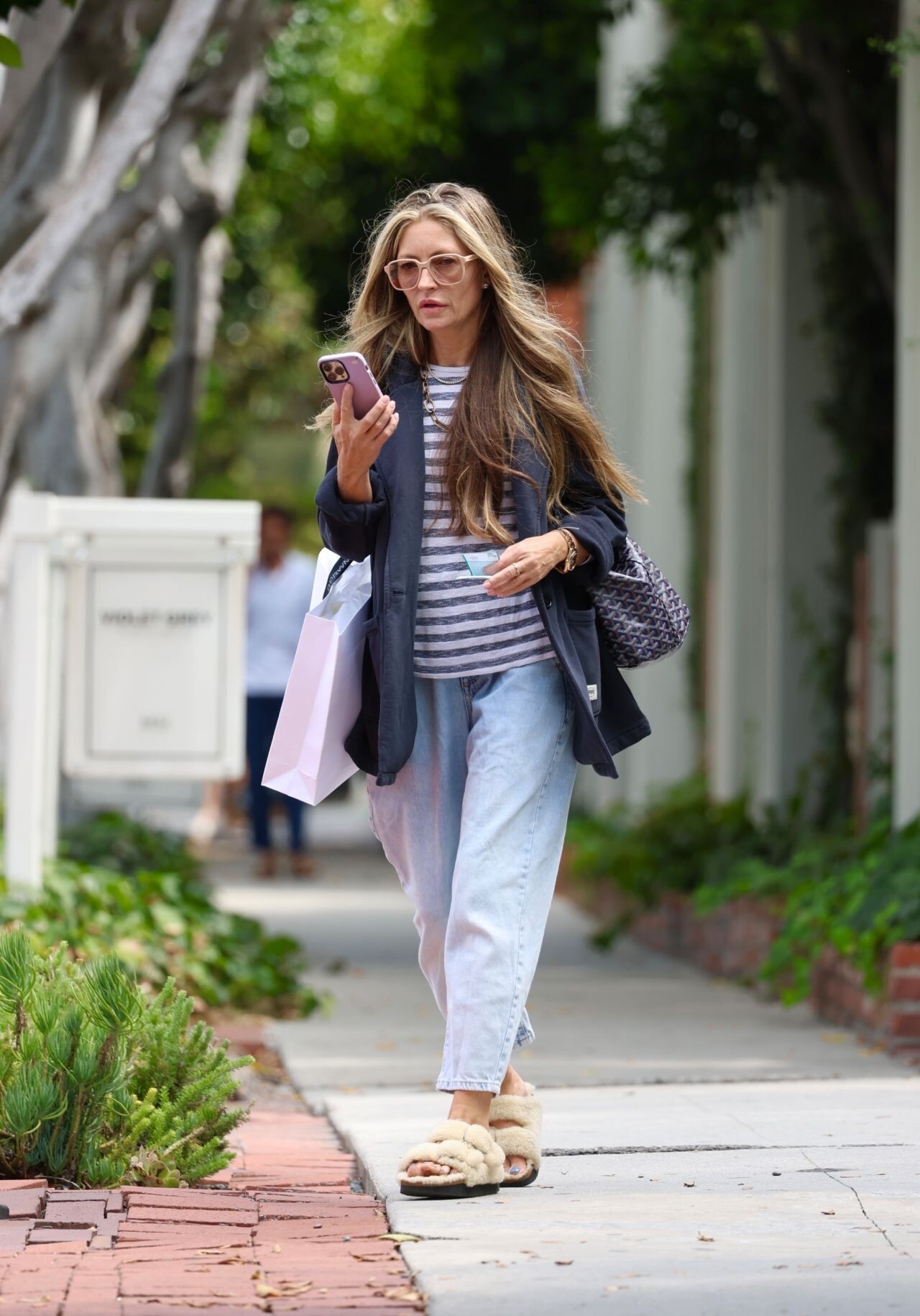
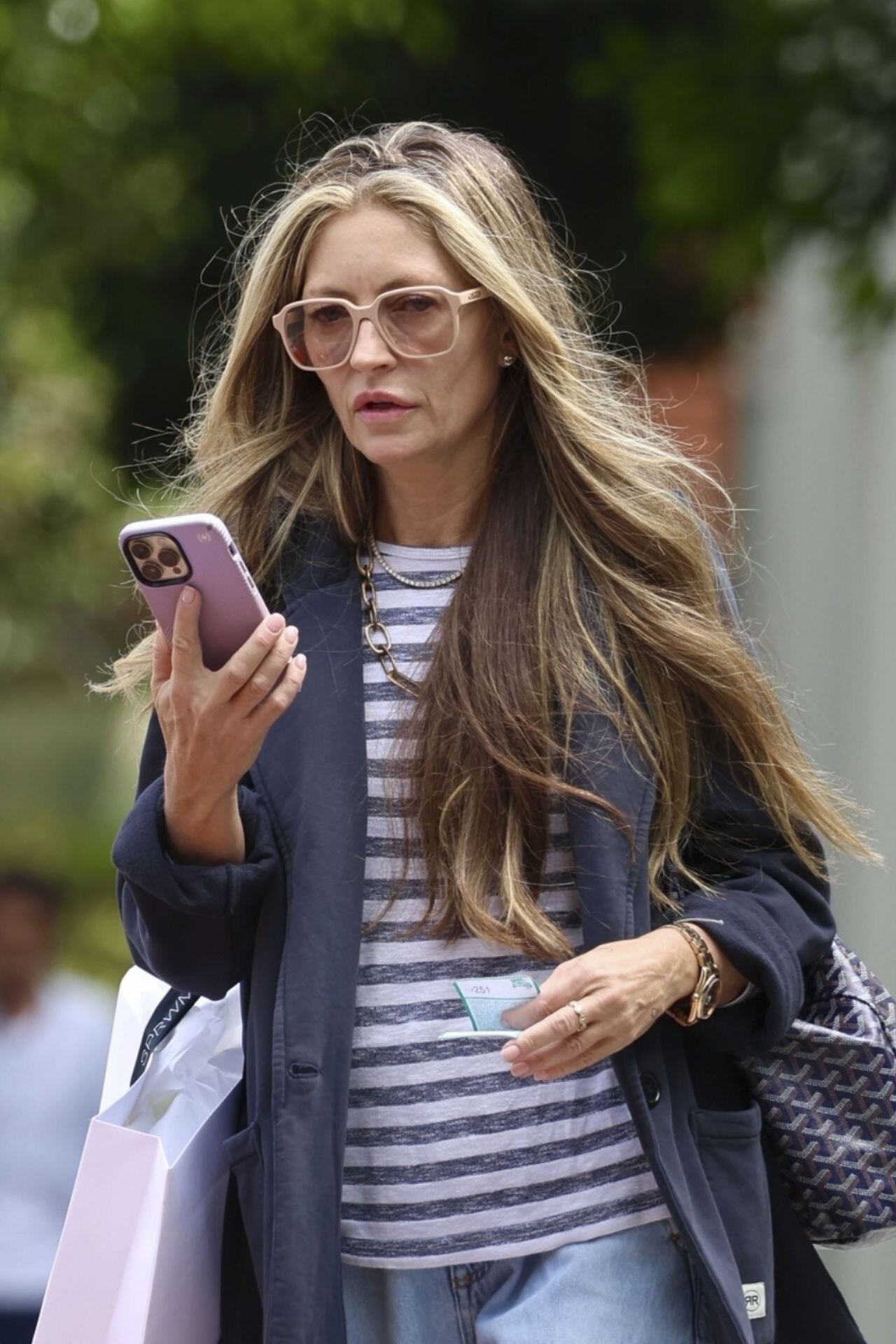
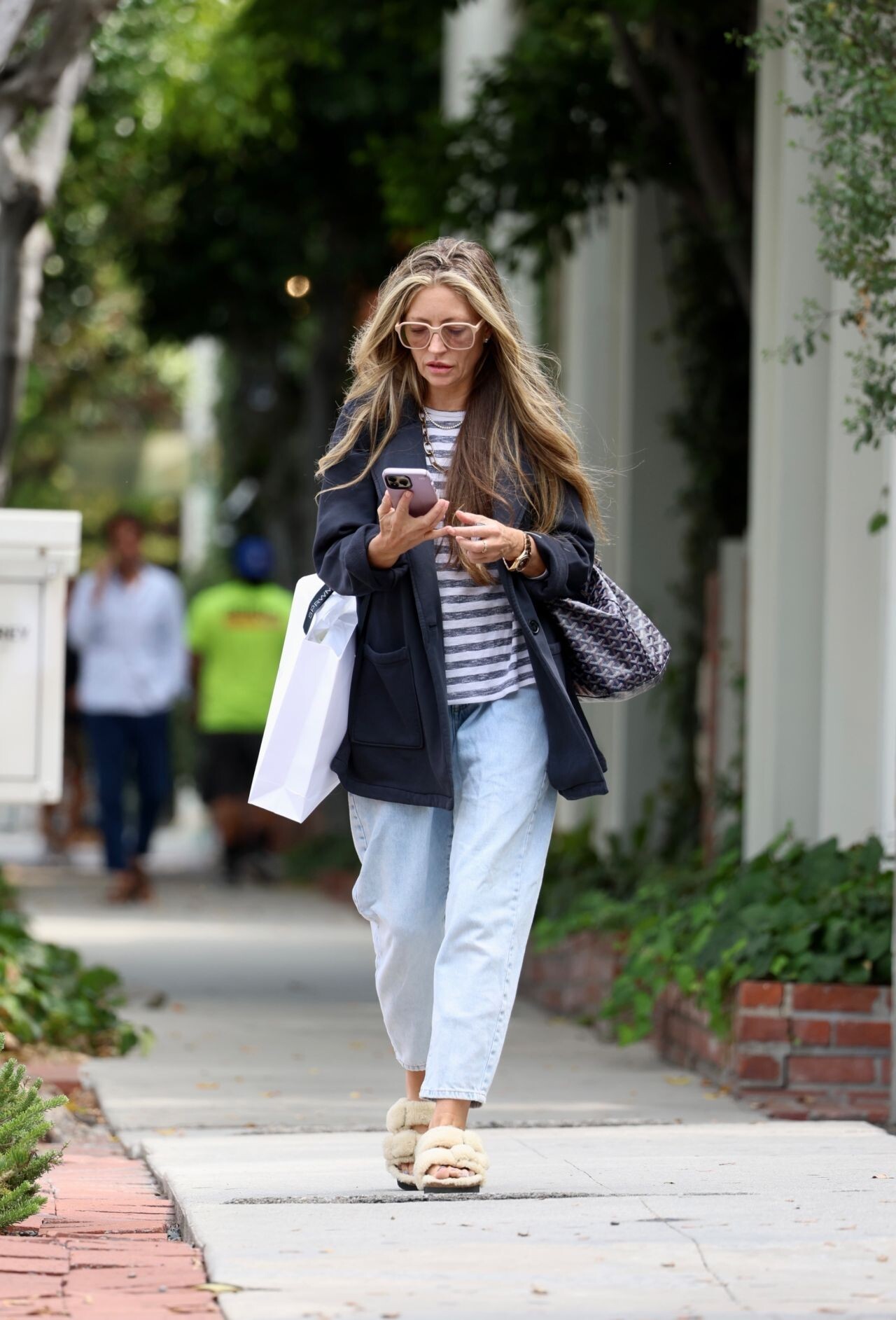
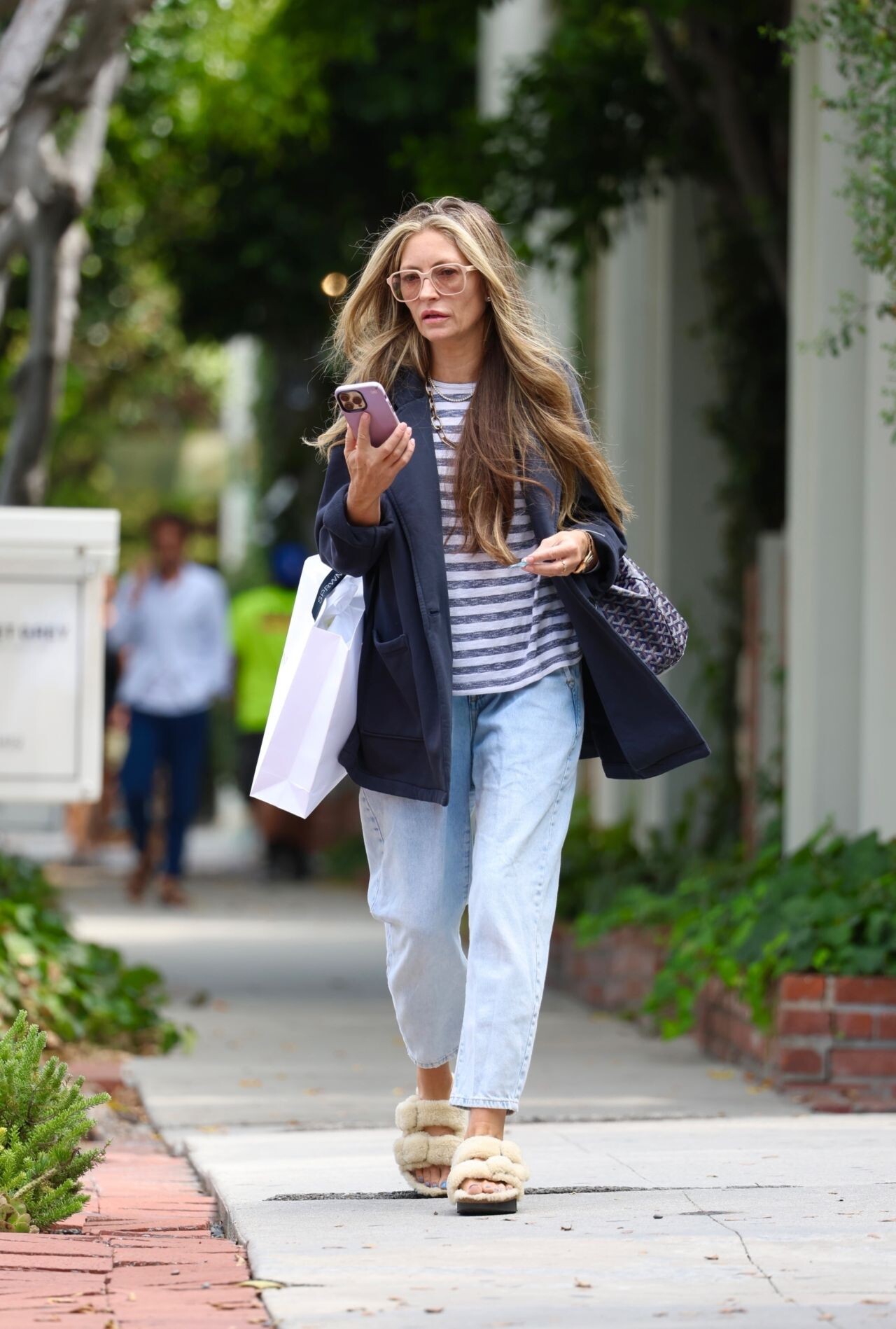



































































































Account
Navigation
Search
Configure browser push notifications
Chrome (Android)
- Tap the lock icon next to the address bar.
- Tap Permissions → Notifications.
- Adjust your preference.
Chrome (Desktop)
- Click the padlock icon in the address bar.
- Select Site settings.
- Find Notifications and adjust your preference.
Safari (iOS 16.4+)
- Ensure the site is installed via Add to Home Screen.
- Open Settings App → Notifications.
- Find your app name and adjust your preference.
Safari (macOS)
- Go to Safari → Preferences.
- Click the Websites tab.
- Select Notifications in the sidebar.
- Find this website and adjust your preference.
Edge (Android)
- Tap the lock icon next to the address bar.
- Tap Permissions.
- Find Notifications and adjust your preference.
Edge (Desktop)
- Click the padlock icon in the address bar.
- Click Permissions for this site.
- Find Notifications and adjust your preference.
Firefox (Android)
- Go to Settings → Site permissions.
- Tap Notifications.
- Find this site in the list and adjust your preference.
Firefox (Desktop)
- Open Firefox Settings.
- Search for Notifications.
- Find this site in the list and adjust your preference.