
emerald7
Members
-
Joined
-
Last visited
Everything posted by emerald7
-

-
-
^ the video bad quality searching for a better one
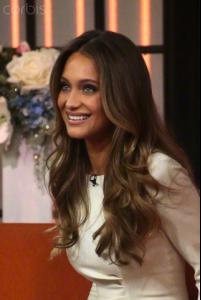
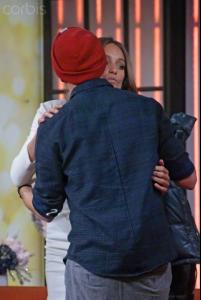
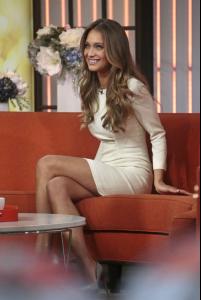
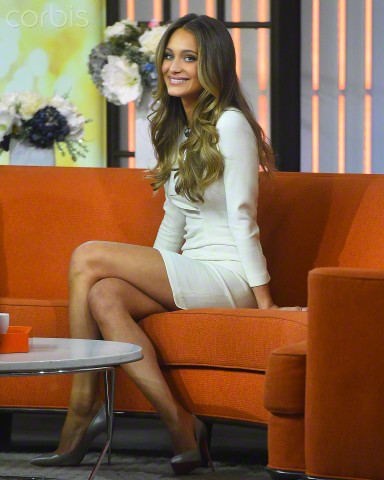
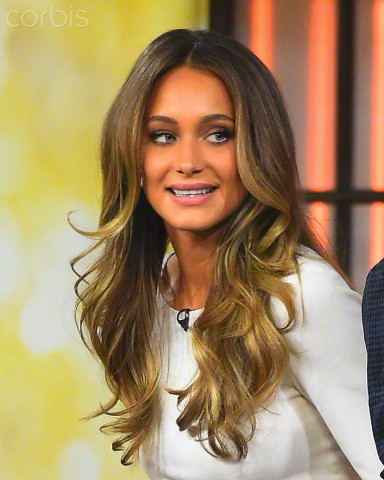
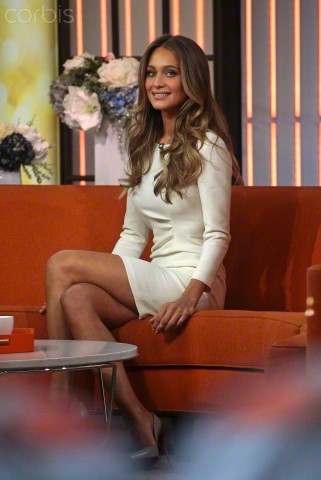
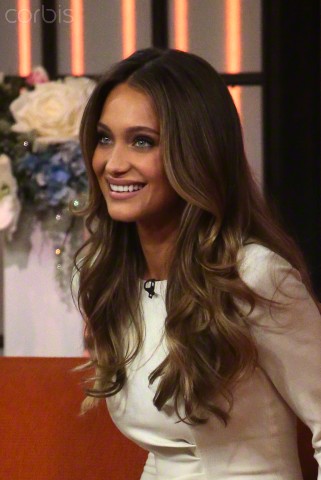
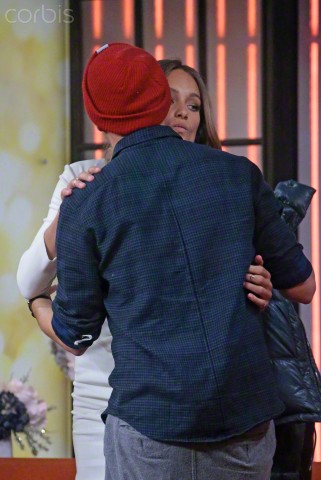
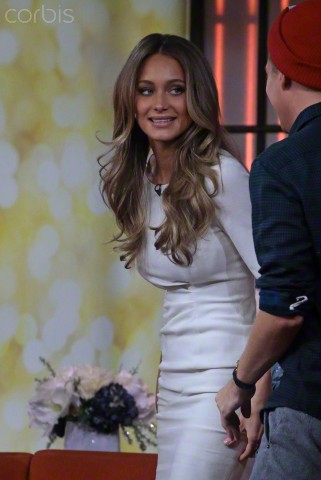
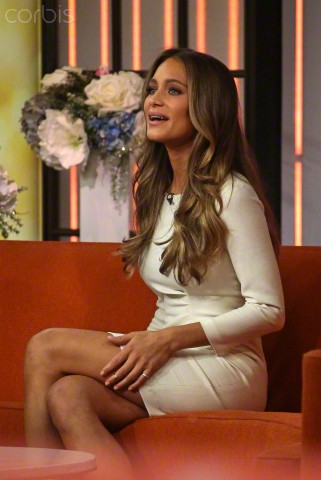
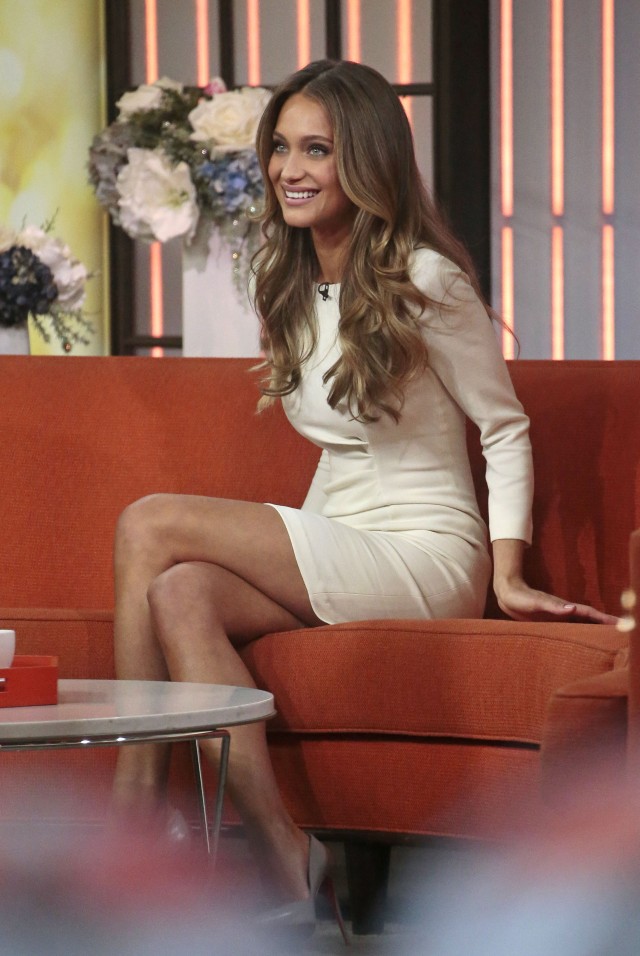
Hannah Davis Visits "FOX and Friends" http://www.zimbio.com/pictures/GodLknzb_1-/Hannah+Davis+Visits+FOX+Friends/browse
some more :
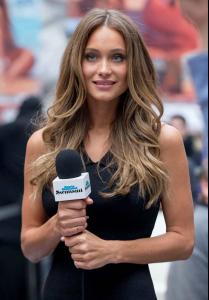
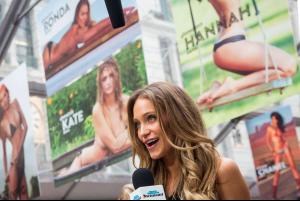
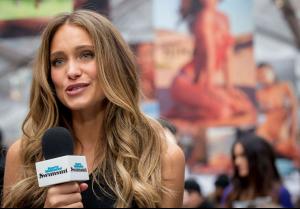
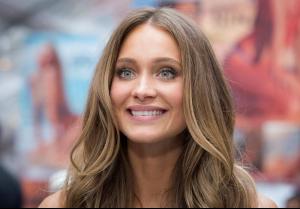
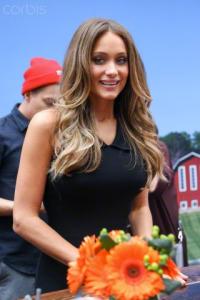






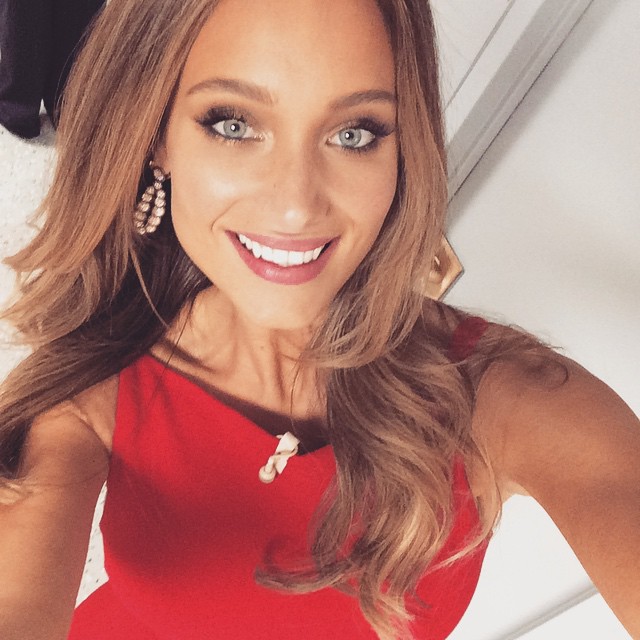
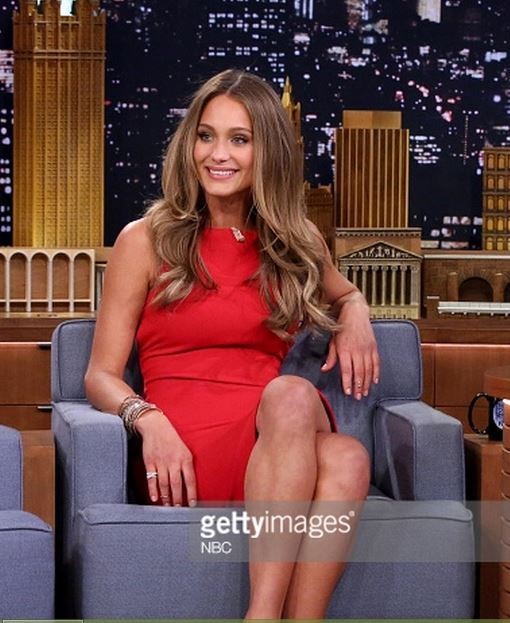
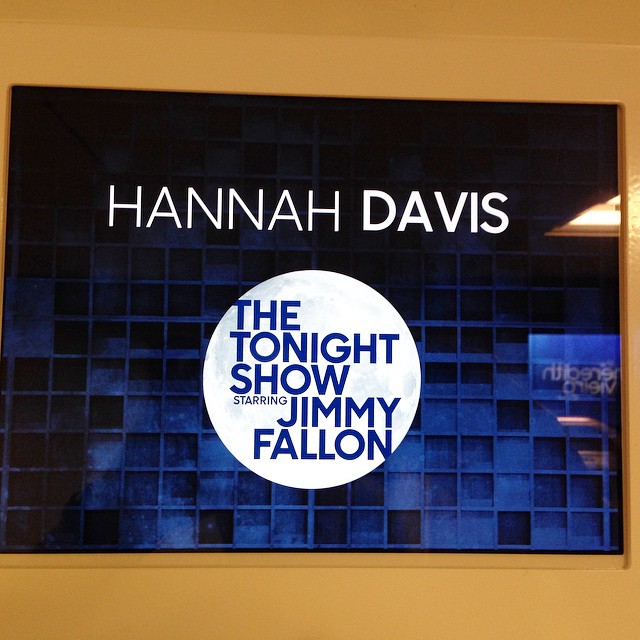
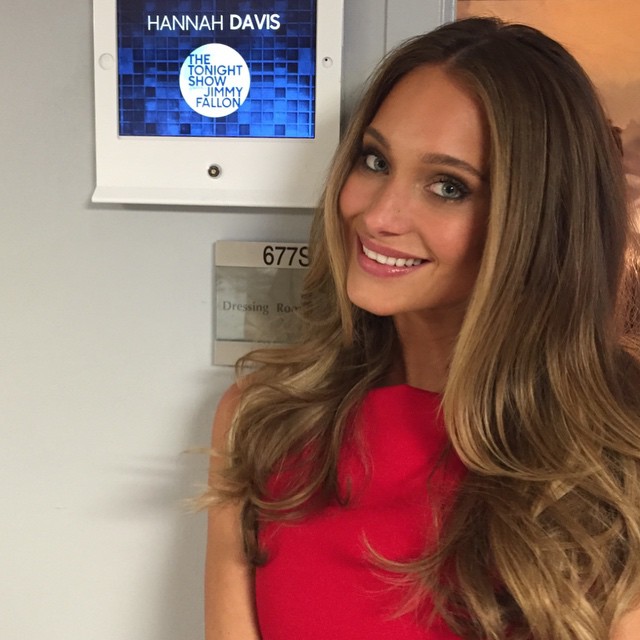
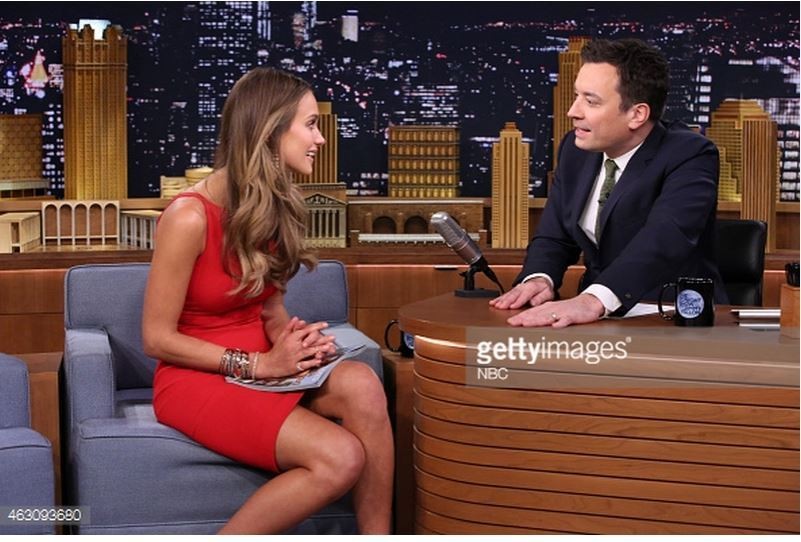
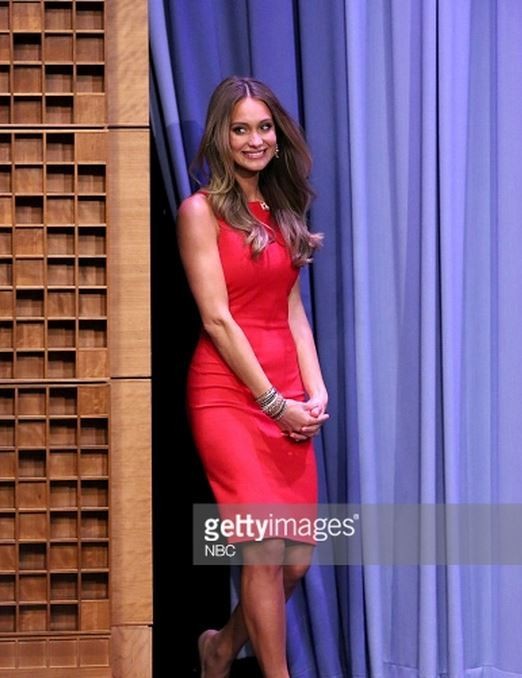
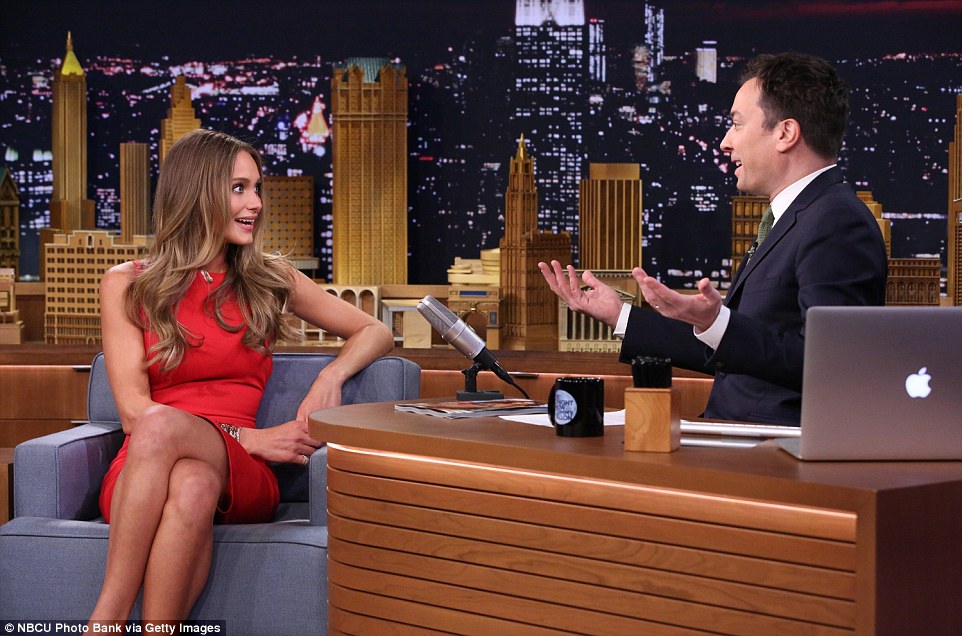
 The Tonight Show Starring Jimmy Fallon Hannah Davis Was Shocked She Got the SI Swimsuit Cover
When asked if we could expect to see her on the runways at NYFW, she was a little more coy: “I plan on being here [during fashion week] and I’m holding some shows, so maybe…who knows? I haven’t confirmed anything, but I have some very interesting shows, very unexpected [on hold], so I think that would be exciting if that happens.” full interview: http://www.style.com/culture/entertainment/2015/hannah-davis-sports-illustrated-model
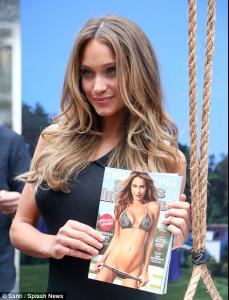
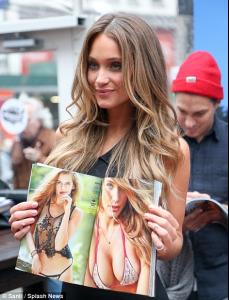
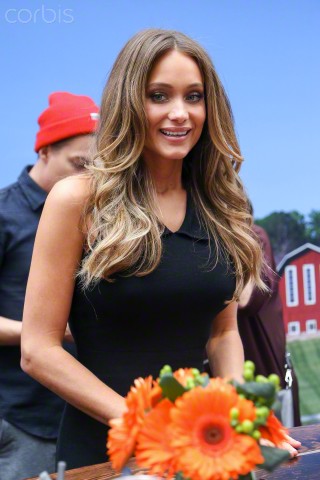
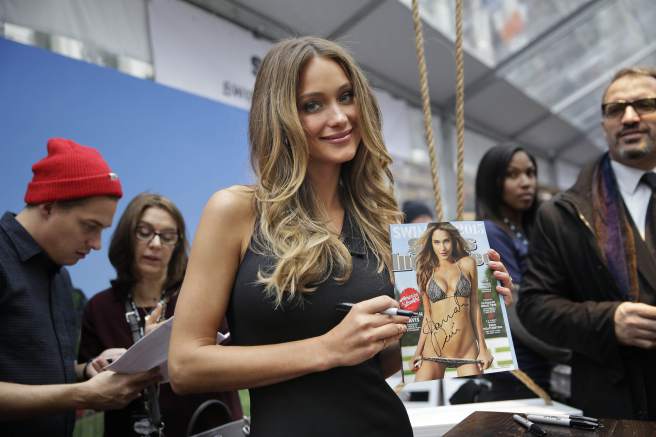
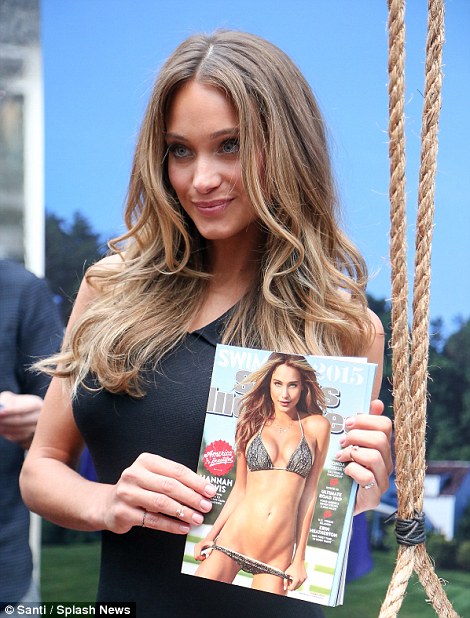
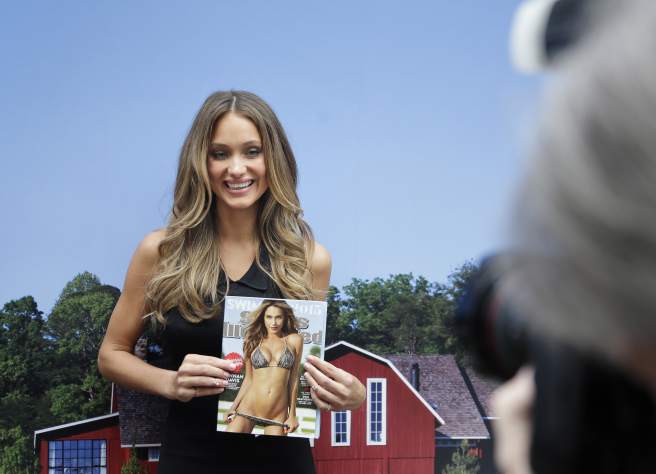
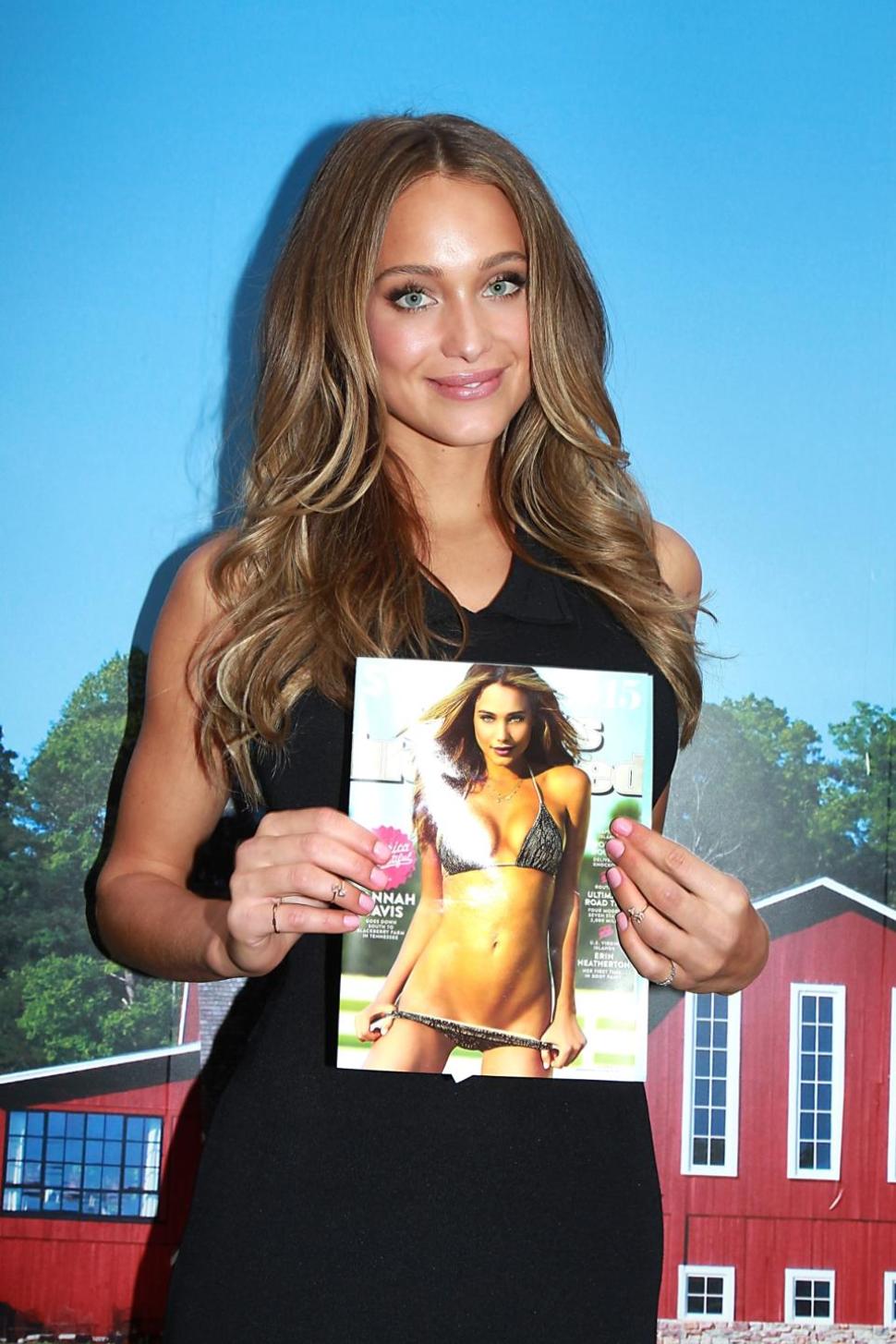
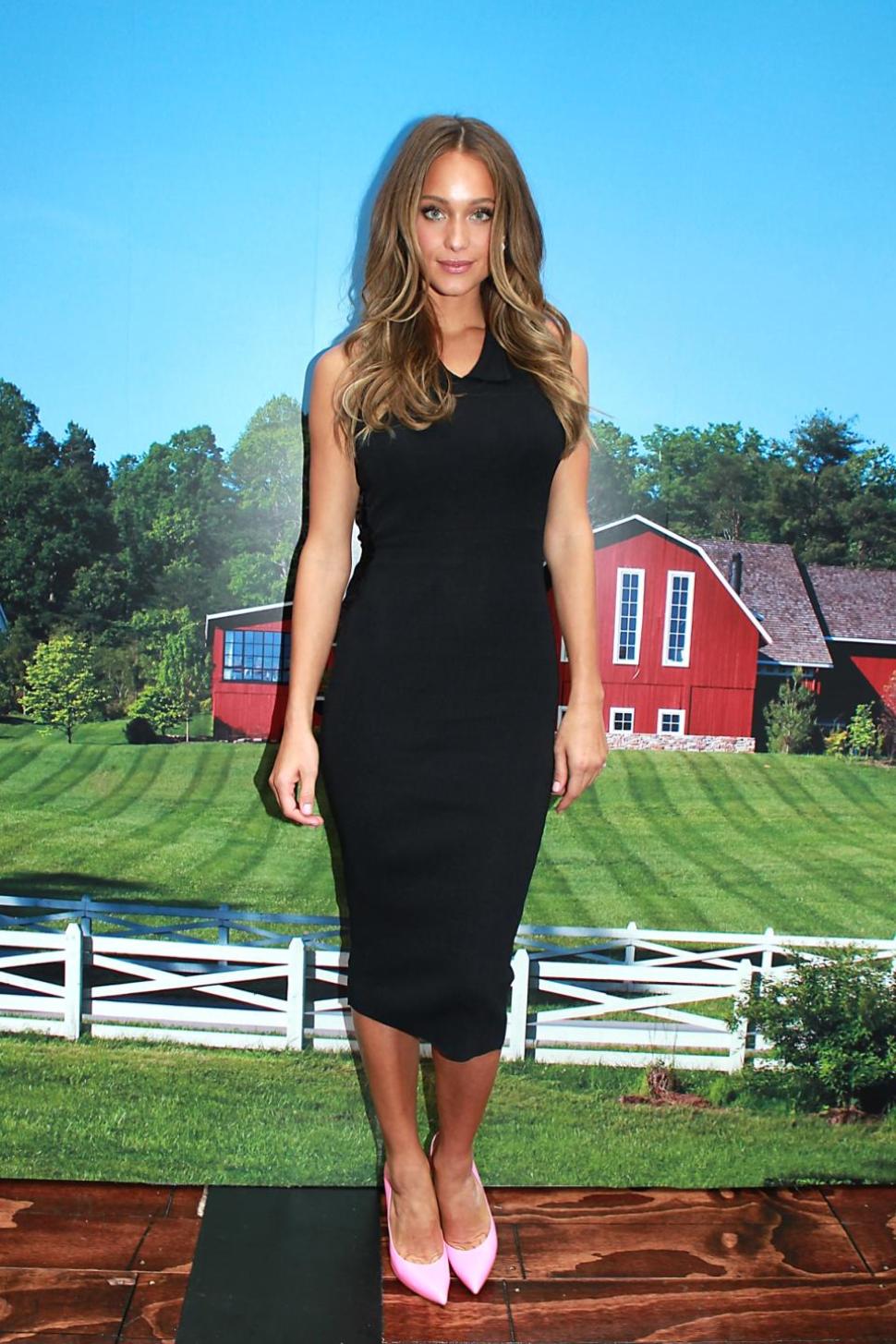
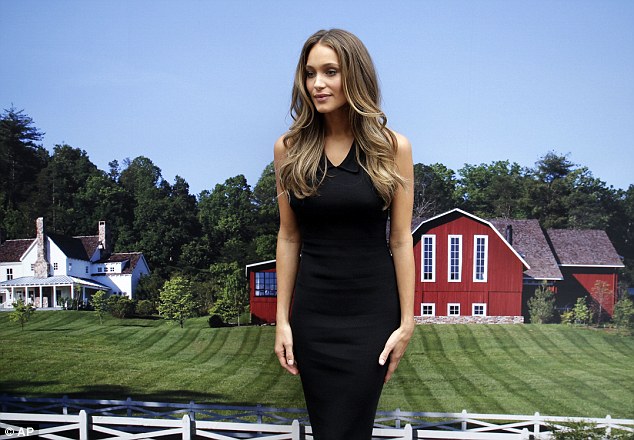
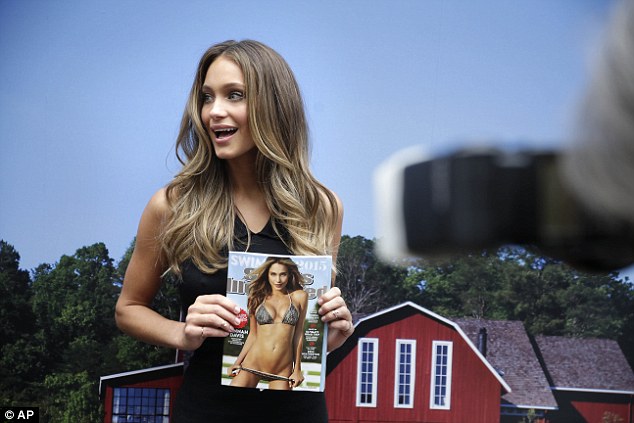
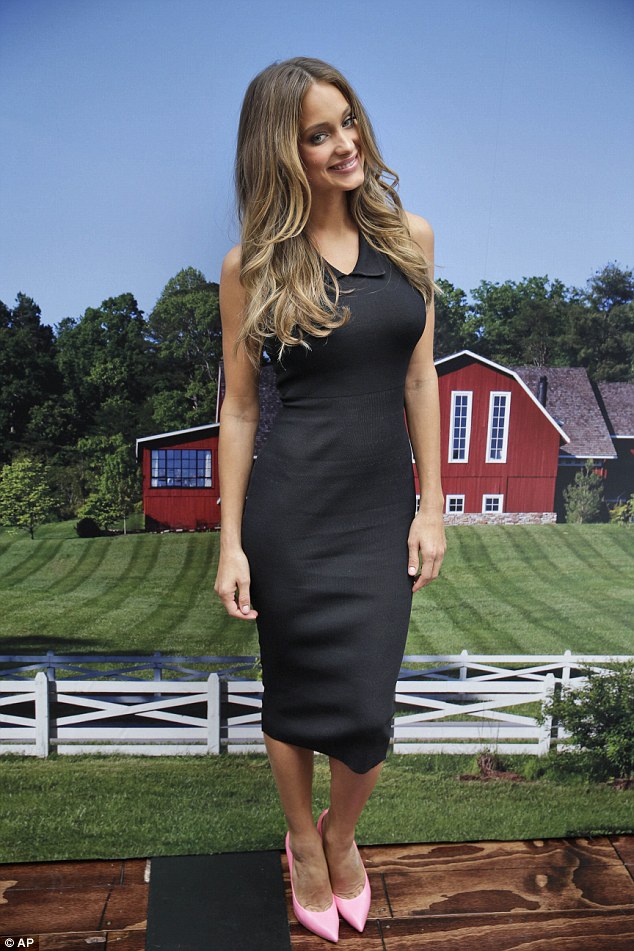
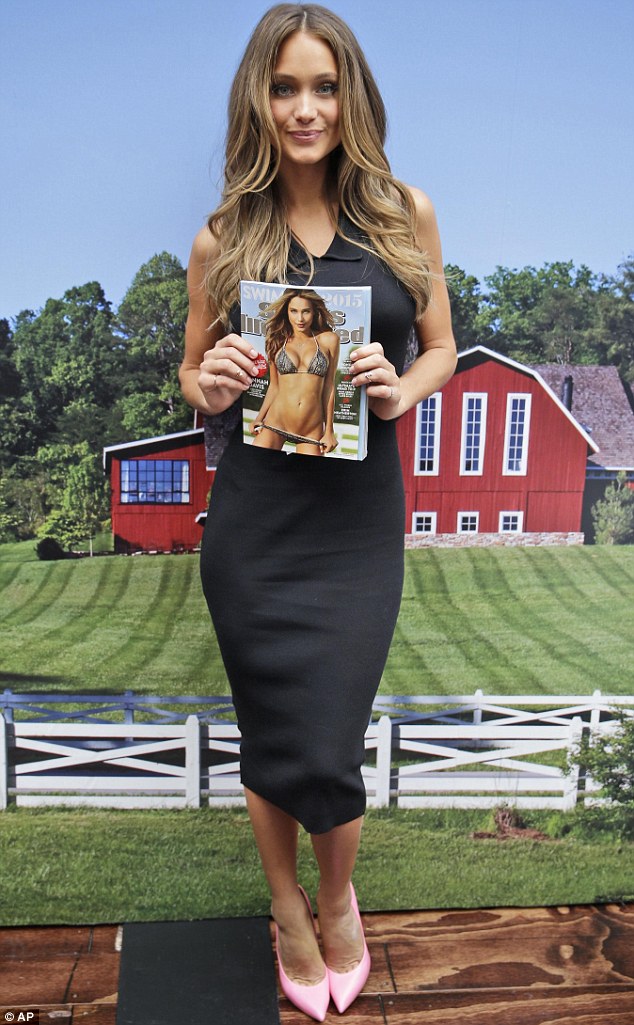
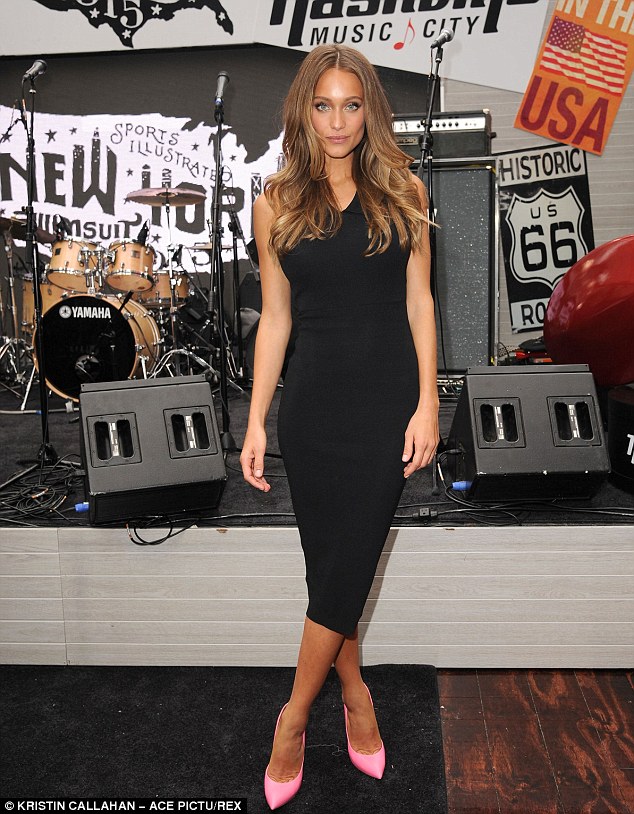
Hannah Davis shows off her racy cover of the Sports Illustrated swimsuit issue in a clinging black number at launch event http://www.dailymail.co.uk/tvshowbiz/article-2946507/Gigi-Hadid-shows-slim-model-legs-grey-pencil-skirt-thigh-high-split-leads-bevvy-beauties-Sports-Illustrated-event.html
The Tonight Show Starring Jimmy Fallon Hannah Davis Was Shocked She Got the SI Swimsuit Cover
When asked if we could expect to see her on the runways at NYFW, she was a little more coy: “I plan on being here [during fashion week] and I’m holding some shows, so maybe…who knows? I haven’t confirmed anything, but I have some very interesting shows, very unexpected [on hold], so I think that would be exciting if that happens.” full interview: http://www.style.com/culture/entertainment/2015/hannah-davis-sports-illustrated-model
Hannah Davis shows off her racy cover of the Sports Illustrated swimsuit issue in a clinging black number at launch event http://www.dailymail.co.uk/tvshowbiz/article-2946507/Gigi-Hadid-shows-slim-model-legs-grey-pencil-skirt-thigh-high-split-leads-bevvy-beauties-Sports-Illustrated-event.html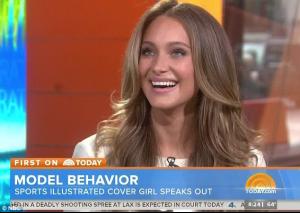
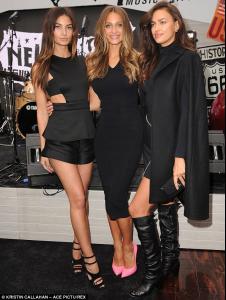
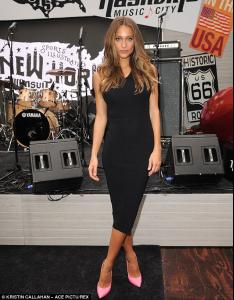
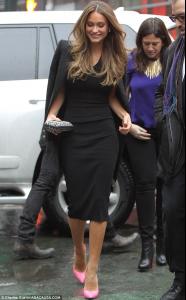 @SI_Swimsuit Want to touch the hiney, @hanni_davis
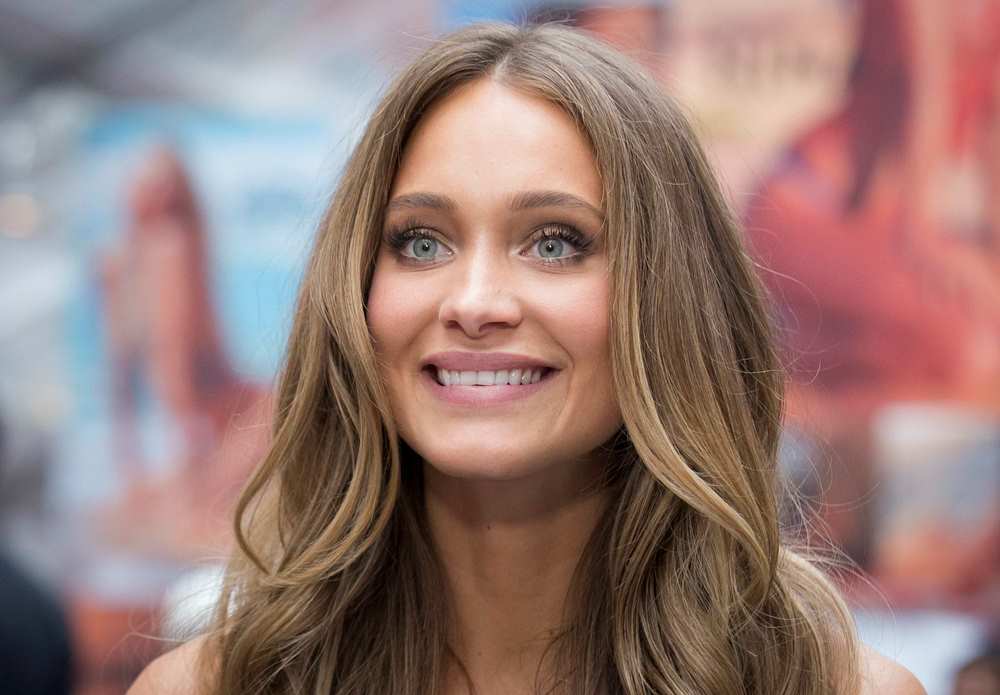
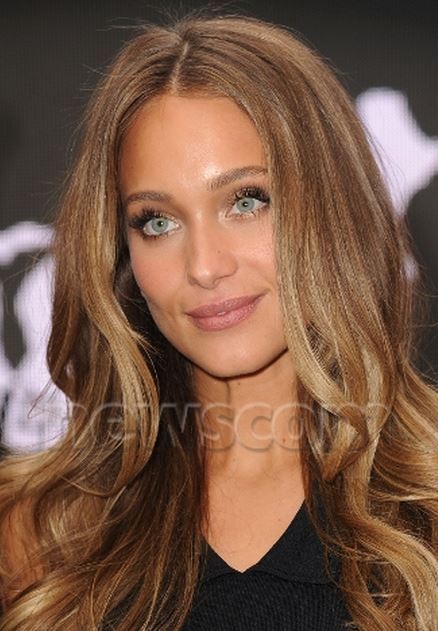
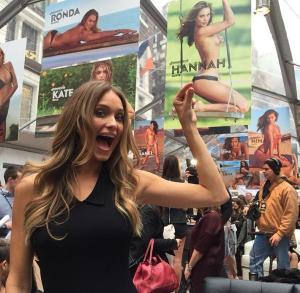 on this pic, it looks like she has darker brown hair like when she was younger she looks beautiful
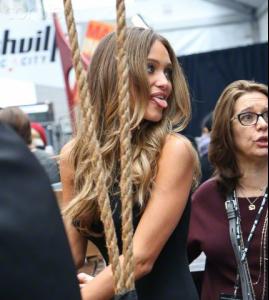
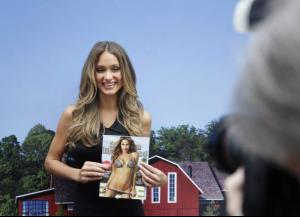
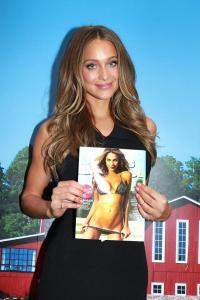
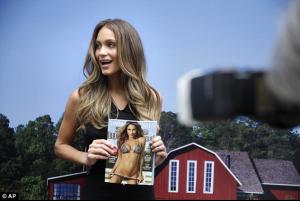
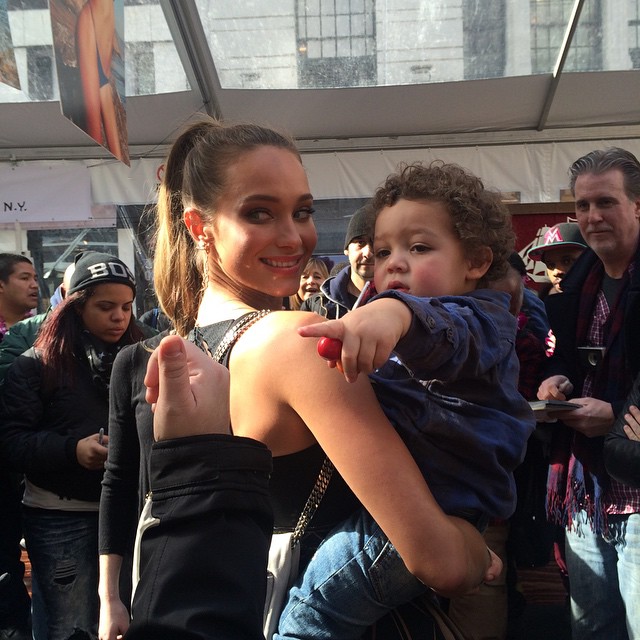
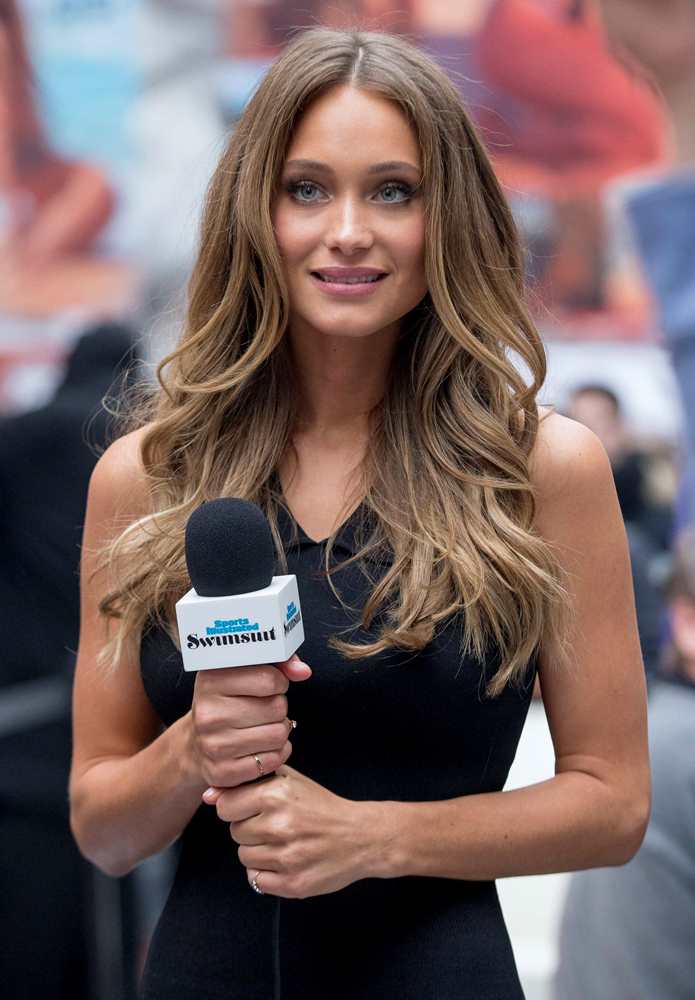
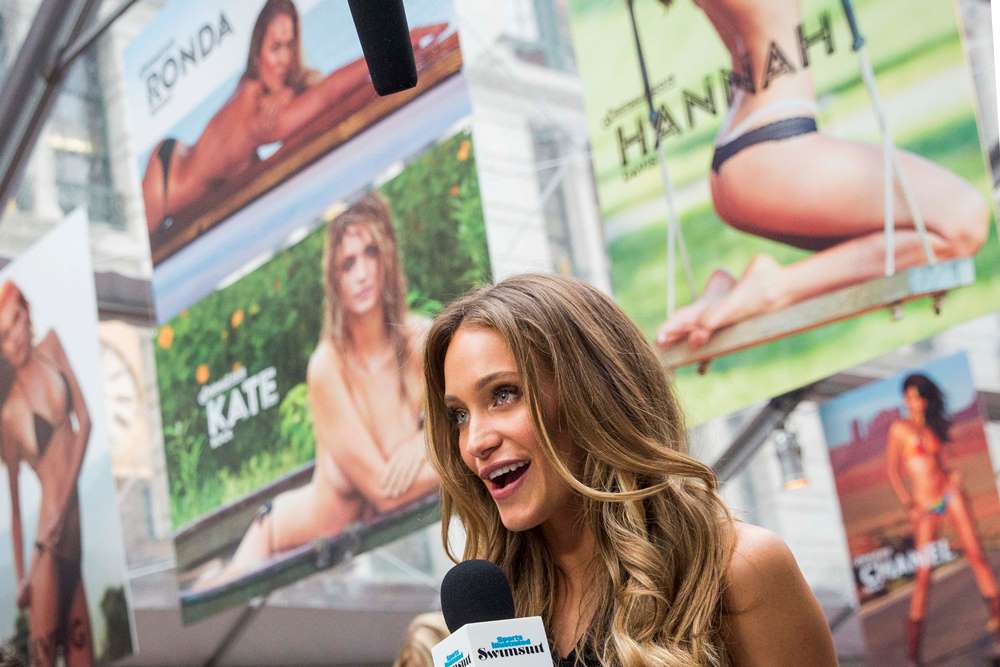
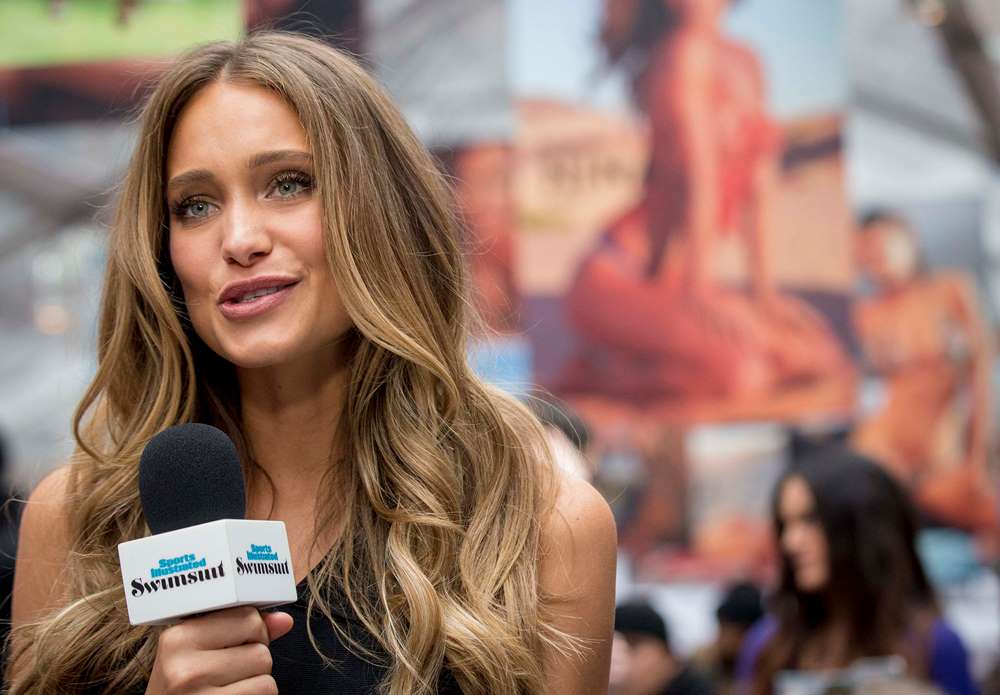
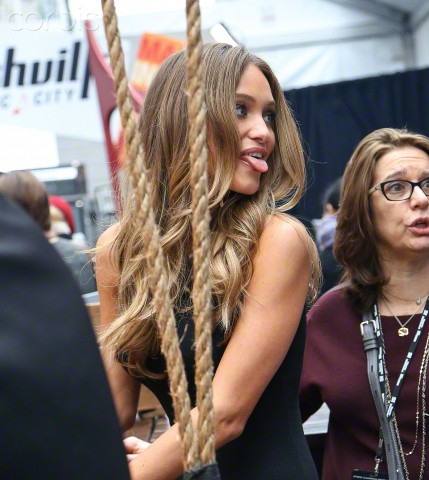
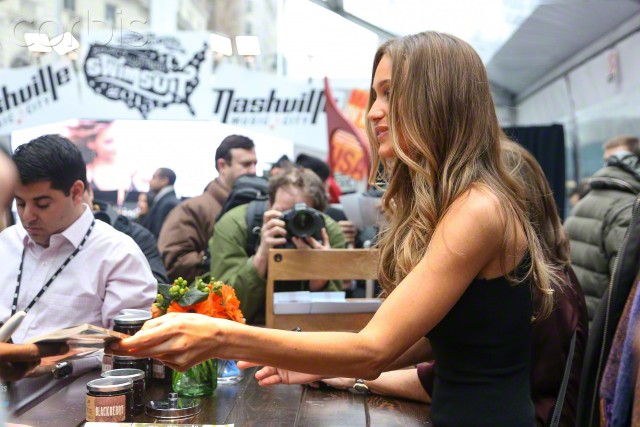
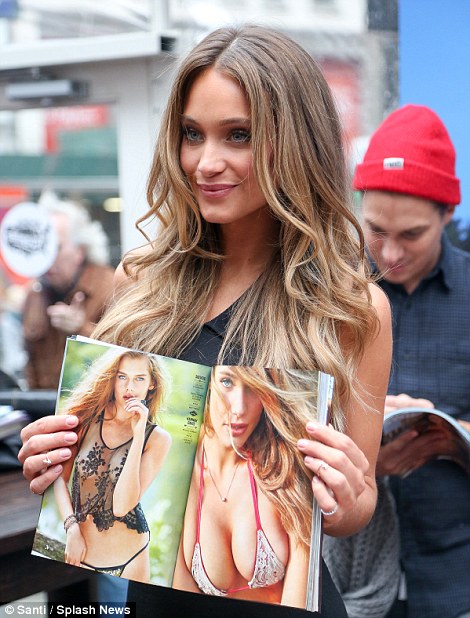
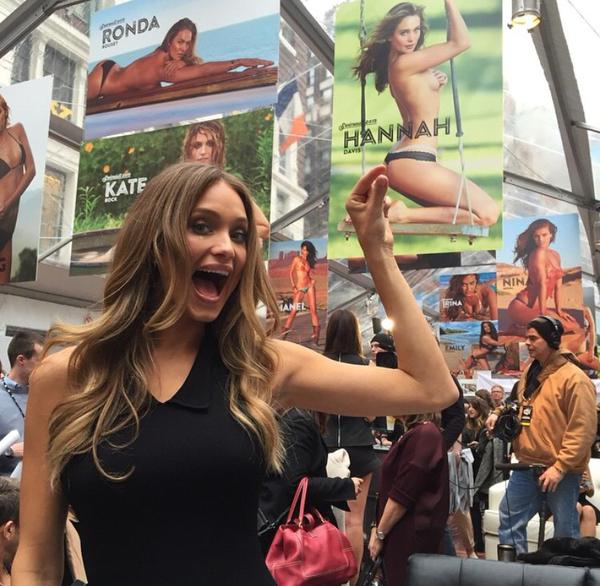
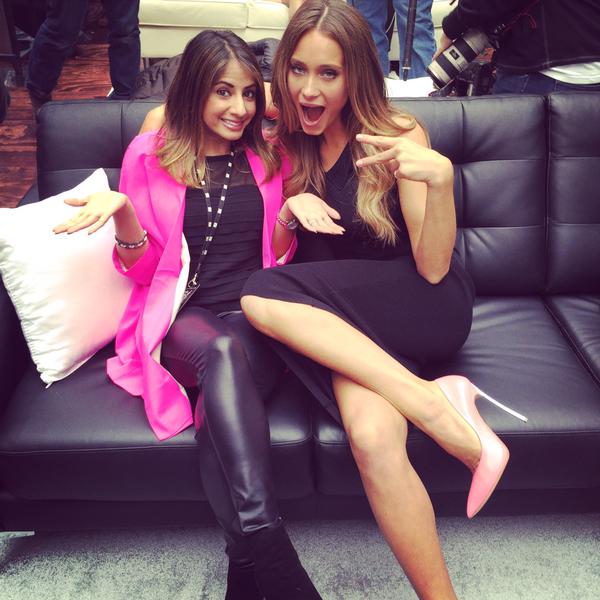
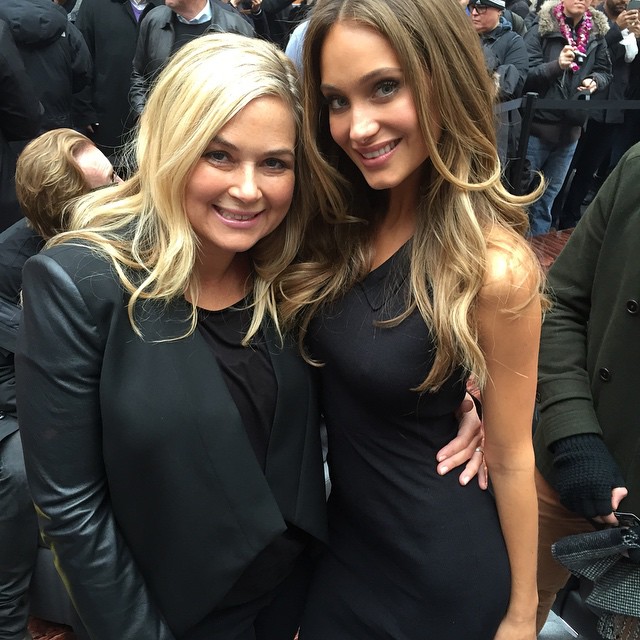
Come by @si_swimsuit's #SwimCity in Herald Square if you're in the area! #SISwim
on this pic, it looks like she has darker brown hair like when she was younger she looks beautiful
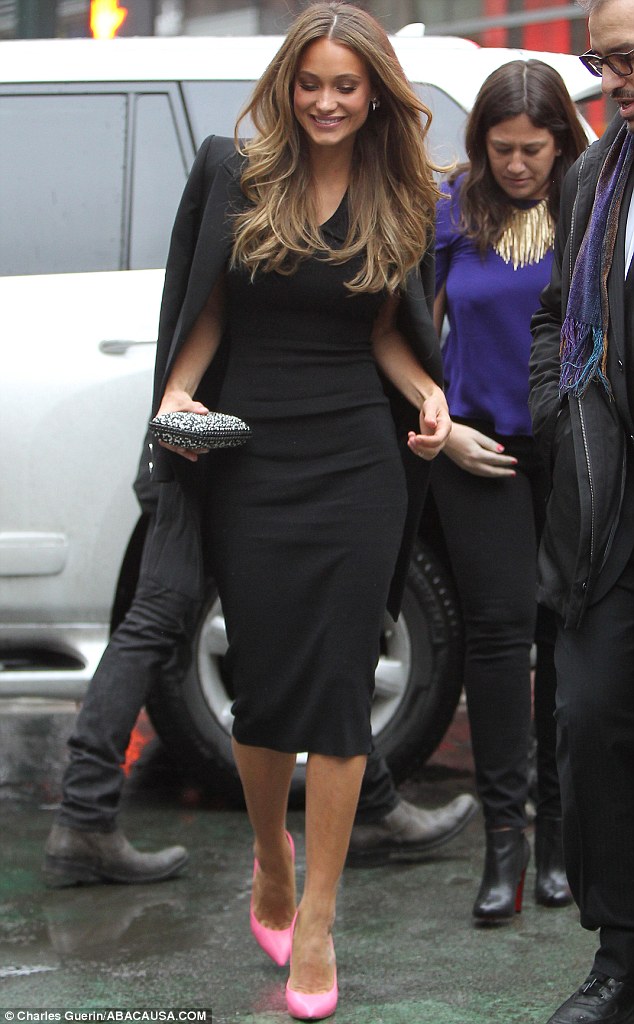
Come by @si_swimsuit's #SwimCity in Herald Square if you're in the area! #SISwim she looks great, thanks PinkCouture for the effort
another one http://instagram.com/p/y4s9N5seXL/?modal=true
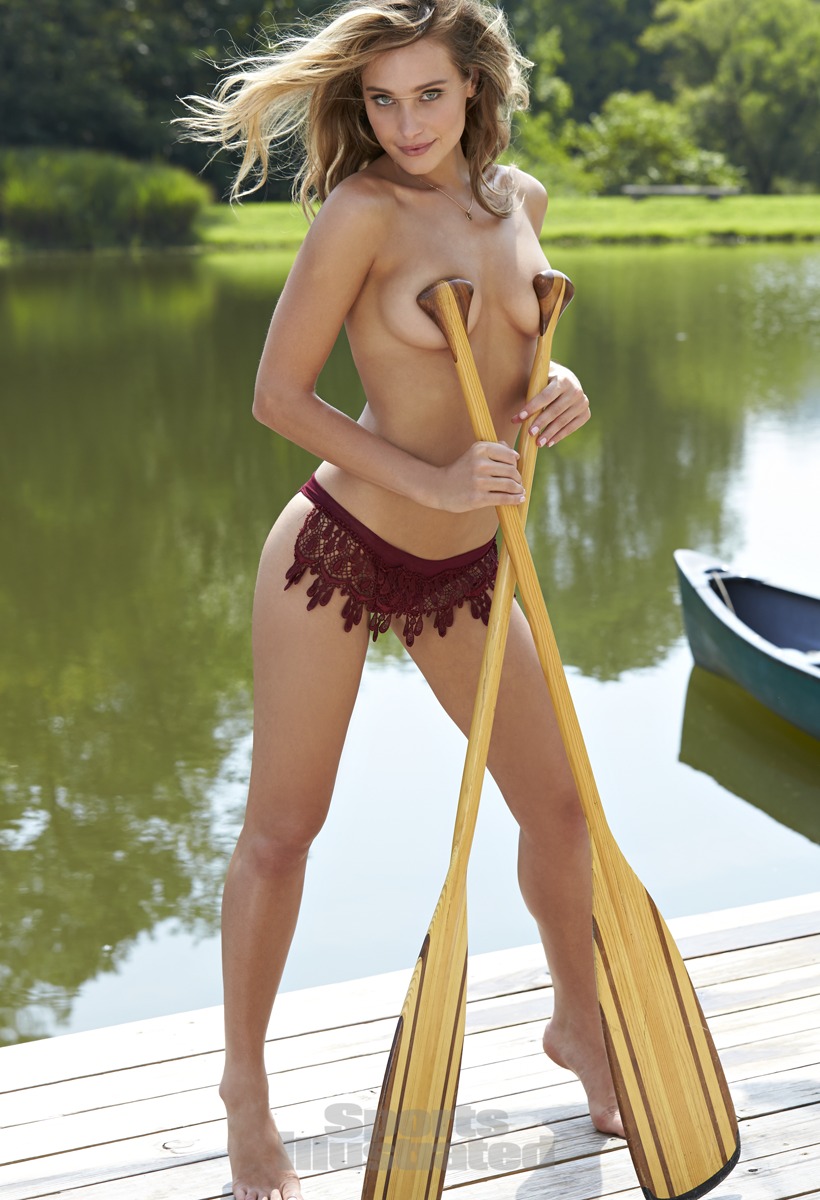
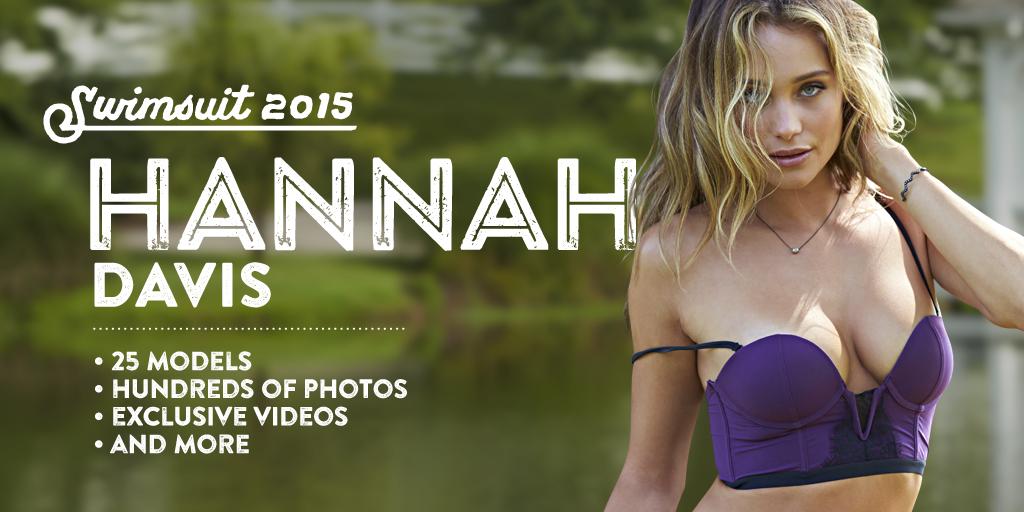
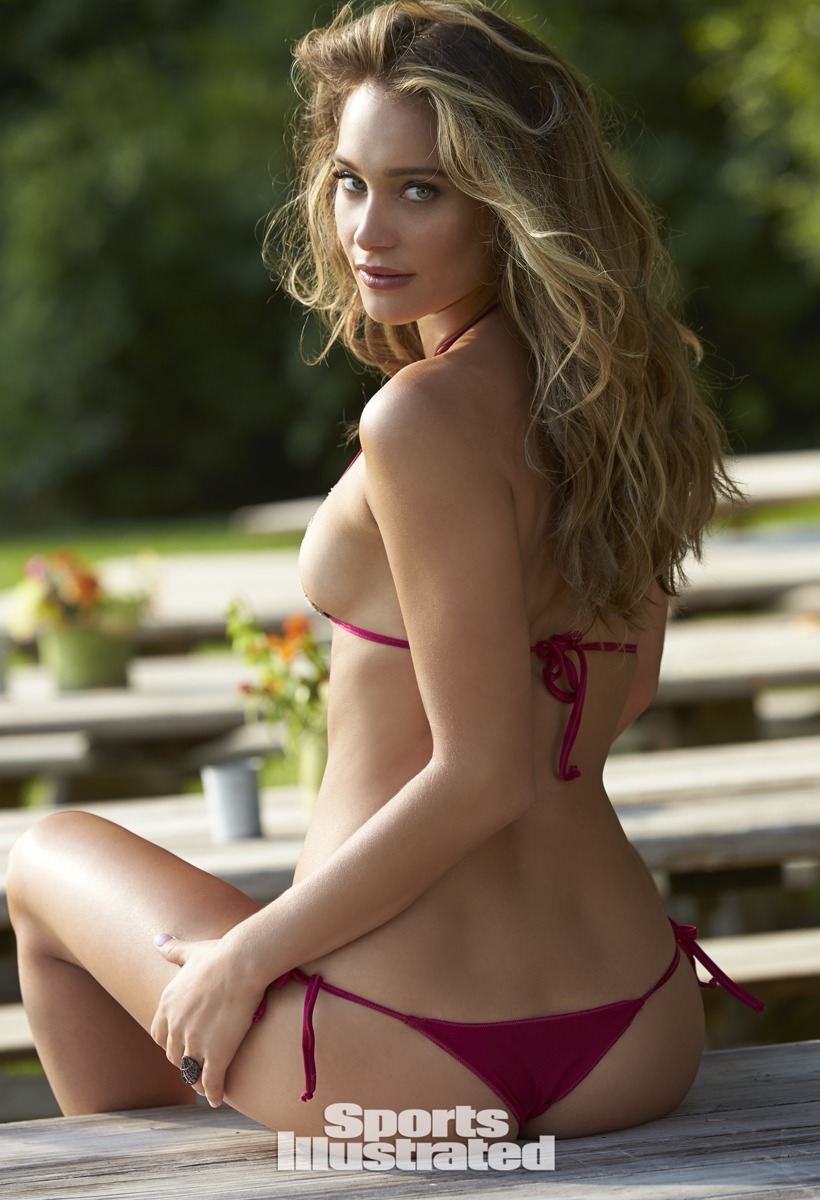
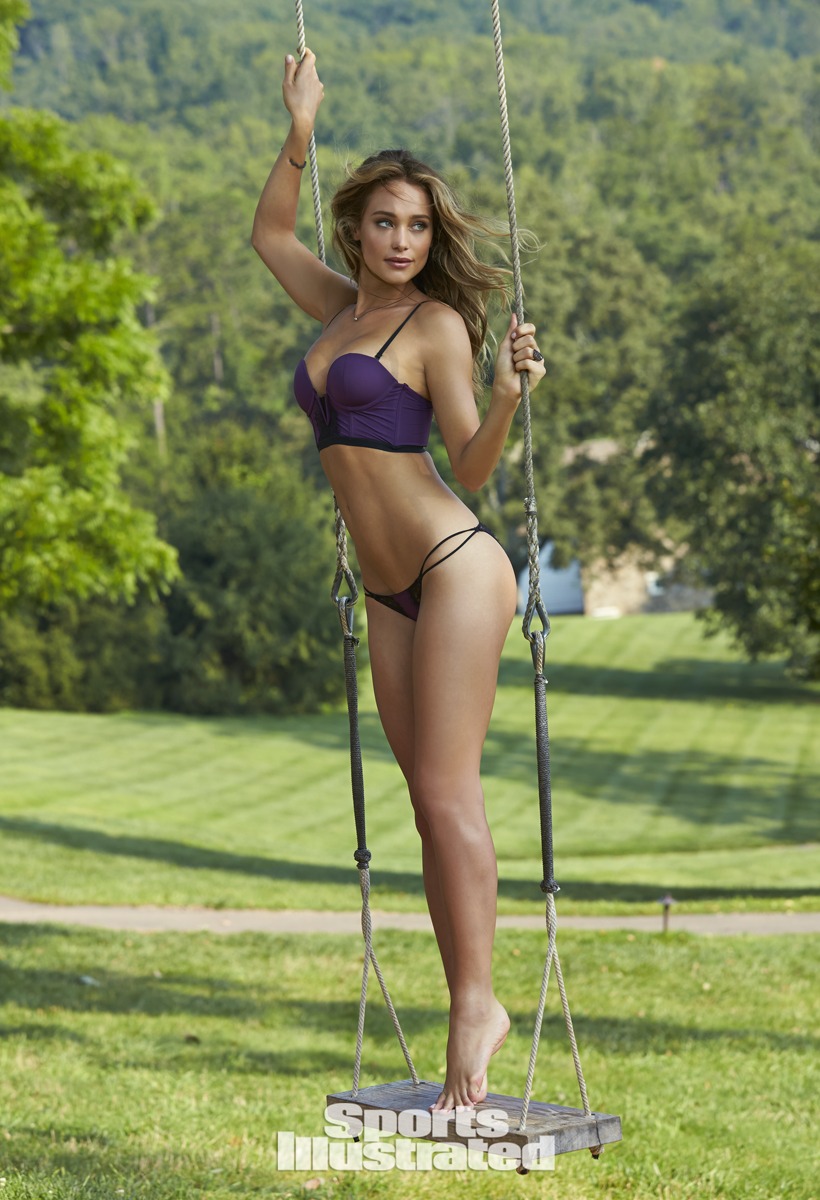
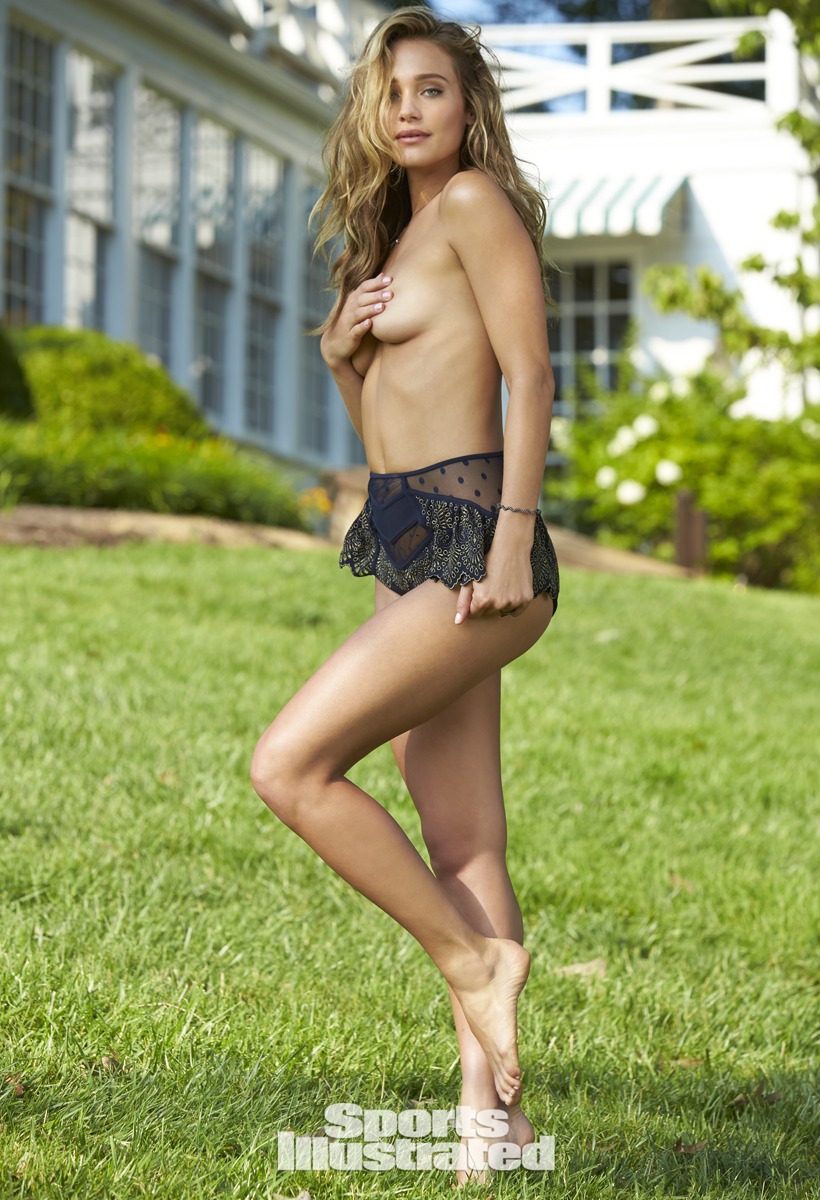
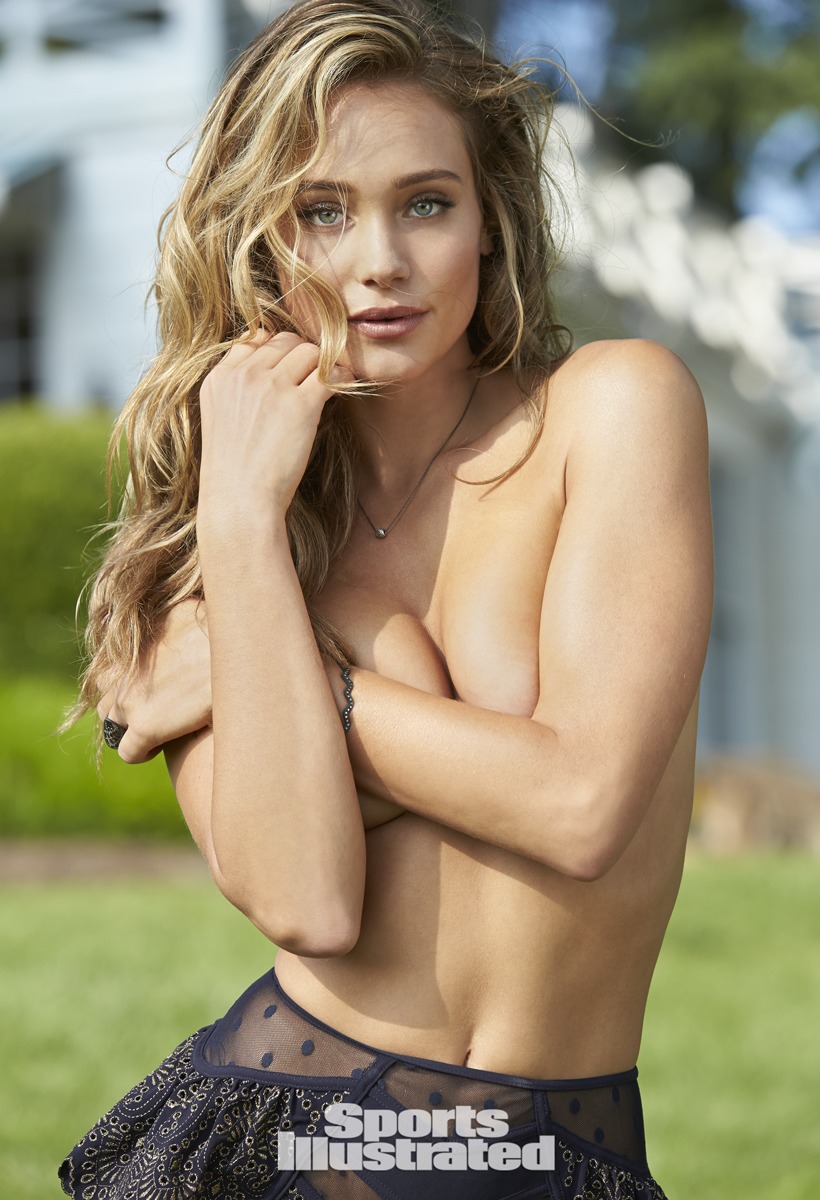
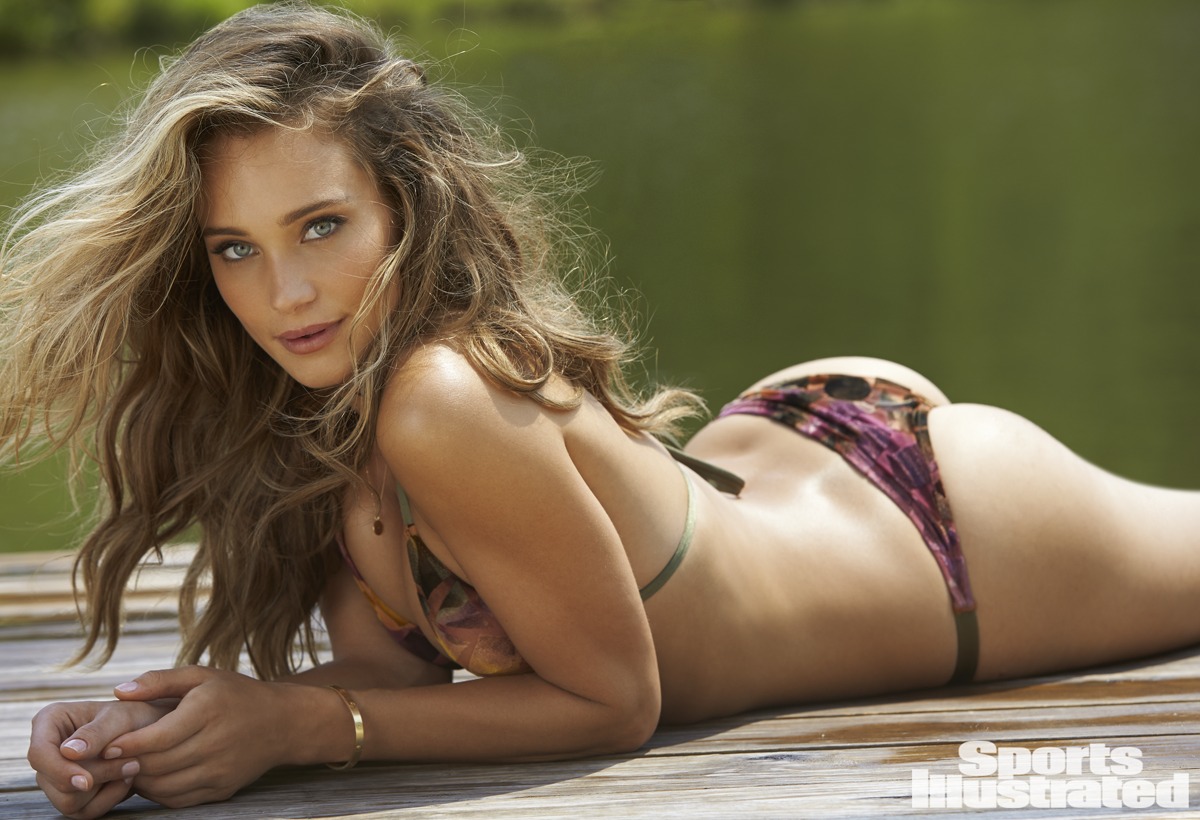
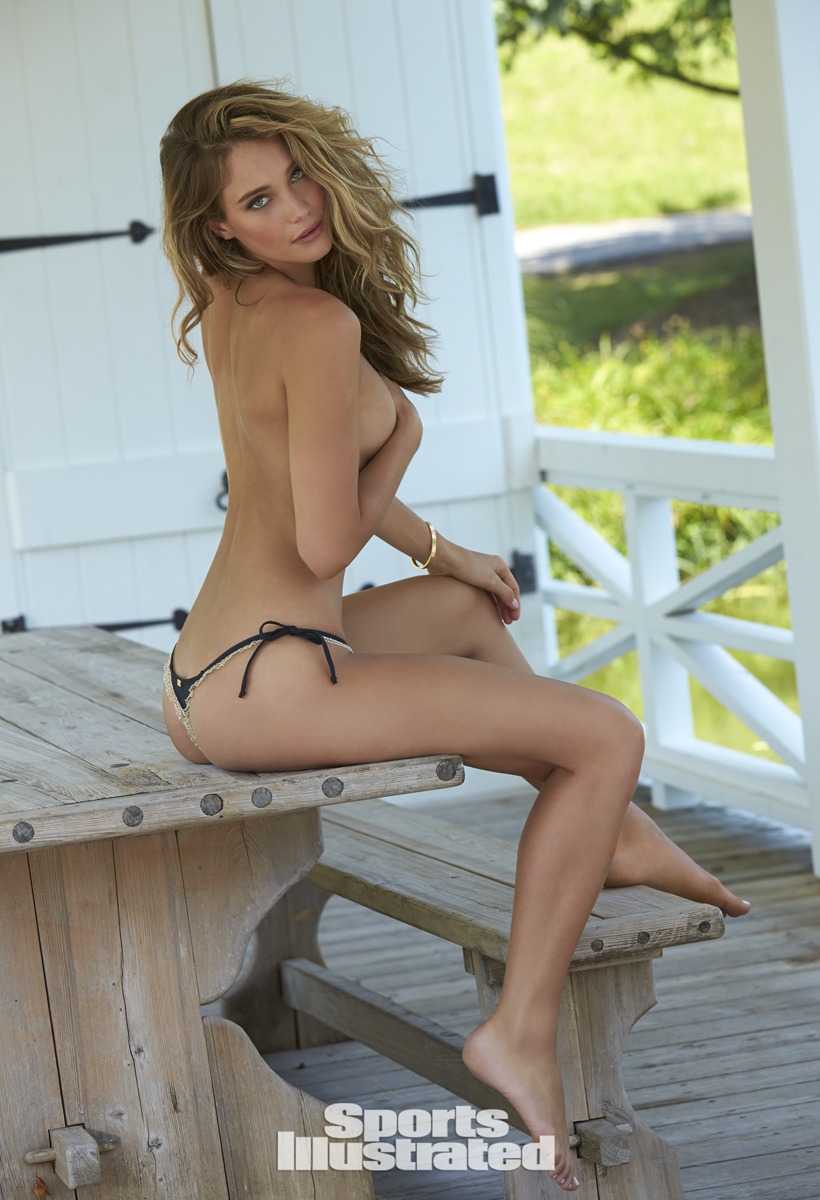
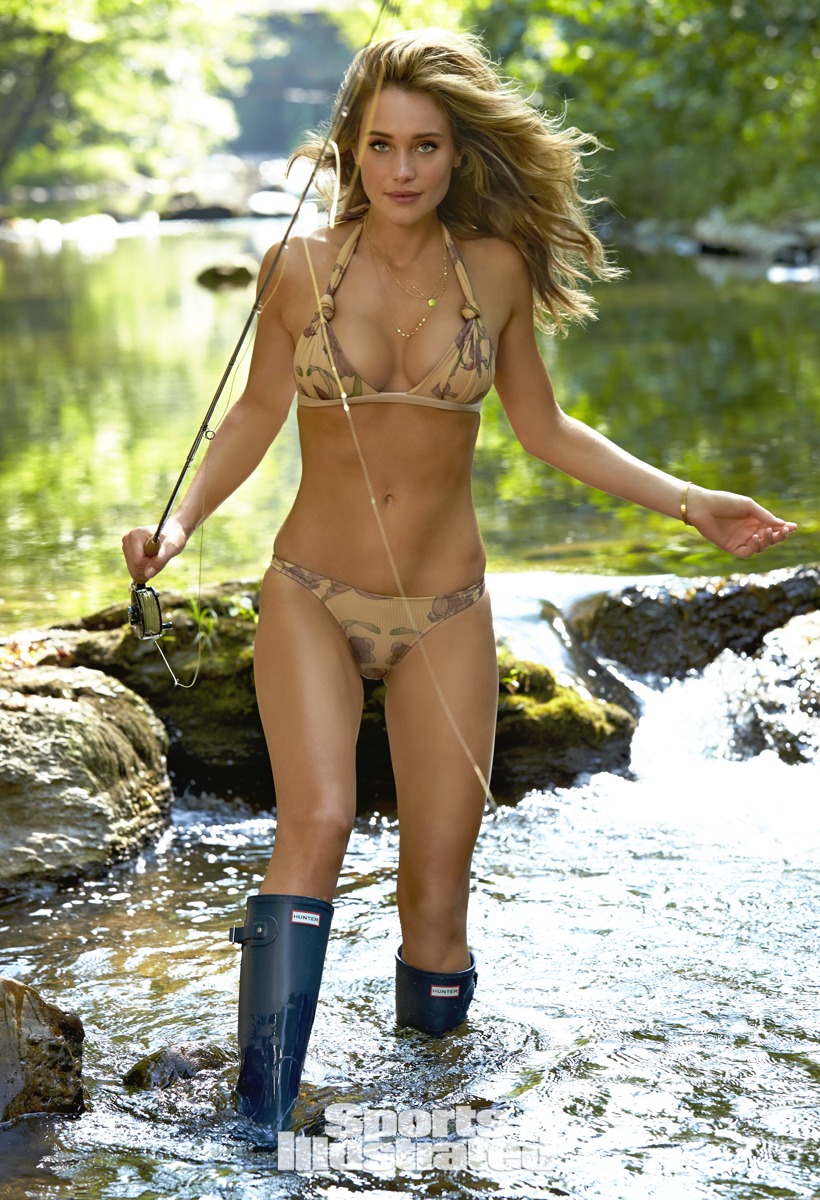
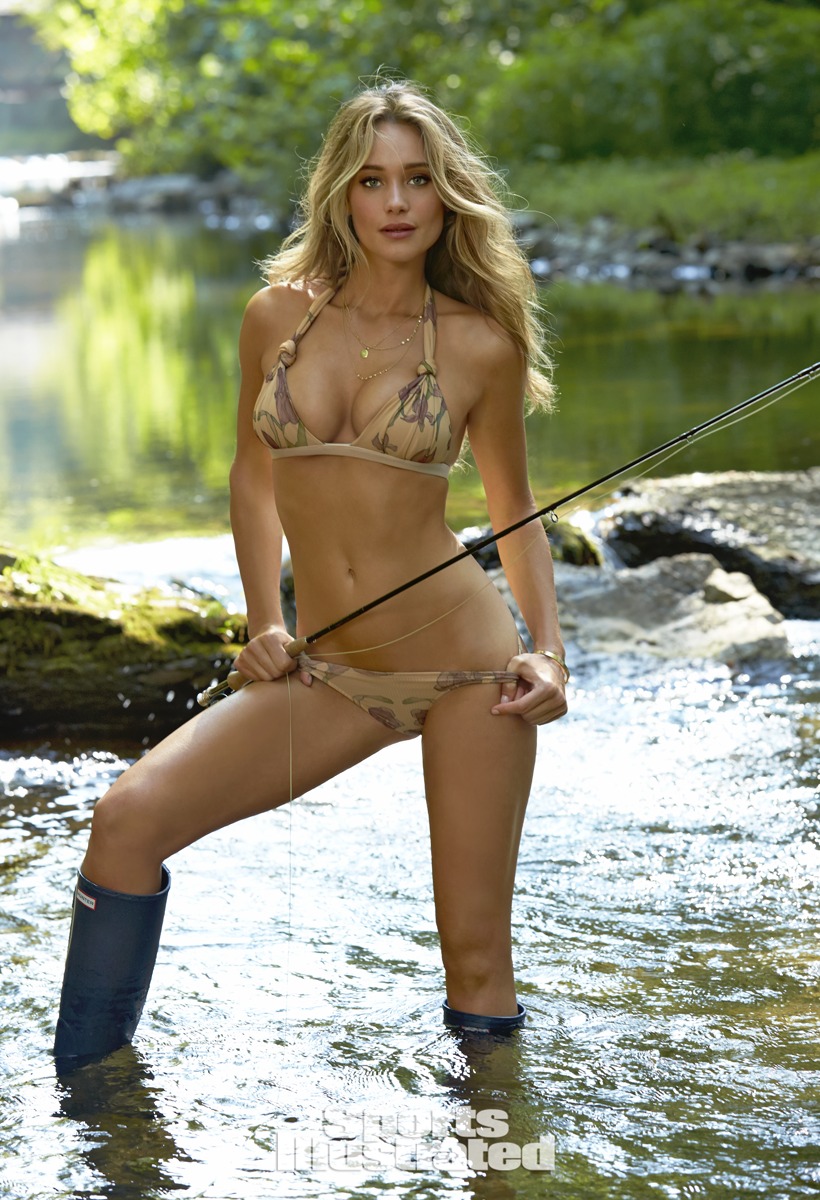
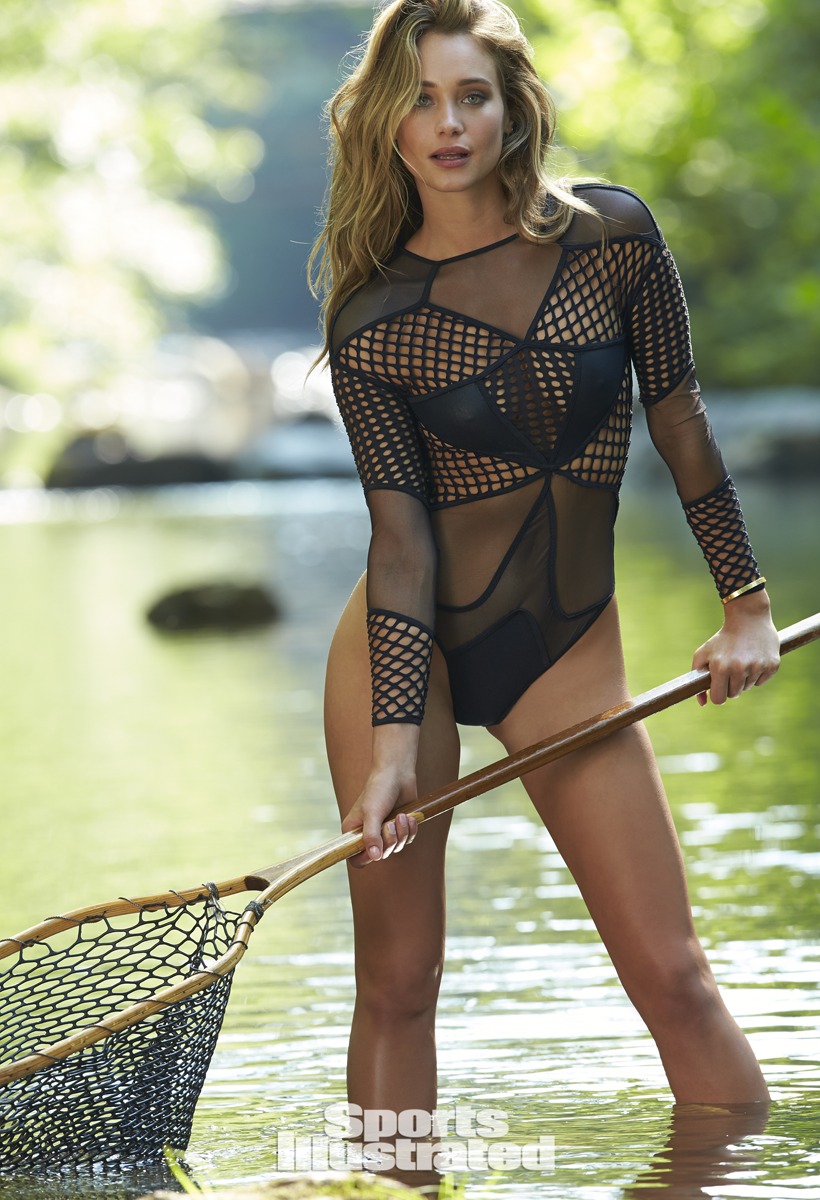
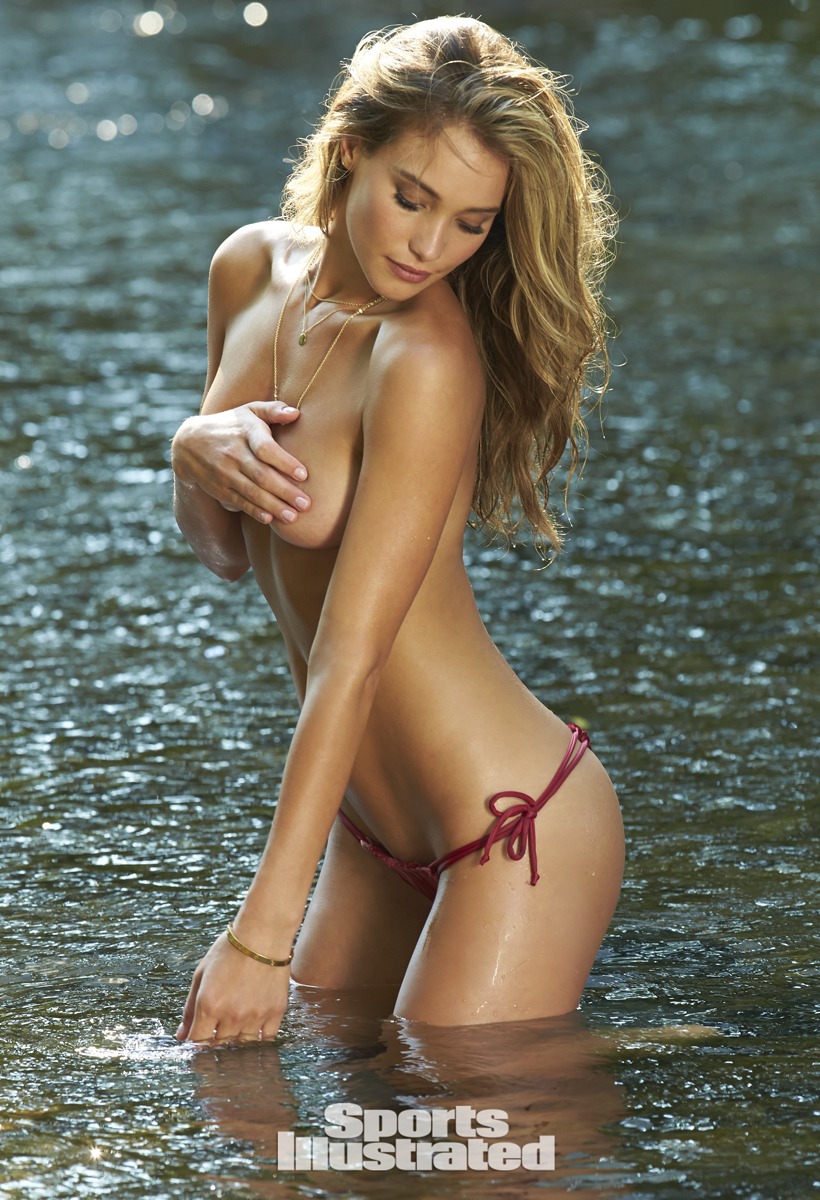
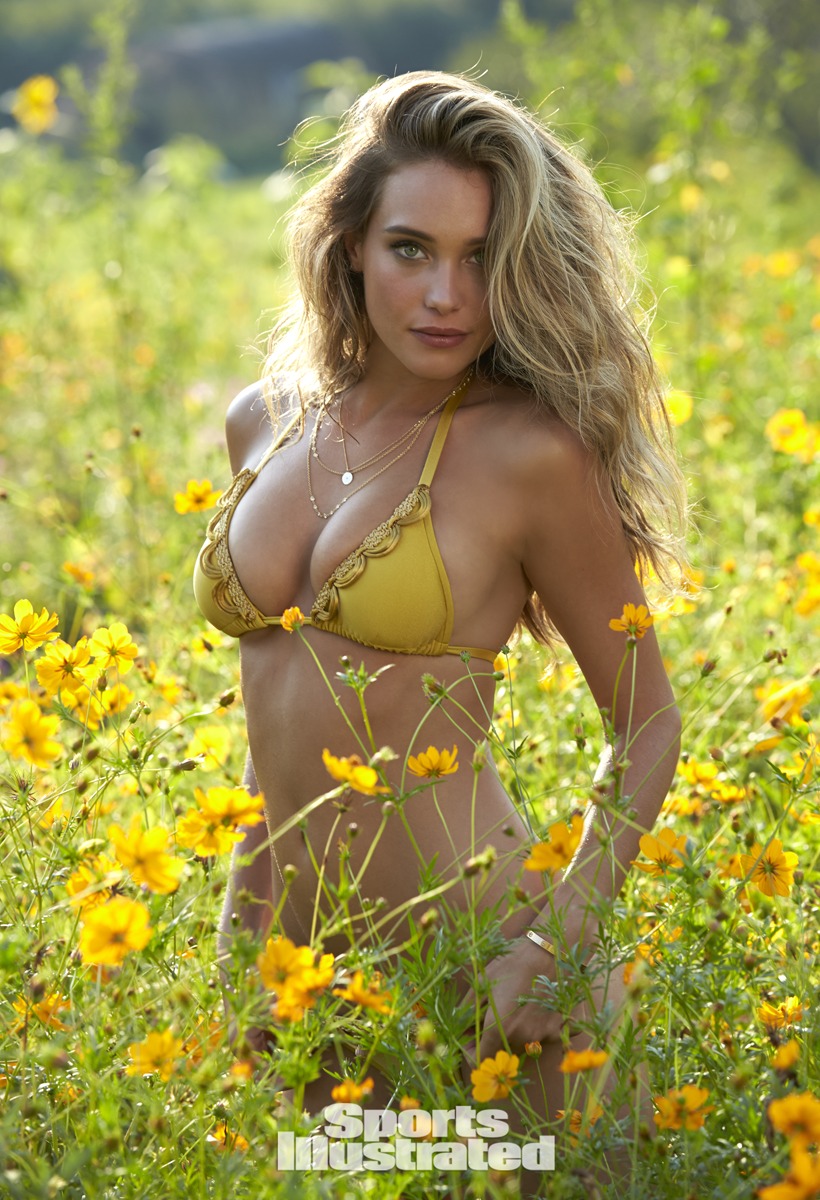
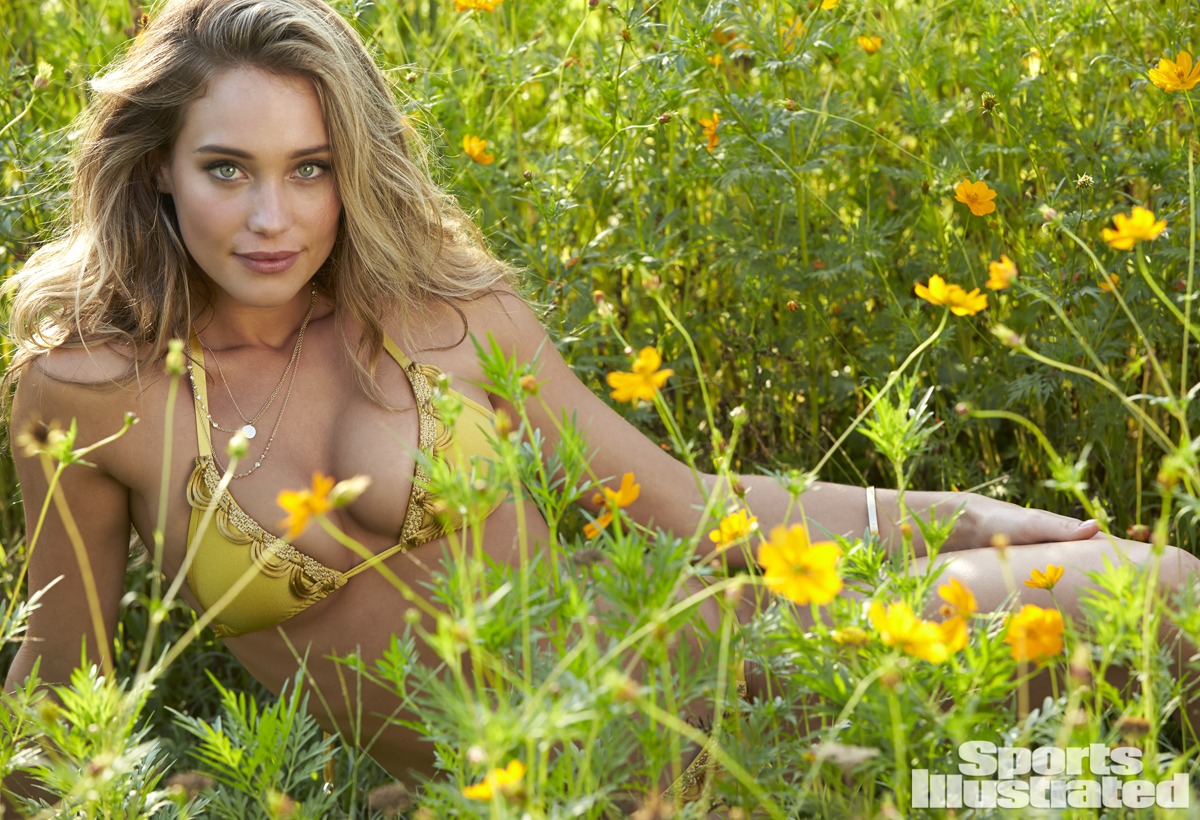
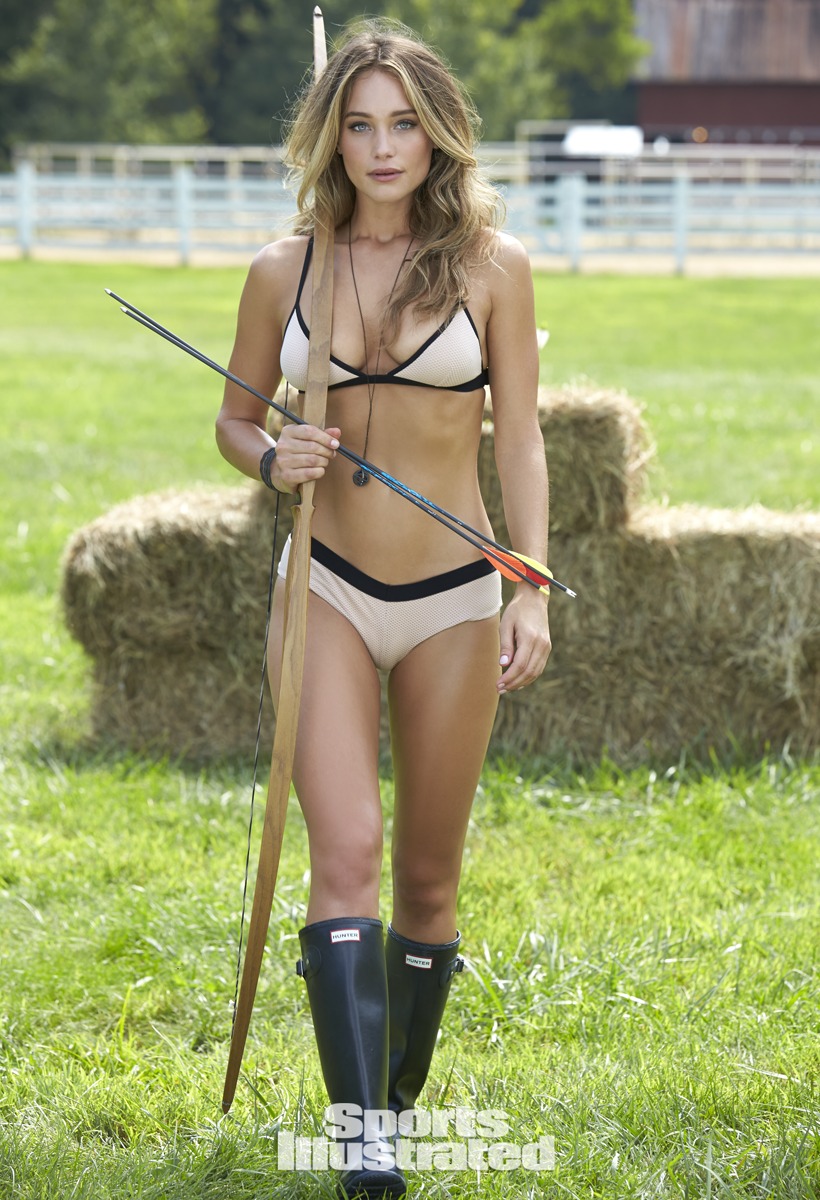
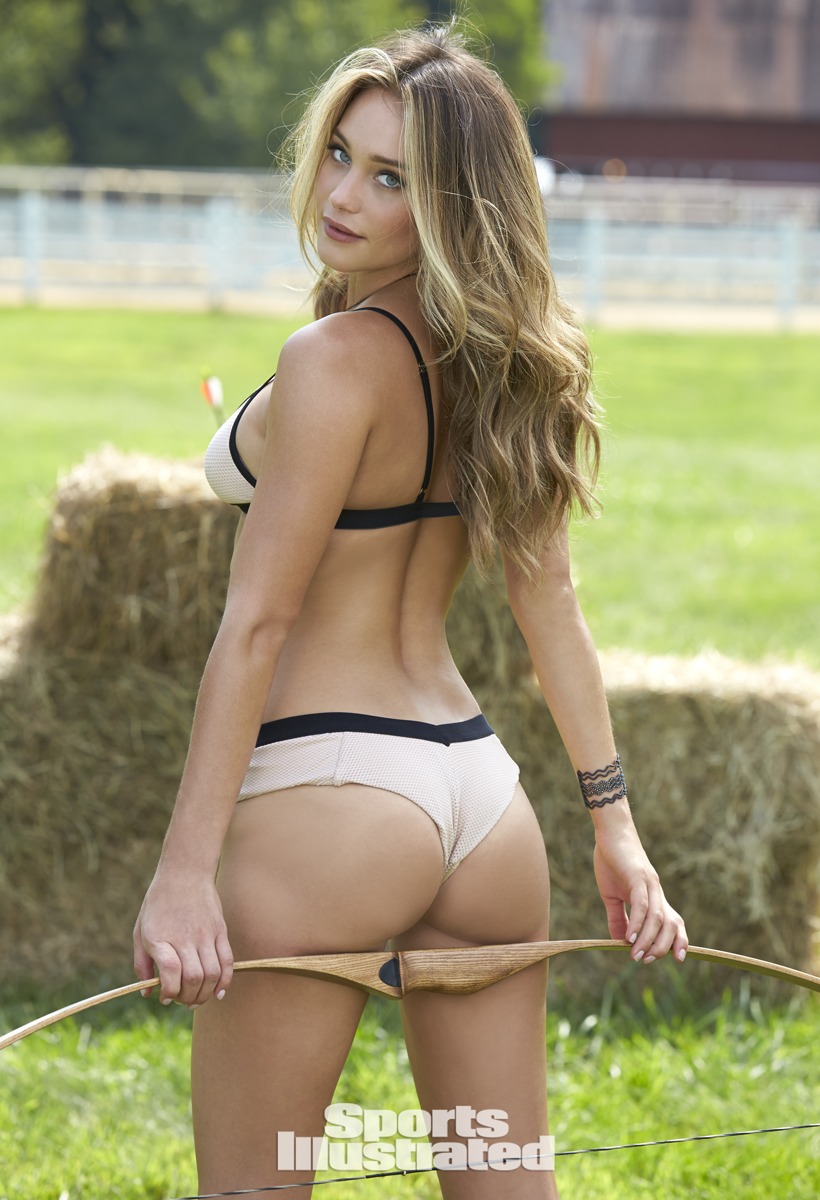
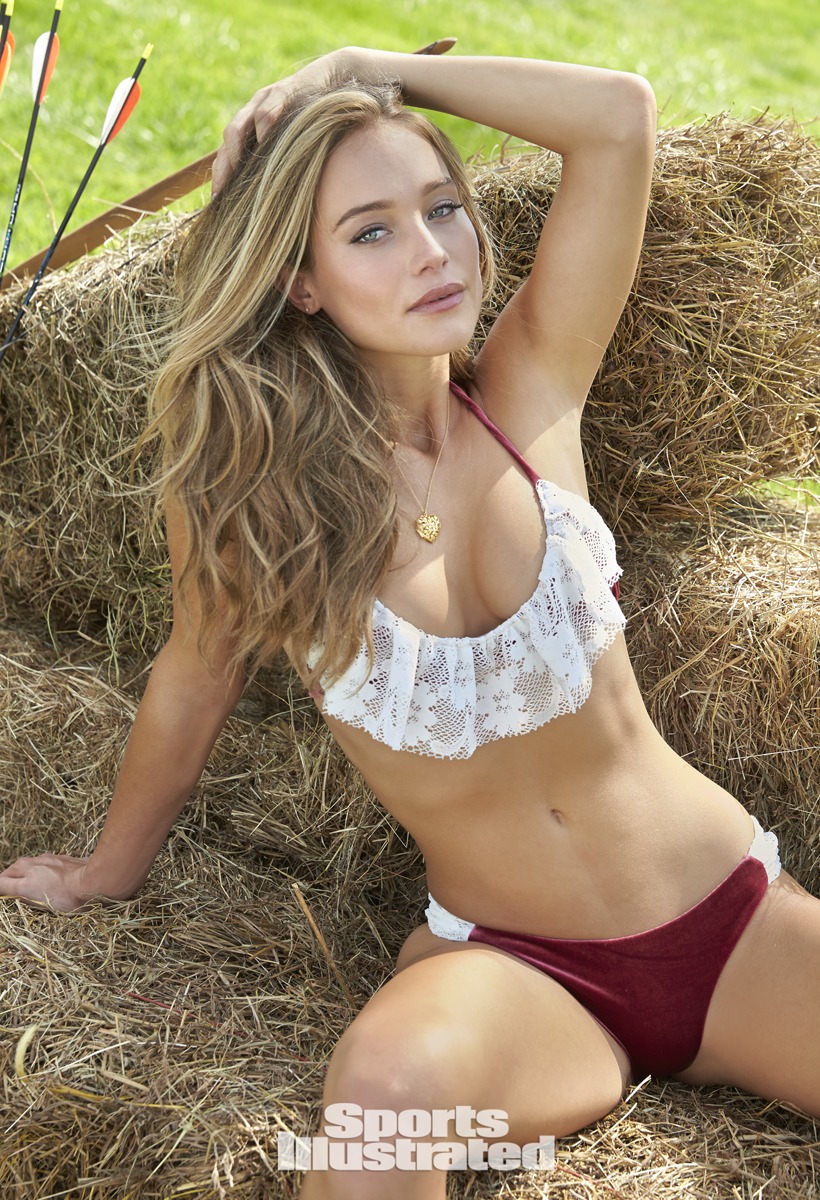
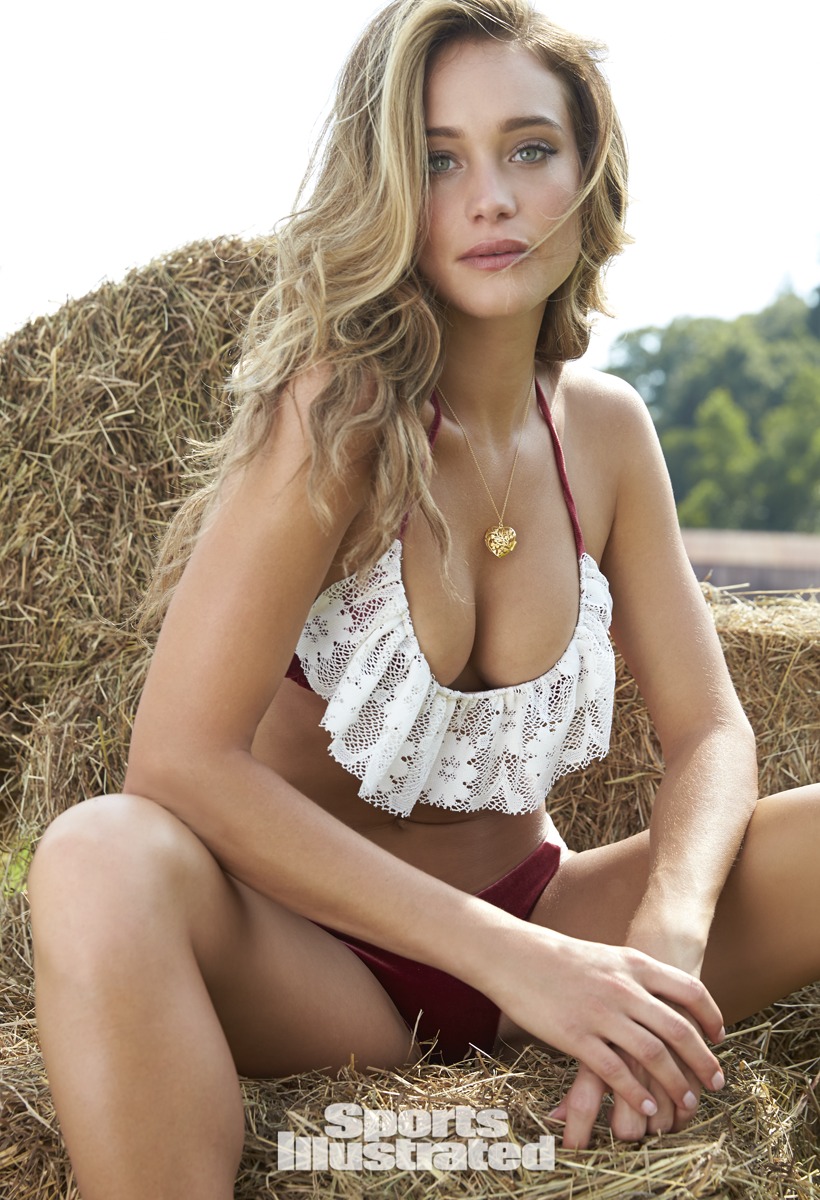
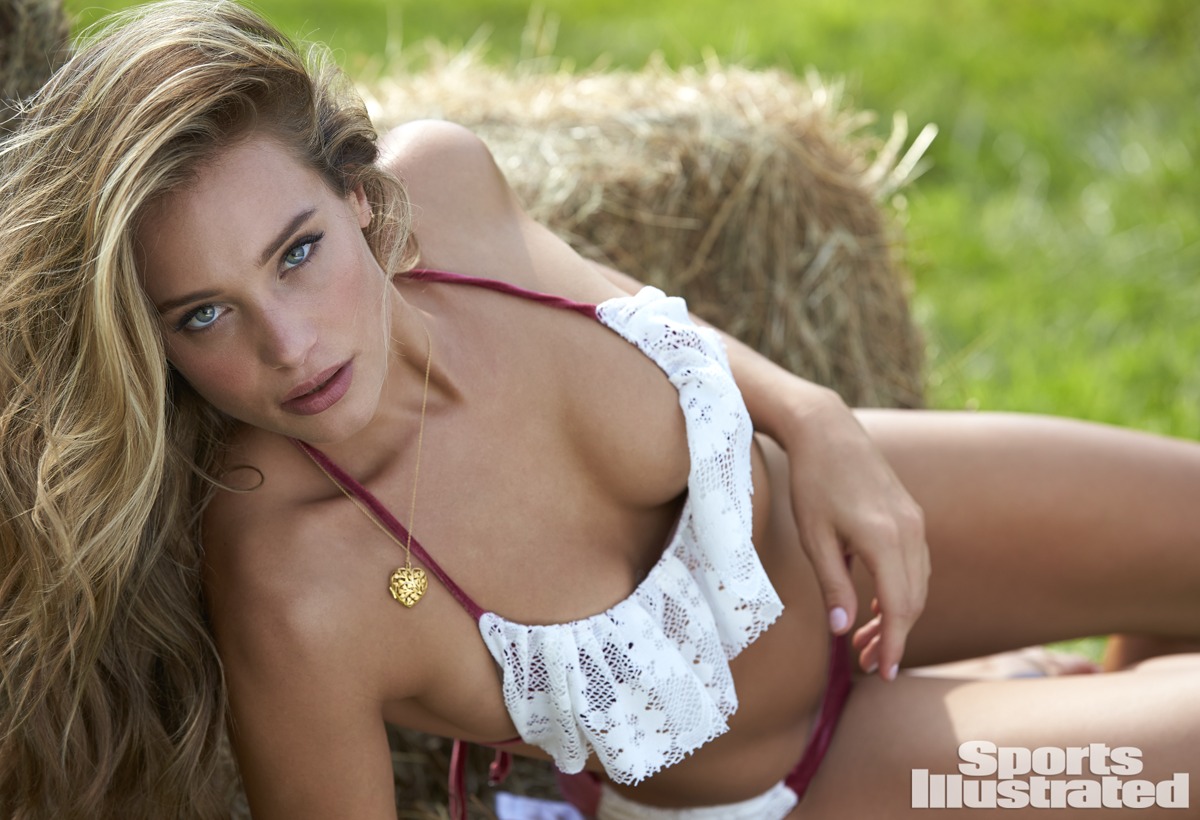
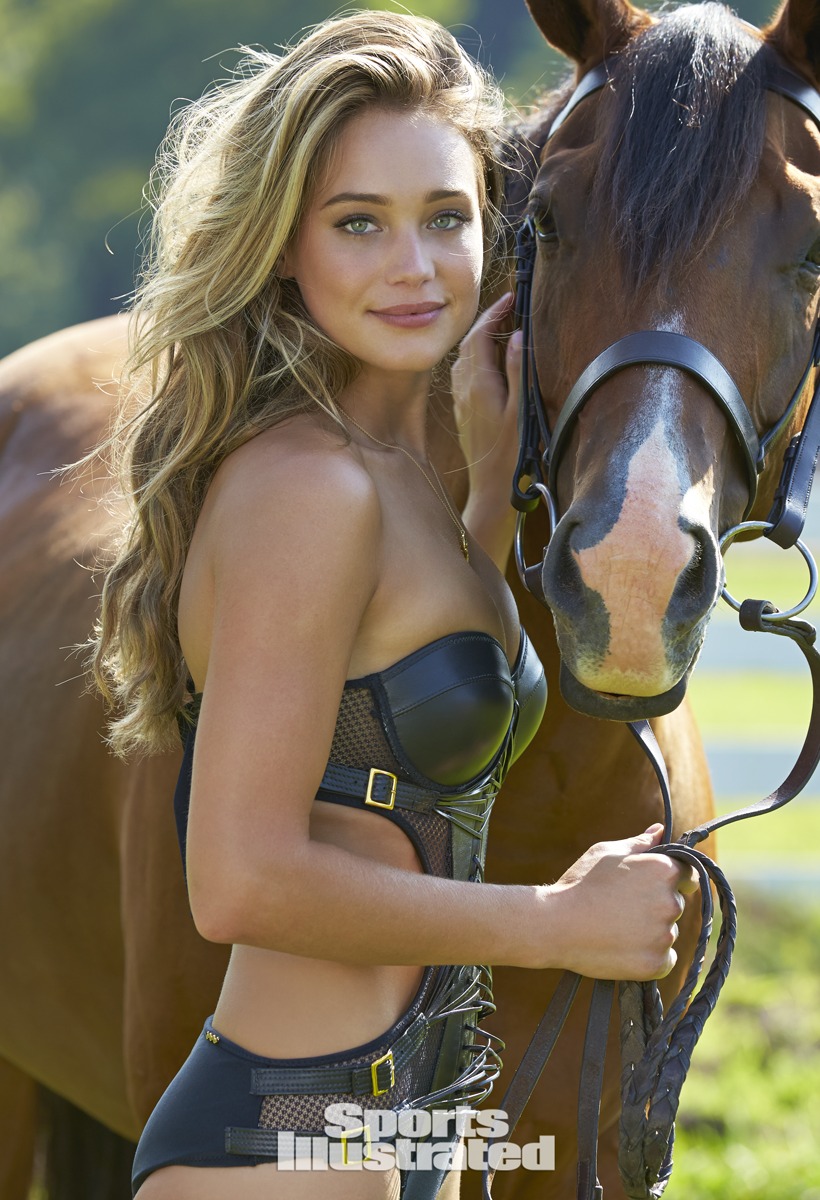
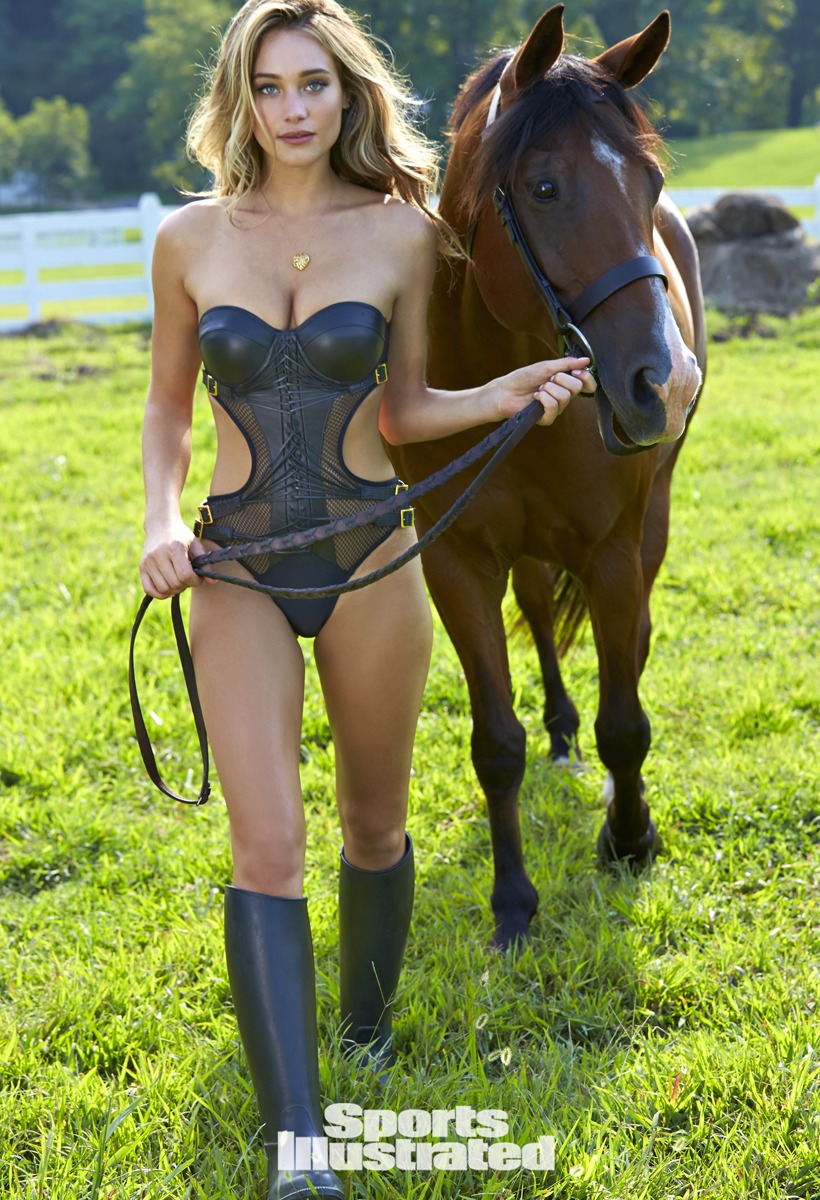
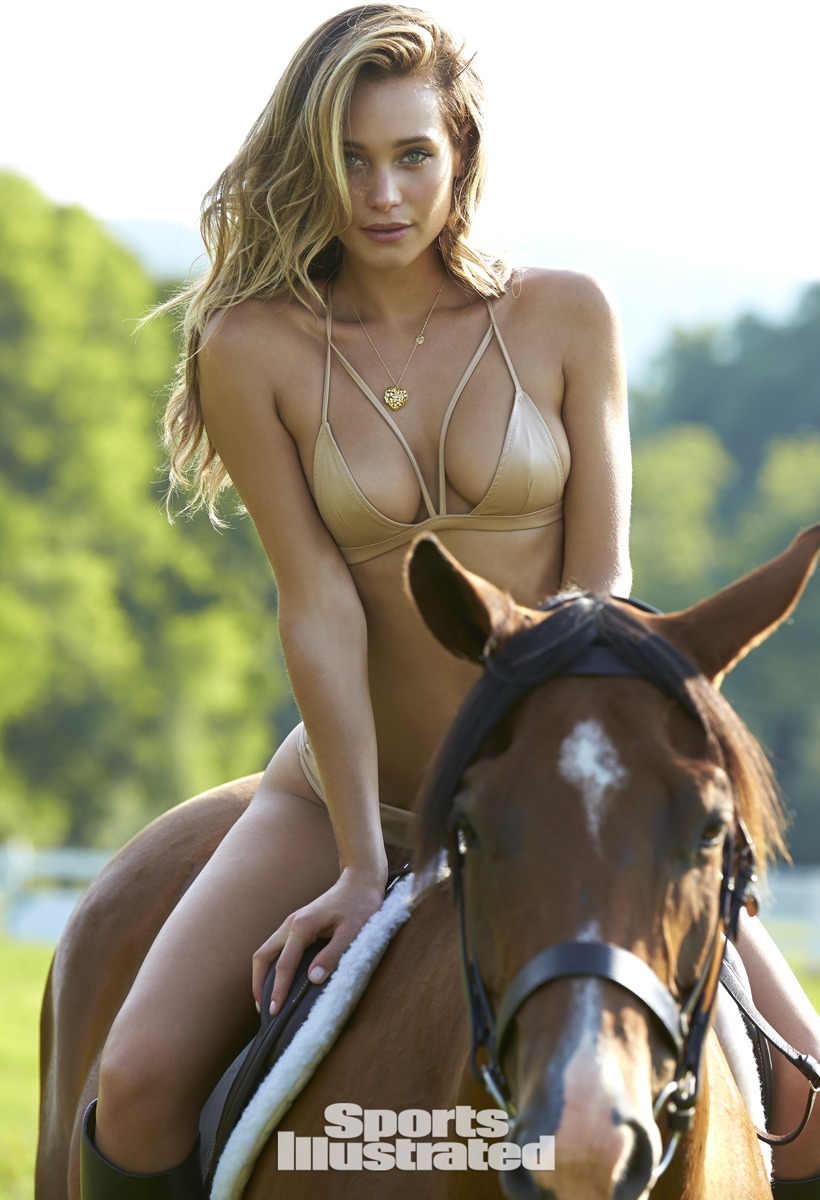
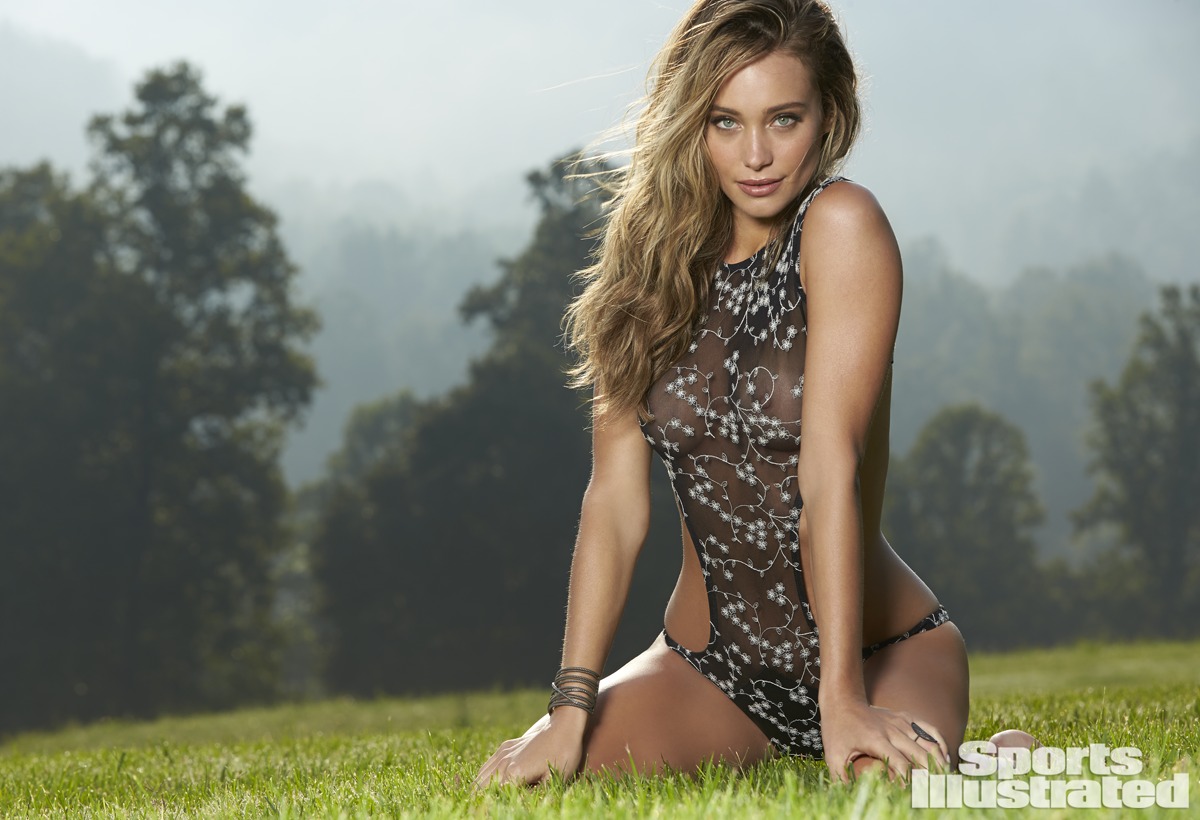
http://www.si.com/swimsuit/2015/models/hannah-davis/photos/1
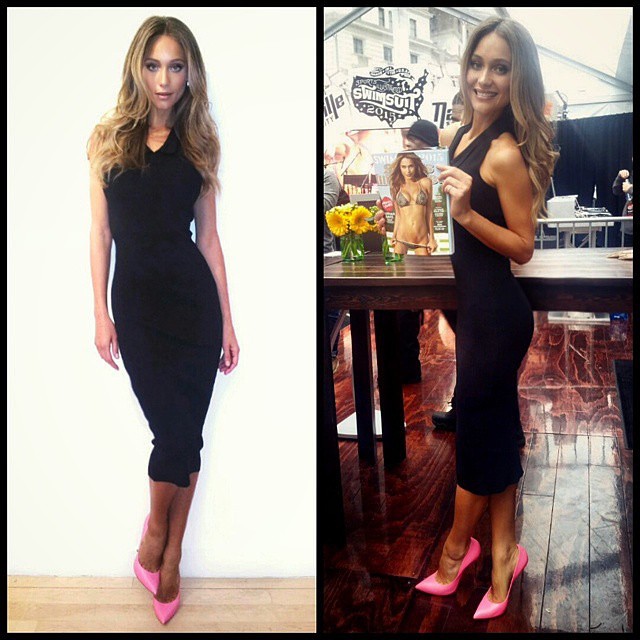
she looks great, thanks PinkCouture for the effort
another one http://instagram.com/p/y4s9N5seXL/?modal=true
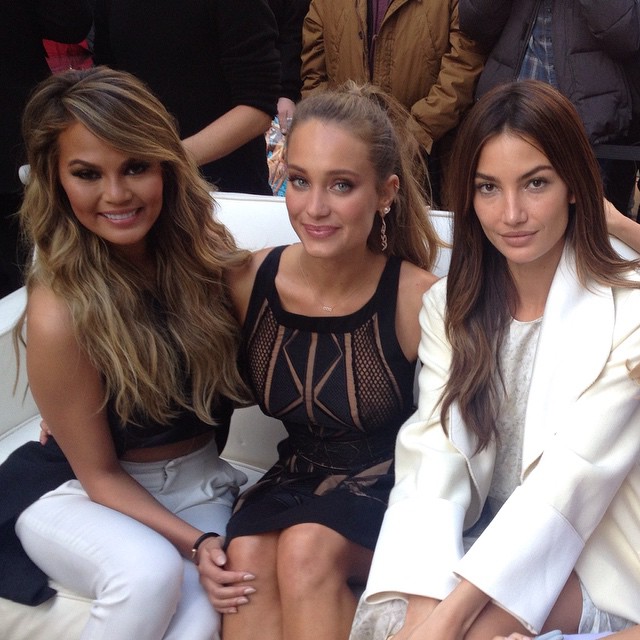
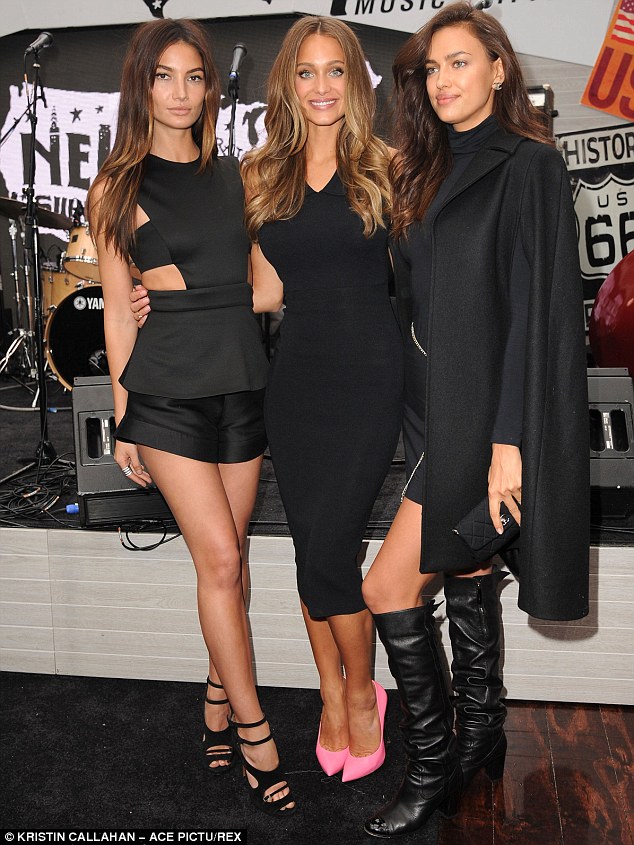
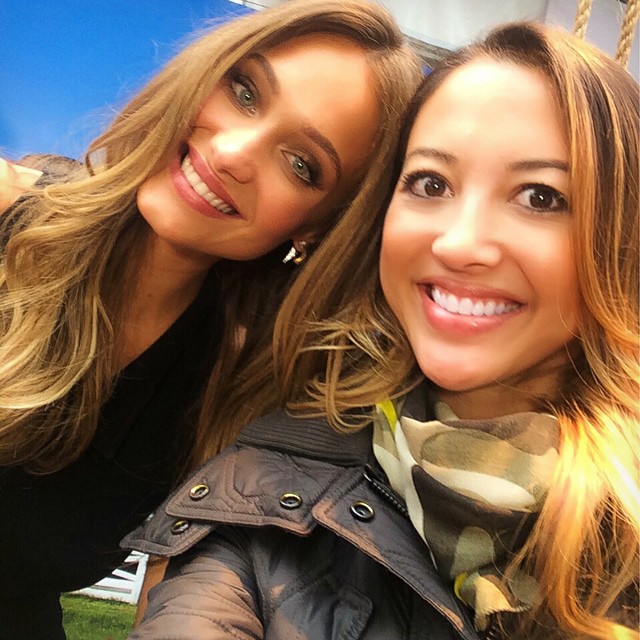
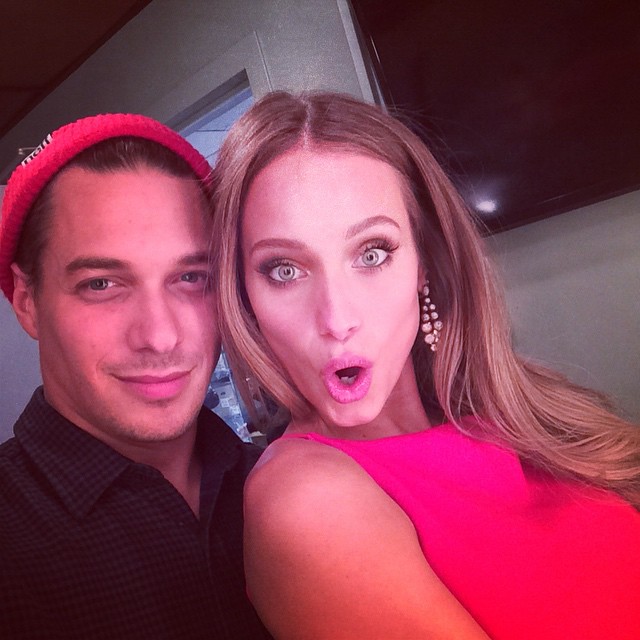
http://www.si.com/swimsuit/2015/models/hannah-davis/photos/1 Black and pink fashion twins with @hanni_davis @SI_Swimsuit #SISwim she's soooooo gorg! mj_day Lookie who I found!!! @hanni_davis #siswim #swimcity at the today show
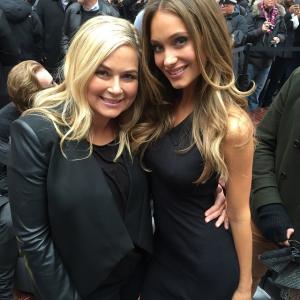

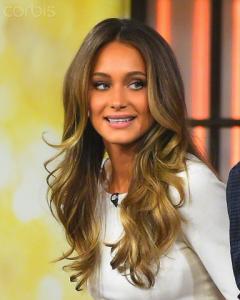




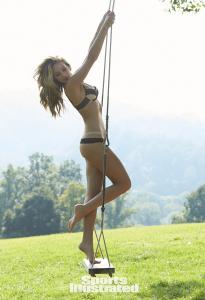
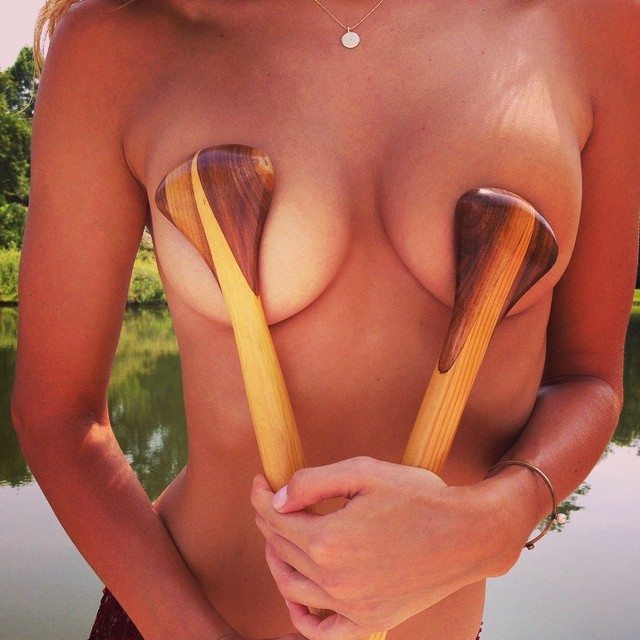
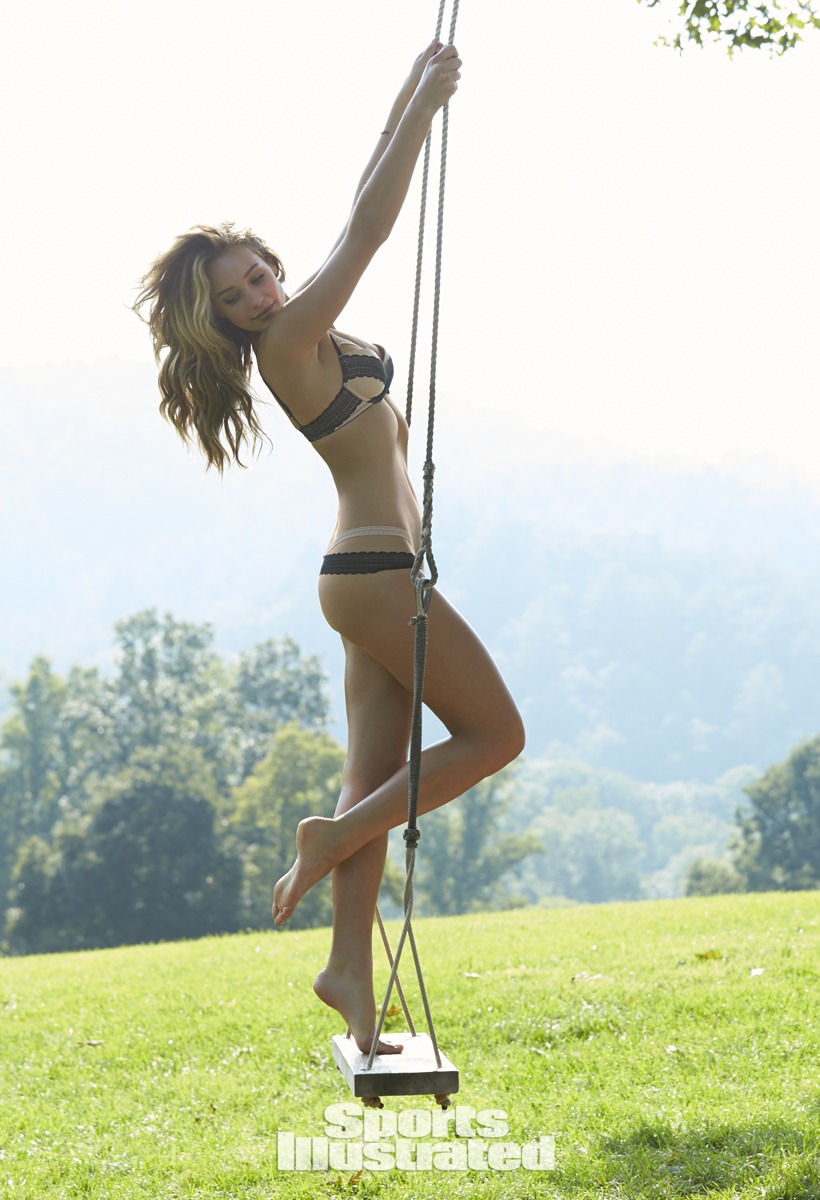
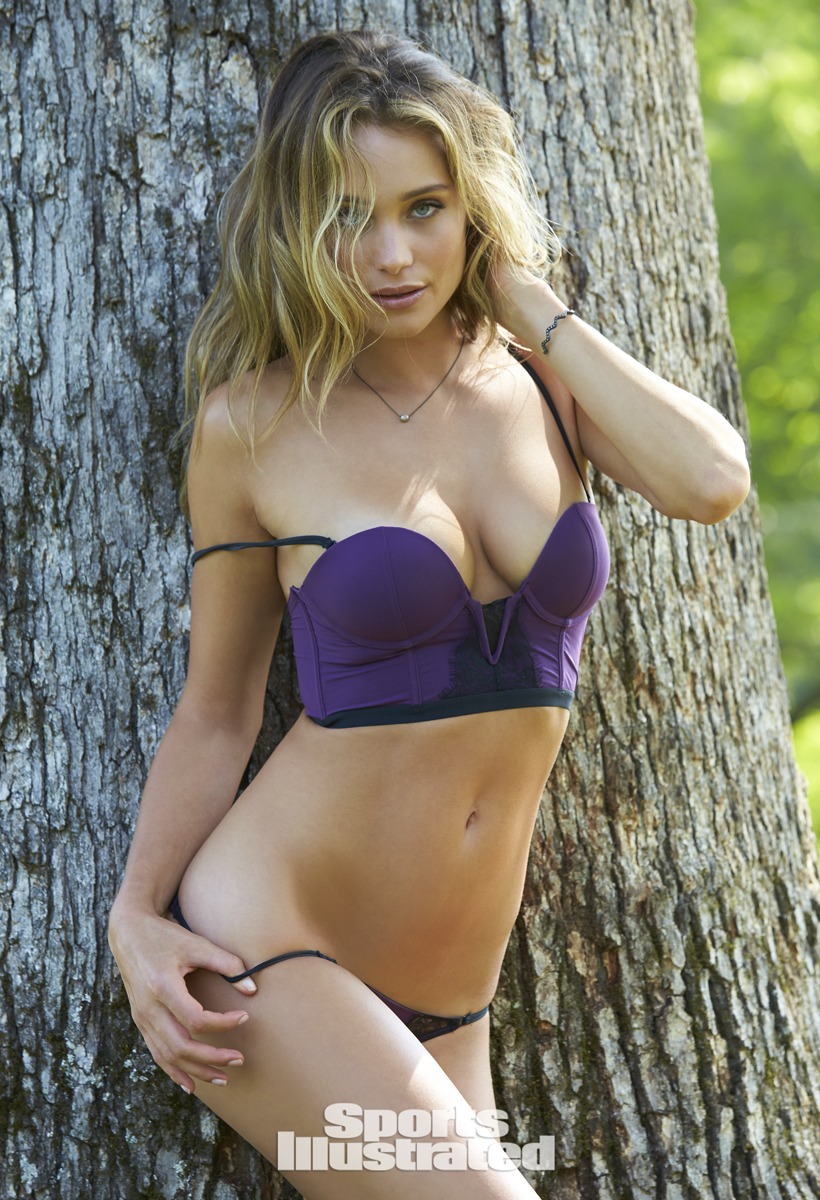
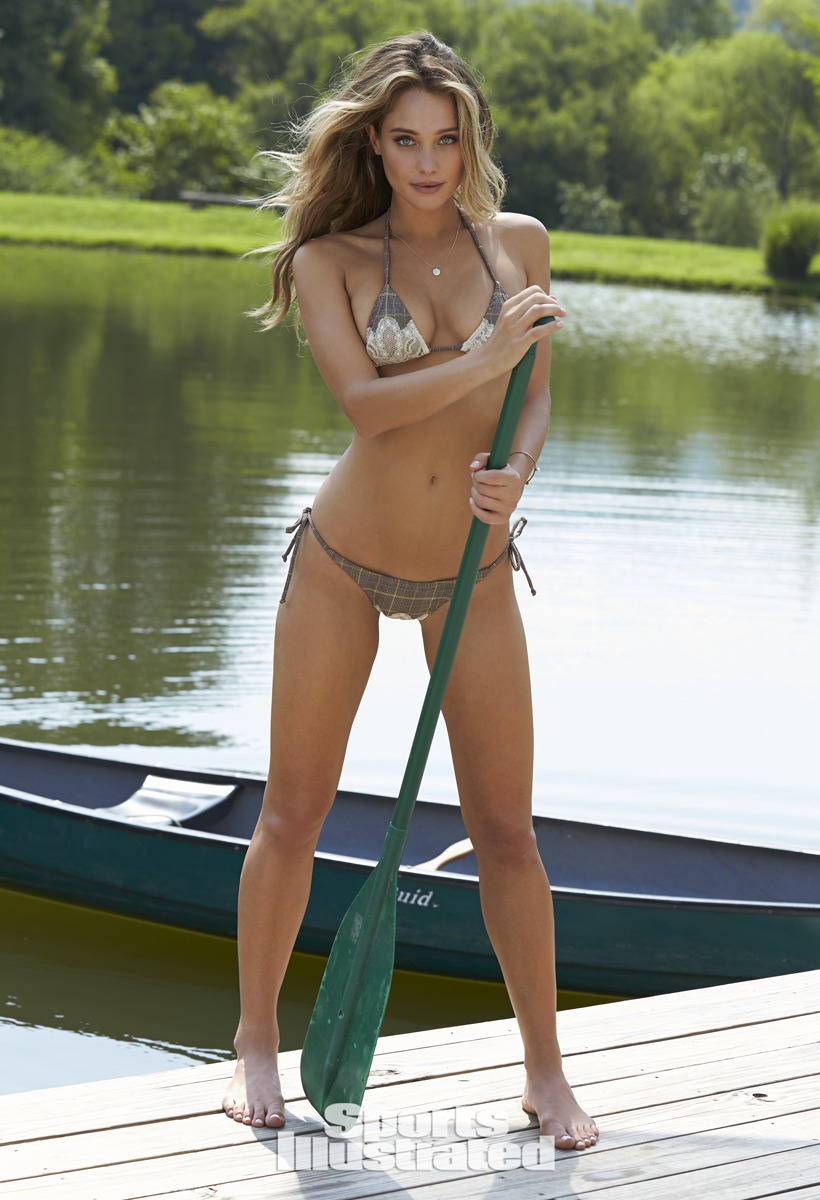
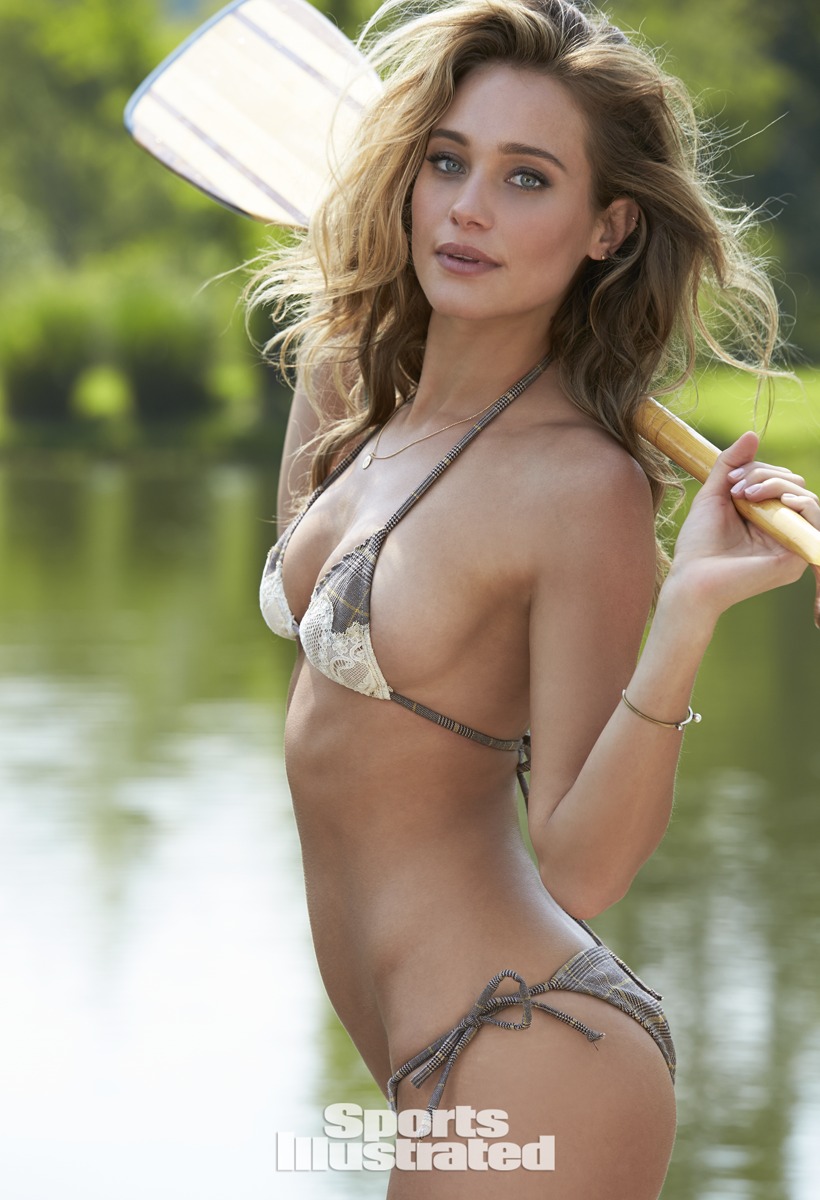
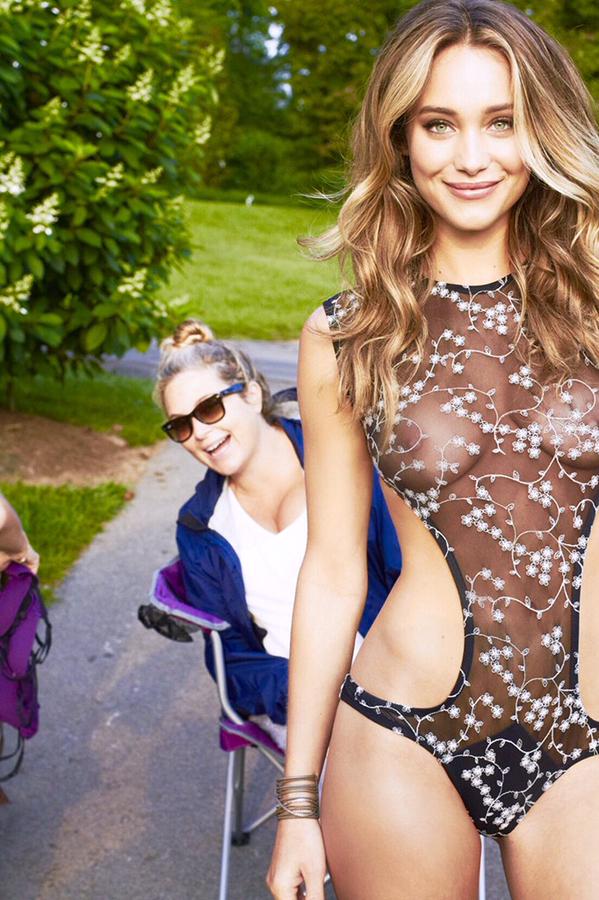
 Warning: may contain slight nudity (nipplege) @WattsUpPhoto #bts wiv the wonderful @hanni_davis and the Amazing @MJ_Day who makes it all happen #blackberry farm @SI_Swimsuit












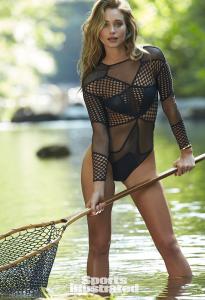














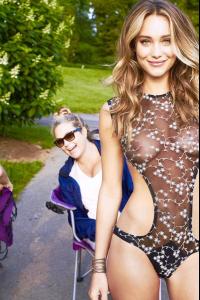 here is the video
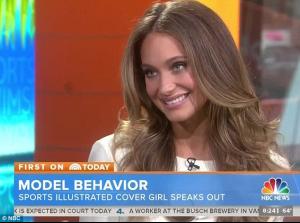
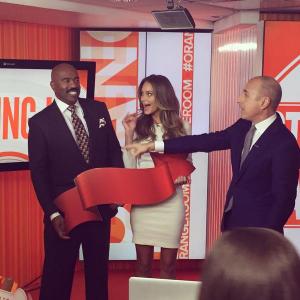
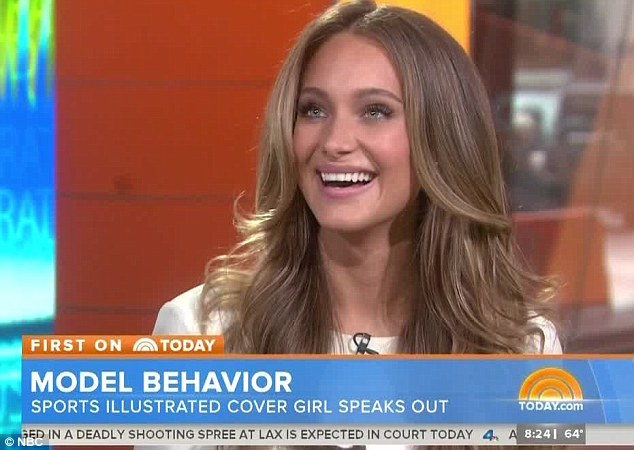
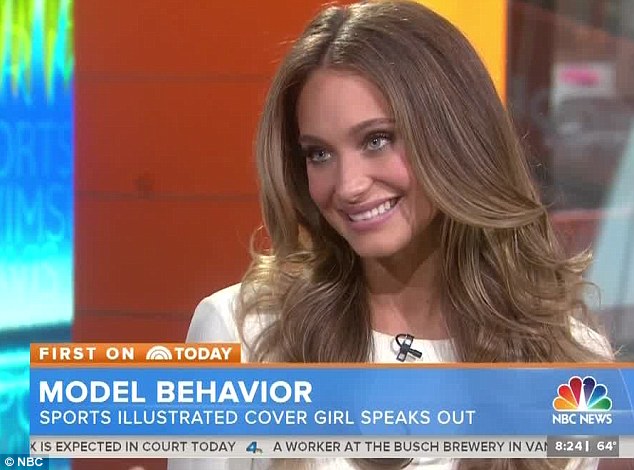
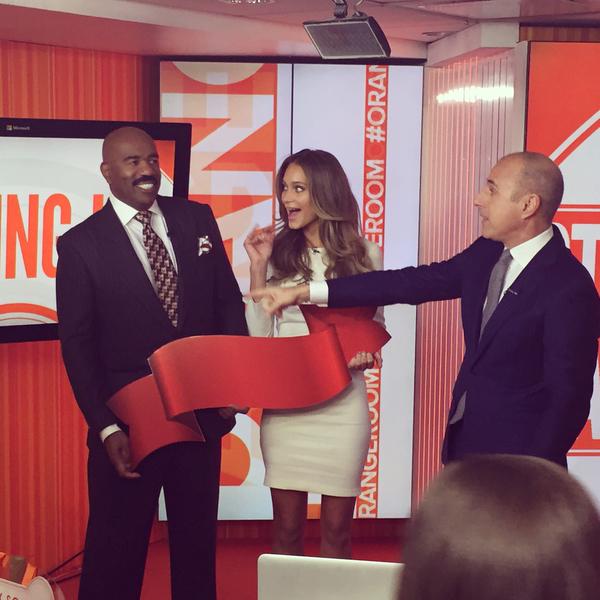
Hannah Davis on her Sports Illustrated swimsuit cover: It’s not that naughty "I think you're making it look a lot naughtier than it really is to be honest,'' Davis told Matt Lauer on TODAY Monday after a ribbon graphic covered part of the cover. "To be honest, I think SI always tries to do something a little different every year, and I think this year, it's the year of the torso." More from Davis: On the former swimsuit cover model she strives to emulate: "I really actually would like to model my career after someone like Kathy Ireland. I think she just built this incredible empire, but she honors the fact that Sports Illustrated was the platform that got her to that place." On making her first SI cover: "It was an overwhelming sort-of moment. I was so blindsided by the whole thing, but it's an honor." http://www.today.com/popculture/hannah-davis-her-sports-illustrated-swimsuit-cover-its-not-naughty-2D80482244
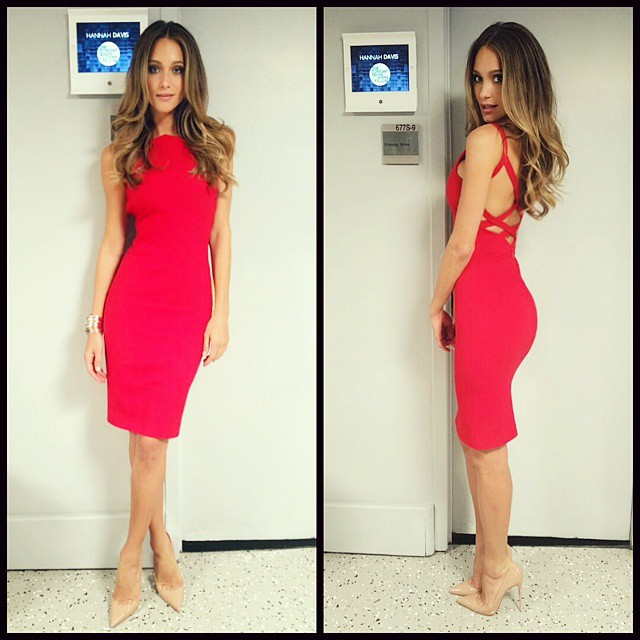
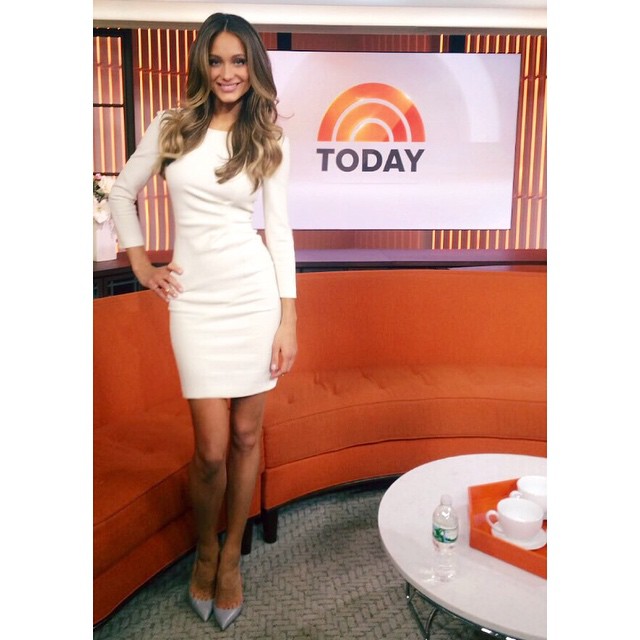
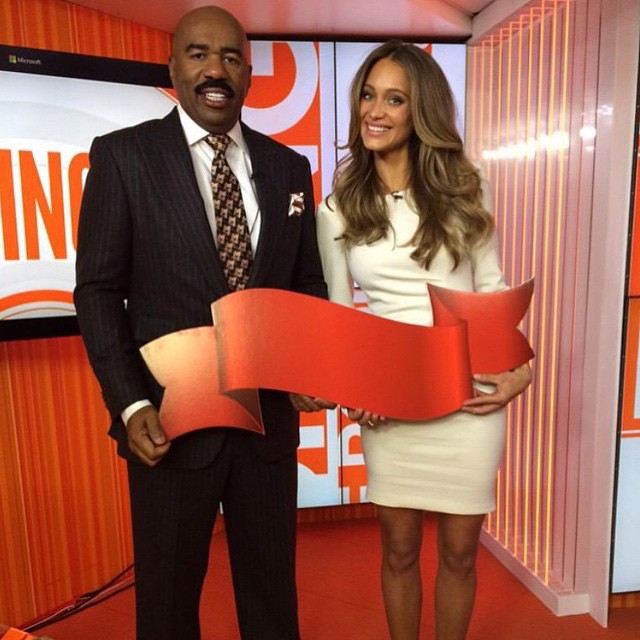
thanks Clauds and Laura for the pics , she looks radiant, for me one of the best shootings from this issue :wub2: :wub2: her eyes are incredible!! @hanni_davis Talking @si_swimsuit this morning on the @TodayShow. Wearing @emiliopucci, @louboutinworld and @efcollection. #SISwim @hanni_davis Great morning with @iamsteveharveytv at the @TodayShow, thank you for having me! #SISwim @si_swimsuit @iamsteveharveytv My ribbon needs to be a little lower! @hanni_davis @TODAYshow and a funny dance video: Dance party on our break! Because we're happy!! #SIswim http://instagram.com/p/y4rGclCMWg/
here is the video
Hannah Davis on her Sports Illustrated swimsuit cover: It’s not that naughty "I think you're making it look a lot naughtier than it really is to be honest,'' Davis told Matt Lauer on TODAY Monday after a ribbon graphic covered part of the cover. "To be honest, I think SI always tries to do something a little different every year, and I think this year, it's the year of the torso." More from Davis: On the former swimsuit cover model she strives to emulate: "I really actually would like to model my career after someone like Kathy Ireland. I think she just built this incredible empire, but she honors the fact that Sports Illustrated was the platform that got her to that place." On making her first SI cover: "It was an overwhelming sort-of moment. I was so blindsided by the whole thing, but it's an honor." http://www.today.com/popculture/hannah-davis-her-sports-illustrated-swimsuit-cover-its-not-naughty-2D80482244
thanks Clauds and Laura for the pics , she looks radiant, for me one of the best shootings from this issue :wub2: :wub2: her eyes are incredible!! @hanni_davis Talking @si_swimsuit this morning on the @TodayShow. Wearing @emiliopucci, @louboutinworld and @efcollection. #SISwim @hanni_davis Great morning with @iamsteveharveytv at the @TodayShow, thank you for having me! #SISwim @si_swimsuit @iamsteveharveytv My ribbon needs to be a little lower! @hanni_davis @TODAYshow and a funny dance video: Dance party on our break! Because we're happy!! #SIswim http://instagram.com/p/y4rGclCMWg/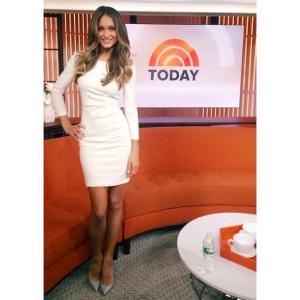






Account
Navigation
Search
Configure browser push notifications
Chrome (Android)
- Tap the lock icon next to the address bar.
- Tap Permissions → Notifications.
- Adjust your preference.
Chrome (Desktop)
- Click the padlock icon in the address bar.
- Select Site settings.
- Find Notifications and adjust your preference.
Safari (iOS 16.4+)
- Ensure the site is installed via Add to Home Screen.
- Open Settings App → Notifications.
- Find your app name and adjust your preference.
Safari (macOS)
- Go to Safari → Preferences.
- Click the Websites tab.
- Select Notifications in the sidebar.
- Find this website and adjust your preference.
Edge (Android)
- Tap the lock icon next to the address bar.
- Tap Permissions.
- Find Notifications and adjust your preference.
Edge (Desktop)
- Click the padlock icon in the address bar.
- Click Permissions for this site.
- Find Notifications and adjust your preference.
Firefox (Android)
- Go to Settings → Site permissions.
- Tap Notifications.
- Find this site in the list and adjust your preference.
Firefox (Desktop)
- Open Firefox Settings.
- Search for Notifications.
- Find this site in the list and adjust your preference.