

RIP_Cabrini_Green
Members
-
Joined
-
Last visited
Everything posted by RIP_Cabrini_Green
-
 Woah. Holy shit.
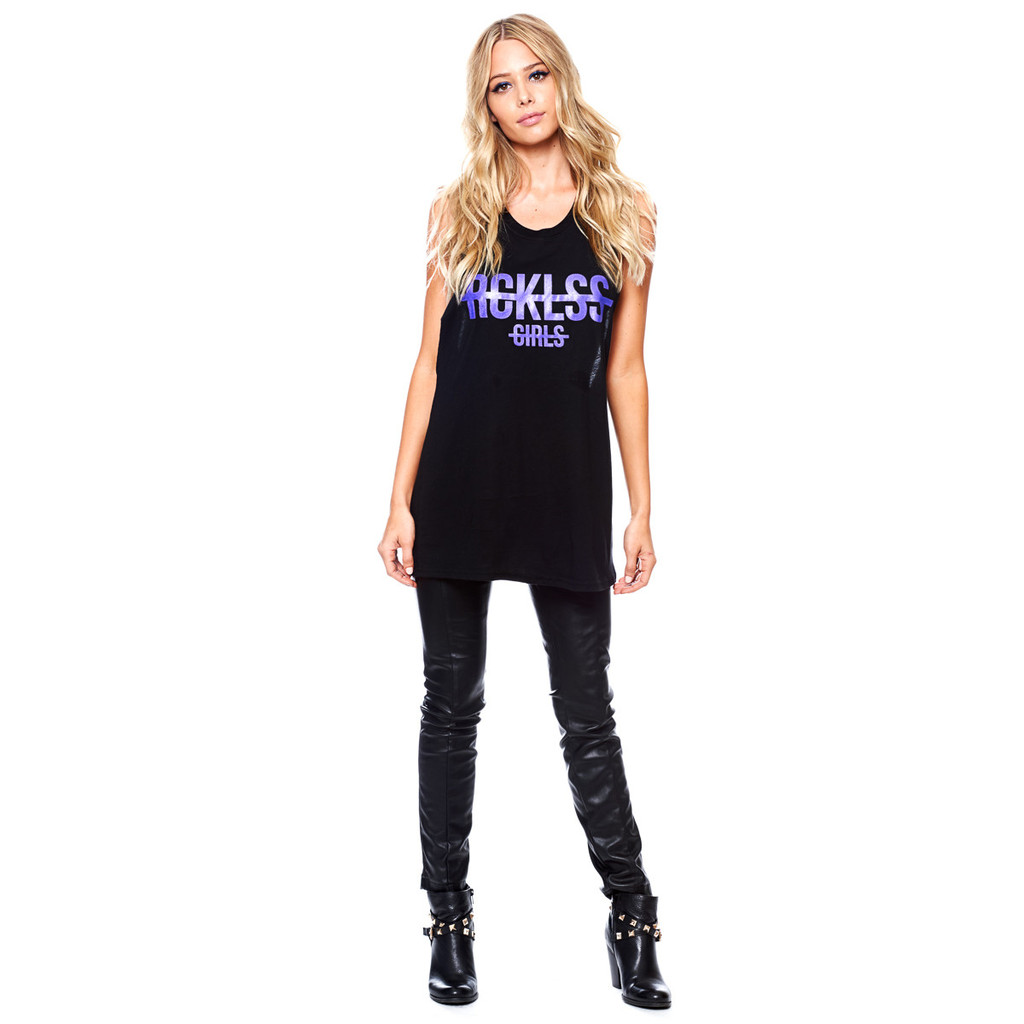
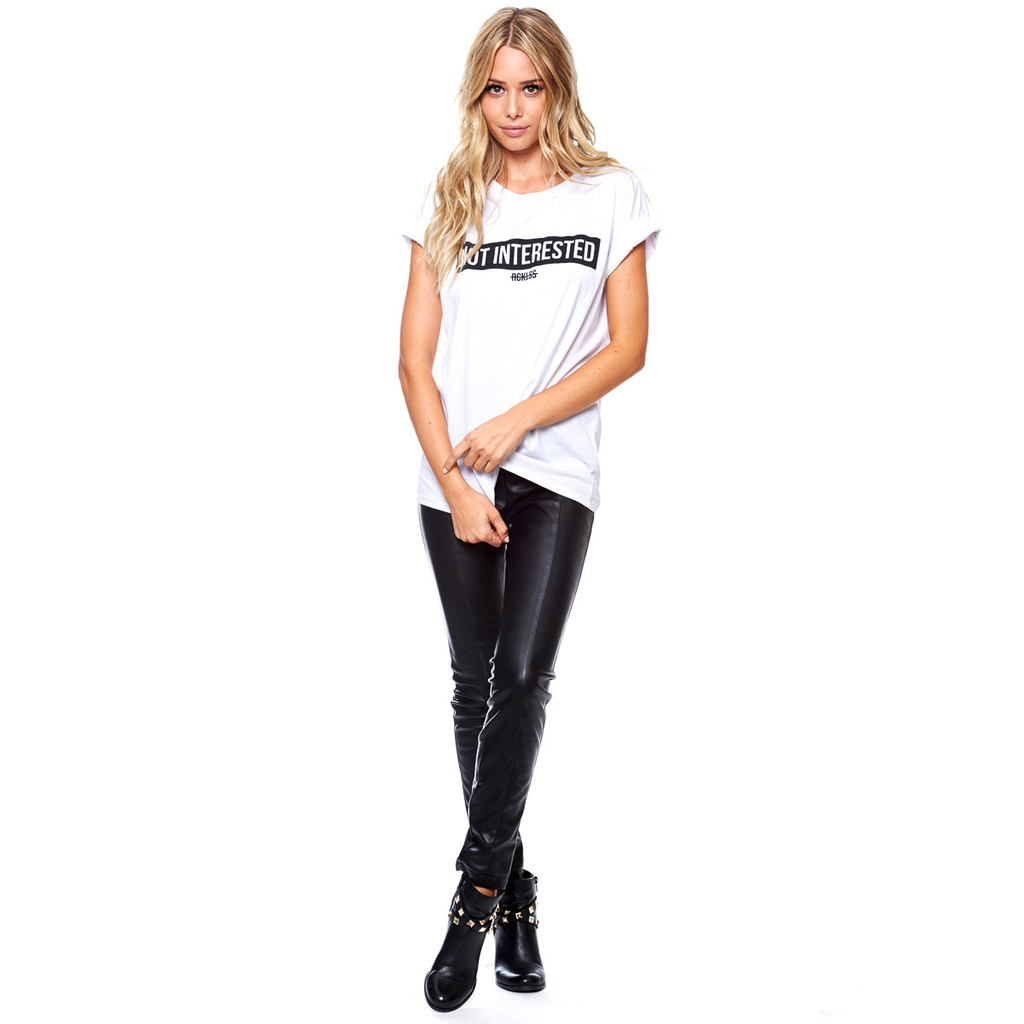
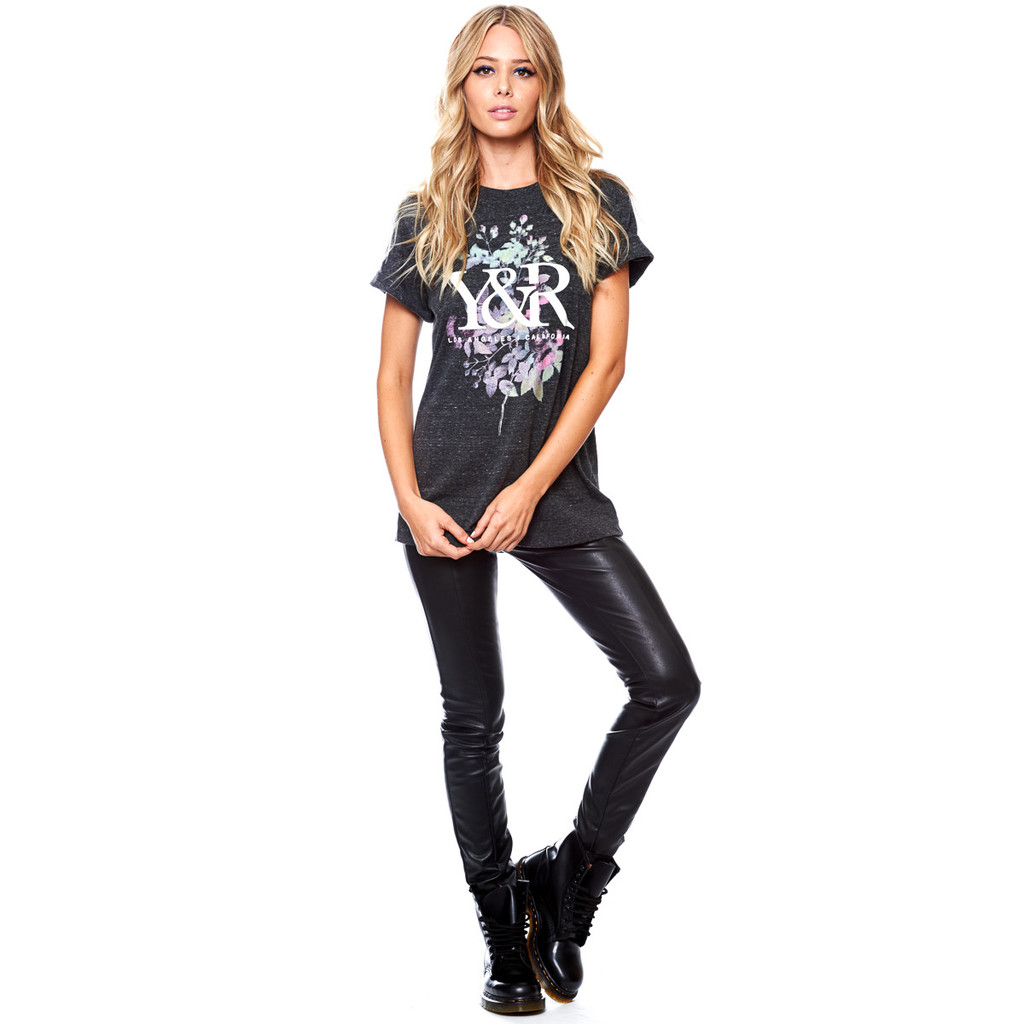
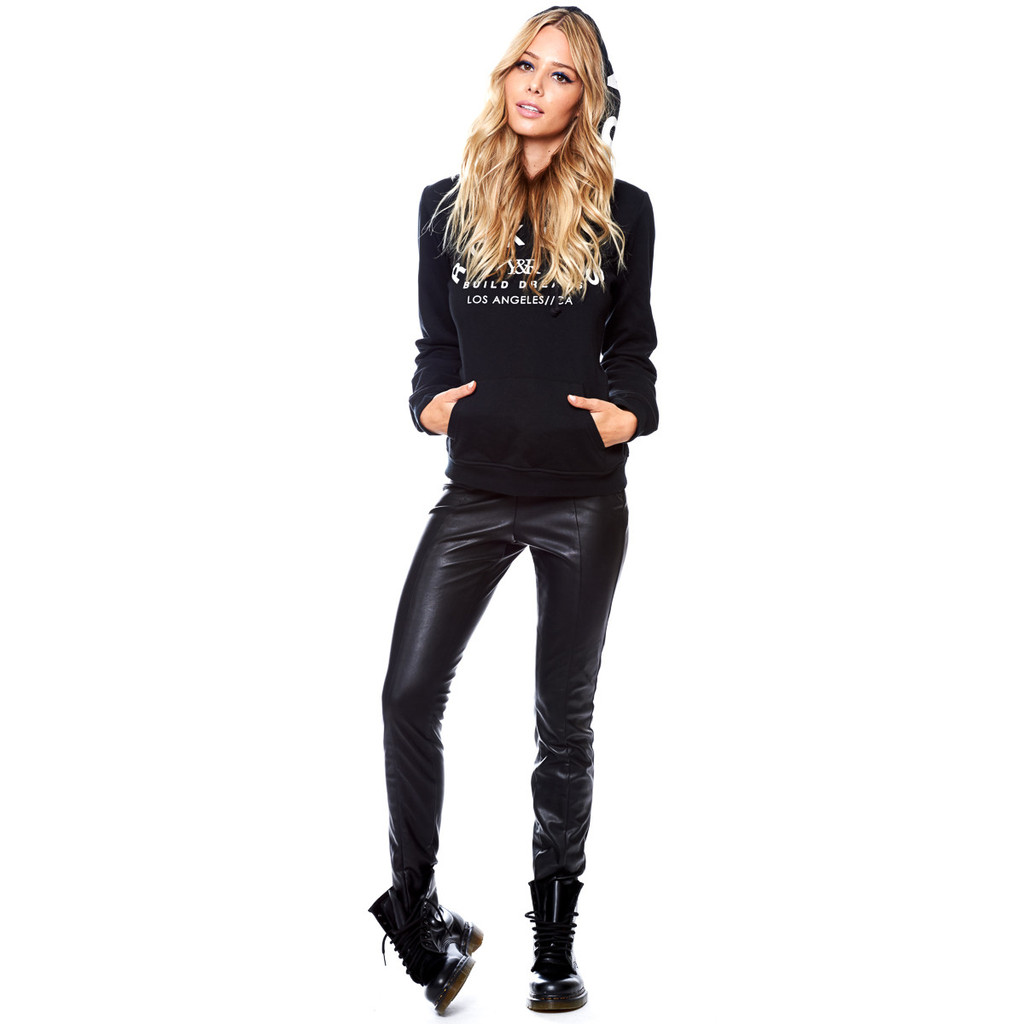
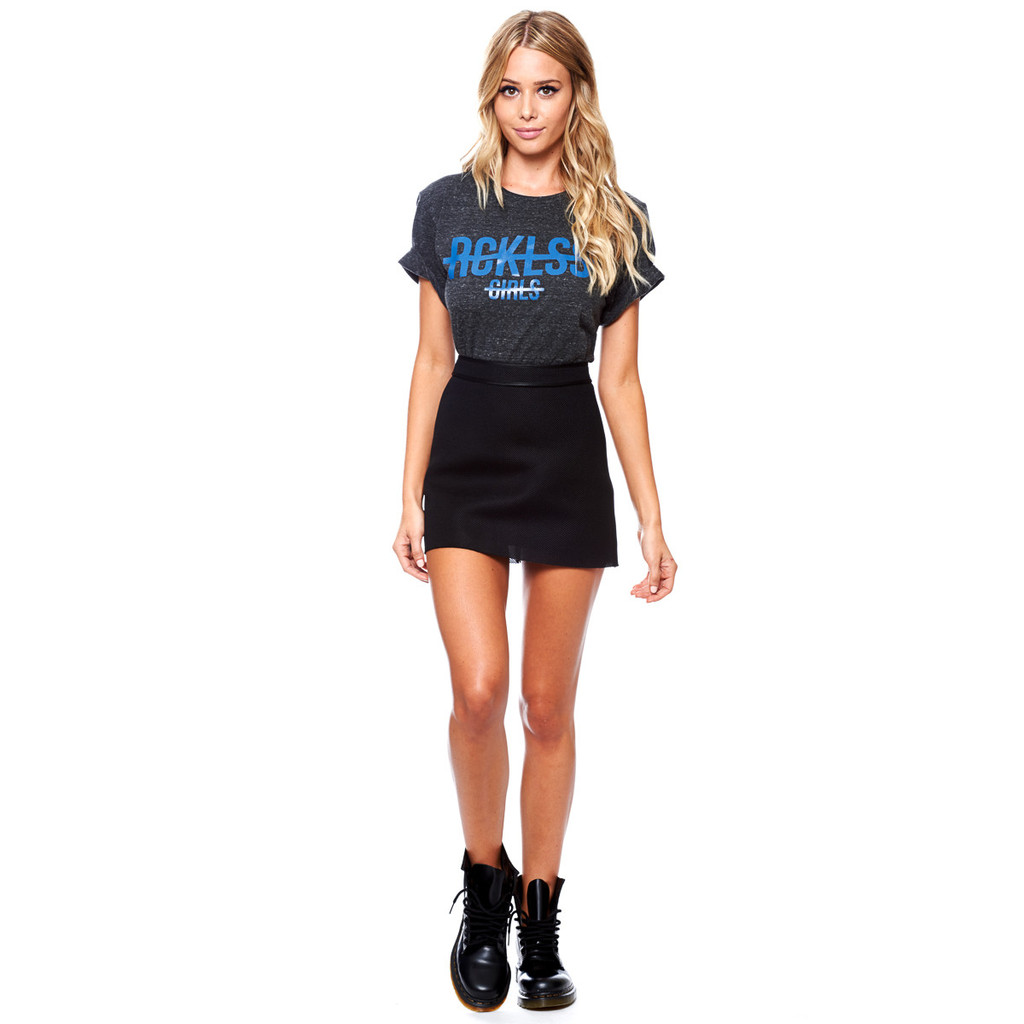
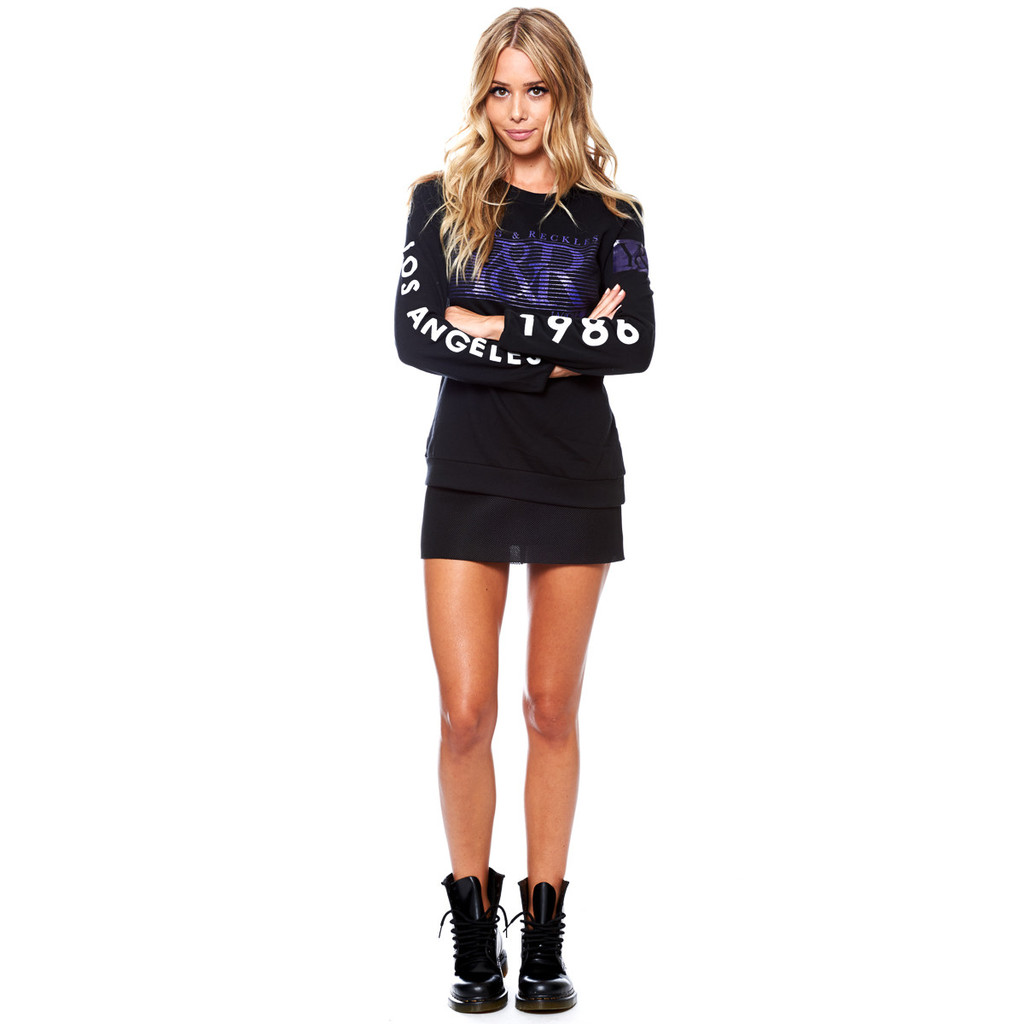
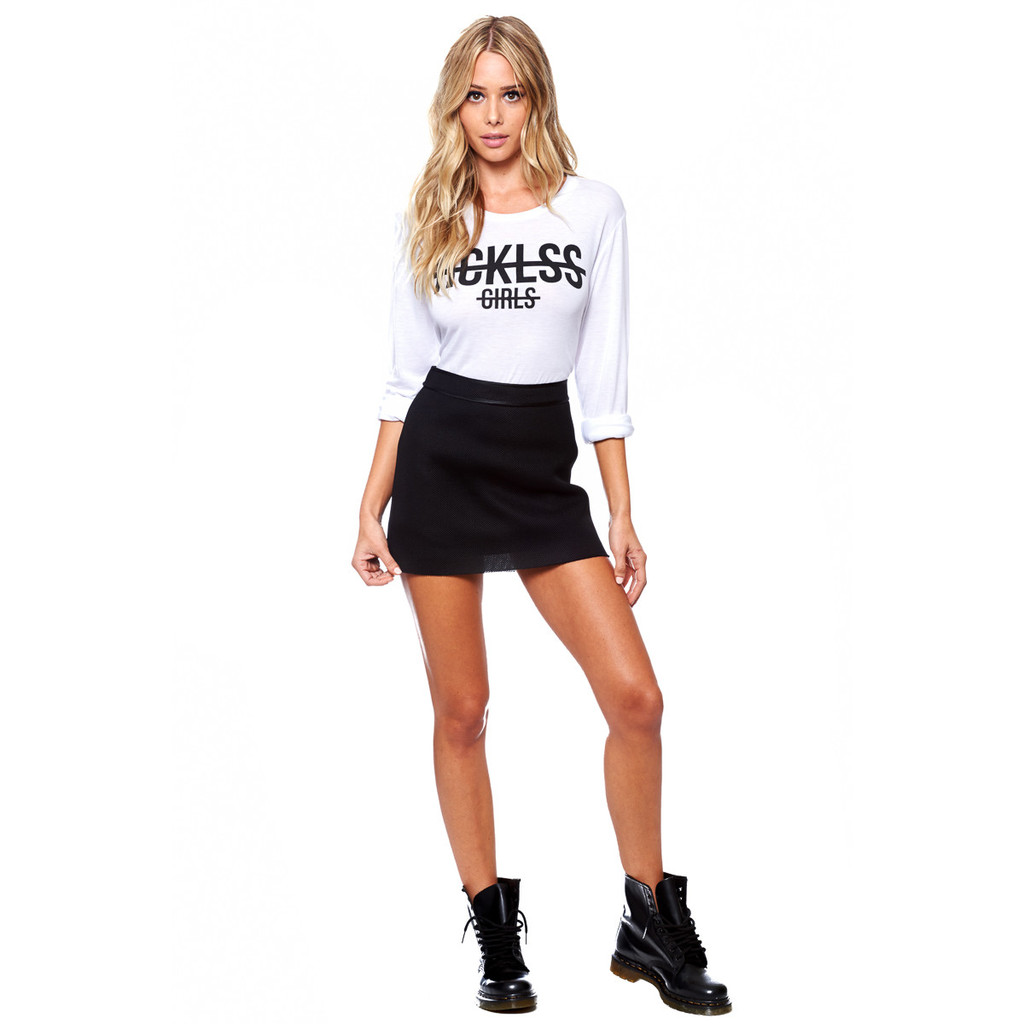
Young & Reckless
Woah. Holy shit.
Young & Reckless



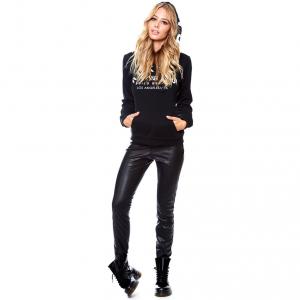
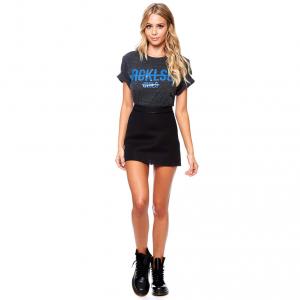



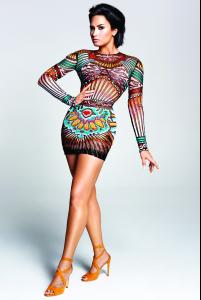
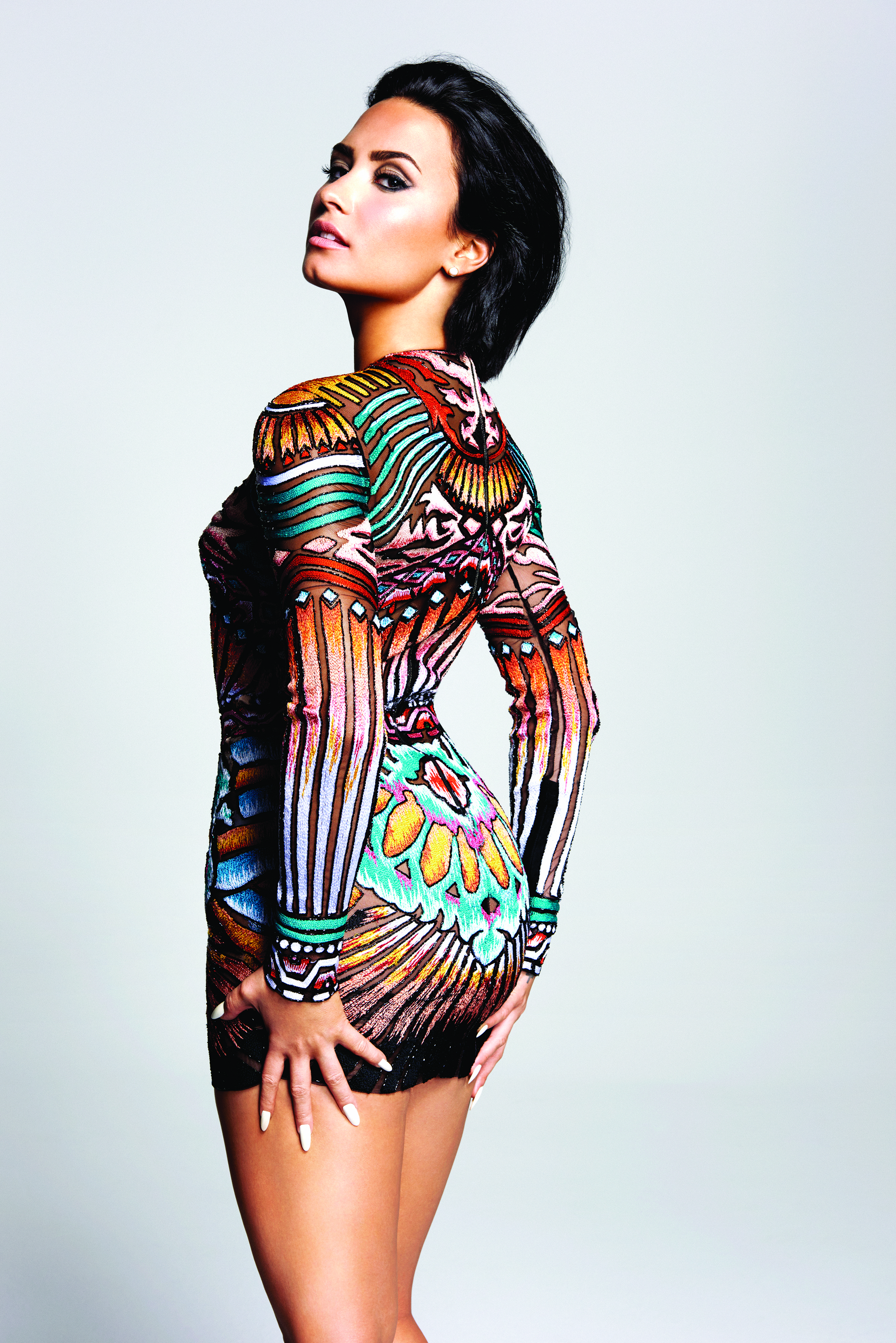
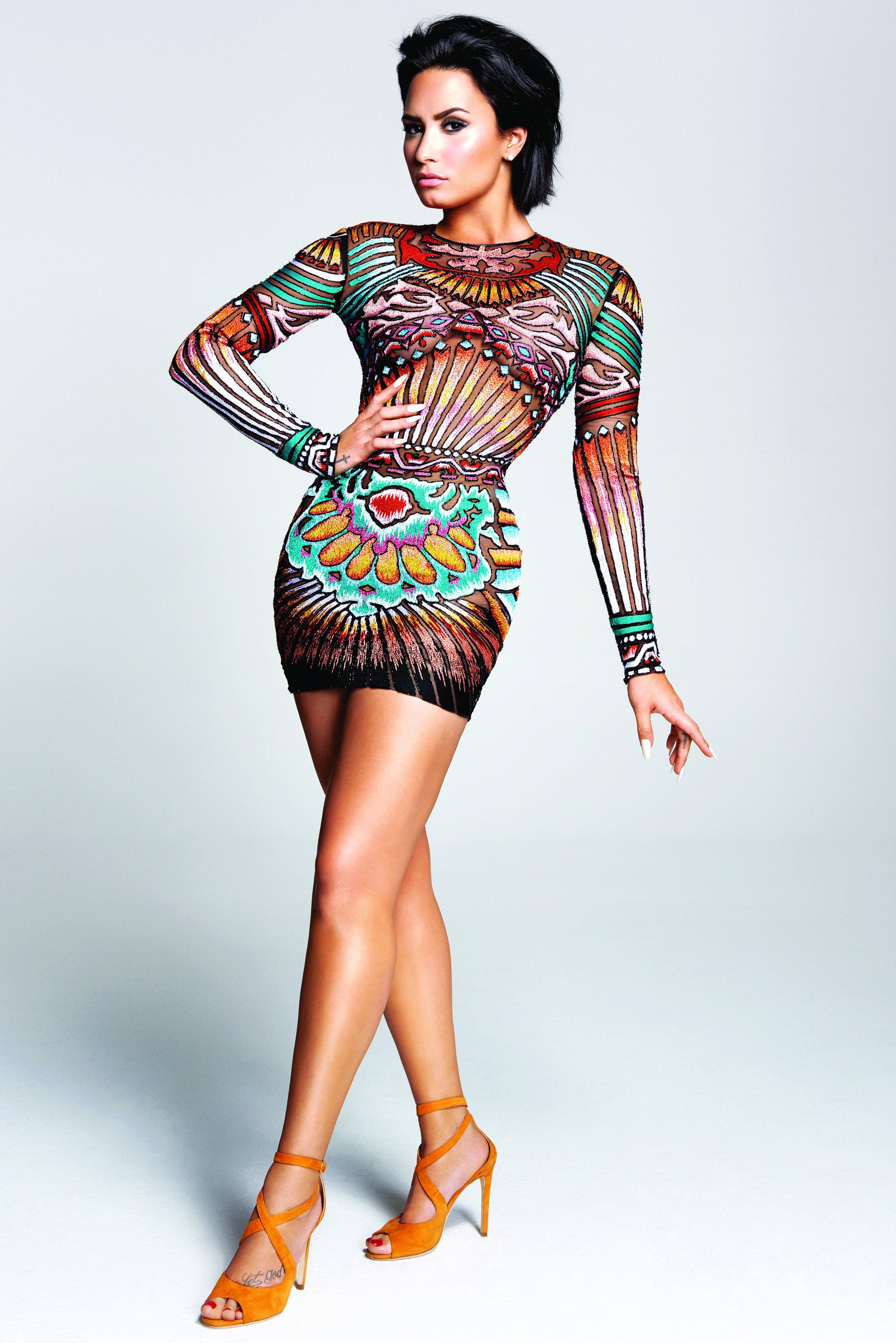
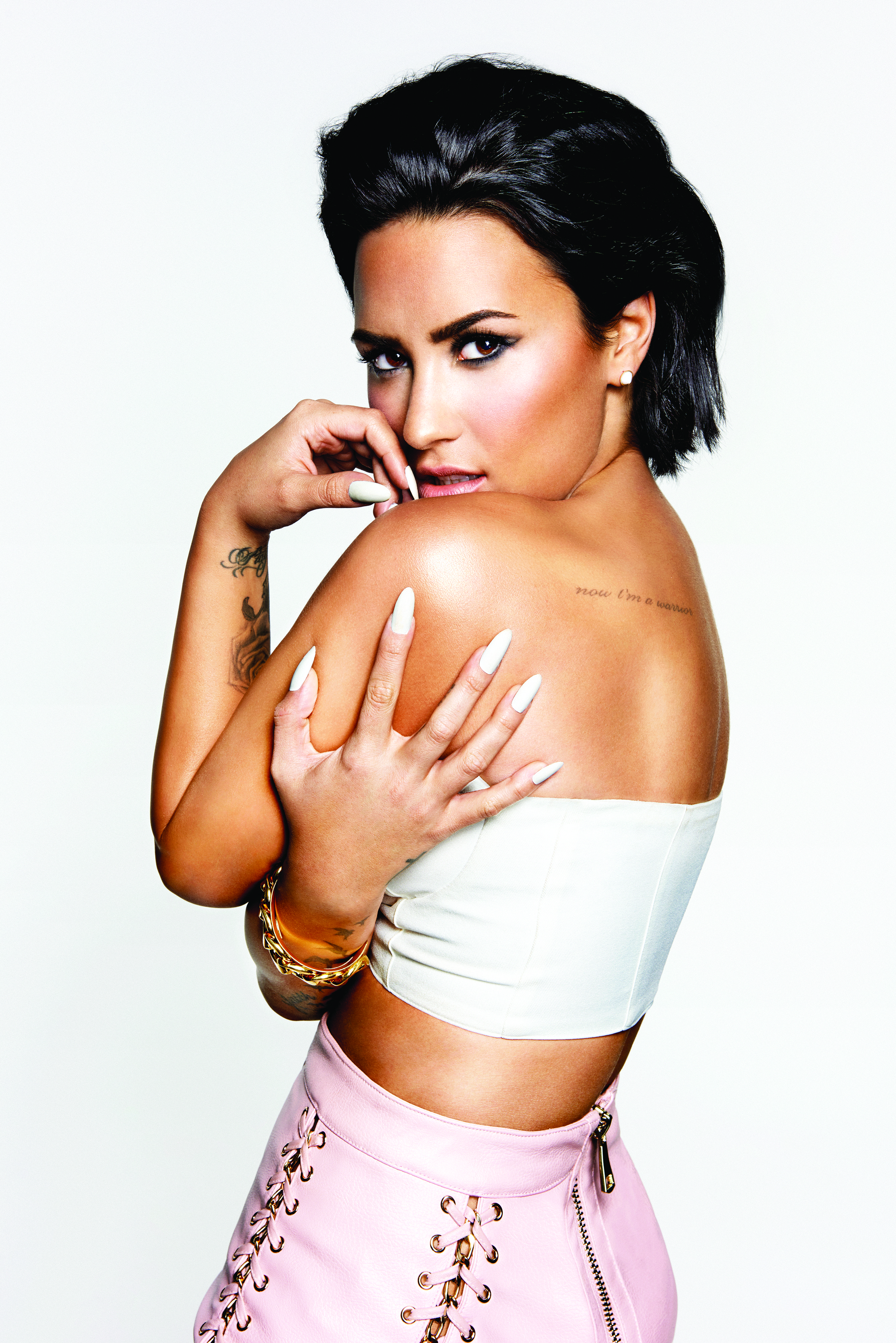
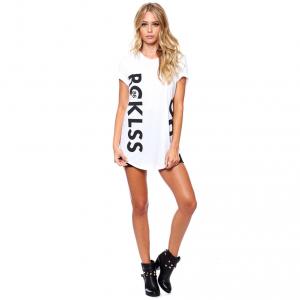 Confident Photoshoot Ph: Yu Tsai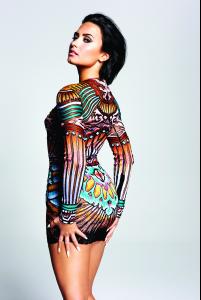

 Yeah, here's the twitter accounts. Scroll down a couple of days https://twitter.com/AdrianDiMeo https://twitter.com/marcdimeo They have pics meeting Joe Jonas and Bradley Cooper, and they mention having them plus GiGi and Irina on their plane. And MJ follows Adrian for whatever reason. Maybe to make sure he's not leaking shit.
Whoo! Yay for new Emily!!
Ph: Matt Barnes
Yeah, here's the twitter accounts. Scroll down a couple of days https://twitter.com/AdrianDiMeo https://twitter.com/marcdimeo They have pics meeting Joe Jonas and Bradley Cooper, and they mention having them plus GiGi and Irina on their plane. And MJ follows Adrian for whatever reason. Maybe to make sure he's not leaking shit.
Whoo! Yay for new Emily!!
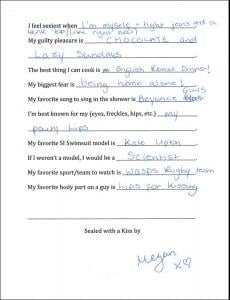
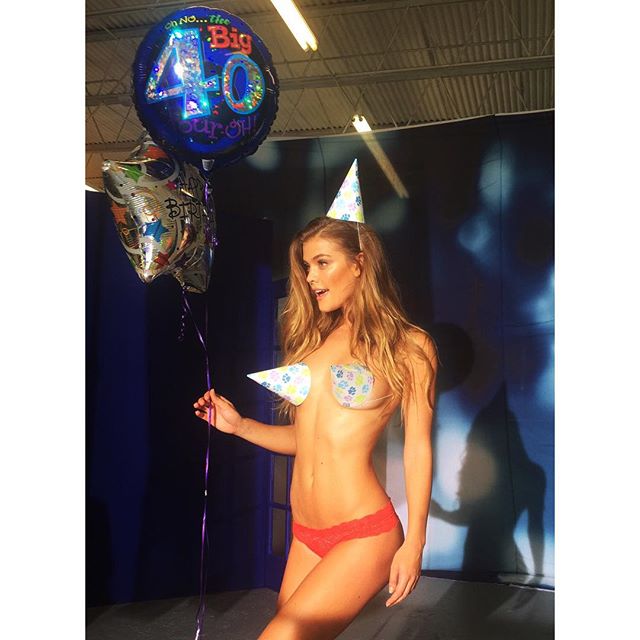
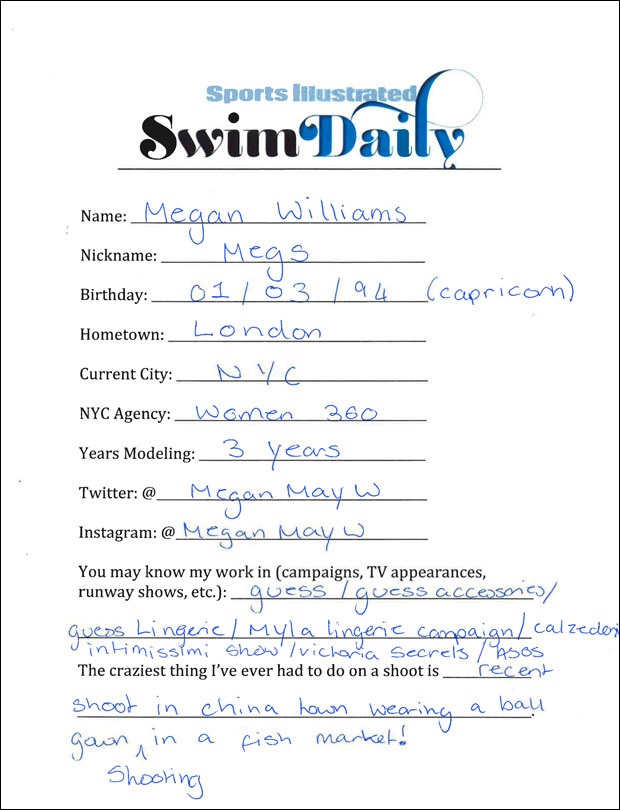
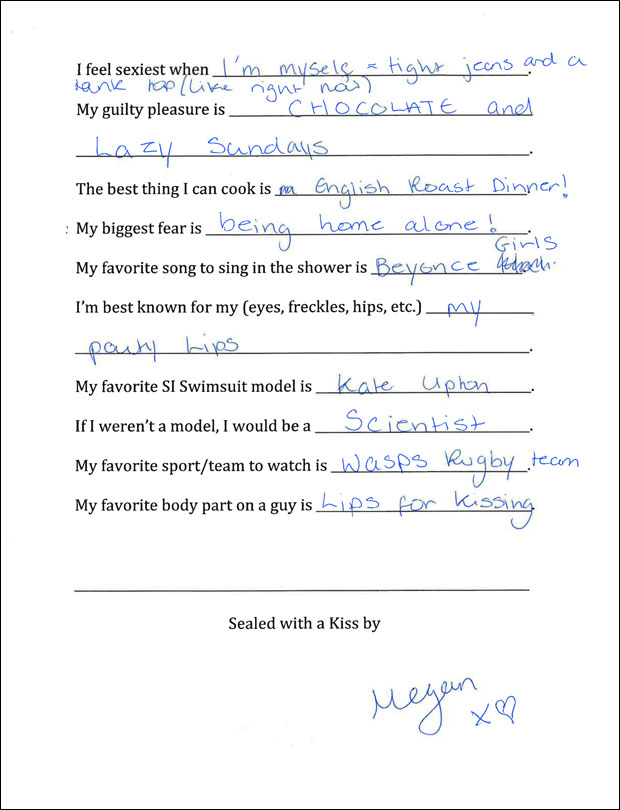
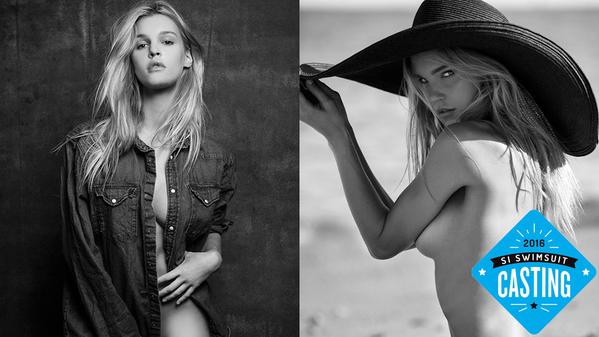
Ph: Matt Barnes 2016 S.I. Swim Casting Call Source:http://www.si.com/swim-daily-casting-call-2016-megan-williams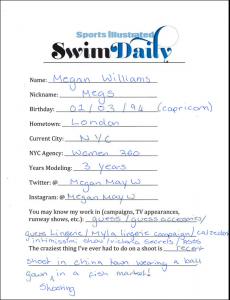
 She looks damn good.
Good to see more of Meri!! Thanks Danni!
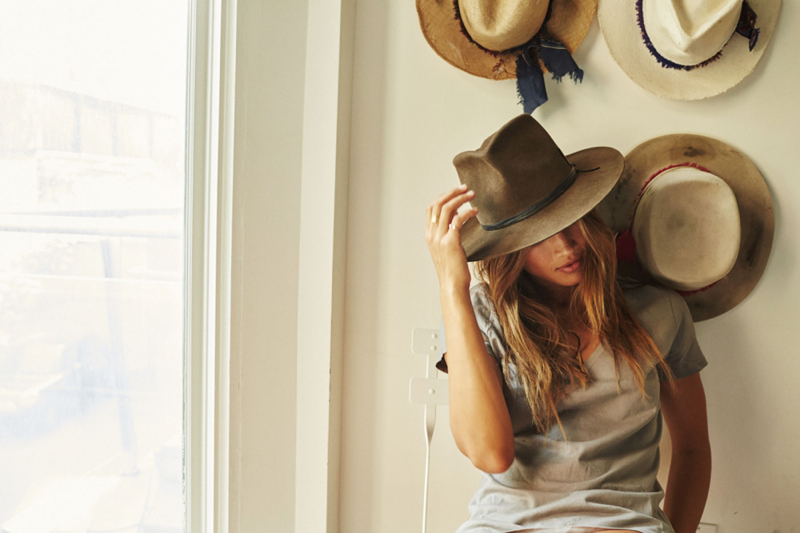
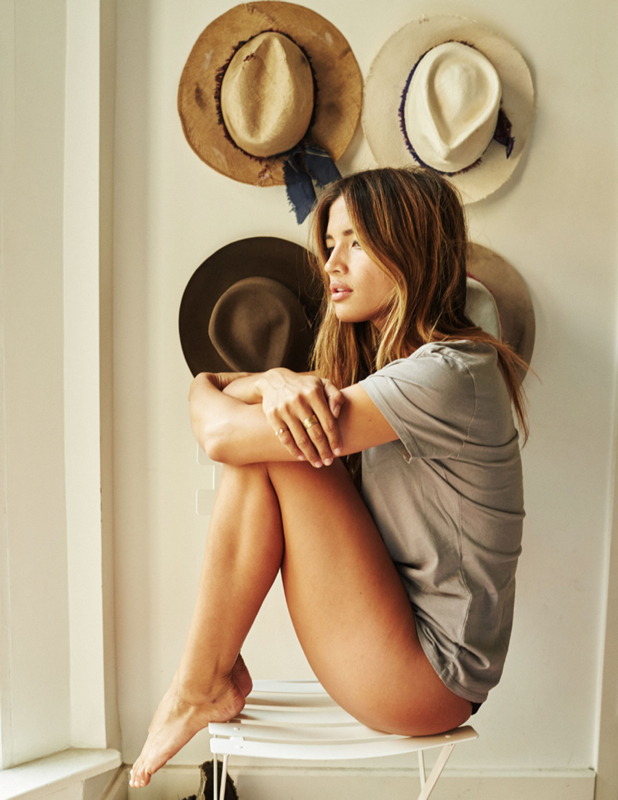
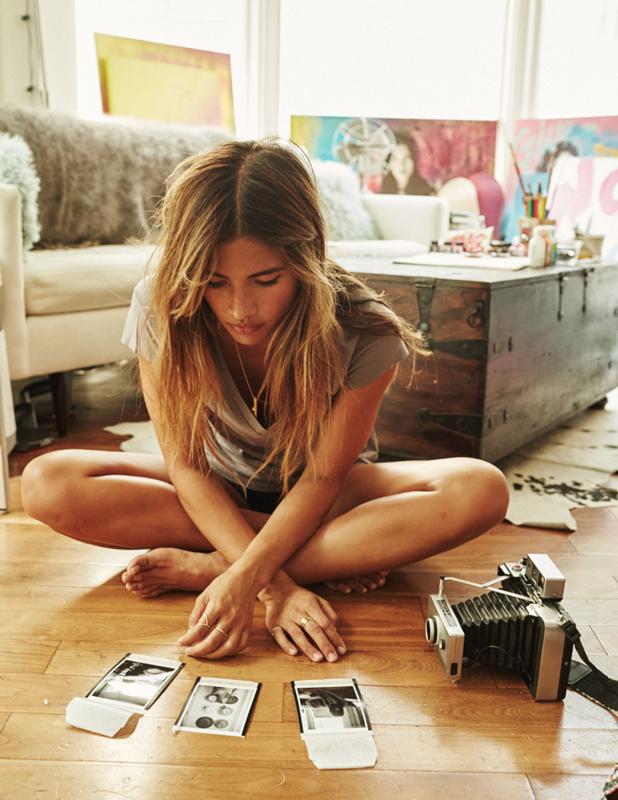
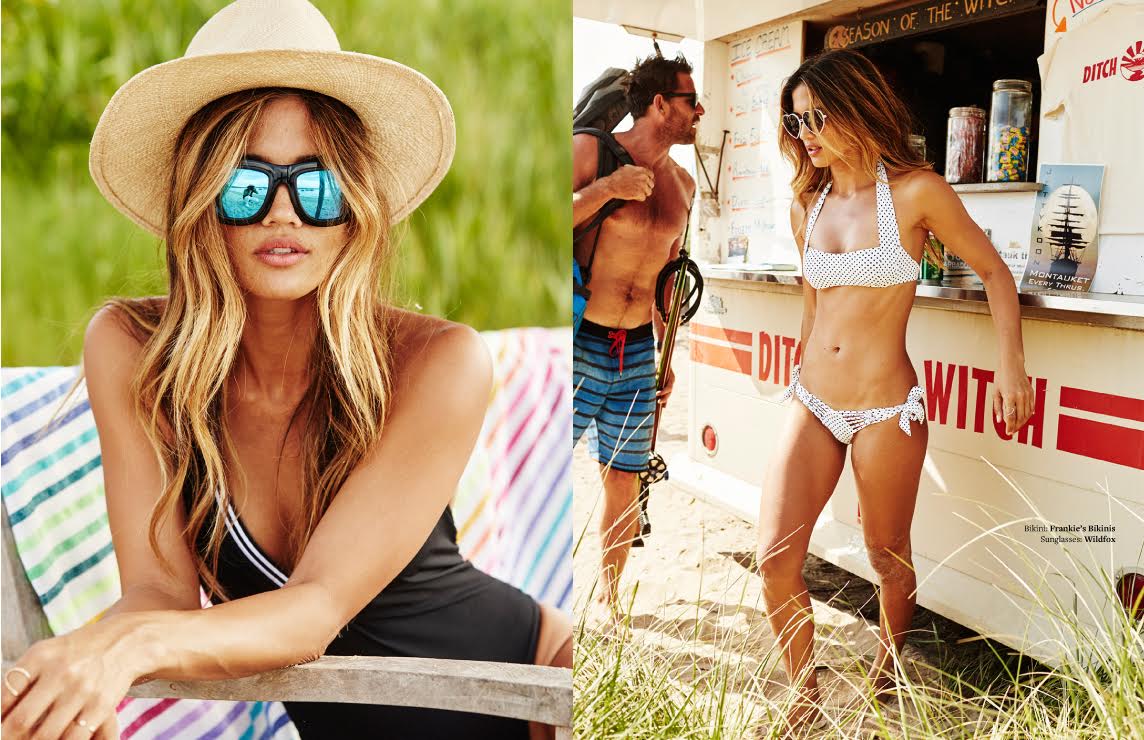
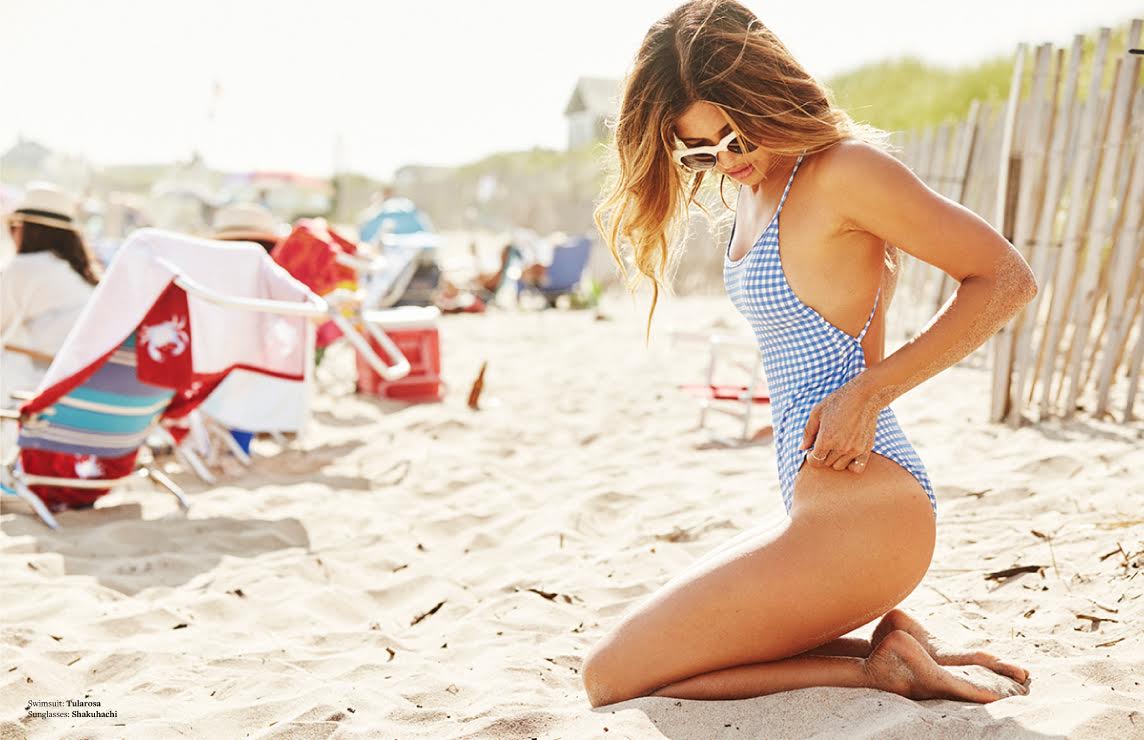
The Lounge Life Ph: Nick Onken Source:http://www.rockybarnesblog.com/the-lounge-life/
She looks damn good.
Good to see more of Meri!! Thanks Danni!
The Lounge Life Ph: Nick Onken Source:http://www.rockybarnesblog.com/the-lounge-life/





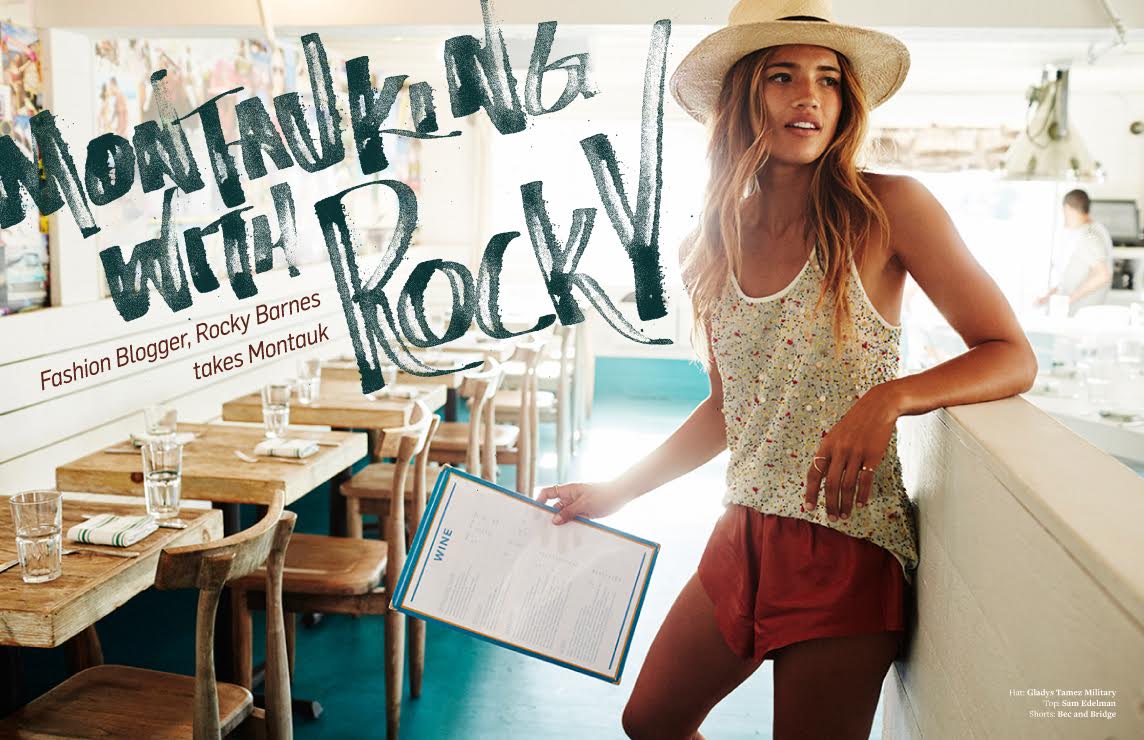
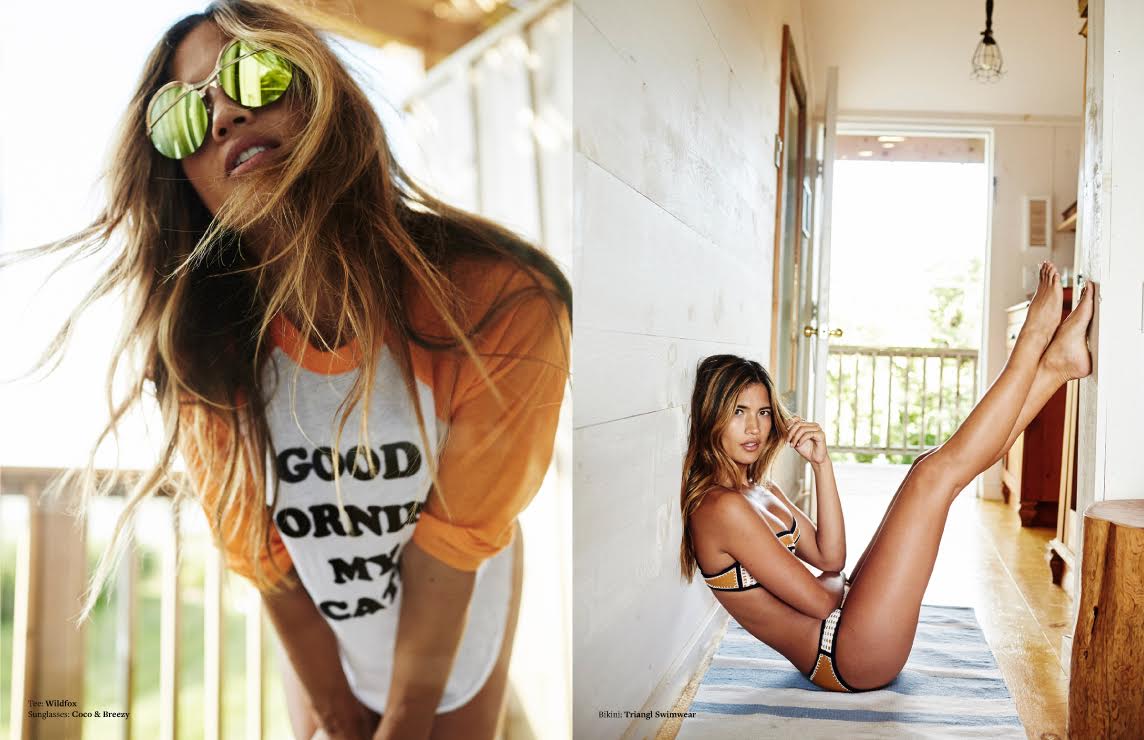
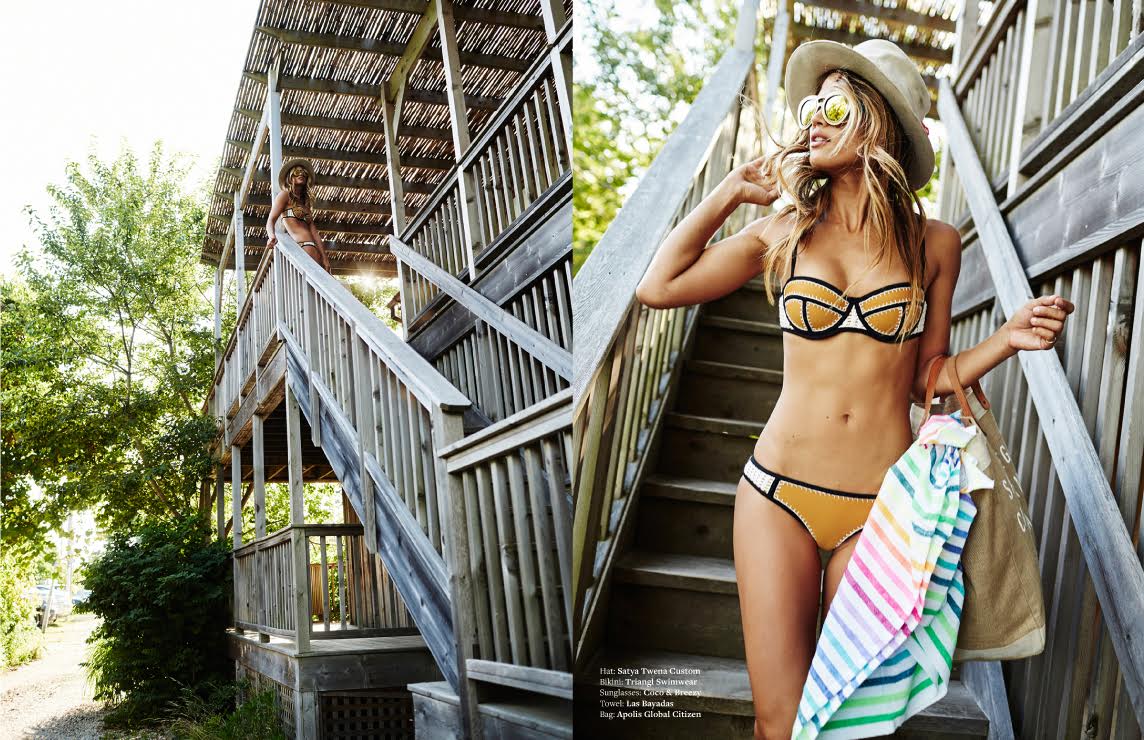
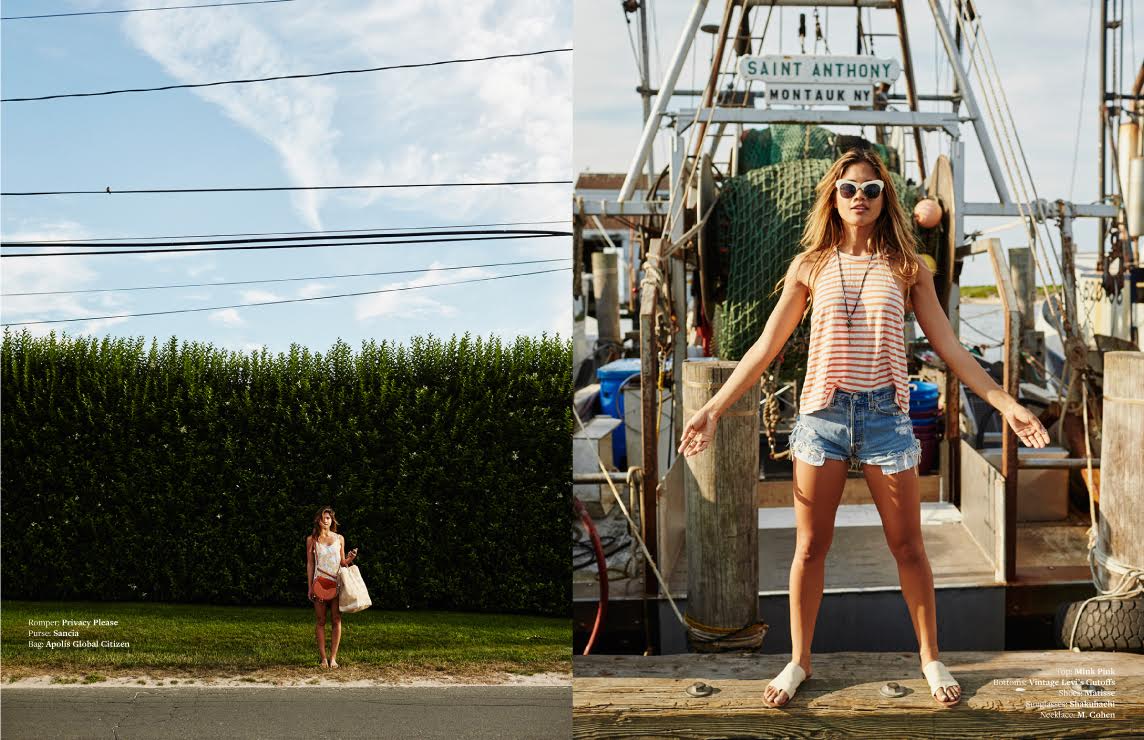
 Rocky takes Montauk Ph: Nick Onken Source:http://www.rockybarnesblog.com/rocky-takes-montauk/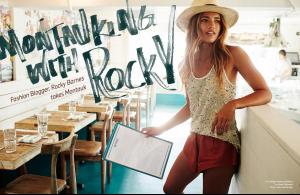




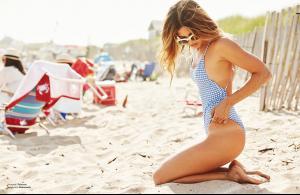
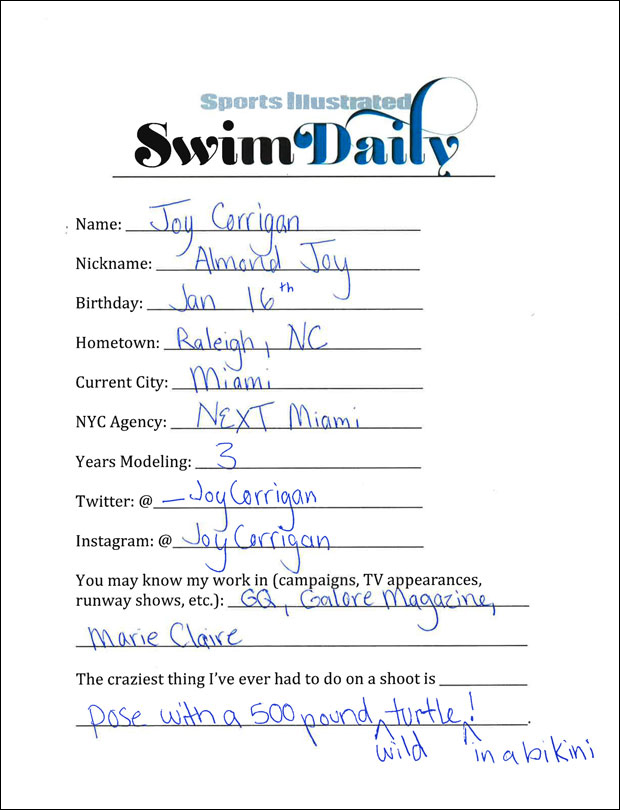
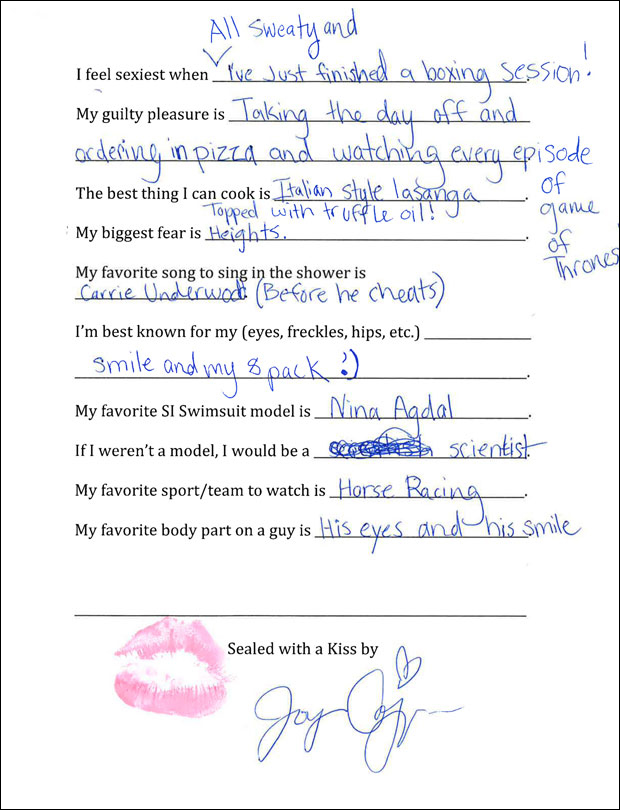
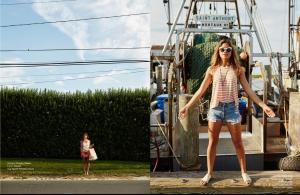 S.I. Swim Casting Call Source:http://www.si.com/swim-daily/2015/09/02/si-swimsuit-2016-casting-call-joy-corrigan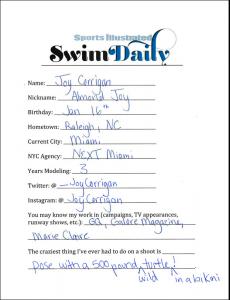
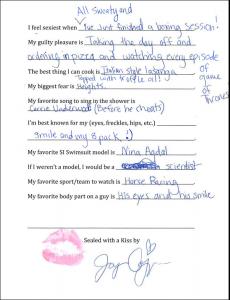
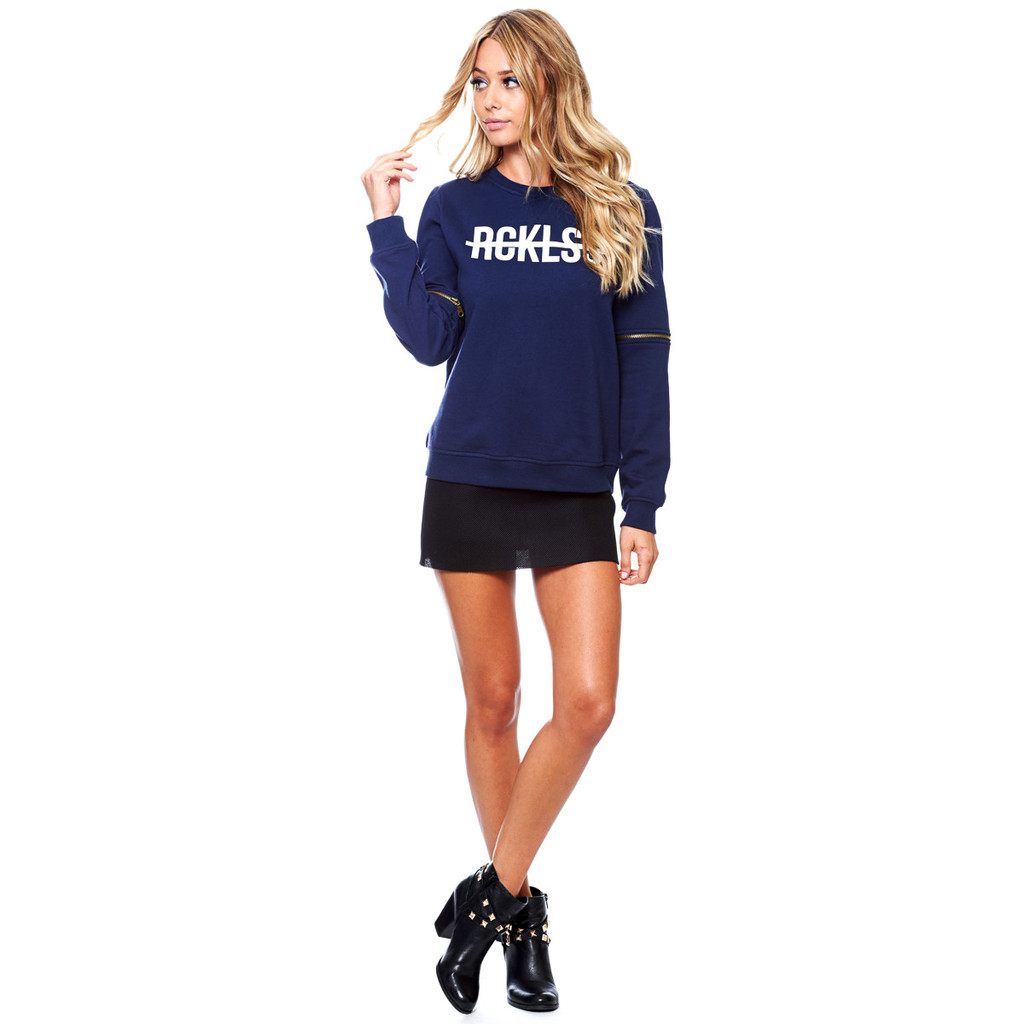
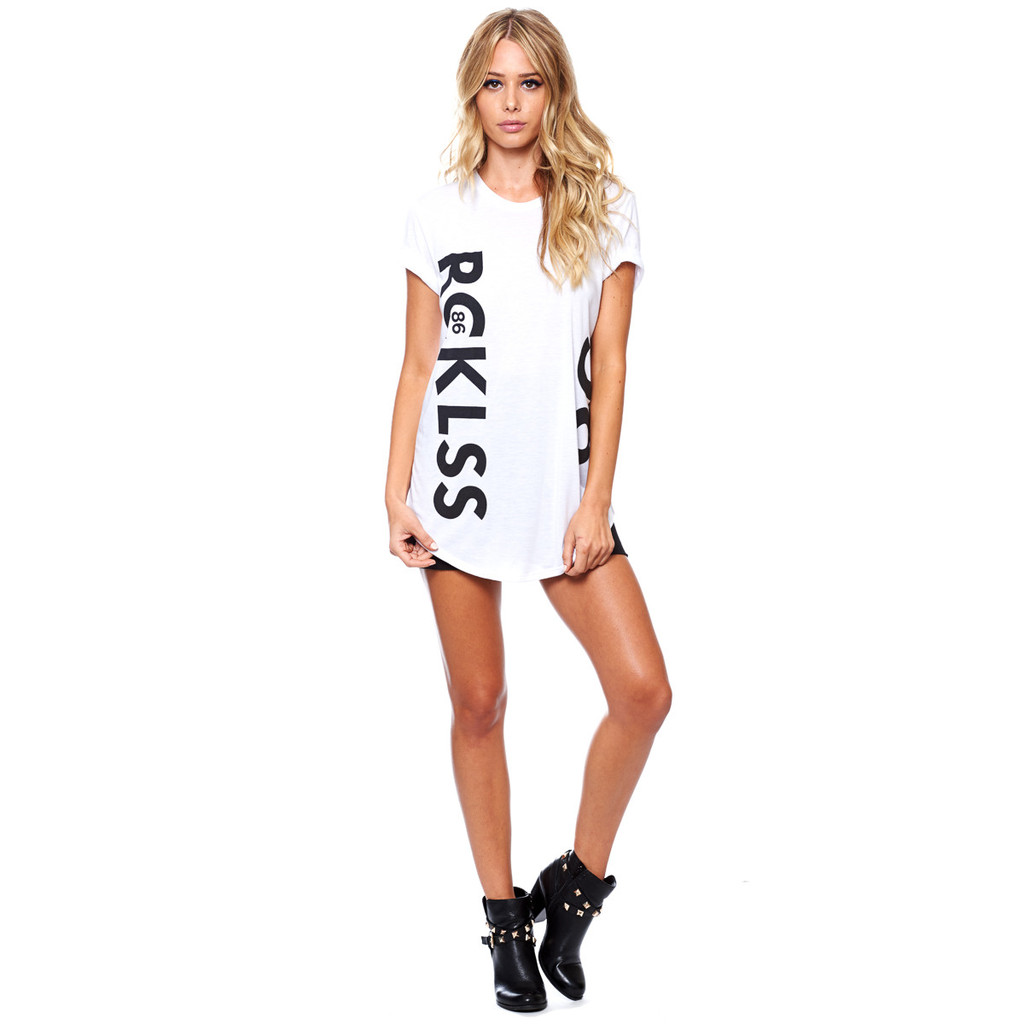
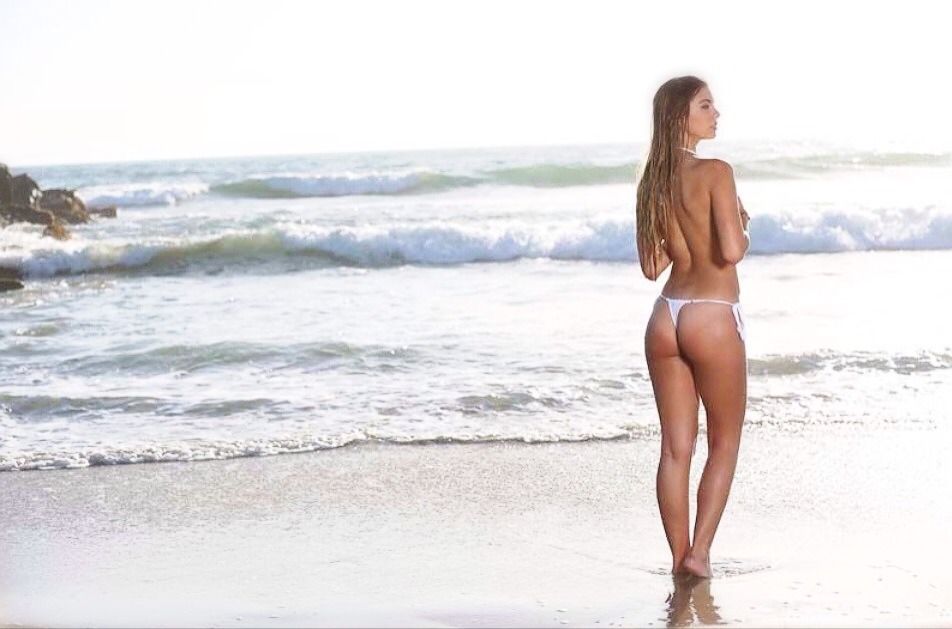
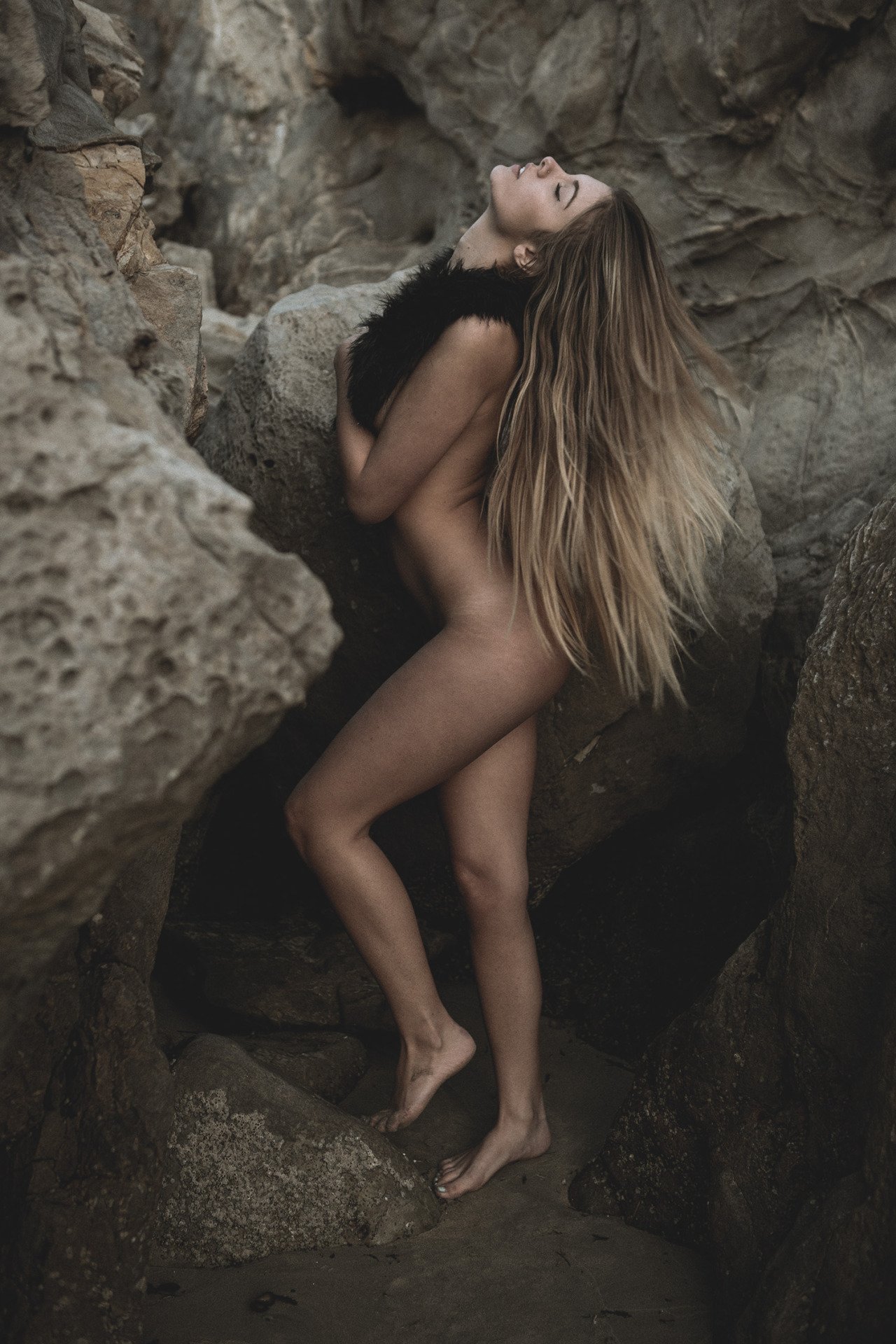
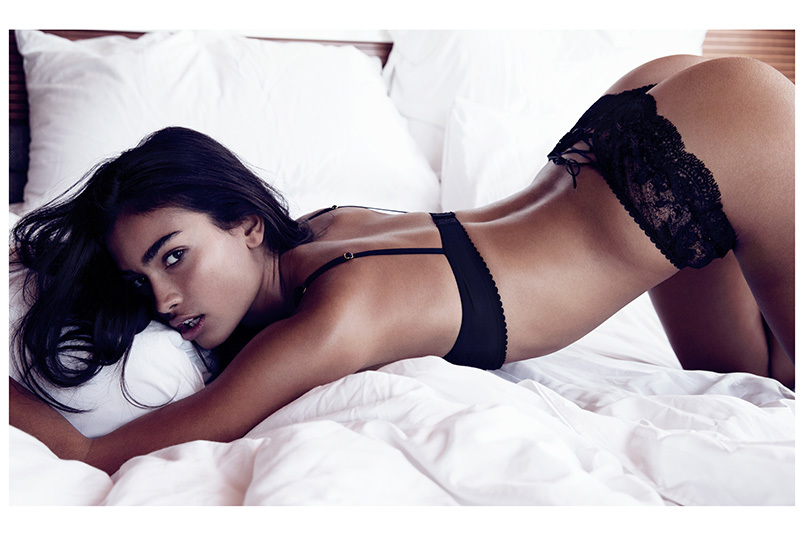
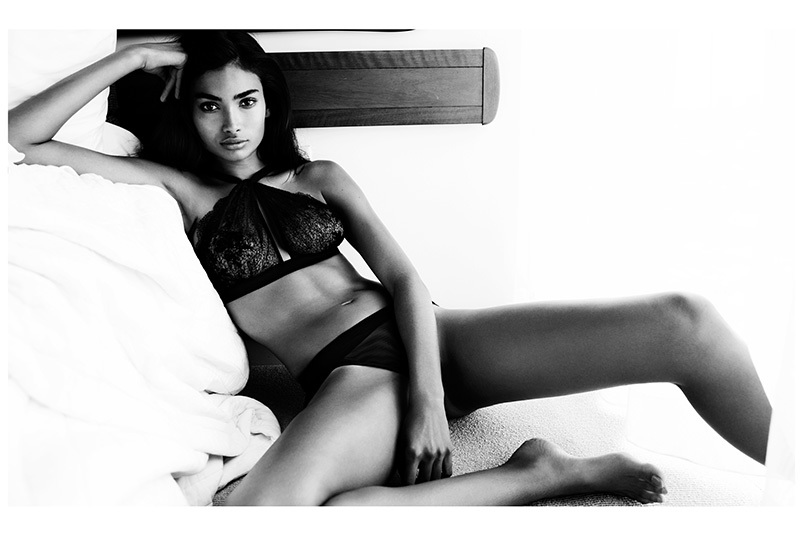
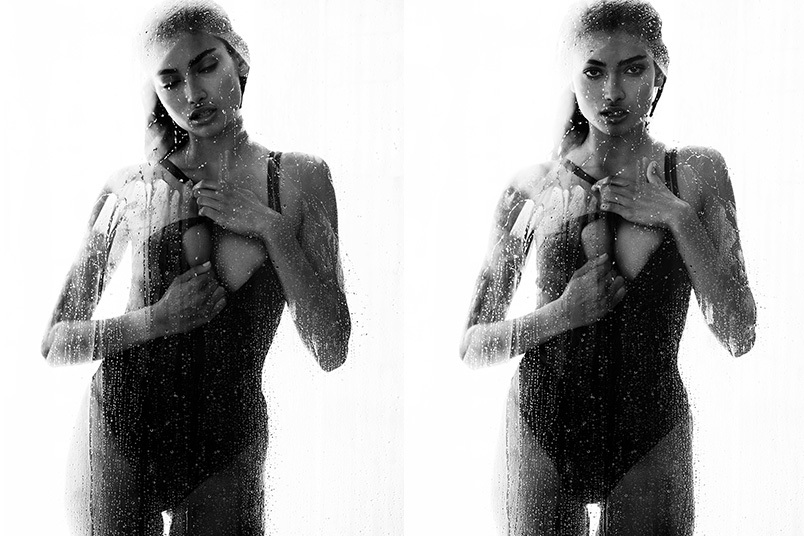
 GQ Australia Ph: Todd Barry Photos taken from the Photographers website, not the GQ site. There may be other pics/ different versions, I just haven't found them yet. Source:http://www.toddbarryphoto.com/GQ-Kelly-Gale
























Account
Search
Configure browser push notifications
Chrome (Android)
- Tap the lock icon next to the address bar.
- Tap Permissions → Notifications.
- Adjust your preference.
Chrome (Desktop)
- Click the padlock icon in the address bar.
- Select Site settings.
- Find Notifications and adjust your preference.
Safari (iOS 16.4+)
- Ensure the site is installed via Add to Home Screen.
- Open Settings App → Notifications.
- Find your app name and adjust your preference.
Safari (macOS)
- Go to Safari → Preferences.
- Click the Websites tab.
- Select Notifications in the sidebar.
- Find this website and adjust your preference.
Edge (Android)
- Tap the lock icon next to the address bar.
- Tap Permissions.
- Find Notifications and adjust your preference.
Edge (Desktop)
- Click the padlock icon in the address bar.
- Click Permissions for this site.
- Find Notifications and adjust your preference.
Firefox (Android)
- Go to Settings → Site permissions.
- Tap Notifications.
- Find this site in the list and adjust your preference.
Firefox (Desktop)
- Open Firefox Settings.
- Search for Notifications.
- Find this site in the list and adjust your preference.