

RIP_Cabrini_Green
Members
-
Joined
-
Last visited
Everything posted by RIP_Cabrini_Green
-

-
Sexy. Sexy. Sexy. Sexy. Sexy. Sexy. Sexy. Sexy. Sexy. Sexy. Sexy. Sexy. Sexy. Sexy. Sexy. Sexy. Sexy. Sexy. Sexy. Sexy. Sexy. Sexy. Sexy.
-
-
I like her face. A lot.
-
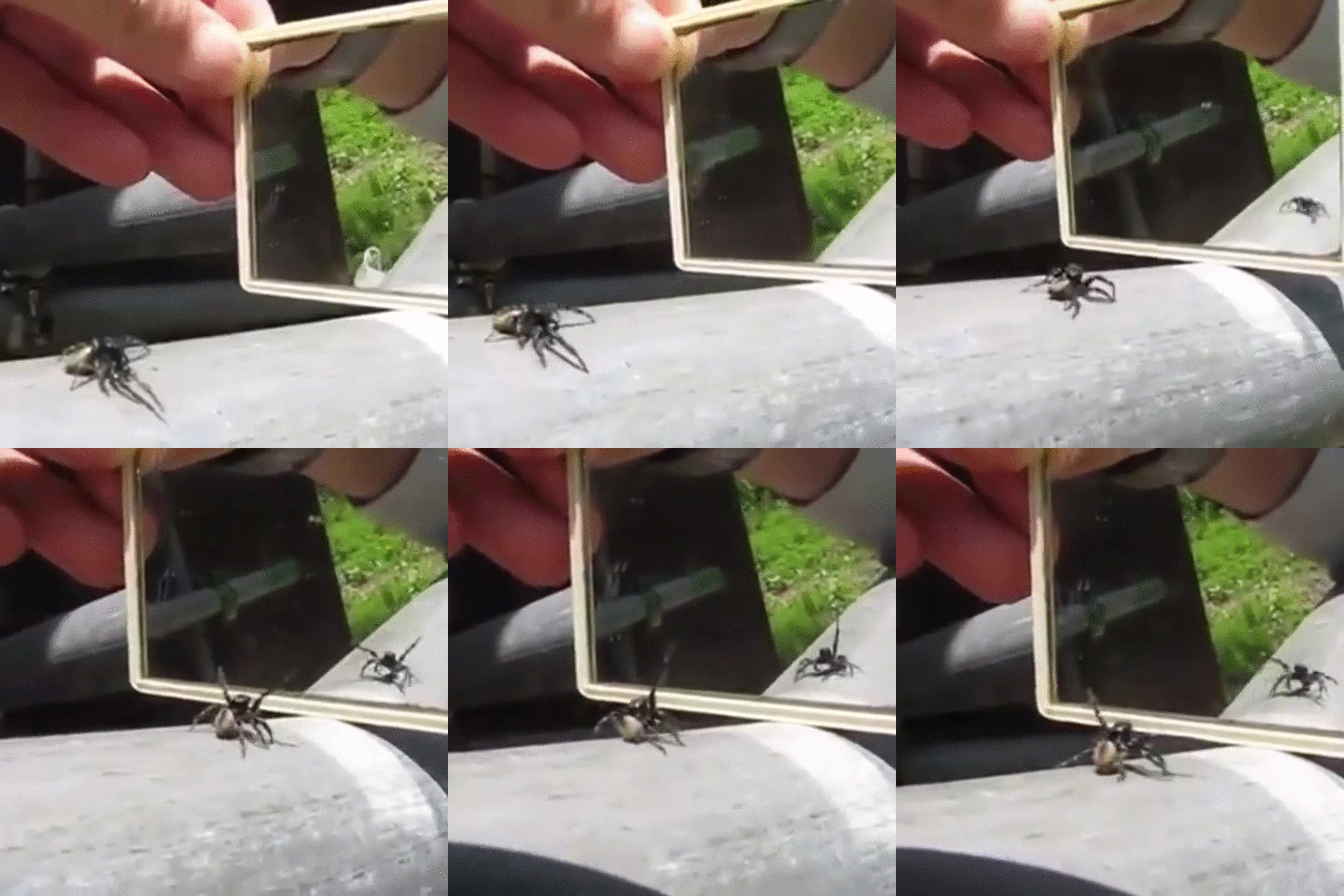
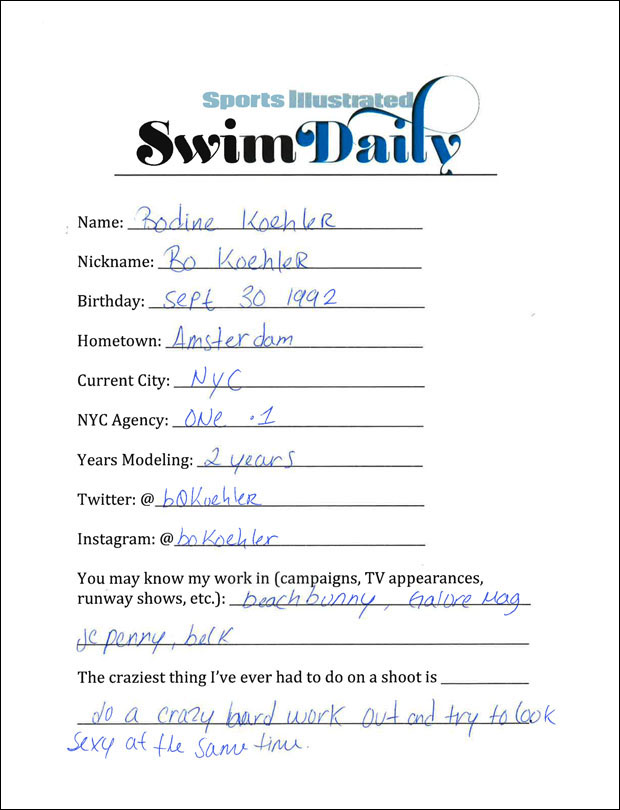
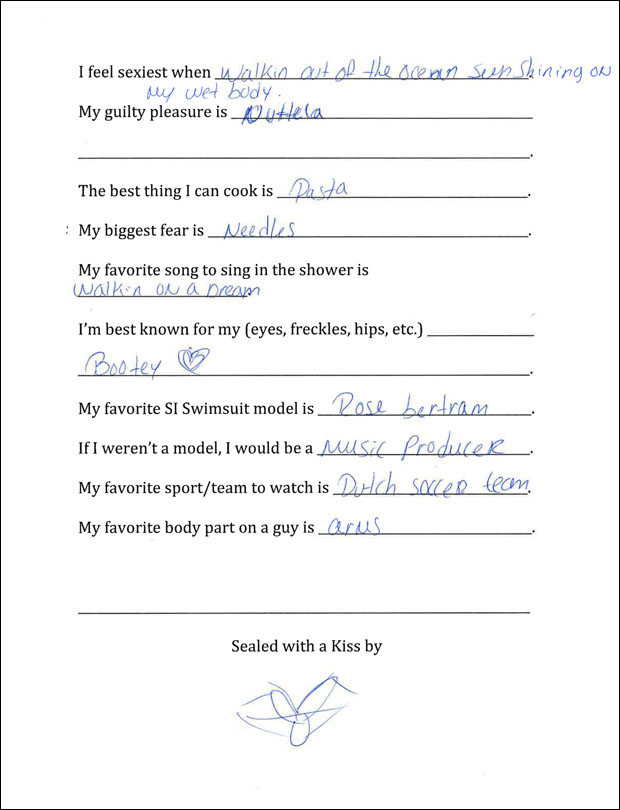
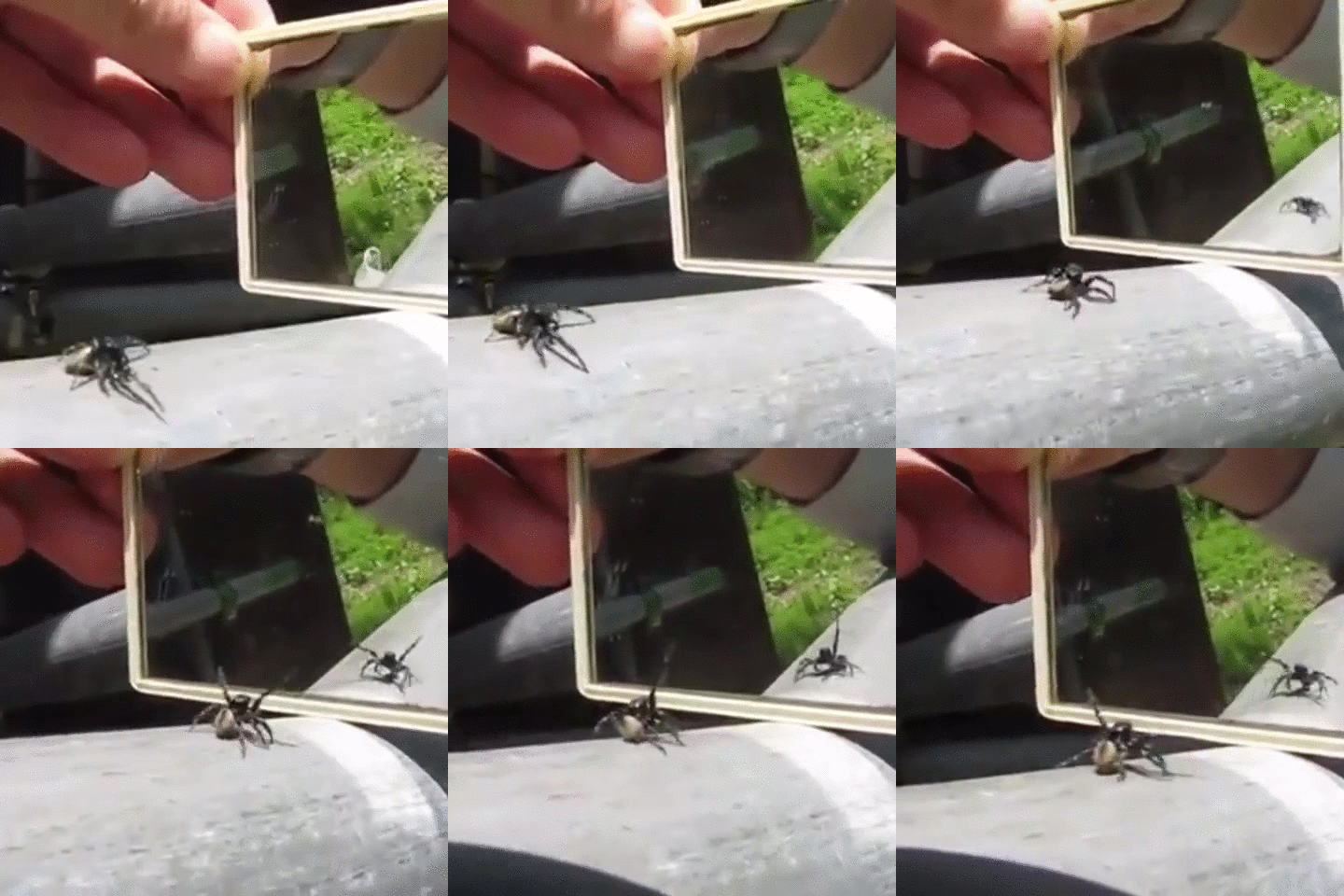
Well, just getting caught up with the thread. Lots of Spiders and Satan talk today, so that's pleasant. I'm going to go take a bath in Holy Water now. P.S. I like this pic of Bo better because BEWBS. P.S.S. Here's Bo's Info Sheet because ya'll seem to like these P.S.S.S.- Because I have a fear of being left out....here's a GIF of a silly spider



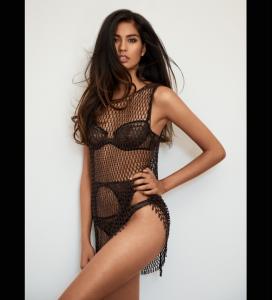
 She makes sweats look stunning. Damn this girl is HOT HOT HOT.
Love the new Polas!
Gorgeous!!
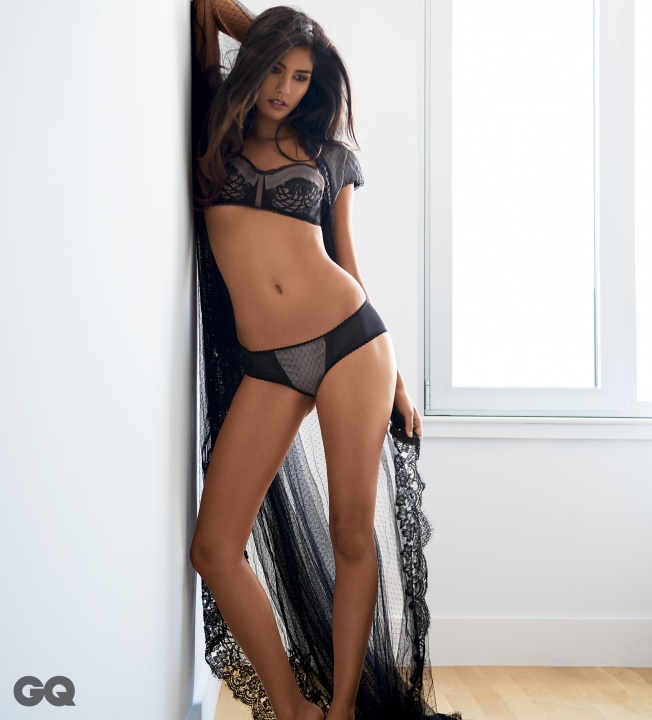
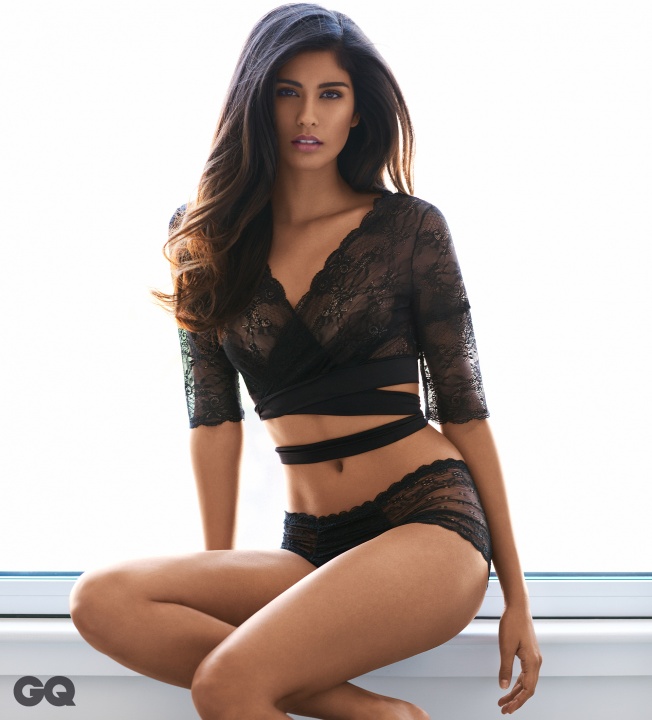
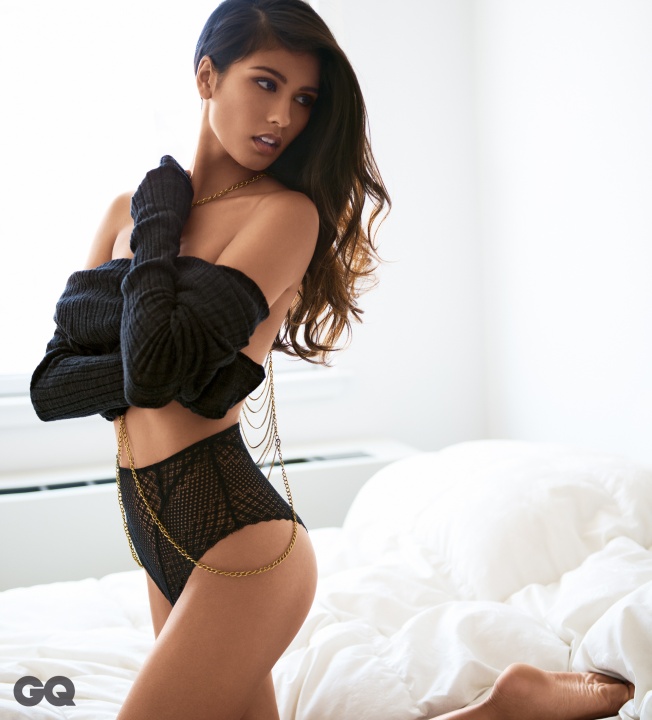
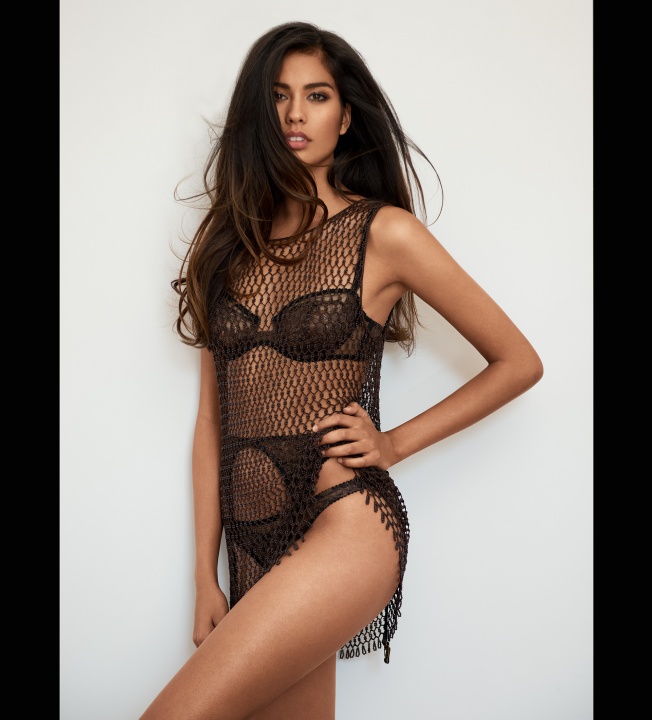
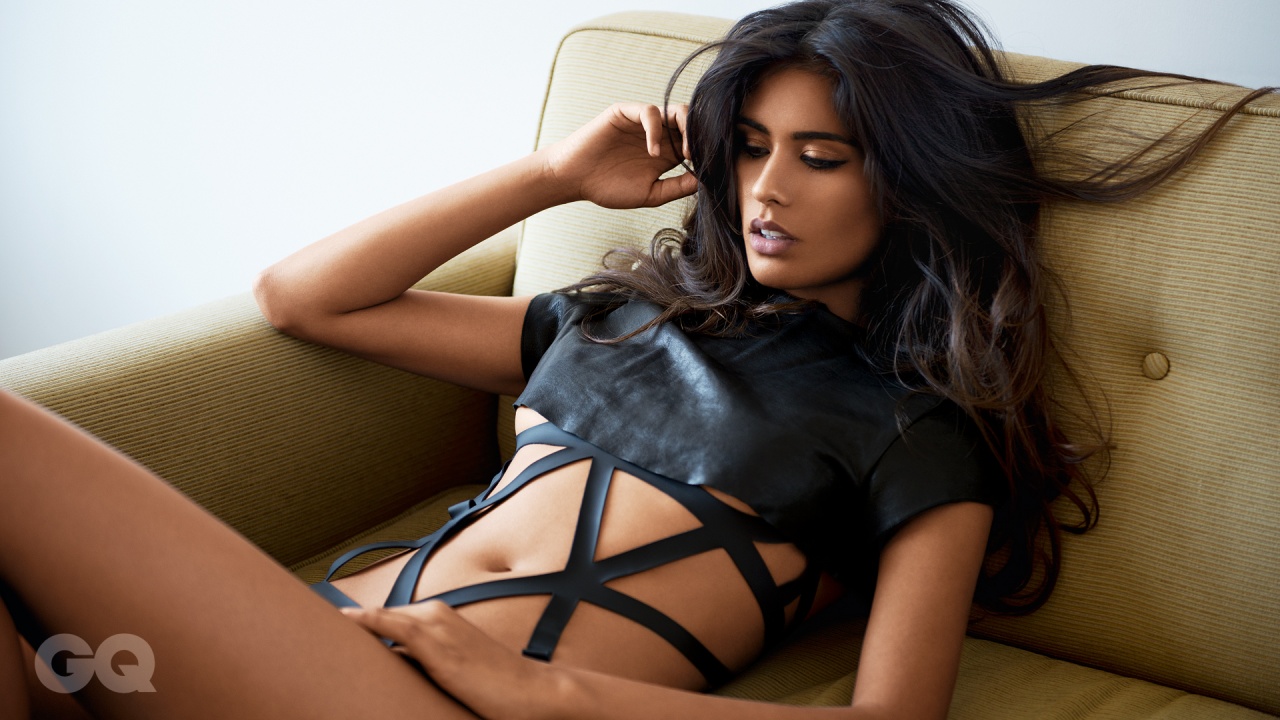
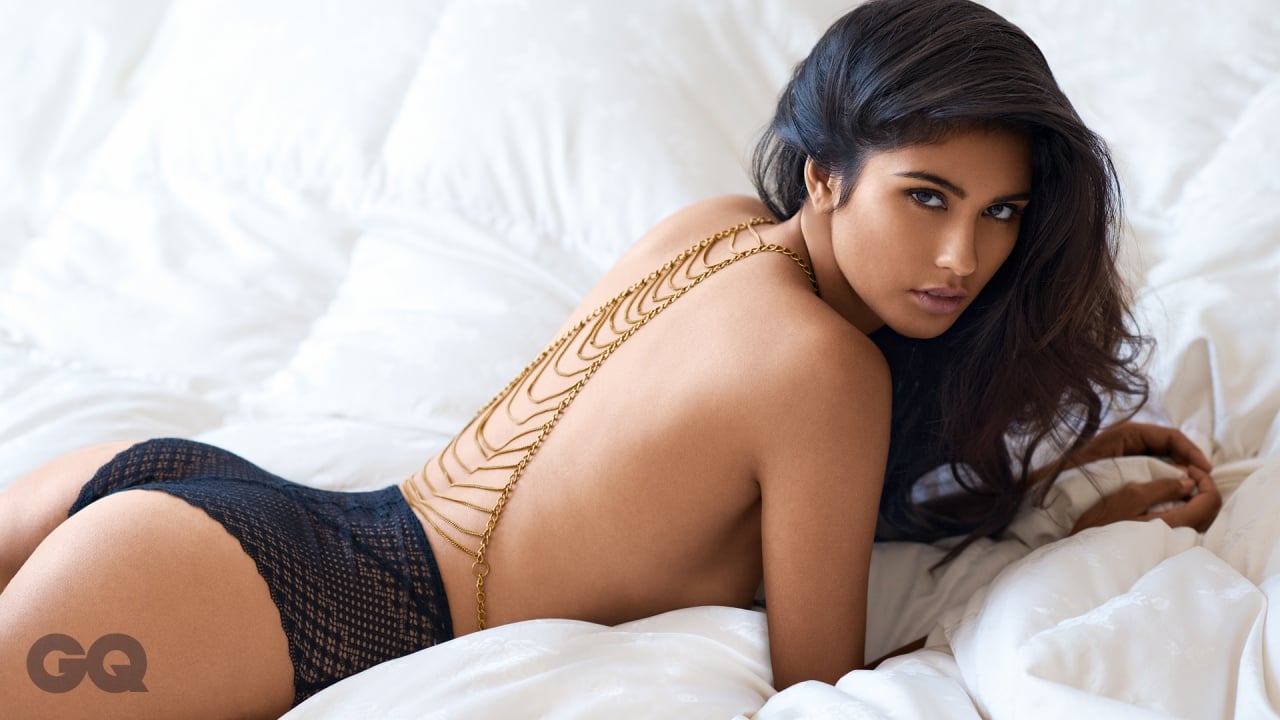
GQ India January 2015 Source:http://www.gqindia.com/slideshow/gq-women/ashika-pratt
She makes sweats look stunning. Damn this girl is HOT HOT HOT.
Love the new Polas!
Gorgeous!!
GQ India January 2015 Source:http://www.gqindia.com/slideshow/gq-women/ashika-pratt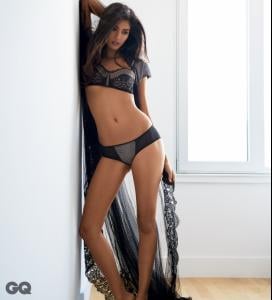
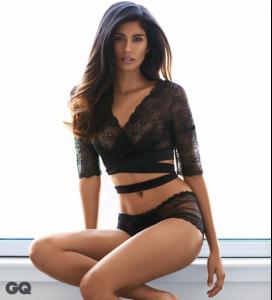
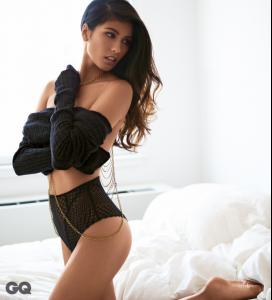

 Double Post. Sorry Homies.
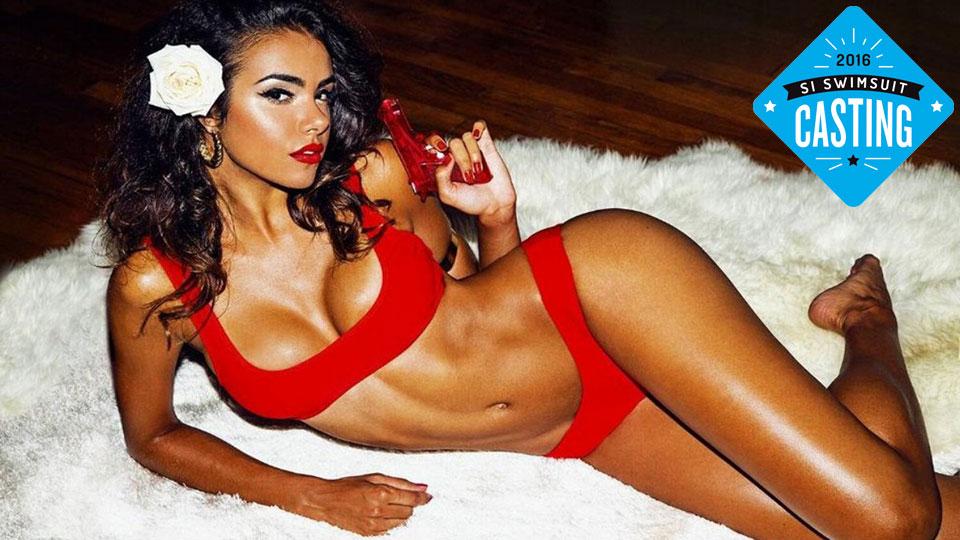
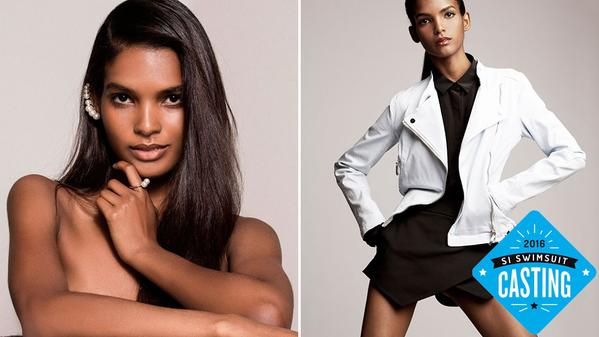
S.I. Casting Call Source:http://www.si.com/swim-daily/2015/09/08/si-swimsuit-2016-casting-call-galaxia
Double Post. Sorry Homies.
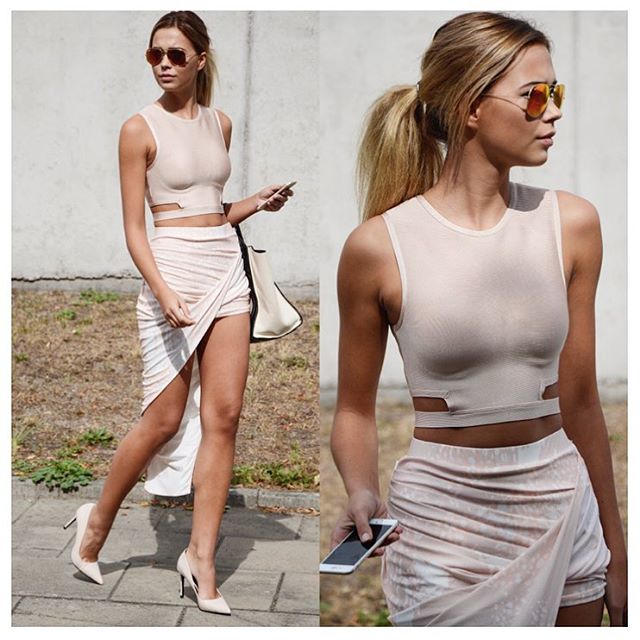
S.I. Casting Call Source:http://www.si.com/swim-daily/2015/09/08/si-swimsuit-2016-casting-call-galaxia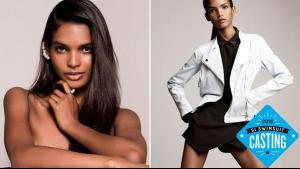 Her street-style is just as incredible as EmRata's.
FYI Daniela Lopez also shot for VS lil while back +1 Yeah JoJo is fantastic. However, her booty is nowhere near as amazing as Dani's.
Well hello there Olivia. You now have my attention. Thanks for the find Danni! P.S. Here's her Instagram:https://instagram.com/oliviavinten/
What a good way to start my day...with some Martha!!
Lots and lots of great stuff from Rikki! Thanks All!
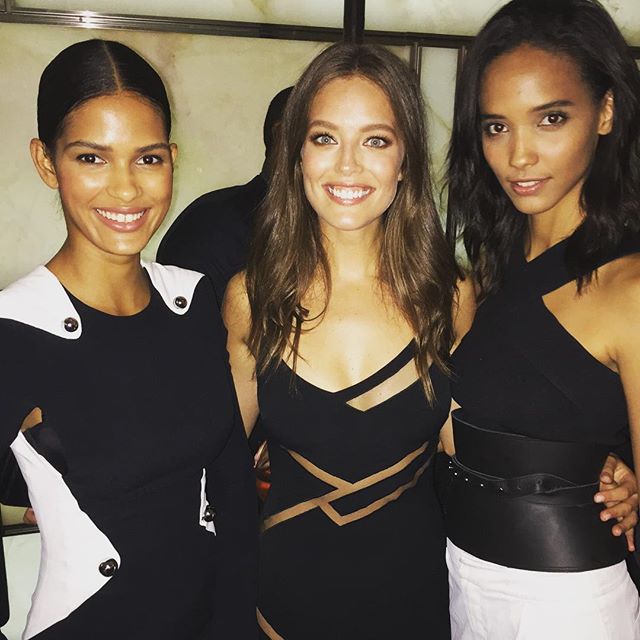
Her street-style is just as incredible as EmRata's.
FYI Daniela Lopez also shot for VS lil while back +1 Yeah JoJo is fantastic. However, her booty is nowhere near as amazing as Dani's.
Well hello there Olivia. You now have my attention. Thanks for the find Danni! P.S. Here's her Instagram:https://instagram.com/oliviavinten/
What a good way to start my day...with some Martha!!
Lots and lots of great stuff from Rikki! Thanks All!




Account
Search
Configure browser push notifications
Chrome (Android)
- Tap the lock icon next to the address bar.
- Tap Permissions → Notifications.
- Adjust your preference.
Chrome (Desktop)
- Click the padlock icon in the address bar.
- Select Site settings.
- Find Notifications and adjust your preference.
Safari (iOS 16.4+)
- Ensure the site is installed via Add to Home Screen.
- Open Settings App → Notifications.
- Find your app name and adjust your preference.
Safari (macOS)
- Go to Safari → Preferences.
- Click the Websites tab.
- Select Notifications in the sidebar.
- Find this website and adjust your preference.
Edge (Android)
- Tap the lock icon next to the address bar.
- Tap Permissions.
- Find Notifications and adjust your preference.
Edge (Desktop)
- Click the padlock icon in the address bar.
- Click Permissions for this site.
- Find Notifications and adjust your preference.
Firefox (Android)
- Go to Settings → Site permissions.
- Tap Notifications.
- Find this site in the list and adjust your preference.
Firefox (Desktop)
- Open Firefox Settings.
- Search for Notifications.
- Find this site in the list and adjust your preference.