

RIP_Cabrini_Green
Members
-
Joined
-
Last visited
Everything posted by RIP_Cabrini_Green
-
 Well that might explain the lack of modeling recently. Congrats to her though!!
 -
-
Wilhelmina International Inc. NASDAQ Ringing of the Bell
-
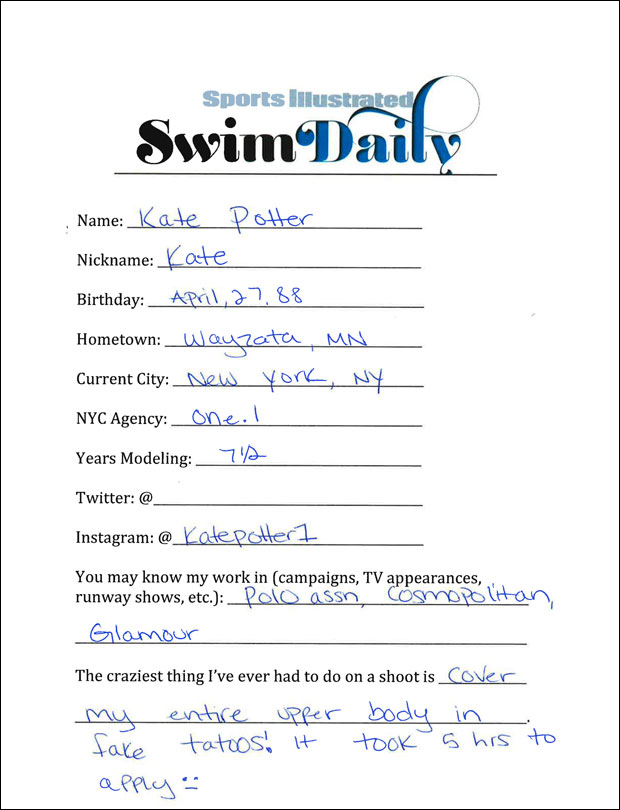
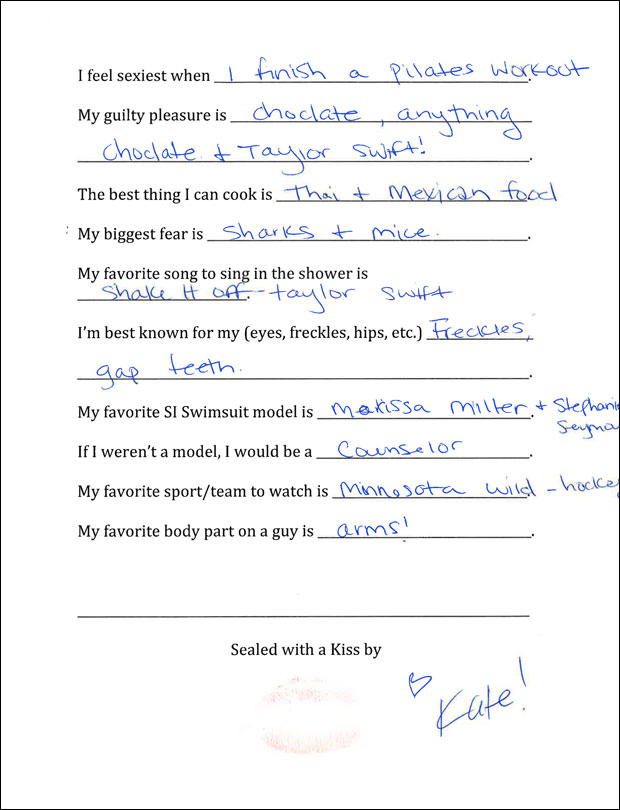
S.I. Swim Casting Call Source:http://www.si.com/swim-daily/2015/09/14/si-swimsuit-2016-casting-call-kate-potter
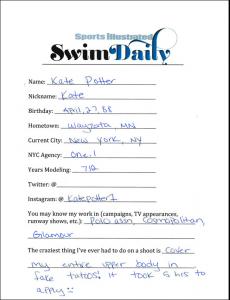
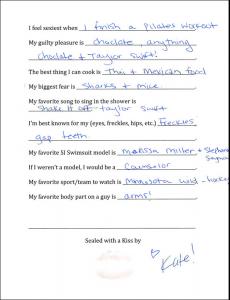

-
-
Incredible new stuff from Dani!!!
Beach Bunny


 Great adds. Loving Hailey a ton lately!
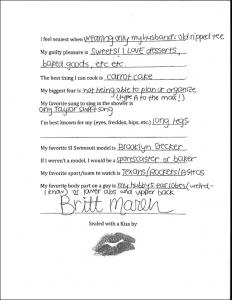
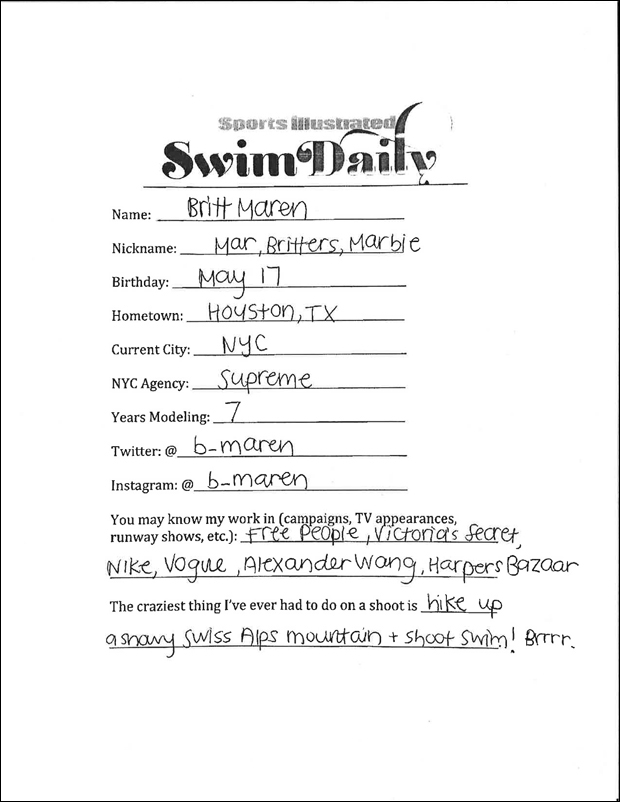
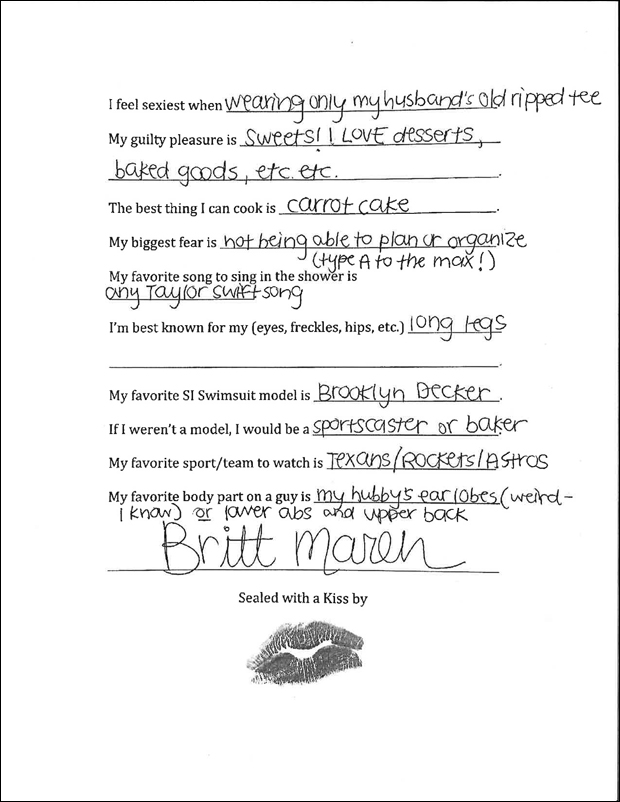
S.I. Swim Casting Call Source:http://www.si.com/swim-daily/2015/09/14/si-swimsuit-2016-casting-call-britt-maren
Great adds. Loving Hailey a ton lately!
S.I. Swim Casting Call Source:http://www.si.com/swim-daily/2015/09/14/si-swimsuit-2016-casting-call-britt-maren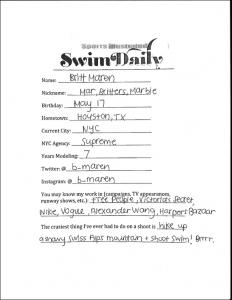
 I'm jumping on this bandwagon early. It will be interesting to see what she does with her career, and if her sister's name helps her at all.
Fucking Yum. ^
I'm jumping on this bandwagon early. It will be interesting to see what she does with her career, and if her sister's name helps her at all.
Fucking Yum. ^

















Account
Search
Configure browser push notifications
Chrome (Android)
- Tap the lock icon next to the address bar.
- Tap Permissions → Notifications.
- Adjust your preference.
Chrome (Desktop)
- Click the padlock icon in the address bar.
- Select Site settings.
- Find Notifications and adjust your preference.
Safari (iOS 16.4+)
- Ensure the site is installed via Add to Home Screen.
- Open Settings App → Notifications.
- Find your app name and adjust your preference.
Safari (macOS)
- Go to Safari → Preferences.
- Click the Websites tab.
- Select Notifications in the sidebar.
- Find this website and adjust your preference.
Edge (Android)
- Tap the lock icon next to the address bar.
- Tap Permissions.
- Find Notifications and adjust your preference.
Edge (Desktop)
- Click the padlock icon in the address bar.
- Click Permissions for this site.
- Find Notifications and adjust your preference.
Firefox (Android)
- Go to Settings → Site permissions.
- Tap Notifications.
- Find this site in the list and adjust your preference.
Firefox (Desktop)
- Open Firefox Settings.
- Search for Notifications.
- Find this site in the list and adjust your preference.