

Syria
Members
-
Joined
-
Last visited
Everything posted by Syria
-

-
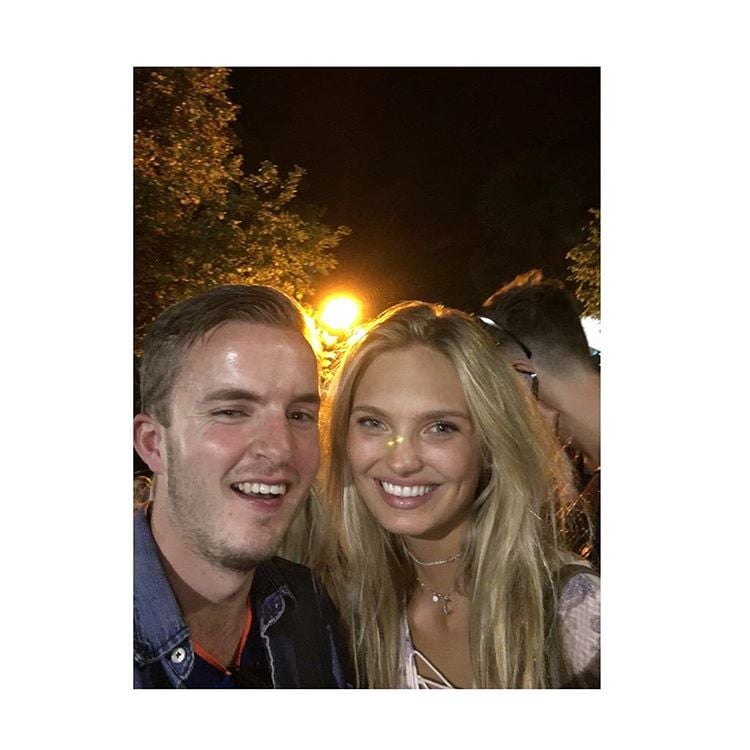
at a music festival in Amsterdam




















-
I wouldn't mind Ale at all
-
Art in pop x20
-
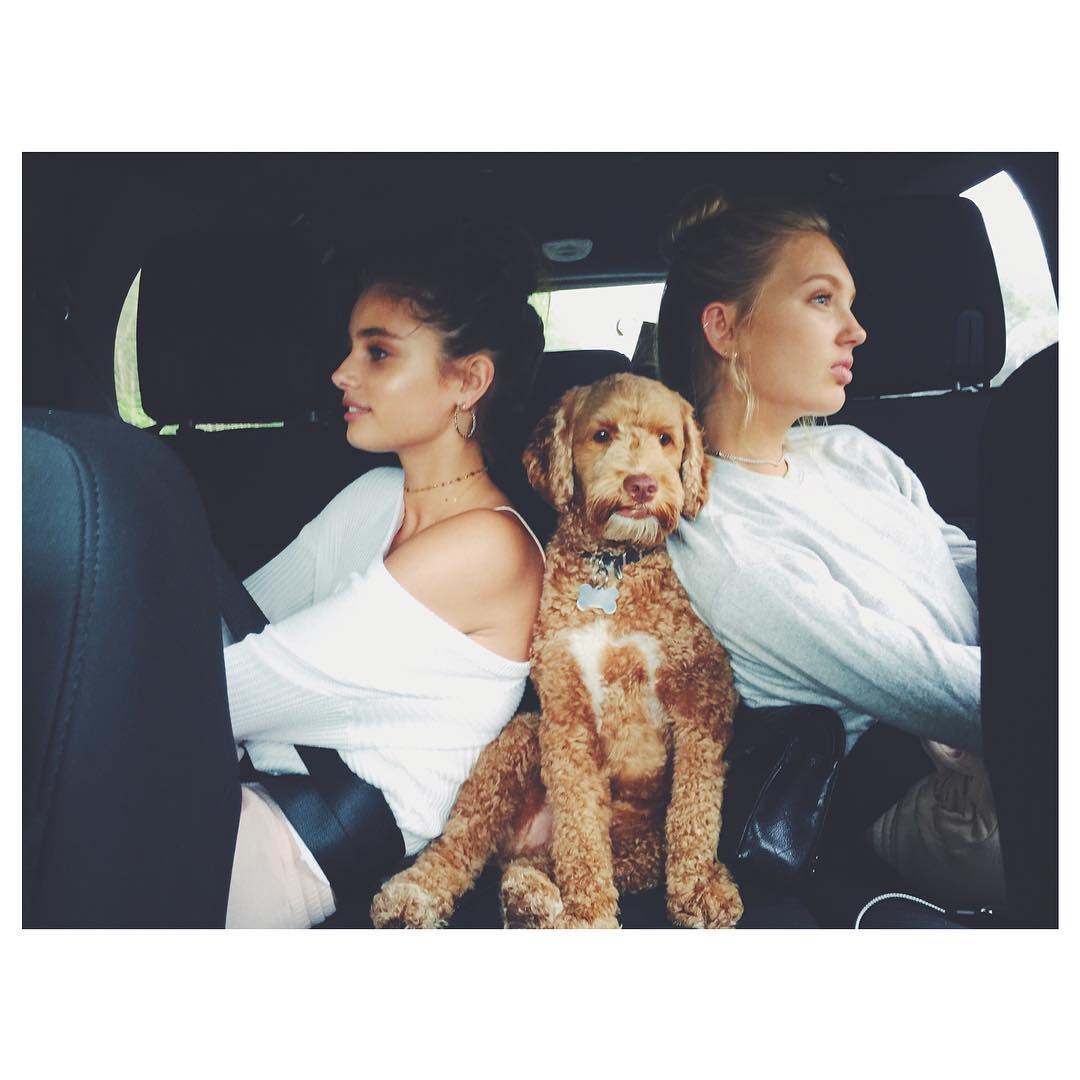
Rosie Karlie
Canadian beauties x20
Lily, Cara, Martha + Miley, Ciara
@RafSecret good luck tomorrow!
Divergent team x20
Olivia Irina
The Blues x20
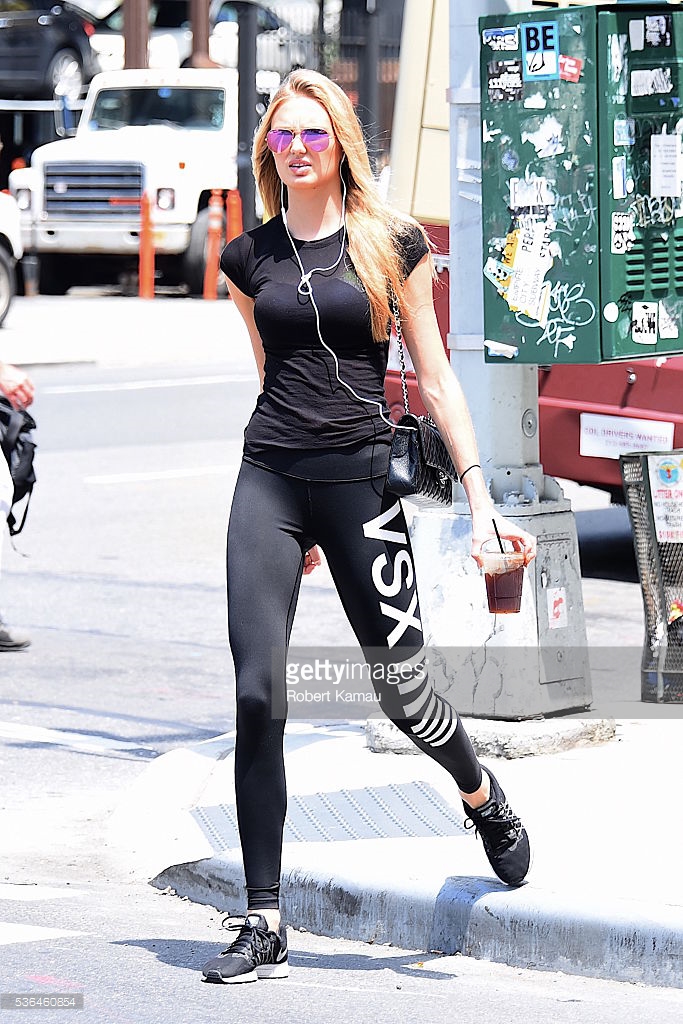
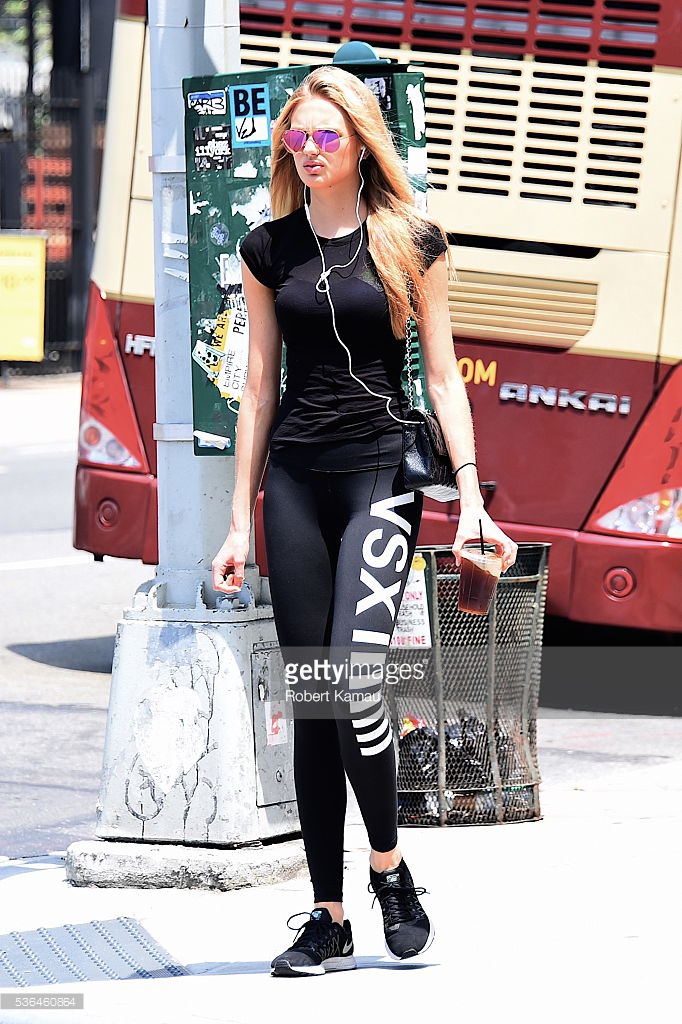
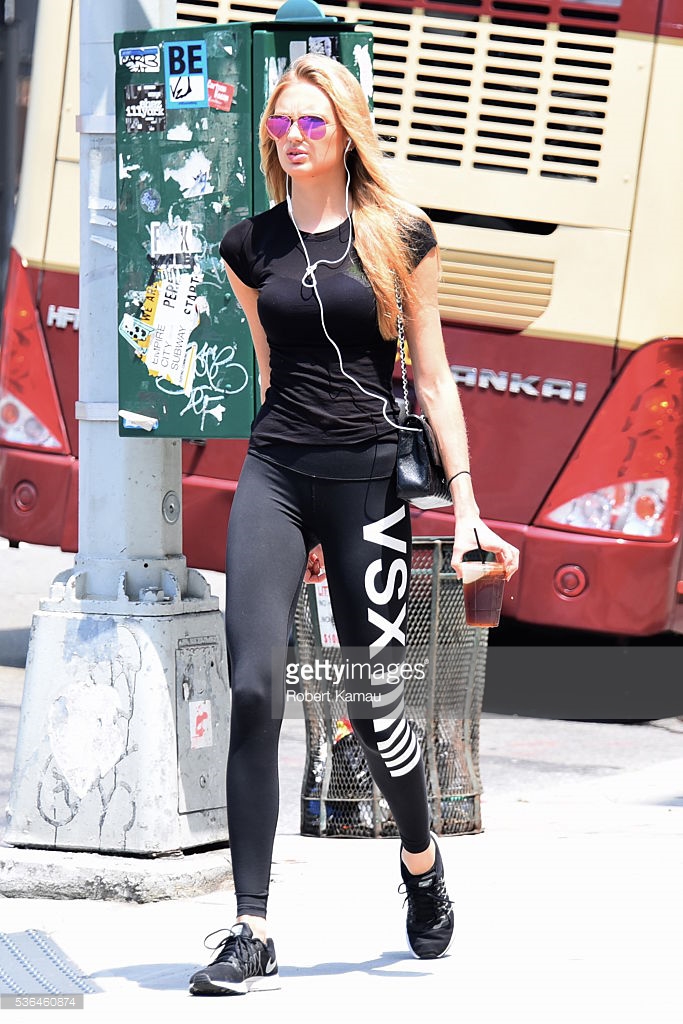
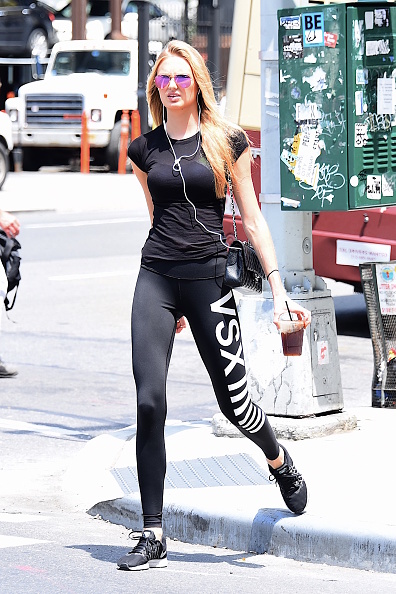
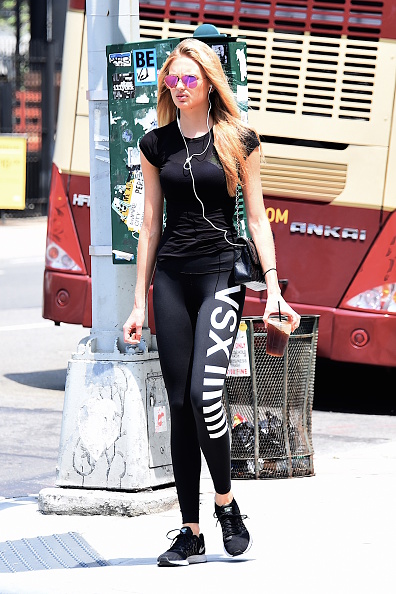
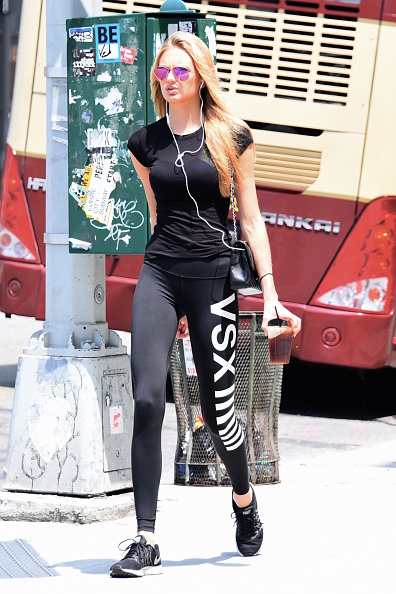
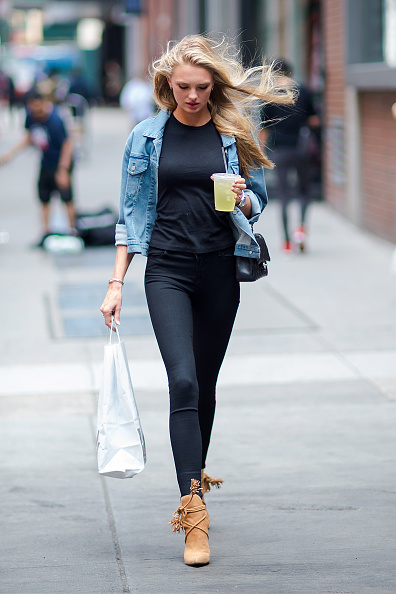
out in NY, May 31 untagged but smaller
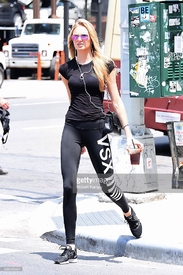

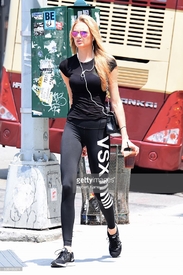

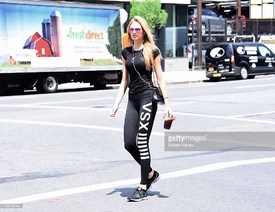
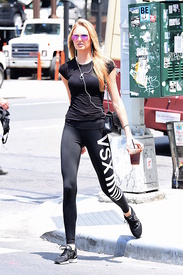
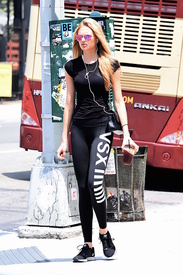
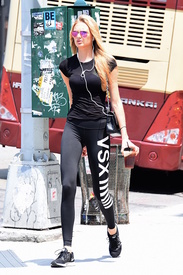

 @avinash16 The untagged ones are smaller, that's why I didn't post them. I can't get them in HQ from getty, would be great if someone could. But here you go:













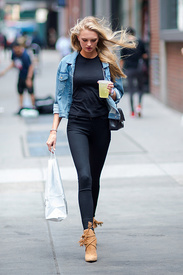






 The Ambulance (1990) I love this movie so much. Eric Roberts is one of my favorite actors.
Bianca Lily
Fantastic Heroines x20
thank you all for the updates, she's so beautiful
Christina Ricci, Laura Prepon, Brie Larson + Viola Davis
MTV BABES VS BADASS BRUNETTES. 1. Crystal Reed vs Kaya Scodelario 2.5x2.5 2. Katie Stevens vs Emmy Rossum 1x4 3. Ivana Baquero vs Lauren Cohan 2.5x2.5 4. Poppy Drayton vs Chloe Bennet 2x3
The Ambulance (1990) I love this movie so much. Eric Roberts is one of my favorite actors.
Bianca Lily
Fantastic Heroines x20
thank you all for the updates, she's so beautiful
Christina Ricci, Laura Prepon, Brie Larson + Viola Davis
MTV BABES VS BADASS BRUNETTES. 1. Crystal Reed vs Kaya Scodelario 2.5x2.5 2. Katie Stevens vs Emmy Rossum 1x4 3. Ivana Baquero vs Lauren Cohan 2.5x2.5 4. Poppy Drayton vs Chloe Bennet 2x3






























































Account
Navigation
Search
Configure browser push notifications
Chrome (Android)
- Tap the lock icon next to the address bar.
- Tap Permissions → Notifications.
- Adjust your preference.
Chrome (Desktop)
- Click the padlock icon in the address bar.
- Select Site settings.
- Find Notifications and adjust your preference.
Safari (iOS 16.4+)
- Ensure the site is installed via Add to Home Screen.
- Open Settings App → Notifications.
- Find your app name and adjust your preference.
Safari (macOS)
- Go to Safari → Preferences.
- Click the Websites tab.
- Select Notifications in the sidebar.
- Find this website and adjust your preference.
Edge (Android)
- Tap the lock icon next to the address bar.
- Tap Permissions.
- Find Notifications and adjust your preference.
Edge (Desktop)
- Click the padlock icon in the address bar.
- Click Permissions for this site.
- Find Notifications and adjust your preference.
Firefox (Android)
- Go to Settings → Site permissions.
- Tap Notifications.
- Find this site in the list and adjust your preference.
Firefox (Desktop)
- Open Firefox Settings.
- Search for Notifications.
- Find this site in the list and adjust your preference.