
Pith_Possum
Members
-
Joined
-
Last visited
Everything posted by Pith_Possum
-
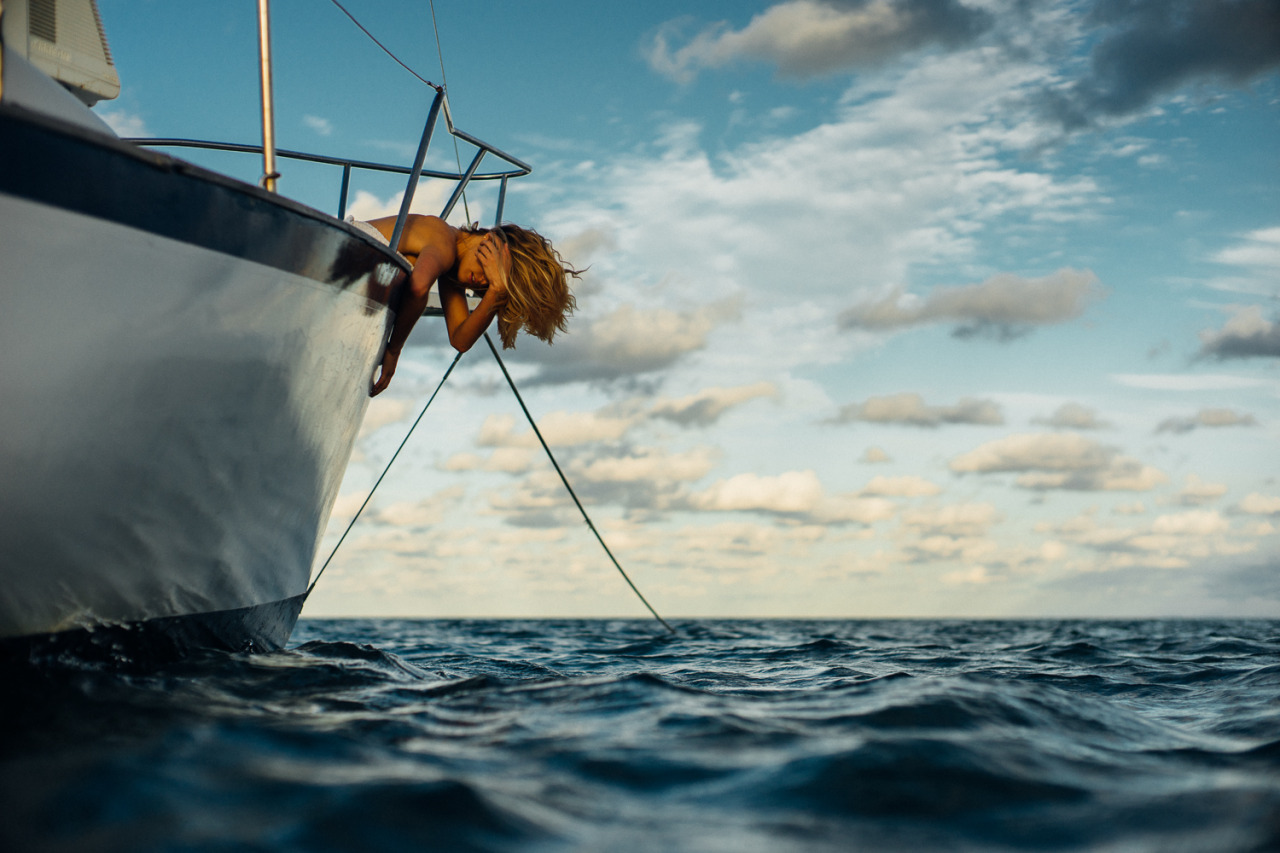
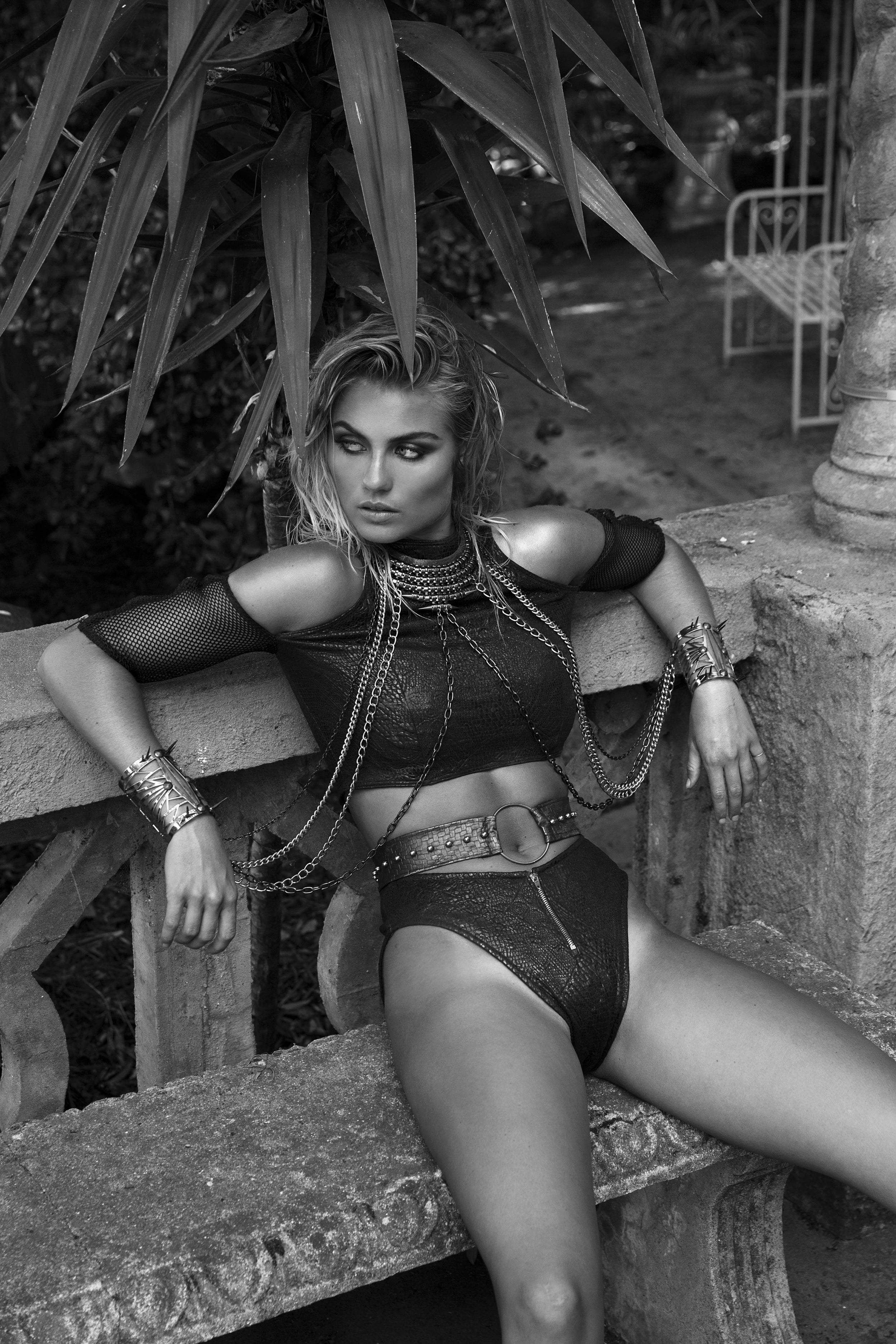
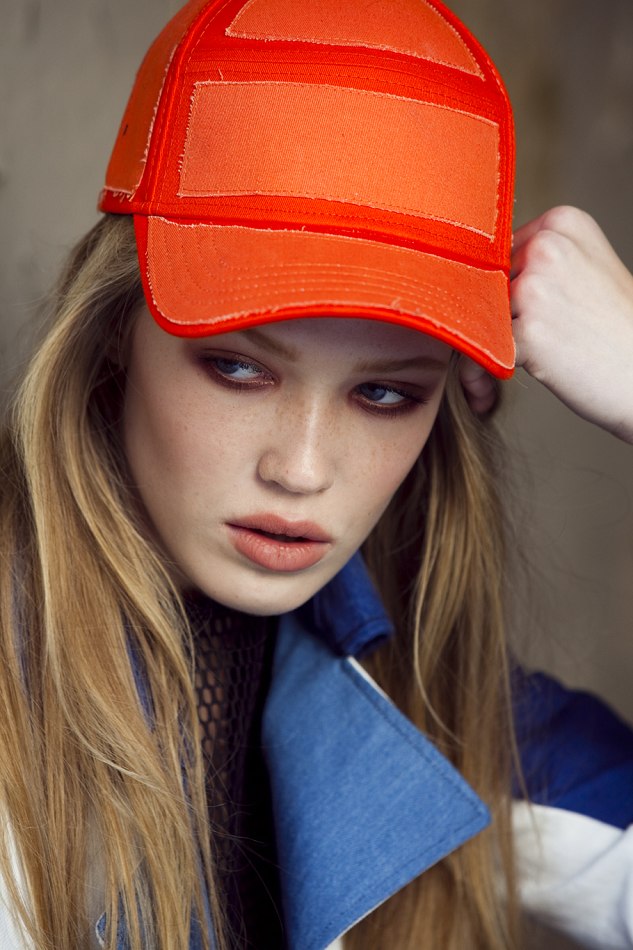
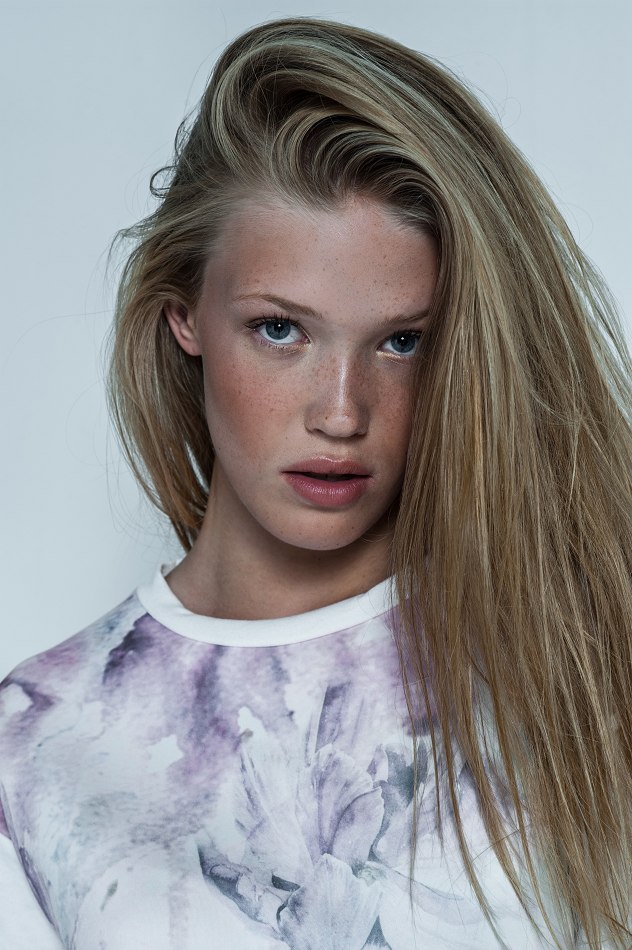
 Photographer: Mark Harless bleeblu.tumblr.com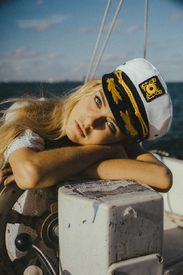
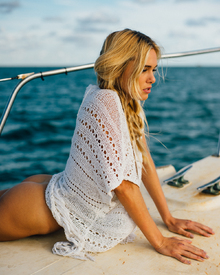
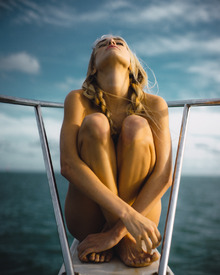
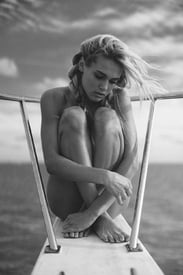
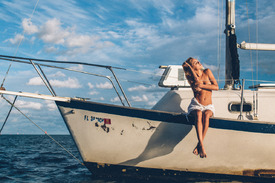
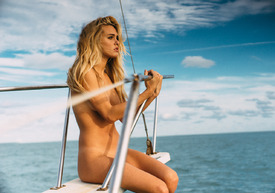
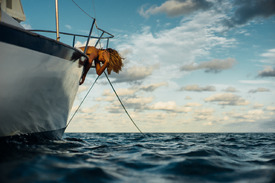
-
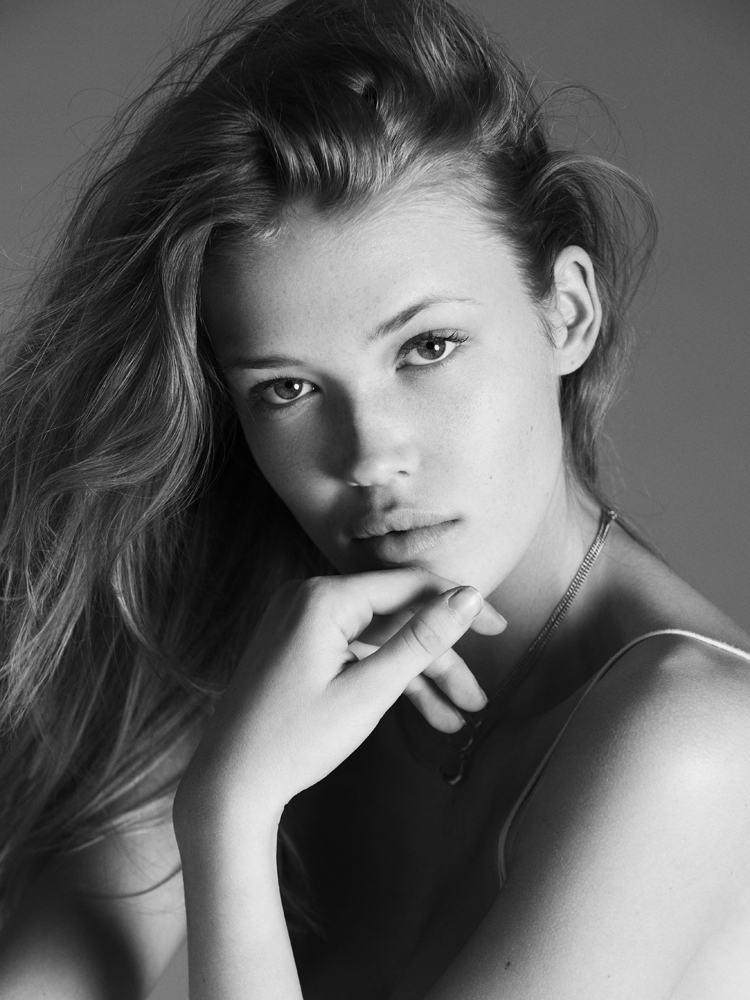
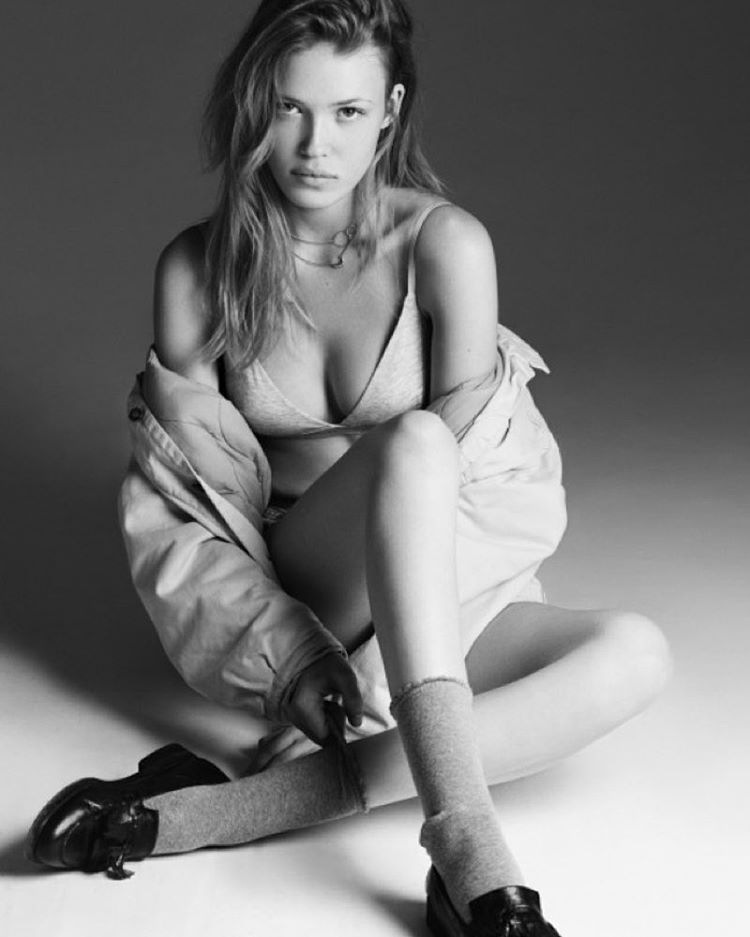
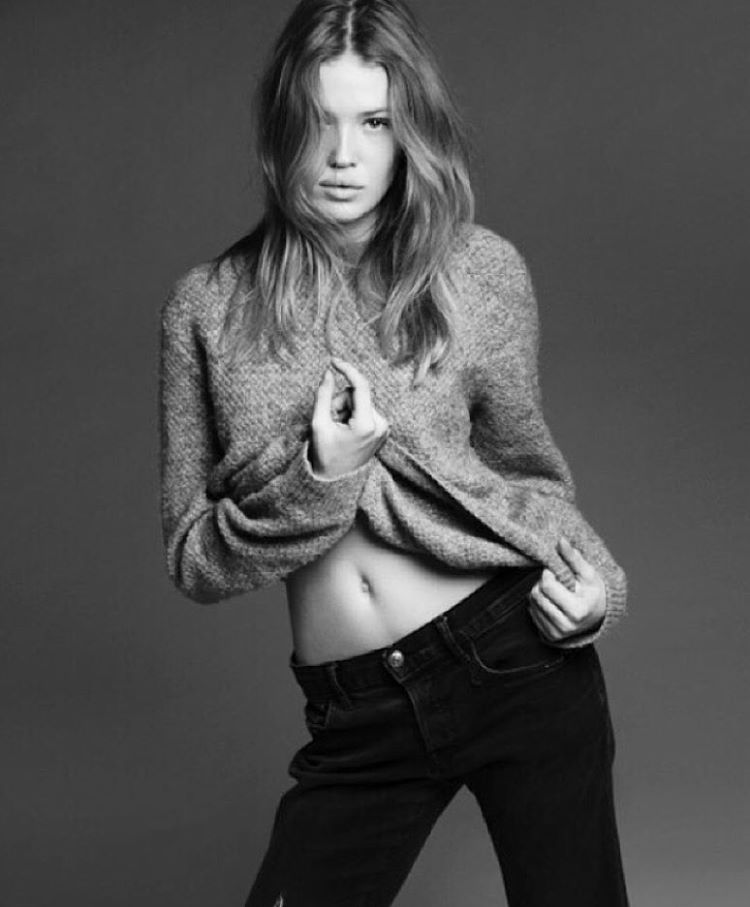
instagram.com/joseamigo
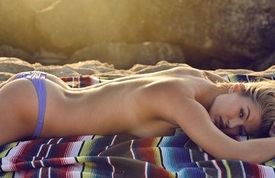
-
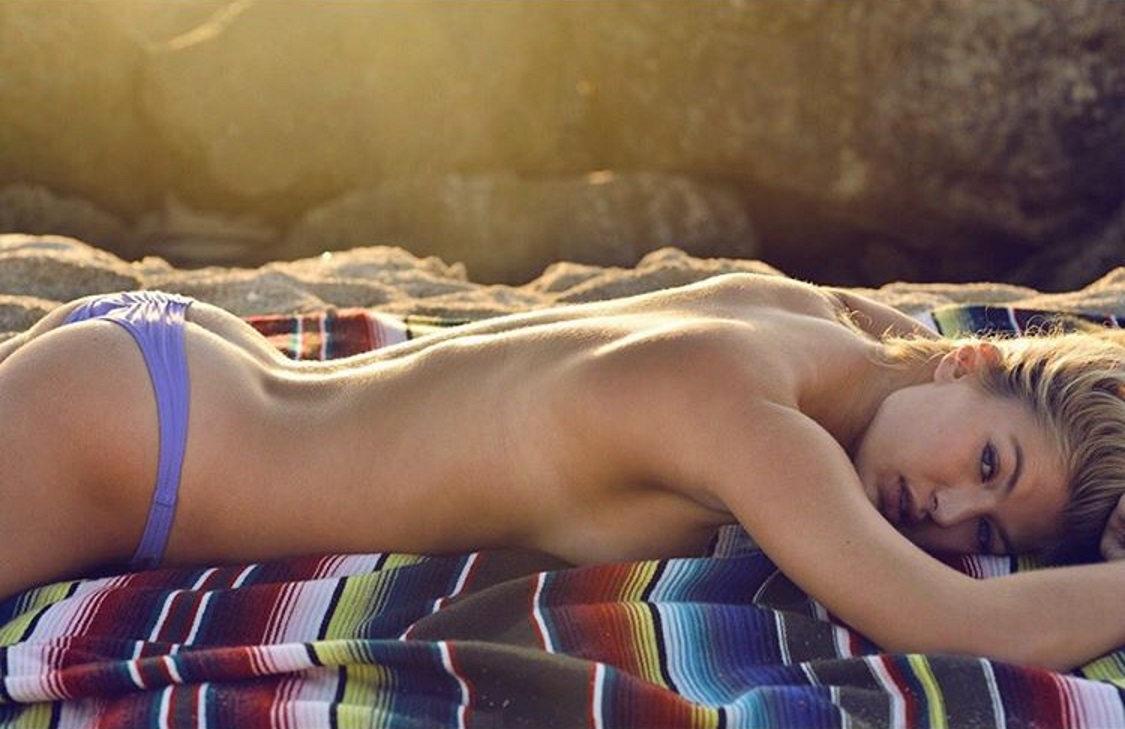
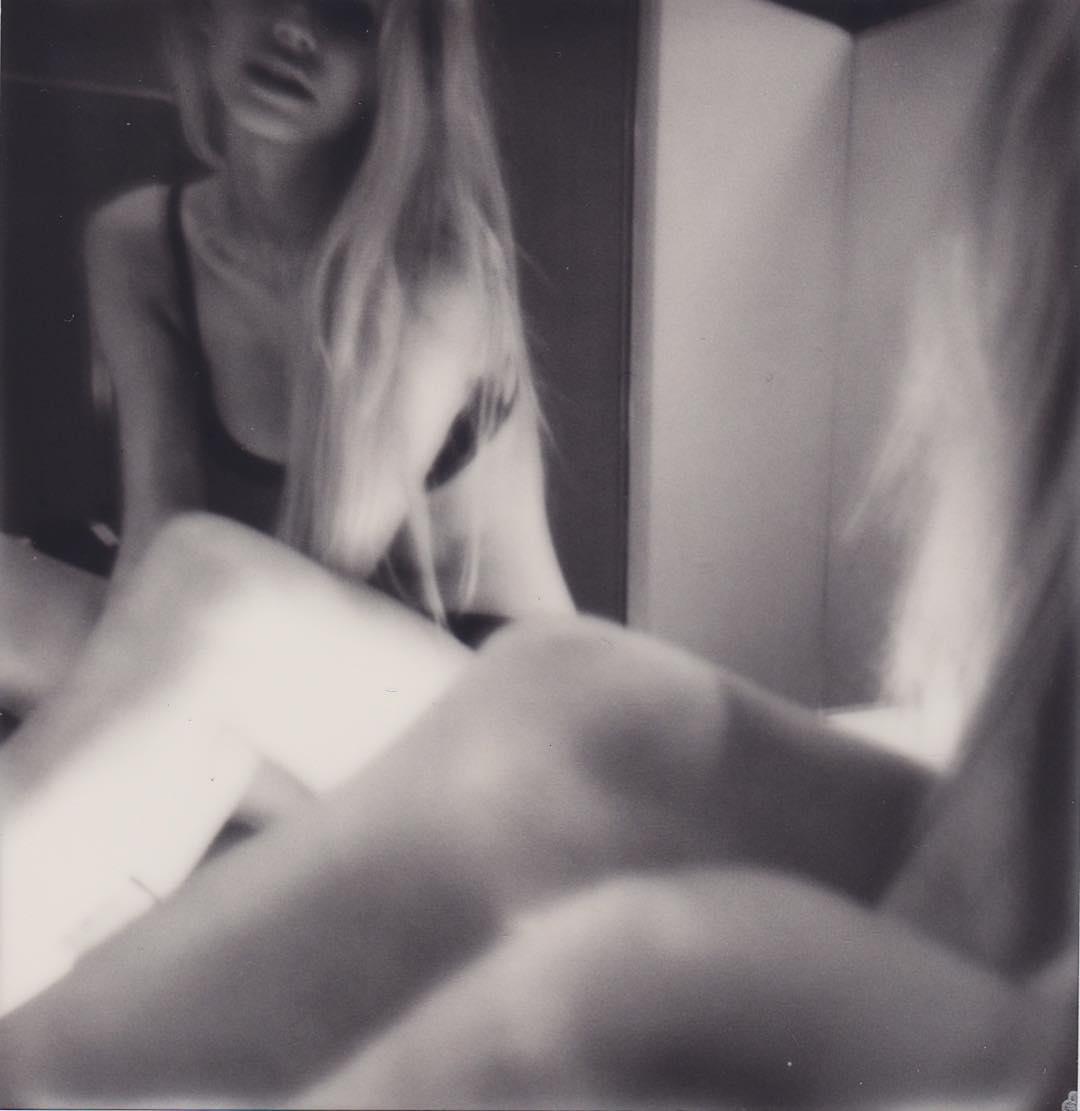
Photographer: Emily Abay Nudity! emilyabay.com/book-i
-
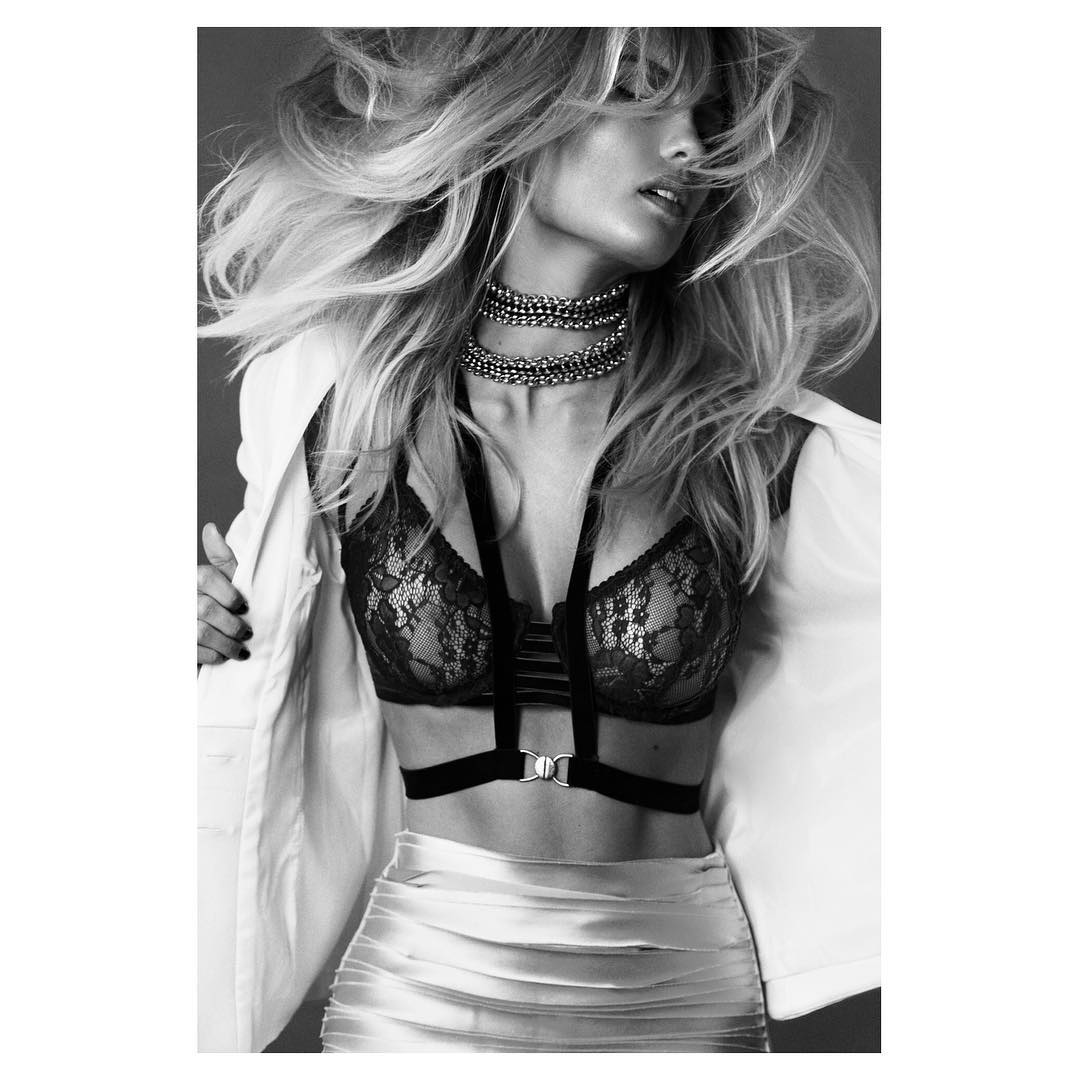
Photographer: George Favios instagram.com/georgefavios
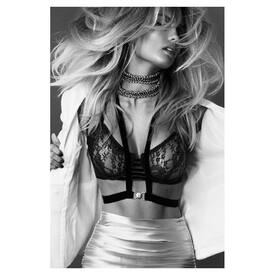
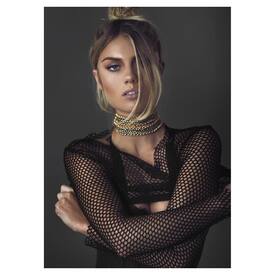
-
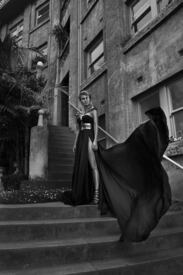
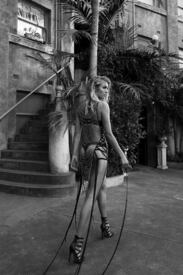
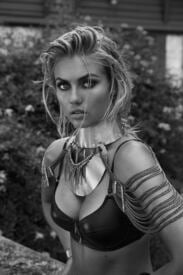
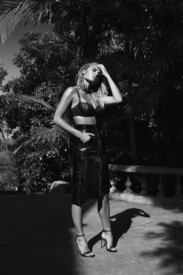
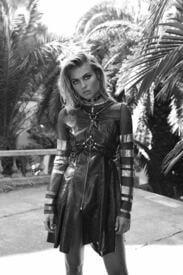
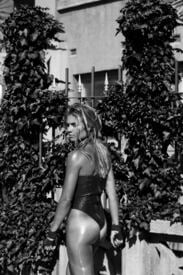
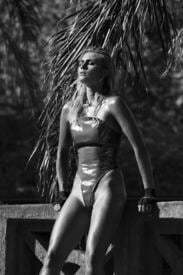
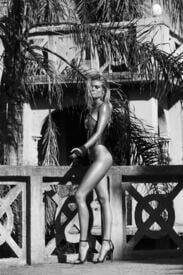
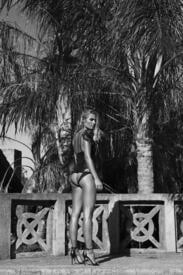
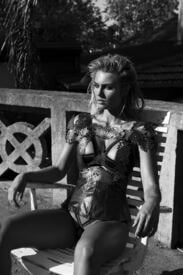
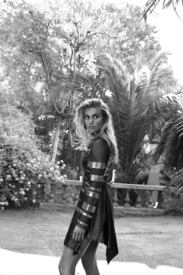
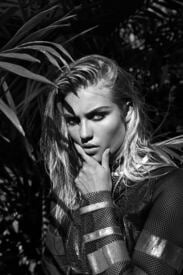
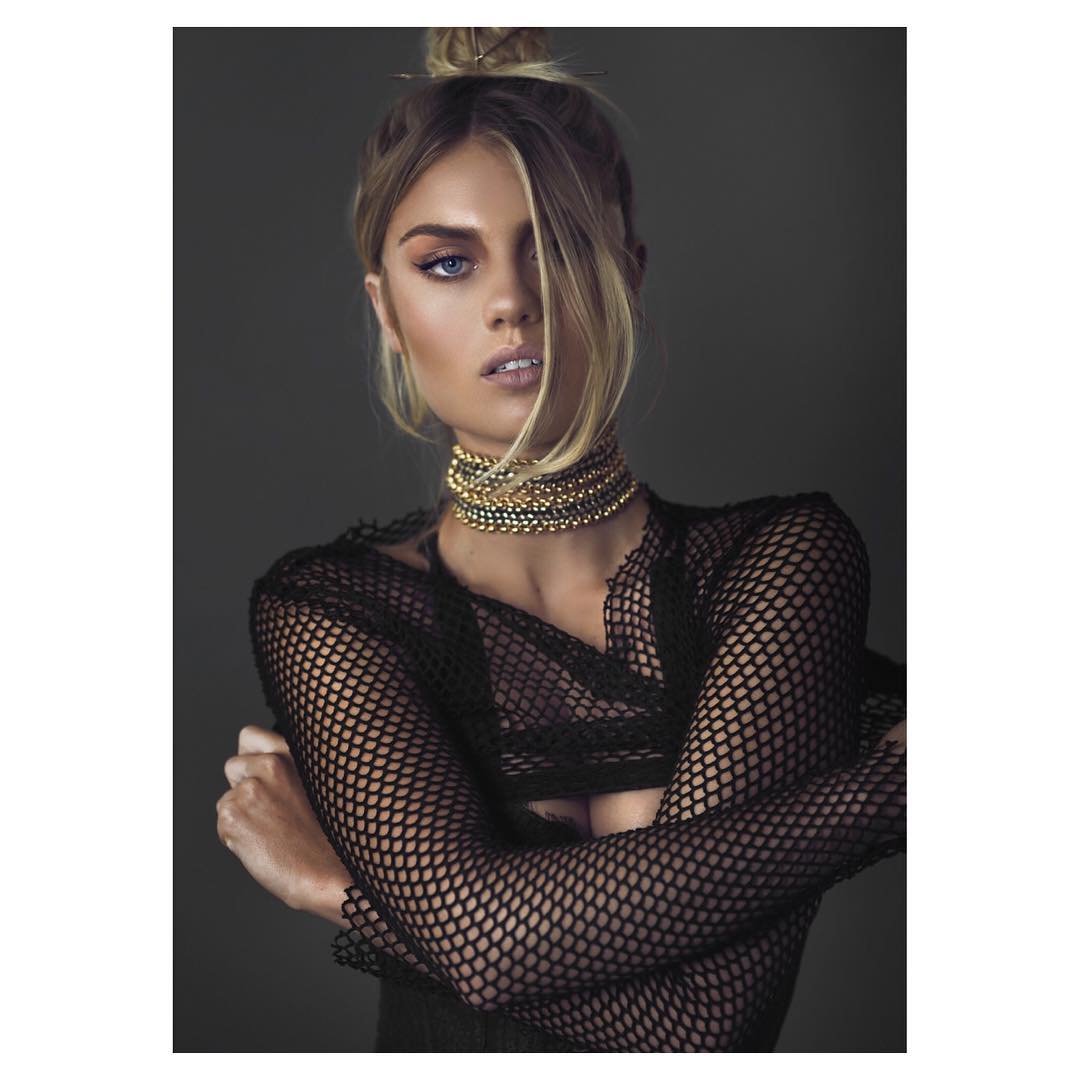
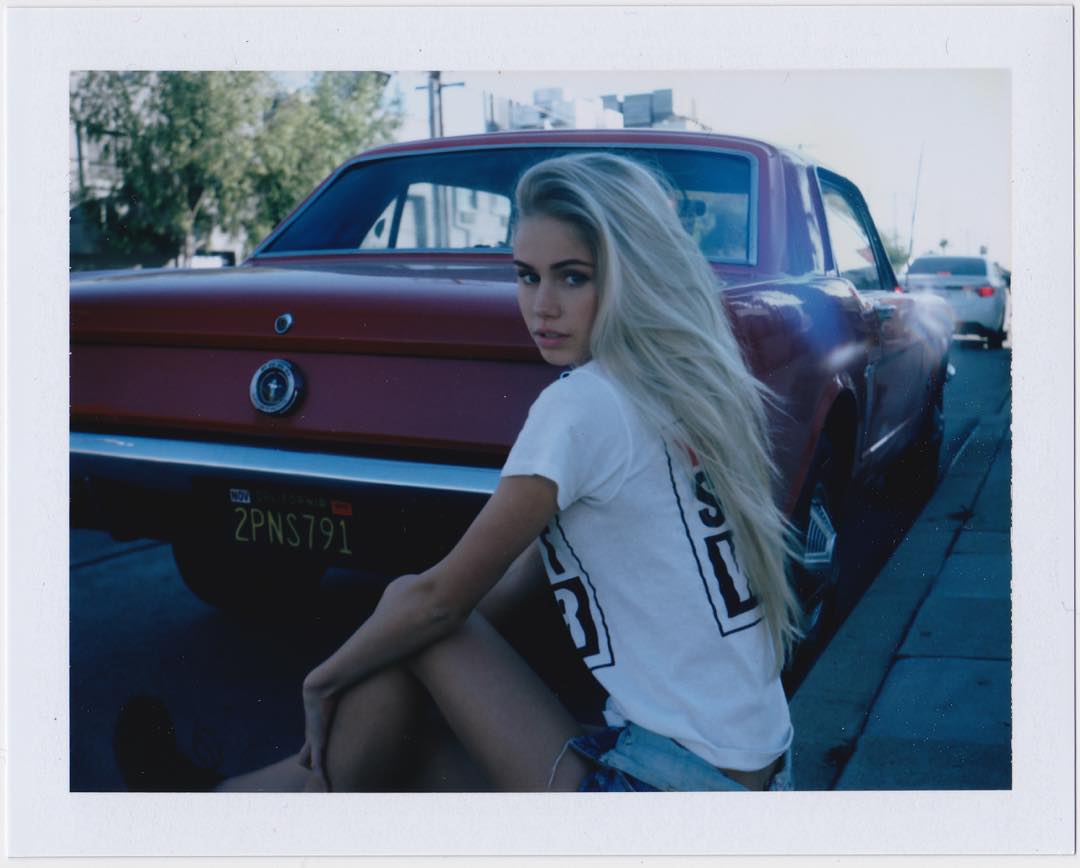
Photographer: Emily Abay elyseknowles.com.au/beverly-hills-by-emily-abay
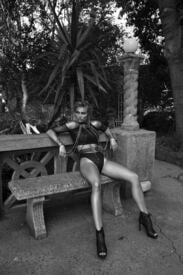
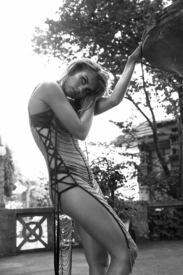

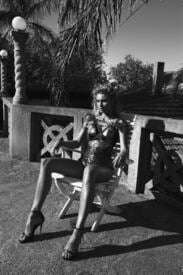
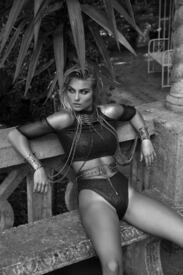
-
Photographer: Paul Morel blog.paulmorelstudios.com instagram
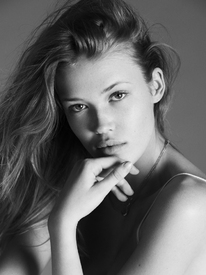
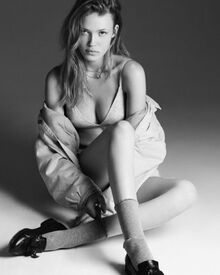
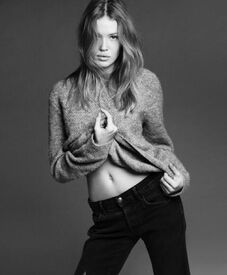
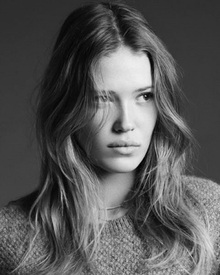
-
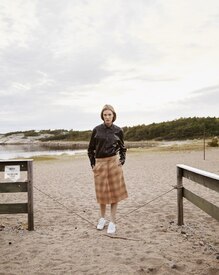
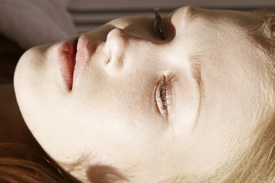
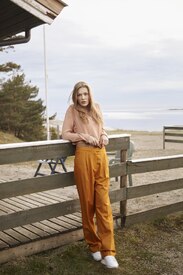
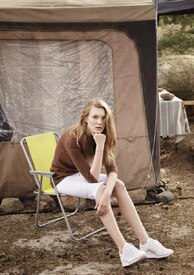
Tableau Paper Photographer: Julie Pike juliepike.no/portfolio/fashion-1/tableau-paper-n
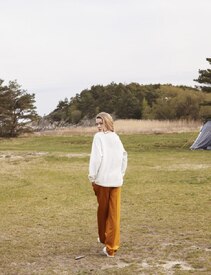
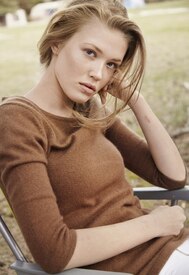
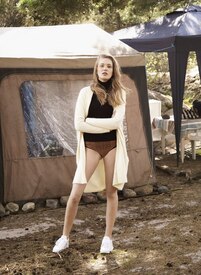
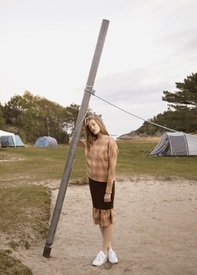
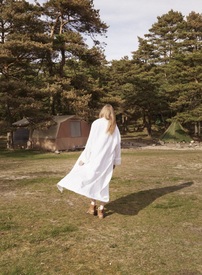
-
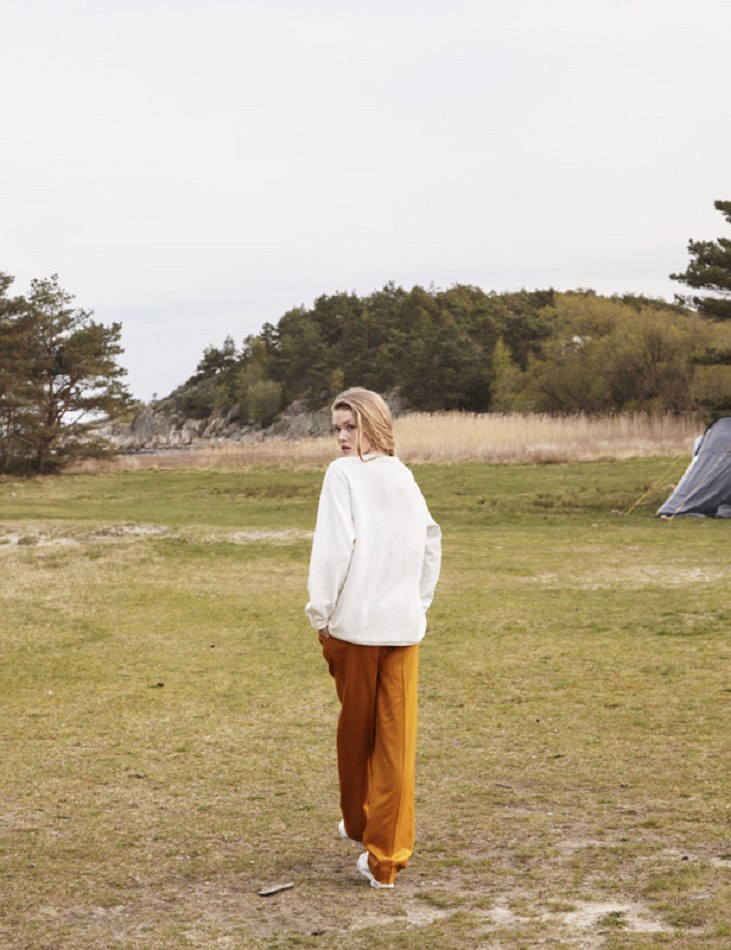
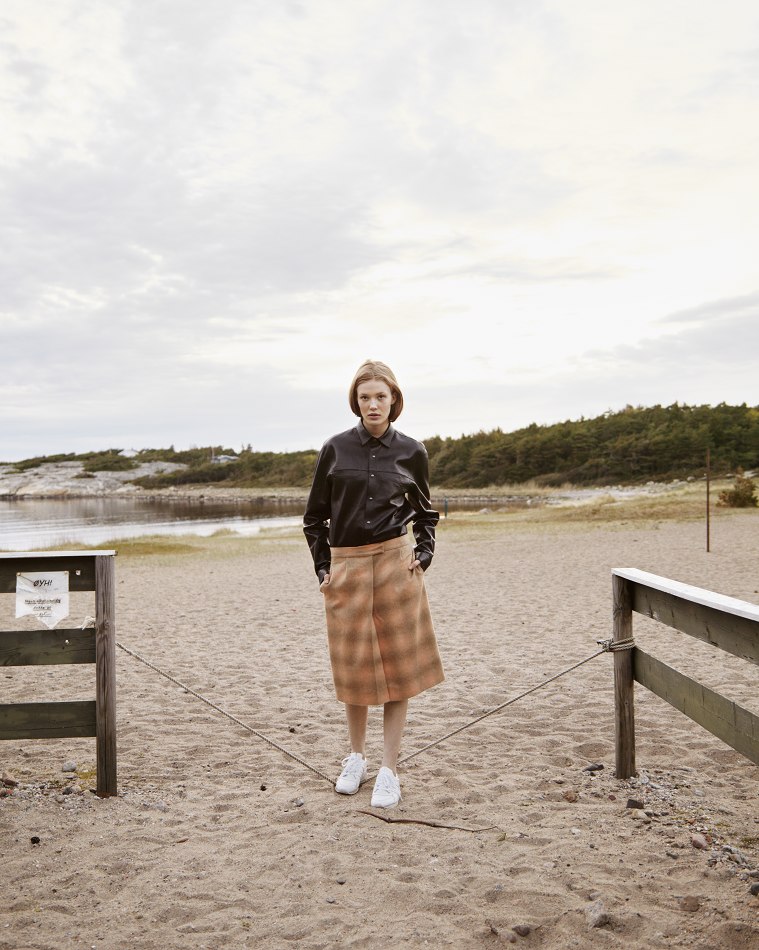
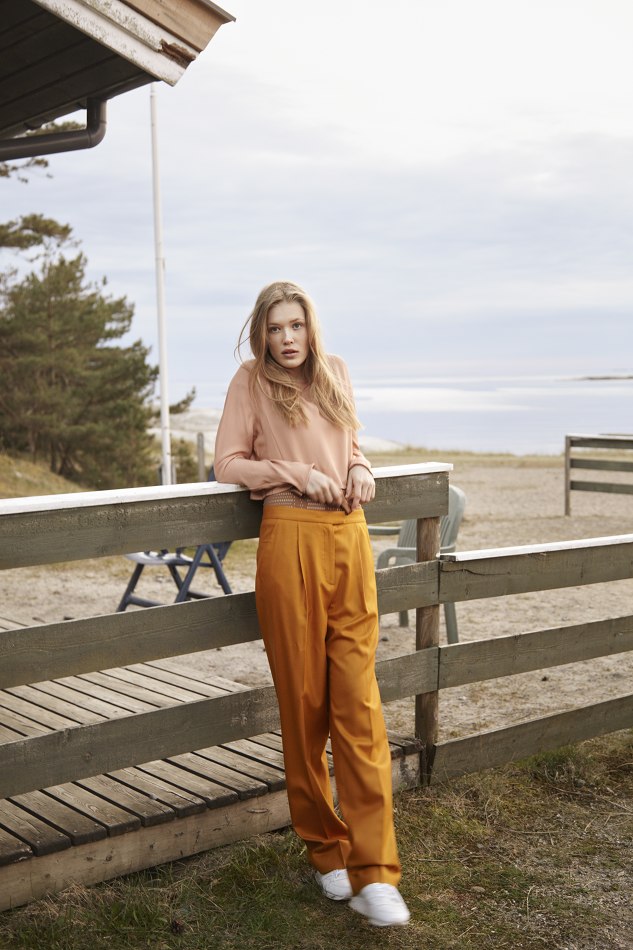
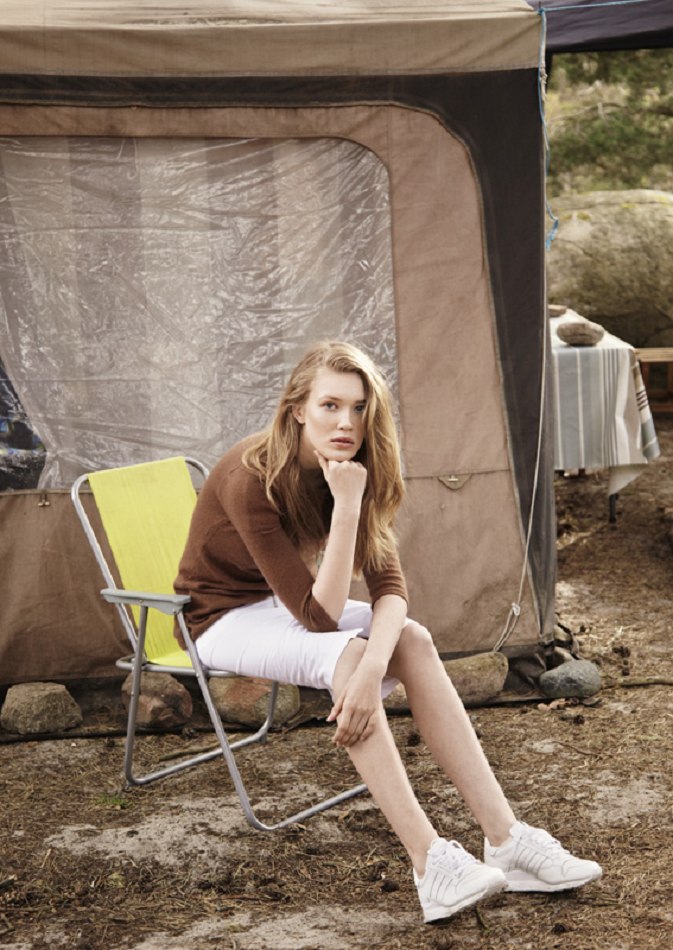
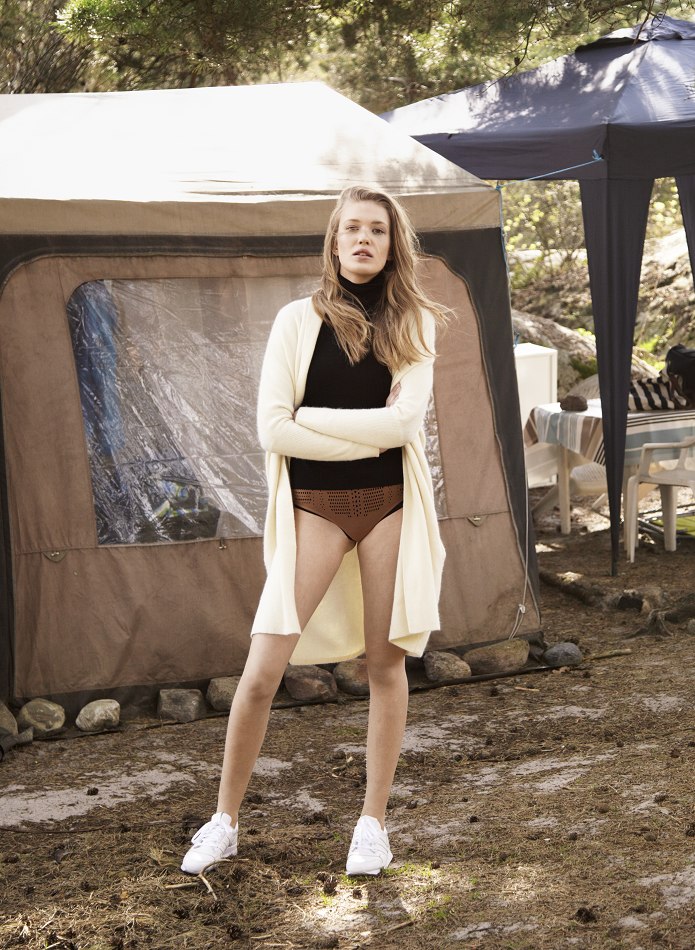
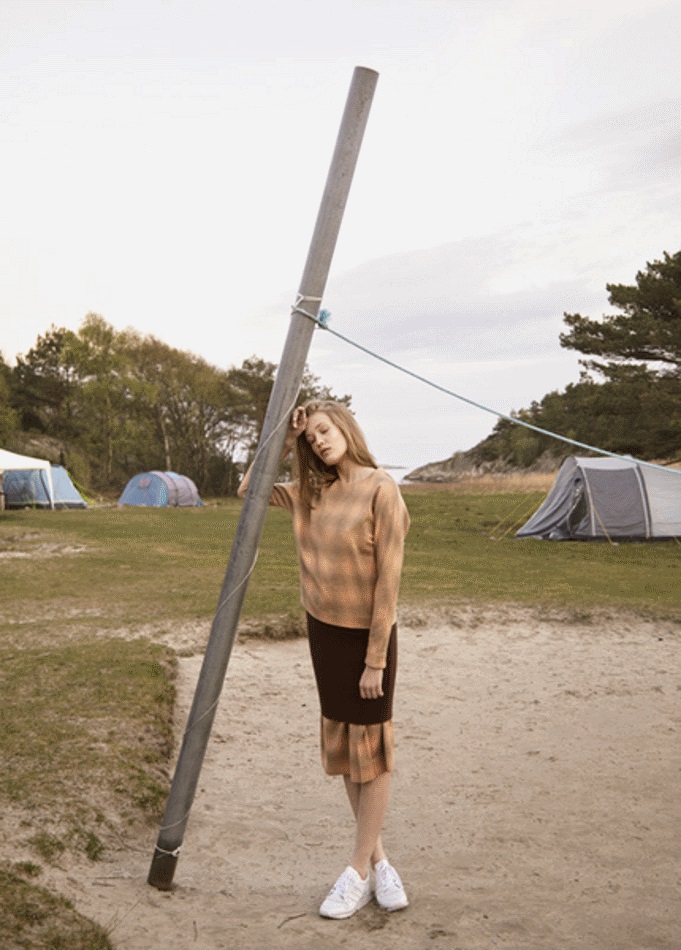
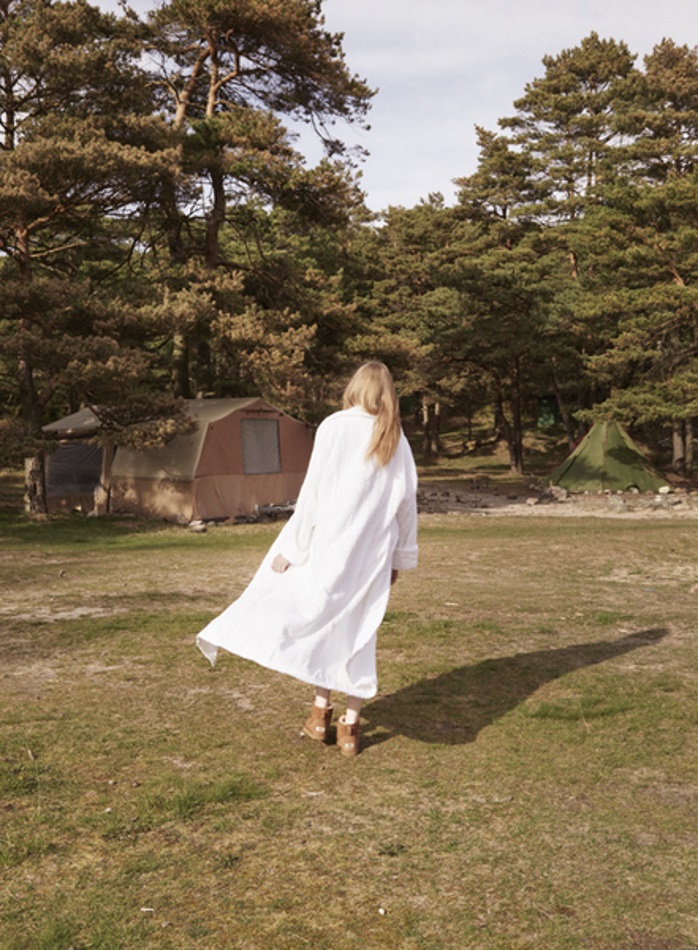
Det Nye Magazine Photographer: Ida Bjørkvik Styling: Thao Kakao Make-up: Linda Nicolaysen Hair: Lars Eriksen Eitran nedreslottsgate.adamogeva.no/blog/post/25407/det-nye
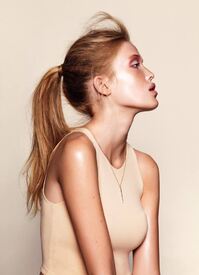
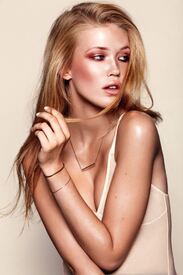
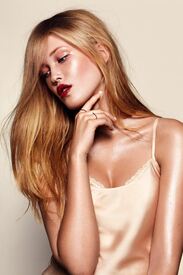

-
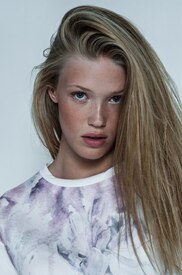
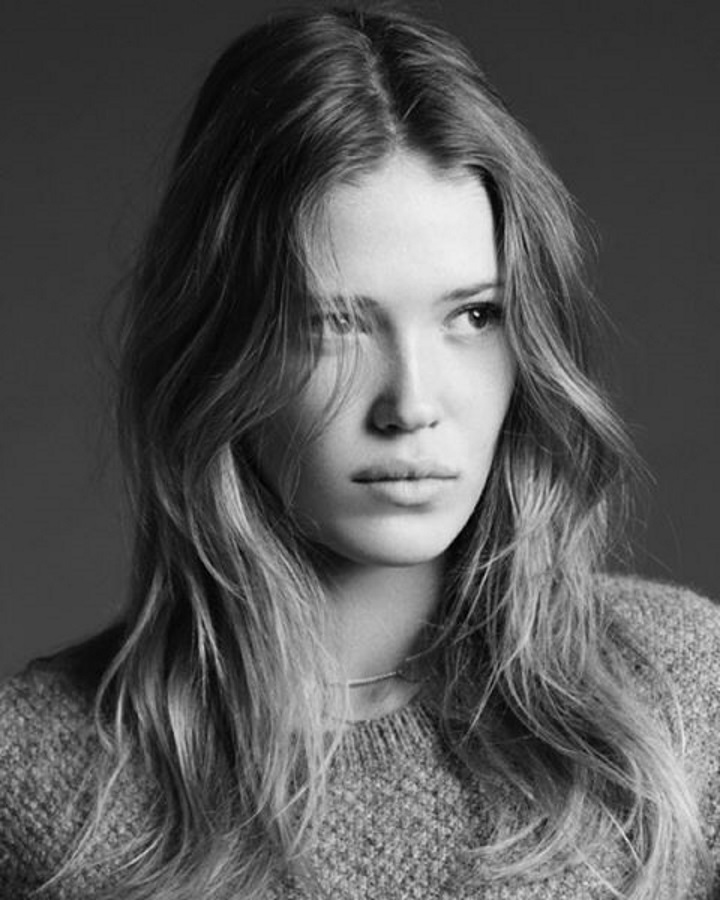
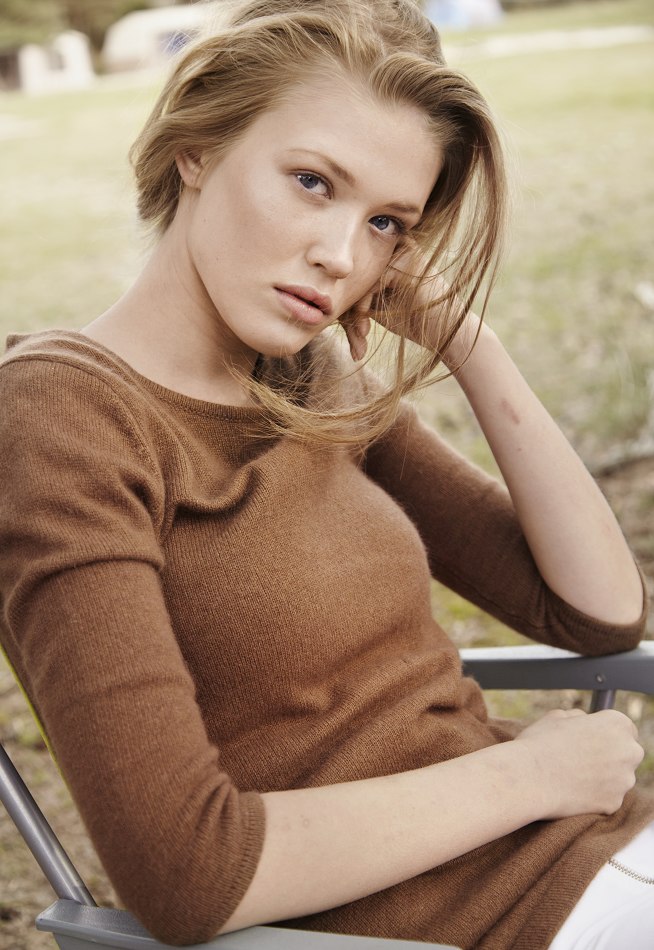
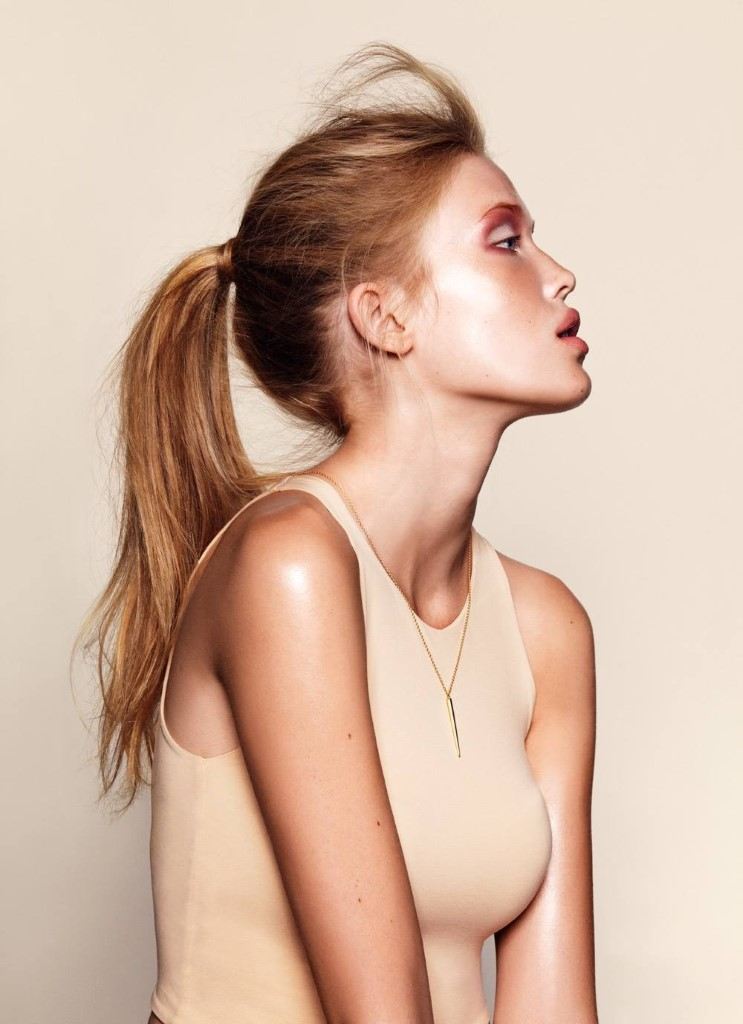
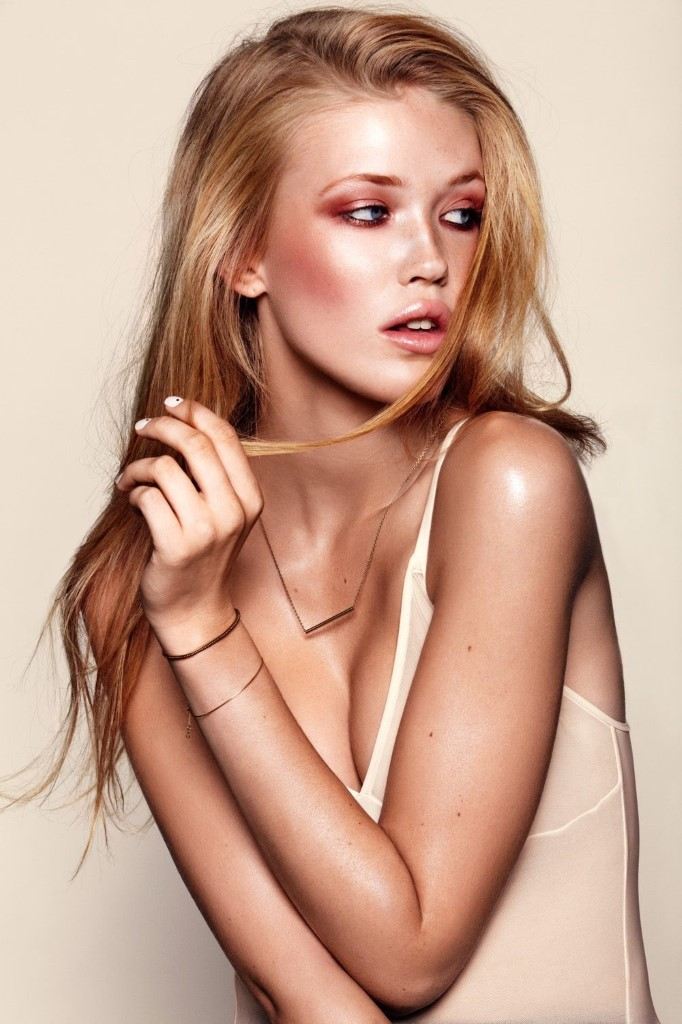
Karen Hovland Jensen Height: 5'11" / 180cm Bust: 32.5" / 83cm Waist: 25"/ 64cm Hips: 34.5" / 88cm Shoes: 6.5 UK / 40 EU Hair: Blonde Eyes: Blue Agencies: Heartbreak Oslo ReQuest NY Oui Paris Instagram: https://www.instagram.com/karenhovlandjensen

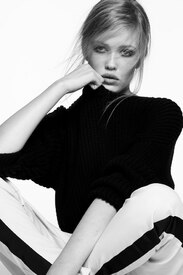
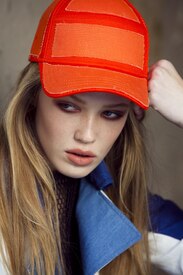
-
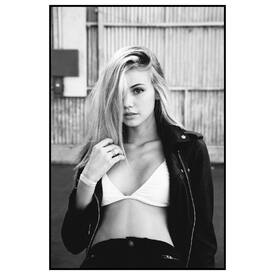
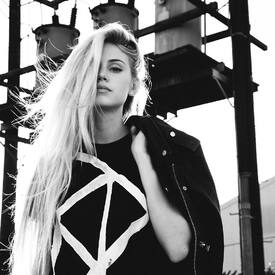
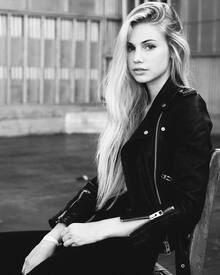
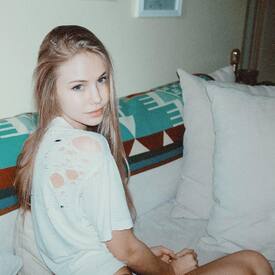
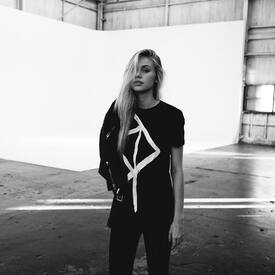
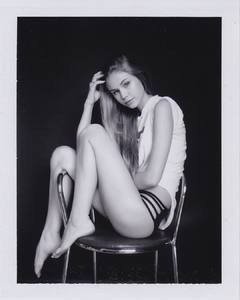
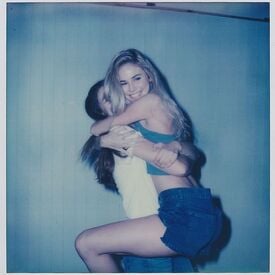
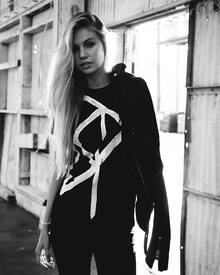
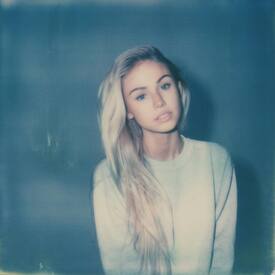
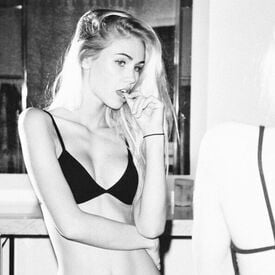
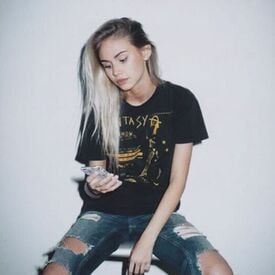
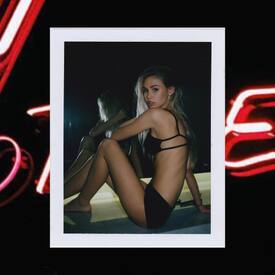
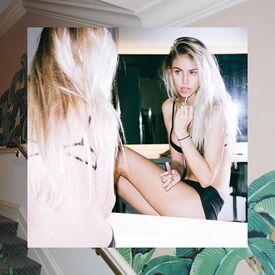
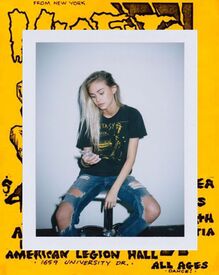
Ph: Travis Schneider instagram.com/bootswallace

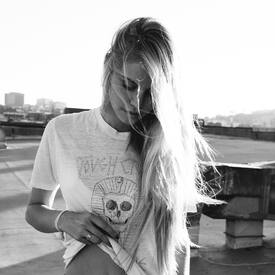

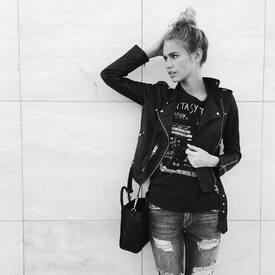
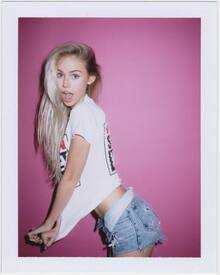
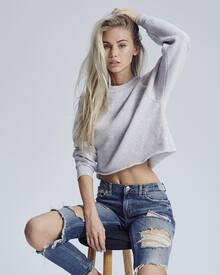
-
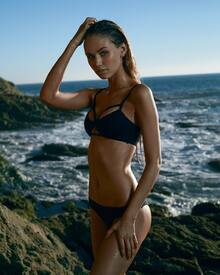
instagram.com/bogdanphoto

-
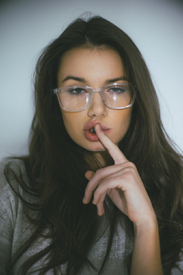
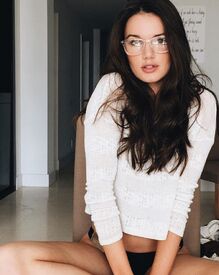
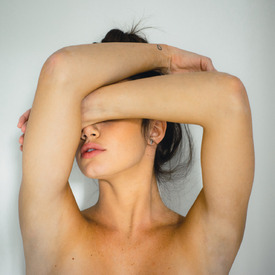
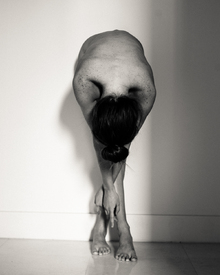
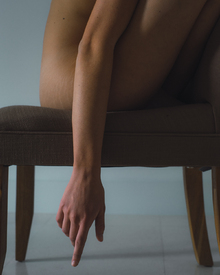
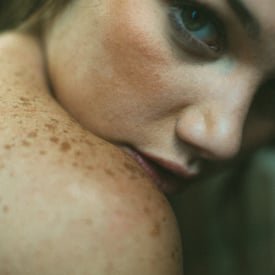
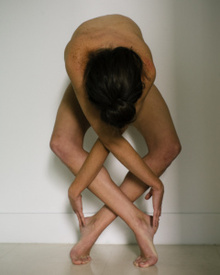
Photographer: Mark Harless /monthly_01_2016/post-84333-0-1593838070-87072_thumb.jpg" class="ipsImage ipsImage_thumbnailed" alt="pTUw6wx2.jpg"> bleeblu.tumblr.com instagram.com/bleeblu instagram.com/haileyoutland
-
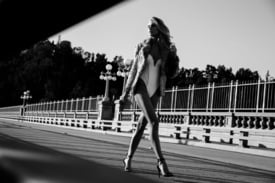
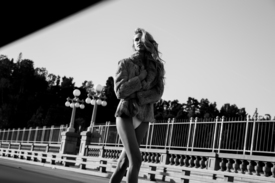
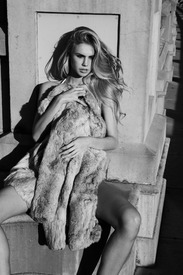
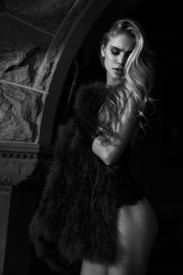
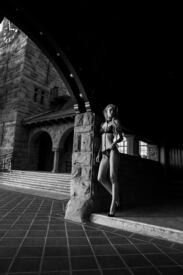
HQs neavebozorgi.com sirneave.com





-
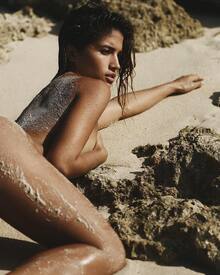
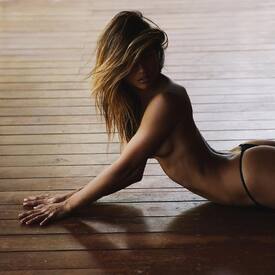
Ph: Jorden Keith instagram
-
Photographer: Ryan Hattaway instagram.com/ryanhattaway

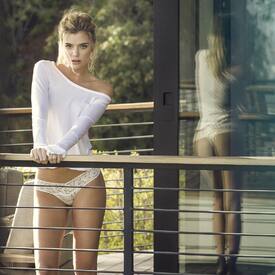
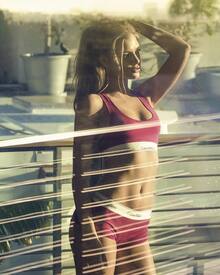

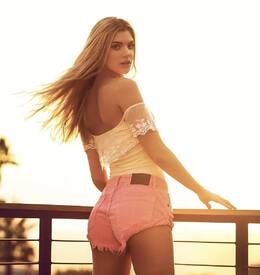
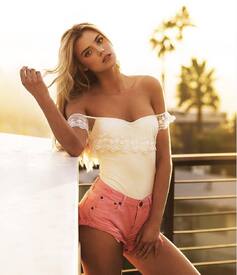 Ph: Danielle Klopper nextmanagement.com instagram.com
nextmanagement.com instagram.com/malonemiami
Ph: Danielle Klopper nextmanagement.com instagram.com
nextmanagement.com instagram.com/malonemiami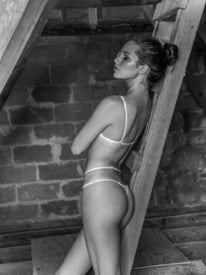
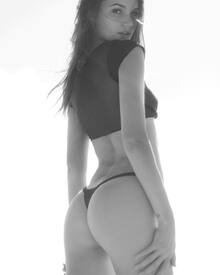 Photographer: Cody McGibbon instagram.com/codymcgibbon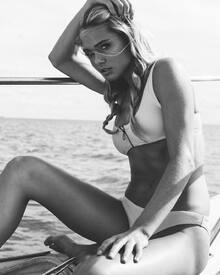
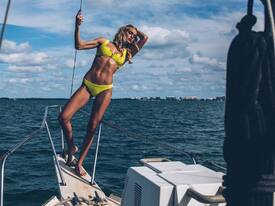 viviensmodels.com.au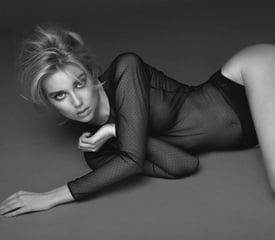
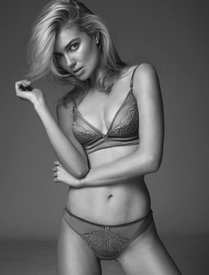
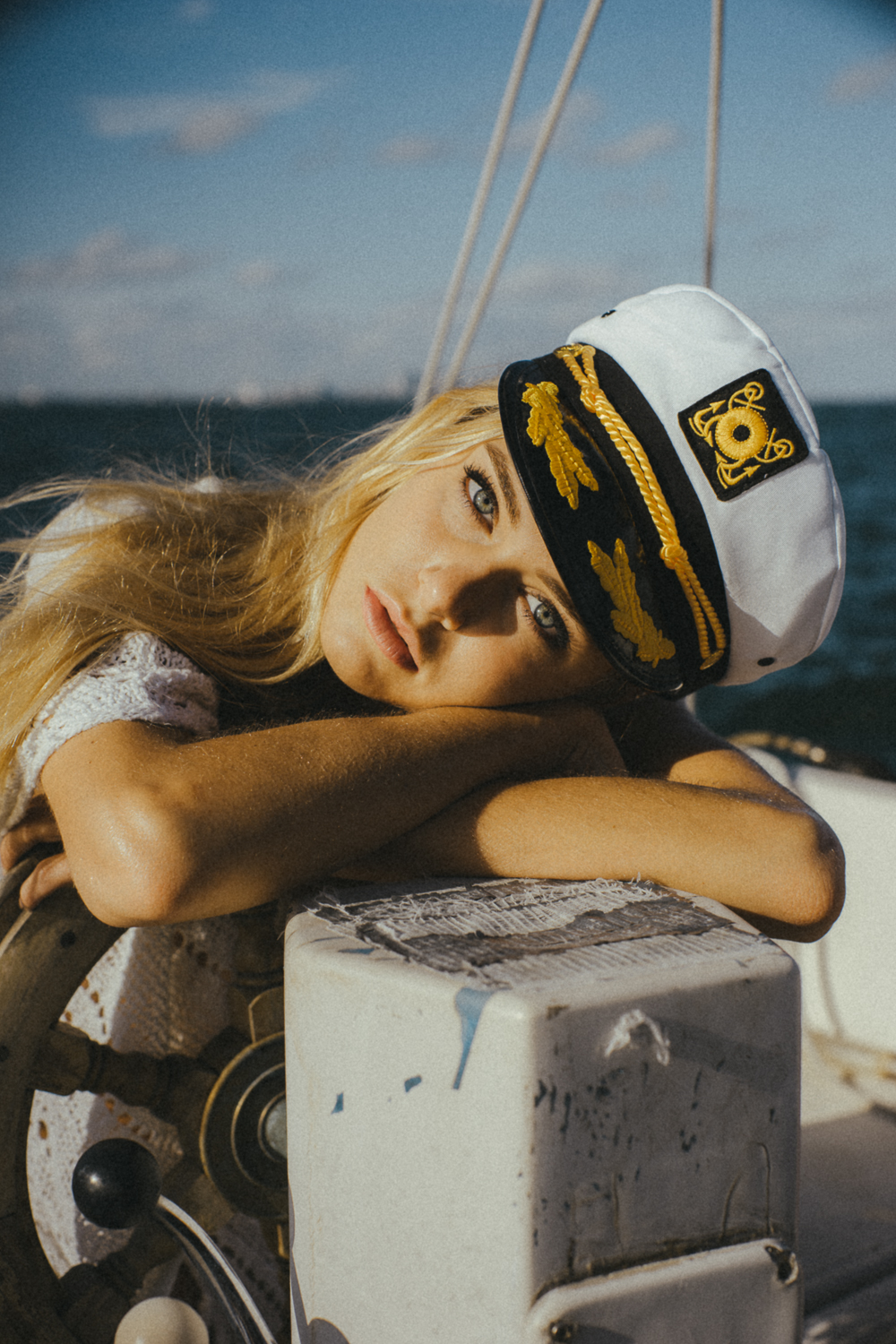
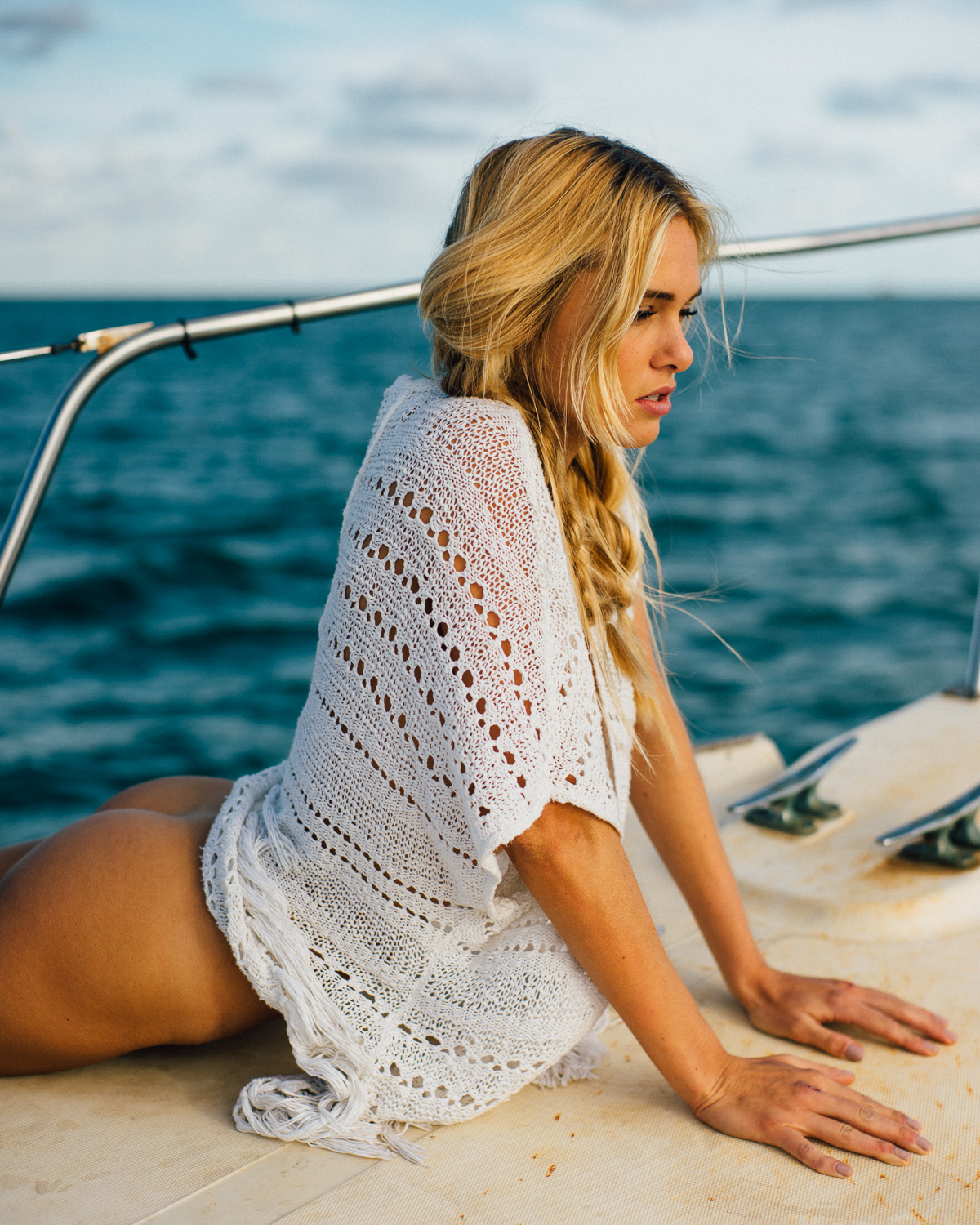
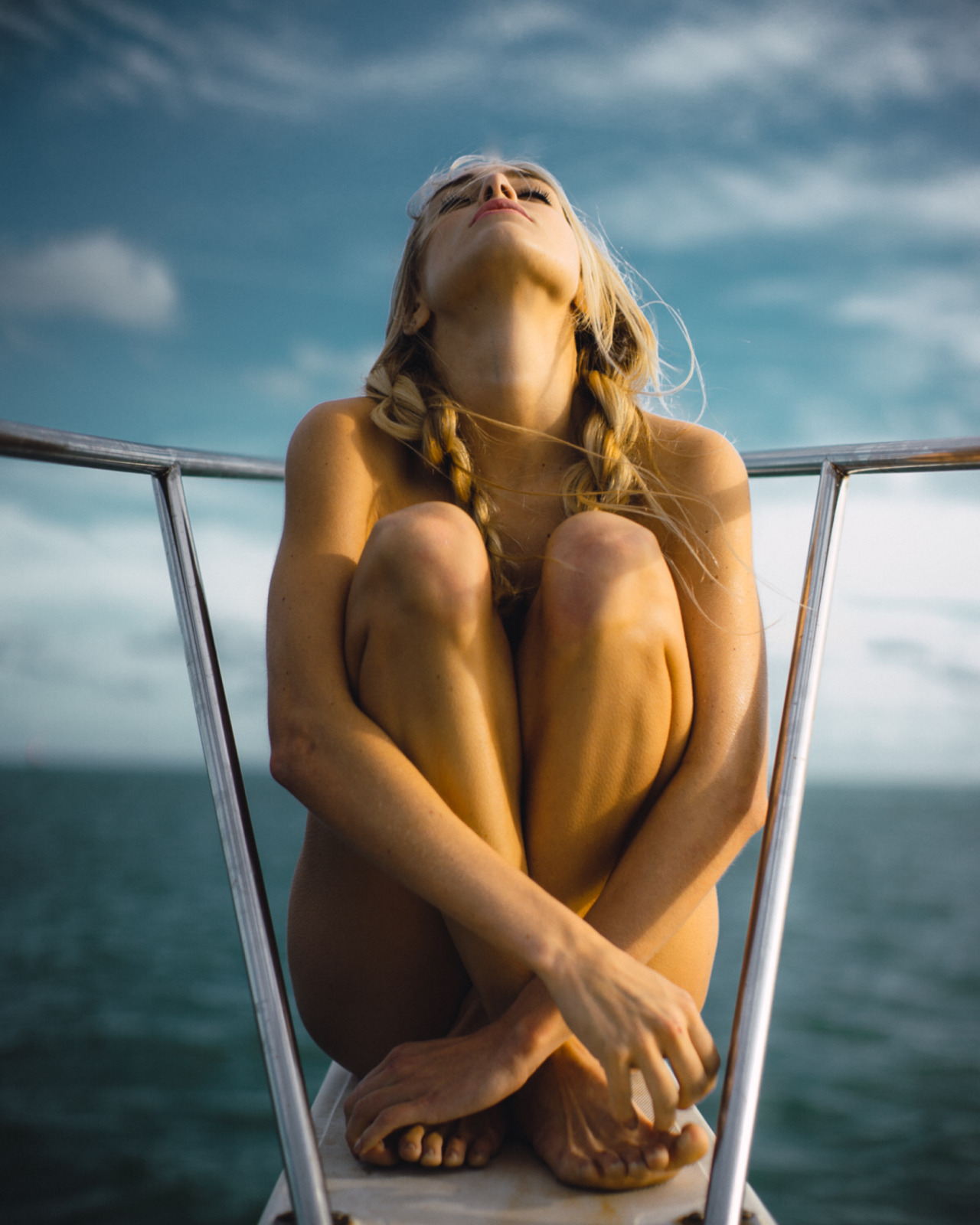
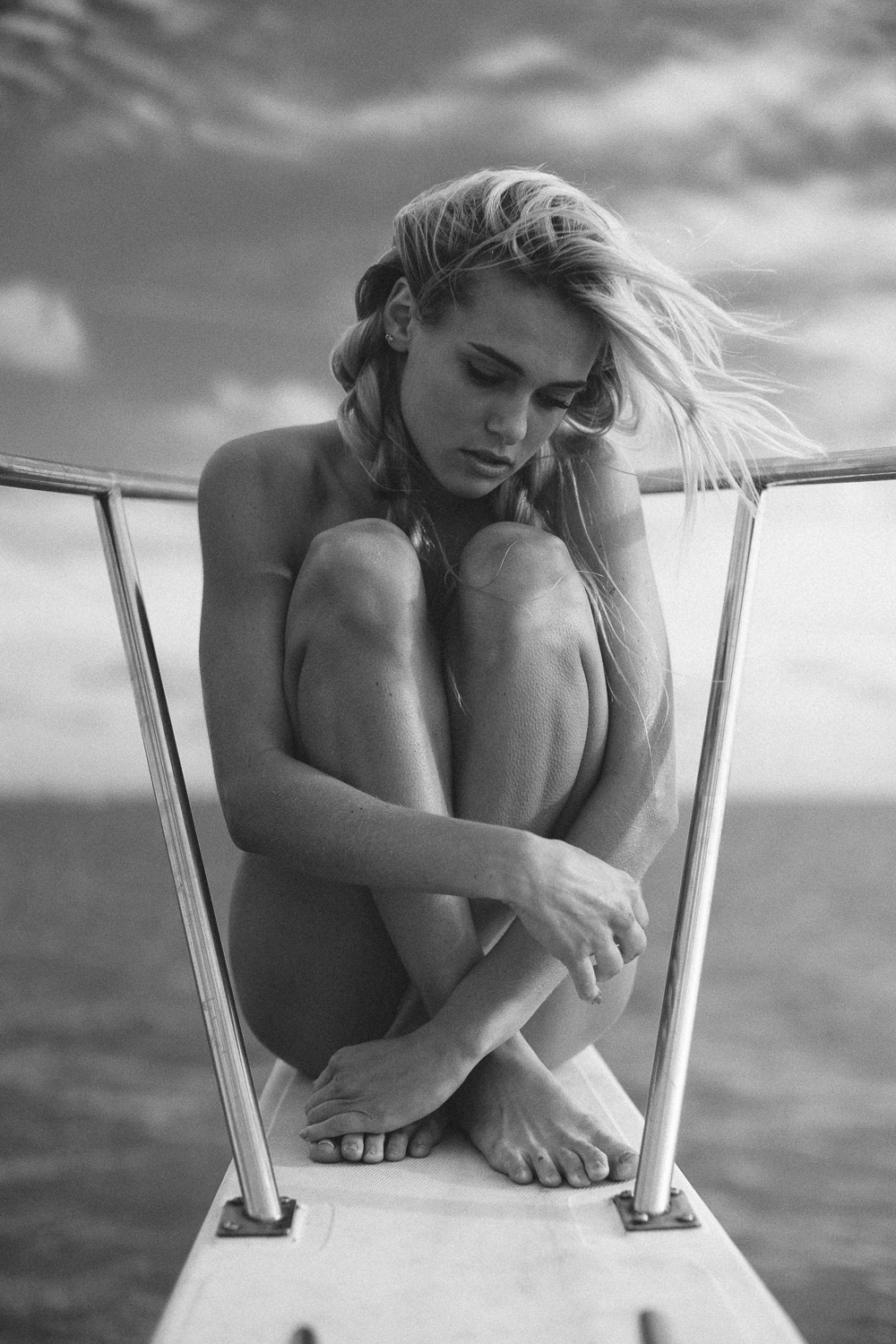
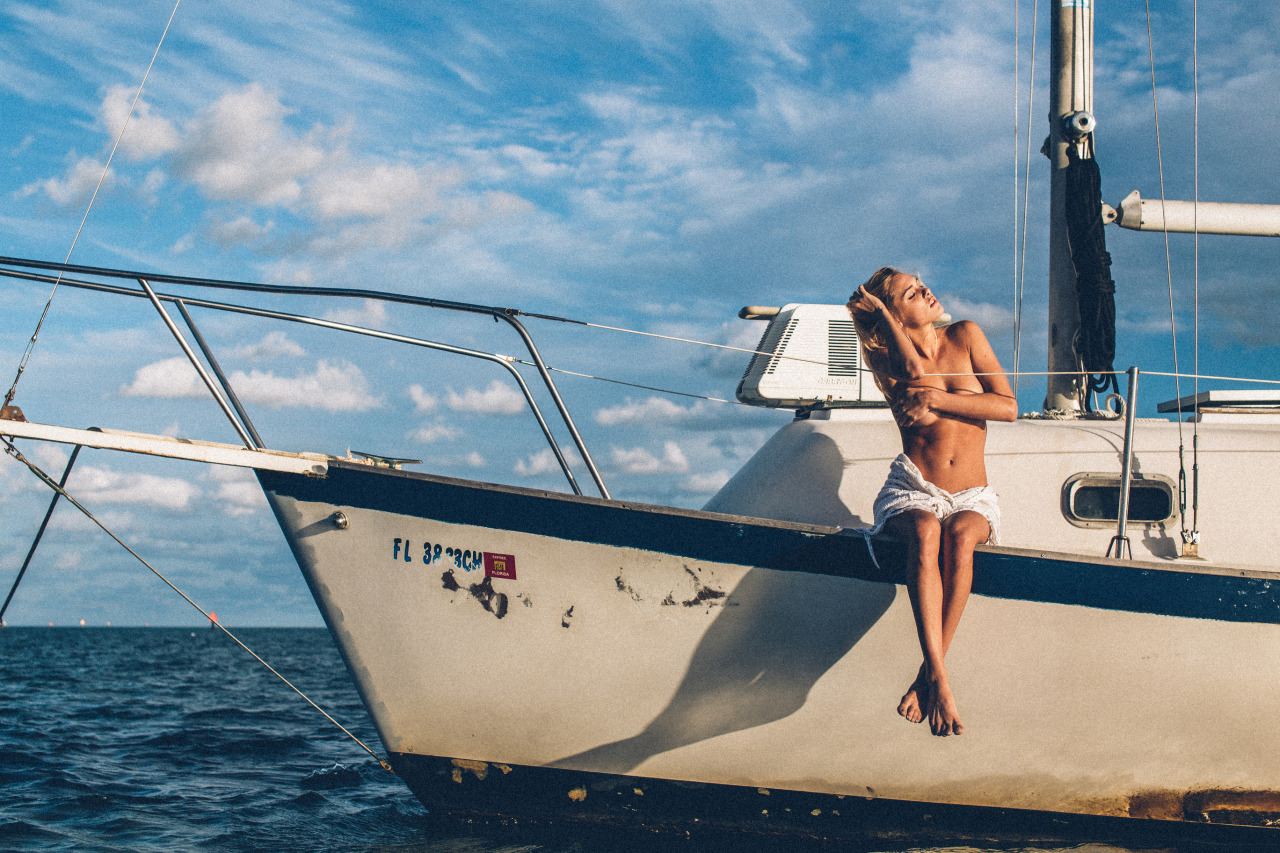
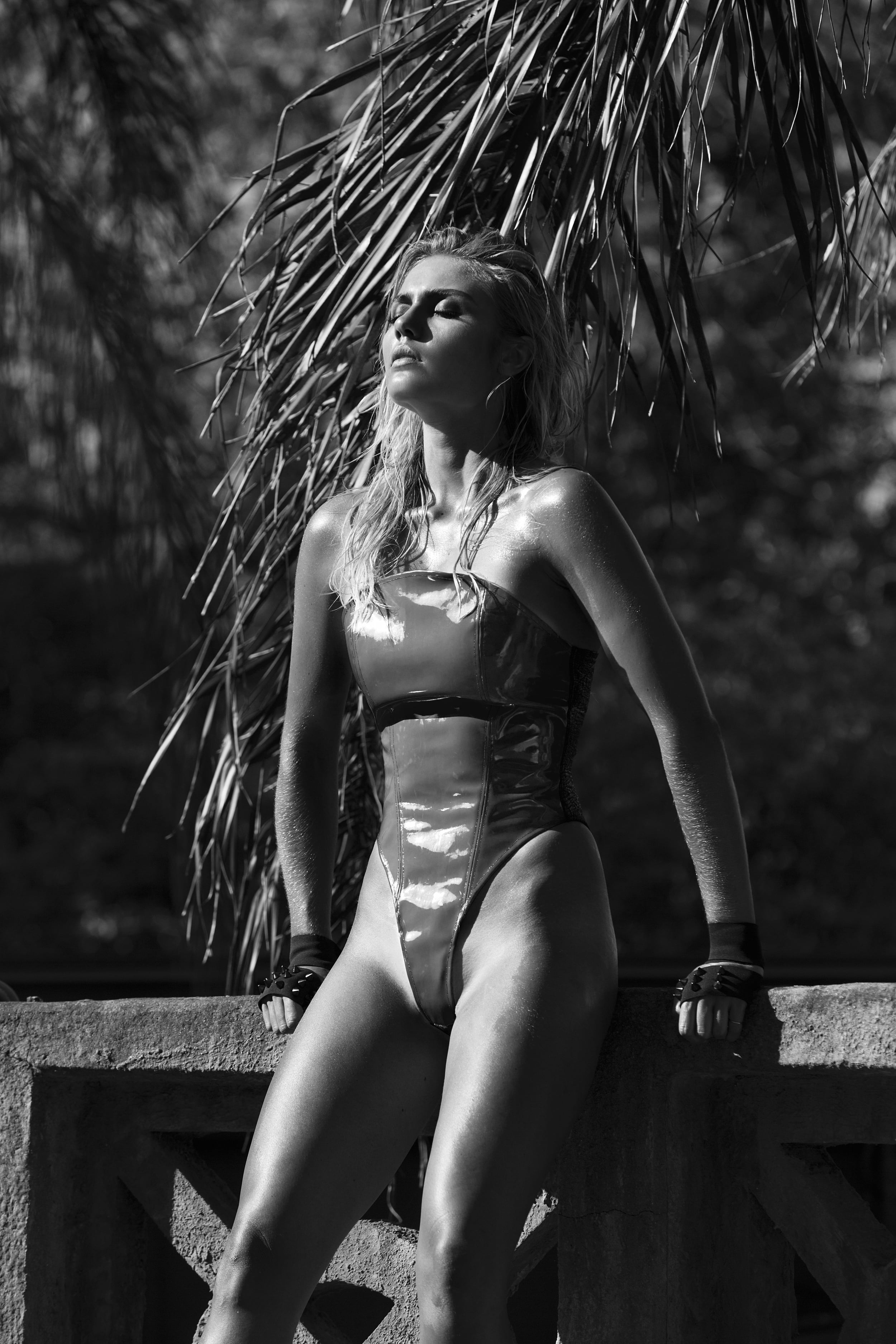
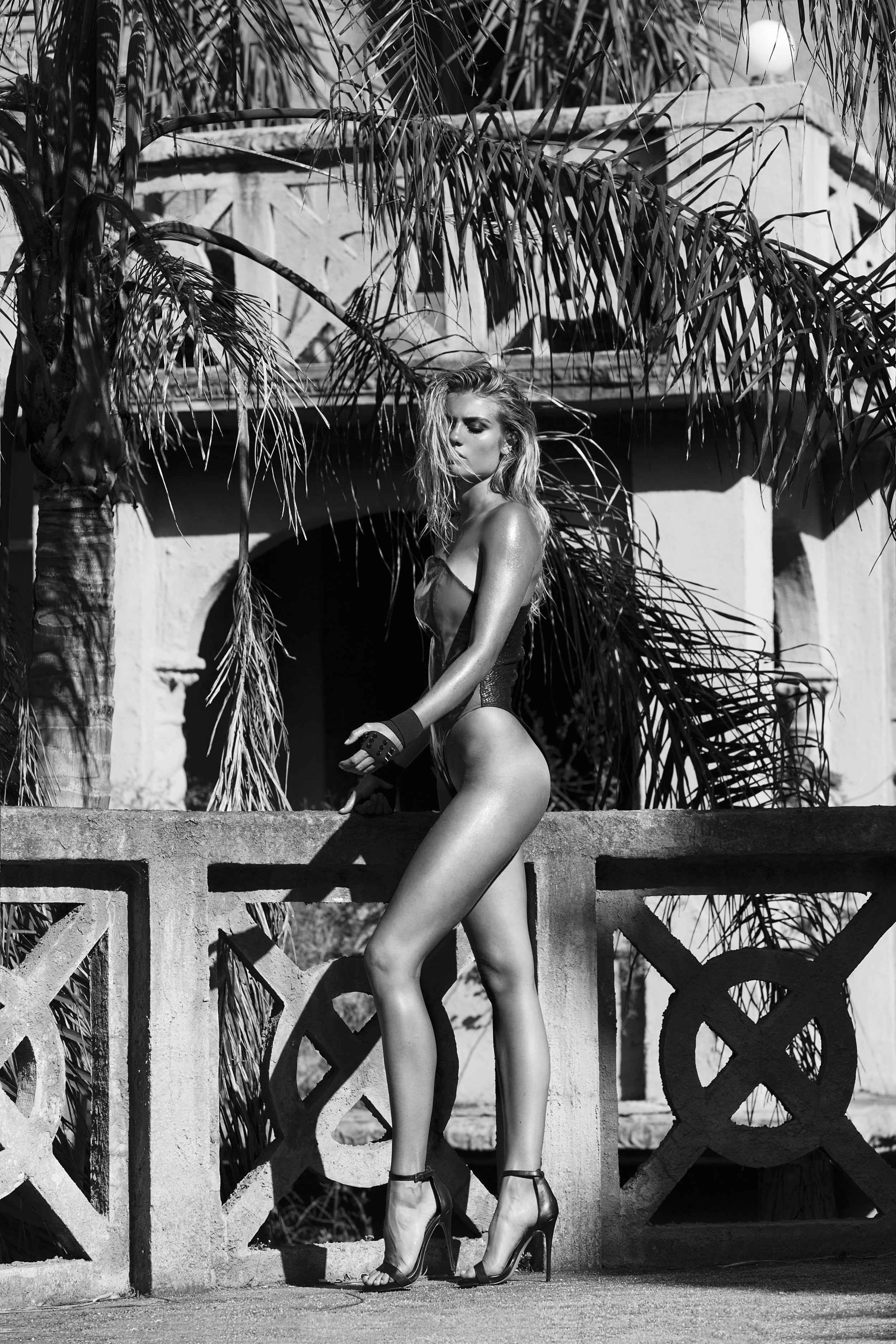
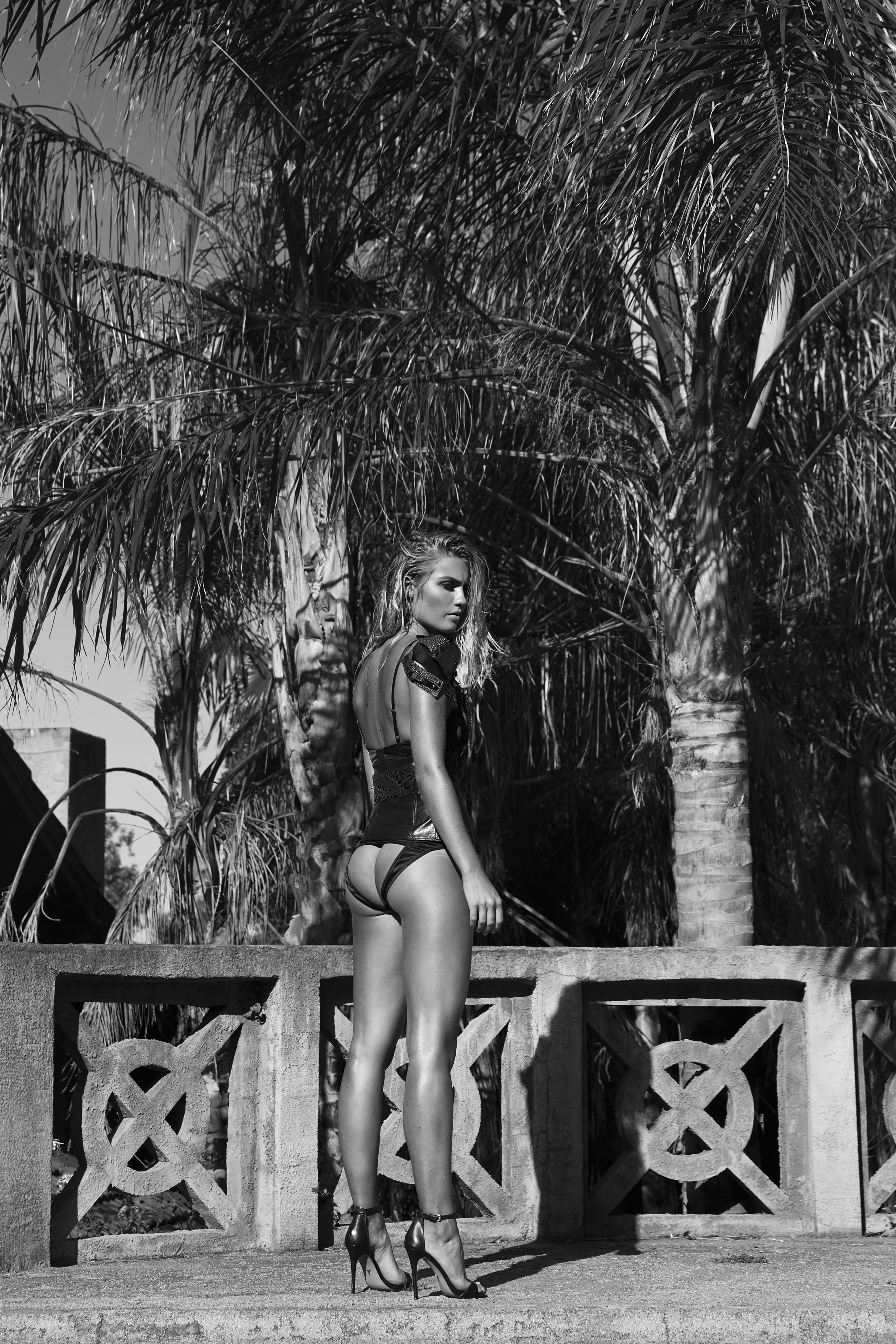
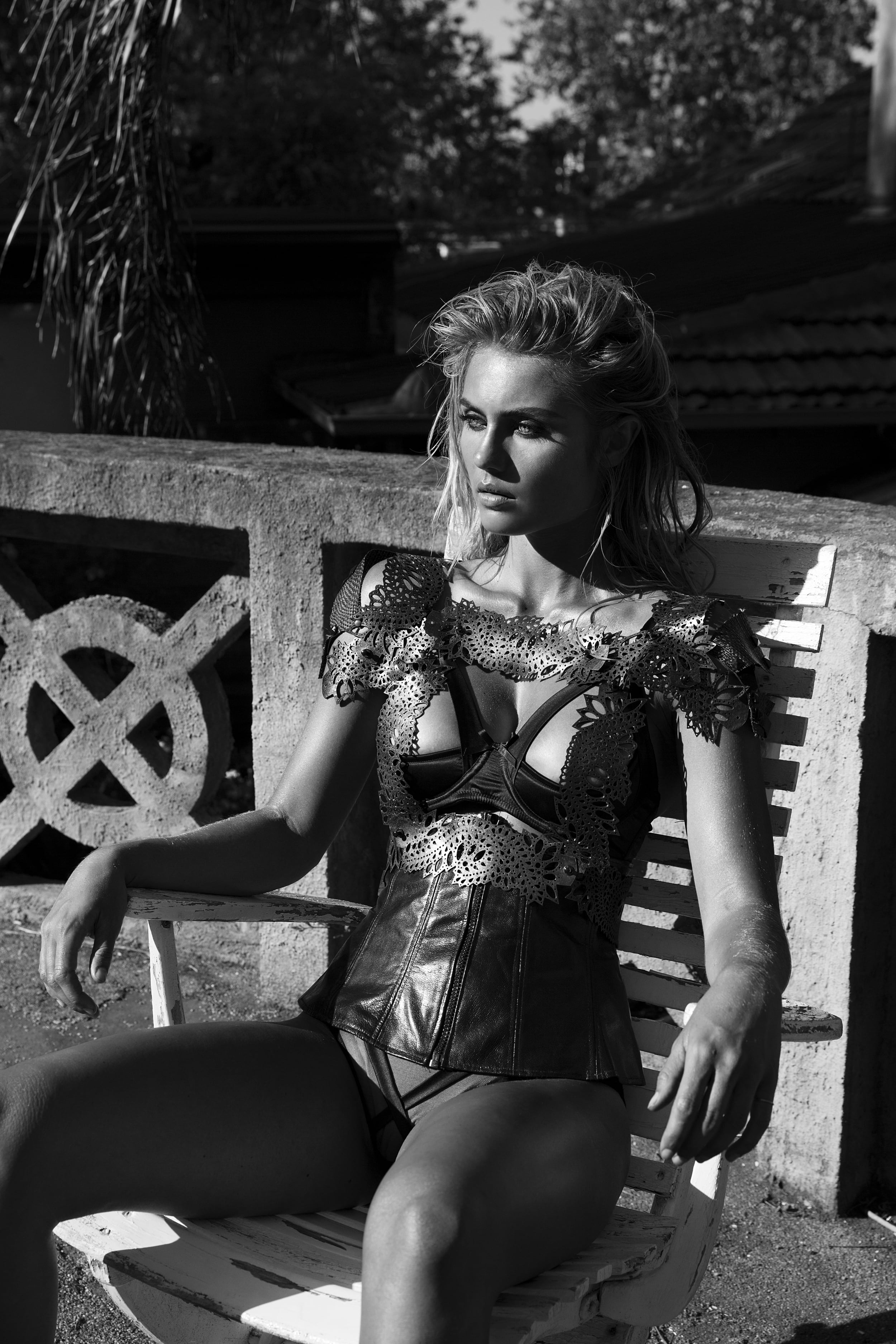
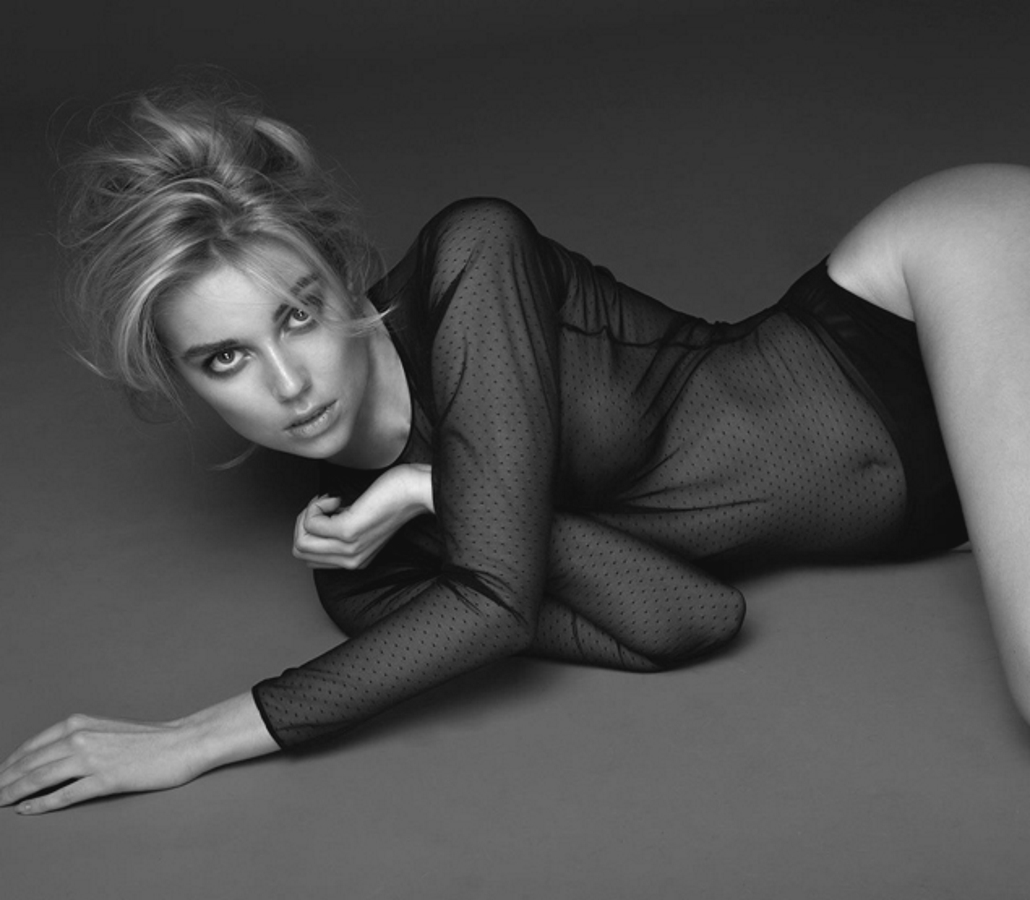
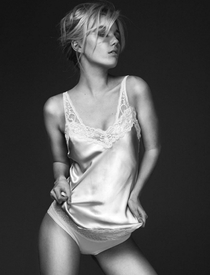 Photographer: Mark Harless bleeblu.tumblr.com bleeblu.com/diary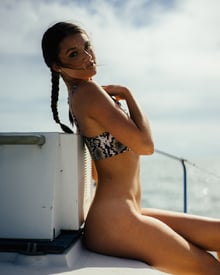
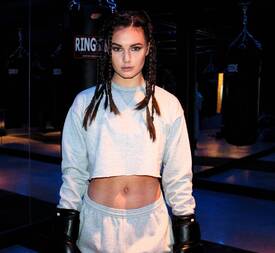
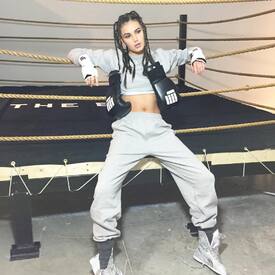
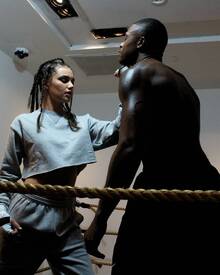
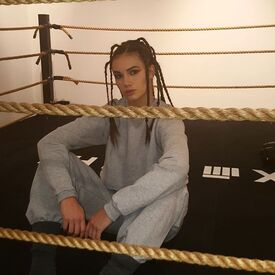
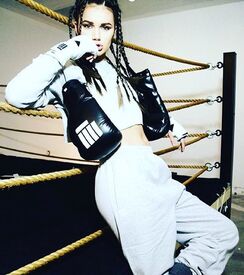
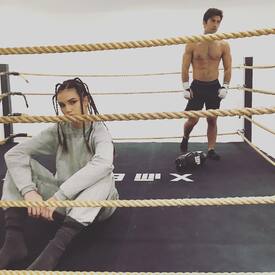
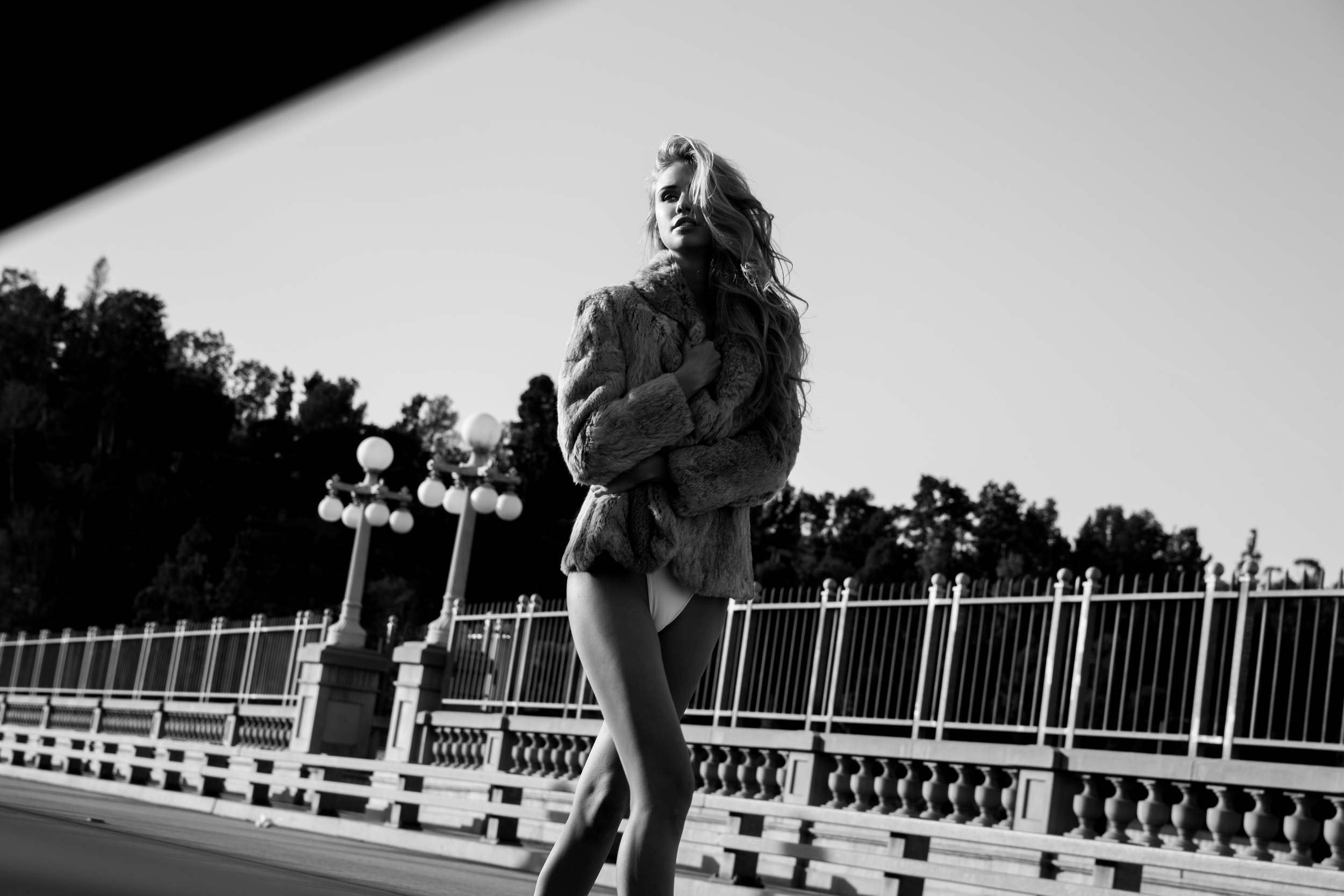
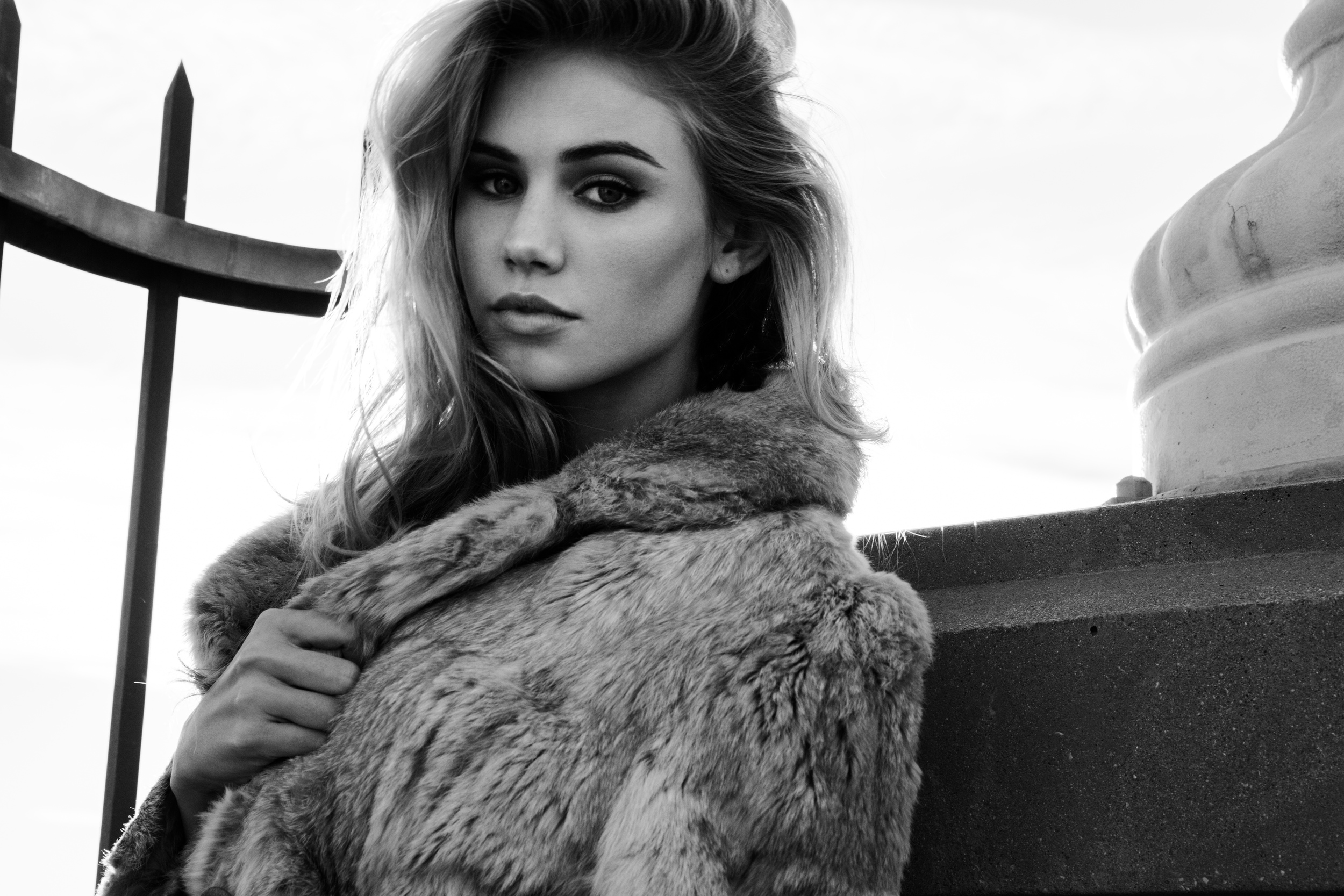
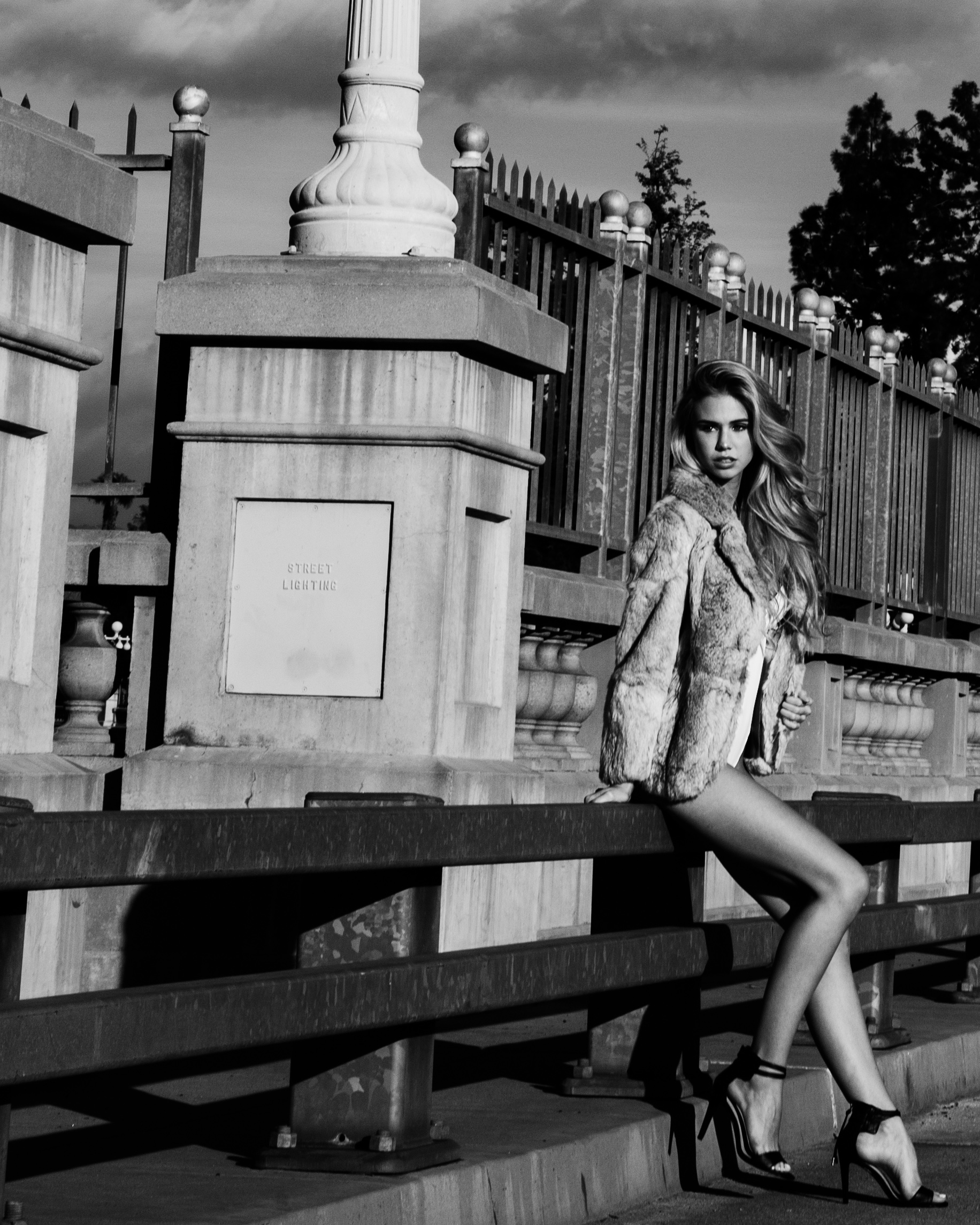
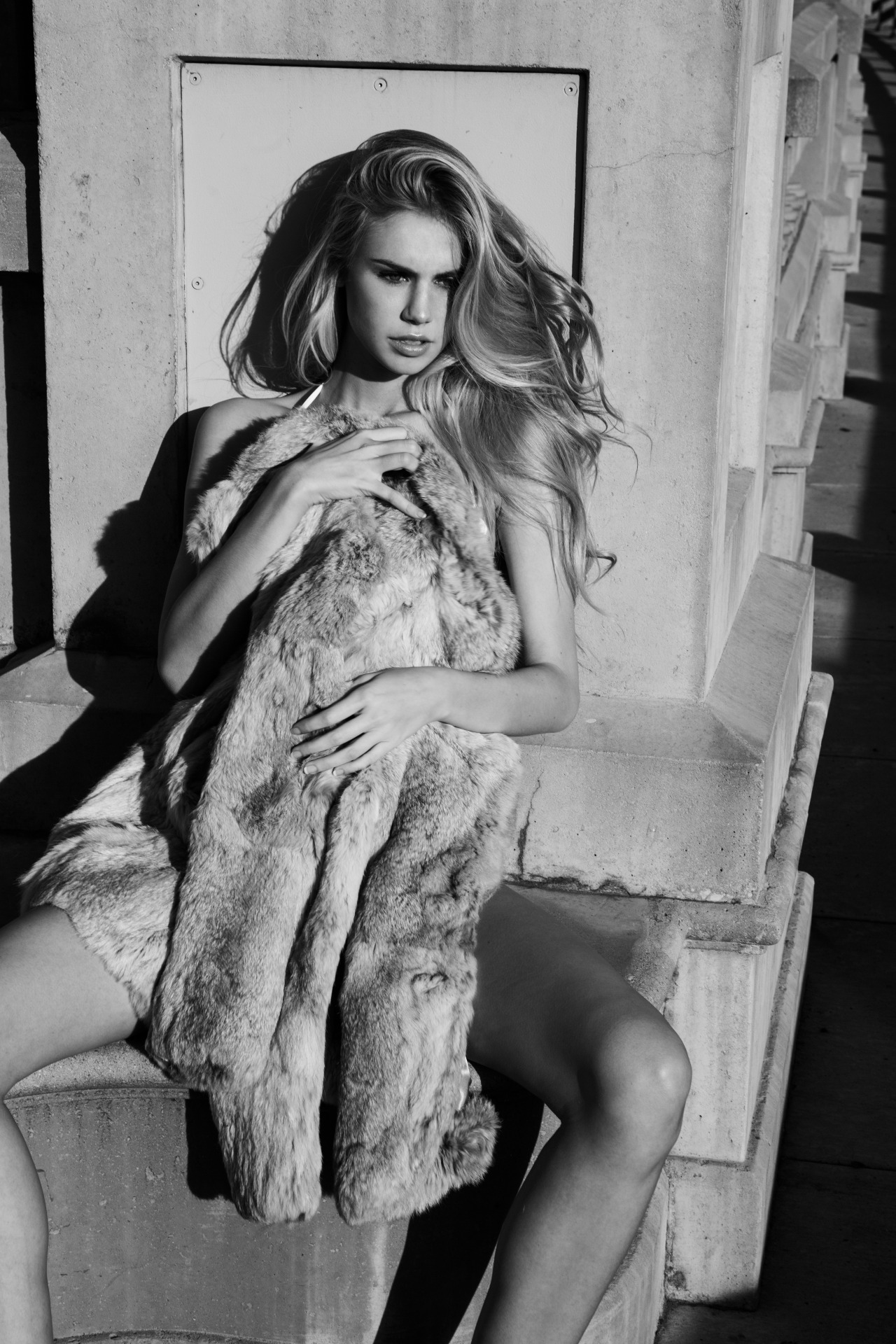
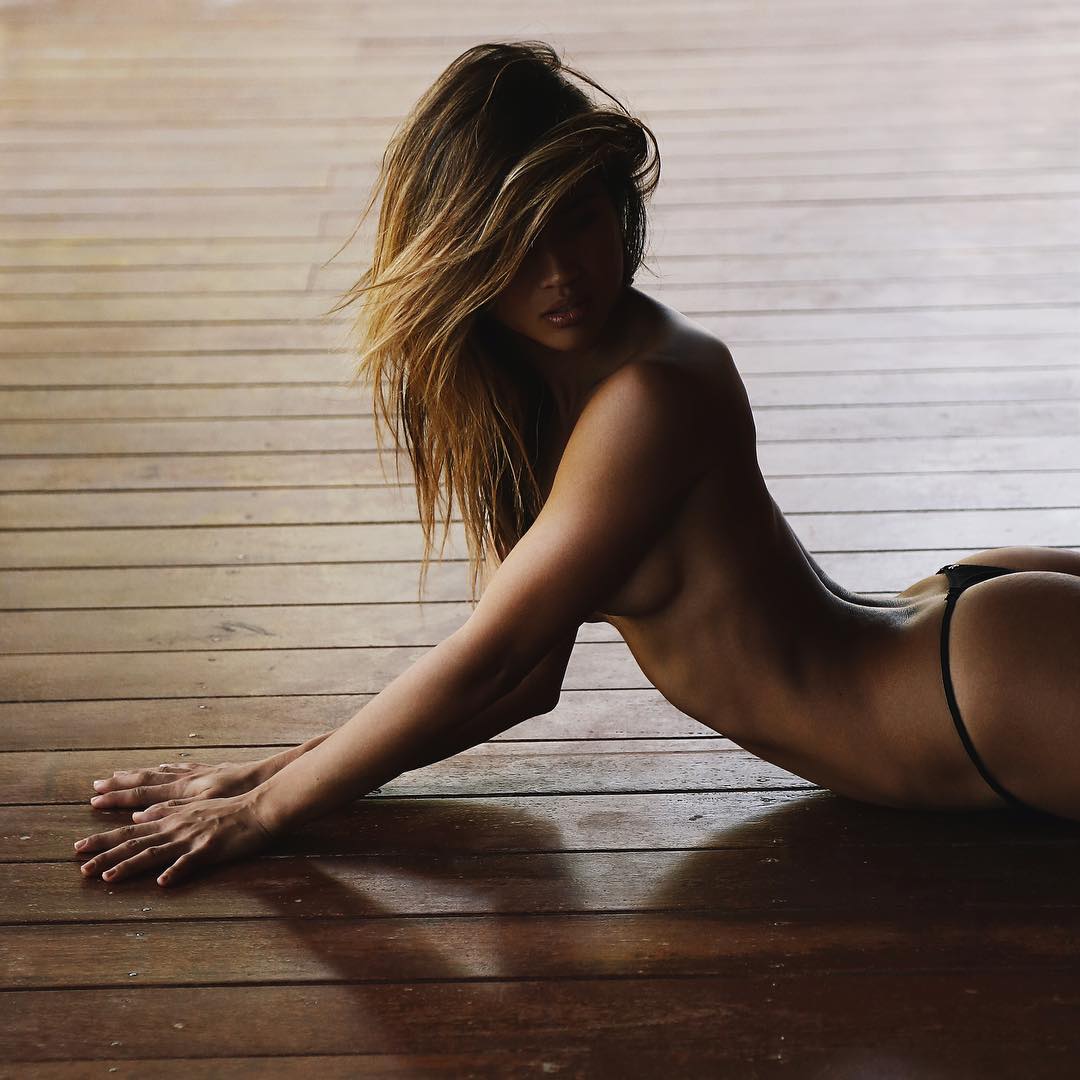
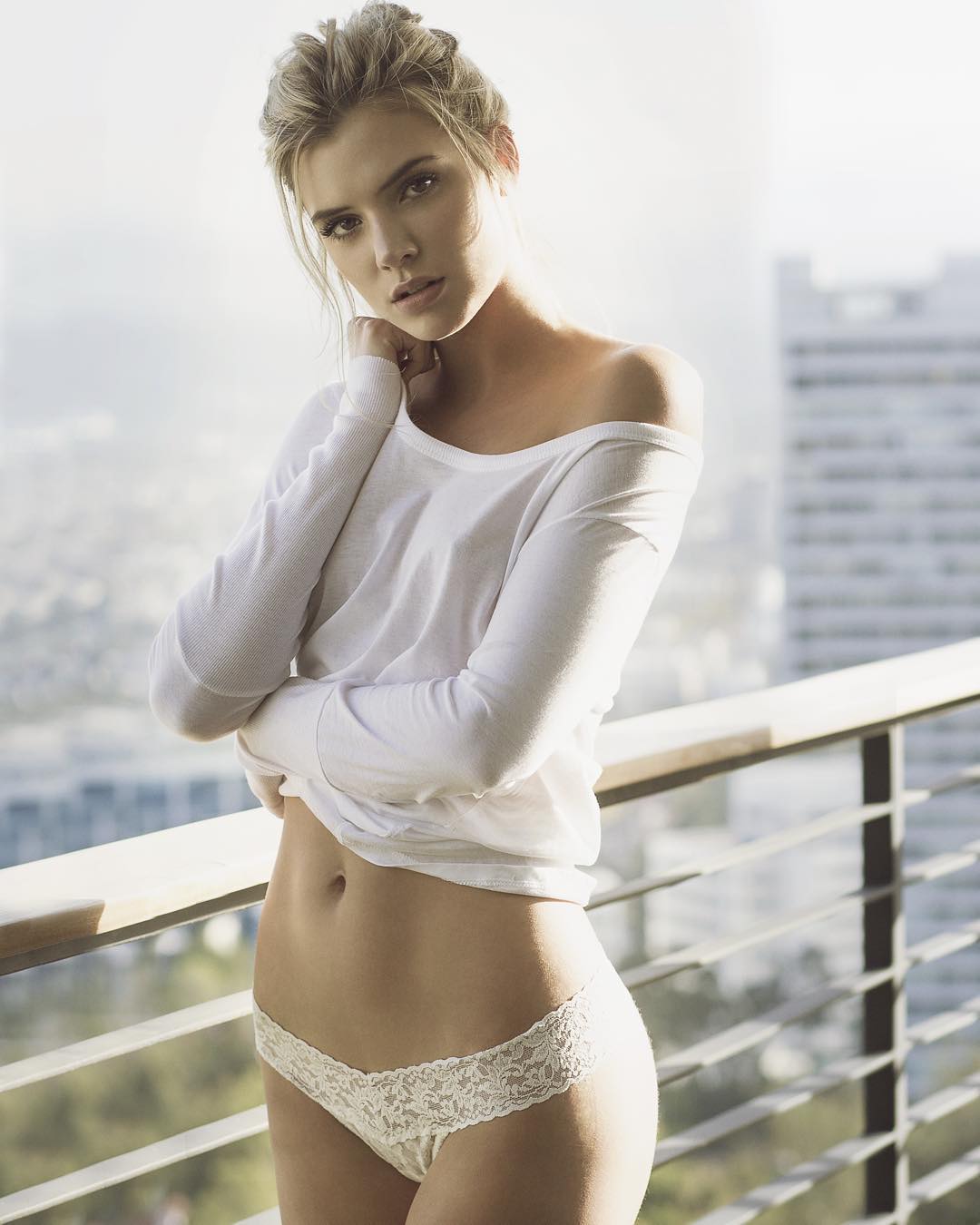
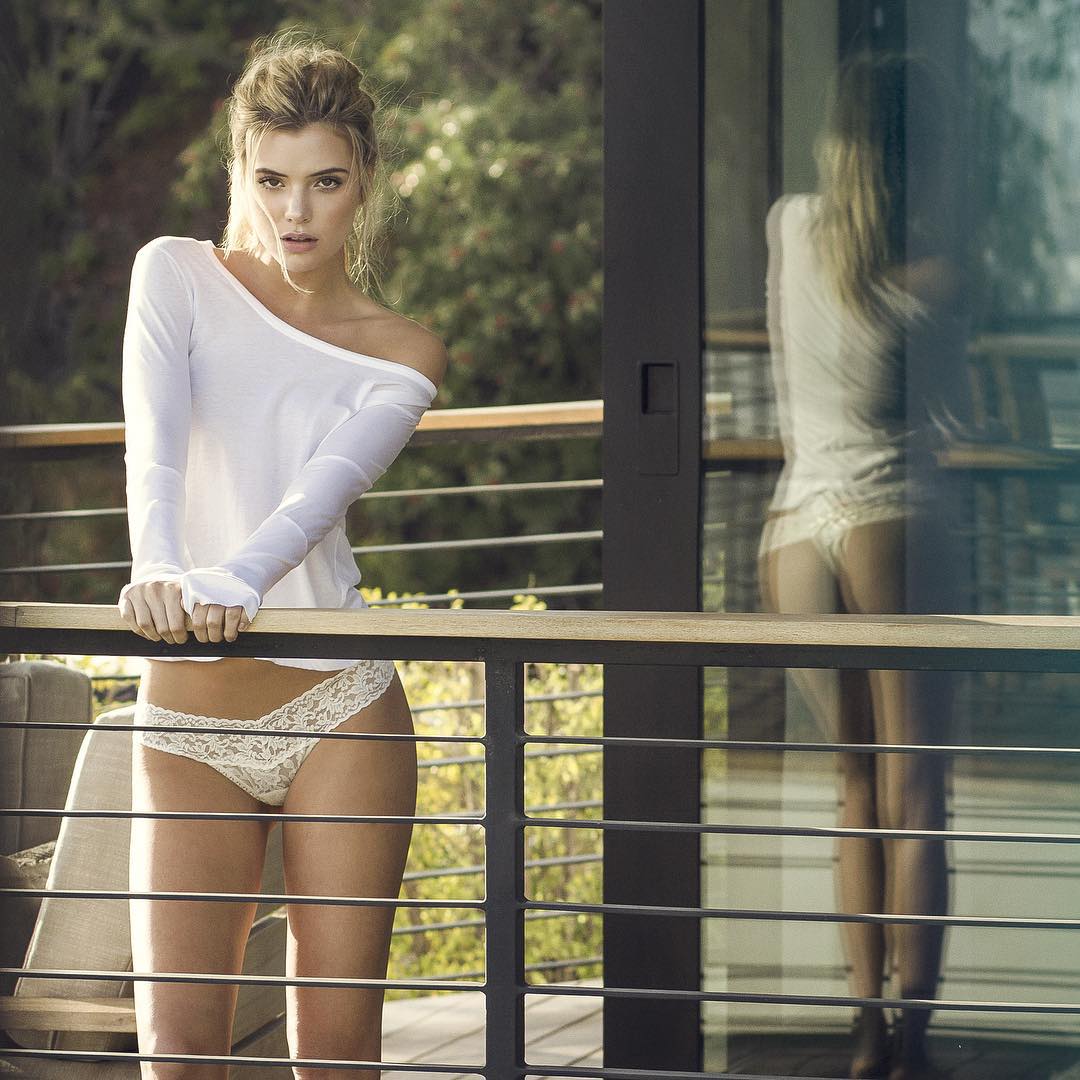
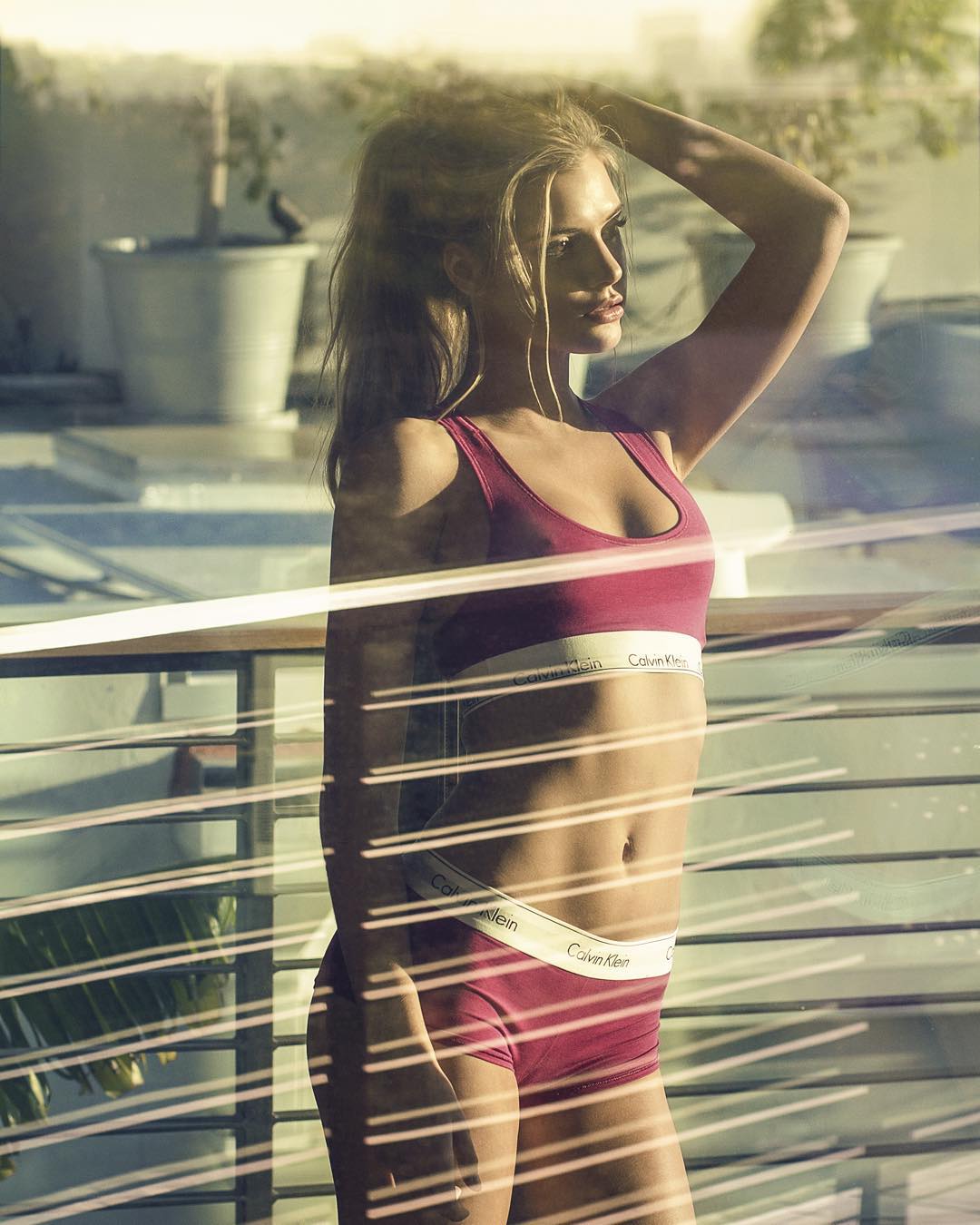
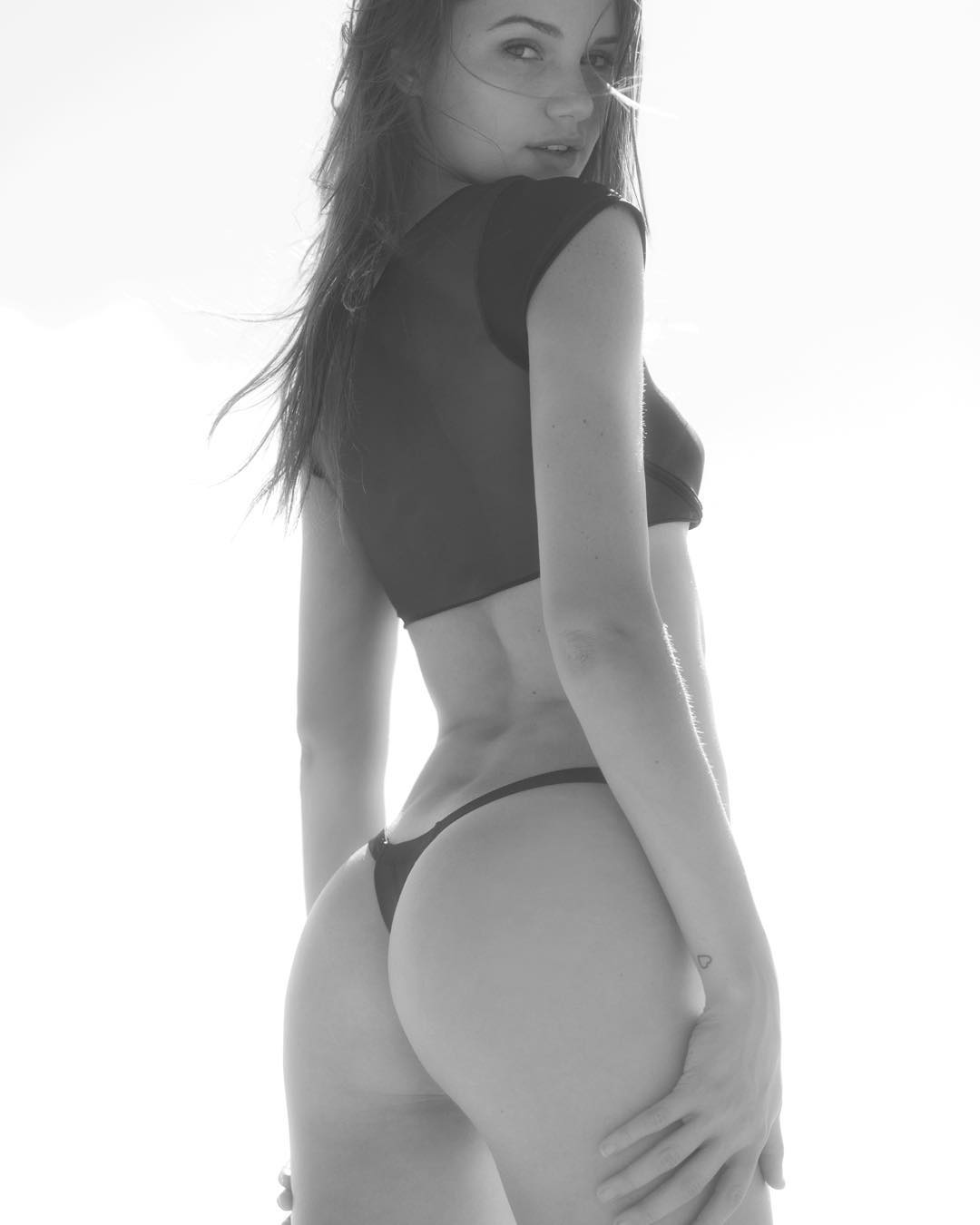
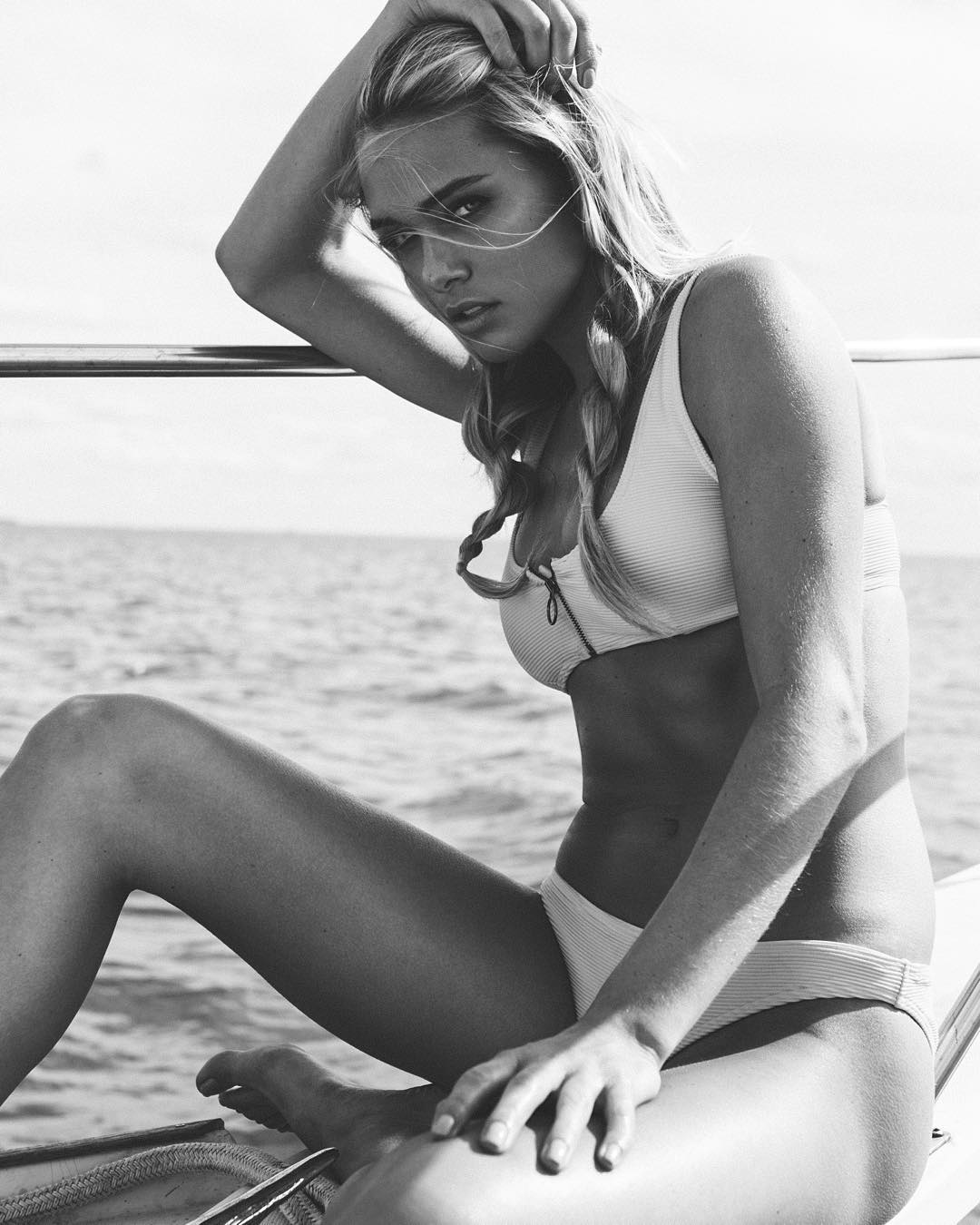
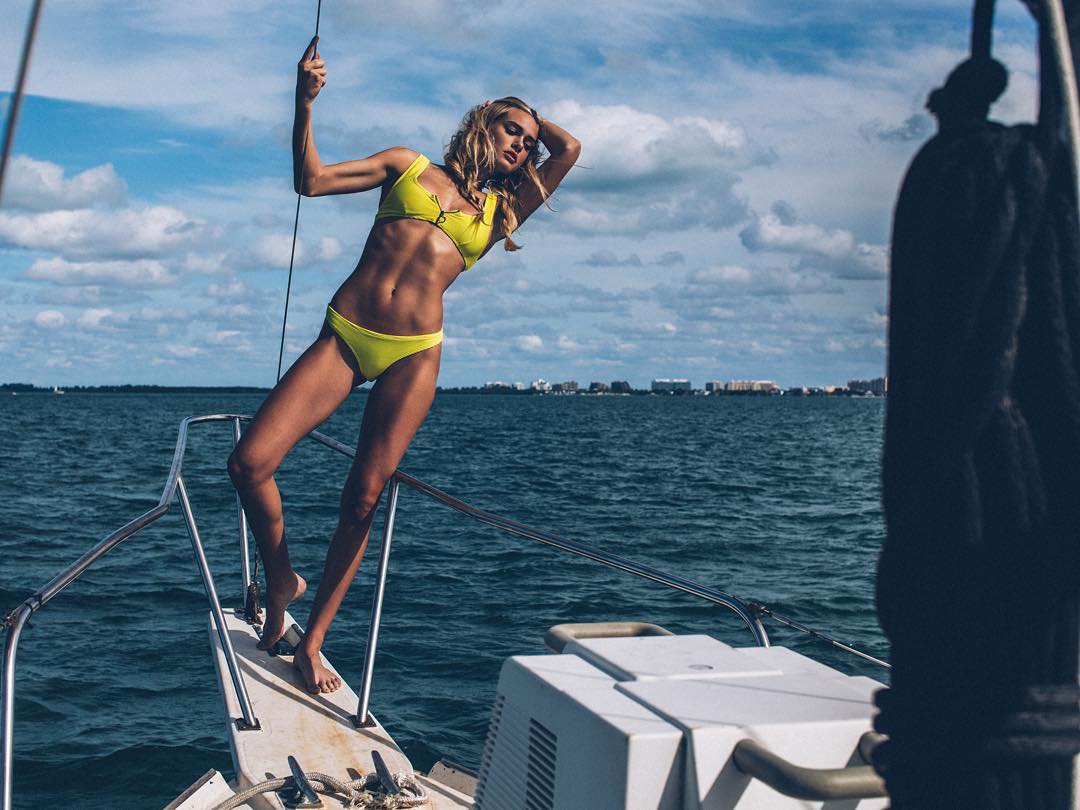
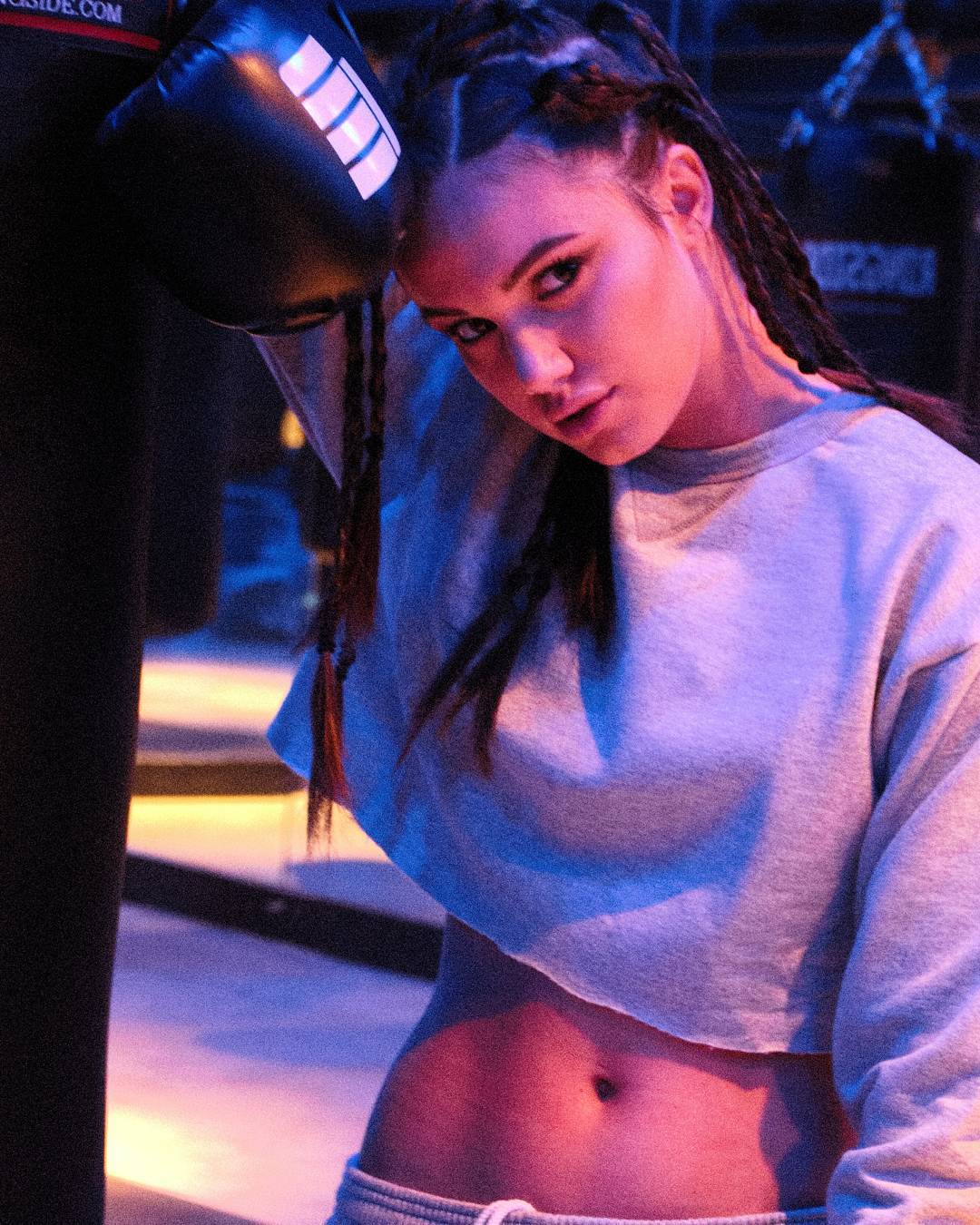
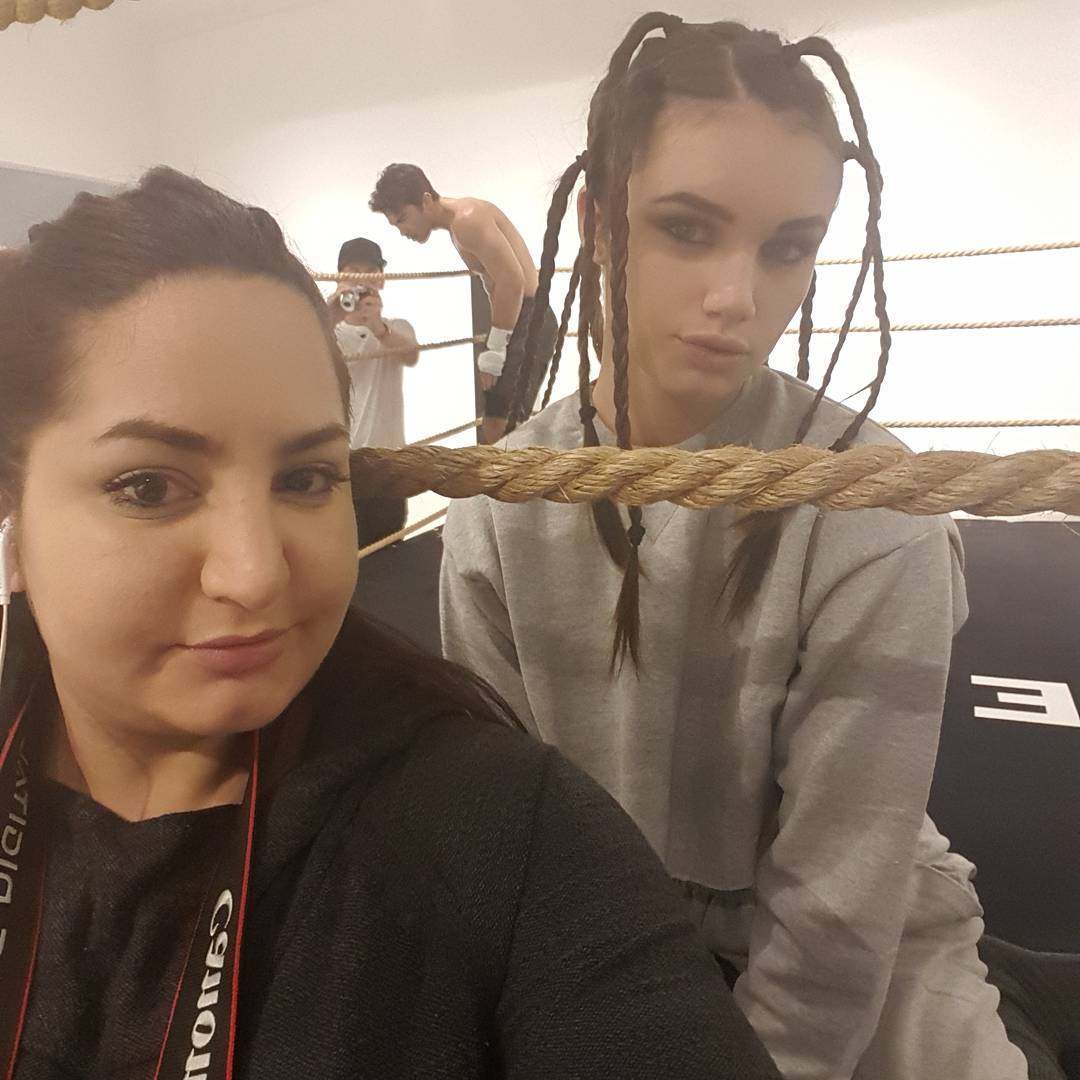
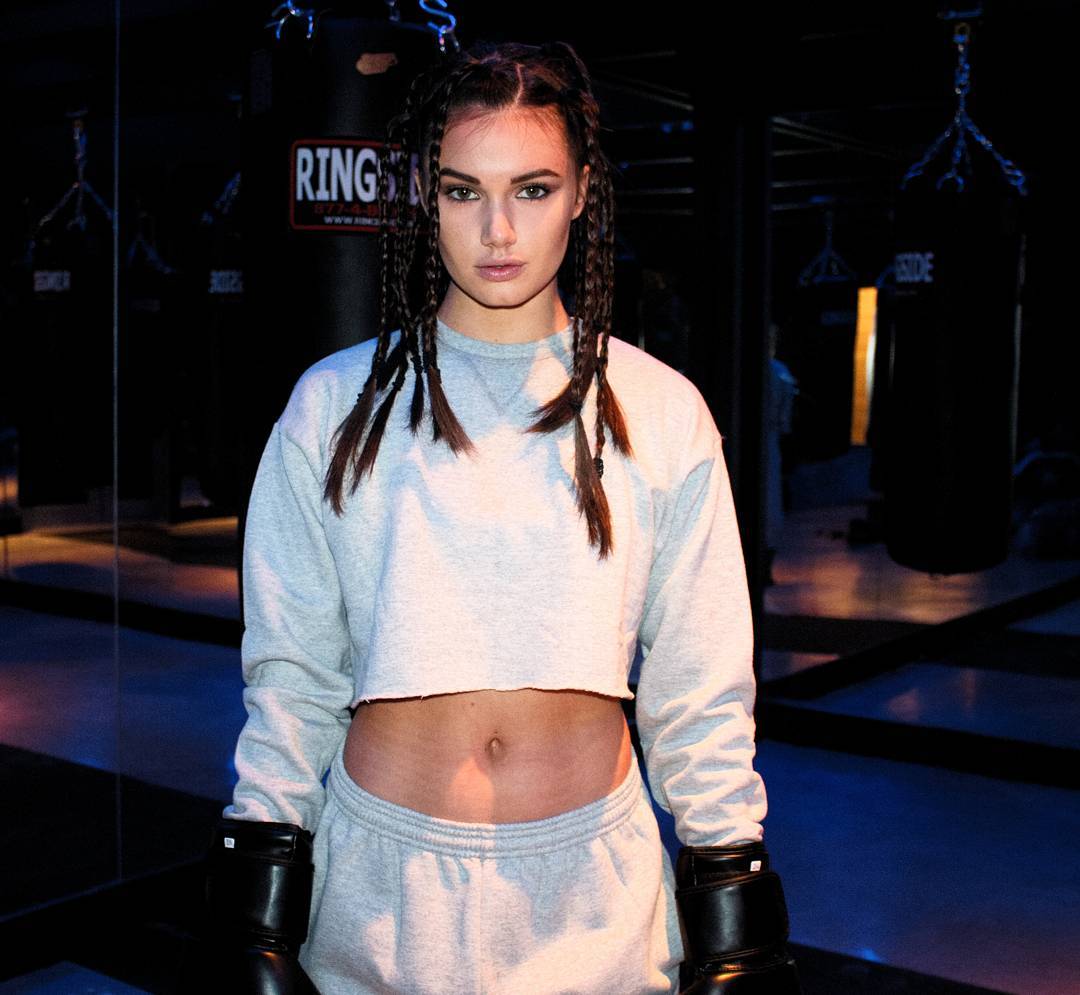
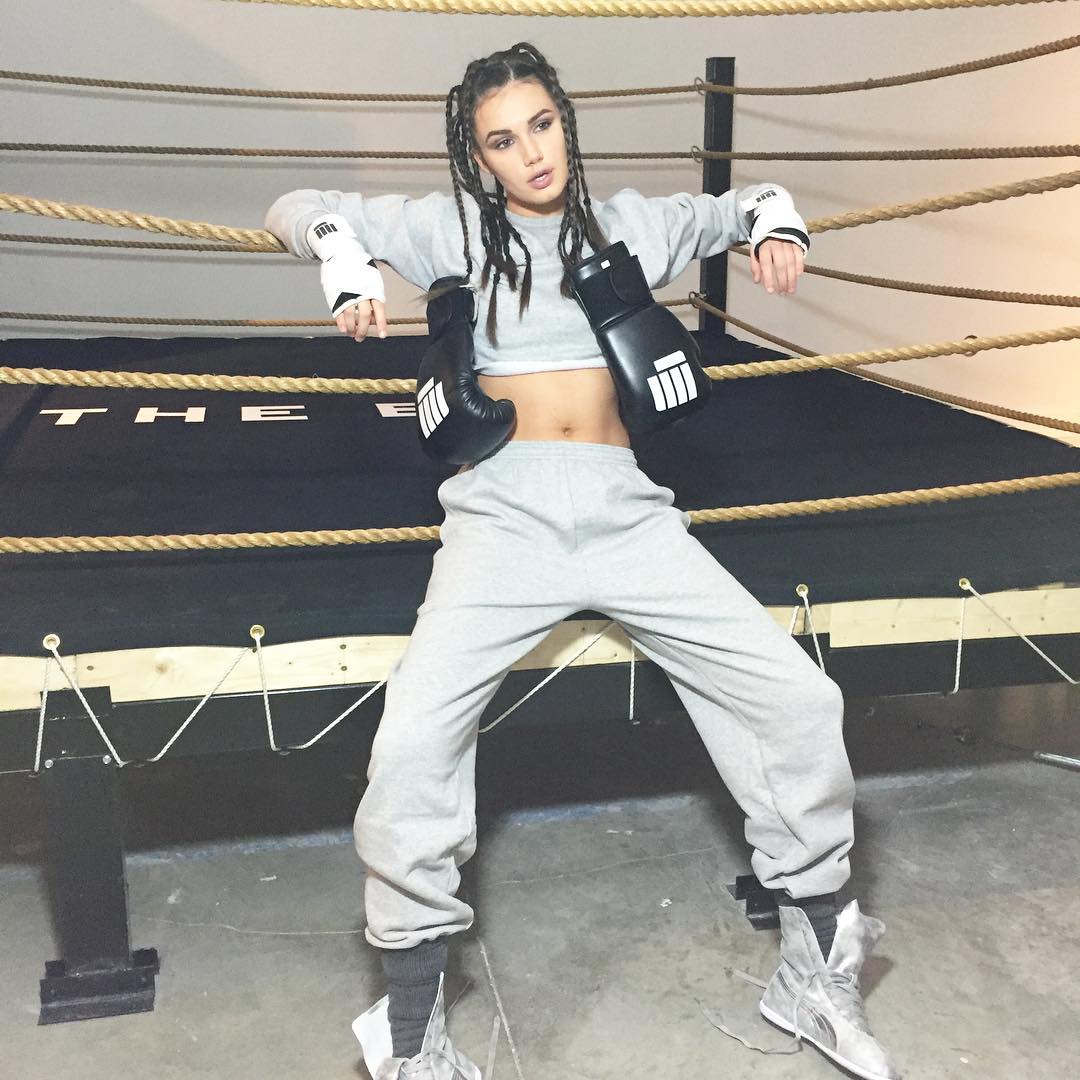
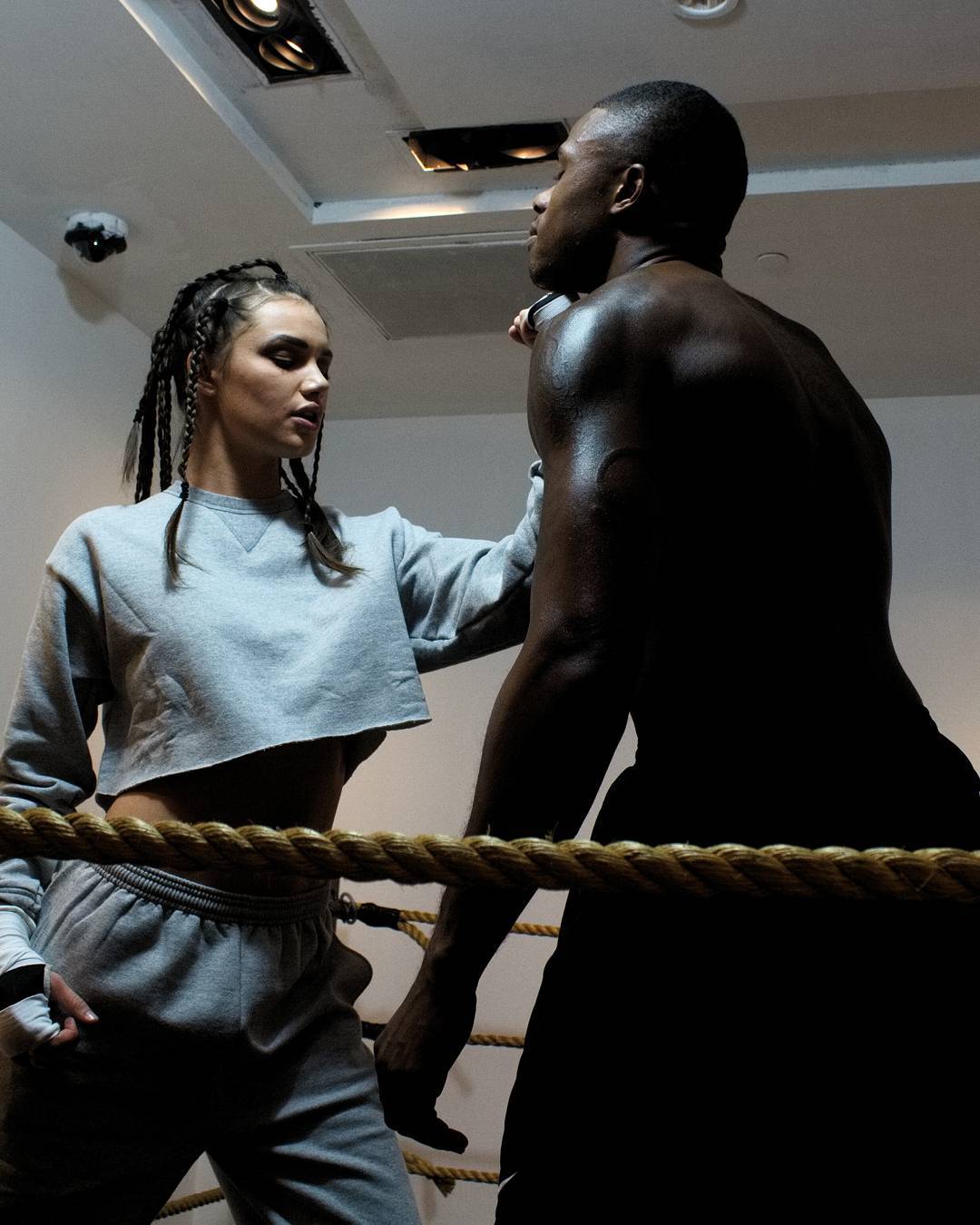
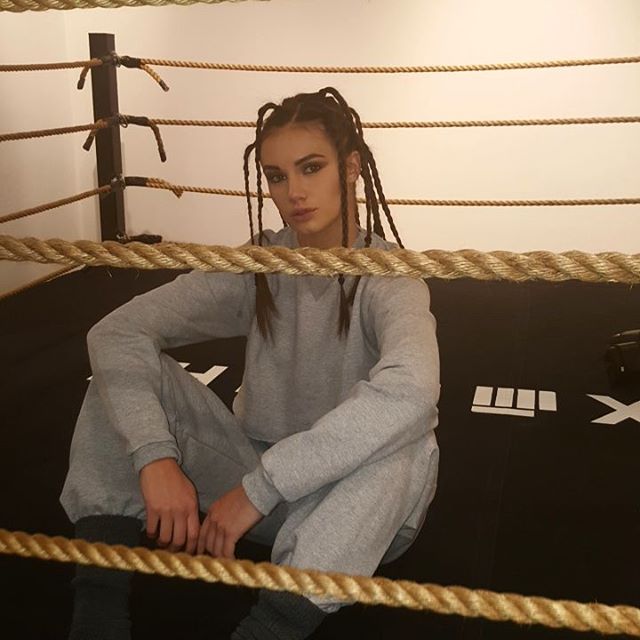
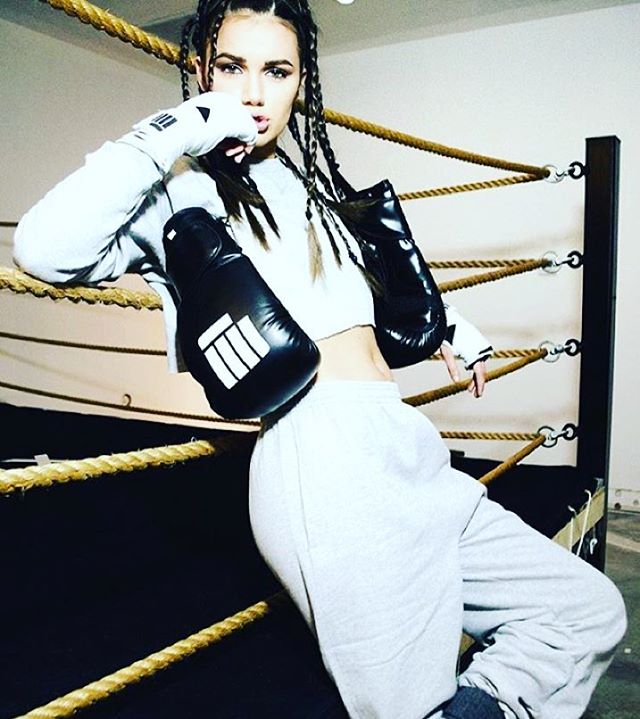
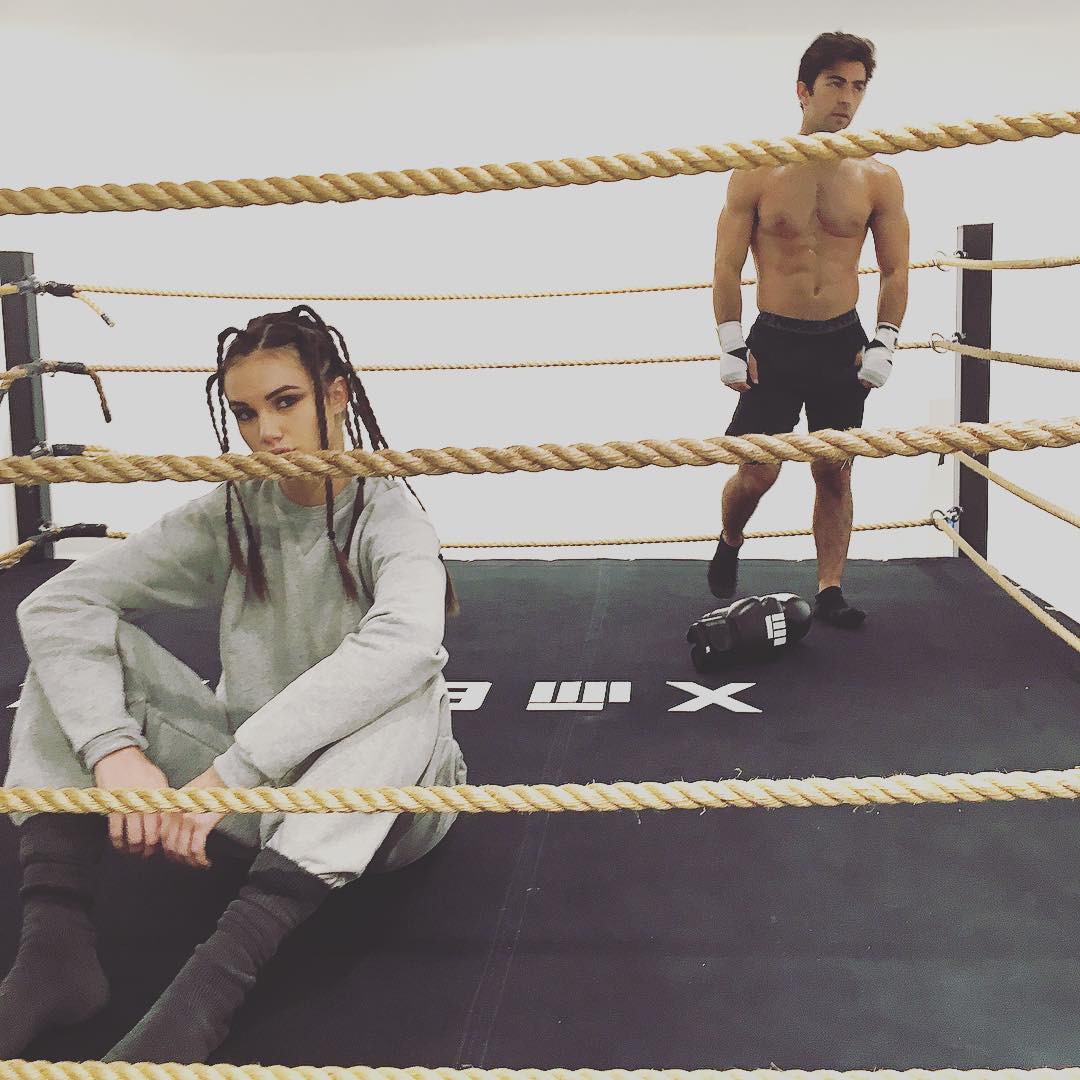
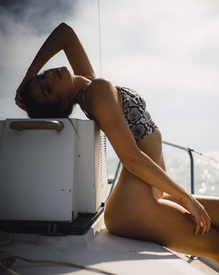 Photoshoot for The Box Miami by Branden Marcel Canlas instagram.com/theboxmia instagram.com/brandenmarcel instagram.com/jackiejorge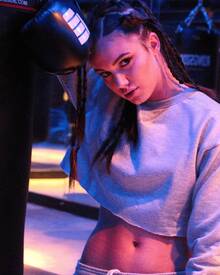

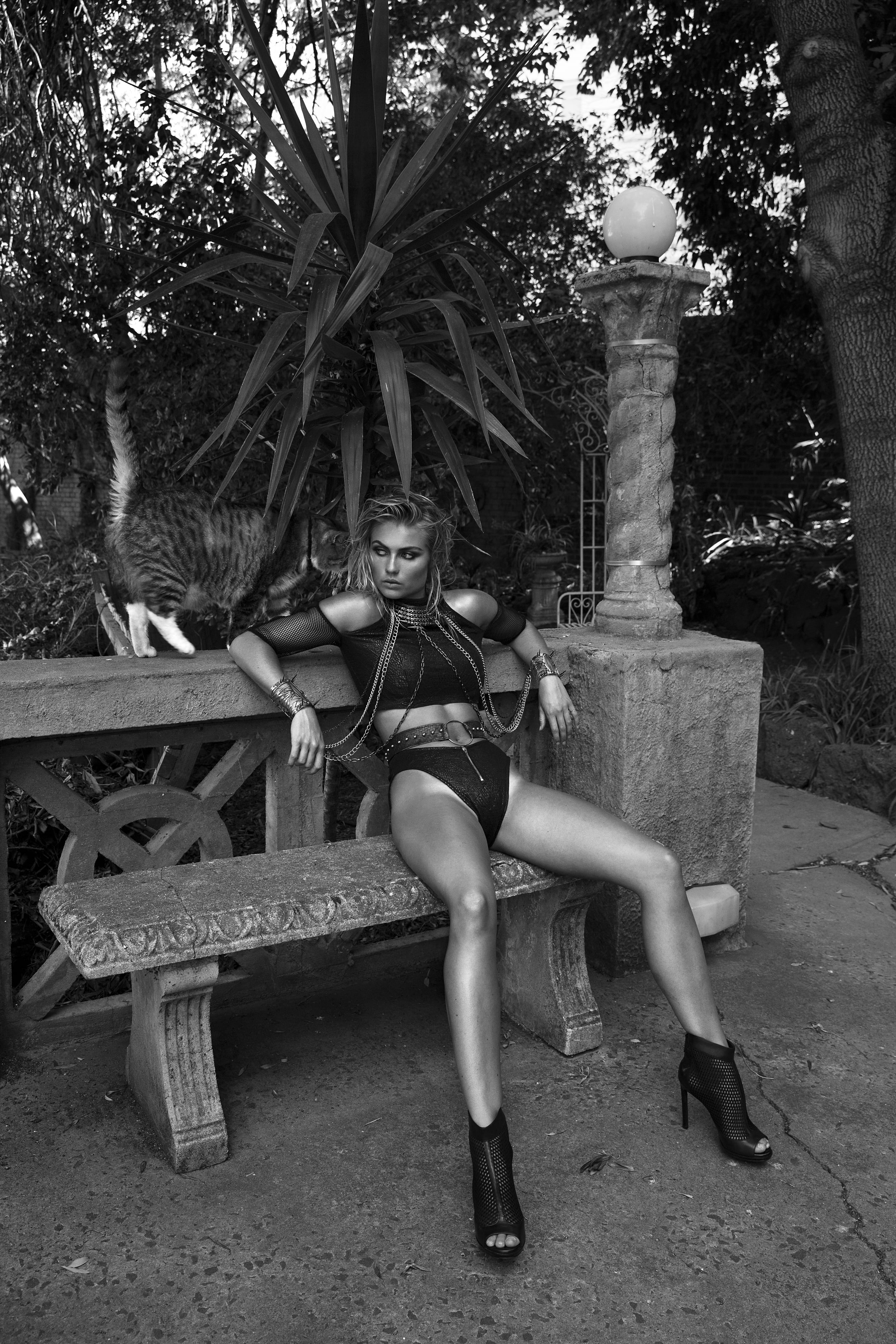
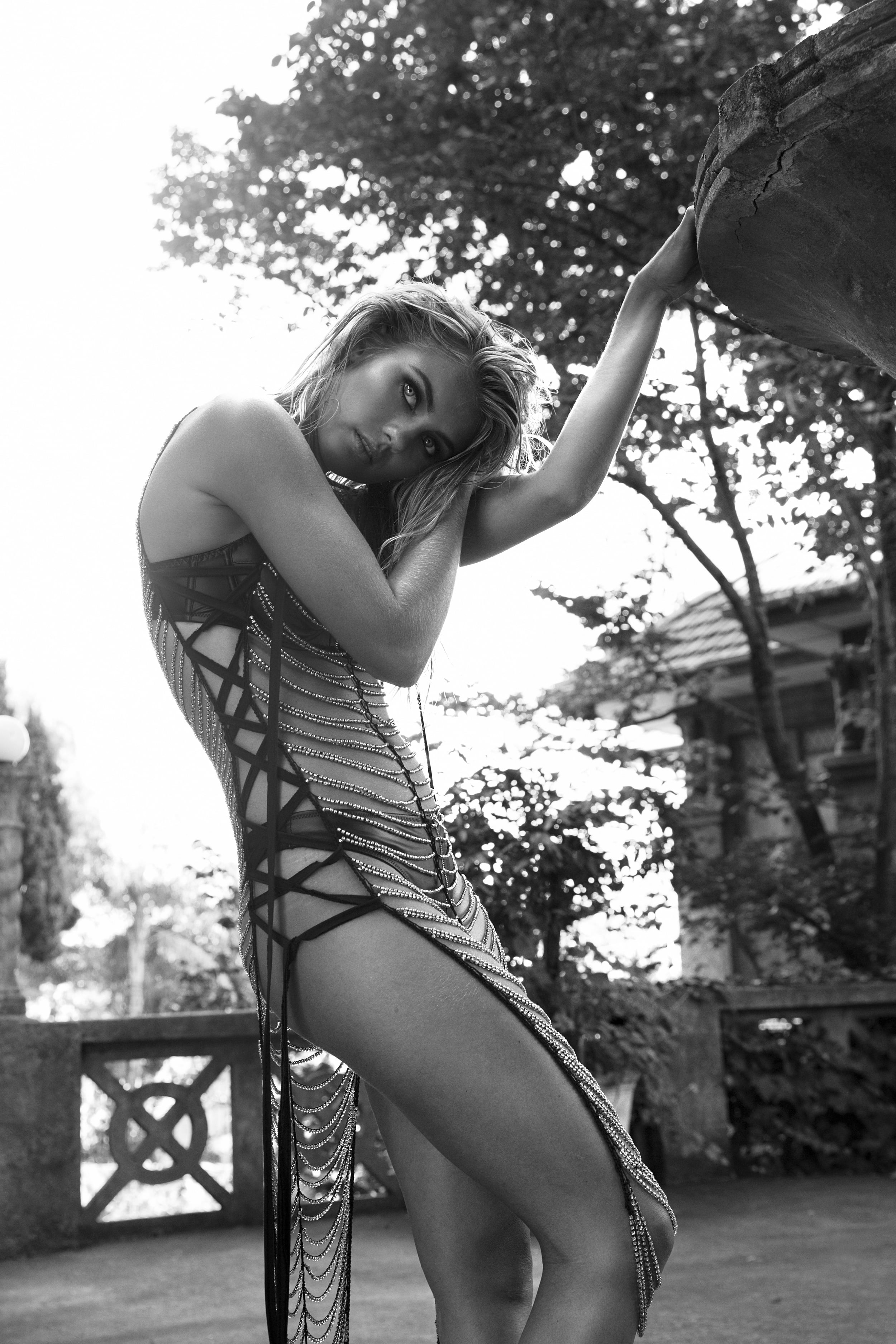
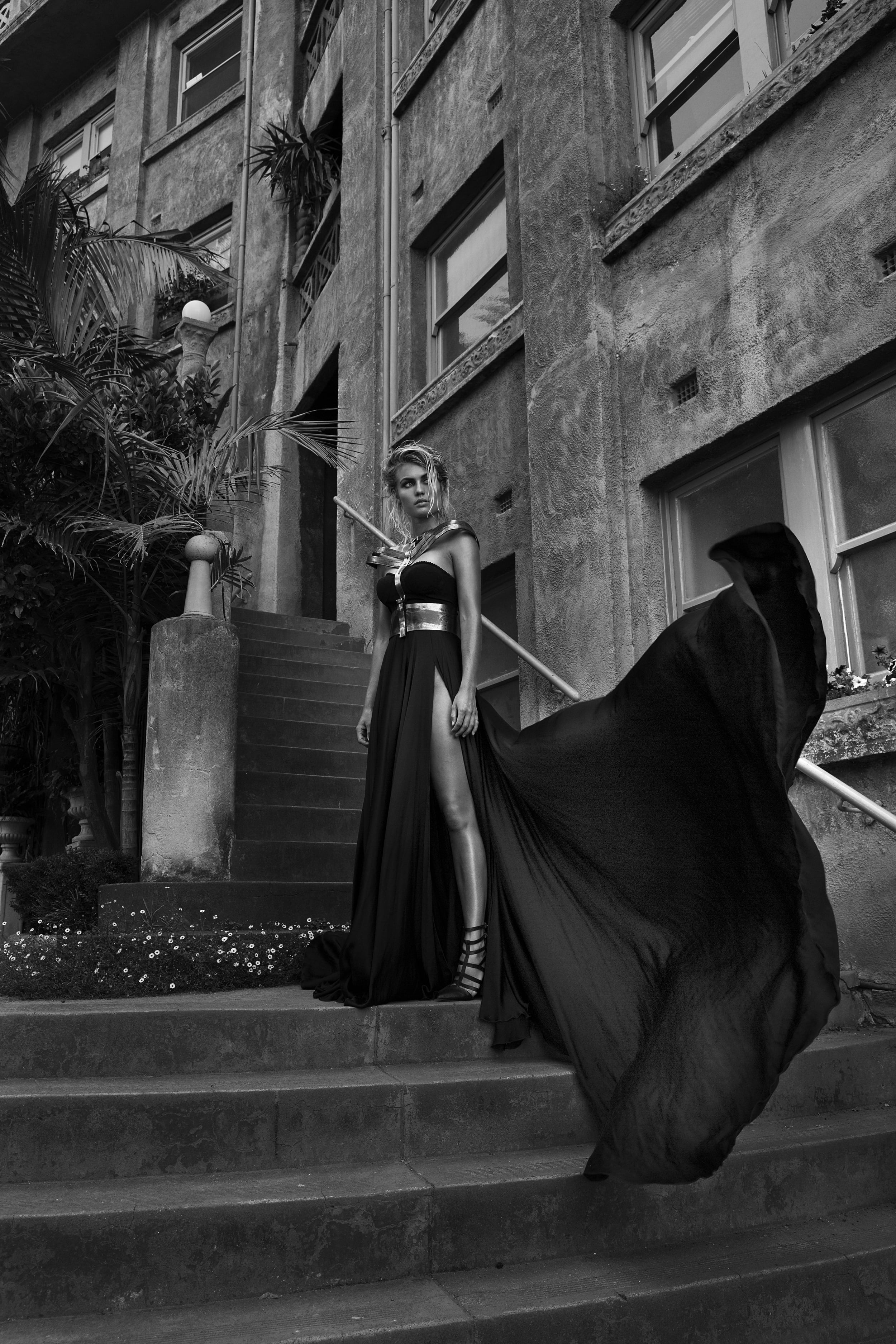
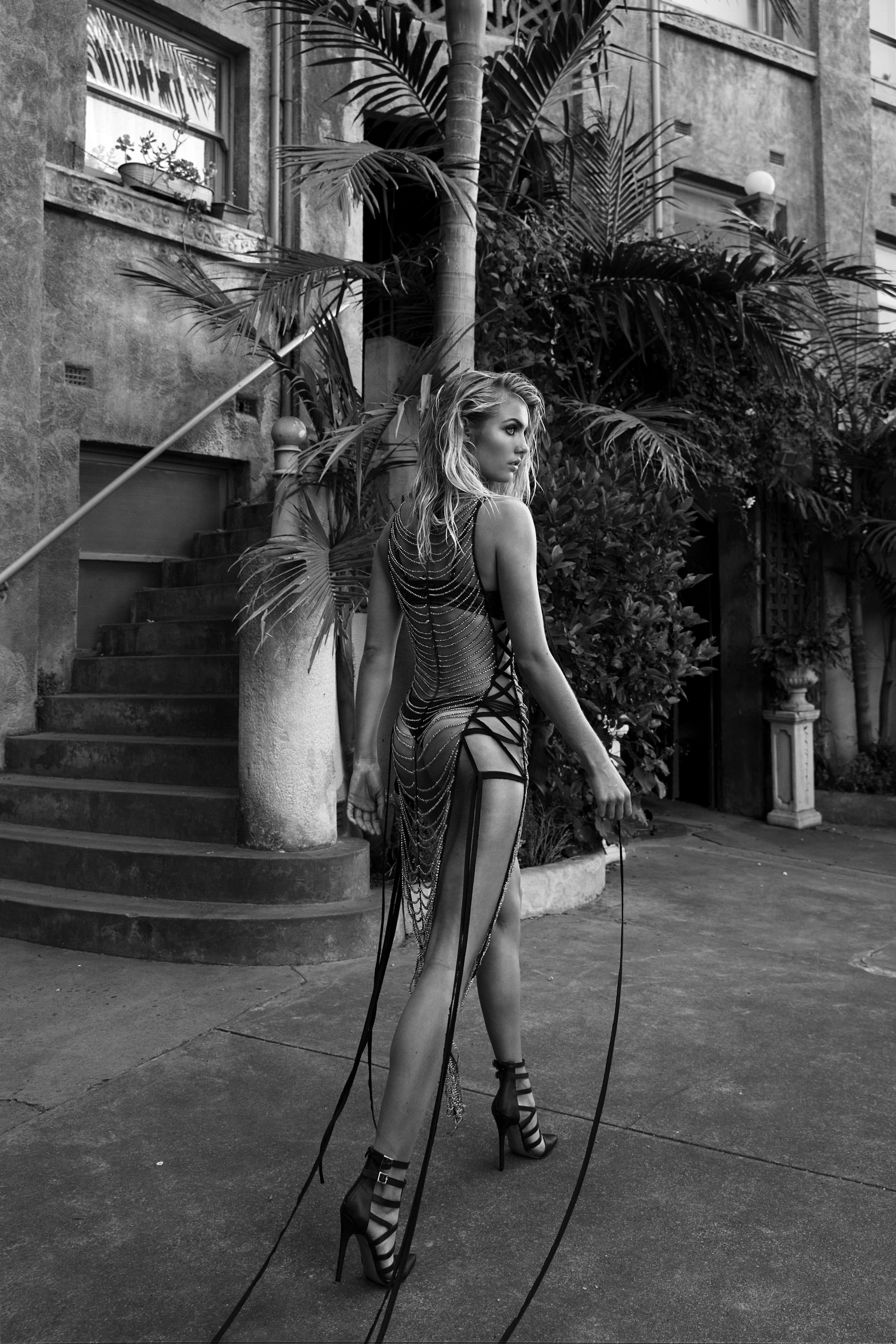
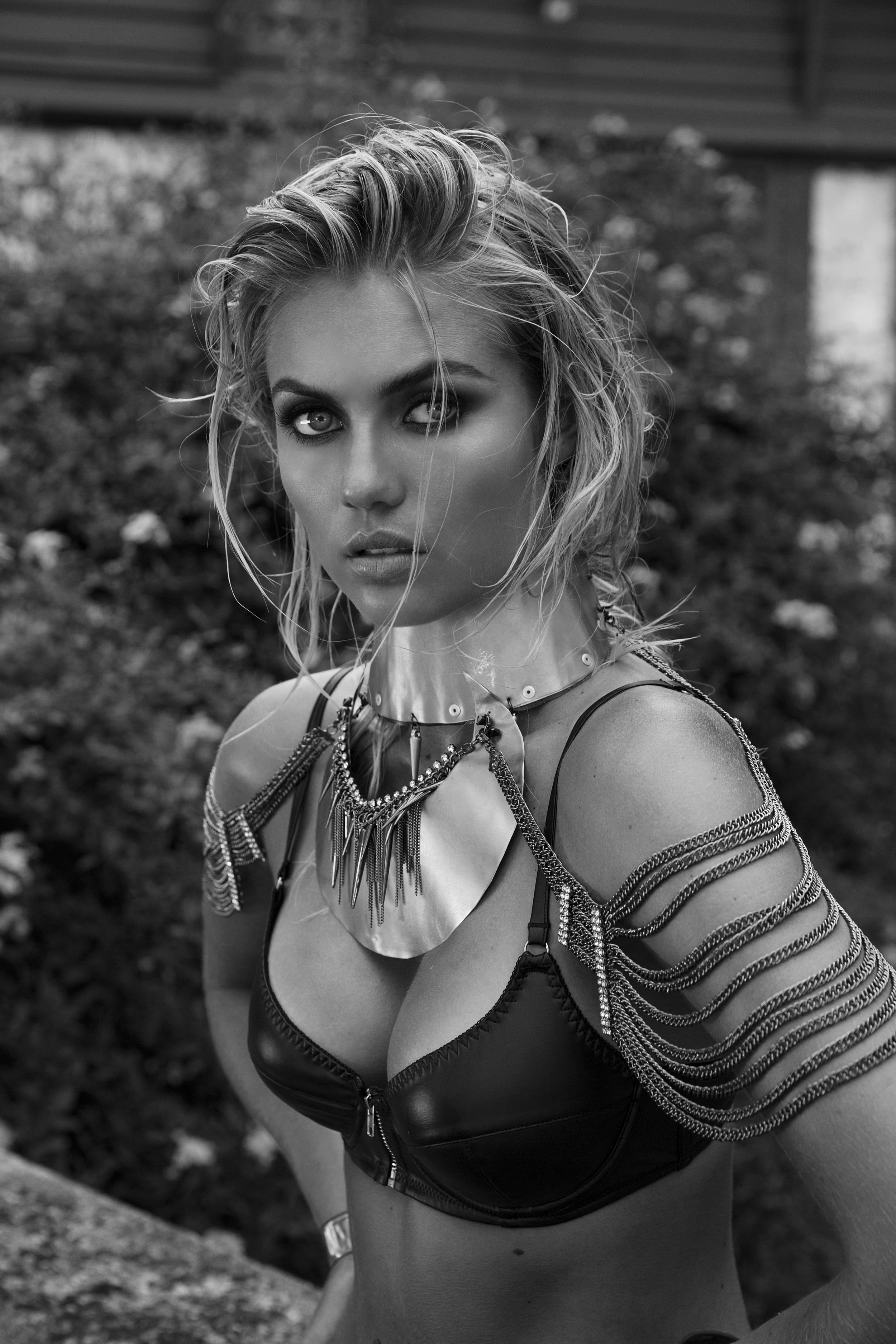
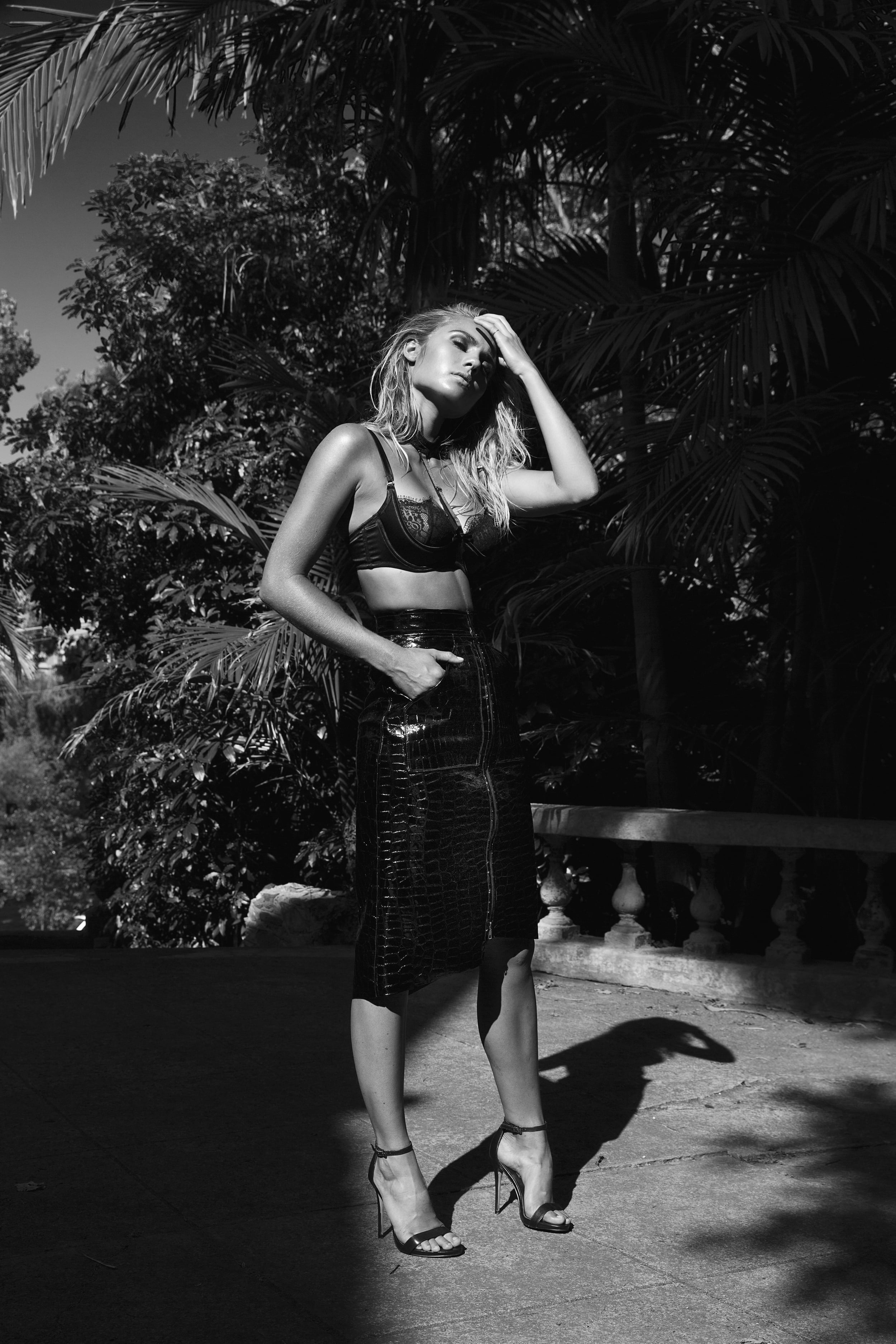
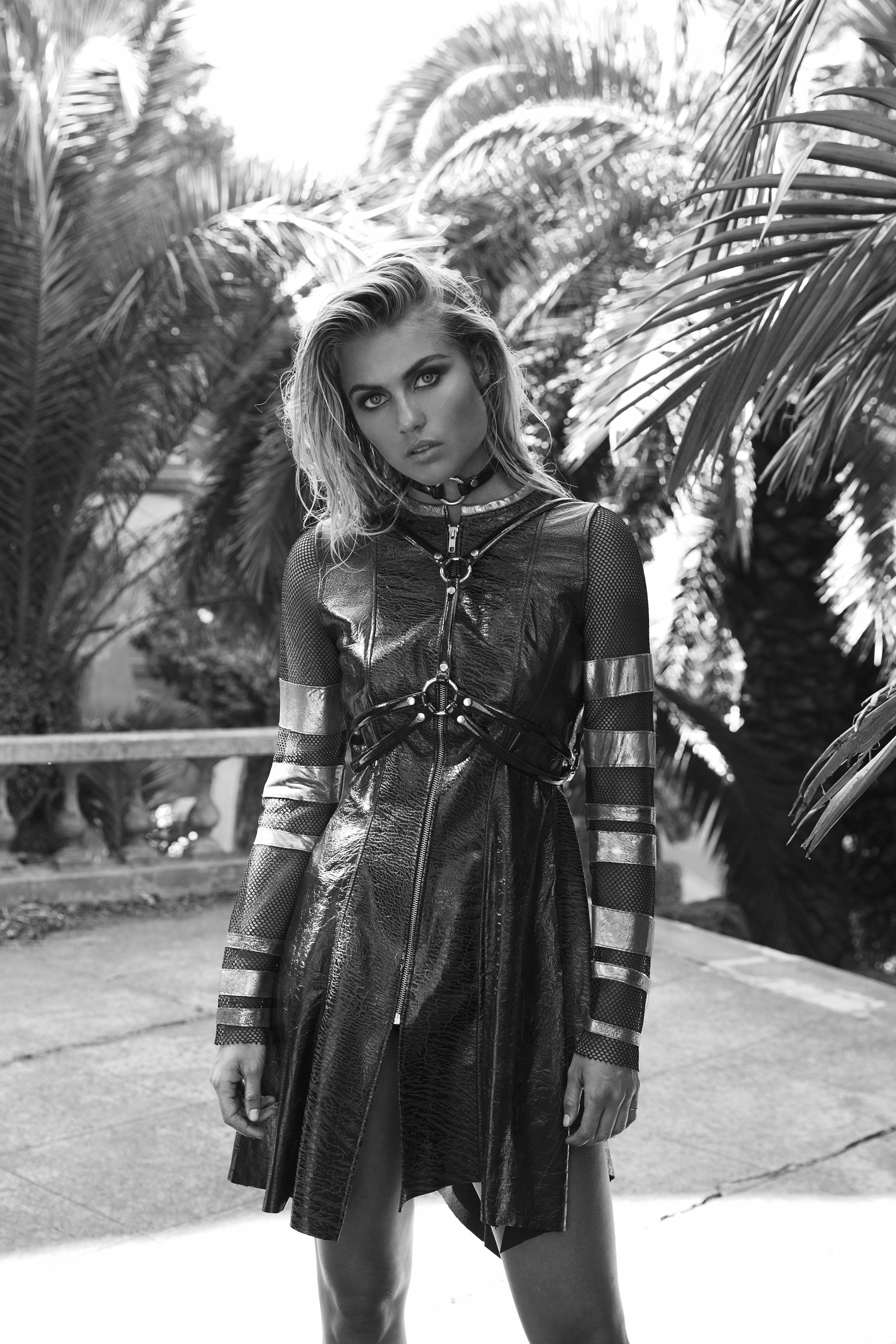
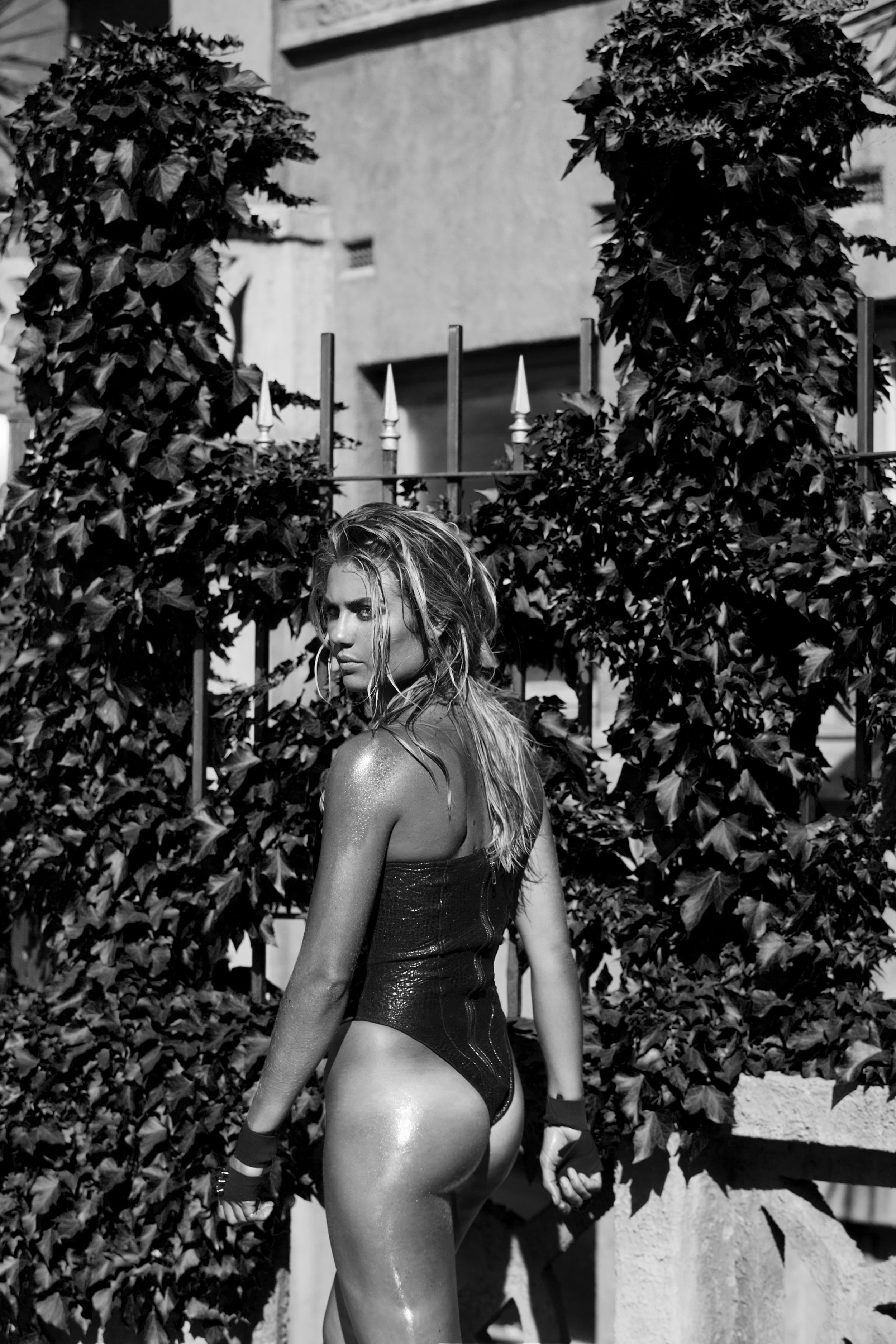
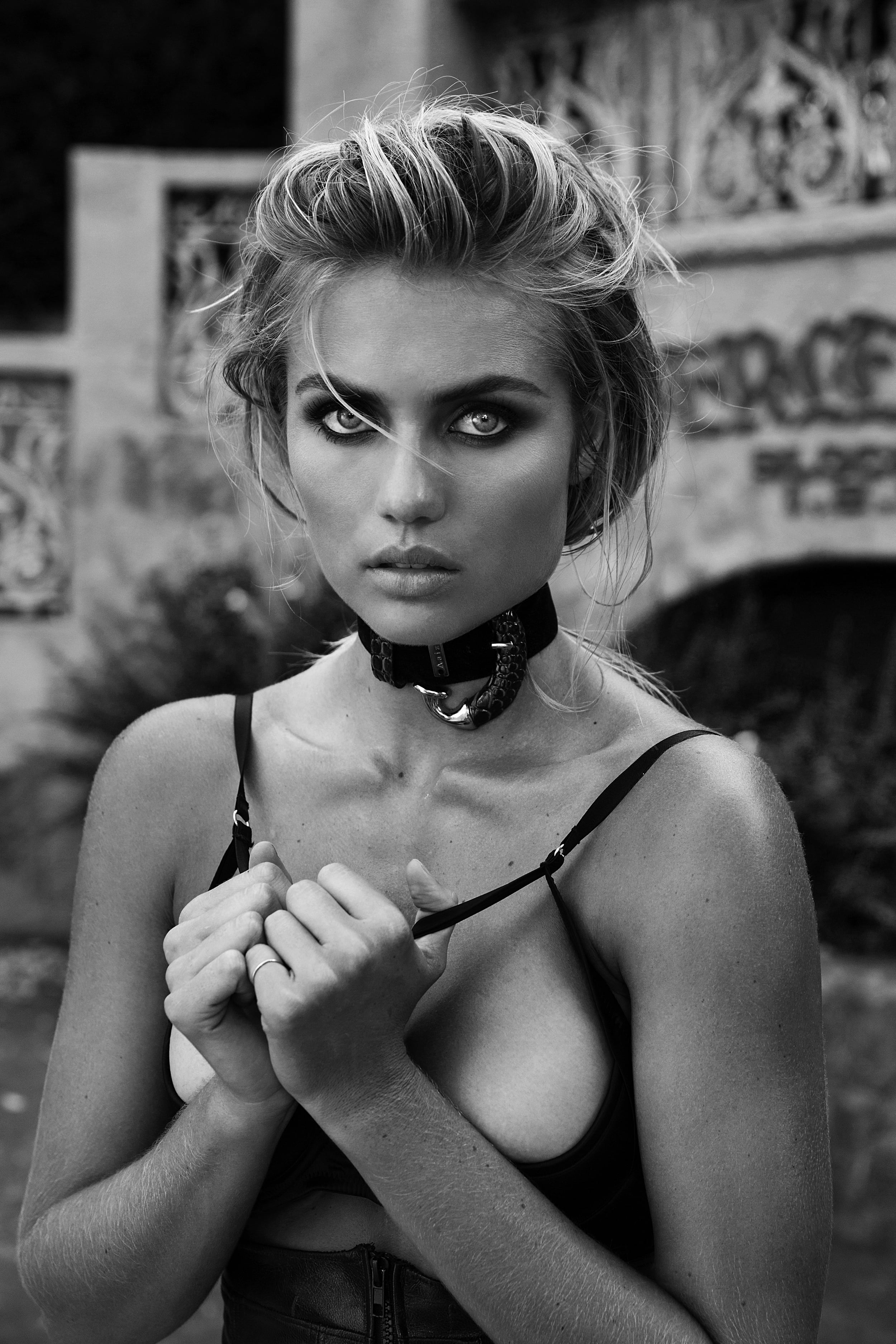
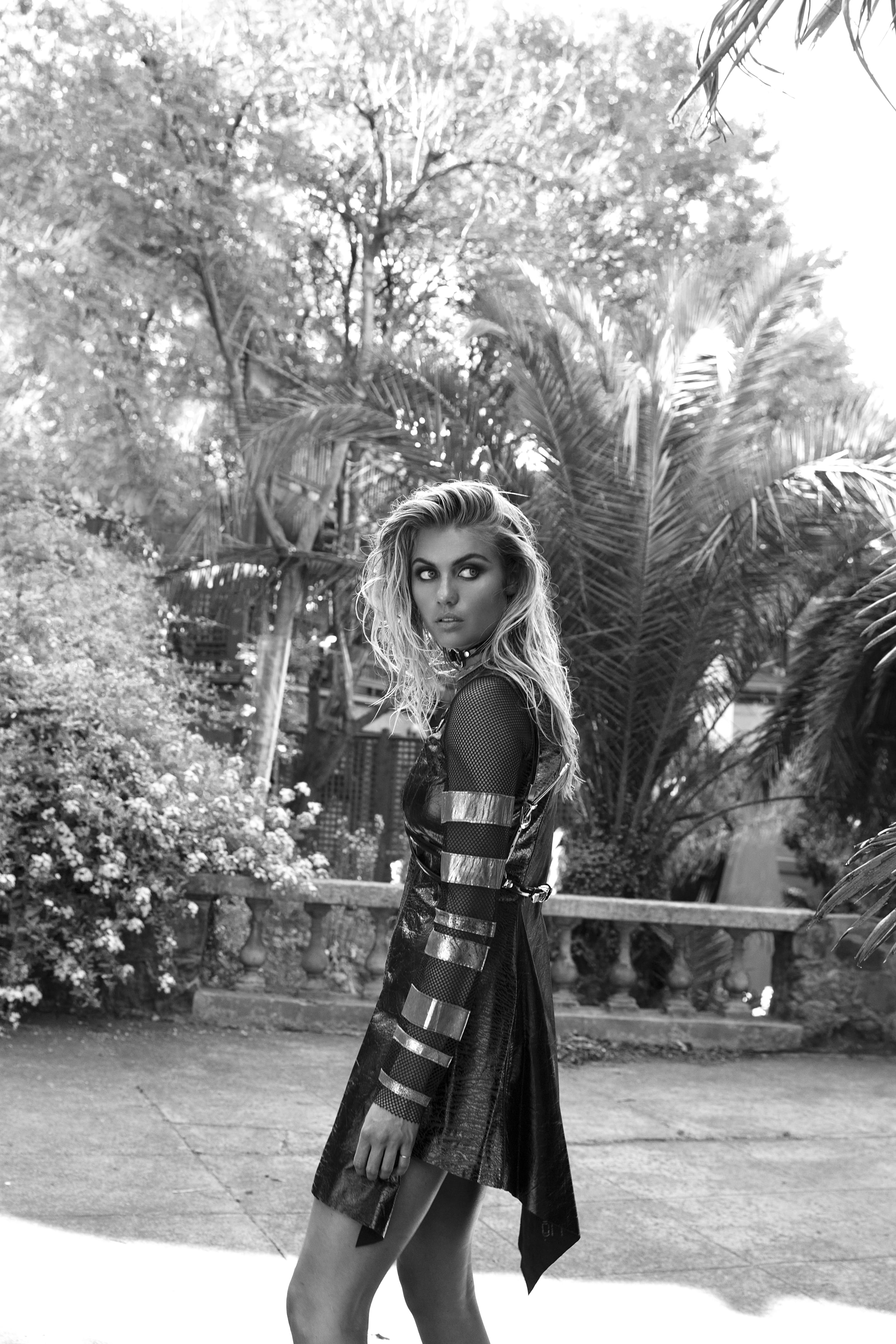
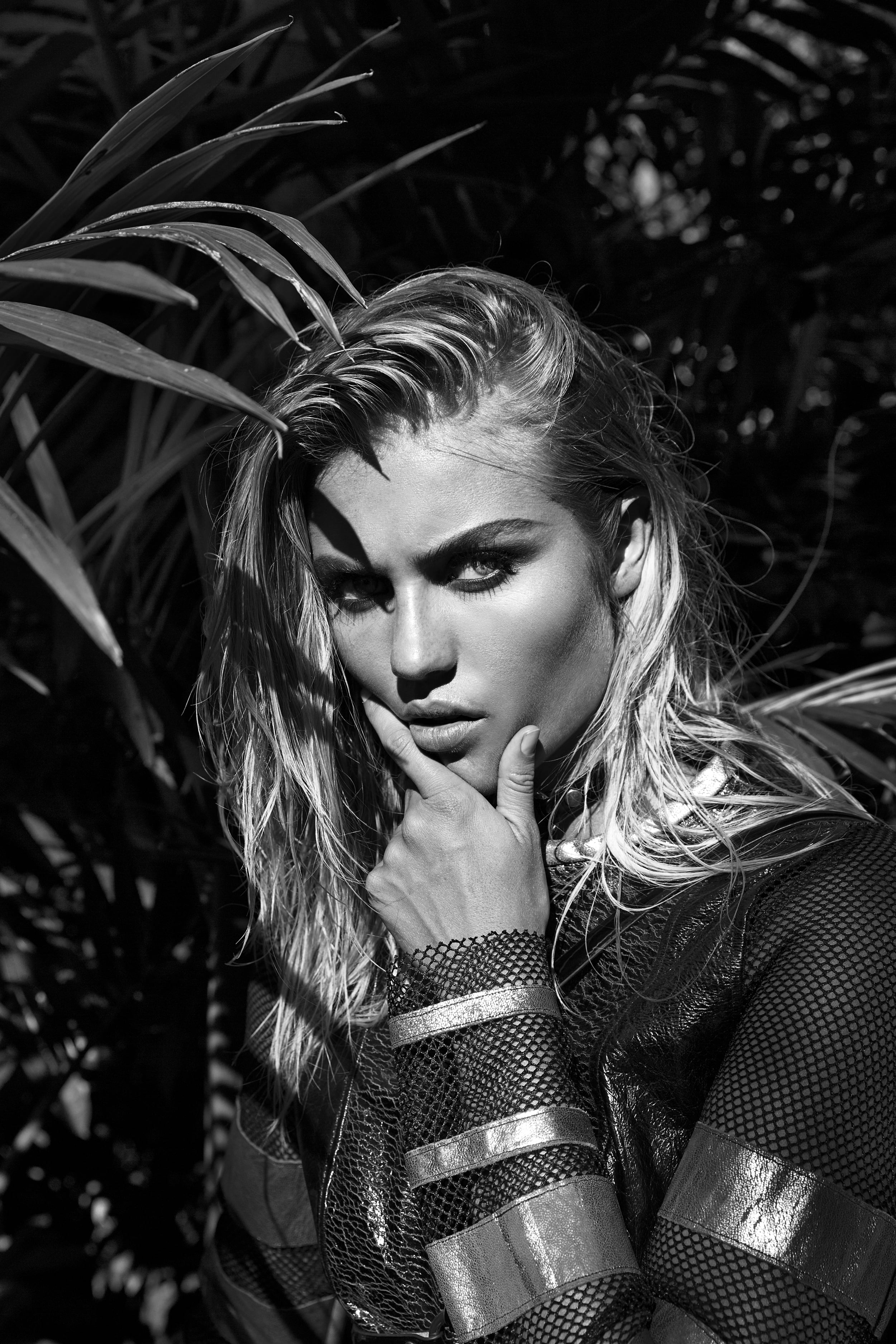
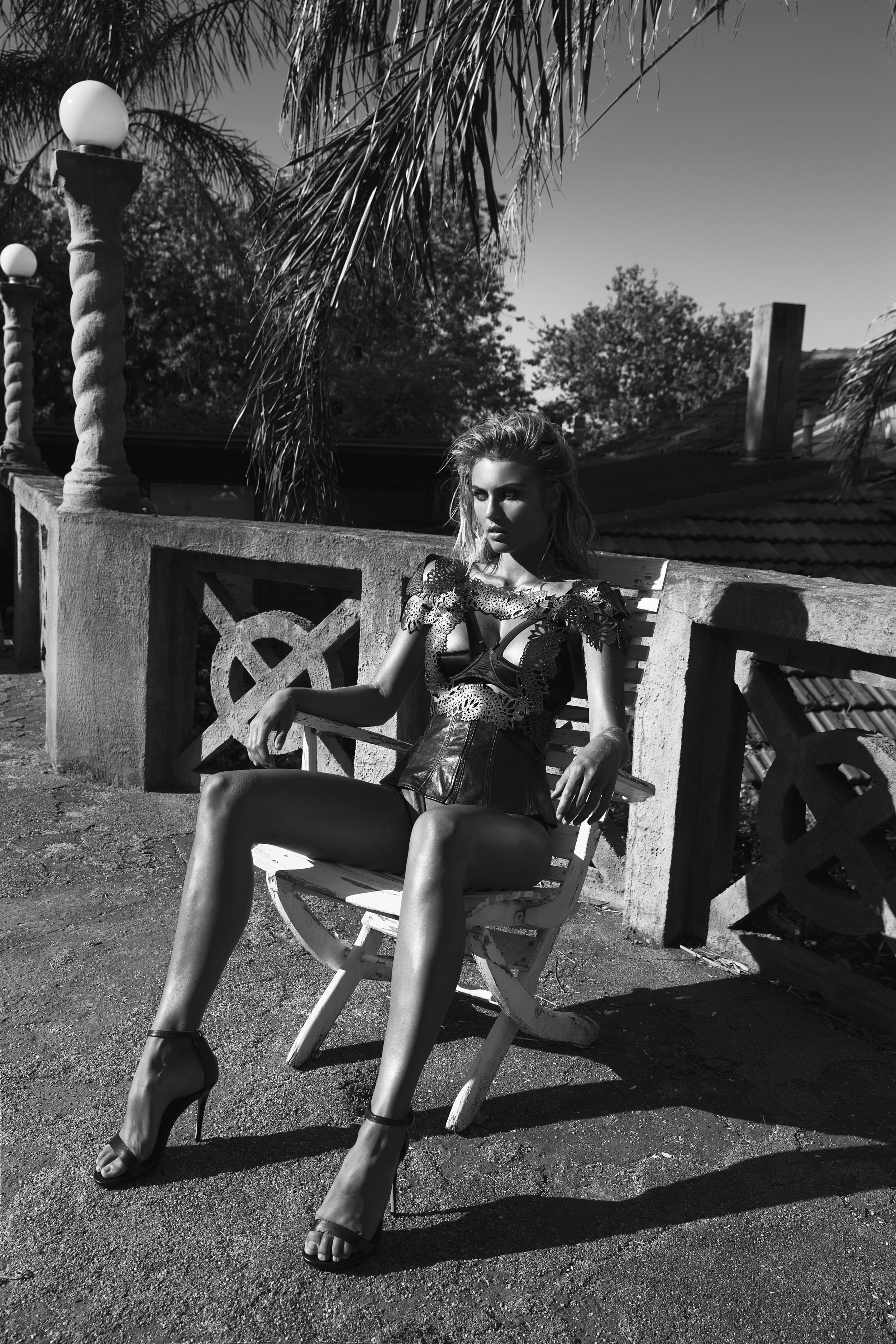
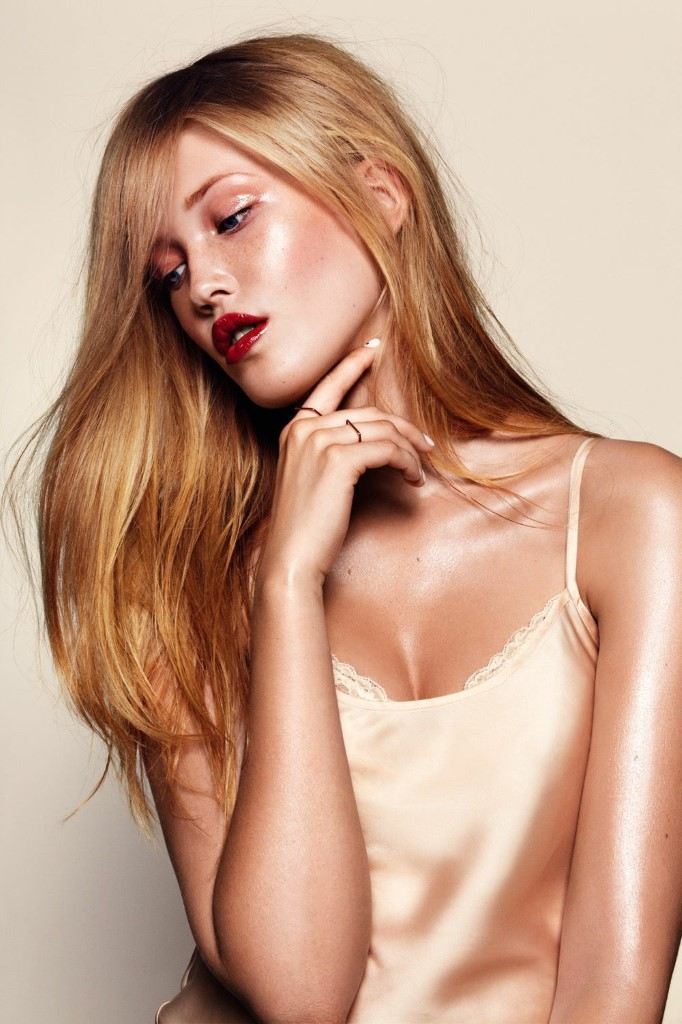
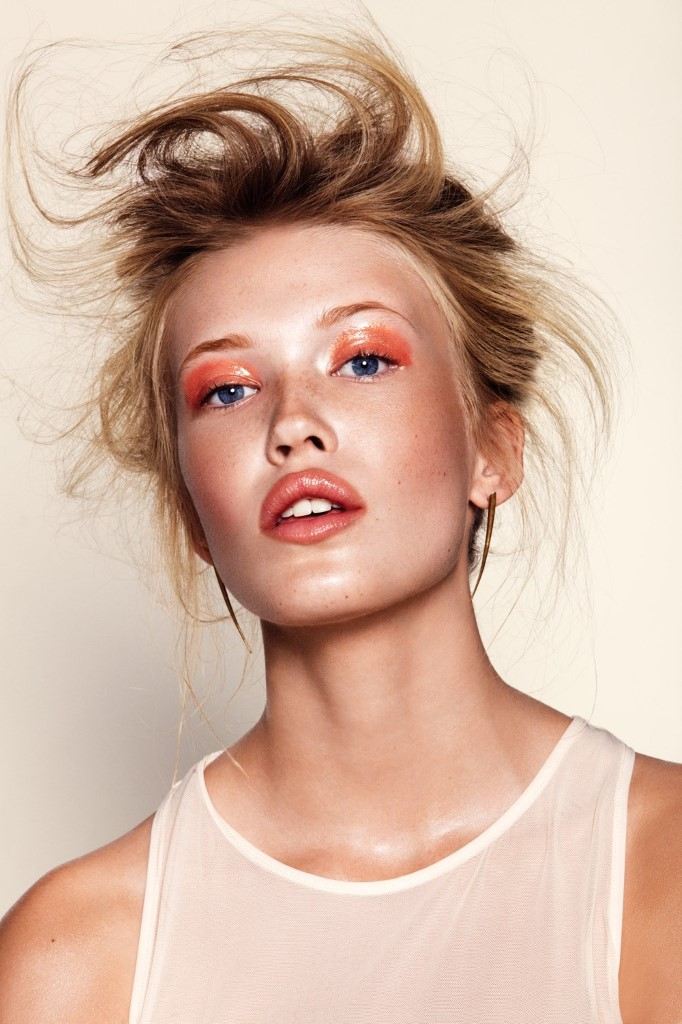
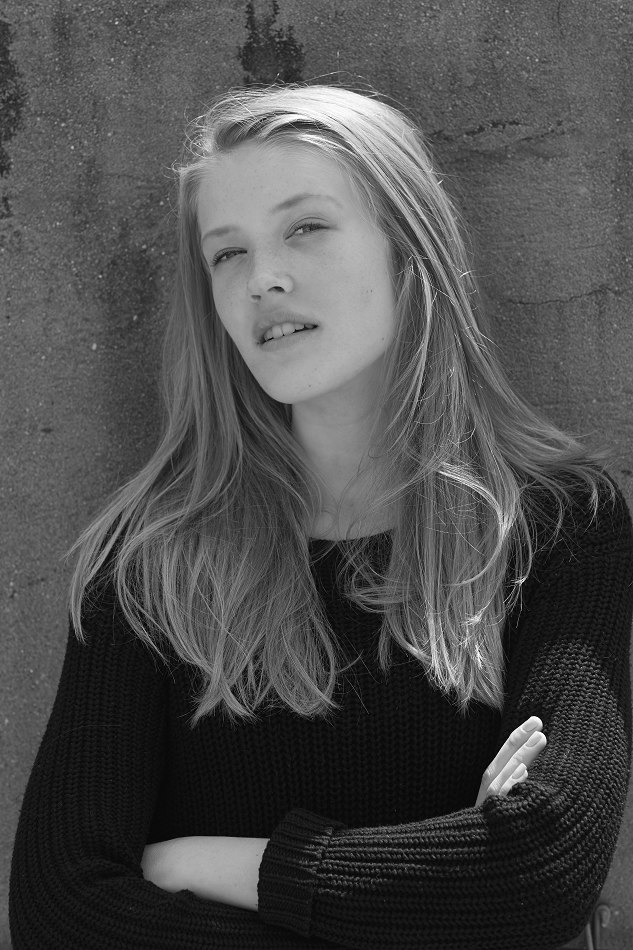
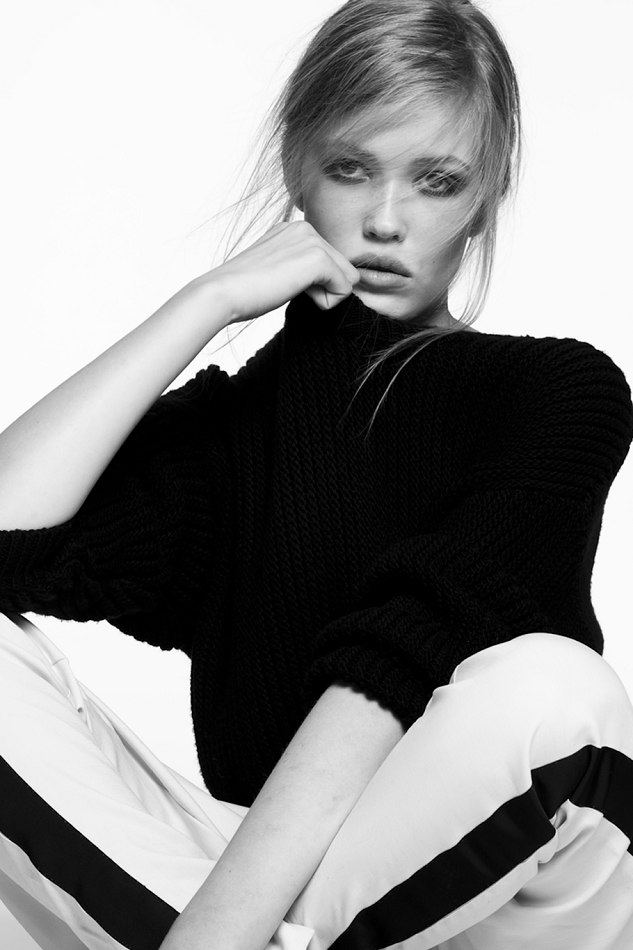
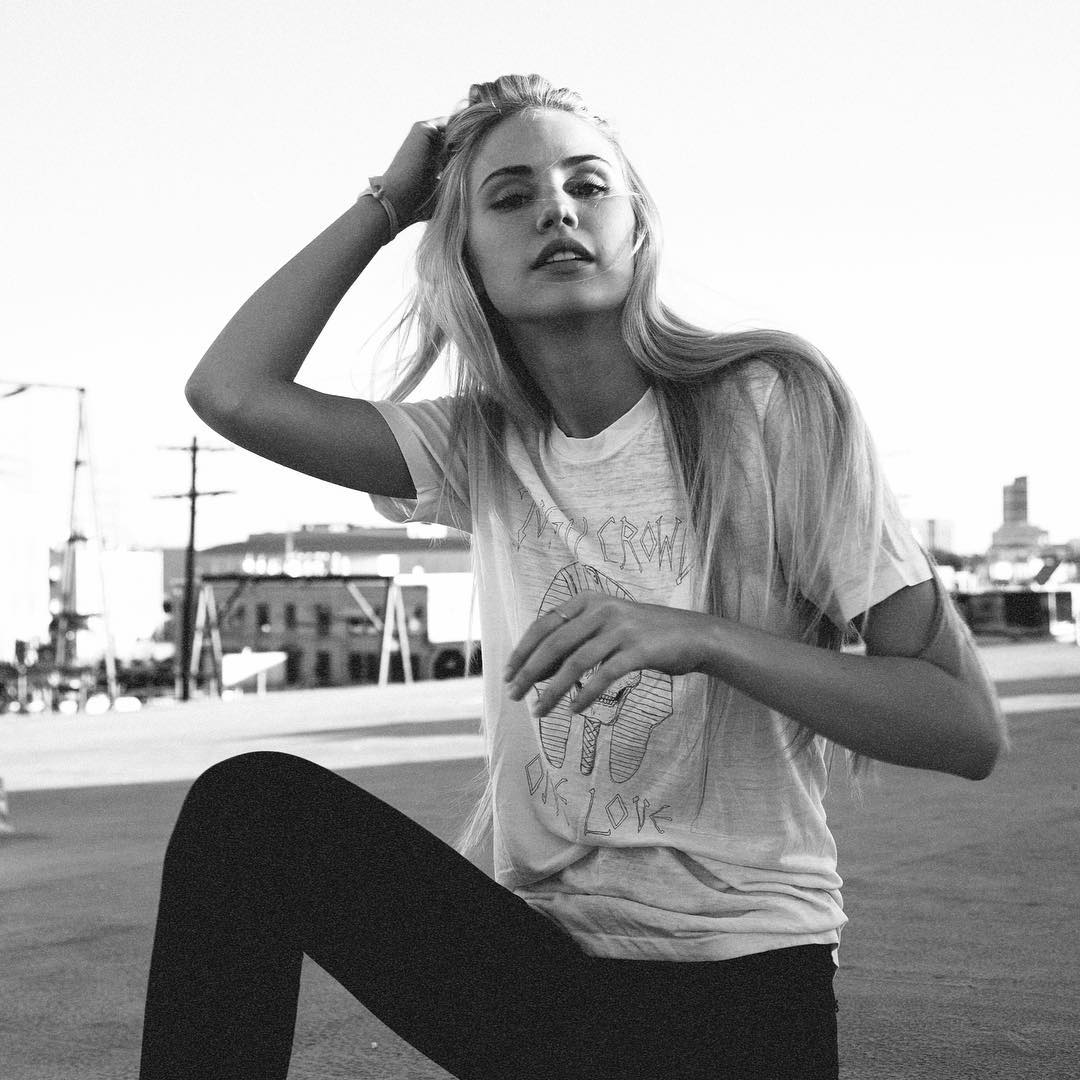
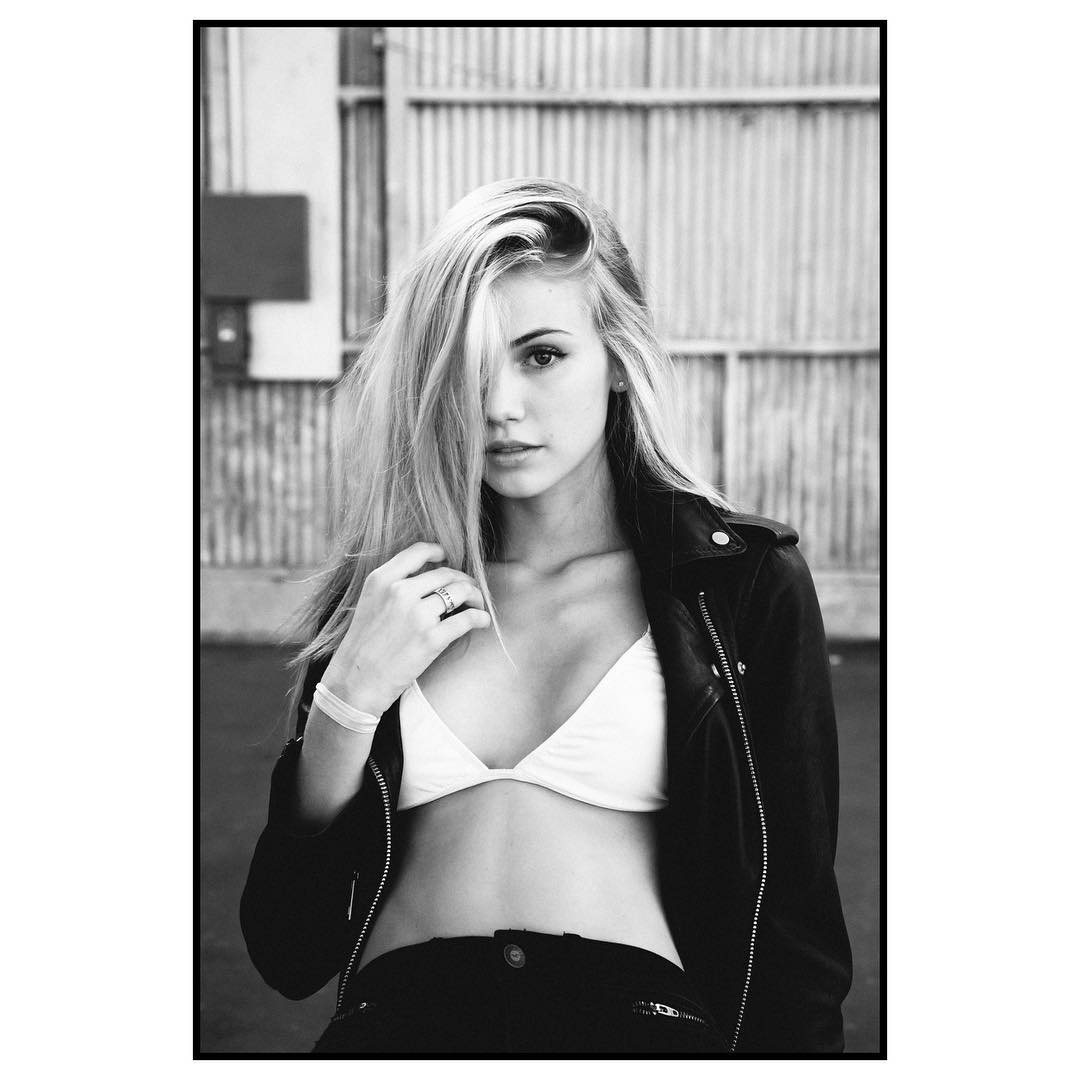
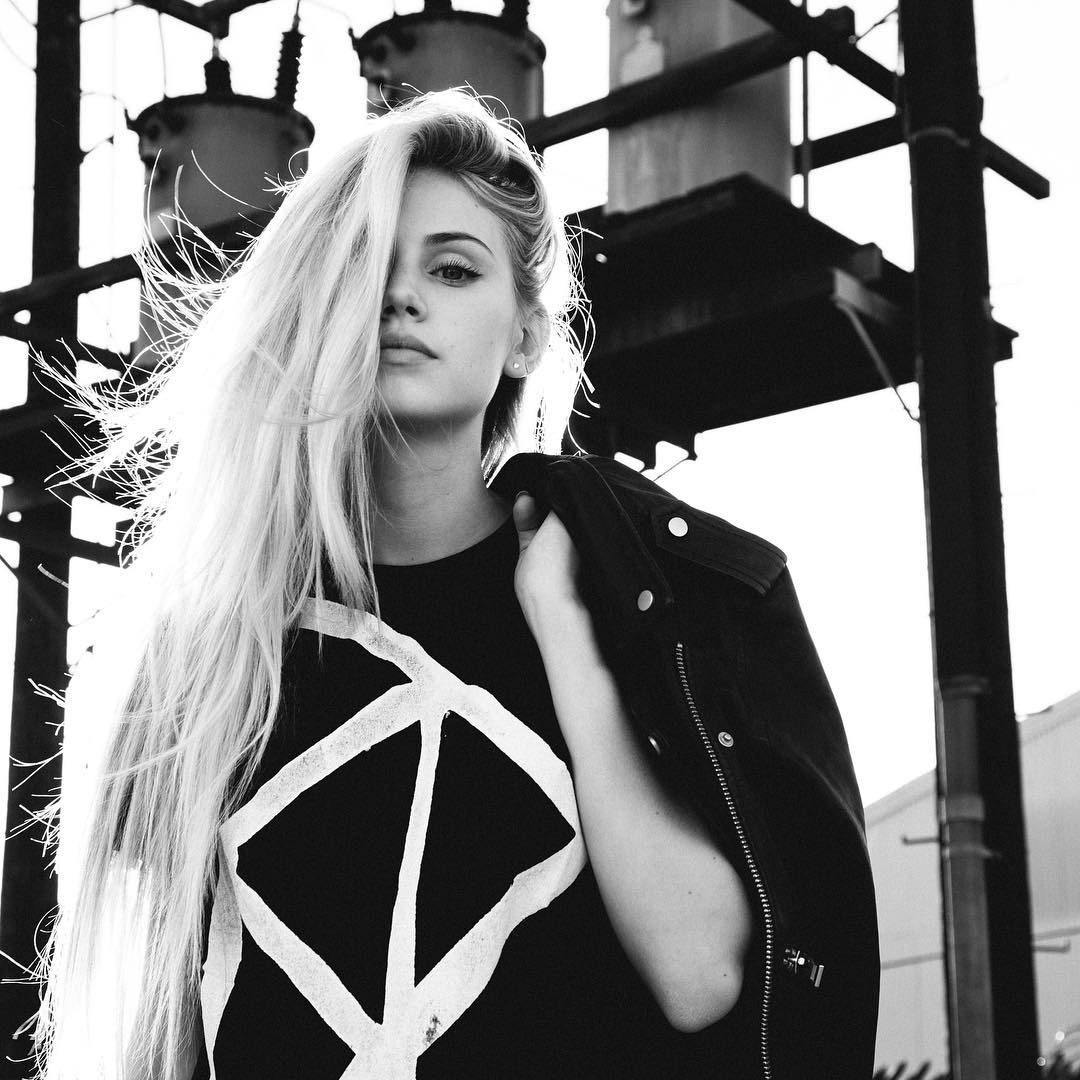
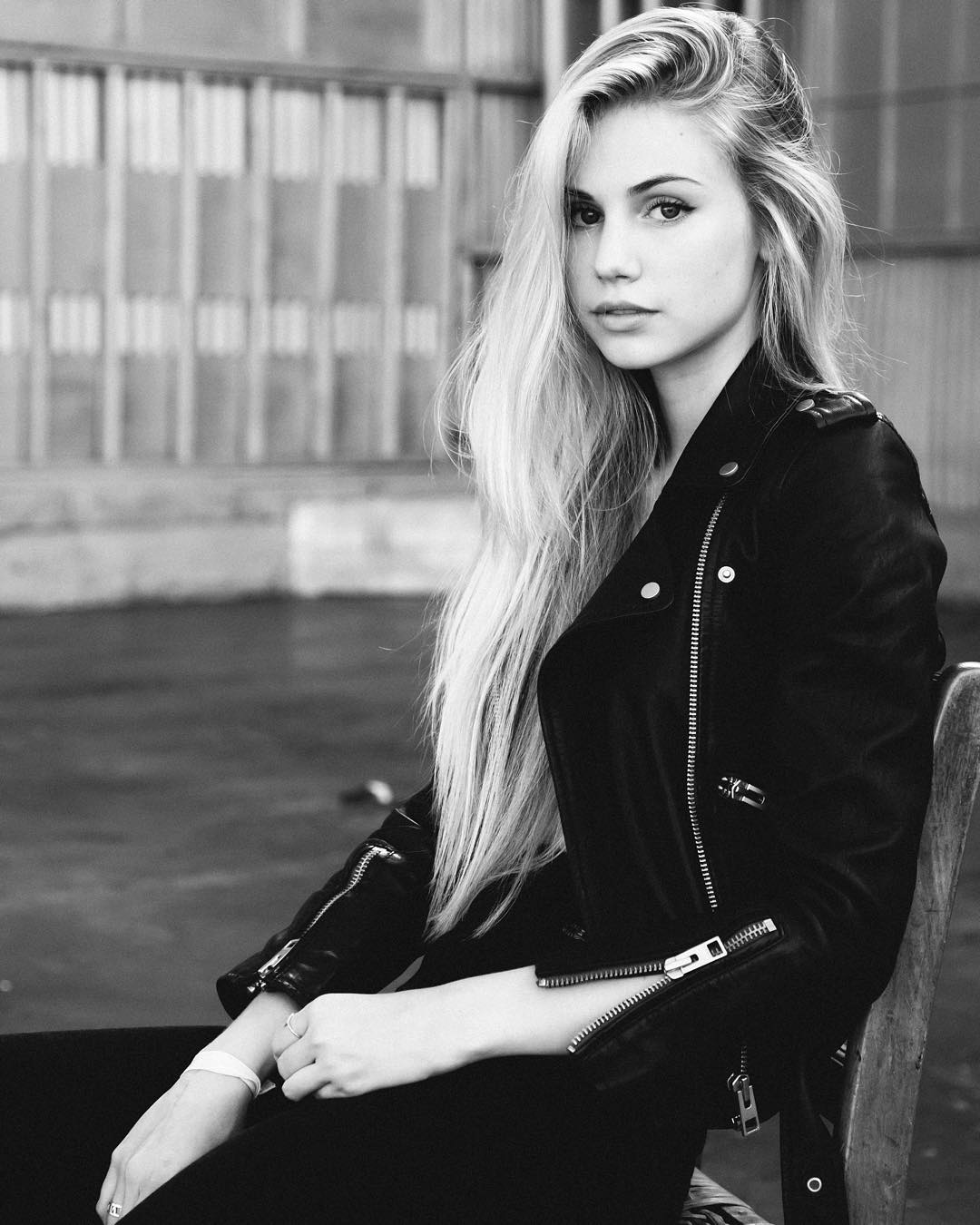
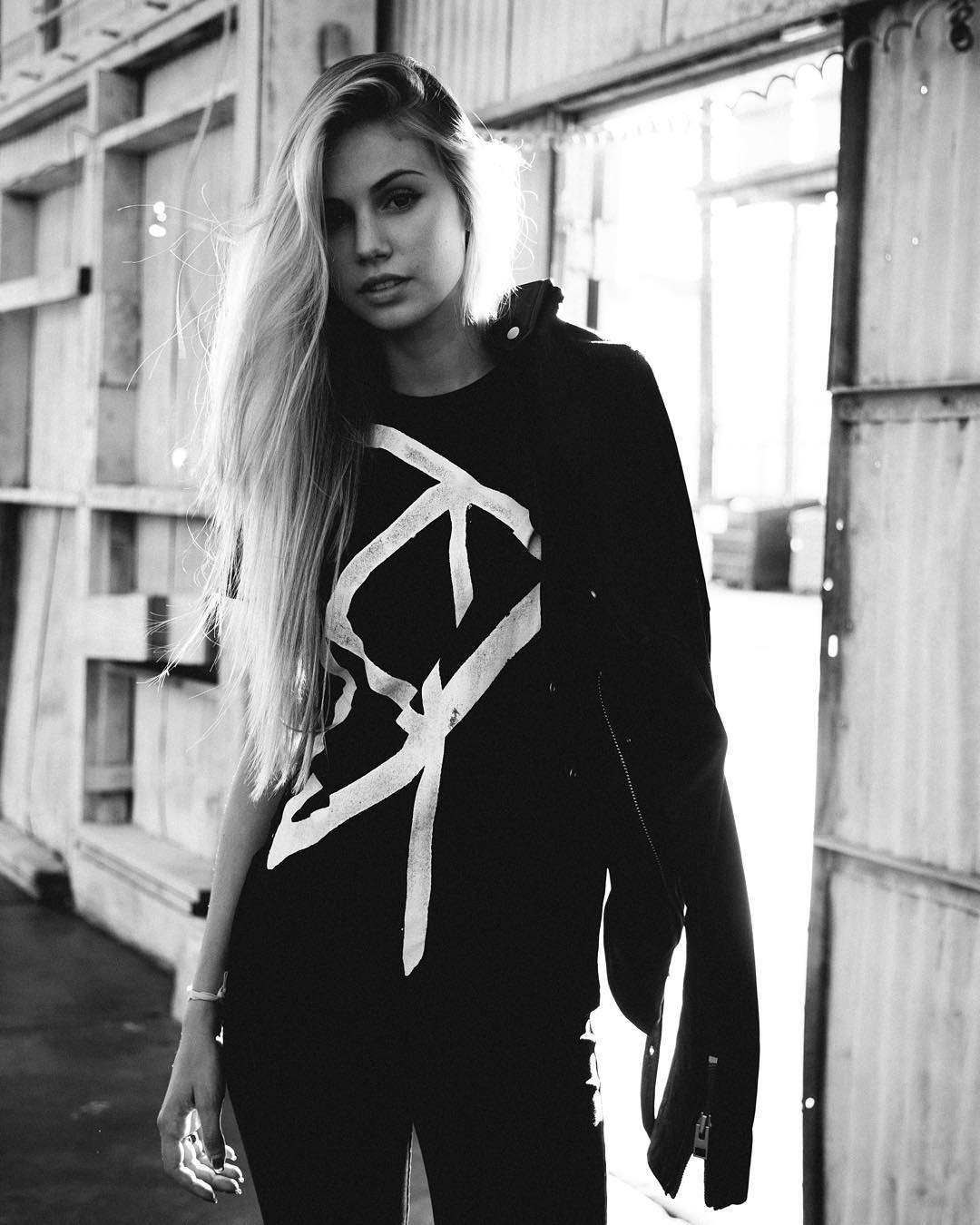
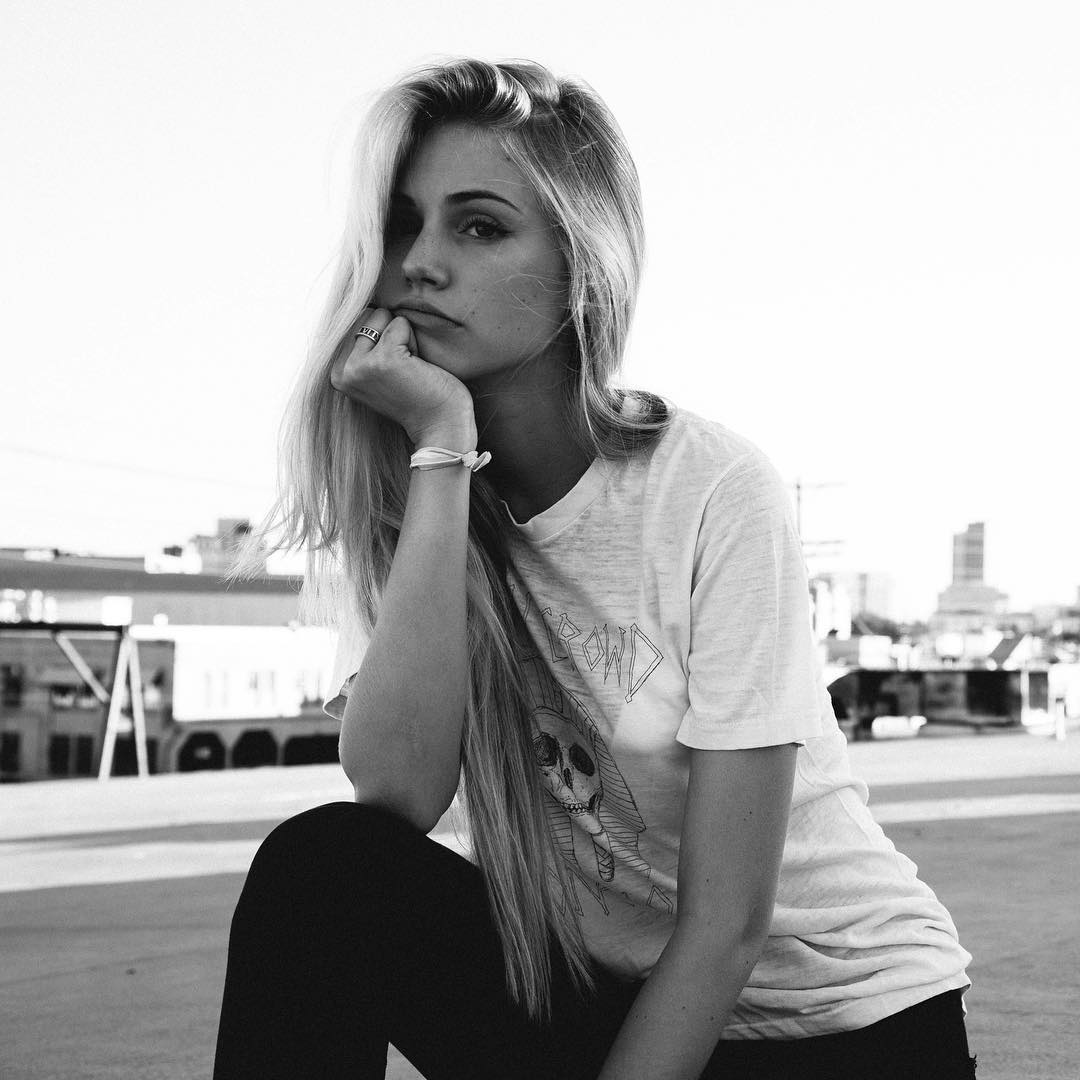
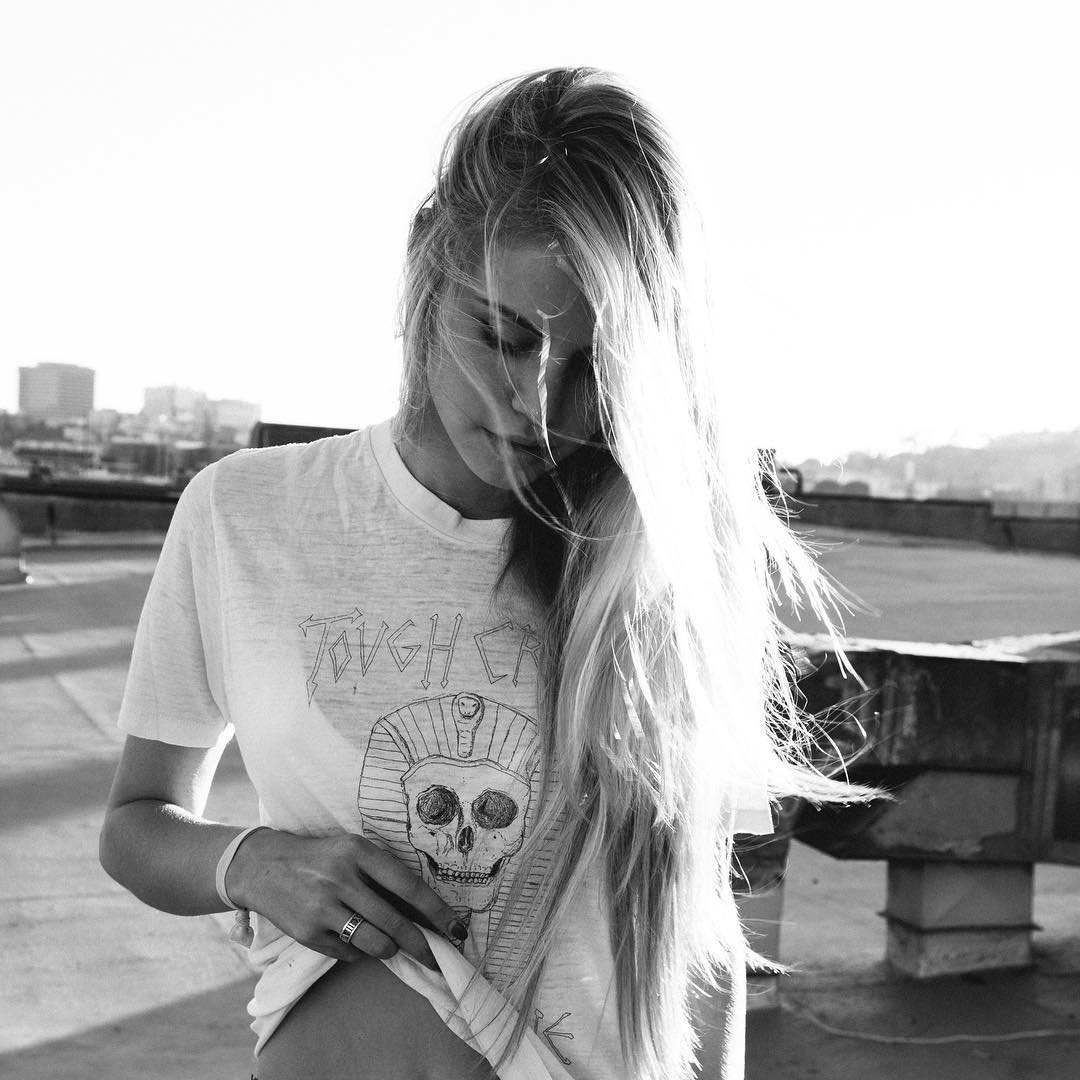
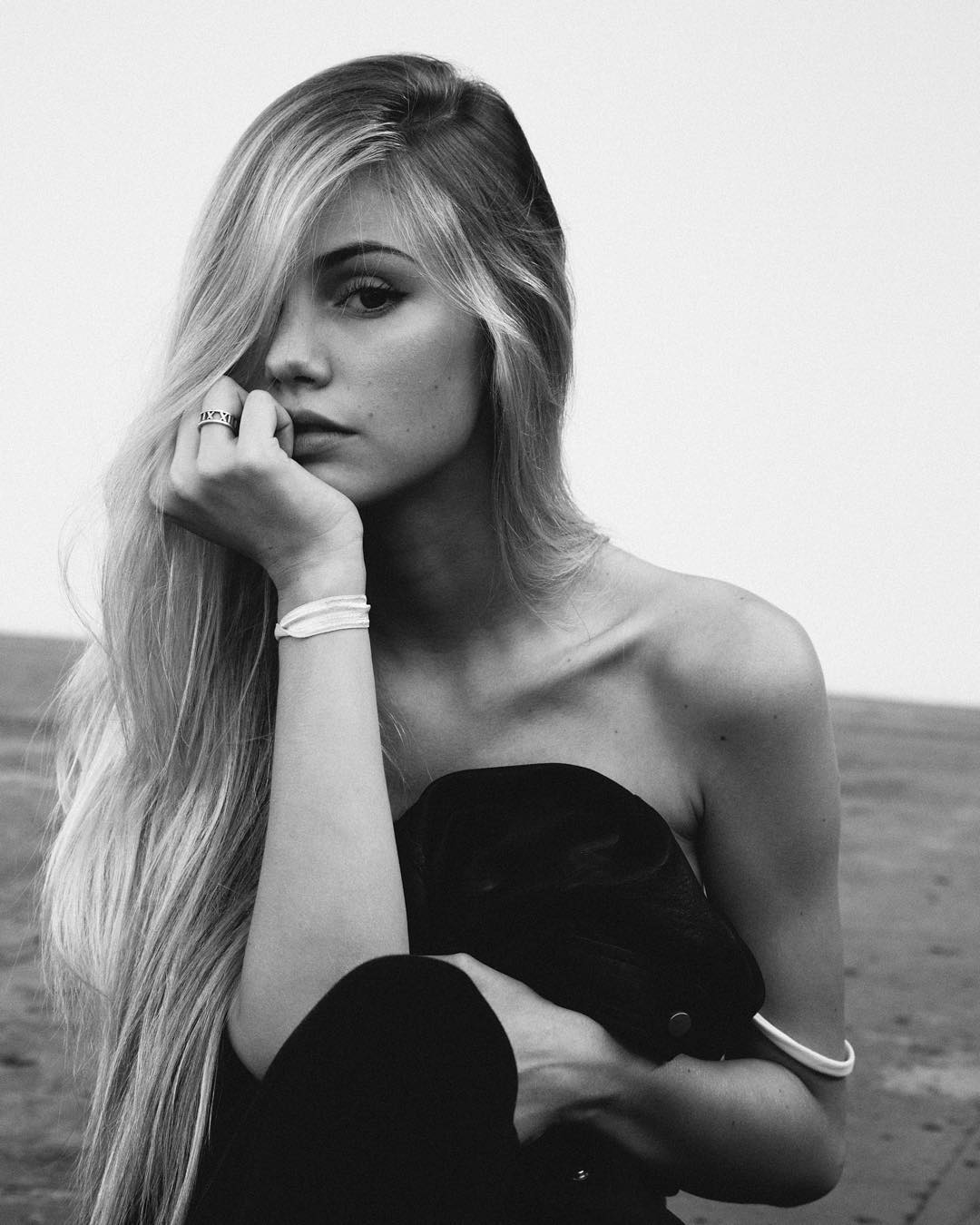
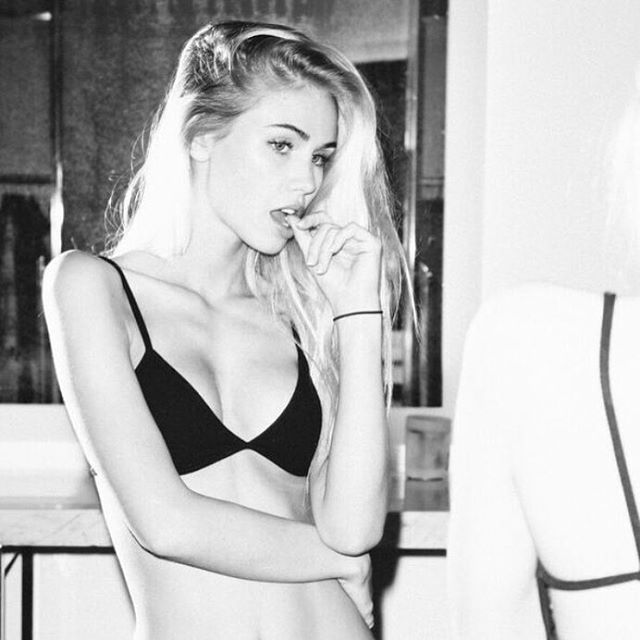
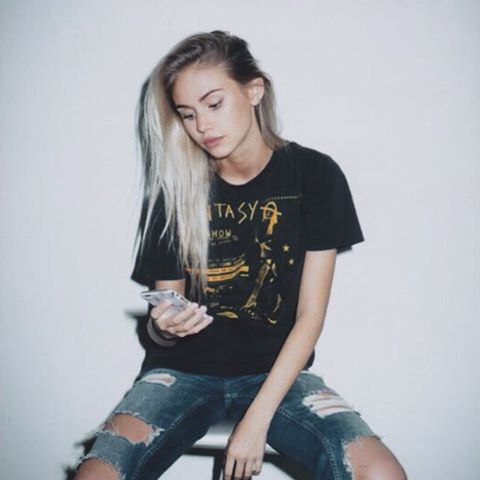
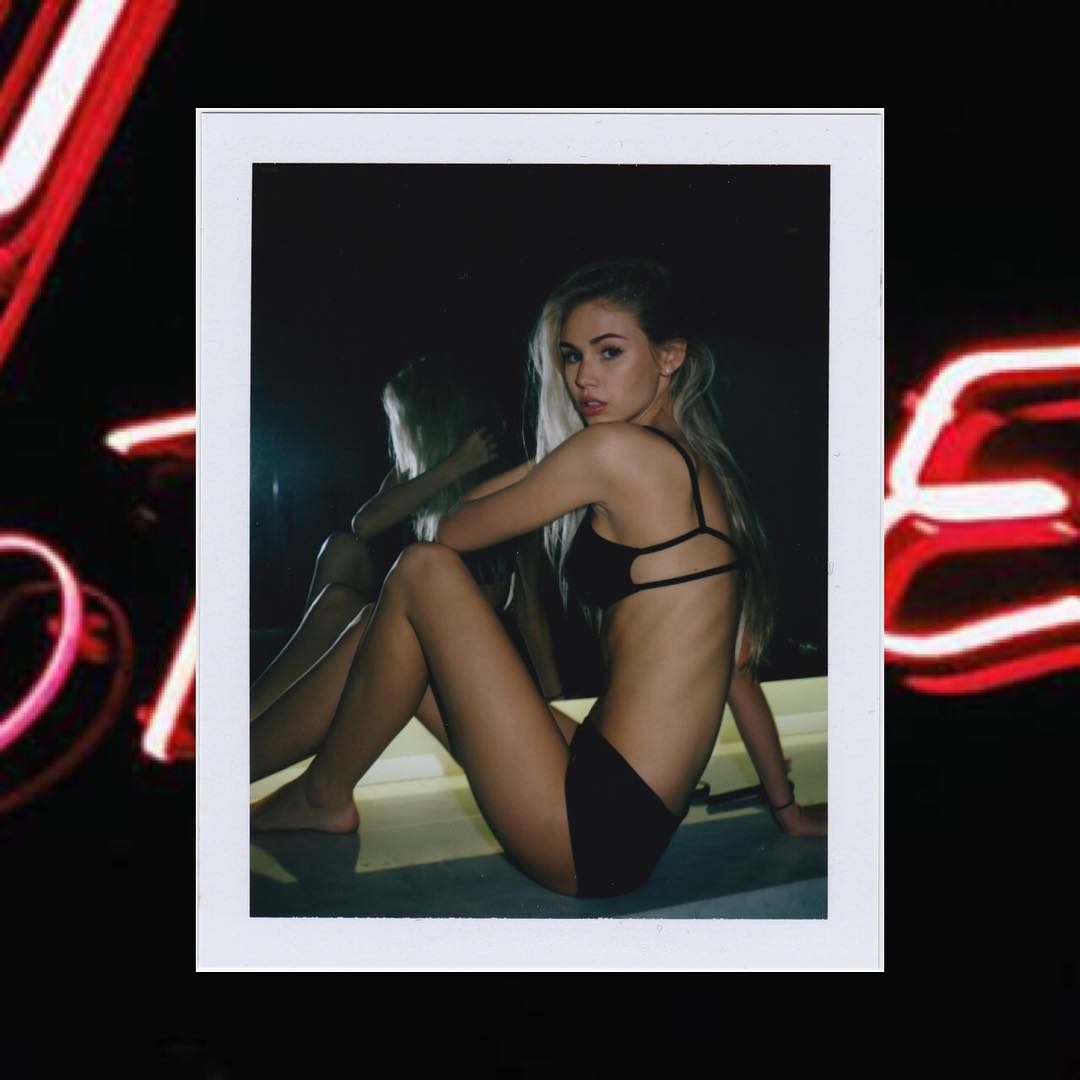
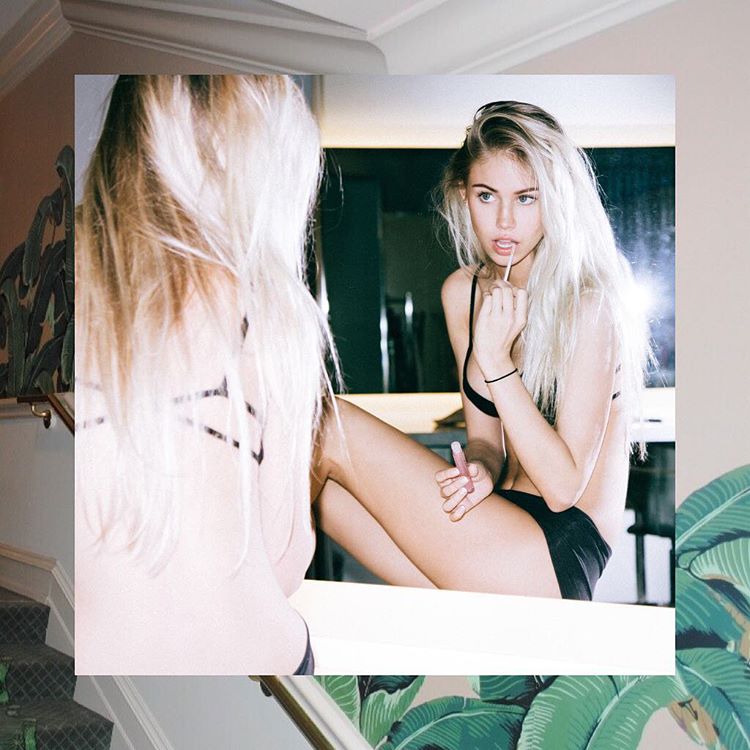

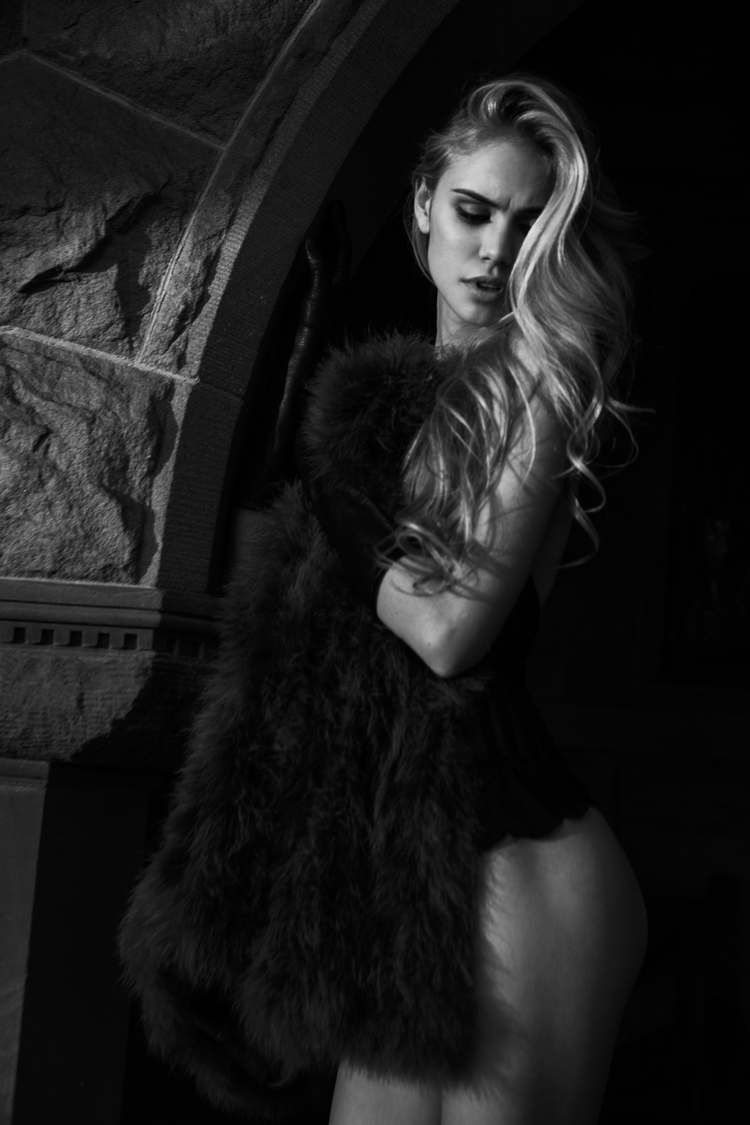
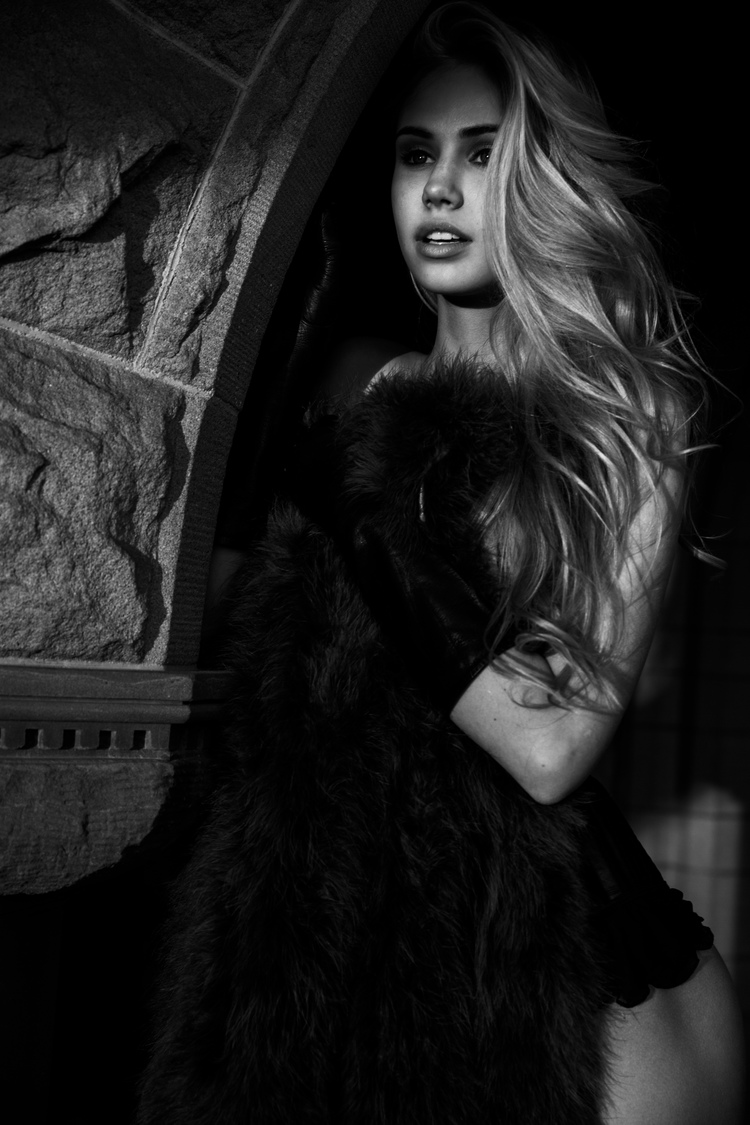
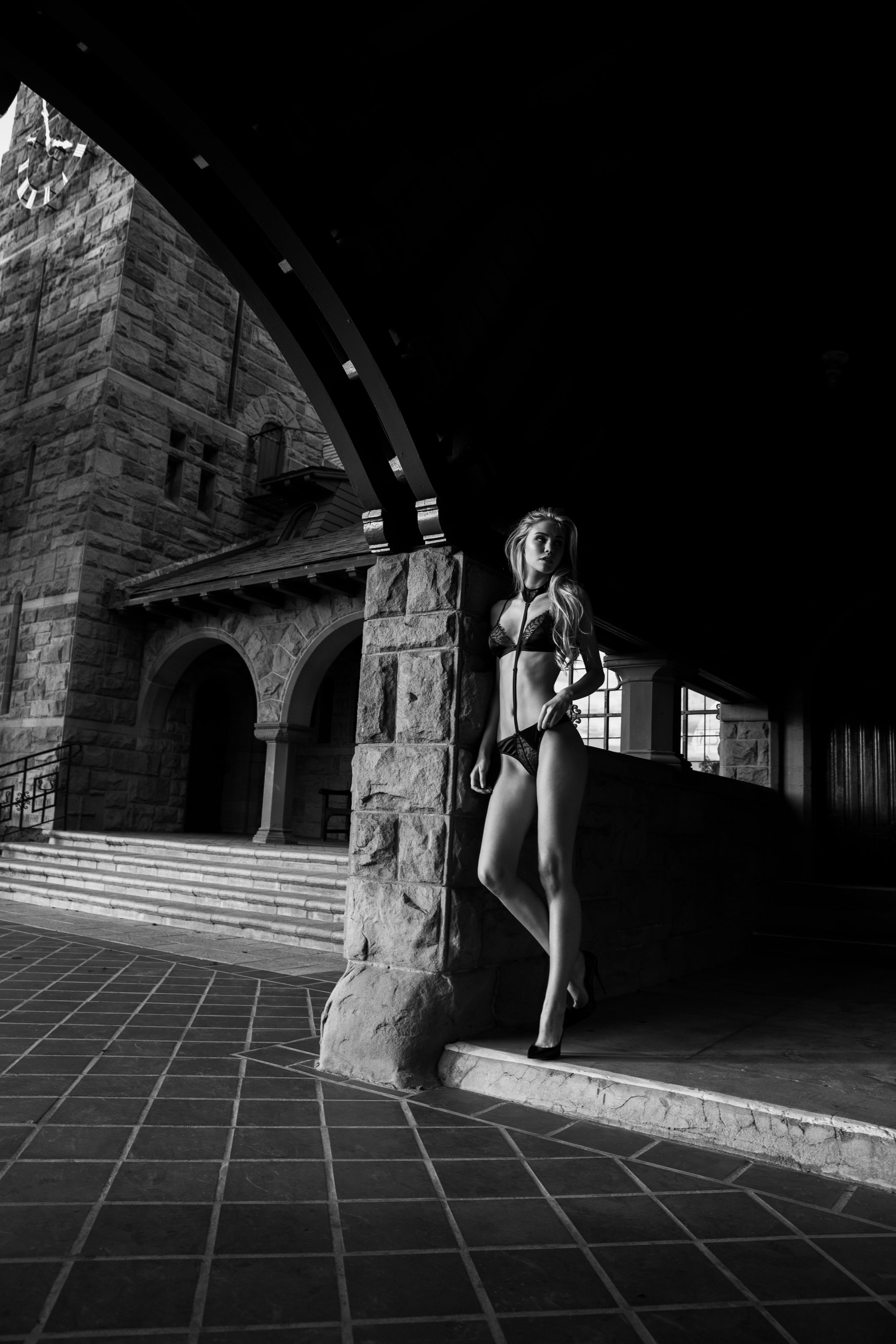
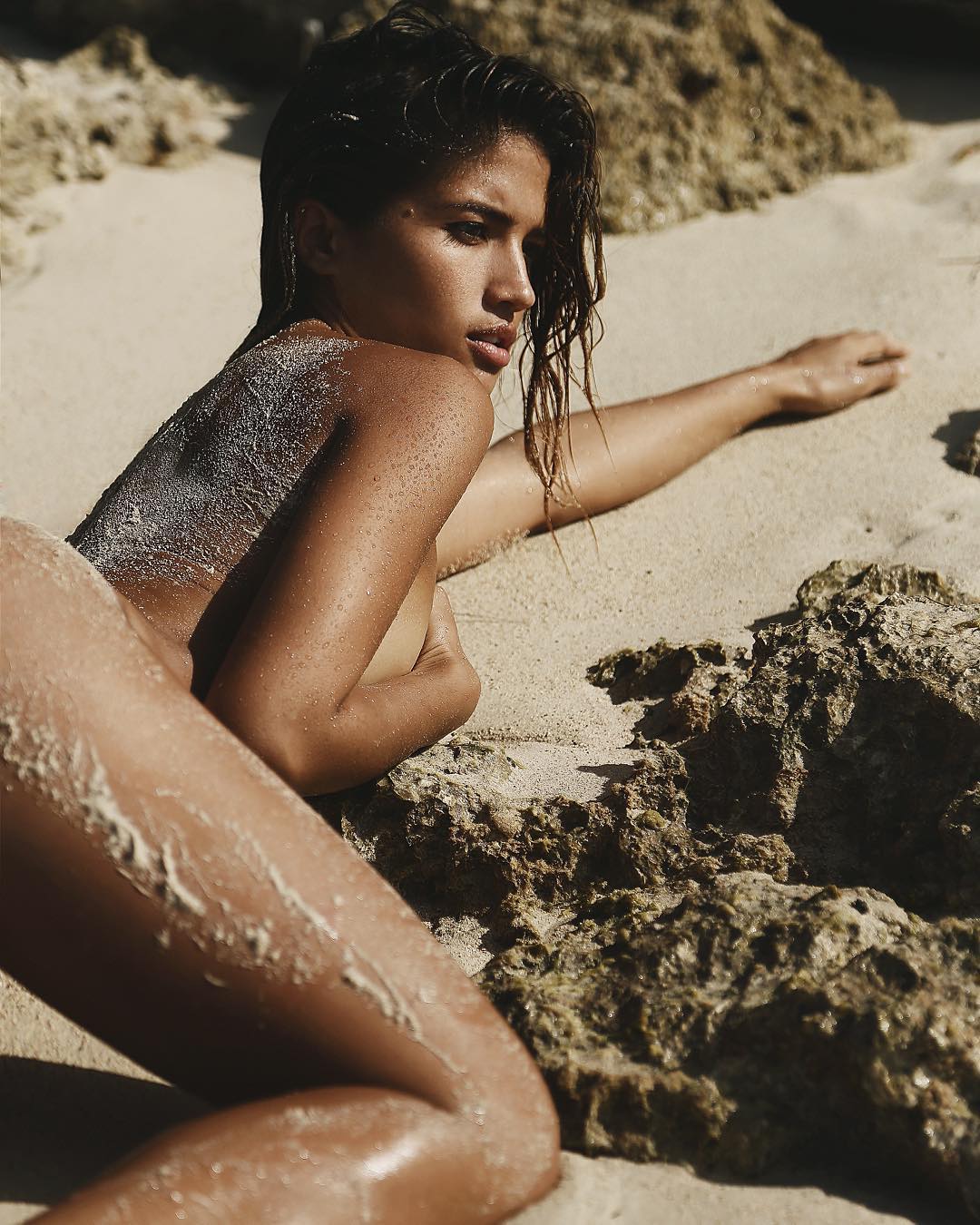
Account
Navigation
Search
Configure browser push notifications
Chrome (Android)
- Tap the lock icon next to the address bar.
- Tap Permissions → Notifications.
- Adjust your preference.
Chrome (Desktop)
- Click the padlock icon in the address bar.
- Select Site settings.
- Find Notifications and adjust your preference.
Safari (iOS 16.4+)
- Ensure the site is installed via Add to Home Screen.
- Open Settings App → Notifications.
- Find your app name and adjust your preference.
Safari (macOS)
- Go to Safari → Preferences.
- Click the Websites tab.
- Select Notifications in the sidebar.
- Find this website and adjust your preference.
Edge (Android)
- Tap the lock icon next to the address bar.
- Tap Permissions.
- Find Notifications and adjust your preference.
Edge (Desktop)
- Click the padlock icon in the address bar.
- Click Permissions for this site.
- Find Notifications and adjust your preference.
Firefox (Android)
- Go to Settings → Site permissions.
- Tap Notifications.
- Find this site in the list and adjust your preference.
Firefox (Desktop)
- Open Firefox Settings.
- Search for Notifications.
- Find this site in the list and adjust your preference.