
Pith_Possum
Members
-
Joined
-
Last visited
Everything posted by Pith_Possum
-
 Celine x Wetfeather Ph: Catie Allen
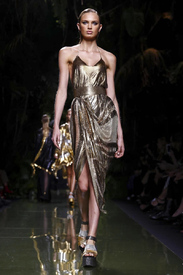
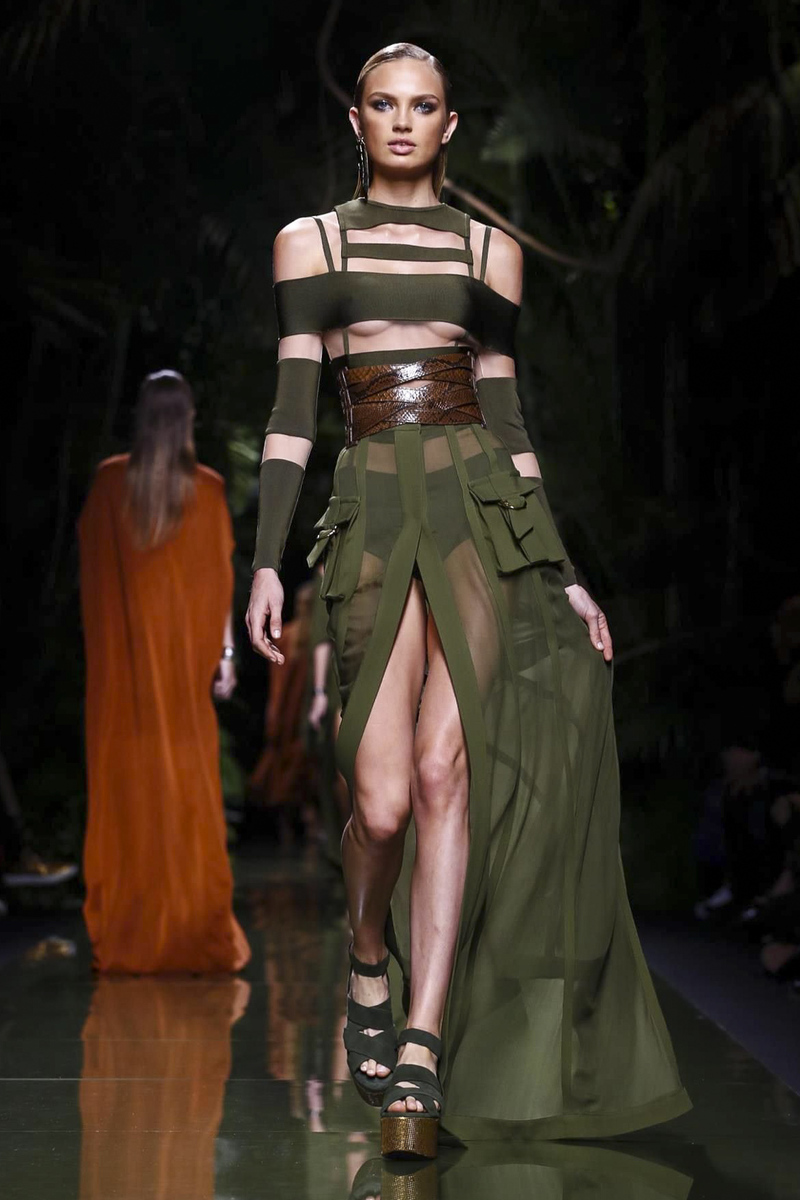
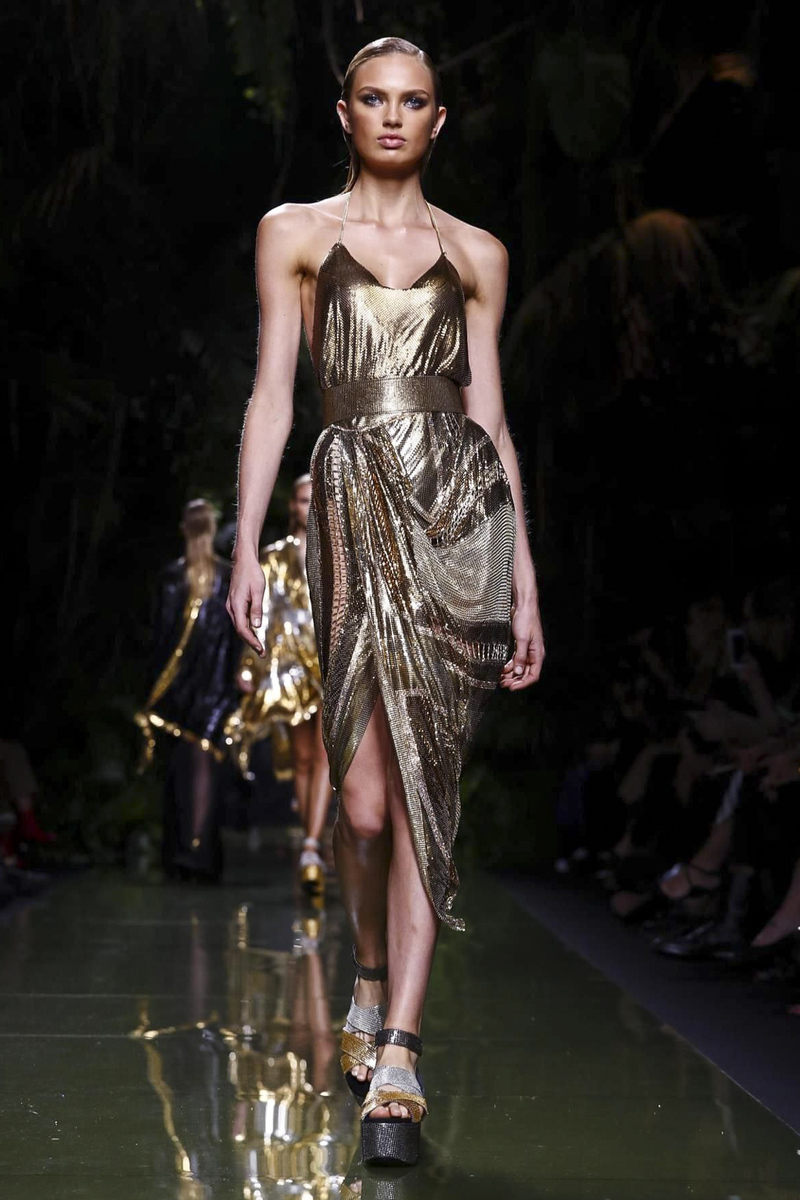
Balmain RTW SS 2017 Paris
Celine x Wetfeather Ph: Catie Allen
Balmain RTW SS 2017 Paris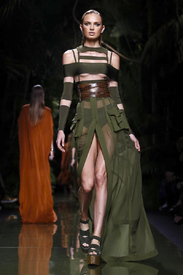
 kennethwillardt @realbarbarapalvin looking forward to shot this awesome Goddess in Paris next week . Makeup @charlottewillermakeup hair @stephanelancien and styling @michaelangelnyc
 kravestudios ryanhattaway
fvmagazine New Cover is here !!!! Featuring the stunning @bregjeheinen @thelionsny captured by @arnaldoanaya
kravestudios ryanhattaway
fvmagazine New Cover is here !!!! Featuring the stunning @bregjeheinen @thelionsny captured by @arnaldoanaya luimagazine Nouveau LUI. Out tomorrow, be ready! The stunning #constancejablonski by @davidbellemere
Ph: Michal Rzepecki instagram.com/mikerzepecki
14427956_1786536678270888_4354186863422996480_n.mp4
see-through Nudity! instagram.com/keslertran instagram.com/babs_constantin
luimagazine Nouveau LUI. Out tomorrow, be ready! The stunning #constancejablonski by @davidbellemere
Ph: Michal Rzepecki instagram.com/mikerzepecki
14427956_1786536678270888_4354186863422996480_n.mp4
see-through Nudity! instagram.com/keslertran instagram.com/babs_constantin

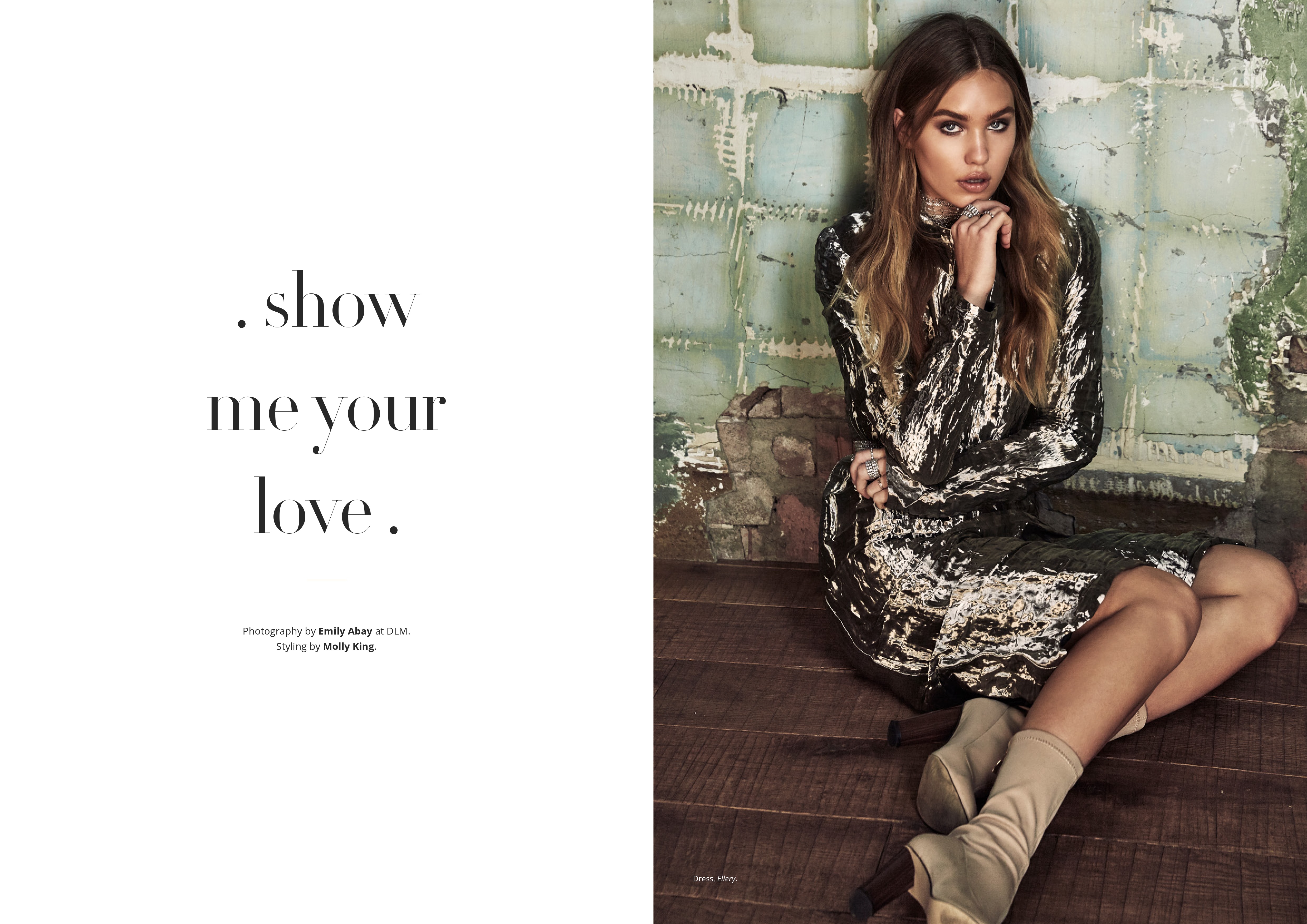
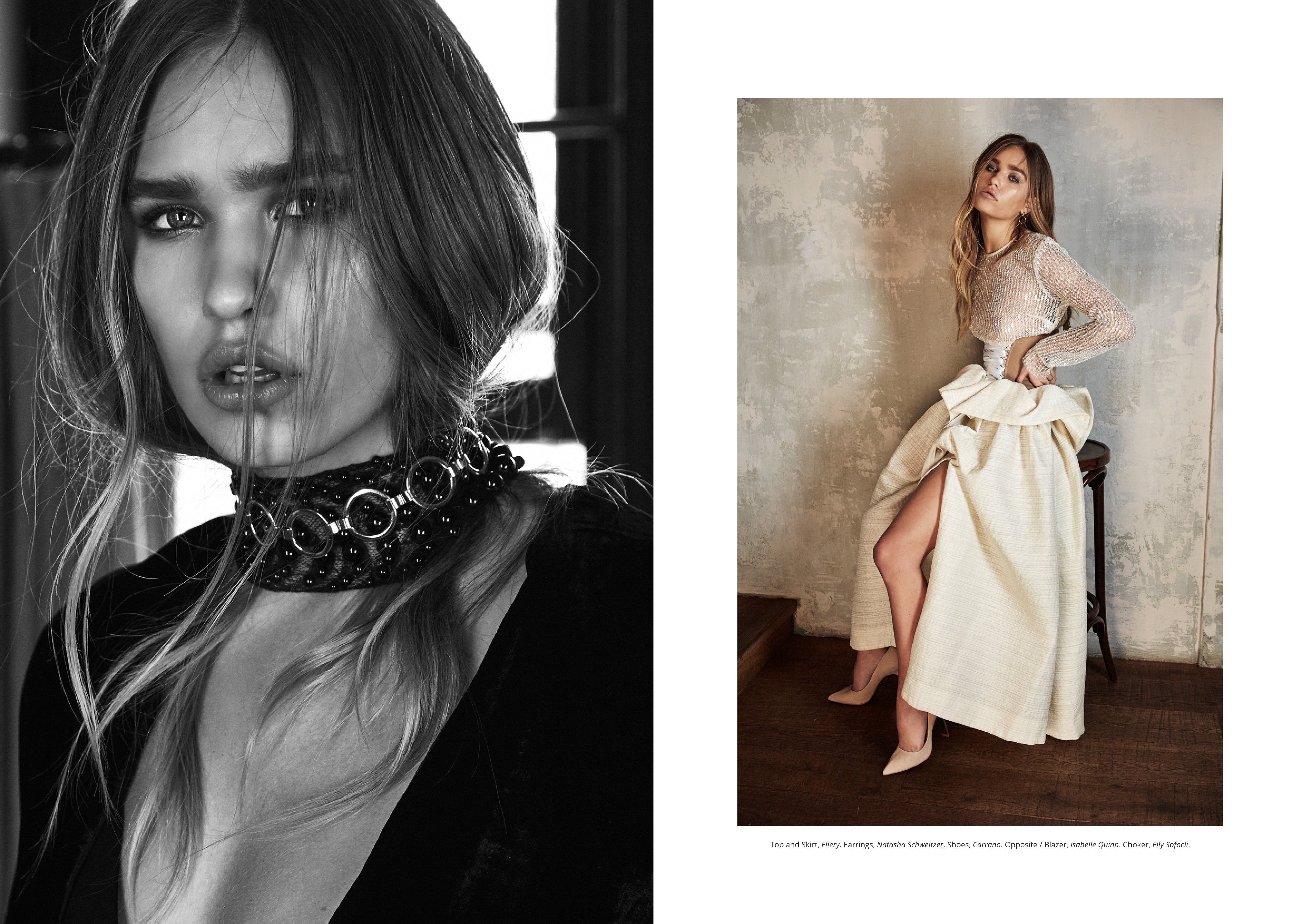
 Factice Magazine Fall 2016 Photographer: Emily Abay





 Factice Magazine Fall 2016 Photographer: Derek Wood
Ph: Rayan Ayash Nudity! rayanayash.com/galleries/i
Factice Magazine Fall 2016 Photographer: Derek Wood
Ph: Rayan Ayash Nudity! rayanayash.com/galleries/i

 bryanaholly raykayphoto
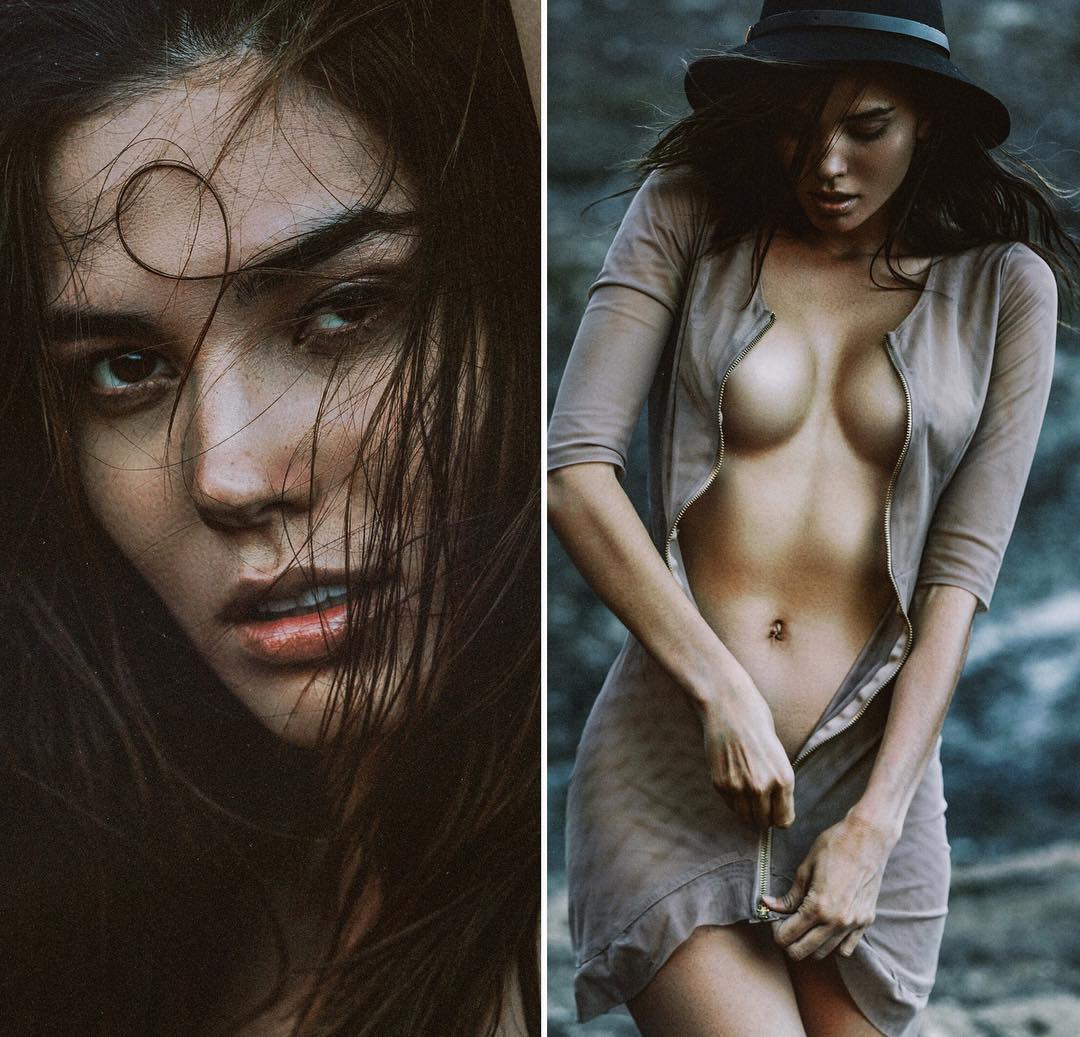
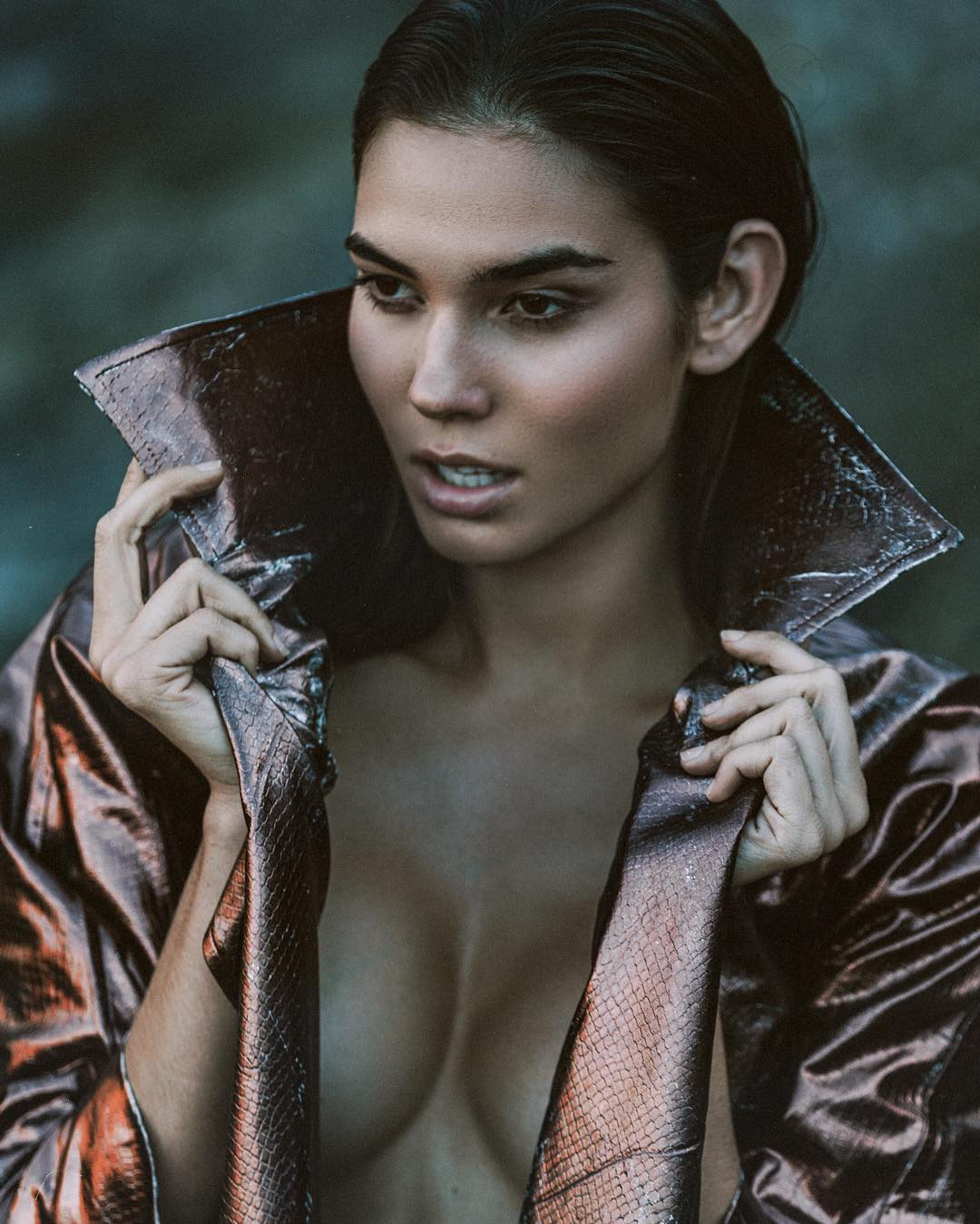
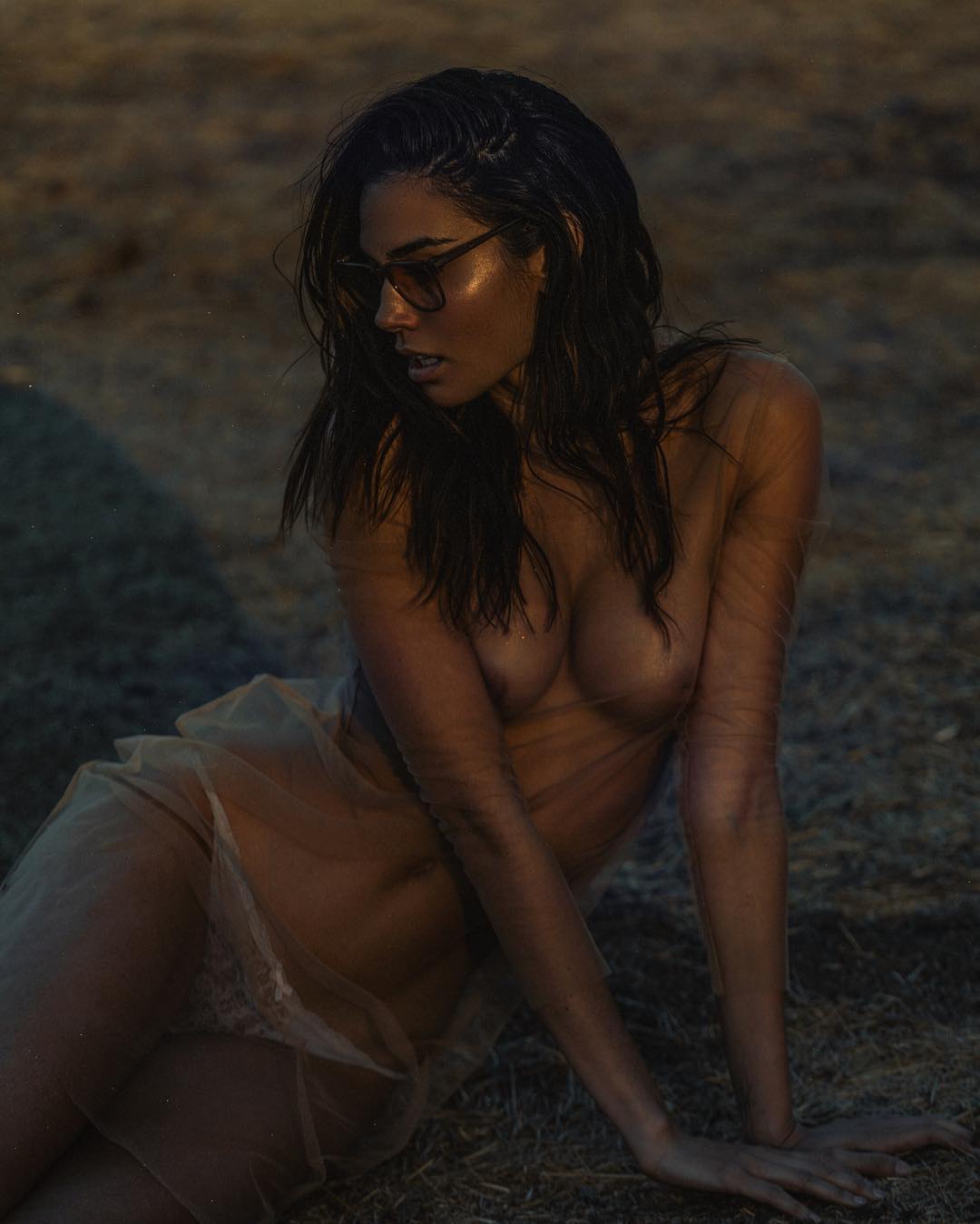
Ph: Kesler Tran see-through Nudity! instagram.com/keslertran
bryanaholly raykayphoto
Ph: Kesler Tran see-through Nudity! instagram.com/keslertran


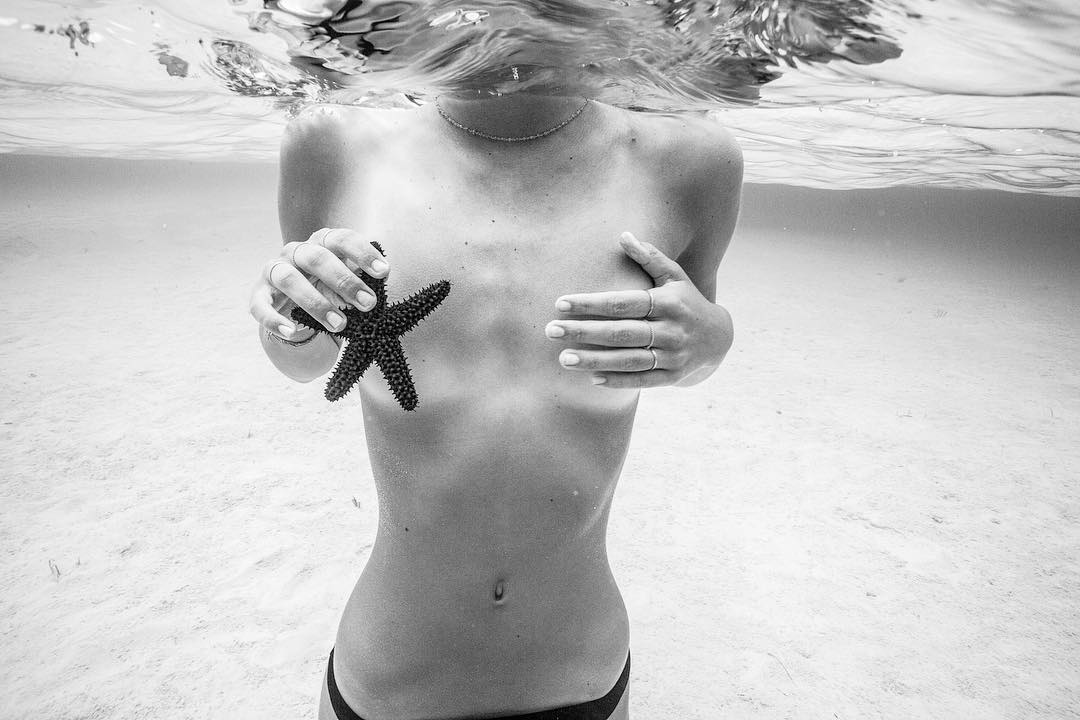
 franceduque Here is a dope photo we took of our fav #mermaid @Alexisren in the #Bahamas
 joekellyphoto #preview with #model @rainamlawson
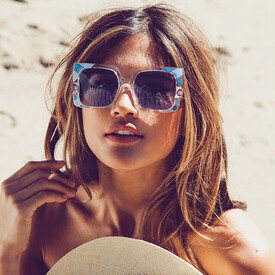
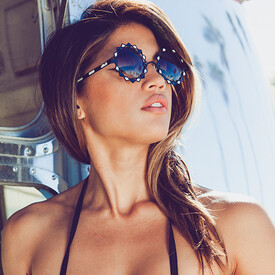
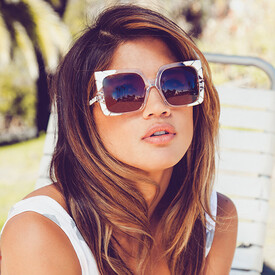
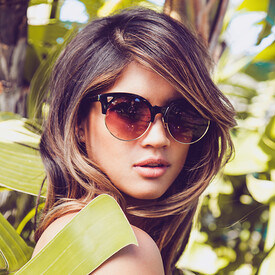
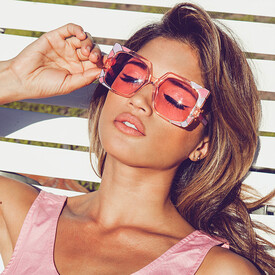
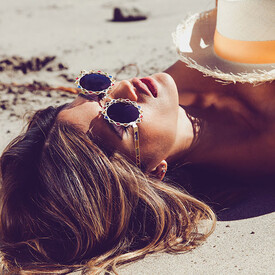
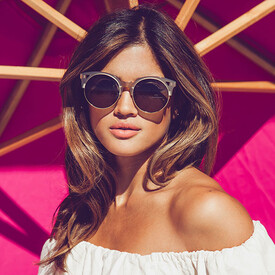
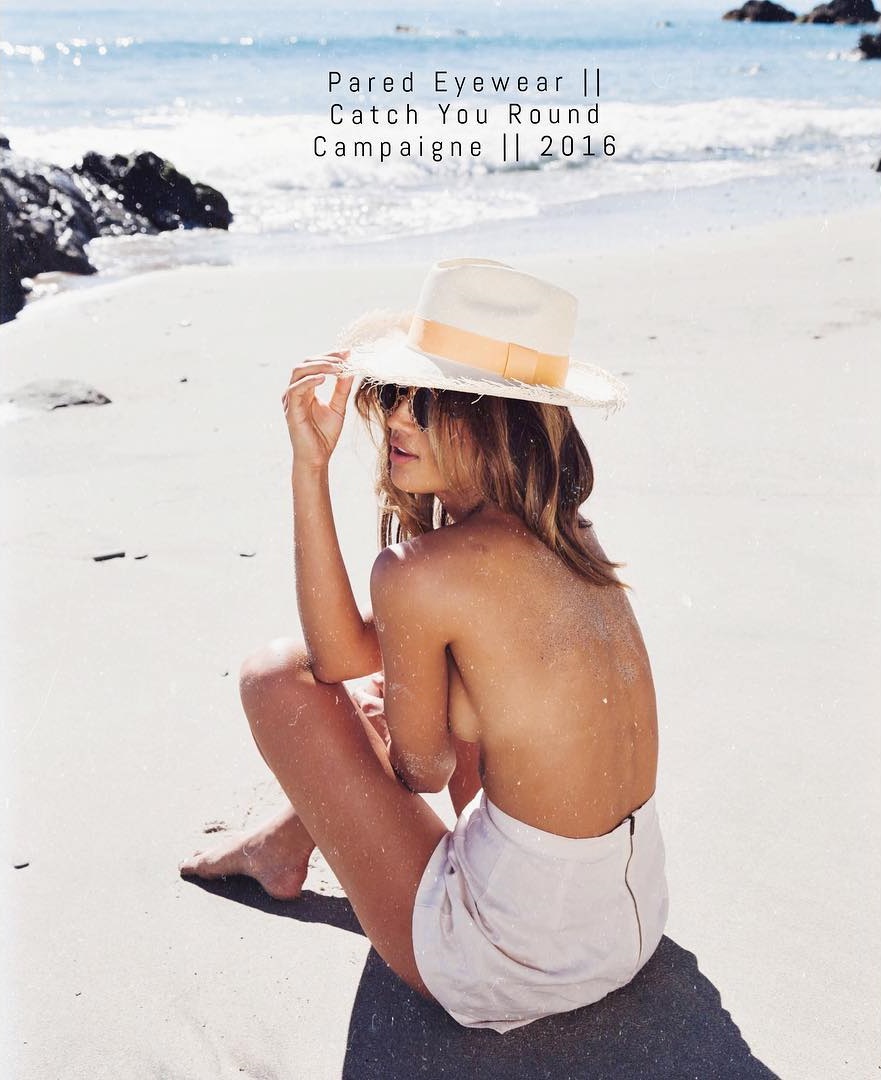
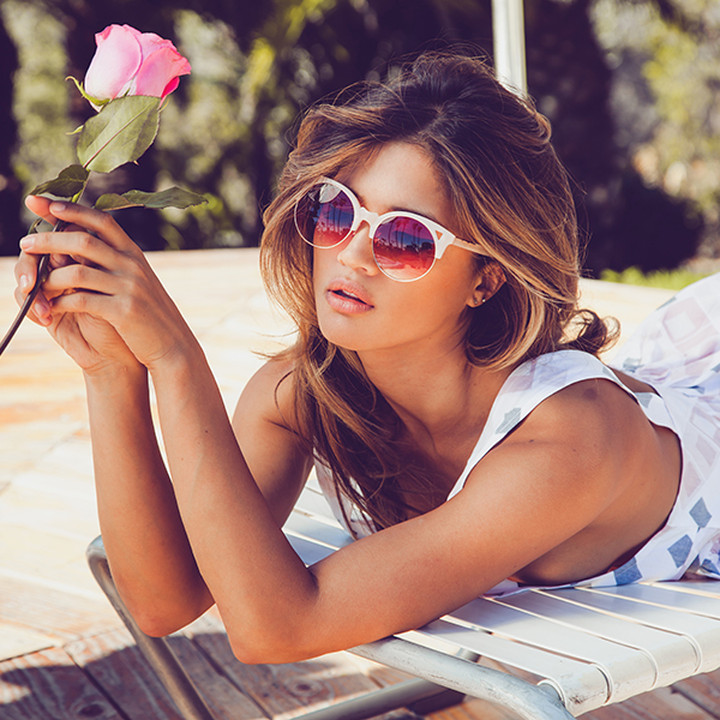
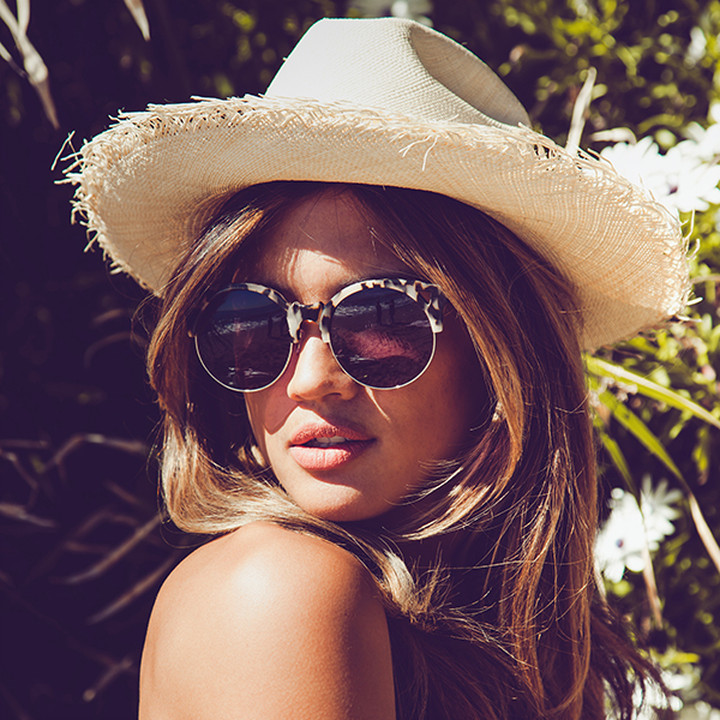
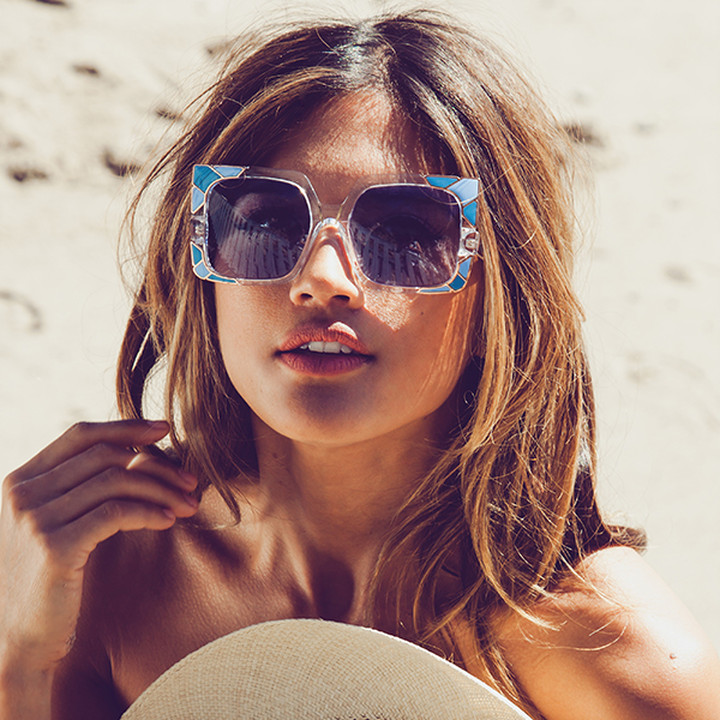
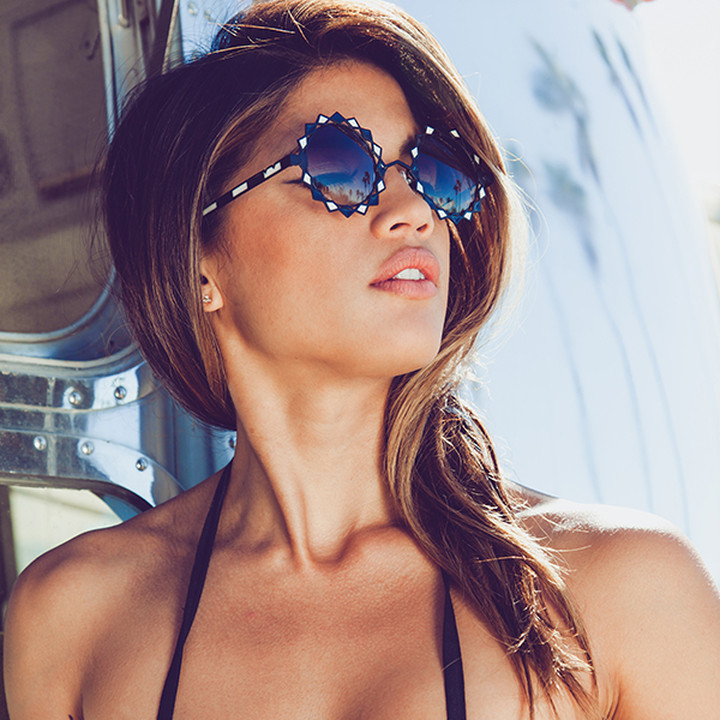
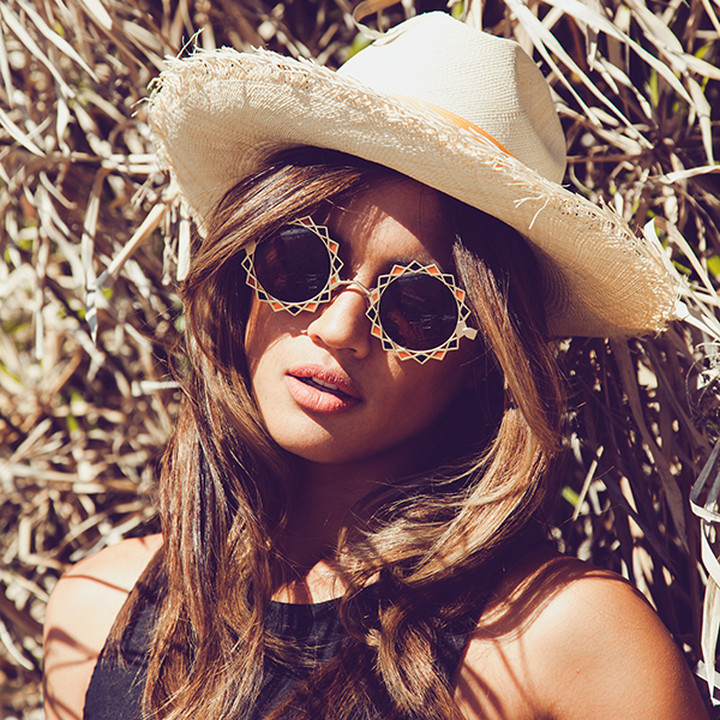
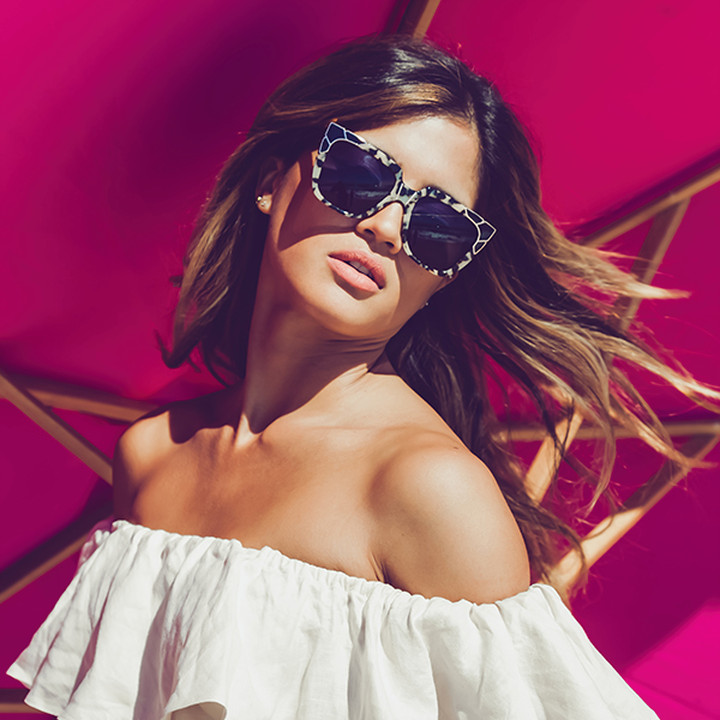
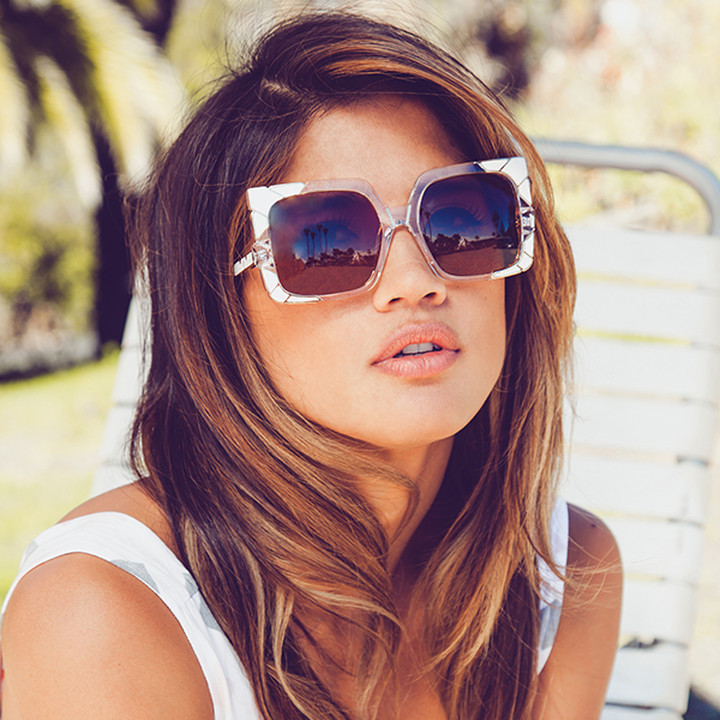
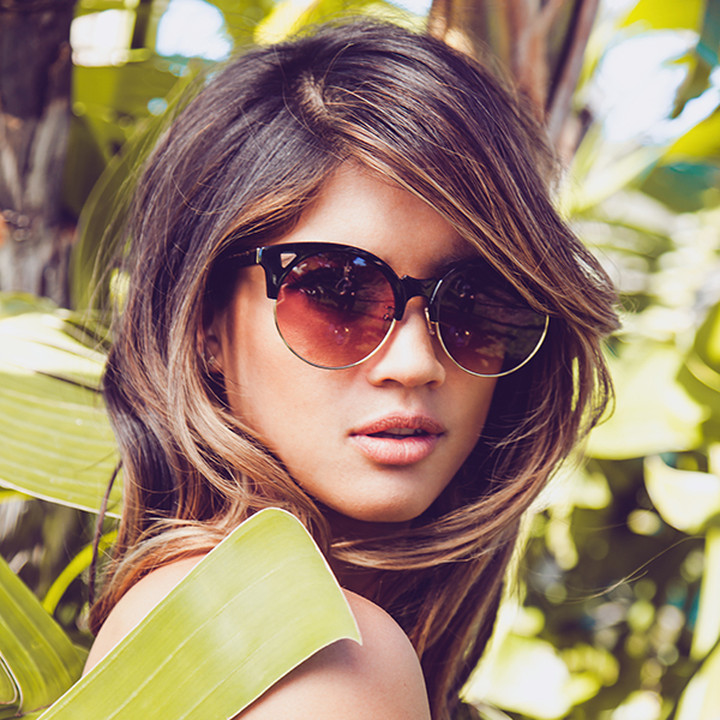
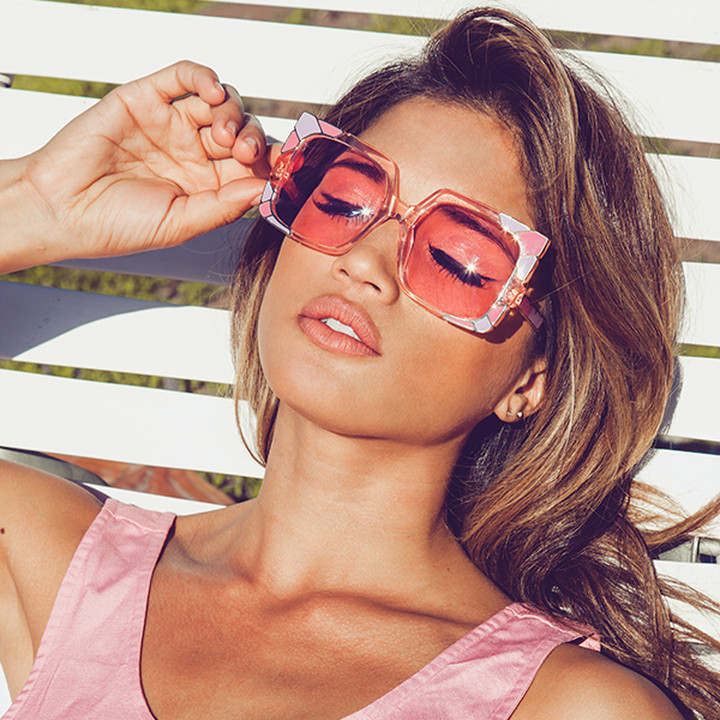
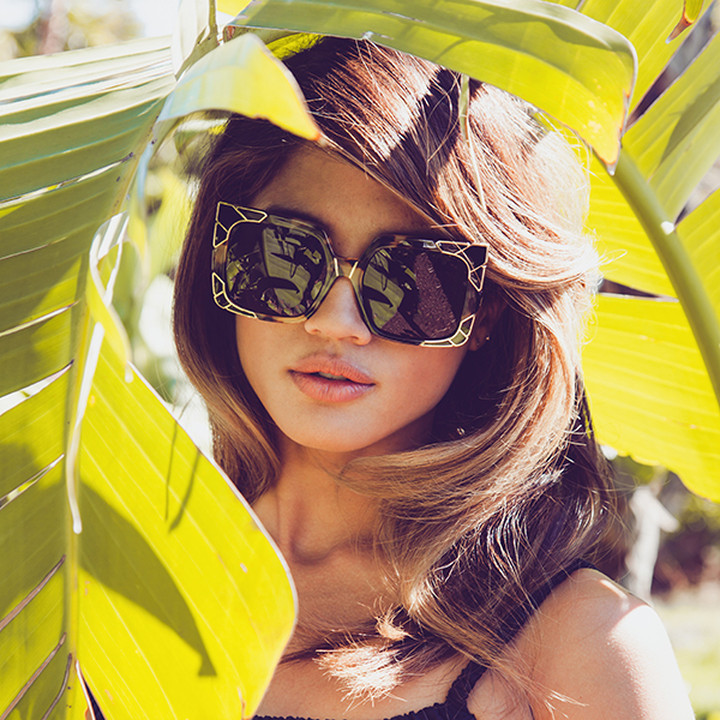
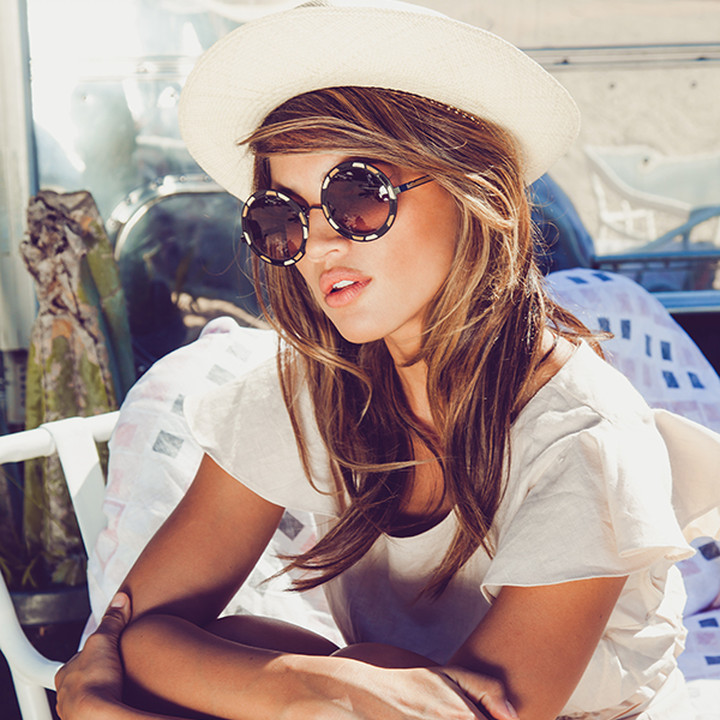
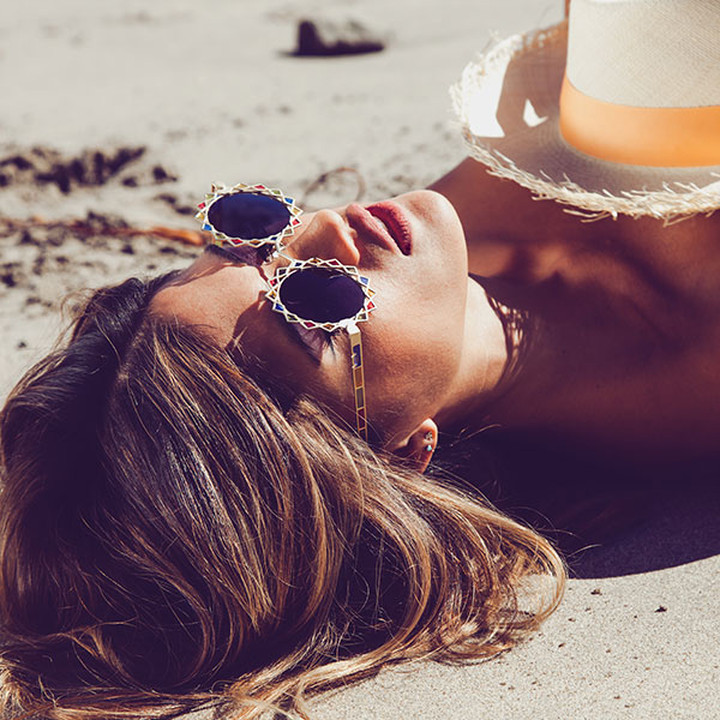
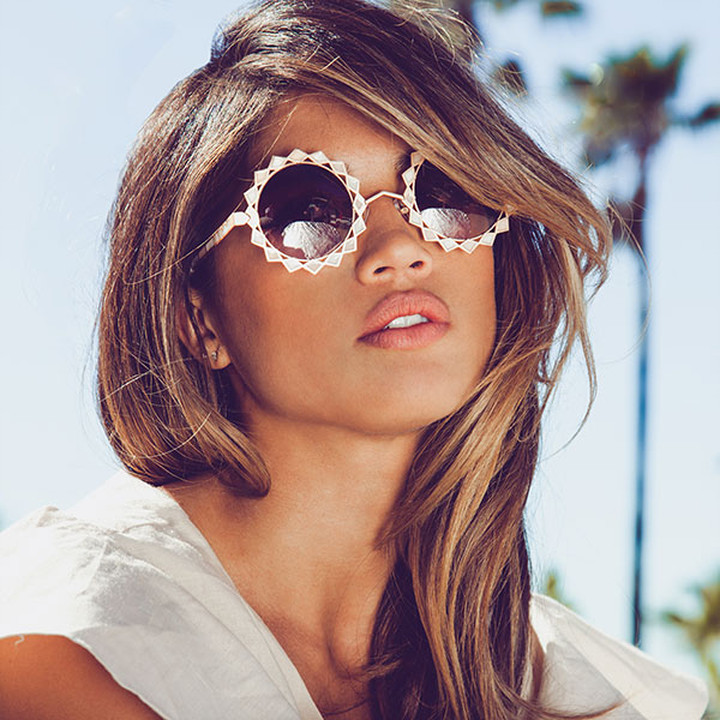
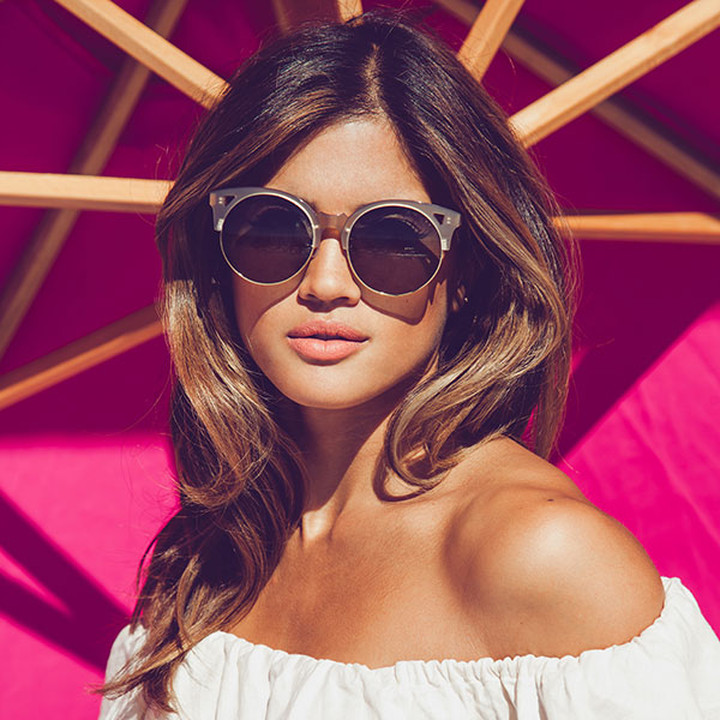
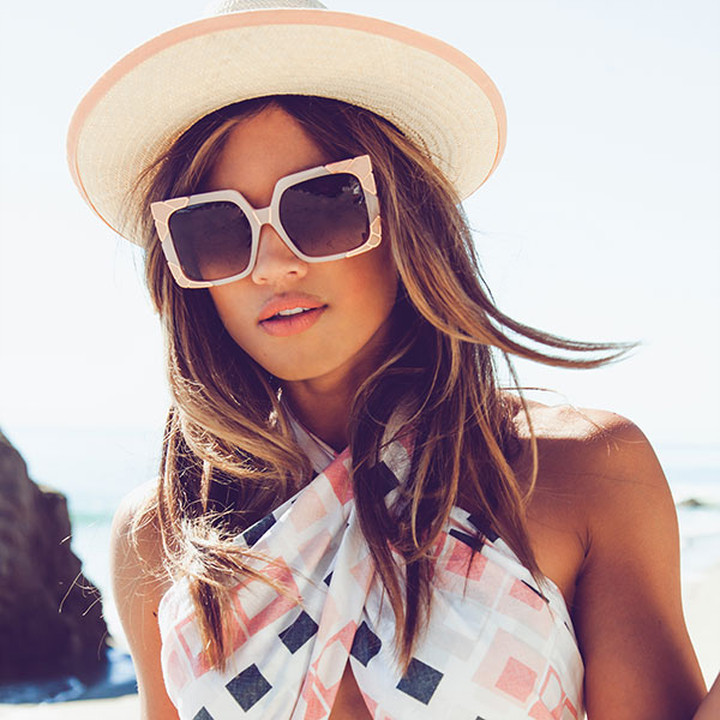
 Pared Eyewear Ph: Liza Boone instagram.com/lizaboone paredeyewearblog.com











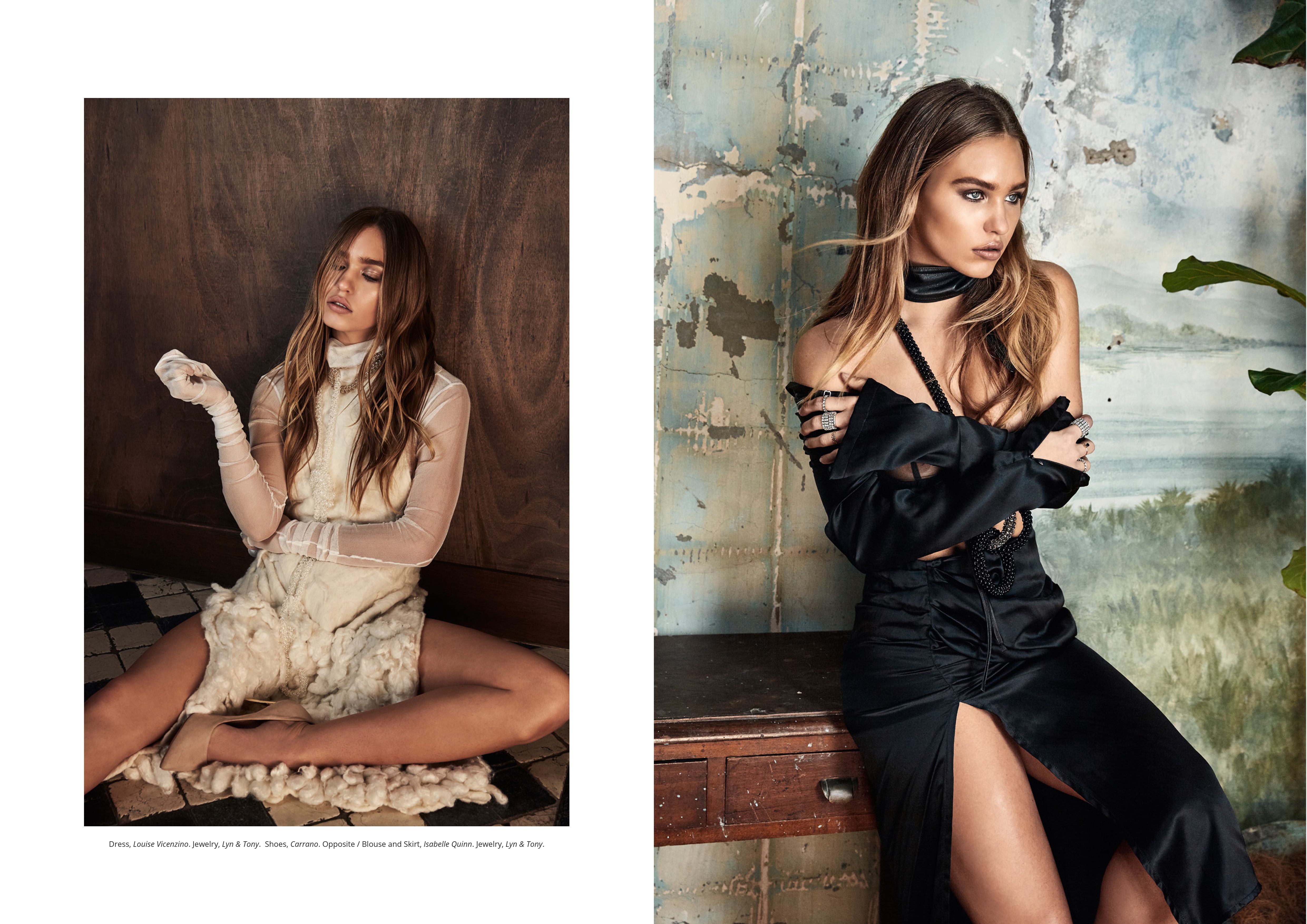
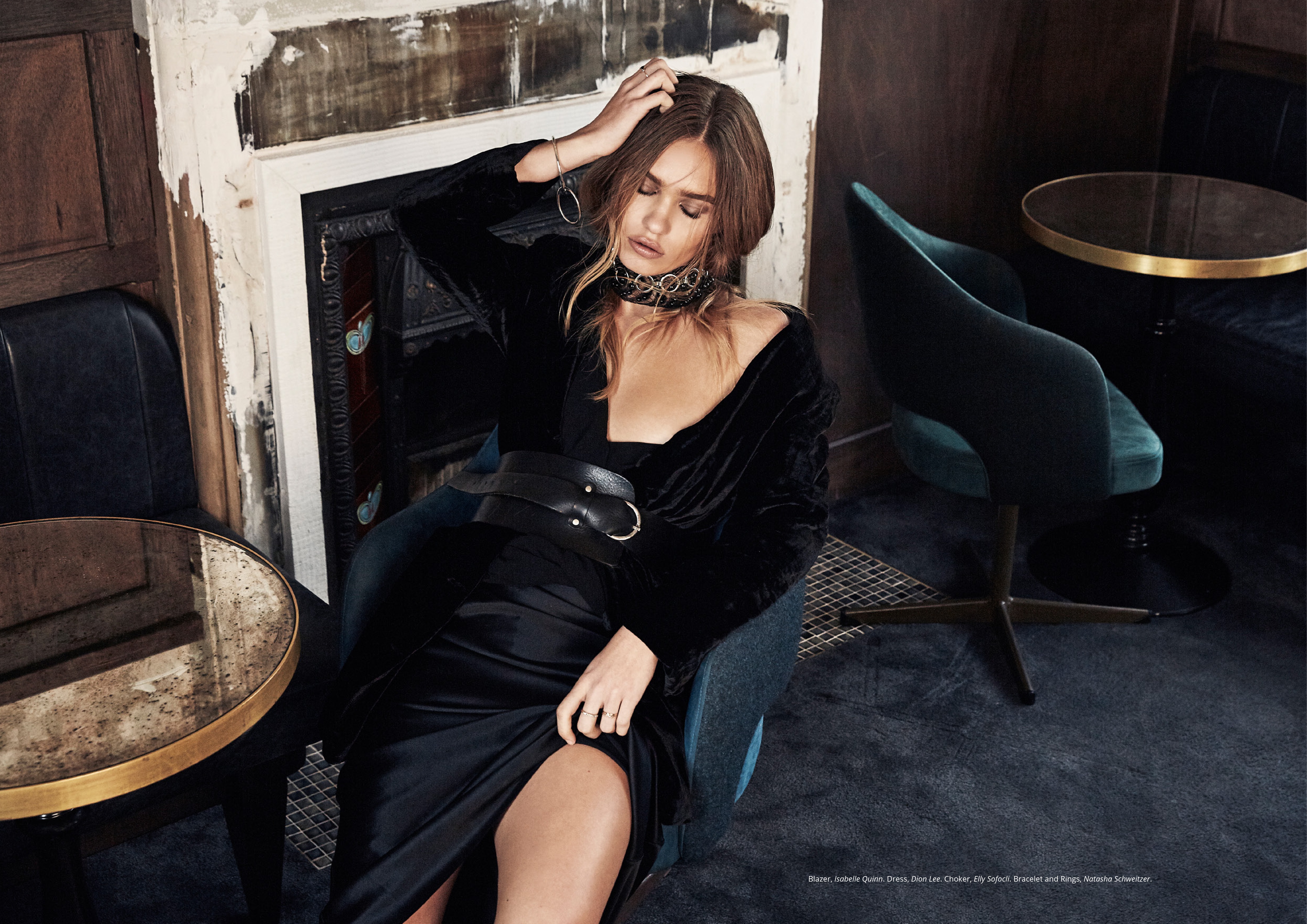

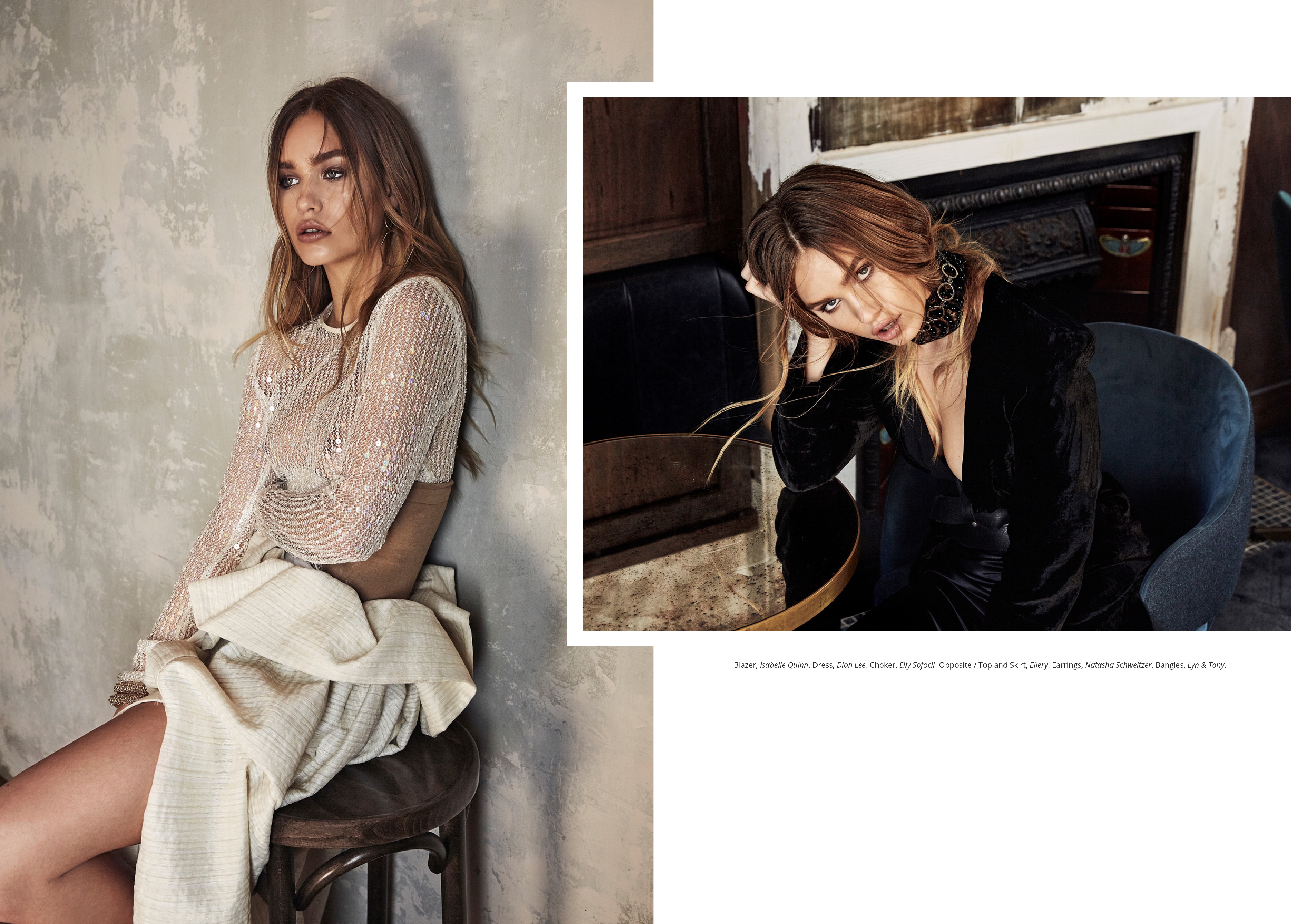
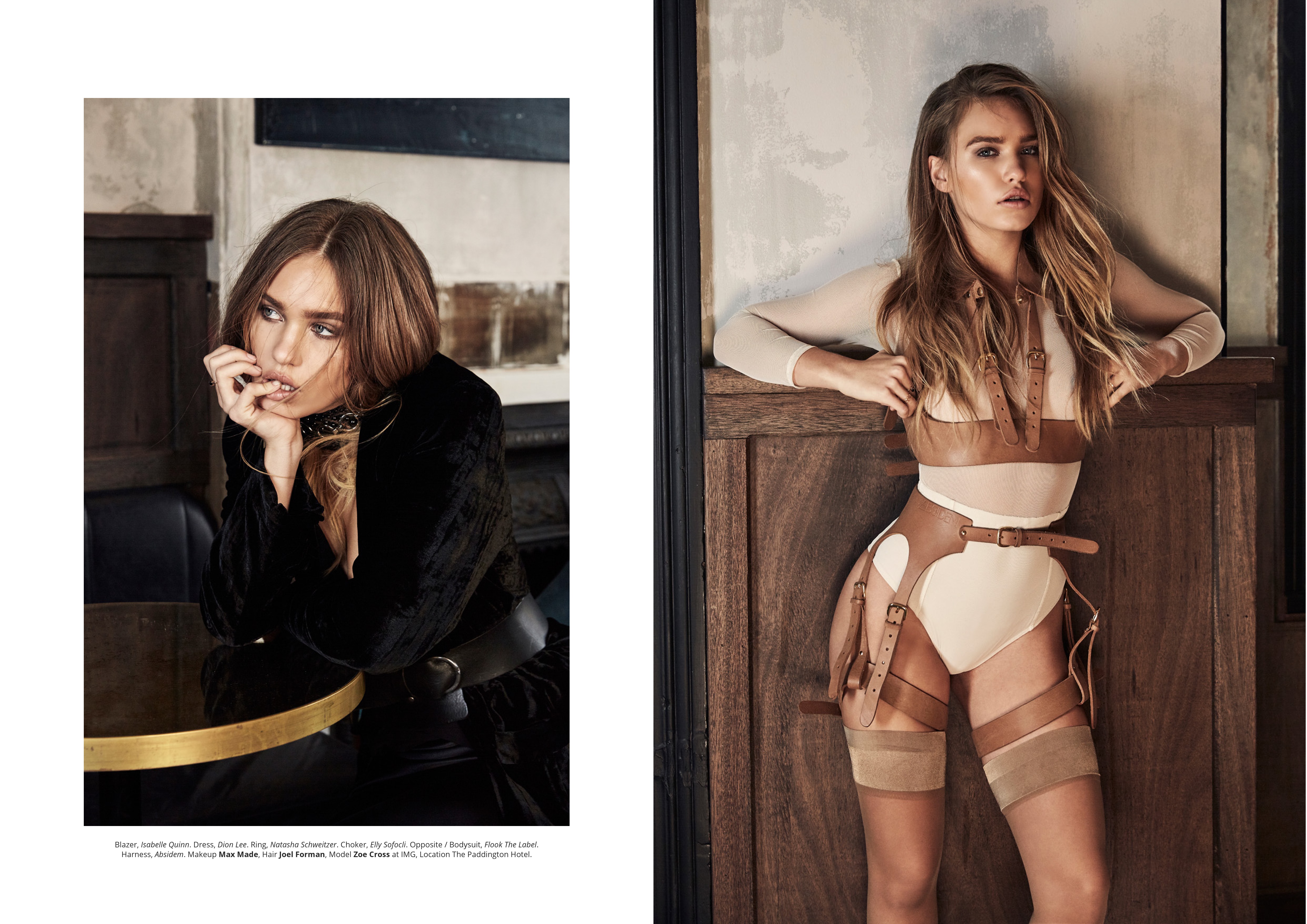






Account
Navigation
Search
Configure browser push notifications
Chrome (Android)
- Tap the lock icon next to the address bar.
- Tap Permissions → Notifications.
- Adjust your preference.
Chrome (Desktop)
- Click the padlock icon in the address bar.
- Select Site settings.
- Find Notifications and adjust your preference.
Safari (iOS 16.4+)
- Ensure the site is installed via Add to Home Screen.
- Open Settings App → Notifications.
- Find your app name and adjust your preference.
Safari (macOS)
- Go to Safari → Preferences.
- Click the Websites tab.
- Select Notifications in the sidebar.
- Find this website and adjust your preference.
Edge (Android)
- Tap the lock icon next to the address bar.
- Tap Permissions.
- Find Notifications and adjust your preference.
Edge (Desktop)
- Click the padlock icon in the address bar.
- Click Permissions for this site.
- Find Notifications and adjust your preference.
Firefox (Android)
- Go to Settings → Site permissions.
- Tap Notifications.
- Find this site in the list and adjust your preference.
Firefox (Desktop)
- Open Firefox Settings.
- Search for Notifications.
- Find this site in the list and adjust your preference.