Skip to content
View in the app

A better way to browse. Learn more.

Bellazon

A full-screen app on your home screen with push notifications, badges and more.

To install this app on iOS and iPadOS
  1. Tap the Share icon in Safari
  2. Scroll the menu and tap Add to Home Screen.
  3. Tap Add in the top-right corner.
To install this app on Android
  1. Tap the 3-dot menu (⋮) in the top-right corner of the browser.
  2. Tap Add to Home screen or Install app.
  3. Confirm by tapping Install.

Bettina Saw-Morgan

Members
  • Joined

  • Last visited

Everything posted by Bettina Saw-Morgan

  1. 💖💖💖
  2. 4 Valerya 3 Rachelle 2 Allison 1 Shana 0 Antonella
  3. You're welcome🫡💖
  4. 4 Taylor 3 Abigael 2 Bar 1 Ashton 0 Mia
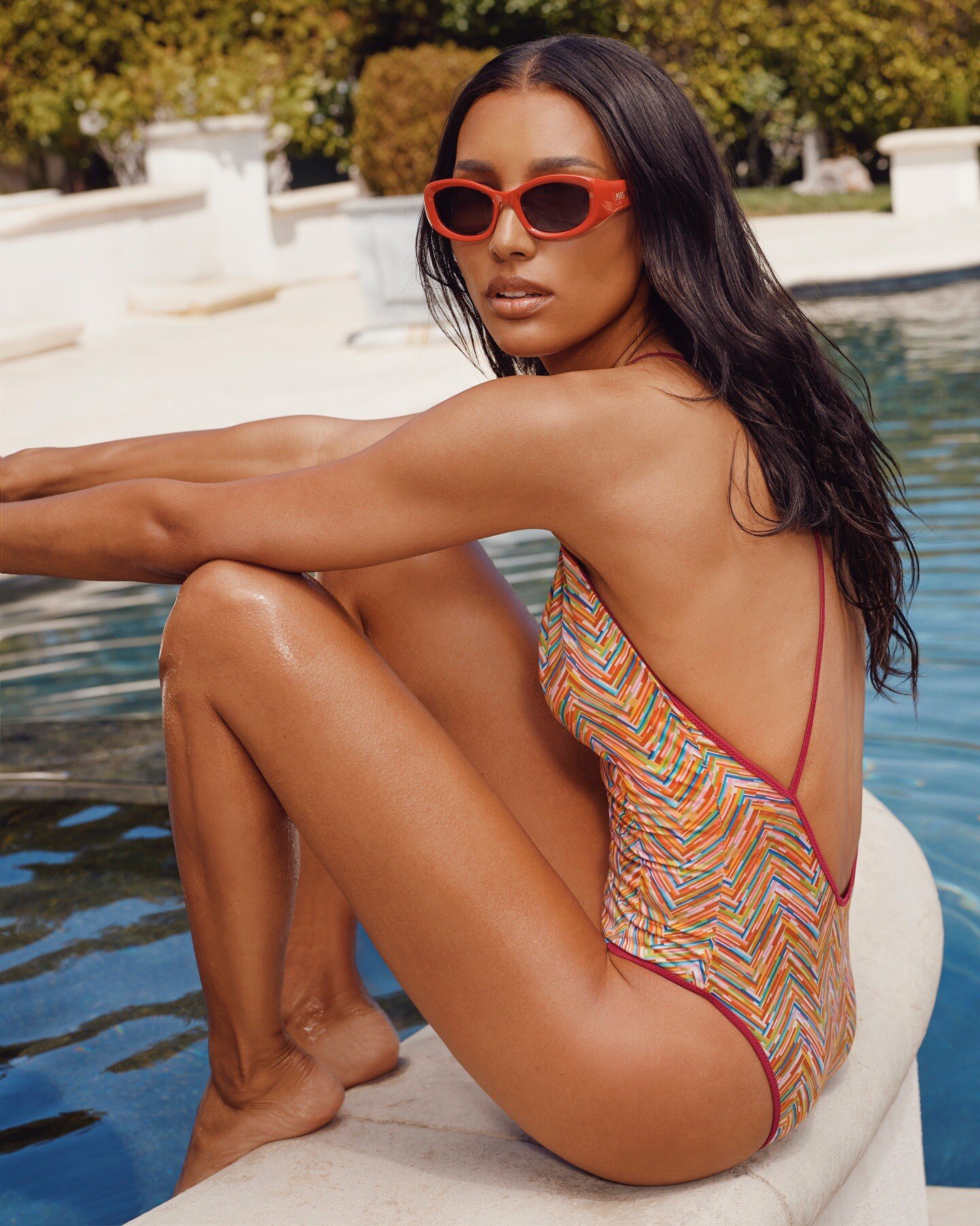
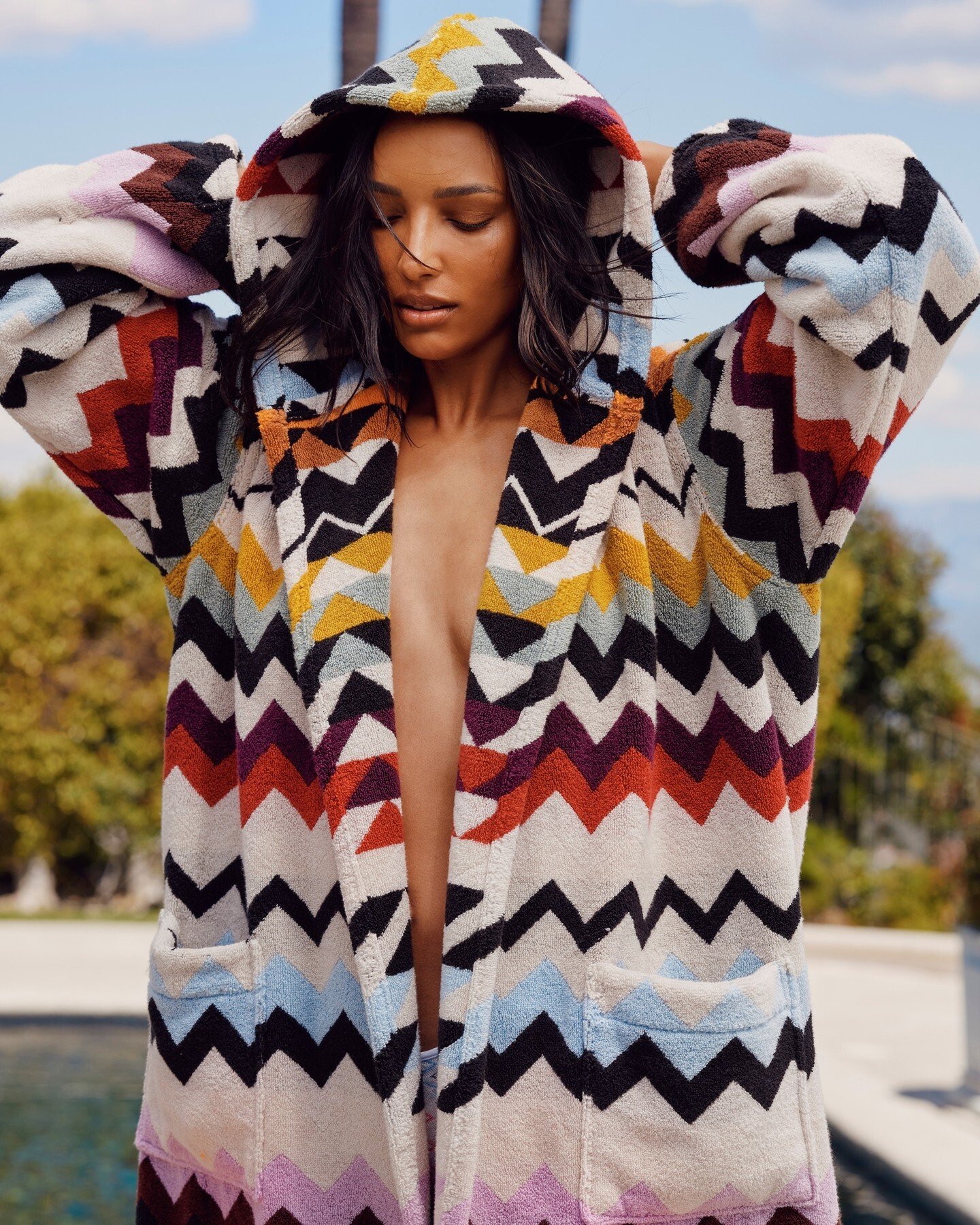
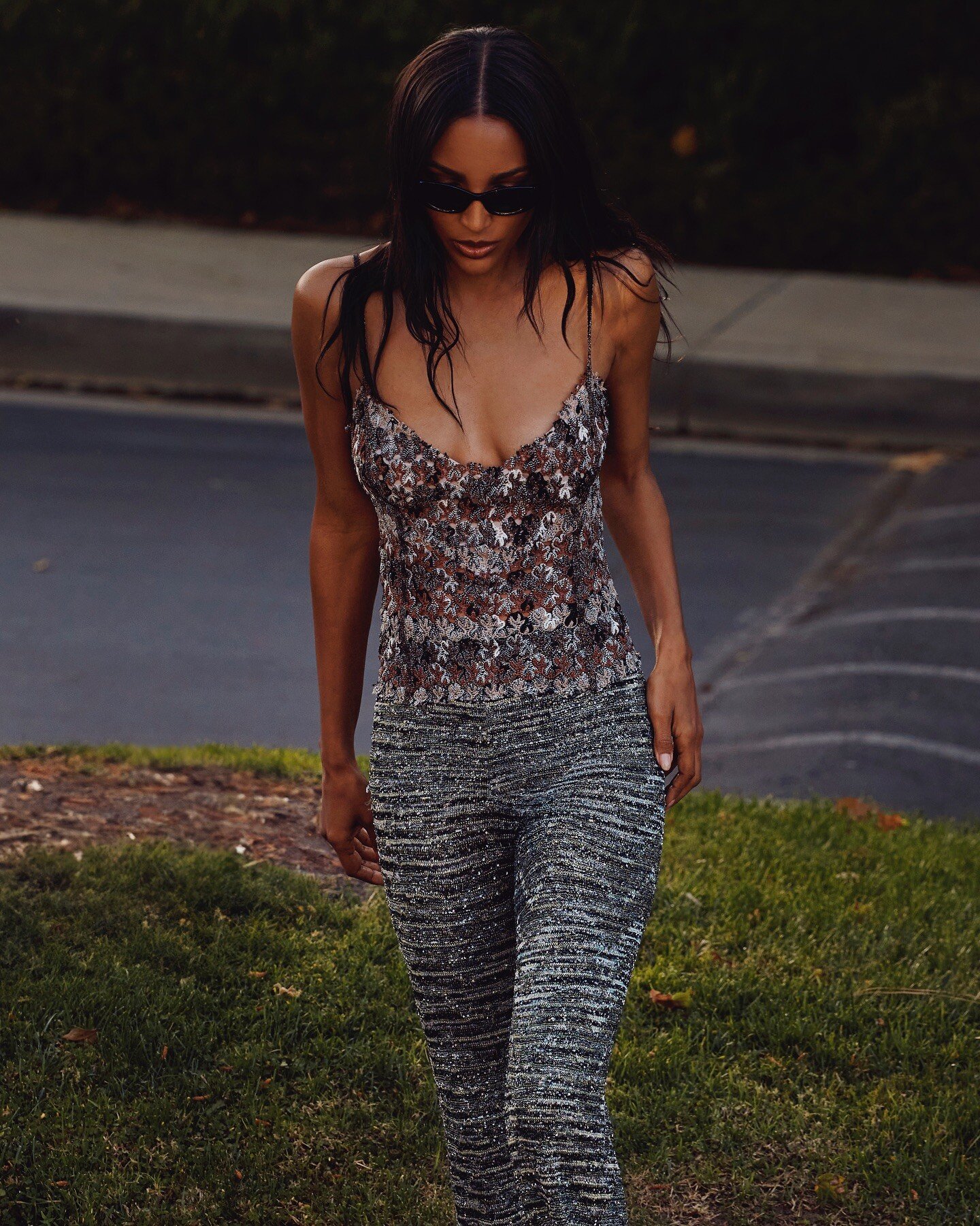
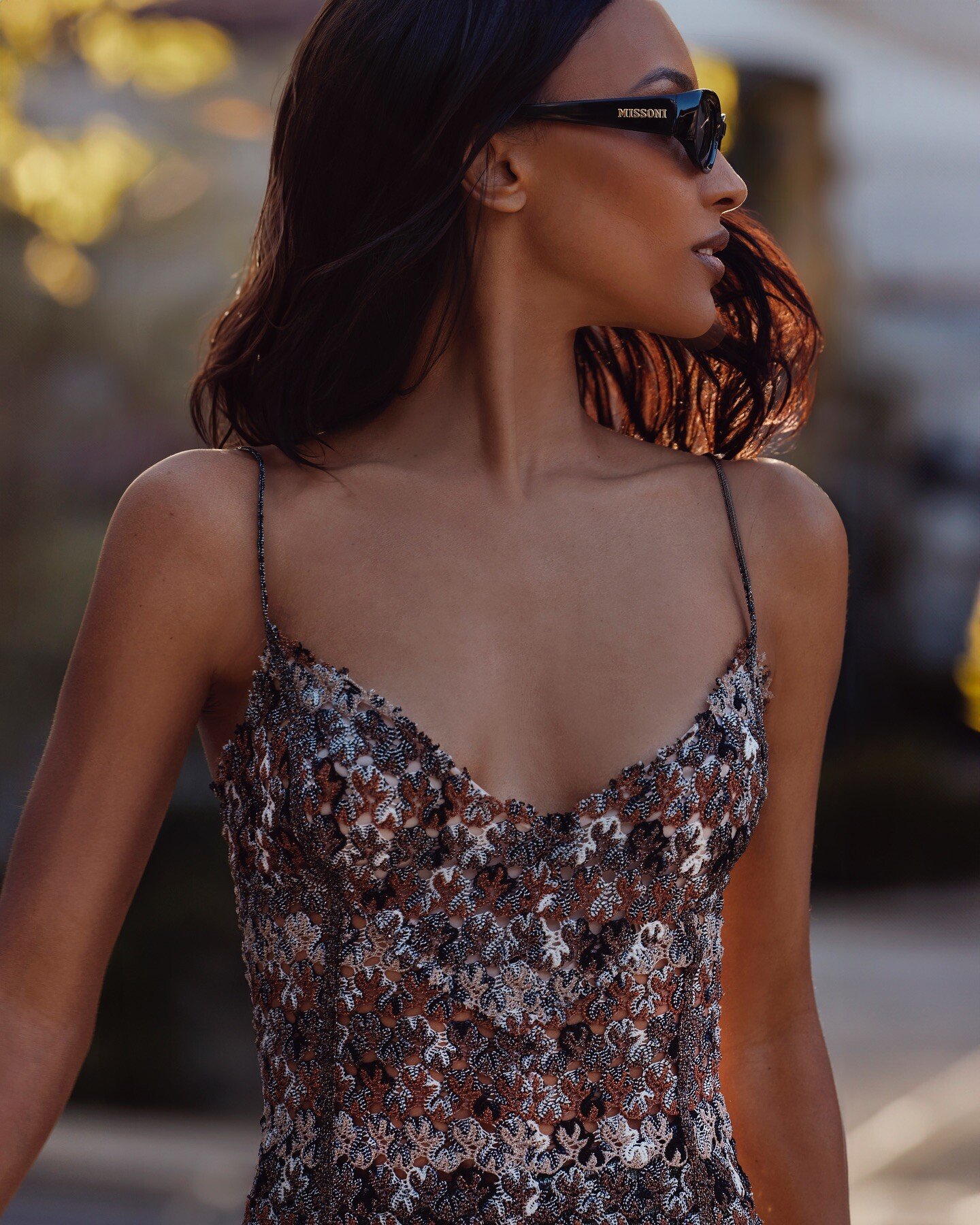
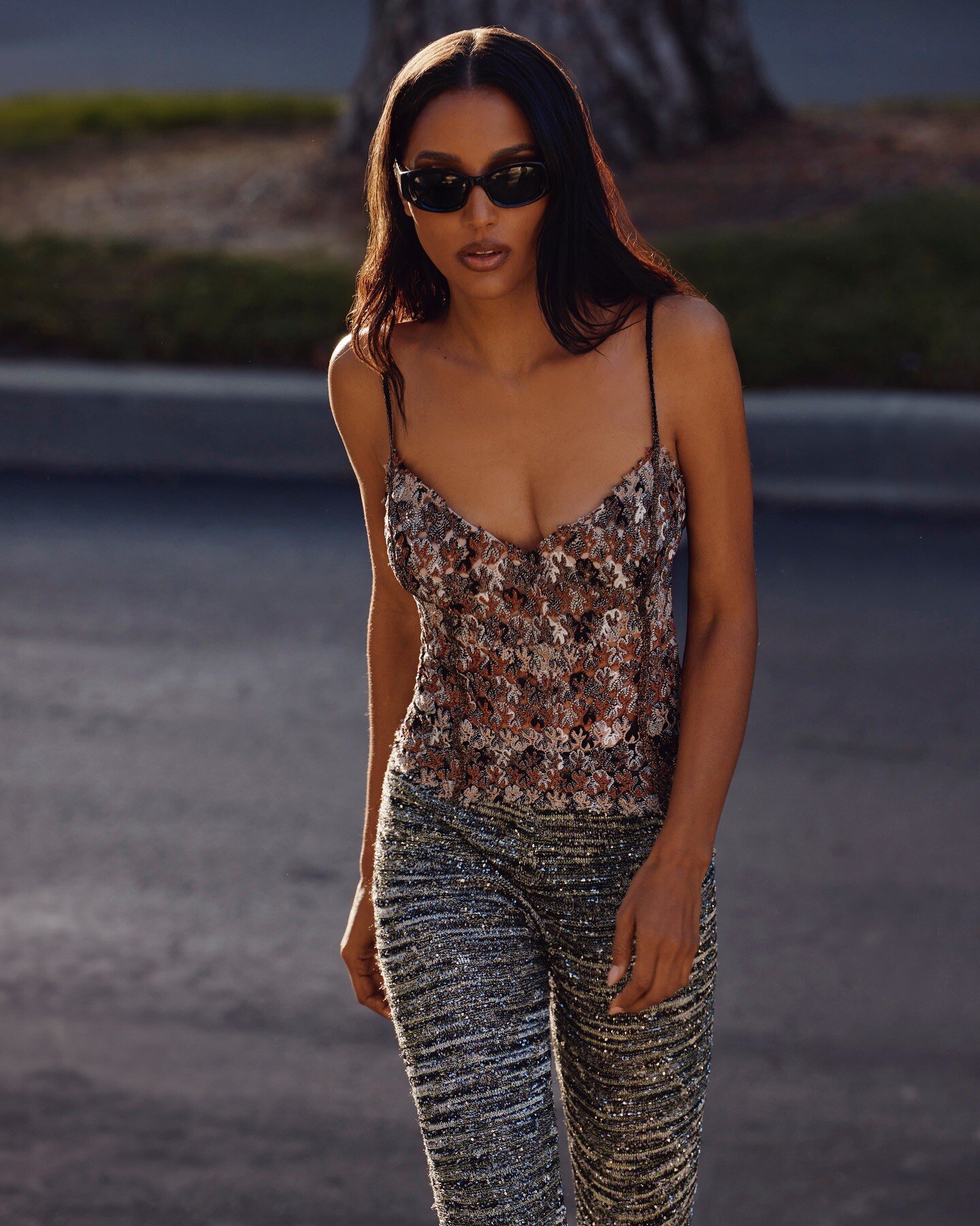
  5. Missoni Spoiler missoni_1747152057_3631697059338798585_249571825.mp4missoni_1752242472_3674397433530586037_249571825.mp4

  6. Body by Victoria Collection 2025 Spoiler vspr-bbv-half.mp4

  7. 4 Ella 3 Bruna 2 Steph 1 Meeya 0 Carlota
  8. 4 Alexa 3 Laura 2 Christine 1 Margarida 0 Priscilla
  9. Bettina Saw-Morgan replied to a post in a topic in Female Fashion Models
    Cameron Hammond
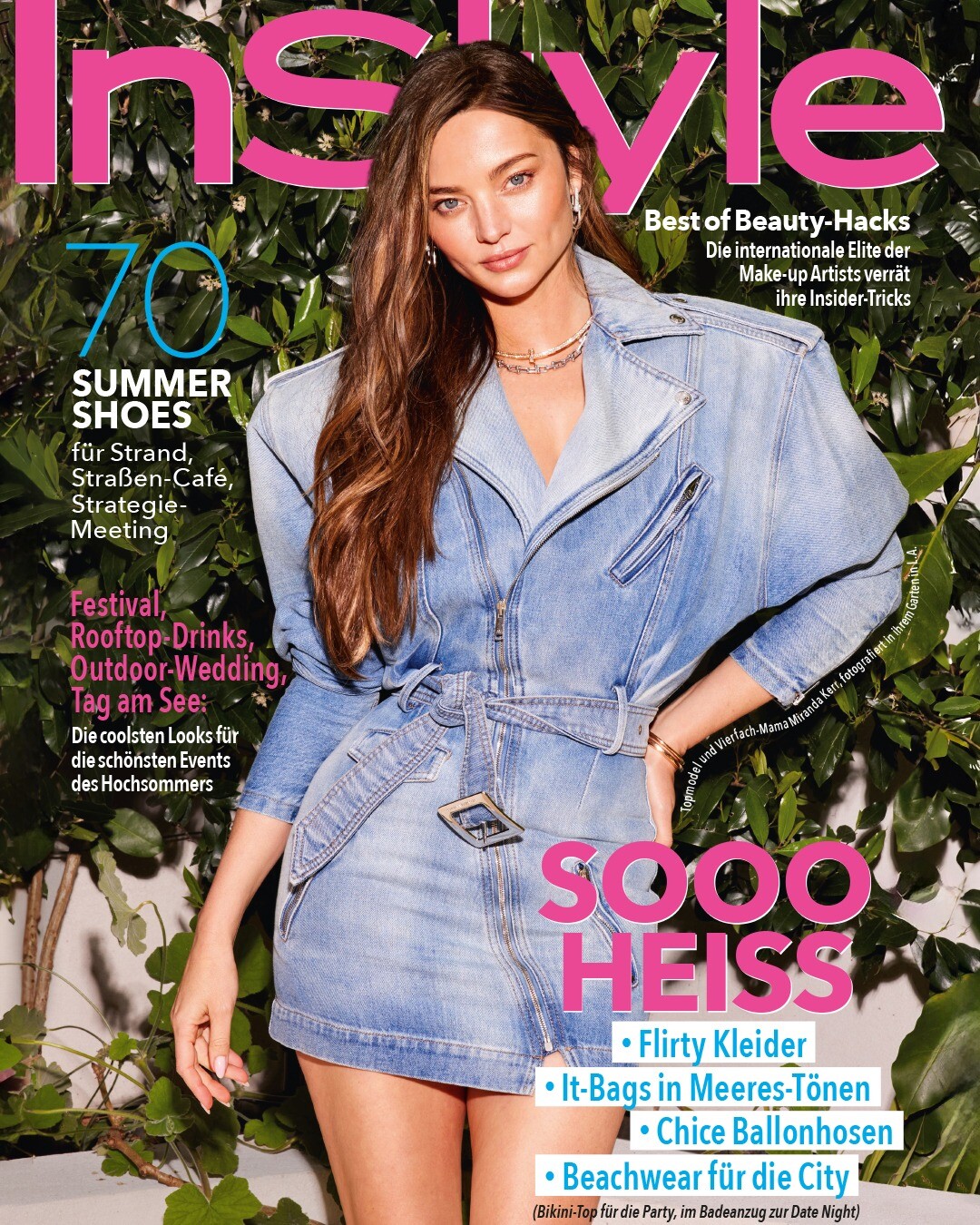
  10. InStyle Deutschland Spoiler instylegermany_1752915652_3680045382463378090_390651971.mp4

  11. 4 Alexandra 3 Freya 2 Keisi 1 Laura 0 Lucia
  12. 4 Hayley 3 Lily 2 Lucia 1 Luana 0 Gayeanne
  13. 💖💖💖
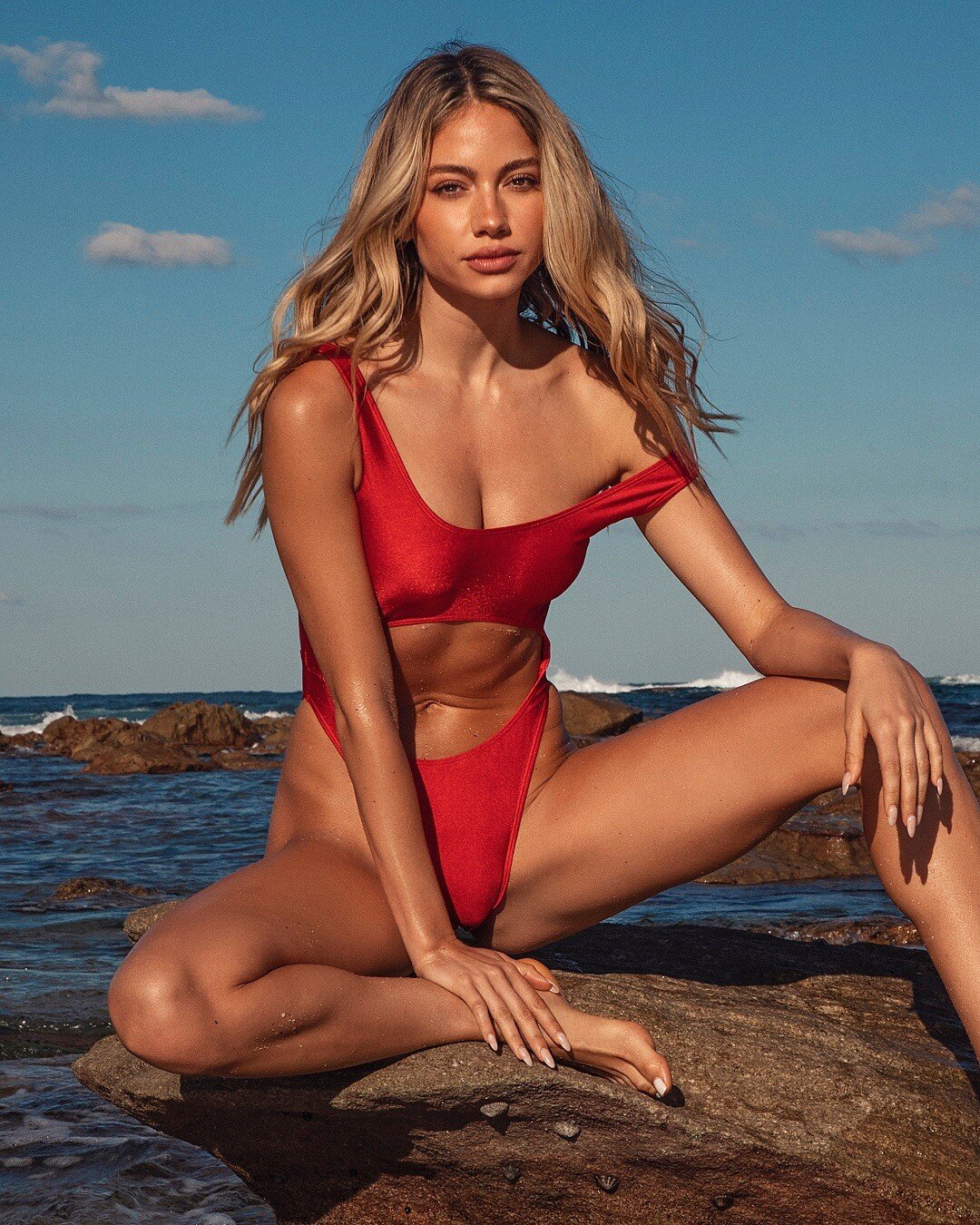
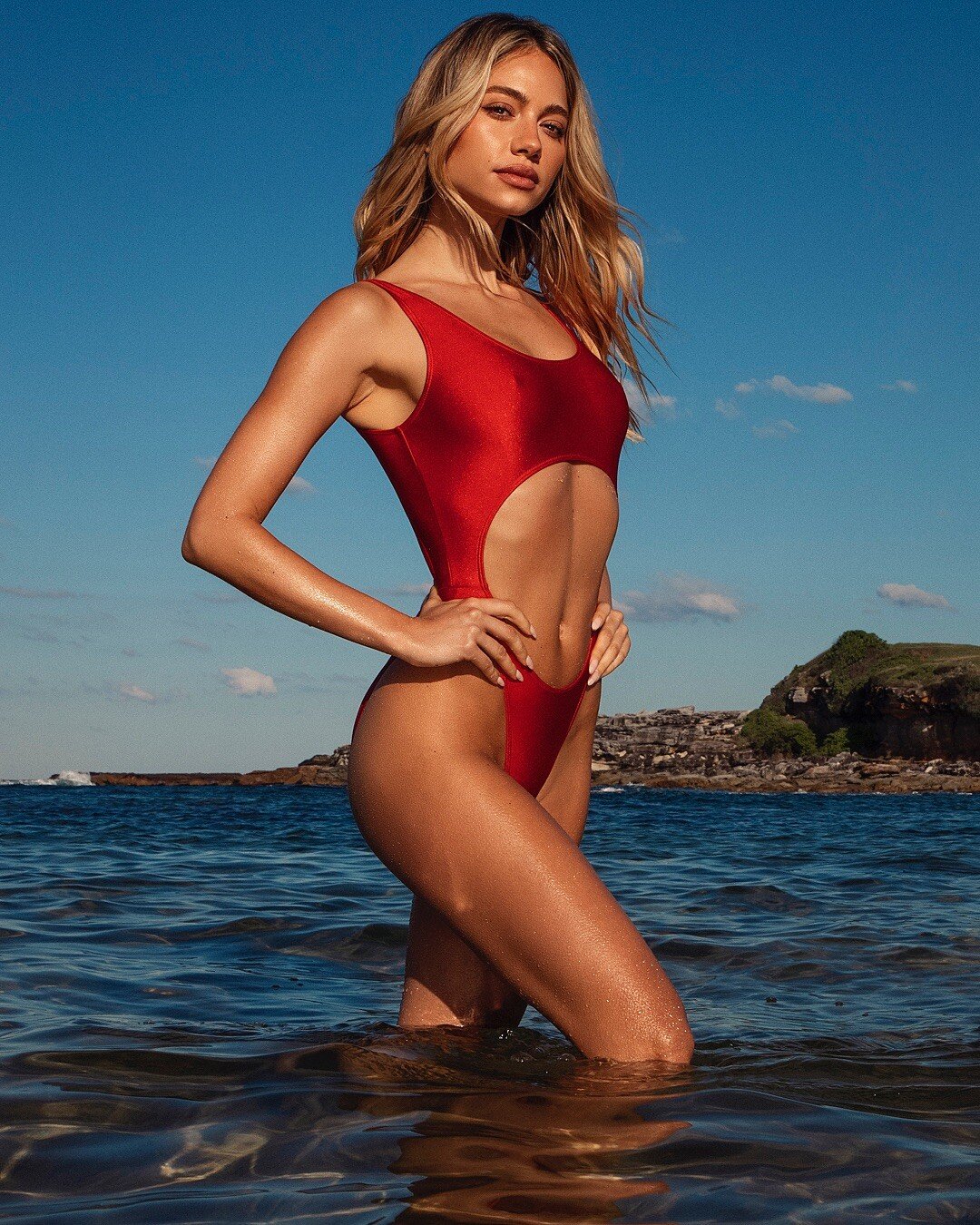
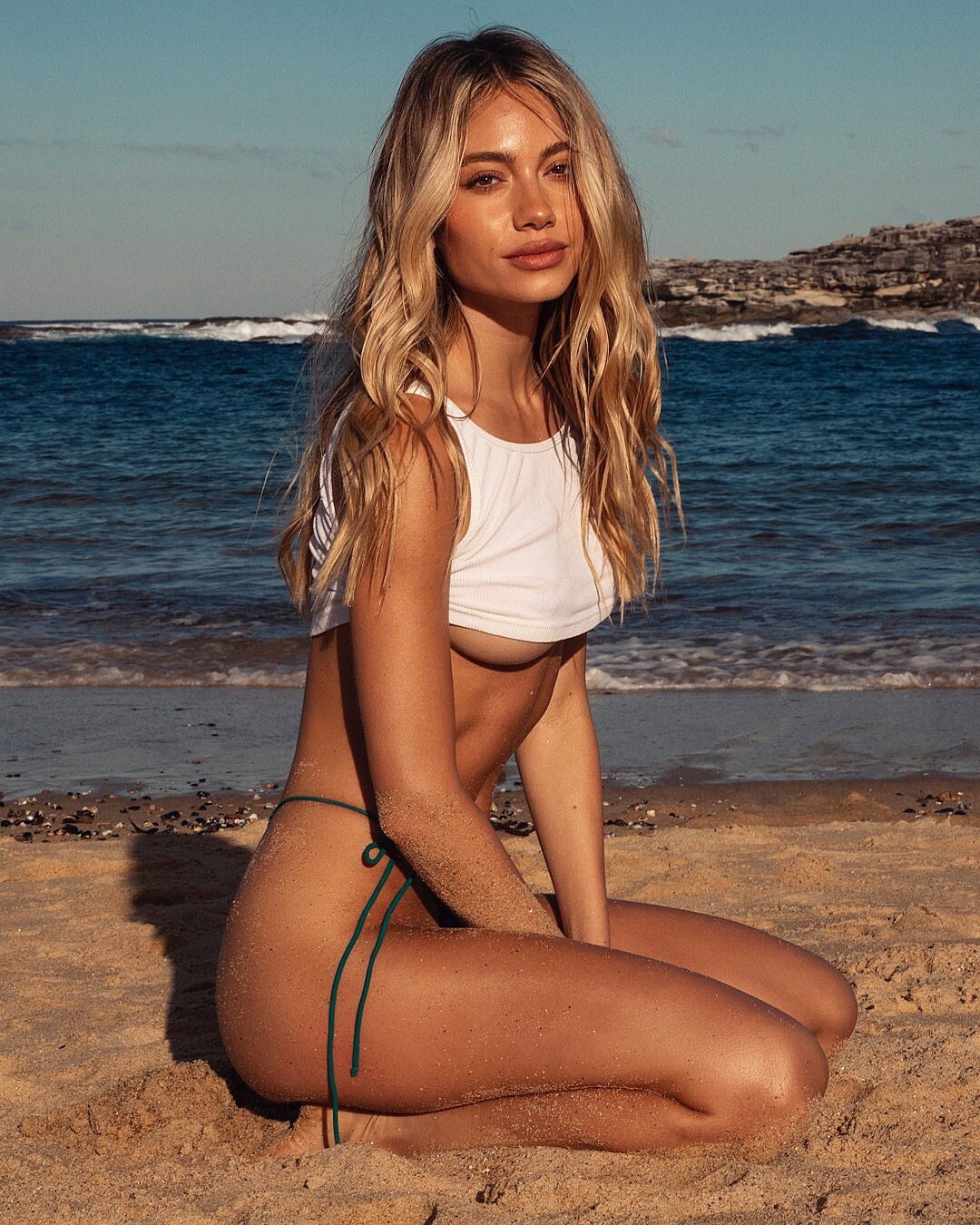
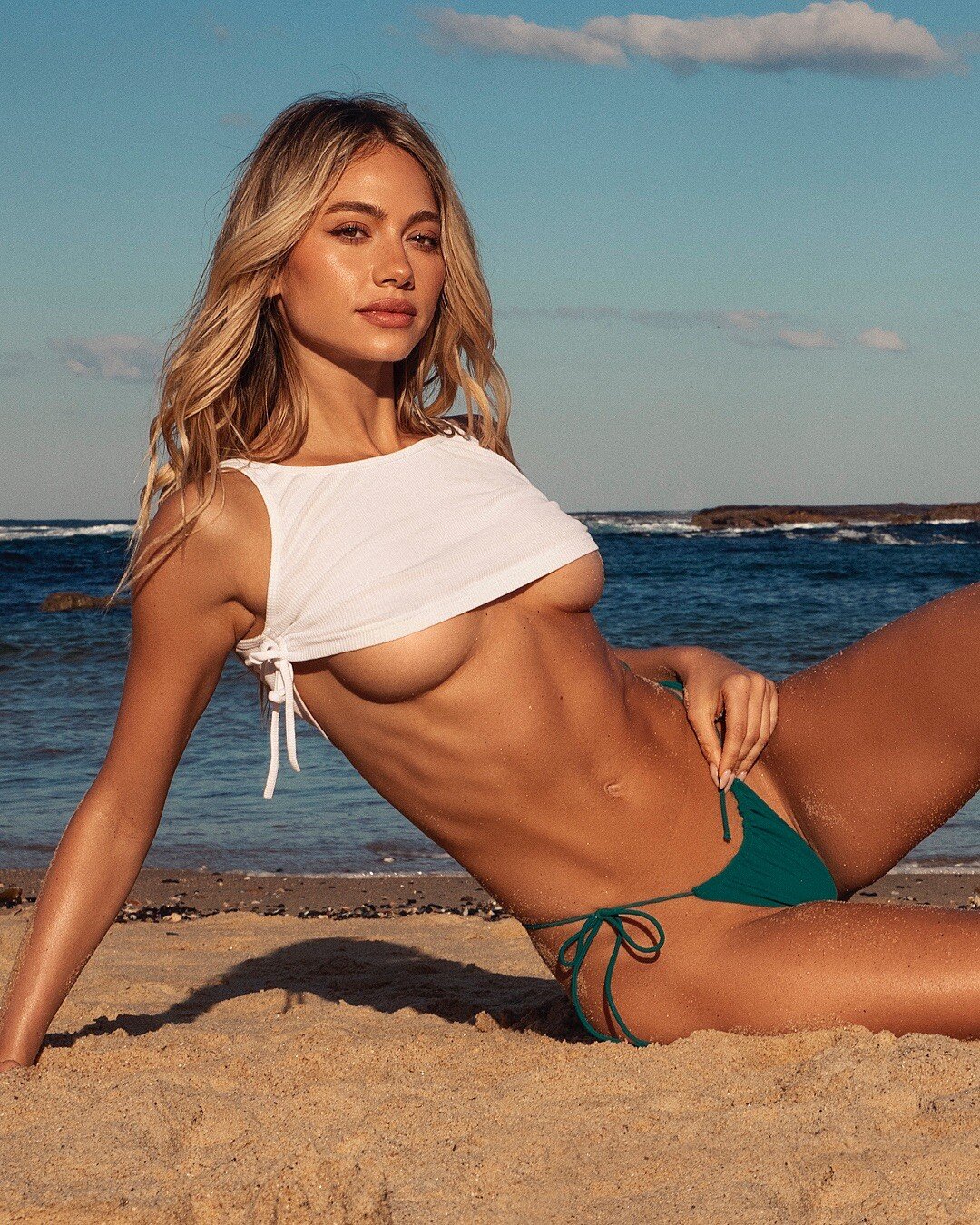
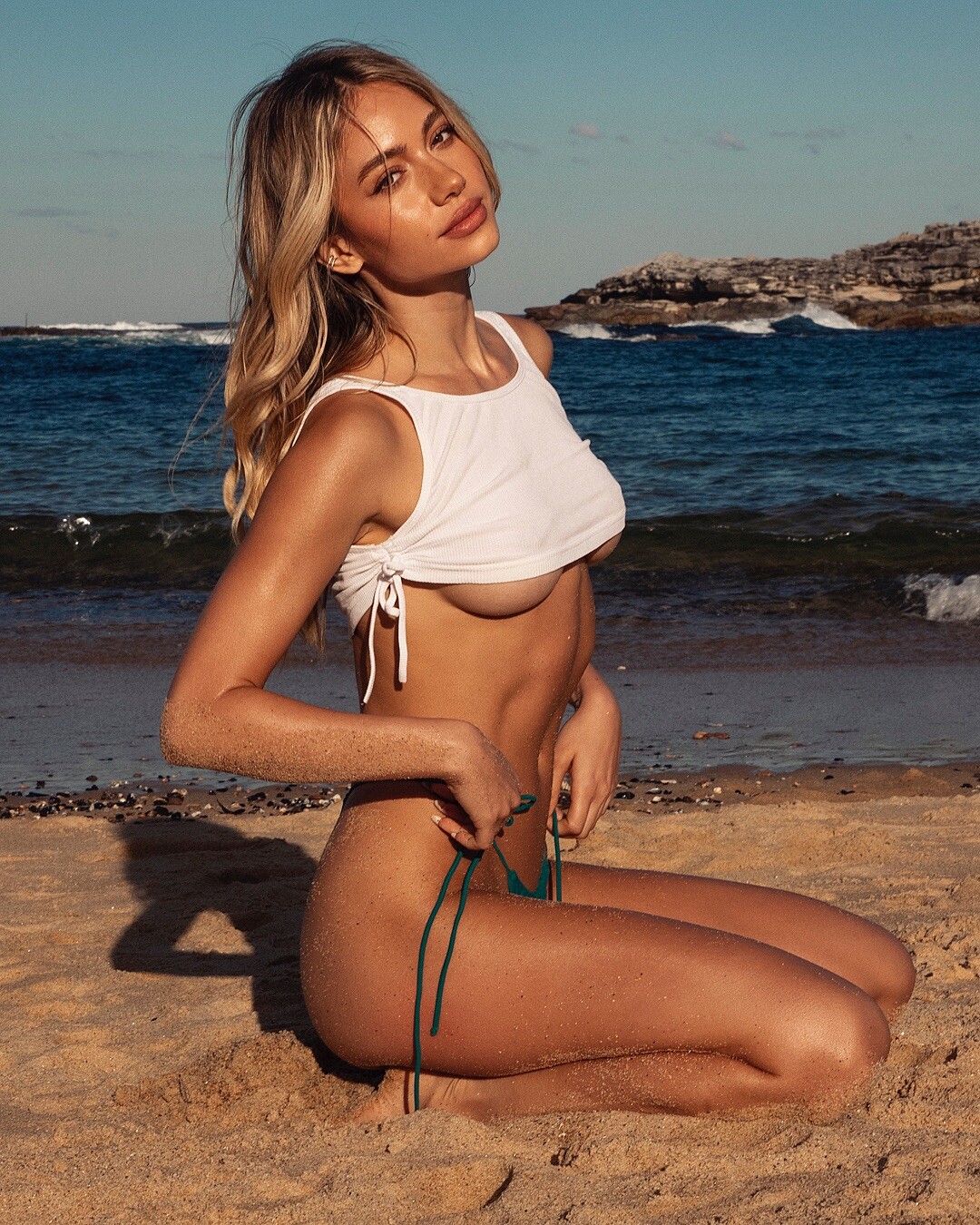
  14. ladivinaswimwear

Account

Navigation

Search

Search

Configure browser push notifications
Chrome (Android)
  1. Tap the lock icon next to the address bar.
  2. Tap Permissions → Notifications.
  3. Adjust your preference.
Chrome (Desktop)
  1. Click the padlock icon in the address bar.
  2. Select Site settings.
  3. Find Notifications and adjust your preference.