
Jump to content
View in the app

A better way to browse. Learn more.

Bellazon

A full-screen app on your home screen with push notifications, badges and more.

To install this app on iOS and iPadOS
  1. Tap the Share icon in Safari
  2. Scroll the menu and tap Add to Home Screen.
  3. Tap Add in the top-right corner.
To install this app on Android
  1. Tap the 3-dot menu (⋮) in the top-right corner of the browser.
  2. Tap Add to Home screen or Install app.
  3. Confirm by tapping Install.

selyoink

Members
  • Joined

  • Last visited

Everything posted by selyoink

  1. This girl is stunningly beautiful
  2. Holy crap, those last 2 pictures are sensational.
  3. Rose Bertram (9) Ashley Smith (3)' Hannah Ferguson (10) Cintia Dicker (9) Natasha Barnard (10) Kate Bock (9) Hanna Davis (10) Genevieve Morton (9) Hailey Clauson (10) Xenia Deli (10)
  4. Dear god, she looked incredible at the LA premiere.
  5. Frederikke Winther [3] Mariana Salaru [6]
  6. Definite yes for Dioni for me.
  7. Danielle doesn't do much for me either. Still better than the vast majority of the other casting calls so far.
  8. Daniela Lopez Osorio [7] Miranda Kerr [6]
  9. That is one of the best pictures of all time.
  10. She looks amazing.
  11. Frederikke Winther [7] Alena Blohm [6]
  12. Daniela Lopez Osorio [4] Simone Villas Boas [2]
  13. Daniela Lopez Osorio [9] Emanuela de Paula [3]
  14. Daniela Lopez Osorio [6] Heidi Klum [2]
  15. Frederikke Winther [7] Jehane "Gigi" Paris [7]
  16. Daniela Lopez Osorio [7] Karlie Kloss [7]
  17. Barbara Fialho [4] Daniela Lopez Osorio [9]
  18. So hot, damn
  19. Frederikke Winther [6] Vika Bronova [7]
  20. Barbara Fialho [7] Julia Stegner [8]
  21. Thanks for the videos. Rosie is amazing.
  22. Frederikke Winther [7] Solveig Mork Hansen [5]
  23. Jessica Van Der Steen [6] Barbara Fialho [9]
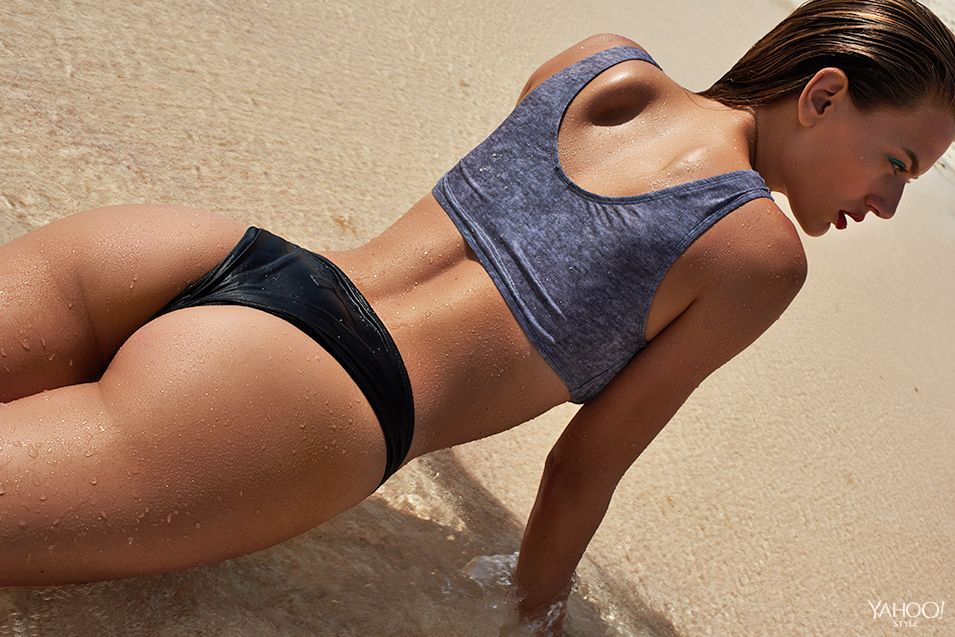
Account

Navigation

Search

Configure browser push notifications

Chrome (Android)
  1. Tap the lock icon next to the address bar.
  2. Tap Permissions → Notifications.
  3. Adjust your preference.
Chrome (Desktop)
  1. Click the padlock icon in the address bar.
  2. Select Site settings.
  3. Find Notifications and adjust your preference.
