
lisa-1
Members
-
Joined
-
Last visited
Everything posted by lisa-1
-
so cute thanks minus
-
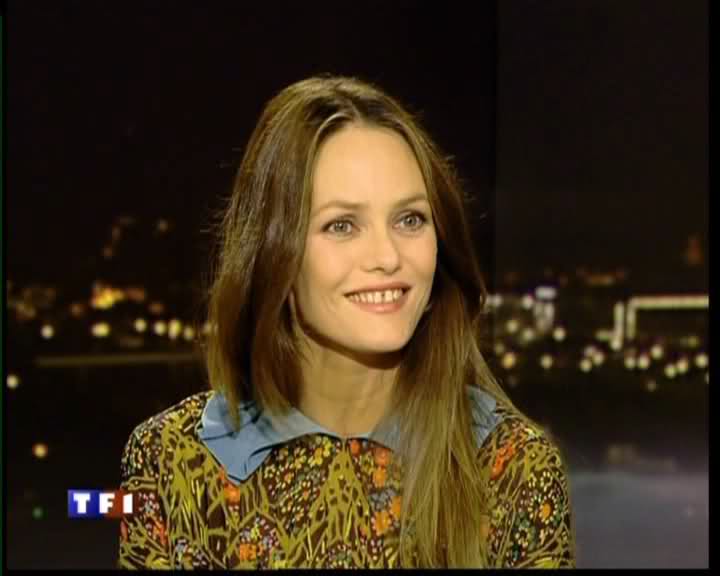
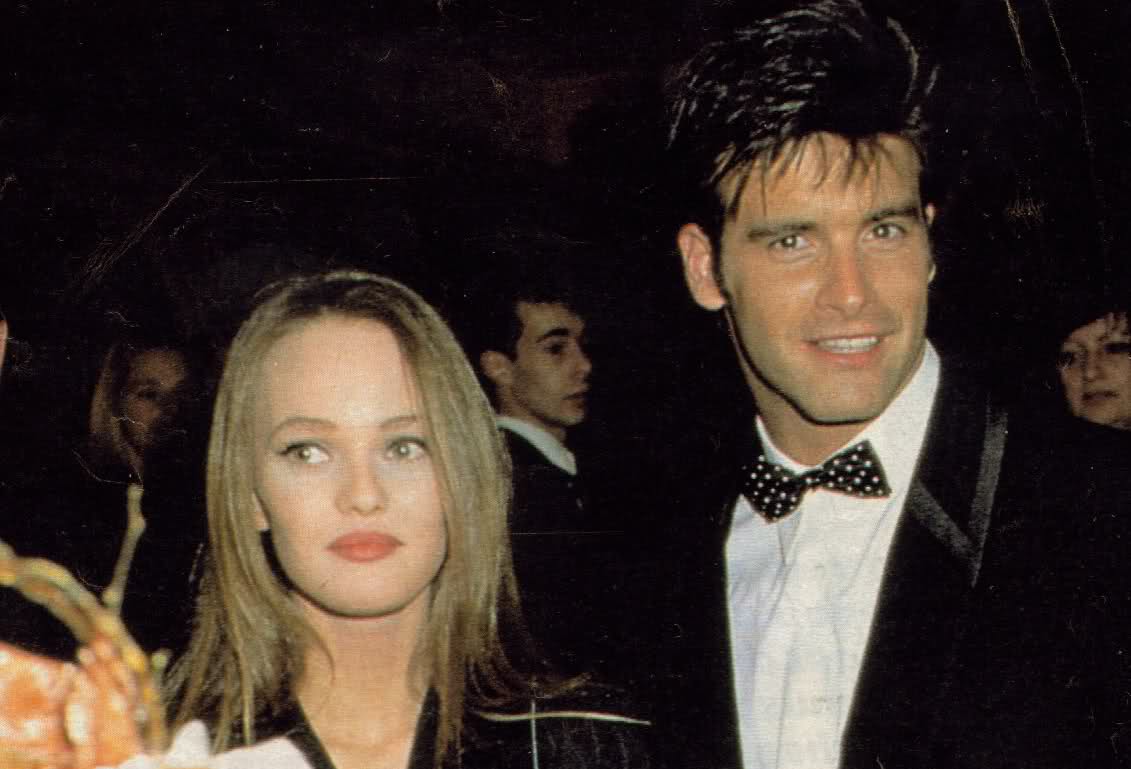
vanessa yesterday at TV caps and tonight....











-
gorgeous thanks
-
gorgeous thanks
-
thanks minus and wicknedcrazyness!!! she is gorgeous
-
thanks
-
-
gorgeous thanks
-
no it's rosie huntington whitley
wow thanks playgirl!!!!!!




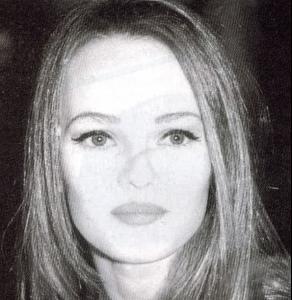
 Louise Julia Cindy Magdalena Behati Kemp Kim Veronica Caroline Fabiana Rocio Kemp
thanks so cute!
stunning thanks
gorgeous!!!!
gorgeous you're great francy
Louise Julia Cindy Magdalena Behati Kemp Kim Veronica Caroline Fabiana Rocio Kemp
thanks so cute!
stunning thanks
gorgeous!!!!
gorgeous you're great francy
































Account
Navigation
Search
Configure browser push notifications
Chrome (Android)
- Tap the lock icon next to the address bar.
- Tap Permissions → Notifications.
- Adjust your preference.
Chrome (Desktop)
- Click the padlock icon in the address bar.
- Select Site settings.
- Find Notifications and adjust your preference.
Safari (iOS 16.4+)
- Ensure the site is installed via Add to Home Screen.
- Open Settings App → Notifications.
- Find your app name and adjust your preference.
Safari (macOS)
- Go to Safari → Preferences.
- Click the Websites tab.
- Select Notifications in the sidebar.
- Find this website and adjust your preference.
Edge (Android)
- Tap the lock icon next to the address bar.
- Tap Permissions.
- Find Notifications and adjust your preference.
Edge (Desktop)
- Click the padlock icon in the address bar.
- Click Permissions for this site.
- Find Notifications and adjust your preference.
Firefox (Android)
- Go to Settings → Site permissions.
- Tap Notifications.
- Find this site in the list and adjust your preference.
Firefox (Desktop)
- Open Firefox Settings.
- Search for Notifications.
- Find this site in the list and adjust your preference.