Jump to content
View in the app

A better way to browse. Learn more.

Bellazon

A full-screen app on your home screen with push notifications, badges and more.

To install this app on iOS and iPadOS
  1. Tap the Share icon in Safari
  2. Scroll the menu and tap Add to Home Screen.
  3. Tap Add in the top-right corner.
To install this app on Android
  1. Tap the 3-dot menu (⋮) in the top-right corner of the browser.
  2. Tap Add to Home screen or Install app.
  3. Confirm by tapping Install.

lisa-1

Members
  • Joined

  • Last visited

Everything posted by lisa-1

  1. beauty : Jodie talent : Holly
  2. lisa-1 replied to a post in a topic in Female Fashion Models
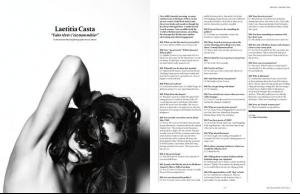
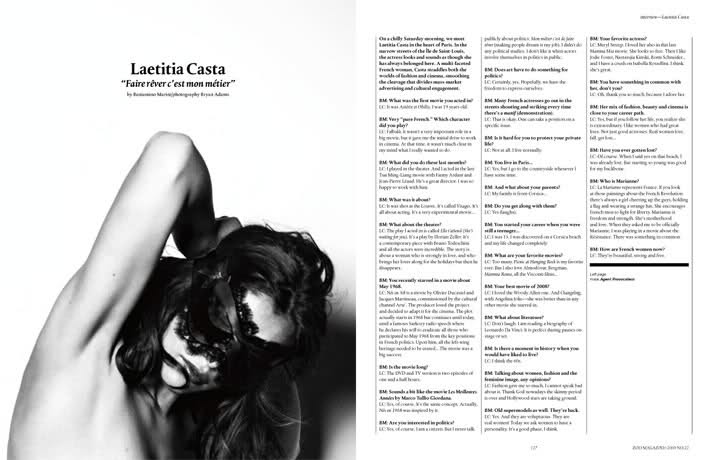
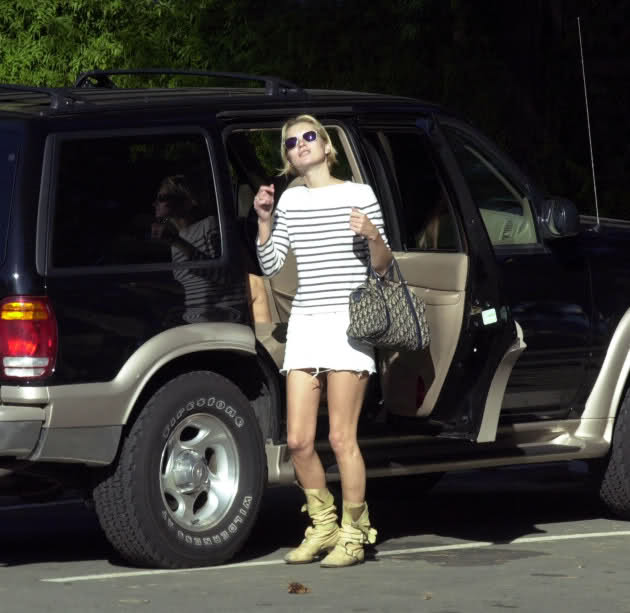
    if someone have it bigger! new pics of laetitia!!! (thanks To Nimzo for this)!!!

  3. lisa-1 replied to saritaa's topic in Actresses
    wow gorgeous pics!!!!!!! thanks Marlene
  4. come to vote in Everything about her
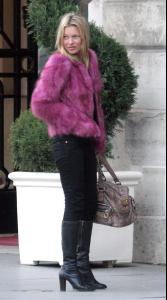
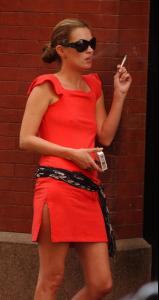
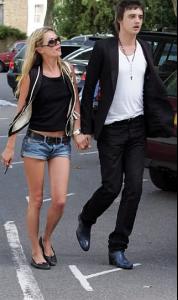
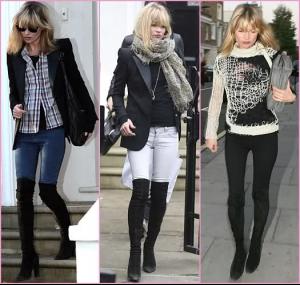
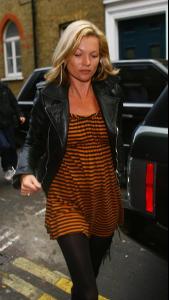
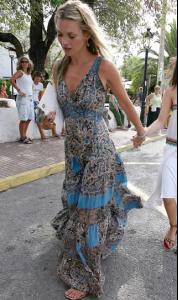
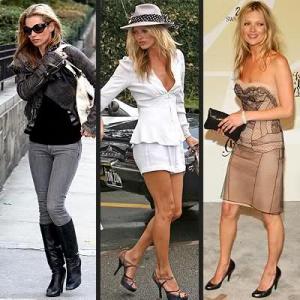
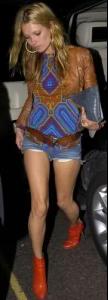
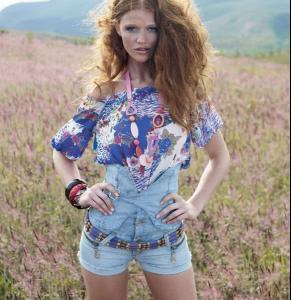
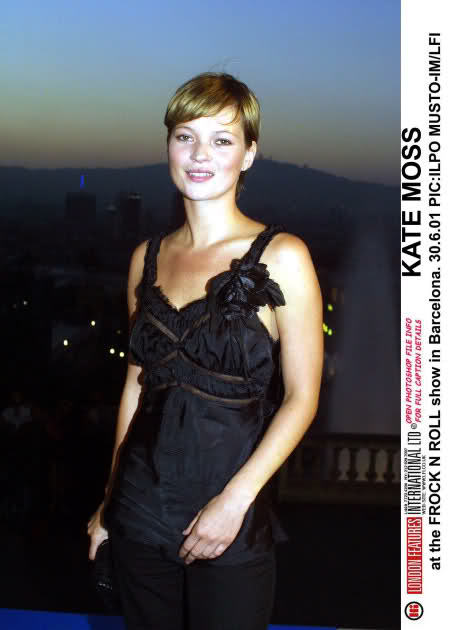
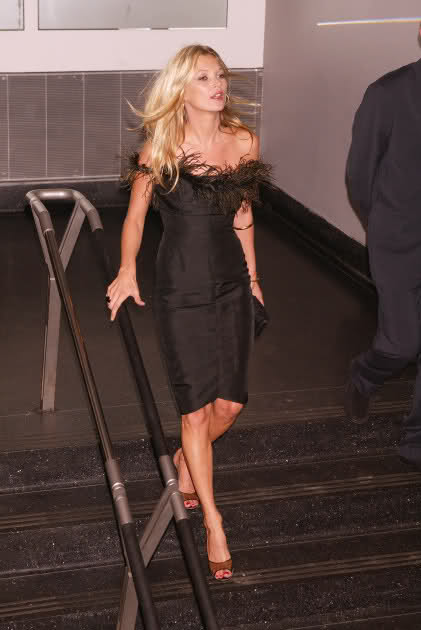
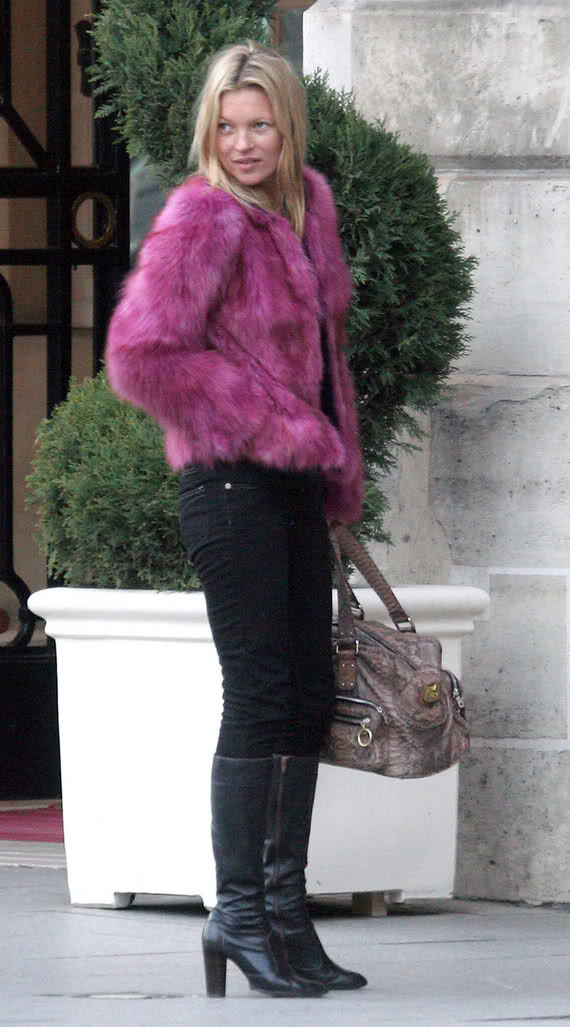
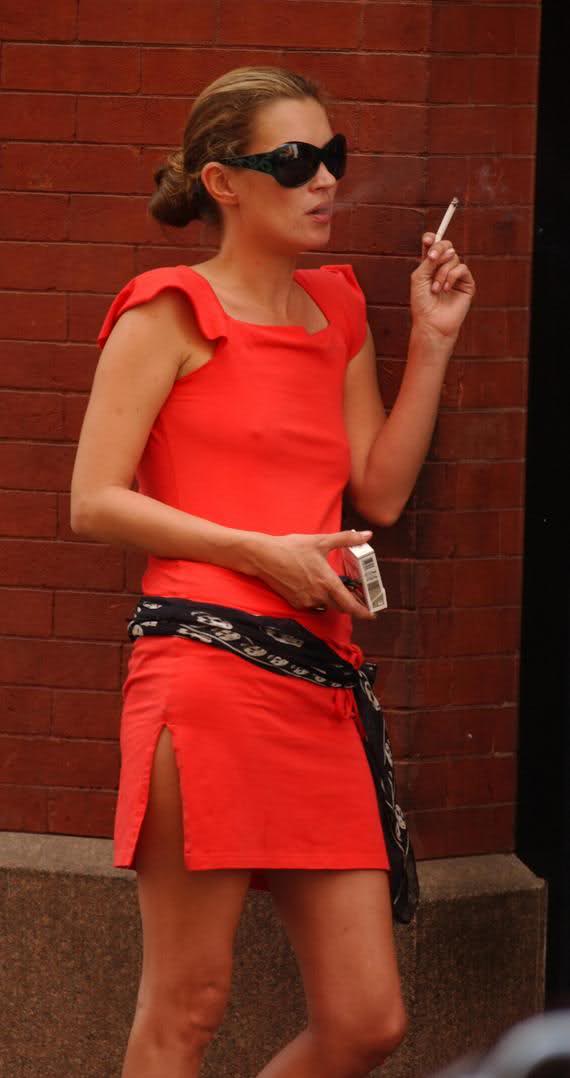
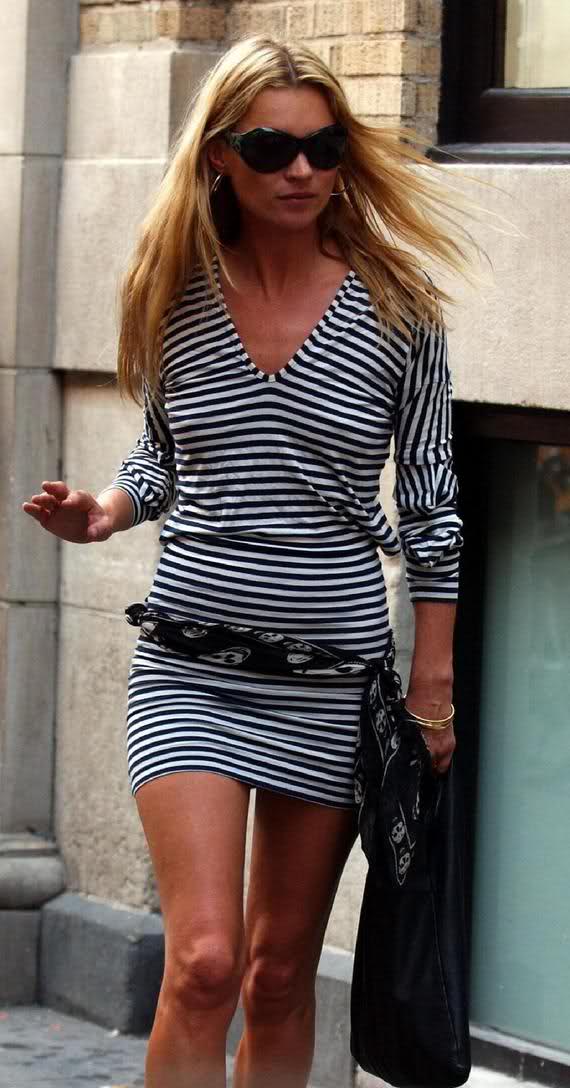
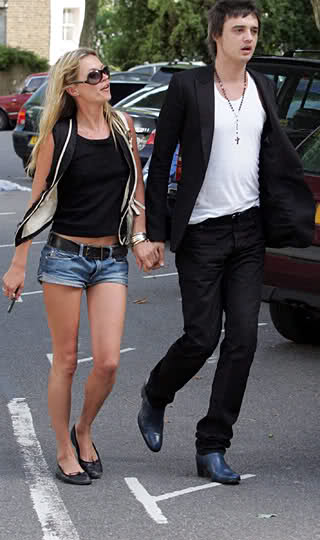
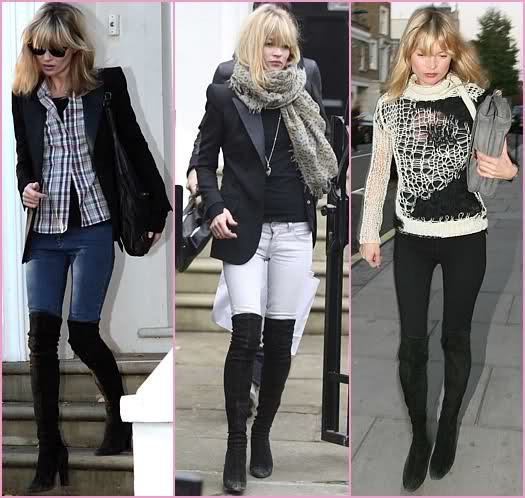
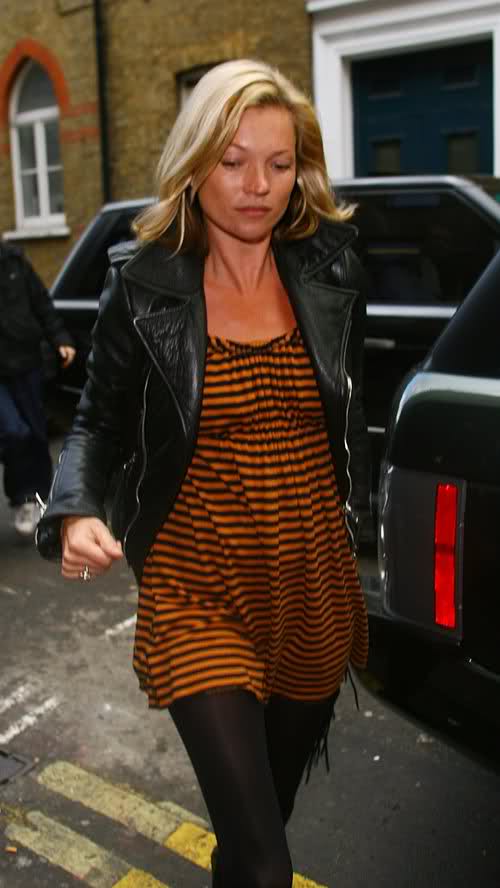
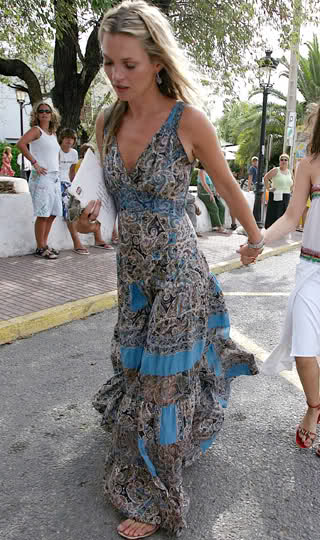
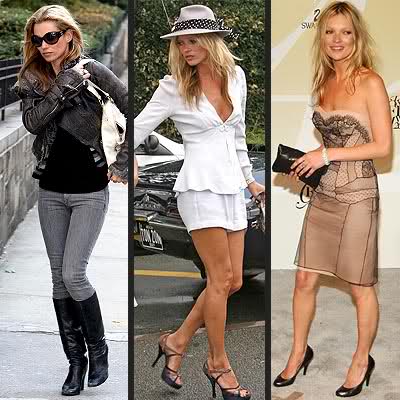
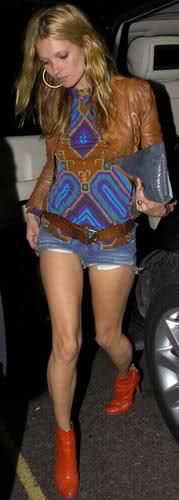
  5. my vote: 8 Cintia beauty: 7,8 KATE MOSS FOR FASHION STYLE GIVE A MARK BETWEEN 0 TO 10 FOR KATE FASHION STYLE

  6. VOTE IS OVER
  7. great pics!
  8. lisa-1 replied to a post in a topic in Female Fashion Models
    thanks!!!
  9. lisa-1 replied to Qball's topic in Actresses
    better quality
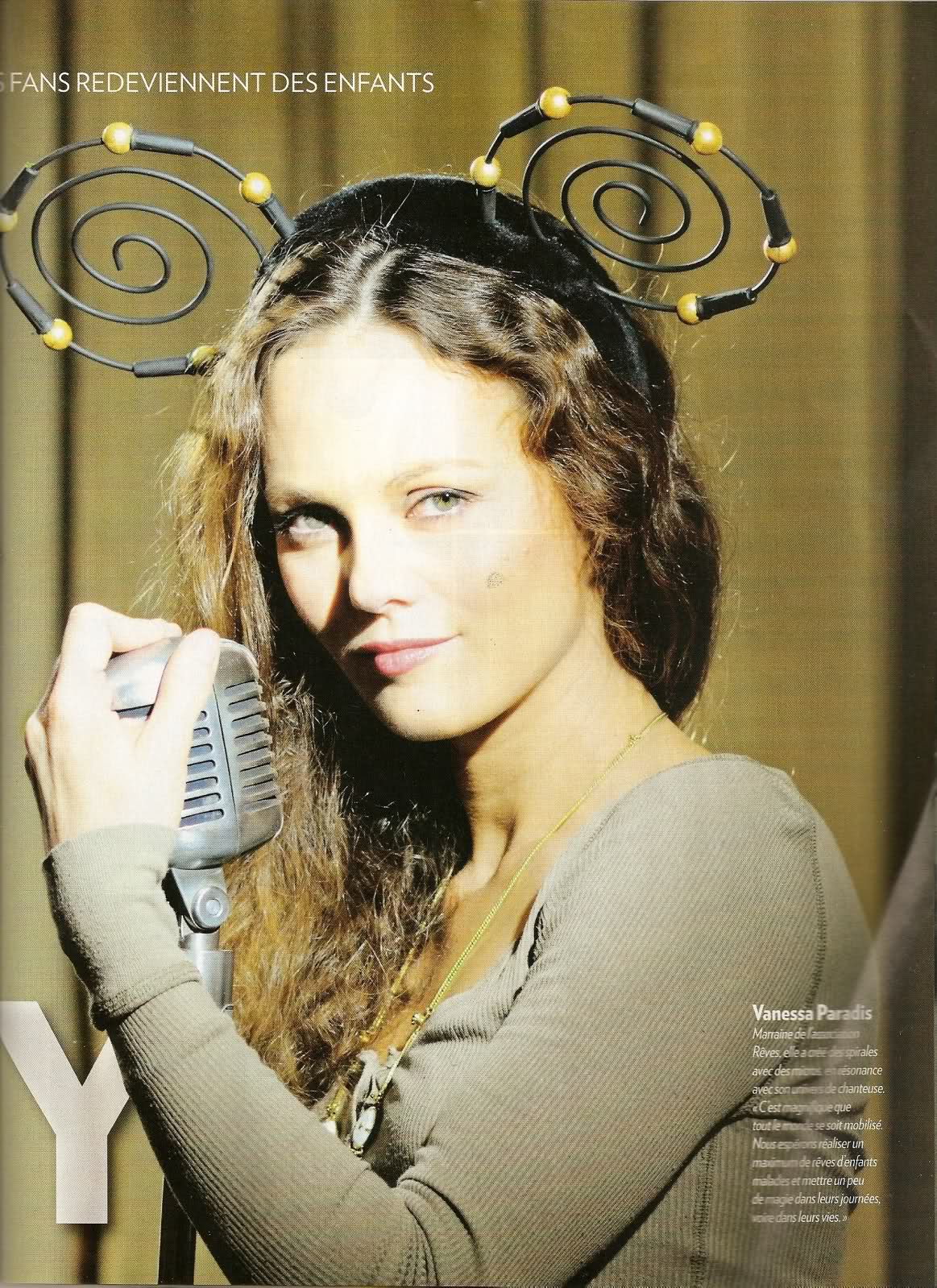
  10. scanned by me Vanessa for children charity association

  11. thanks
  12. gorgeous thanks!
  13. gorgeous!
  14. thanks!
  15. gorgeous for chloé! thanks
  16. lisa-1 replied to a post in a topic in Female Fashion Models
    lol thanks! love when Laetitia wants to be discret!
  17. lisa-1 replied to a post in a topic in Female Fashion Models
    wow thanks
  18. thanks!
  19. I agree!
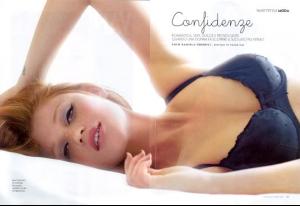
  20. OMG!!! the most beautiful pola of rianne that I have never seen!!! gorgeous!!! and pretty bra!!!!
  21. thanks!
  22. come to vote in Everything about her
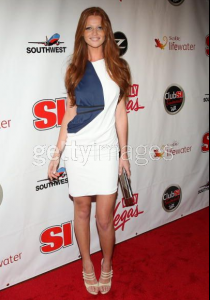
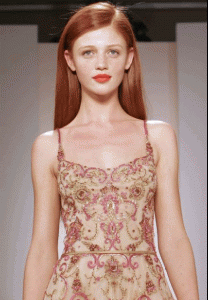
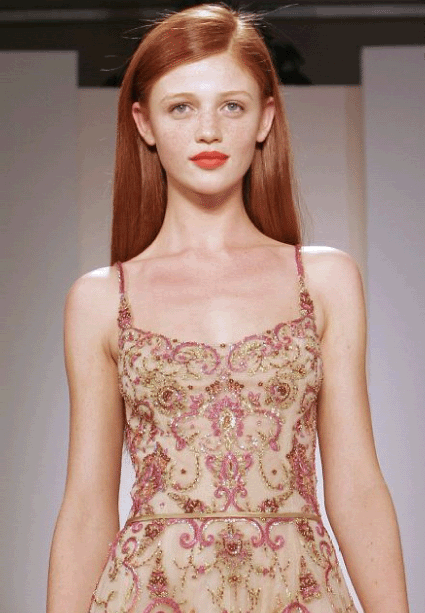
  23. my vote: 8 Ursula beauty: 7,6 CINTIA DICKER FOR BEAUTY ROUND GIVE A MARK BETWEEN 0 TO 10 FOR CINTIA BEAUTY

  24. VOTE IS OVER

Configure browser push notifications

Chrome (Android)
  1. Tap the lock icon next to the address bar.
  2. Tap Permissions → Notifications.
  3. Adjust your preference.
Chrome (Desktop)
  1. Click the padlock icon in the address bar.
  2. Select Site settings.
  3. Find Notifications and adjust your preference.