FRED 1401
Members
-
Joined
-
Last visited
Everything posted by FRED 1401
-
 STUDIO 2054 LIVE DU 27/11/2020








-
FIFA 21 127650478_718453169101491_2955125080832040514_n.mp4
-
128223024_137519814487675_3788122172205194188_n.mp4 128108499_132456661748197_352451663068811533_n.mp4
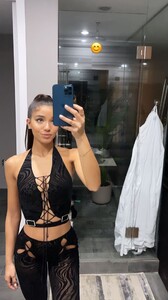
-
128108609_227959848757034_5502593572827046334_n.mp4
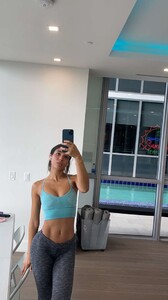
-
Merci pour le post
-
10000000_216877566492835_5207546601742359405_n.mp4
Shoot of Mr Mohamad Amer



 VIVEMENT

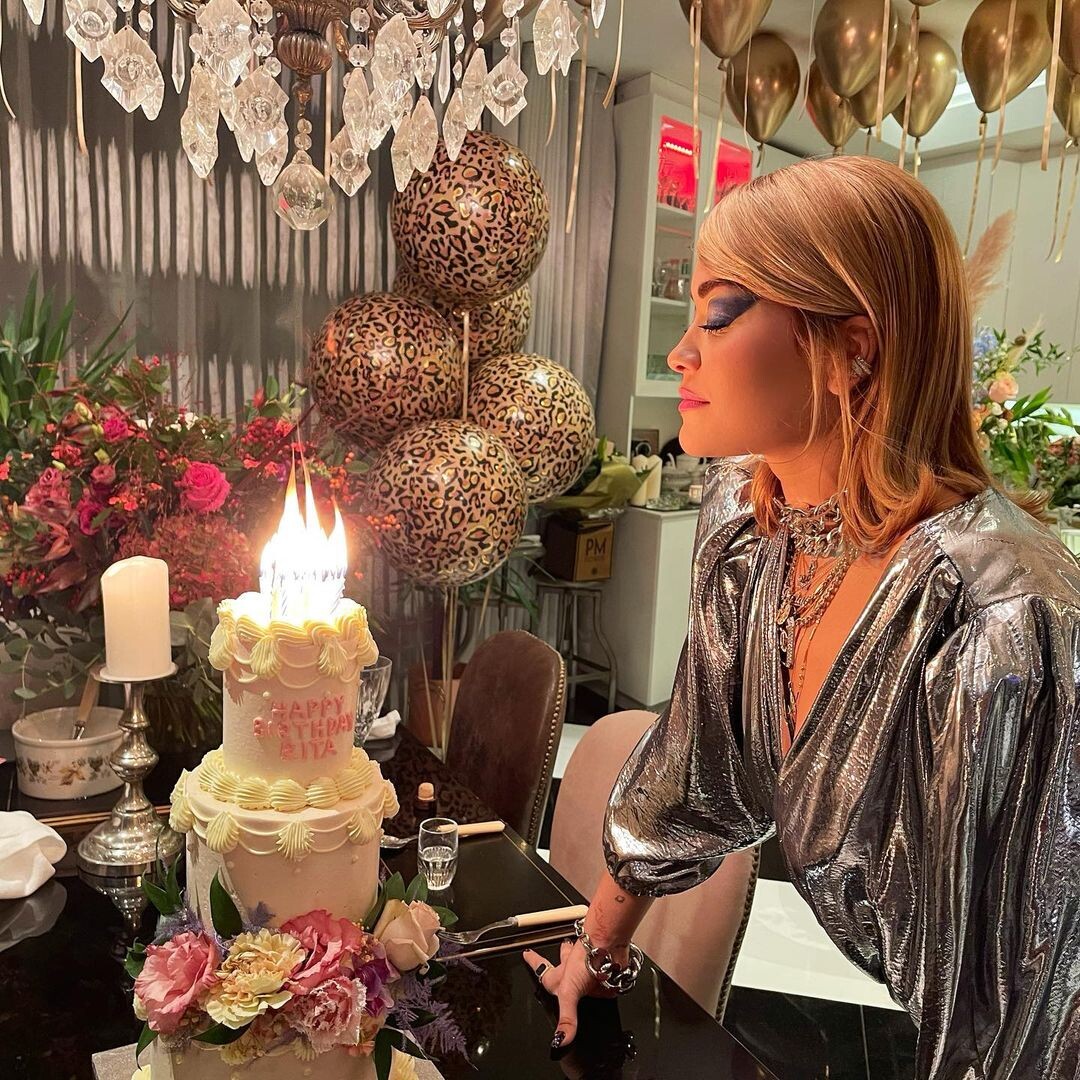
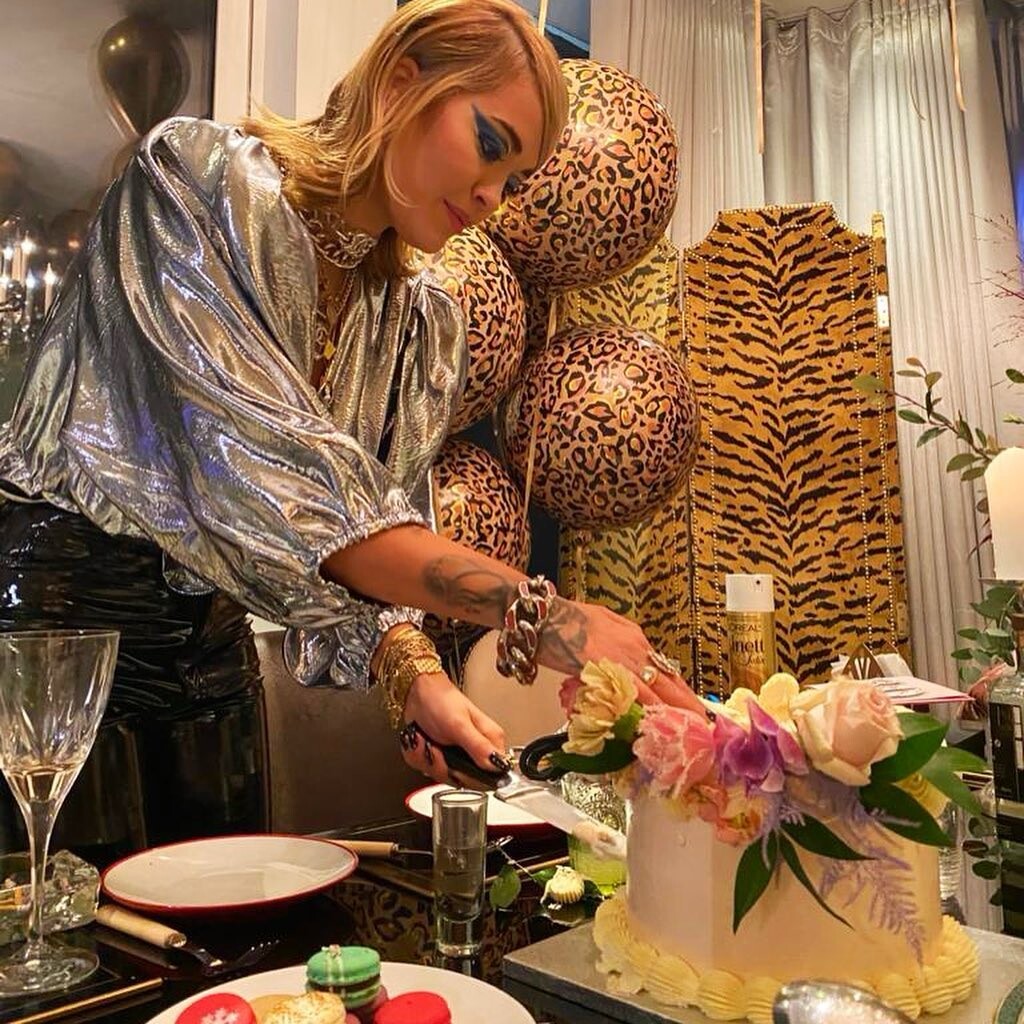
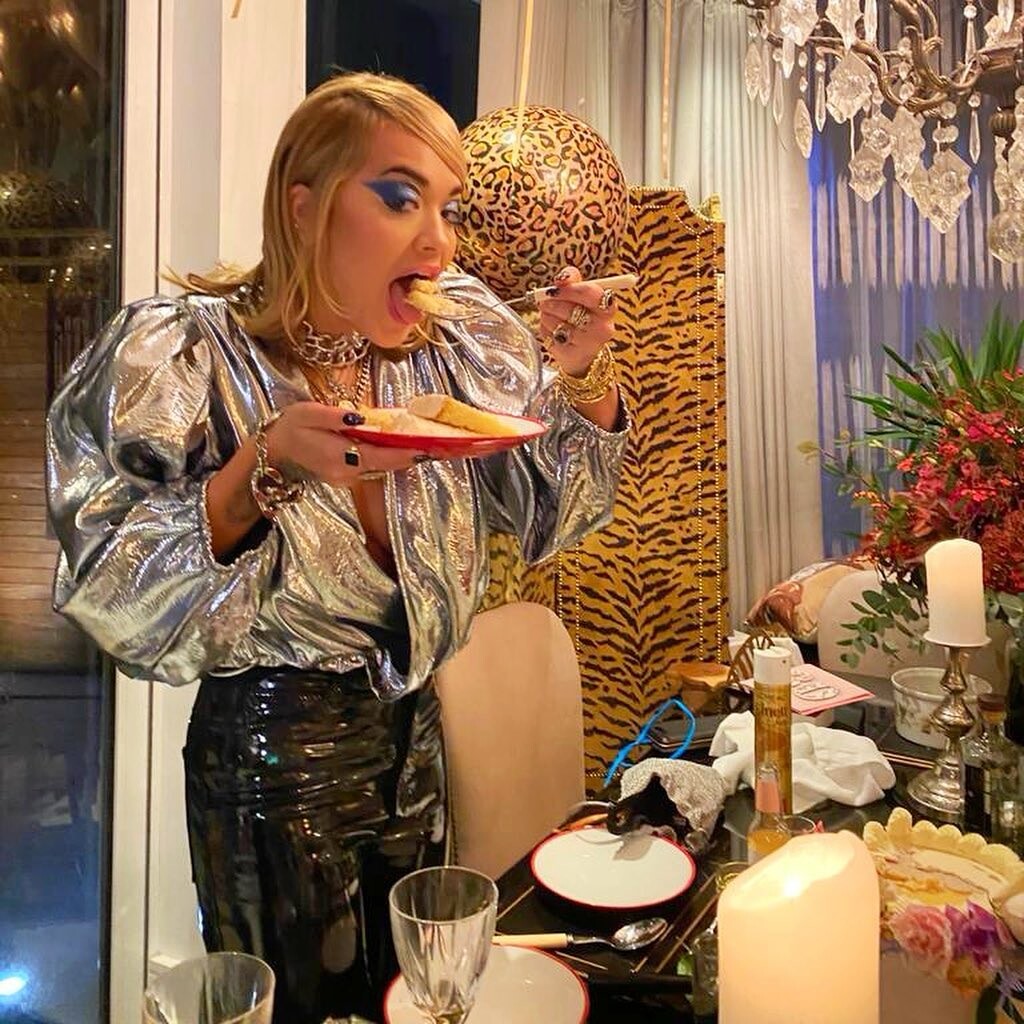
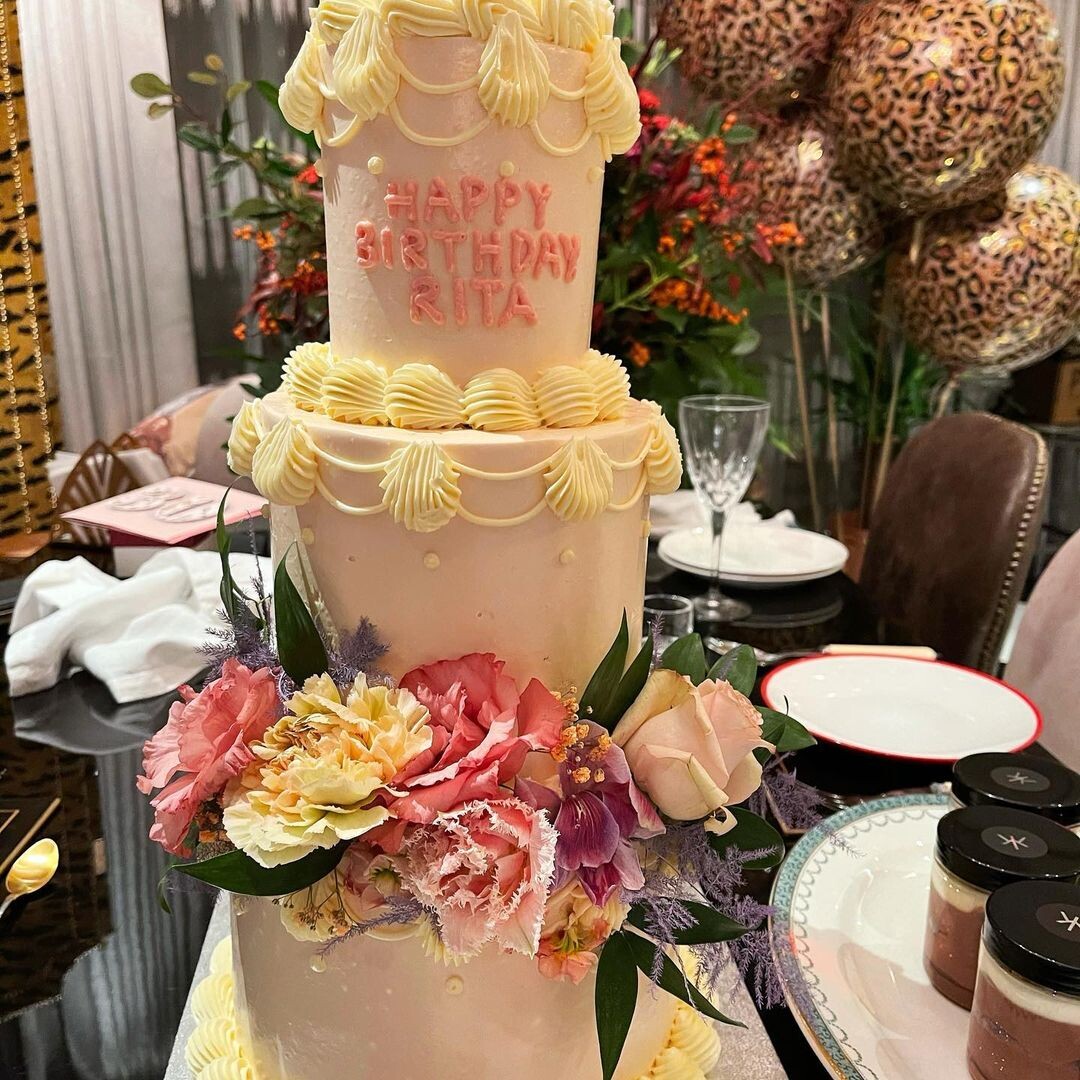
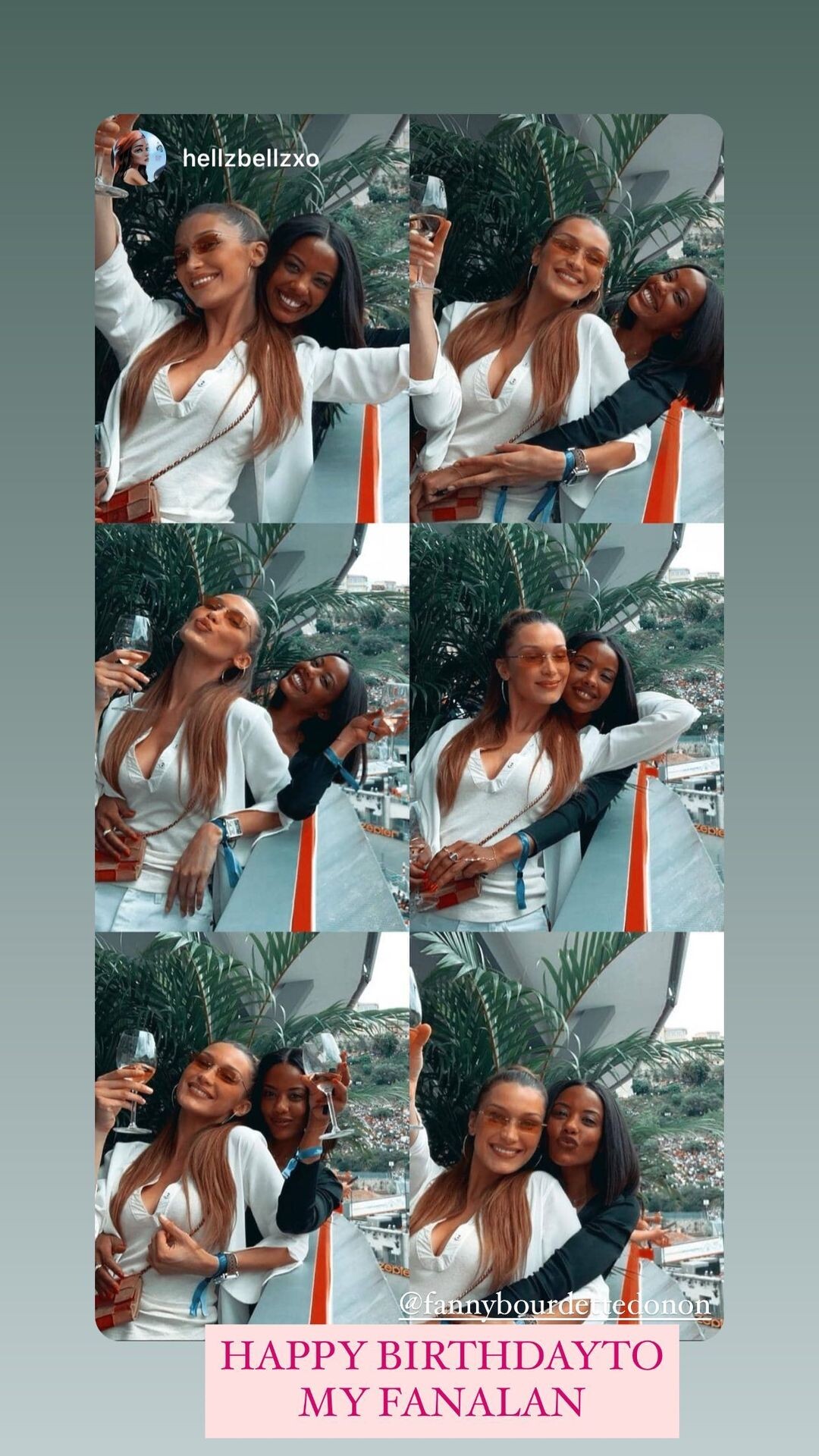
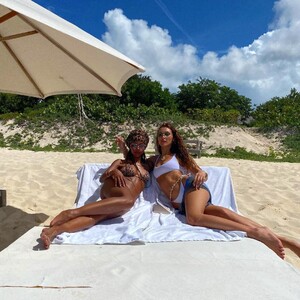
 Happy Birthday Sister ! I love you to the moon and back.









Account
Navigation
Search
Configure browser push notifications
Chrome (Android)
- Tap the lock icon next to the address bar.
- Tap Permissions → Notifications.
- Adjust your preference.
Chrome (Desktop)
- Click the padlock icon in the address bar.
- Select Site settings.
- Find Notifications and adjust your preference.
Safari (iOS 16.4+)
- Ensure the site is installed via Add to Home Screen.
- Open Settings App → Notifications.
- Find your app name and adjust your preference.
Safari (macOS)
- Go to Safari → Preferences.
- Click the Websites tab.
- Select Notifications in the sidebar.
- Find this website and adjust your preference.
Edge (Android)
- Tap the lock icon next to the address bar.
- Tap Permissions.
- Find Notifications and adjust your preference.
Edge (Desktop)
- Click the padlock icon in the address bar.
- Click Permissions for this site.
- Find Notifications and adjust your preference.
Firefox (Android)
- Go to Settings → Site permissions.
- Tap Notifications.
- Find this site in the list and adjust your preference.
Firefox (Desktop)
- Open Firefox Settings.
- Search for Notifications.
- Find this site in the list and adjust your preference.