FRED 1401
Members
-
Joined
-
Last visited
Everything posted by FRED 1401
-
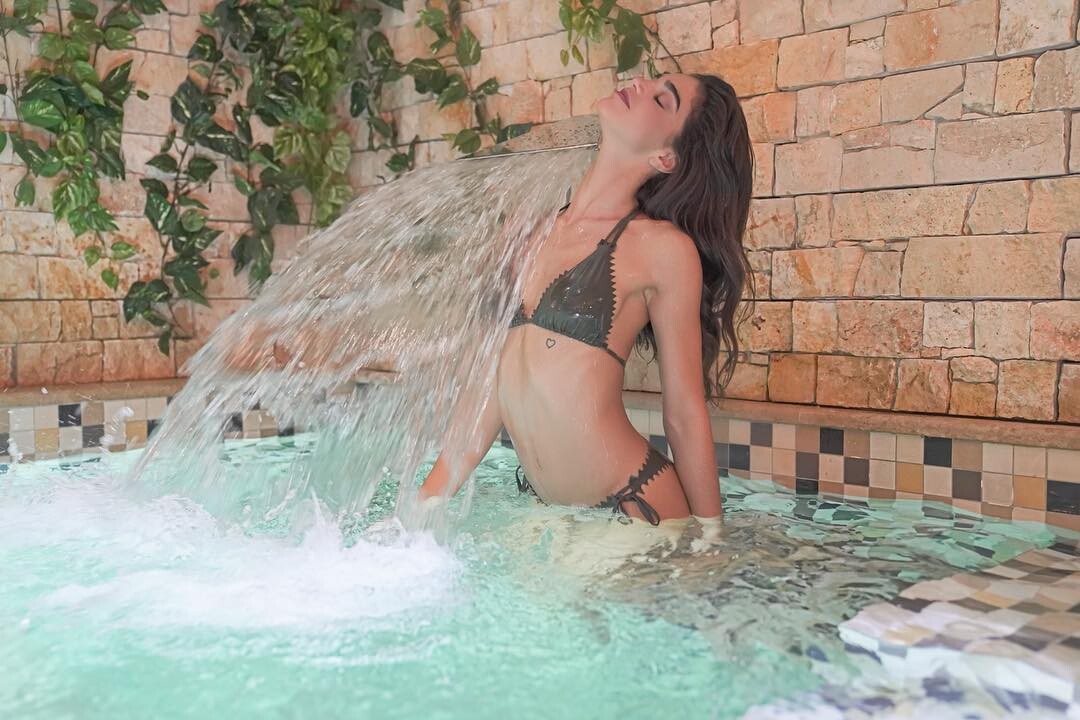
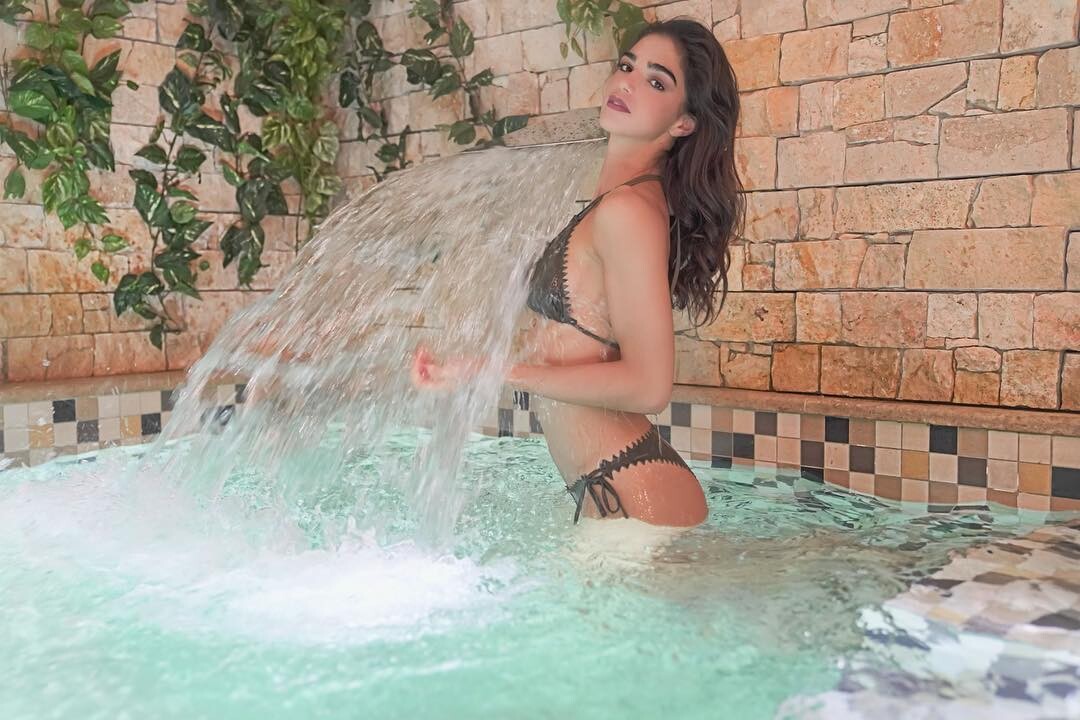
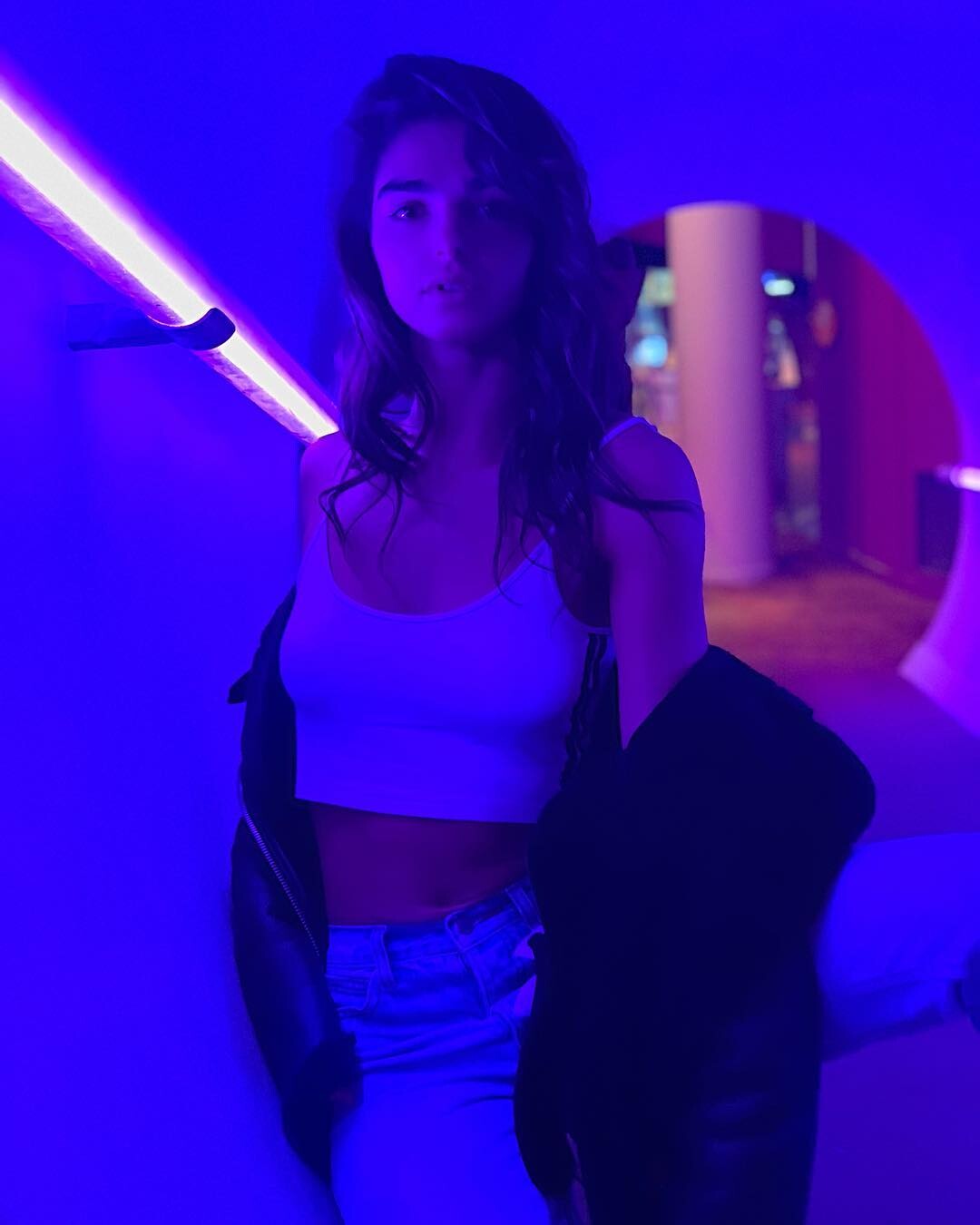
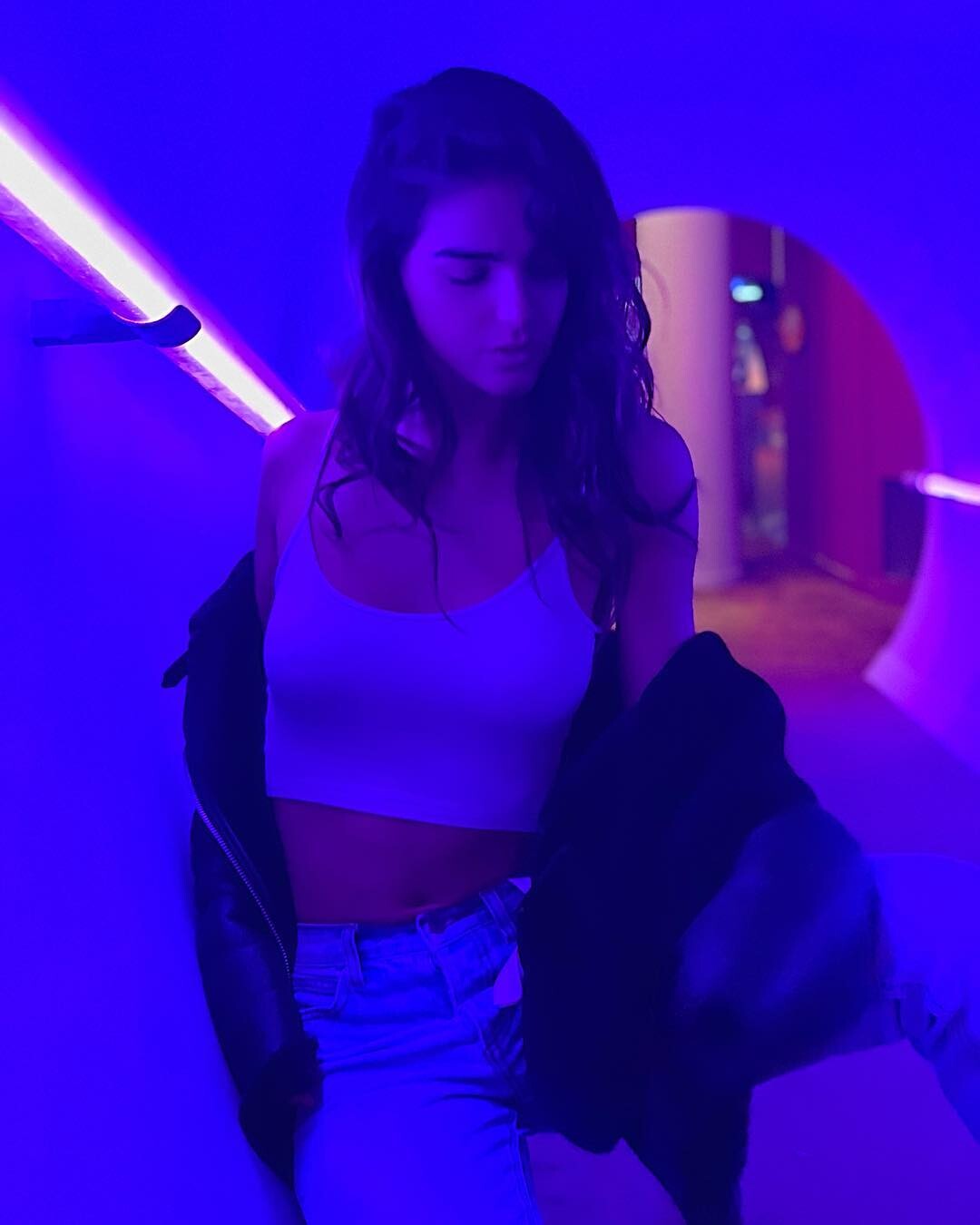
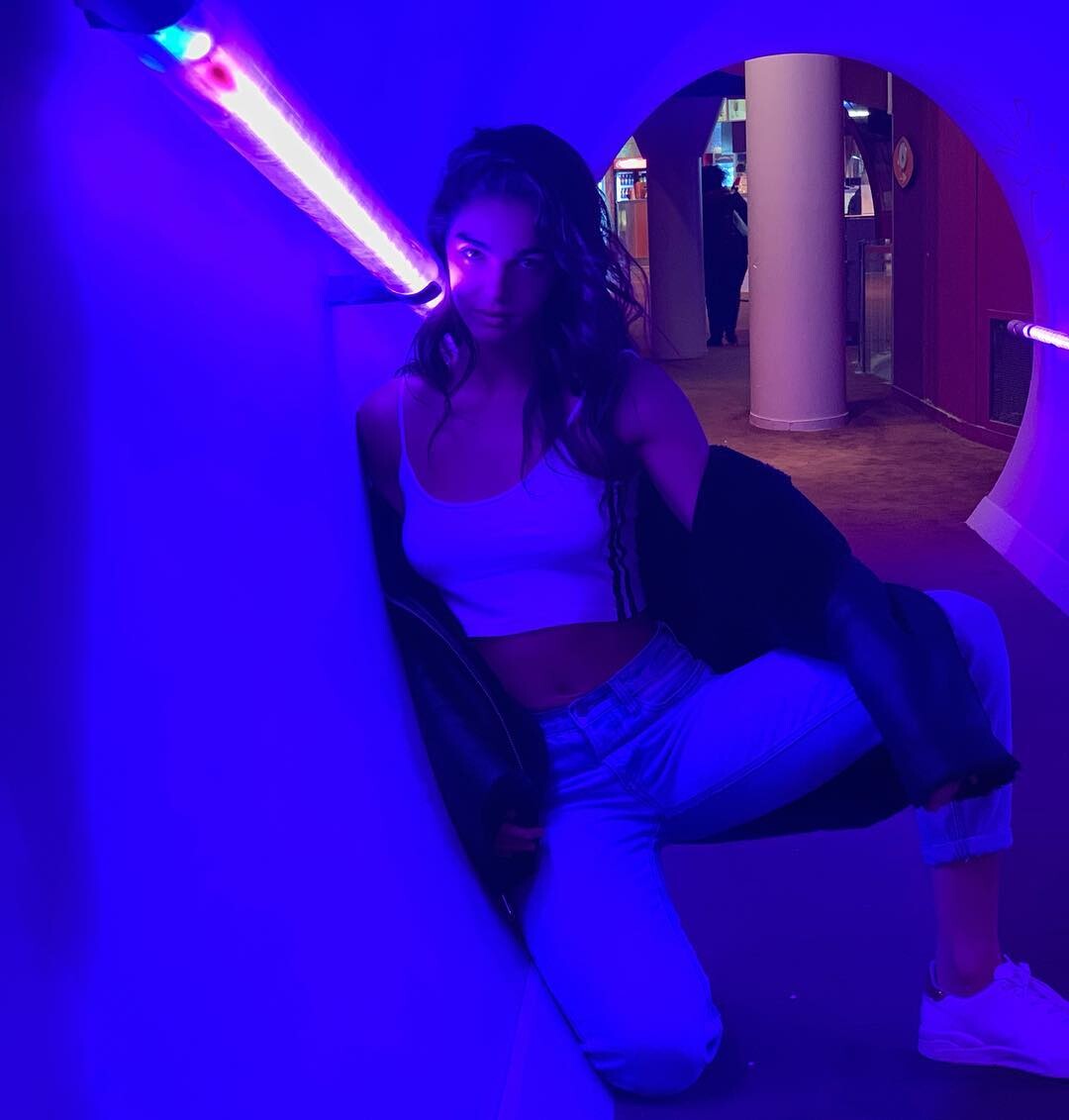
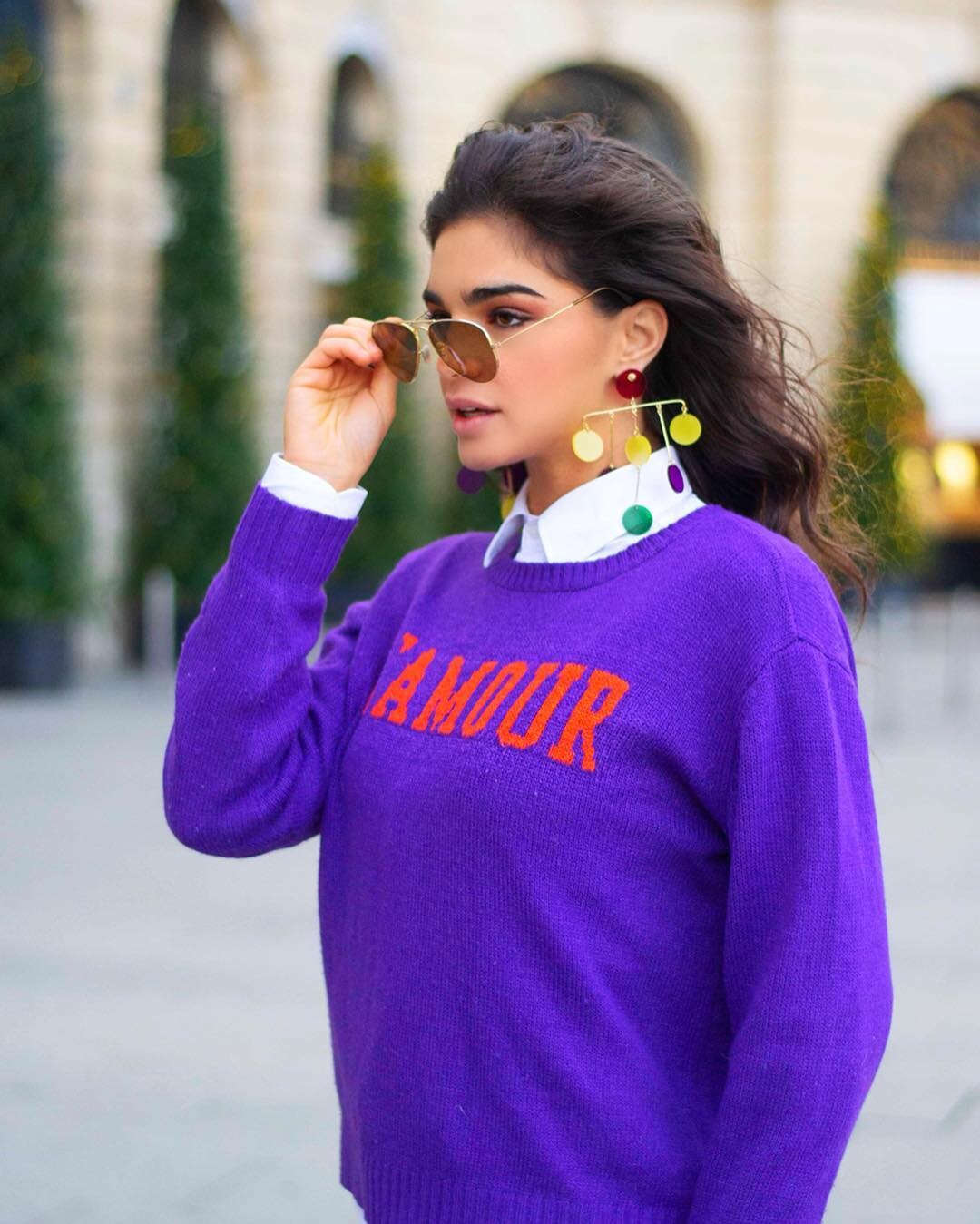
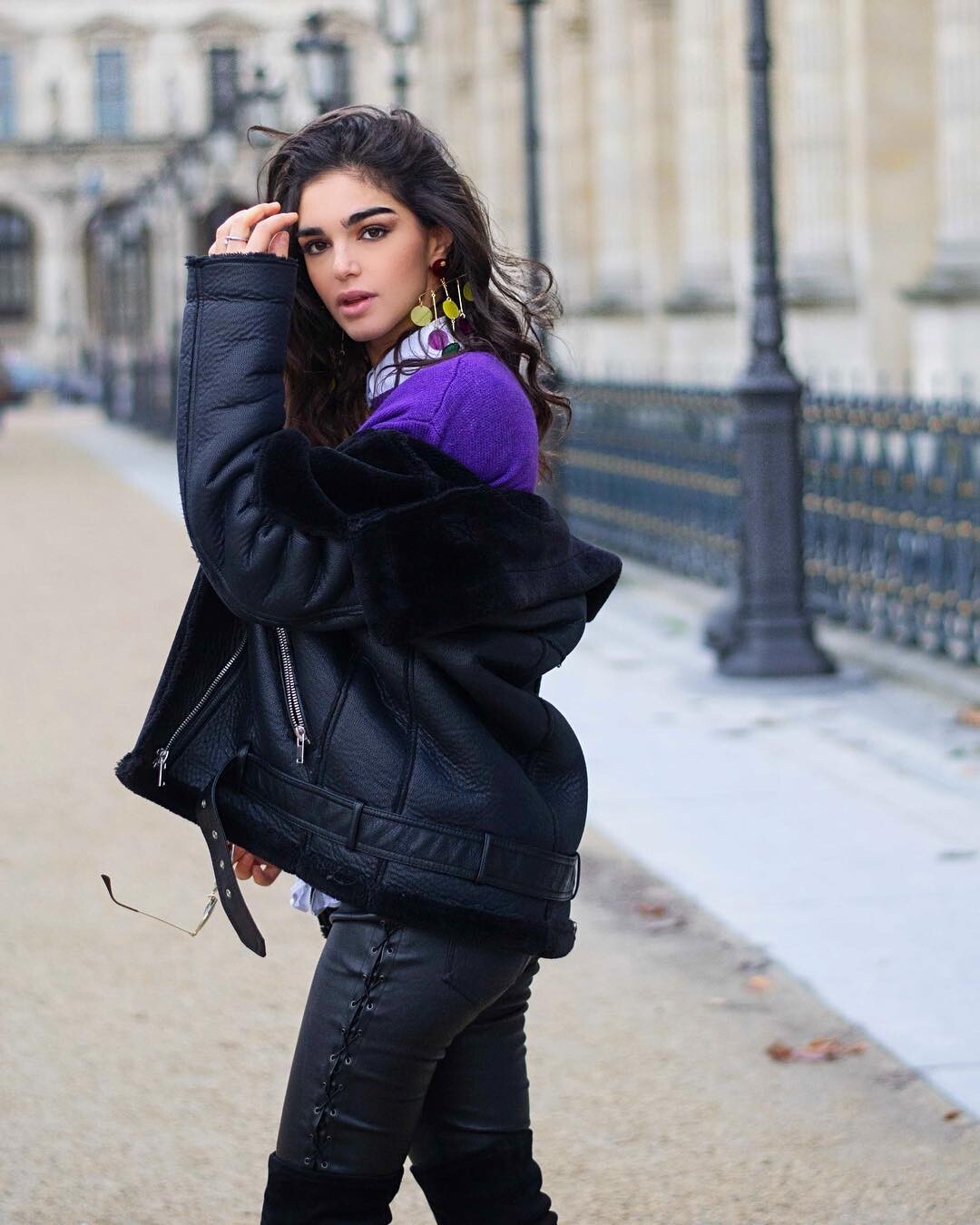
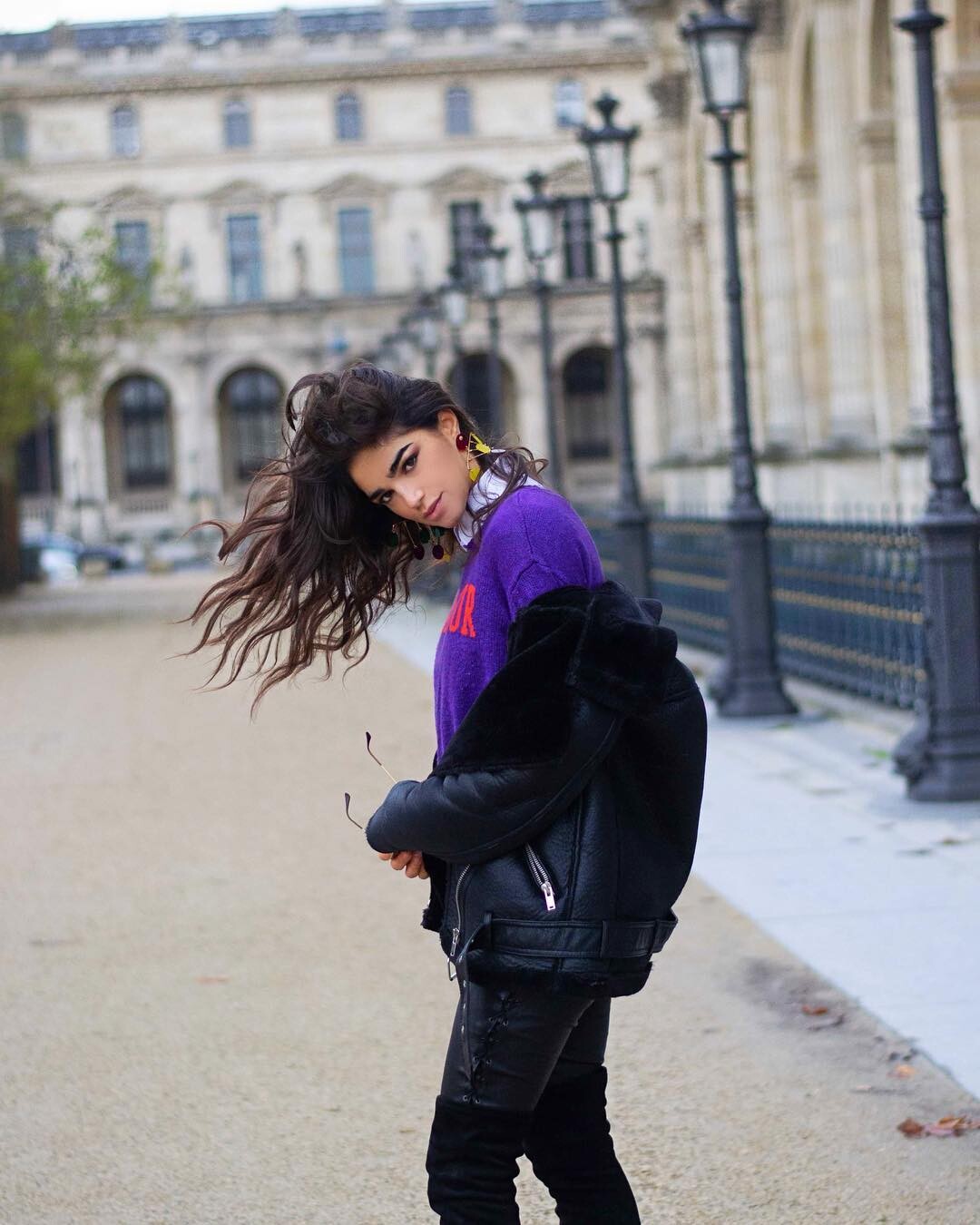
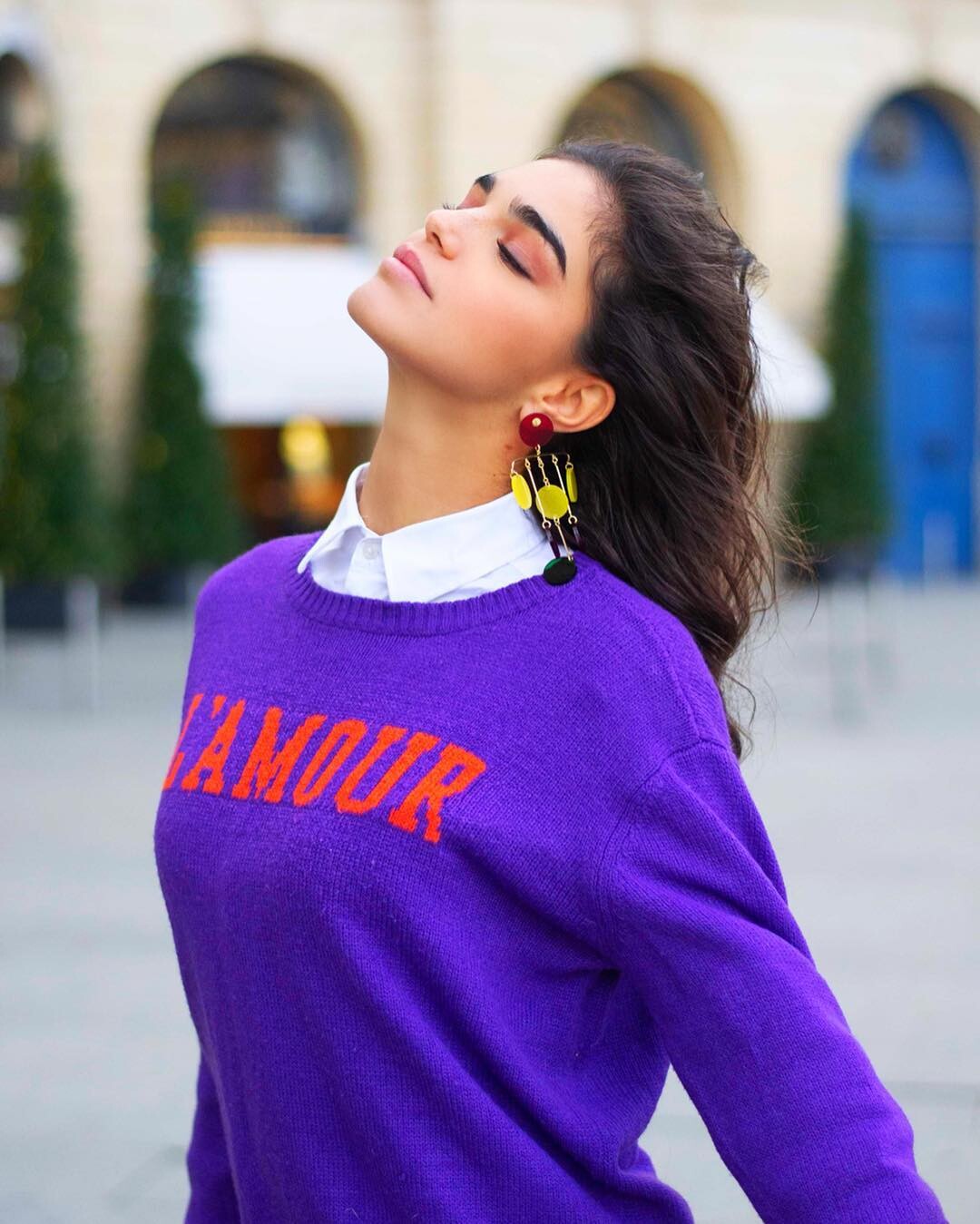
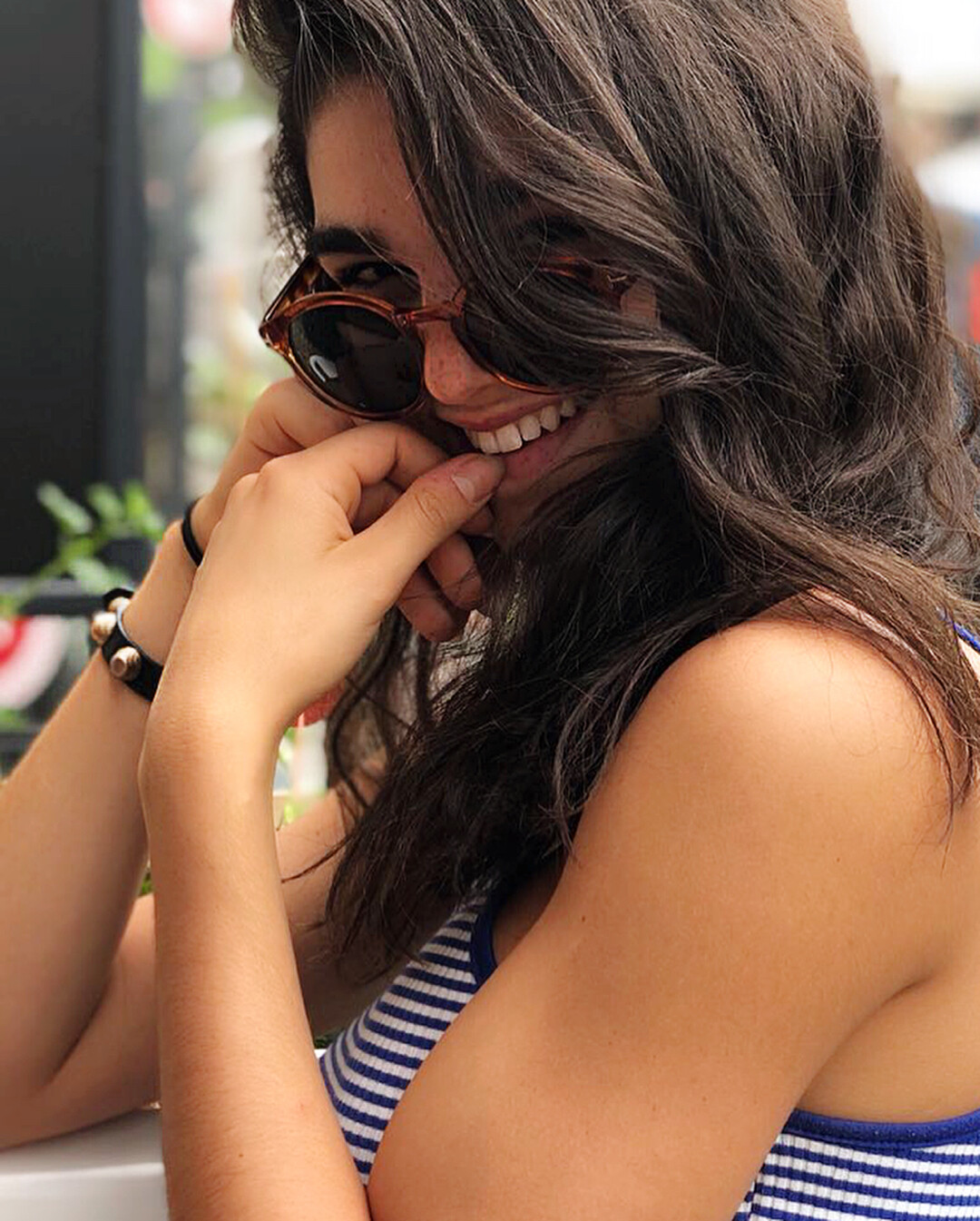
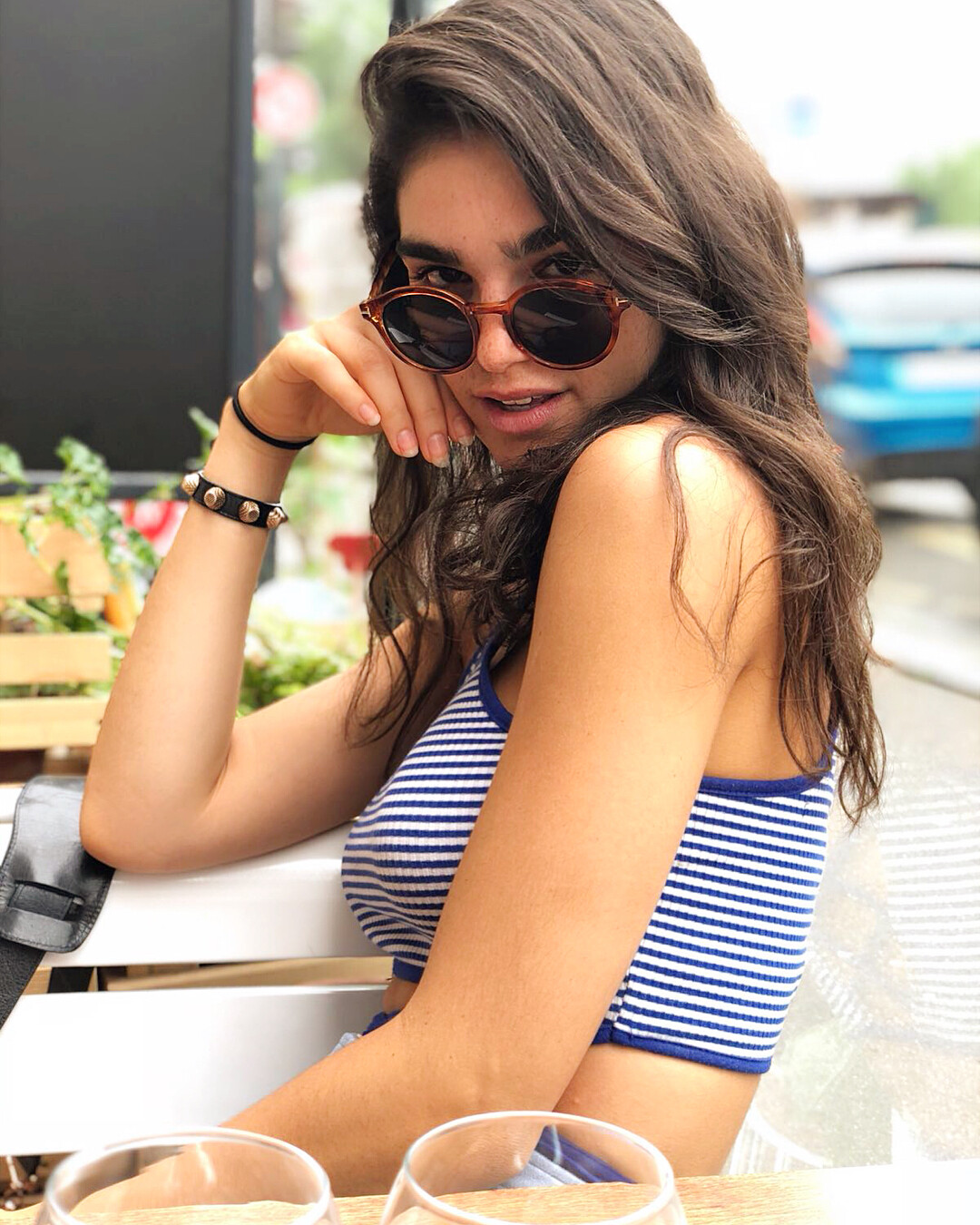
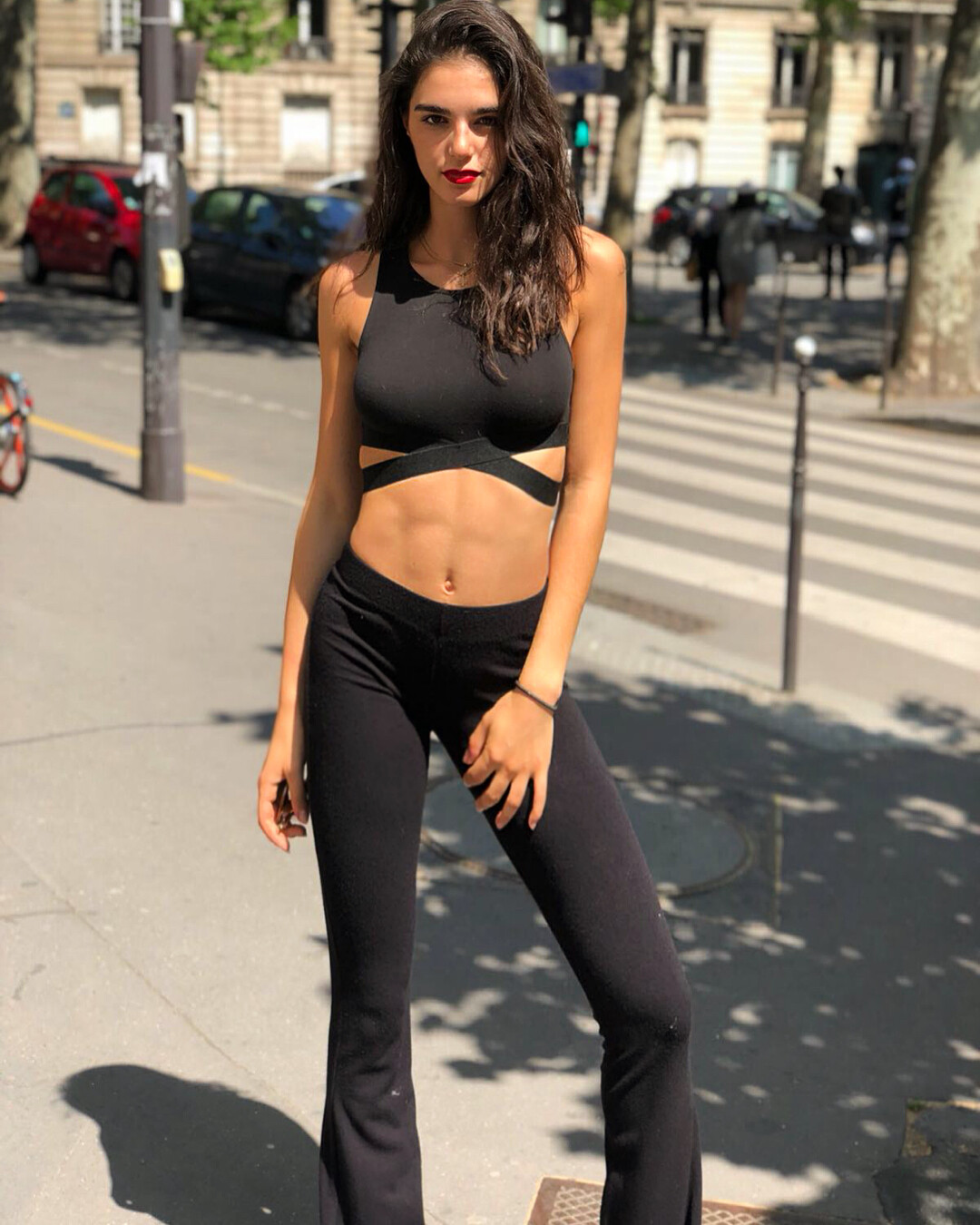
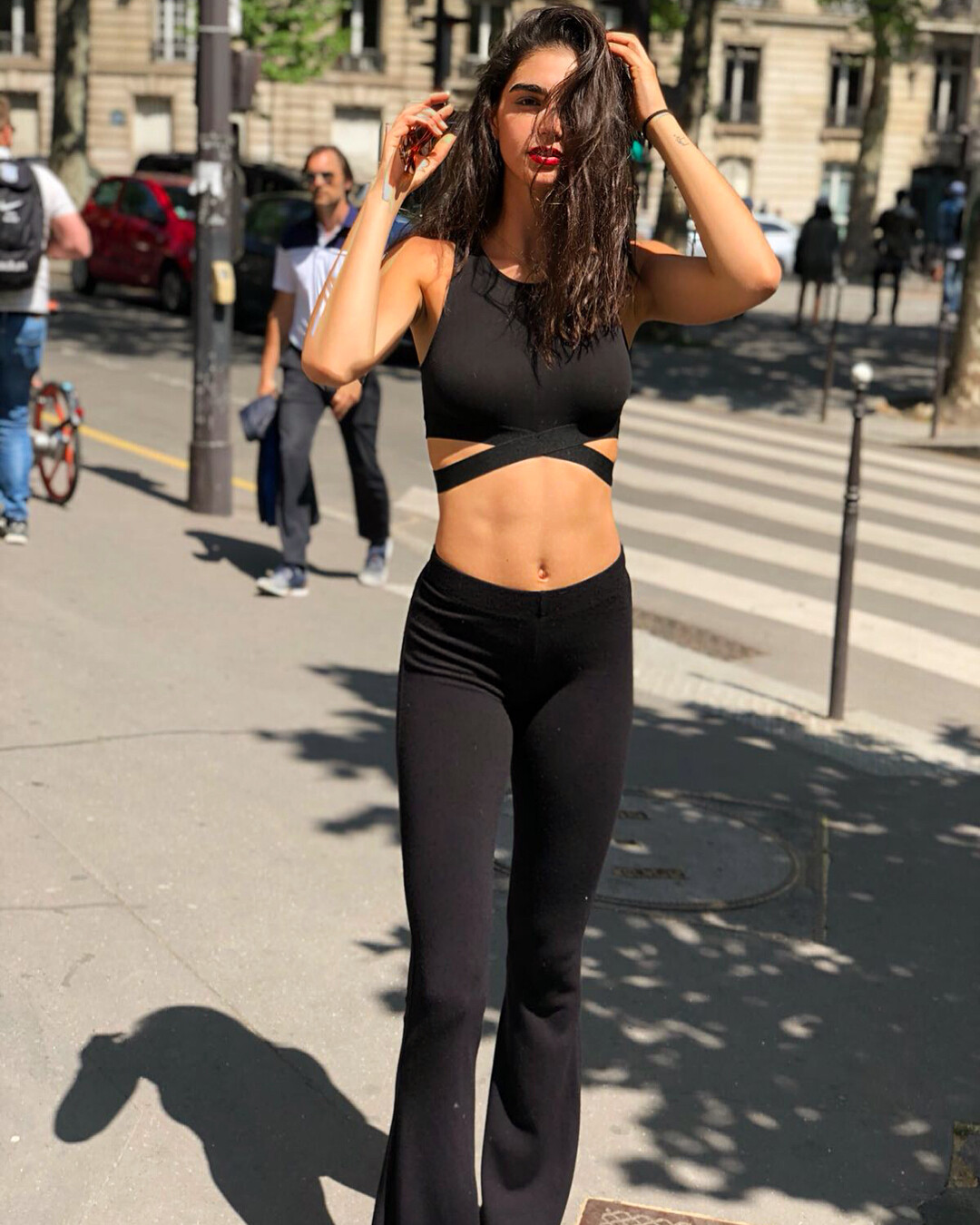
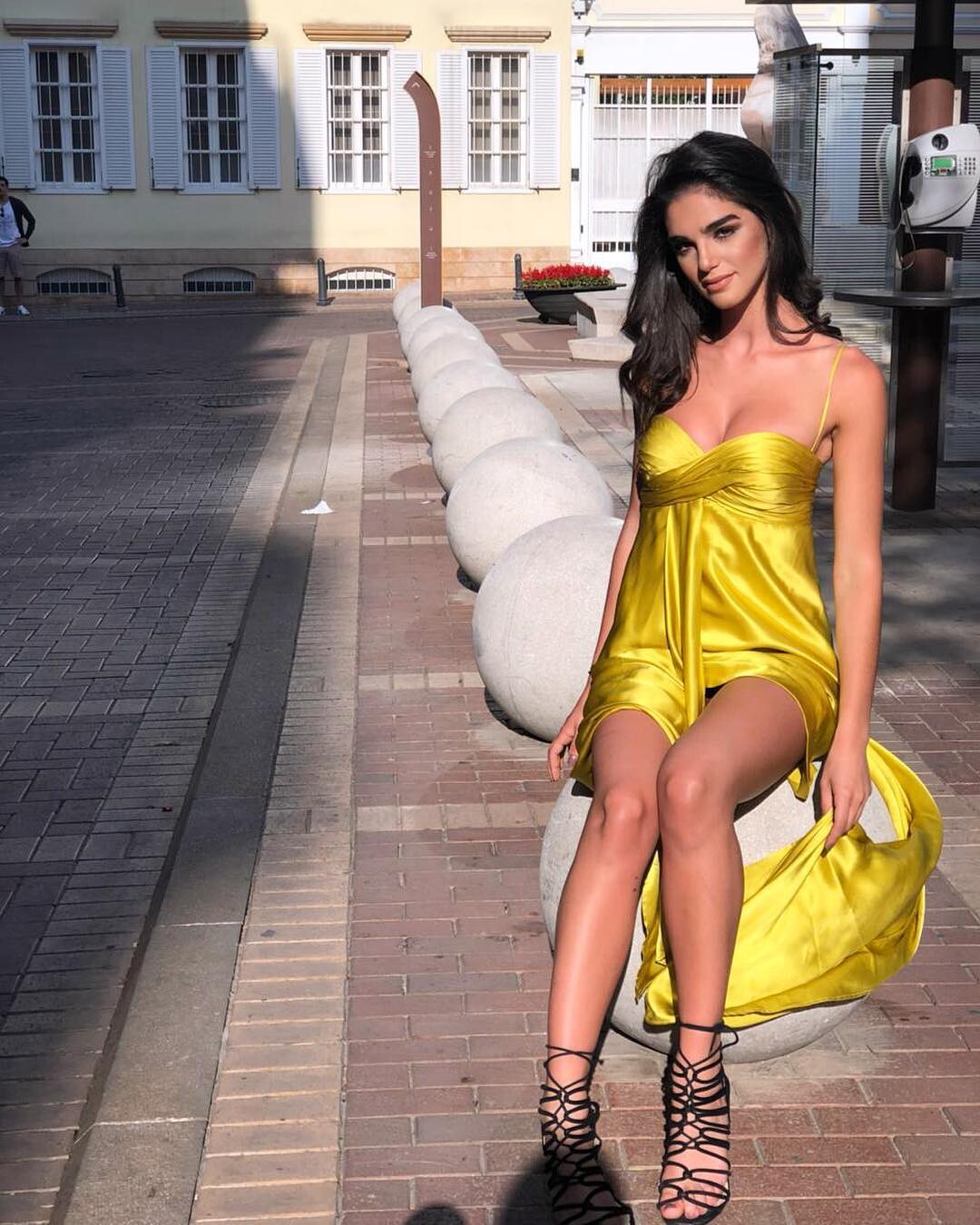
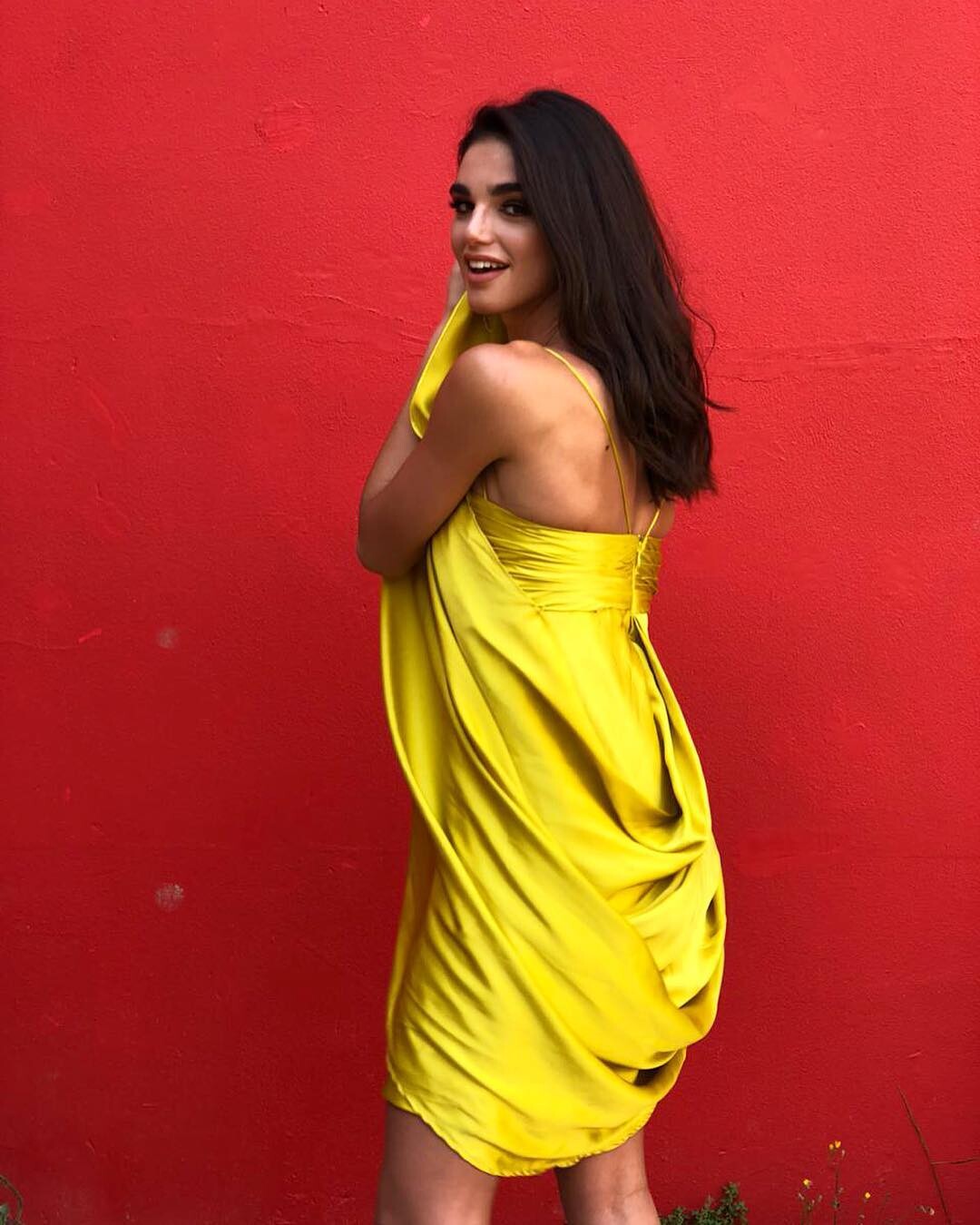
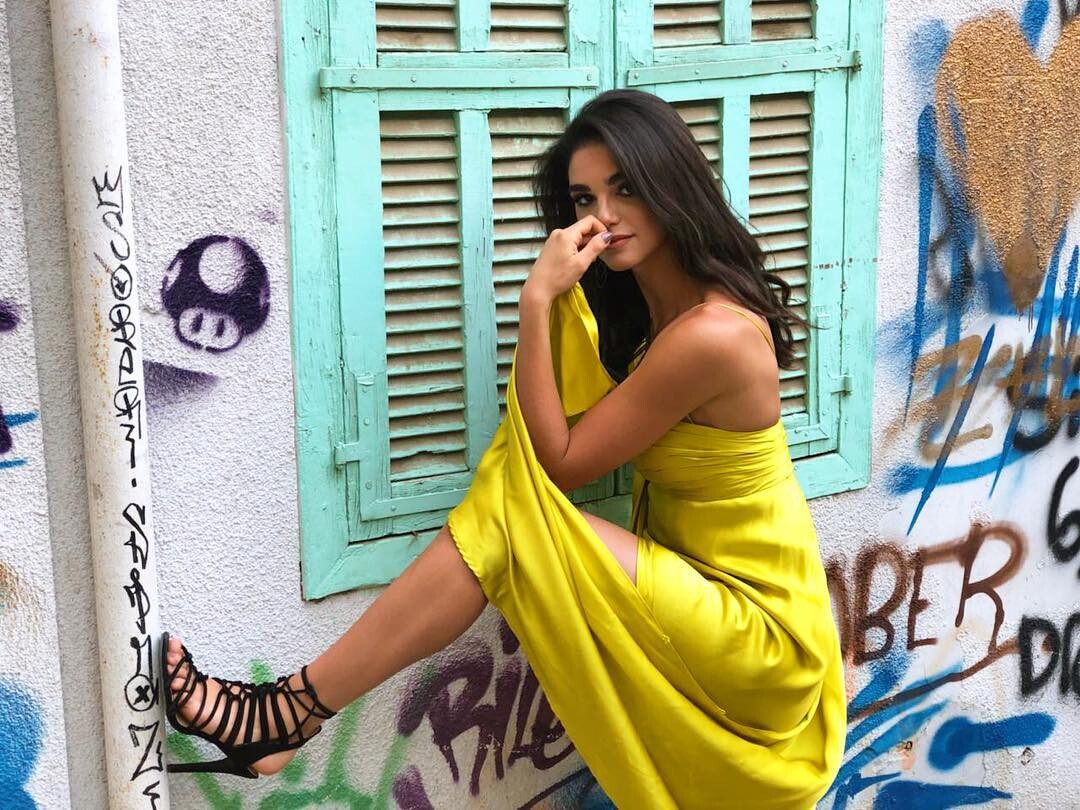
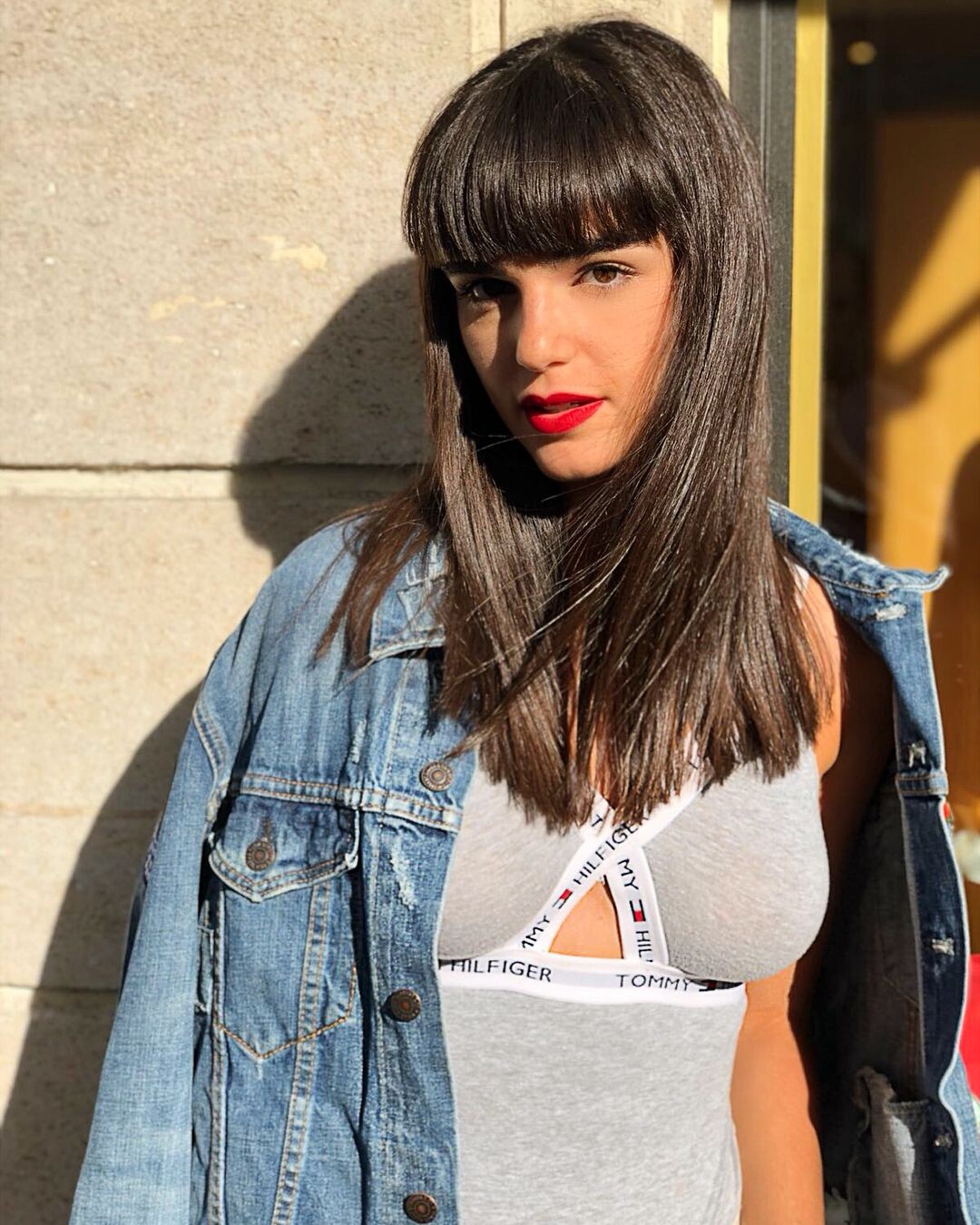
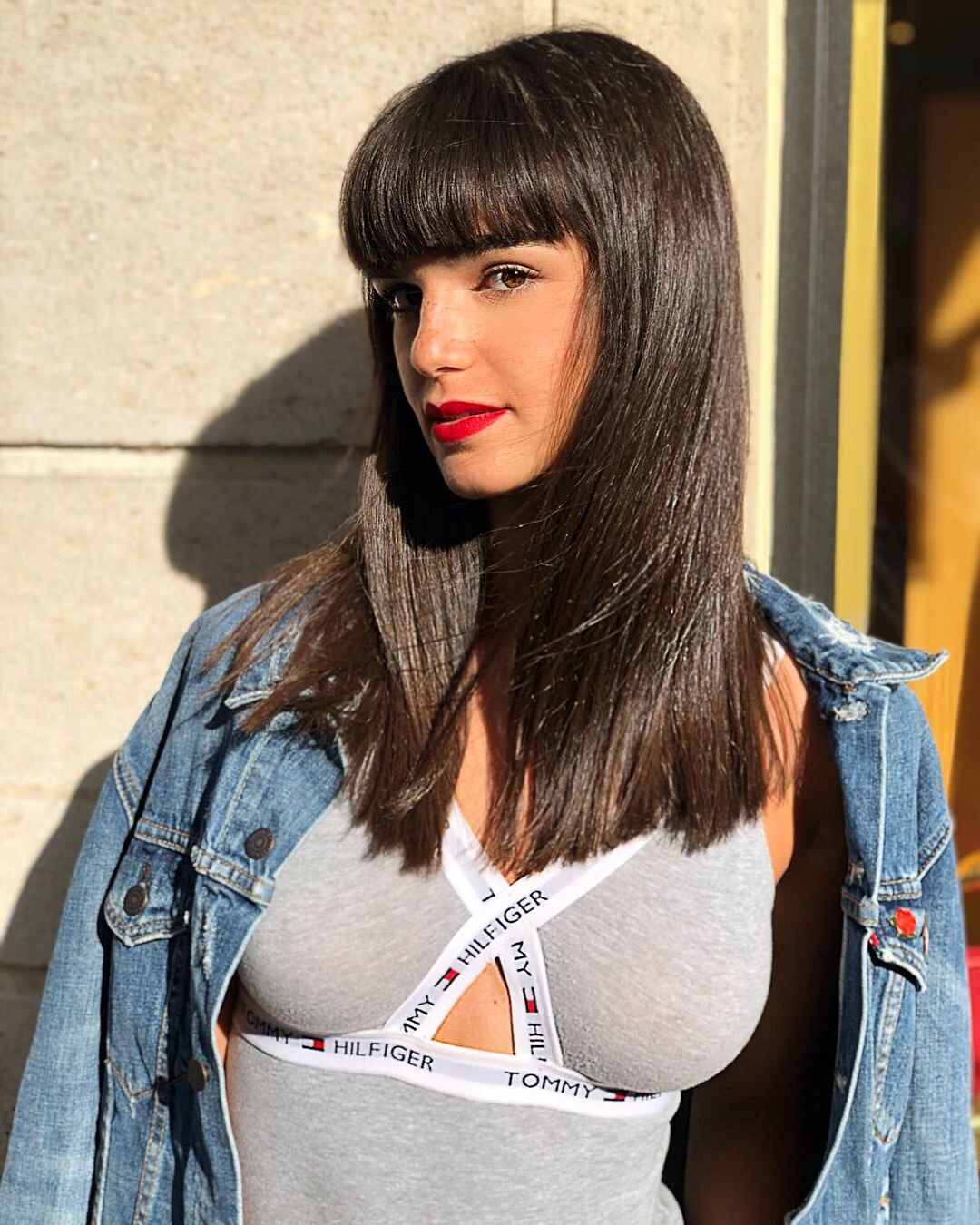
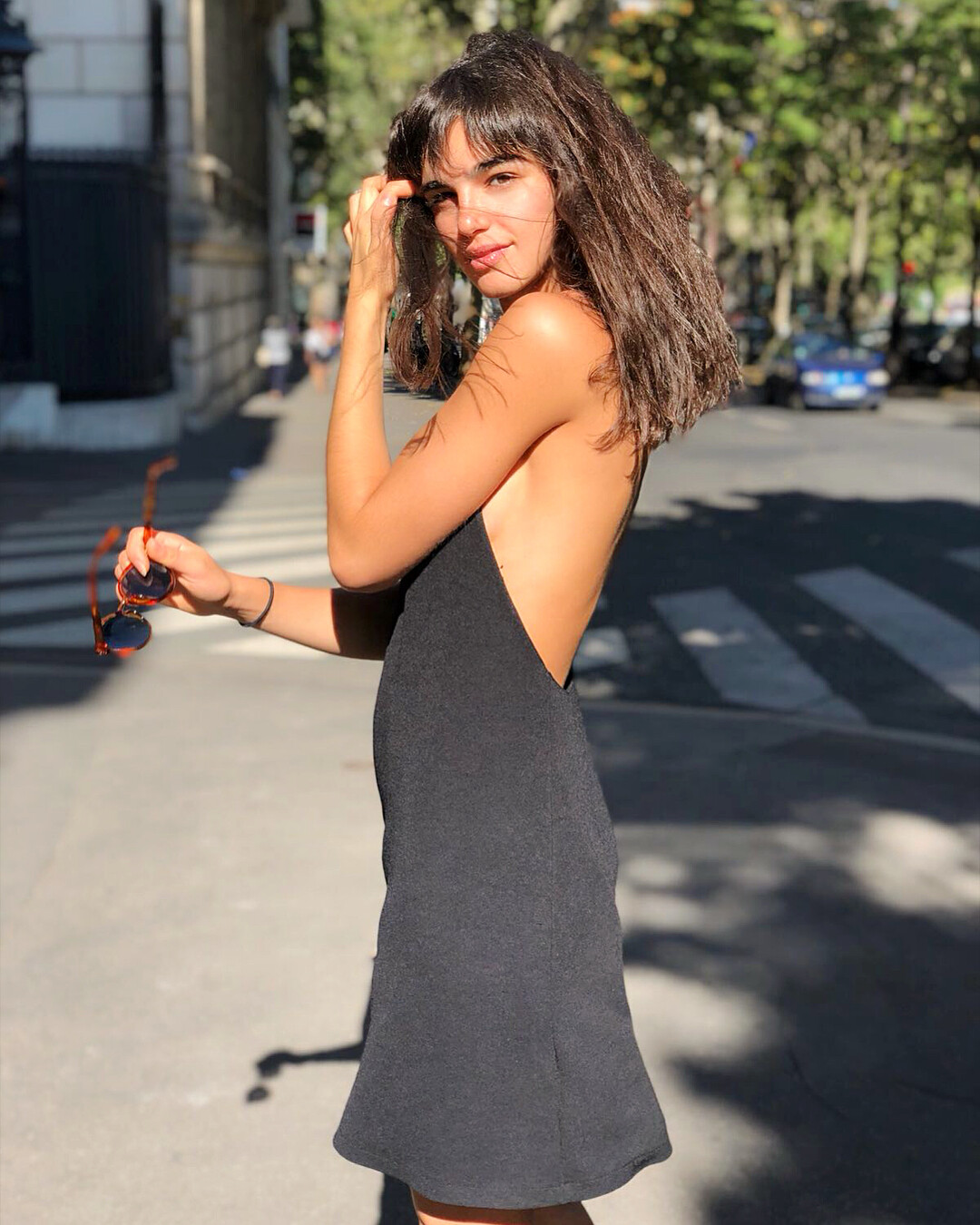
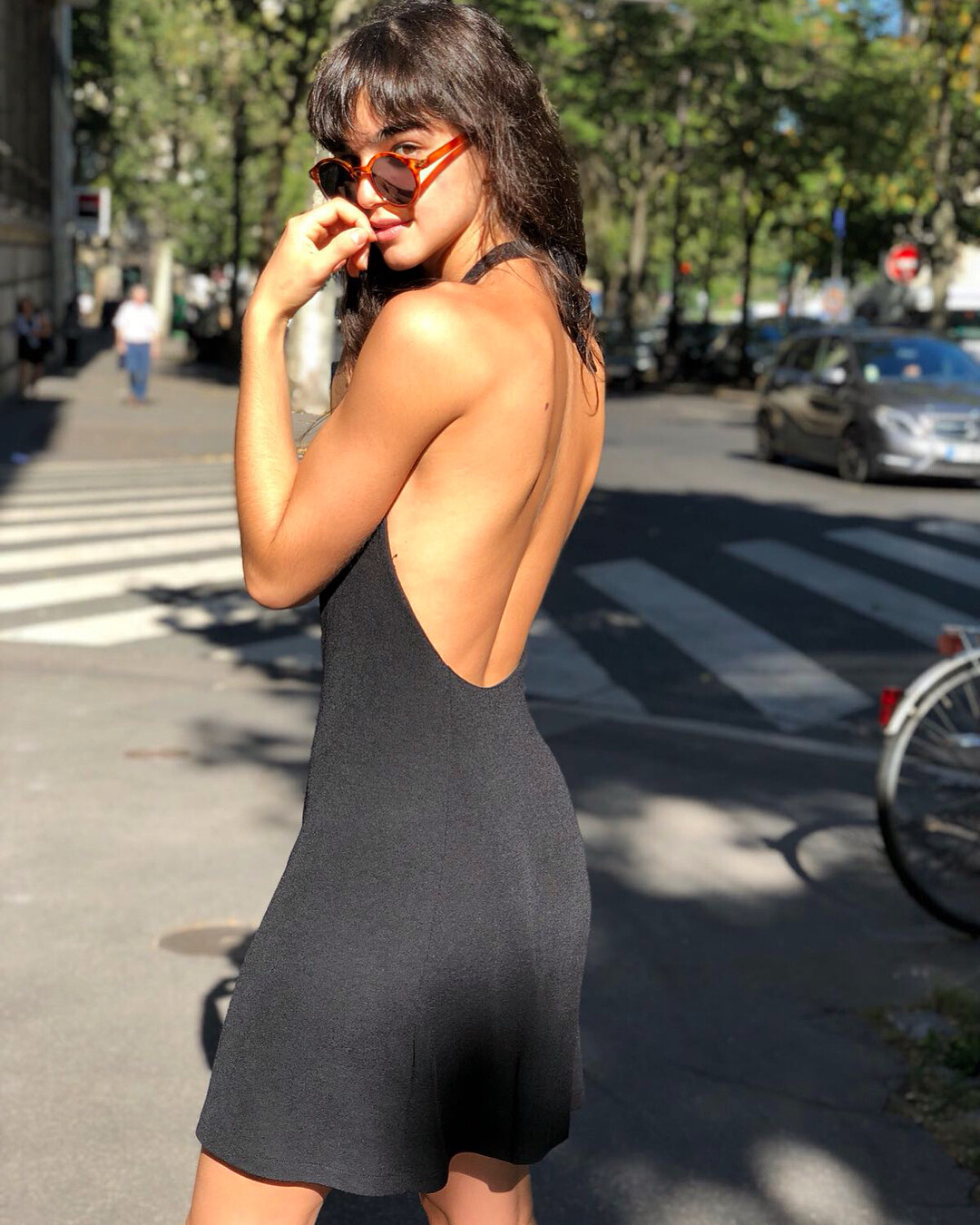
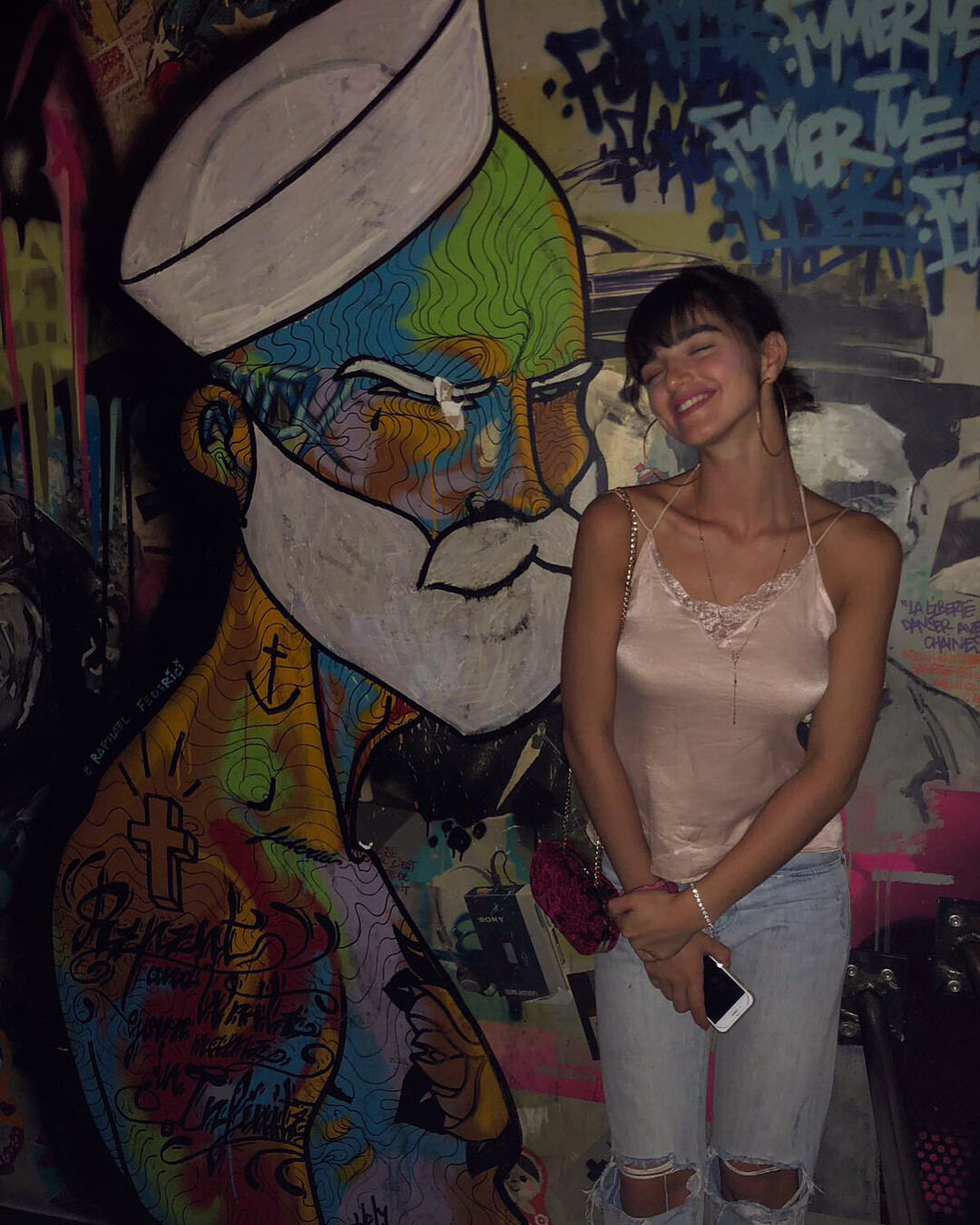
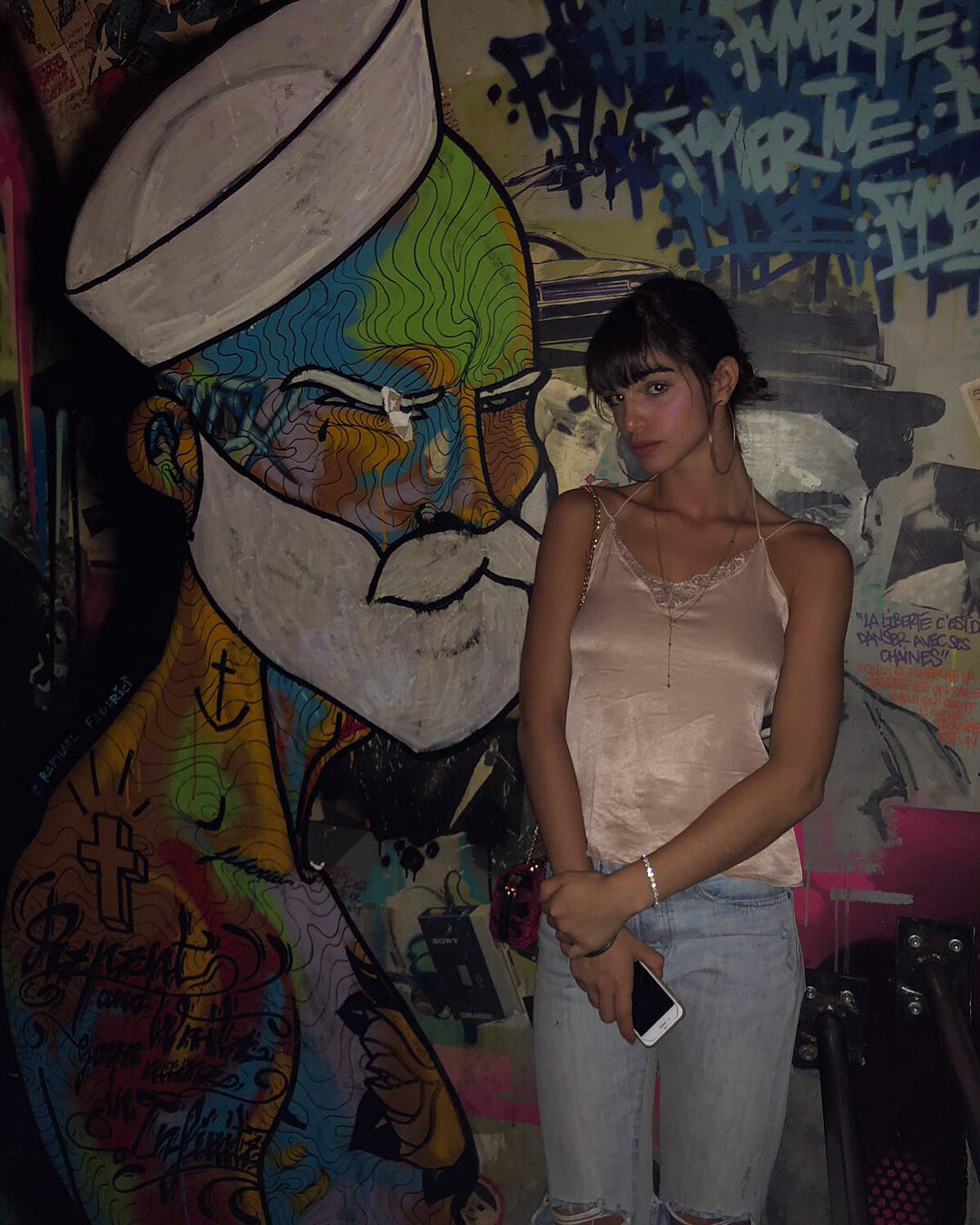
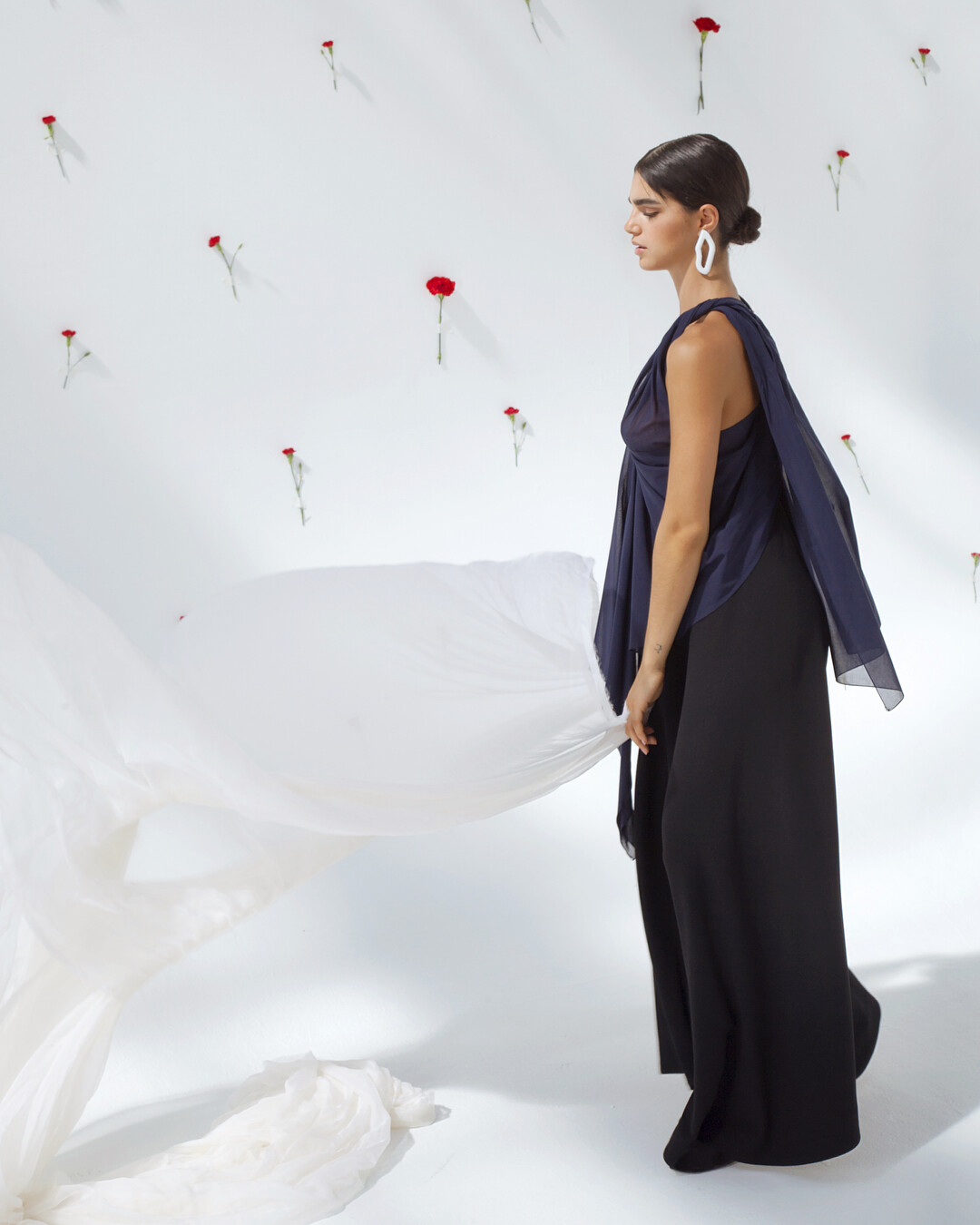
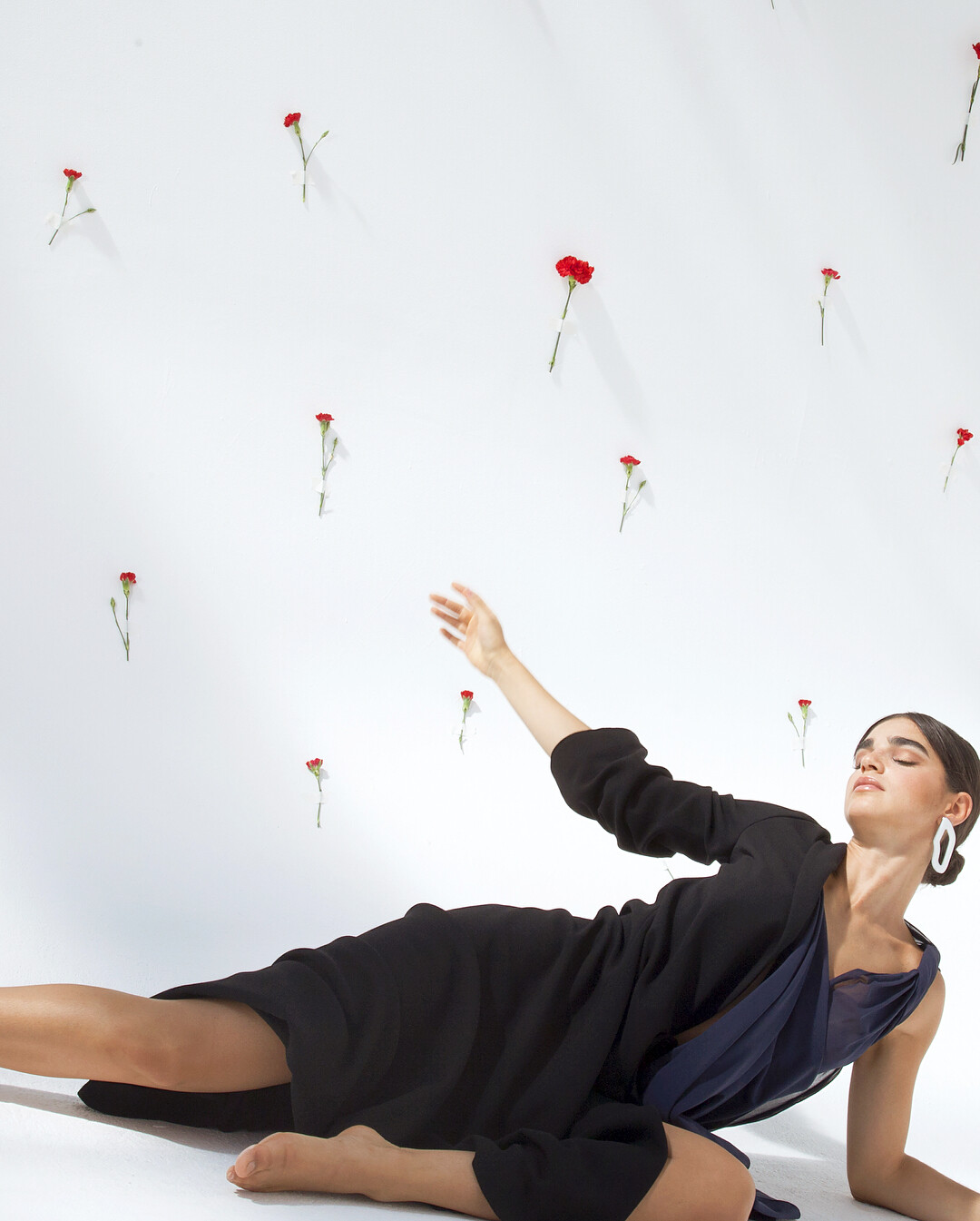
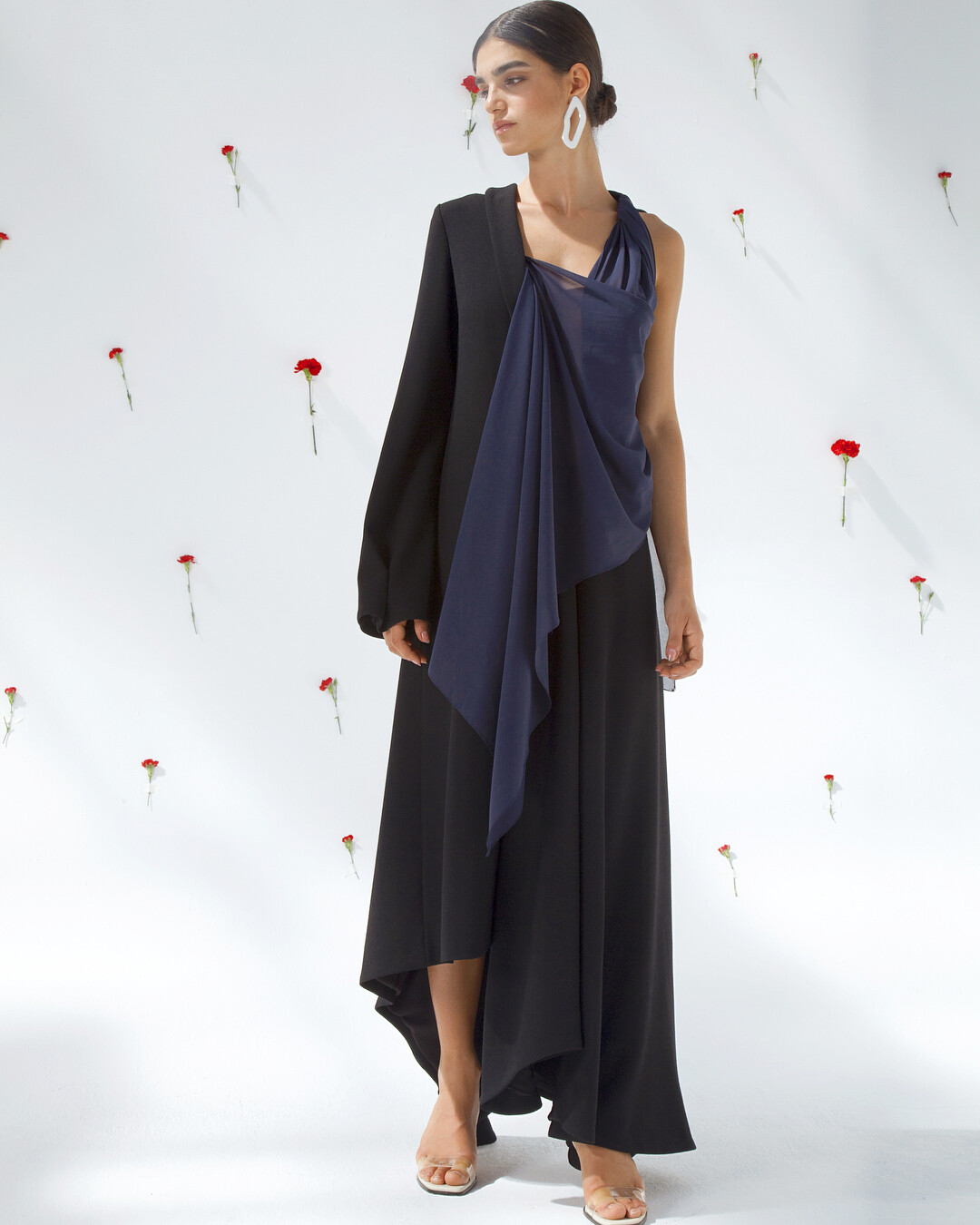
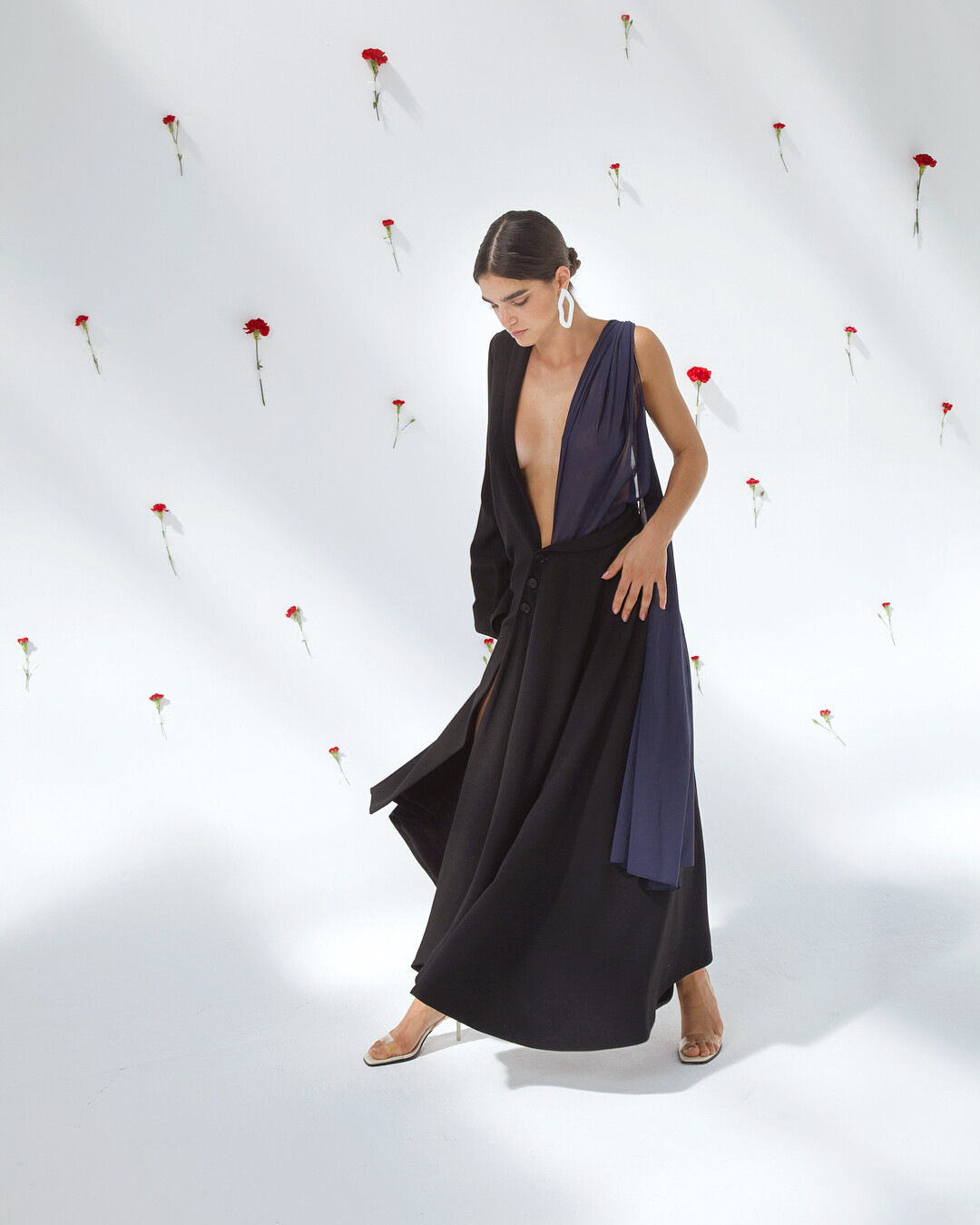
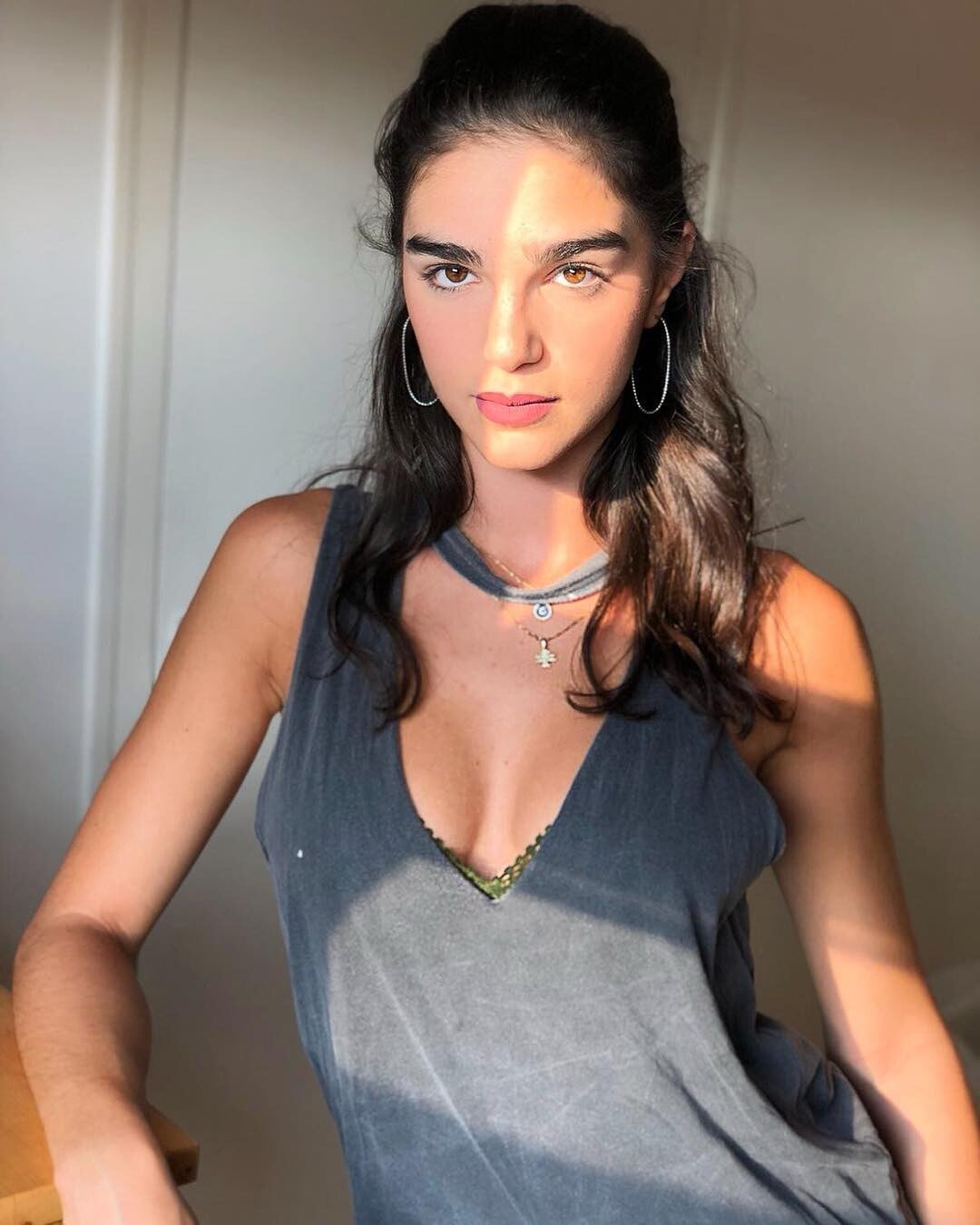
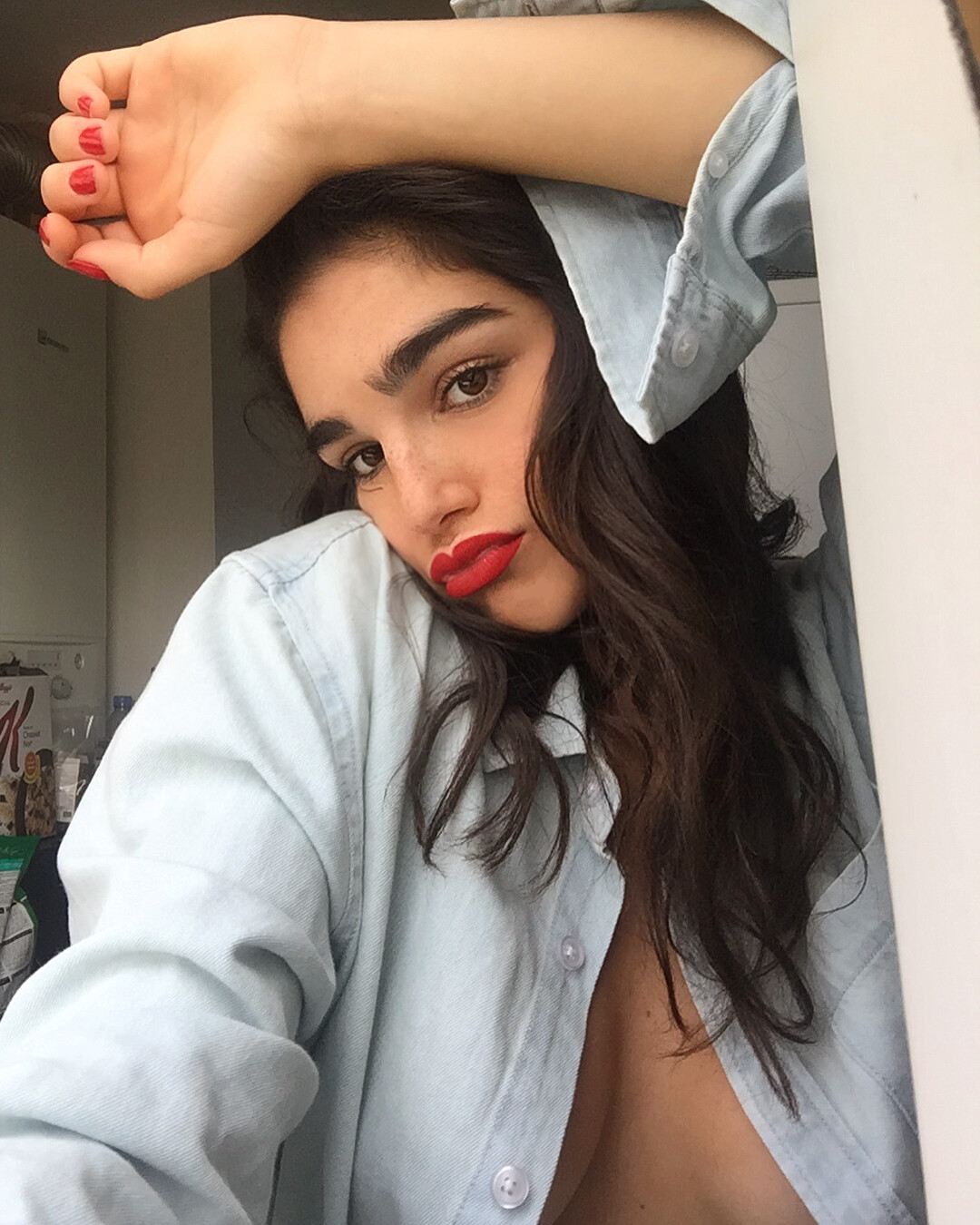
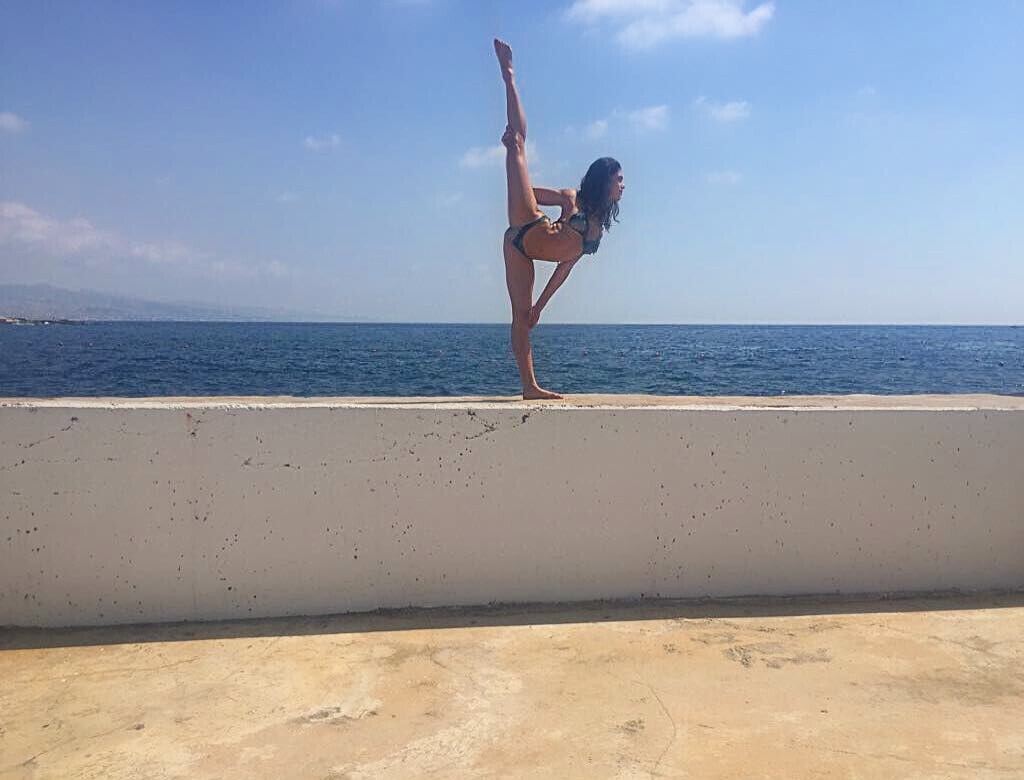
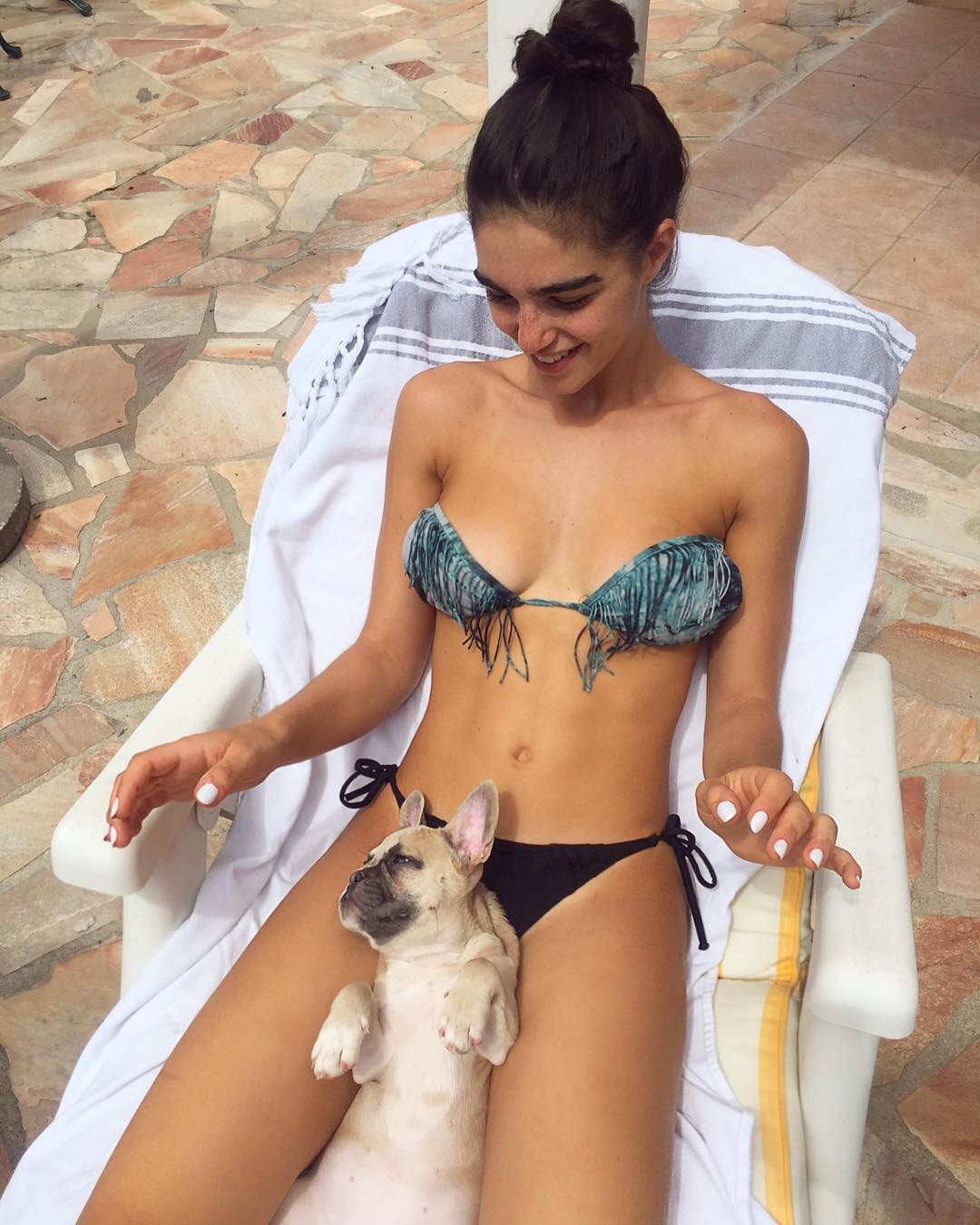
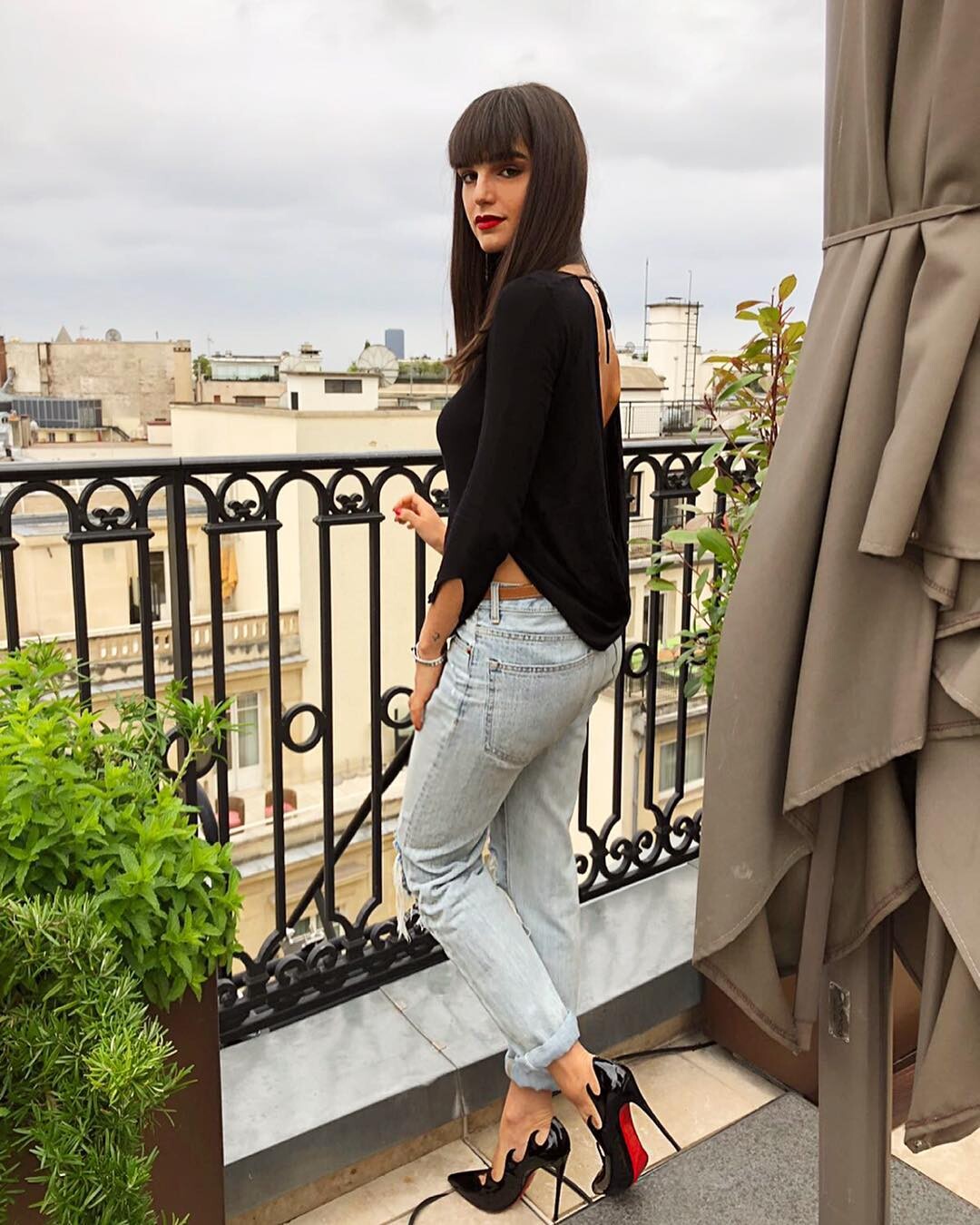
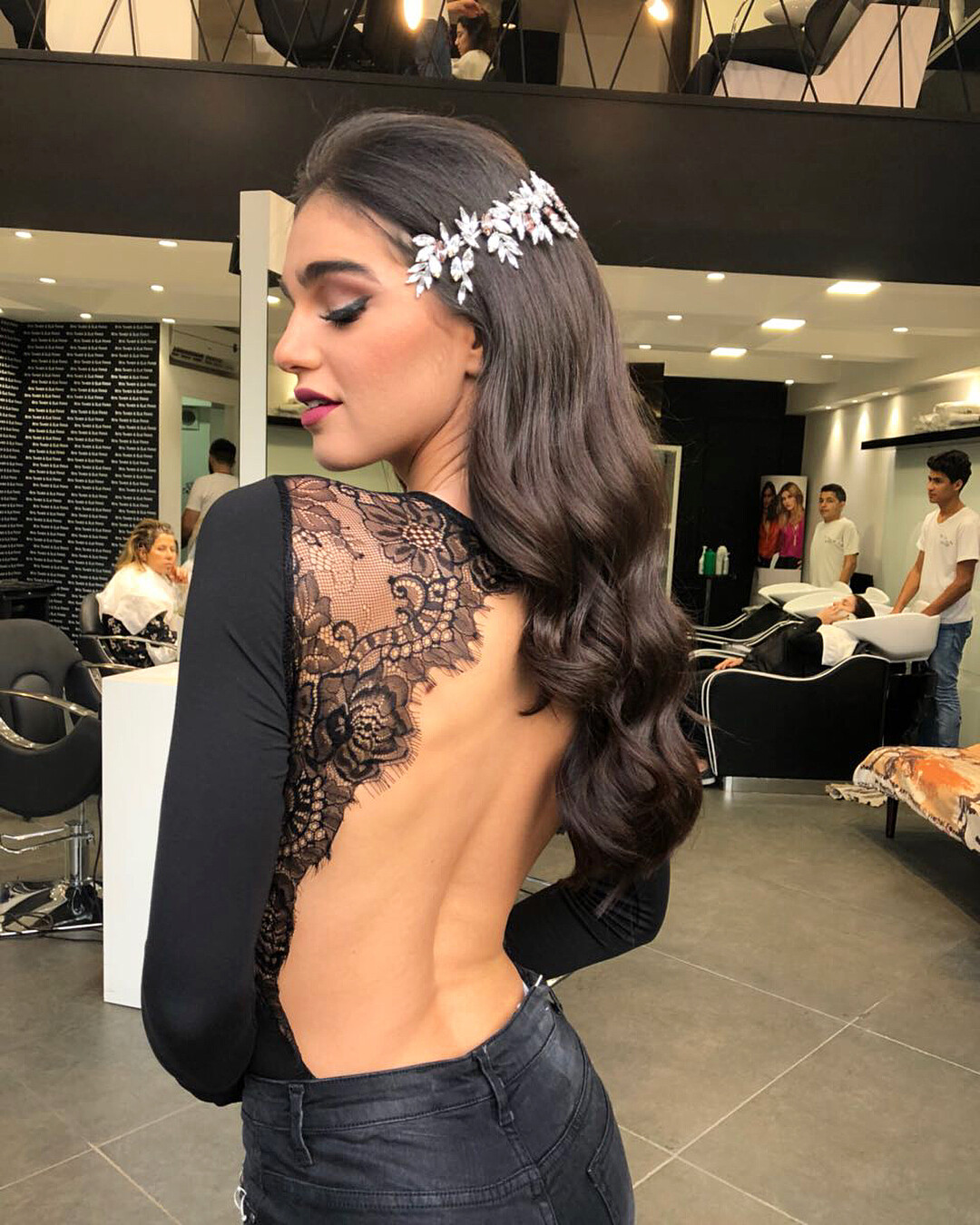
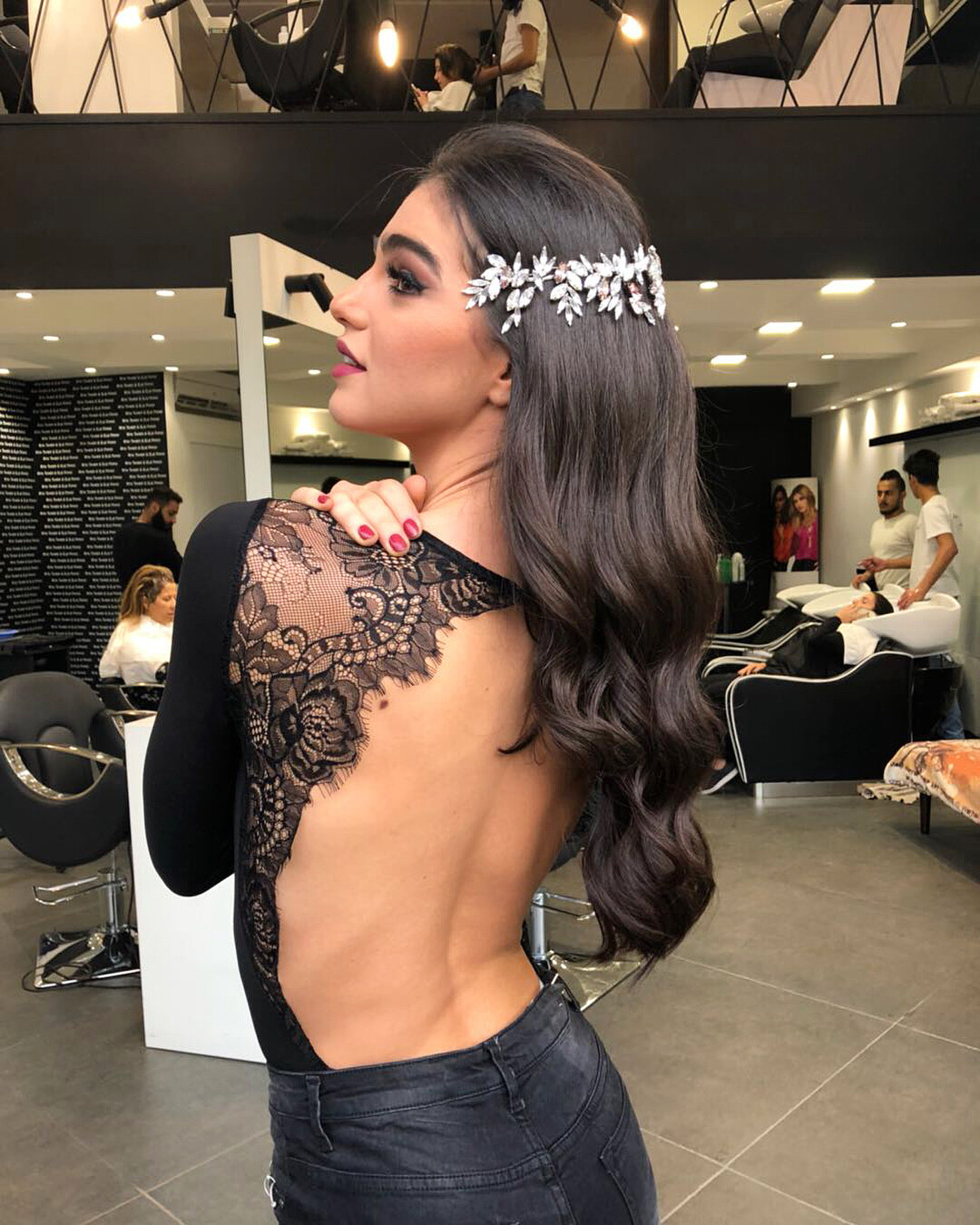
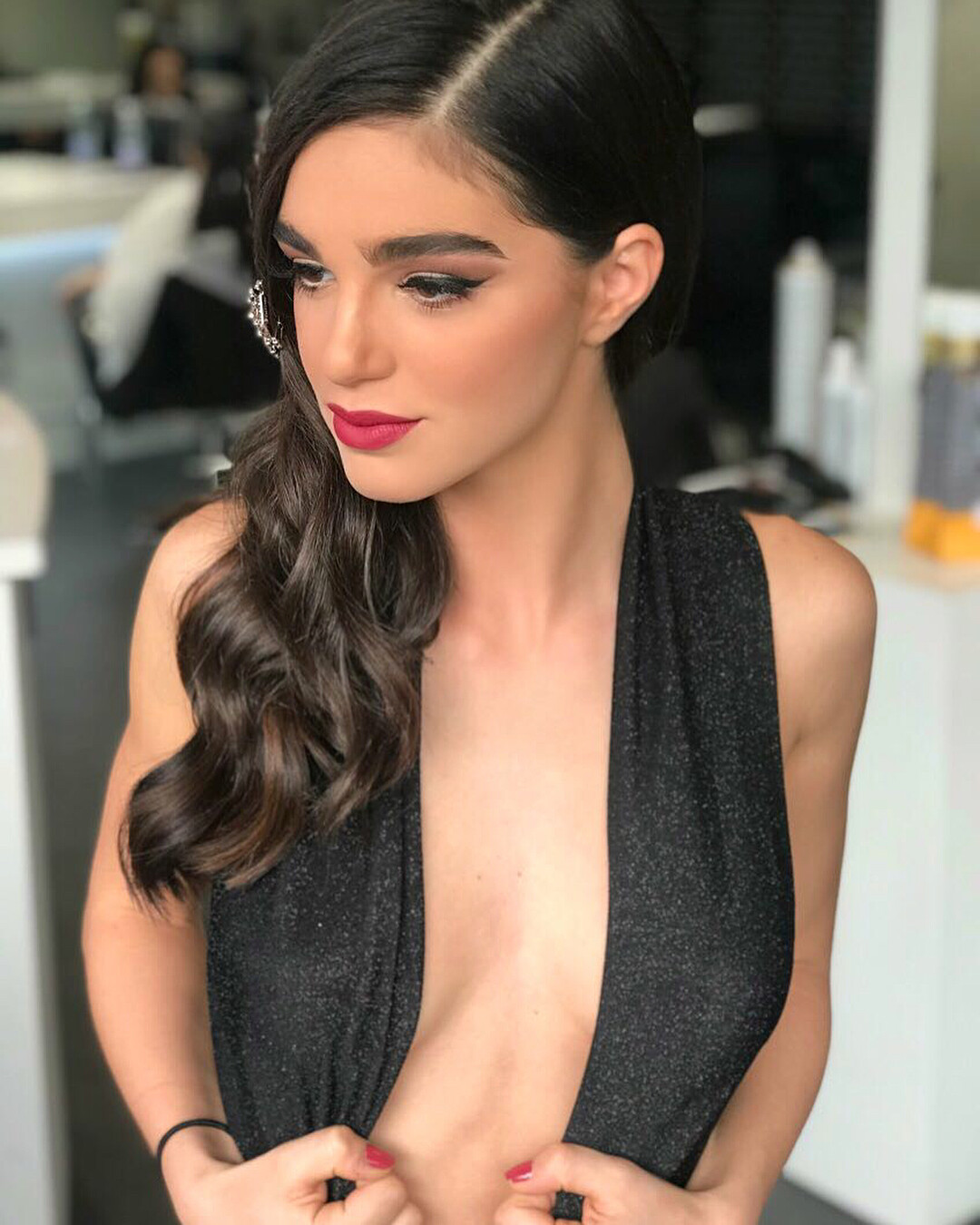
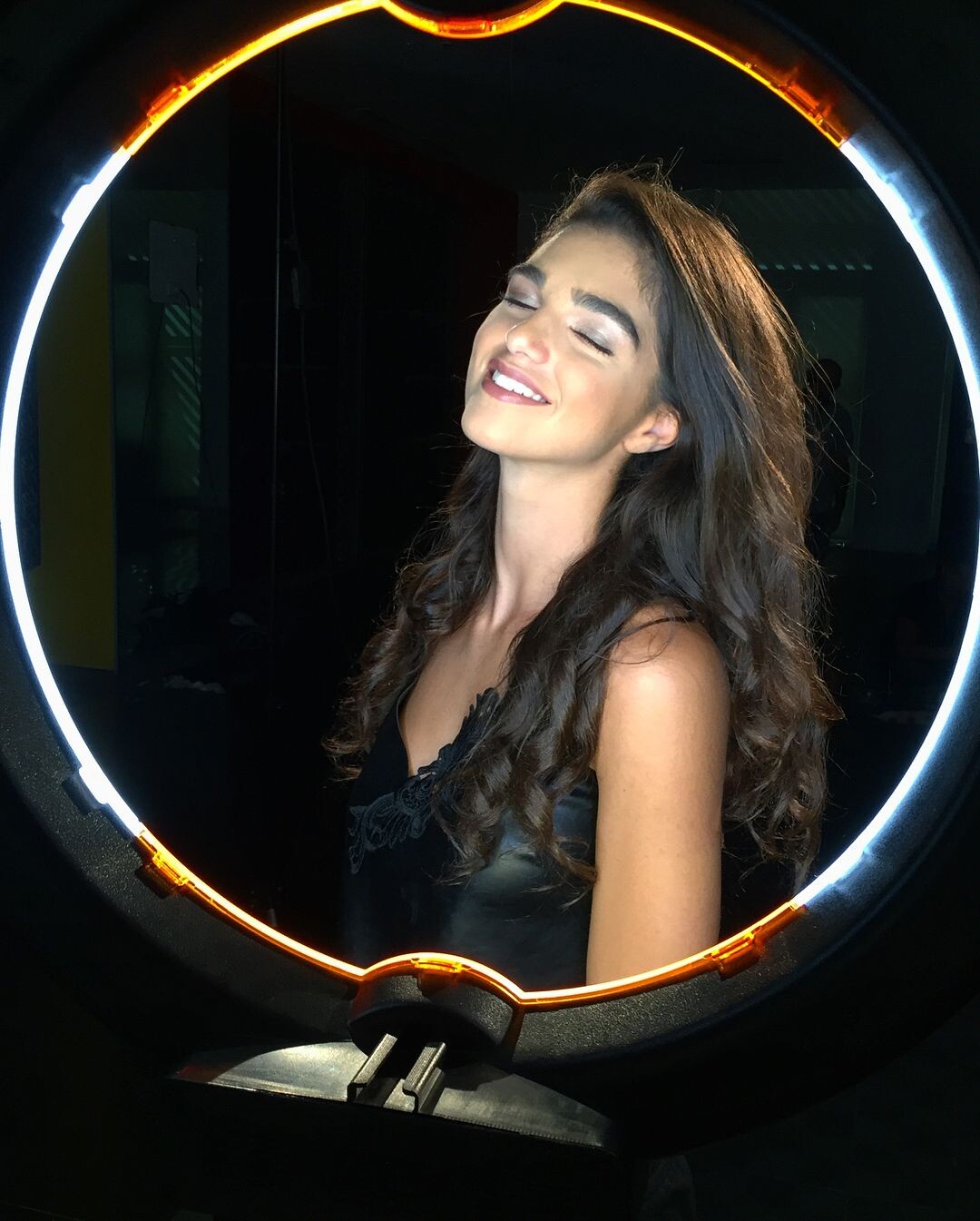
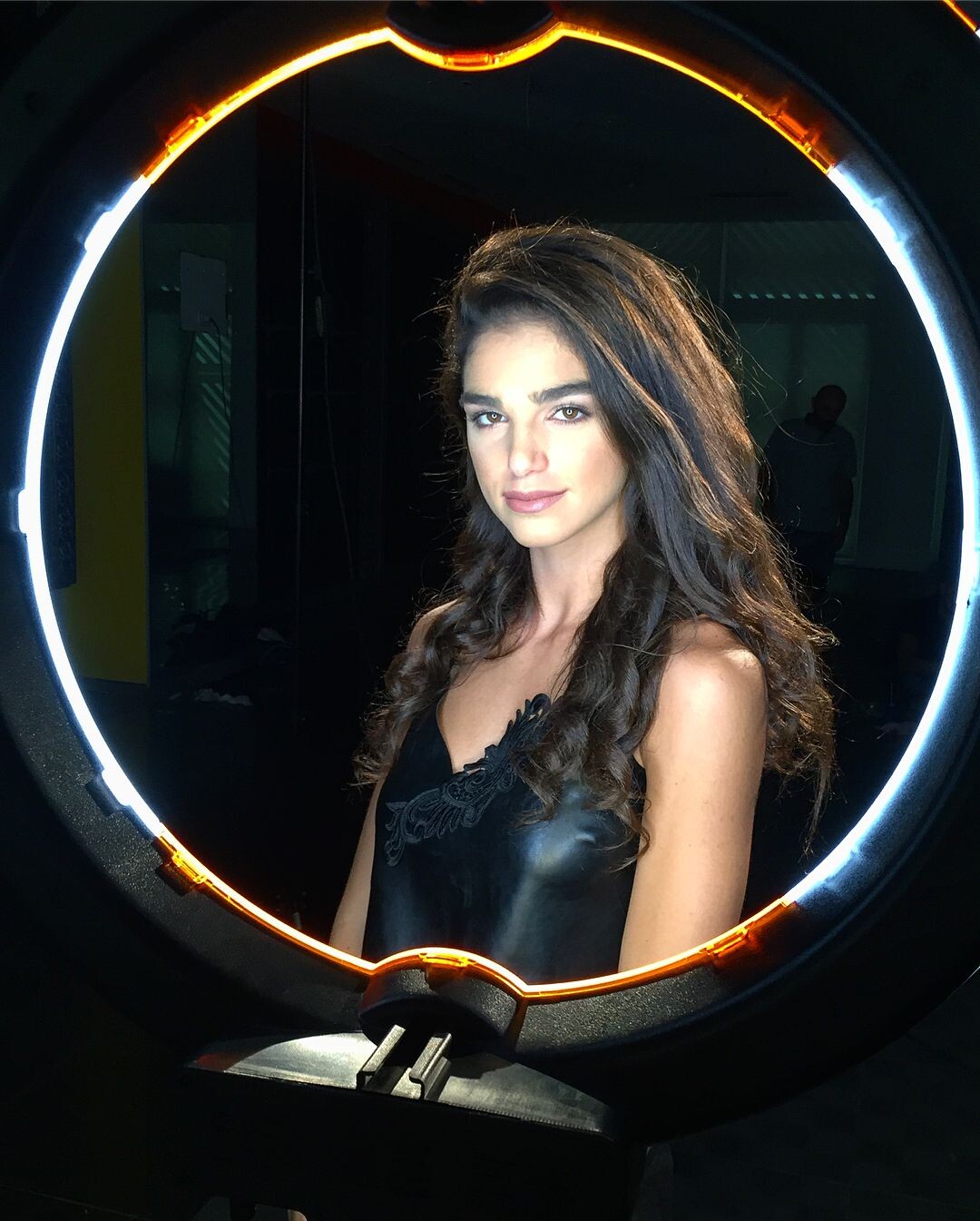
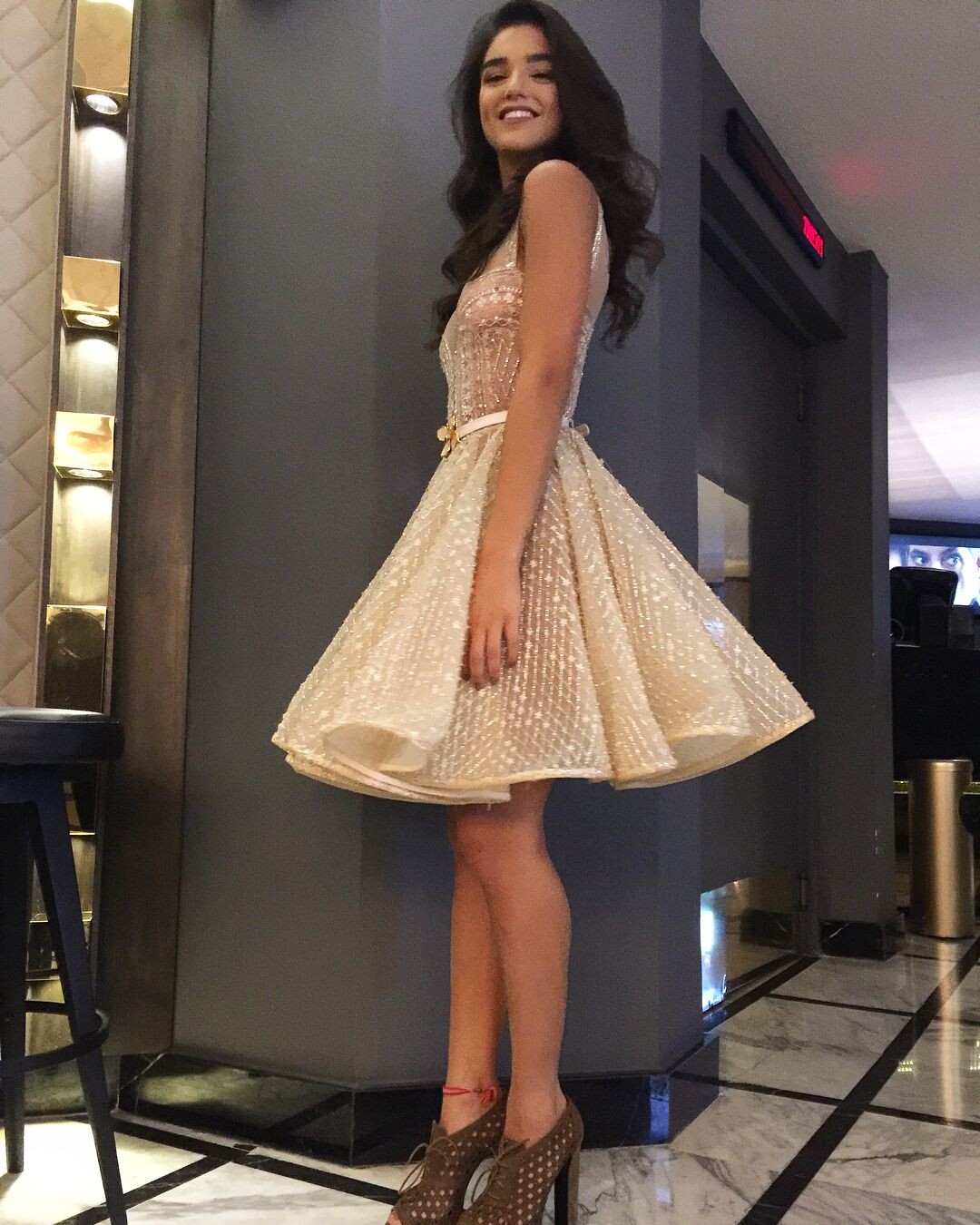
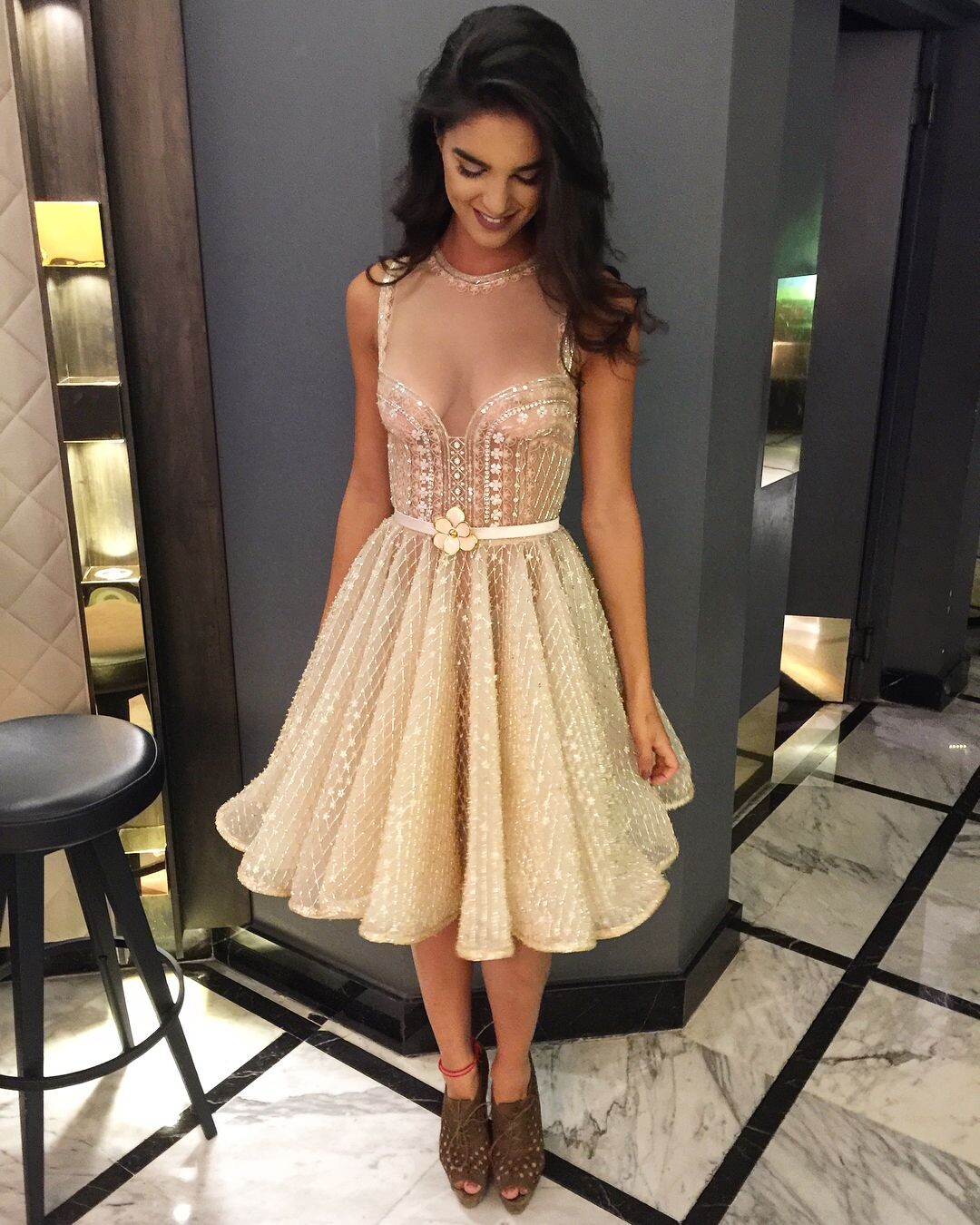
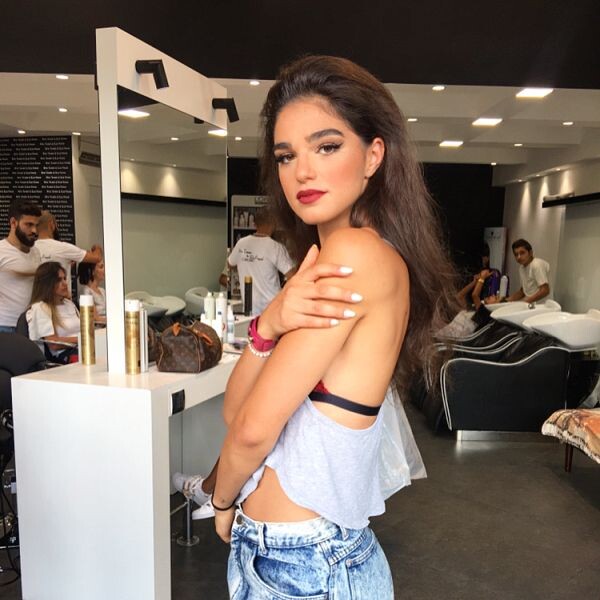
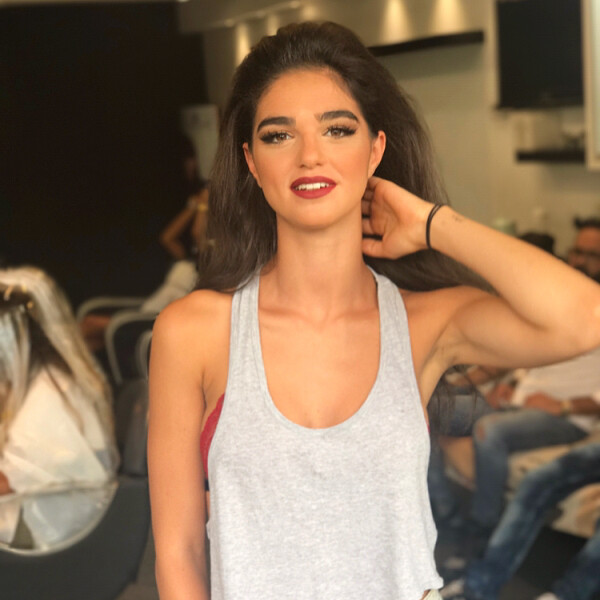
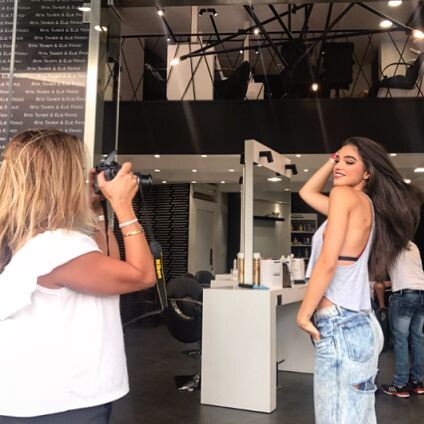
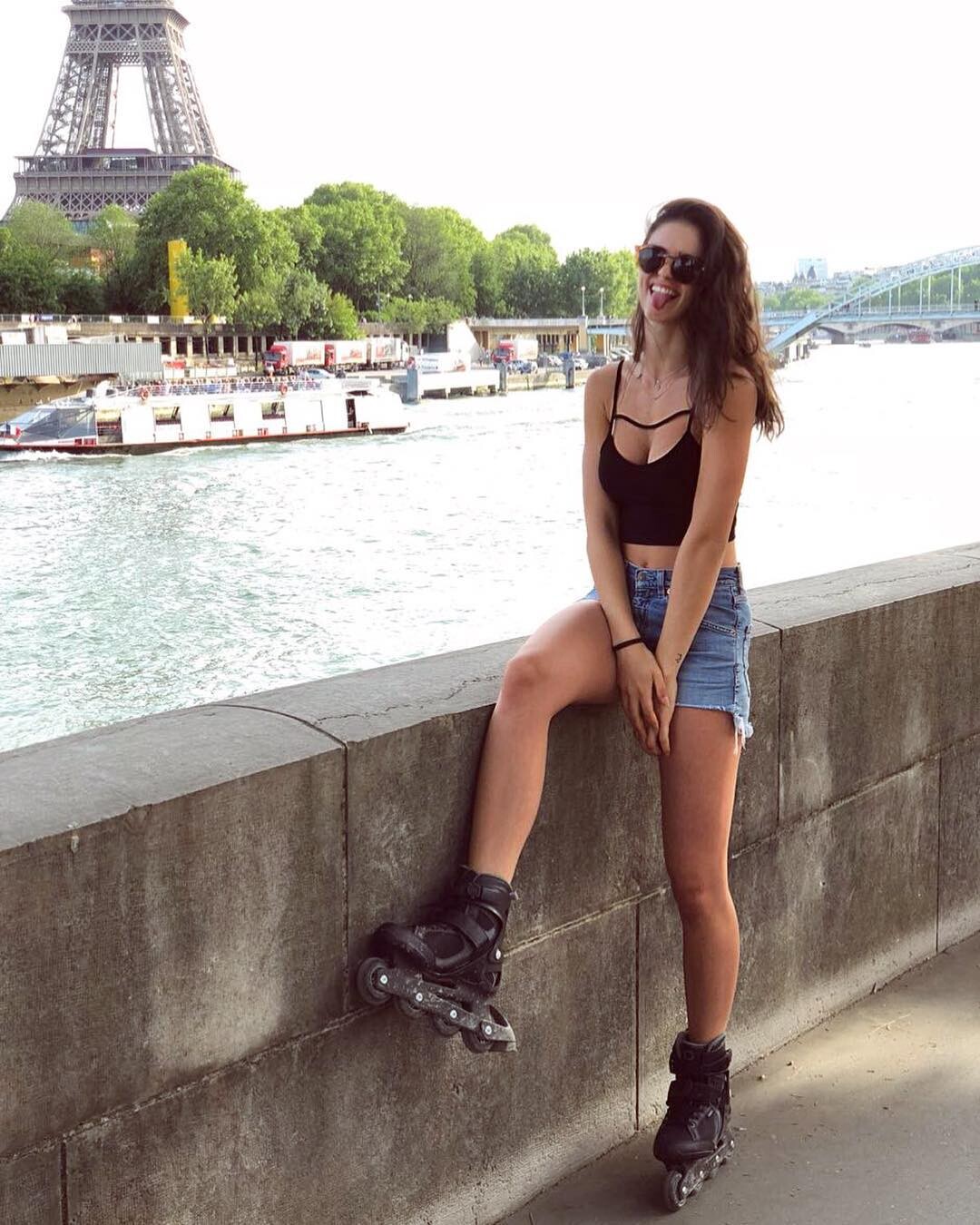
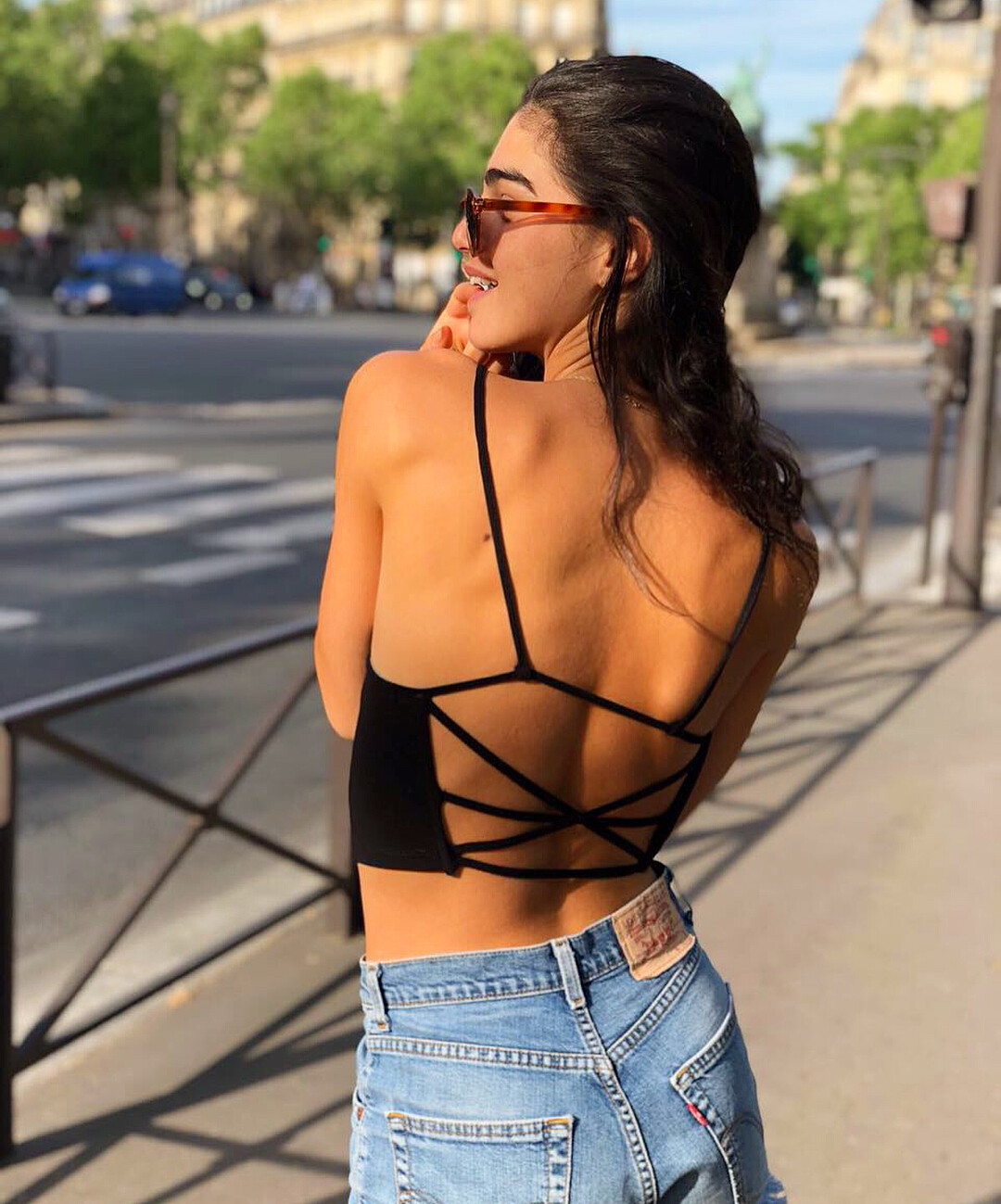
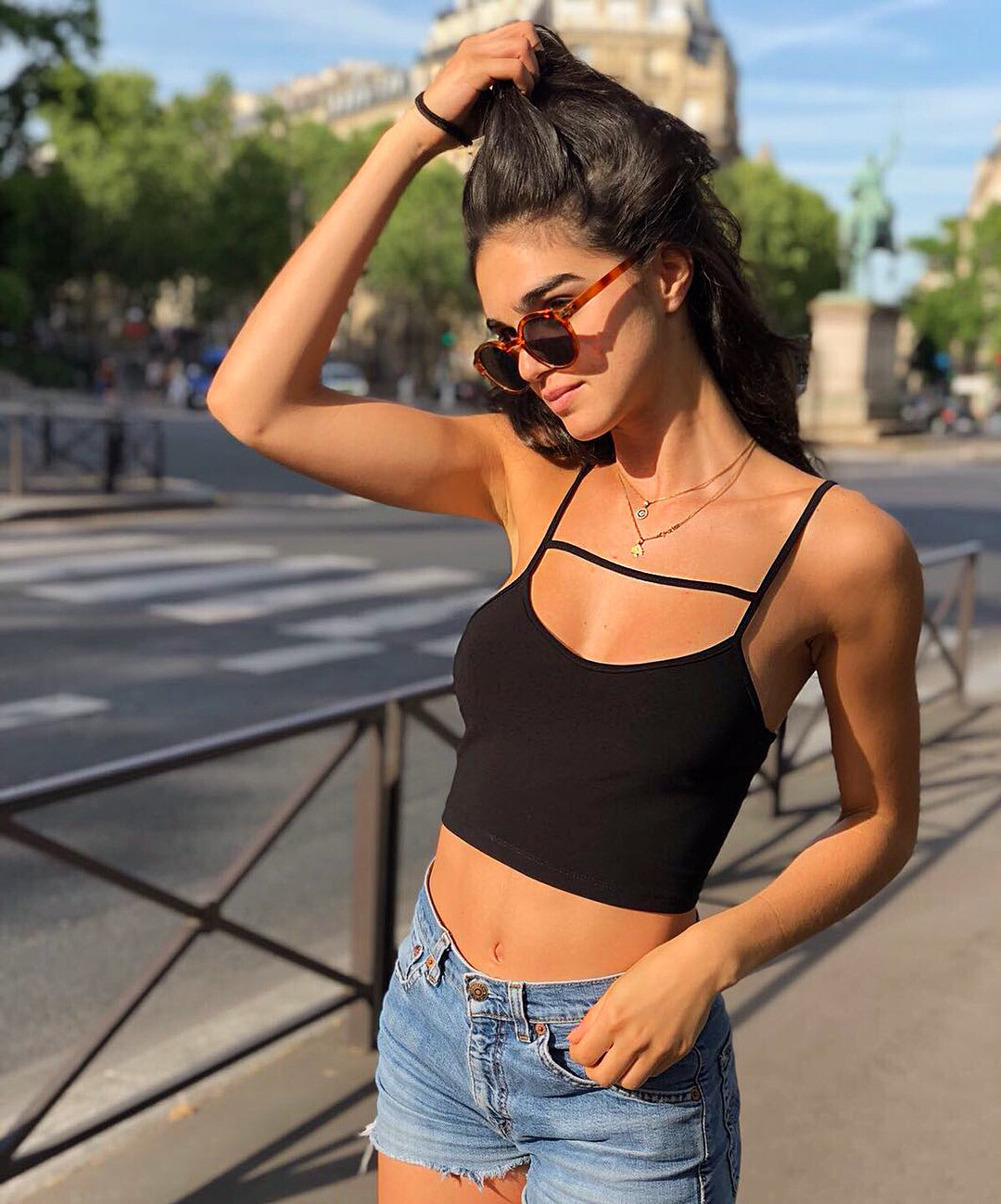
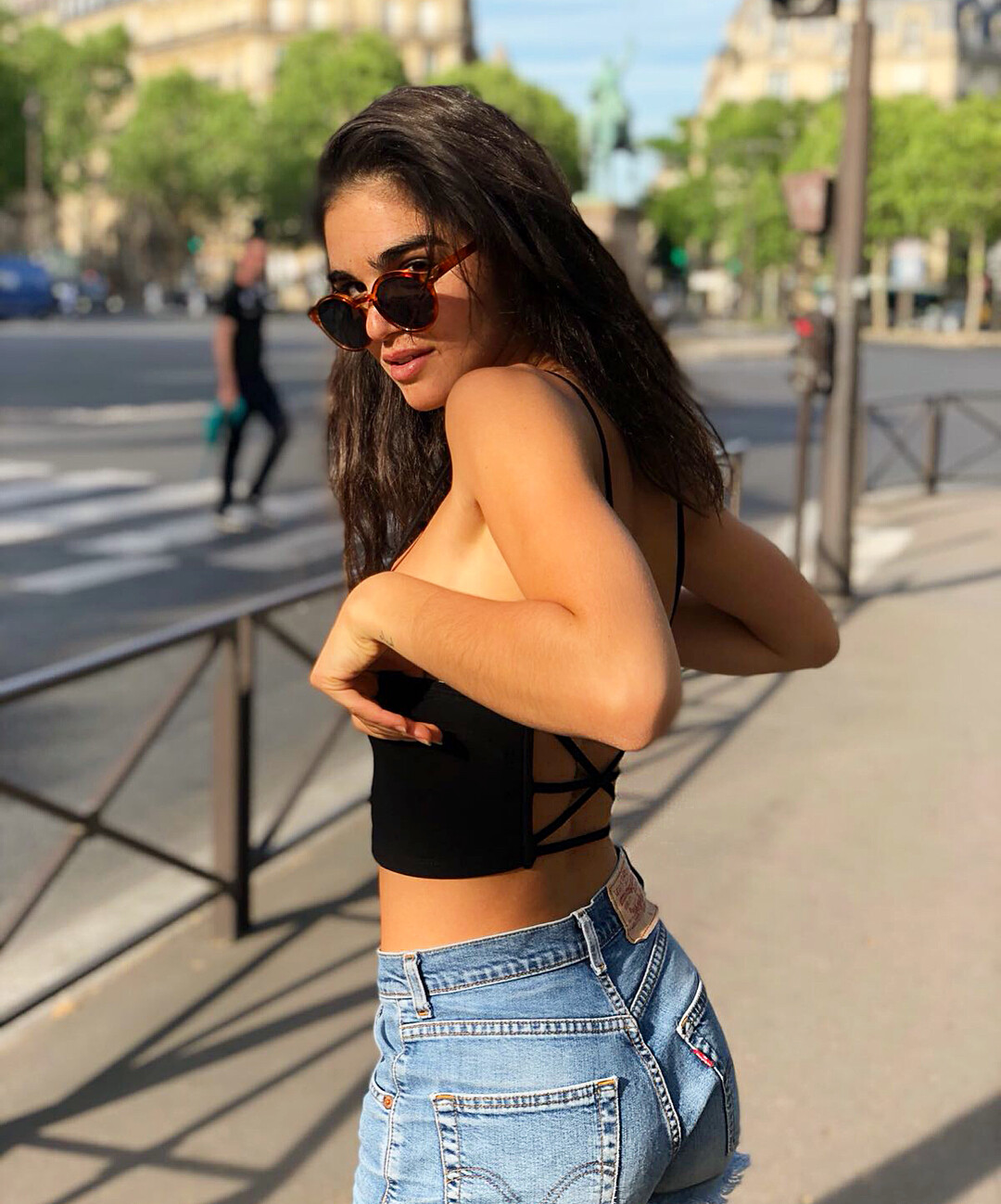
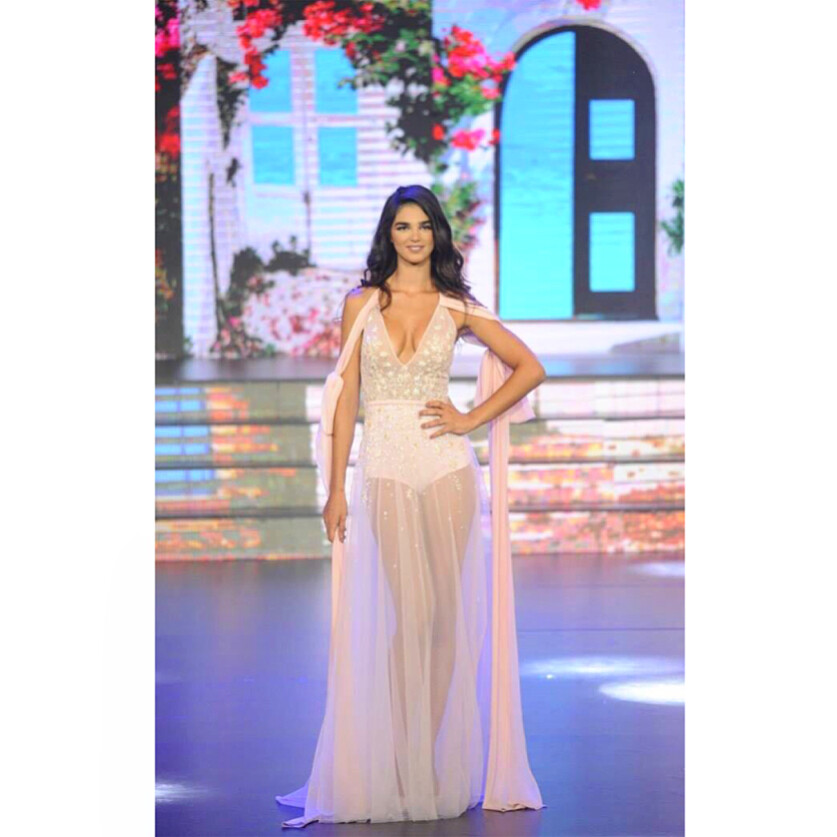
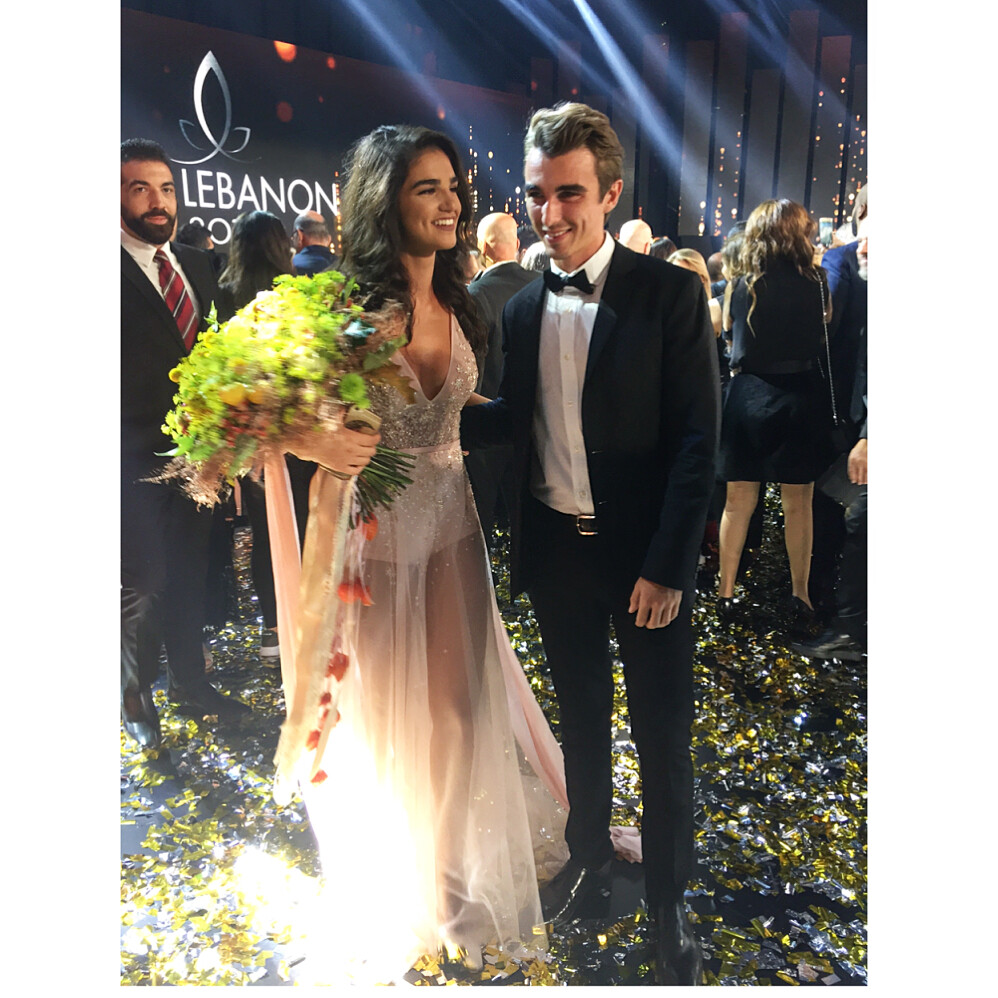
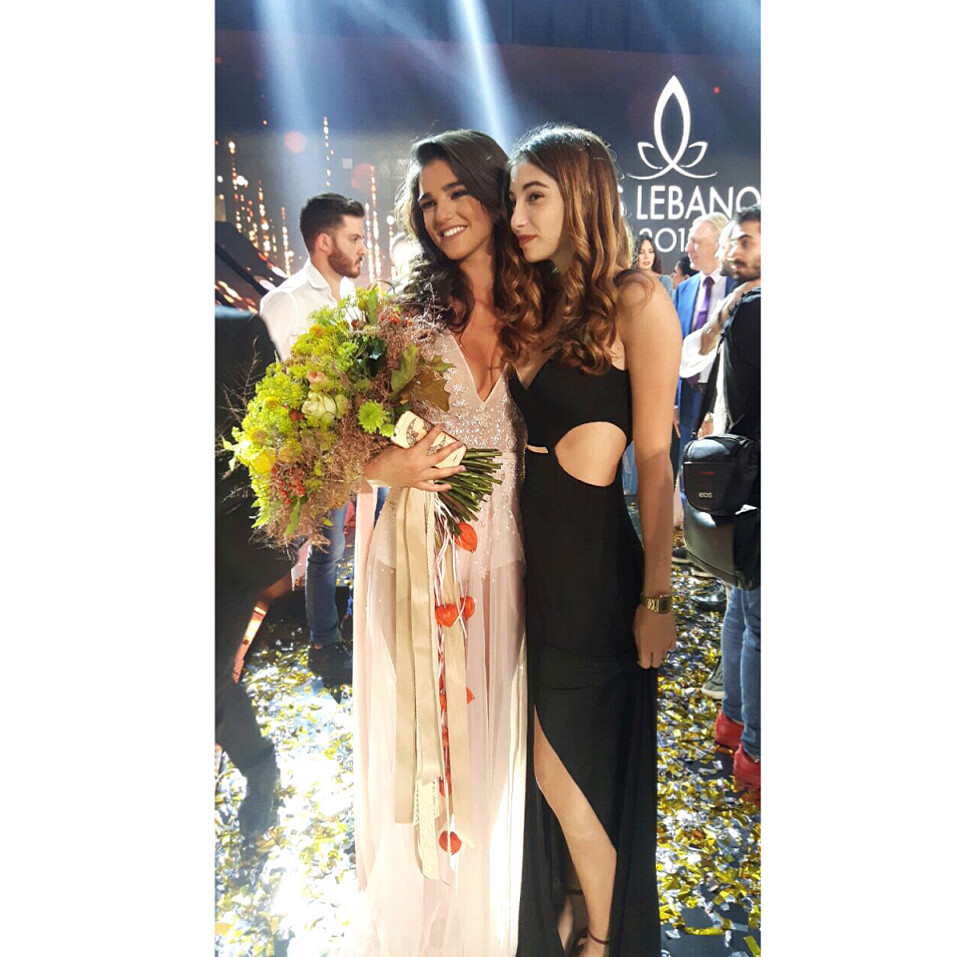
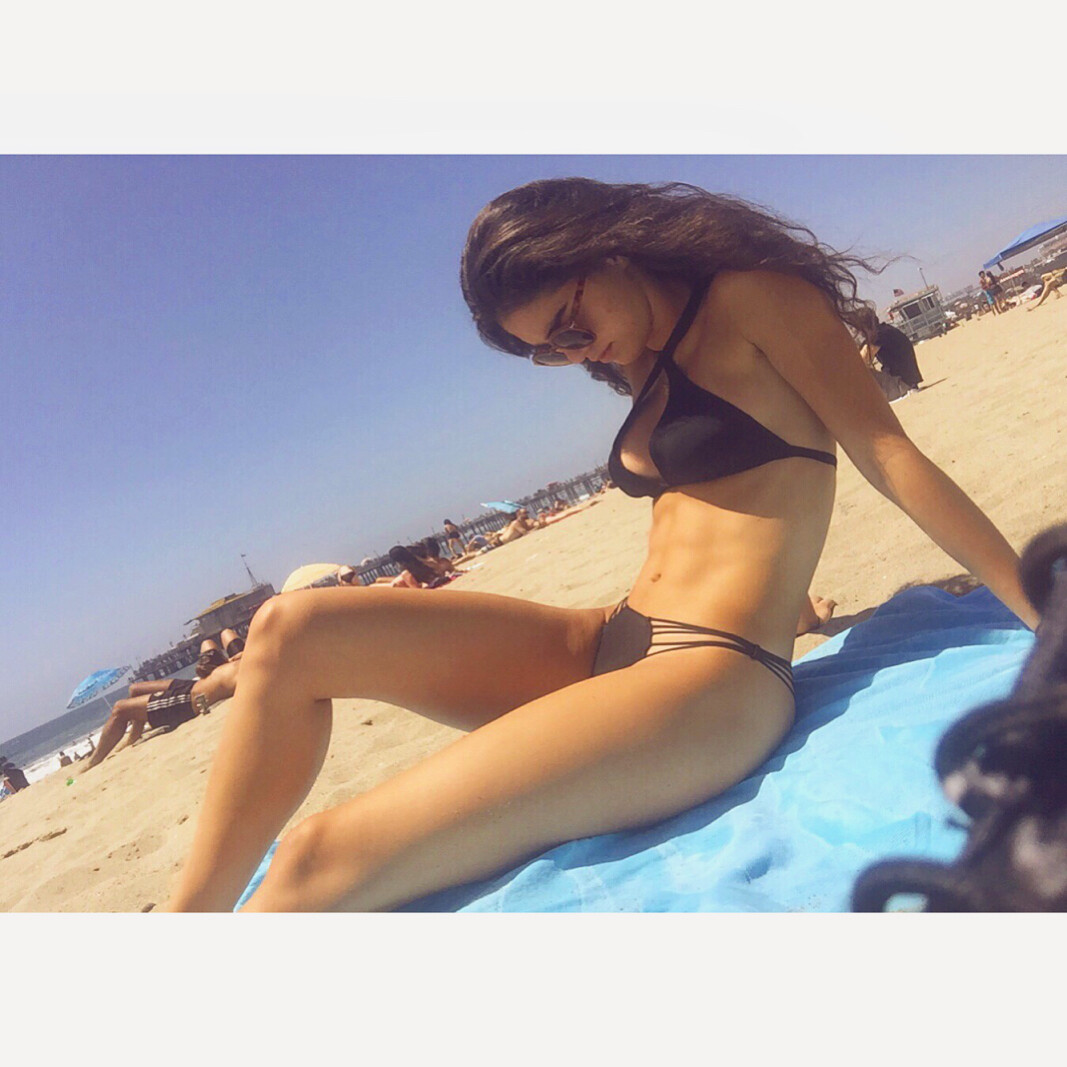
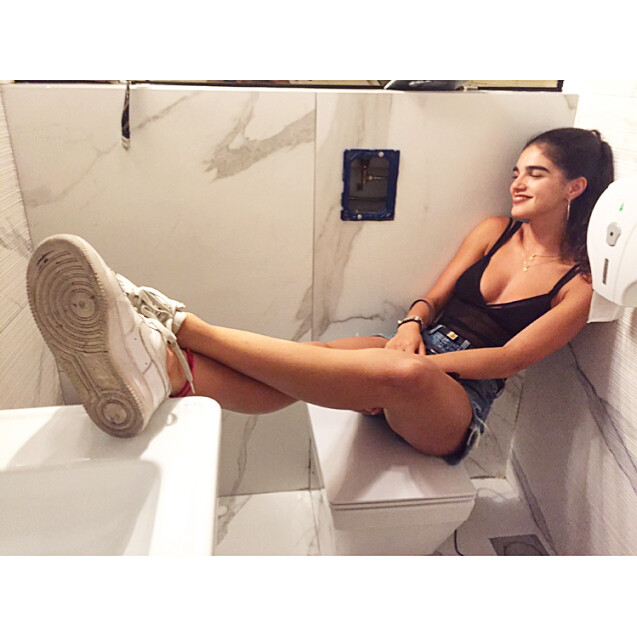
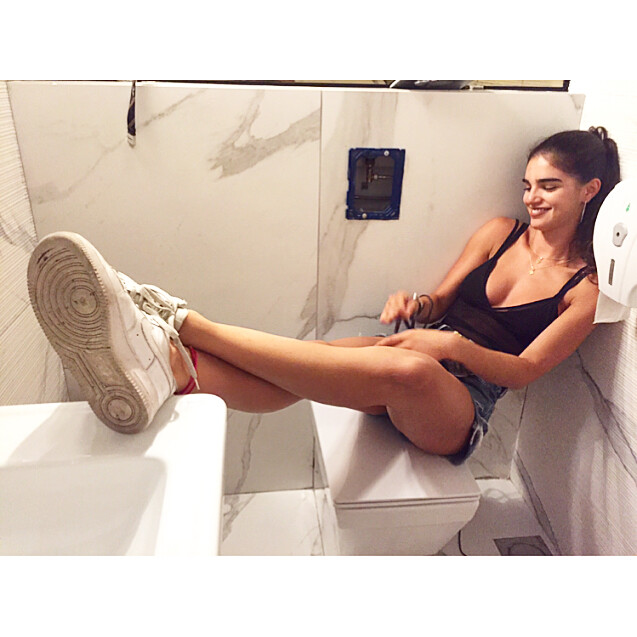
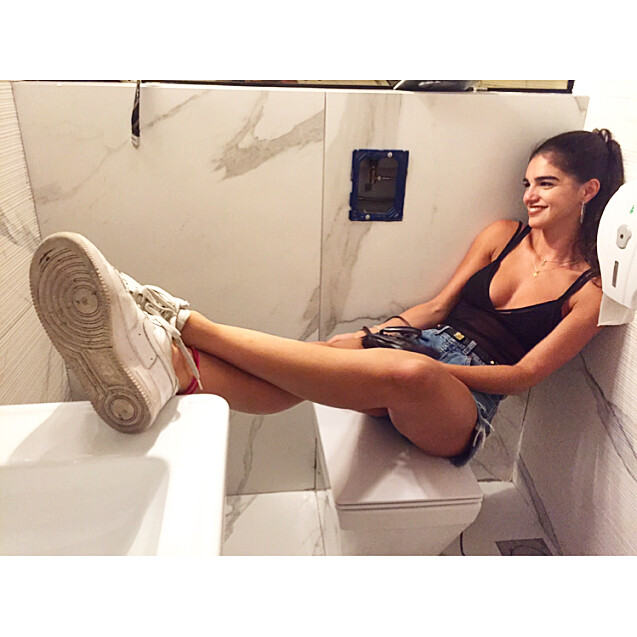
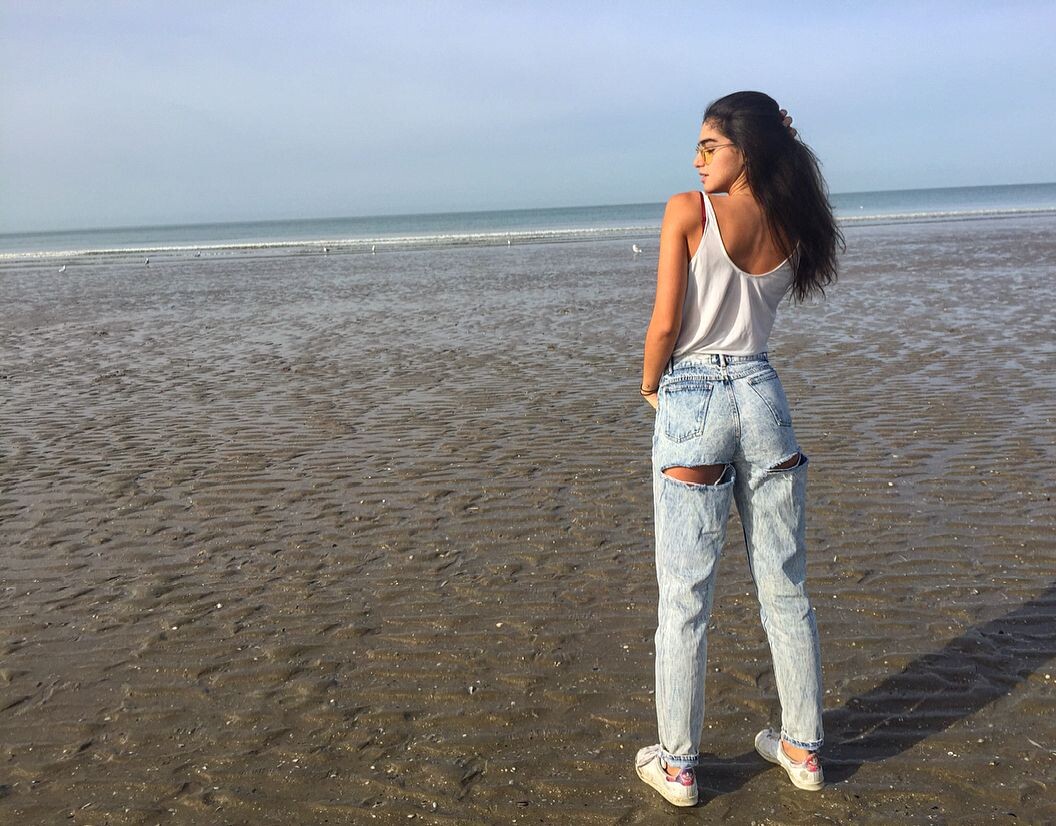
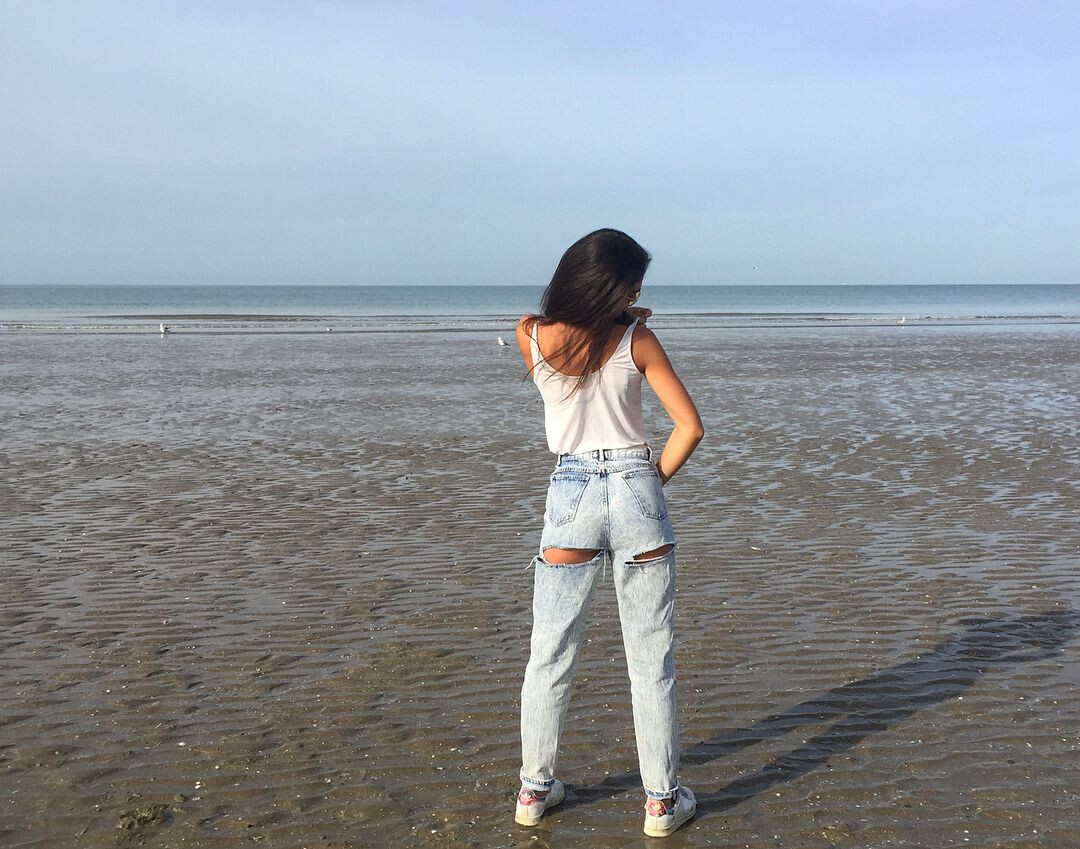
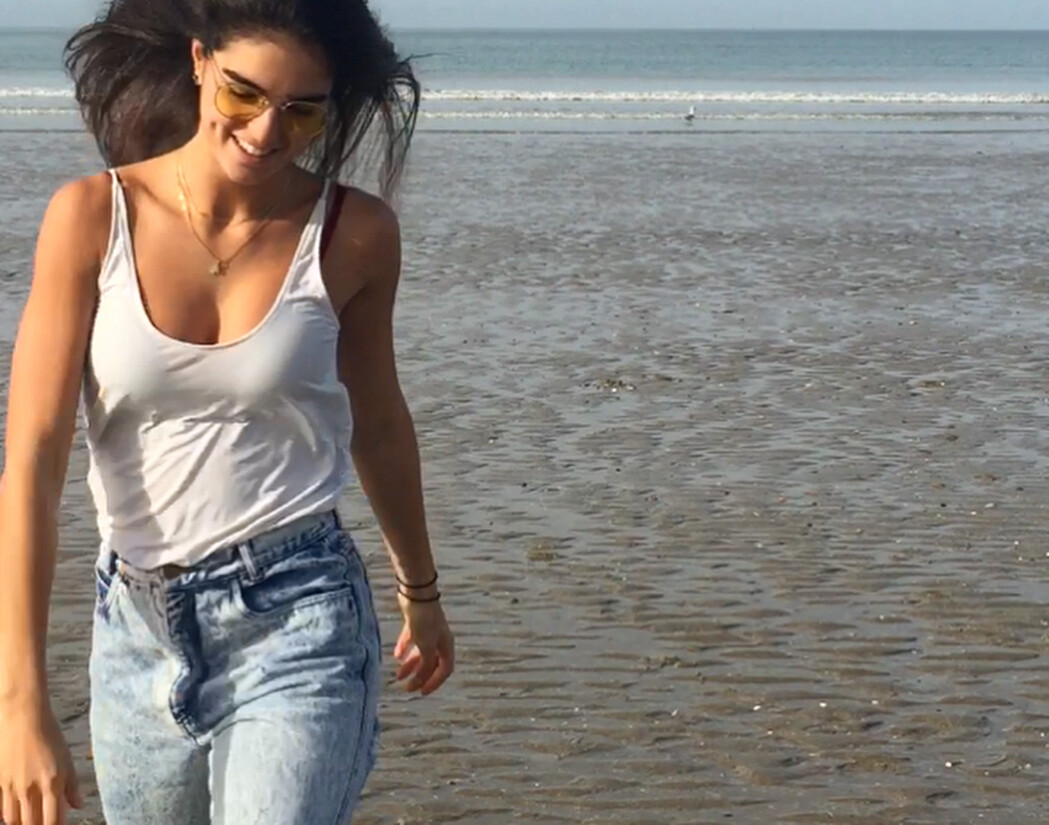
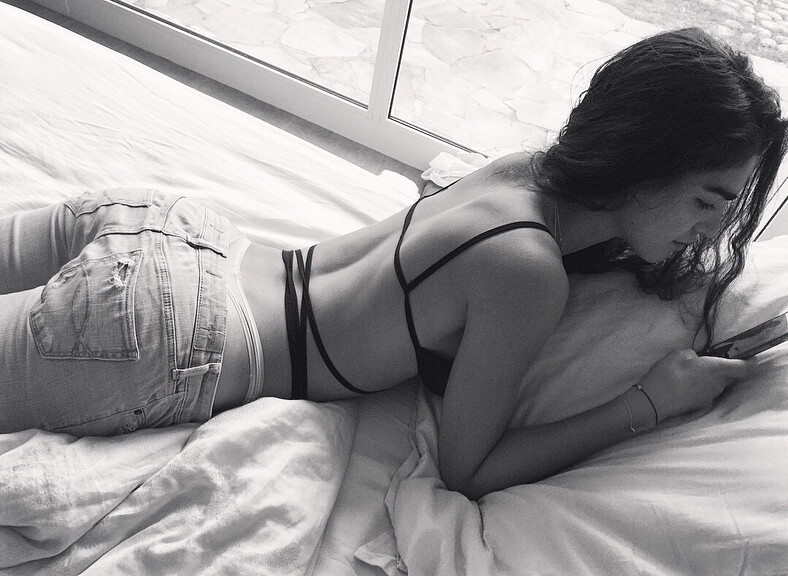
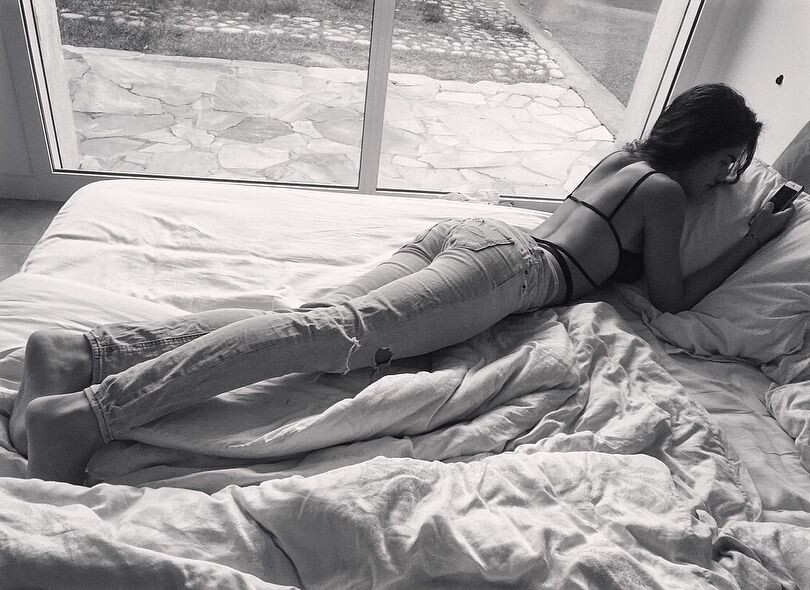
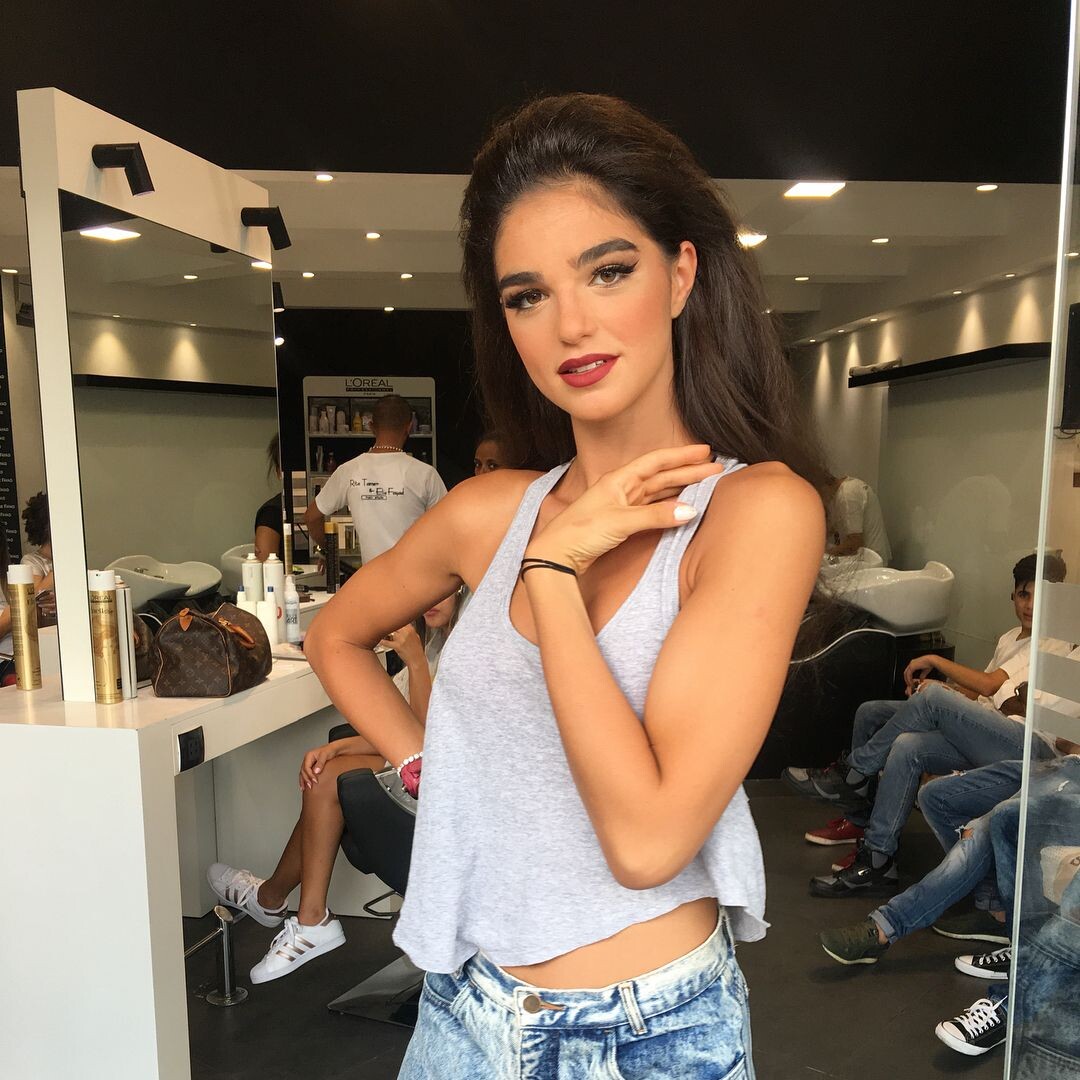
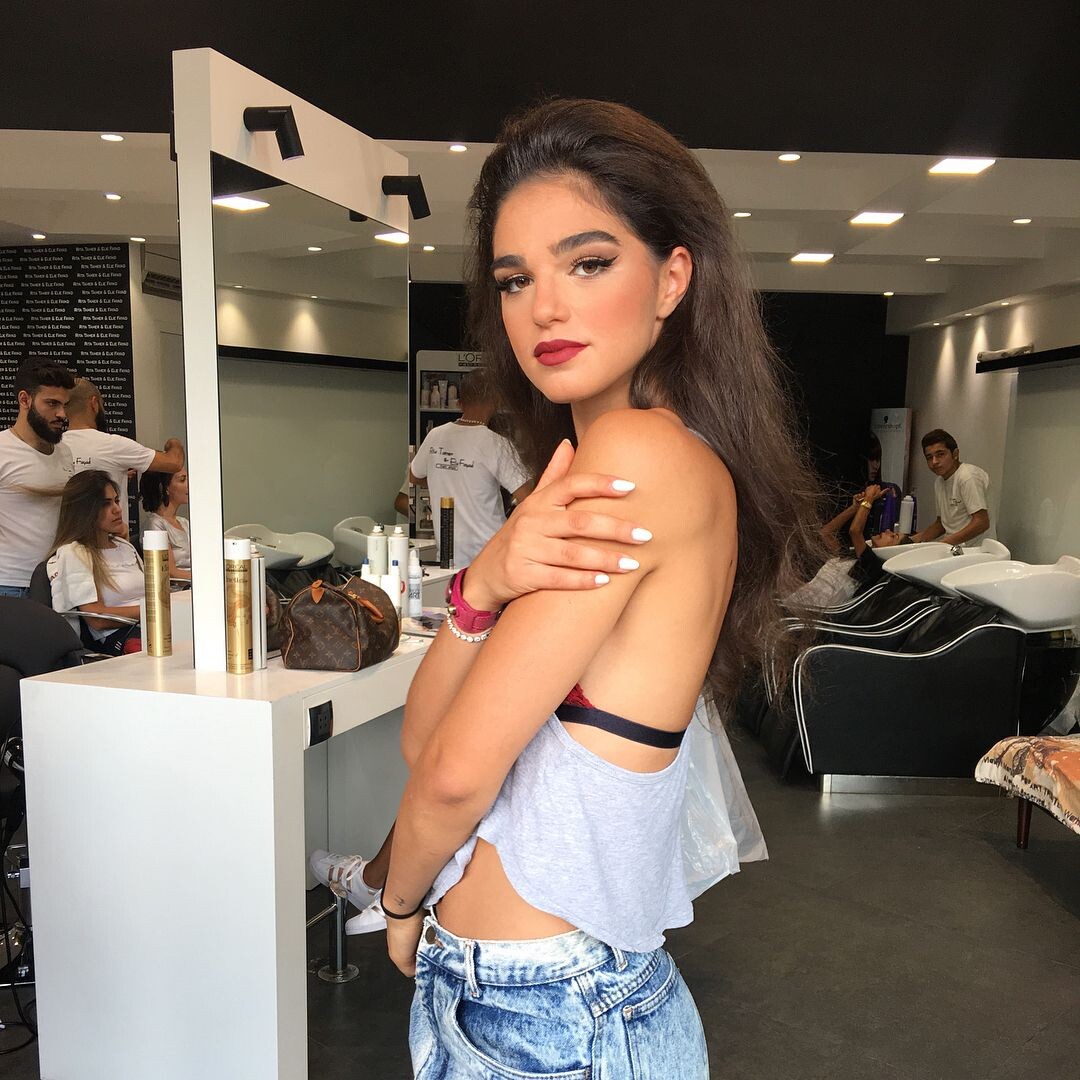
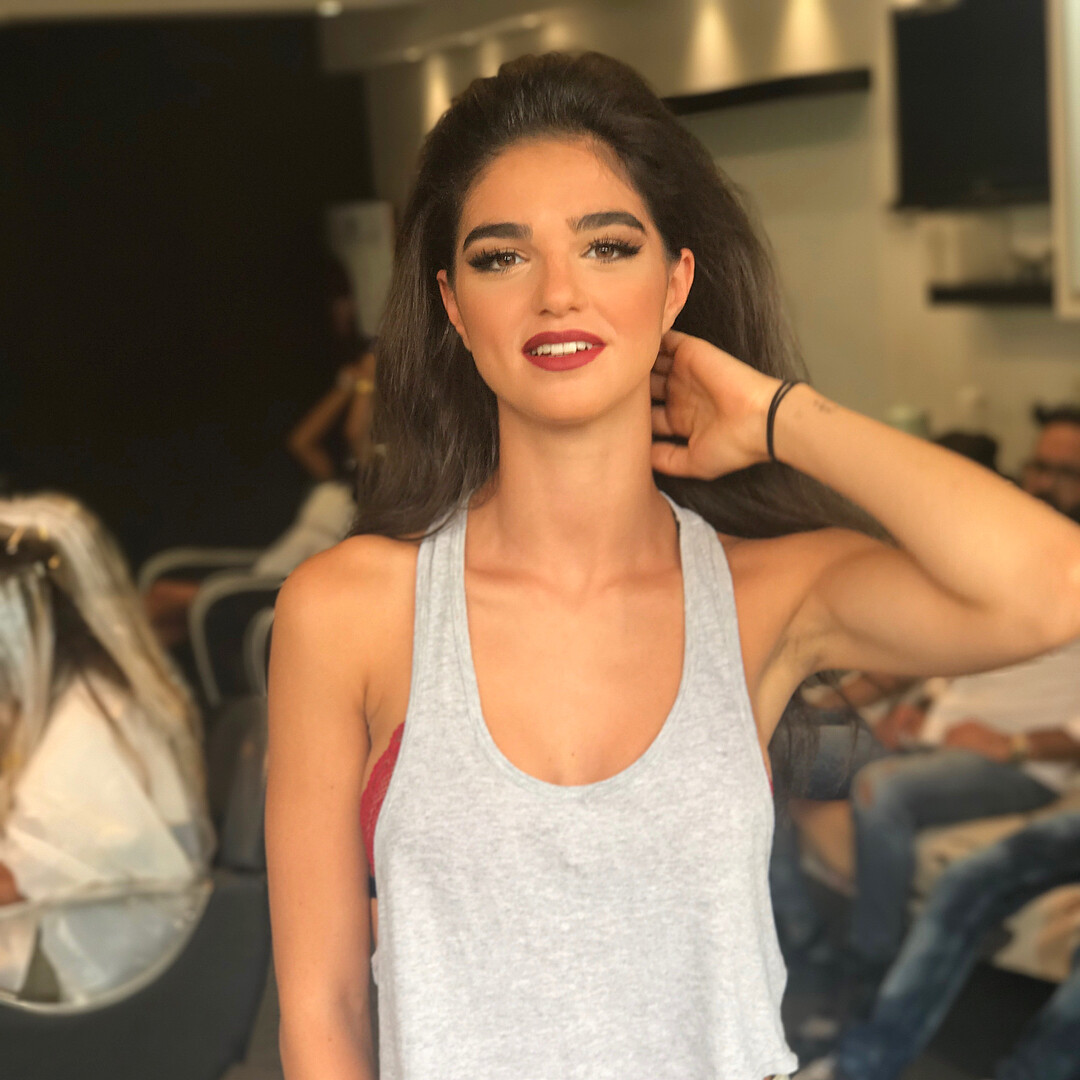
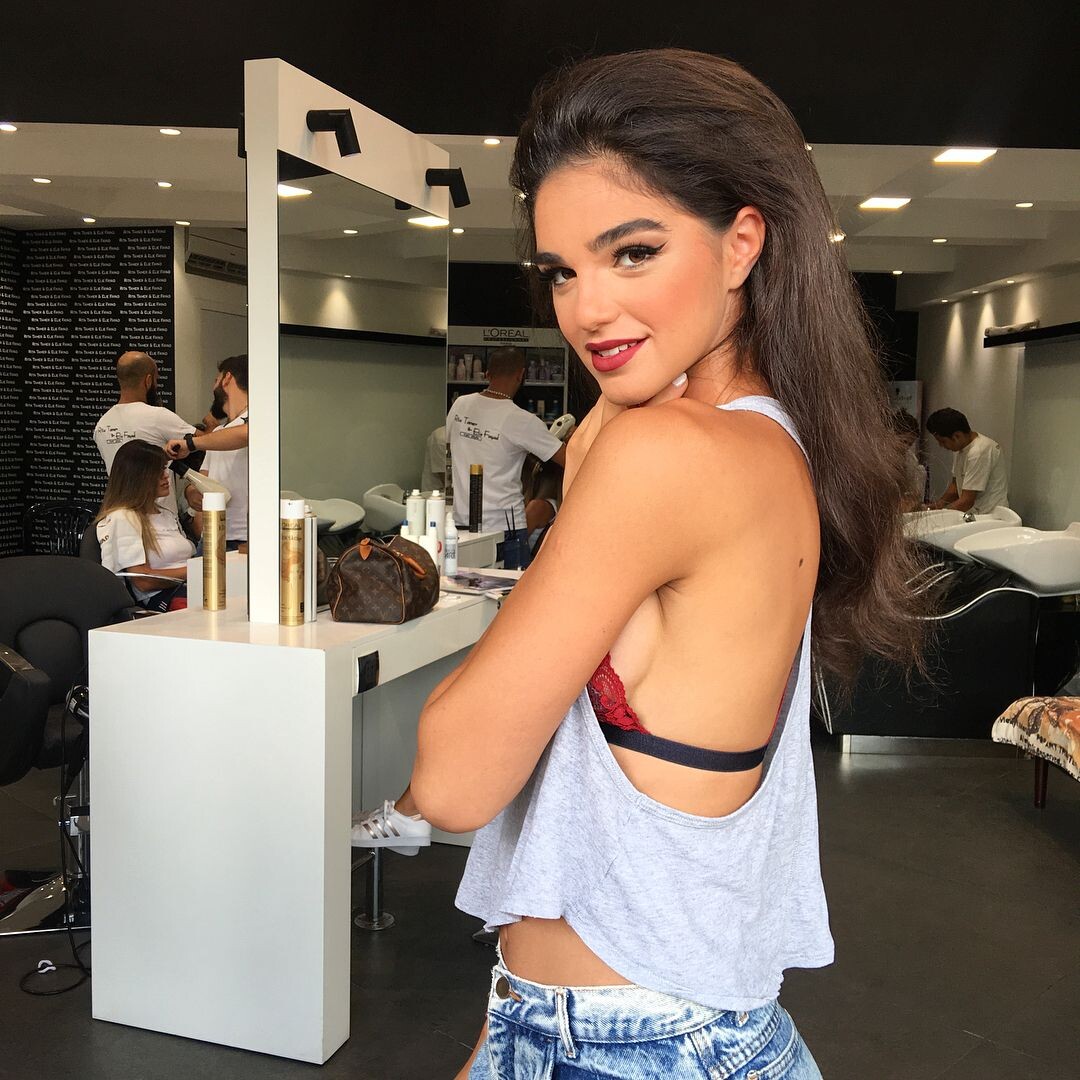
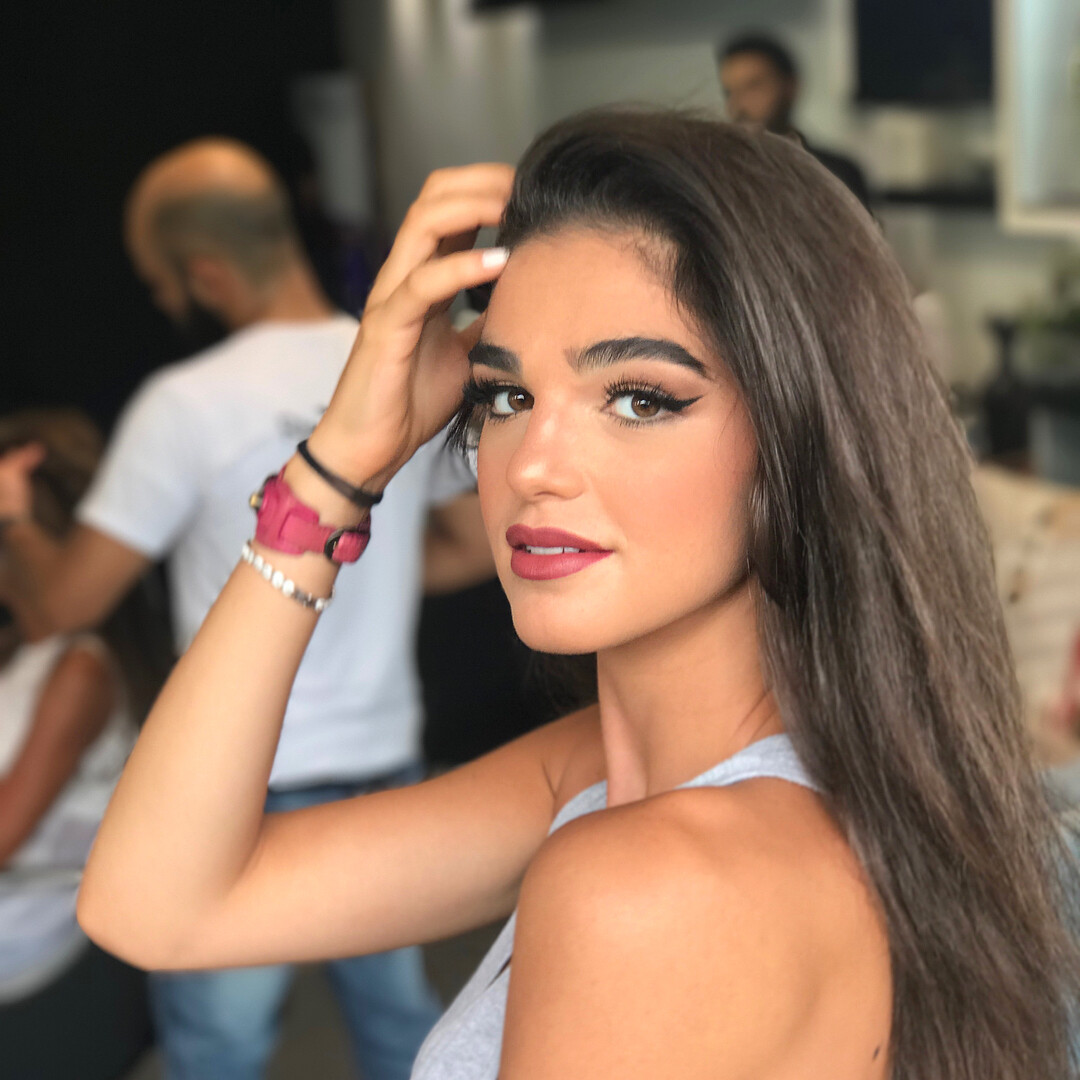
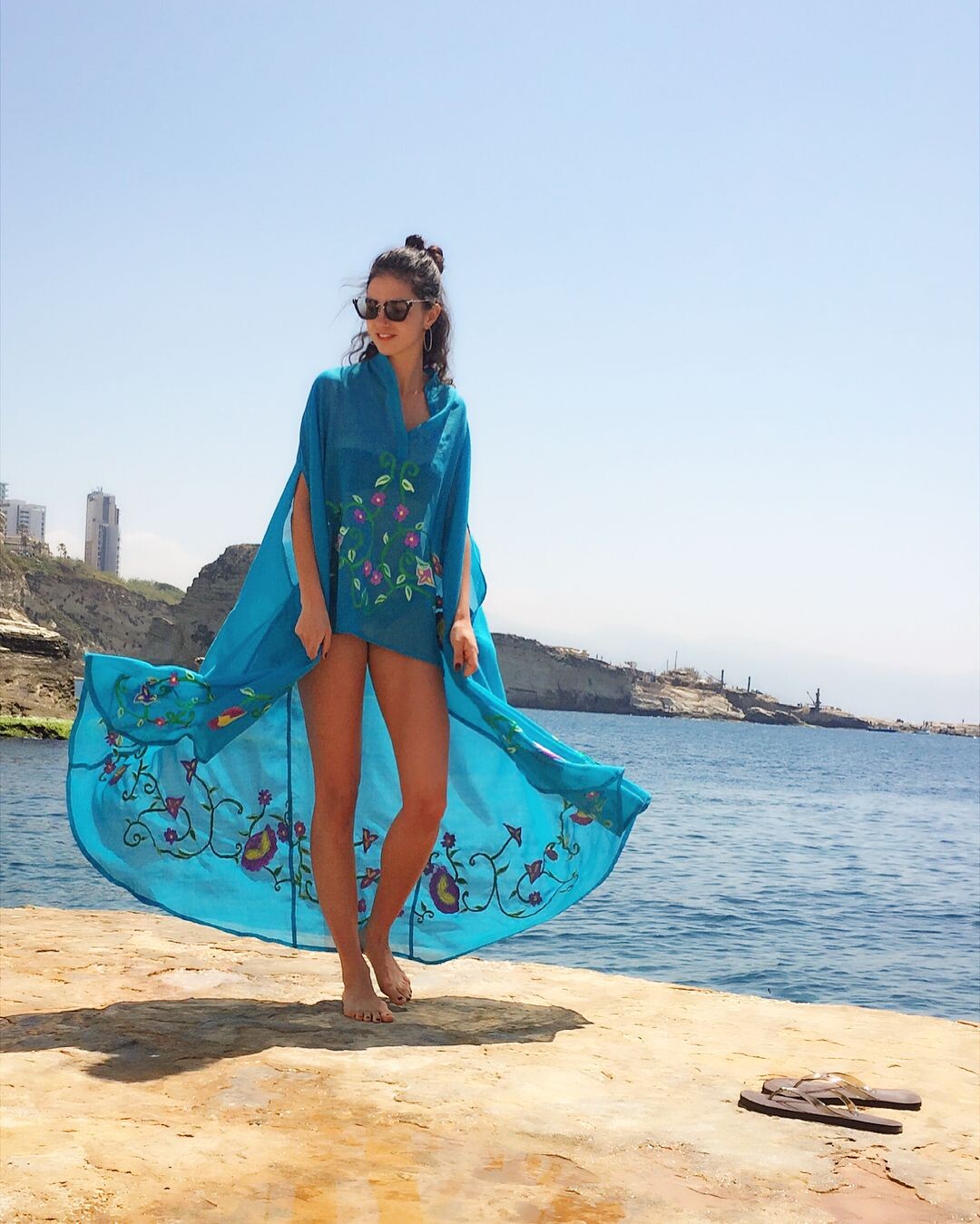
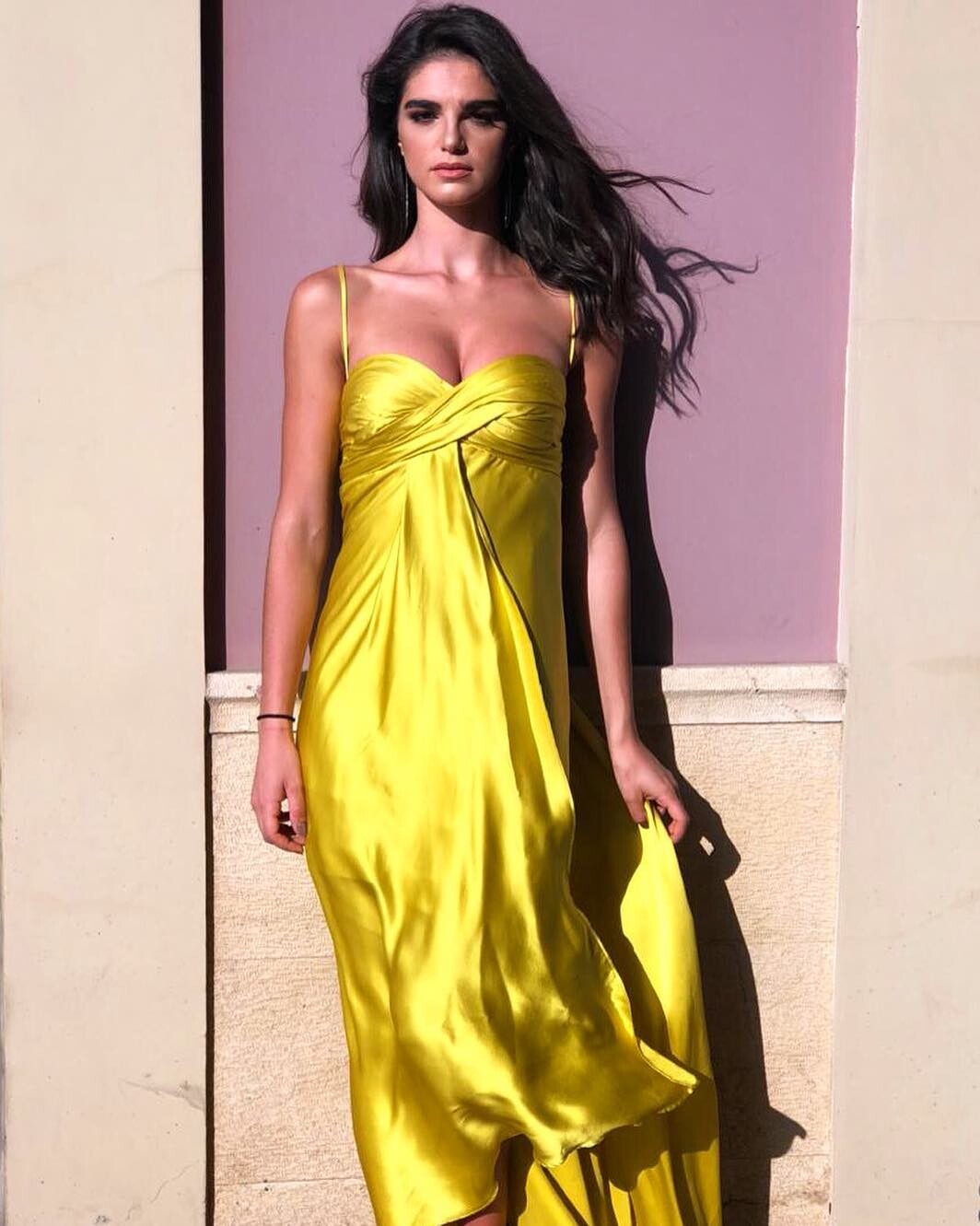
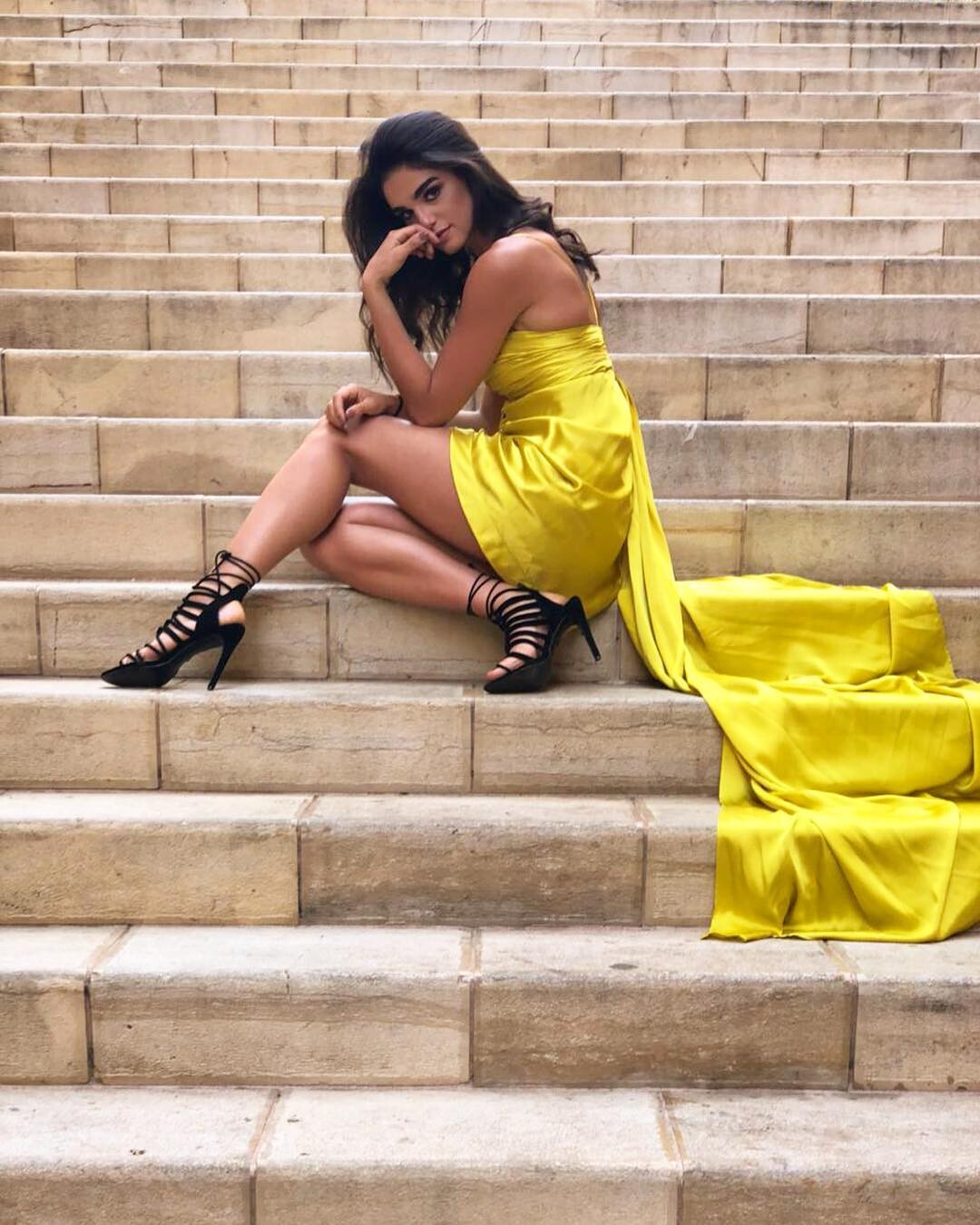
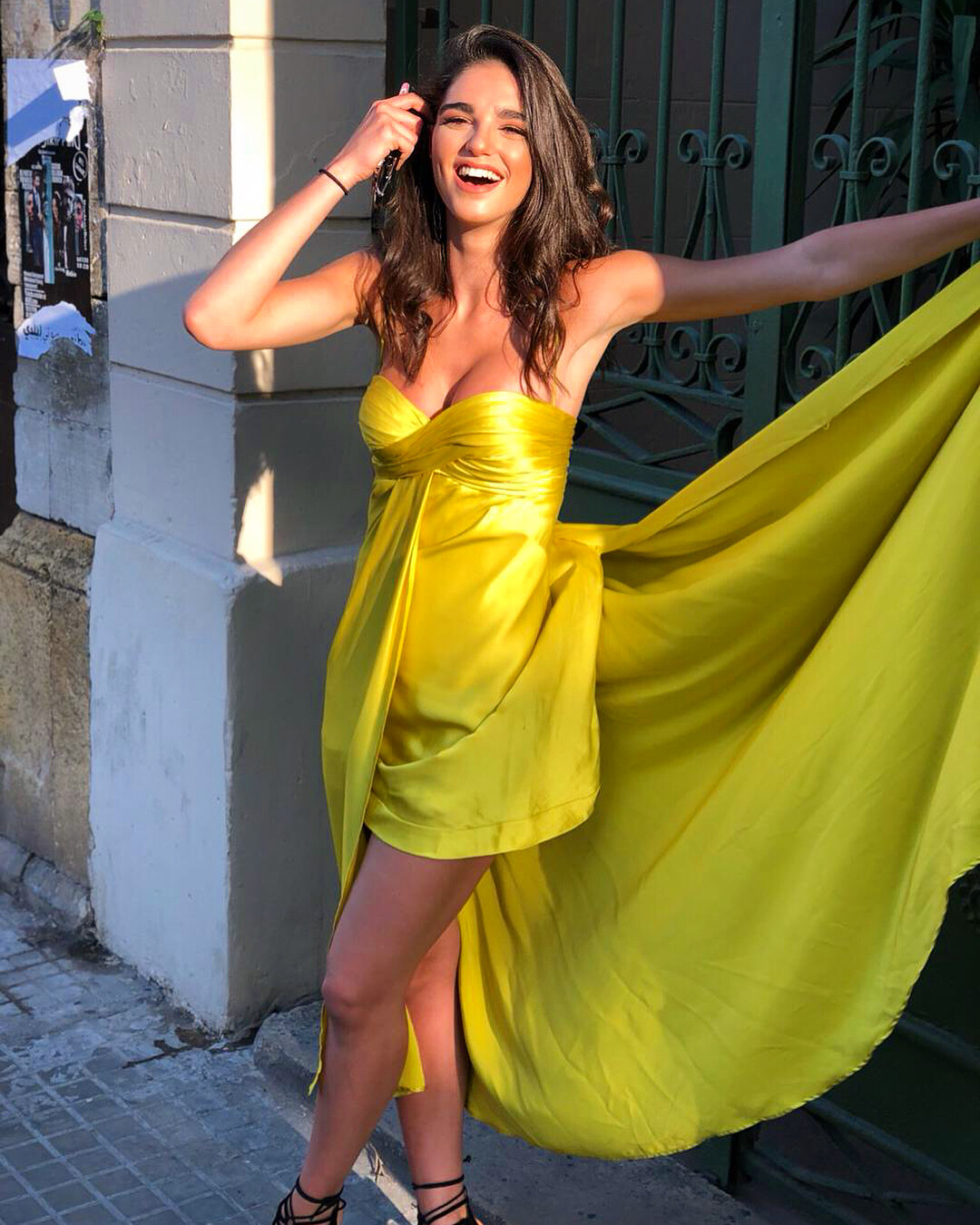
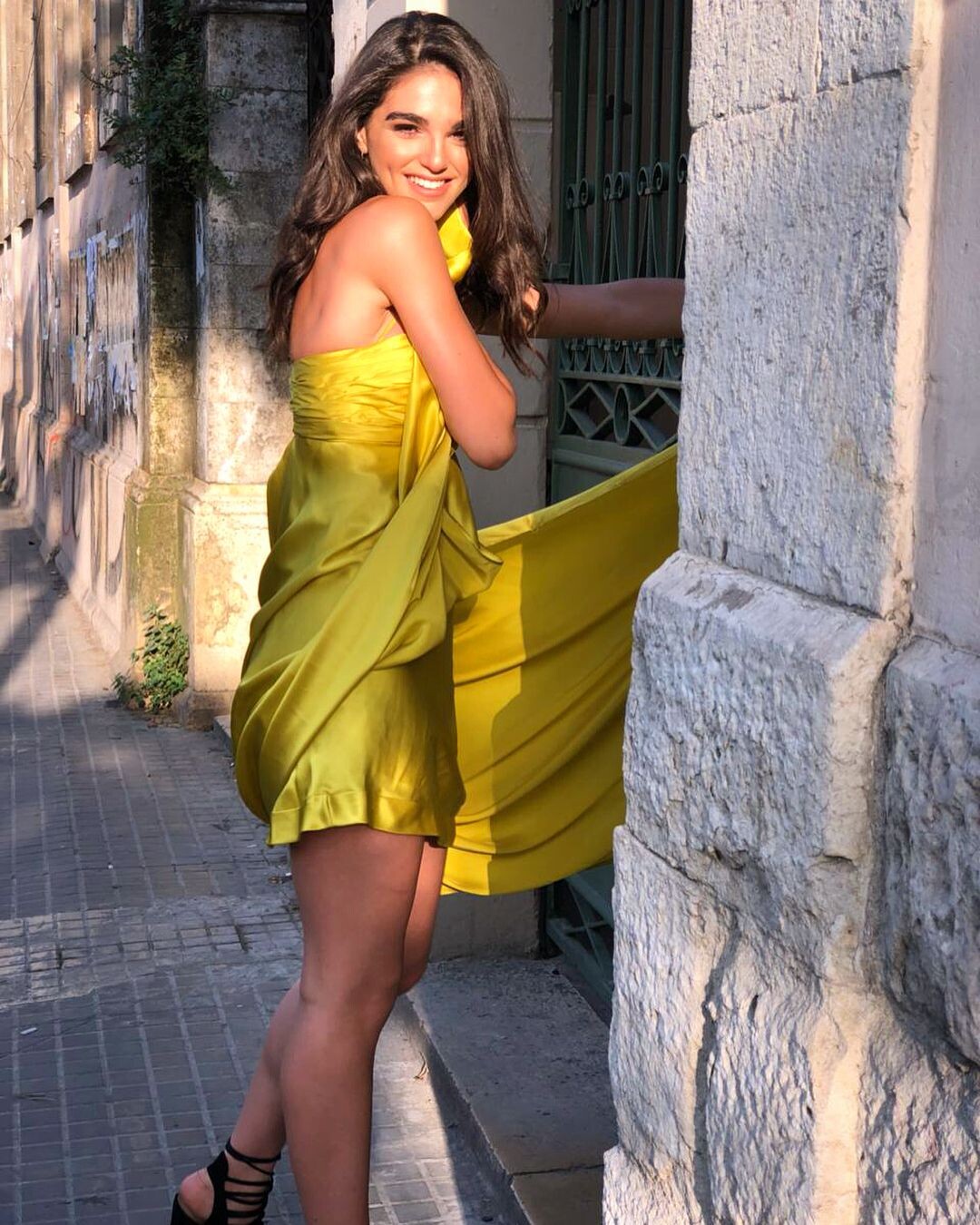
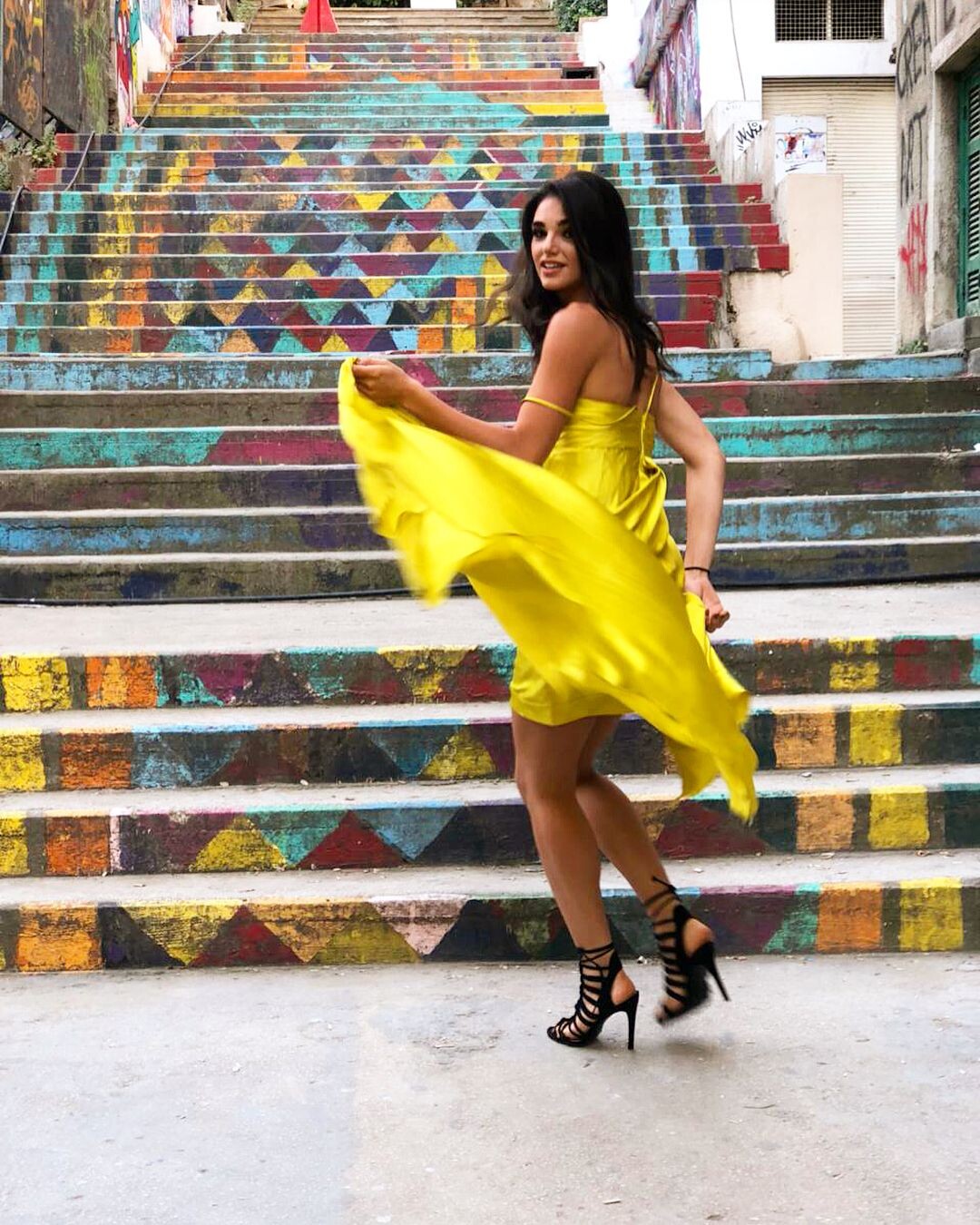
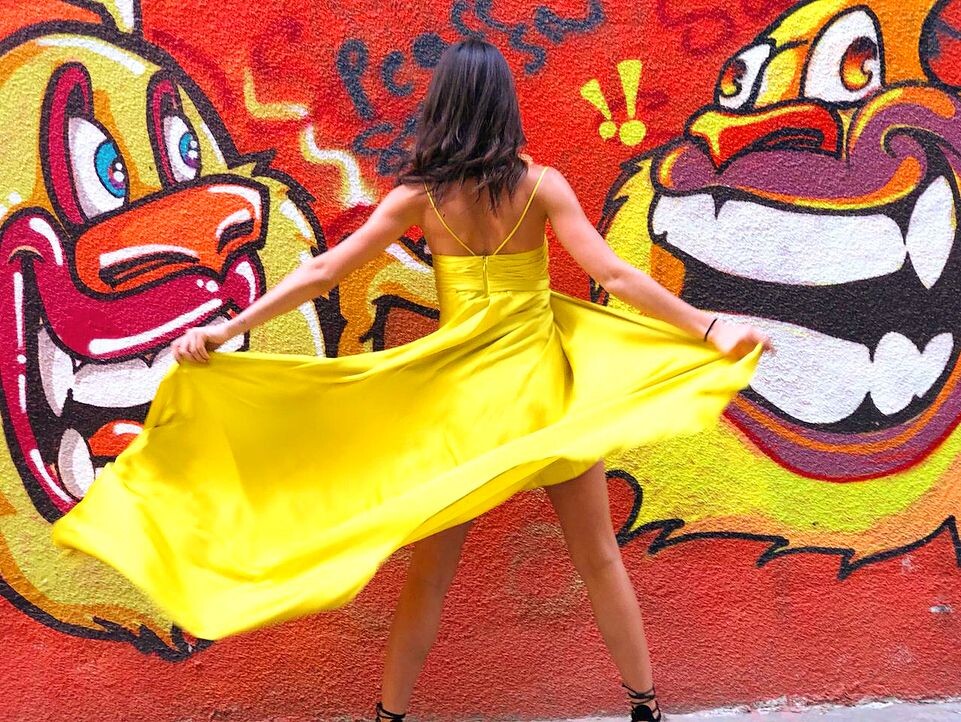
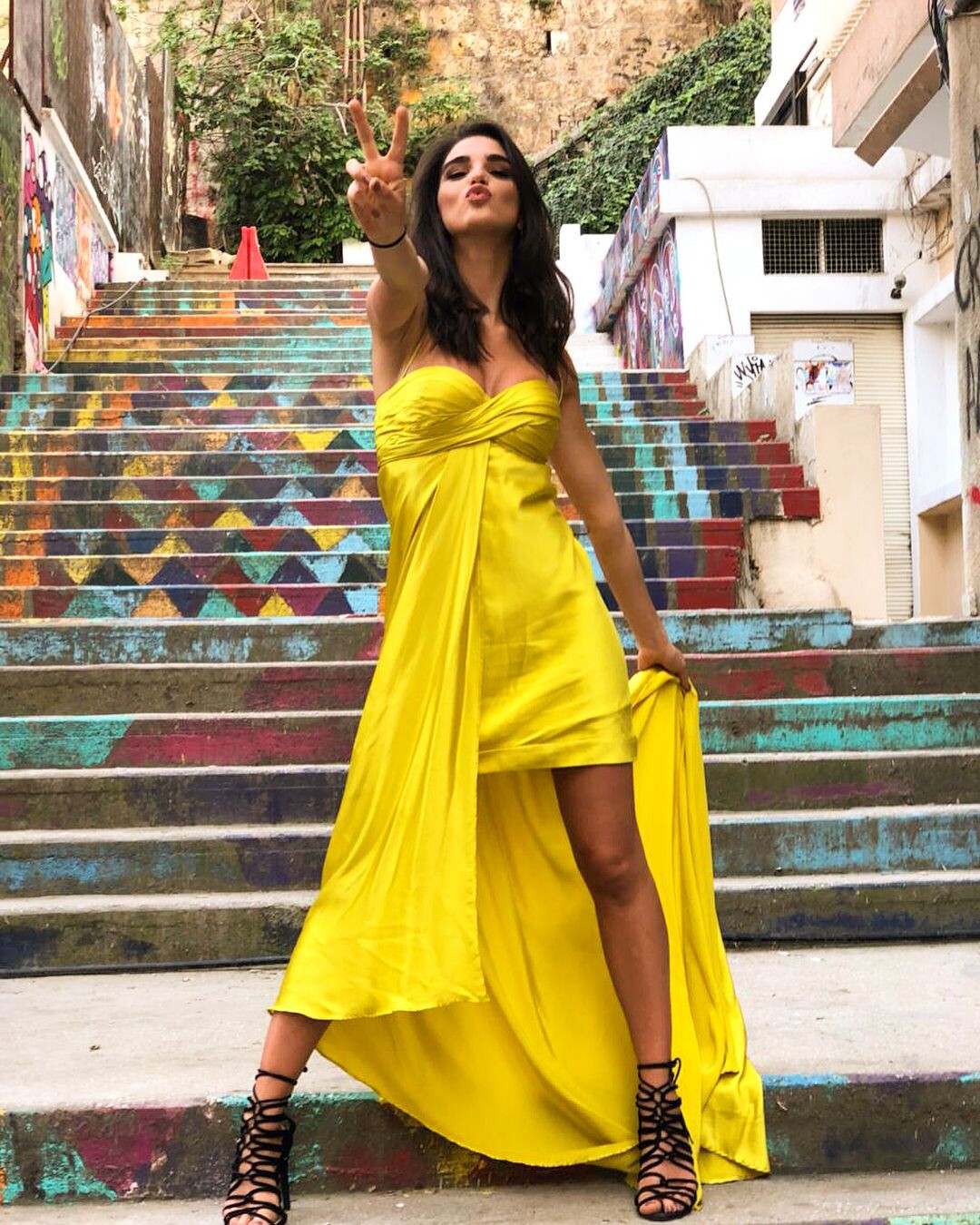
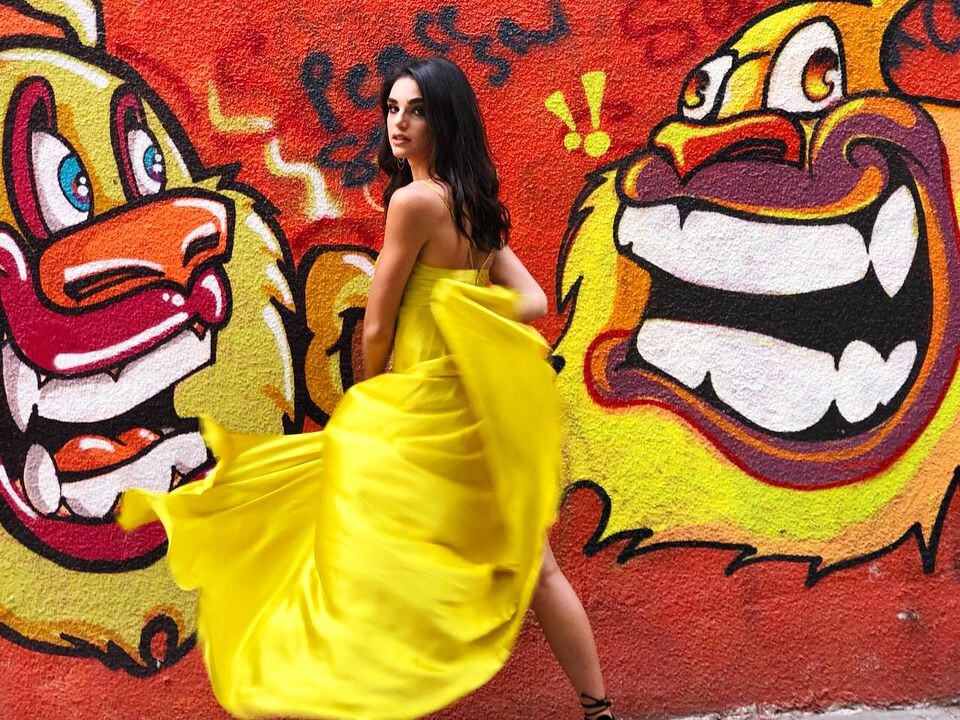
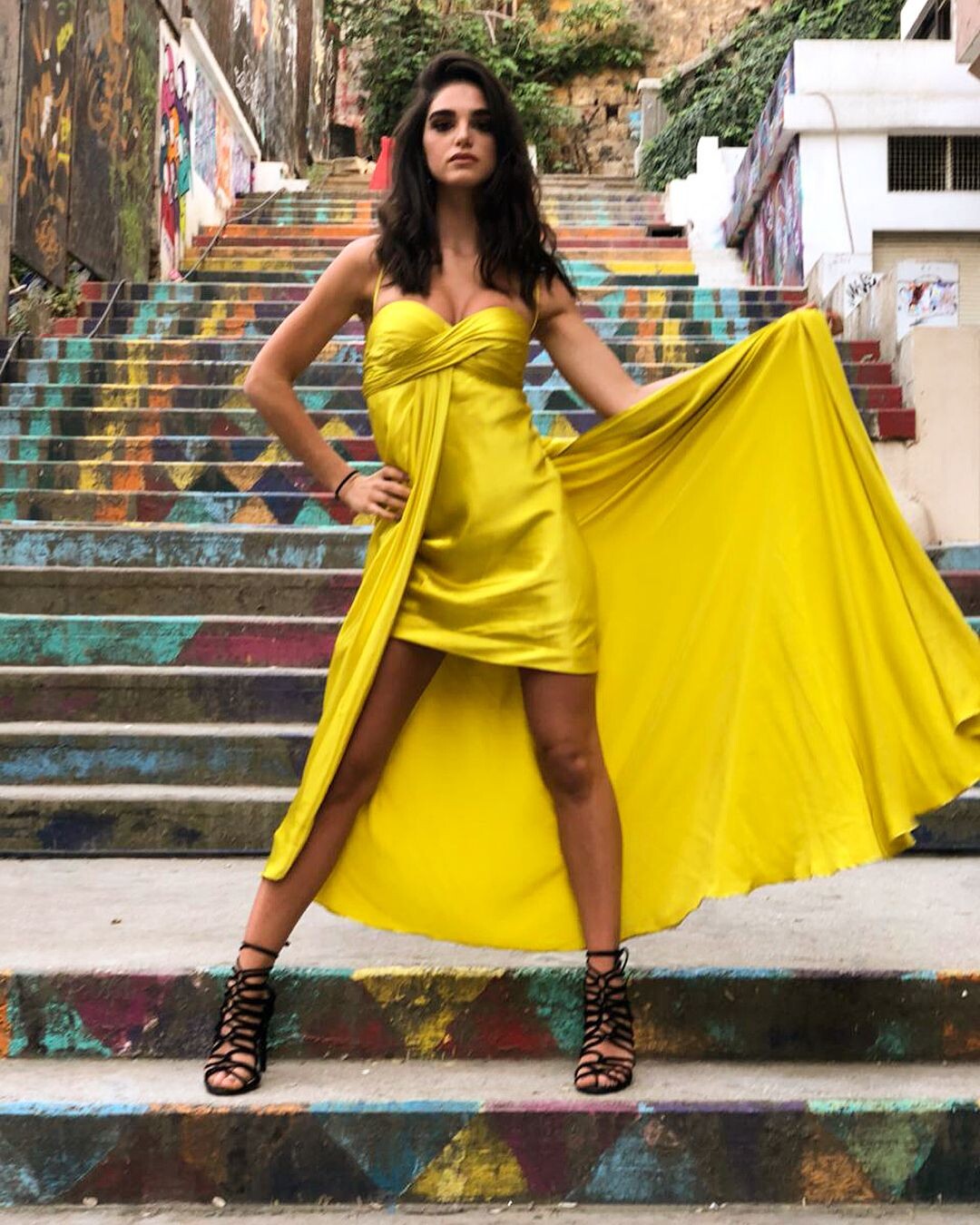
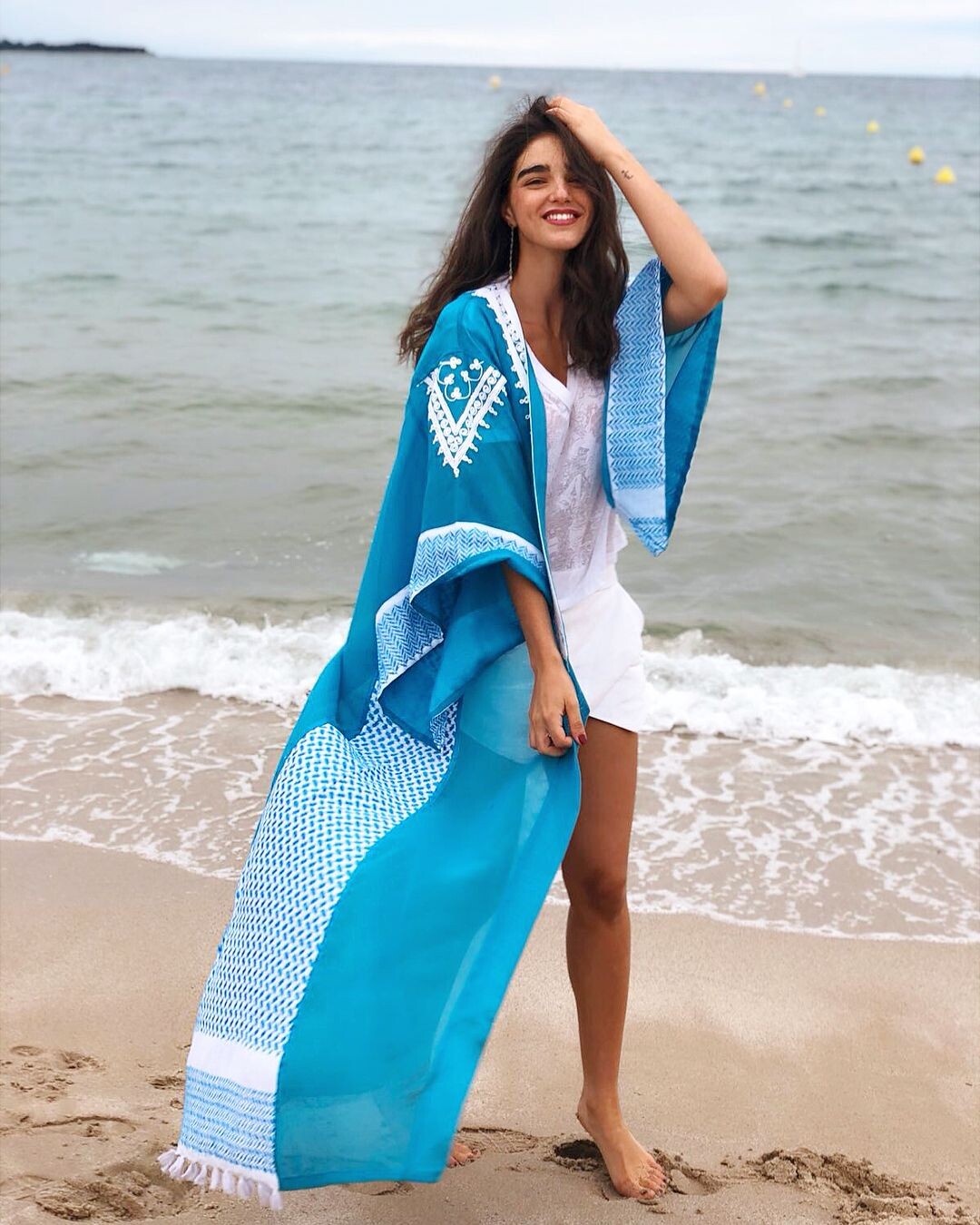
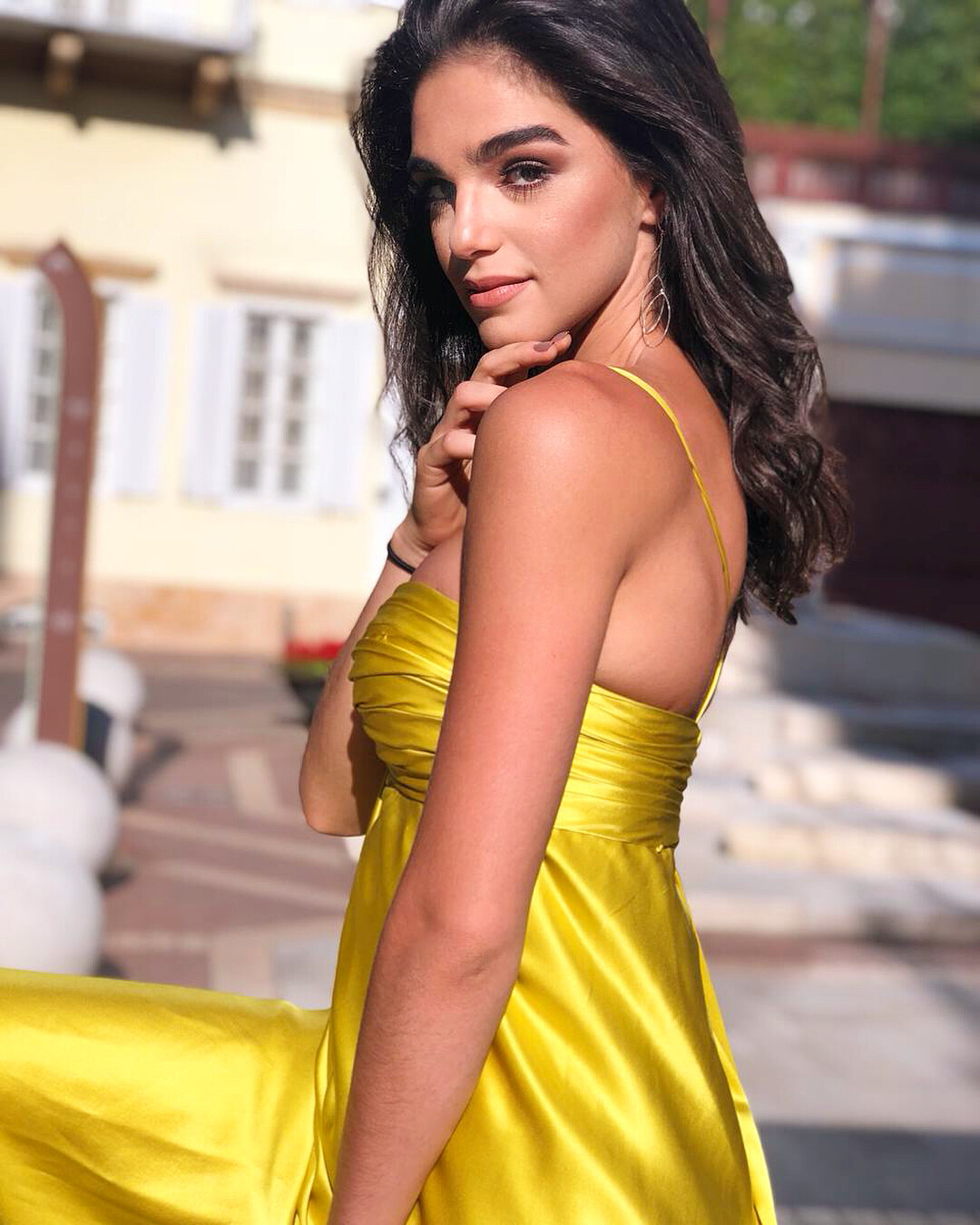
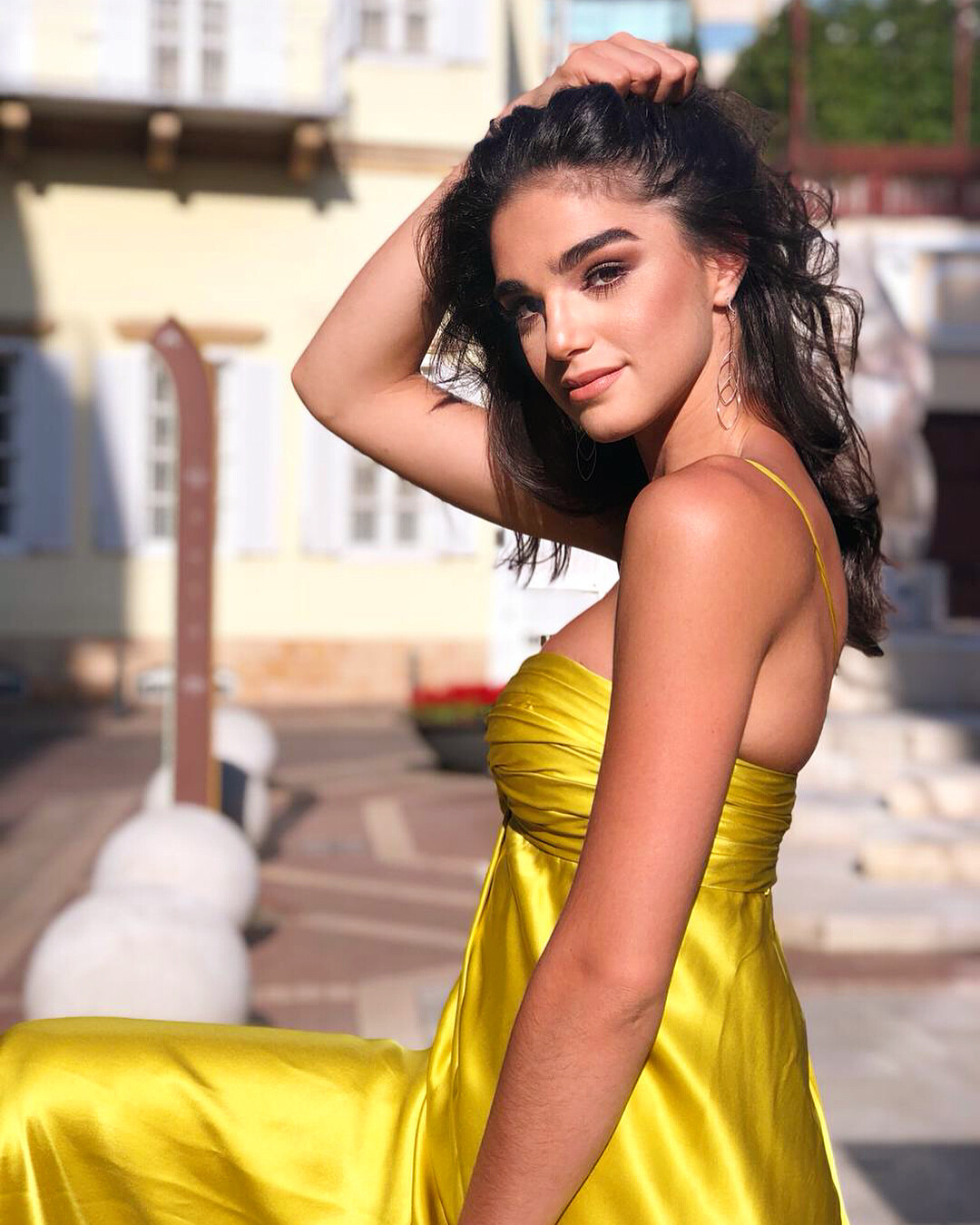
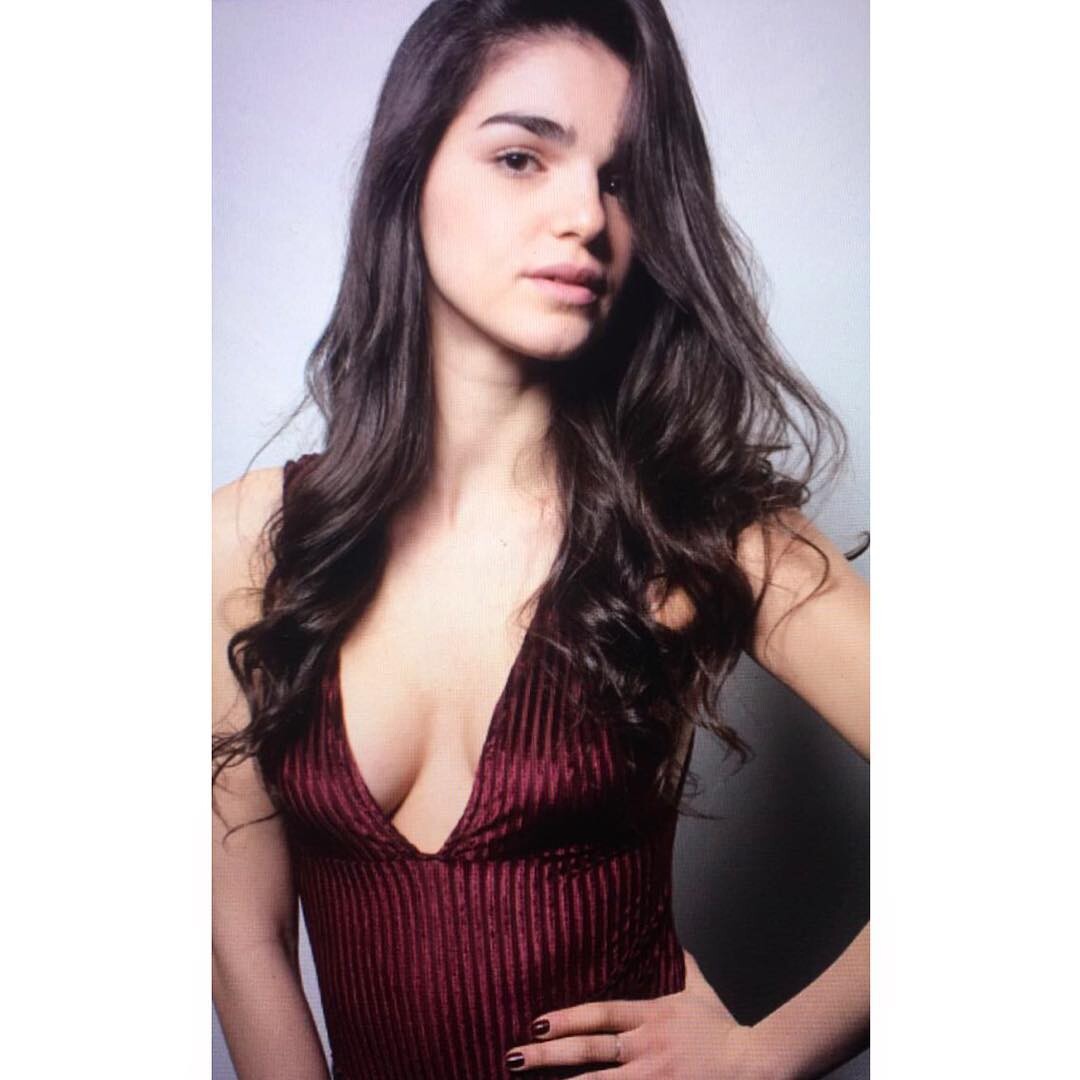
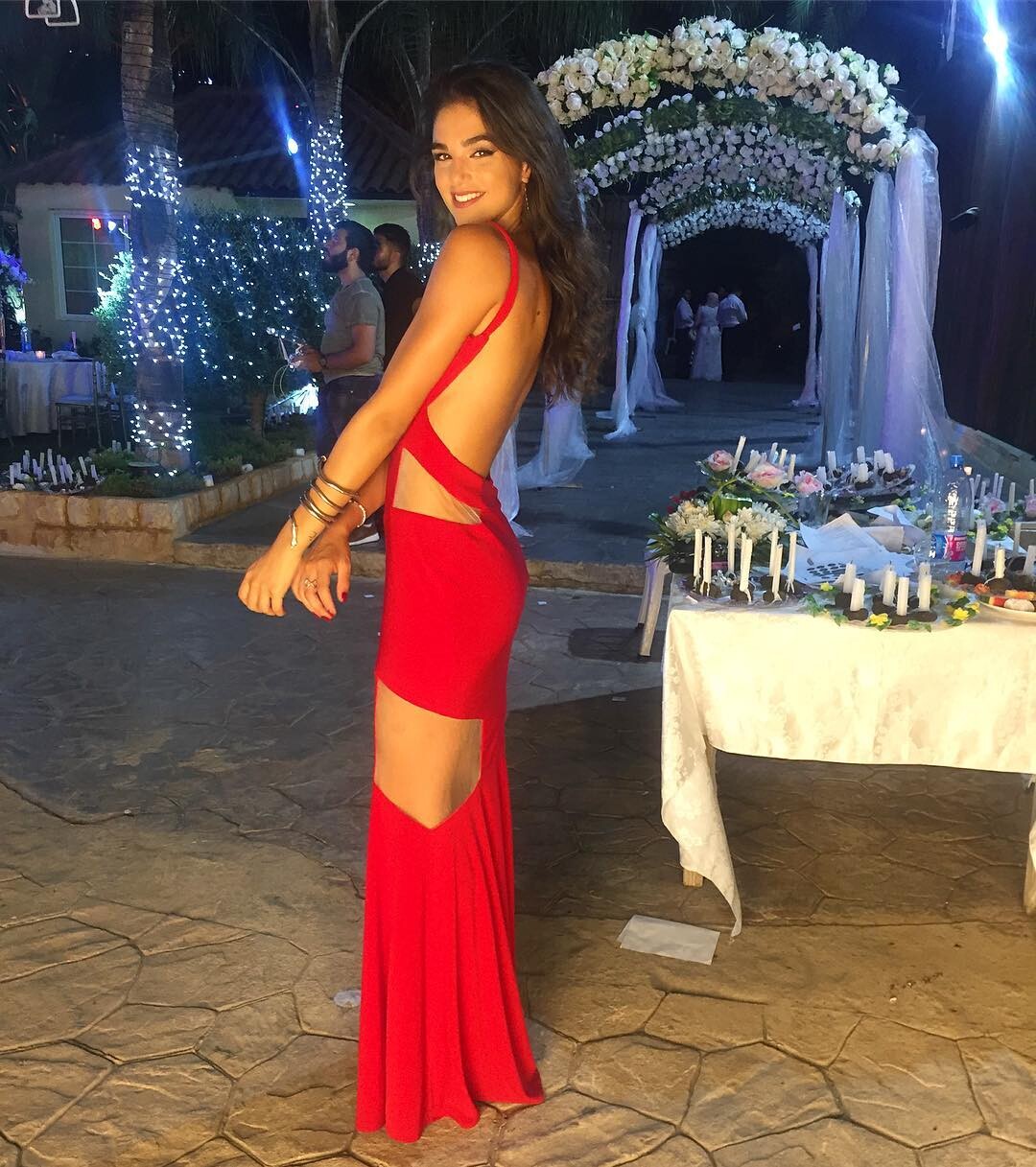
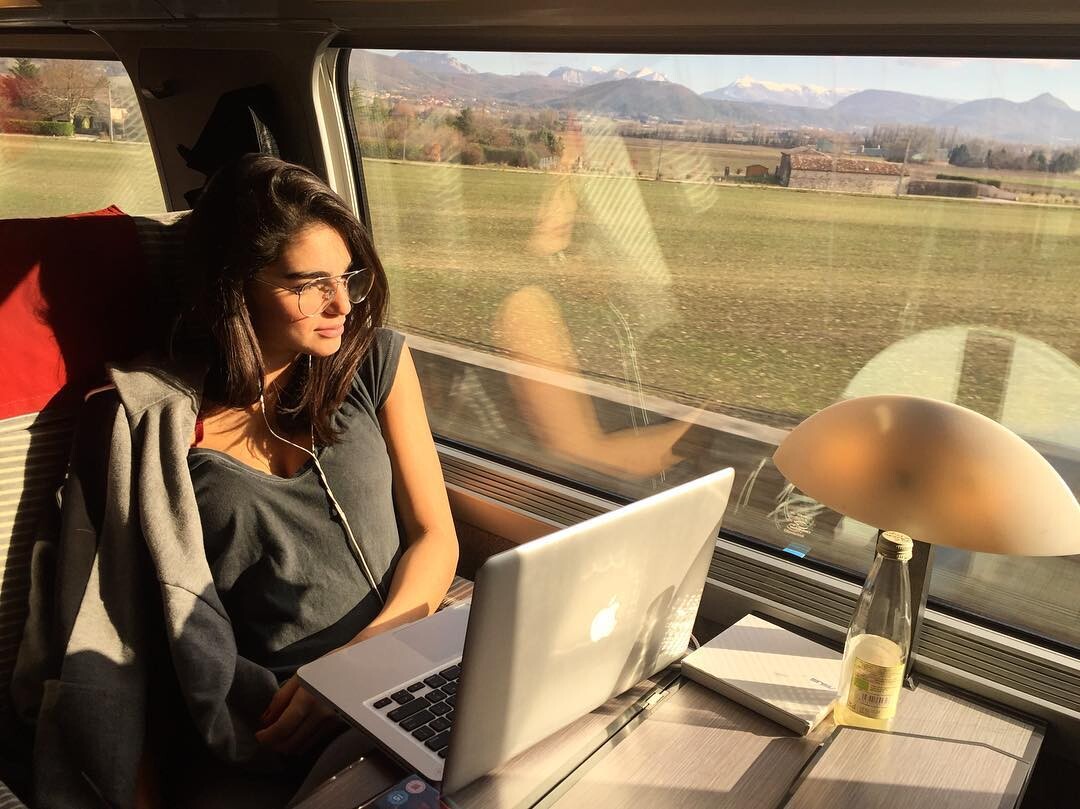
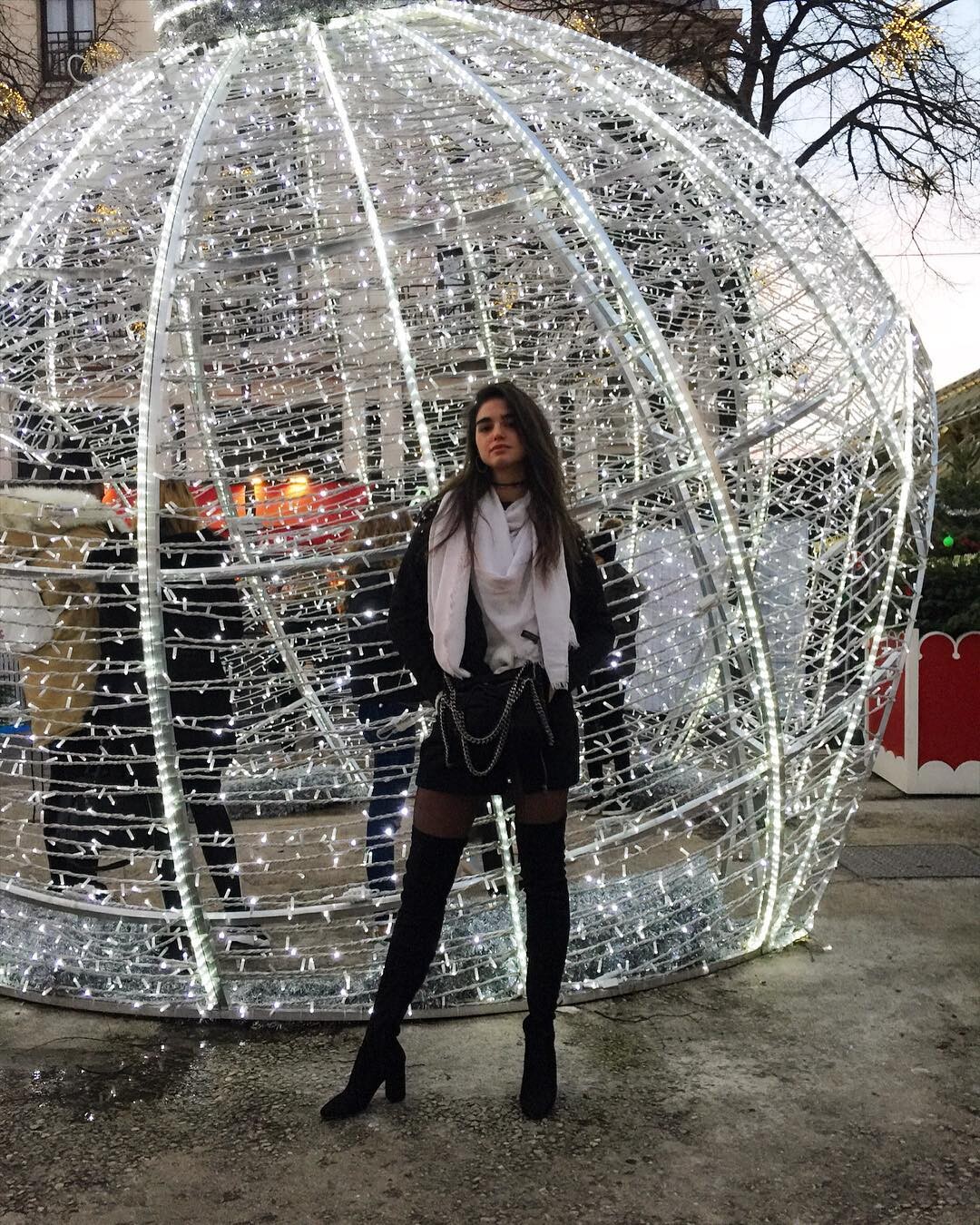
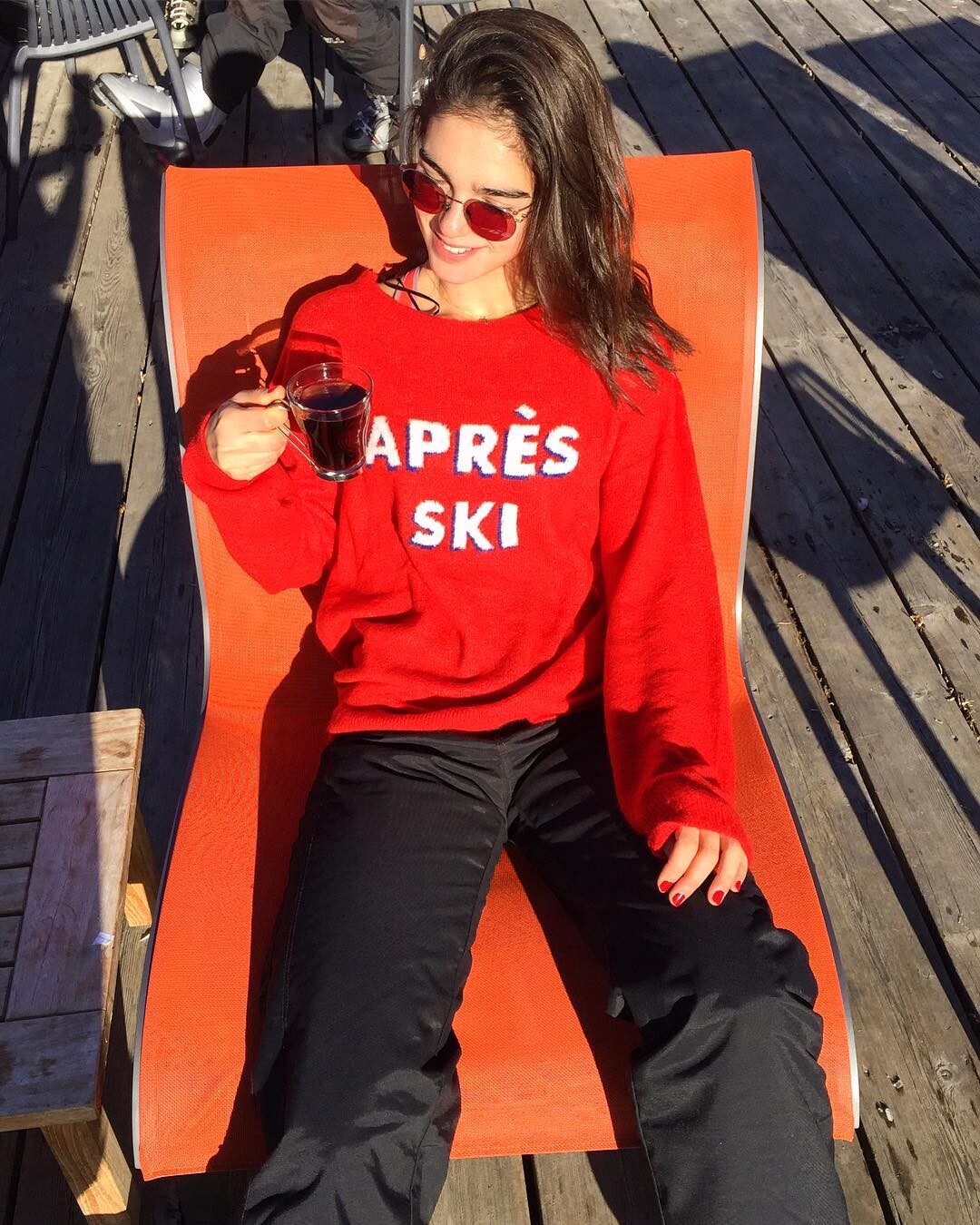
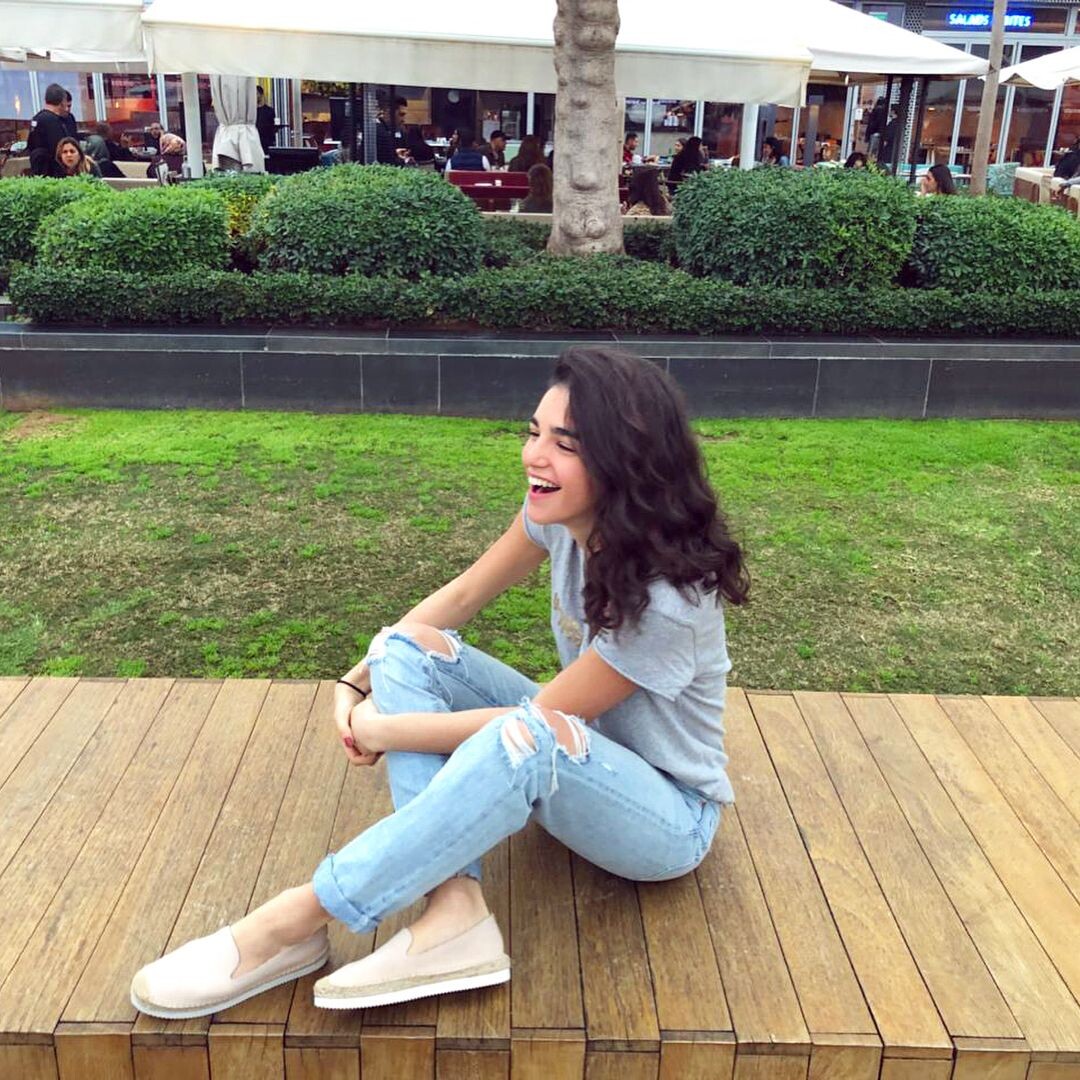
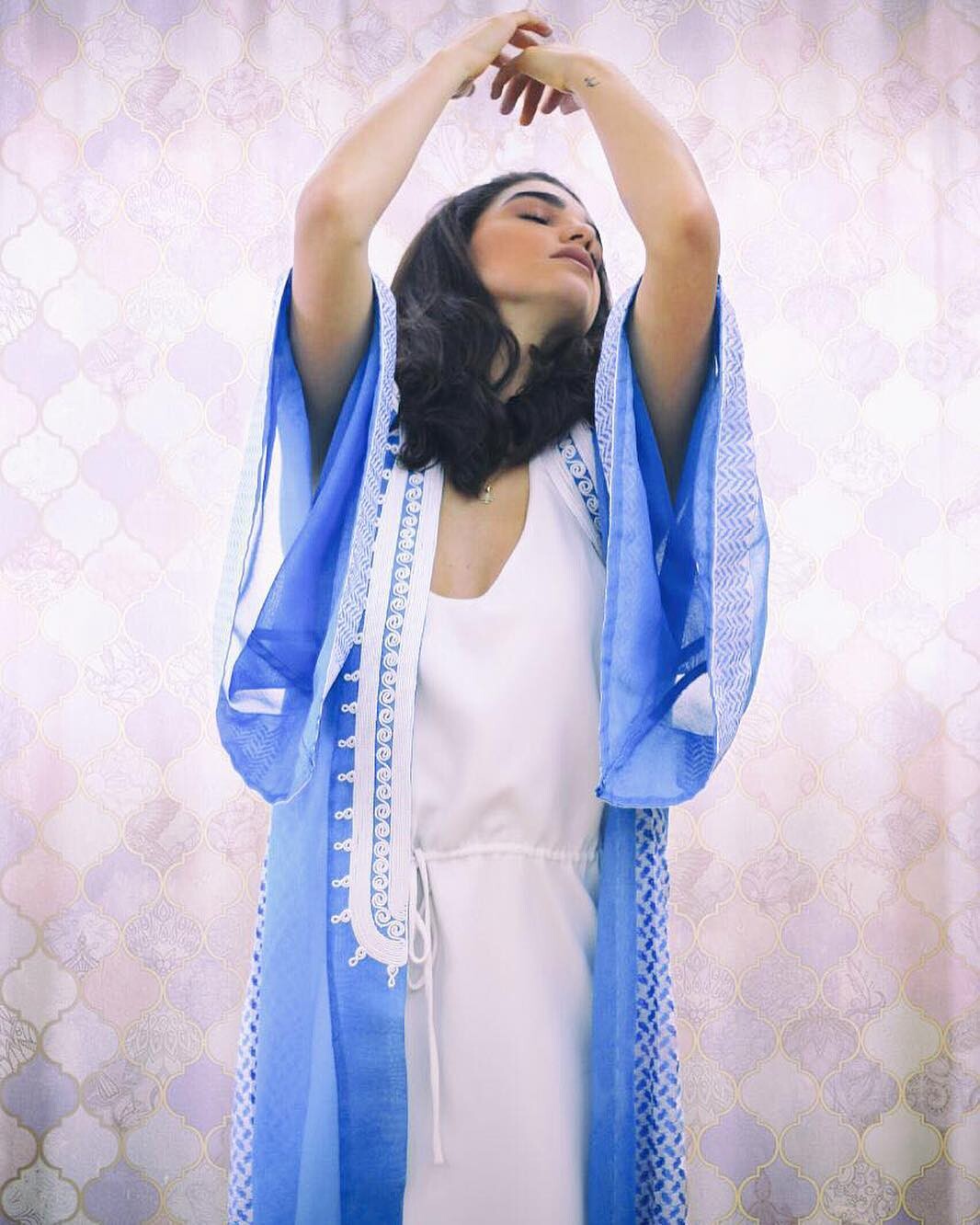
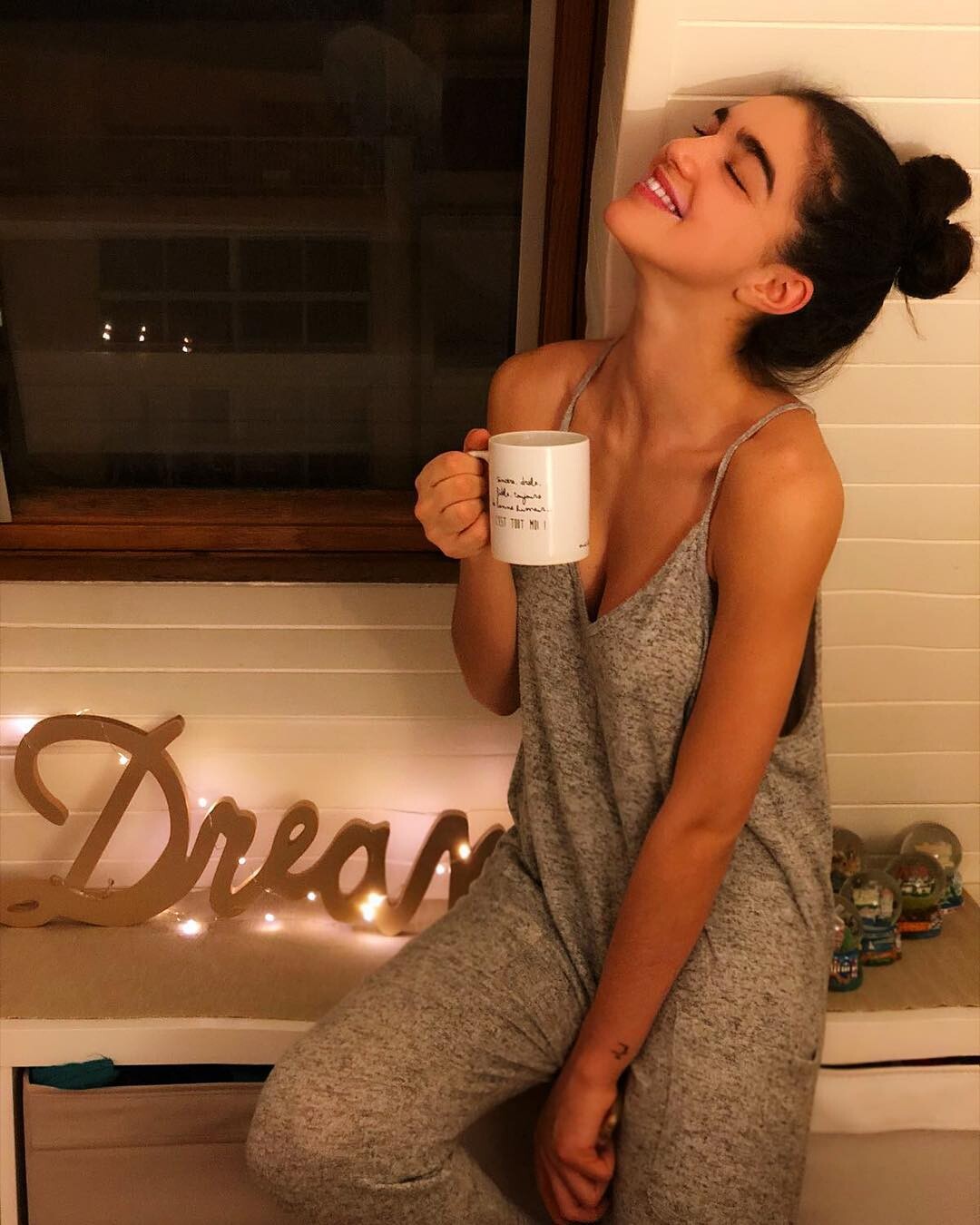
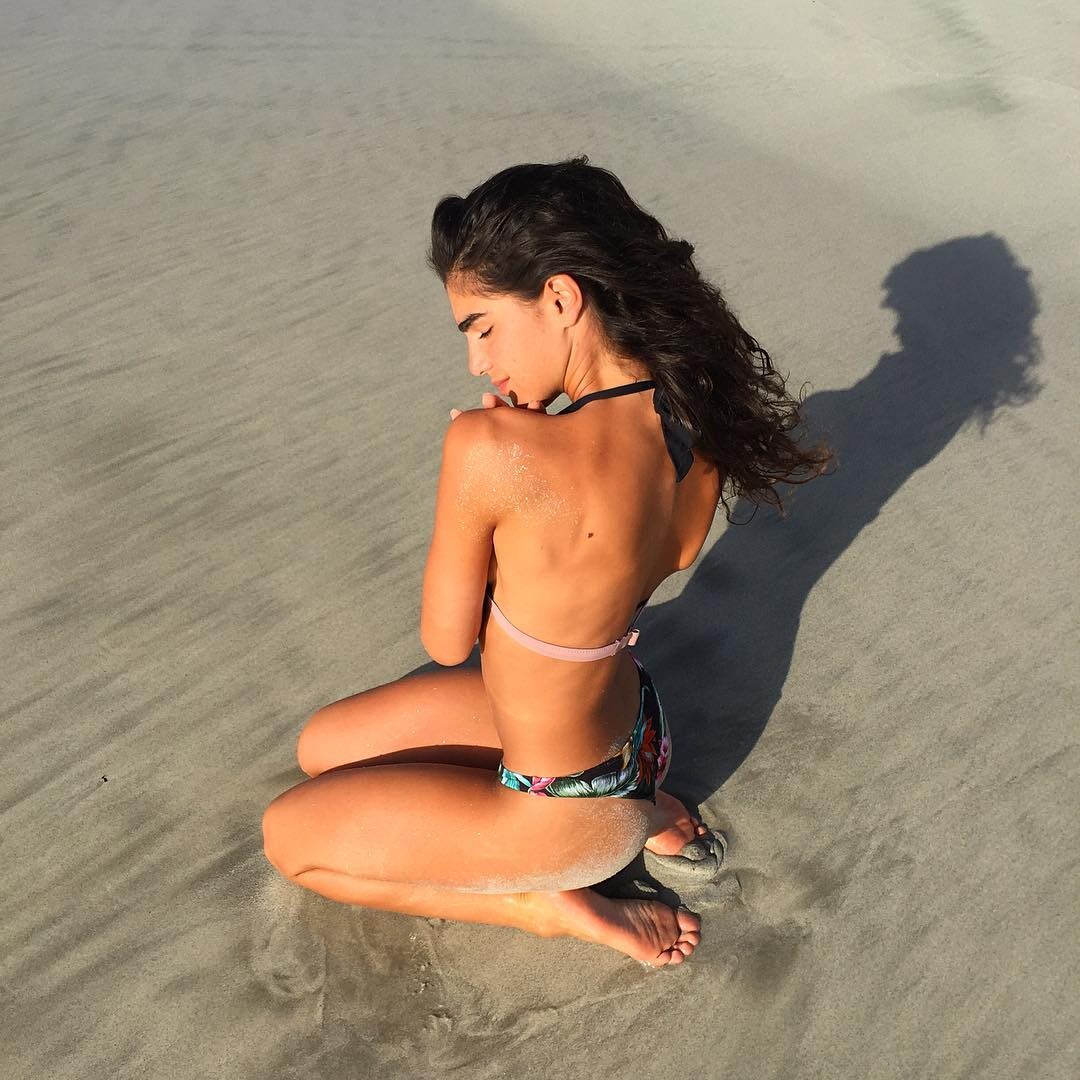
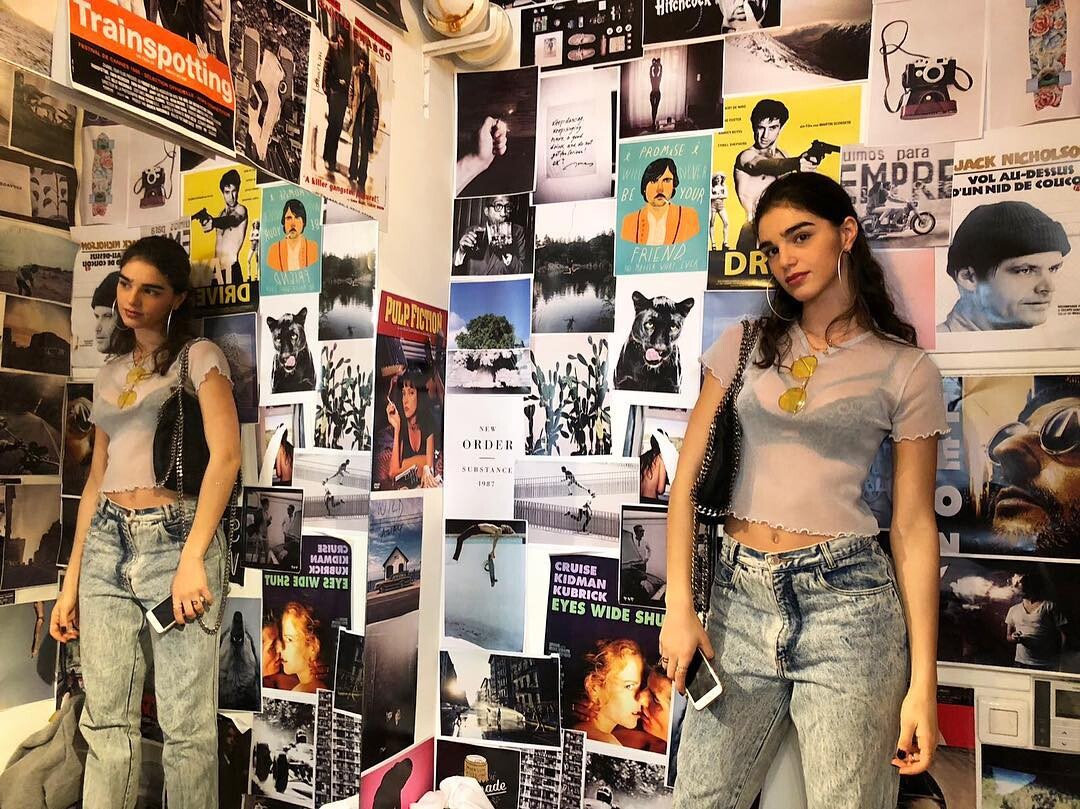
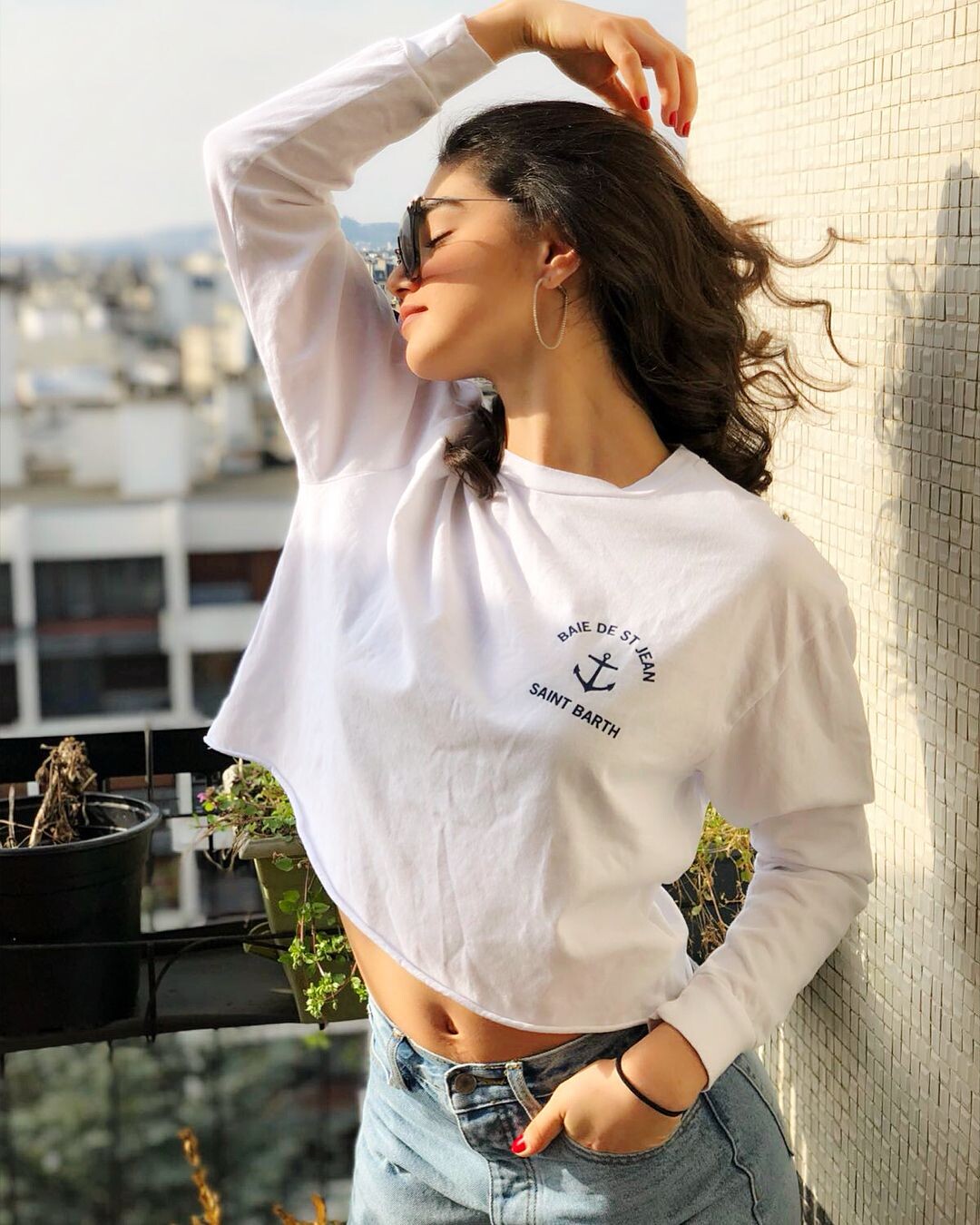
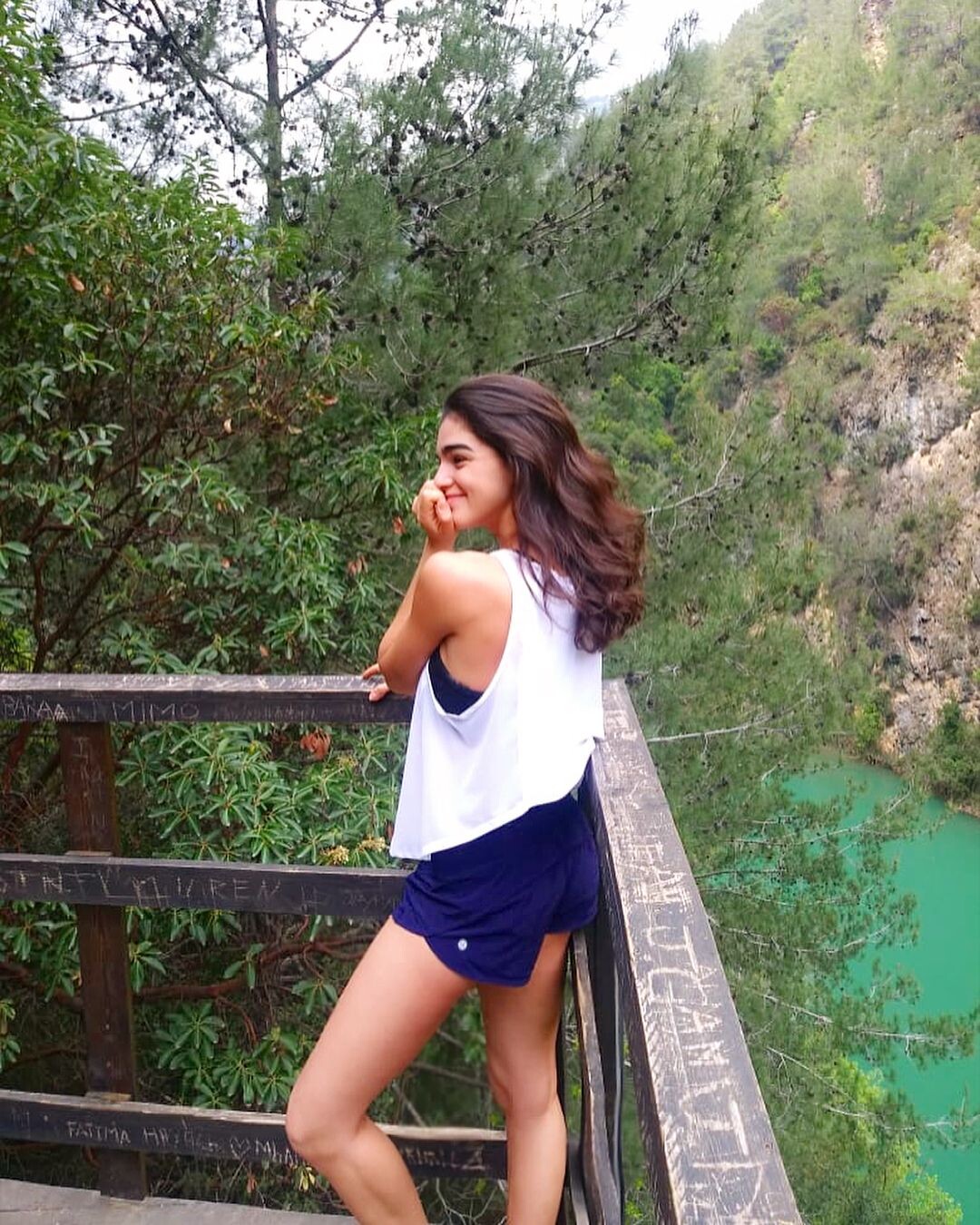
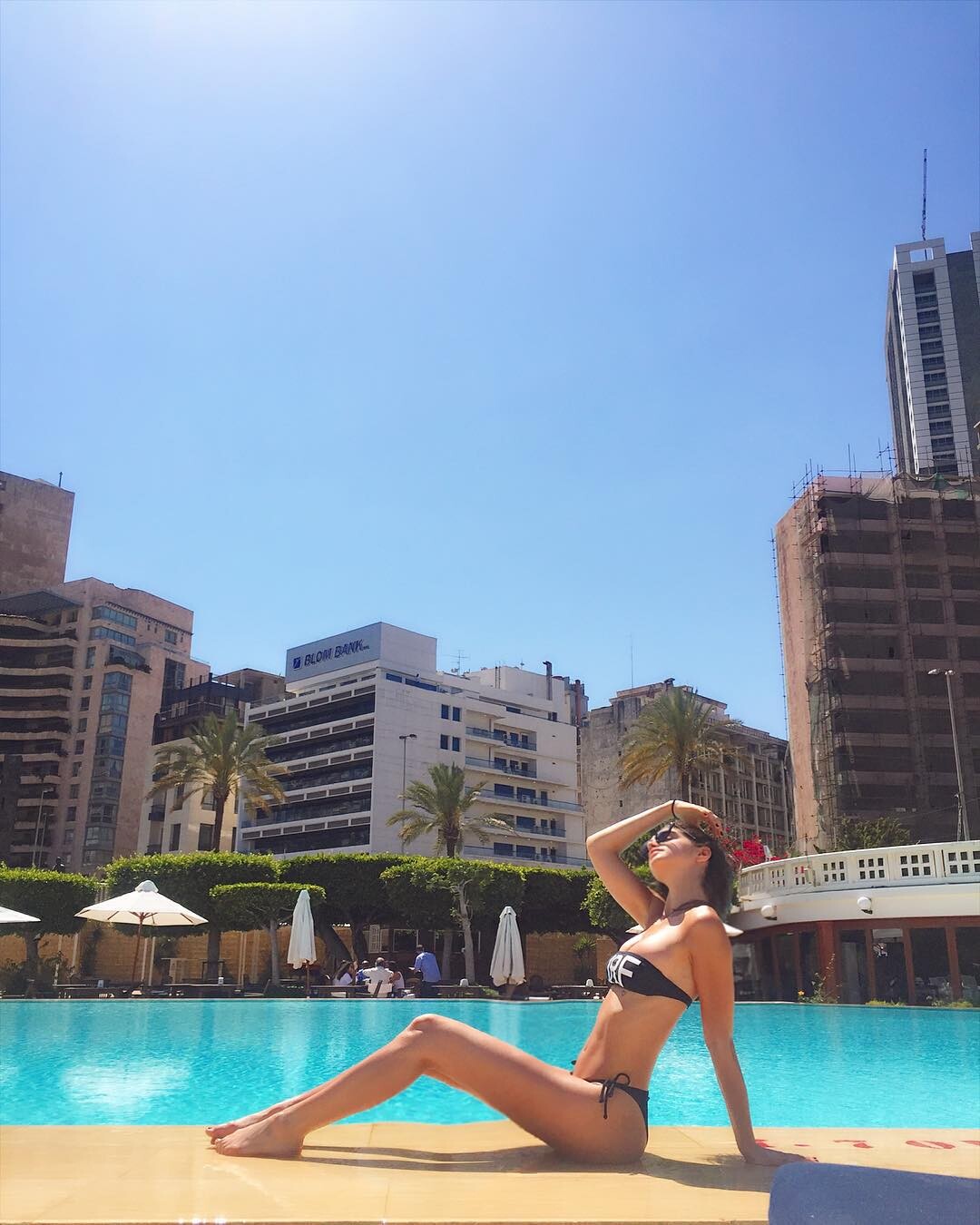
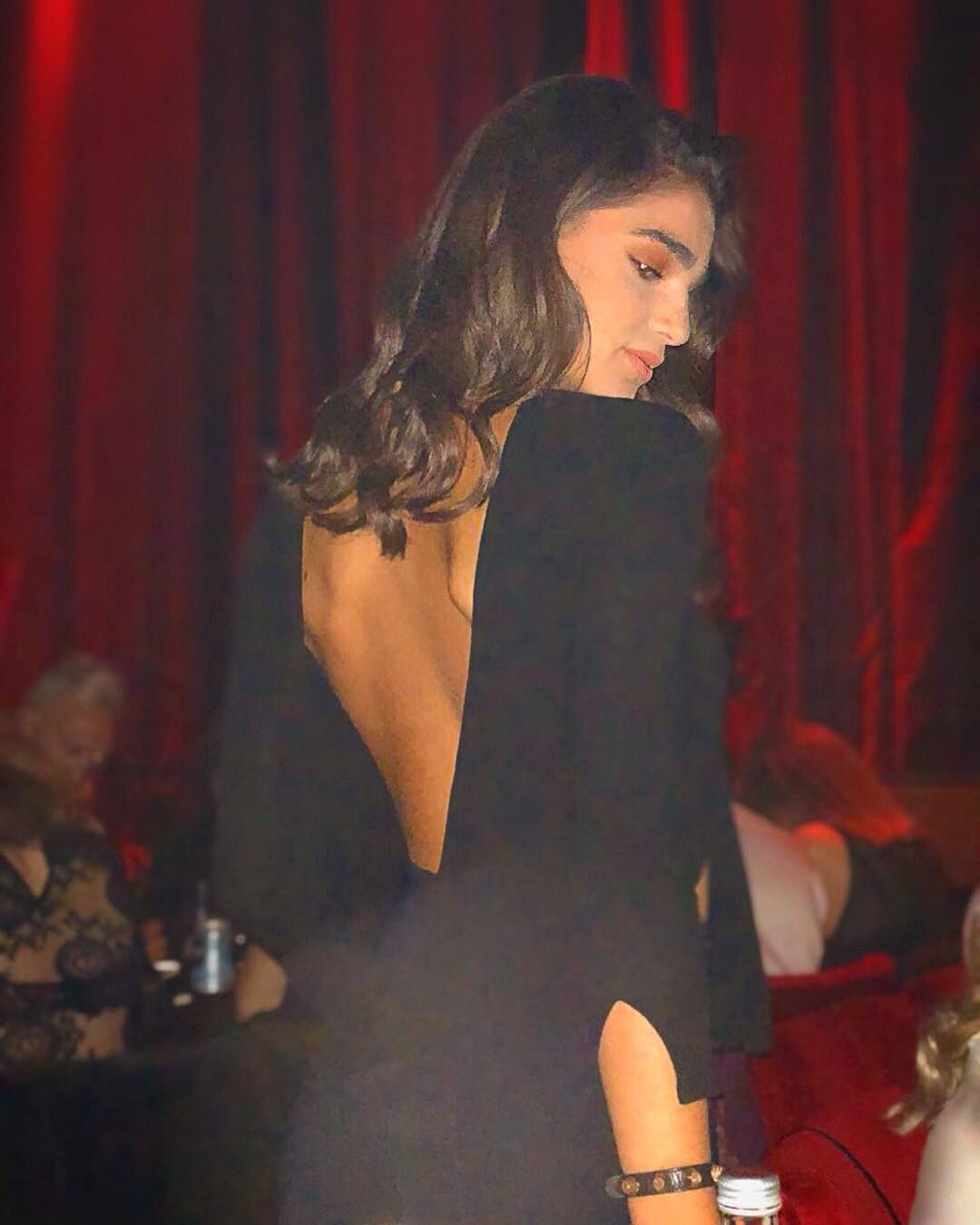
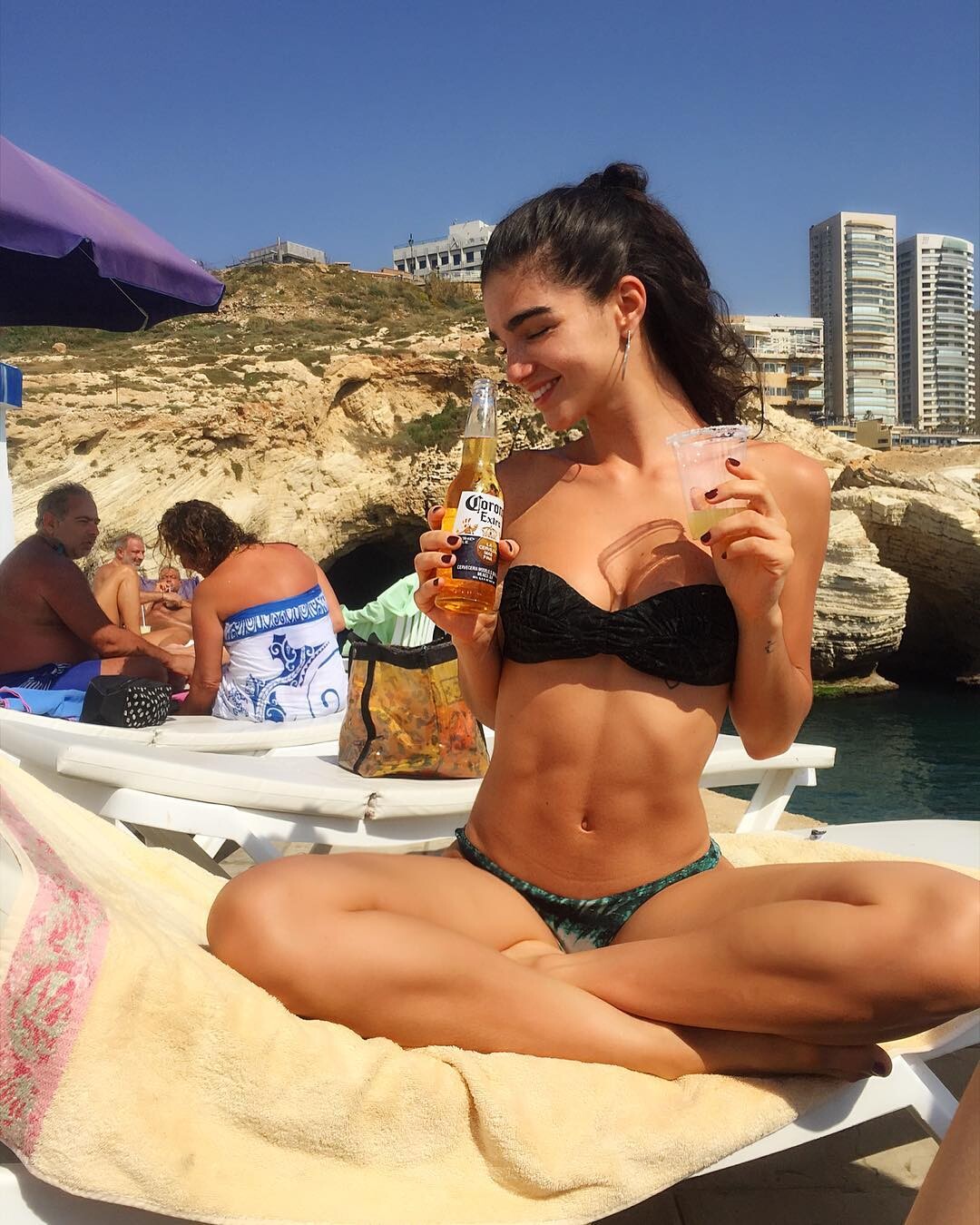
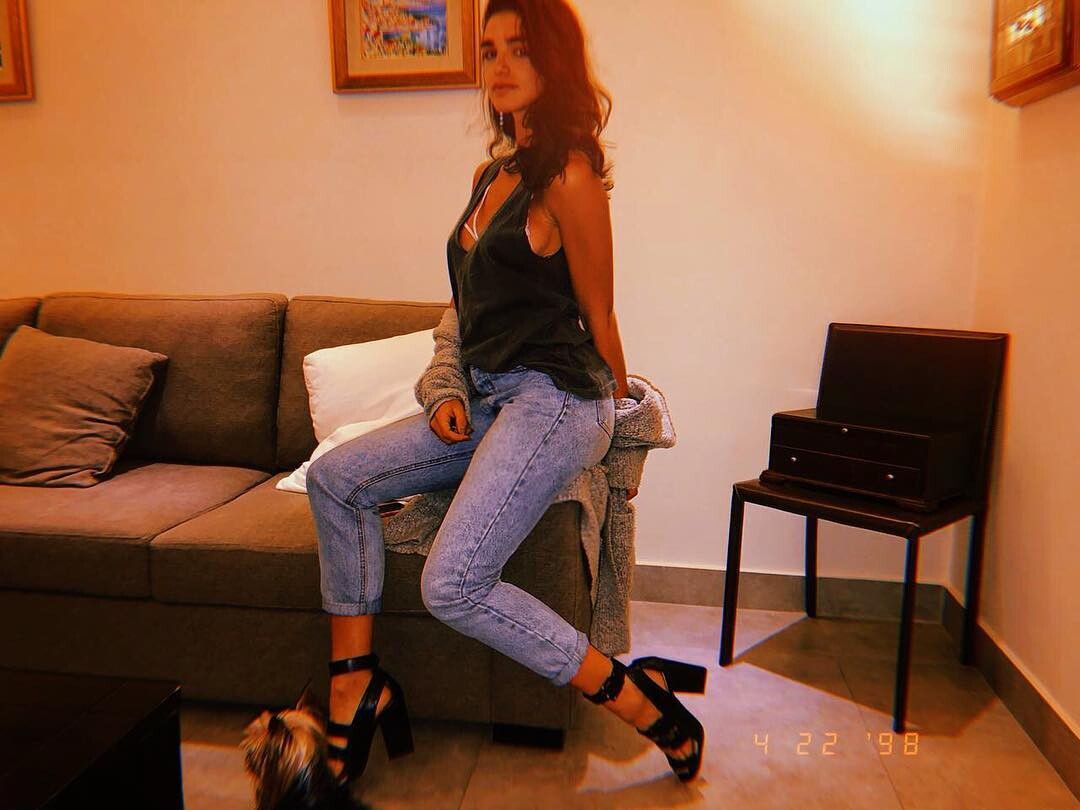
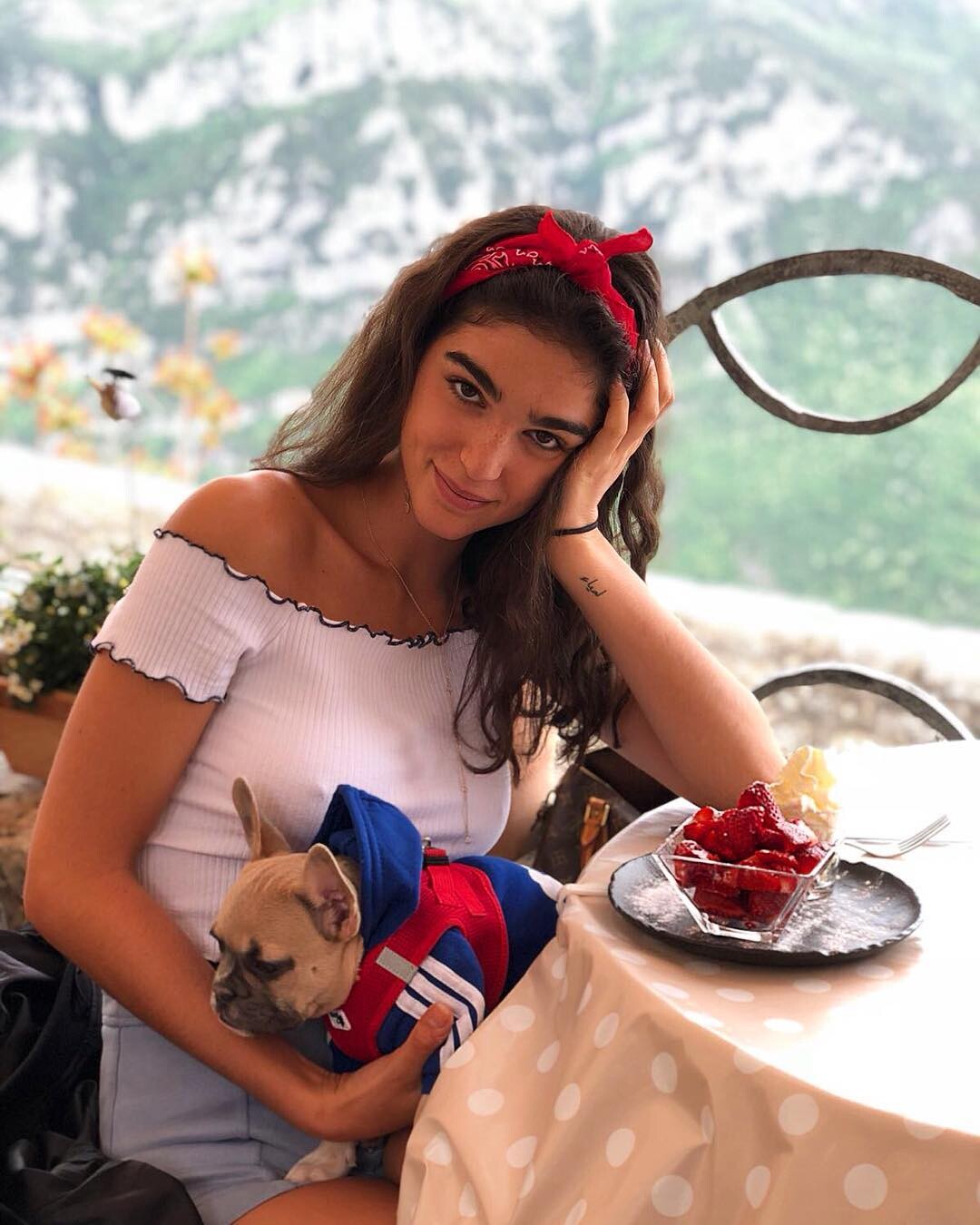
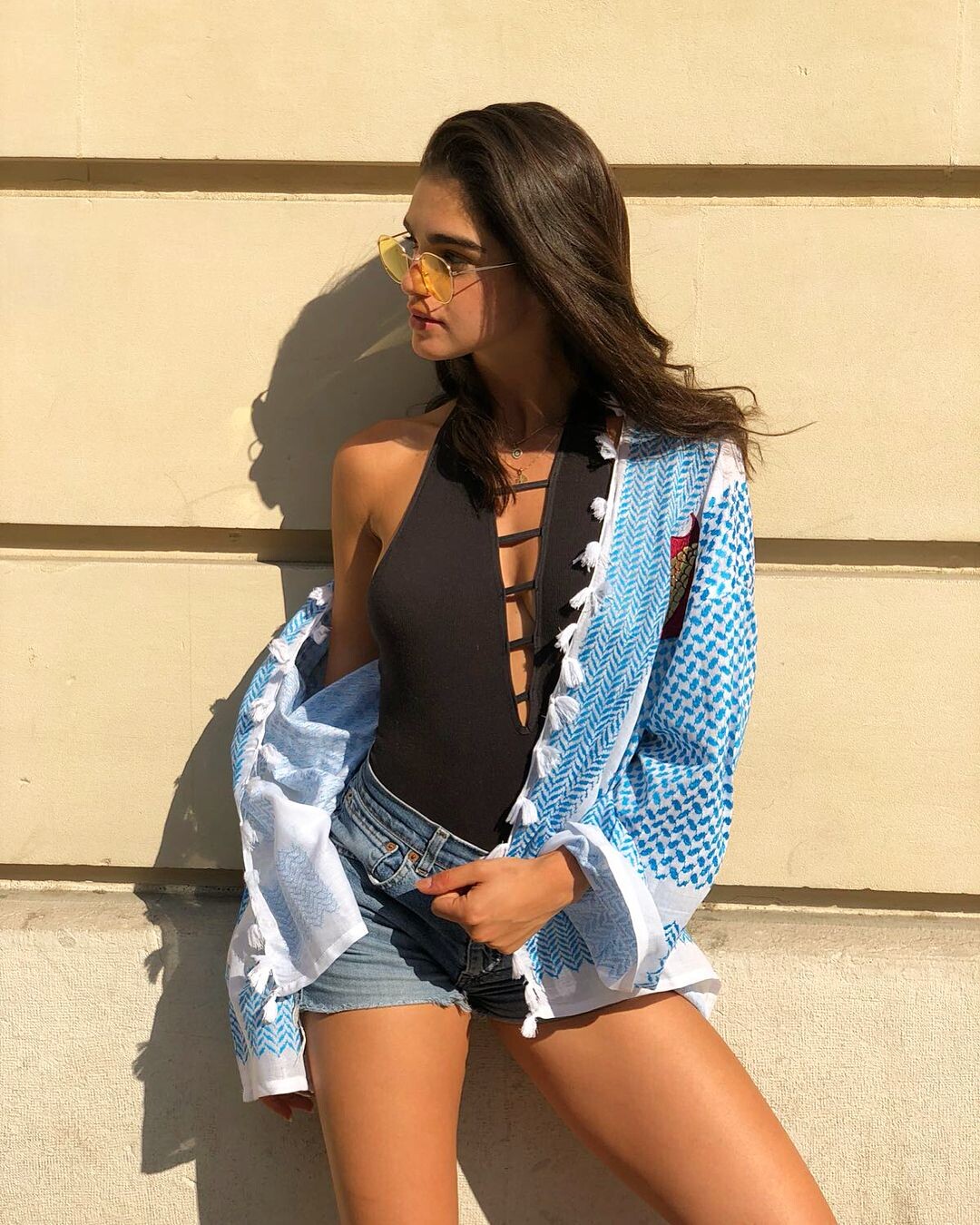
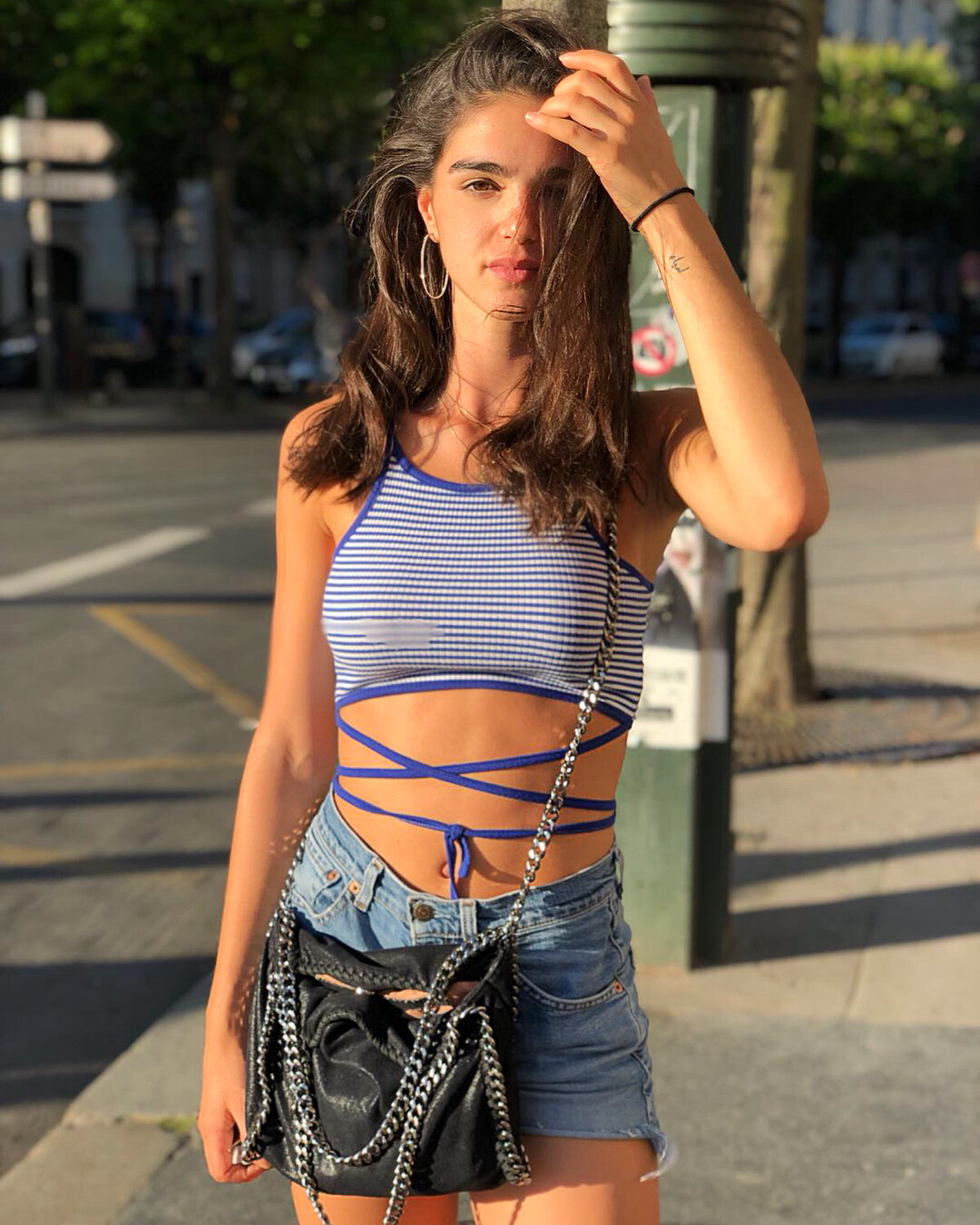
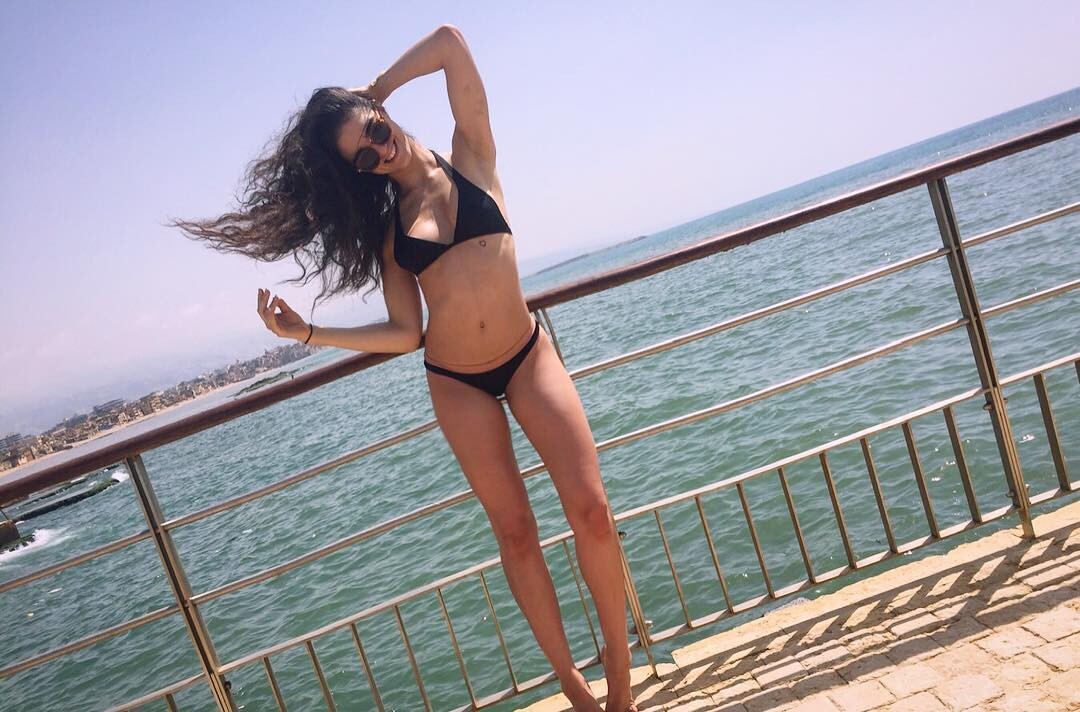
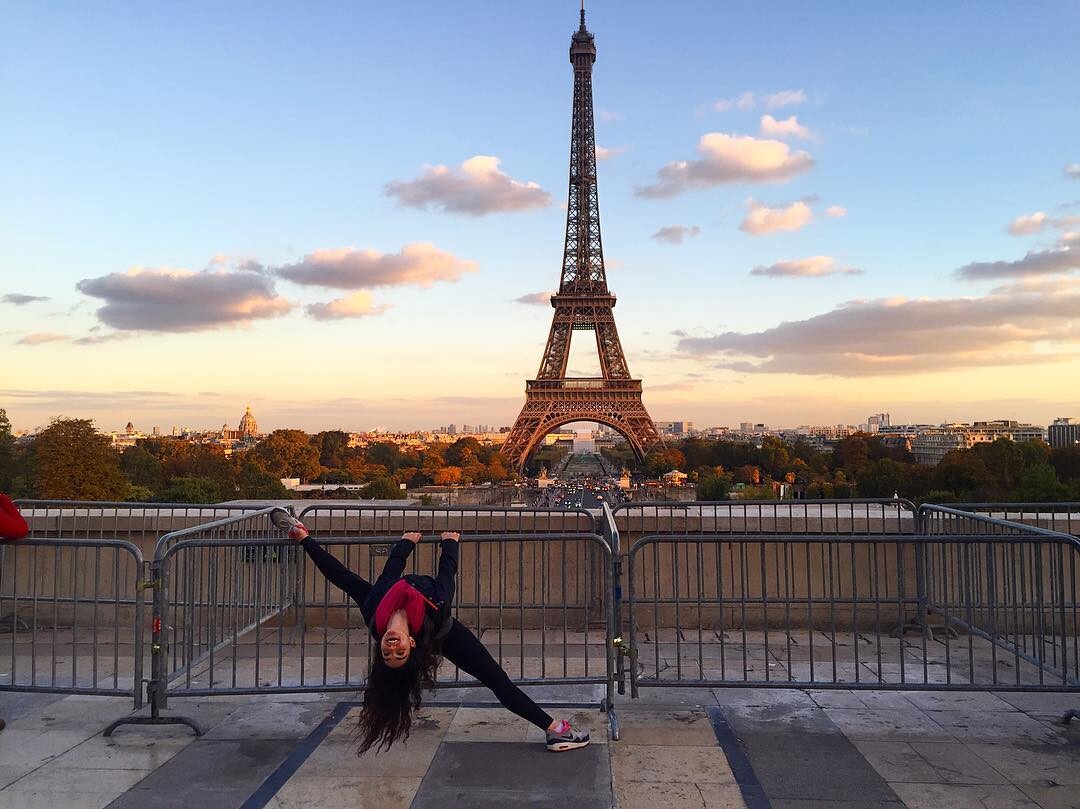
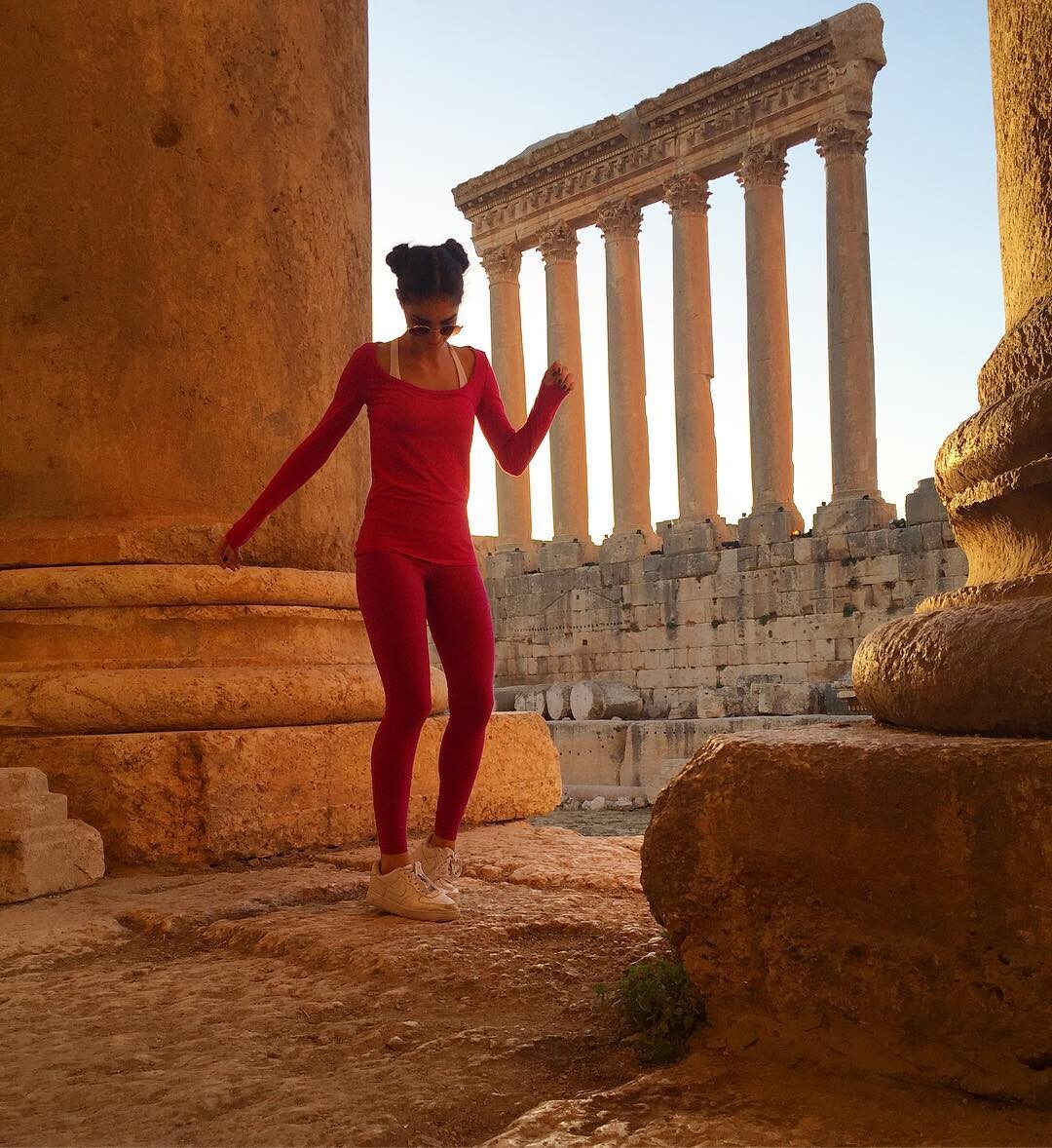
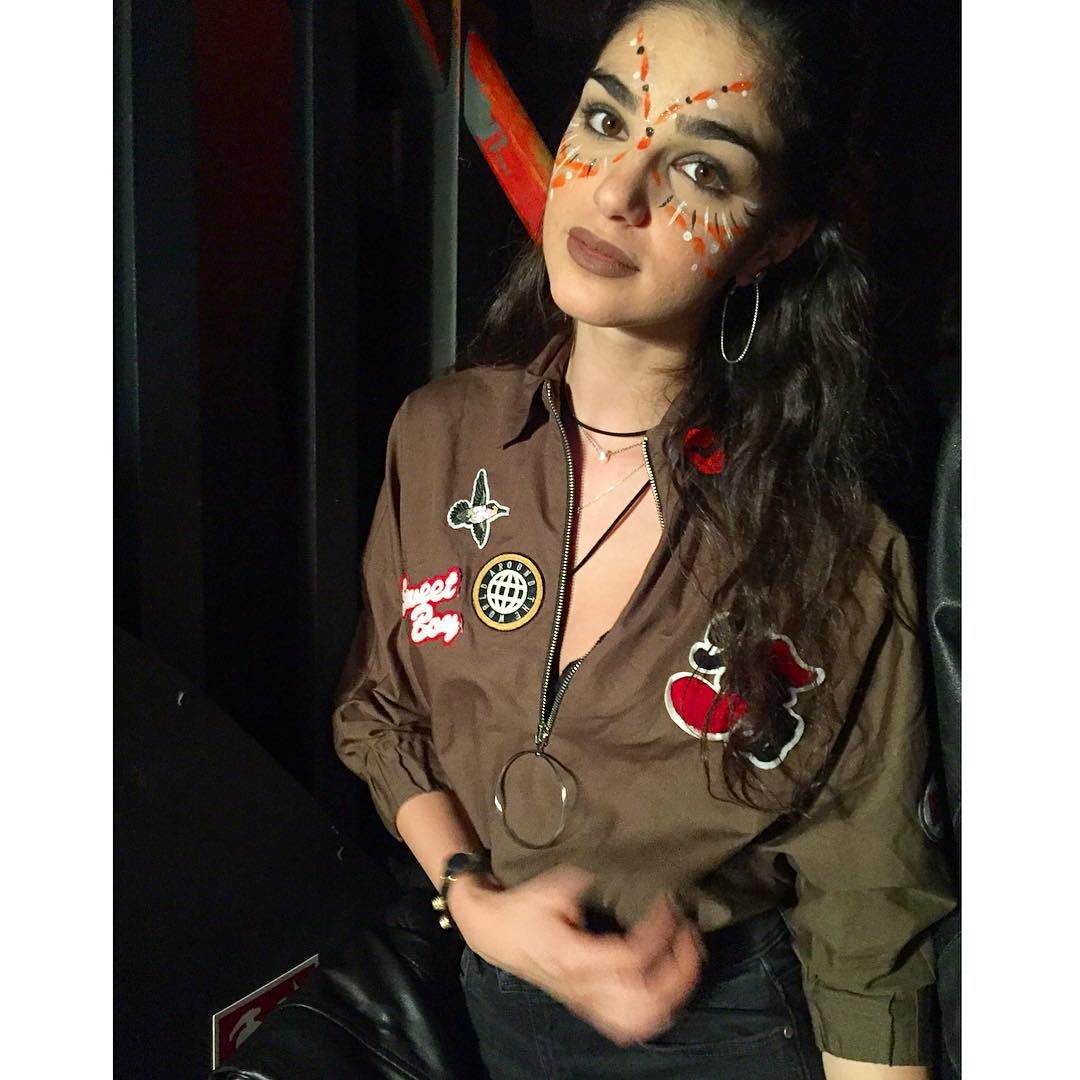
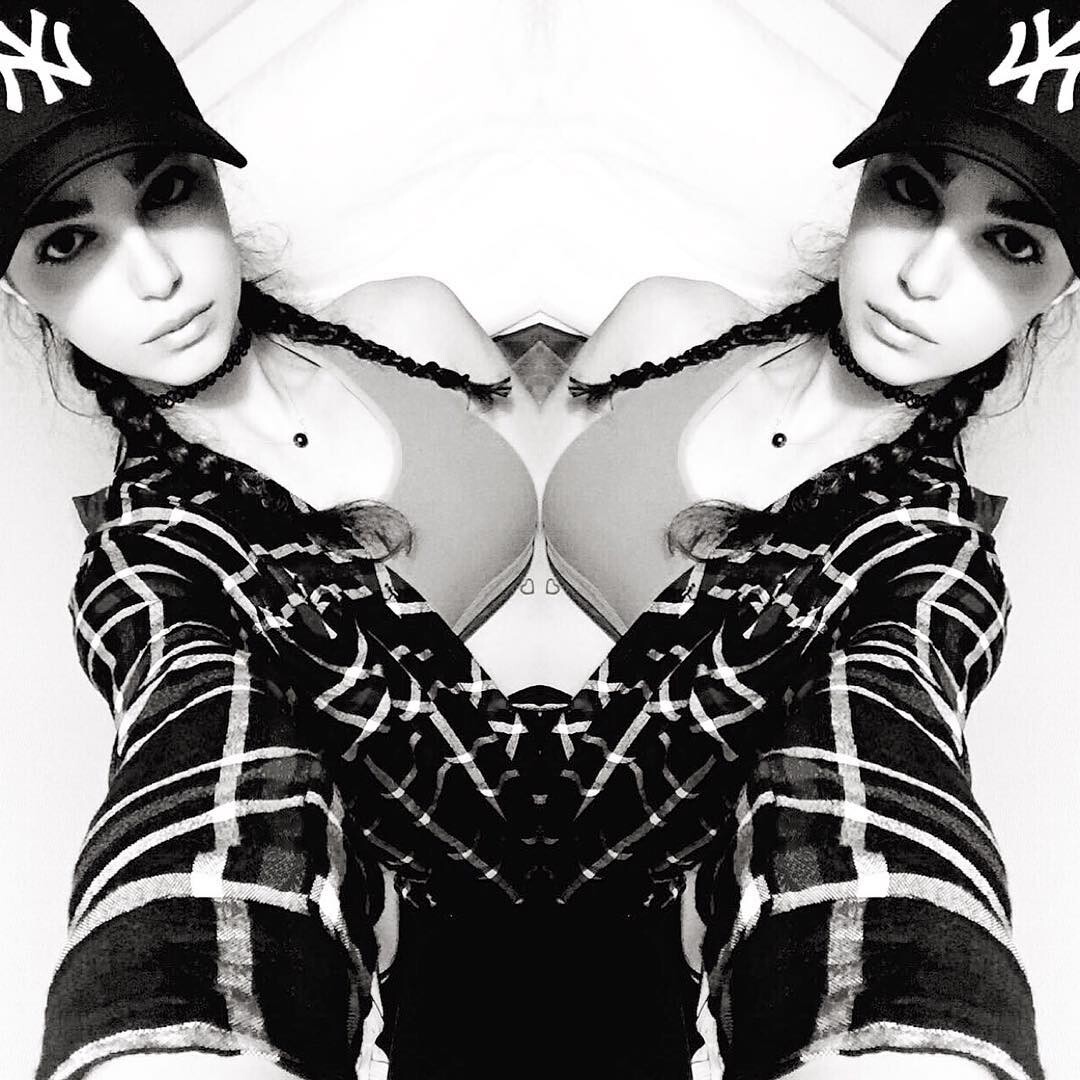
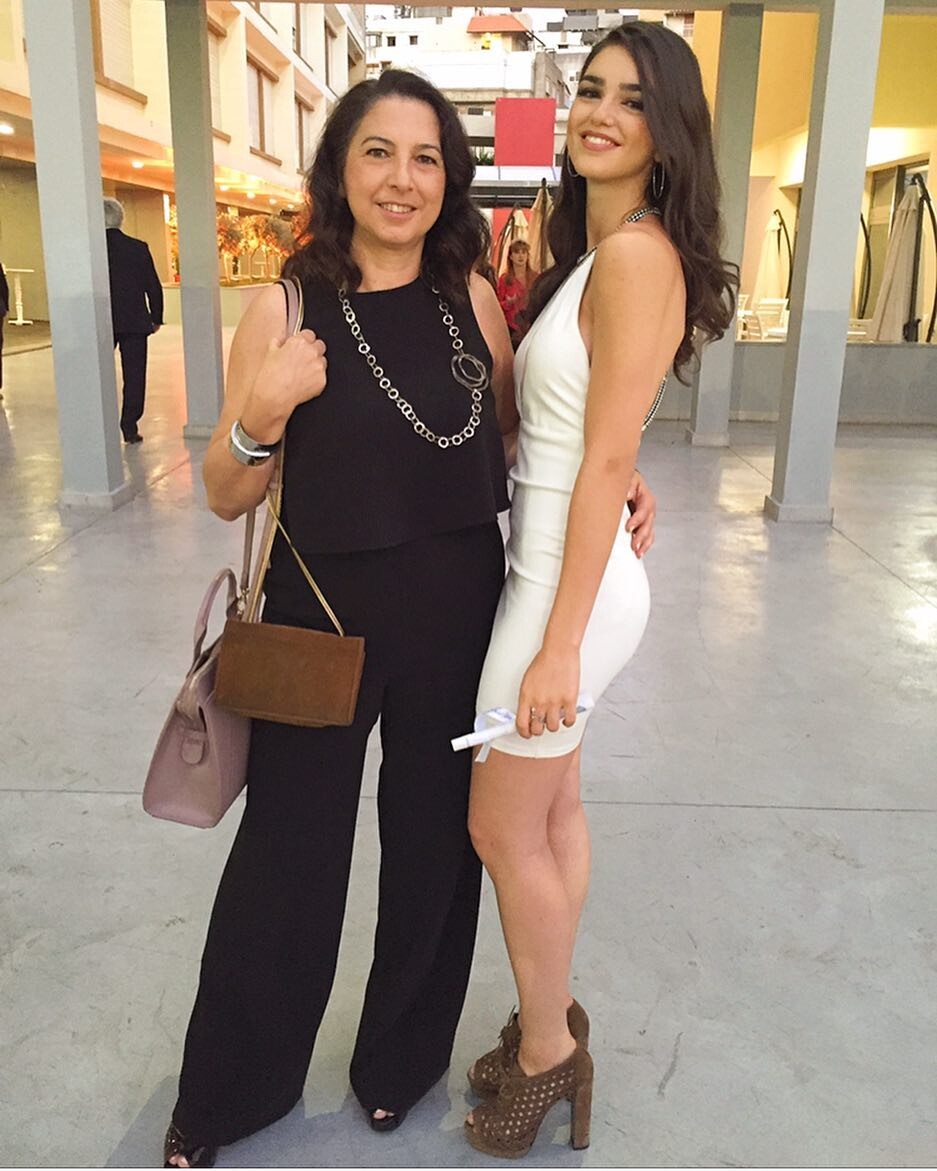
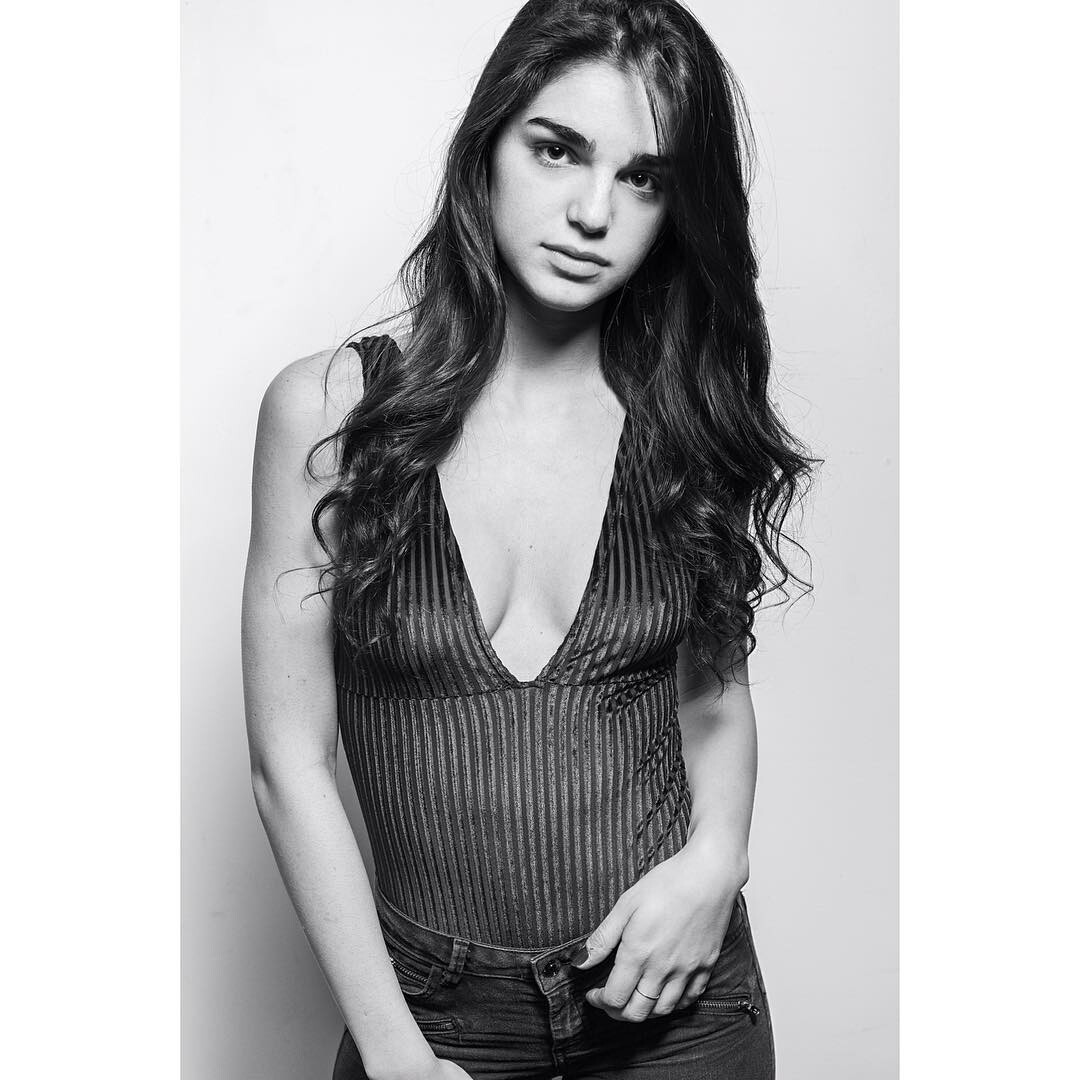
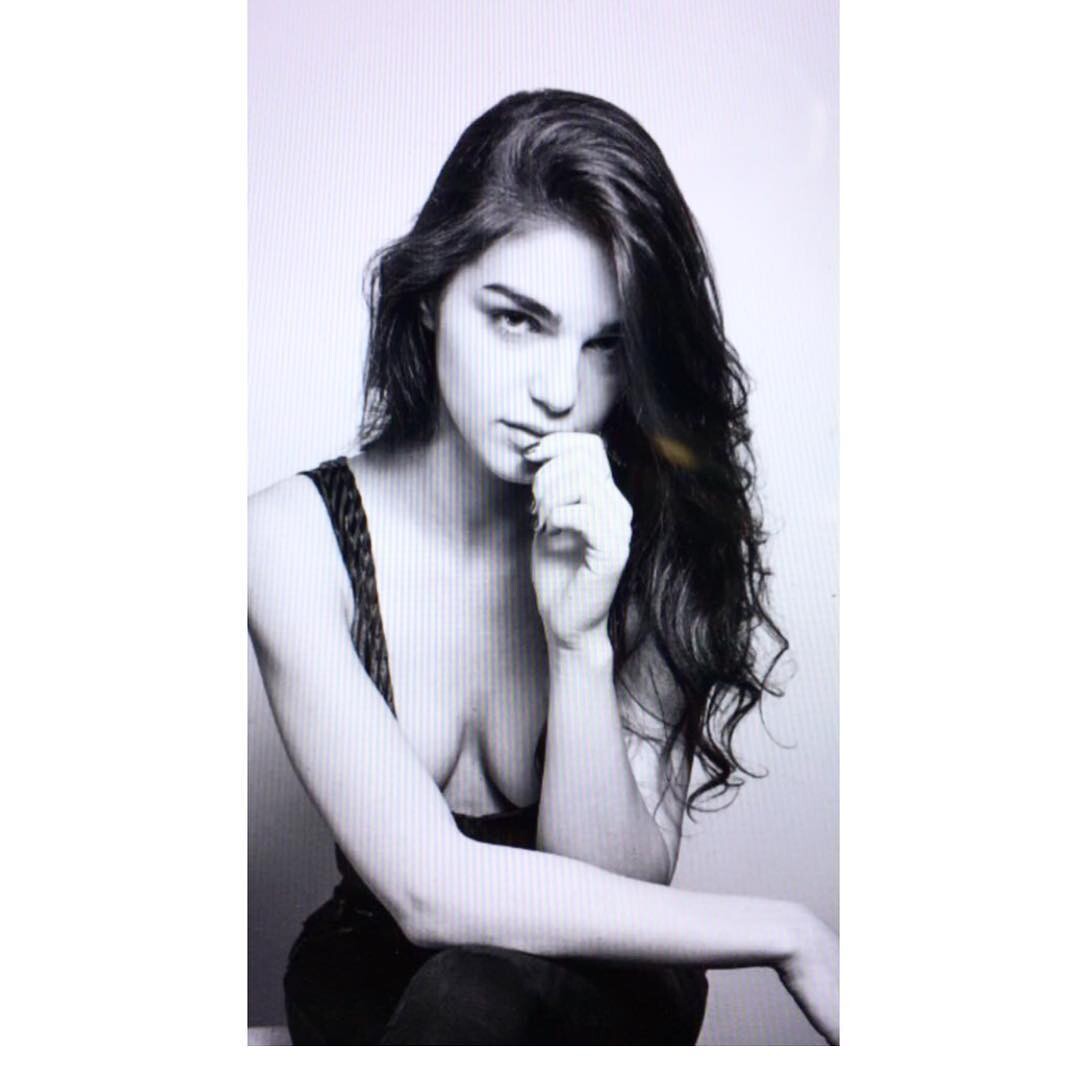
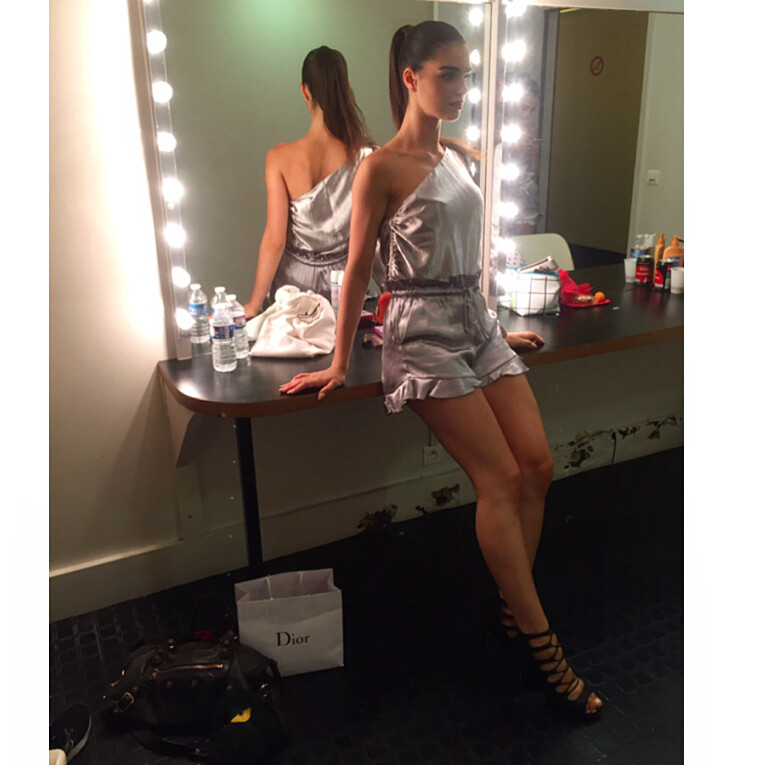
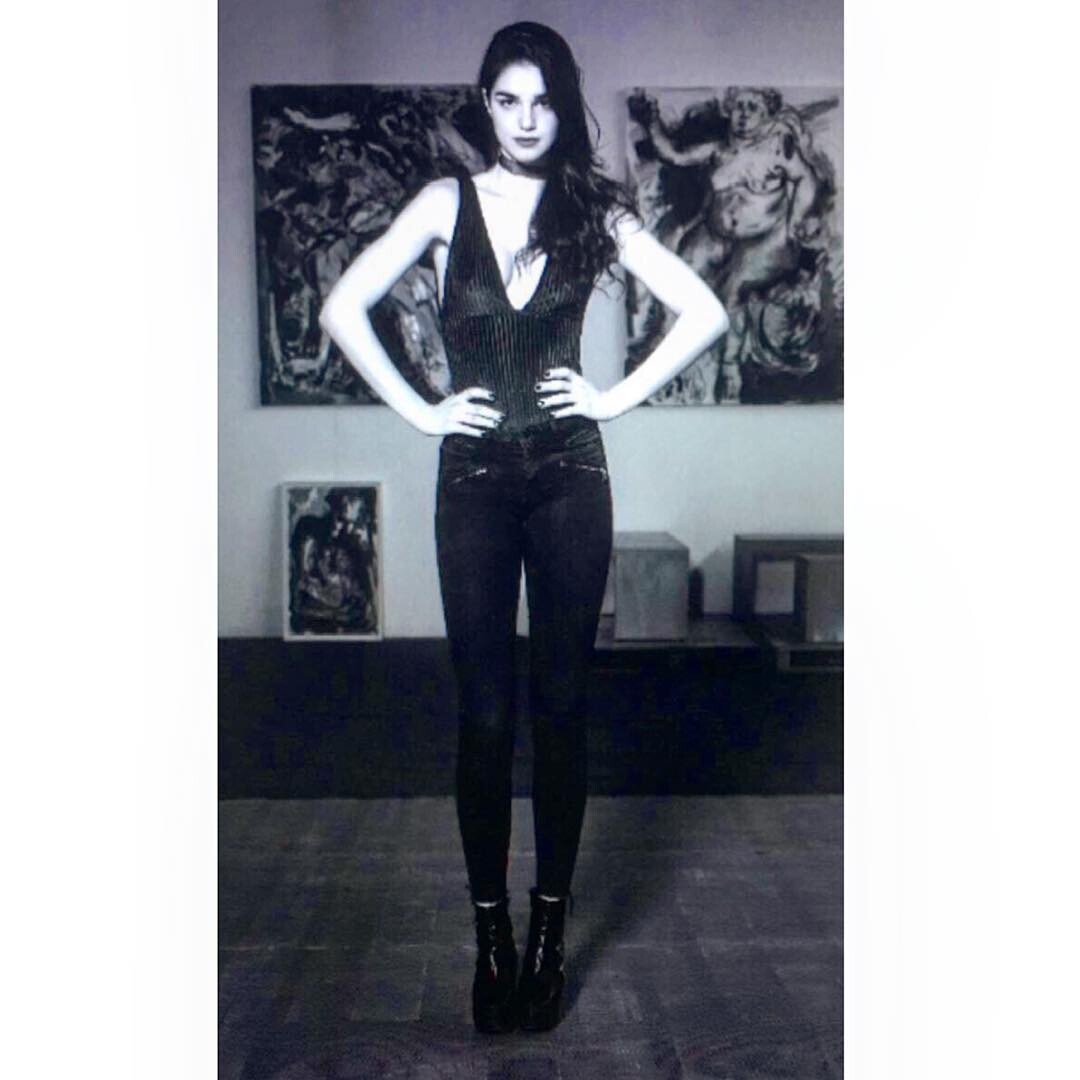
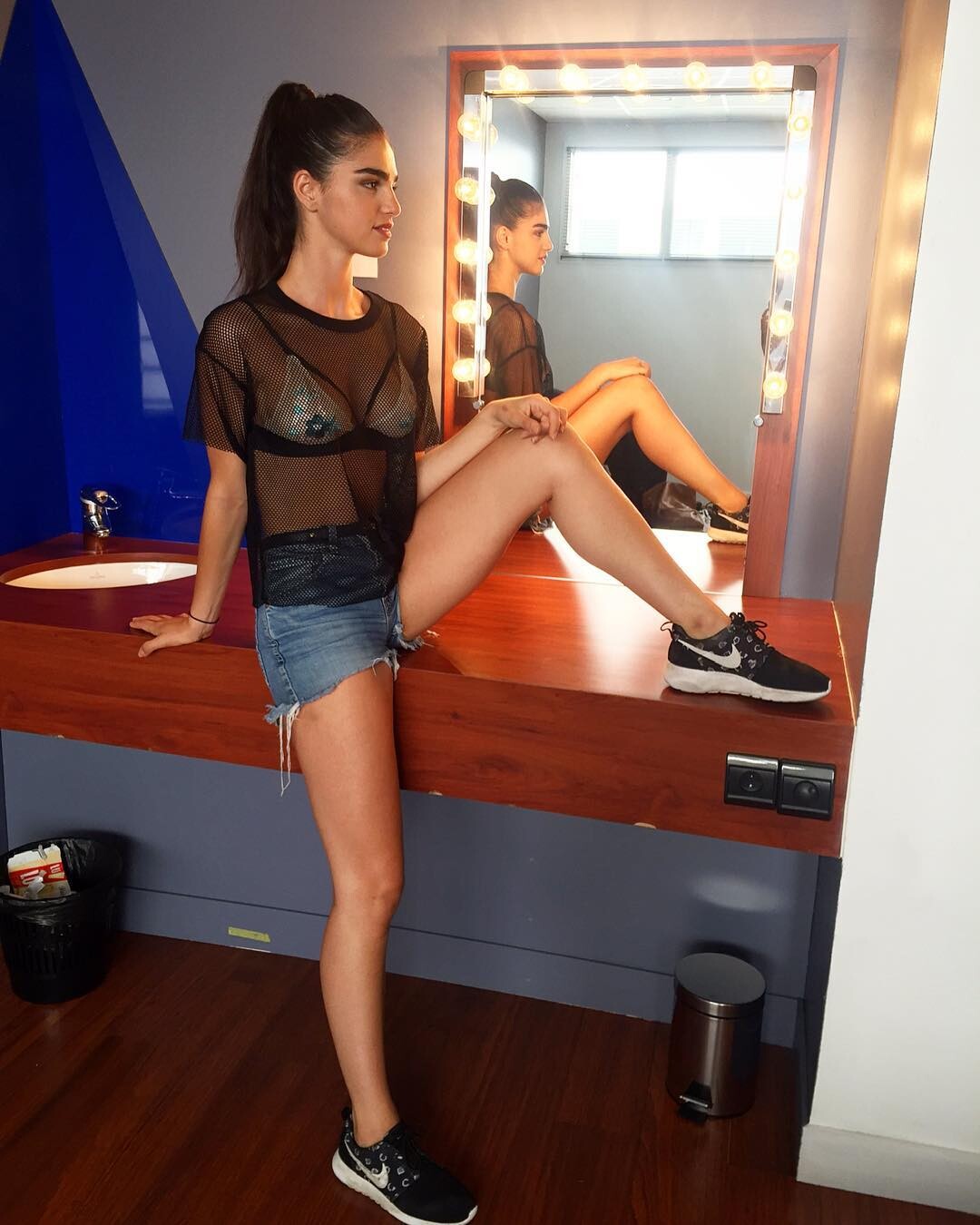
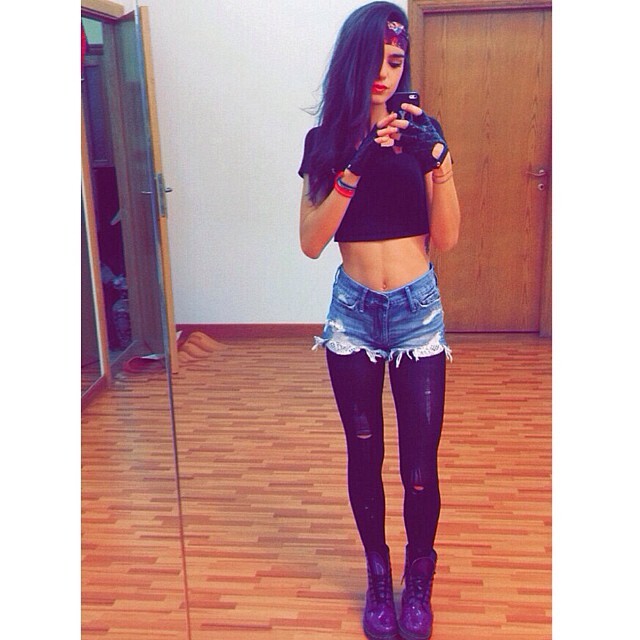
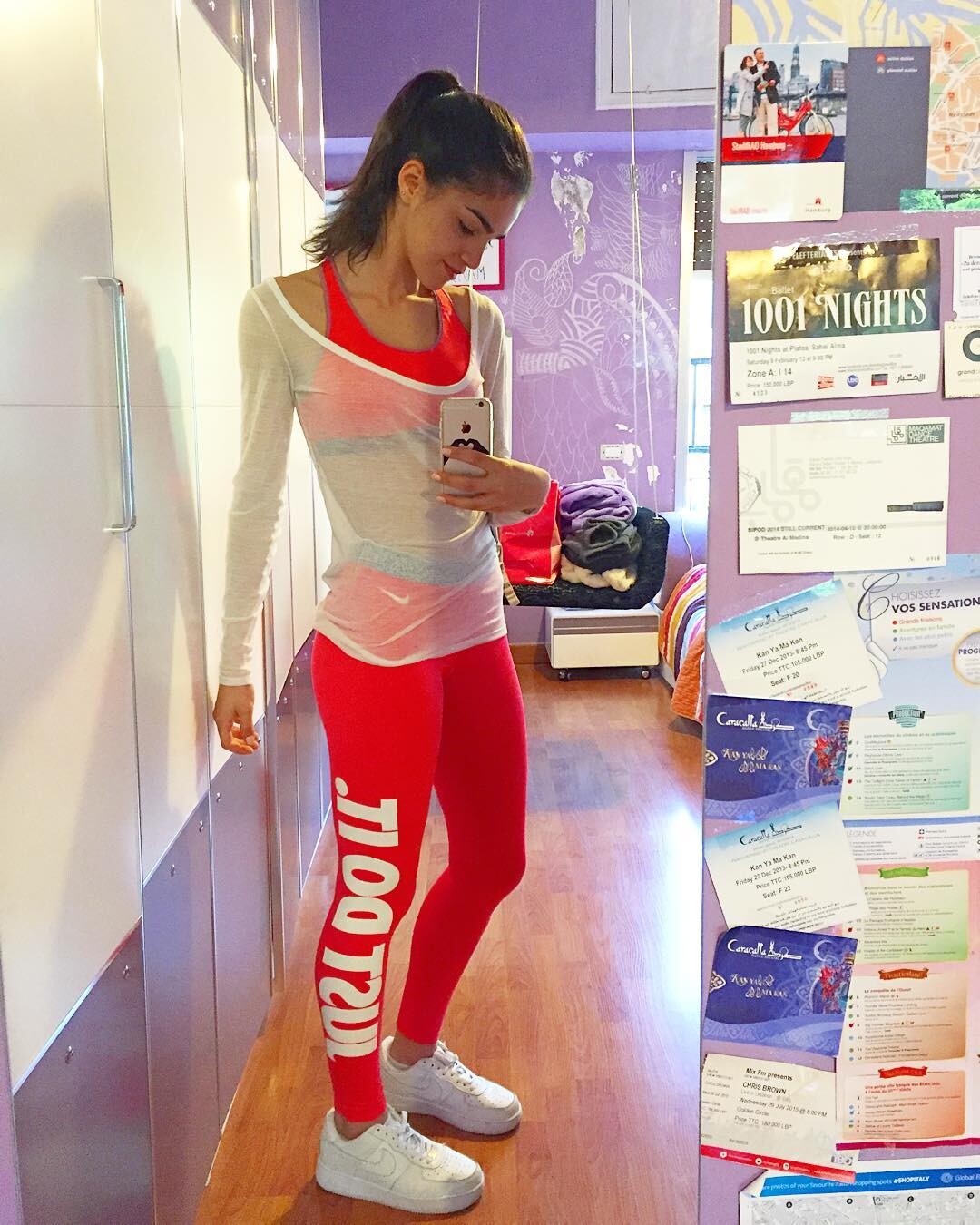
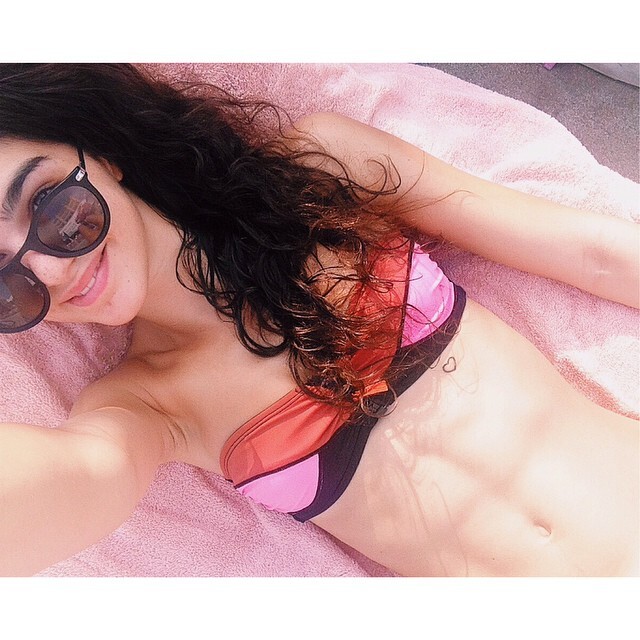
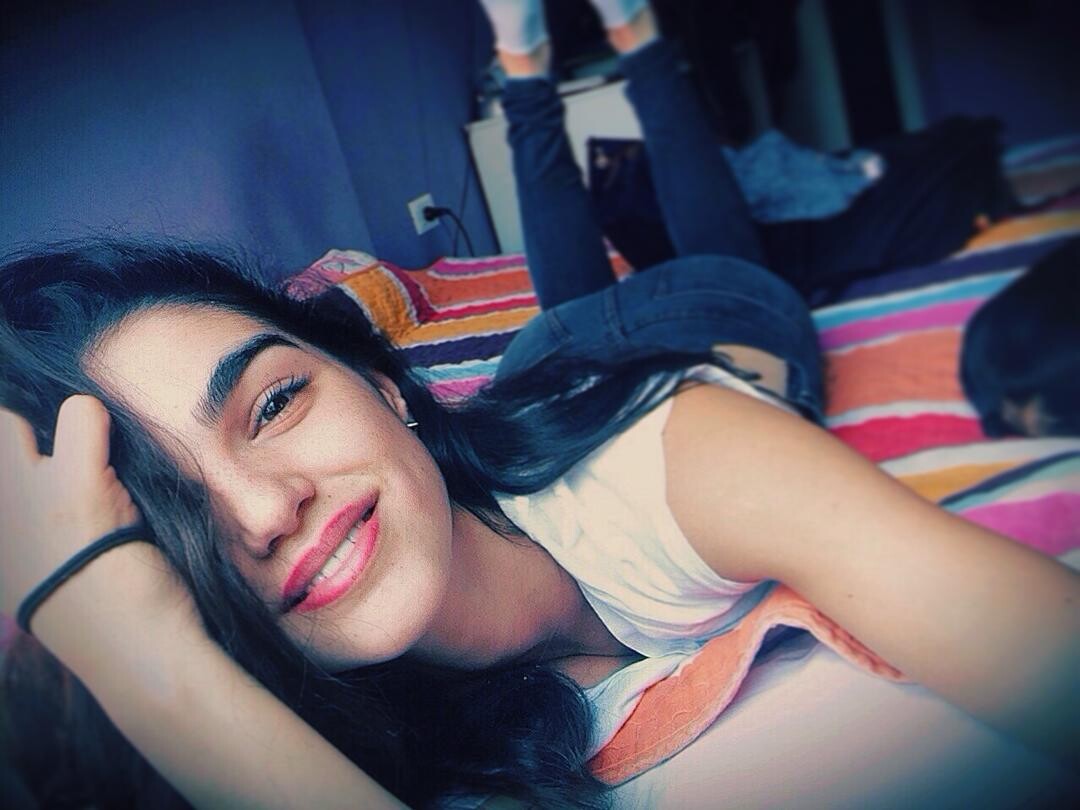
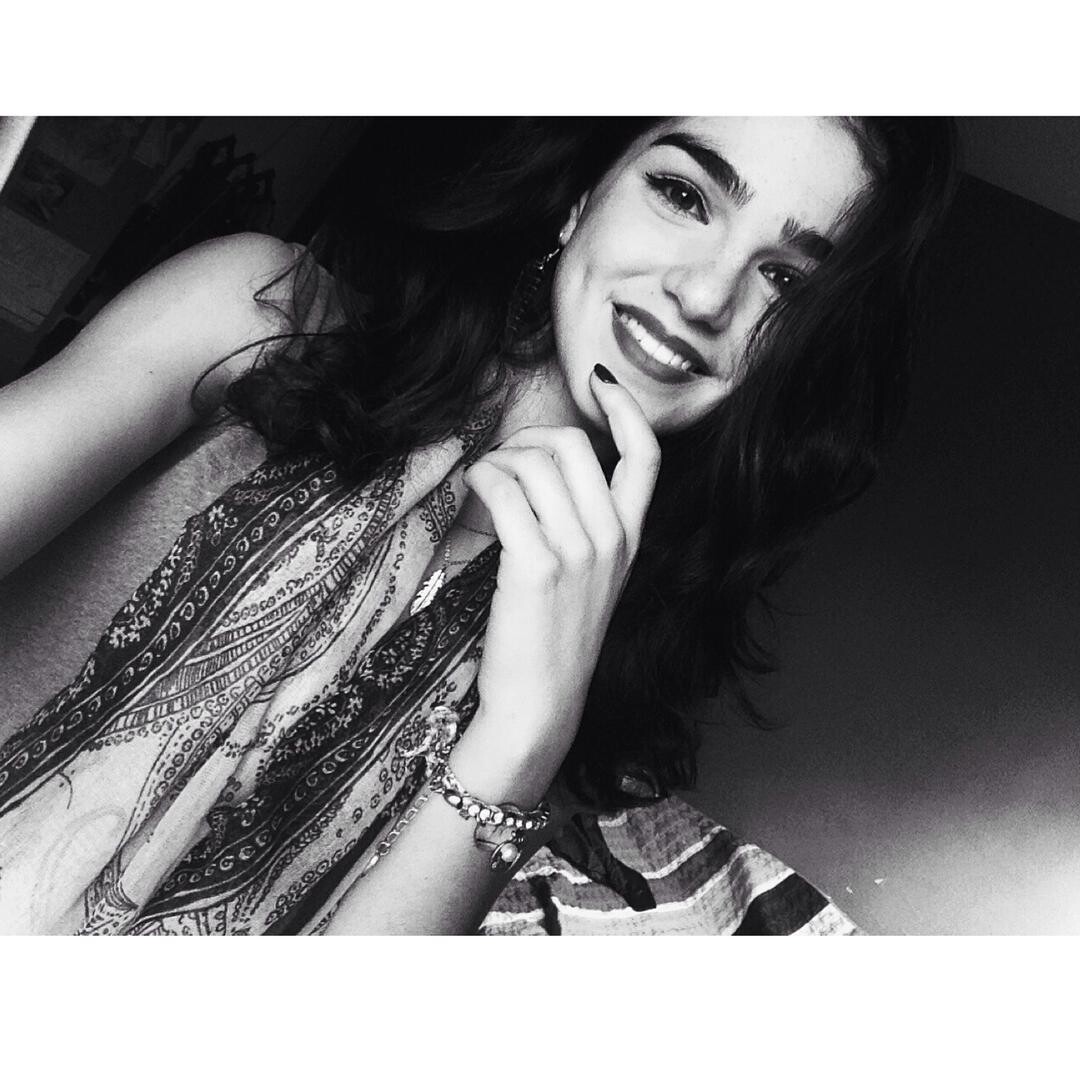
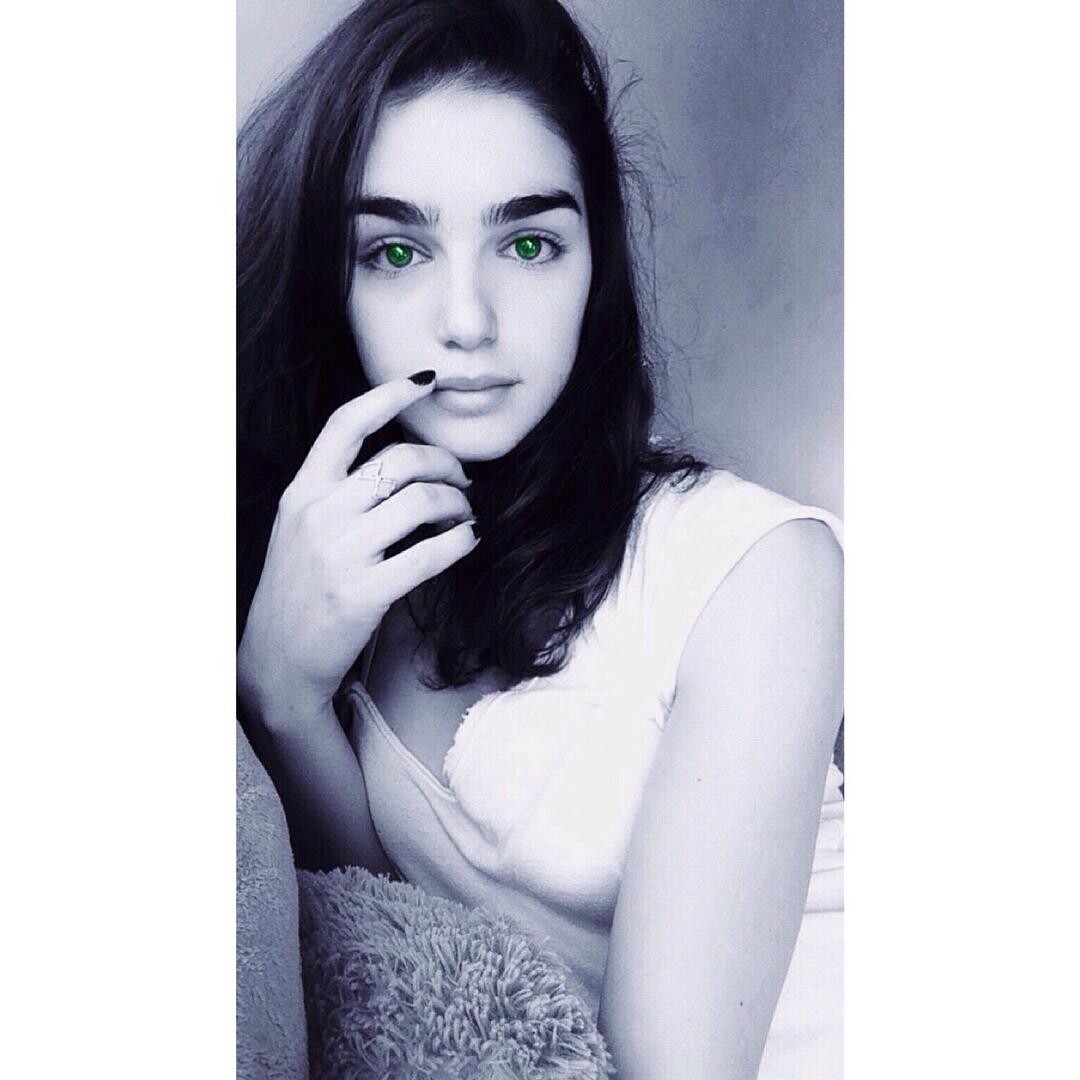
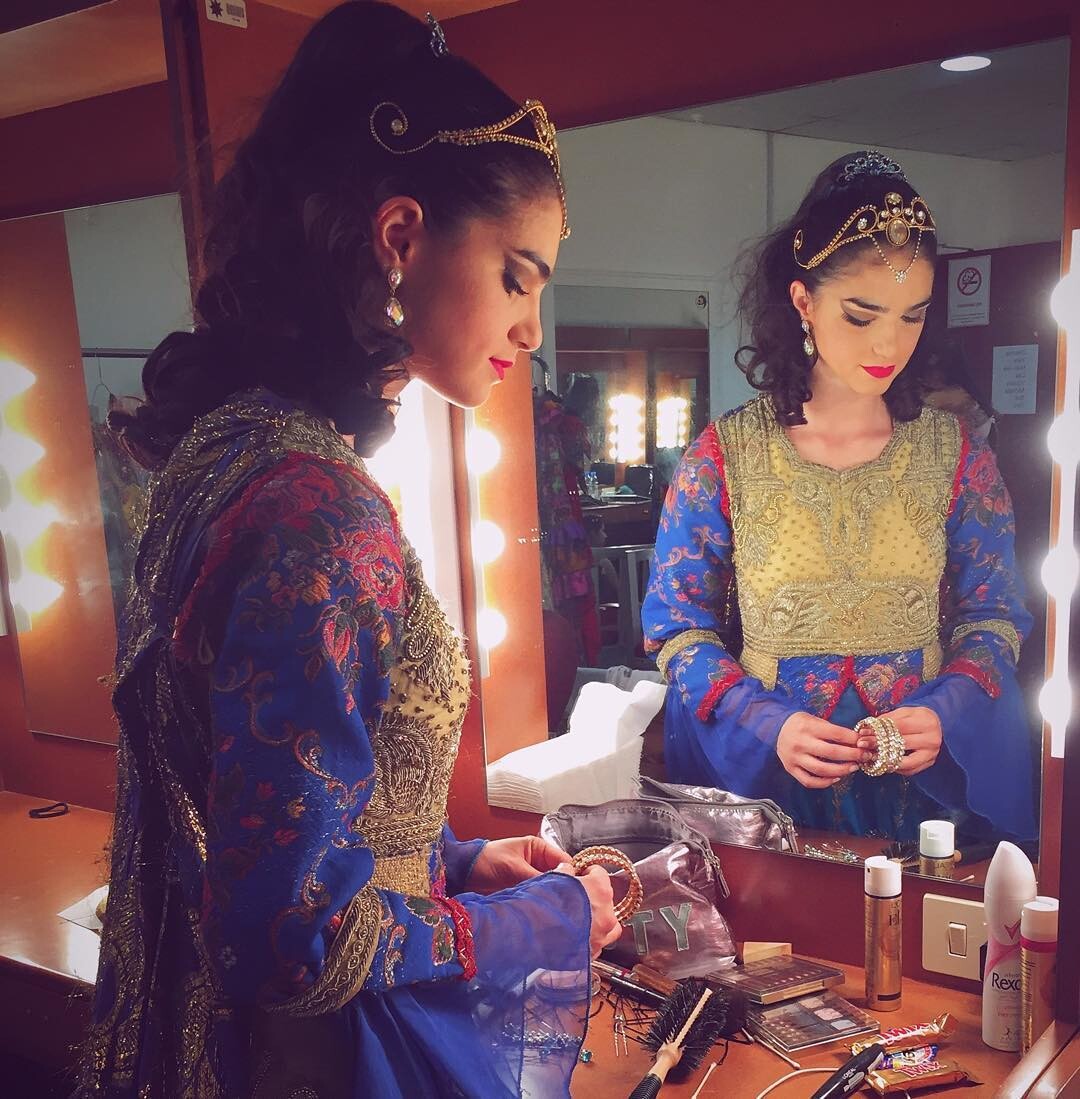
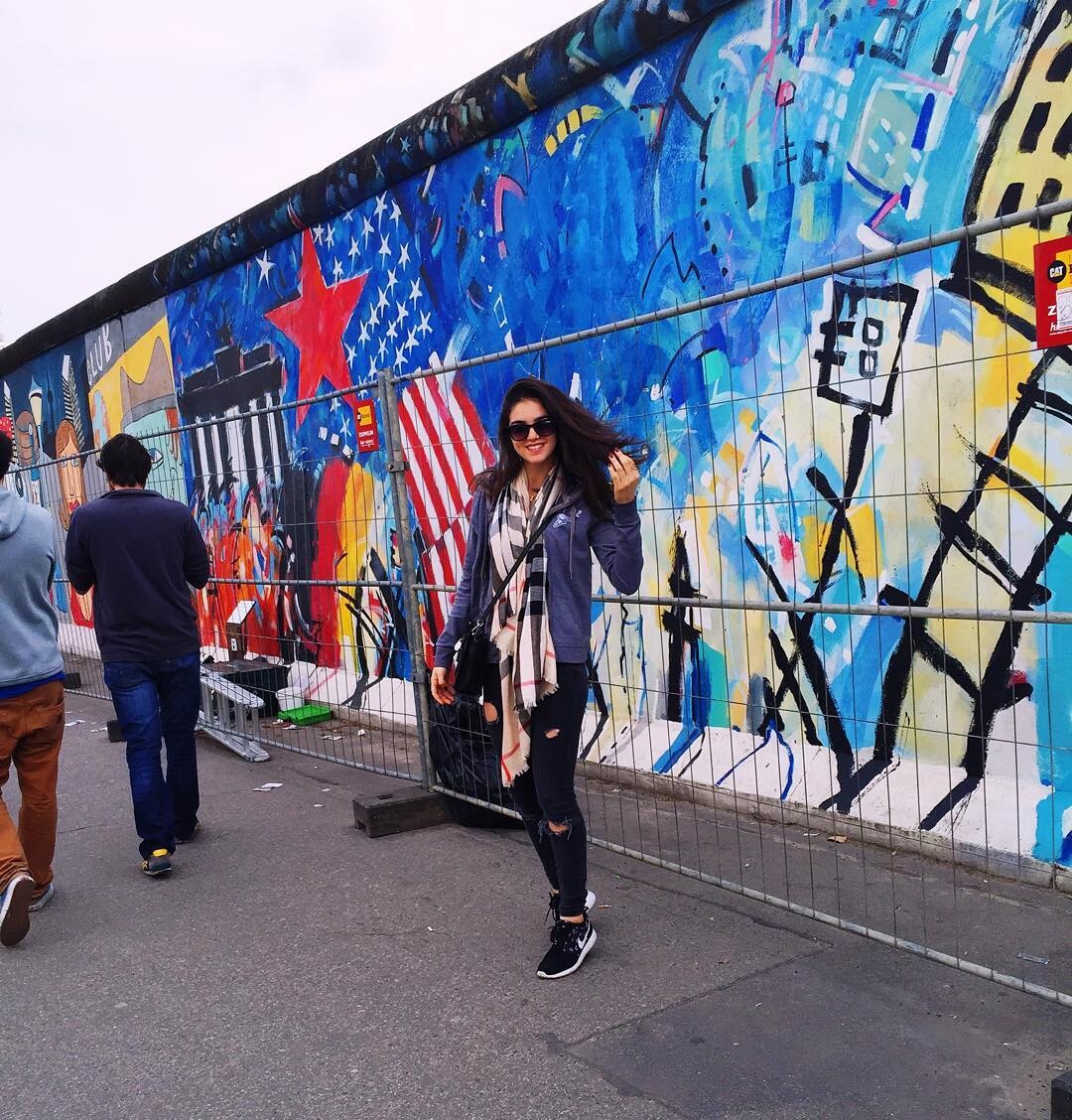
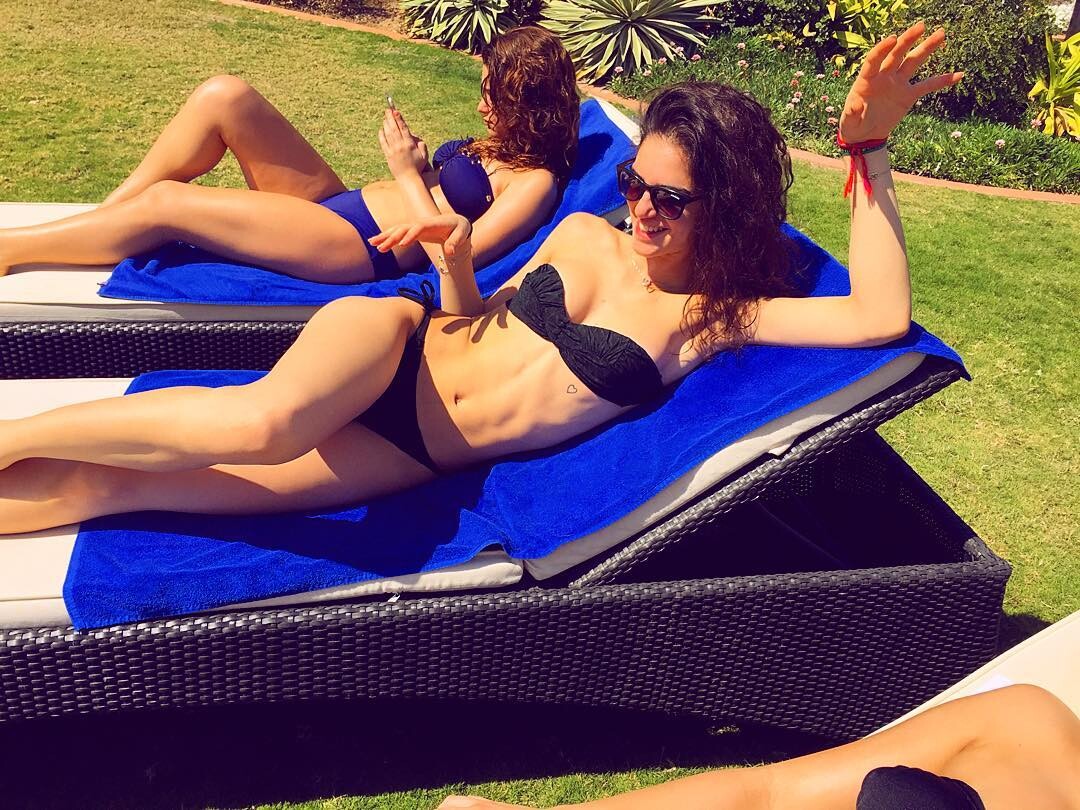
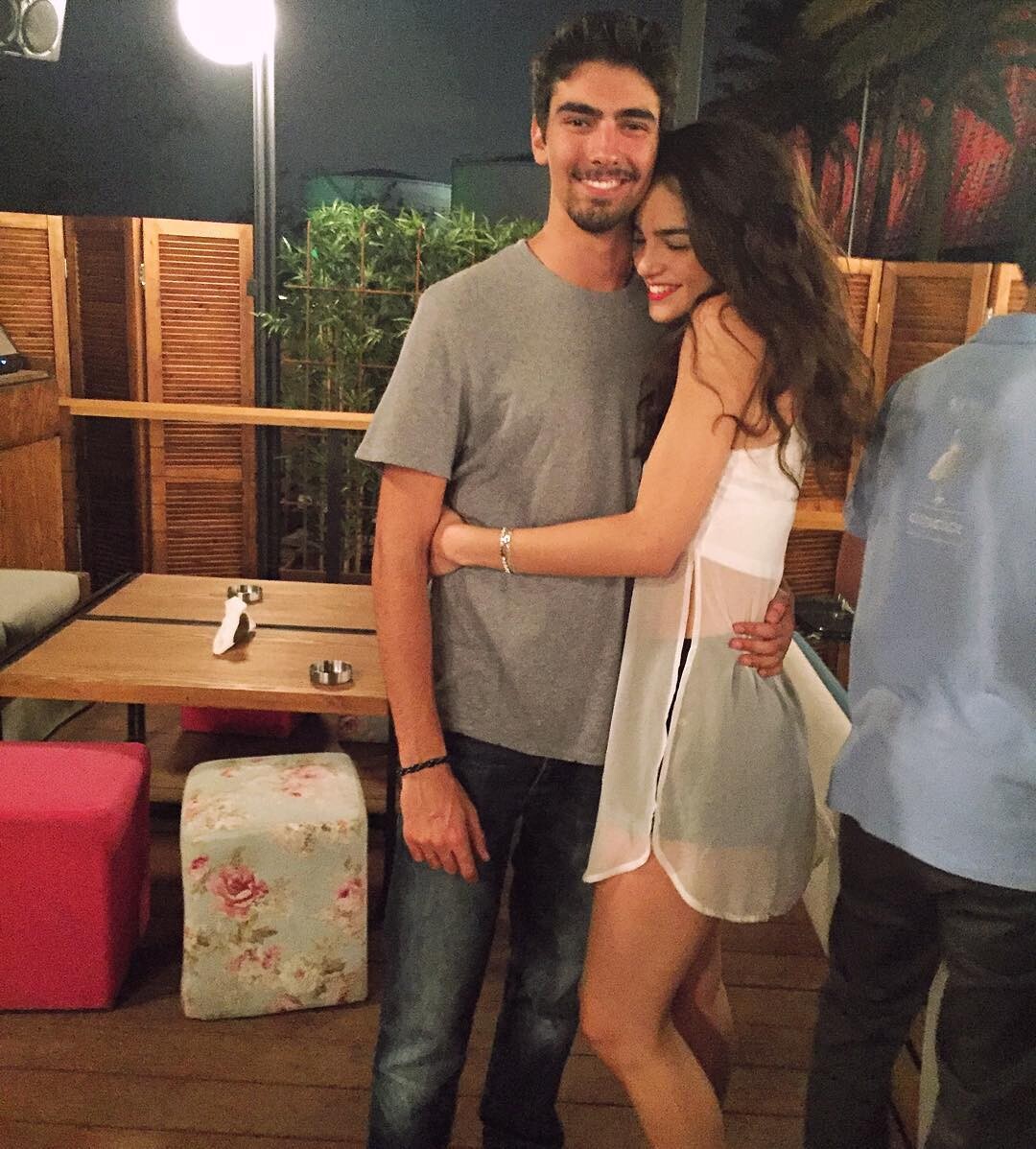
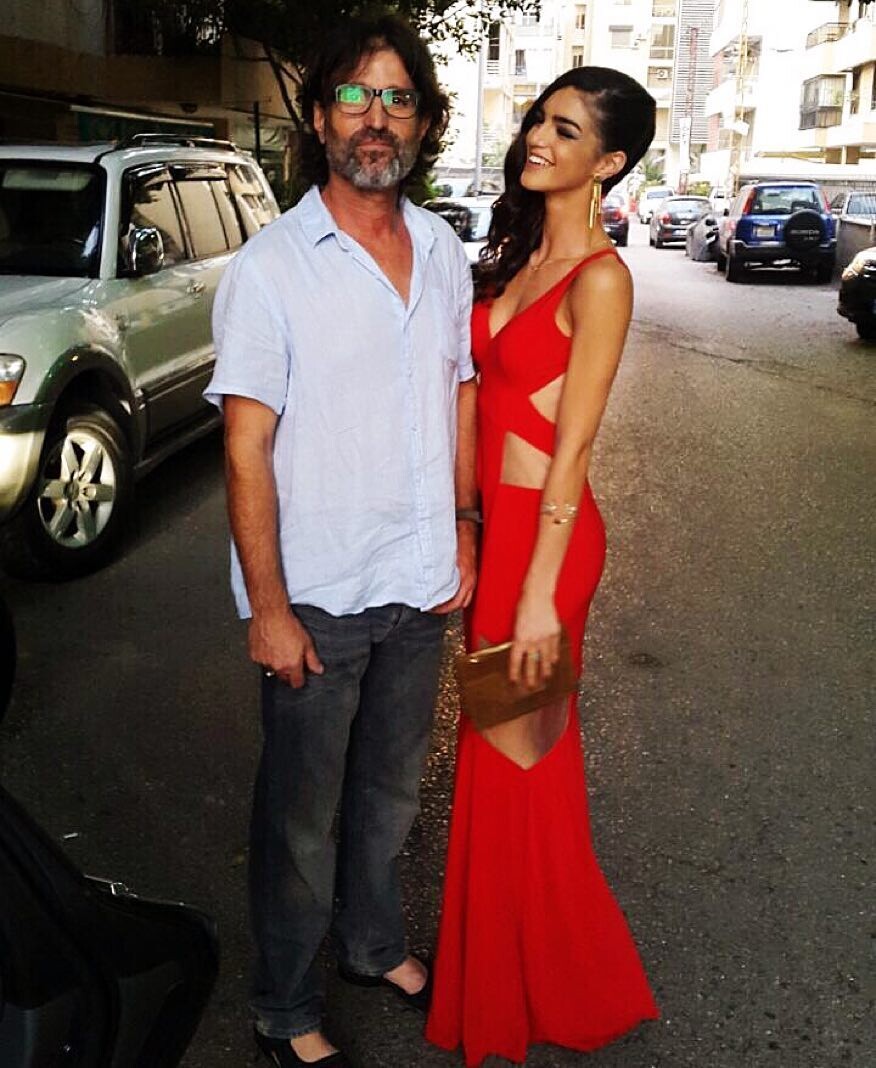
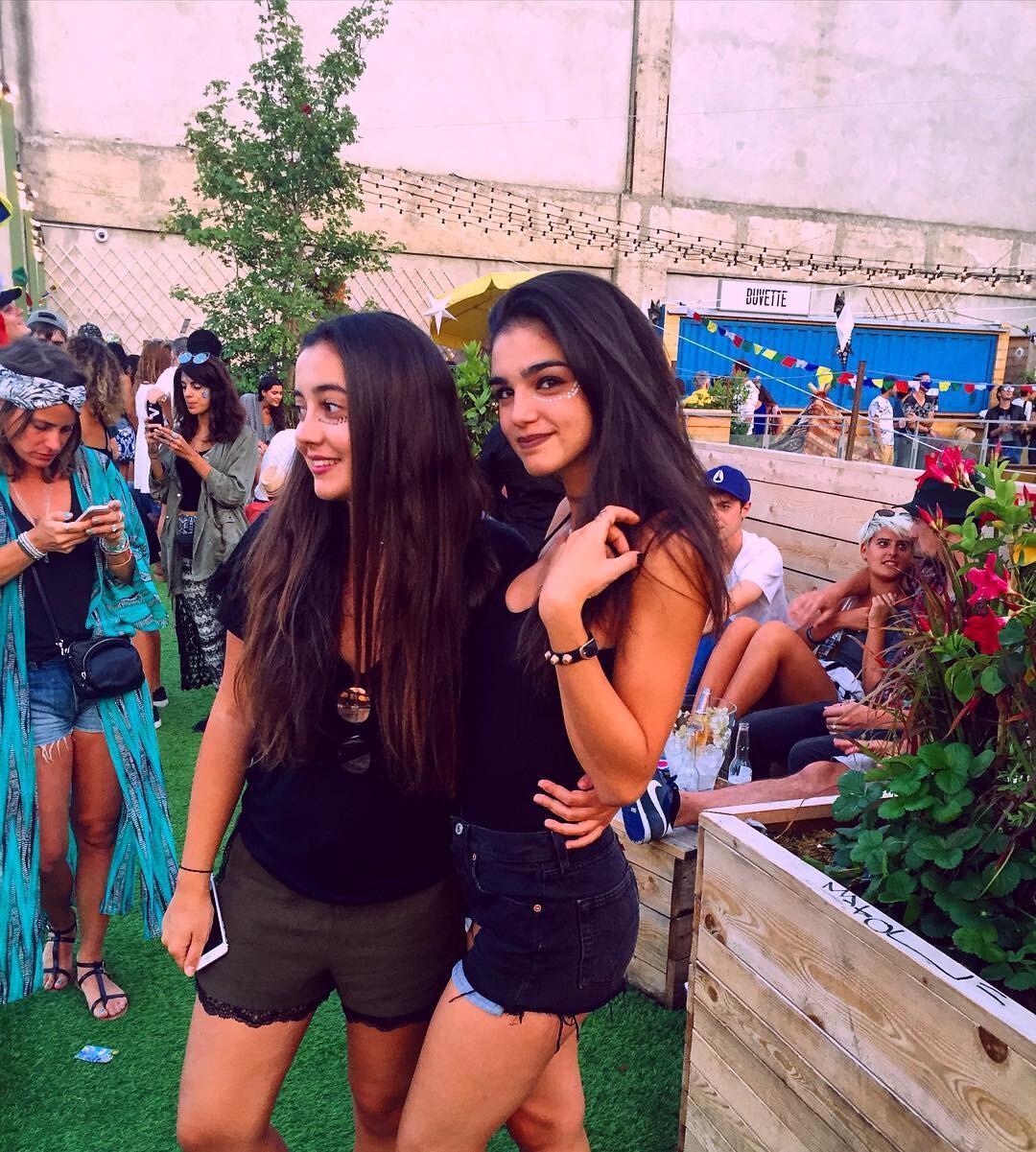
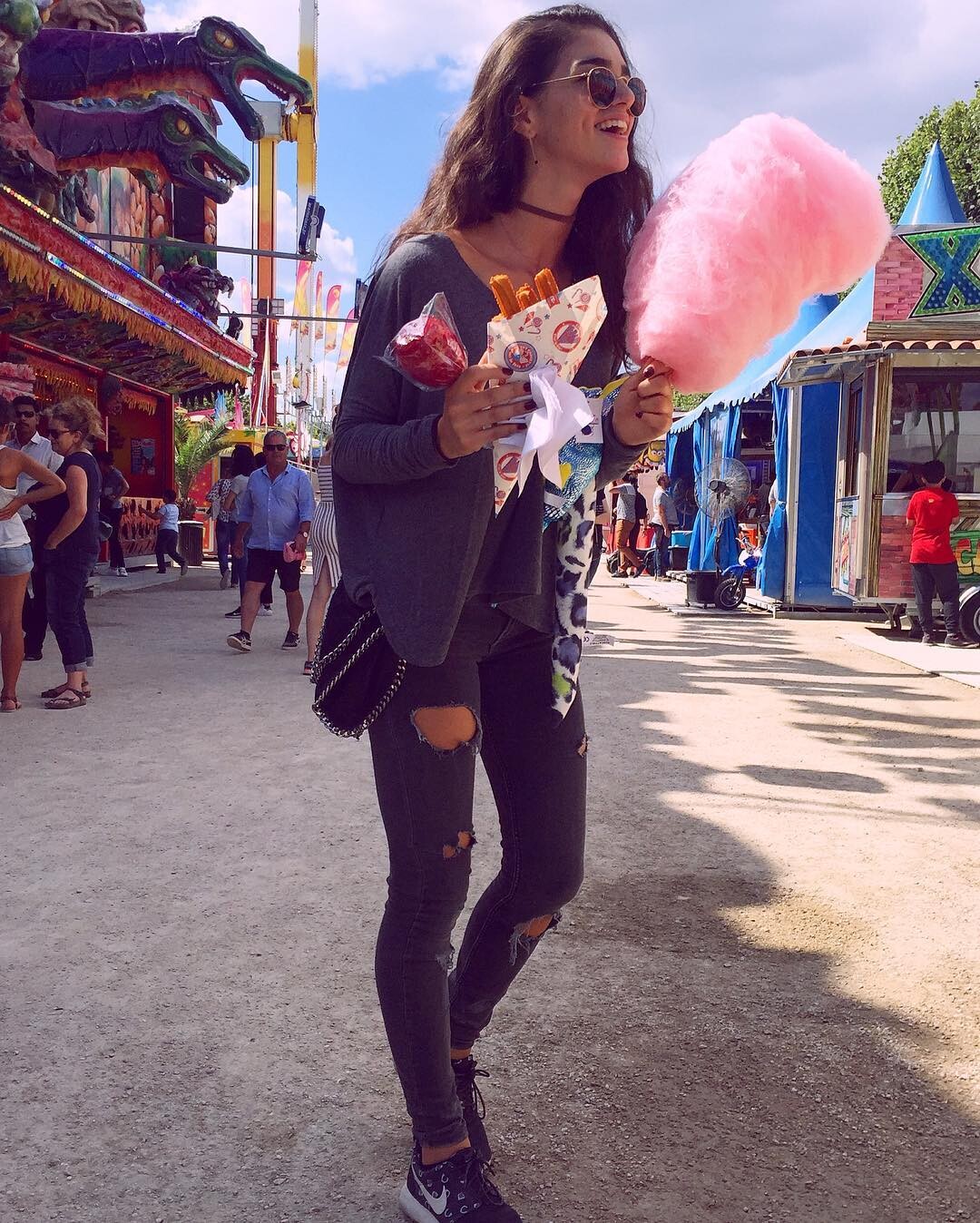
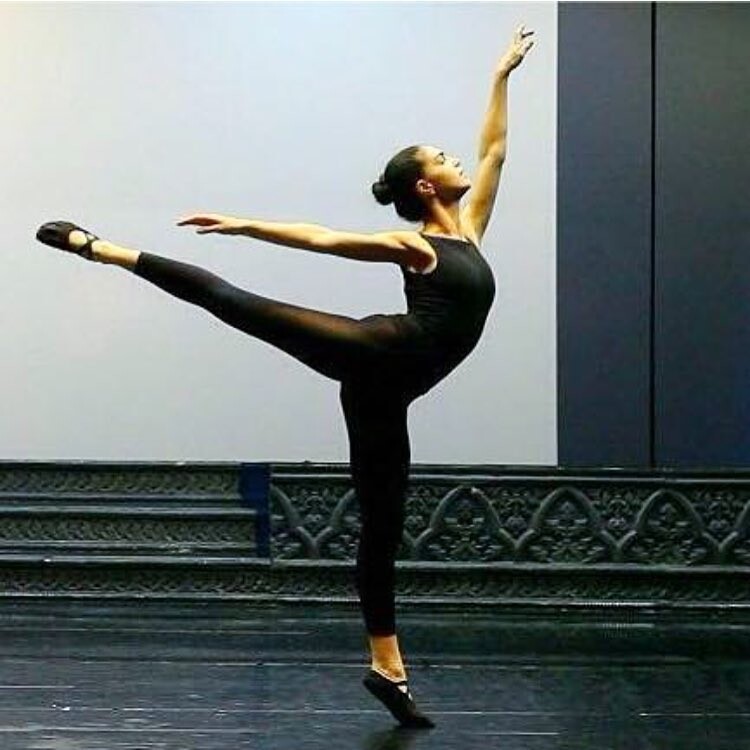
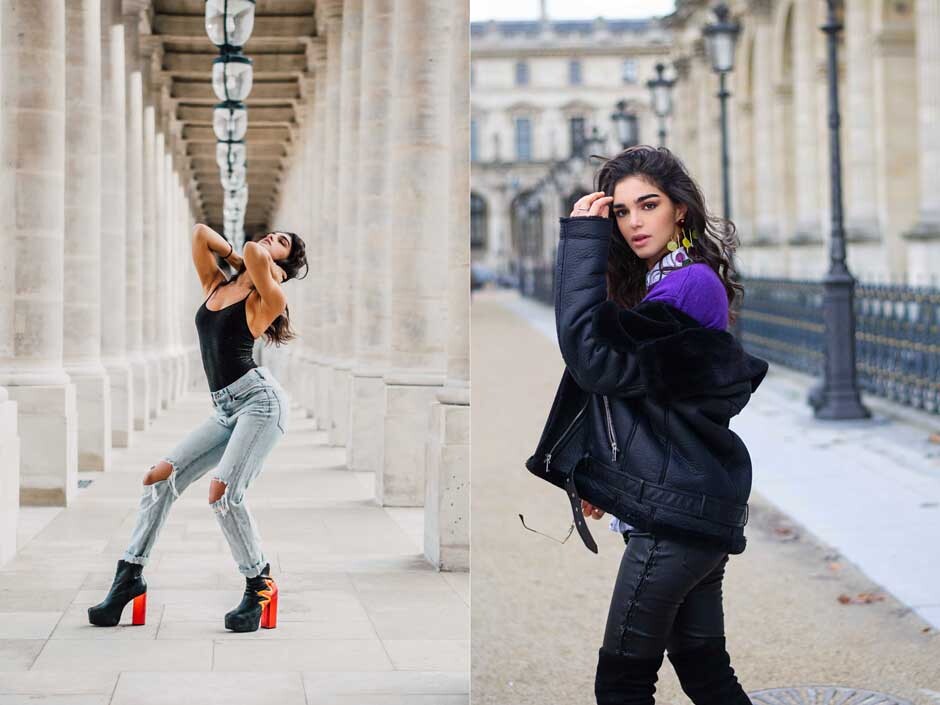
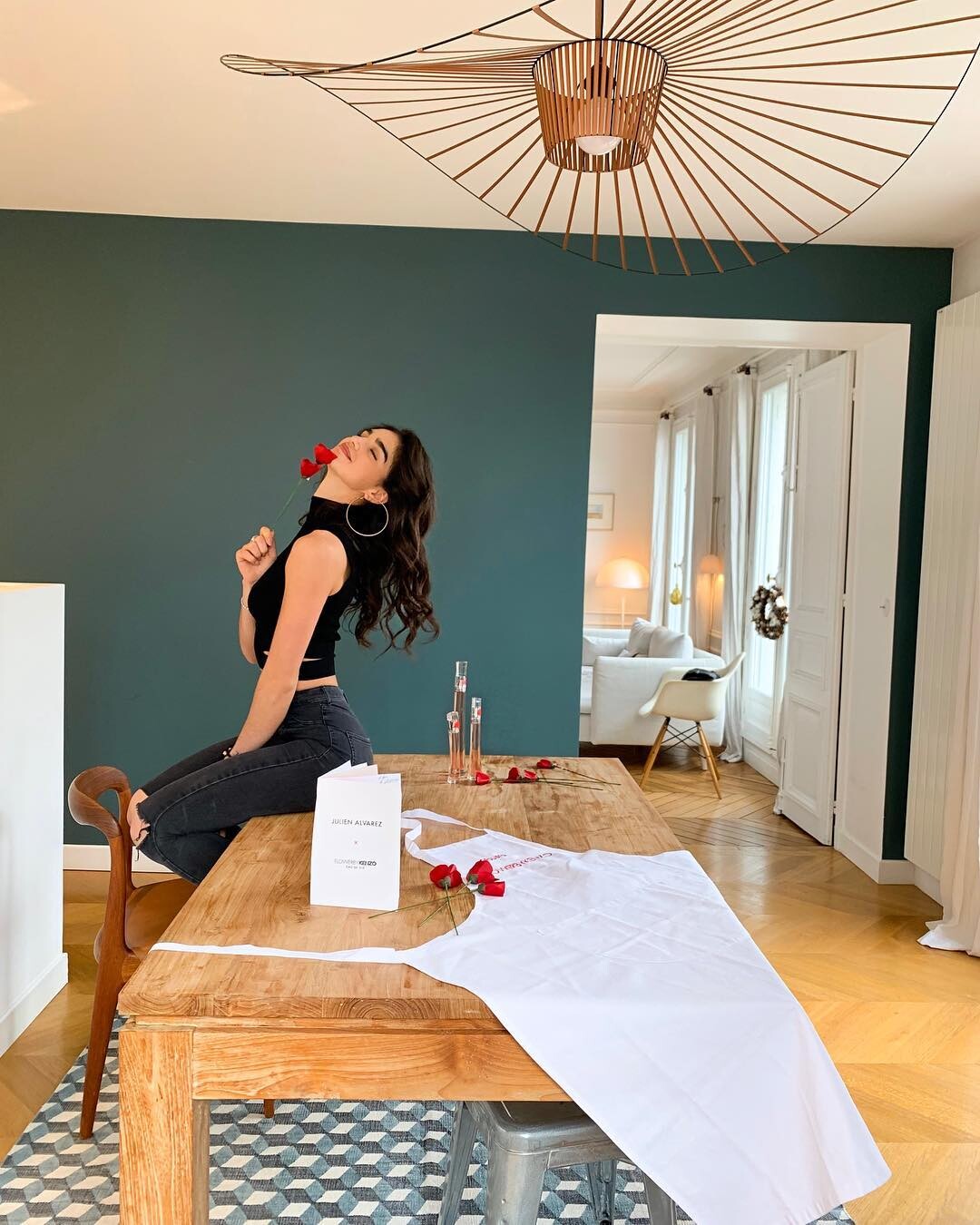
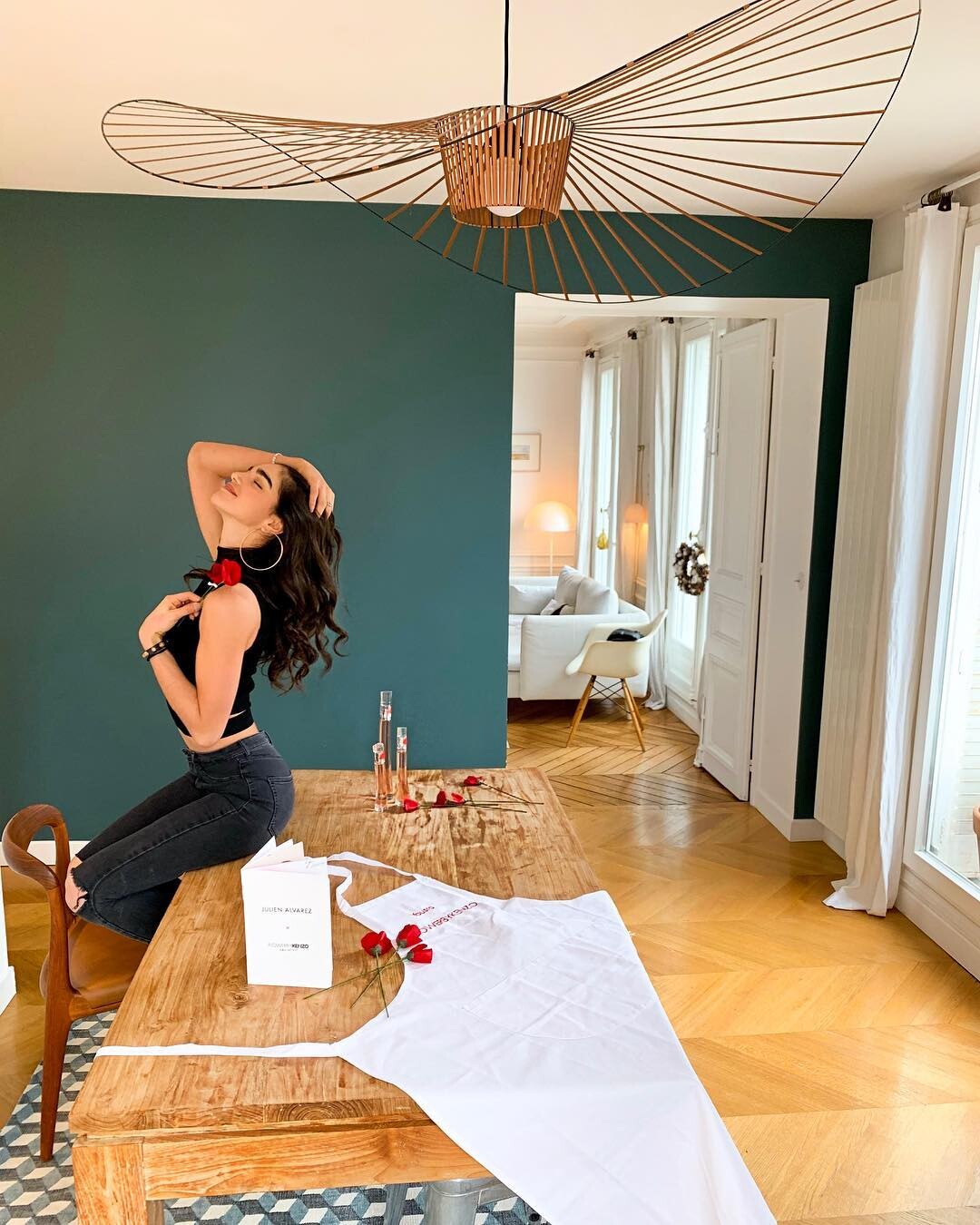
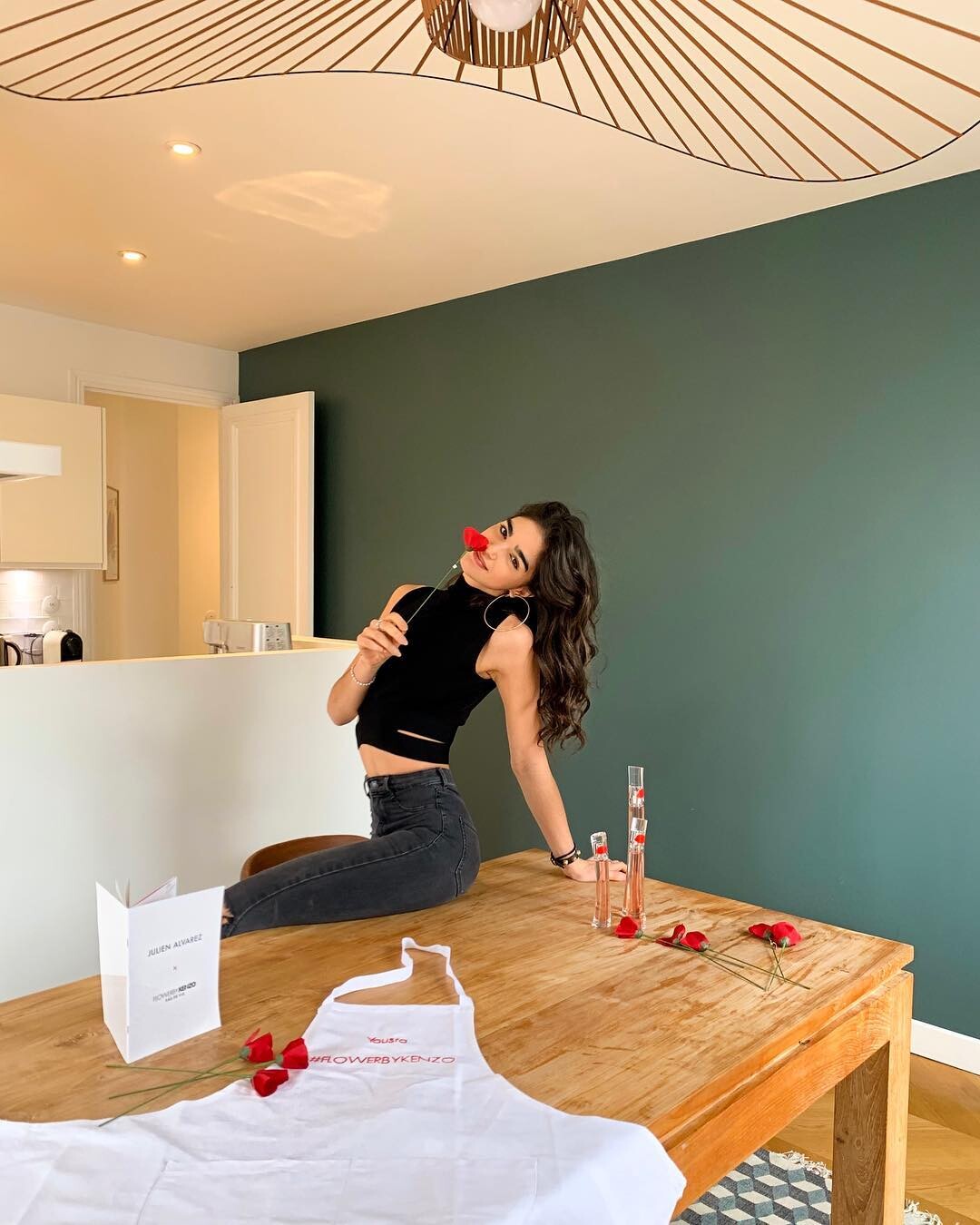
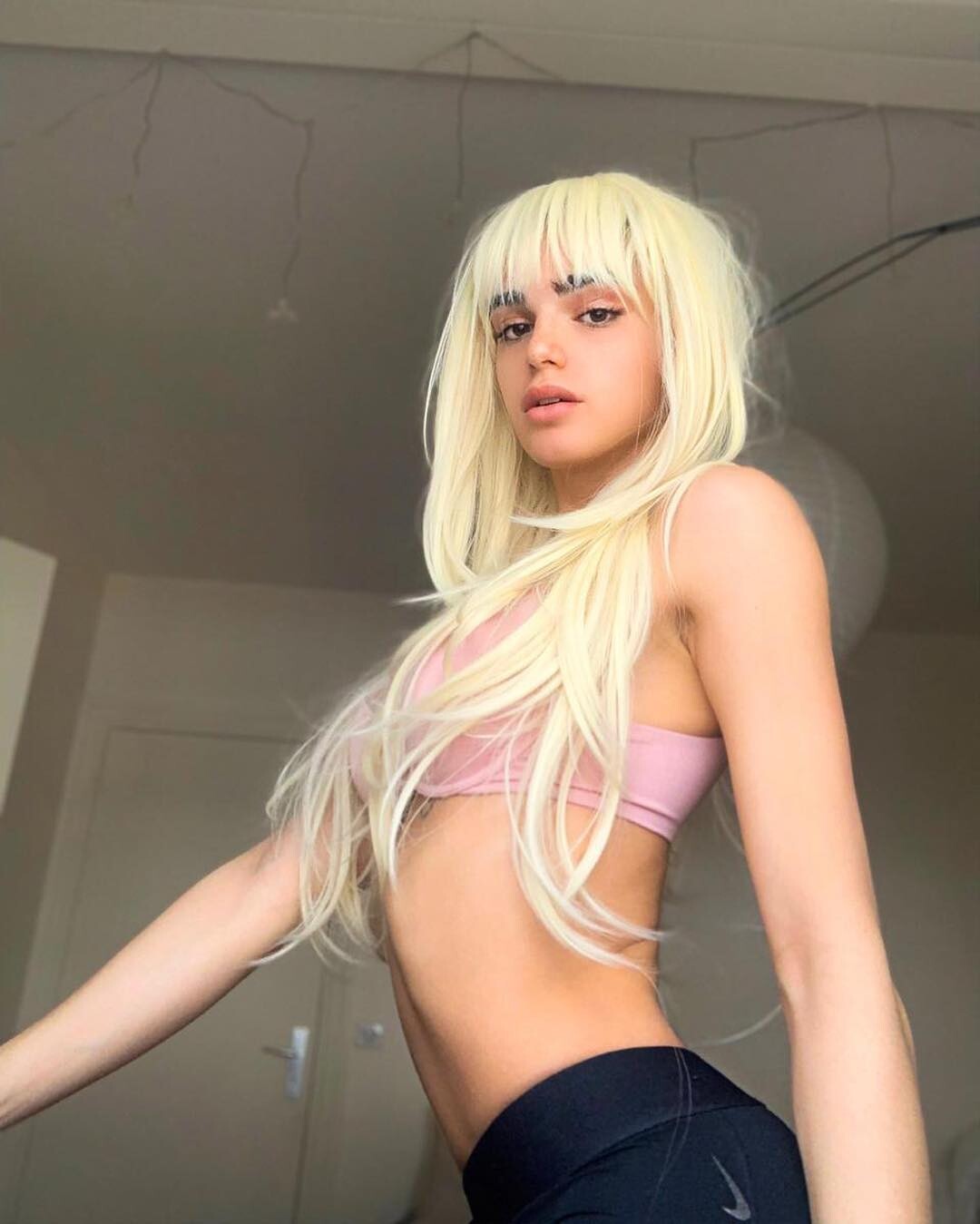
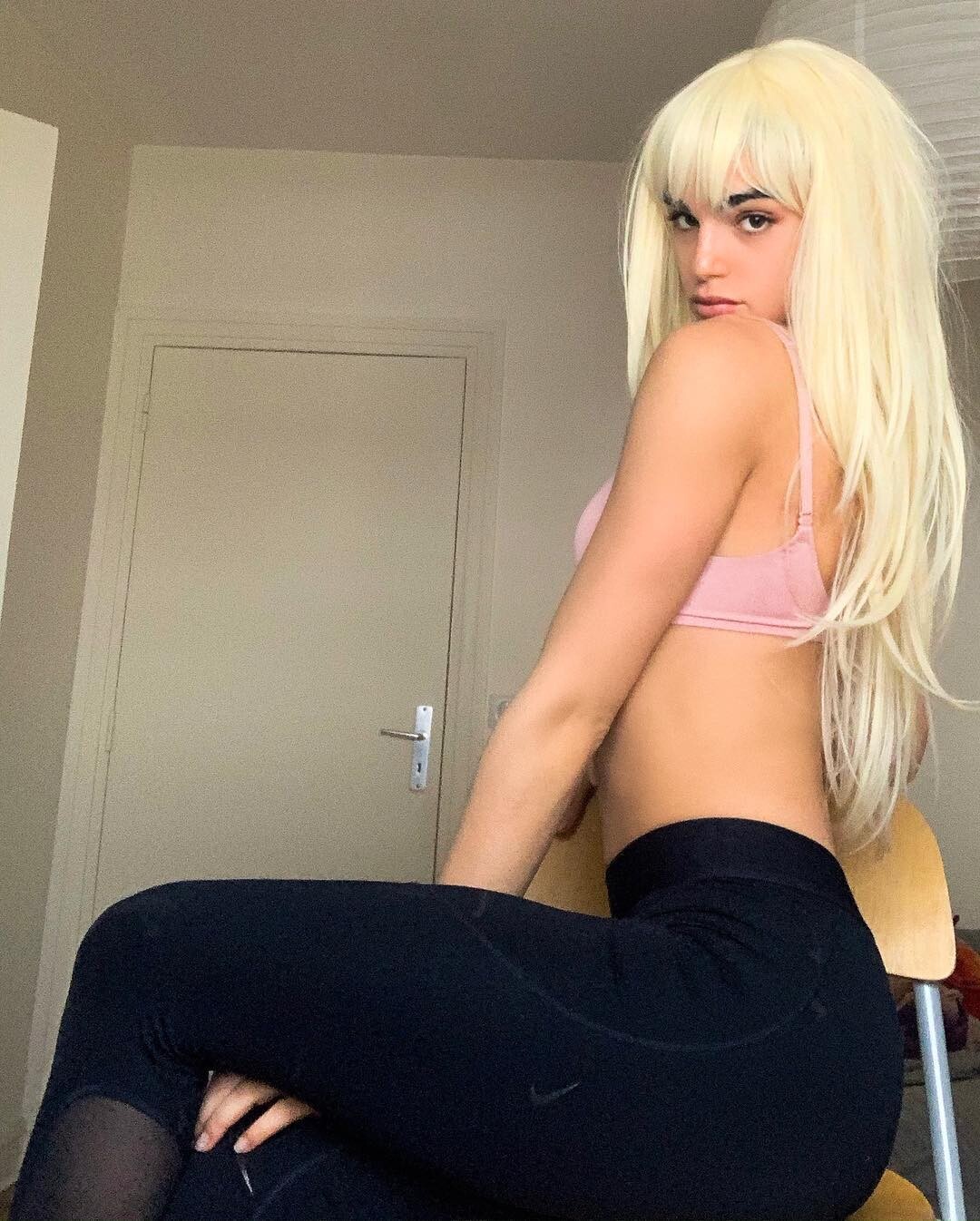
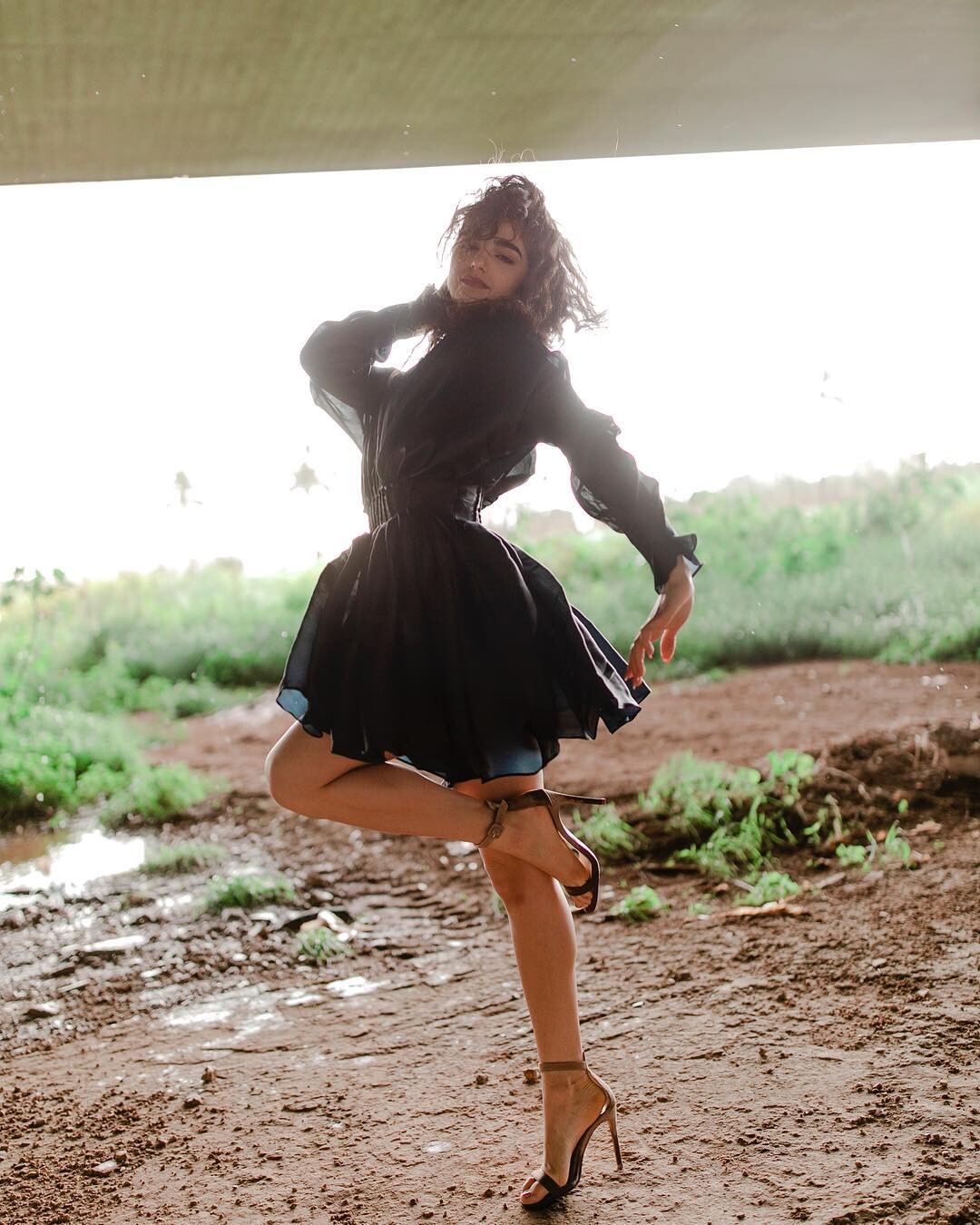
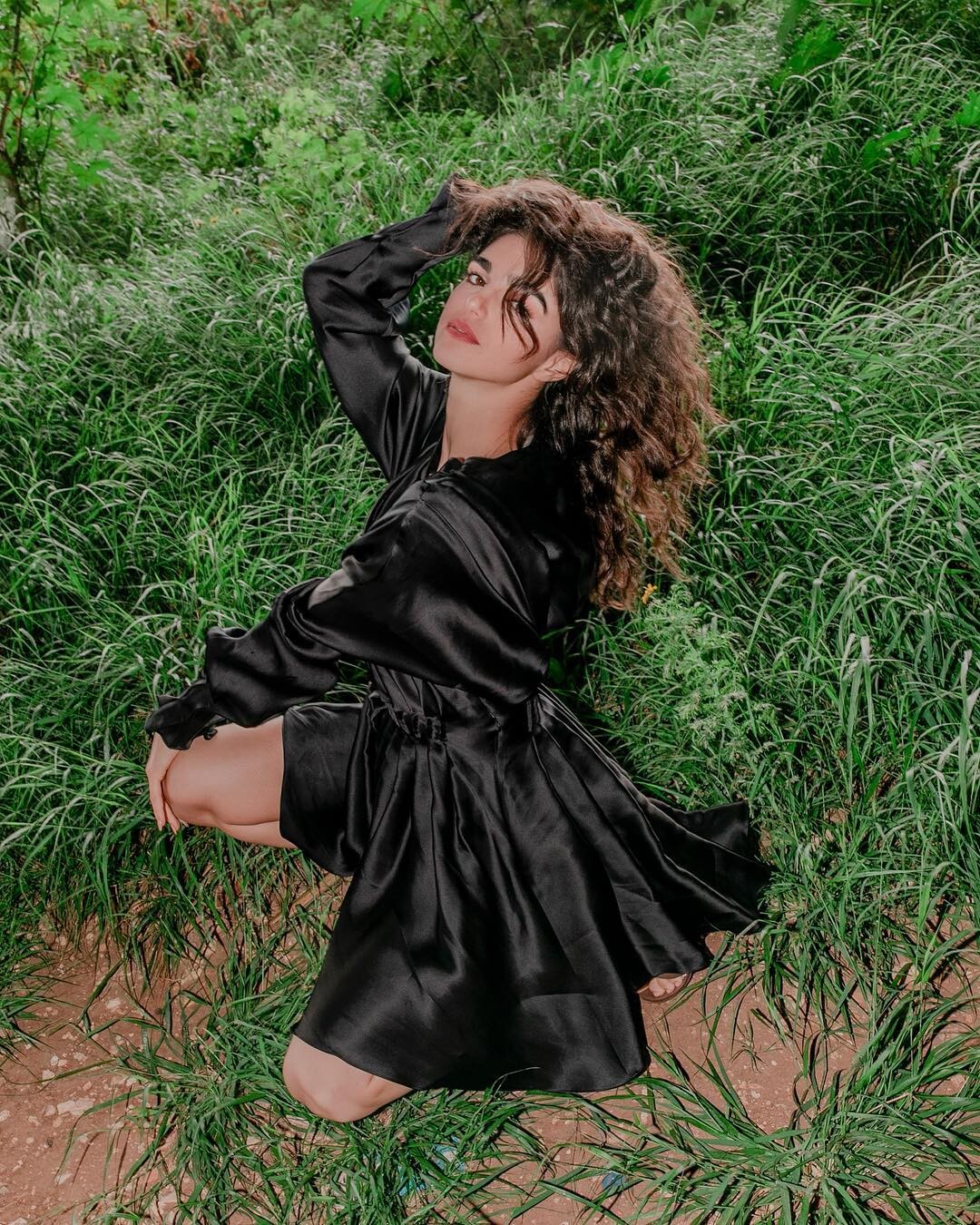
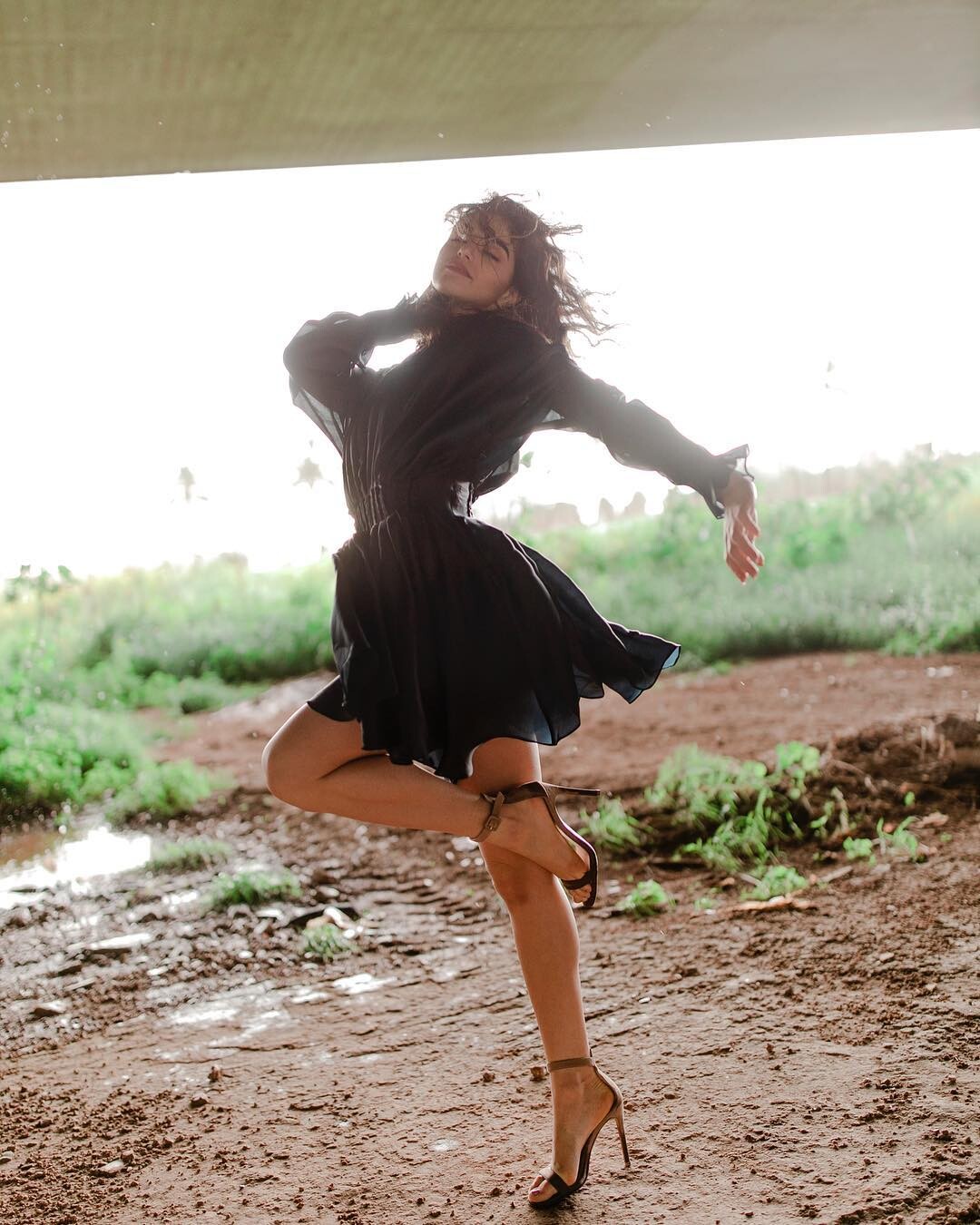
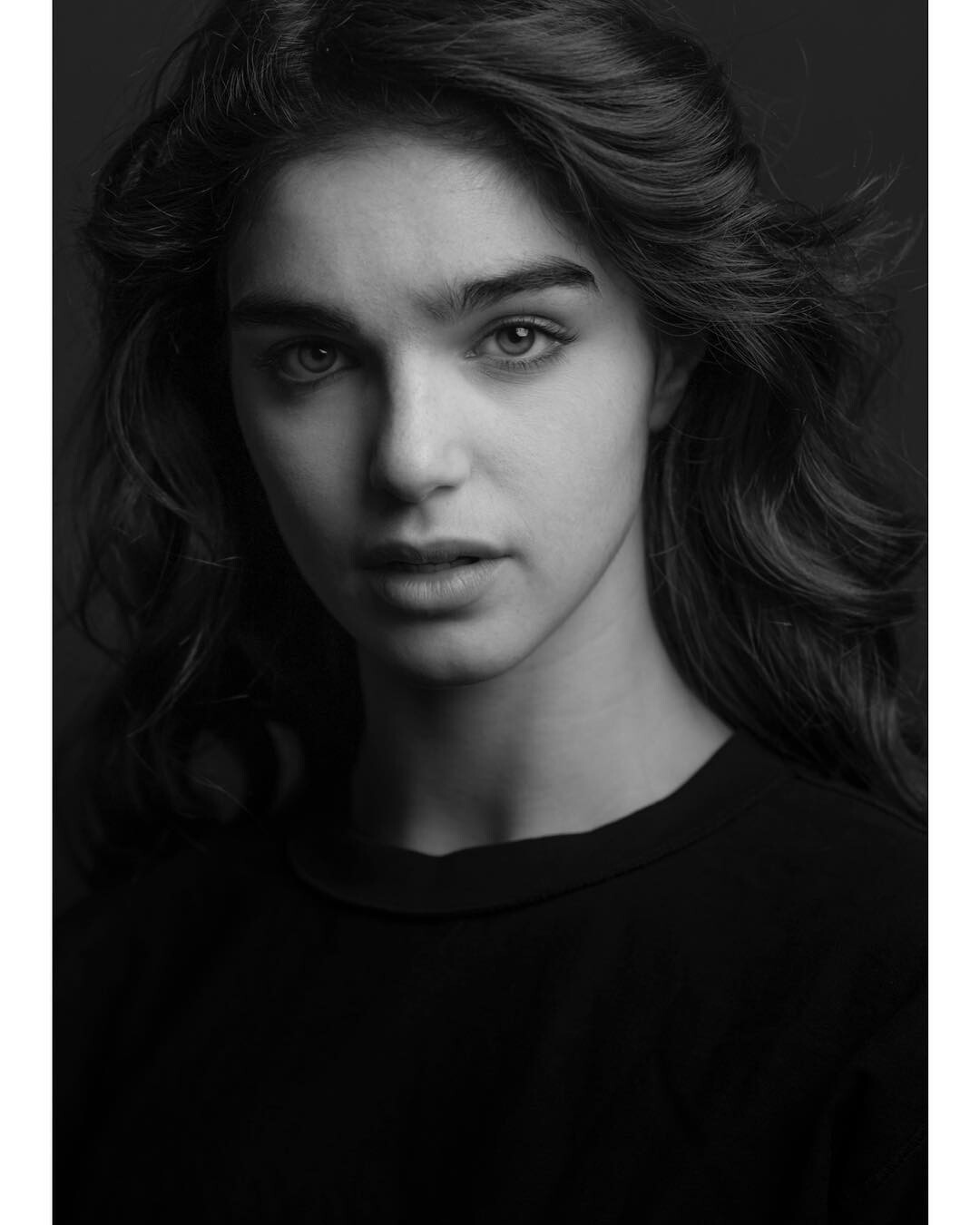
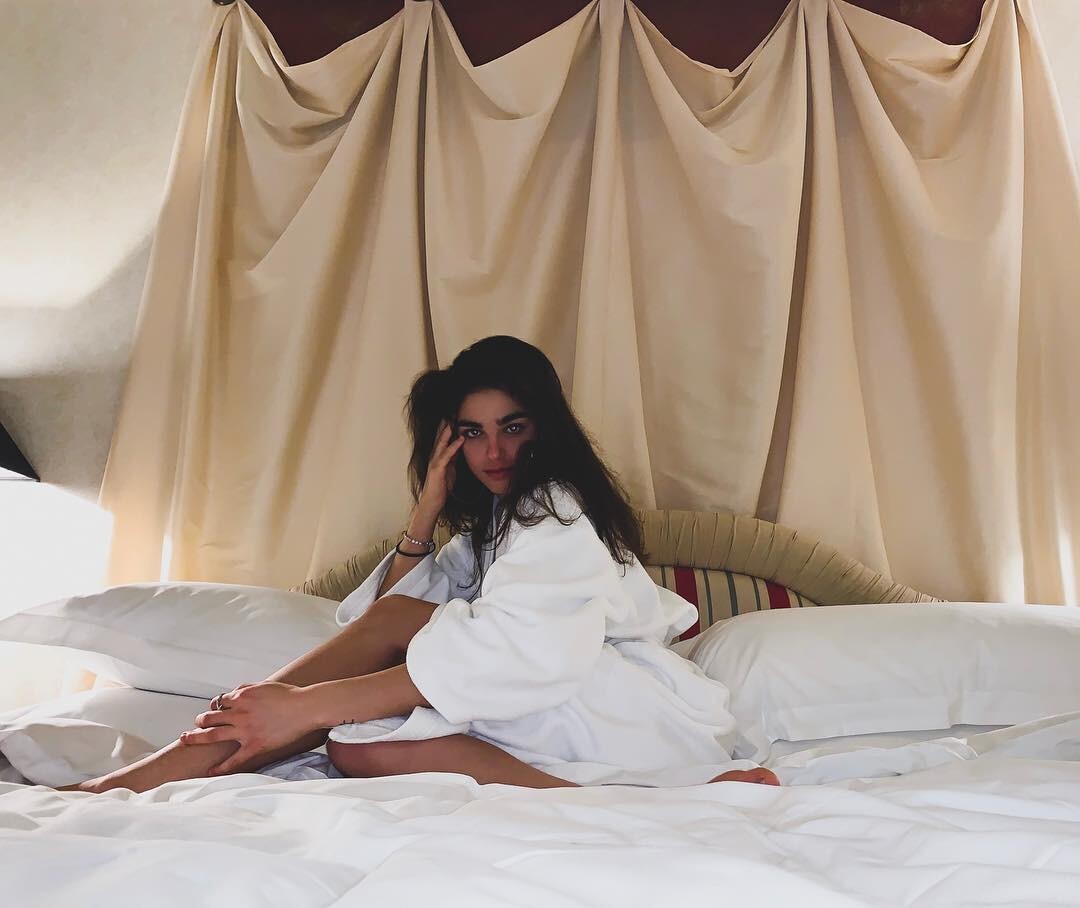
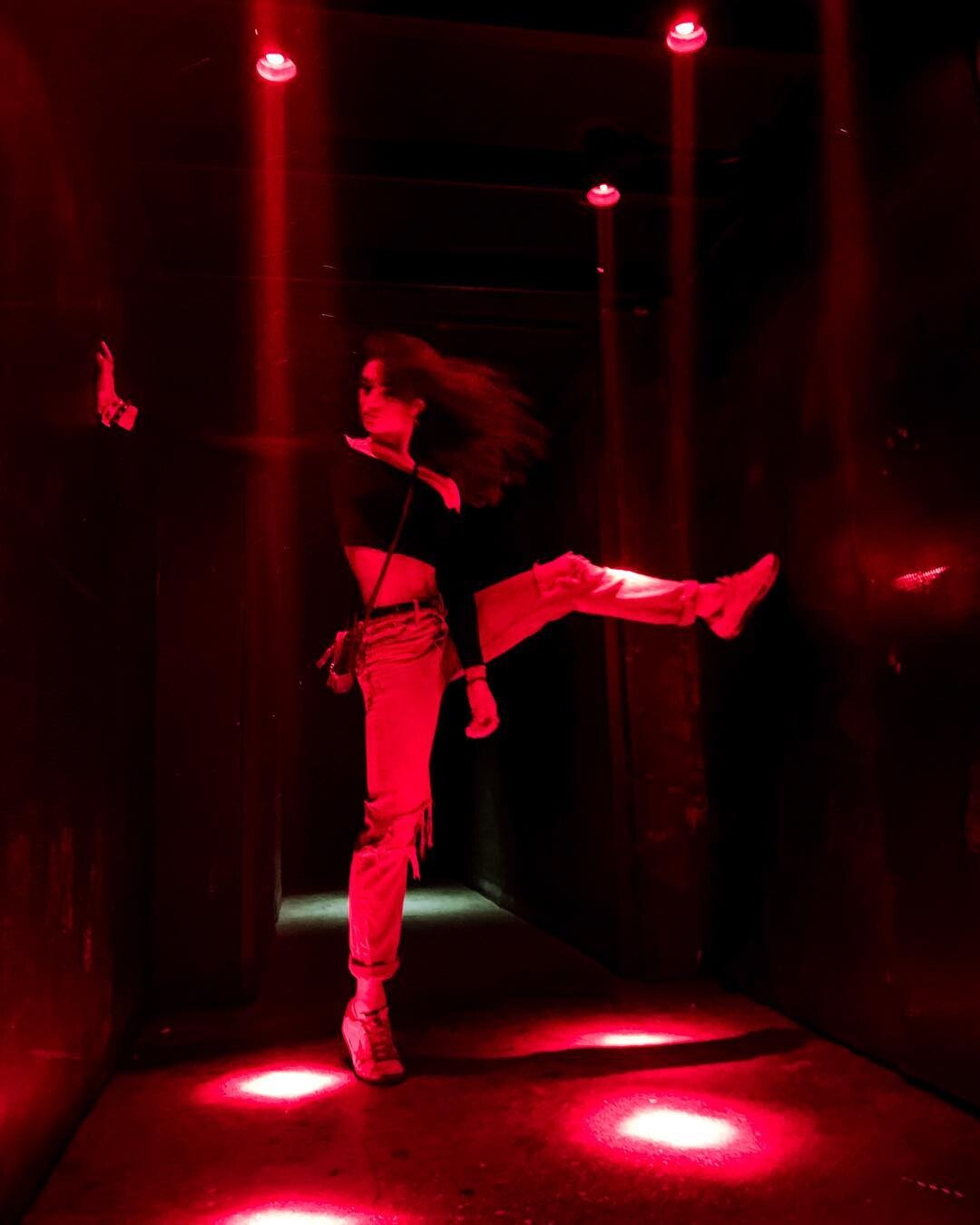
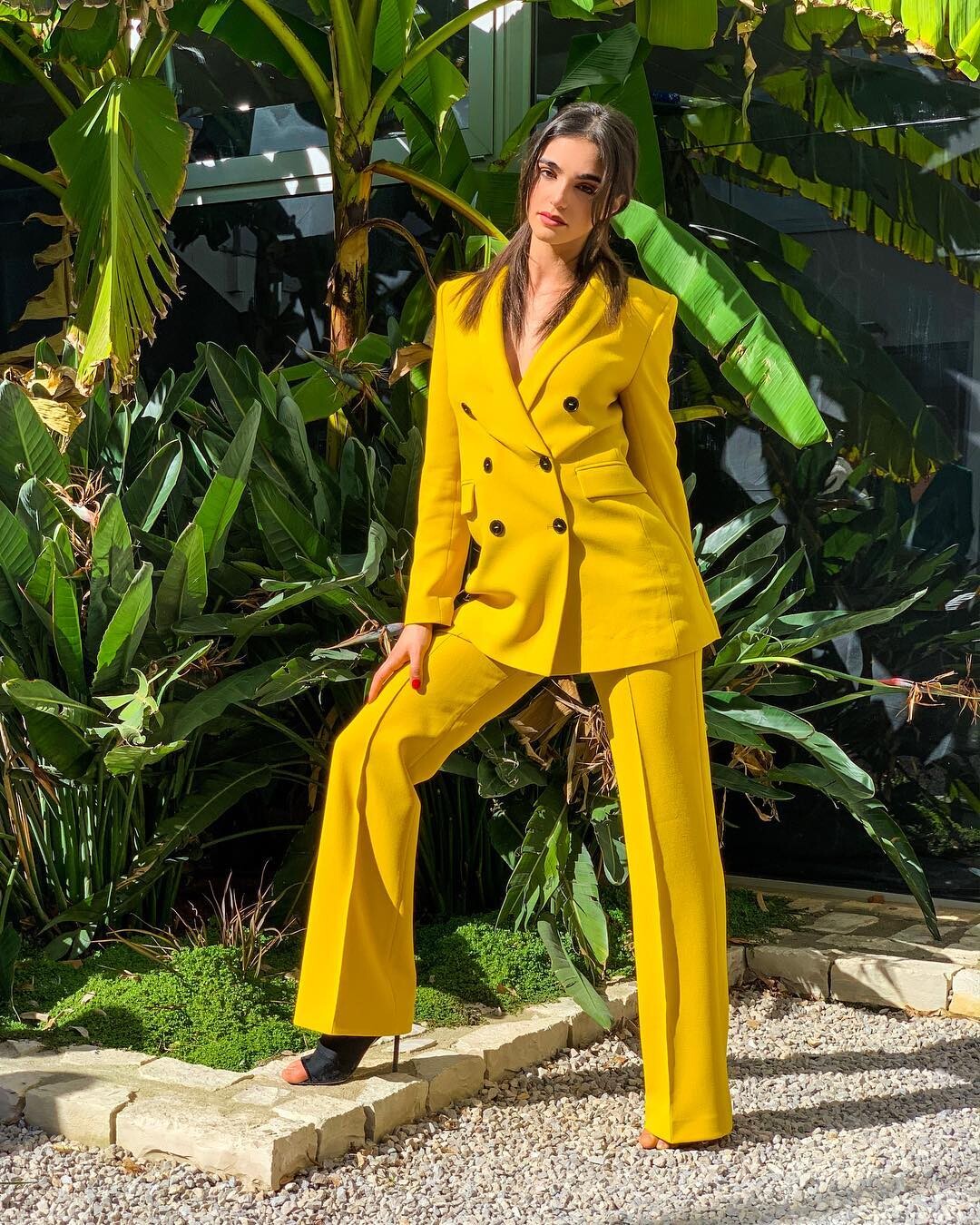
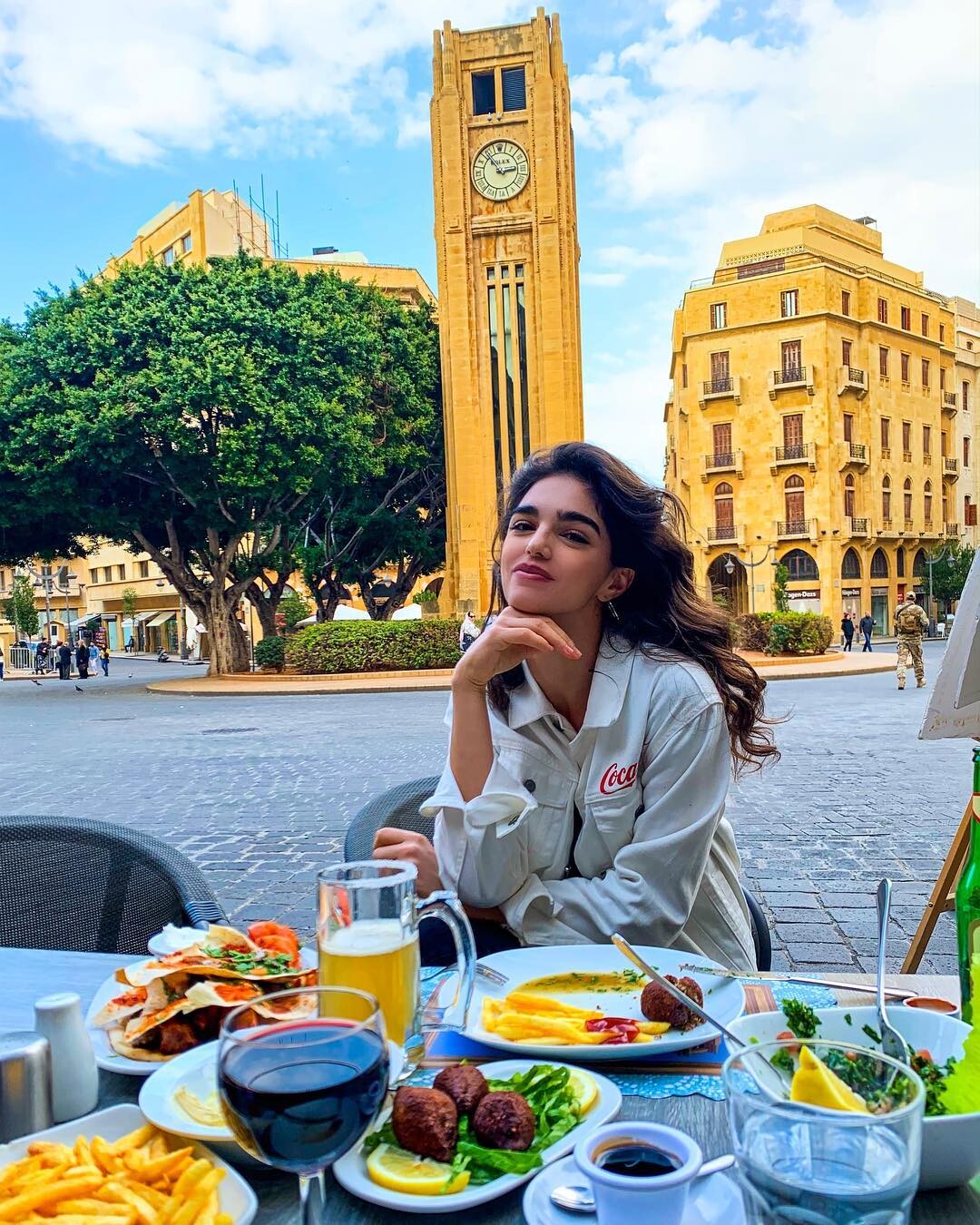
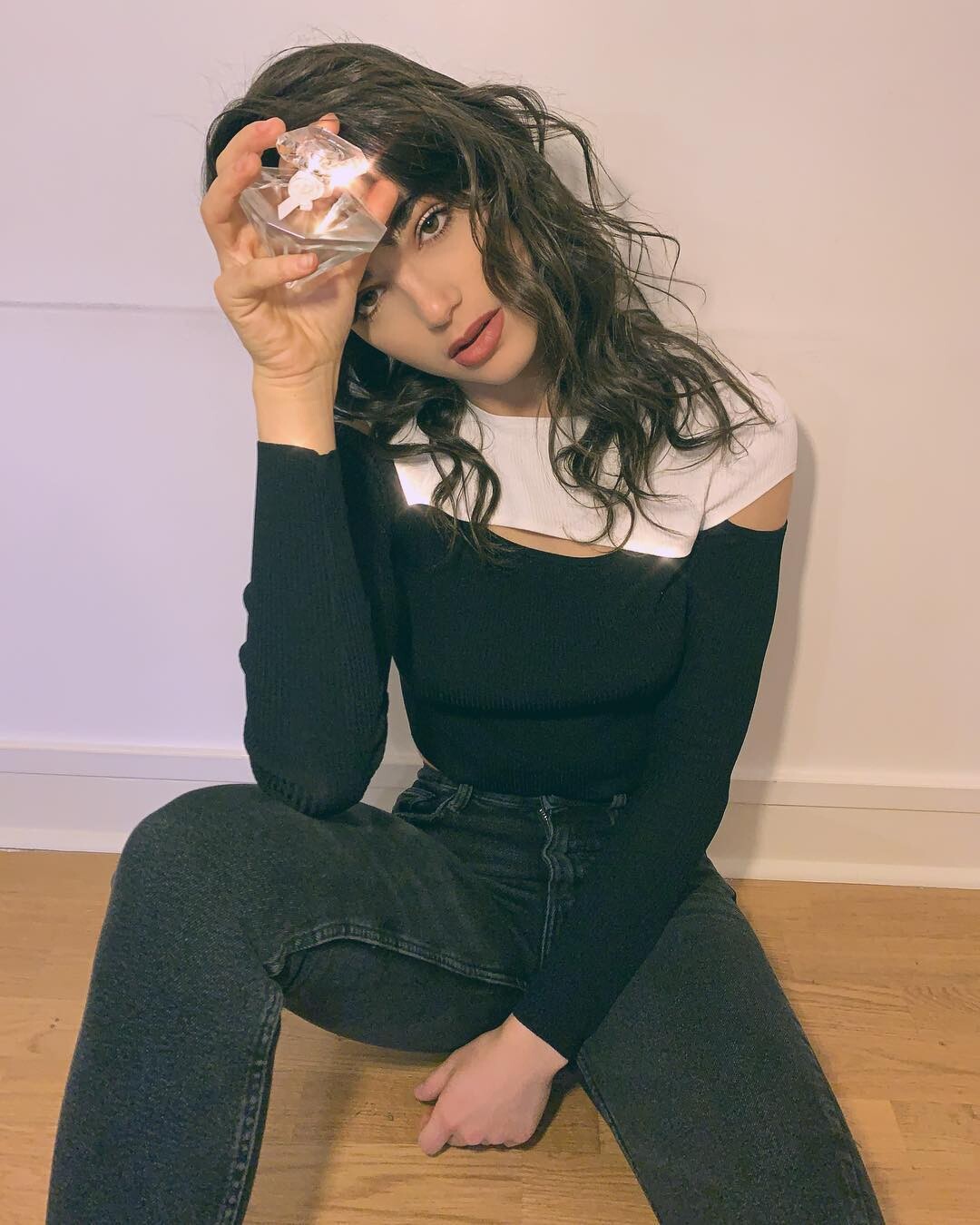
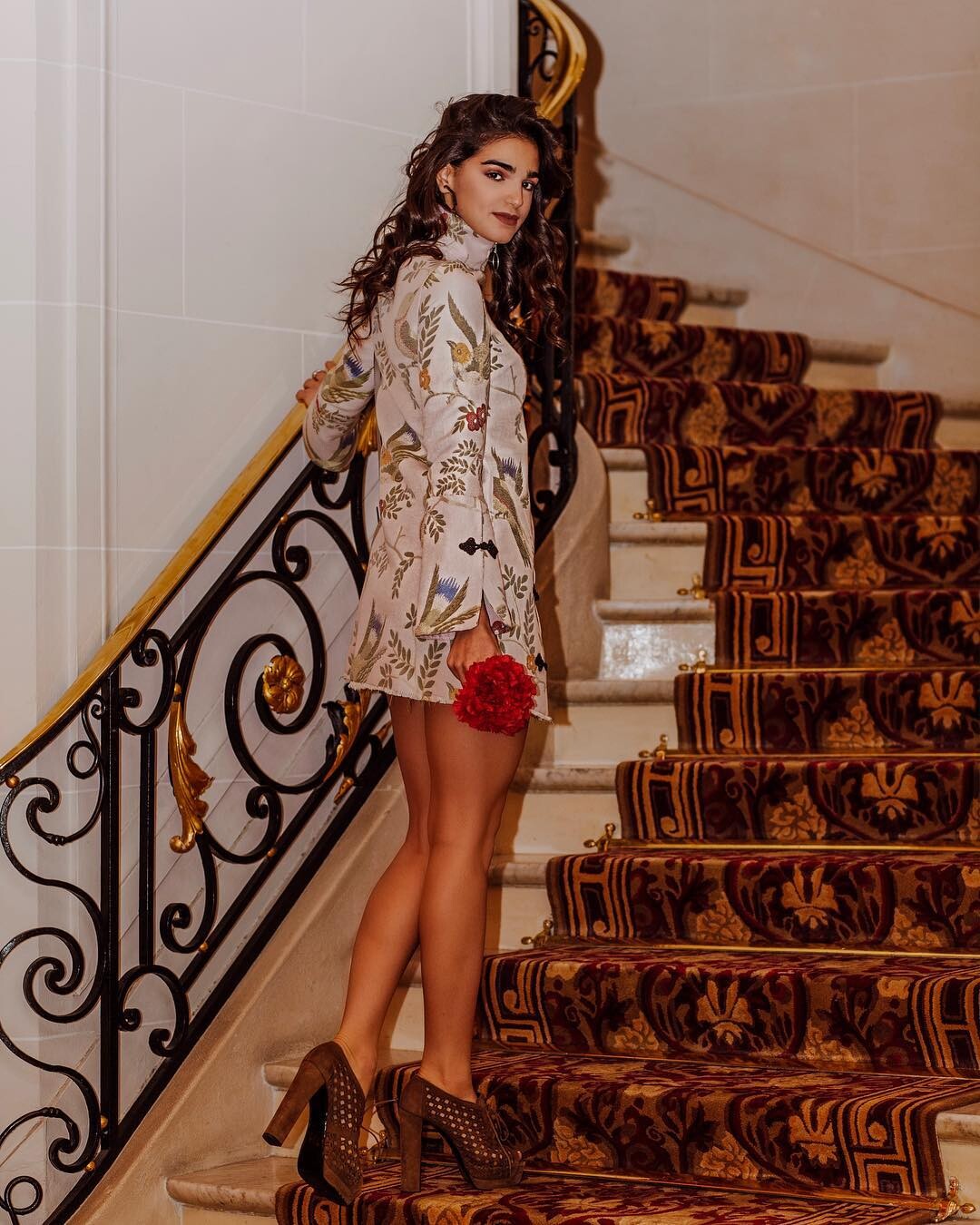
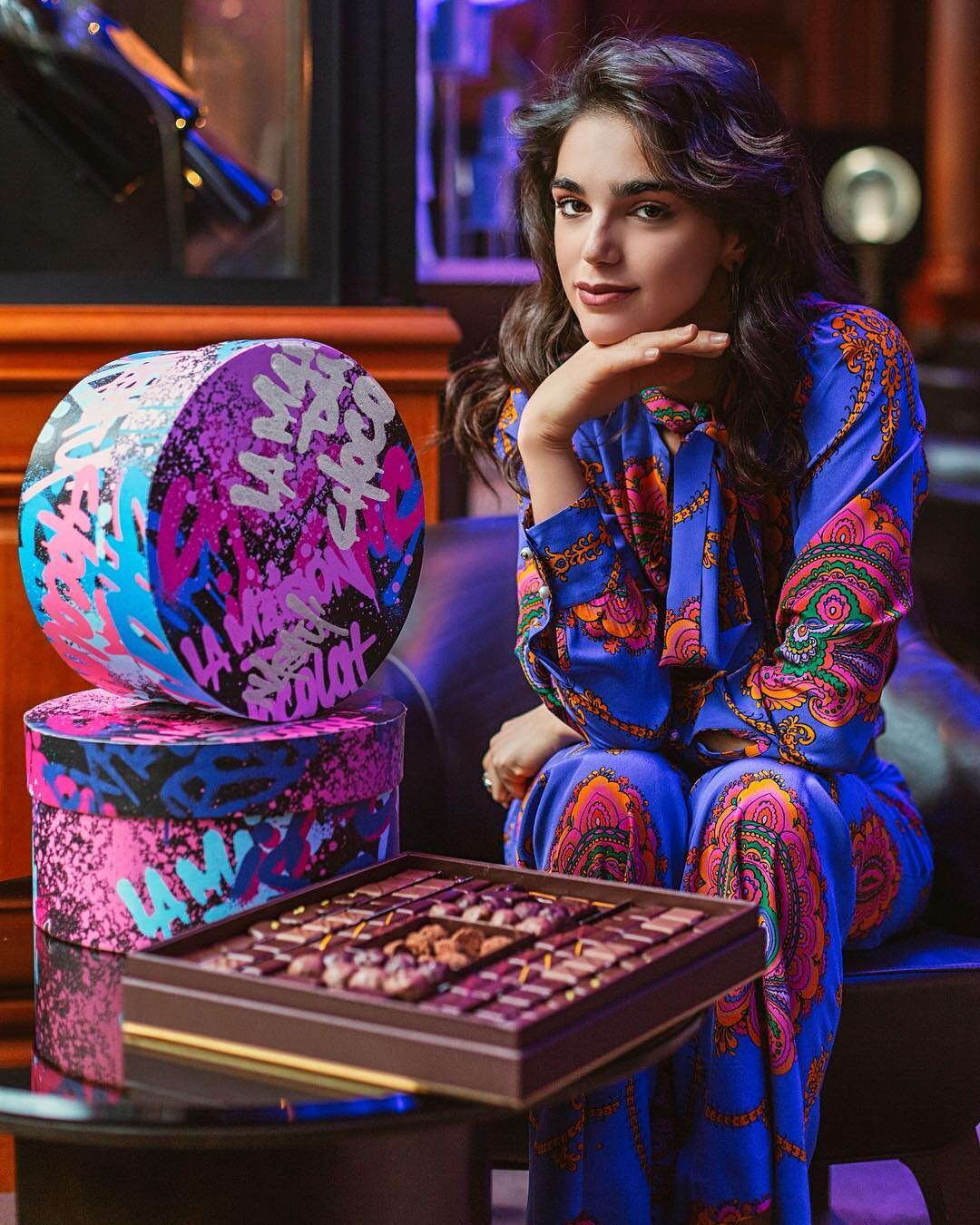
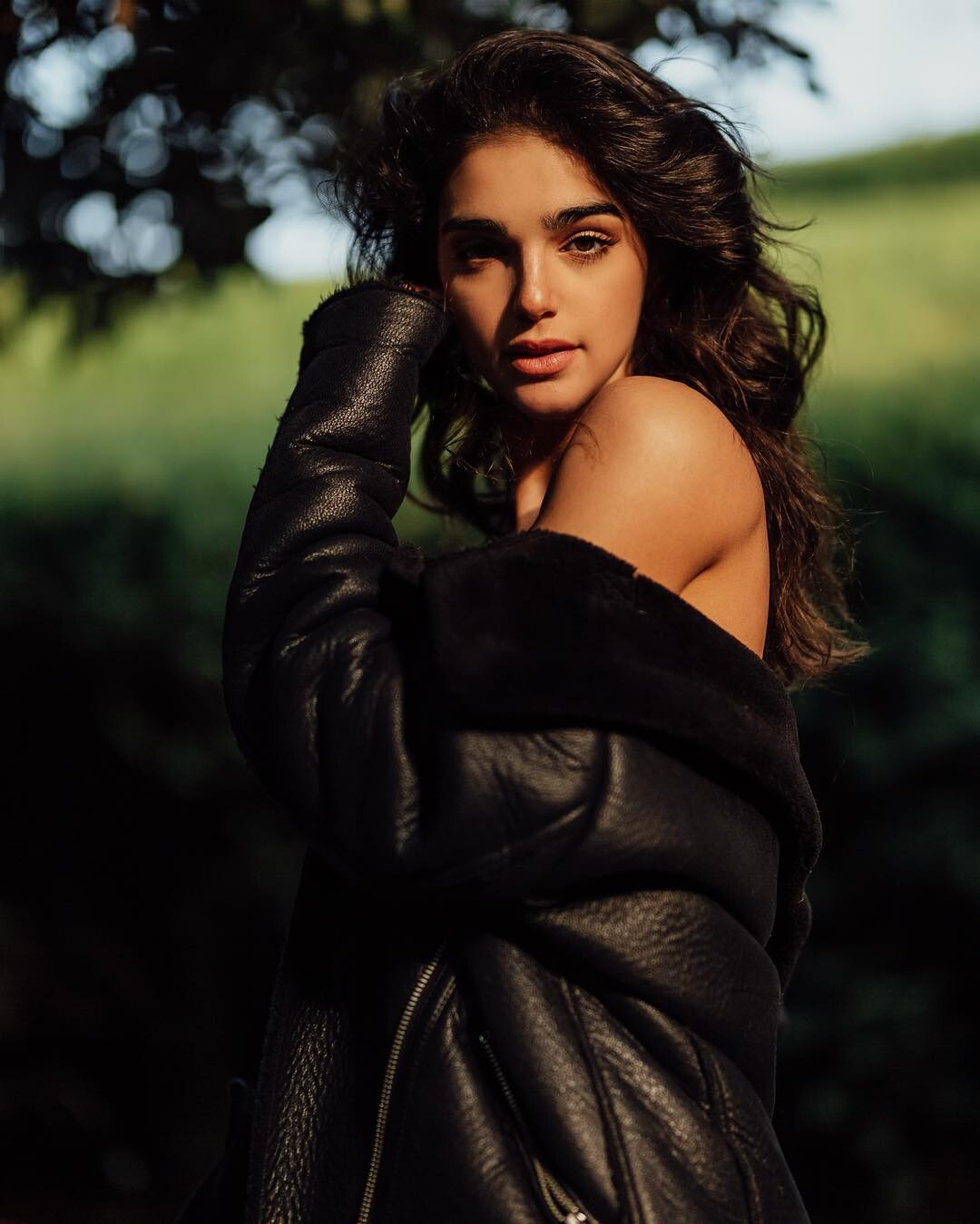
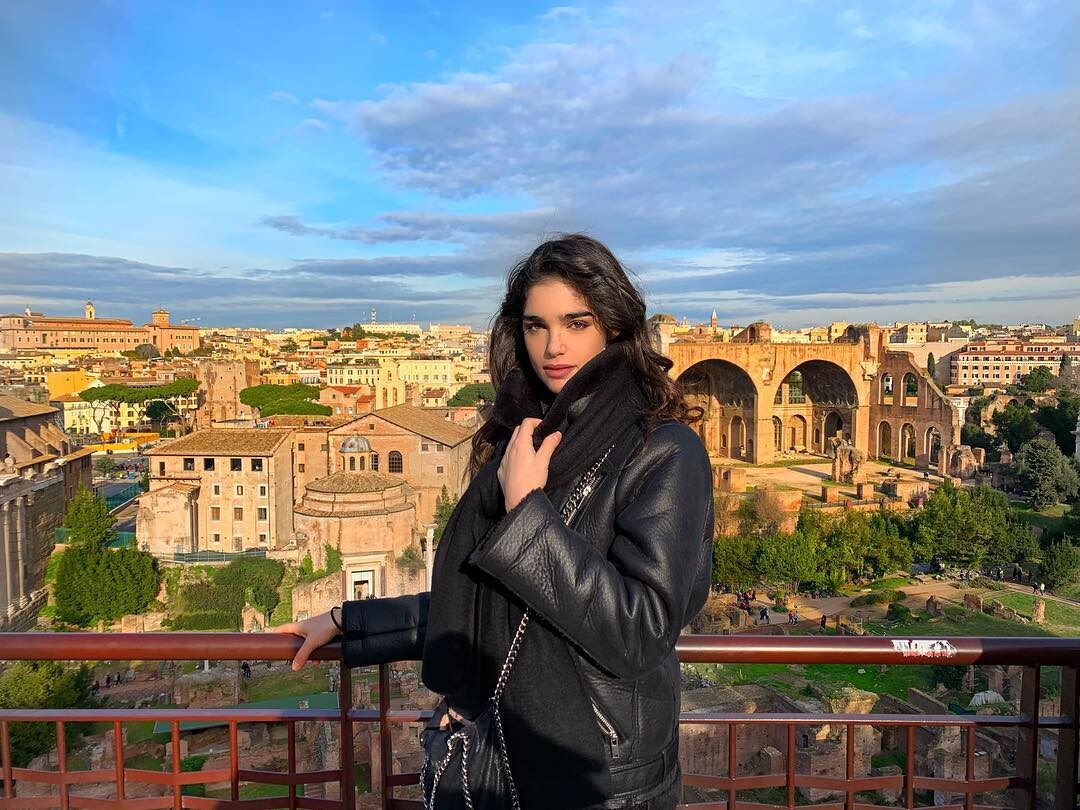
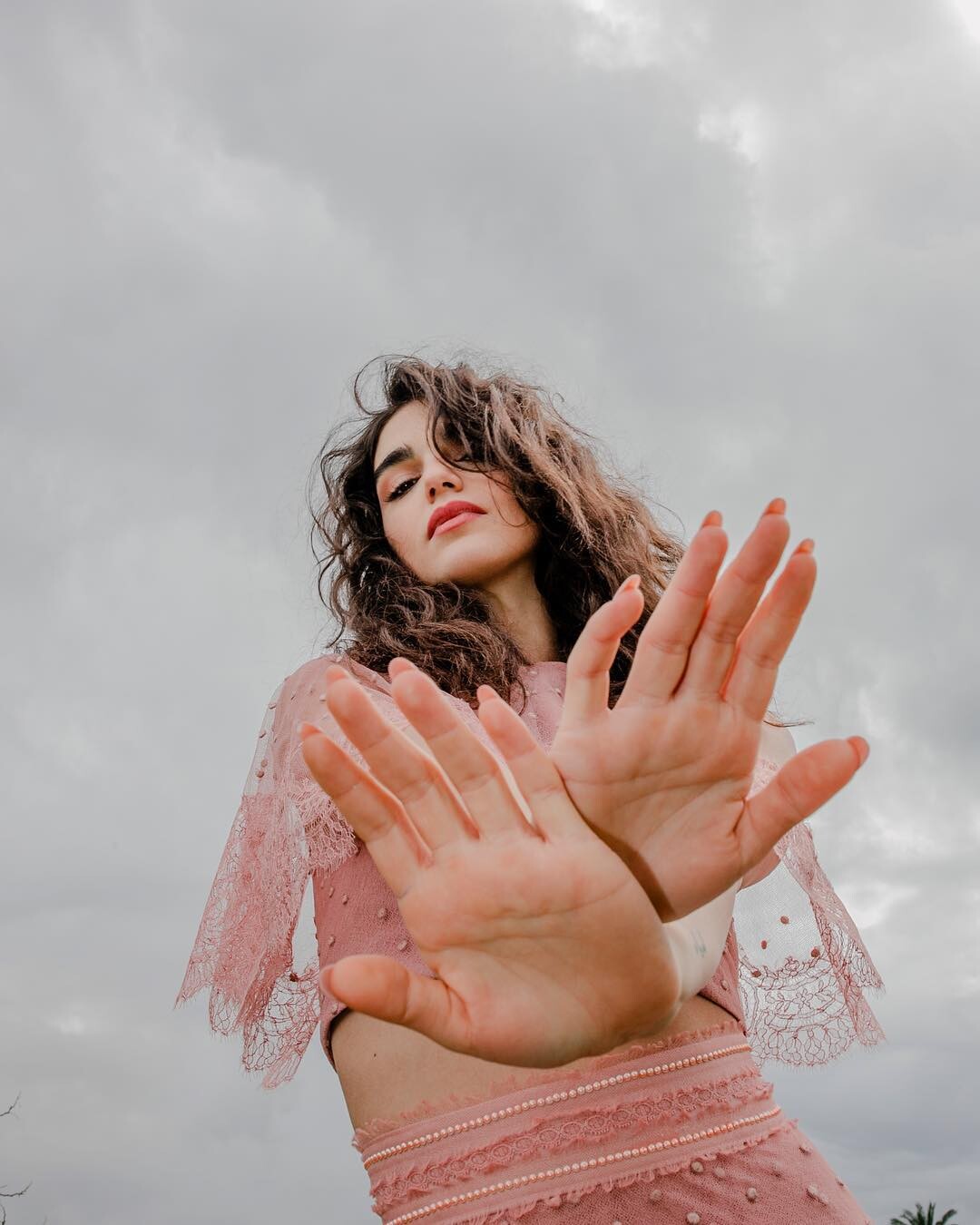
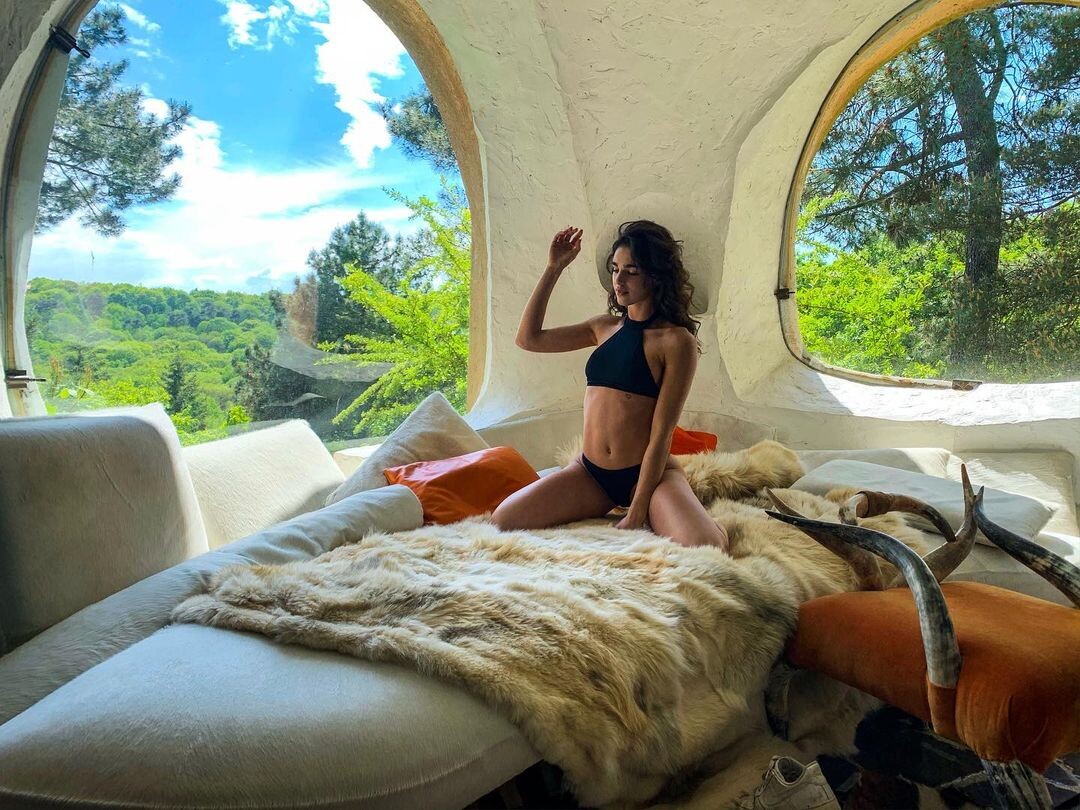
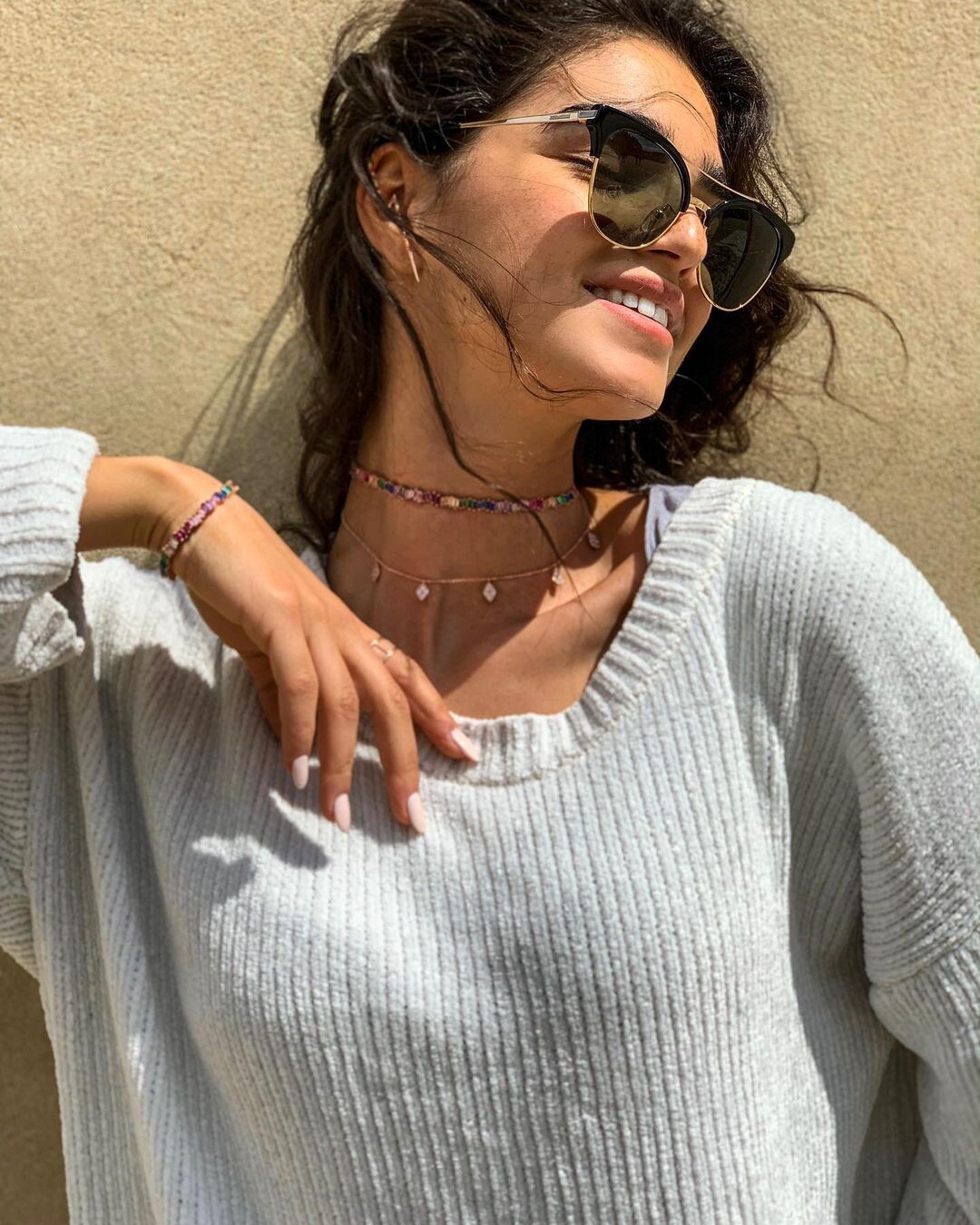
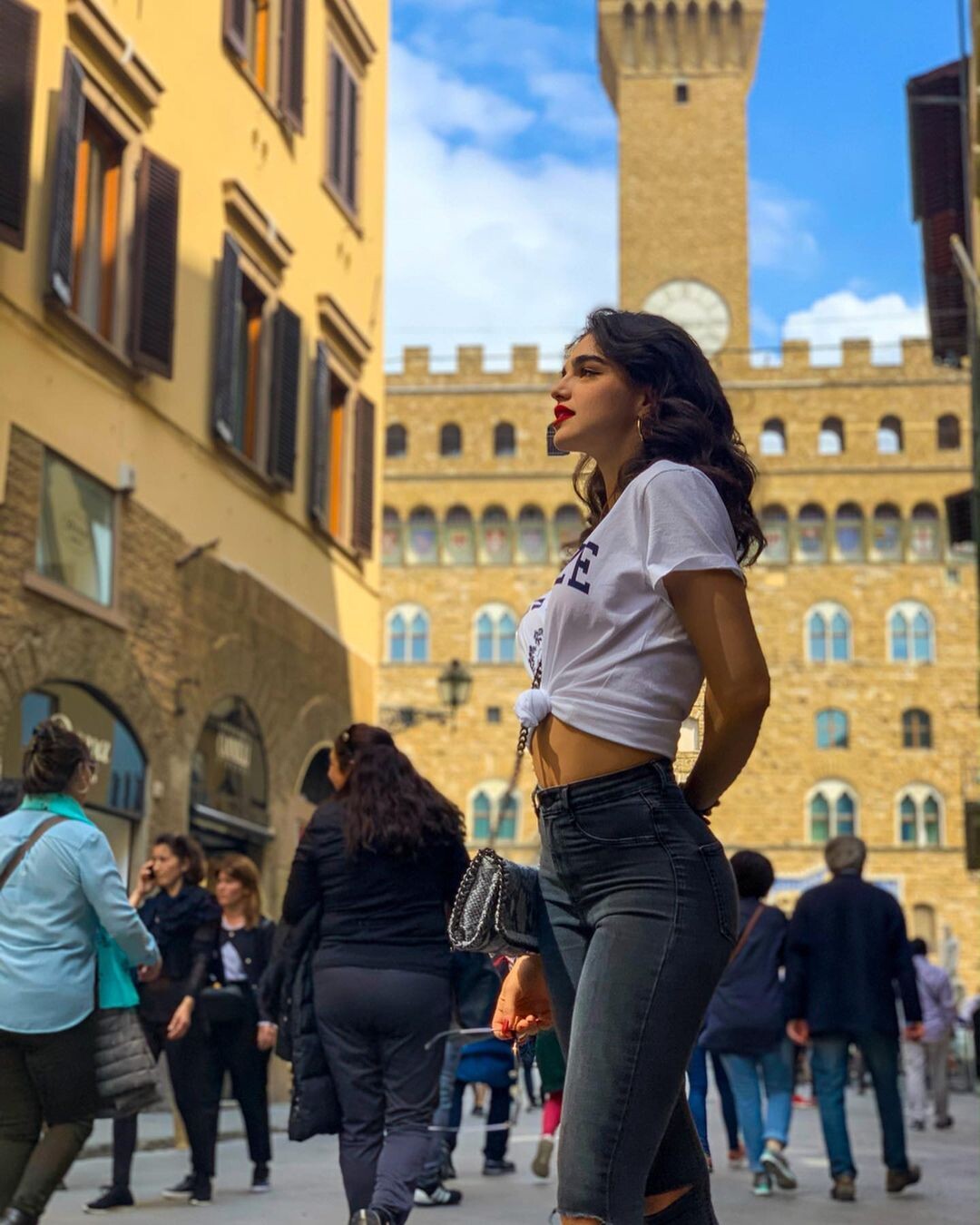
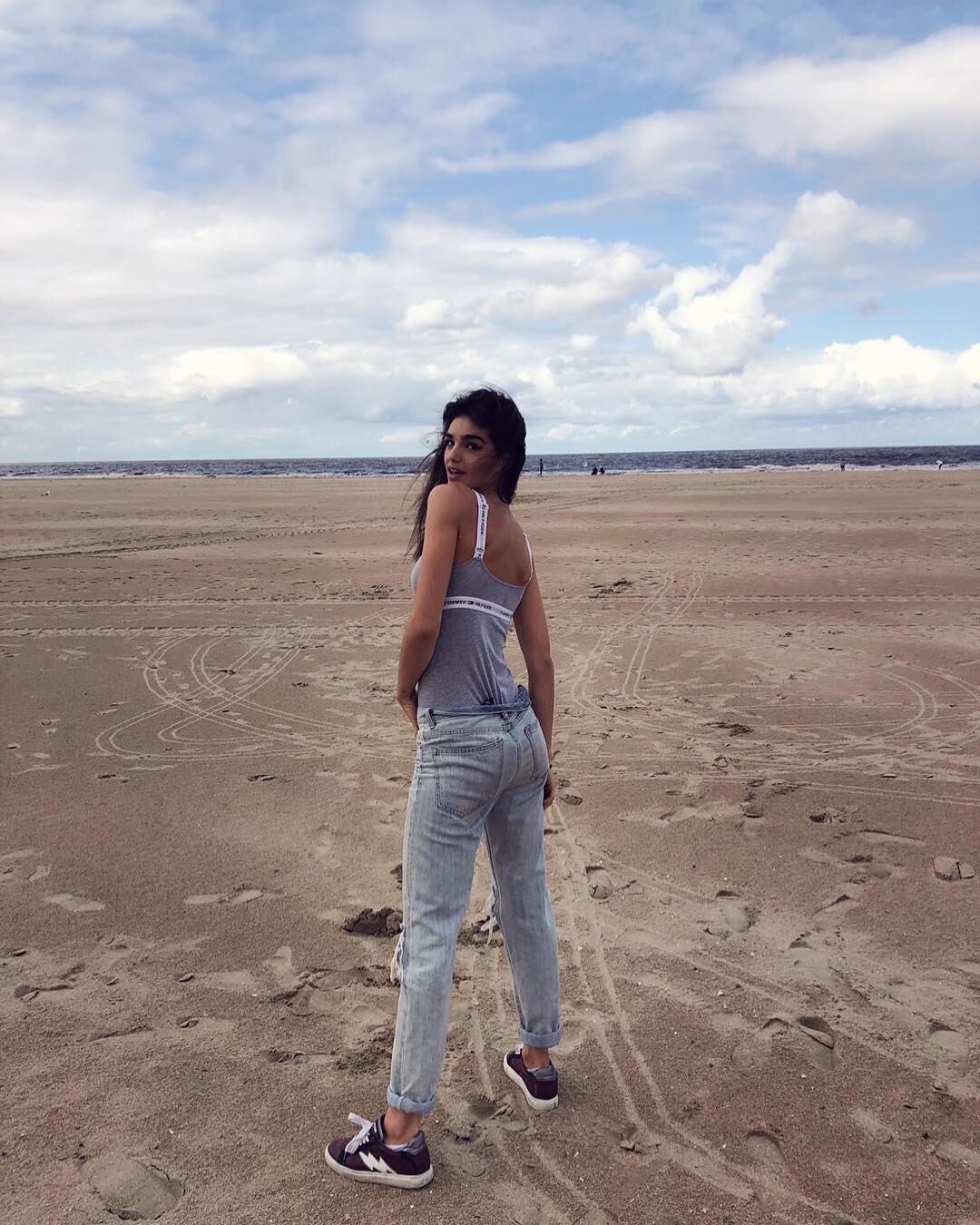
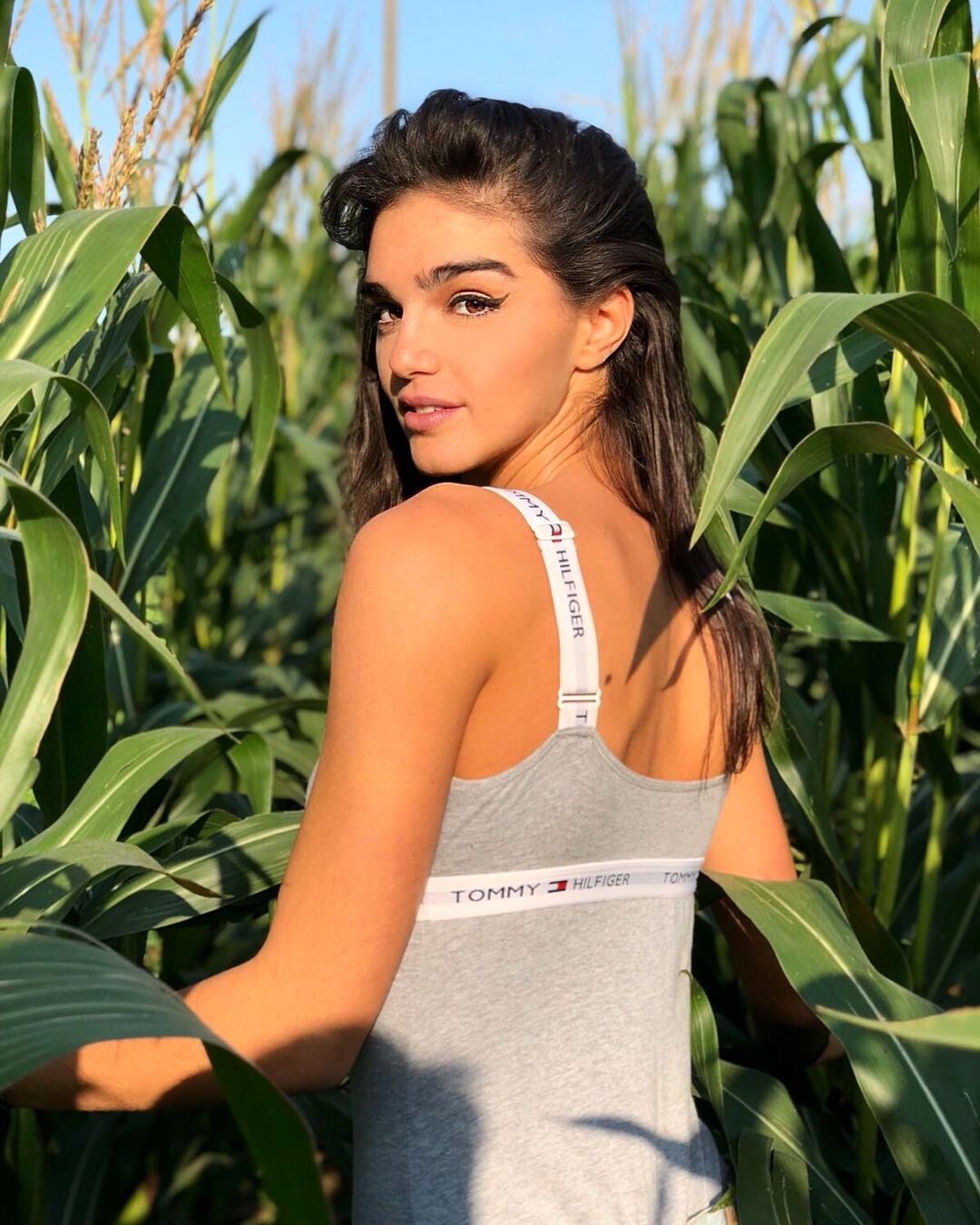
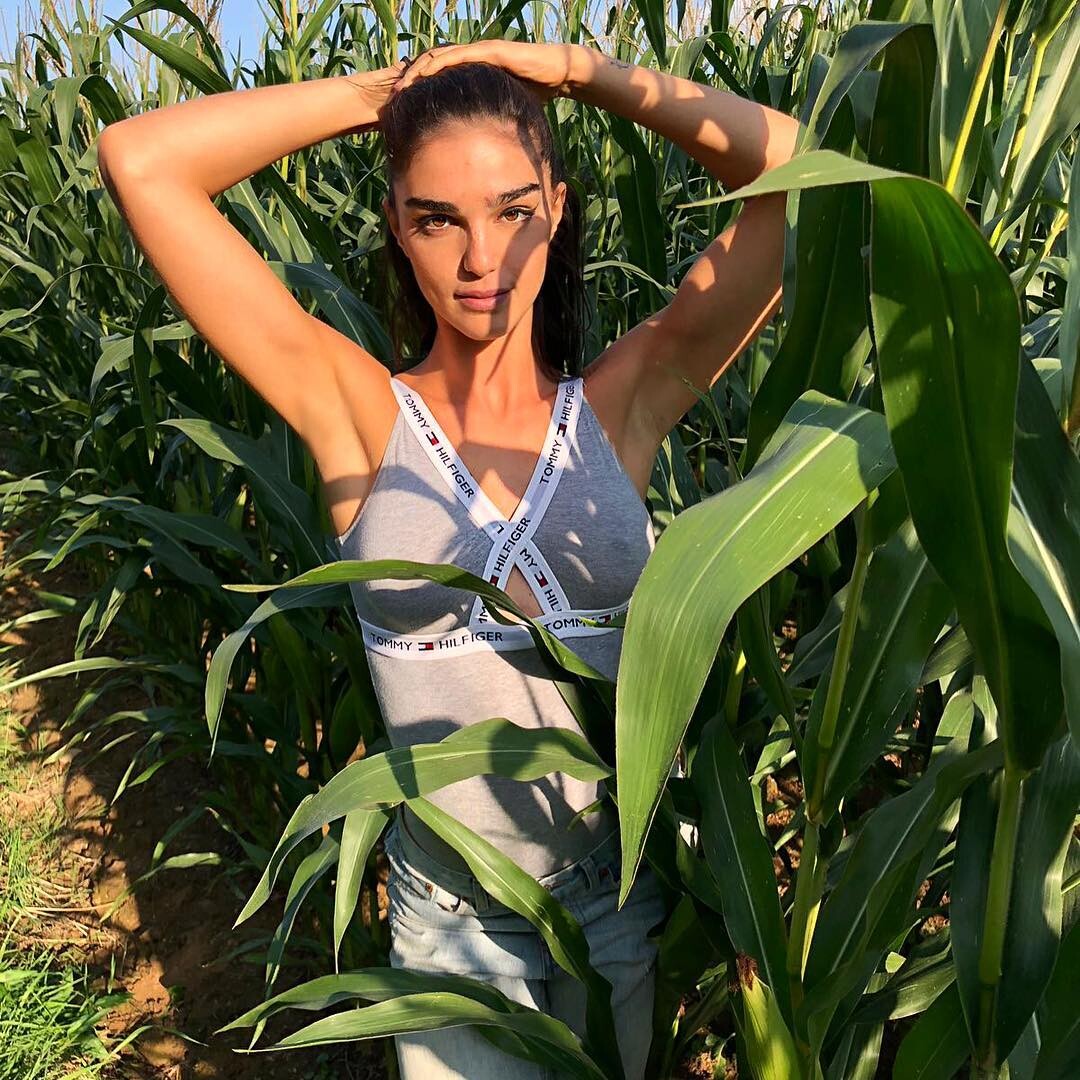
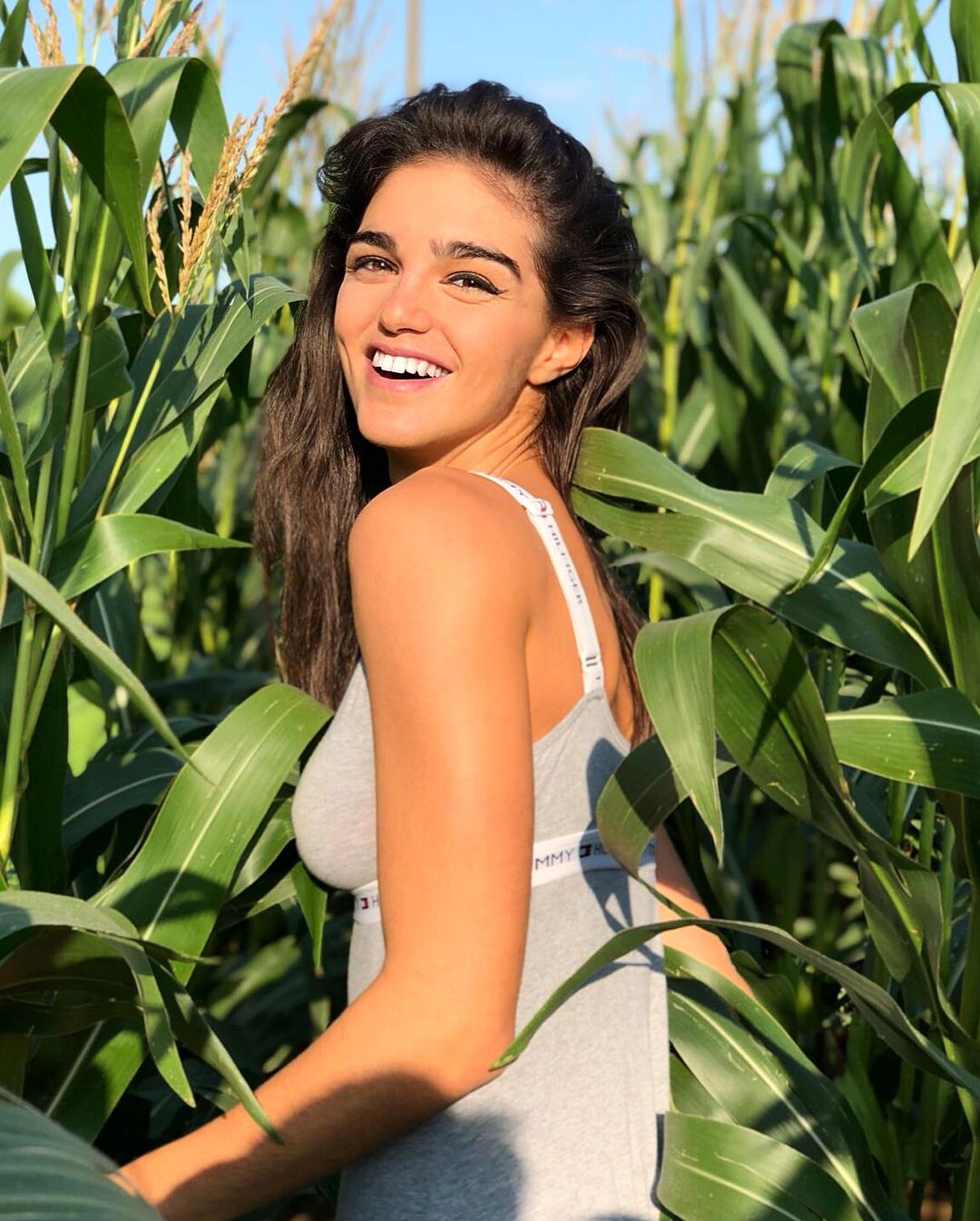
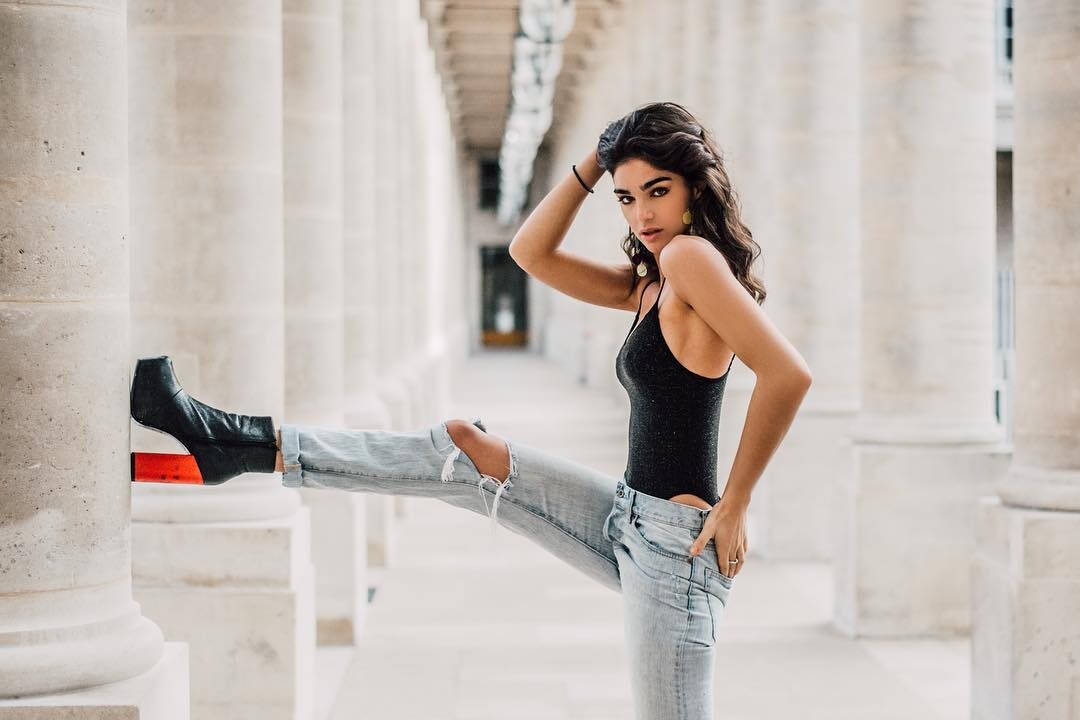
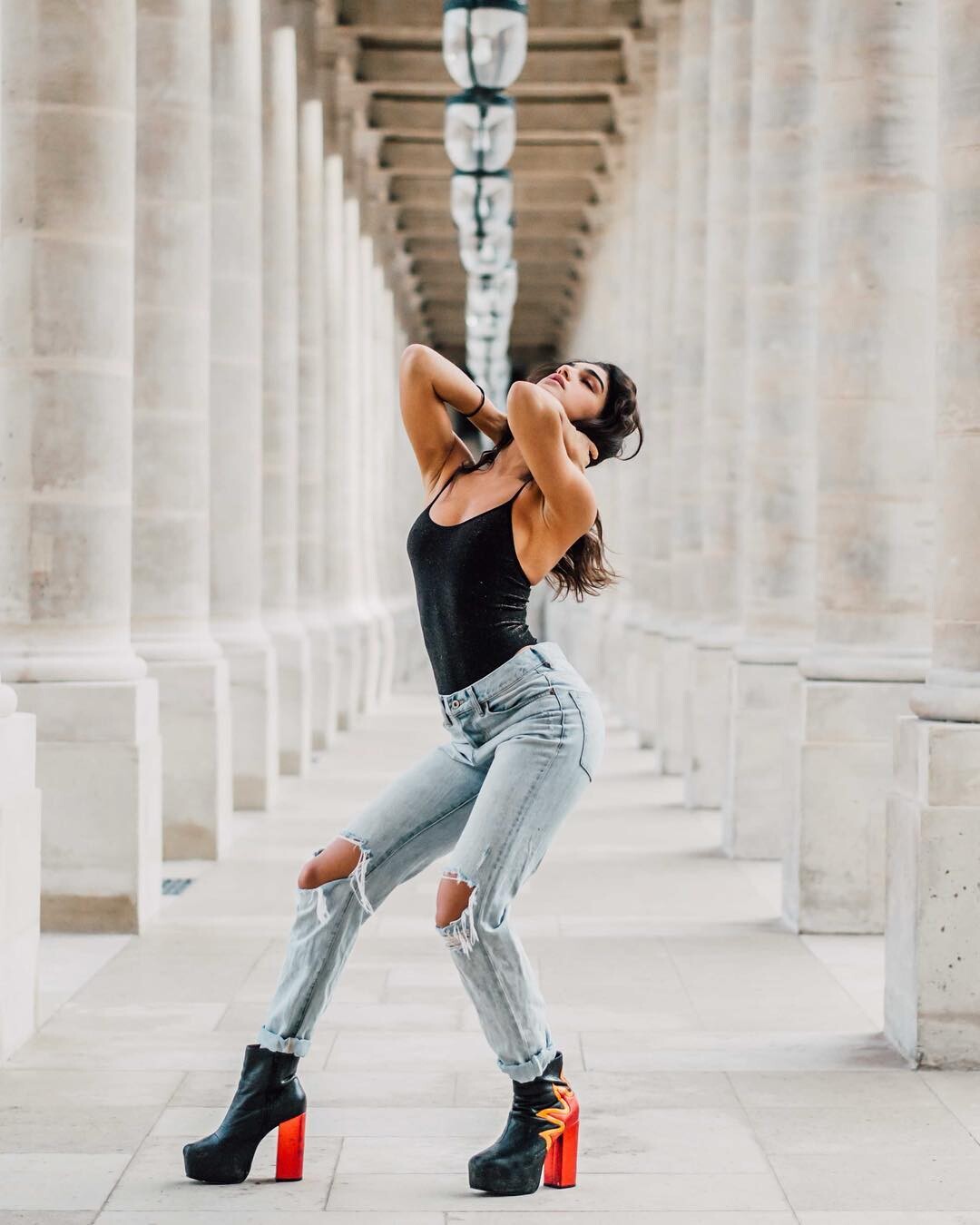
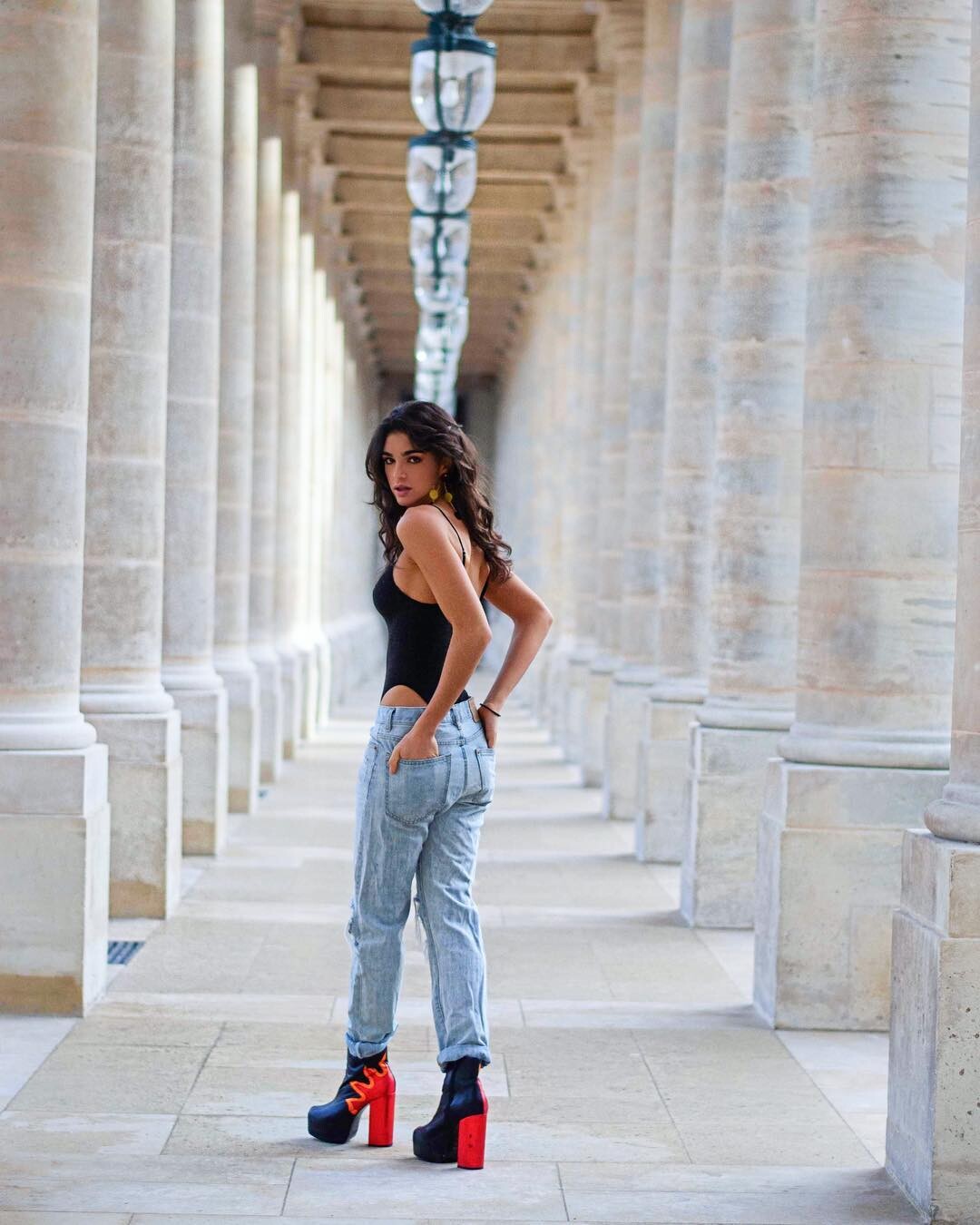
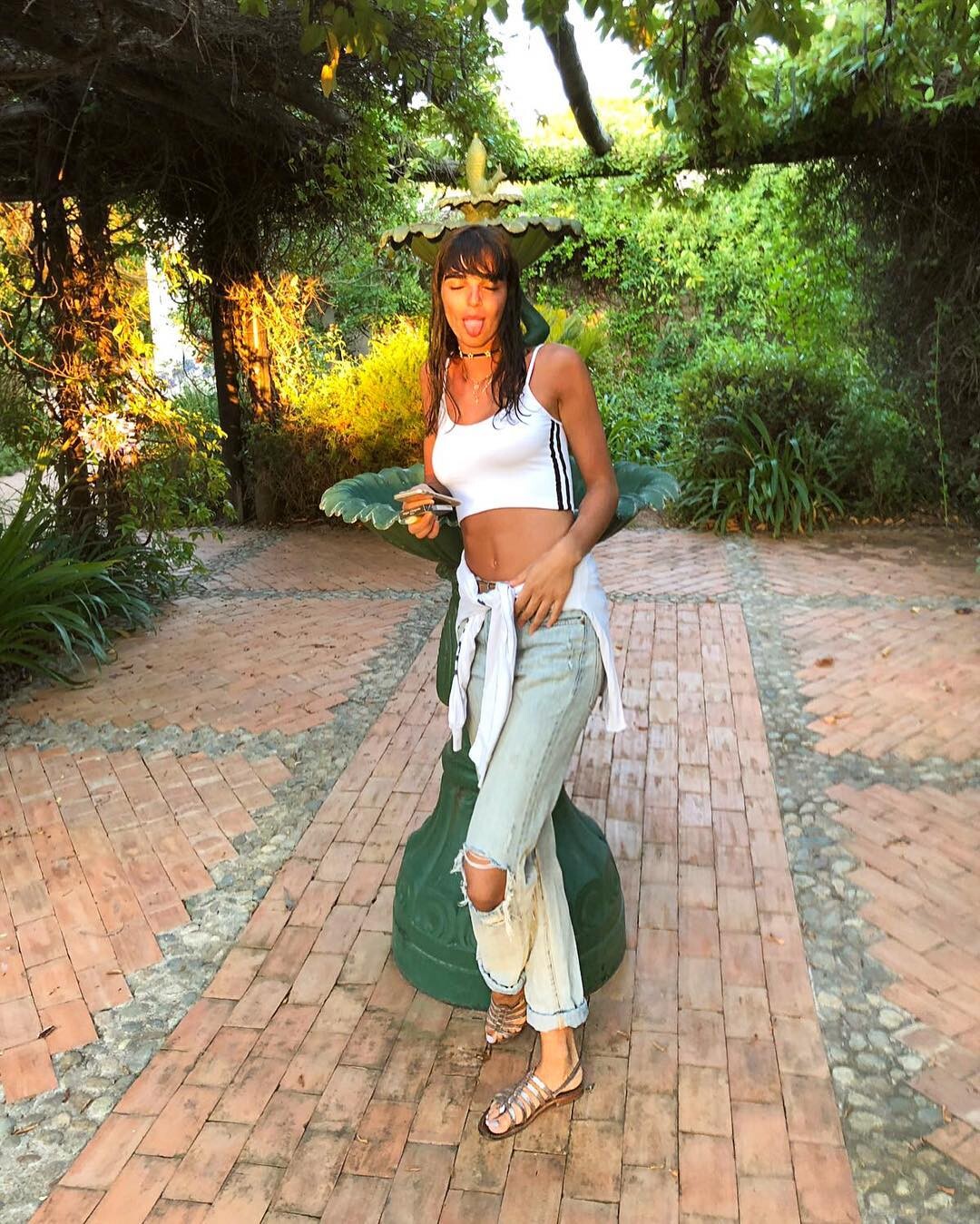
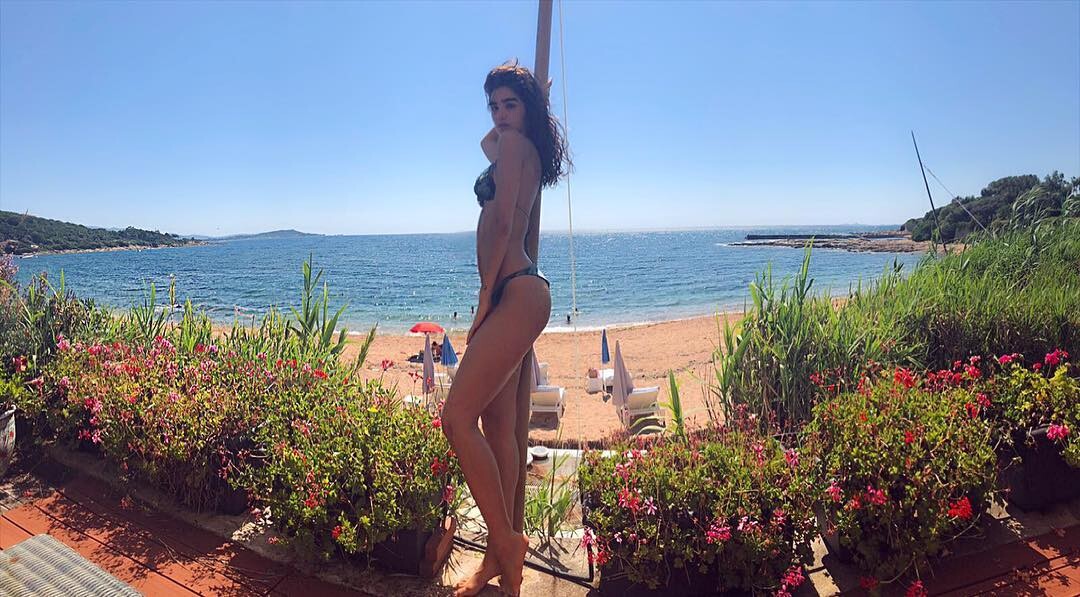
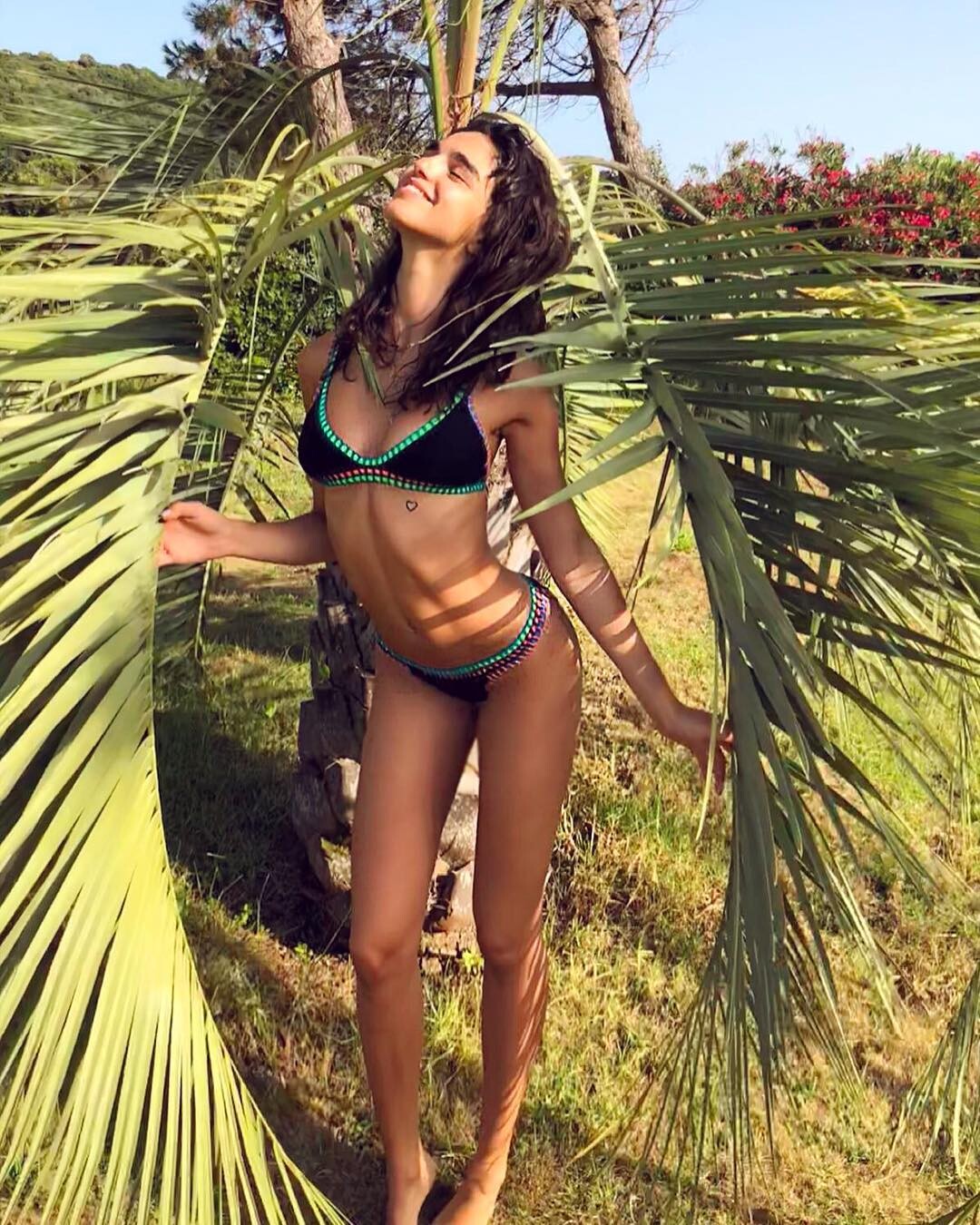
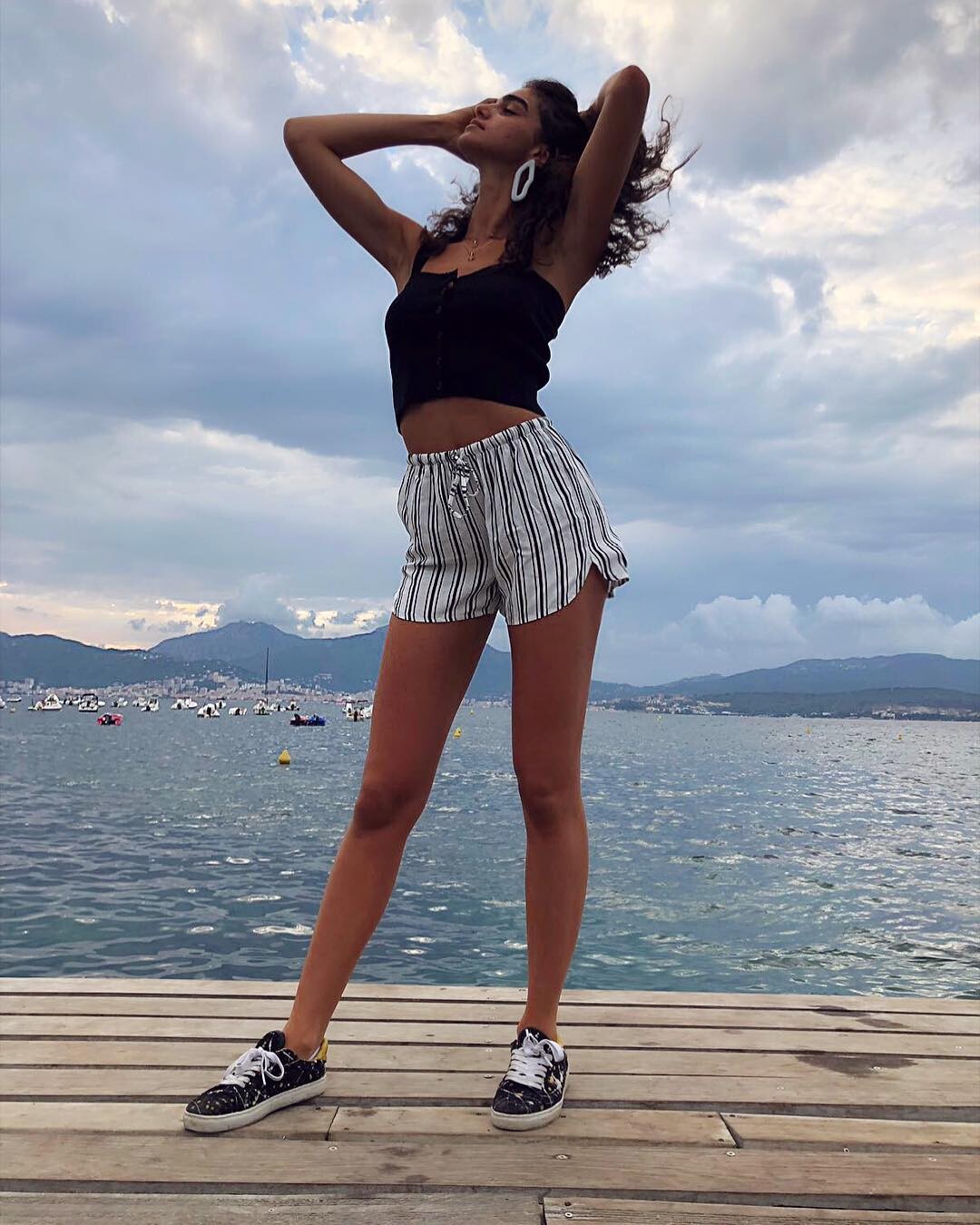
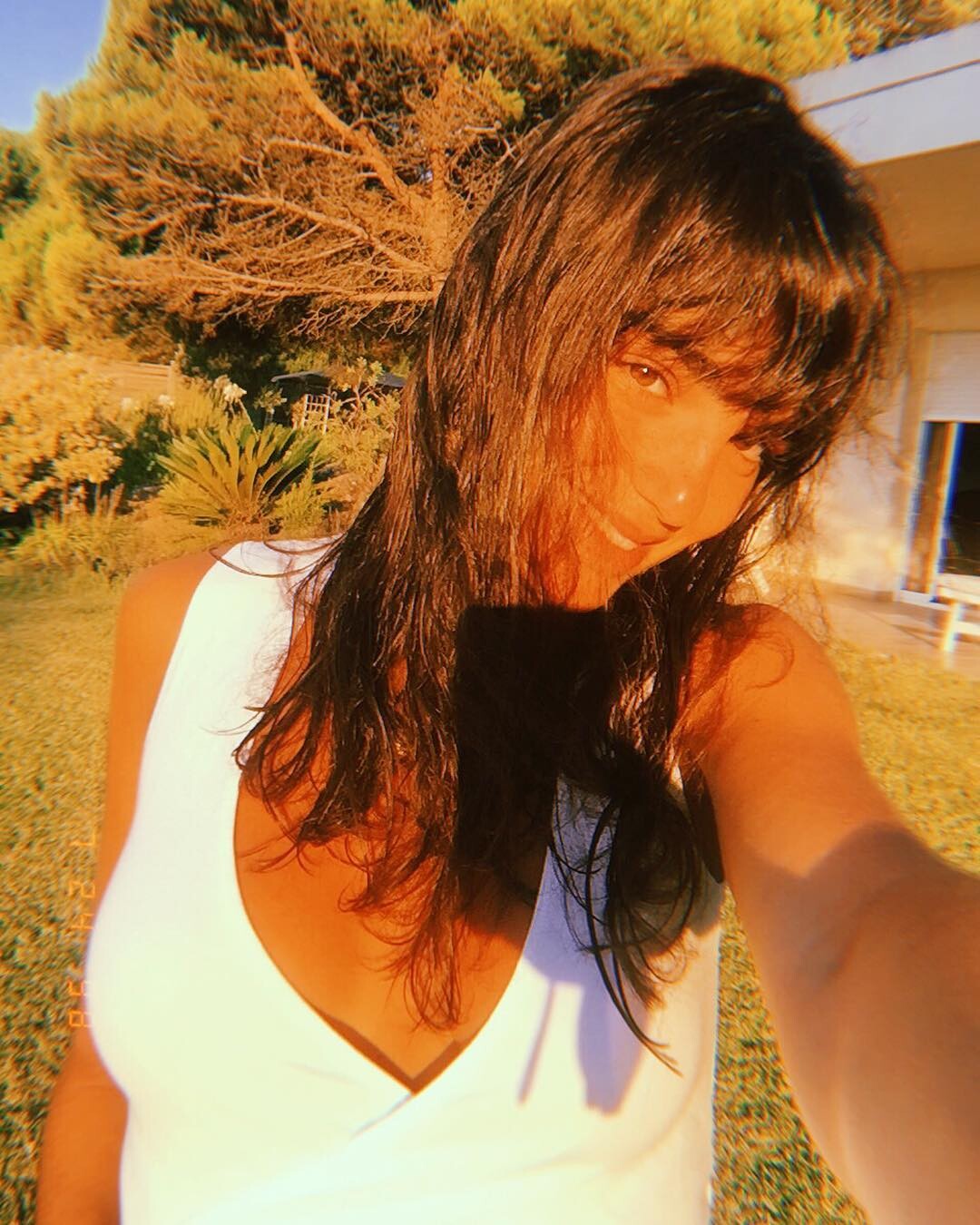
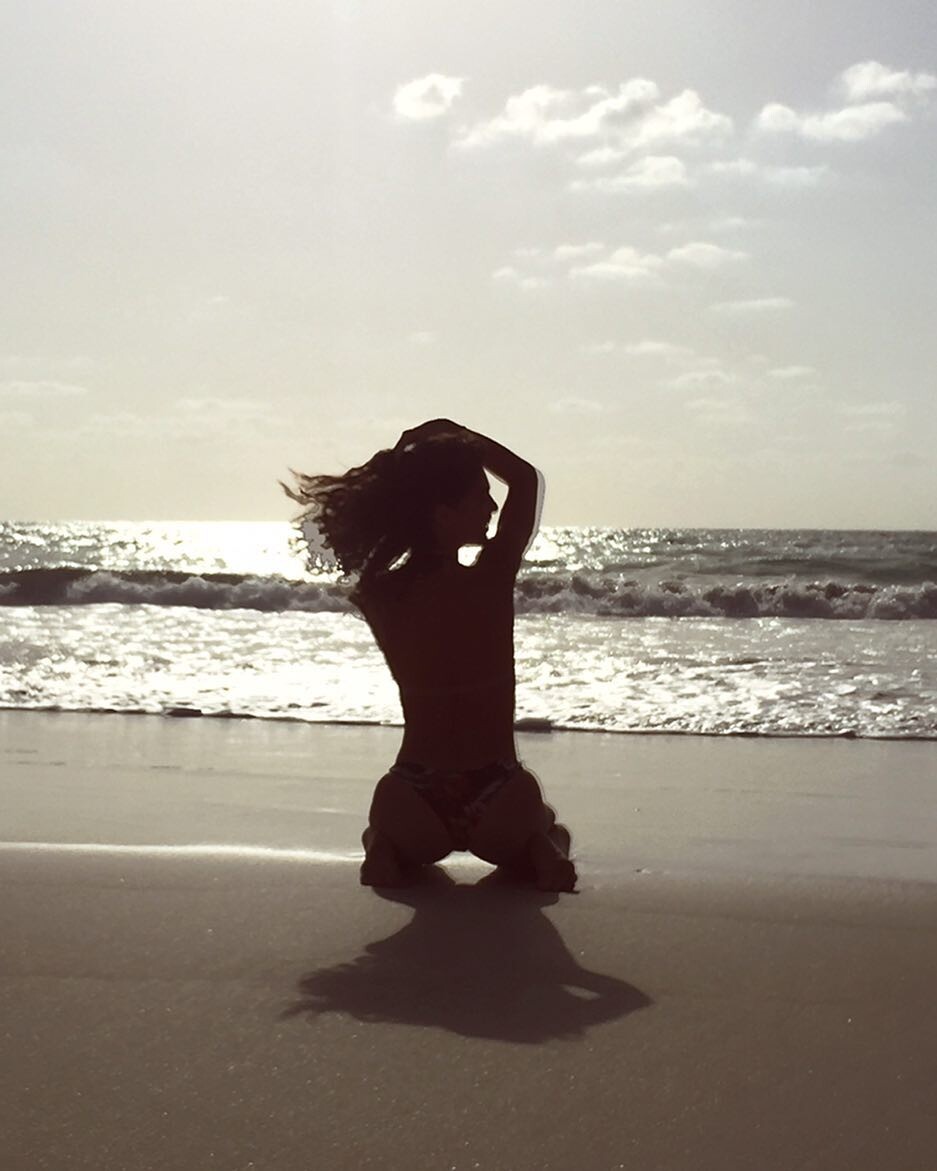
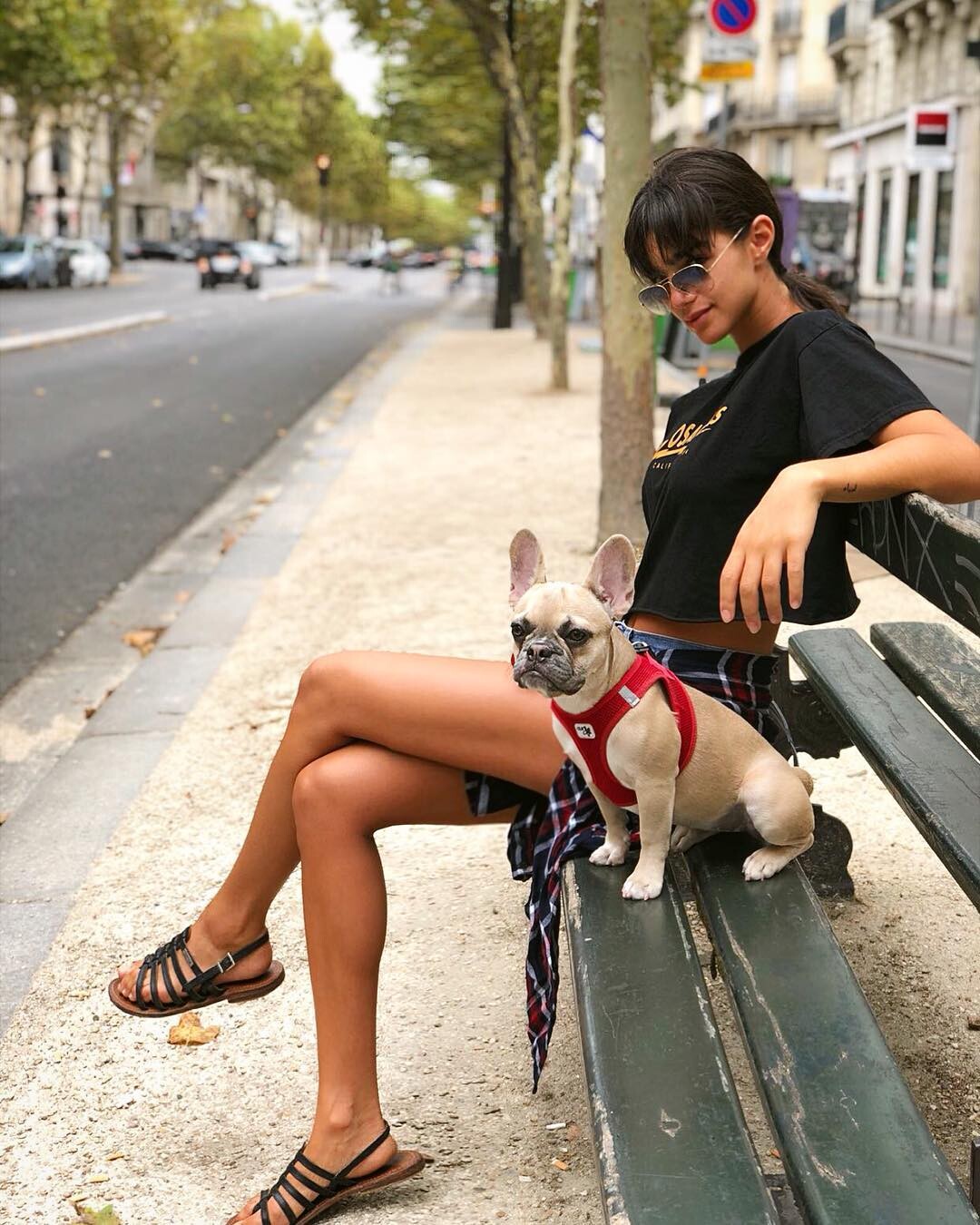
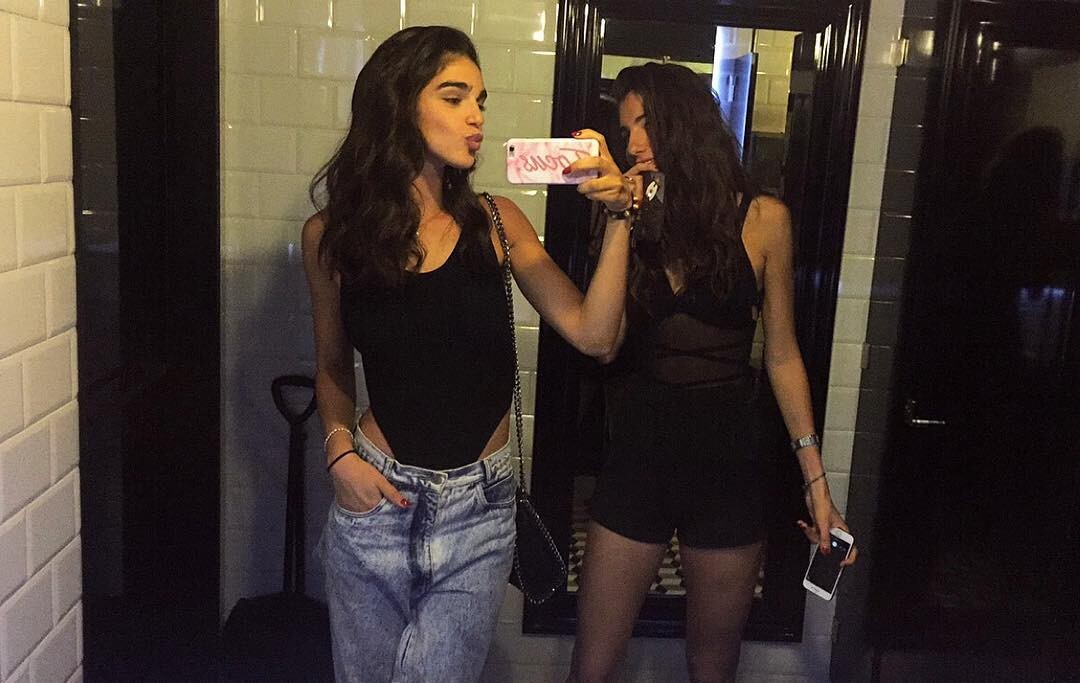
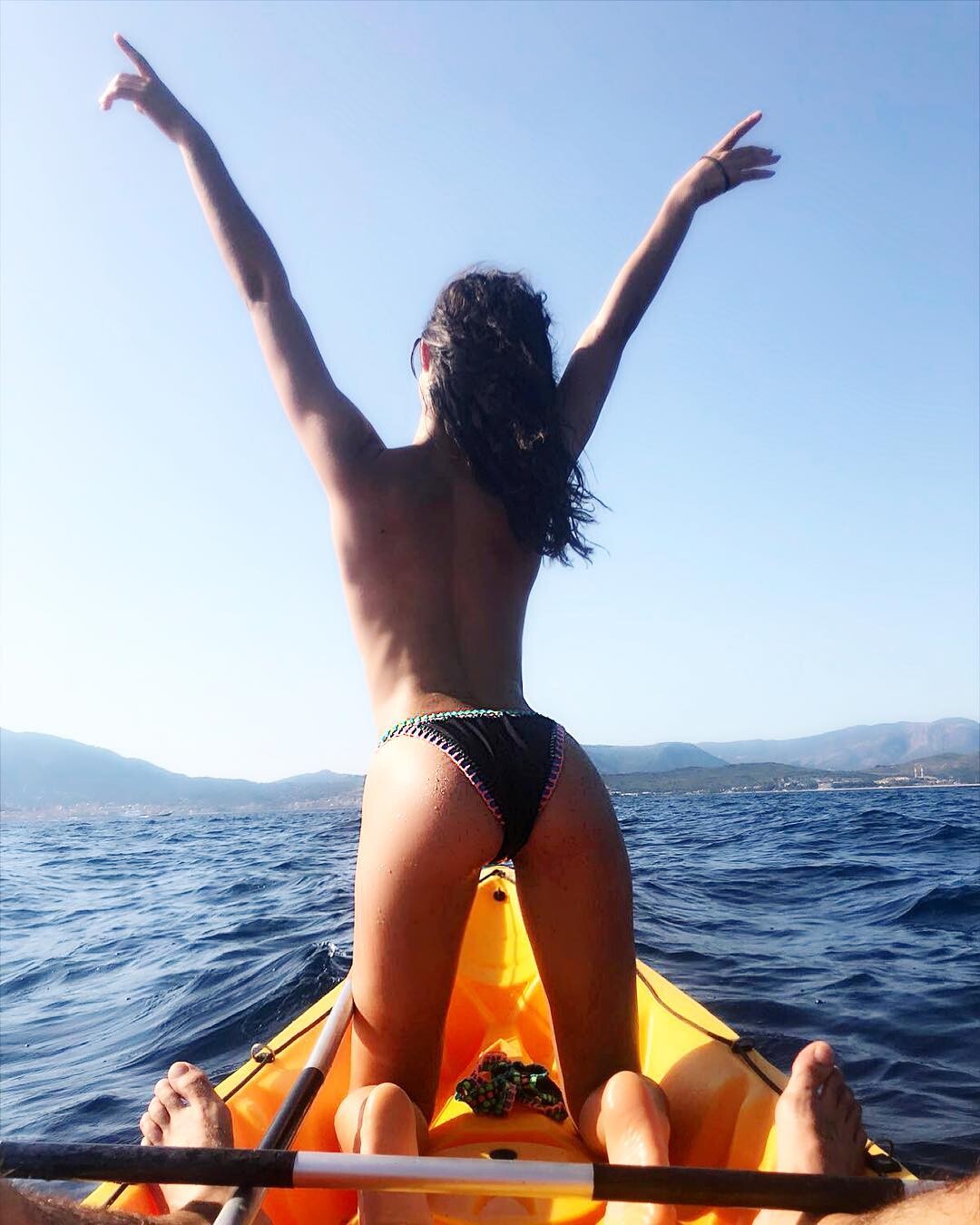
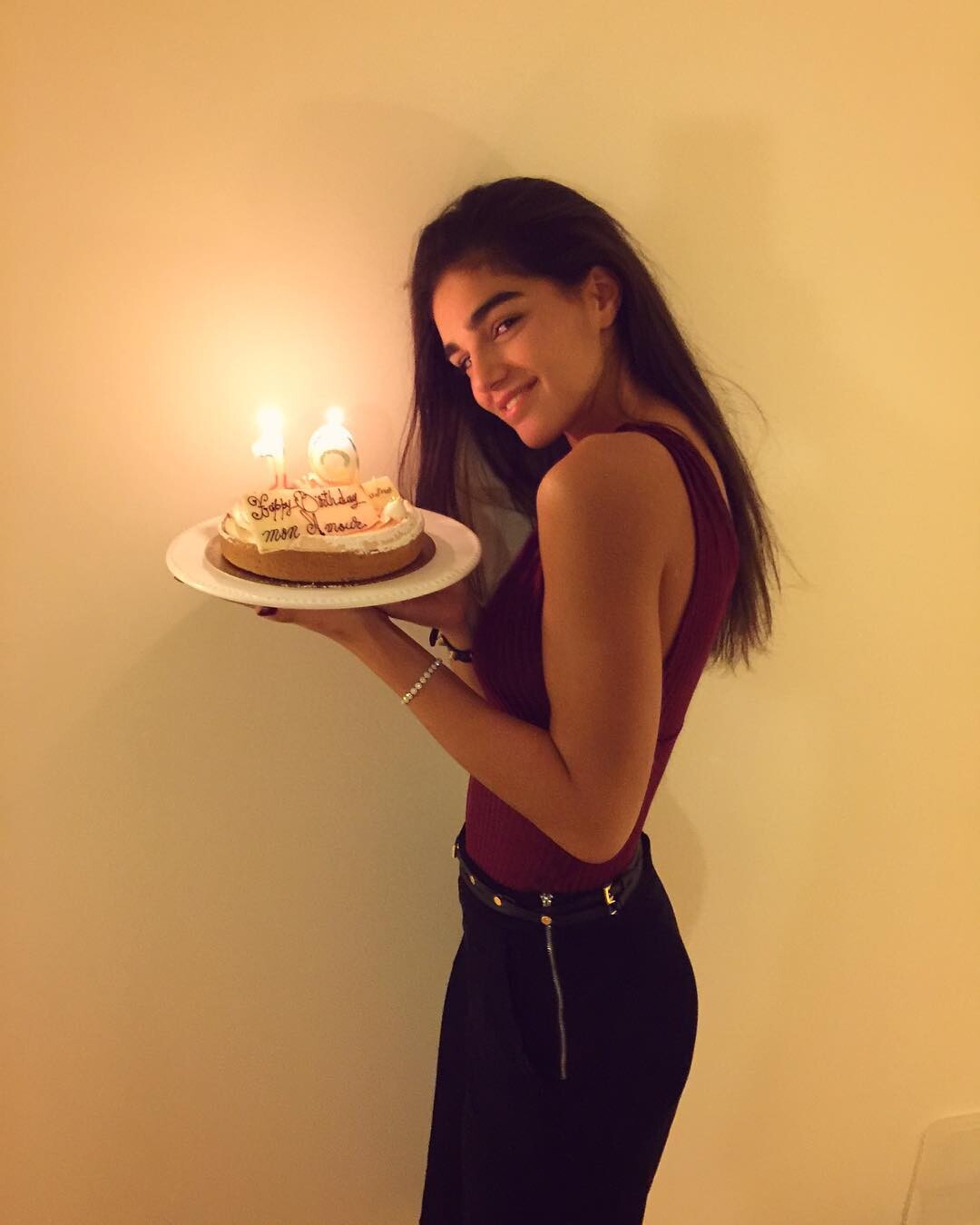
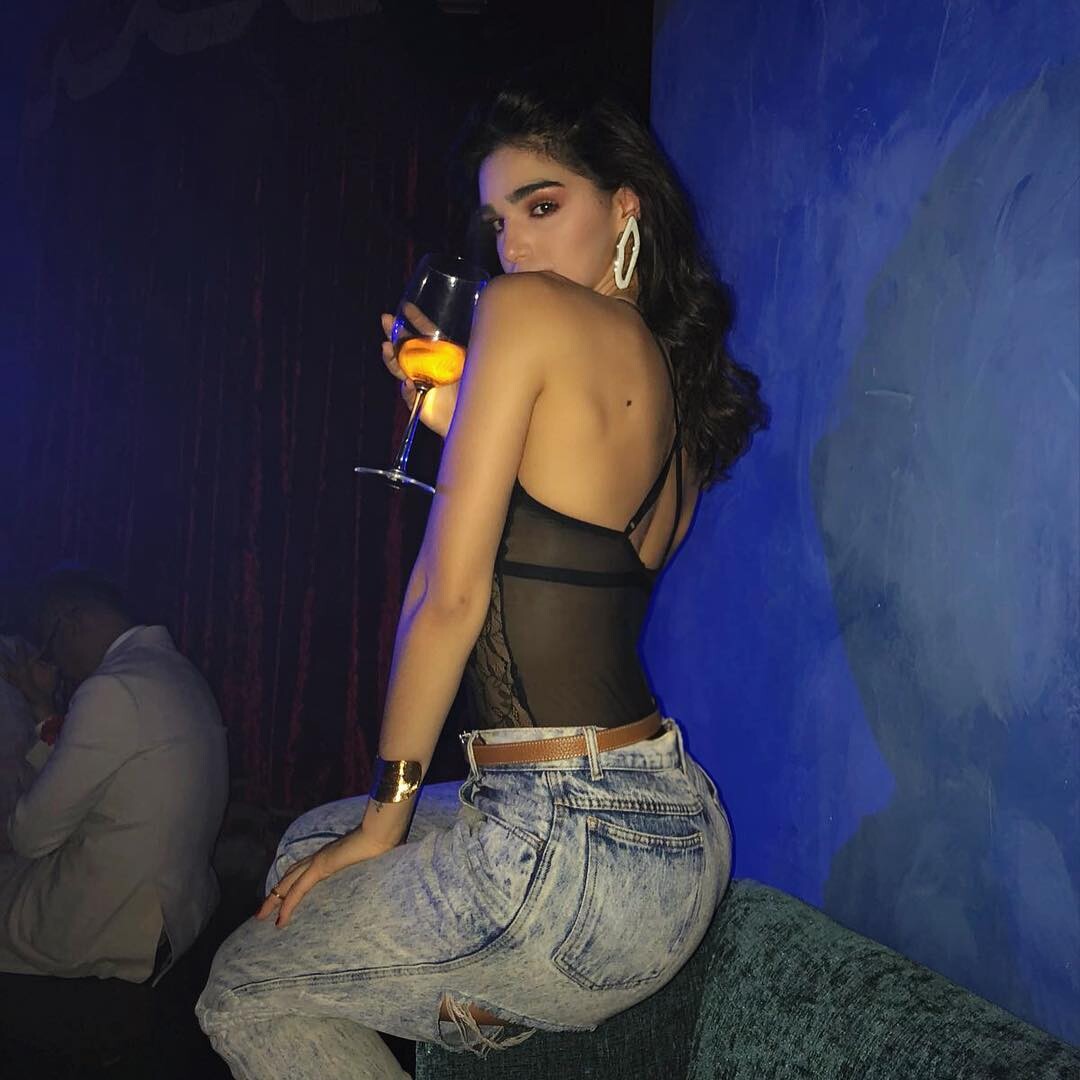
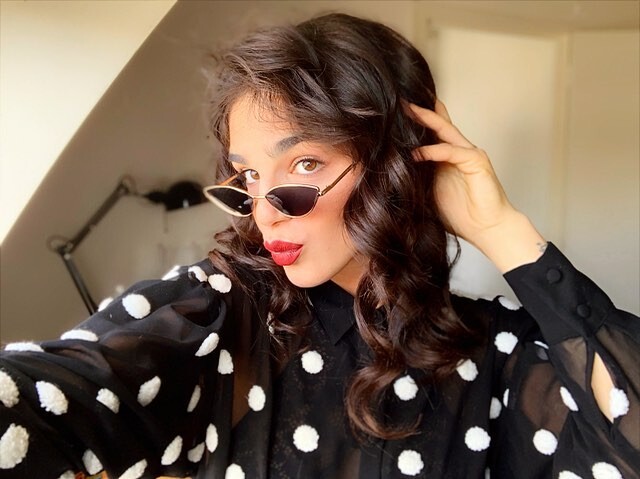
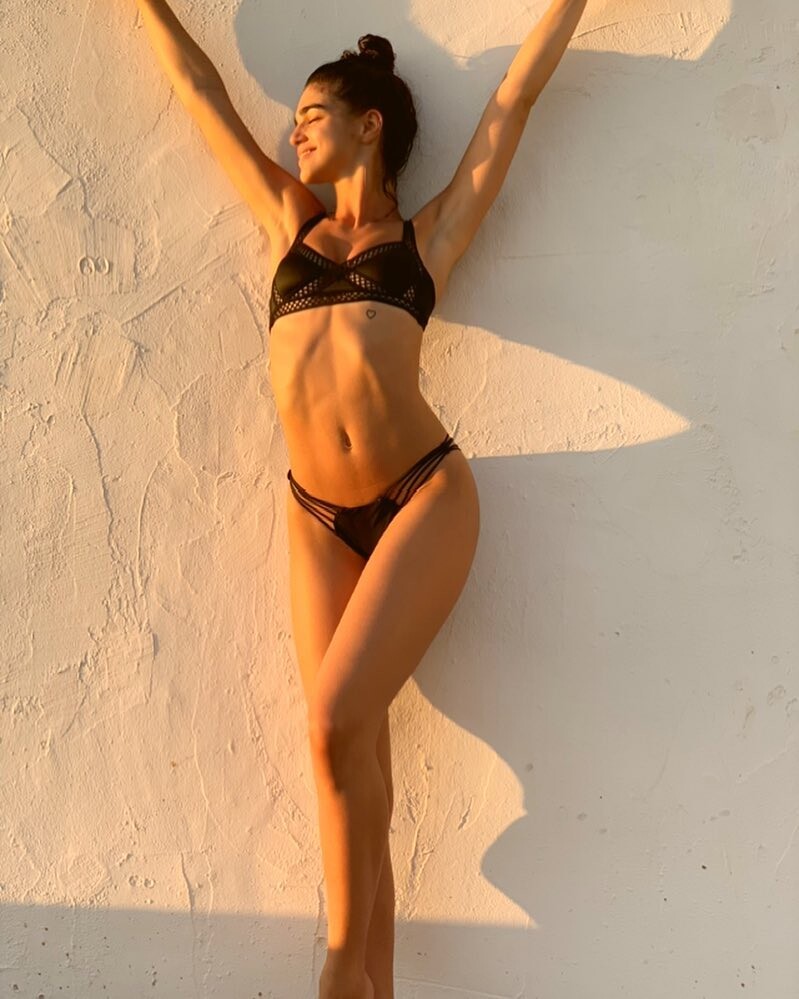
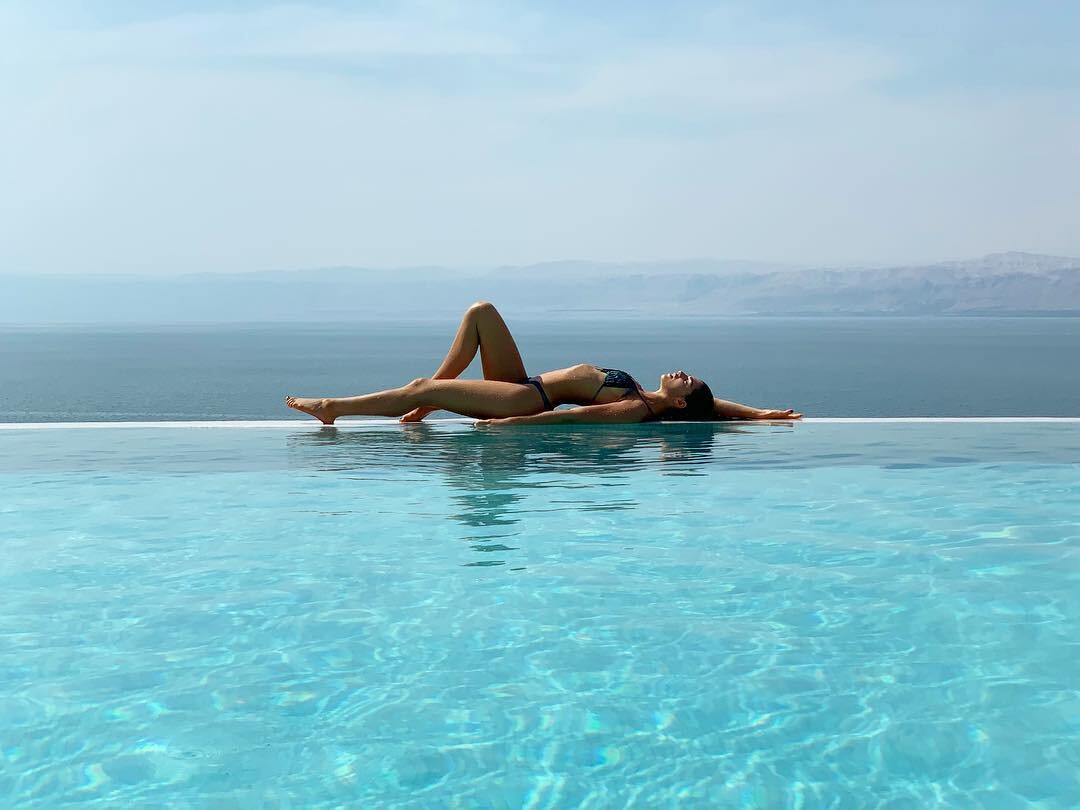
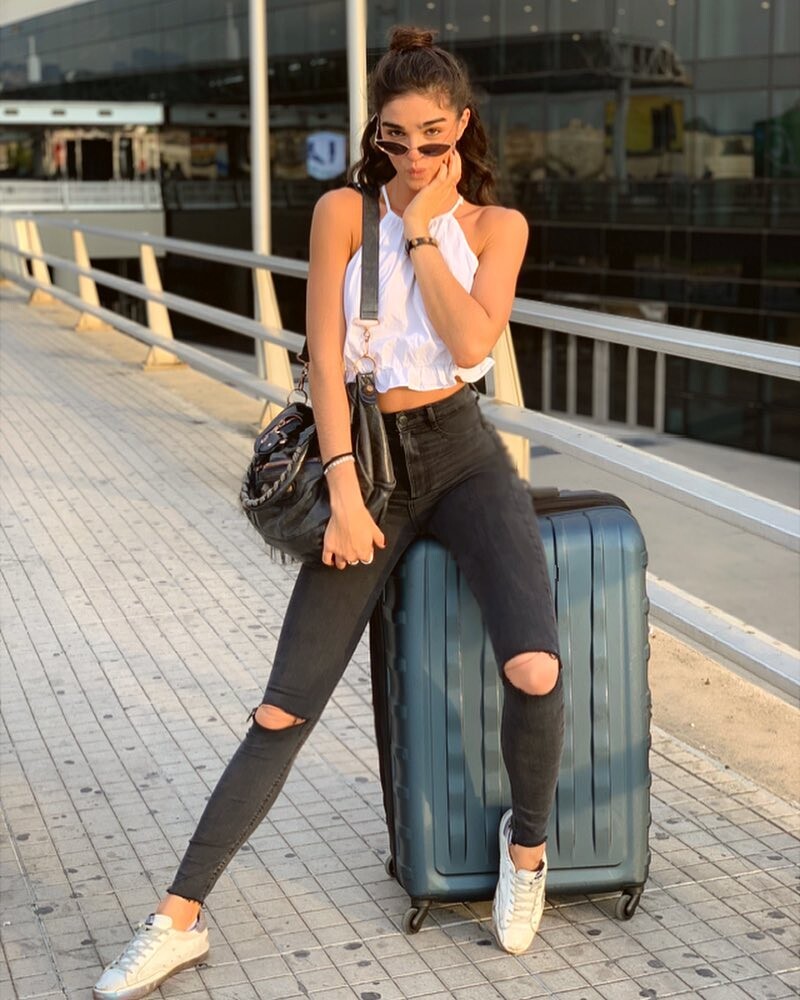
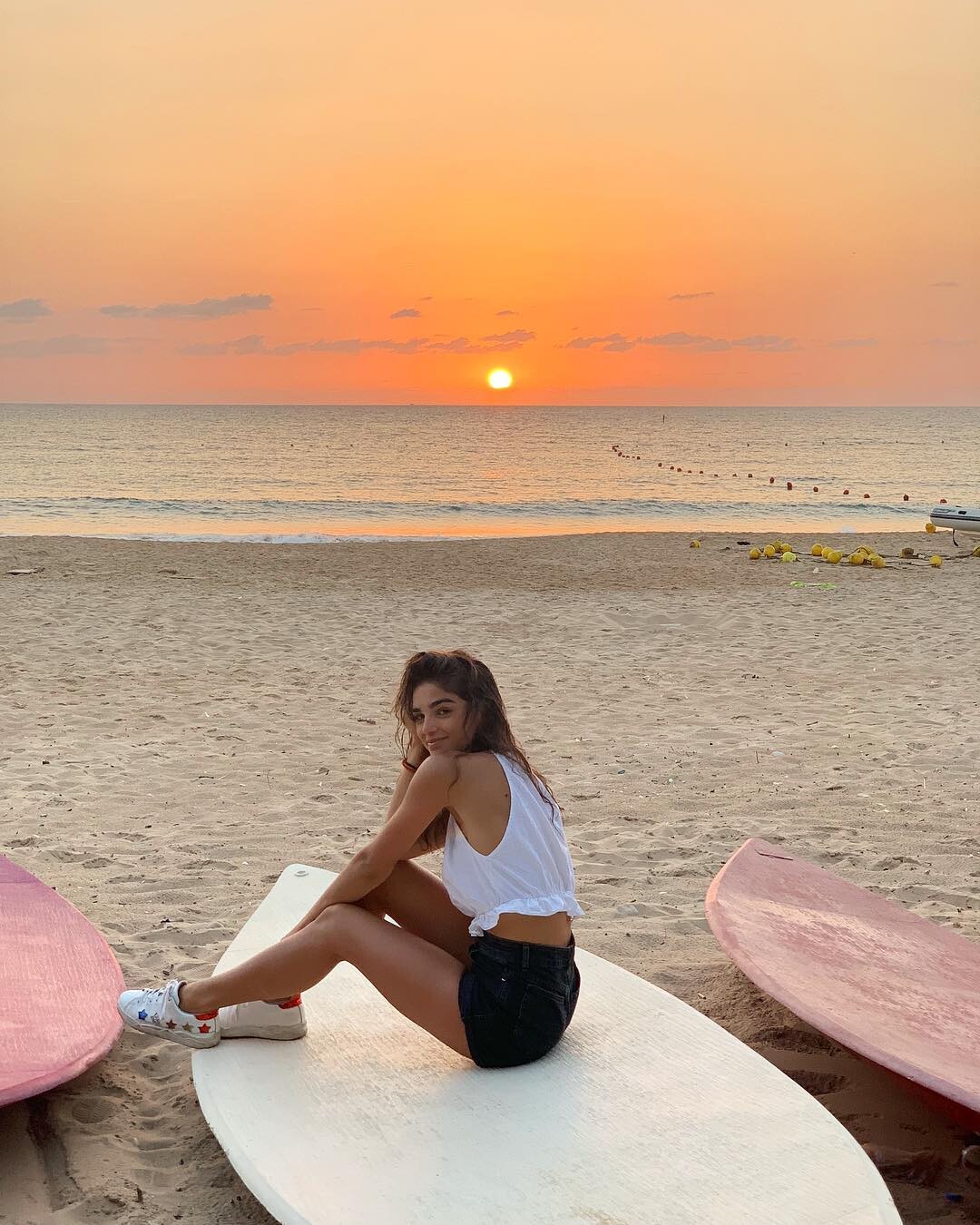
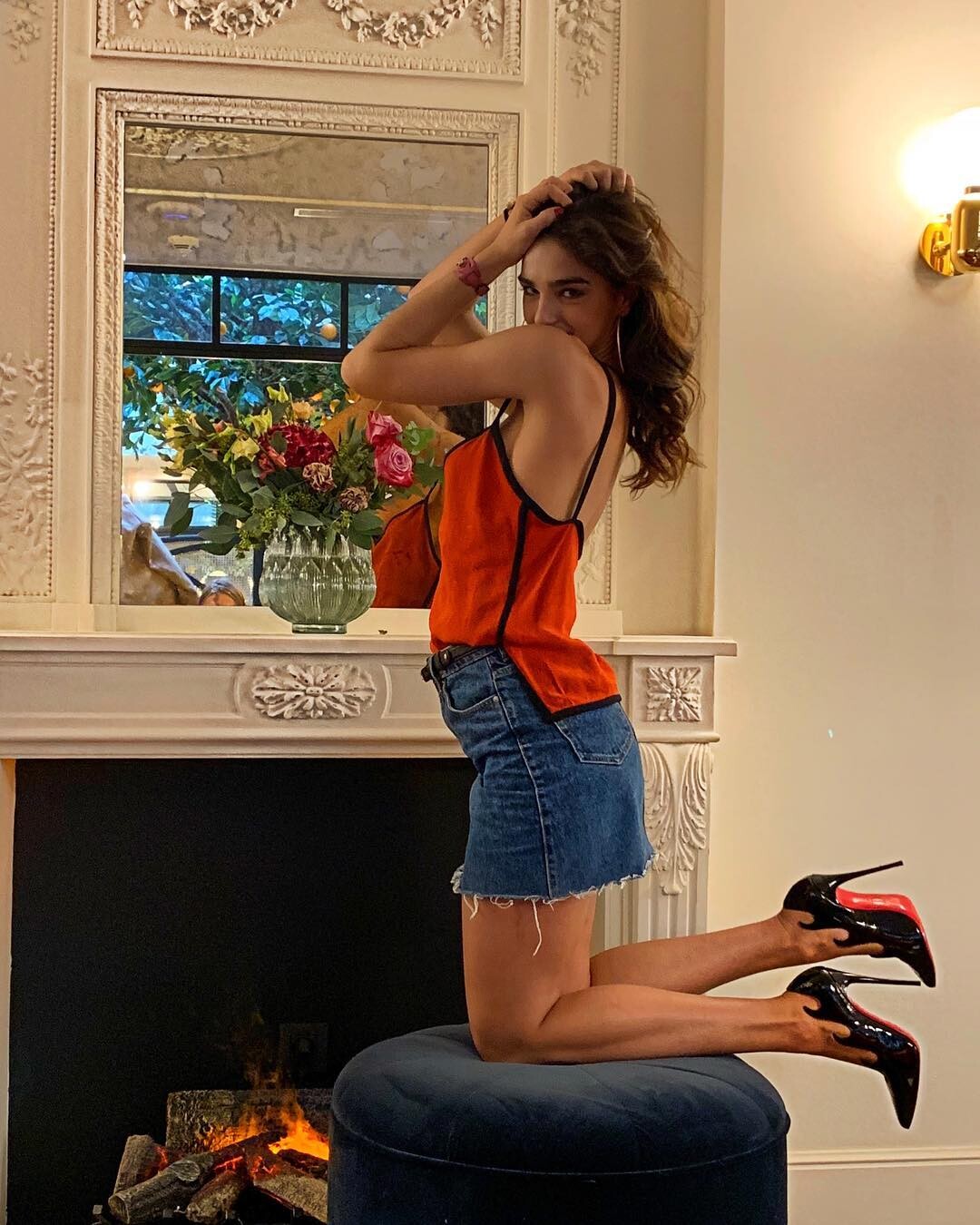
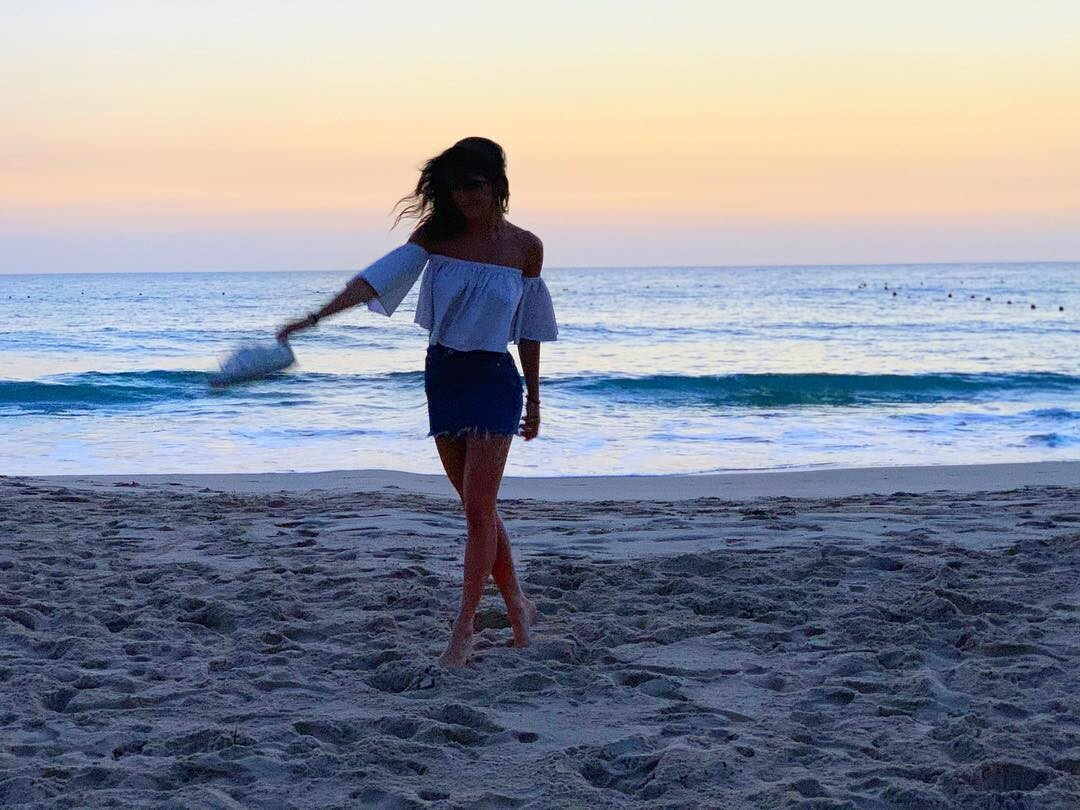
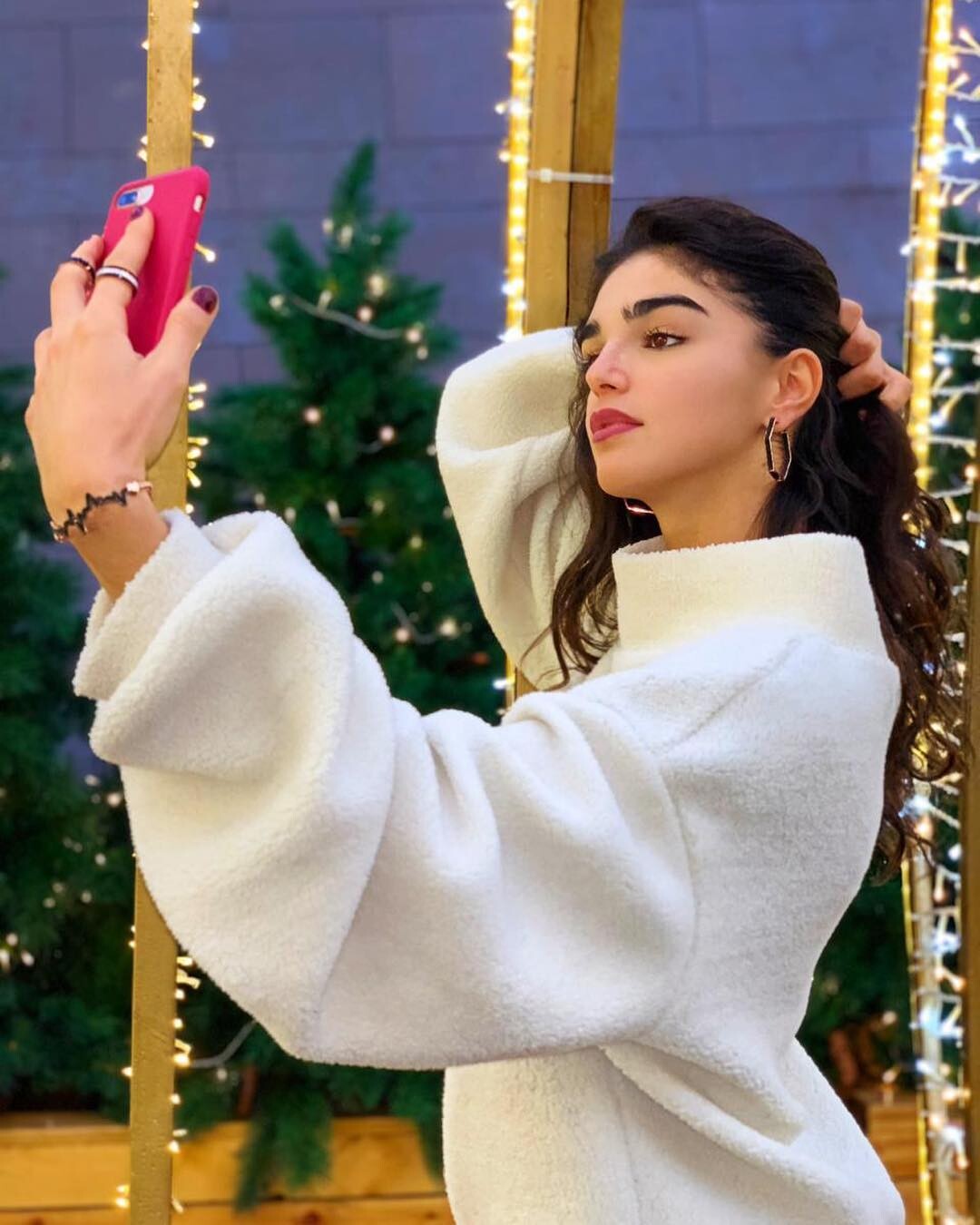
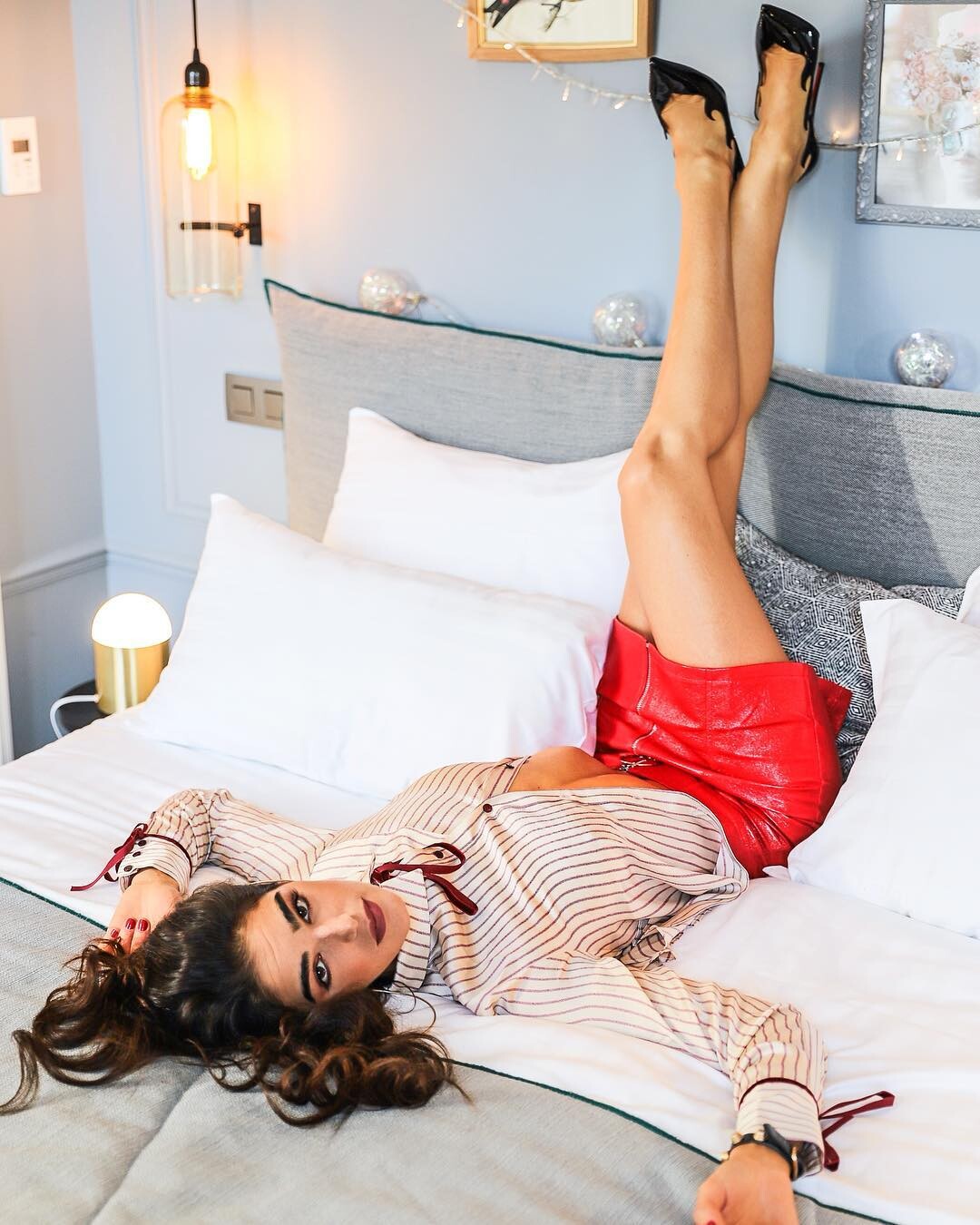
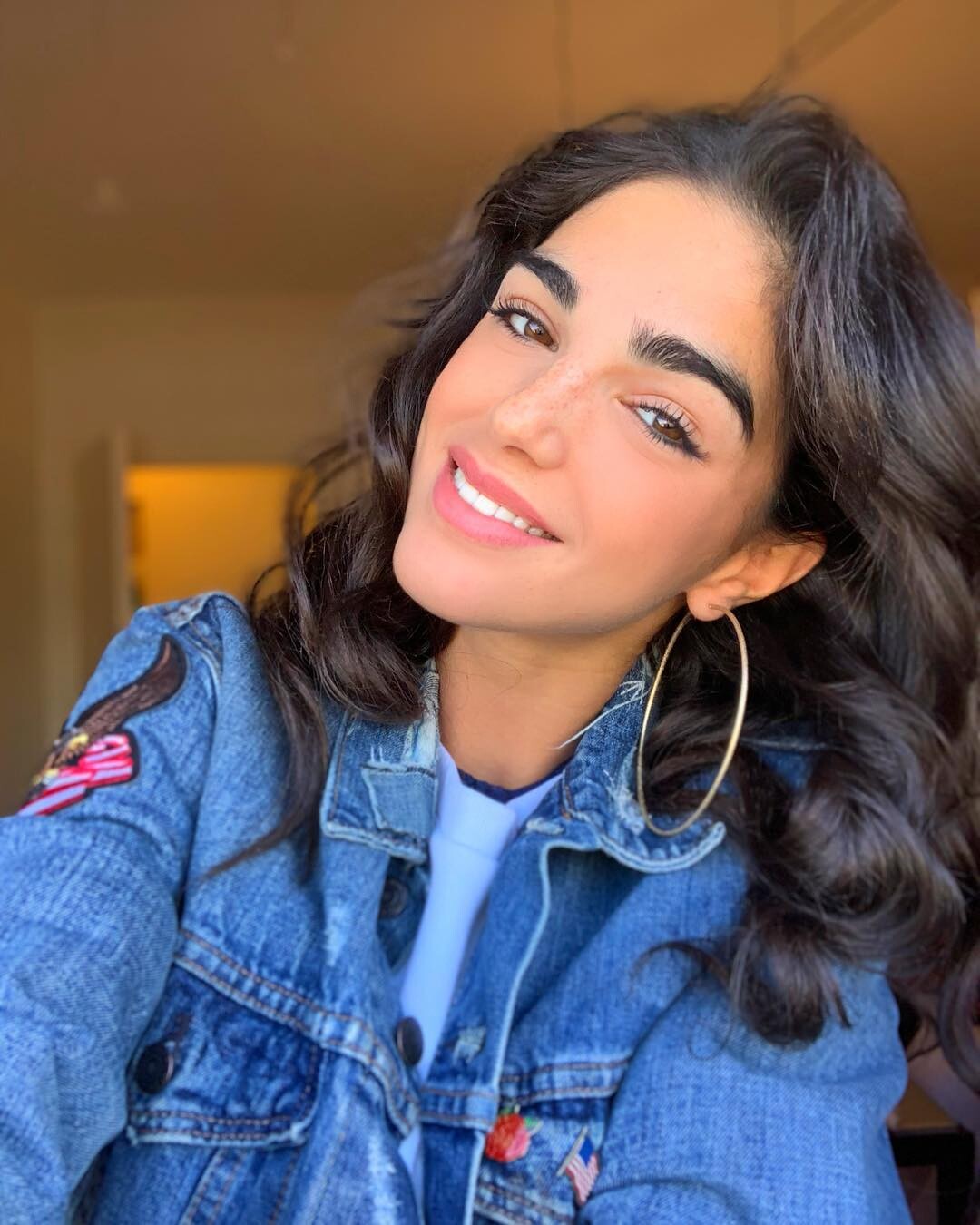
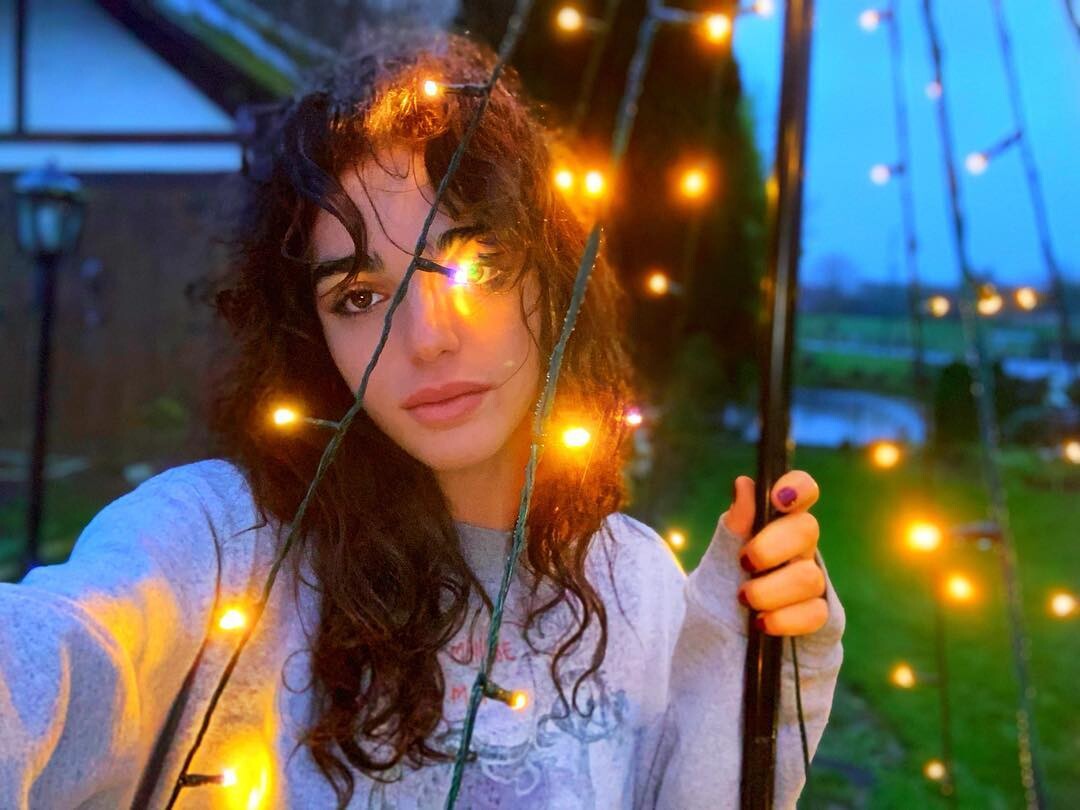
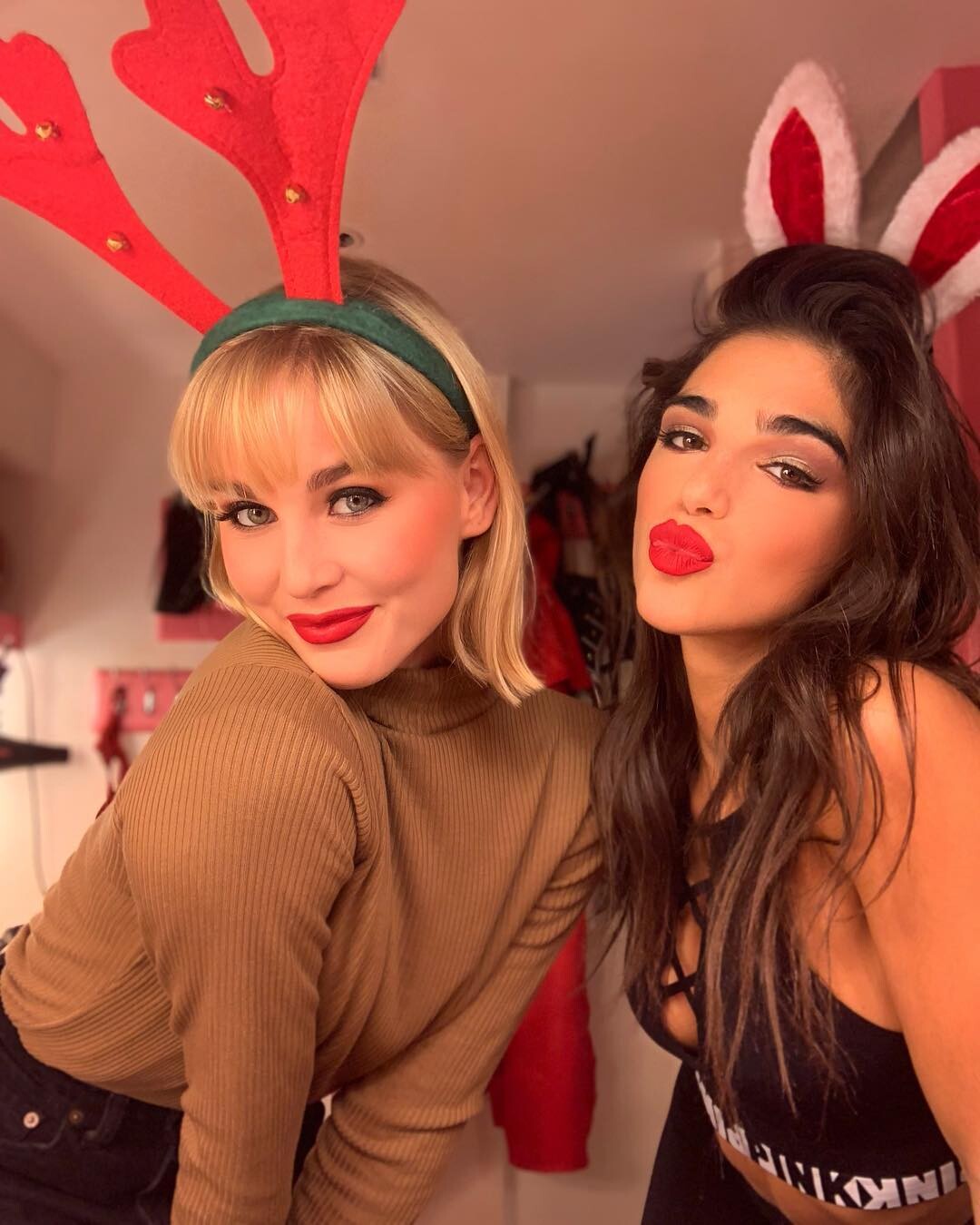
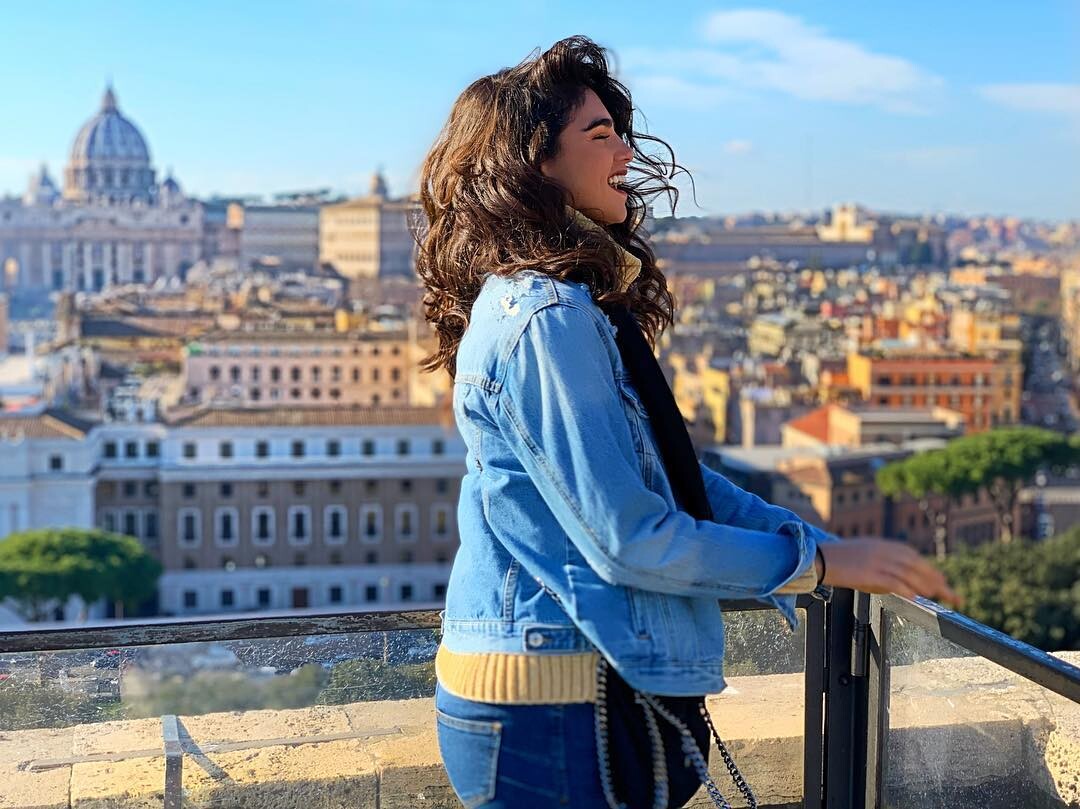
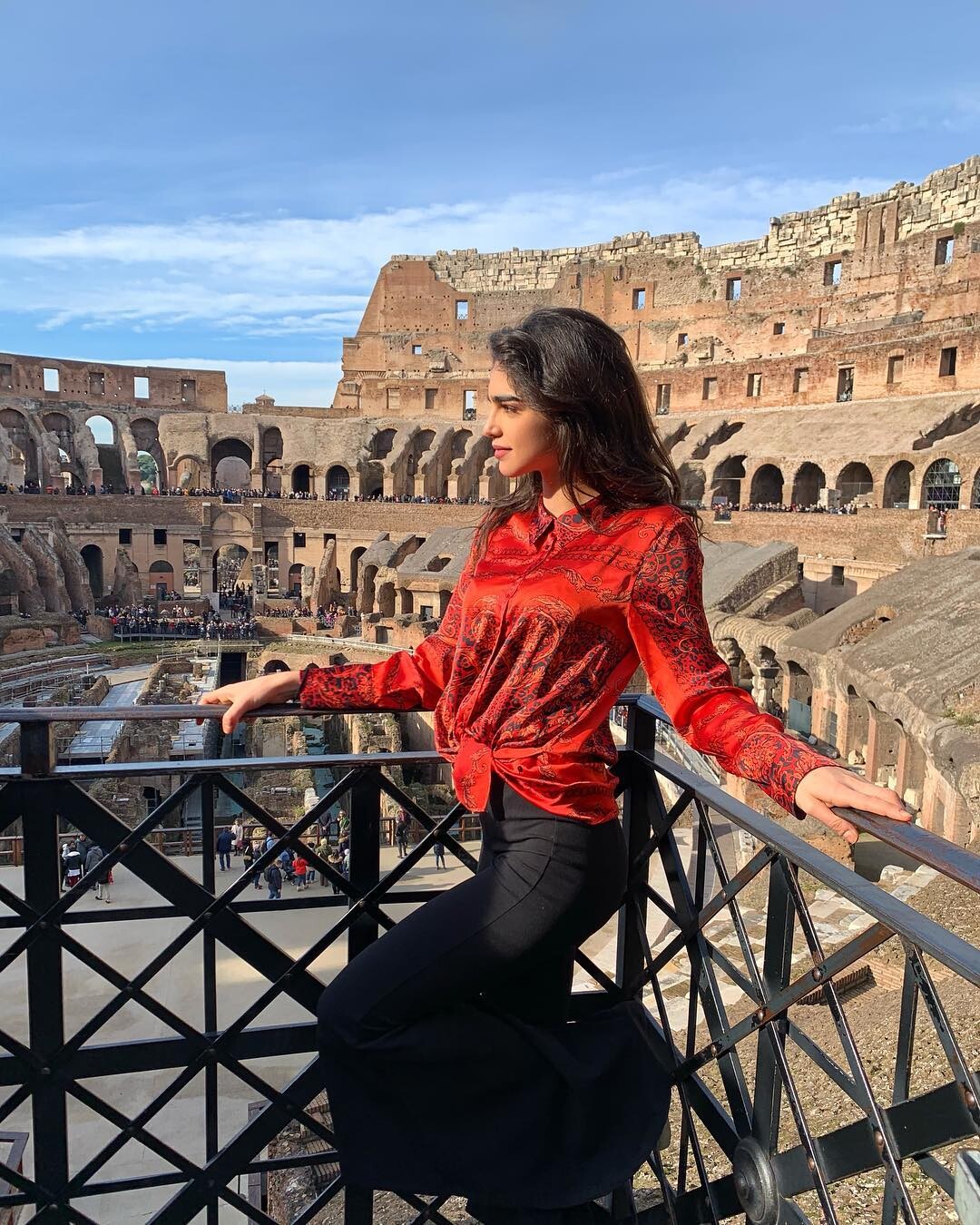
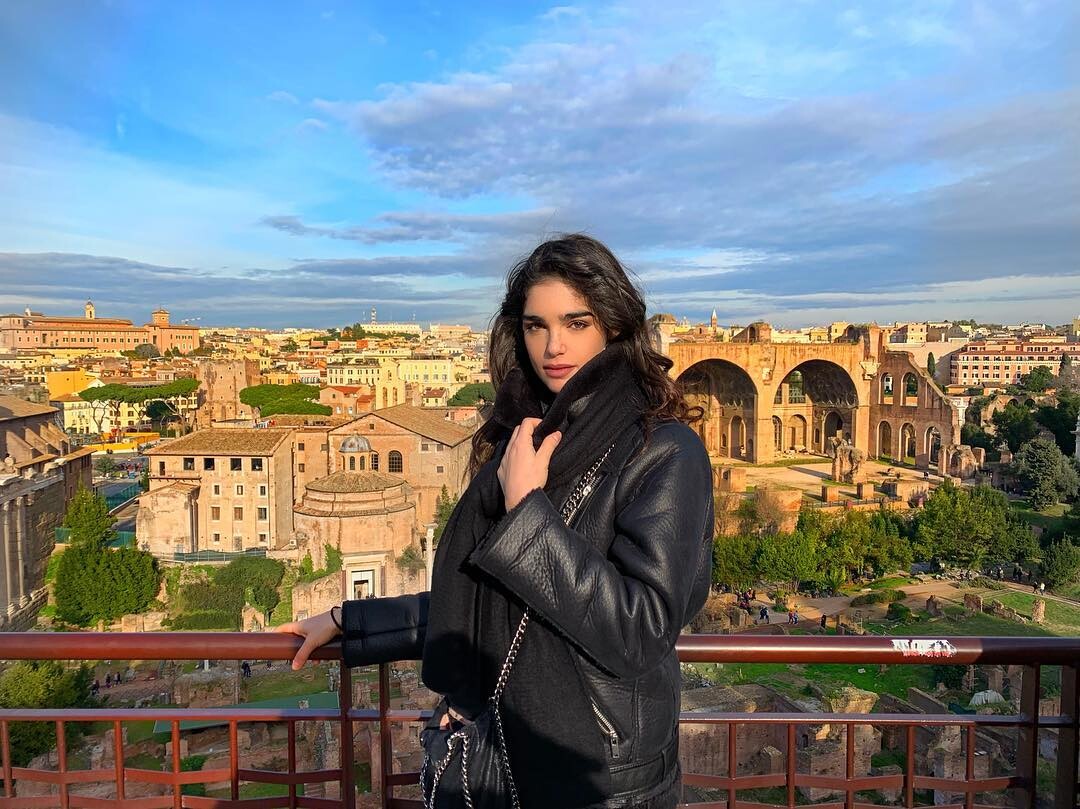
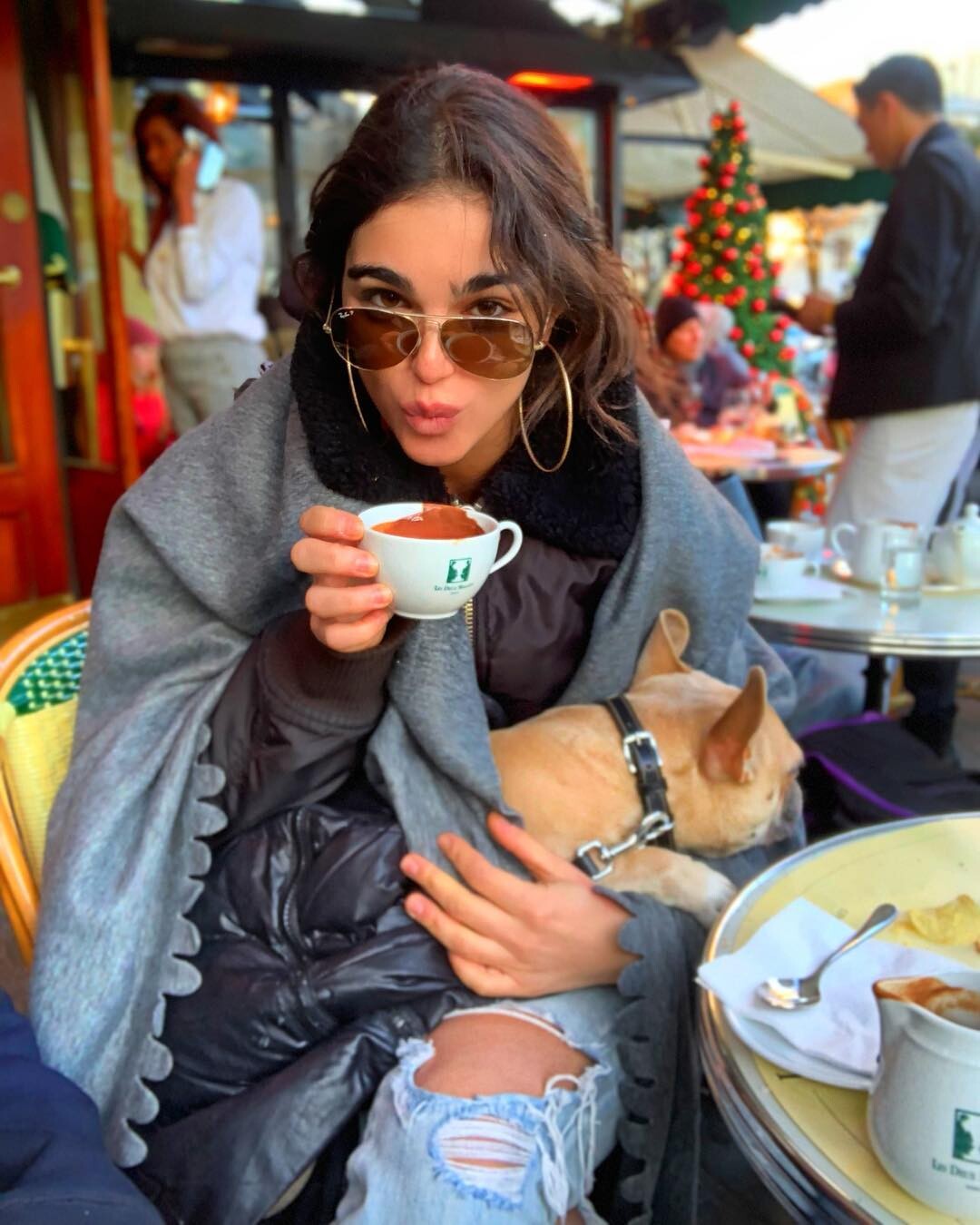
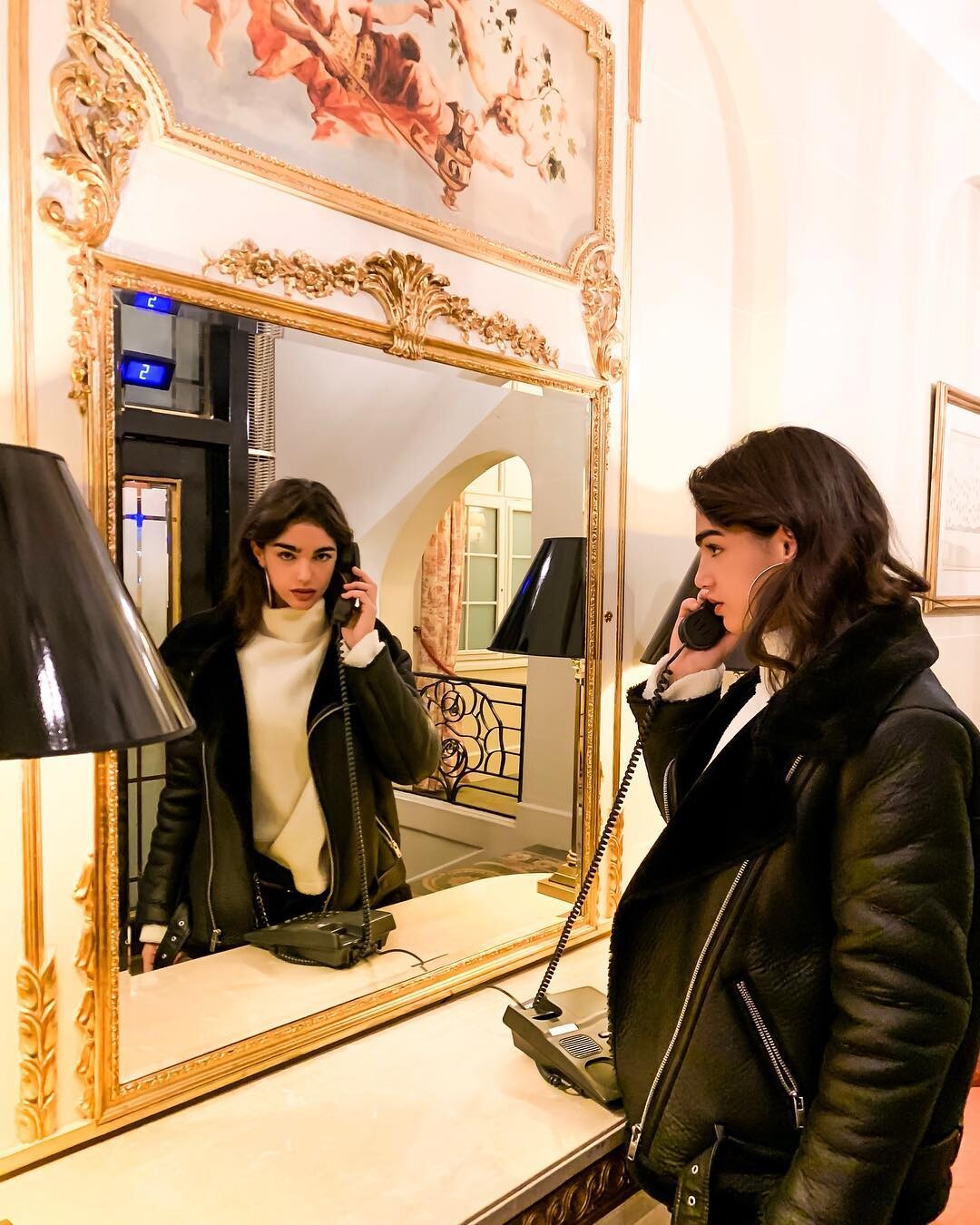
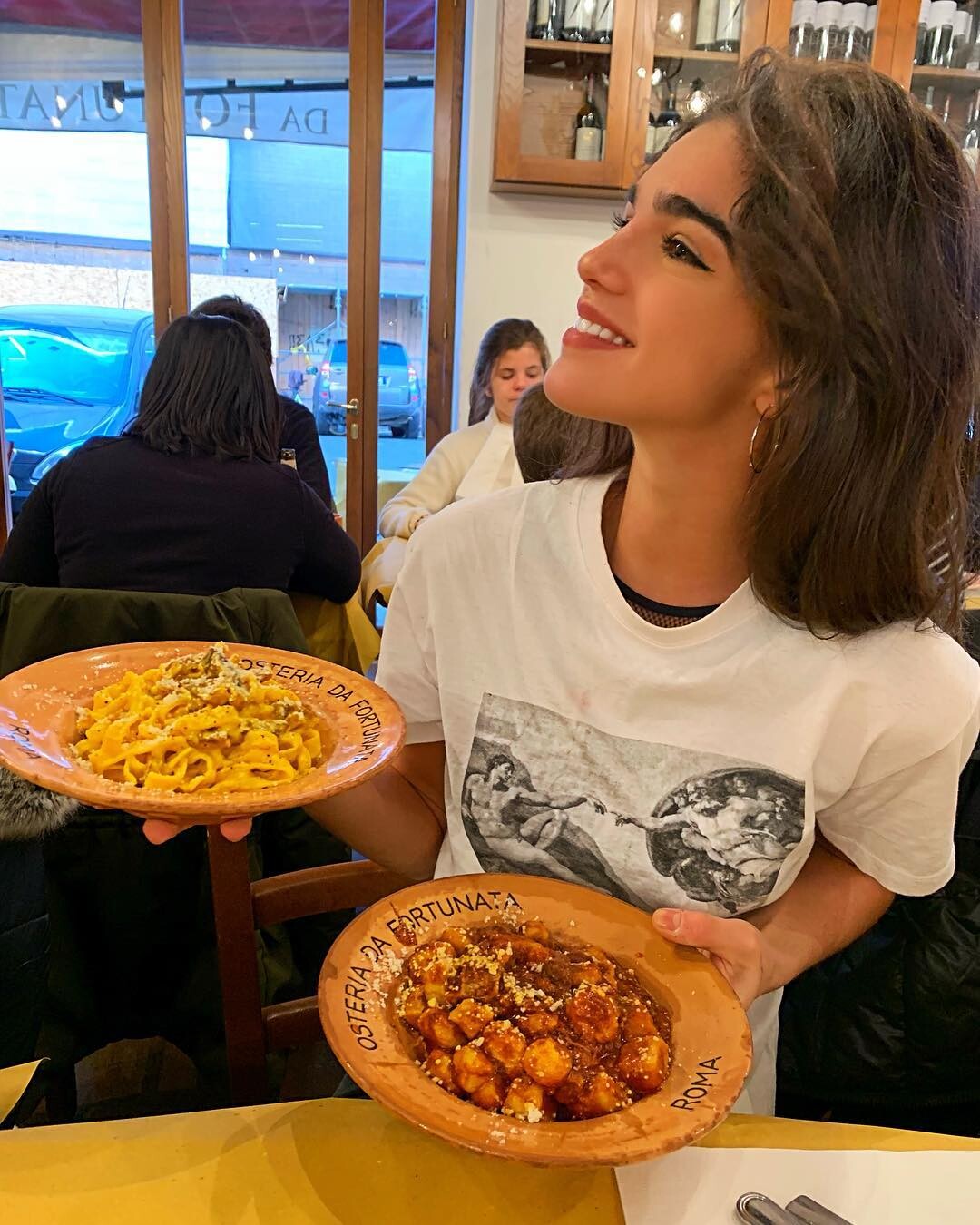
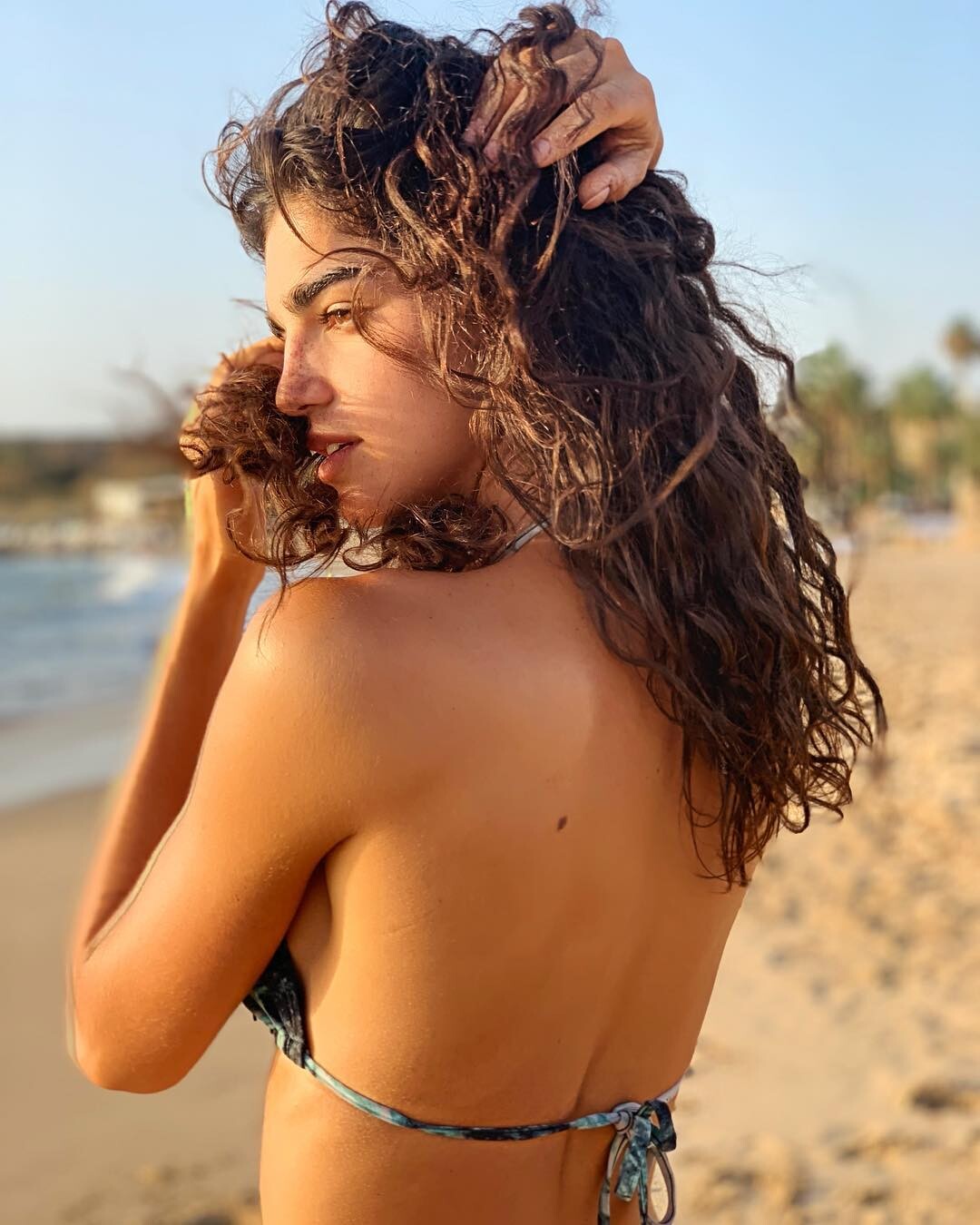
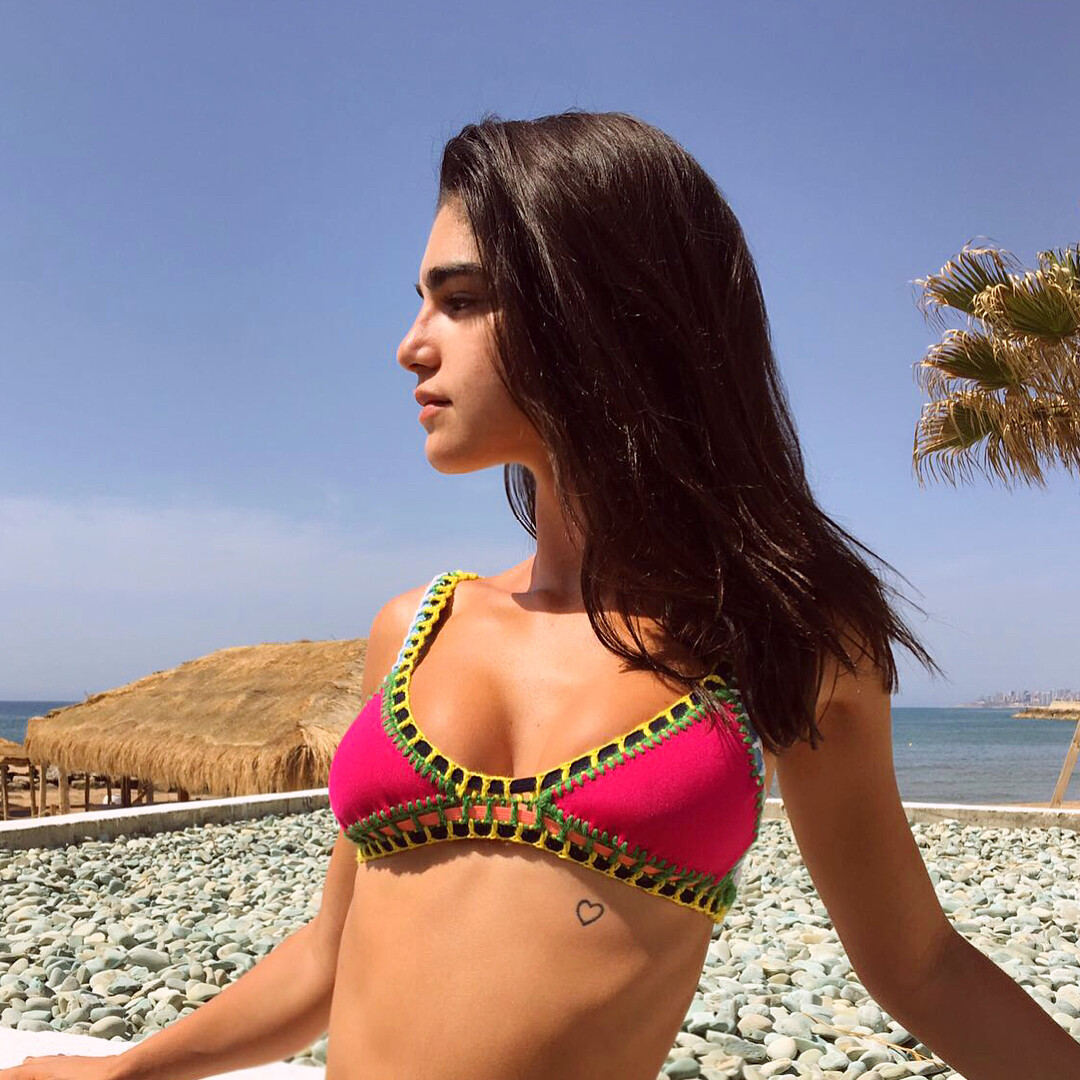
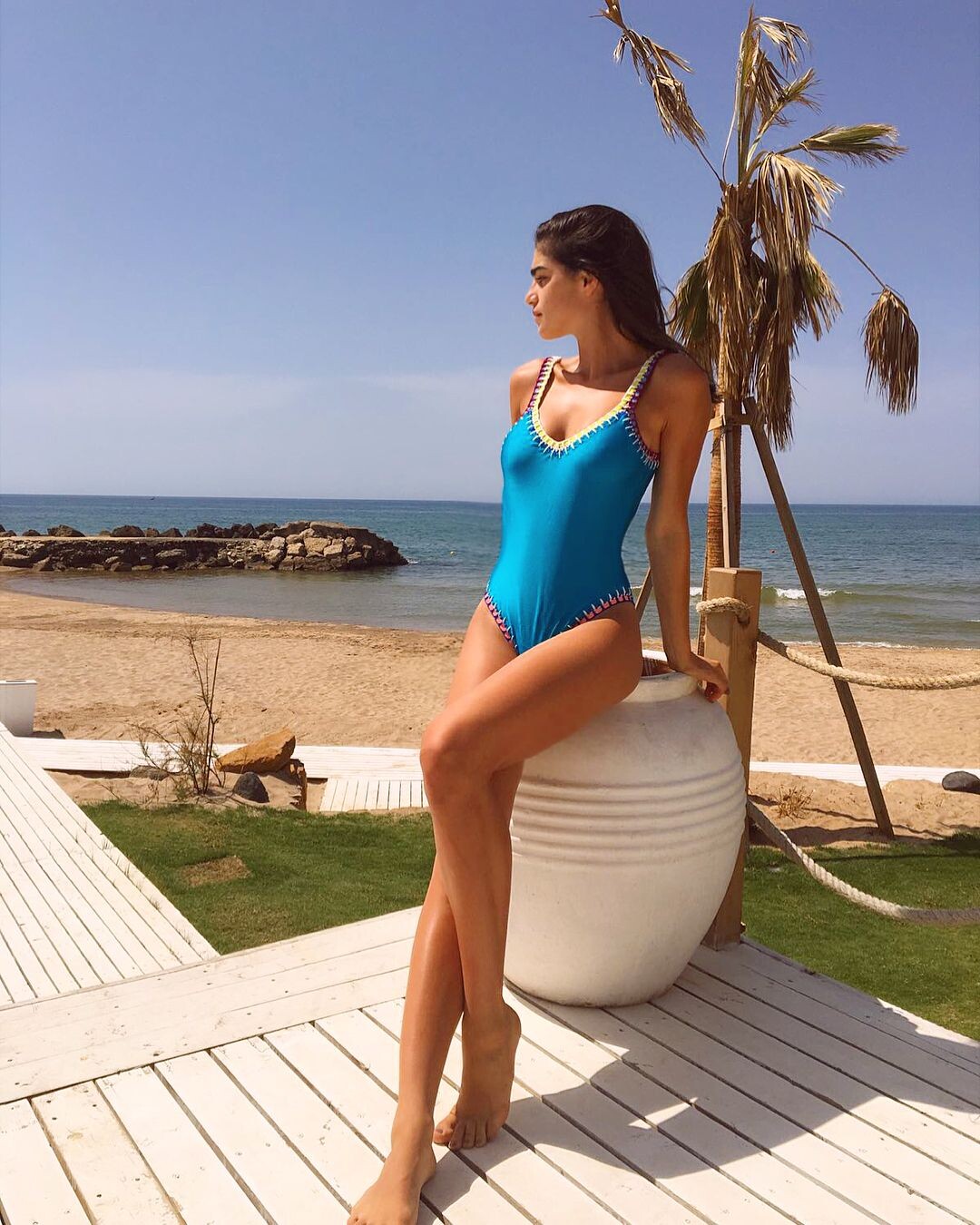
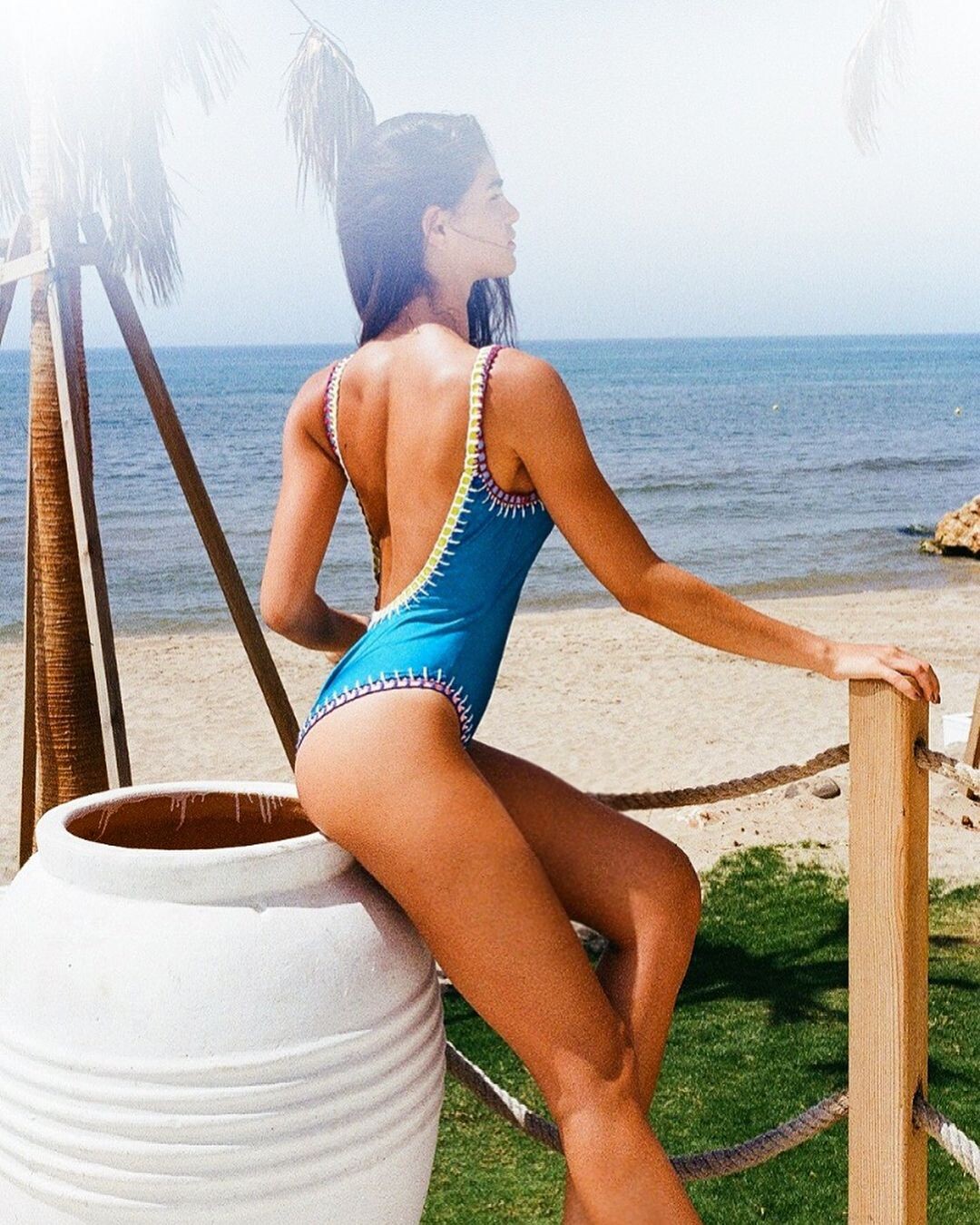
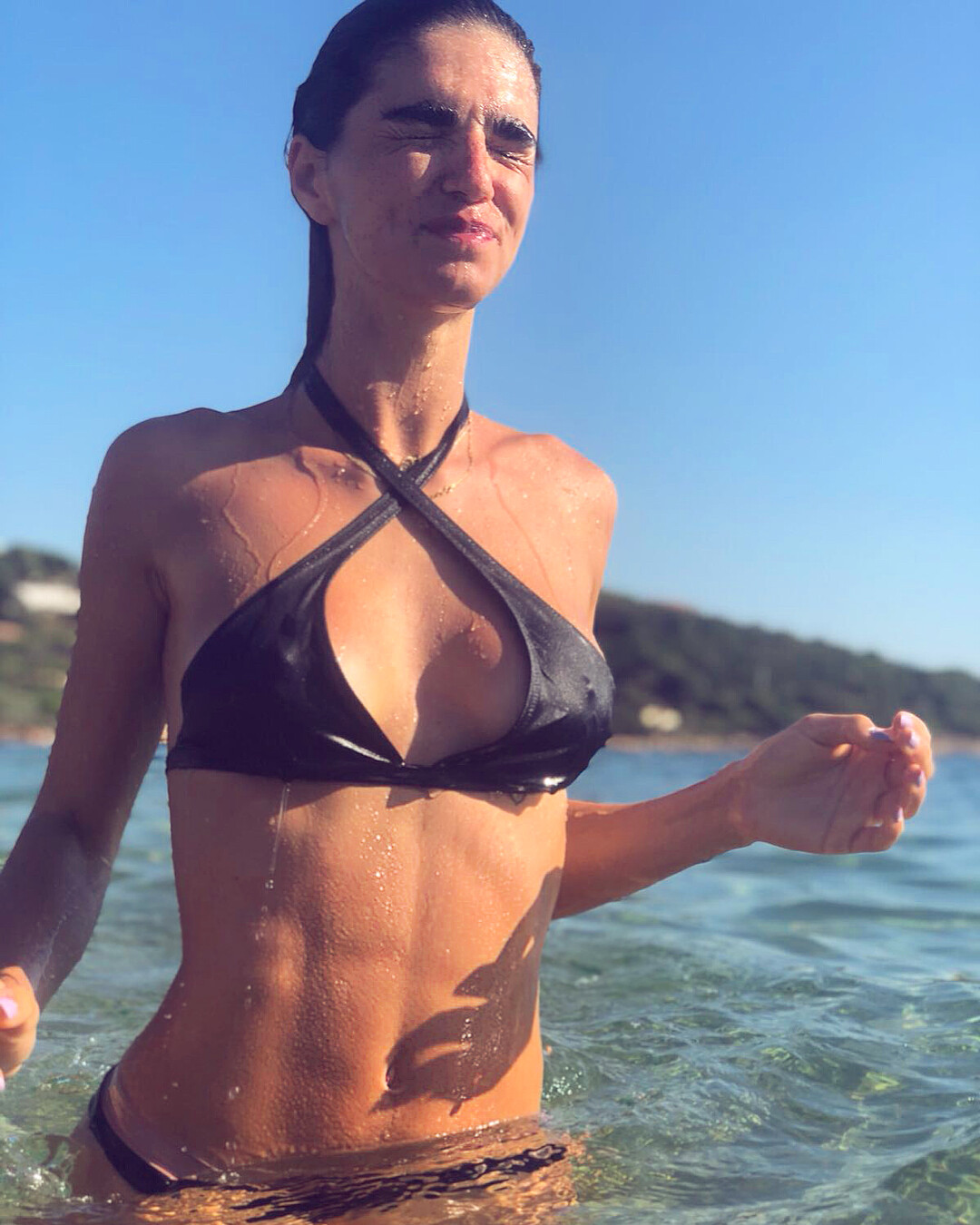
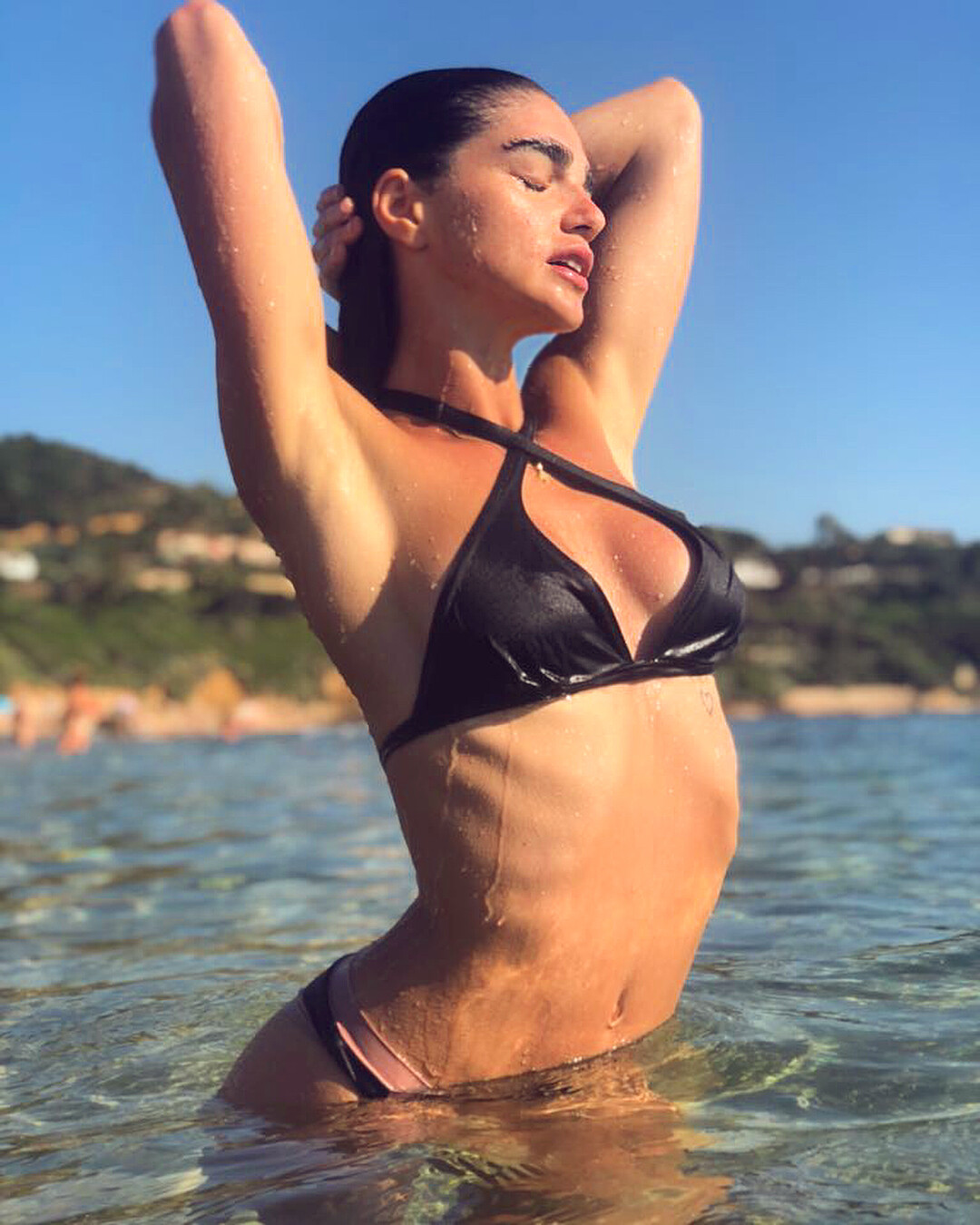
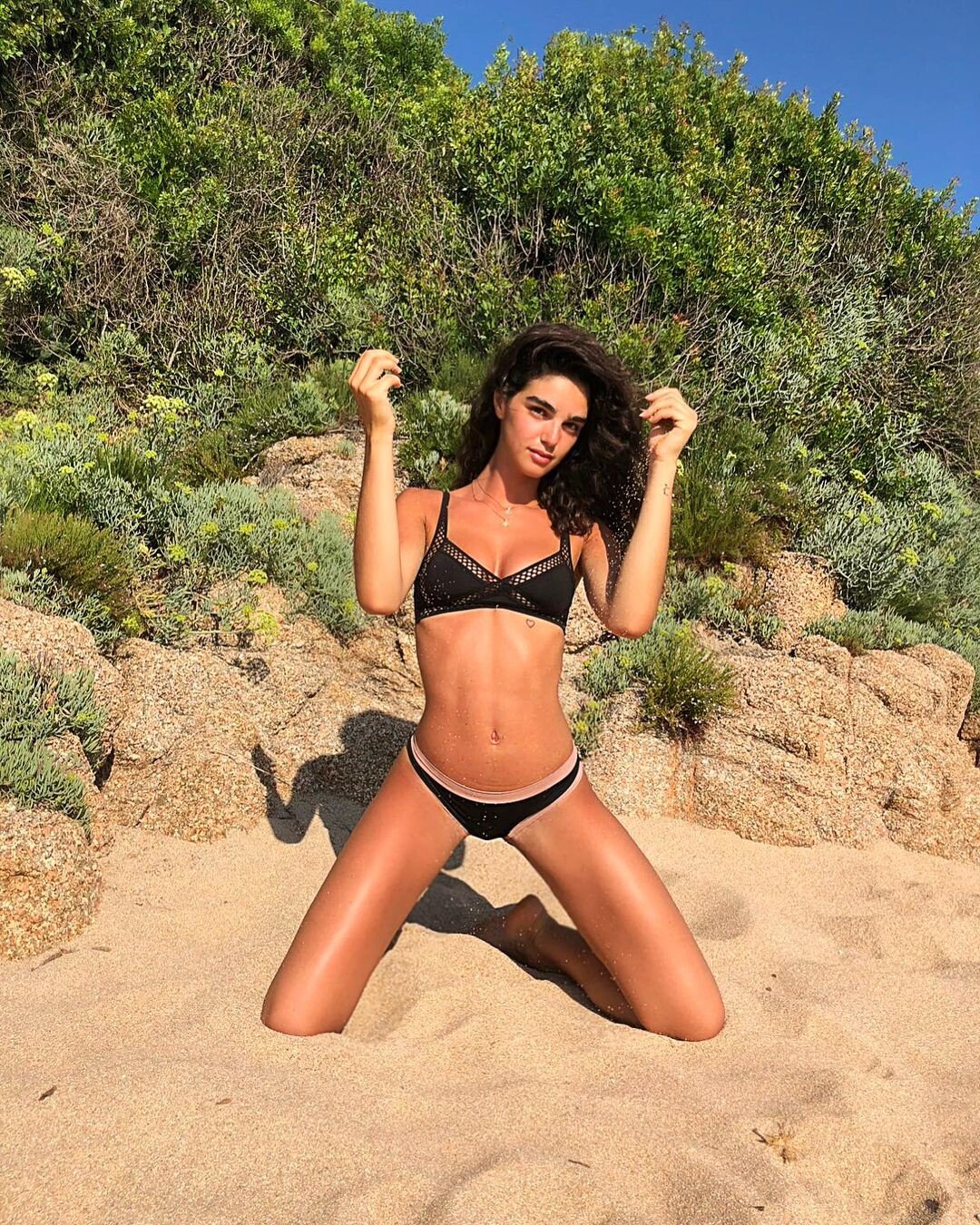
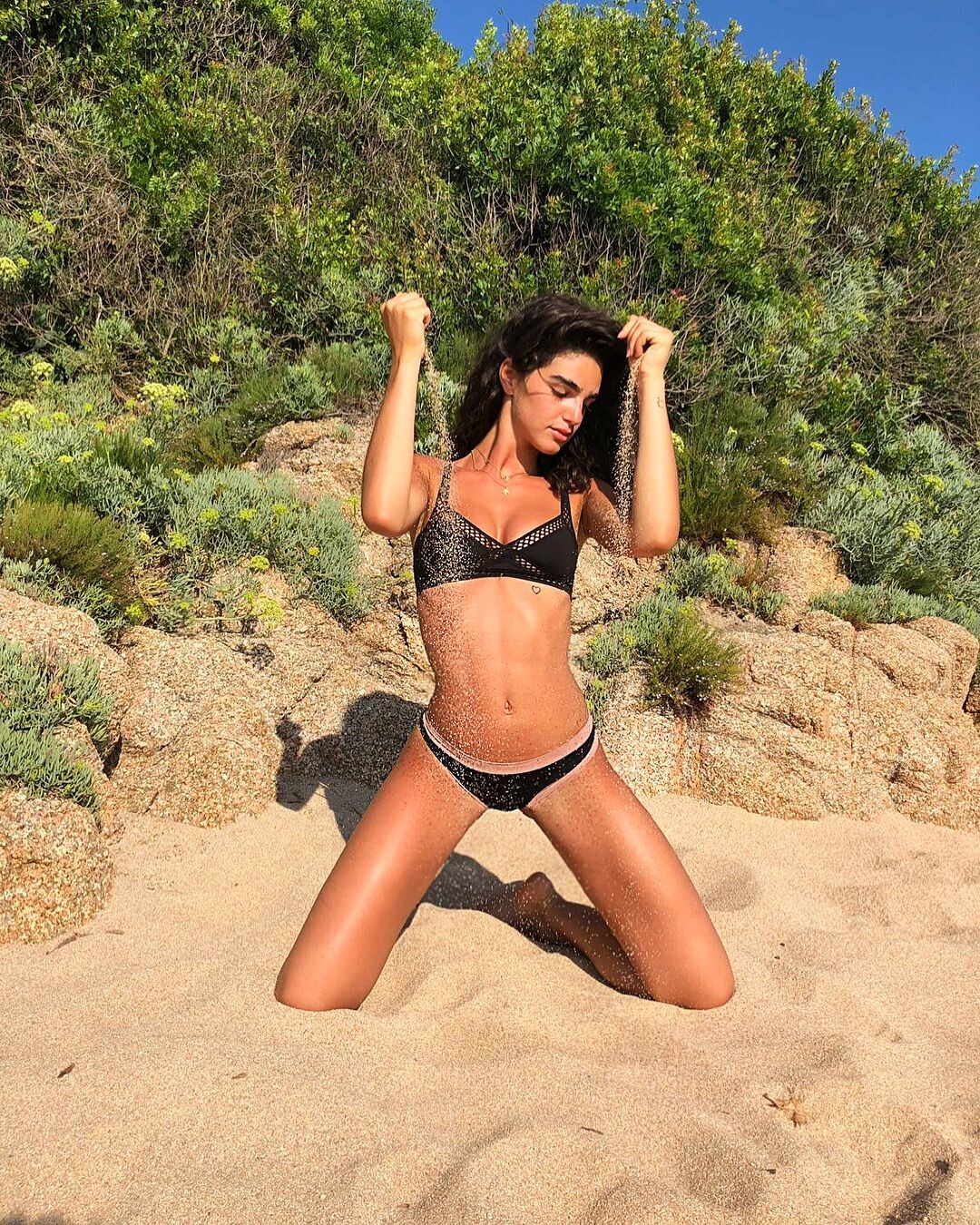
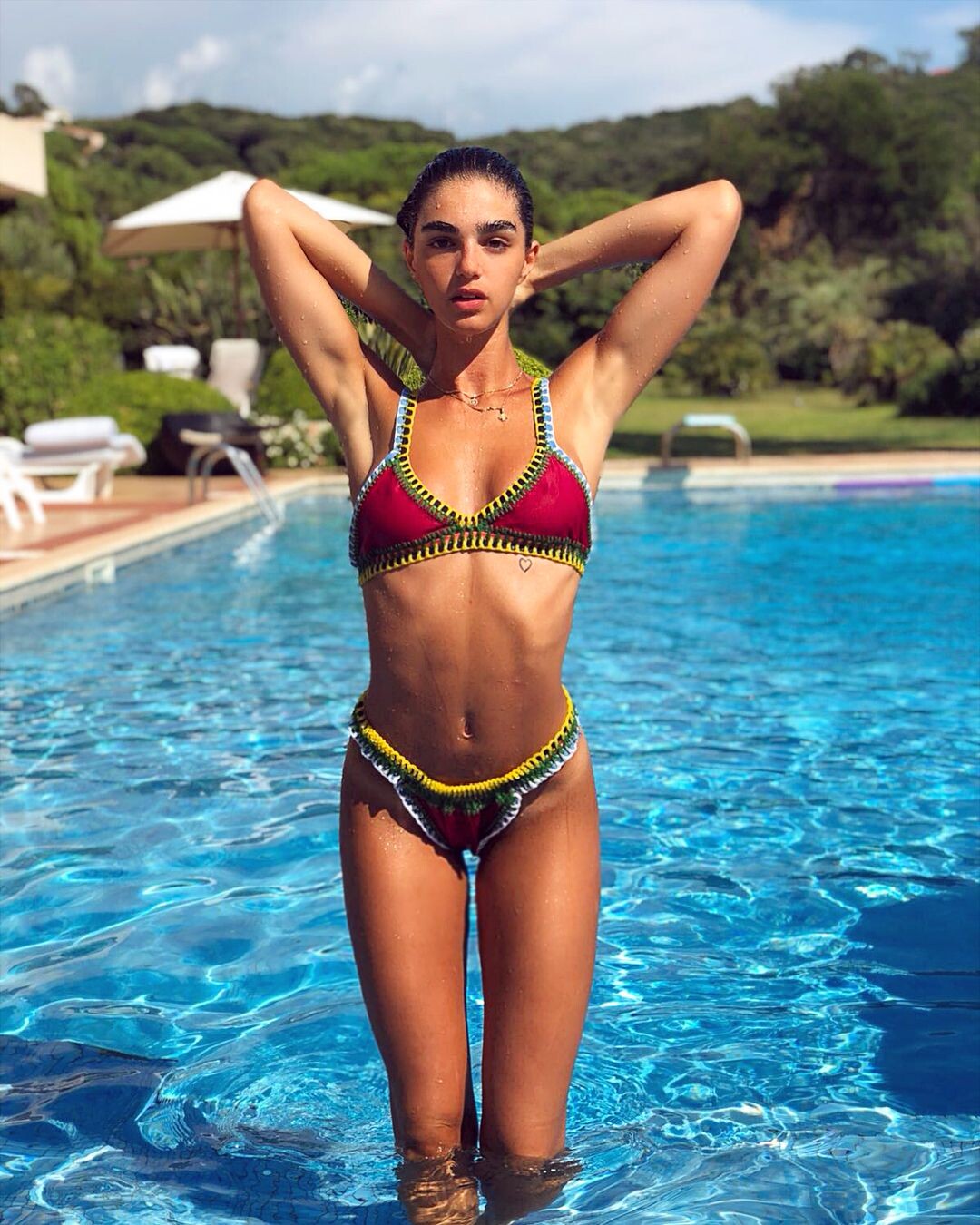
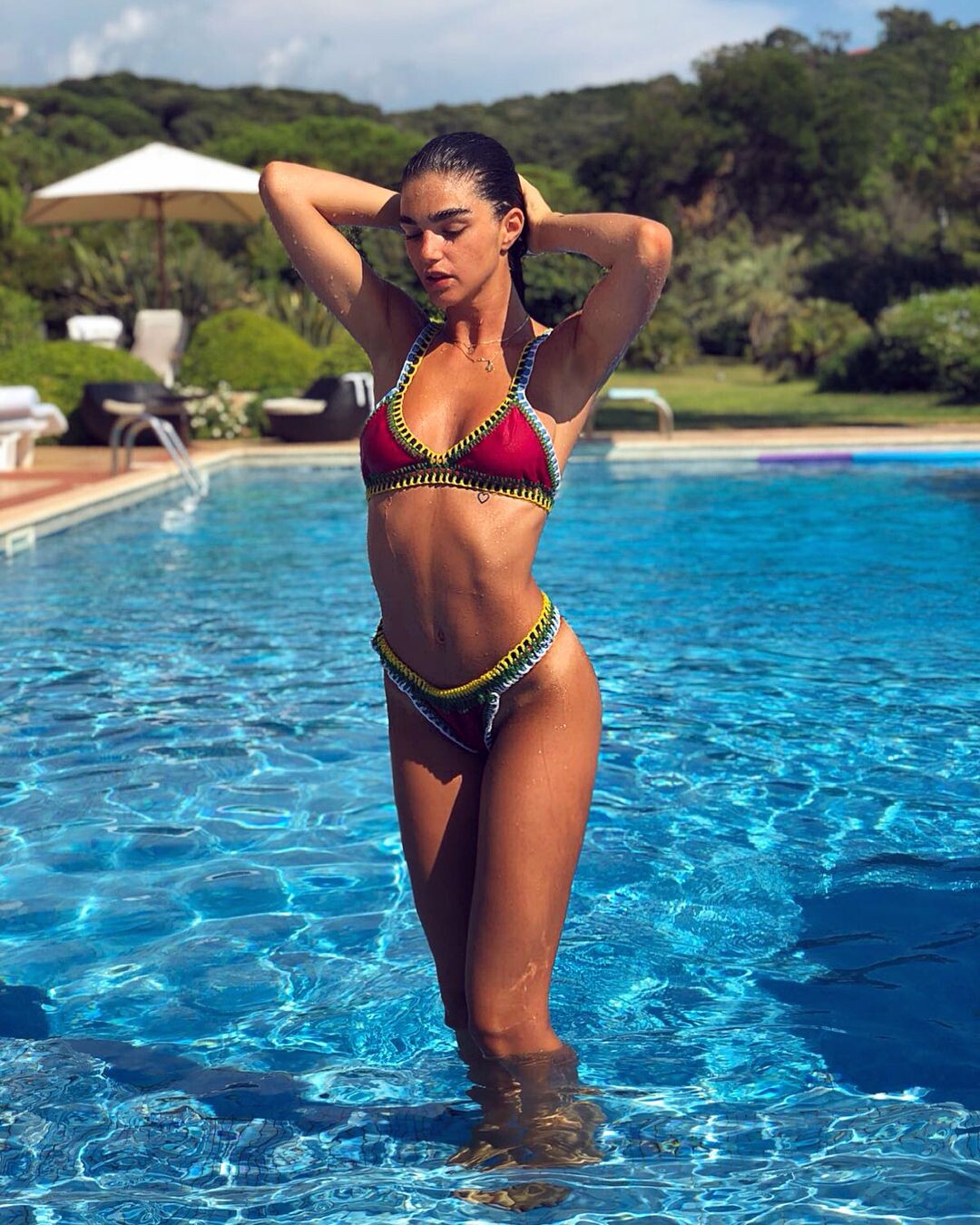
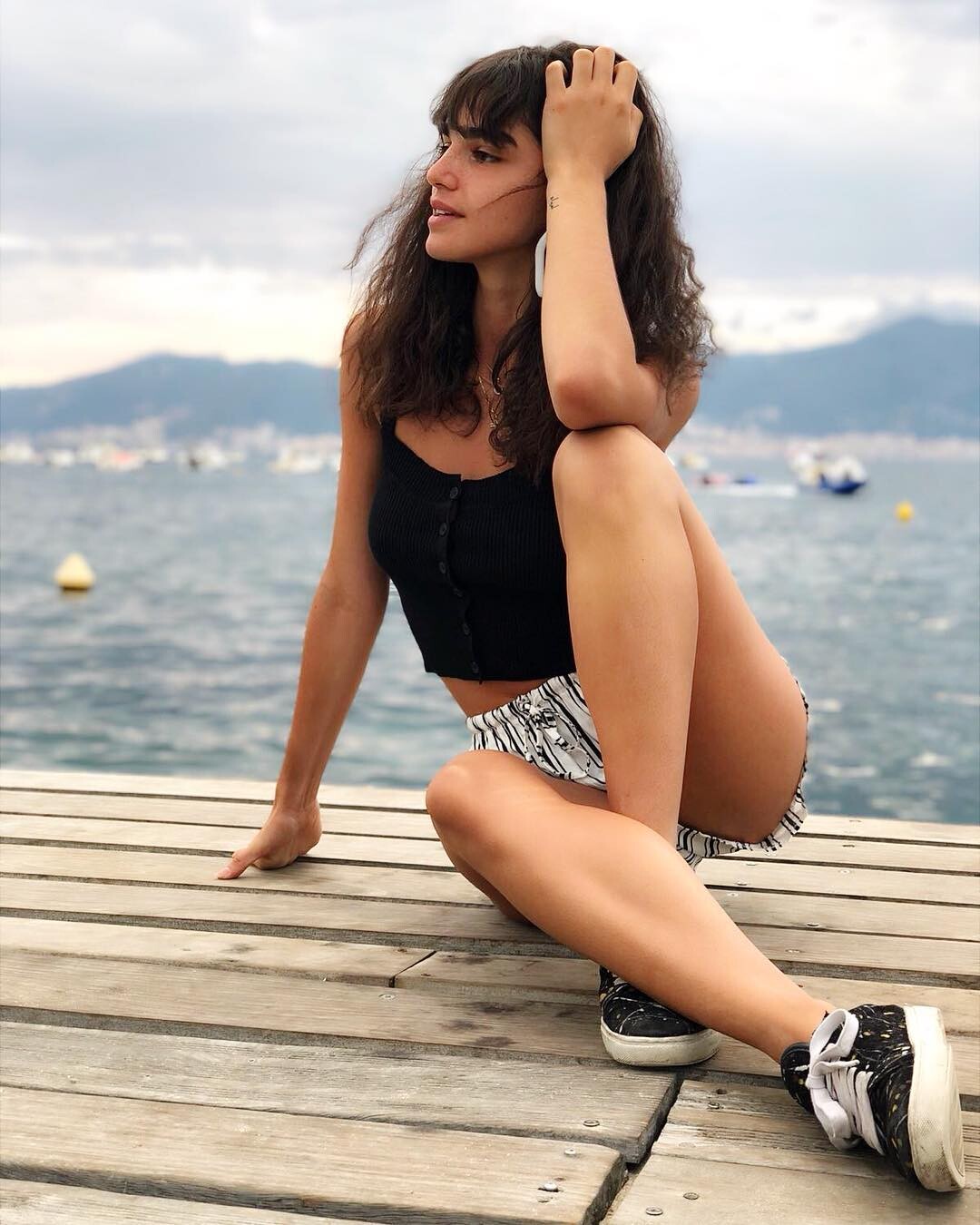
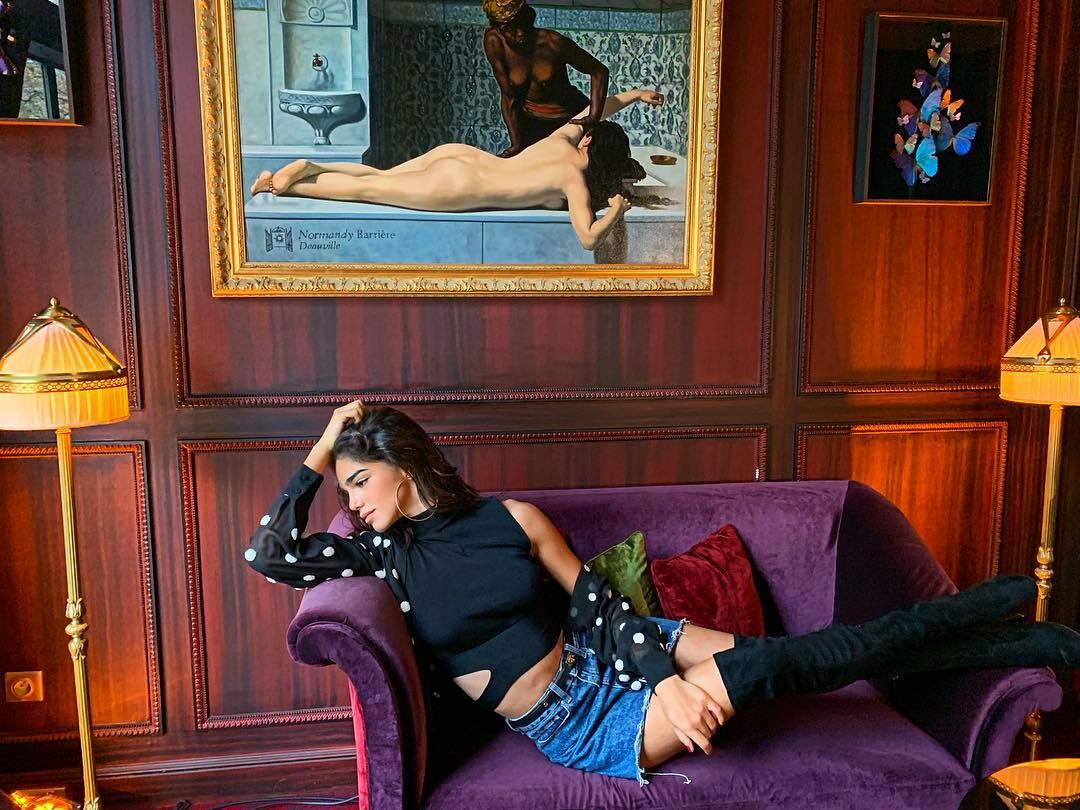
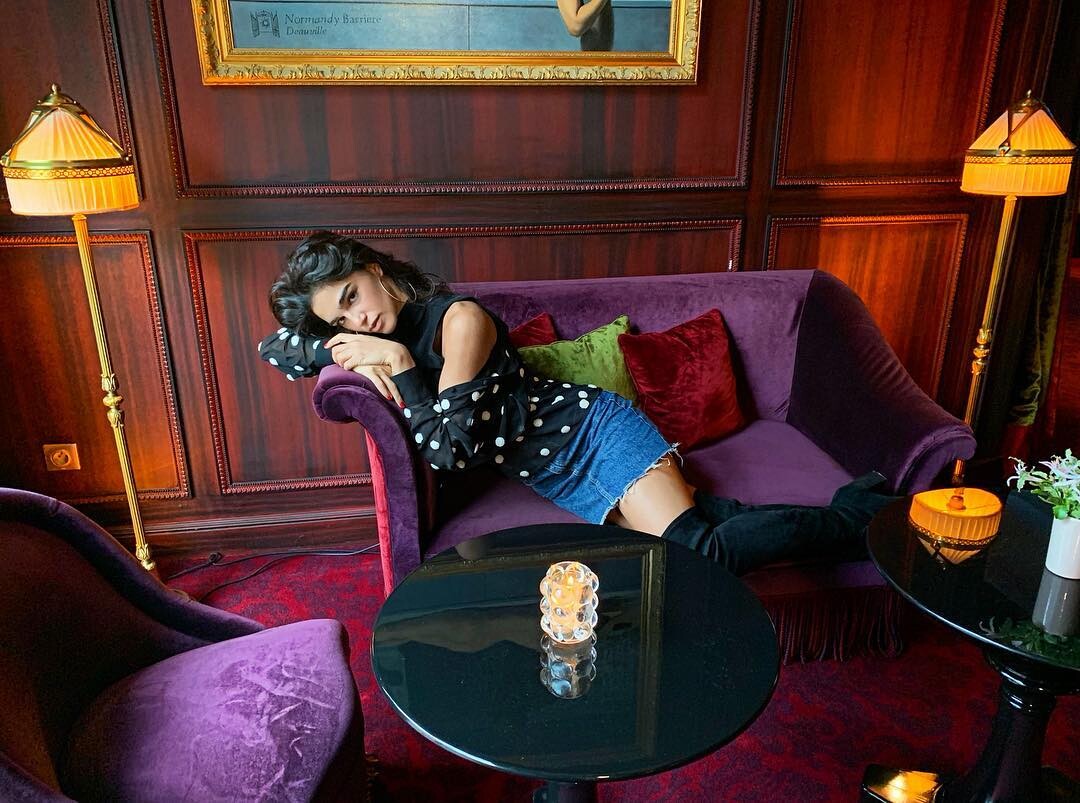
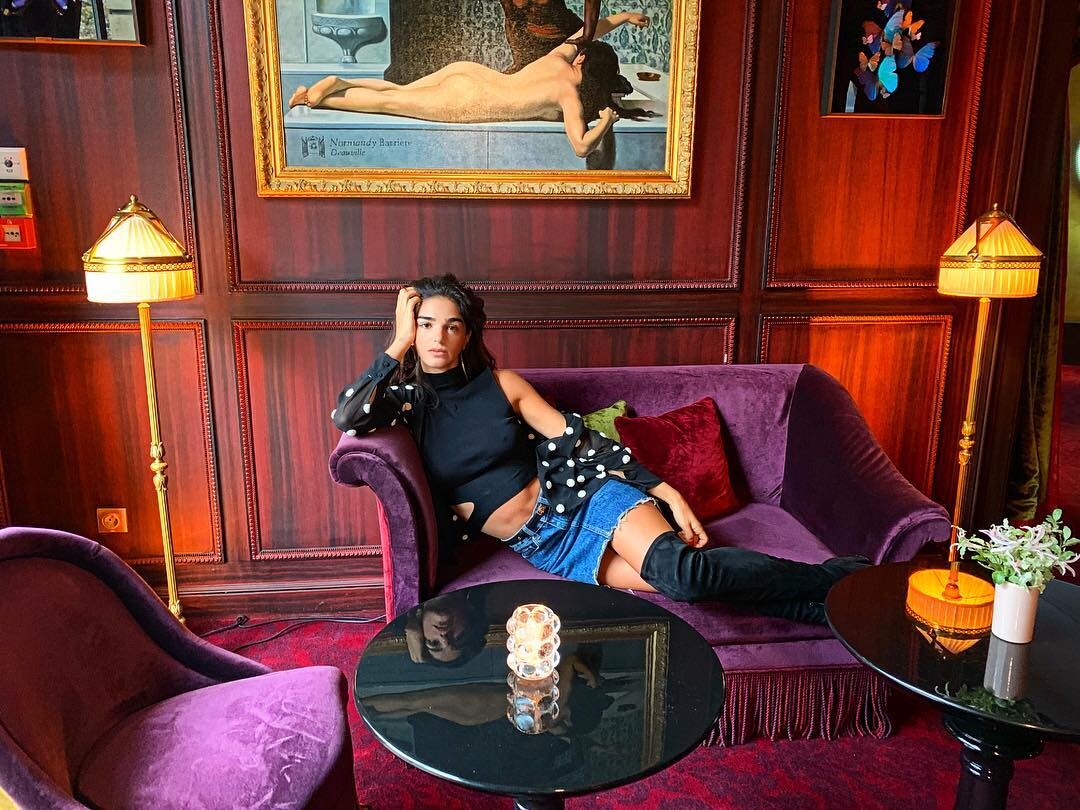
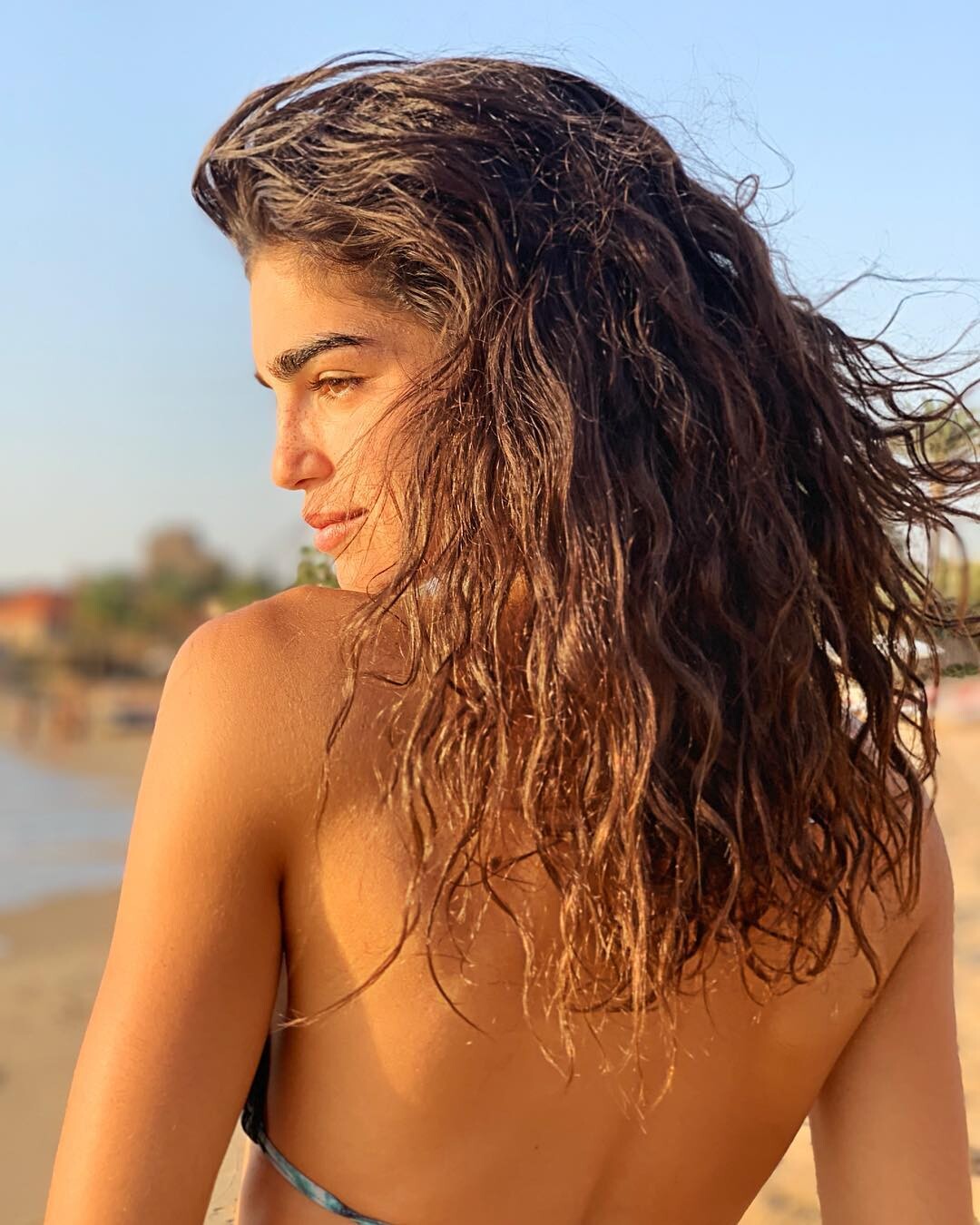
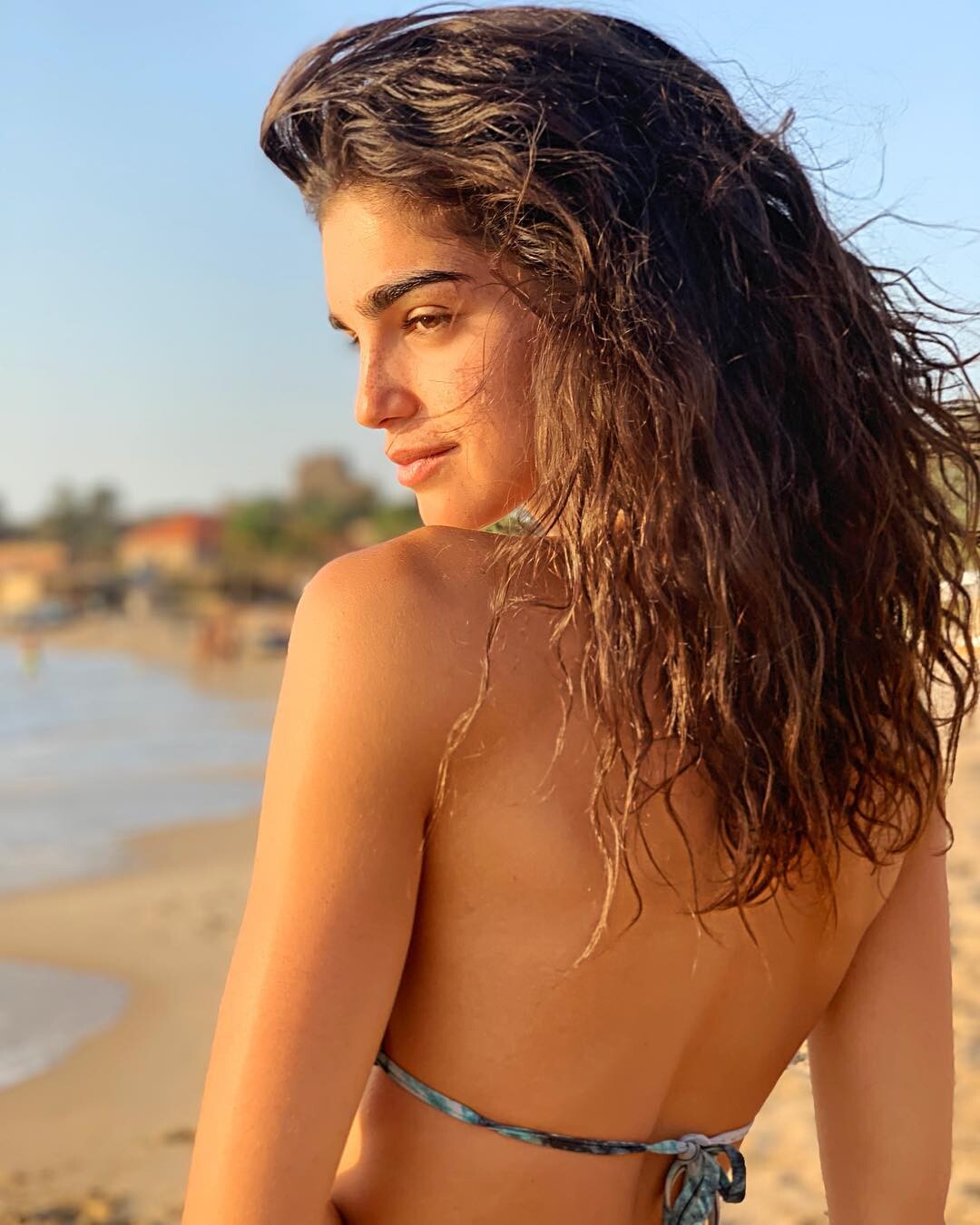
 YOUSRA MOHSEN est née en 2000 au Liban, Miss Liban en 2017. En août 2016, la jeune bachelière intègre l’Académie internationale de la danse à Paris. Elle suit une formation de deux ans et elle travaille avec différents chorégraphes, notamment au Casino de Paris. Puis elle découvre le monde de la danse Cabaret et talons avec une professeure exceptionnelle, Nadine Cimas. Elle la fait grandir en tant que femme et ma aidée à découvrir ma personnalité. Elle fait le tour des cabarets, Moulin Rouge et au Lido, mais c’est au Crazy Horse qu'elle a le plus appréciée la scénographie. Elle passe une audition et depuis juin 2018,Yousra est sur les planches de ce lieu emblématique des nuits parisiennes
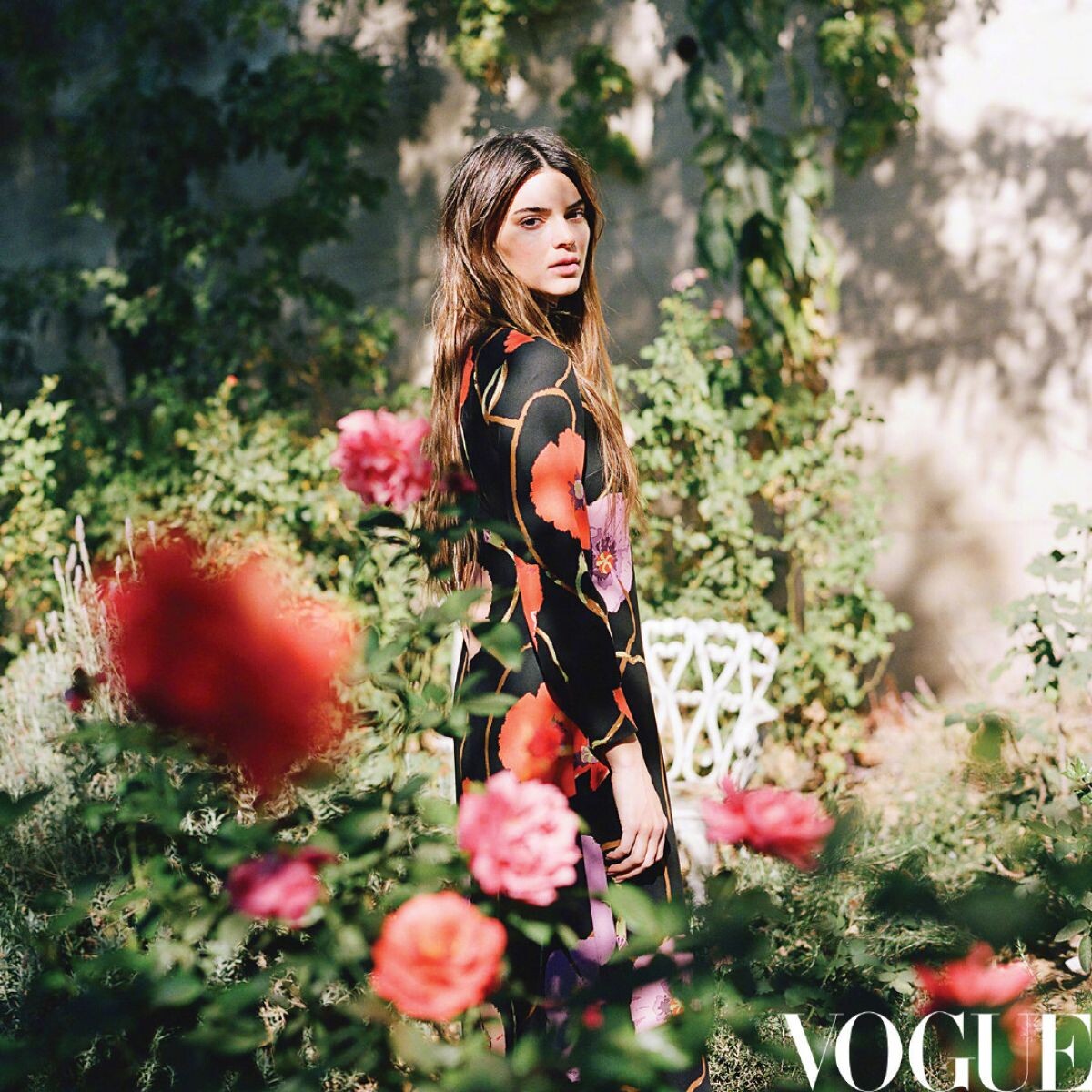
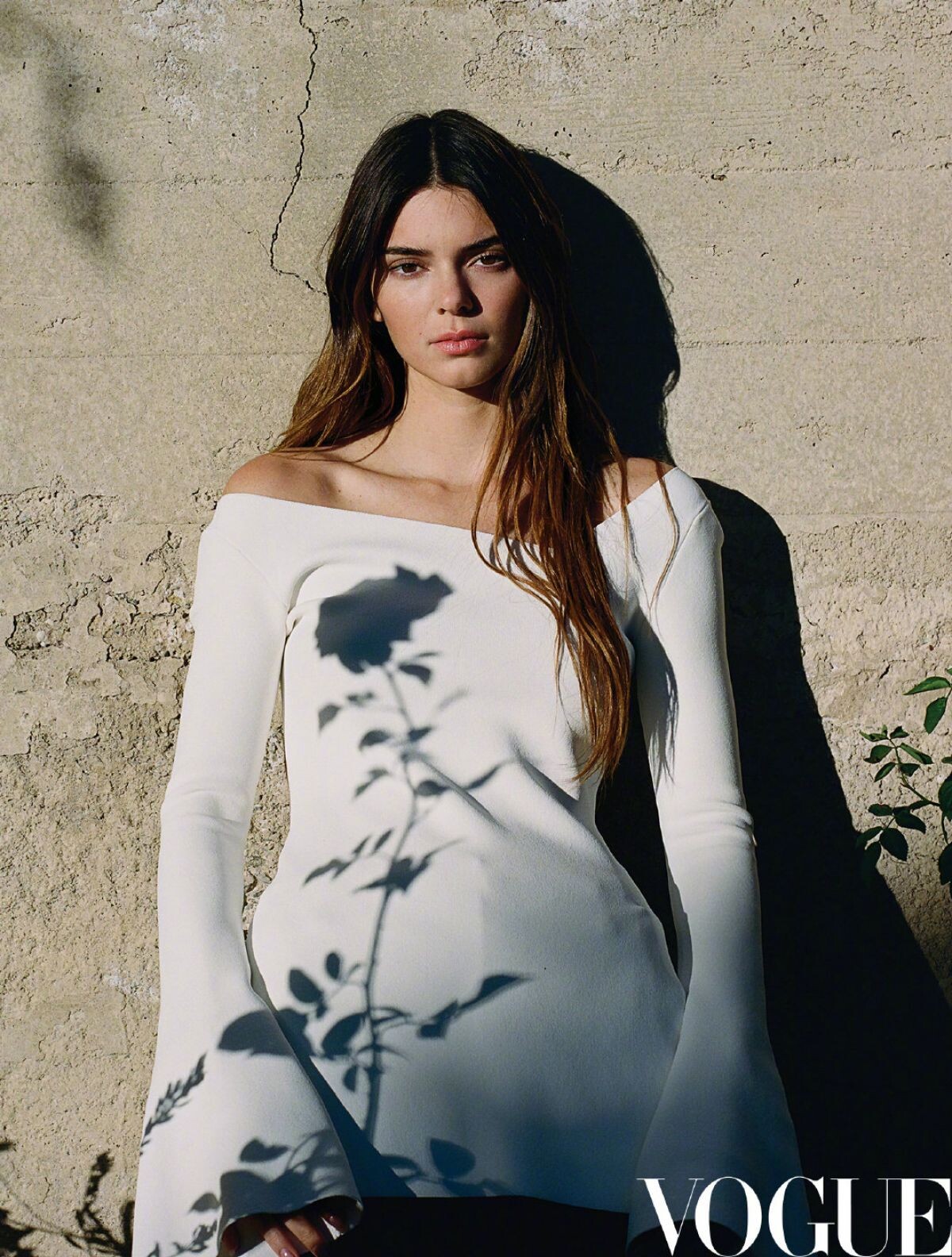
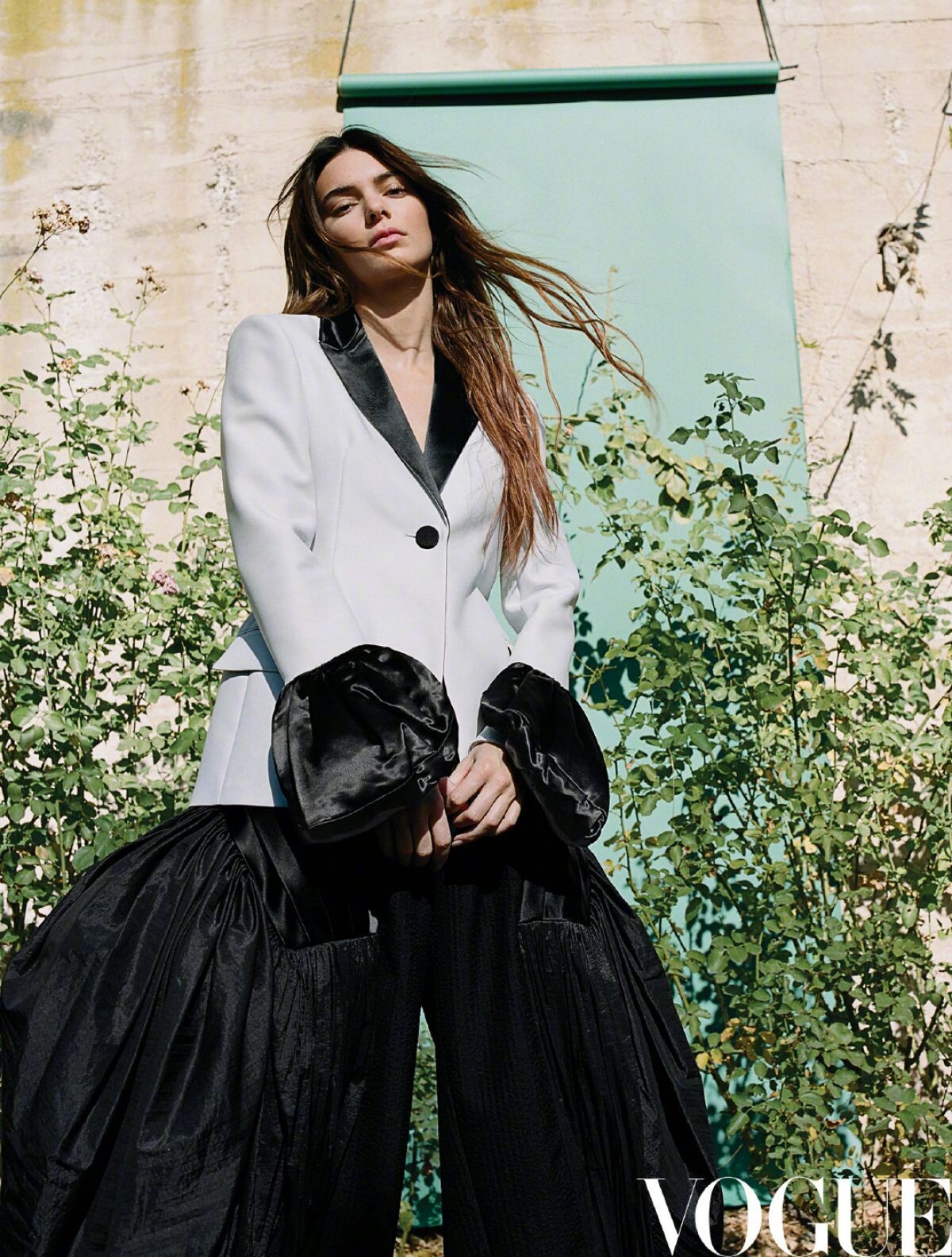
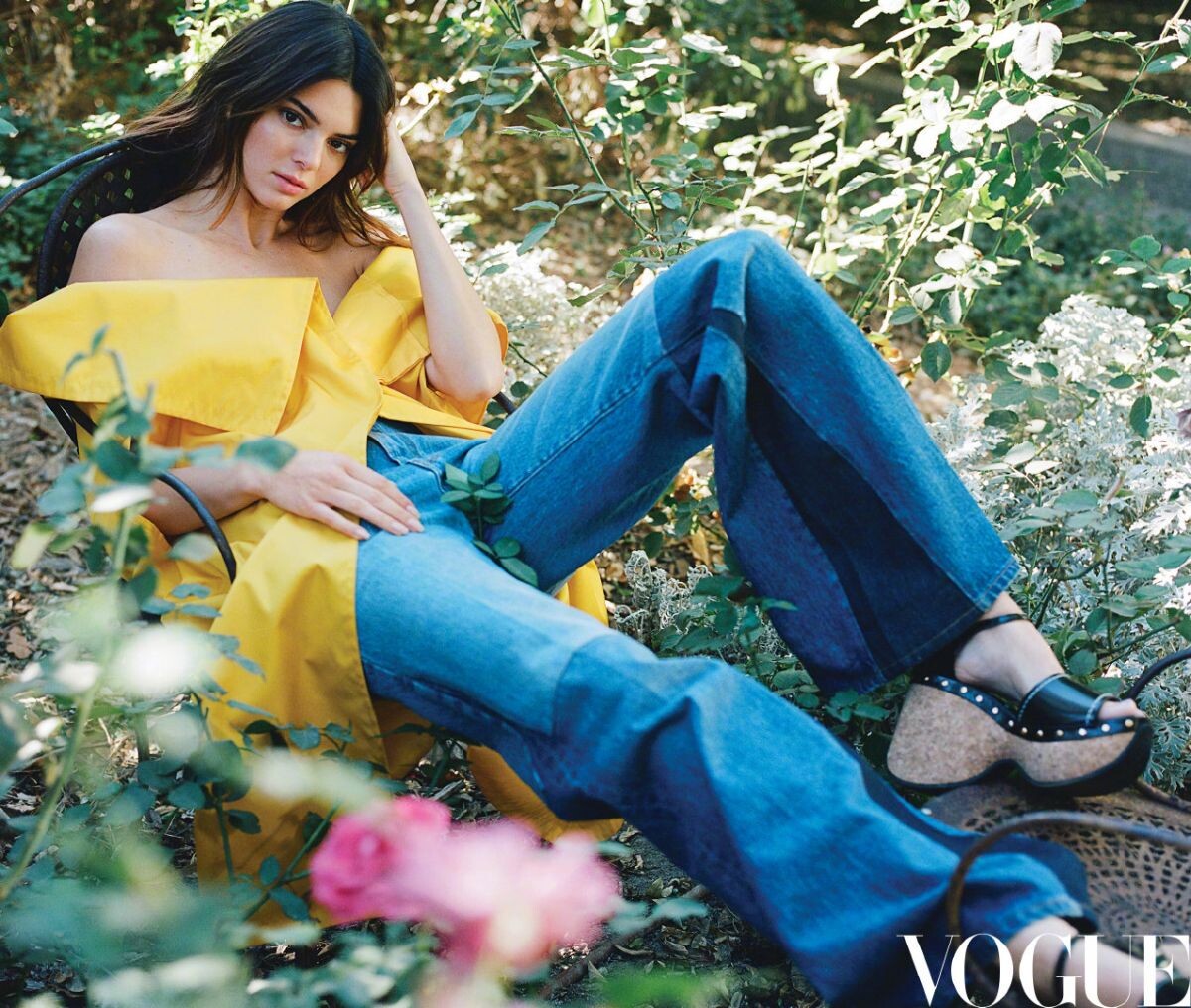
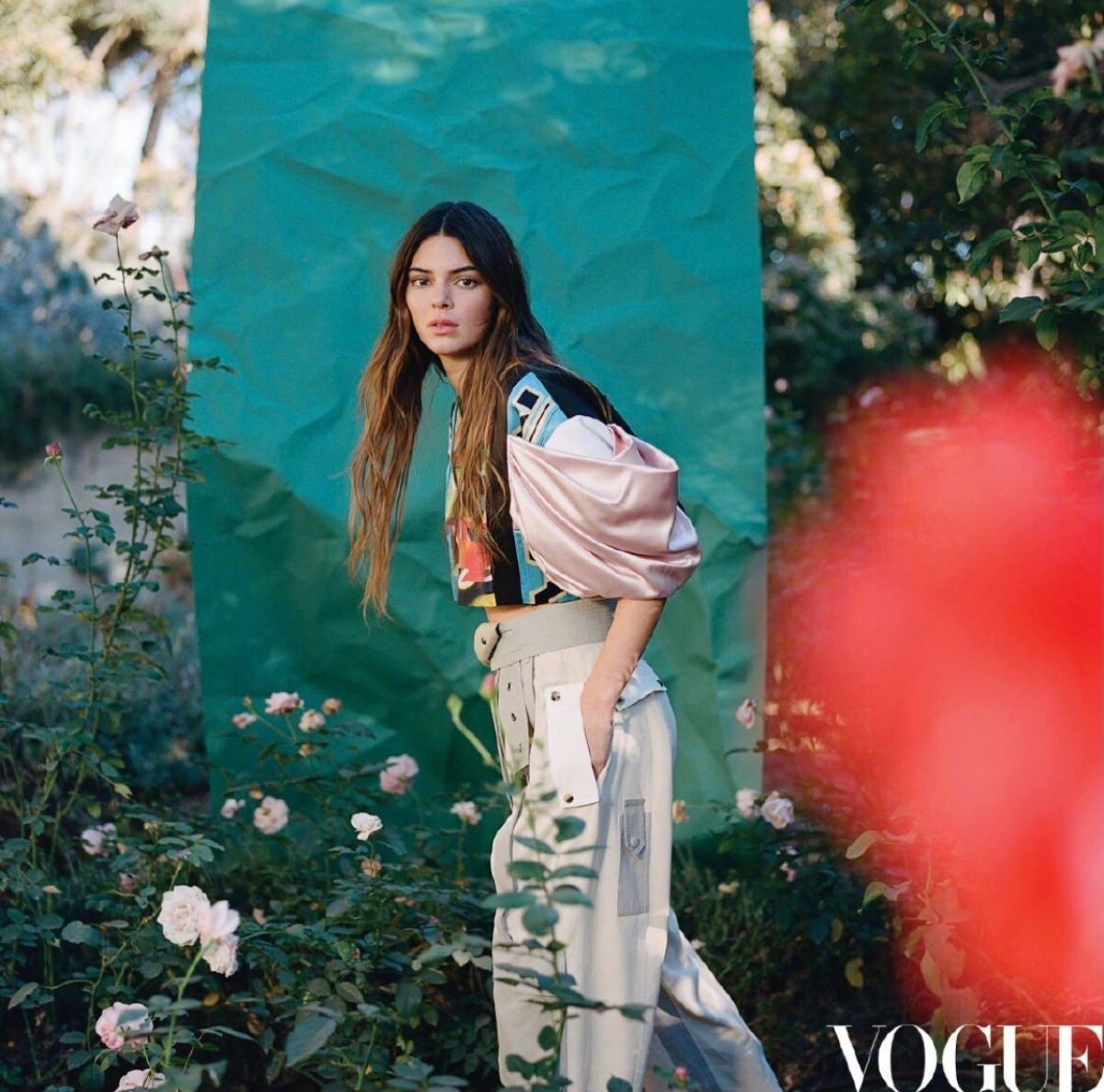
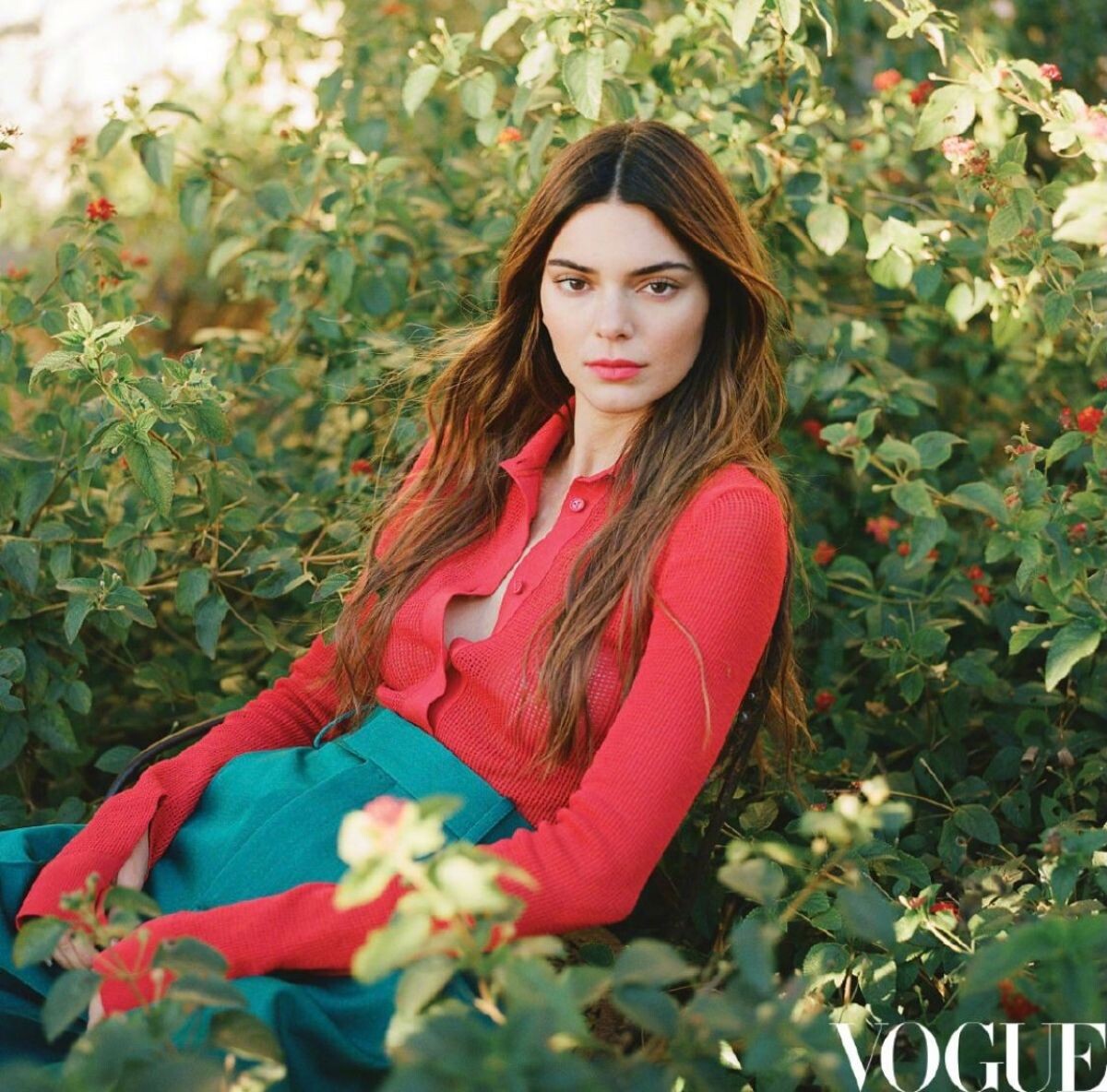
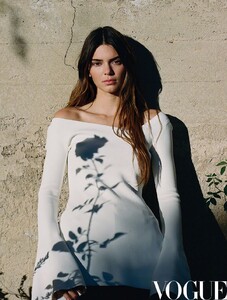
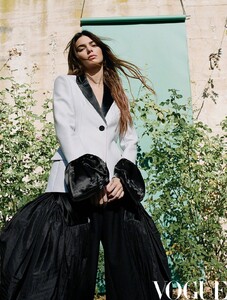
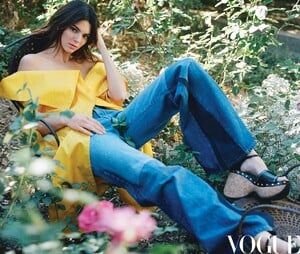
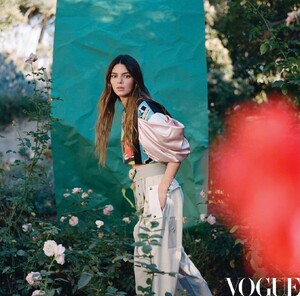
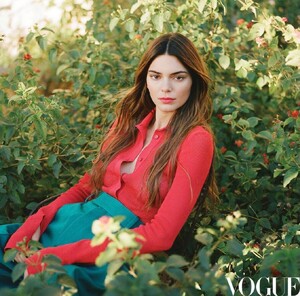
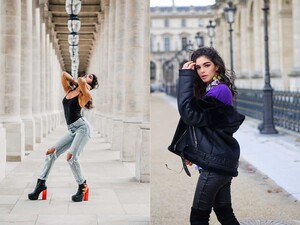 Vogue Magazine, China February 2021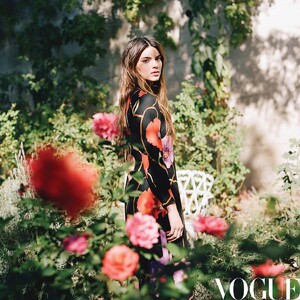

Account
Navigation
Search
Configure browser push notifications
Chrome (Android)
- Tap the lock icon next to the address bar.
- Tap Permissions → Notifications.
- Adjust your preference.
Chrome (Desktop)
- Click the padlock icon in the address bar.
- Select Site settings.
- Find Notifications and adjust your preference.
Safari (iOS 16.4+)
- Ensure the site is installed via Add to Home Screen.
- Open Settings App → Notifications.
- Find your app name and adjust your preference.
Safari (macOS)
- Go to Safari → Preferences.
- Click the Websites tab.
- Select Notifications in the sidebar.
- Find this website and adjust your preference.
Edge (Android)
- Tap the lock icon next to the address bar.
- Tap Permissions.
- Find Notifications and adjust your preference.
Edge (Desktop)
- Click the padlock icon in the address bar.
- Click Permissions for this site.
- Find Notifications and adjust your preference.
Firefox (Android)
- Go to Settings → Site permissions.
- Tap Notifications.
- Find this site in the list and adjust your preference.
Firefox (Desktop)
- Open Firefox Settings.
- Search for Notifications.
- Find this site in the list and adjust your preference.
















.jpg.44ecd98431e2d551055faa3f7c7a1a79.jpg)