Carla S
Members
-
Joined
-
Last visited
Everything posted by Carla S
-
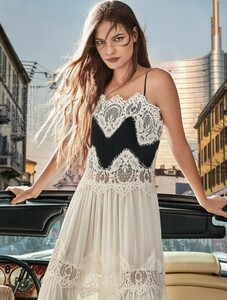
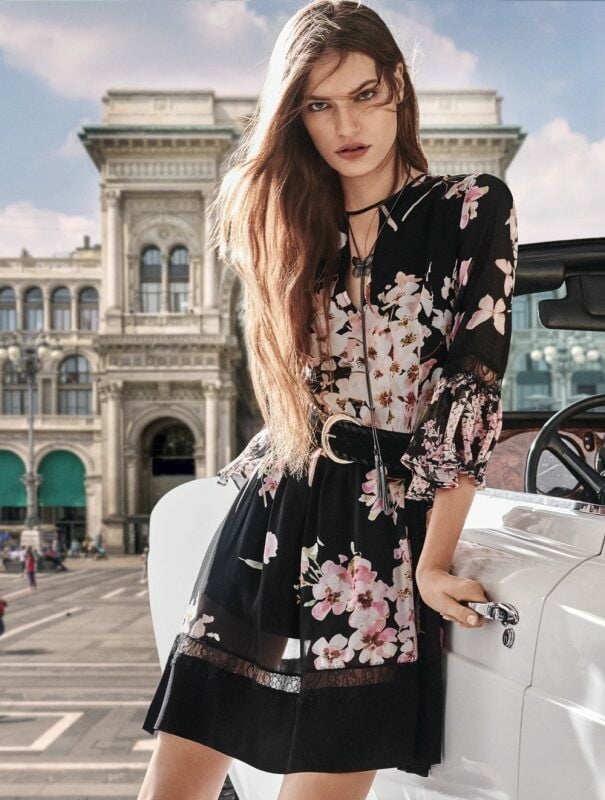
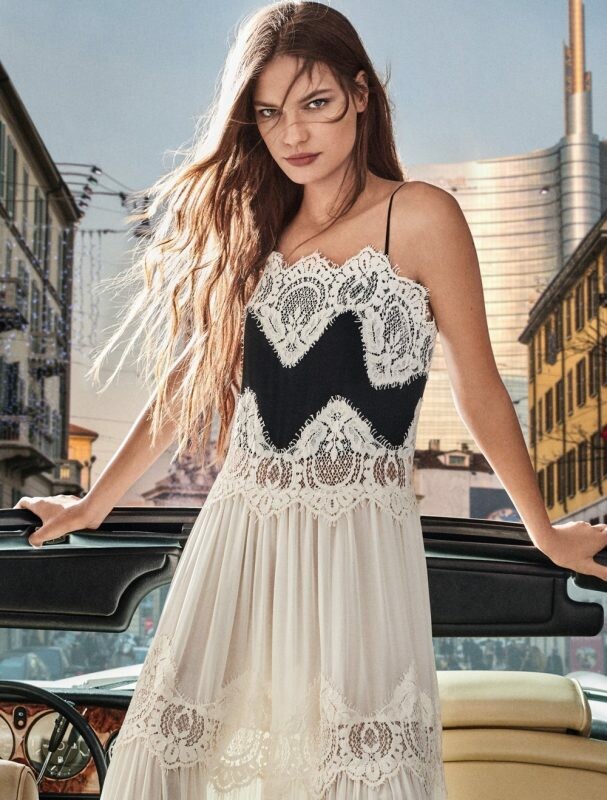
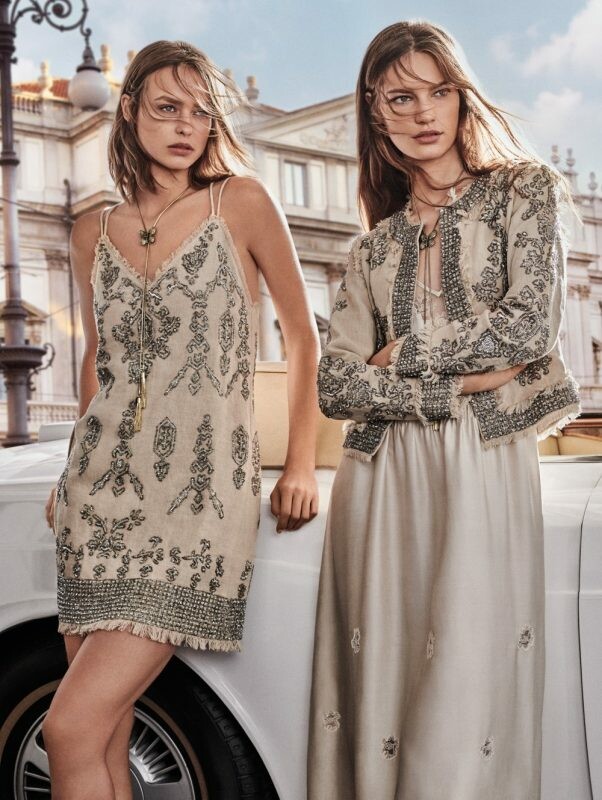
 Twinset Milano Campaign SS19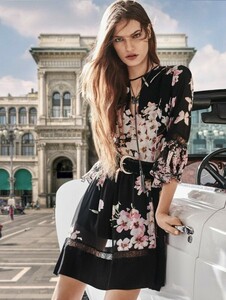

-
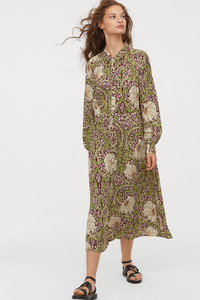
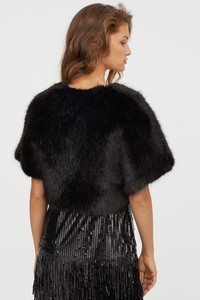
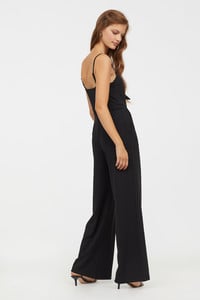
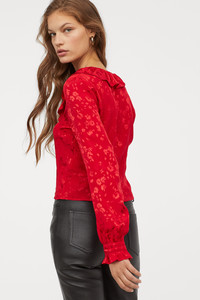
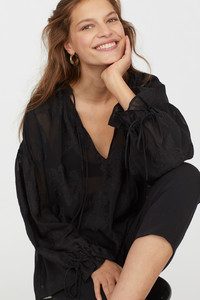
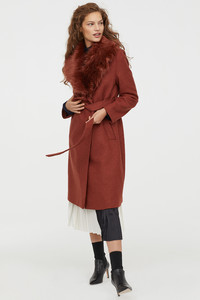
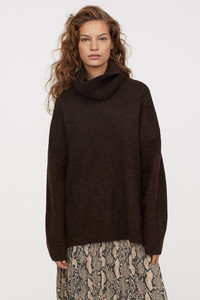
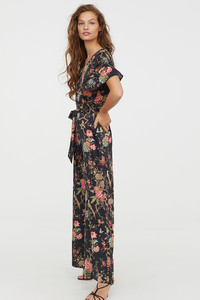
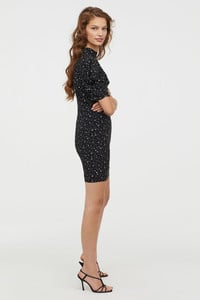
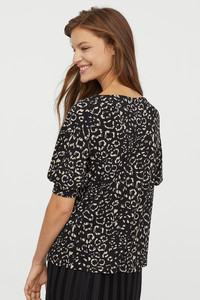
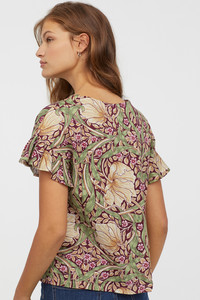
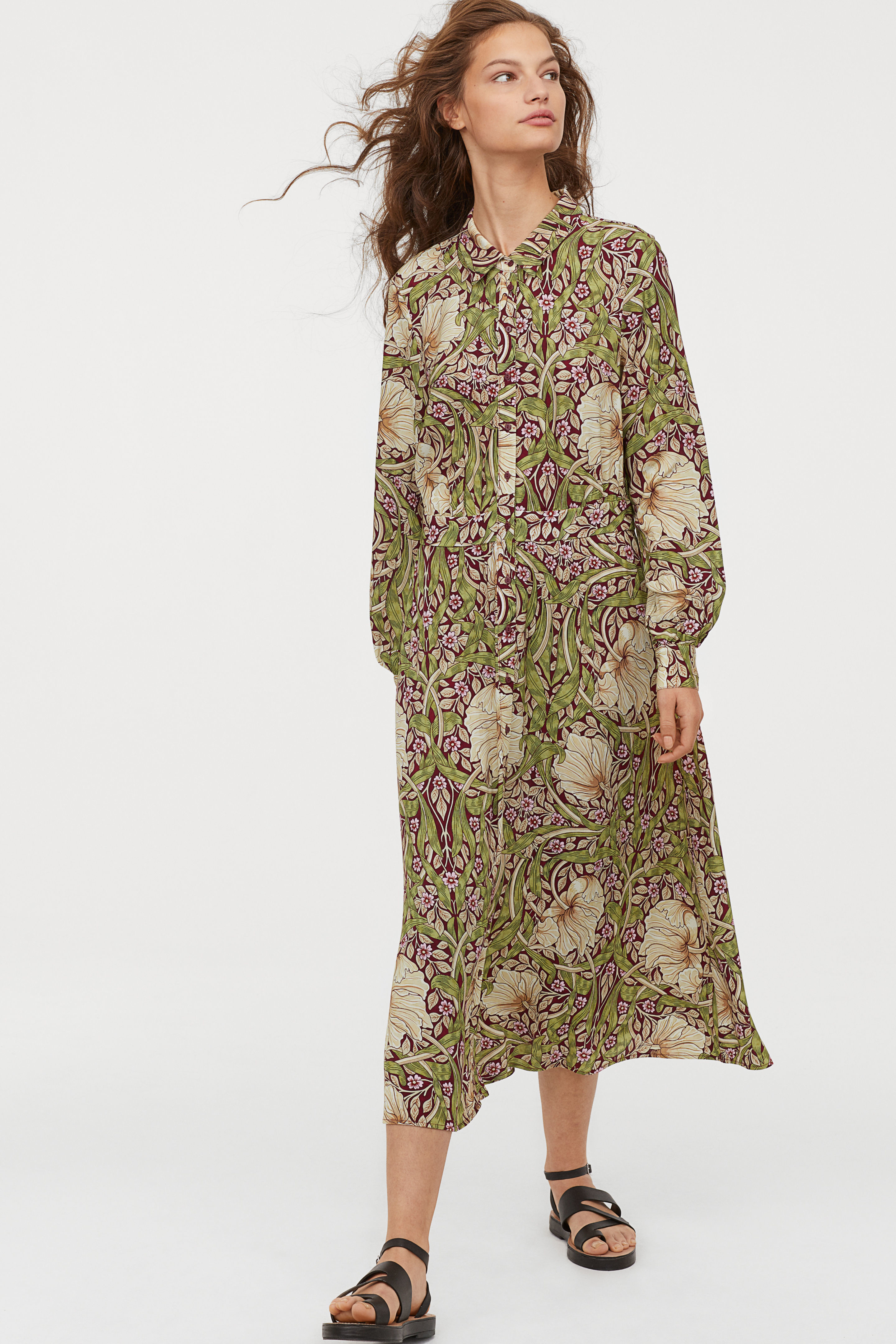
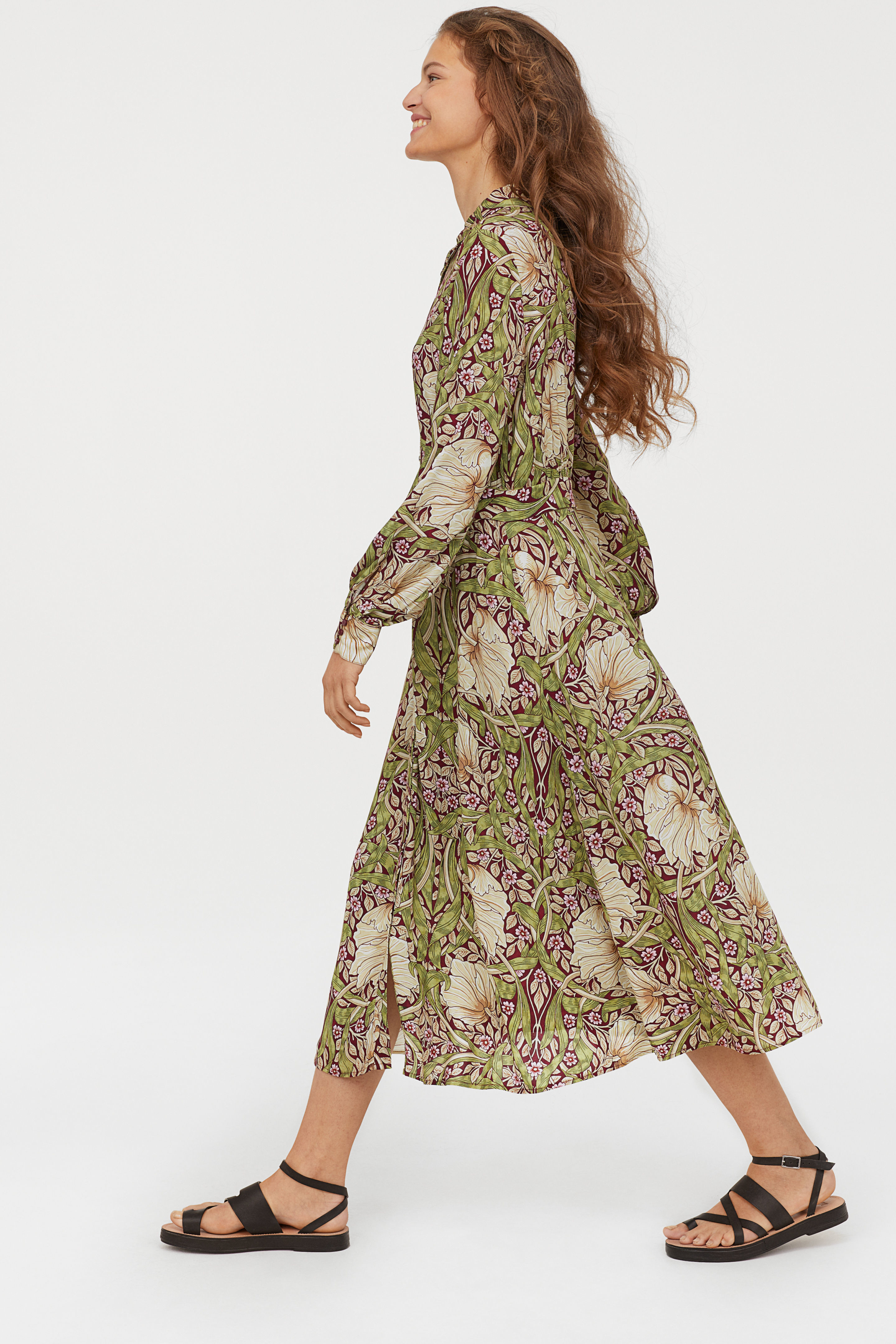
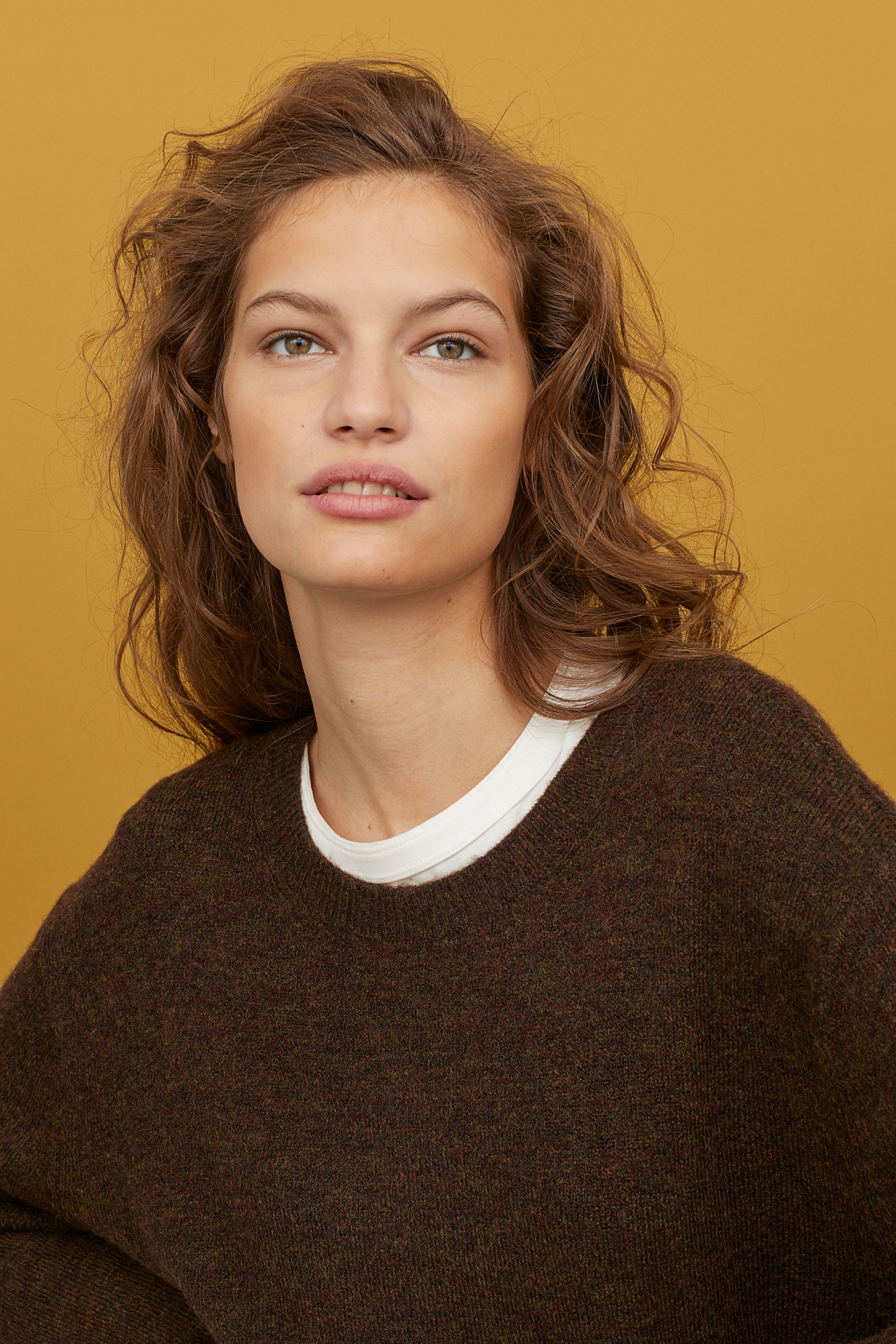
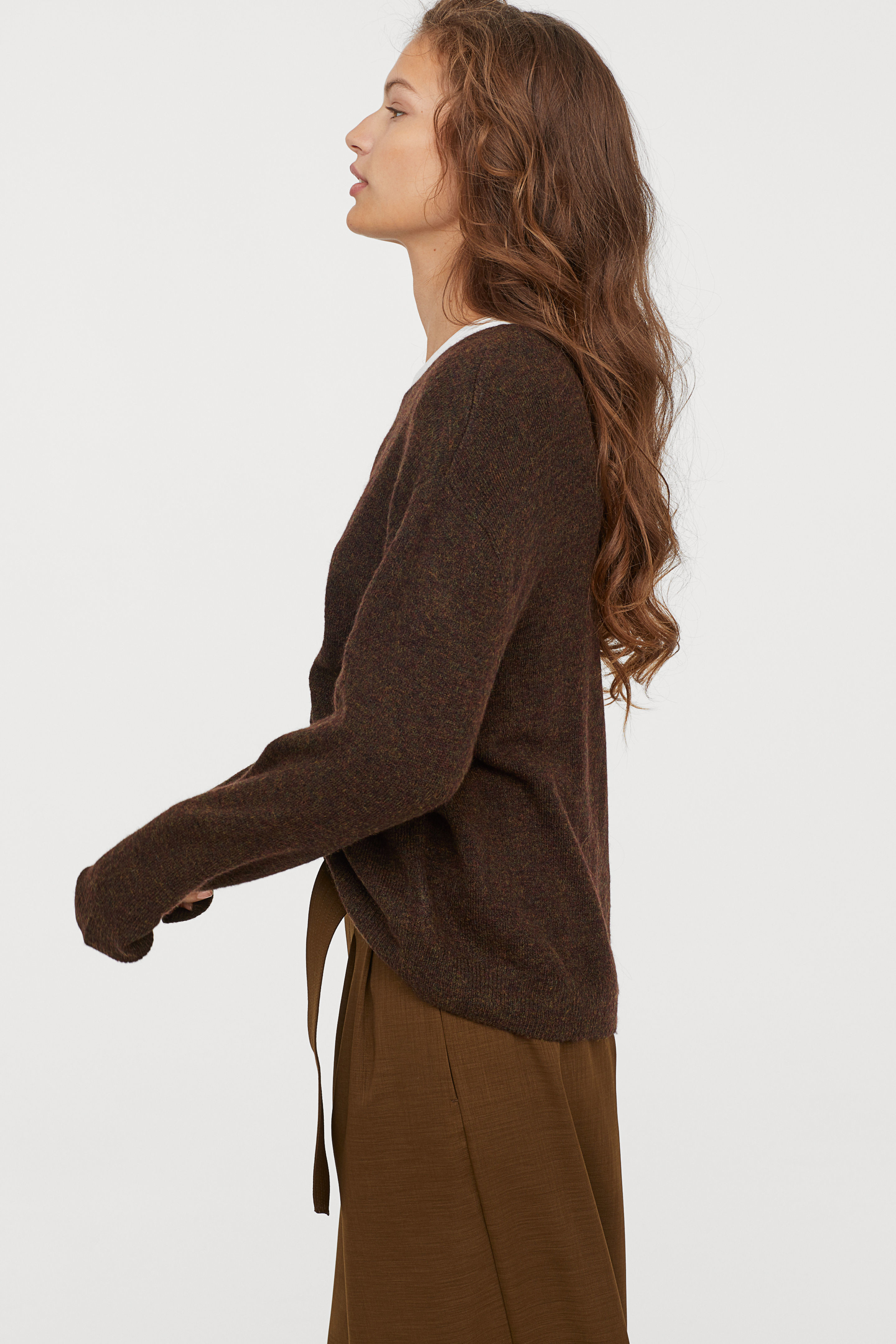
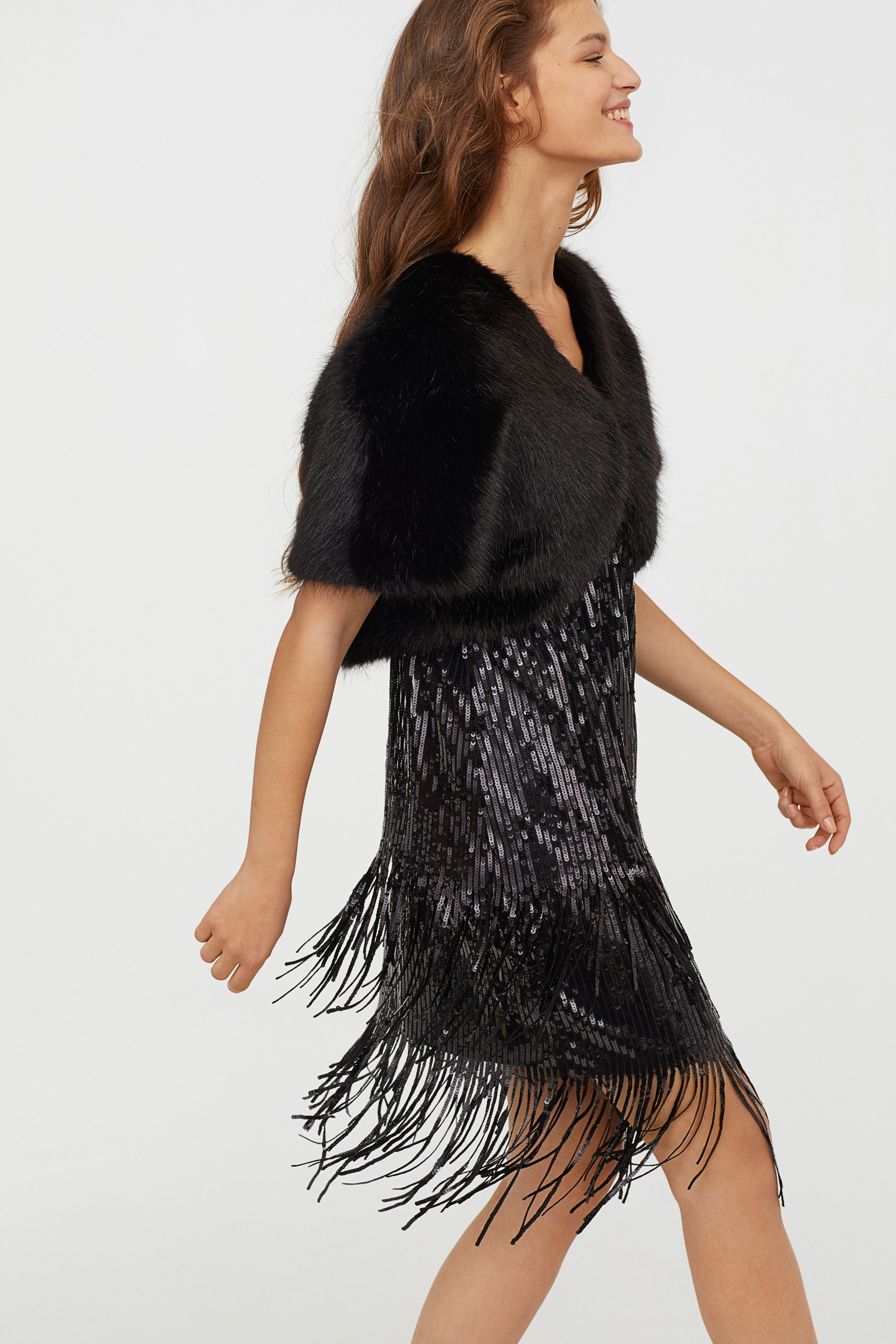
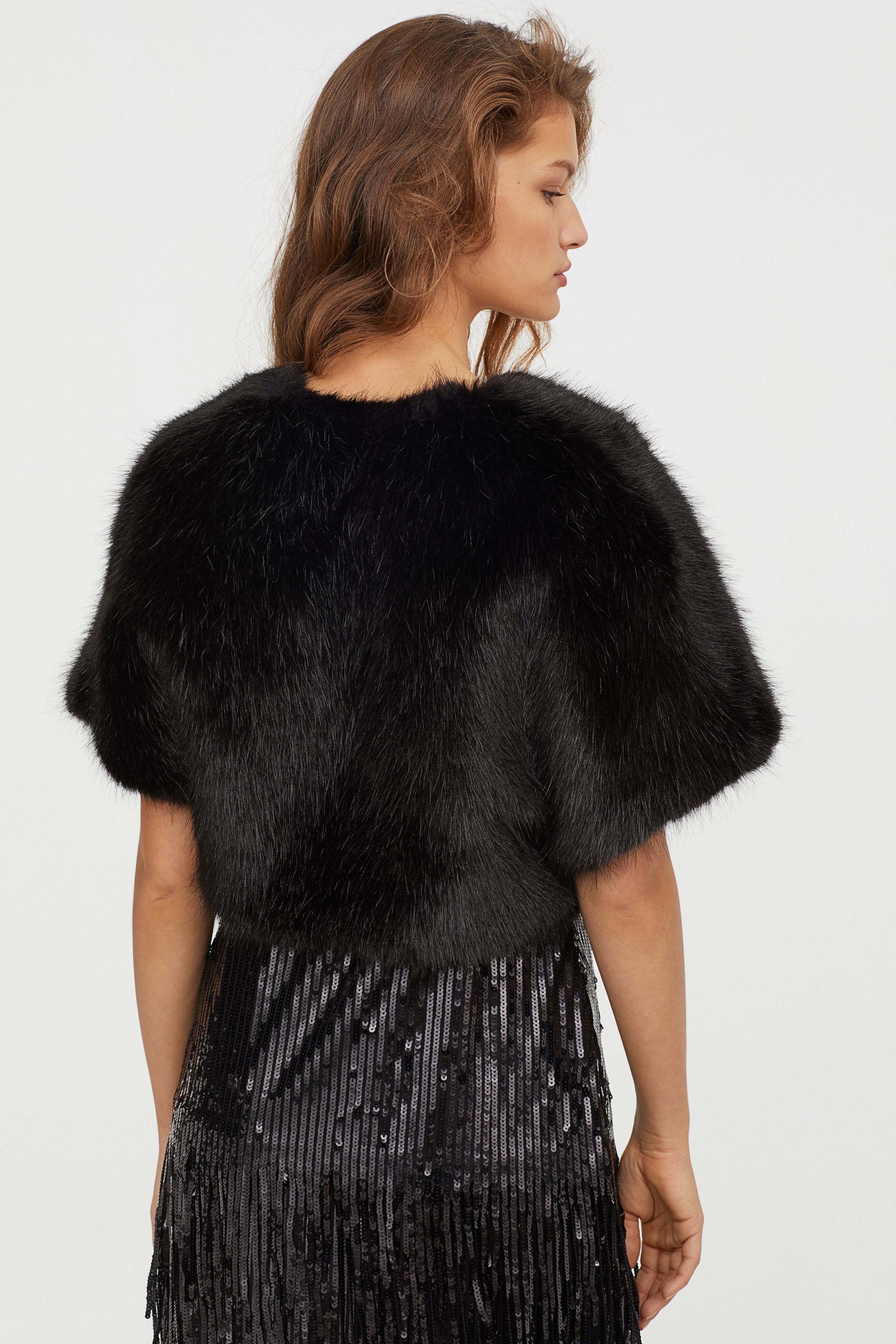
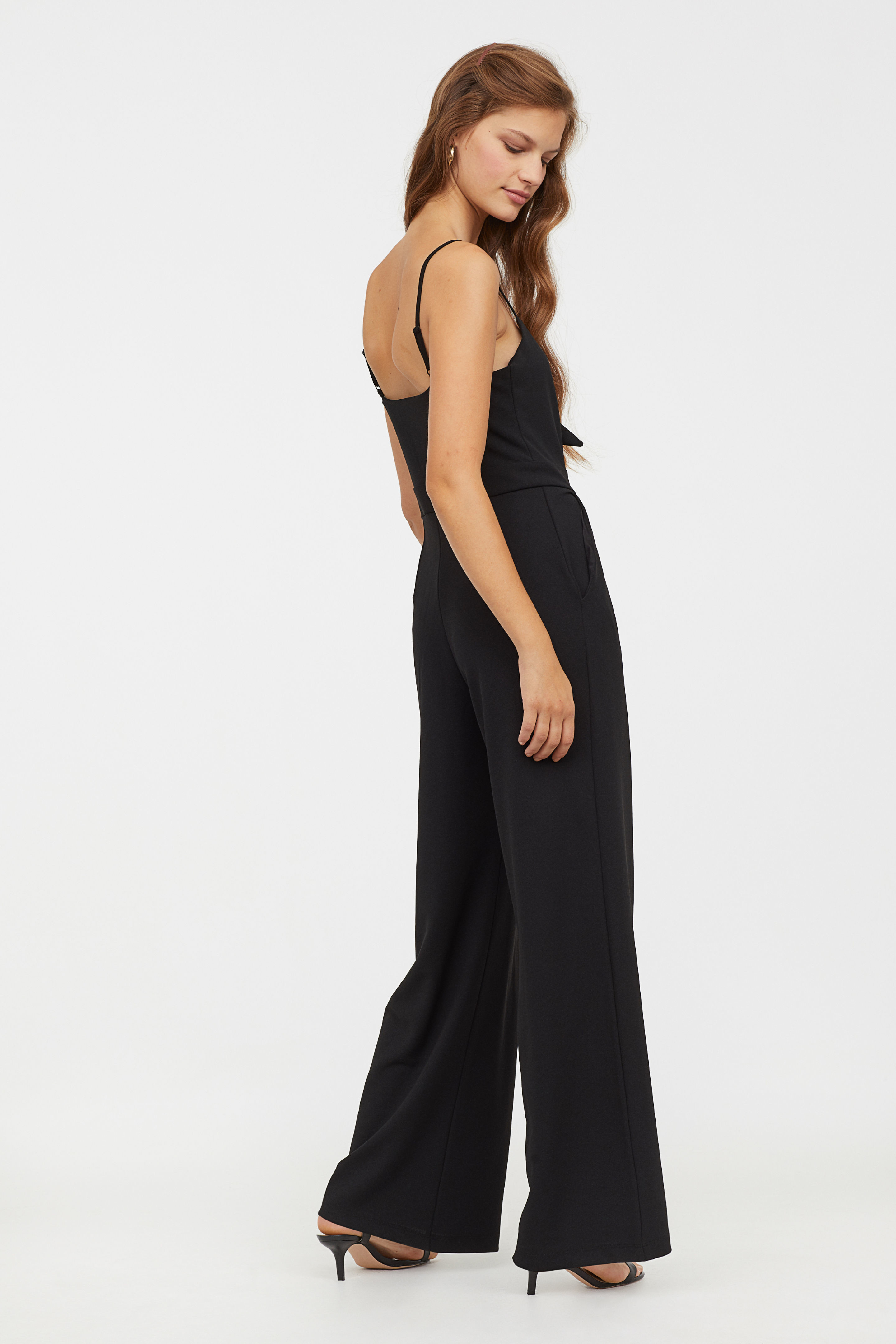
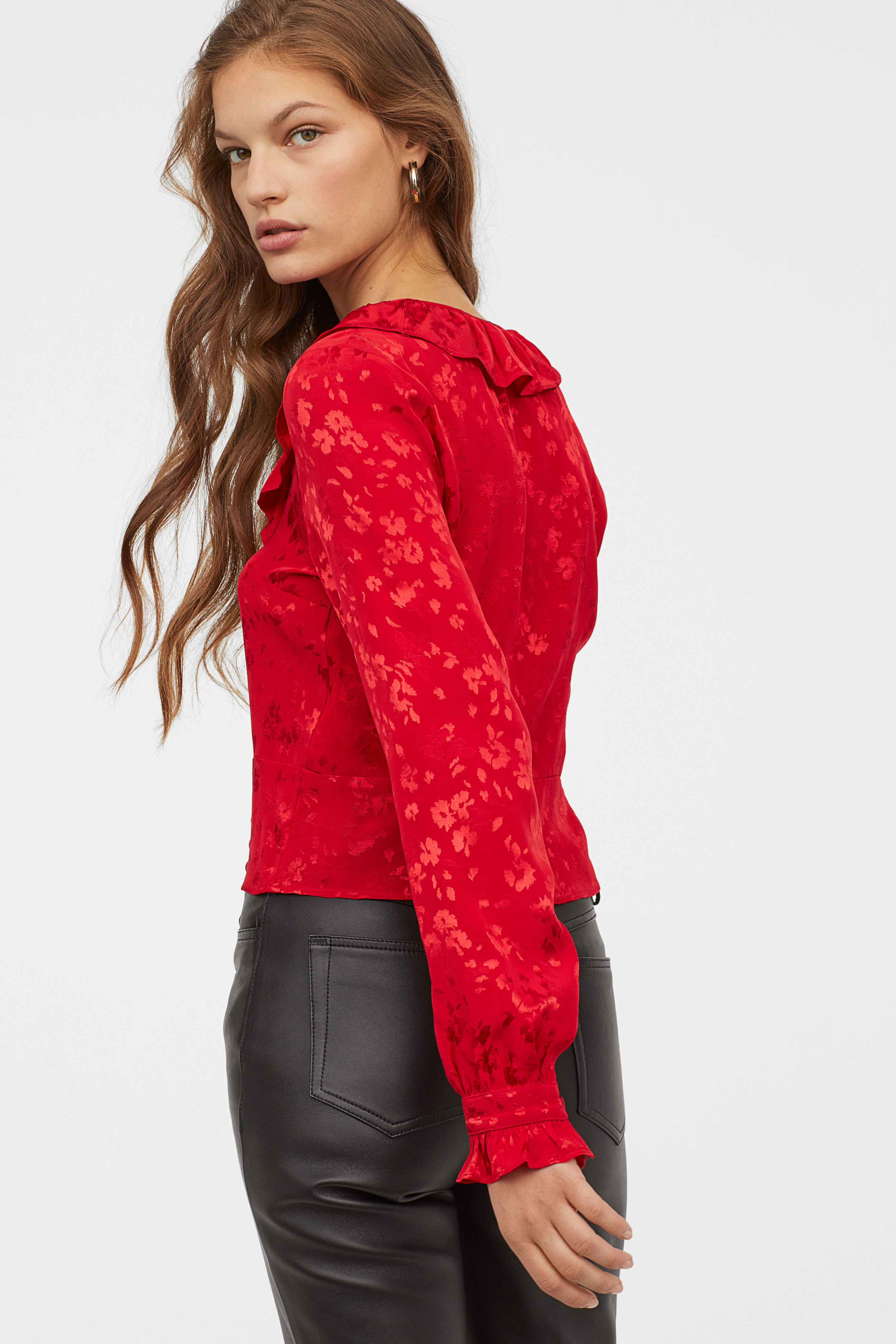
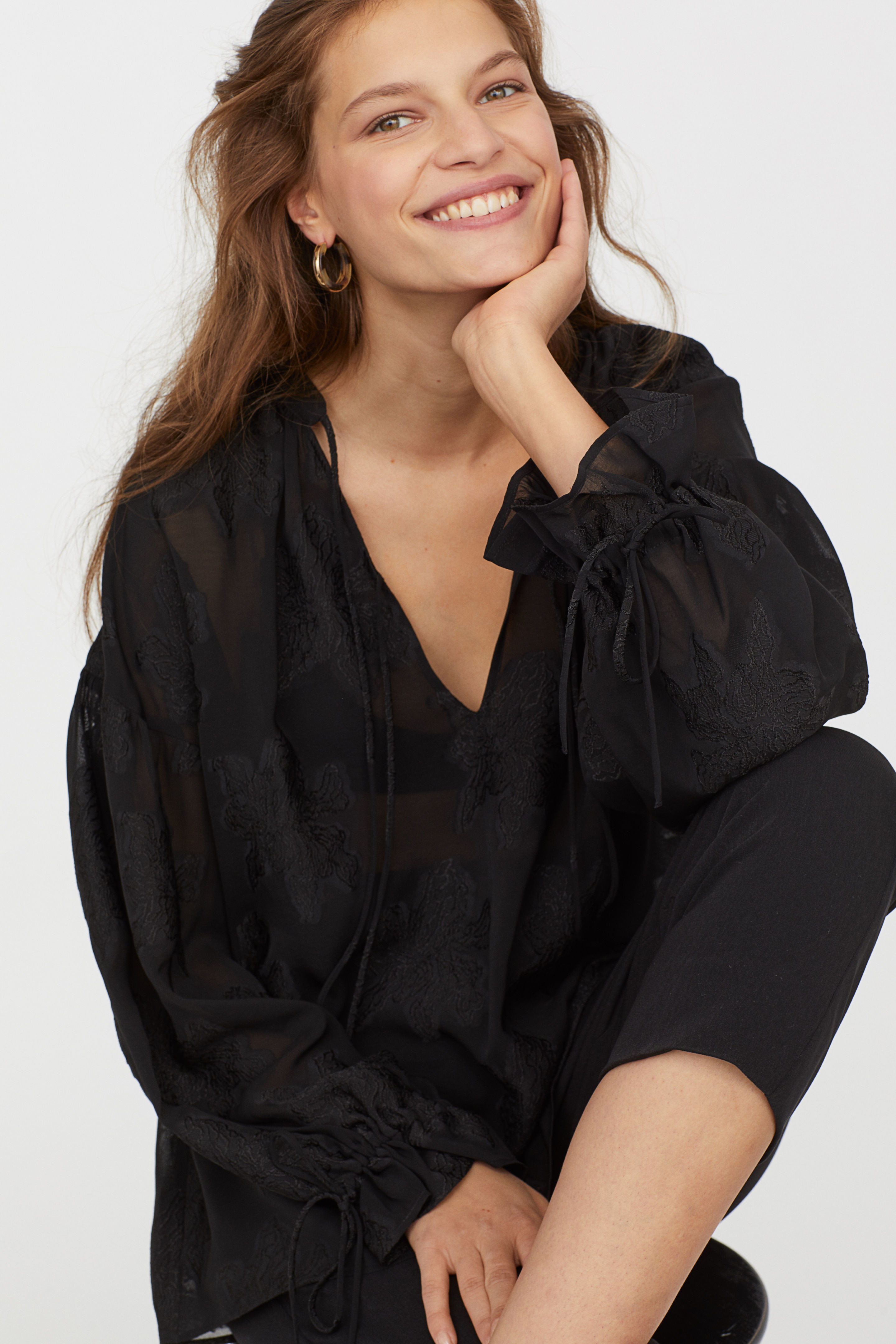
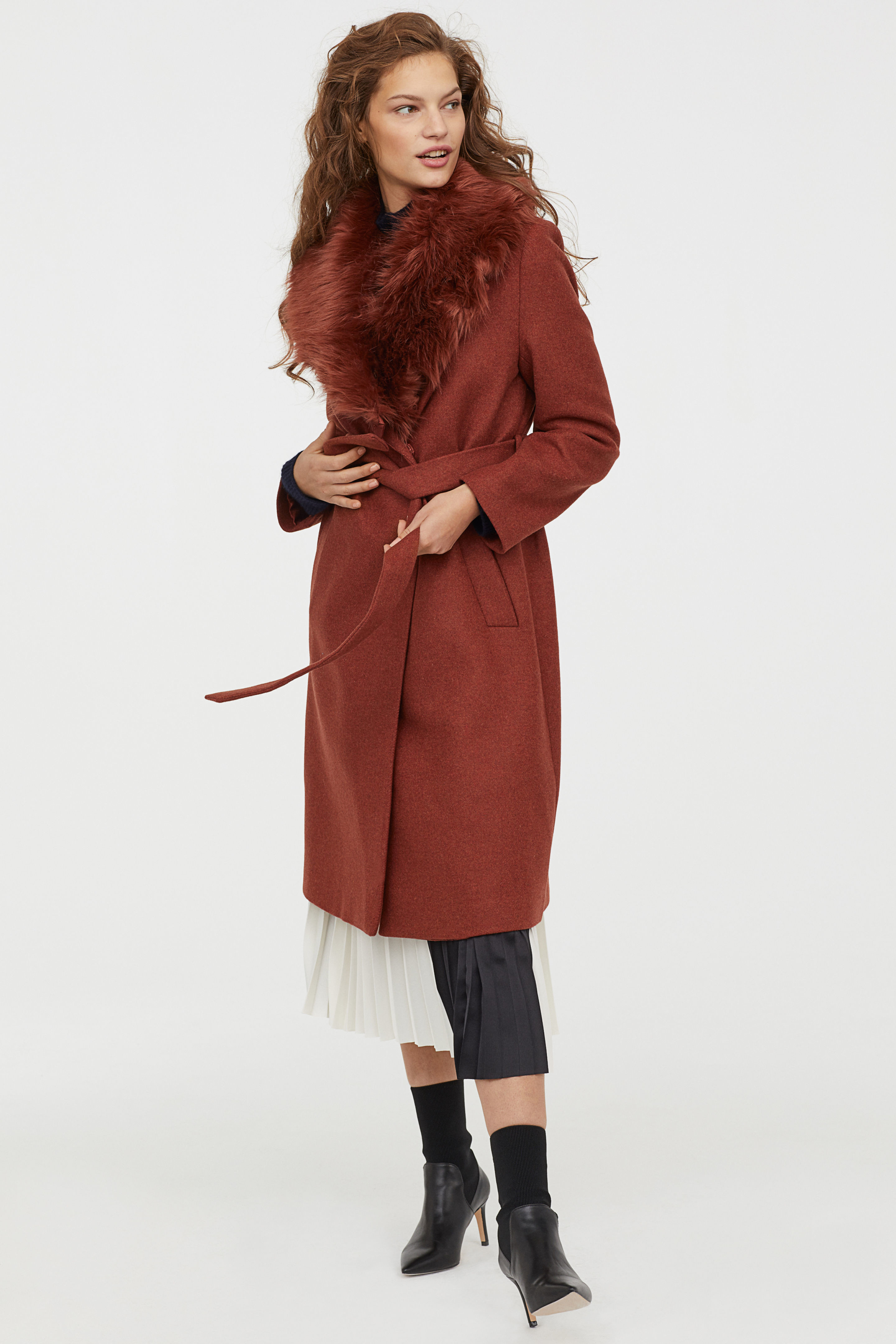
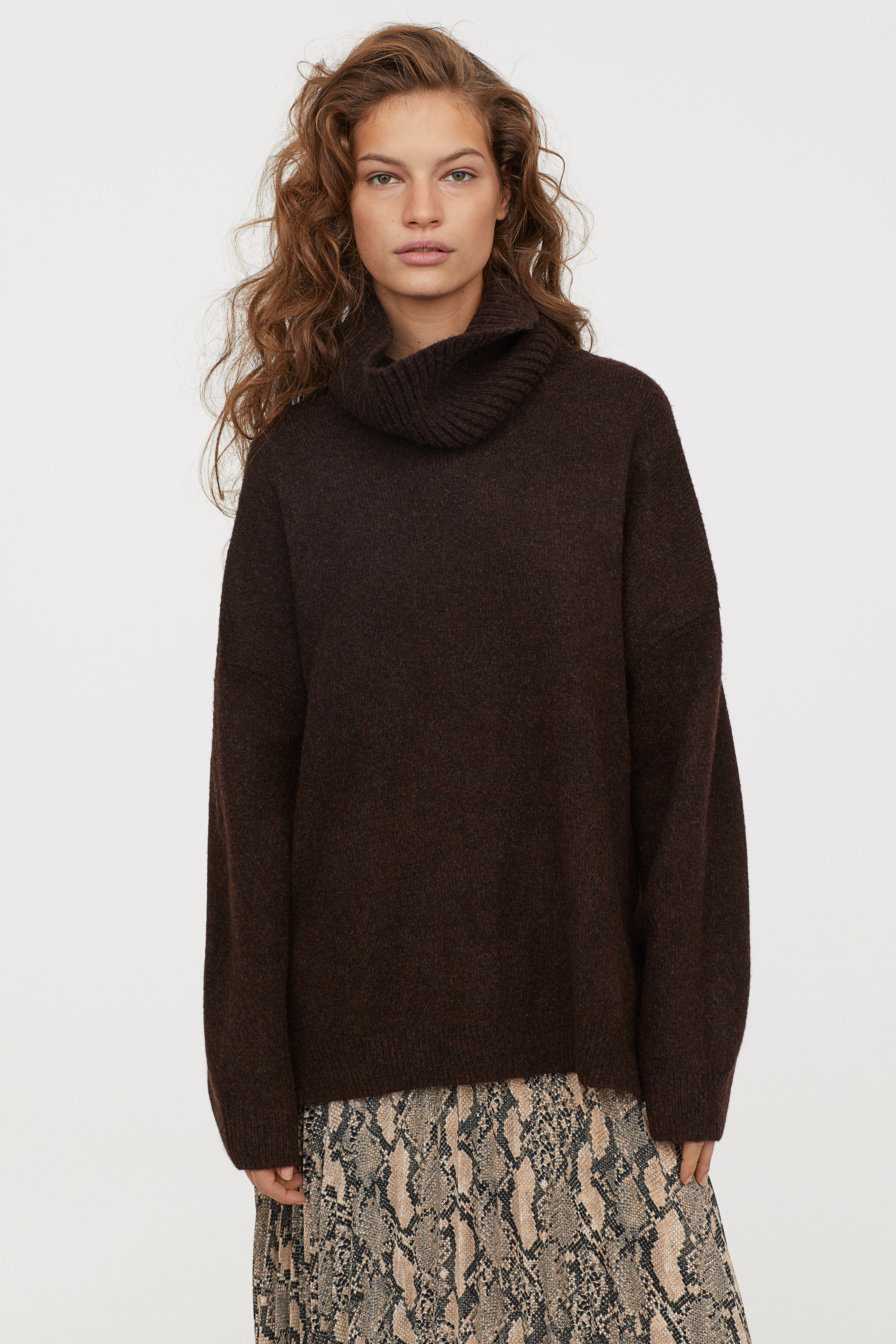
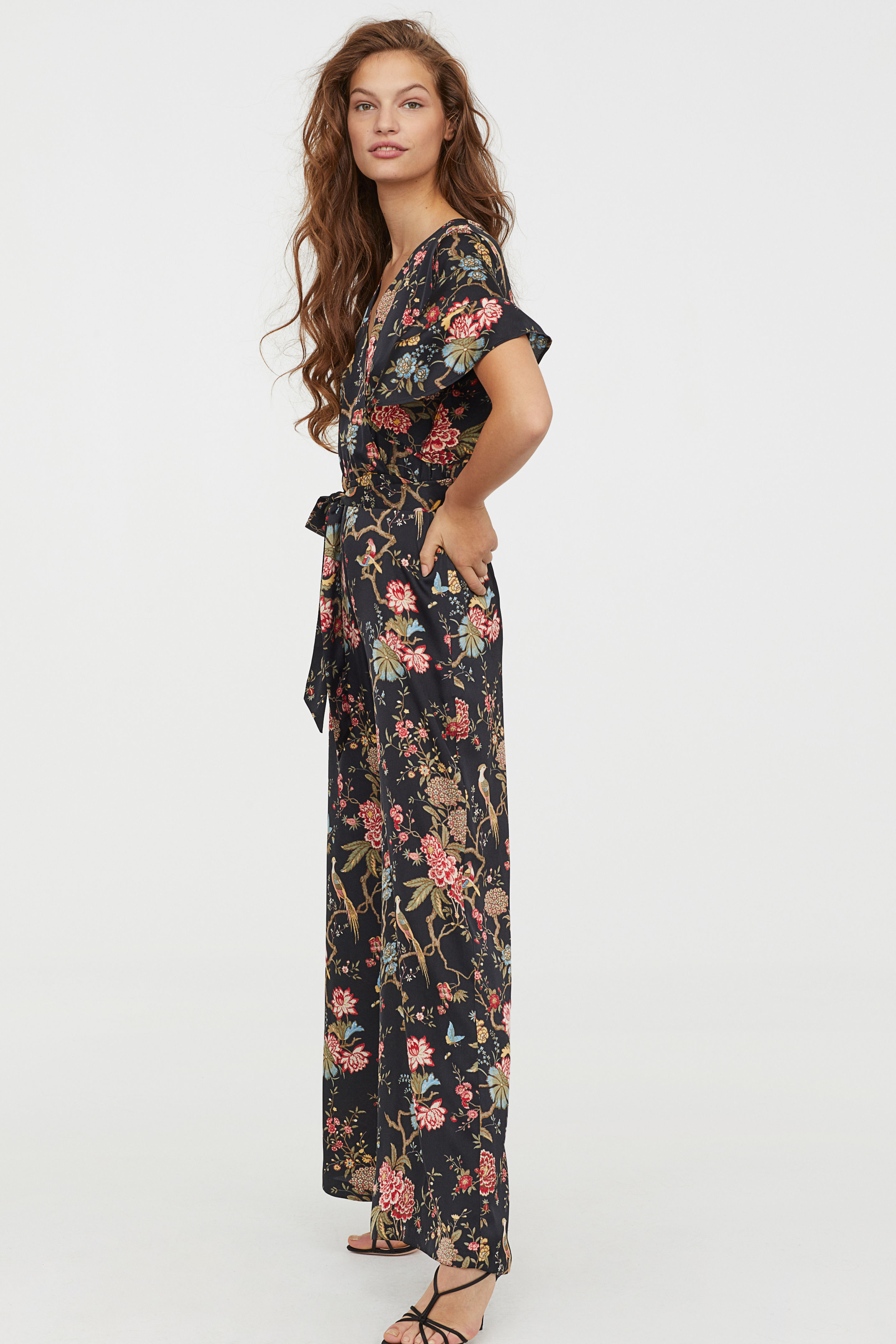
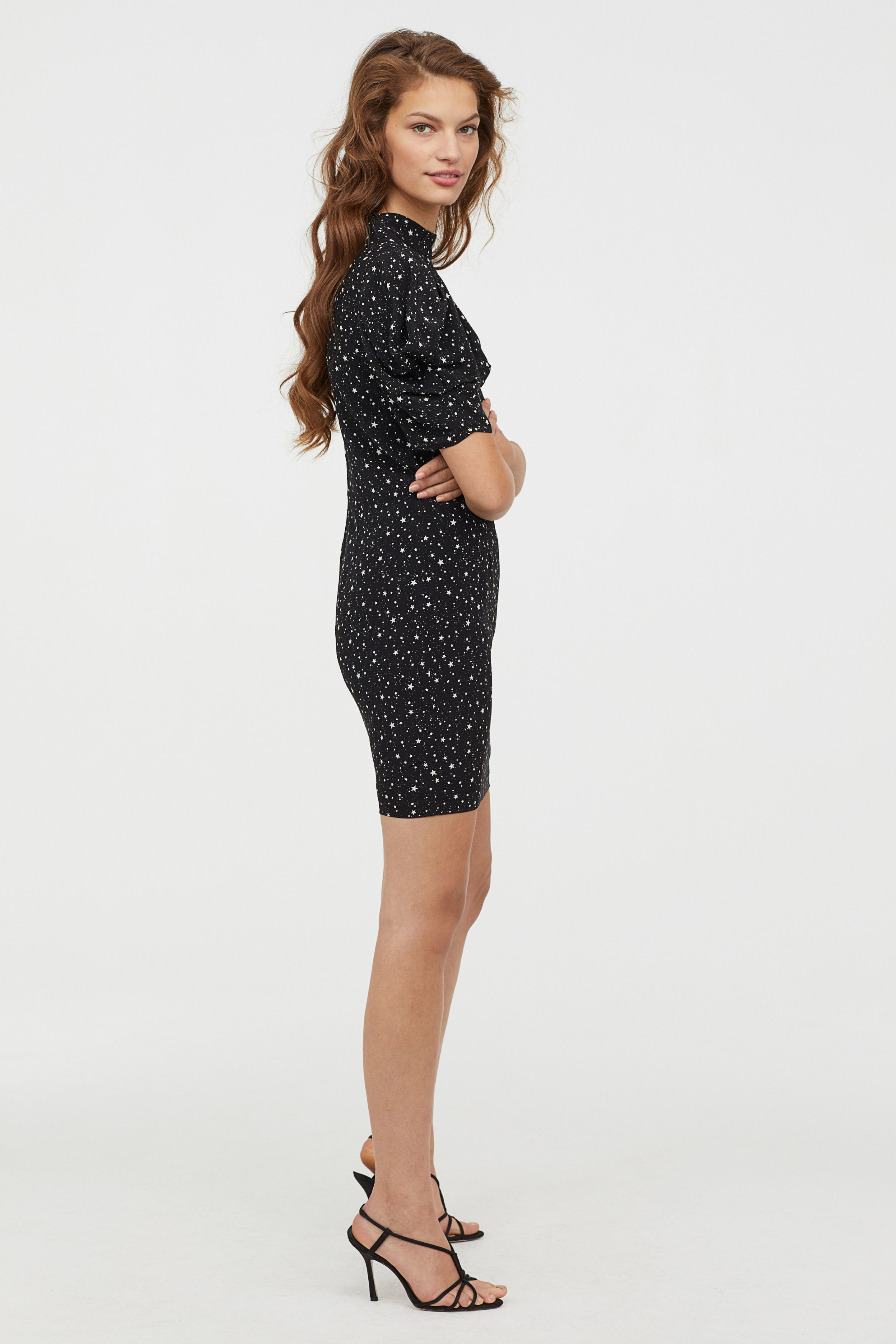
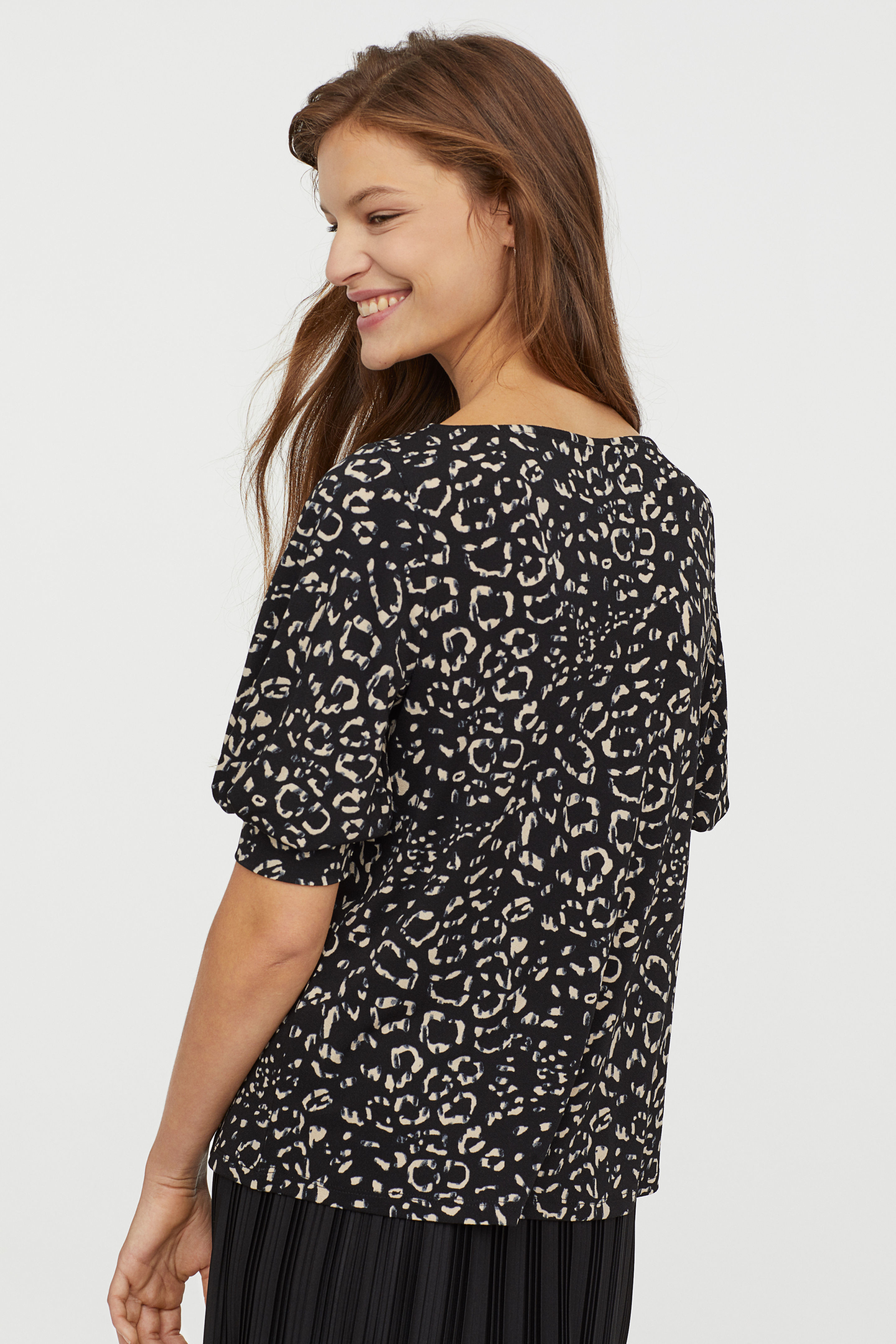
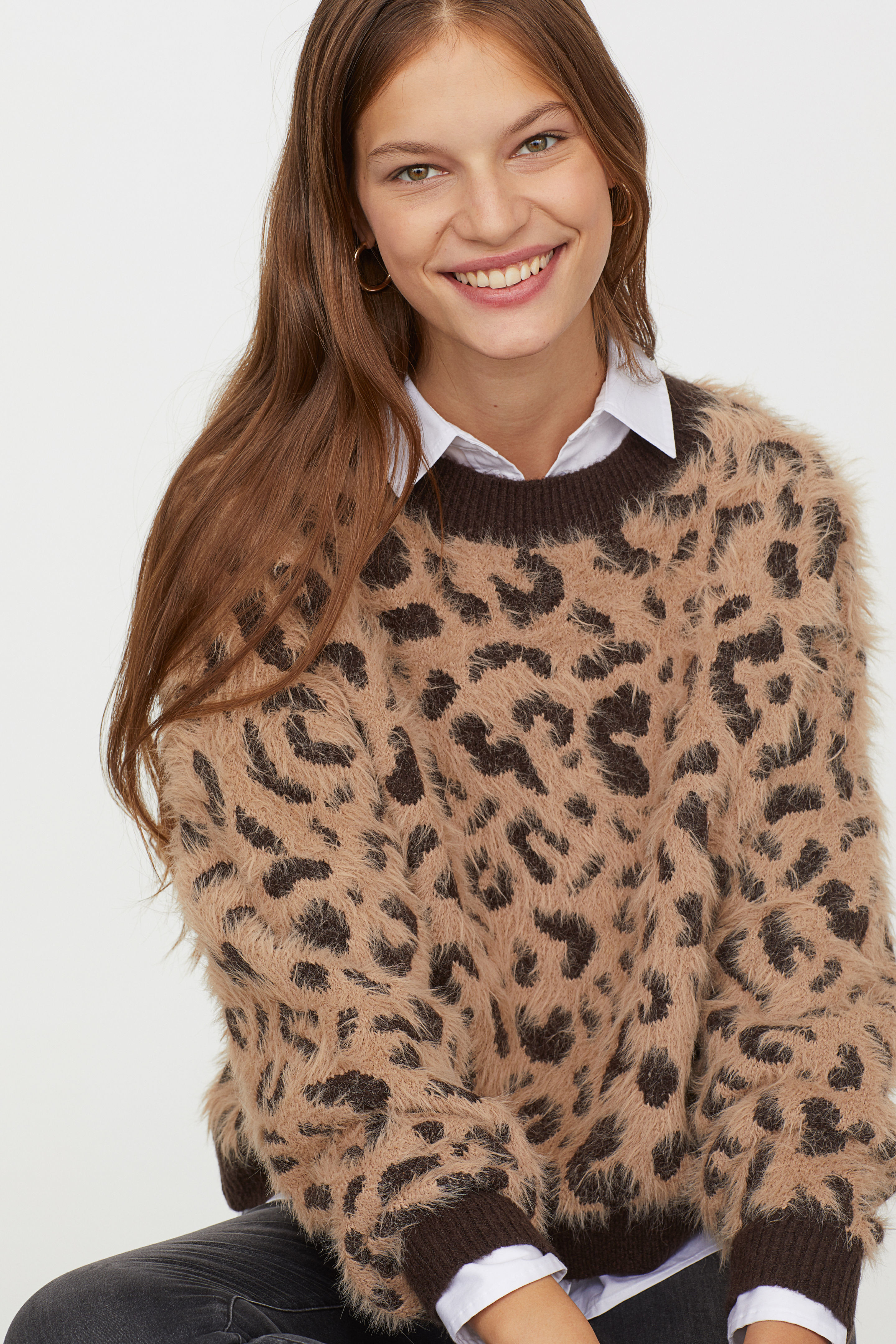
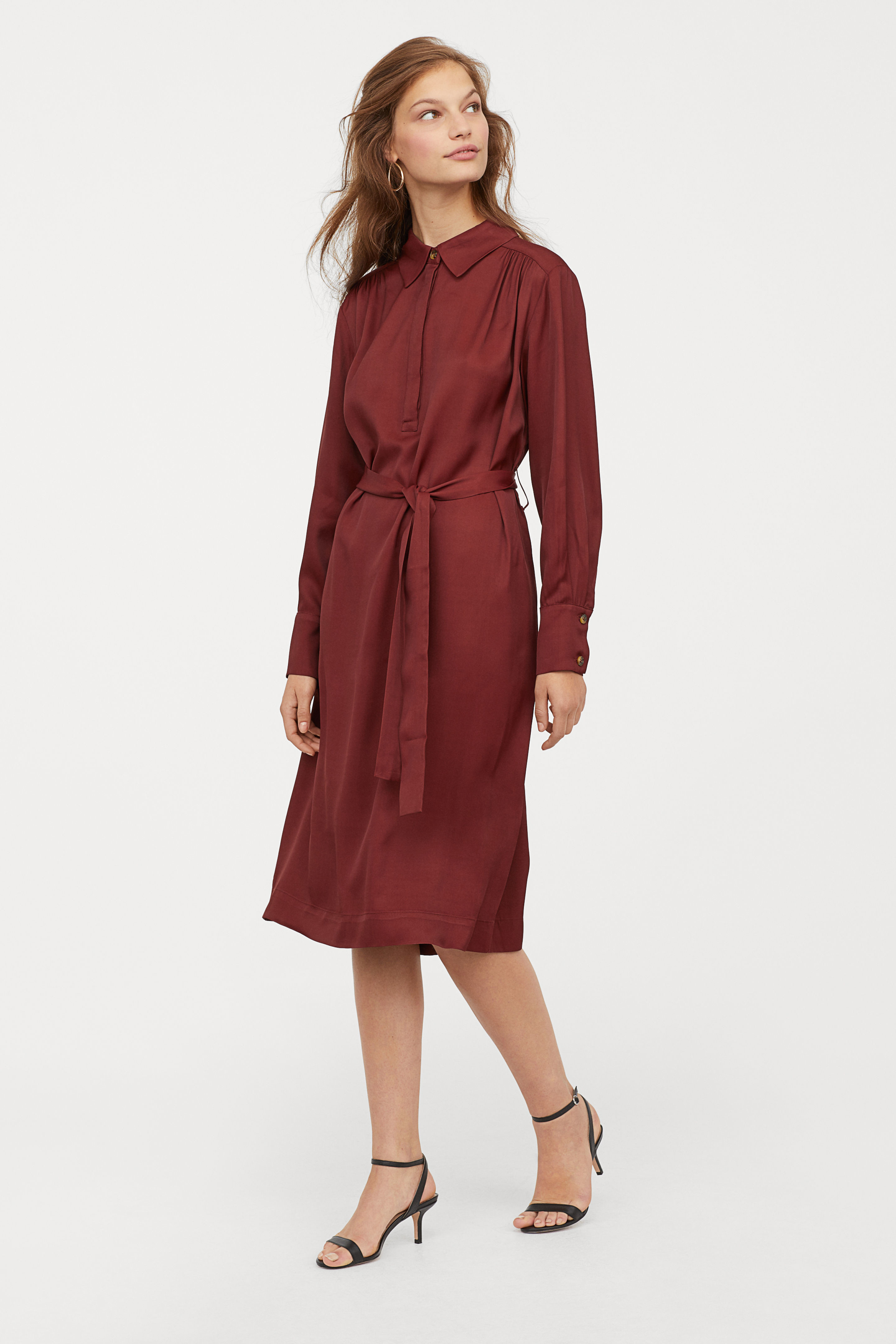
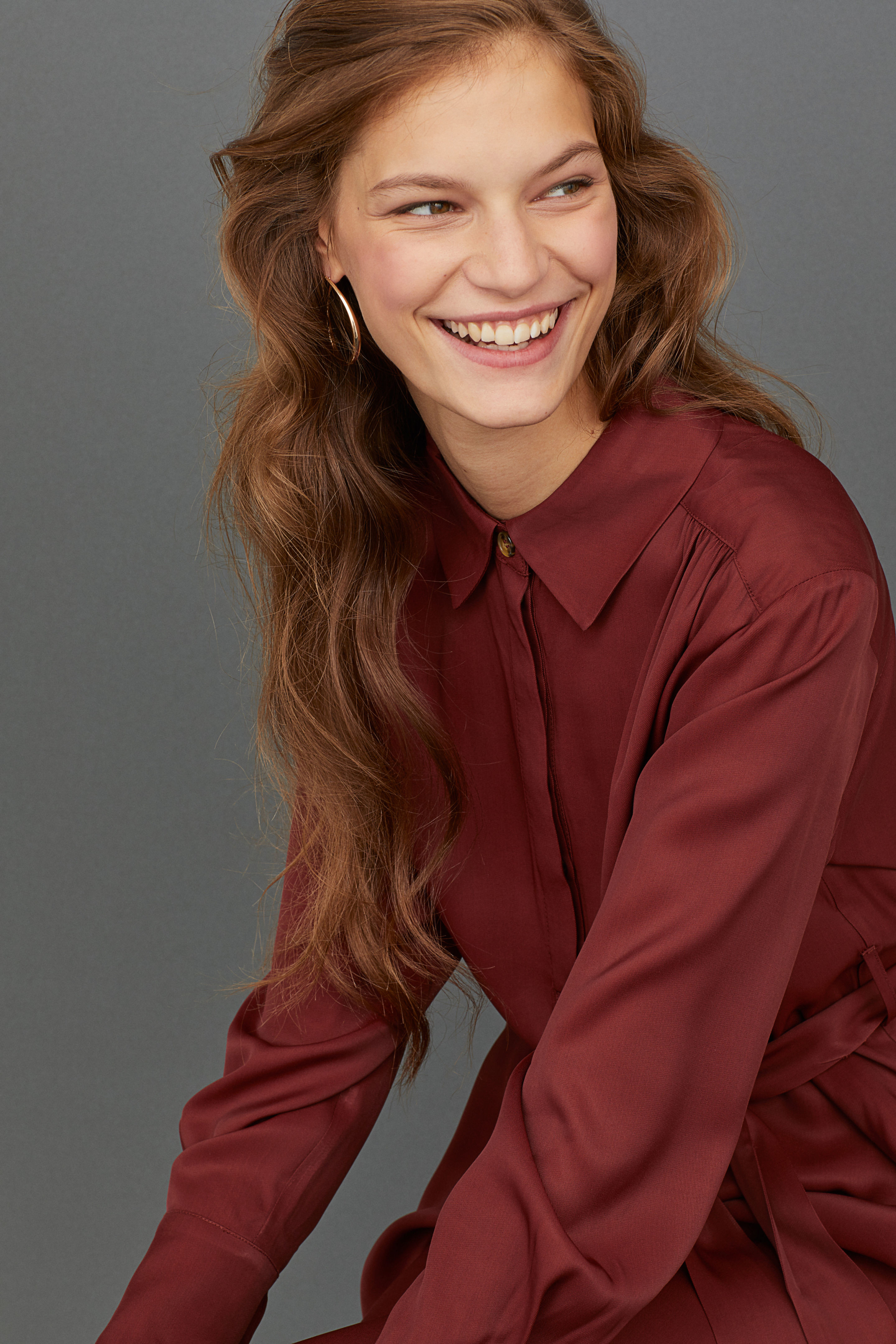
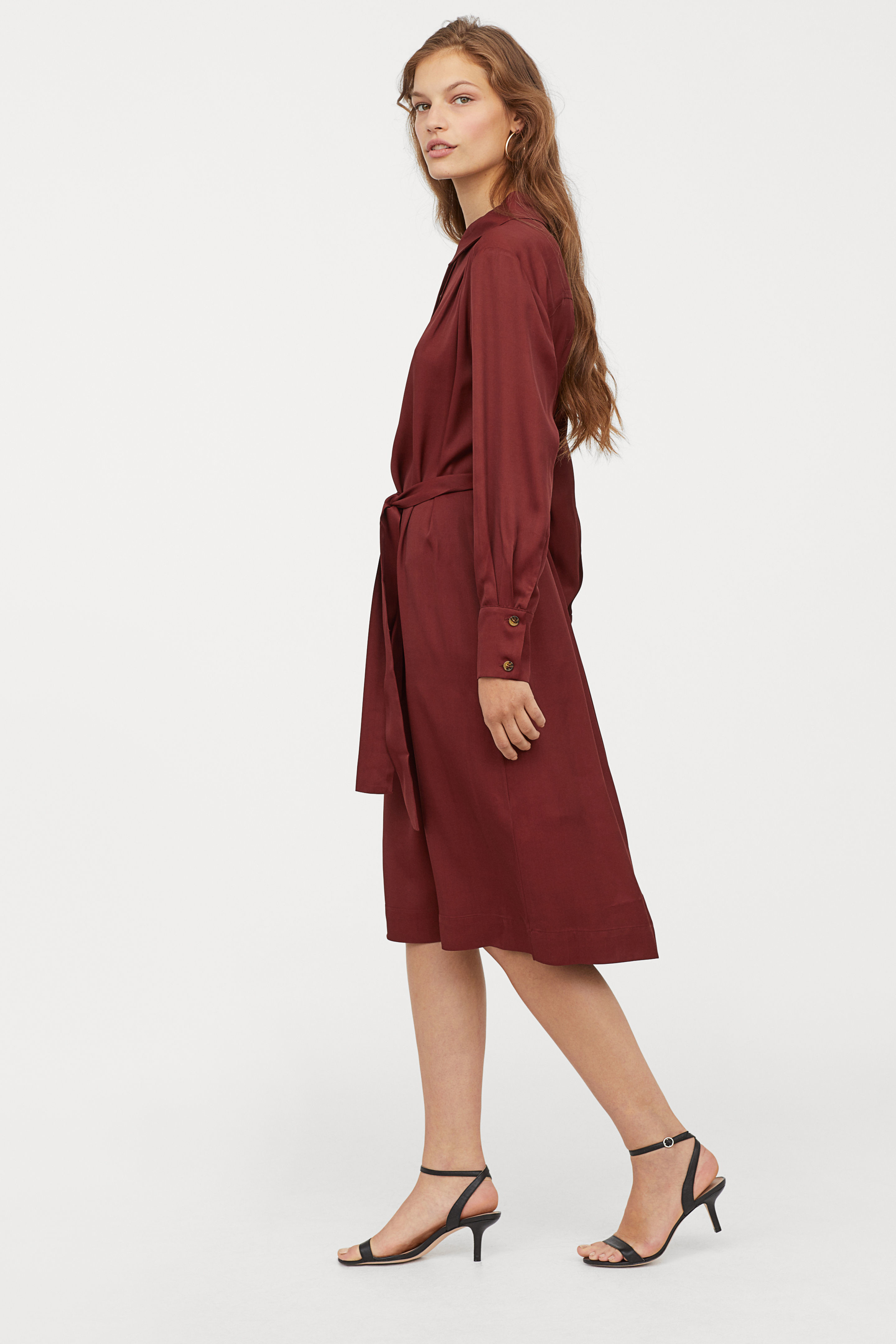
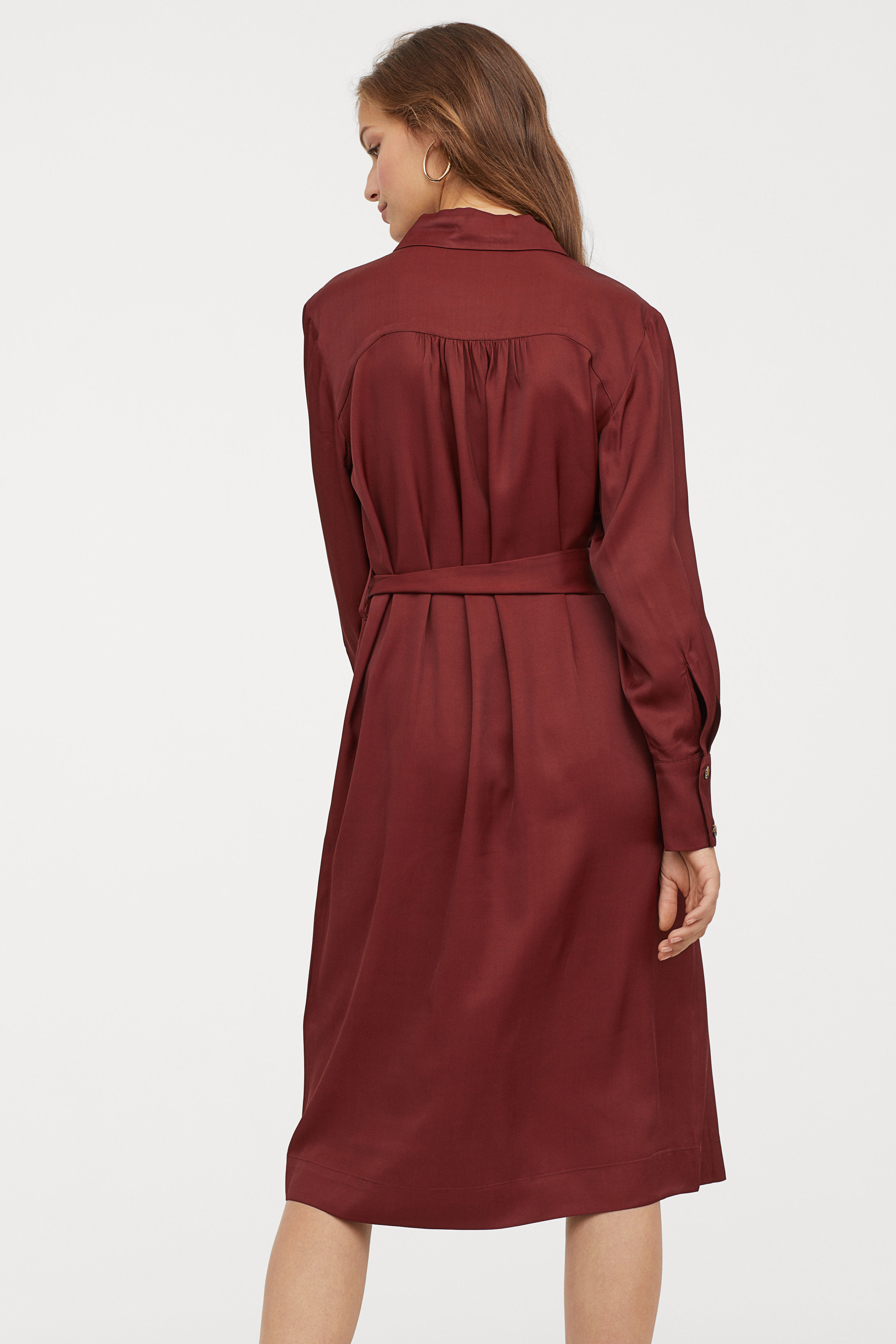
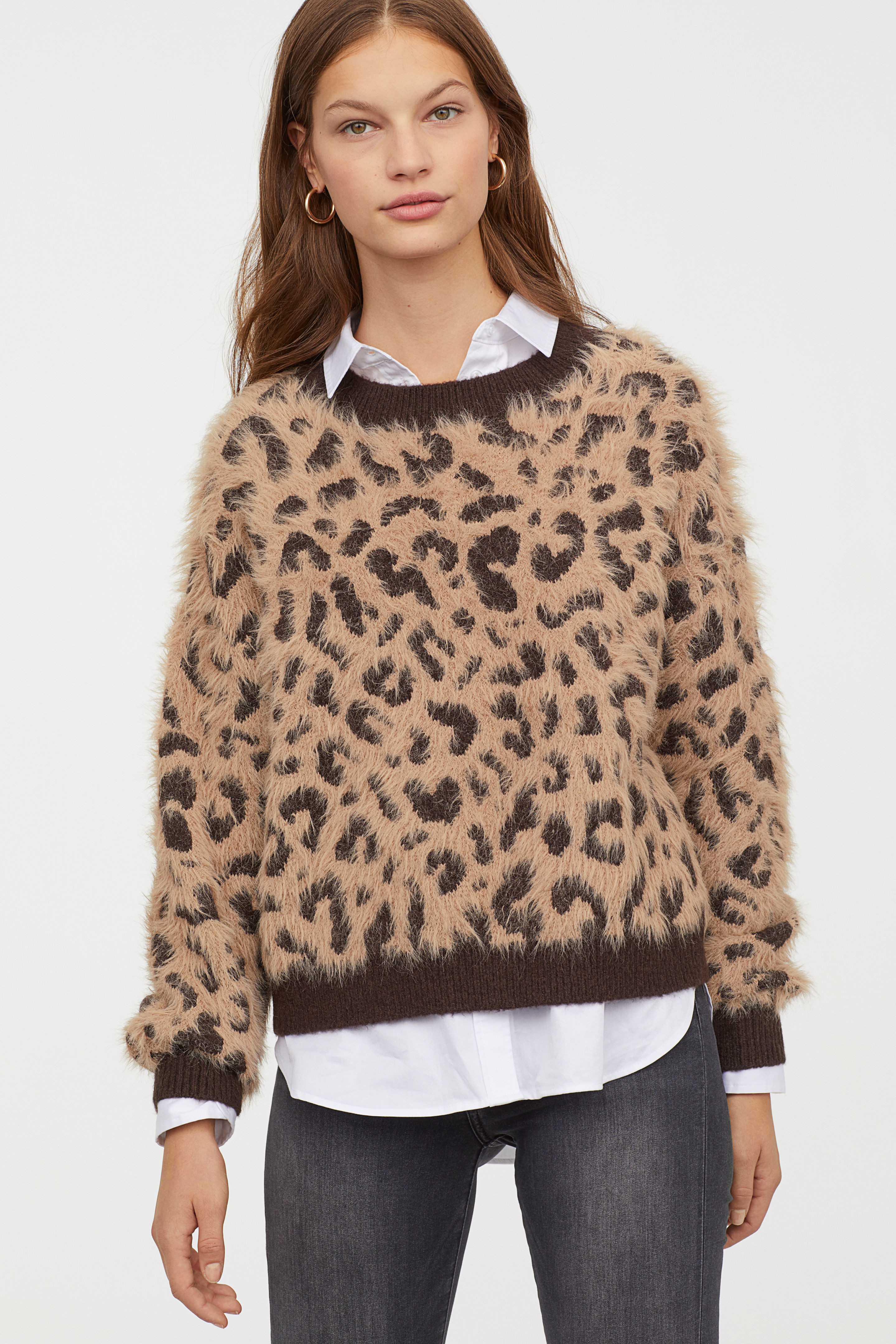
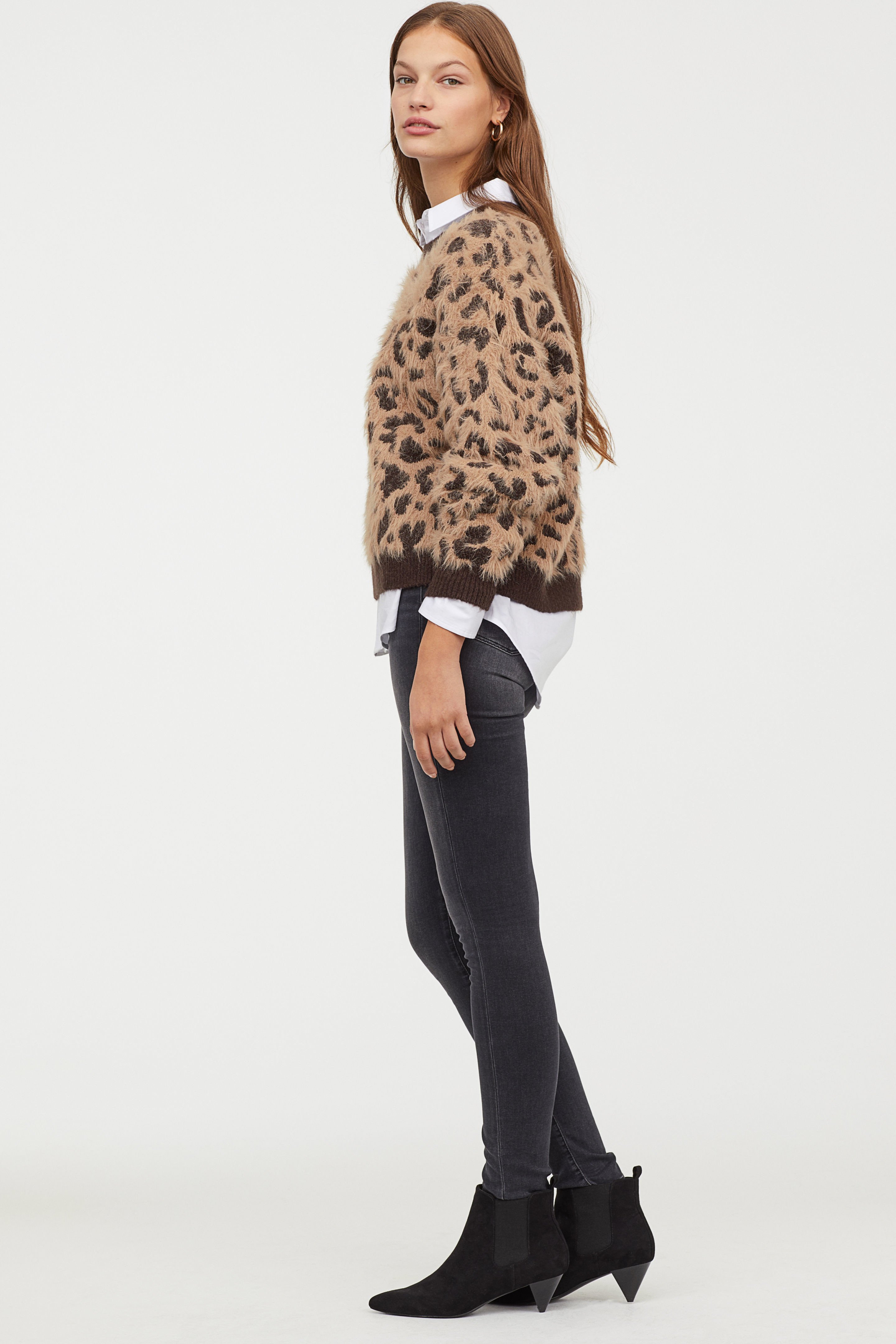
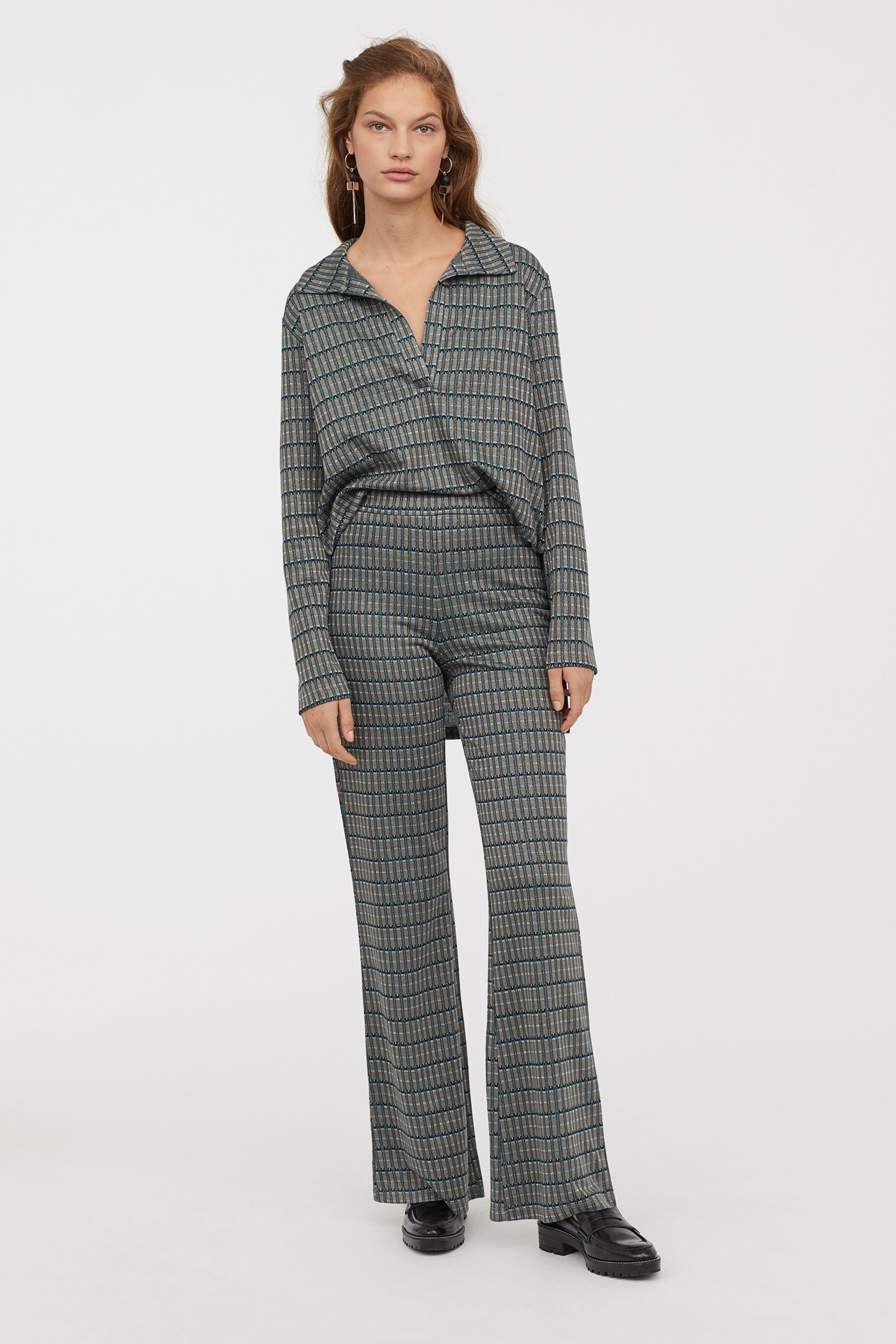
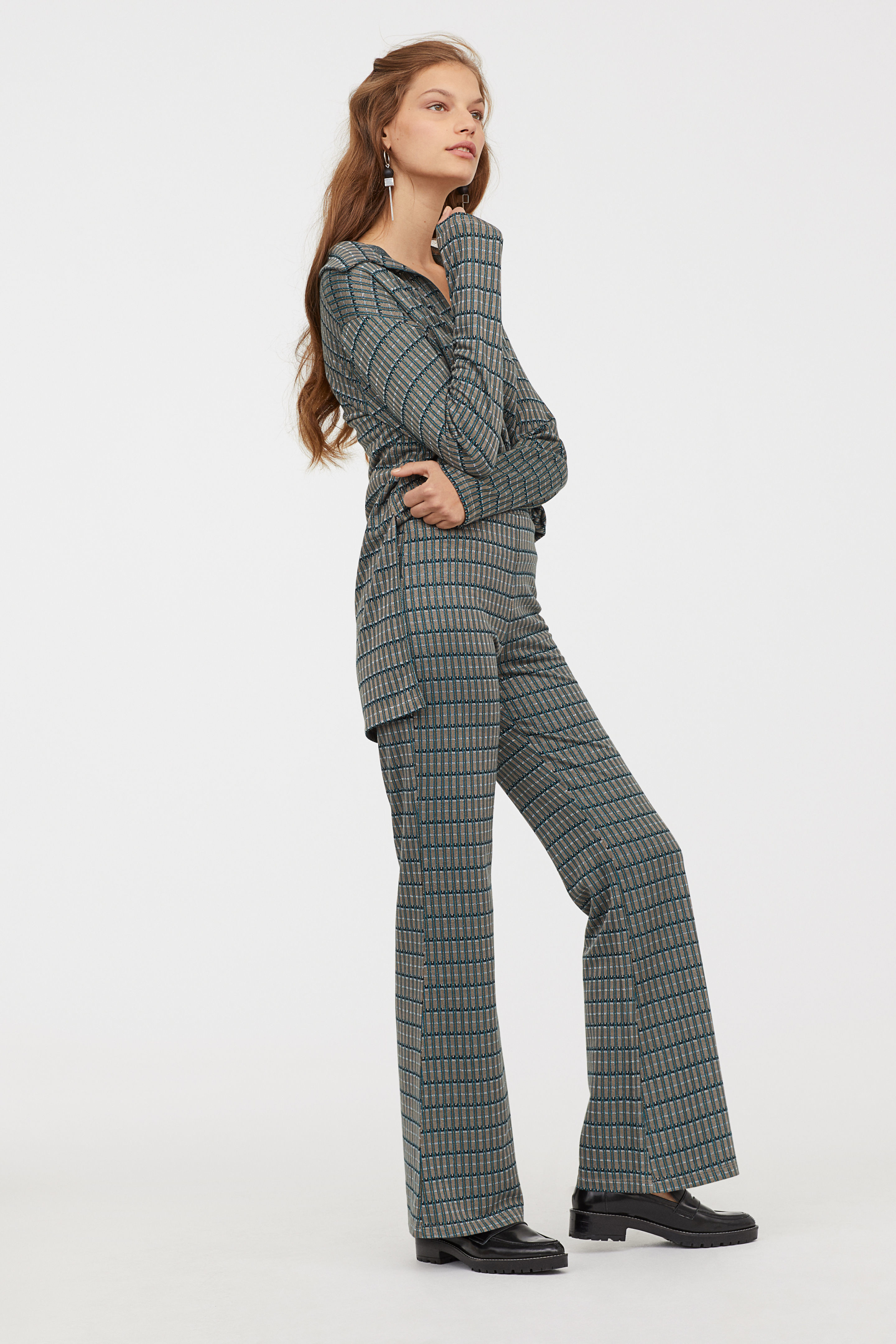
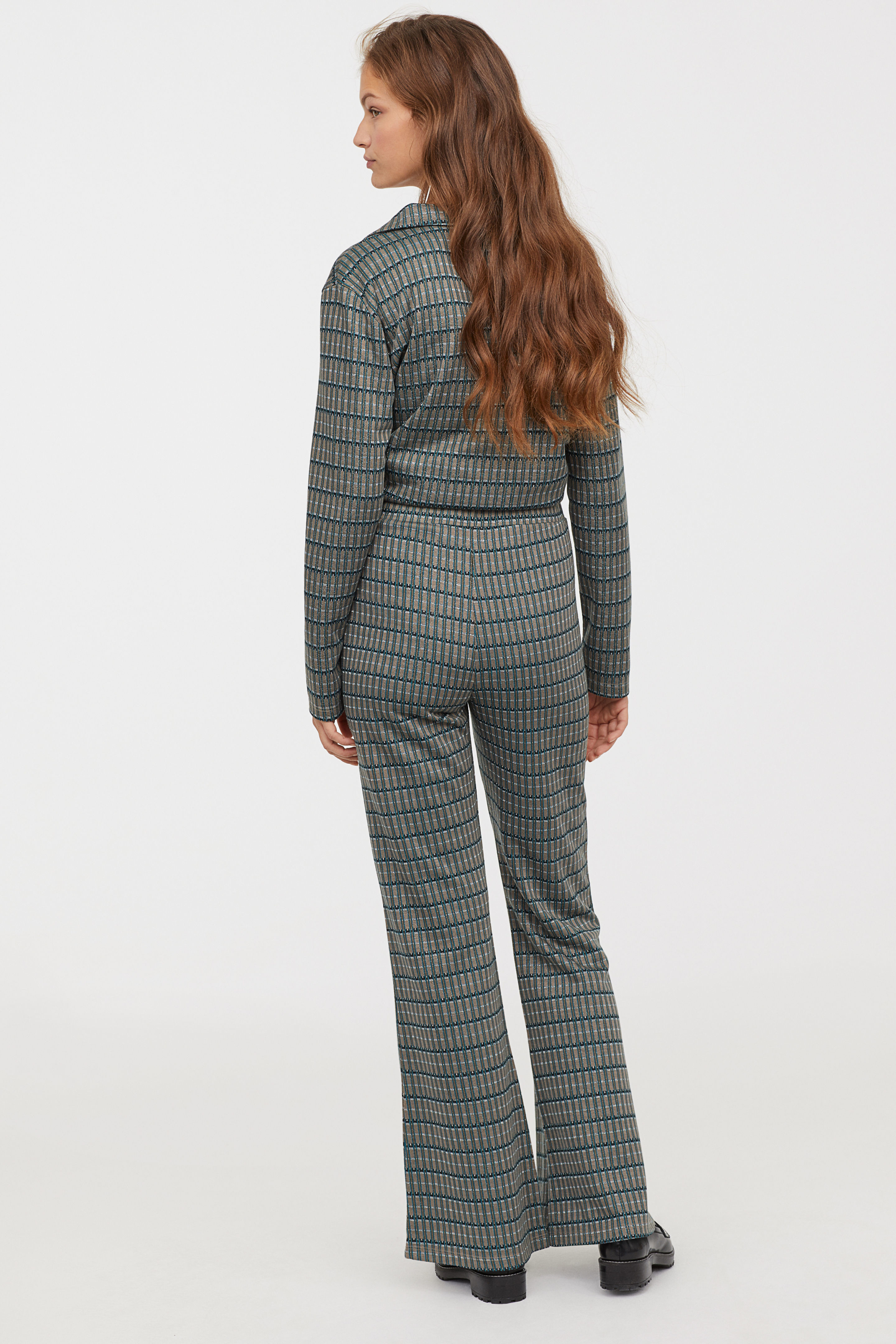
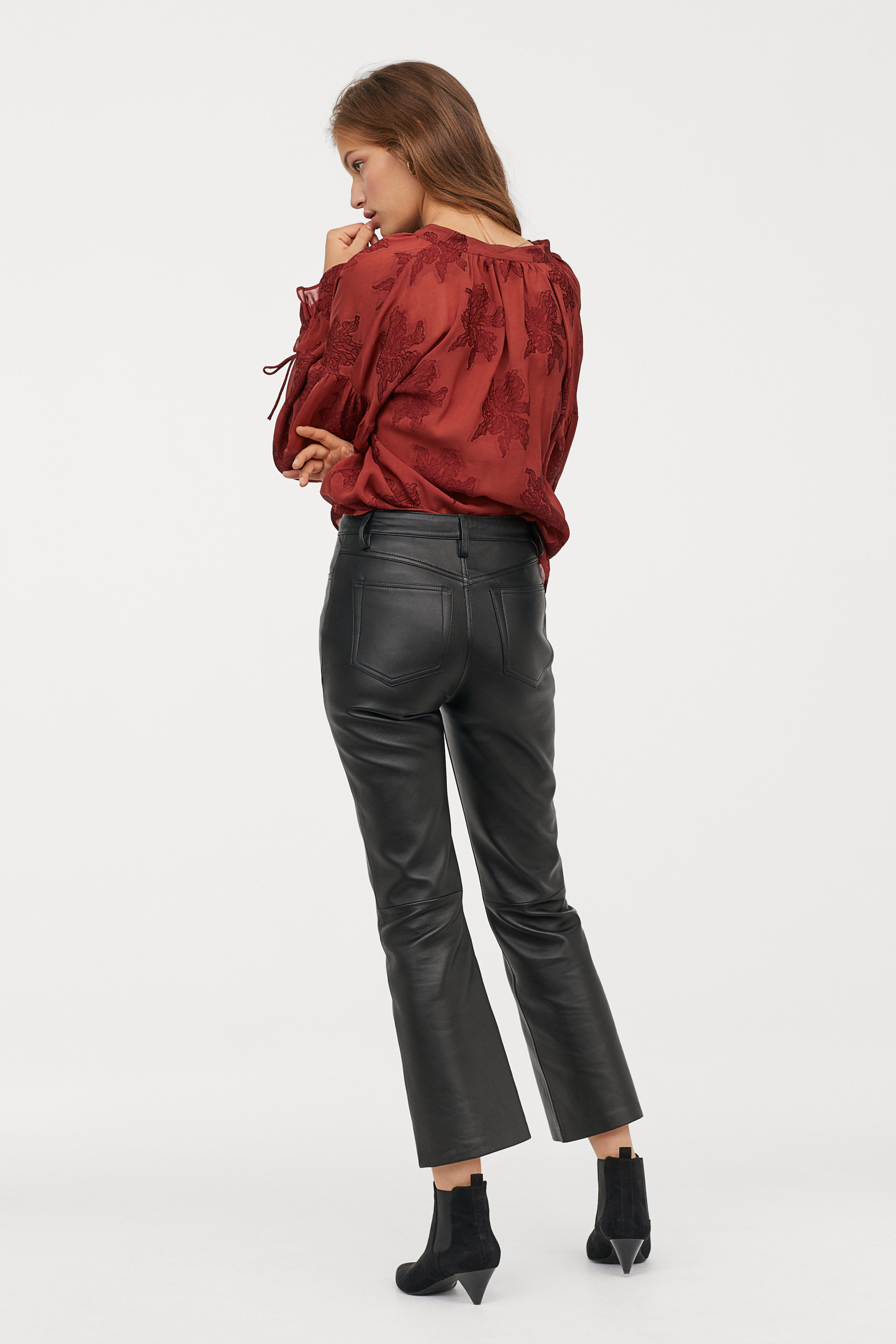
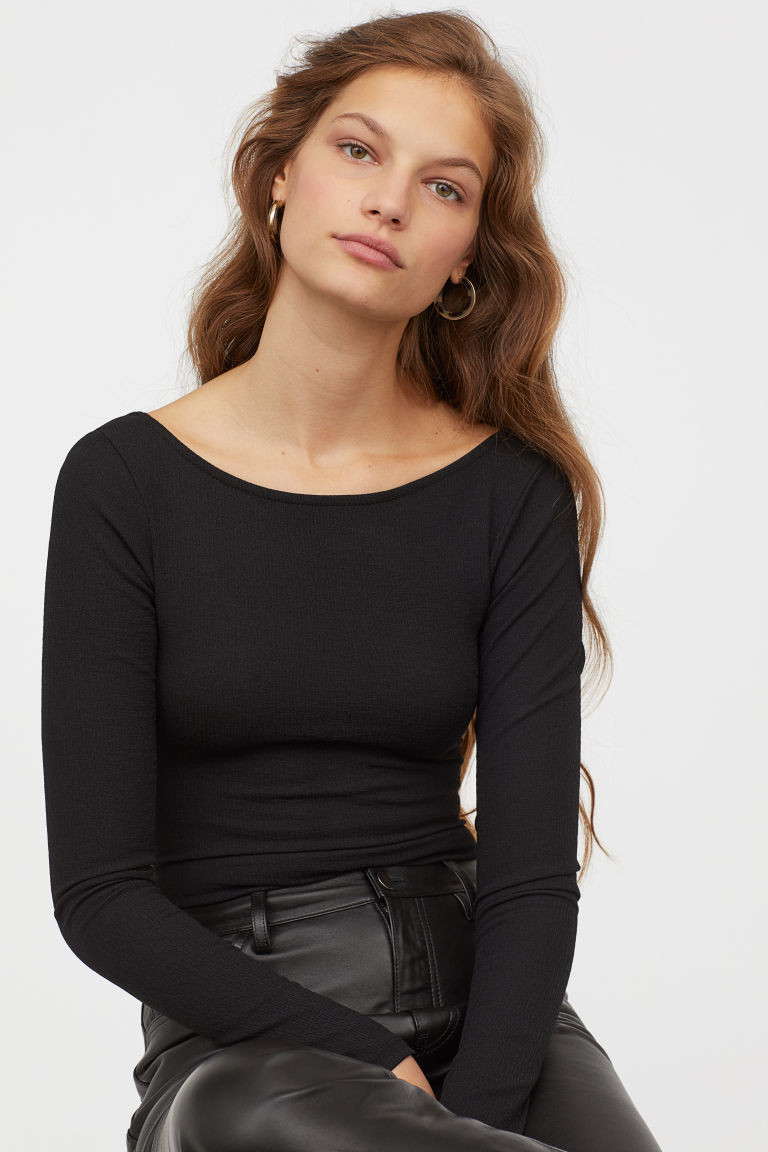
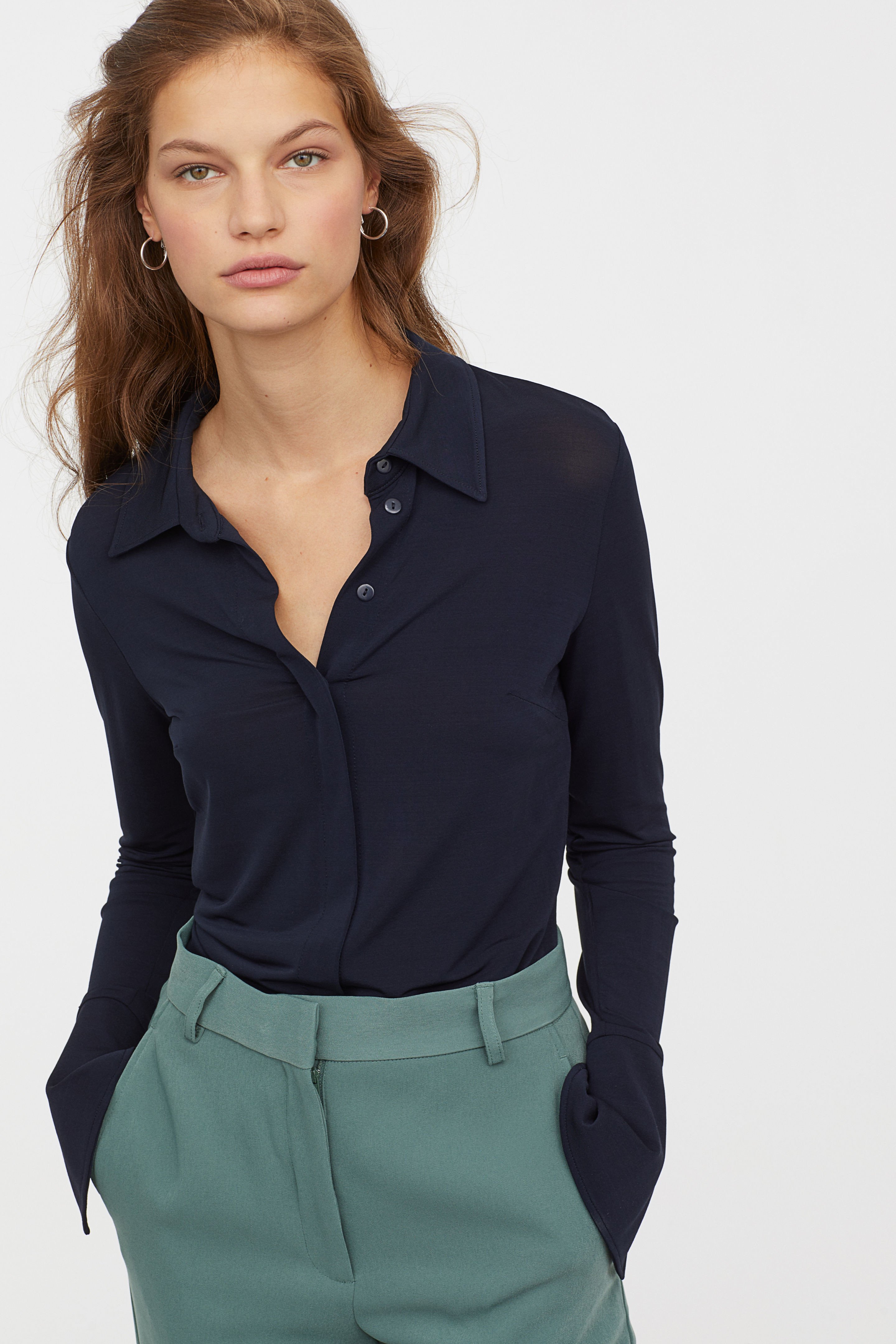
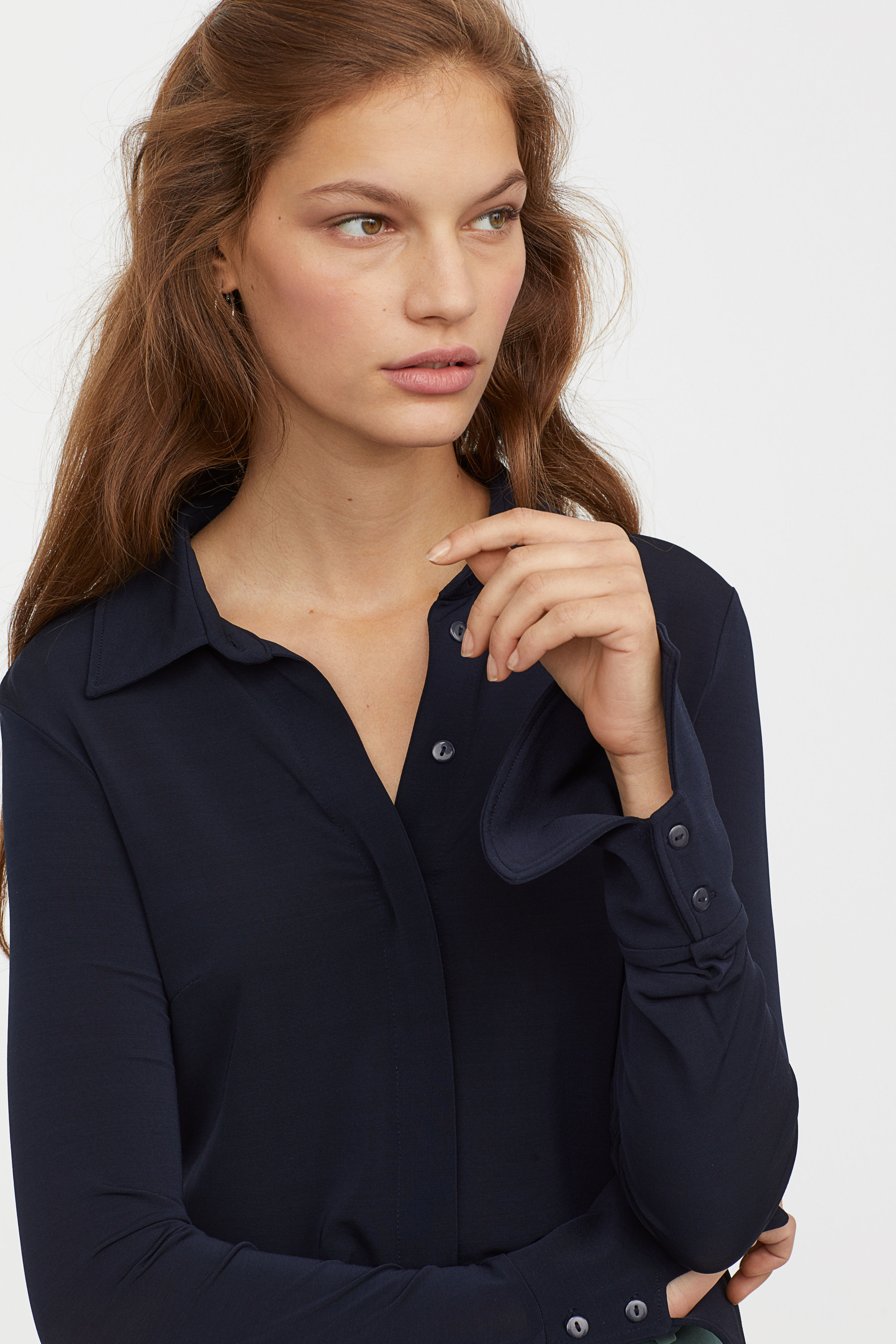
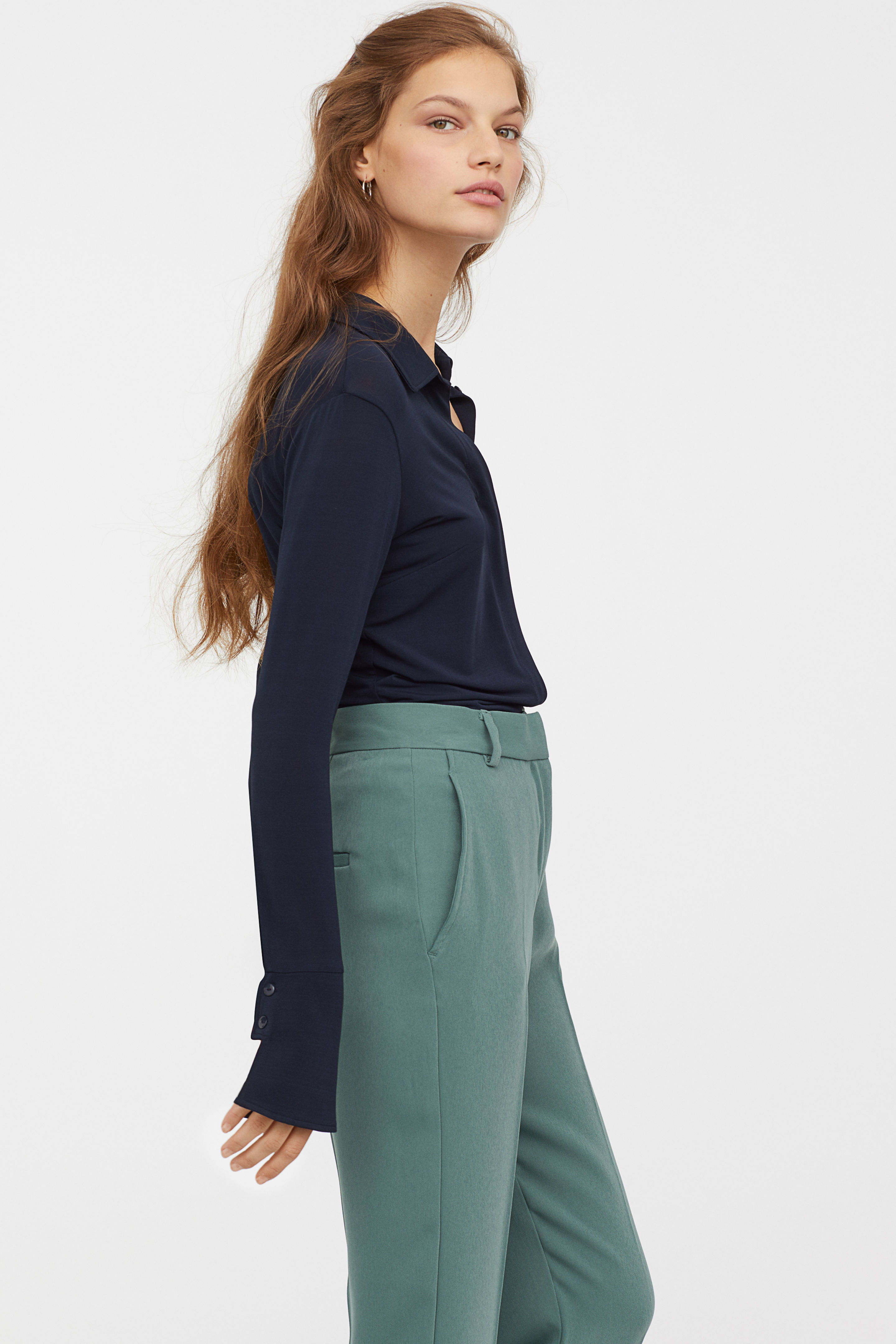
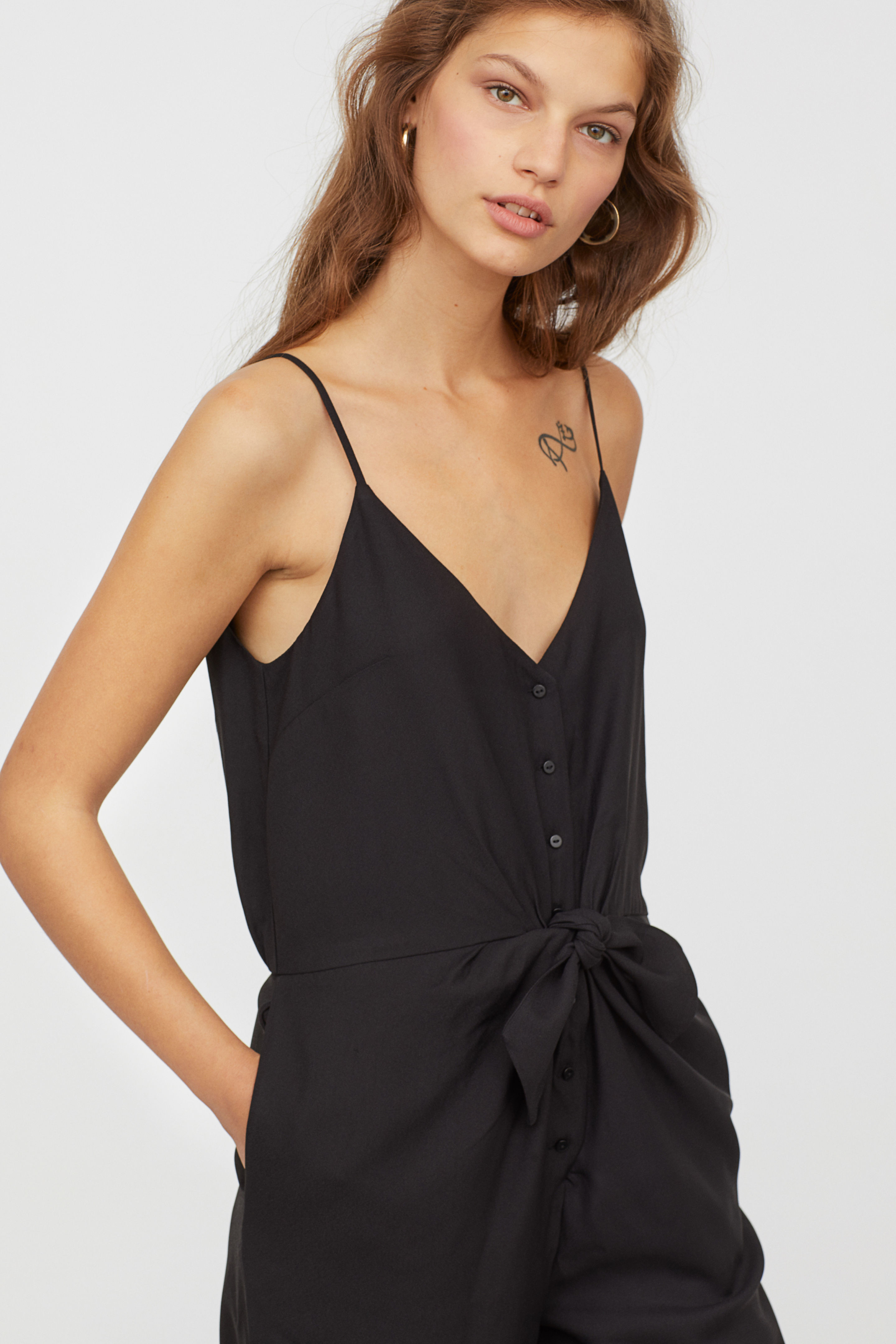
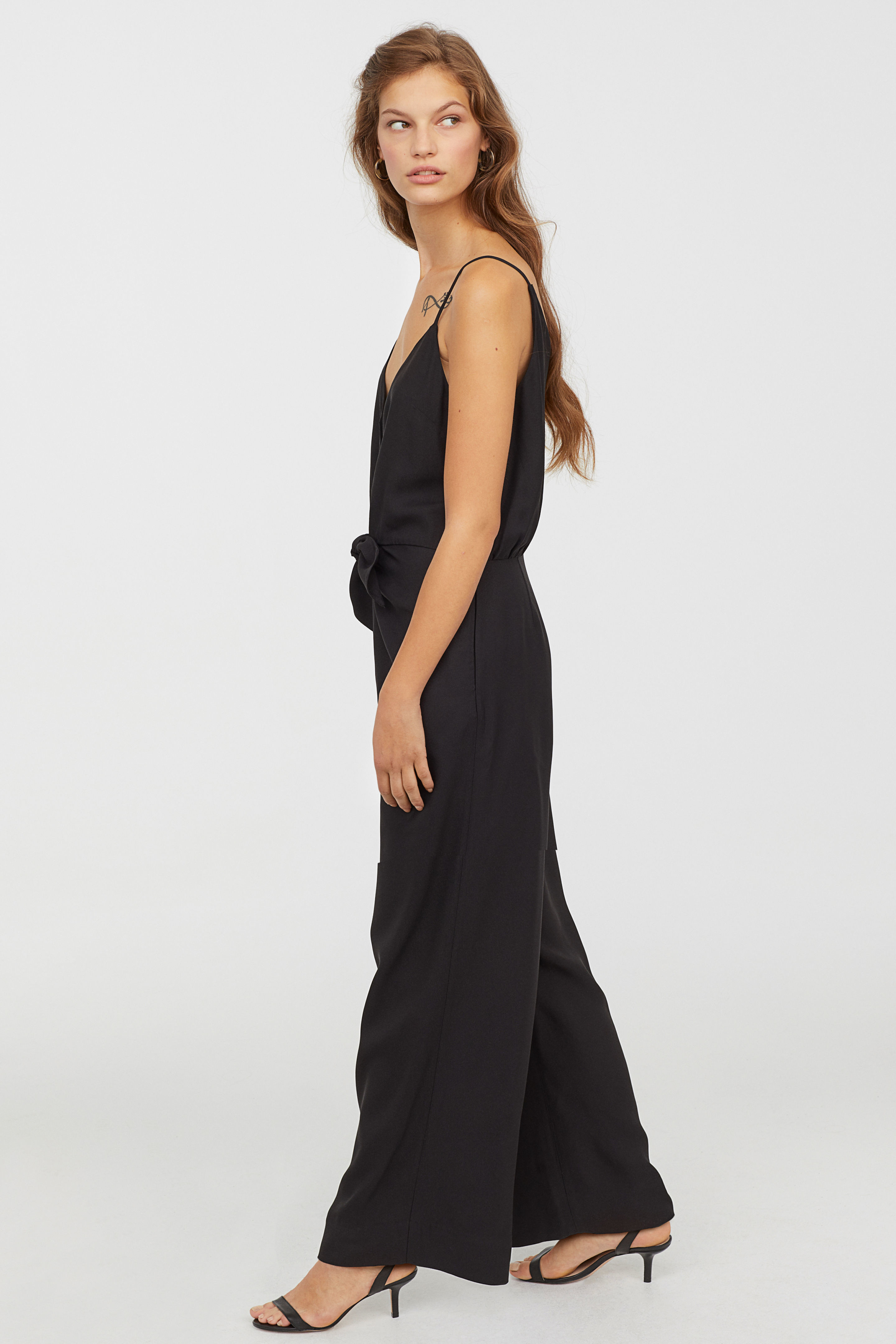
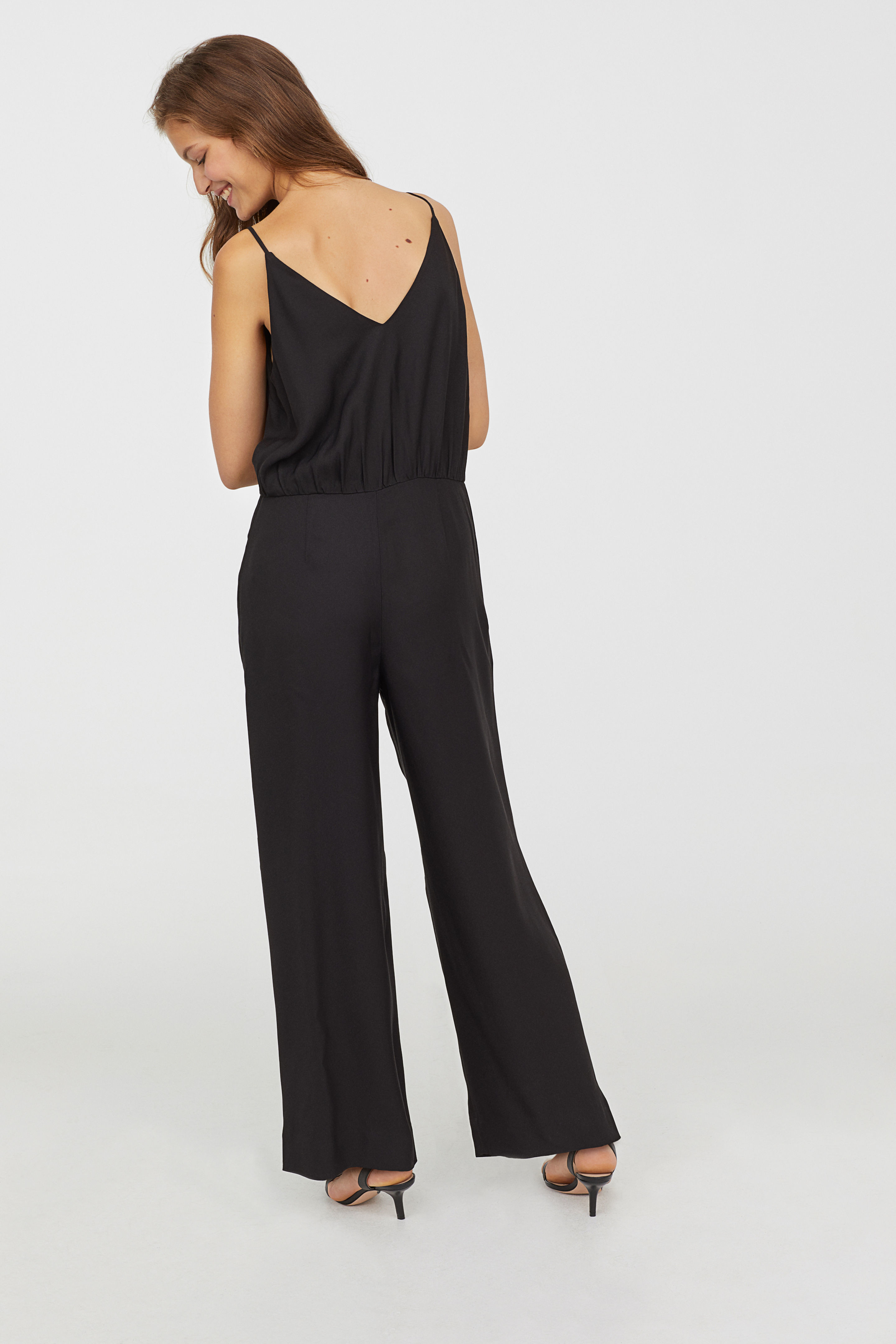
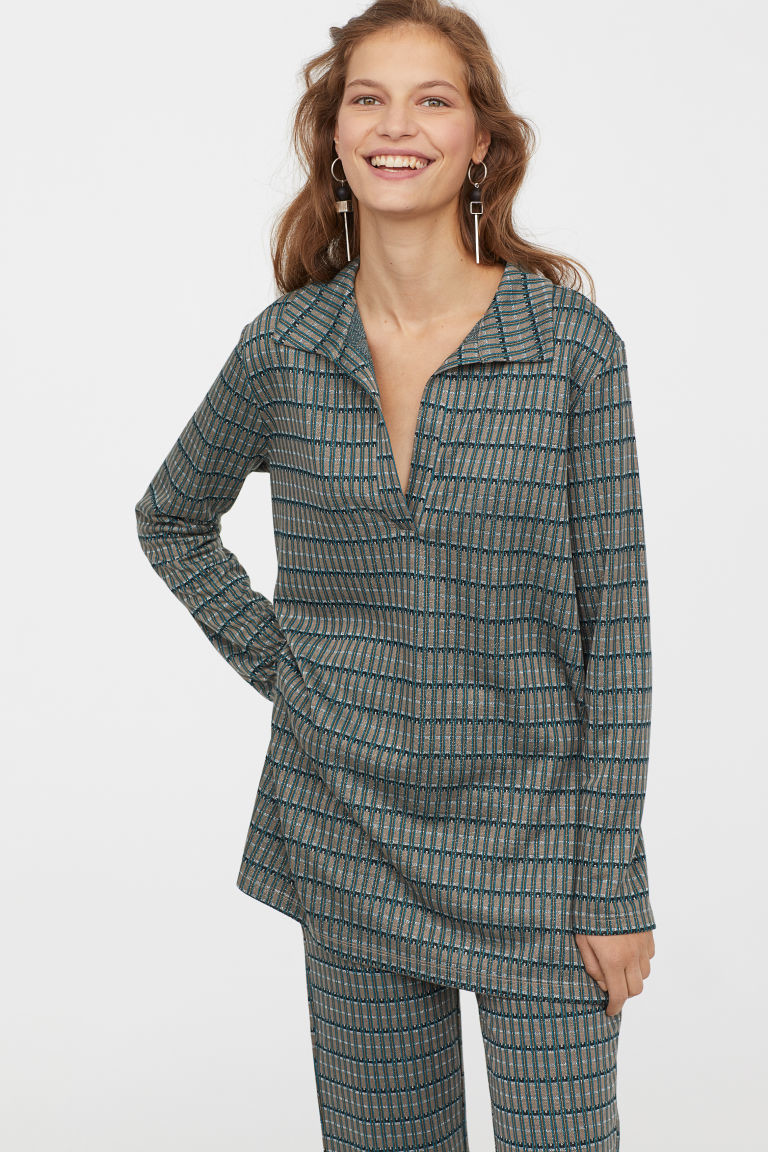
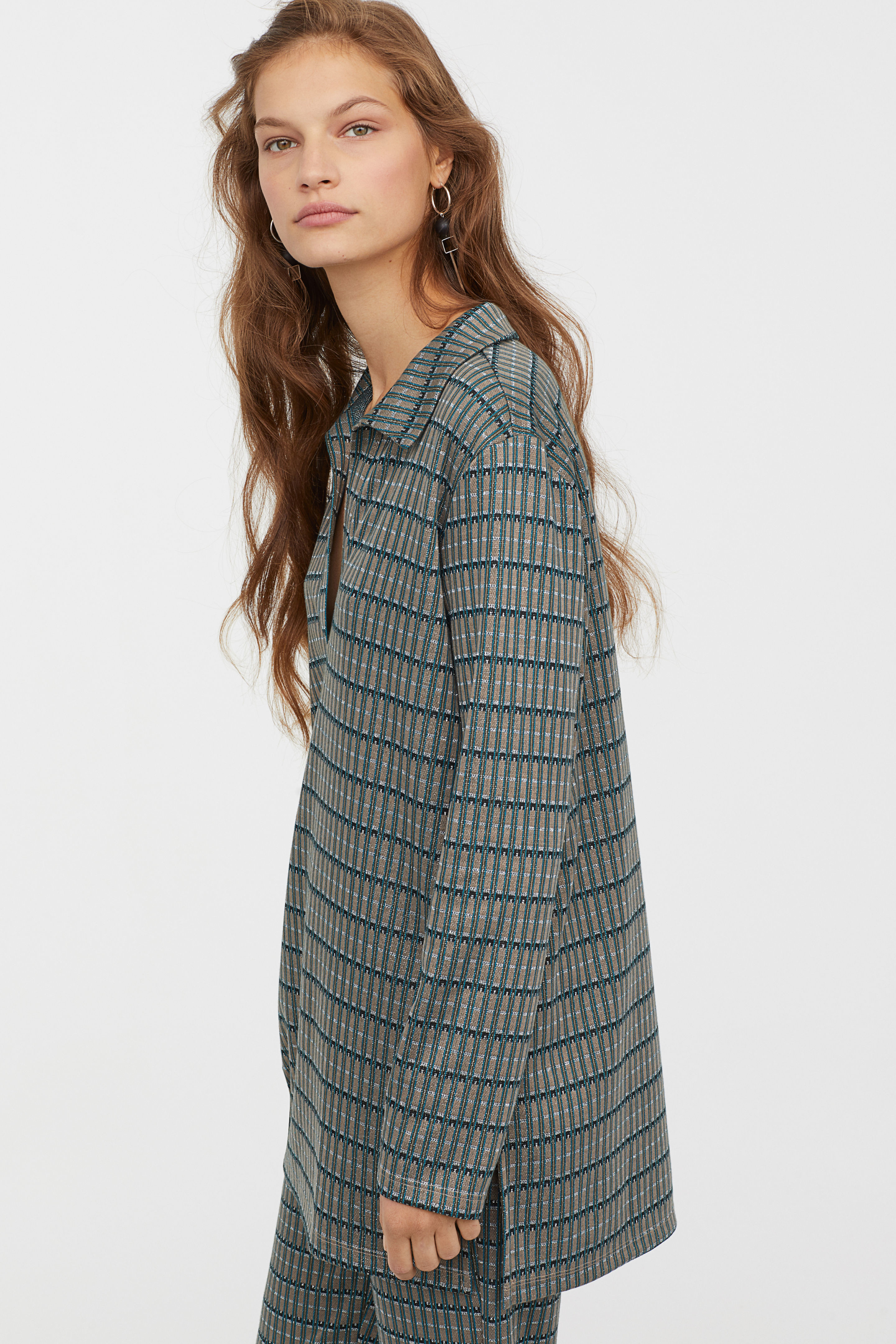
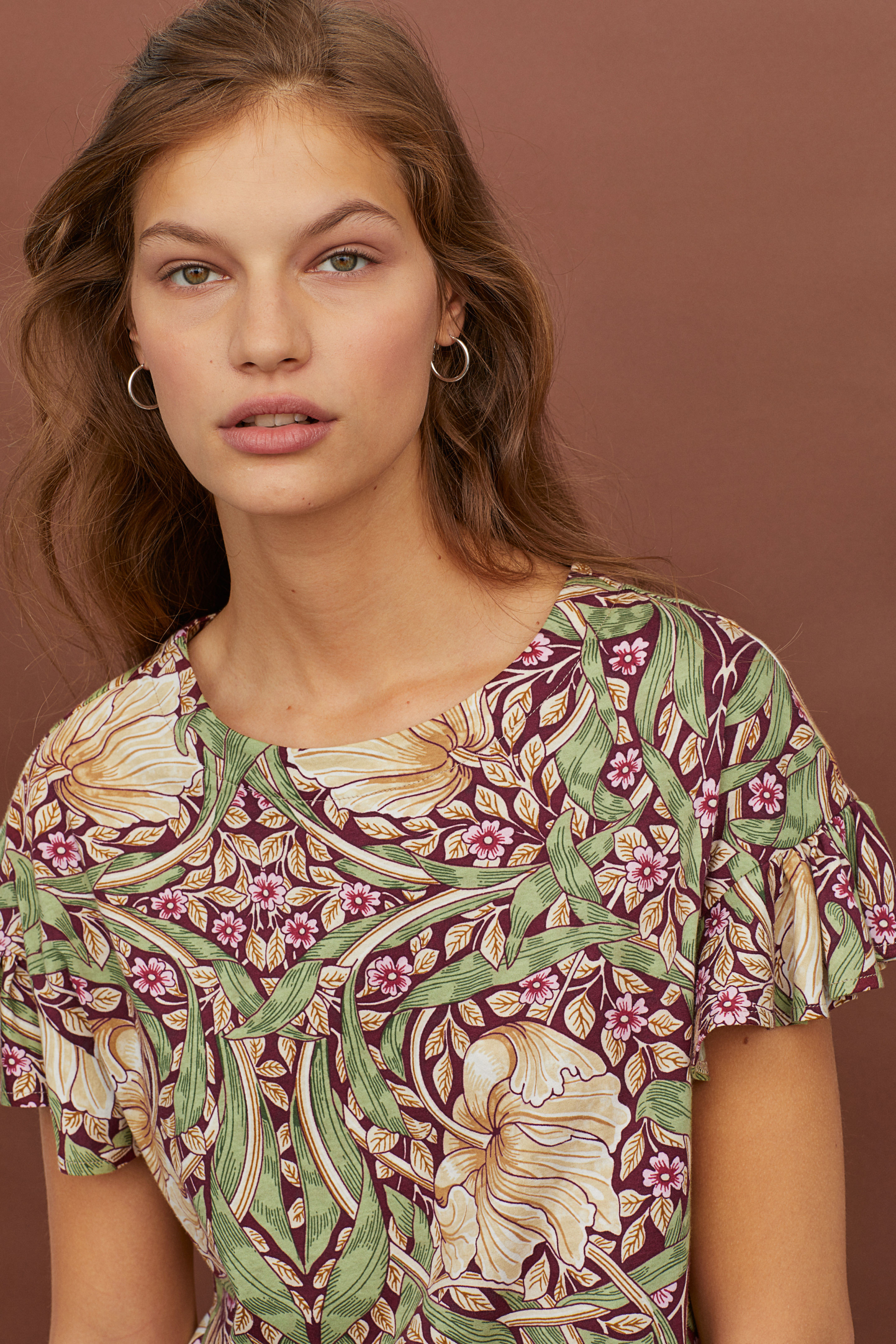
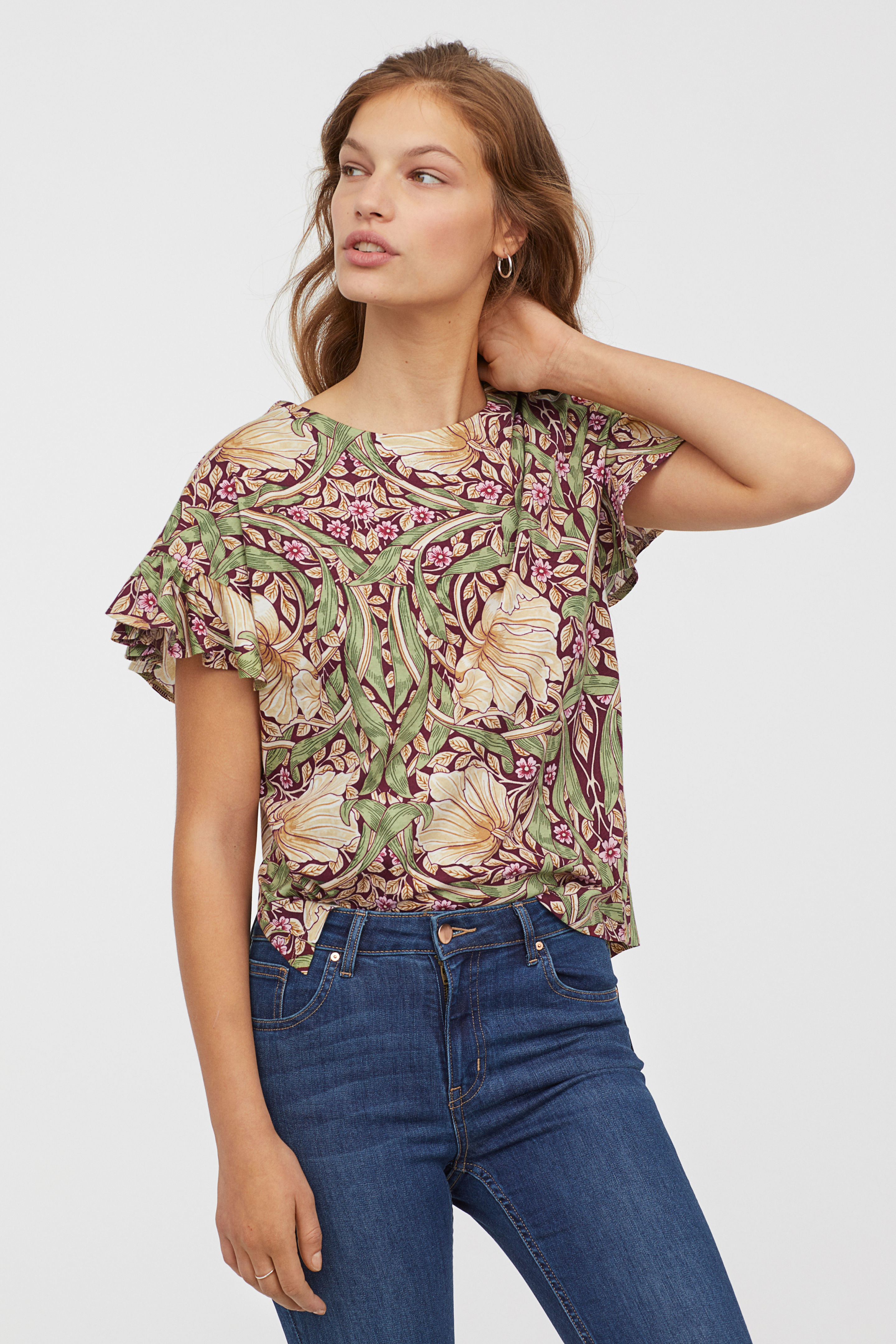
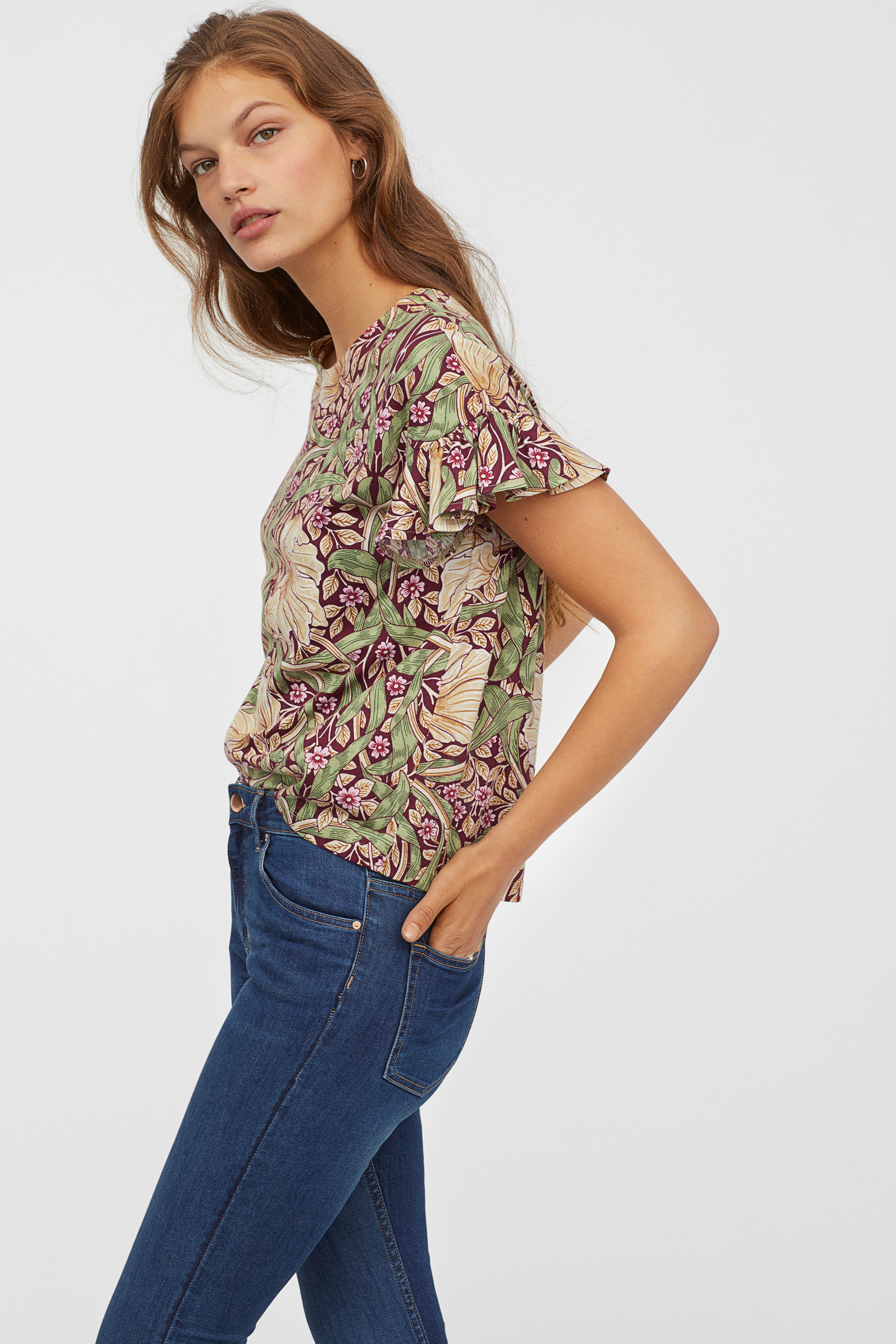
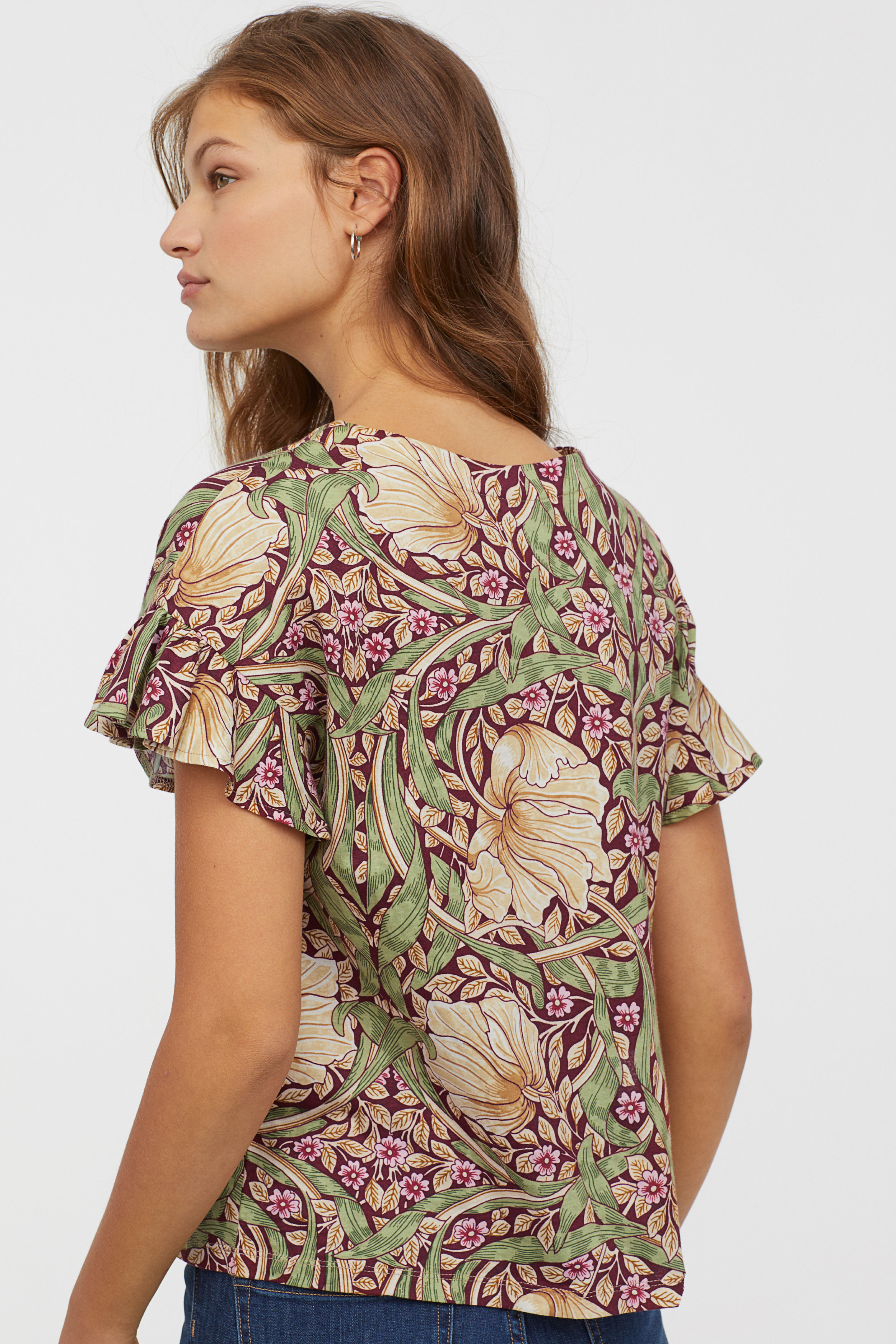
A little bit more from H&M
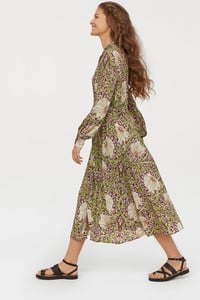
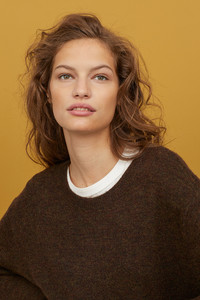
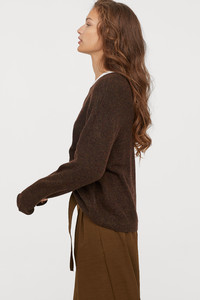
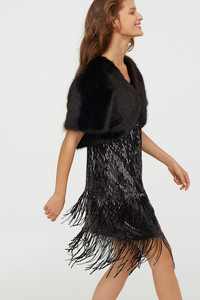
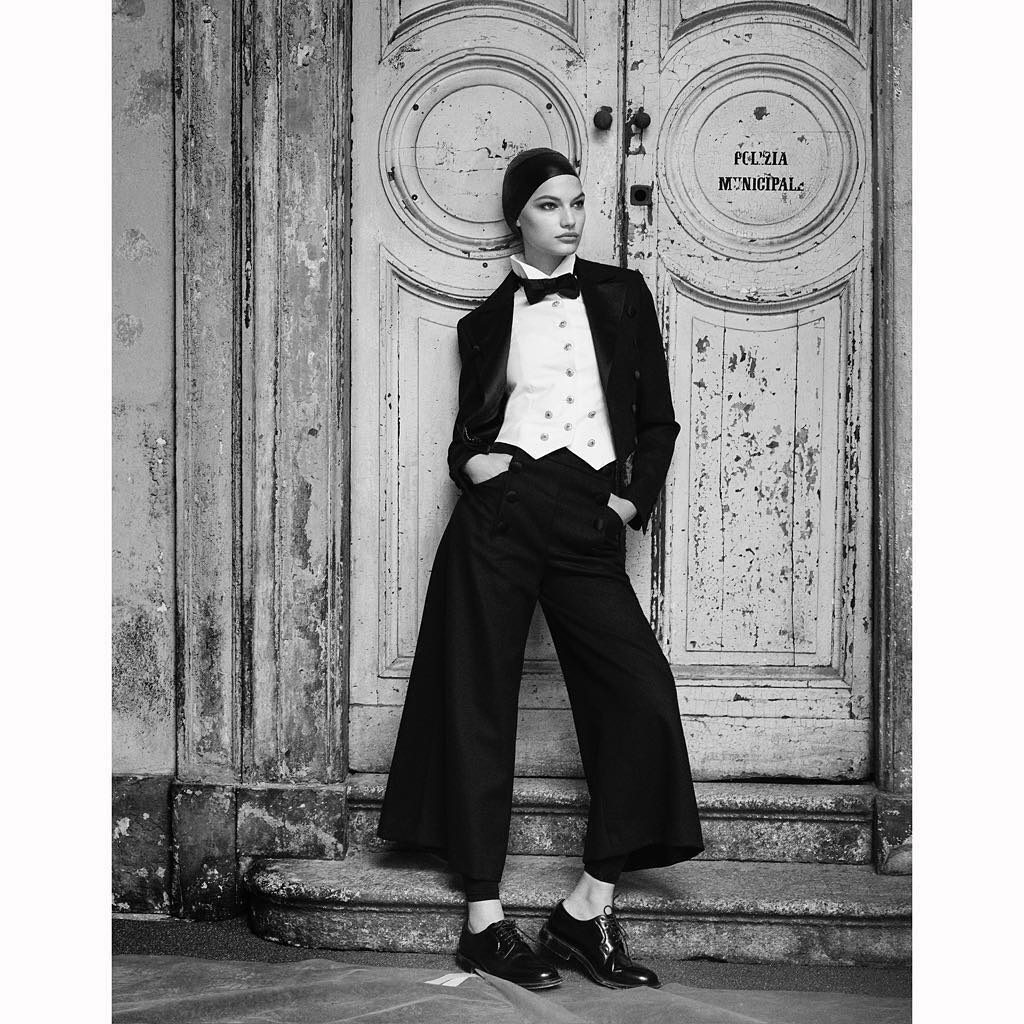
 CHANEL Cruise 2018/19
H & M news
CHANEL Cruise 2018/19
H & M news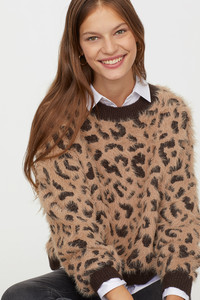
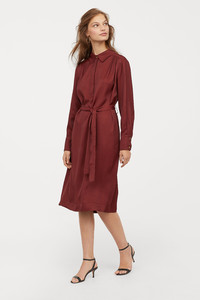
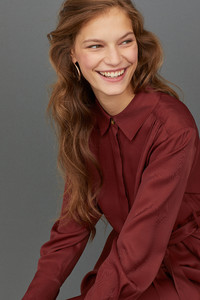
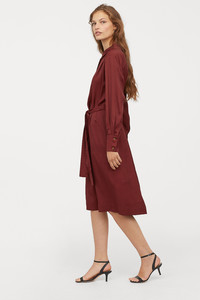
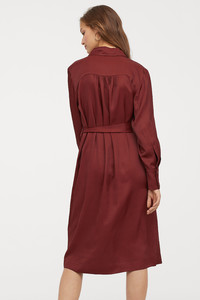
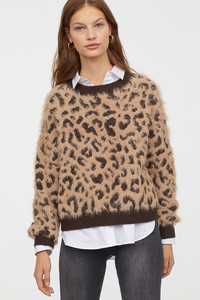
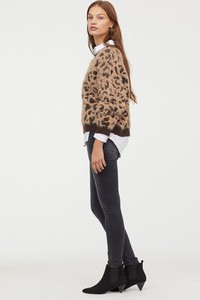
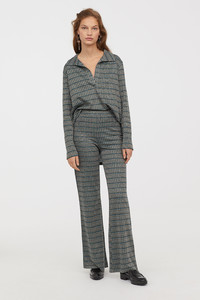
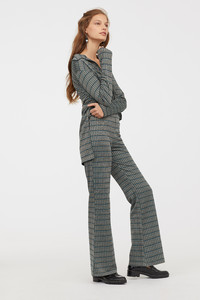
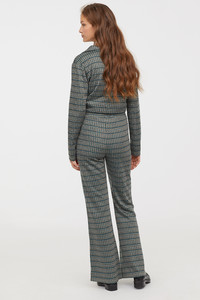
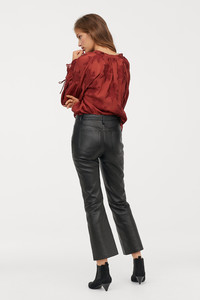
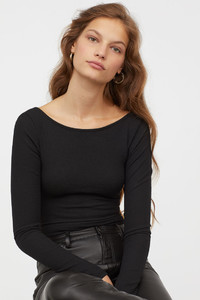
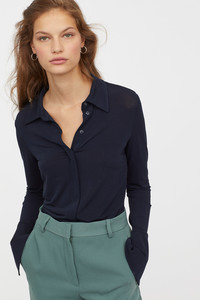
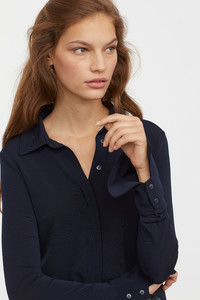
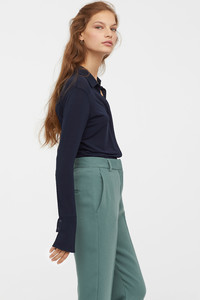
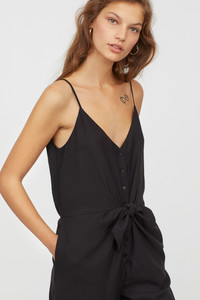
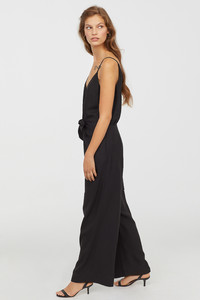
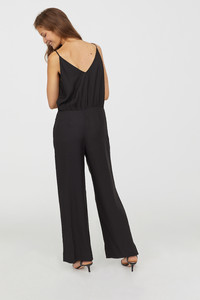
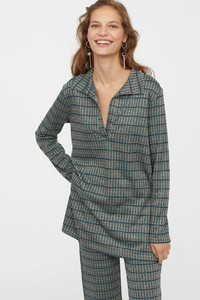
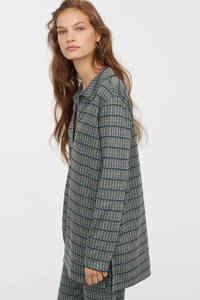
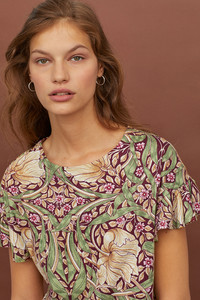
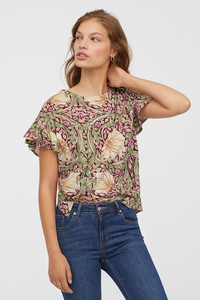
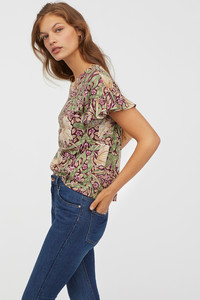
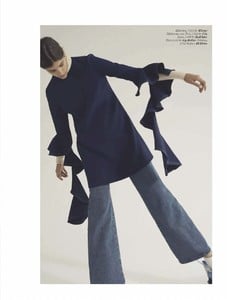
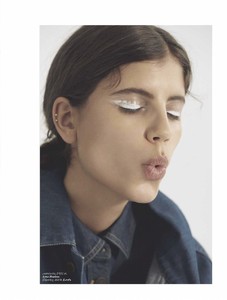
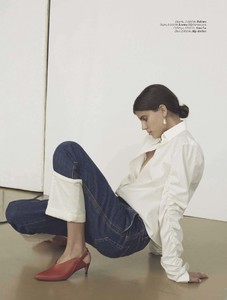
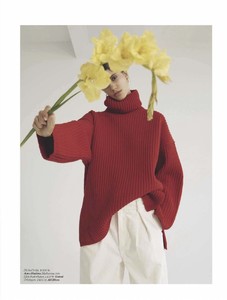
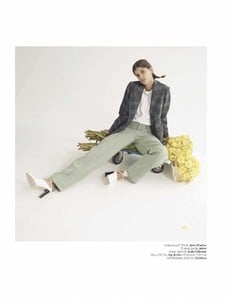
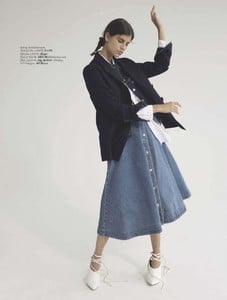
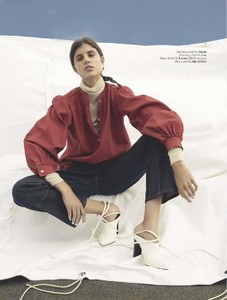
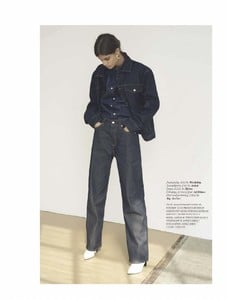
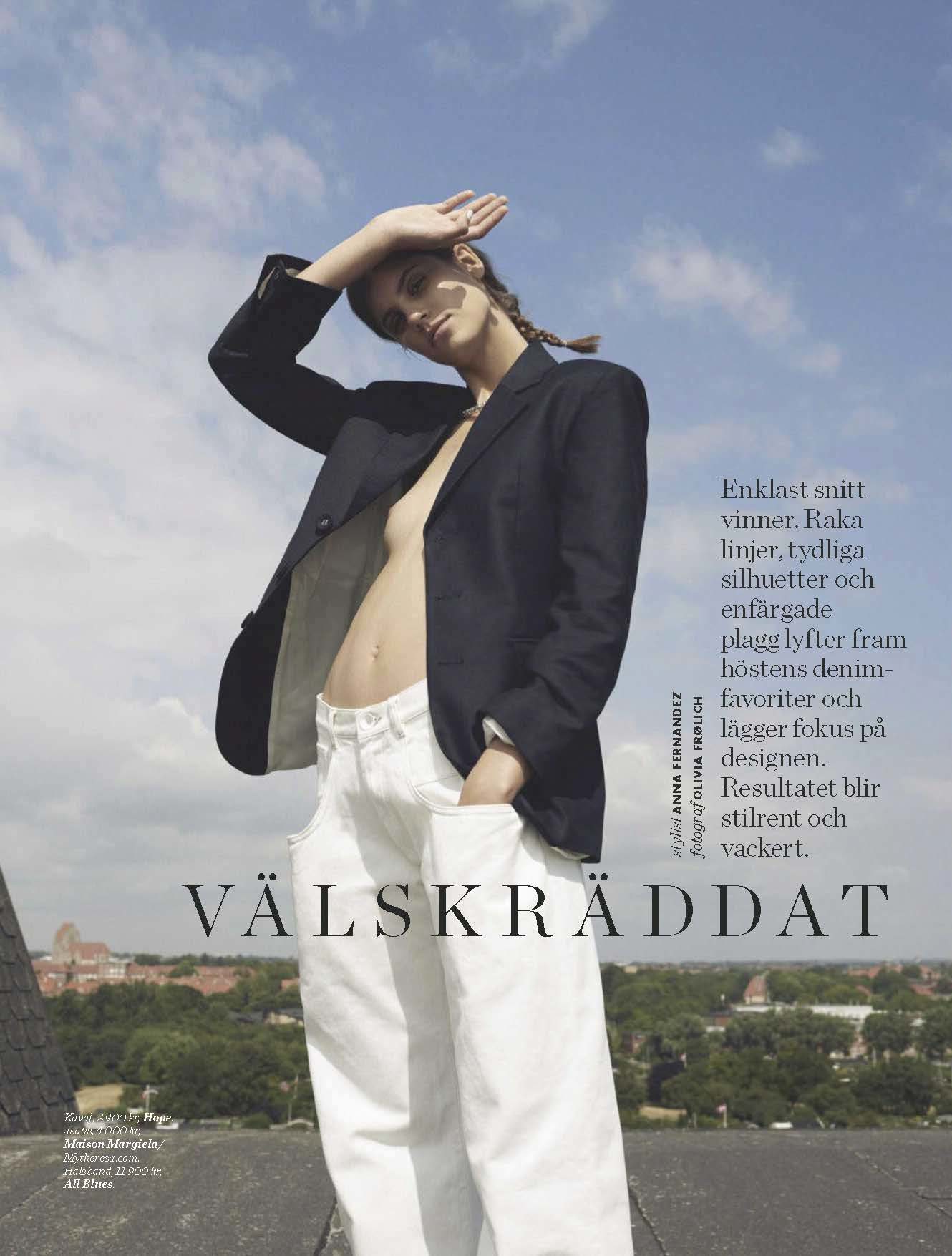
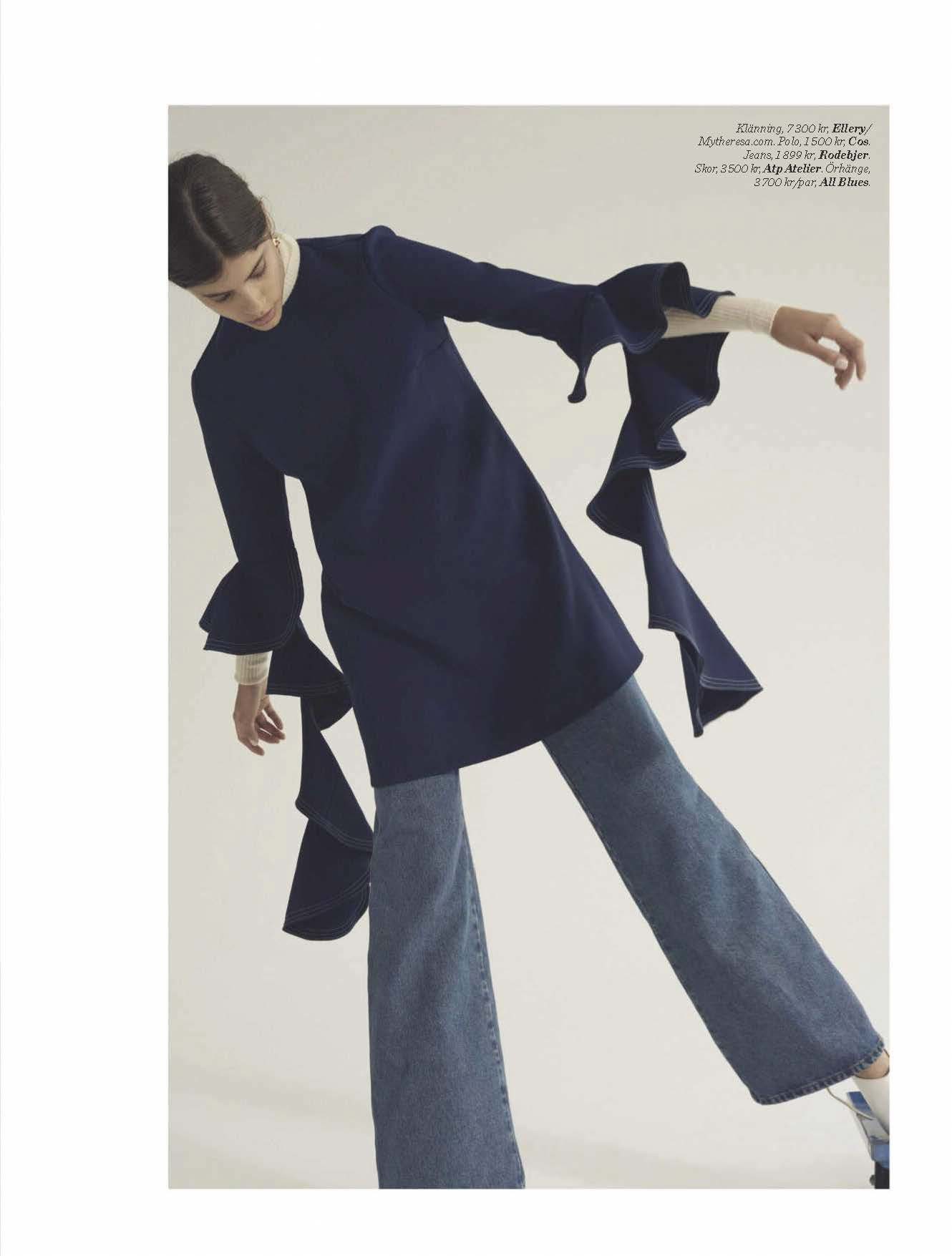
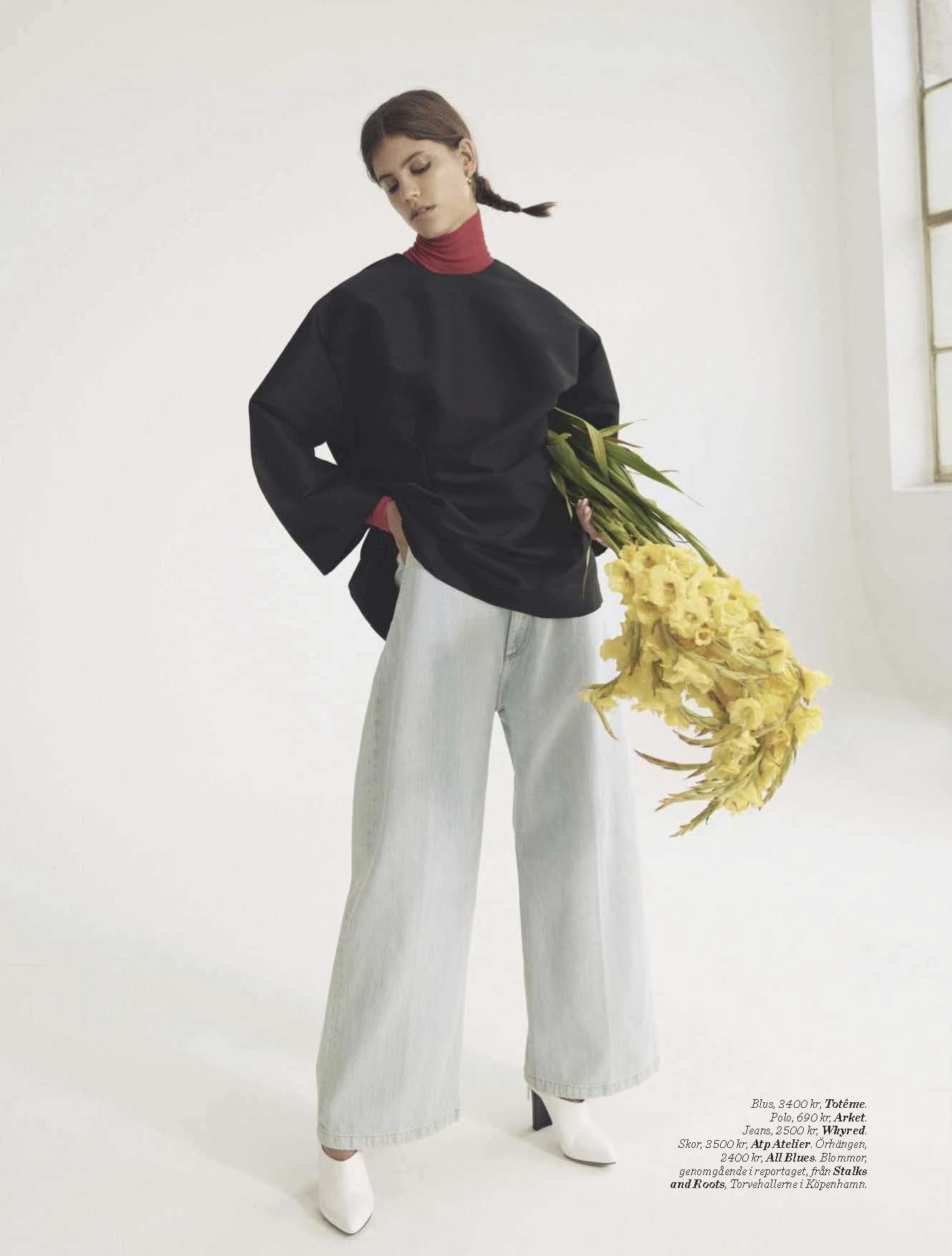
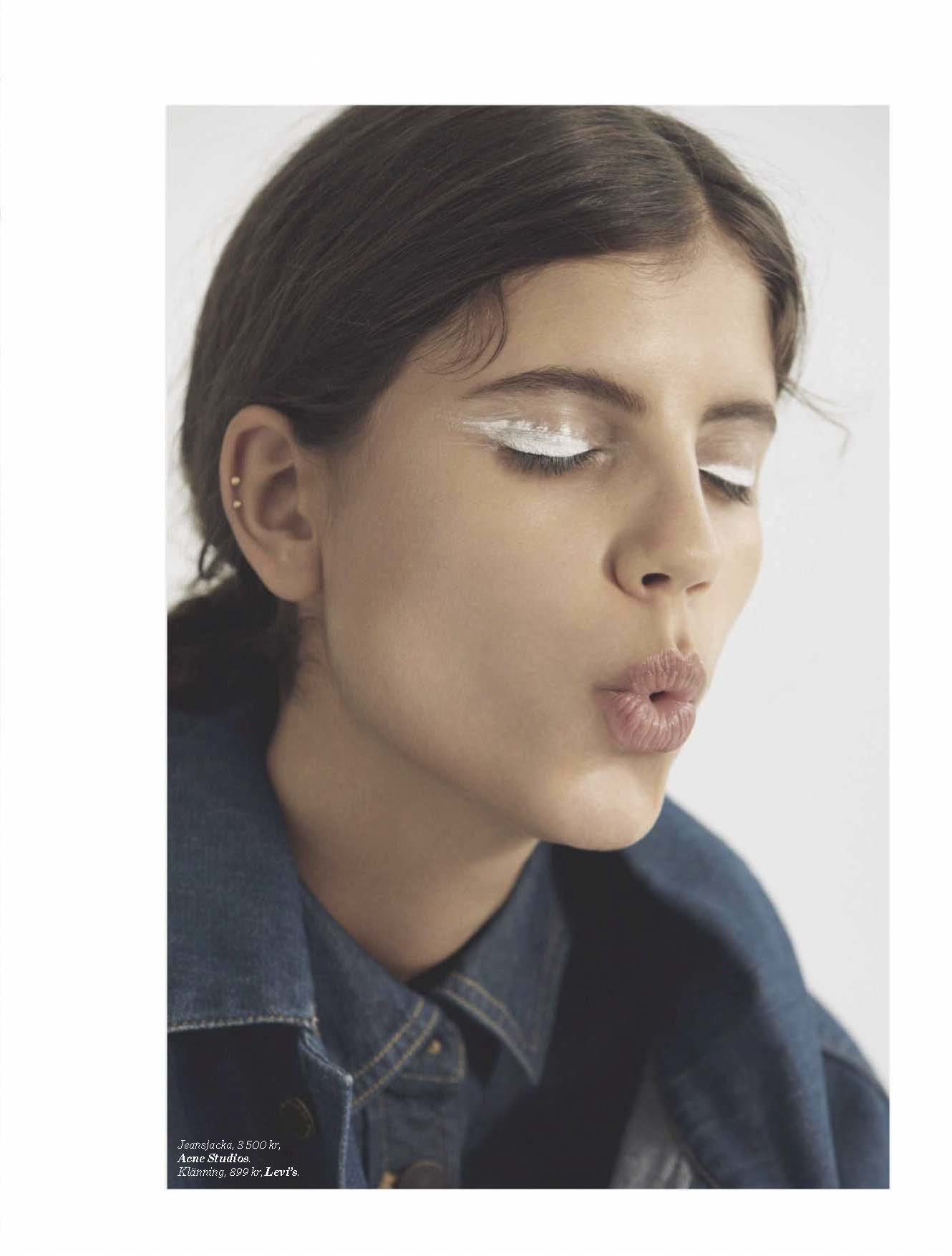
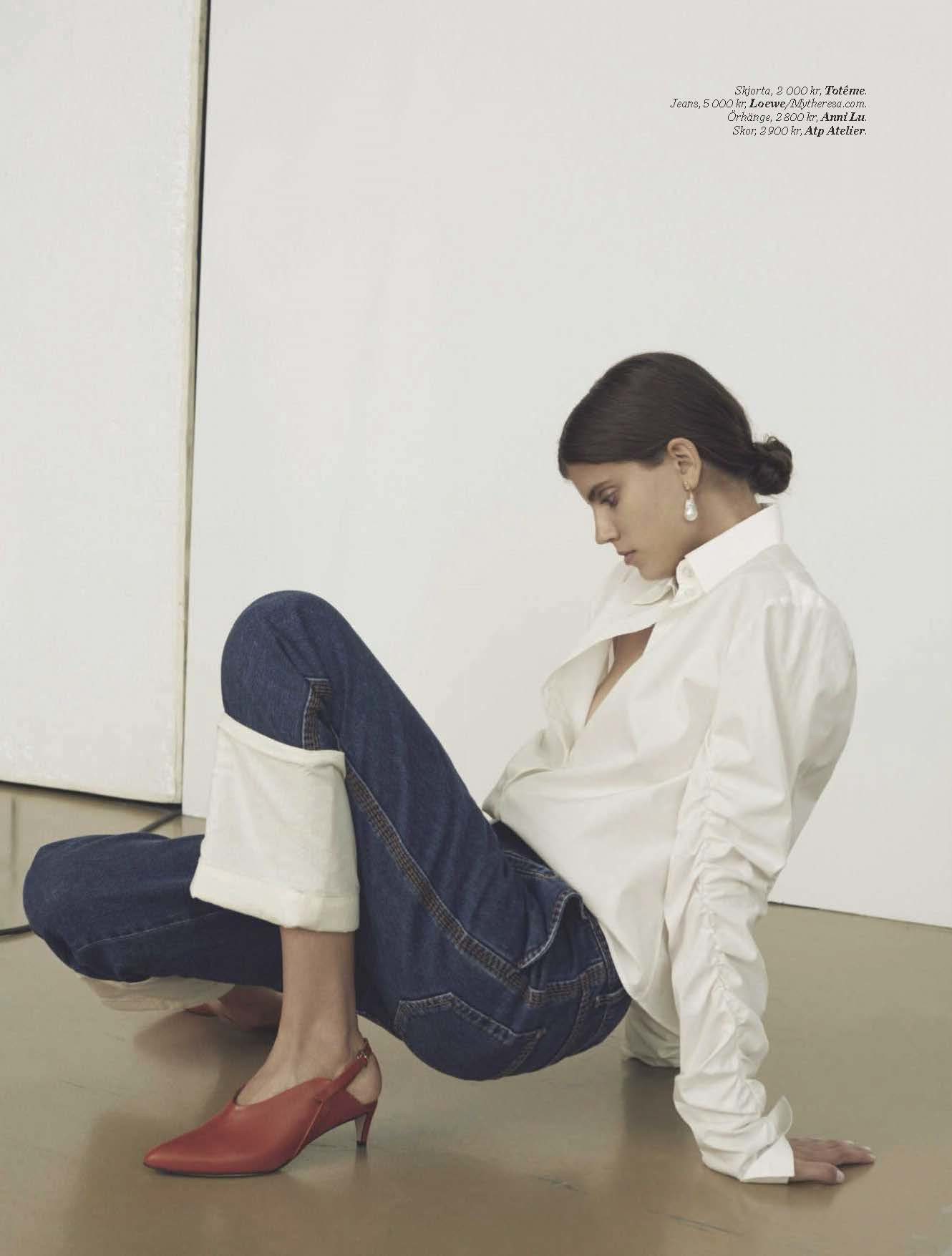
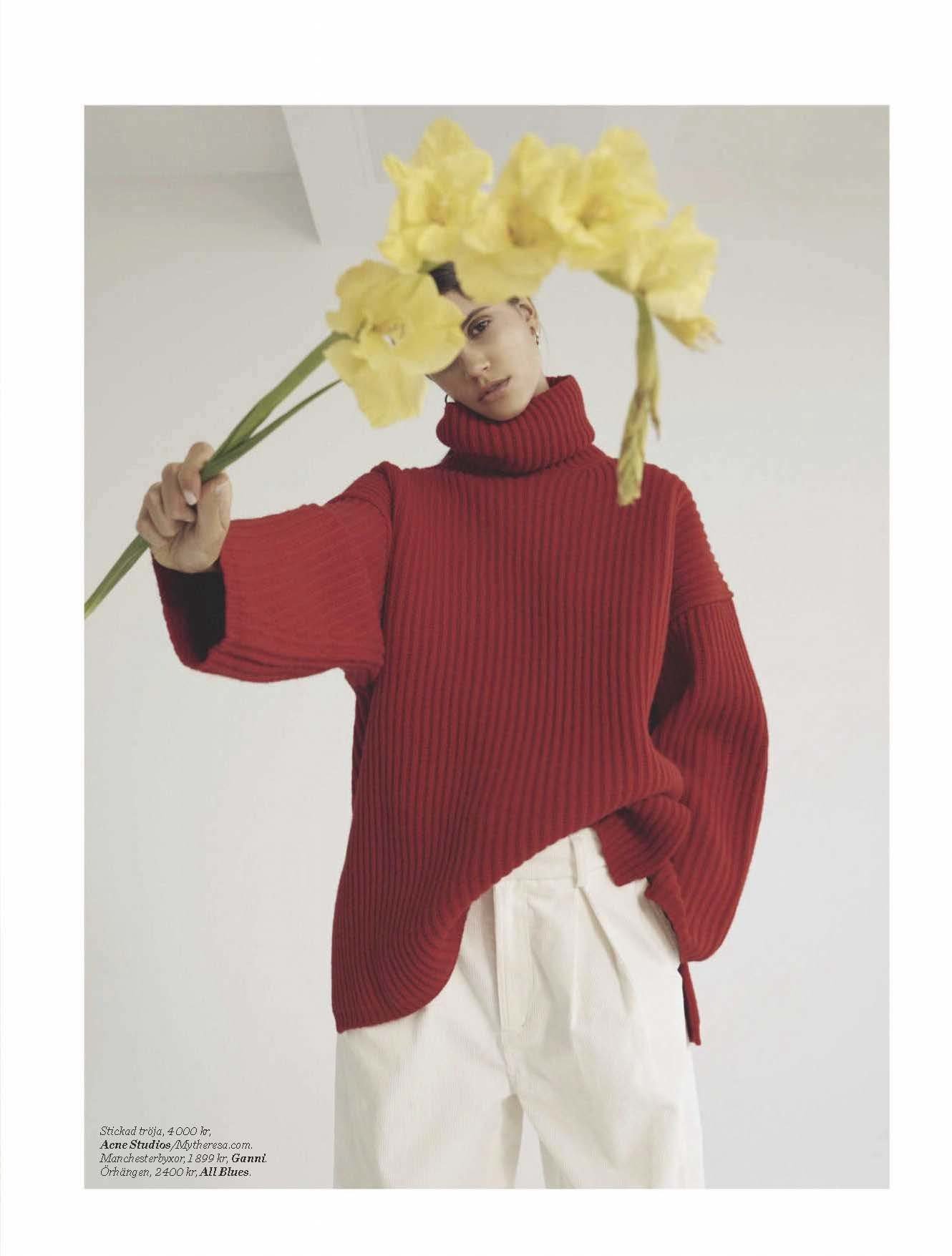
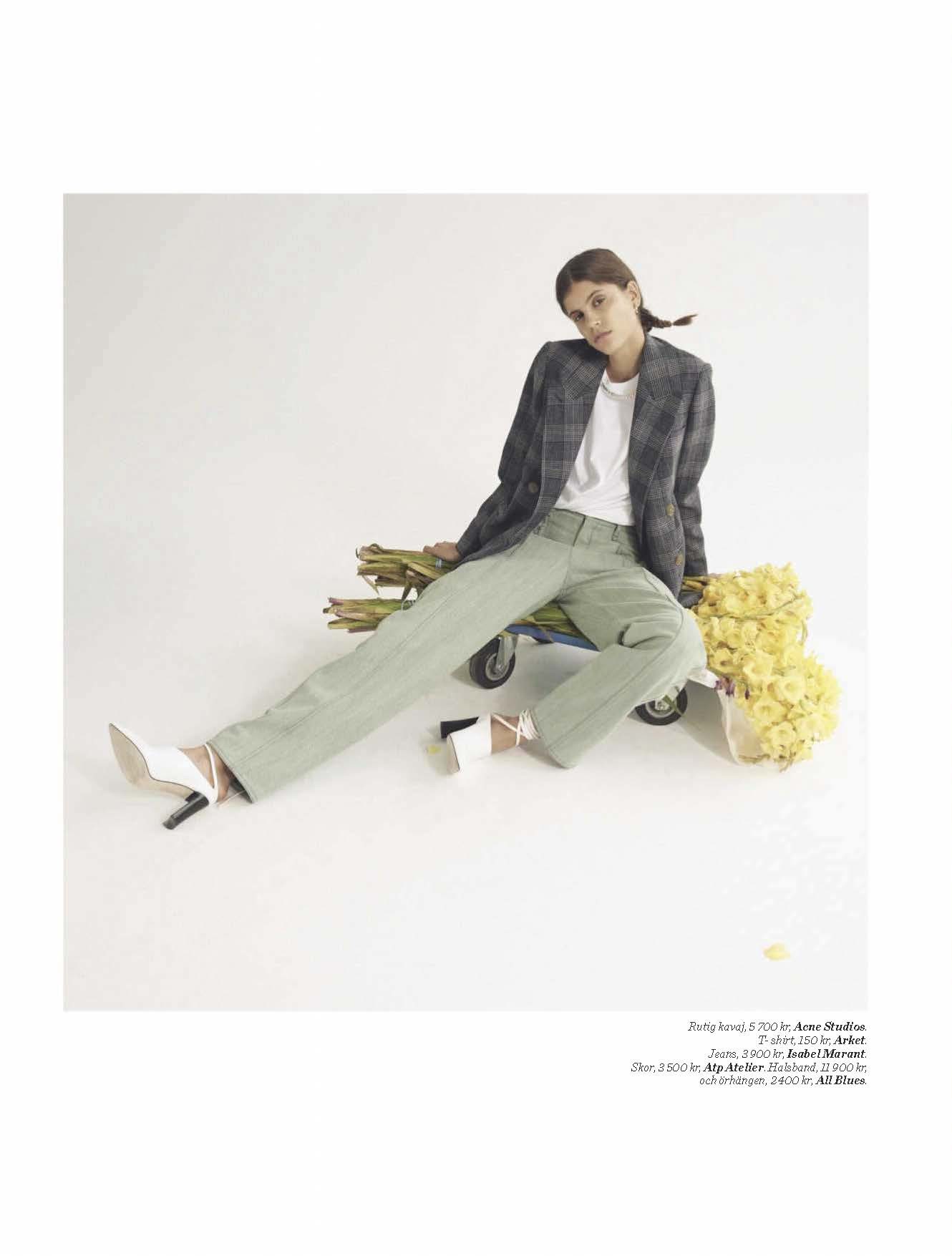
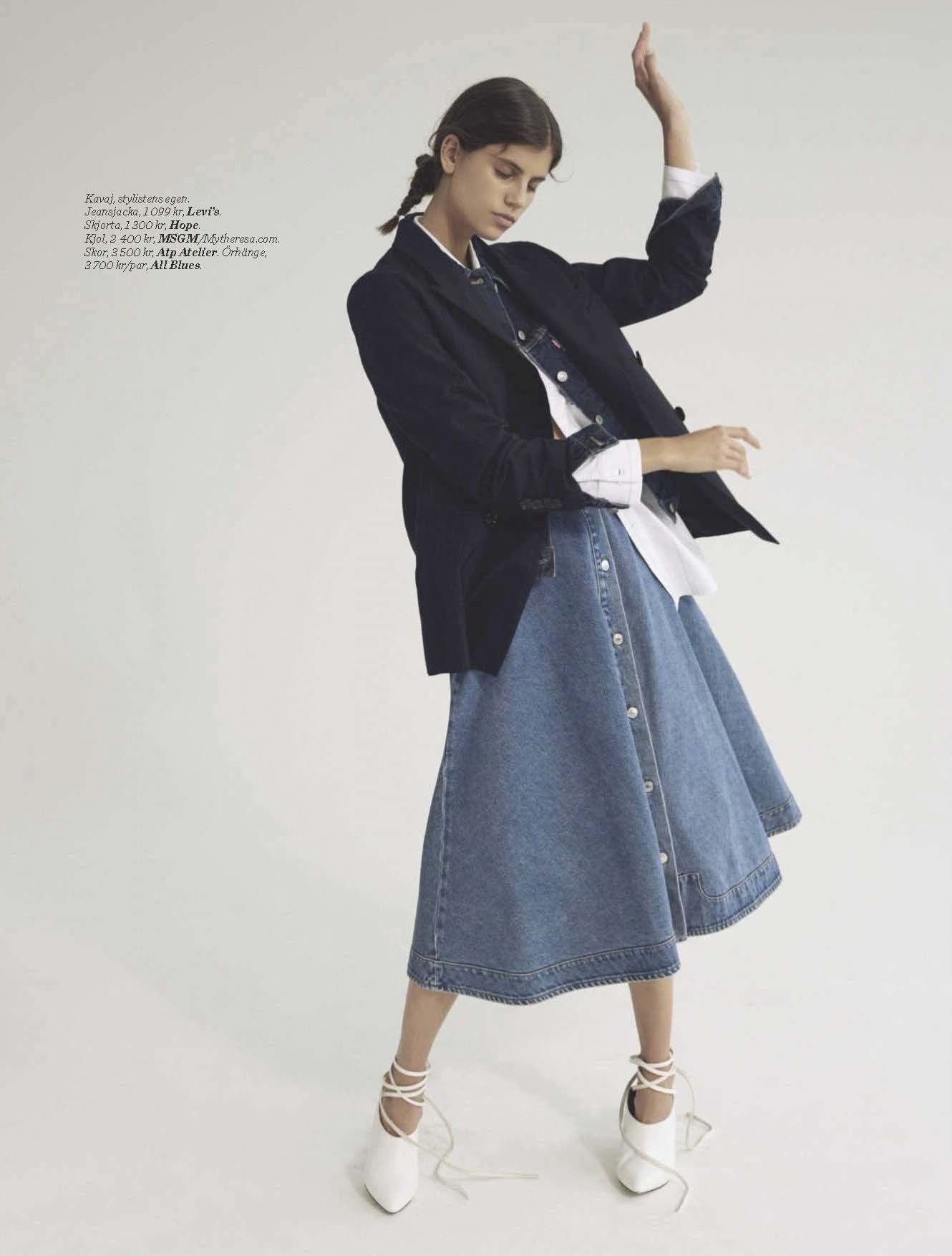
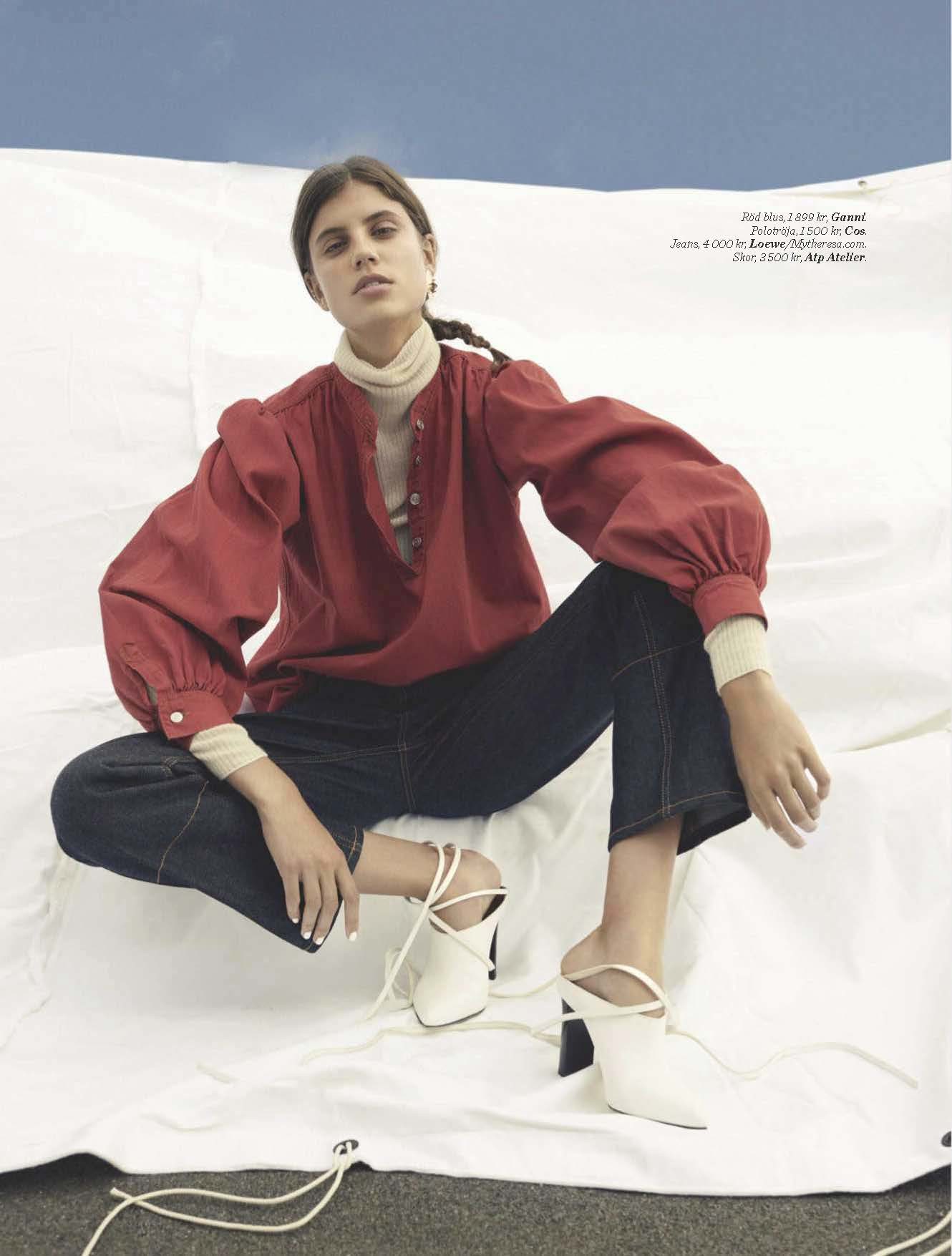
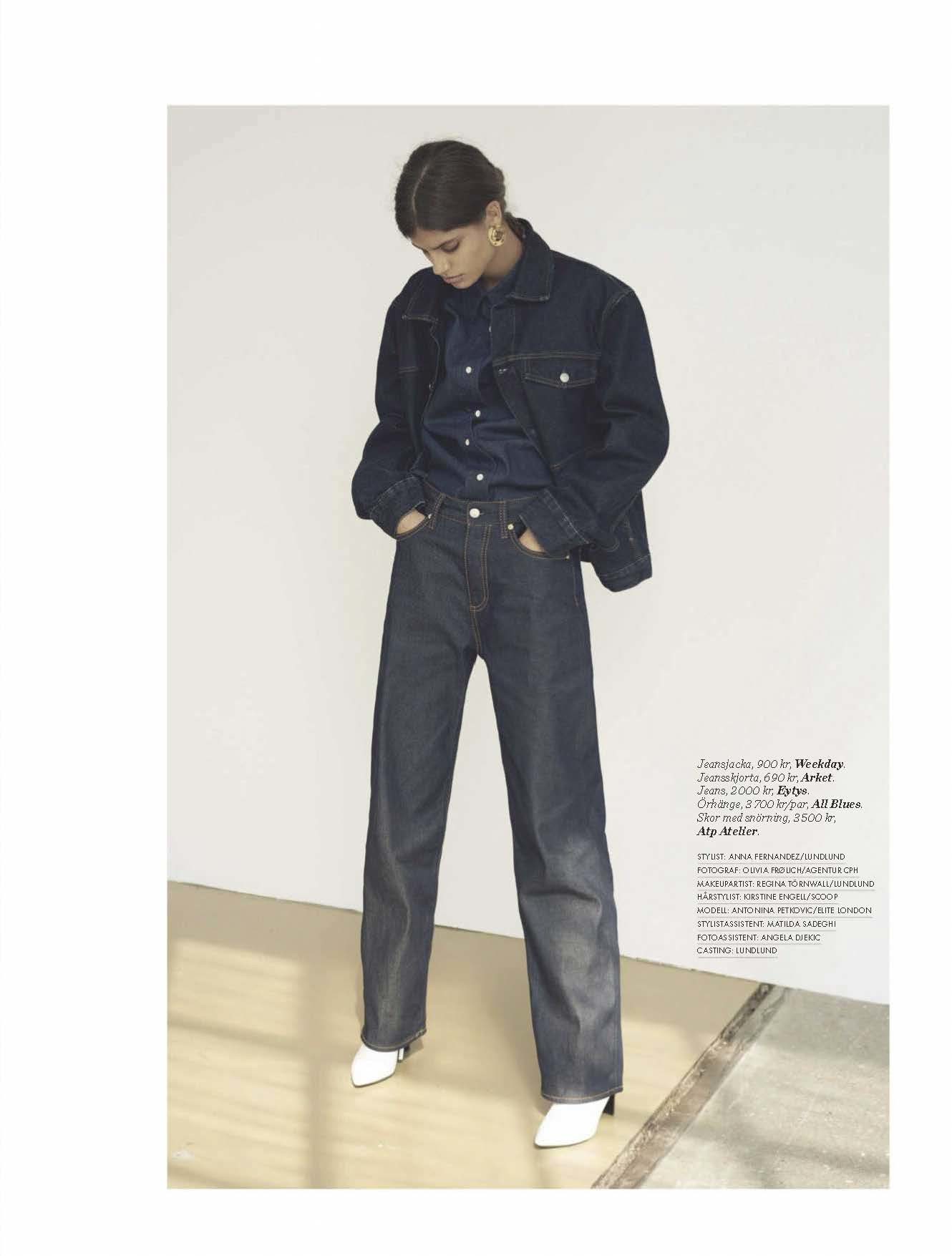
 ELLE Sweden 2018 10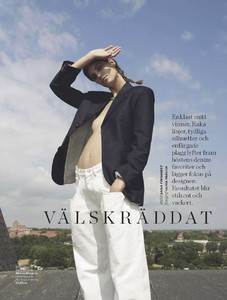

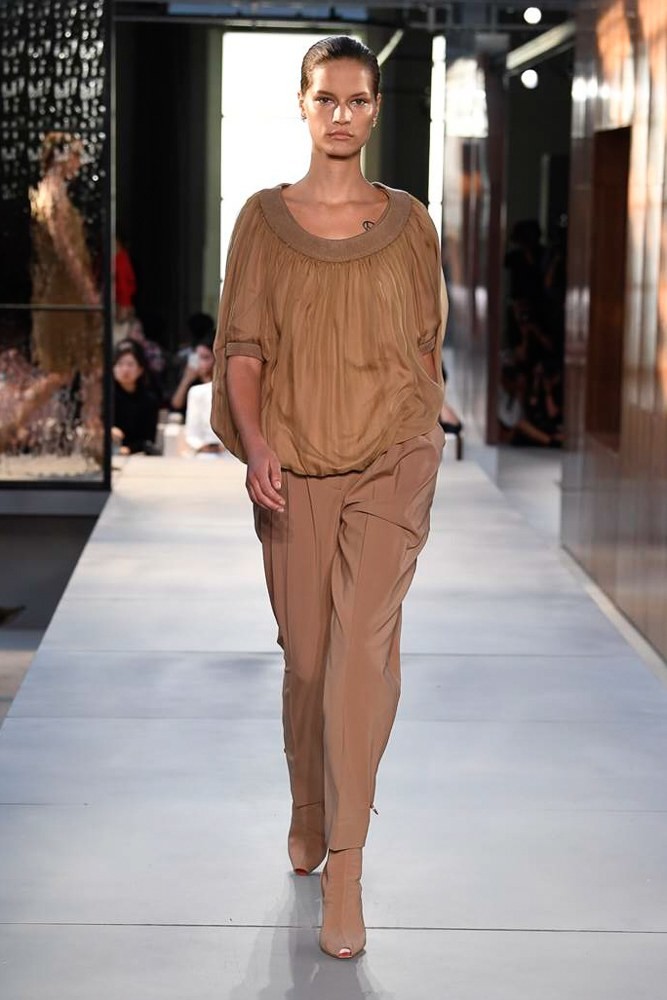
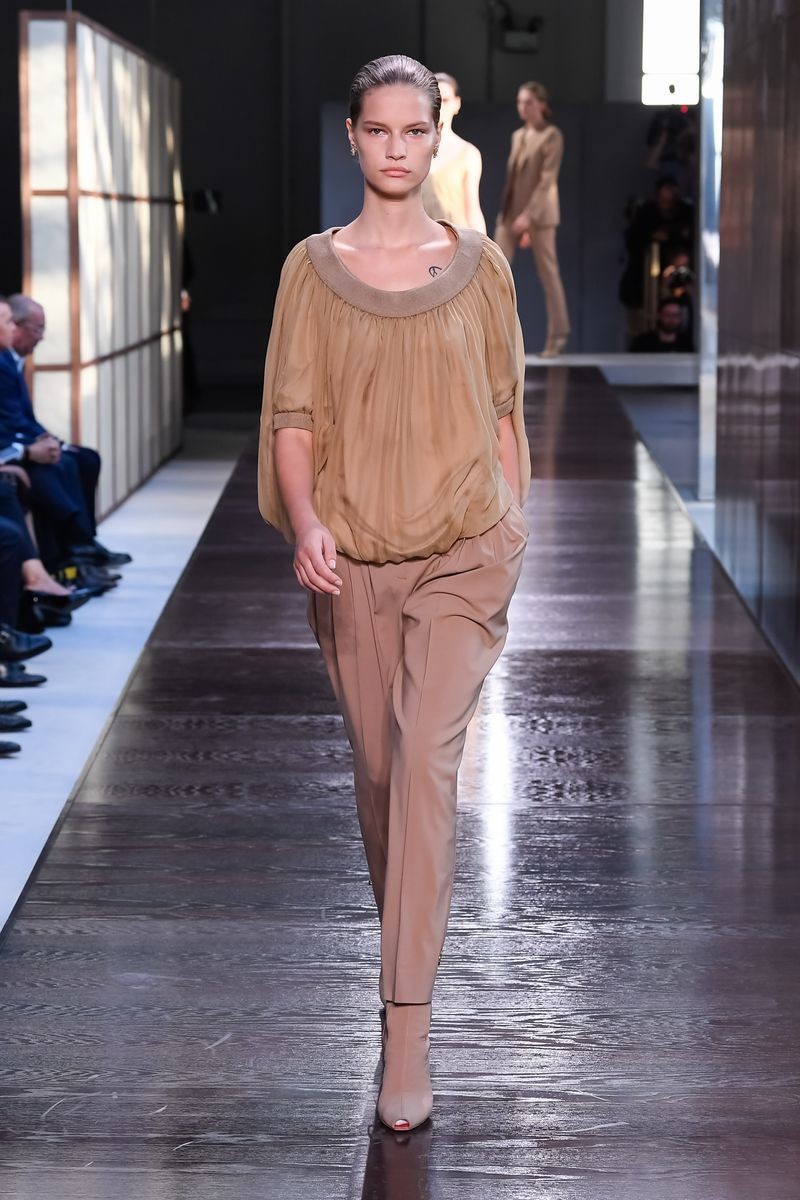
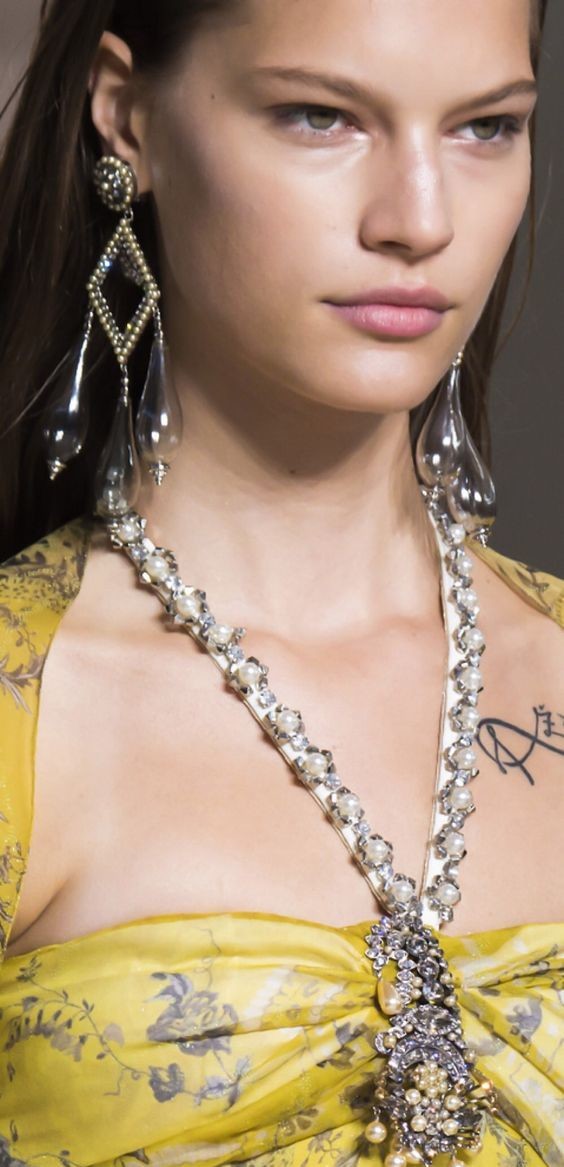
 London FW S/S 2019 Burberry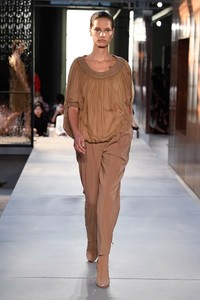
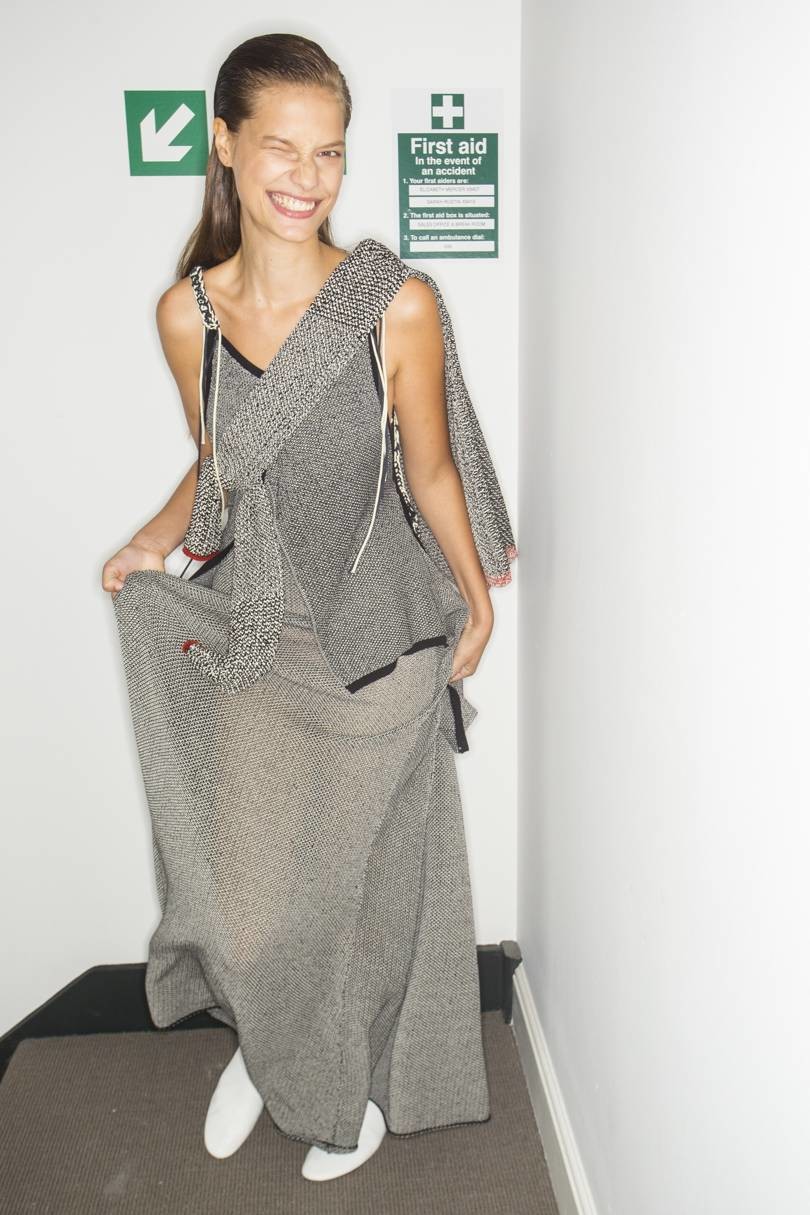
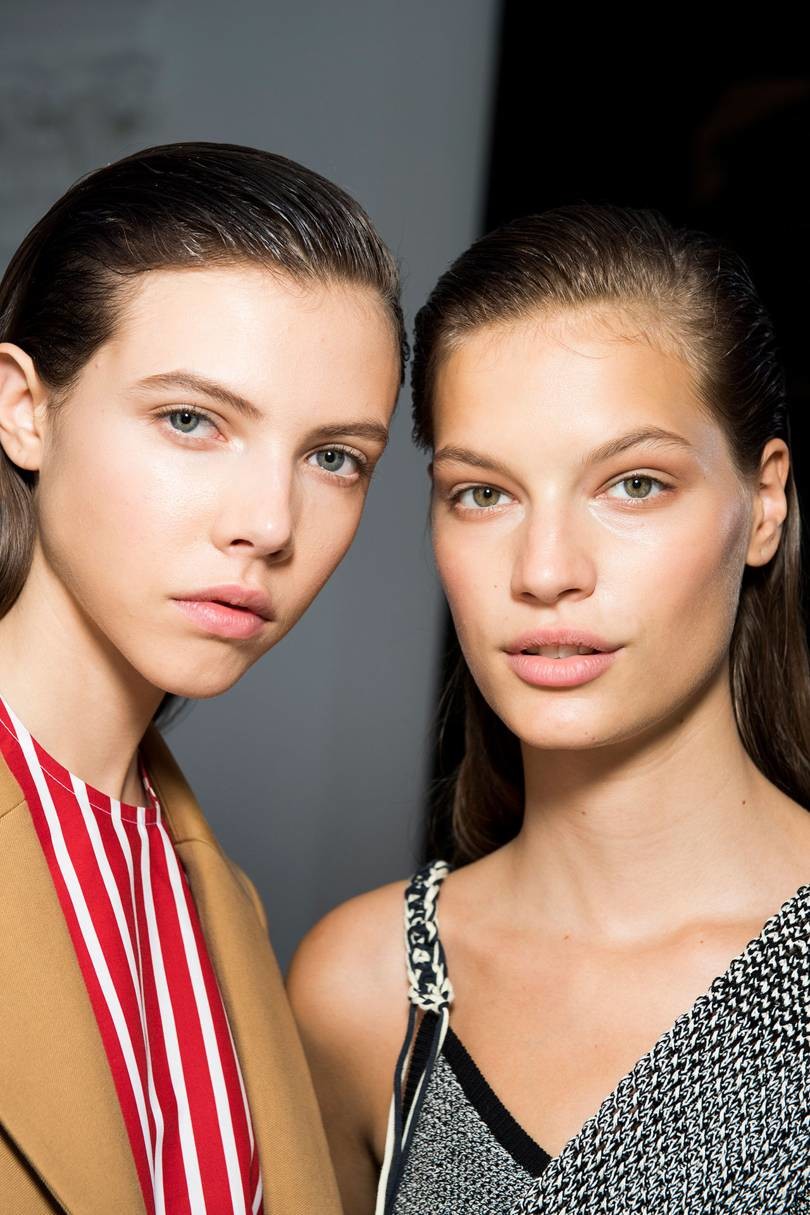
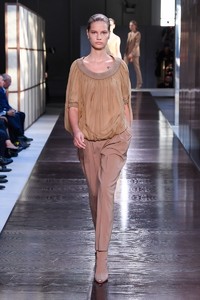 London FW Victoria Beckham S/S 2019 - Backstage
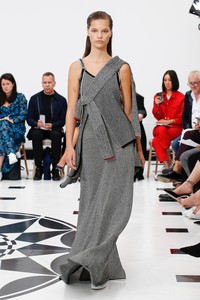
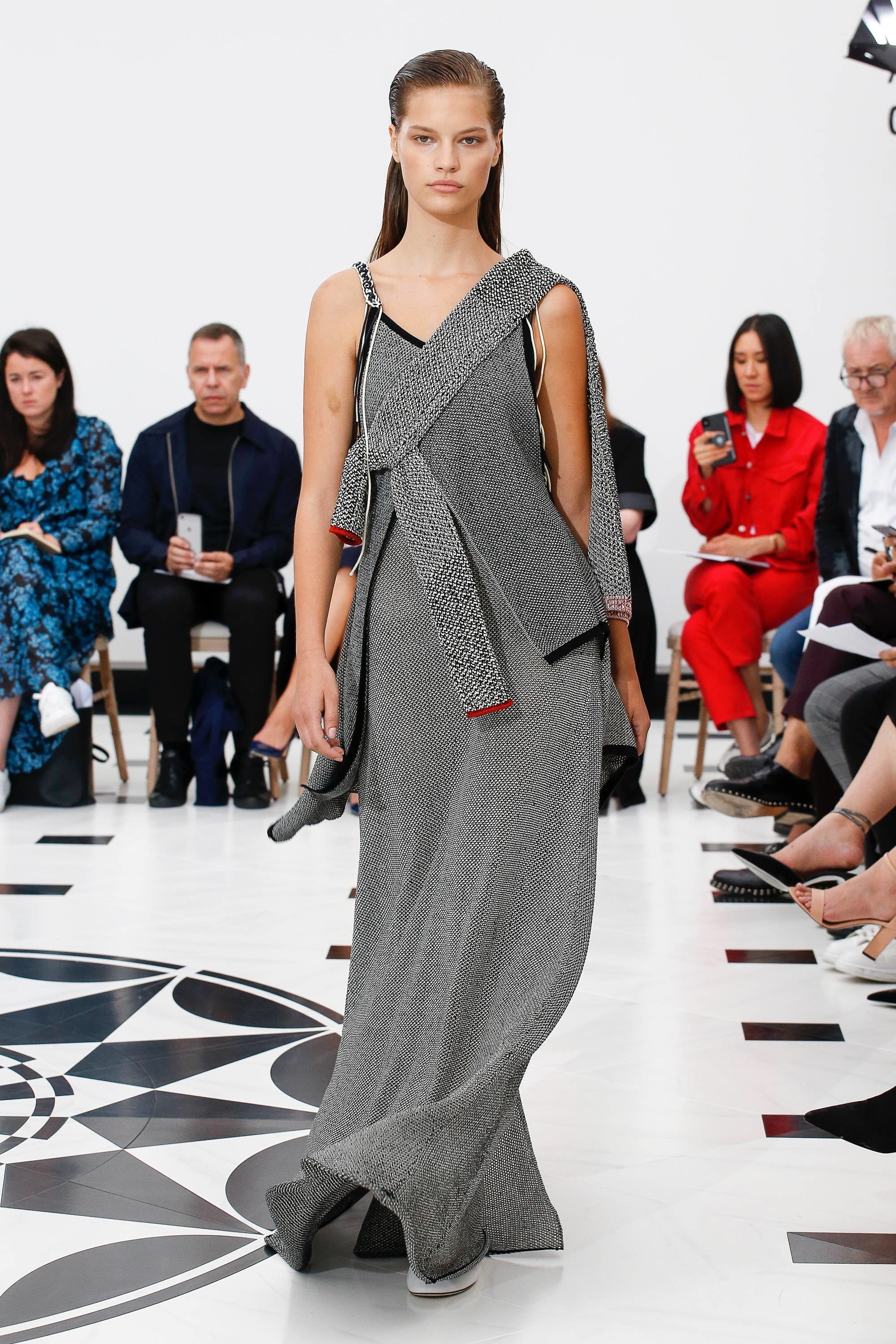
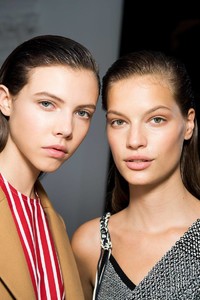 London FW Victoria Beckham S/S 2019
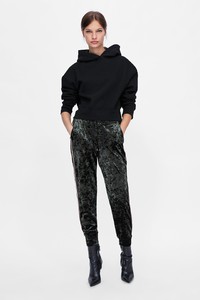
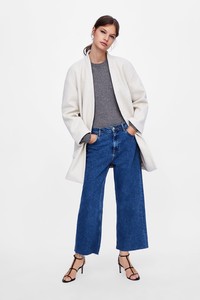
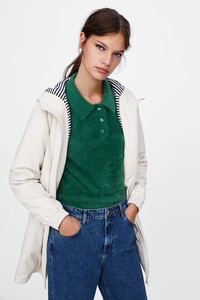
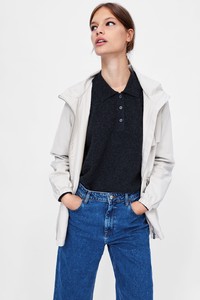
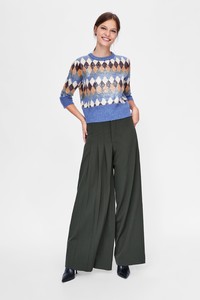
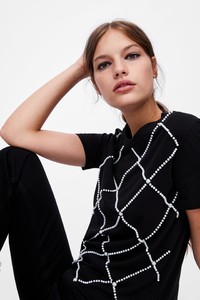
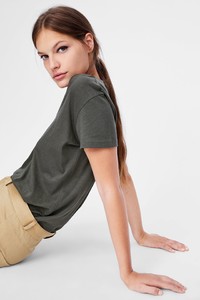
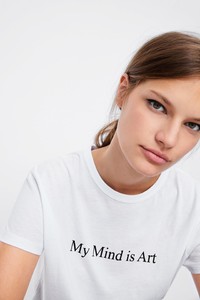
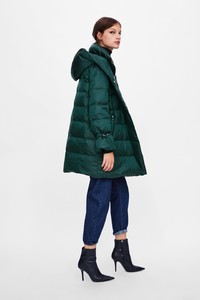
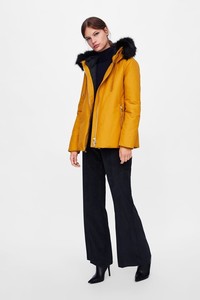
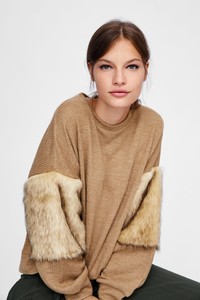
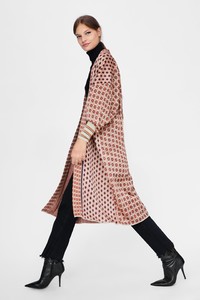
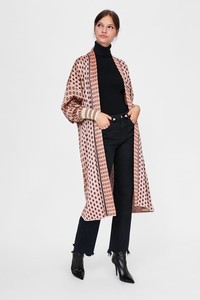
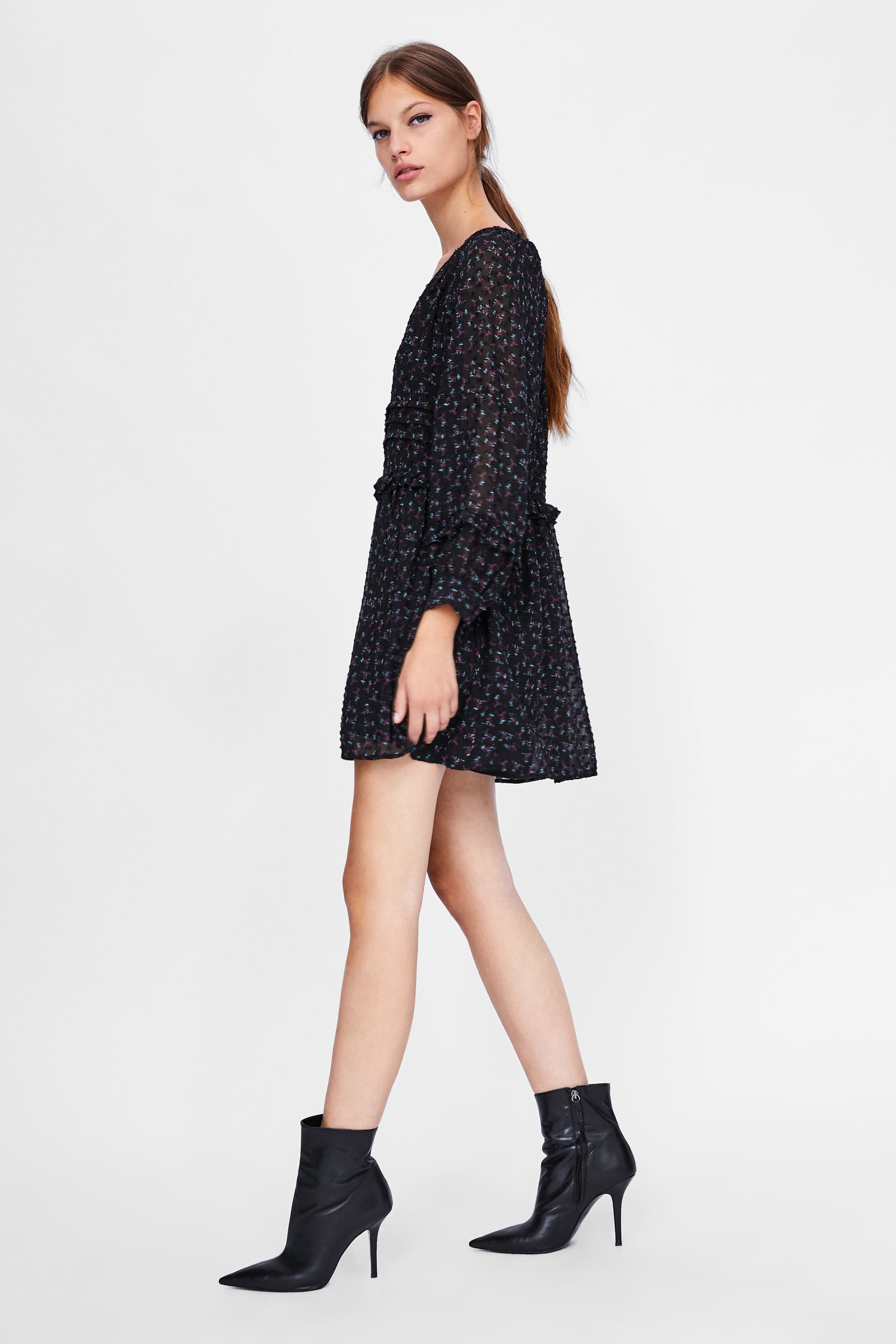
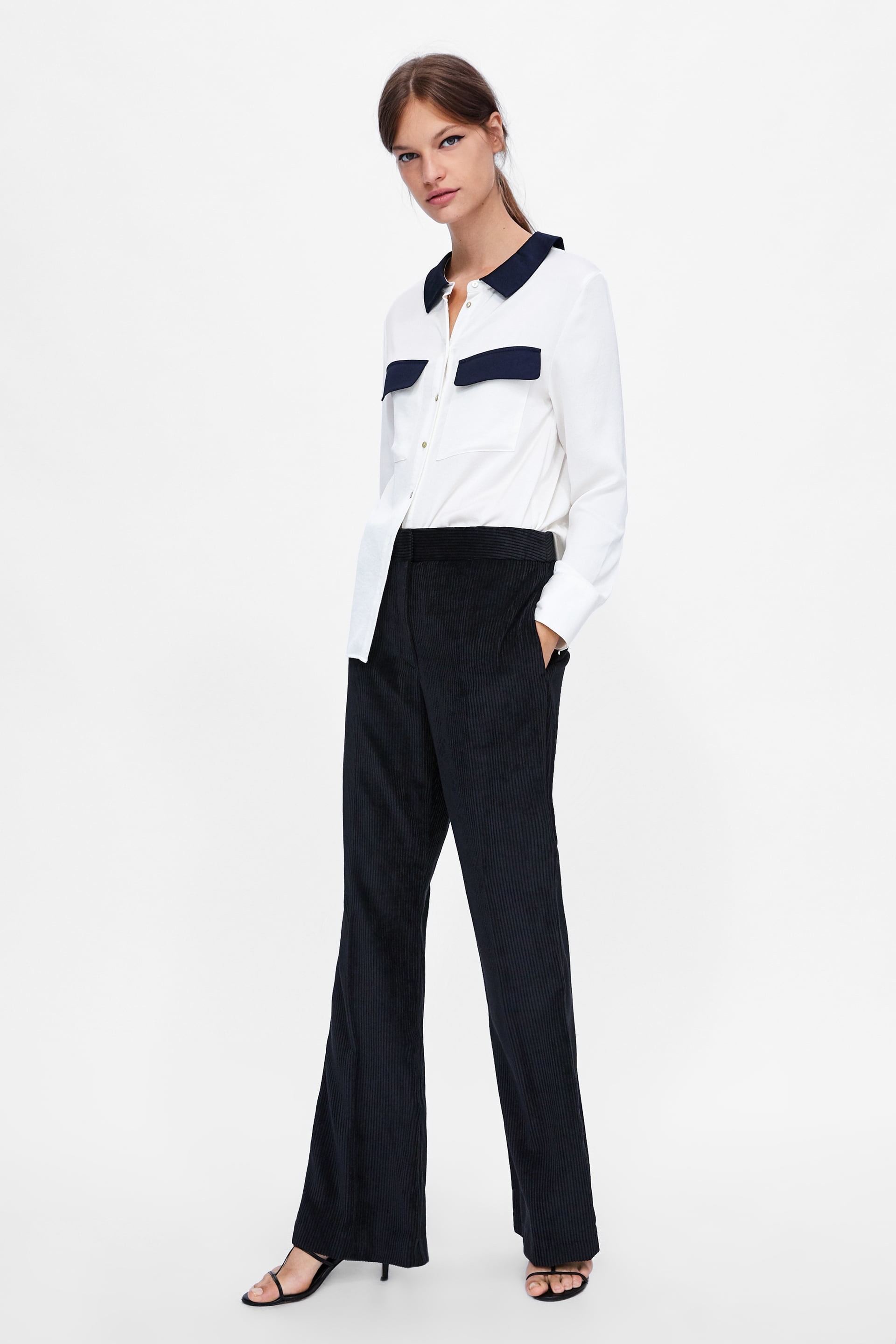
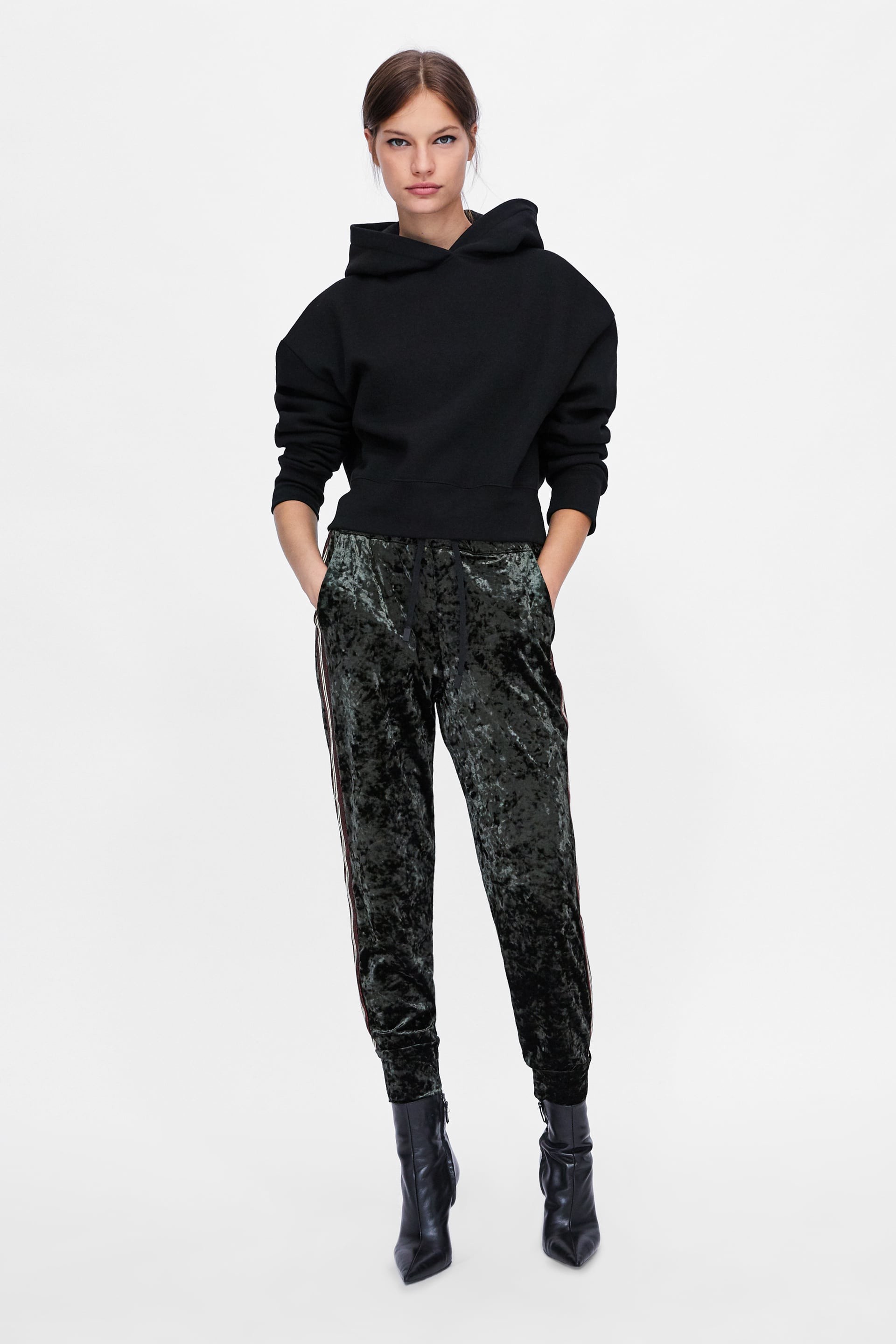
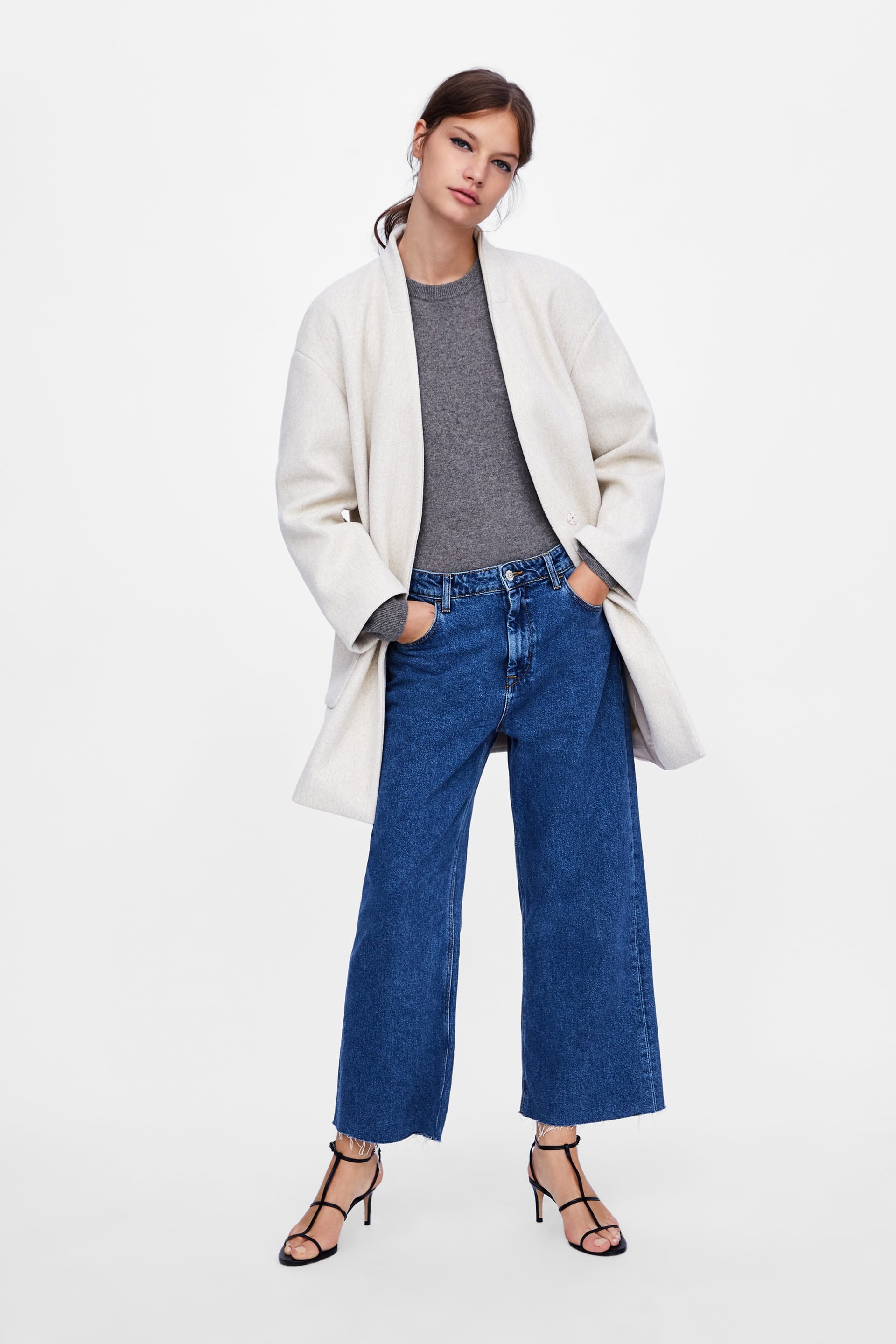
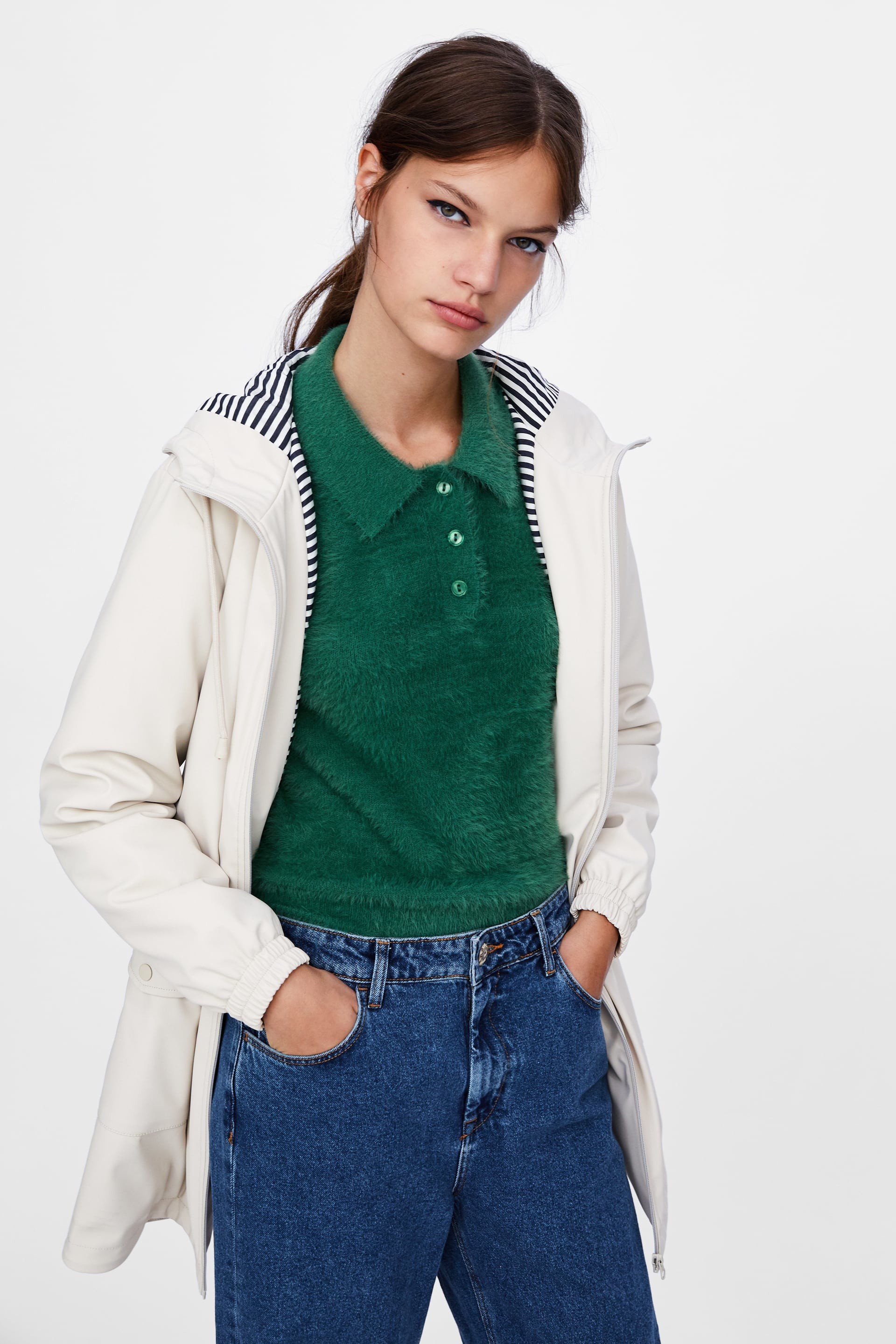
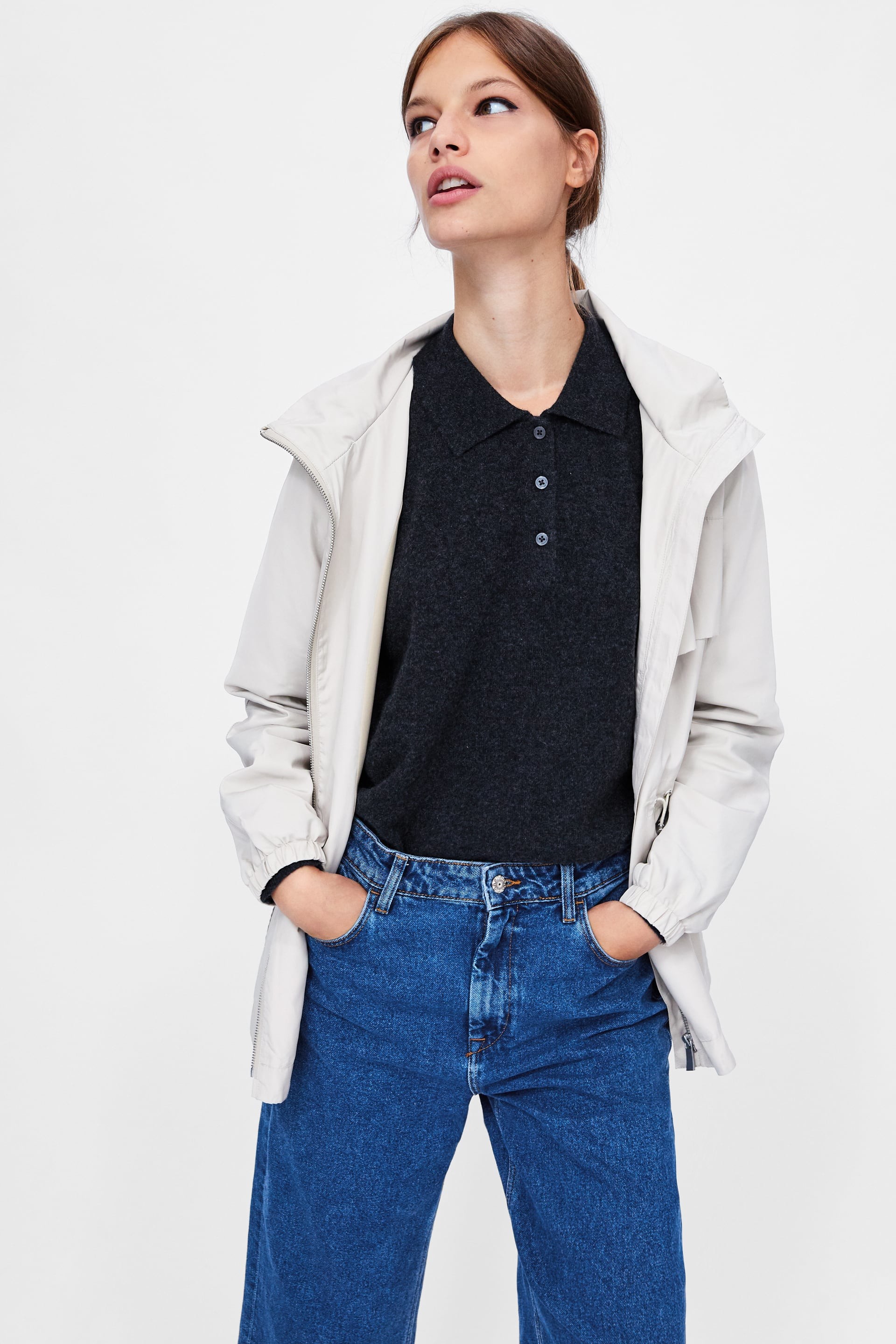
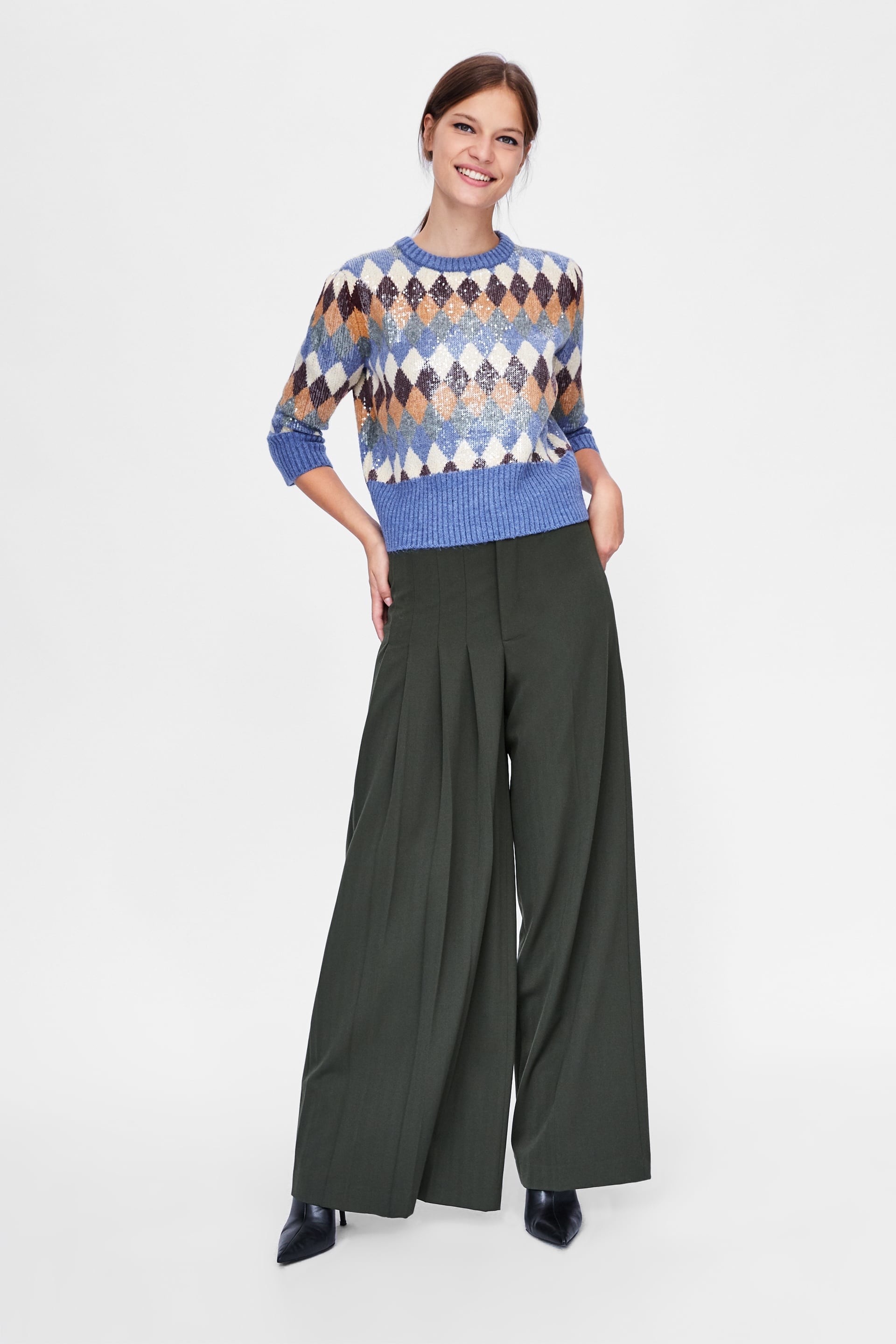
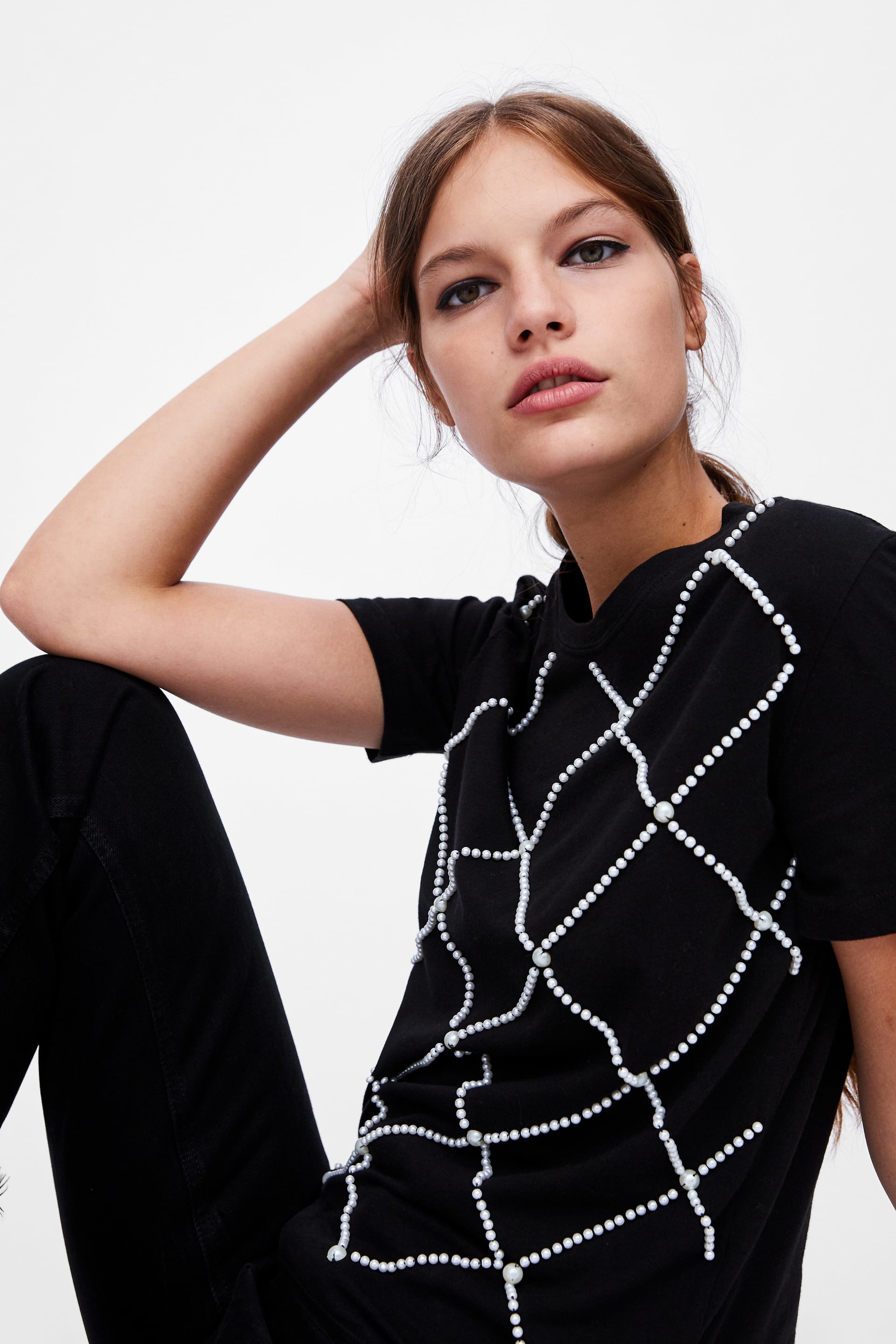
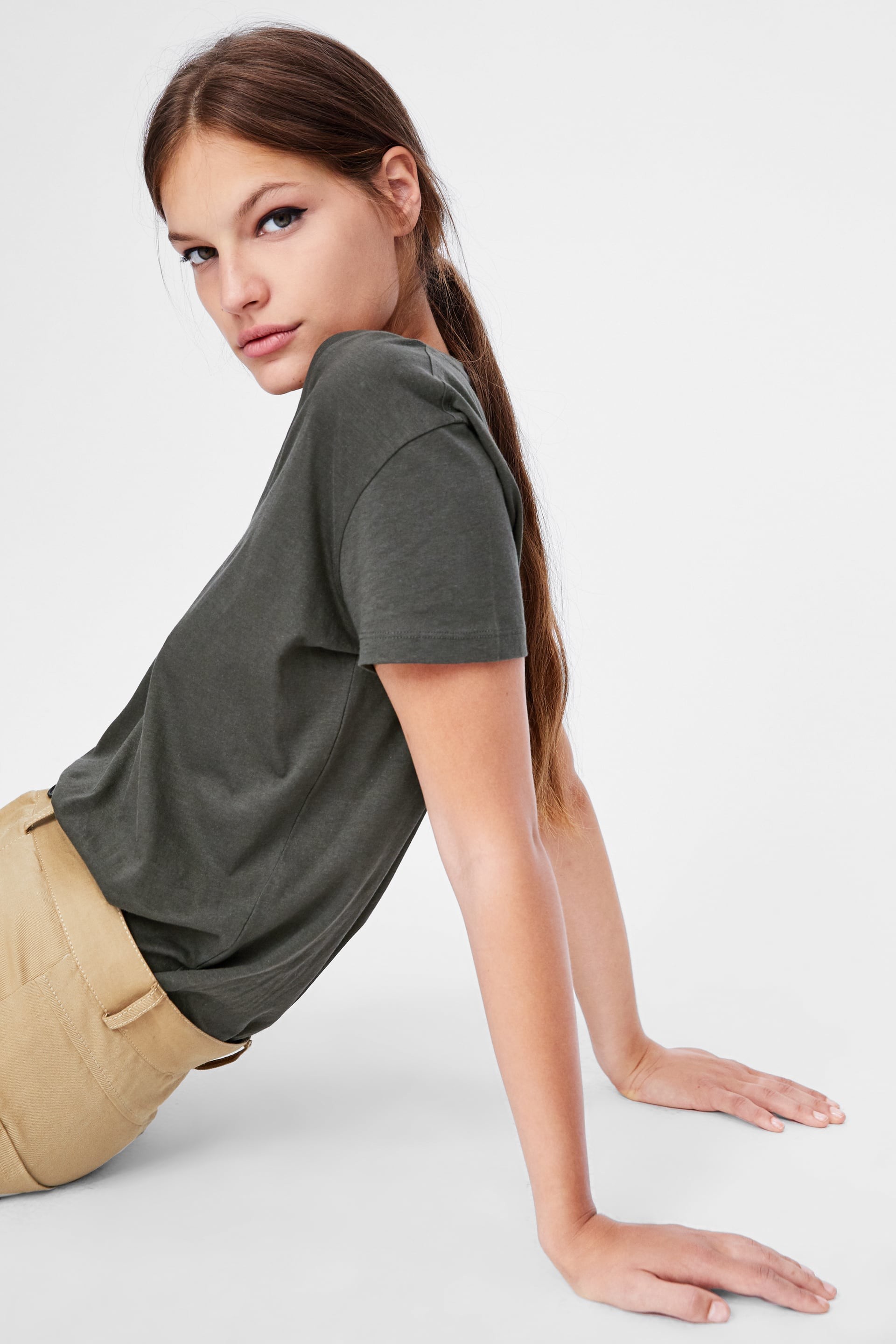
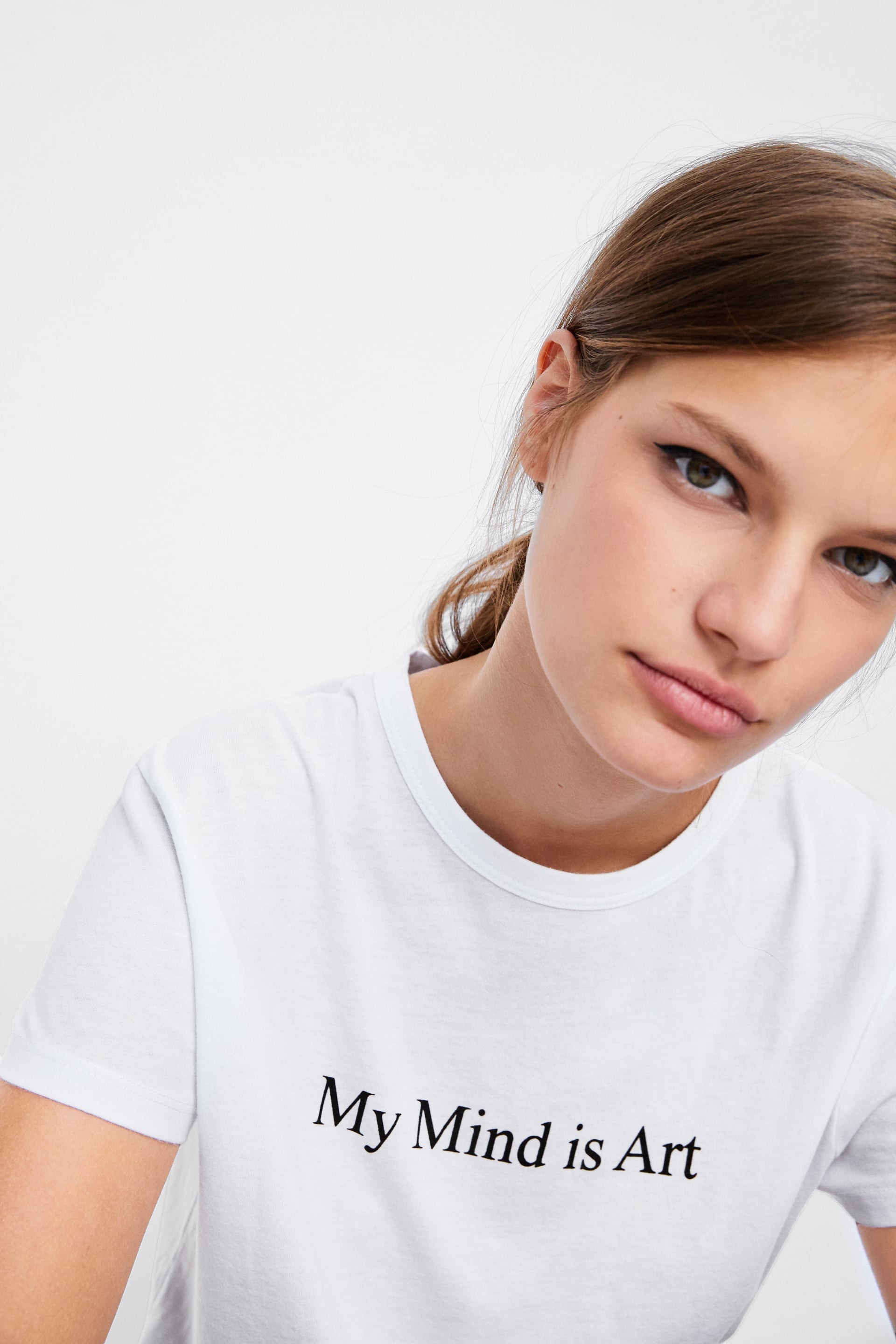
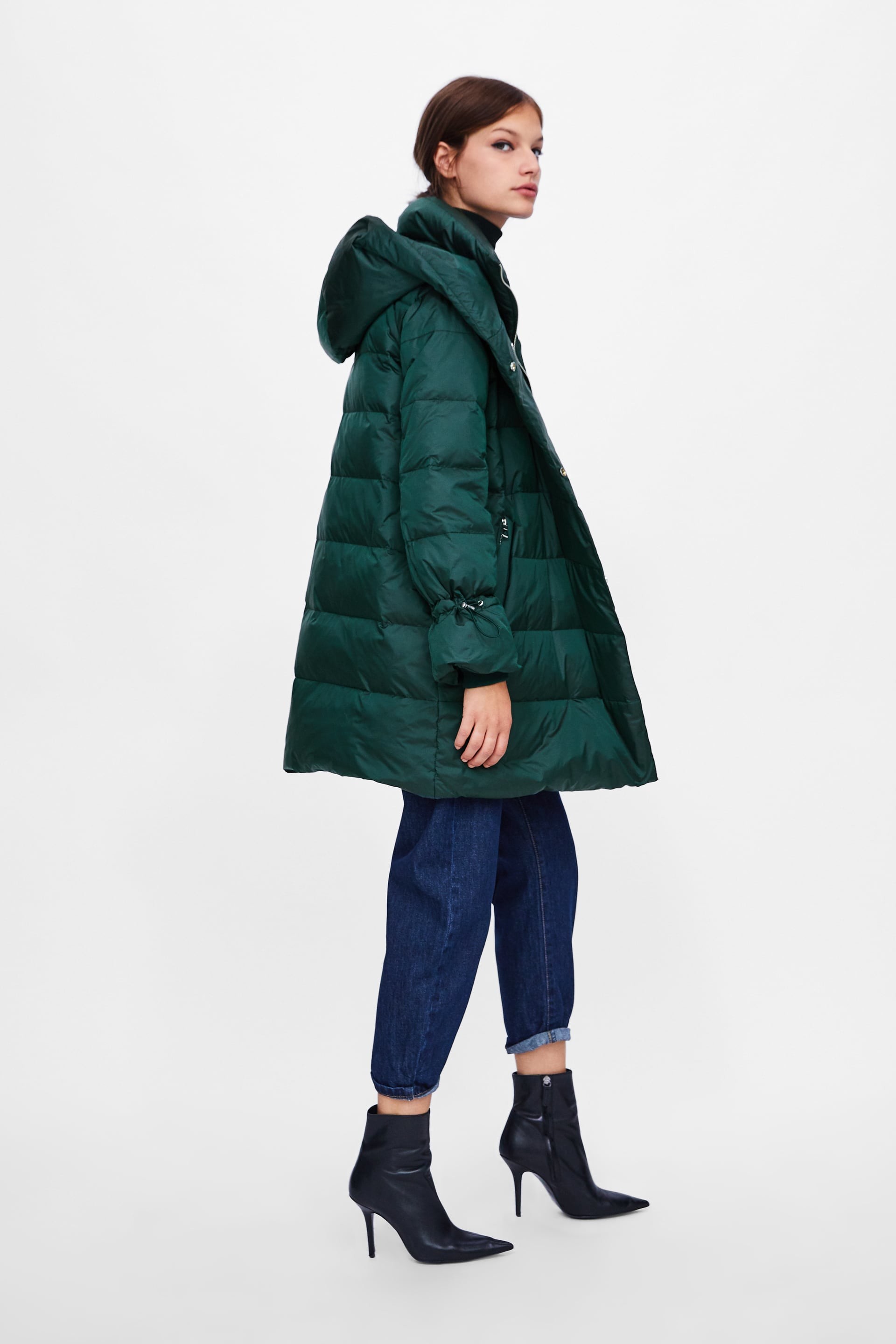
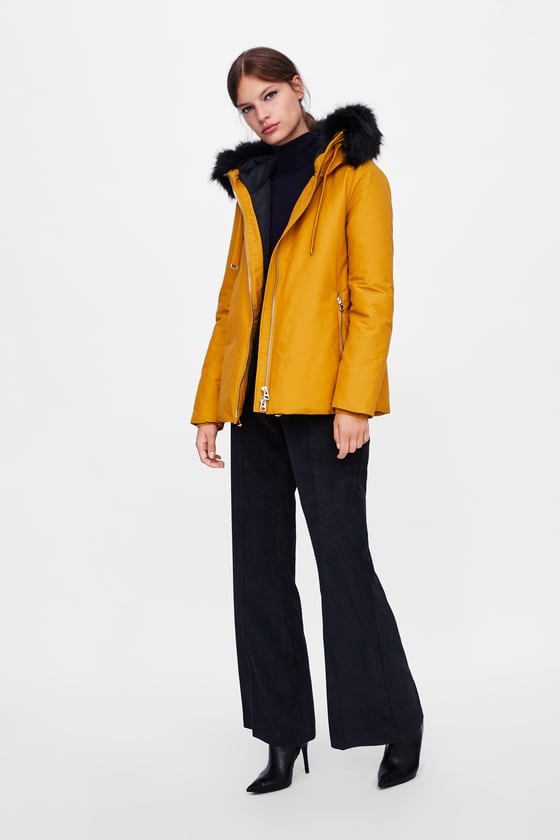
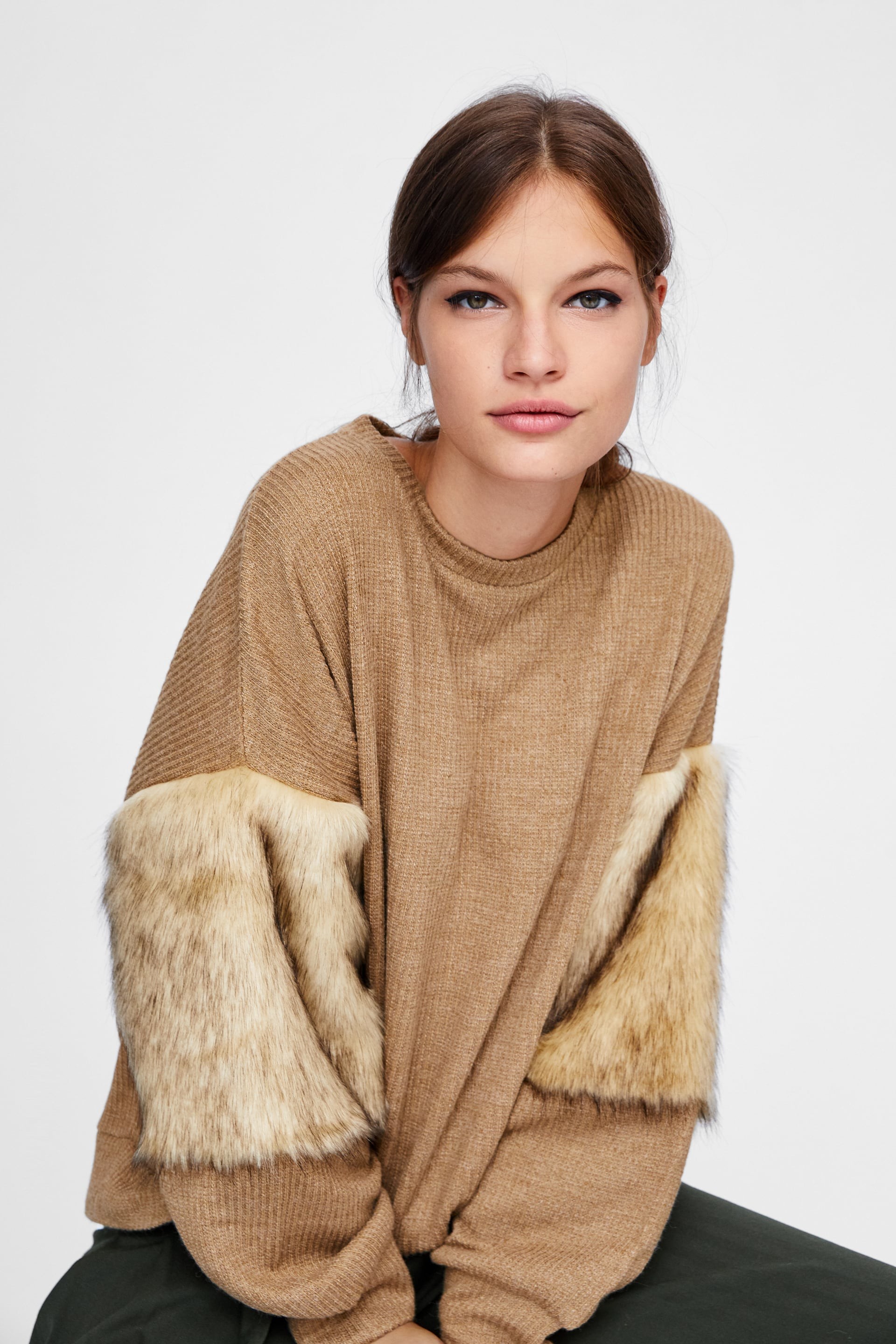
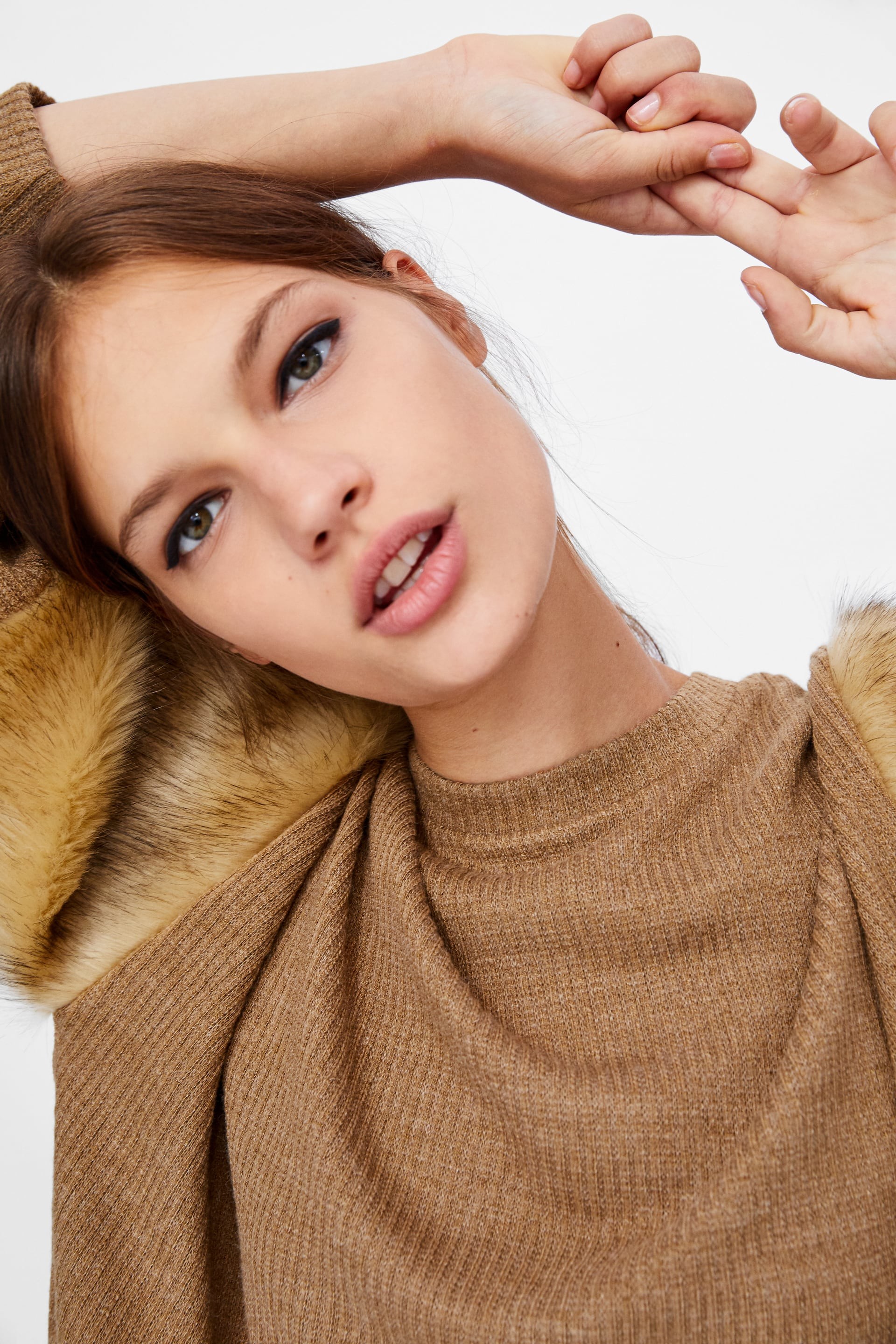
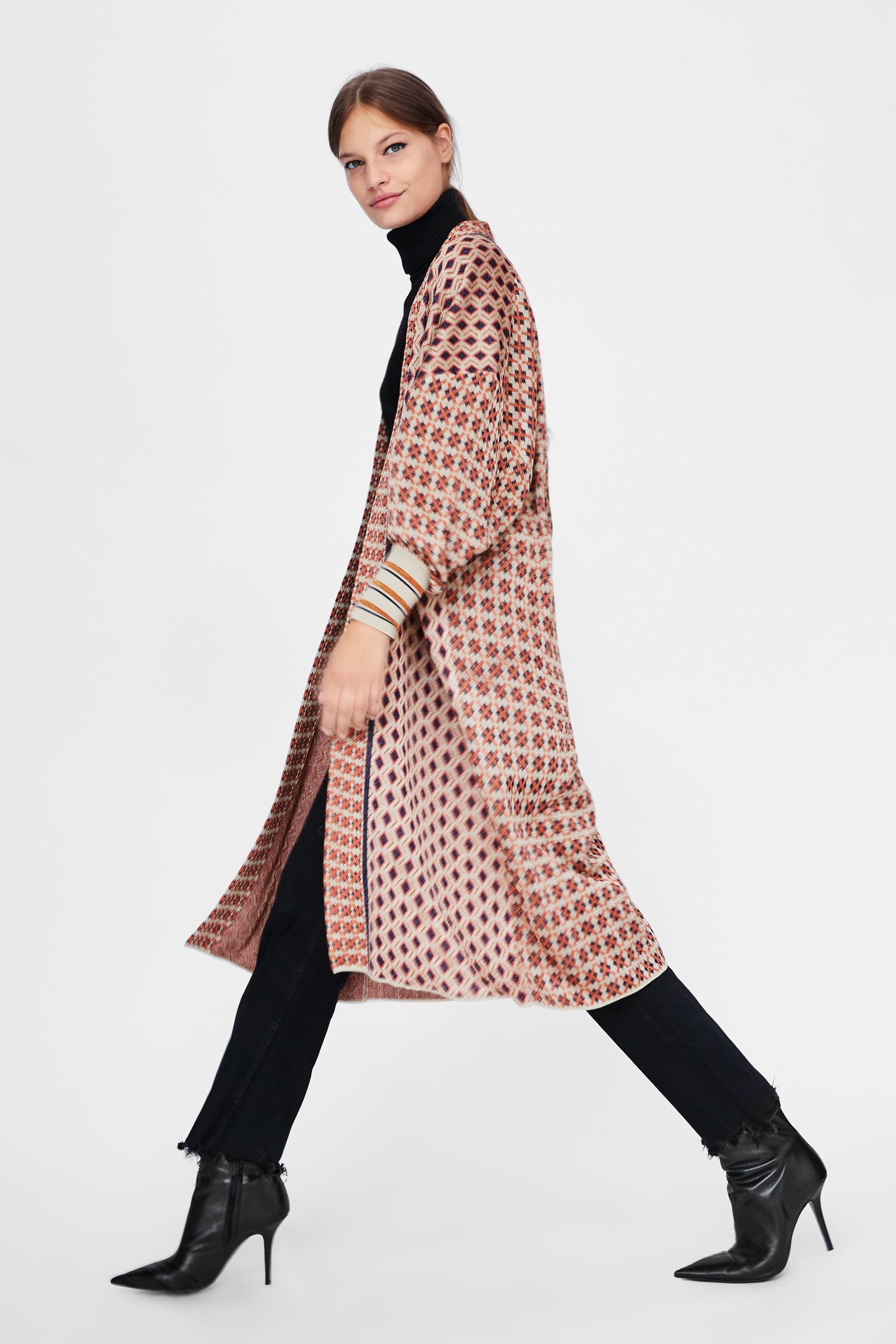
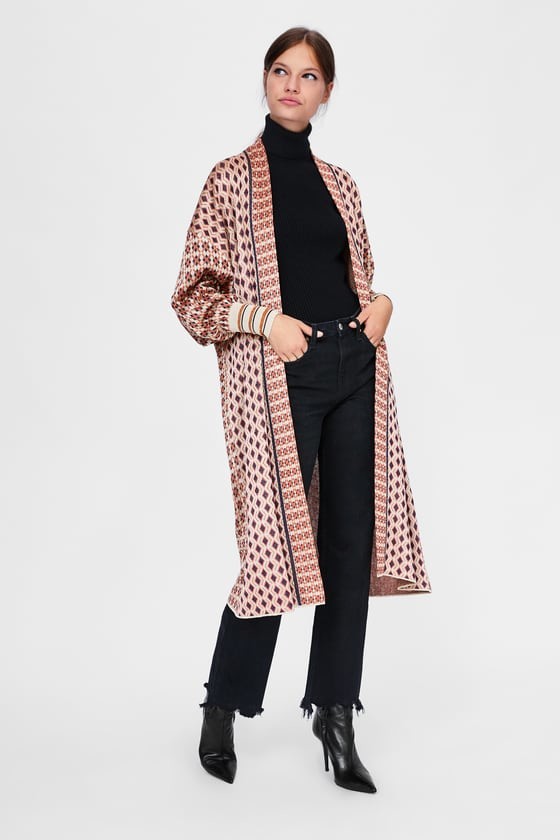
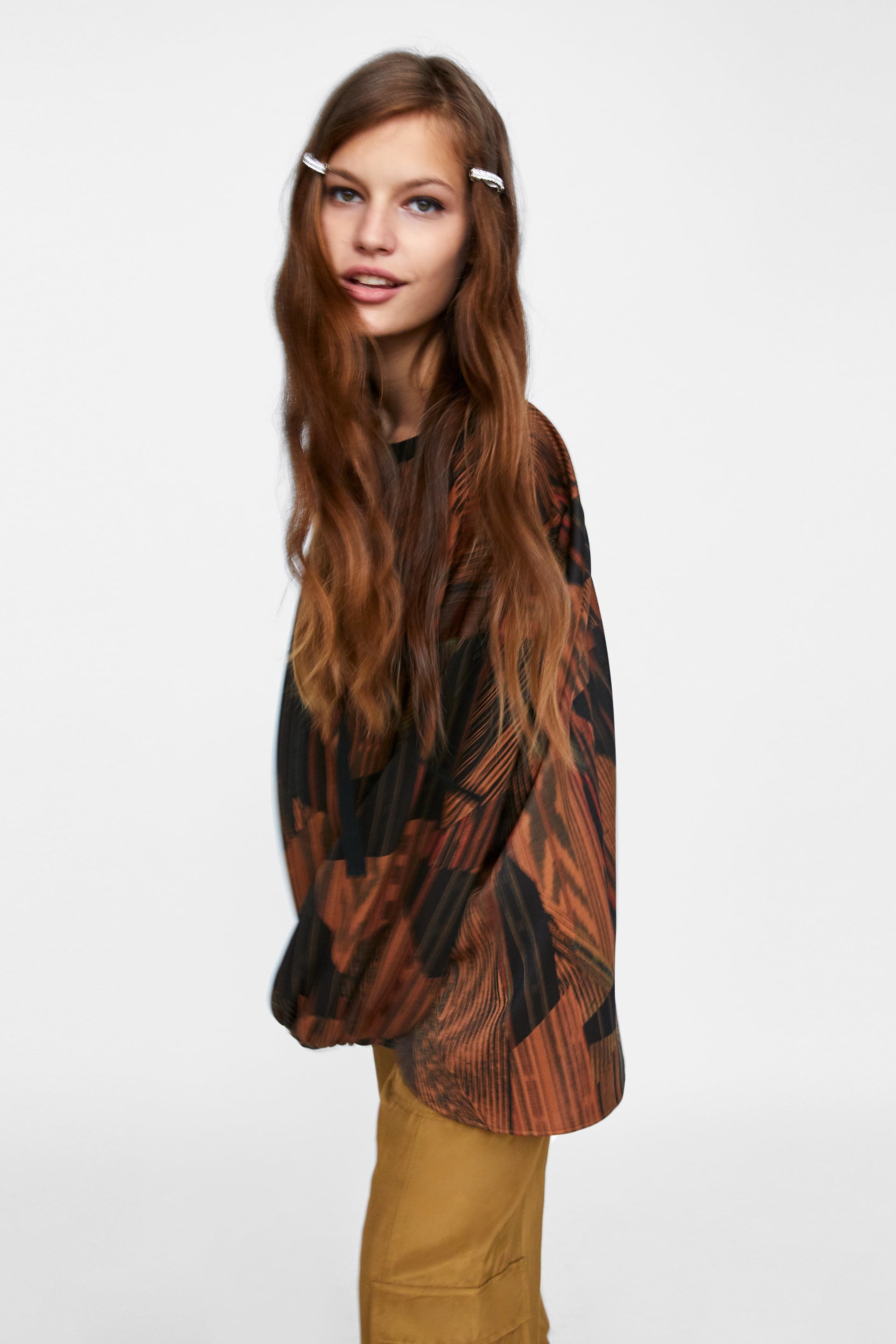
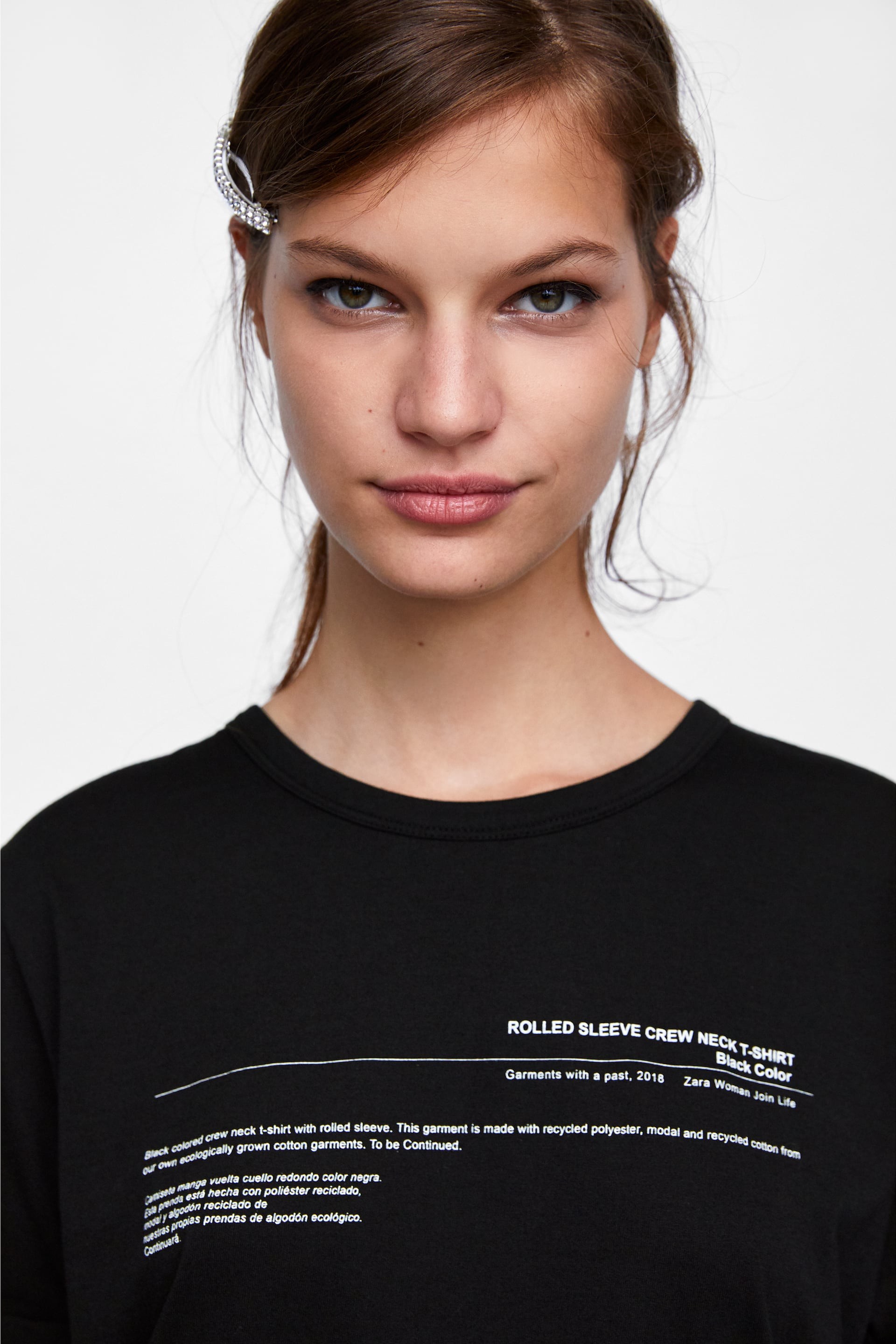
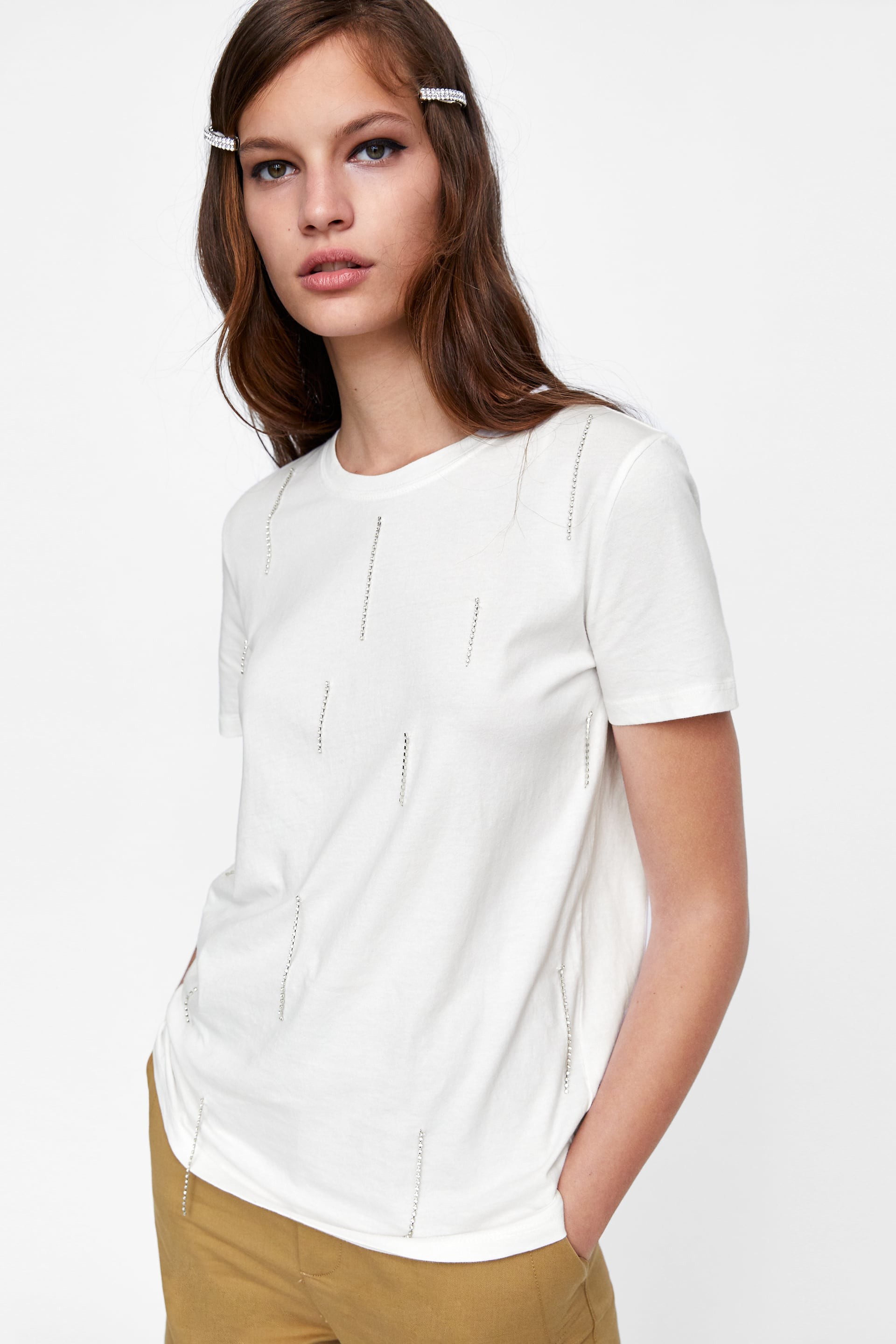
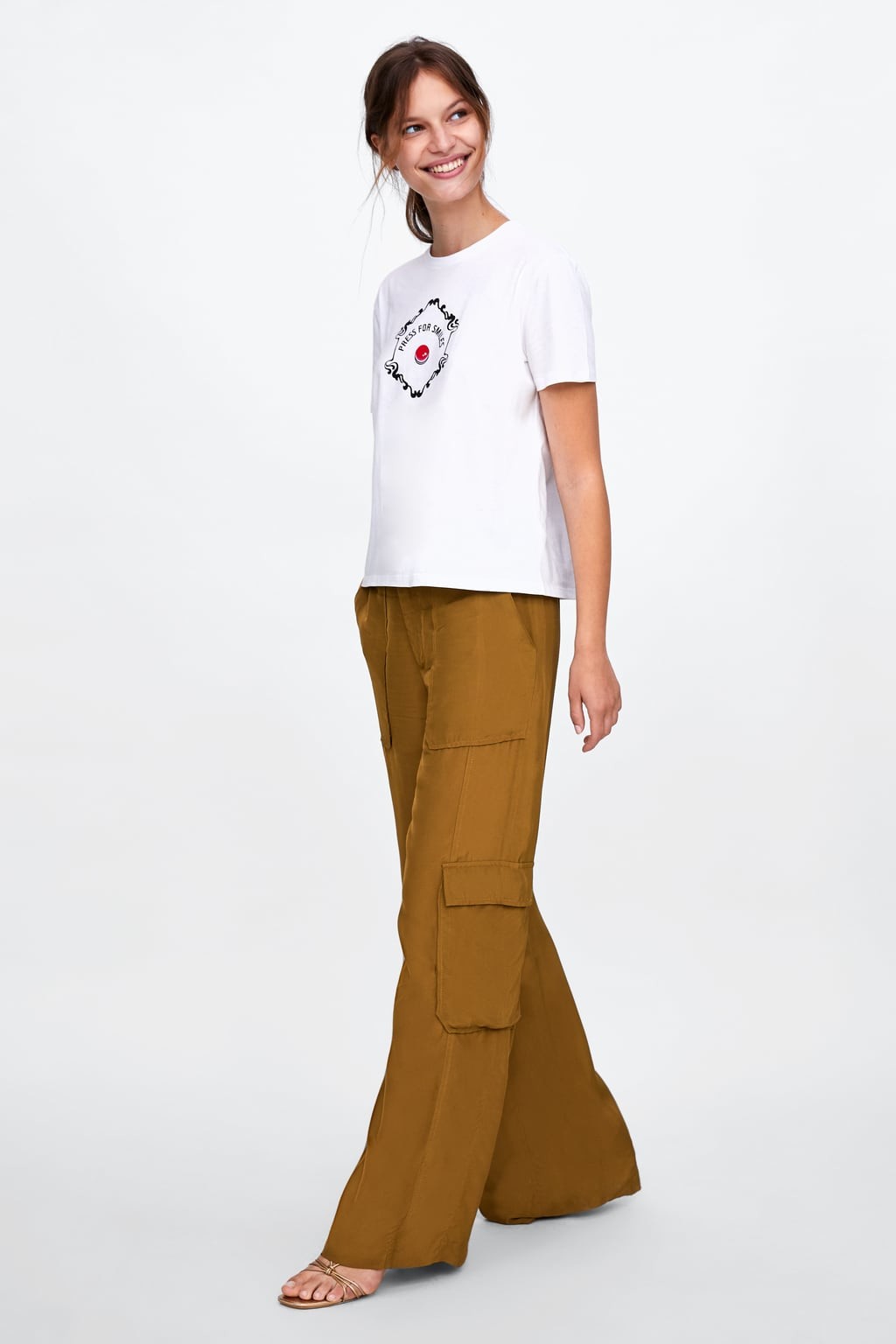
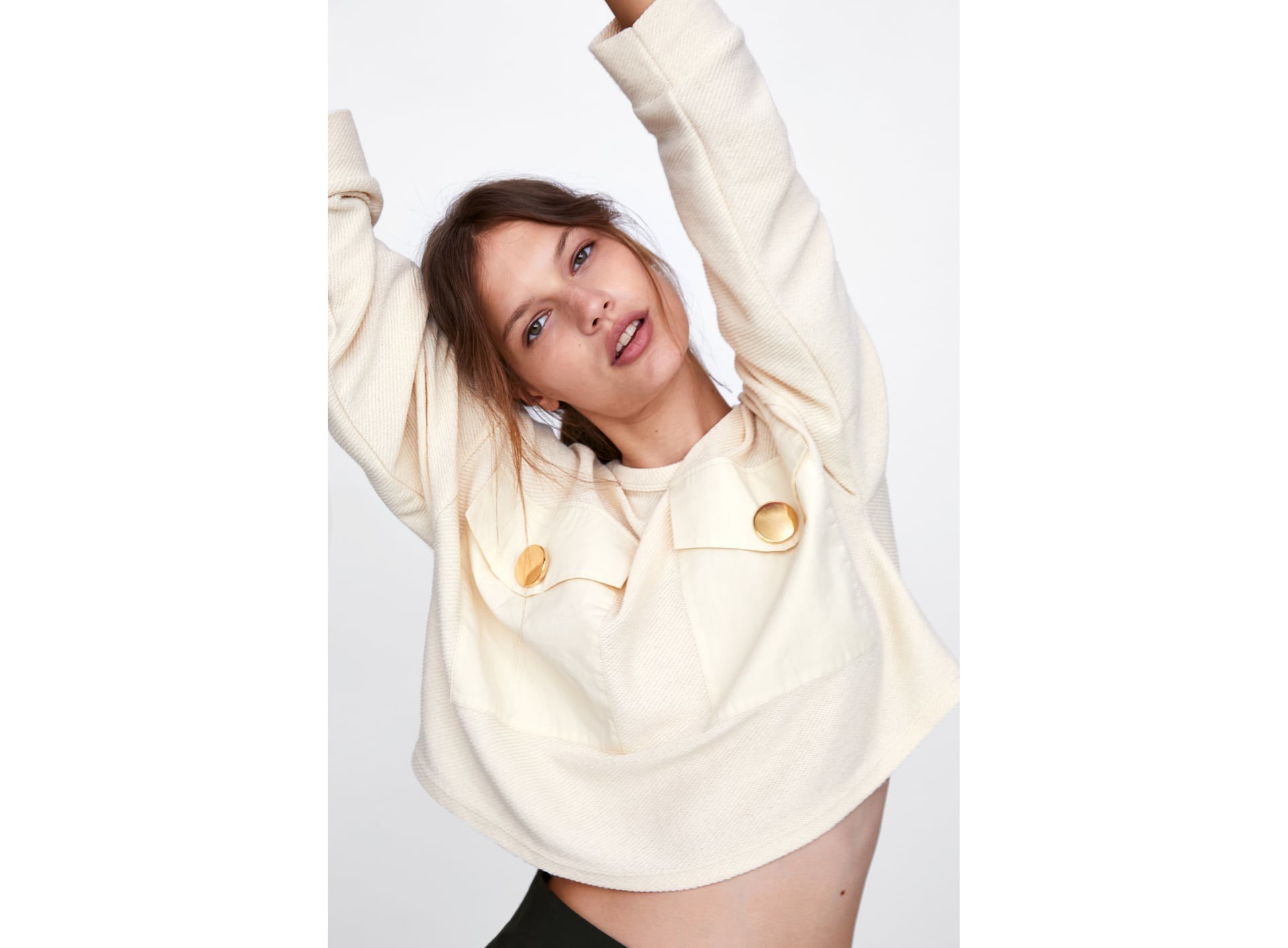
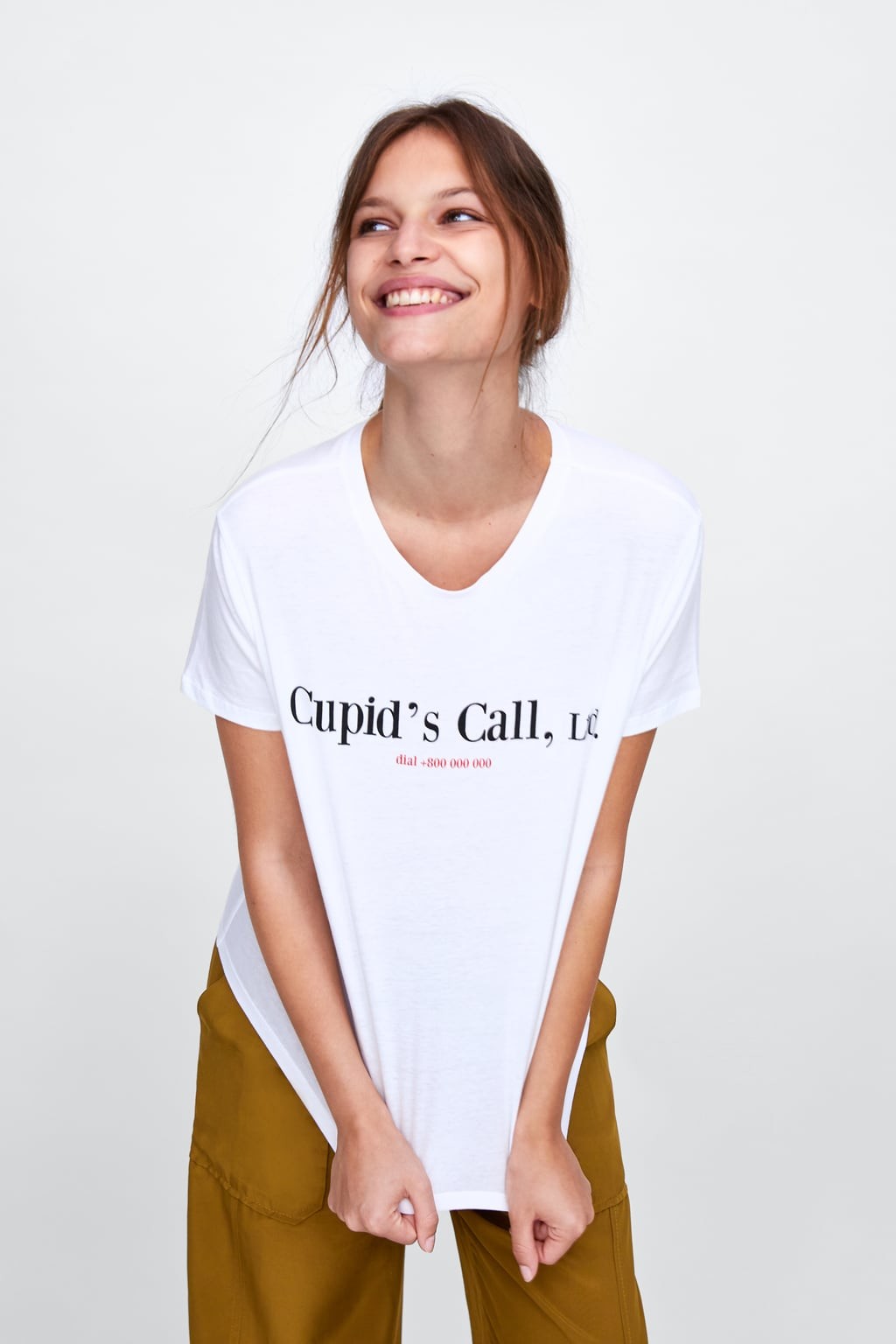
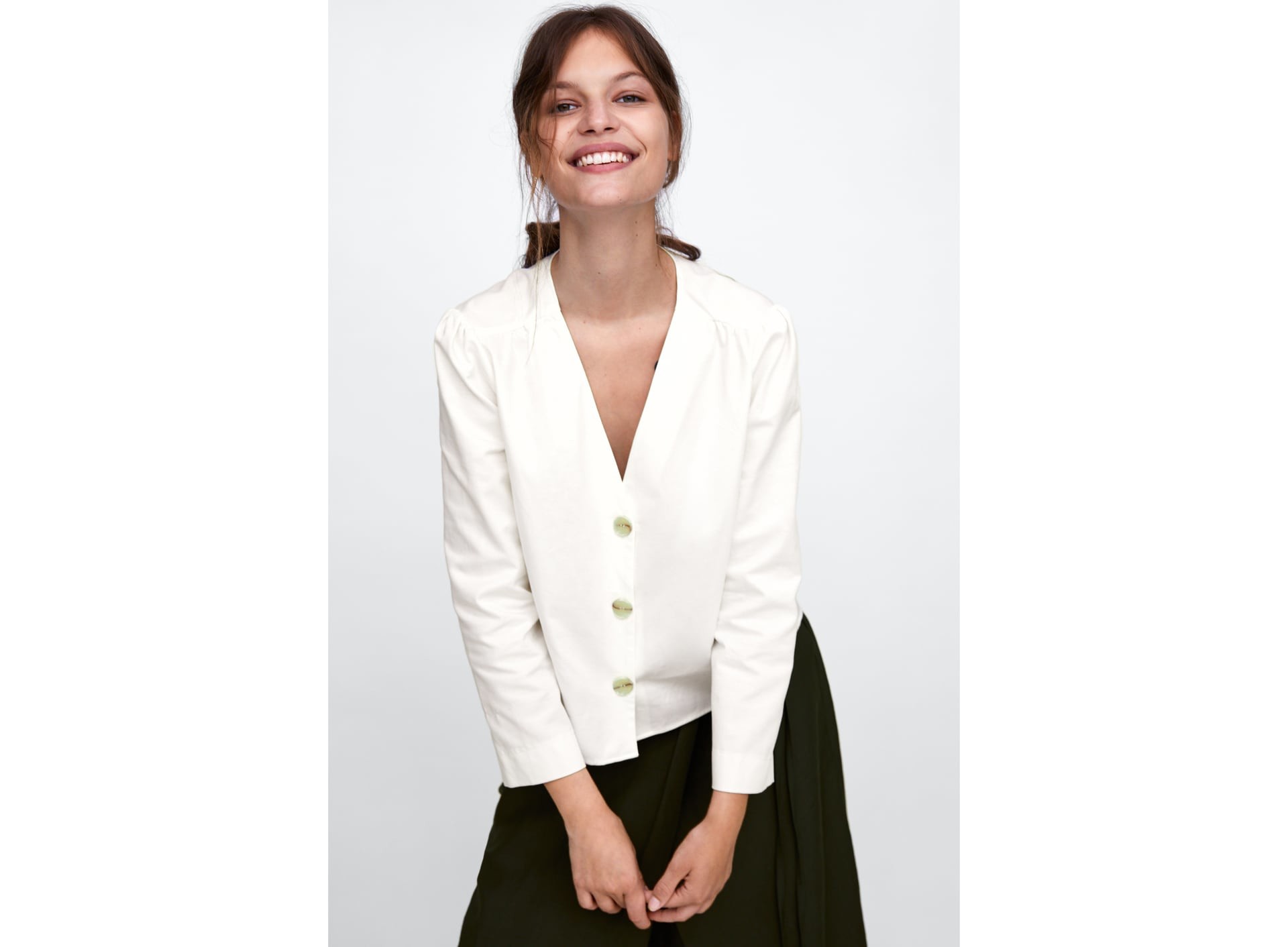
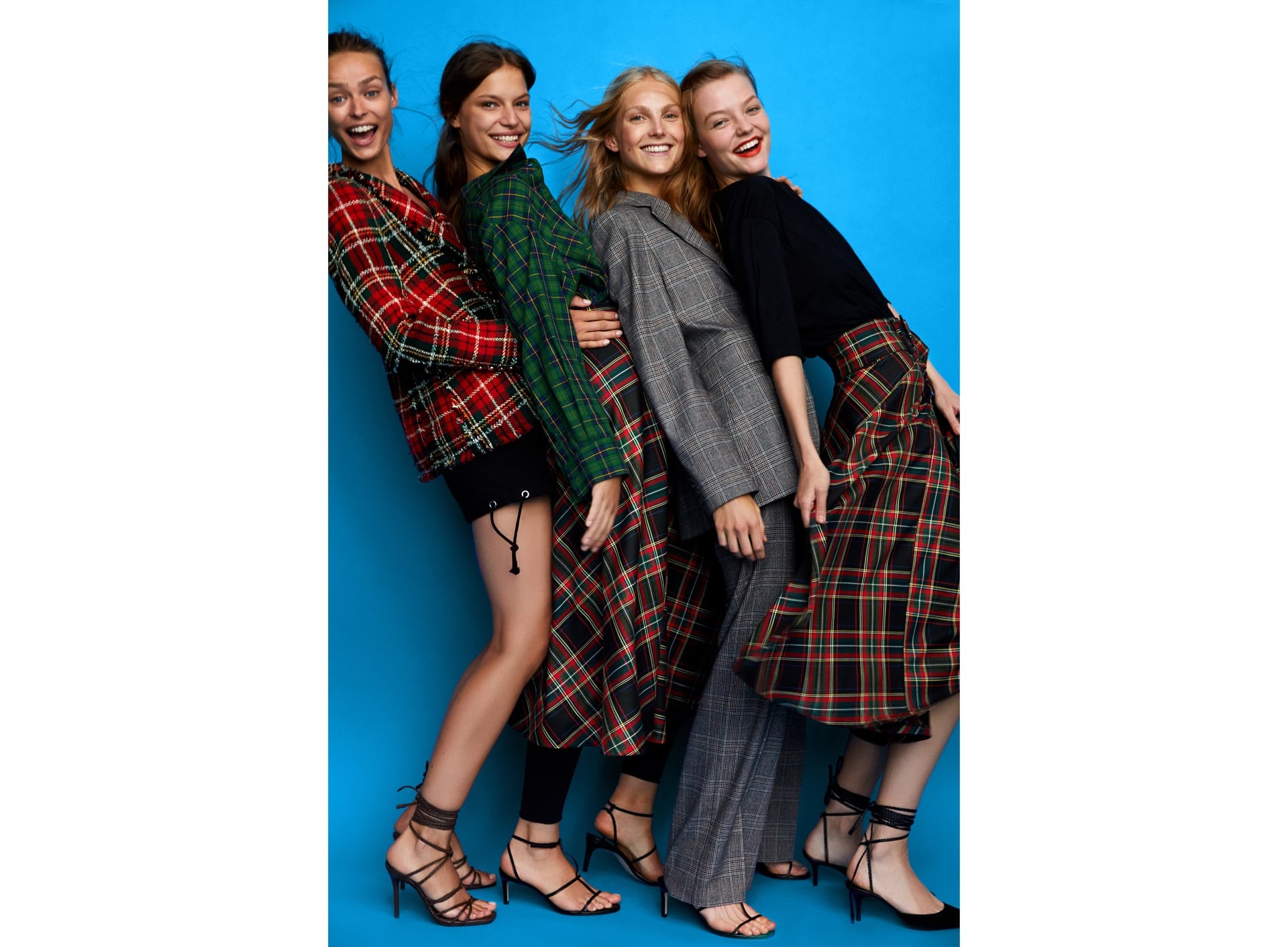
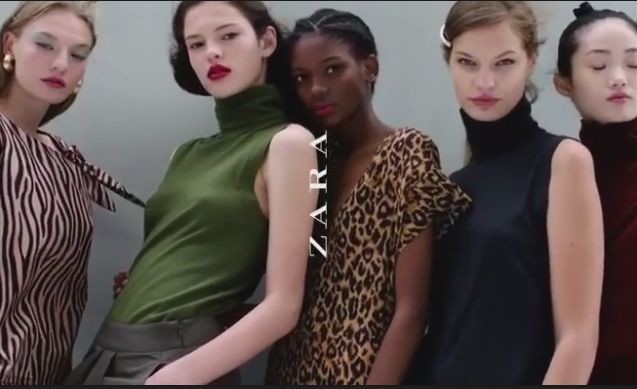
 ZARA News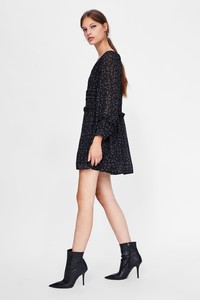
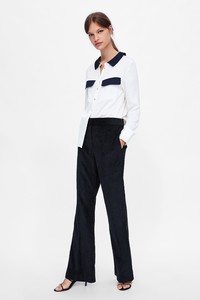

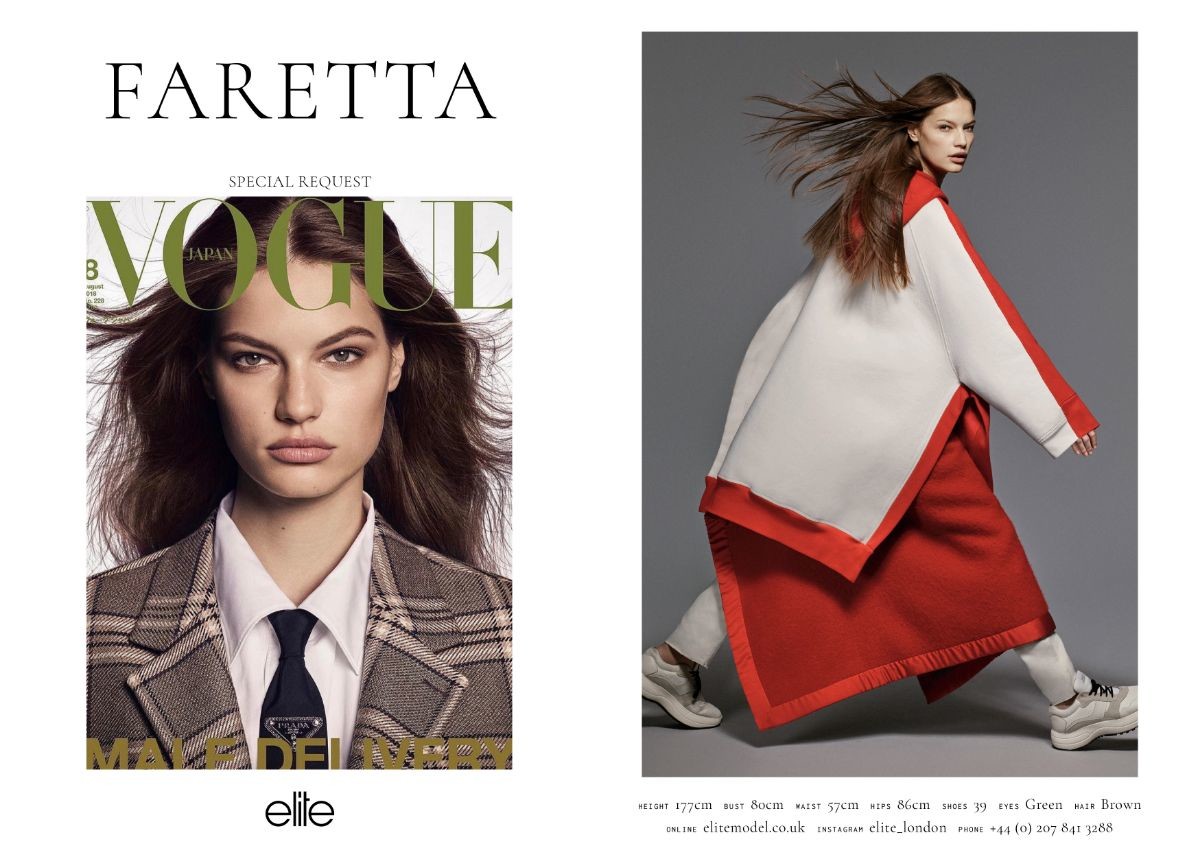
 London FW S/S 2019 Show Package Elite - SPECIAL REQUEST!!
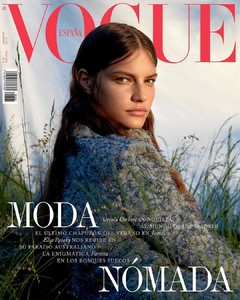
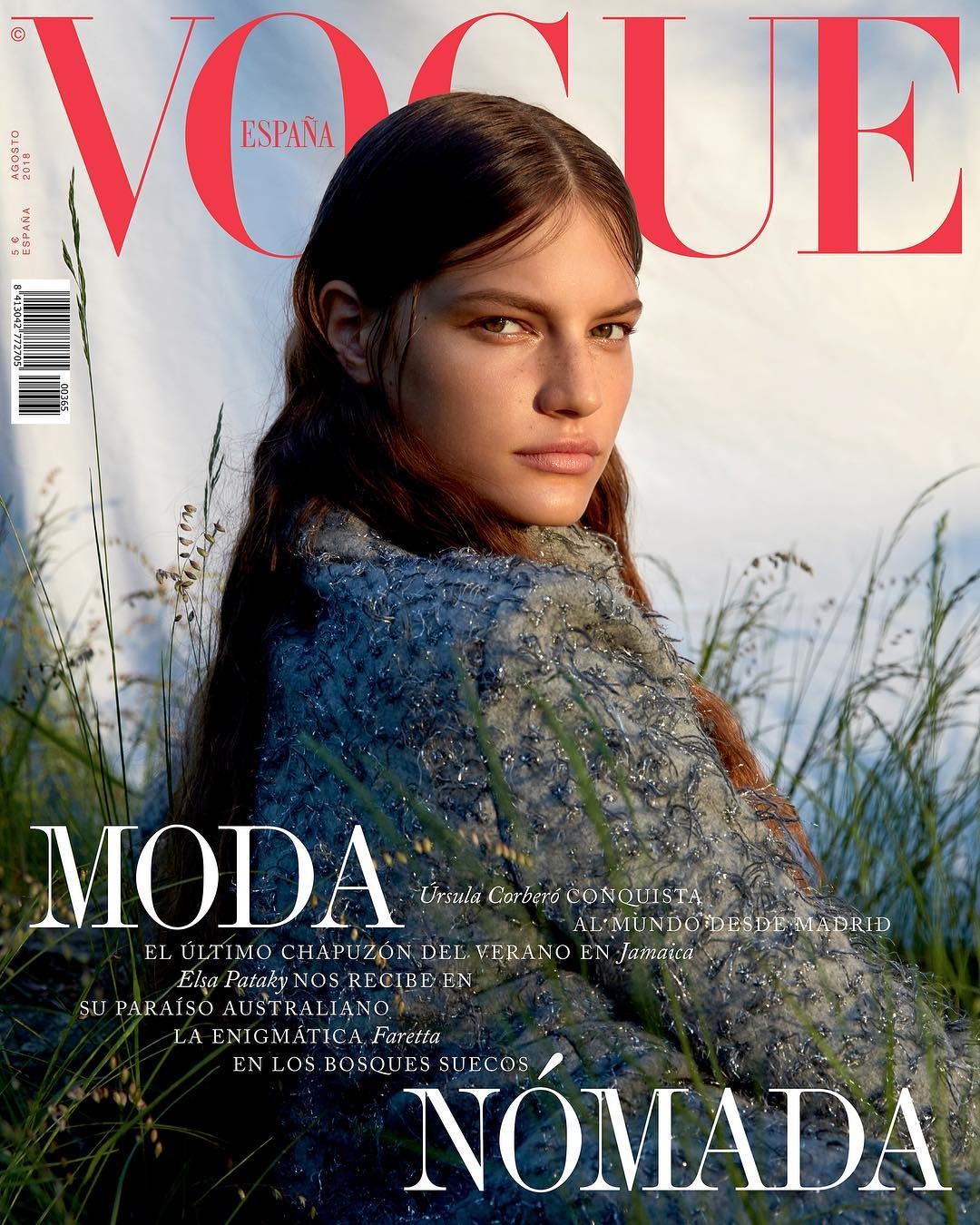
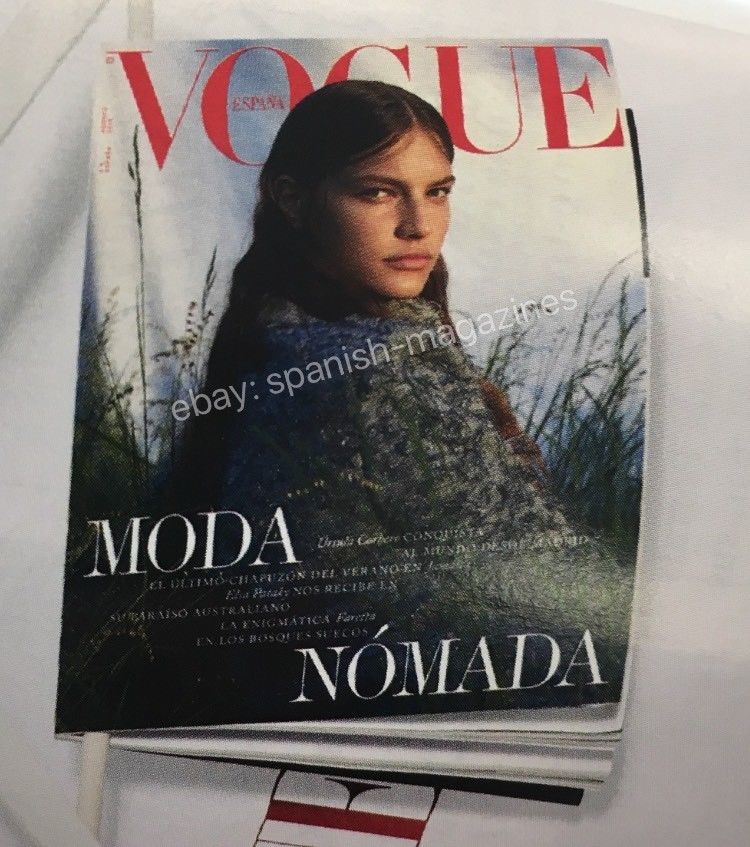
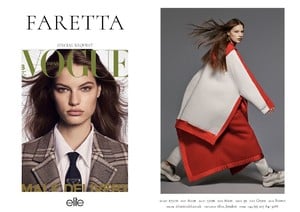 THE FASHION SPOT: Model-of-the-Moment Faretta Lands Her Third Vogue Cover for August MARK EAugust 2nd, 2018 0 0 0 Croatian beauty Faretta must be on a mission to dominate newsstands worldwide. In the past two months, she’s scored covers for Vogue Japan and Vogue Russia. Now Faretta adds the cover of Vogue Spain to her impressive body of work. The polar opposite of her ultra glam Russian Vogue shoot, the current face of Blumarine does nomad chic this time around. Photographed by Camilla Akrans and styled by Cathy Kasterine, Faretta wears a Chanel tweed jacket as she stares over her shoulder in the beautiful and serene cover image. image: http://cdn2-www.thefashionspot.com/assets/uploads/2018/08/voguespain-aug18-faretta-article.jpg IMAGE: VOGUE.ES But were our forum members into it? “Yess…Miss Faretta Radic out here collecting Vogue covers like it’s nothing this year. Sensational stuff really…very very happy for her. Amazing cover,” proclaimed Scouting Snapper. “I like it! She looks very soft and relaxed. It’s nice to see her without her signature pouty face,” credited GivenchyHomme. “So effortless and romantic. Faretta has that timeless, silver screen face that’s pure cinematic heroine,” declared Phuel. [ Not a tFS forum member yet? Click here to join! ] “First time ever I liked her picture. Stunning,” confessed Vitamine W. Also showing the cover some love was Perickles: “Beautiful pictures, she expresses a lot with her eyes. The cover is so gorgeous. I’ll buy this.” “What a beautiful cover, Faretta looks stunning,” Lausanne chimed in. “After her tacky Vogue Russia cover (where she looked like she had a lazy eye) this is kind of amazing, first time I get her appeal,” admitted YohjiAddict. Ivanovaju felt the same way: “Miles better than her Vogue Russia cover.” Do you agree? Check out Faretta’s accompanying cover story and add your own two cents here. Read more at http://www.thefashionspot.com/buzz-news/forum-buzz/798317-faretta-vogue-spain-august-2018/#GXqjAMbPMPSERhZ0.99
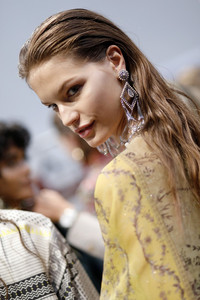
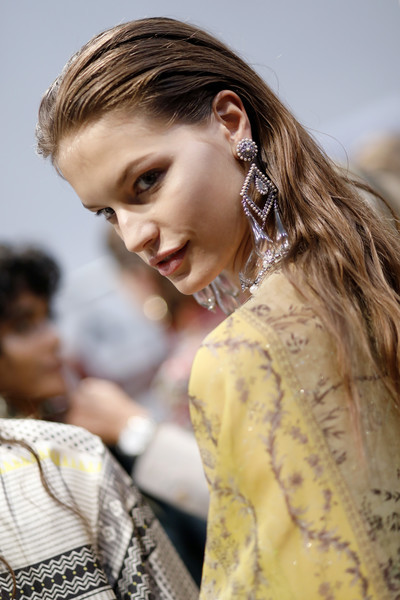
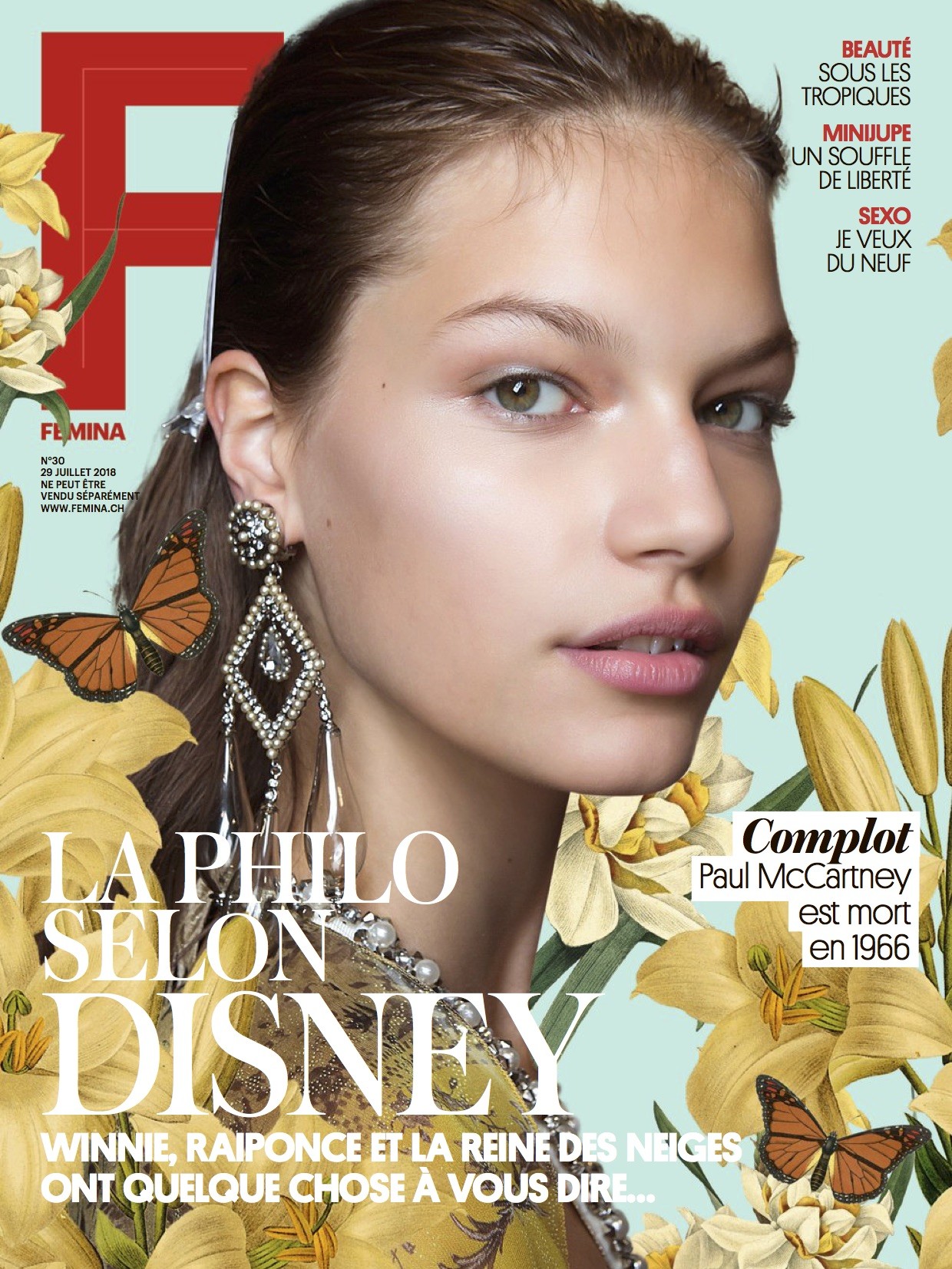
Cover - some Swiss Magazine ? - with backstage photo from fashion show ETRO SS 18
THE FASHION SPOT: Model-of-the-Moment Faretta Lands Her Third Vogue Cover for August MARK EAugust 2nd, 2018 0 0 0 Croatian beauty Faretta must be on a mission to dominate newsstands worldwide. In the past two months, she’s scored covers for Vogue Japan and Vogue Russia. Now Faretta adds the cover of Vogue Spain to her impressive body of work. The polar opposite of her ultra glam Russian Vogue shoot, the current face of Blumarine does nomad chic this time around. Photographed by Camilla Akrans and styled by Cathy Kasterine, Faretta wears a Chanel tweed jacket as she stares over her shoulder in the beautiful and serene cover image. image: http://cdn2-www.thefashionspot.com/assets/uploads/2018/08/voguespain-aug18-faretta-article.jpg IMAGE: VOGUE.ES But were our forum members into it? “Yess…Miss Faretta Radic out here collecting Vogue covers like it’s nothing this year. Sensational stuff really…very very happy for her. Amazing cover,” proclaimed Scouting Snapper. “I like it! She looks very soft and relaxed. It’s nice to see her without her signature pouty face,” credited GivenchyHomme. “So effortless and romantic. Faretta has that timeless, silver screen face that’s pure cinematic heroine,” declared Phuel. [ Not a tFS forum member yet? Click here to join! ] “First time ever I liked her picture. Stunning,” confessed Vitamine W. Also showing the cover some love was Perickles: “Beautiful pictures, she expresses a lot with her eyes. The cover is so gorgeous. I’ll buy this.” “What a beautiful cover, Faretta looks stunning,” Lausanne chimed in. “After her tacky Vogue Russia cover (where she looked like she had a lazy eye) this is kind of amazing, first time I get her appeal,” admitted YohjiAddict. Ivanovaju felt the same way: “Miles better than her Vogue Russia cover.” Do you agree? Check out Faretta’s accompanying cover story and add your own two cents here. Read more at http://www.thefashionspot.com/buzz-news/forum-buzz/798317-faretta-vogue-spain-august-2018/#GXqjAMbPMPSERhZ0.99
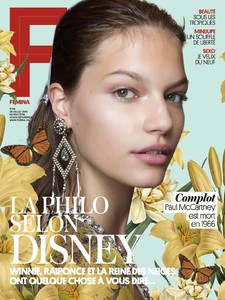
Cover - some Swiss Magazine ? - with backstage photo from fashion show ETRO SS 18
 ...a few more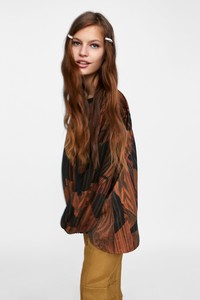
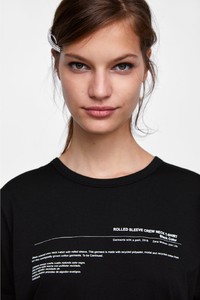
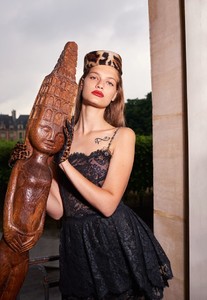
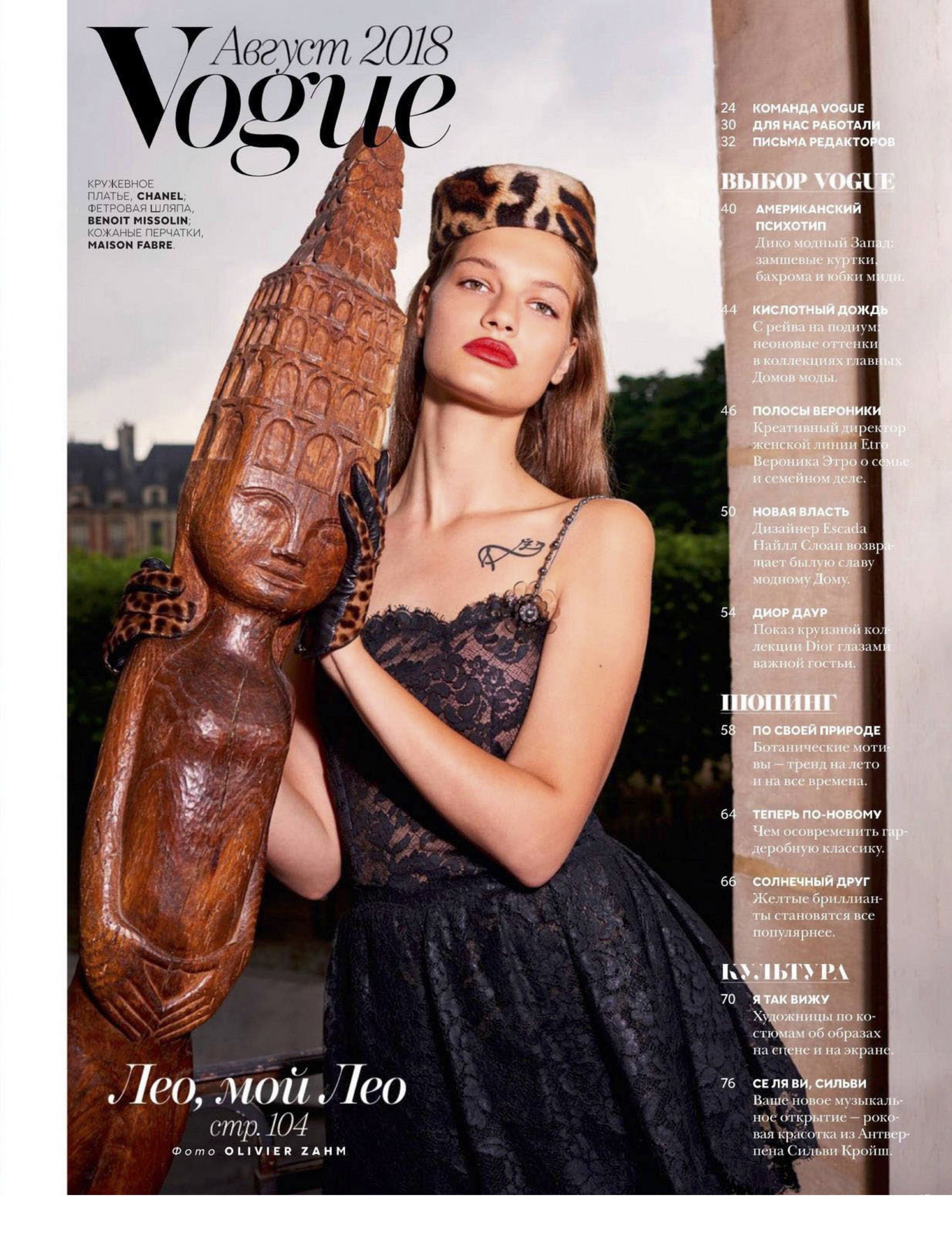
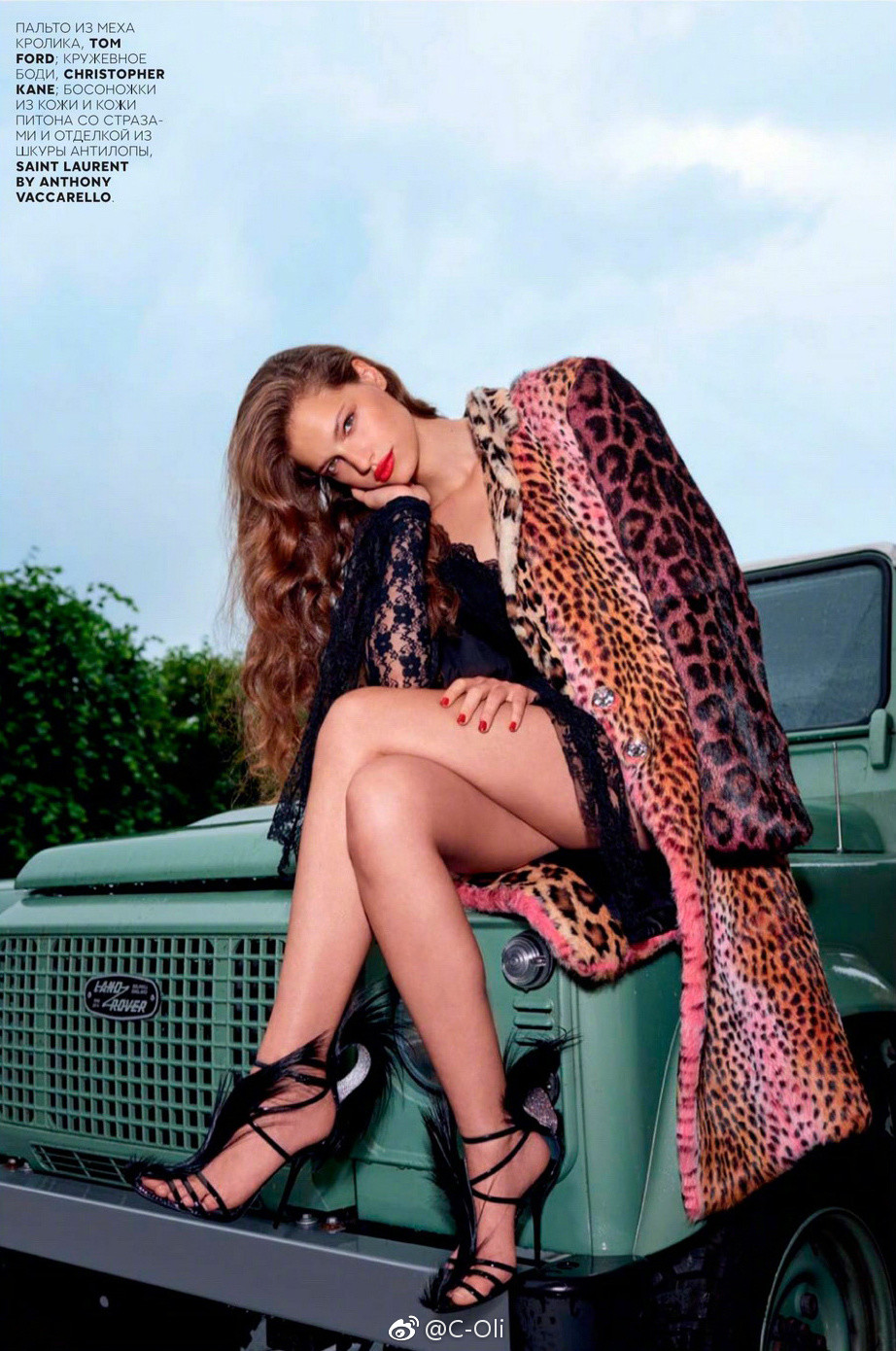
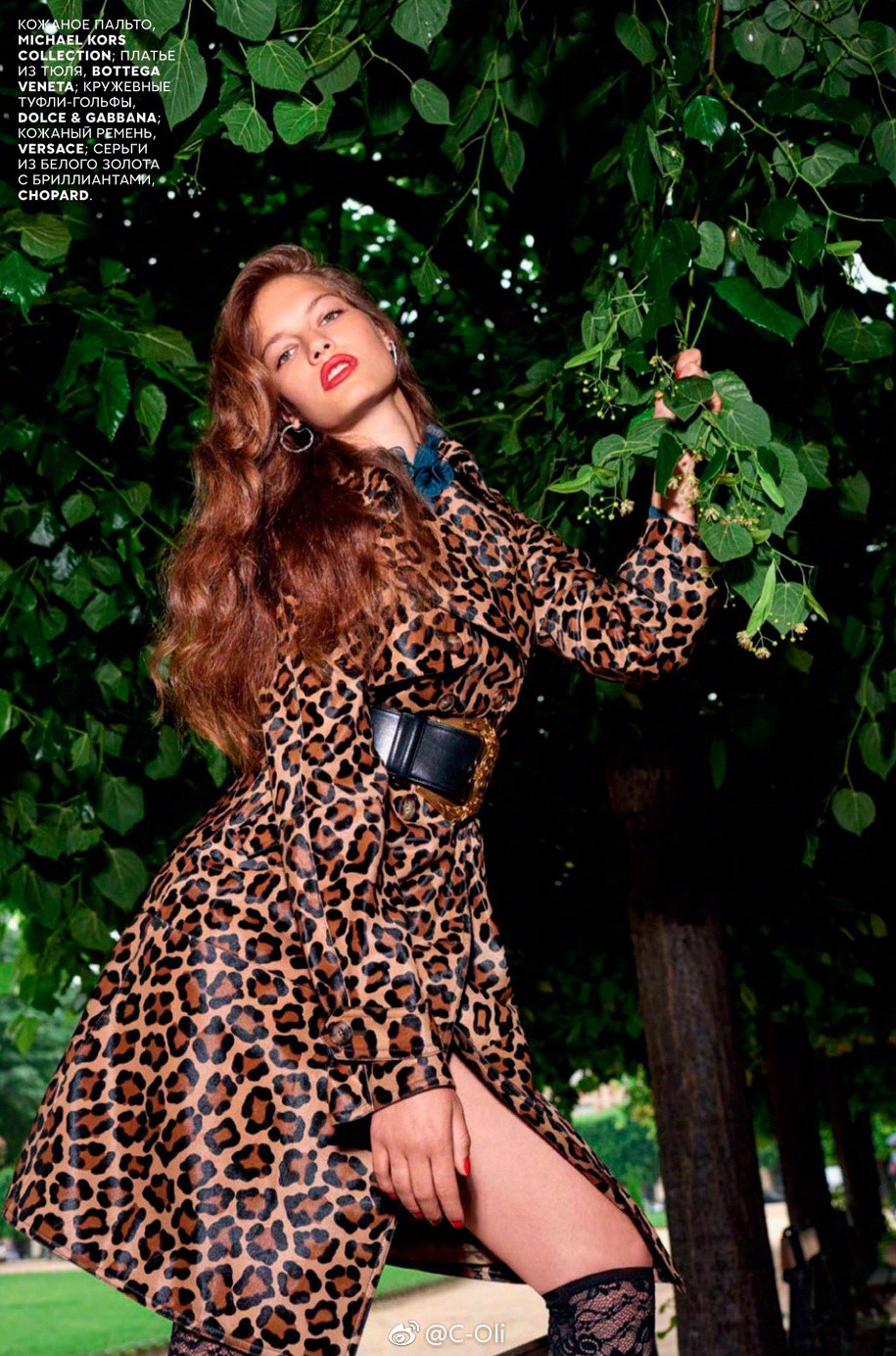
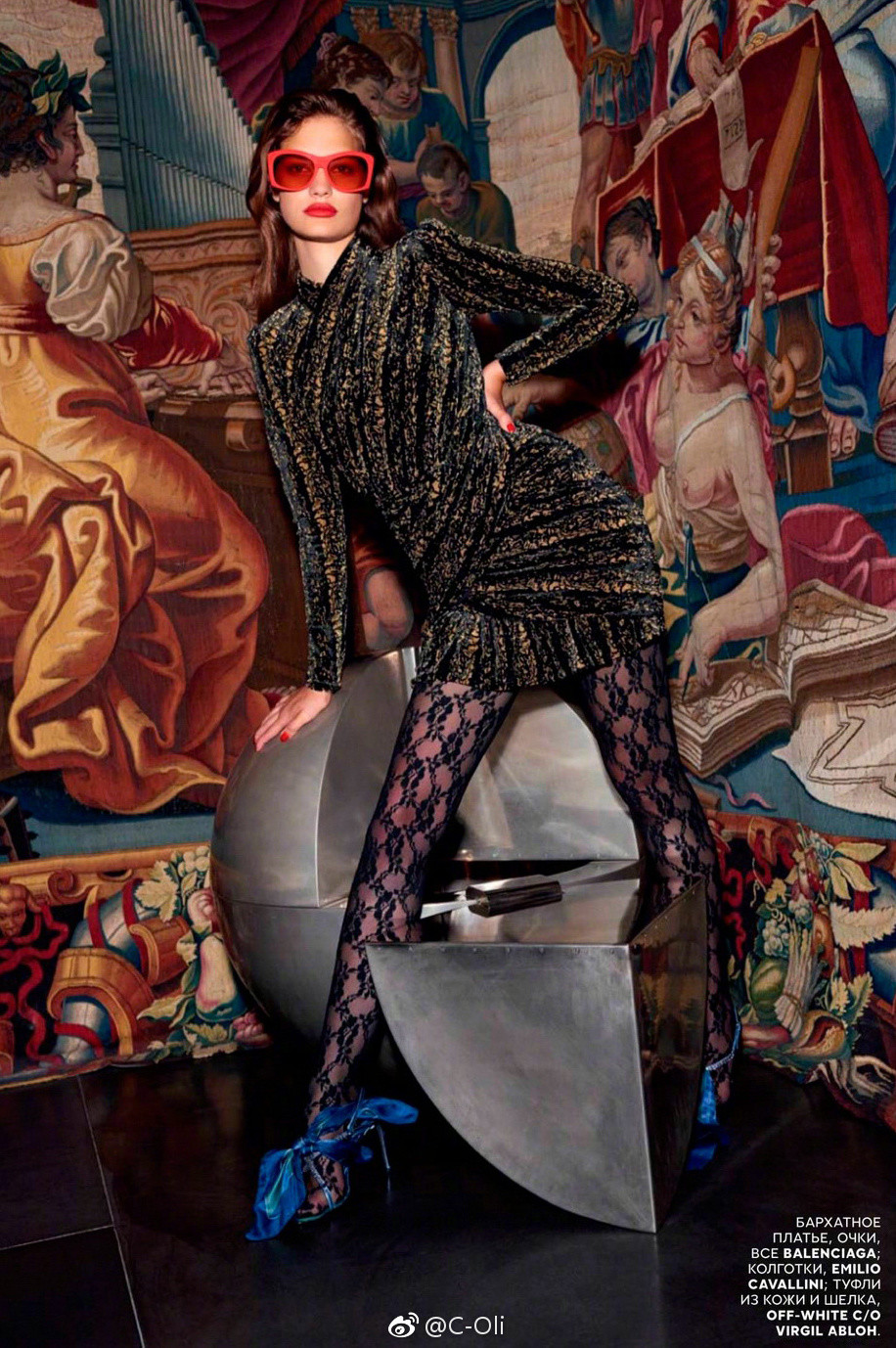
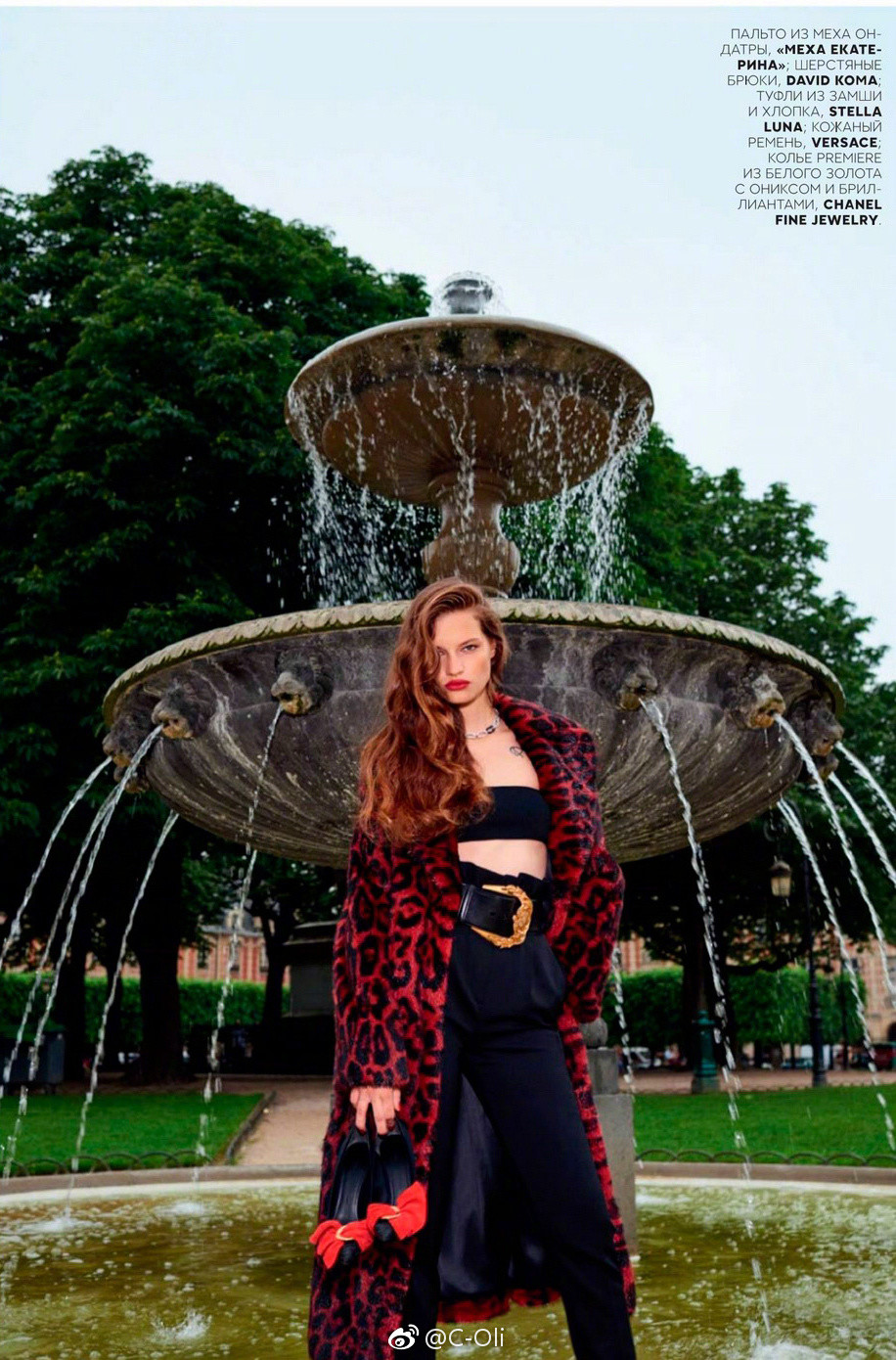
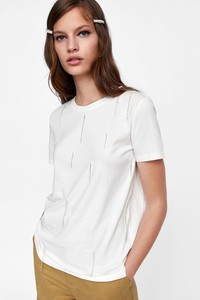 V O G U E Russia August 2018 - Content Page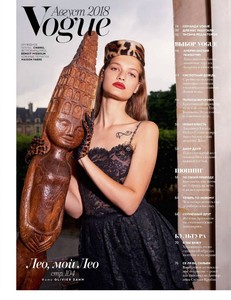
 V O G U E Spain August 2018 - COVER by Camilla Akrans
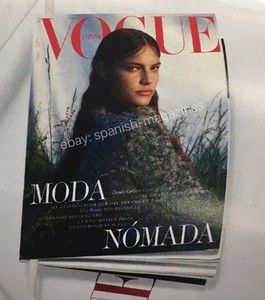
 Is it really next (third) VOGUE cover in August? Vogue Spain
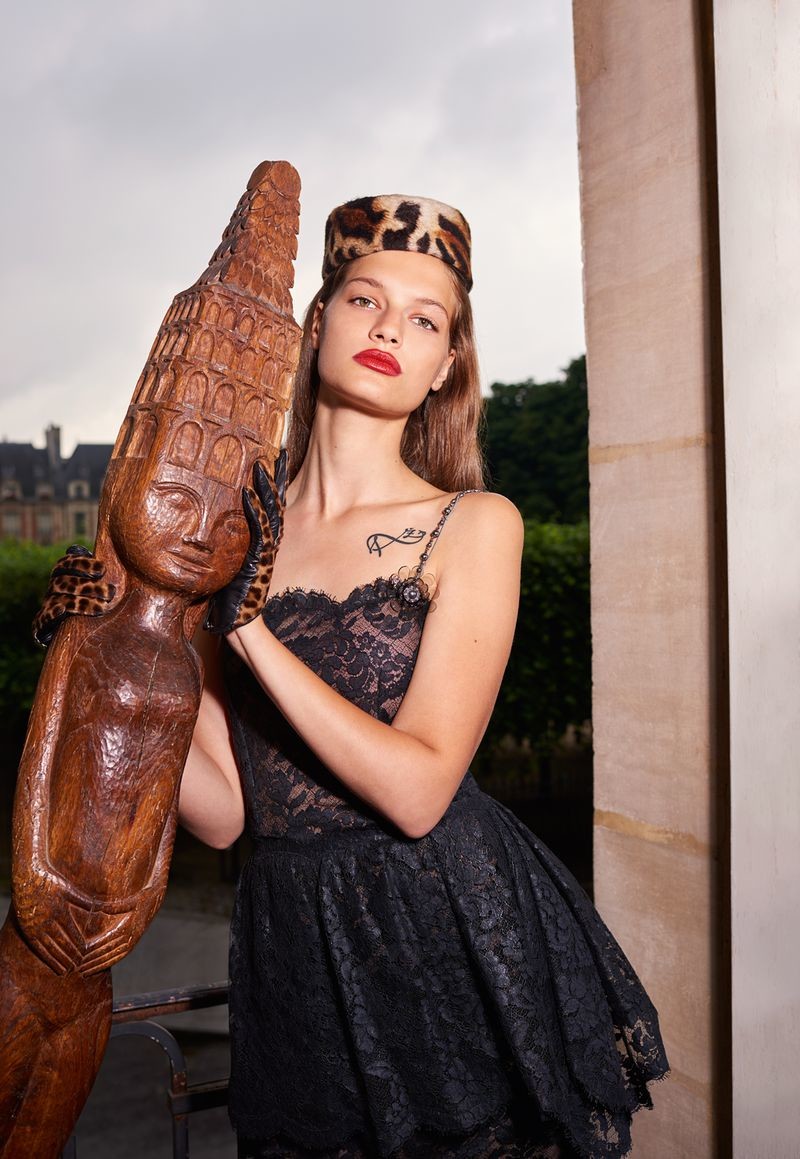
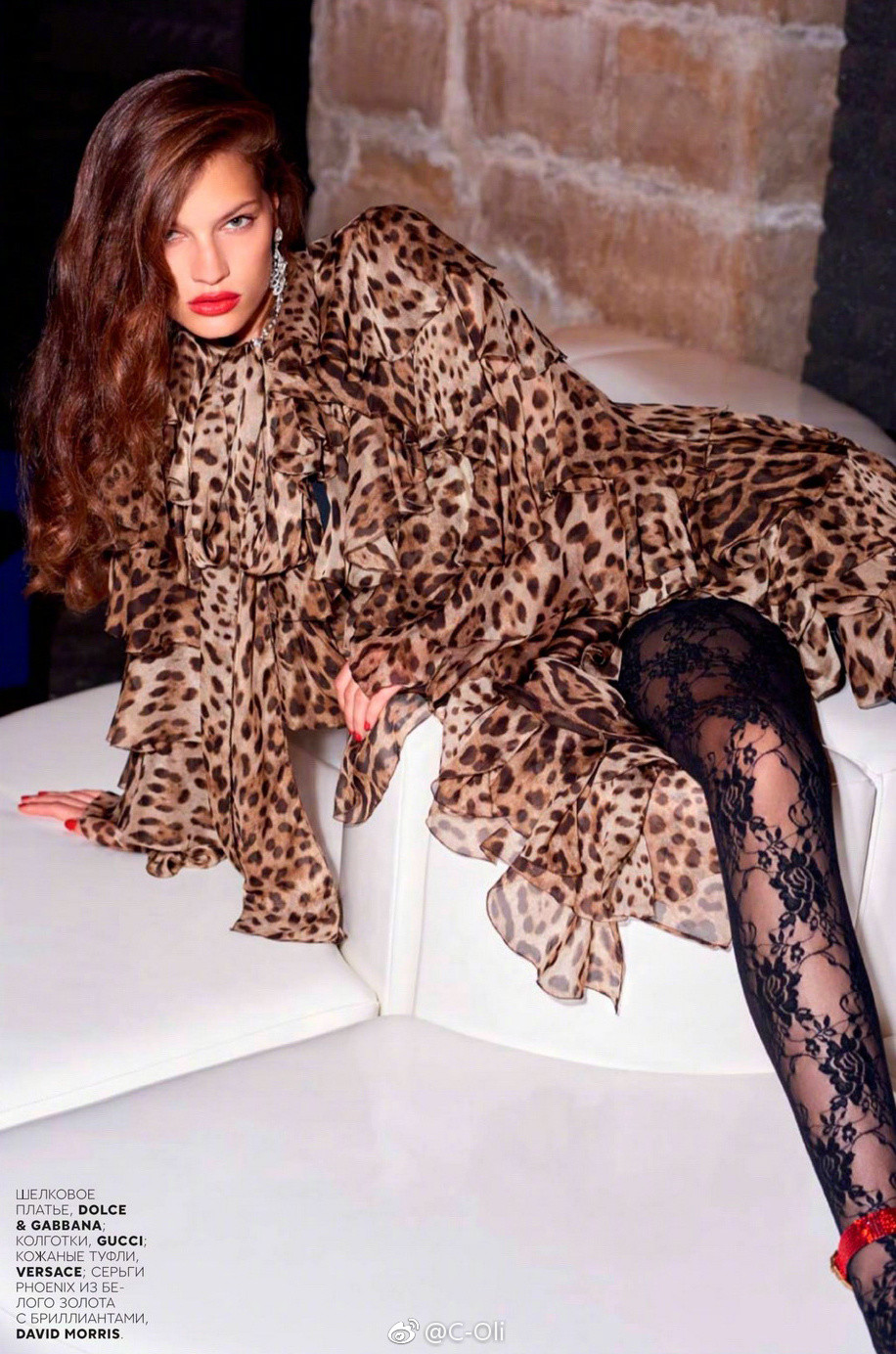
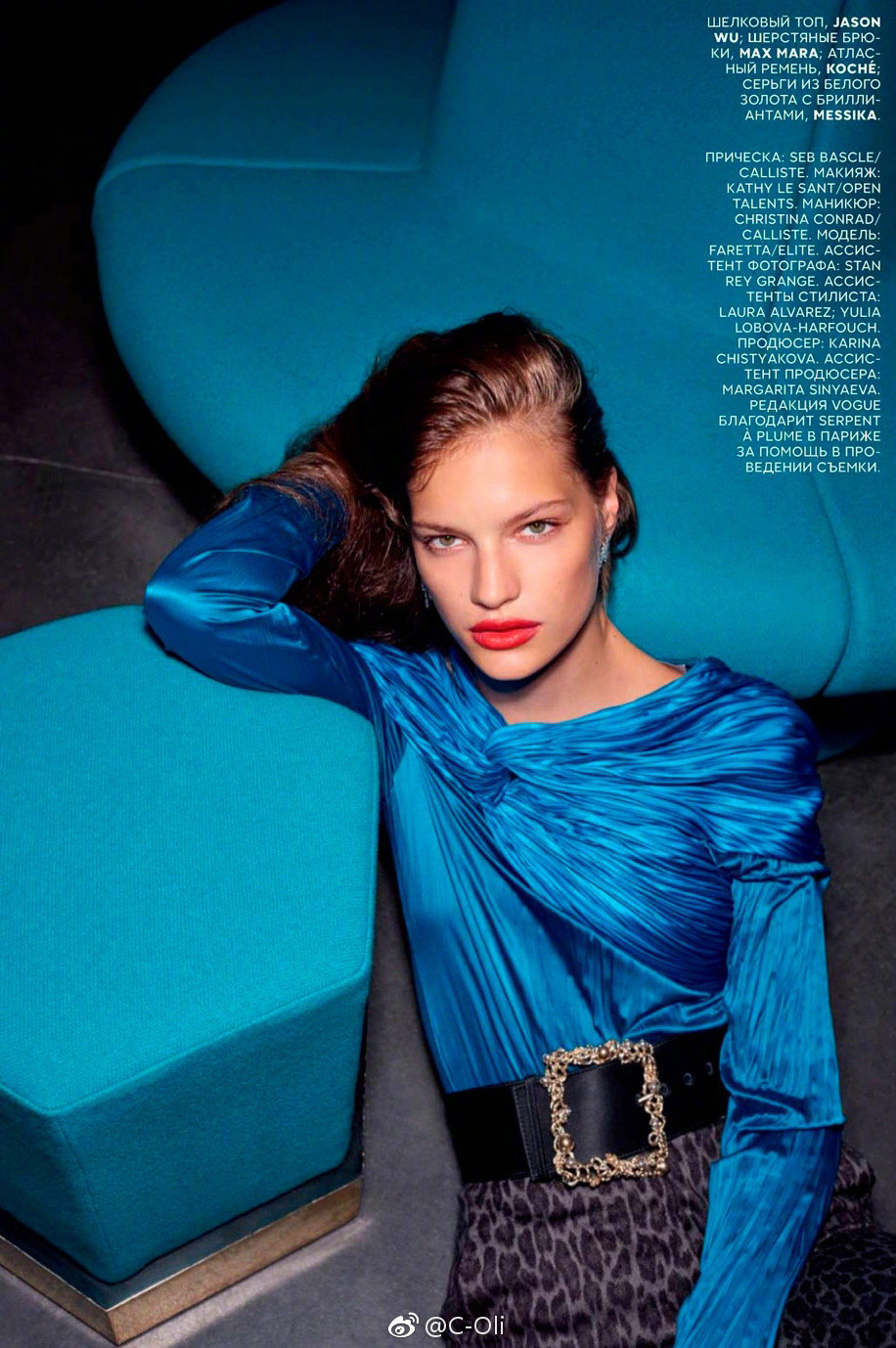
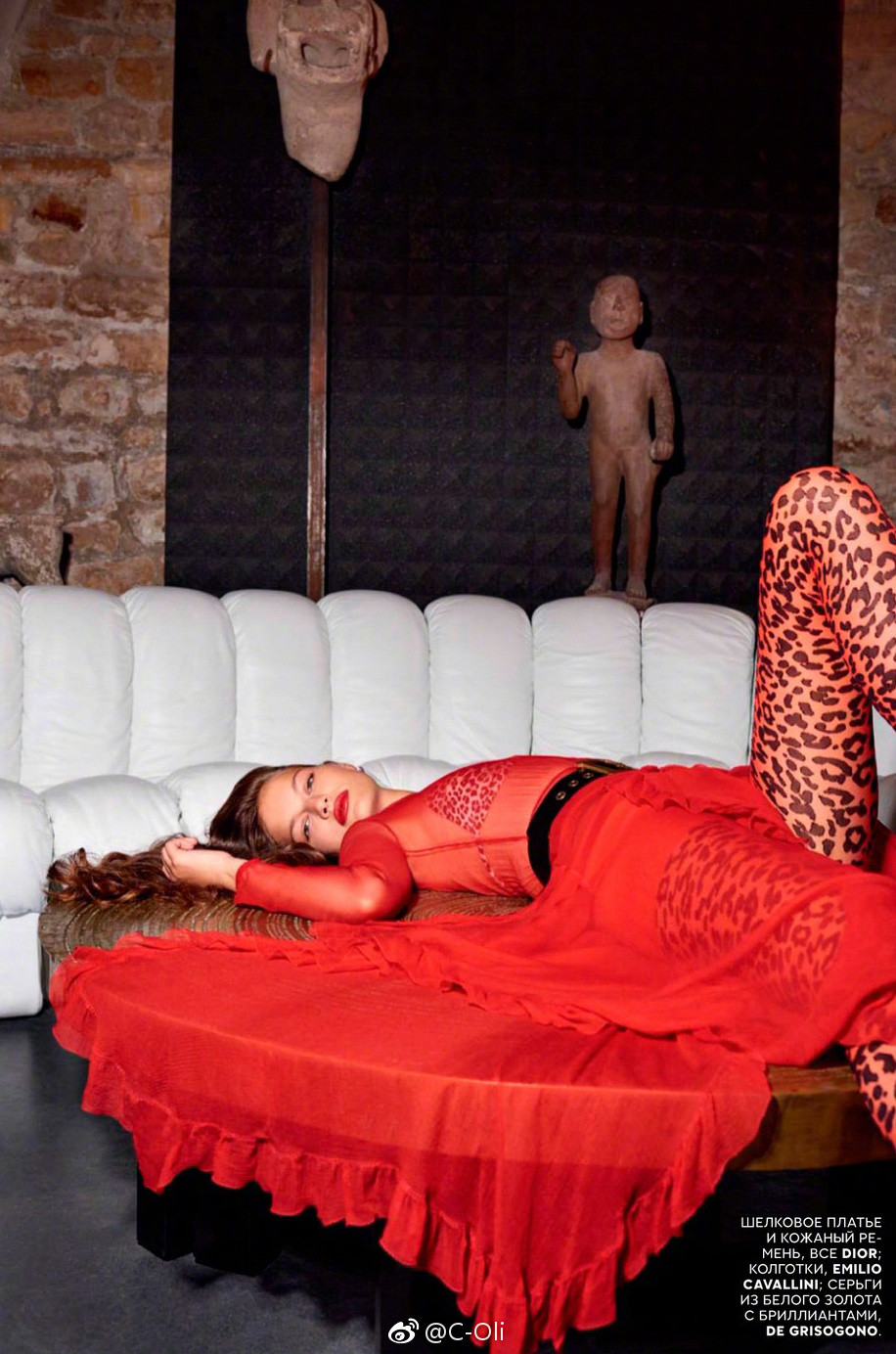
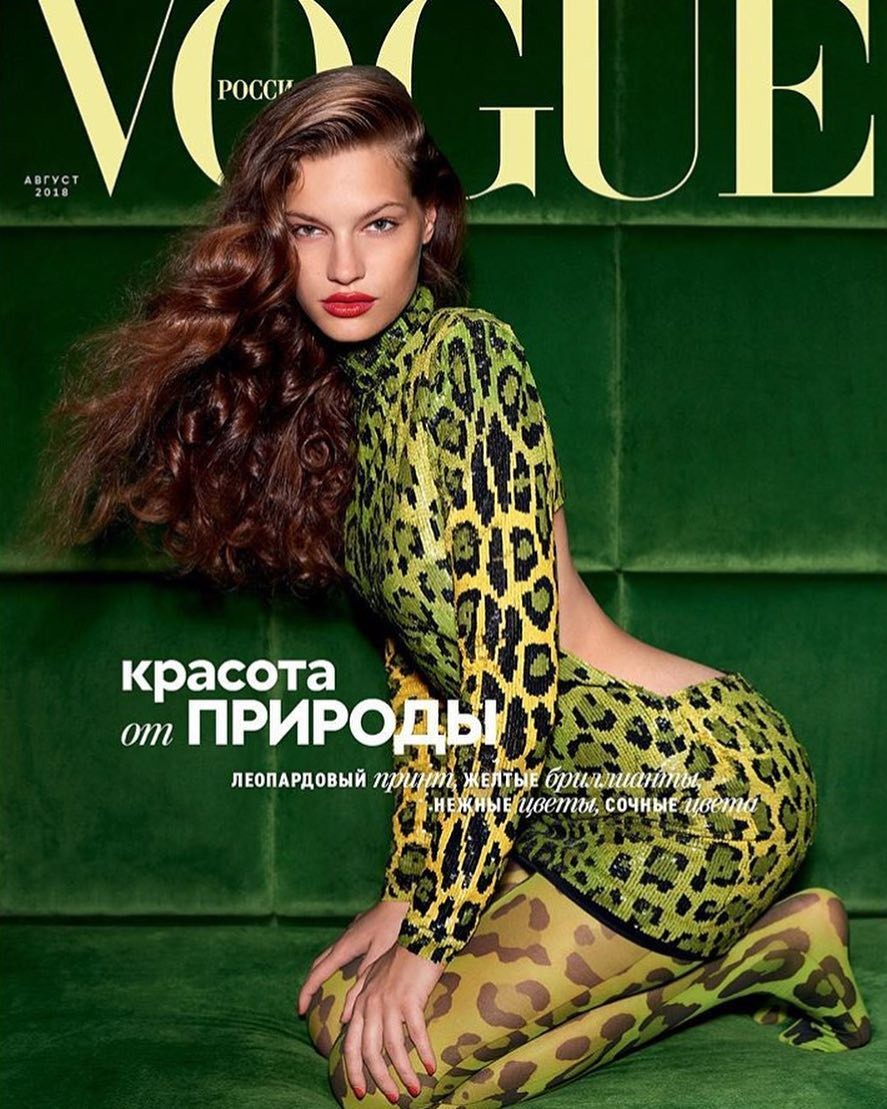
 V O G U E Russia August 2018 - Cover and Editorial - without text Photographer Olivier Zahm Fashion Editor/Stylist Katerina Zolototrubova Hair Stylist Sebastien Bascle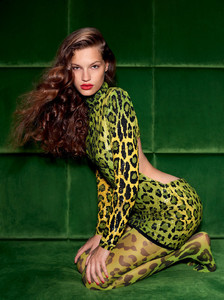


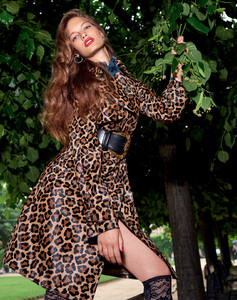
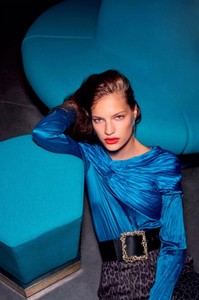
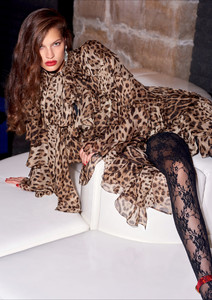


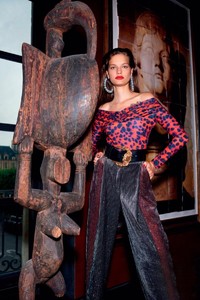
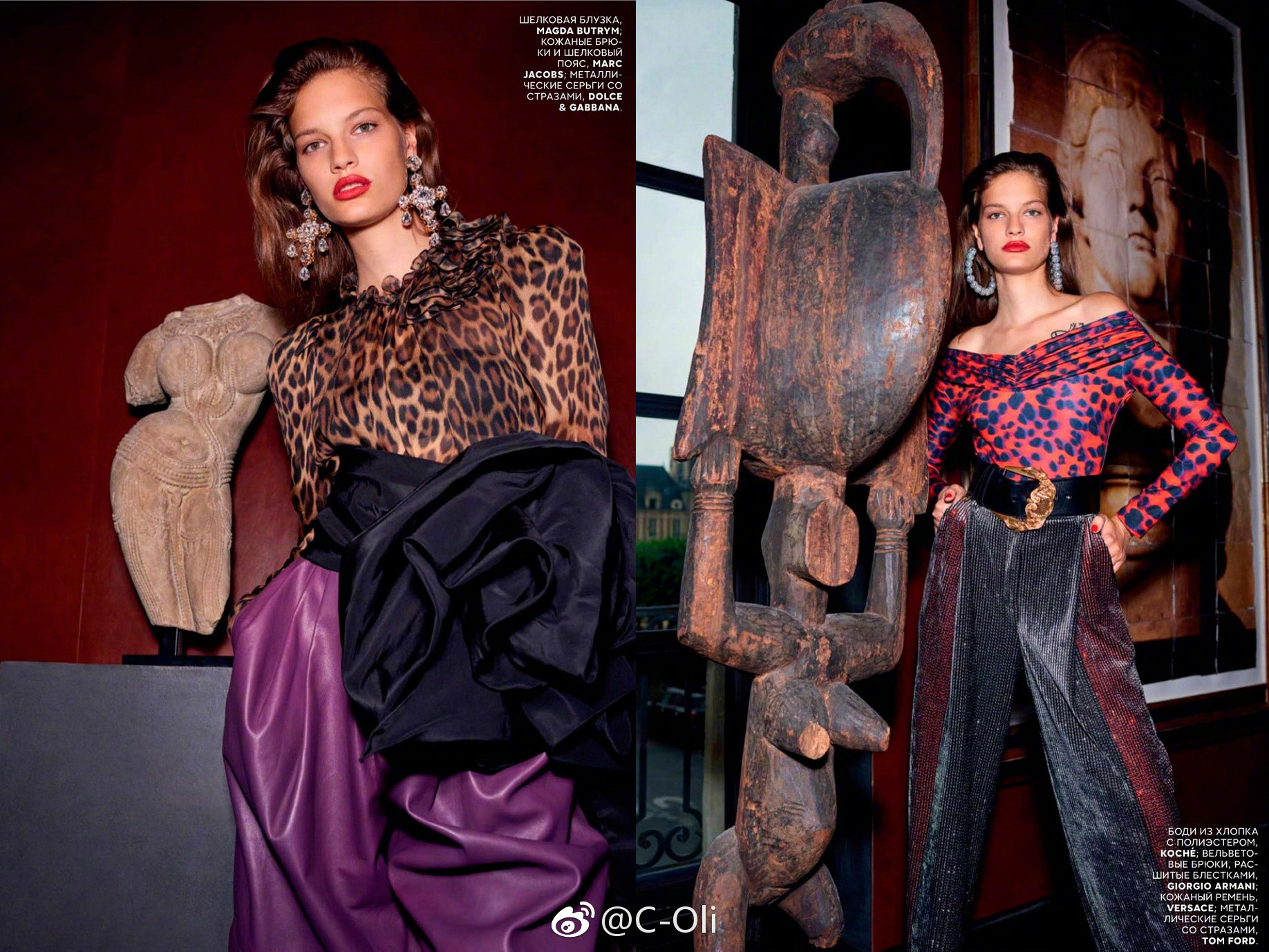
 Editorial V O G U E Russia August 2018 by Olivier Zahm
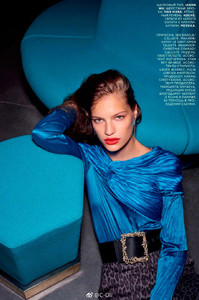

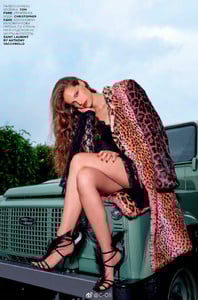
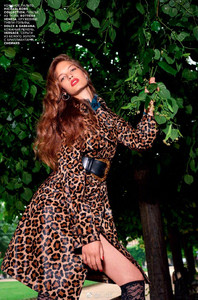
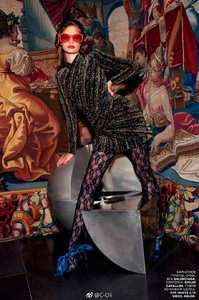
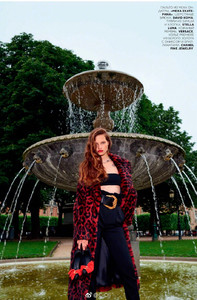
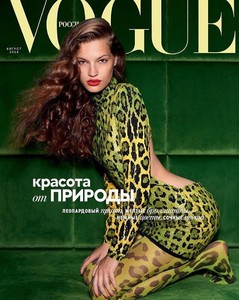
 V O G U E Russia August 2018 This is Faretta's 4th Vogue this year. In total she has 5 Vogue covers!
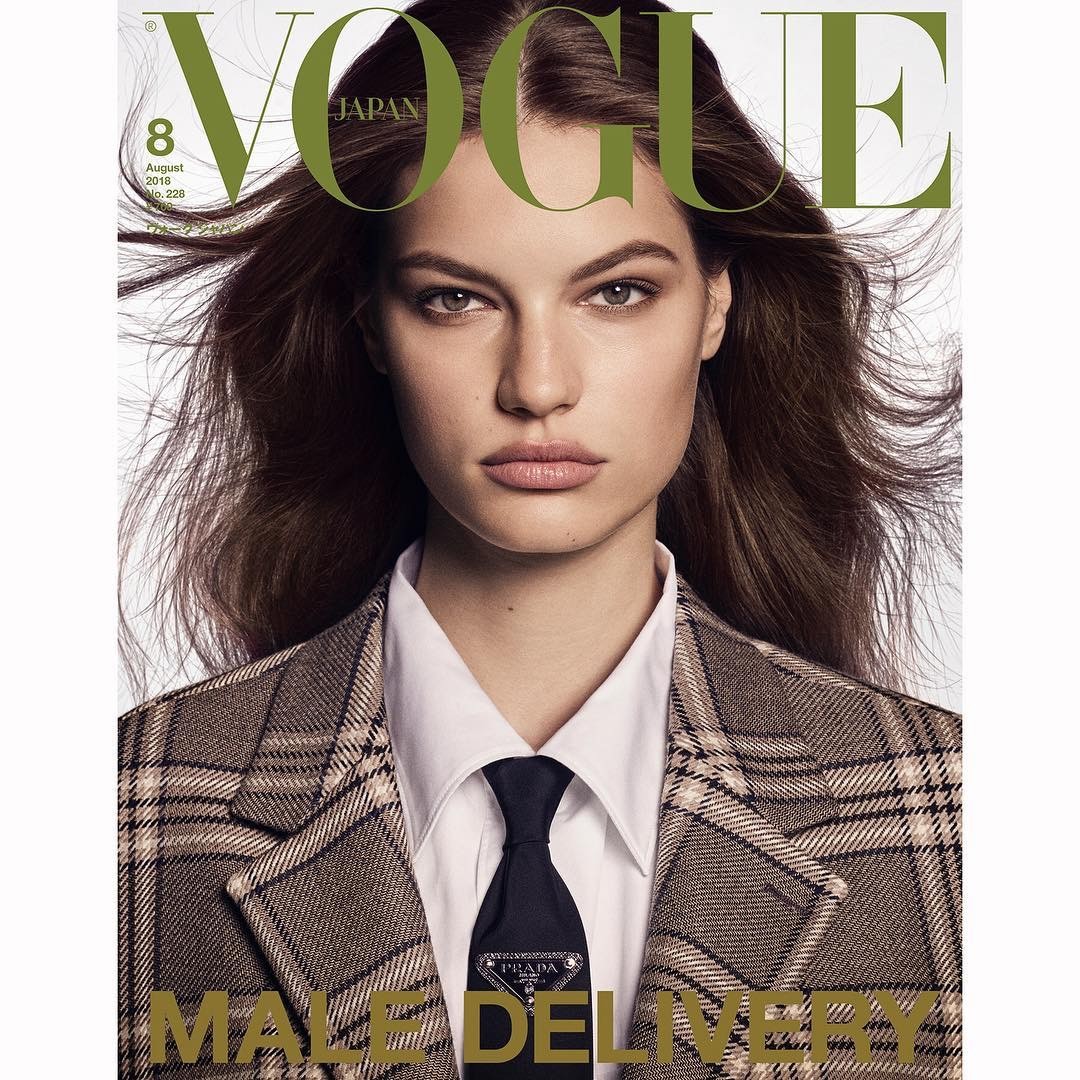
 VOGUE Japan August 2018 'Tribute to A Generation' Luigi & Iango - Photographer Anna Dello Russo - Fashion Editor/Stylist Patrick Mackie - Fashion Editor/Stylist Sabino Pantone - Fashion Editor/Stylist Lorenzo Barcella - Hair Stylist Olivier Schawalder - Hair Stylist Marie Duhart - Makeup Artist Yumi Lee - Makeup Artist Piergiorgio Del Moro - Casting Director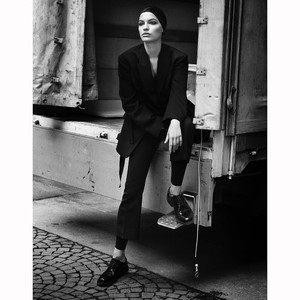
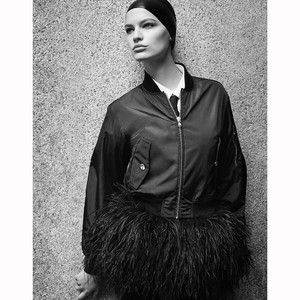
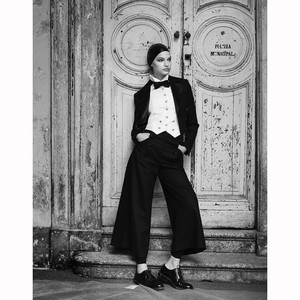 V O G U E Japan August 2018 by Luigi & Iango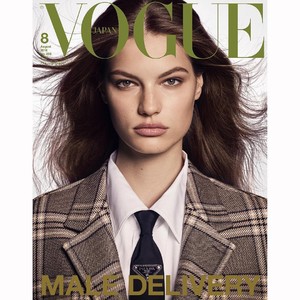
Account
Search
Configure browser push notifications
Chrome (Android)
- Tap the lock icon next to the address bar.
- Tap Permissions → Notifications.
- Adjust your preference.
Chrome (Desktop)
- Click the padlock icon in the address bar.
- Select Site settings.
- Find Notifications and adjust your preference.
Safari (iOS 16.4+)
- Ensure the site is installed via Add to Home Screen.
- Open Settings App → Notifications.
- Find your app name and adjust your preference.
Safari (macOS)
- Go to Safari → Preferences.
- Click the Websites tab.
- Select Notifications in the sidebar.
- Find this website and adjust your preference.
Edge (Android)
- Tap the lock icon next to the address bar.
- Tap Permissions.
- Find Notifications and adjust your preference.
Edge (Desktop)
- Click the padlock icon in the address bar.
- Click Permissions for this site.
- Find Notifications and adjust your preference.
Firefox (Android)
- Go to Settings → Site permissions.
- Tap Notifications.
- Find this site in the list and adjust your preference.
Firefox (Desktop)
- Open Firefox Settings.
- Search for Notifications.
- Find this site in the list and adjust your preference.