

RocketQueen
Members
-
Joined
-
Last visited
Everything posted by RocketQueen
-
 Elvia again
 -
Elvia

-
Thank you! She's new to me!
-
Tanya van Hoorn (Tanya Tozzi)

-
Tanya van Hoorn (Tanya Tozzi)
-
Isabelle de Saint Mars

-
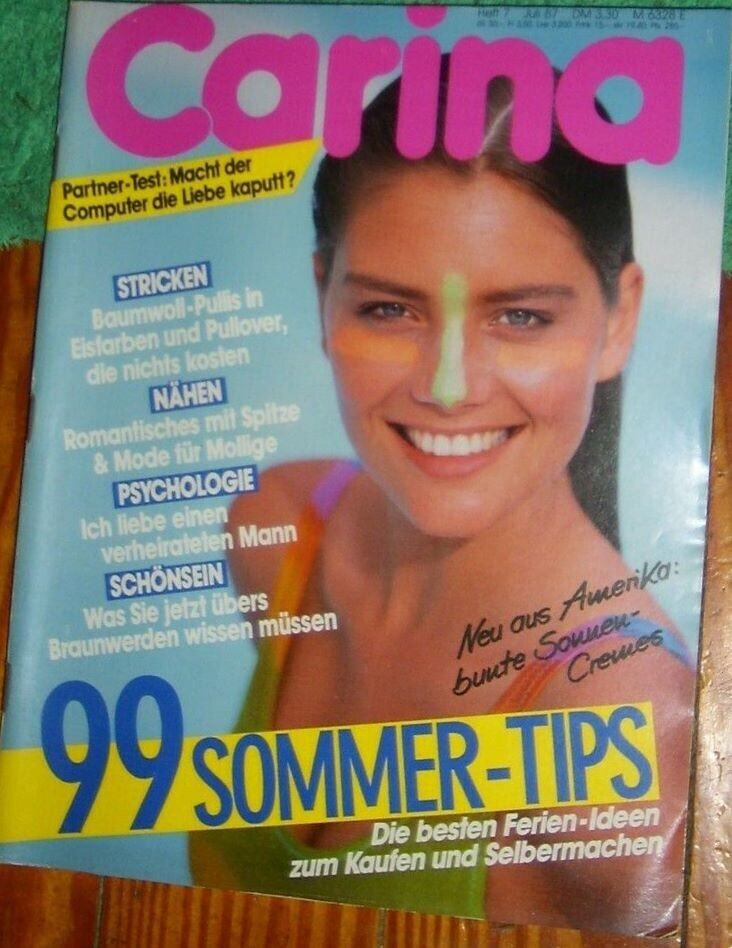
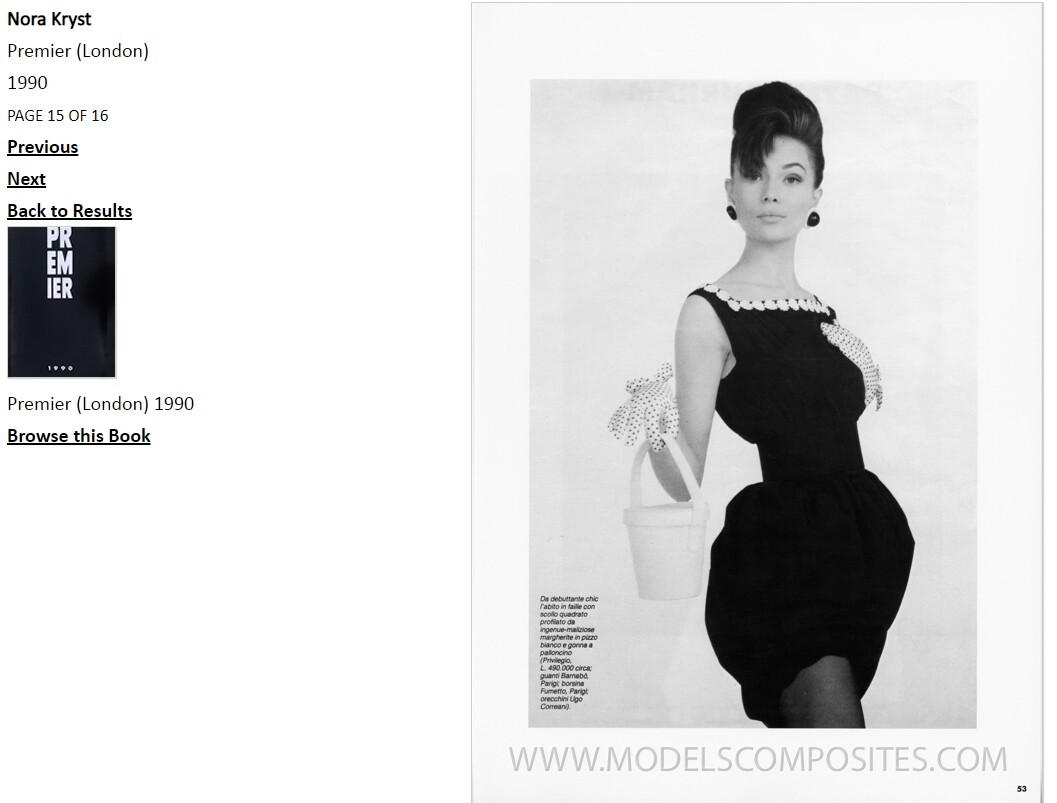
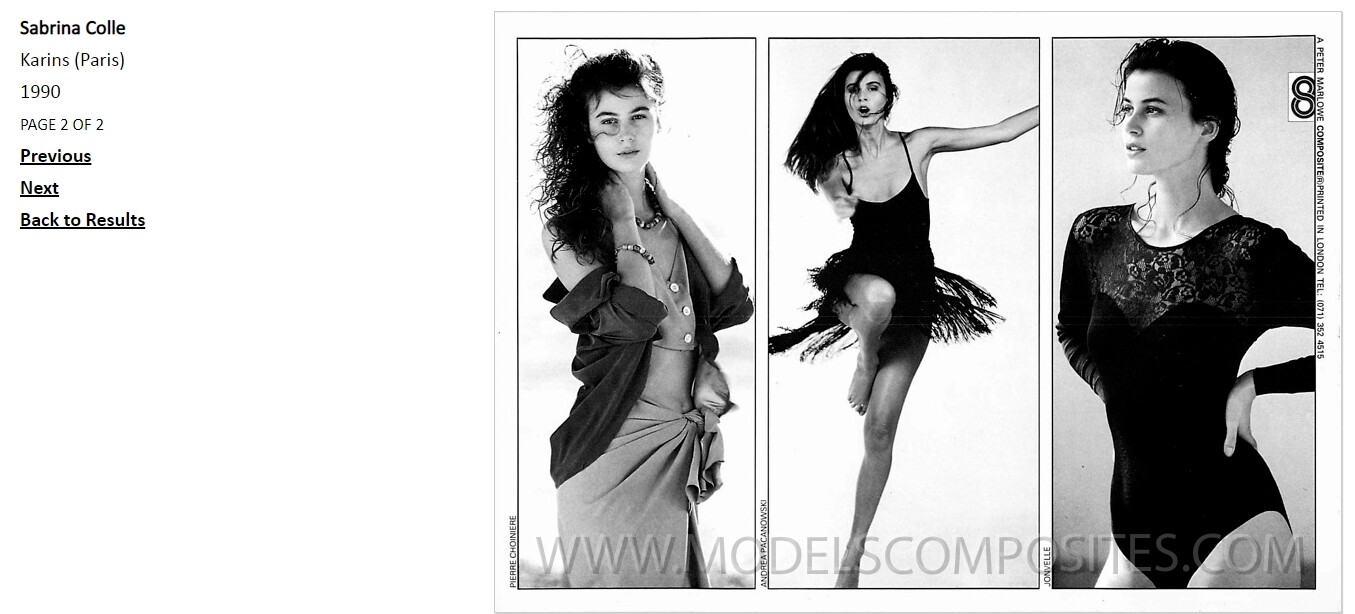
She's not Julie Vhay, she's this other model that I've been trying to ID for a long time...

 Karen Pfrunder
 Tanya van Hoorn (Tanya Tozzi)
I have so many pics of her and I still can't ID her...
Do you know Stacey's last name?
Tanya van Hoorn (Tanya Tozzi)
I have so many pics of her and I still can't ID her...
Do you know Stacey's last name? I don't think it's Hege.
.JPG.9d8be9d94438d60f6765a690b4a60b80.thumb.jpg.790239a0e953ce3e4b86fdddd85f0e0f.jpg) Definitely looks like her
Definitely looks like her Not Anna, no.
 Sheli Gafni
 Stephanie Cornish
 Leila:

 Danette Stuckey










.JPG.9d8be9d94438d60f6765a690b4a60b80.jpg.6c82b58ed84003a927a0776d80d0c084.jpg)










Account
Search
Configure browser push notifications
Chrome (Android)
- Tap the lock icon next to the address bar.
- Tap Permissions → Notifications.
- Adjust your preference.
Chrome (Desktop)
- Click the padlock icon in the address bar.
- Select Site settings.
- Find Notifications and adjust your preference.
Safari (iOS 16.4+)
- Ensure the site is installed via Add to Home Screen.
- Open Settings App → Notifications.
- Find your app name and adjust your preference.
Safari (macOS)
- Go to Safari → Preferences.
- Click the Websites tab.
- Select Notifications in the sidebar.
- Find this website and adjust your preference.
Edge (Android)
- Tap the lock icon next to the address bar.
- Tap Permissions.
- Find Notifications and adjust your preference.
Edge (Desktop)
- Click the padlock icon in the address bar.
- Click Permissions for this site.
- Find Notifications and adjust your preference.
Firefox (Android)
- Go to Settings → Site permissions.
- Tap Notifications.
- Find this site in the list and adjust your preference.
Firefox (Desktop)
- Open Firefox Settings.
- Search for Notifications.
- Find this site in the list and adjust your preference.