RocketQueen
Members
-
Joined
-
Last visited
Everything posted by RocketQueen
-
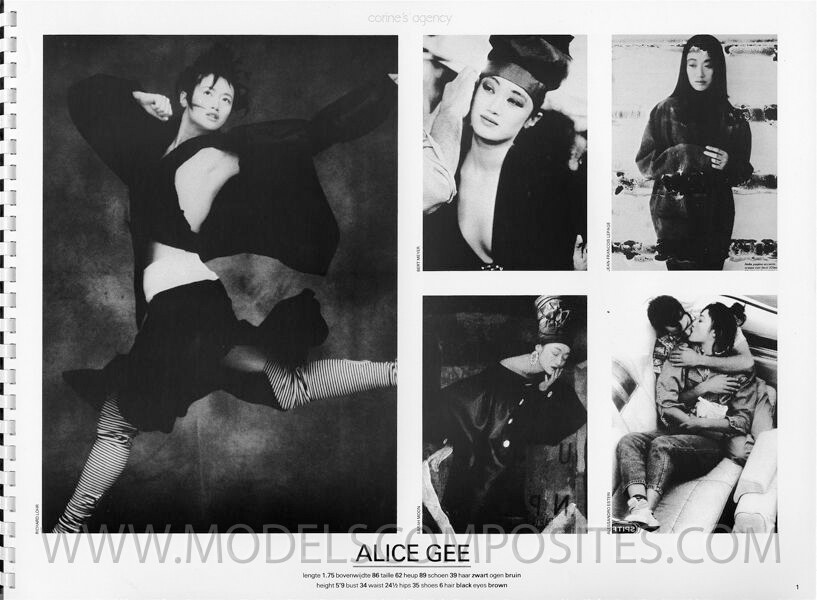
 Second pic: Cecilia Rae McLaren (asian model): Model in yellow:
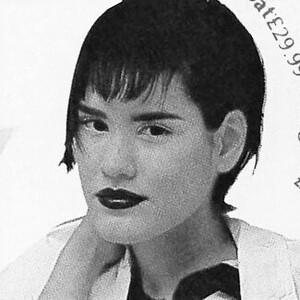
 Big photo:
 Kristen McMenamy on the first page.
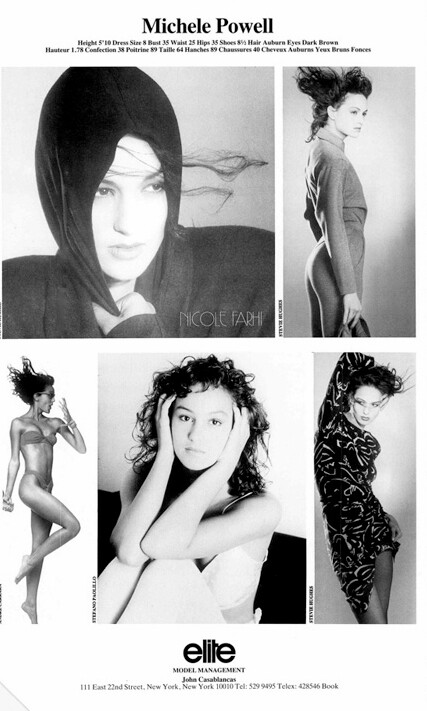
Suzanne Lanza
Yes, Cheri, and Elena Statheros.
Kristen McMenamy on the first page.
Suzanne Lanza
Yes, Cheri, and Elena Statheros..thumb.jpg.996d5c96a501532fd4066d128d5ff6d6.jpg) Leslie Stratton on the third page on top.
Leslie Stratton on the third page on top. I can't believe I've been away for so long, I still can't go back to where I've last been on here, lol.
Ewa Karlström
Short-haired blonde is Elisha, the other one is definitely not Marilyn Clark.
I can't believe I've been away for so long, I still can't go back to where I've last been on here, lol.
Ewa Karlström
Short-haired blonde is Elisha, the other one is definitely not Marilyn Clark. Barbara Storch (smiling in the centre)
 Brigitta Scholz Mastroianni (in red on the first page)
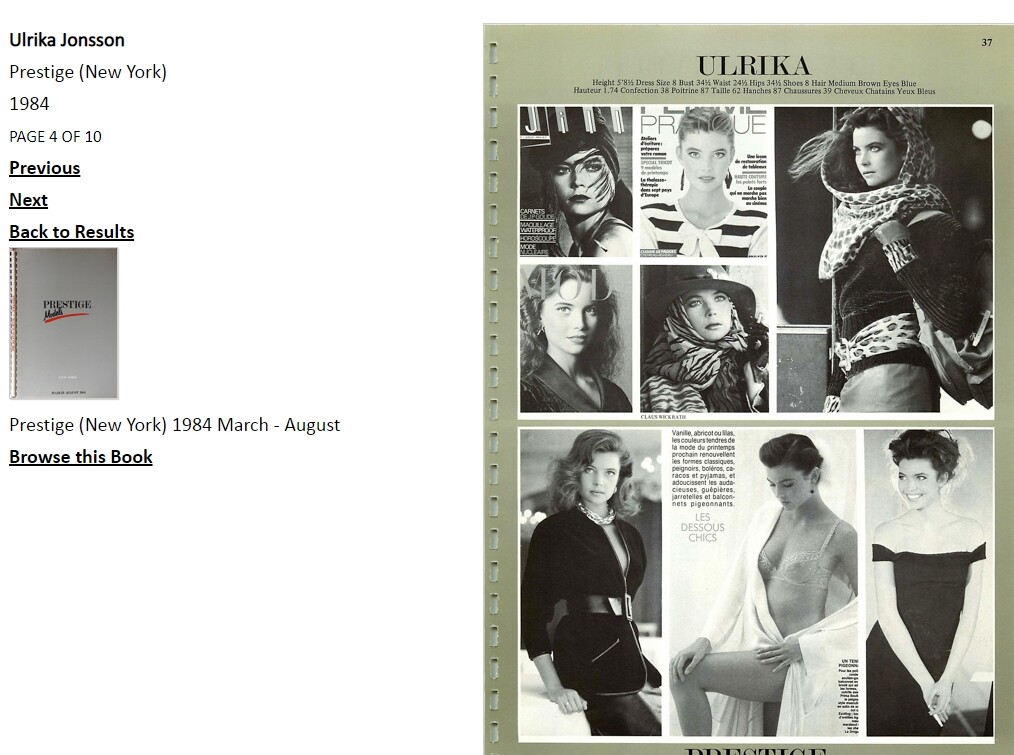
 Vendela Kirsebom

 Sarah Hays on the third page in fluffy pink
Anju
Sarah Hays on the third page in fluffy pink
Anju
Account
Search
Configure browser push notifications
Chrome (Android)
- Tap the lock icon next to the address bar.
- Tap Permissions → Notifications.
- Adjust your preference.
Chrome (Desktop)
- Click the padlock icon in the address bar.
- Select Site settings.
- Find Notifications and adjust your preference.
Safari (iOS 16.4+)
- Ensure the site is installed via Add to Home Screen.
- Open Settings App → Notifications.
- Find your app name and adjust your preference.
Safari (macOS)
- Go to Safari → Preferences.
- Click the Websites tab.
- Select Notifications in the sidebar.
- Find this website and adjust your preference.
Edge (Android)
- Tap the lock icon next to the address bar.
- Tap Permissions.
- Find Notifications and adjust your preference.
Edge (Desktop)
- Click the padlock icon in the address bar.
- Click Permissions for this site.
- Find Notifications and adjust your preference.
Firefox (Android)
- Go to Settings → Site permissions.
- Tap Notifications.
- Find this site in the list and adjust your preference.
Firefox (Desktop)
- Open Firefox Settings.
- Search for Notifications.
- Find this site in the list and adjust your preference.




.jpg.6d0037620e3367e9623b43987901deda.jpg)