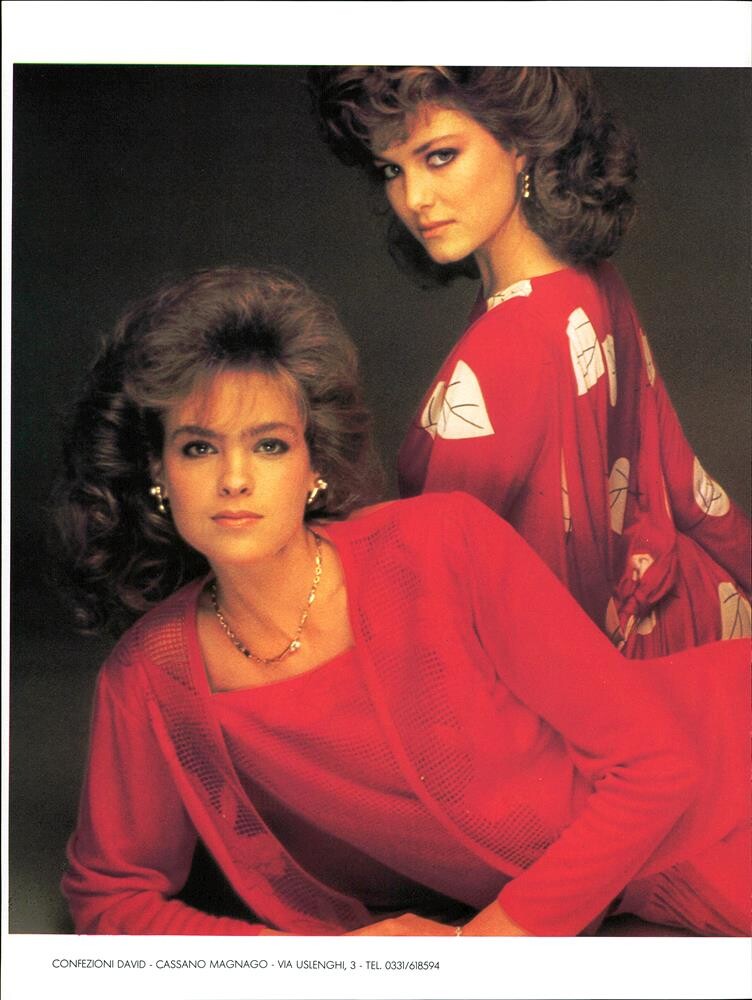
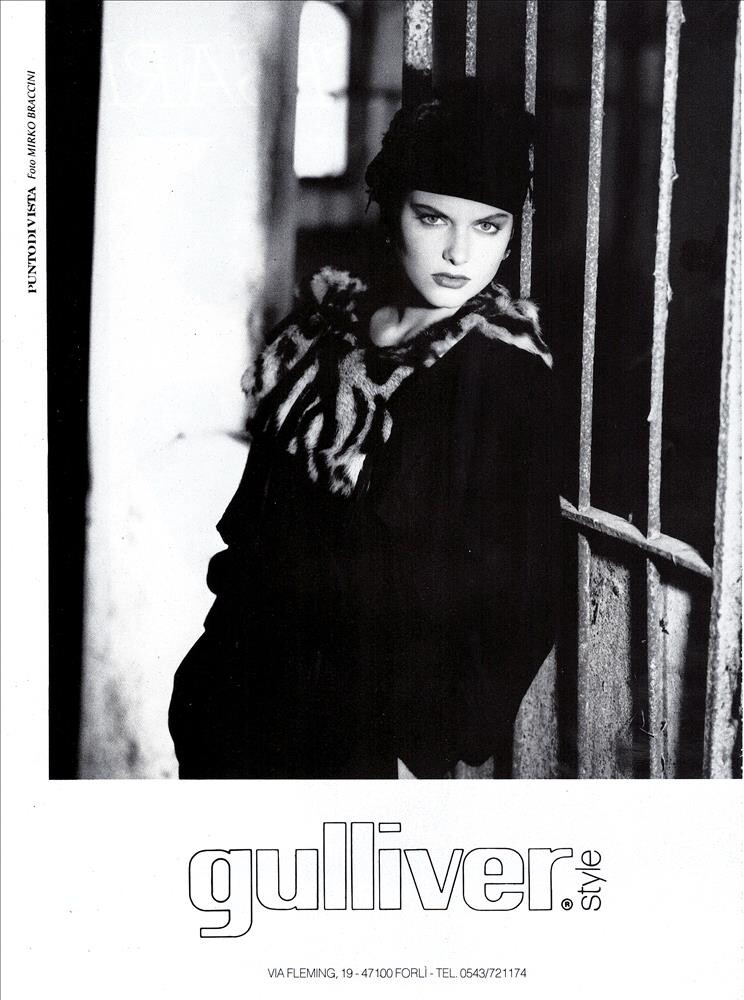
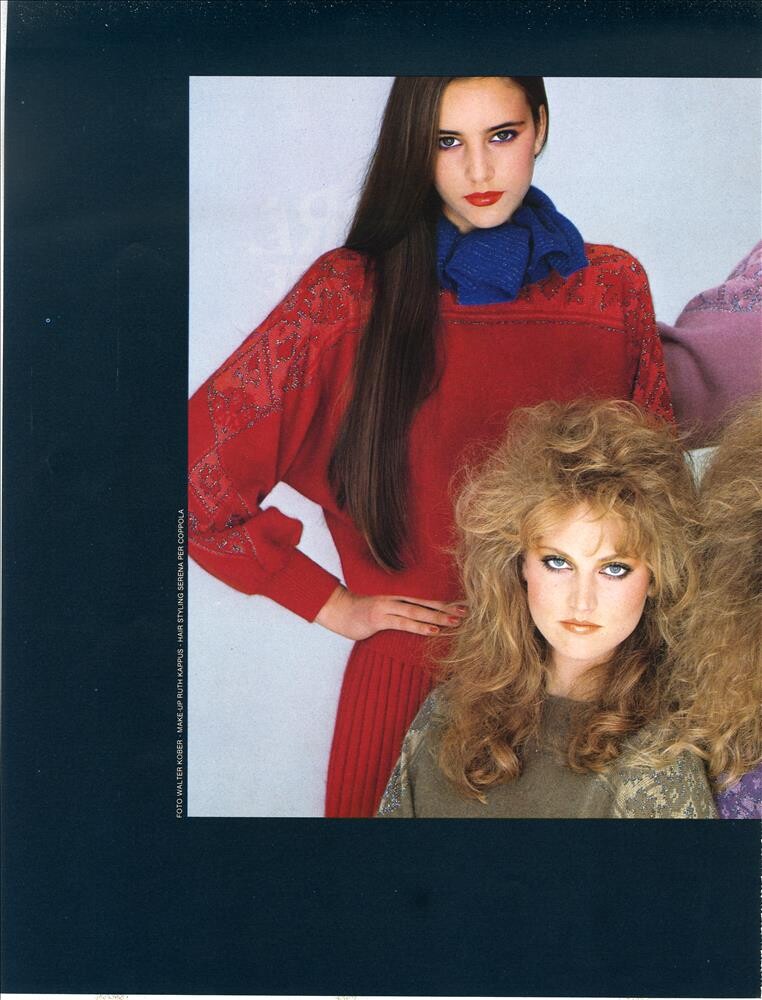
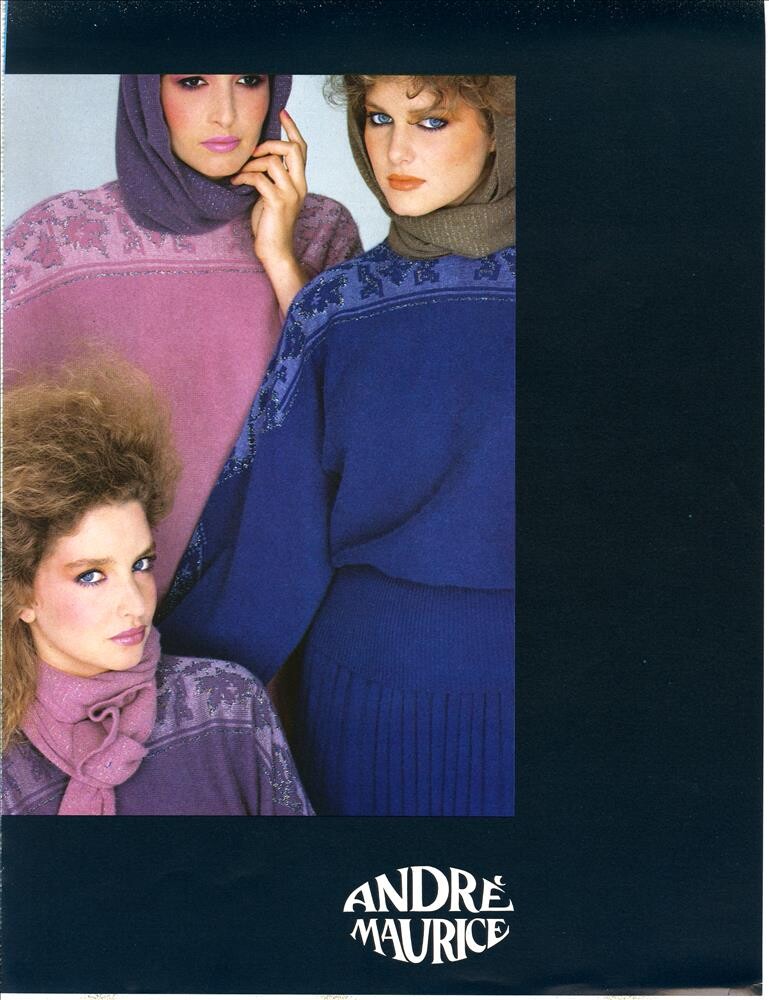
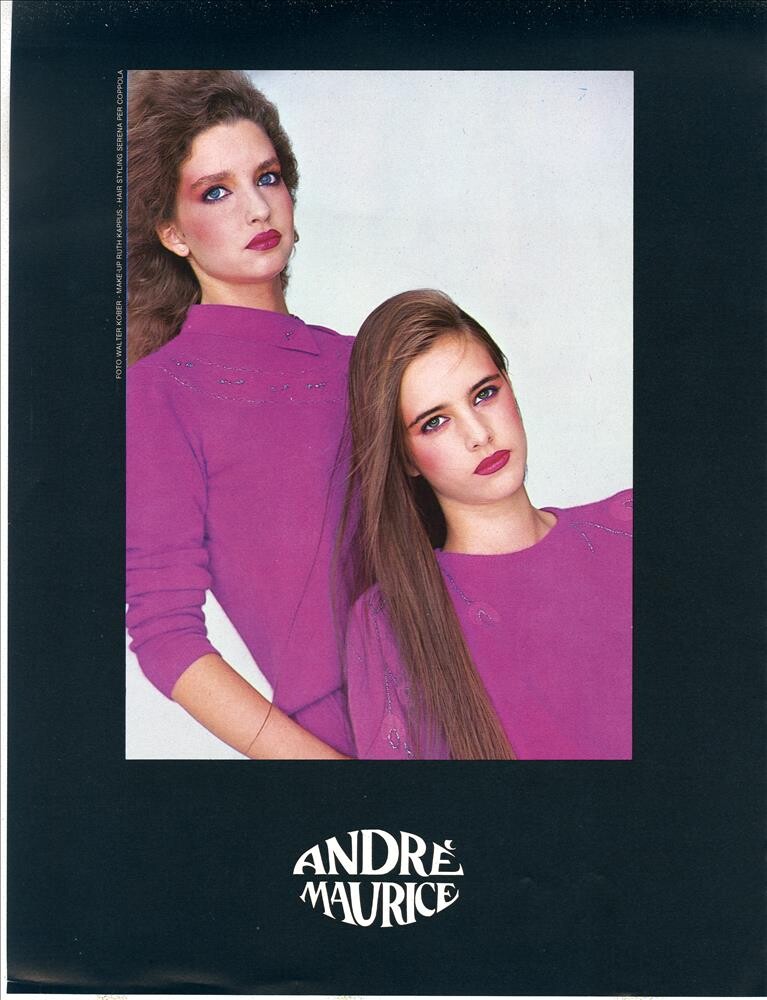
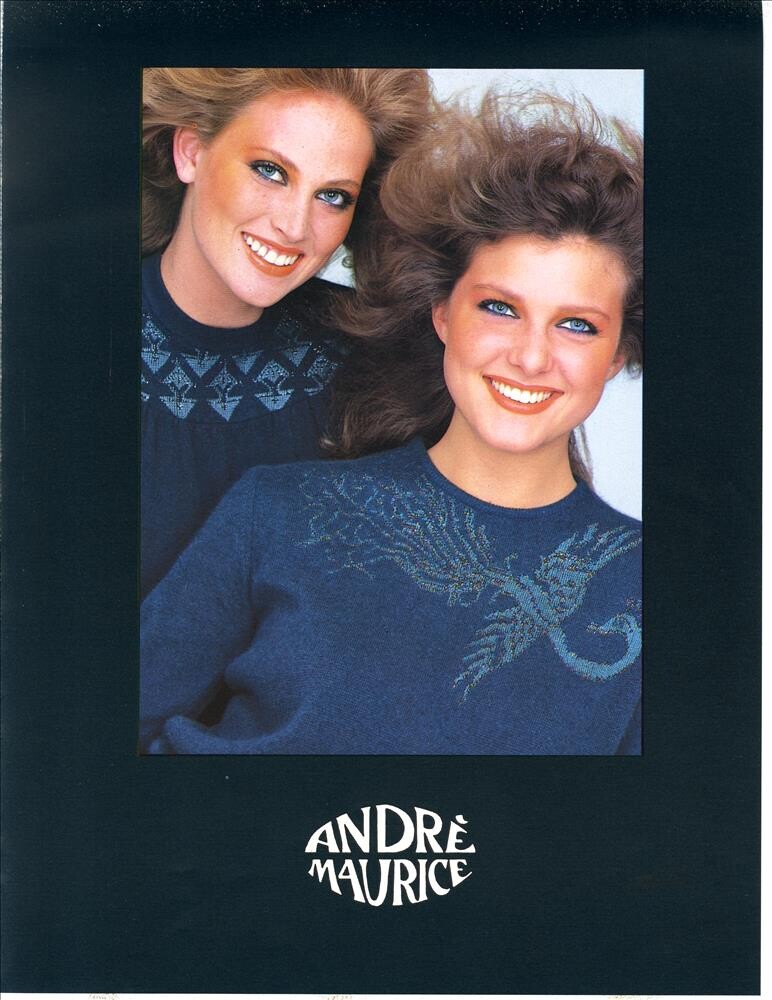
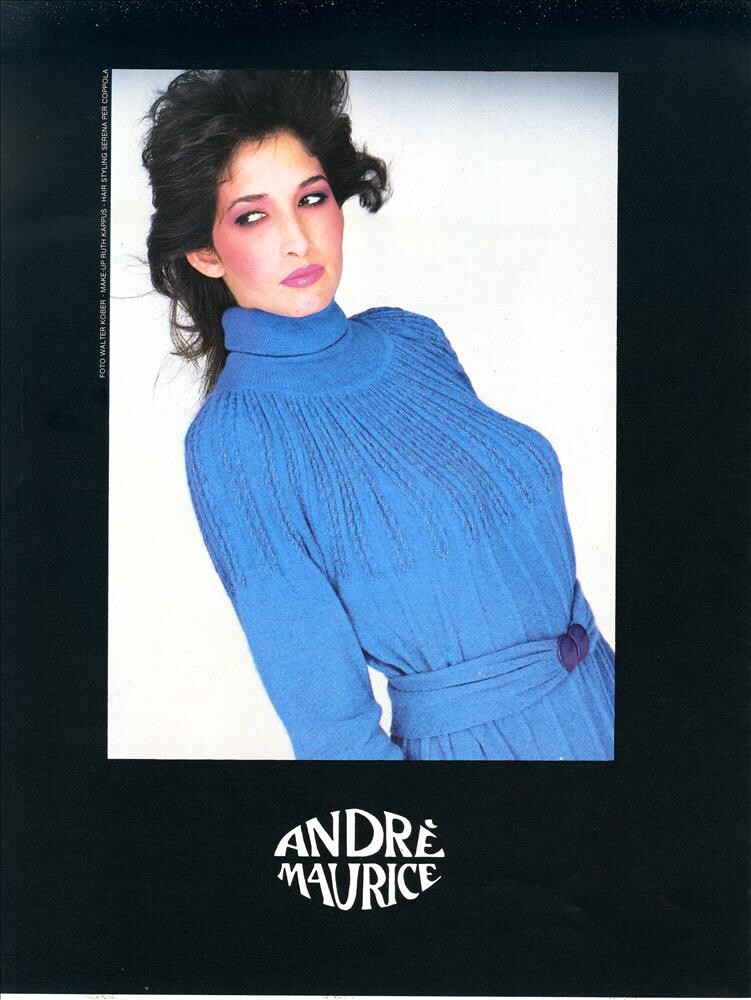
Everything posted by RocketQueen
-
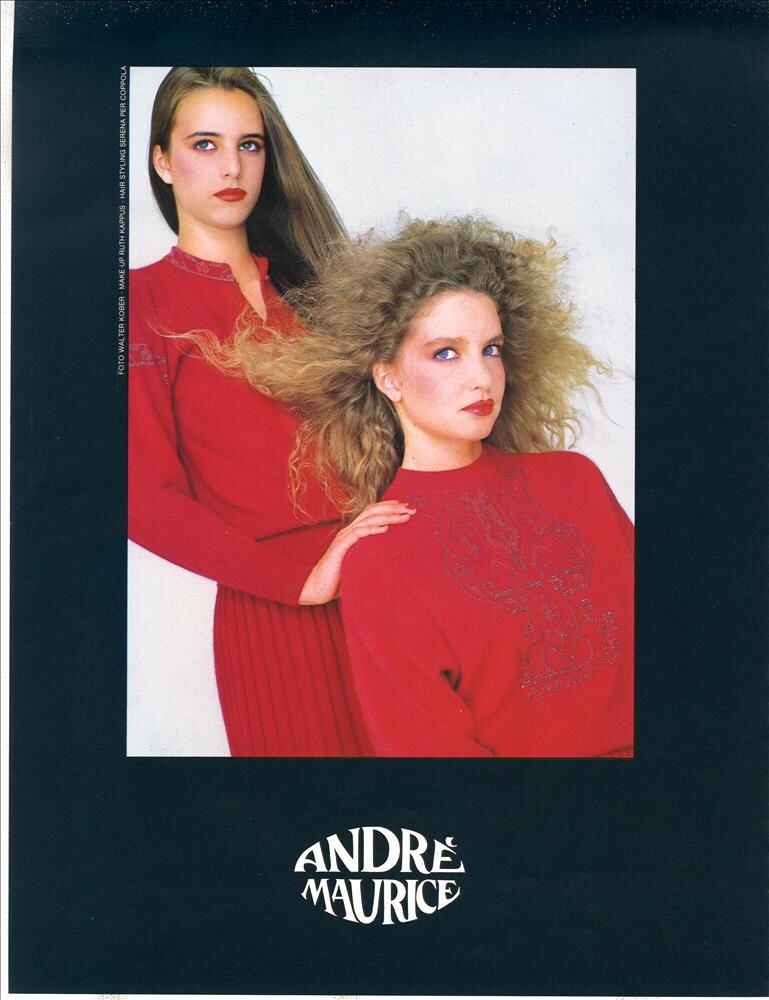
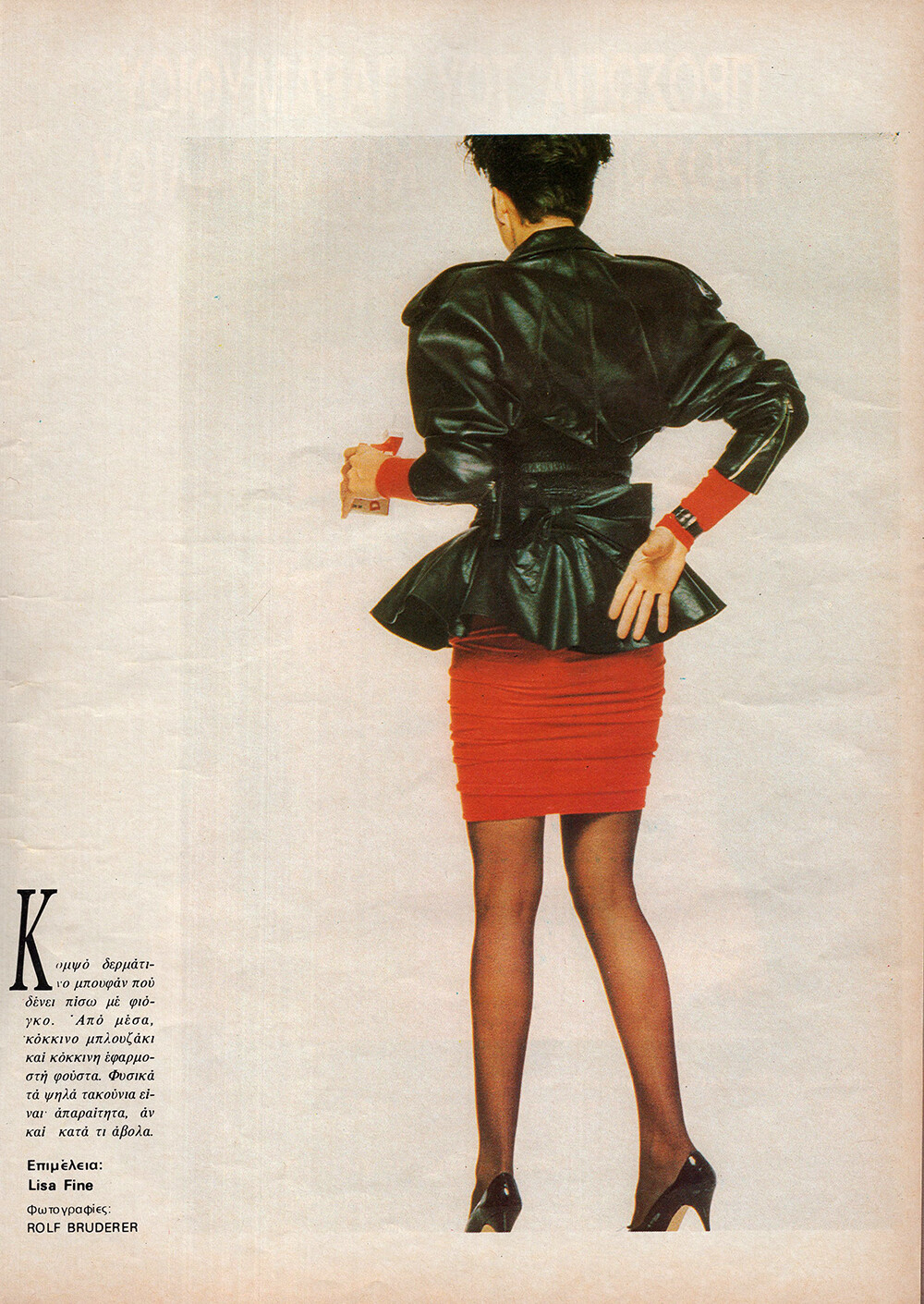
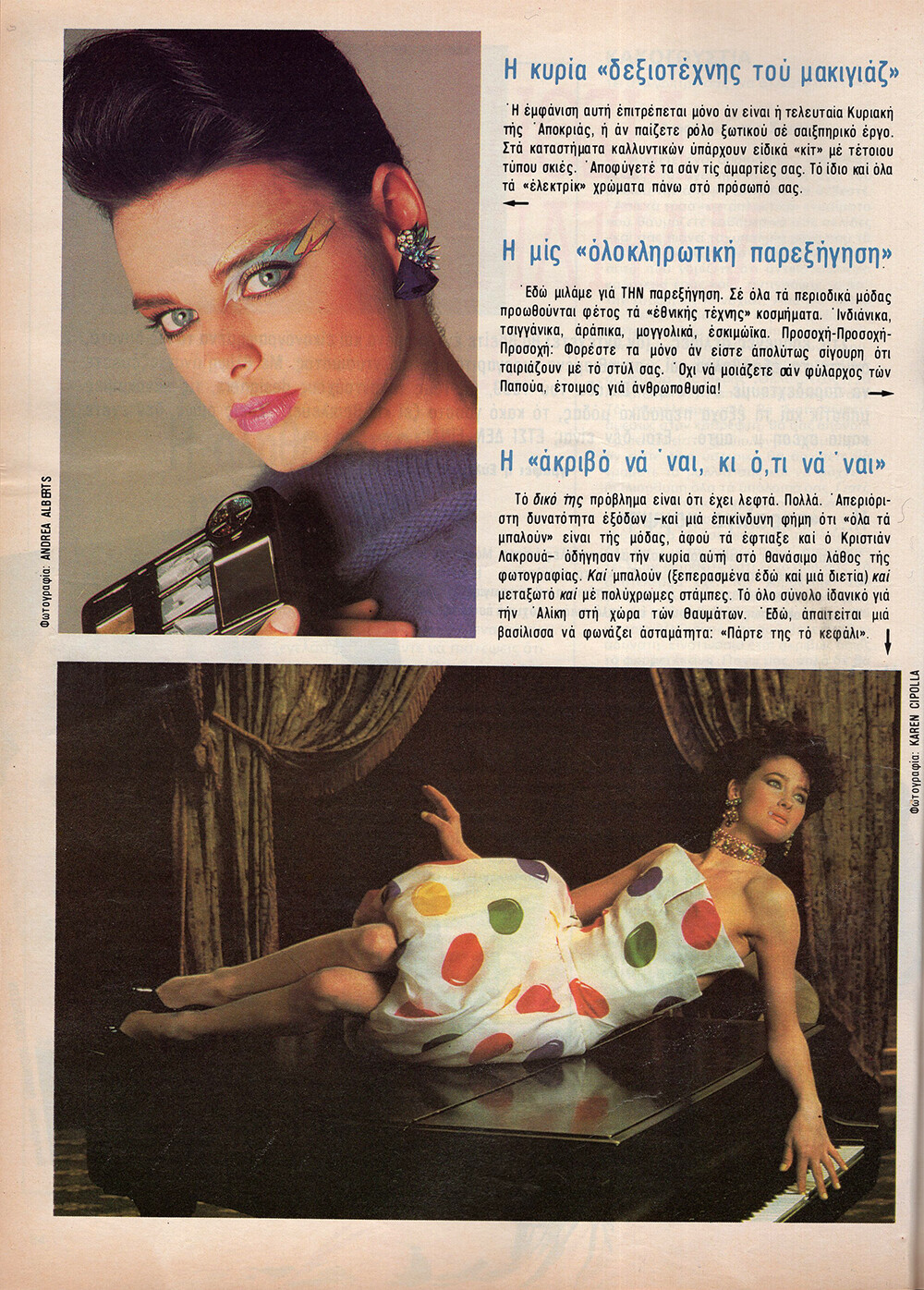
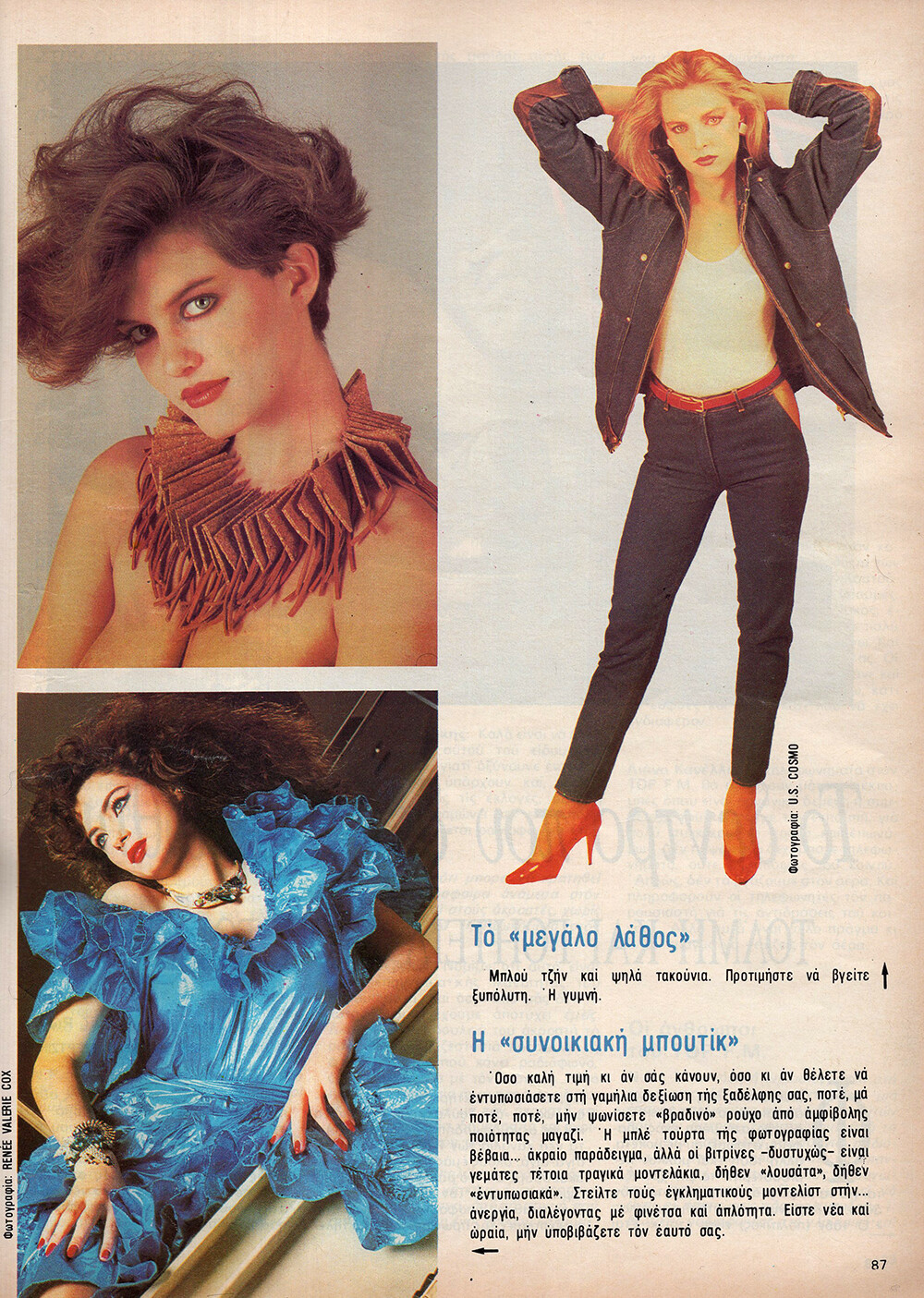
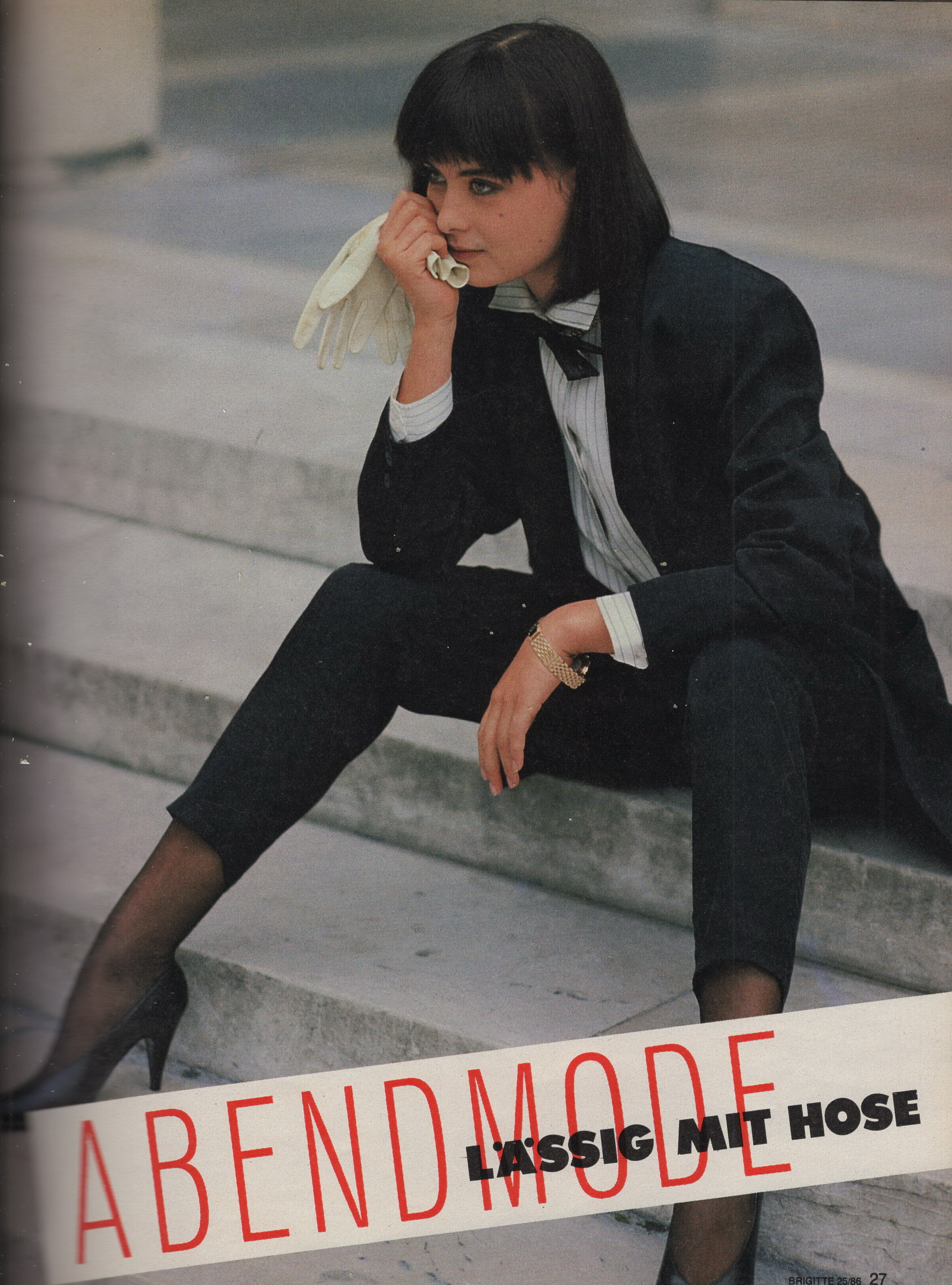
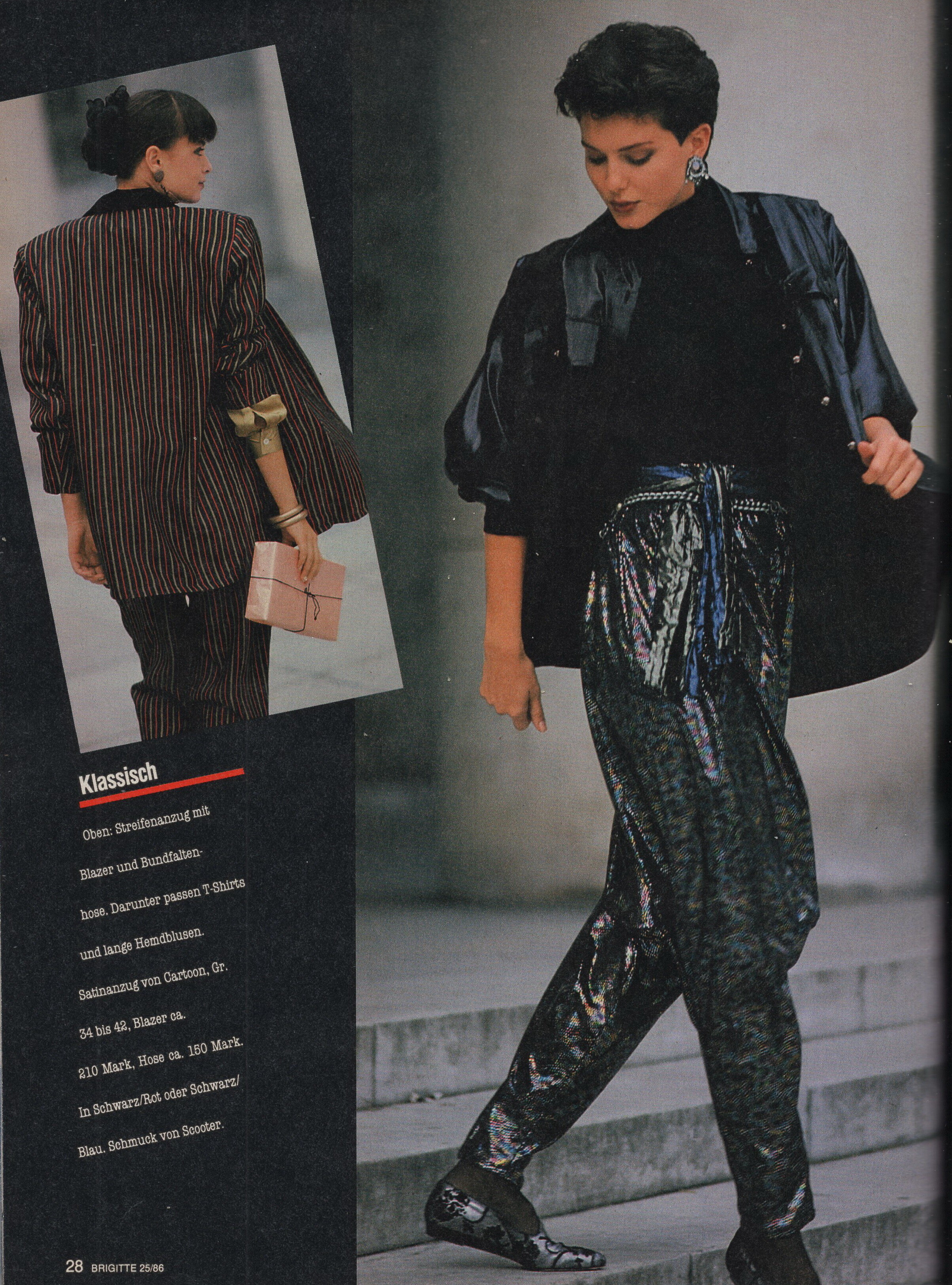
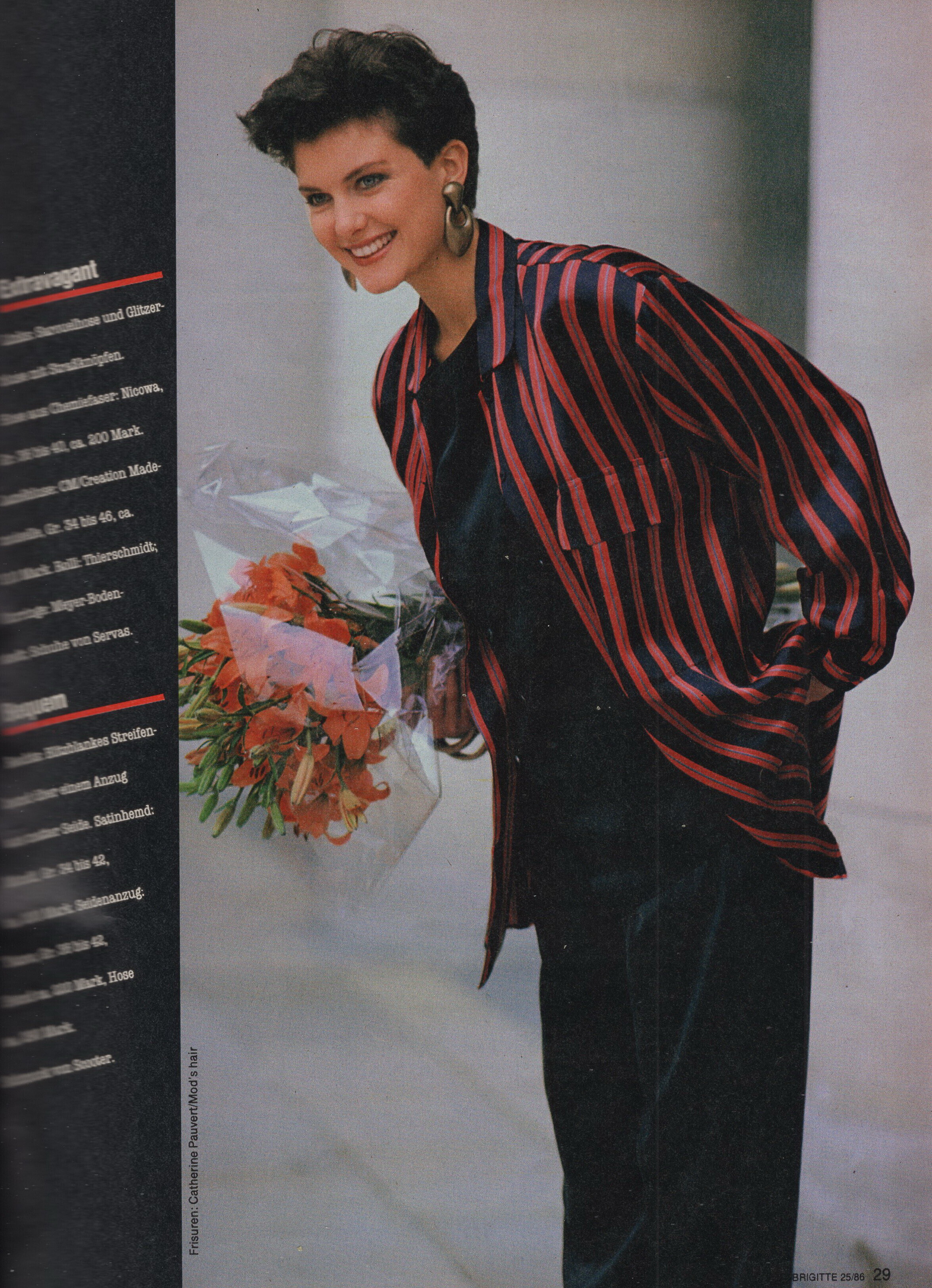
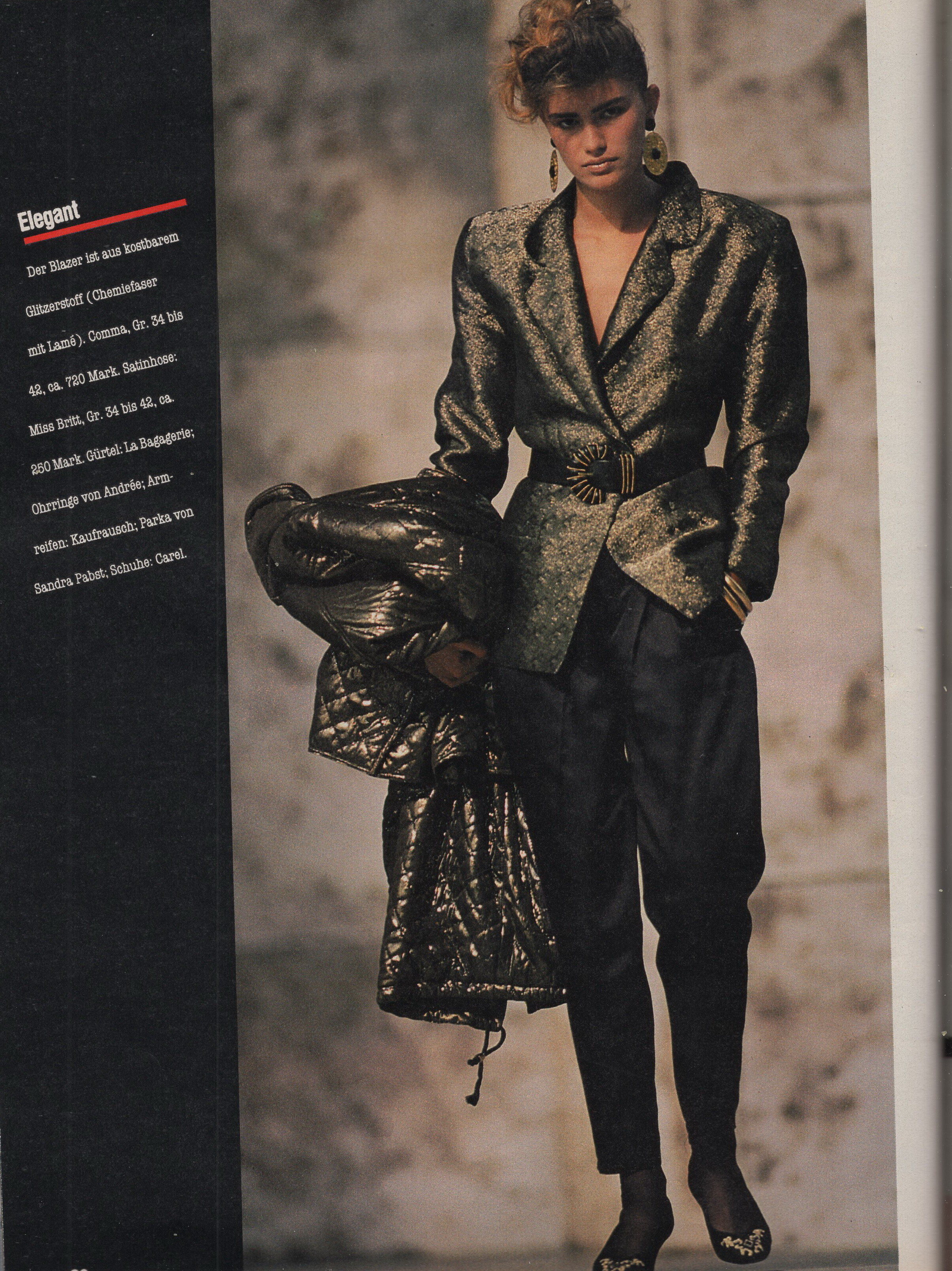
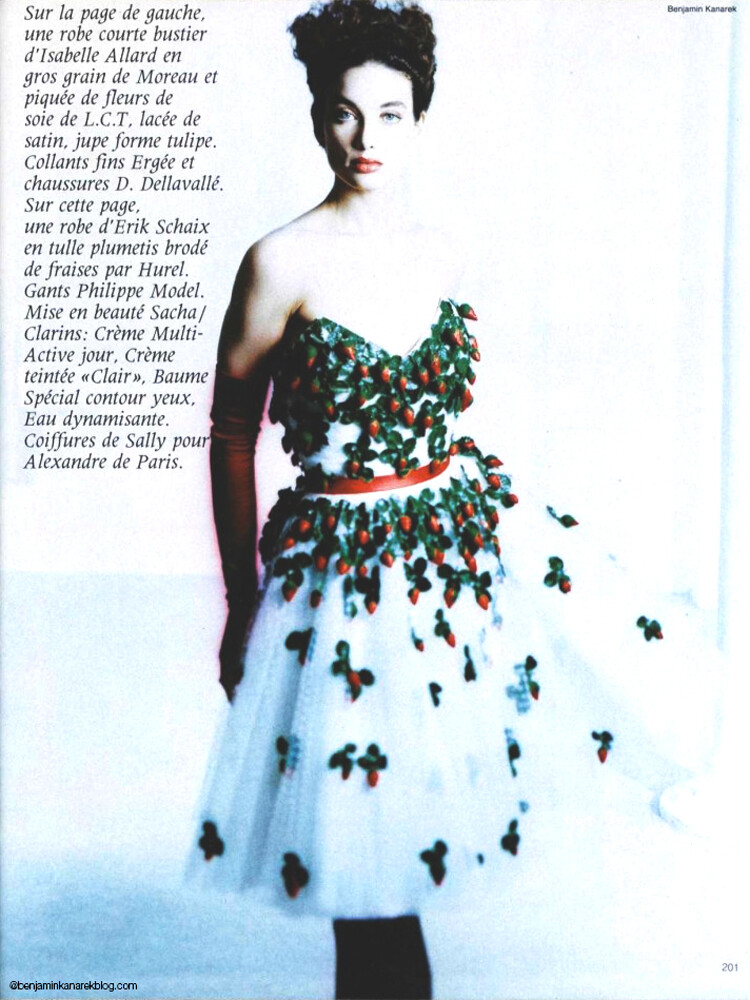
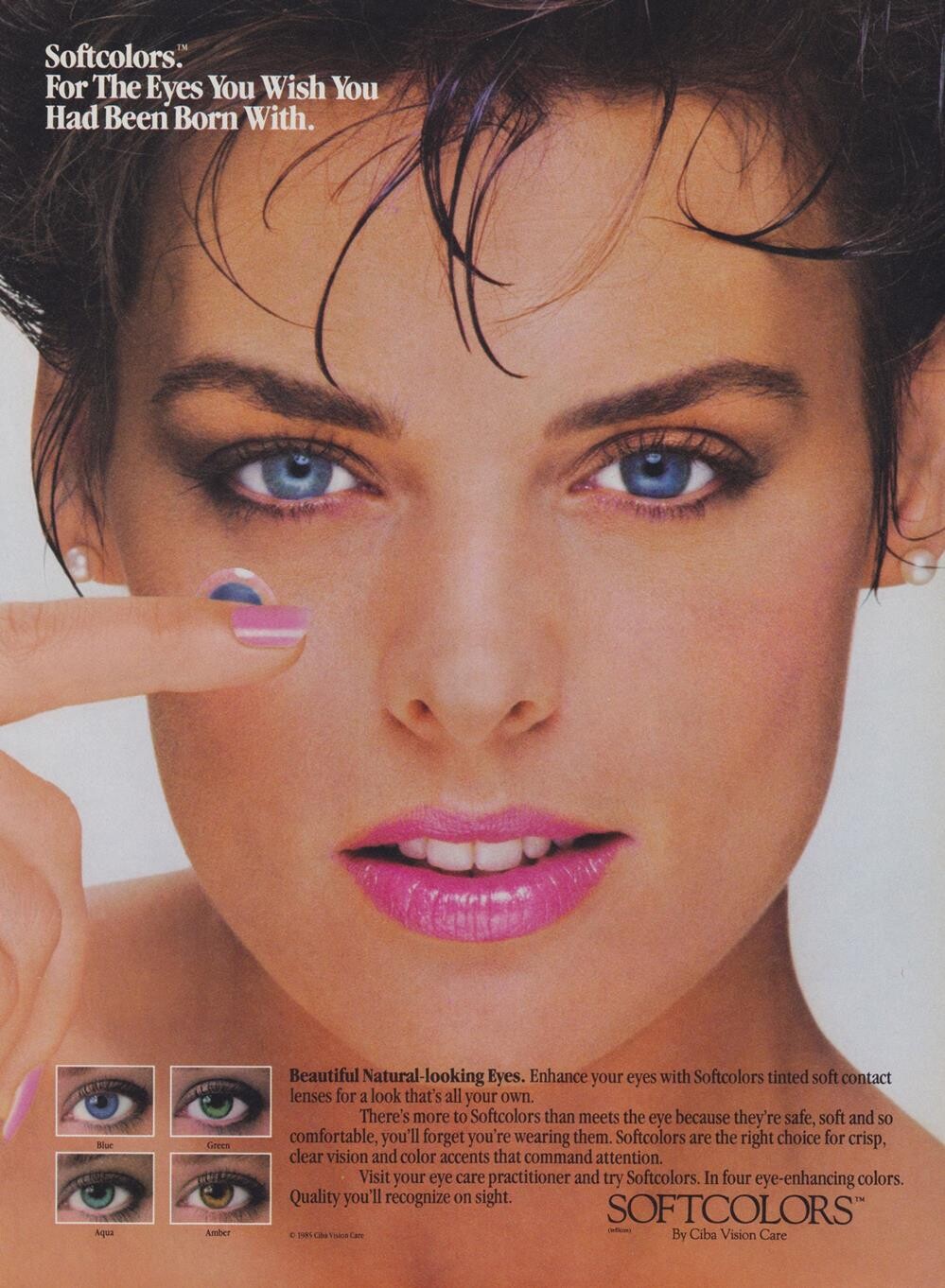
Vintage Model IDs
- Vintage Model IDs
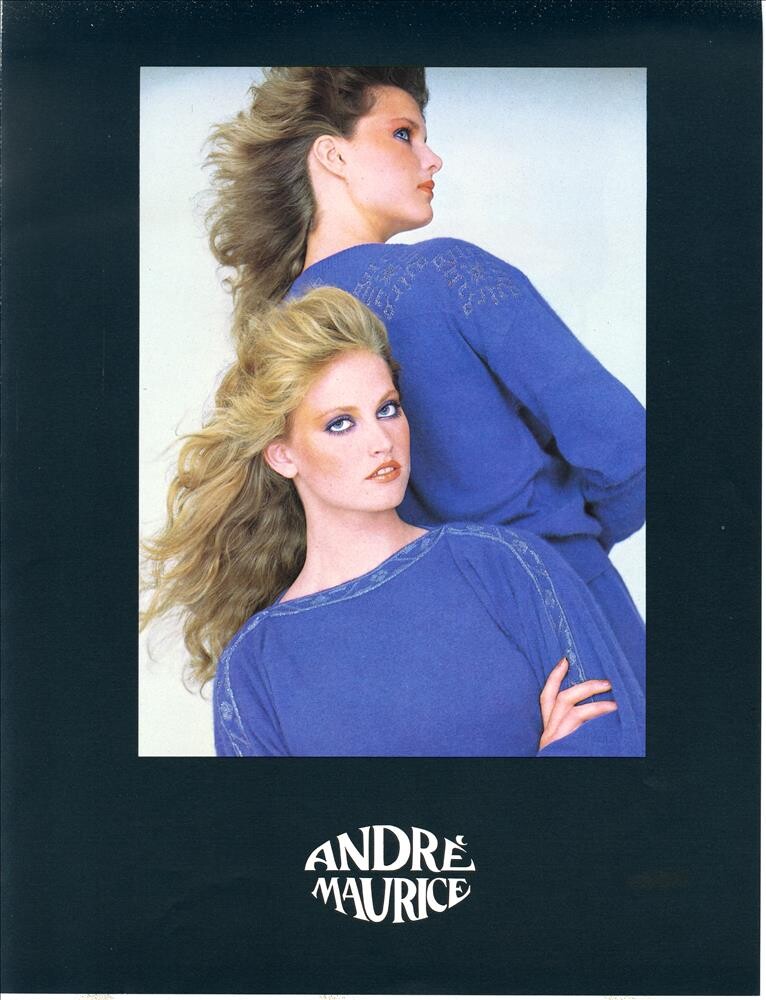
I think this is the second or third time you've posted a Burberrys ad featuring this model and we still have no idea who she is.- Vintage Model IDs
- Vintage Model IDs
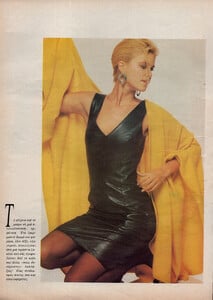
Zara Ronchi in yellow- Vintage Model IDs
Carla Bruni- Vintage Model IDs
- Vintage Model IDs
- Vintage Model IDs
- Vendela Kirsebom
Judging by the ear, which is quite distinctive, I think it's her. I looked back at some of her other profile pictures, and I believe it is Vendela.- Heather Stewart Whyte
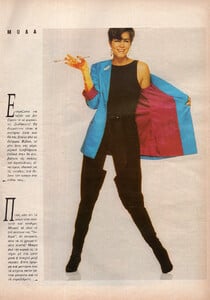
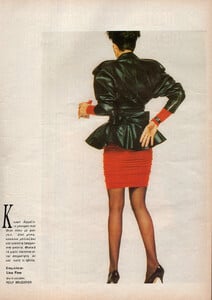
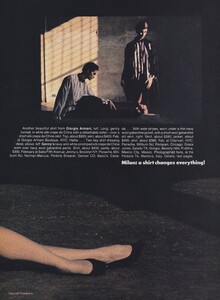
Hi, my friend! The editorials in this issue feature Sonia Gardner, Johanna Sellgren, Elena Kontoura, Kelly Parks and Sveta Valiouchko, Heather is just on the cover.- Vintage Model IDs
- Vintage Model IDs
- Vintage Model IDs
- Vintage Model IDs
- Vintage Model IDs
- Vintage Model IDs
- Vintage Model IDs
- Vintage Model IDs
- Laetitia Casta
- Emma Eriksson
- Helena Christensen
- Kim Renneberg
- Vicky Kaya
- Manon Von Gerkan
- Karen Travis
- Vintage Model IDs
Account
Navigation
Search
Configure browser push notifications
Chrome (Android)
- Tap the lock icon next to the address bar.
- Tap Permissions → Notifications.
- Adjust your preference.
Chrome (Desktop)
- Click the padlock icon in the address bar.
- Select Site settings.
- Find Notifications and adjust your preference.
Safari (iOS 16.4+)
- Ensure the site is installed via Add to Home Screen.
- Open Settings App → Notifications.
- Find your app name and adjust your preference.
Safari (macOS)
- Go to Safari → Preferences.
- Click the Websites tab.
- Select Notifications in the sidebar.
- Find this website and adjust your preference.
Edge (Android)
- Tap the lock icon next to the address bar.
- Tap Permissions.
- Find Notifications and adjust your preference.
Edge (Desktop)
- Click the padlock icon in the address bar.
- Click Permissions for this site.
- Find Notifications and adjust your preference.
Firefox (Android)
- Go to Settings → Site permissions.
- Tap Notifications.
- Find this site in the list and adjust your preference.
Firefox (Desktop)
- Open Firefox Settings.
- Search for Notifications.
- Find this site in the list and adjust your preference.