
LanaLush
Members
-
Joined
-
Last visited
-
I love her she's a real woman!
-
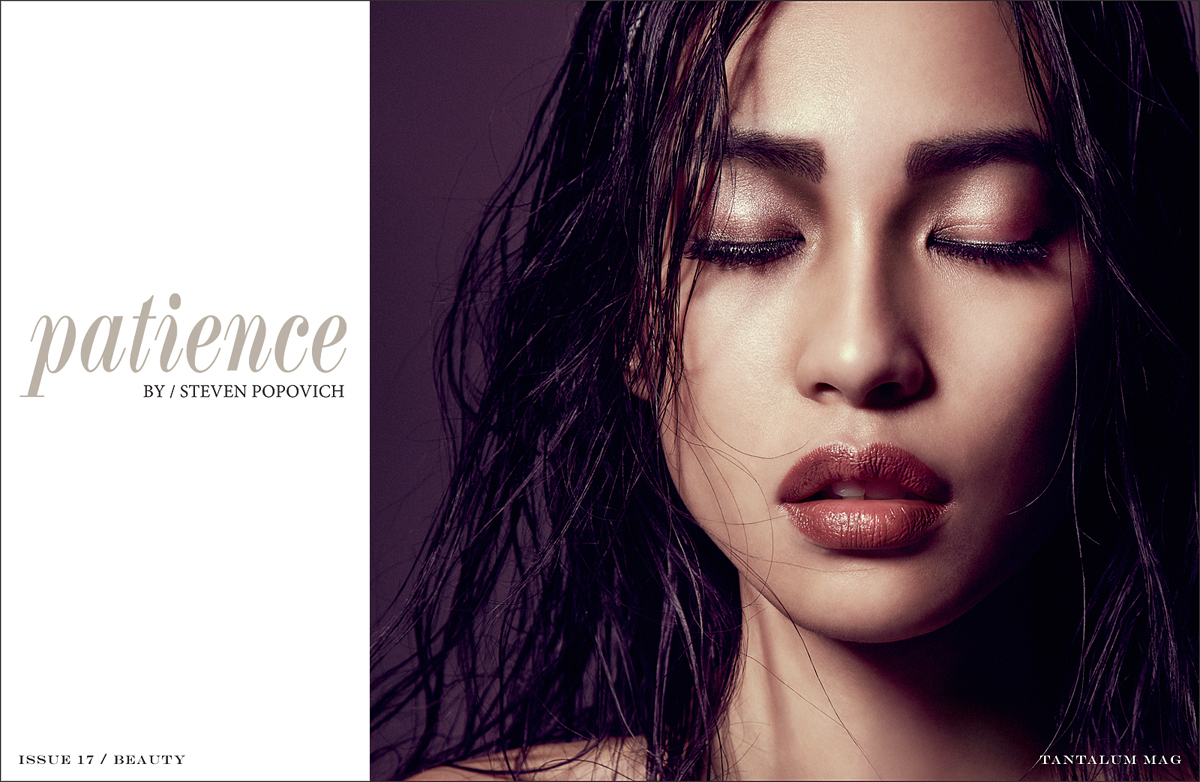
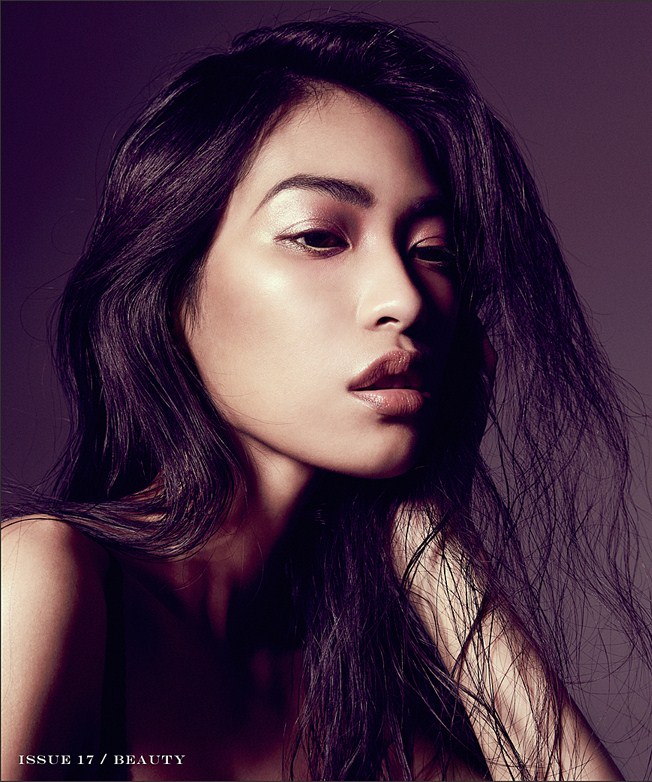
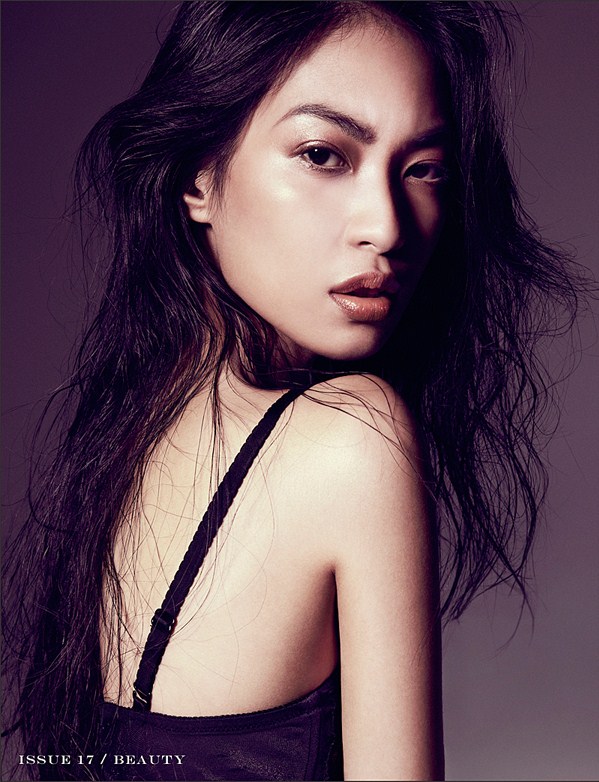
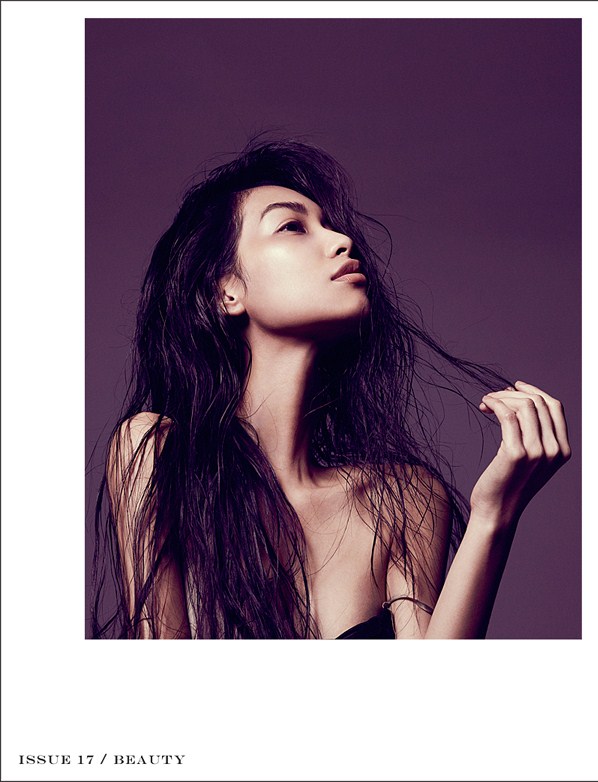
Tantalum Magazine
-
Vogue Italia website

-
Bentrovatoblog.com Editorial


-
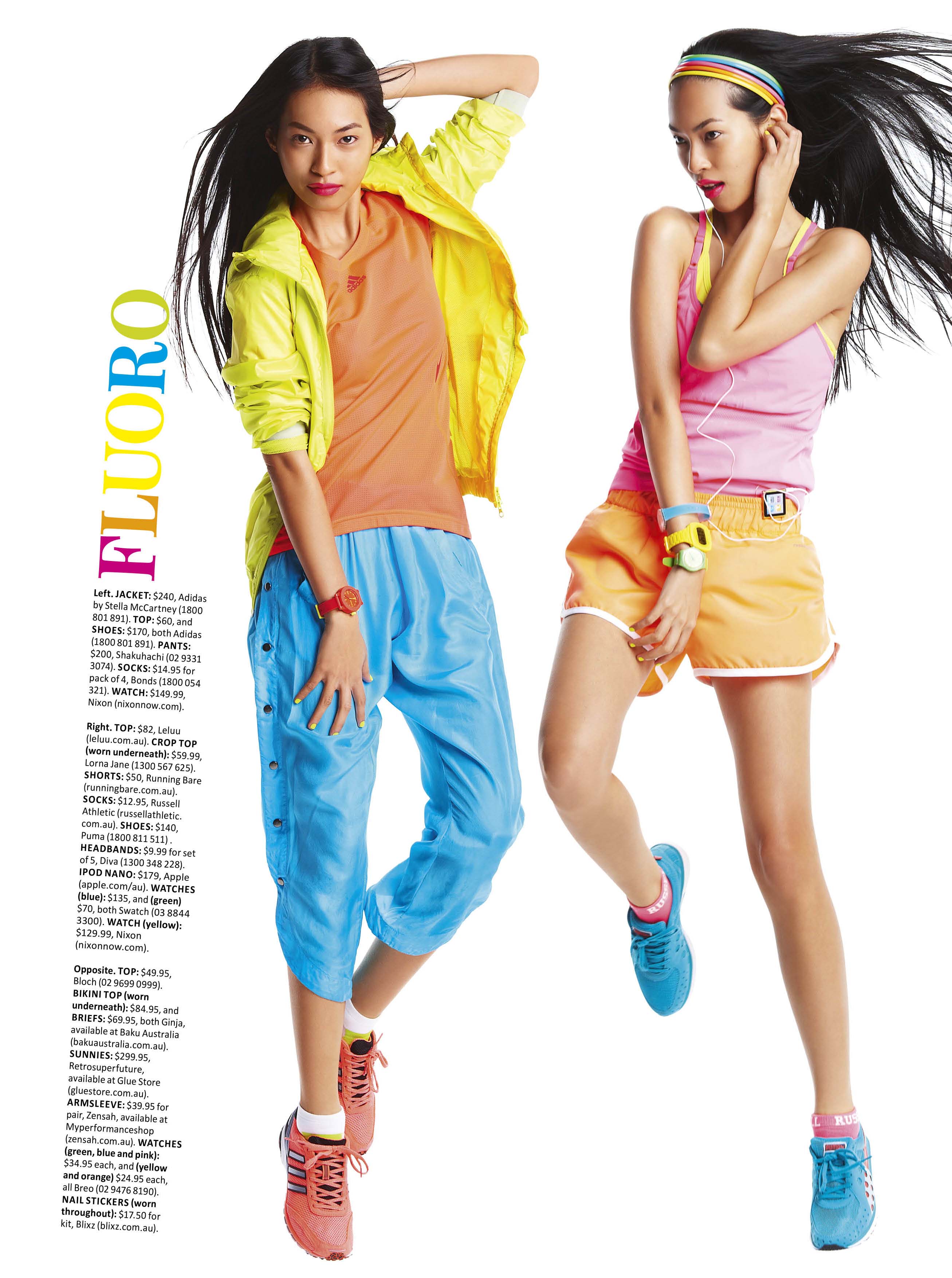
Gotcha! Thanks again! I think this will be useful to other newcomers like me lol! How do you line up the photos side by side? Coz when I tried it, it automatically arranges them vertically.Hi everyone! I am new here and I'd like to find out how to attach photos without it looking like a thumbnail after it's been posted. I've seen a lot of posts that has the normal sized photos on them so can anyone help me please?Hi! cool model! Just wondering though, how do you attach photos without having that black bar on top saying "image resized % bla bla" ?Cosmopolitan Health AustraliaHey she looks beautiful! I'm new here and my latest post is this new model who's Filipino too. Merille Raagas and here's here thread that I made http://www.bellazon.com/main/index.php?sho...87#entry2802576. The cool thing is they have the same exotic but mysterious look. Defz a fan of both now! Pic of her There is a resemblance I think.
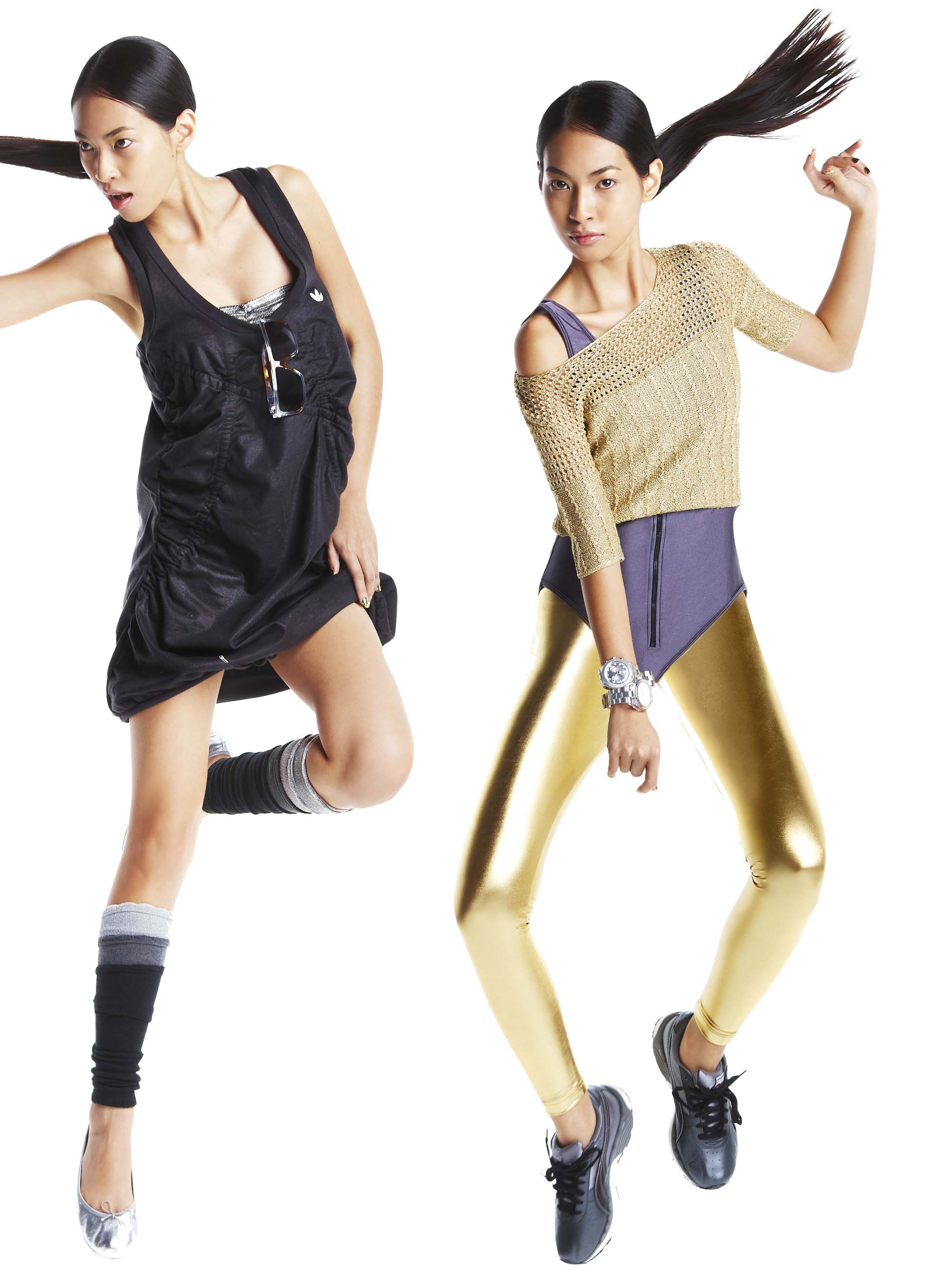
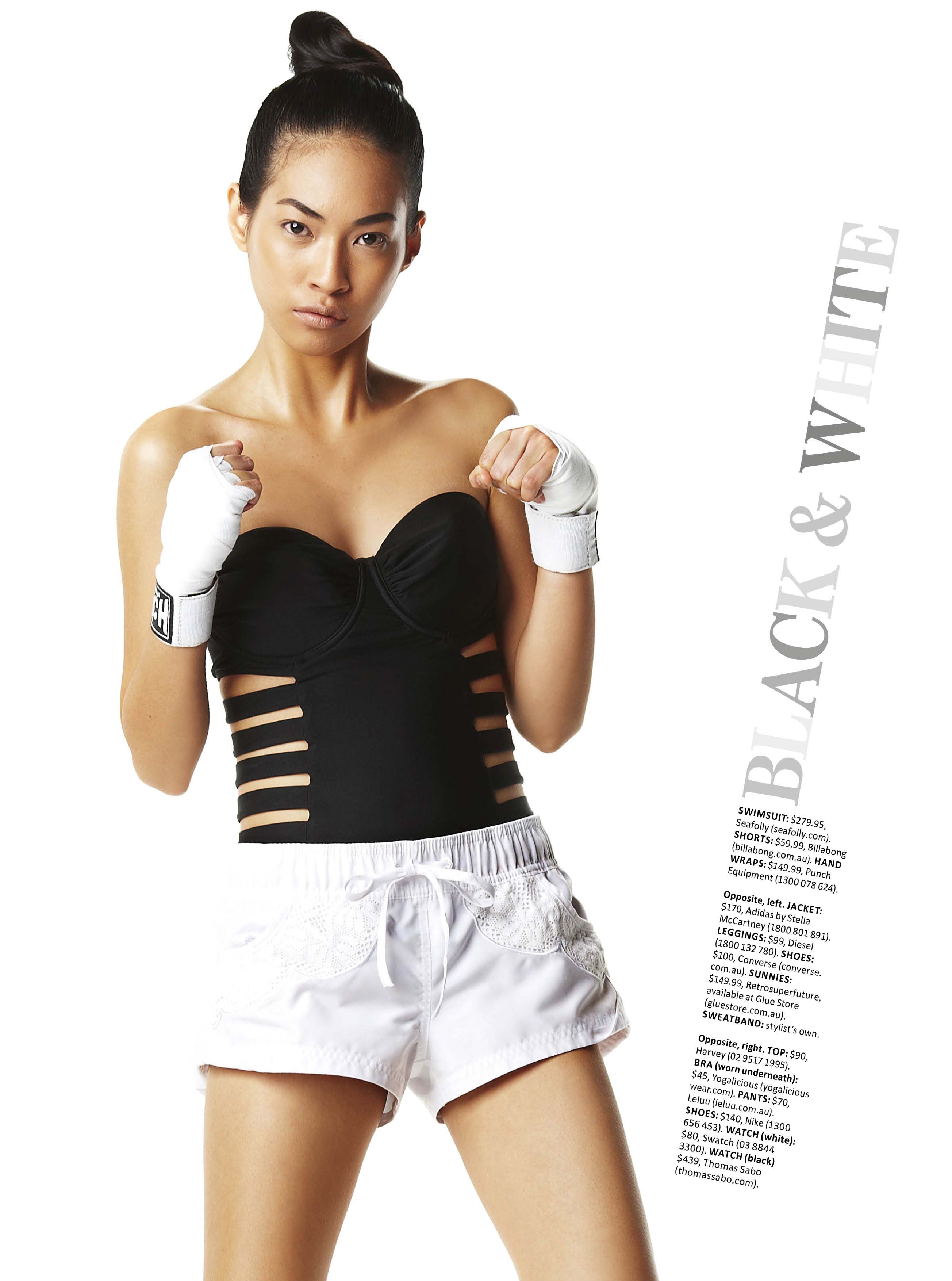
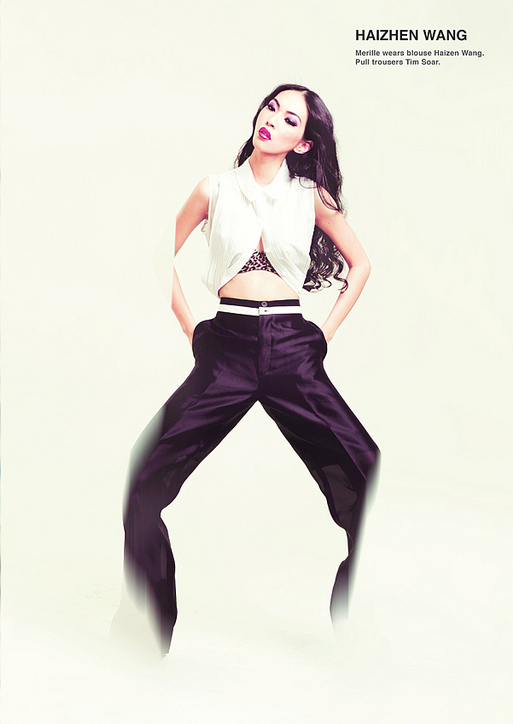
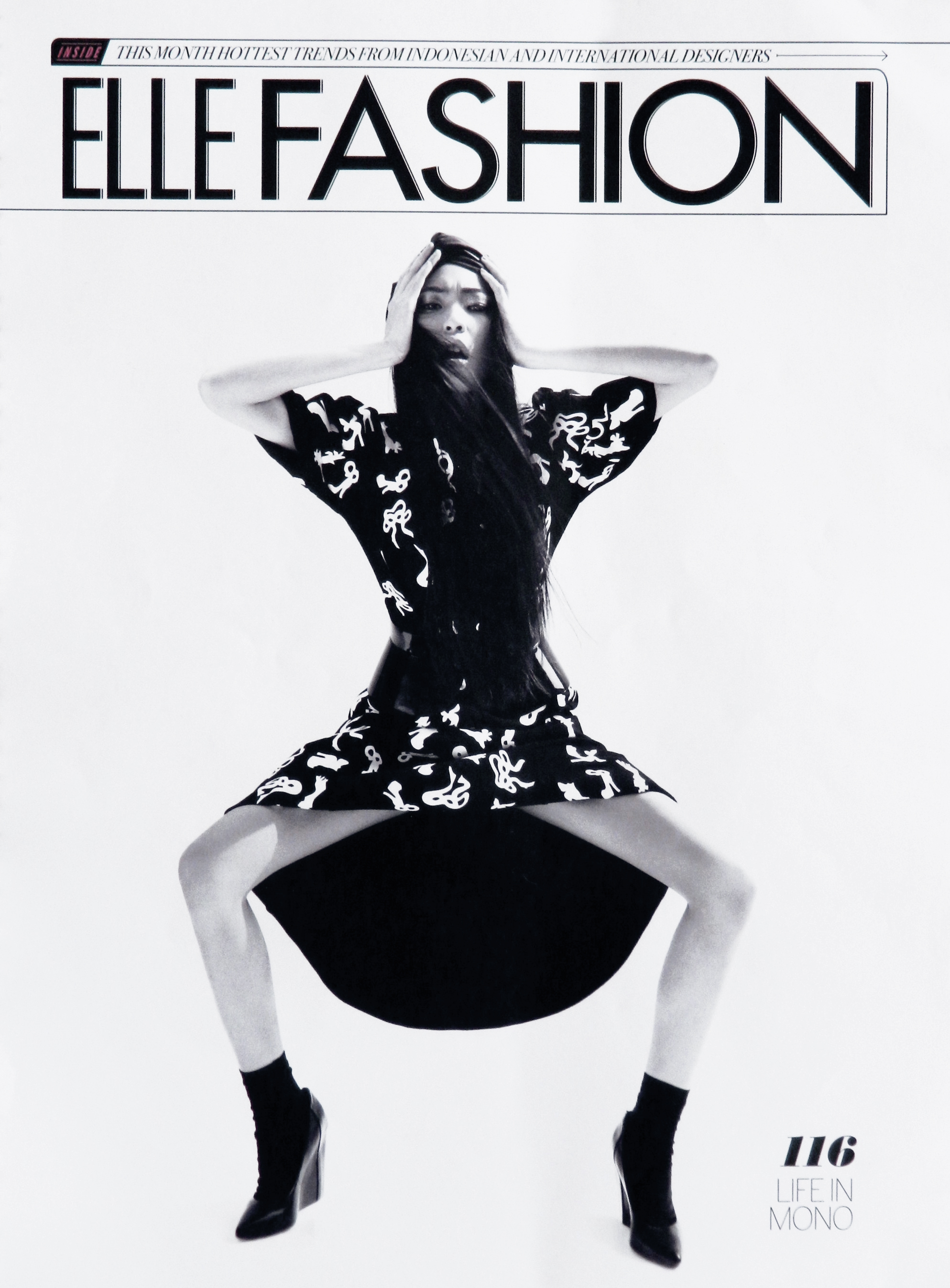
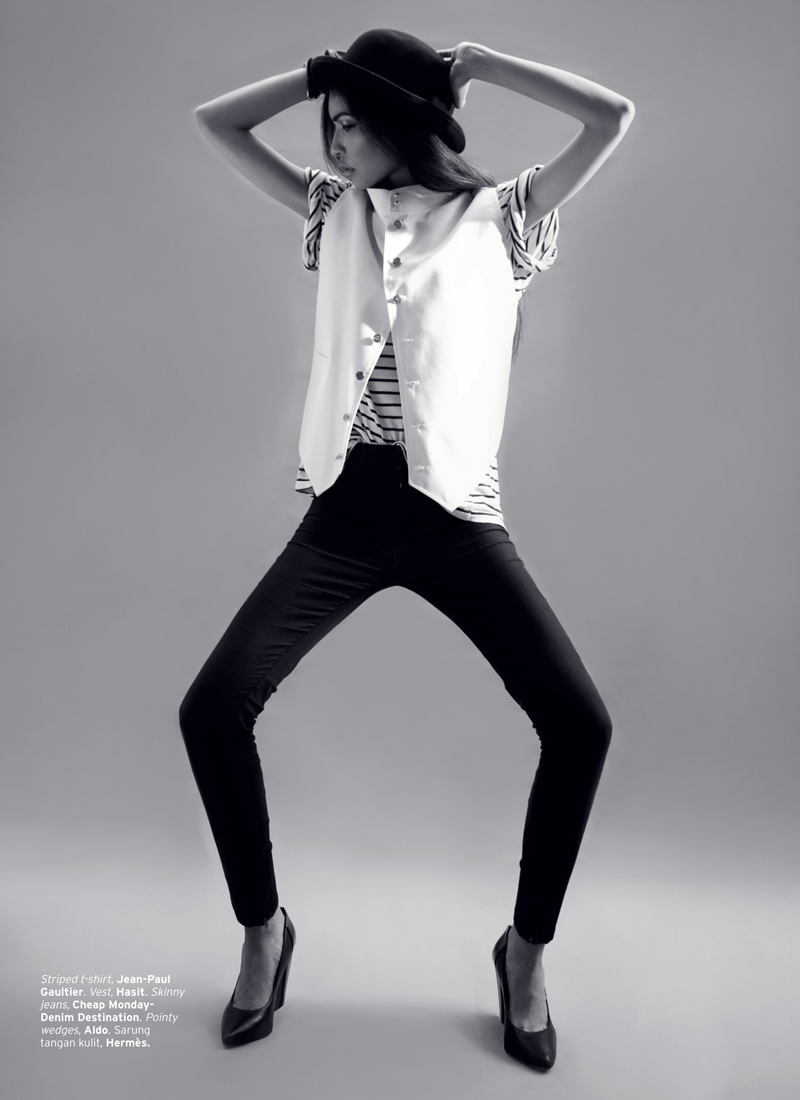
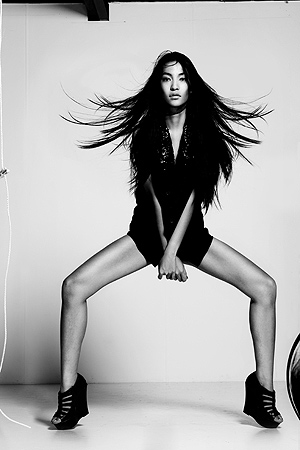
 DEW Magazine: Best of British S/S 2012 Is it just me or she really likes the open wide squat pose? It seems like all the photographers love it too!



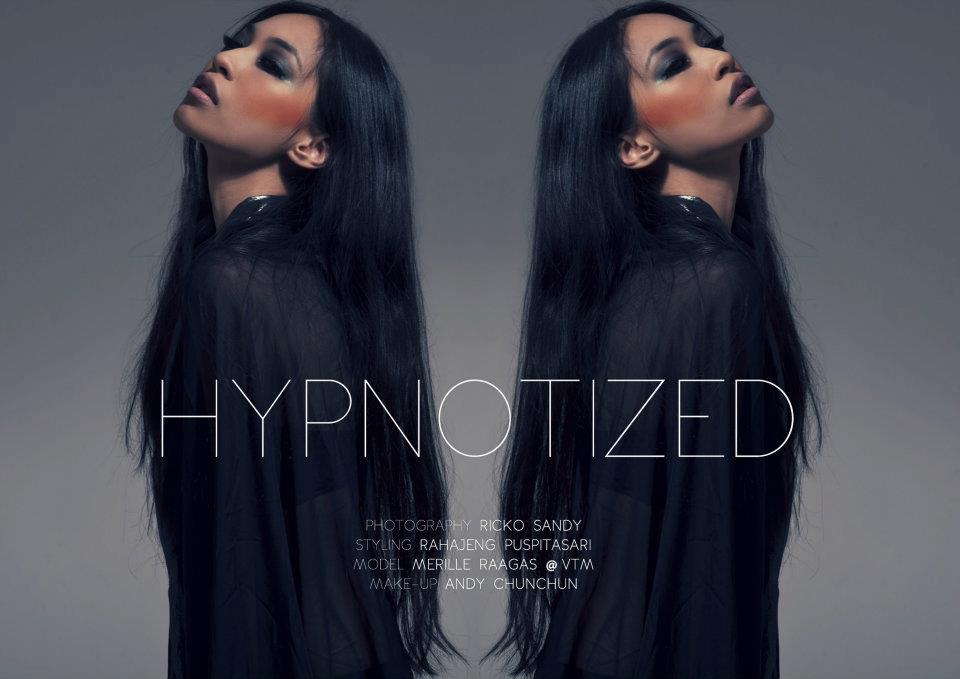
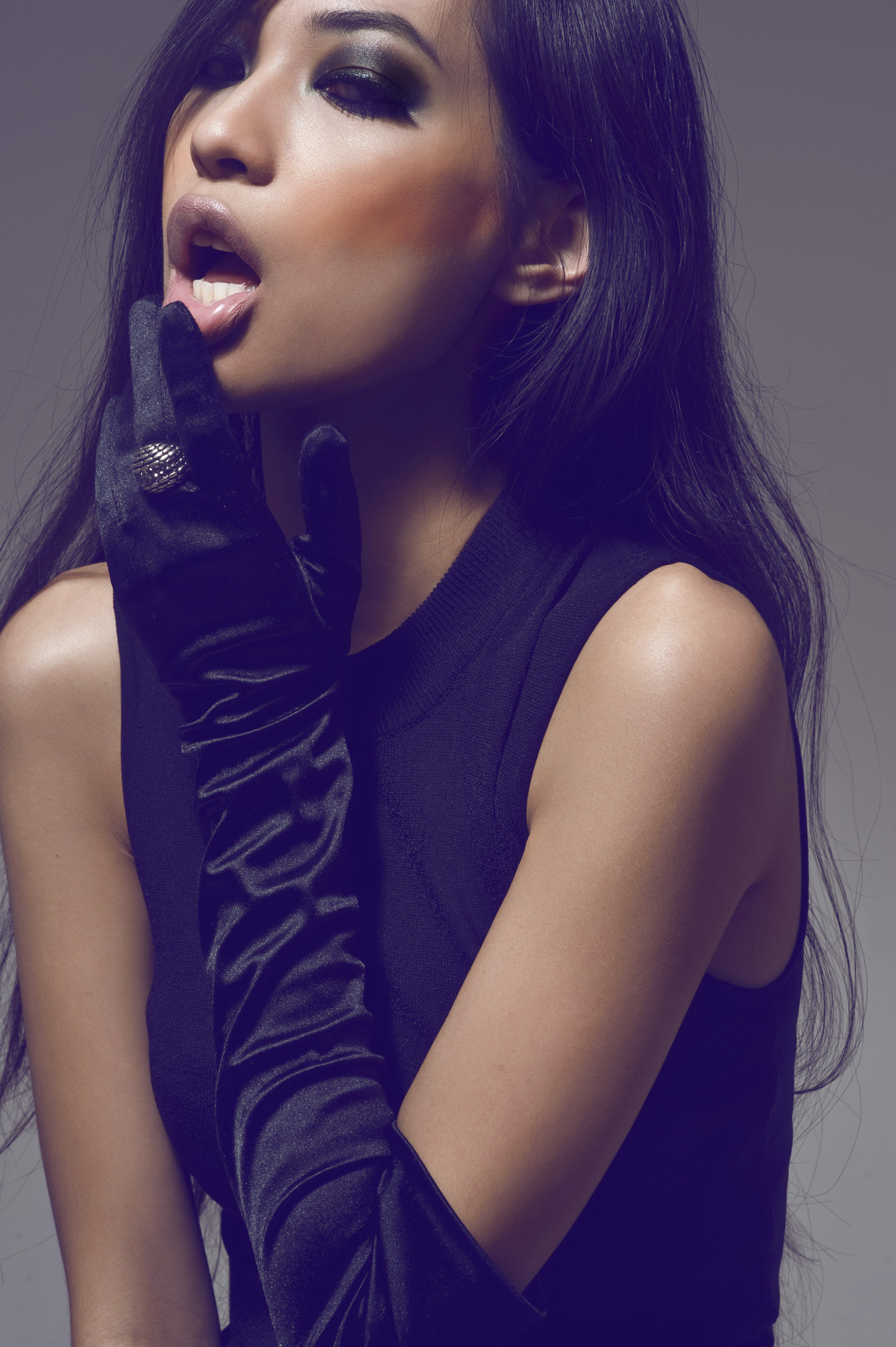
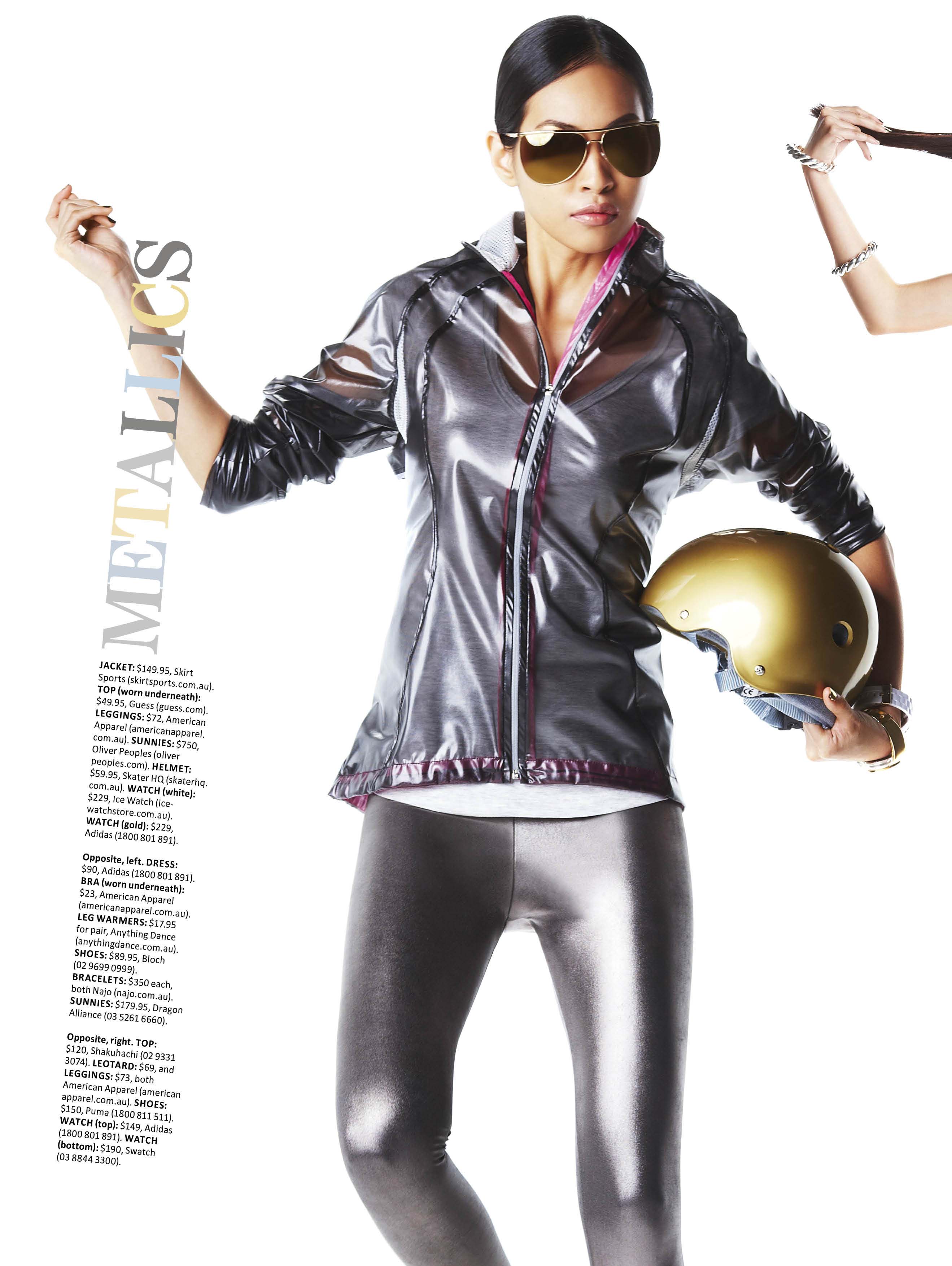
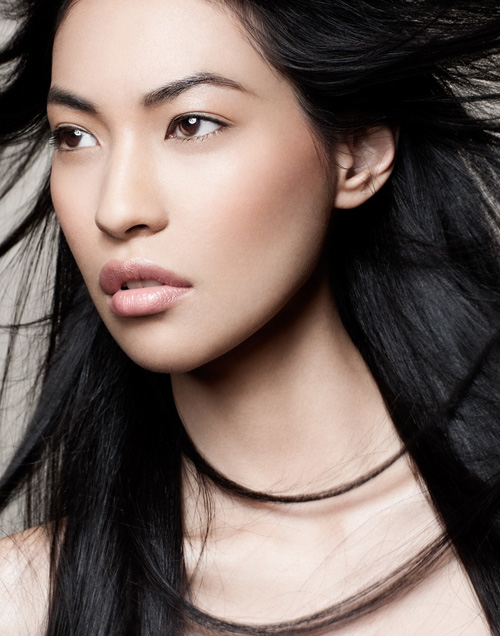
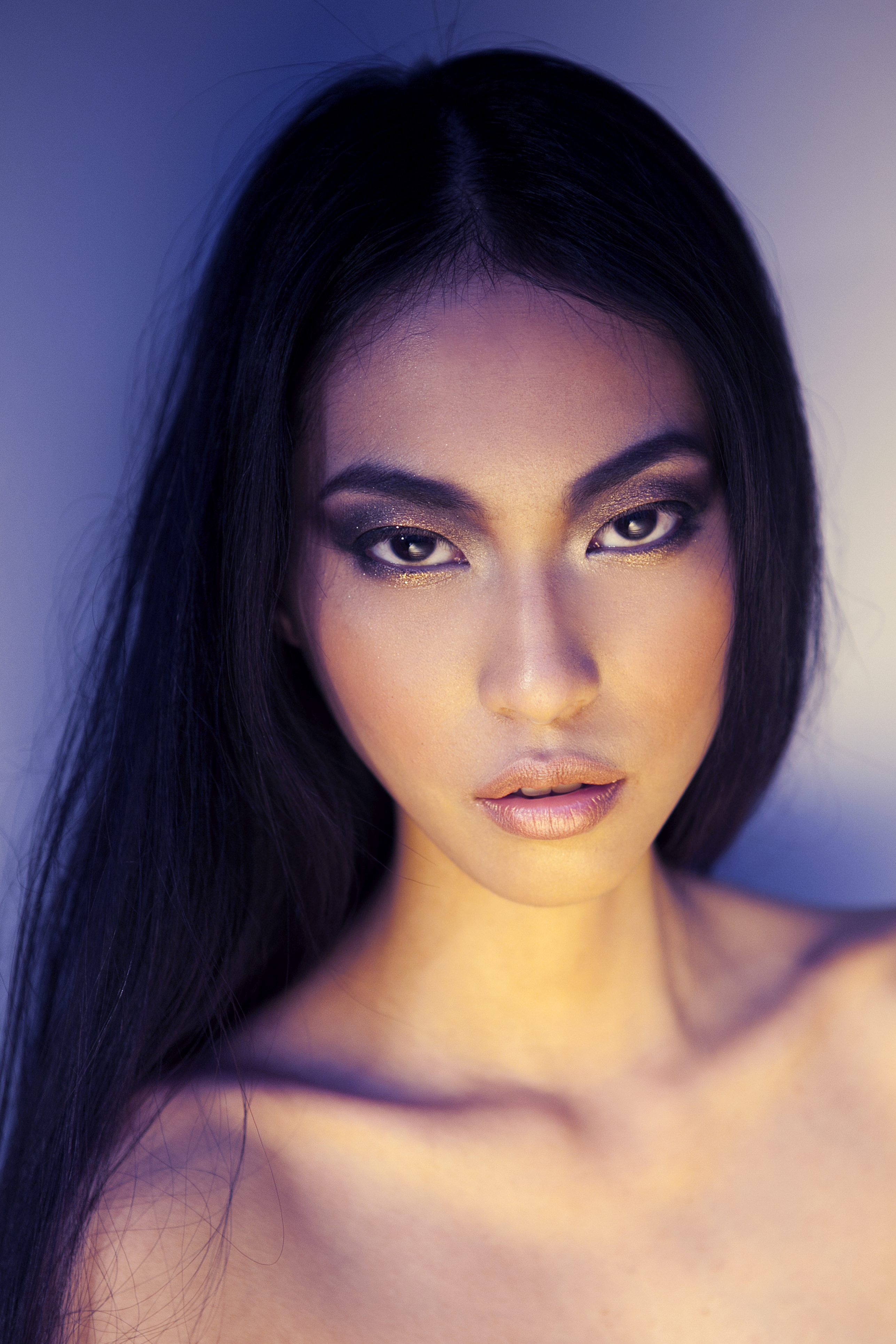
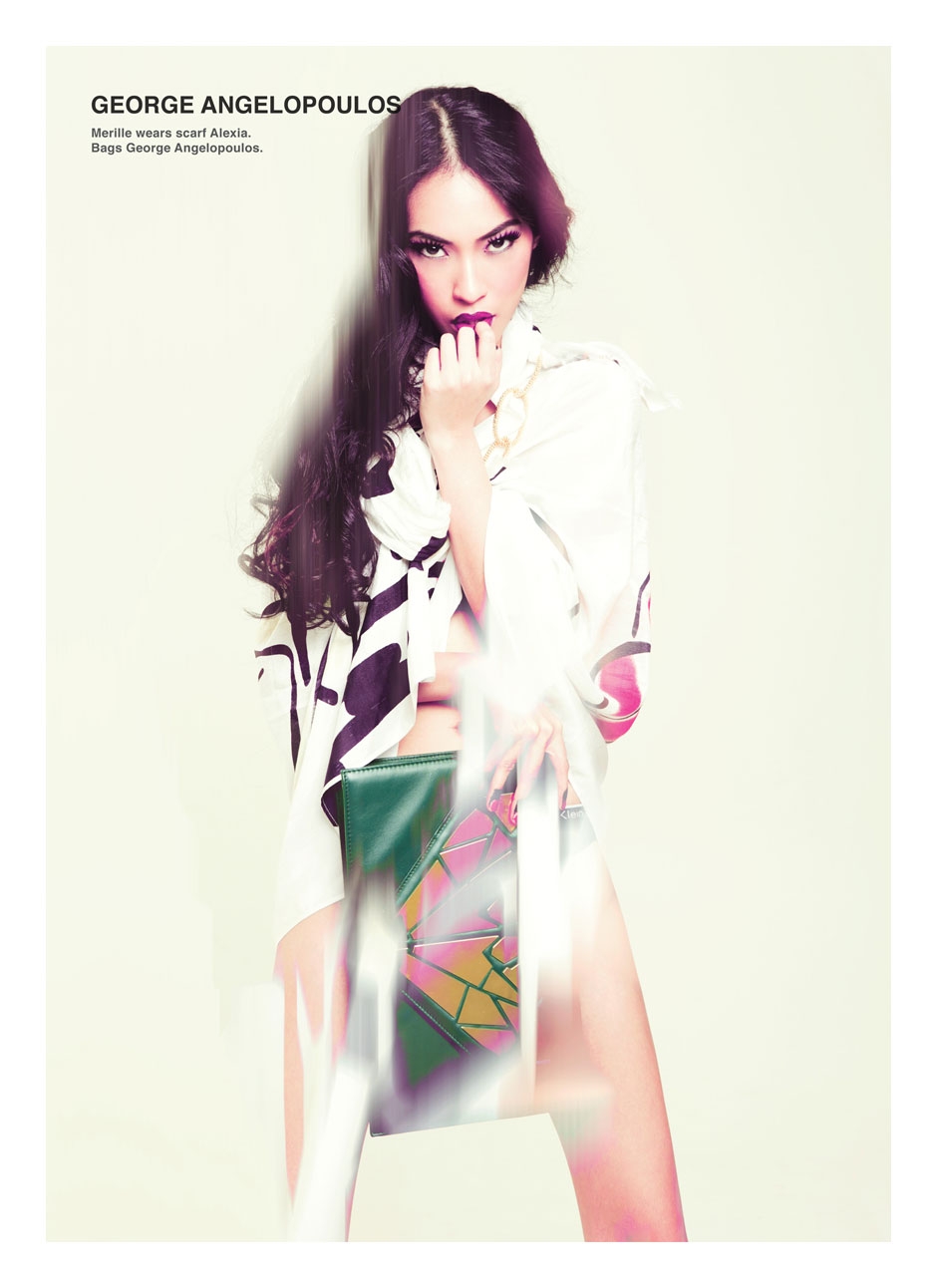
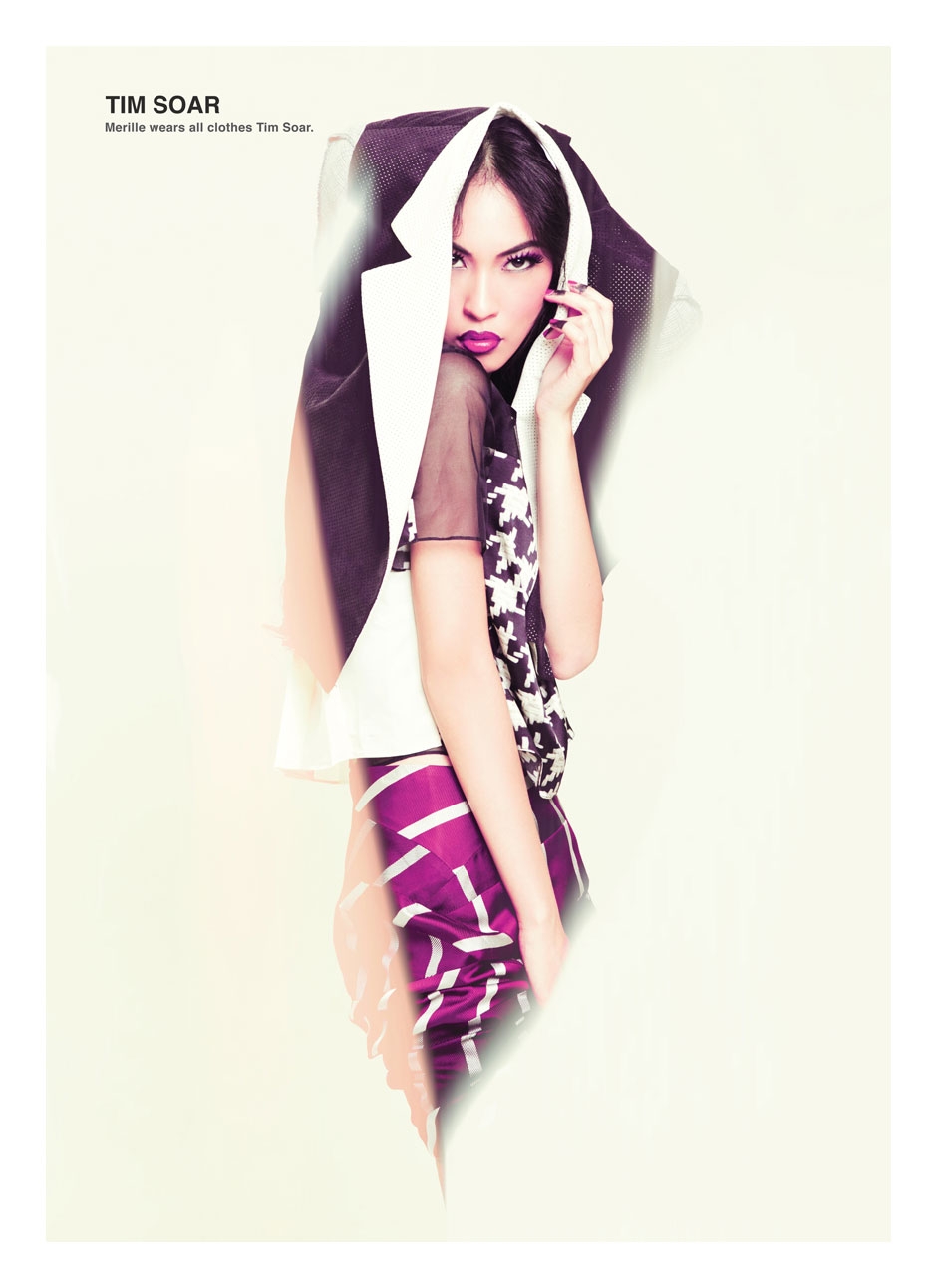
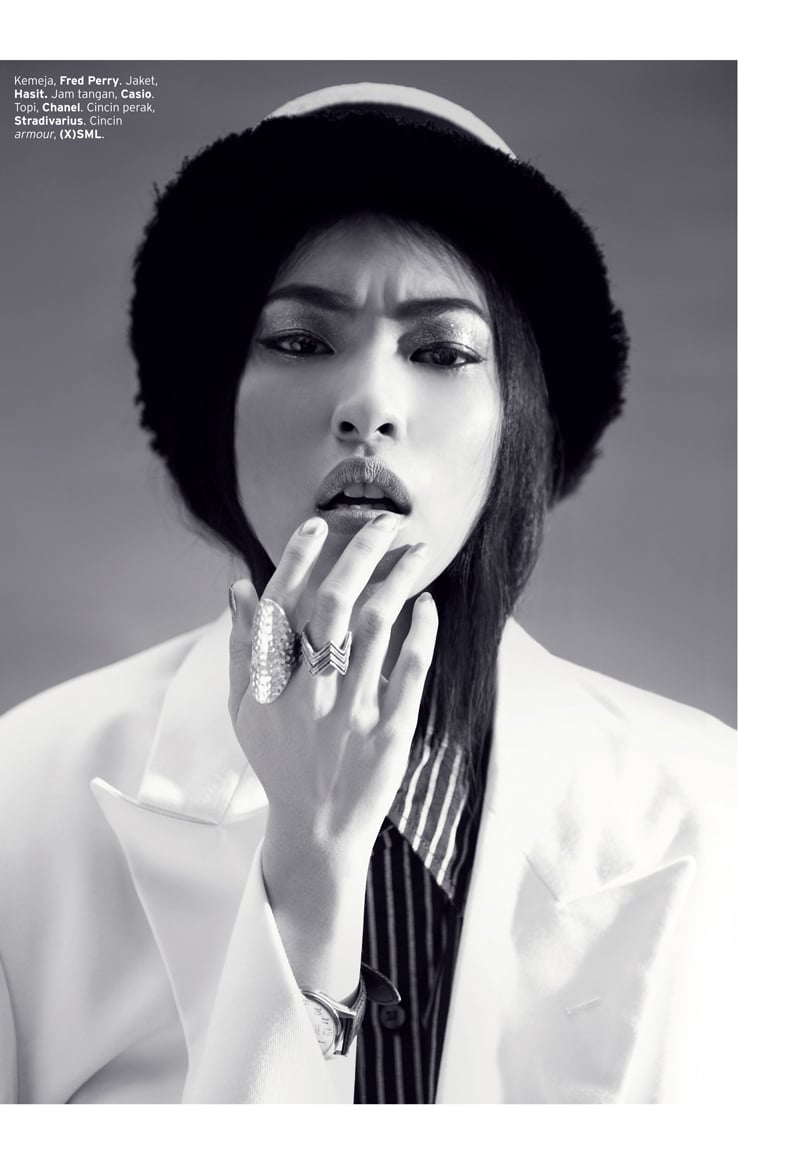
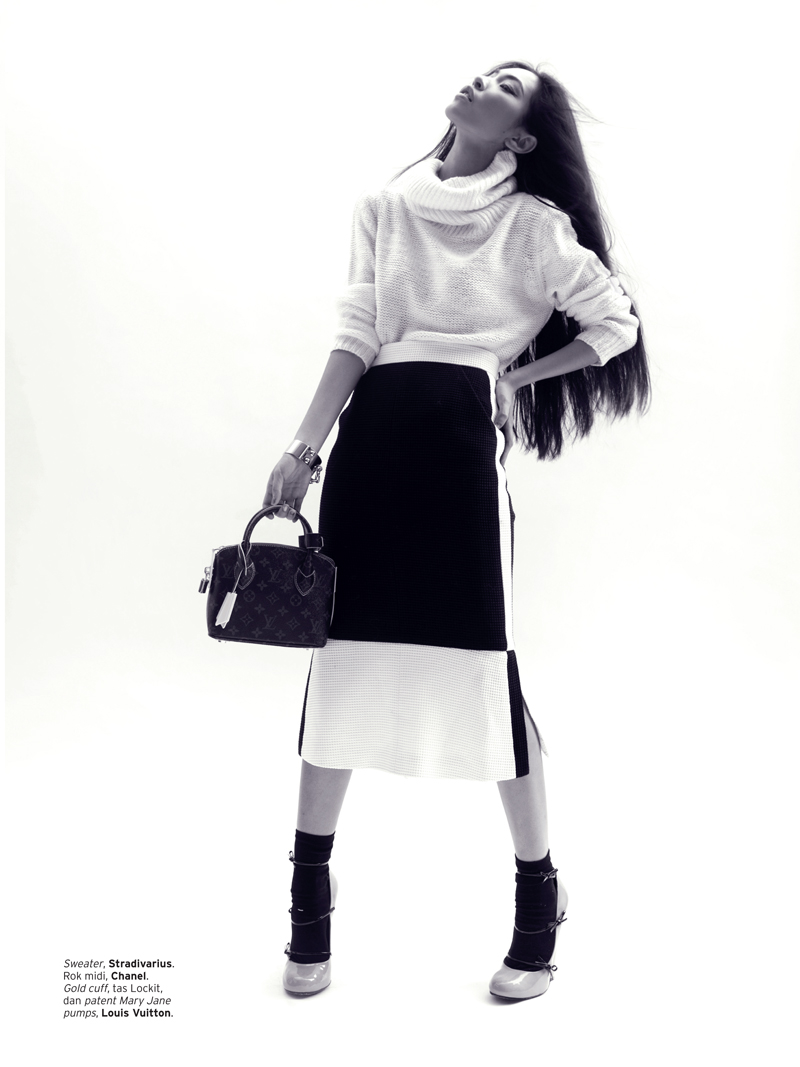
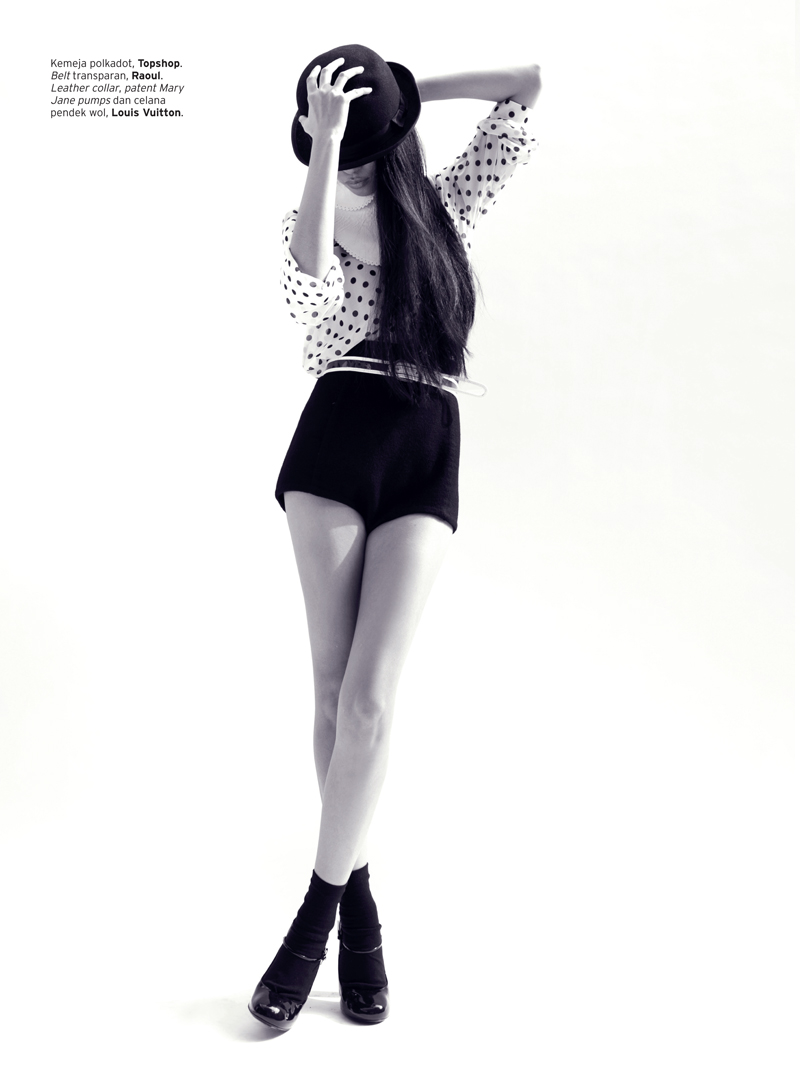
 Merille Raagas for ELLE MagazineMerille Raagas Asian Model Nationality: Australian Ethnicity: Chinese/Spanish/Filipino Hair Colour: Dark Brown Eye Colour: Brown Height: 173cm/5'8 Bust: 79cm/31'' Waist: 60cm/23.5'' Hips: 85cm/33.5'' Agencies: Priscillas Model Management Vivien's Model Management - Brisbane Another unique model that Australia should be very proud of! They always have interesting looks coming out of that country!
















Account
Navigation
Search
Configure browser push notifications
Chrome (Android)
- Tap the lock icon next to the address bar.
- Tap Permissions → Notifications.
- Adjust your preference.
Chrome (Desktop)
- Click the padlock icon in the address bar.
- Select Site settings.
- Find Notifications and adjust your preference.
Safari (iOS 16.4+)
- Ensure the site is installed via Add to Home Screen.
- Open Settings App → Notifications.
- Find your app name and adjust your preference.
Safari (macOS)
- Go to Safari → Preferences.
- Click the Websites tab.
- Select Notifications in the sidebar.
- Find this website and adjust your preference.
Edge (Android)
- Tap the lock icon next to the address bar.
- Tap Permissions.
- Find Notifications and adjust your preference.
Edge (Desktop)
- Click the padlock icon in the address bar.
- Click Permissions for this site.
- Find Notifications and adjust your preference.
Firefox (Android)
- Go to Settings → Site permissions.
- Tap Notifications.
- Find this site in the list and adjust your preference.
Firefox (Desktop)
- Open Firefox Settings.
- Search for Notifications.
- Find this site in the list and adjust your preference.