tinkerbelle
Members
-
Joined
-
Last visited
Everything posted by tinkerbelle
-
 jpg version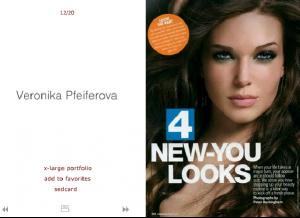
-
AJ is in Paris since yesterday for his solo concert. Hotel at 5mn from my office, if any french fan wants to go...
grrrrr their pix are always small !!! thanx for all
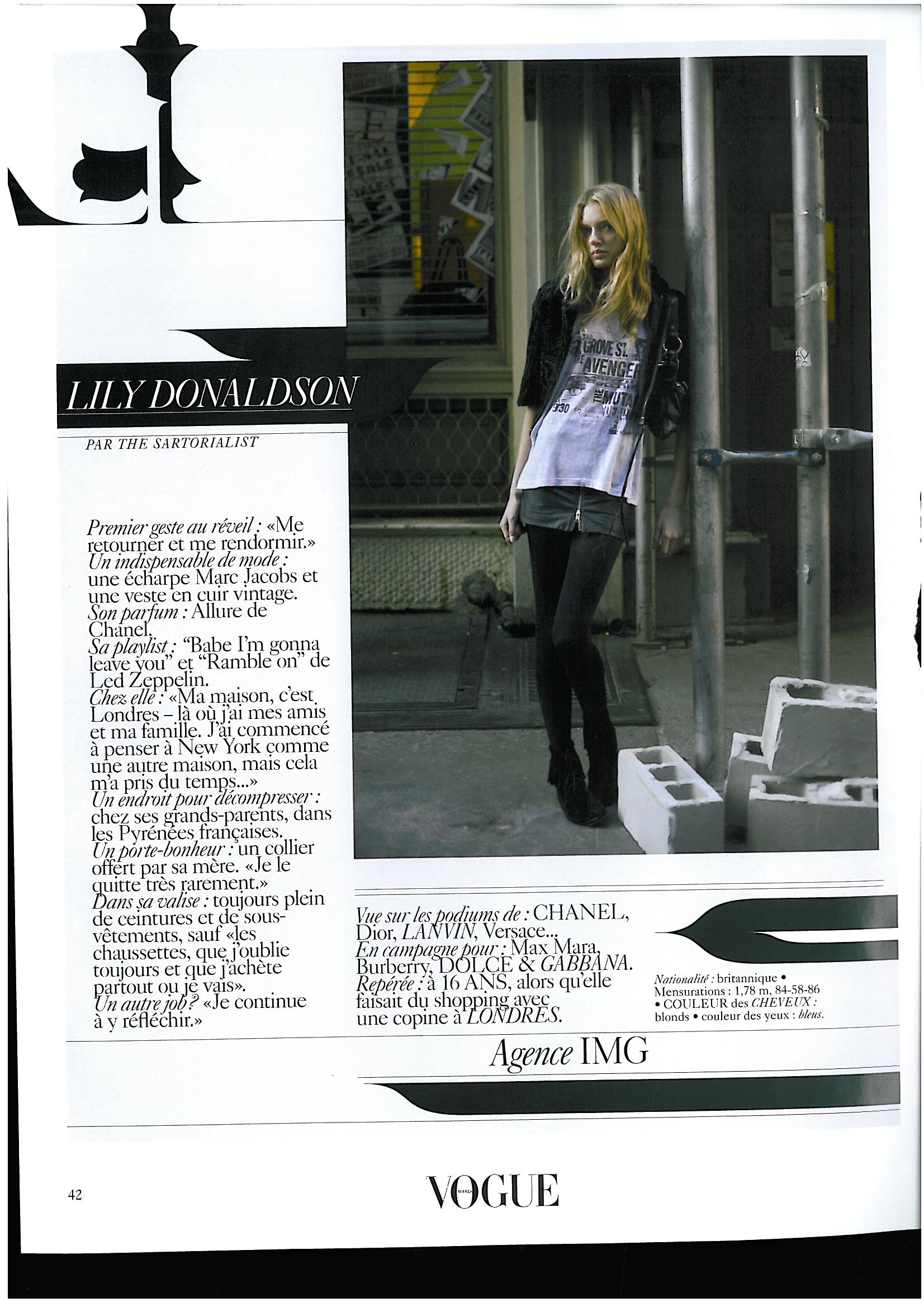
my scan from vogue

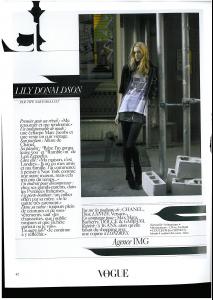 thanx here's my contribution

 I didn't recognize her ! thanx First Name: Anna Louise Last Name: de Rijk Nationality: Dutch Ethnicity: Dutch Hair Color: Brown Eye Color: Blue Date of Birth: Place of Birth: The Netherlands Height: 5'9" ; 175cm Measurements: (US) 33-24.5-34 ; (EU) 84-62-86.5 Dress Size: (US) 4 ; (EU) 34 Shoe Size: (US) 9 ; (EU) 41 Mother agency: unknown Agencies: Paparazzi Model Management - The Netherlands Viva Models - Paris NBPeople Advertisements: Adidas Magazine Covers: Greece: 'Harper's Bazaar' - 2006 Fashion Shows: Hobbies: Notes: She was discovered at a Dutch model contest (TMF) with which she won a 5 year contract with Paparazzi Model Agency.
 need more, she looks cute
yummy !!!
need more, she looks cute
yummy !!!
Account
Navigation
Search
Configure browser push notifications
Chrome (Android)
- Tap the lock icon next to the address bar.
- Tap Permissions → Notifications.
- Adjust your preference.
Chrome (Desktop)
- Click the padlock icon in the address bar.
- Select Site settings.
- Find Notifications and adjust your preference.
Safari (iOS 16.4+)
- Ensure the site is installed via Add to Home Screen.
- Open Settings App → Notifications.
- Find your app name and adjust your preference.
Safari (macOS)
- Go to Safari → Preferences.
- Click the Websites tab.
- Select Notifications in the sidebar.
- Find this website and adjust your preference.
Edge (Android)
- Tap the lock icon next to the address bar.
- Tap Permissions.
- Find Notifications and adjust your preference.
Edge (Desktop)
- Click the padlock icon in the address bar.
- Click Permissions for this site.
- Find Notifications and adjust your preference.
Firefox (Android)
- Go to Settings → Site permissions.
- Tap Notifications.
- Find this site in the list and adjust your preference.
Firefox (Desktop)
- Open Firefox Settings.
- Search for Notifications.
- Find this site in the list and adjust your preference.