Ariesdior
Members
-
Joined
-
Last visited
Everything posted by Ariesdior
-
 older photos
 -
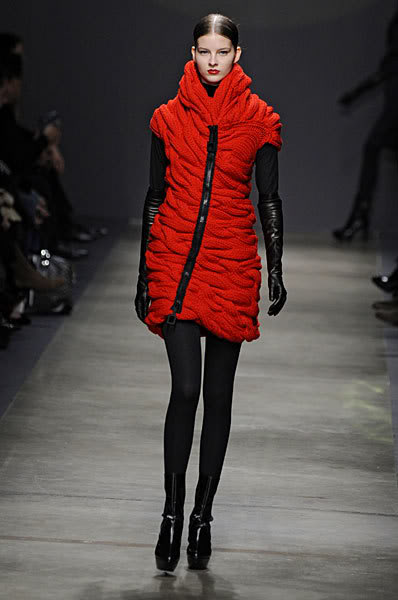
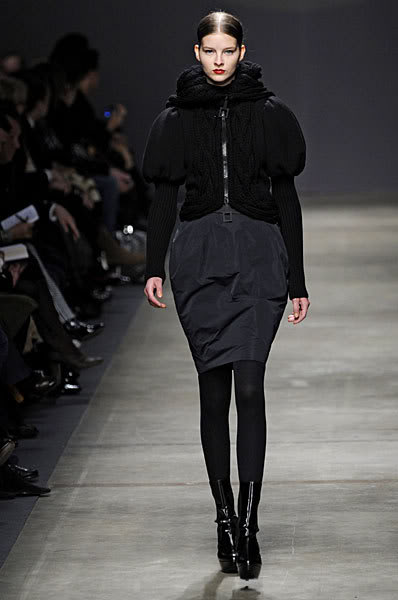
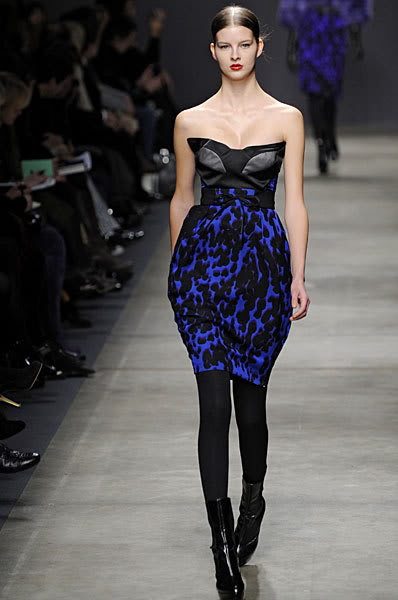
Iceberg Fall 2008
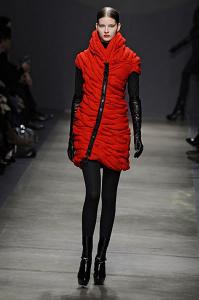

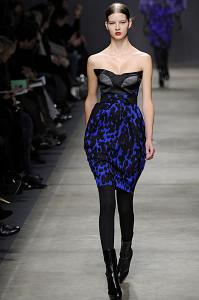 Blugirl Fall 2008 Backstage
Apriori Spring 2008
What is so bad about having photos of her place posted here?
Campaign one: Raquel Campaign two: Raquel Campaign three: Raquel Eyewear: Raquel Overall:Raquel
Thank you so much VampireHorde
I loved Eugenia when she opened for the Russian segment but last year she looked bored out of her mind. I forgot she was even in the show last year.
Where did you get those from? It's unexplainable how I feel looking down at the street in the first picture then just looking up at the balcony in other pictures. Its a different kind of saddness looking at those.
I don't think that second pic is Behati
Neiman Marcus "The Book" Fall Preview 2008 "A Peek at What's Chic" Scanned by Faith Akiyama at tfs
I loved the Bollywood dance last night.
Blugirl Fall 2008 Backstage
Apriori Spring 2008
What is so bad about having photos of her place posted here?
Campaign one: Raquel Campaign two: Raquel Campaign three: Raquel Eyewear: Raquel Overall:Raquel
Thank you so much VampireHorde
I loved Eugenia when she opened for the Russian segment but last year she looked bored out of her mind. I forgot she was even in the show last year.
Where did you get those from? It's unexplainable how I feel looking down at the street in the first picture then just looking up at the balcony in other pictures. Its a different kind of saddness looking at those.
I don't think that second pic is Behati
Neiman Marcus "The Book" Fall Preview 2008 "A Peek at What's Chic" Scanned by Faith Akiyama at tfs
I loved the Bollywood dance last night.
Account
Navigation
Search
Configure browser push notifications
Chrome (Android)
- Tap the lock icon next to the address bar.
- Tap Permissions → Notifications.
- Adjust your preference.
Chrome (Desktop)
- Click the padlock icon in the address bar.
- Select Site settings.
- Find Notifications and adjust your preference.
Safari (iOS 16.4+)
- Ensure the site is installed via Add to Home Screen.
- Open Settings App → Notifications.
- Find your app name and adjust your preference.
Safari (macOS)
- Go to Safari → Preferences.
- Click the Websites tab.
- Select Notifications in the sidebar.
- Find this website and adjust your preference.
Edge (Android)
- Tap the lock icon next to the address bar.
- Tap Permissions.
- Find Notifications and adjust your preference.
Edge (Desktop)
- Click the padlock icon in the address bar.
- Click Permissions for this site.
- Find Notifications and adjust your preference.
Firefox (Android)
- Go to Settings → Site permissions.
- Tap Notifications.
- Find this site in the list and adjust your preference.
Firefox (Desktop)
- Open Firefox Settings.
- Search for Notifications.
- Find this site in the list and adjust your preference.