-
- Rachelle Van Waardhuizen
-
ASOS Model ID Thread
Dreamy Dorothy Petzold https://www.instagram.com/dorothypetzold/?hl=en
-
ASOS Model ID Thread
The lovely Freya Tidy https://www.instagram.com/freyatidy/ https://www.tiktok.com/@freyatidy?lang=en She's extraordinary!
-
ASOS Model ID Thread
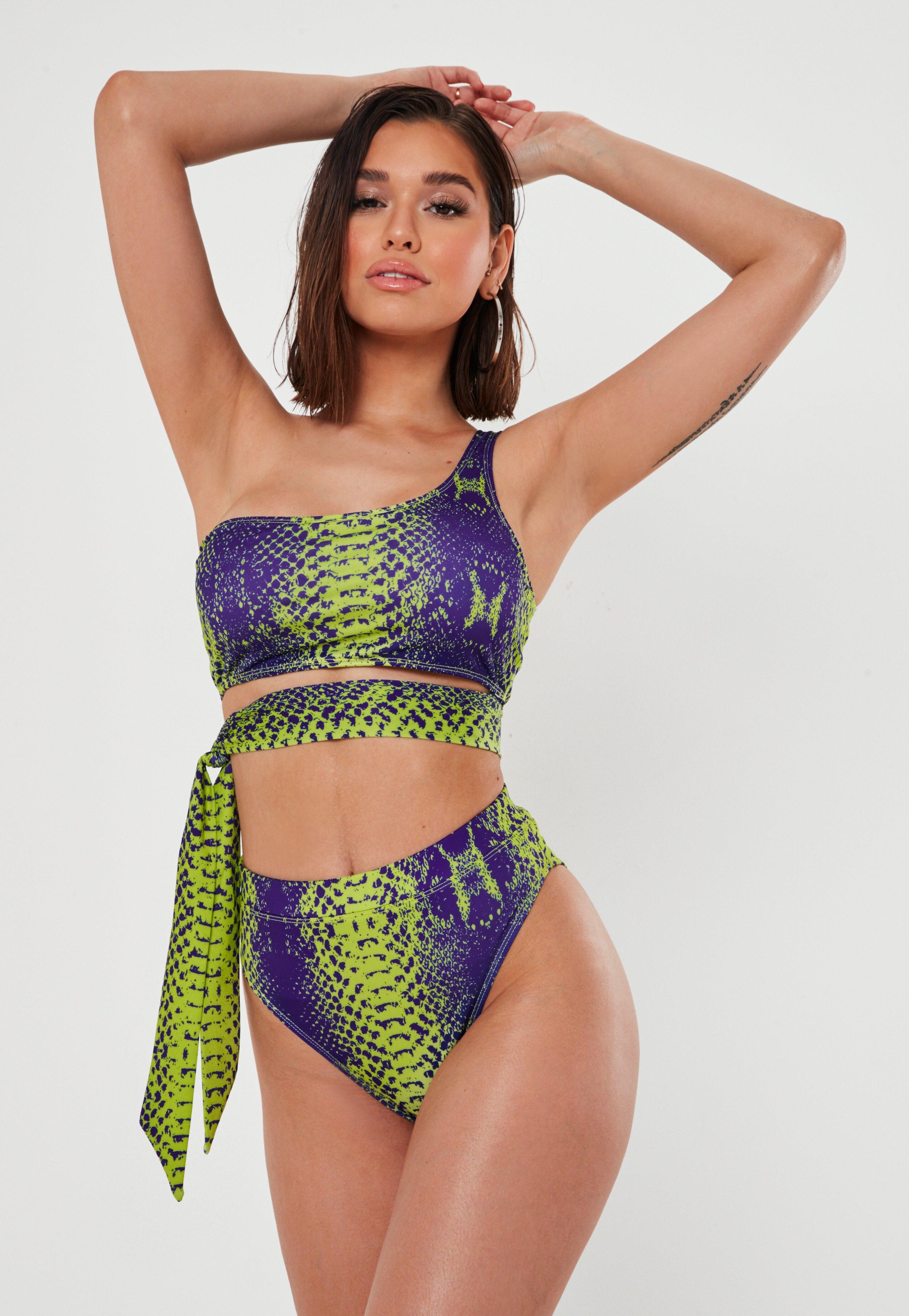
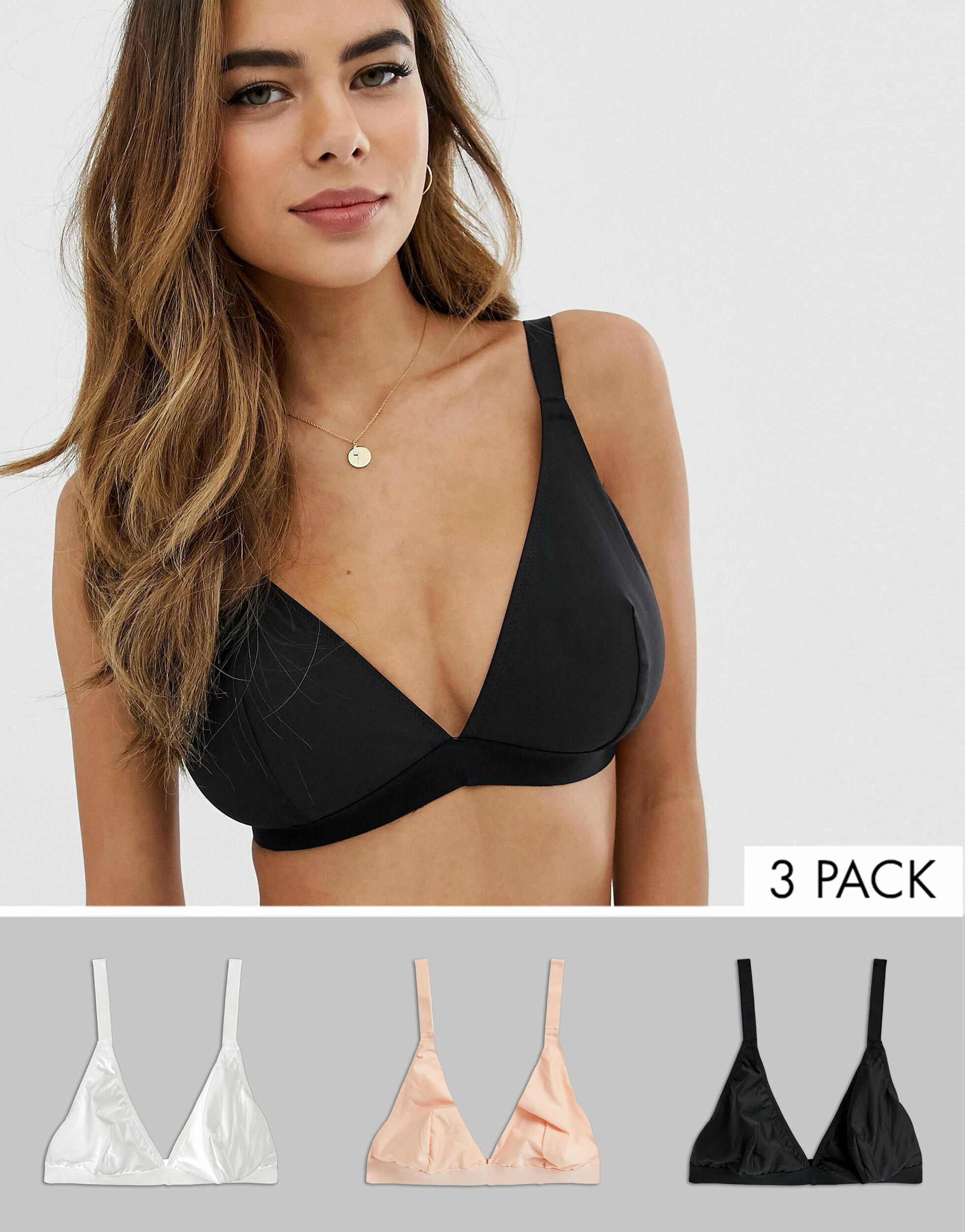
This young lady seen on ASOS recently is incredibly beautiful, her figure and her eyes are spectacular! 200536395-1-black.jfif 201767164-2.jfif
-
ASOS Model ID Thread
The lovely Diana Plikena https://www.instagram.com/dianaplikena/?hl=en
-
Shein mystery model
Hi Does anyone know who this beautiful slim Shein/ Romwe model is? Her eyes are gorgeous!
-
ASOS Model ID Thread
The goddess that is Domenica Nepomuceno
-
ASOS Model ID Thread
Jenna Rozario https://www.instagram.com/jennarozario/?hl=en
-
ASOS Model ID Thread
The gorgeous Noara Morais
-
ASOS Model ID Thread
- Domenica Nepomuceno
This young lady is a goddess! Such a lovely face.Image hidden for guestsSign in to viewImage hidden for guestsSign in to viewImage hidden for guestsSign in to viewImage hidden for guestsSign in to viewImage hidden for guestsSign in to viewImage hidden for guestsSign in to viewImage hidden for guestsSign in to viewImage hidden for guestsSign in to view- ASOS Model ID Thread
Anyone know who this ASOS and Missguided goddess is? Stunning figure and THOSE eyes! Totally in love!!!- Nelleke Verkaart
Image hidden for guestsSign in to viewImage hidden for guestsSign in to viewImage hidden for guestsSign in to viewImage hidden for guestsSign in to viewImage hidden for guestsSign in to viewImage hidden for guestsSign in to viewImage hidden for guestsSign in to viewImage hidden for guestsSign in to view- Barbara Rodiles
- Tamara Markovic
- Domenica Nepomuceno
GNOMEHEAD
Members
-
Joined
-
Last visited
Account
Navigation
Search
Configure browser push notifications
Chrome (Android)
- Tap the lock icon next to the address bar.
- Tap Permissions → Notifications.
- Adjust your preference.
Chrome (Desktop)
- Click the padlock icon in the address bar.
- Select Site settings.
- Find Notifications and adjust your preference.
Safari (iOS 16.4+)
- Ensure the site is installed via Add to Home Screen.
- Open Settings App → Notifications.
- Find your app name and adjust your preference.
Safari (macOS)
- Go to Safari → Preferences.
- Click the Websites tab.
- Select Notifications in the sidebar.
- Find this website and adjust your preference.
Edge (Android)
- Tap the lock icon next to the address bar.
- Tap Permissions.
- Find Notifications and adjust your preference.
Edge (Desktop)
- Click the padlock icon in the address bar.
- Click Permissions for this site.
- Find Notifications and adjust your preference.
Firefox (Android)
- Go to Settings → Site permissions.
- Tap Notifications.
- Find this site in the list and adjust your preference.
Firefox (Desktop)
- Open Firefox Settings.
- Search for Notifications.
- Find this site in the list and adjust your preference.