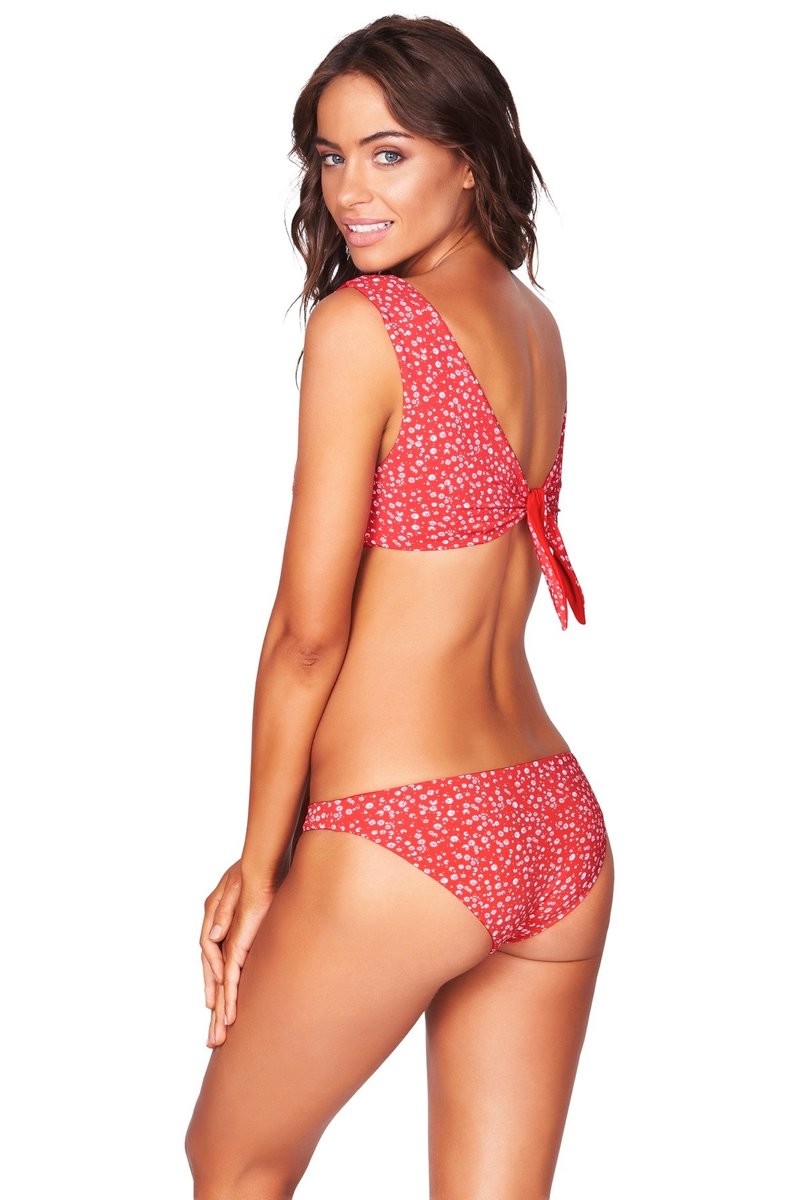
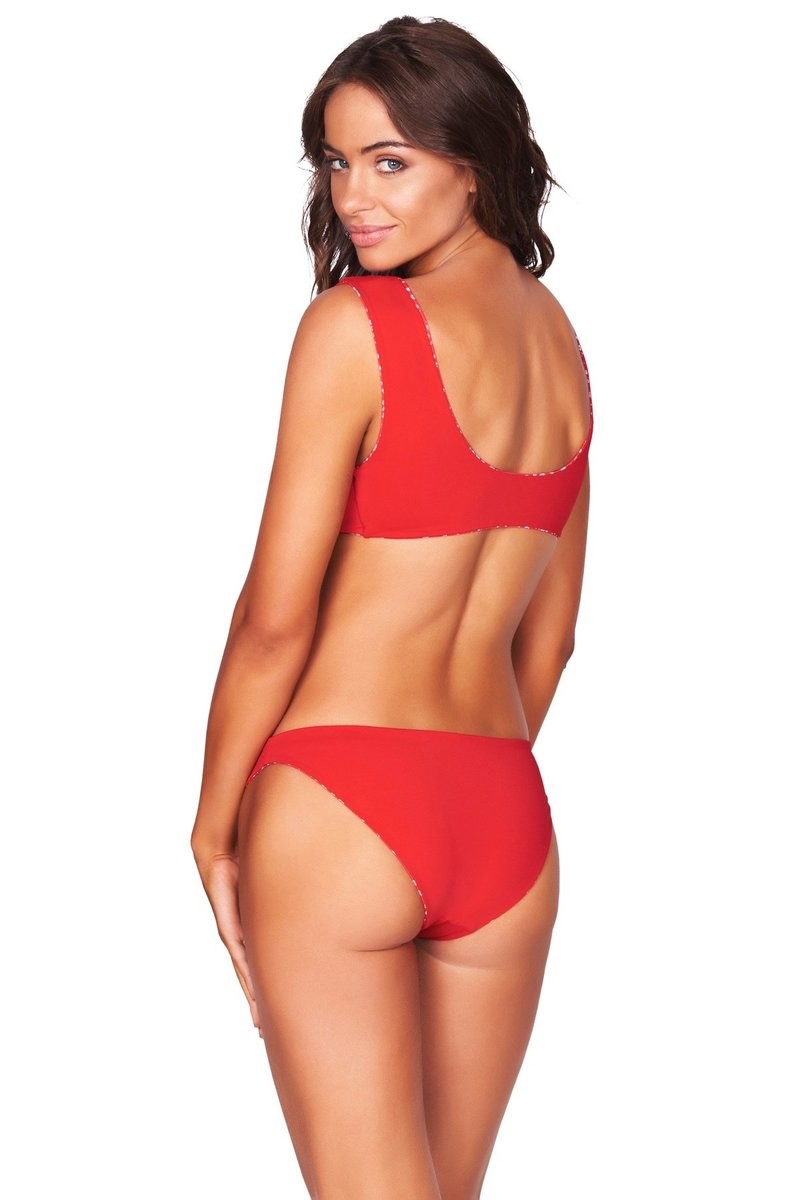
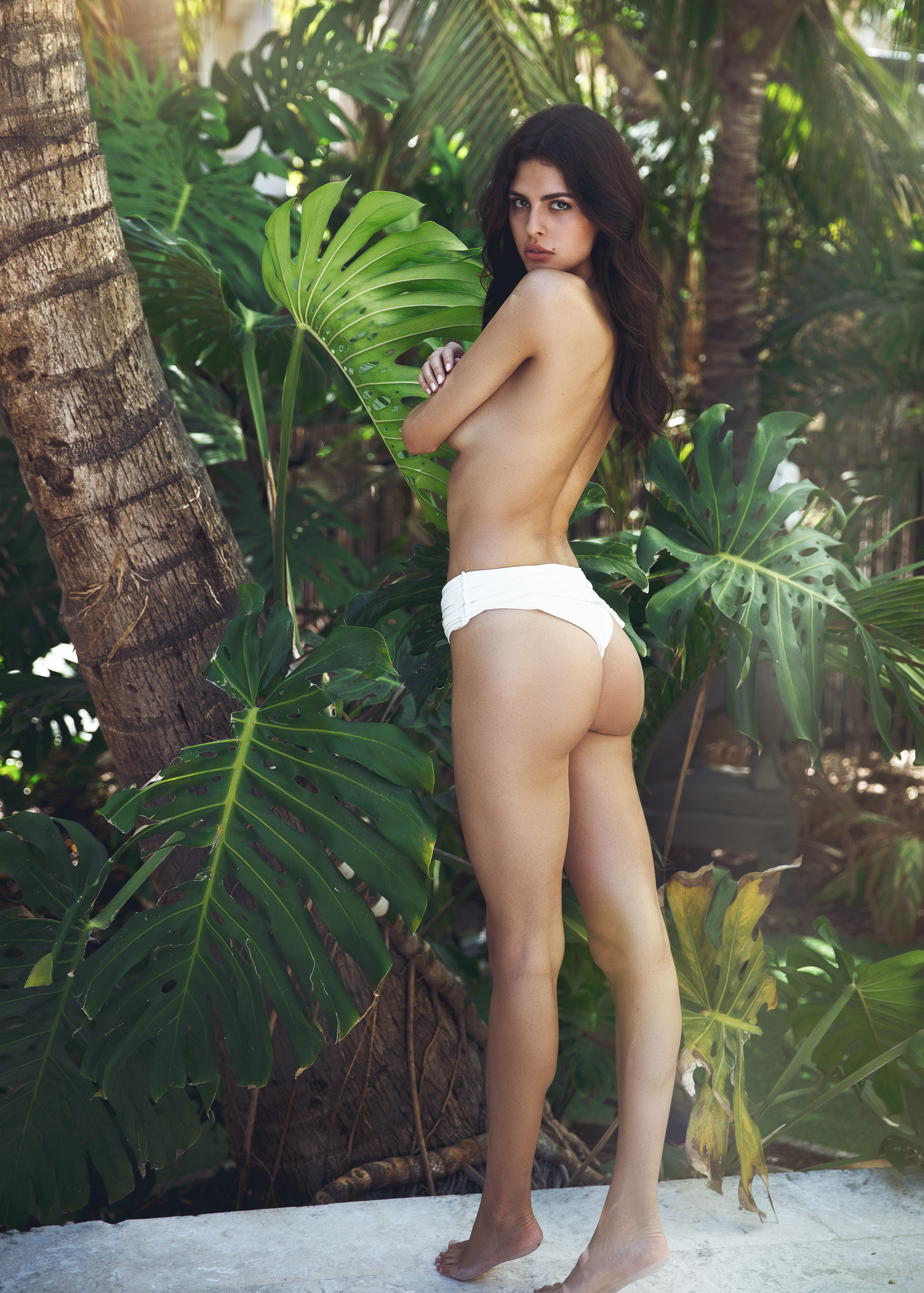
TheBestModels
Members
-
Joined
Everything posted by TheBestModels
-
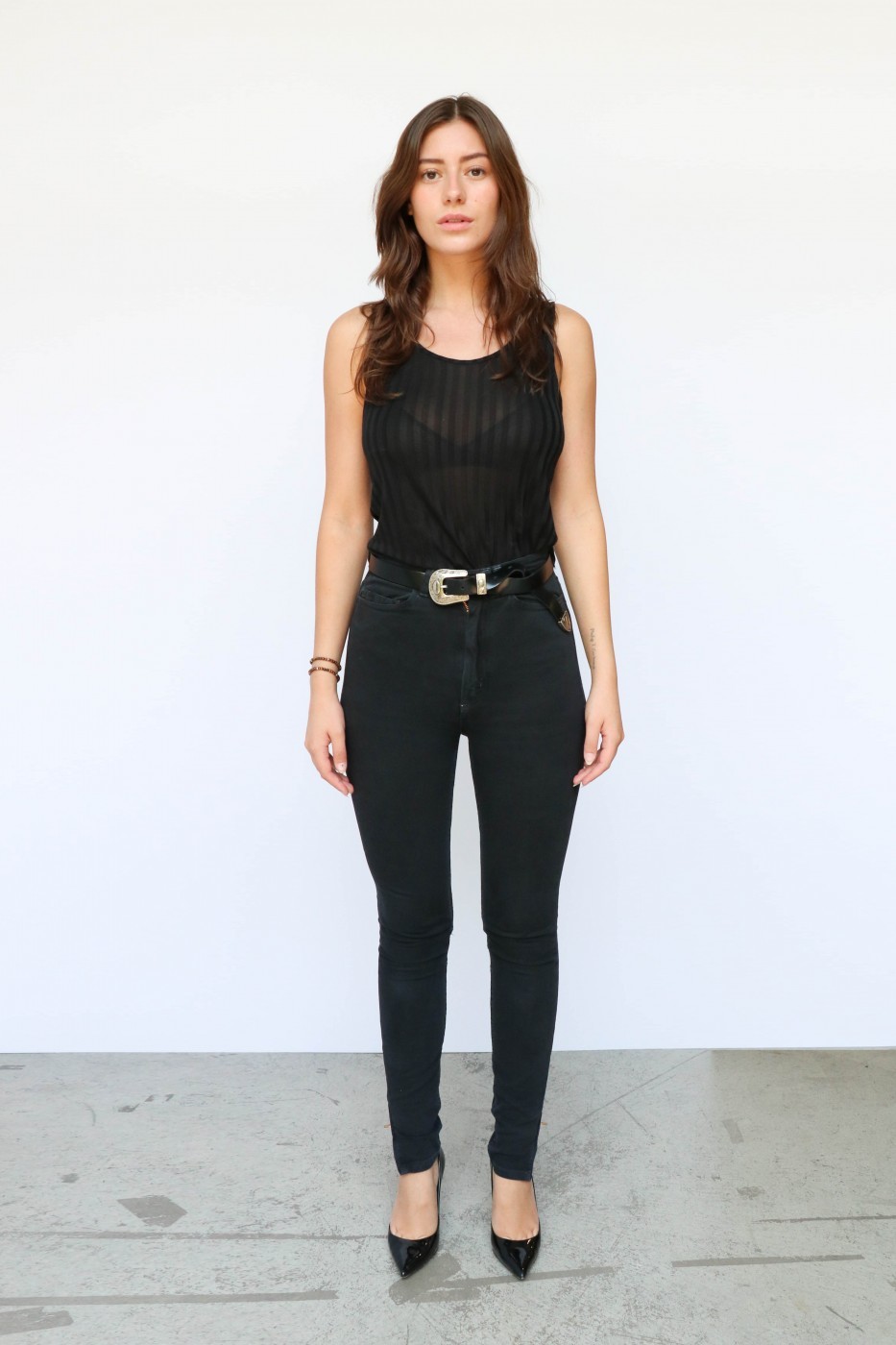
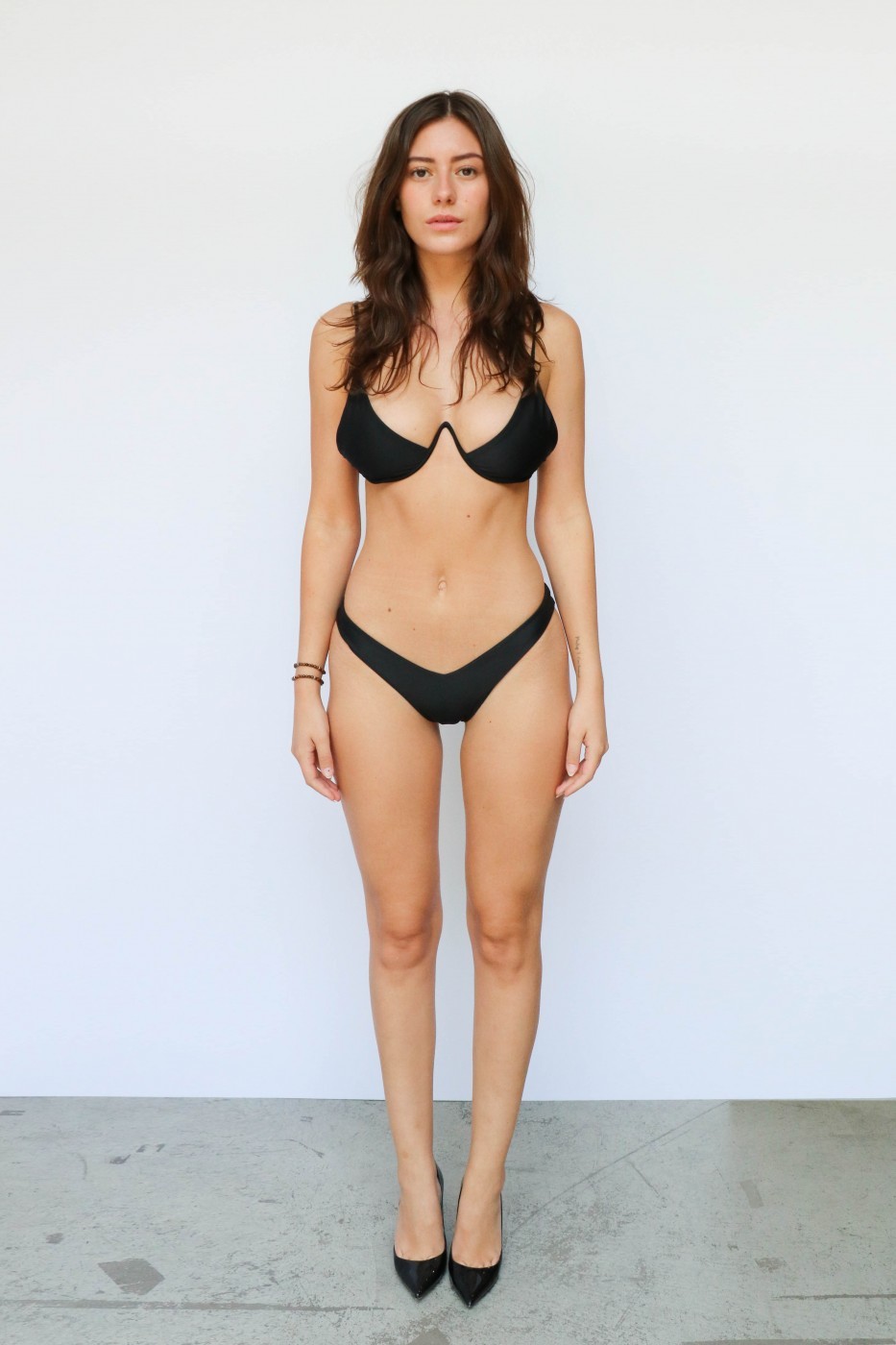
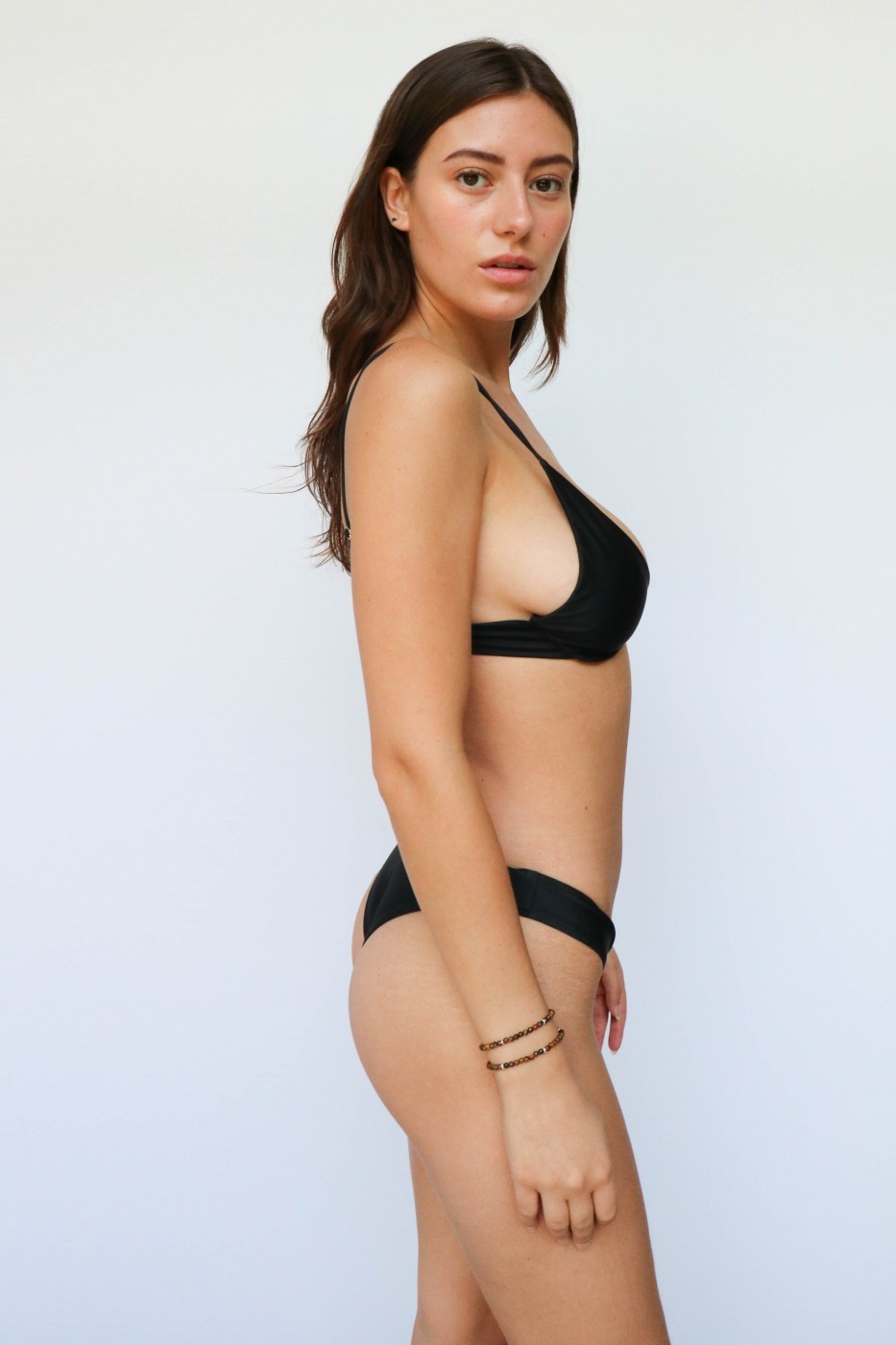
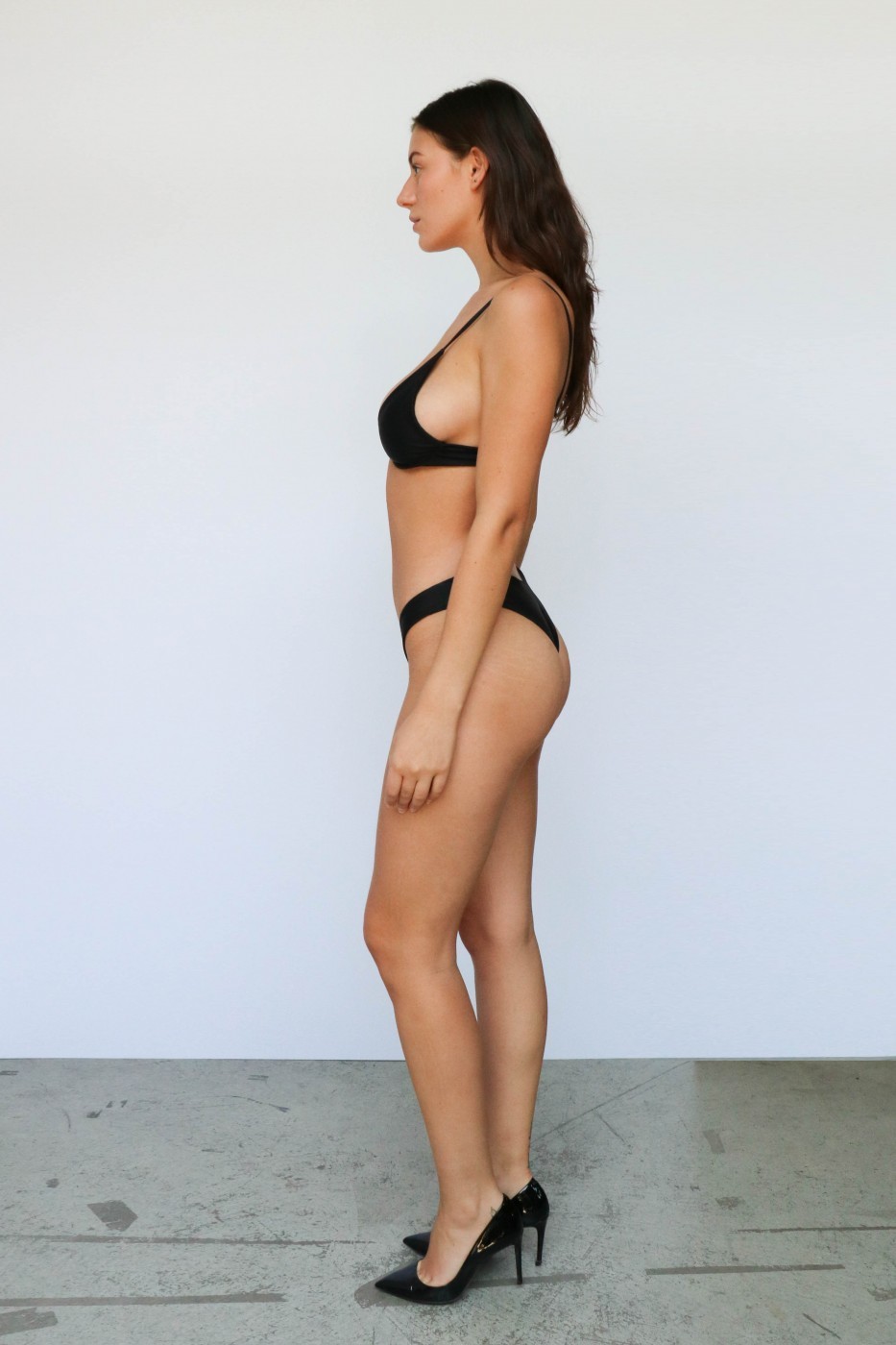
 Polaroids / Digitals NEW



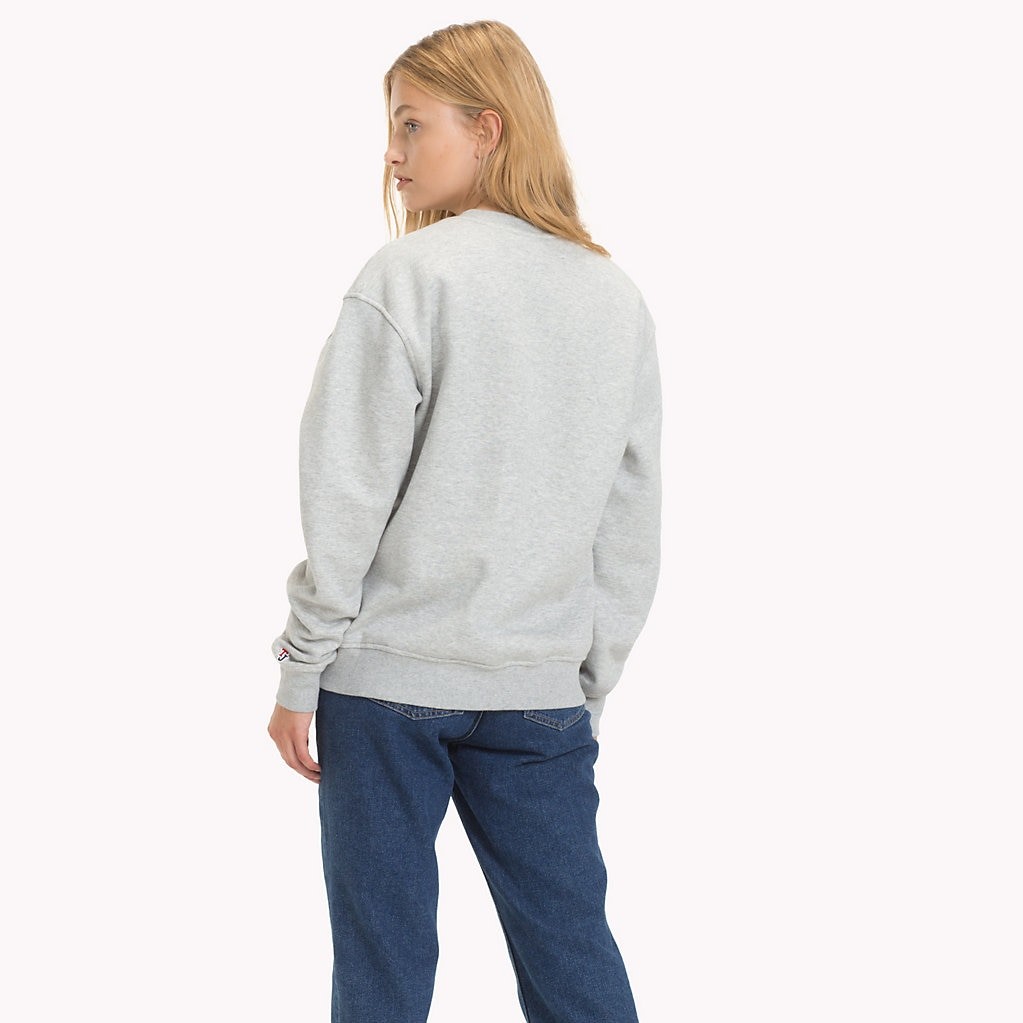
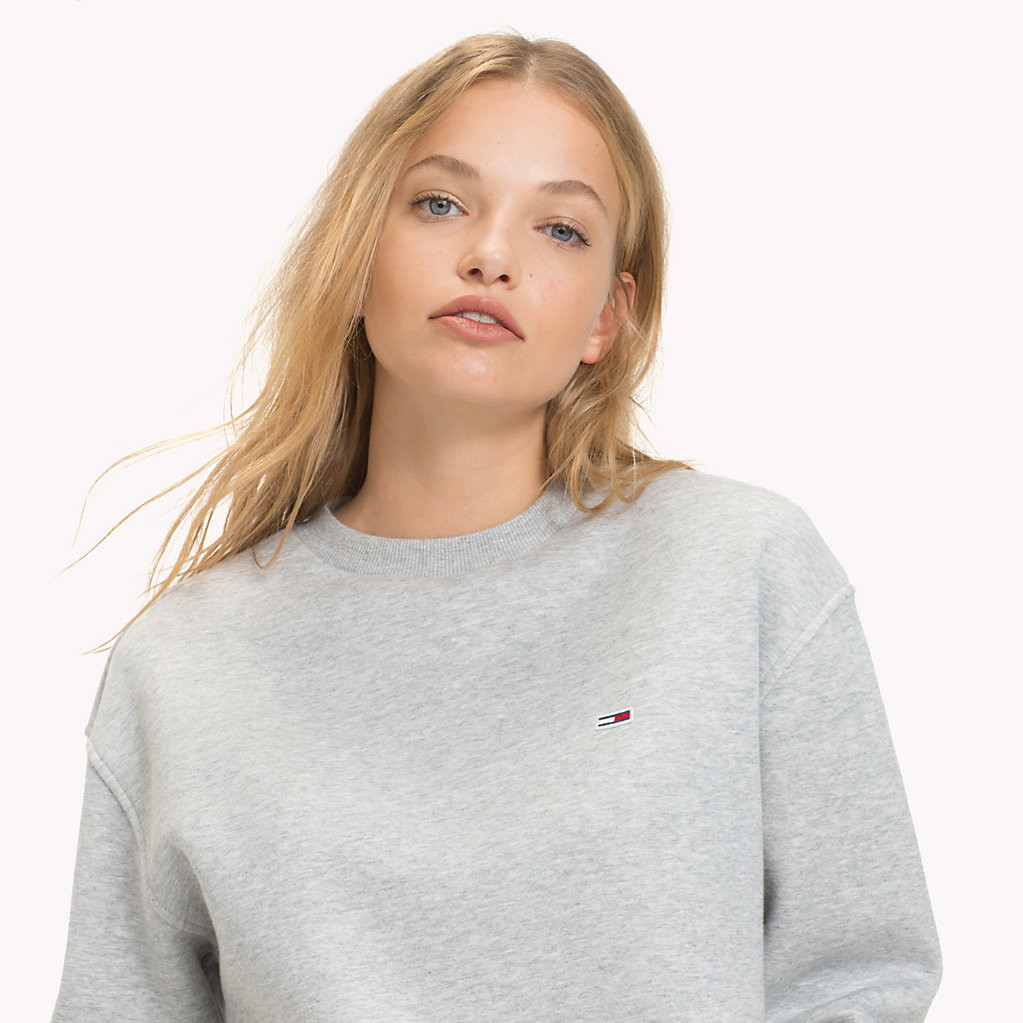
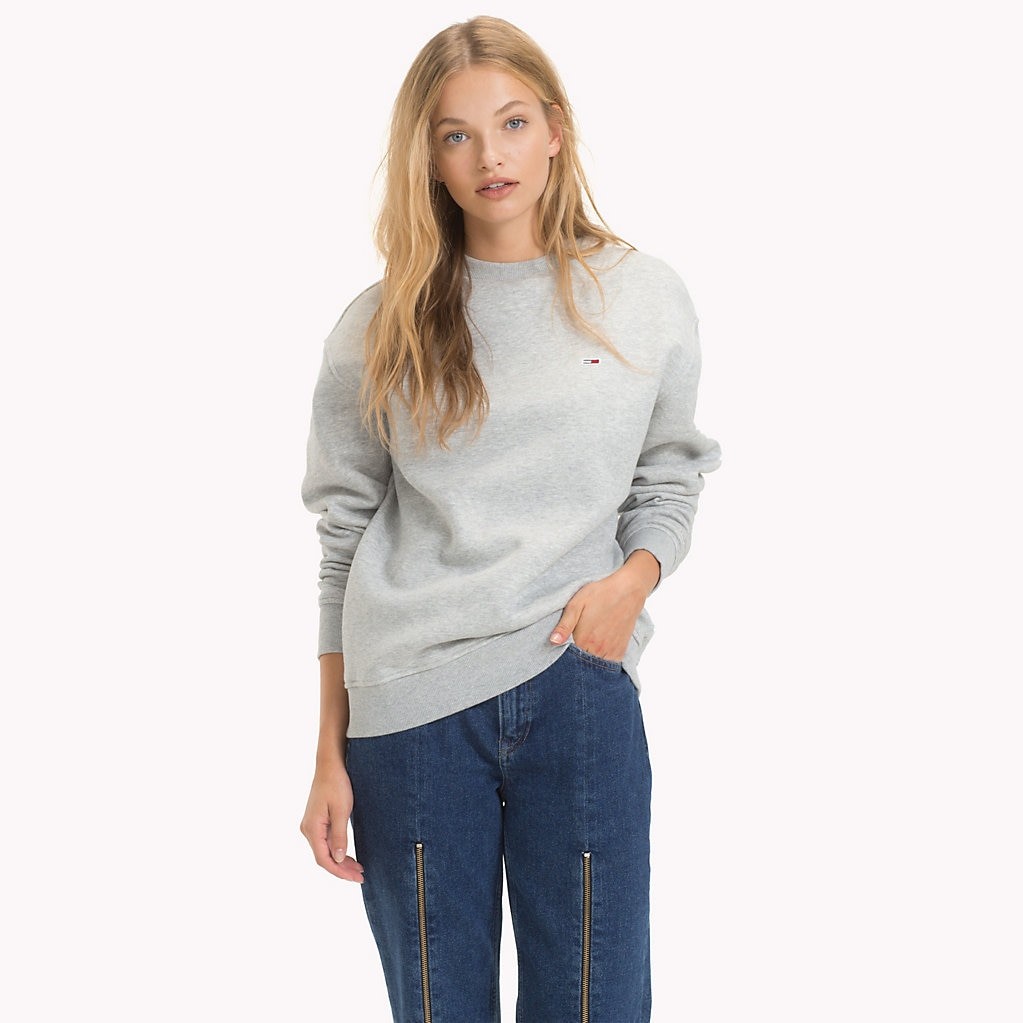
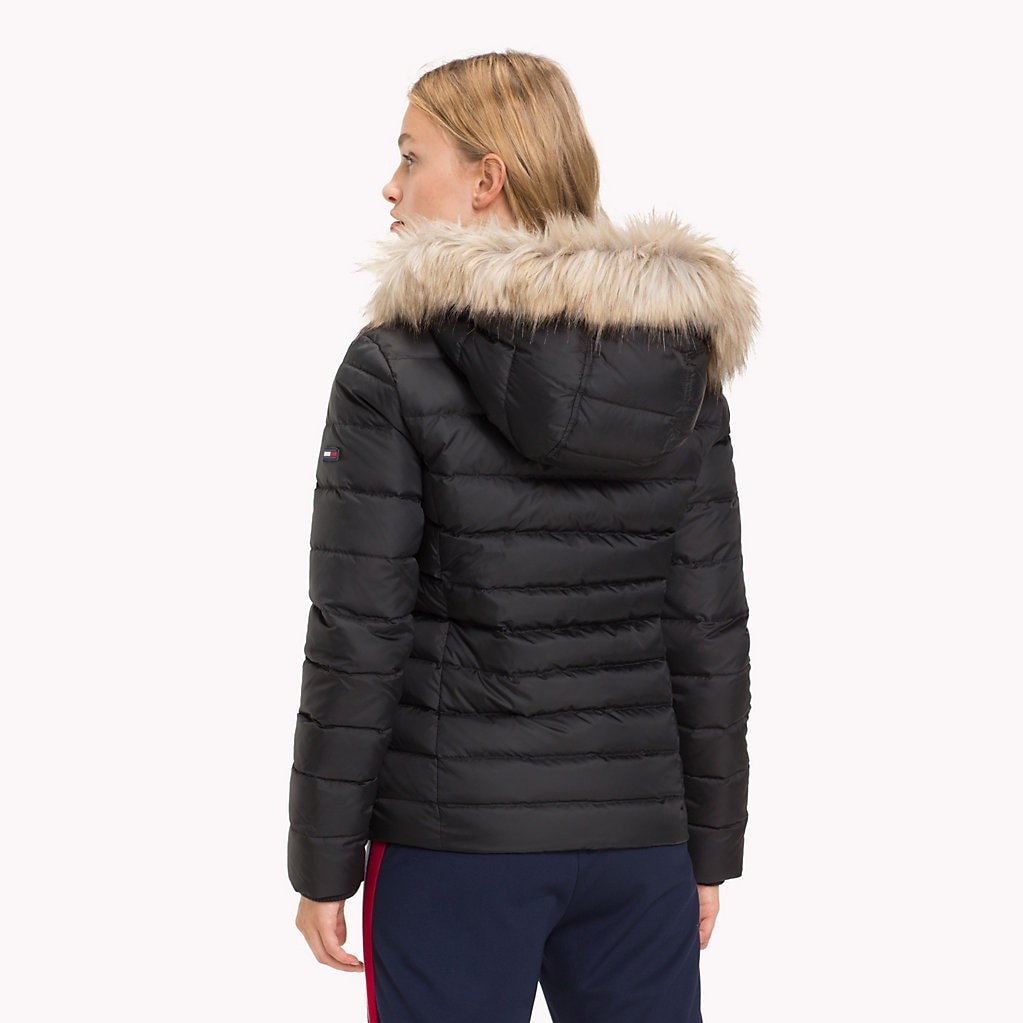
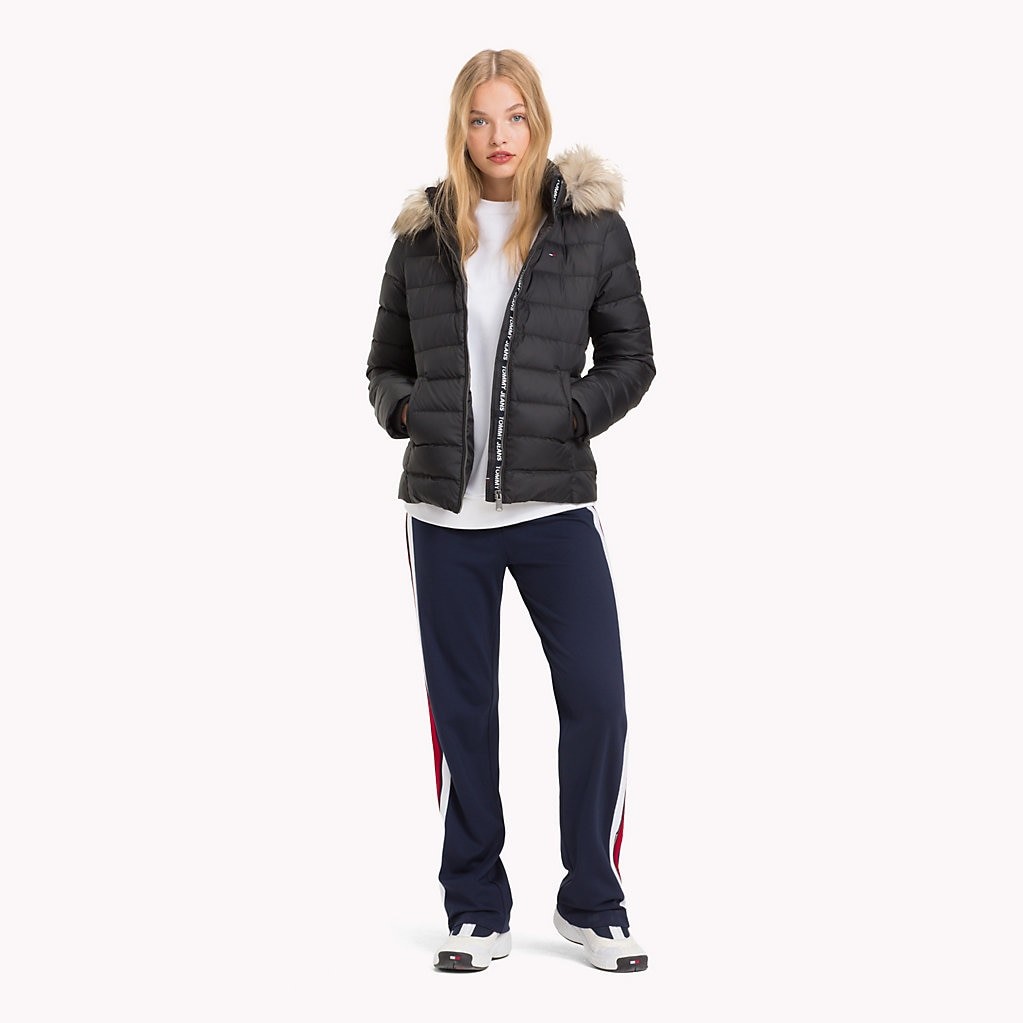
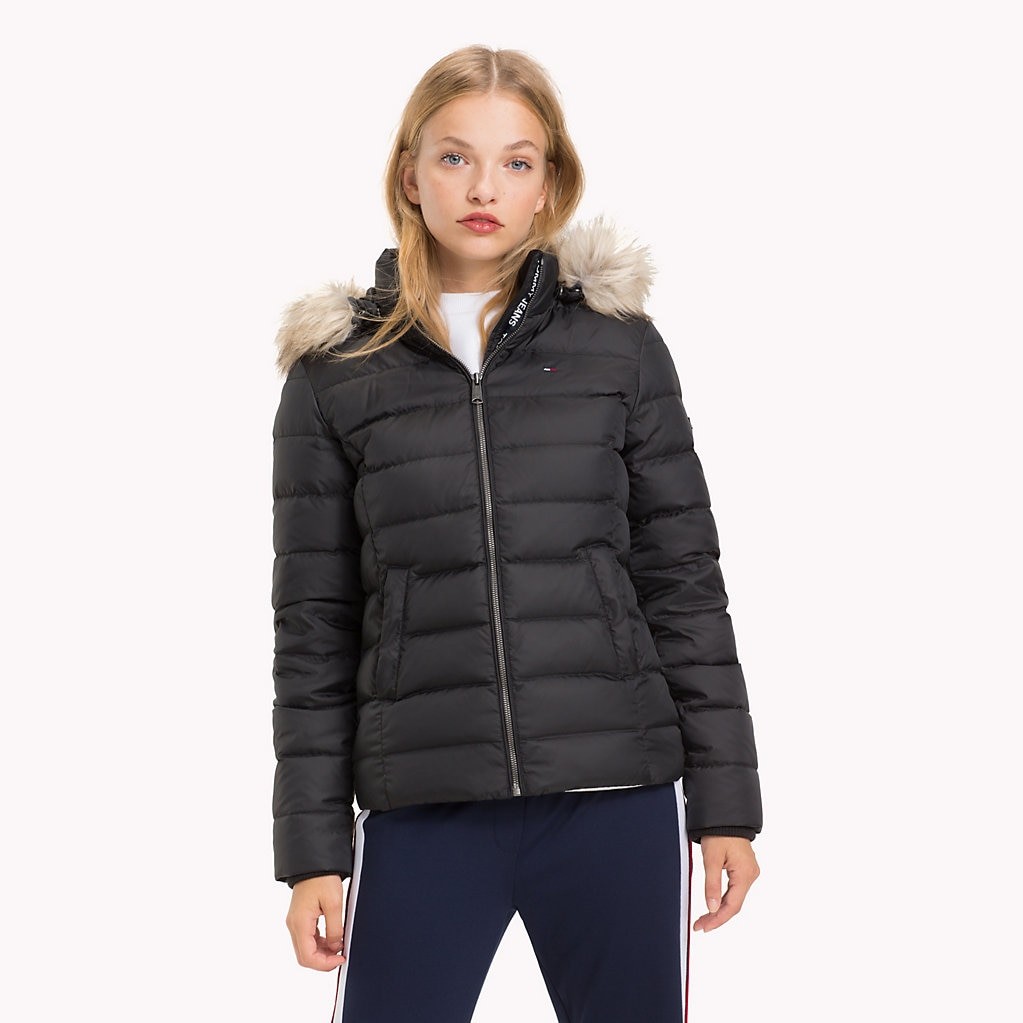
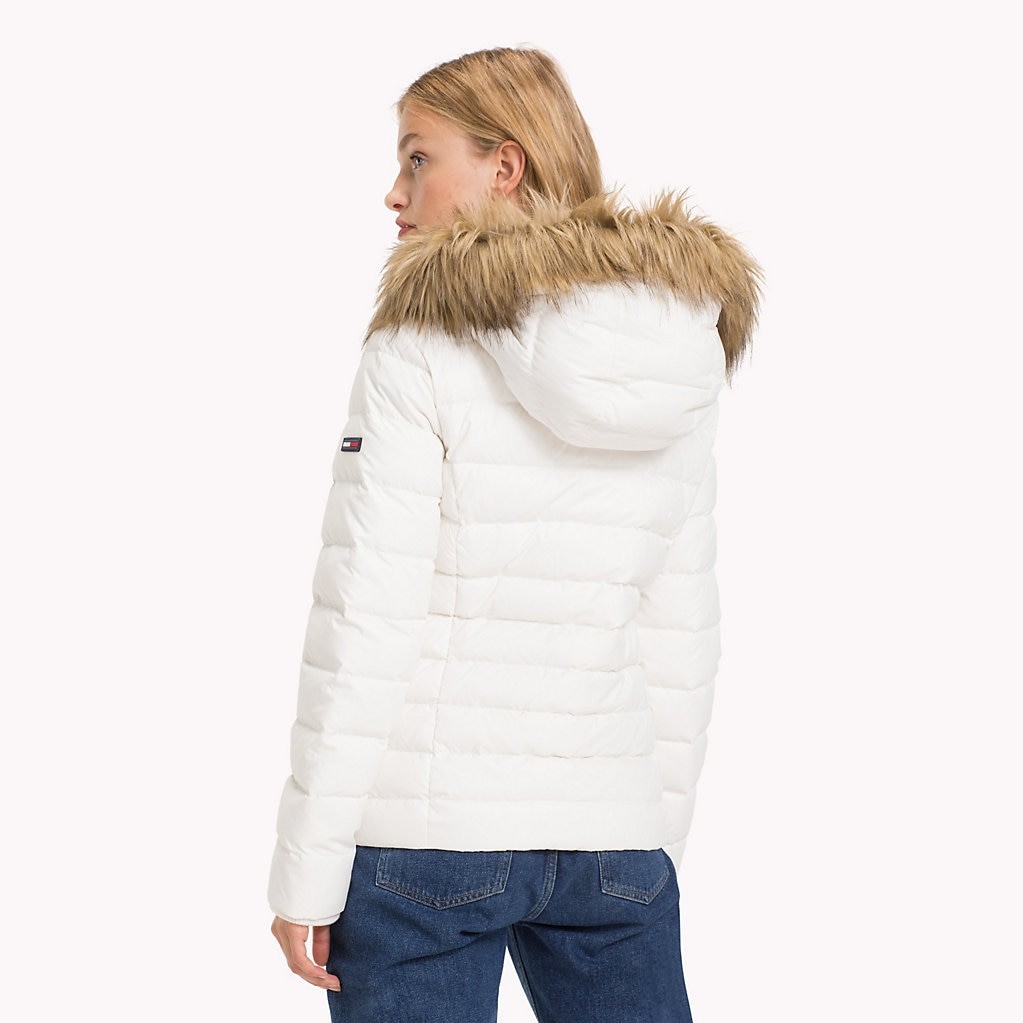
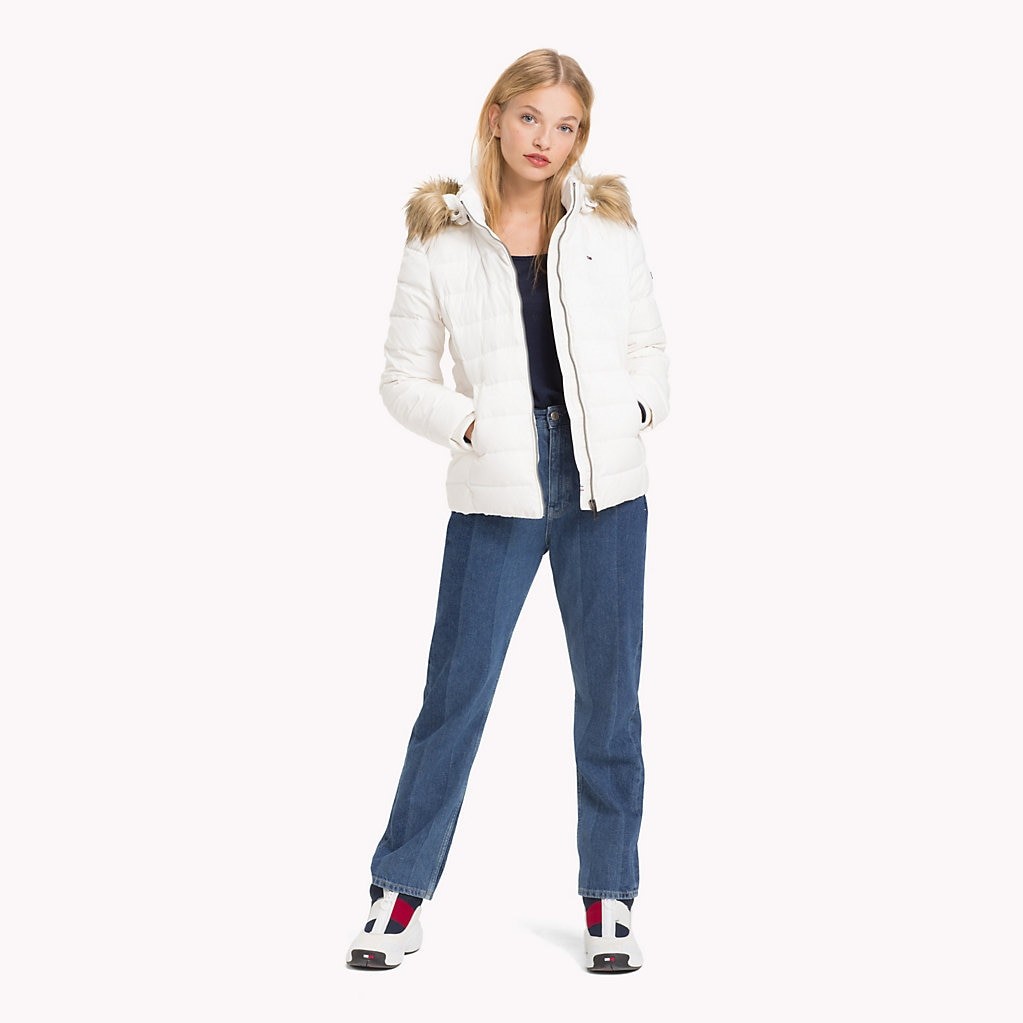
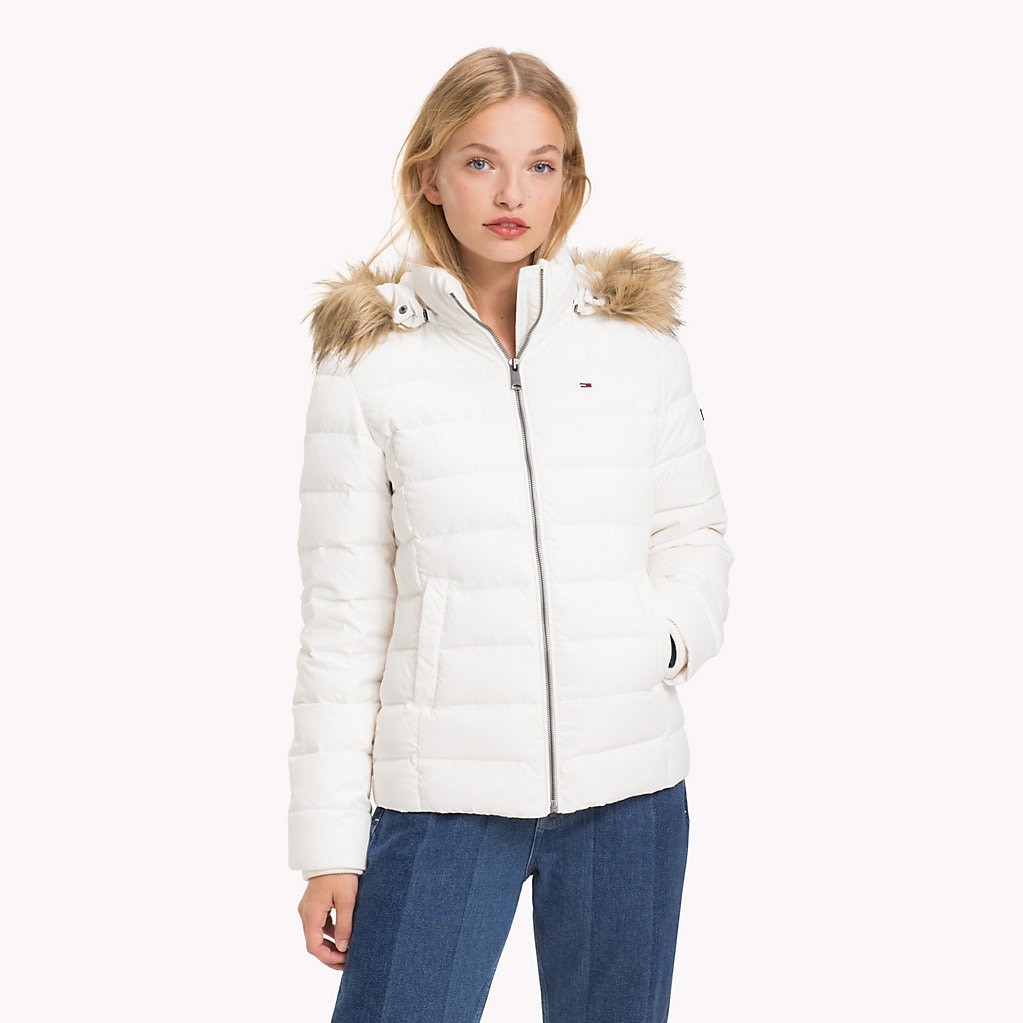
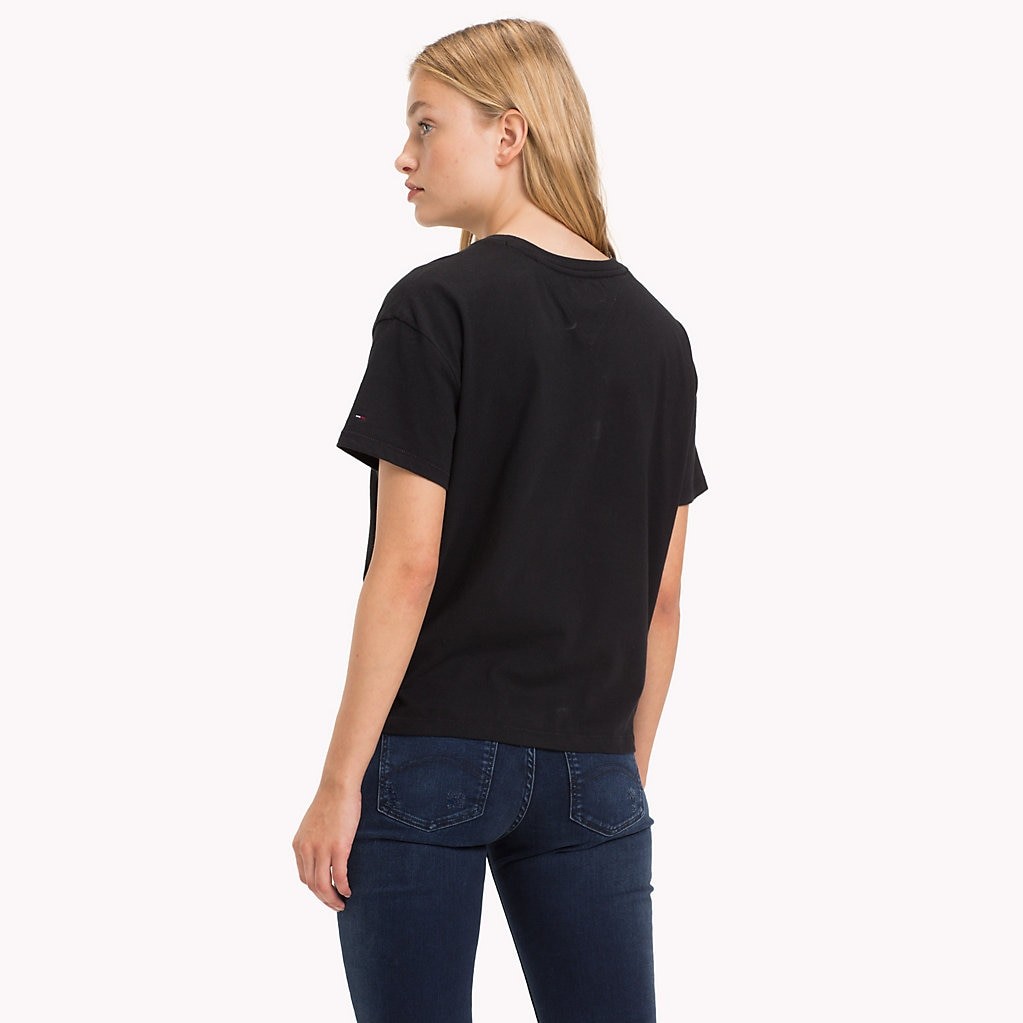
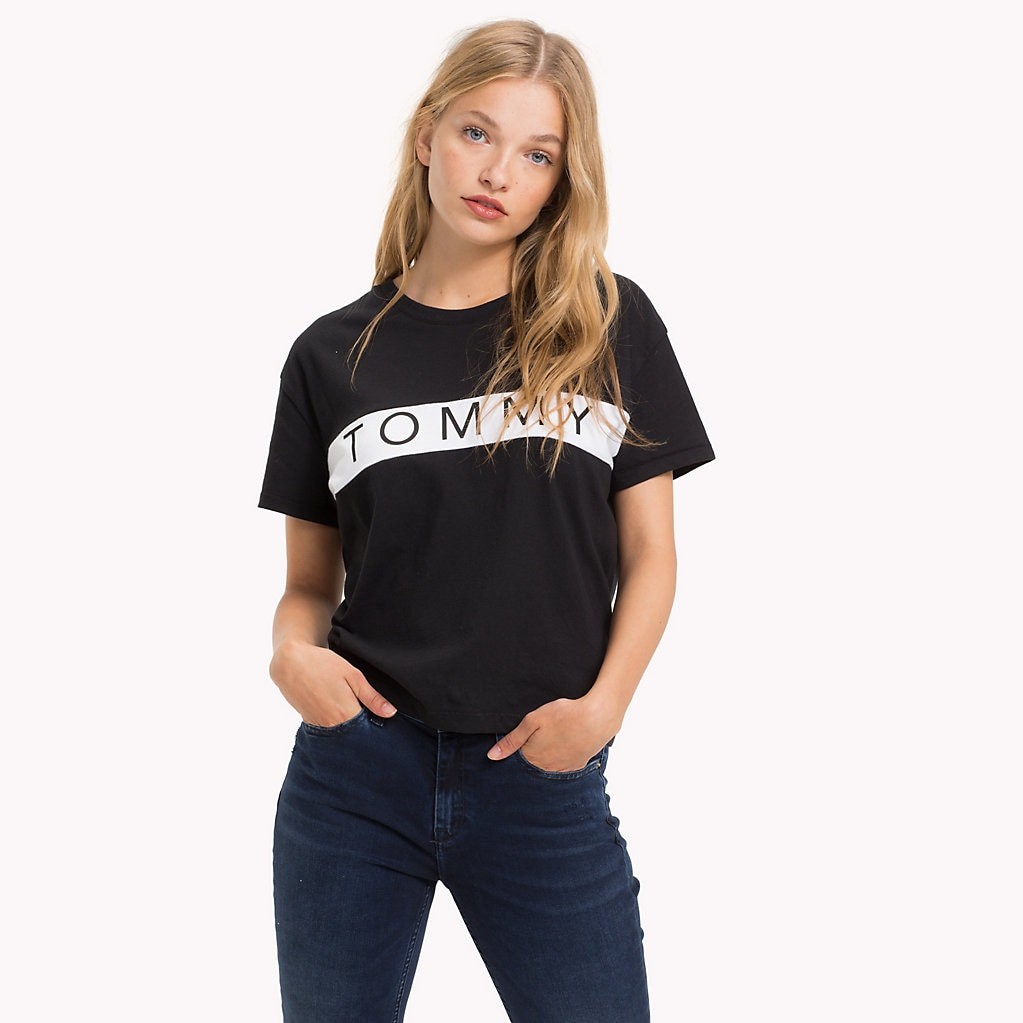
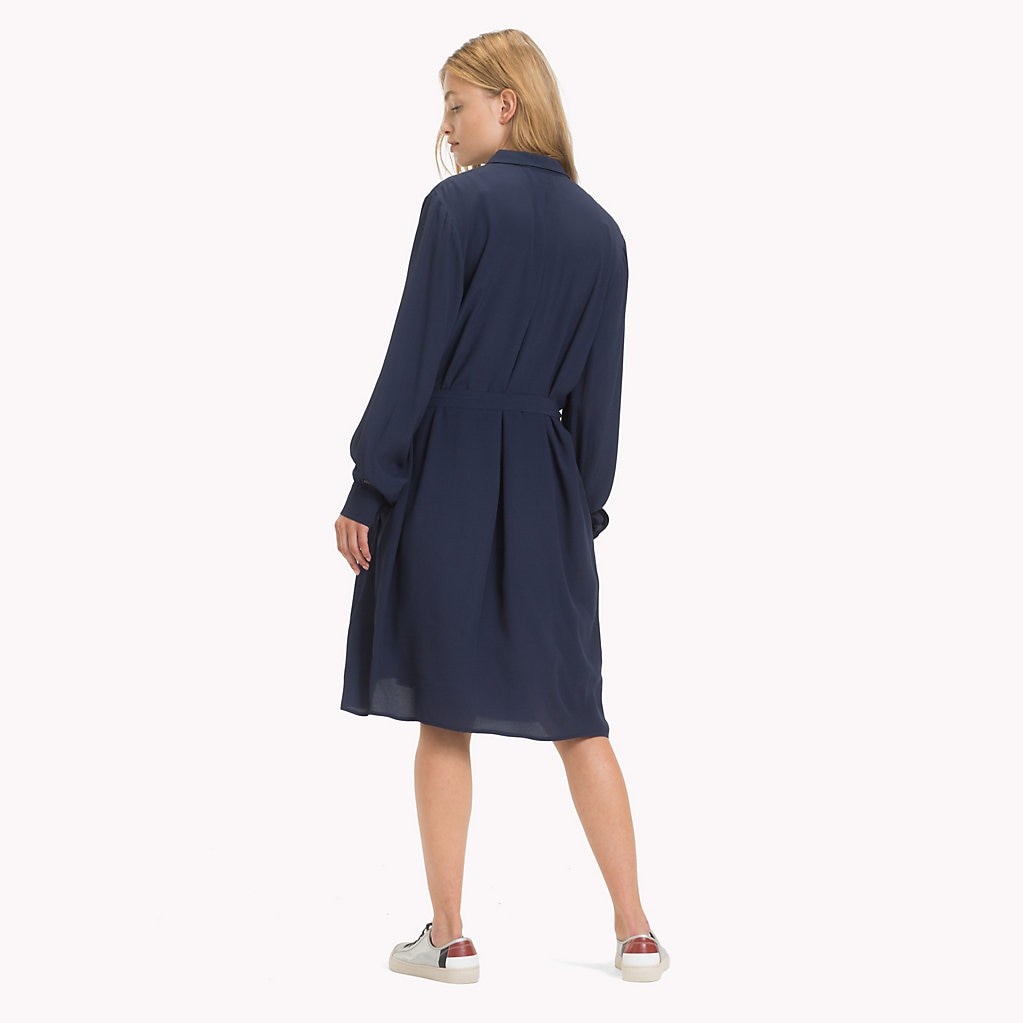
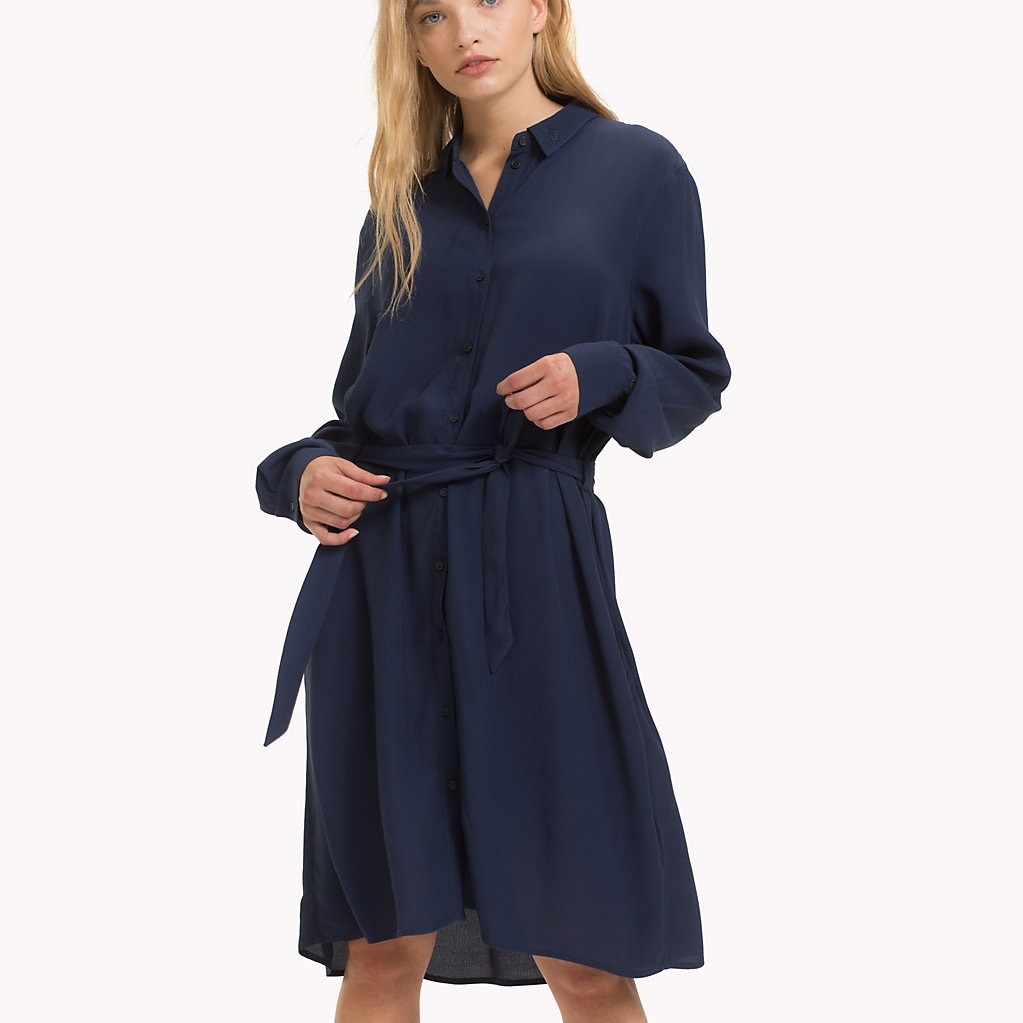
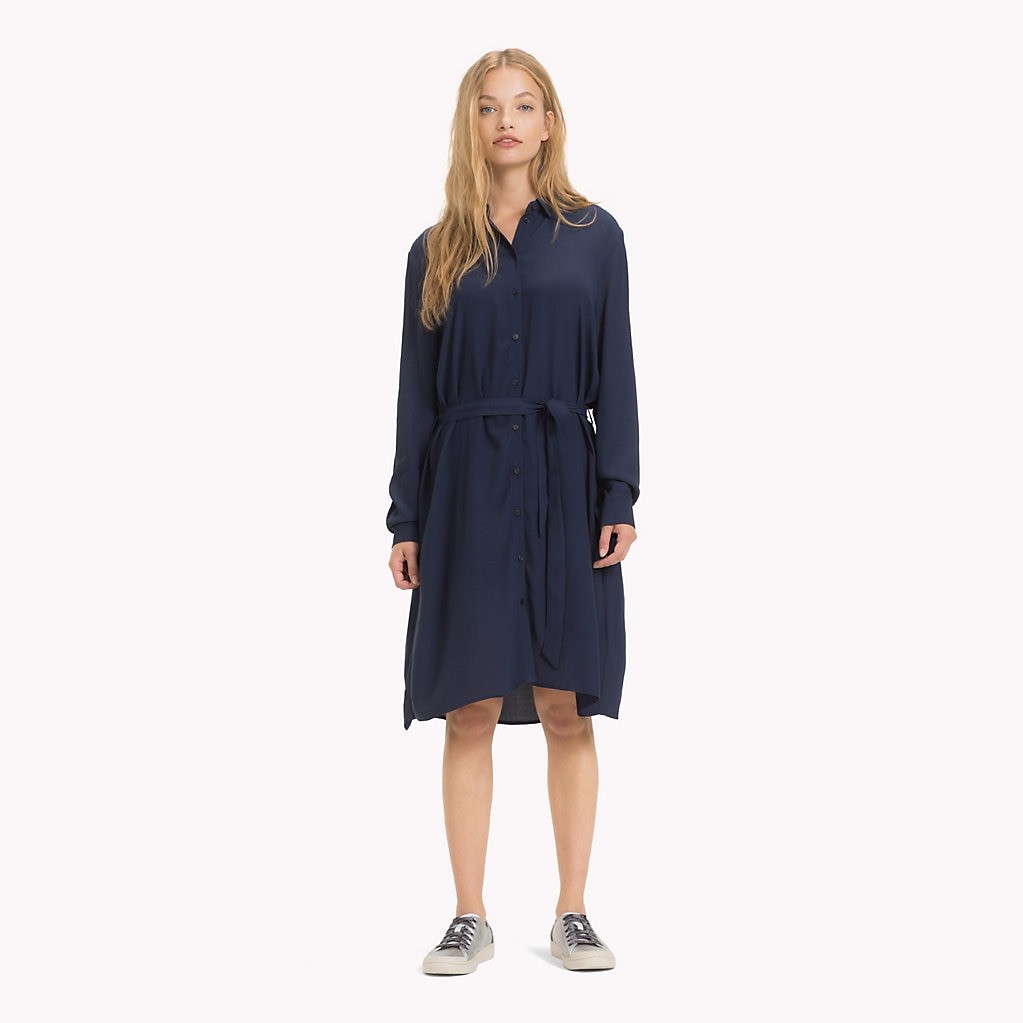
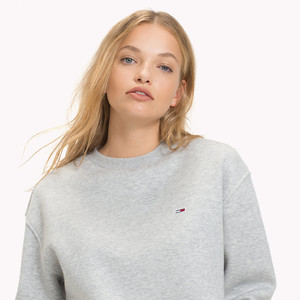
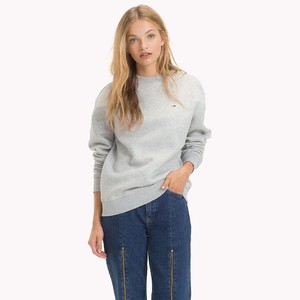
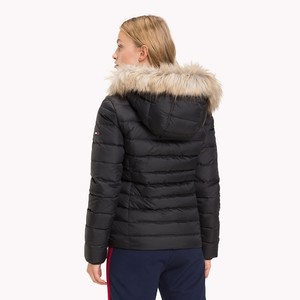
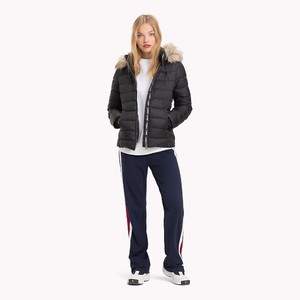
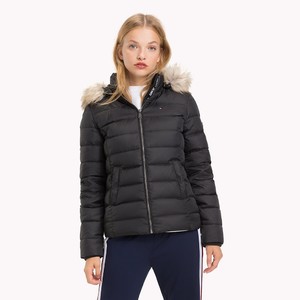
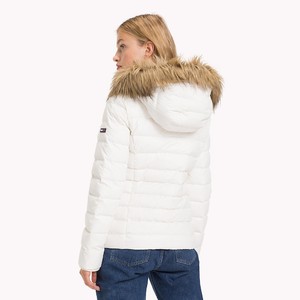
 Tommy Hilfiger Jeans, Summer 2018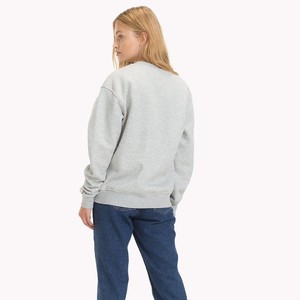



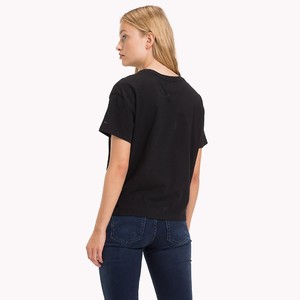

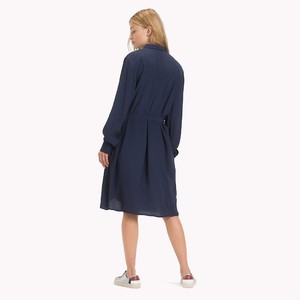
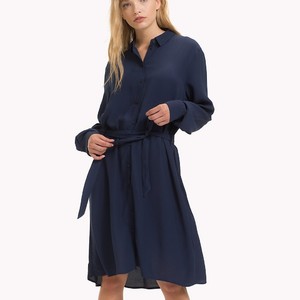
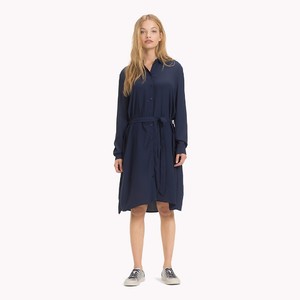 Thanks for the updates
>> https://www.youtube.com/watch?v=g78rHCetB3w
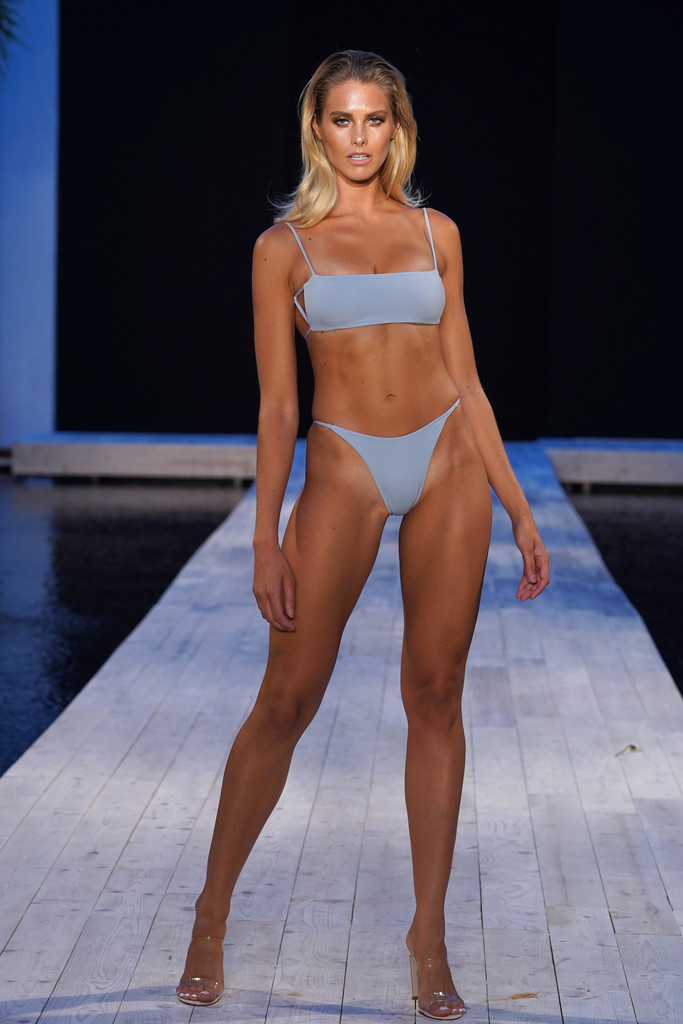
I'm lazy to post them, but there's plenty of news of Natalie at the Miami Swim Week 2018 on Zimbio ! >> http://www.zimbio.com/pictures/Style
Thanks for the updates
>> https://www.youtube.com/watch?v=g78rHCetB3w
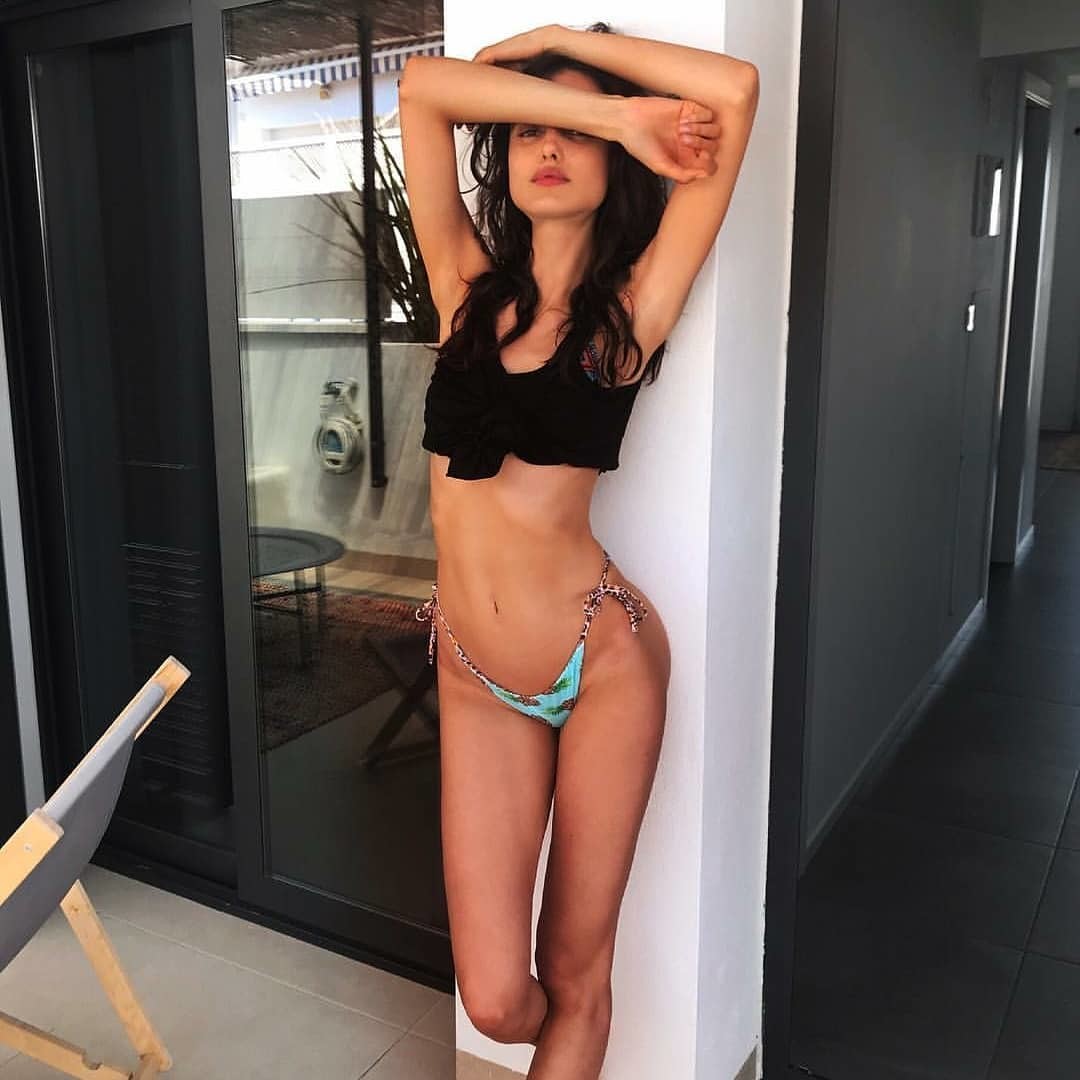
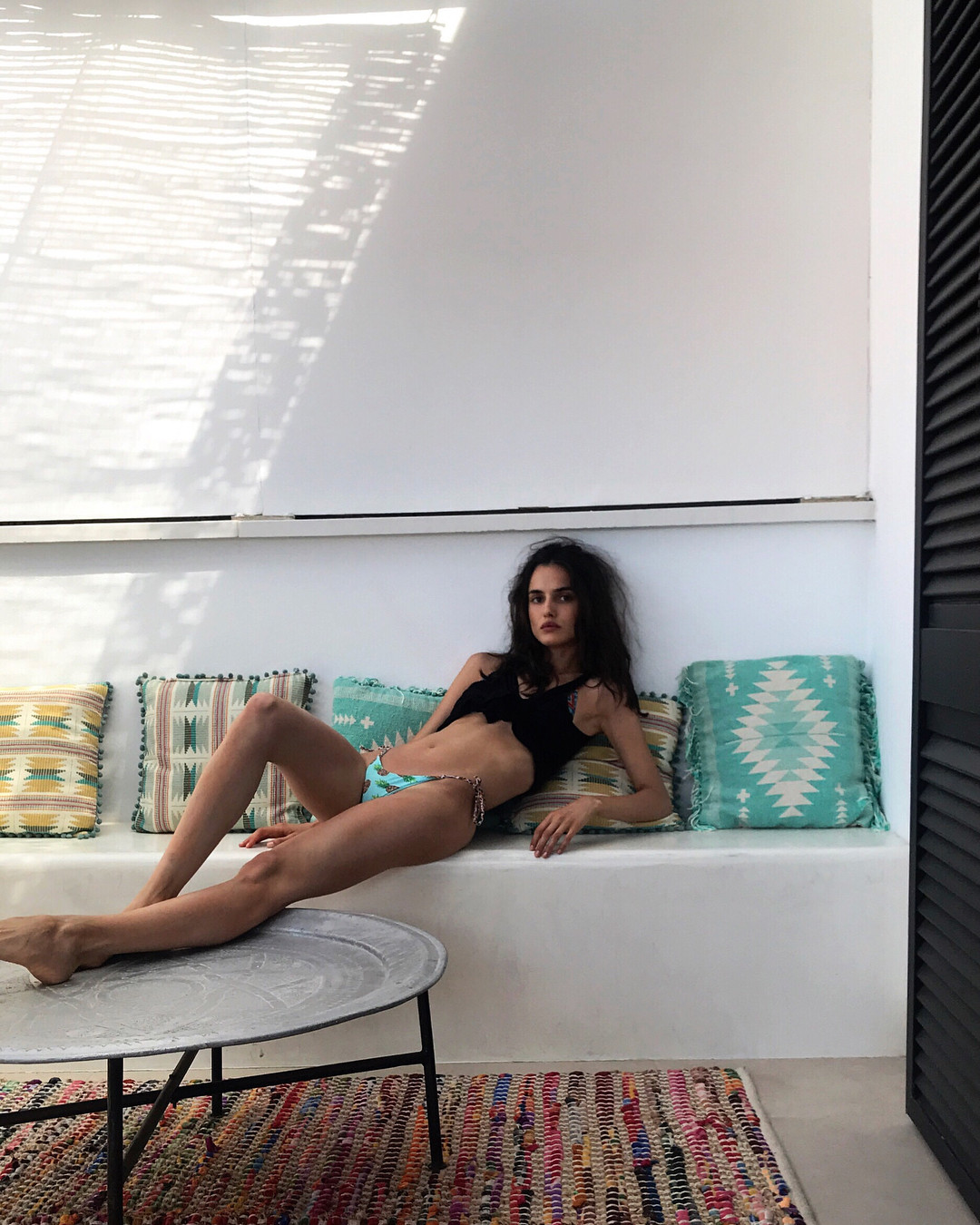
I'm lazy to post them, but there's plenty of news of Natalie at the Miami Swim Week 2018 on Zimbio ! >> http://www.zimbio.com/pictures/Style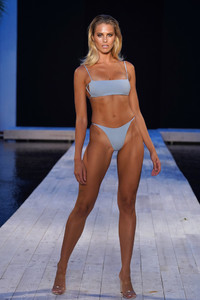 bikini on Miami Beach 15.07.2018
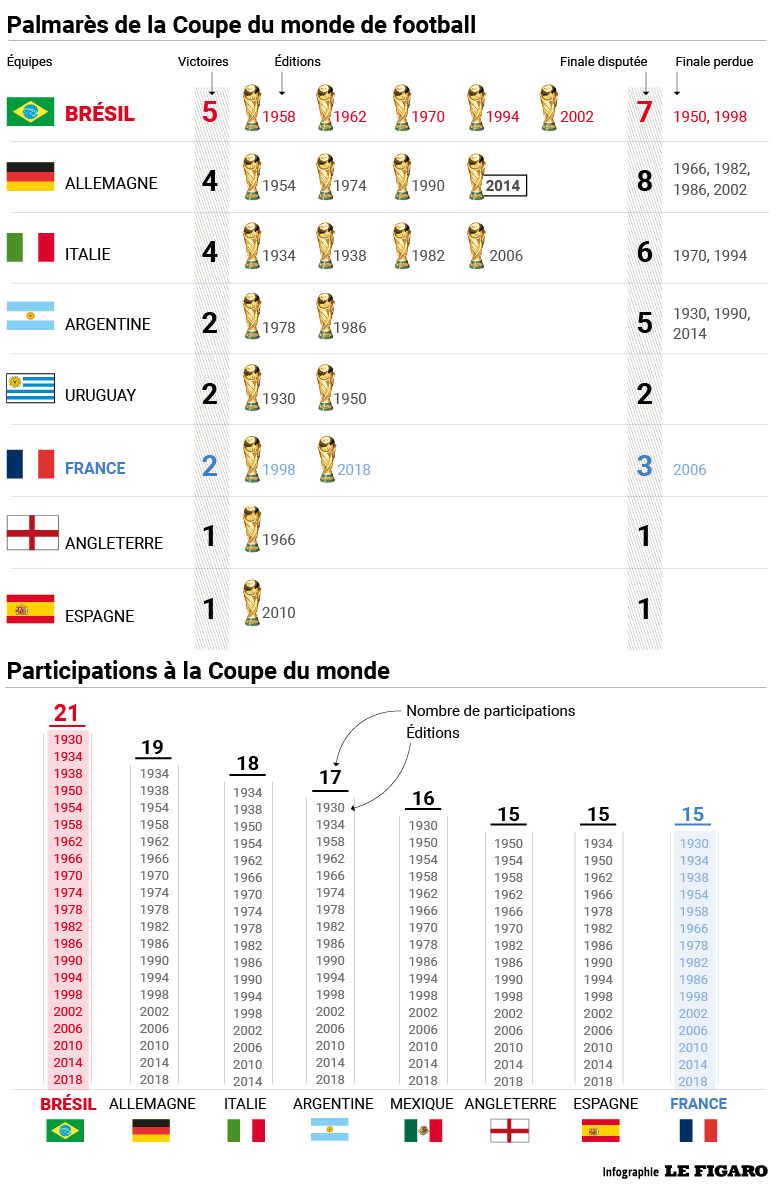
⭐⭐ Clearly lucky again today, but deserved. Im glad ppl are happy here. Deserved happy time. Football will stay a game in the end, and have to stay that. It wont change our life, but 20 years later, great feeling to get that so much wanted 2nd star. Now, who will get Le Ballon d'Or ? Varane ? Griezmann ?
^ Yes
Whoaaa ... !
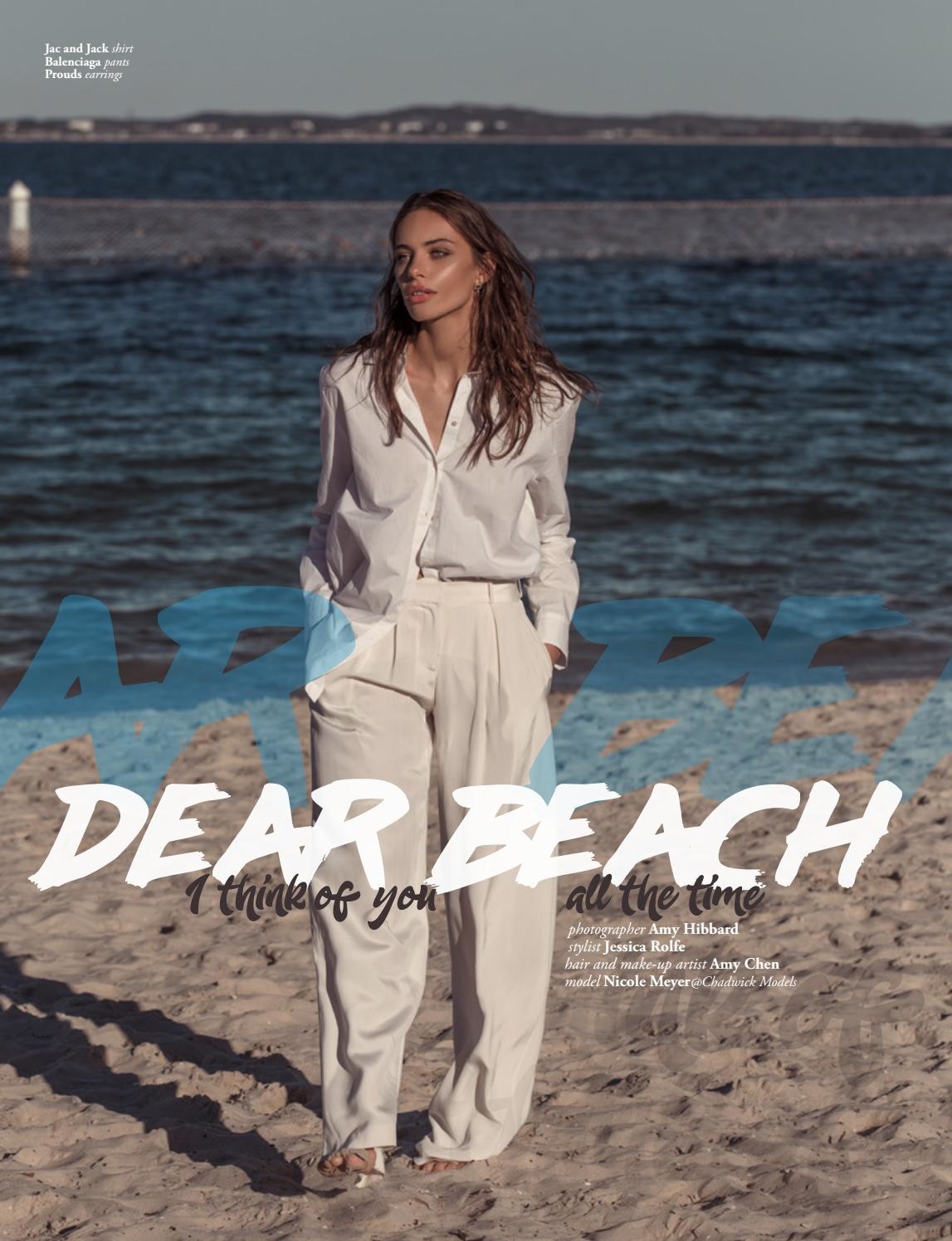
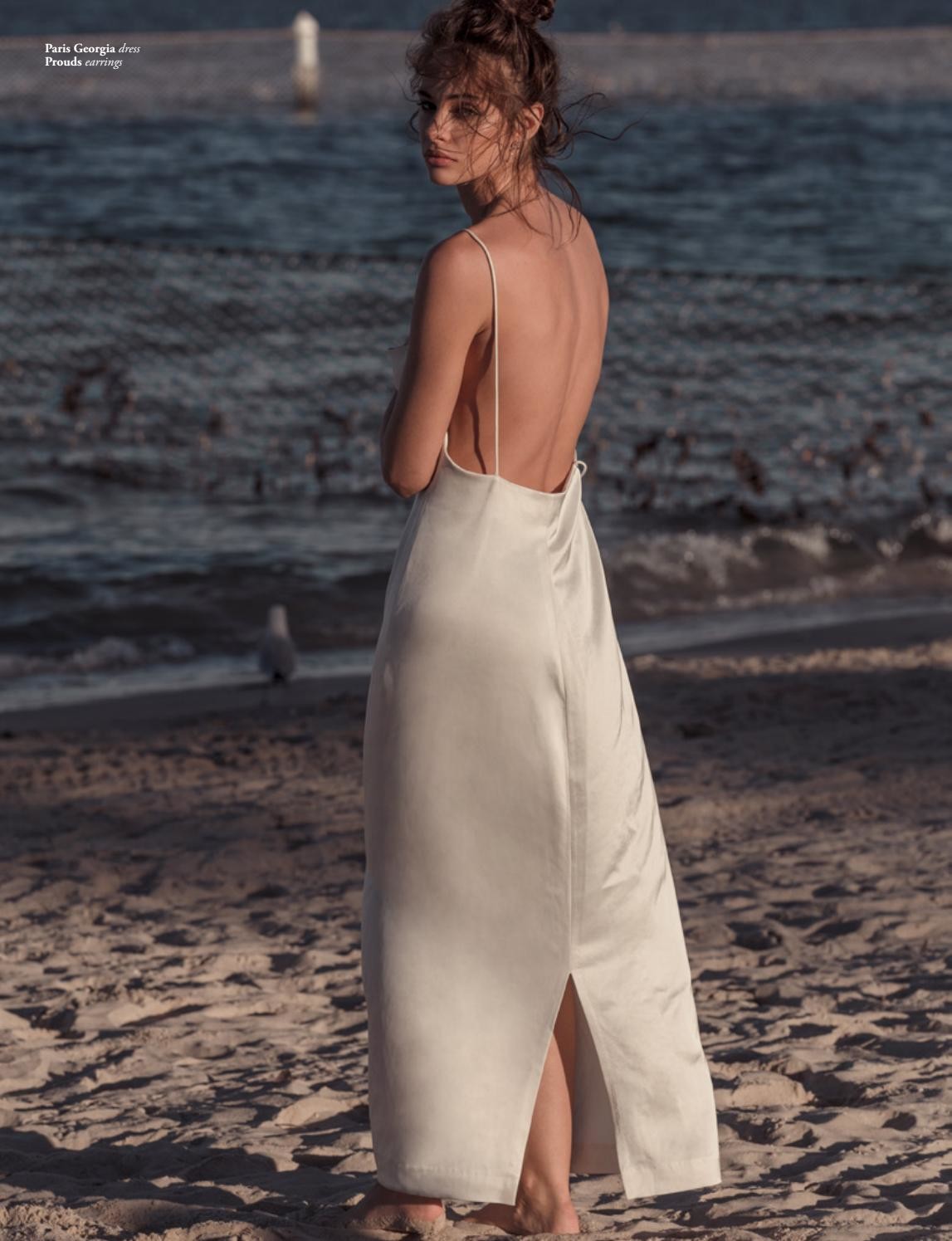
New @jutemagazine @amyhibbardphoto @jessicarolfe1 @neonfelineaesthetics
bikini on Miami Beach 15.07.2018
⭐⭐ Clearly lucky again today, but deserved. Im glad ppl are happy here. Deserved happy time. Football will stay a game in the end, and have to stay that. It wont change our life, but 20 years later, great feeling to get that so much wanted 2nd star. Now, who will get Le Ballon d'Or ? Varane ? Griezmann ?
^ Yes
Whoaaa ... !
New @jutemagazine @amyhibbardphoto @jessicarolfe1 @neonfelineaesthetics












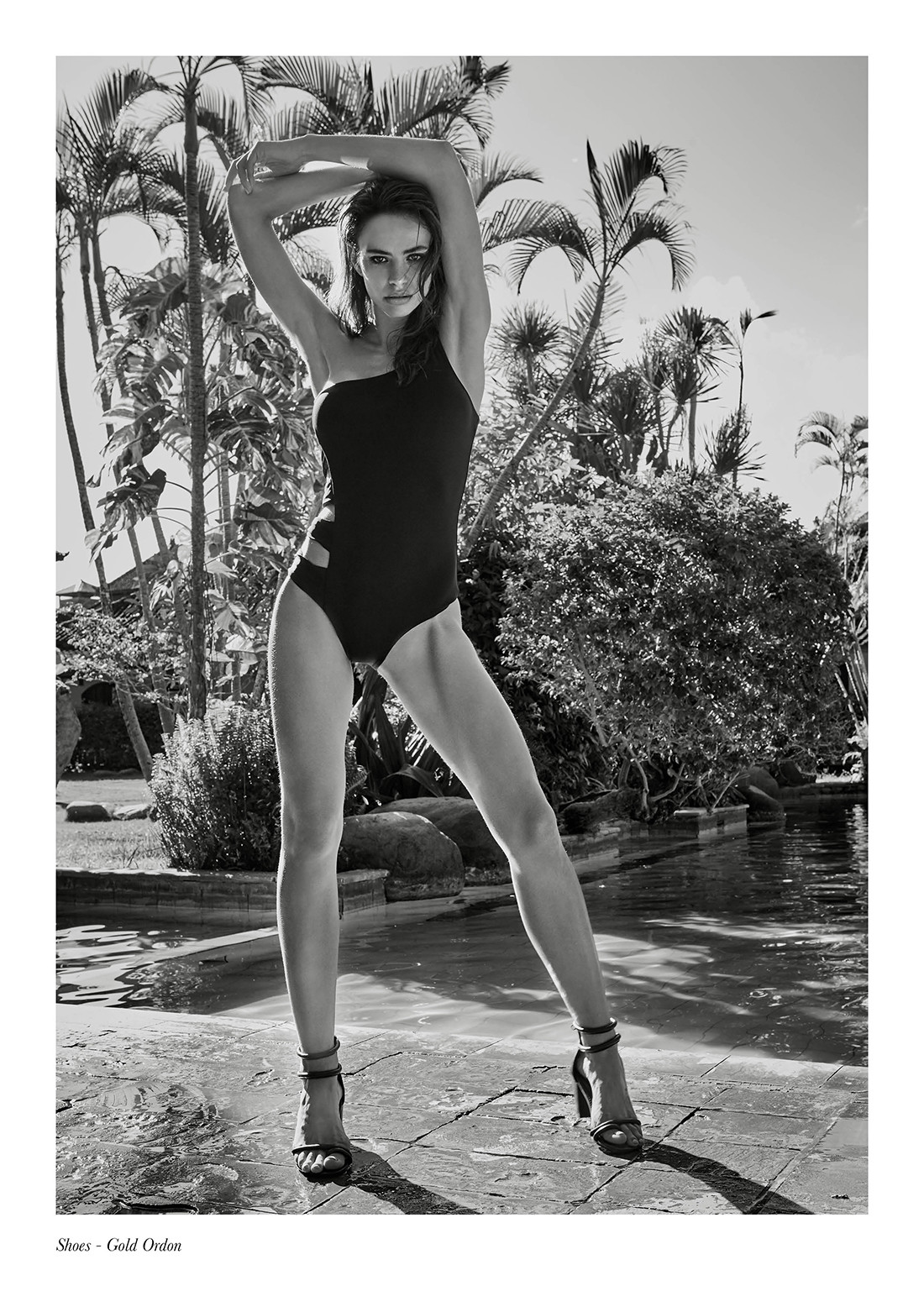
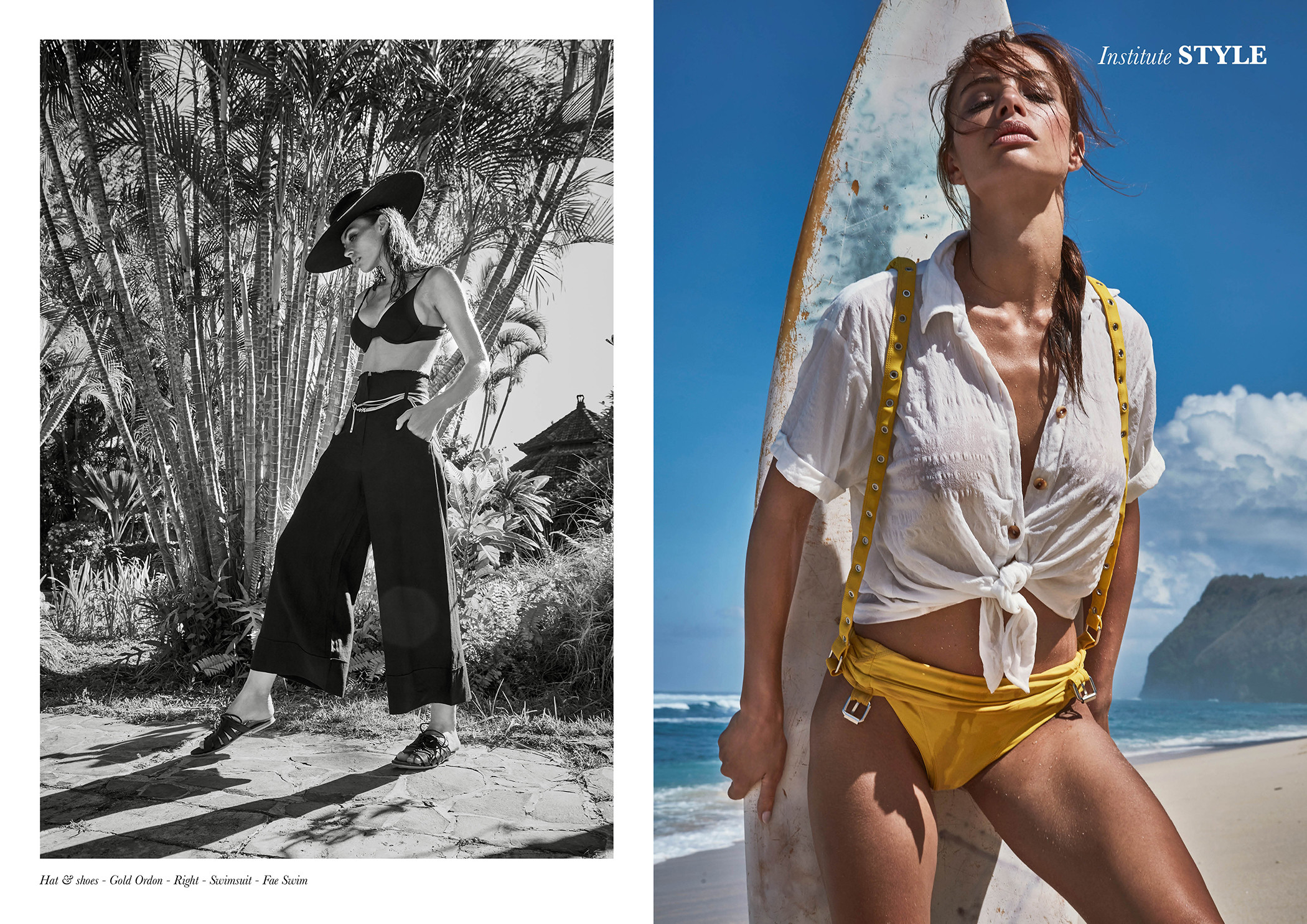
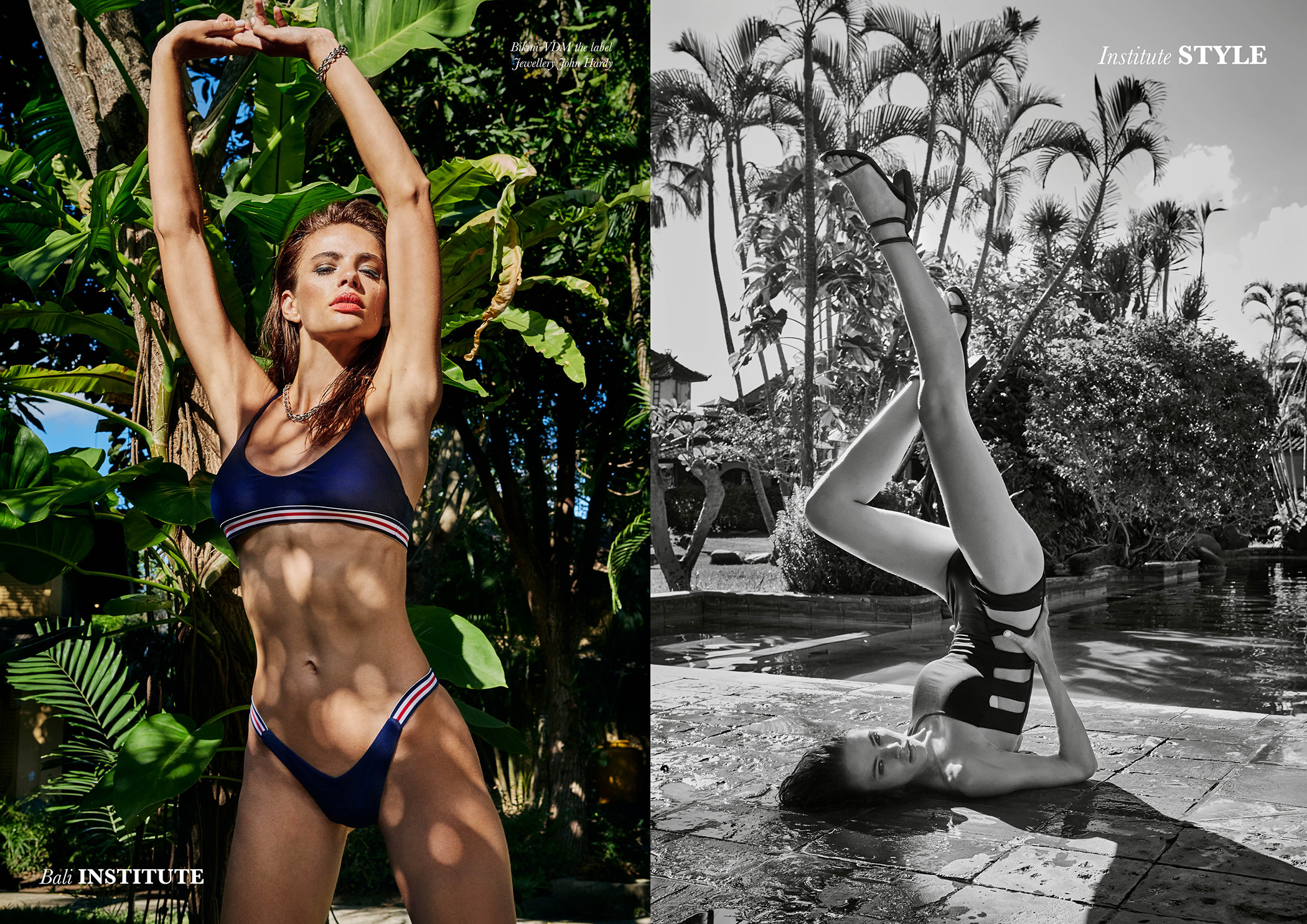
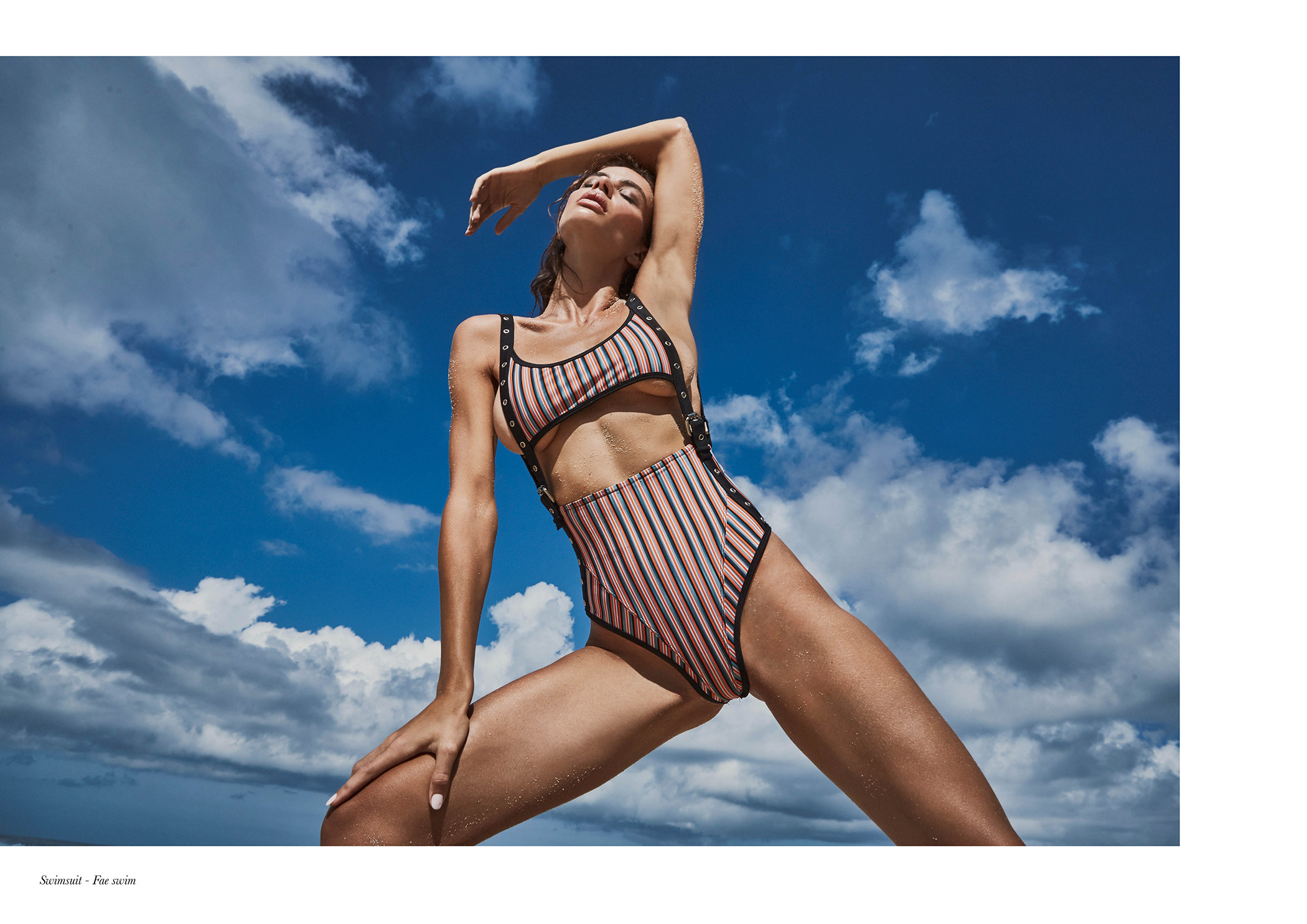
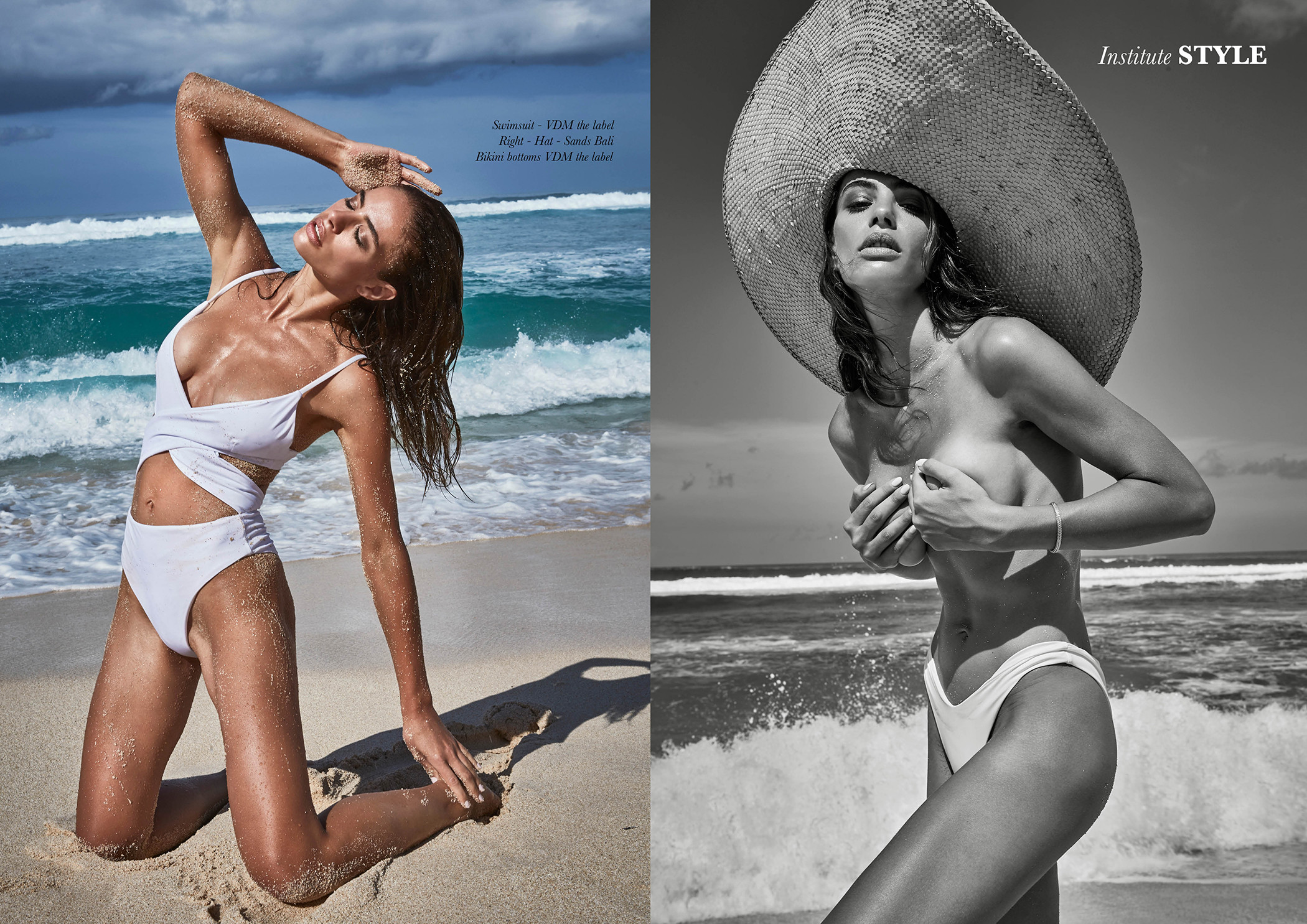
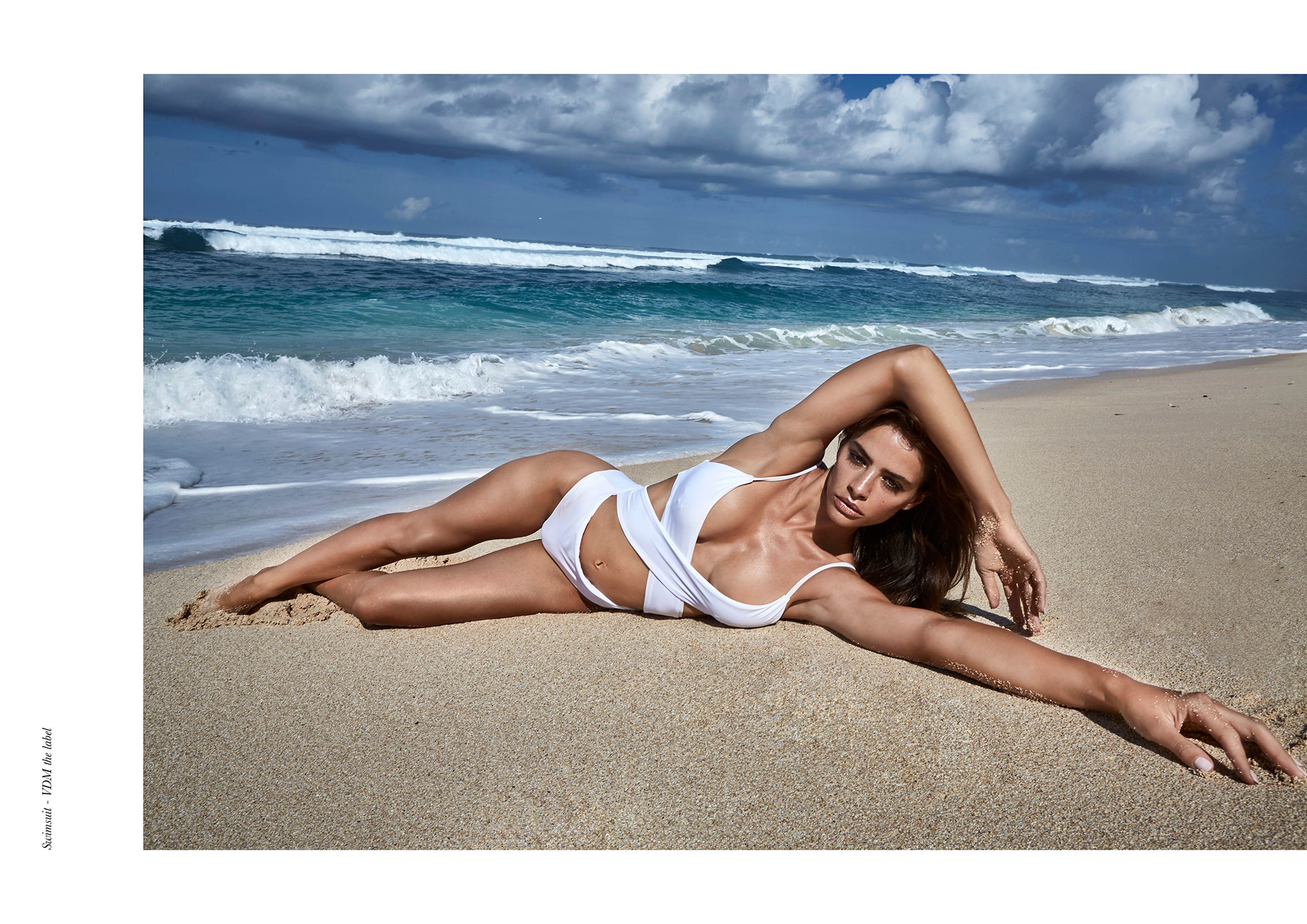
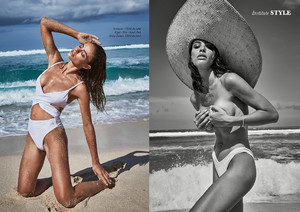
 @institutemag @merzeder @michaelakireta @stylebyhenesey @faeswim
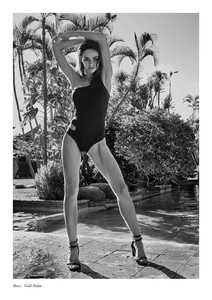


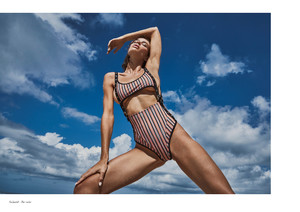
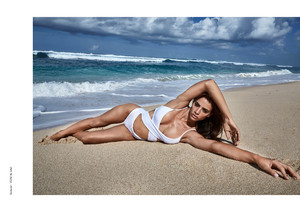
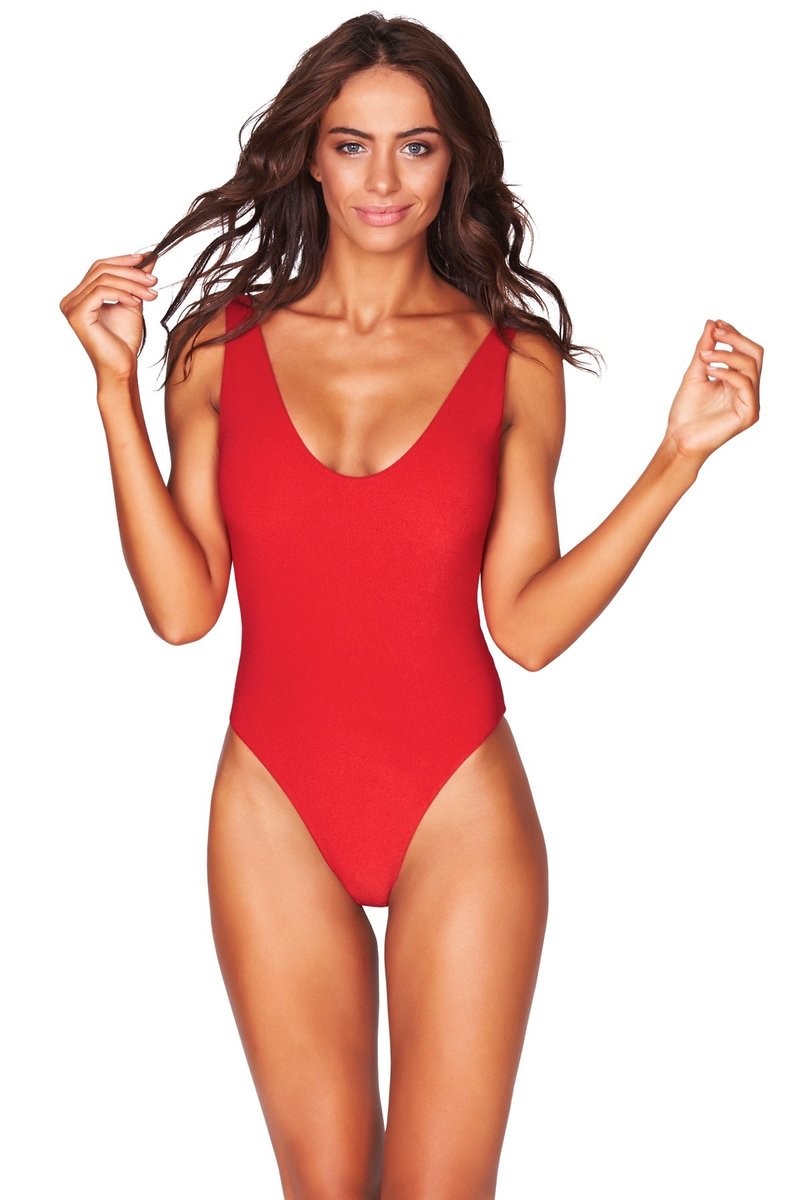
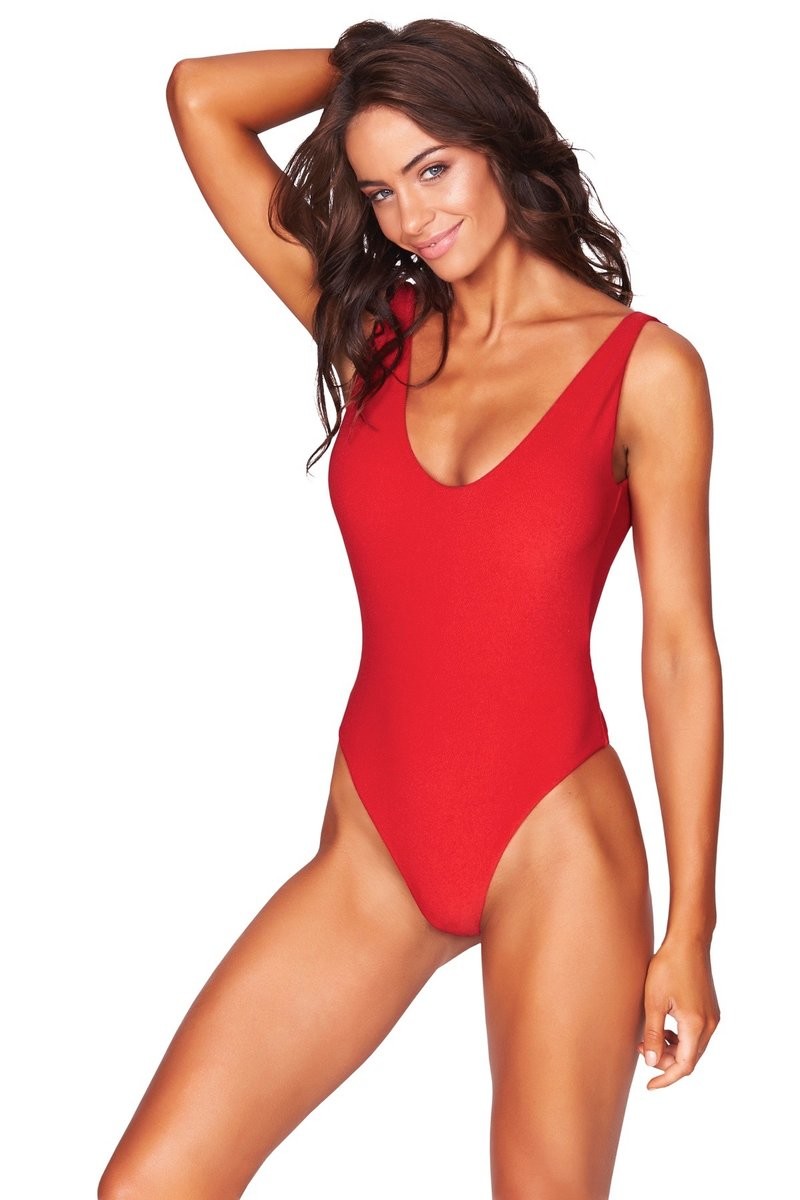
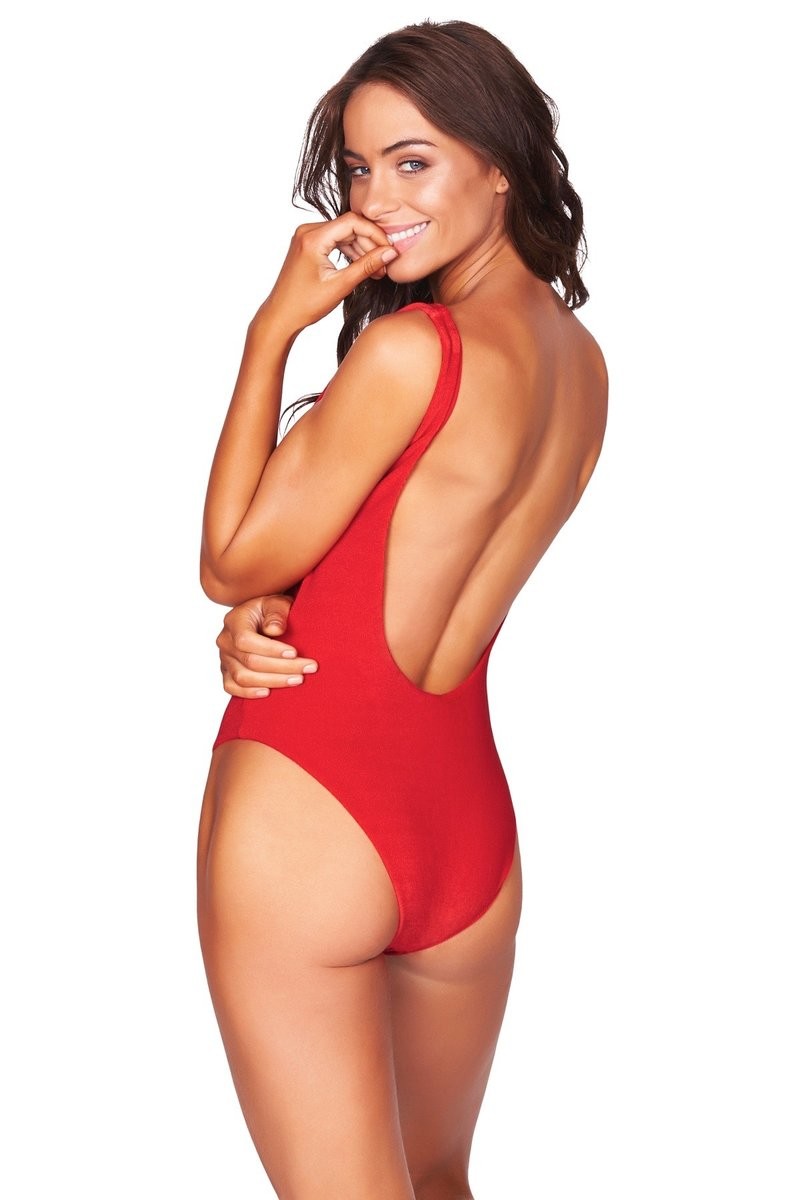
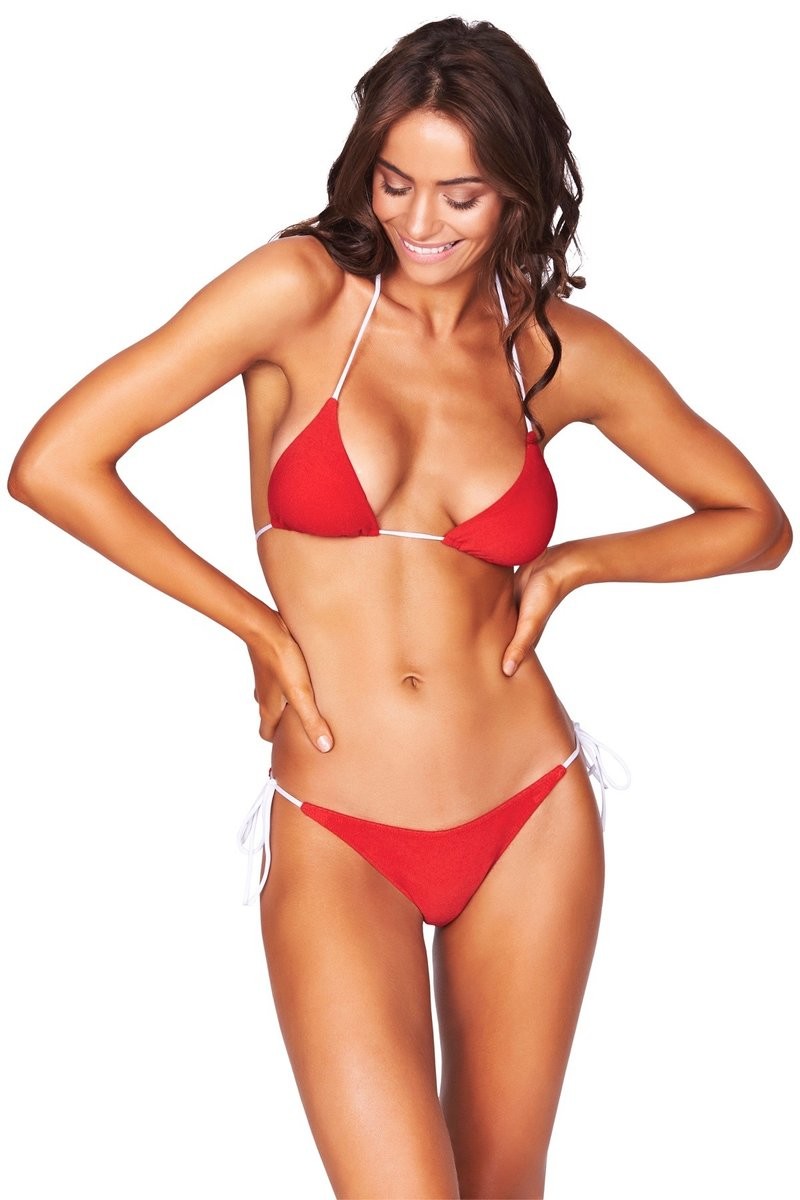
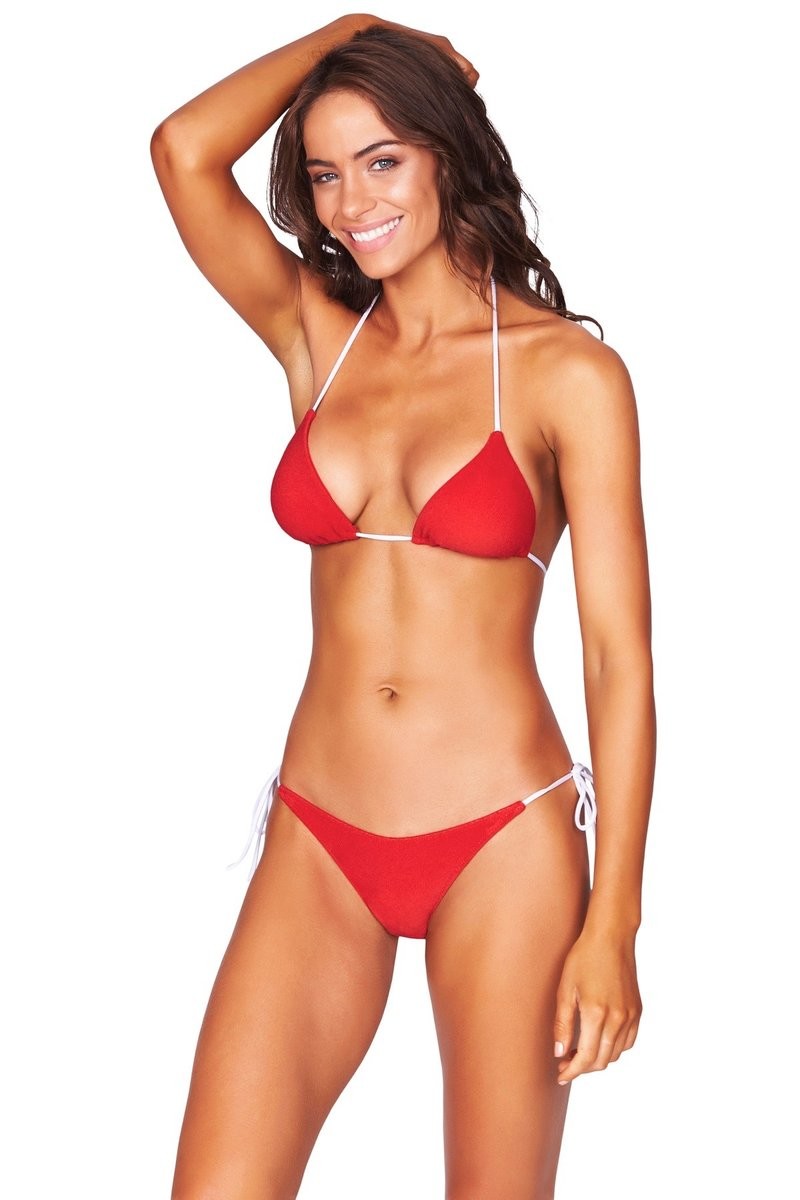
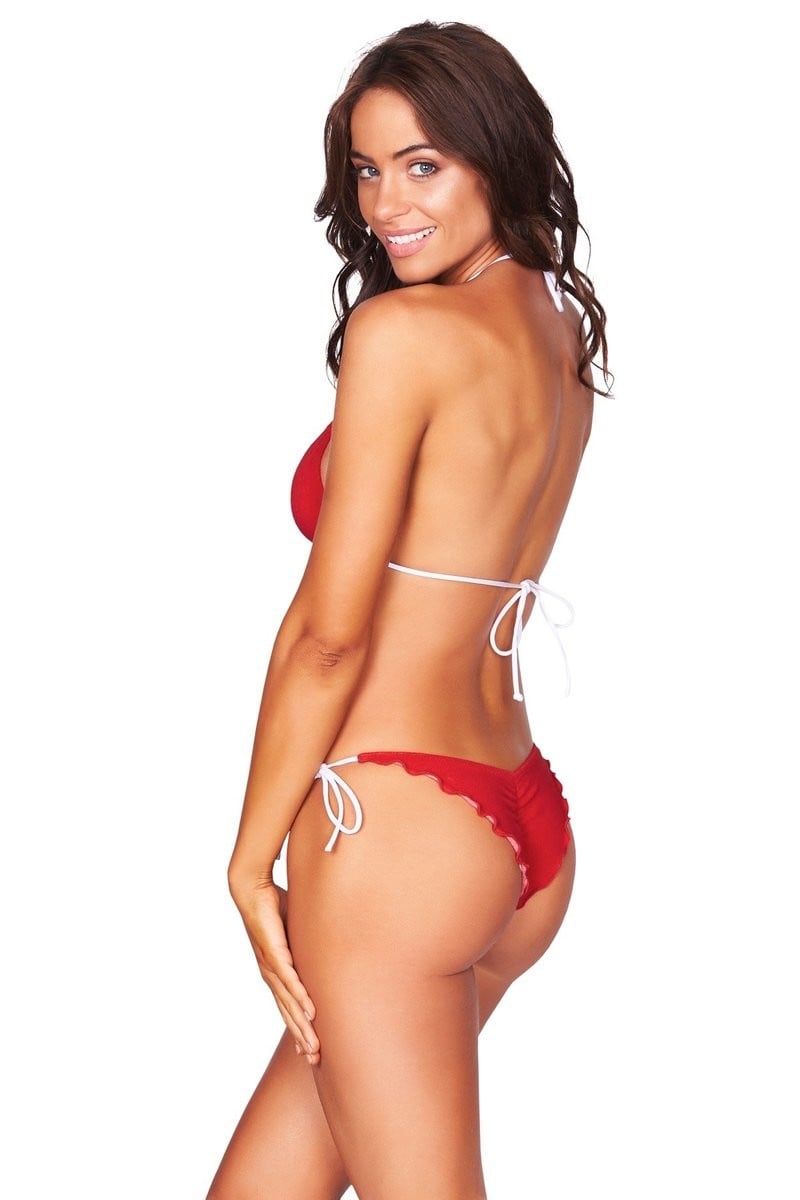
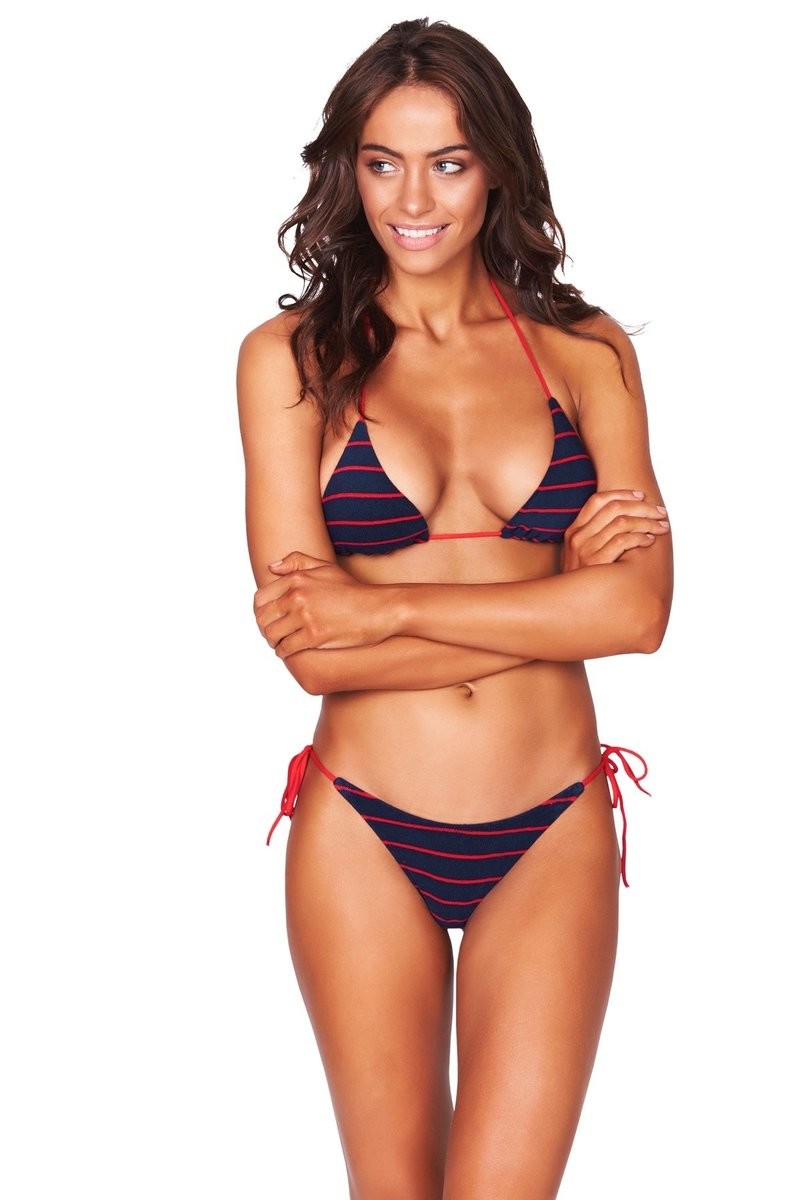
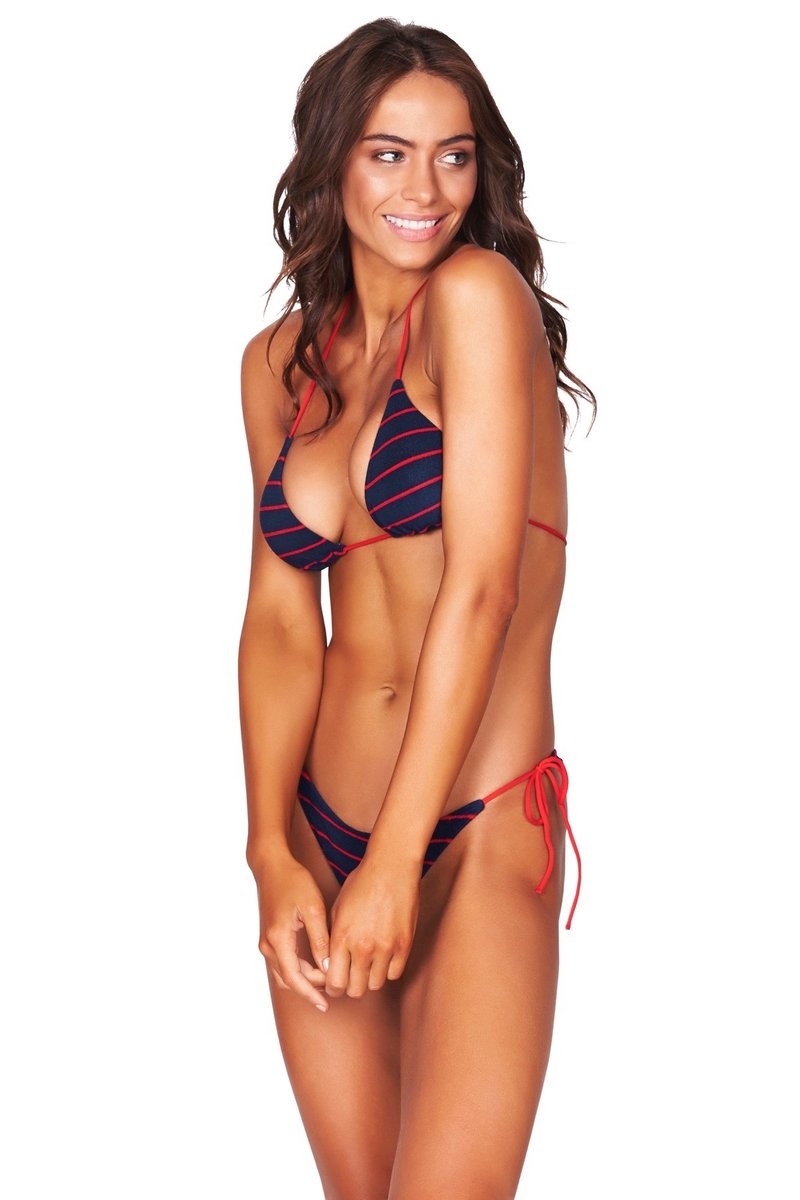
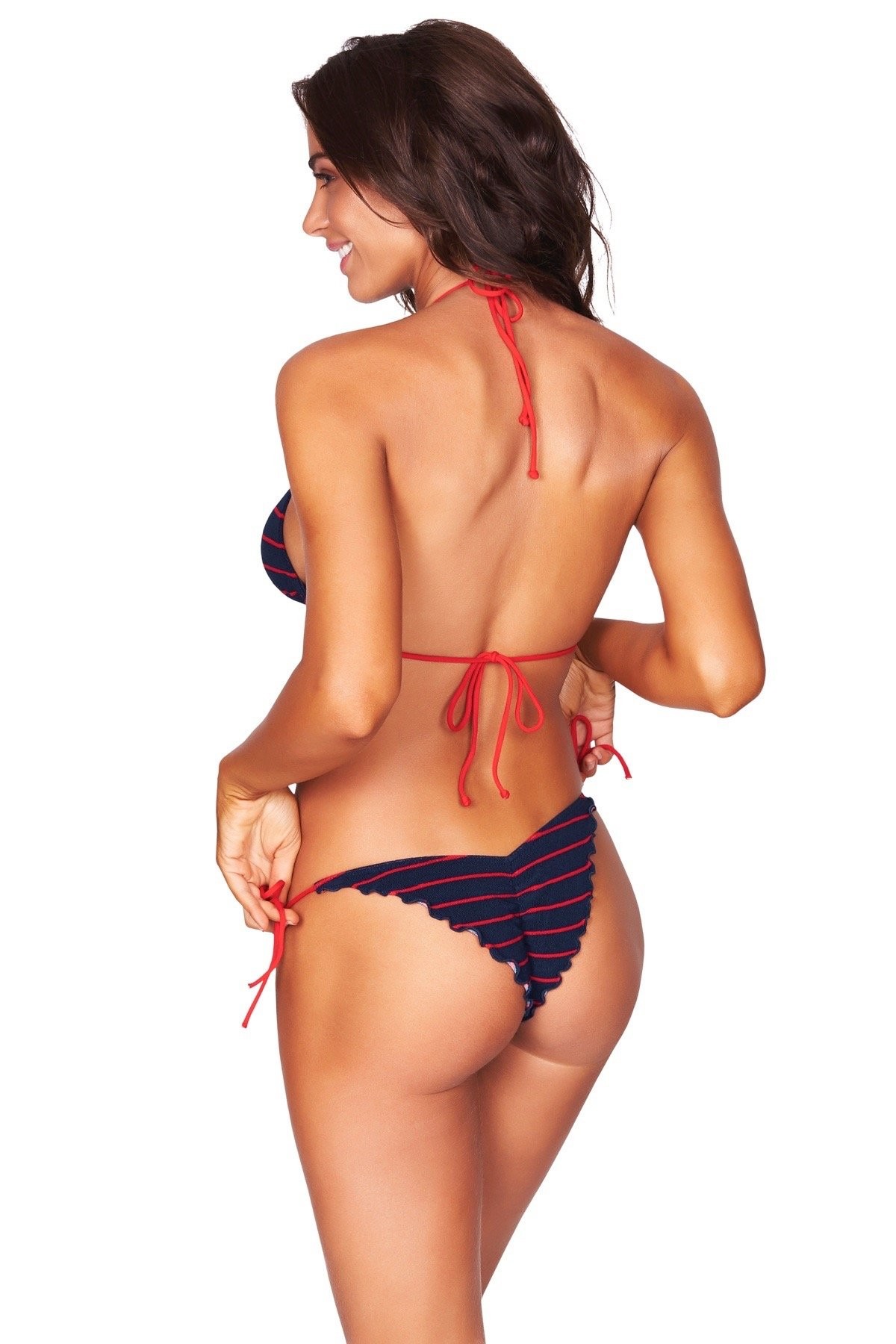
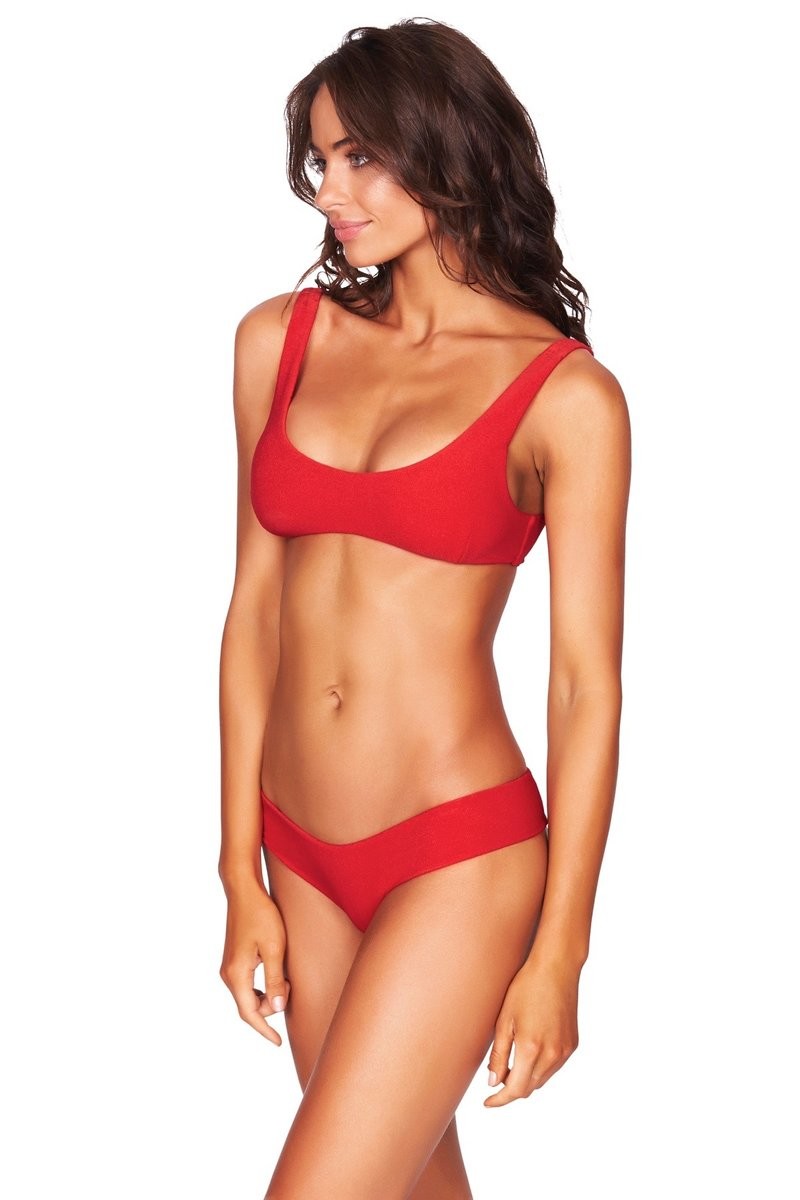
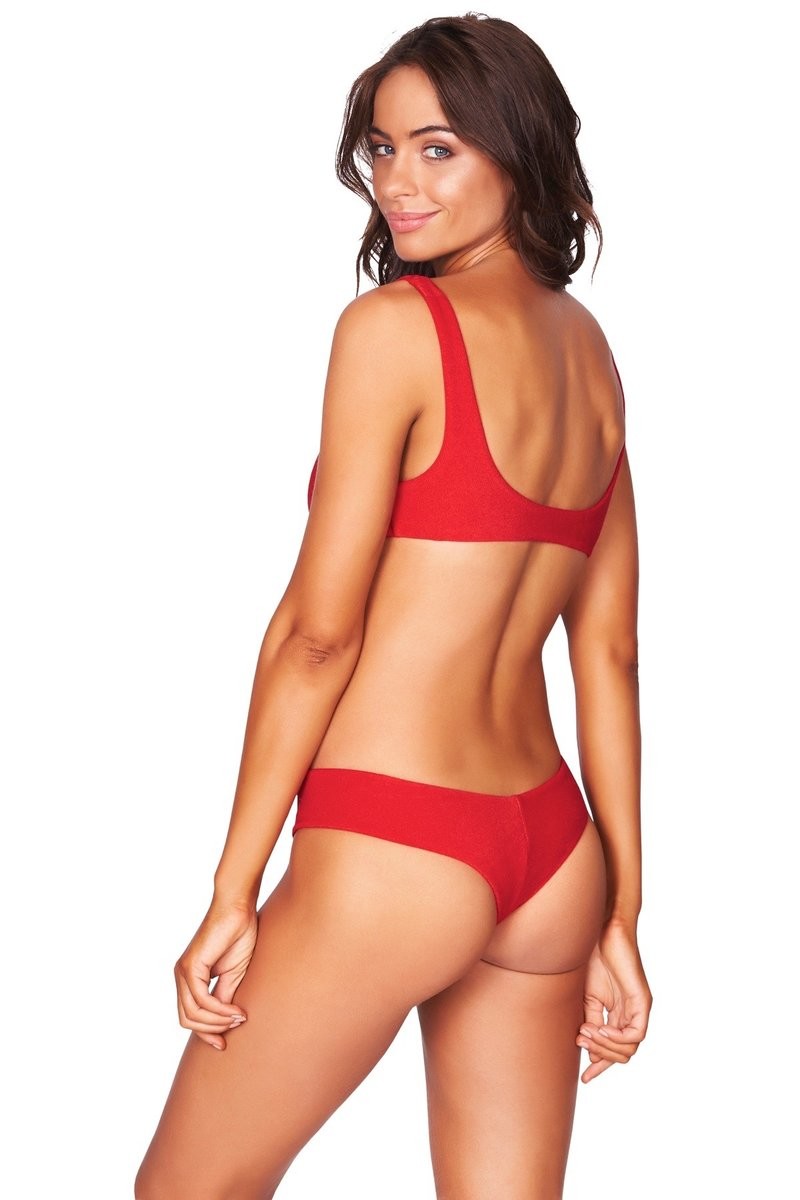
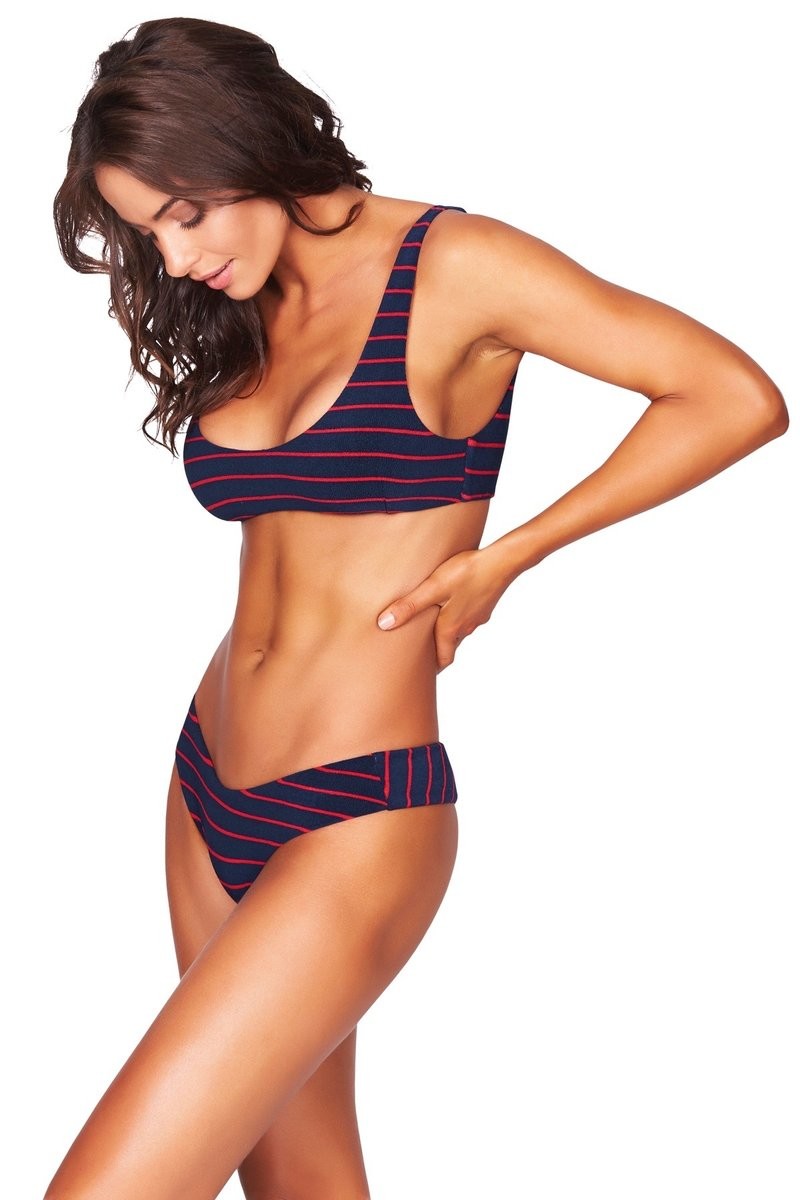
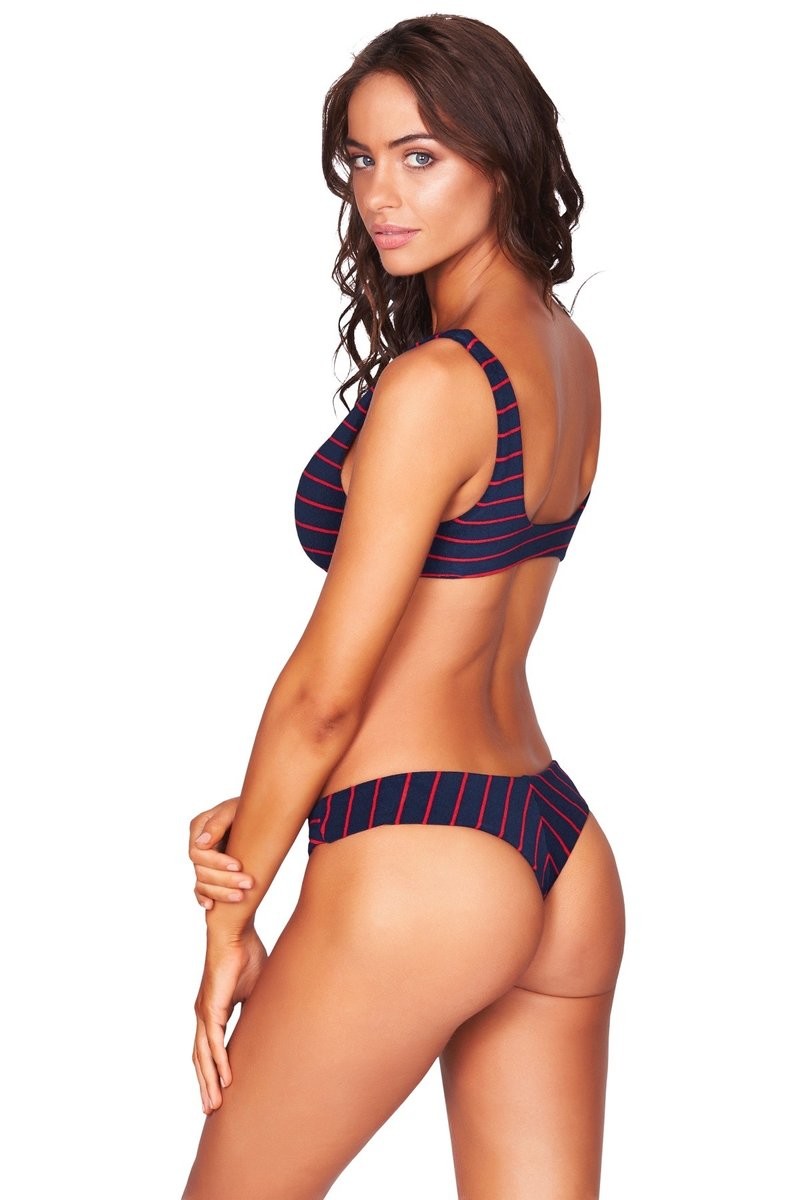
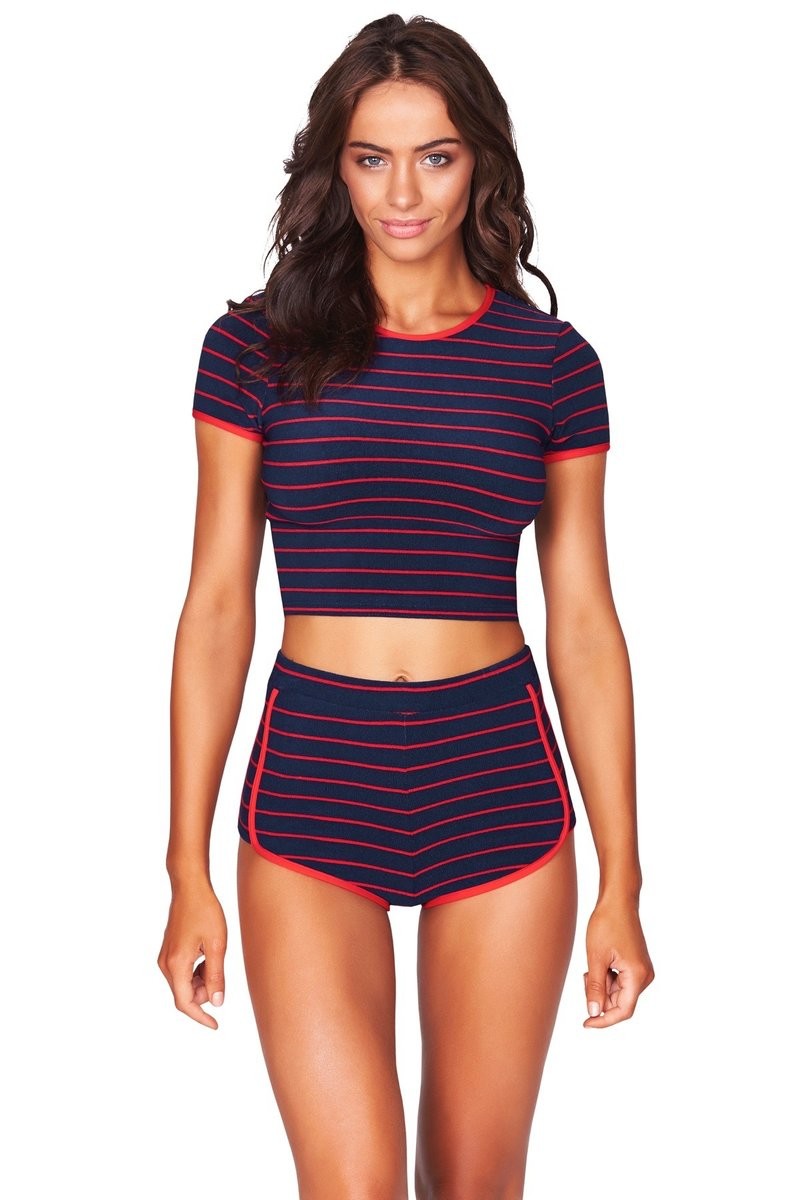
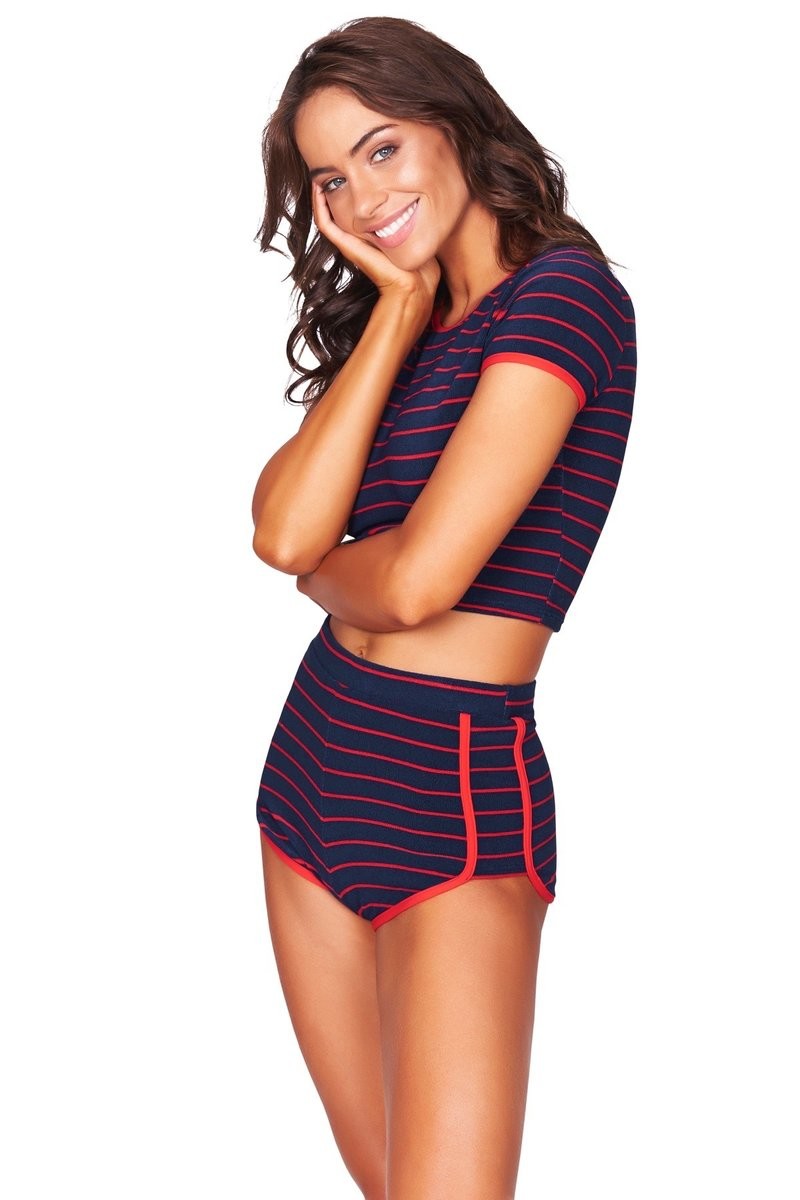
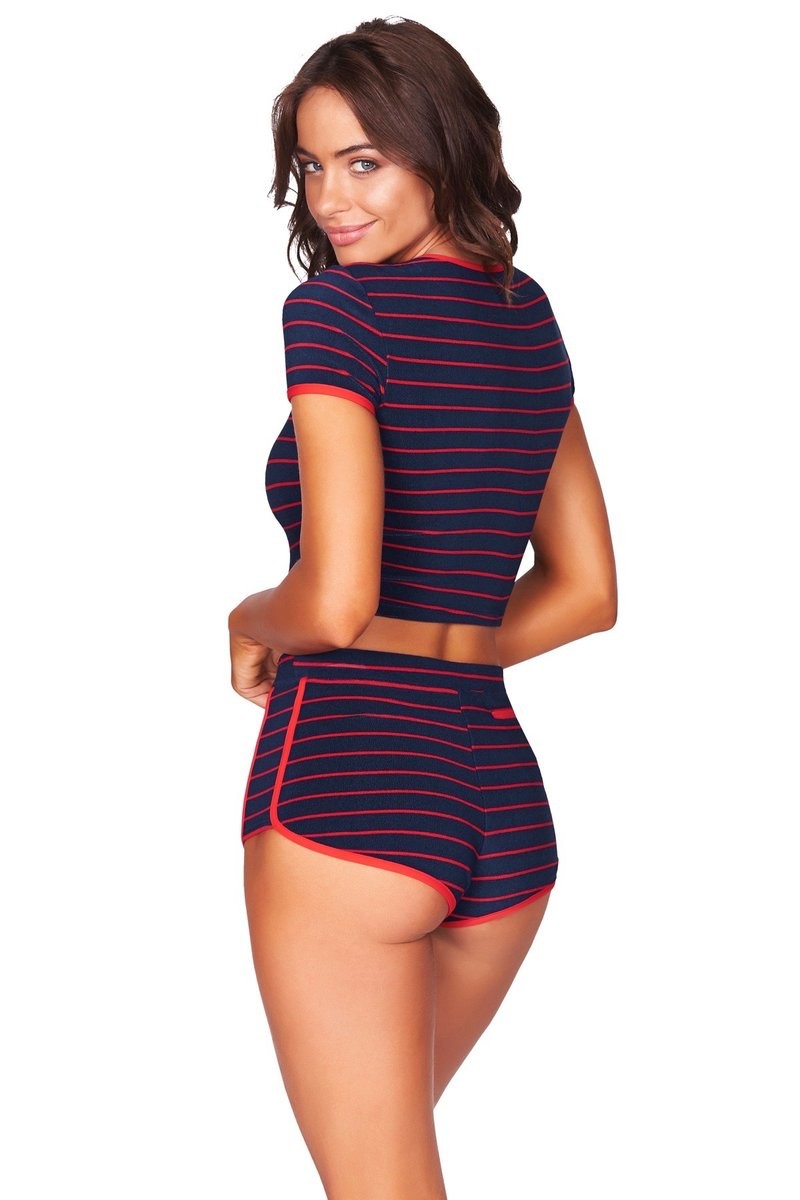
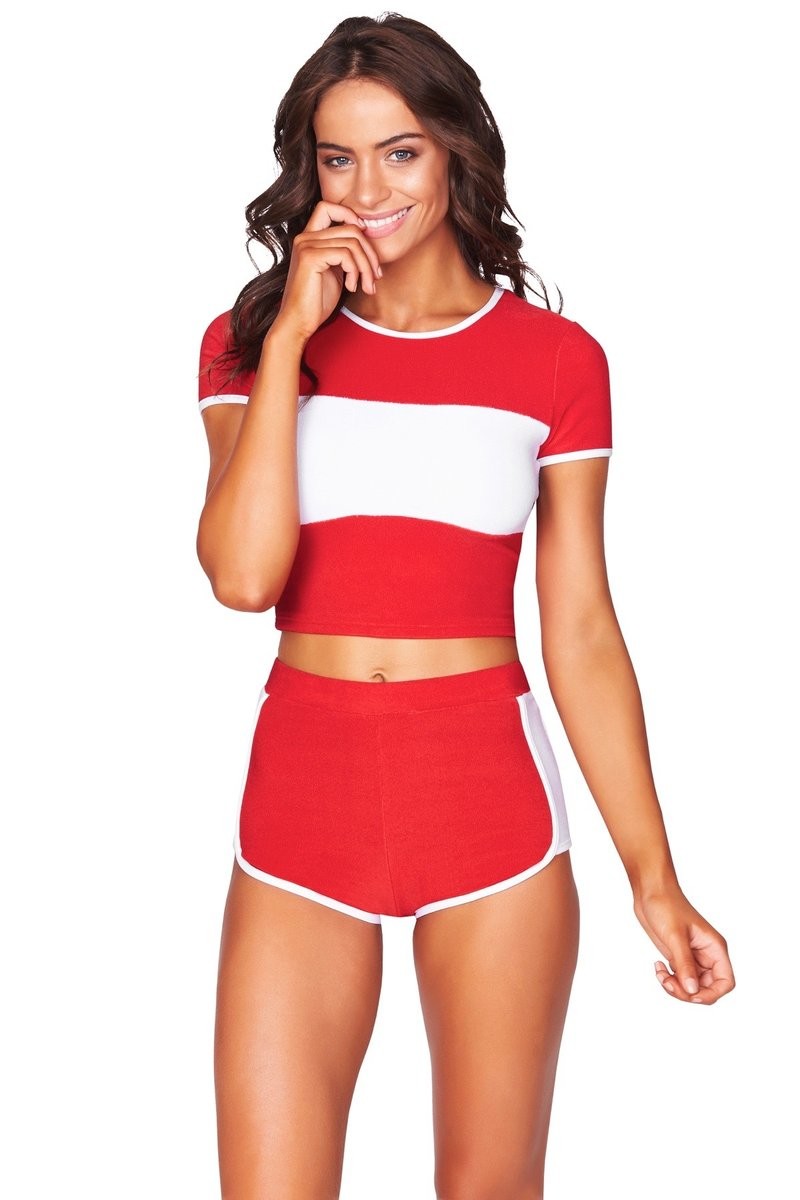
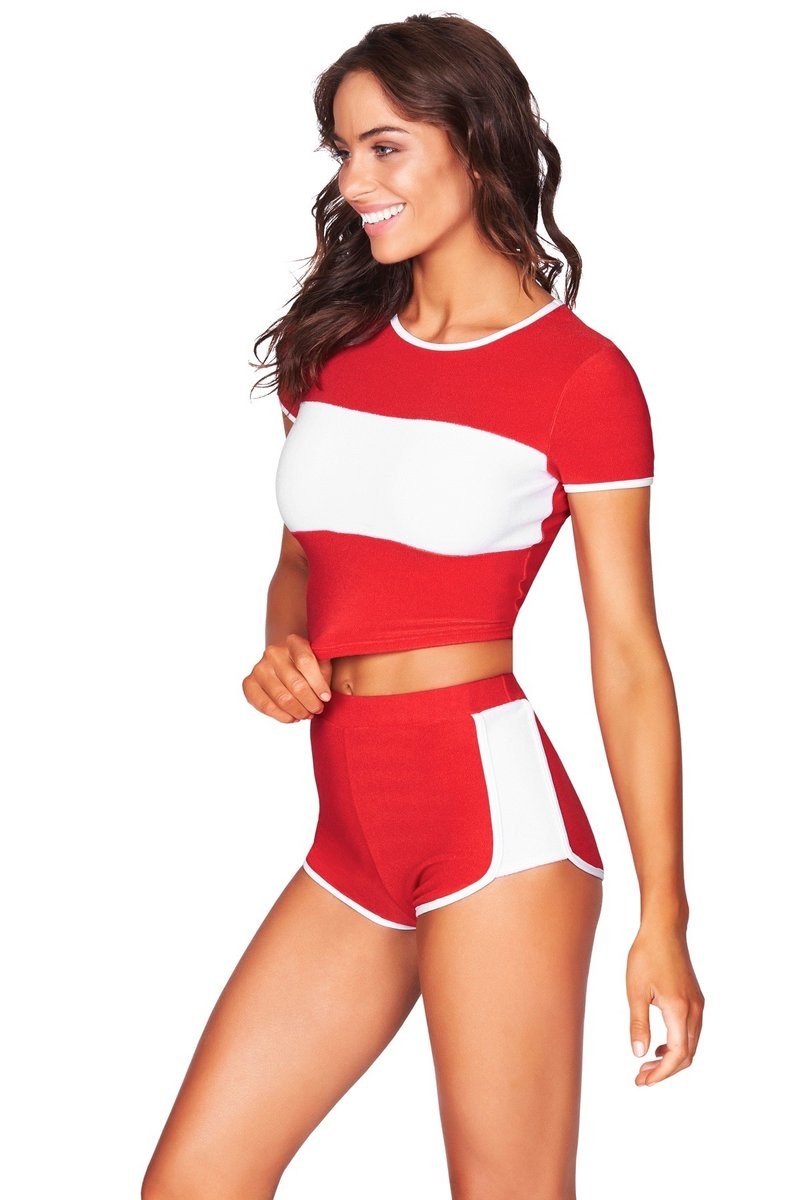
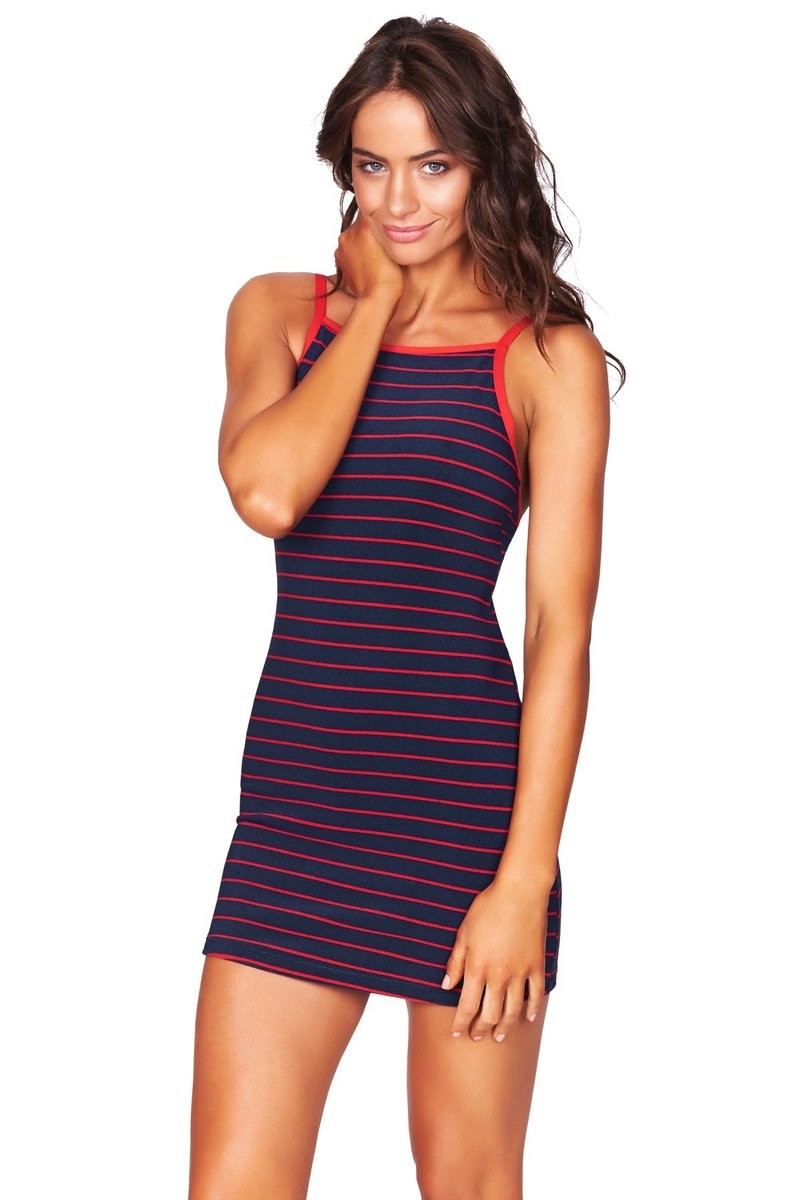
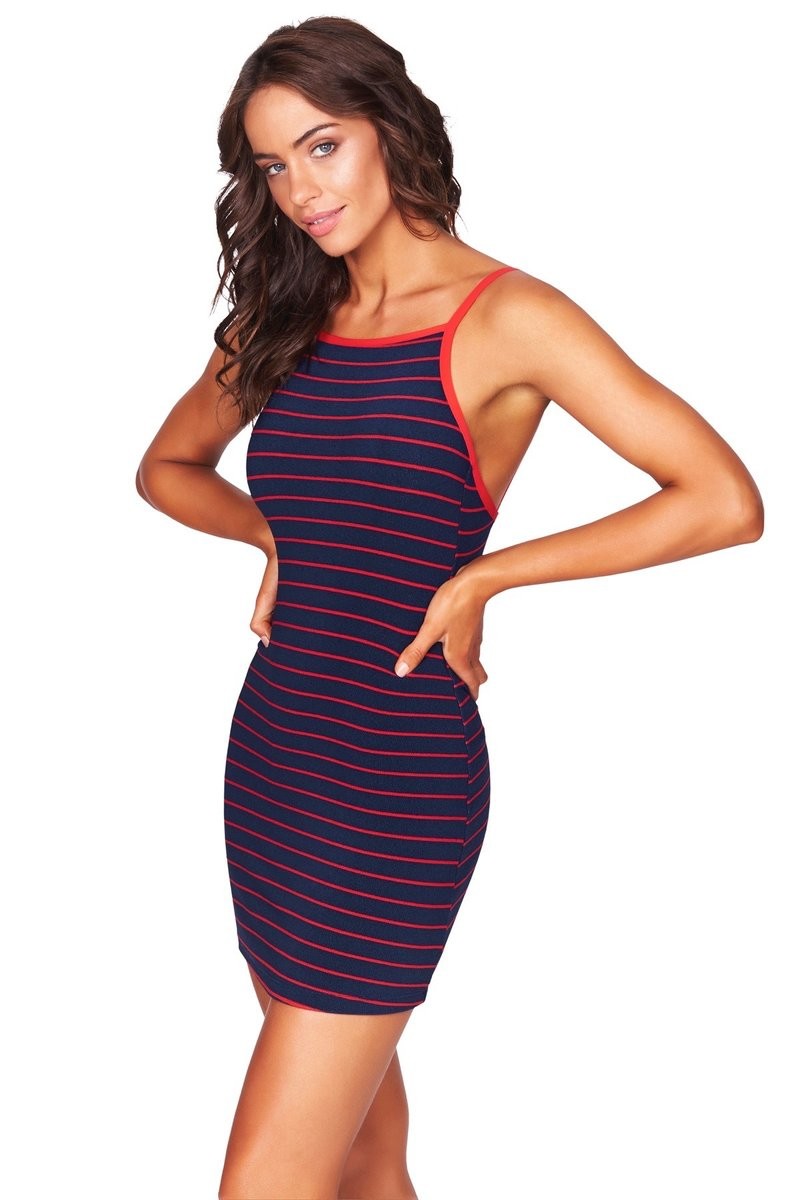
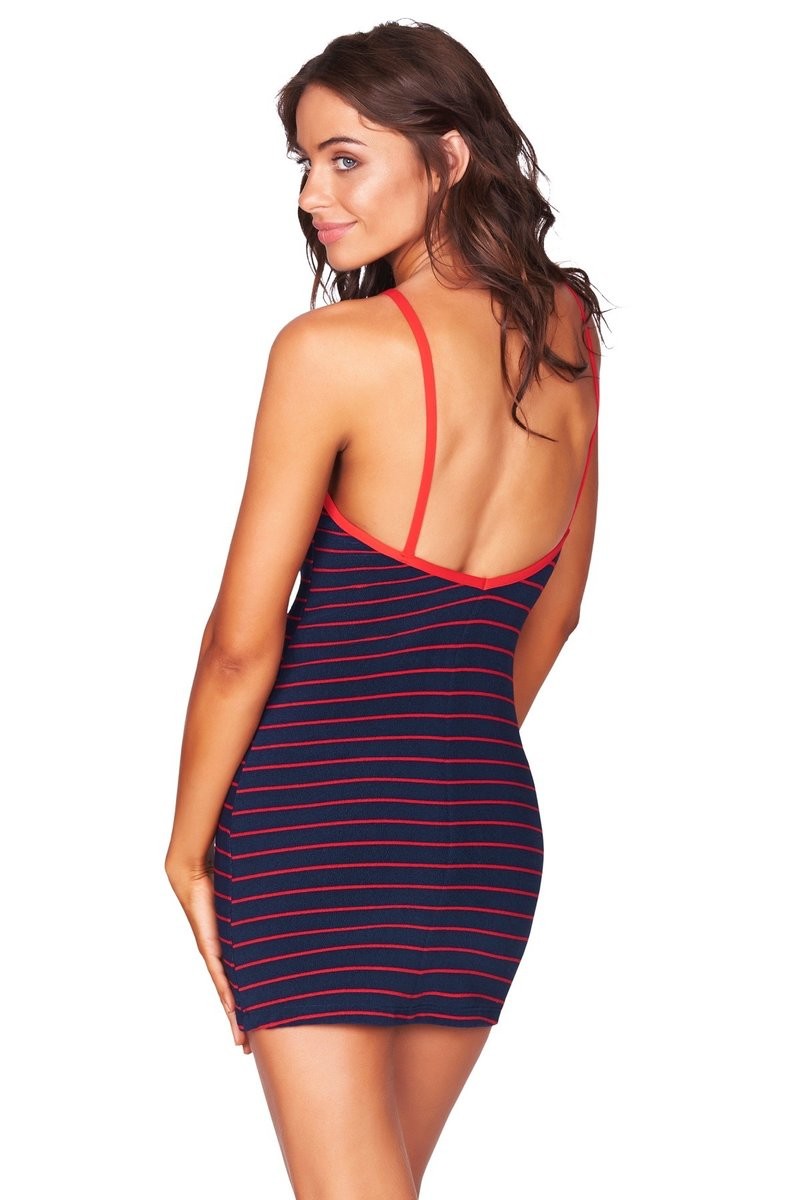
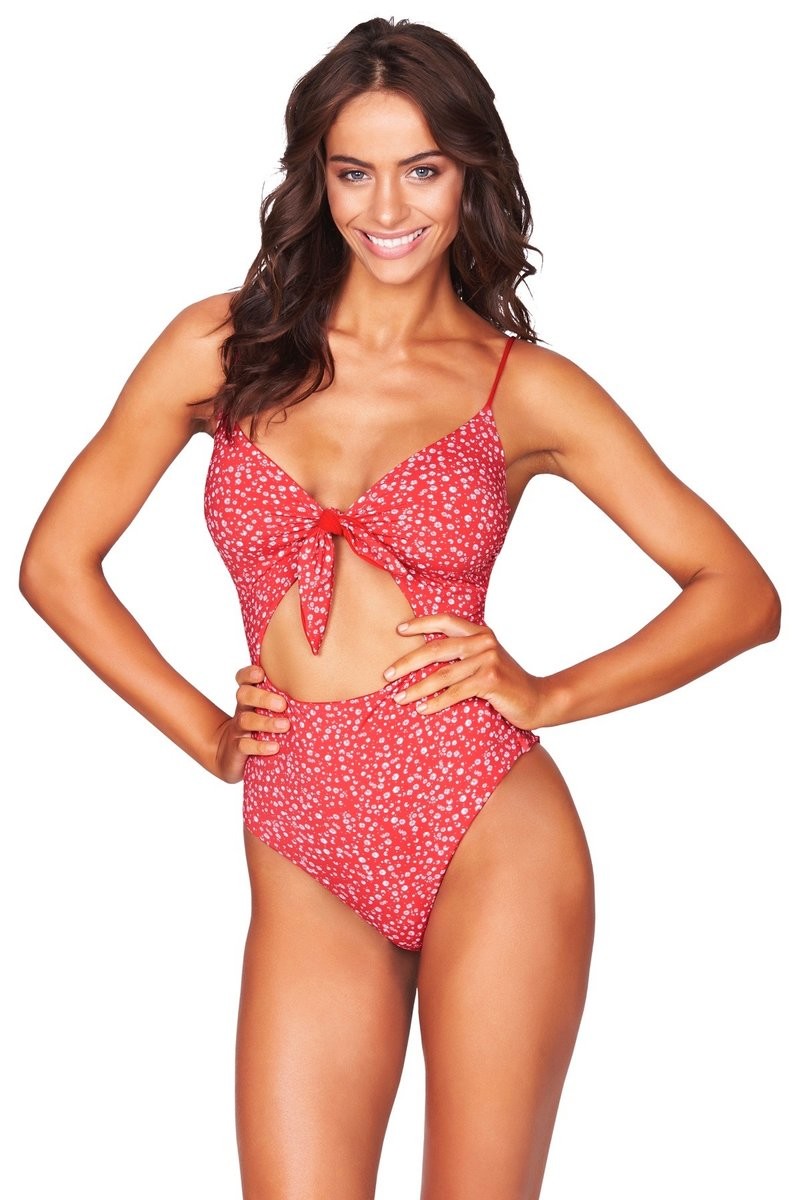
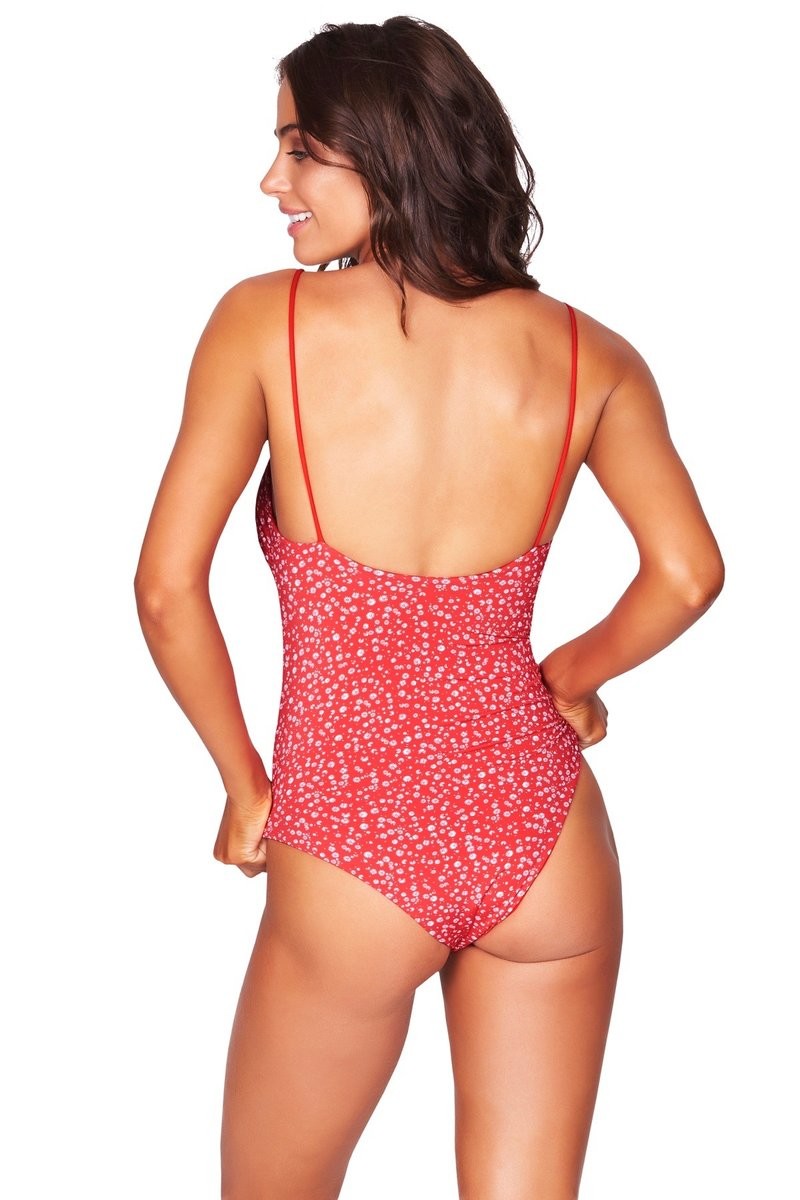
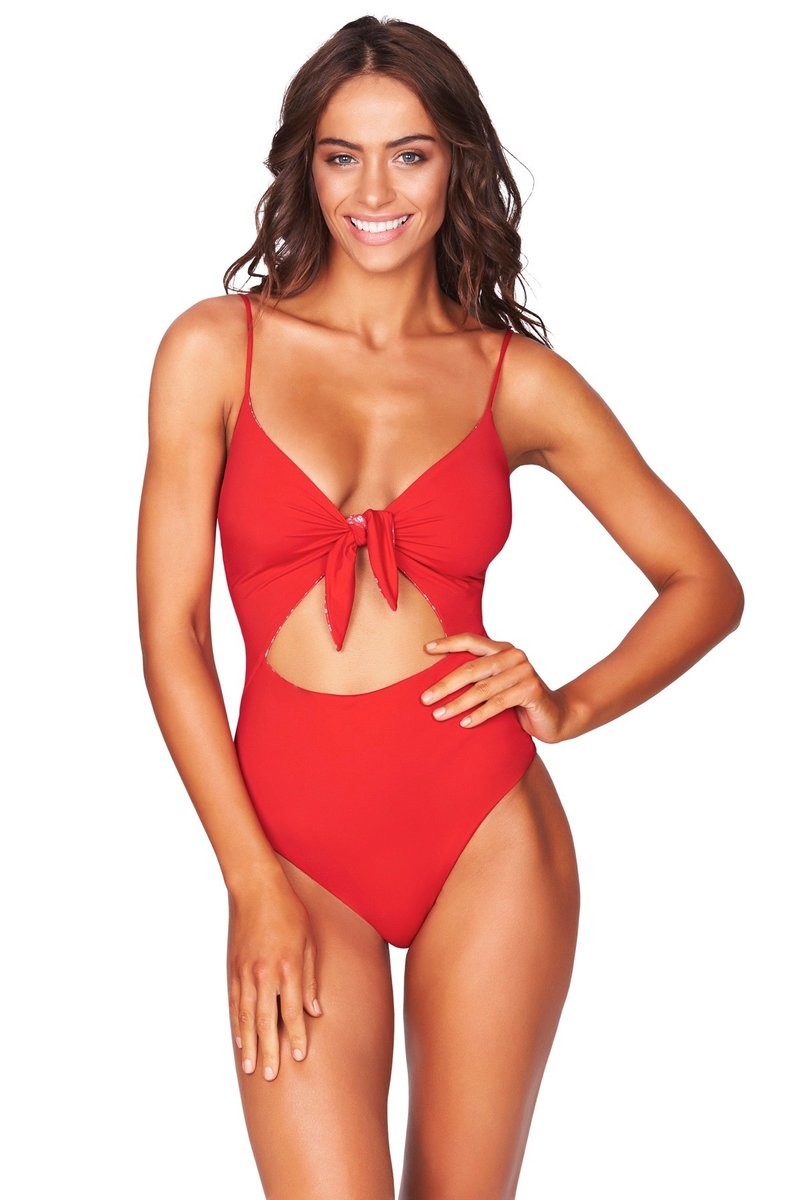
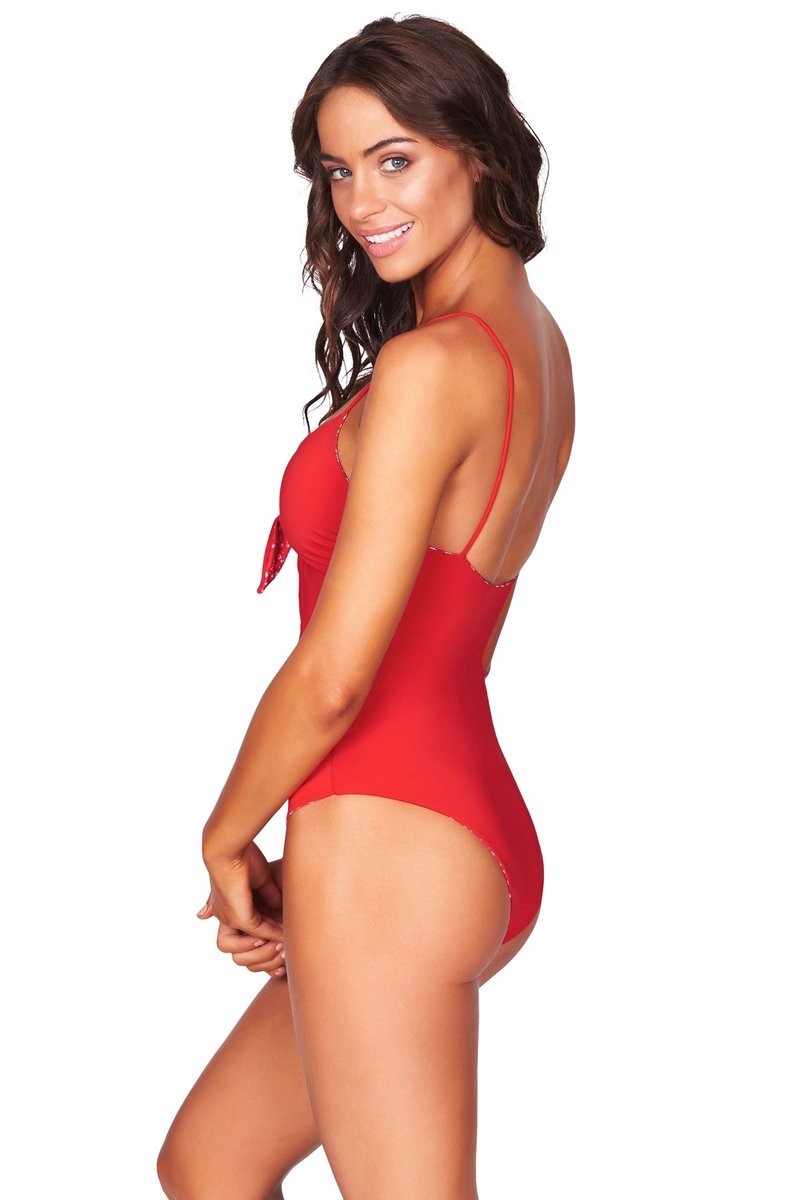
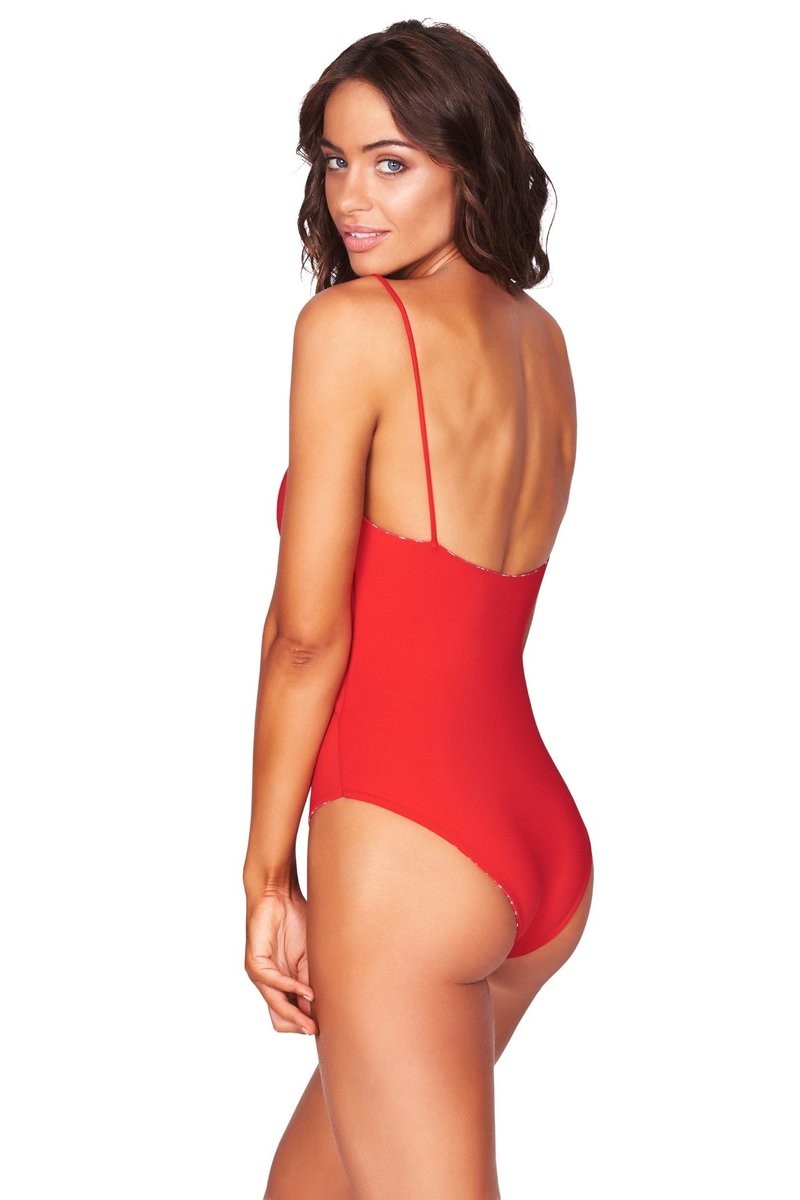
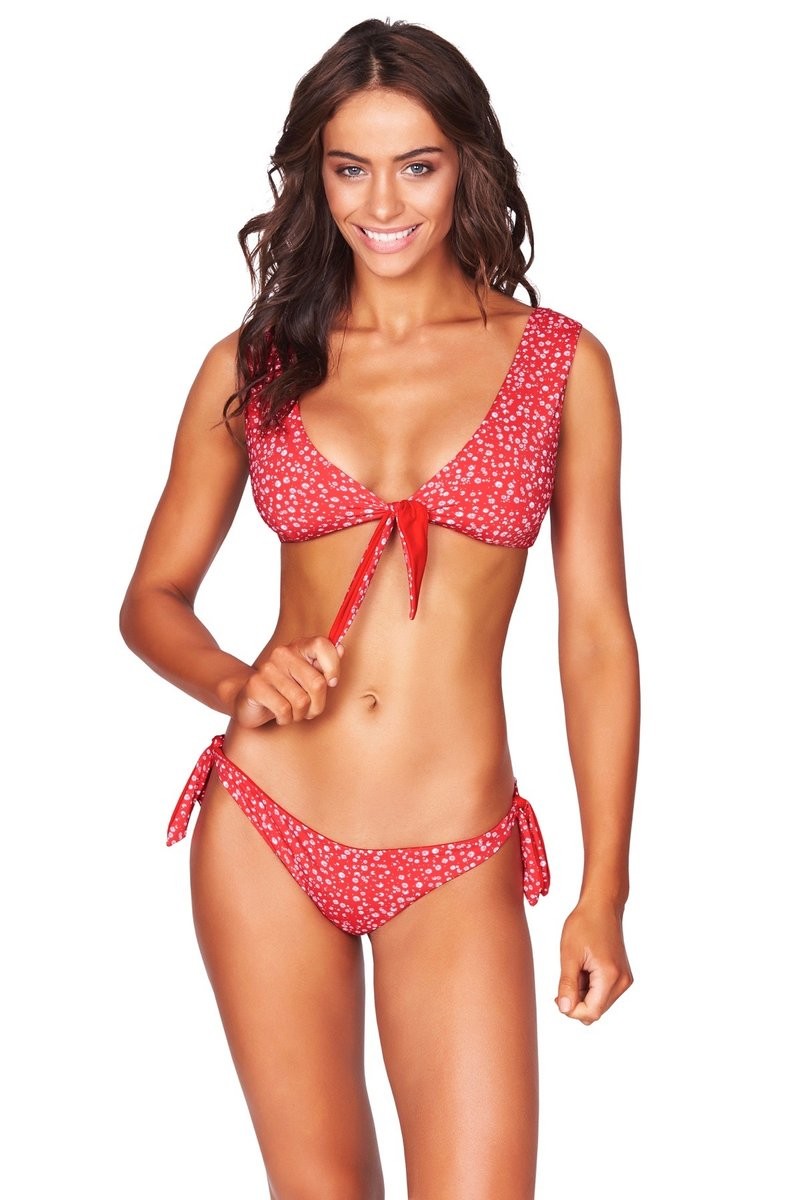
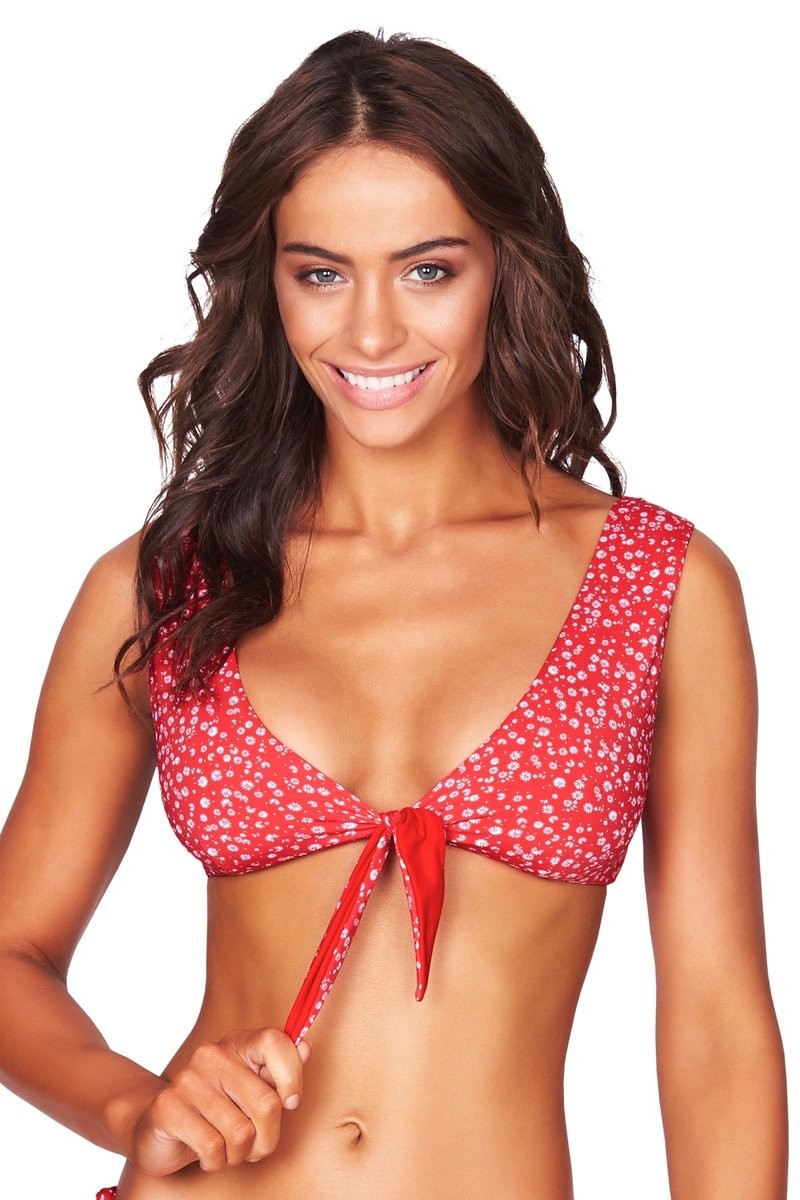
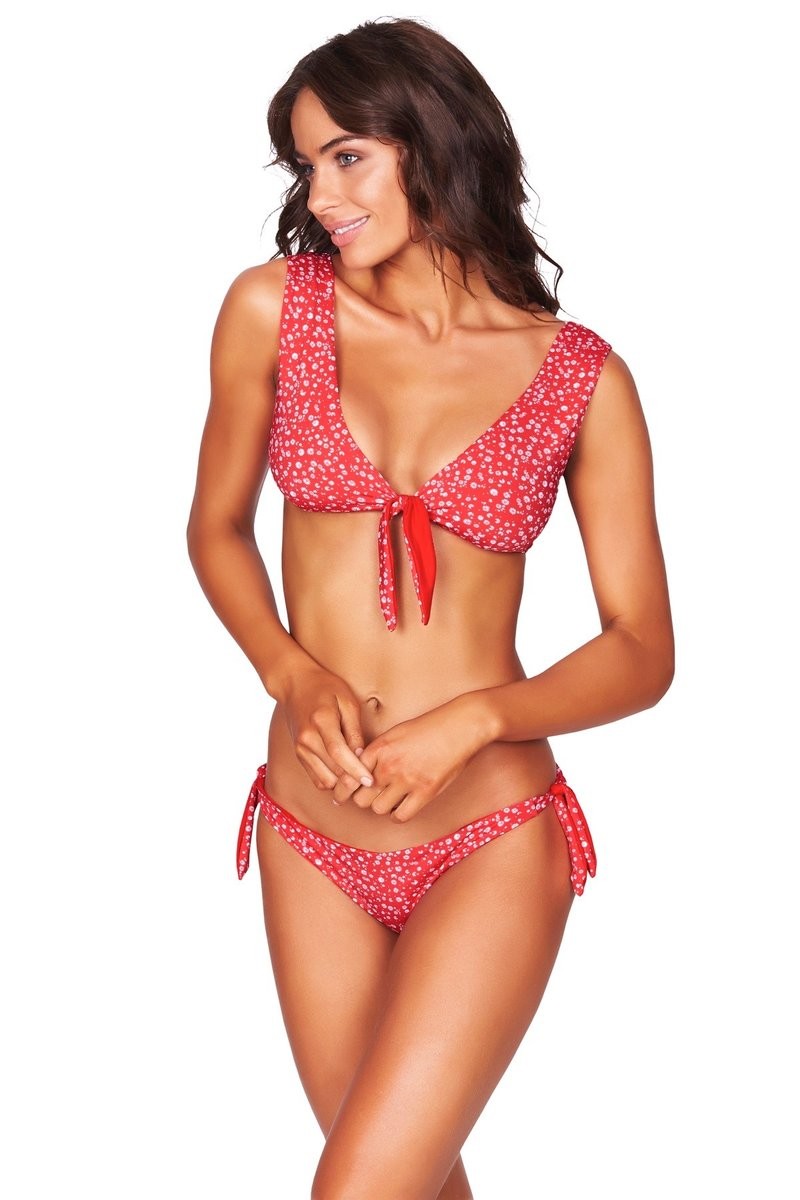
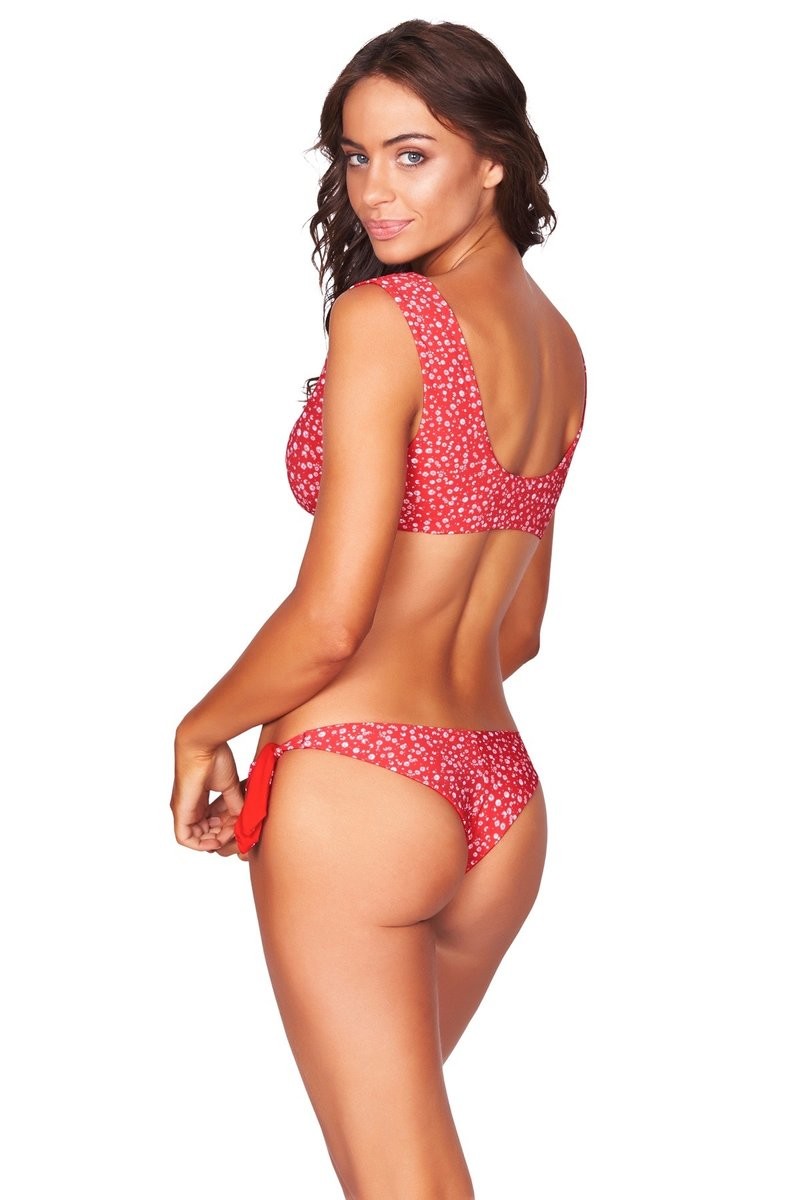
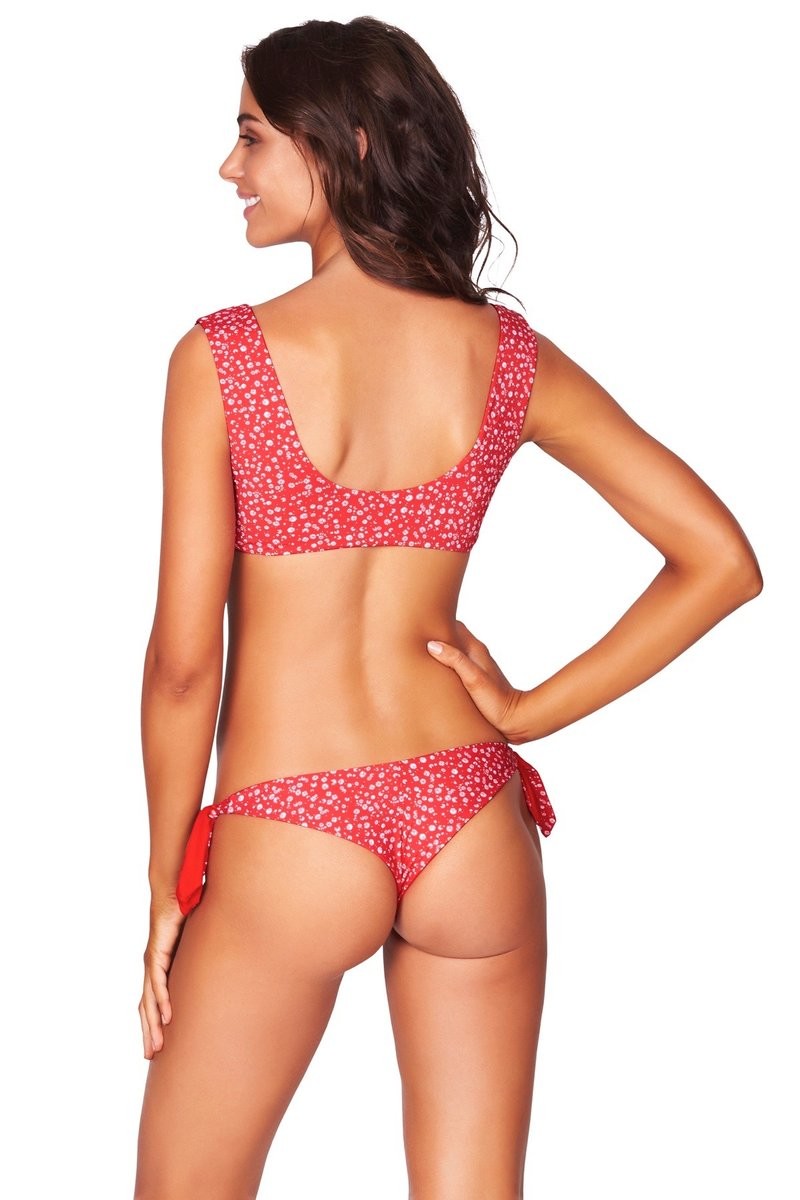
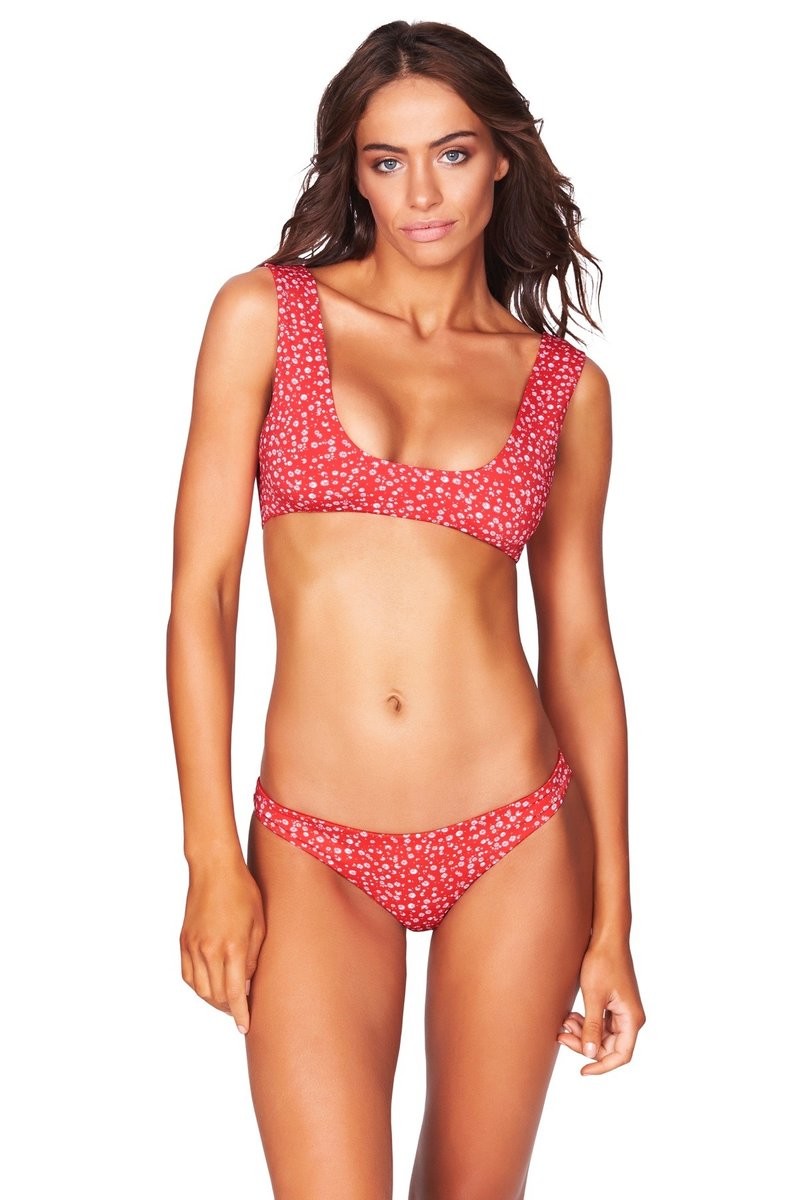
 Bond-eye swim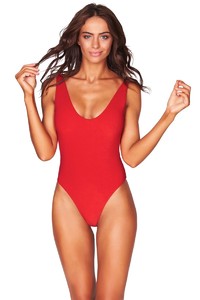
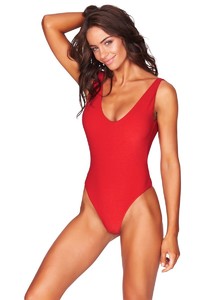
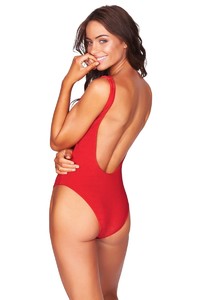

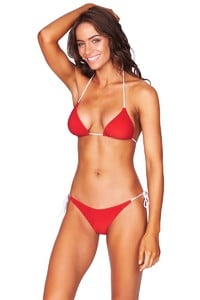
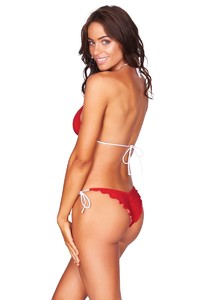


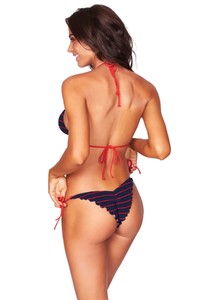
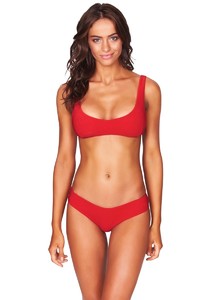

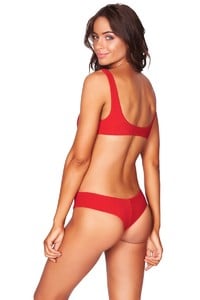


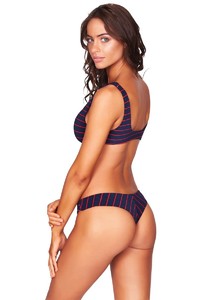
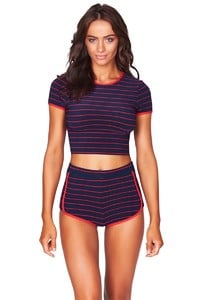
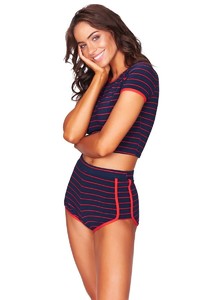
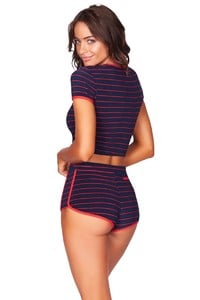
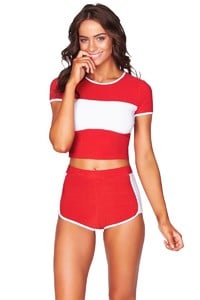
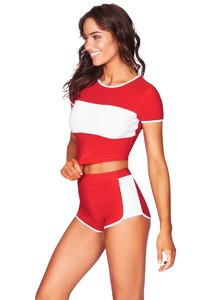
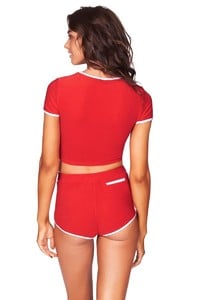
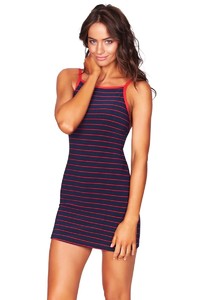
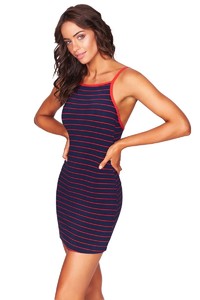
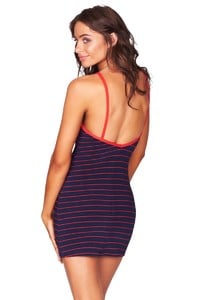
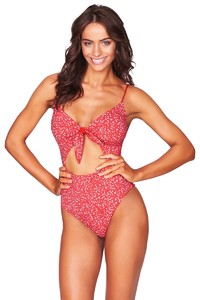
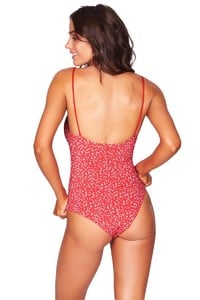
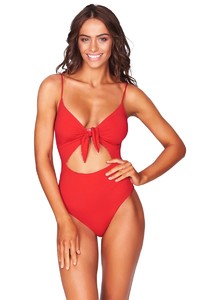
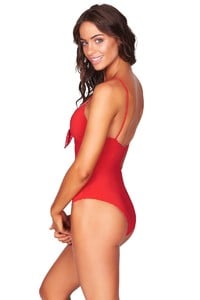
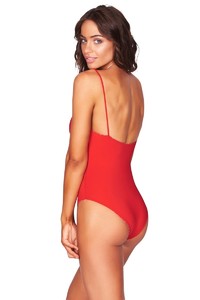
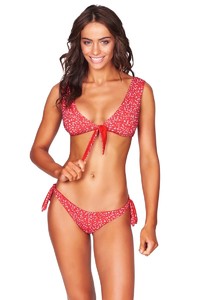

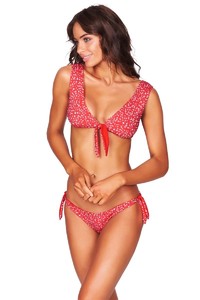
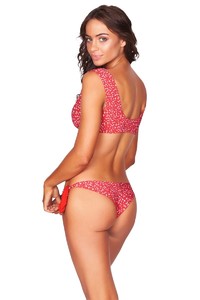
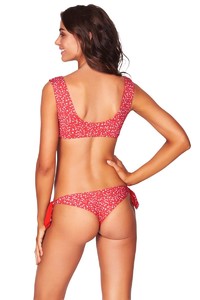

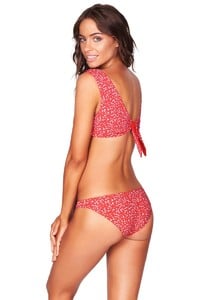
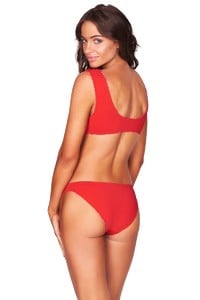 more uhq



 I actually think she had to be married because she was prego lol that's the way it is for rich conservative people usually.
Account
Navigation
Search
Configure browser push notifications
Chrome (Android)
- Tap the lock icon next to the address bar.
- Tap Permissions → Notifications.
- Adjust your preference.
Chrome (Desktop)
- Click the padlock icon in the address bar.
- Select Site settings.
- Find Notifications and adjust your preference.
Safari (iOS 16.4+)
- Ensure the site is installed via Add to Home Screen.
- Open Settings App → Notifications.
- Find your app name and adjust your preference.
Safari (macOS)
- Go to Safari → Preferences.
- Click the Websites tab.
- Select Notifications in the sidebar.
- Find this website and adjust your preference.
Edge (Android)
- Tap the lock icon next to the address bar.
- Tap Permissions.
- Find Notifications and adjust your preference.
Edge (Desktop)
- Click the padlock icon in the address bar.
- Click Permissions for this site.
- Find Notifications and adjust your preference.
Firefox (Android)
- Go to Settings → Site permissions.
- Tap Notifications.
- Find this site in the list and adjust your preference.
Firefox (Desktop)
- Open Firefox Settings.
- Search for Notifications.
- Find this site in the list and adjust your preference.