Everything posted by TheBestModels
-
Blanca Padilla
- Zoïa Mossour
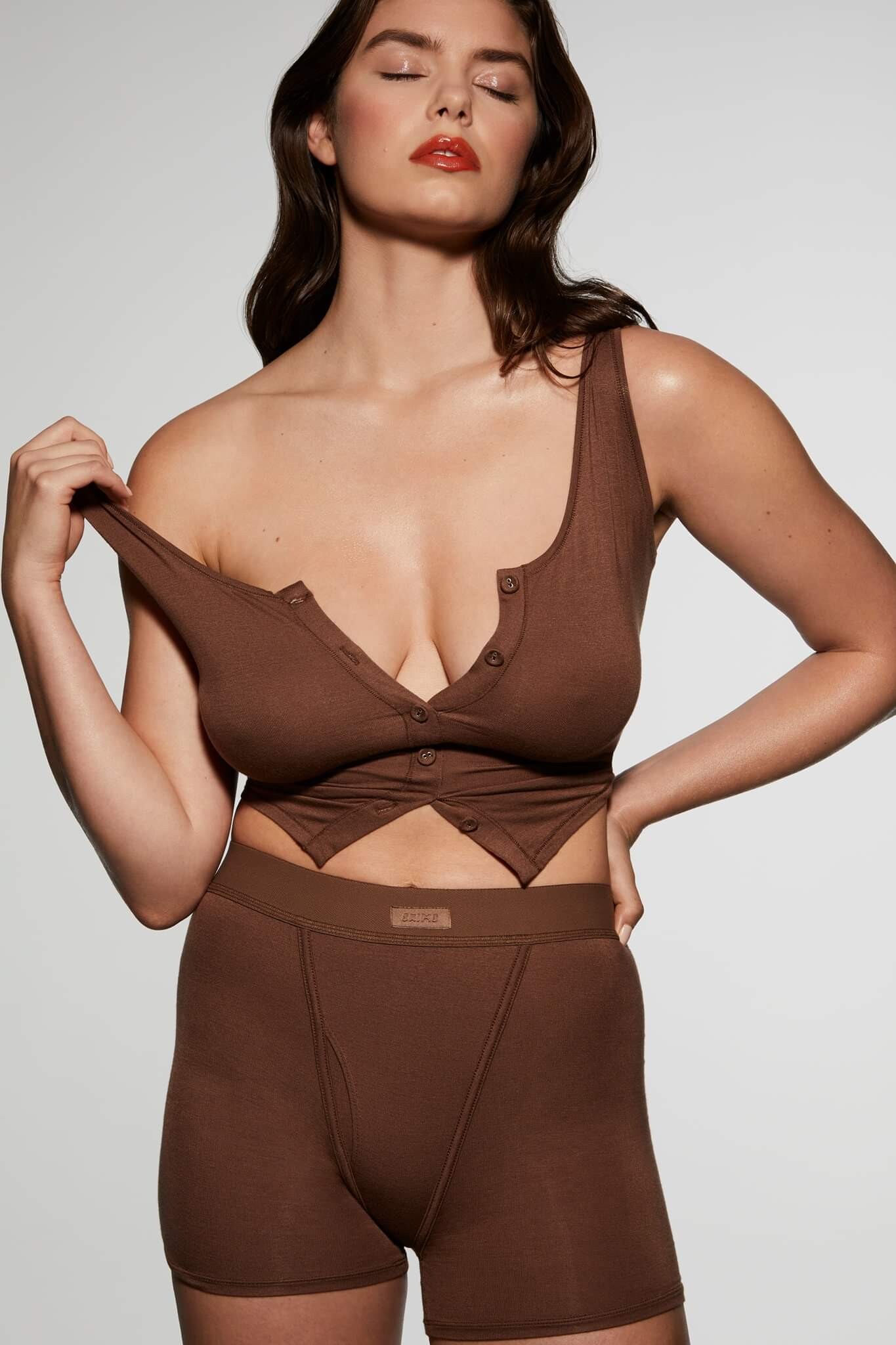
-
Noor Schauten
- Brooke Buchanan
- Blanca Padilla
- Blanca Padilla
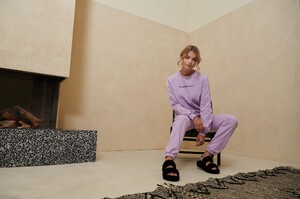
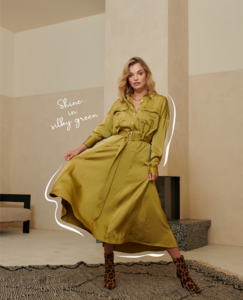
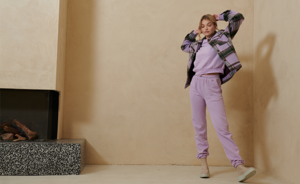
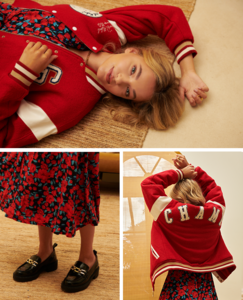
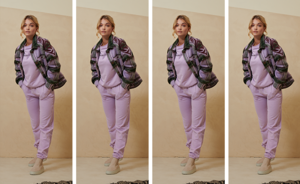
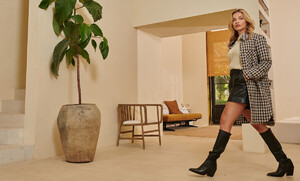
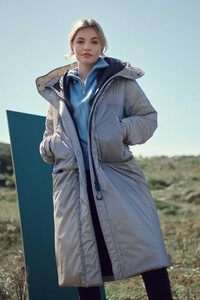
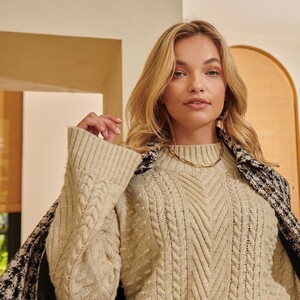
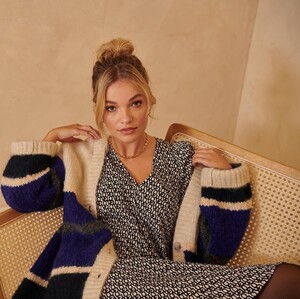
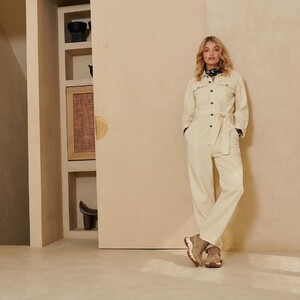
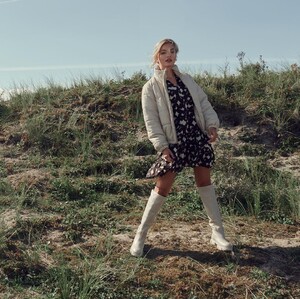
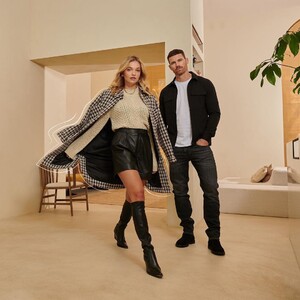
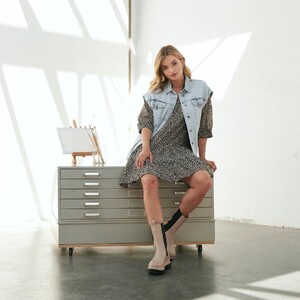
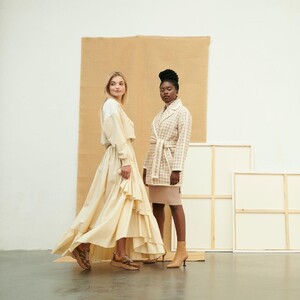
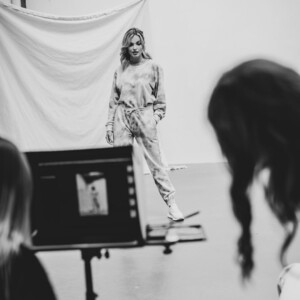
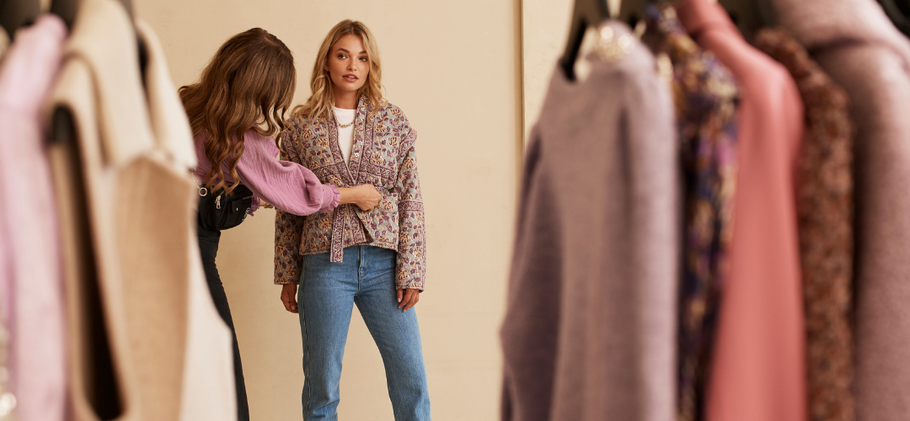
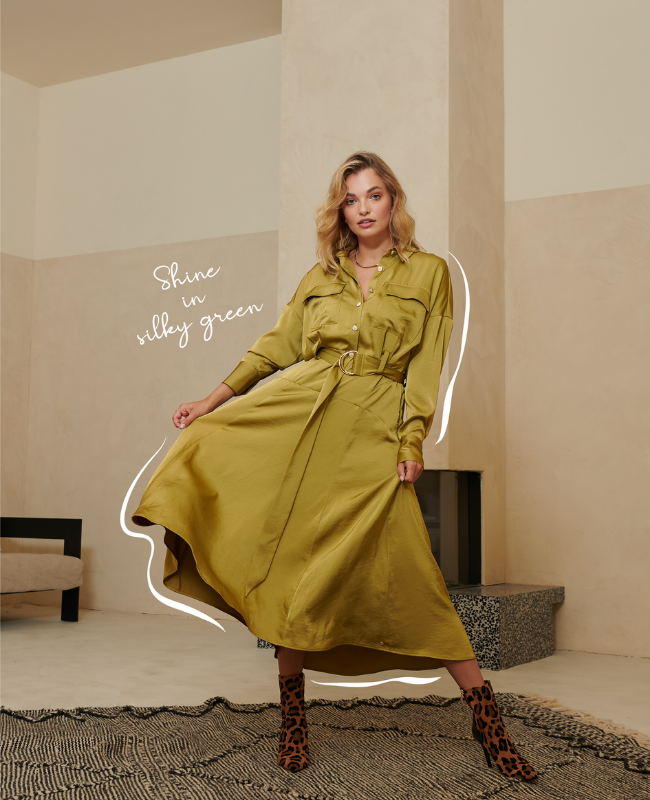
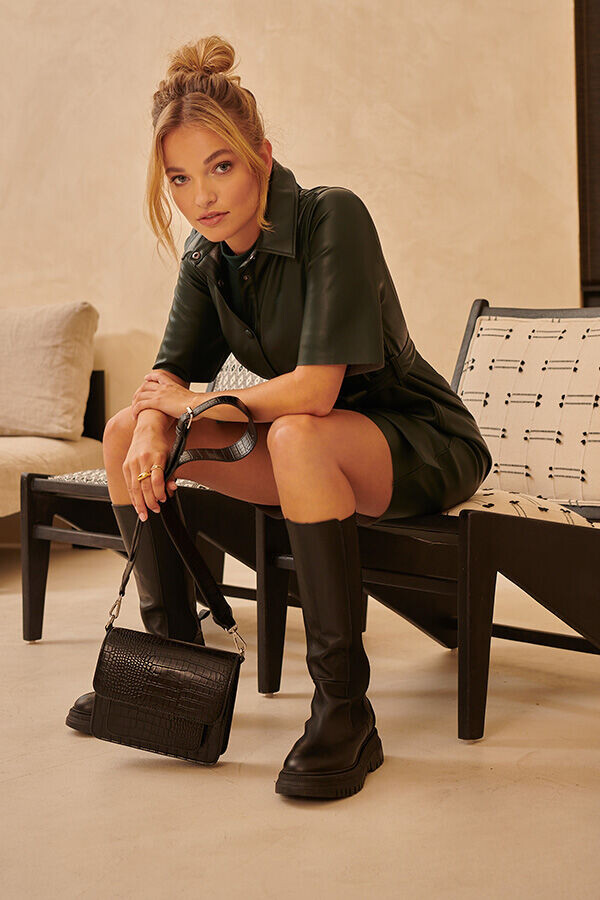
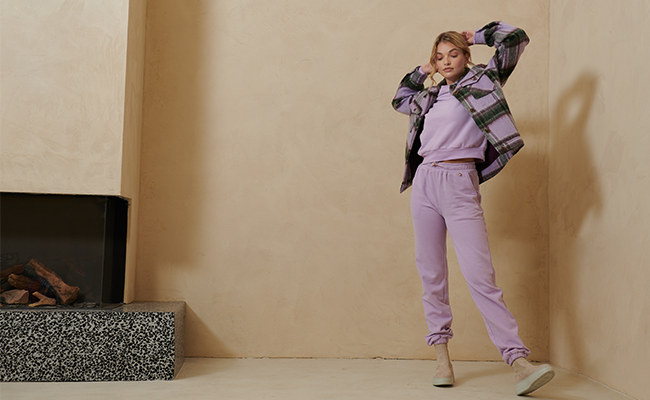
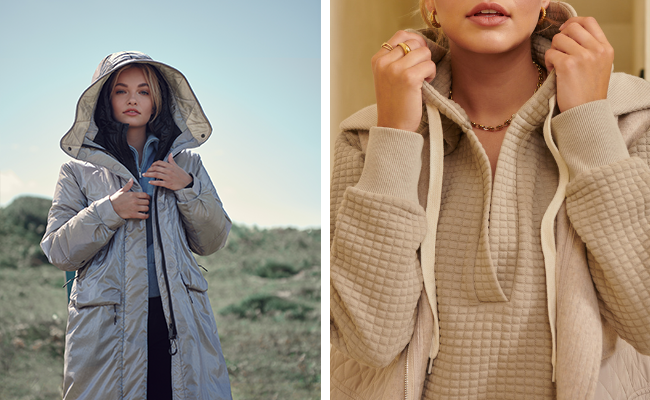
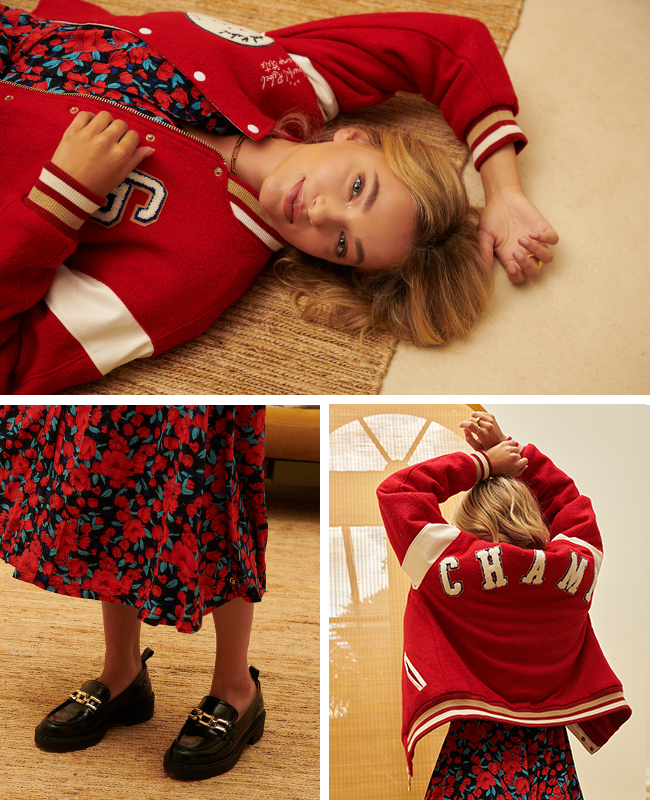
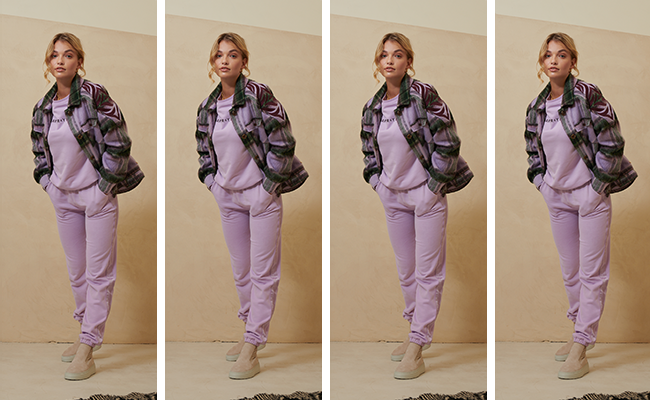
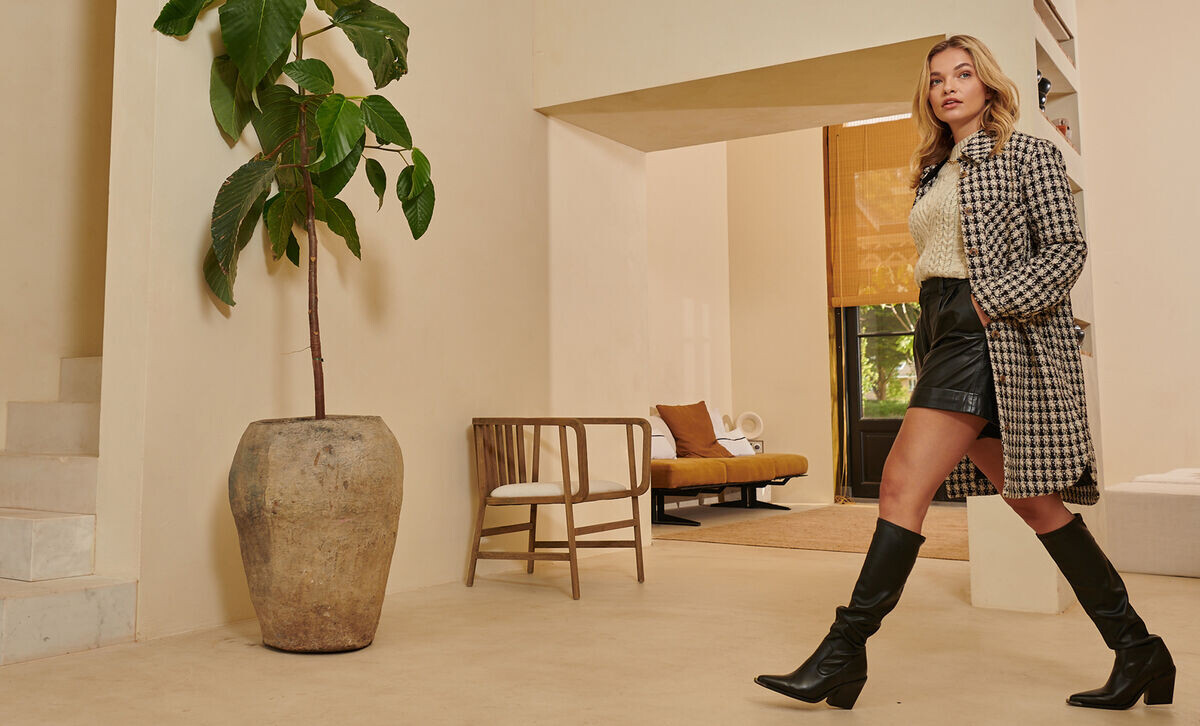
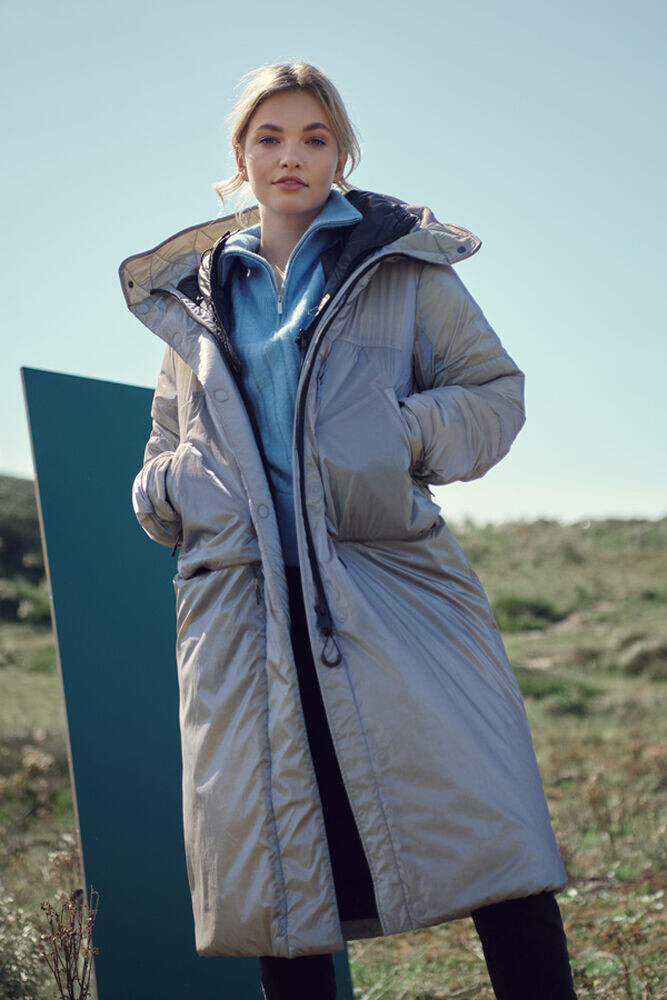
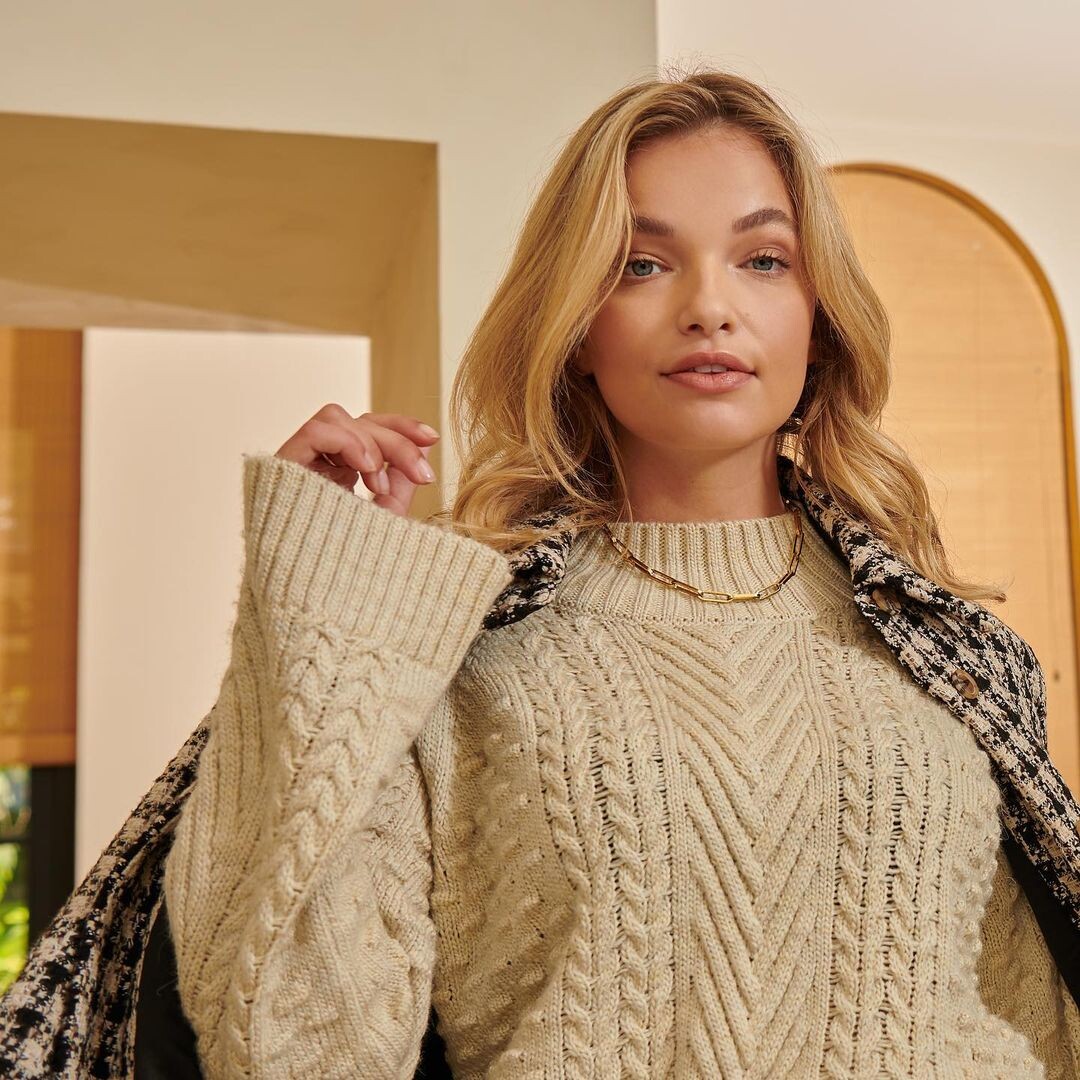
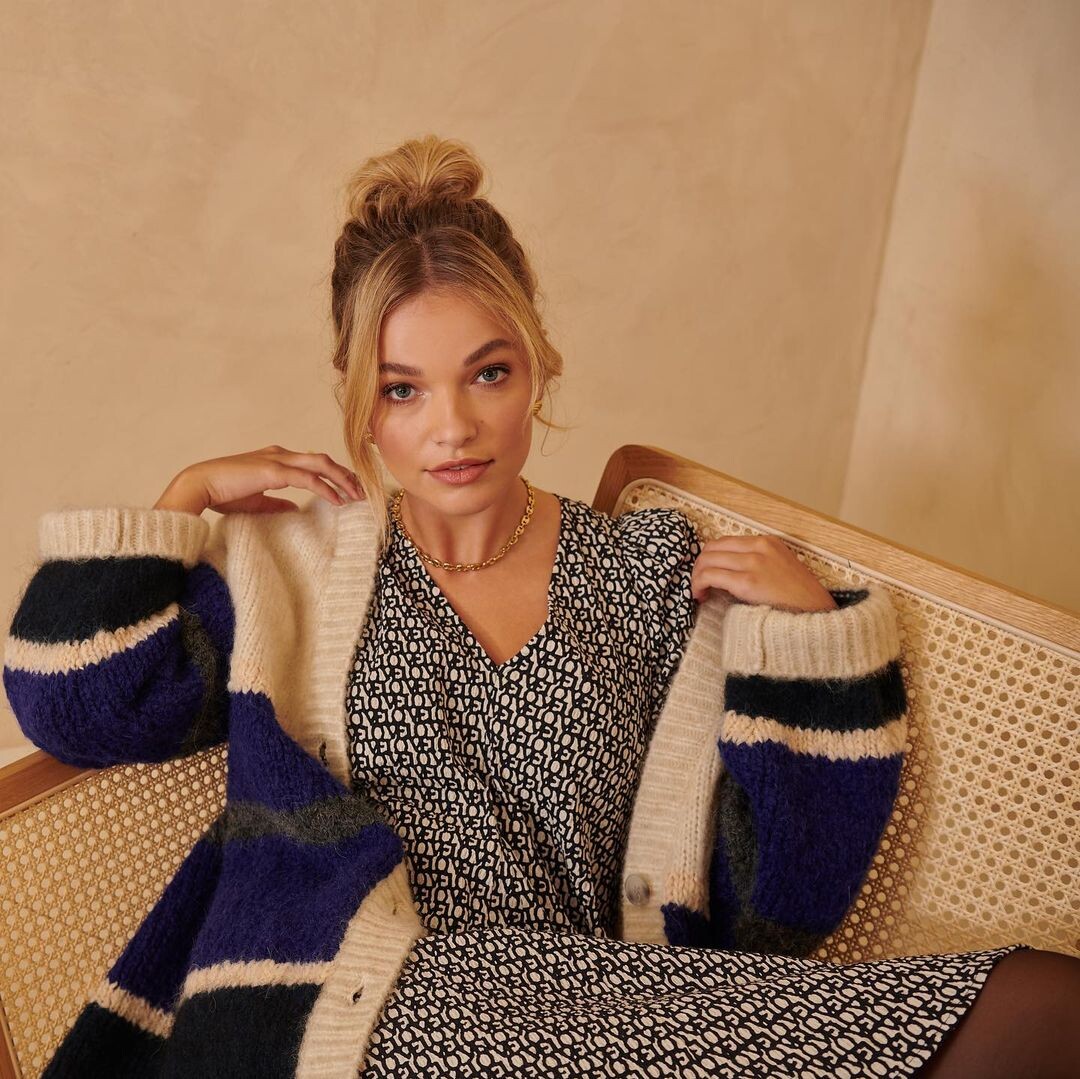
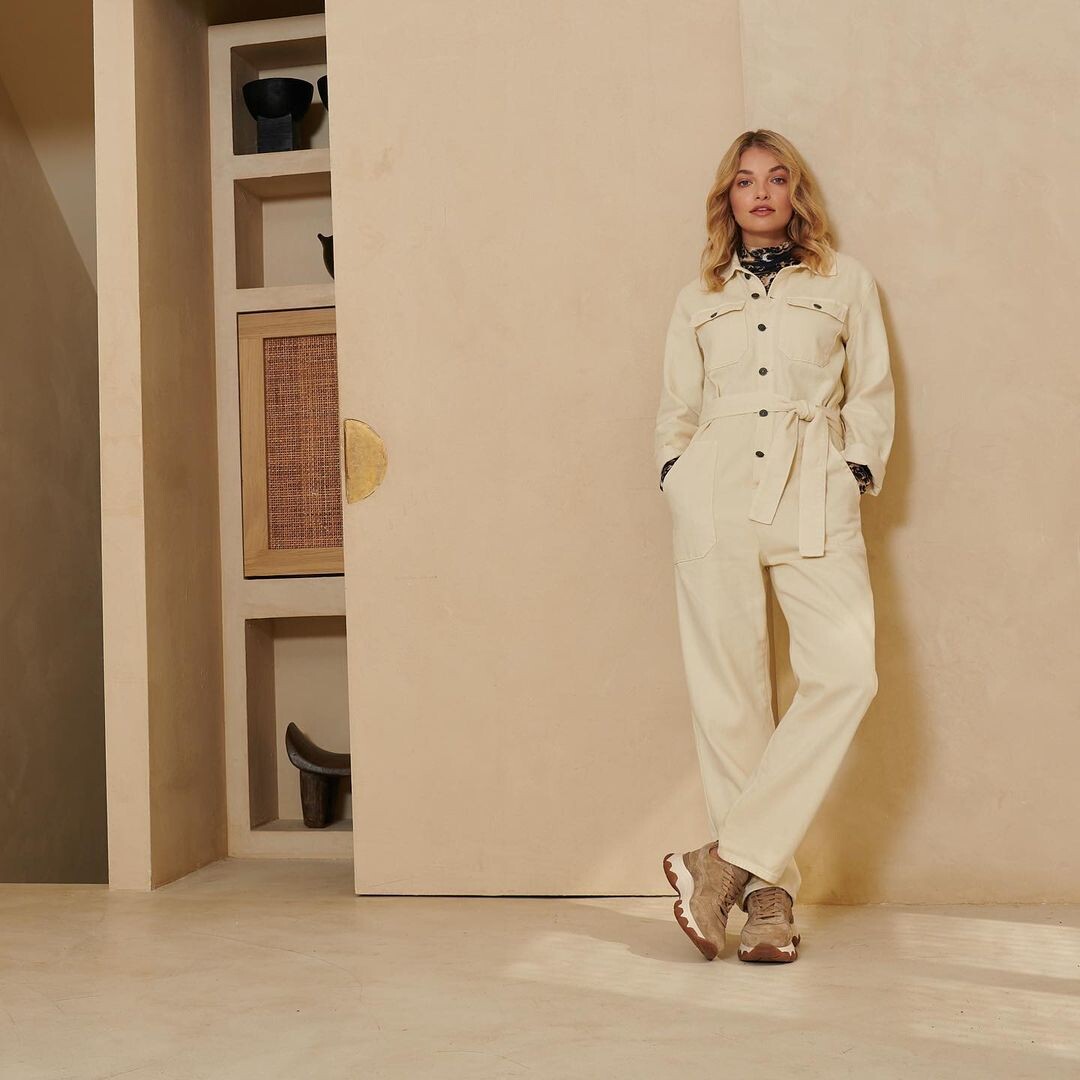
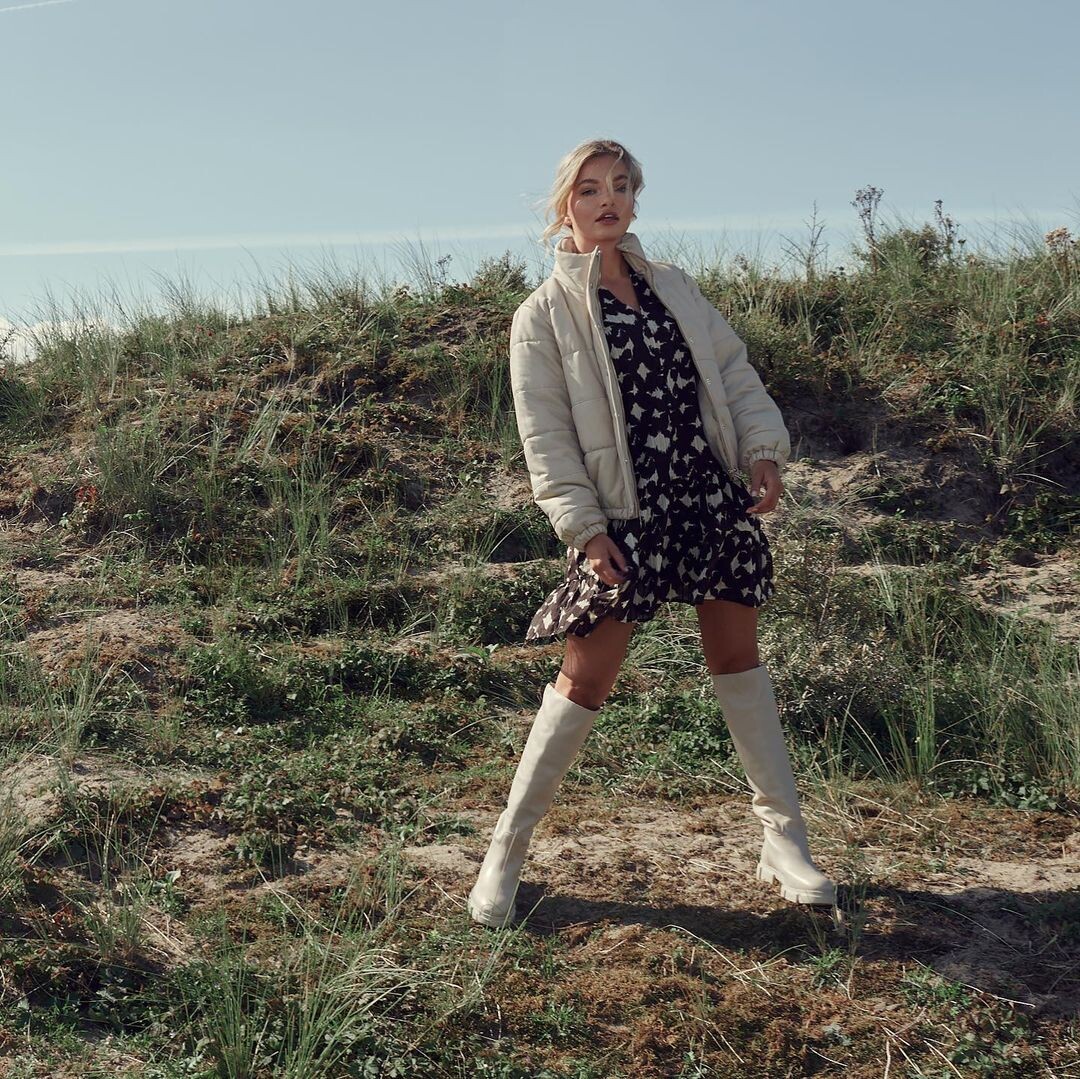
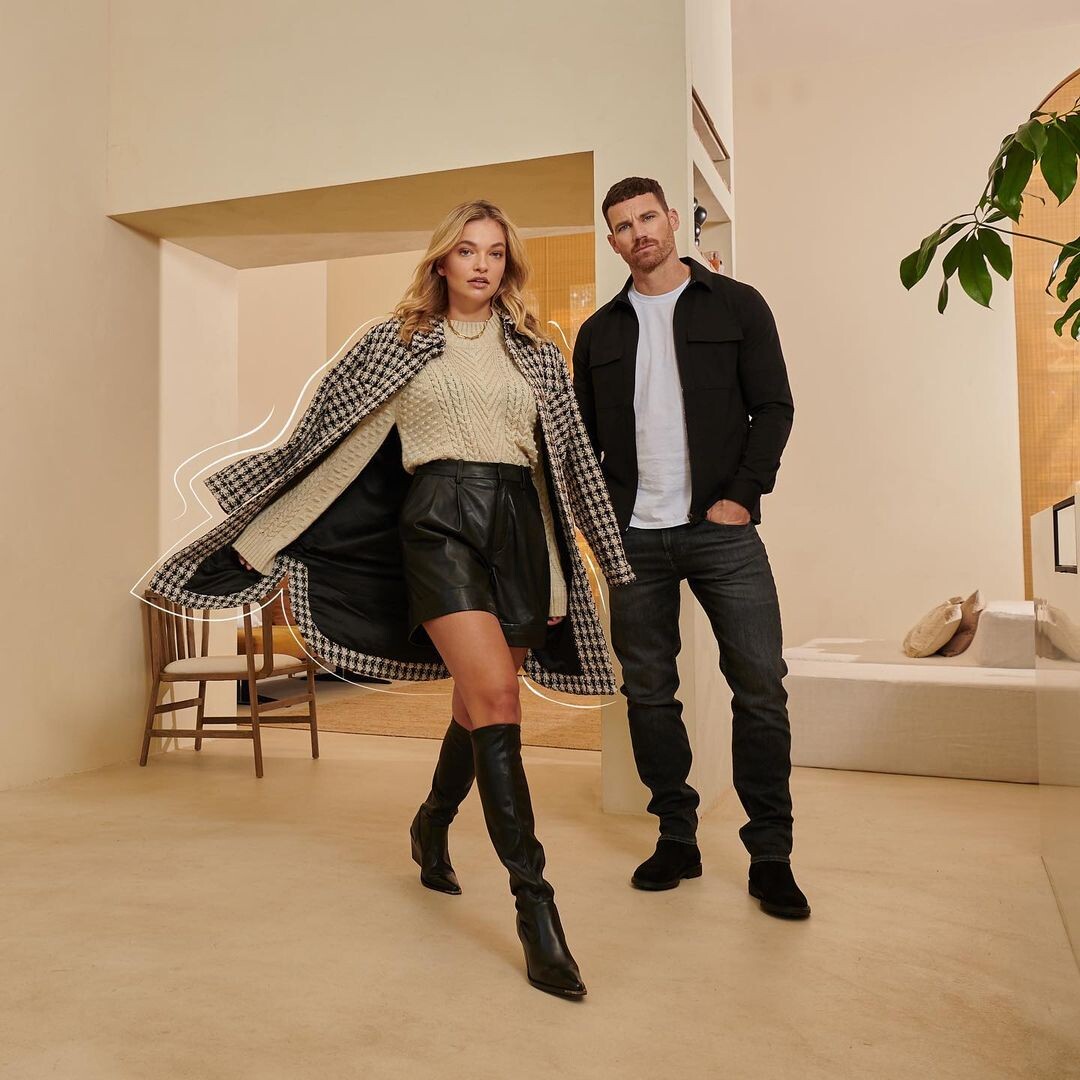
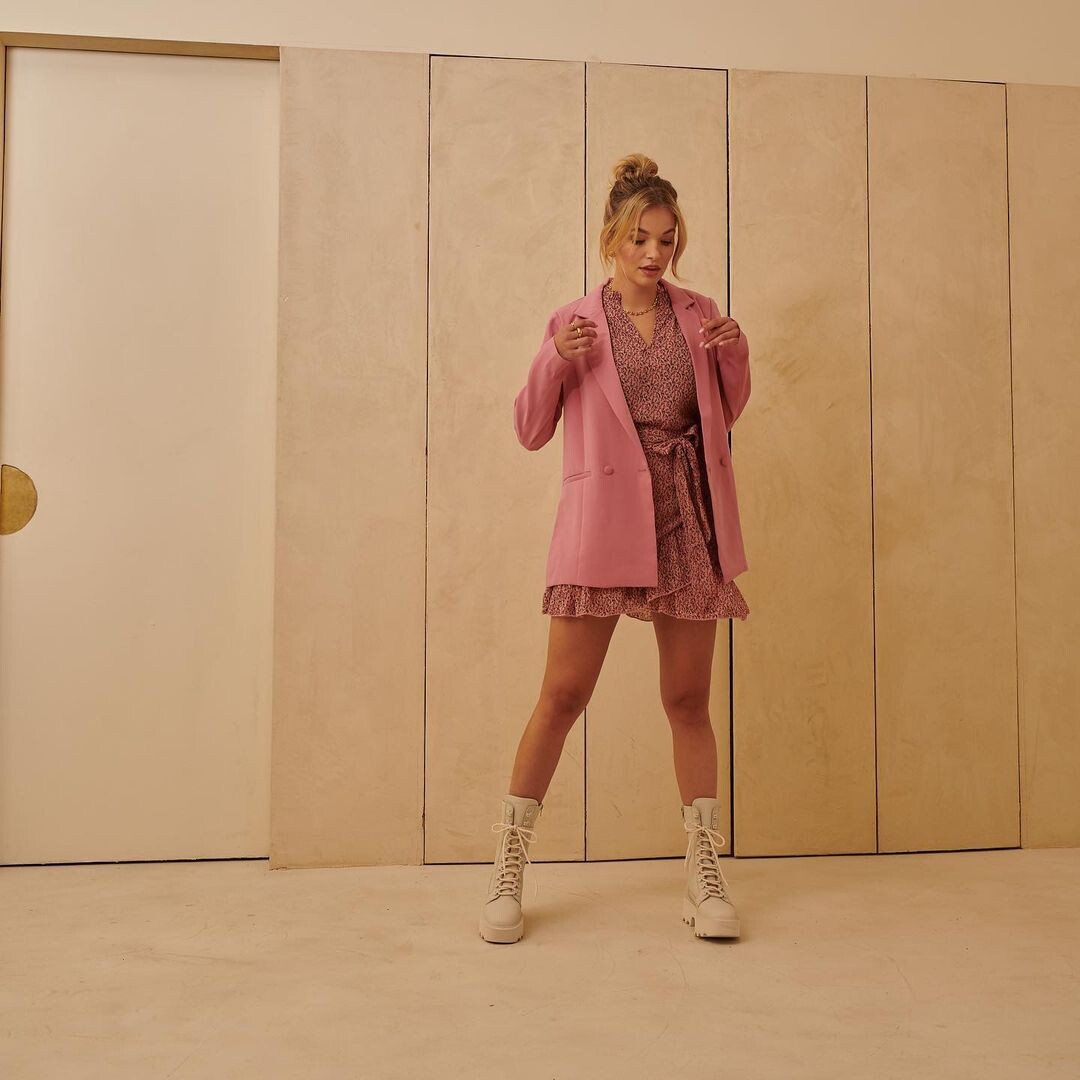
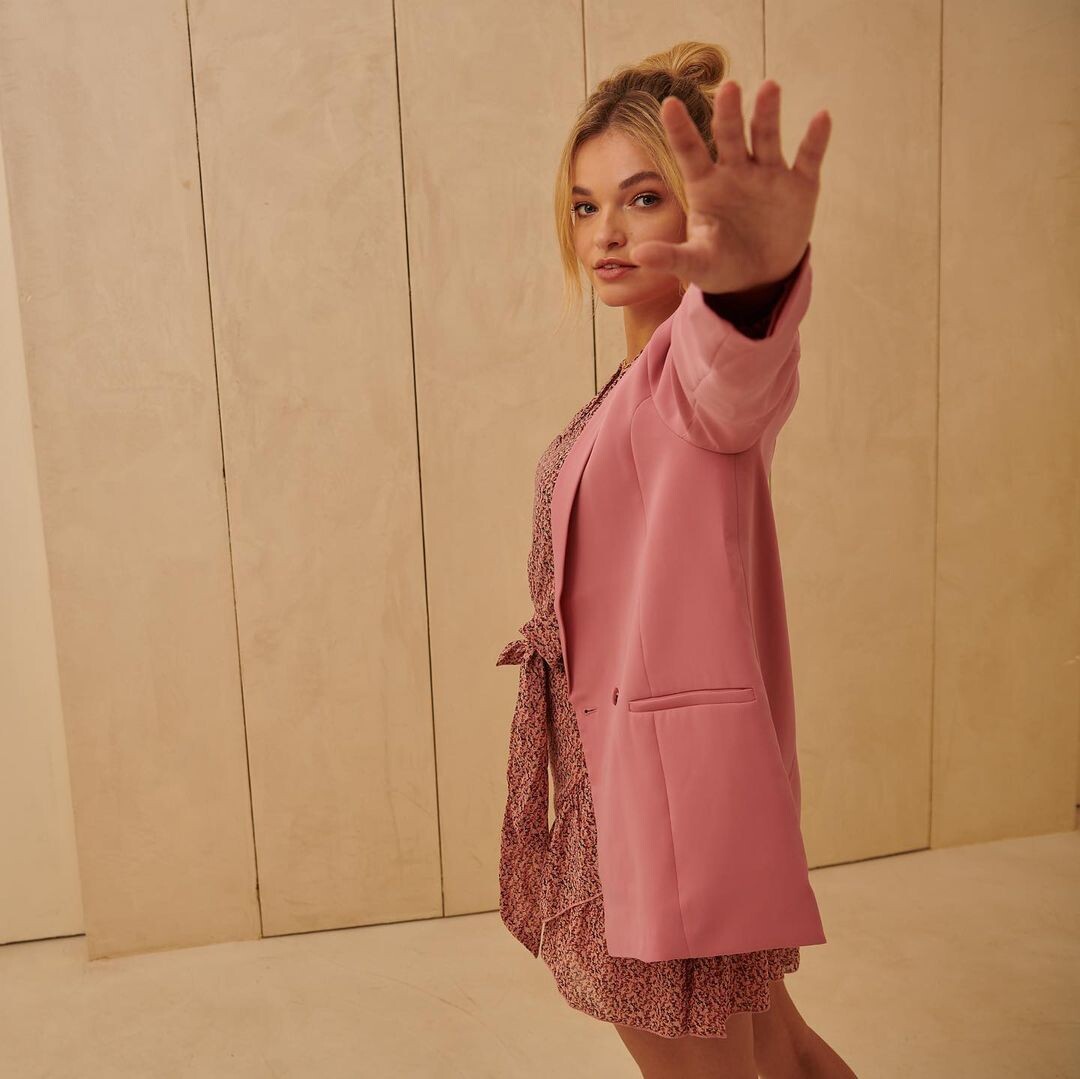
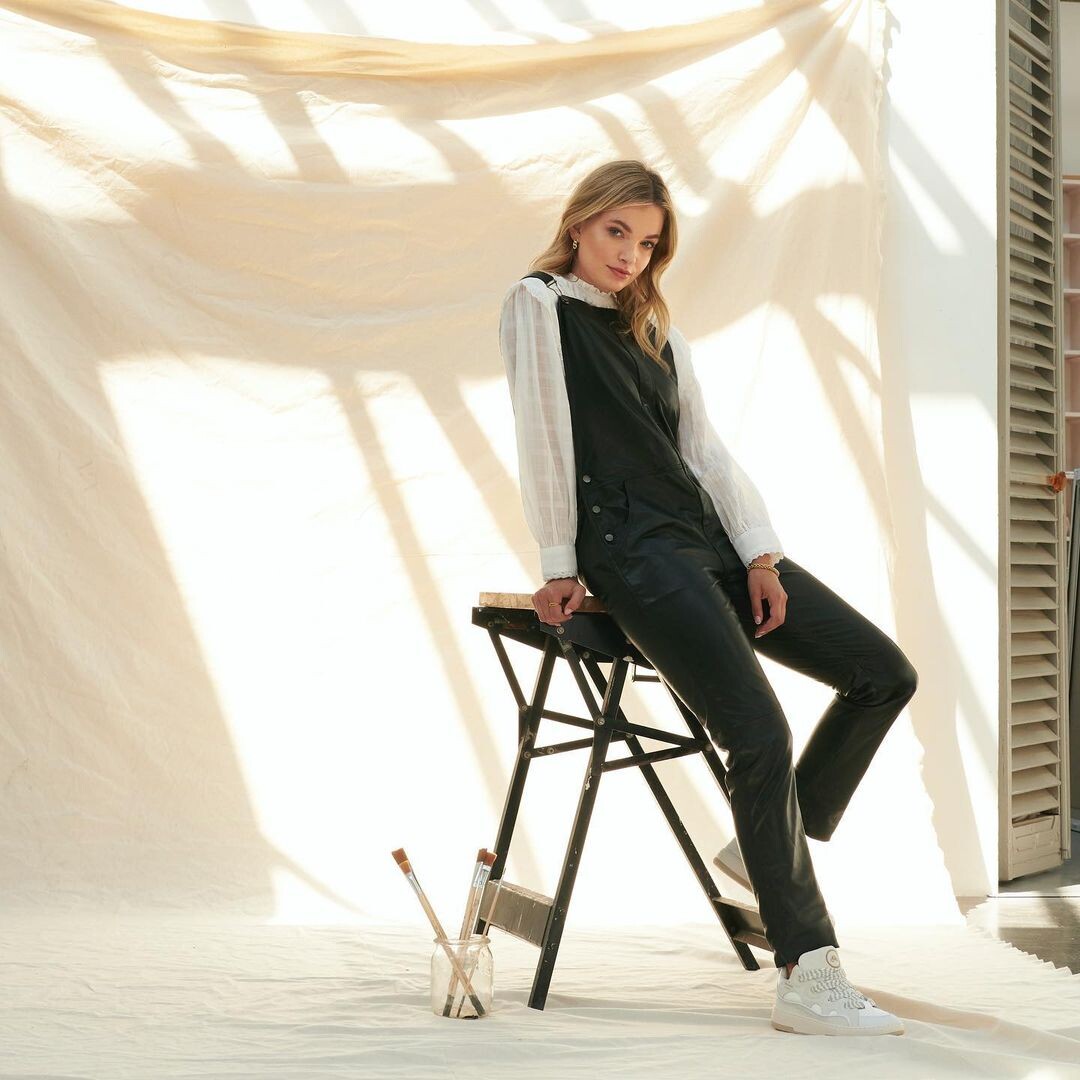
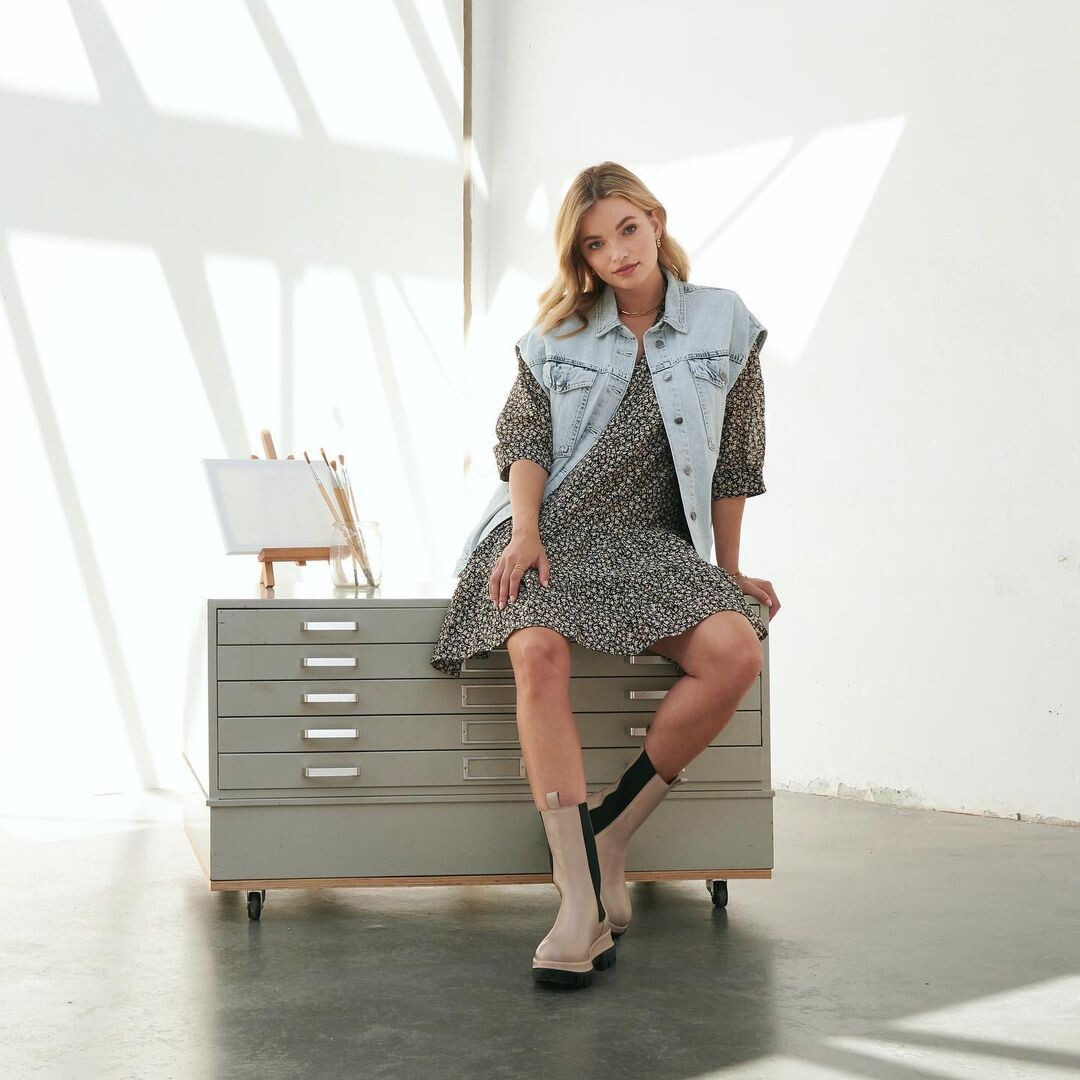
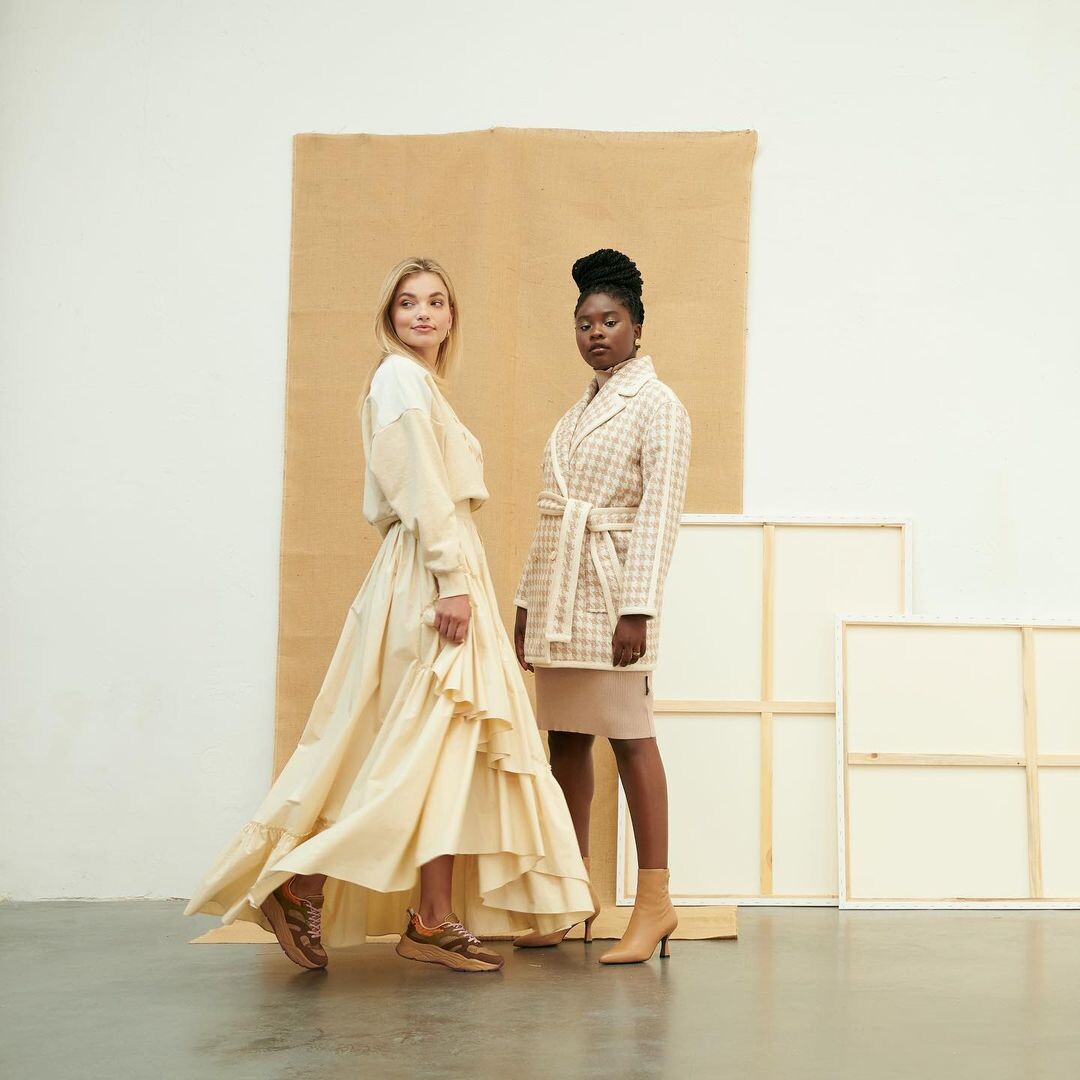
Reiss A/W21 Creative Director @jamesspreckley Art Director @adamburridge Styling @___serena_____________ Hair @torhutch Make Up @emma_broom Video @j.weatherley Assistanted by @stuart_harper @mjlloydphoto- Zoïa Mossour
- Zoïa Mossour
- Lauren Searle
- Blanca Padilla
- Zoïa Mossour
- Marine Dauchez
- Marine Dauchez
- Zoïa Mossour
- Laura Giraudi
Many news from Laura on Instagram it seems >> https://www.instagram.com/lauragiraudi/tagged/- Zoïa Mossour
- Blanca Padilla
- Noor Schauten
- Marine Dauchez
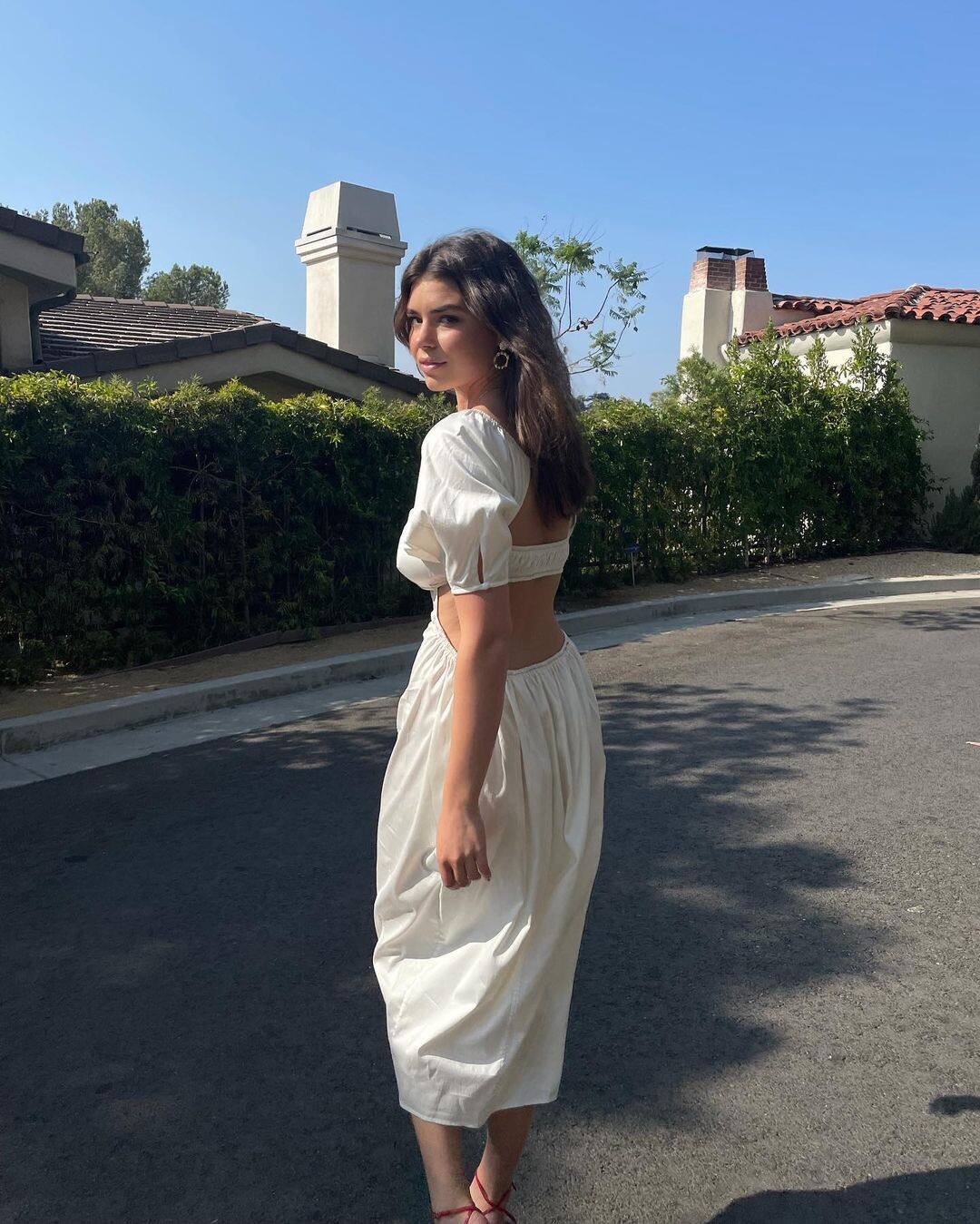
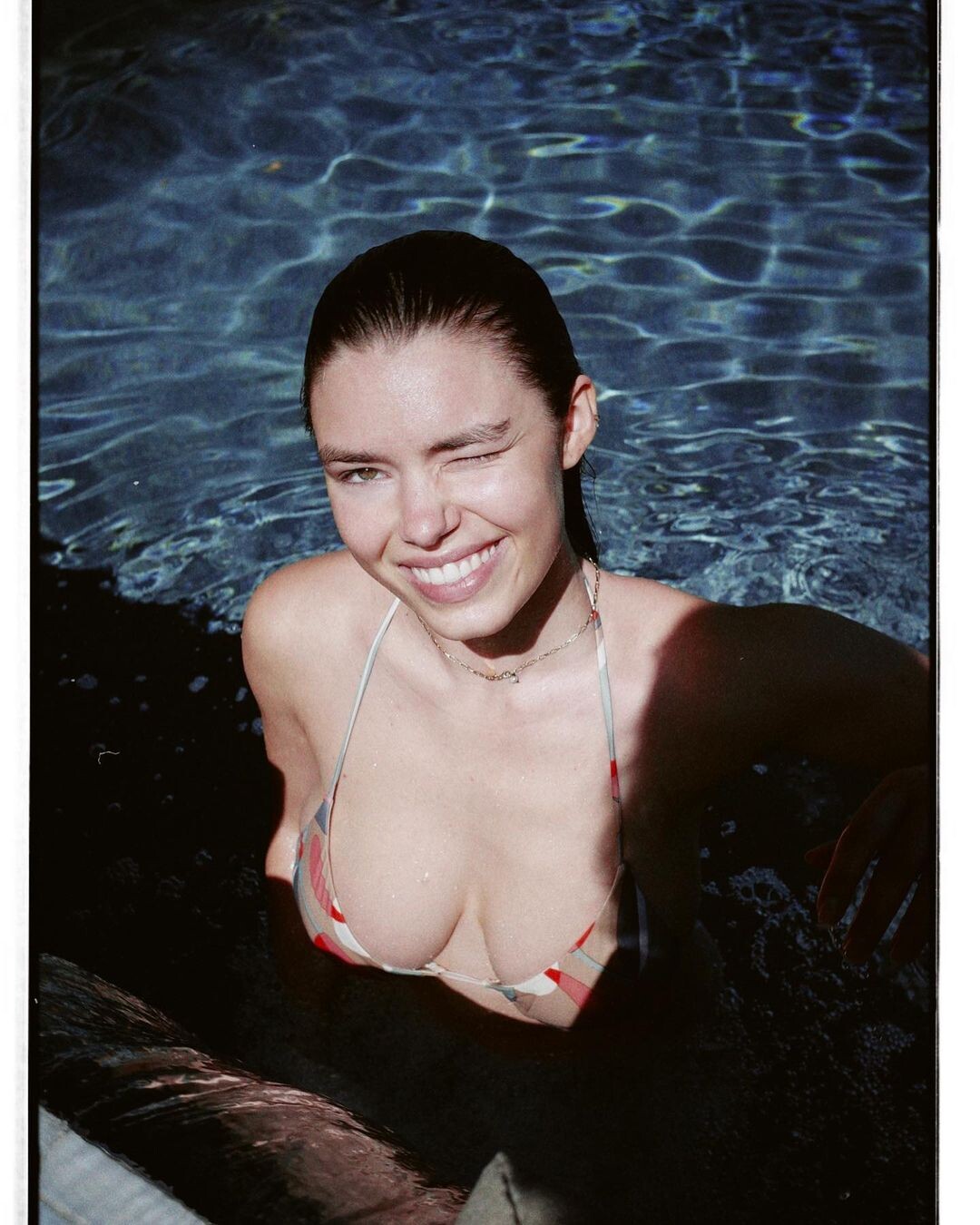
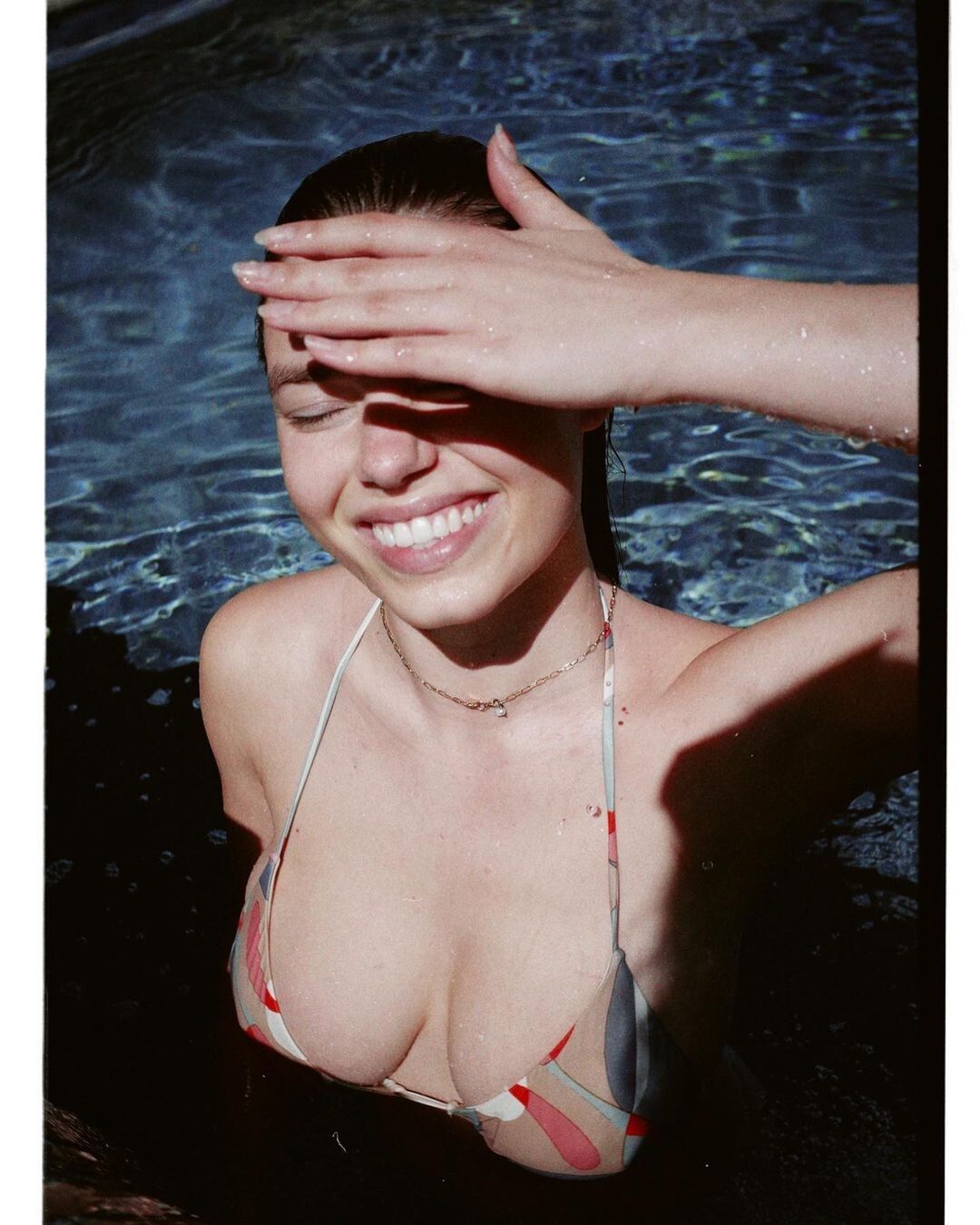
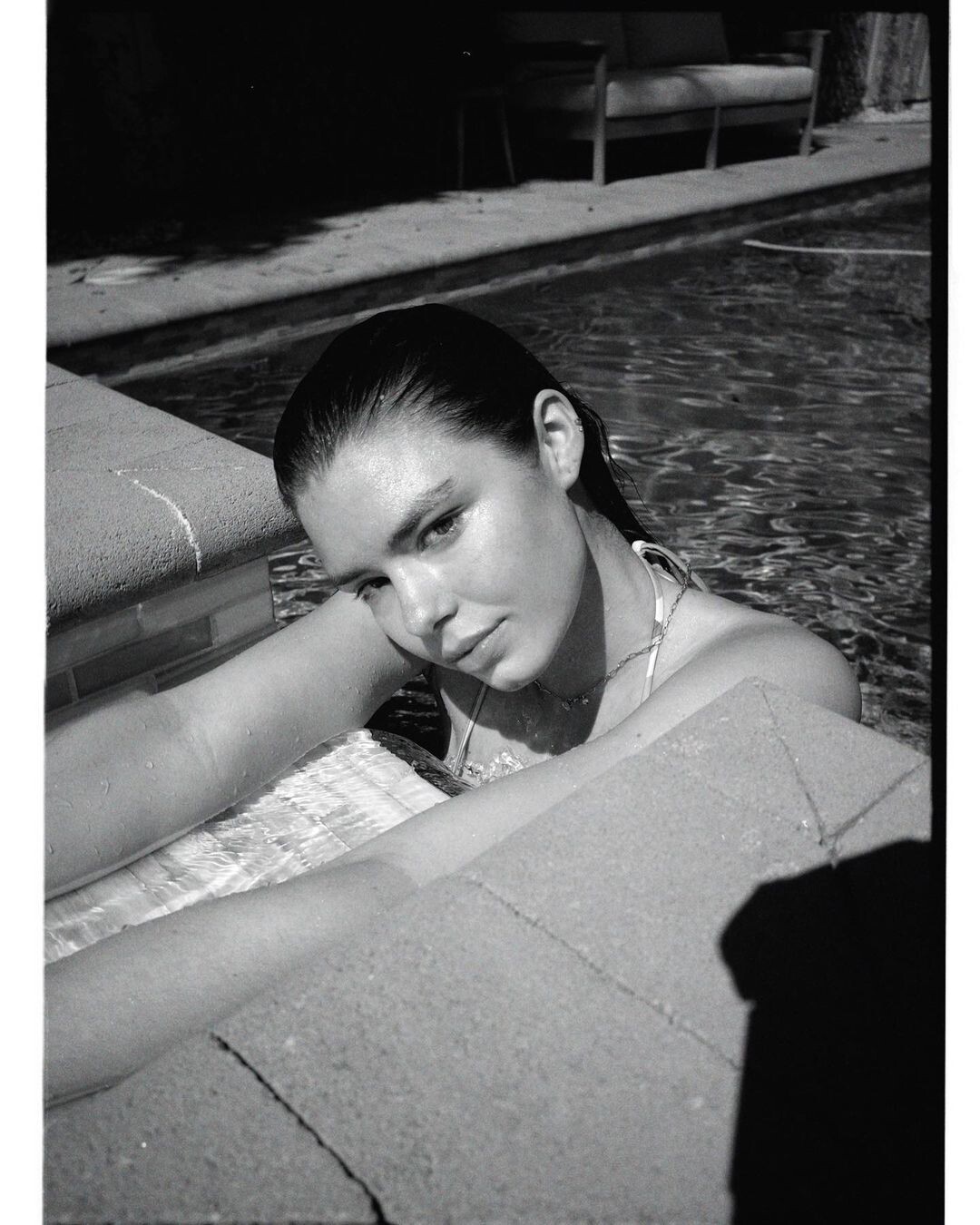
Instagram 184479173_511977826679263_164478143703646890_n.mp4- Alejandra Guilmant
Account
Navigation
Search
Configure browser push notifications
Chrome (Android)
- Tap the lock icon next to the address bar.
- Tap Permissions → Notifications.
- Adjust your preference.
Chrome (Desktop)
- Click the padlock icon in the address bar.
- Select Site settings.
- Find Notifications and adjust your preference.
Safari (iOS 16.4+)
- Ensure the site is installed via Add to Home Screen.
- Open Settings App → Notifications.
- Find your app name and adjust your preference.
Safari (macOS)
- Go to Safari → Preferences.
- Click the Websites tab.
- Select Notifications in the sidebar.
- Find this website and adjust your preference.
Edge (Android)
- Tap the lock icon next to the address bar.
- Tap Permissions.
- Find Notifications and adjust your preference.
Edge (Desktop)
- Click the padlock icon in the address bar.
- Click Permissions for this site.
- Find Notifications and adjust your preference.
Firefox (Android)
- Go to Settings → Site permissions.
- Tap Notifications.
- Find this site in the list and adjust your preference.
Firefox (Desktop)
- Open Firefox Settings.
- Search for Notifications.
- Find this site in the list and adjust your preference.