TheBestModels
Members
-
Joined
Everything posted by TheBestModels
-
 Kara looks even more classier in motion !
I think once she said she wasn't from Afrikaans background, so probably not ...
^ Me too !
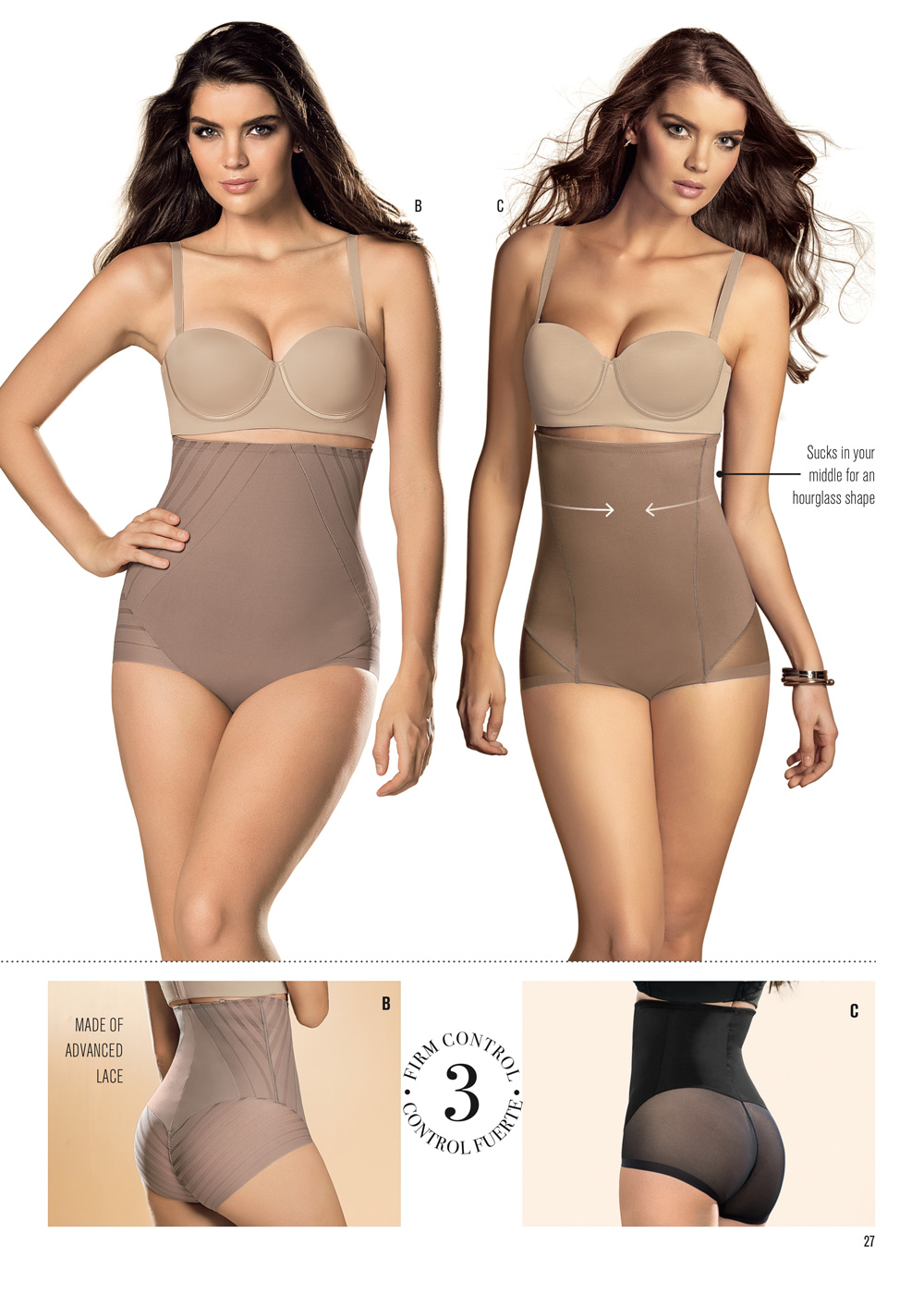
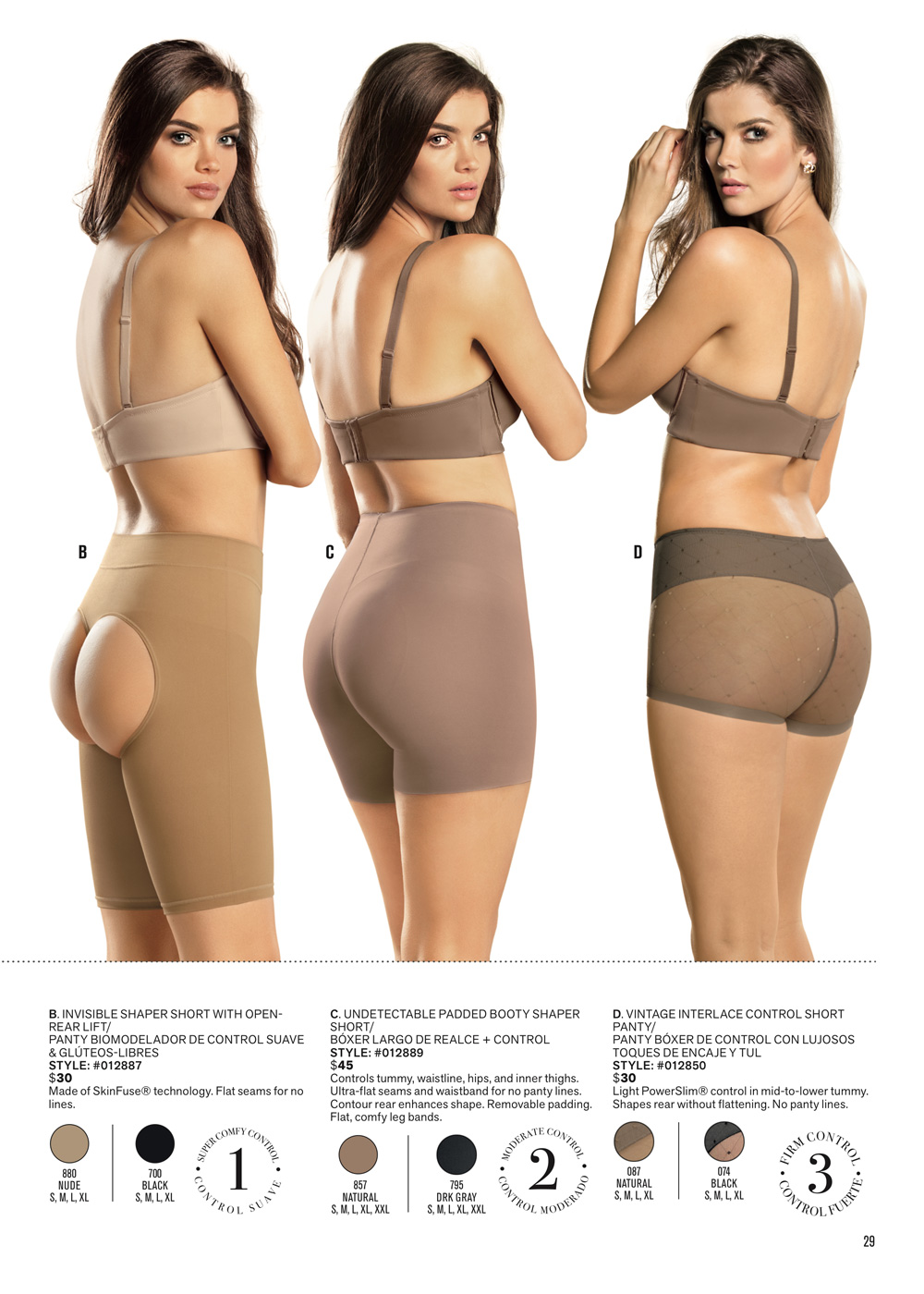
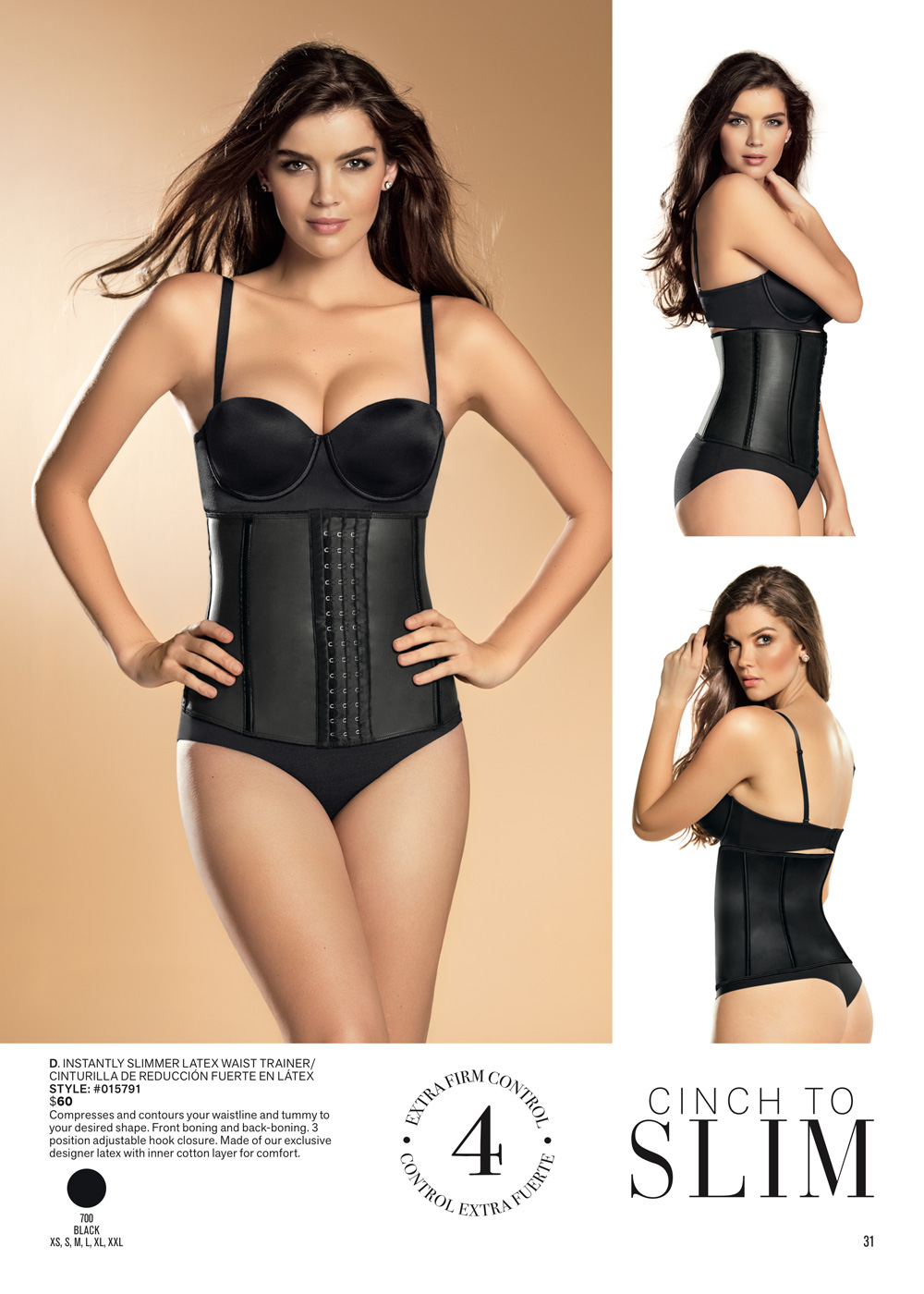
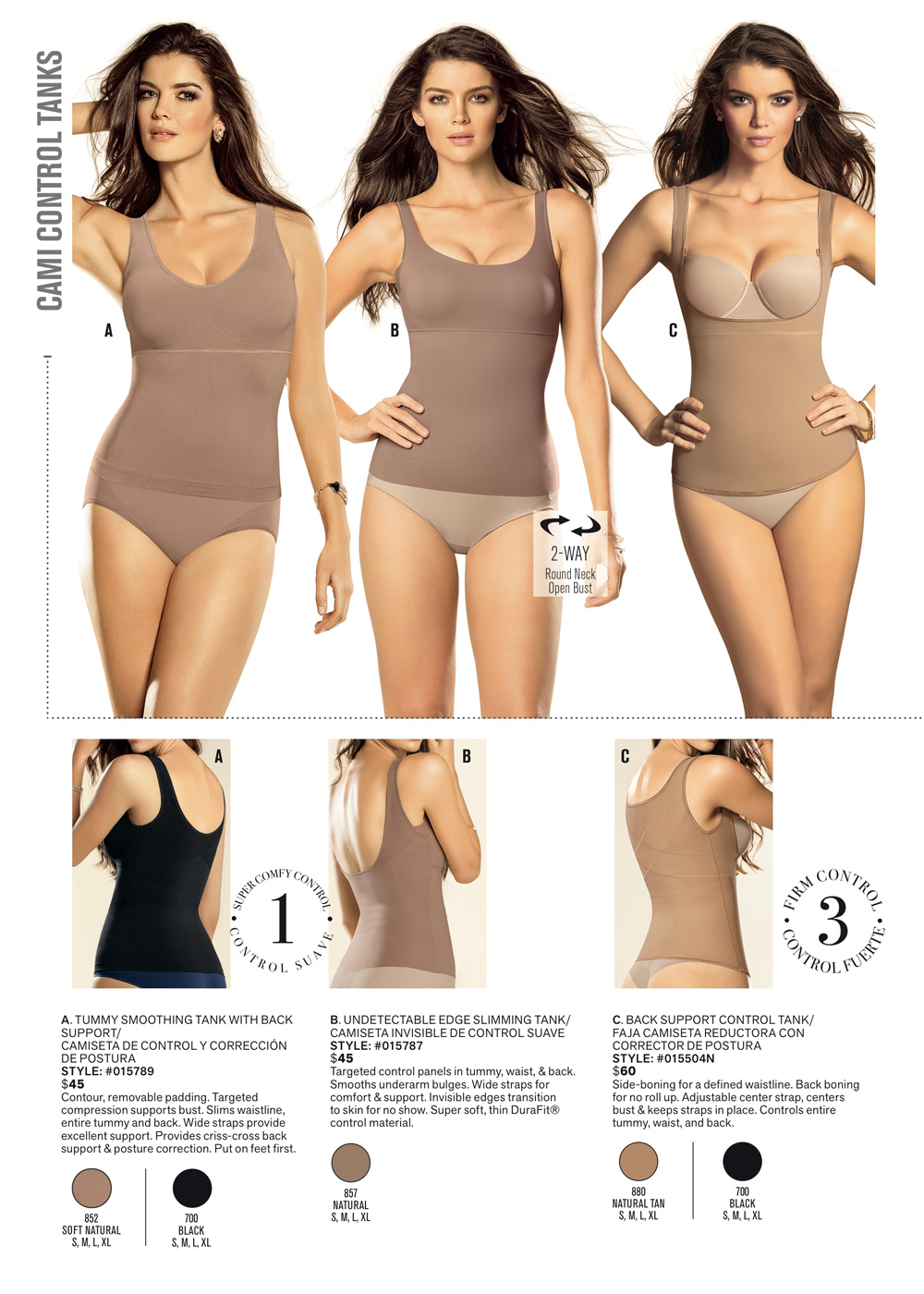
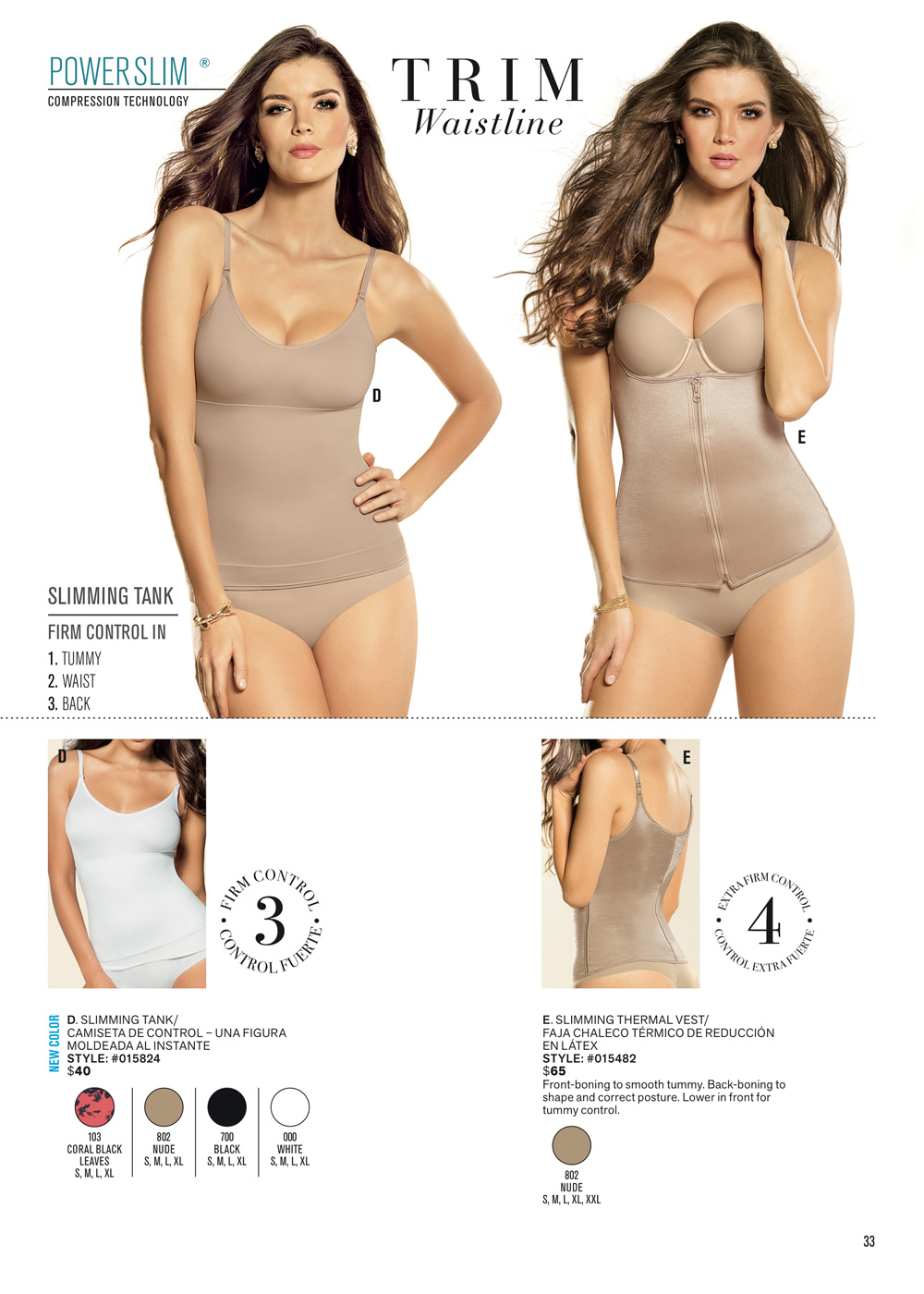
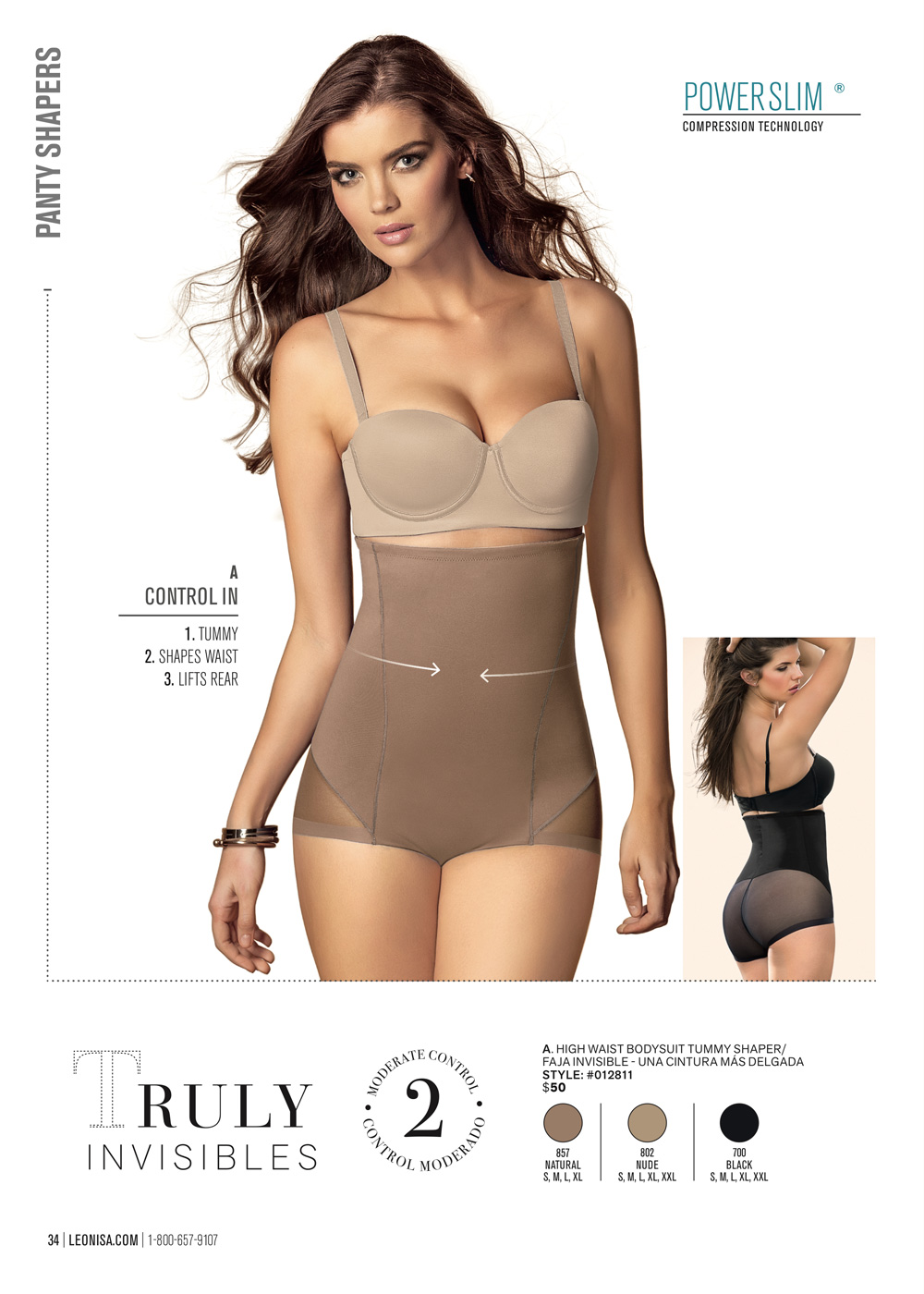
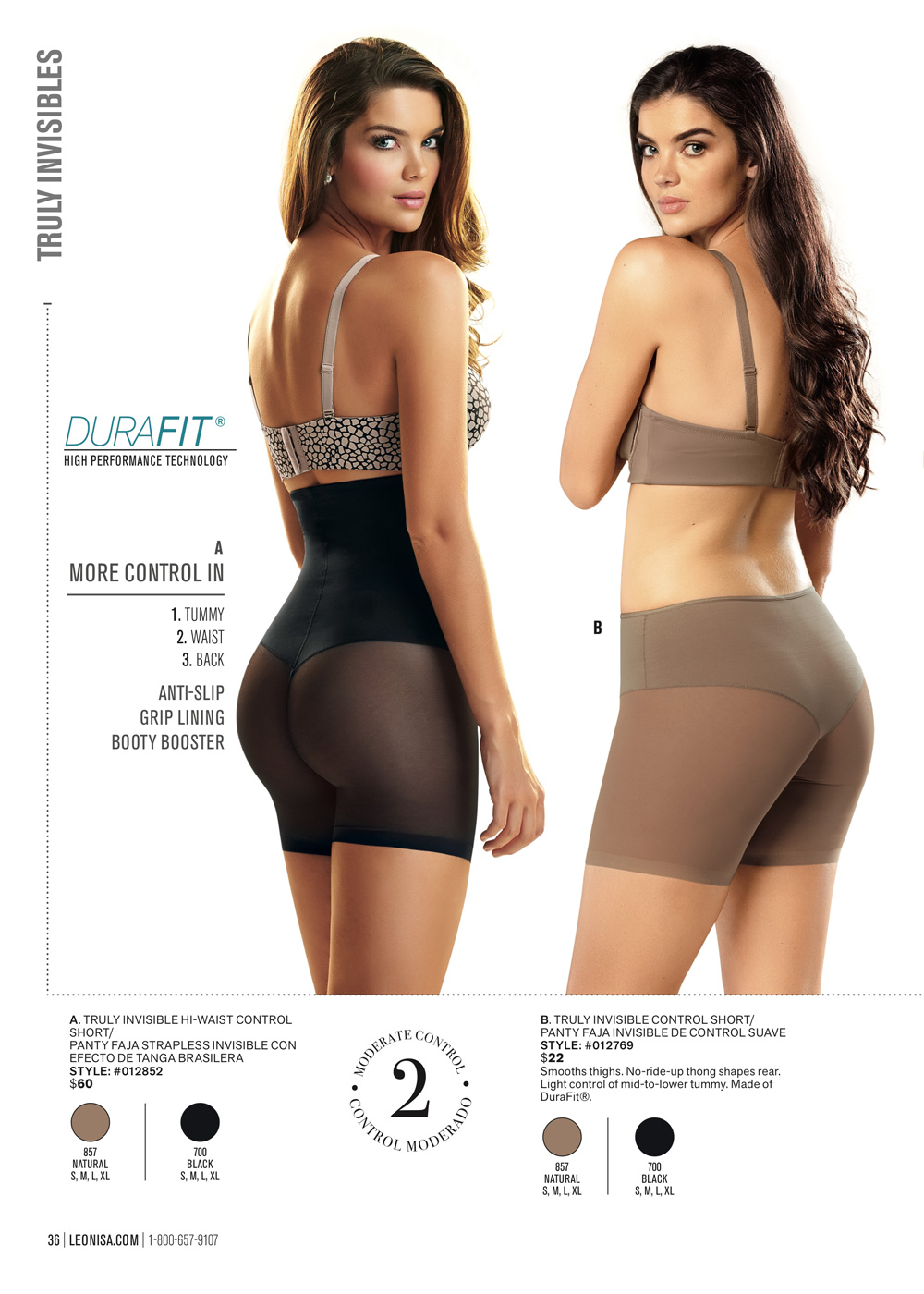
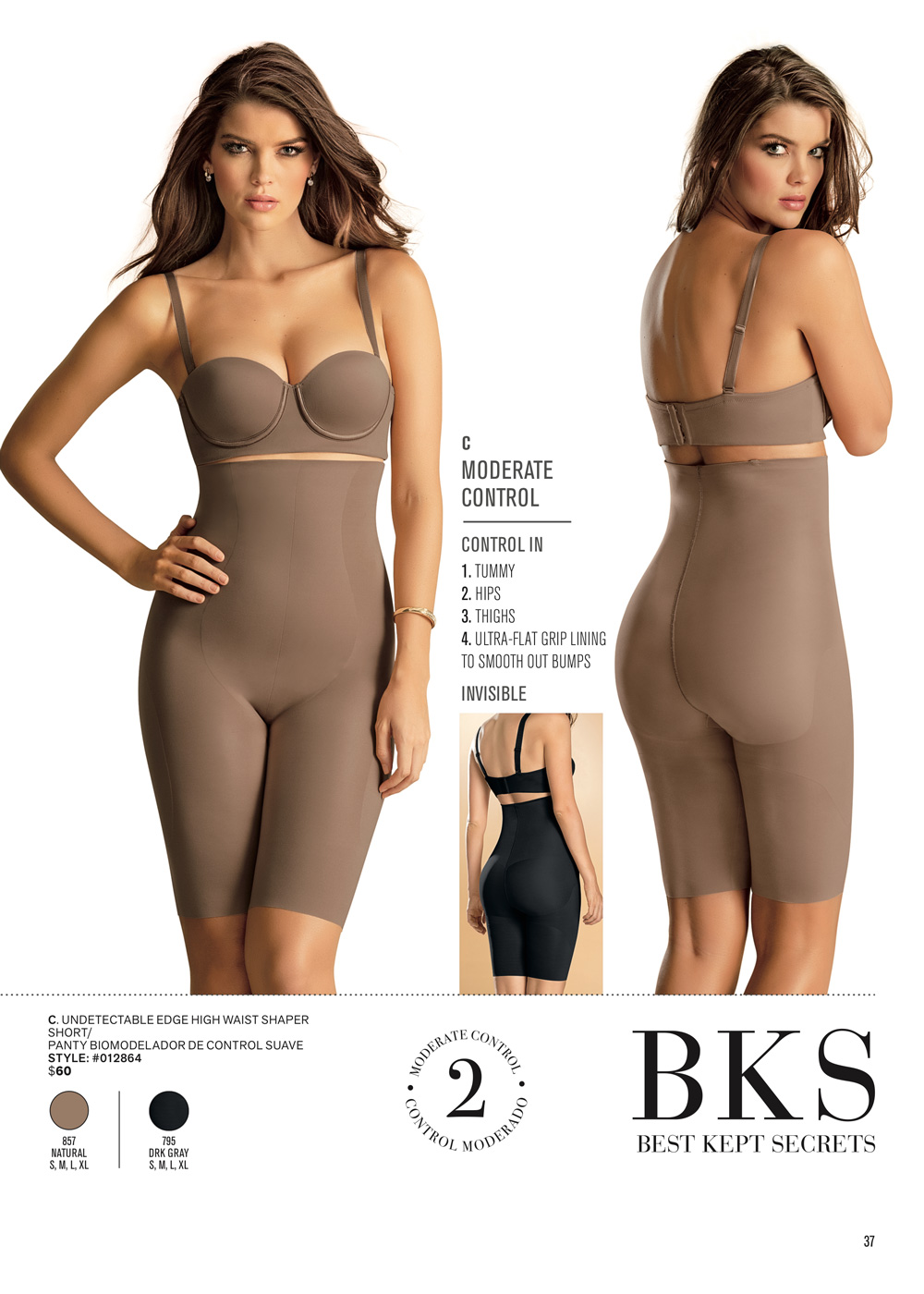
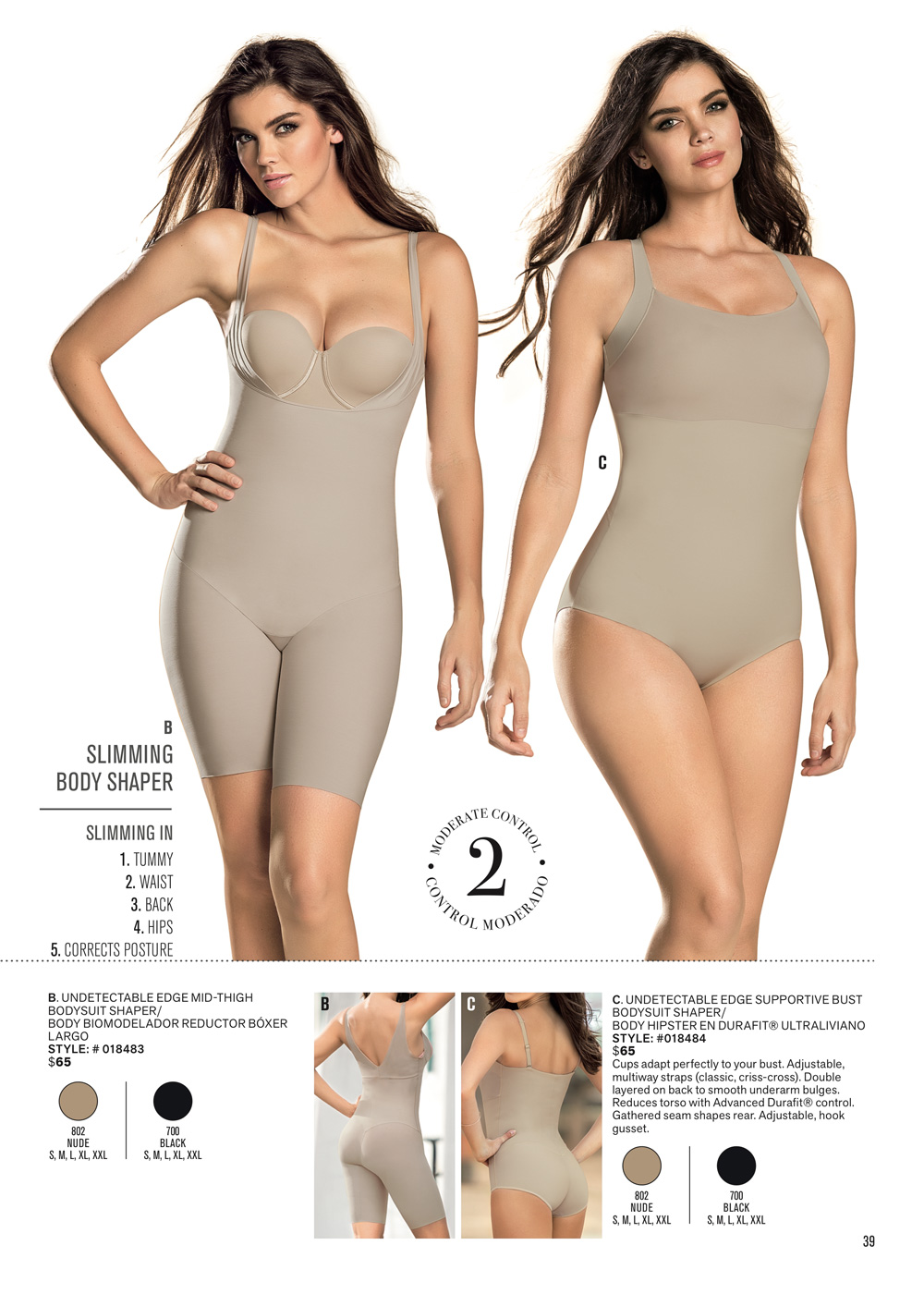
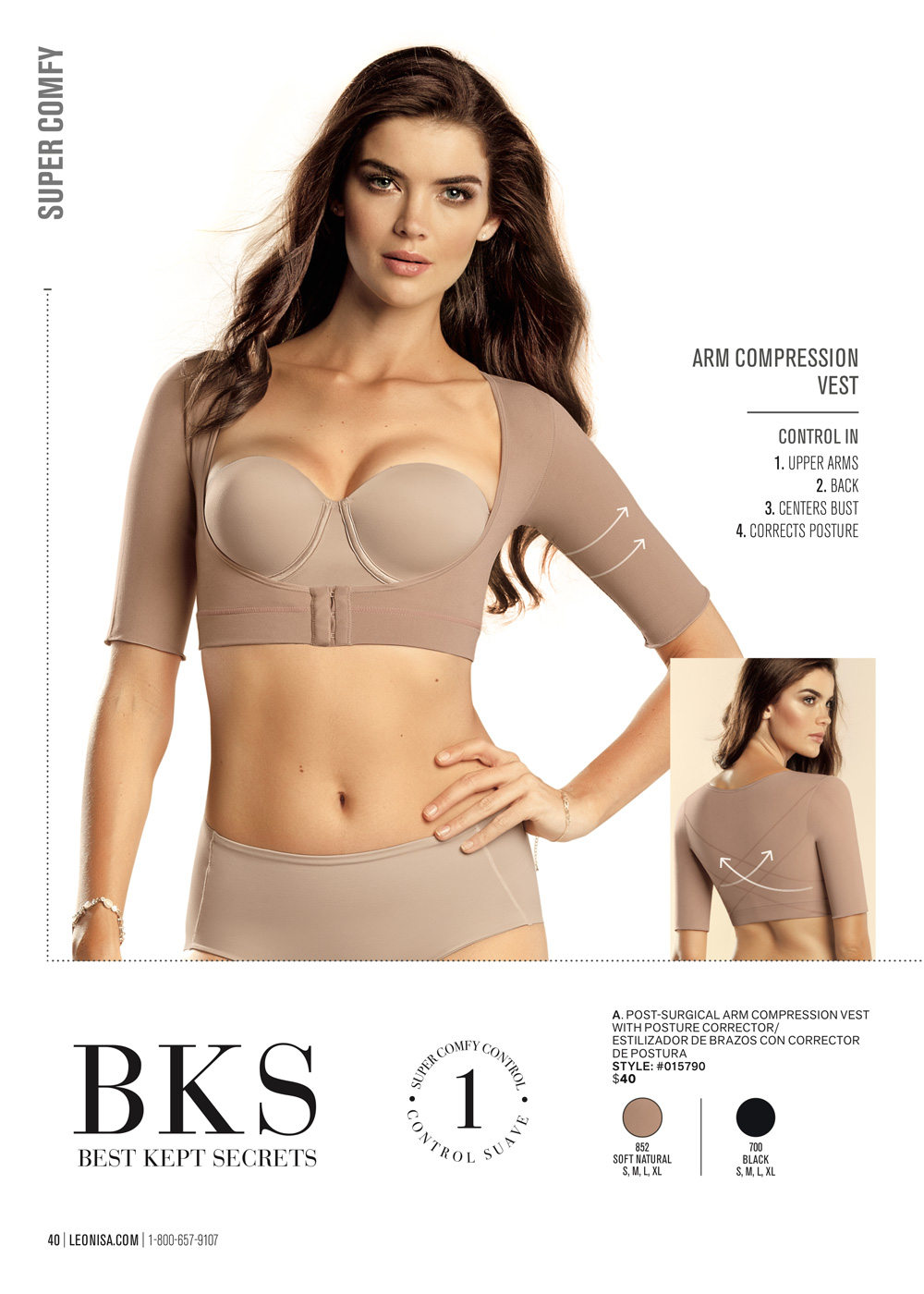
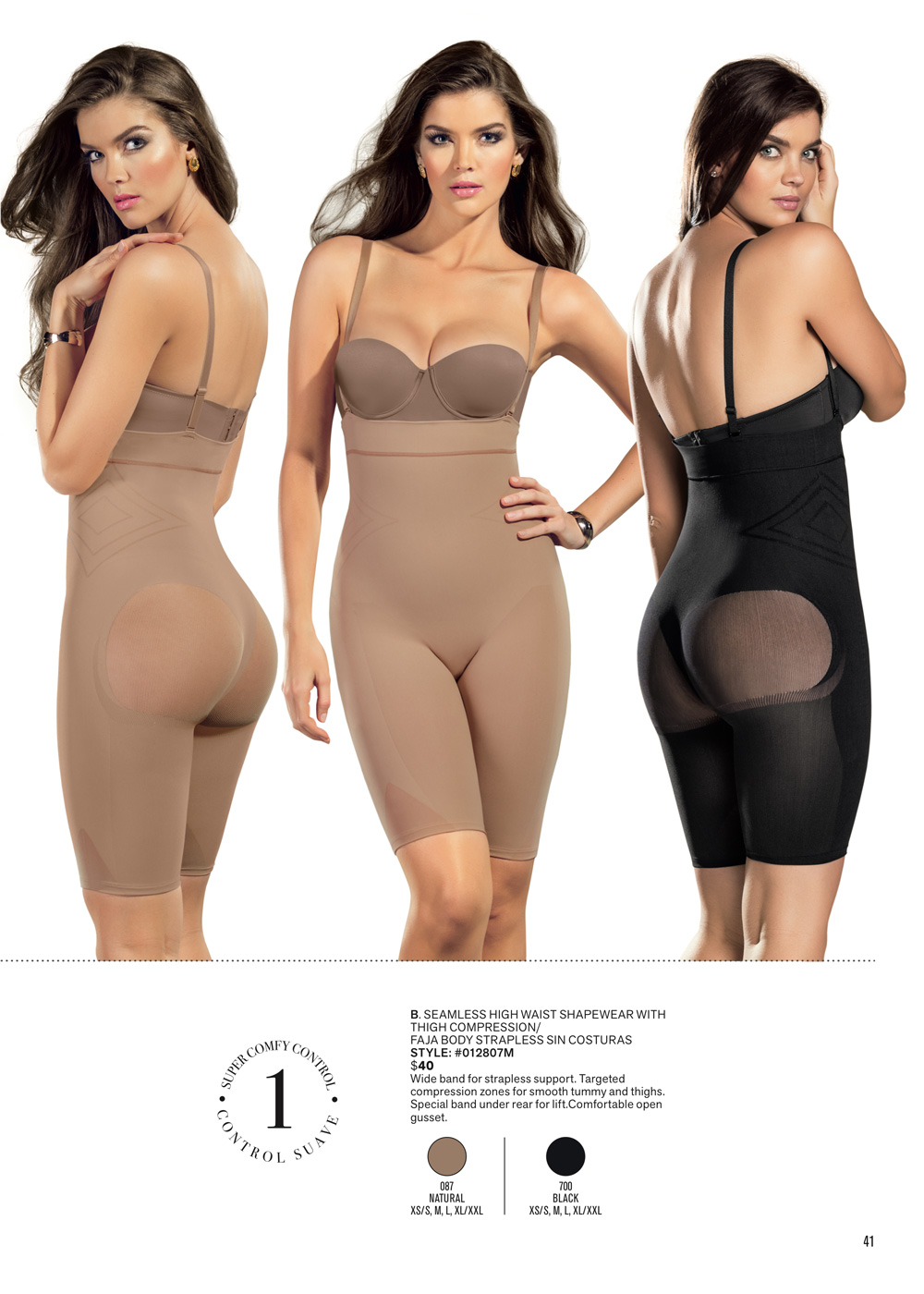
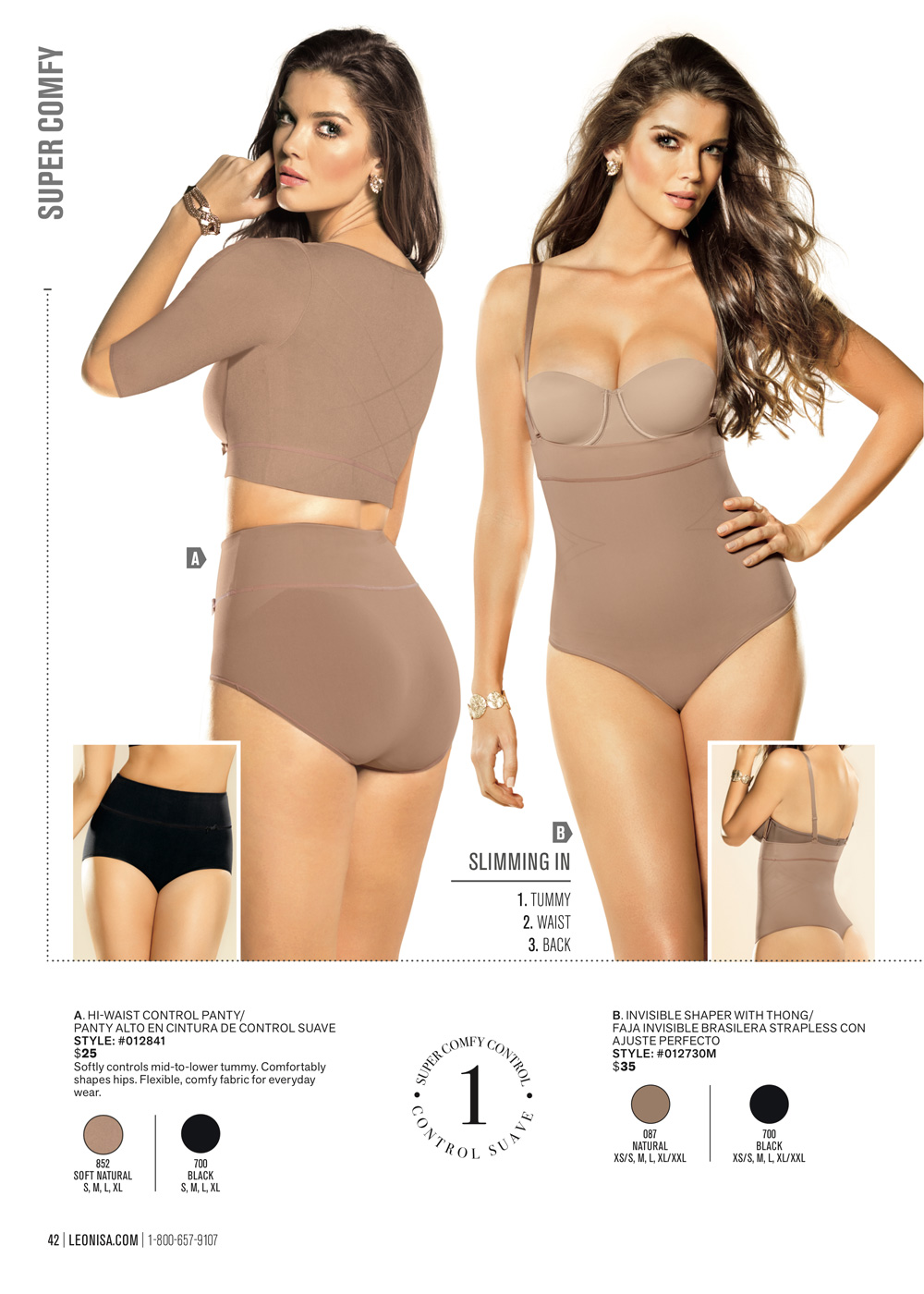
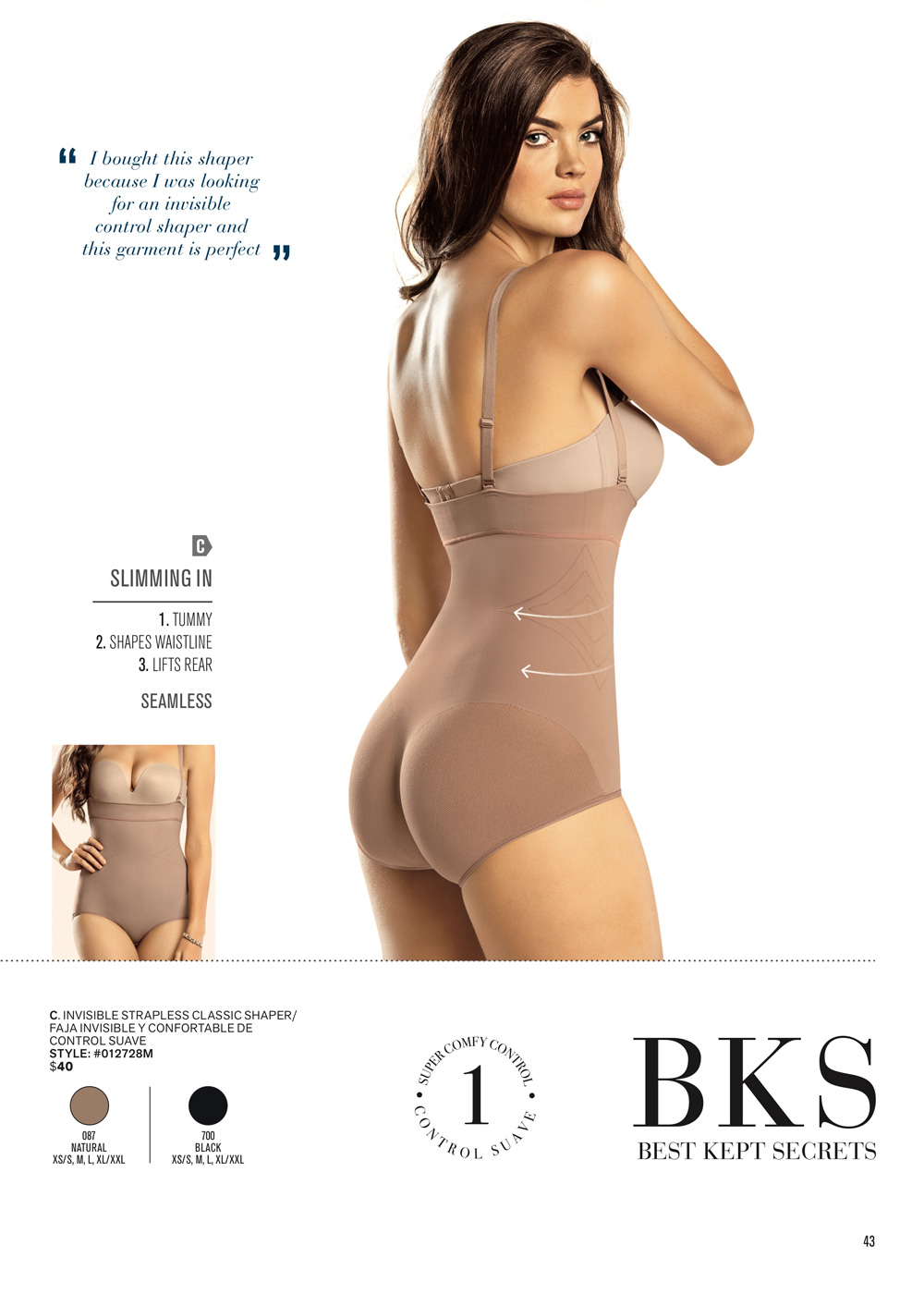
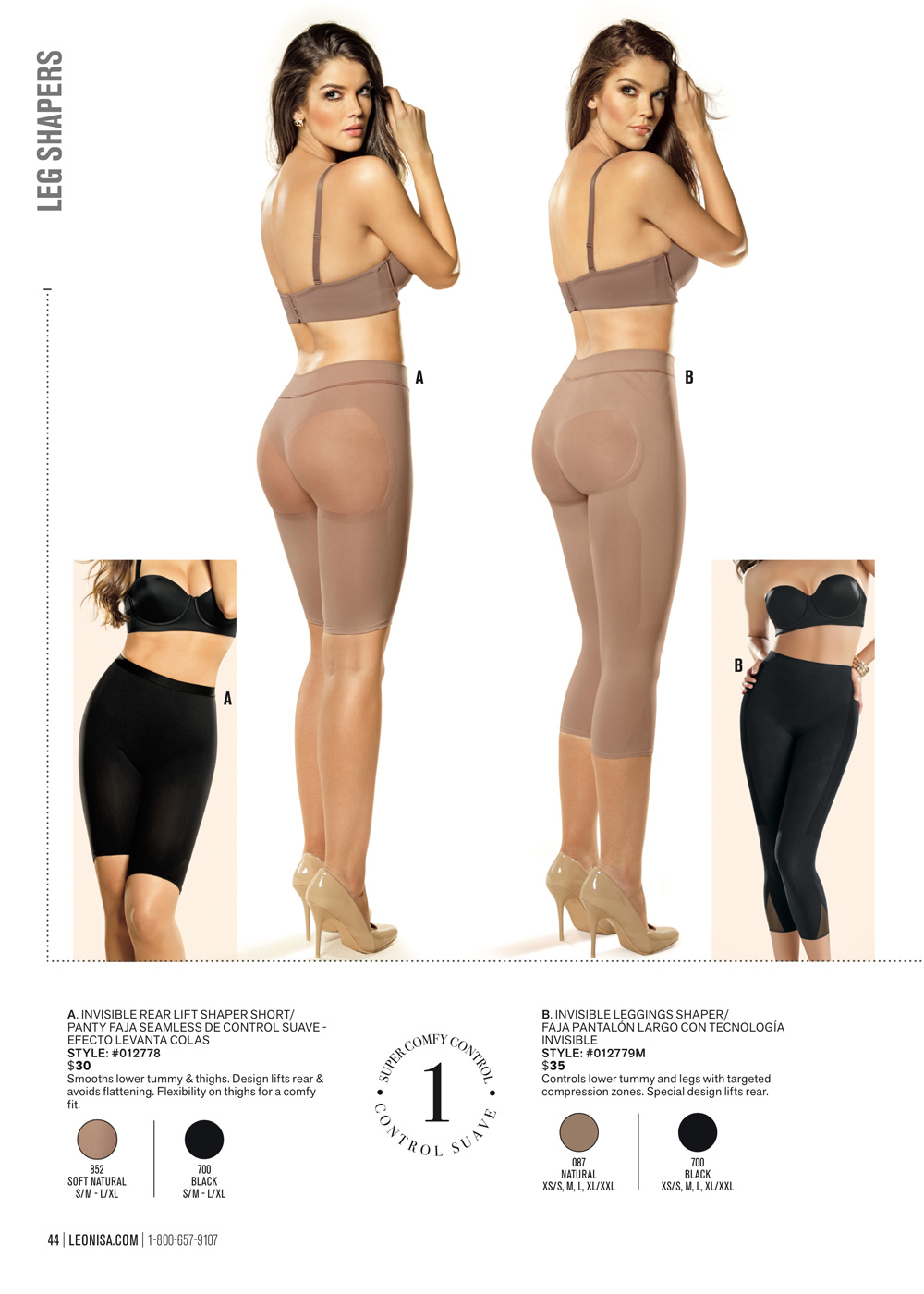
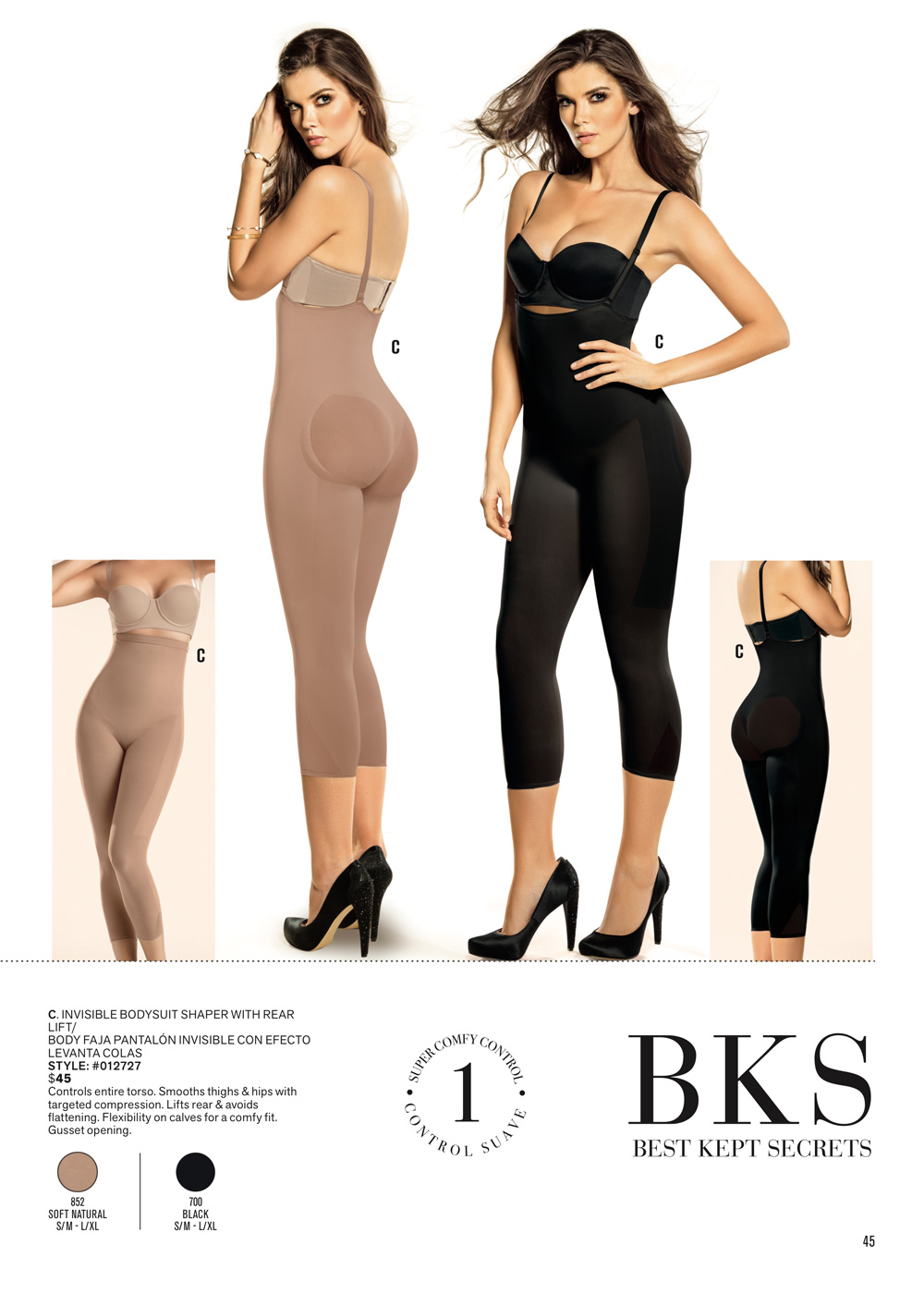
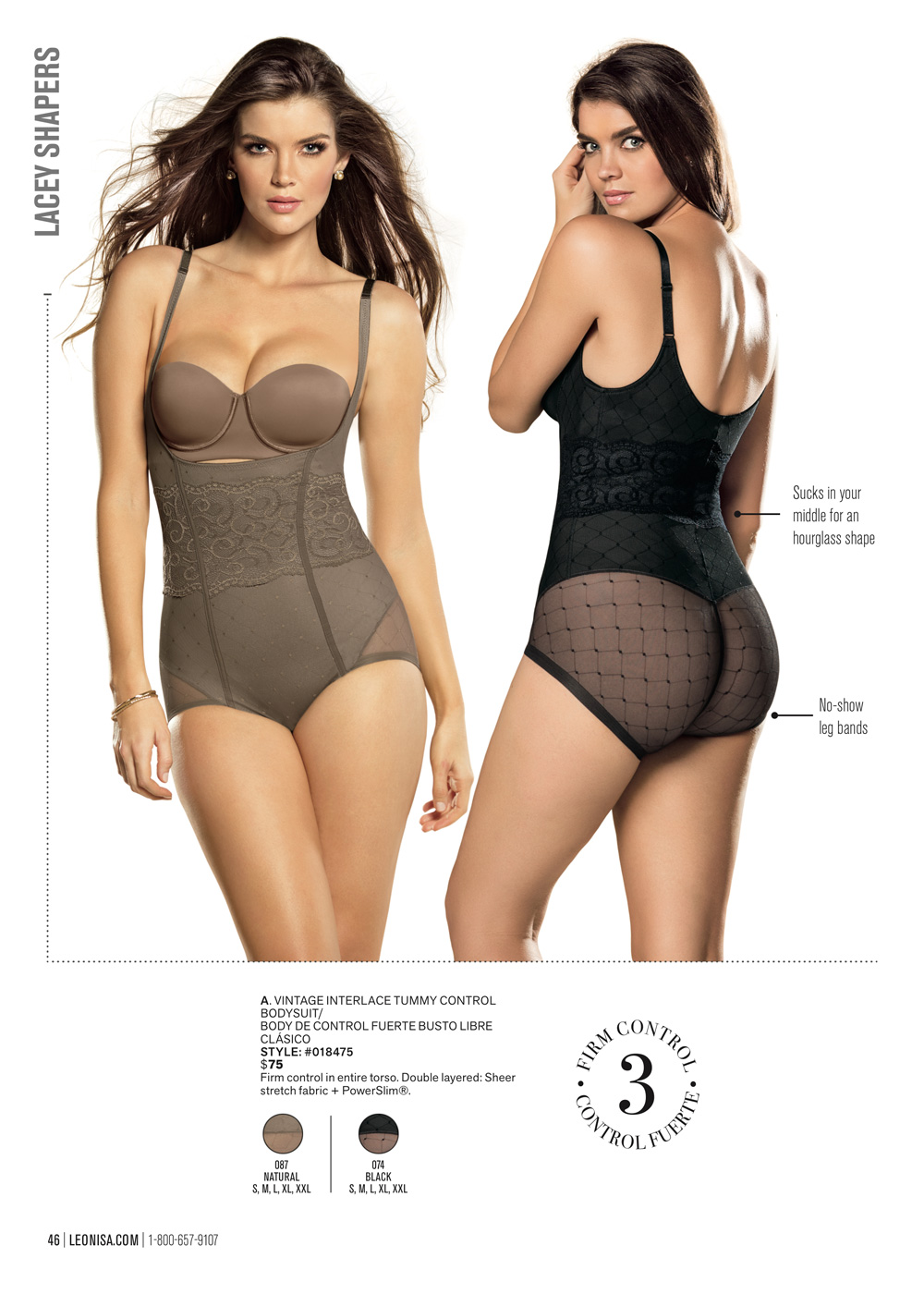
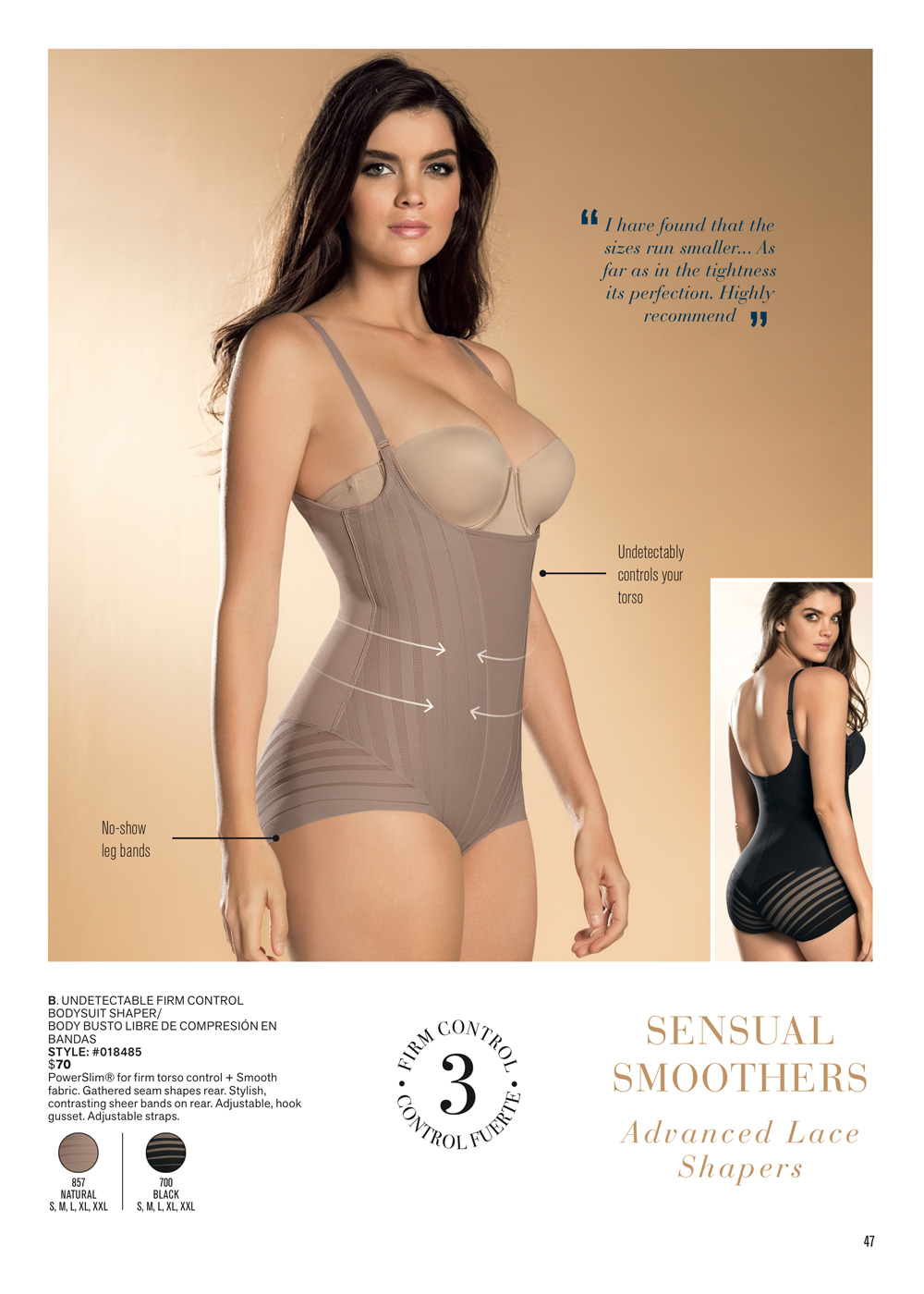
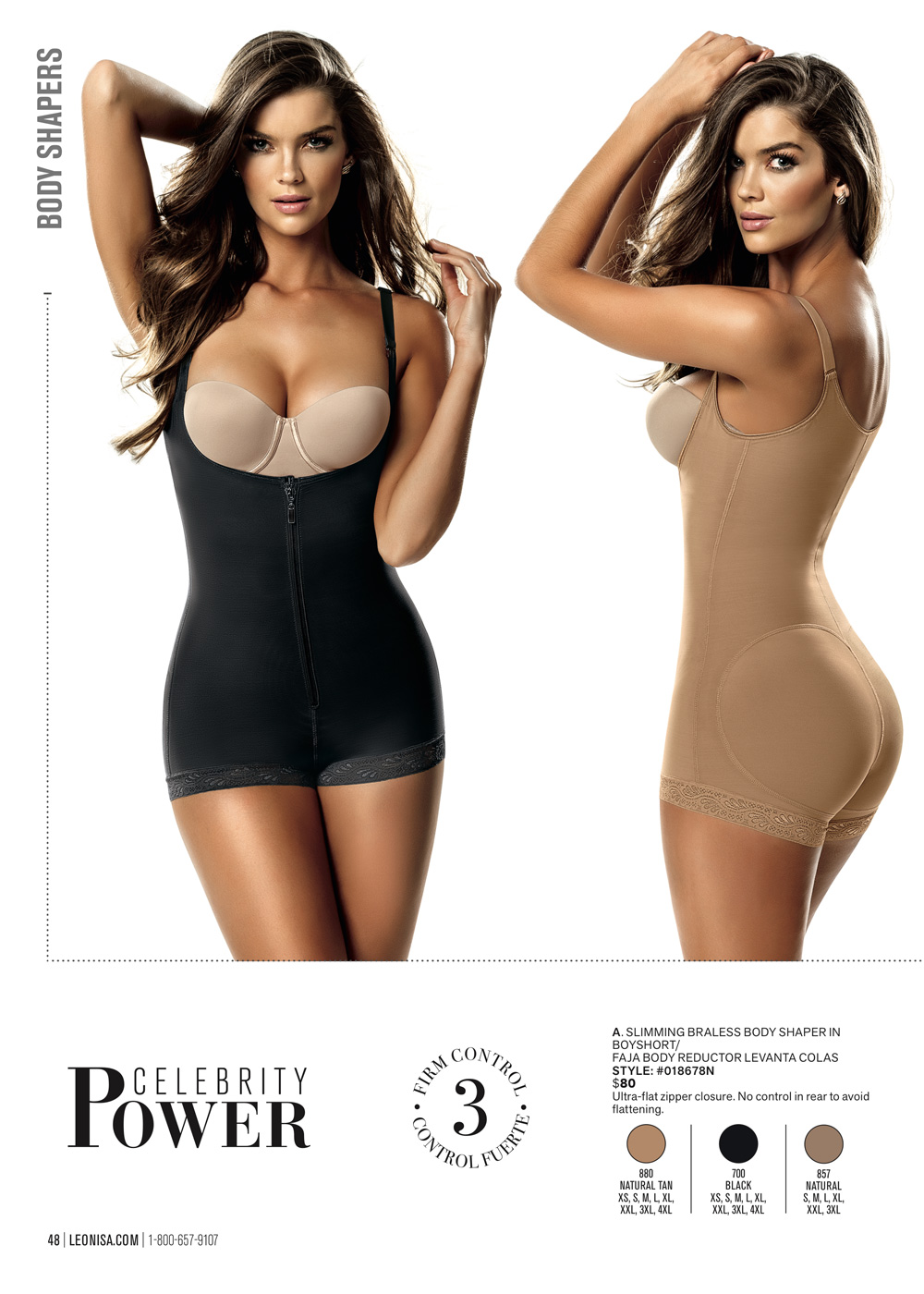
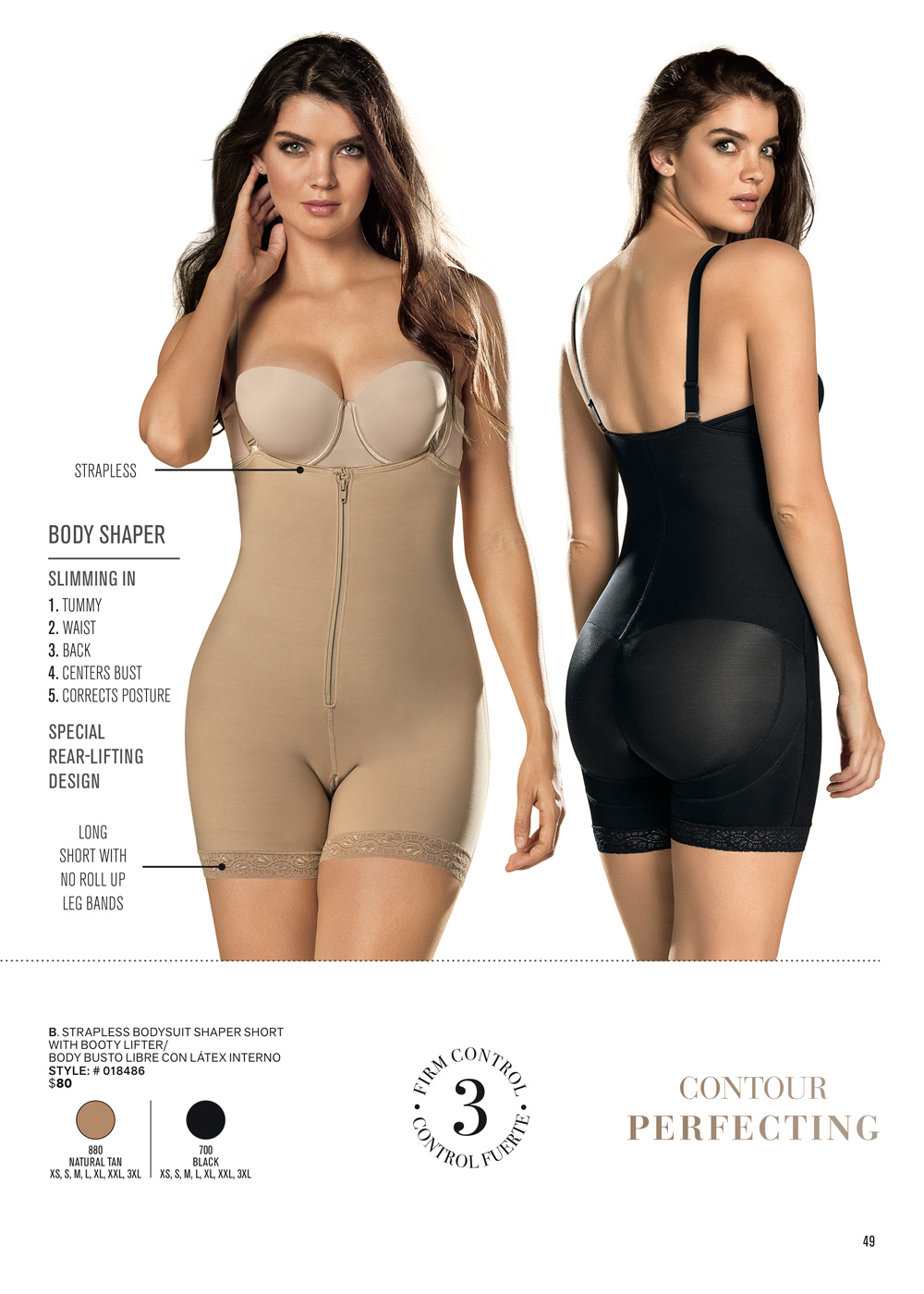
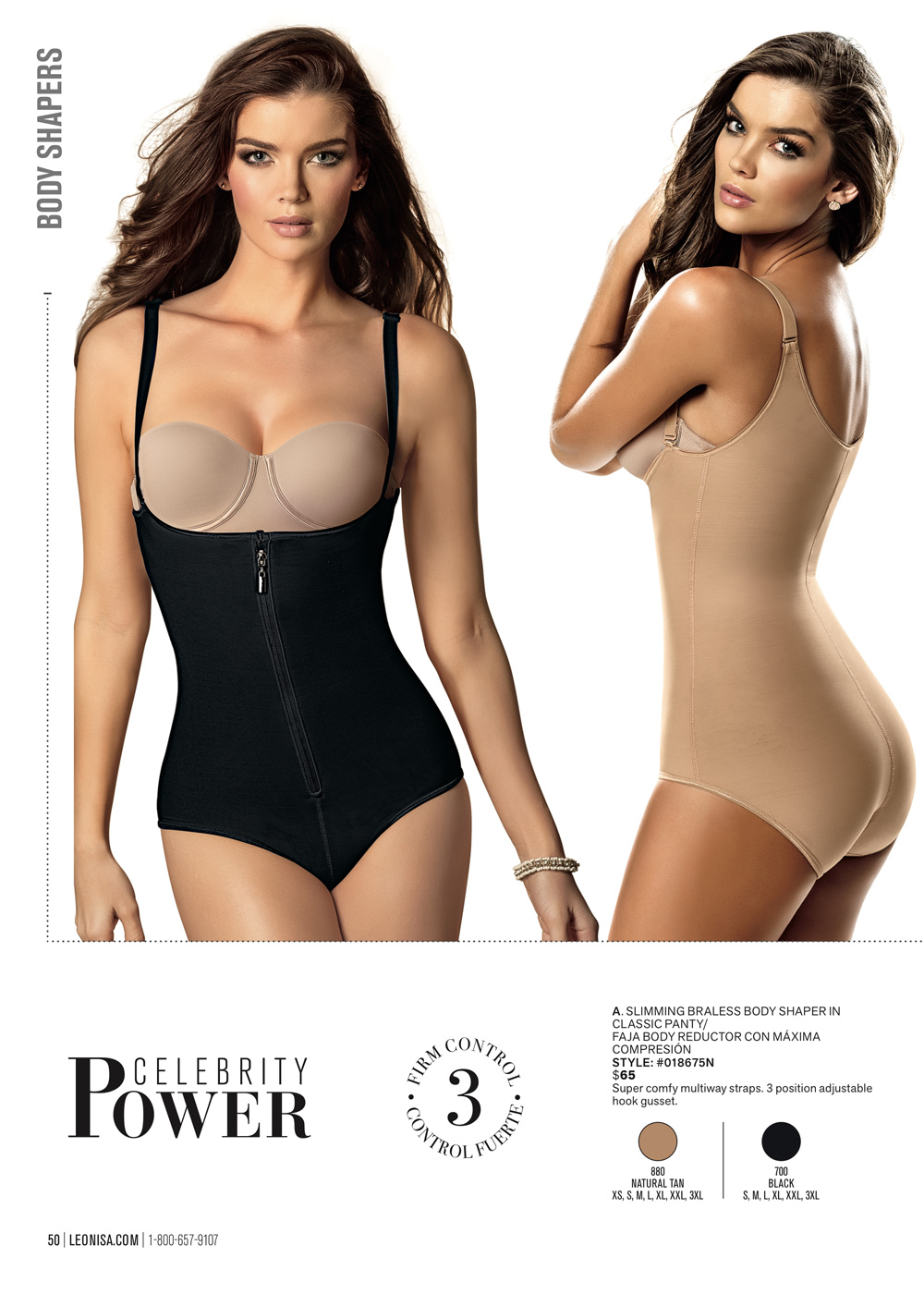
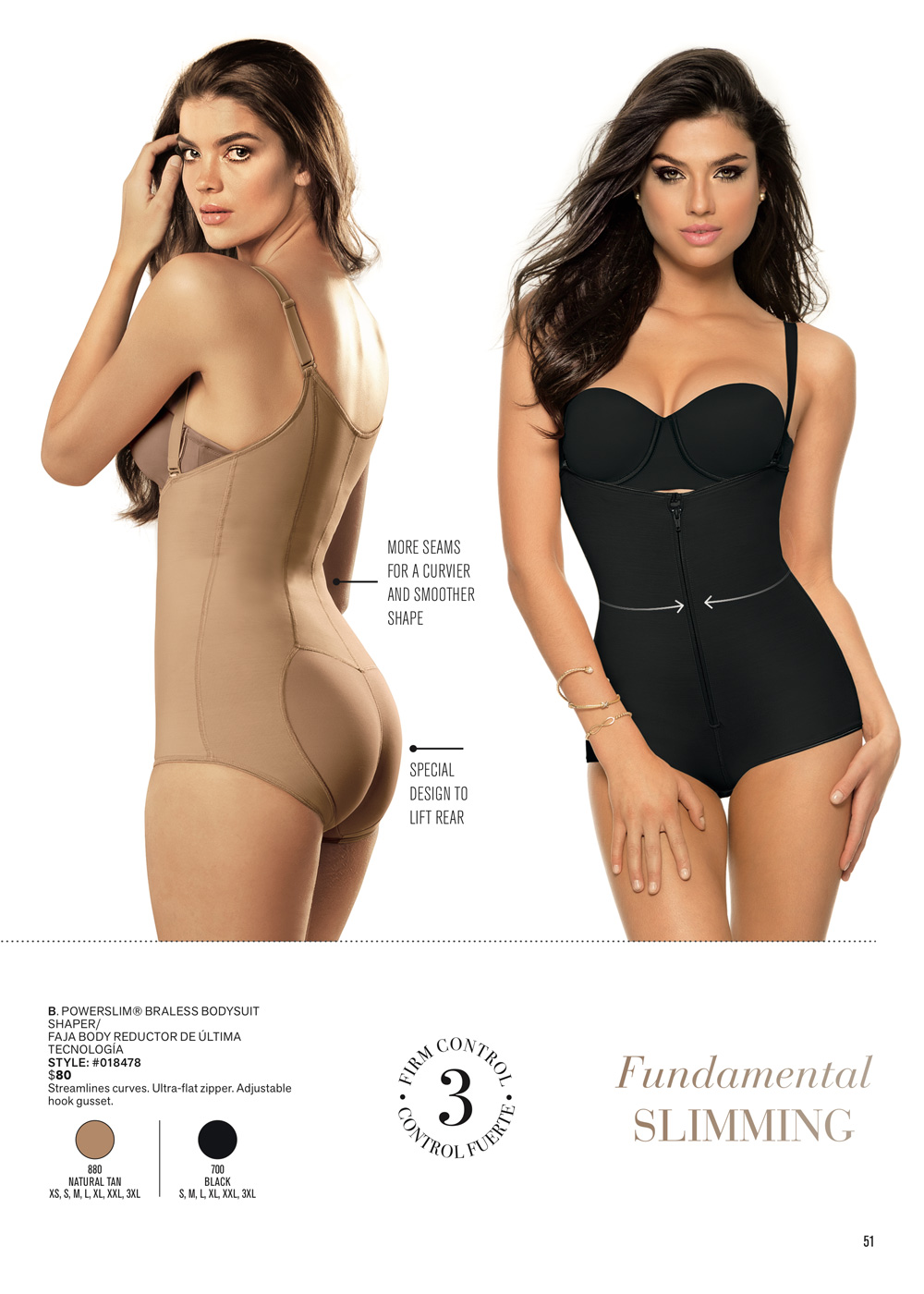
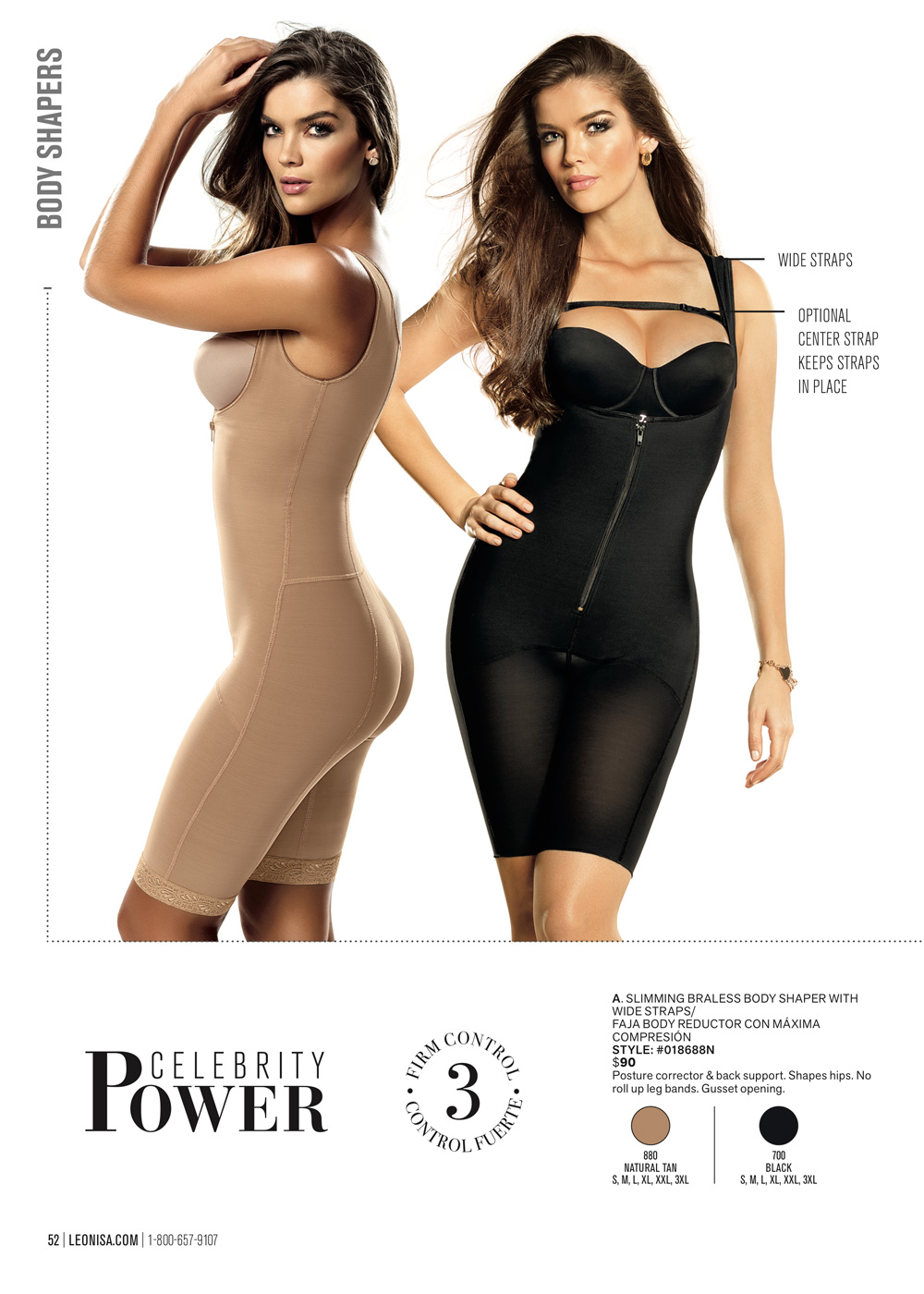
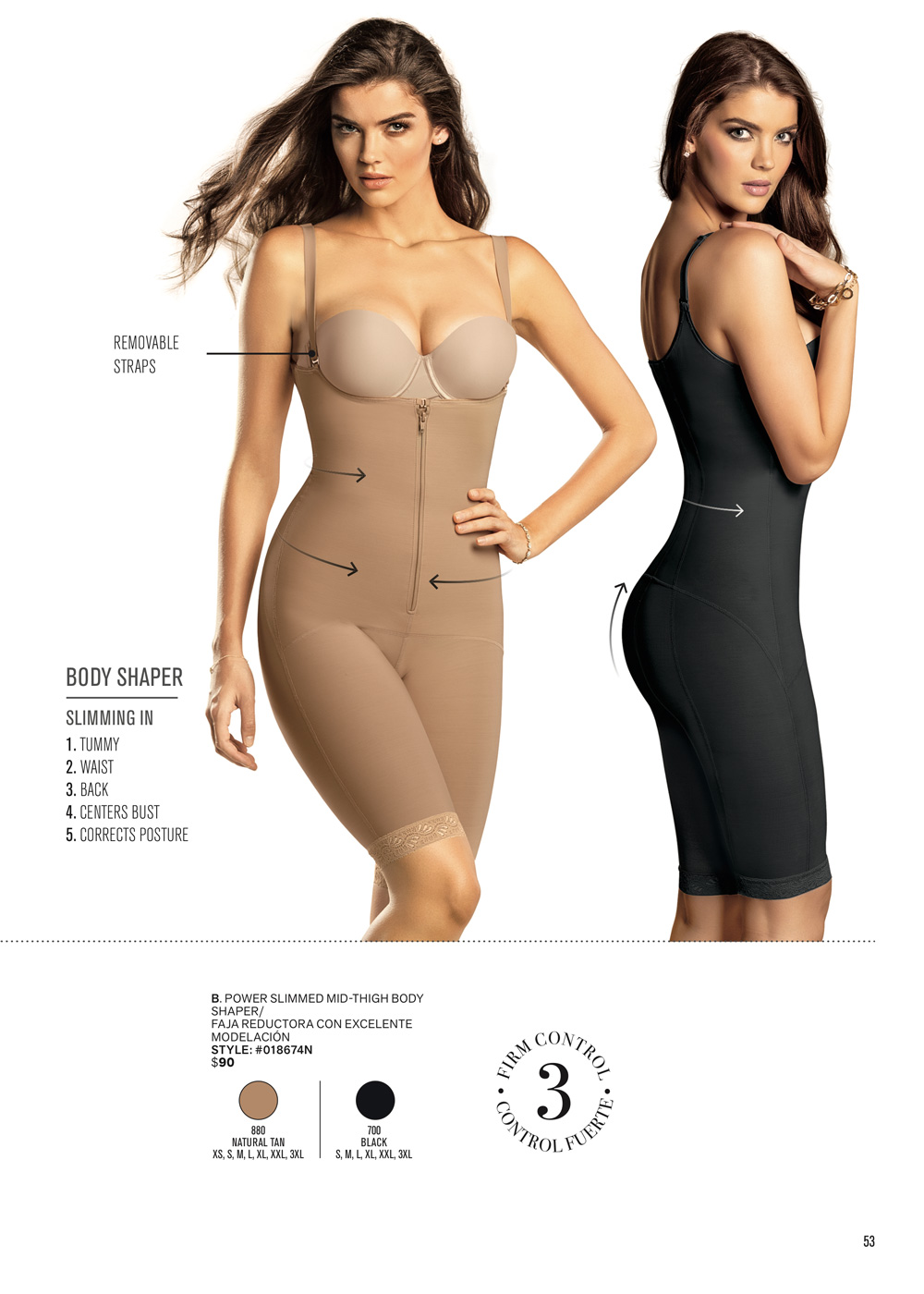
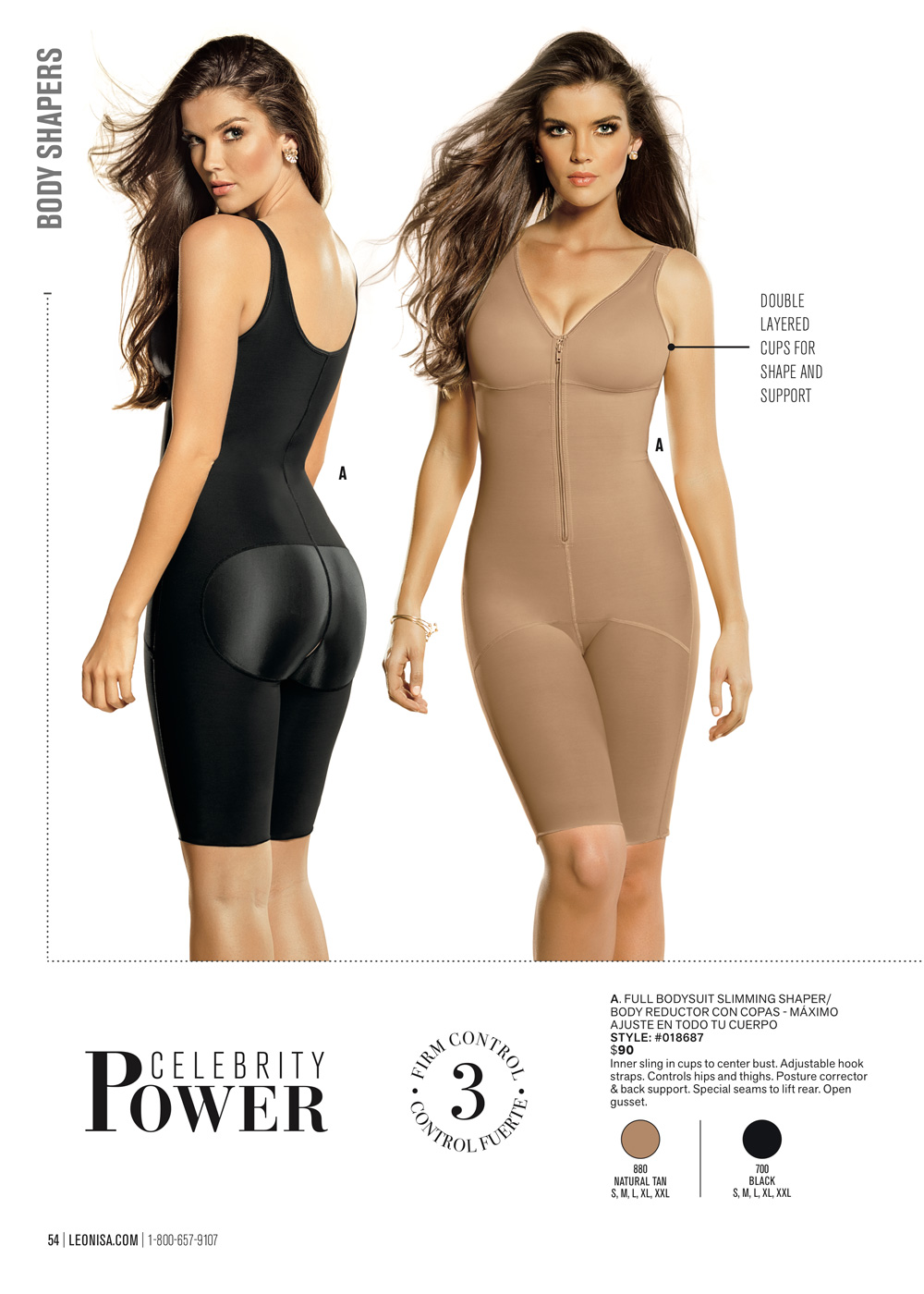
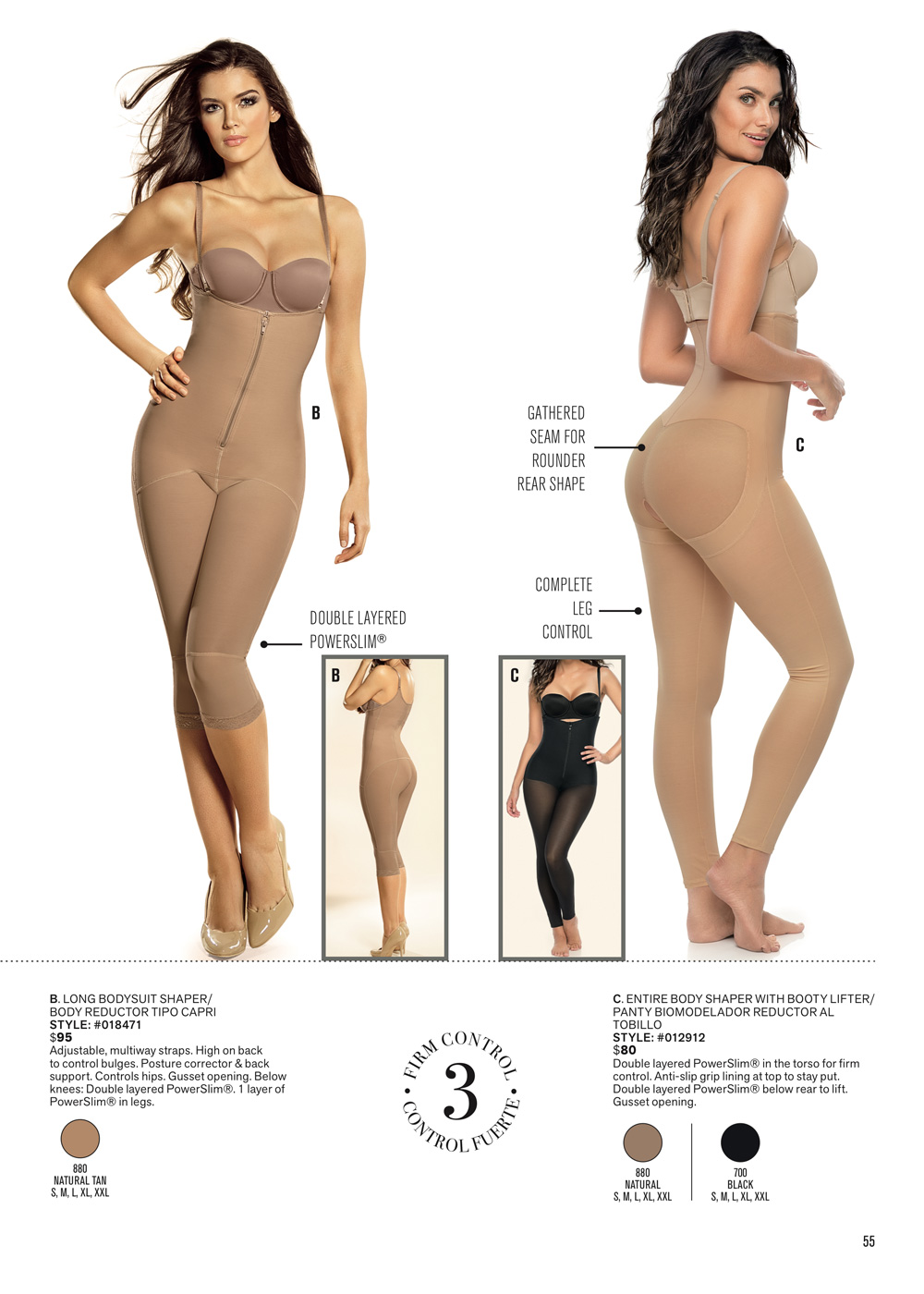
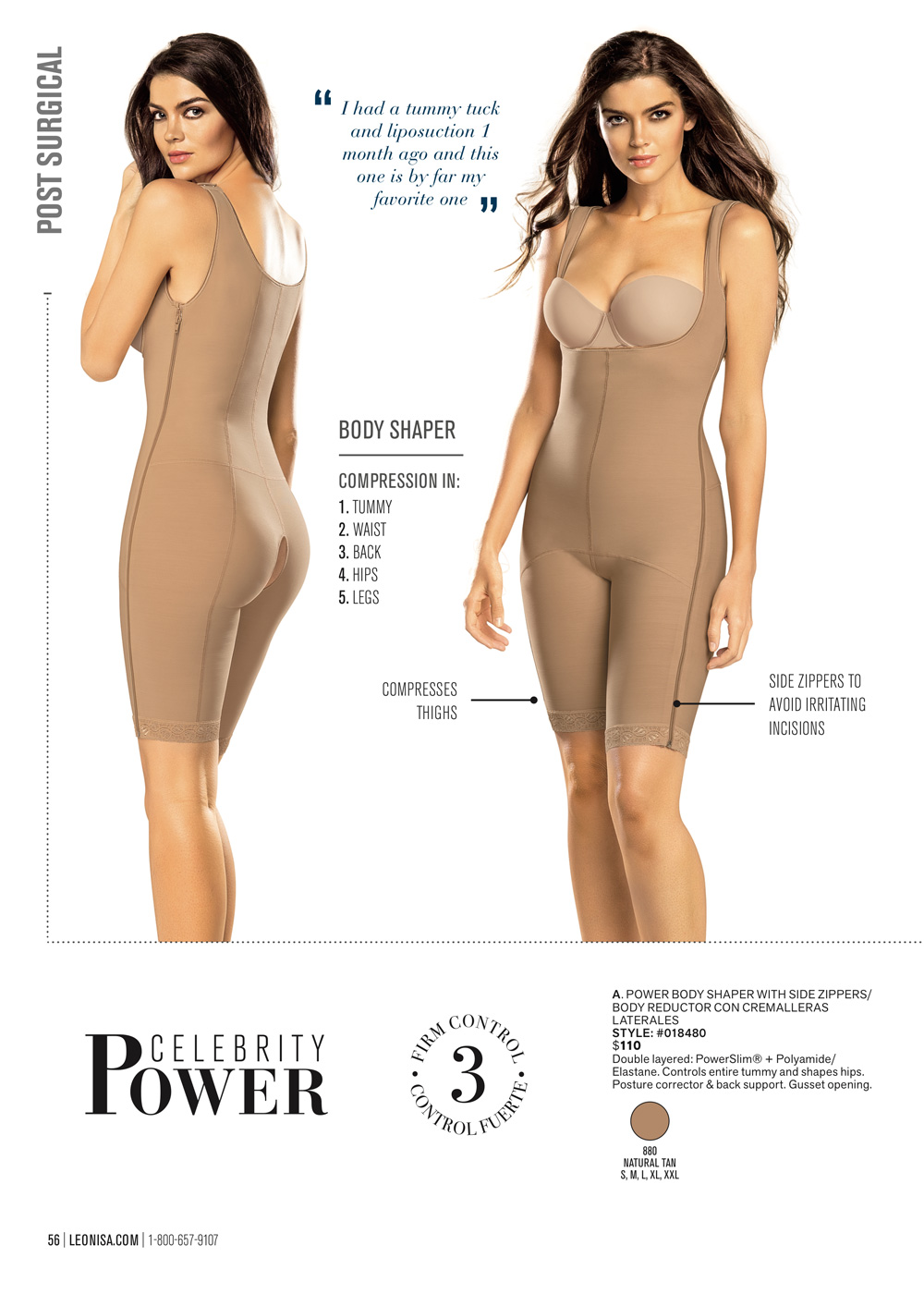
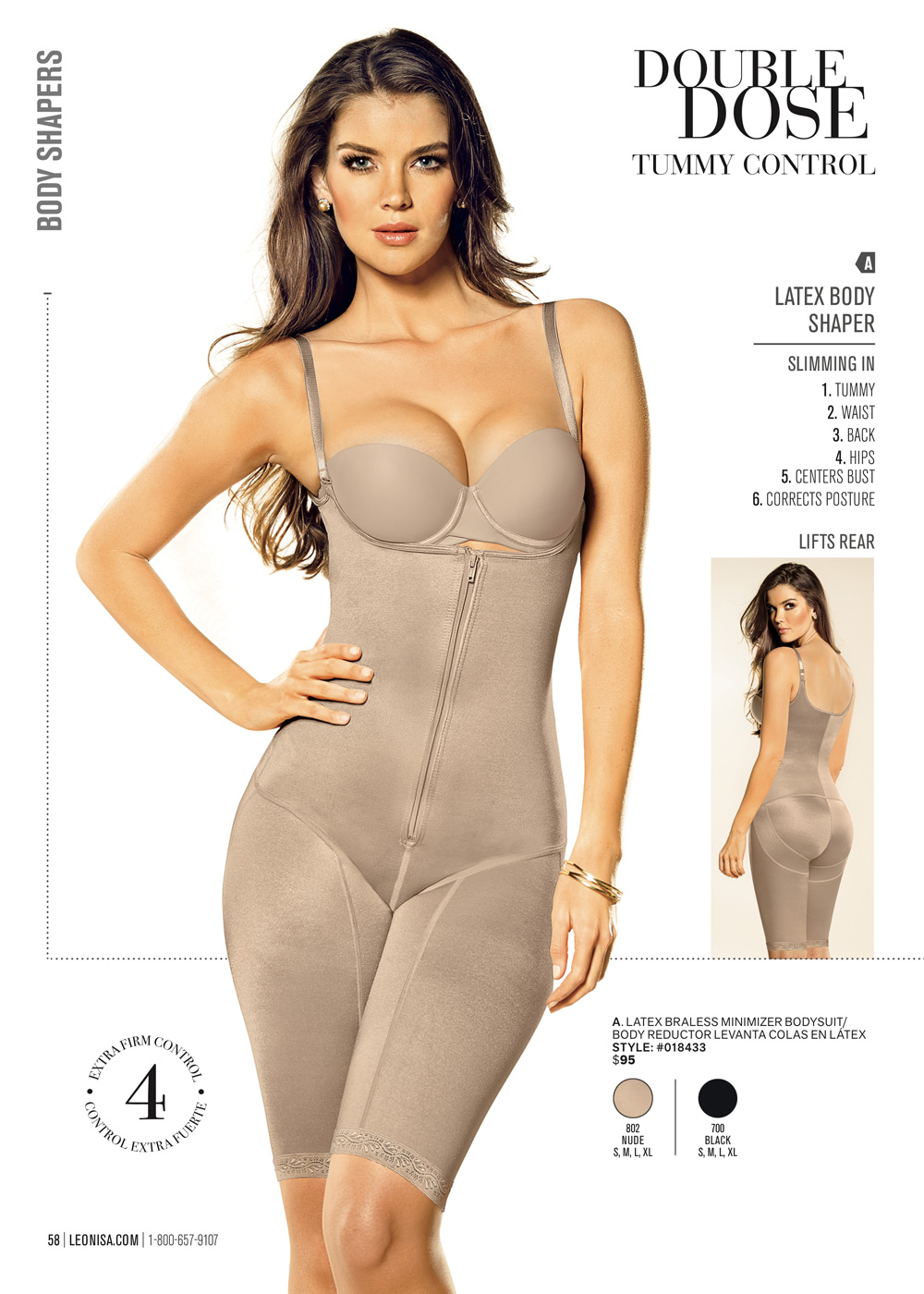
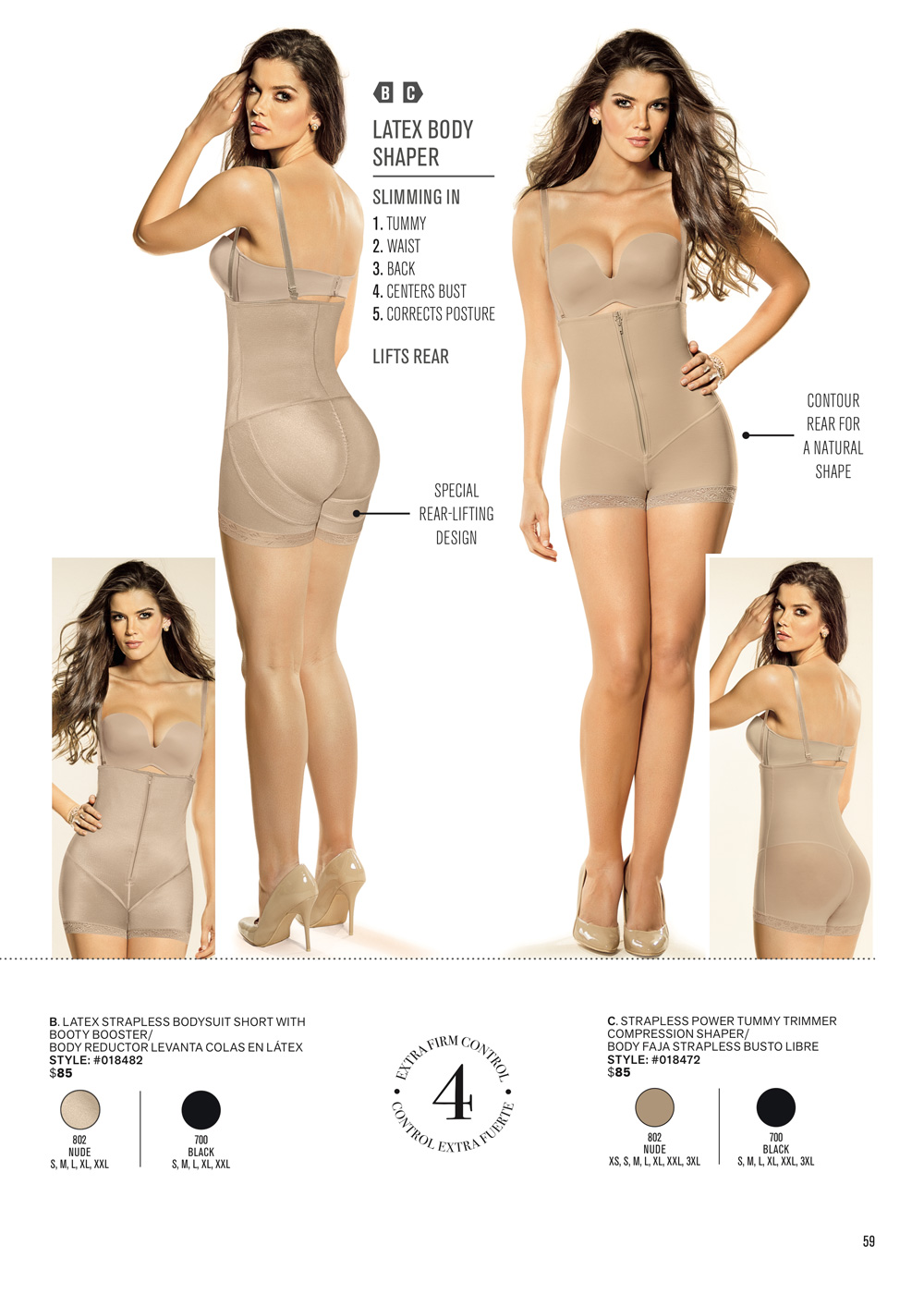
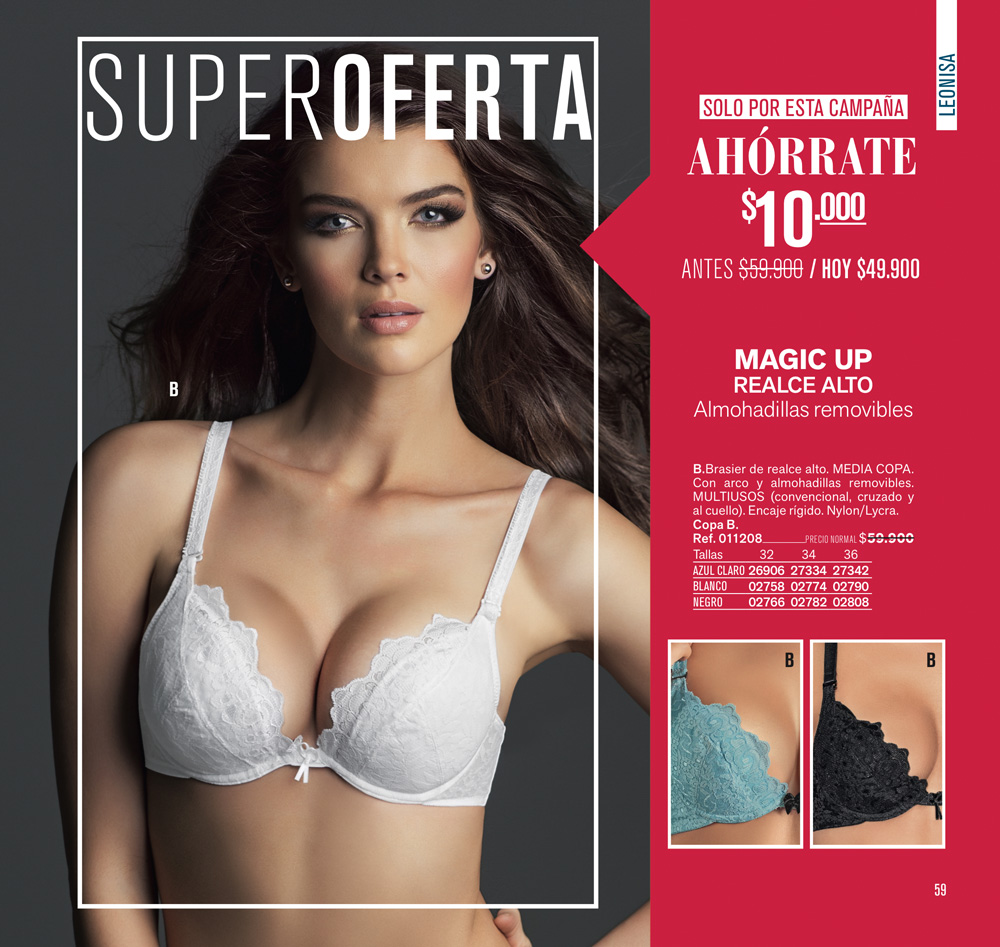
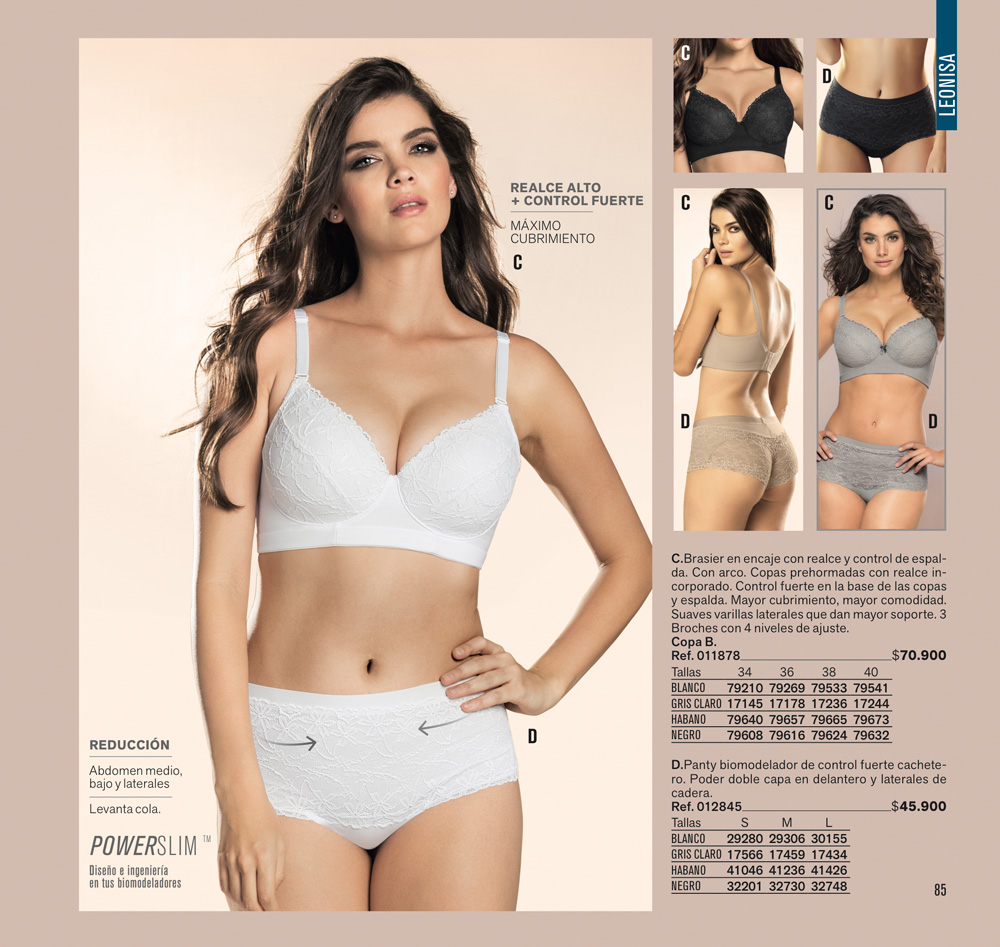
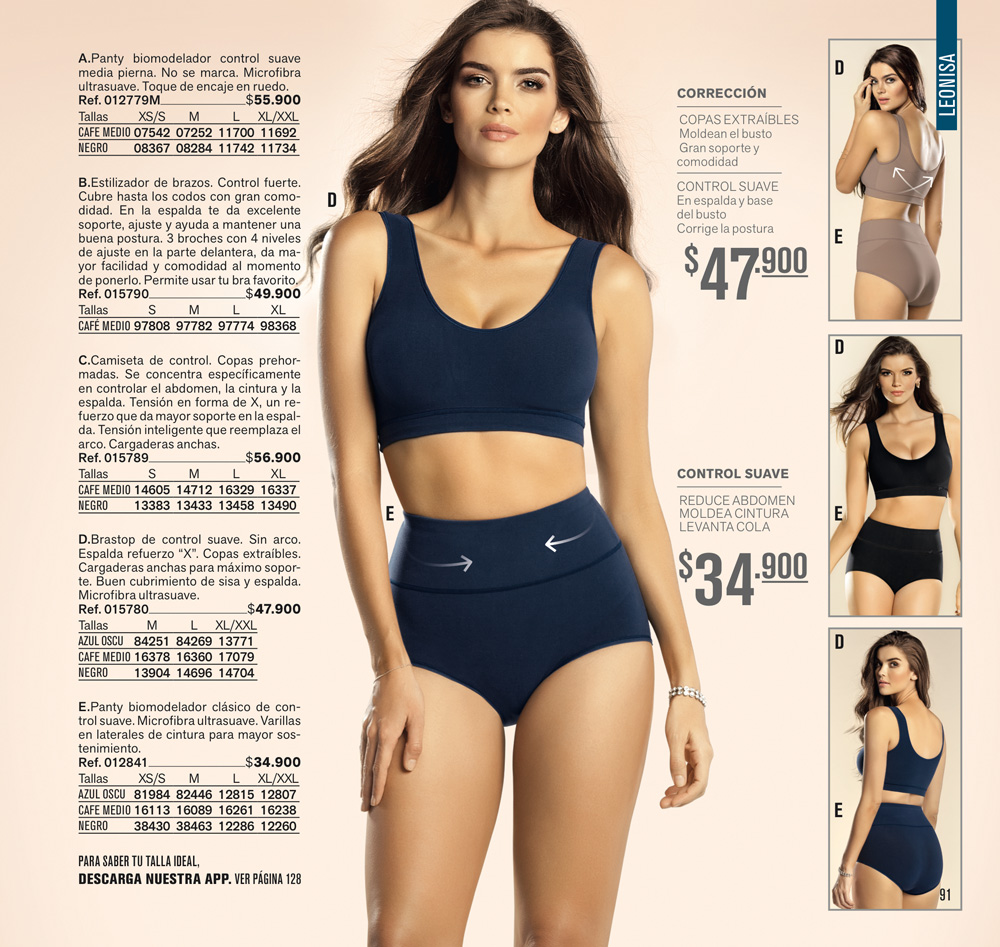
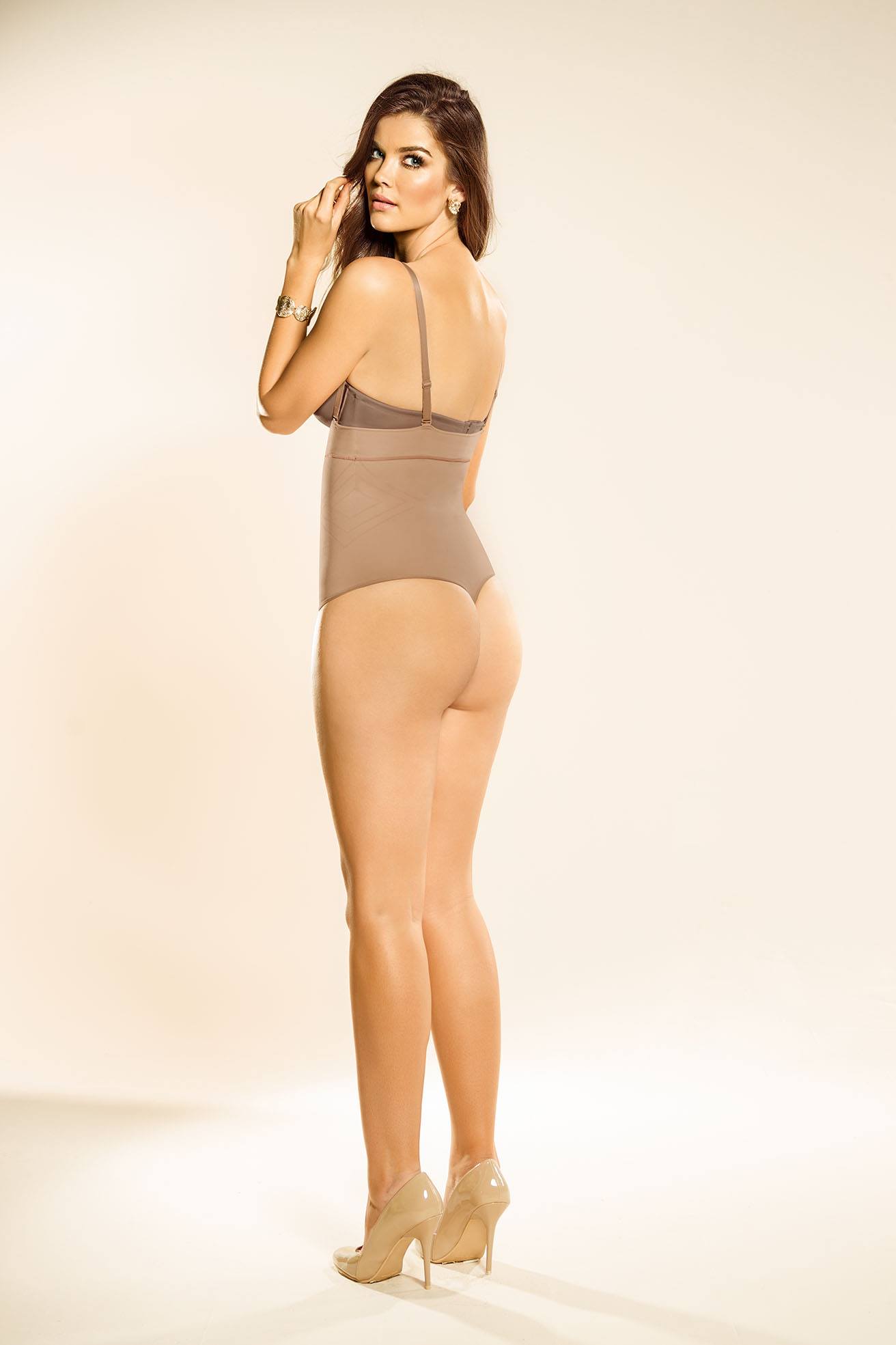
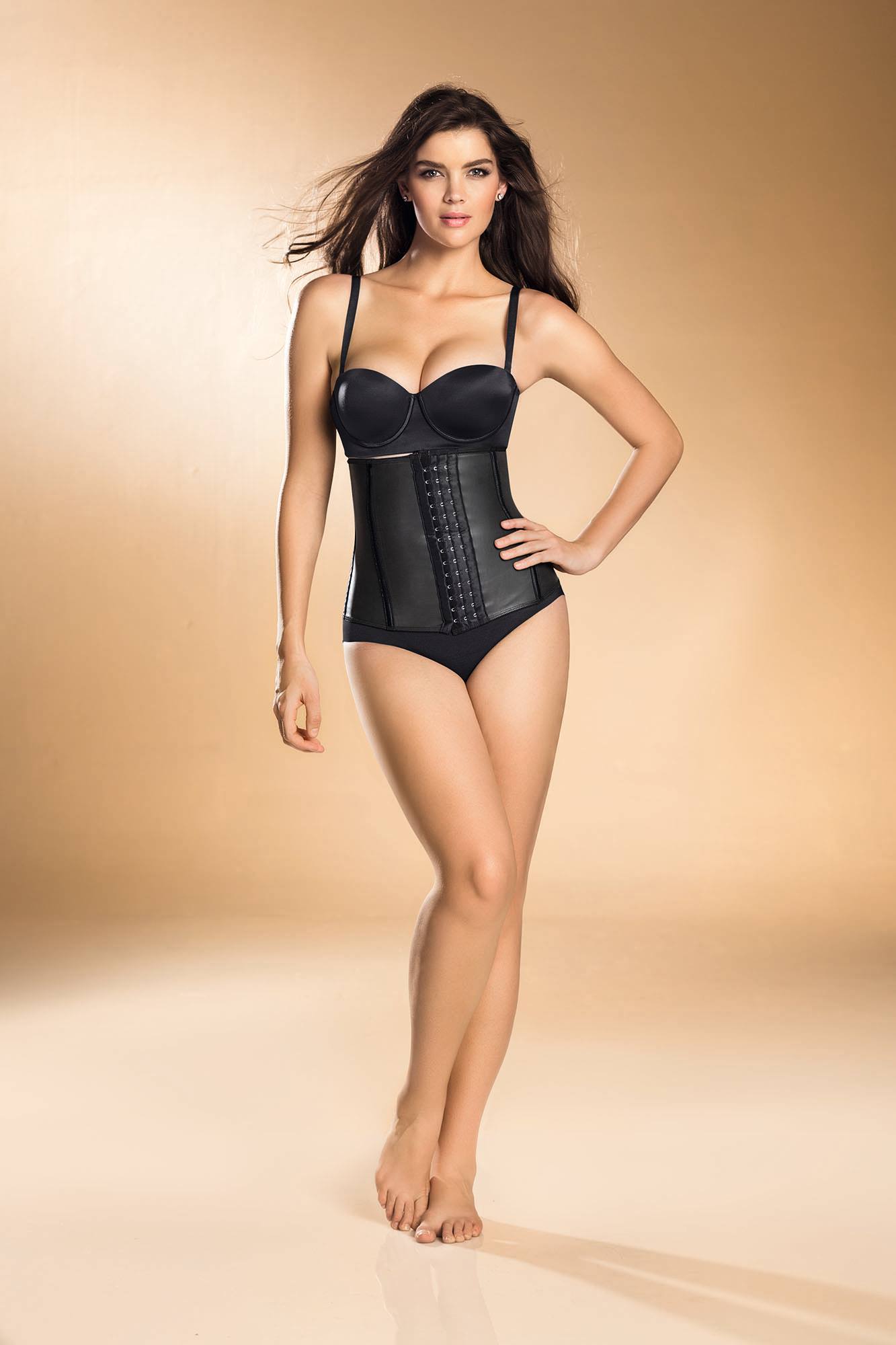
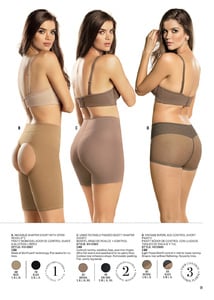
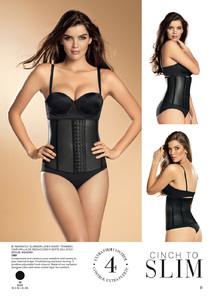
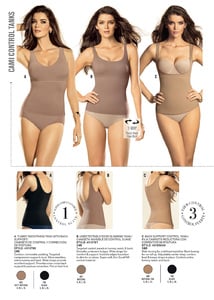
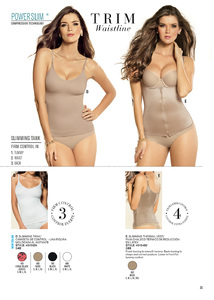
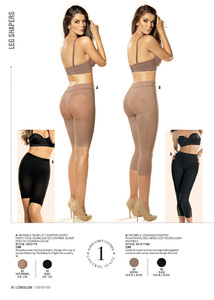
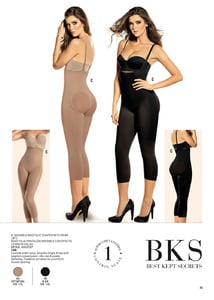
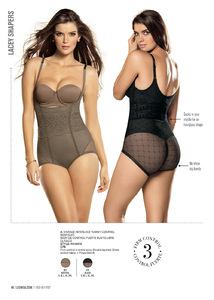
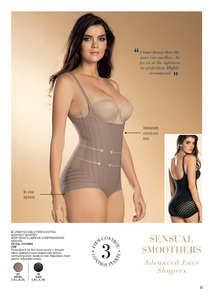
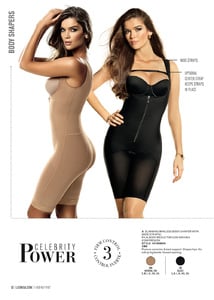
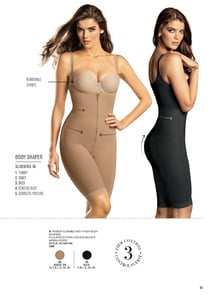
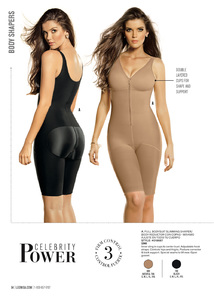
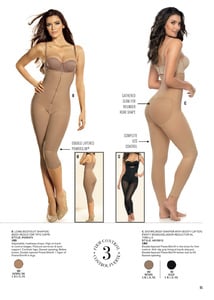
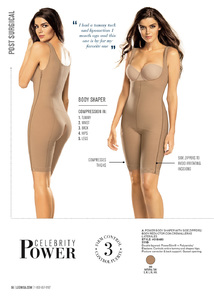
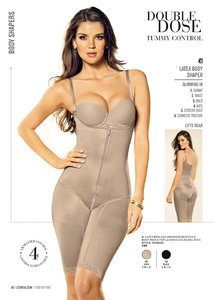
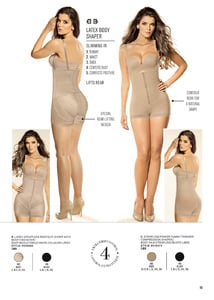
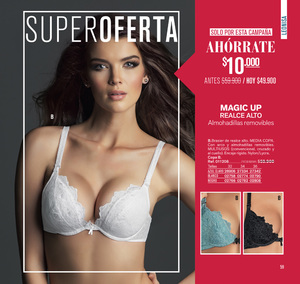
Leonisa
Kara looks even more classier in motion !
I think once she said she wasn't from Afrikaans background, so probably not ...
^ Me too !
Leonisa
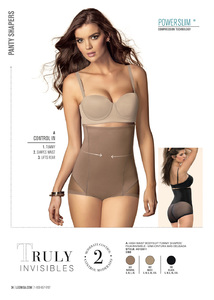
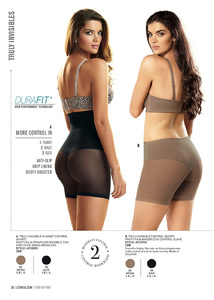
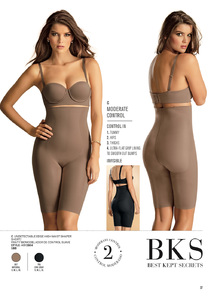
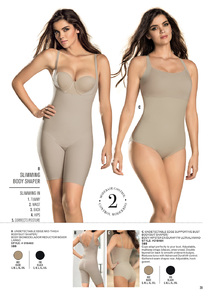
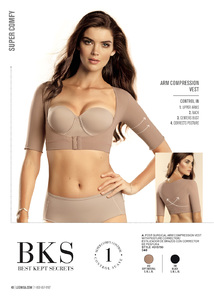
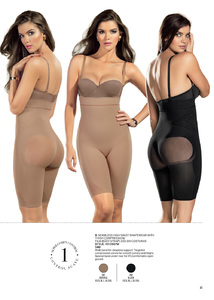
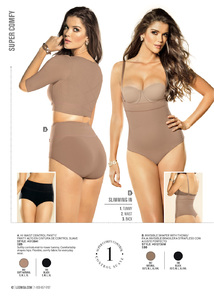
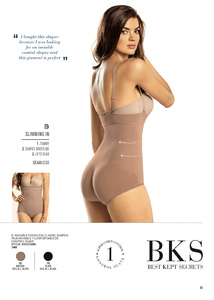
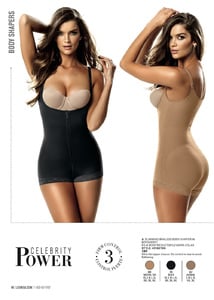
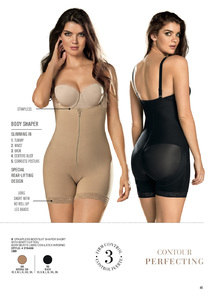
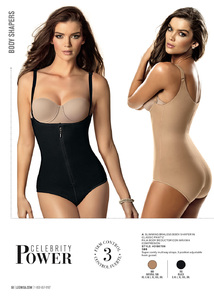
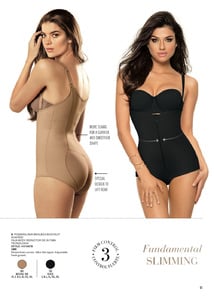
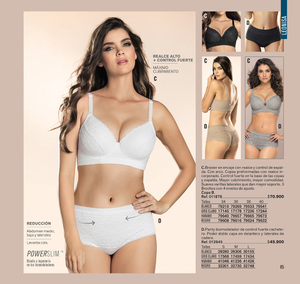
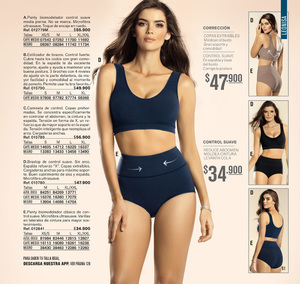
 @ohlalacheriparis @victorrphotos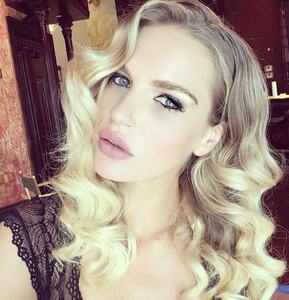
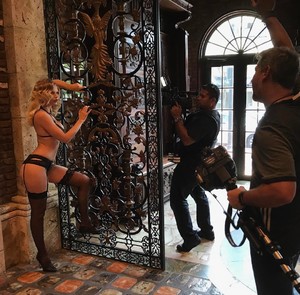 'Fragrance Foundation Awards 2017 in New York 14.06.2017
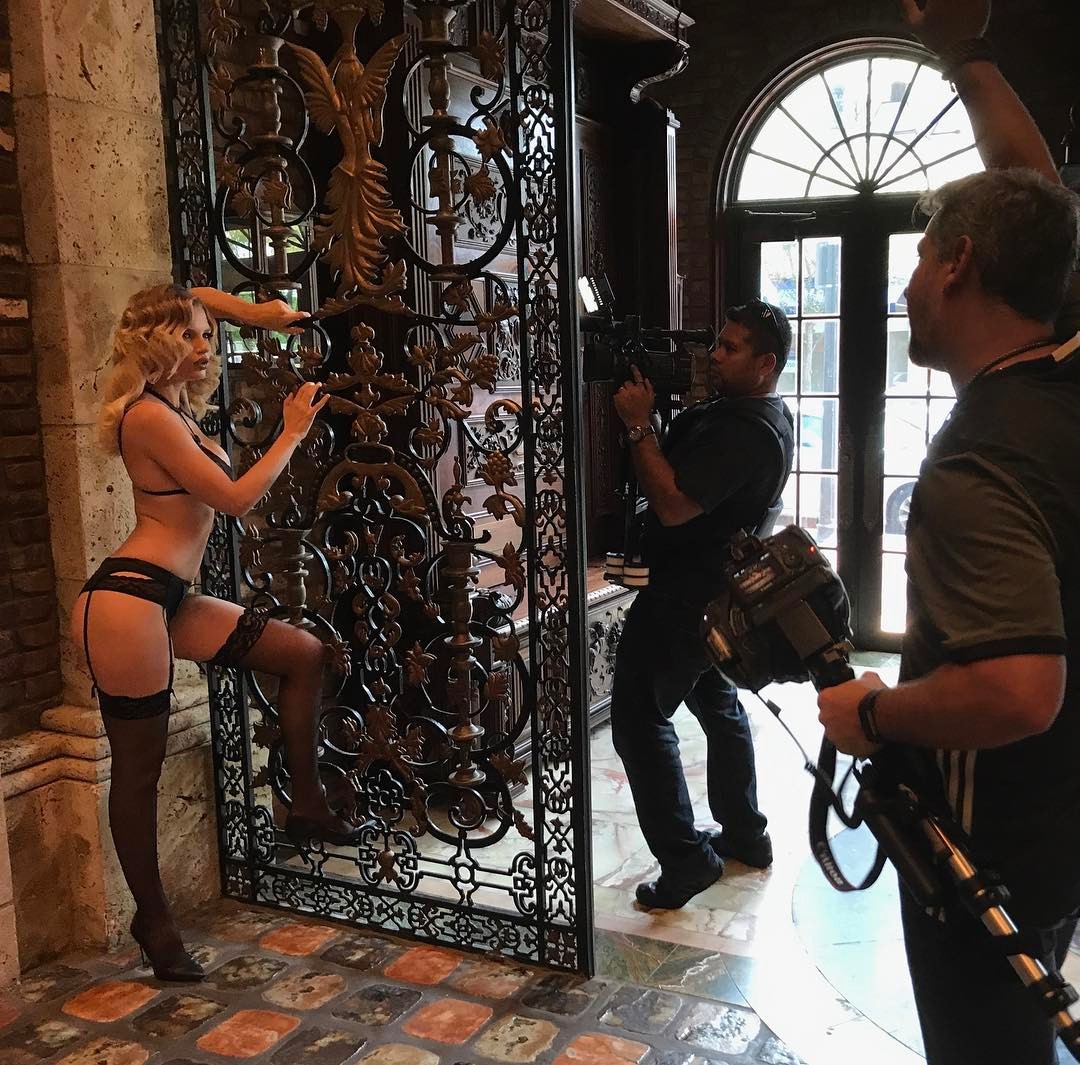
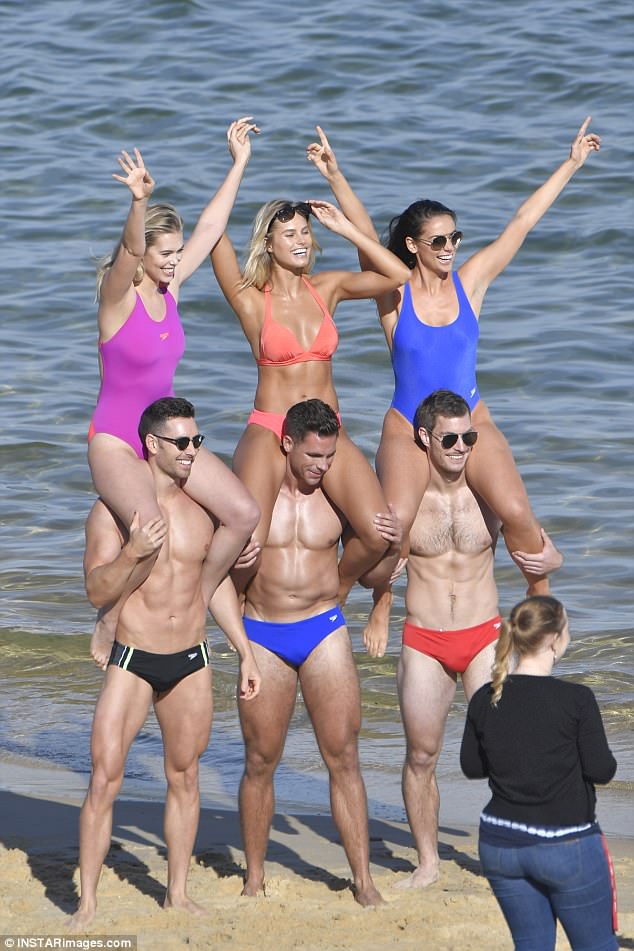
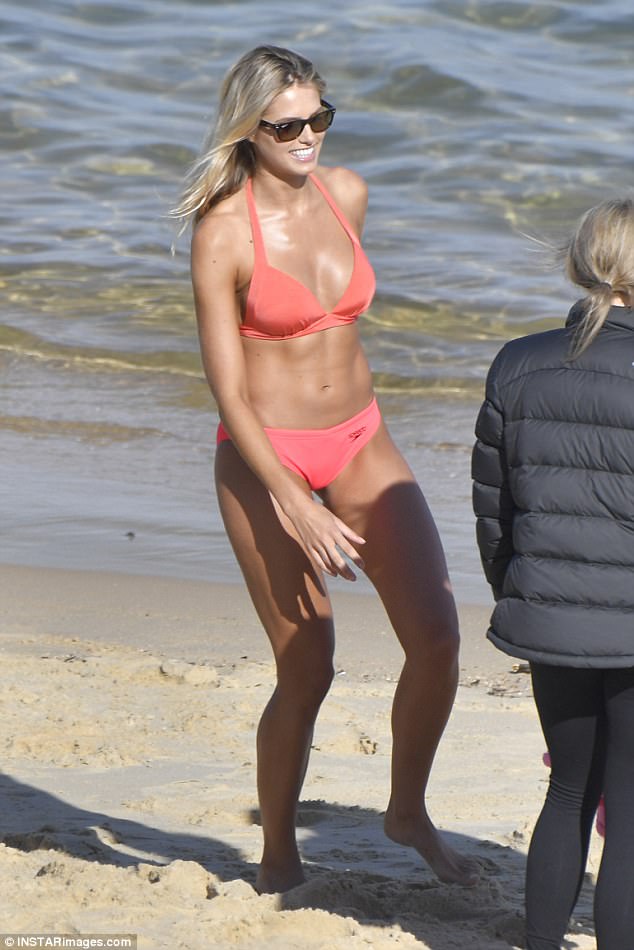
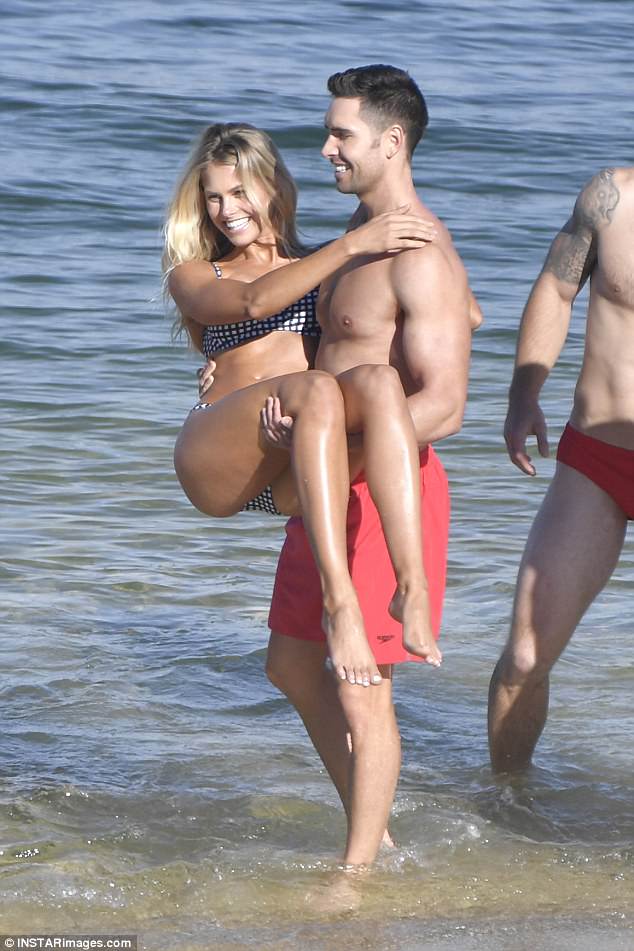
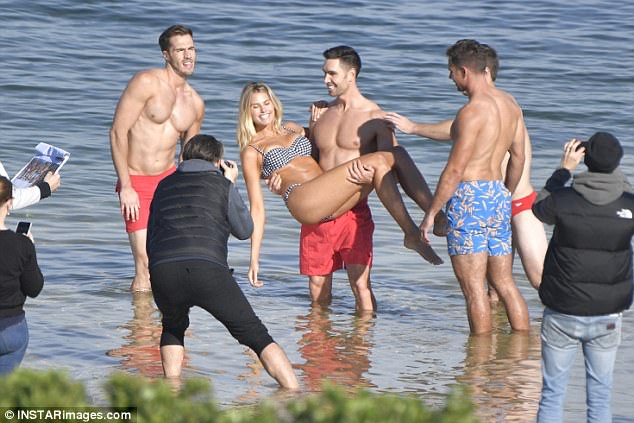
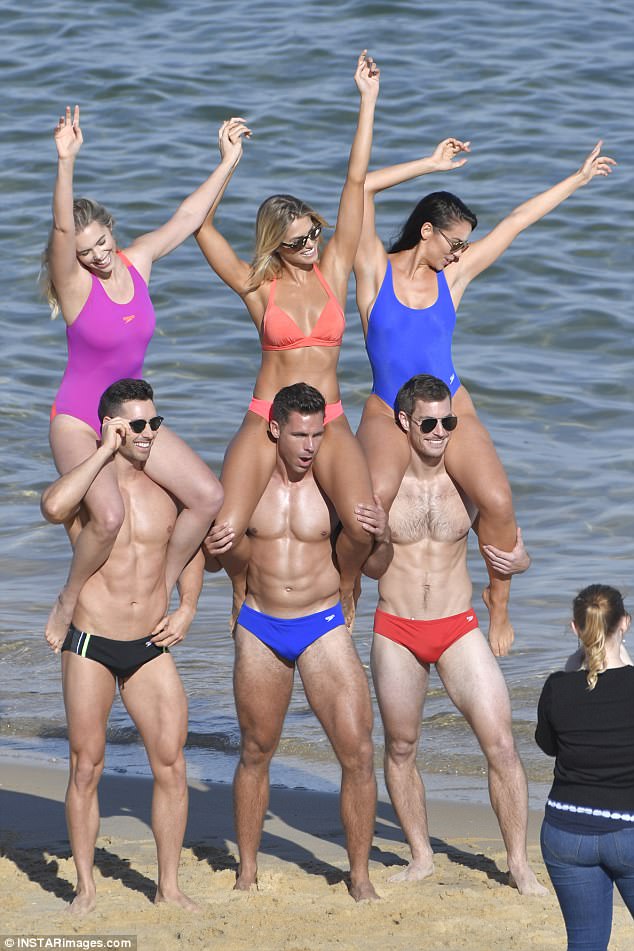
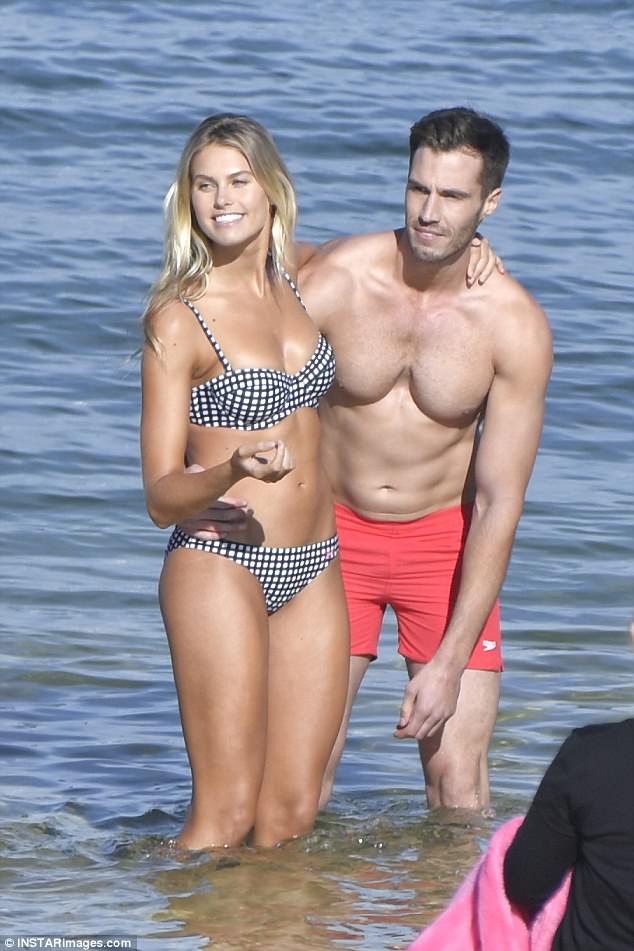
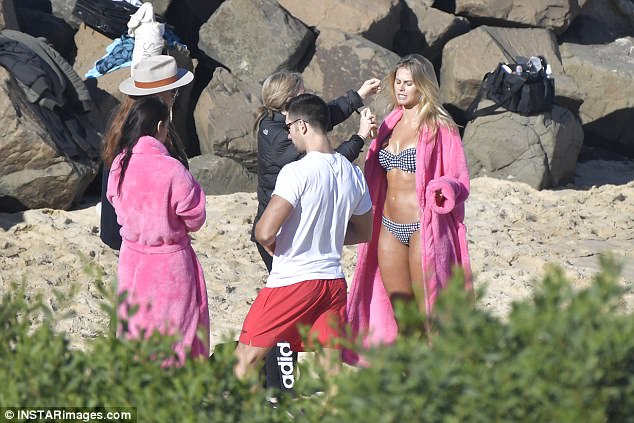
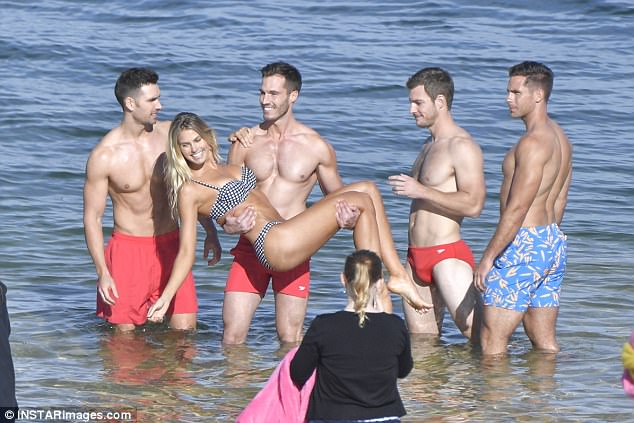
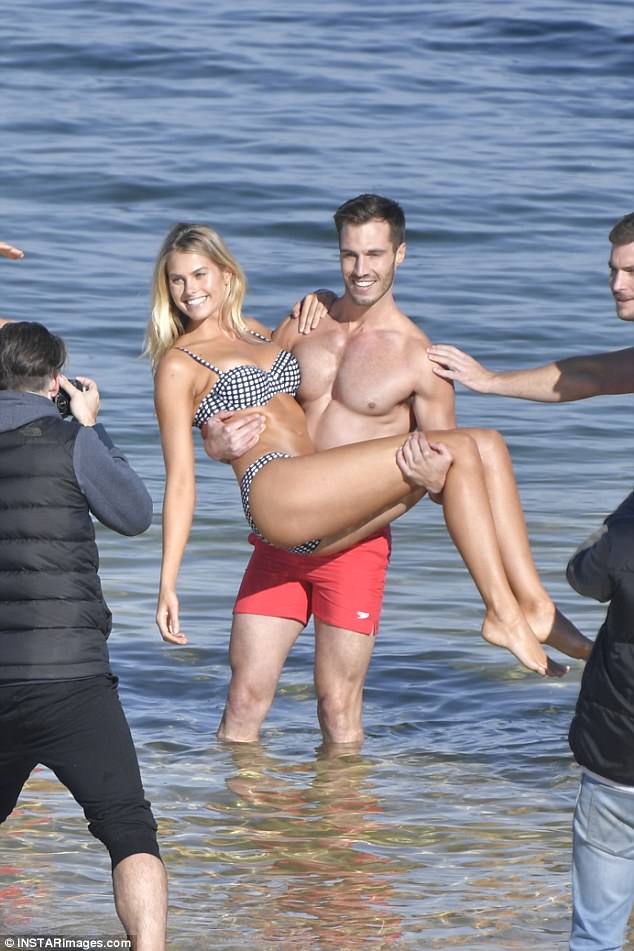
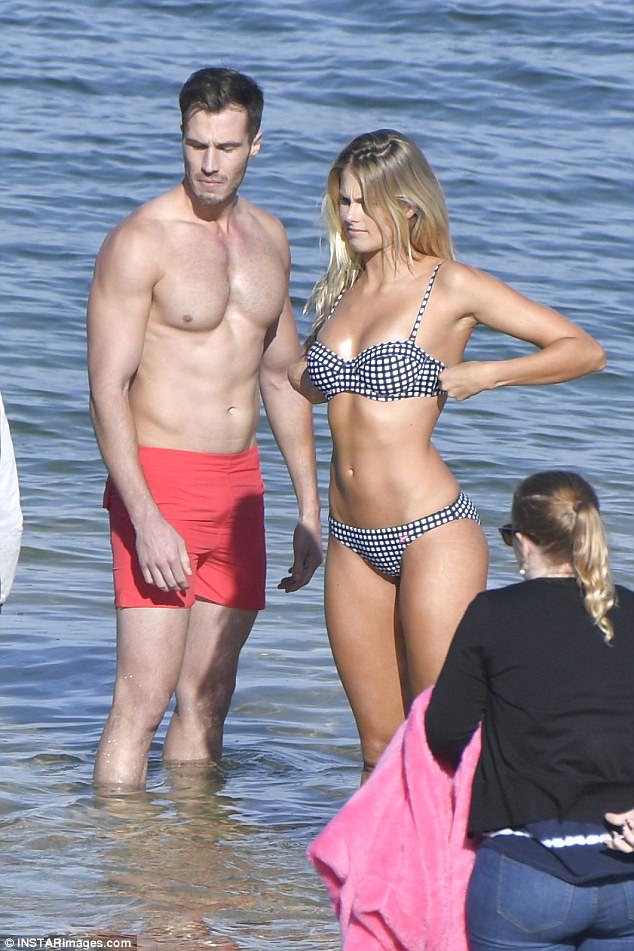
BTS In Australia 13.06.17
'Fragrance Foundation Awards 2017 in New York 14.06.2017
BTS In Australia 13.06.17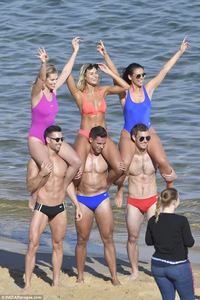
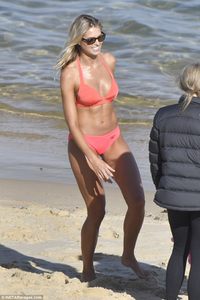
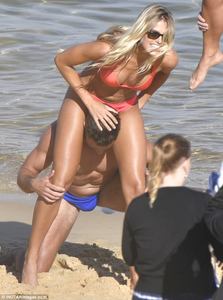
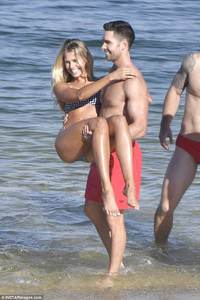
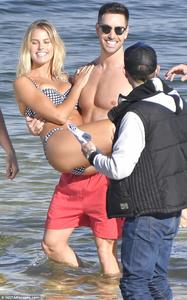
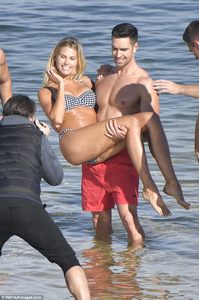
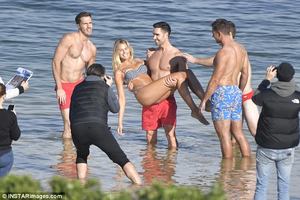
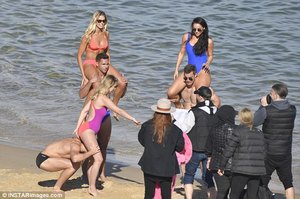
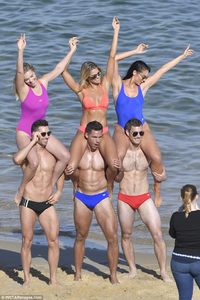
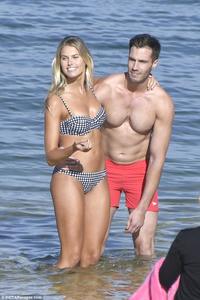
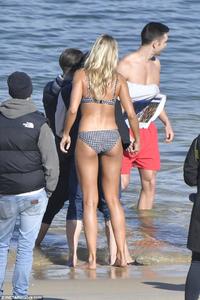
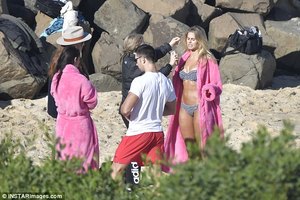
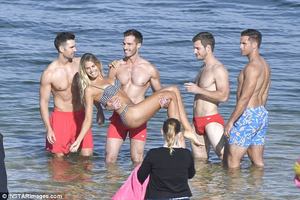
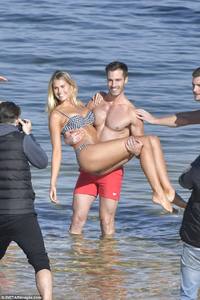
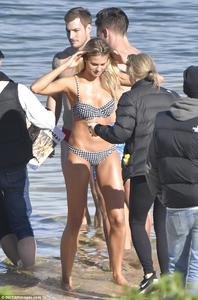
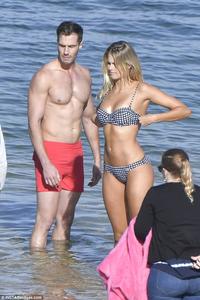
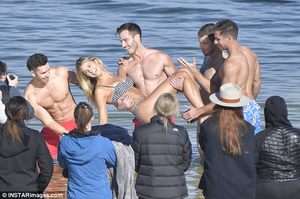
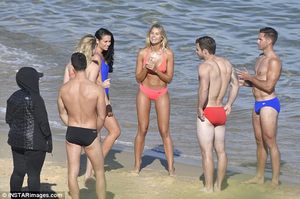 YES ! But i don't who made it, GRRR
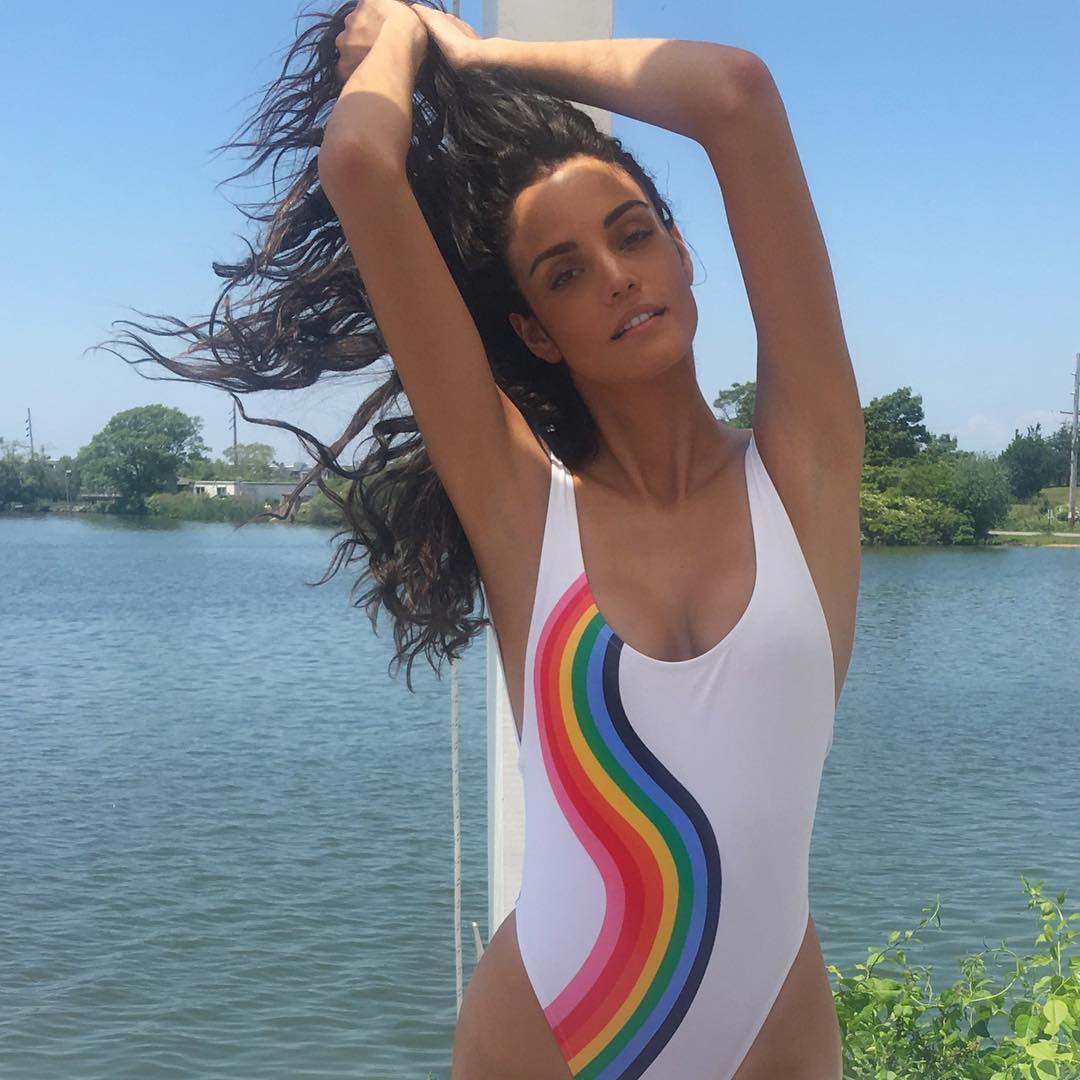
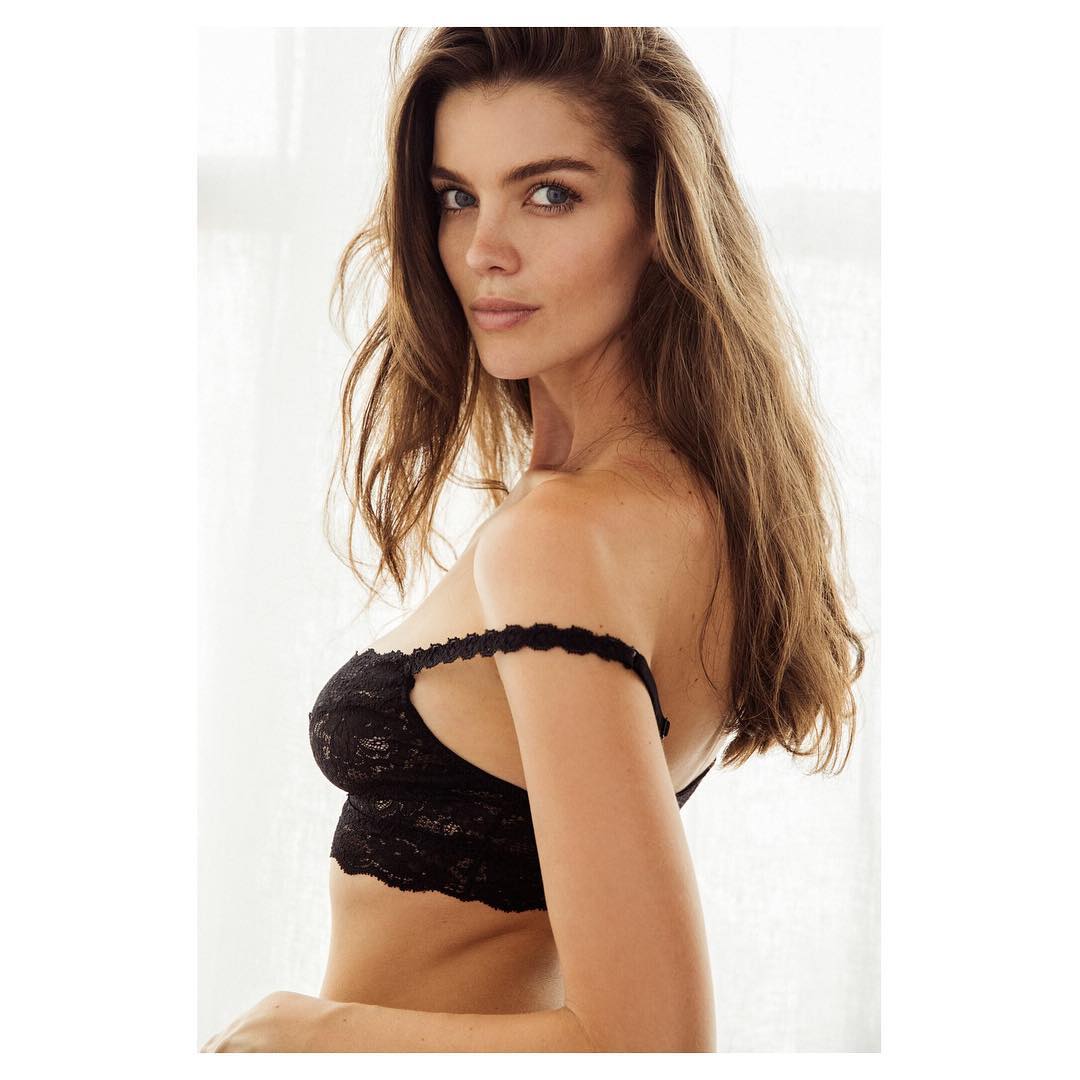
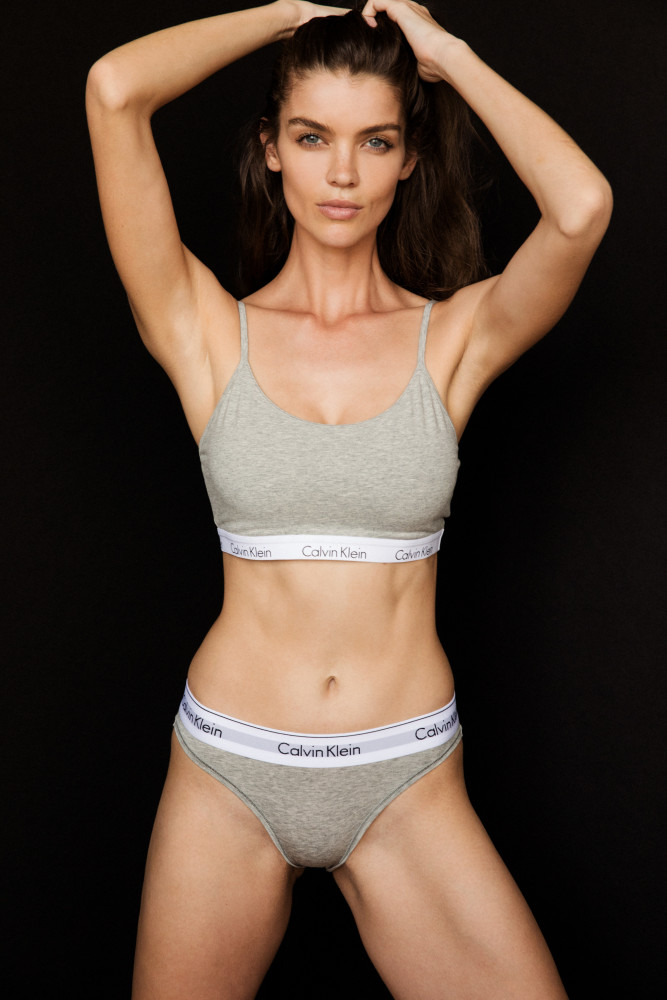
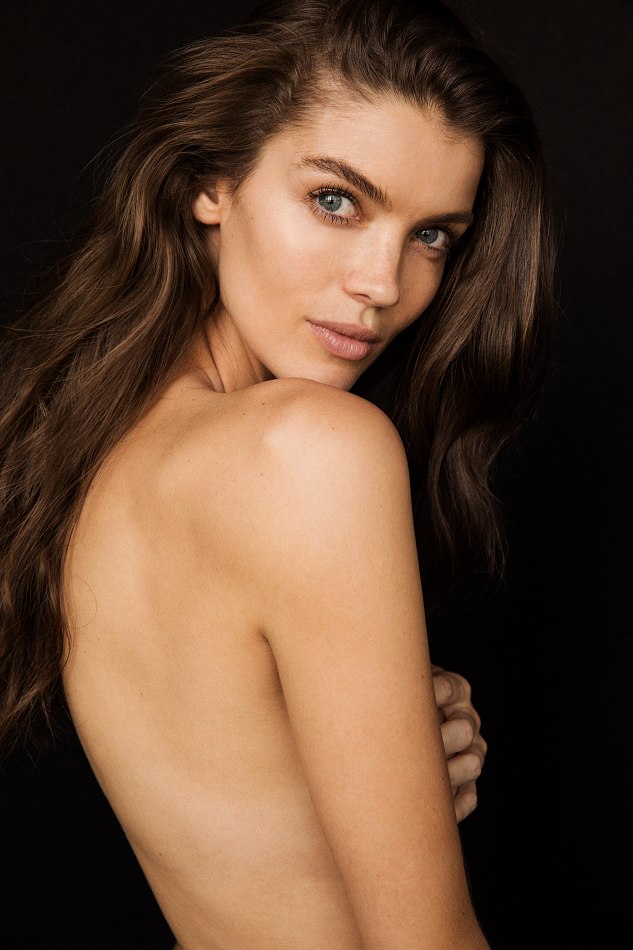
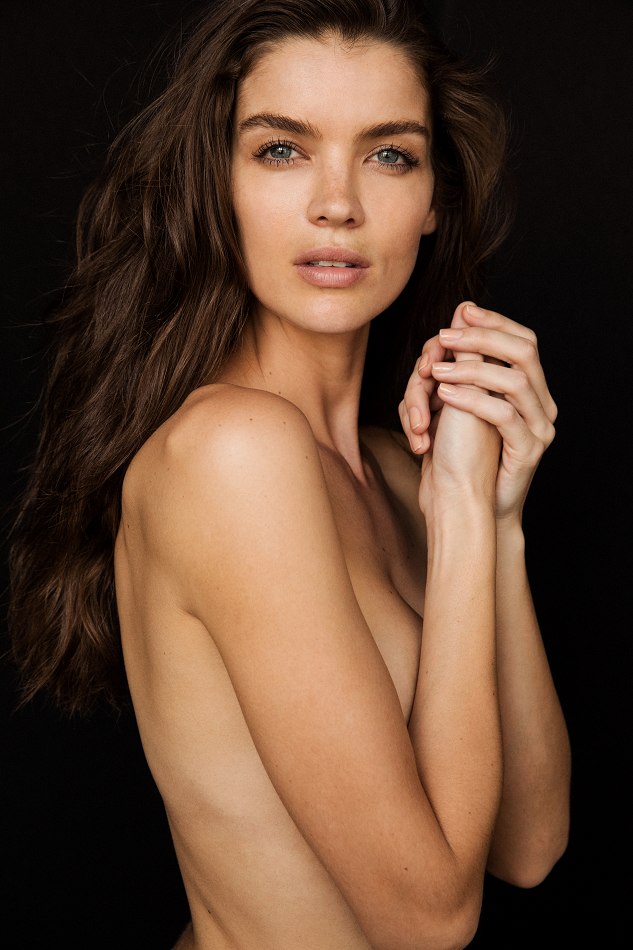
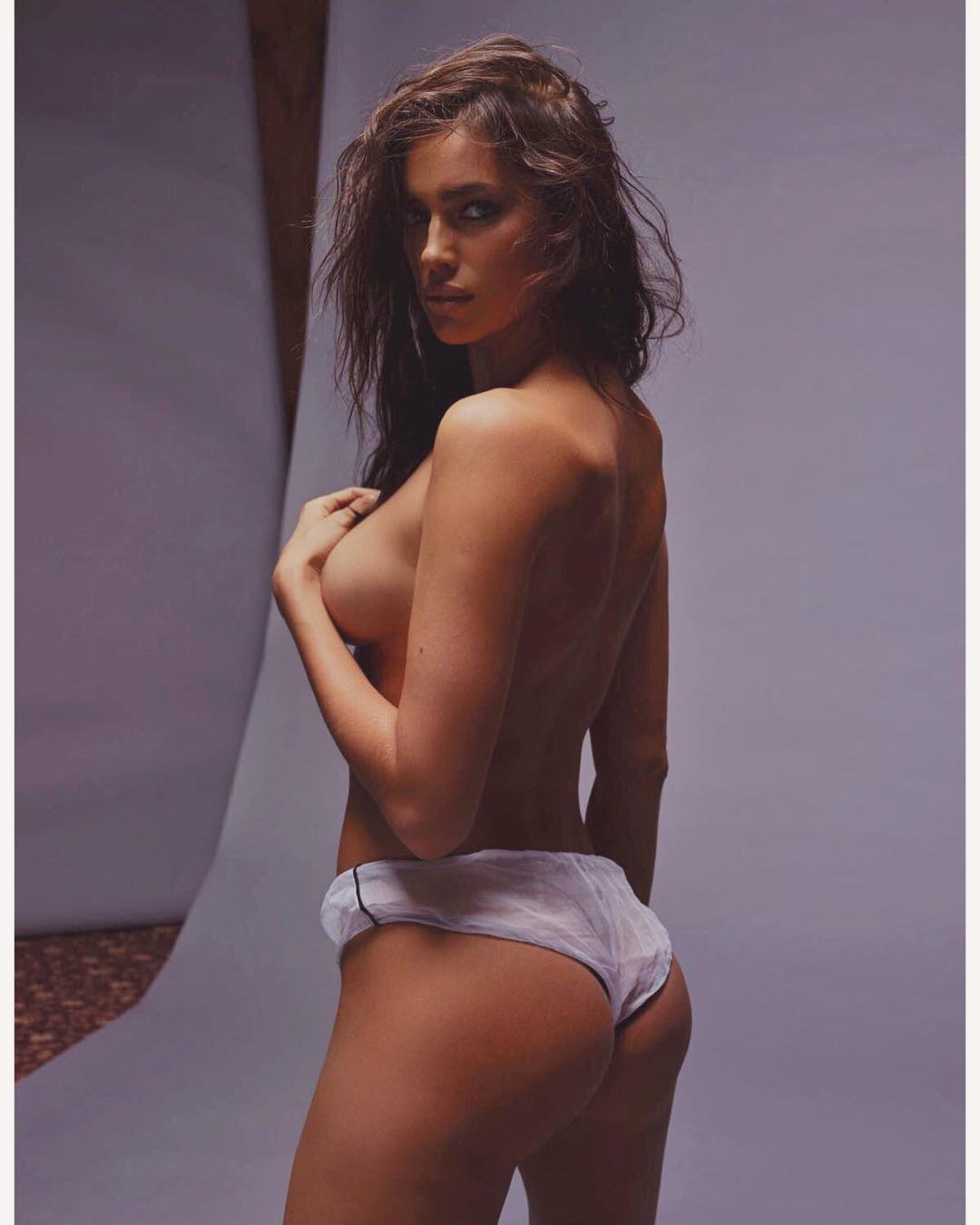
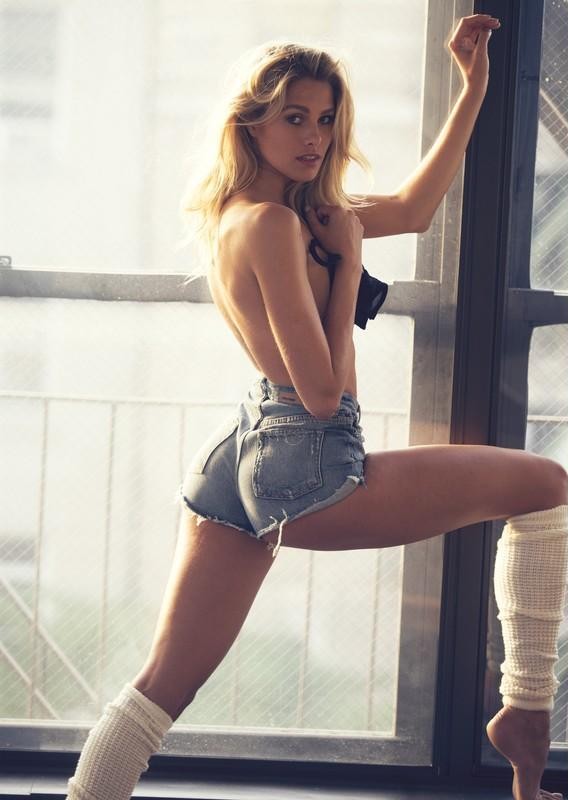
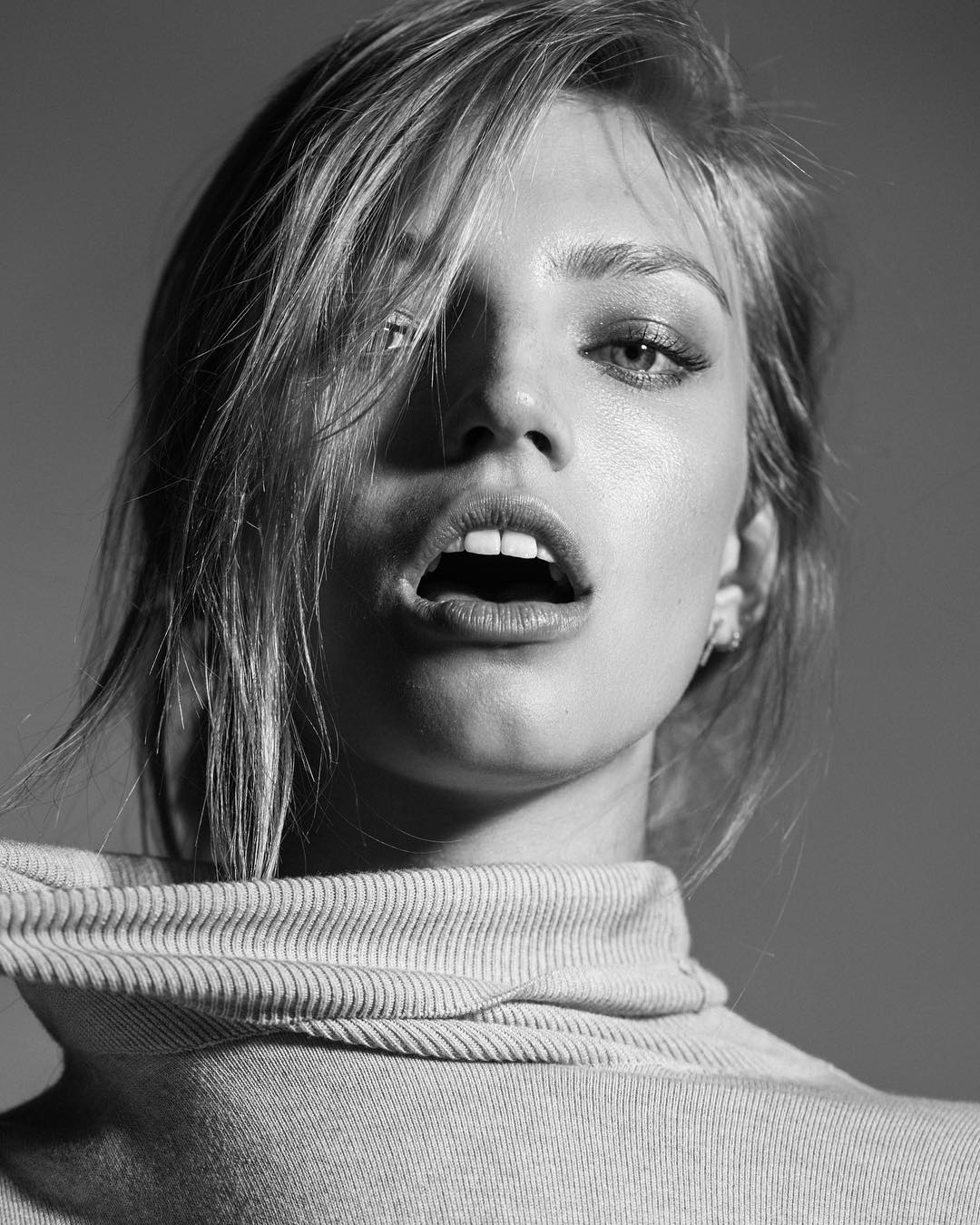
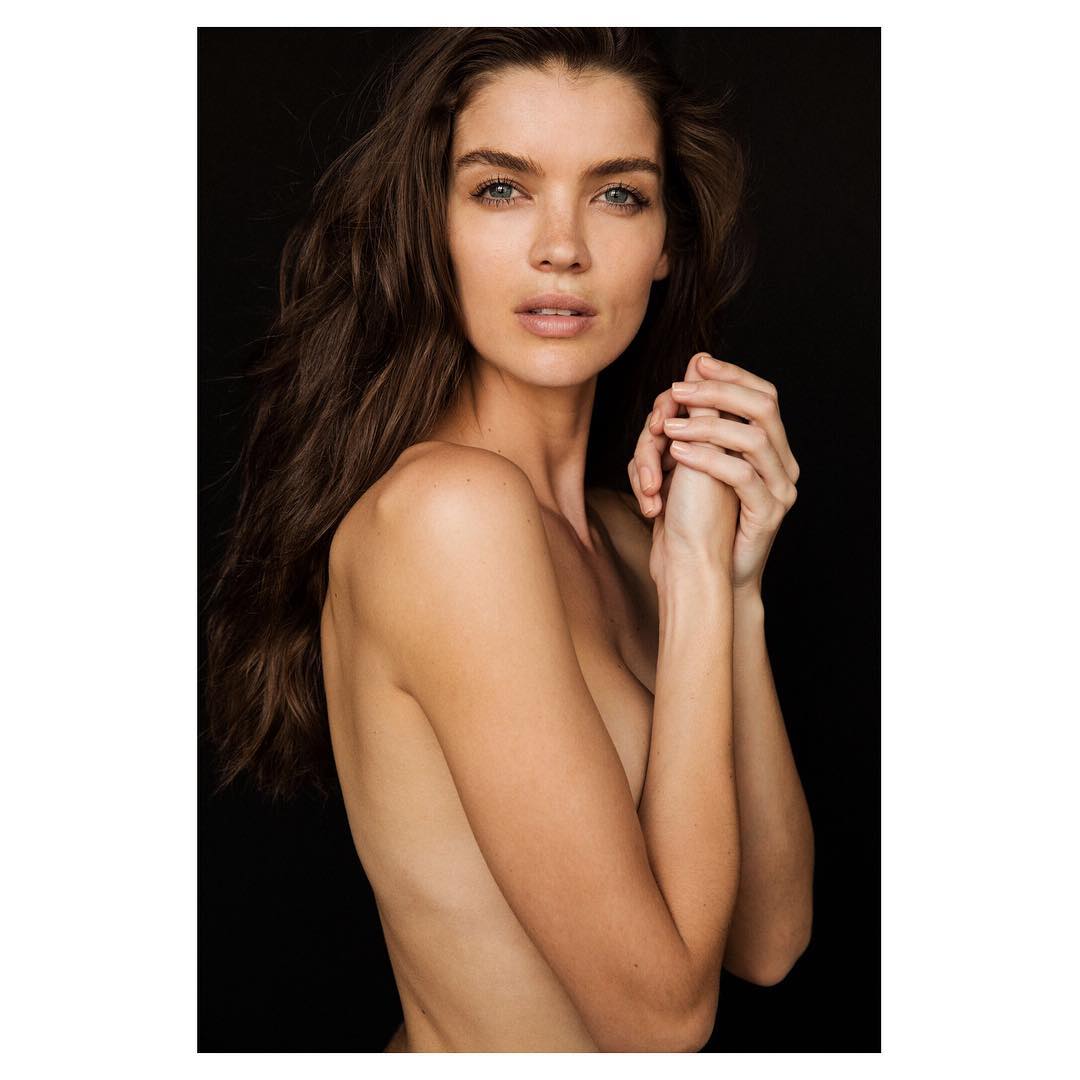
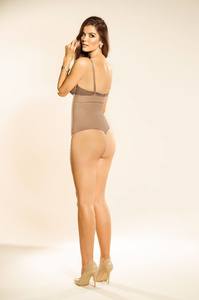
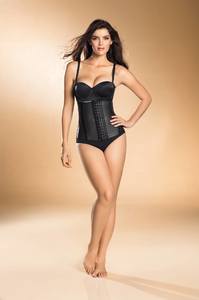
New unknown shoot
YES ! But i don't who made it, GRRR
New unknown shoot

 I won't talk about it anymore. You guys missed it, i can't sum up a live stream of 2 hours Perhaps she will talk about it more later, when she will be back, if she's back anytime soon.
During her last Instagram live stream, someone asked her what was her best memory about her modeling career, and she answered that there's none... How disappointing to hear that. Especially since many of her fans was watching this live ... Since, there's no news from her. She seemed really upset. I hope Gen feels better now ! But no links with that shoot though ...
I won't talk about it anymore. You guys missed it, i can't sum up a live stream of 2 hours Perhaps she will talk about it more later, when she will be back, if she's back anytime soon.
During her last Instagram live stream, someone asked her what was her best memory about her modeling career, and she answered that there's none... How disappointing to hear that. Especially since many of her fans was watching this live ... Since, there's no news from her. She seemed really upset. I hope Gen feels better now ! But no links with that shoot though ...
Account
Navigation
Search
Configure browser push notifications
Chrome (Android)
- Tap the lock icon next to the address bar.
- Tap Permissions → Notifications.
- Adjust your preference.
Chrome (Desktop)
- Click the padlock icon in the address bar.
- Select Site settings.
- Find Notifications and adjust your preference.
Safari (iOS 16.4+)
- Ensure the site is installed via Add to Home Screen.
- Open Settings App → Notifications.
- Find your app name and adjust your preference.
Safari (macOS)
- Go to Safari → Preferences.
- Click the Websites tab.
- Select Notifications in the sidebar.
- Find this website and adjust your preference.
Edge (Android)
- Tap the lock icon next to the address bar.
- Tap Permissions.
- Find Notifications and adjust your preference.
Edge (Desktop)
- Click the padlock icon in the address bar.
- Click Permissions for this site.
- Find Notifications and adjust your preference.
Firefox (Android)
- Go to Settings → Site permissions.
- Tap Notifications.
- Find this site in the list and adjust your preference.
Firefox (Desktop)
- Open Firefox Settings.
- Search for Notifications.
- Find this site in the list and adjust your preference.