

TheBestModels
Members
-
Joined
Everything posted by TheBestModels
-
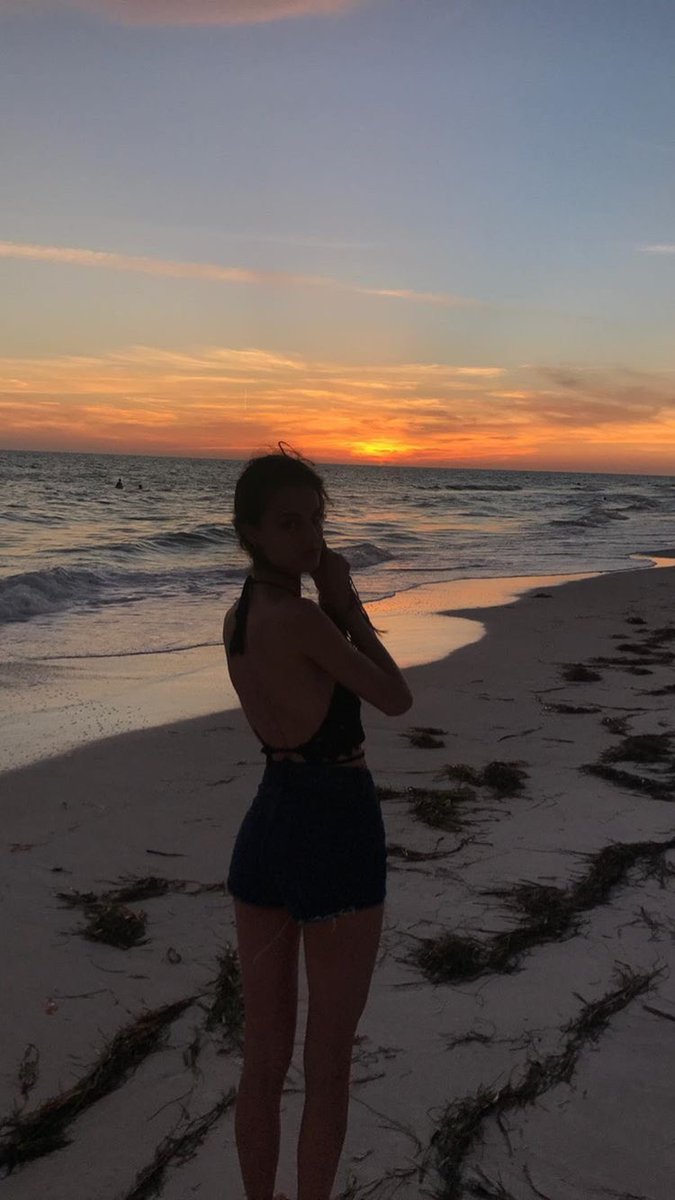
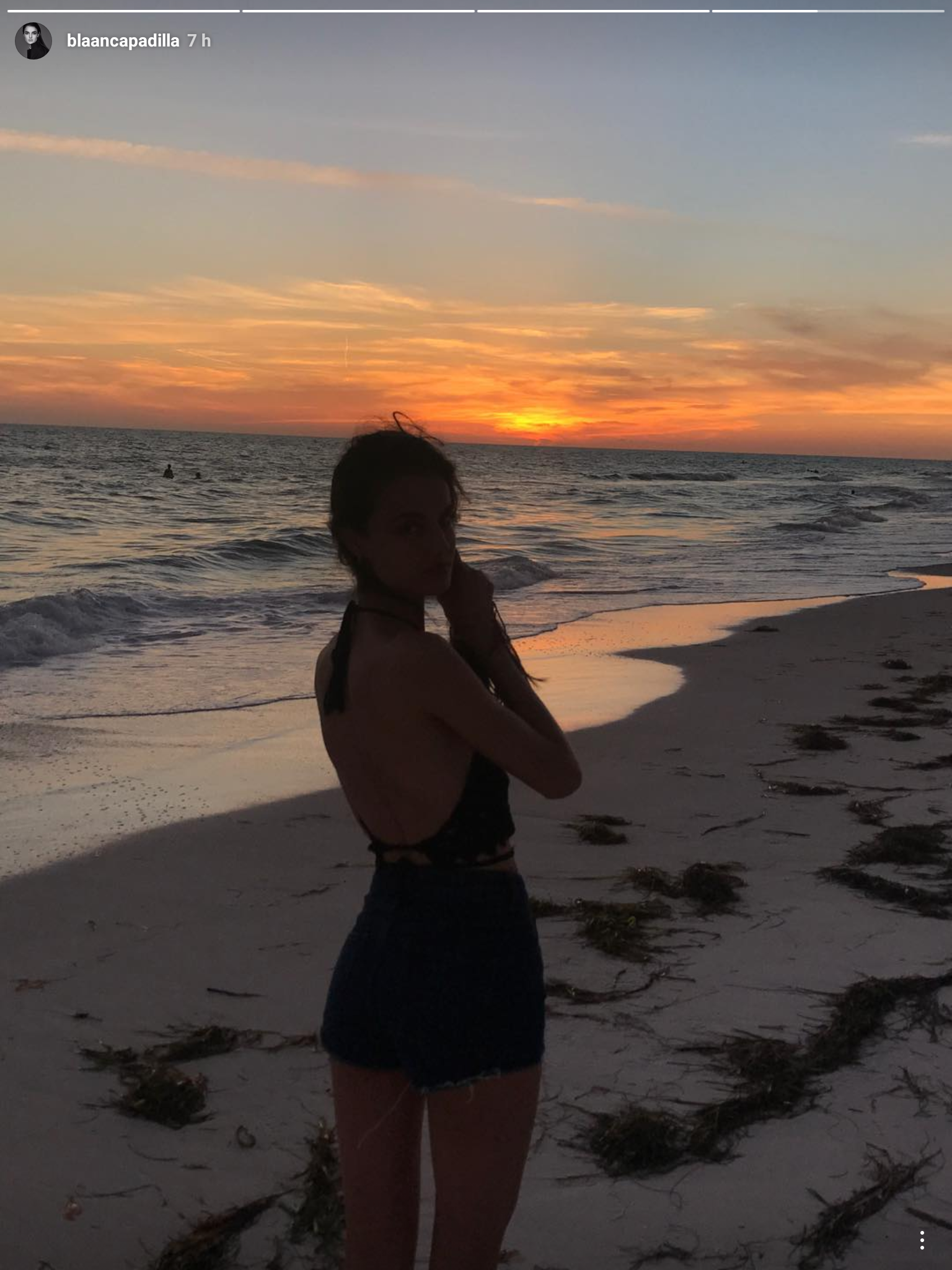
 IG Story
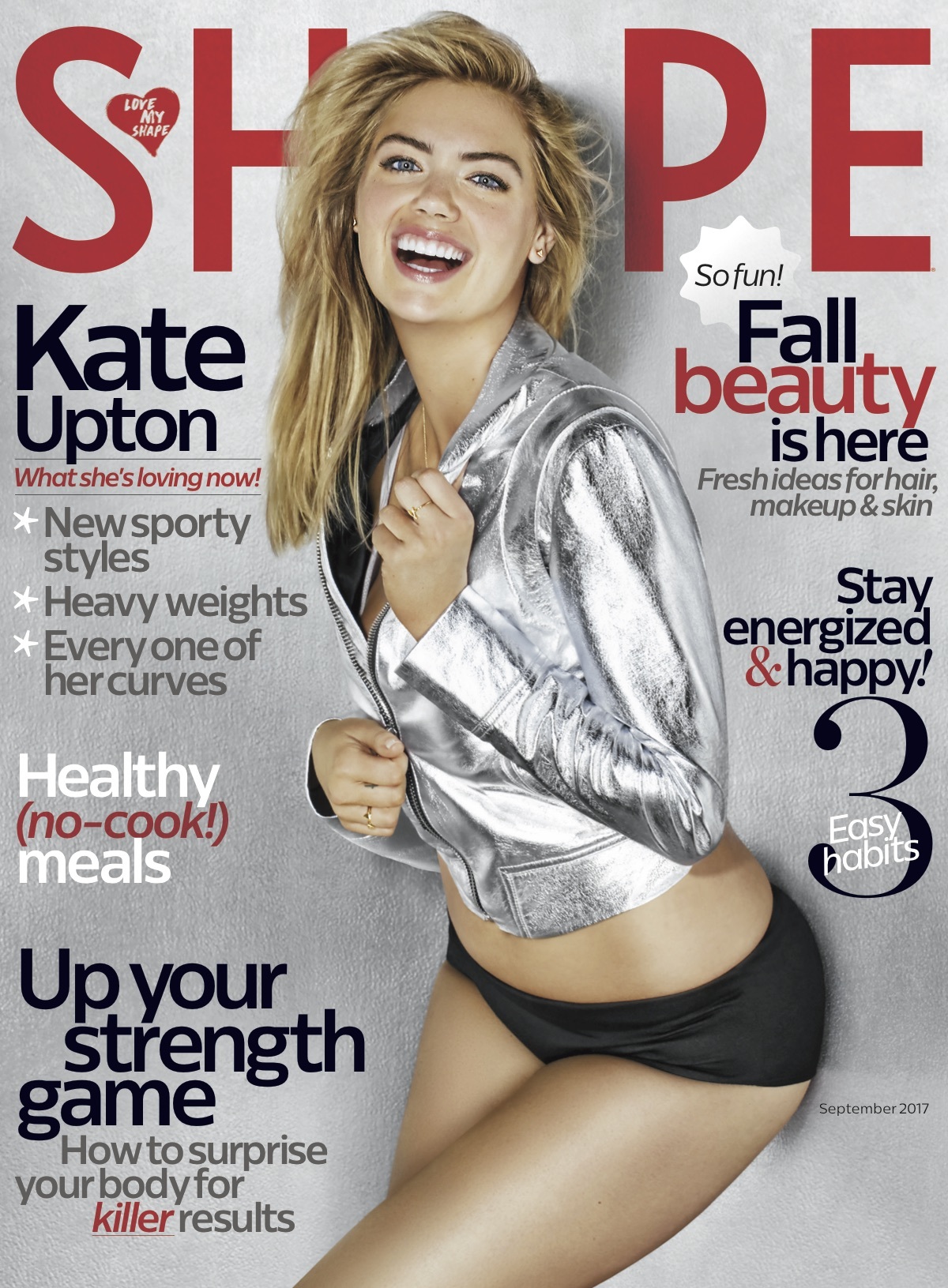
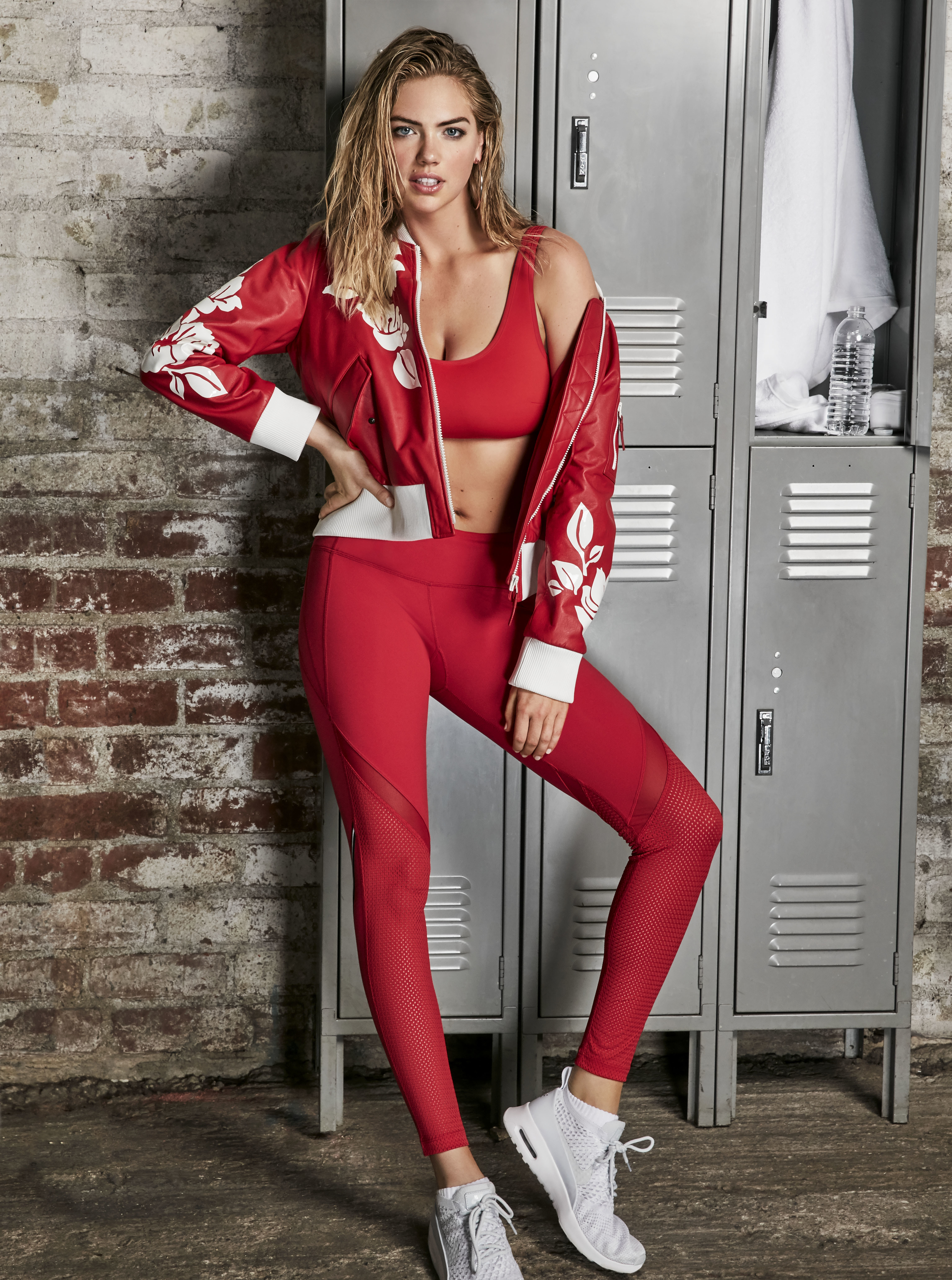
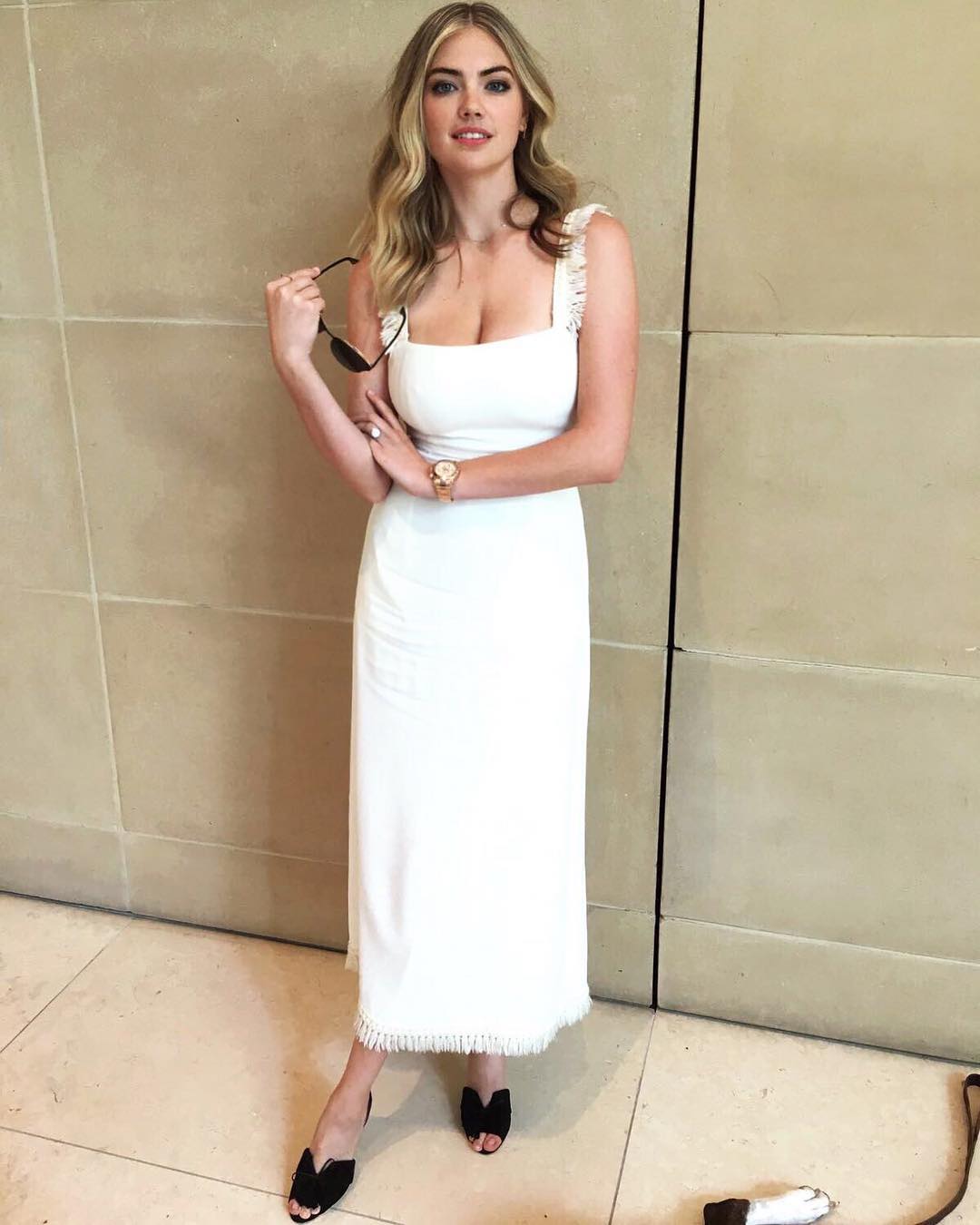
 Shape Magazine September 2017 Kate Upton Shares How She Worked Up to Lifting Heavy Weights >> http://www.shape.com/celebrities/videos/kate-upton-shape-september-2017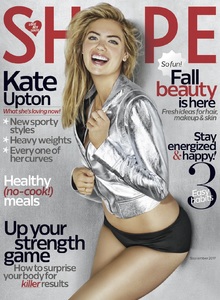
 You don't know what you miss
Now you say that i understand, i made something lately in a pretty big cloth shop, ... and i was surprised the way they classified the sizes. They were pround to say we have "plus sizes", but i noticed for the opposite, you had to go pretty quickly in the kid space, for smaller sizes, so i understand what you mean. But now it's said, oh, common ! I know short girls love to complain about their height because they know boys find that pretty cute, that's somehow a "normailty". And plus, that's a whole part of your personailty, short girls make lots of things, fun things, (or no lol) that taller girls don't do. What you say remind me how much that's a business, like i said above, brands and shops make money with that. Si trying to create that swimwear brand is a business, just like when some brands try to sale religious clothes ... It's not so innocent as they want us to think, in the end. They wanted to sale paper, and now they want to sale tissue. But still, it's exploiting an unhealthy image of the woman. Bad reason, bad business.
Ask to @Cult Icon to buy you one
You should have one, just like me, to lurk and stalk
Thanks @Cult Icon !
I'm 30 (soon) and the 18 first years of my life were XL'ish (french size) and since then, things changed and i am now between S and L, depend the outfits. And i swear, the life under the "X" size is better, than above lol But yah, you're too small 100% Agree. You steal me the words from the mouth, i have nothing more to add to that. I won't go into some political rhetoric, but all that is clearly extreamly politized. Funny enough, everybody can notice how much the apostles of this speech are clearly politically marked.
@ushuaiacollection
You don't know what you miss
Now you say that i understand, i made something lately in a pretty big cloth shop, ... and i was surprised the way they classified the sizes. They were pround to say we have "plus sizes", but i noticed for the opposite, you had to go pretty quickly in the kid space, for smaller sizes, so i understand what you mean. But now it's said, oh, common ! I know short girls love to complain about their height because they know boys find that pretty cute, that's somehow a "normailty". And plus, that's a whole part of your personailty, short girls make lots of things, fun things, (or no lol) that taller girls don't do. What you say remind me how much that's a business, like i said above, brands and shops make money with that. Si trying to create that swimwear brand is a business, just like when some brands try to sale religious clothes ... It's not so innocent as they want us to think, in the end. They wanted to sale paper, and now they want to sale tissue. But still, it's exploiting an unhealthy image of the woman. Bad reason, bad business.
Ask to @Cult Icon to buy you one
You should have one, just like me, to lurk and stalk
Thanks @Cult Icon !
I'm 30 (soon) and the 18 first years of my life were XL'ish (french size) and since then, things changed and i am now between S and L, depend the outfits. And i swear, the life under the "X" size is better, than above lol But yah, you're too small 100% Agree. You steal me the words from the mouth, i have nothing more to add to that. I won't go into some political rhetoric, but all that is clearly extreamly politized. Funny enough, everybody can notice how much the apostles of this speech are clearly politically marked.
@ushuaiacollection.thumb.jpg.5b198aa4da538c8c90bac4832ff2ce1a.jpg)
Account
Navigation
Search
Configure browser push notifications
Chrome (Android)
- Tap the lock icon next to the address bar.
- Tap Permissions → Notifications.
- Adjust your preference.
Chrome (Desktop)
- Click the padlock icon in the address bar.
- Select Site settings.
- Find Notifications and adjust your preference.
Safari (iOS 16.4+)
- Ensure the site is installed via Add to Home Screen.
- Open Settings App → Notifications.
- Find your app name and adjust your preference.
Safari (macOS)
- Go to Safari → Preferences.
- Click the Websites tab.
- Select Notifications in the sidebar.
- Find this website and adjust your preference.
Edge (Android)
- Tap the lock icon next to the address bar.
- Tap Permissions.
- Find Notifications and adjust your preference.
Edge (Desktop)
- Click the padlock icon in the address bar.
- Click Permissions for this site.
- Find Notifications and adjust your preference.
Firefox (Android)
- Go to Settings → Site permissions.
- Tap Notifications.
- Find this site in the list and adjust your preference.
Firefox (Desktop)
- Open Firefox Settings.
- Search for Notifications.
- Find this site in the list and adjust your preference.




.jpg.3a506f3672aba6e7f612a0082f1dc911.jpg)