TheBestModels
Members
-
Joined
Everything posted by TheBestModels
-
 Better Quality NUDITY

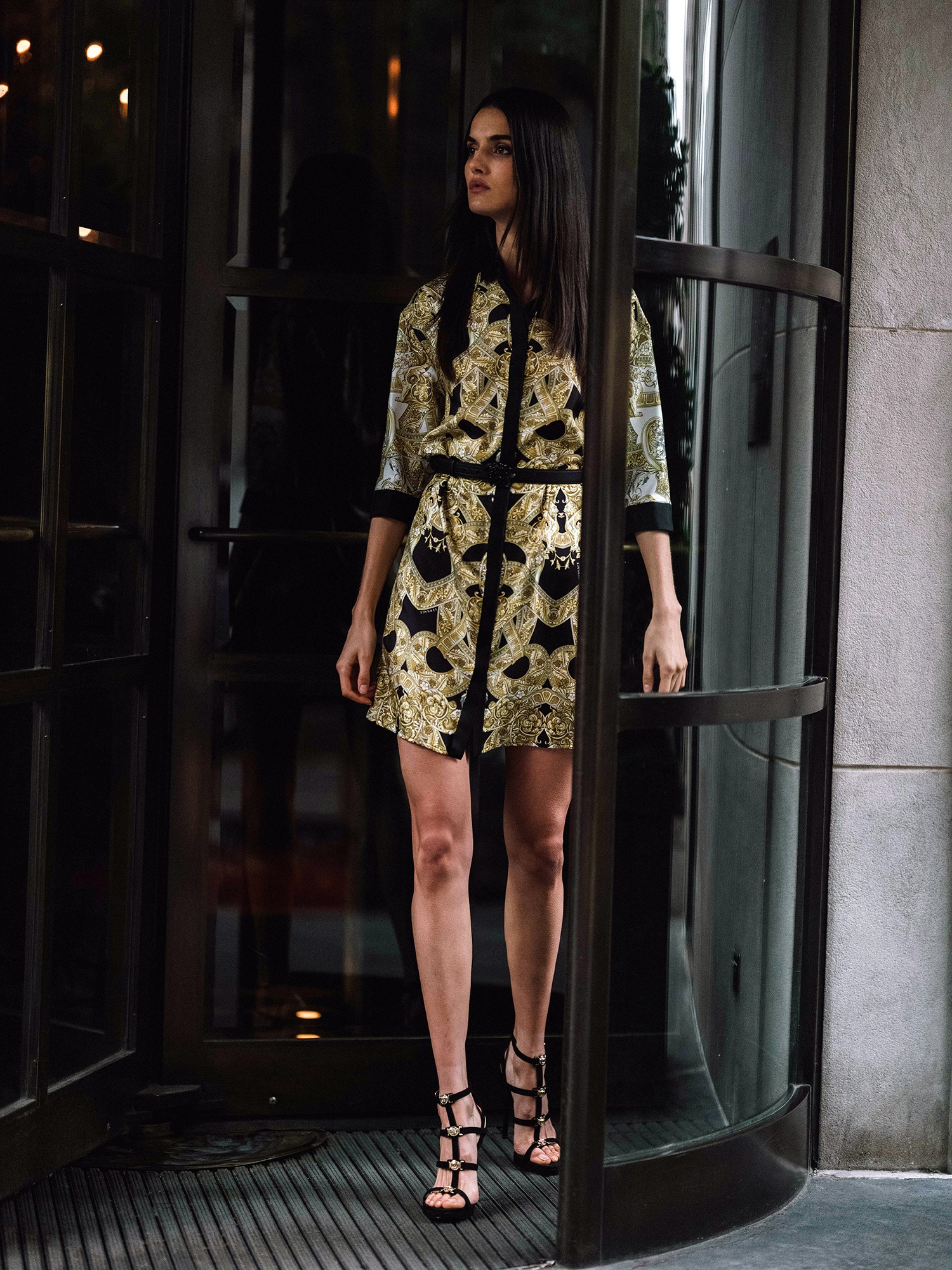
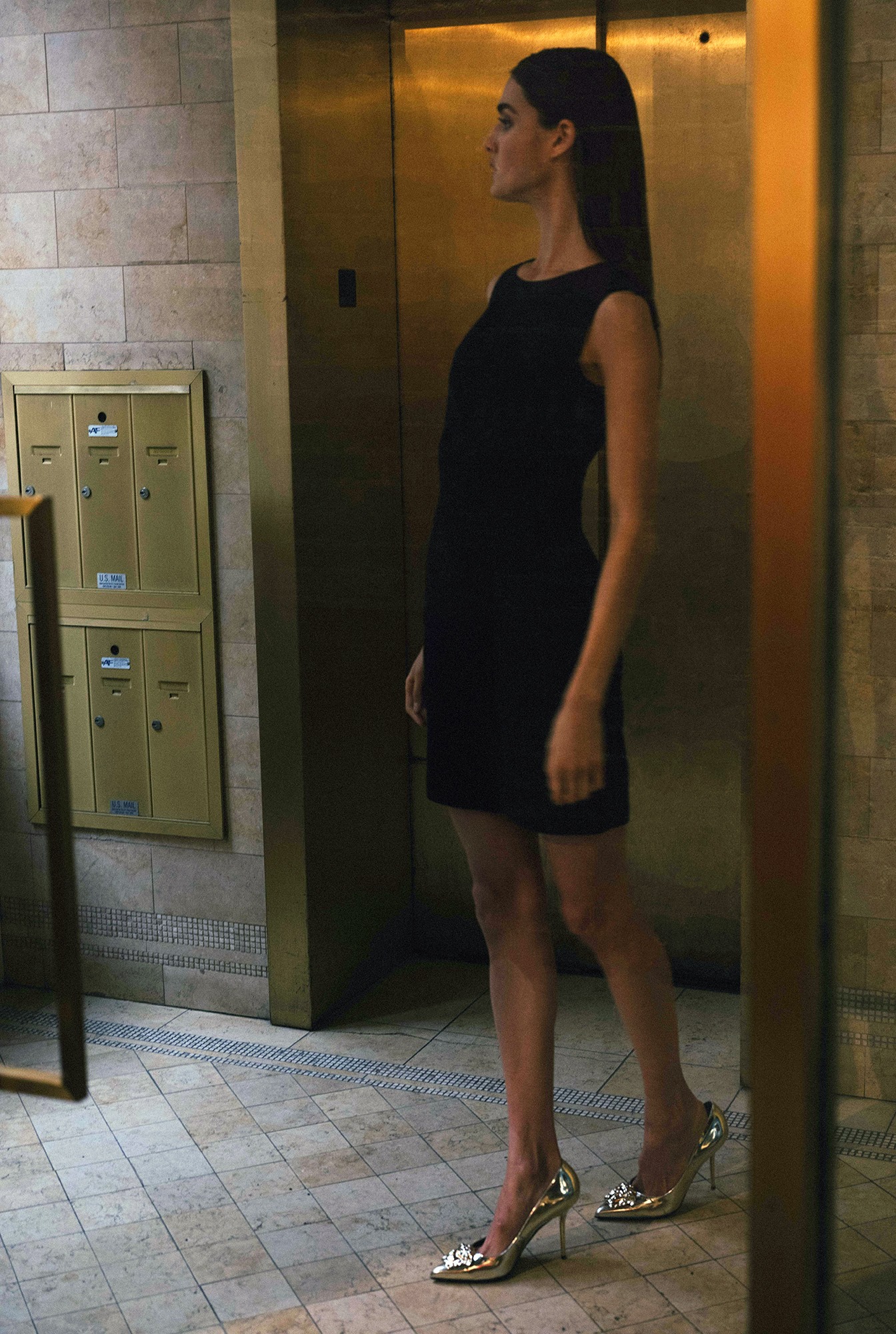
 Model Sofia Resing attends "The Assassination Of Gianni Versace: American Crime Story" New York Screening at Metrograph on December 11, 2017 in New York City.

 HQ - 15th Anniversary of Glamour magazine, Ritz Hotel, Madrid
Yes she is
Wow ! Thanks @MissPadilla
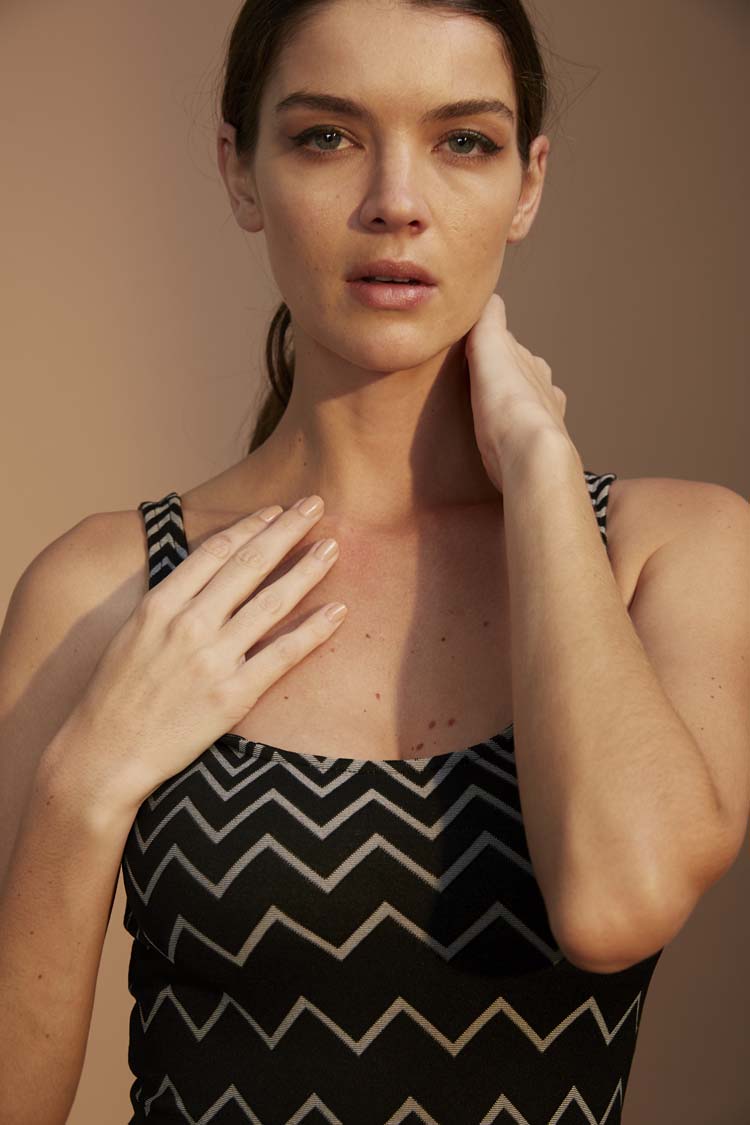
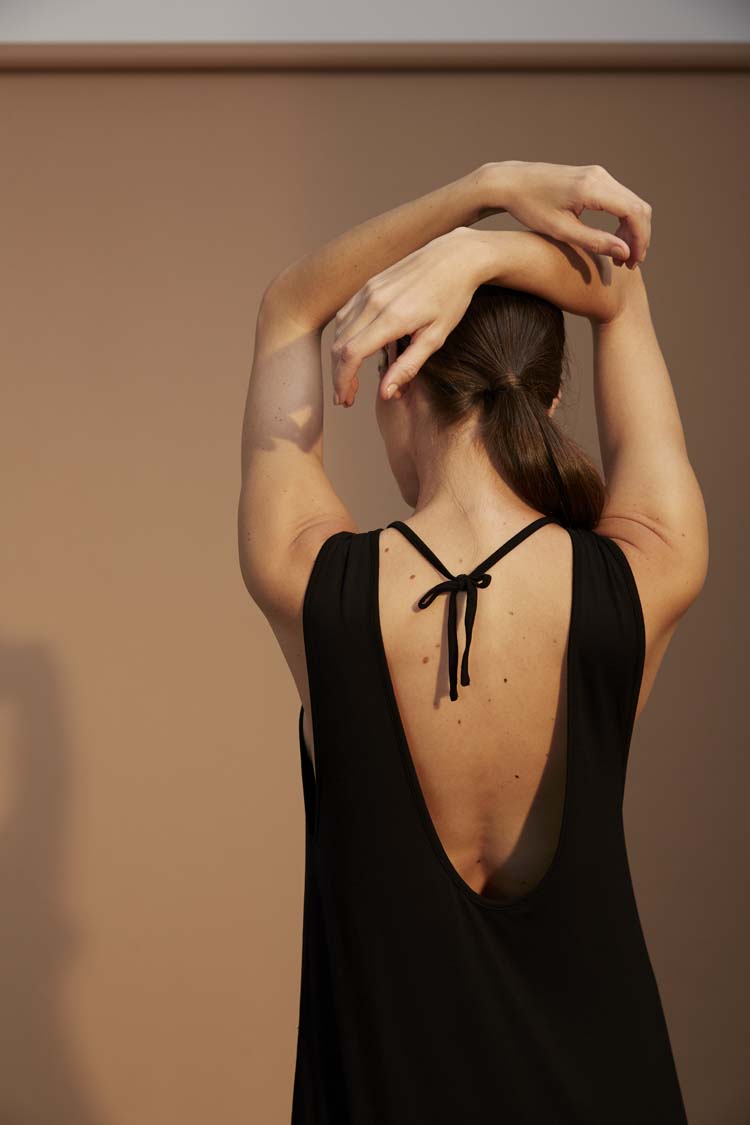
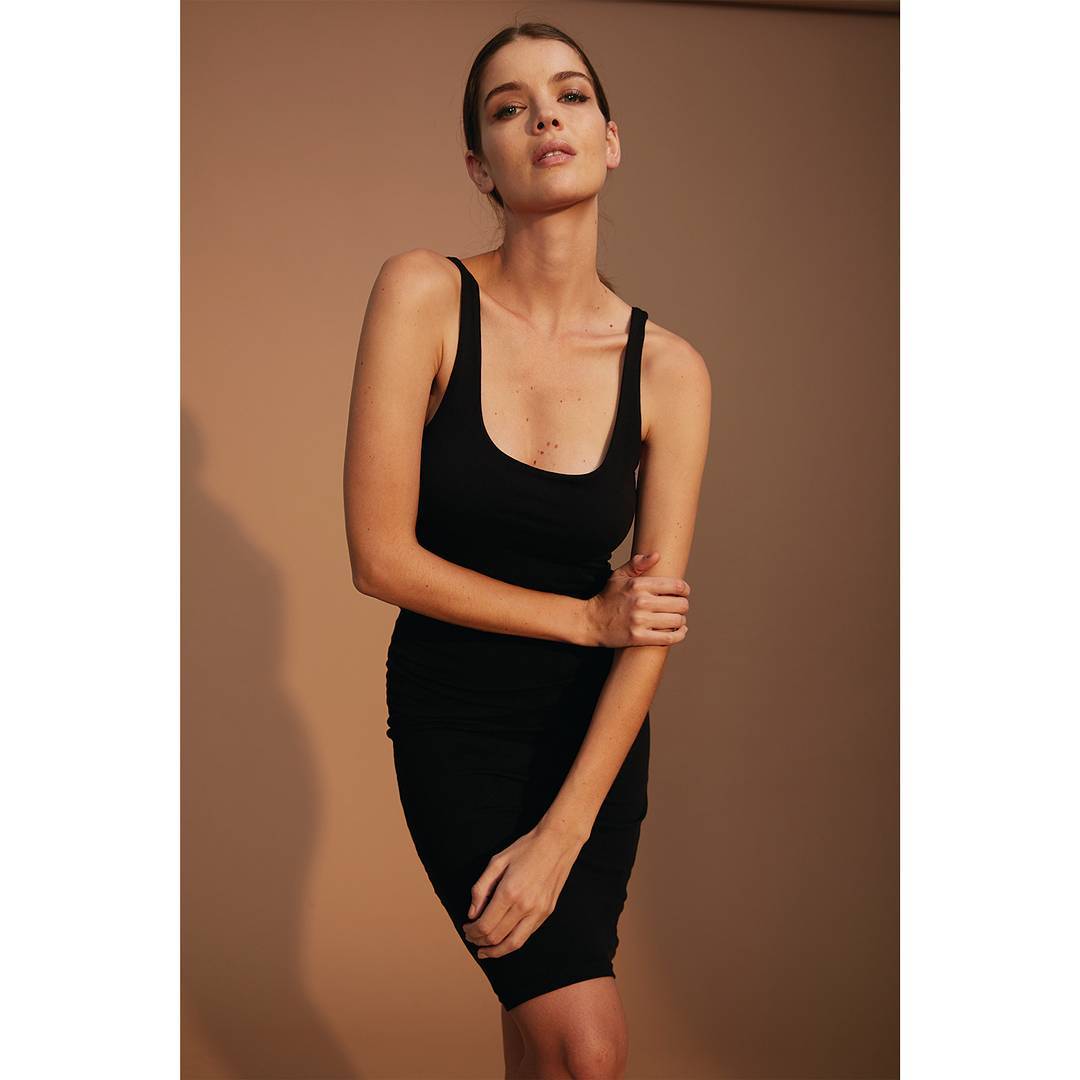
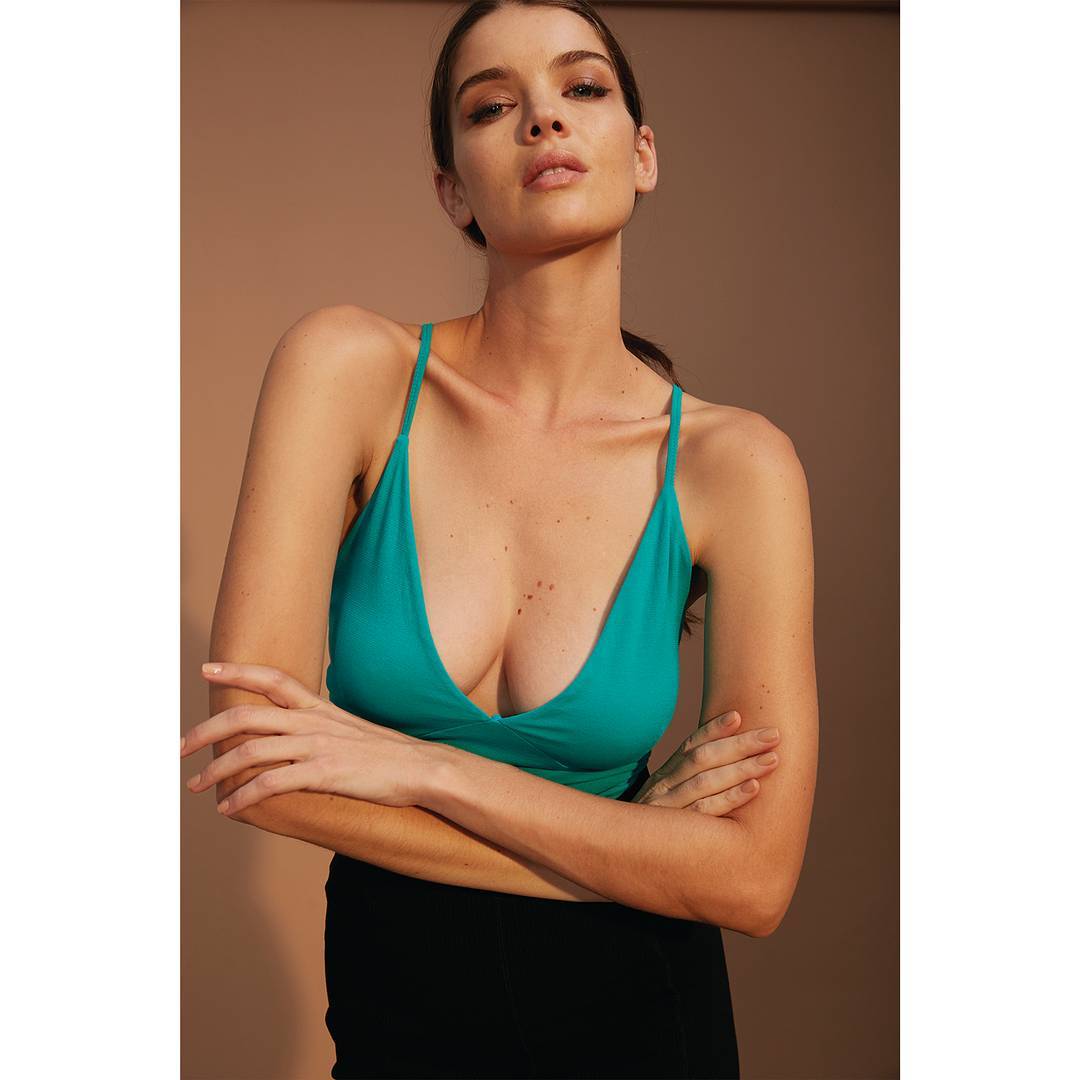
@Metalicusaustralia December 2017 Lookbook
HQ - 15th Anniversary of Glamour magazine, Ritz Hotel, Madrid
Yes she is
Wow ! Thanks @MissPadilla
@Metalicusaustralia December 2017 Lookbook
























































 iNSTAGRAM
 Et c'est partout comme ça . BFM surtout. Même les actualités locales ...
I wonder what is the meaning... of having tattooed a rose on the middle finger lol
Et c'est partout comme ça . BFM surtout. Même les actualités locales ...
I wonder what is the meaning... of having tattooed a rose on the middle finger lol
Account
Navigation
Search
Configure browser push notifications
Chrome (Android)
- Tap the lock icon next to the address bar.
- Tap Permissions → Notifications.
- Adjust your preference.
Chrome (Desktop)
- Click the padlock icon in the address bar.
- Select Site settings.
- Find Notifications and adjust your preference.
Safari (iOS 16.4+)
- Ensure the site is installed via Add to Home Screen.
- Open Settings App → Notifications.
- Find your app name and adjust your preference.
Safari (macOS)
- Go to Safari → Preferences.
- Click the Websites tab.
- Select Notifications in the sidebar.
- Find this website and adjust your preference.
Edge (Android)
- Tap the lock icon next to the address bar.
- Tap Permissions.
- Find Notifications and adjust your preference.
Edge (Desktop)
- Click the padlock icon in the address bar.
- Click Permissions for this site.
- Find Notifications and adjust your preference.
Firefox (Android)
- Go to Settings → Site permissions.
- Tap Notifications.
- Find this site in the list and adjust your preference.
Firefox (Desktop)
- Open Firefox Settings.
- Search for Notifications.
- Find this site in the list and adjust your preference.