jj3
Members
-
Joined
Everything posted by jj3
-
 ^ more
 -
@Prettyphile My brother got it this morning
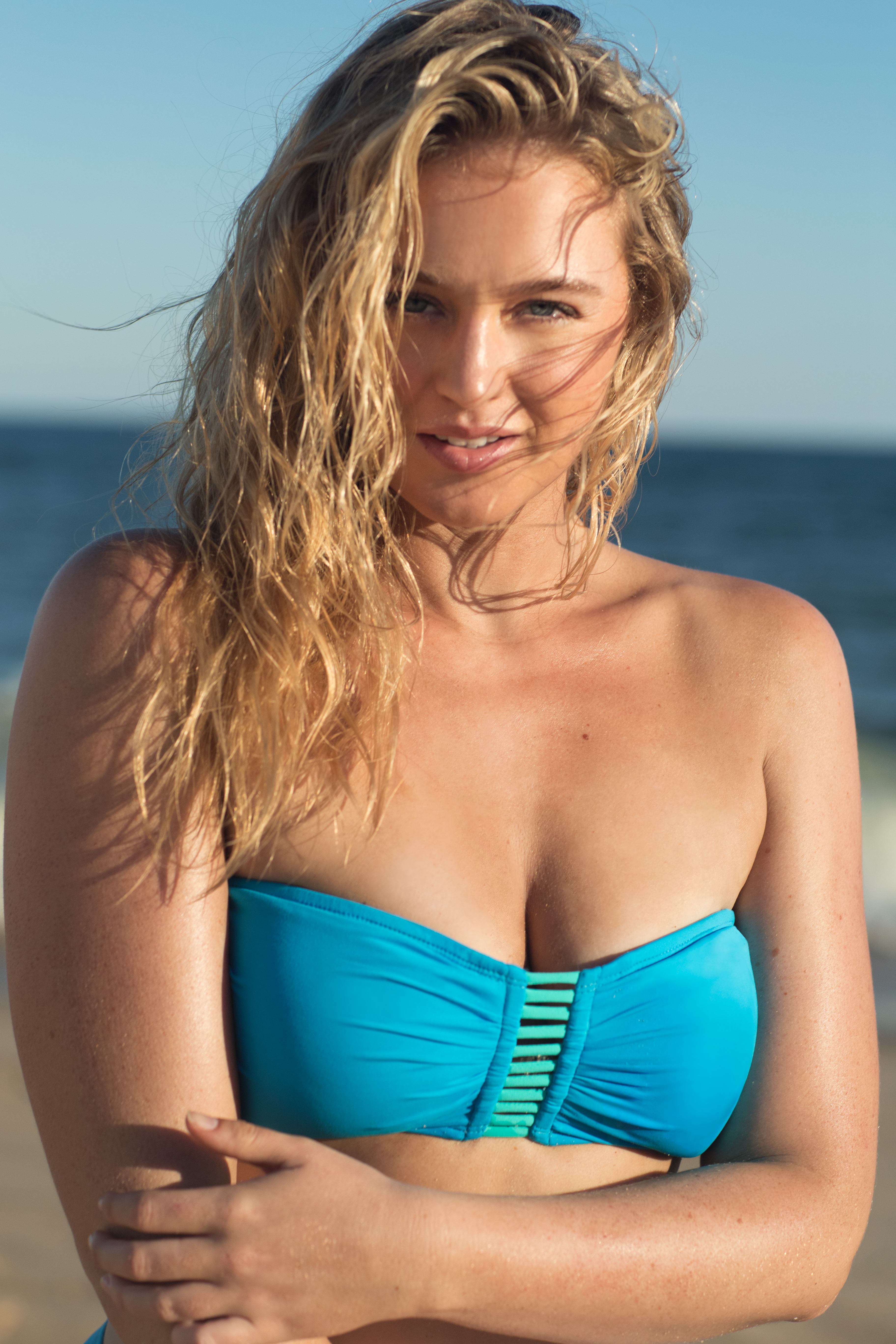
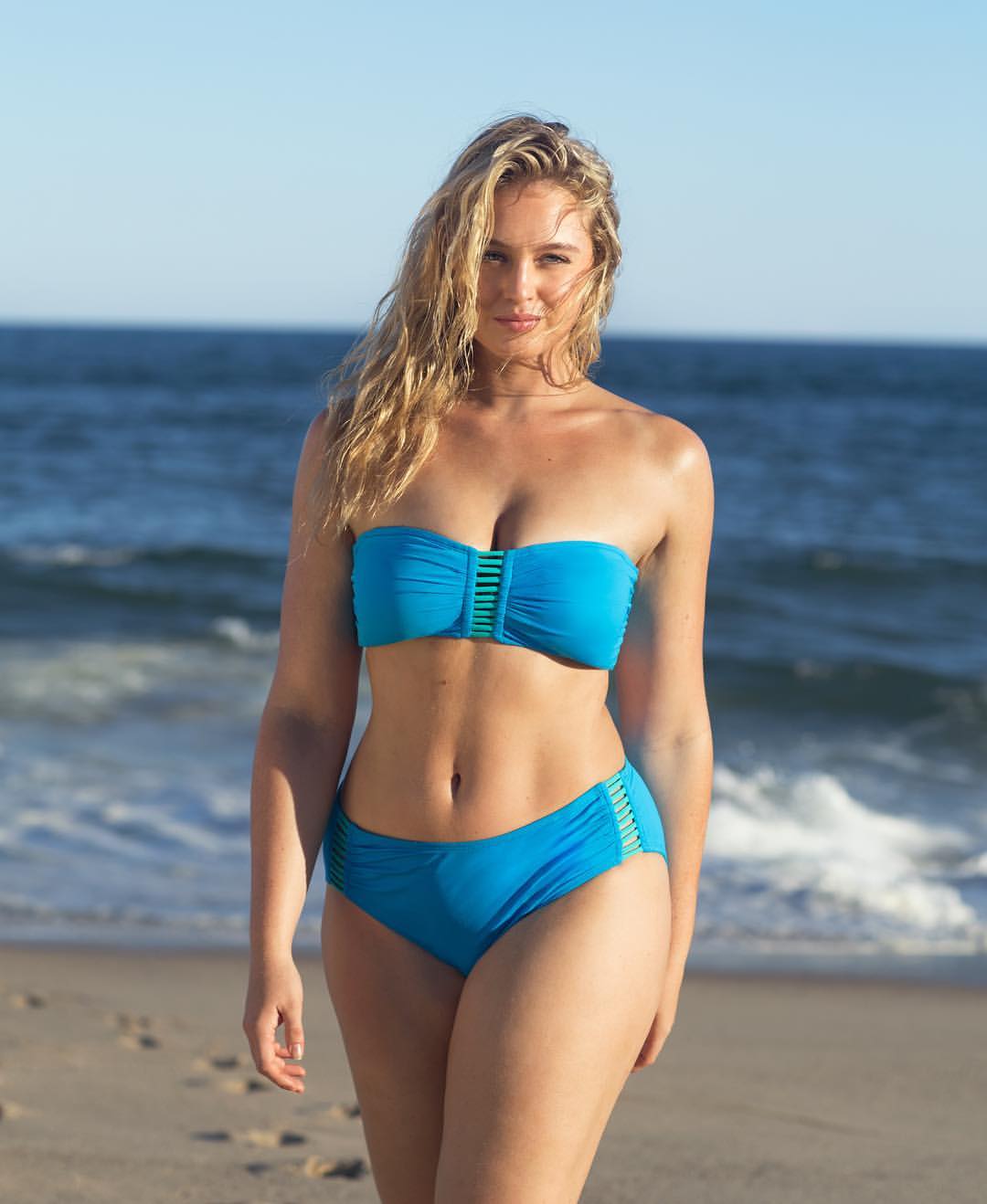
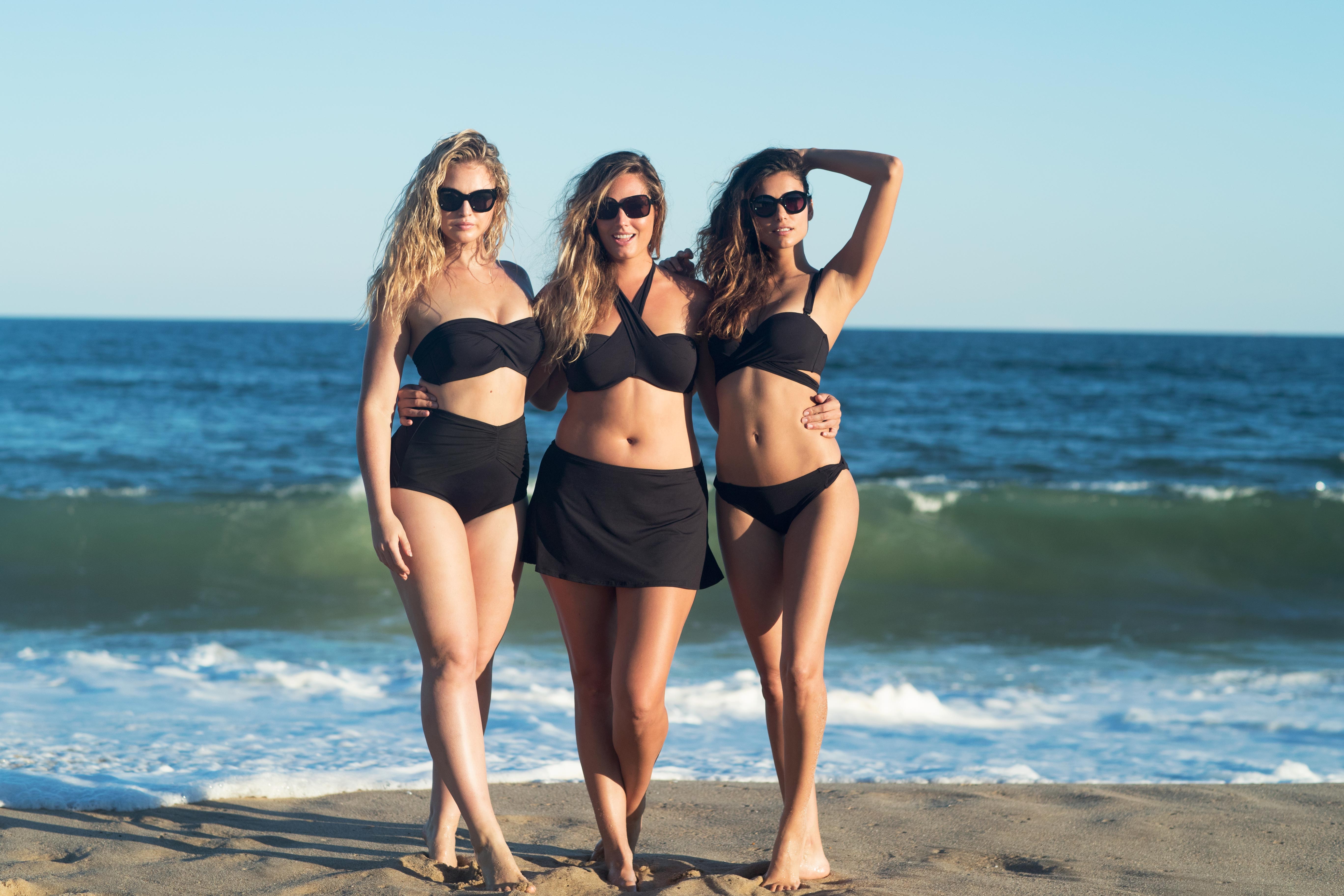
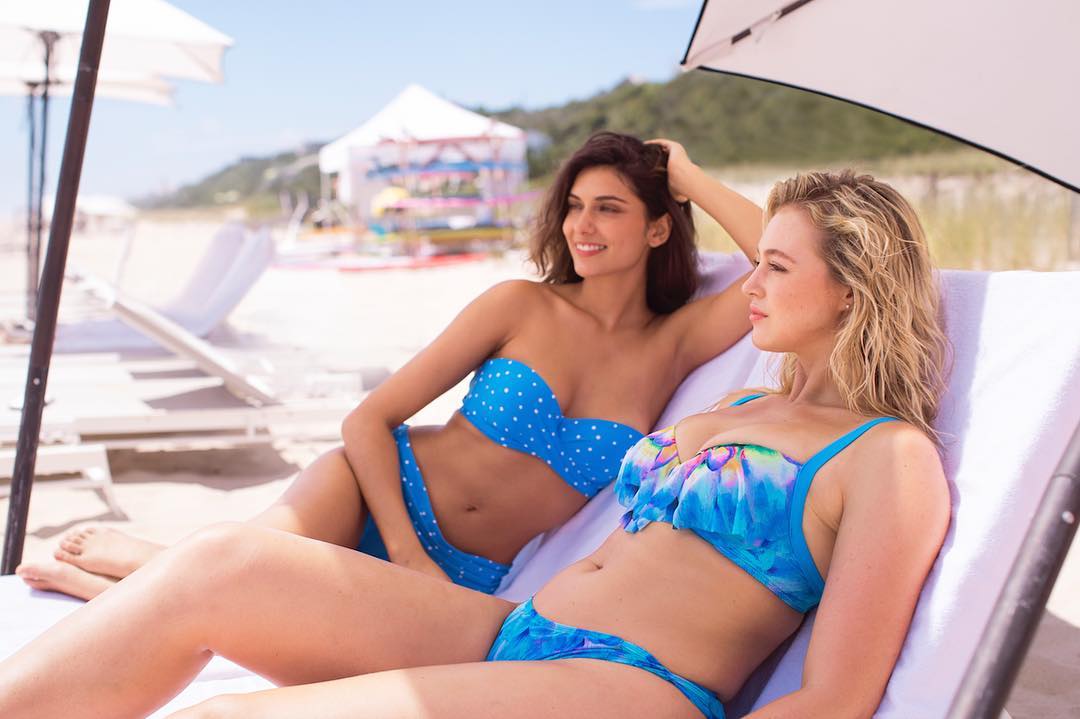
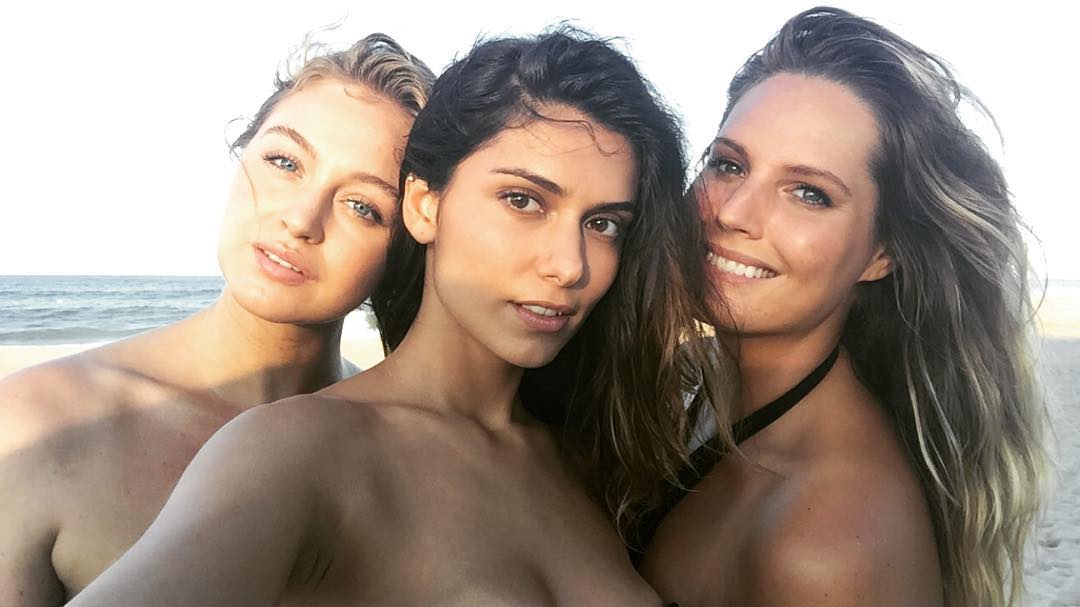
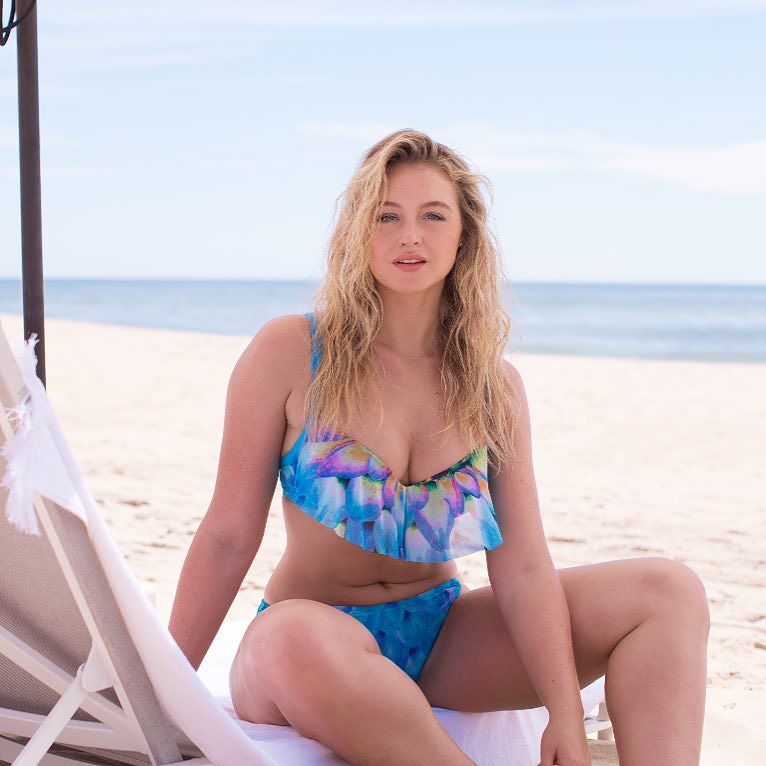
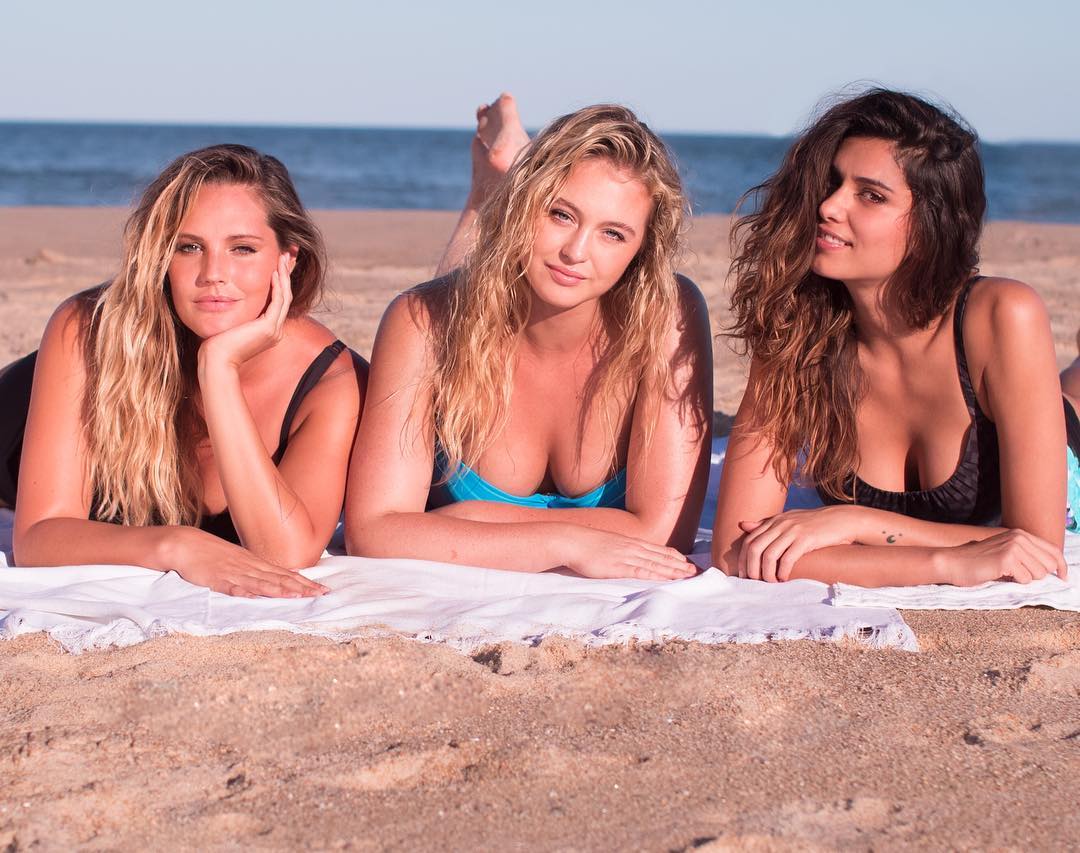
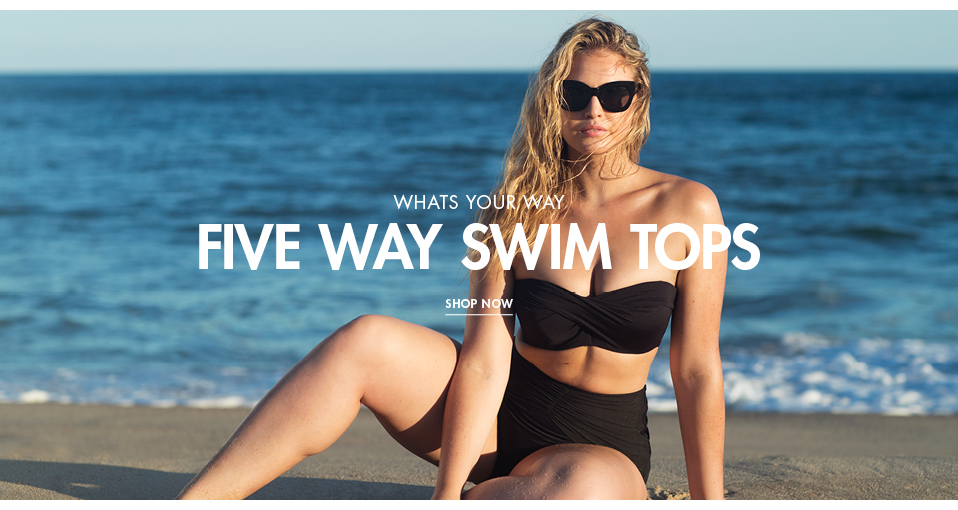
Marc&Andre Swim SS17
Thanks Guys #WW1
Well actually the calendar has been shooted while she was shooted the WS 2016 in Borneo, last spring/summer. With Derek Riker. I would prefer to see the making of from the calendar itself if i could choose
^ Maybe because it's not a surprise, and maybe because some prefer to ignore it too
^ I appreciate this french hottie as well, she deserves her own thread on BZ ! @elfstone You'd like to know she made Erotic stuff as well
Account
Search
Configure browser push notifications
Chrome (Android)
- Tap the lock icon next to the address bar.
- Tap Permissions → Notifications.
- Adjust your preference.
Chrome (Desktop)
- Click the padlock icon in the address bar.
- Select Site settings.
- Find Notifications and adjust your preference.
Safari (iOS 16.4+)
- Ensure the site is installed via Add to Home Screen.
- Open Settings App → Notifications.
- Find your app name and adjust your preference.
Safari (macOS)
- Go to Safari → Preferences.
- Click the Websites tab.
- Select Notifications in the sidebar.
- Find this website and adjust your preference.
Edge (Android)
- Tap the lock icon next to the address bar.
- Tap Permissions.
- Find Notifications and adjust your preference.
Edge (Desktop)
- Click the padlock icon in the address bar.
- Click Permissions for this site.
- Find Notifications and adjust your preference.
Firefox (Android)
- Go to Settings → Site permissions.
- Tap Notifications.
- Find this site in the list and adjust your preference.
Firefox (Desktop)
- Open Firefox Settings.
- Search for Notifications.
- Find this site in the list and adjust your preference.