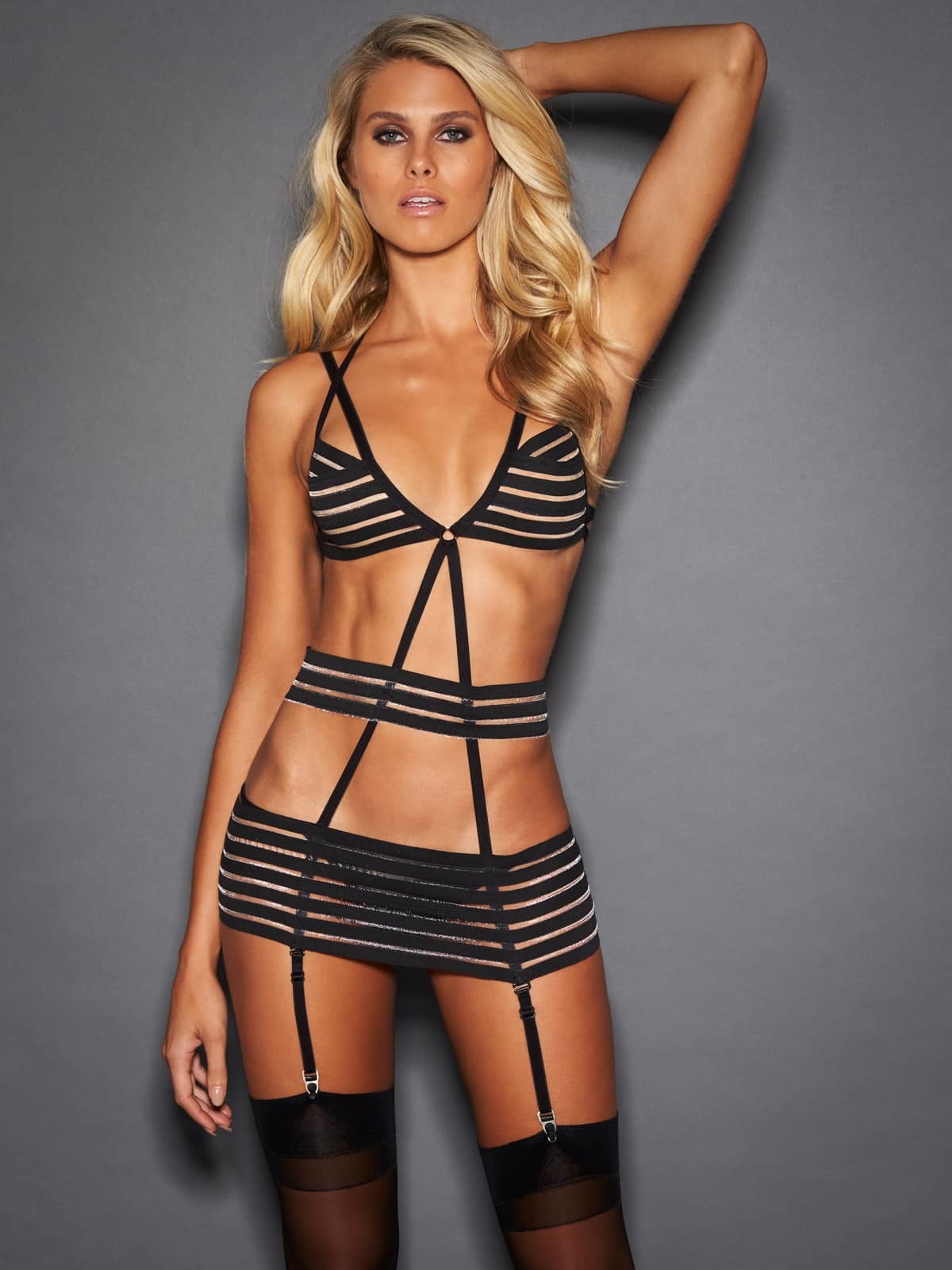
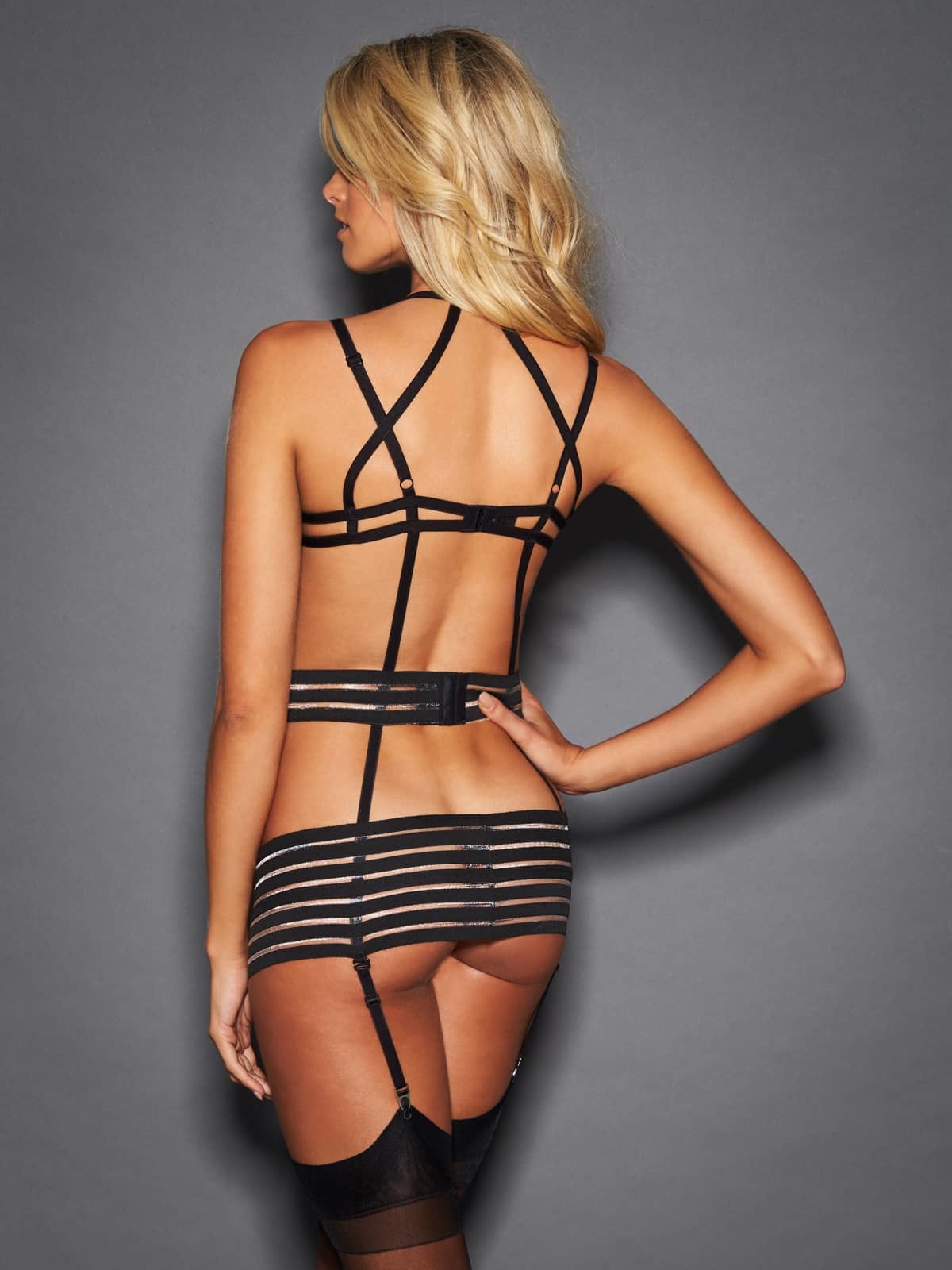
jj3
Members
-
Joined
Everything posted by jj3
-
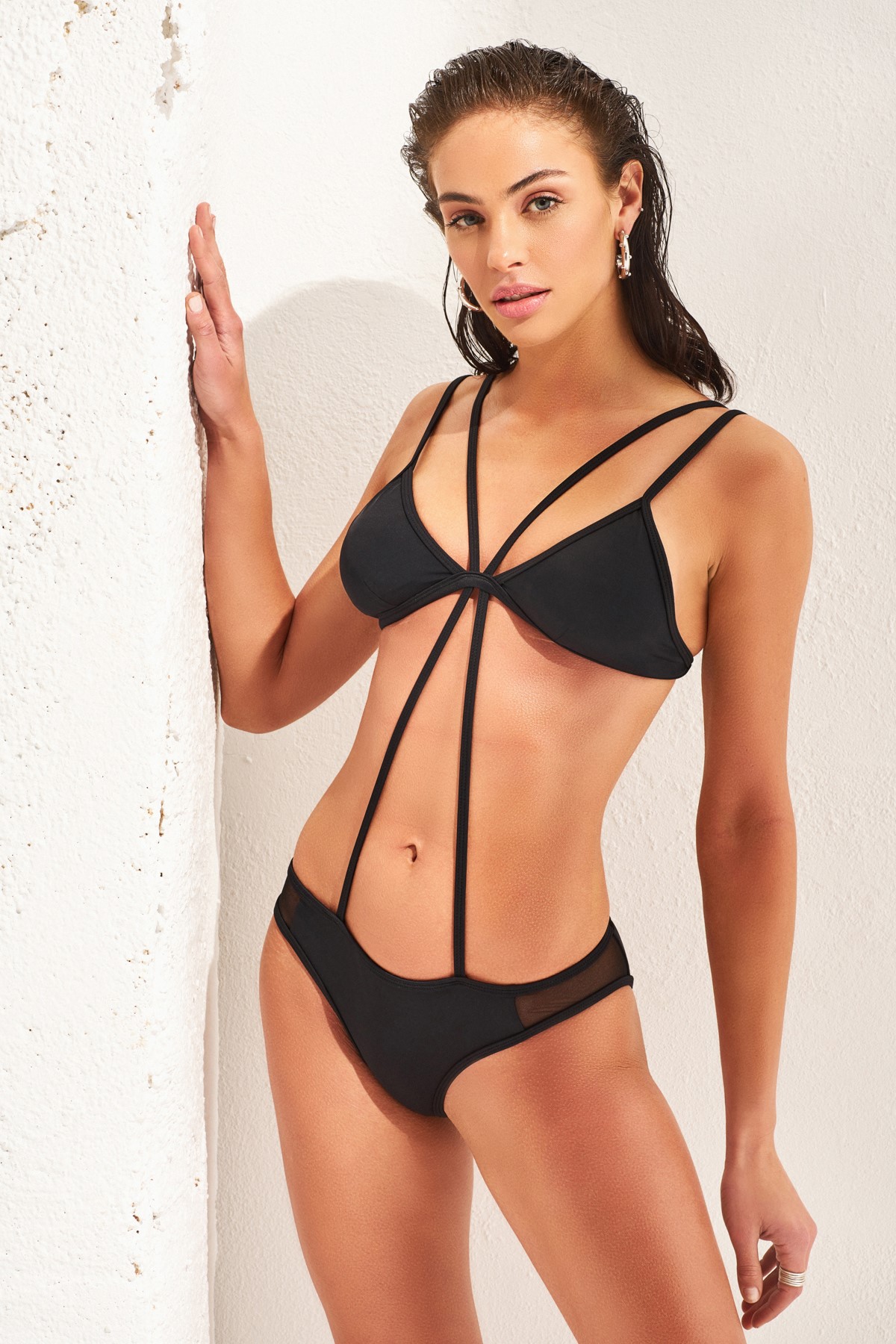
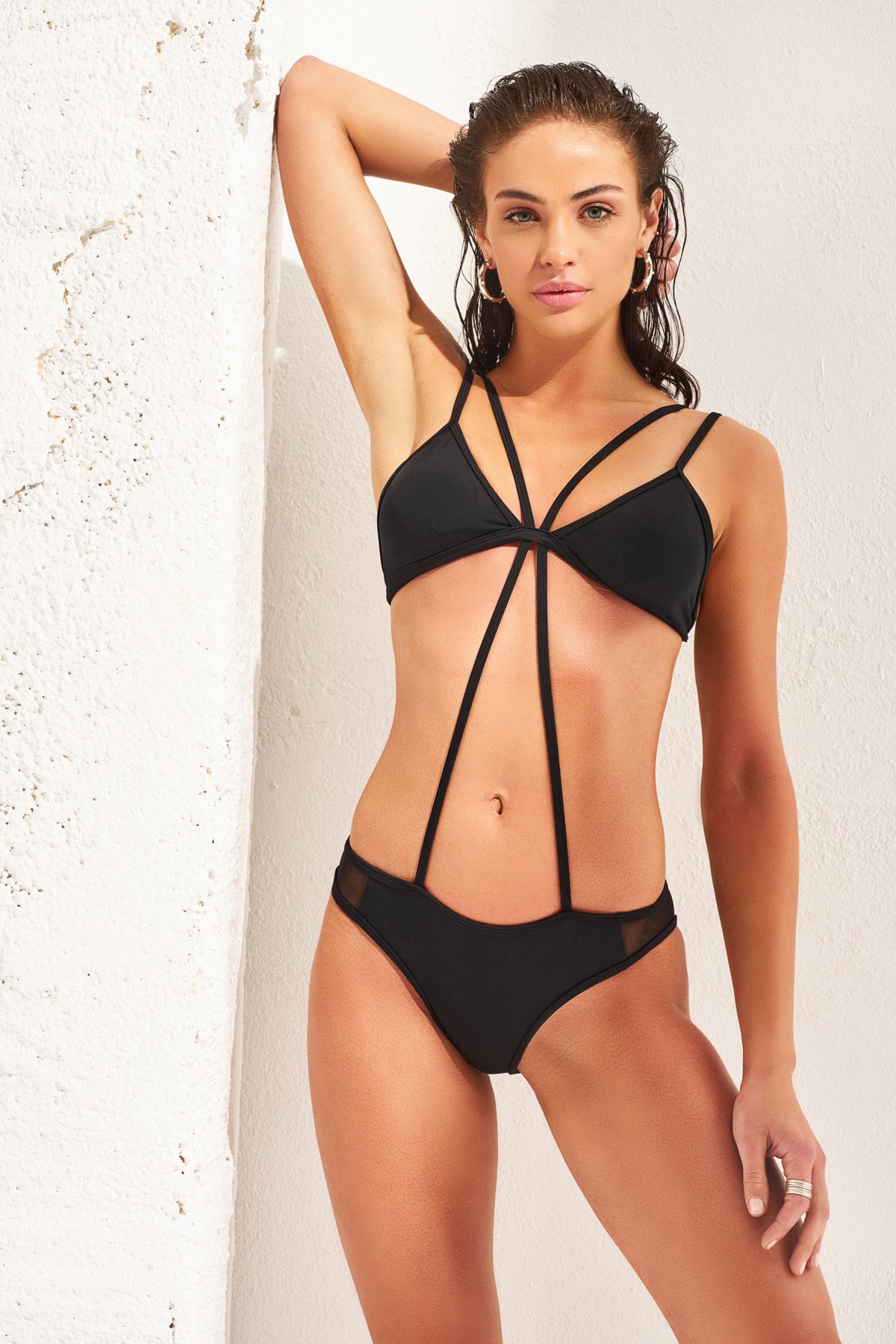
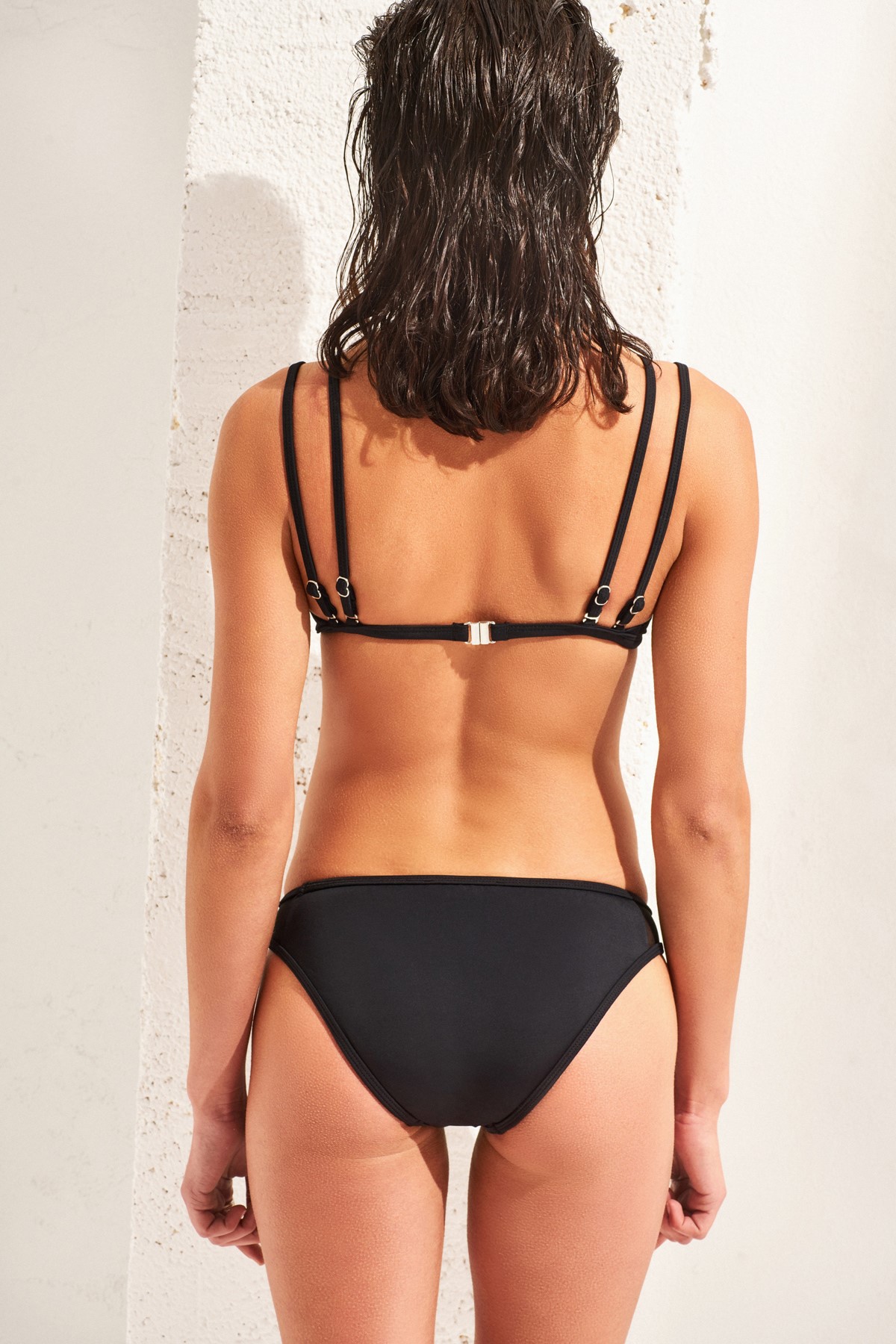
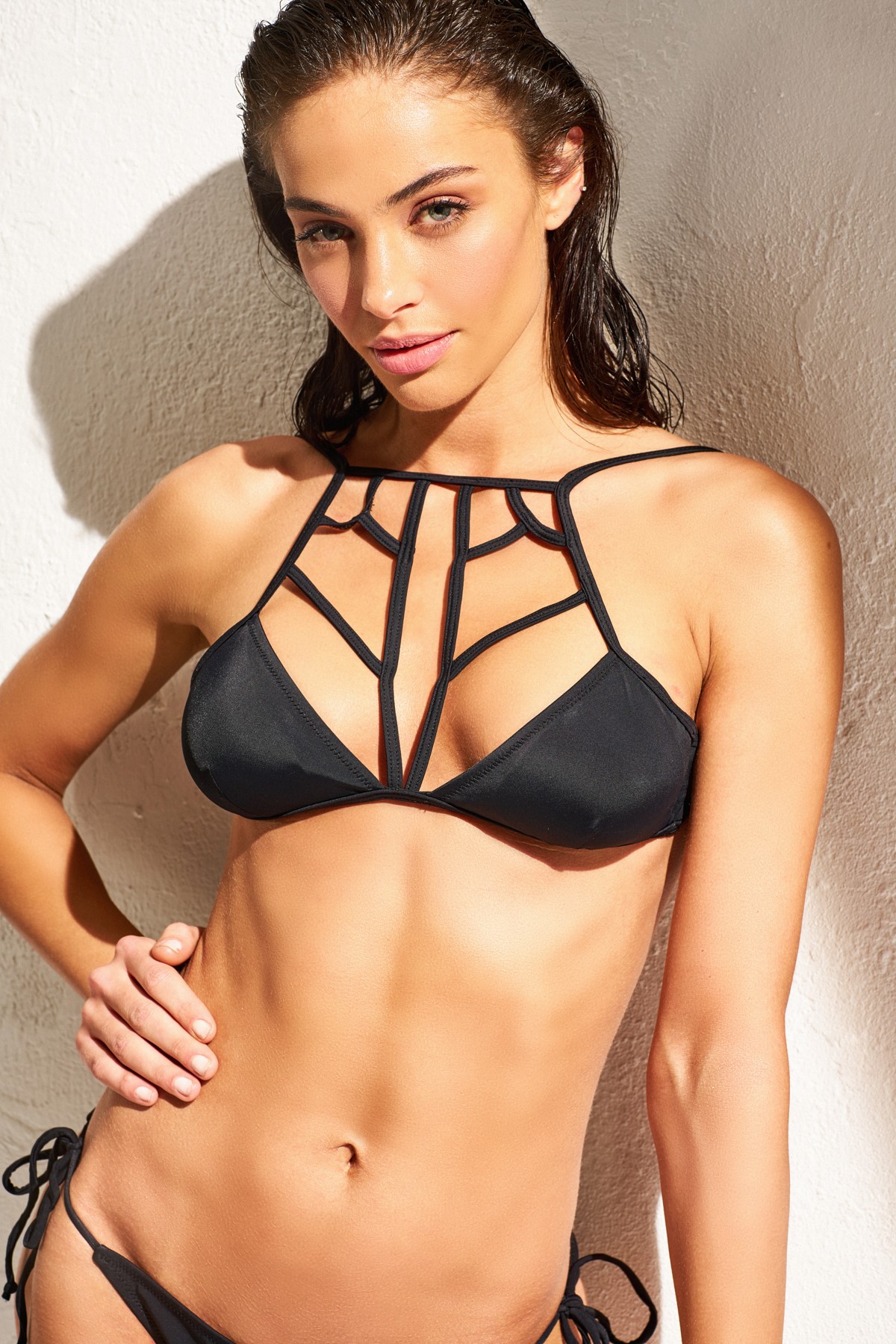
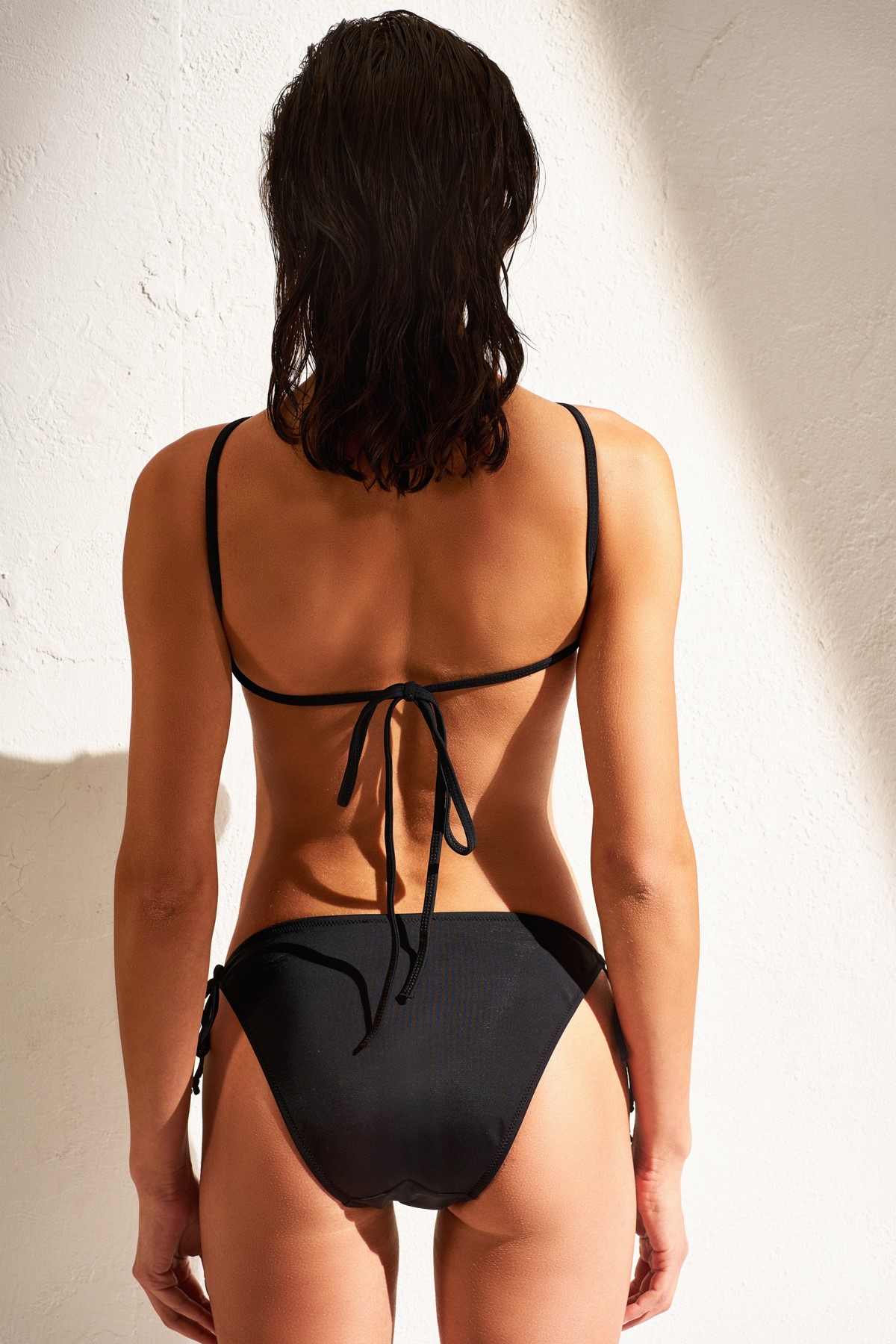
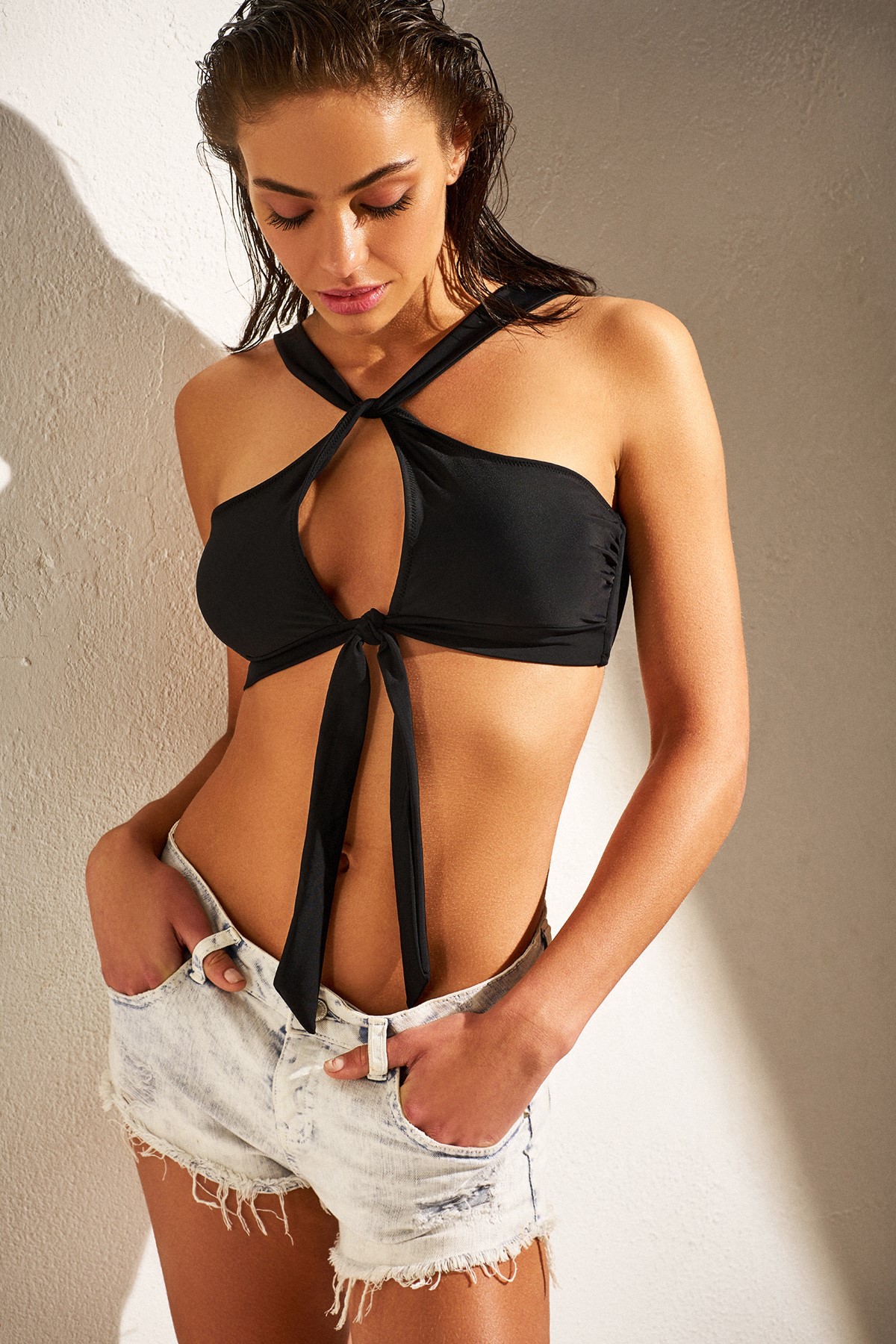
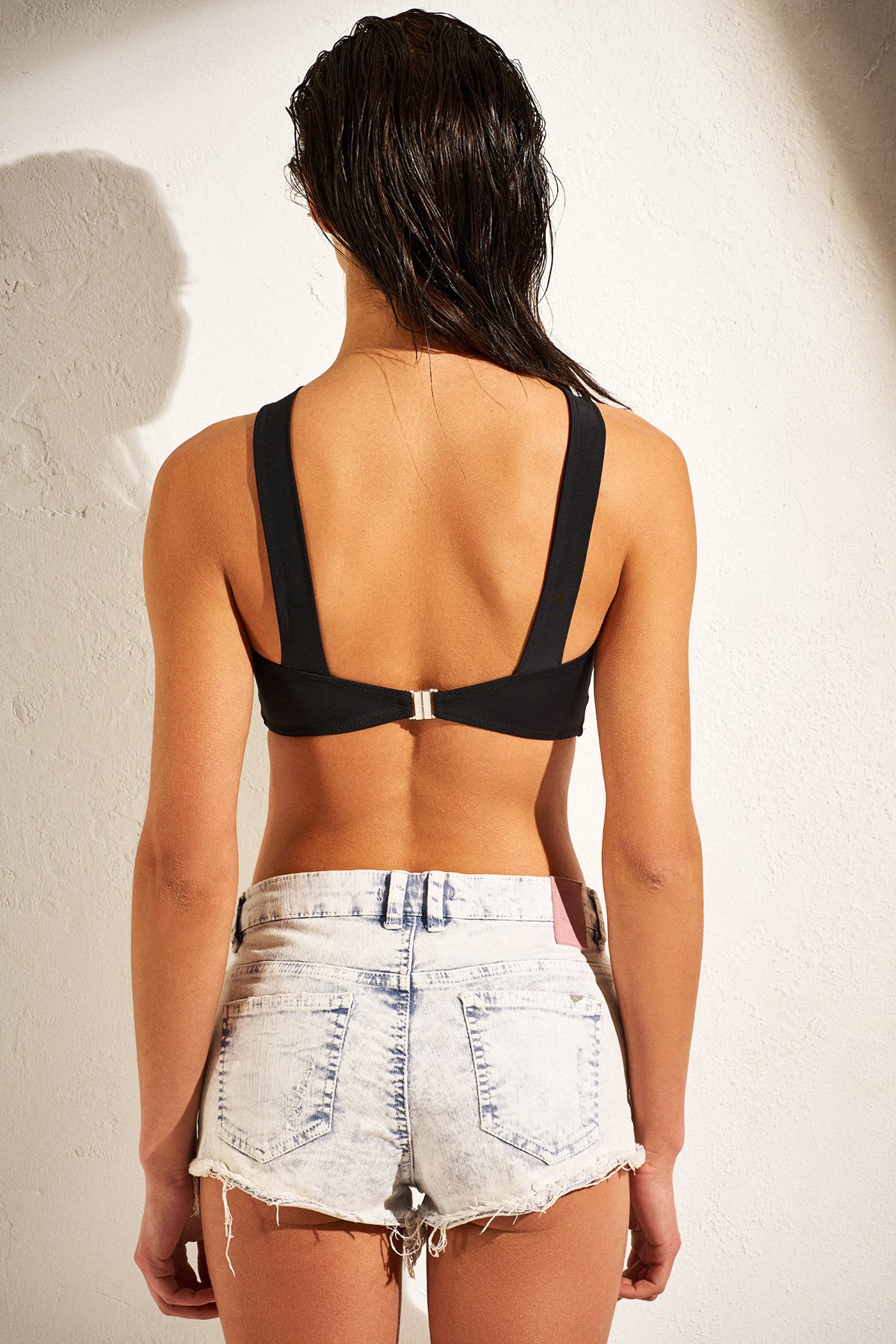
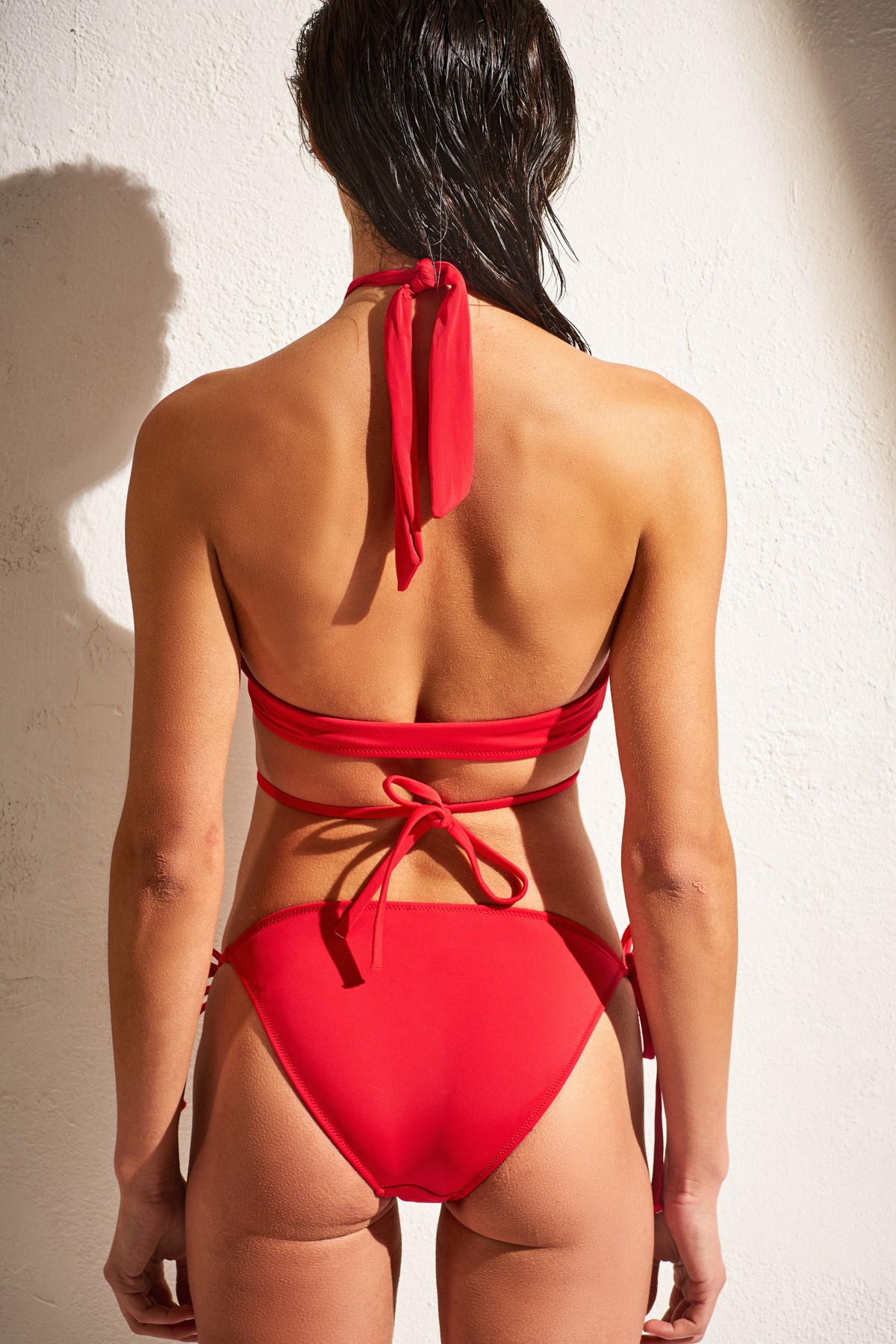
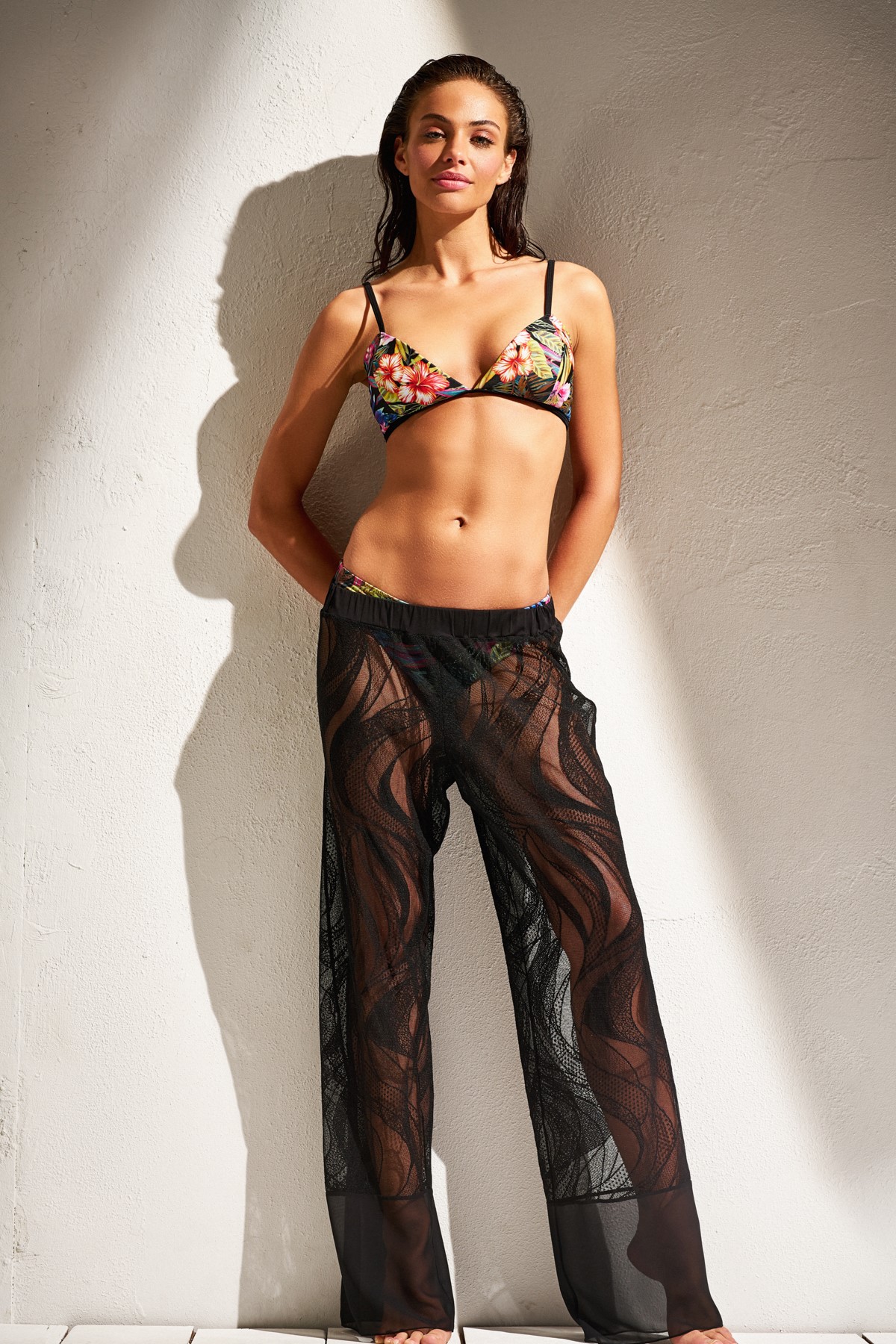
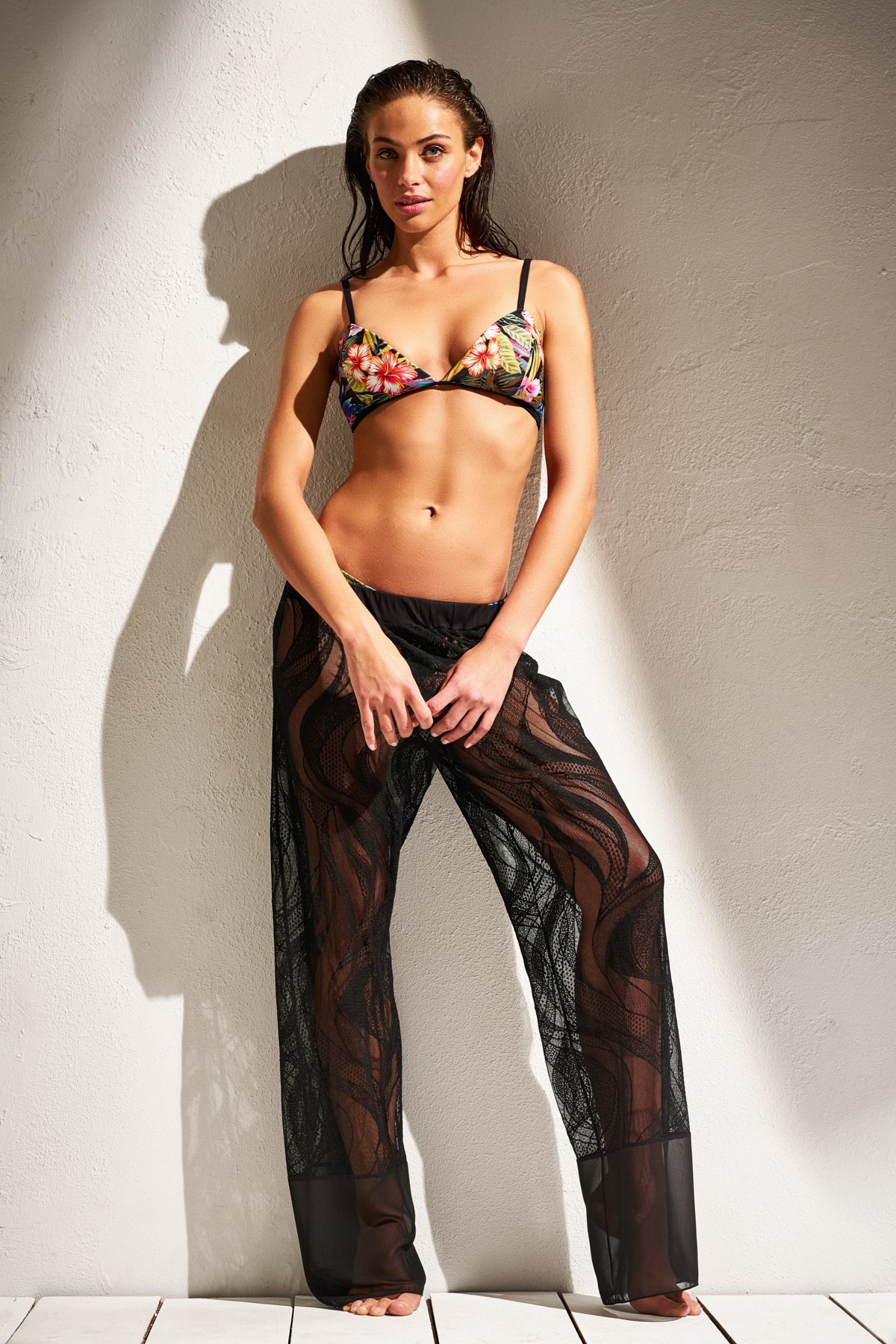
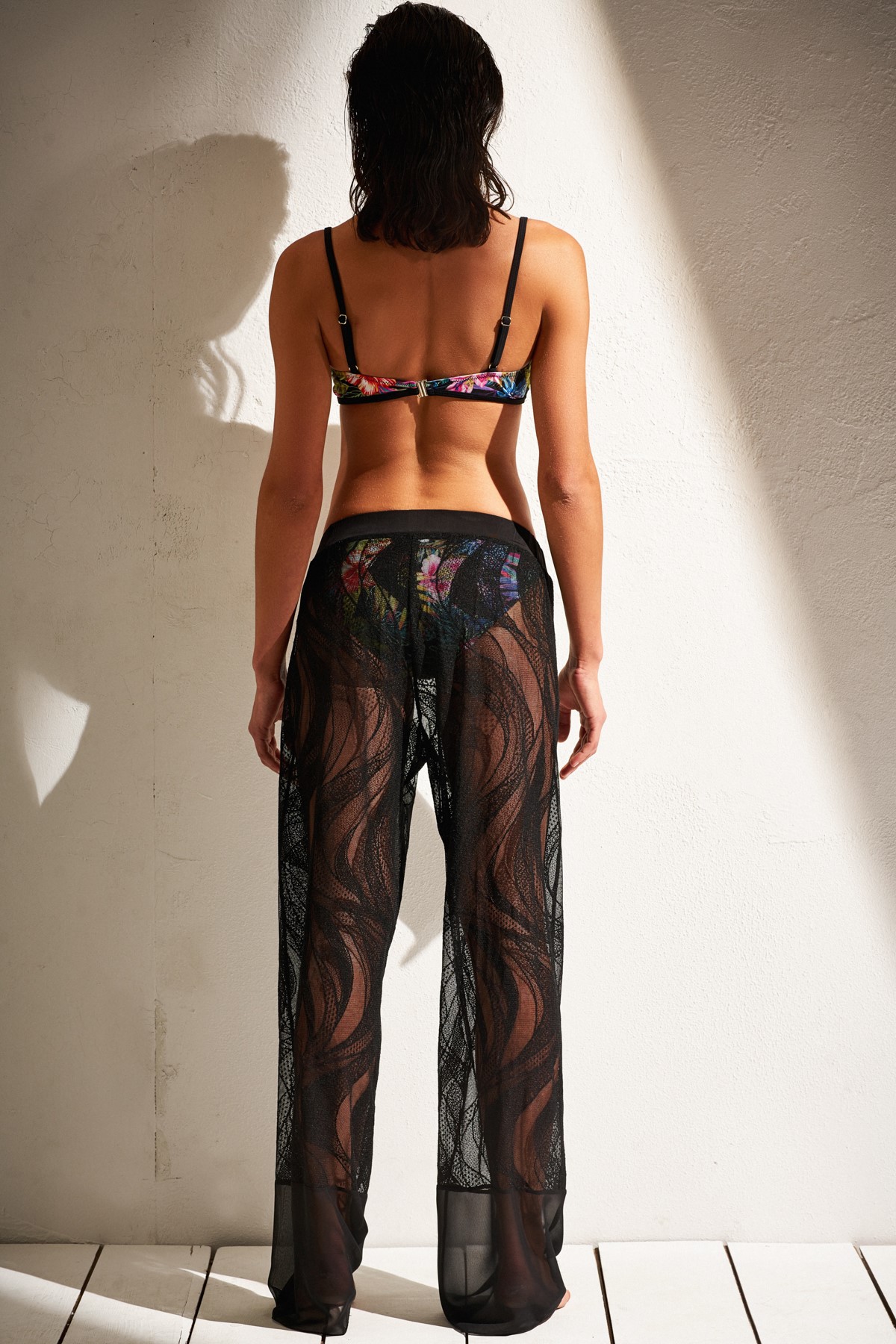
 Some New pic from this lookbook, and more right here >> https://www.trendyol.com/TRENDYOLMiLLA---Beachwear/ButikDetay/159733

































-
DeFacto SS '17 Campaign Production & Set Design: @bold79studio Photography: @sabinarsenov Photography&Retouch Assist: @serhat_dulger Styling: @buraksanuk Make-up: @gamzeteq Hair: @yigittandemiralp Model: The one and only @nicolemeyer1 With special thanks to @elifcicek_




 Gorgeous ! Thank you for the updates
Maxim April 2017 by Gilles Bensimon
Gorgeous ! Thank you for the updates
Maxim April 2017 by Gilles Bensimon


 I'm in. And i don't know where to start
Thanks everybody for the adds !
Street Style Paris Fashionweek @benjaminkwan
I'm in. And i don't know where to start
Thanks everybody for the adds !
Street Style Paris Fashionweek @benjaminkwan @ellen_nikolai_photo
 Thank you all for the updates ! Candice is particulary looking great !!
Account
Search
Configure browser push notifications
Chrome (Android)
- Tap the lock icon next to the address bar.
- Tap Permissions → Notifications.
- Adjust your preference.
Chrome (Desktop)
- Click the padlock icon in the address bar.
- Select Site settings.
- Find Notifications and adjust your preference.
Safari (iOS 16.4+)
- Ensure the site is installed via Add to Home Screen.
- Open Settings App → Notifications.
- Find your app name and adjust your preference.
Safari (macOS)
- Go to Safari → Preferences.
- Click the Websites tab.
- Select Notifications in the sidebar.
- Find this website and adjust your preference.
Edge (Android)
- Tap the lock icon next to the address bar.
- Tap Permissions.
- Find Notifications and adjust your preference.
Edge (Desktop)
- Click the padlock icon in the address bar.
- Click Permissions for this site.
- Find Notifications and adjust your preference.
Firefox (Android)
- Go to Settings → Site permissions.
- Tap Notifications.
- Find this site in the list and adjust your preference.
Firefox (Desktop)
- Open Firefox Settings.
- Search for Notifications.
- Find this site in the list and adjust your preference.