jj3
Members
-
Joined
Everything posted by jj3
-
 @oliviareedphoto @southmoonunder


-
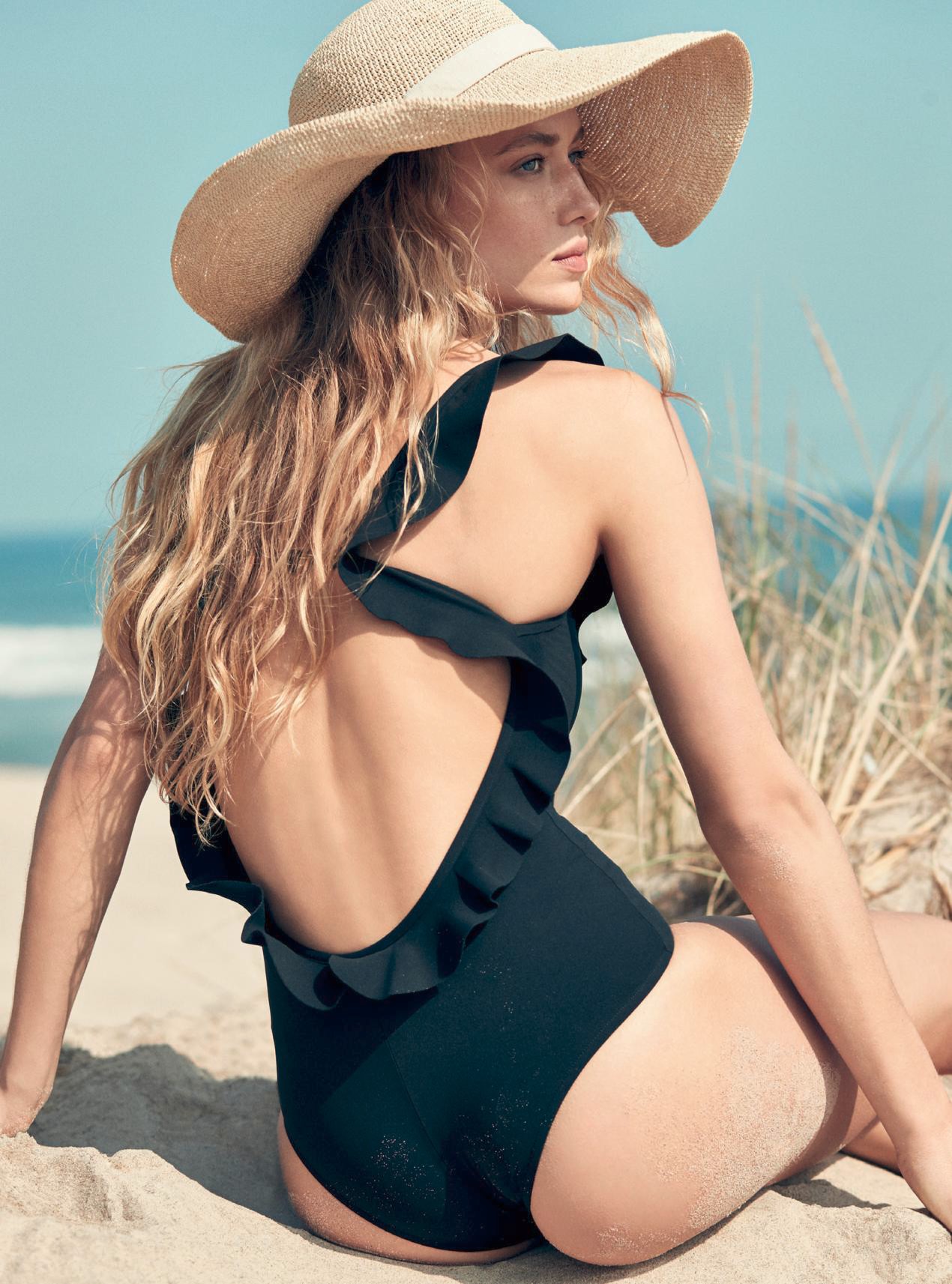
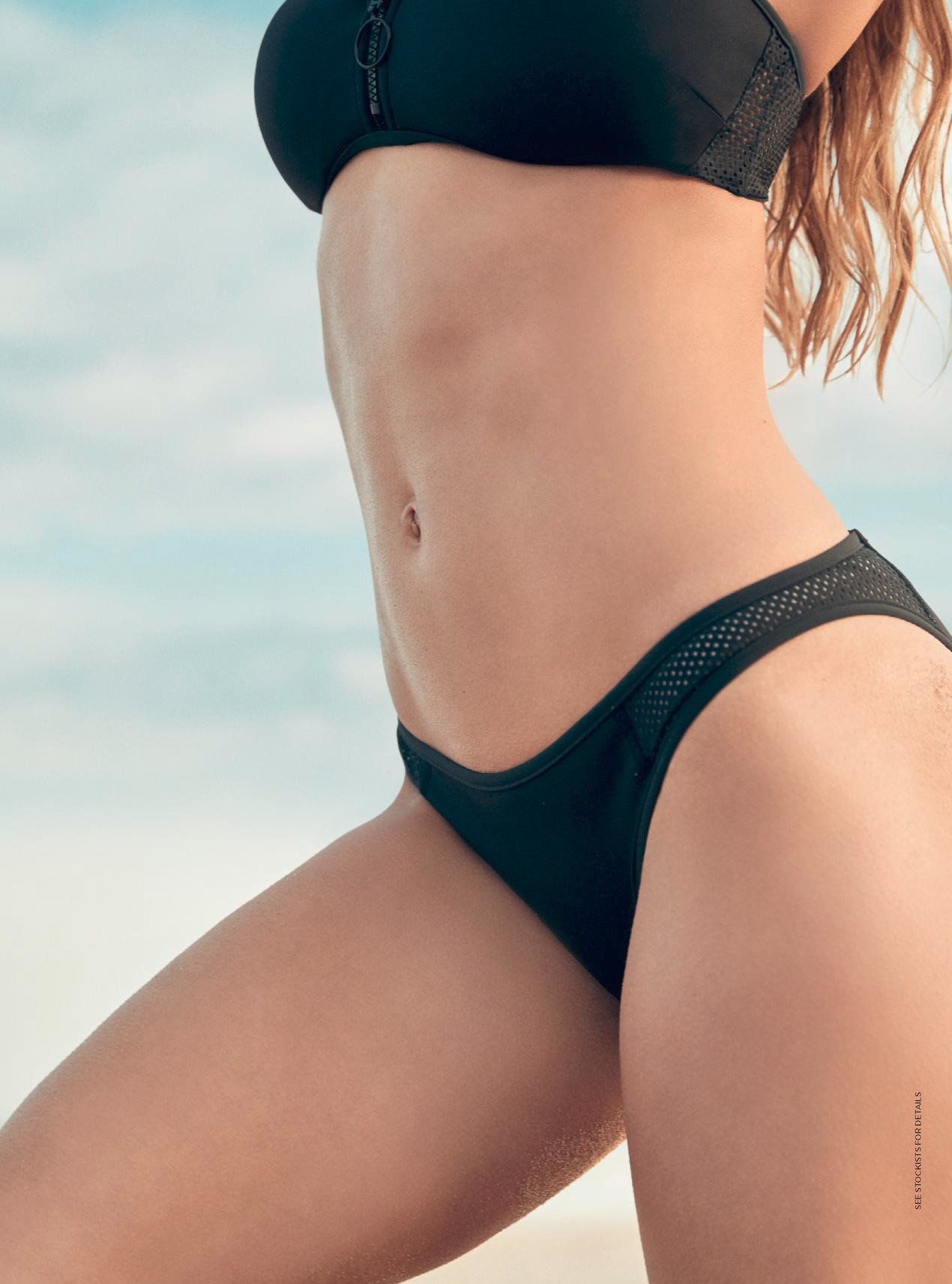
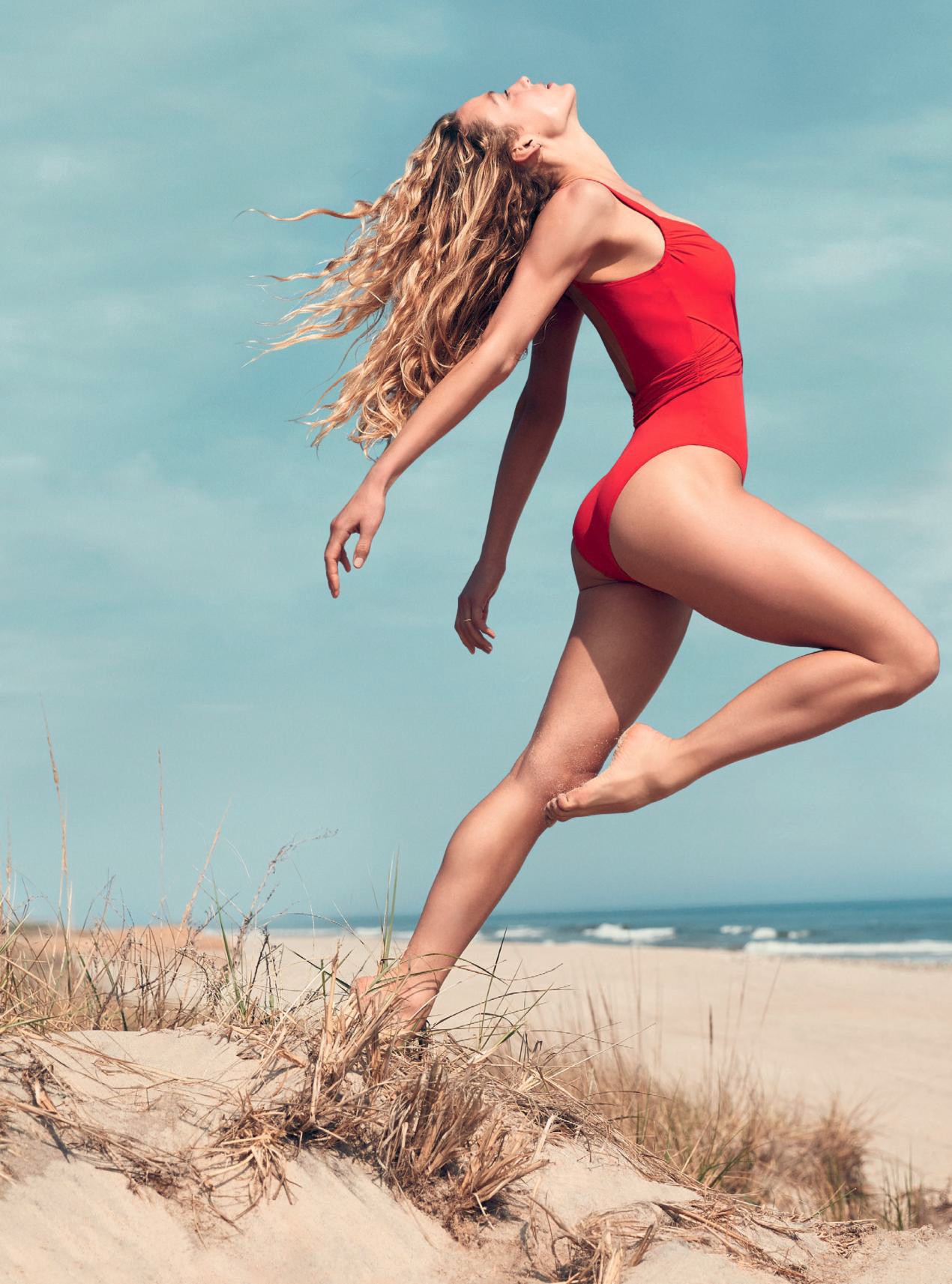
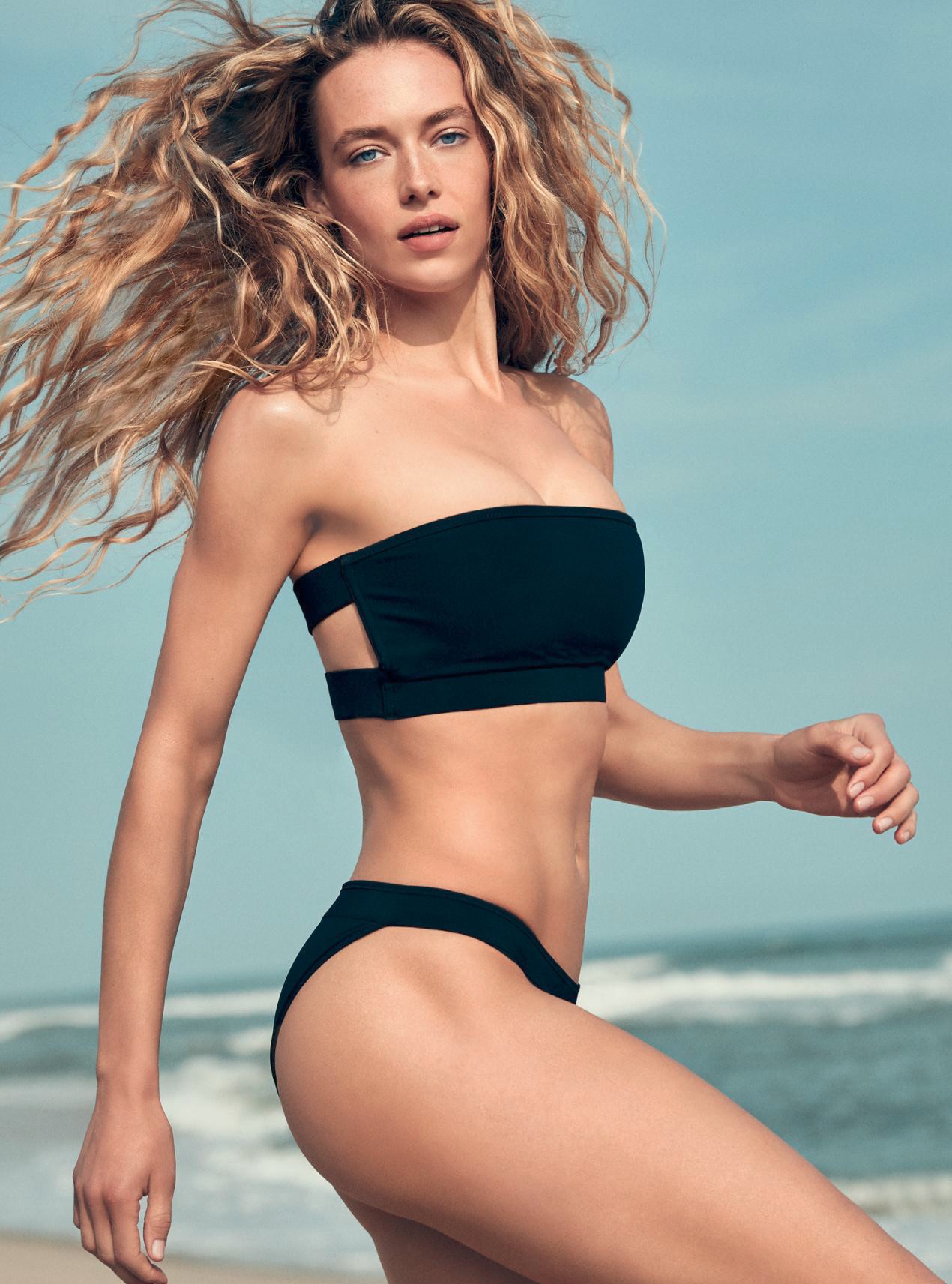
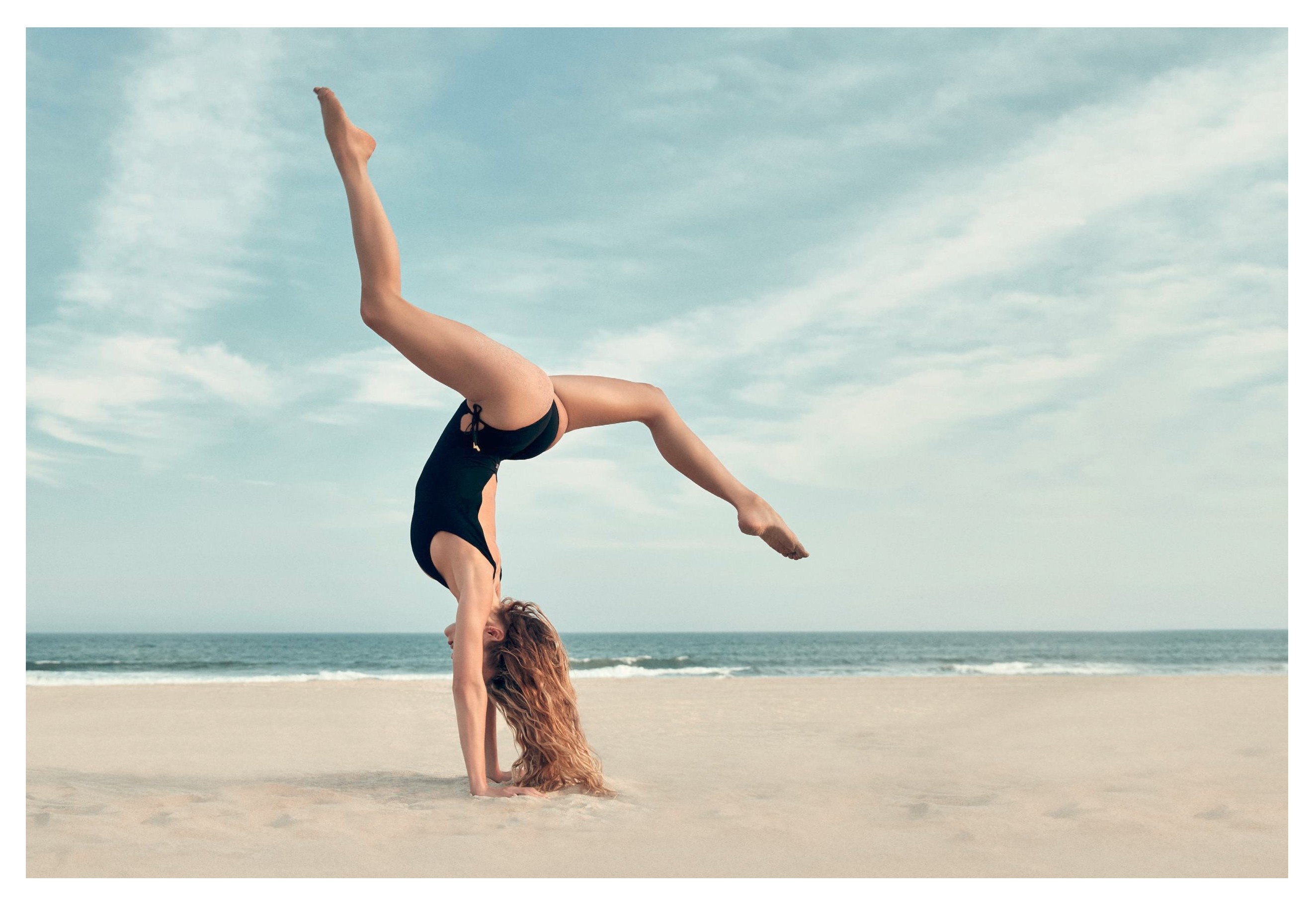
Another shot from this shoot
 If anyone knows more details about this shoot, like the photographer, feel you free to share
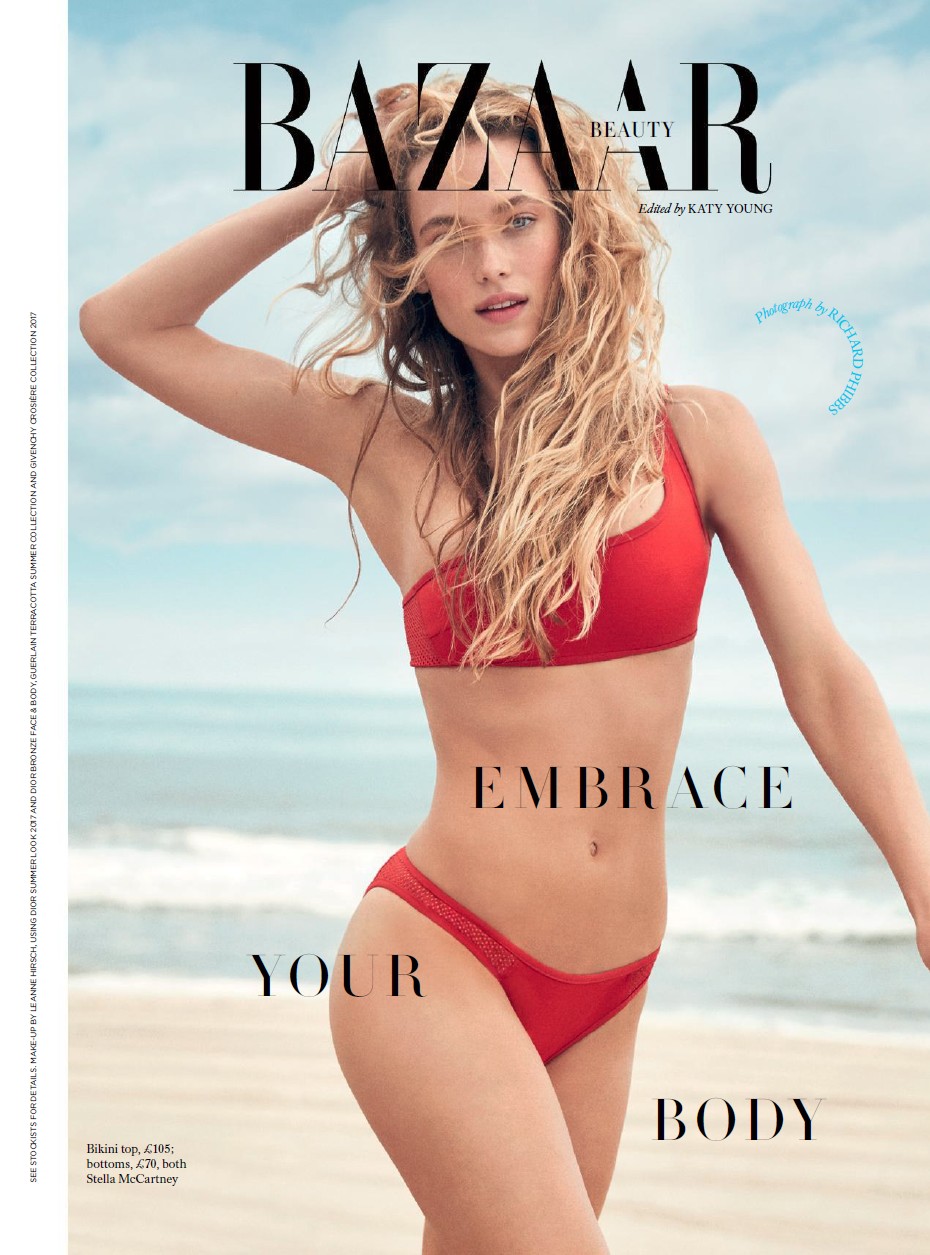
 Hannah looks perfect to me !
For @bazaaruk July 2017 By @richardphibbs Editor @annarvitiello Hair @louisangelo MU @leannehirshbeauty
Hannah looks perfect to me !
For @bazaaruk July 2017 By @richardphibbs Editor @annarvitiello Hair @louisangelo MU @leannehirshbeauty






 Ah c'est marrant, je ne connaissais pas ce détail !
Moi aussi, c'est pour ça que je la connais
Ou encore "se saigner aux quatre veines"
Je connaissais pas. Ici on dit plutôt: "C'est un moulin à parole" ... Battle de citations
Ah c'est marrant, je ne connaissais pas ce détail !
Moi aussi, c'est pour ça que je la connais
Ou encore "se saigner aux quatre veines"
Je connaissais pas. Ici on dit plutôt: "C'est un moulin à parole" ... Battle de citationsAccount
Search
Configure browser push notifications
Chrome (Android)
- Tap the lock icon next to the address bar.
- Tap Permissions → Notifications.
- Adjust your preference.
Chrome (Desktop)
- Click the padlock icon in the address bar.
- Select Site settings.
- Find Notifications and adjust your preference.
Safari (iOS 16.4+)
- Ensure the site is installed via Add to Home Screen.
- Open Settings App → Notifications.
- Find your app name and adjust your preference.
Safari (macOS)
- Go to Safari → Preferences.
- Click the Websites tab.
- Select Notifications in the sidebar.
- Find this website and adjust your preference.
Edge (Android)
- Tap the lock icon next to the address bar.
- Tap Permissions.
- Find Notifications and adjust your preference.
Edge (Desktop)
- Click the padlock icon in the address bar.
- Click Permissions for this site.
- Find Notifications and adjust your preference.
Firefox (Android)
- Go to Settings → Site permissions.
- Tap Notifications.
- Find this site in the list and adjust your preference.
Firefox (Desktop)
- Open Firefox Settings.
- Search for Notifications.
- Find this site in the list and adjust your preference.