jj3
Members
-
Joined
Everything posted by jj3
-
 Dove Cameron attends the Premiere Of Disney Channel's 'Descendants 2' at The Cinerama Dome in Los Angeles - July 11, 2017
 -
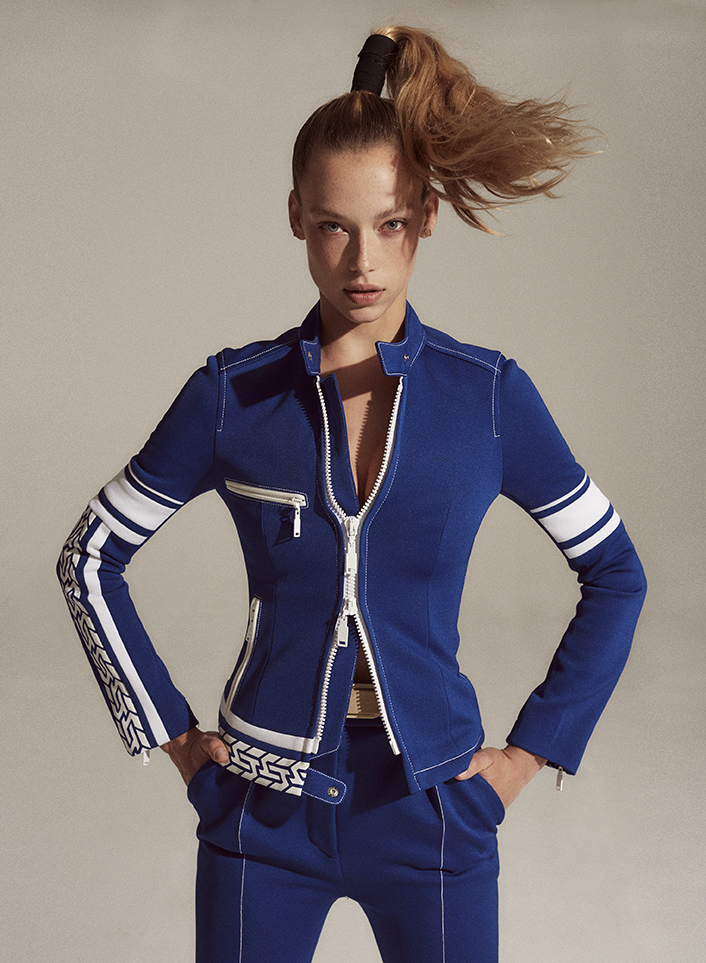
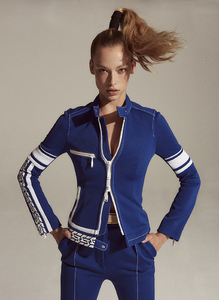
V Magazine July 2017 : Model, Hannah Ferguson plays the game in the season's chicest sportswear. >> http://vmagazine.com/article/new-girls-new-looks/ PHOTOGRAPHY: ROBIN HARPER STYLING: BRITT BERGER




-
-
@southmoonunder @alexashmanphotography



 You're welcome ! Glad you like it ! My faves are the 4th and 5th
Shoot by @frederic.monceau, @alexis.parente @b_agency @niceworkparis #hairalexisparente #alexisparente @bumbleandbumblefr @bumbleandbumble @delphinenicolemua@virginiecarmenlola @bureaupressing
You're welcome ! Glad you like it ! My faves are the 4th and 5th
Shoot by @frederic.monceau, @alexis.parente @b_agency @niceworkparis #hairalexisparente #alexisparente @bumbleandbumblefr @bumbleandbumble @delphinenicolemua@virginiecarmenlola @bureaupressing







 You know, don't bother sharing your opinion, no one care about it ...
Account
Search
Configure browser push notifications
Chrome (Android)
- Tap the lock icon next to the address bar.
- Tap Permissions → Notifications.
- Adjust your preference.
Chrome (Desktop)
- Click the padlock icon in the address bar.
- Select Site settings.
- Find Notifications and adjust your preference.
Safari (iOS 16.4+)
- Ensure the site is installed via Add to Home Screen.
- Open Settings App → Notifications.
- Find your app name and adjust your preference.
Safari (macOS)
- Go to Safari → Preferences.
- Click the Websites tab.
- Select Notifications in the sidebar.
- Find this website and adjust your preference.
Edge (Android)
- Tap the lock icon next to the address bar.
- Tap Permissions.
- Find Notifications and adjust your preference.
Edge (Desktop)
- Click the padlock icon in the address bar.
- Click Permissions for this site.
- Find Notifications and adjust your preference.
Firefox (Android)
- Go to Settings → Site permissions.
- Tap Notifications.
- Find this site in the list and adjust your preference.
Firefox (Desktop)
- Open Firefox Settings.
- Search for Notifications.
- Find this site in the list and adjust your preference.