jj3
Members
-
Joined
Everything posted by jj3
-
 ^ From which event is it from @LucyLover ?
 -
UNITAS Gala Against Human Trafficking, Spring Summer 2018, New York Fashion Week 12.09.2017
-
News are great for Kate these days !
-
@passmorepics


 Isabelle is now represented by NEXT LA >> http://www.nextmanagement.com/los-angeles/profile/isabelle-boemeke
I need more news from Tashy
Unitas Third Annual Gala against Human Trafficking at Capitale in New York 12.09.2017
Blanca Padilla featured in CRFASHIONBOOK's Fall / Winter 2017 Issue No. 11 by Carine Roitfeld and Terry Richardson
Isabelle is now represented by NEXT LA >> http://www.nextmanagement.com/los-angeles/profile/isabelle-boemeke
I need more news from Tashy
Unitas Third Annual Gala against Human Trafficking at Capitale in New York 12.09.2017
Blanca Padilla featured in CRFASHIONBOOK's Fall / Winter 2017 Issue No. 11 by Carine Roitfeld and Terry Richardson
 The Frye Company Fall 2017






 ^ How Emily manages herself to look so hot all the time, it's tiresome
Hoppla!
^ How Emily manages herself to look so hot all the time, it's tiresome
Hoppla!
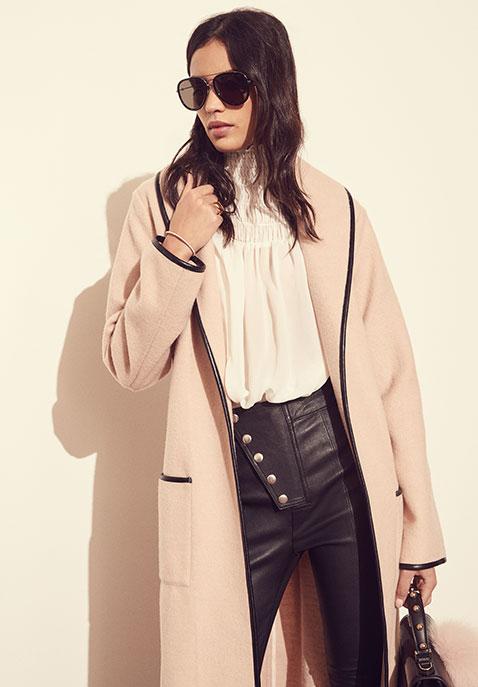
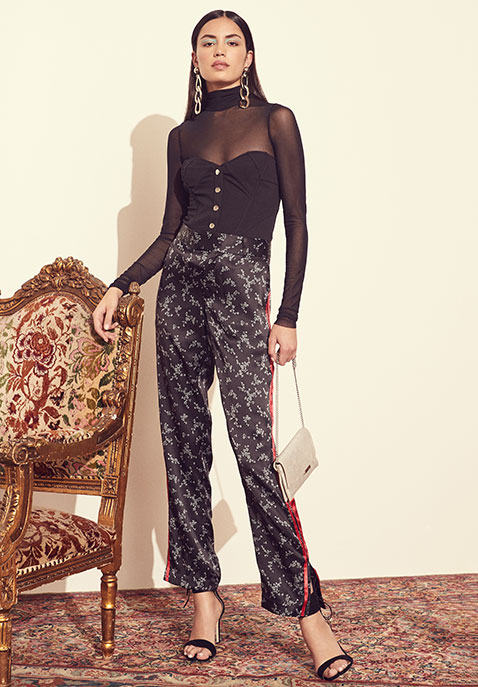
 @revolve | Fall 2017 photo: @jbportfolio | creative director: @jennyryfdoucedame
































 @brasnthings
 Harper's BAZAAR Celebrates 'ICONS By Carine Roitfeld' At The Plaza Hotel Presented By Infor, Laura Mercier, Stella Artois, FUJIFILM And SWAROVSKI - Red Carpet

Account
Search
Configure browser push notifications
Chrome (Android)
- Tap the lock icon next to the address bar.
- Tap Permissions → Notifications.
- Adjust your preference.
Chrome (Desktop)
- Click the padlock icon in the address bar.
- Select Site settings.
- Find Notifications and adjust your preference.
Safari (iOS 16.4+)
- Ensure the site is installed via Add to Home Screen.
- Open Settings App → Notifications.
- Find your app name and adjust your preference.
Safari (macOS)
- Go to Safari → Preferences.
- Click the Websites tab.
- Select Notifications in the sidebar.
- Find this website and adjust your preference.
Edge (Android)
- Tap the lock icon next to the address bar.
- Tap Permissions.
- Find Notifications and adjust your preference.
Edge (Desktop)
- Click the padlock icon in the address bar.
- Click Permissions for this site.
- Find Notifications and adjust your preference.
Firefox (Android)
- Go to Settings → Site permissions.
- Tap Notifications.
- Find this site in the list and adjust your preference.
Firefox (Desktop)
- Open Firefox Settings.
- Search for Notifications.
- Find this site in the list and adjust your preference.