jj3
Members
-
Joined
Everything posted by jj3
-
 Thanks to @Candylicious.
^ We still have to wait so long yet ...
I'm a FUCKING jealous person, but if i caught my gf enjoying a hot male model, i couldn't mind her so much ... or even female ones I would worry though knowing me ahah Did someone say Anschluss ? lol
Good again ! Thank you
Okay ... Well my dear genuis, bon vent. Your tolerance, respect and spirit of consilience impressed me. And as said Talleyrand : " Quand je me regarde, je me désole, quand je me compare, je me console ".
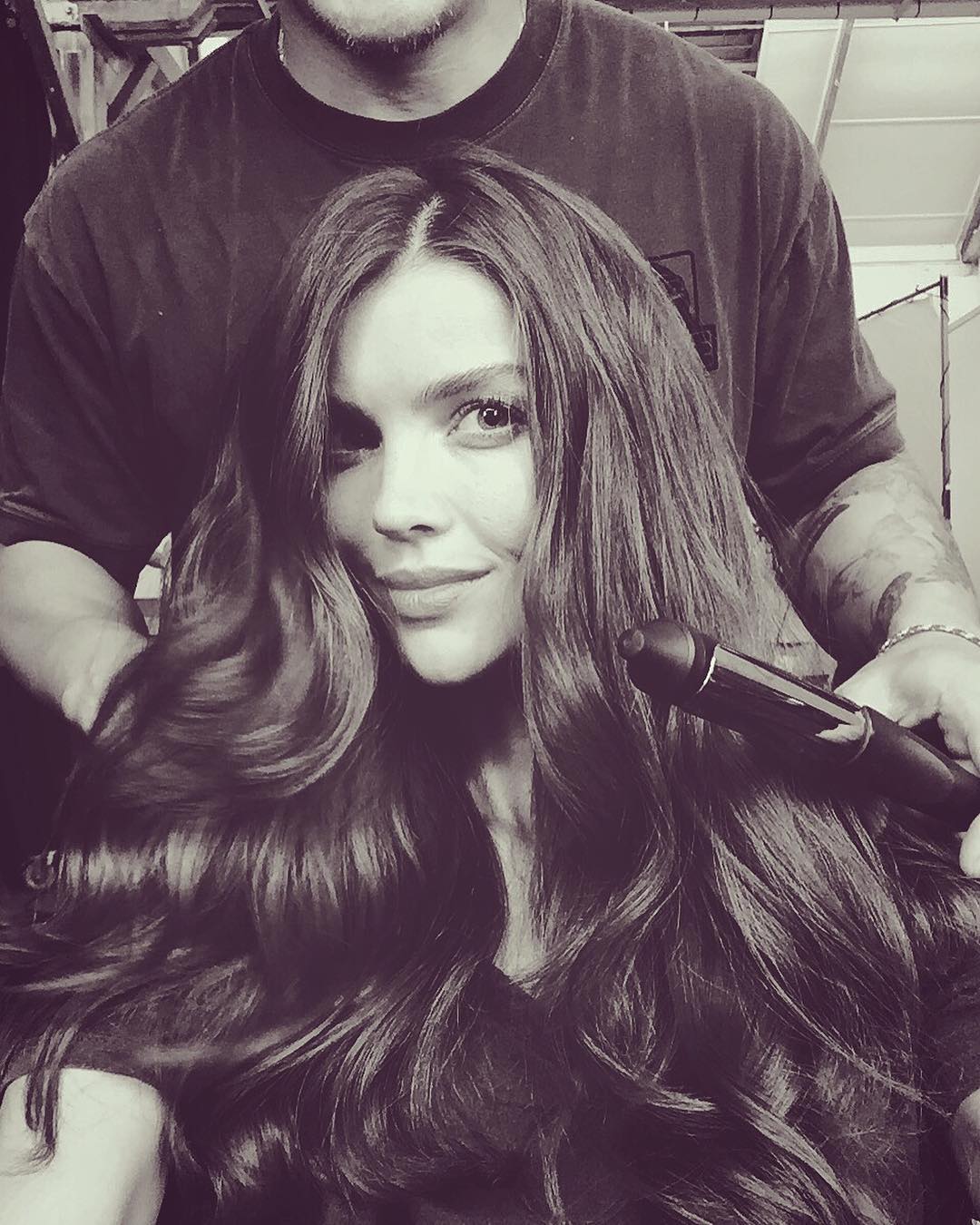
El Corte Ingles #ERESPOWER Fall 2017 Campaign Photo @txemayeste make up @ivan_gomez_
Thanks to @Candylicious.
^ We still have to wait so long yet ...
I'm a FUCKING jealous person, but if i caught my gf enjoying a hot male model, i couldn't mind her so much ... or even female ones I would worry though knowing me ahah Did someone say Anschluss ? lol
Good again ! Thank you
Okay ... Well my dear genuis, bon vent. Your tolerance, respect and spirit of consilience impressed me. And as said Talleyrand : " Quand je me regarde, je me désole, quand je me compare, je me console ".
El Corte Ingles #ERESPOWER Fall 2017 Campaign Photo @txemayeste make up @ivan_gomez_




 I loooove that hair style on her ! Thank you @LucyLover and @Shepherd !
Overal i agree. And ok, i remember now, Thanks
@rusty_womens New Collection >> https://au.rusty.com/womens/new-arrivals?p=1
Noor by @thejemmitchellfor @debenhams #lookbook
I loooove that hair style on her ! Thank you @LucyLover and @Shepherd !
Overal i agree. And ok, i remember now, Thanks
@rusty_womens New Collection >> https://au.rusty.com/womens/new-arrivals?p=1
Noor by @thejemmitchellfor @debenhams #lookbook
Account
Search
Configure browser push notifications
Chrome (Android)
- Tap the lock icon next to the address bar.
- Tap Permissions → Notifications.
- Adjust your preference.
Chrome (Desktop)
- Click the padlock icon in the address bar.
- Select Site settings.
- Find Notifications and adjust your preference.
Safari (iOS 16.4+)
- Ensure the site is installed via Add to Home Screen.
- Open Settings App → Notifications.
- Find your app name and adjust your preference.
Safari (macOS)
- Go to Safari → Preferences.
- Click the Websites tab.
- Select Notifications in the sidebar.
- Find this website and adjust your preference.
Edge (Android)
- Tap the lock icon next to the address bar.
- Tap Permissions.
- Find Notifications and adjust your preference.
Edge (Desktop)
- Click the padlock icon in the address bar.
- Click Permissions for this site.
- Find Notifications and adjust your preference.
Firefox (Android)
- Go to Settings → Site permissions.
- Tap Notifications.
- Find this site in the list and adjust your preference.
Firefox (Desktop)
- Open Firefox Settings.
- Search for Notifications.
- Find this site in the list and adjust your preference.