
foofur16
Members
-
Joined
-
Last visited
Everything posted by foofur16
-

-
Apparently, VS is opening a store in Moscow in February (they used Behati for the announcement when they already have a Russian-speaking Angel ). I say if she's not used for this appearence, then VS and Kate are officially over.
-
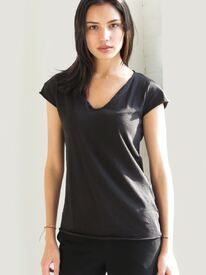
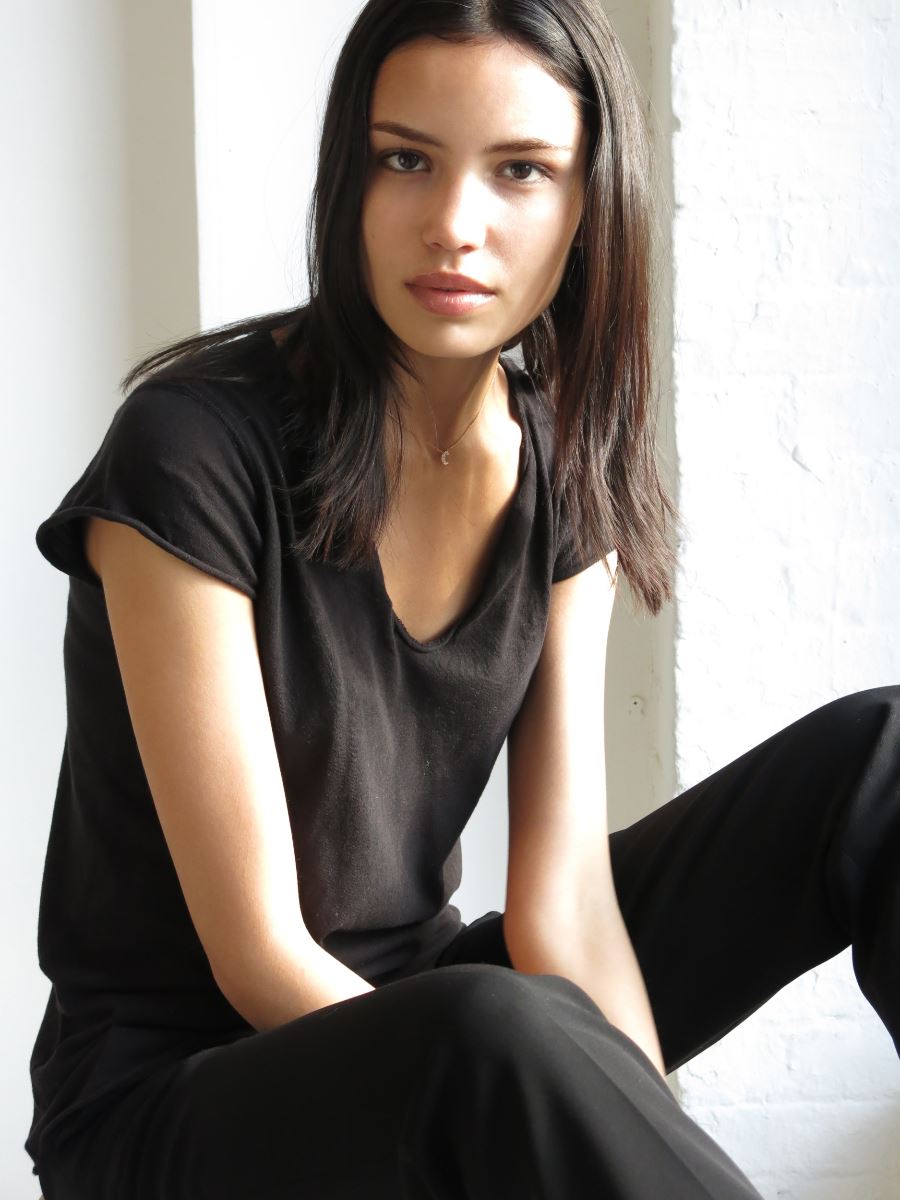
January 2016 Digitals womenmanagement.com



-
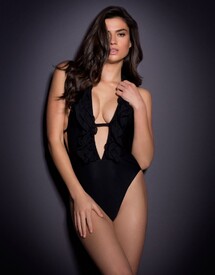
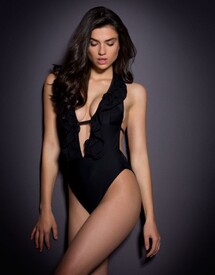
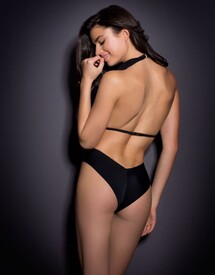
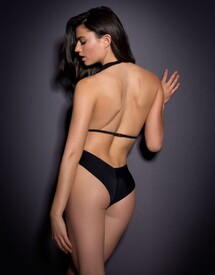
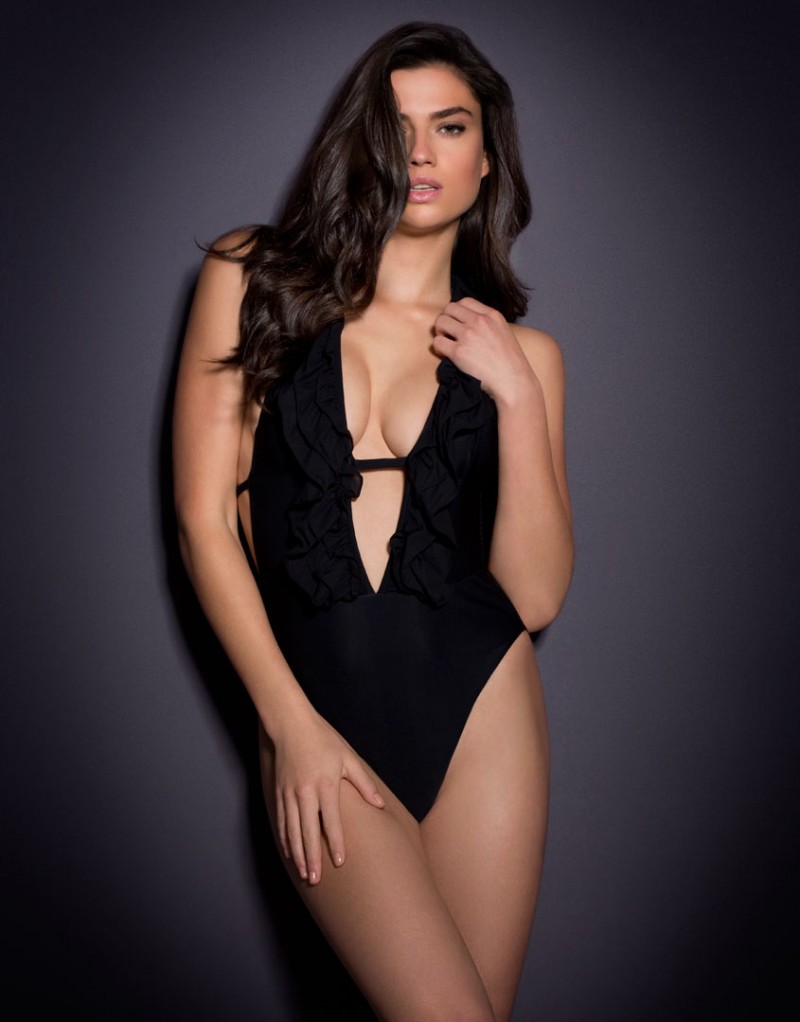
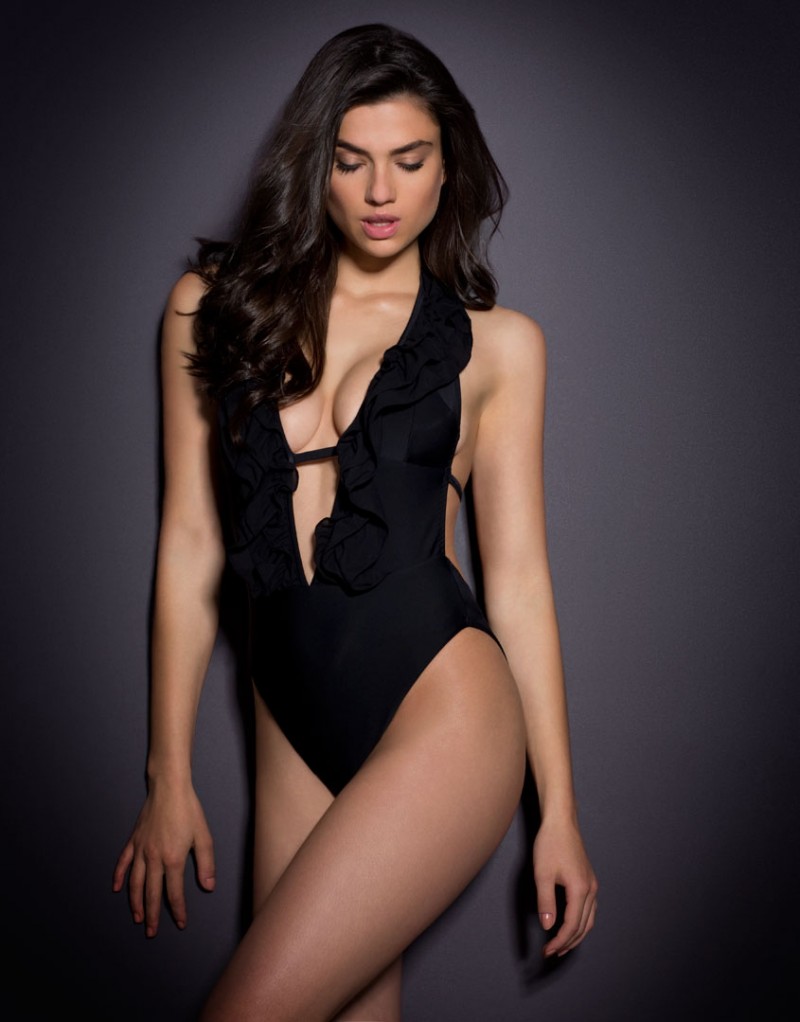
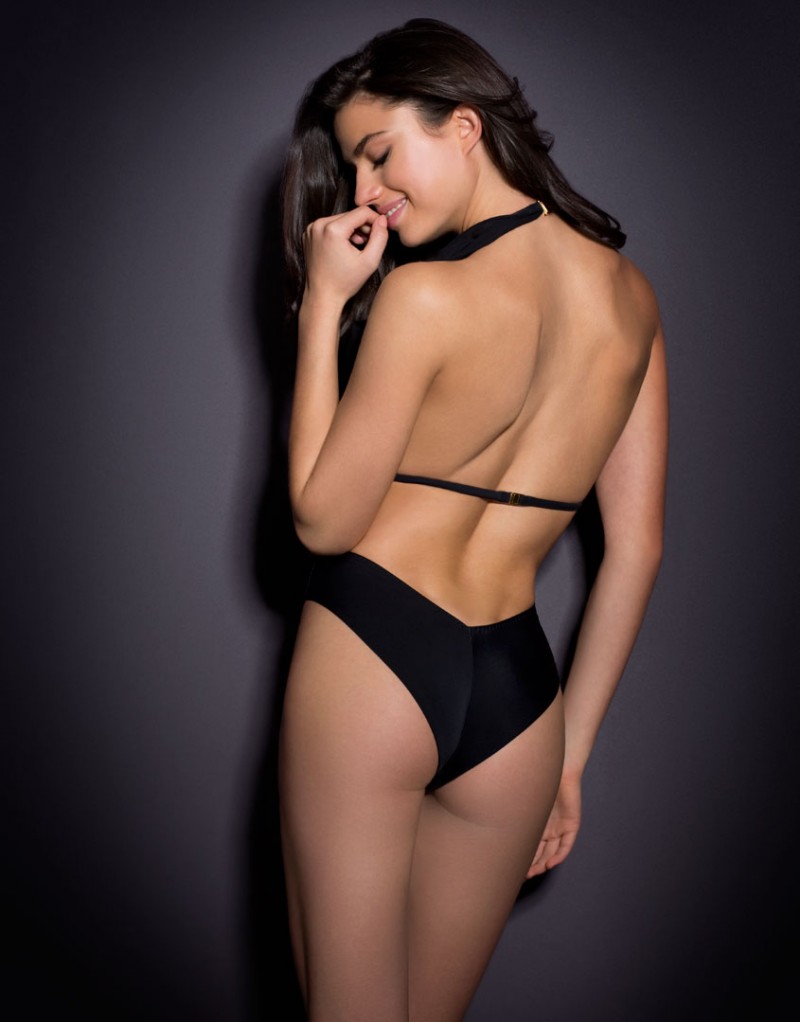
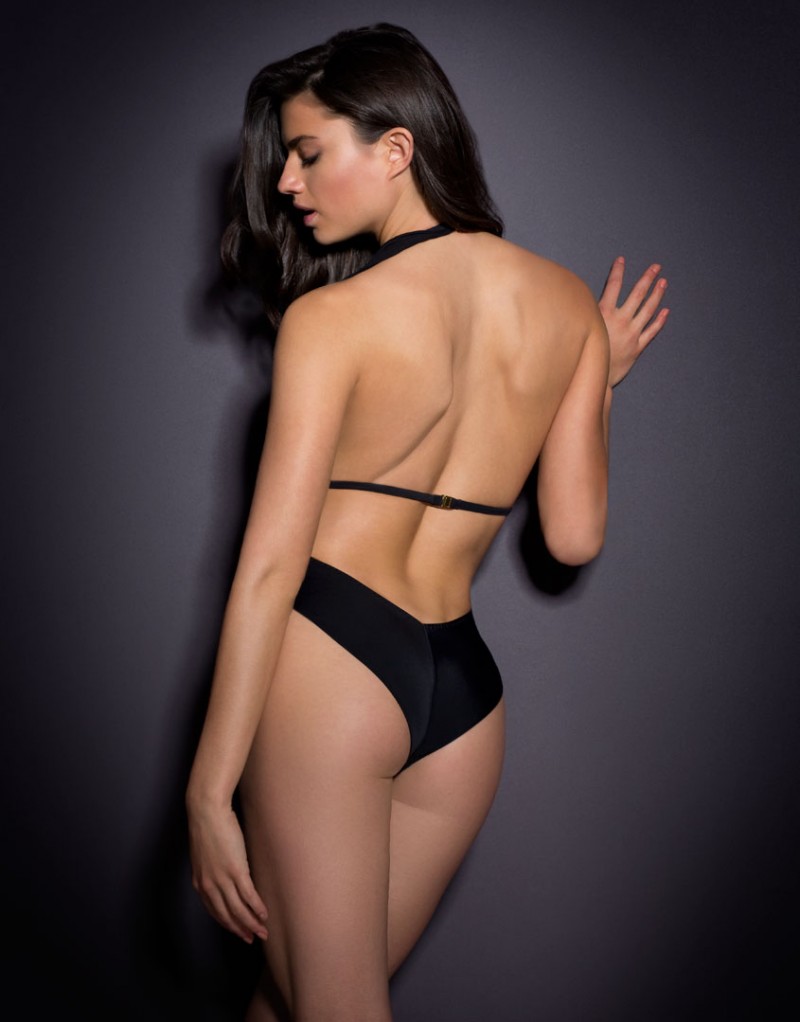
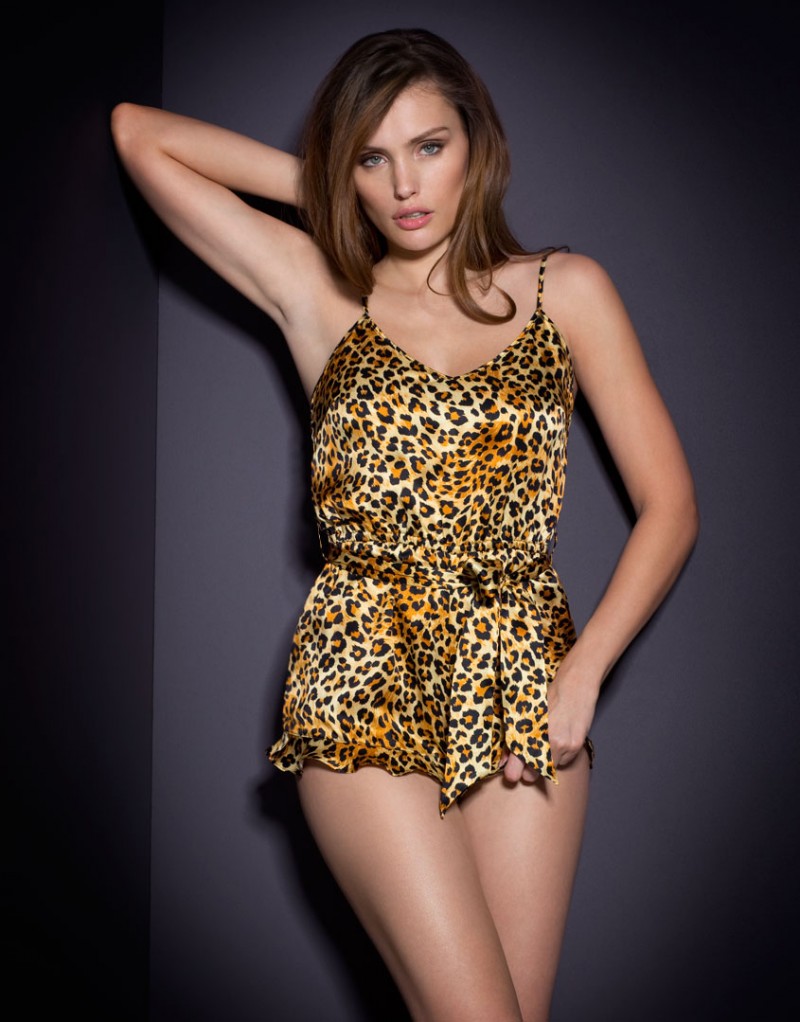
Agent Provocateur Swim 2016

-
Photographer: Janell Shirtcliff Stylist: Nicole Deutsch Shaffer Hair: Whitney Thomas Schield Model: Jacqueline Oloniceva @ Freedom Models LA freedommodelsLA / janellshirtcliff.com
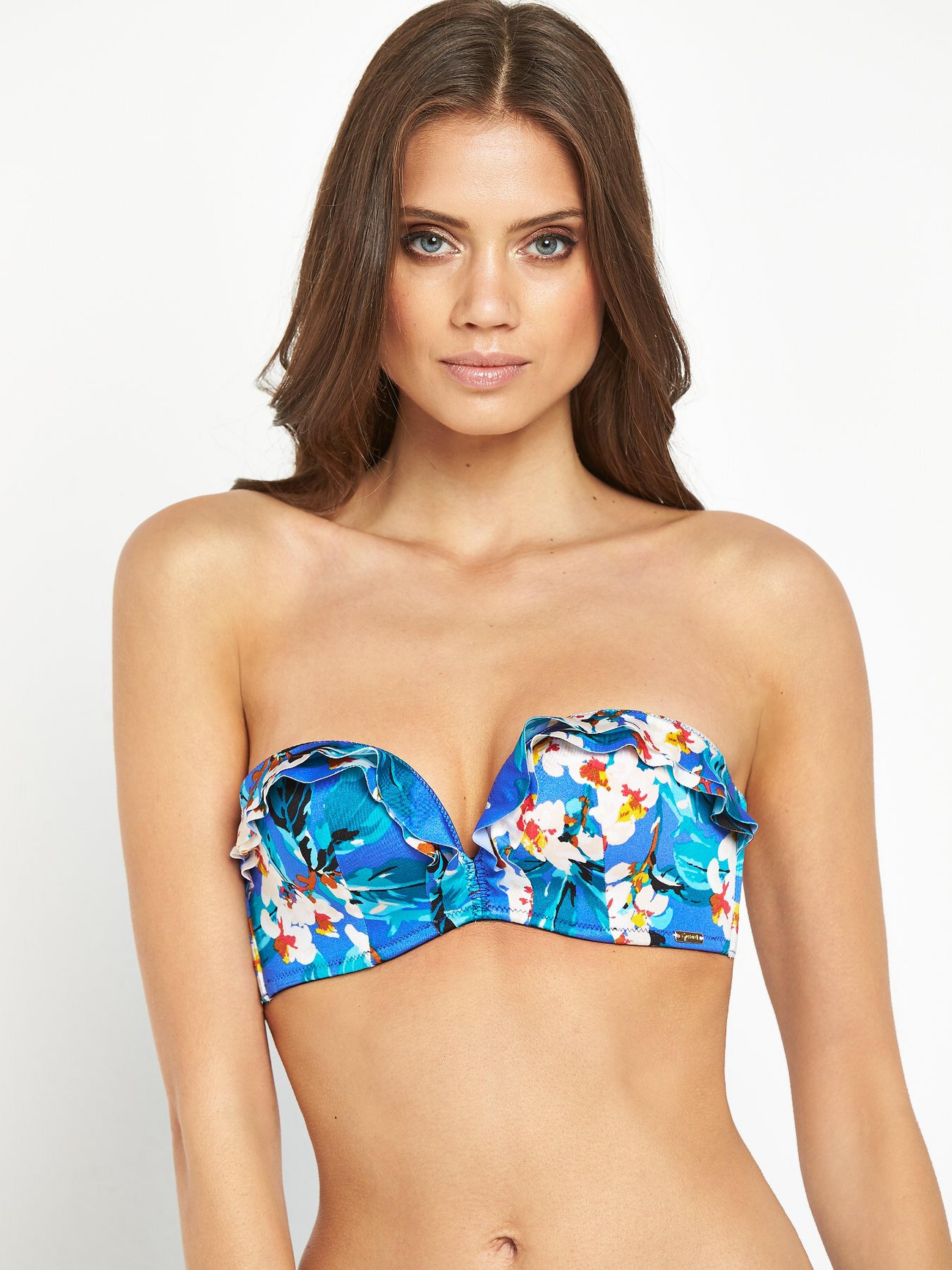
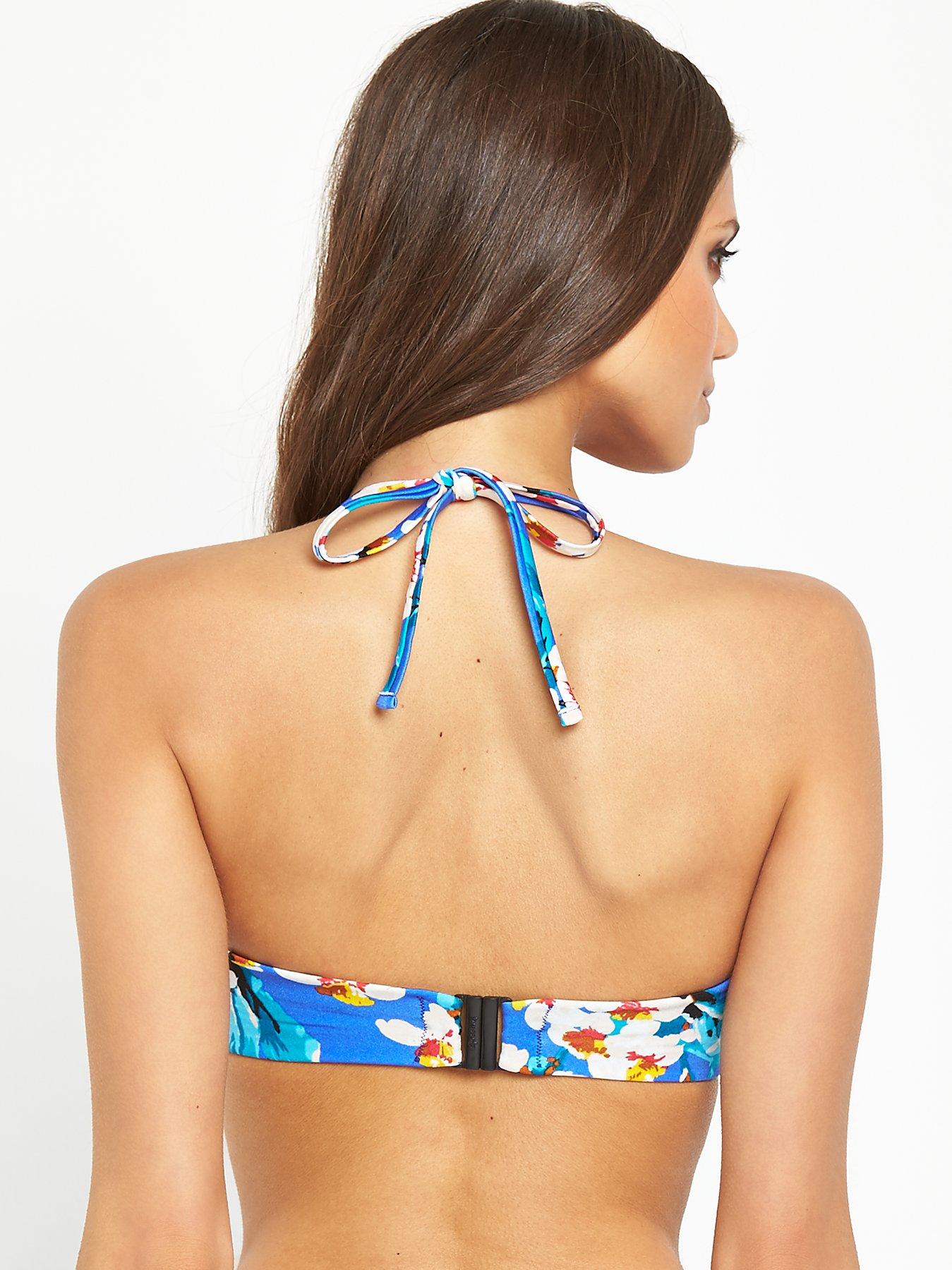
Ted Baker London
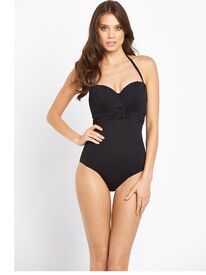
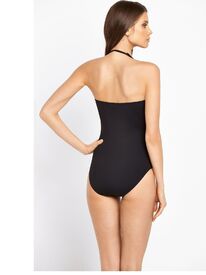
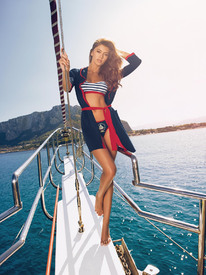
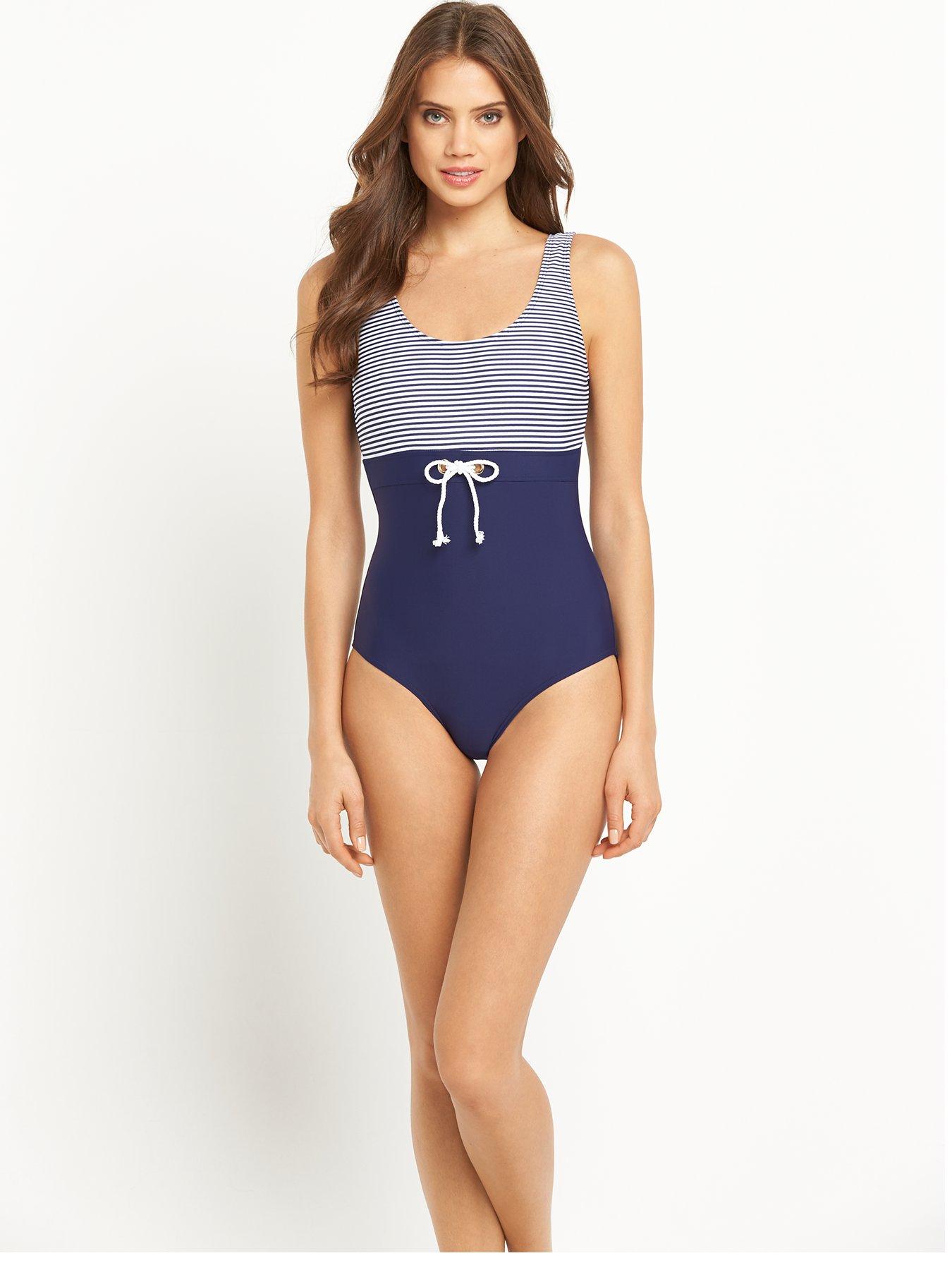
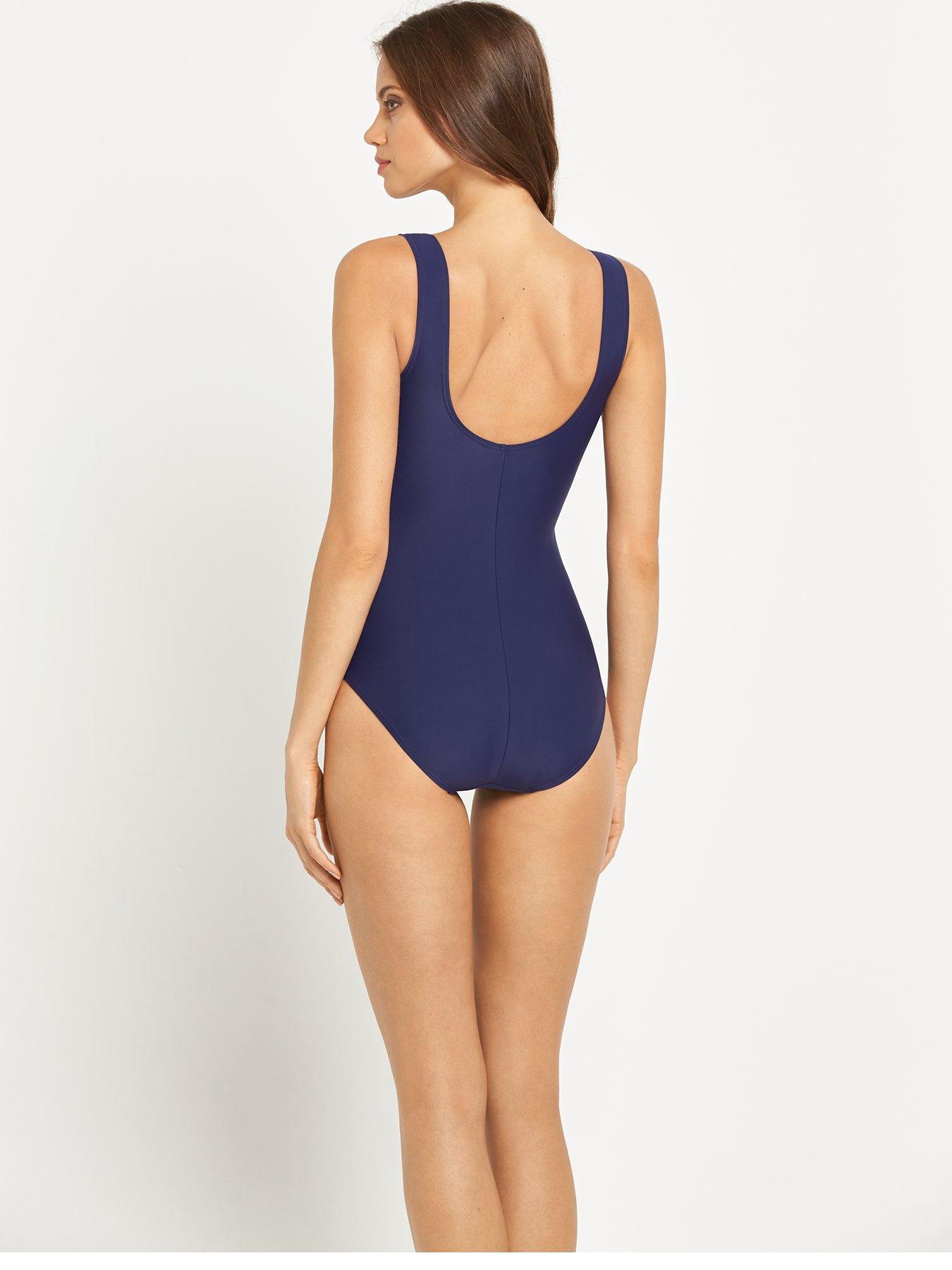
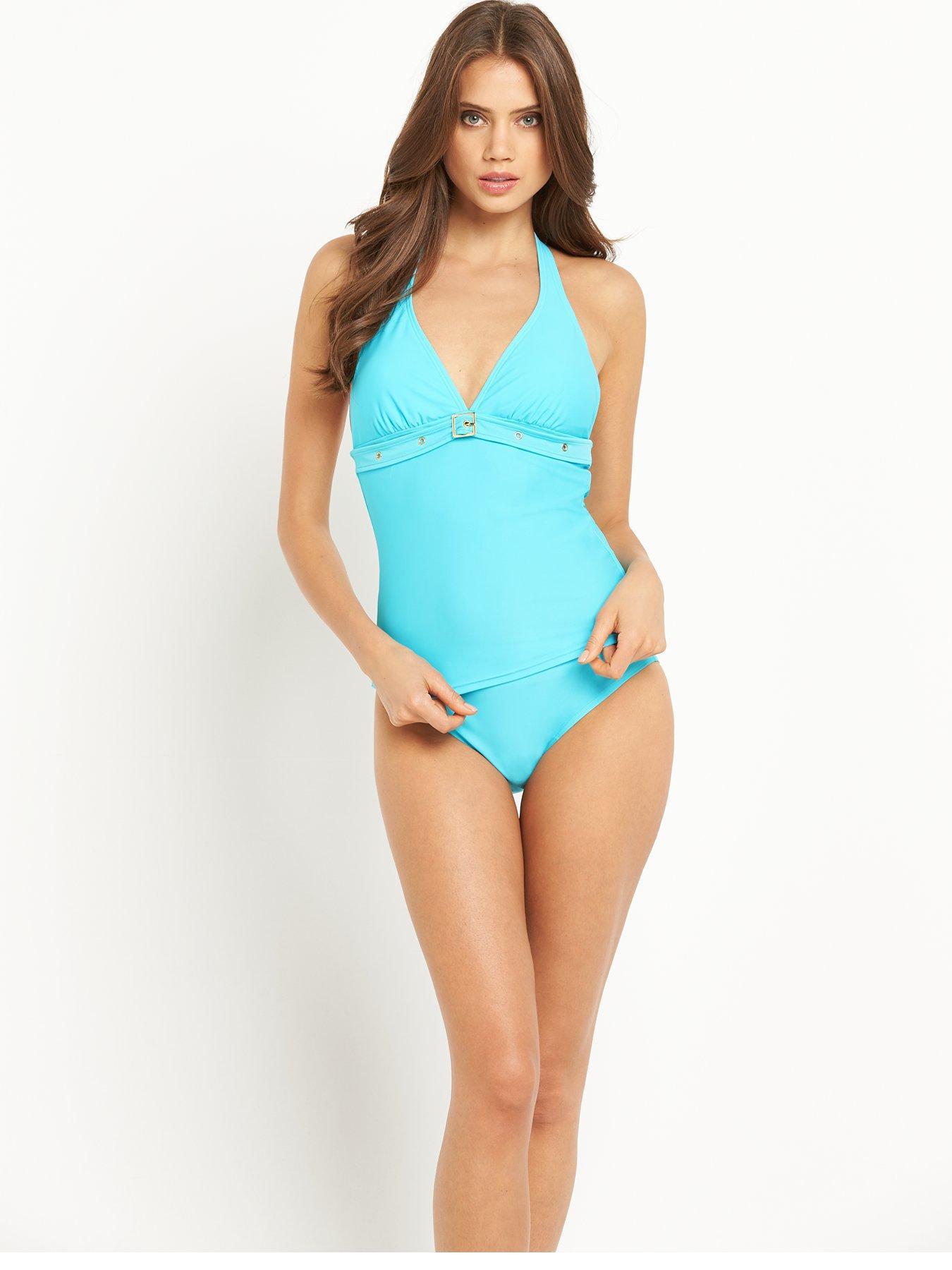
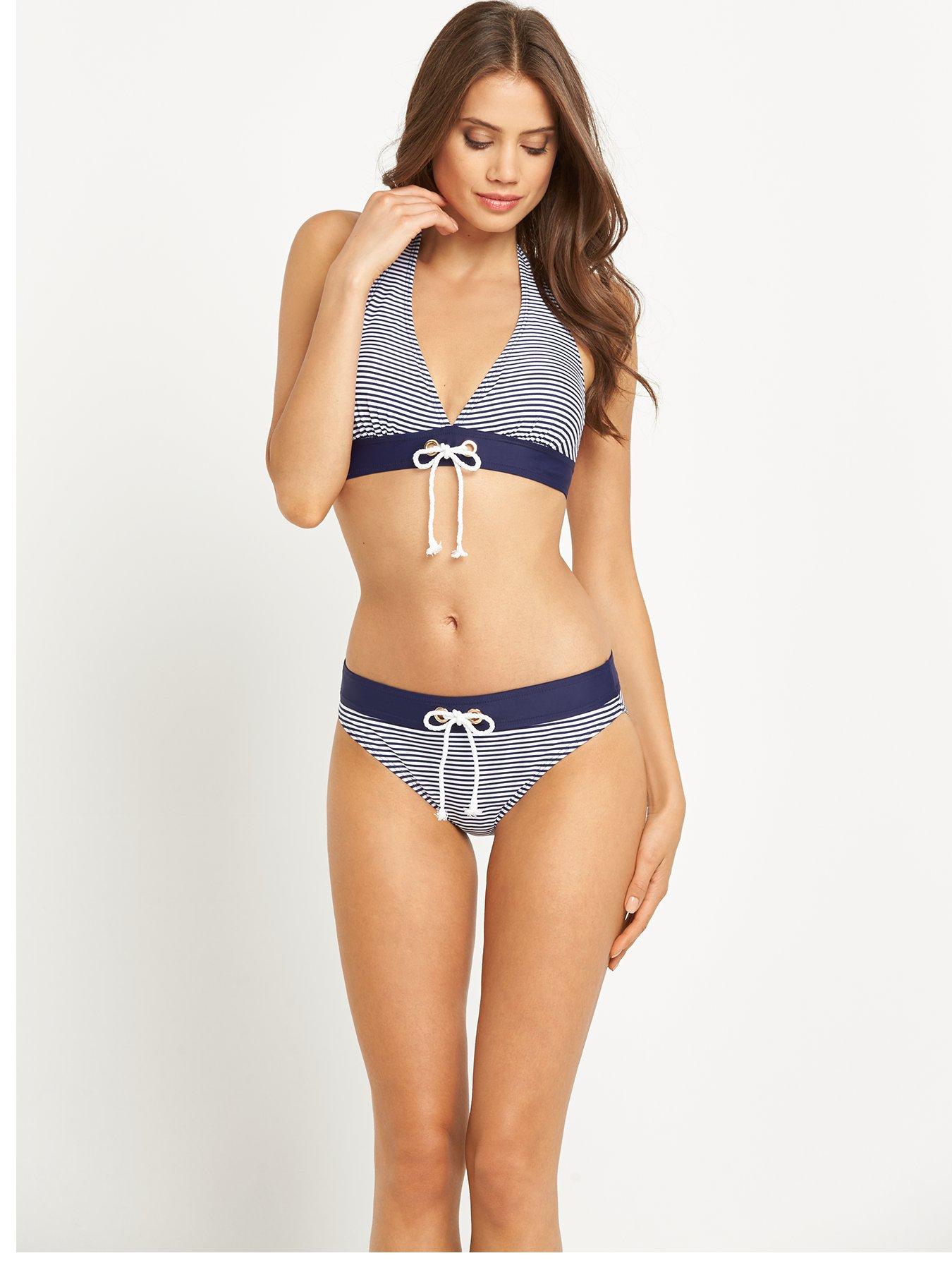
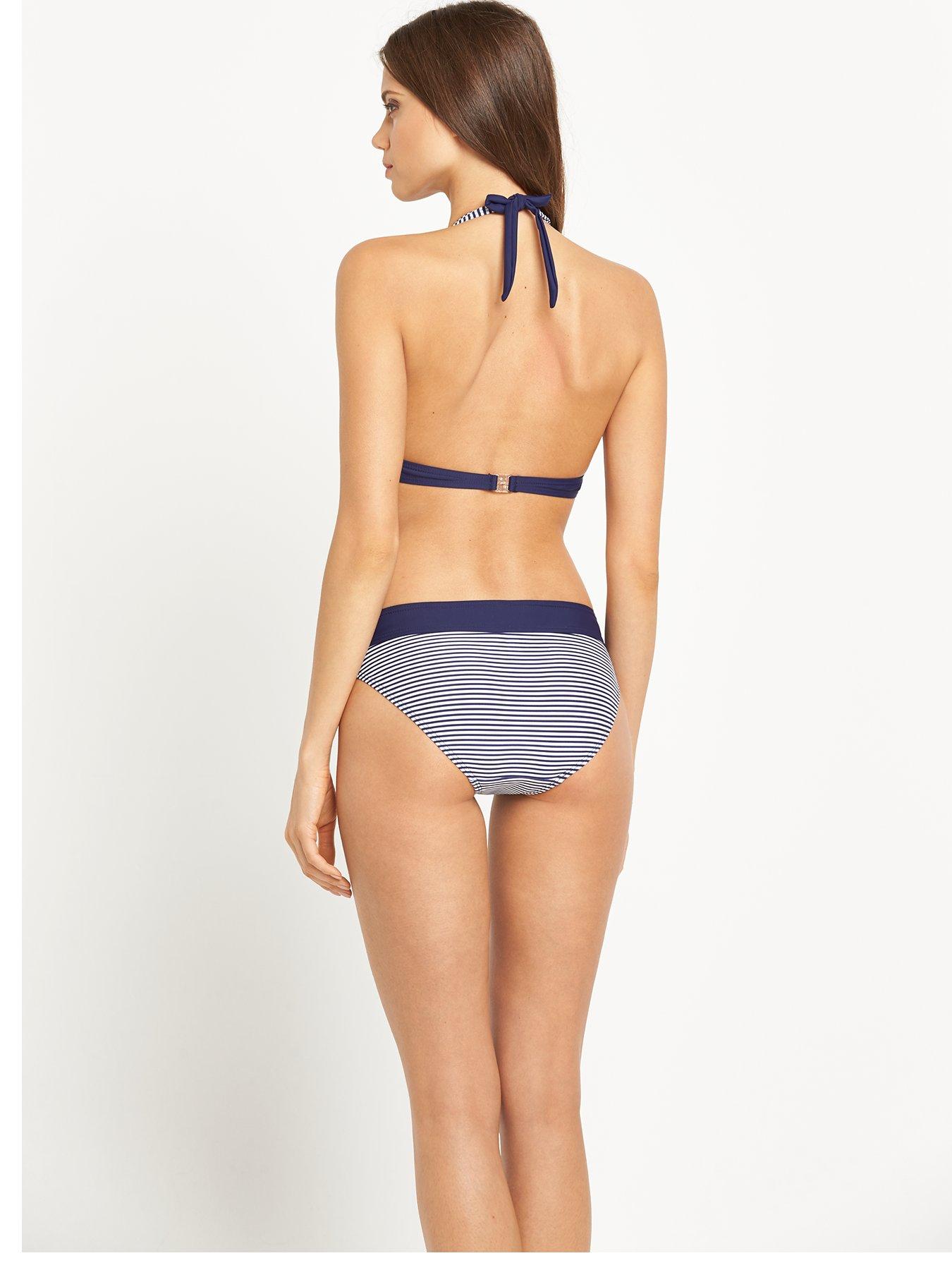
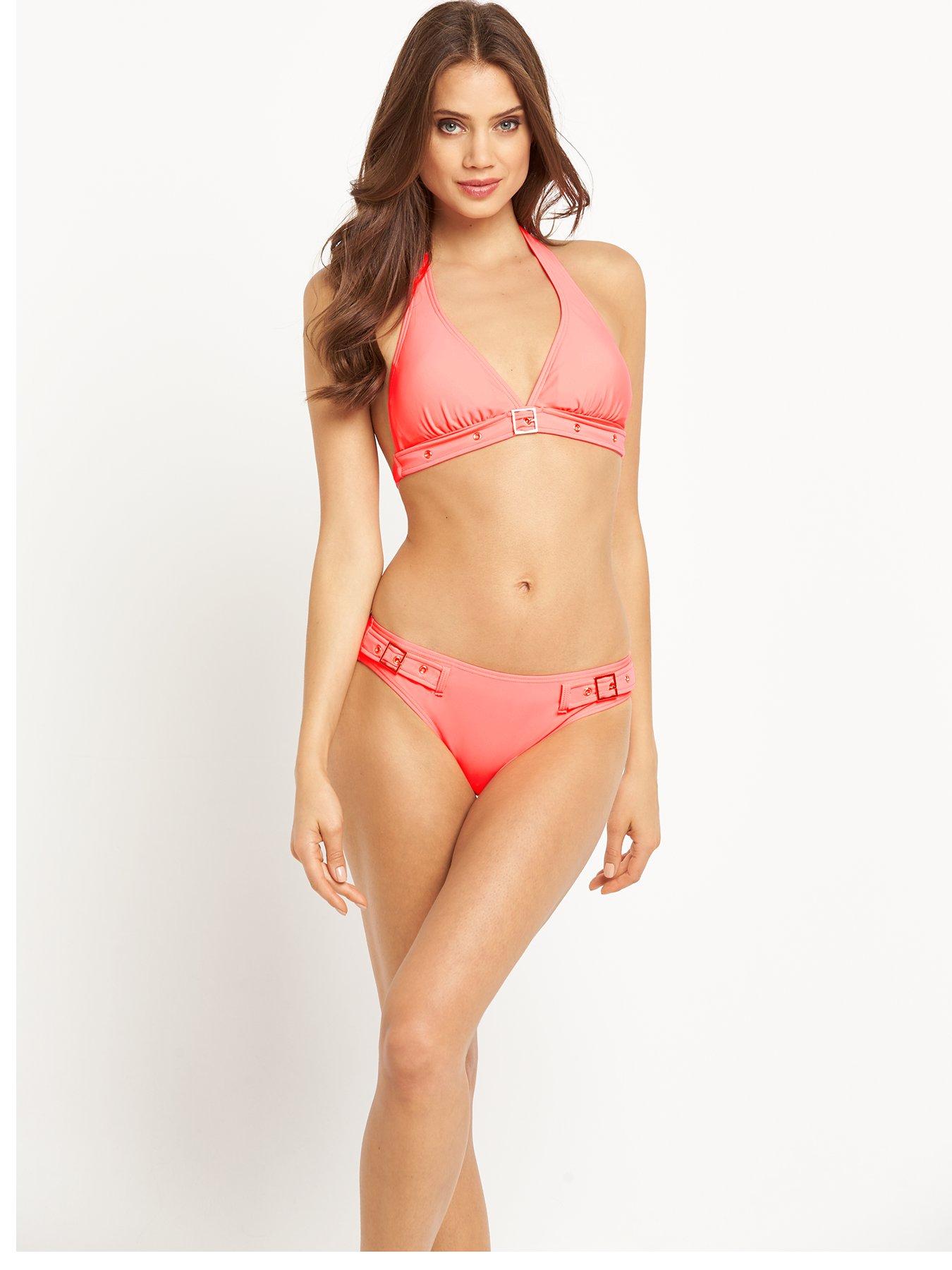
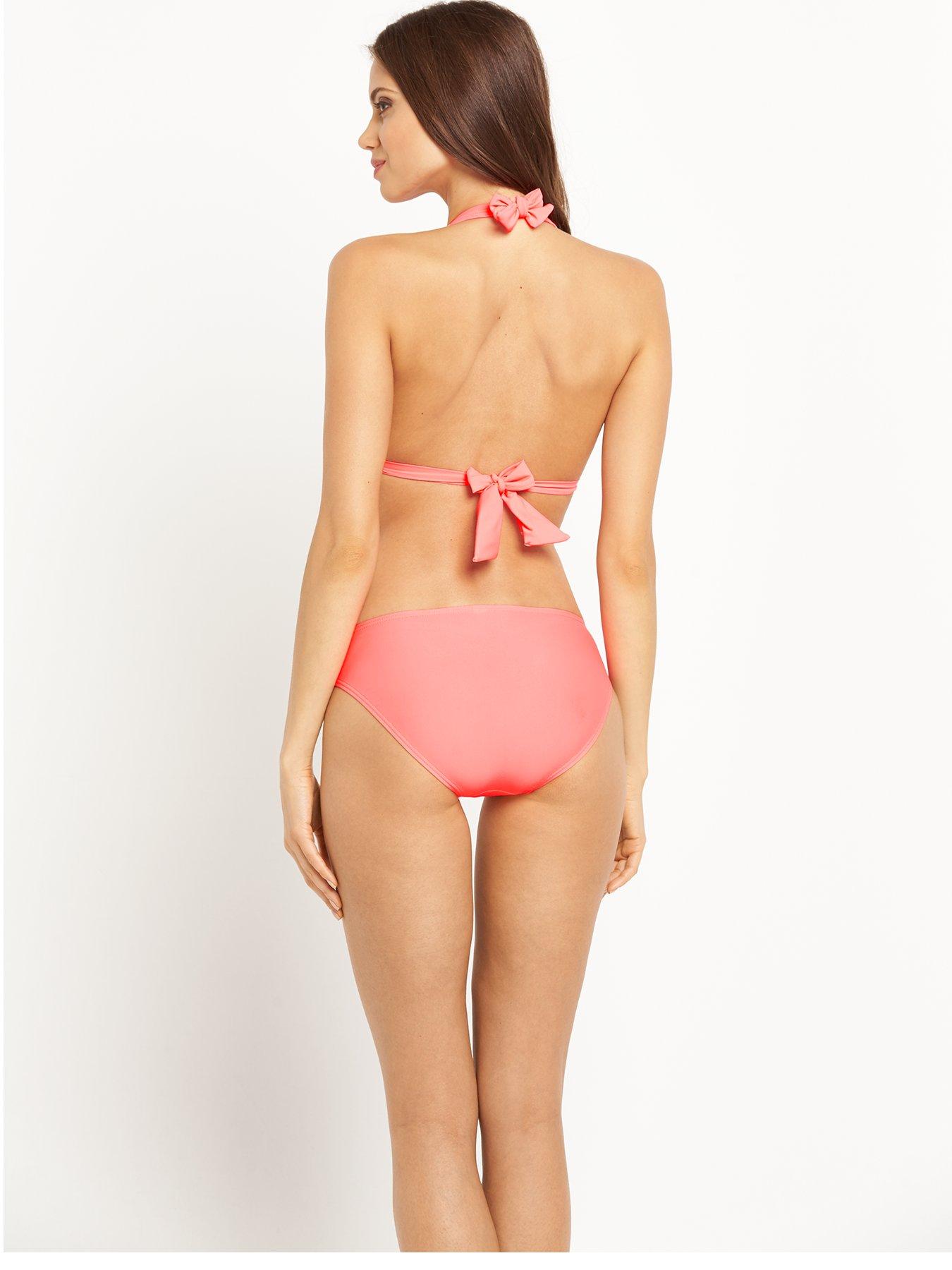
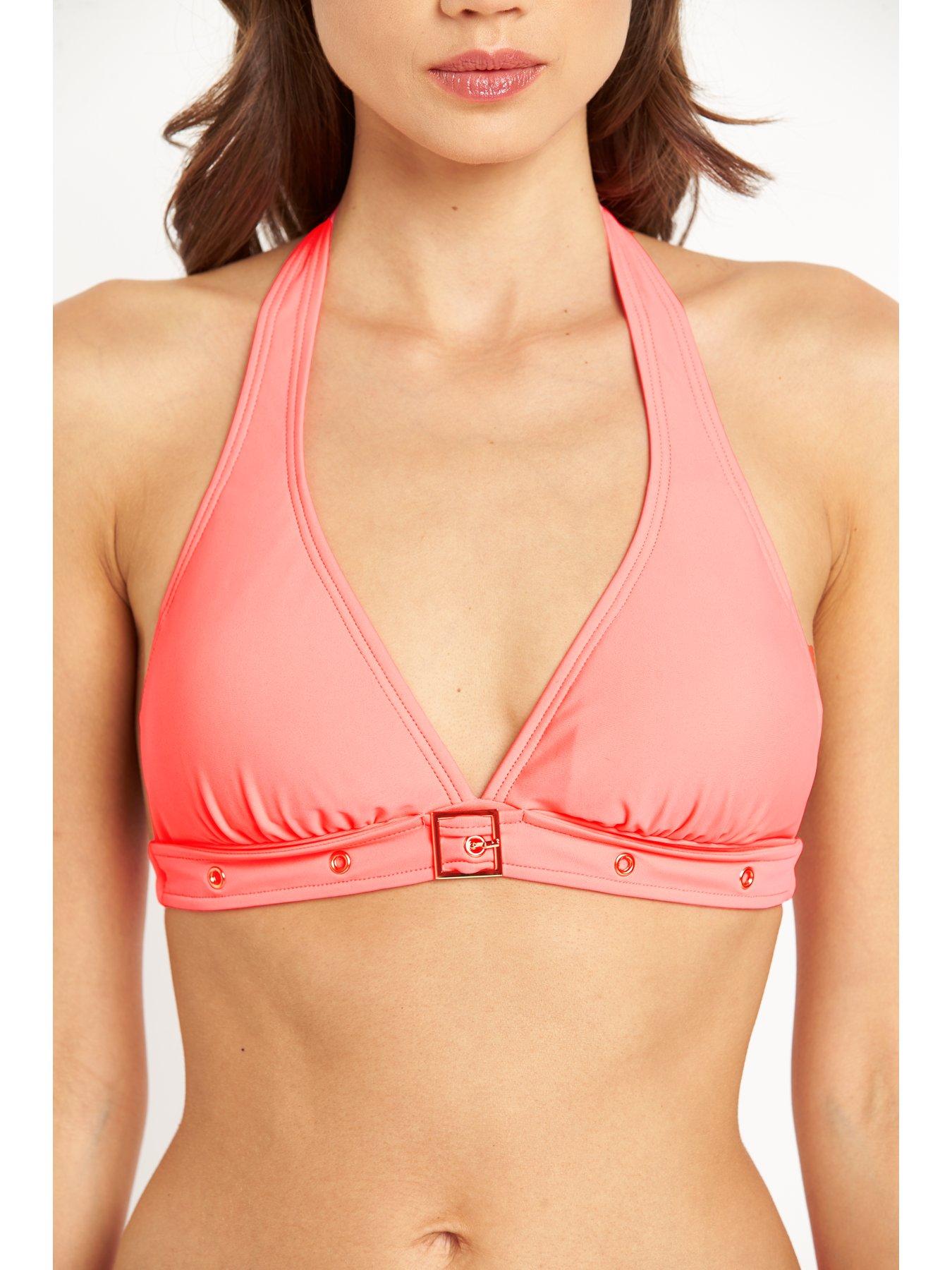
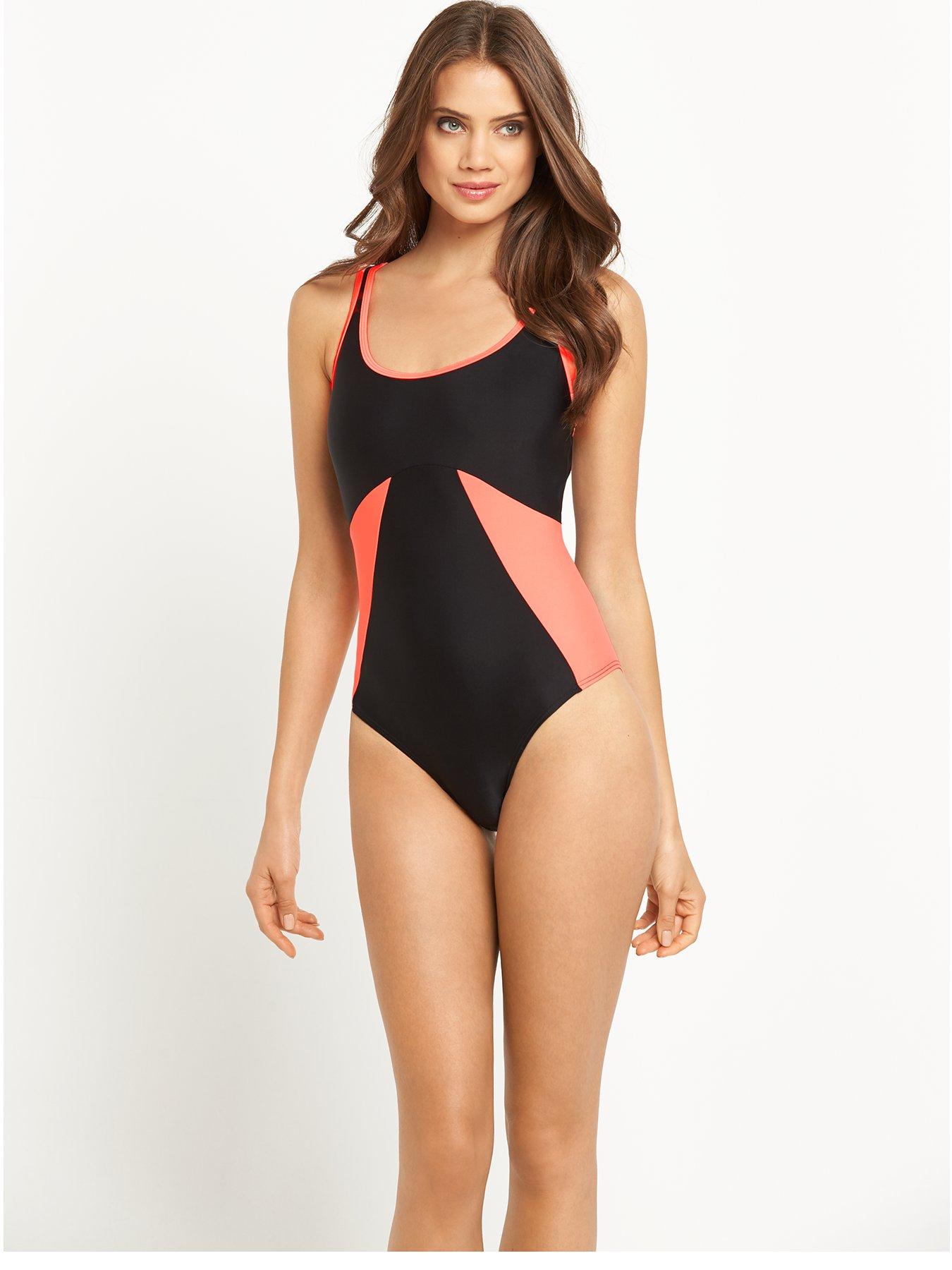
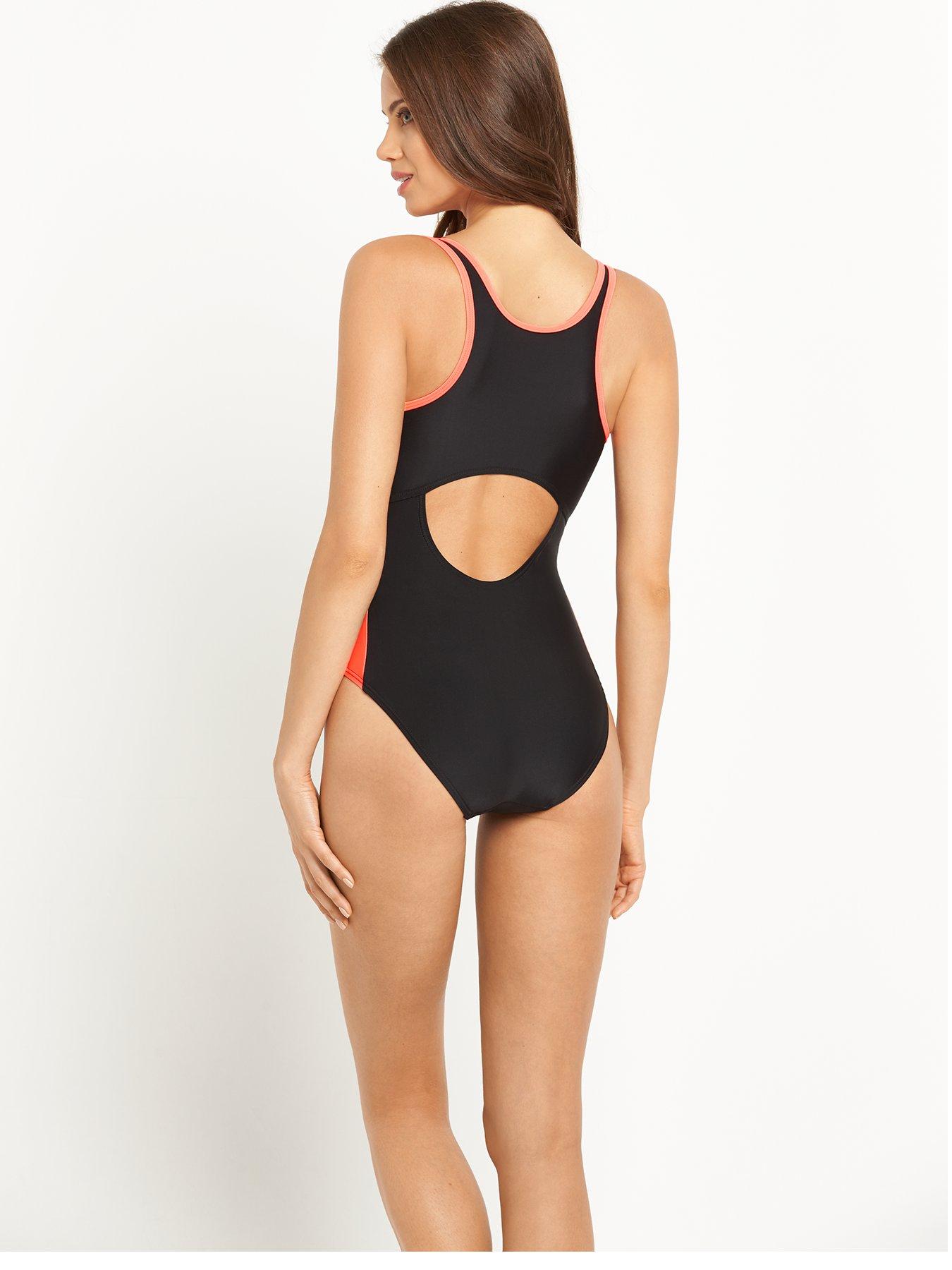
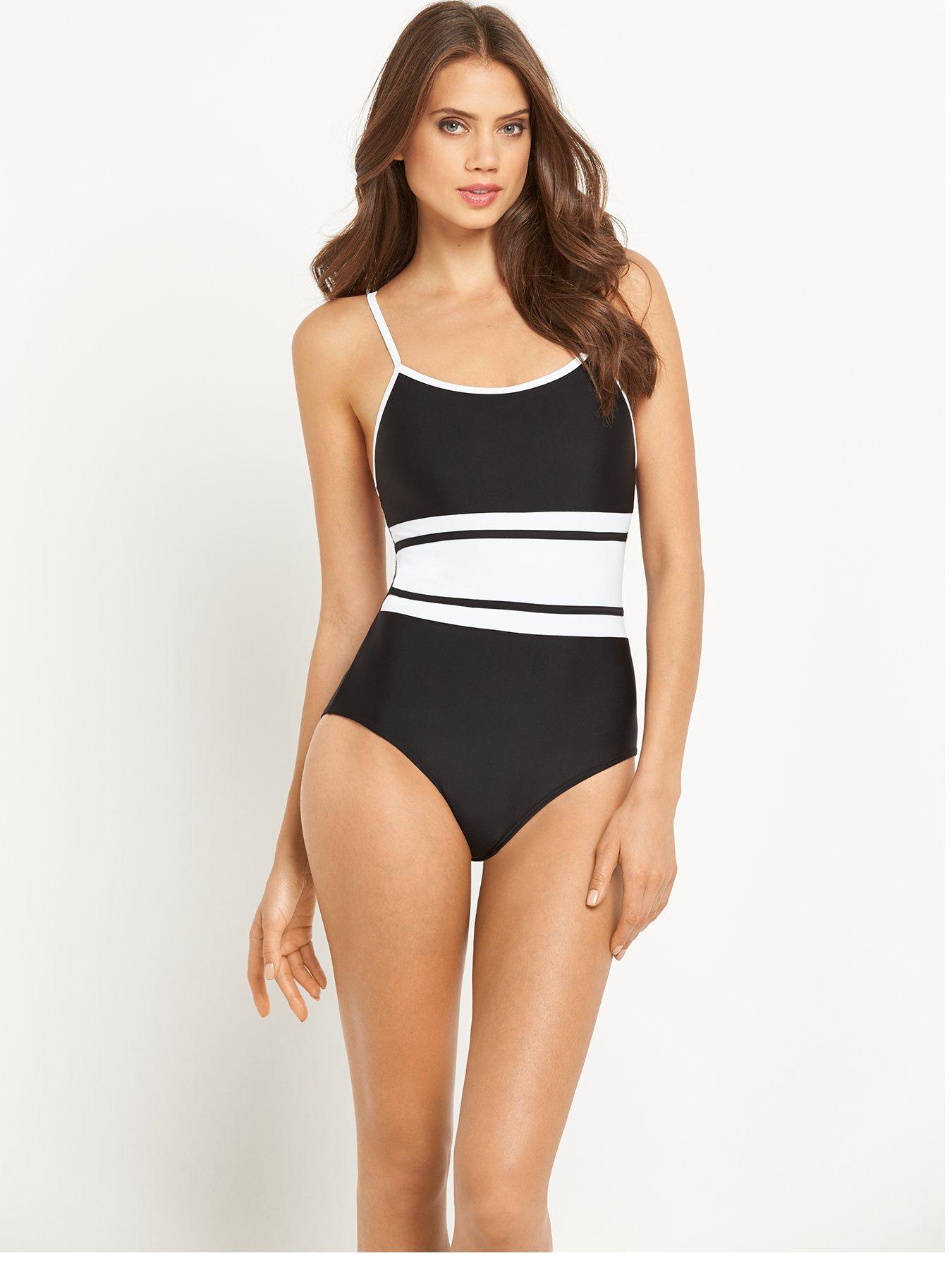
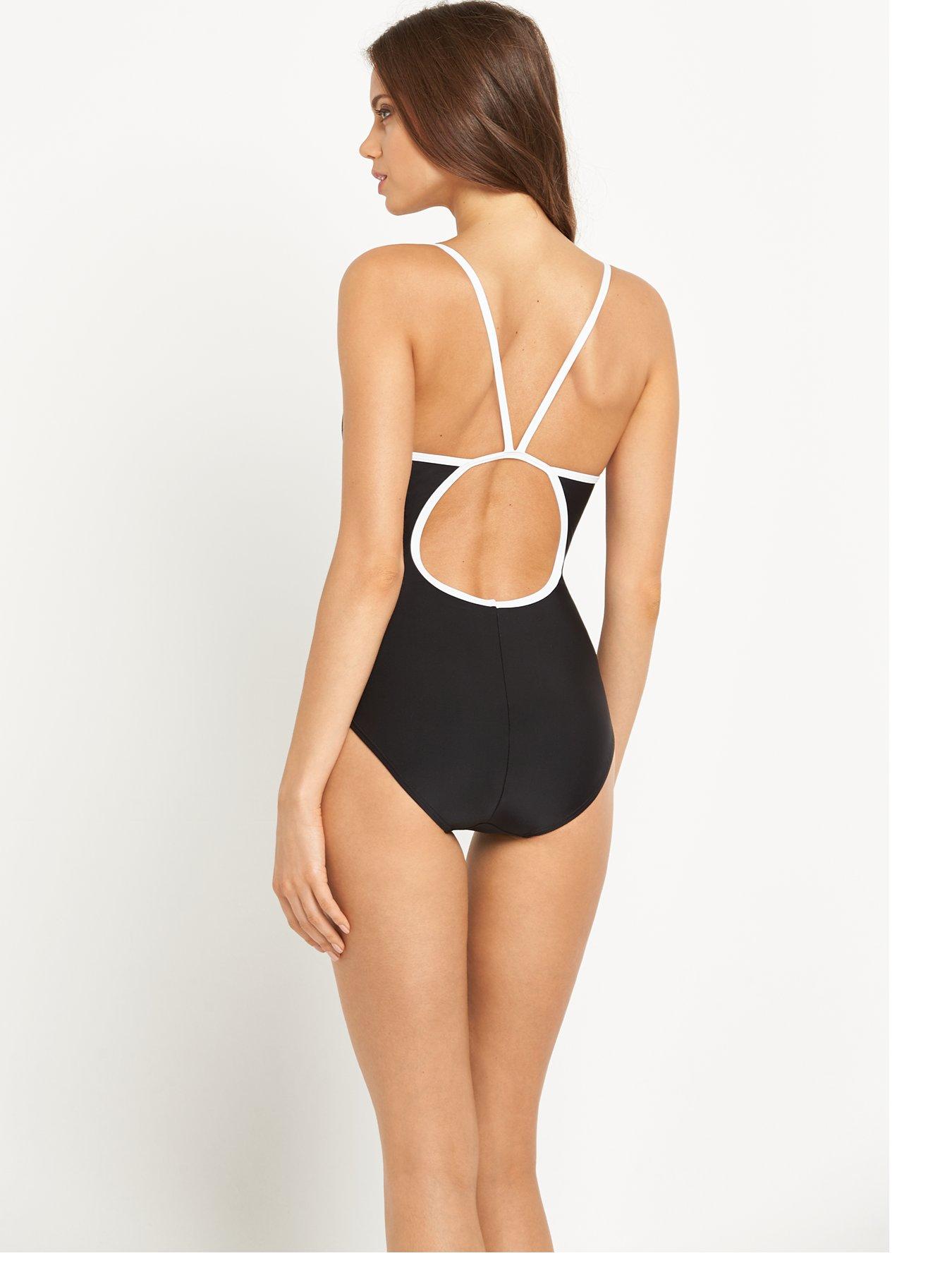
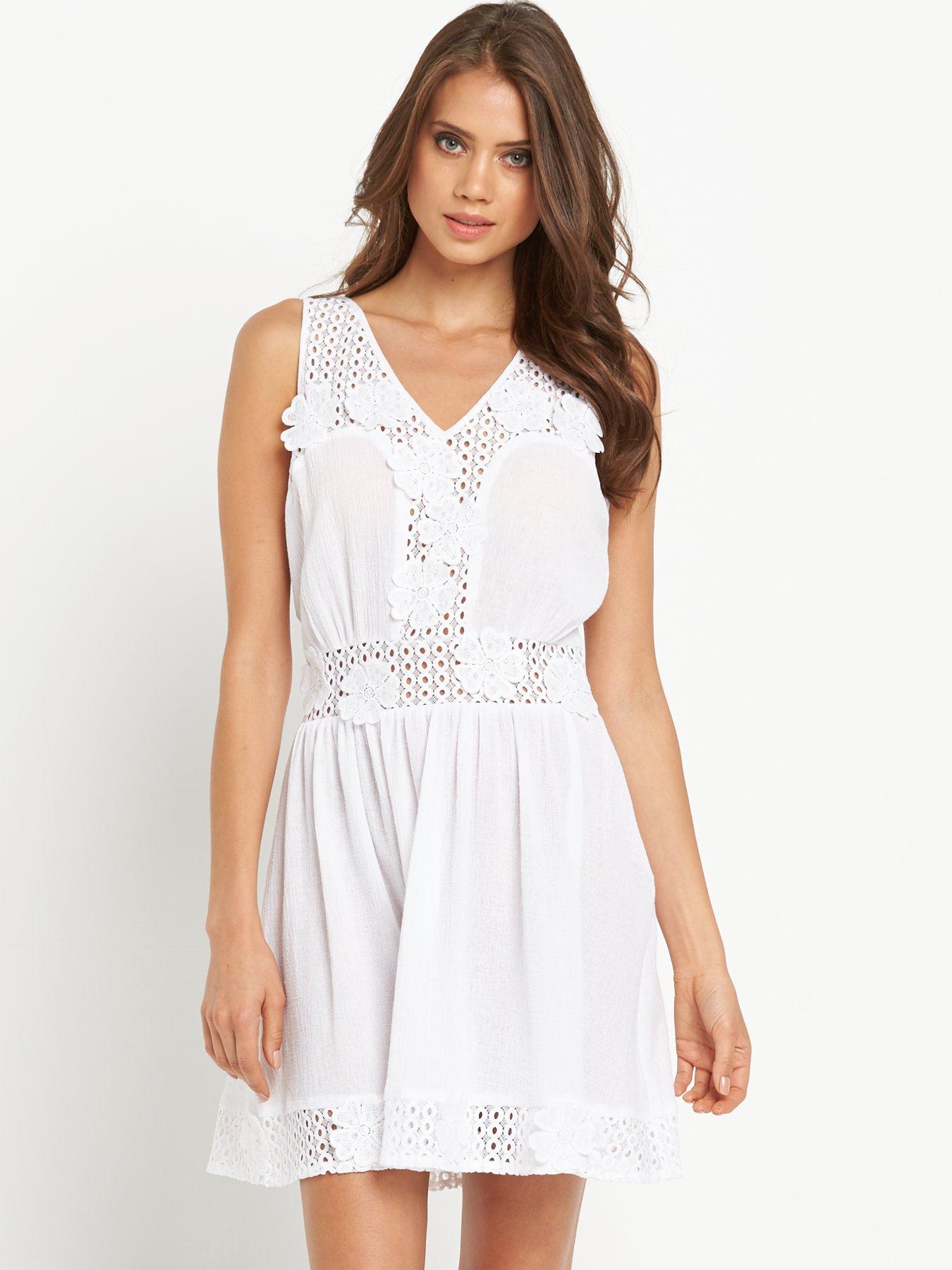
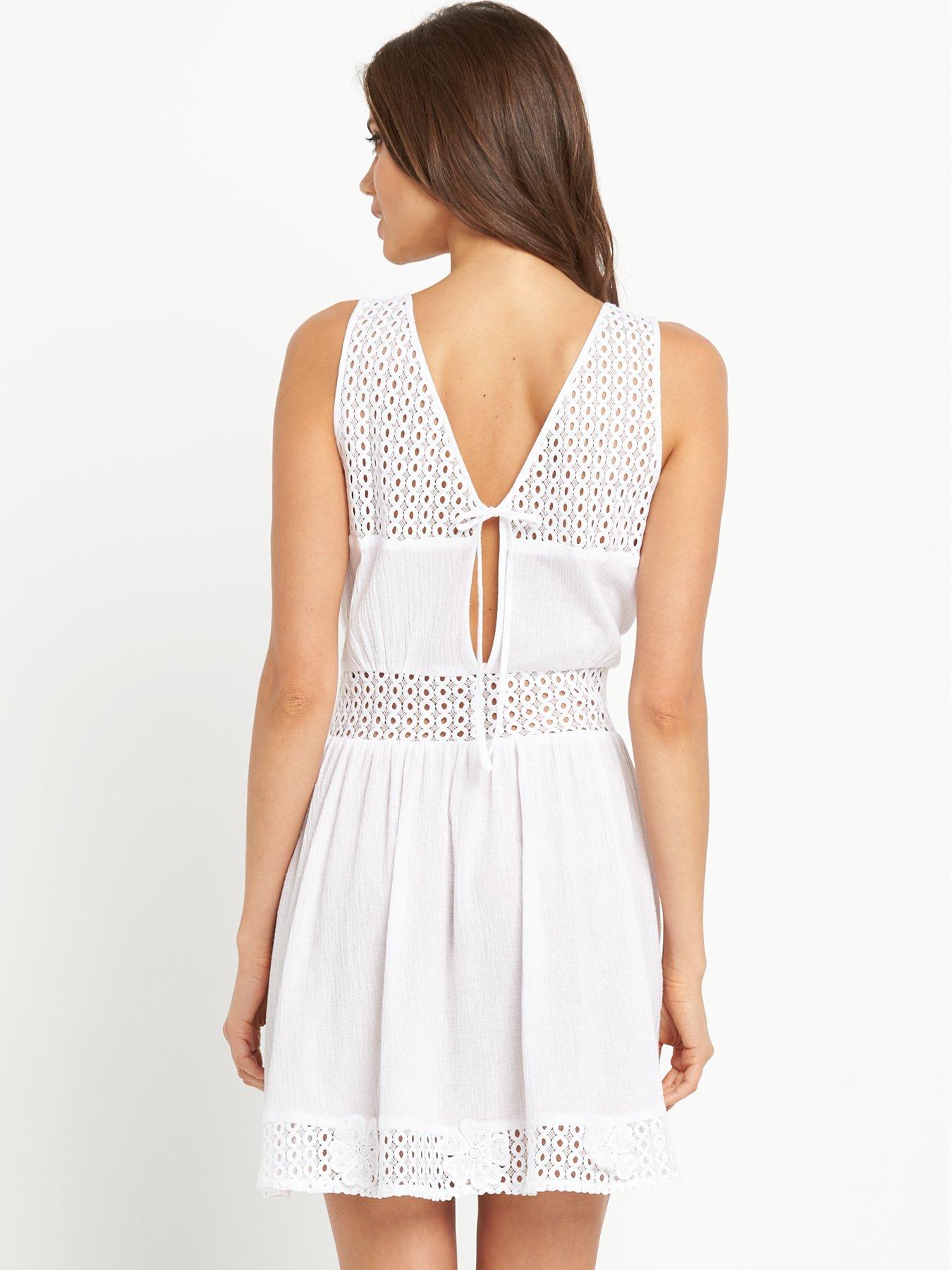
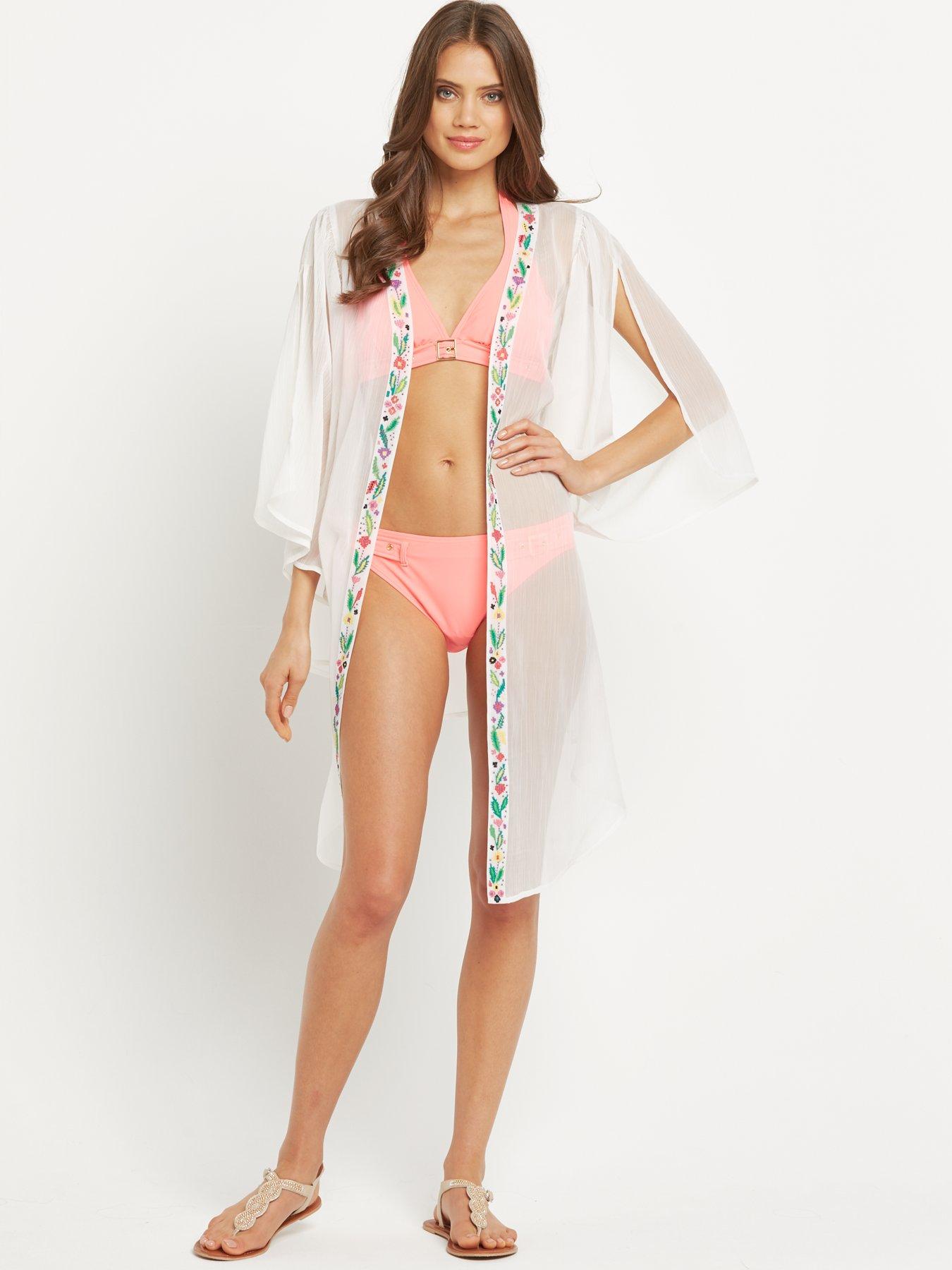
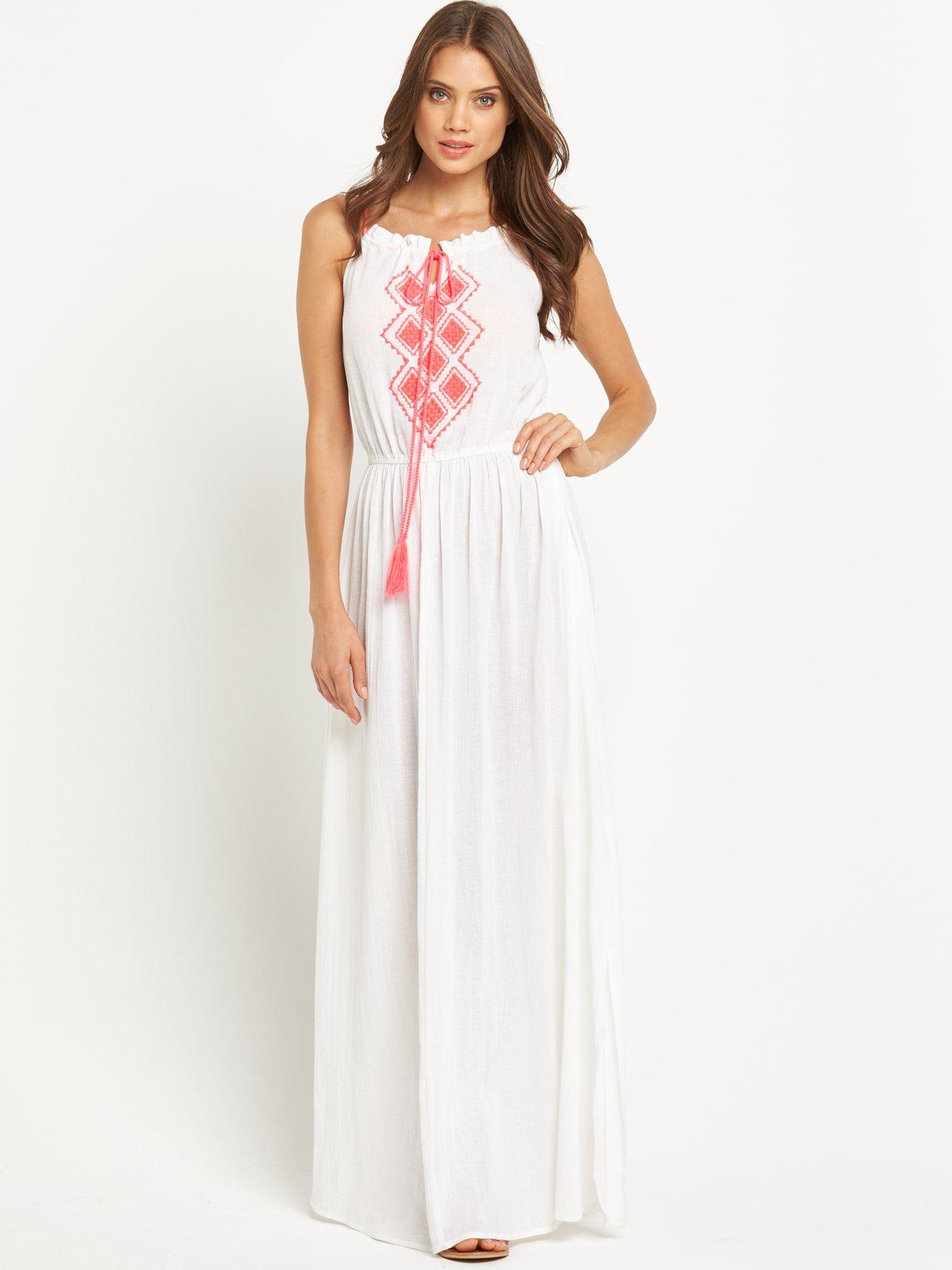
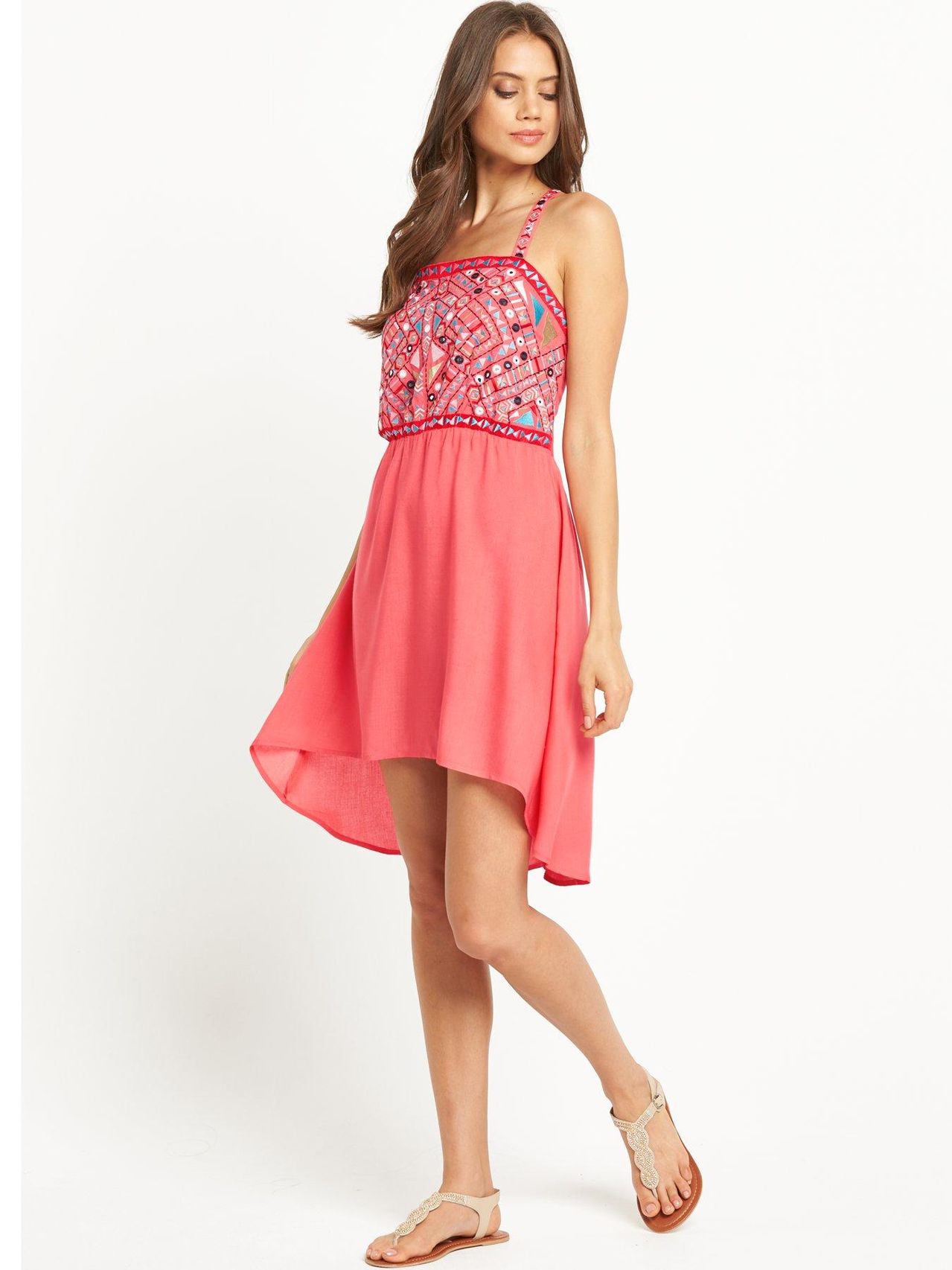
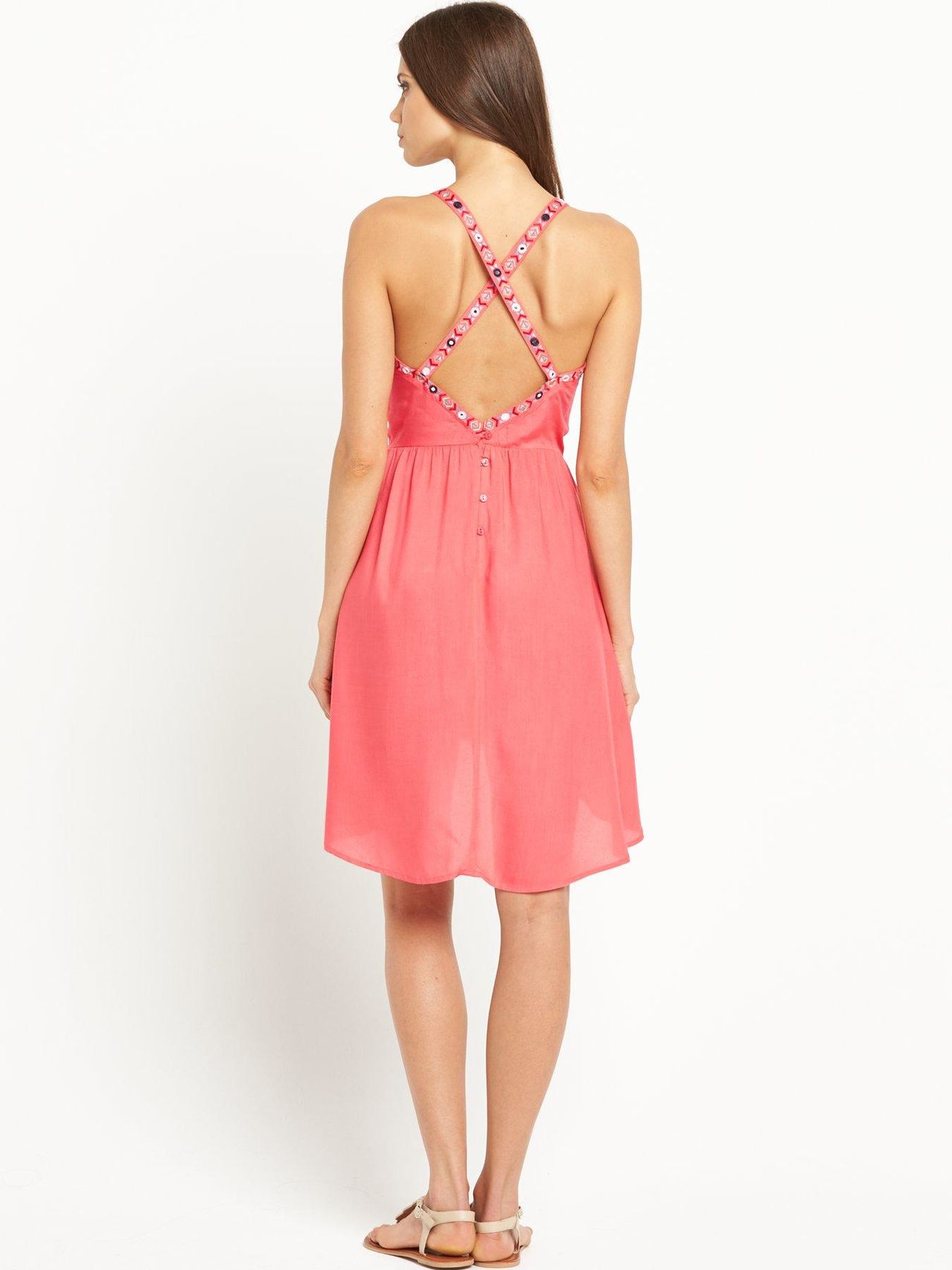
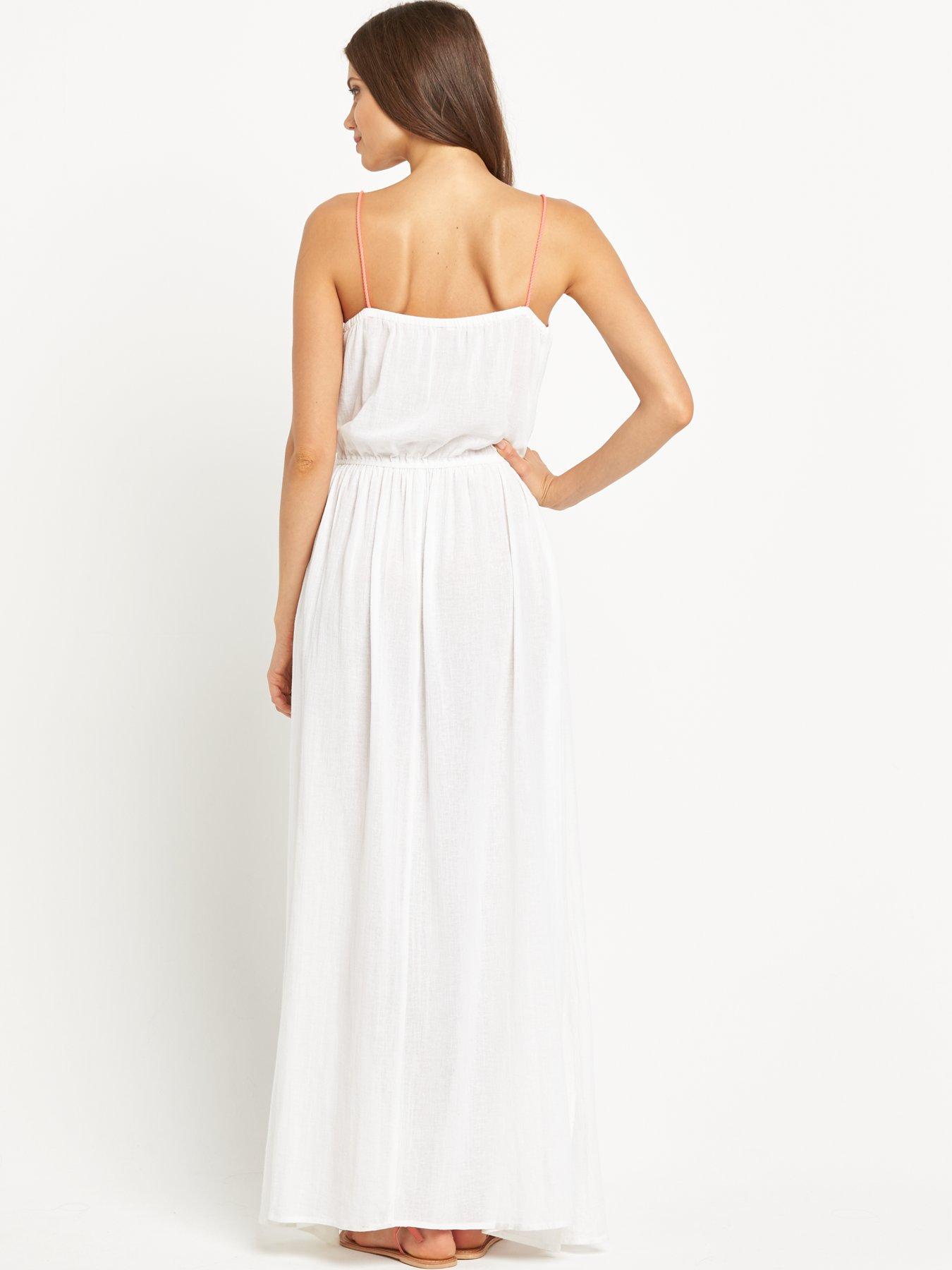
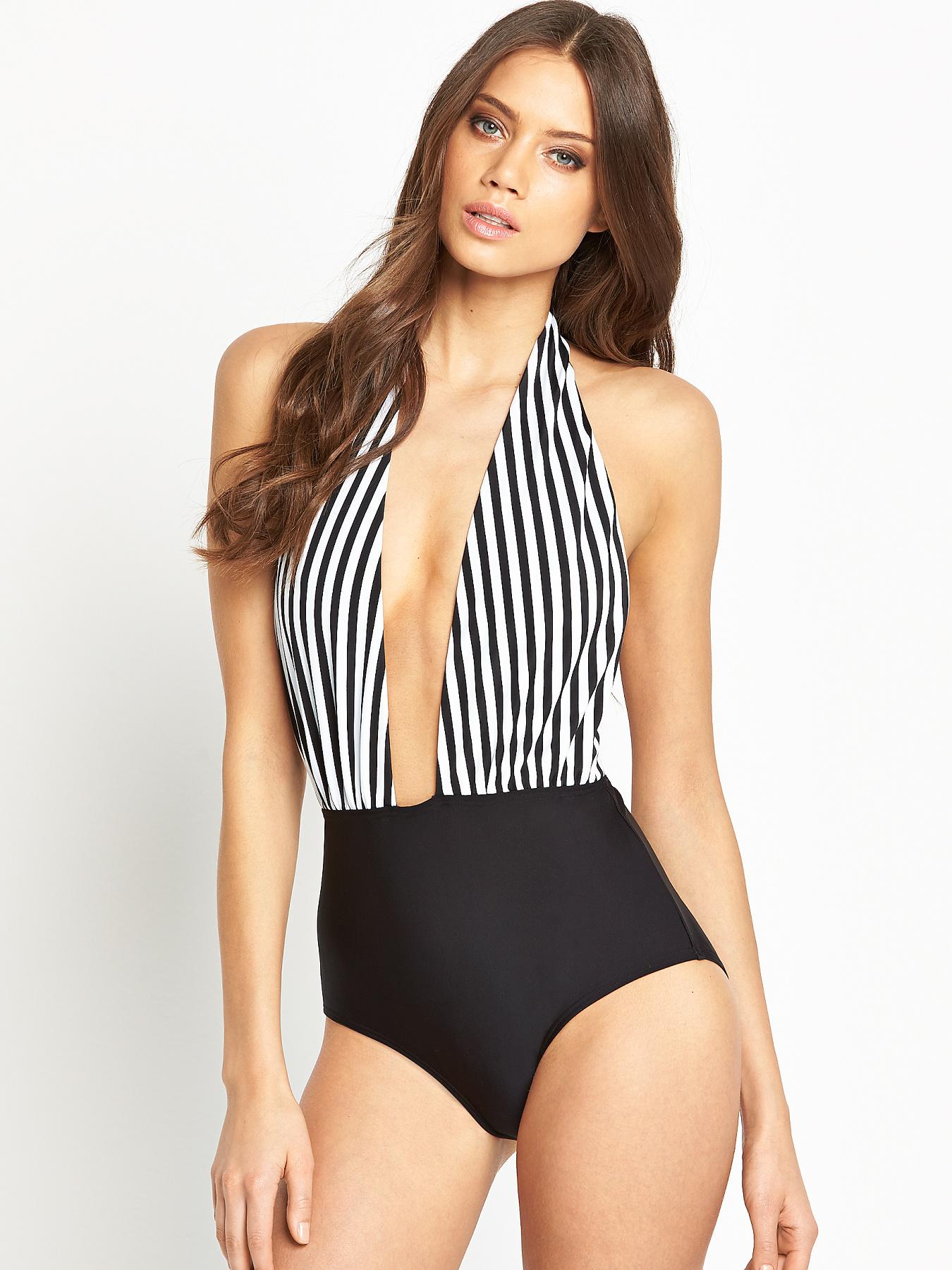
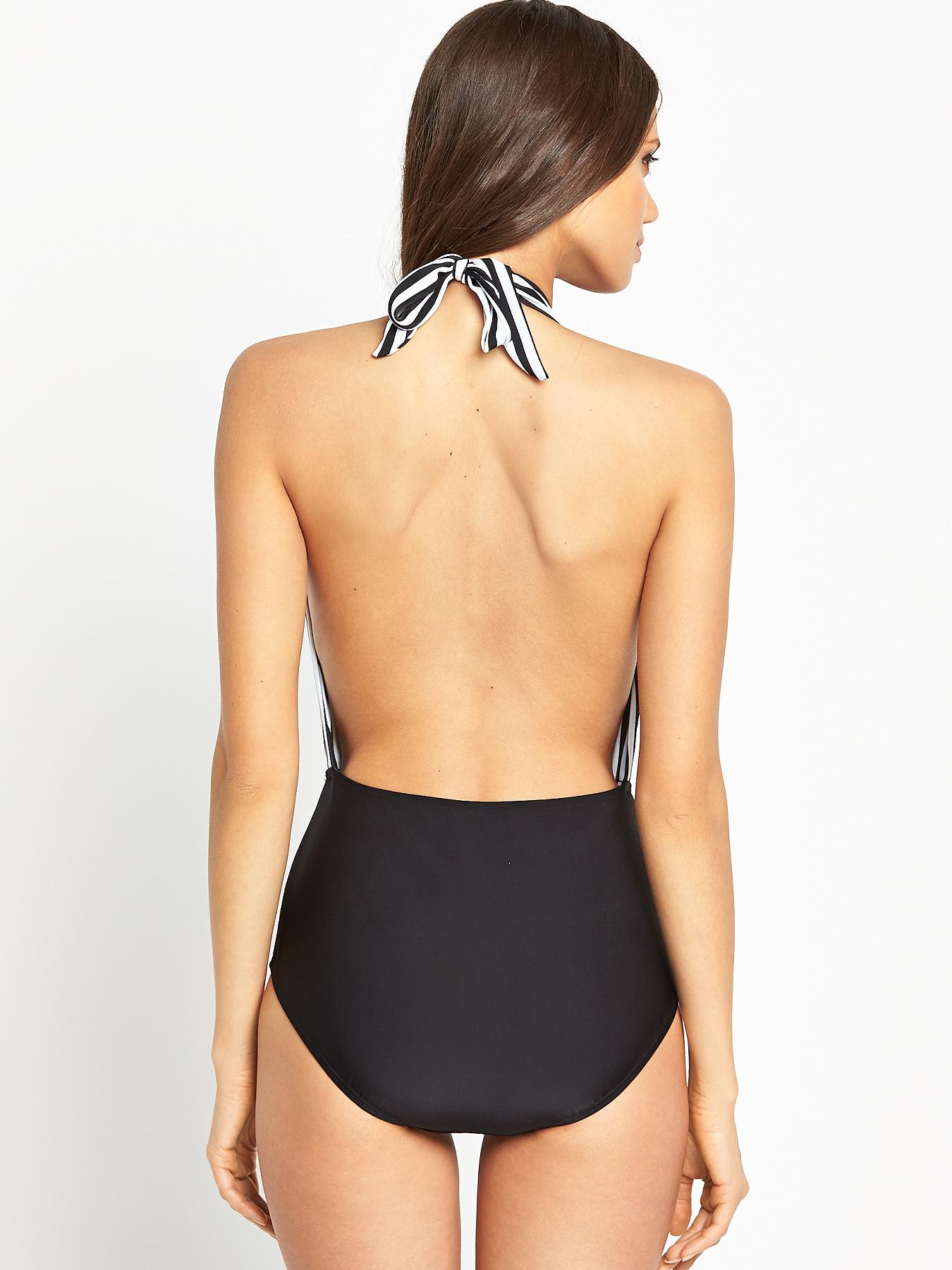
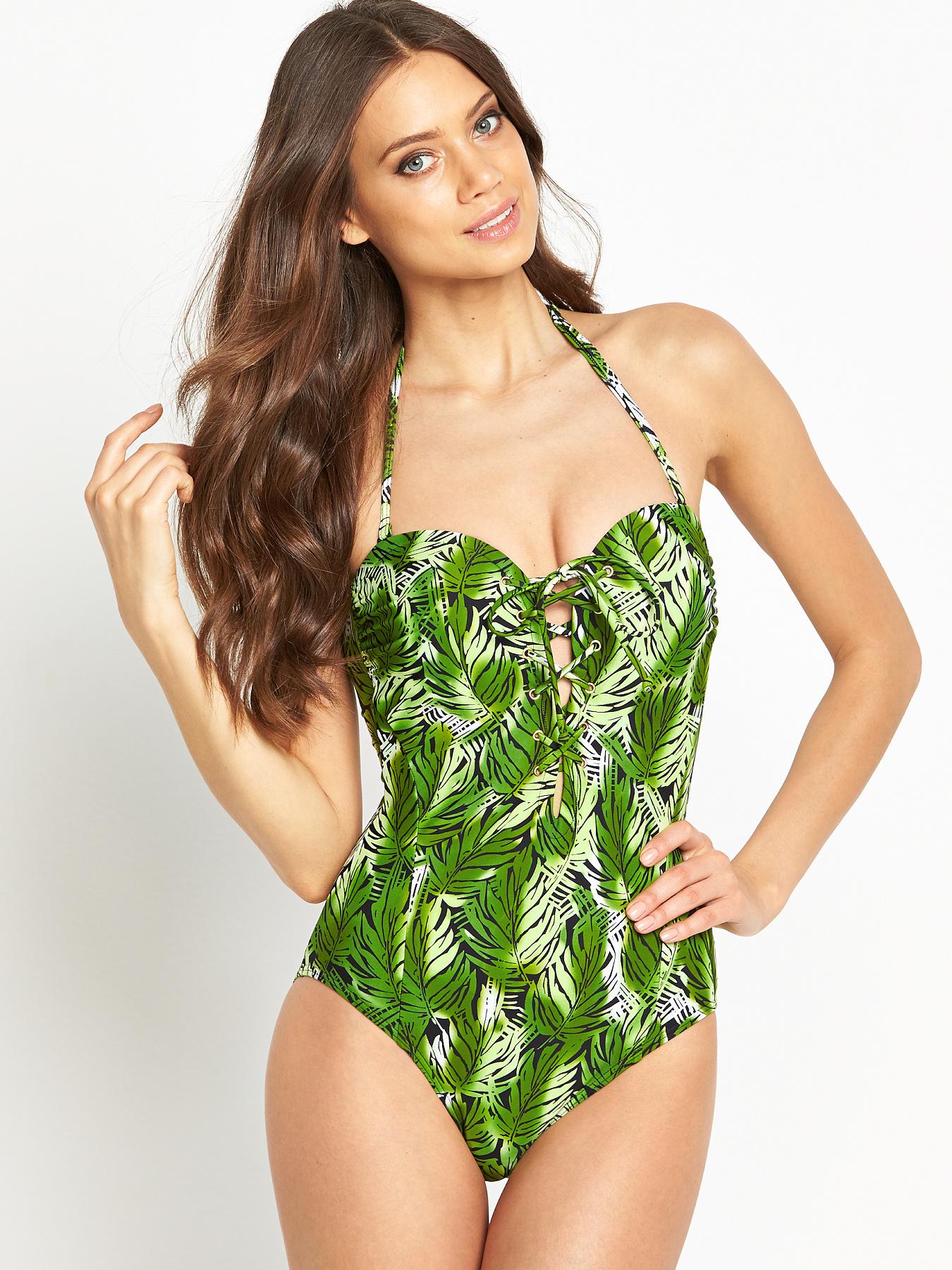
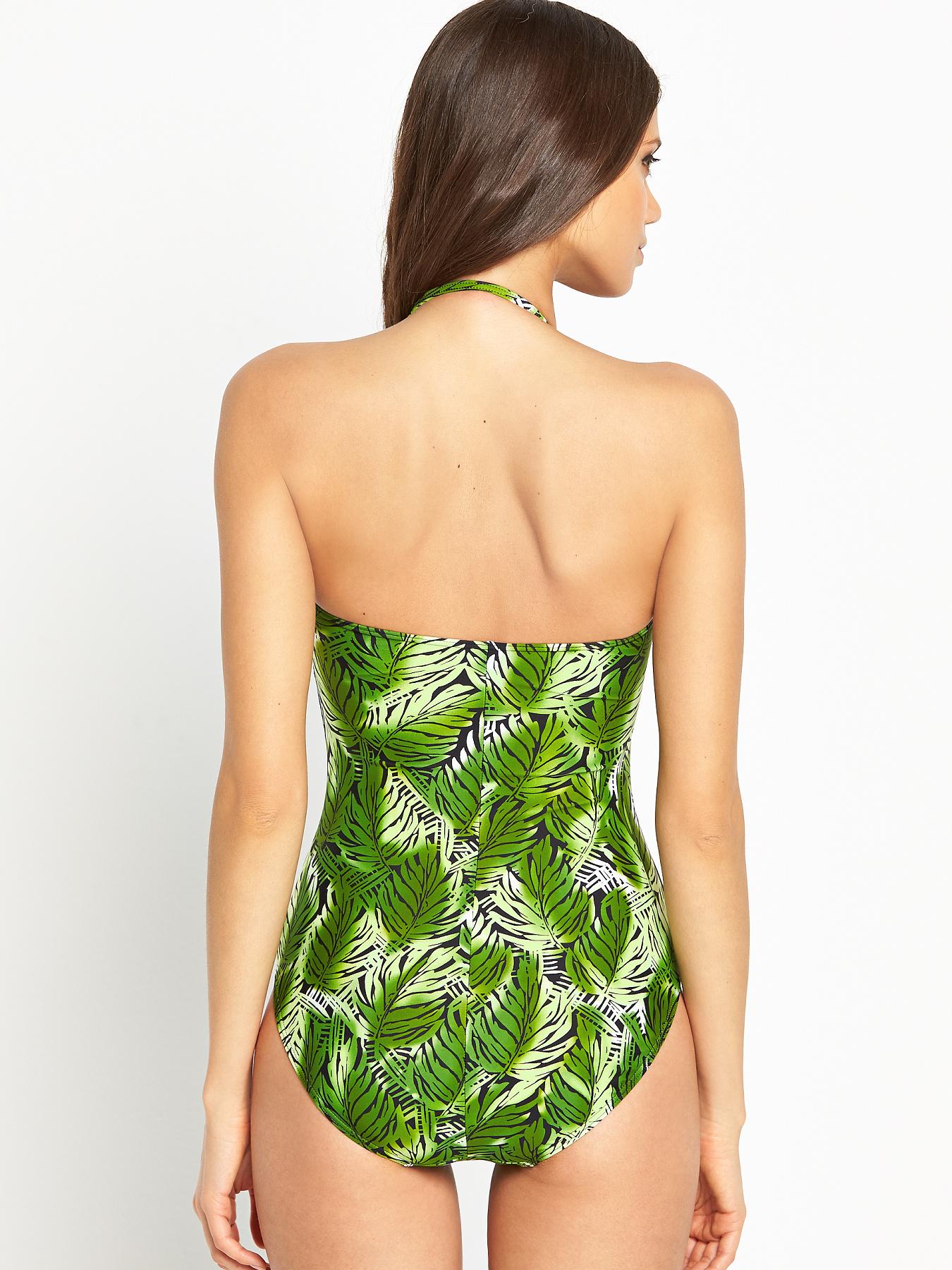
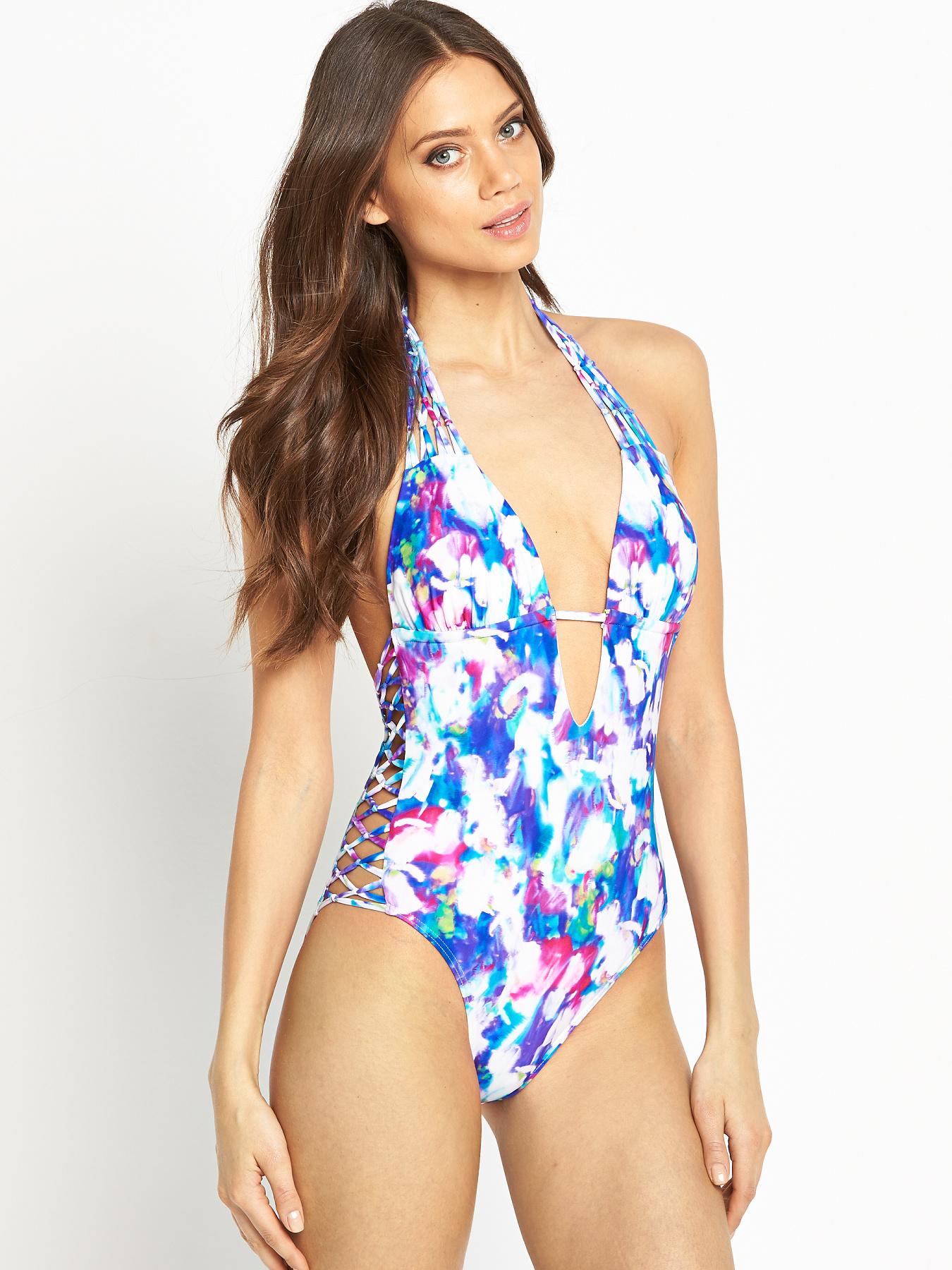
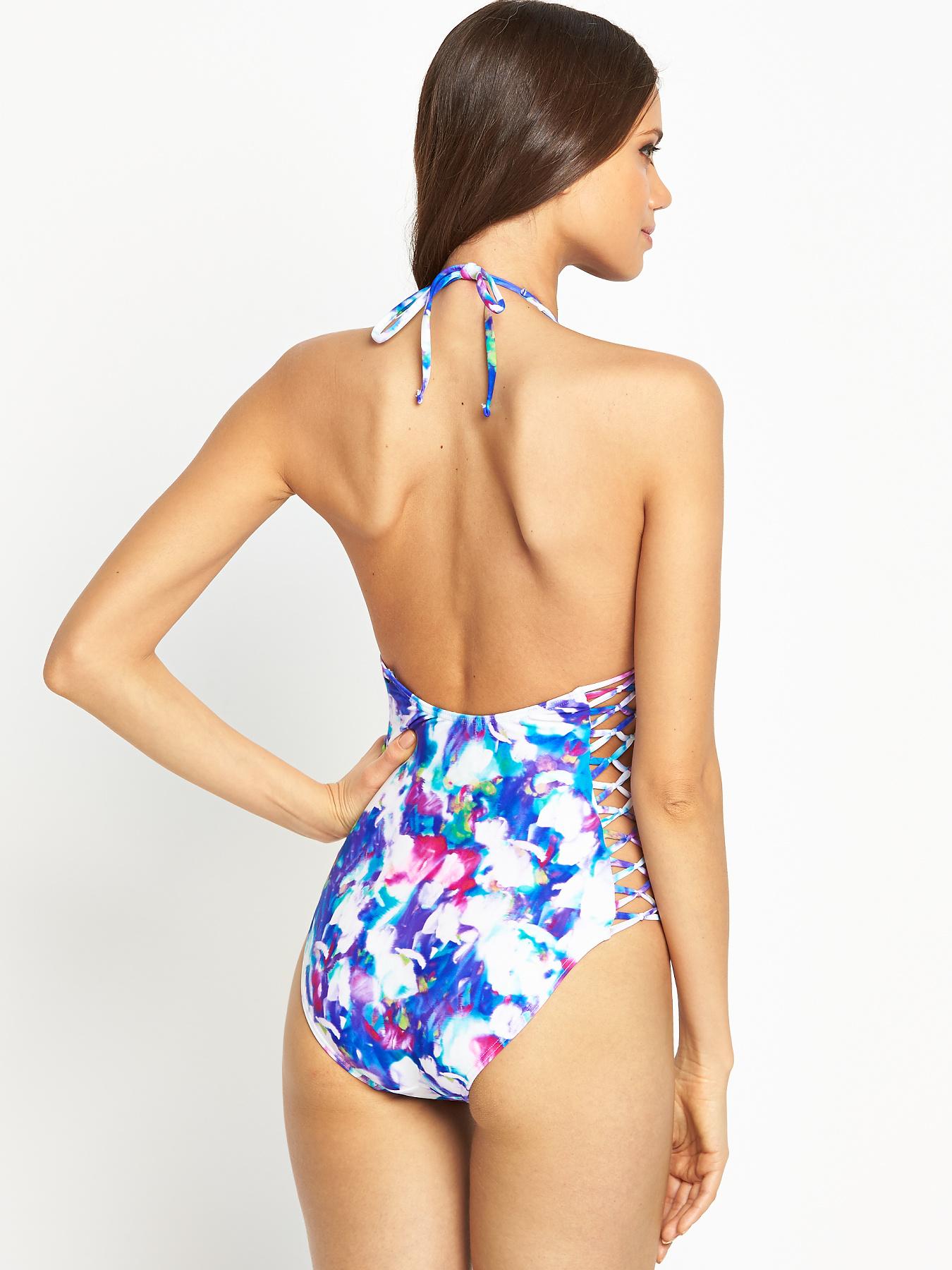
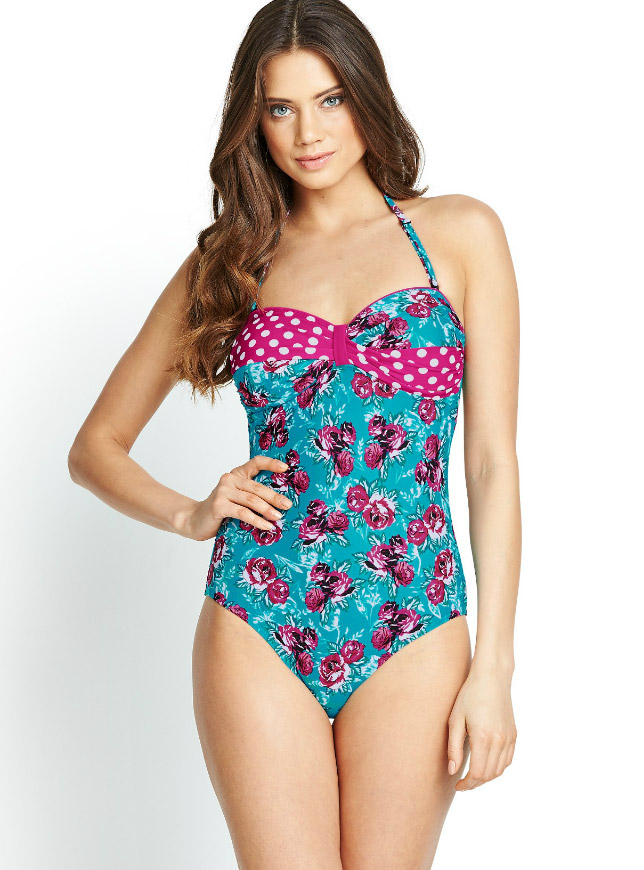
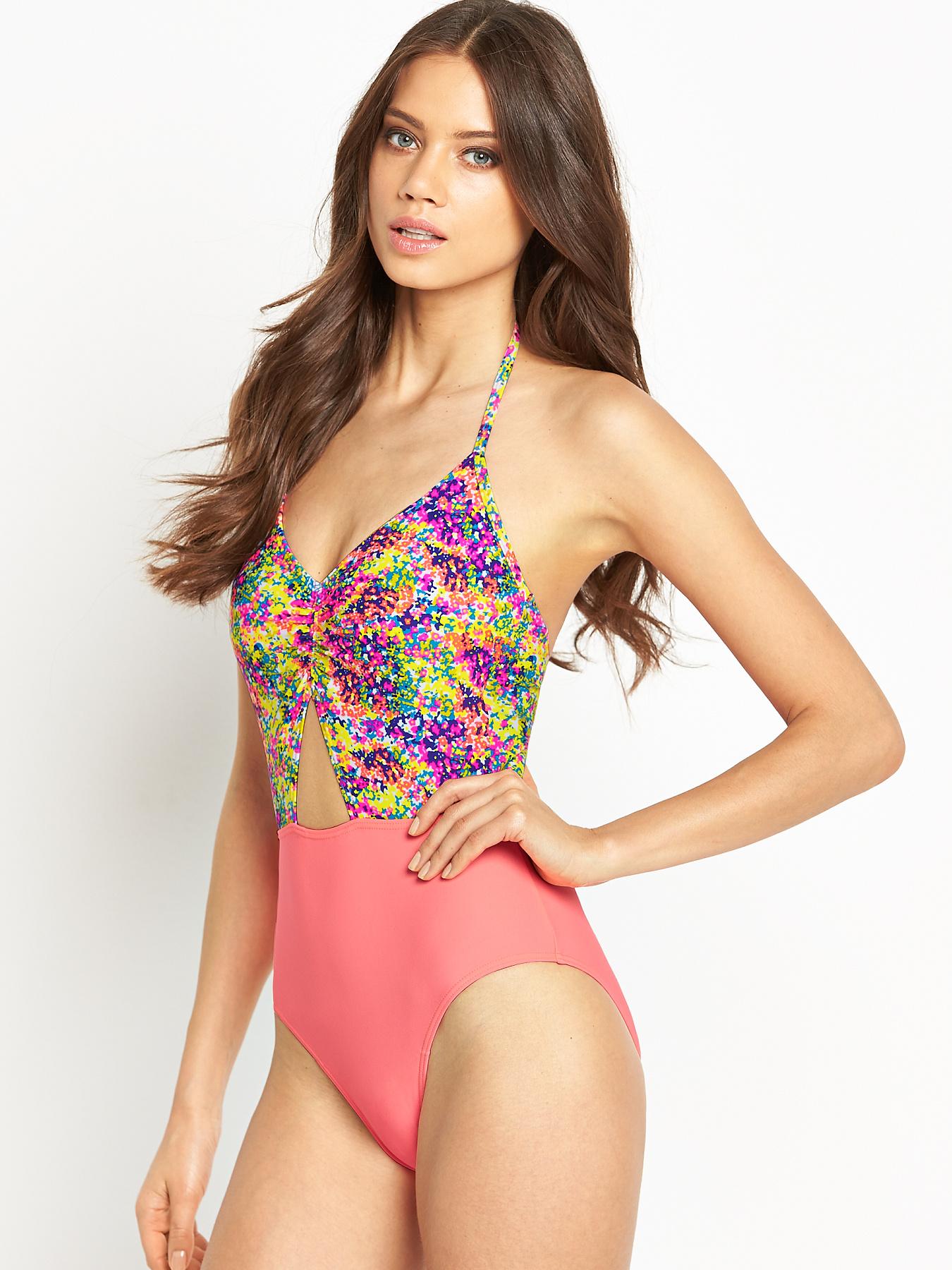
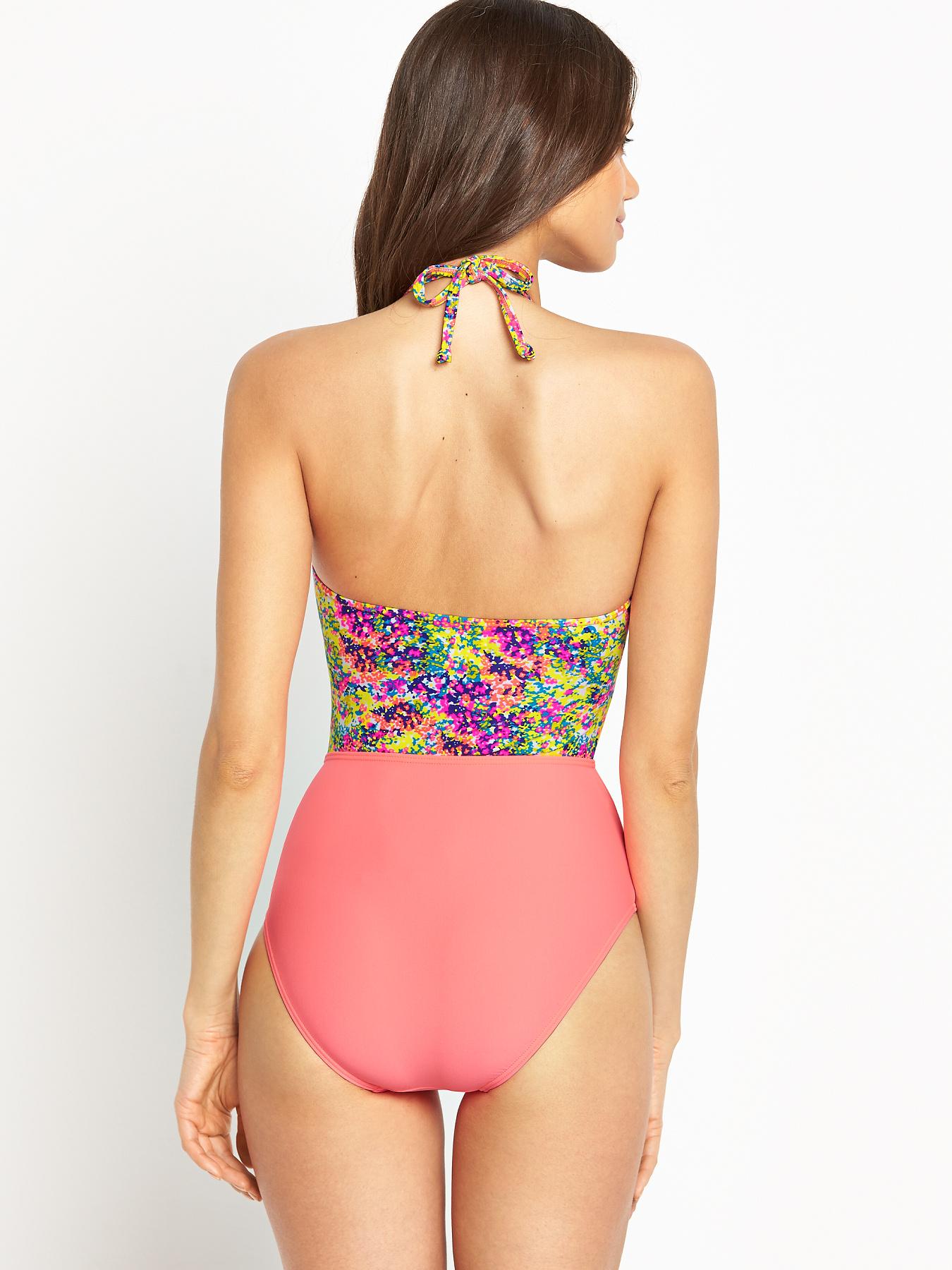
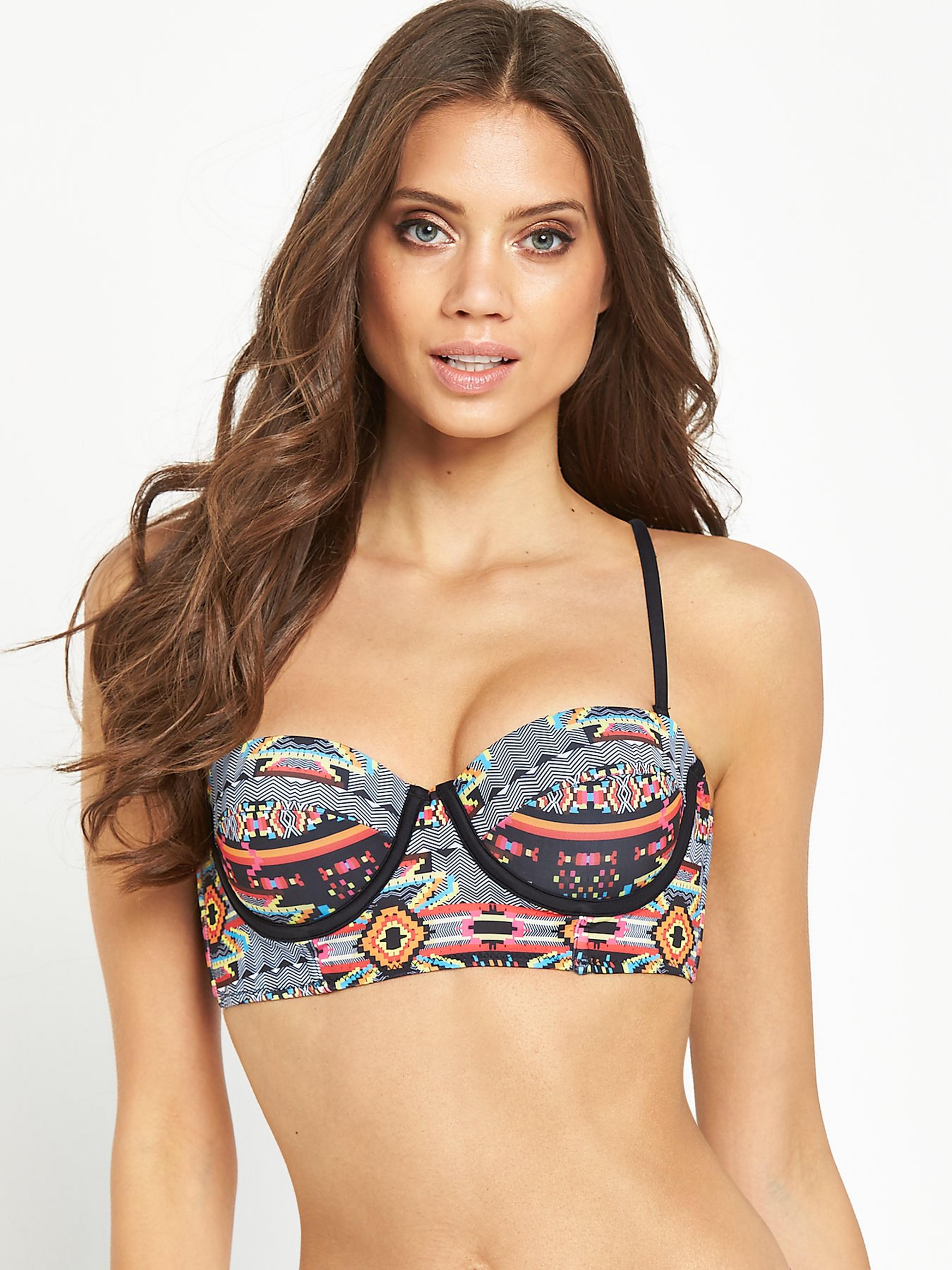
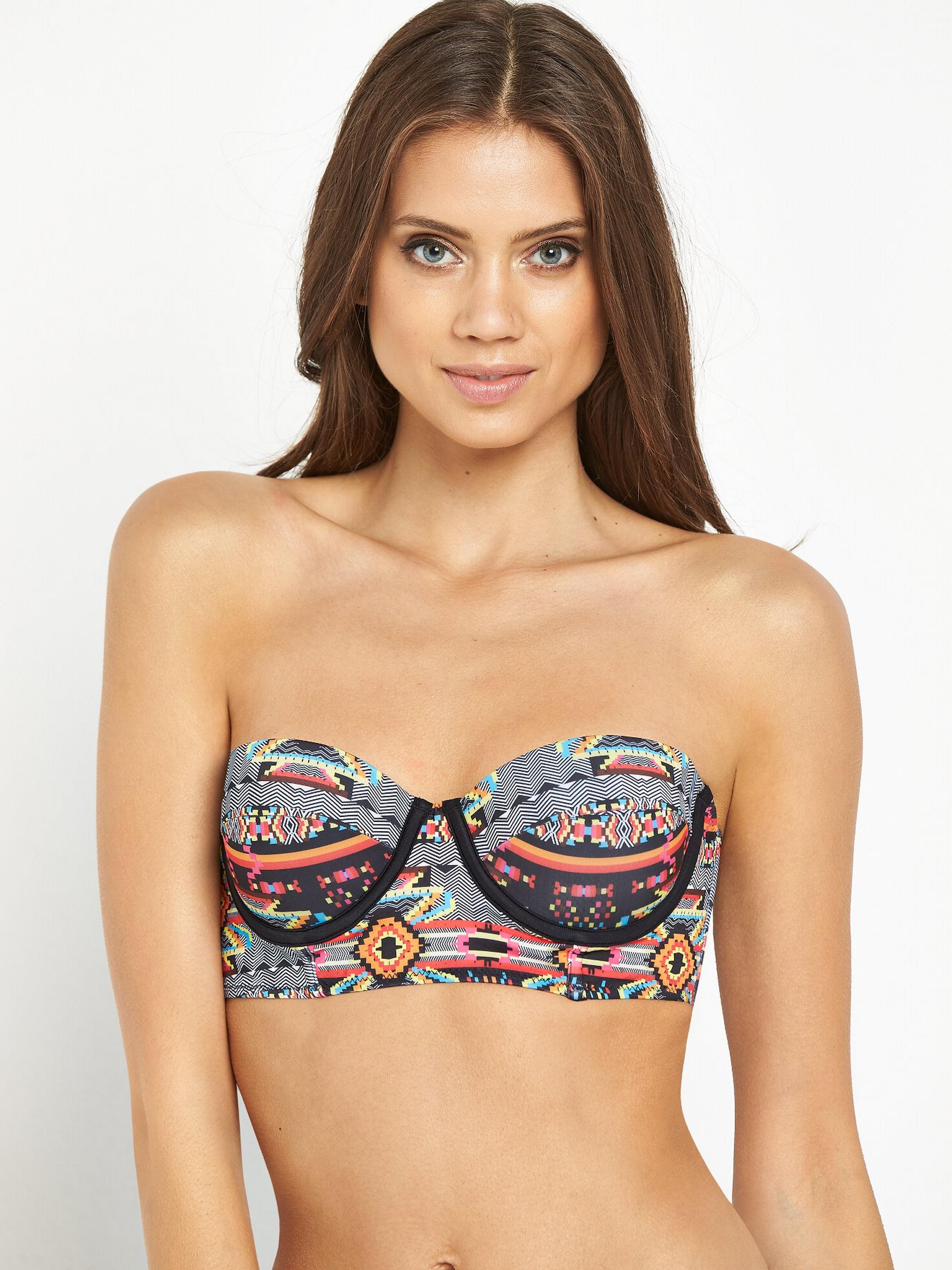
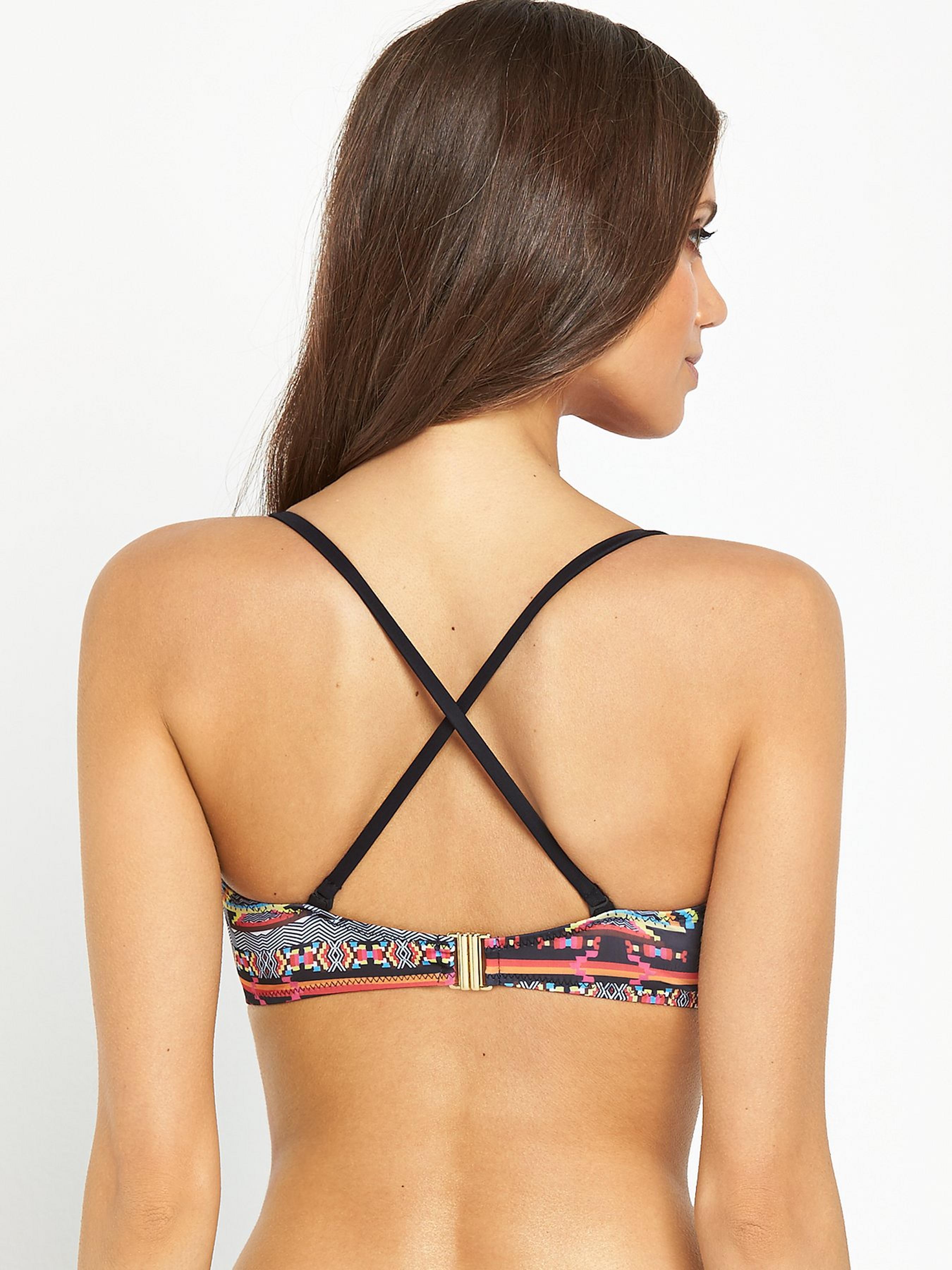
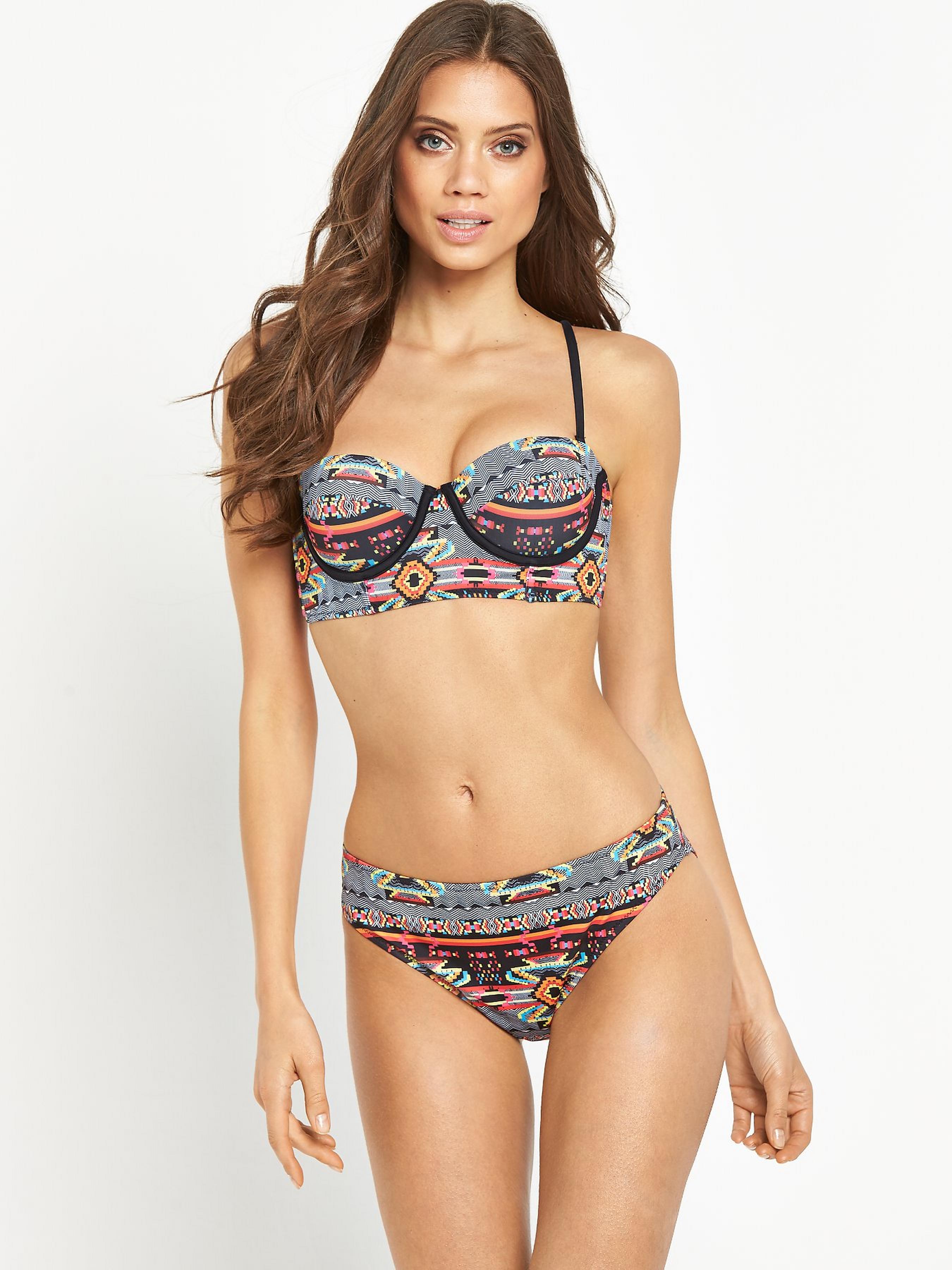
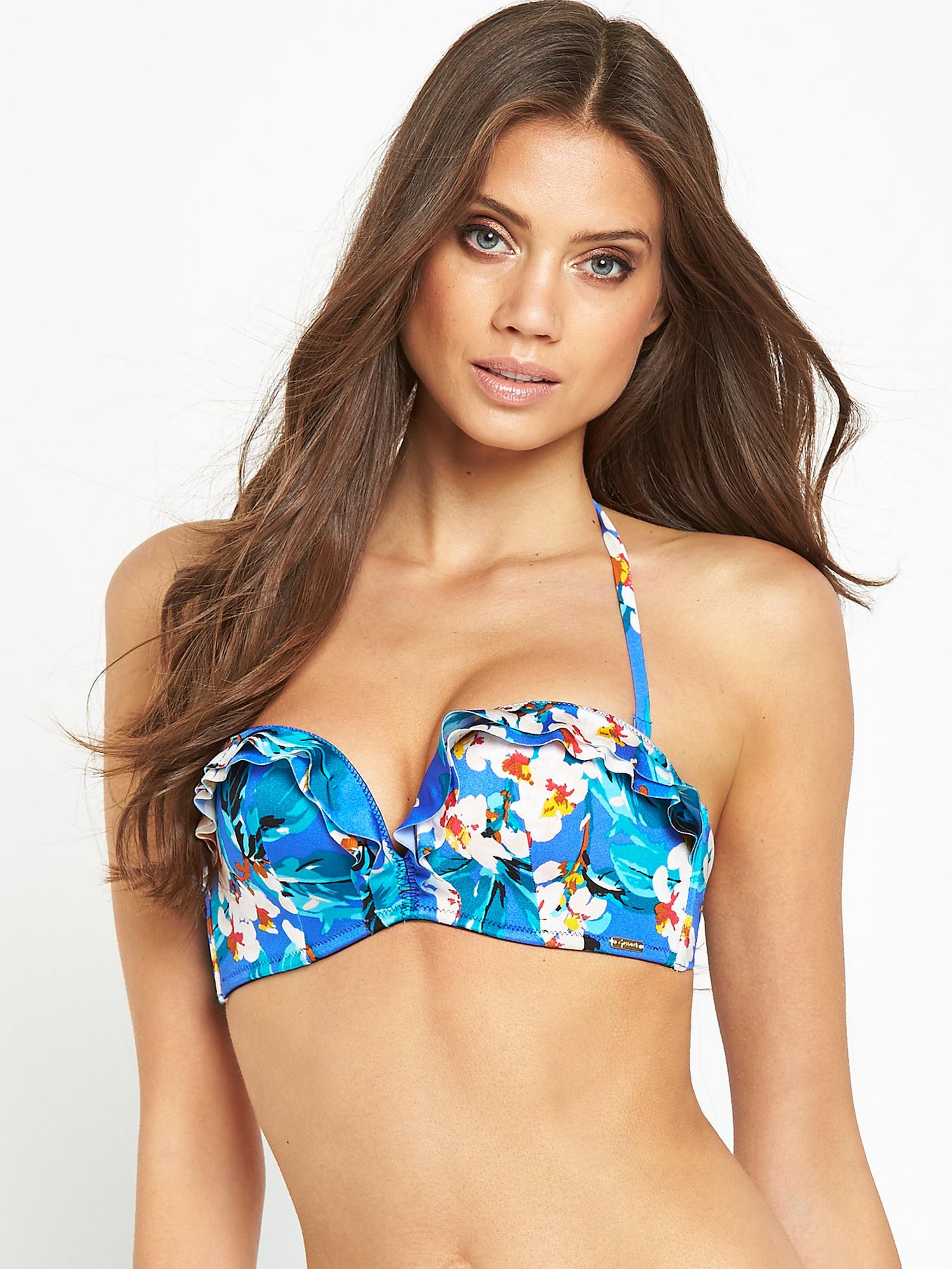
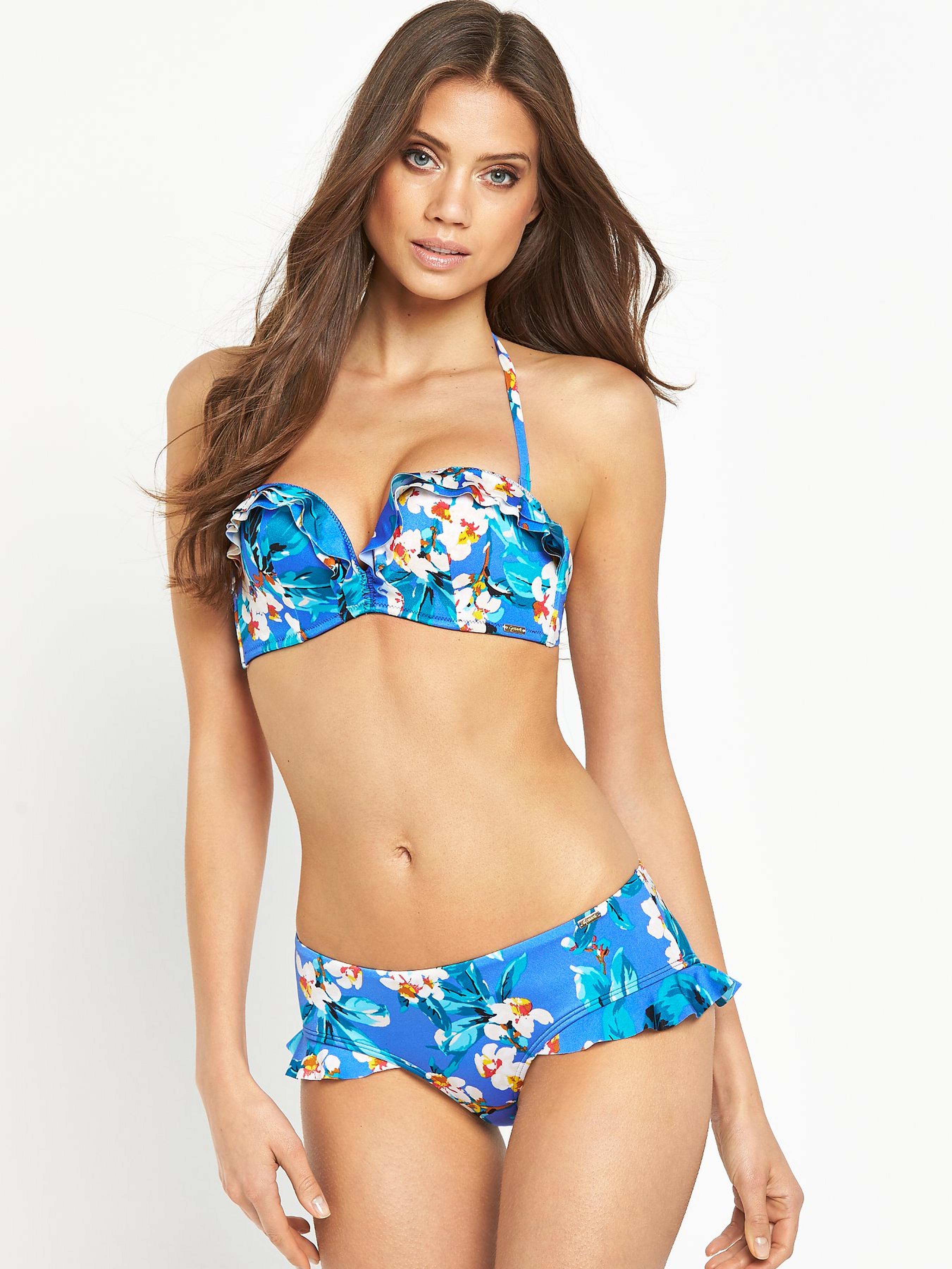
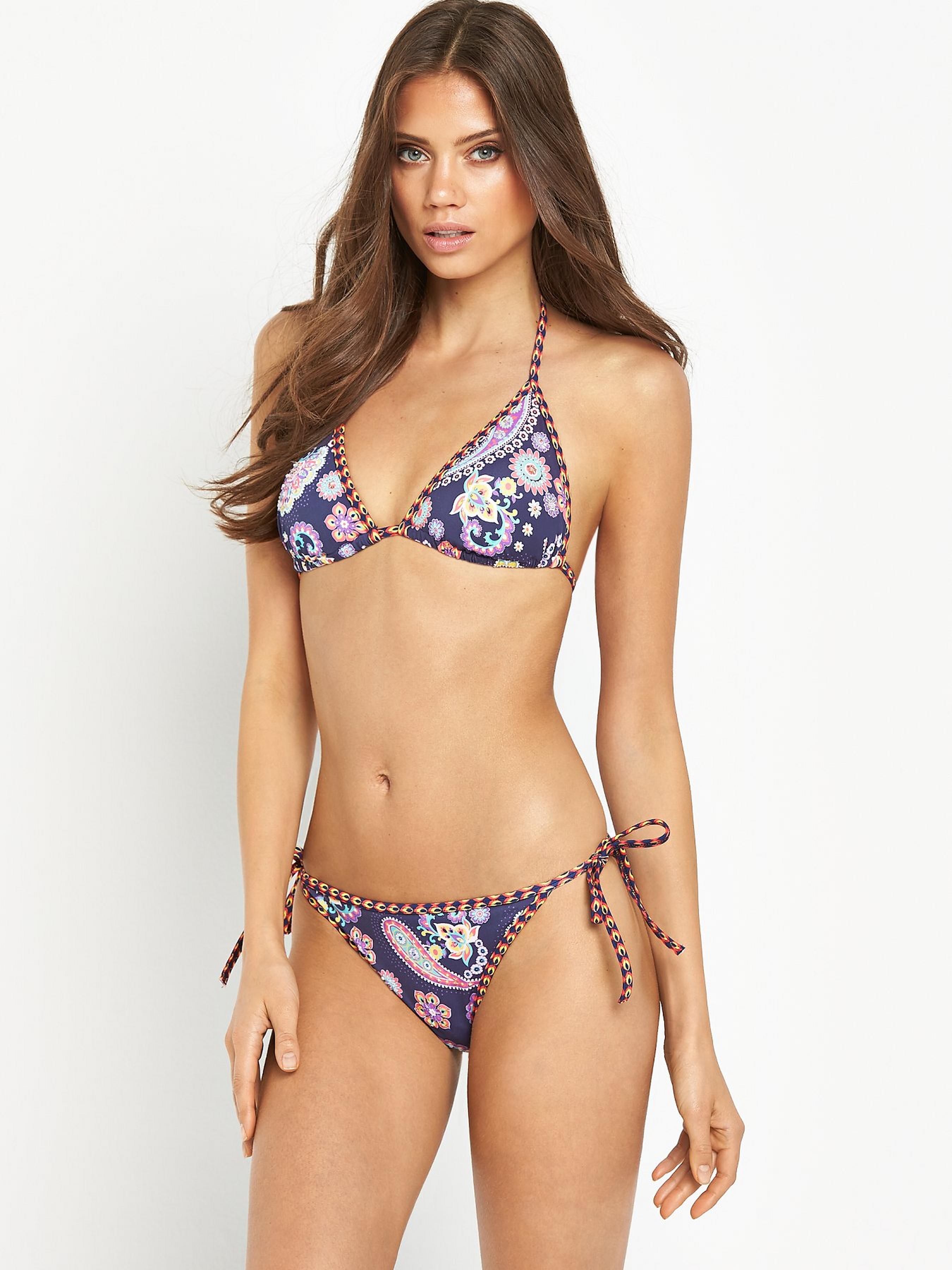
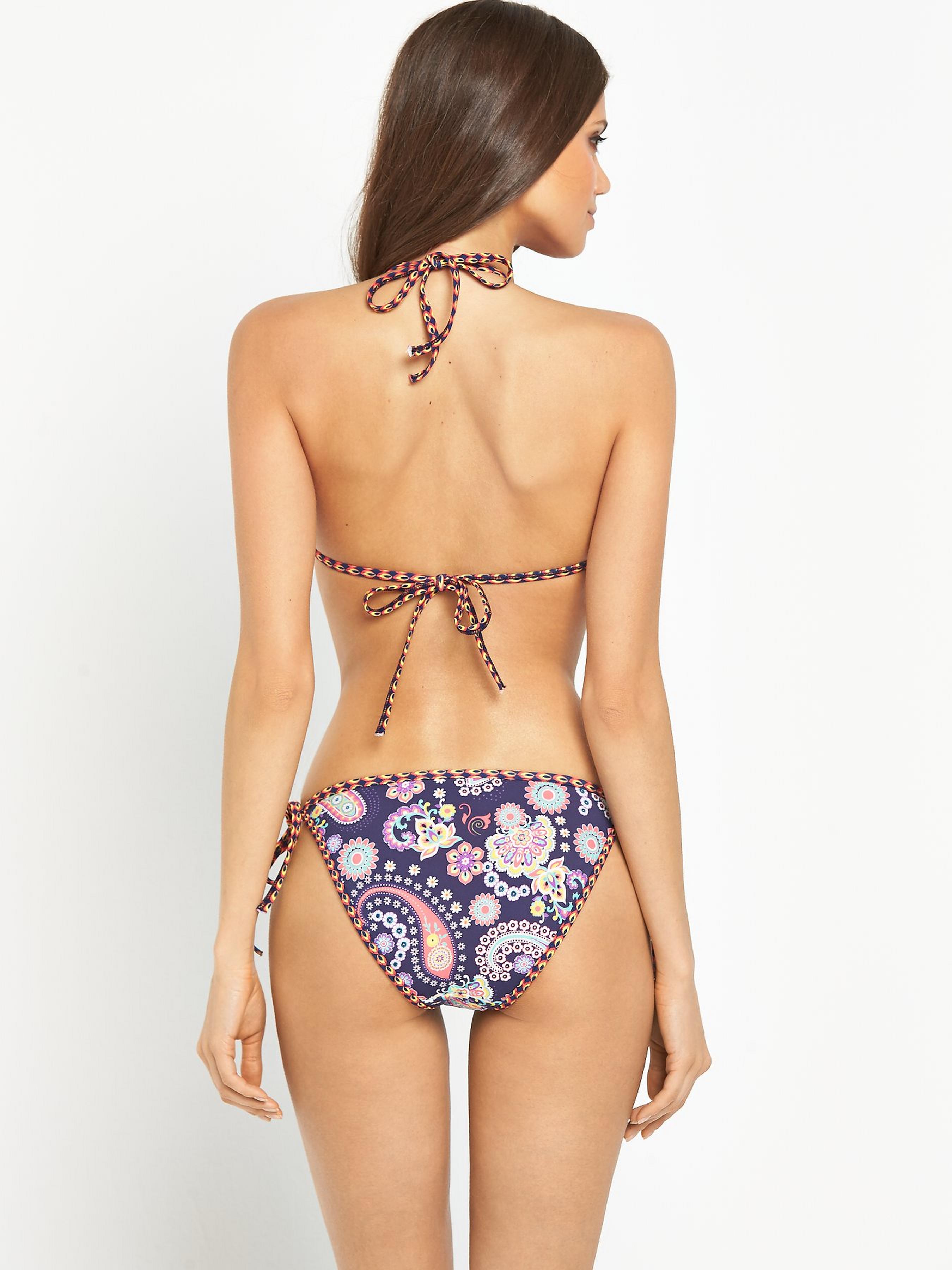
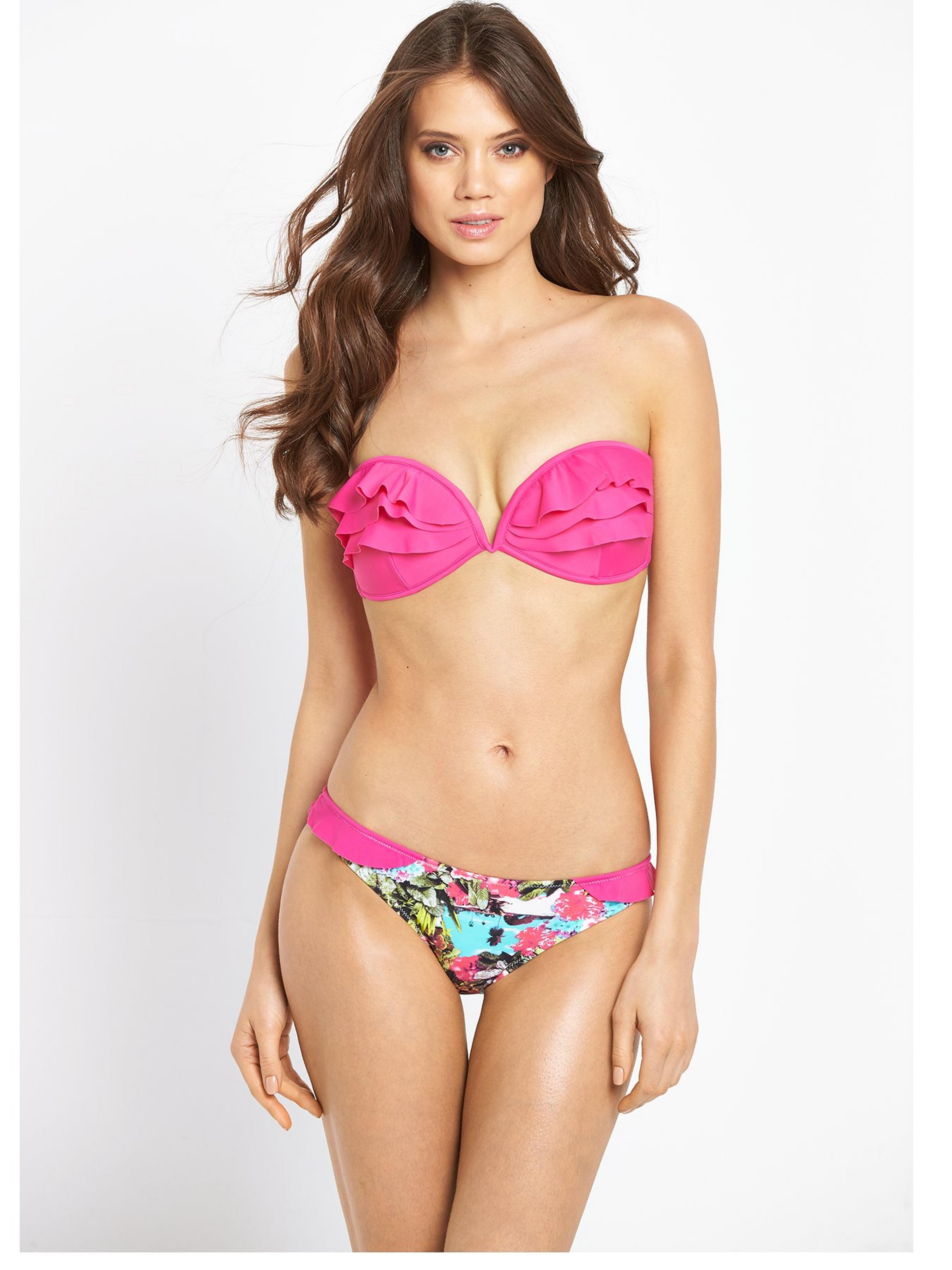
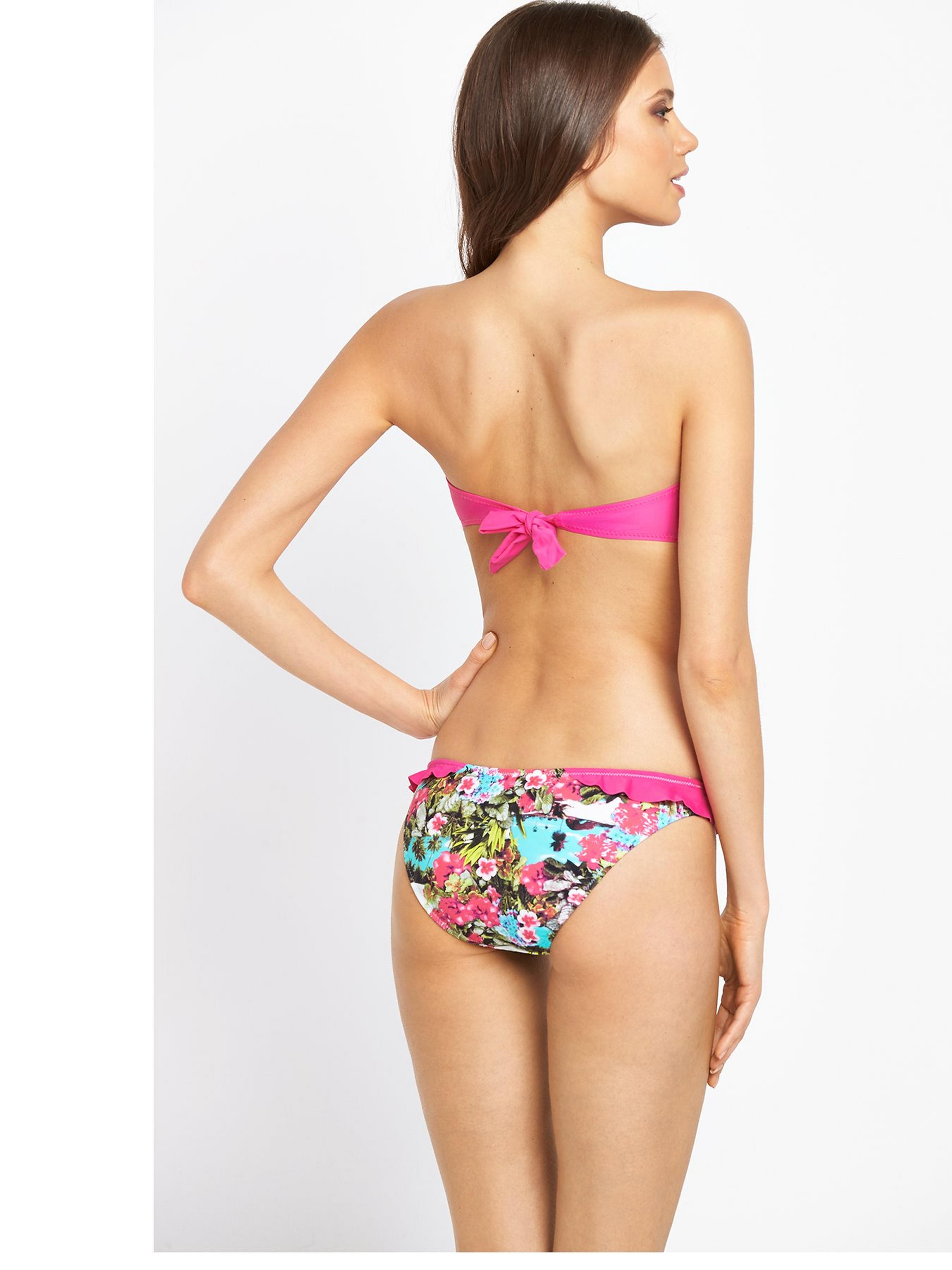
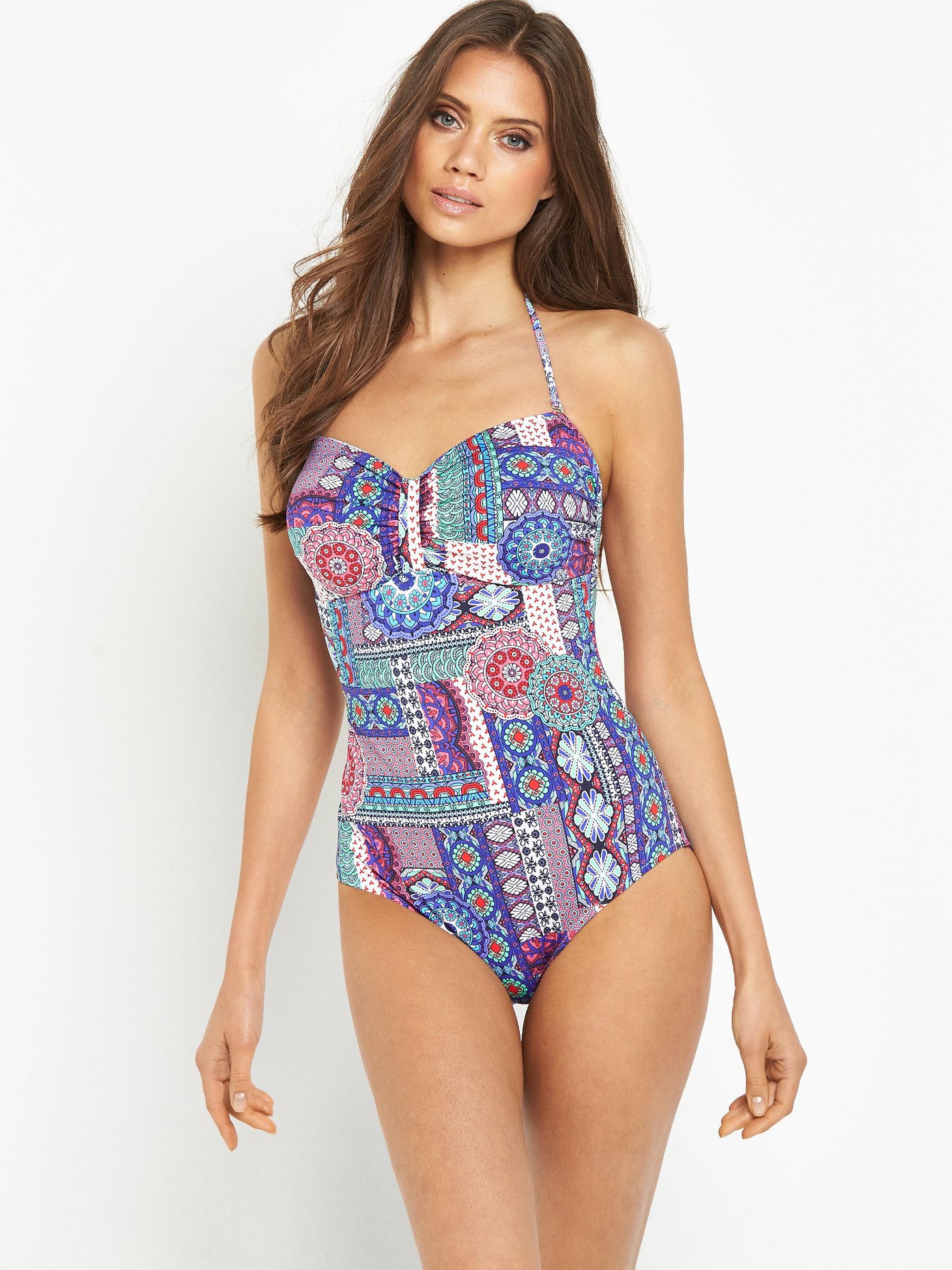
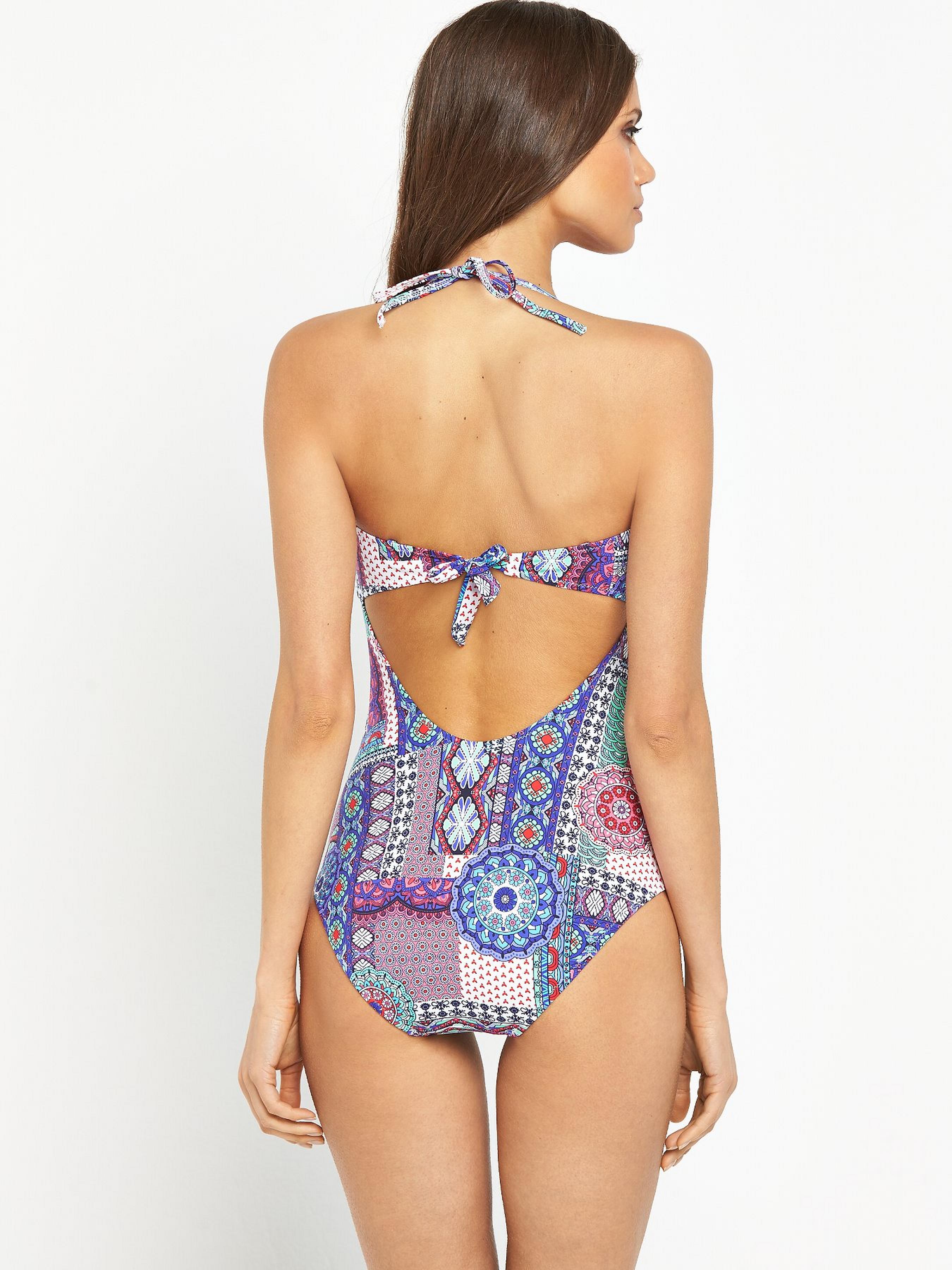
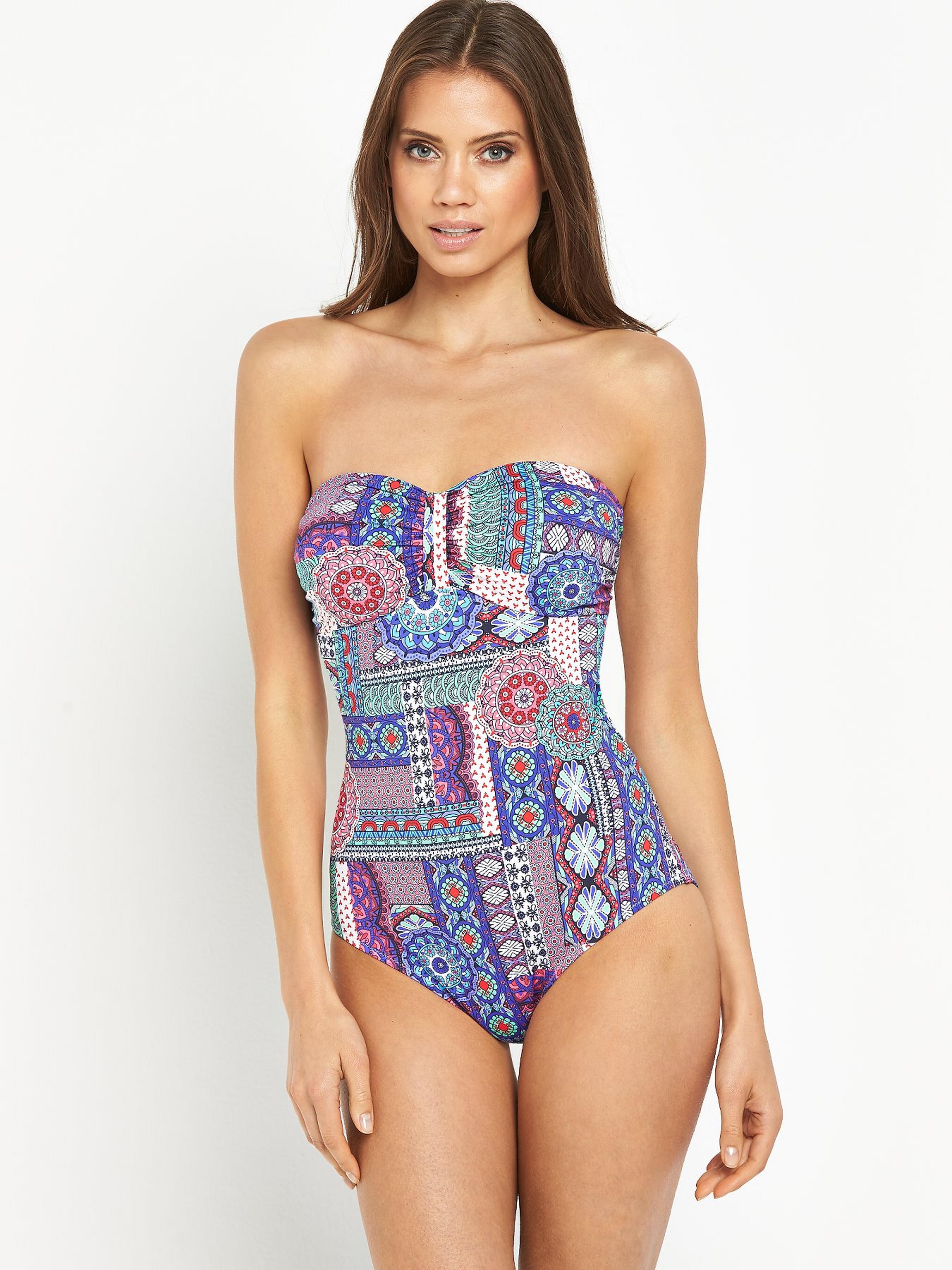
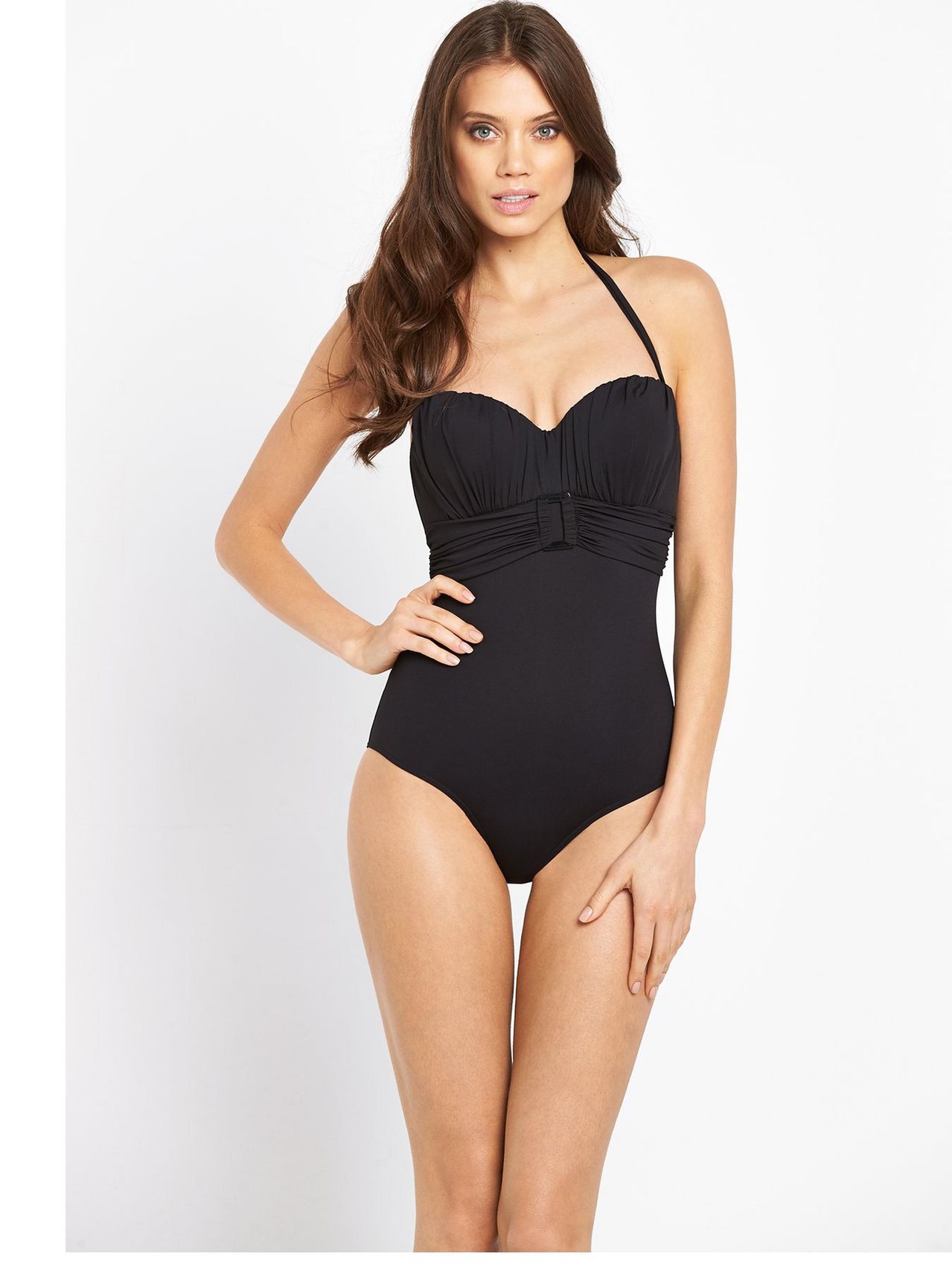
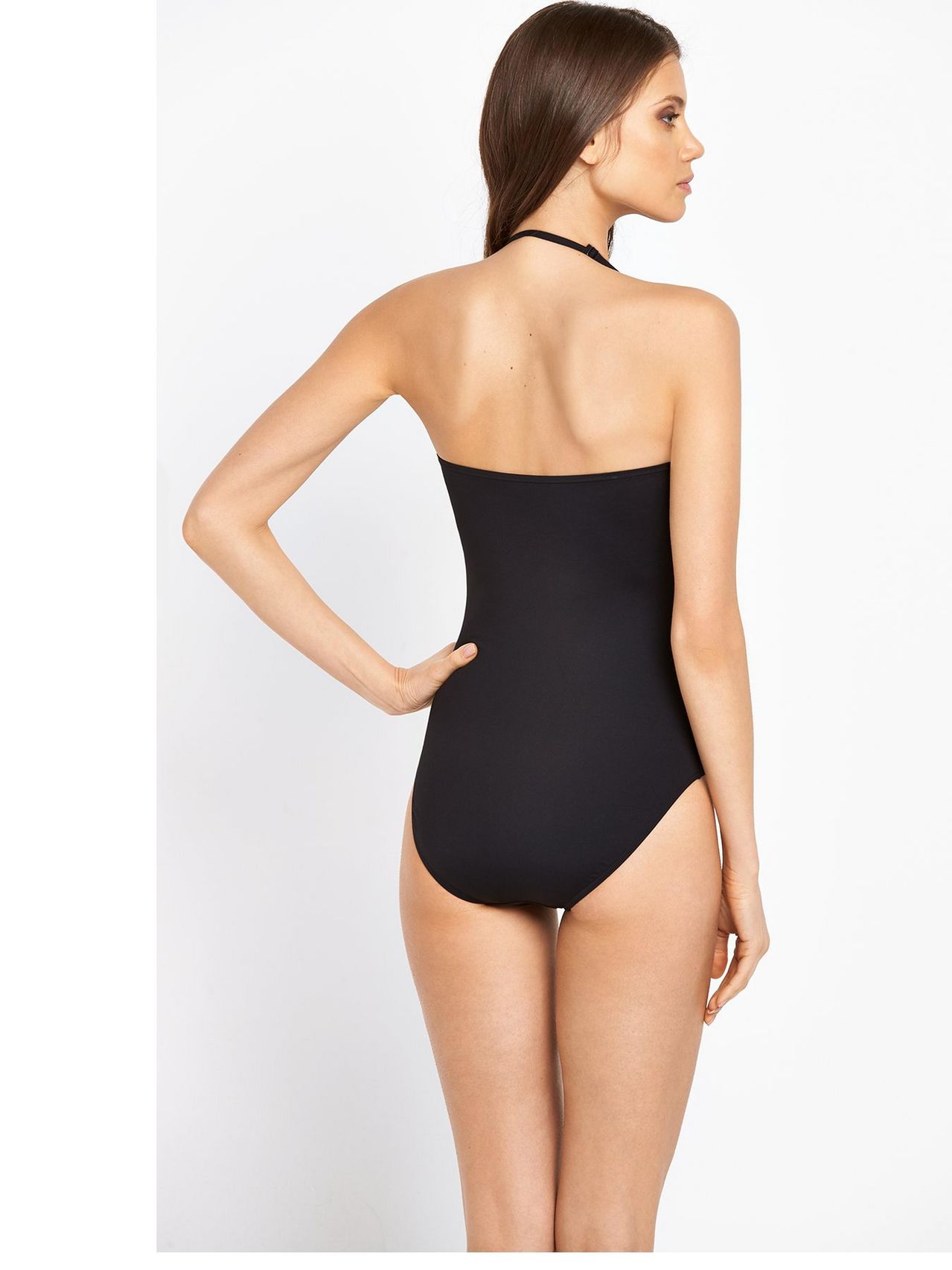
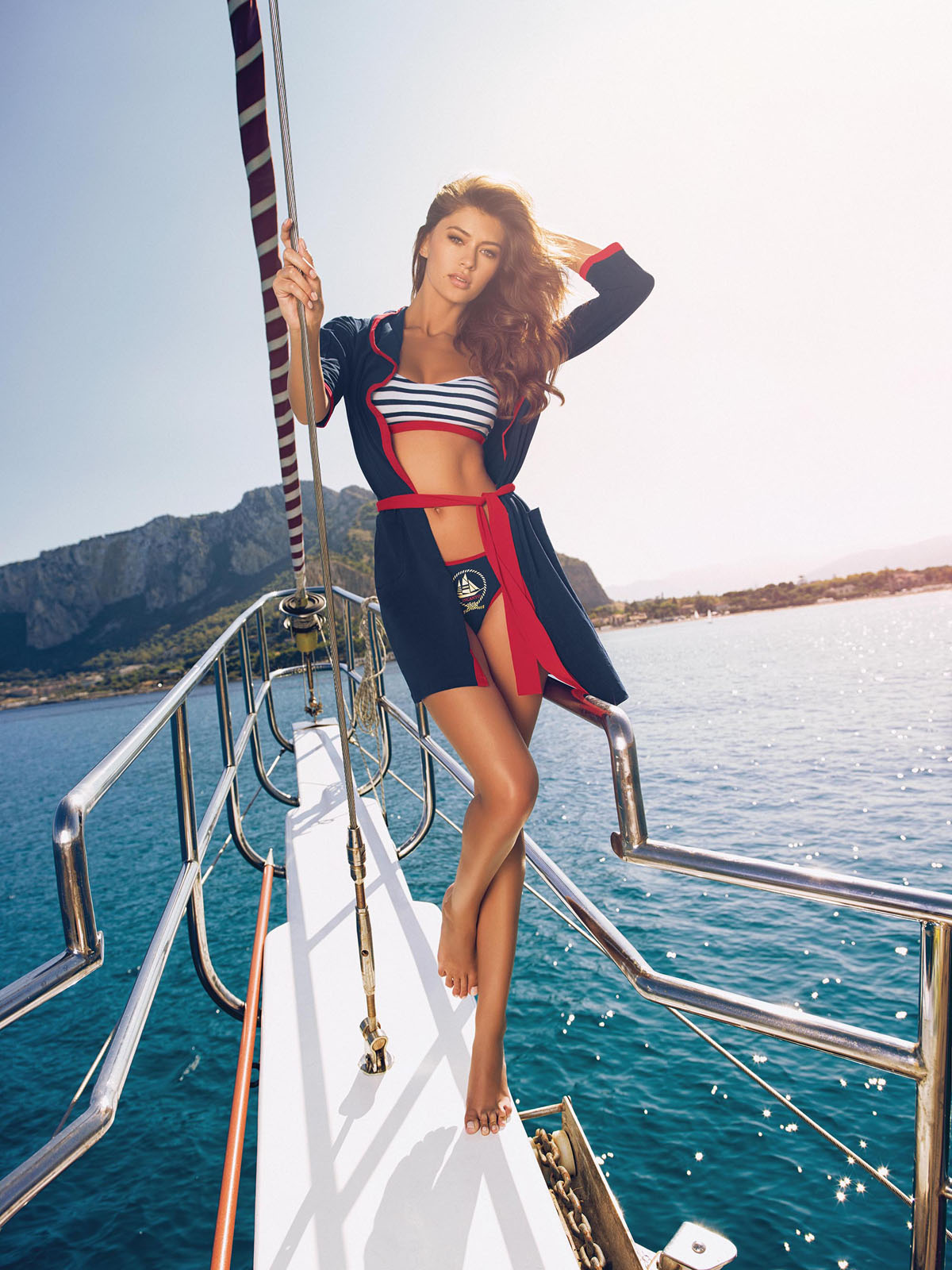
Very UK Swimwear
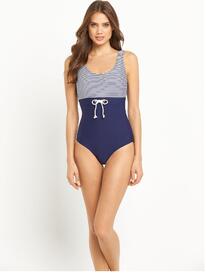
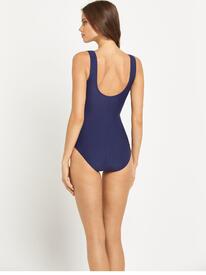
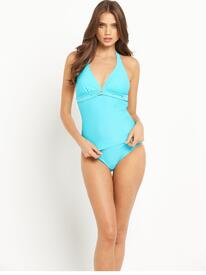
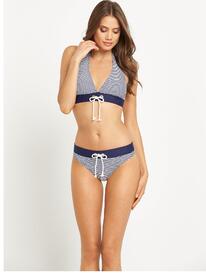
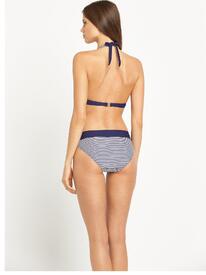
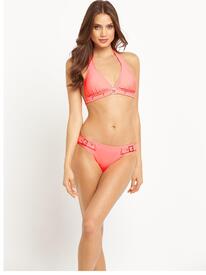
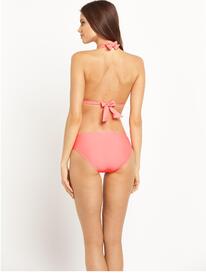
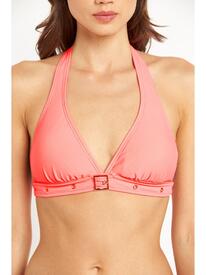
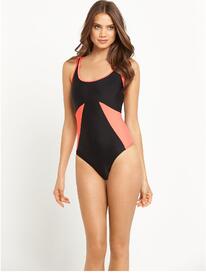
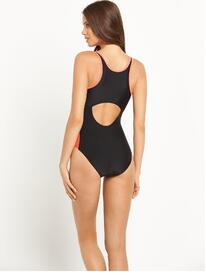
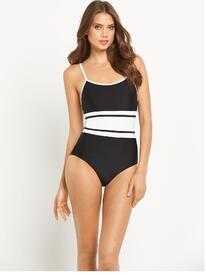
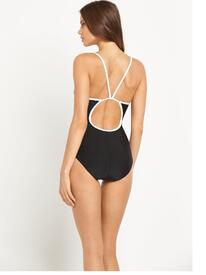
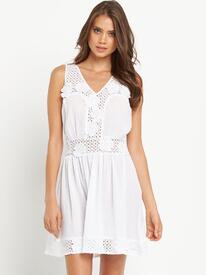
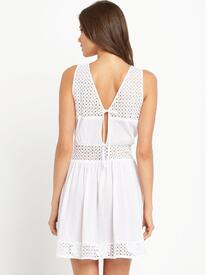
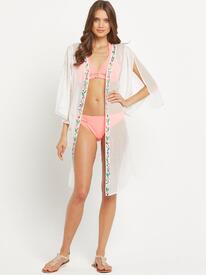
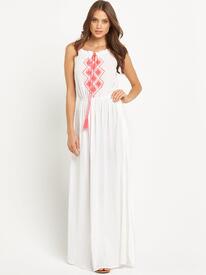
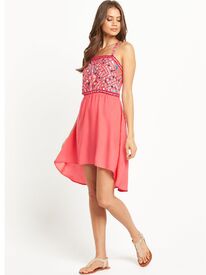
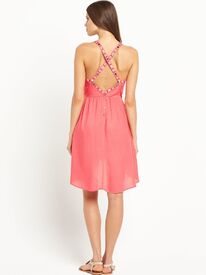
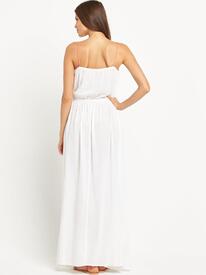
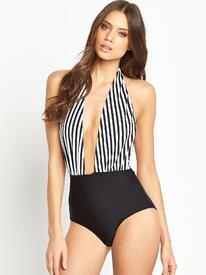
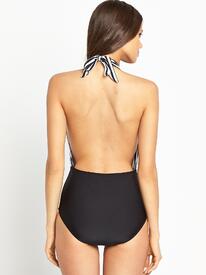
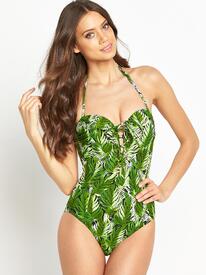
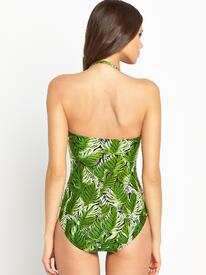
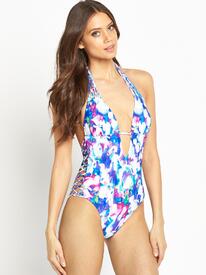
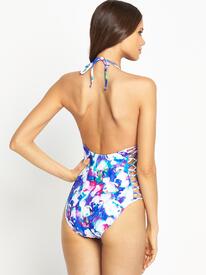
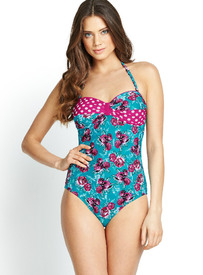
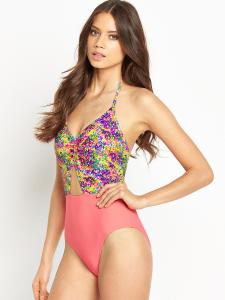
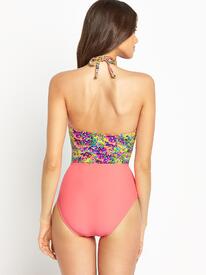
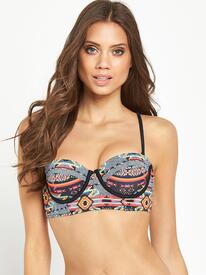
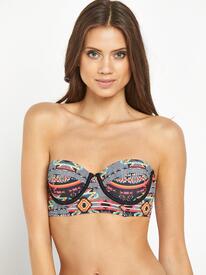
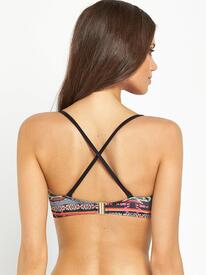
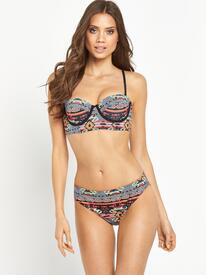
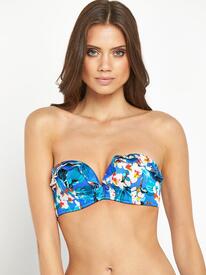
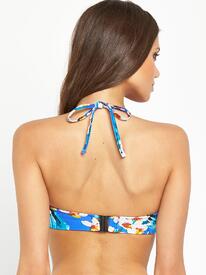
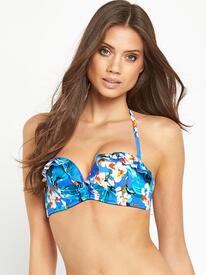
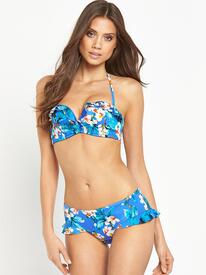
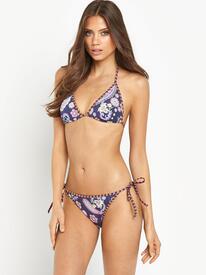
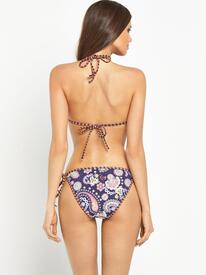
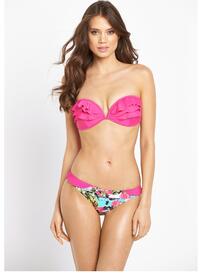
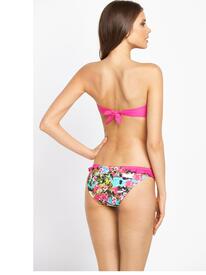
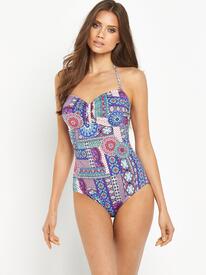
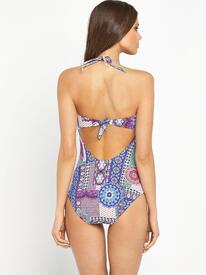
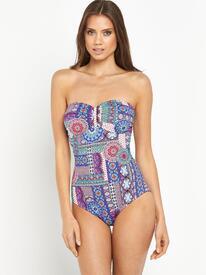
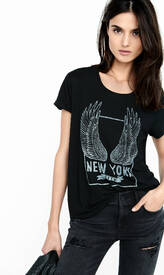
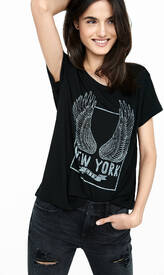
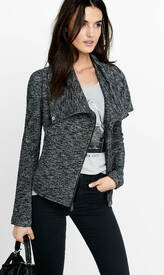
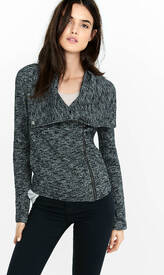
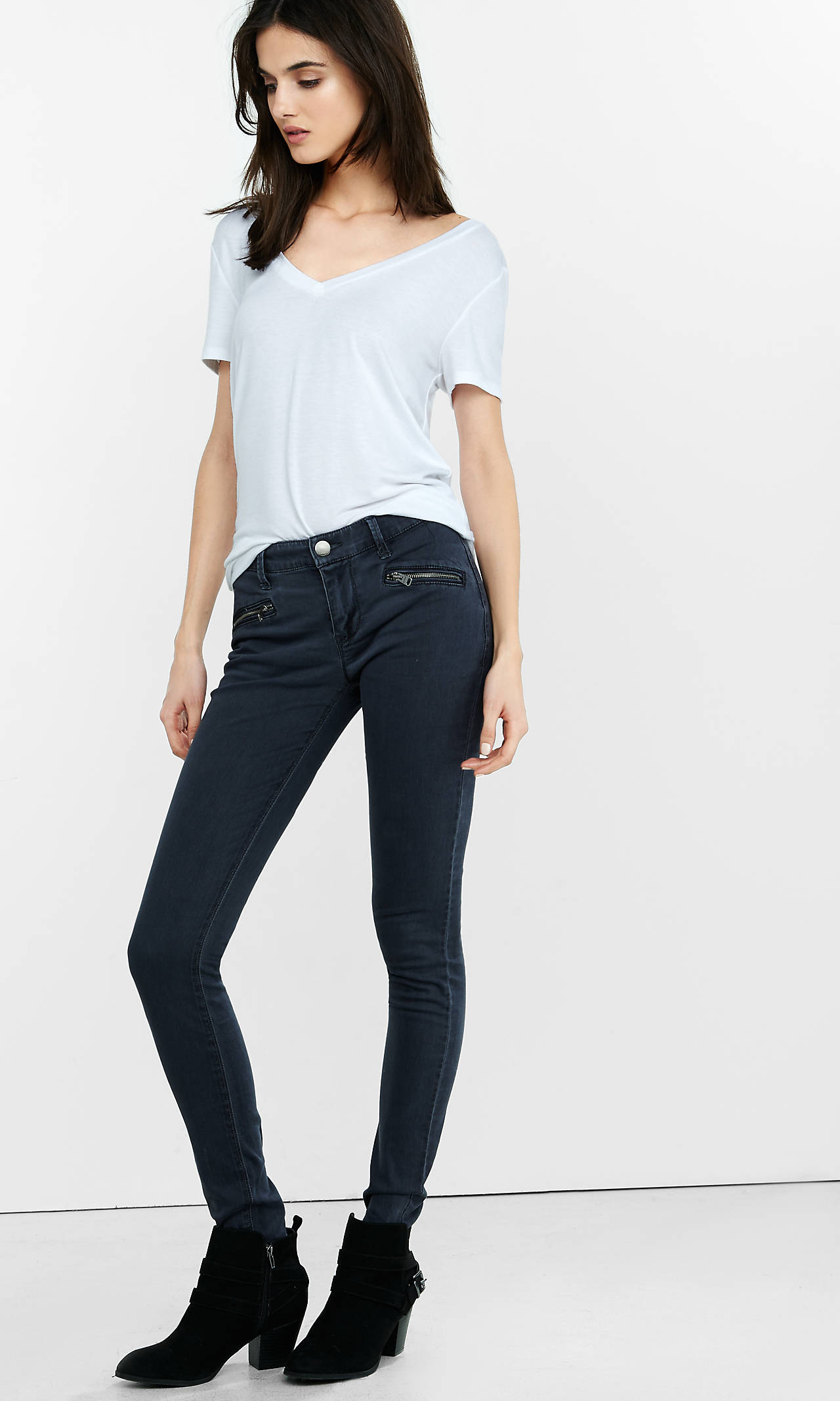
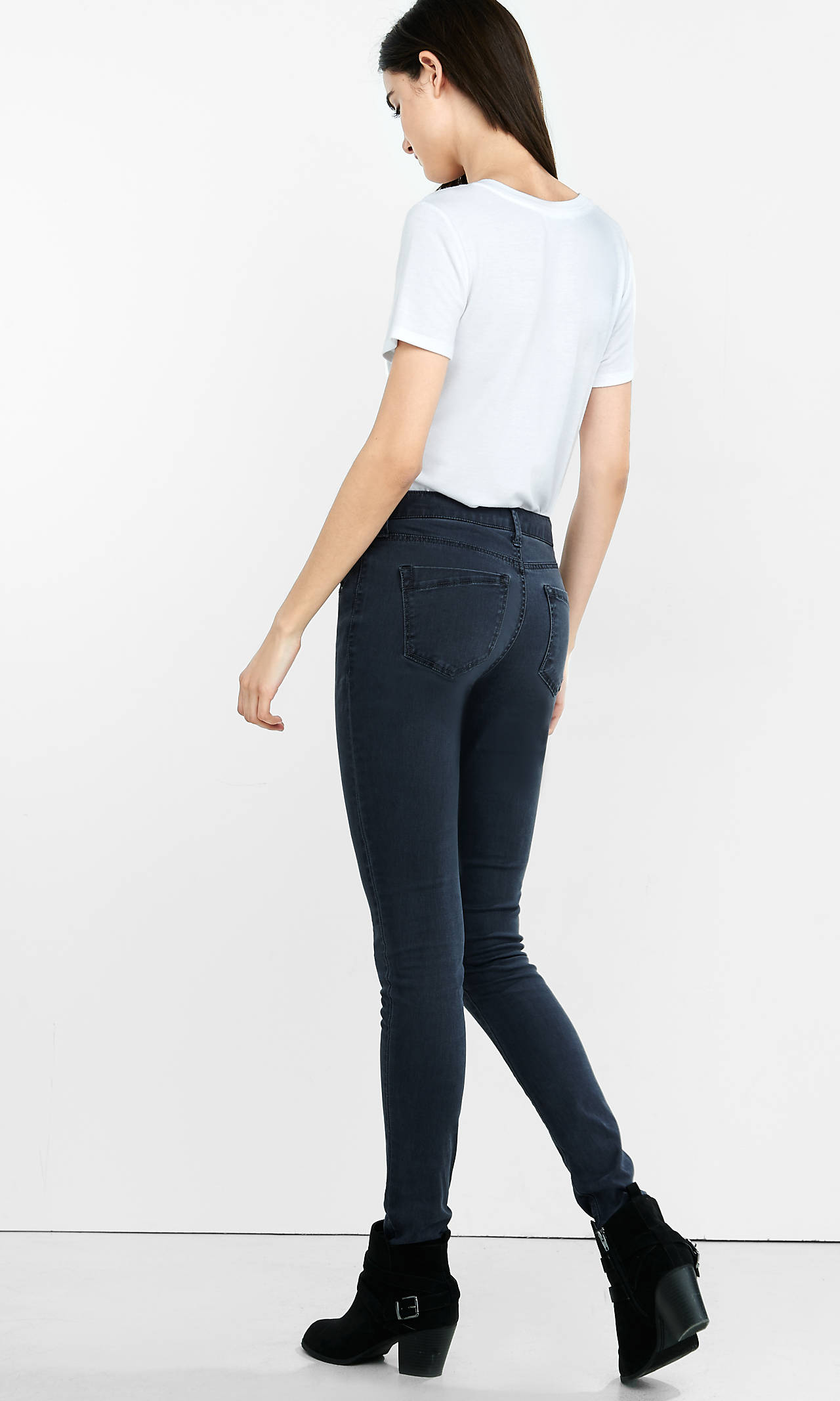
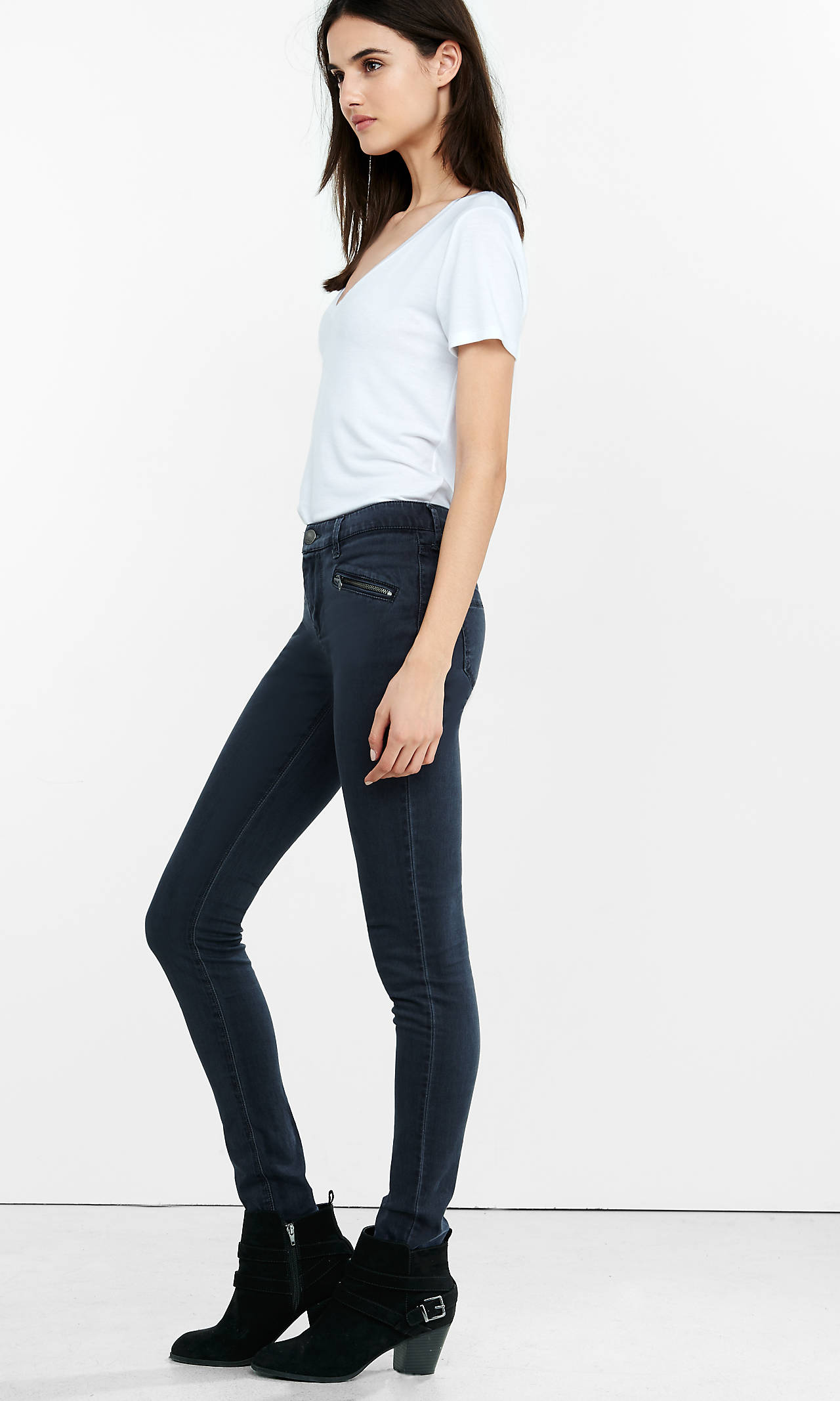
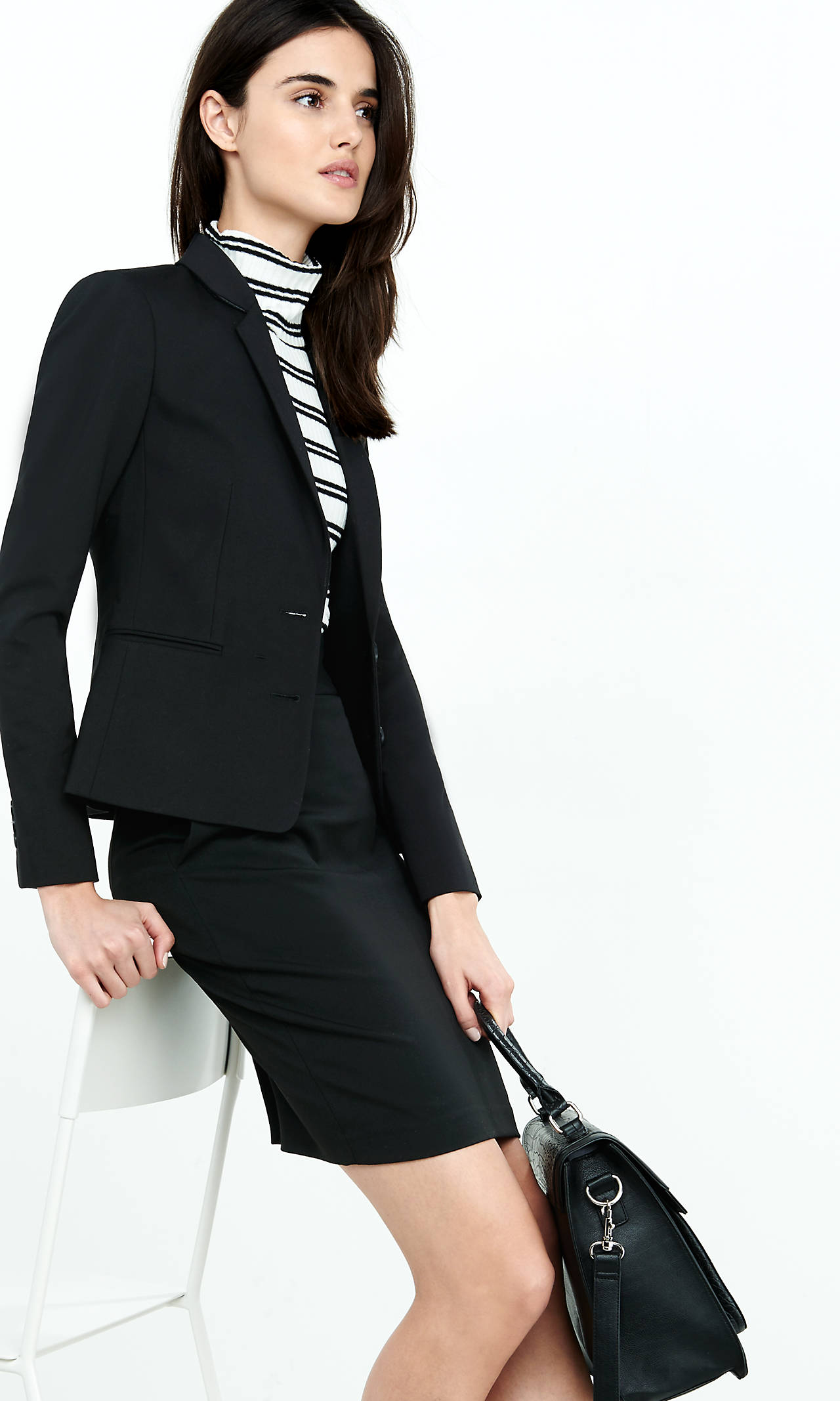
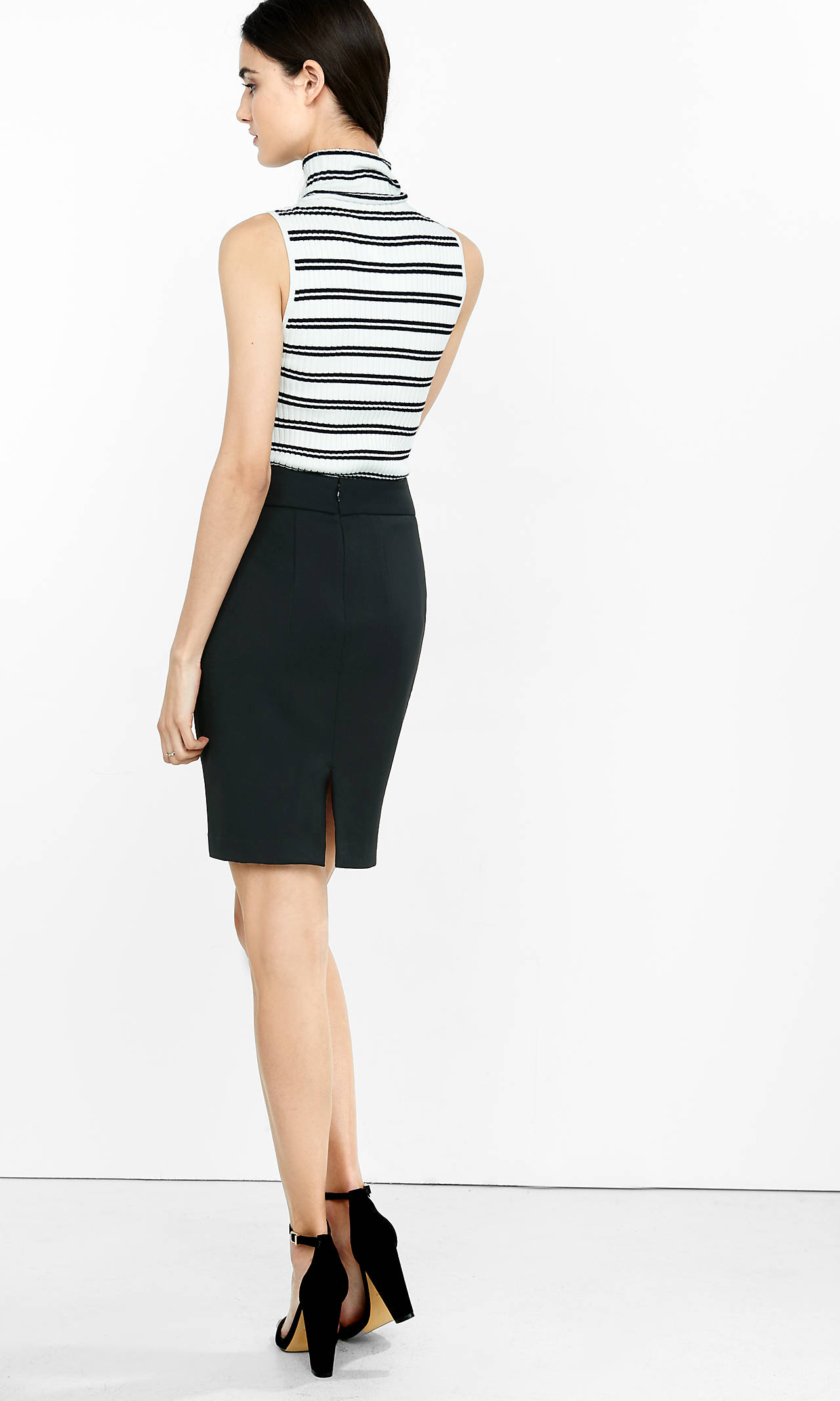
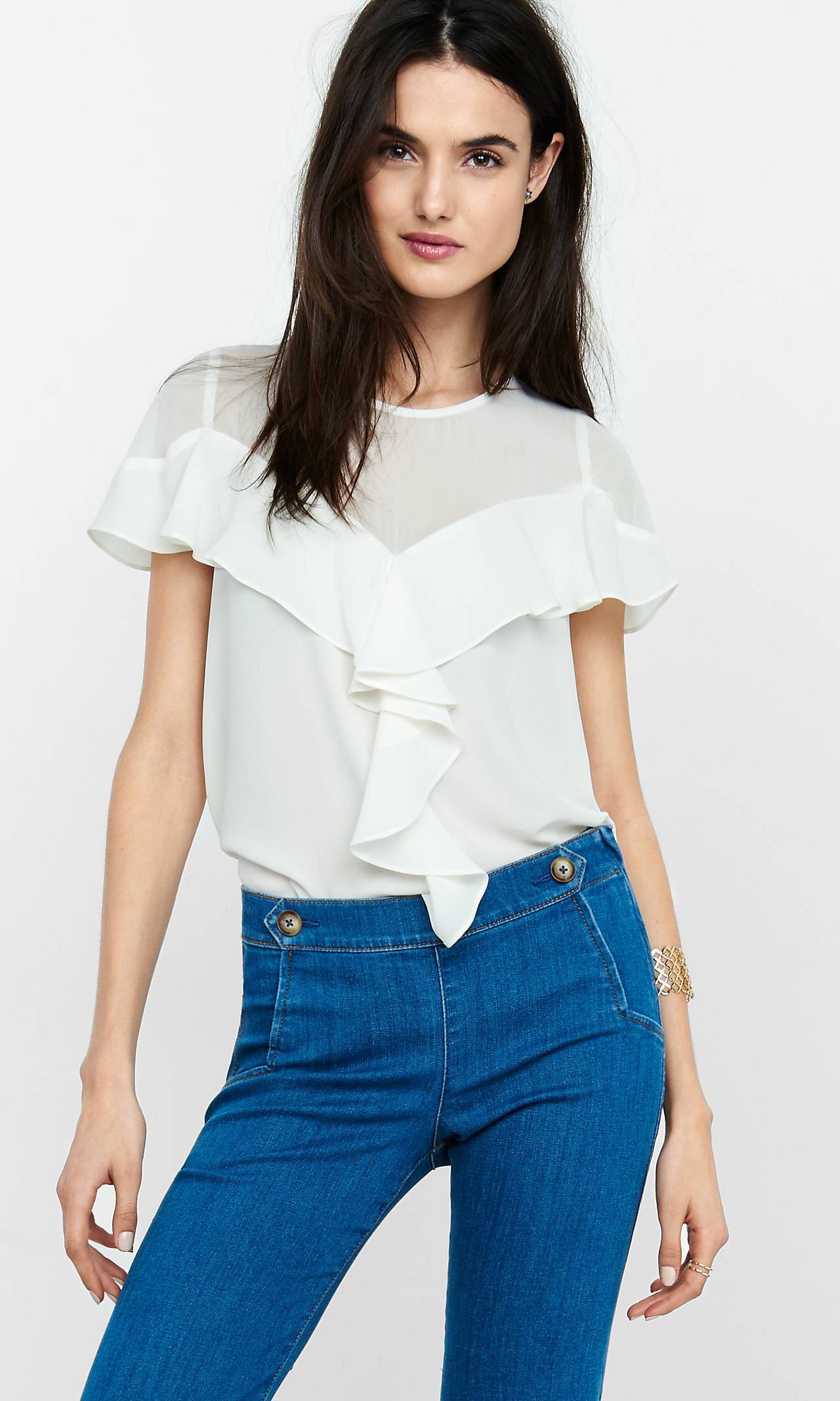
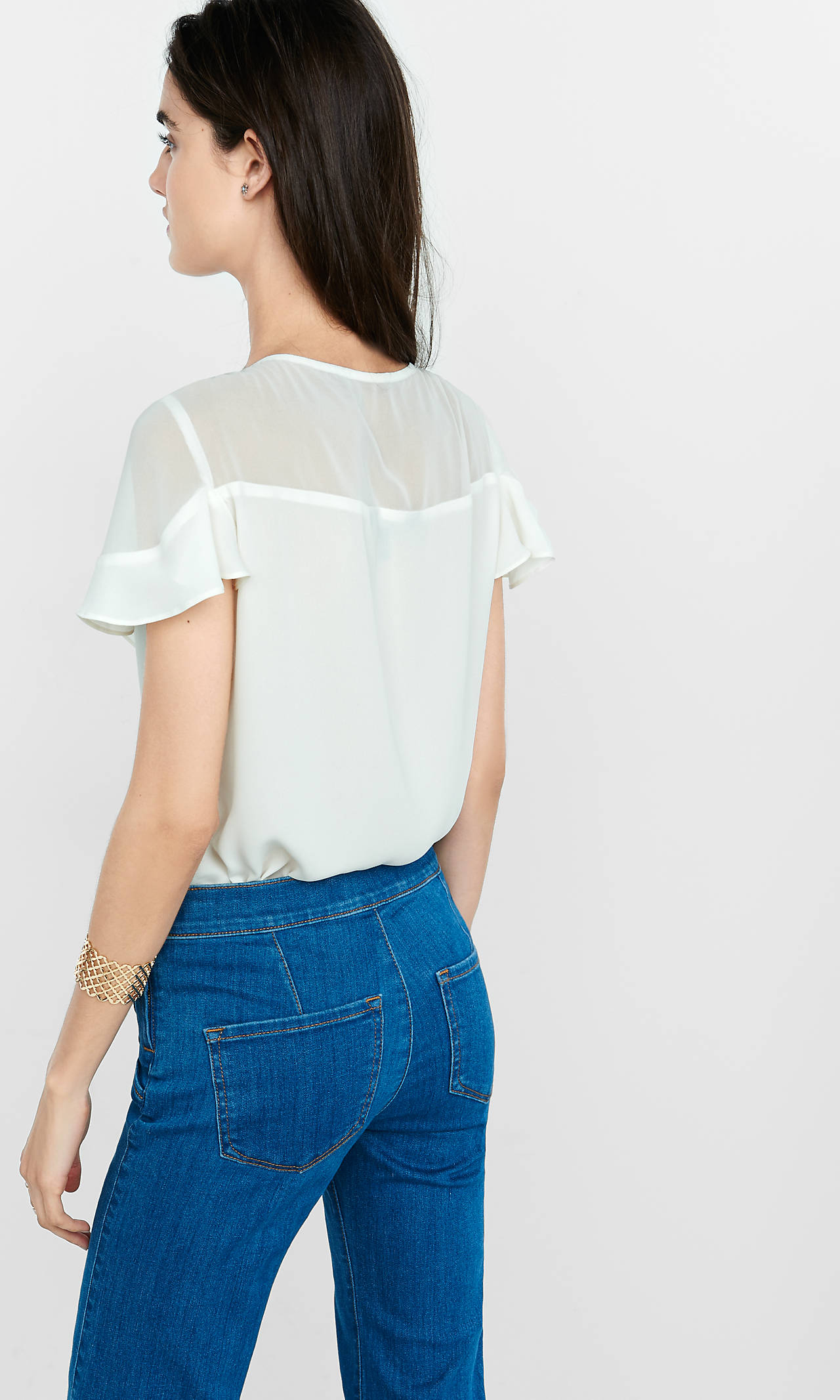
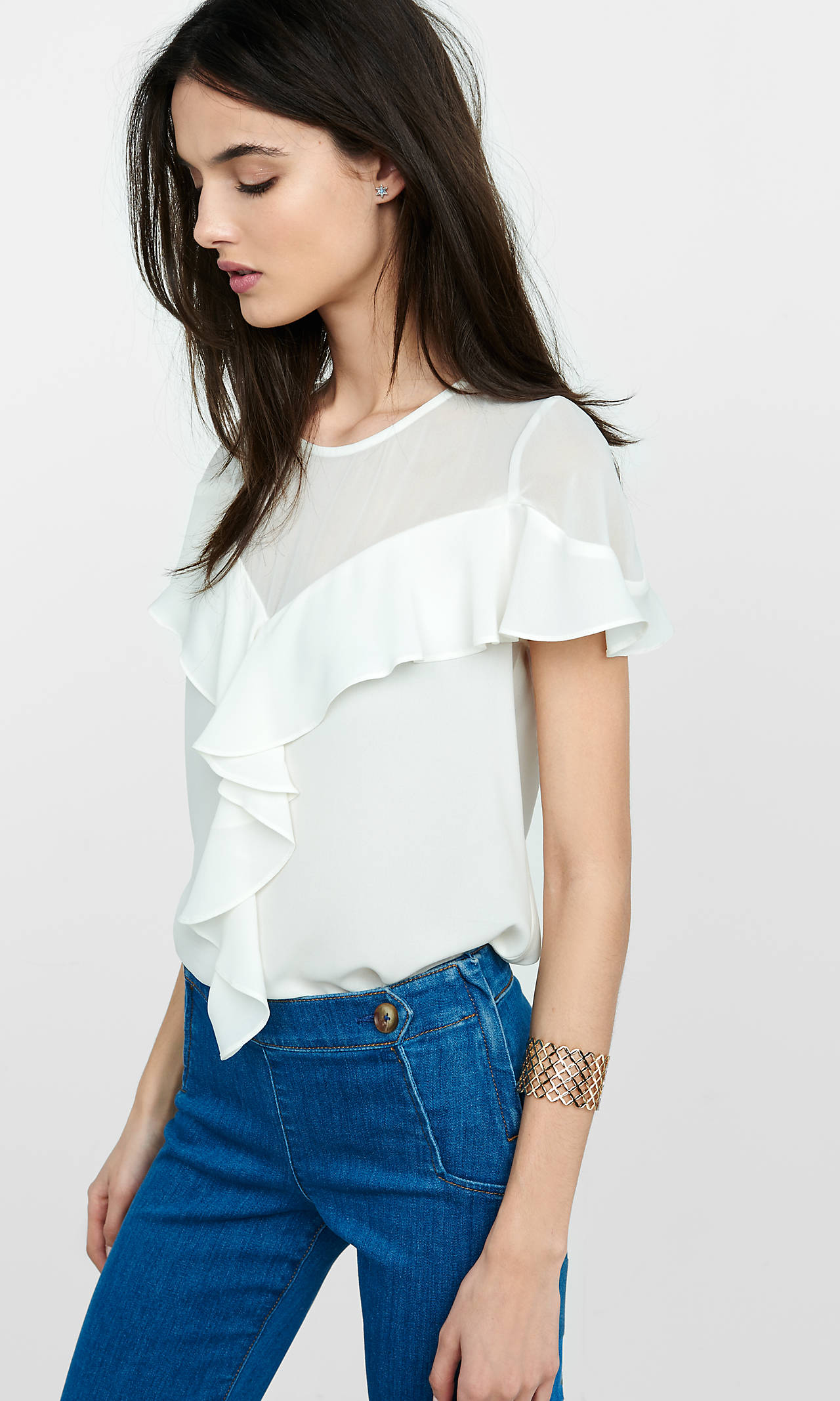
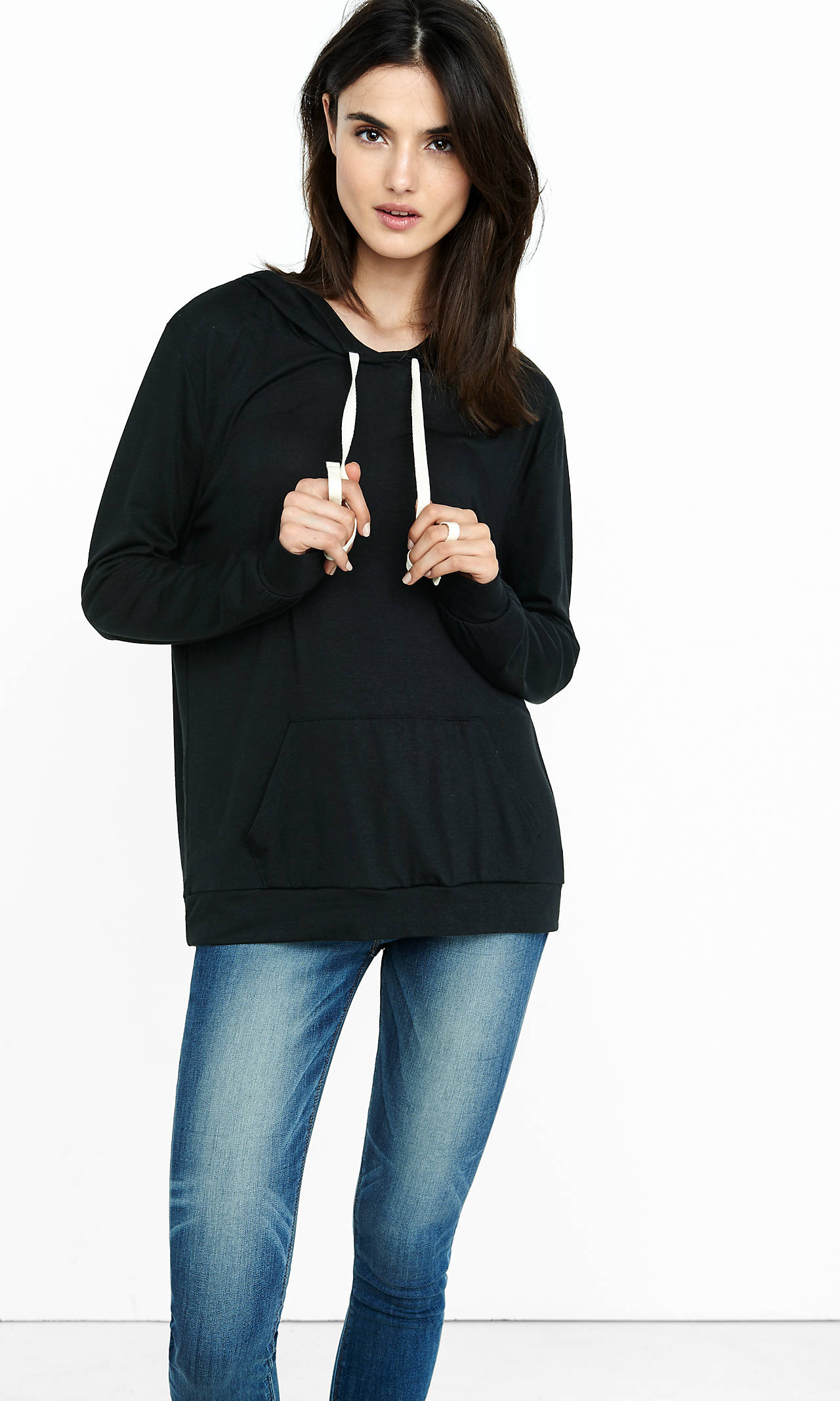
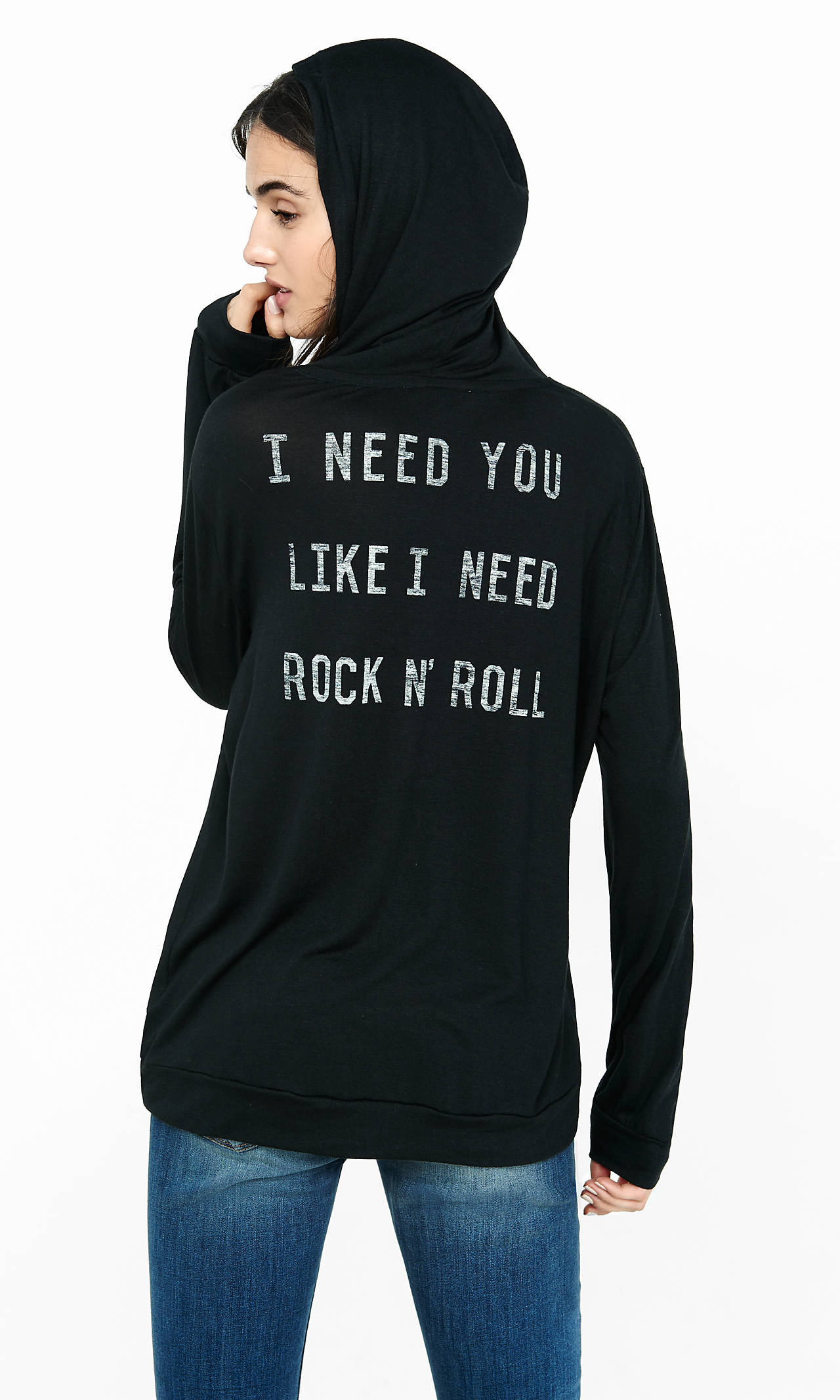
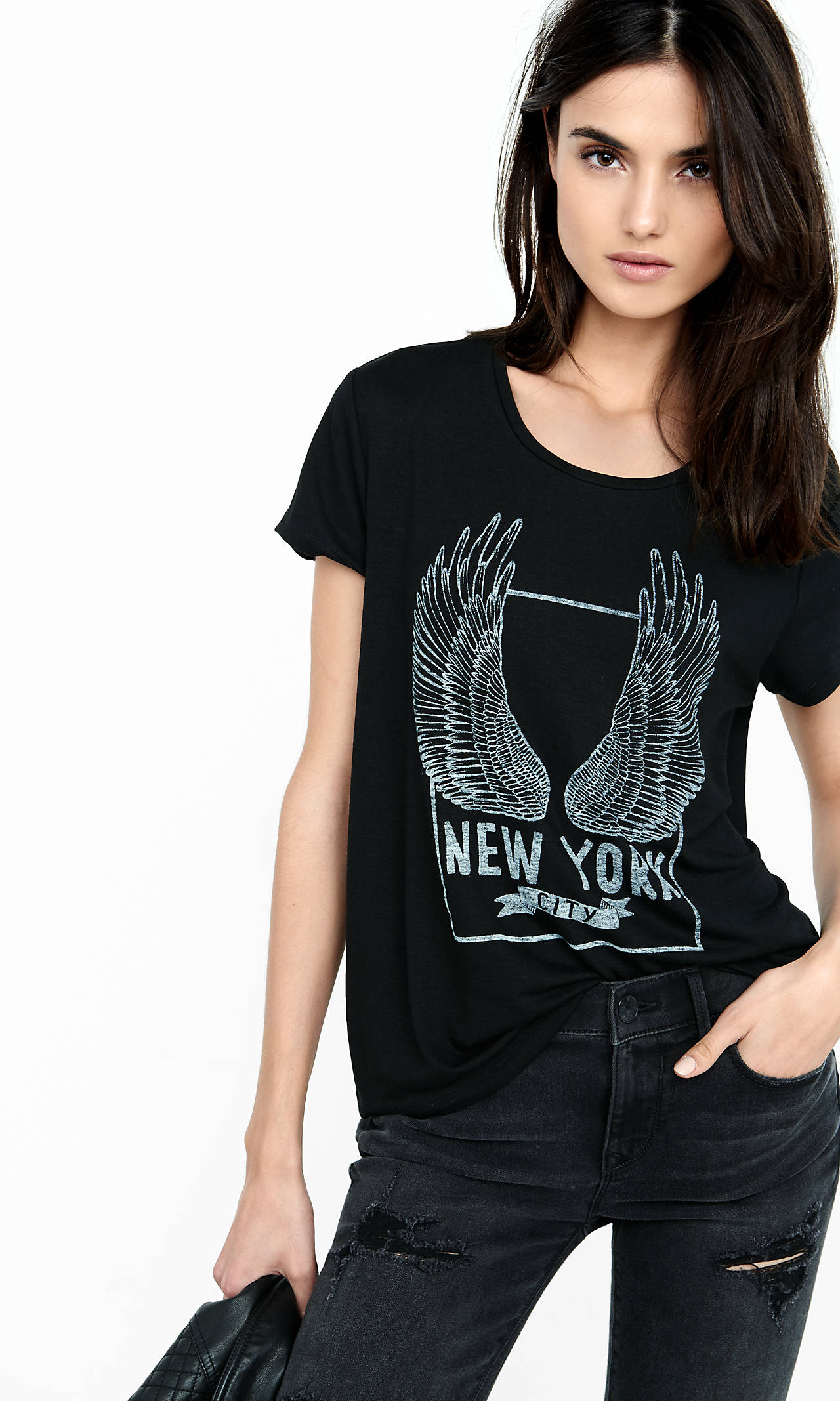
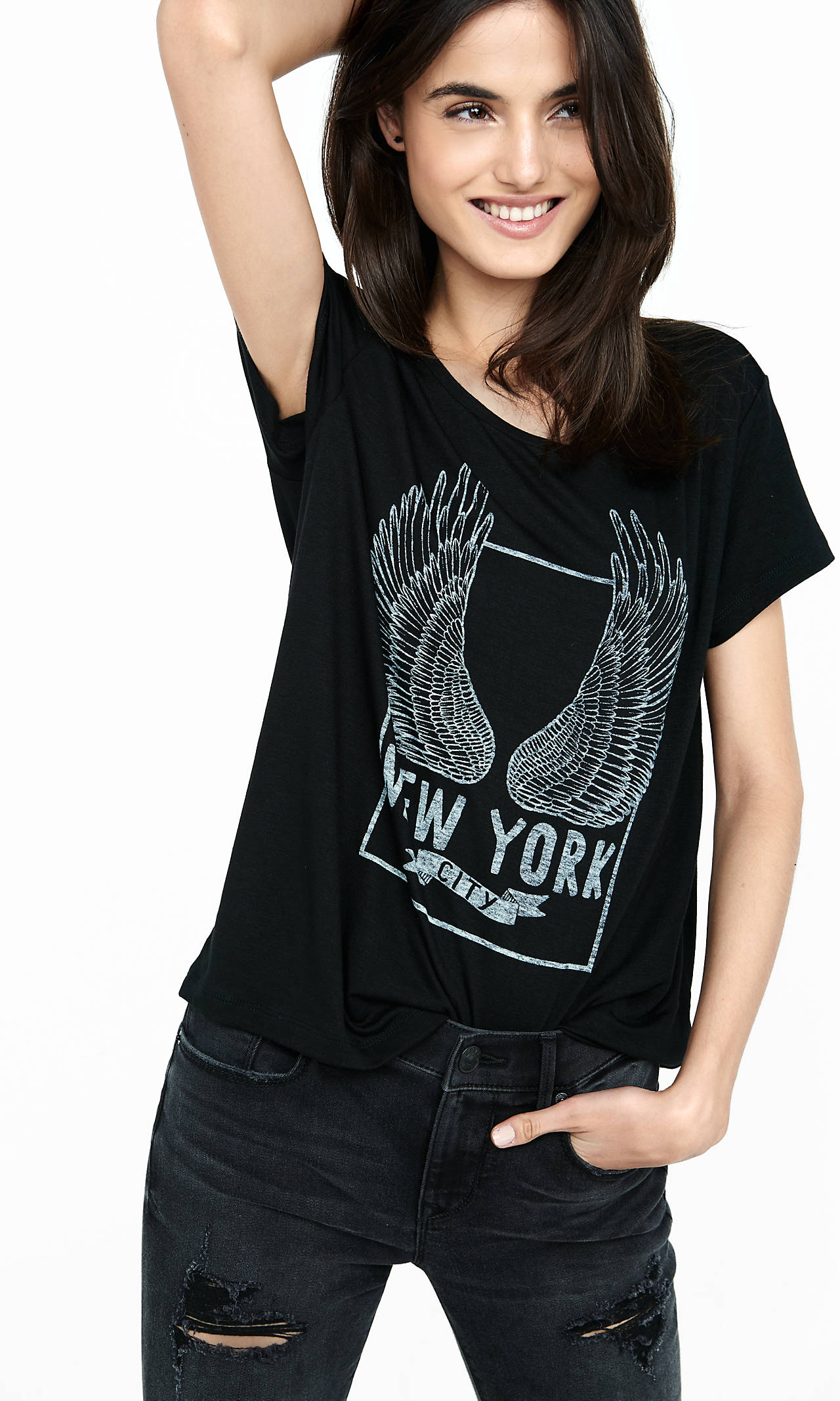
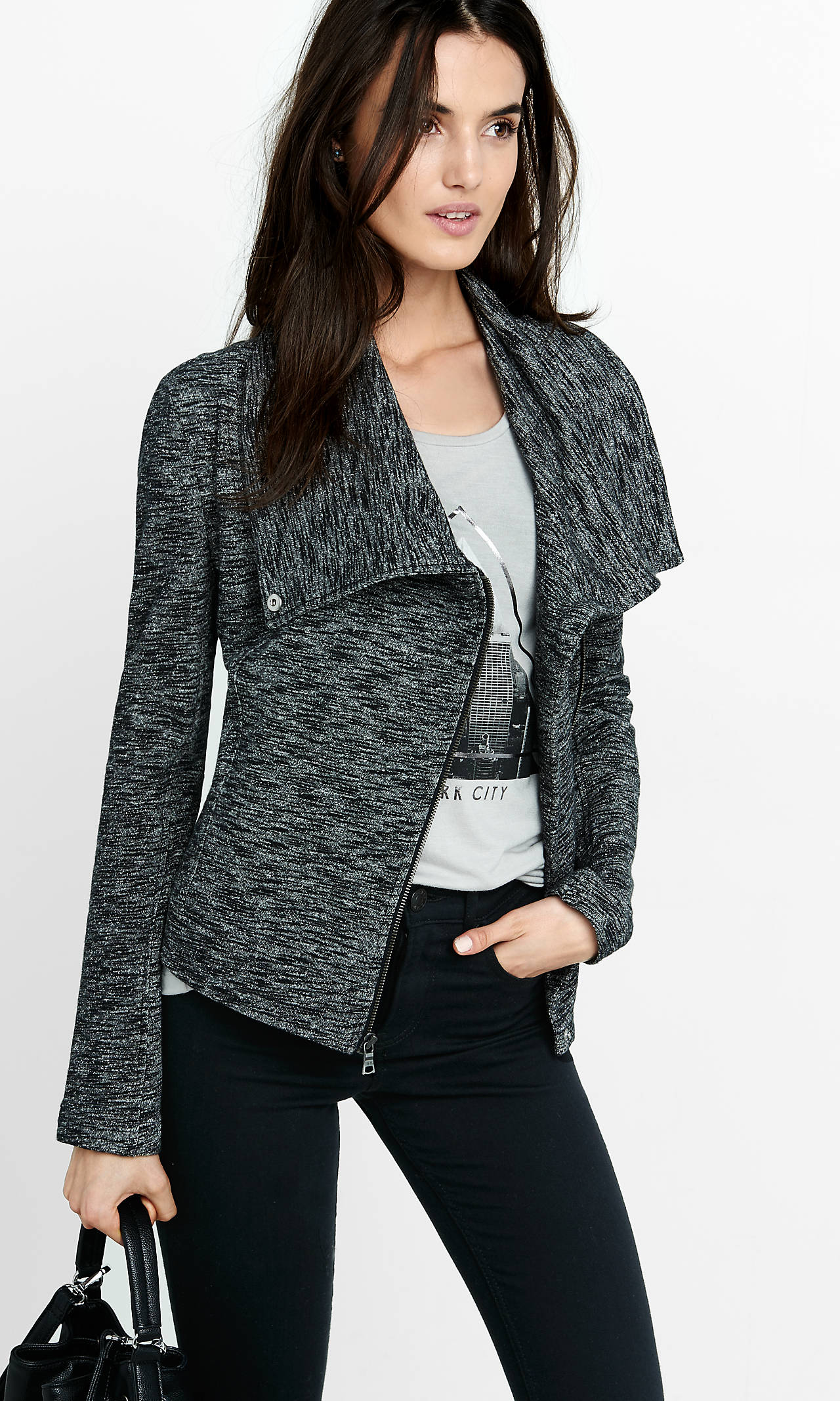
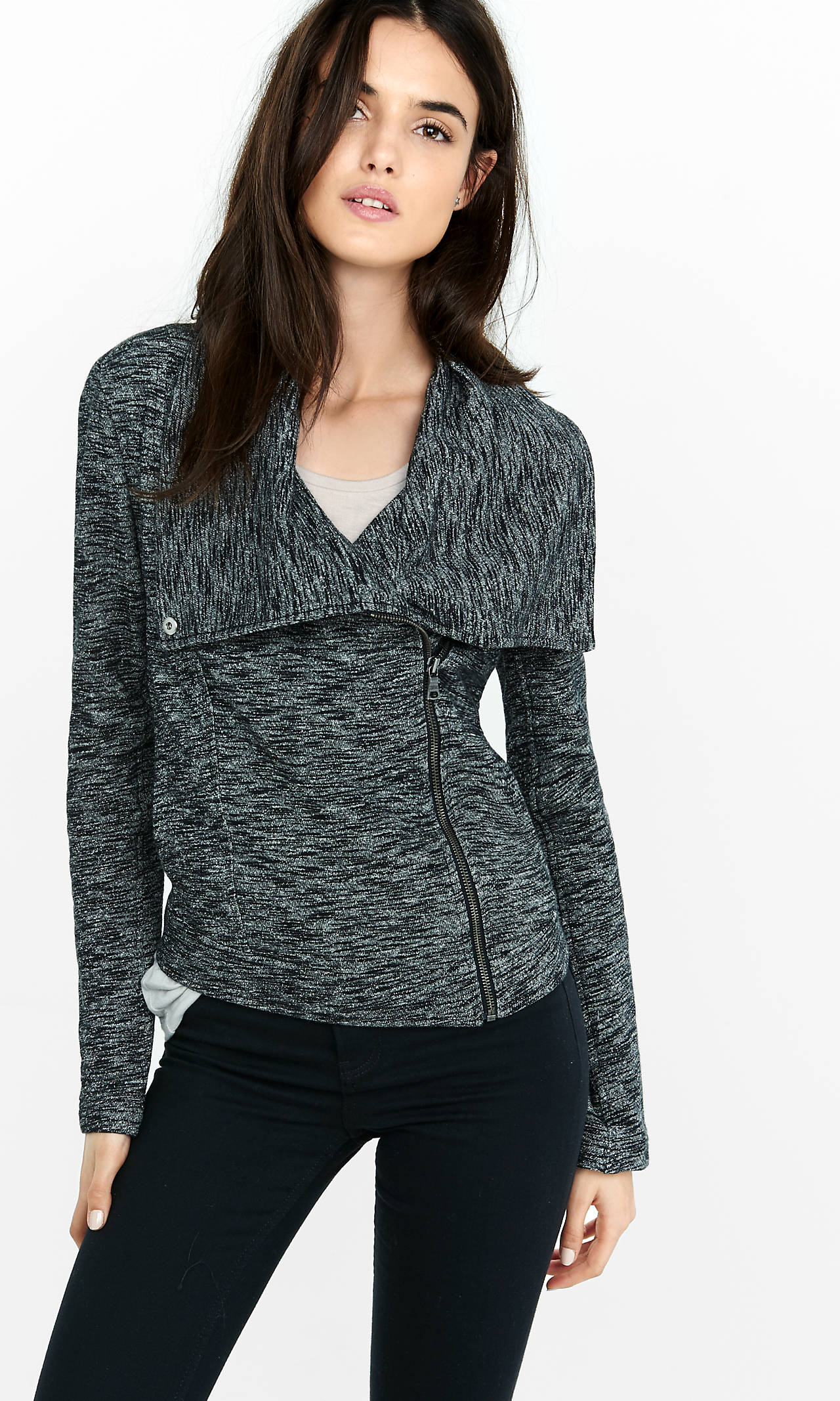
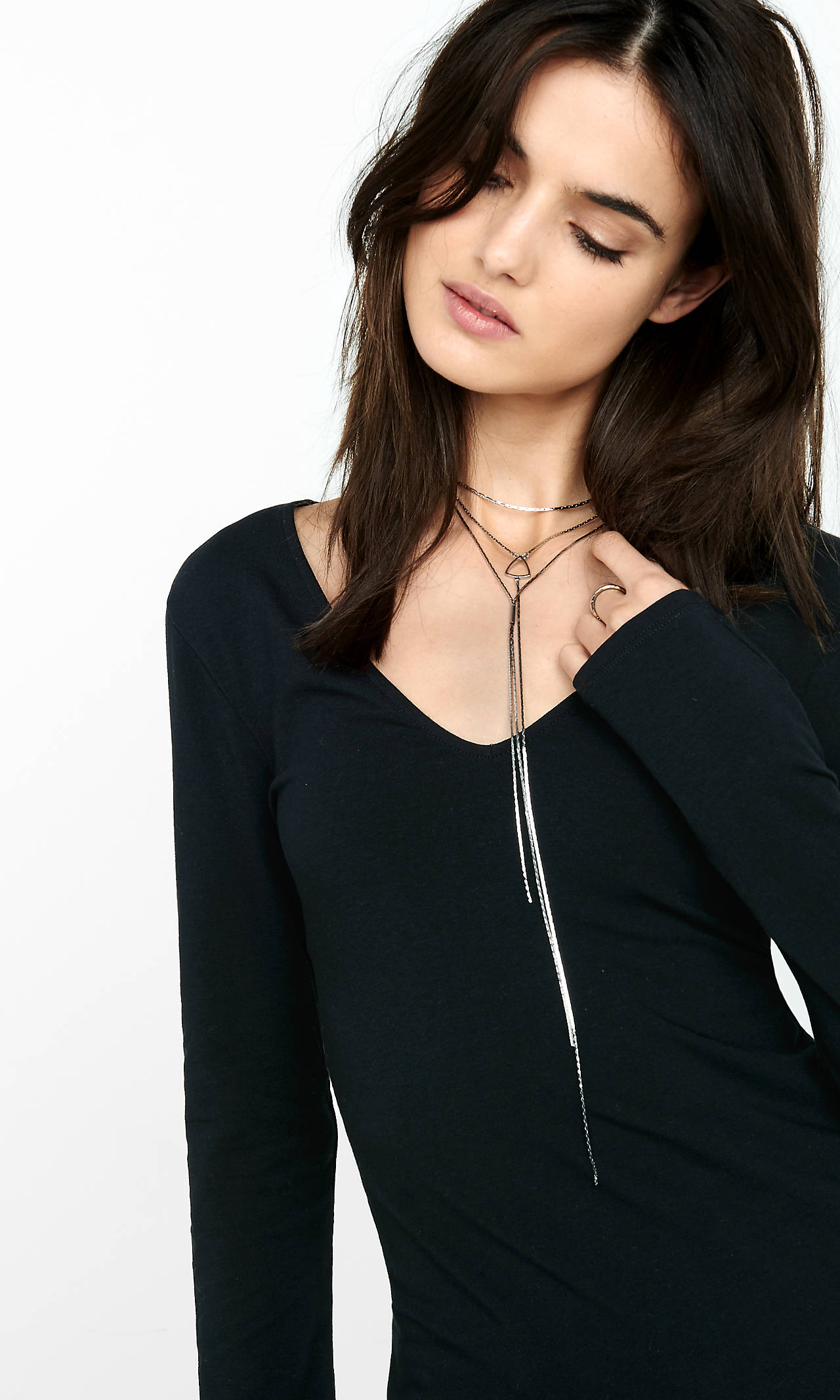
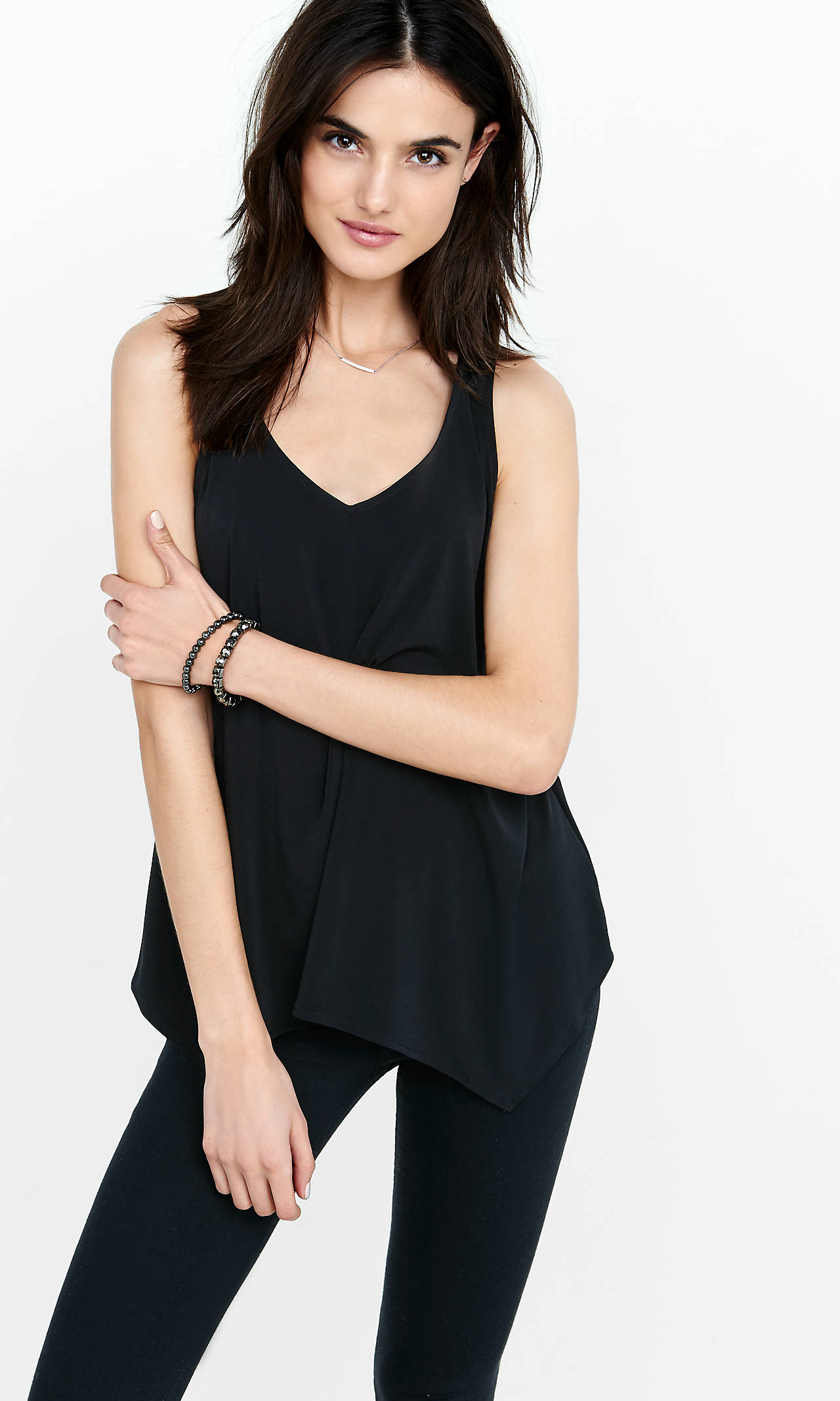
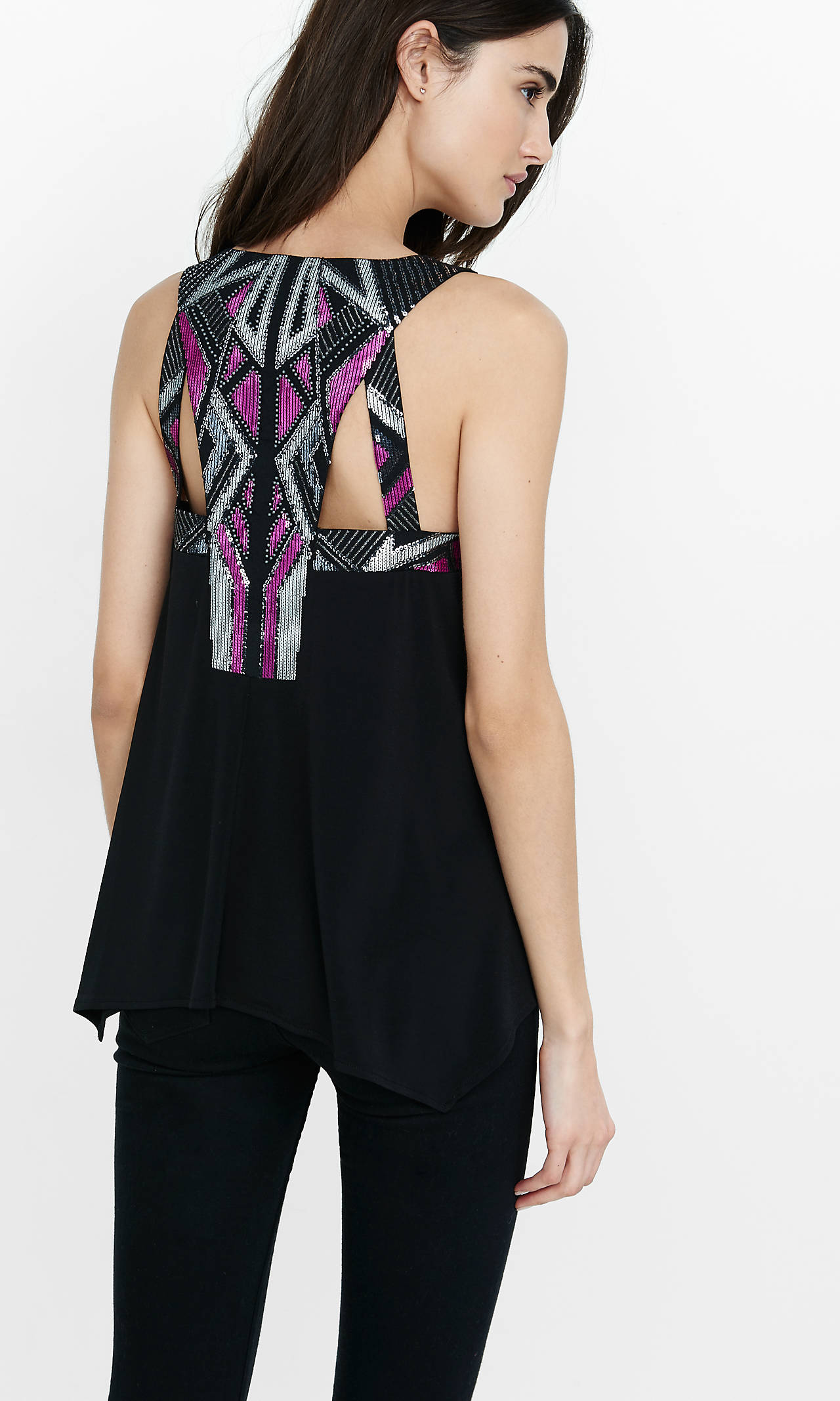
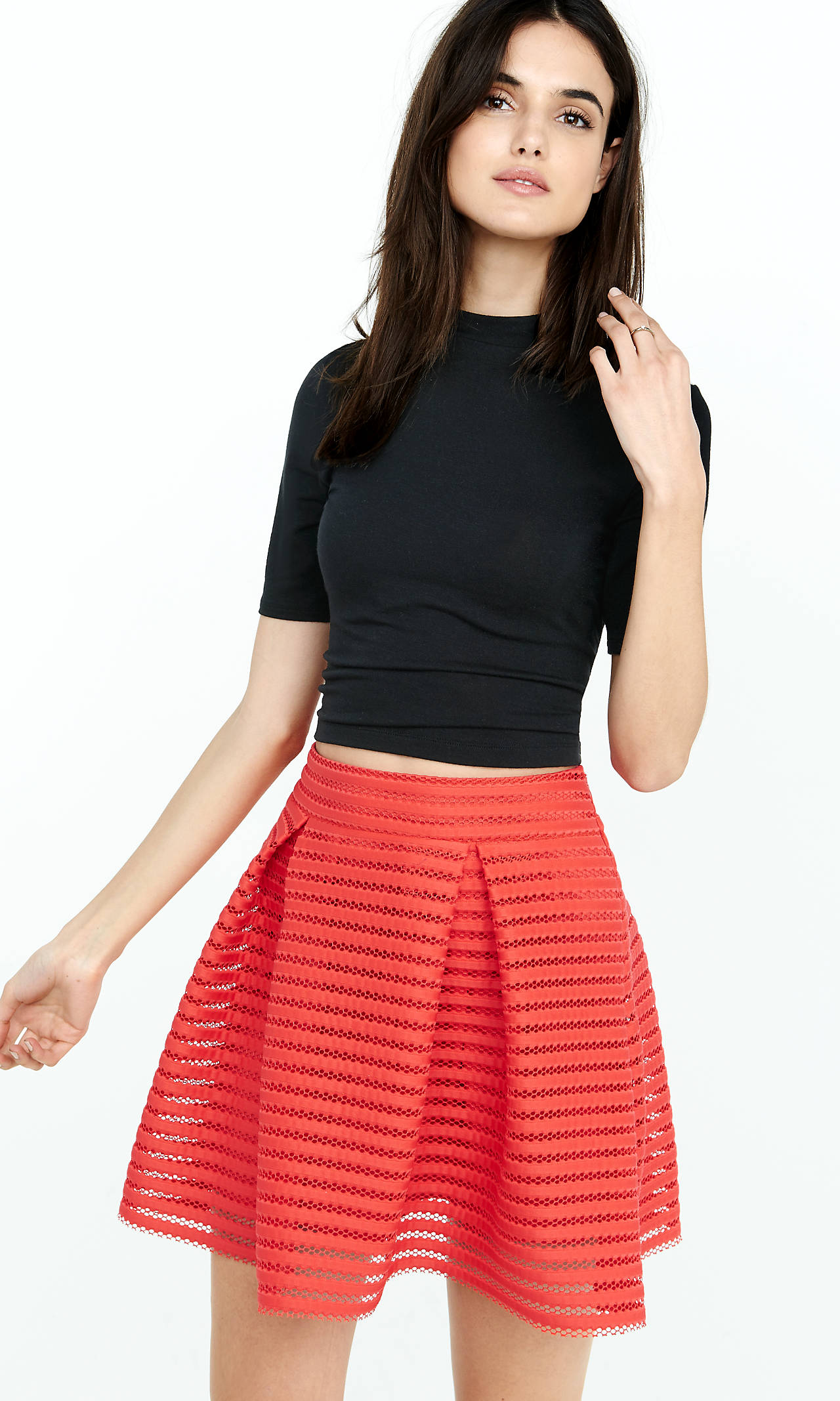
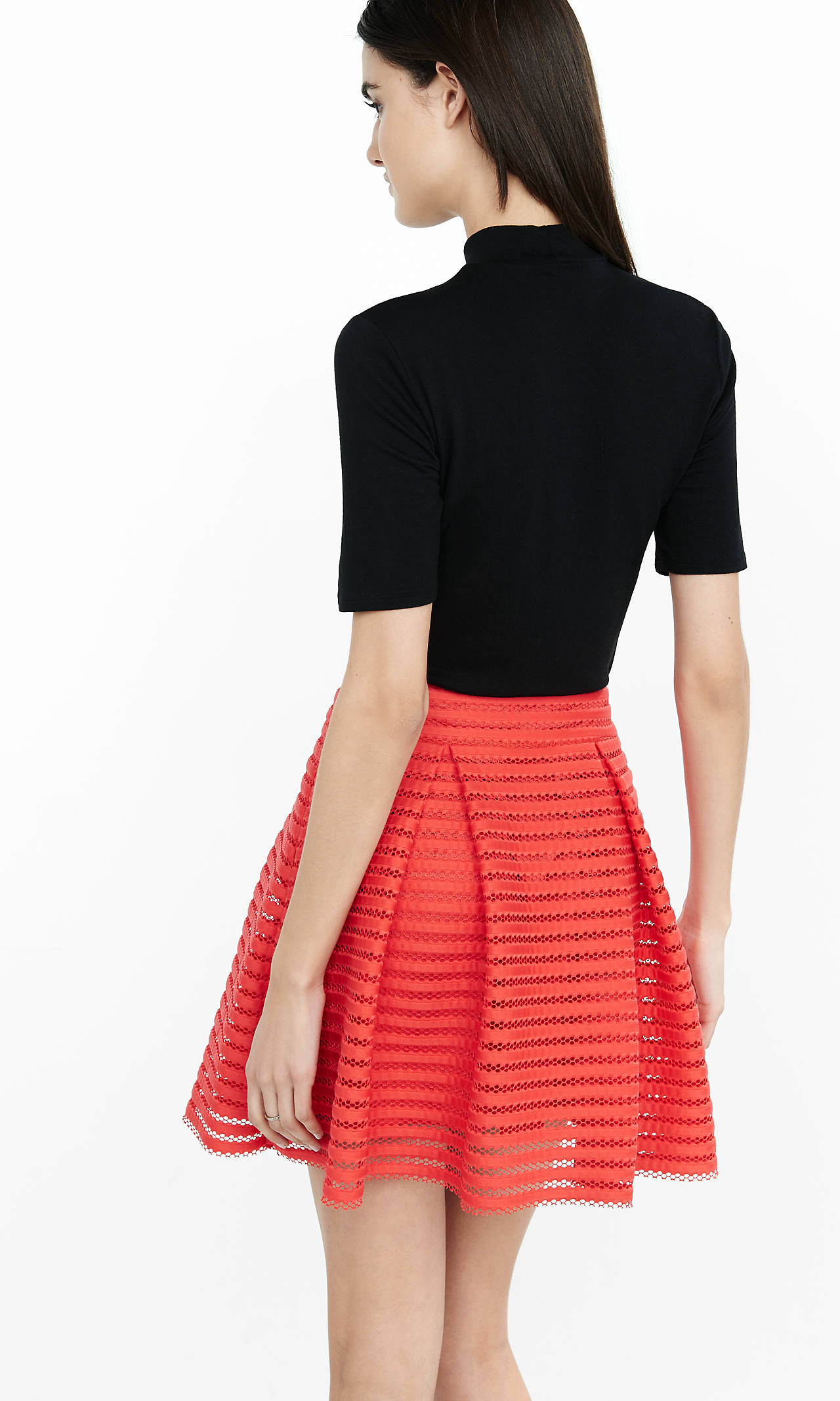
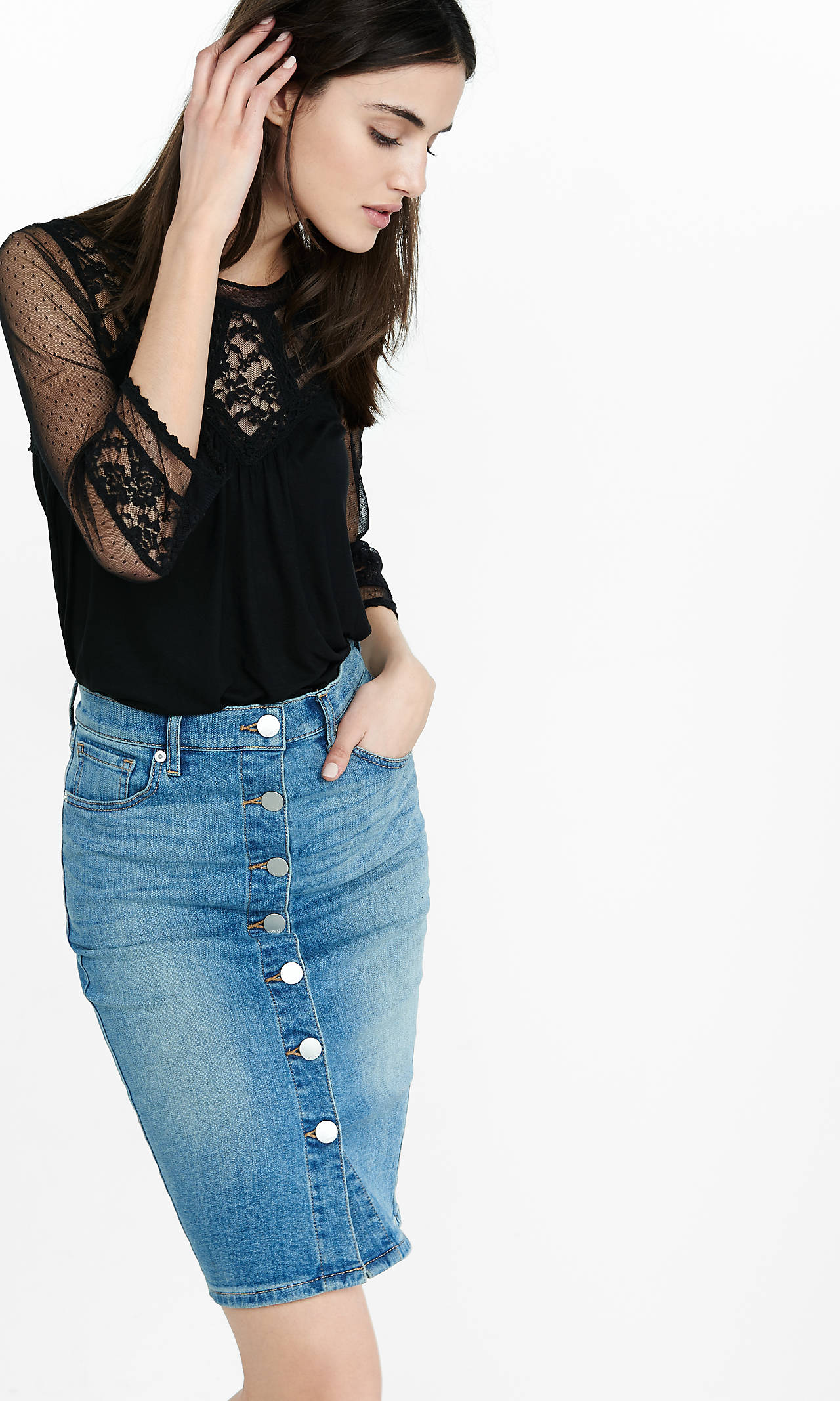
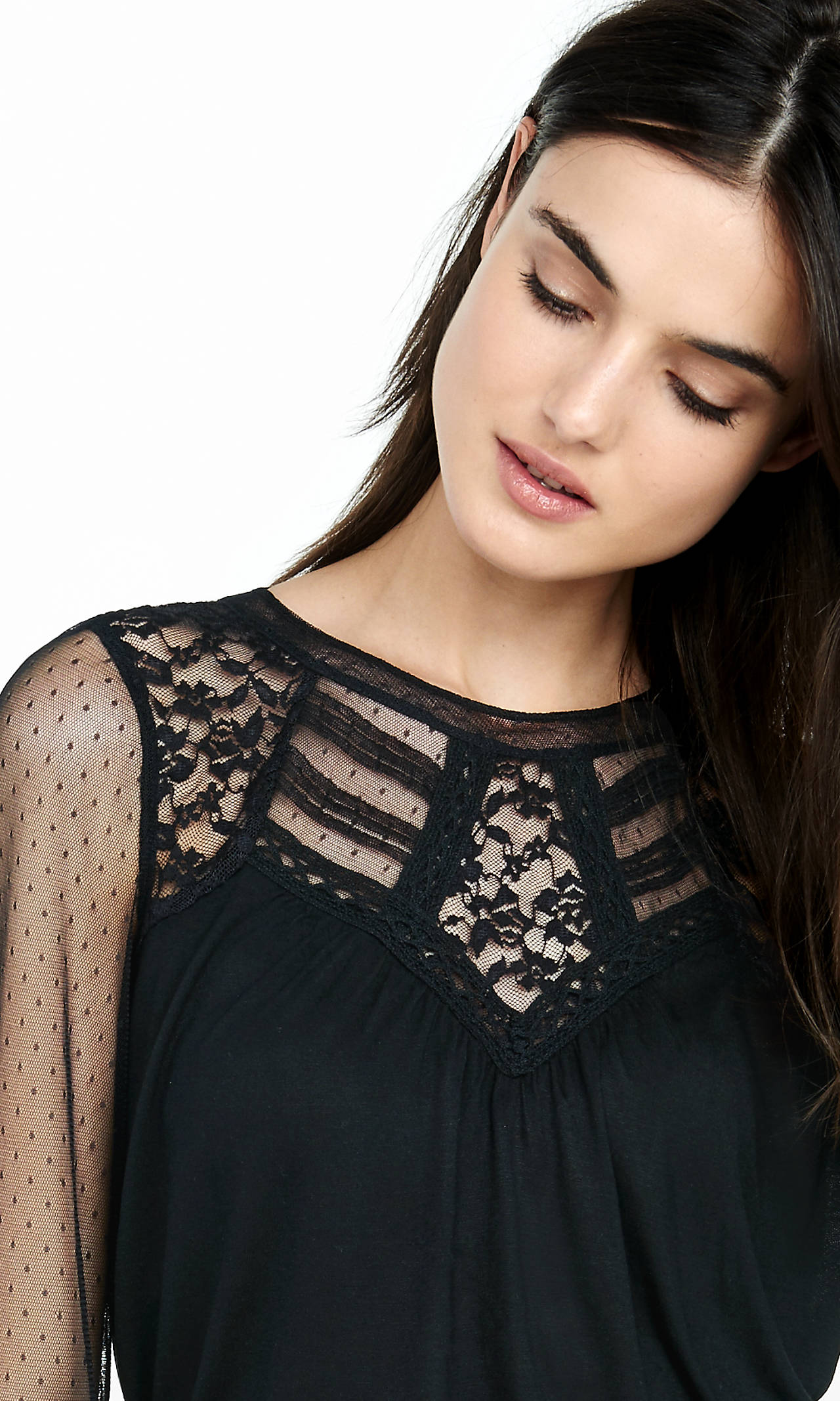
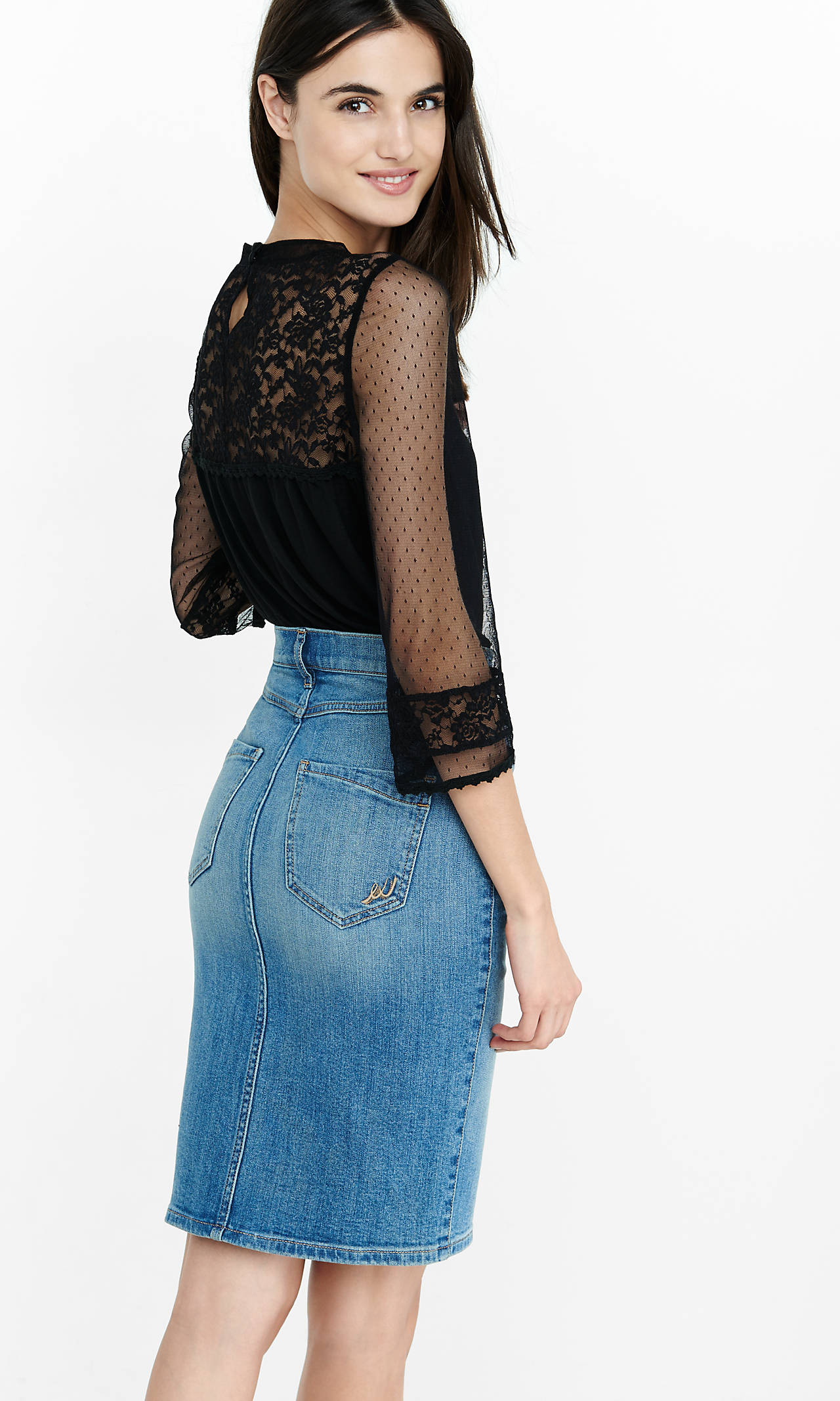
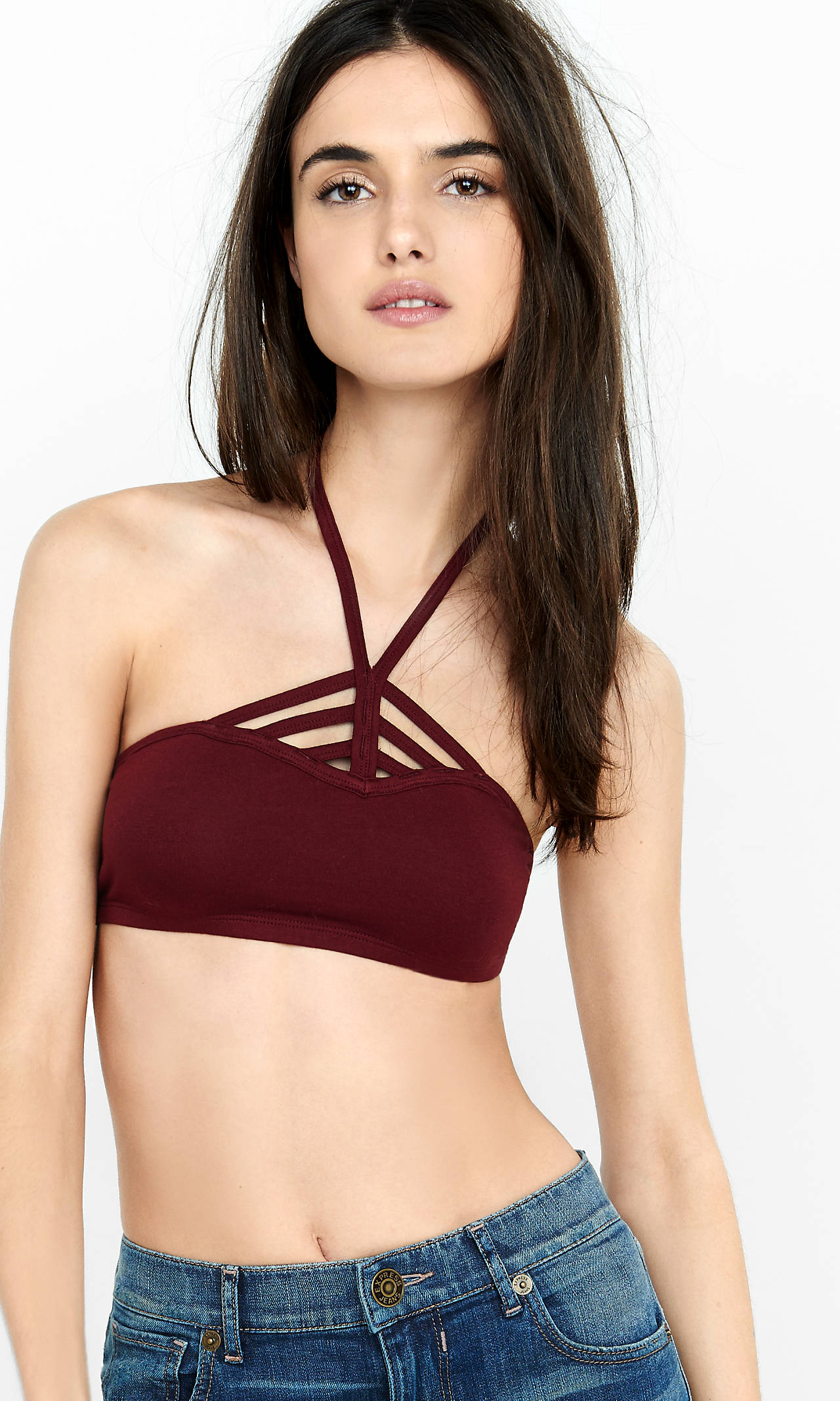
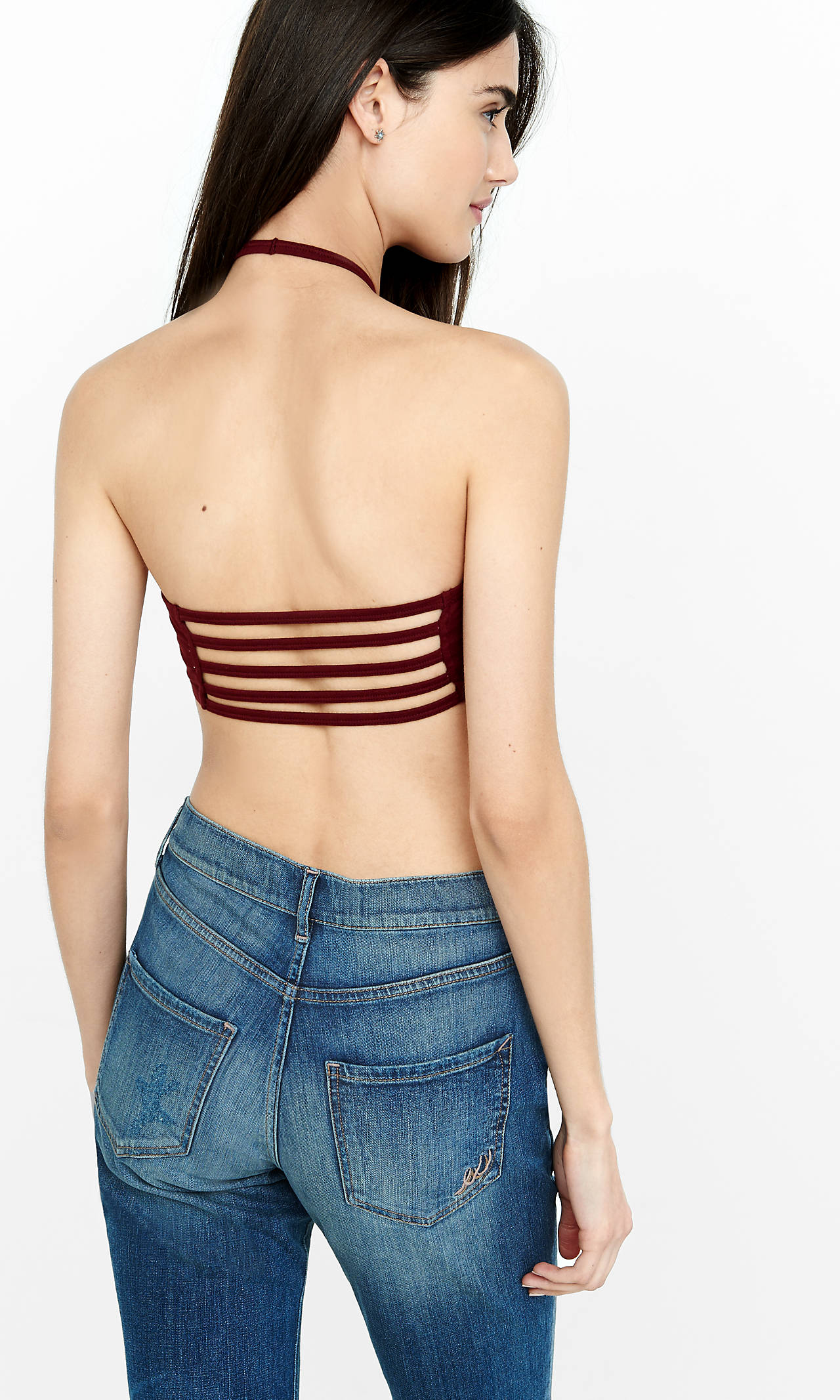
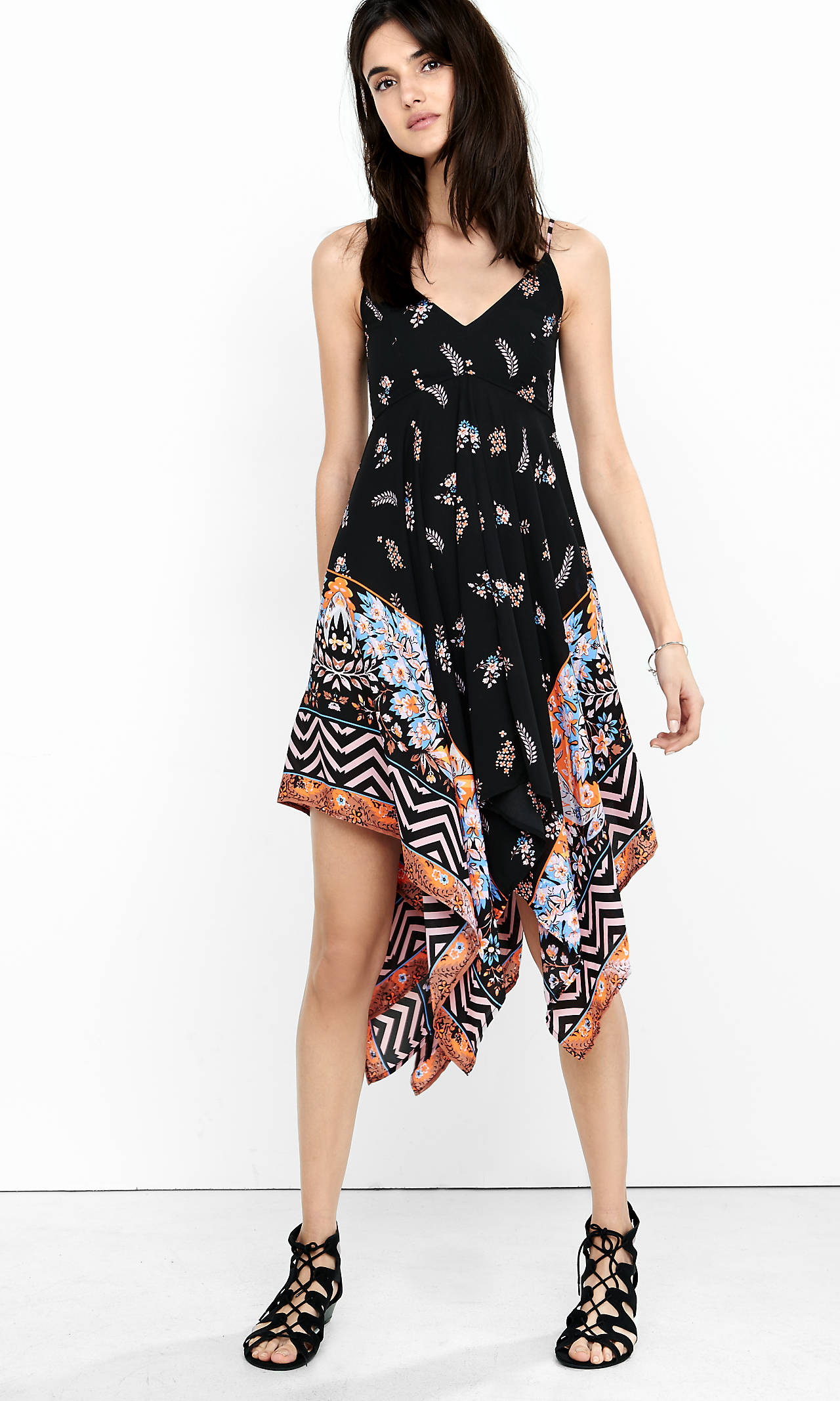
 Dynamic Duo, these two! Thanks JJ! Express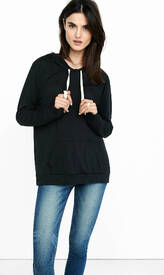



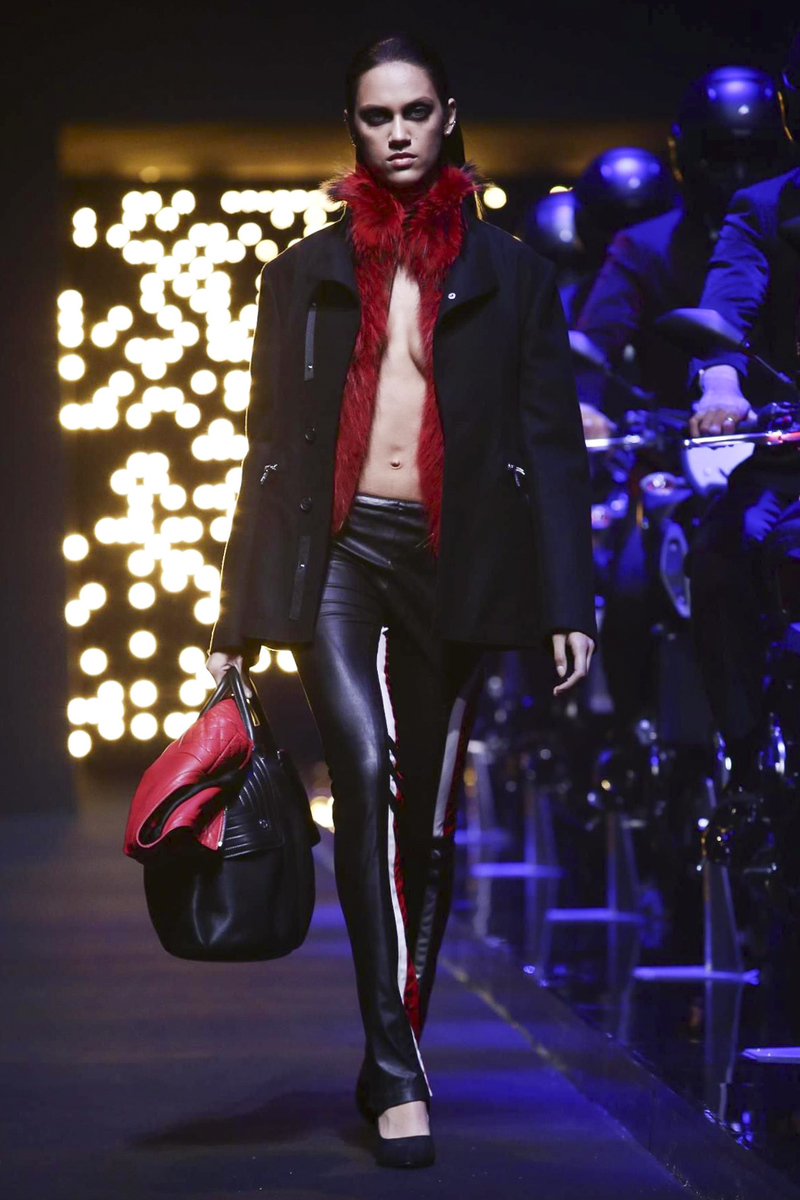
 Dalianah Arekion @ Dirk Bikkembergs F/W 2016.17 Milan. nowfashion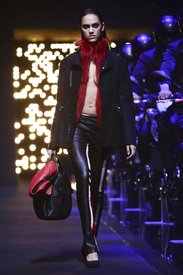
 I.D. Sarrieri S/S 2014 Ad Campaign UMC forum via darkblakka
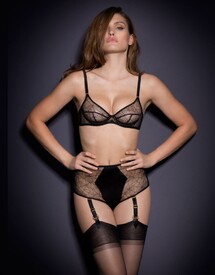
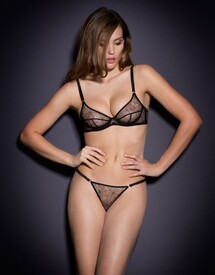
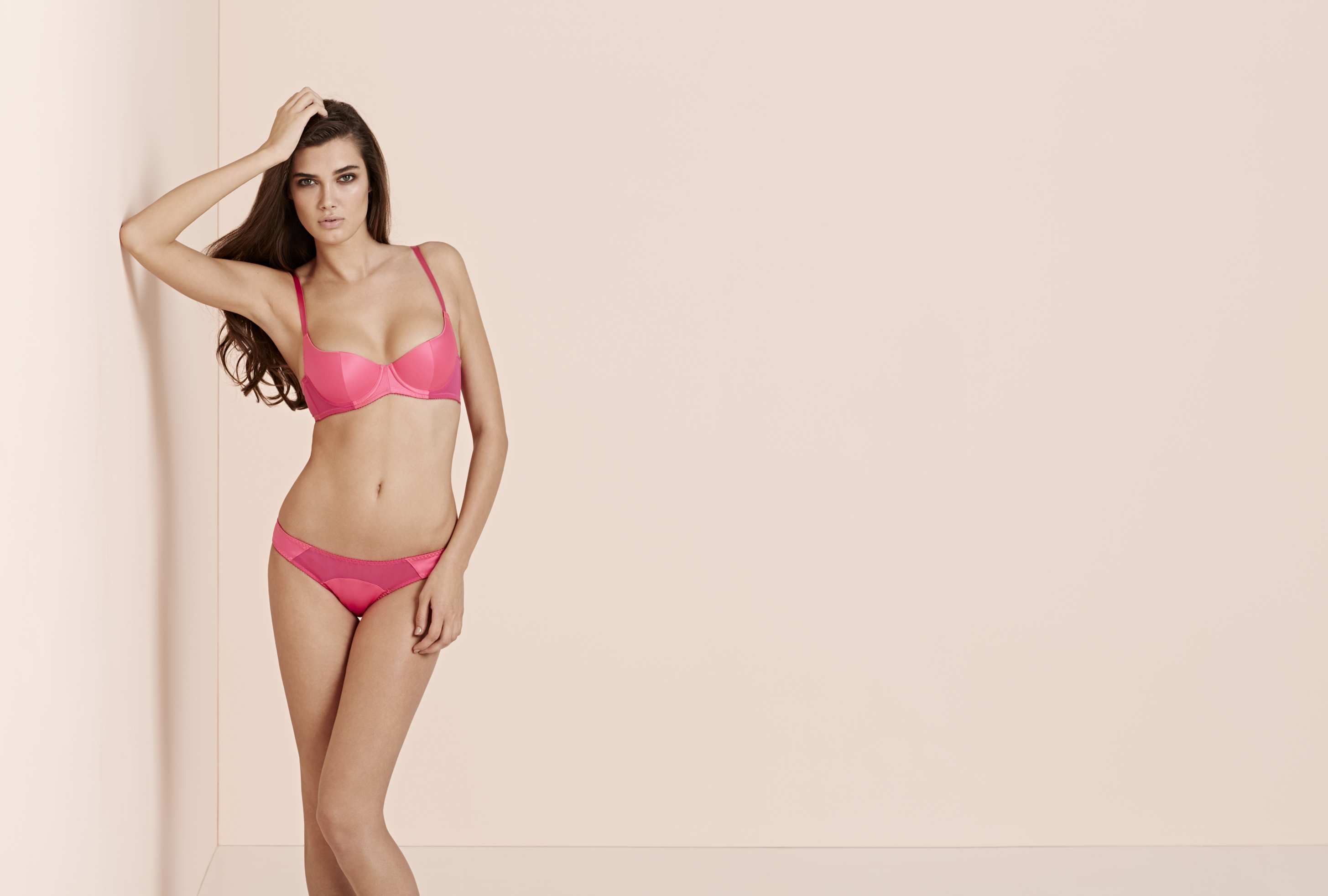
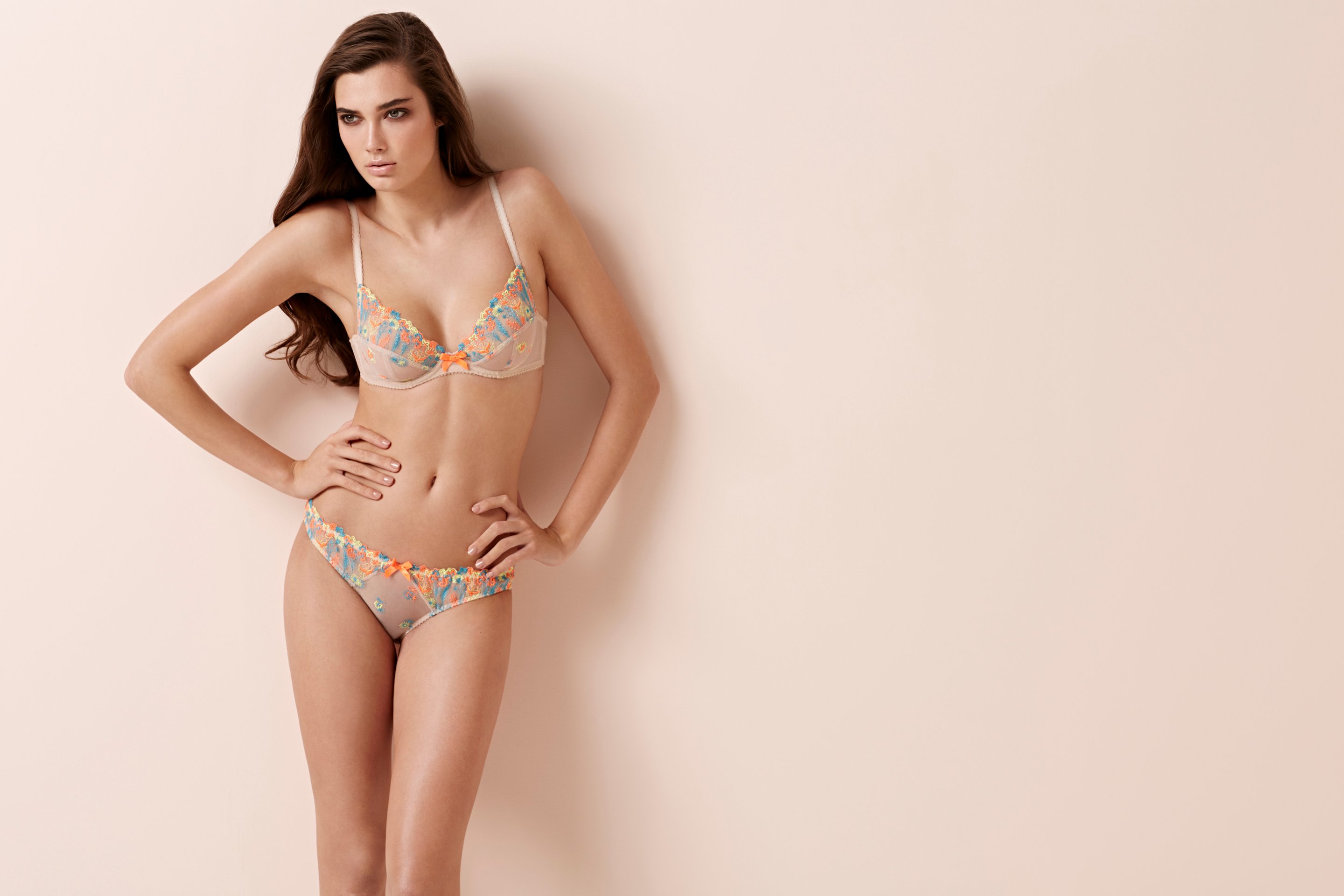
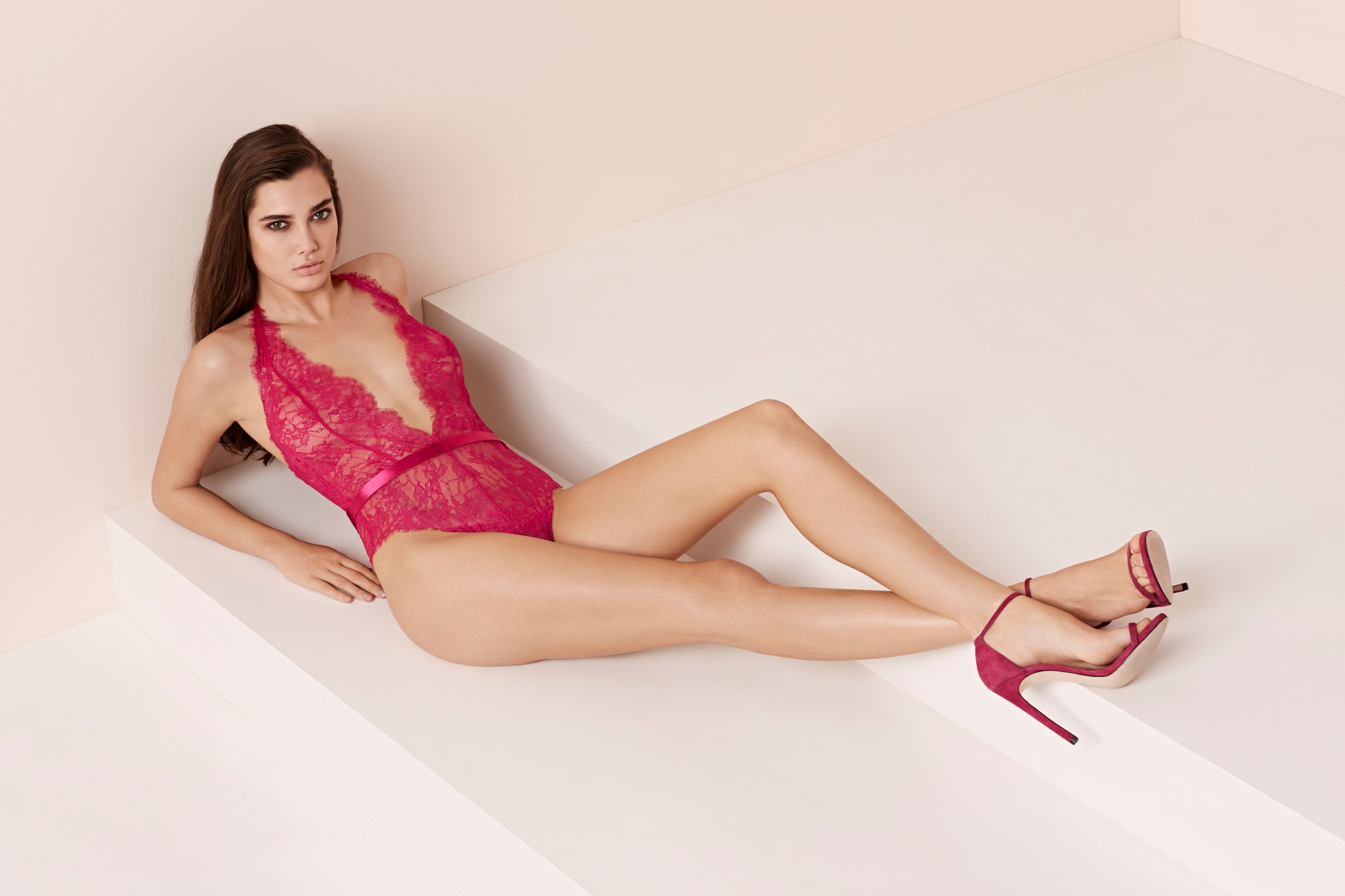
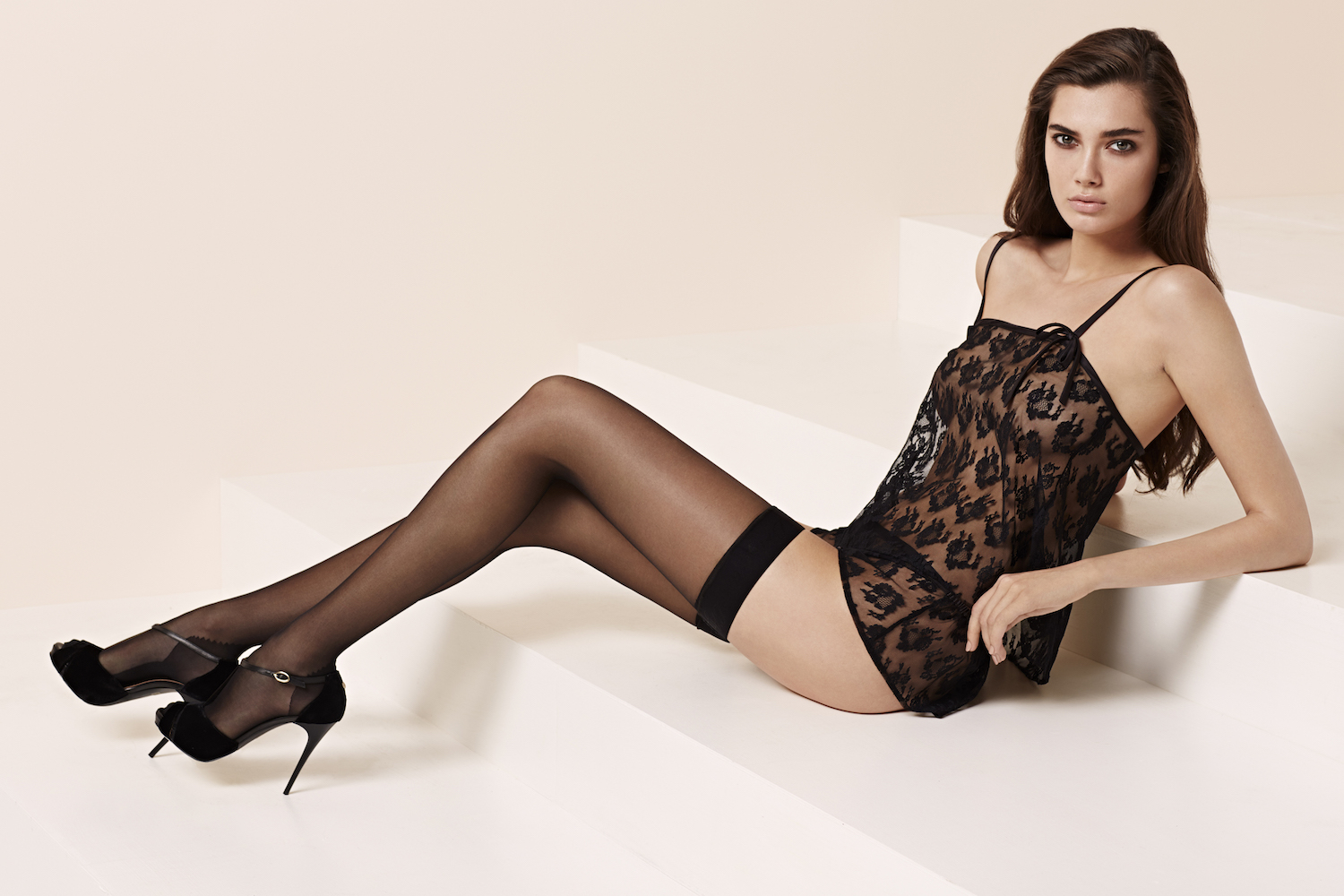
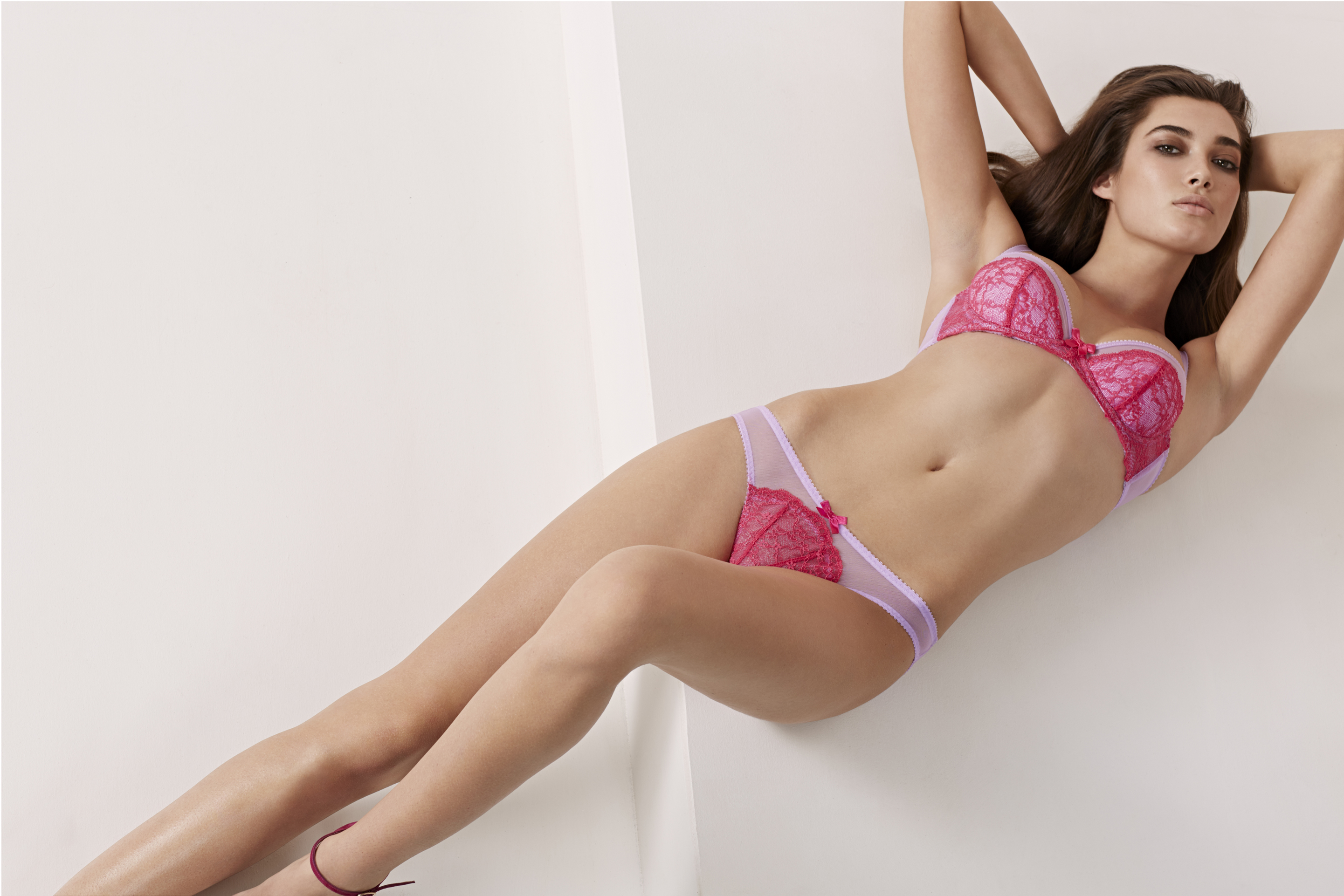
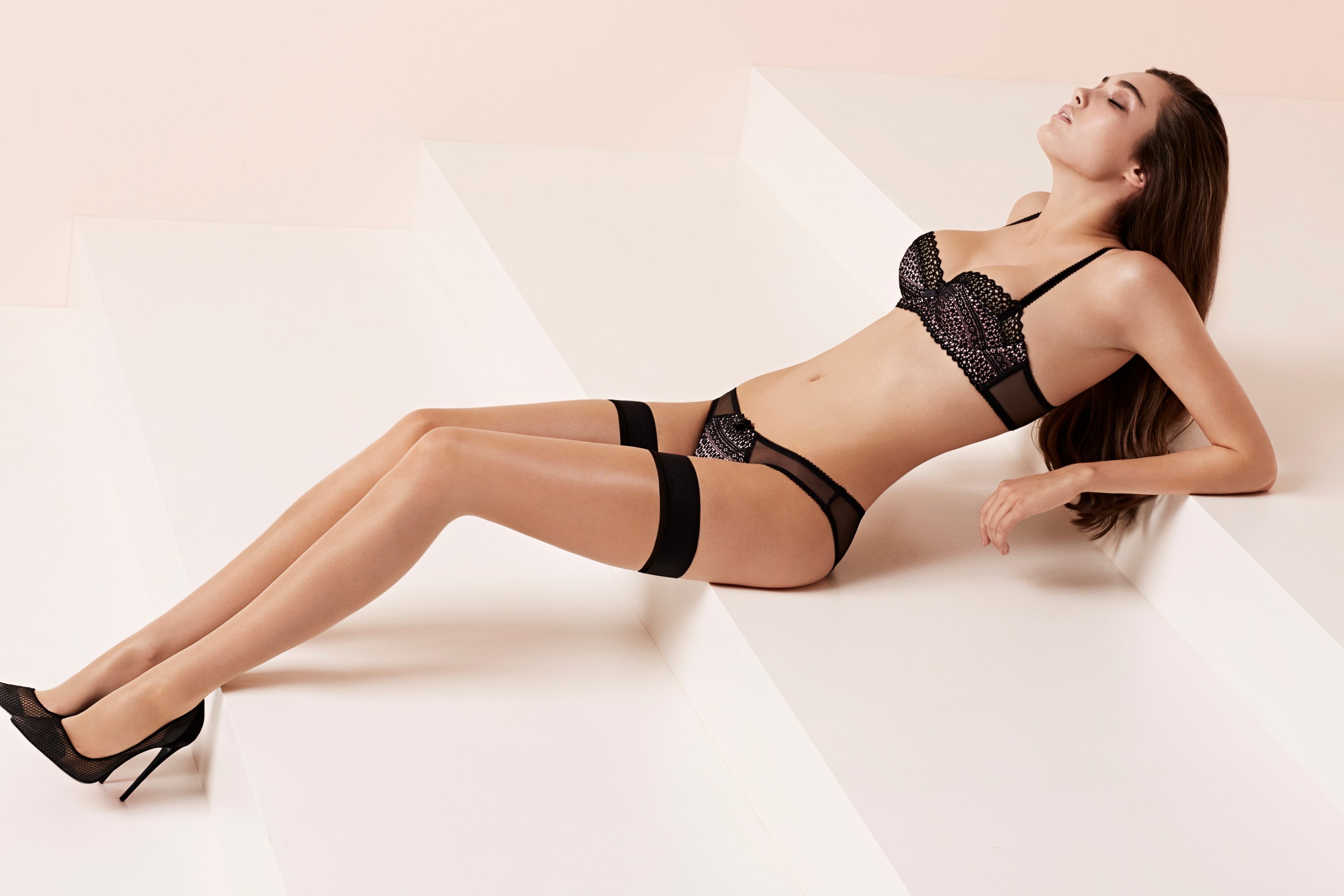
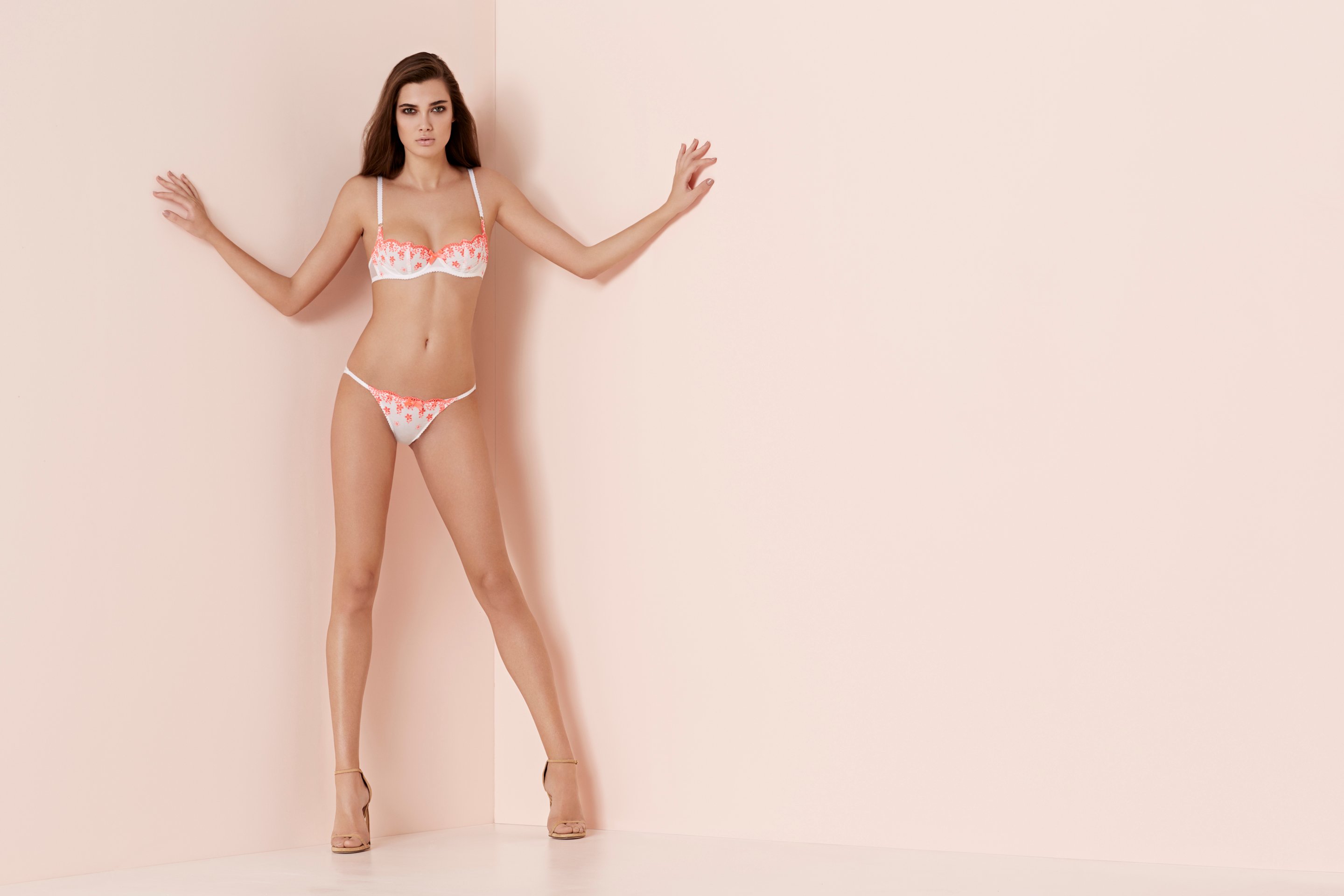
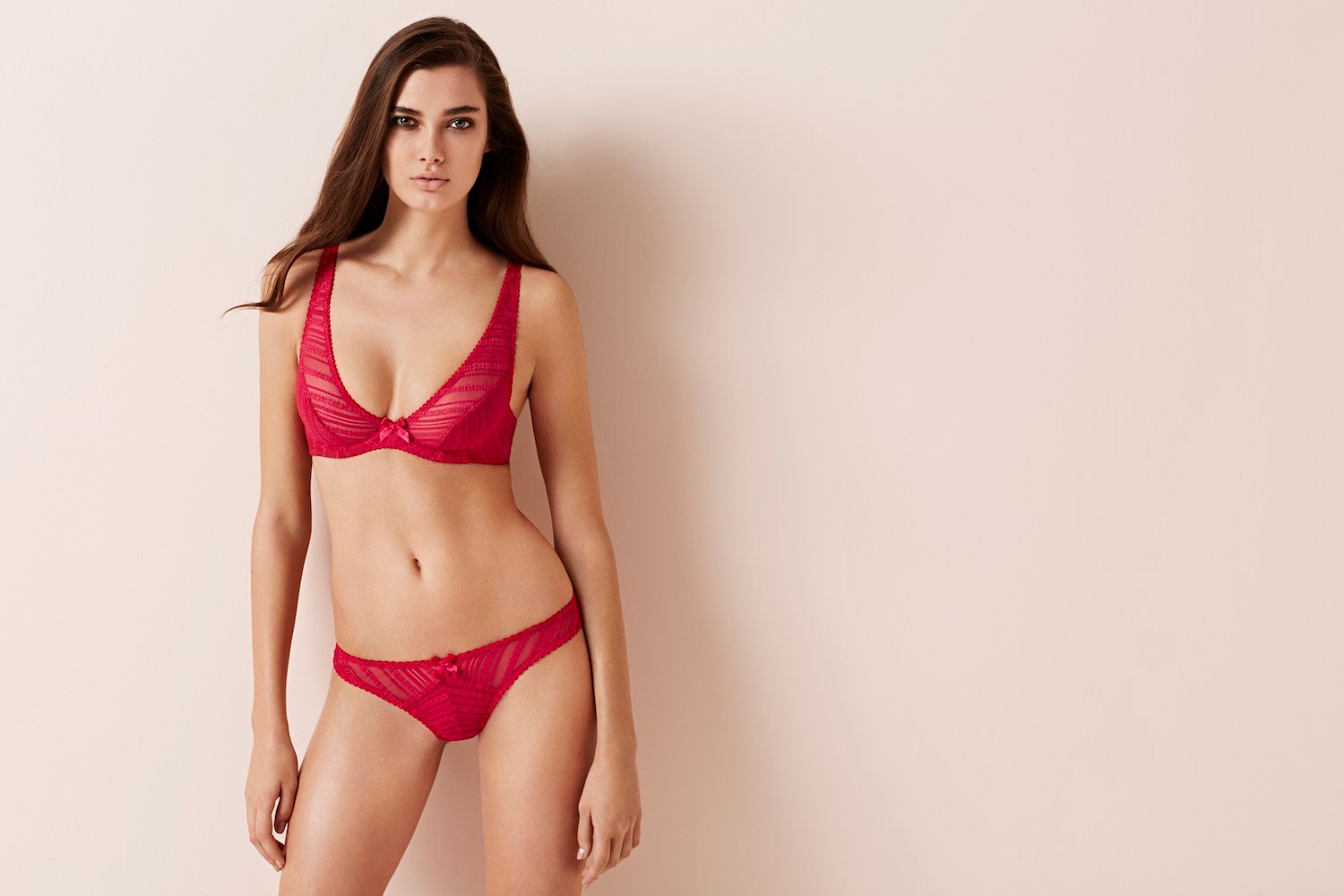
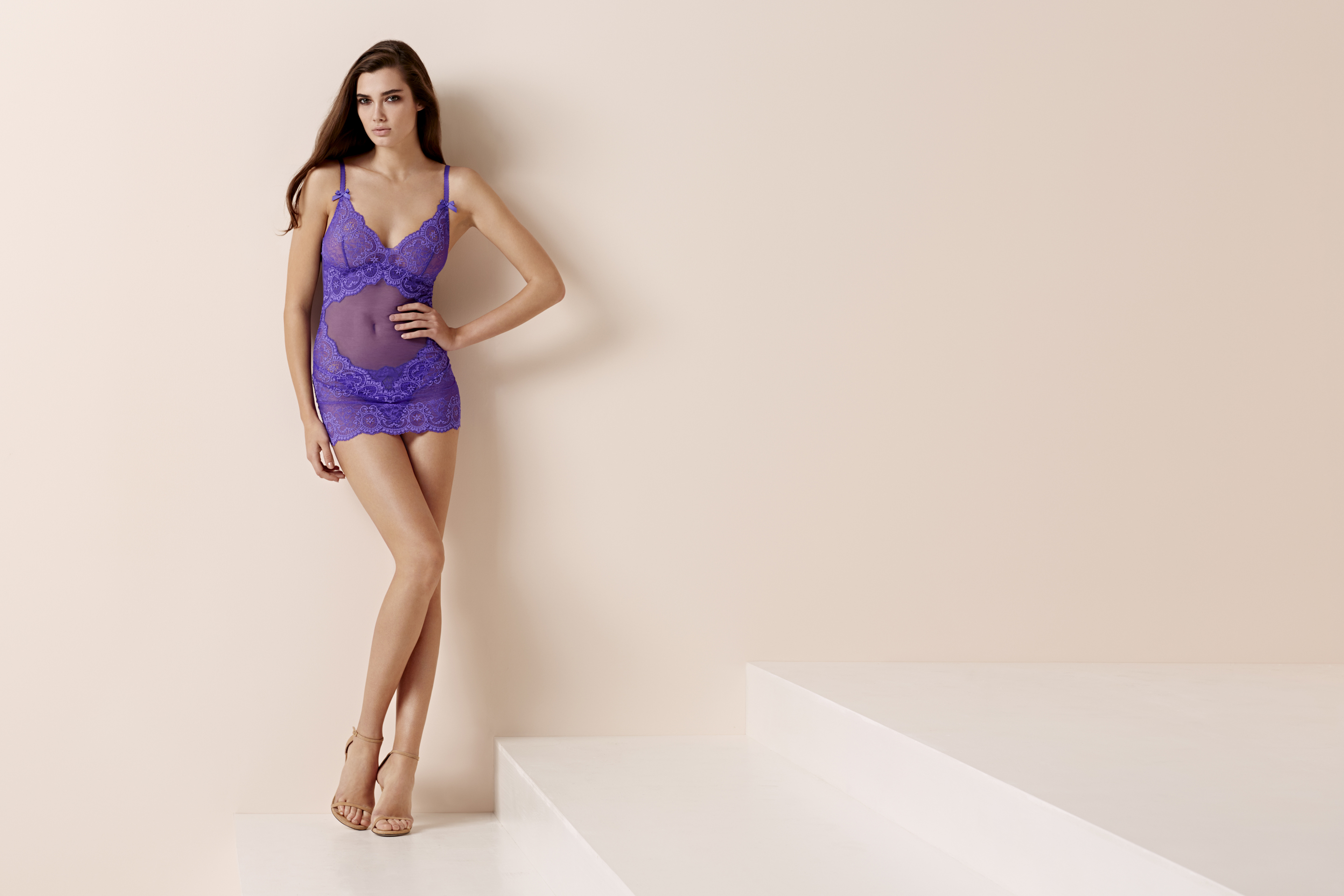
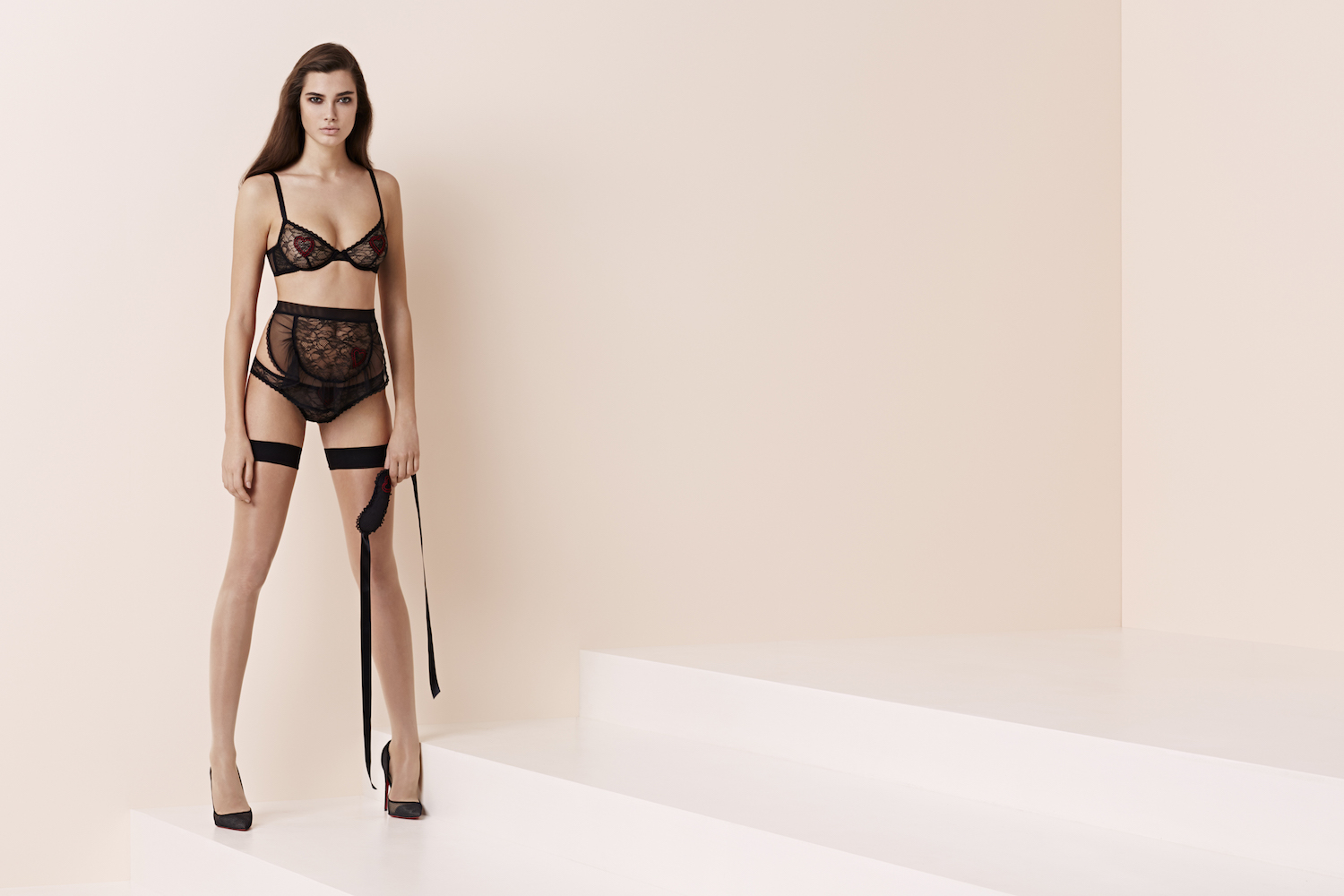
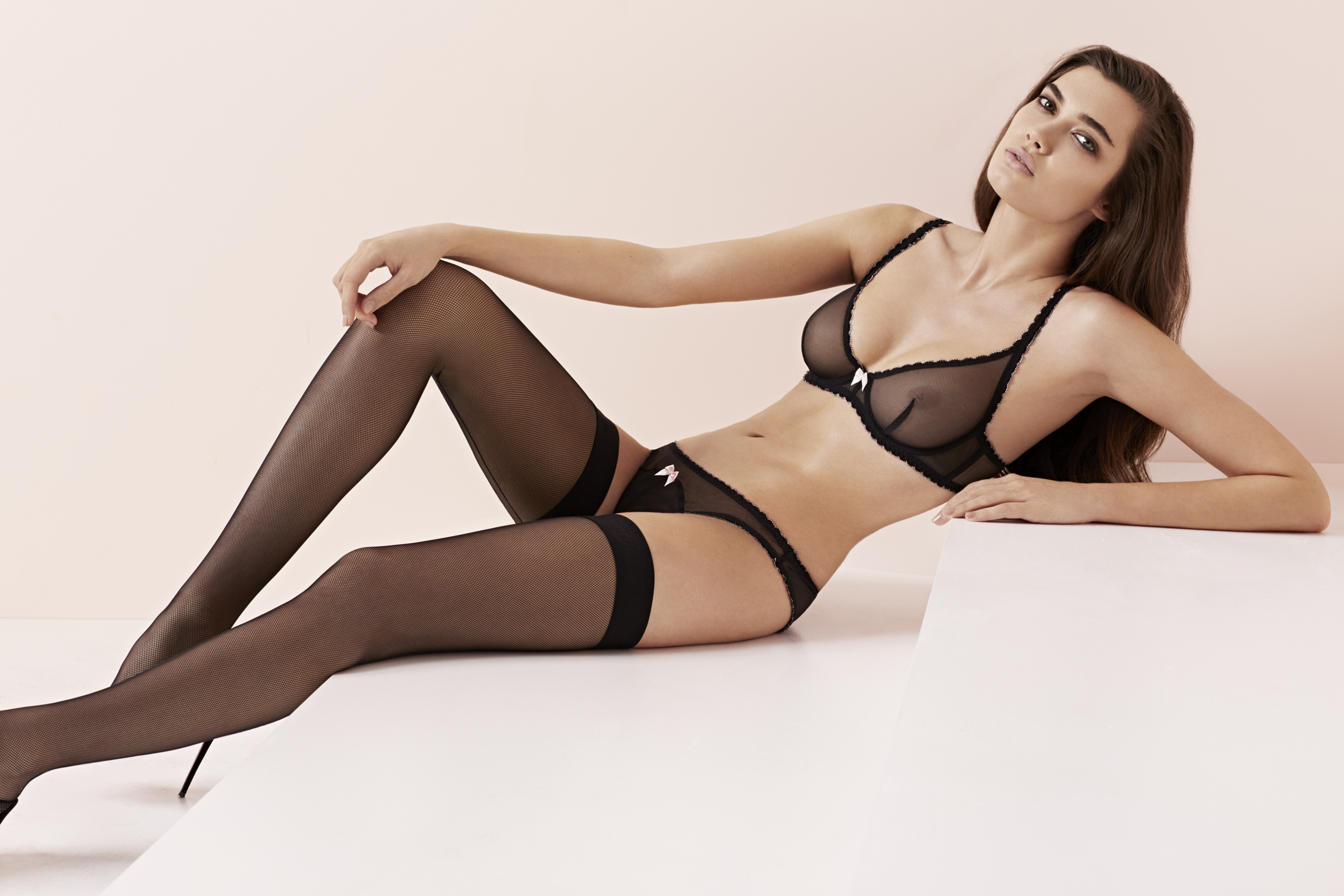
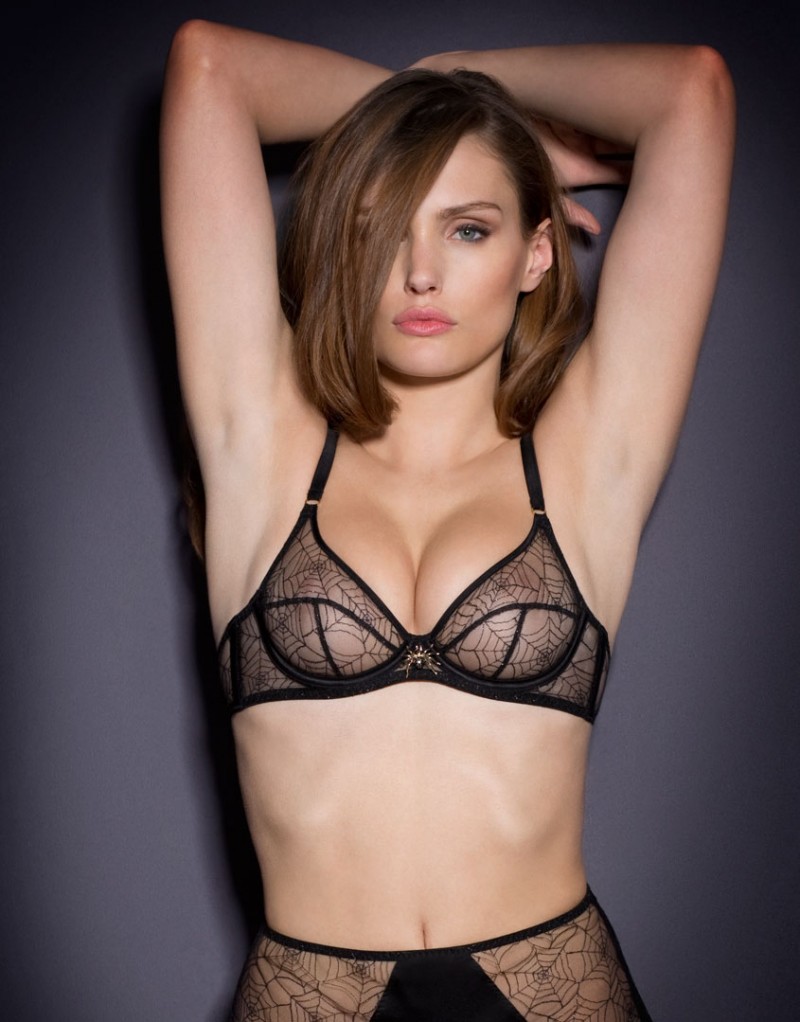
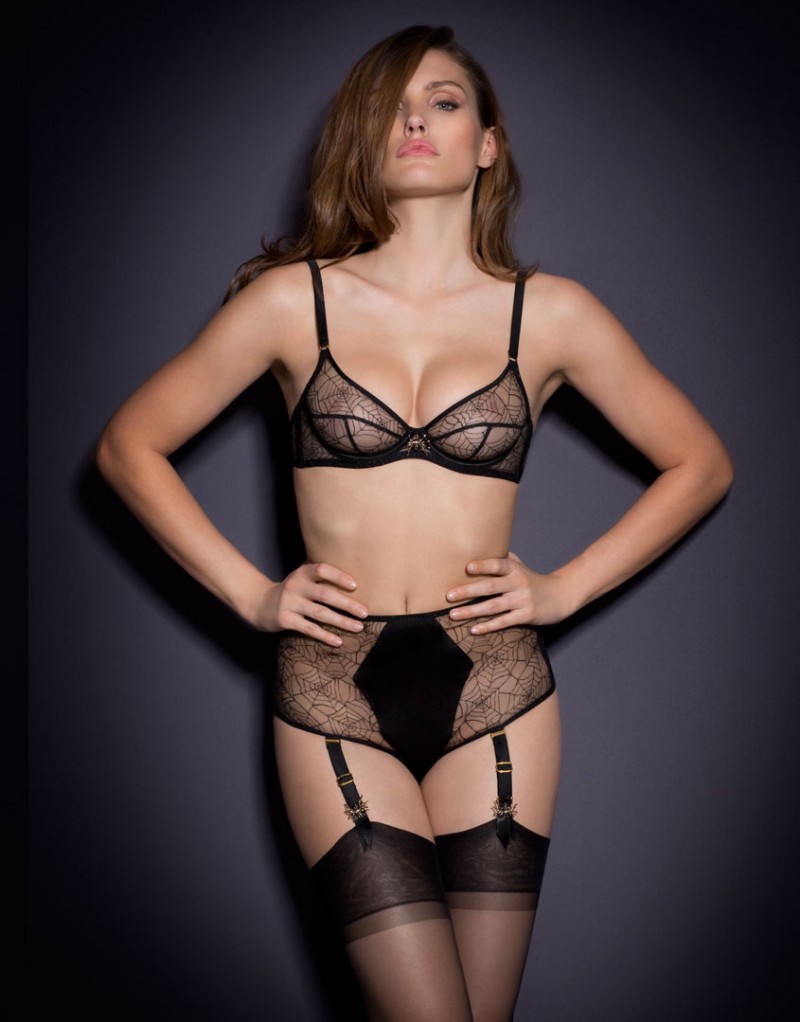
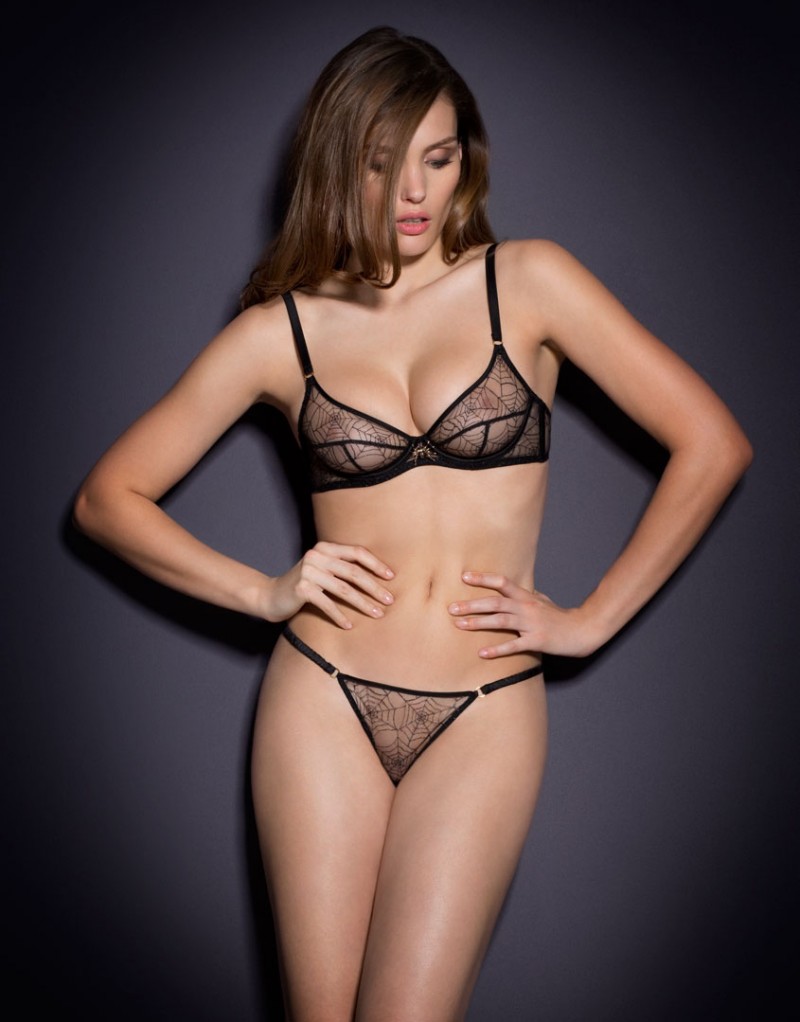
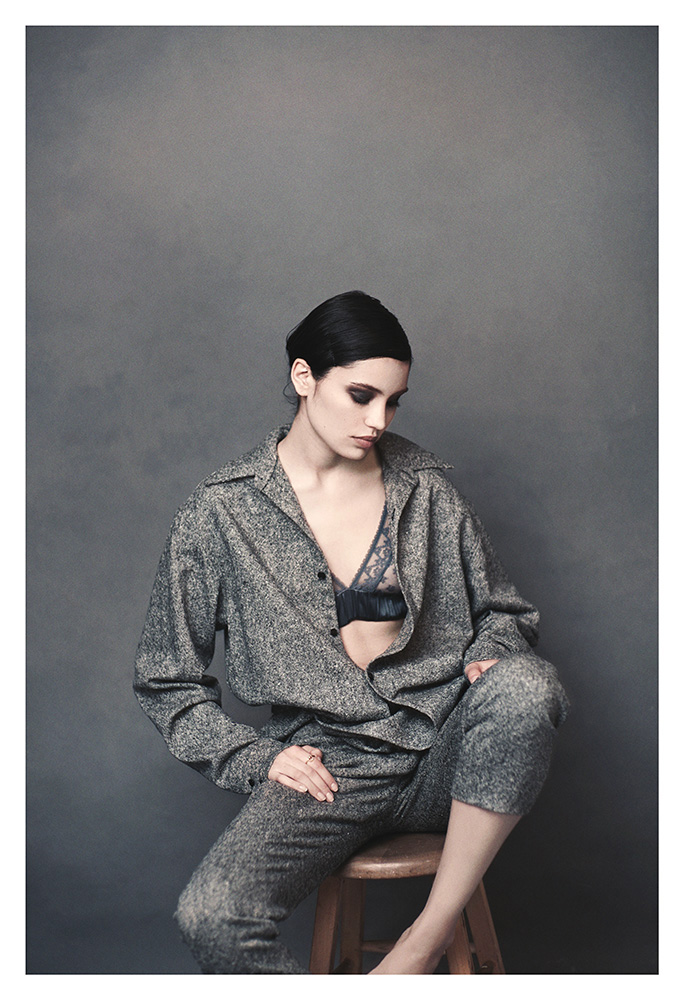
L’Agent by Agent Provocateur SS2015 Lingerie Collection See Through
I.D. Sarrieri S/S 2014 Ad Campaign UMC forum via darkblakka
L’Agent by Agent Provocateur SS2015 Lingerie Collection See Through





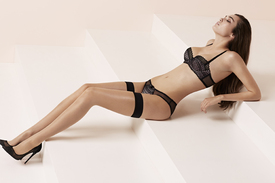




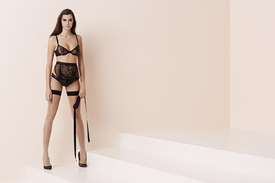
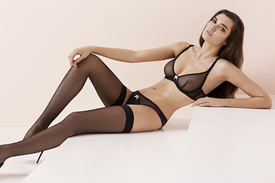
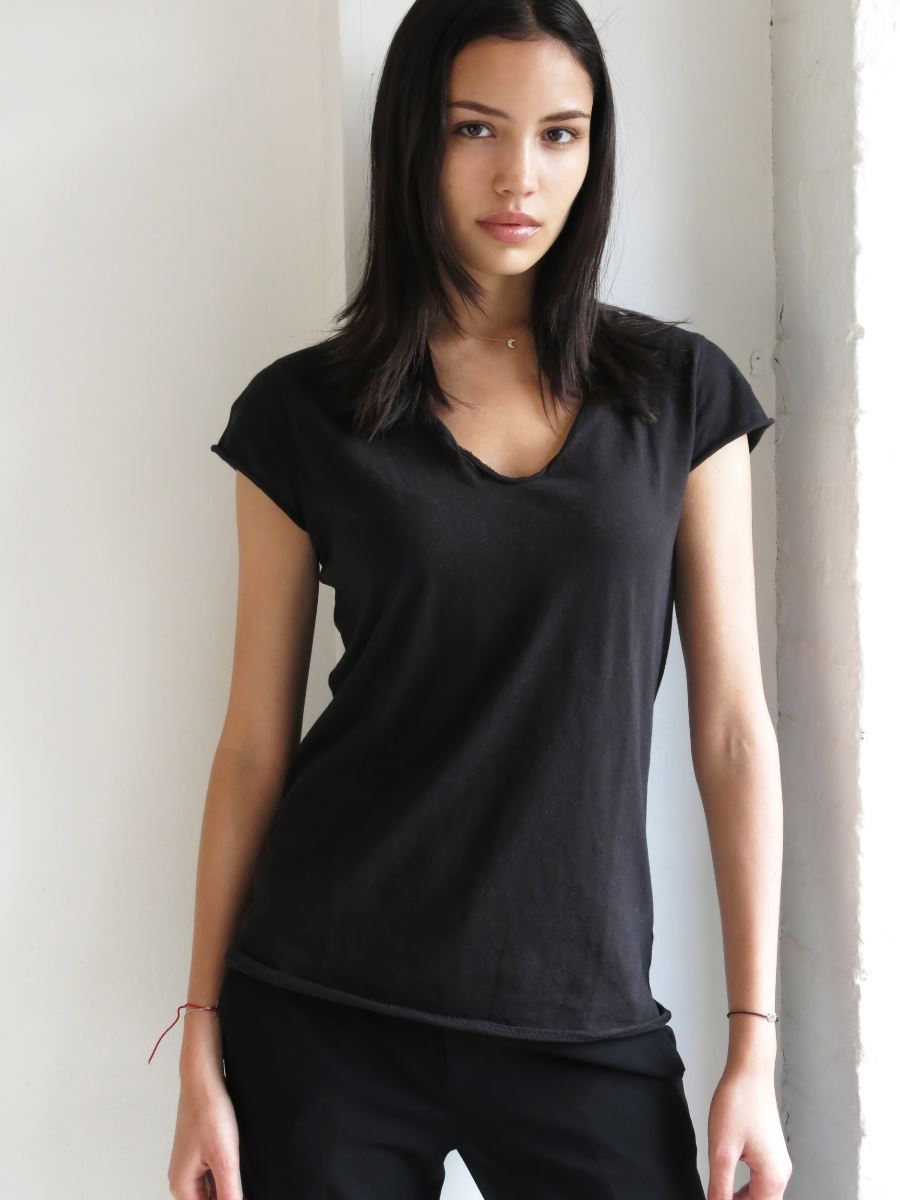
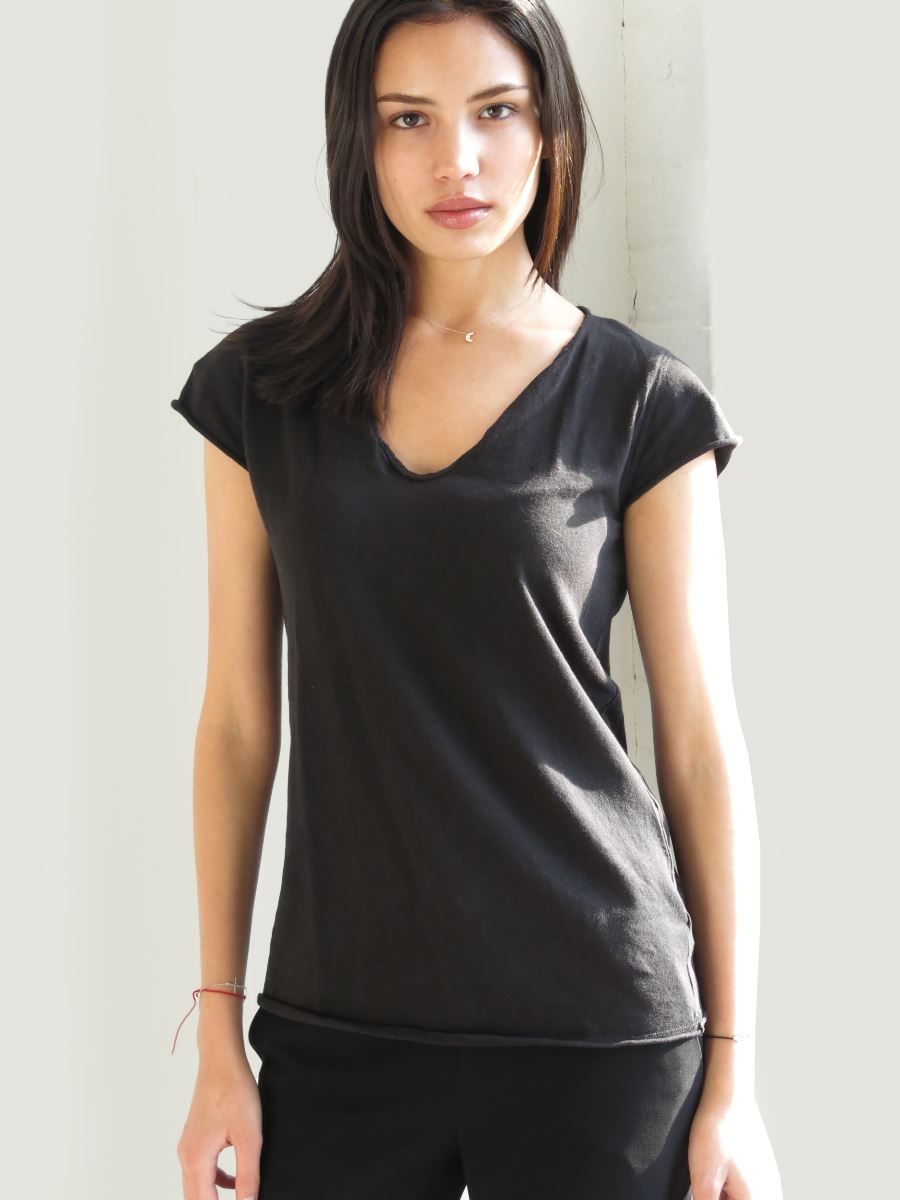
 Not too sure, but this might be her. I need a second opinion on it instagram.com/maybellinenewyorkd
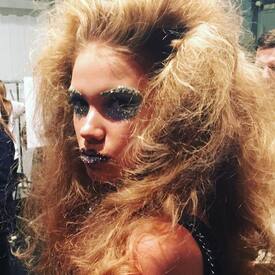 Agent Provocateur x Charlotte Olympia See Through - for @Stormbringer & @Prettyphile




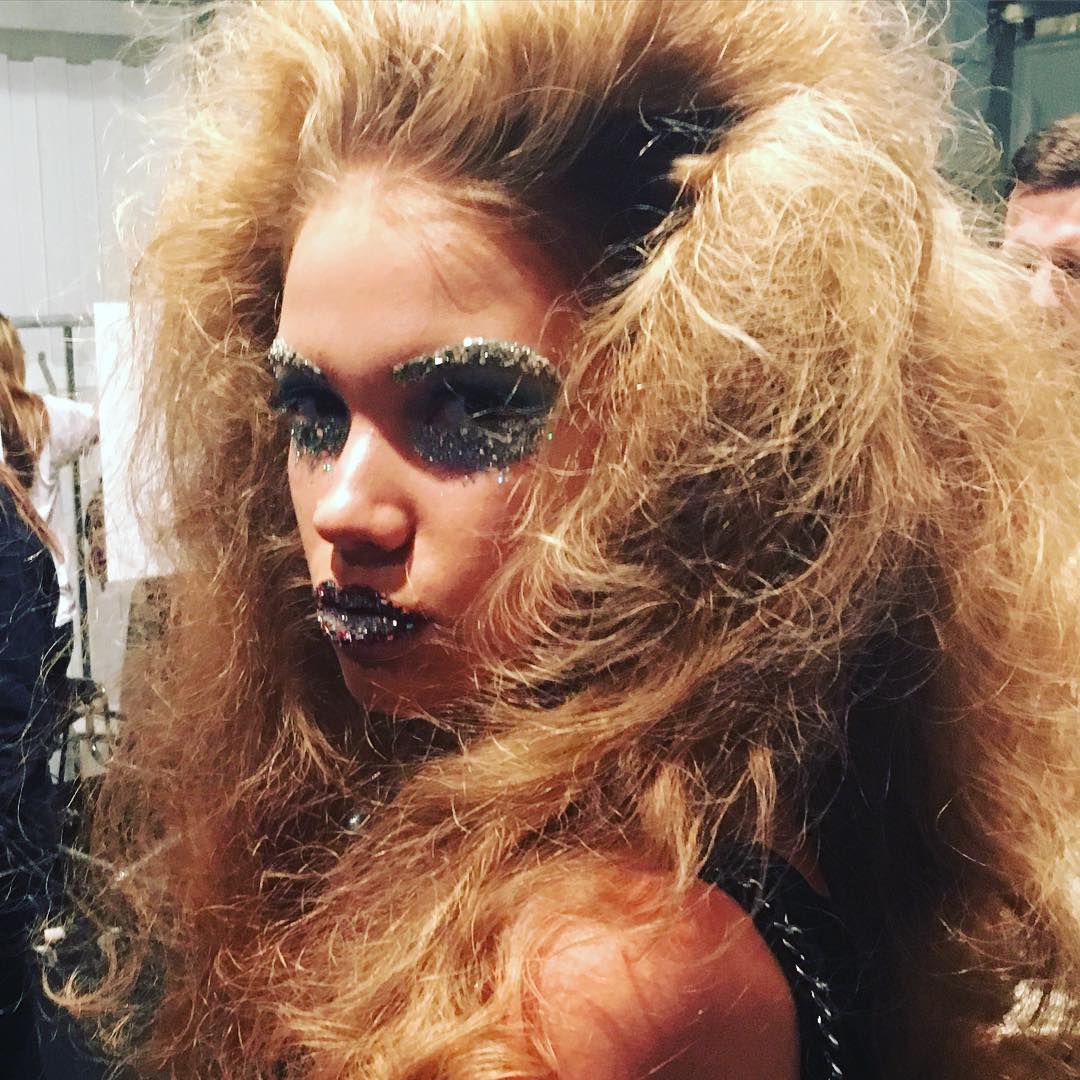
 Berlin Fashion Week A/W 2016 models.com
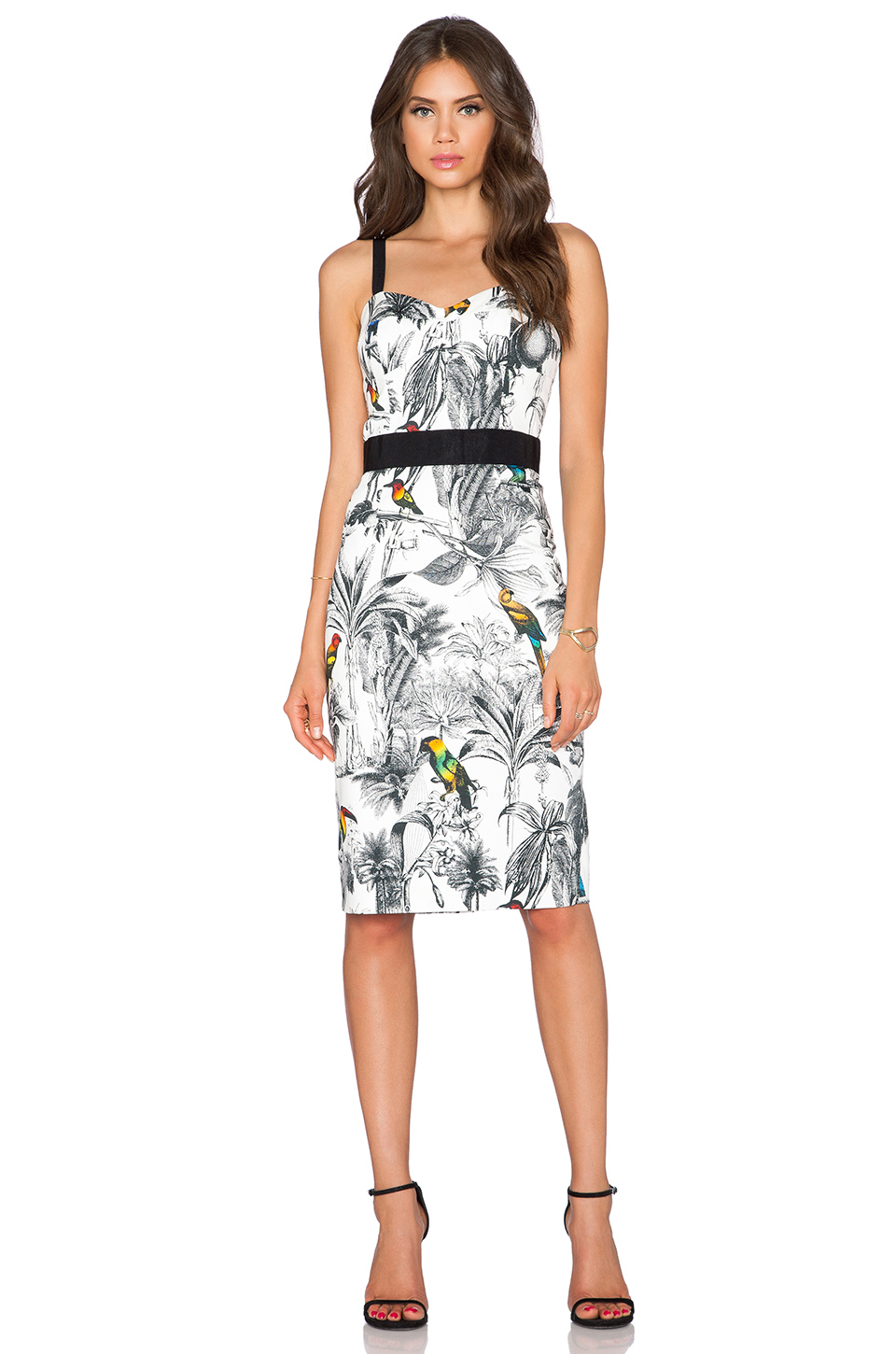
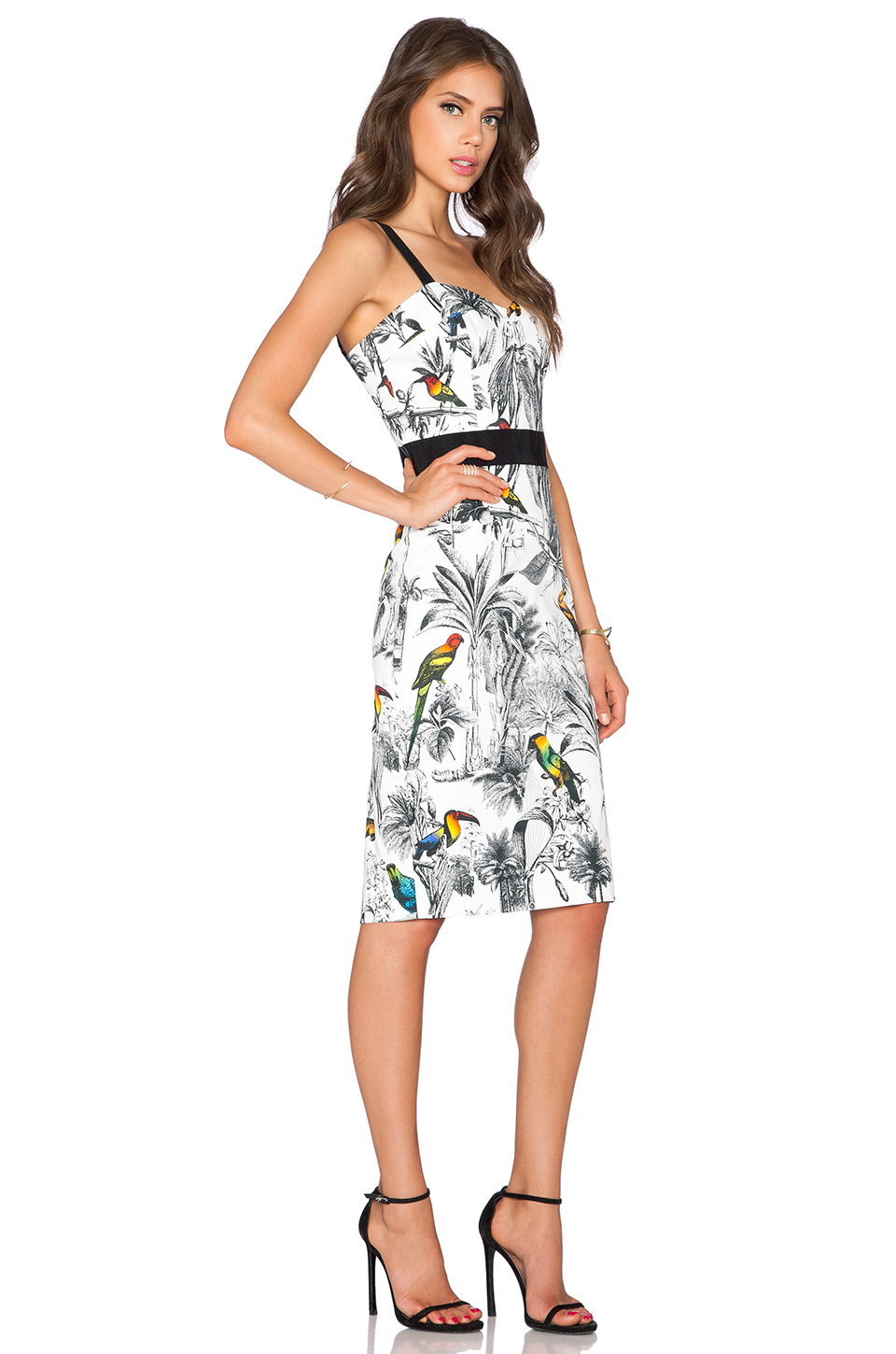
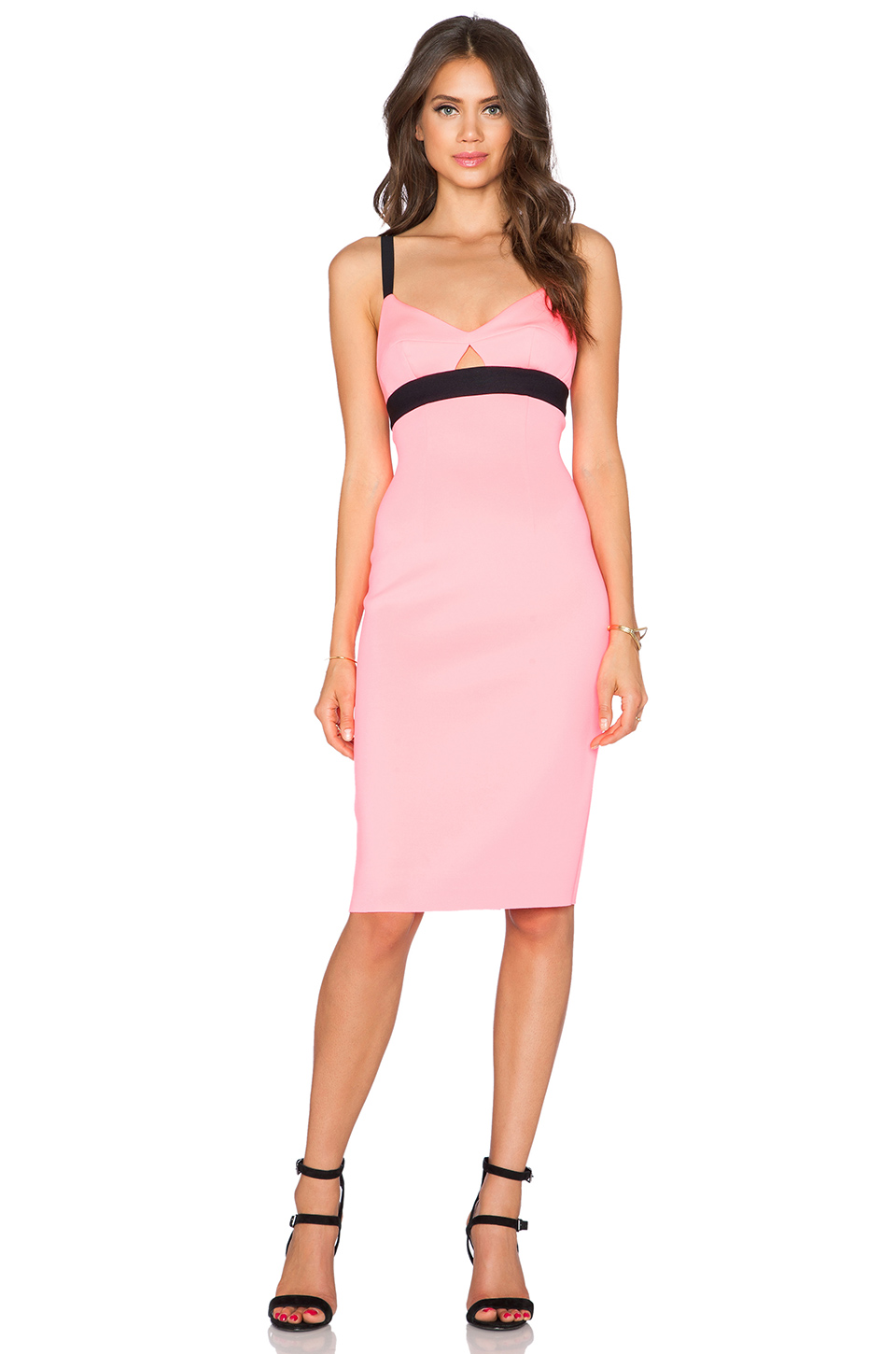
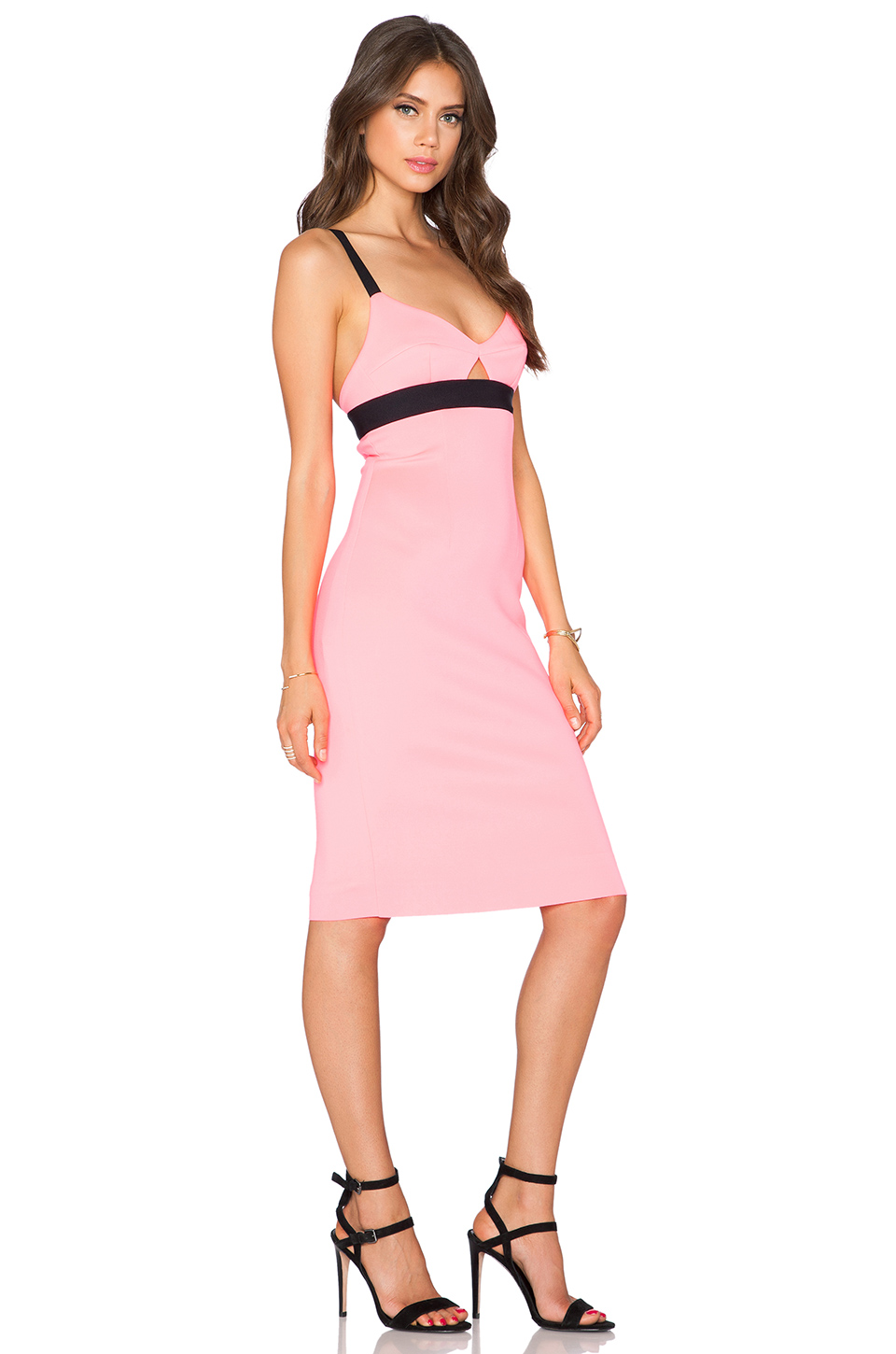
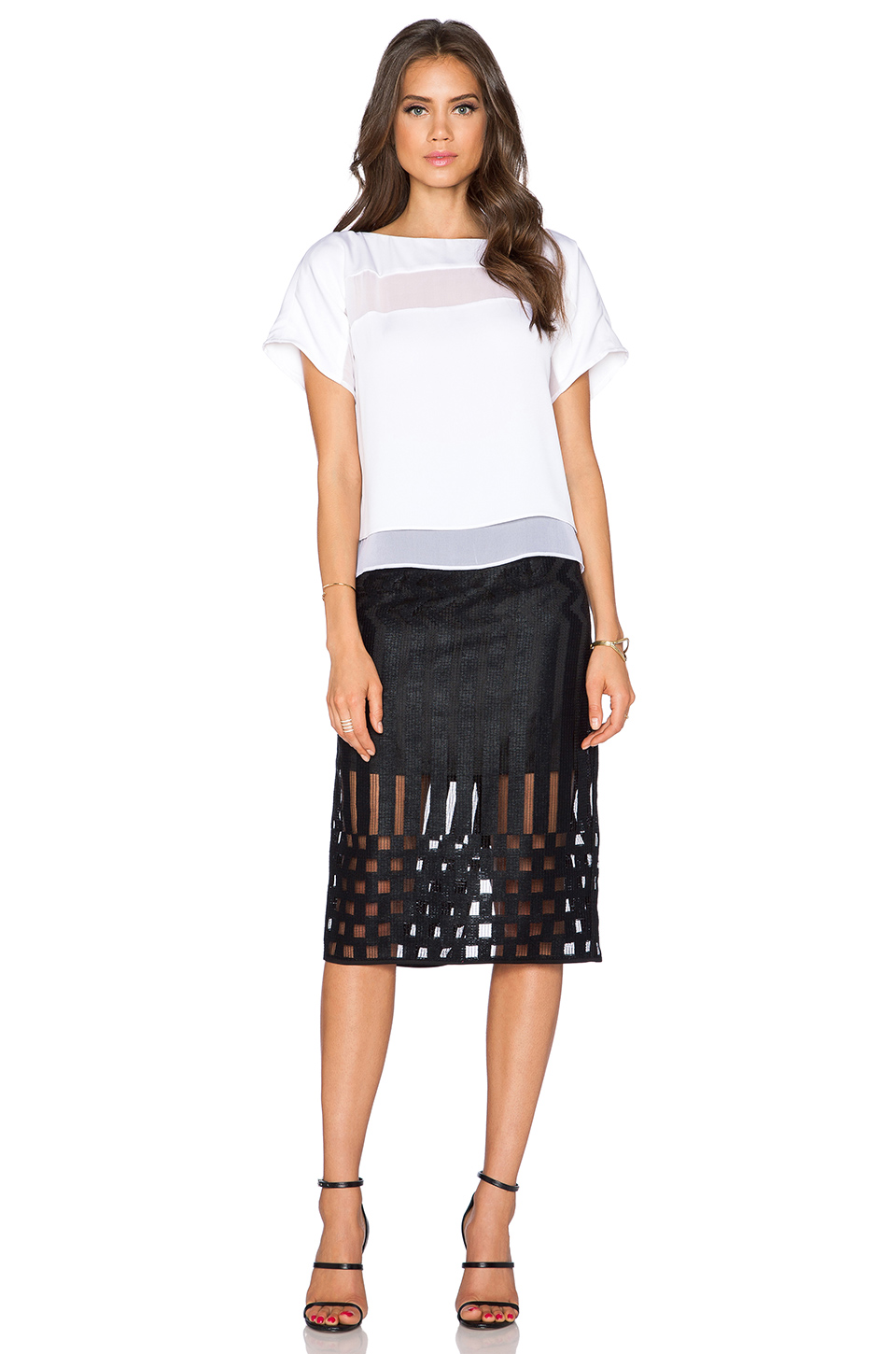
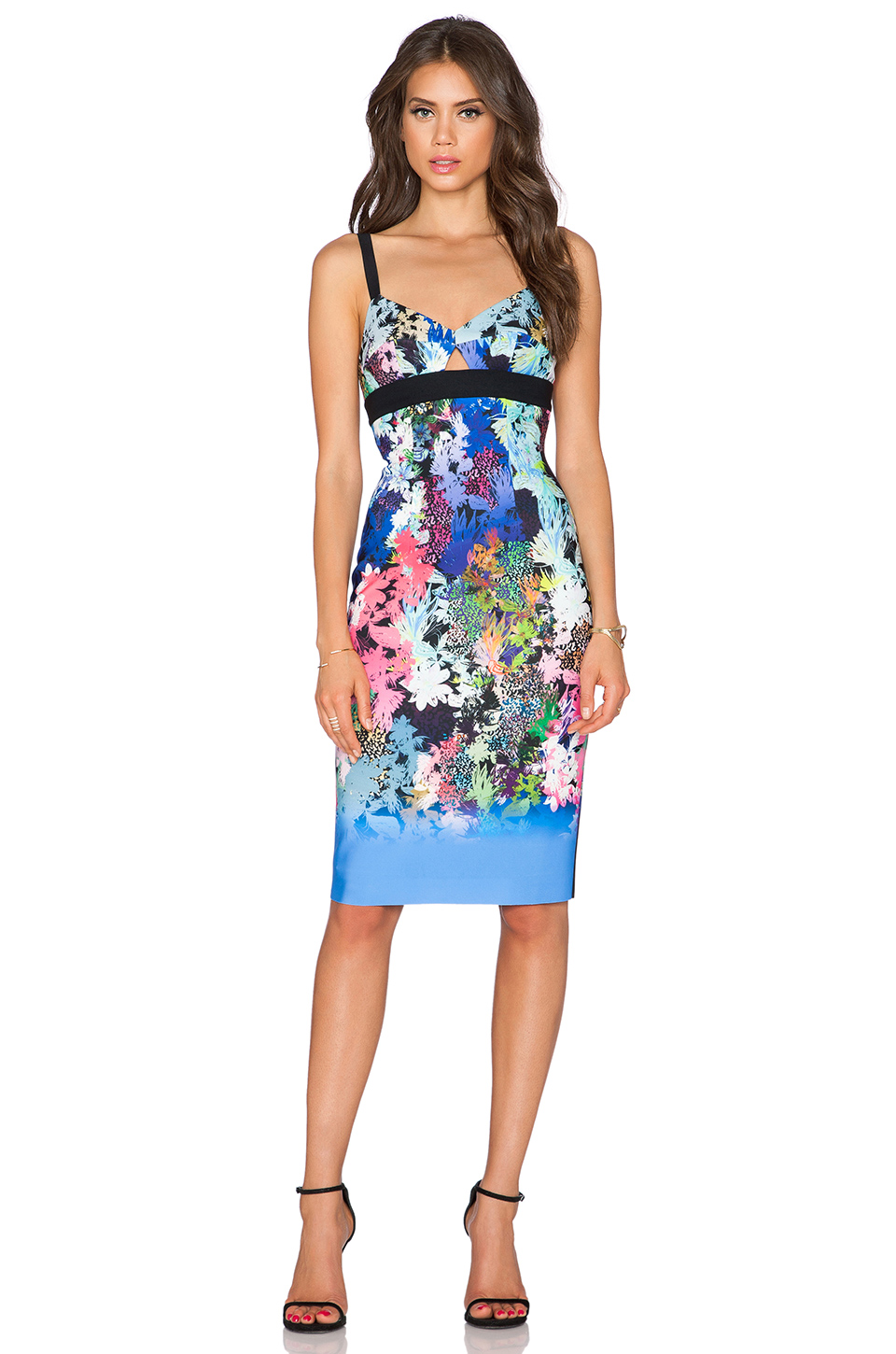
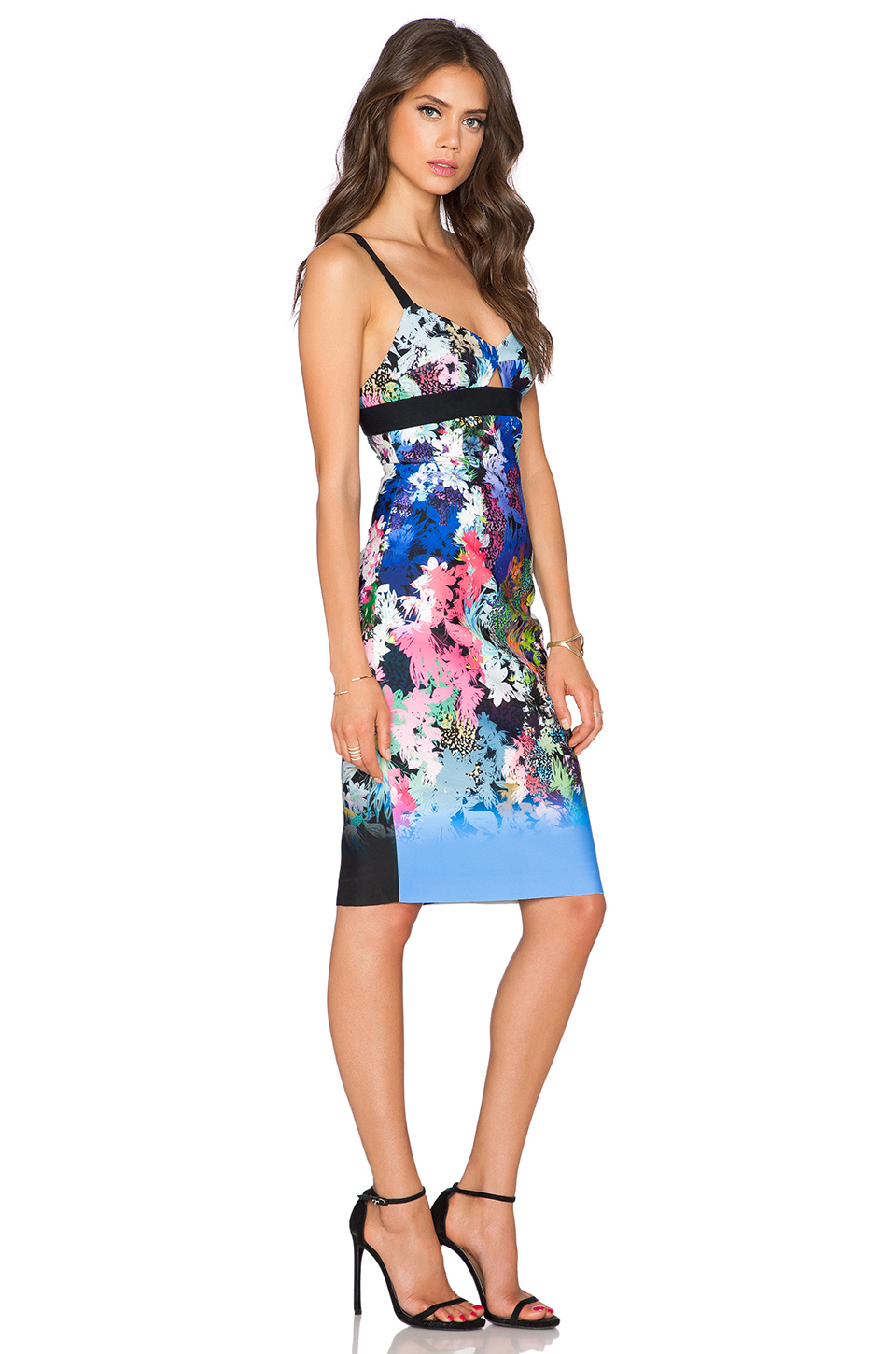
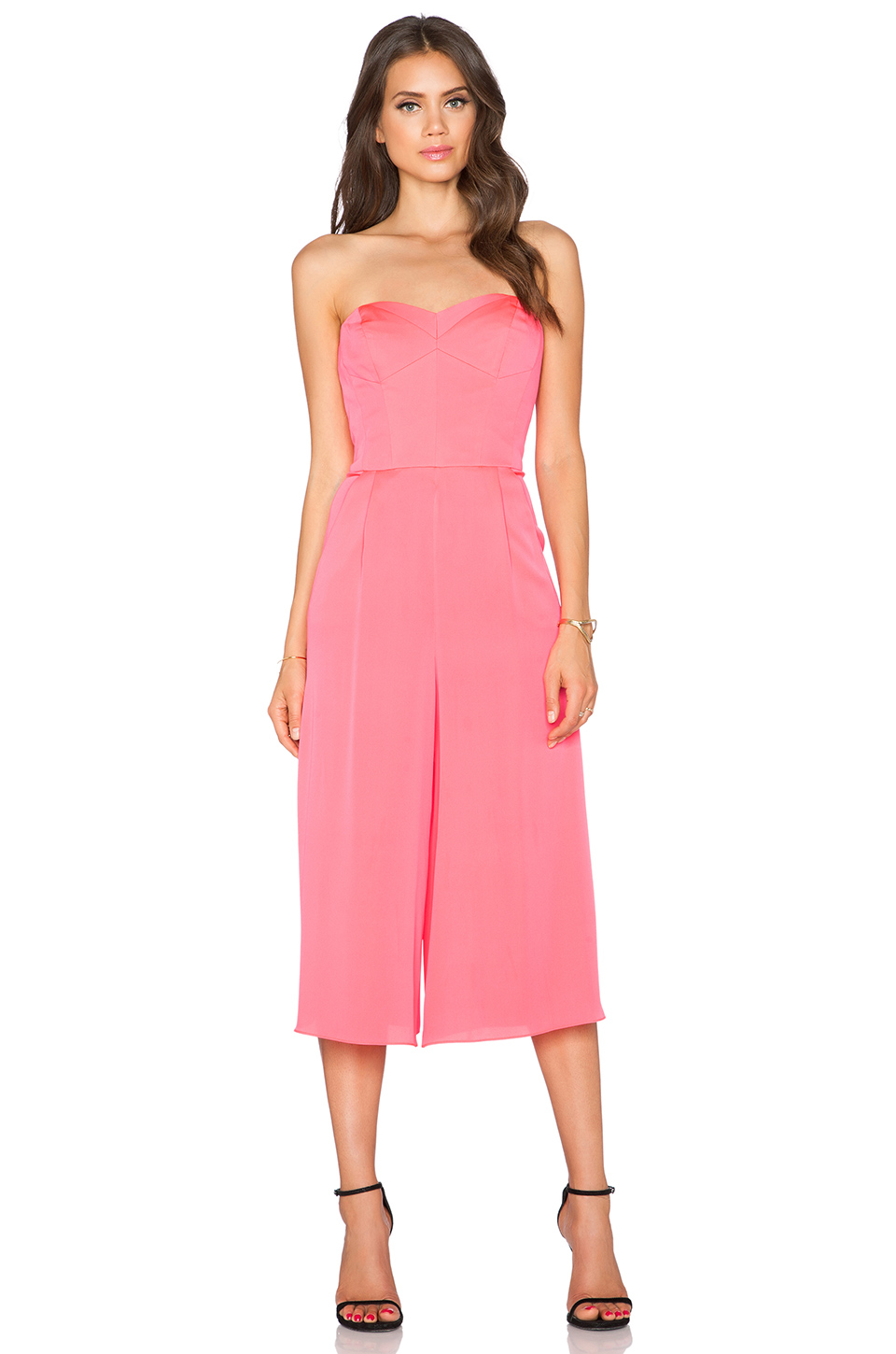
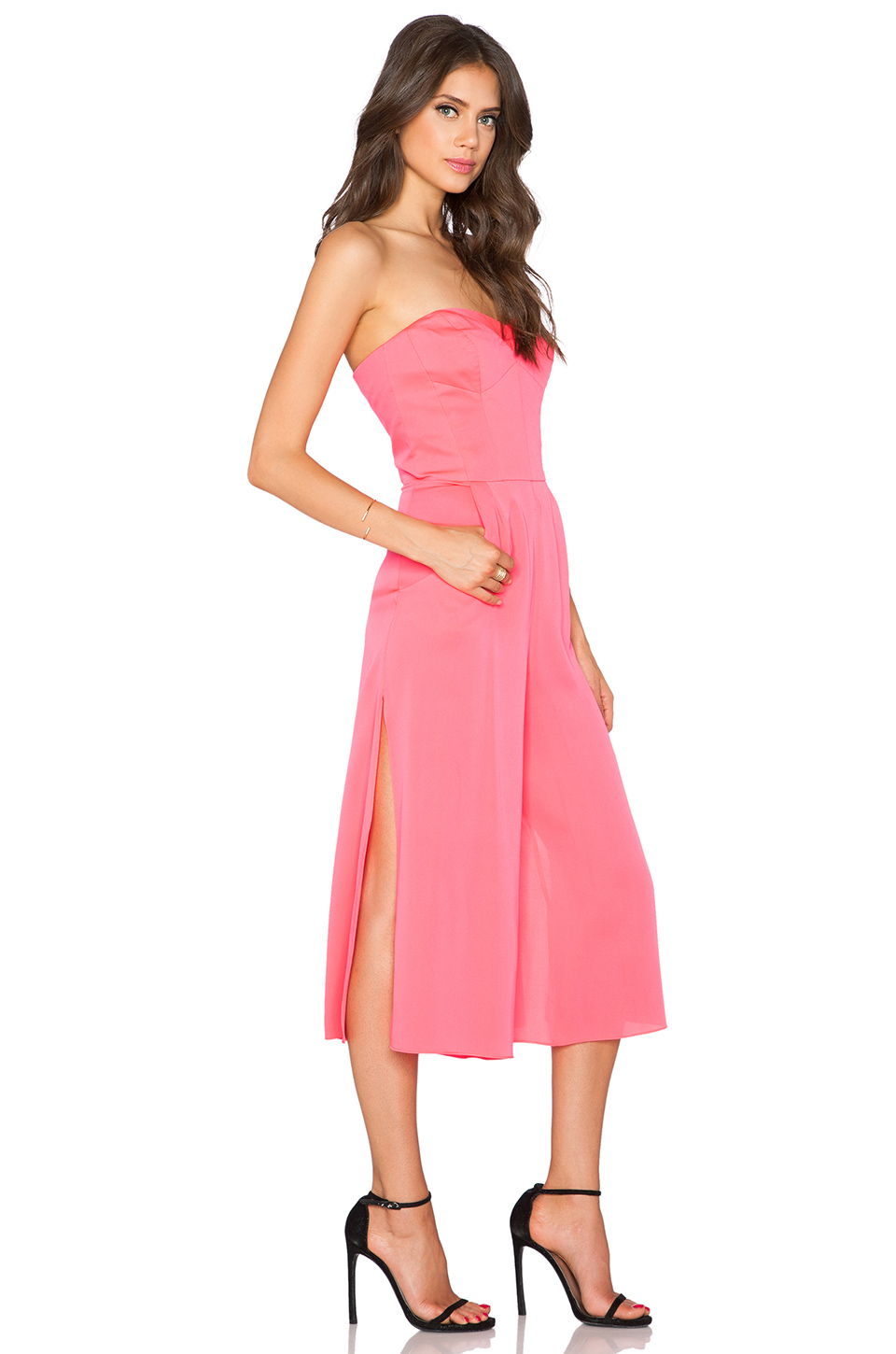
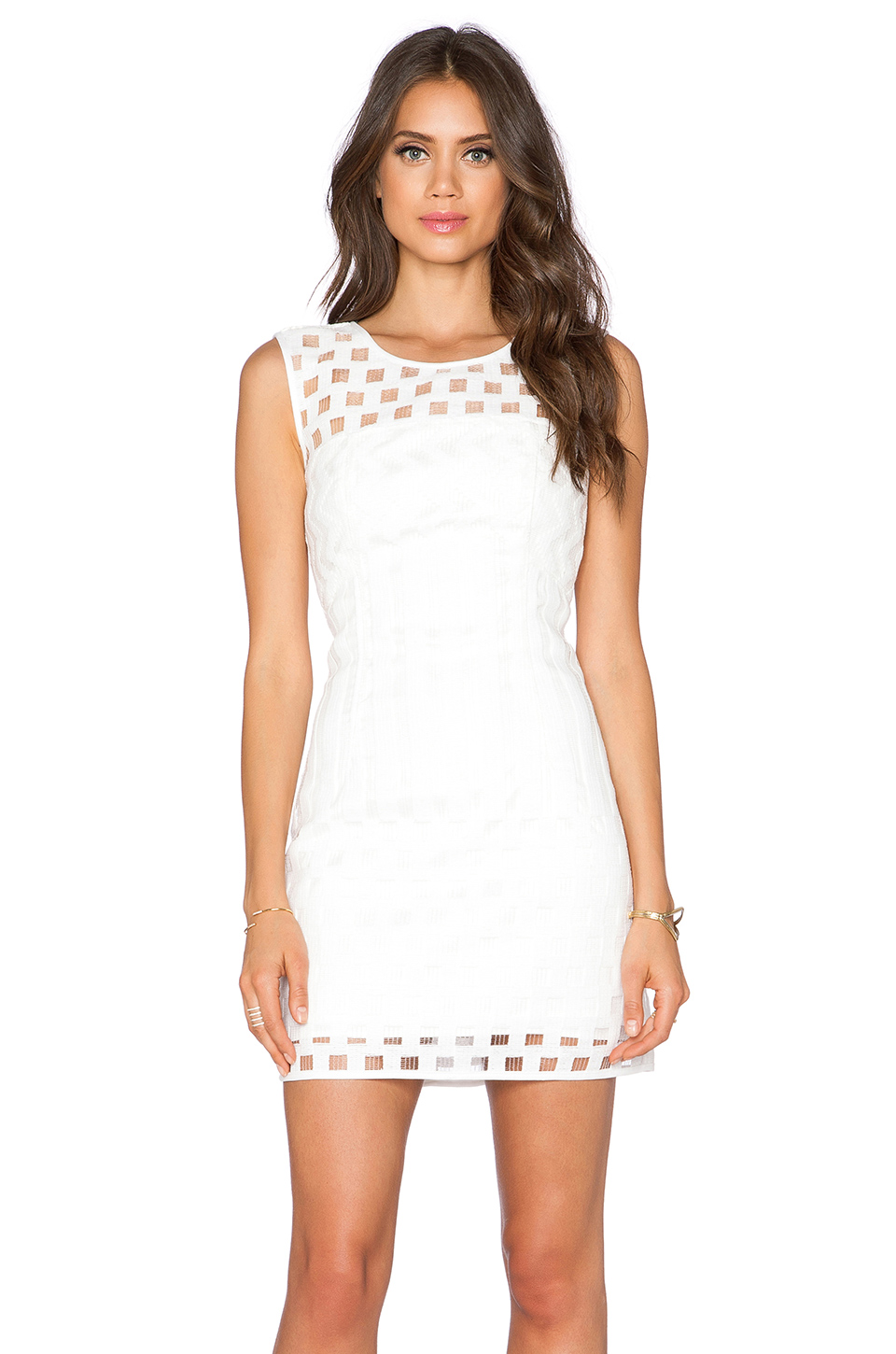
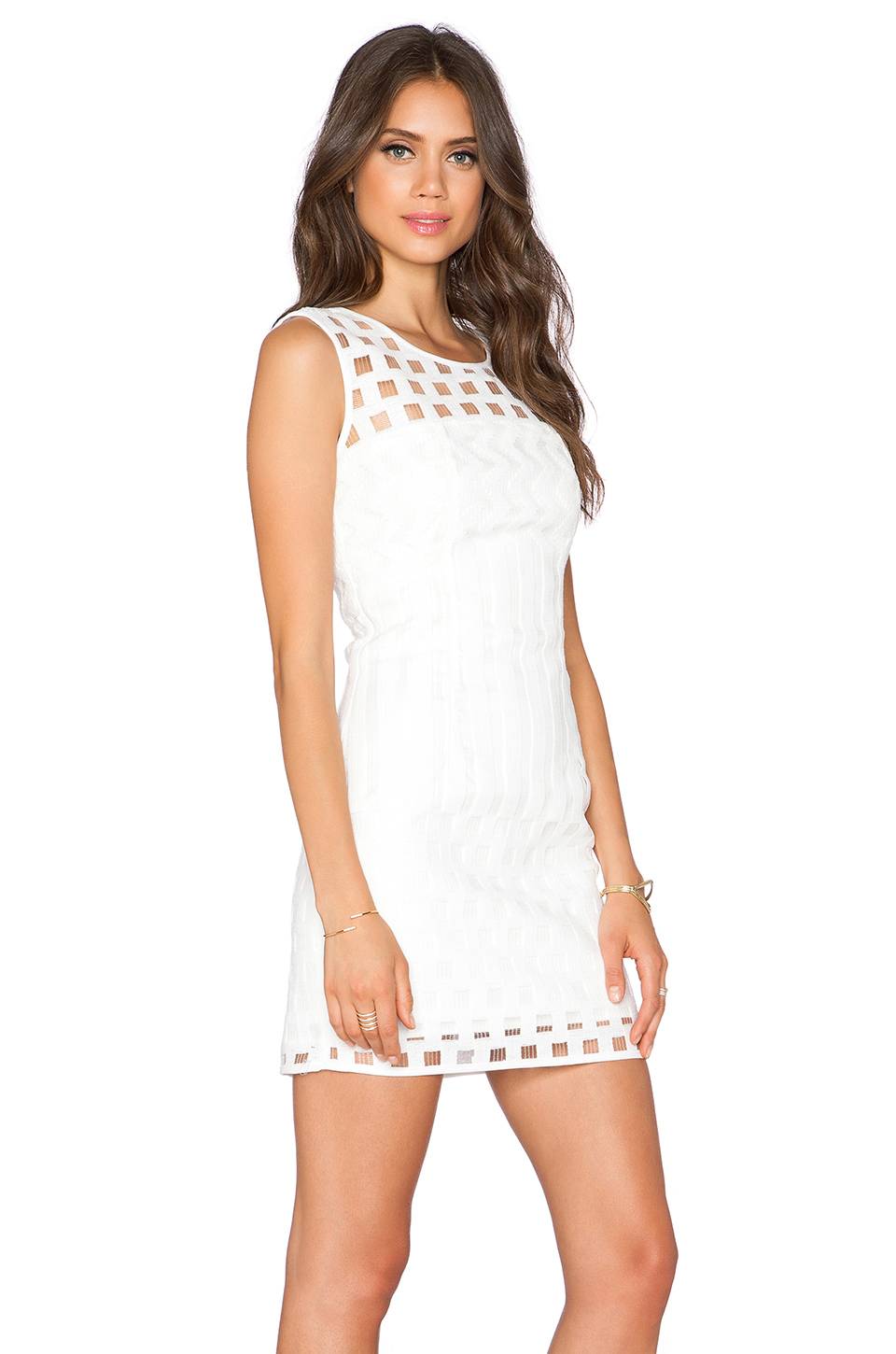
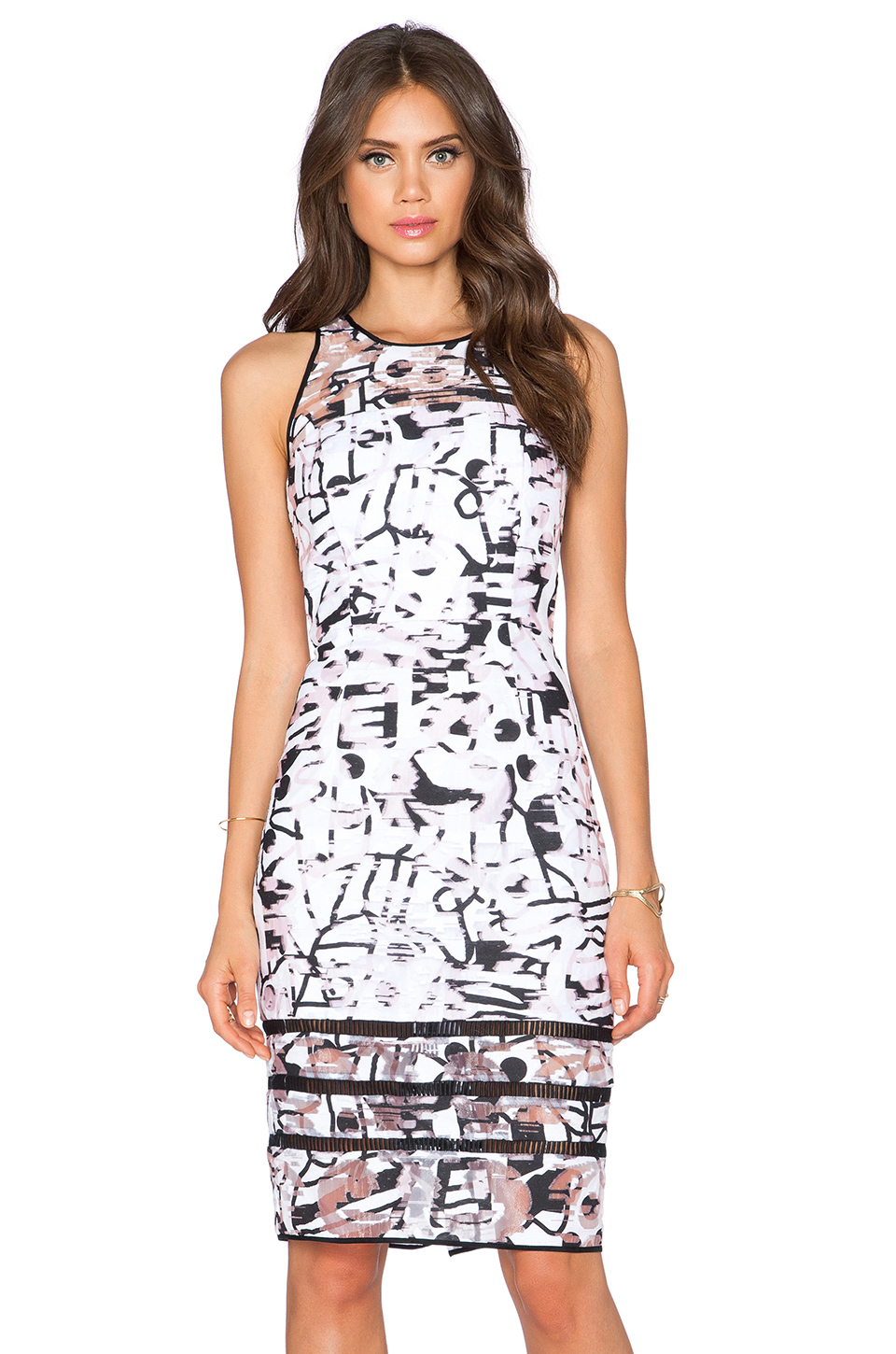
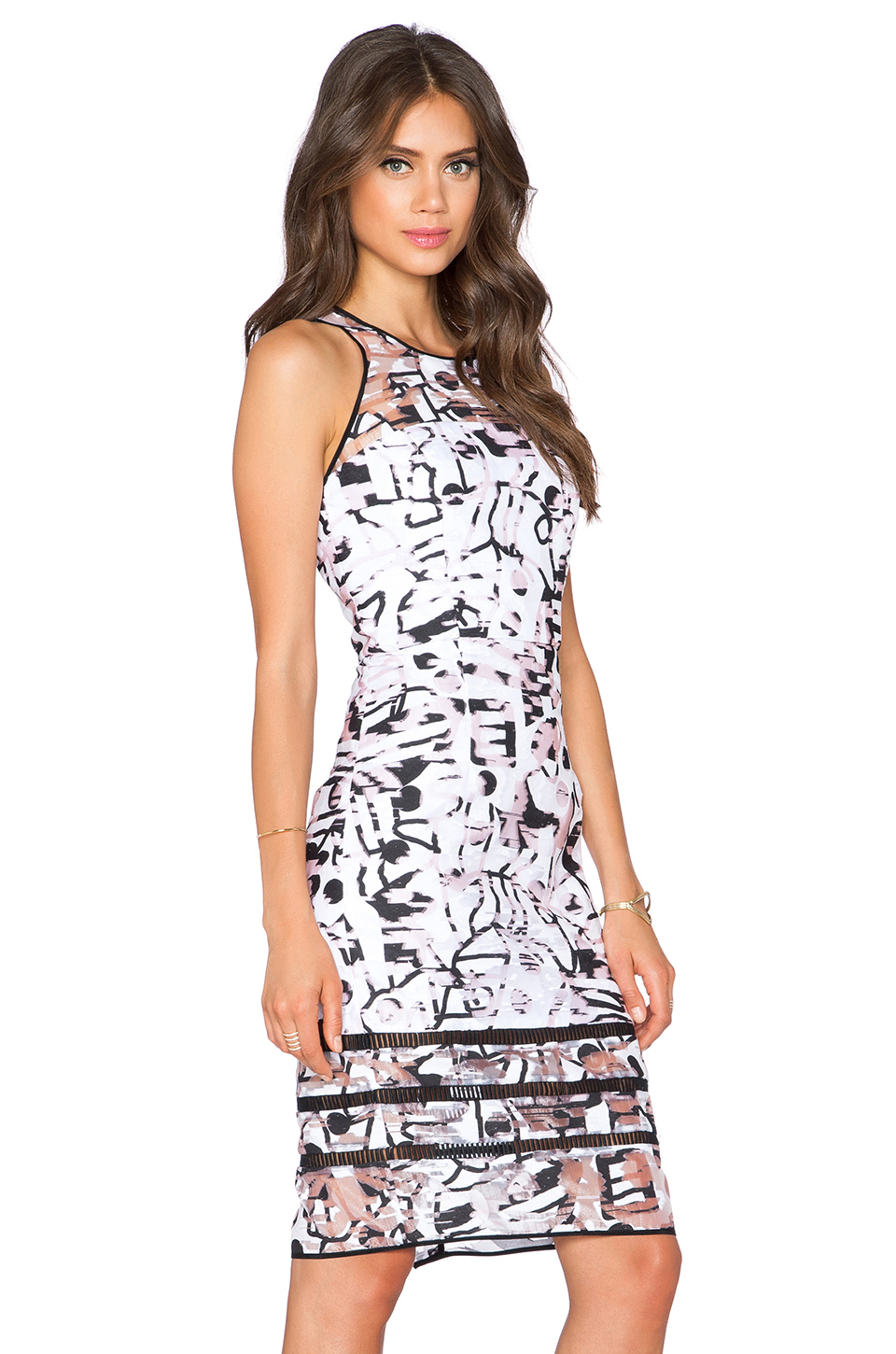
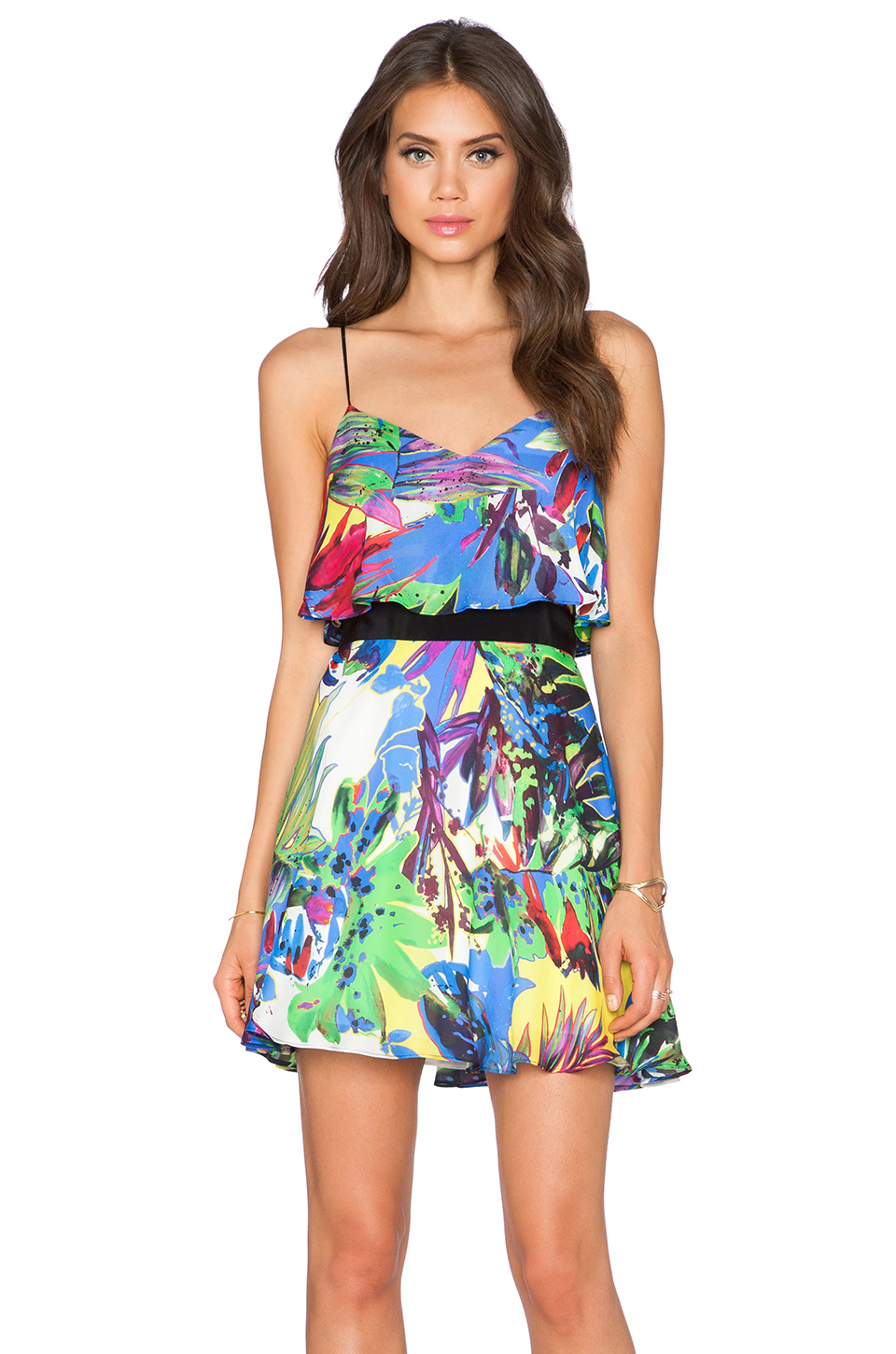
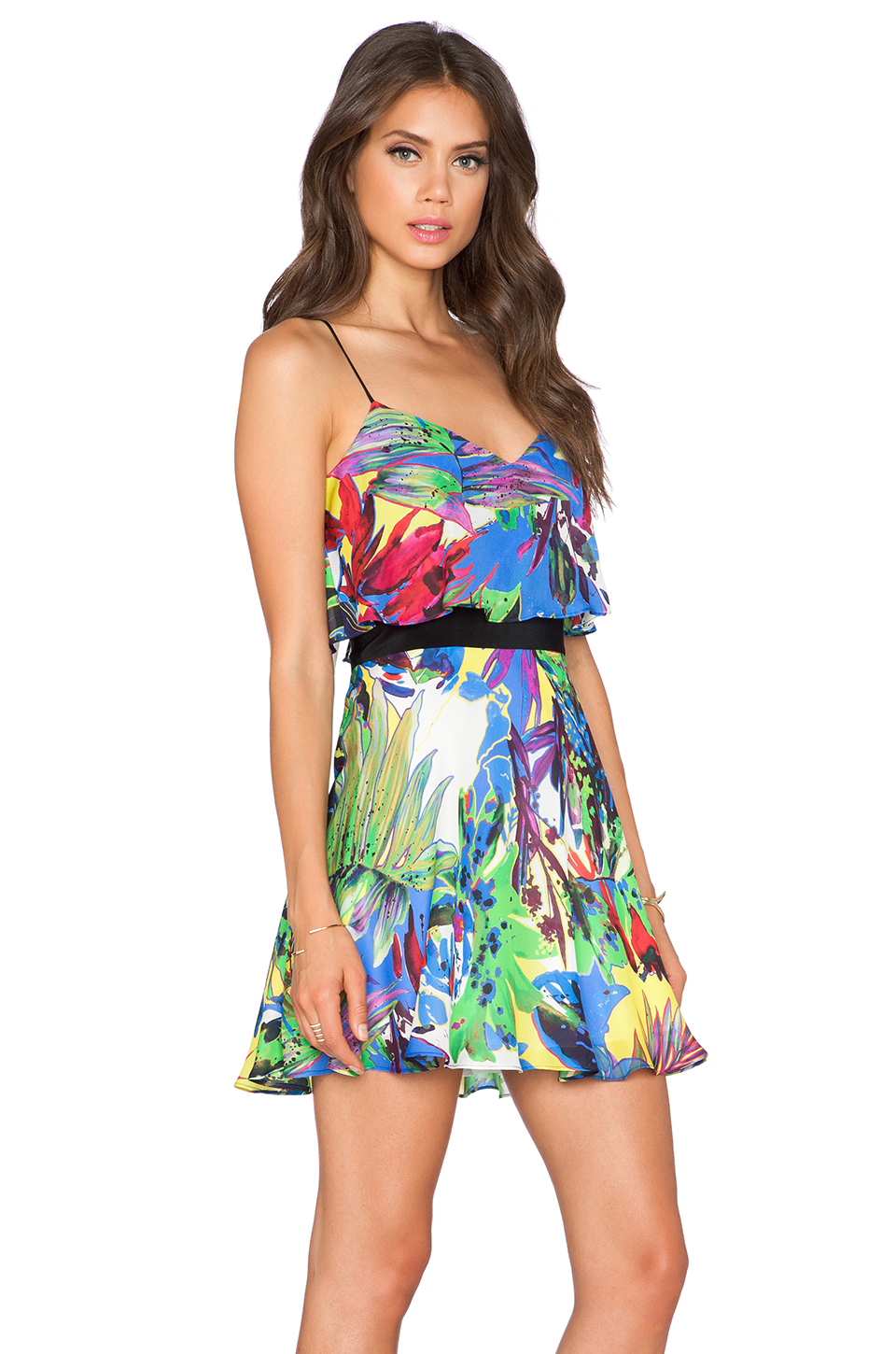
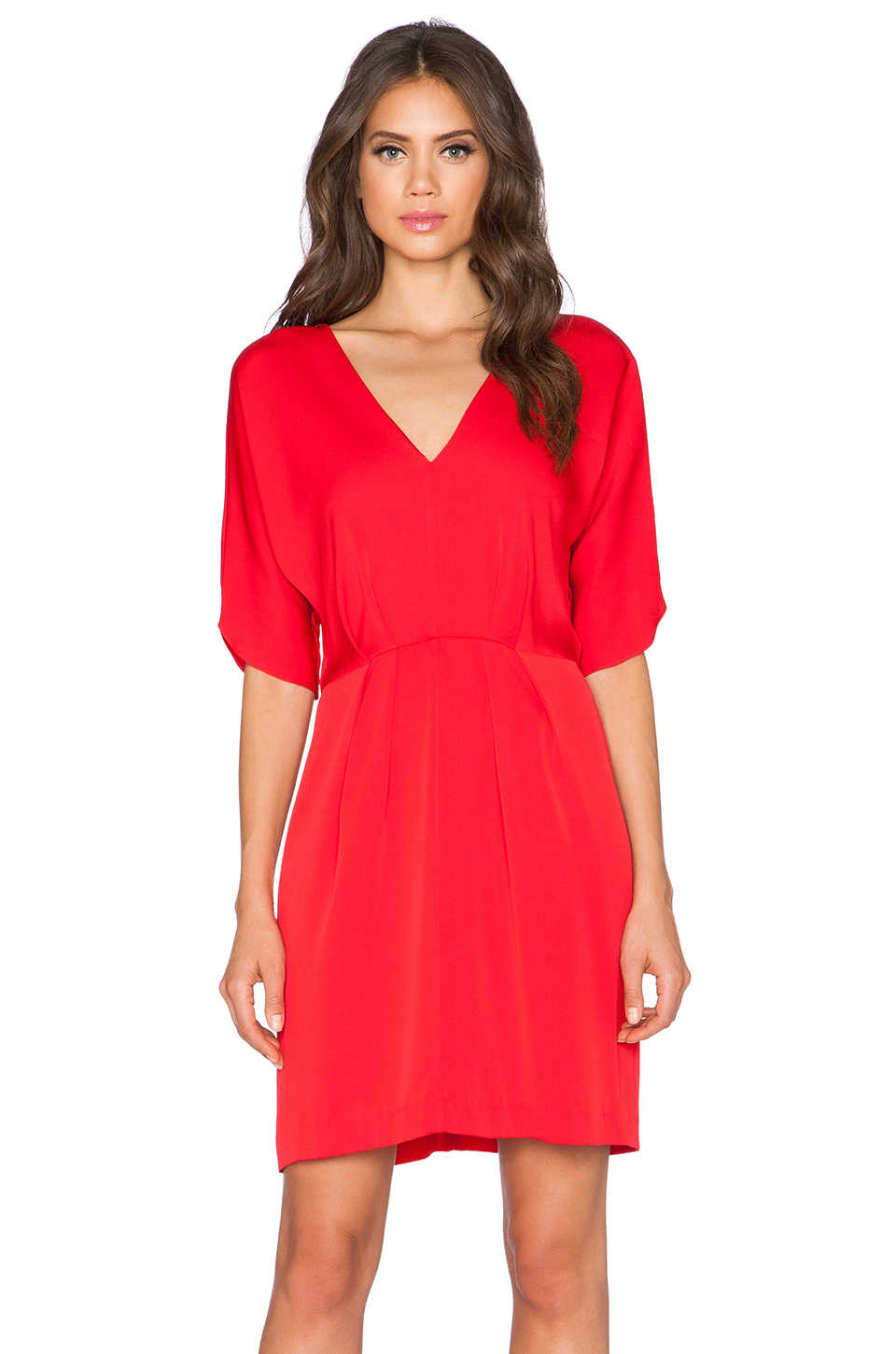
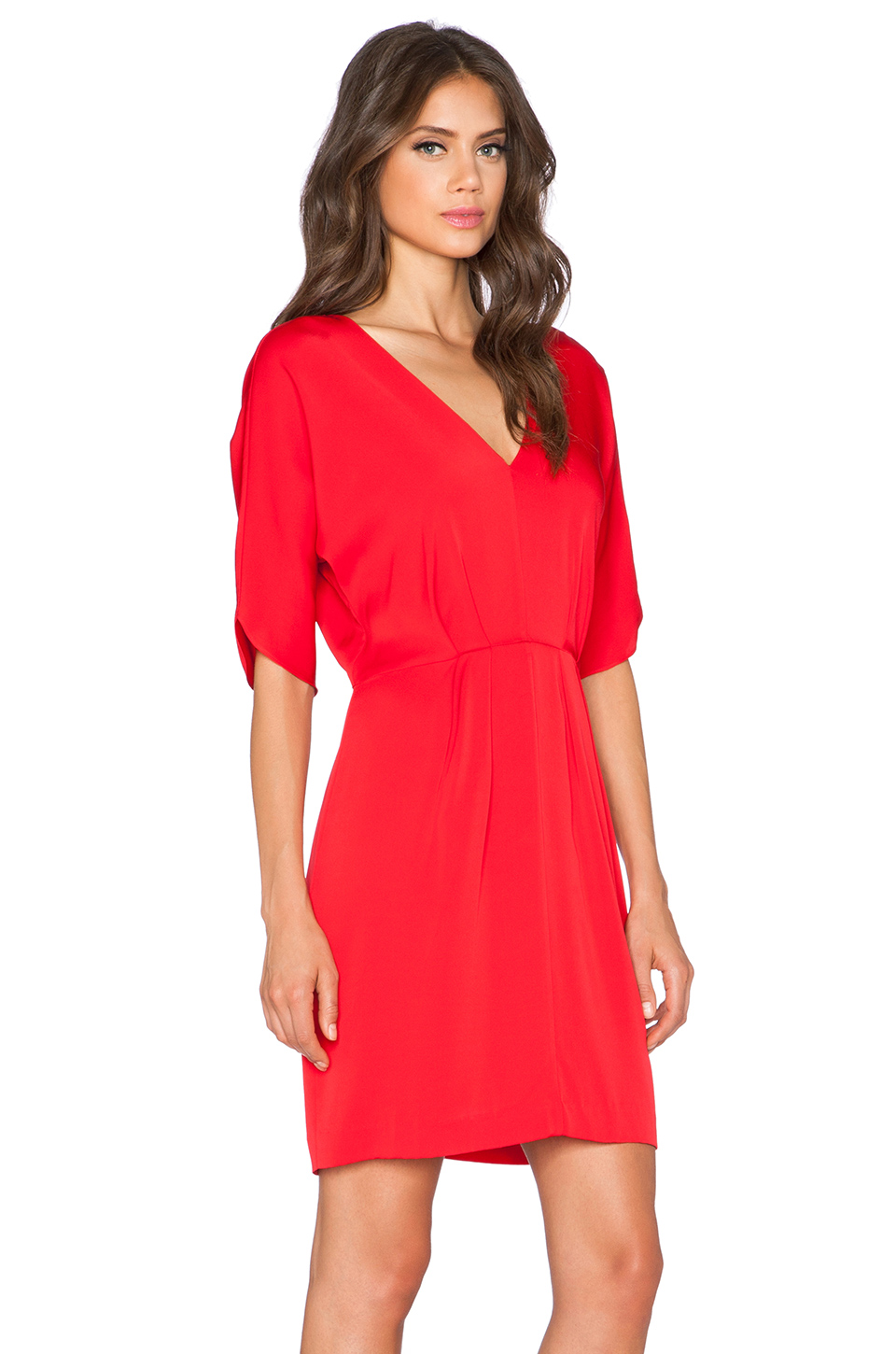
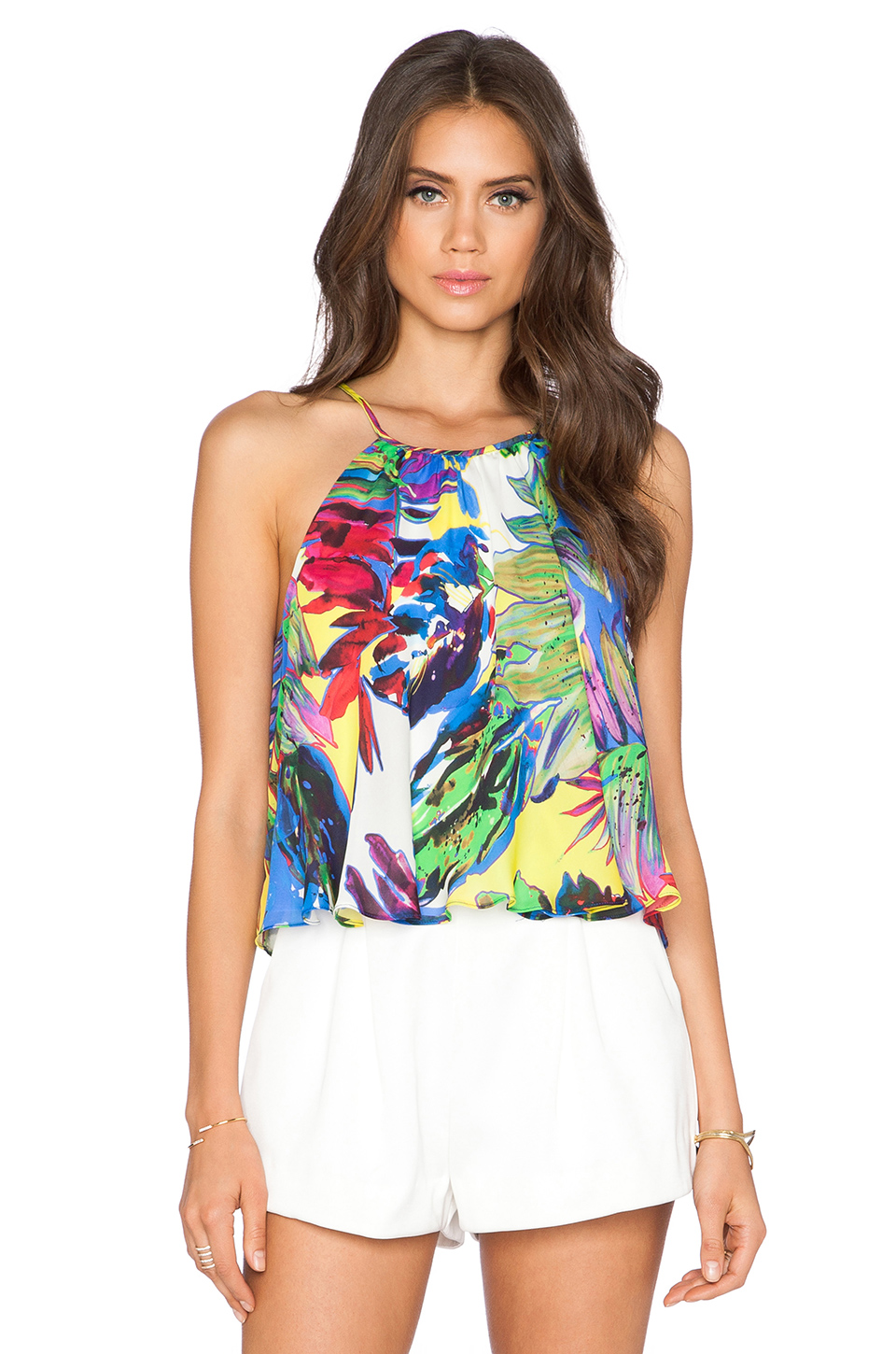
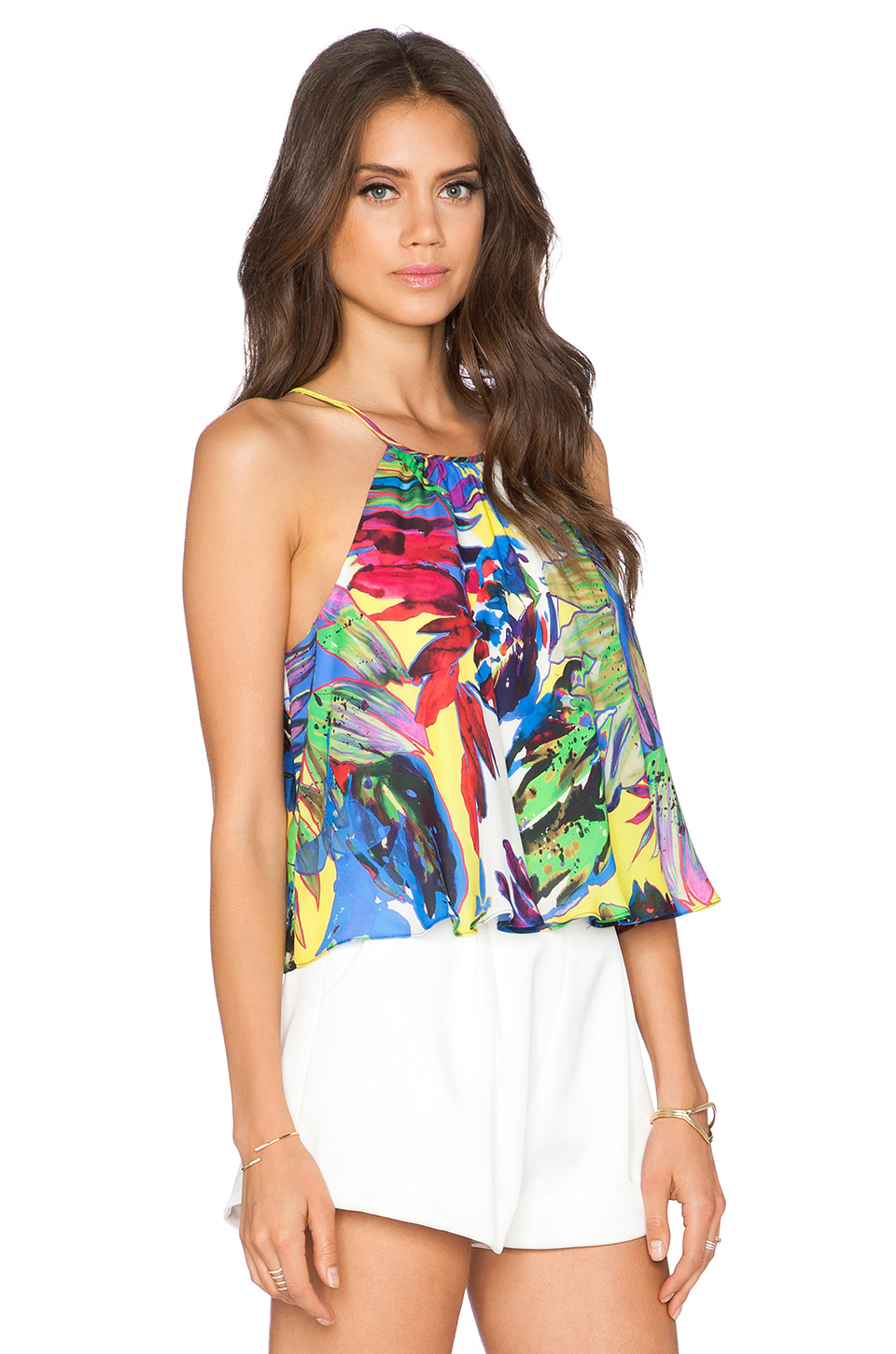
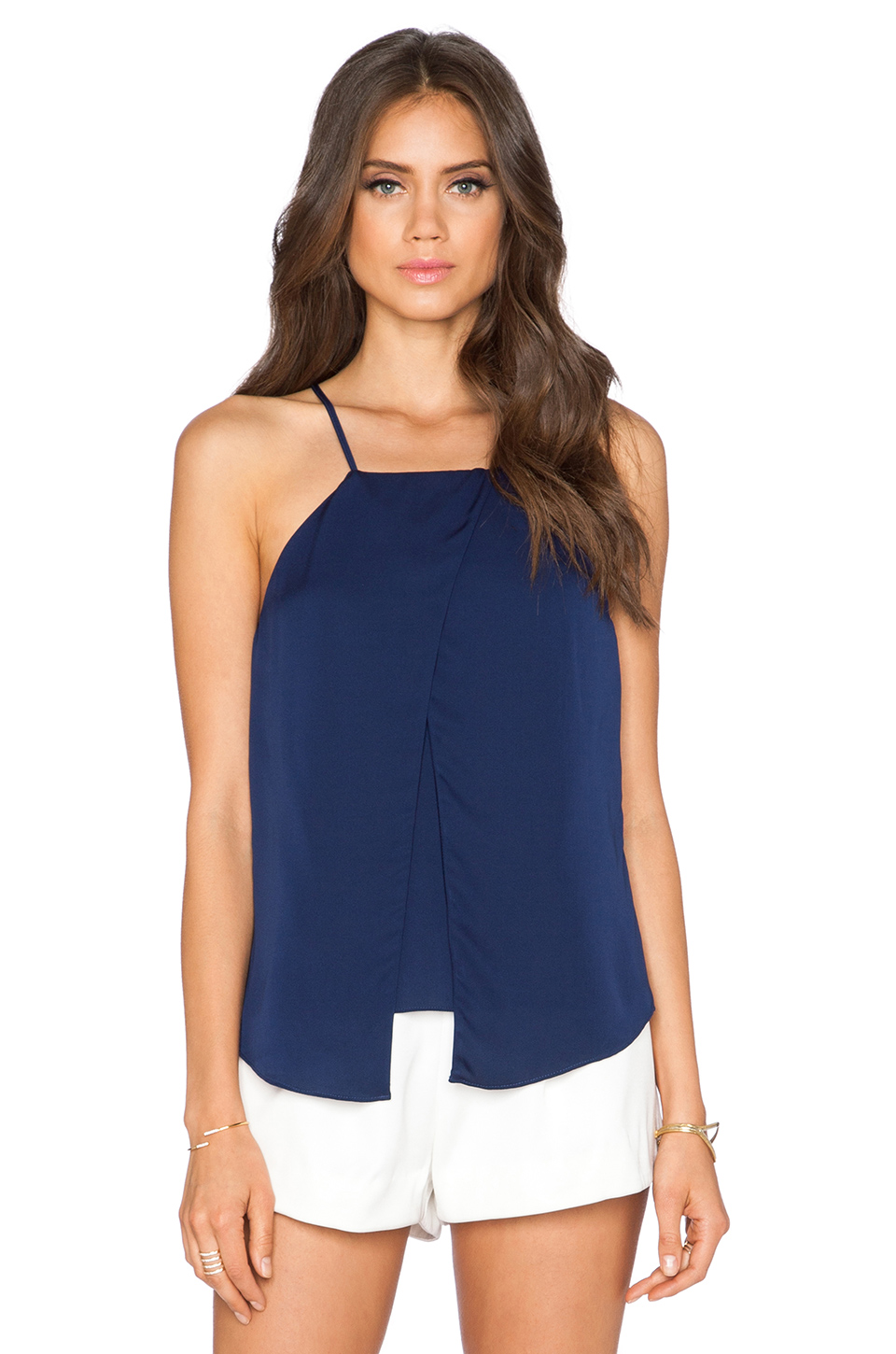
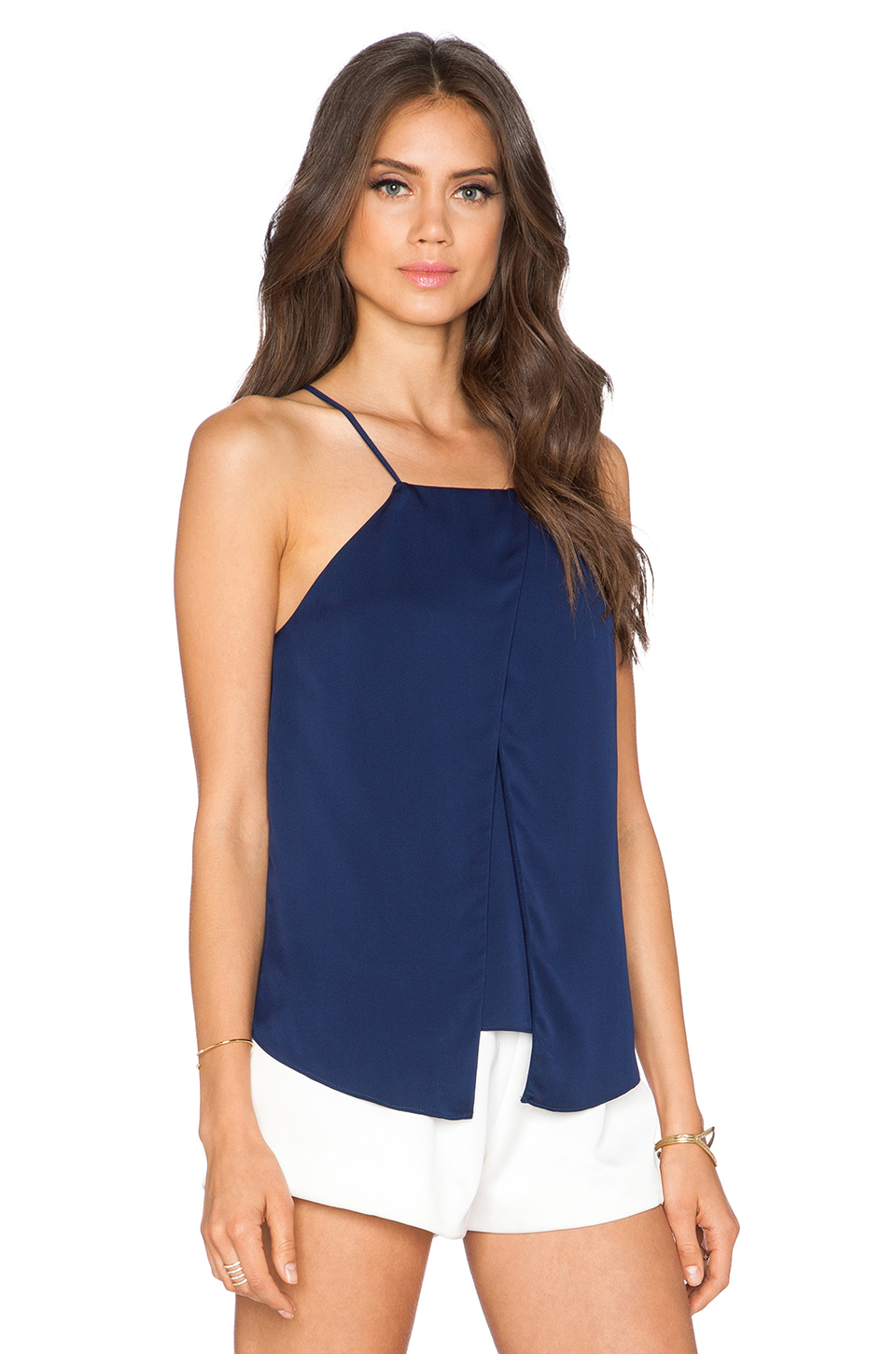
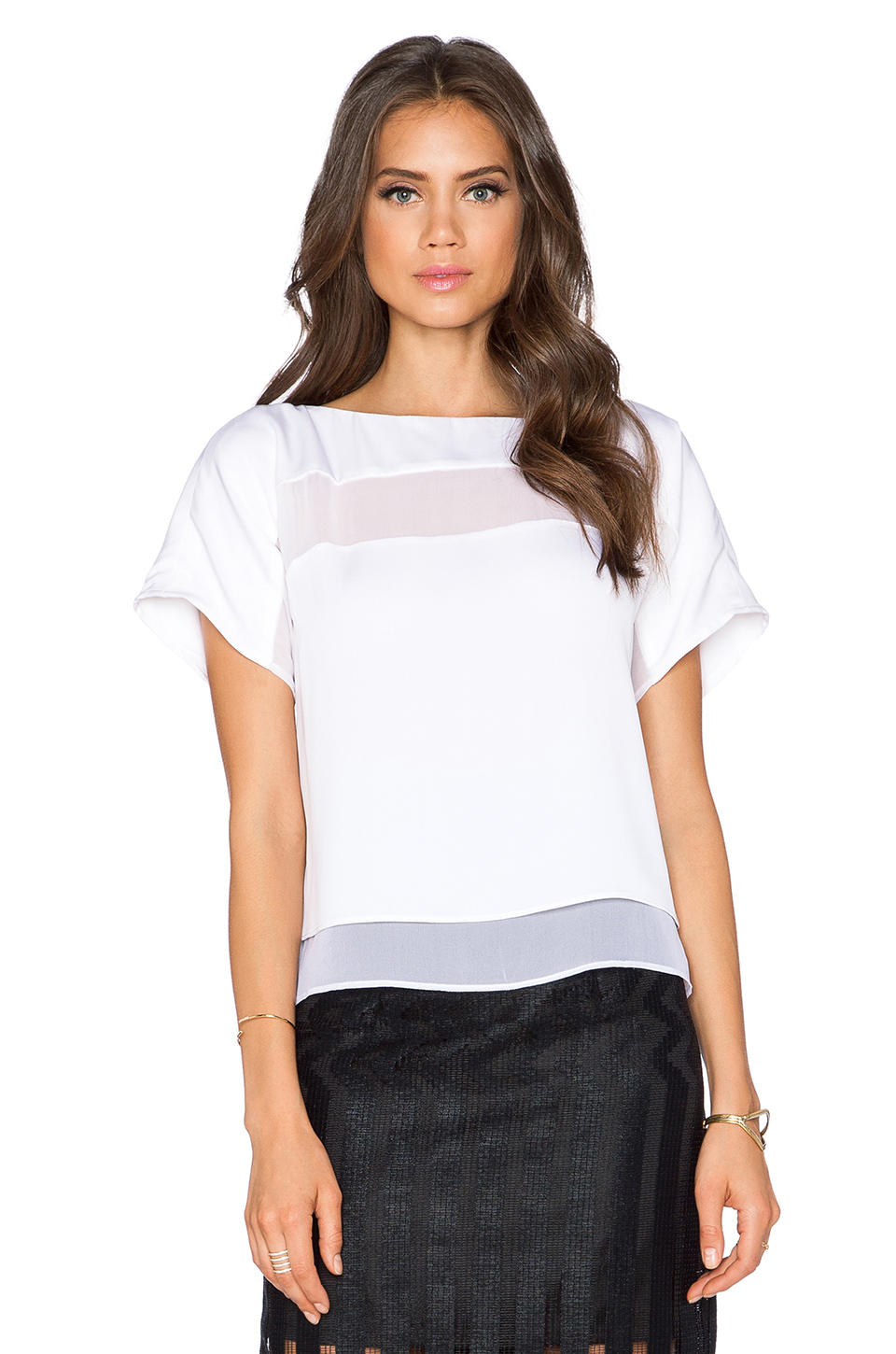
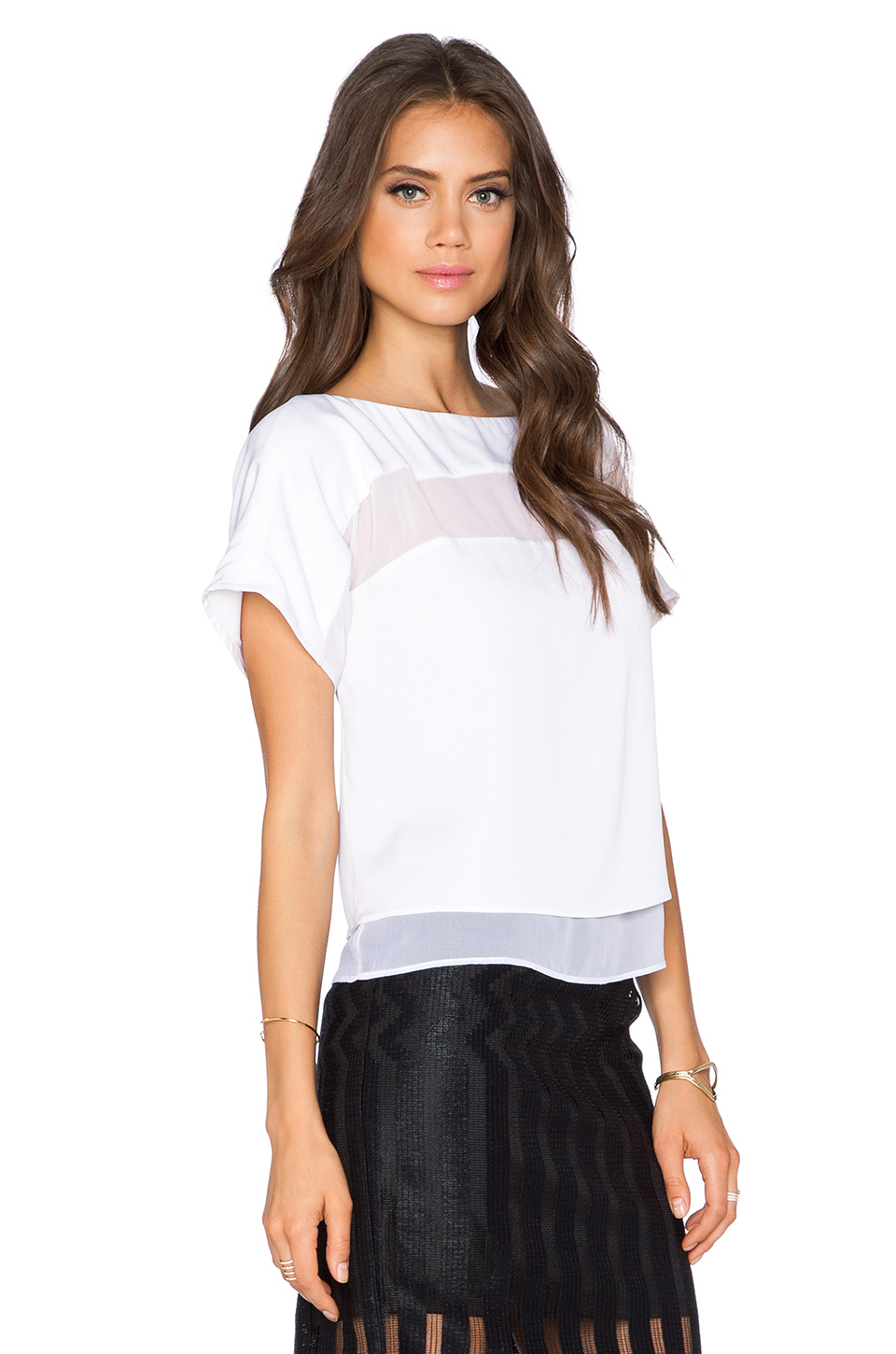
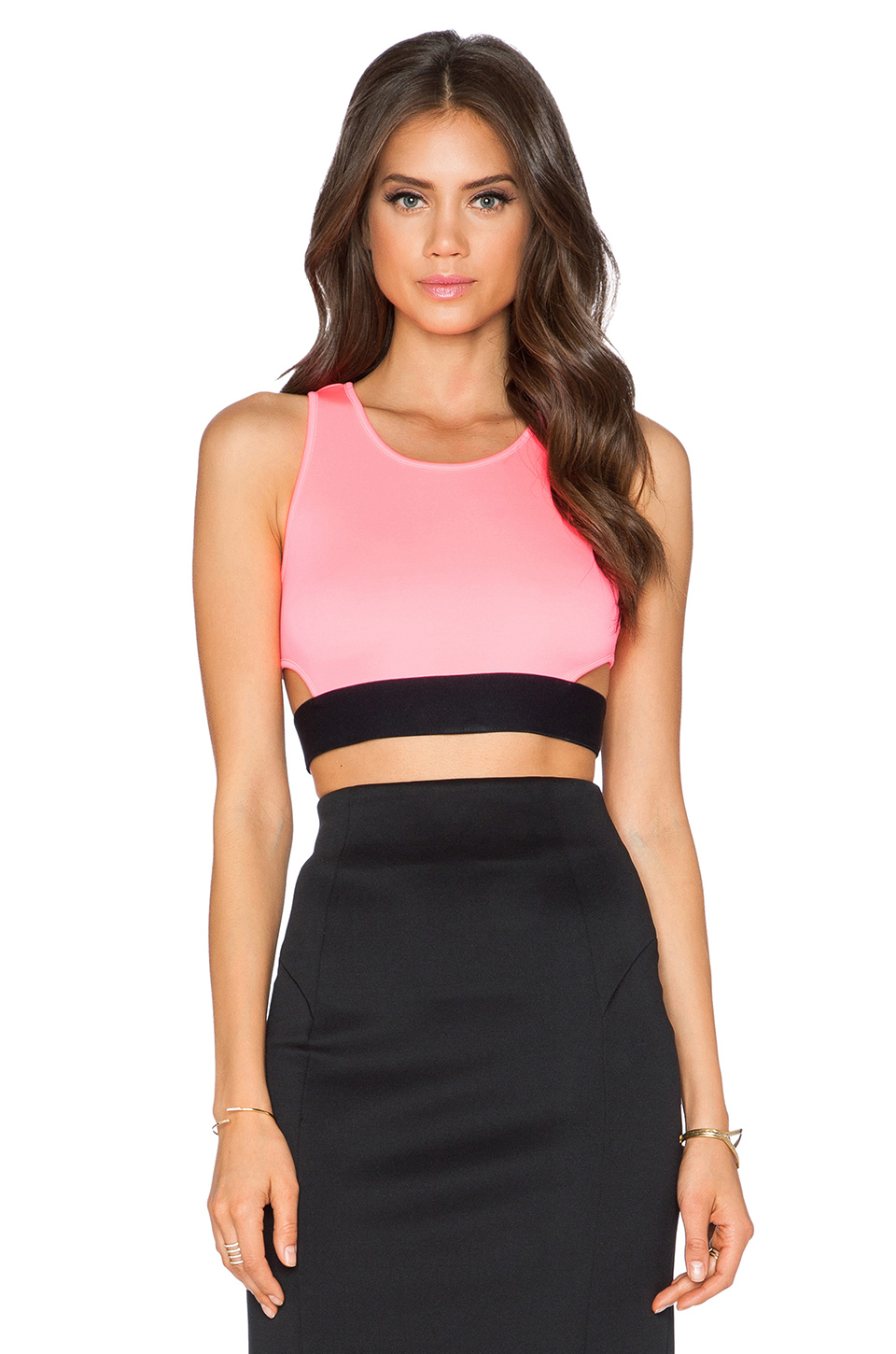
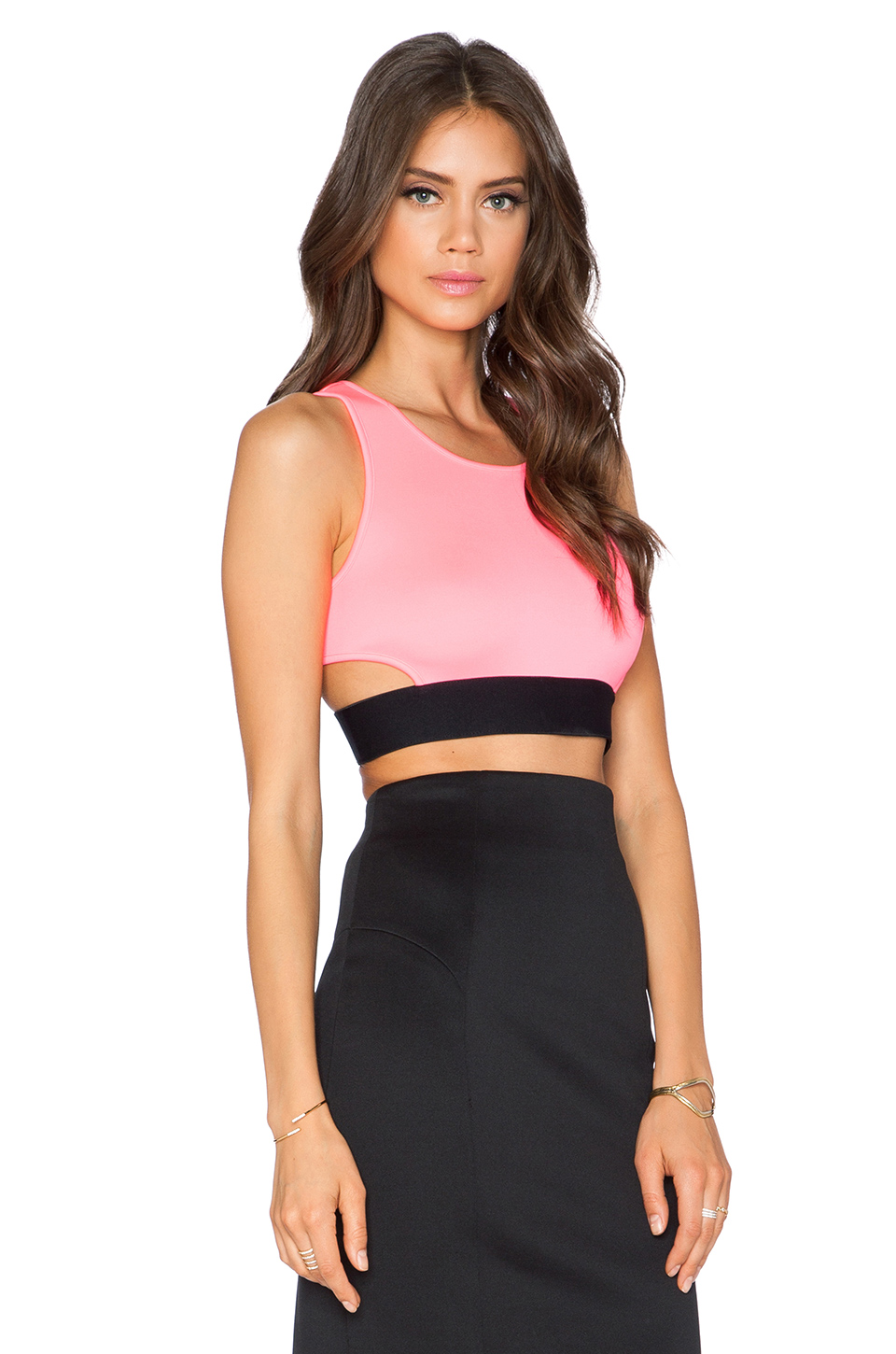
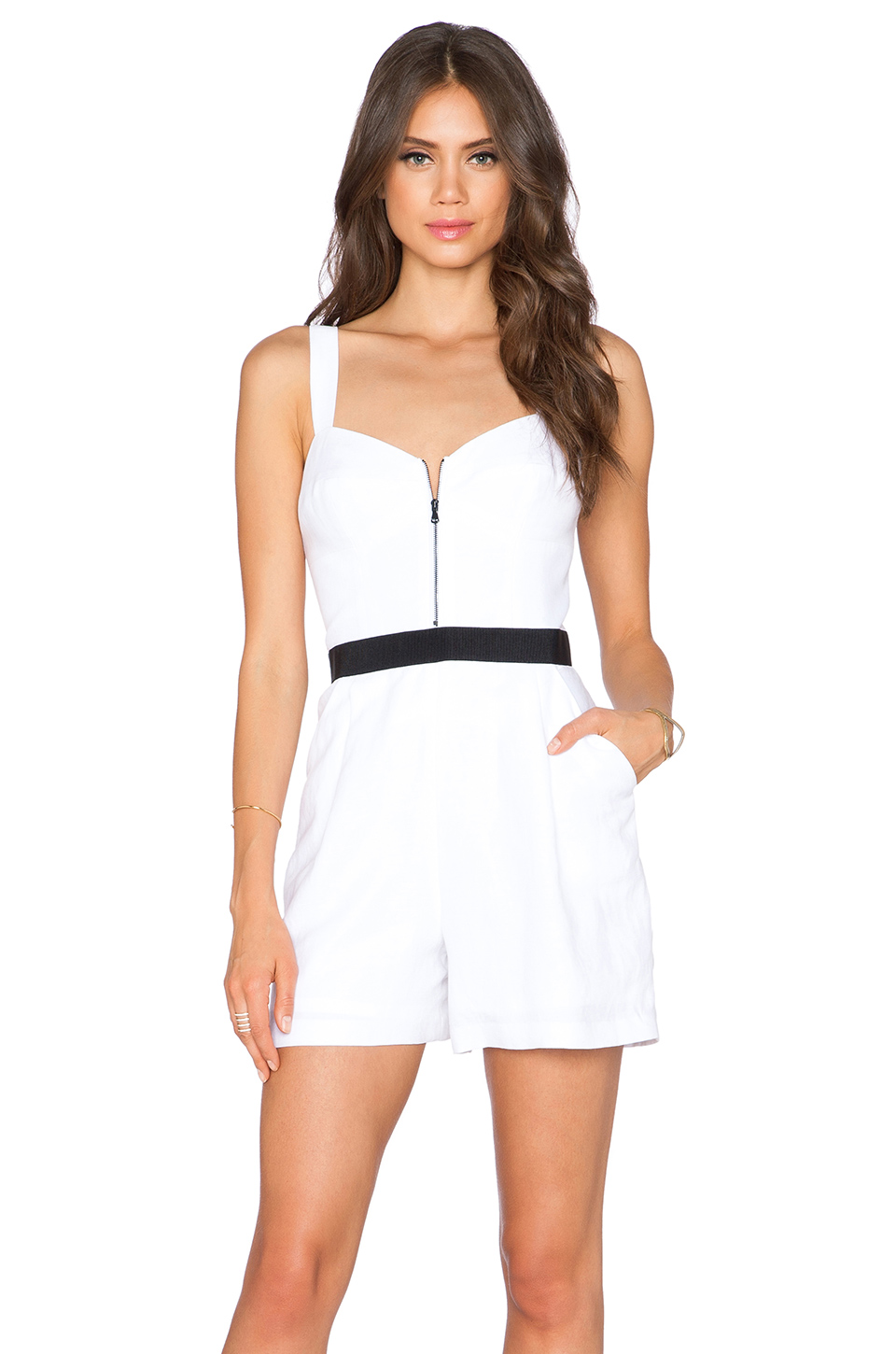
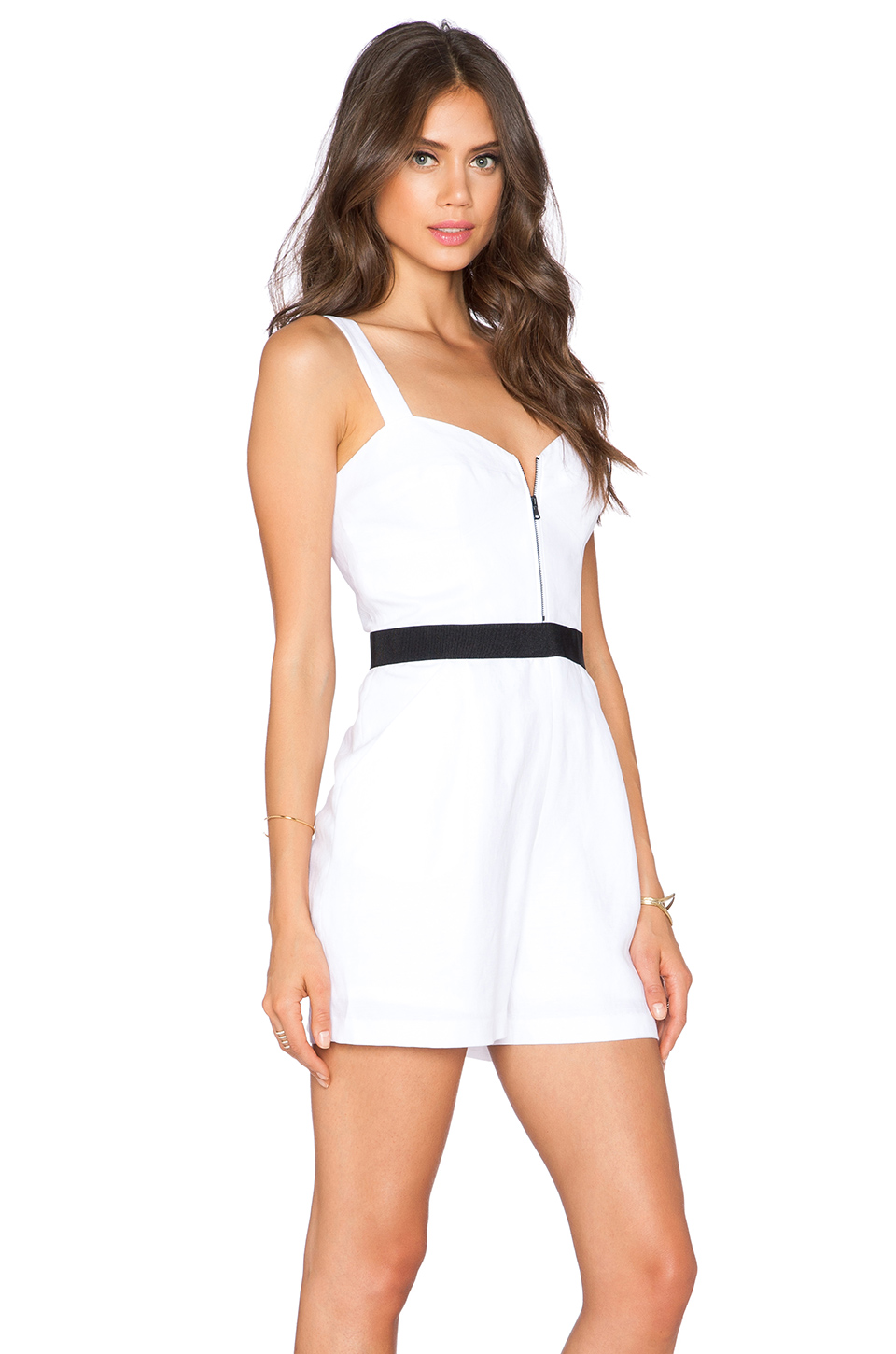
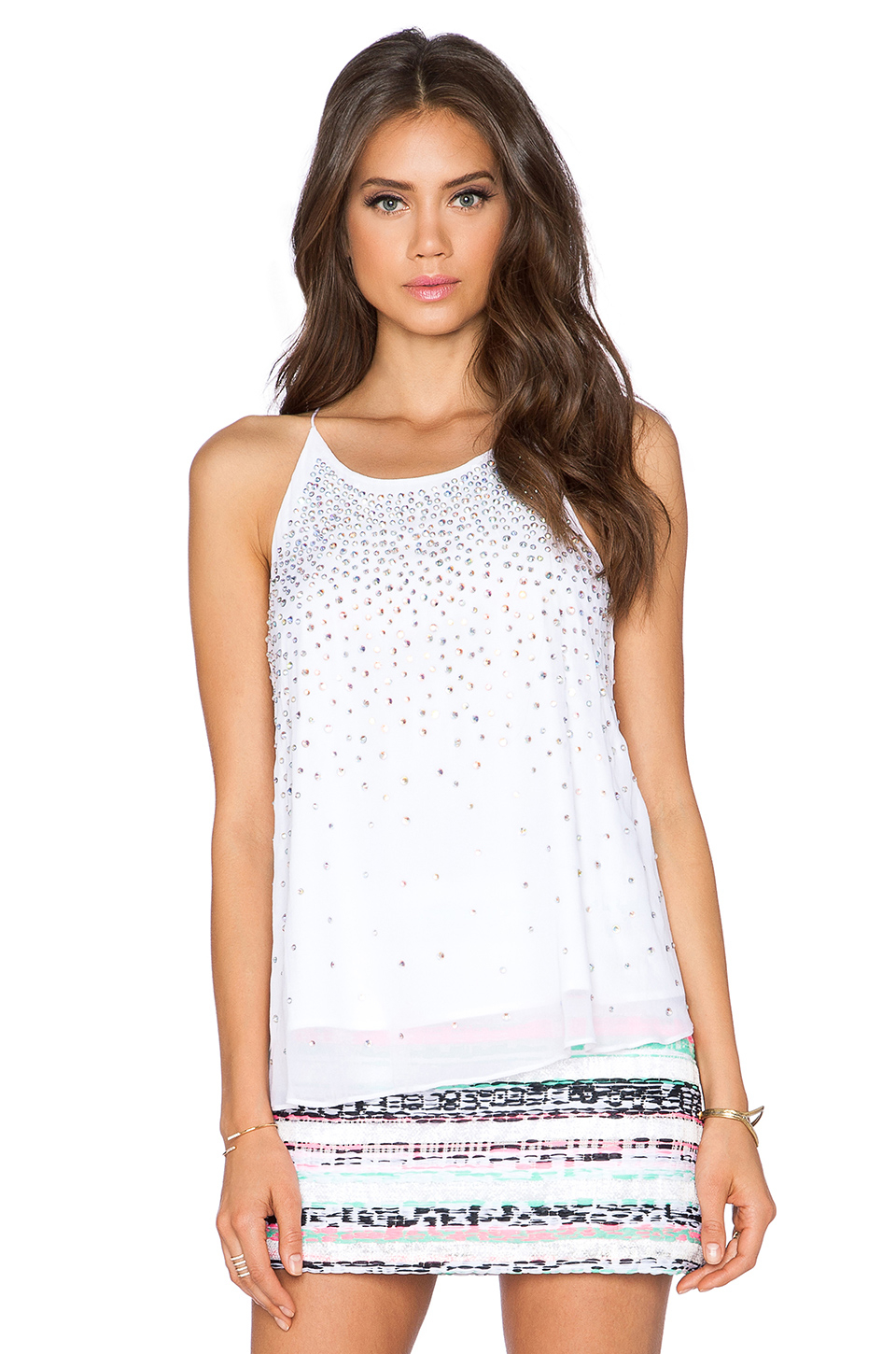
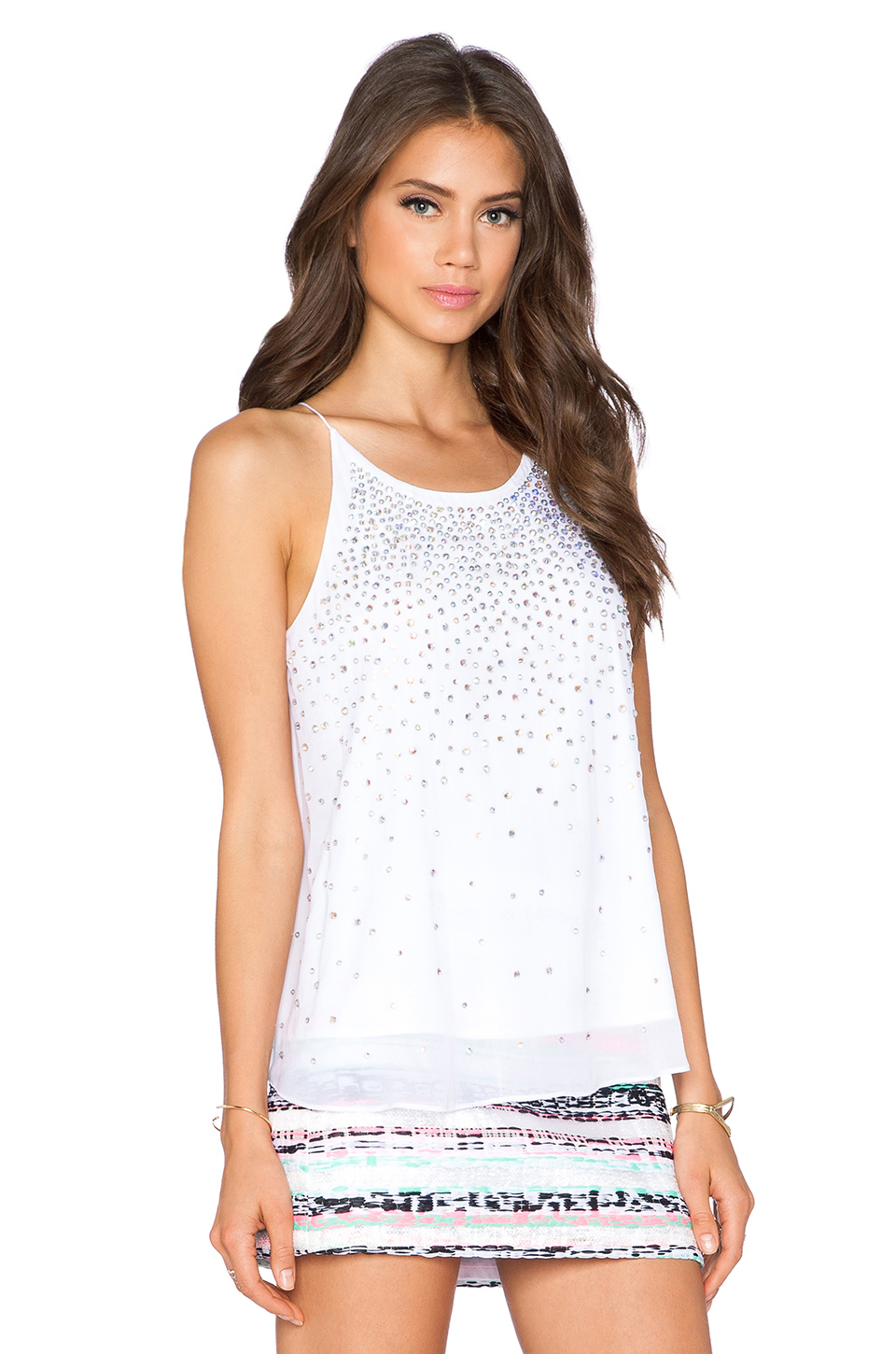
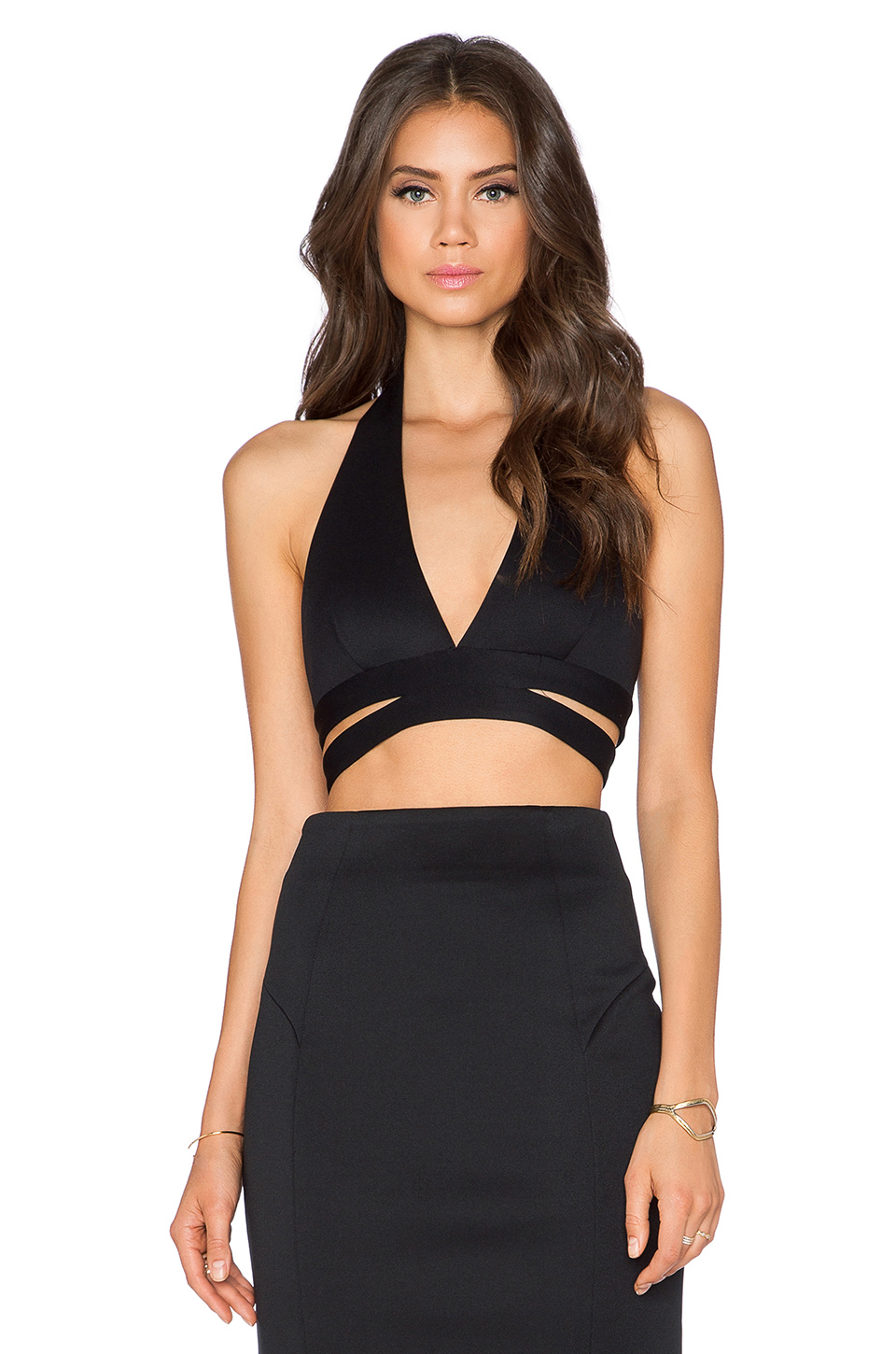
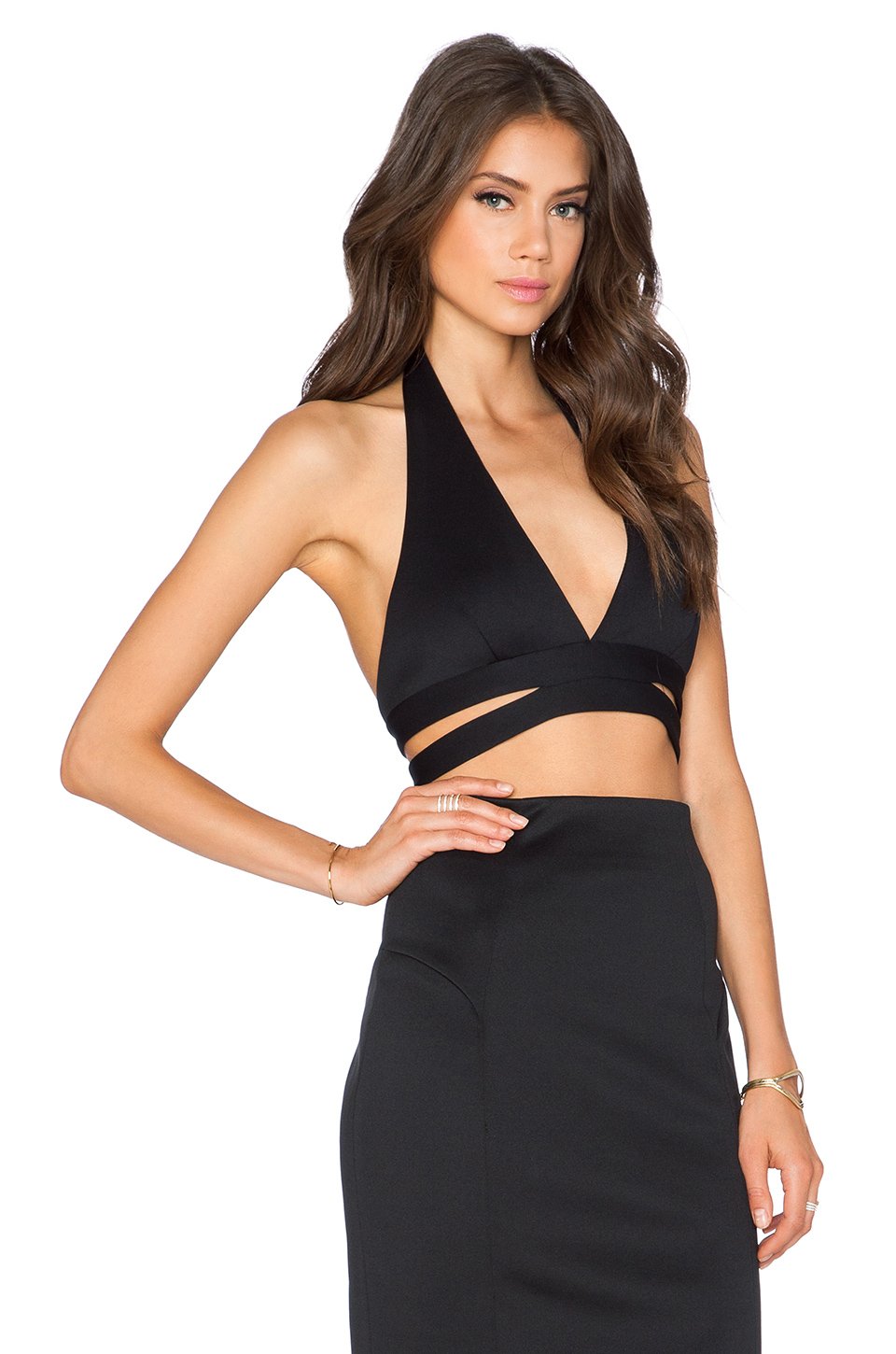
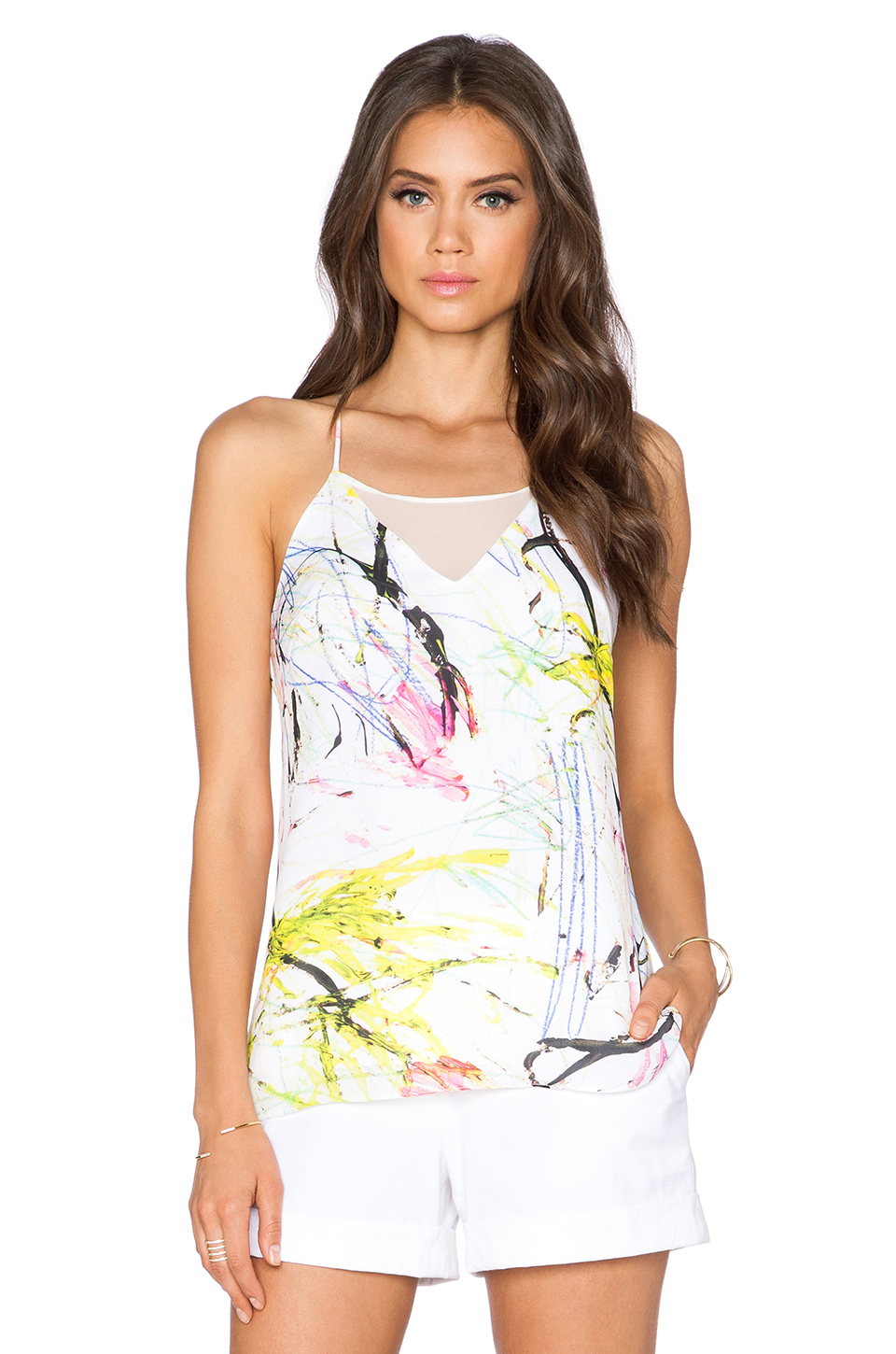
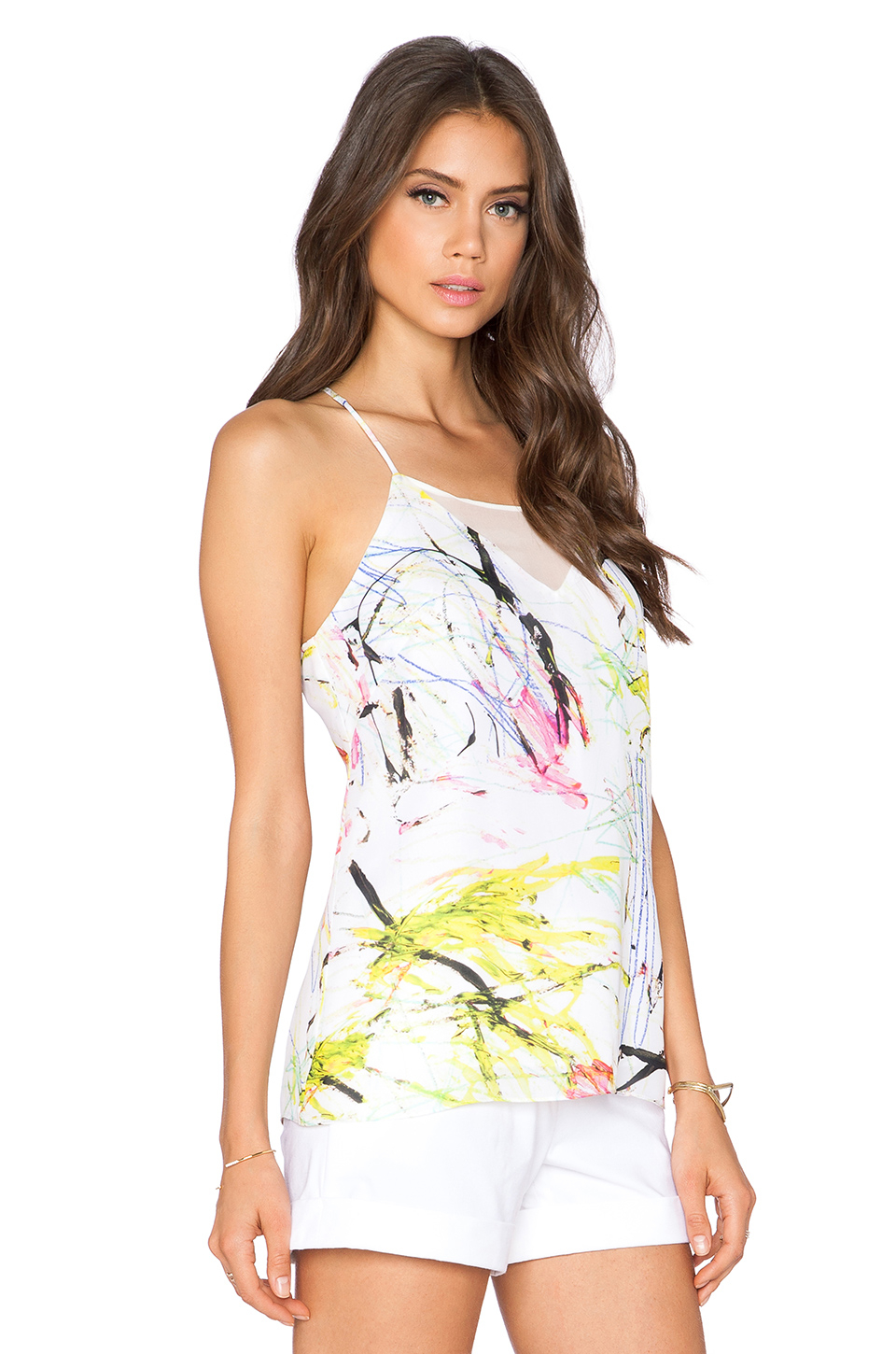
 Revolve Clothing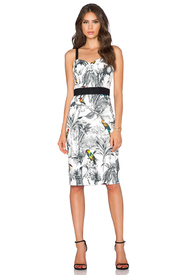
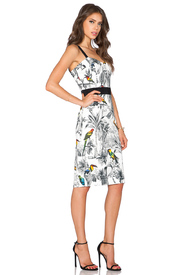
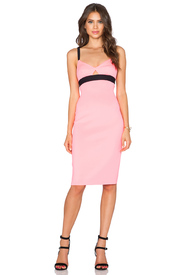
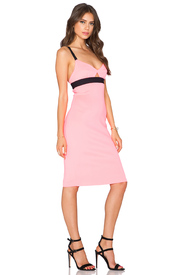
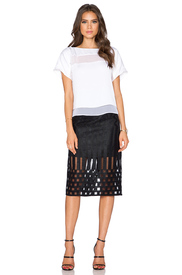
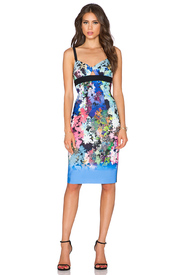
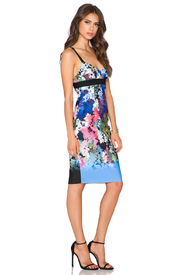
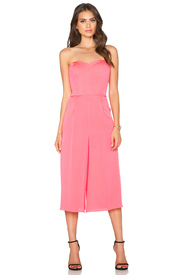
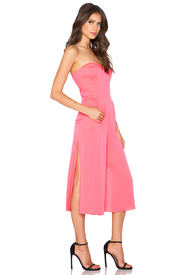
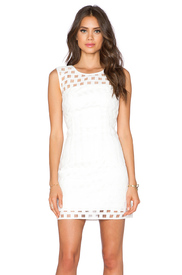
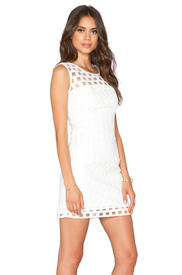
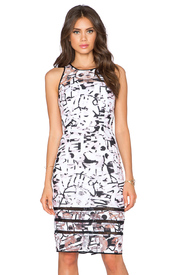
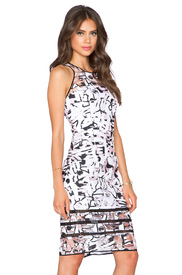
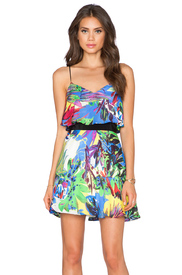
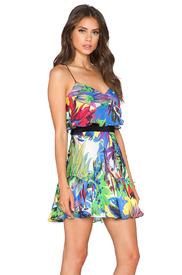
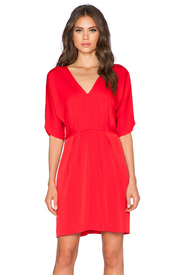
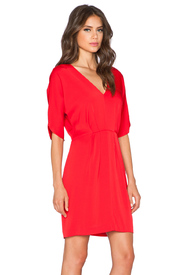
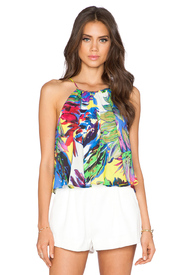
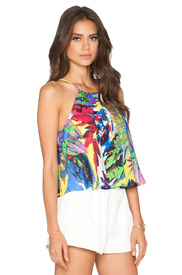
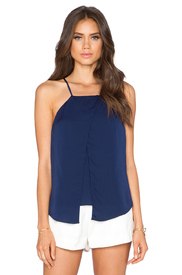
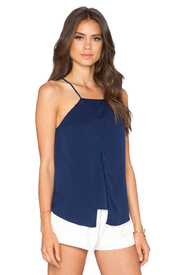
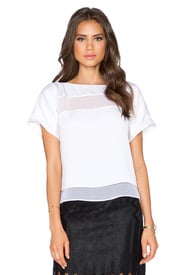
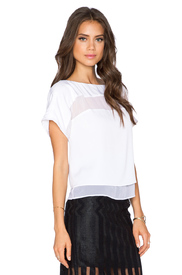
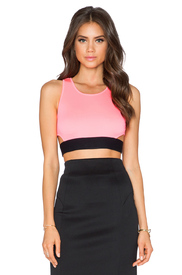
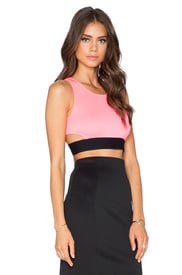
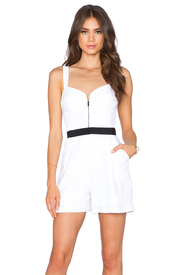
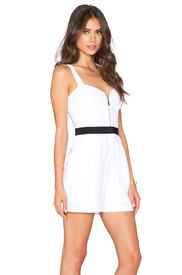
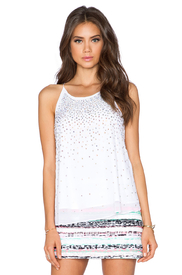
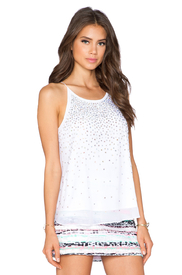
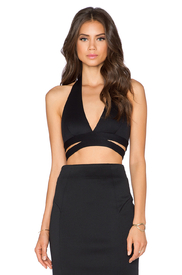
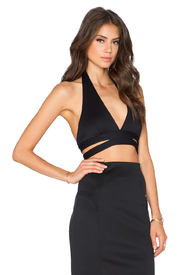
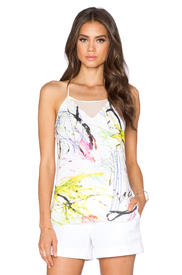
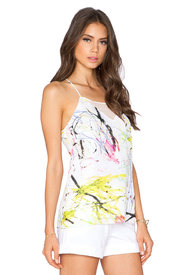 Based on the tagged profiles, I think AL shot for Revolve Clothing.
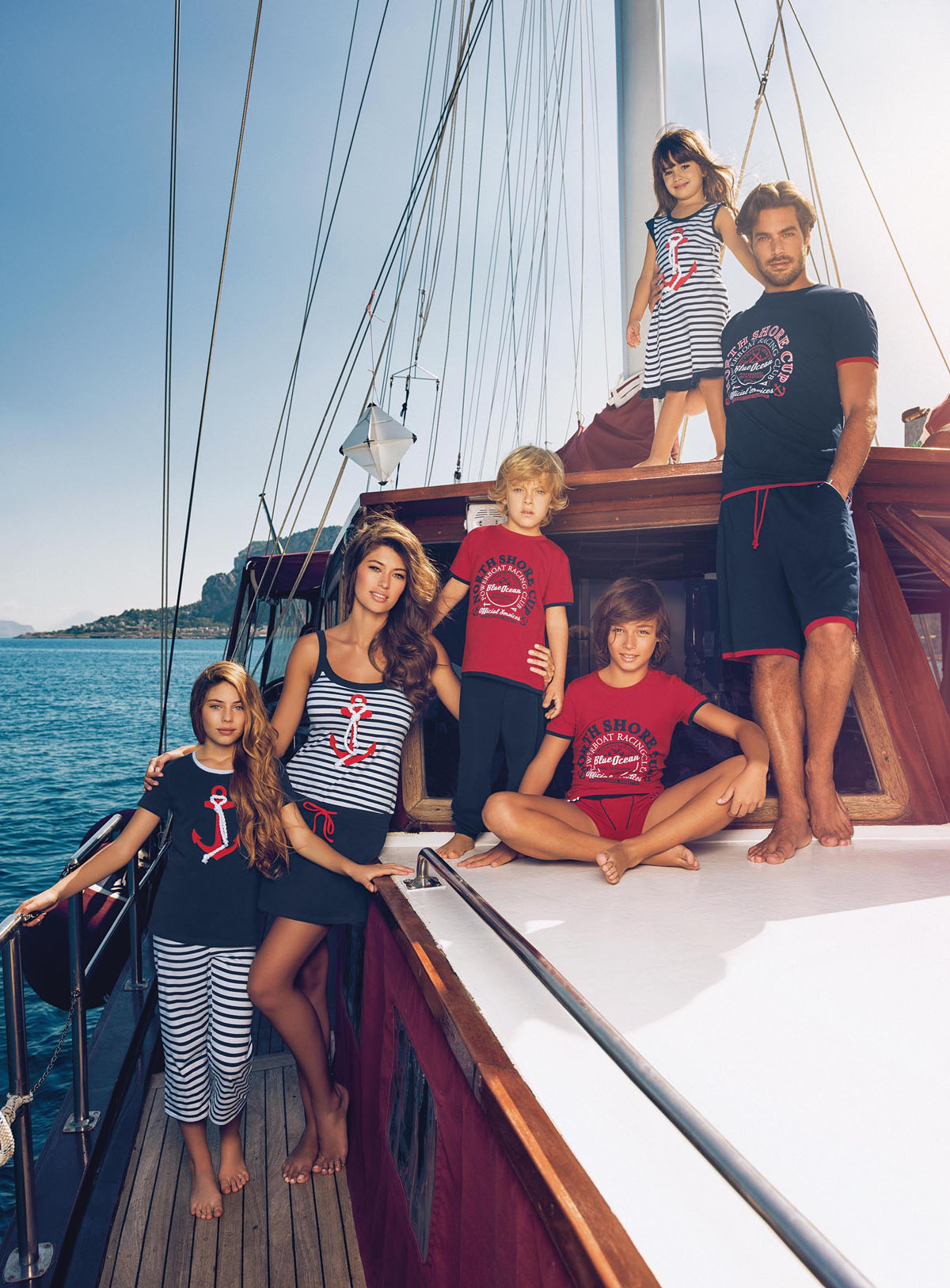
Incanto "Cotton Club" Collection 2016 incanto.eu
Based on the tagged profiles, I think AL shot for Revolve Clothing.
Incanto "Cotton Club" Collection 2016 incanto.eu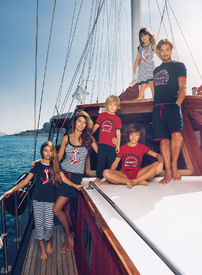



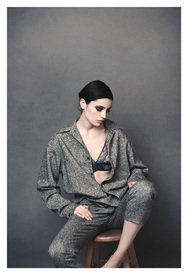
 irina sharipova at women by mark veltman styled by LINDA GÜMÜS-GERRITSEN http://markveltmanphoto.tumblr.com/
 It's not the best mashup I've heard, but I definitely appreciate the effort.
















Account
Navigation
Search
Configure browser push notifications
Chrome (Android)
- Tap the lock icon next to the address bar.
- Tap Permissions → Notifications.
- Adjust your preference.
Chrome (Desktop)
- Click the padlock icon in the address bar.
- Select Site settings.
- Find Notifications and adjust your preference.
Safari (iOS 16.4+)
- Ensure the site is installed via Add to Home Screen.
- Open Settings App → Notifications.
- Find your app name and adjust your preference.
Safari (macOS)
- Go to Safari → Preferences.
- Click the Websites tab.
- Select Notifications in the sidebar.
- Find this website and adjust your preference.
Edge (Android)
- Tap the lock icon next to the address bar.
- Tap Permissions.
- Find Notifications and adjust your preference.
Edge (Desktop)
- Click the padlock icon in the address bar.
- Click Permissions for this site.
- Find Notifications and adjust your preference.
Firefox (Android)
- Go to Settings → Site permissions.
- Tap Notifications.
- Find this site in the list and adjust your preference.
Firefox (Desktop)
- Open Firefox Settings.
- Search for Notifications.
- Find this site in the list and adjust your preference.