
foofur16
Members
-
Joined
-
Last visited
Everything posted by foofur16
-
 Irina seems to have a good working relationship with ODLR. She's been working for them as a fit model and she's been in almost every show ever since Peter Copping became the house designer. She also lives downtown which probably makes it easier to get to the venues.
 -
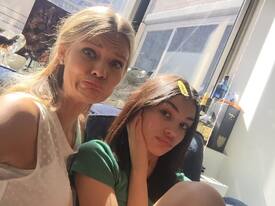
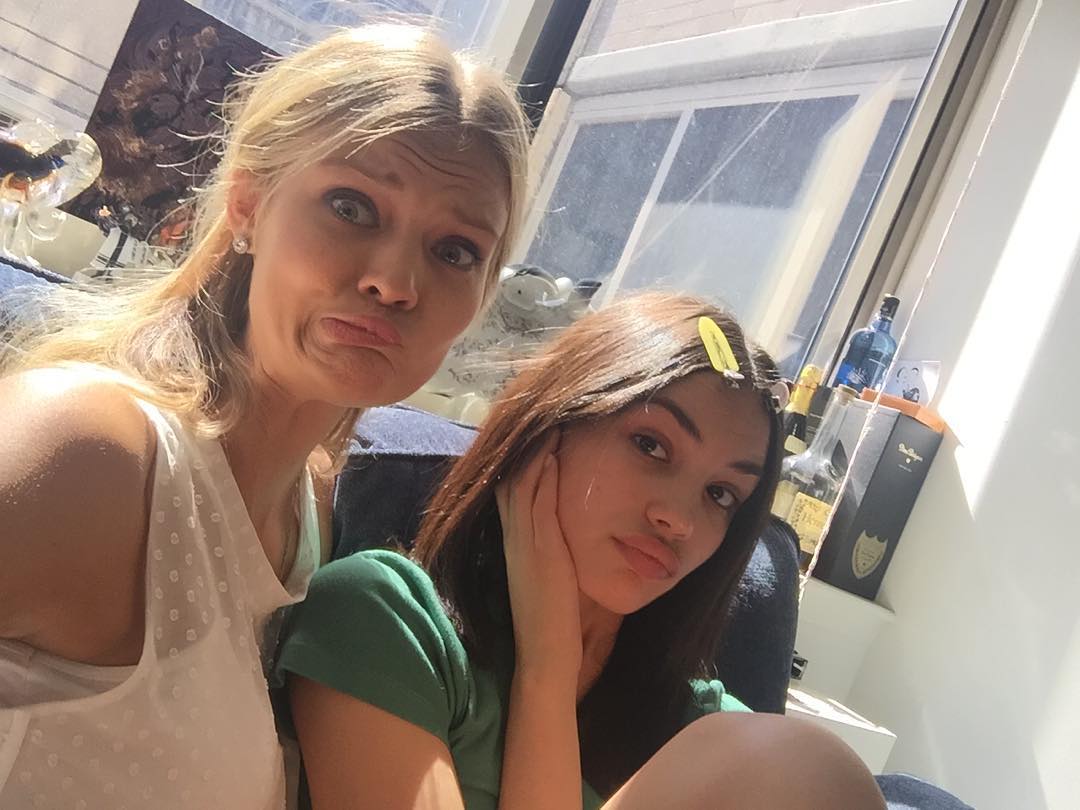
Right now (as in an hour ago) she was chilling with Irina but the ODLR show is in 3 hours so they could be there. instagram / irinasharipova
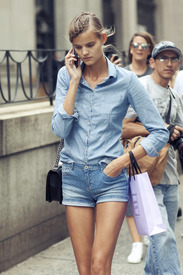
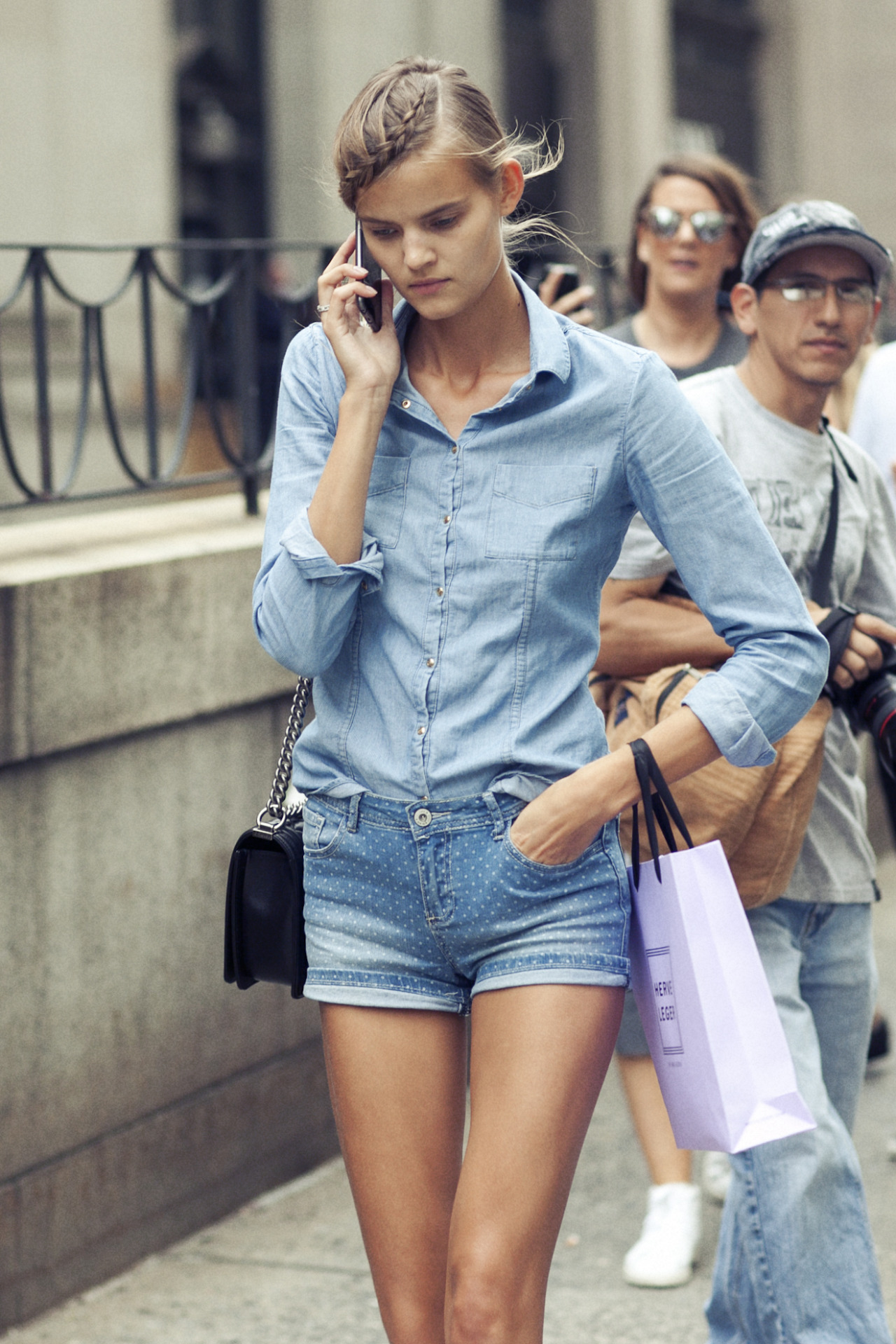
 Street style after Herve Leger by Shelby Rodriguez shelby-rodriguez.tumblr.com
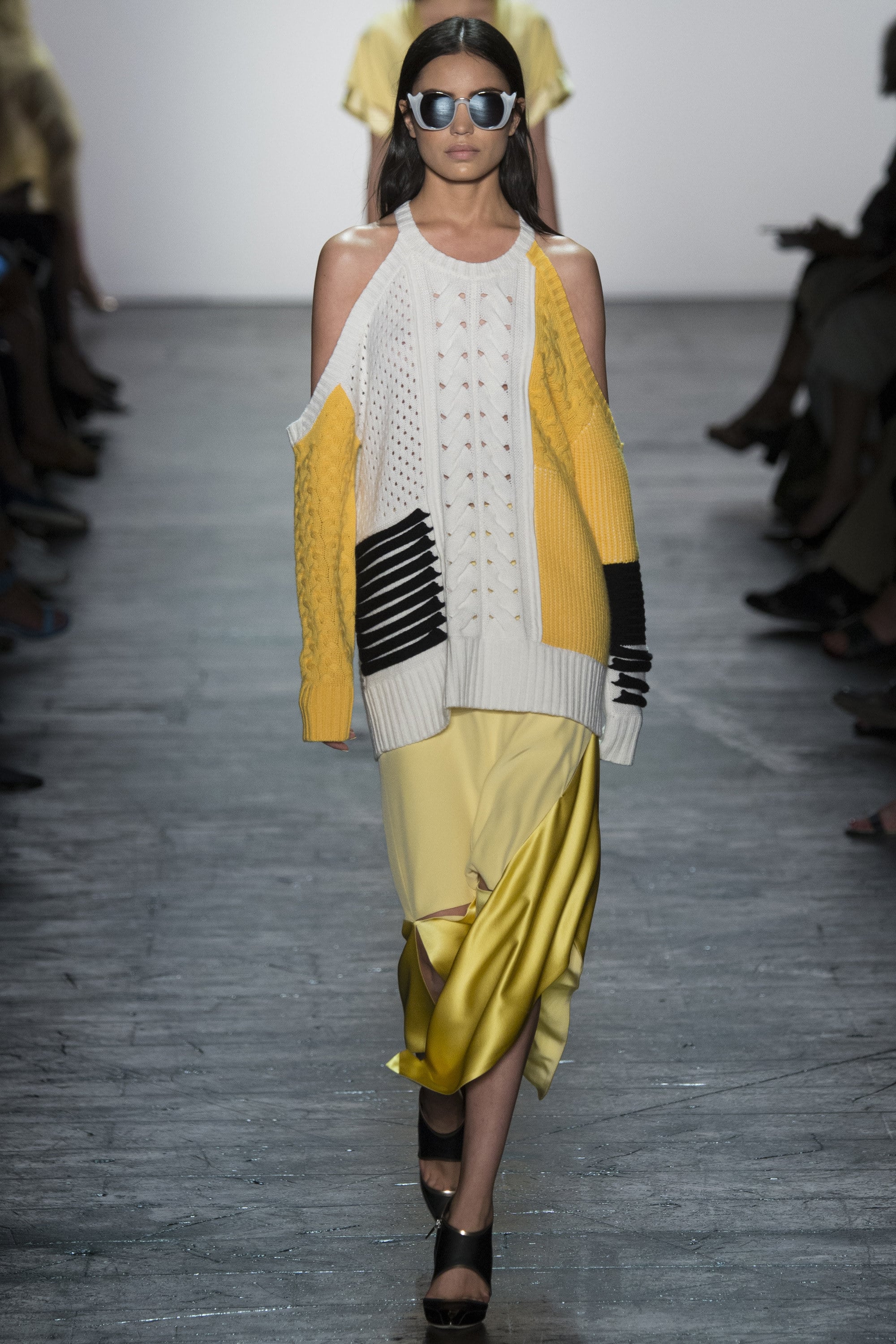
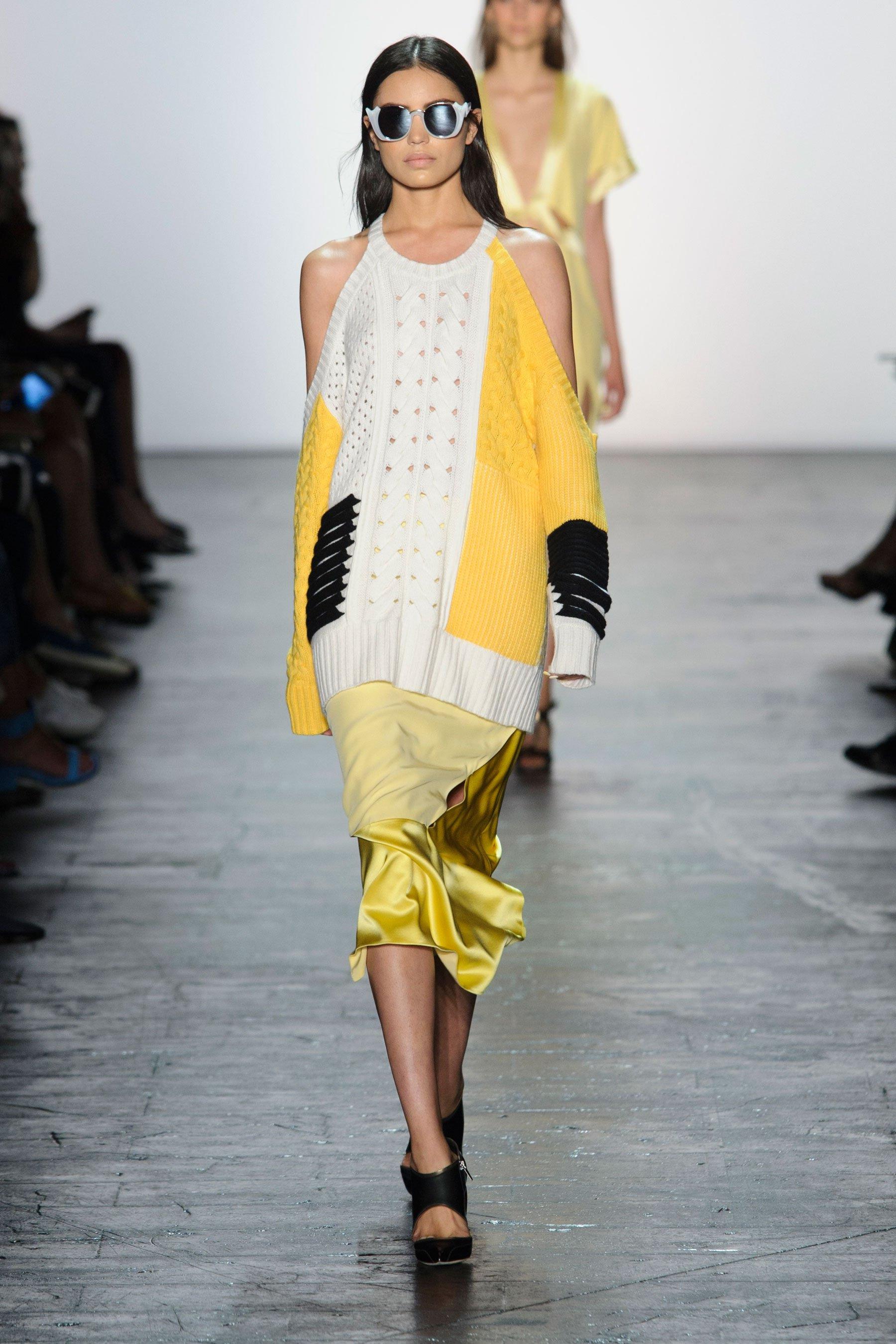
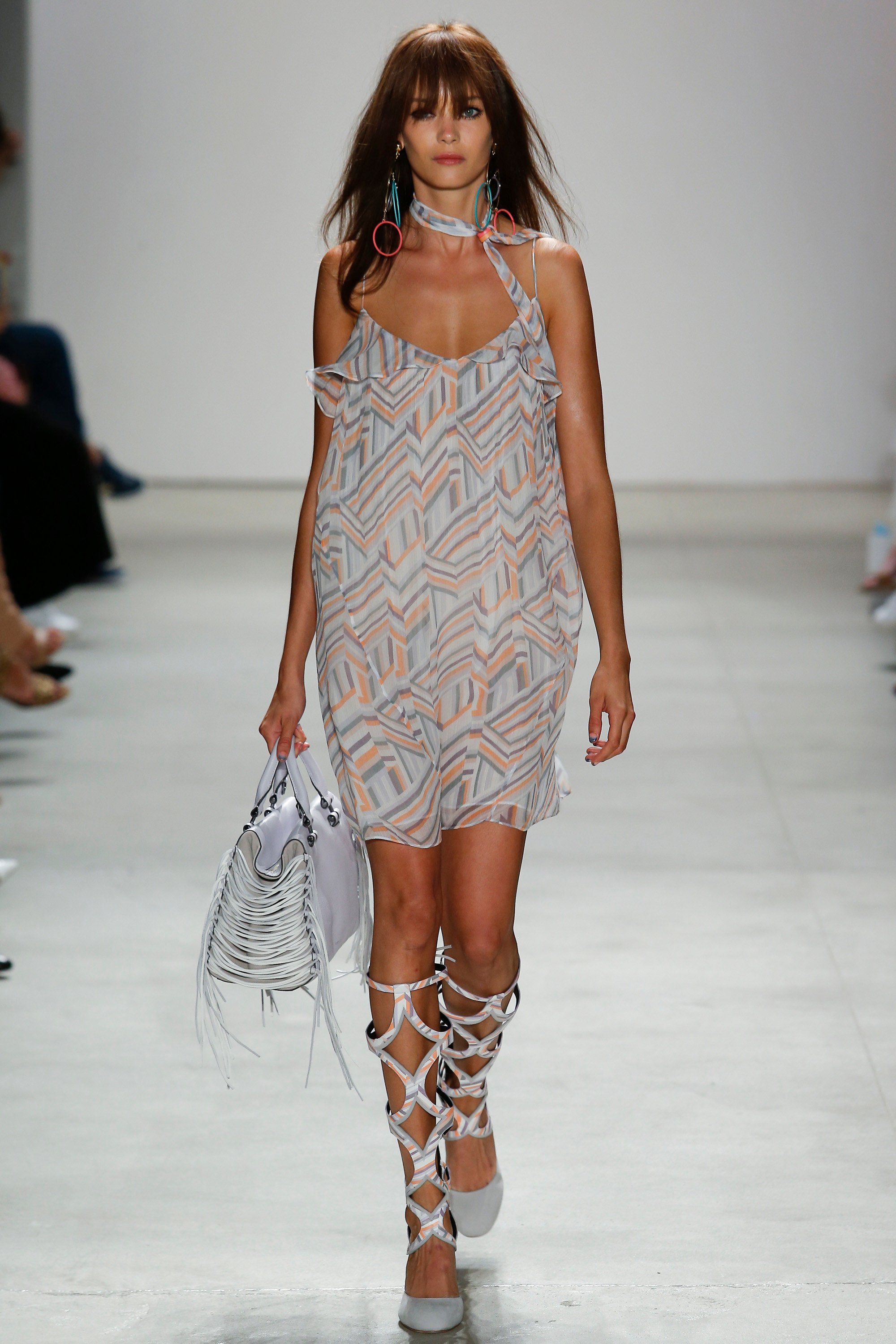
 Prabal Gurung S/S 2016 vogue / fashionmag / fashionising / sonnyphotos / wwd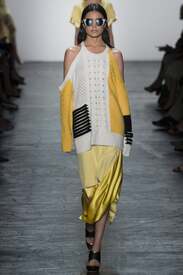
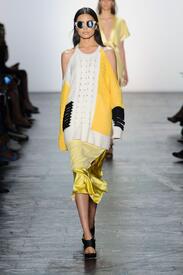
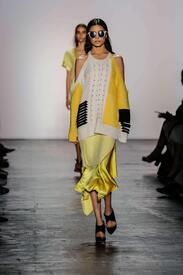
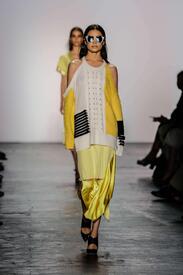
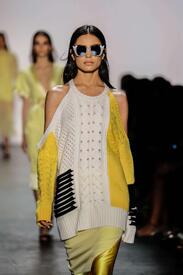
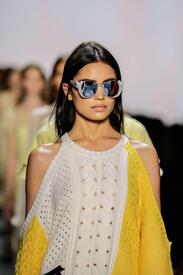
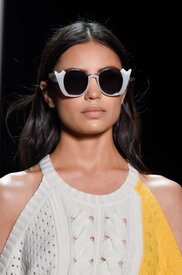
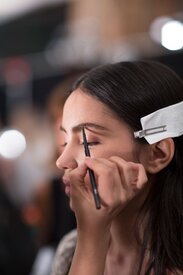
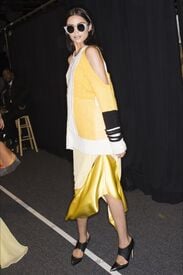
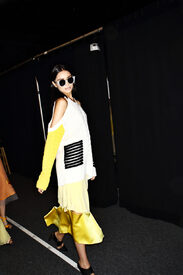
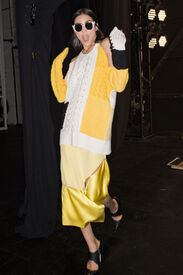
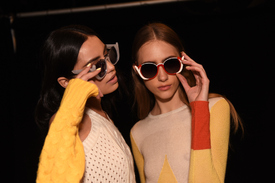
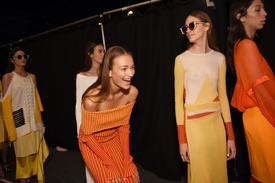
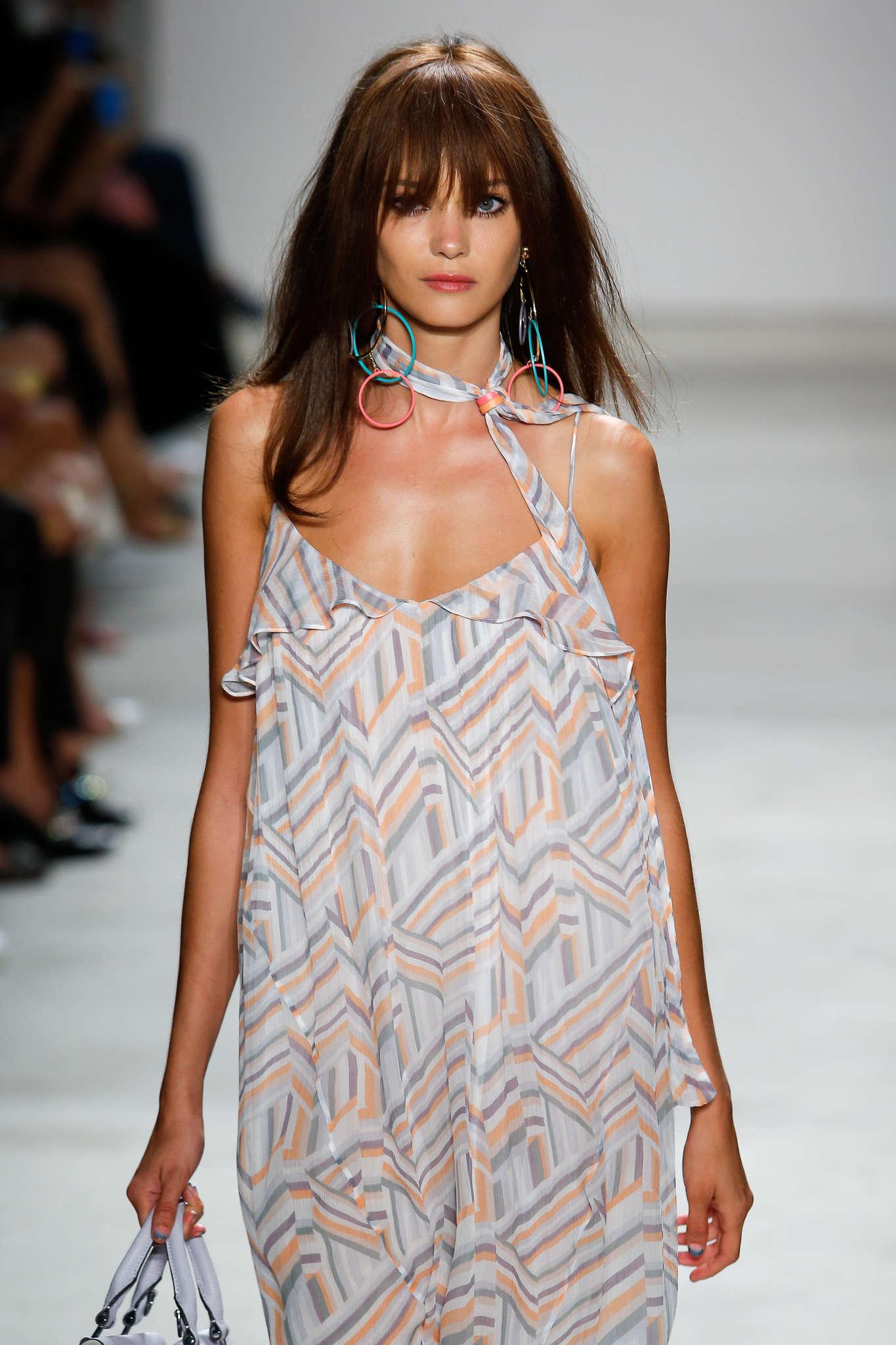
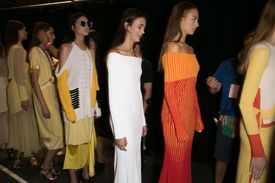 Rebecca Minkoff S/S 2016 vogue.com / fashionmag wwd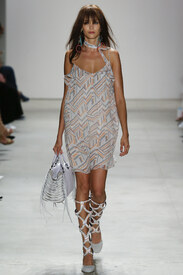
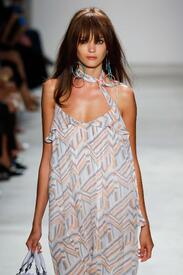
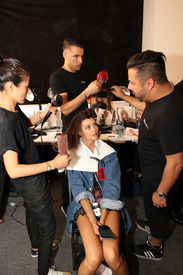
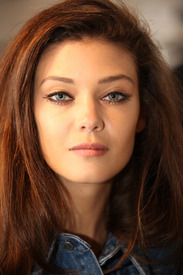
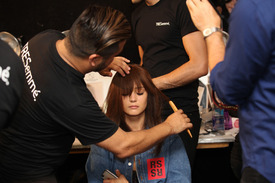
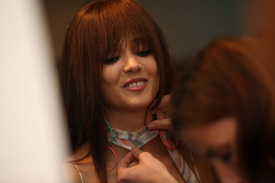 Brandon Maxwell S/S 2016 zimbio
 For a debut show, this guy had top notch casting!
Brandon Maxwell S/S 2016 zimbio
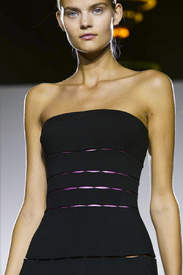
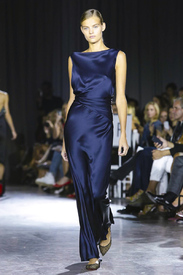
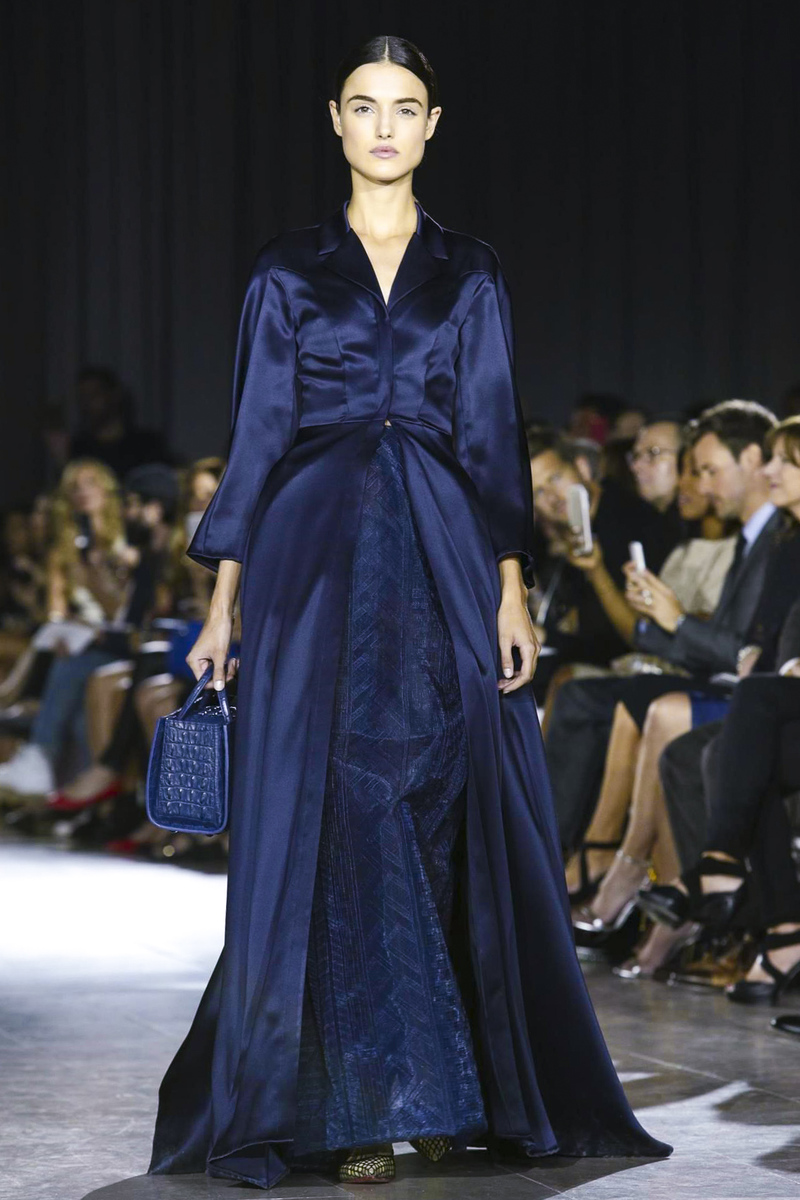
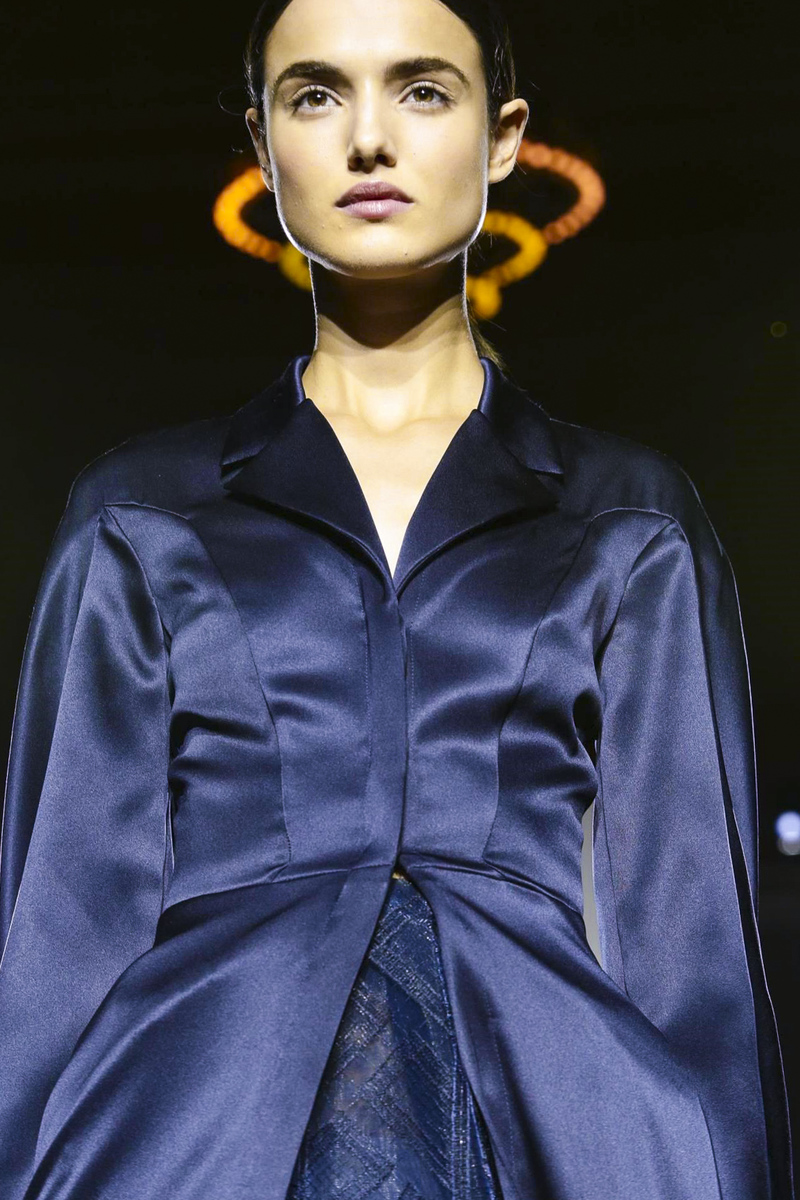
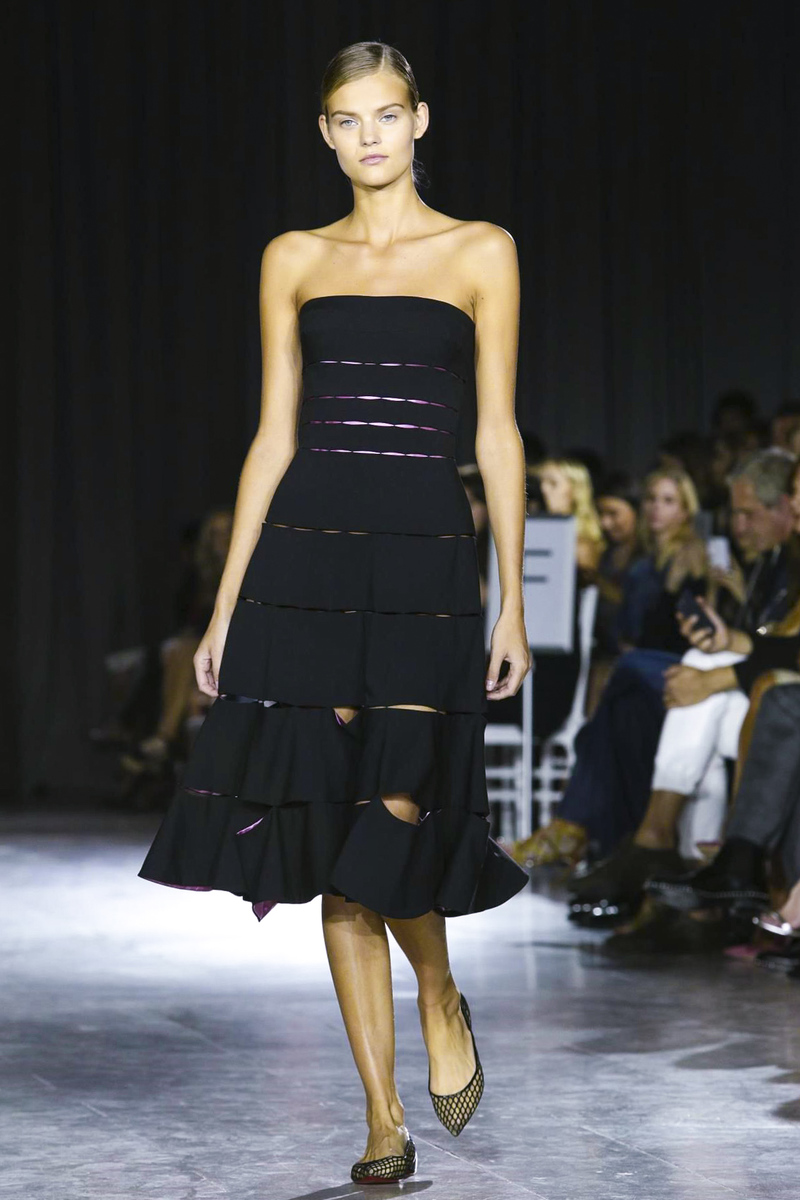
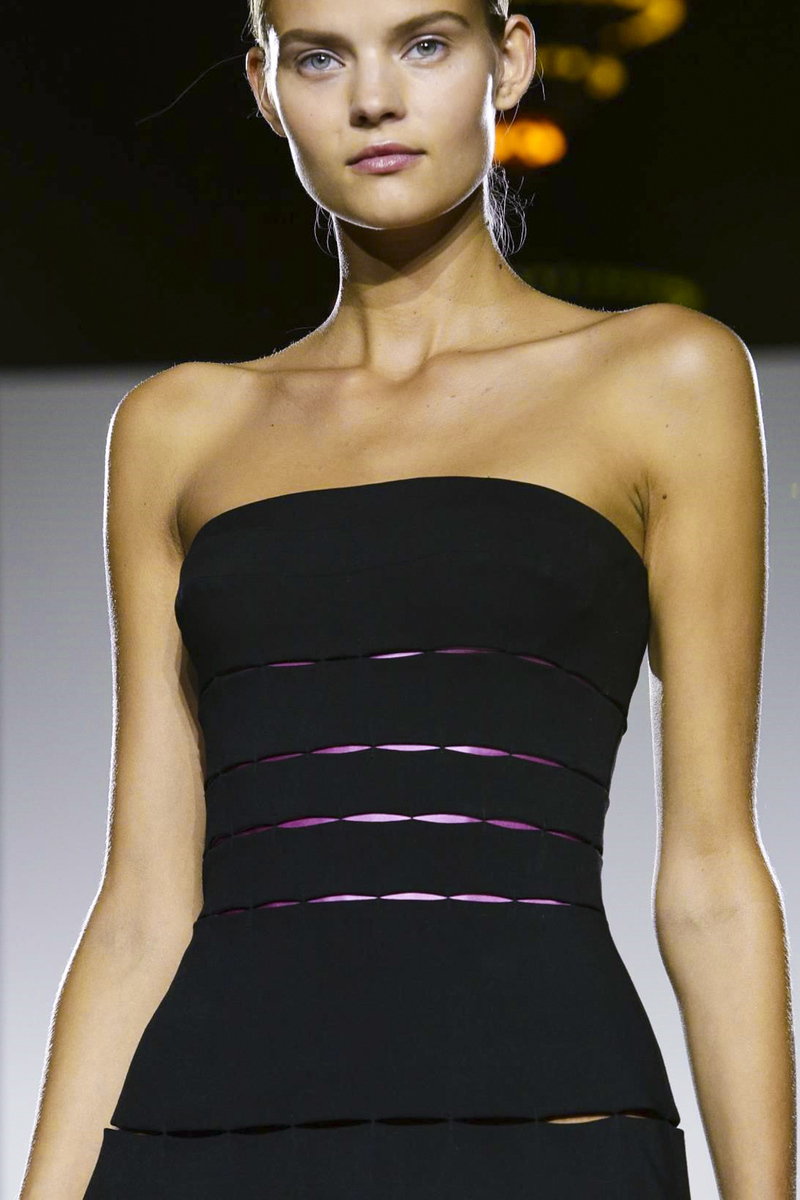
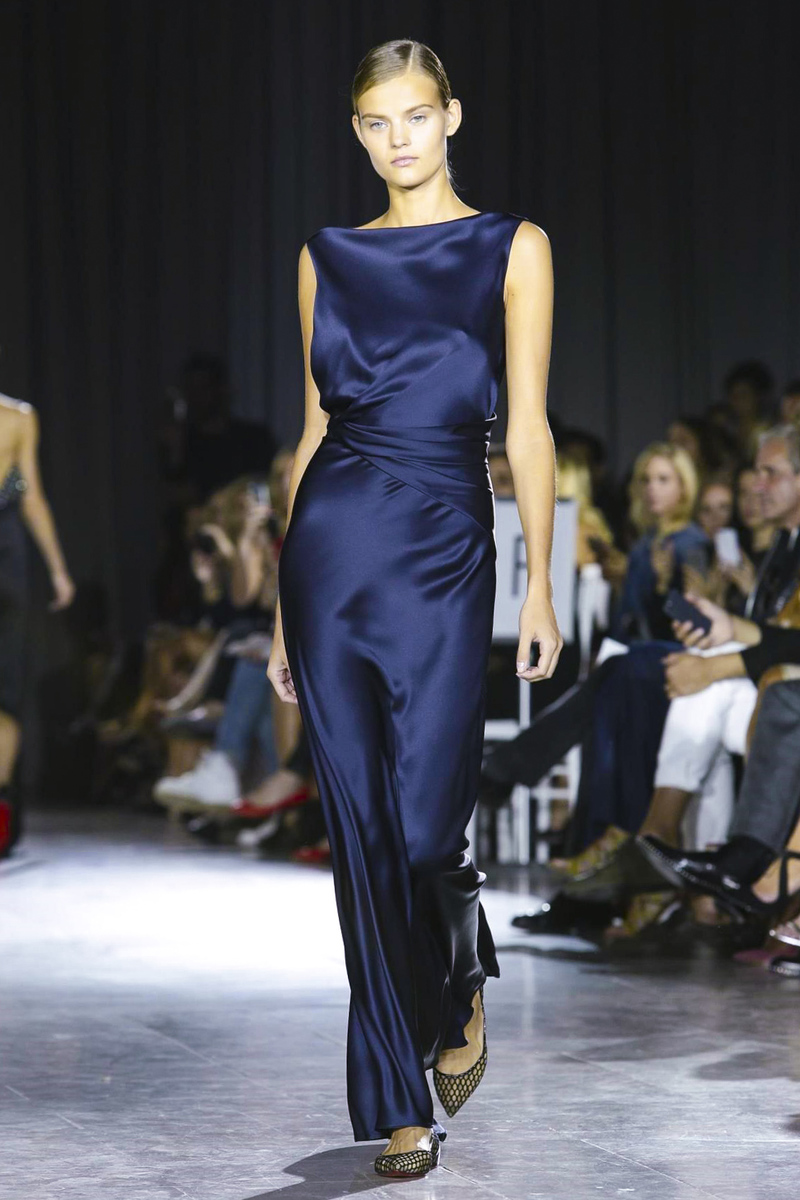
Zac Posen S/S 2016 nowfashion
Brandon Maxwell S/S 2016 zimbio
Brandon Maxwell S/S 2016 zimbio For a debut show, this guy had top notch casting!
Brandon Maxwell S/S 2016 zimbio
Zac Posen S/S 2016 nowfashion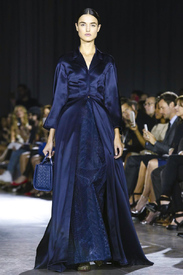
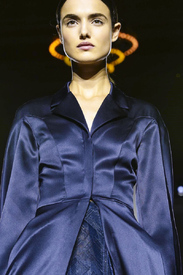 Zac Posen S/S 2016 nowfashion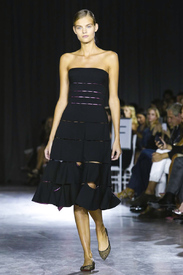
 According to wikipedia, she was born on September 15th, 1989 so that makes her 26.
С Днем Рождения Кейт!
I think the reason a lot of the big models did one show so far is because of the anniversary factor. Wang and Tisci both celebrated 10 years so they had their muses (Anna, Joan) as exclusives. It was weird Karlie wasn't at Carolina Herrera today, but maybe she had to choose between DVF and CH.
My last hope is Ralph Lauren for NY. If she's not doing him, then I don't think we'll see her anywhere soon except maybe Balmain or Versace but I wouldn't get my hopes up.
I think Kate and her agency are well aware that VS will drop her first so they want her to keep her runway momentum since that seems to be her main booking job.
Jeremy Scott S/S 2016 nowfashion
Jeremy Scott S/S 2016 nowfashion
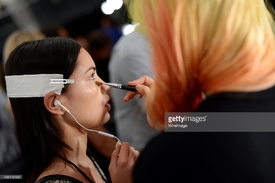
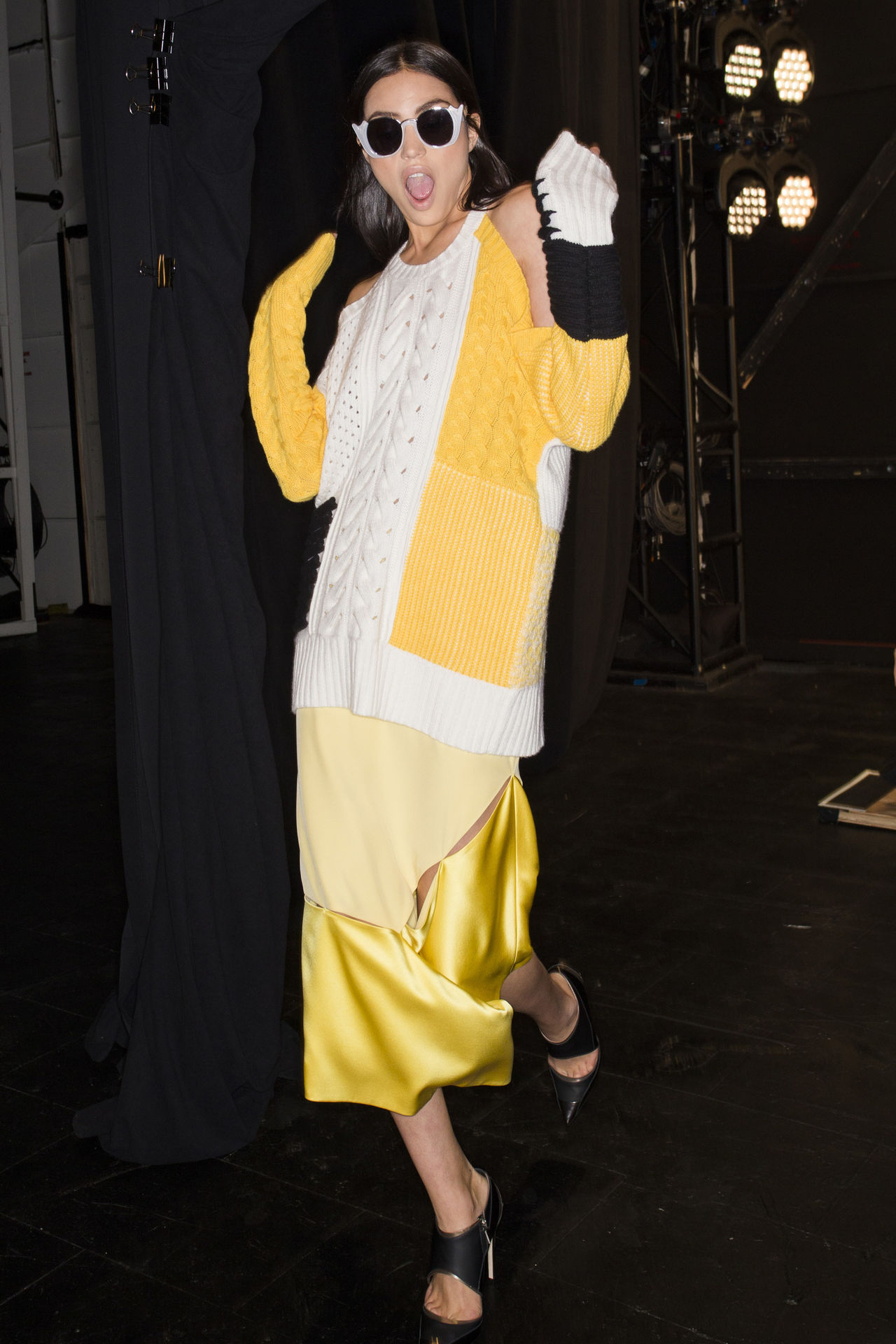
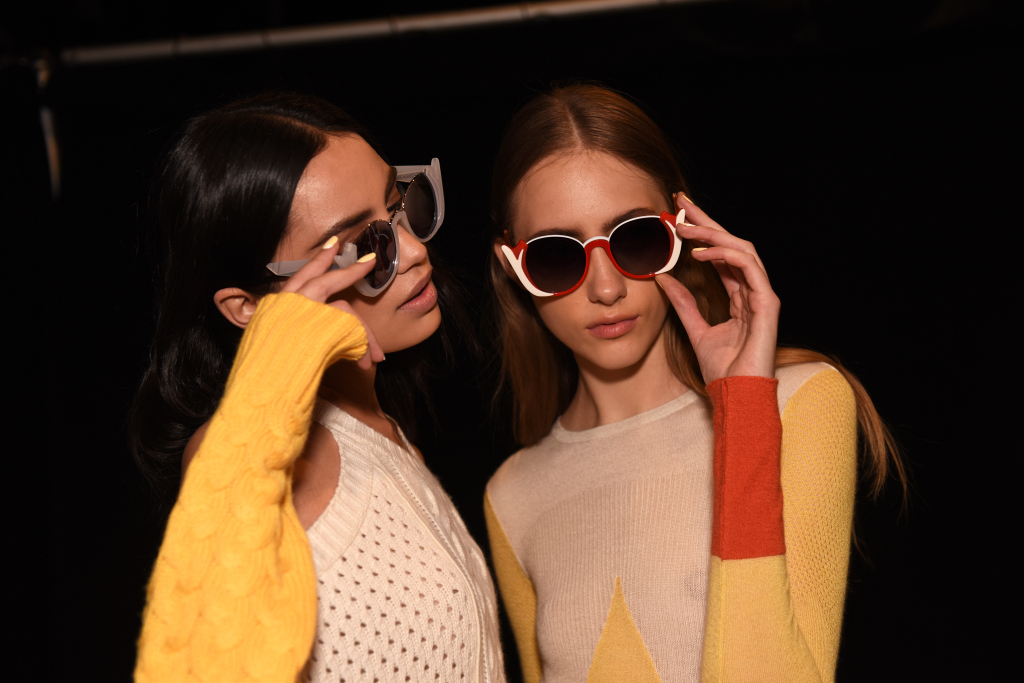
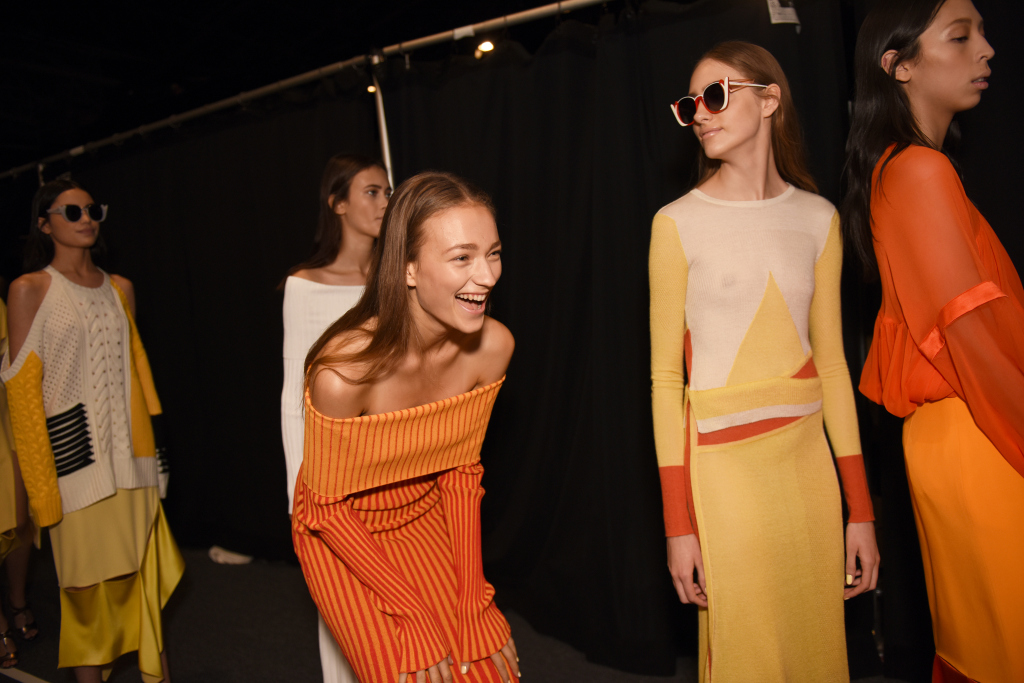
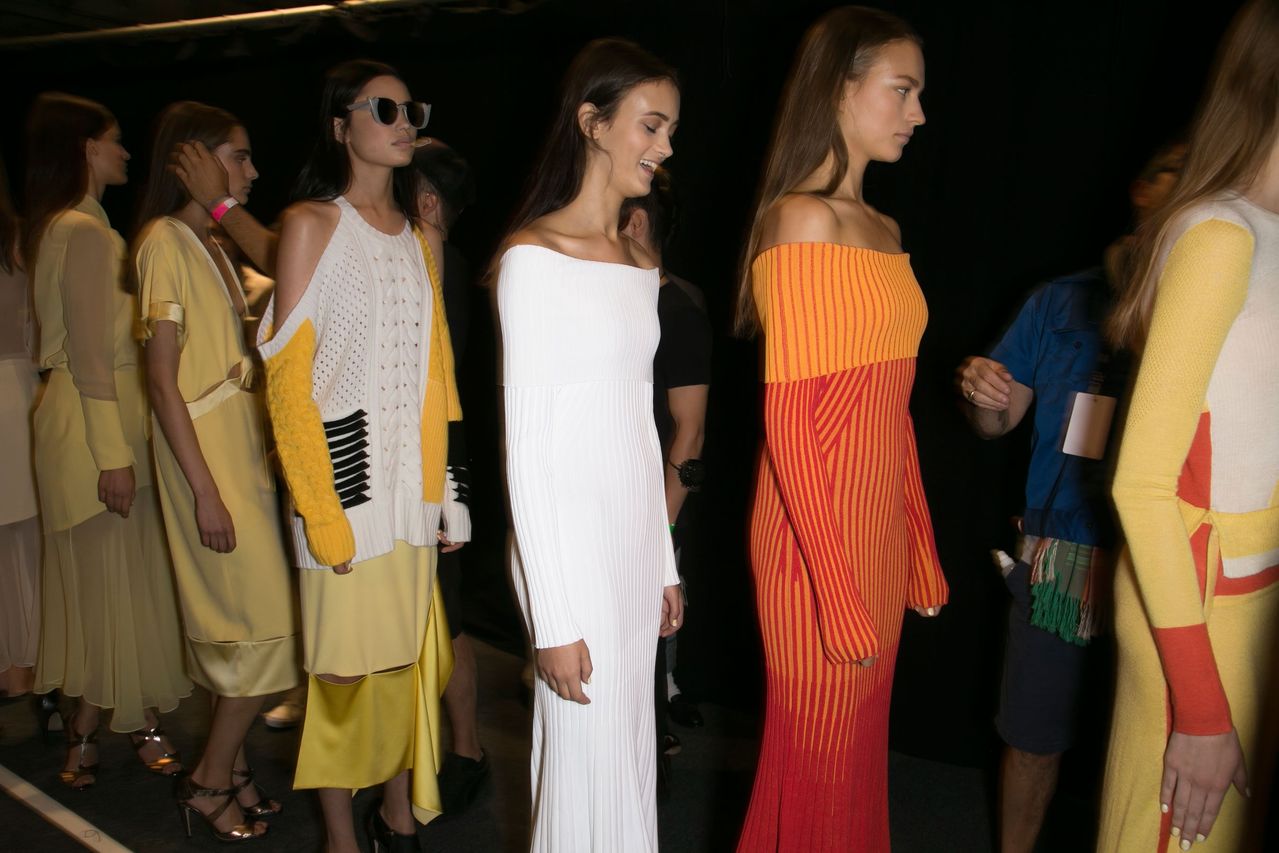
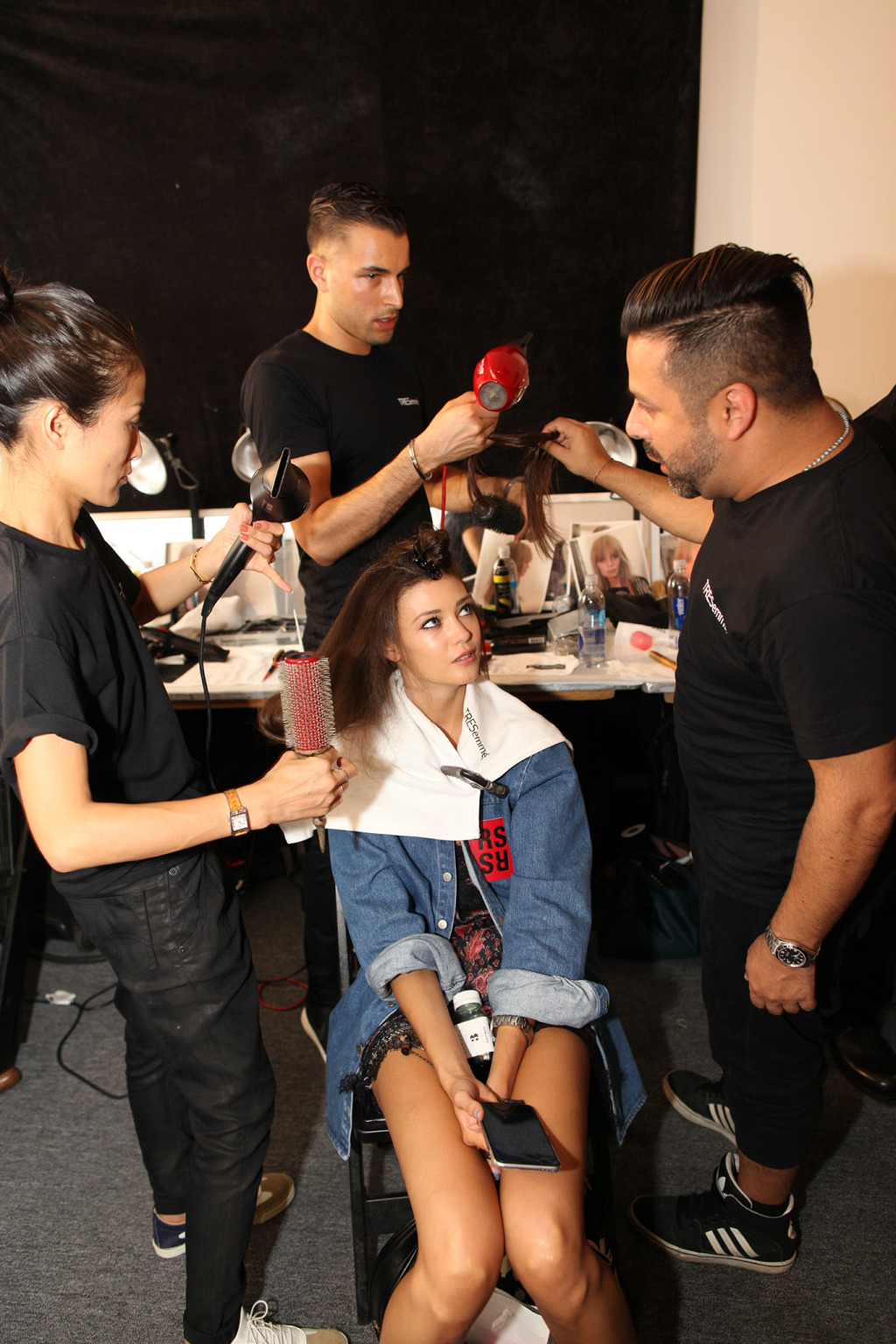
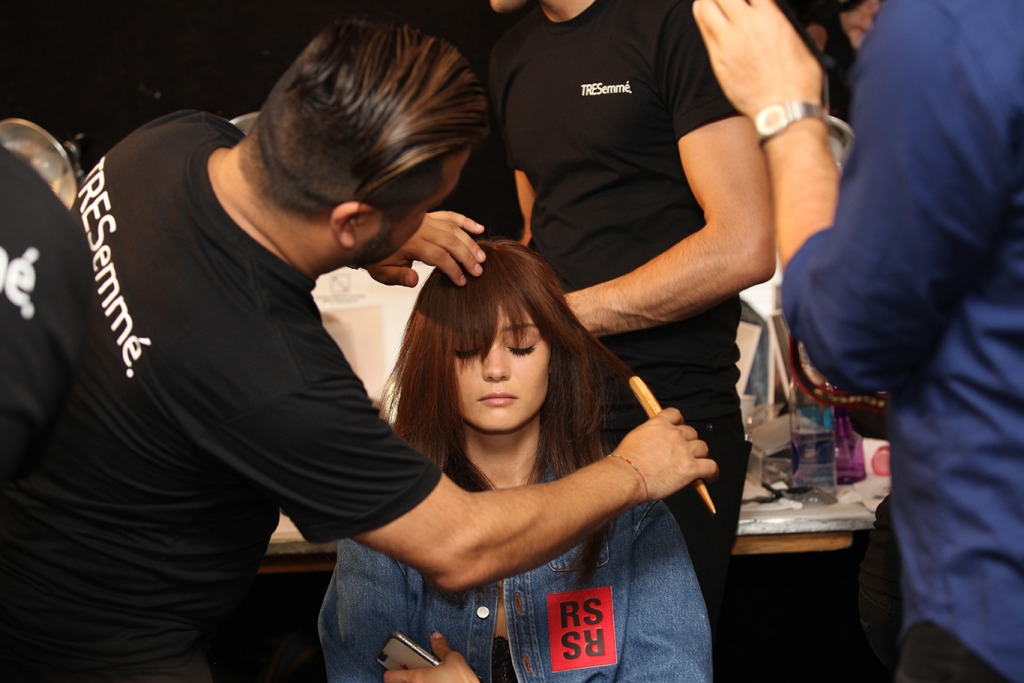
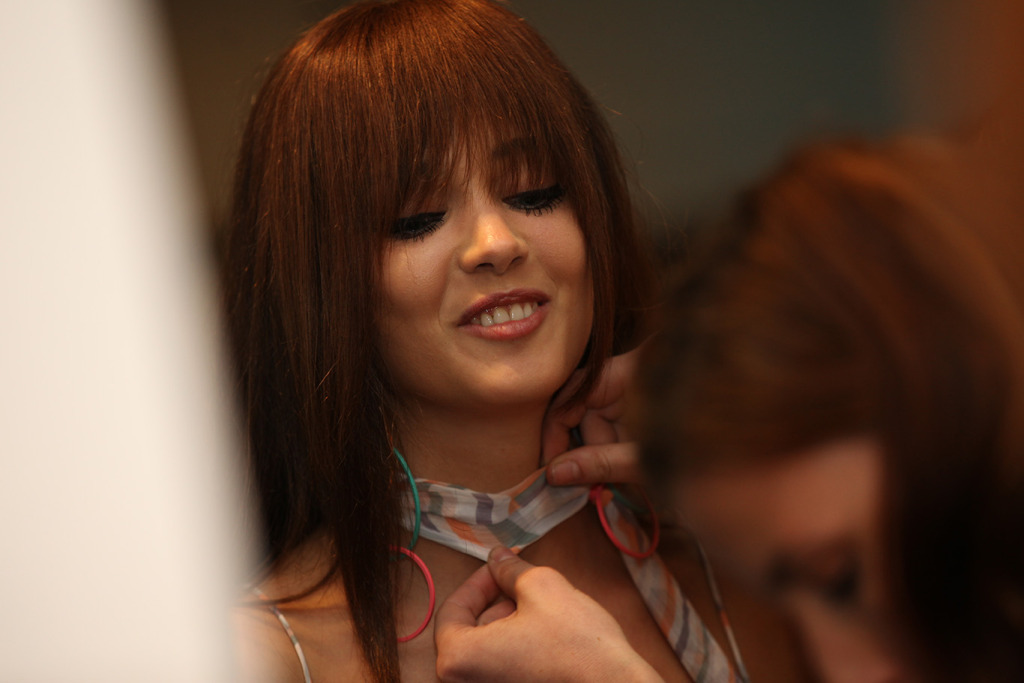
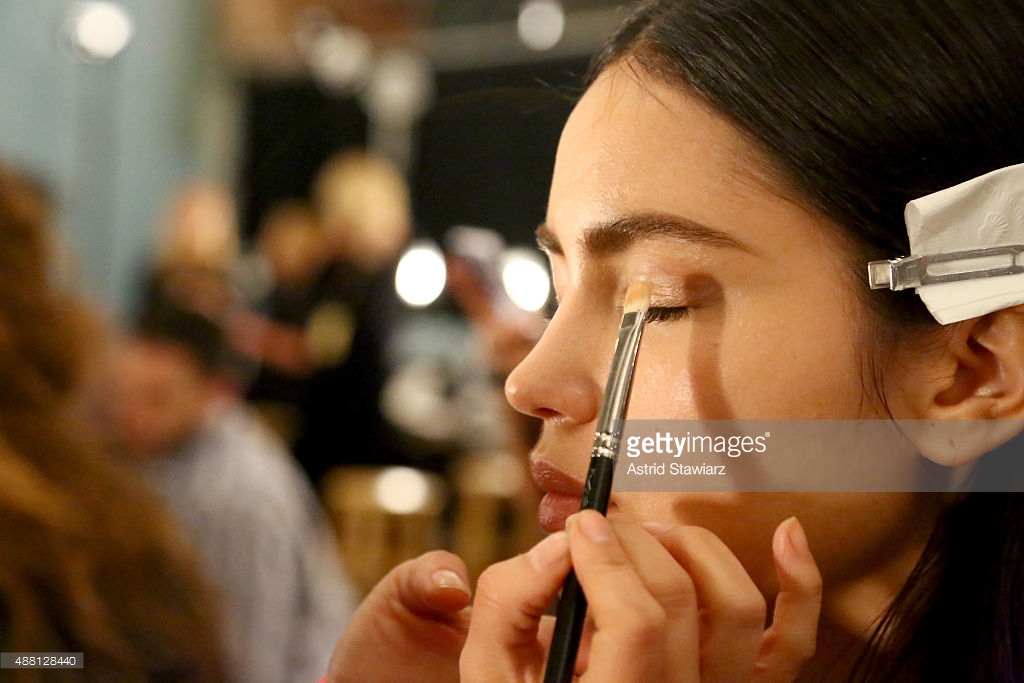
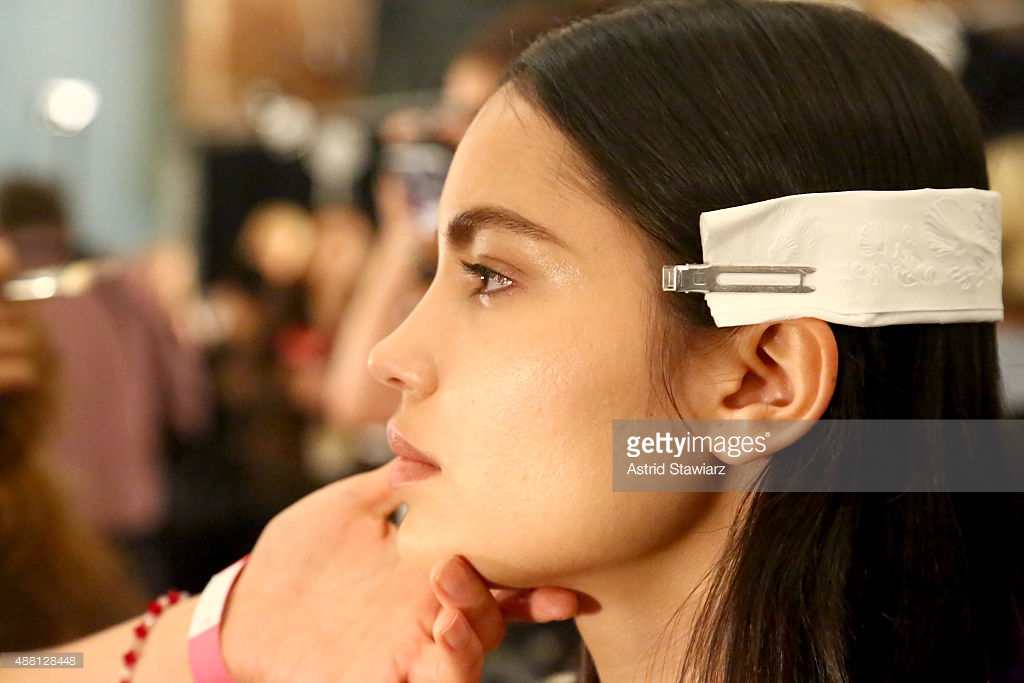
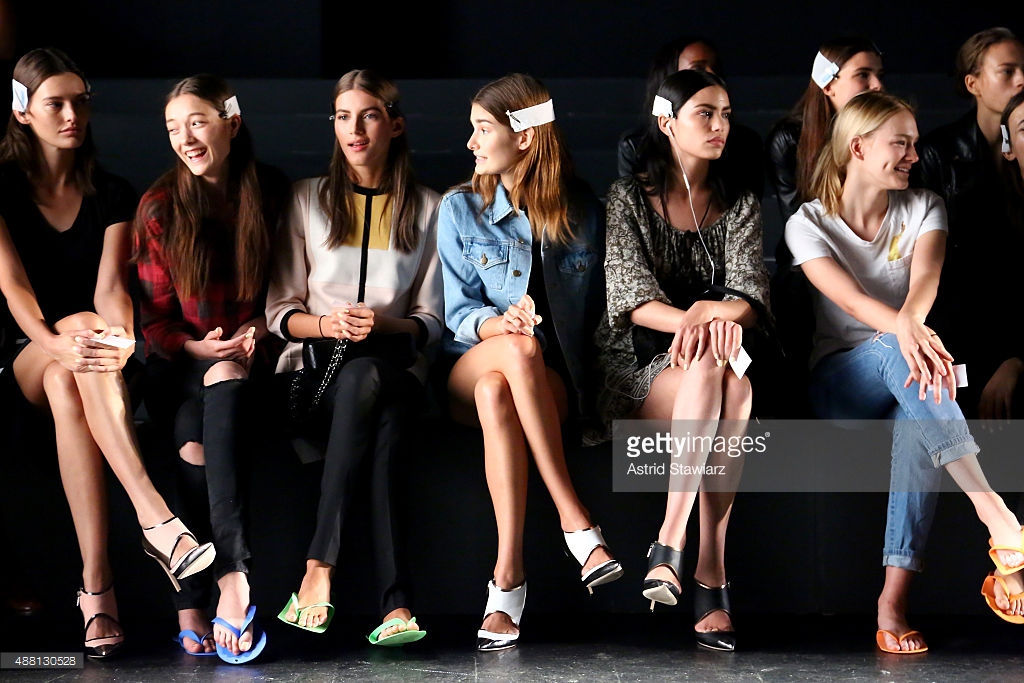
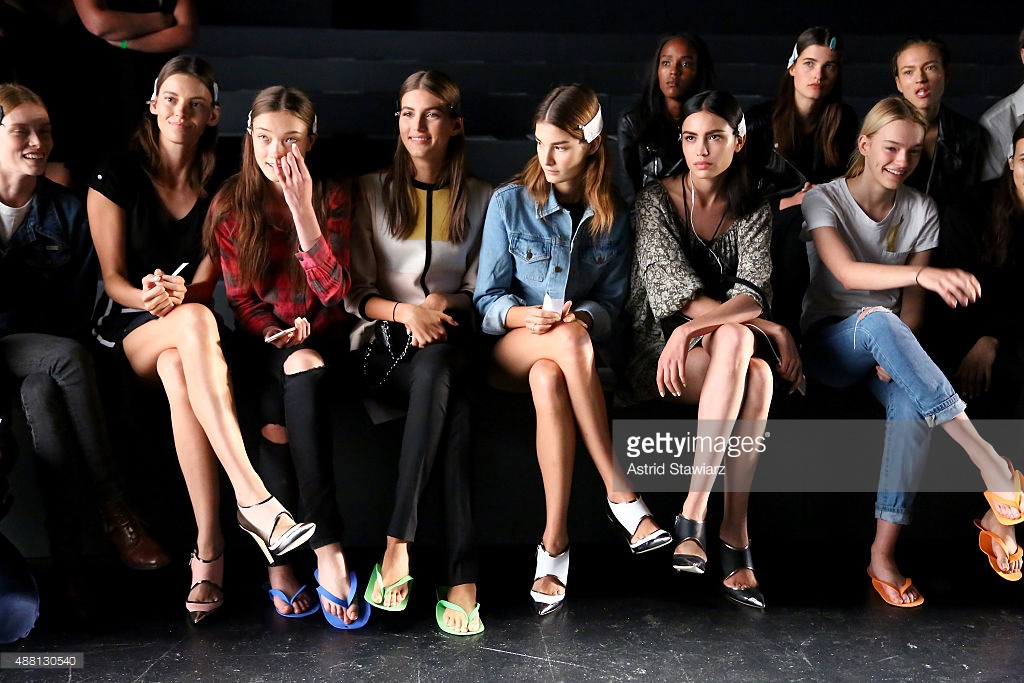
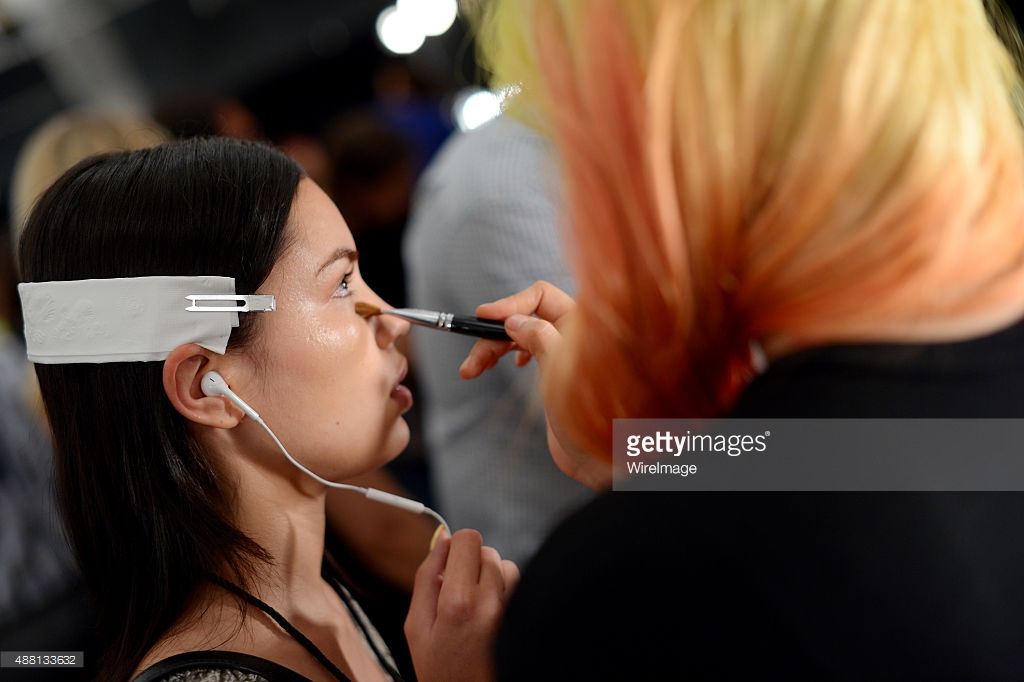
Backstage at Prabal Gurung getty images
According to wikipedia, she was born on September 15th, 1989 so that makes her 26.
С Днем Рождения Кейт!
I think the reason a lot of the big models did one show so far is because of the anniversary factor. Wang and Tisci both celebrated 10 years so they had their muses (Anna, Joan) as exclusives. It was weird Karlie wasn't at Carolina Herrera today, but maybe she had to choose between DVF and CH.
My last hope is Ralph Lauren for NY. If she's not doing him, then I don't think we'll see her anywhere soon except maybe Balmain or Versace but I wouldn't get my hopes up.
I think Kate and her agency are well aware that VS will drop her first so they want her to keep her runway momentum since that seems to be her main booking job.
Jeremy Scott S/S 2016 nowfashion
Jeremy Scott S/S 2016 nowfashion
Backstage at Prabal Gurung getty images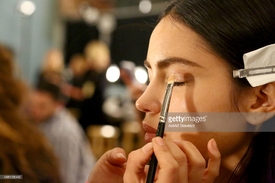
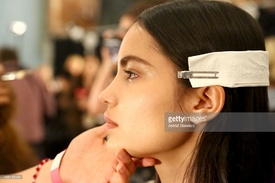
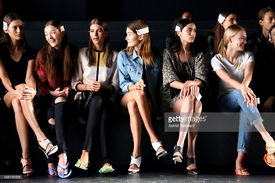
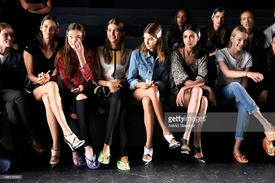
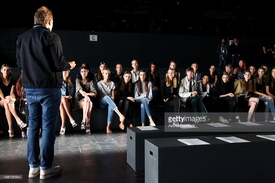
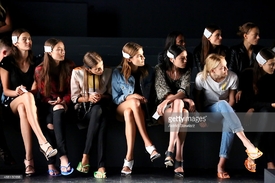
 Next Stop: Jeremy Scott
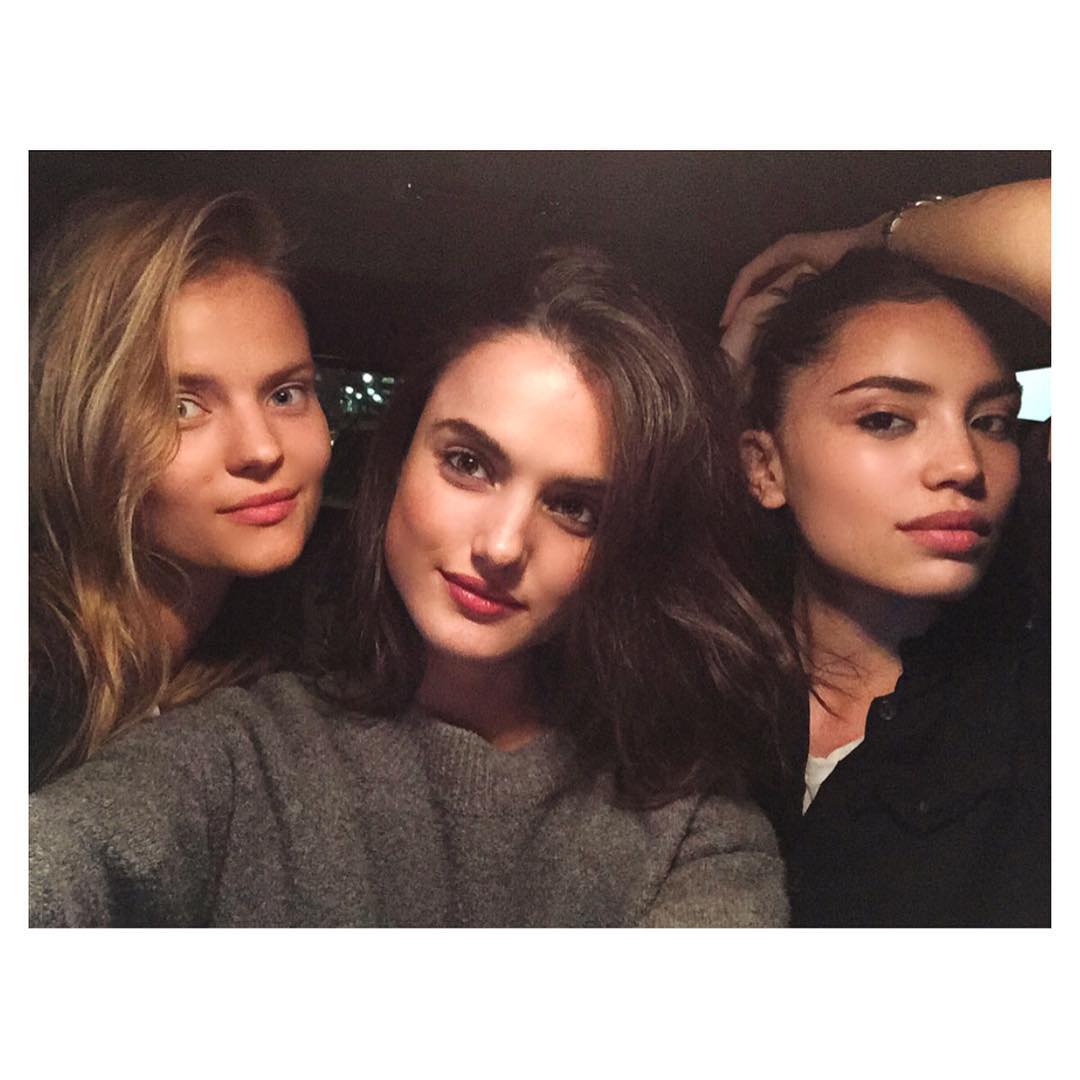
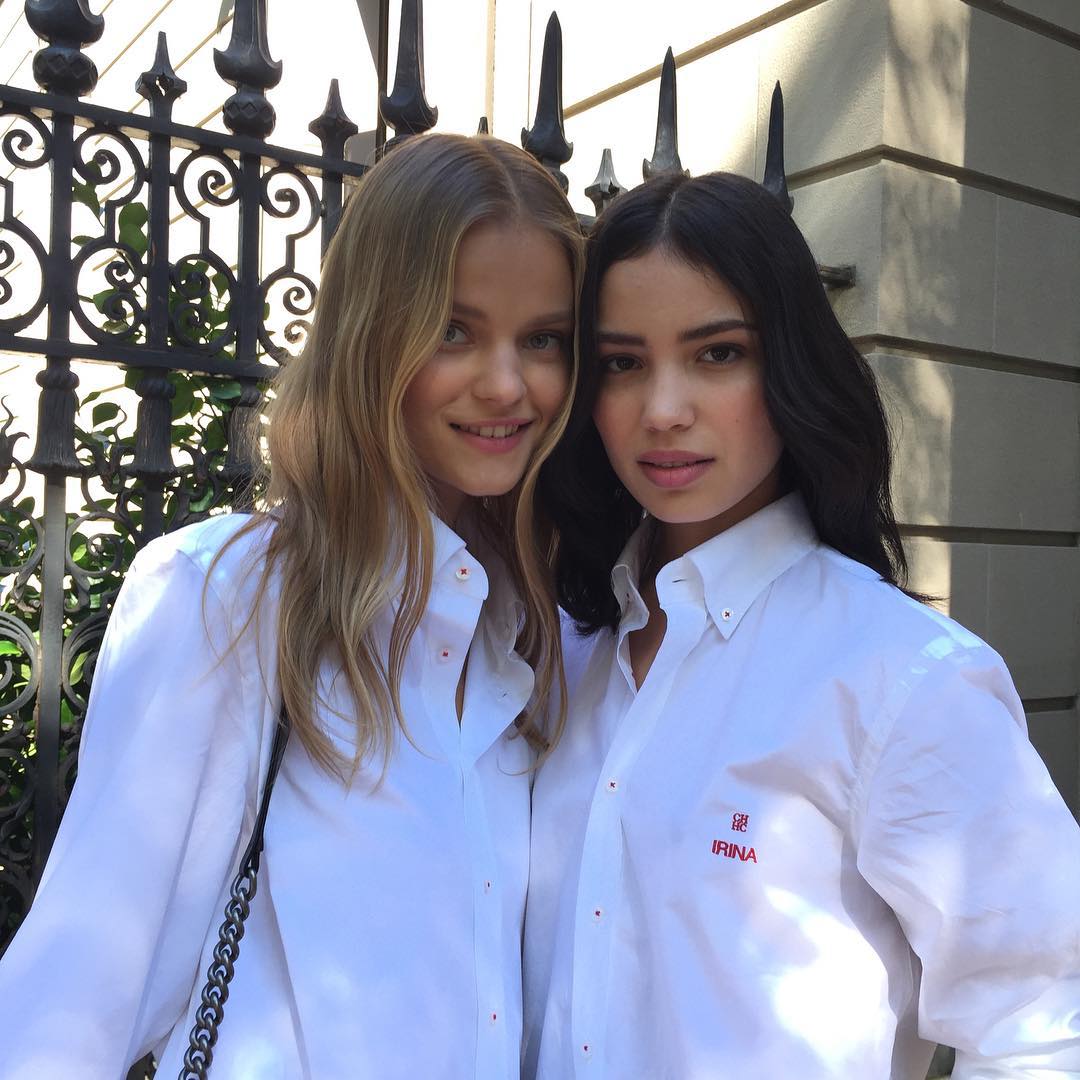
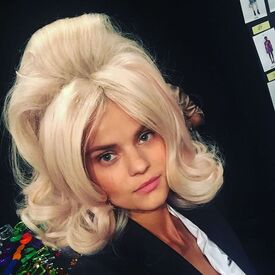 Kate and Irina by Piers Models Jam instagram
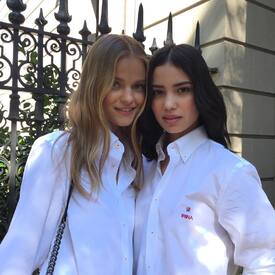 Kate and Irina by Piers Models Jam instagram
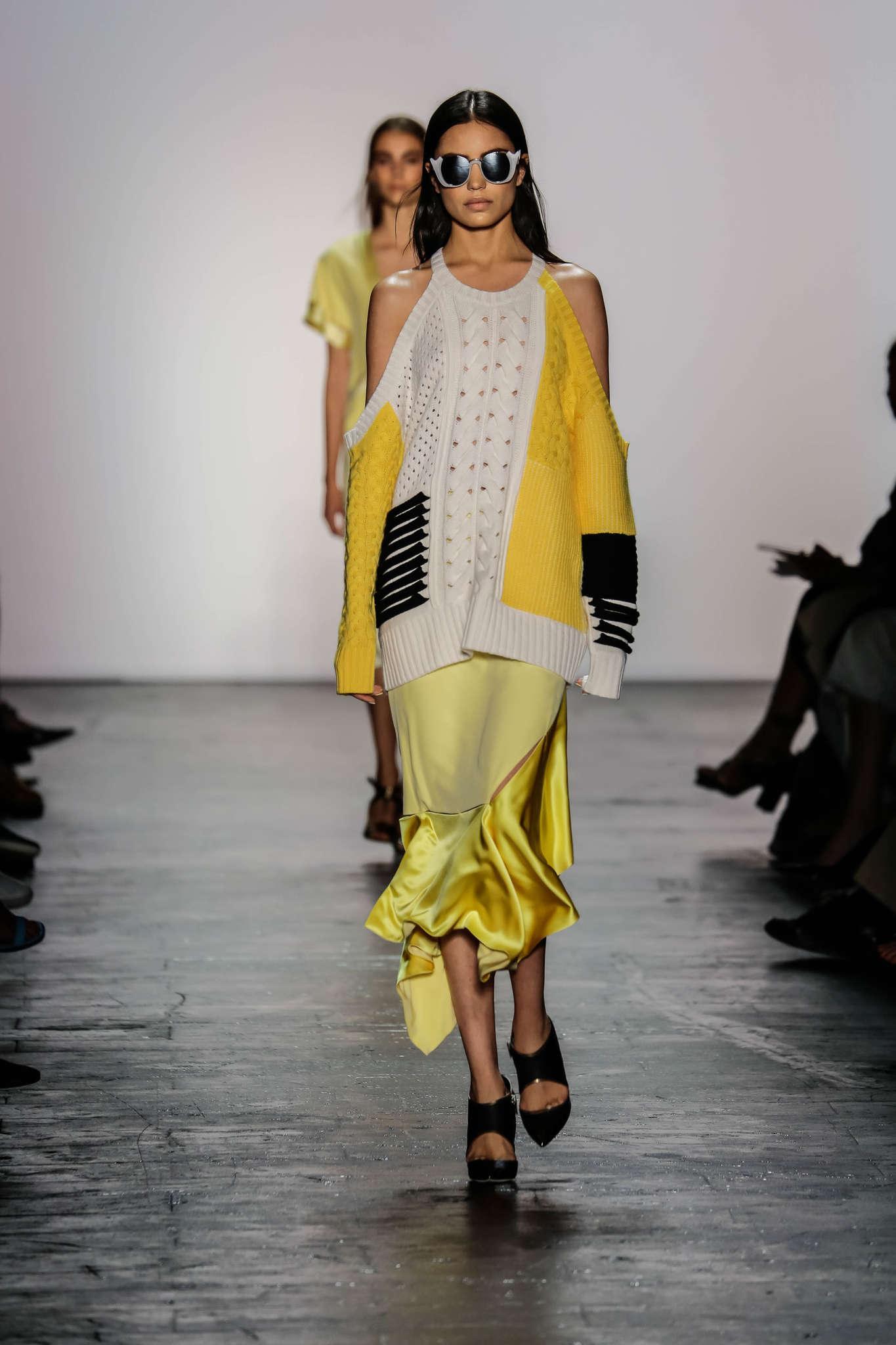
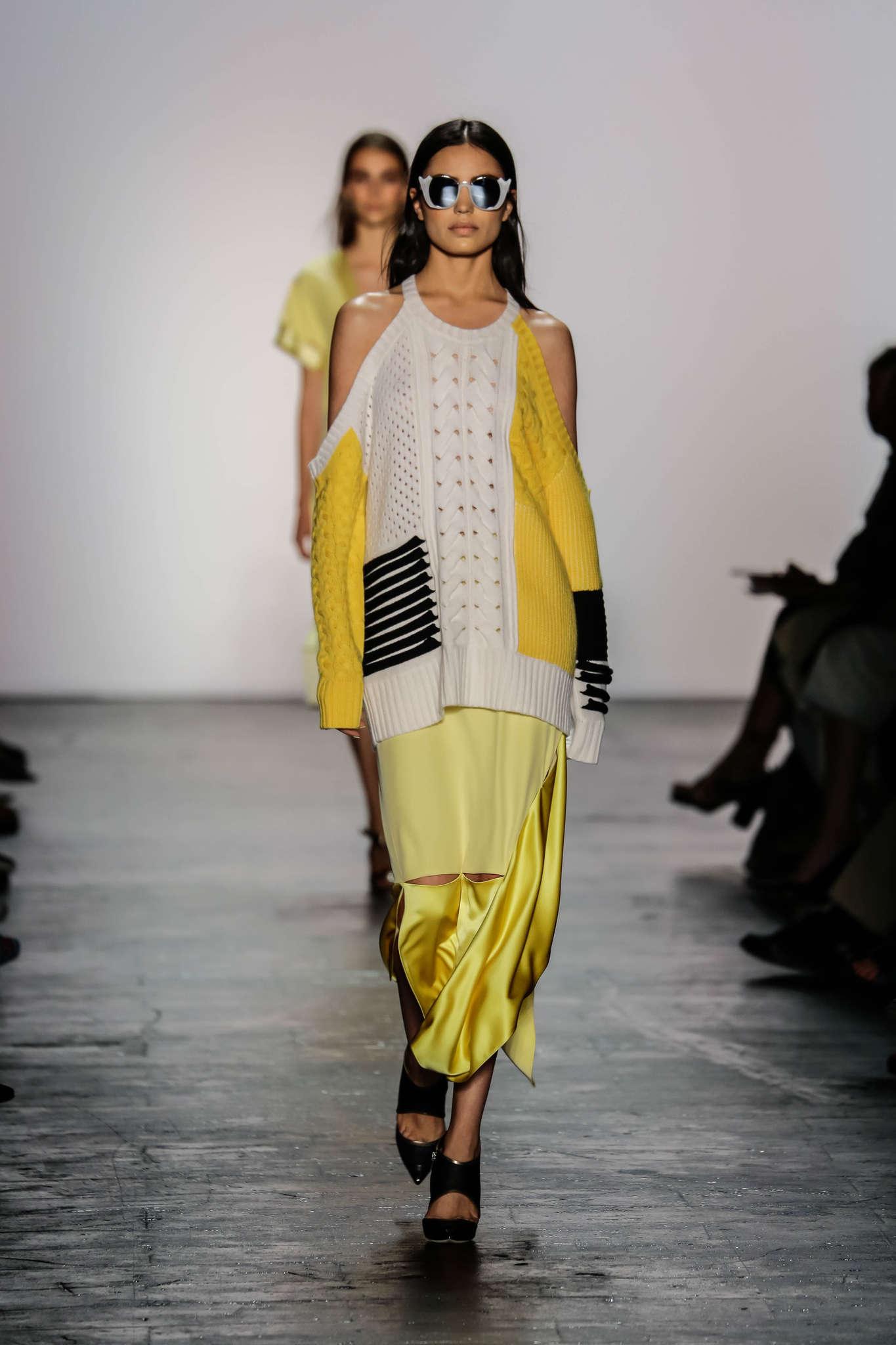
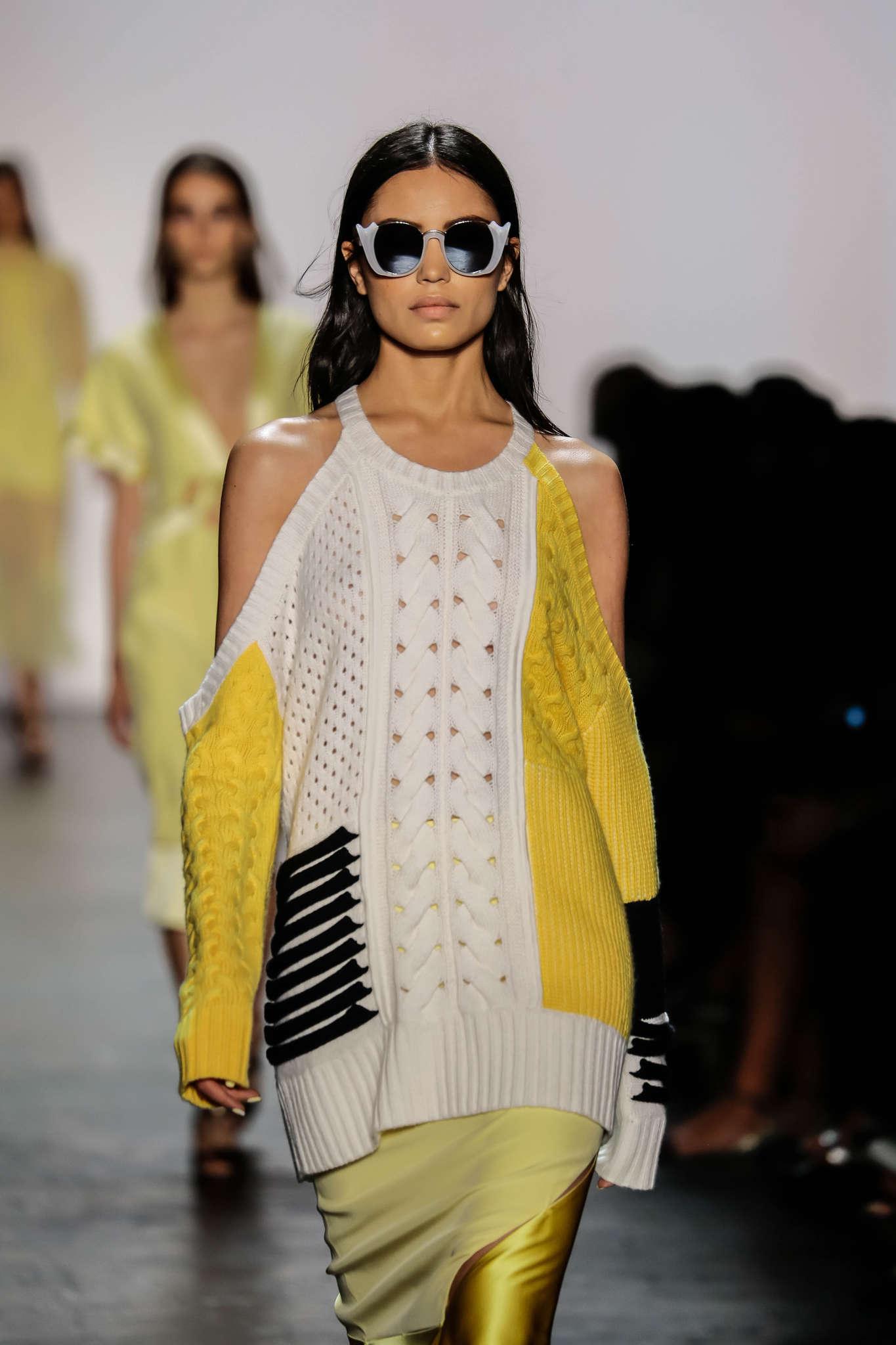
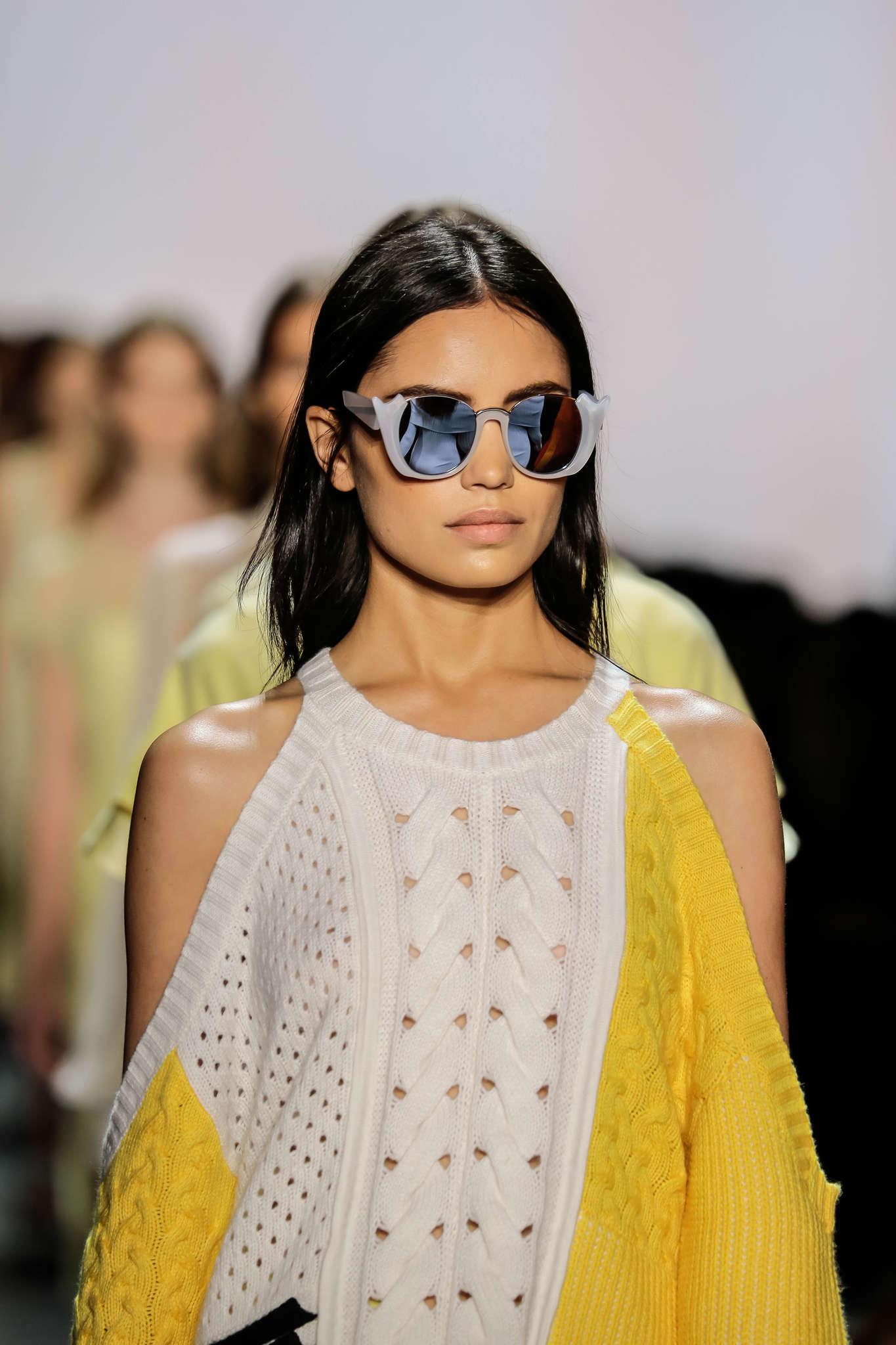
Account
Navigation
Search
Configure browser push notifications
Chrome (Android)
- Tap the lock icon next to the address bar.
- Tap Permissions → Notifications.
- Adjust your preference.
Chrome (Desktop)
- Click the padlock icon in the address bar.
- Select Site settings.
- Find Notifications and adjust your preference.
Safari (iOS 16.4+)
- Ensure the site is installed via Add to Home Screen.
- Open Settings App → Notifications.
- Find your app name and adjust your preference.
Safari (macOS)
- Go to Safari → Preferences.
- Click the Websites tab.
- Select Notifications in the sidebar.
- Find this website and adjust your preference.
Edge (Android)
- Tap the lock icon next to the address bar.
- Tap Permissions.
- Find Notifications and adjust your preference.
Edge (Desktop)
- Click the padlock icon in the address bar.
- Click Permissions for this site.
- Find Notifications and adjust your preference.
Firefox (Android)
- Go to Settings → Site permissions.
- Tap Notifications.
- Find this site in the list and adjust your preference.
Firefox (Desktop)
- Open Firefox Settings.
- Search for Notifications.
- Find this site in the list and adjust your preference.