
katchitup
Members
-
Joined
-
Last visited
Everything posted by katchitup
-
 ^I like it, its simple and sexy just as most of VS's outfits should be
I actually kinda like Barbaras outfit
LOL pink Seriously I hope at least one good look comes from this..
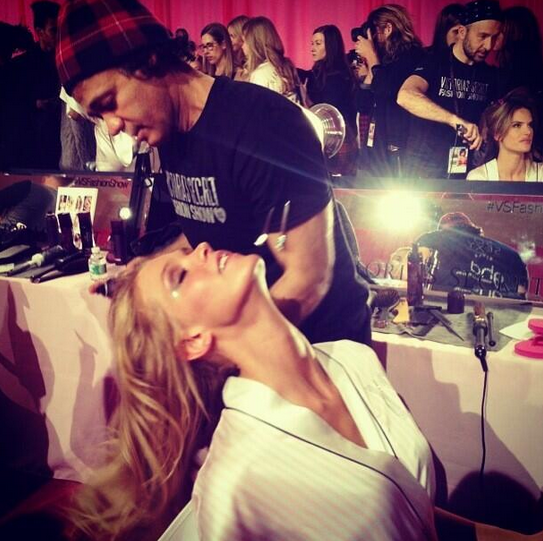
Backstage hugging Erin
^I like it, its simple and sexy just as most of VS's outfits should be
I actually kinda like Barbaras outfit
LOL pink Seriously I hope at least one good look comes from this..
Backstage hugging Erin Backstage hugging Candice
LOVE how they are keeping her hair short she looks AMAZING
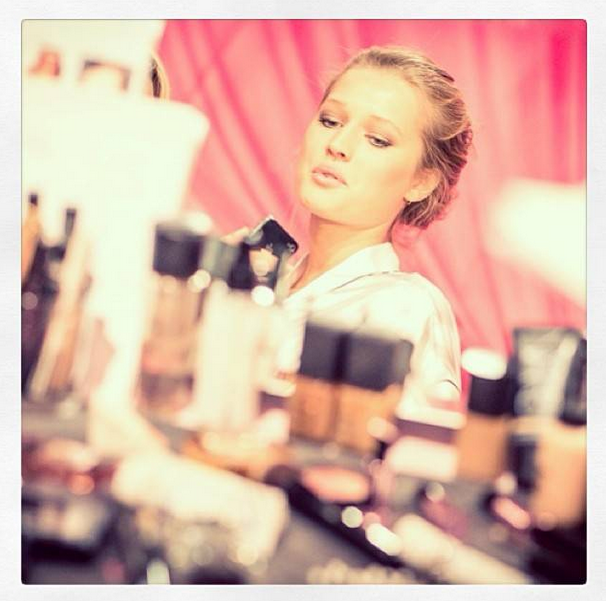
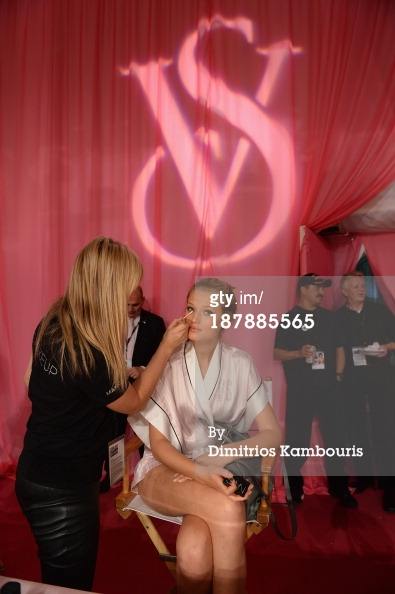
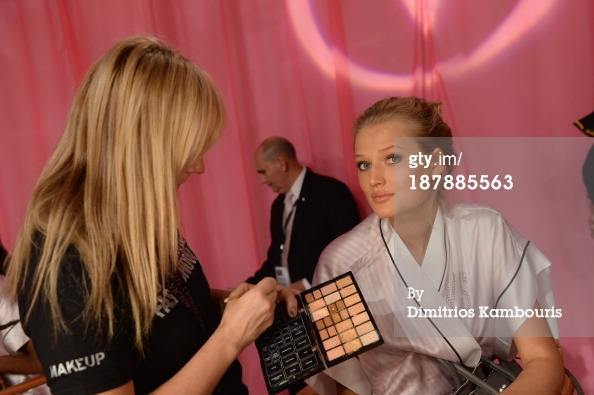
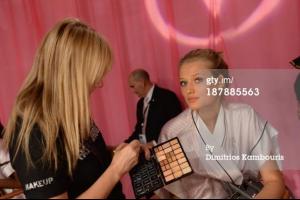
Another HQ (that makeup )
Backstage hugging Candice
LOVE how they are keeping her hair short she looks AMAZING
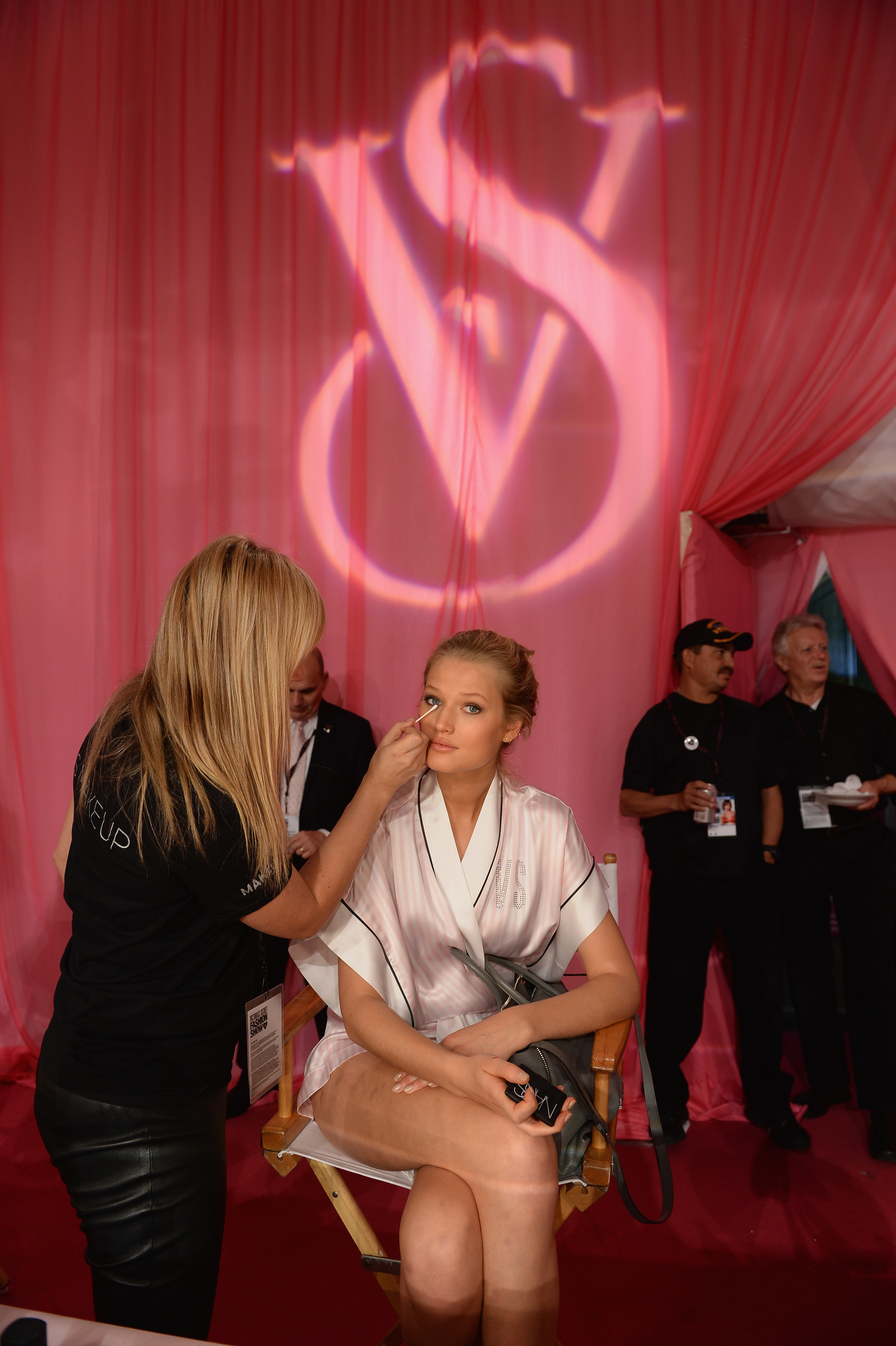
Another HQ (that makeup ) Some HQ pics from backstage here: http://www.justjared.com/photo-gallery/2991830/victorias-secret-angels-prep-for-fashion-show-2013-pics-07/
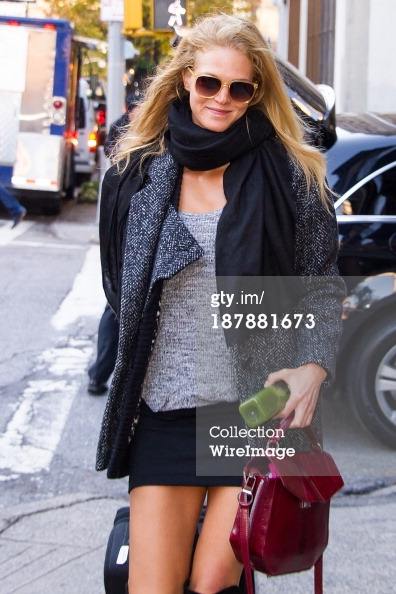
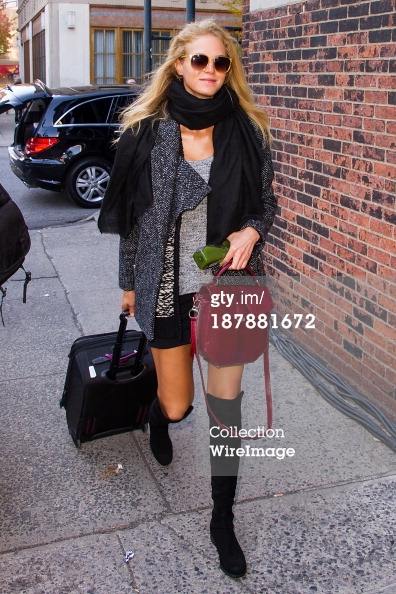
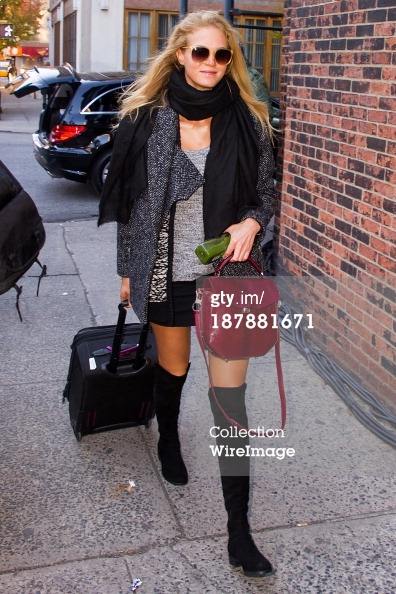
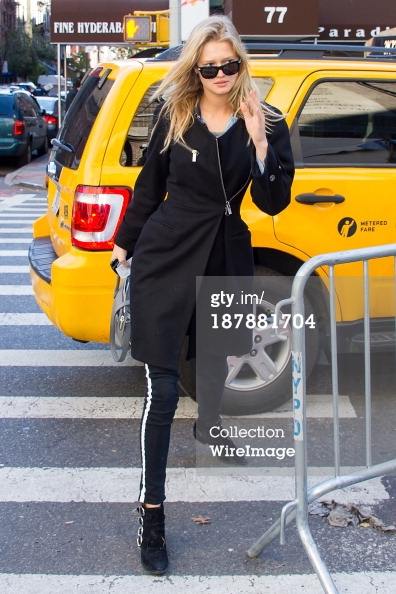
Via GettyImages
Some HQ pics from backstage here: http://www.justjared.com/photo-gallery/2991830/victorias-secret-angels-prep-for-fashion-show-2013-pics-07/
Via GettyImages


 Via GettyImages
 Looks fine to me sorry my friend posted that..I removed it right away
Account
Search
Configure browser push notifications
Chrome (Android)
- Tap the lock icon next to the address bar.
- Tap Permissions → Notifications.
- Adjust your preference.
Chrome (Desktop)
- Click the padlock icon in the address bar.
- Select Site settings.
- Find Notifications and adjust your preference.
Safari (iOS 16.4+)
- Ensure the site is installed via Add to Home Screen.
- Open Settings App → Notifications.
- Find your app name and adjust your preference.
Safari (macOS)
- Go to Safari → Preferences.
- Click the Websites tab.
- Select Notifications in the sidebar.
- Find this website and adjust your preference.
Edge (Android)
- Tap the lock icon next to the address bar.
- Tap Permissions.
- Find Notifications and adjust your preference.
Edge (Desktop)
- Click the padlock icon in the address bar.
- Click Permissions for this site.
- Find Notifications and adjust your preference.
Firefox (Android)
- Go to Settings → Site permissions.
- Tap Notifications.
- Find this site in the list and adjust your preference.
Firefox (Desktop)
- Open Firefox Settings.
- Search for Notifications.
- Find this site in the list and adjust your preference.