
BarbieErin
Members
-
Joined
-
Last visited
Everything posted by BarbieErin
-
 Great news, thanks ox.
 -
ox: thanks for all this great pics. Can't wait to watch all this interviews. Another Q&A video. https://www.youtube.com/watch?v=oNUVf-xKLss
-
thanks ALL for the updates.
-
Love him in gray too, especially light gray.
-
Oh thanks fash for the link.
-
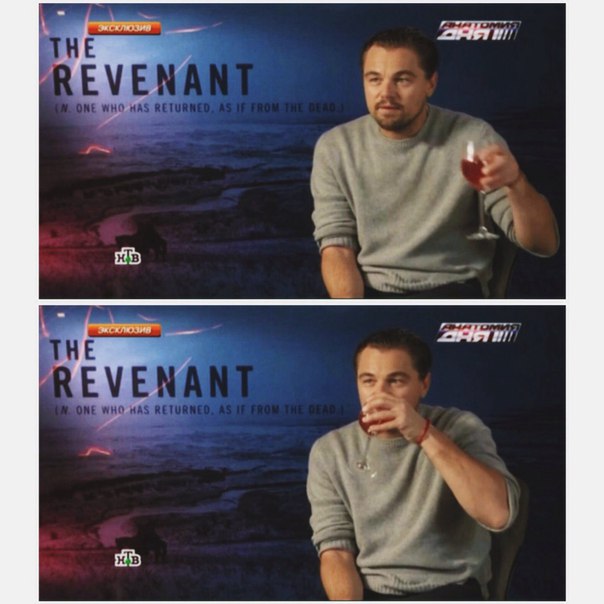
thanks jade, ox and kat for the news. Found this, I wonder what they gave him to drink?

-
That's amazing. 9 nods? WOW! Congrats to Leo, Tom and all involved in Revenant!!!
-
ox: thanks for the updates. The Wired interview is great and another win to Leo is great too. I also tried to upload the pics from the article, but failed.
-
LOVED THIS PIC.
-
Another tv spot, this time from GG noms. https://www.youtube.com/watch?v=snayg2O8xdg
-
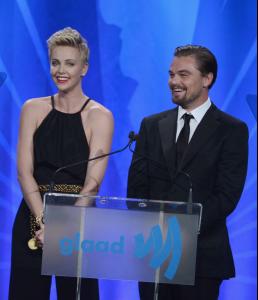
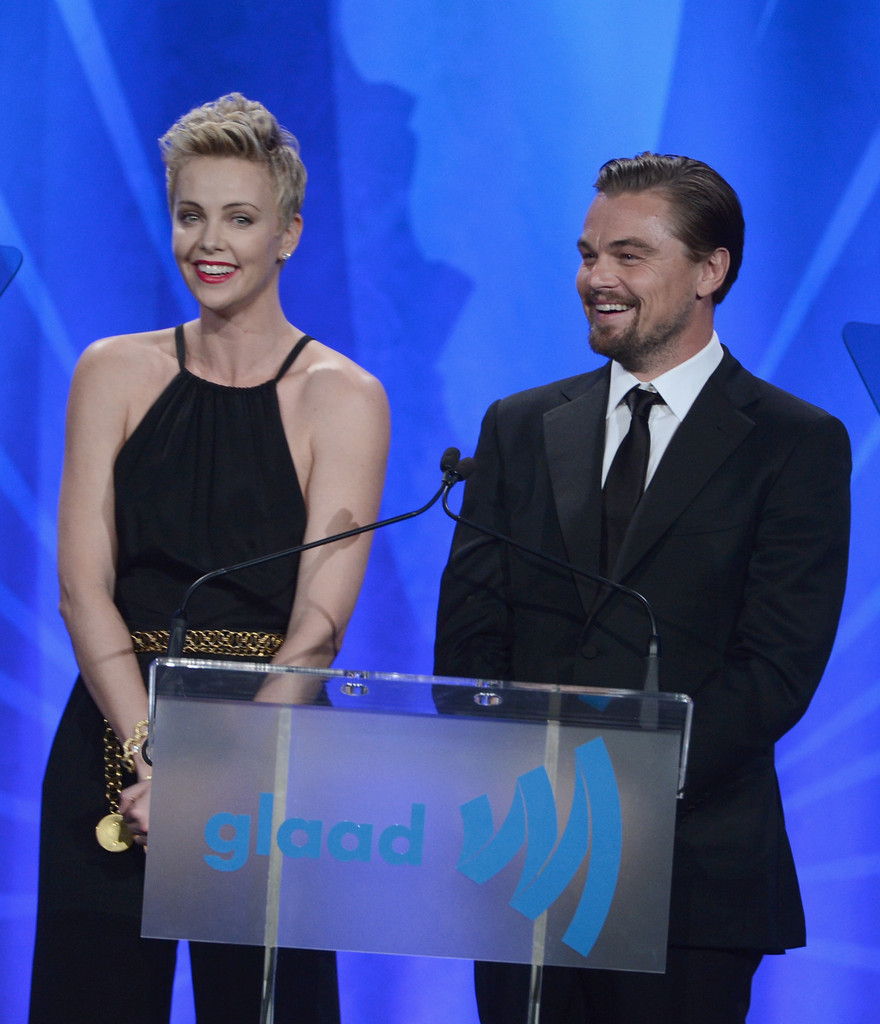
Ox, if I'm not mistaken this pic was taken on GLAAD media awards back in 2013. Remember him and Charlize on stage?
-
thanks all for the updates.
-
Nice. I read Shutter Island and Gatsby before watch the movies. But this time I want to be surprised, hehe.
-
And I will probably see just in february on tv, IF the commercial show up here in Brazil, lol.
-
You will read the book?
-
Another Revenant commercial: Don't give up! https://www.youtube.com/watch?v=vRX1e6b0nVE
-
Leo talking about Hugh Glass. https://www.youtube.com/watch?v=QqMrmSJdOhE
-
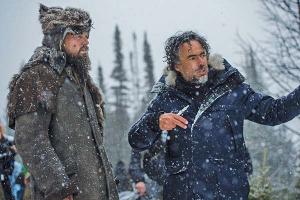
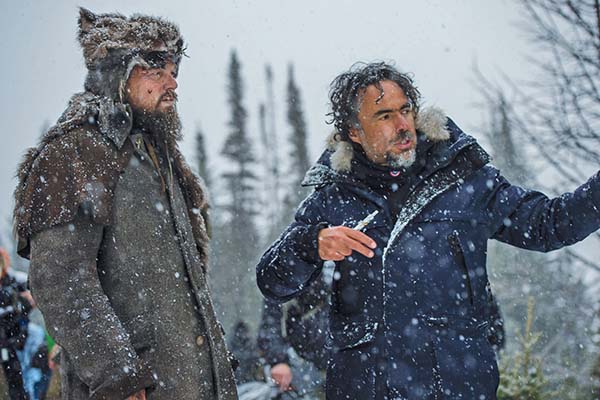
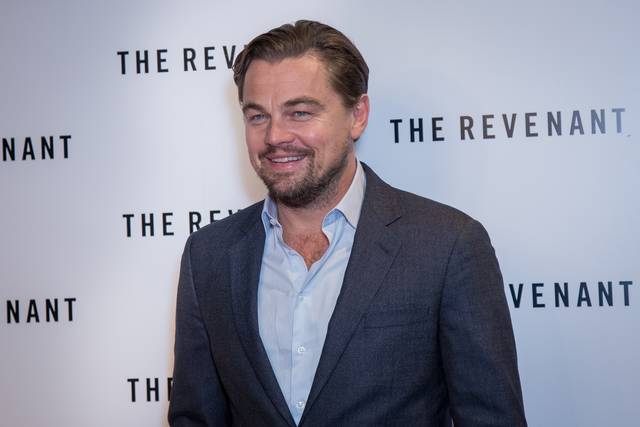
Another from Revenant set. And one more from London event.

-
thanks all for the updates, great stuff.
-
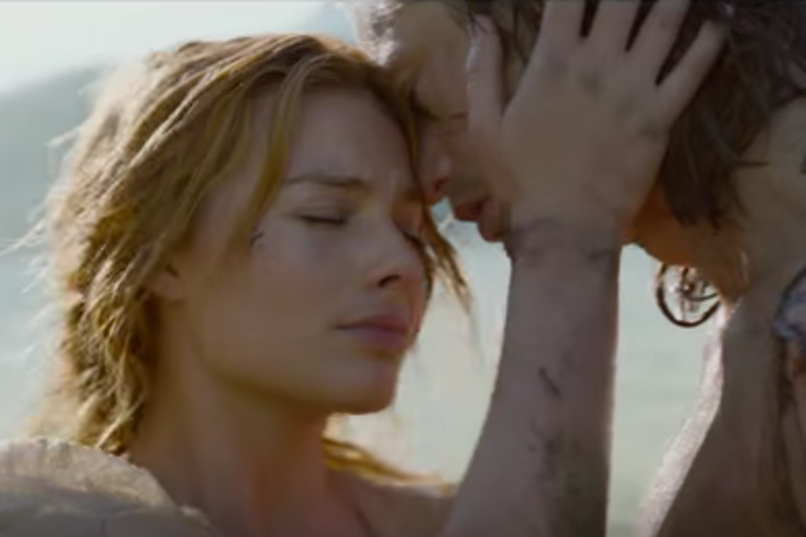
The Legend of Tarzan trailer. Some screen caps of Margot from the trailer.
.thumb.jpg.22040d764244c1ca5b2899d46ab9907e.jpg)

.thumb.jpg.fa0a440f9c52df15ac110dc77a747f7b.jpg)
.thumb.gif.db11185d7742733045543d34792431c2.gif)
-
Go Leo, you deserve all the recognition. thanks ox for his quote, loved.
-
One more still. Alejandro talking about working with Leo. https://www.youtube.com/watch?v=FStGMoqau94

-
thanks maddog, it's working for me now.
-
Congrats to Leo for his SAG nom!
-
thanks all for the upddates.
.jpg.b77409202339c7f545ce6e20157d43f6.jpg)
.jpg.eef6ee8228894227cd89ae2fe6ca4f39.jpg)
.gif.f2e1dfa4e396d42da33effecccf2eabd.gif)