radolgc
Members
-
Joined
-
Last visited
Everything posted by radolgc
-
 And she looks superb in the VS photos
 -
Pffff, you are very rude and arogant writing such things. I hope there are admins who can give you some wisdom, cause you clearly need a lot of it
-
Horrible styling.....i wonder how she agreed to pose like that.
-
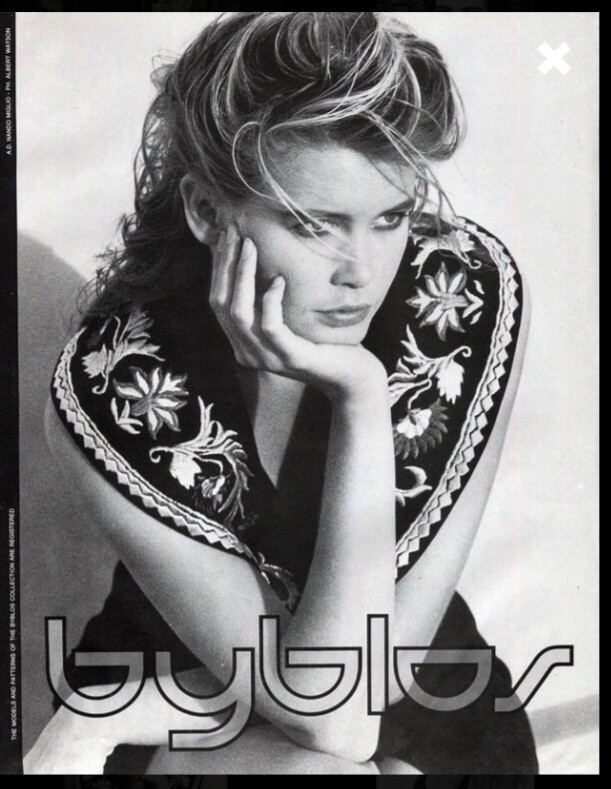
It is not unpublished, it looks very much published in a few magazines, i already have it in my collection...i think i even posted all my Byblos ads here, here is my scan:
Halleluja....thank you again for these words, everything was on point. I have been a fan and collector of her work for years and i am sure she is very very happy despite all weird opinions expressed here. Models usually have short careers, but top models(who she clearly is) can have much longer ones and she had it. And still having it from time to time. She does not need to work and she clearly is a very intelligent individual and knows perfectly well what industries are all about and especially her reaction to the corona circus(which prooves again she is wise and consious), also having a big family....so we can not expect her to keep working. It is HER choice. She can model anytime if she wants. She simply does not need it or wants to waste time with noncense.
Thank you for saying that. I had an impression that all people here have a lot of dramatic issues with other people's personal lives...lok
What is Adria? A country? Now every place has a Vogue...crazy
Wow, Gorgeous!!!
Considering the size, the quality of the paper and the content, it is not expensive at all.
Is the editorial a reprint from US Bazaar?
I thought the same. These images are not her best. From all older models out there, only Lauren Huton managed to look good on every photo. Christy is gorgeous, but she is not so young anymore and photographers have to be more careful. It seems they are not.
Yes, i saw this disturbing event and could not quite get it, either...the poor animal looked stressed out. Have not seen the movie, i am a fan of Claudia, not her pets or family business...hopefully it all makes sense for her, cause for an outside observer(even knowing some facts) it is quite disturbing. She is a wise, clever and intelligent woman, so probably i do not have enough information to have a clear picture. However i am very happy to see her on the cover and inside. From all supermodels she and Kristen still have a very youthfull look!
She looks stunning!! Great images! No idea why this sad cat is in...hopefully the breed just looks like that.
Can you ask for 2 copies, pleaseeeee. Yes, the quality of this one is better than the D
Well, it is this weekend's edition. I guess it comes out today, so run to all news agents around London and check where they might have it. The best is to ask someone who lives in Italy to get it for you. It is a cheap newspaper. Unfortunatelly the magazine is printed on horrible paper and it is very sad and disturbing to see beautiful images of our favorite models being printed in such a bad way. The quality is really awful, so you might get disapointed. Only the cover is printed on thicker paper.
Let's hope the paper is not as shitty as usual. When you actually get it in your hands and see the quality of the paper, it is not stunning anymore...lol...it becomes sad.
It has been a supplement to La Republica, the Italian newspaper, it is a very popular magazine, but on ultra shitty paper:(
Donna Karan campaign is the best project she was involved in recently imo. The rest are questionable. The Donna K ads are indeed Iconic.
This is all very subjective. Although i am a Doutzen fan, she is not an Icon, so she did not belong there...as well as the majority of other people there.
This silly cover features exactly 40 people and only 4 of them are real Icons🤣🤣🤣🤣
They made a huge mistake writing there are 40 Icons on this cover...lol...I counted maximum of 10 Icons, the rest are not even close to the term model, let alone icon🤣🤣🤣
Yes, i have never seen it before, either...seems really rare.
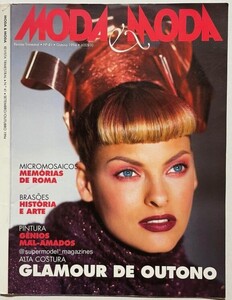
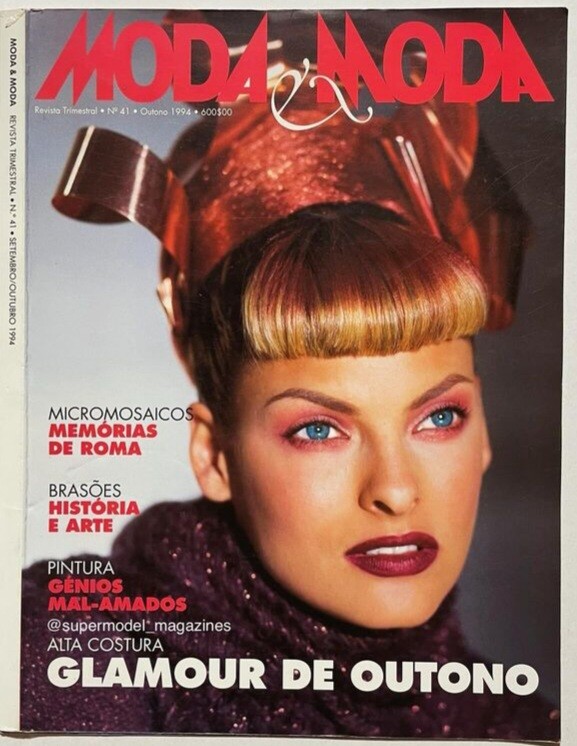
This rare cover was posted on instagram today, Portugese magazine dated 9-10/1994, photo by Karl Laferfeld: