COP11
Members
-
Joined
Everything posted by COP11
-
 King Bane Philippe
Nicole Sara Jenny
in love with Dark Beauty magazine!
This makes me happy! Hopefully it happens!
I cannot wait!!
Ale Face: 10 Body: 7 How well does she represent the brand? 9 Charisma: 10 X-Factor/Star Quality: 10 Jessica Face: 2 Body: 3 How well does she represent the brand? 0 Charisma: 5 X-Factor/Star Quality: 0
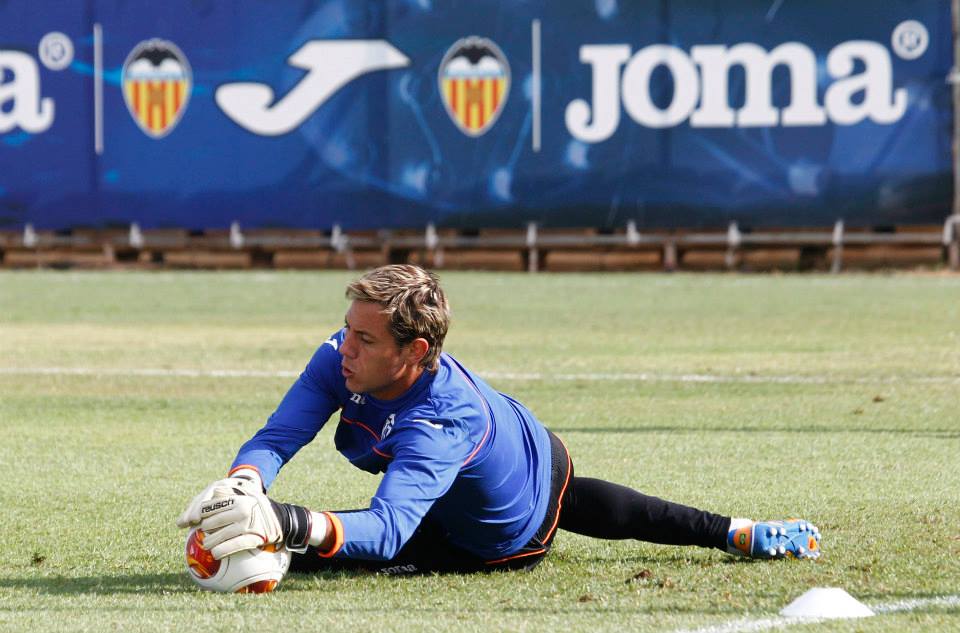
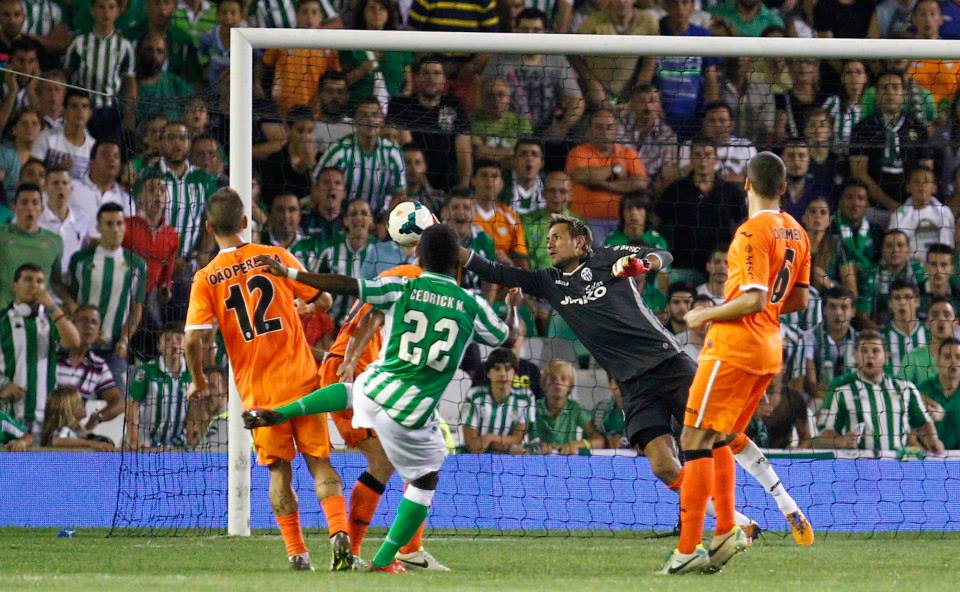
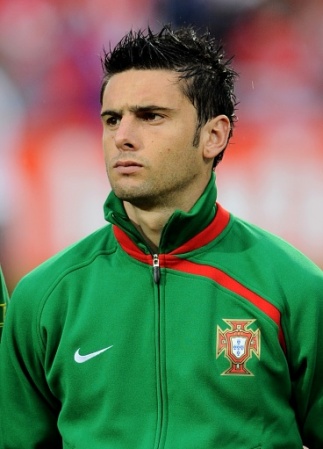
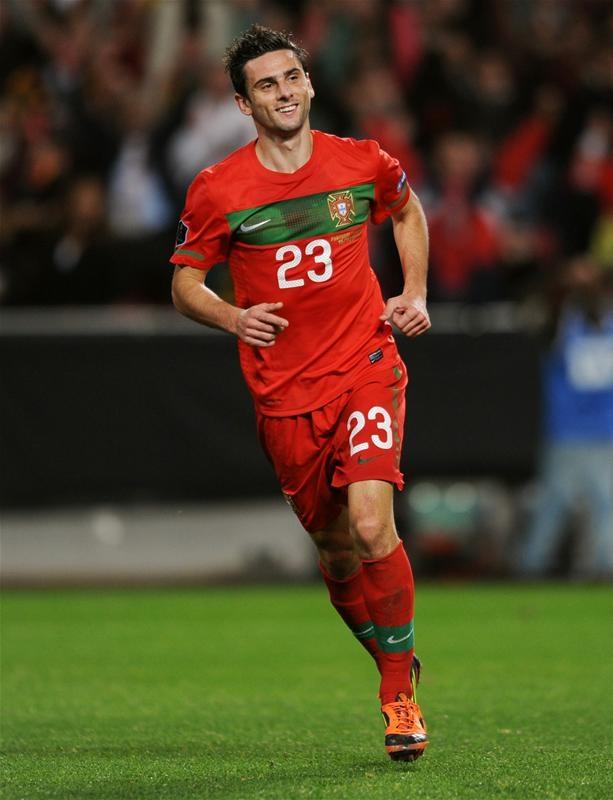
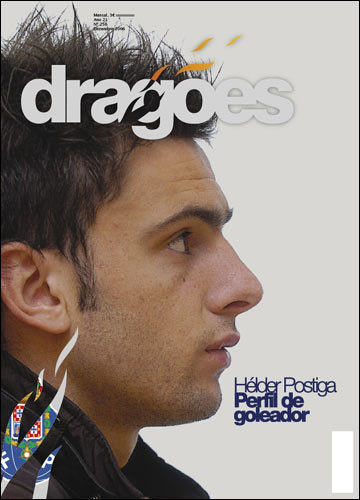
Hélder Manuel Marques Postiga (born 2 August 1982) is a Portuguese professional footballer who plays for Valencia CF in Spain, as a striker. After starting professionally at Porto, Postiga went on to have spells in England (one season with Tottenham Hotspur), France and Greece (five months apiece), before returning to his country with Sporting. A Portuguese international on more than 60 occasions, Postiga represented the country in one World Cup and three European Championships, helping the national team reach the final at Euro 2004.
King Bane Philippe
Nicole Sara Jenny
in love with Dark Beauty magazine!
This makes me happy! Hopefully it happens!
I cannot wait!!
Ale Face: 10 Body: 7 How well does she represent the brand? 9 Charisma: 10 X-Factor/Star Quality: 10 Jessica Face: 2 Body: 3 How well does she represent the brand? 0 Charisma: 5 X-Factor/Star Quality: 0
Hélder Manuel Marques Postiga (born 2 August 1982) is a Portuguese professional footballer who plays for Valencia CF in Spain, as a striker. After starting professionally at Porto, Postiga went on to have spells in England (one season with Tottenham Hotspur), France and Greece (five months apiece), before returning to his country with Sporting. A Portuguese international on more than 60 occasions, Postiga represented the country in one World Cup and three European Championships, helping the national team reach the final at Euro 2004.







Account
Search
Configure browser push notifications
Chrome (Android)
- Tap the lock icon next to the address bar.
- Tap Permissions → Notifications.
- Adjust your preference.
Chrome (Desktop)
- Click the padlock icon in the address bar.
- Select Site settings.
- Find Notifications and adjust your preference.
Safari (iOS 16.4+)
- Ensure the site is installed via Add to Home Screen.
- Open Settings App → Notifications.
- Find your app name and adjust your preference.
Safari (macOS)
- Go to Safari → Preferences.
- Click the Websites tab.
- Select Notifications in the sidebar.
- Find this website and adjust your preference.
Edge (Android)
- Tap the lock icon next to the address bar.
- Tap Permissions.
- Find Notifications and adjust your preference.
Edge (Desktop)
- Click the padlock icon in the address bar.
- Click Permissions for this site.
- Find Notifications and adjust your preference.
Firefox (Android)
- Go to Settings → Site permissions.
- Tap Notifications.
- Find this site in the list and adjust your preference.
Firefox (Desktop)
- Open Firefox Settings.
- Search for Notifications.
- Find this site in the list and adjust your preference.