
LAM
Members
-
Joined
-
Last visited
Everything posted by LAM
-
 Thanx I bought it ❤️
 -
https://picclick.co.uk/More-Magazine-April-2011-Lifestyle-Top-Model-Christy-145522071500.html New to me Anyone knows how many covers she has? In my website Gisele 1716 Cindy 1705 Claudia 1490 Helena 765 Linda 618 Christy 584
-
Thanx. I have never seen this pis
-
On my website https://stefmodels.com/zpages/editorials_year.php?model=isabelifontana&annee=2007
-
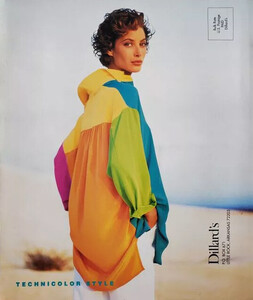
Anne Klein https://www.ebay.com/itm/235594778931?mkevt=1&mkcid=1&mkrid=711-53200-19255-0&campid=5338722076&customid=&toolid=10050

-
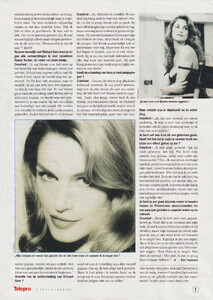
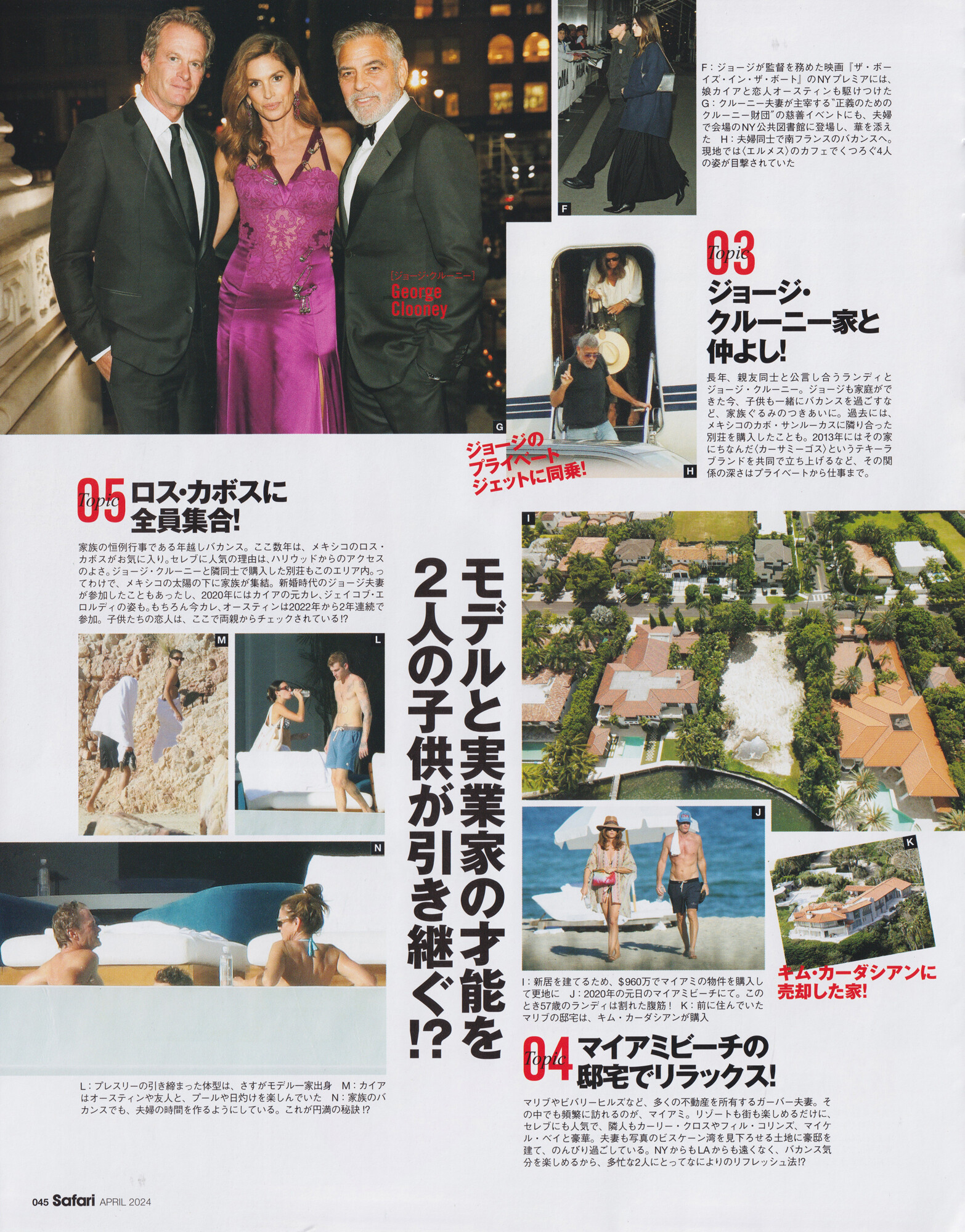
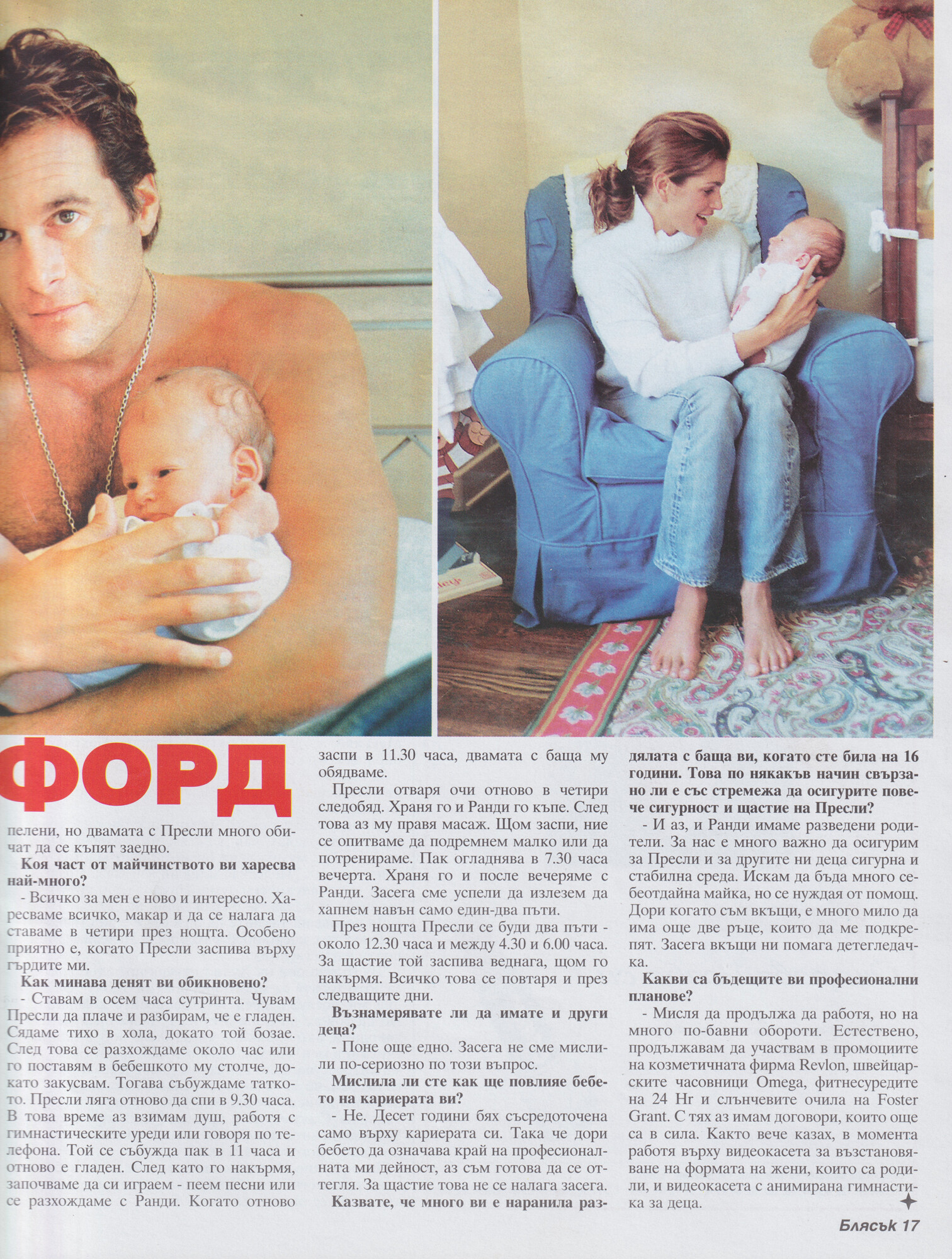
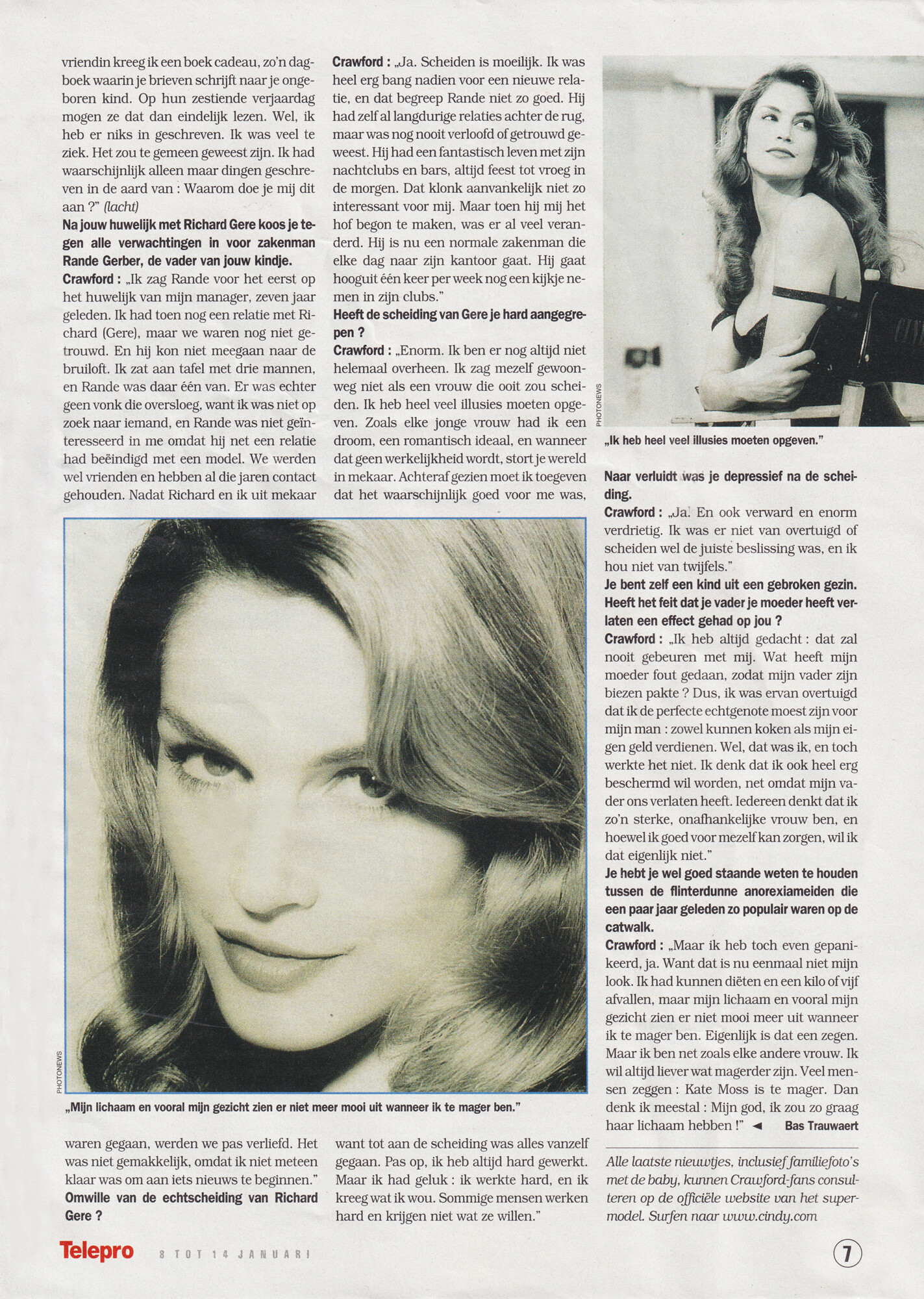
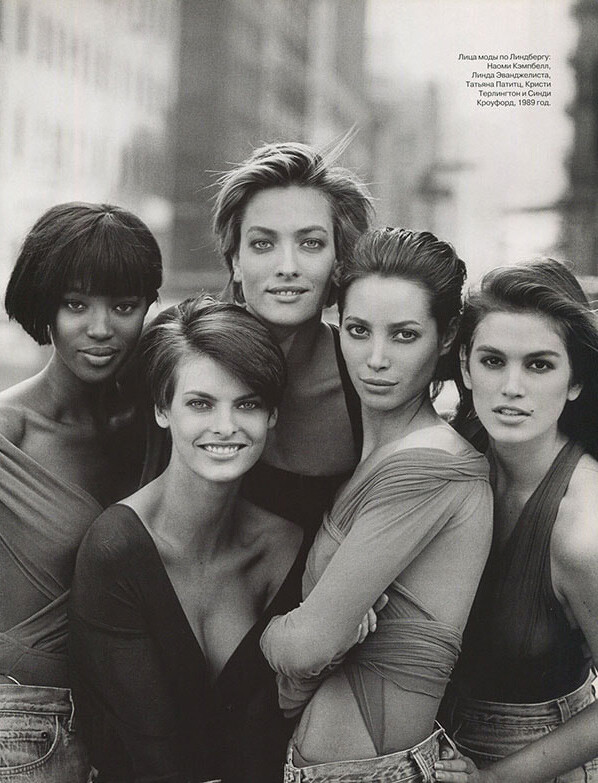
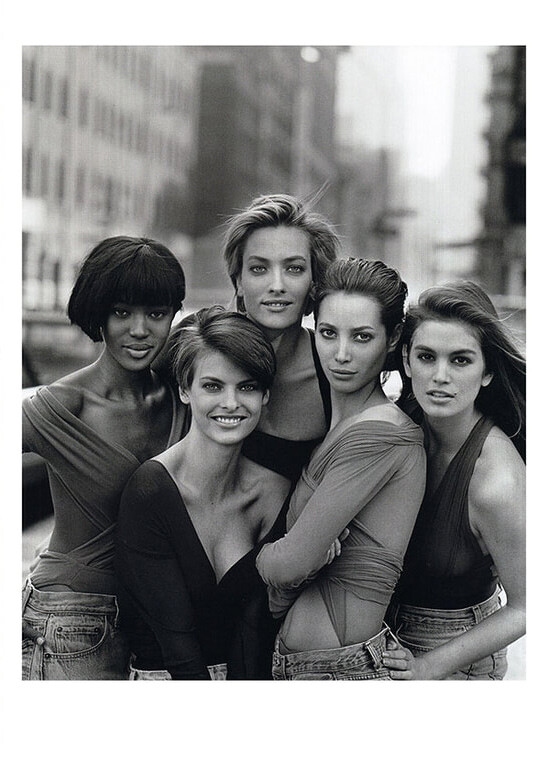
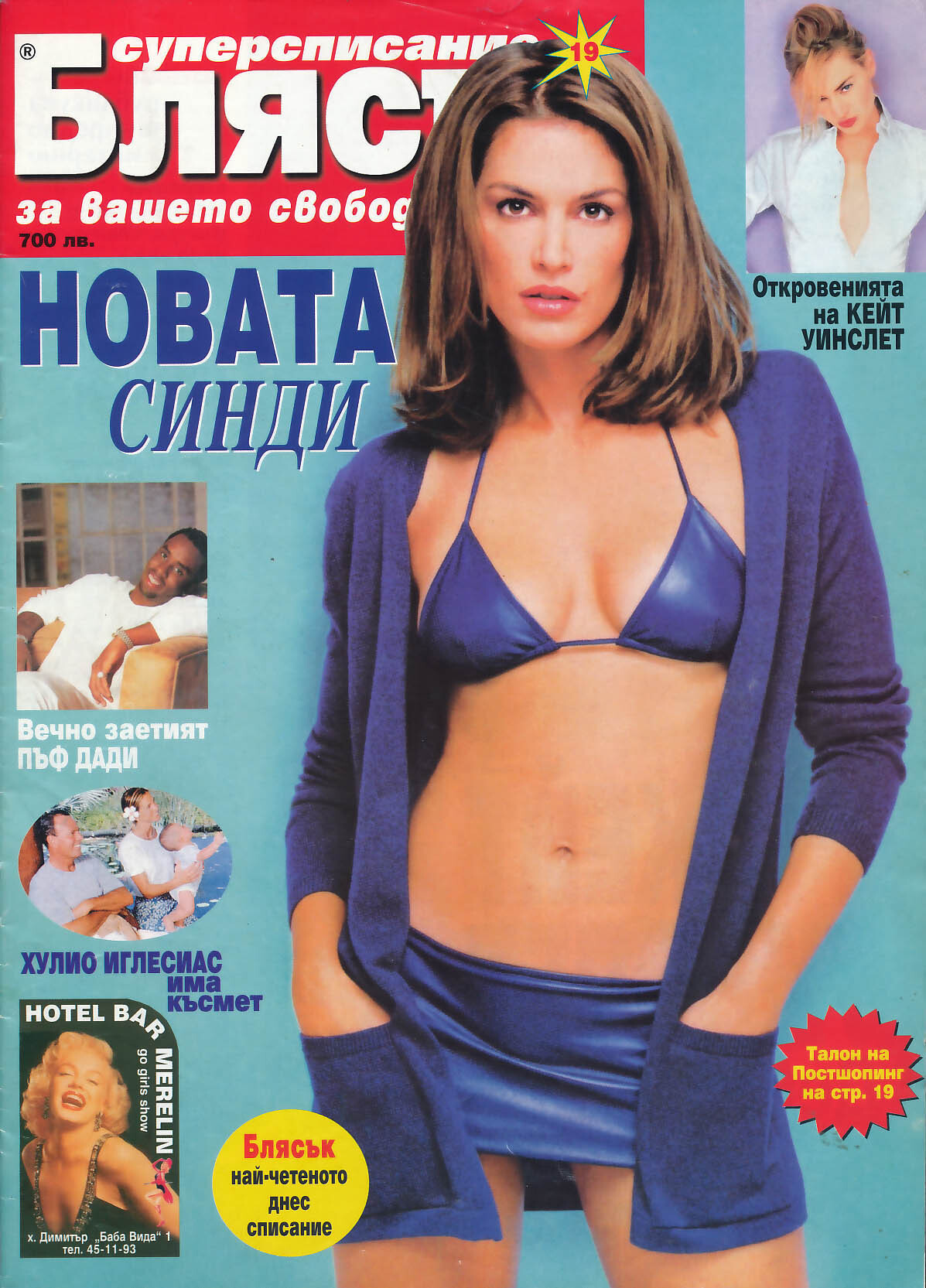
Next updates on stefmodels: - Celebrity family (Safari Japan 04-2024) - Cindy Crawford (Bliasuk Bulgaria 10-1999) - Ik heb gekregen wat ik wou (Telepro Belgium 04-01-2000) - Lindbergh Forever (Harper's Russia 05-2009) Peter Lindbergh - Peter Lindbergh women lover (Numero France 10-2016) Peter Lindbergh - The real Peter Lindbergh (Muse Italy Spring Summer 2016) Peter Lindbergh - Cindy Crawford by Albert Watson - 1989 - Blumarine FW



















-
Telepro Belgium Flanders 2000 Soon available on stefmodels

-
2013 - Immigration Reform by Albert Watson

-
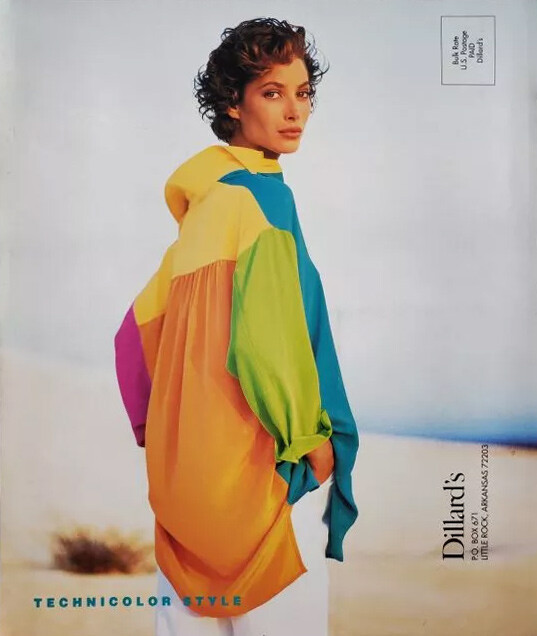
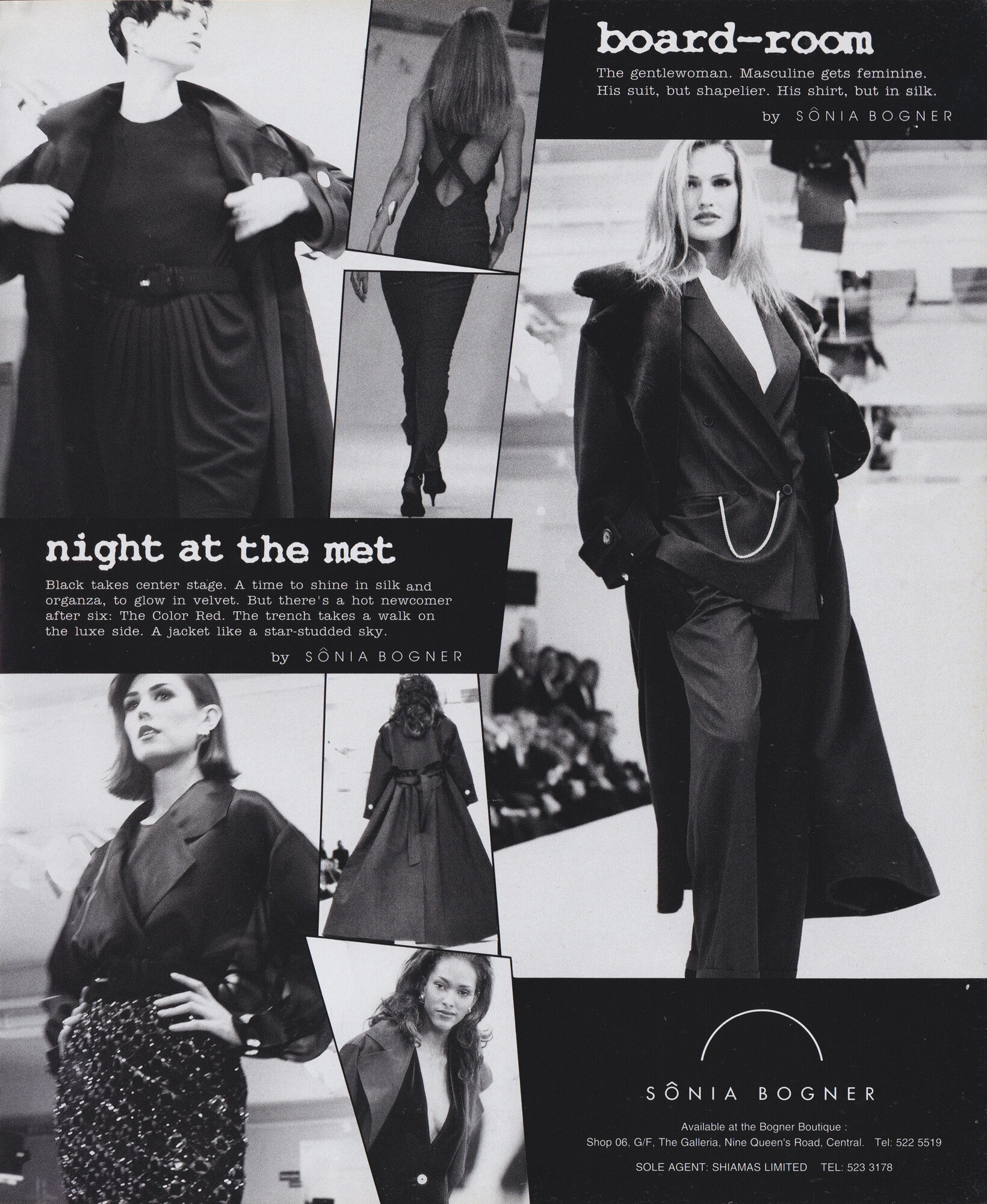
anyone knows the date of this ad?

-
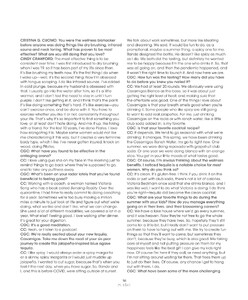
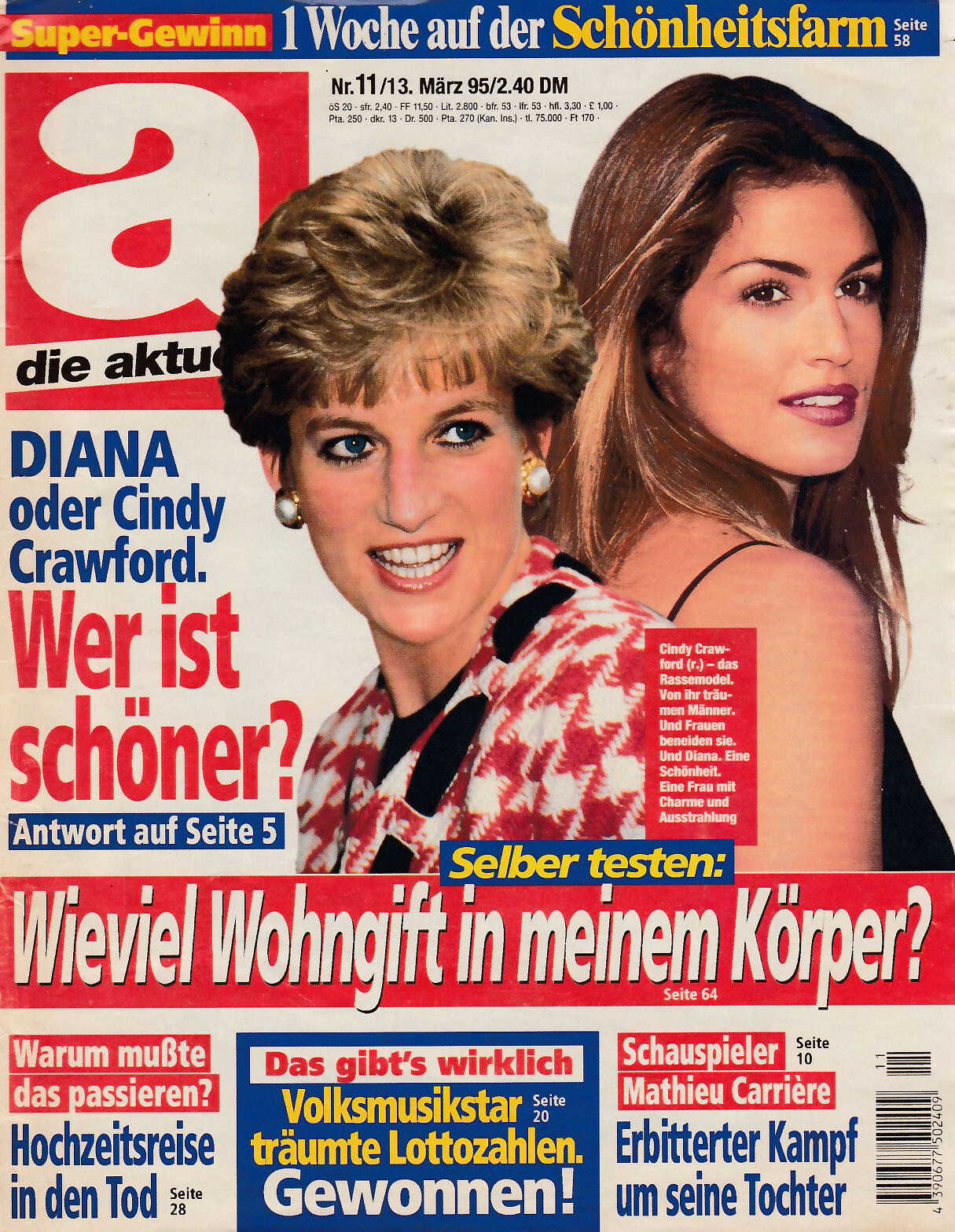
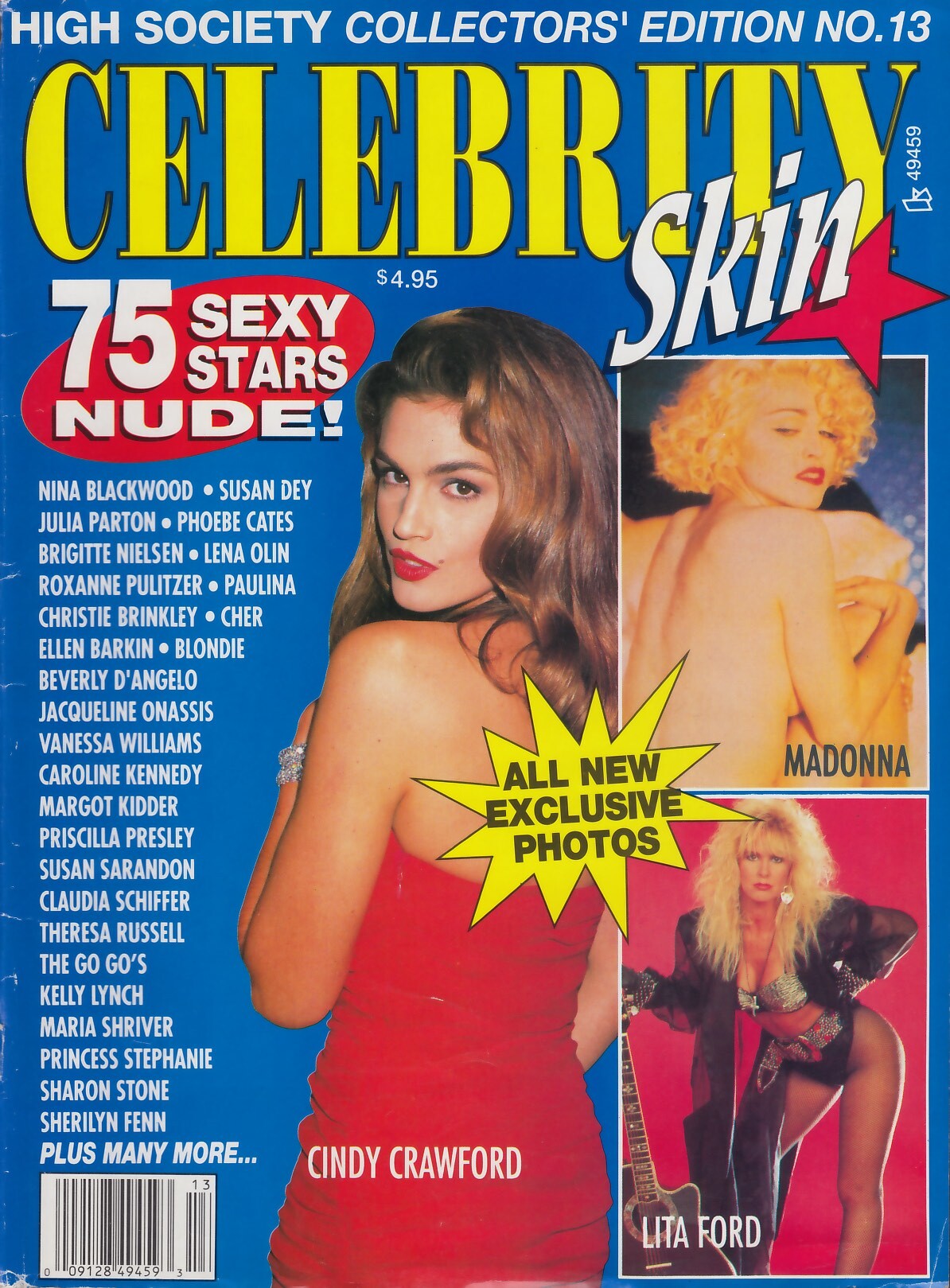
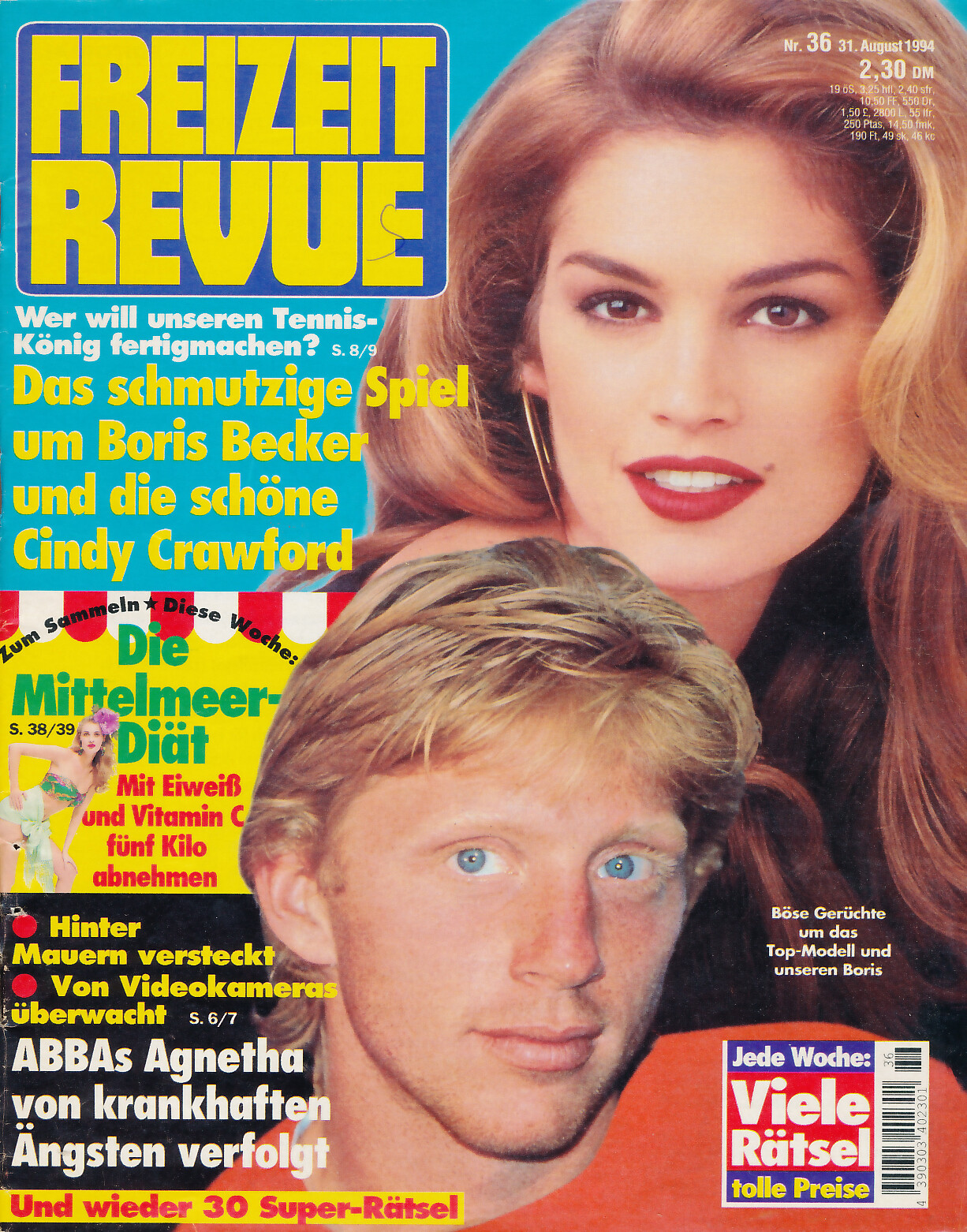
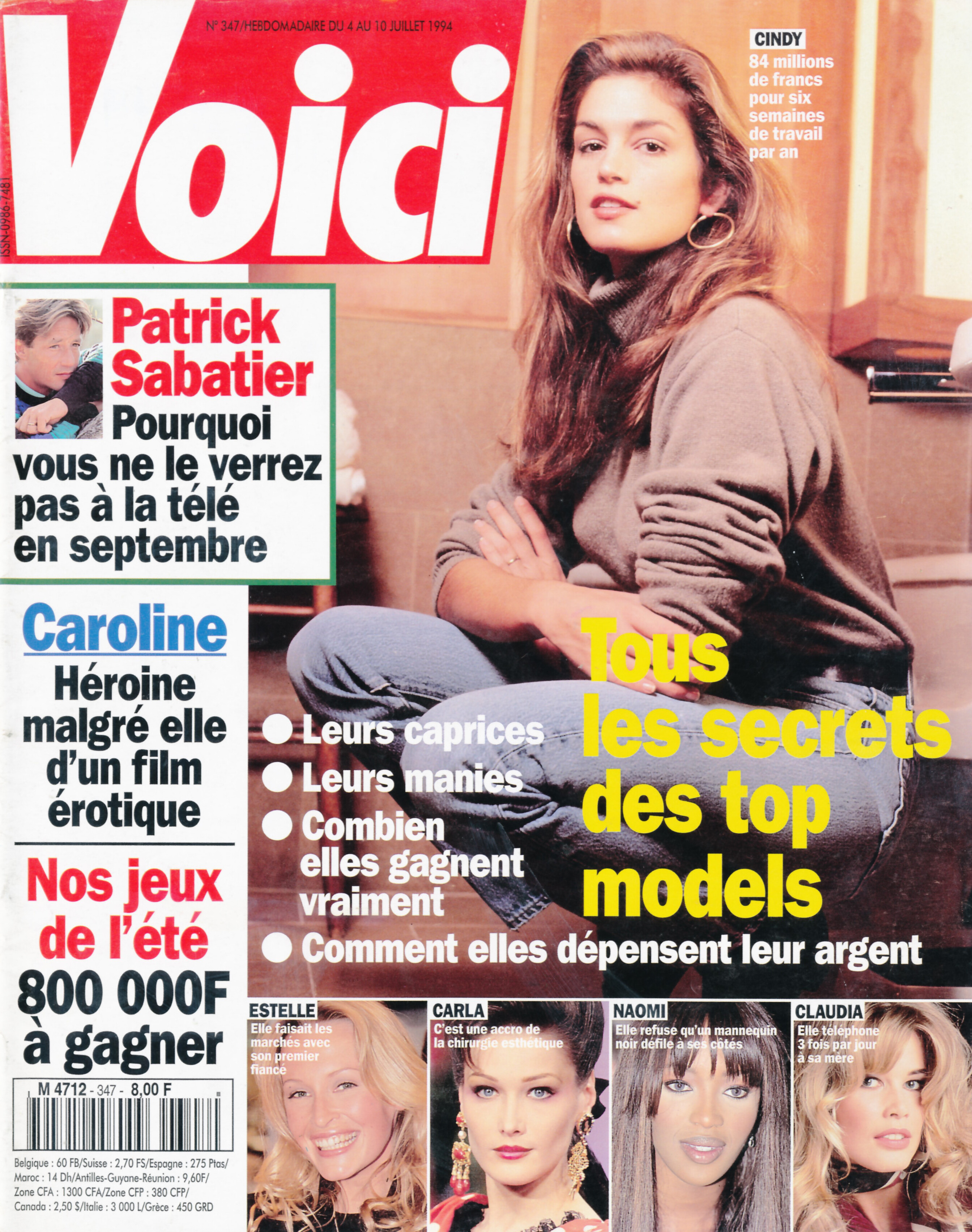
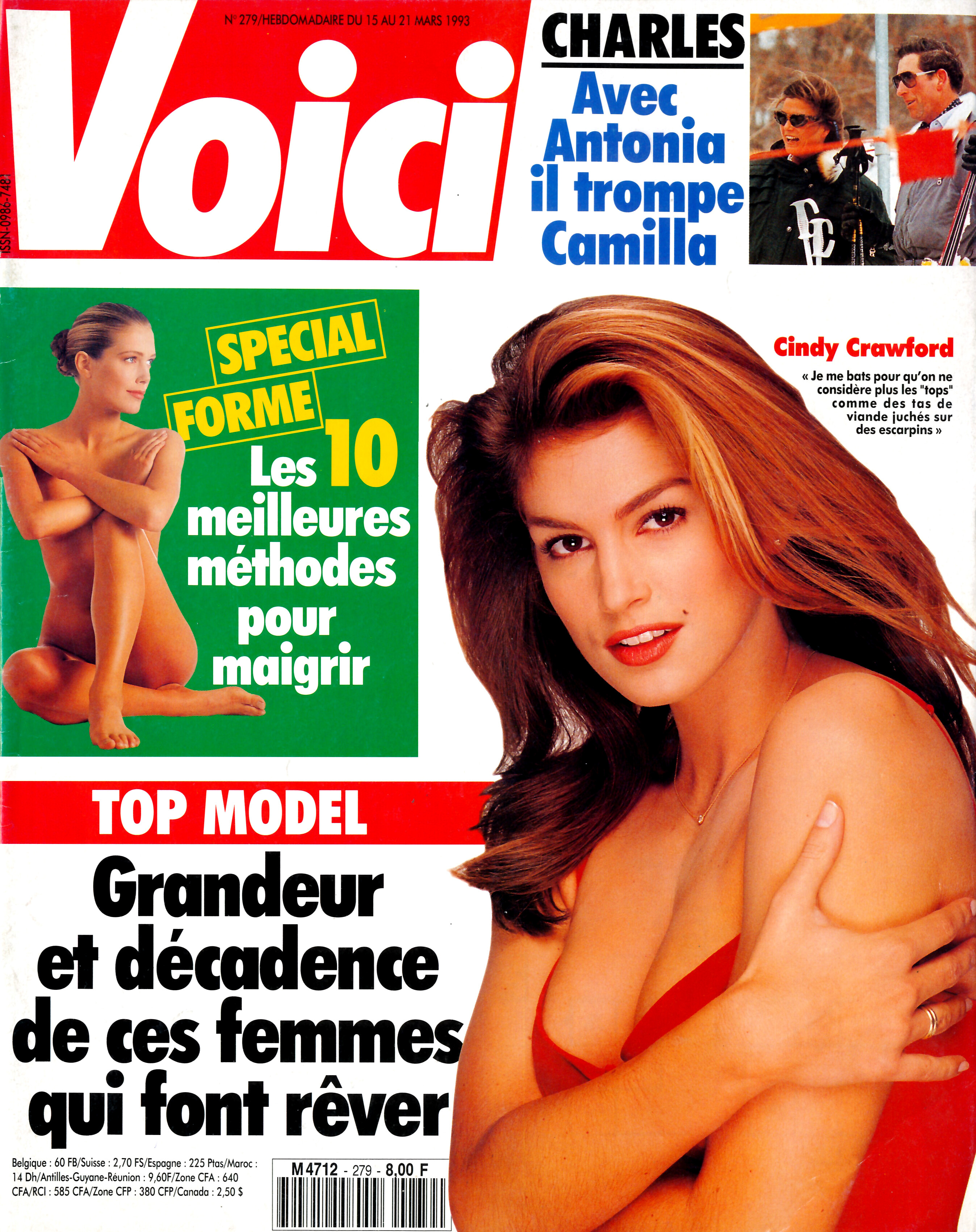
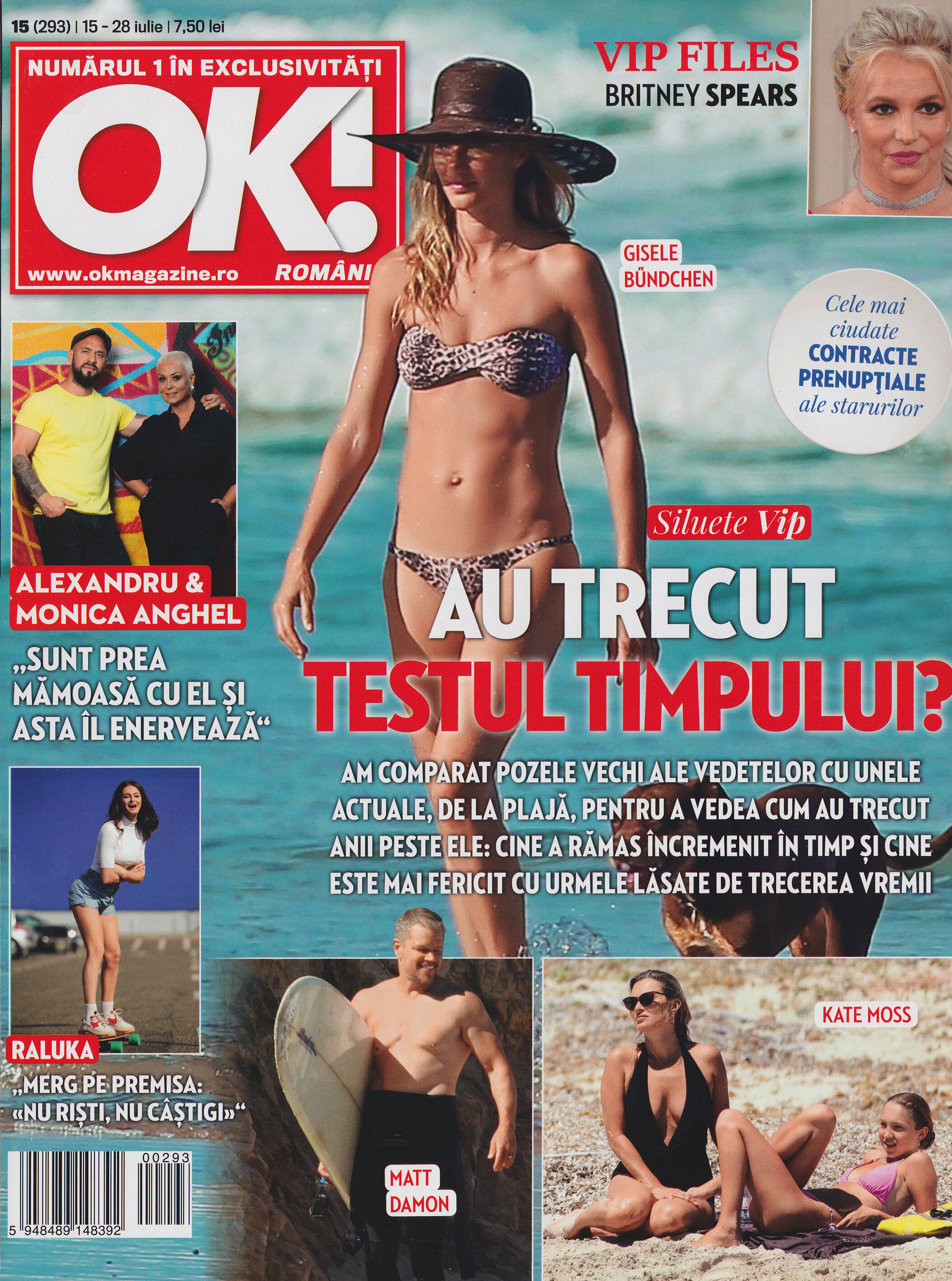
Some covers - My scans

































-
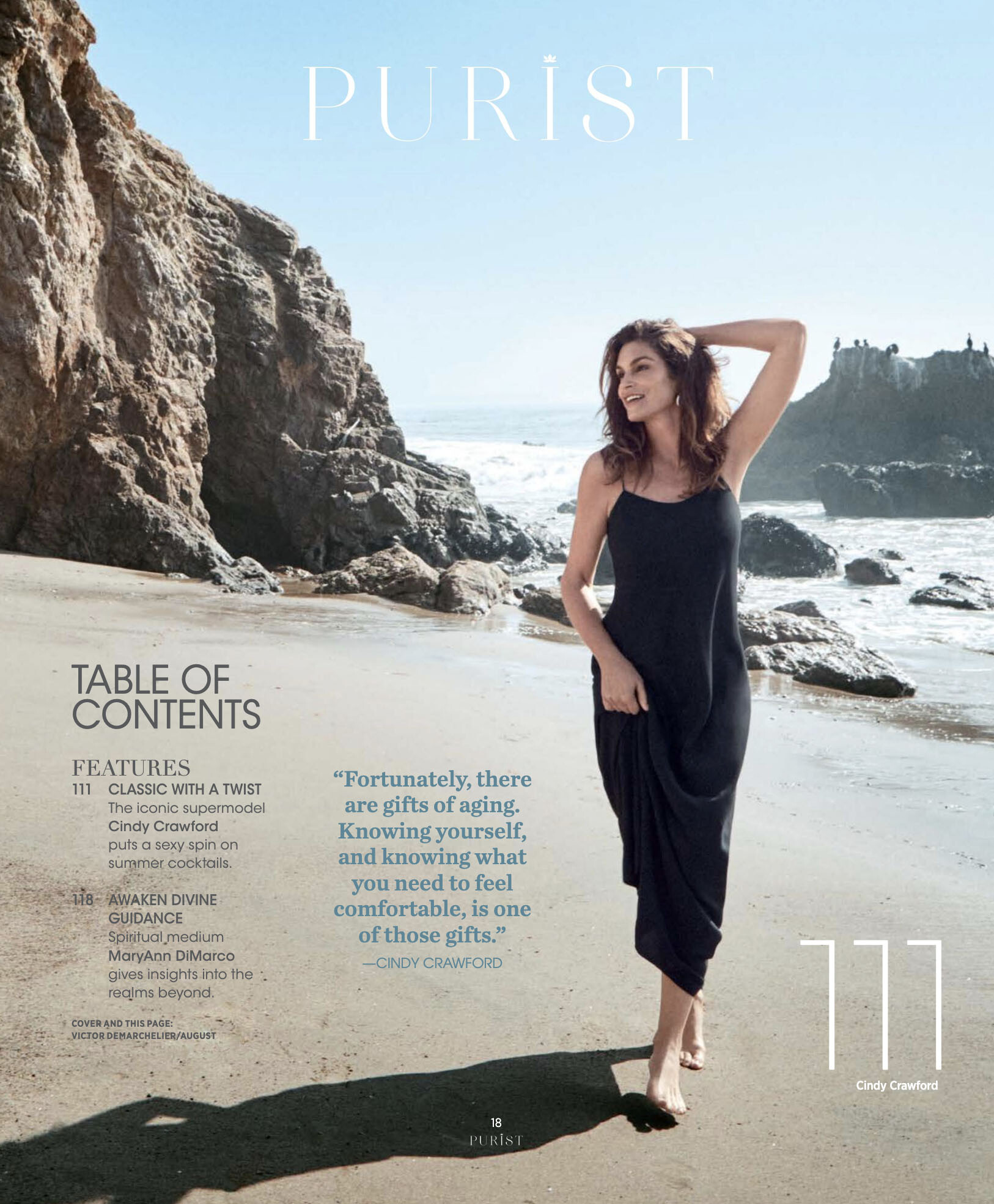
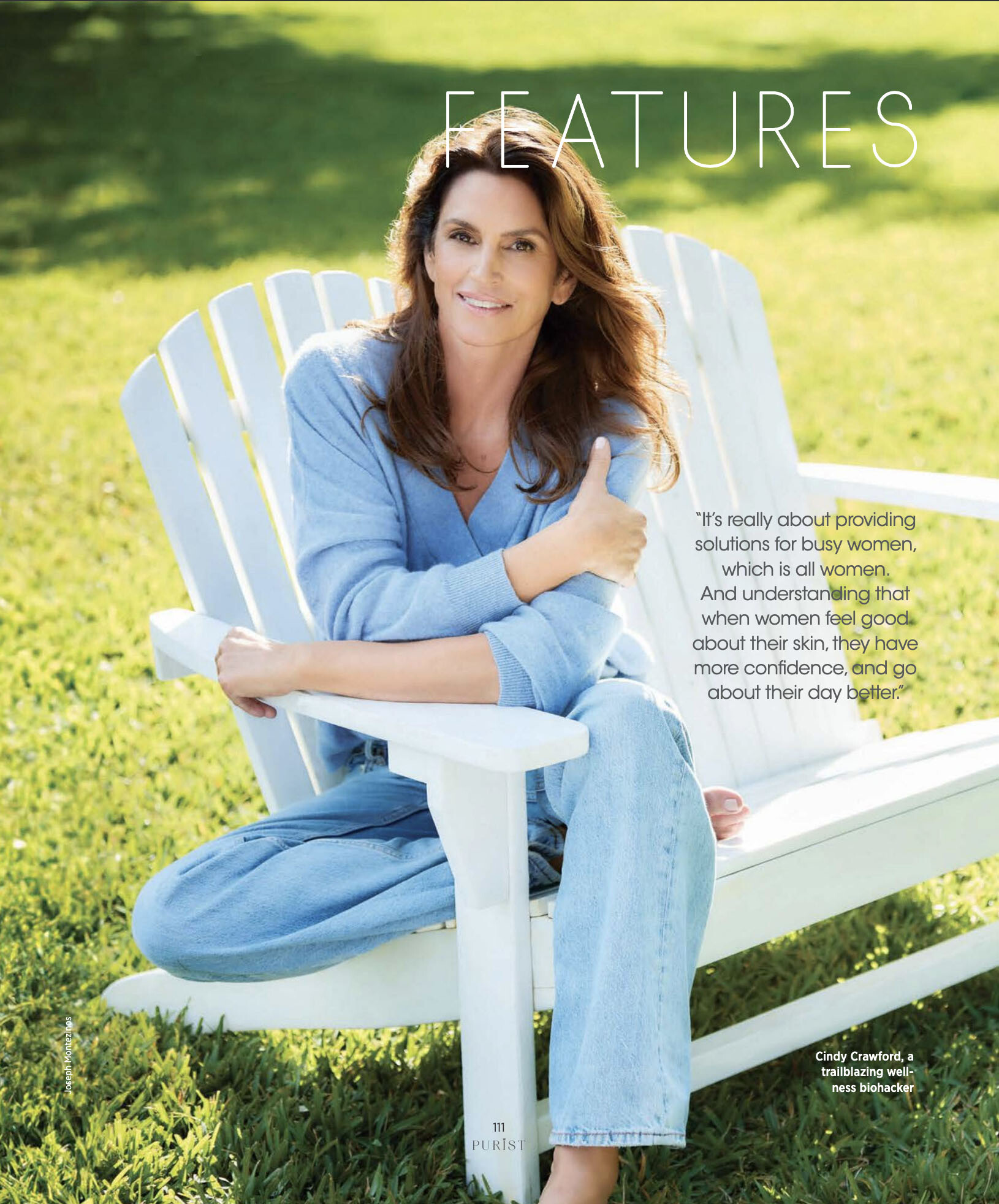
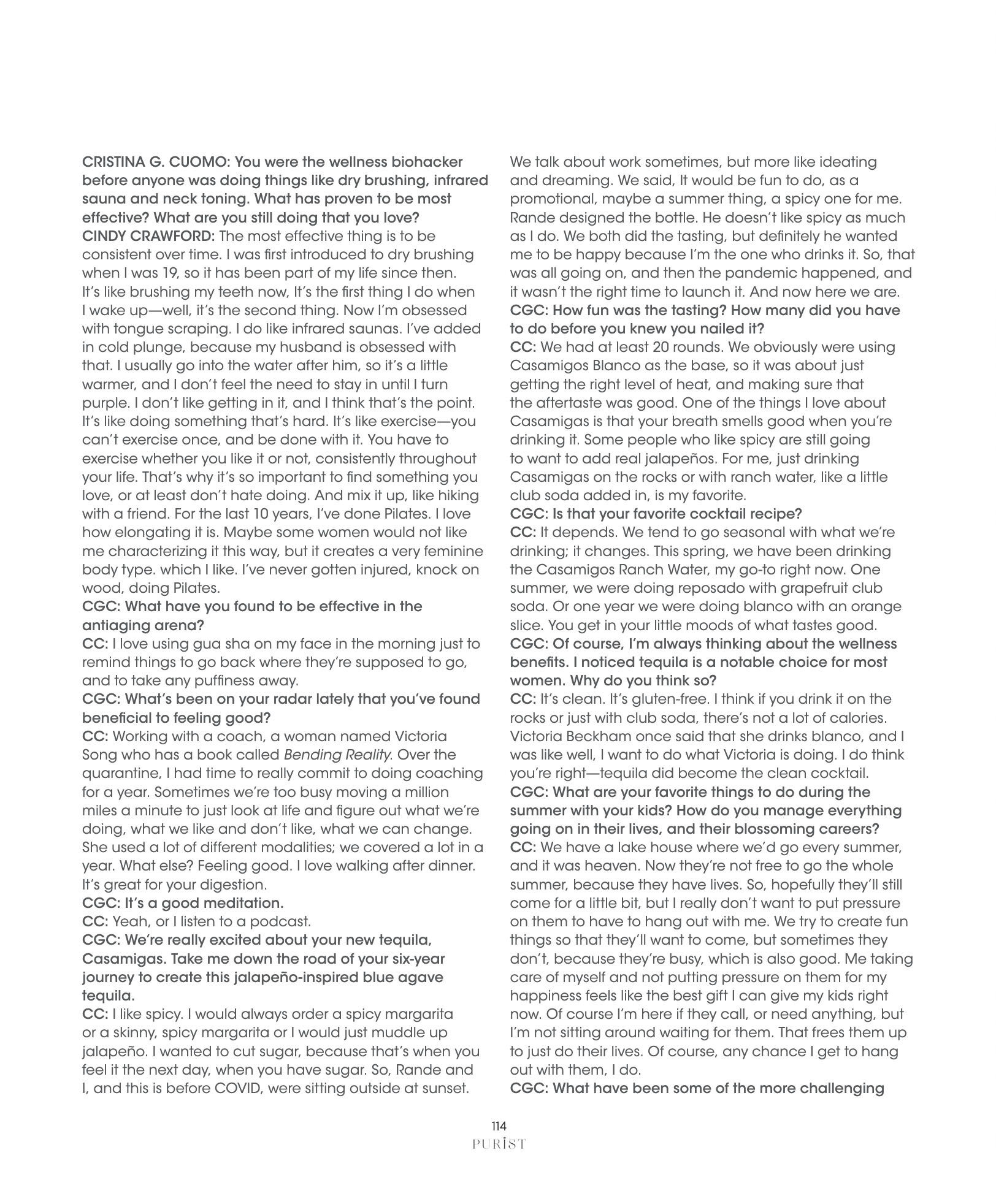
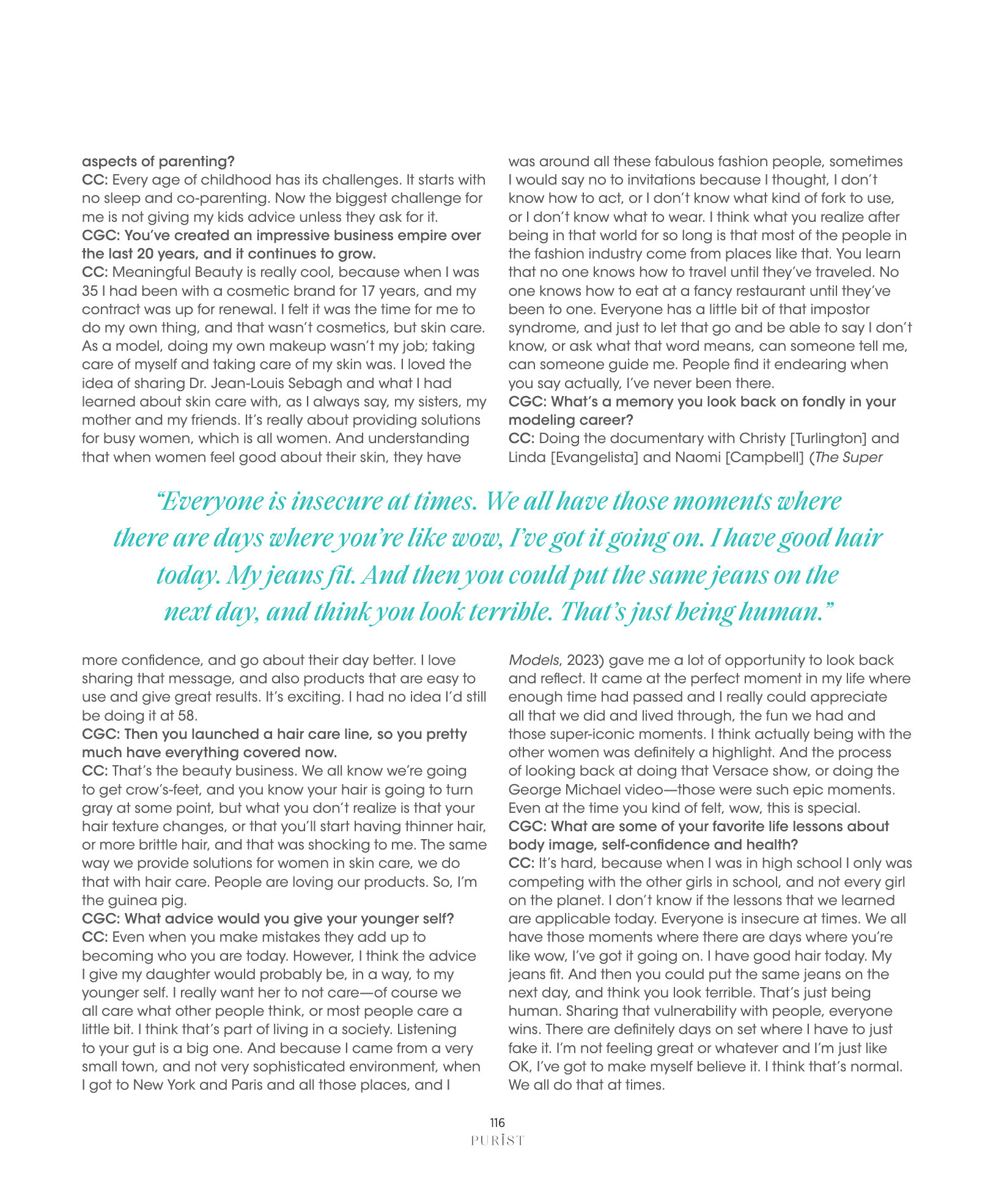
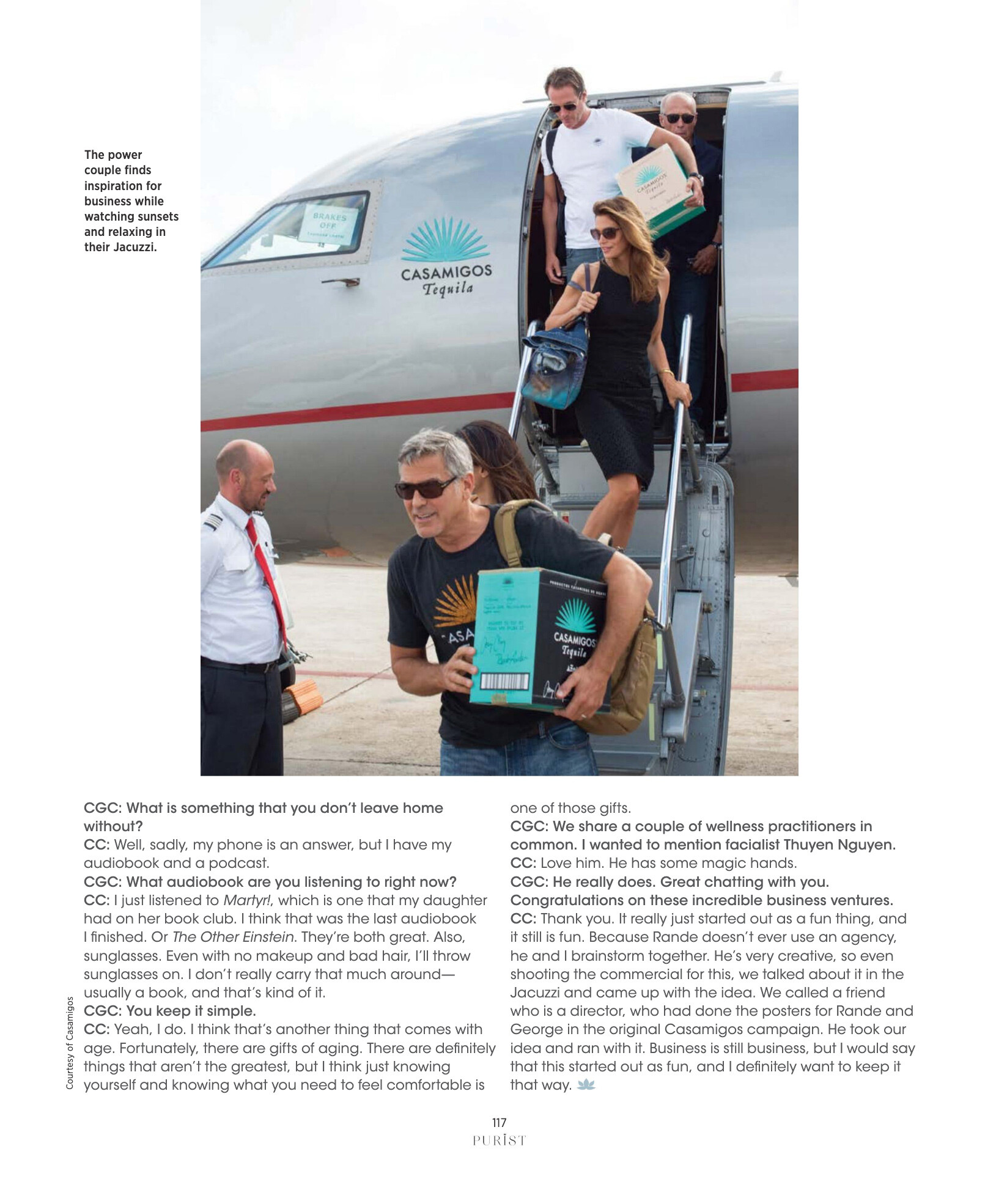
Purist USA June 2024






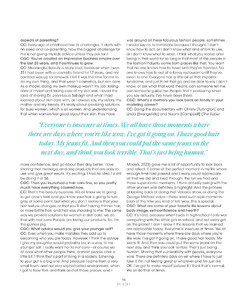
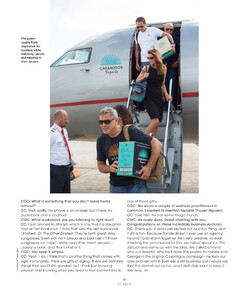
-
More Rowan Papier











-
-
-
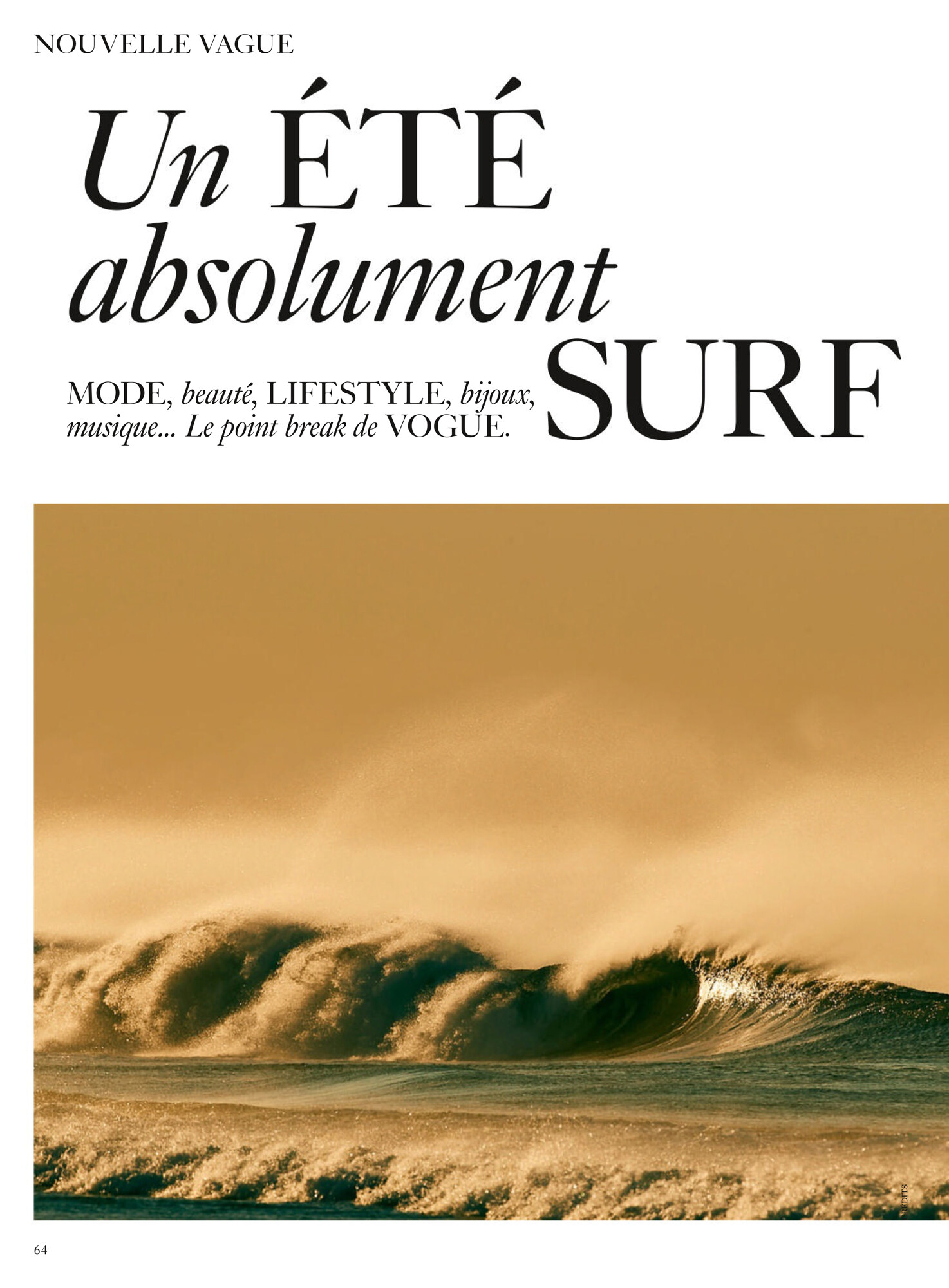
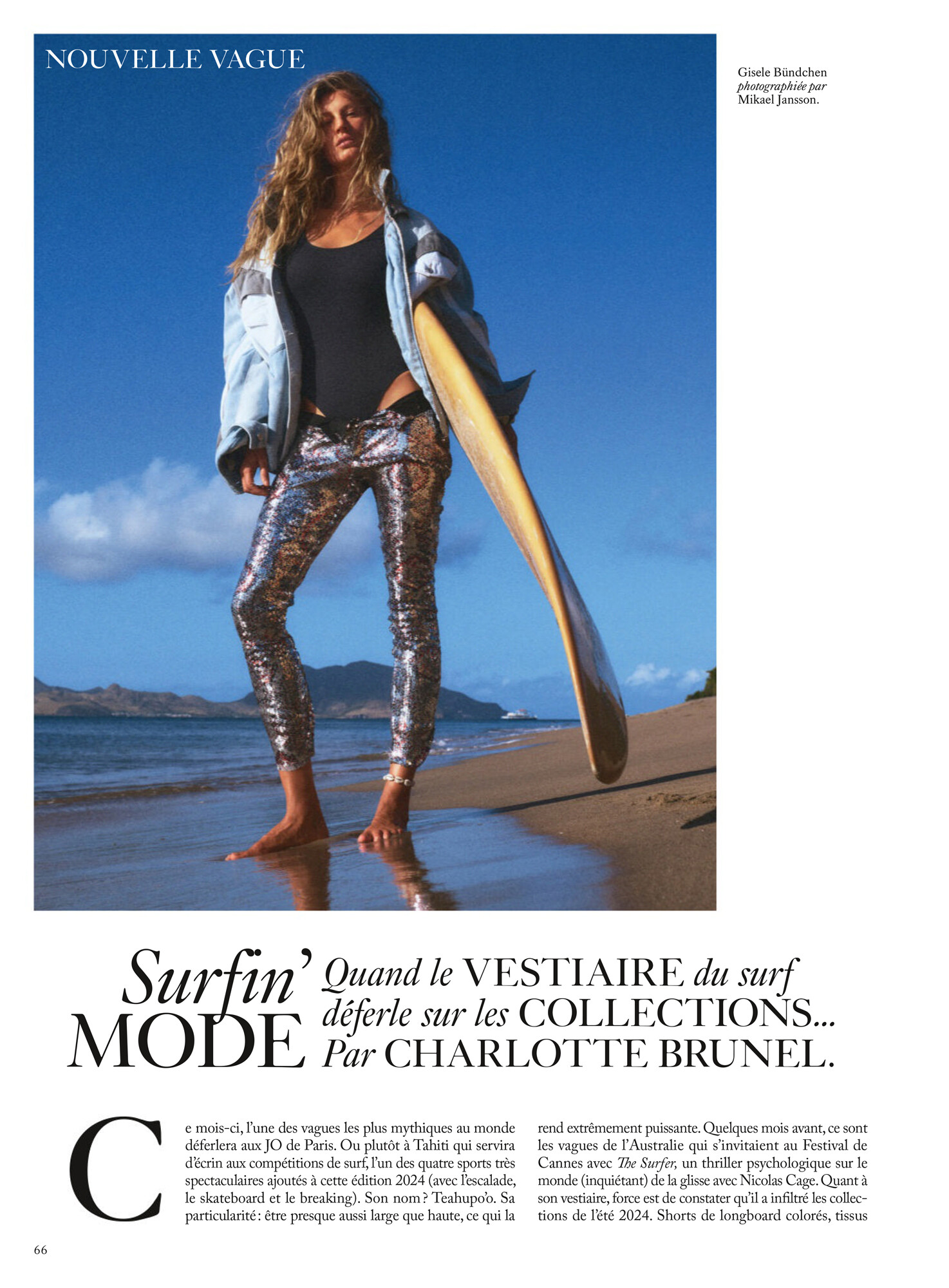
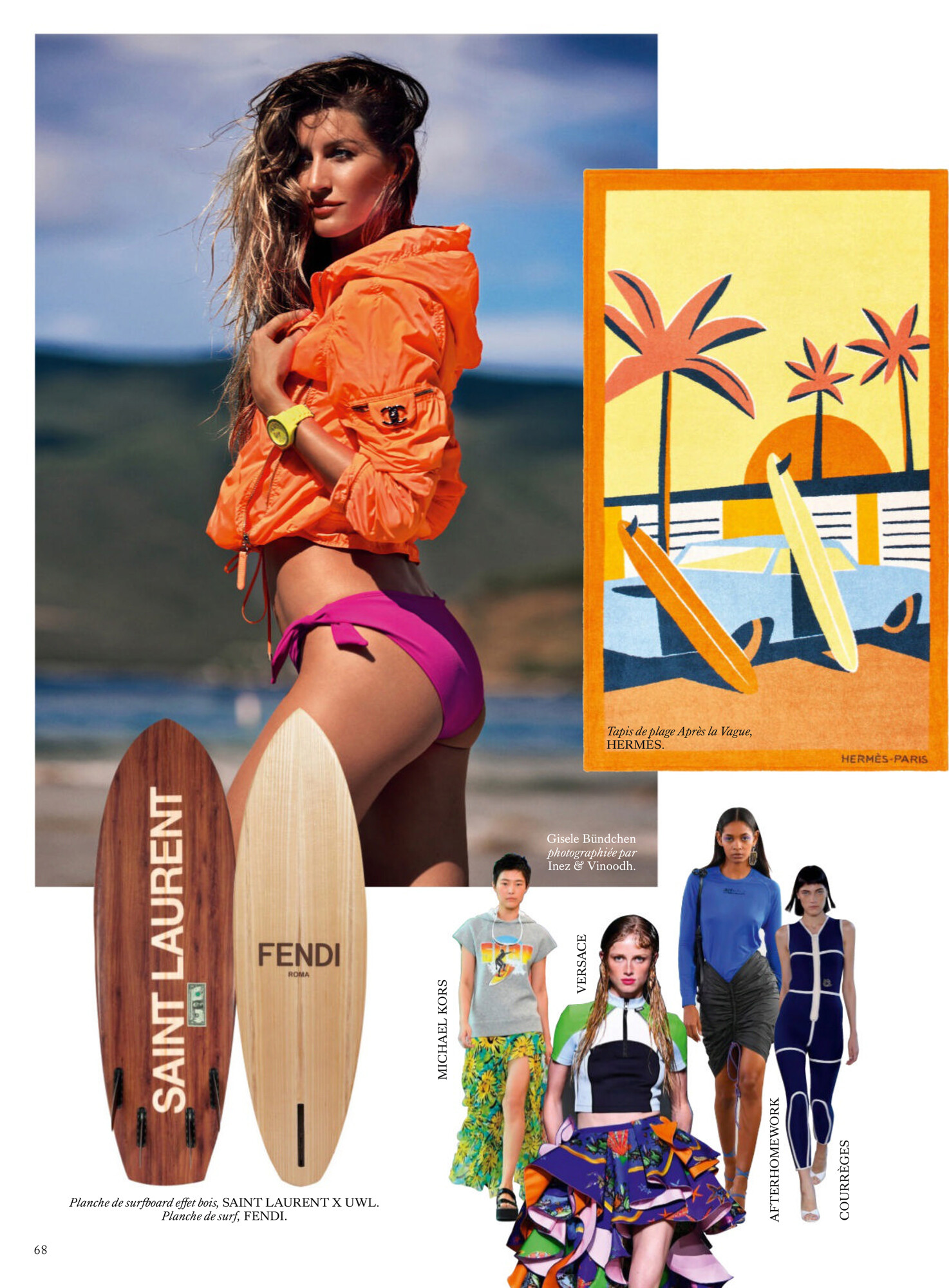
Vogue France June 2024 by Mikael Jansson


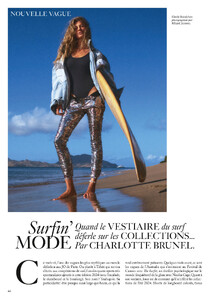
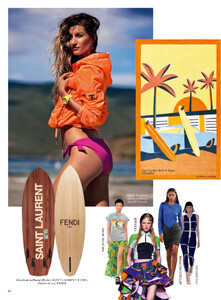
-
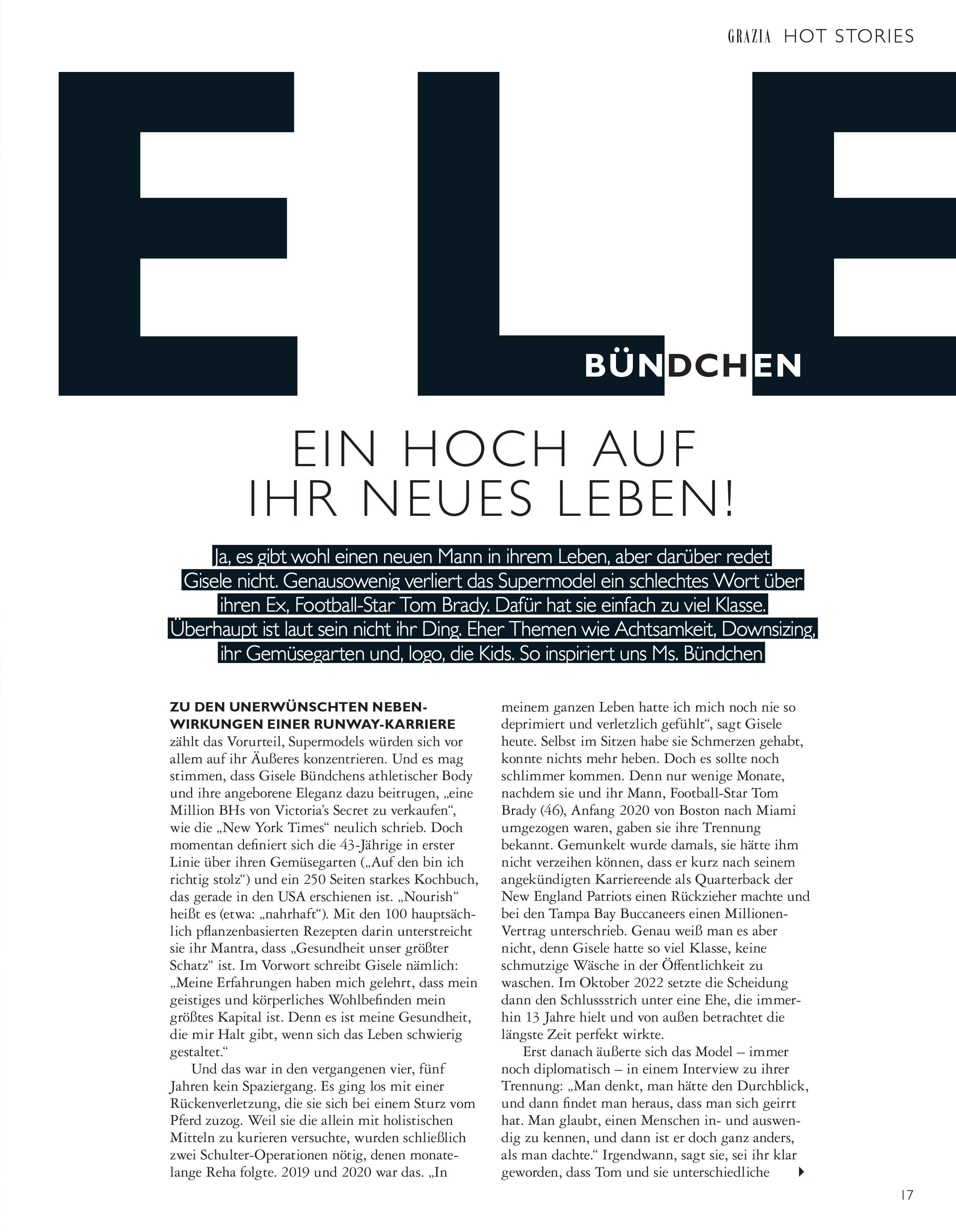
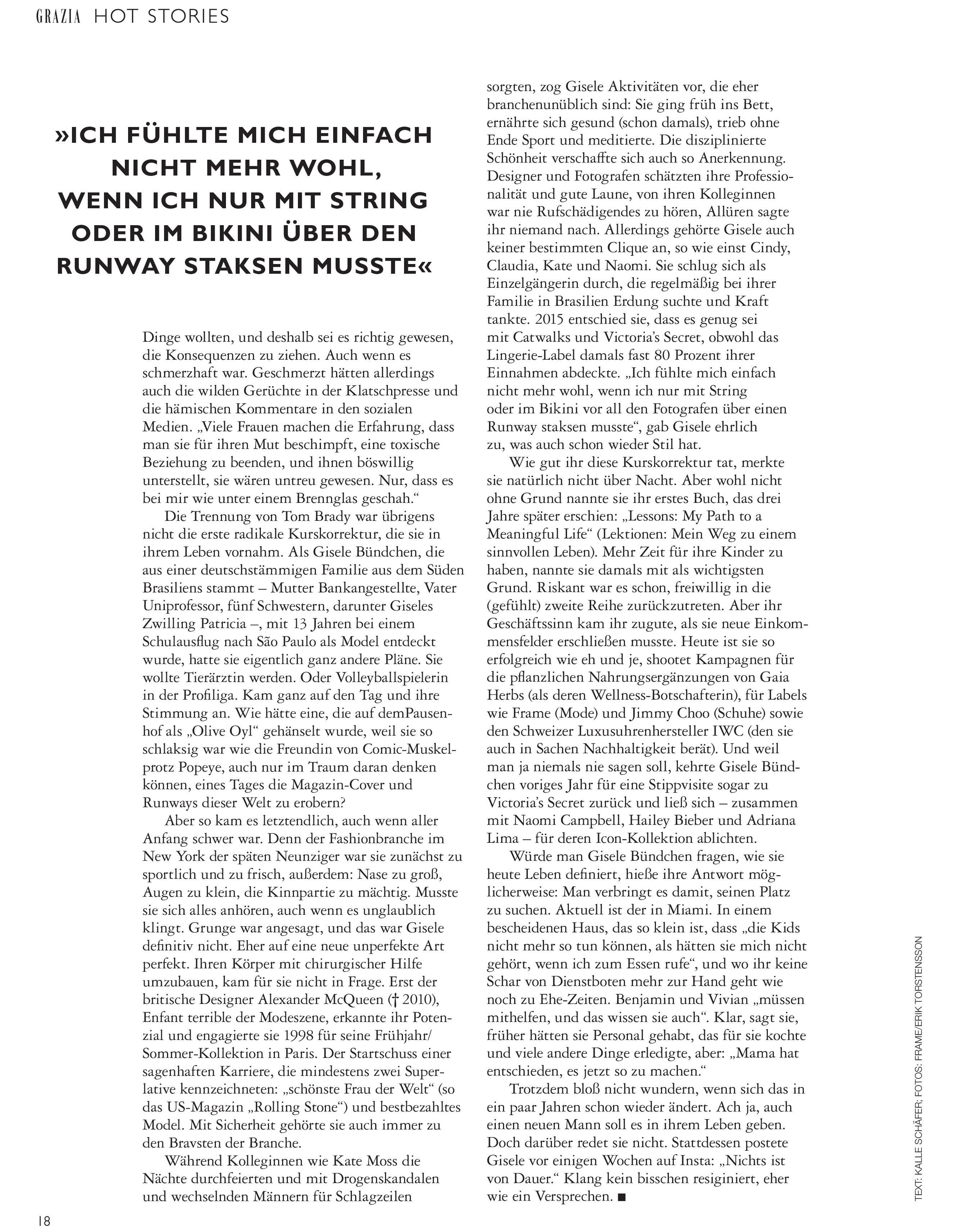
Grazia Germany 8 May 2024 Cover by Mikael Jansson Editorial photos by Erik Torstensson


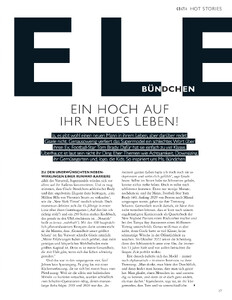
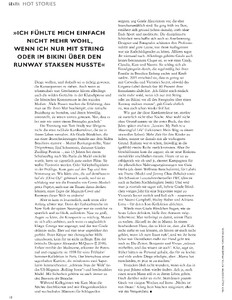

-
Paris Match April 11, 2024



-
Oh I did not know Jean-Yves died. This business was so involved with the models (The Dolls, The video, Elle Top-Model, DS Magazine, Numero Magazine & Lui)
-
More Schon Magazine from Instagram (William Ferchichi)





-
























































































Account
Navigation
Search
Configure browser push notifications
Chrome (Android)
- Tap the lock icon next to the address bar.
- Tap Permissions → Notifications.
- Adjust your preference.
Chrome (Desktop)
- Click the padlock icon in the address bar.
- Select Site settings.
- Find Notifications and adjust your preference.
Safari (iOS 16.4+)
- Ensure the site is installed via Add to Home Screen.
- Open Settings App → Notifications.
- Find your app name and adjust your preference.
Safari (macOS)
- Go to Safari → Preferences.
- Click the Websites tab.
- Select Notifications in the sidebar.
- Find this website and adjust your preference.
Edge (Android)
- Tap the lock icon next to the address bar.
- Tap Permissions.
- Find Notifications and adjust your preference.
Edge (Desktop)
- Click the padlock icon in the address bar.
- Click Permissions for this site.
- Find Notifications and adjust your preference.
Firefox (Android)
- Go to Settings → Site permissions.
- Tap Notifications.
- Find this site in the list and adjust your preference.
Firefox (Desktop)
- Open Firefox Settings.
- Search for Notifications.
- Find this site in the list and adjust your preference.