
pitounsky
Members
-
Joined
-
Last visited
Everything posted by pitounsky
-
 No 3 Magazine / Photographer: Martyna Gumu?a









-
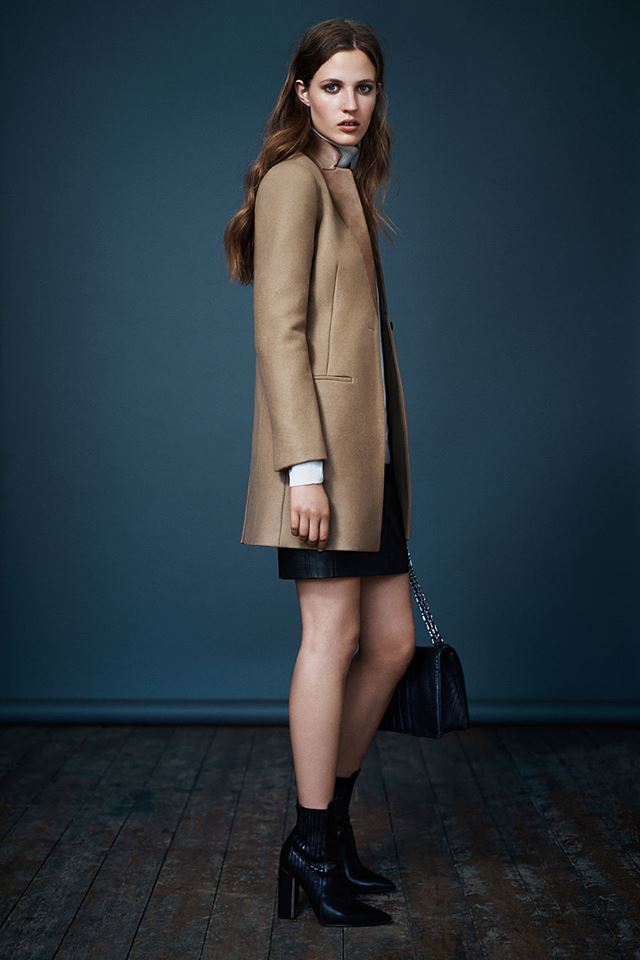
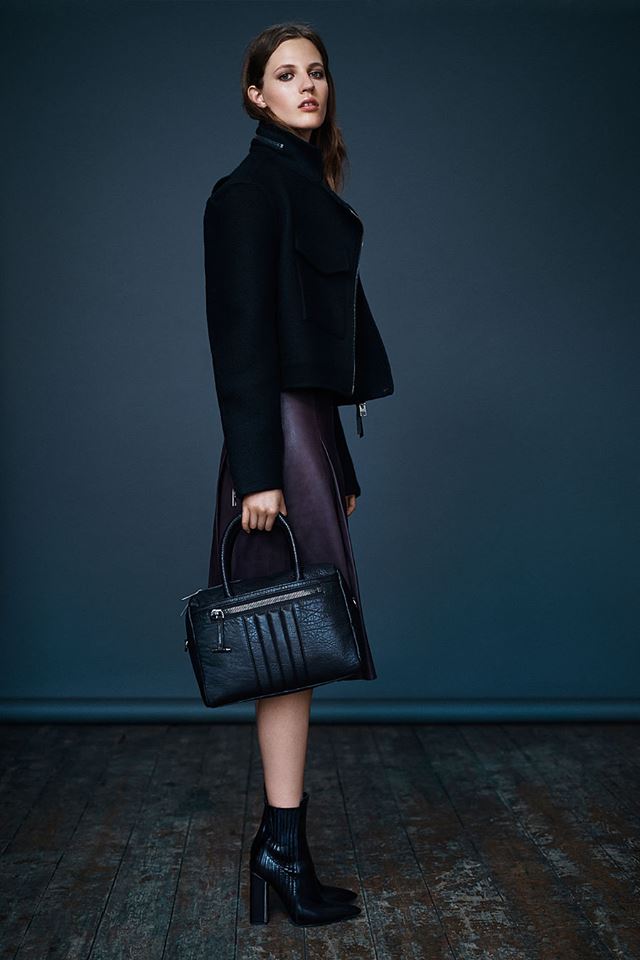
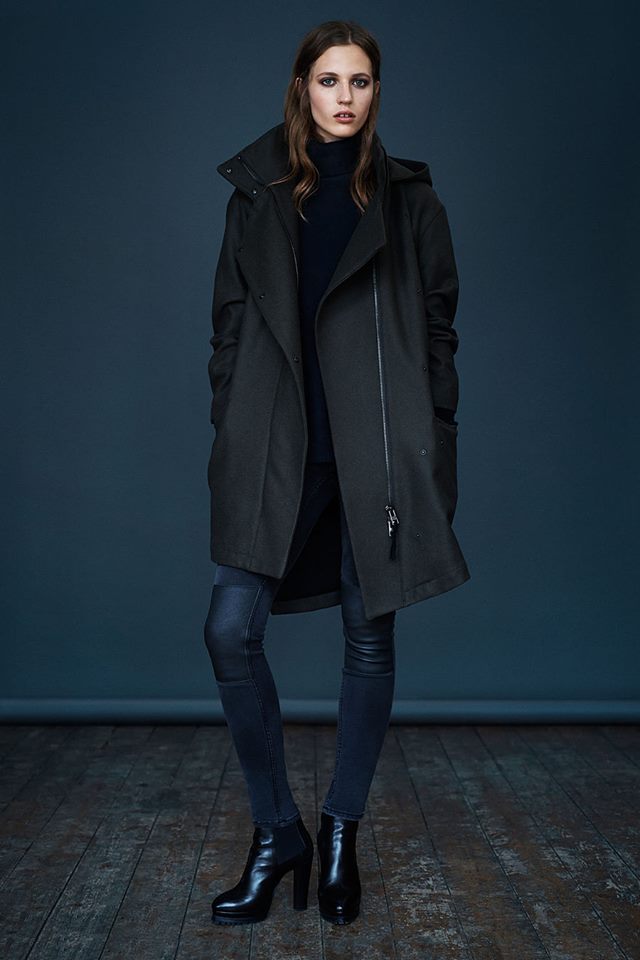
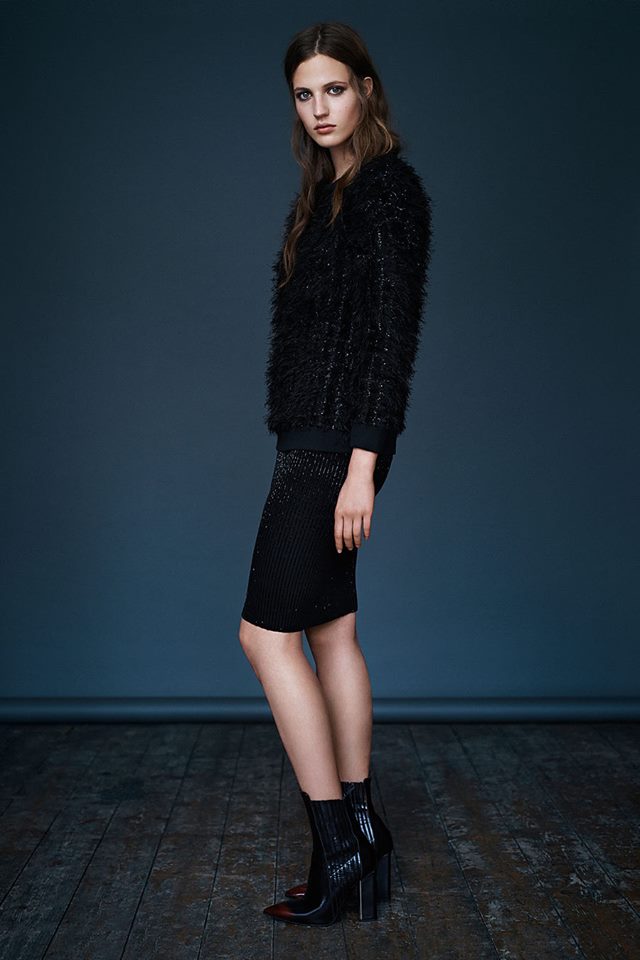
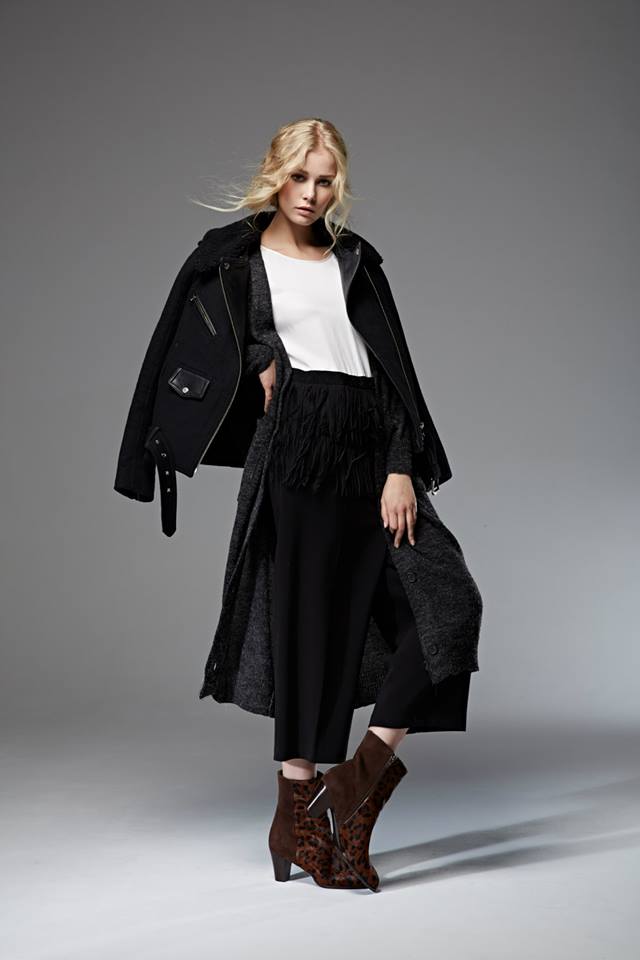
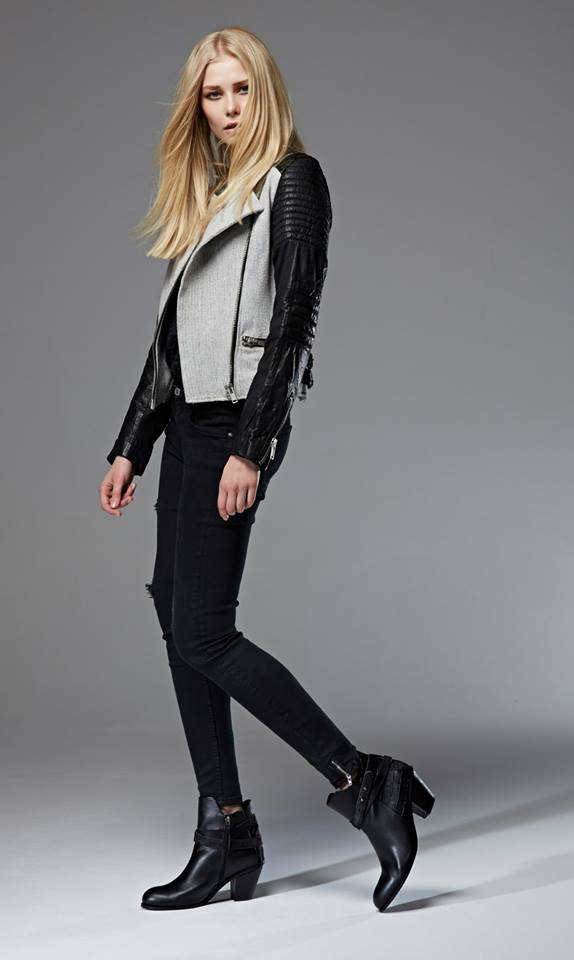
ALLSAINTS October 2014 lookbook










-
More by Ivon Wolak












-
Greenpoint lookbook F/W 2014/15 /monthly_10_2014/post-35116-0-1593839365-6157_thumb.jpg" class="ipsImage ipsImage_thumbnailed" alt="1457721_628719387239426_8497423549349711898_n.jpg">







-
Gorgeous!
-
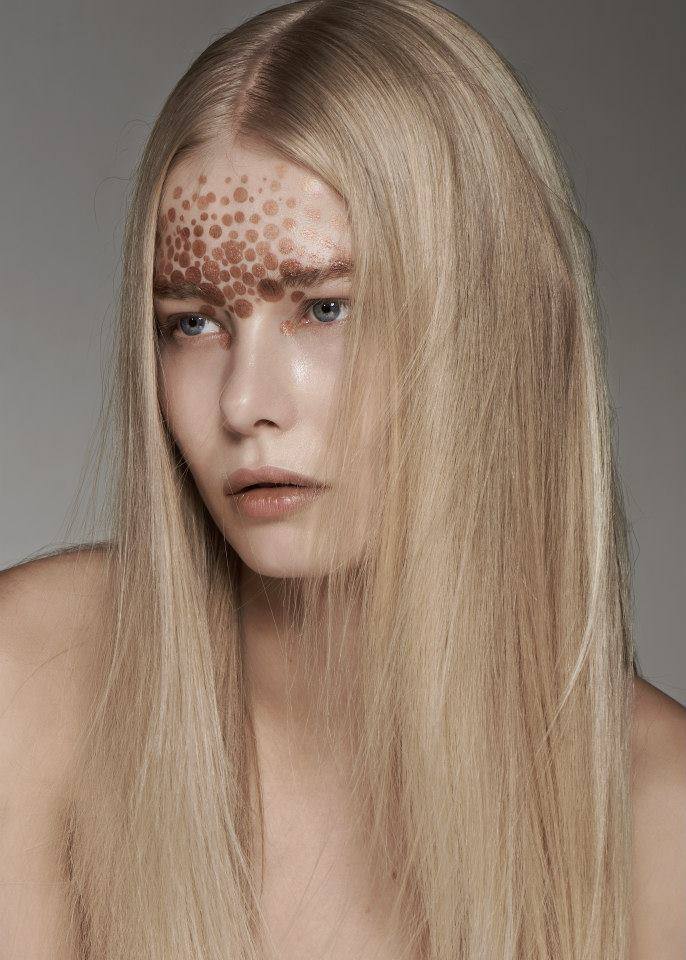
Beauty Test Shoot AS management




-
HomeShopping (Seoul)





-
Twist Fall / Winter 2012
-
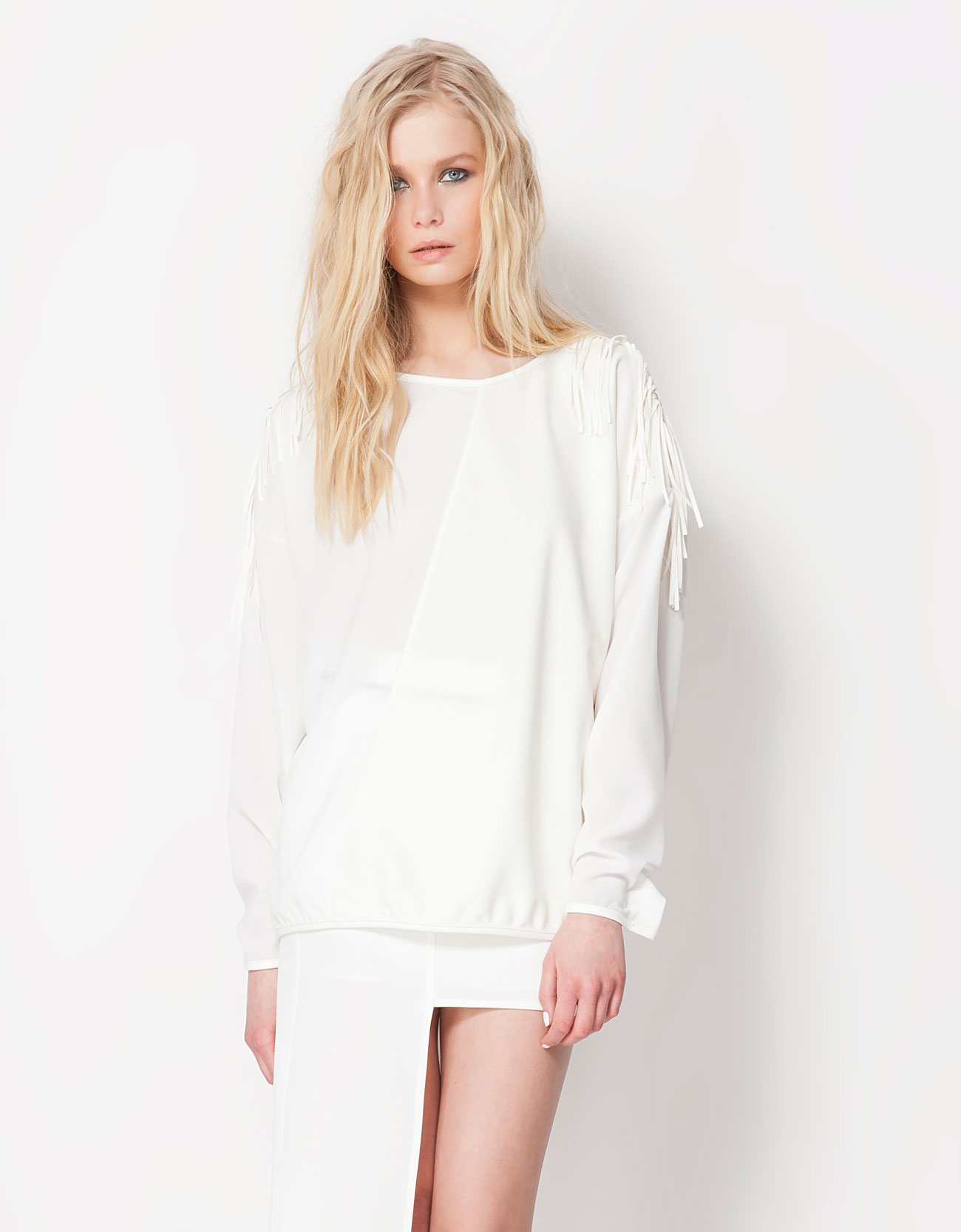
Bershka Spring 2013 Lookbook







-
Neiman Marcus
-
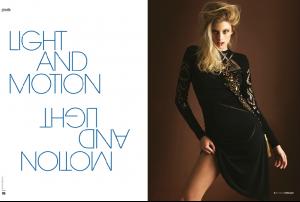
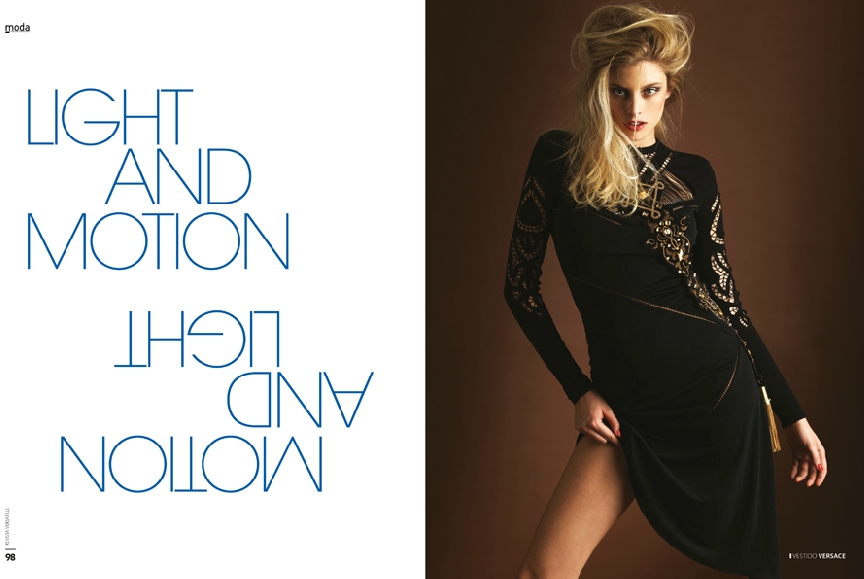
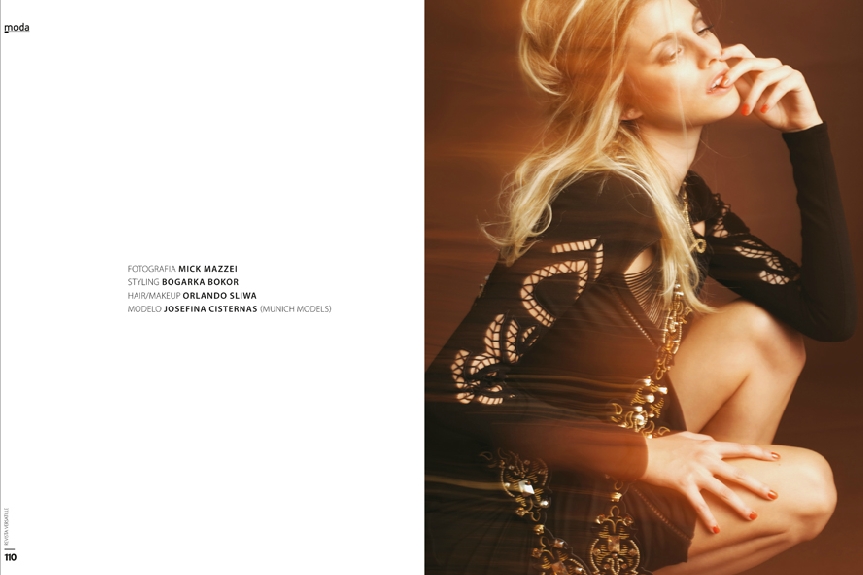
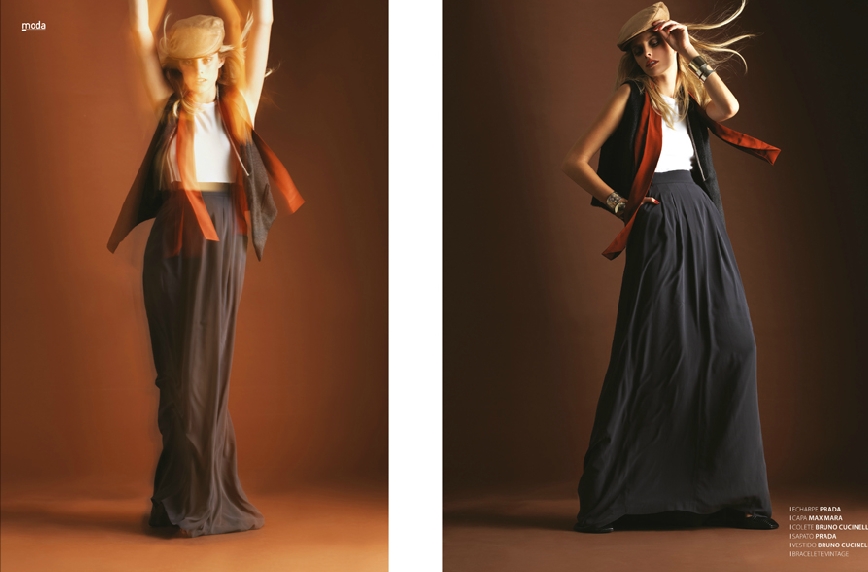
Versatille Magazine / Photographer: Mick Mazzei







-
Cassie Amato
 Photography by Sandra Semburg
 Photographer: John Rowley
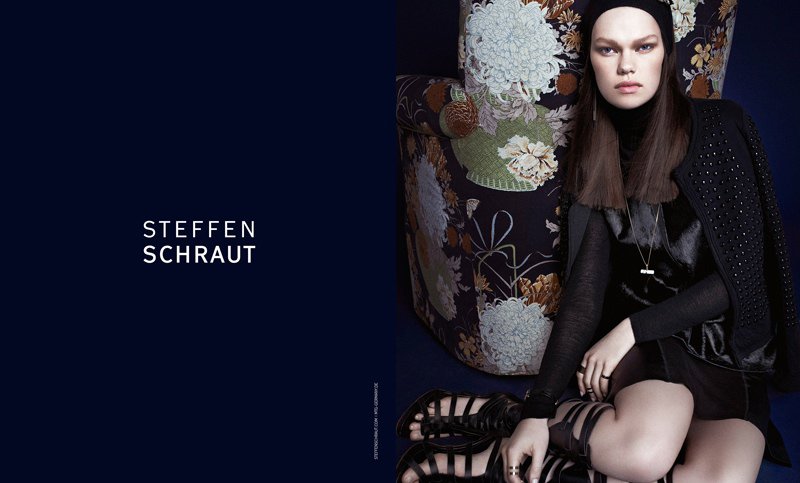
Steffen Schraut’s Fall 2014 Ads by Alexx and Anton
Photographer: John Rowley
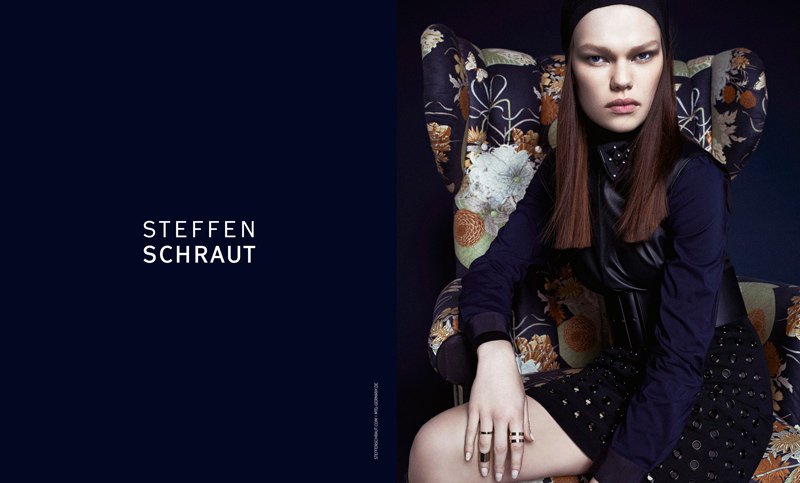
Steffen Schraut’s Fall 2014 Ads by Alexx and Anton




 Elle Mexico November 2014/ Photographer: Federica Putelli







 WILDFOX Spring 2014 - The WildFox Lagoon / Photographer: MARK HUNTER / Also with: Emma Stern Nielson and Svea Kloosterhoff


















 Love that ed! Thanks!
Elle Mexico November 2014 / Editorial: Over the top / Photographer: Paul Morel
Nudity:
Love that ed! Thanks!
Elle Mexico November 2014 / Editorial: Over the top / Photographer: Paul Morel
Nudity:

 Marie Claire Russia October 2014 / Photographer: Benjamin Kaufmann
Elodie K / Other model: Alexa Demie
Marie Claire Russia October 2014 / Photographer: Benjamin Kaufmann
Elodie K / Other model: Alexa Demie




































































































Account
Navigation
Search
Configure browser push notifications
Chrome (Android)
- Tap the lock icon next to the address bar.
- Tap Permissions → Notifications.
- Adjust your preference.
Chrome (Desktop)
- Click the padlock icon in the address bar.
- Select Site settings.
- Find Notifications and adjust your preference.
Safari (iOS 16.4+)
- Ensure the site is installed via Add to Home Screen.
- Open Settings App → Notifications.
- Find your app name and adjust your preference.
Safari (macOS)
- Go to Safari → Preferences.
- Click the Websites tab.
- Select Notifications in the sidebar.
- Find this website and adjust your preference.
Edge (Android)
- Tap the lock icon next to the address bar.
- Tap Permissions.
- Find Notifications and adjust your preference.
Edge (Desktop)
- Click the padlock icon in the address bar.
- Click Permissions for this site.
- Find Notifications and adjust your preference.
Firefox (Android)
- Go to Settings → Site permissions.
- Tap Notifications.
- Find this site in the list and adjust your preference.
Firefox (Desktop)
- Open Firefox Settings.
- Search for Notifications.
- Find this site in the list and adjust your preference.