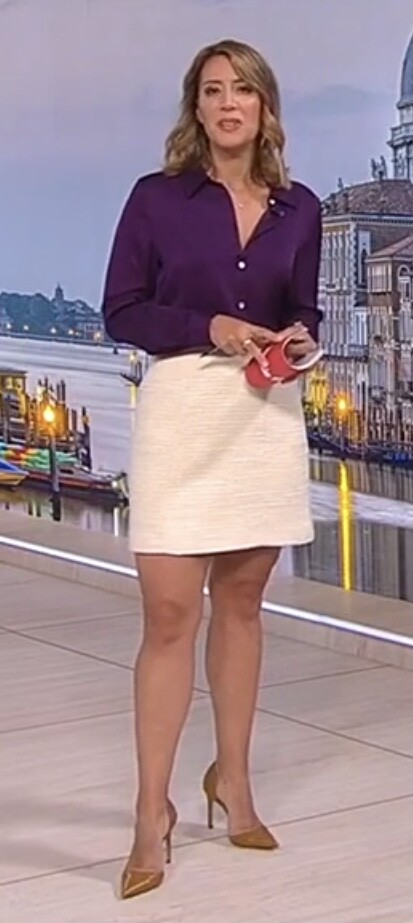
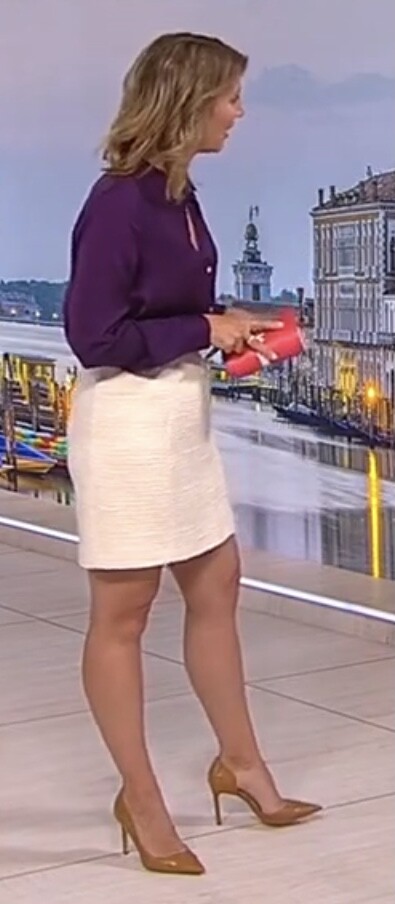
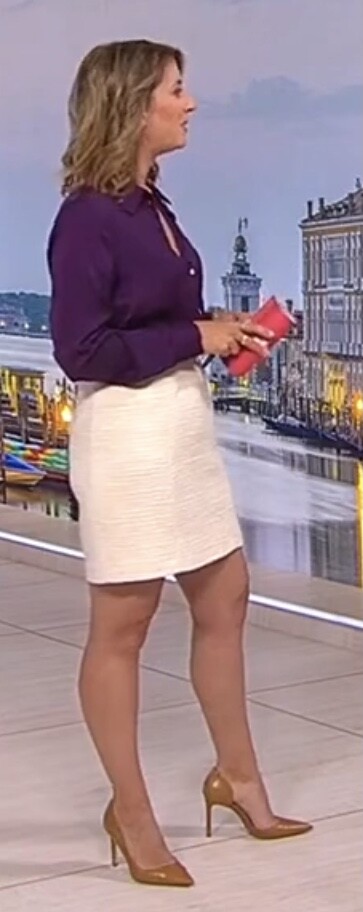
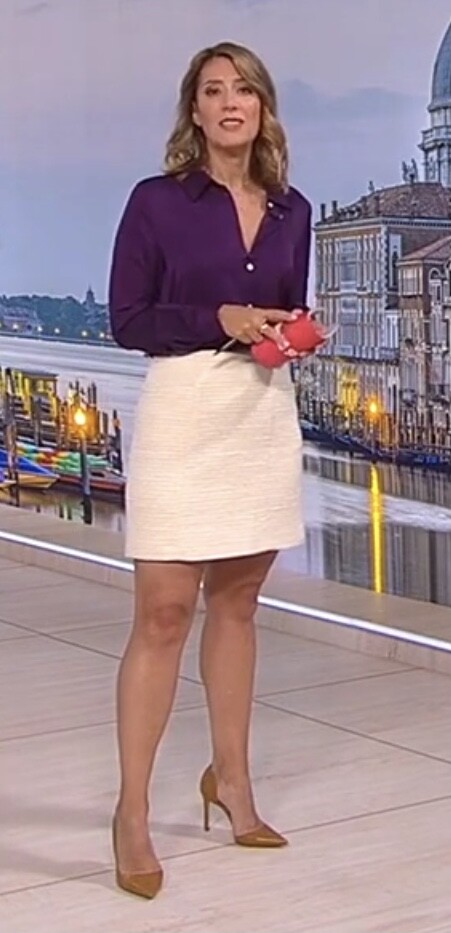
puma
Members
-
Joined
-
Last visited
Everything posted by puma
-
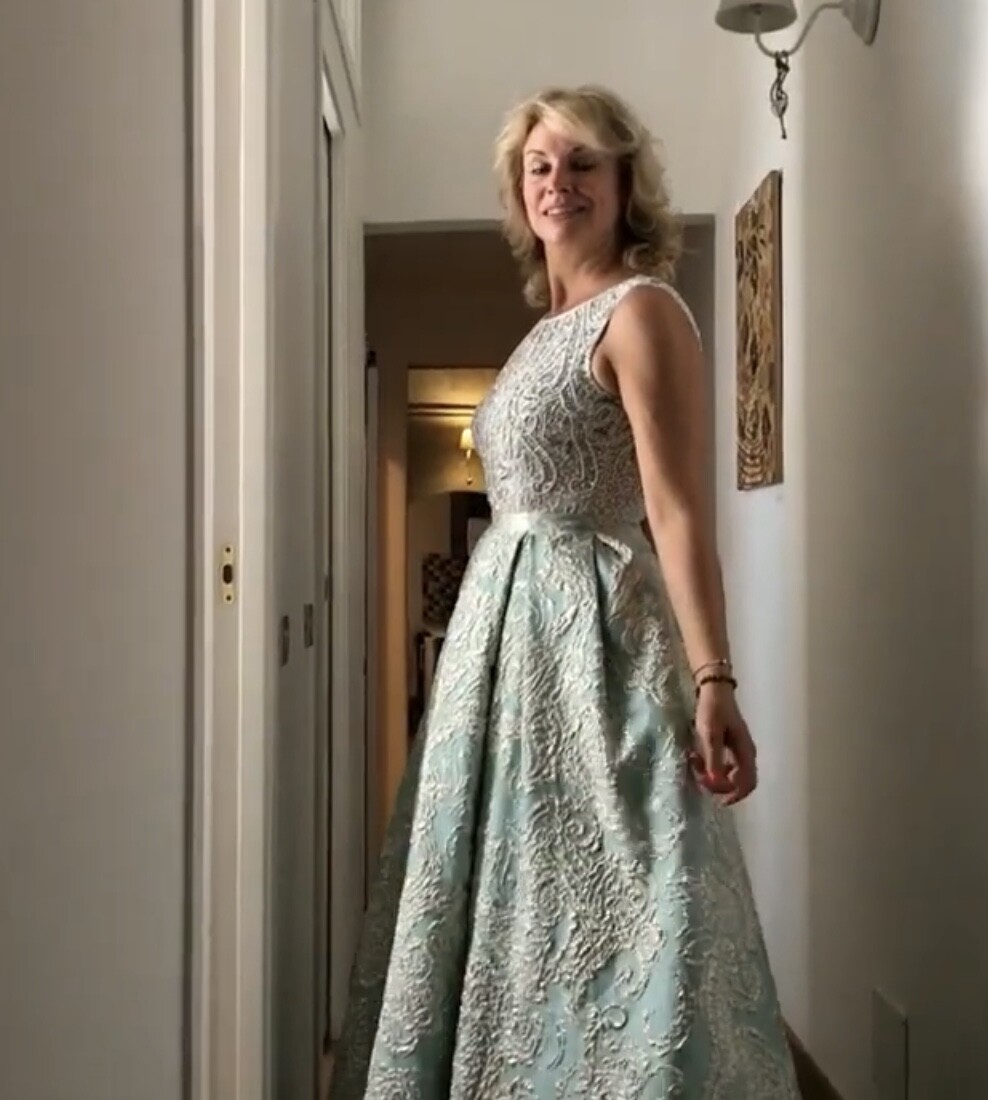
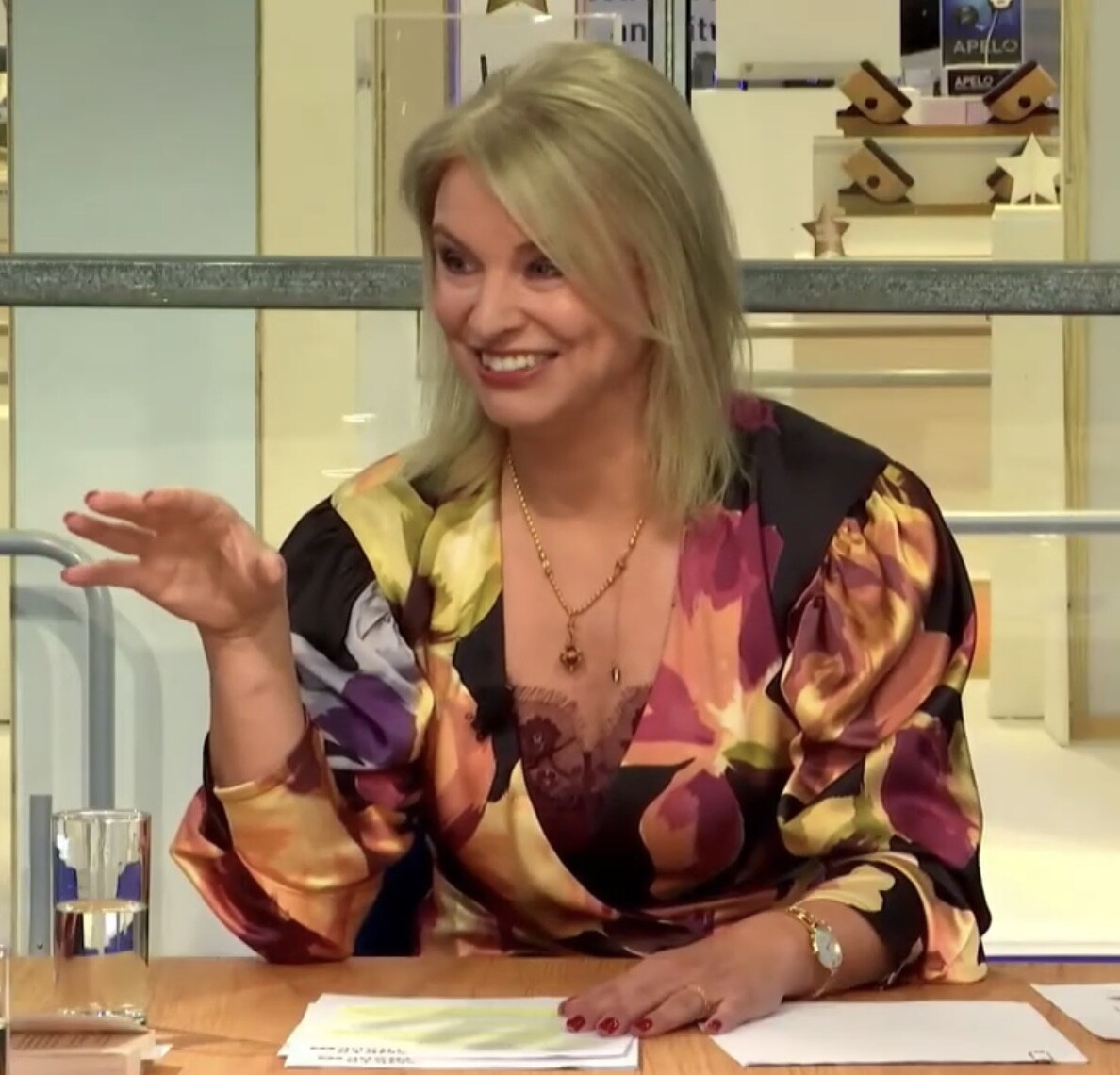
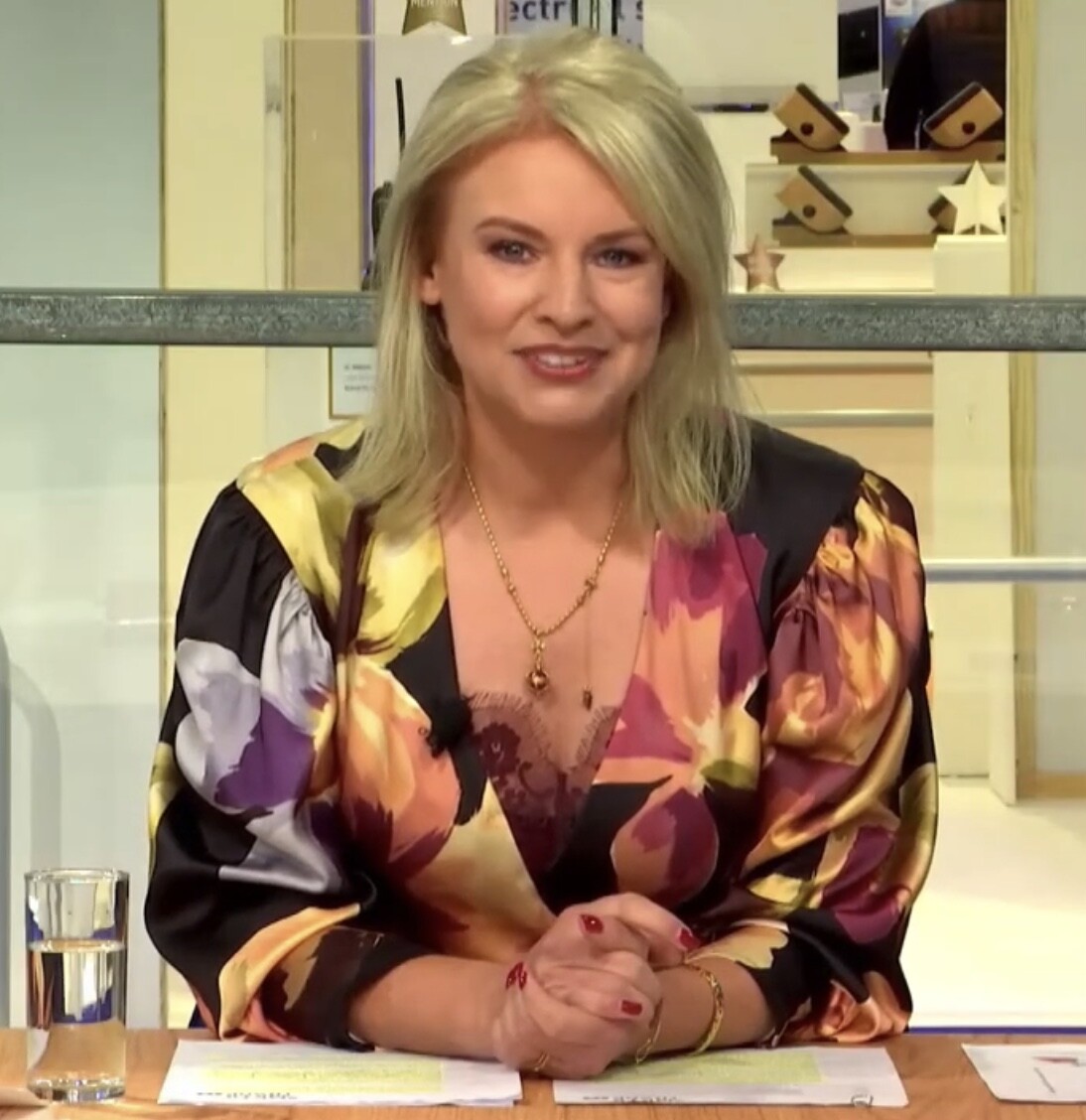
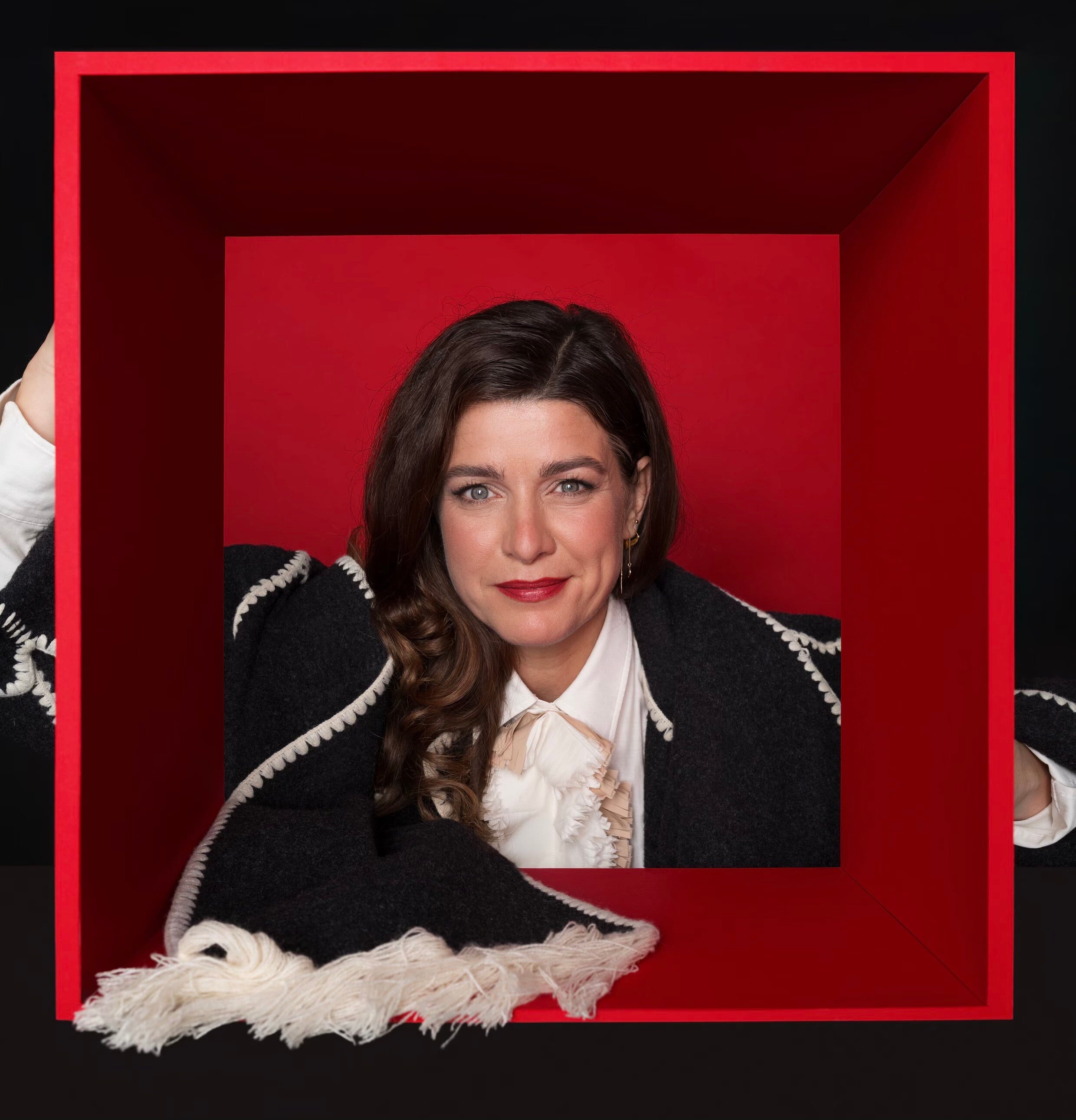
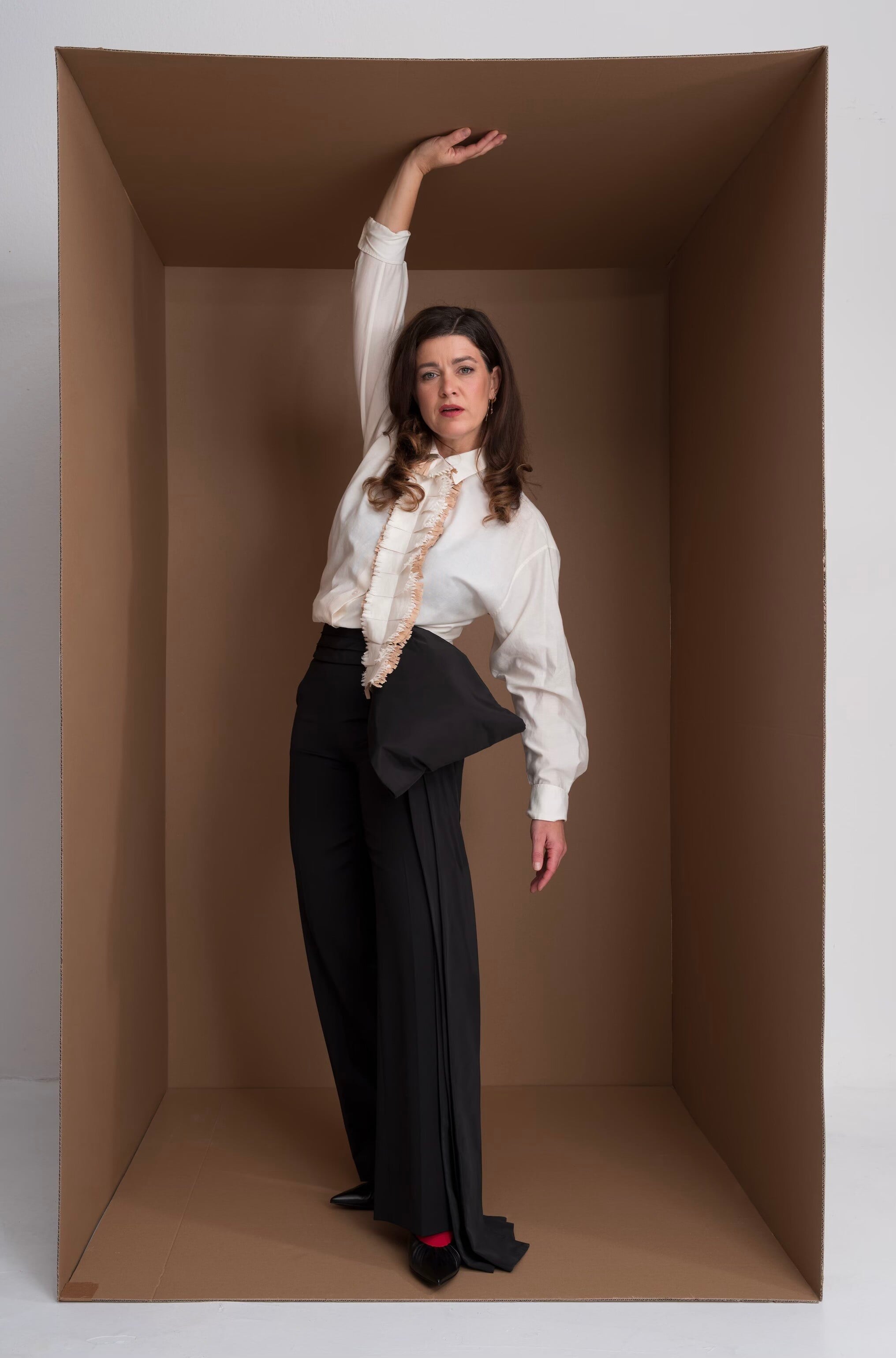
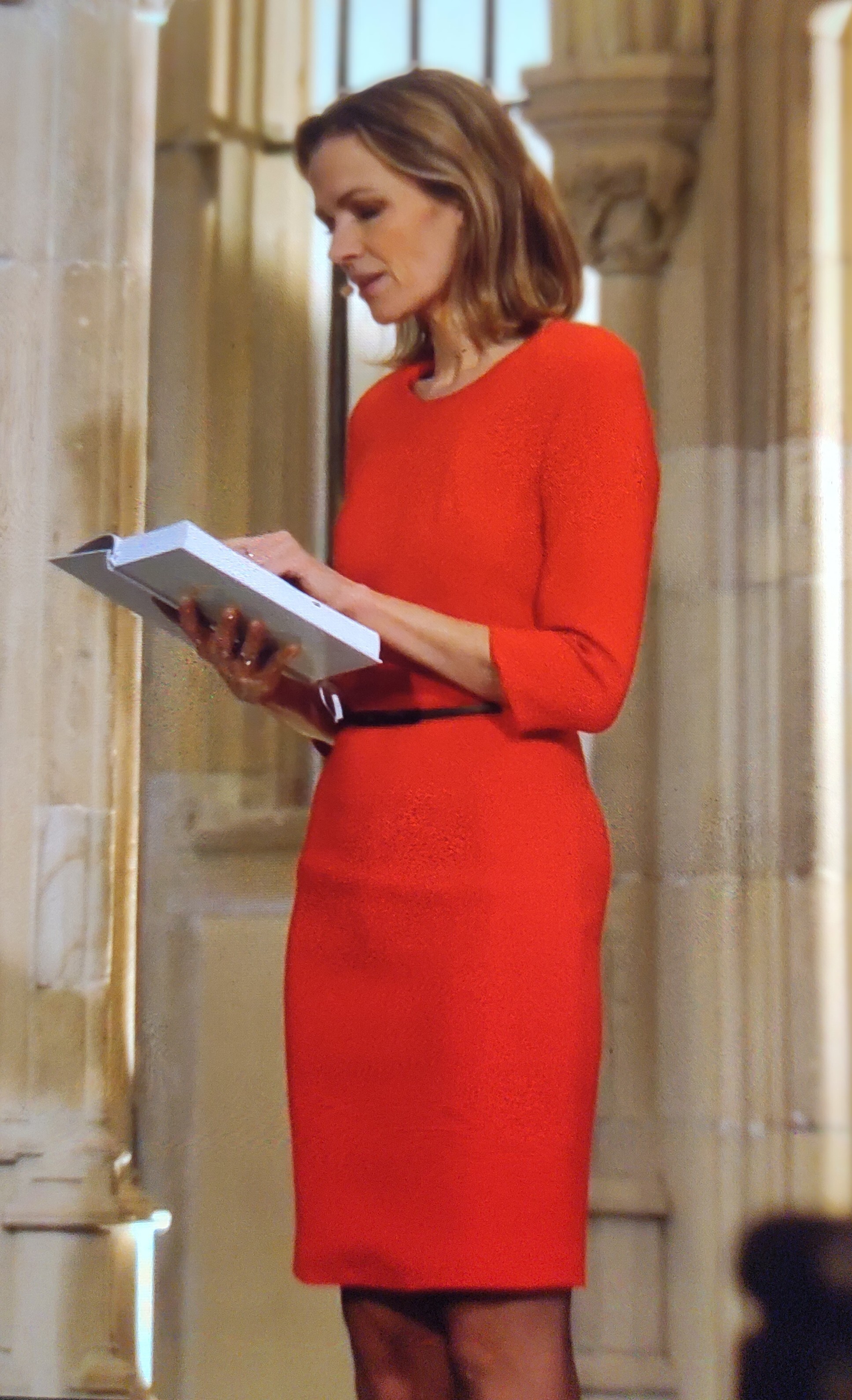
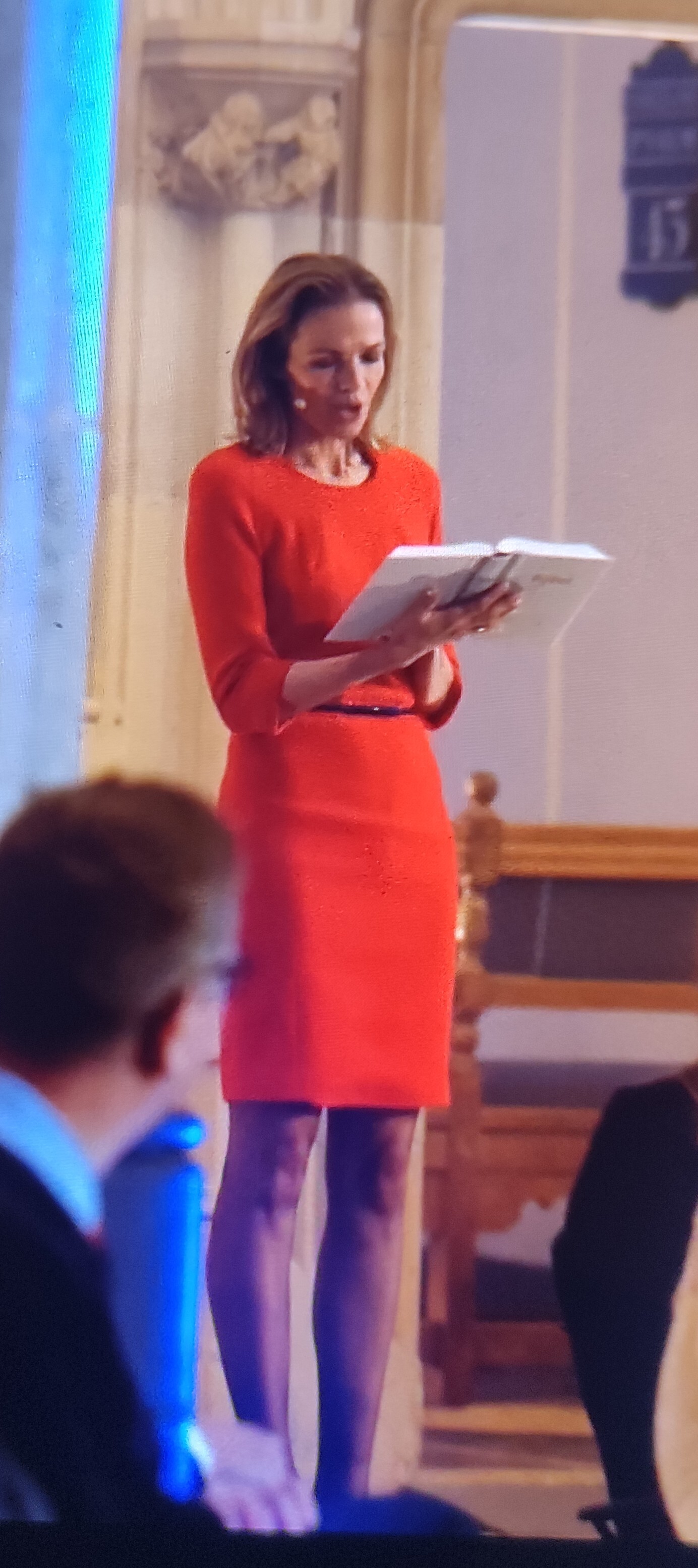
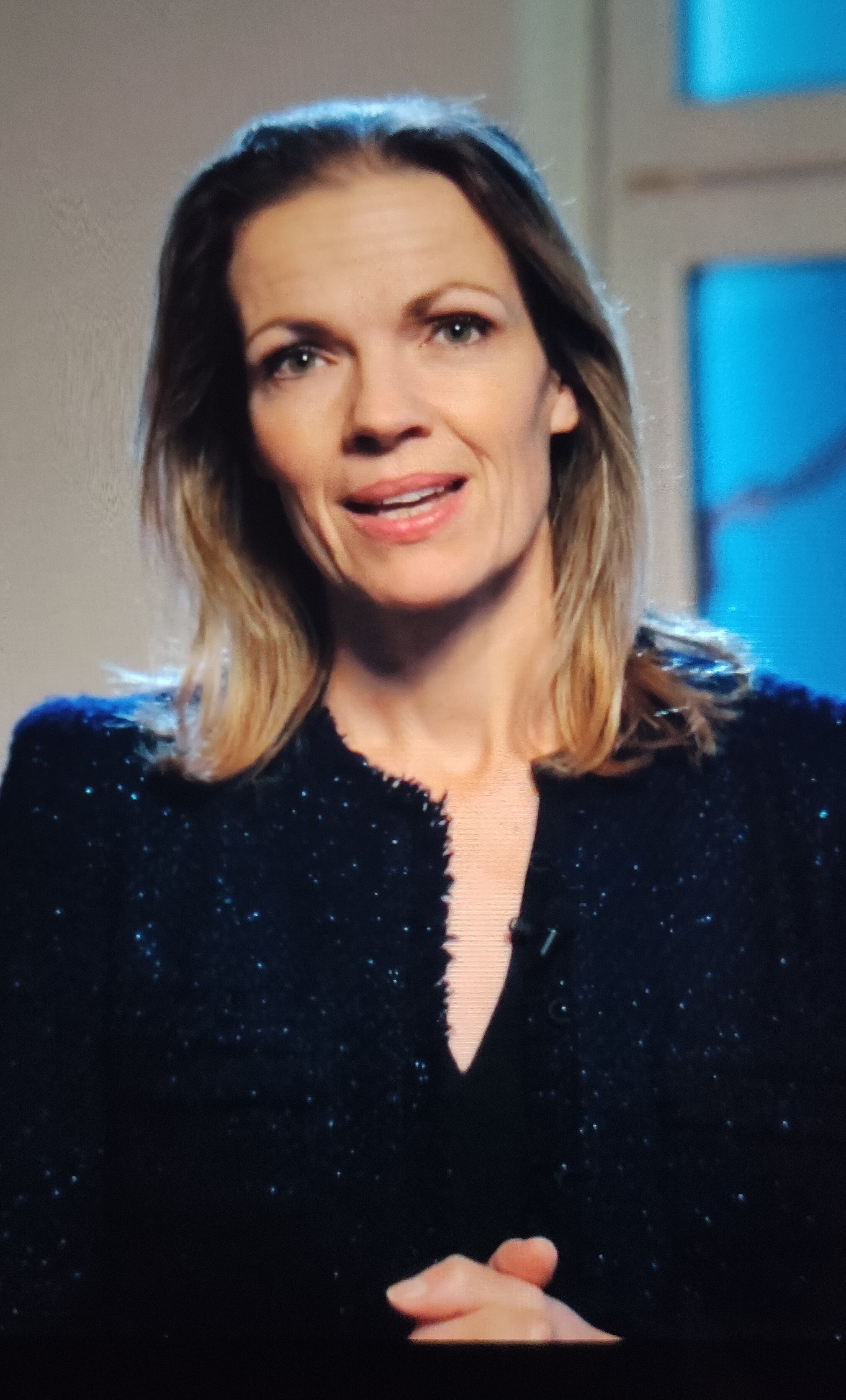
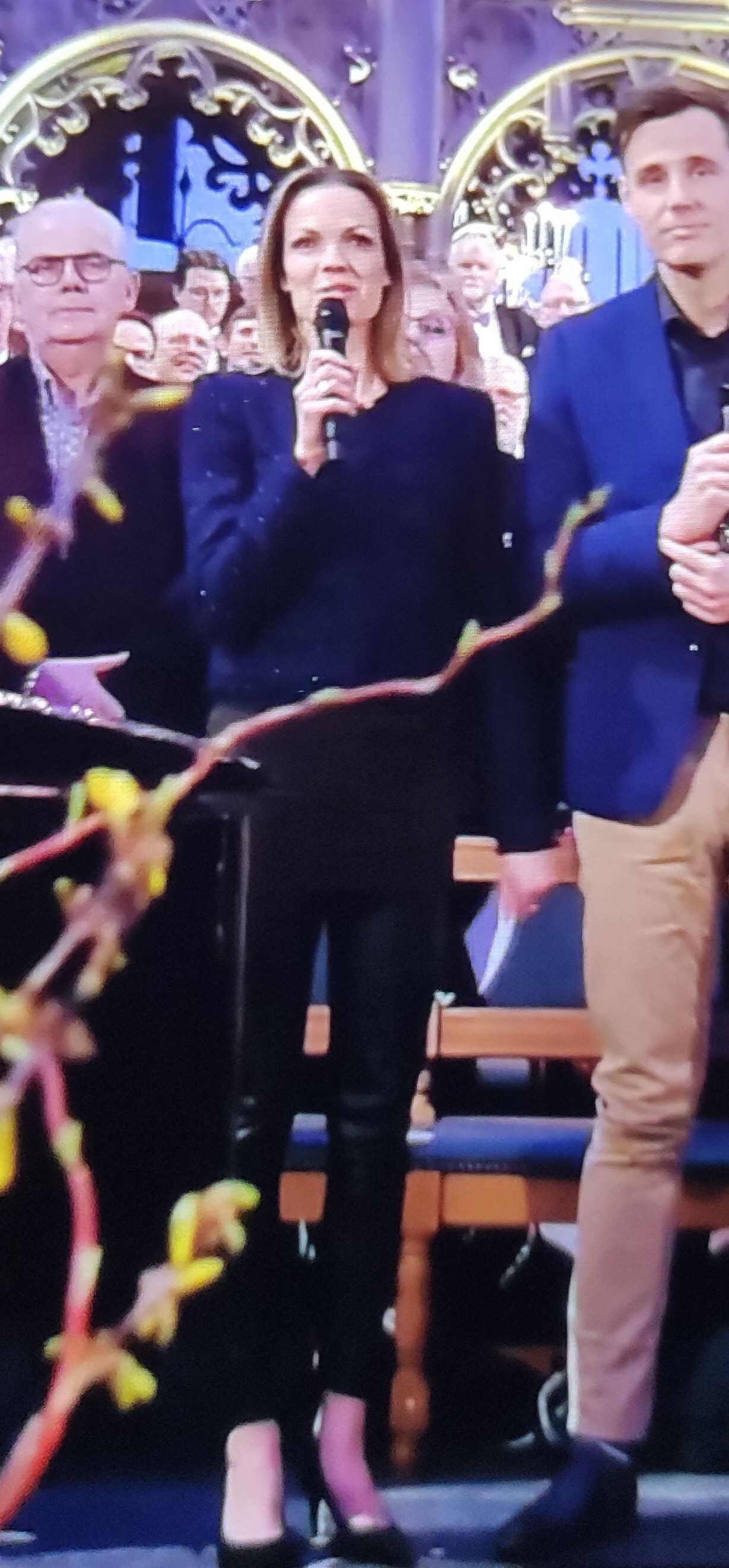
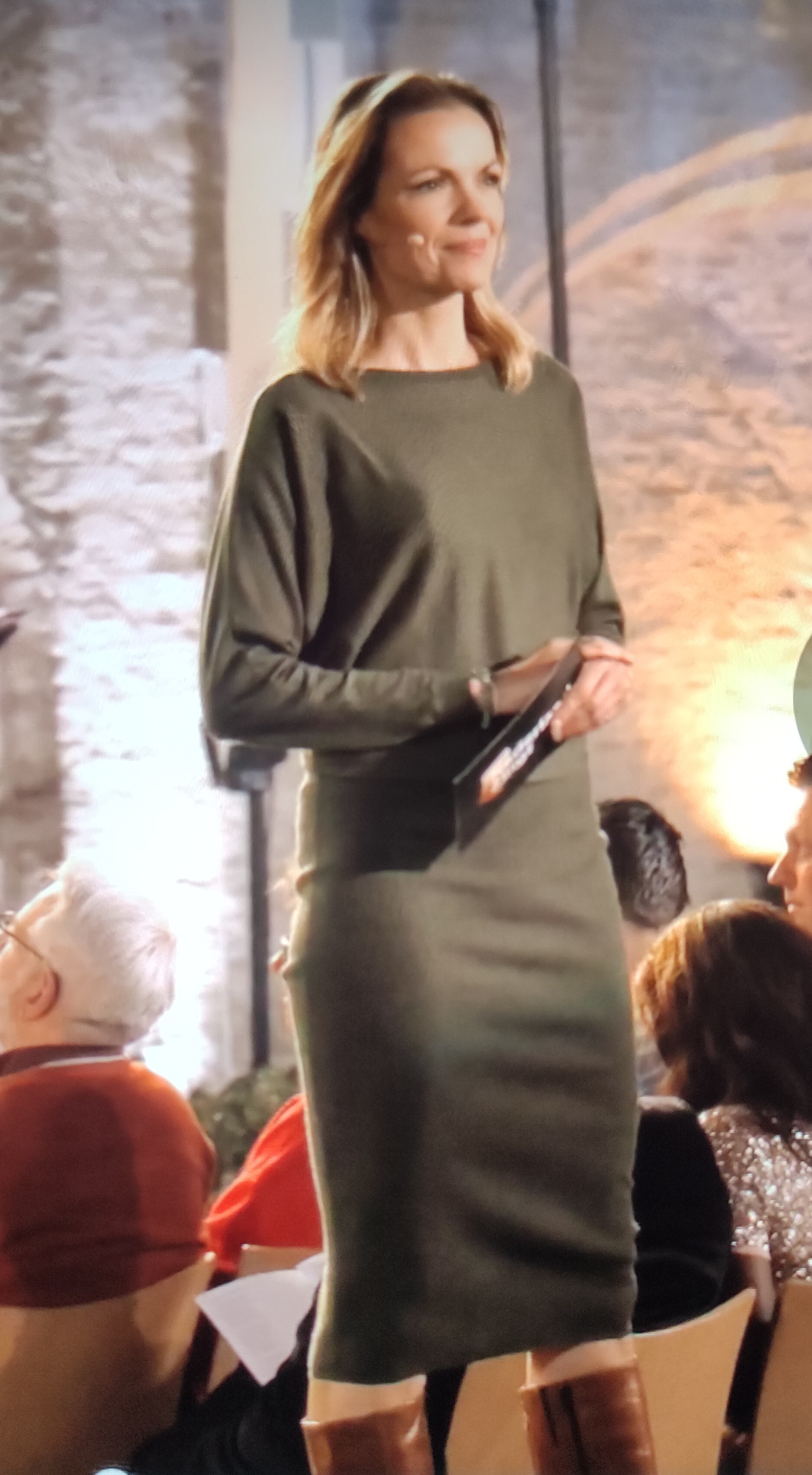
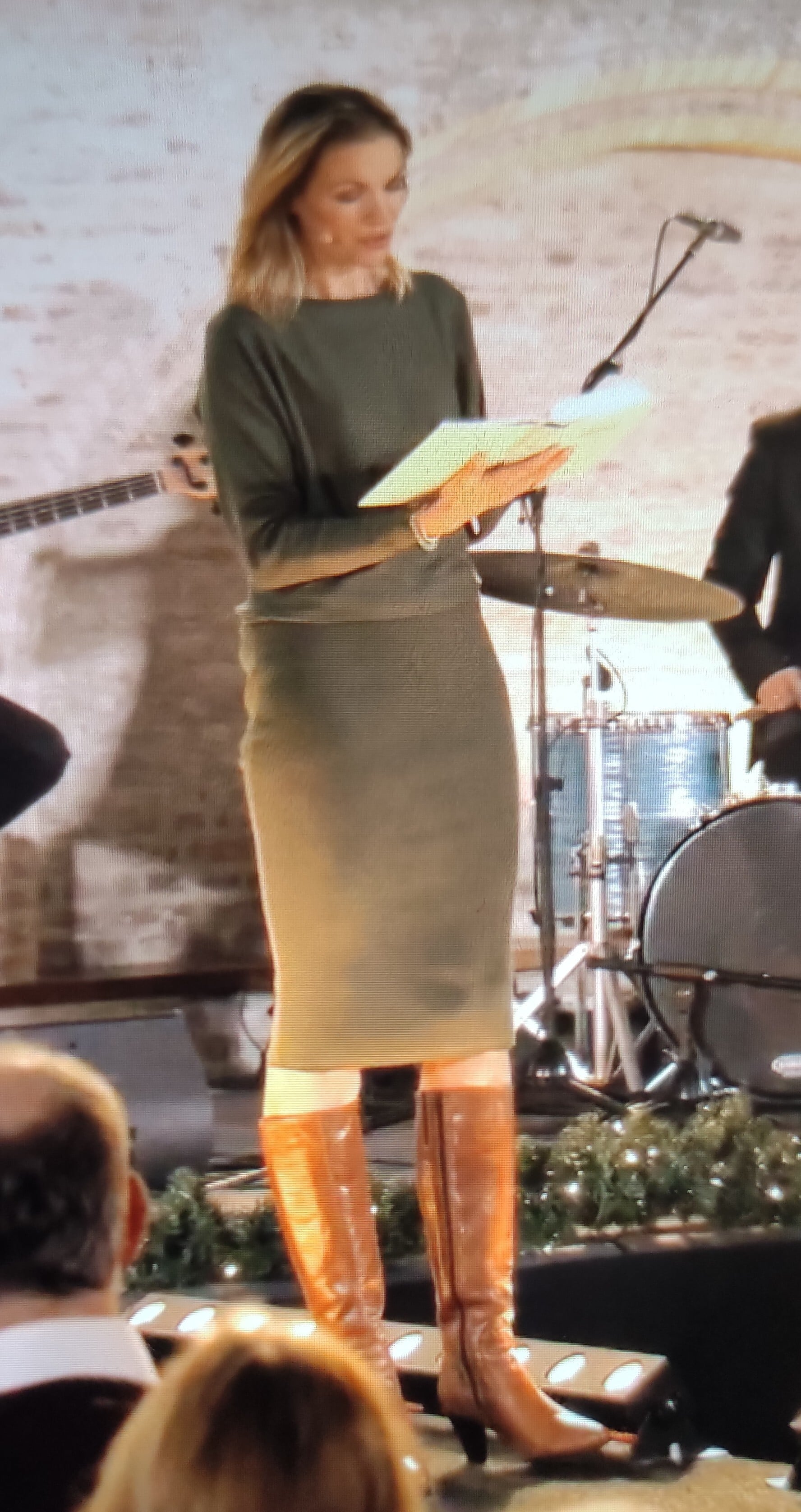
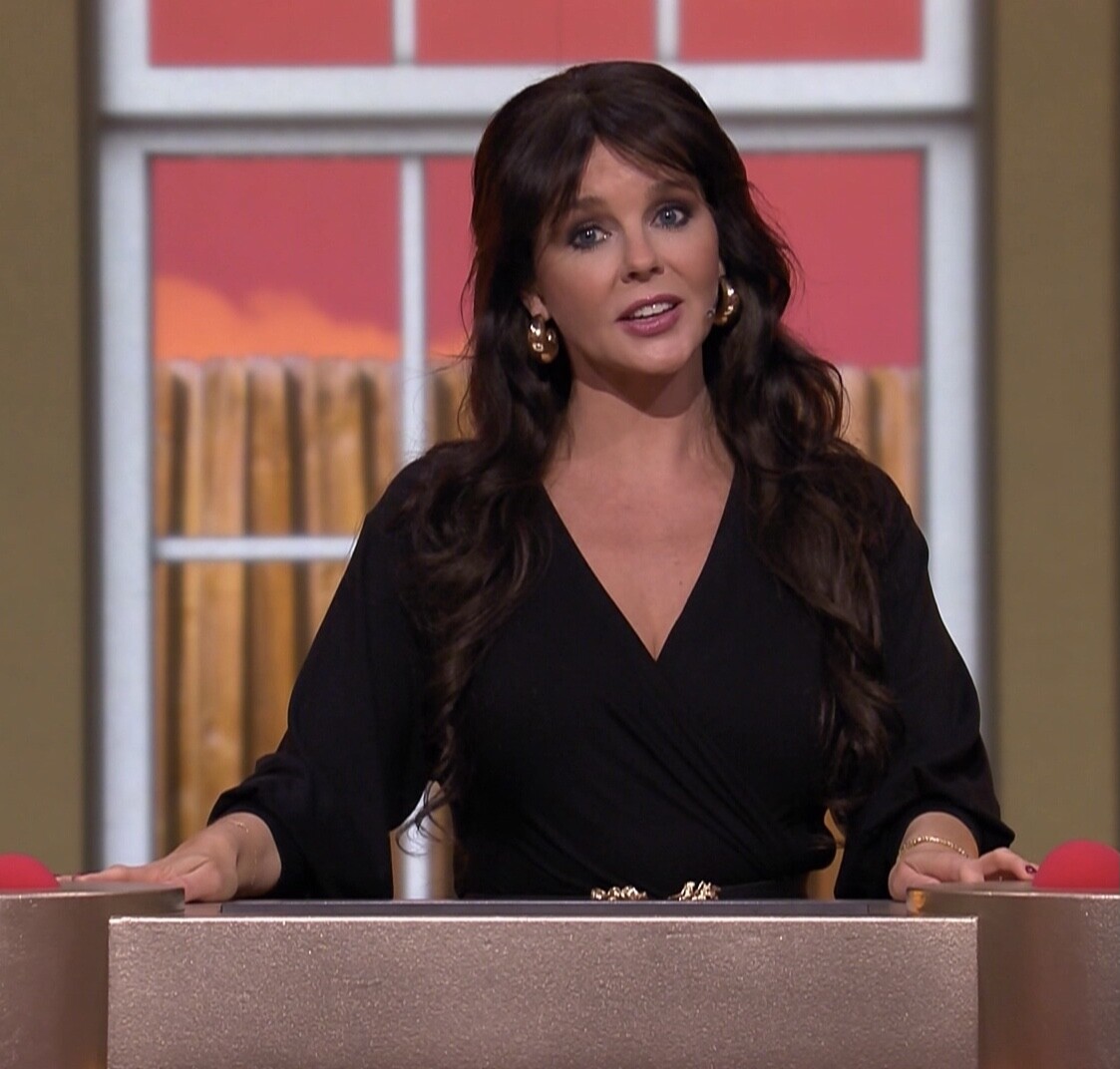
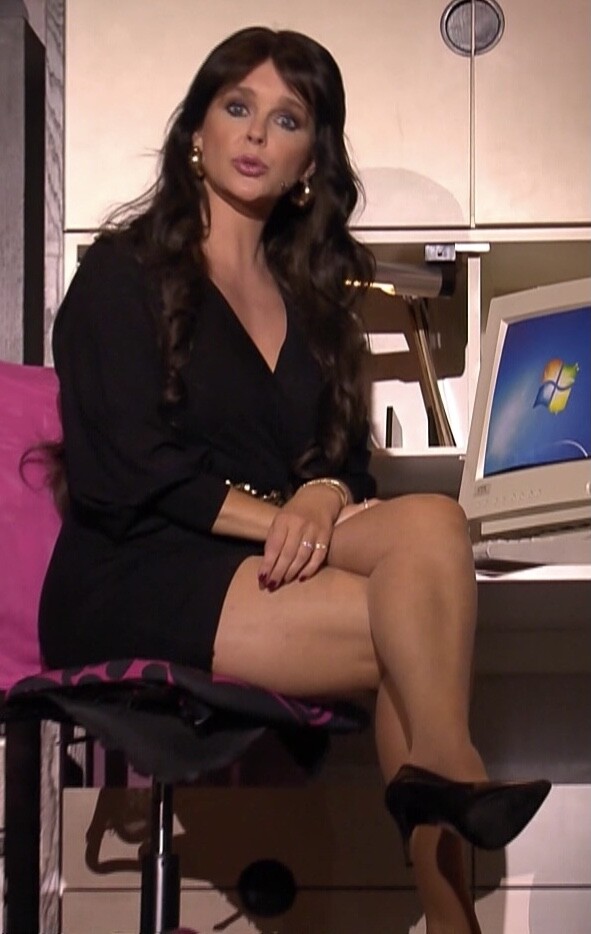
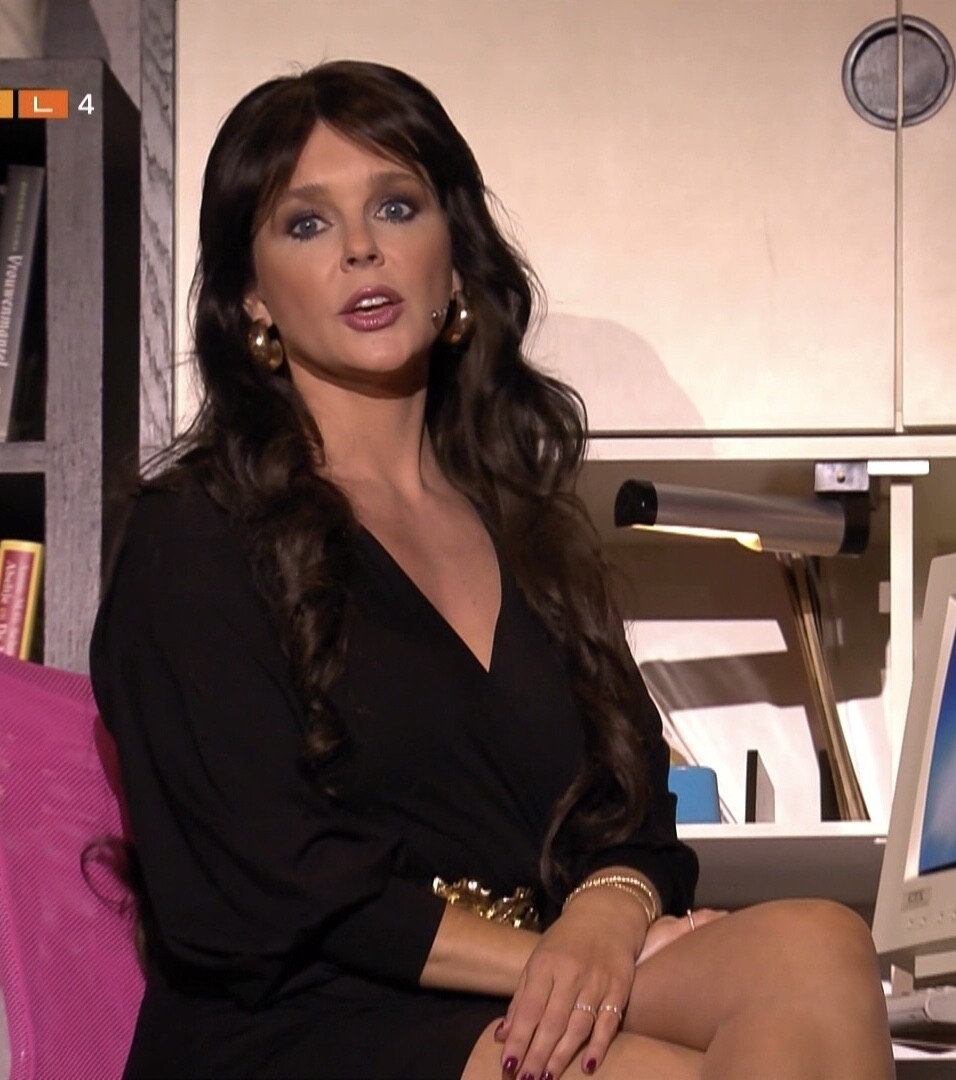
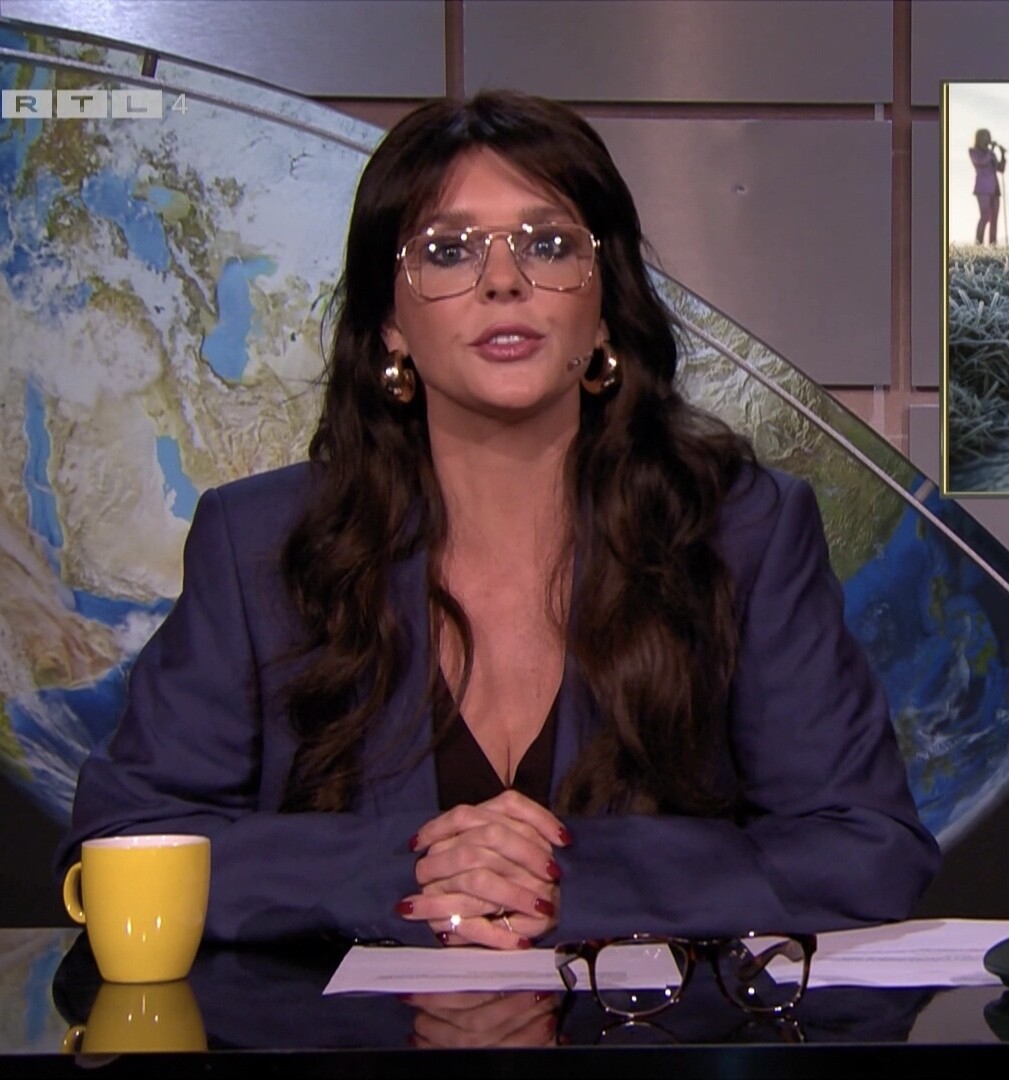
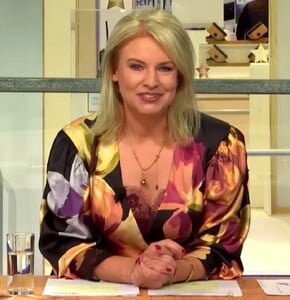
Pernille Ragnhild La Lau, Amsterdam 18 september 1971. A Dutch TV host. She started her career, after a study international marketing management, at a news program for SBS6 network. Later she did more news programs and interviews for SBS and NET5. She raise in The Netherlands to Fame with Helder, Exitie NL and above all Koffietijd.



















-
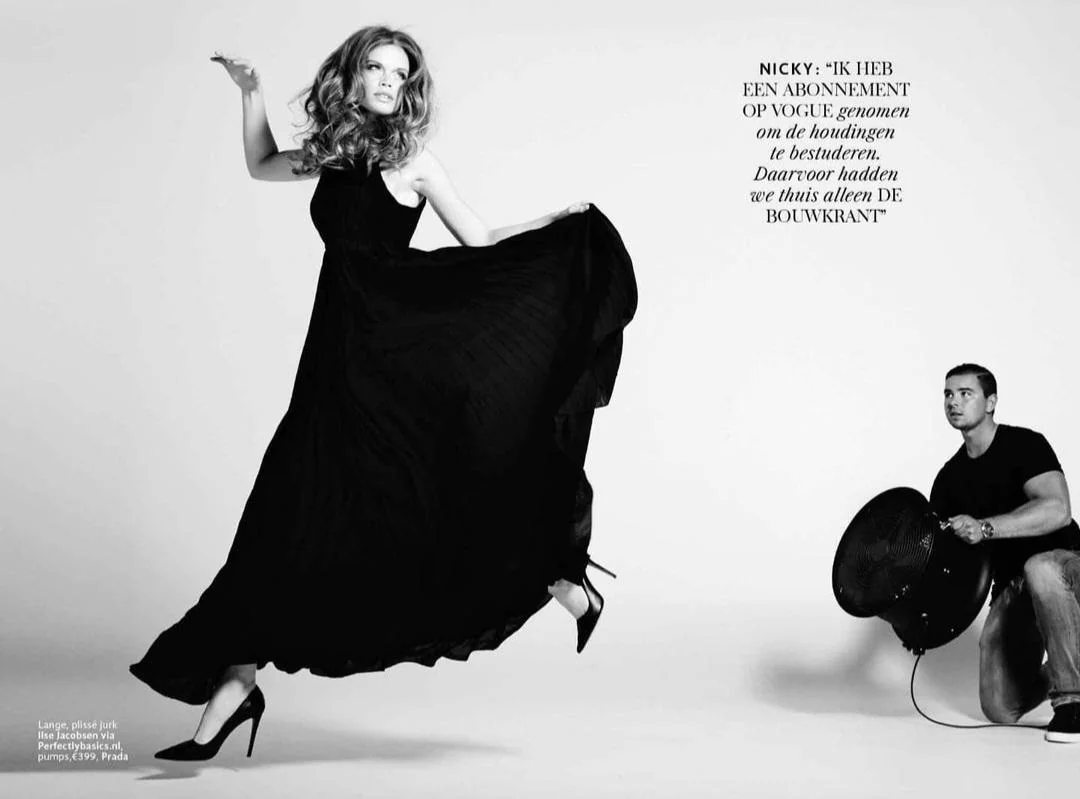
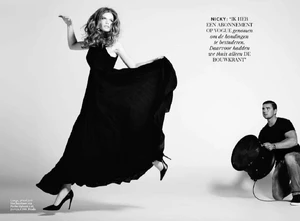
A few Edwin Janssen photos, great ones.














-
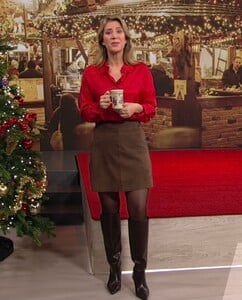
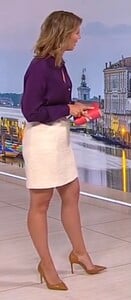
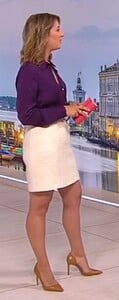
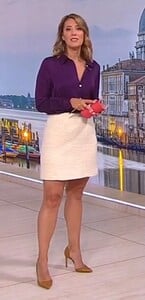
Catherine Vogel, German TV host



-
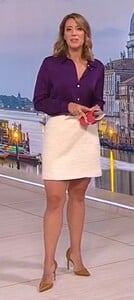
Xperience TV 11 April 2015








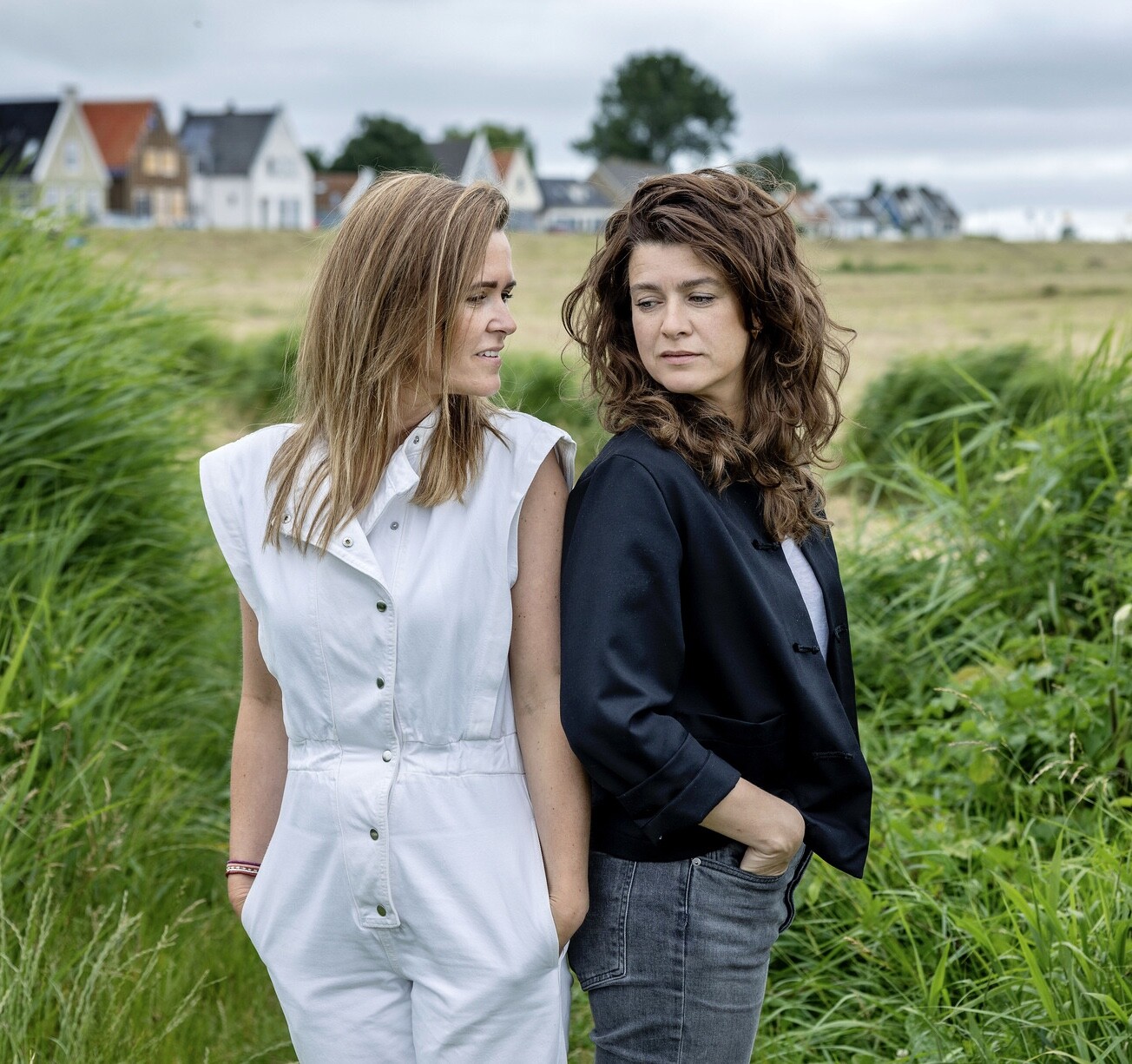
 With sister, and also TV host, Kirsten




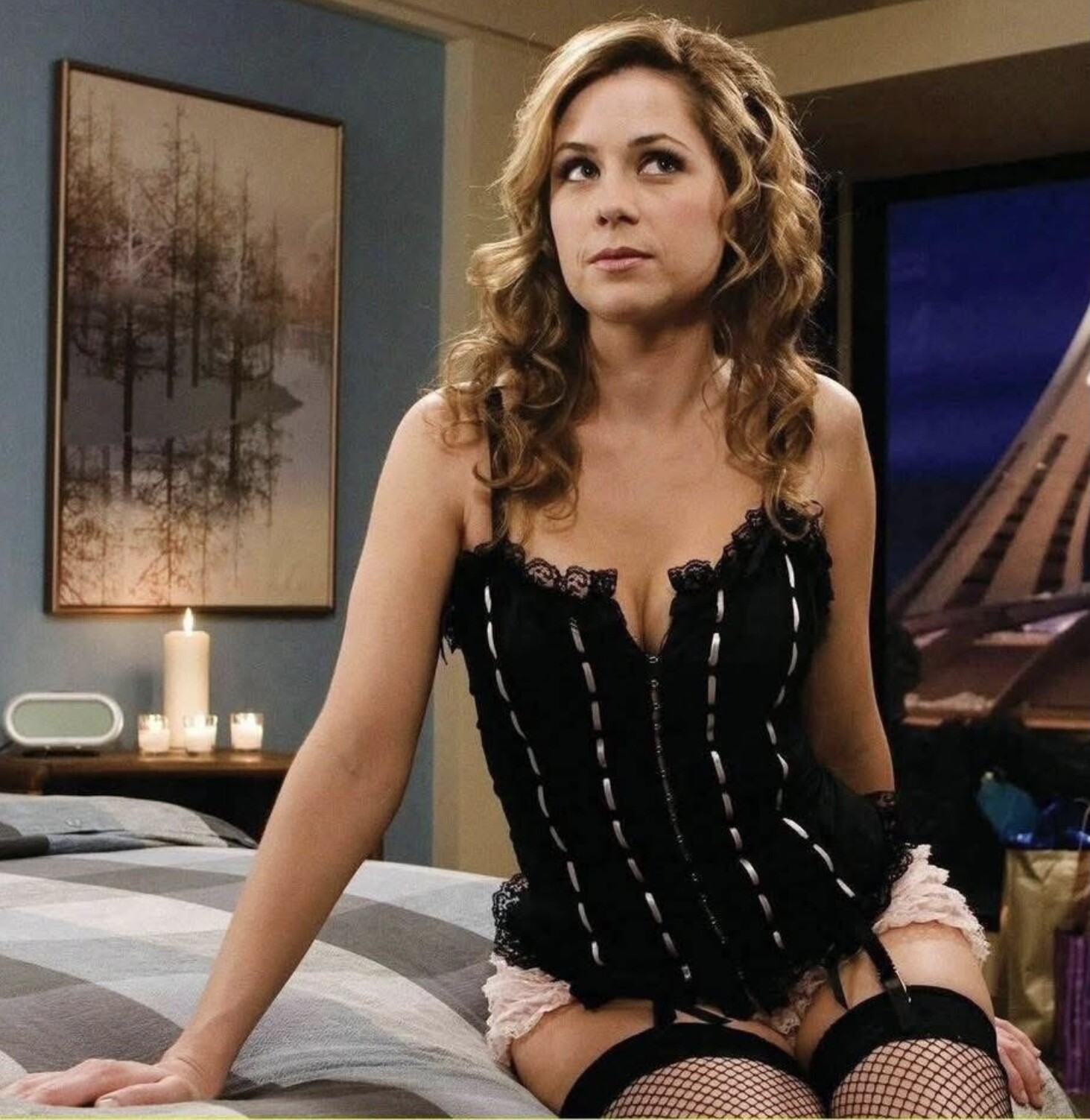
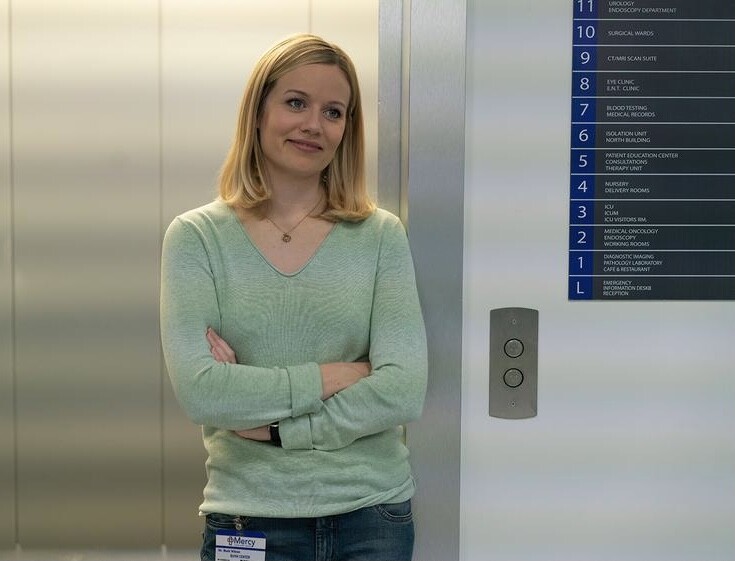
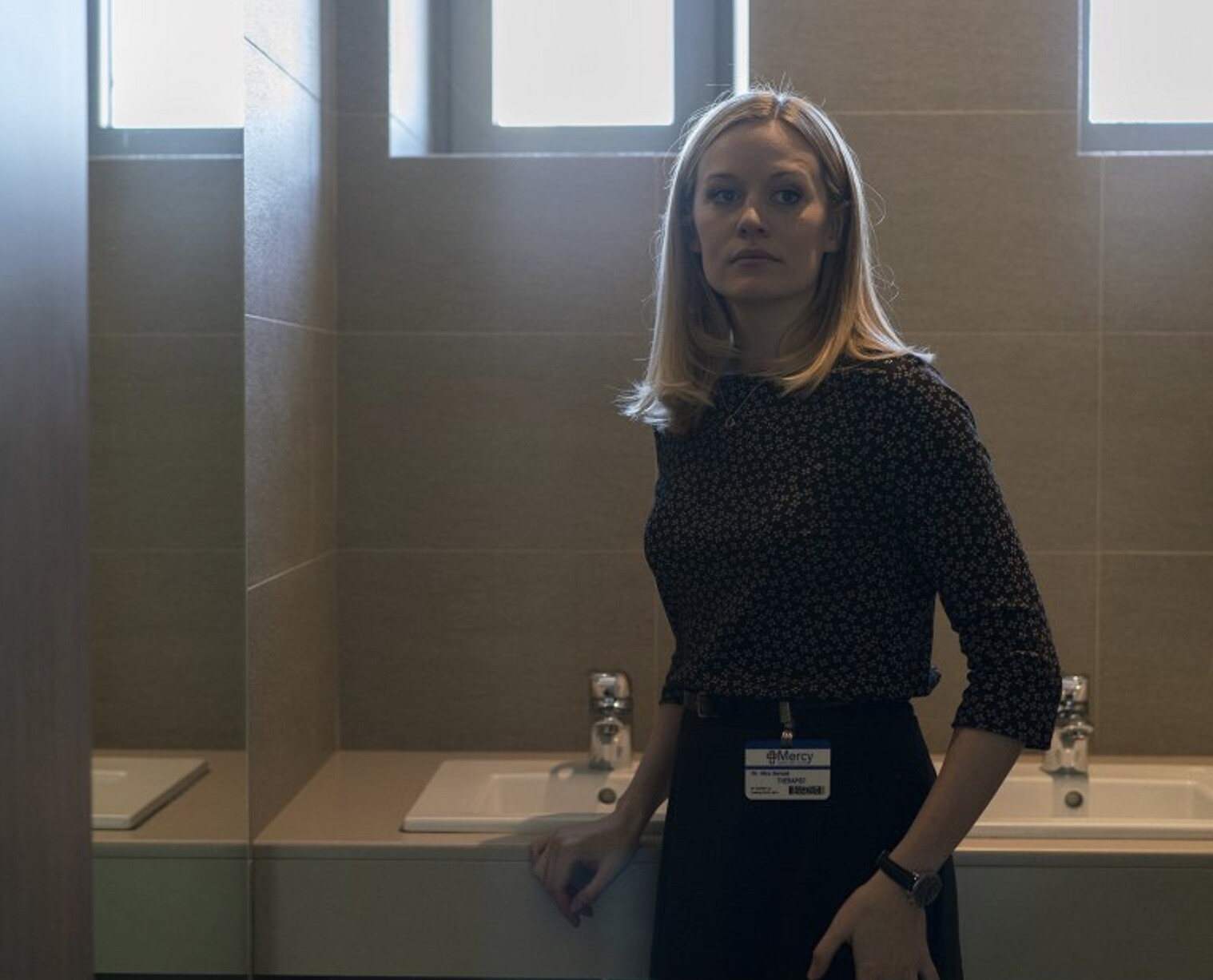
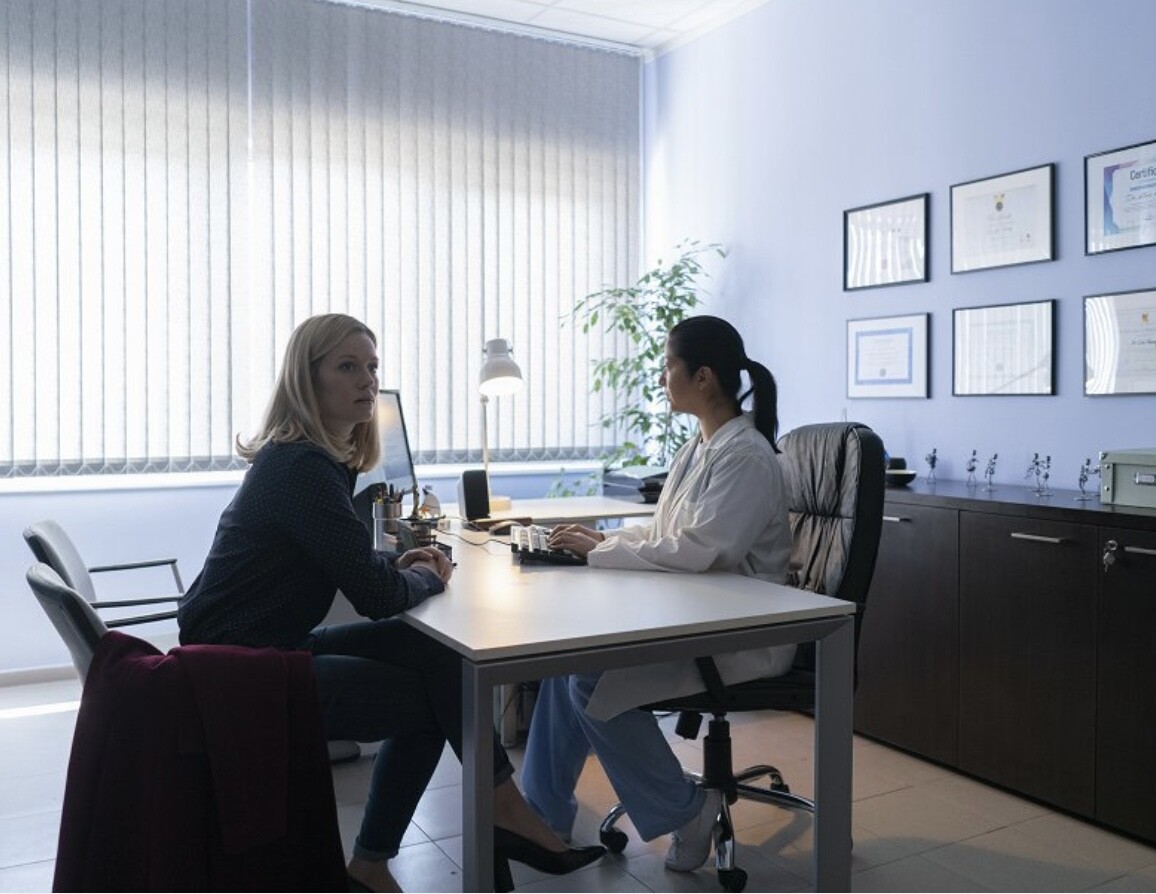
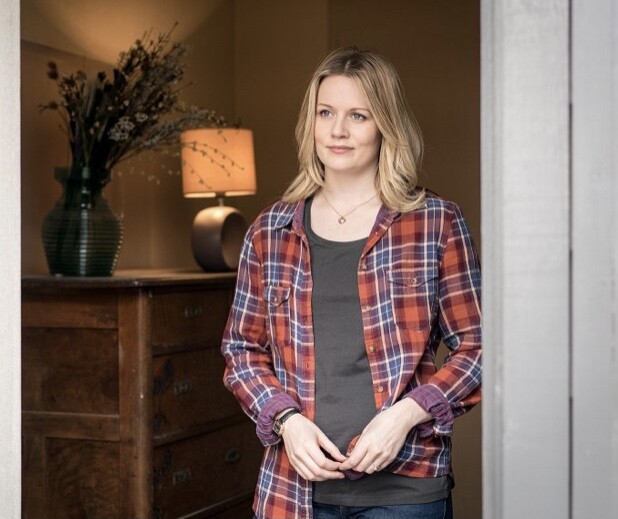
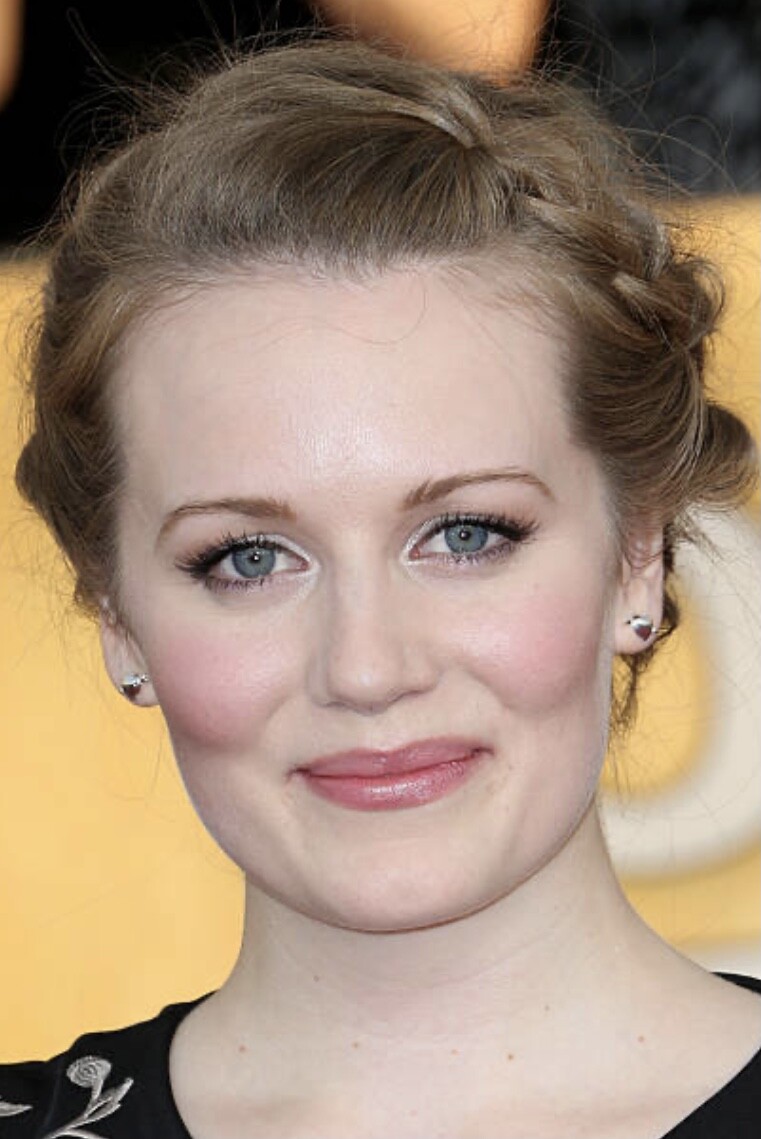
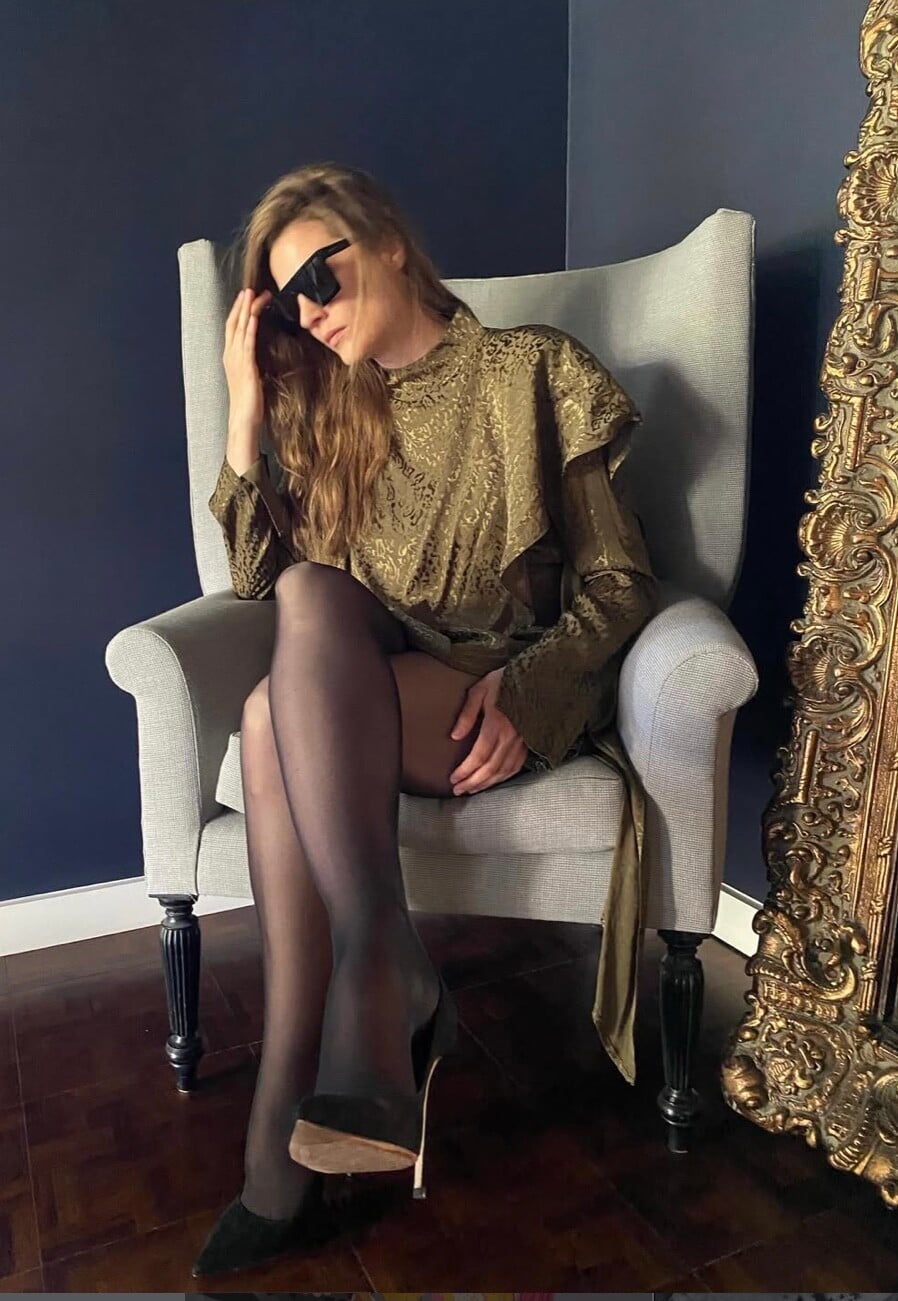
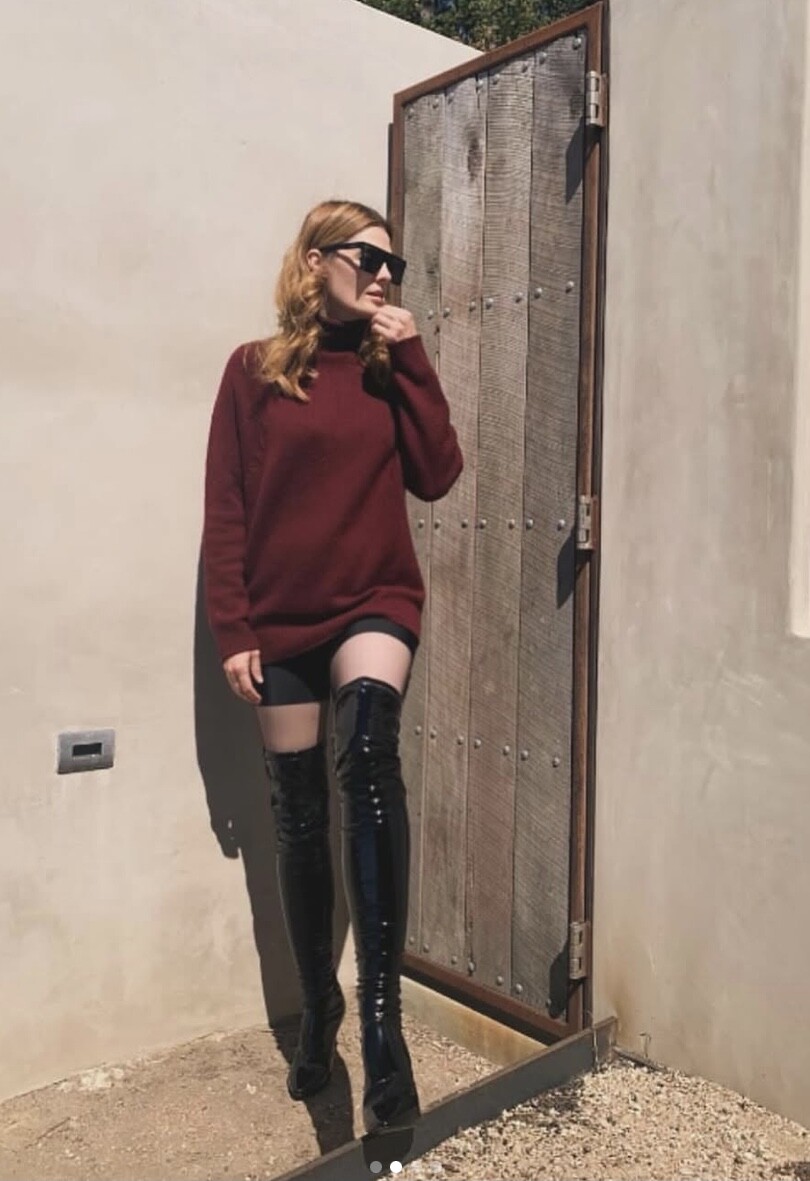
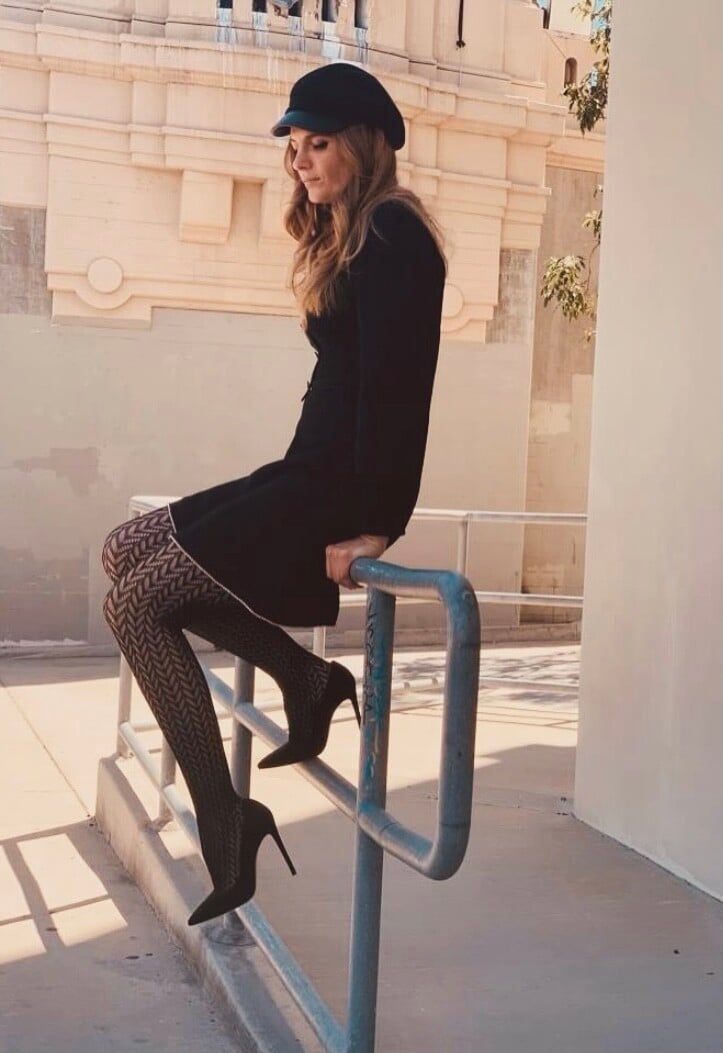
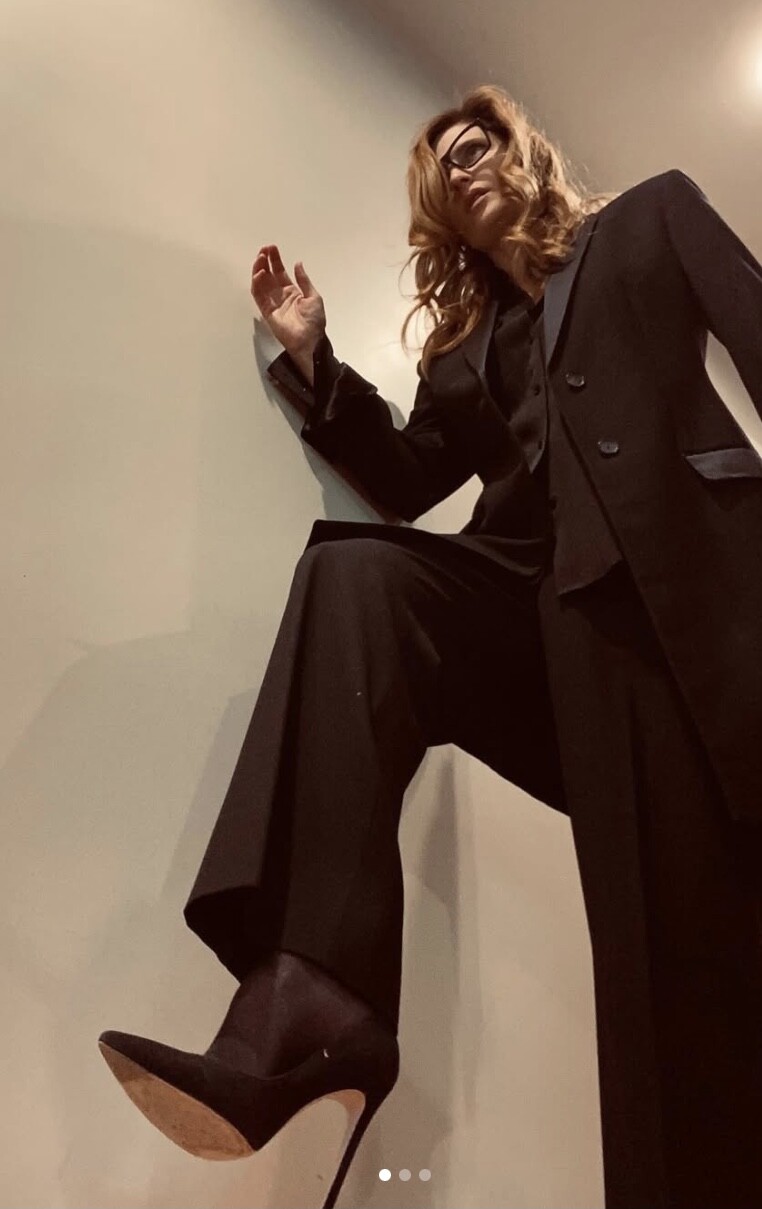
 Cara Theobold is an English actress, born in Wakefield, 8 January 1990. She studied drama at Guildhall School. In 2012 she made her debut in Downtown Abbey for ITV network. She played in a few movies, but mostly in TV series. Downtown Abby Lovesick 303 Squadron Promises Call the Midwife Crazy head Absentia Kiri Manhunt Death in Paradise The Hack The Long Shadow






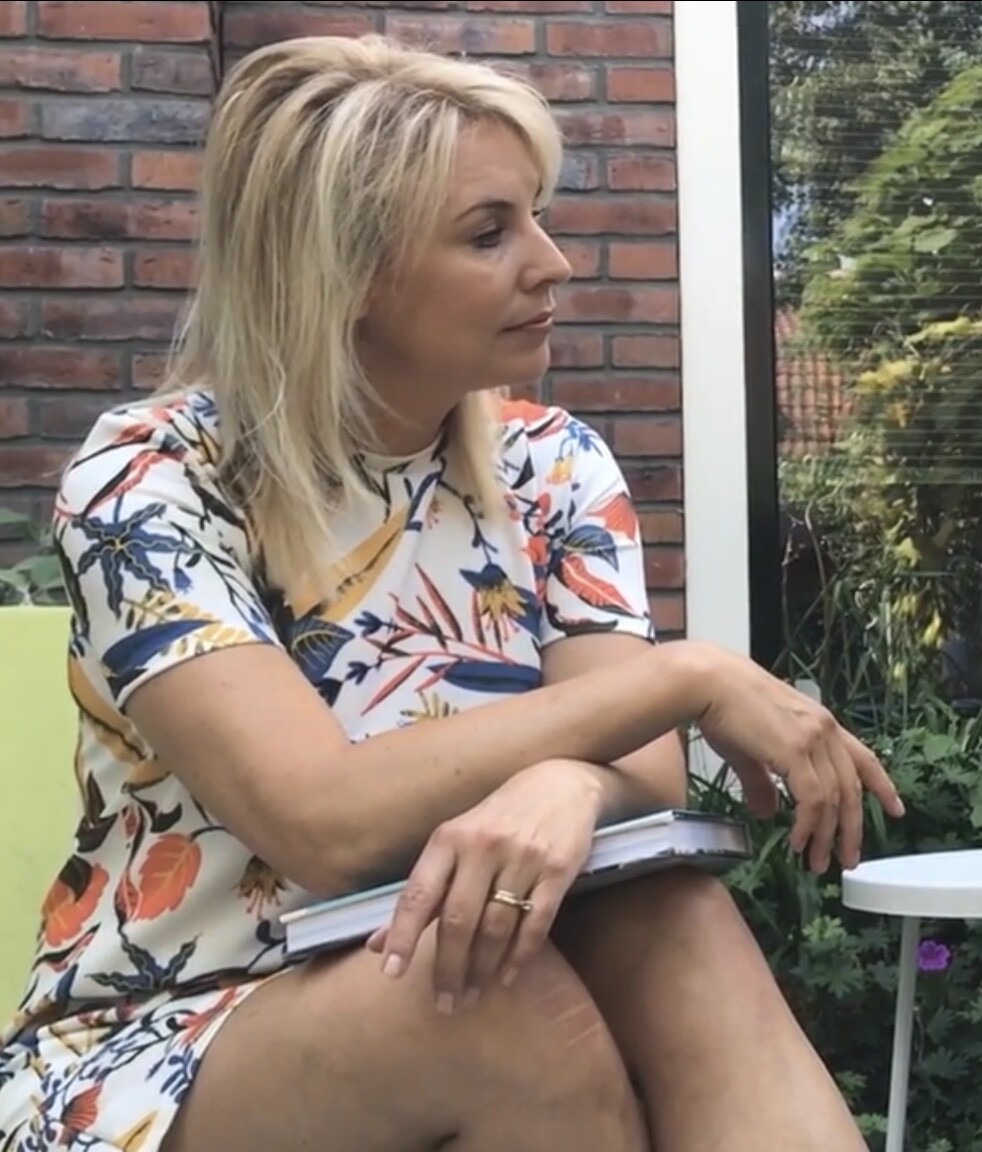
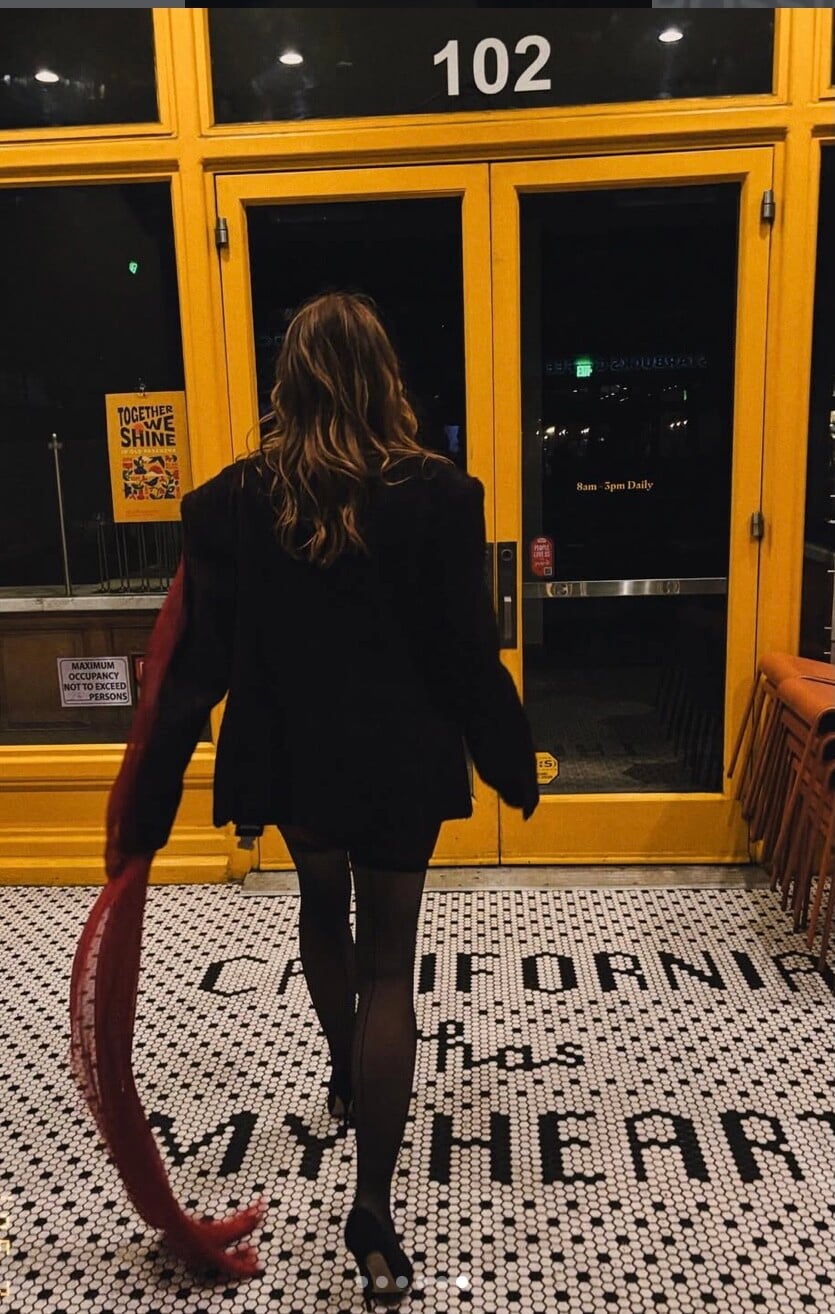
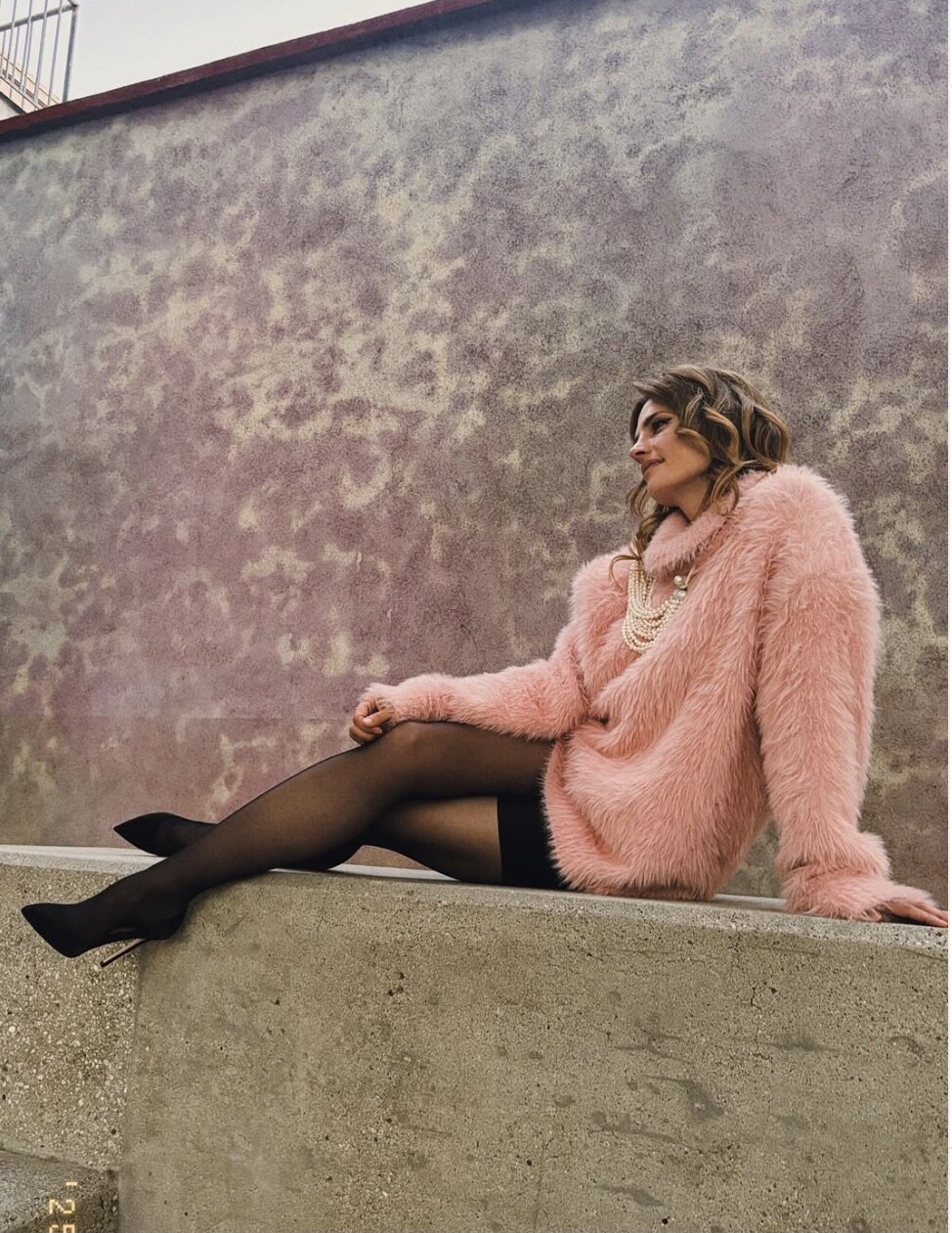
 Showing her legs on Instagram, and her great sense for fashion.
















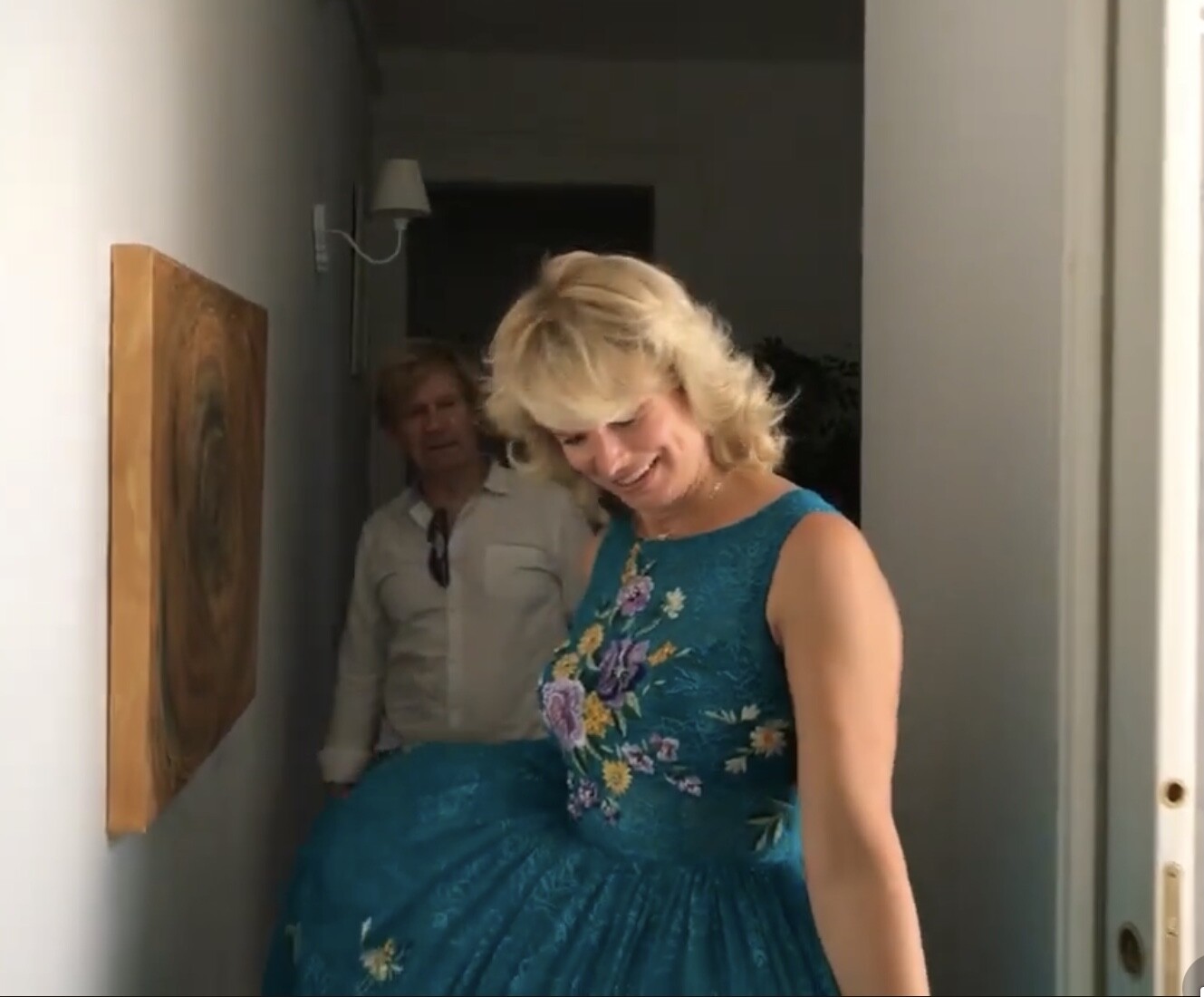
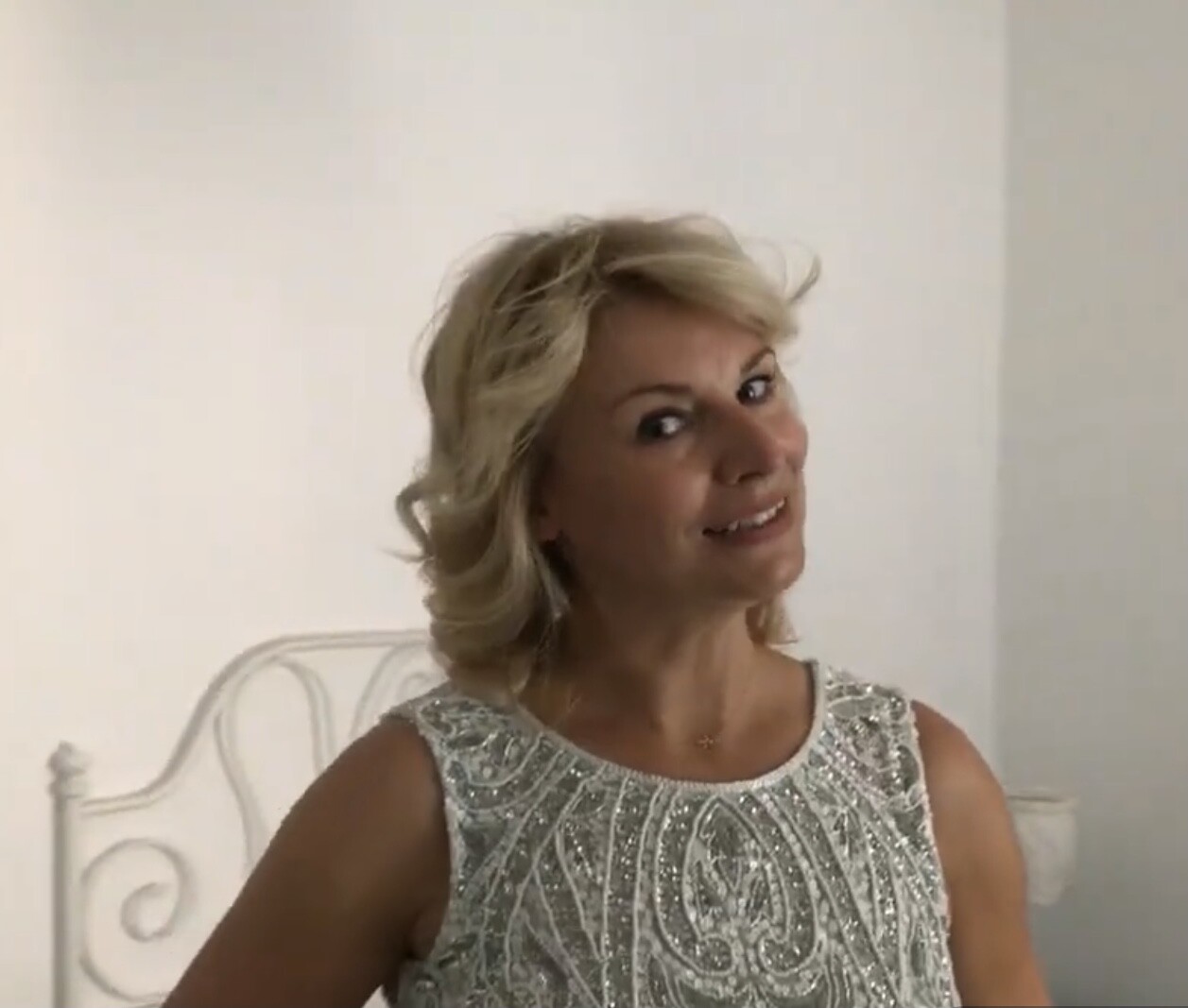
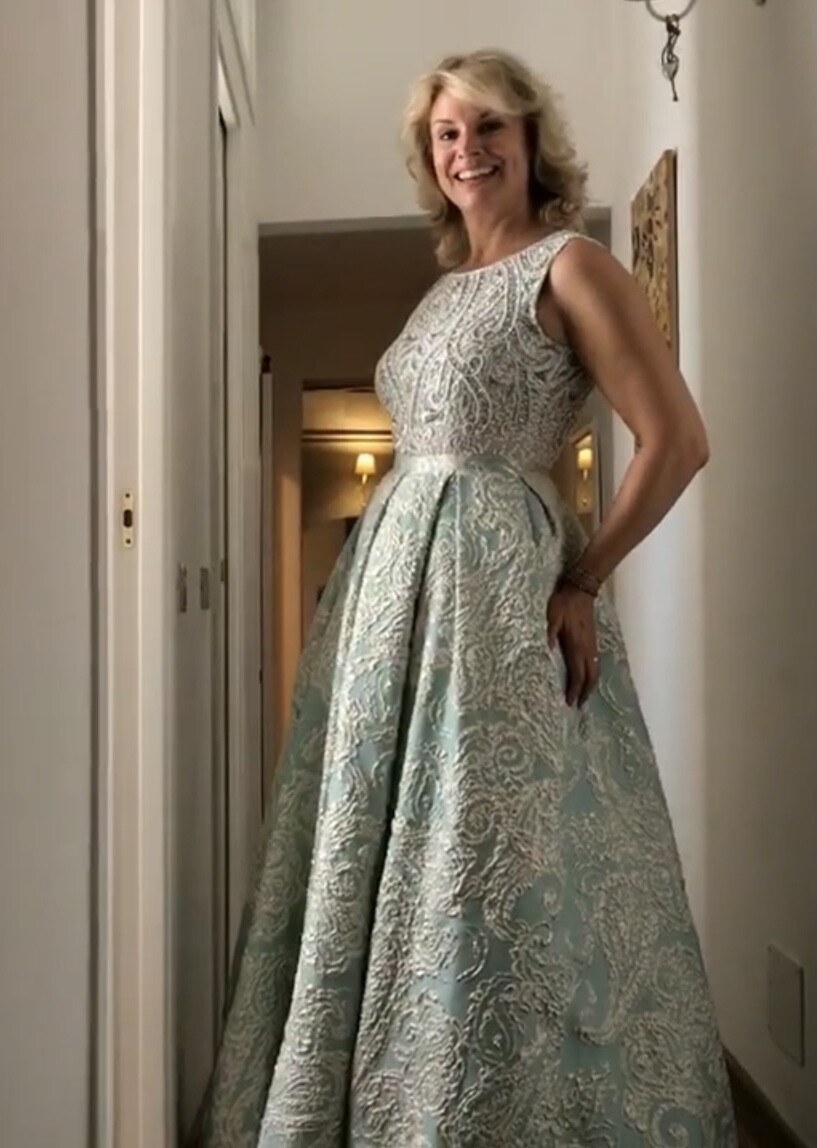
 Behind the Scene’s




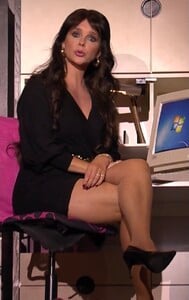
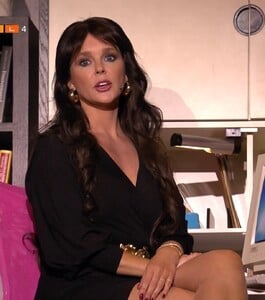
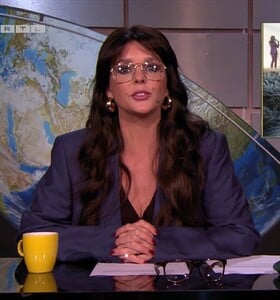
 Oh What a Year, 29 november 2025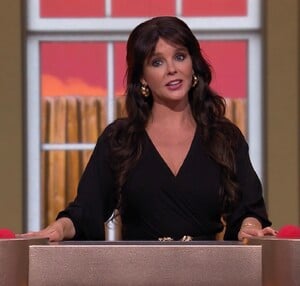






Account
Navigation
Search
Configure browser push notifications
Chrome (Android)
- Tap the lock icon next to the address bar.
- Tap Permissions → Notifications.
- Adjust your preference.
Chrome (Desktop)
- Click the padlock icon in the address bar.
- Select Site settings.
- Find Notifications and adjust your preference.
Safari (iOS 16.4+)
- Ensure the site is installed via Add to Home Screen.
- Open Settings App → Notifications.
- Find your app name and adjust your preference.
Safari (macOS)
- Go to Safari → Preferences.
- Click the Websites tab.
- Select Notifications in the sidebar.
- Find this website and adjust your preference.
Edge (Android)
- Tap the lock icon next to the address bar.
- Tap Permissions.
- Find Notifications and adjust your preference.
Edge (Desktop)
- Click the padlock icon in the address bar.
- Click Permissions for this site.
- Find Notifications and adjust your preference.
Firefox (Android)
- Go to Settings → Site permissions.
- Tap Notifications.
- Find this site in the list and adjust your preference.
Firefox (Desktop)
- Open Firefox Settings.
- Search for Notifications.
- Find this site in the list and adjust your preference.