bontempi
Members
-
Joined
-
-
-
Thread is ready 😊 https://www.bellazon.com/main/topic/129074-renata-kupidlowsky/ Oh and don’t forget your 3rd finding > I’m pretty sure that you do have even more of her in your endless hair magazines 🧐
-
-
-
-
-
-
-
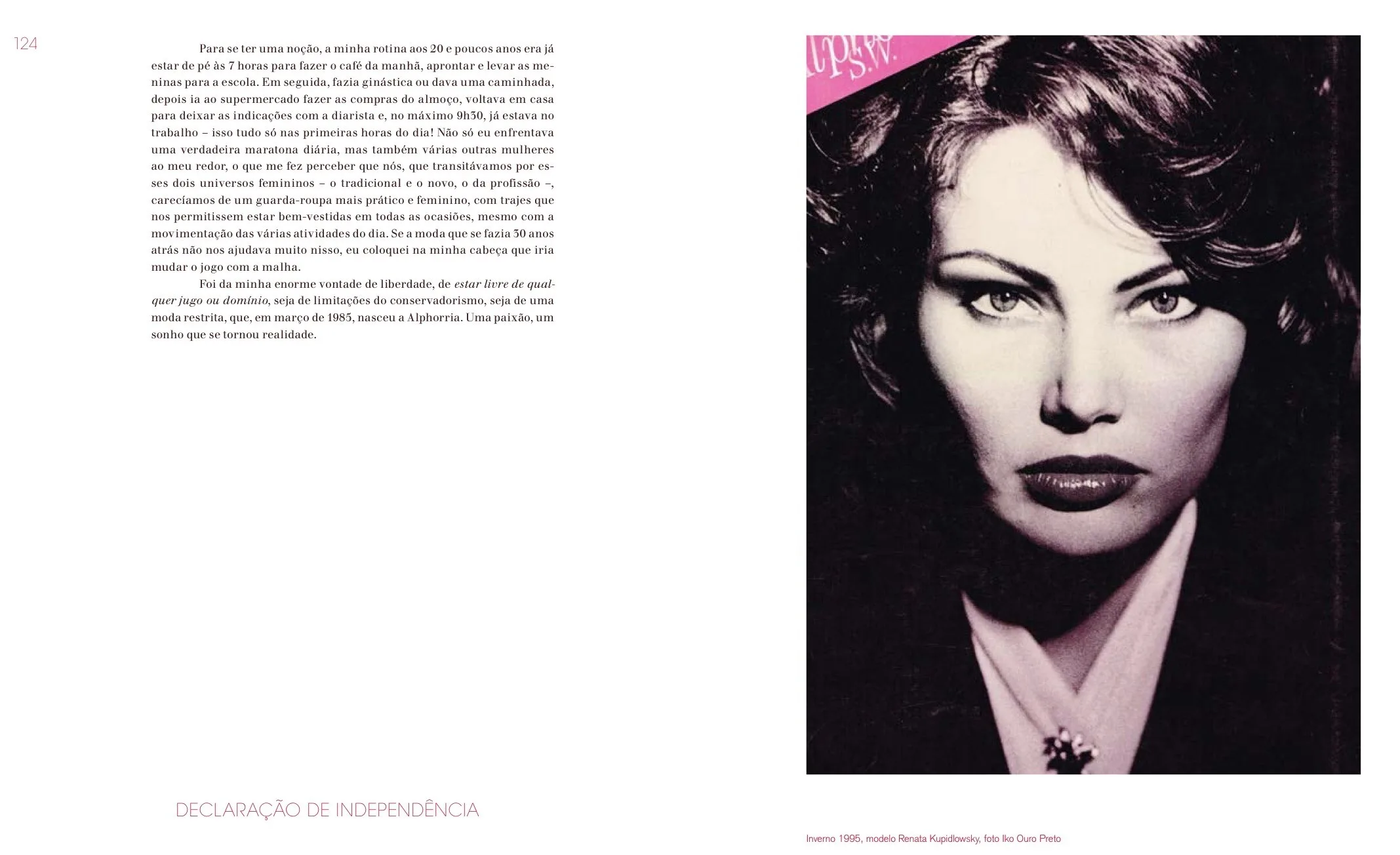
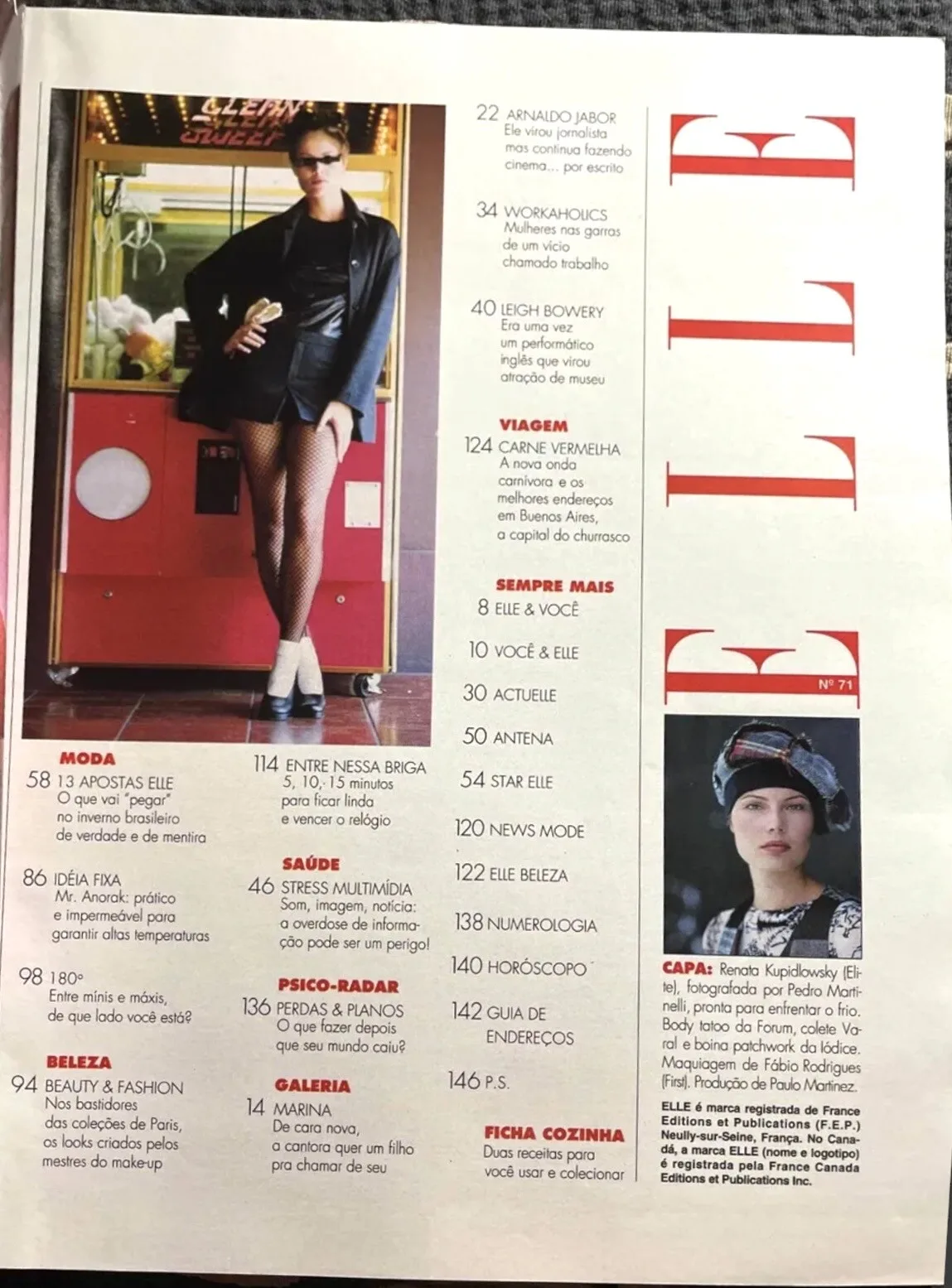
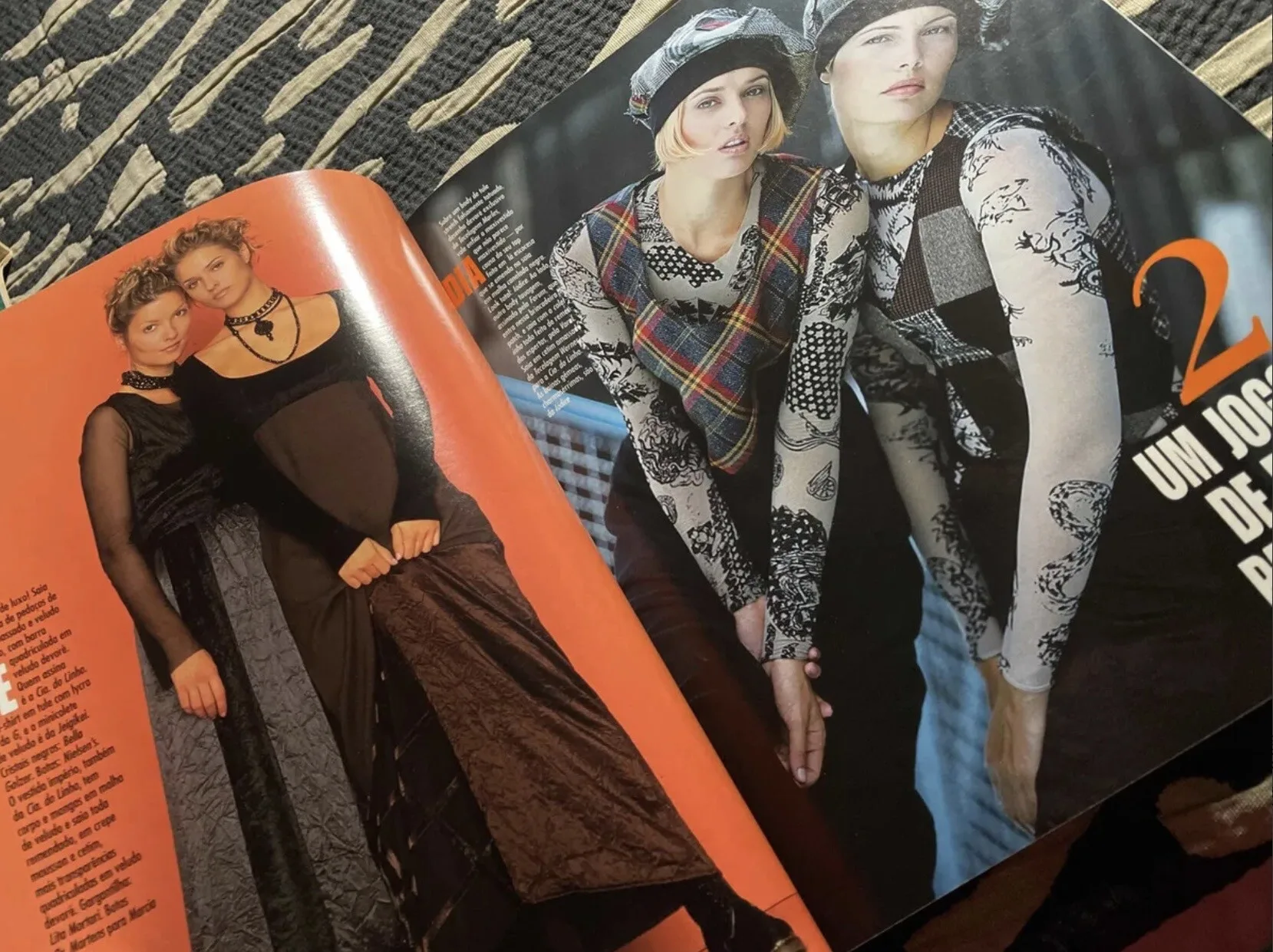
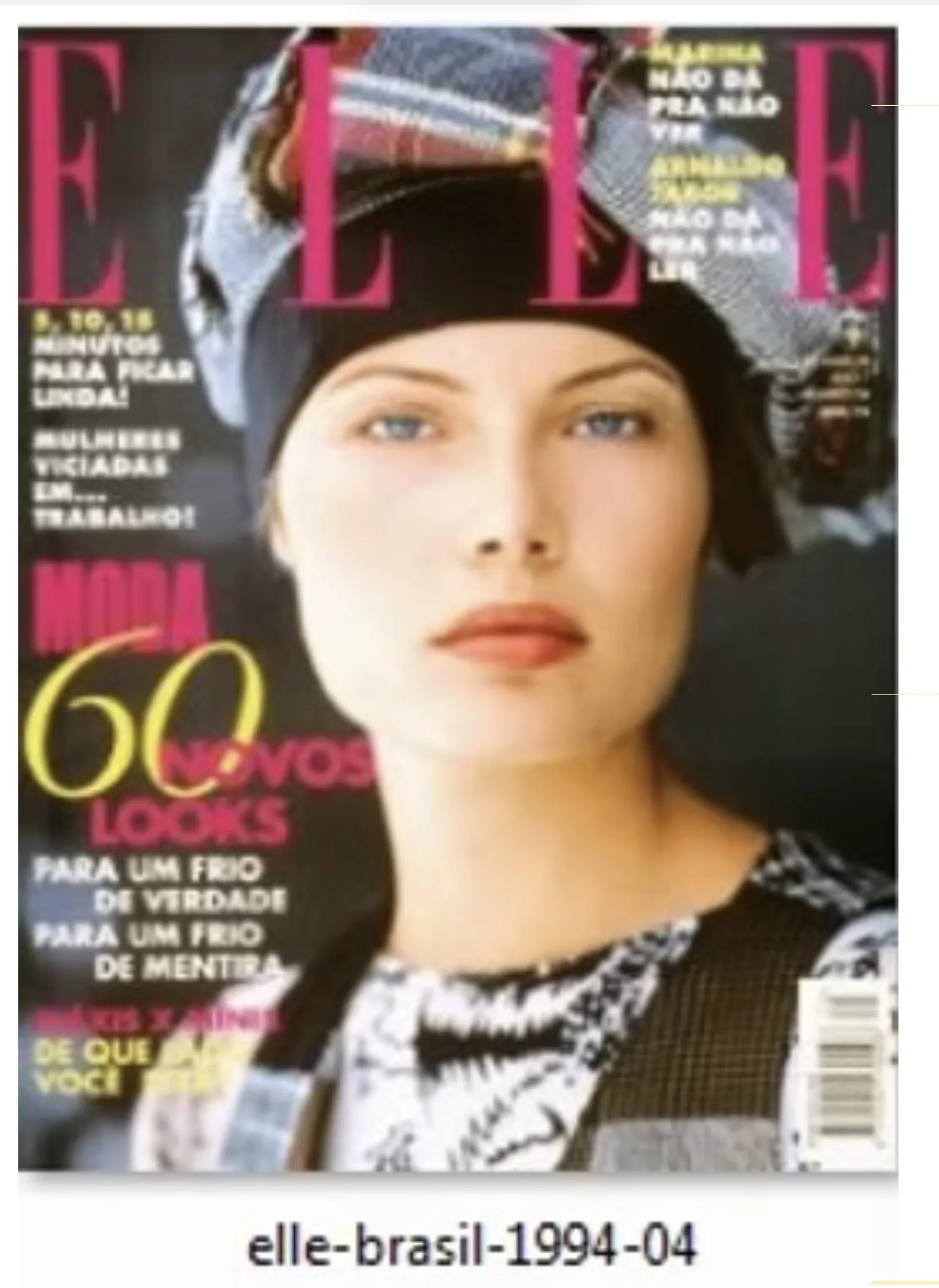
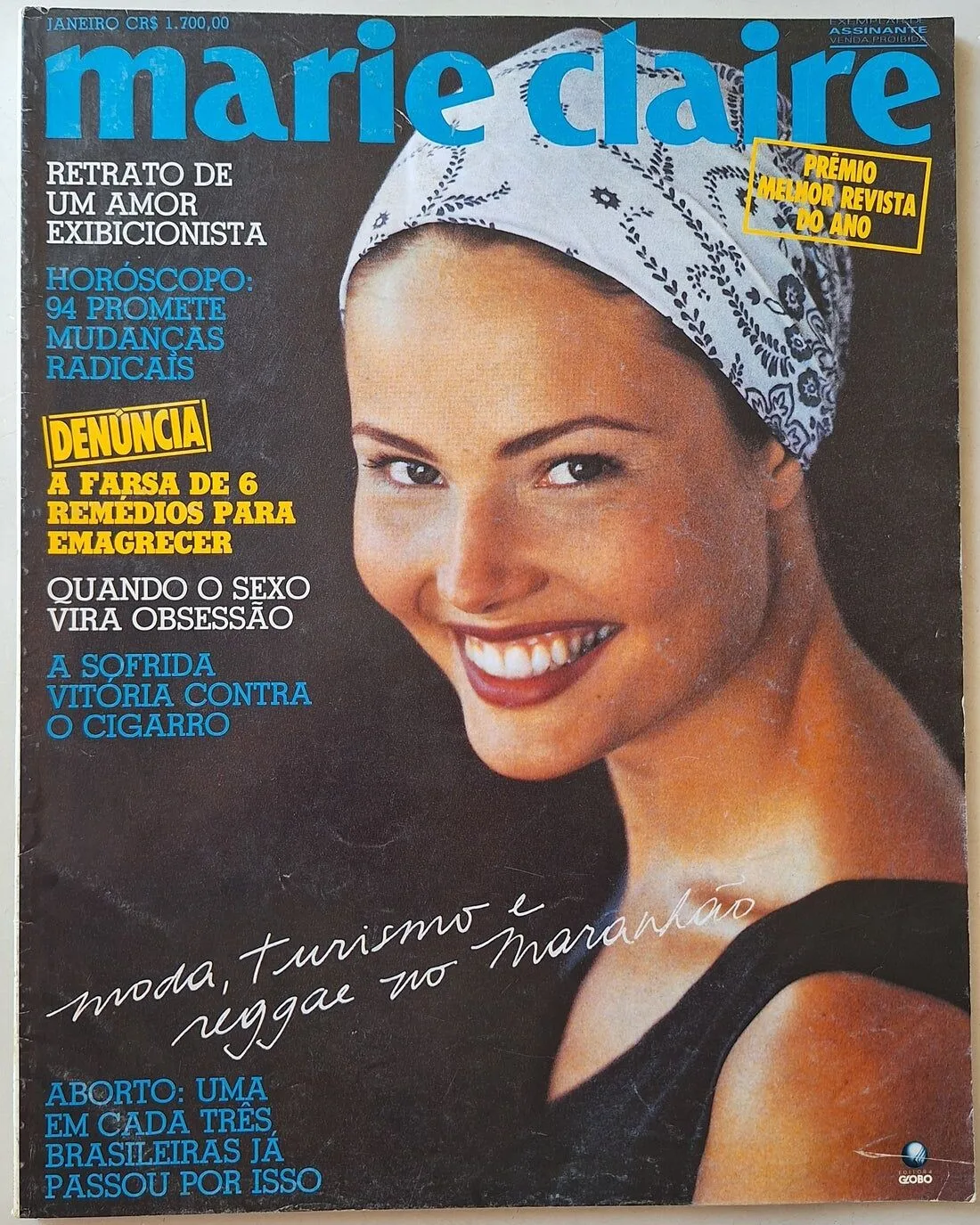
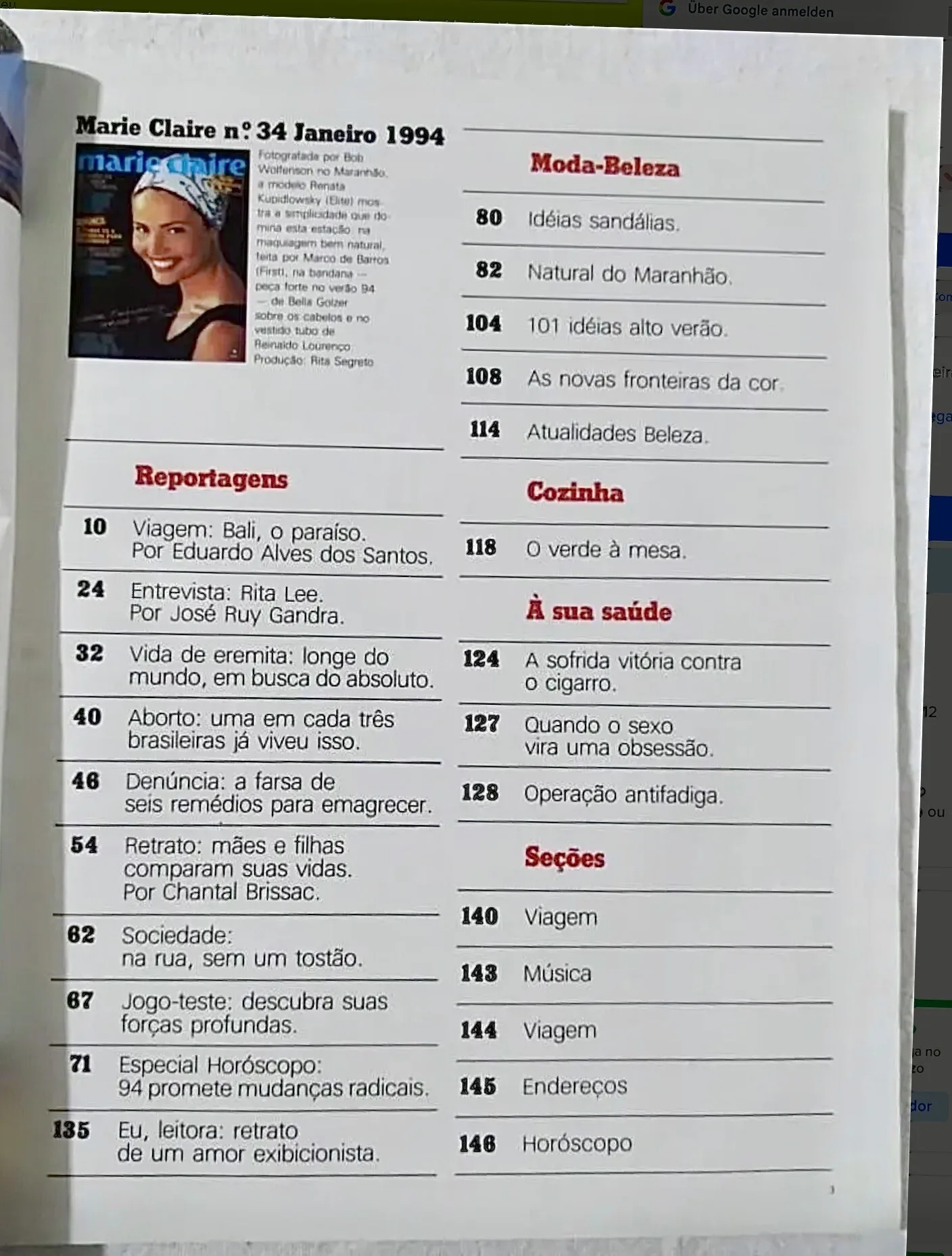
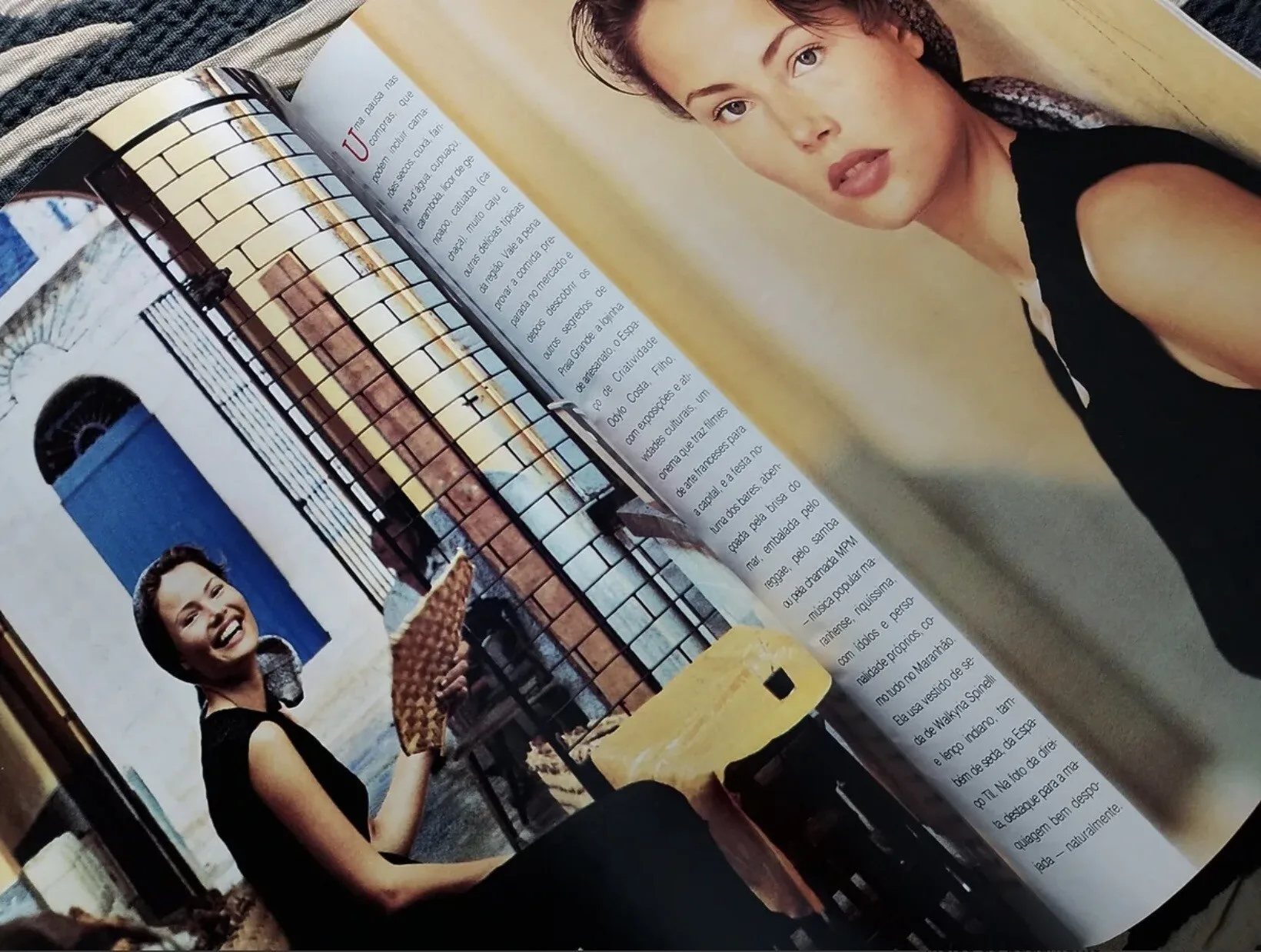
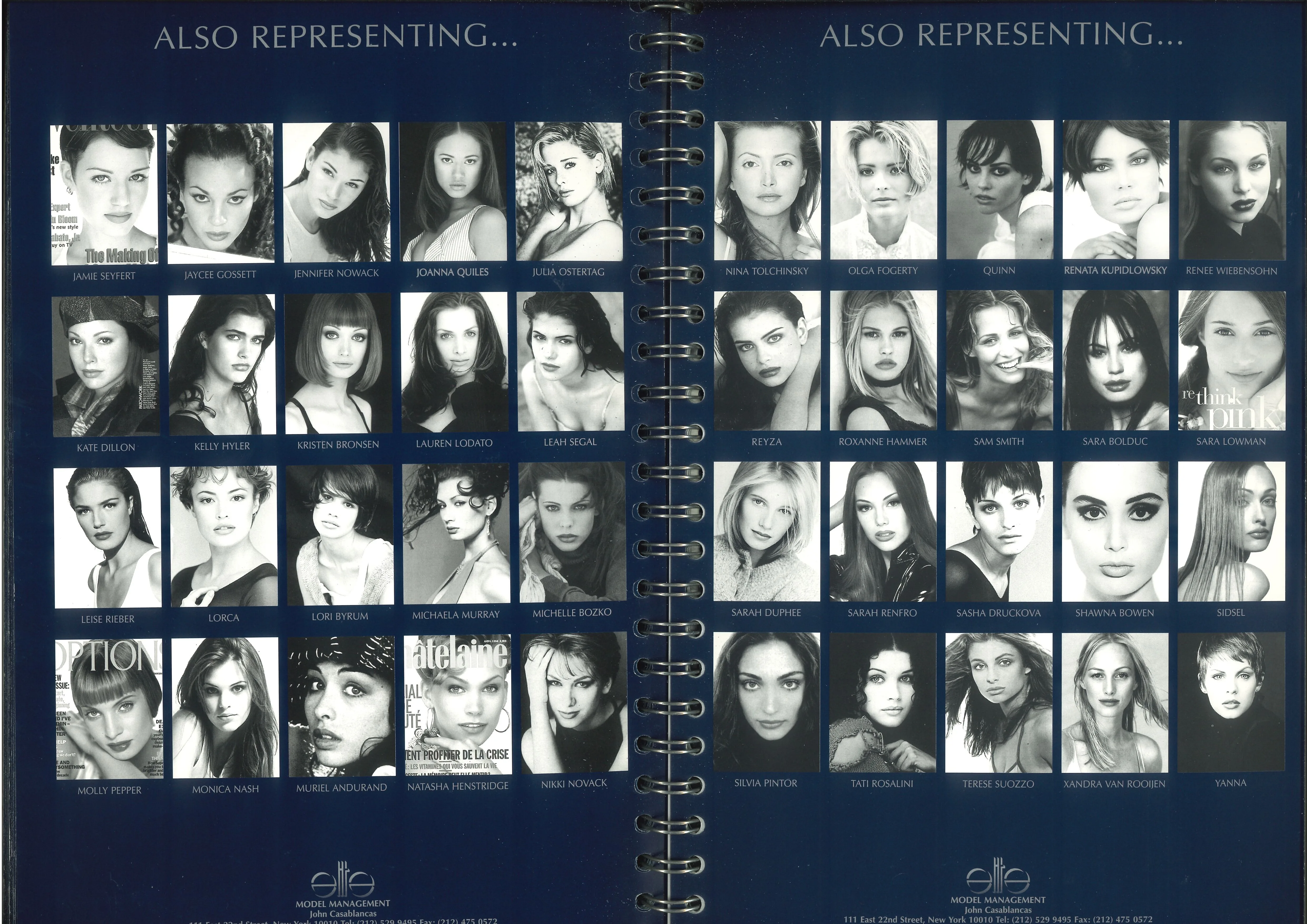
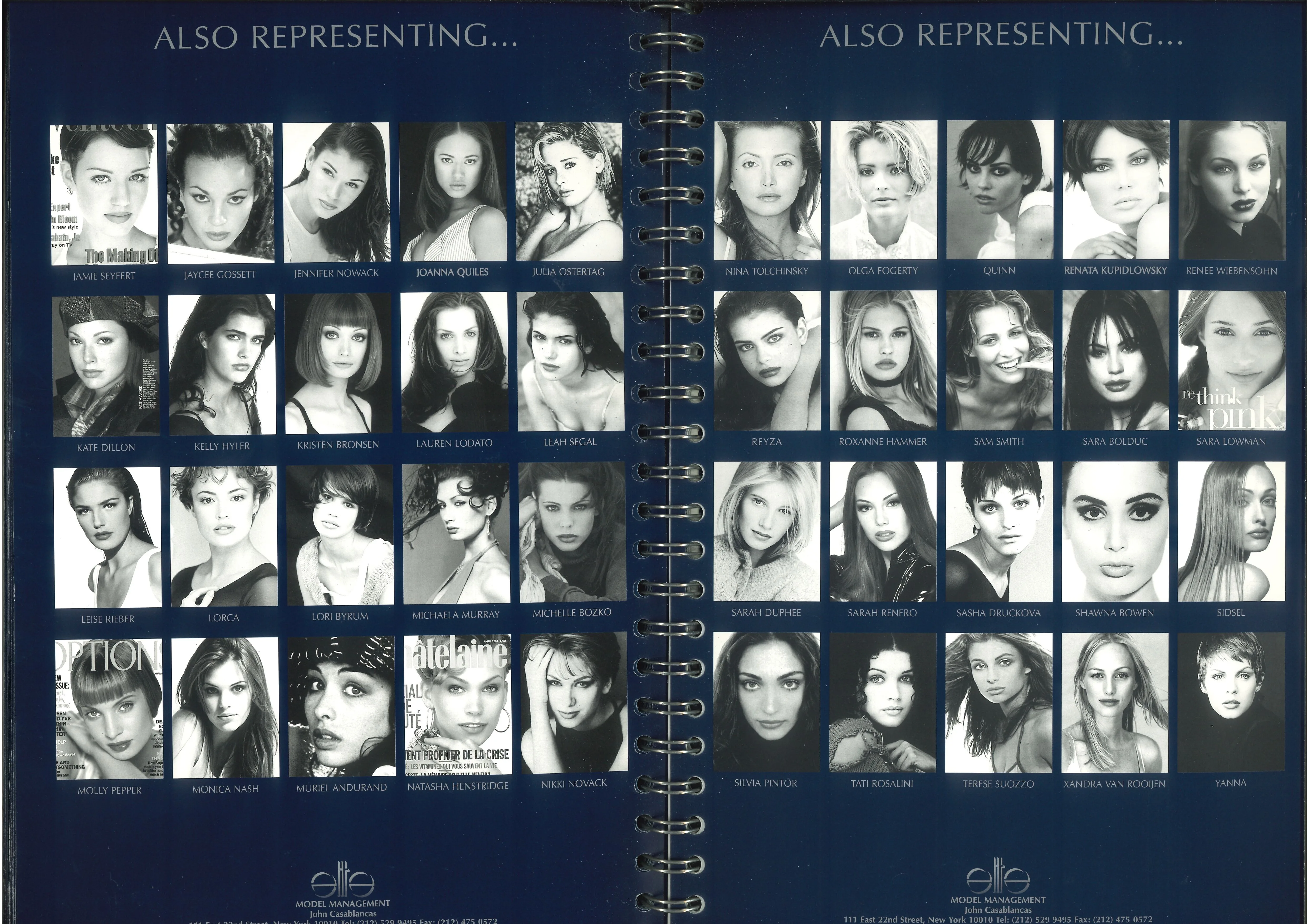
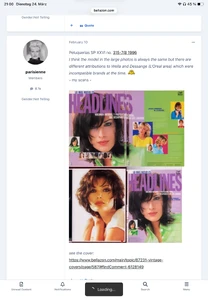
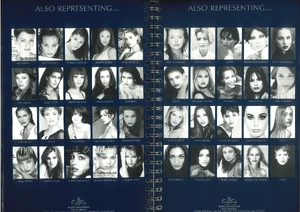
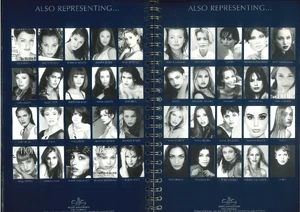
RENATA KUPIDLOWSKY Renata Kupidlowsky is a former Brazilian model that was discovered through Elite‘s Look of the Year competition in 1993. She modeled all through the 1990s and was represented in parts of the Elite network. Height: 1,80m / 5‘10 Hair: brown Eyes: blue green Former Agencies: Elite Brazil (motheragency) Elite NY Model Management Hamburg and others (Elite NY agency book 1995 / my scans)

-
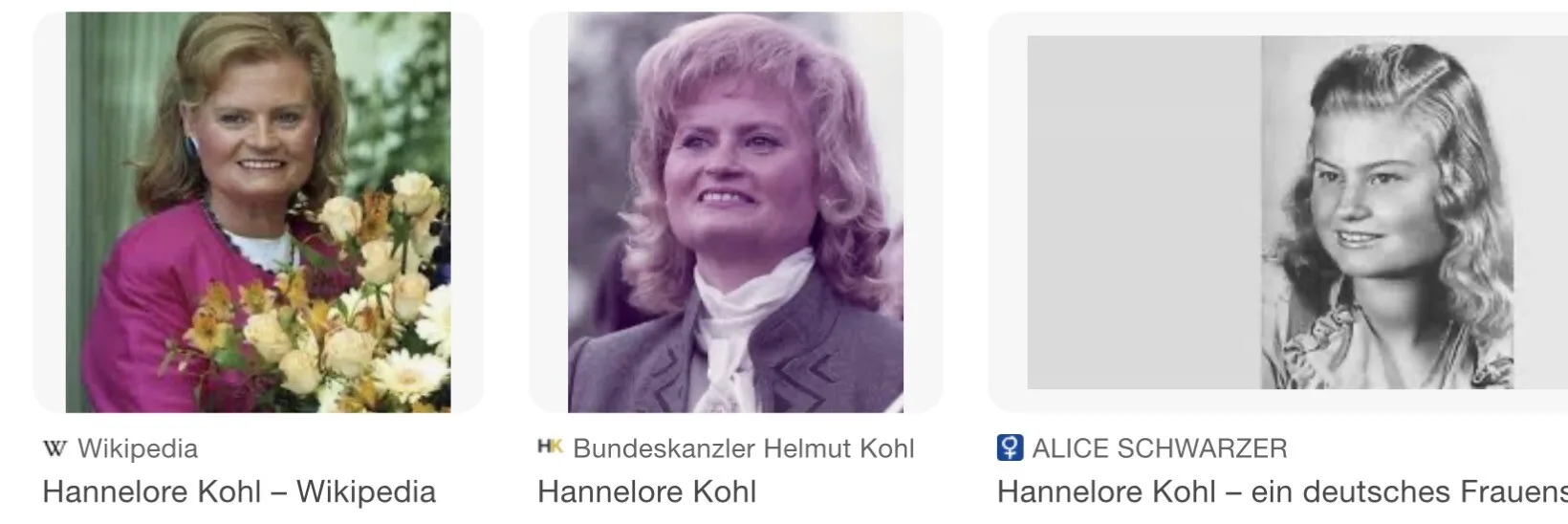
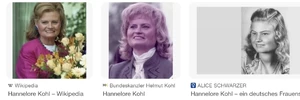
Pleasure! She has such a square face and can actually be easily identified. You will see that in her thread in an hour. The face shape always reminded me of ex 1st lady Hannelore Kohl 🤣
-
Renata Kupidlowsky 😘 I will start a thread for her in some minutes and it would be super if you could add your 2 findings then!

-
This seems to be in fact a verrrry early Sam Pegg pic! She must have been around 13 at that time. I first thought that it can’t be her but the more I look at it, the more I’m convinced it’s her. Chin and eyes looks very much like her. Just the upper lip irritates me a little. But all in all it should be her and well done!!
-
-
I saw that but couldn’t associate them with the book. That for the pics here! Superhelpful and that book is crazy cool!!! I have never seen any Elite Paris being that old! There is Debbie Chin in the alphabet - so after 87 (she was found in 87) and there is Heike Krone on there which means before 1990. Possibly 88 or 89. The only funny thing is that Yasmin Lebon is still Parvaneh inside the book although they married in 85 already. I would die to see the whole book! Any way you can scan it completely and put it inside the Elite Book thread? I would be grateful!! :) 89! >