
.jpeg.52039d94c9521f15785fc88406e0129e.jpeg)
Minerva13
Members
-
Joined
-
Last visited
Everything posted by Minerva13
-
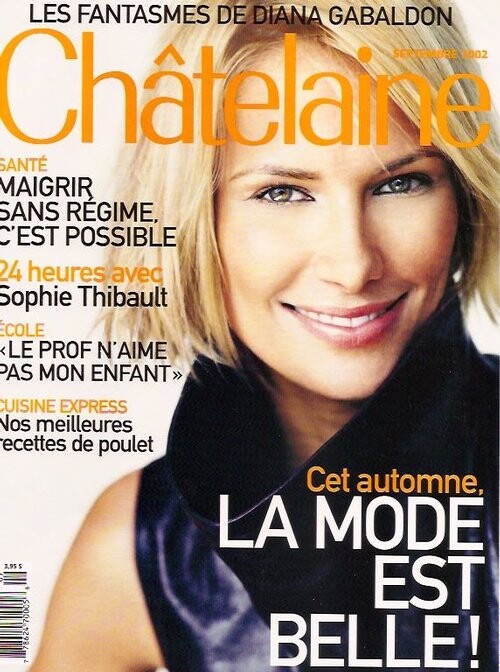
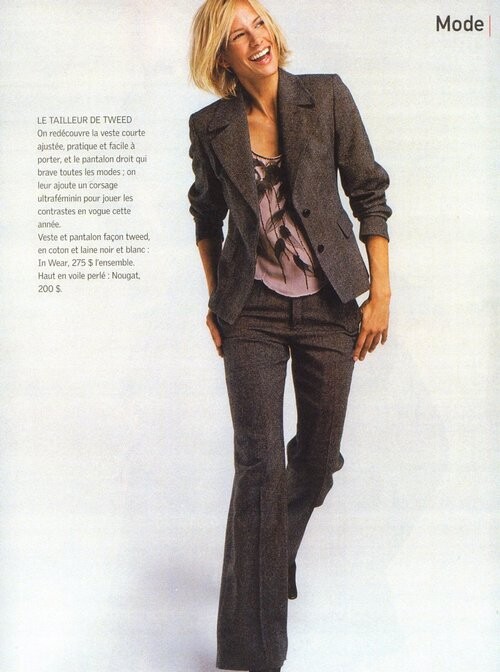
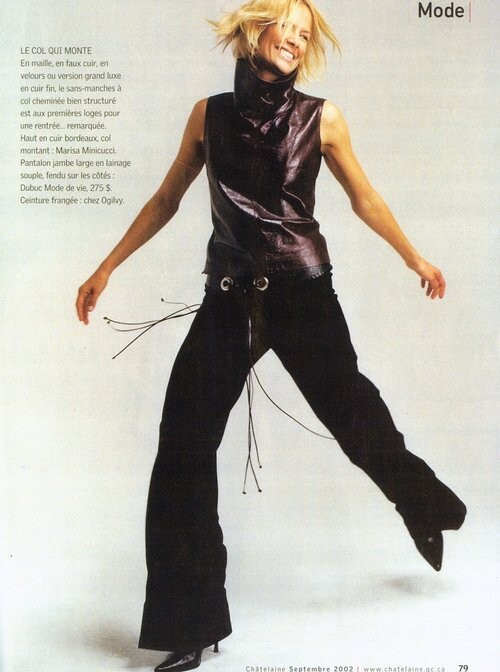
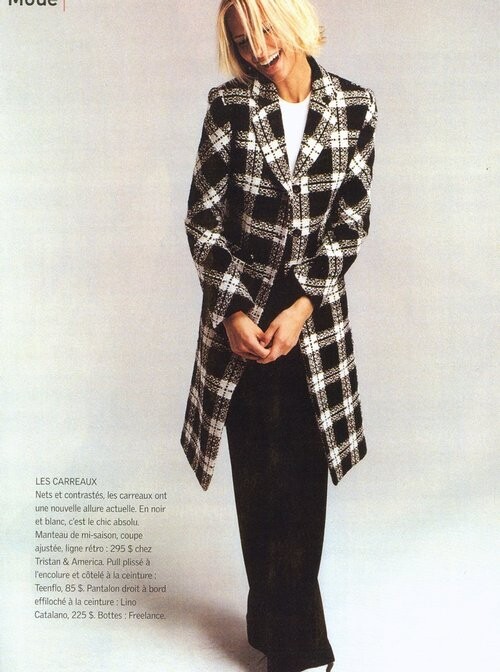
.thumb.jpeg.073ed0b3d7372e09a3551a77b0abca02.jpeg) Chatelaine Magazine september 2002
Chatelaine Magazine september 2002
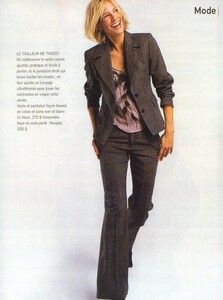
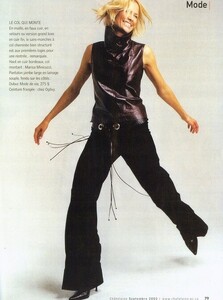
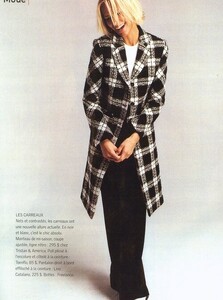
-
L'Oreal Claudia Schiffer my scan (Cosmopolitan Russia 1998)
.thumb.jpg.a440f3cf97959d48686de41968d4a27c.jpg) L'Oreal Claudia Schiffer my scan (Cosmopolitan Russia 1998)
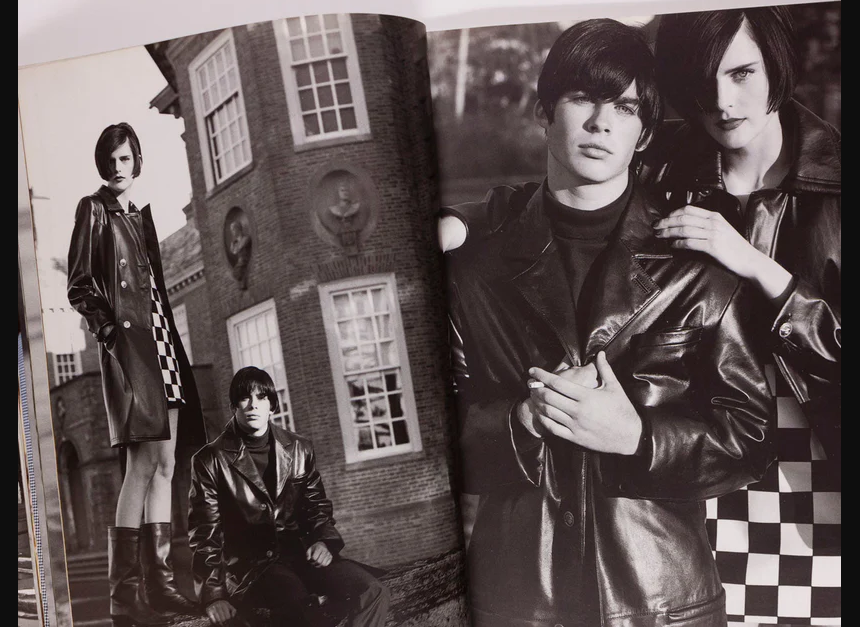
Gianni Versace lookbook 1994.95 +Stella Tennant
L'Oreal Claudia Schiffer my scan (Cosmopolitan Russia 1998)
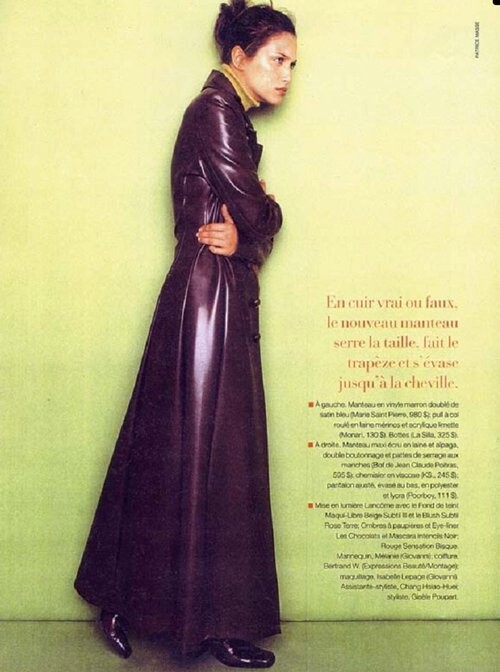
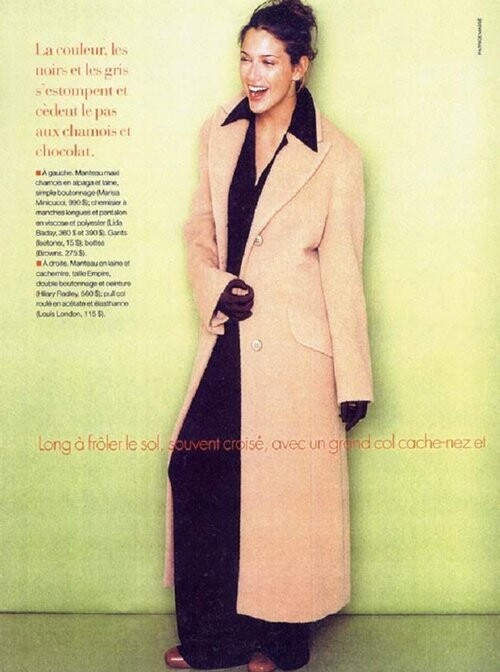
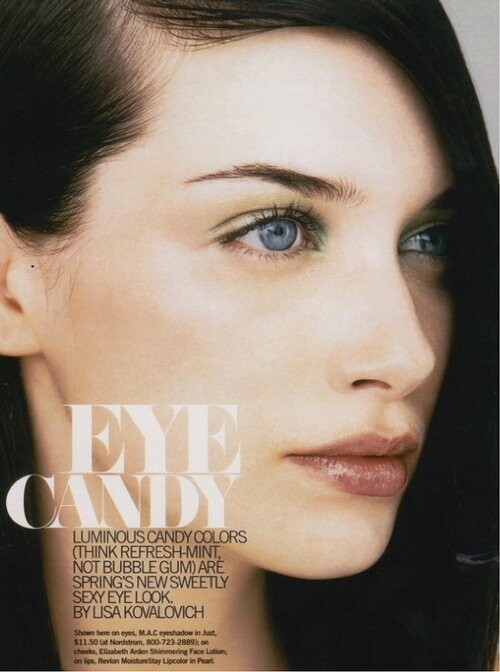
Gianni Versace lookbook 1994.95 +Stella Tennant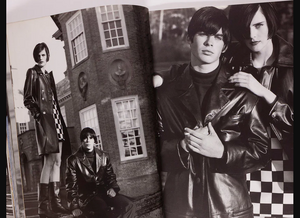 I think she Camellia Clouse
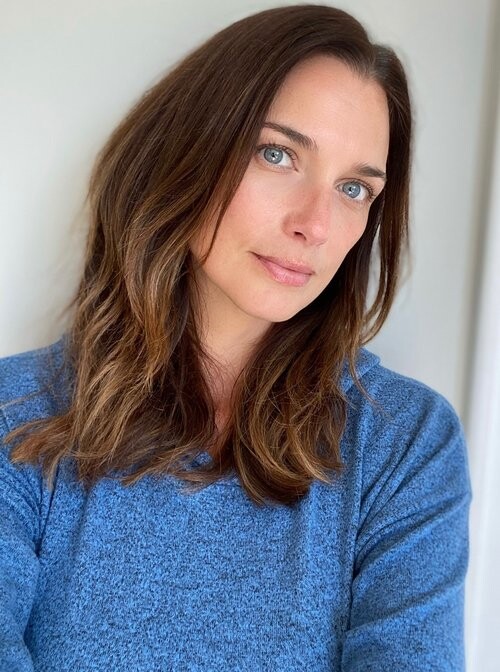
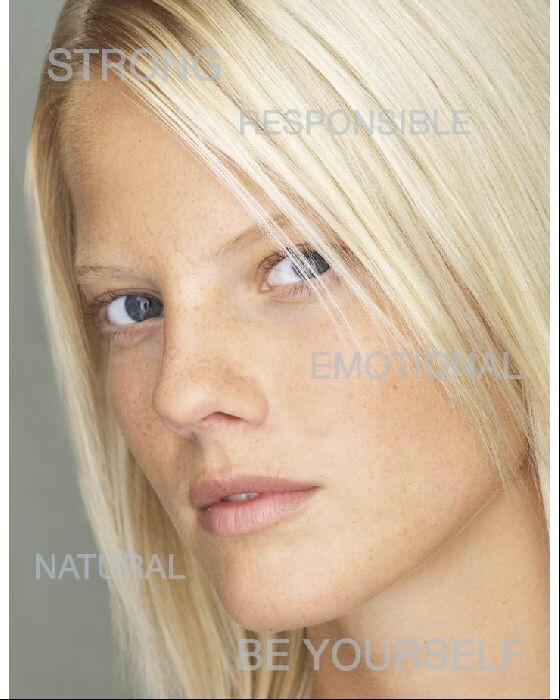
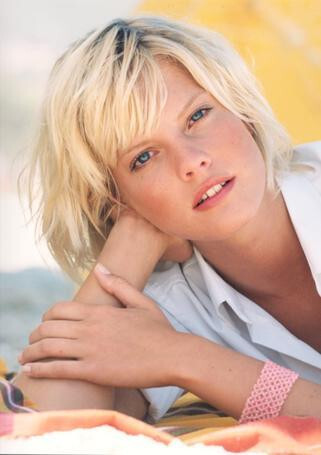
thank you for help she have beautiful blue eyes
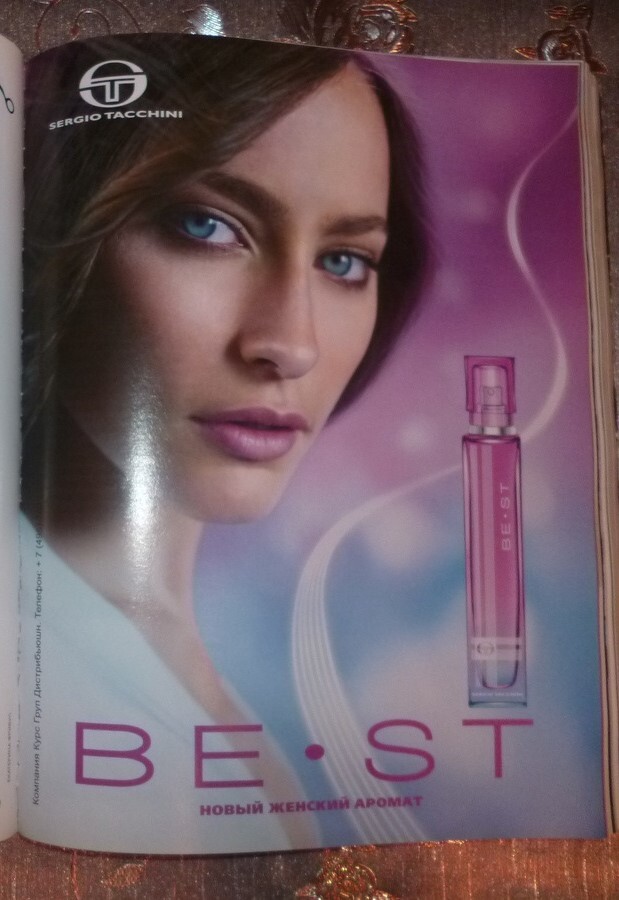
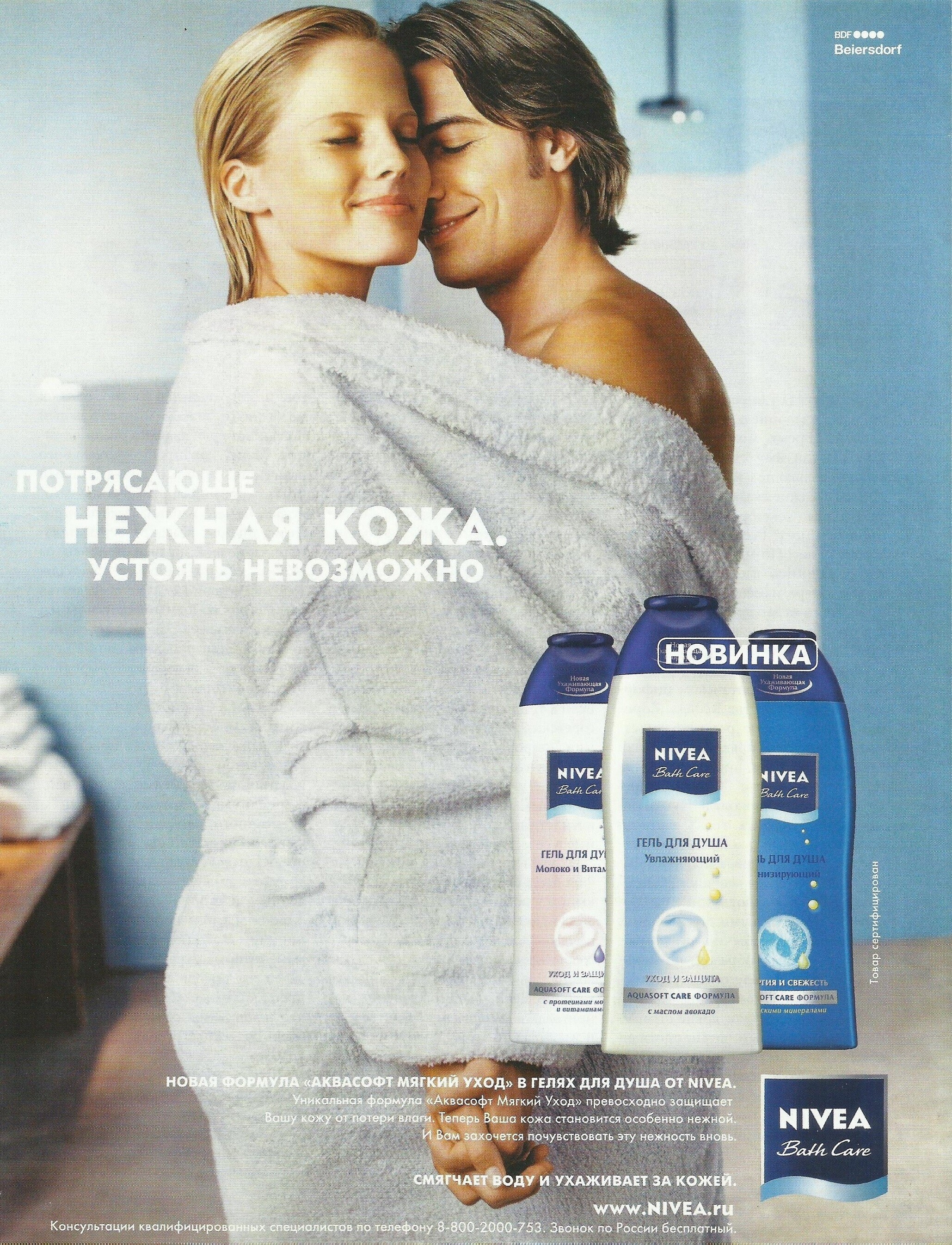
Sergio Tacchini perfume my scan (Cosmopolitan Russia March 2009)
I think she Camellia Clouse
thank you for help she have beautiful blue eyes
Sergio Tacchini perfume my scan (Cosmopolitan Russia March 2009) she born 11.08.1986
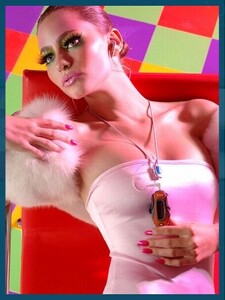
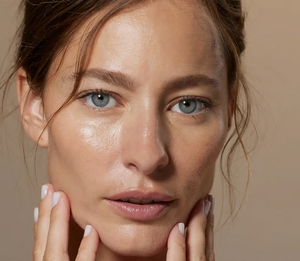
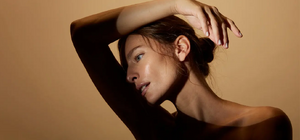 sergio tacchini spring 2009 perfume model?I forget her name...I think she have topic here
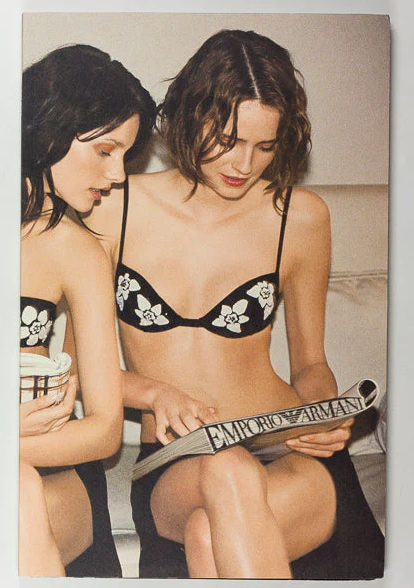
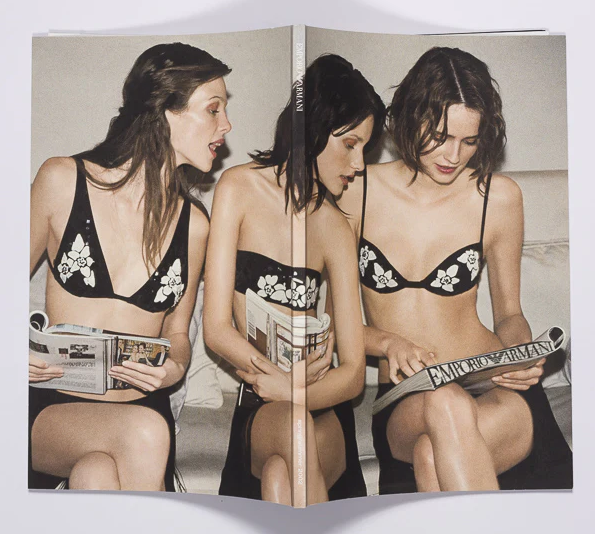
 two beautiful 1990s' models together@parisienne what a wonderful rare scans!thank you,nice work
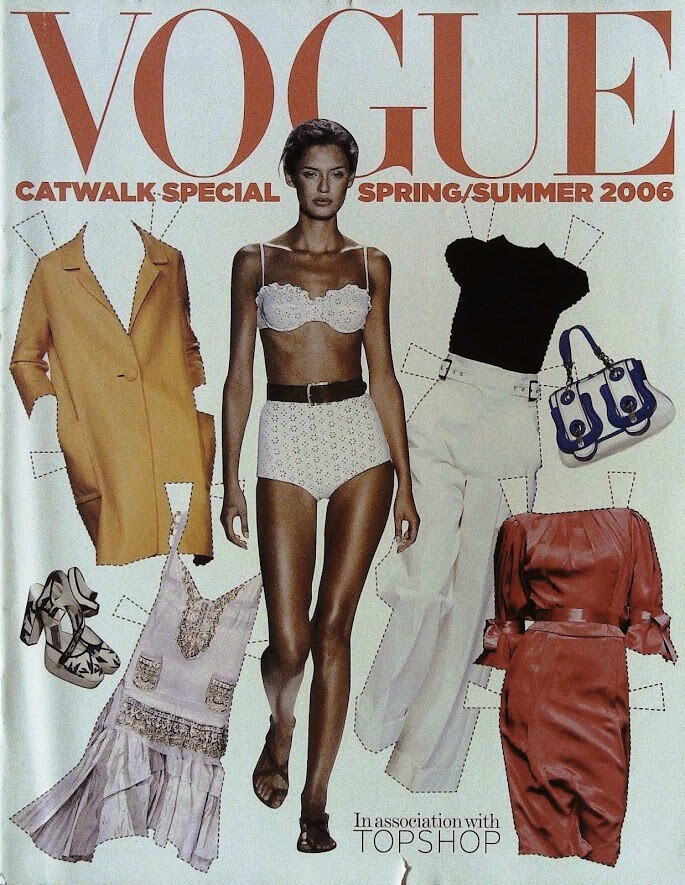
Bianca in style paper doll Vogue Spring 2006
two beautiful 1990s' models together@parisienne what a wonderful rare scans!thank you,nice work
Bianca in style paper doll Vogue Spring 2006 thank you and first model Anne Wis
Yes!Underrated model!!!English is not my native language, so maybe I can't quite express my thoughts correctly now:She had a beautiful feminine body, especially large breasts, but her face was a little out of fashion in the 1990s, it was not doll-like, more dramatic and strong.Thank you for great scans friend
thank you and first model Anne Wis
Yes!Underrated model!!!English is not my native language, so maybe I can't quite express my thoughts correctly now:She had a beautiful feminine body, especially large breasts, but her face was a little out of fashion in the 1990s, it was not doll-like, more dramatic and strong.Thank you for great scans friend







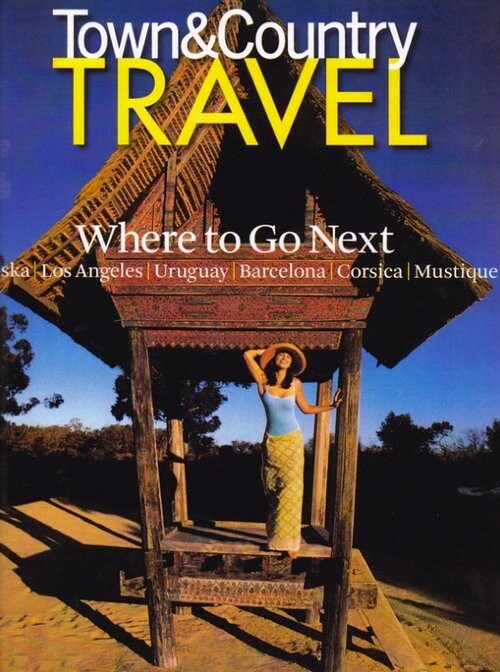
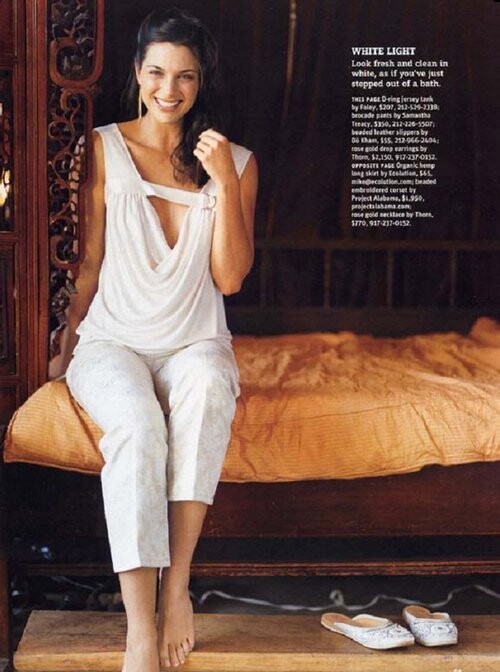
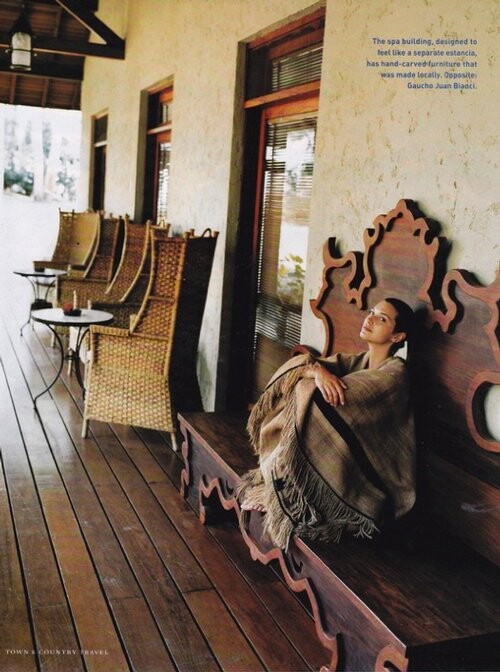
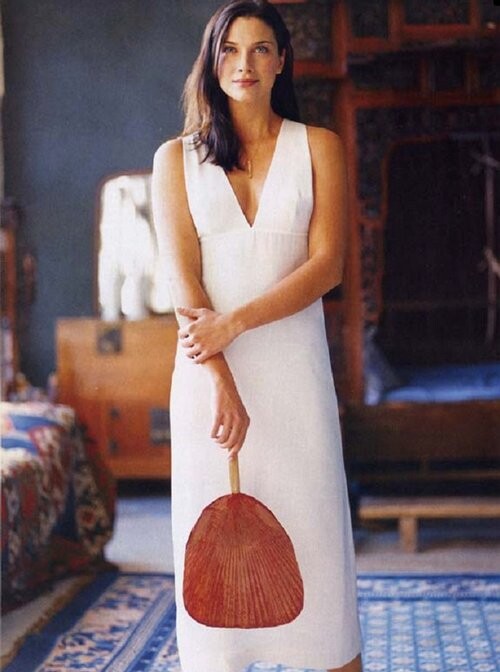
.jpg.73a9739754bfb348686ce431d0763f02.jpg)

Account
Search
Configure browser push notifications
Chrome (Android)
- Tap the lock icon next to the address bar.
- Tap Permissions → Notifications.
- Adjust your preference.
Chrome (Desktop)
- Click the padlock icon in the address bar.
- Select Site settings.
- Find Notifications and adjust your preference.
Safari (iOS 16.4+)
- Ensure the site is installed via Add to Home Screen.
- Open Settings App → Notifications.
- Find your app name and adjust your preference.
Safari (macOS)
- Go to Safari → Preferences.
- Click the Websites tab.
- Select Notifications in the sidebar.
- Find this website and adjust your preference.
Edge (Android)
- Tap the lock icon next to the address bar.
- Tap Permissions.
- Find Notifications and adjust your preference.
Edge (Desktop)
- Click the padlock icon in the address bar.
- Click Permissions for this site.
- Find Notifications and adjust your preference.
Firefox (Android)
- Go to Settings → Site permissions.
- Tap Notifications.
- Find this site in the list and adjust your preference.
Firefox (Desktop)
- Open Firefox Settings.
- Search for Notifications.
- Find this site in the list and adjust your preference.