Jump to content
View in the app

A better way to browse. Learn more.

Bellazon

A full-screen app on your home screen with push notifications, badges and more.

To install this app on iOS and iPadOS
  1. Tap the Share icon in Safari
  2. Scroll the menu and tap Add to Home Screen.
  3. Tap Add in the top-right corner.
To install this app on Android
  1. Tap the 3-dot menu (⋮) in the top-right corner of the browser.
  2. Tap Add to Home screen or Install app.
  3. Confirm by tapping Install.

Paula

Members
  • Joined

  • Last visited

Everything posted by Paula

  1. Paula replied to Hime's topic in Female Fashion Models
    Marios Schwab S/S 2010 London * wwd
  2. Paula replied to Hime's topic in Female Fashion Models
    Unique S/S 10 London * catwalking
  3. Paula replied to Hime's topic in Female Fashion Models
    Richard Nicoll S/S 10 London * catwalking
  4. Paula replied to Hime's topic in Female Fashion Models
    Julien Macdonald S/S 10 London * catwalking
  5. Paula replied to Hime's topic in Female Fashion Models
    Nicole Farhi S/S 10 London * catwalking
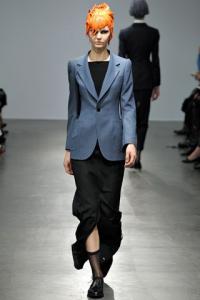
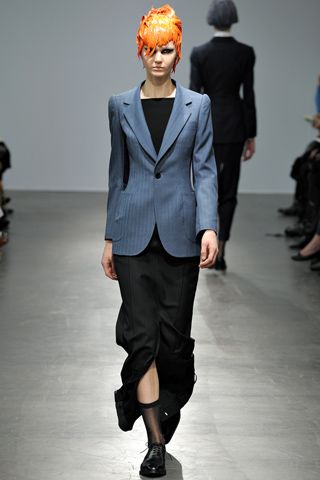
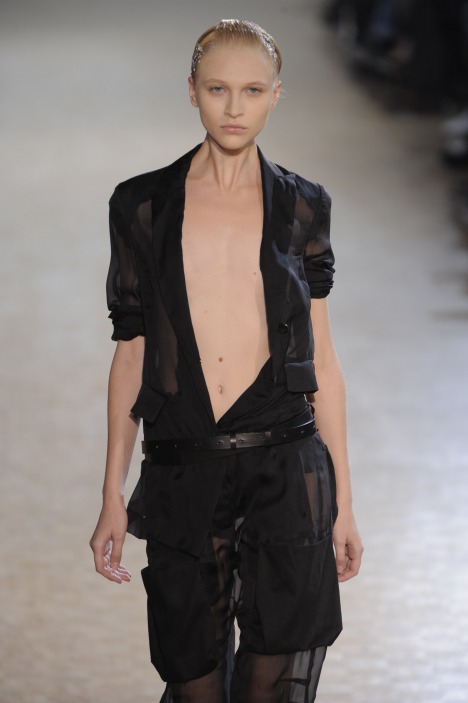
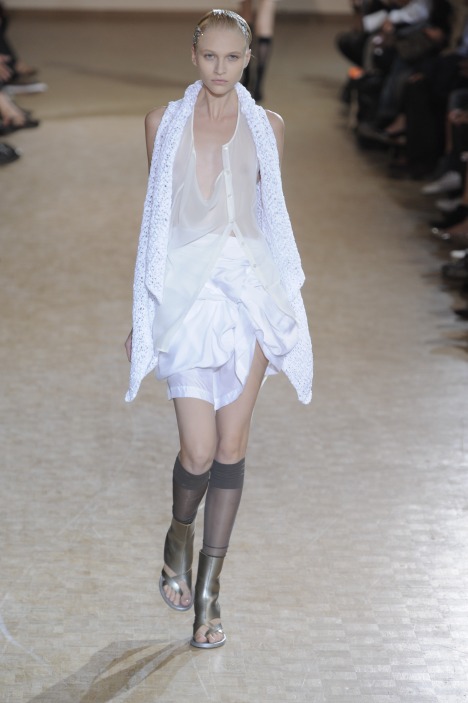
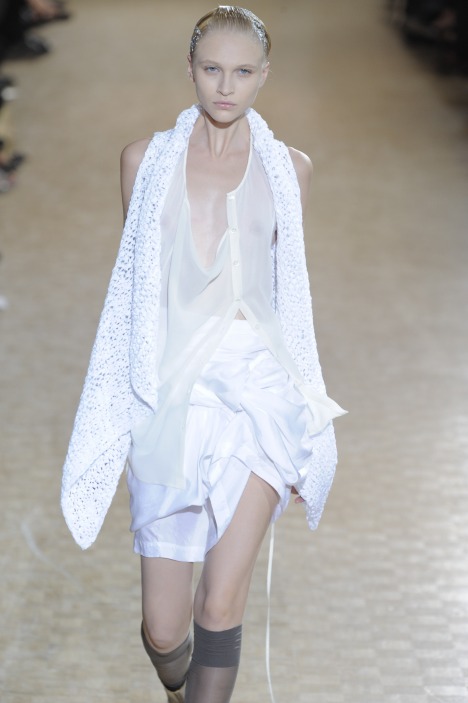
  6. Limi Feu S/S 2010 Paris * style
  7. Limi Feu S/S 2010 Paris * style
  8. Emporio Armani S/S 2010 Milan * elle
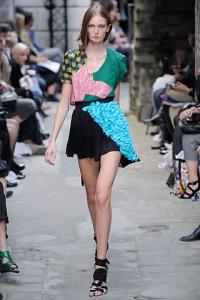
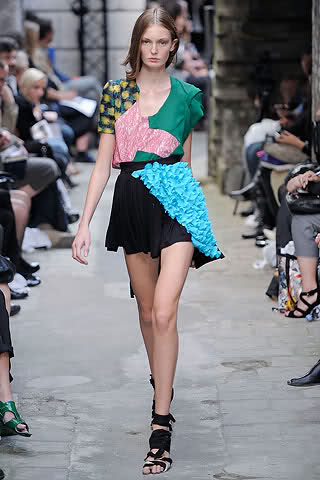
  9. Fashion East S/S 10 London * style
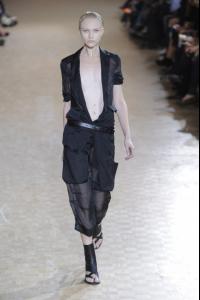
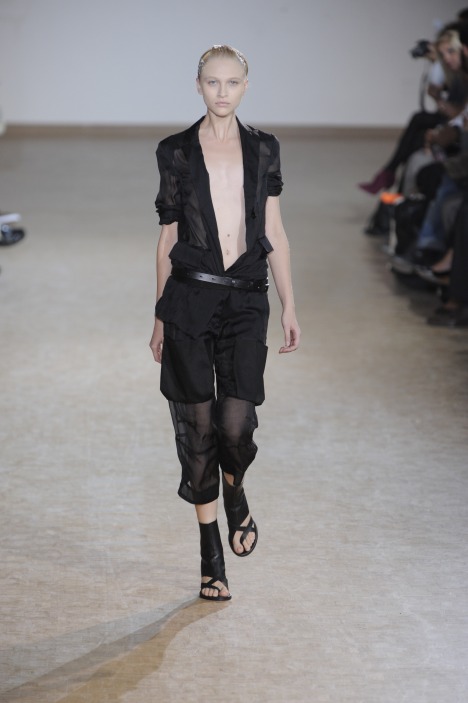
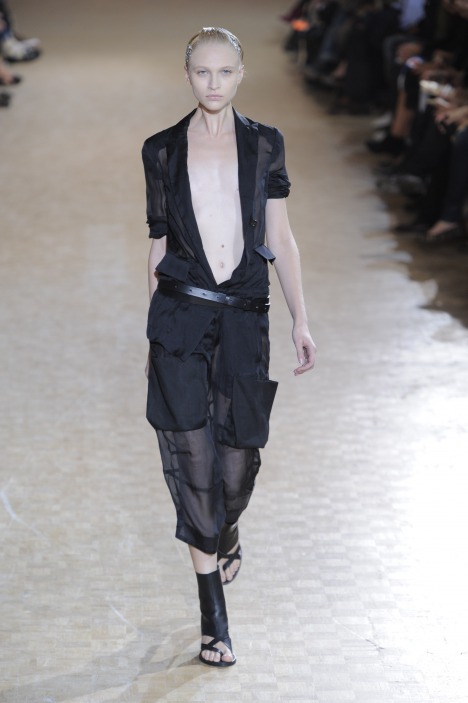
  10. AF Vandevorst S/S 2010 Paris * style
  11. Bruno Pieters S/S 2010 Paris * style
  12. Peachoo + Krejberg S/S 2010 Paris * fashionmag // tfs
  13. Limi Feu S/S 2010 Paris * style
  14. Moschino S/S 10 Milan * catwalking
  15. Jil Sander S/S 10 Milan * style
  16. Alberta Ferretti S/S 10 Milan * catwalking
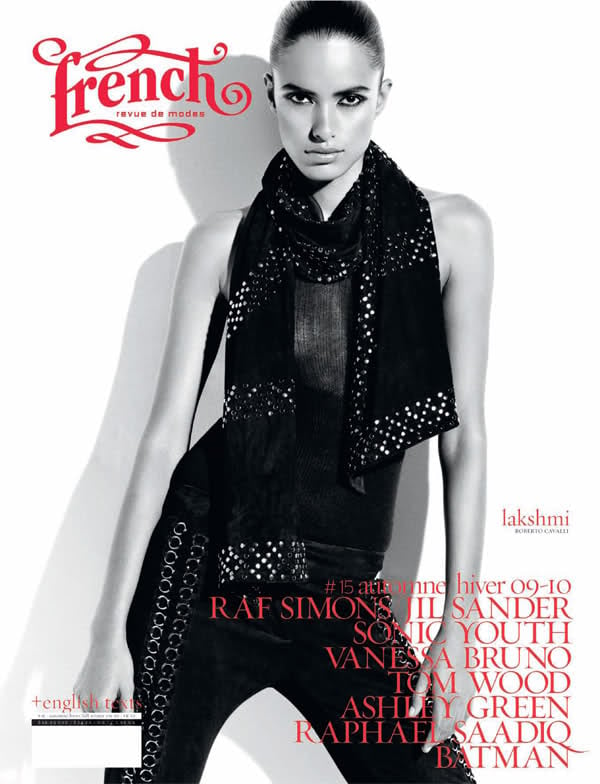
  17. French Revue de Modes #15 Fall/Winter 09 * fashioncopious

  18. Angelo Marani S/S 2010 * style.it
  19. Frankie Morello SS10 Milan * style.it
  20. Etro S/S 2010 Milan * wwd
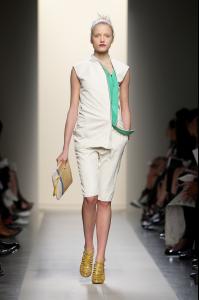
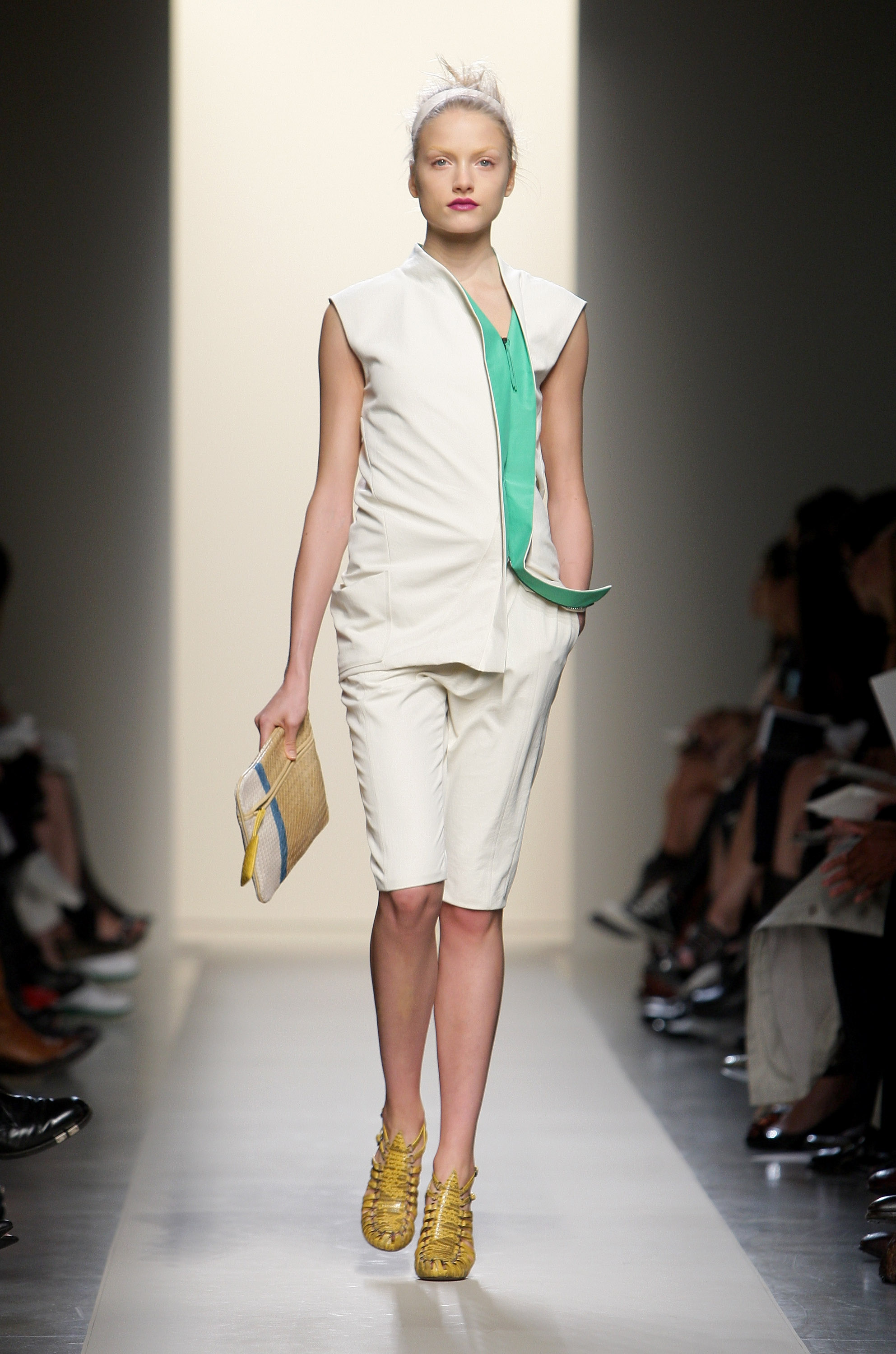
  21. Bottega Veneta. SS10, Milan. * getty
  22. Marco De Vincenzo S/S 10 Milan * style.it

  23. Emporio Armani S/S 2010 * wwd
  24. Balmain S/S 10 Paris * catwalking
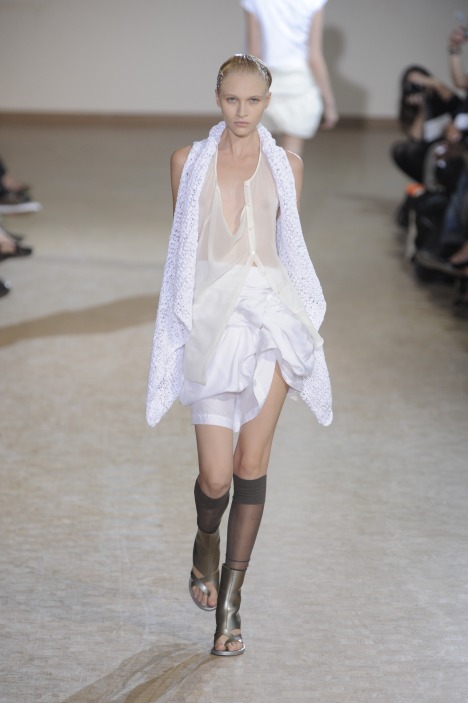
  25. Aquilano e Rimondi S/S 2010 * wwd
Configure browser push notifications

Chrome (Android)
  1. Tap the lock icon next to the address bar.
  2. Tap Permissions → Notifications.
  3. Adjust your preference.
Chrome (Desktop)
  1. Click the padlock icon in the address bar.
  2. Select Site settings.
  3. Find Notifications and adjust your preference.