

jelansis
Members
-
Joined
Everything posted by jelansis
-
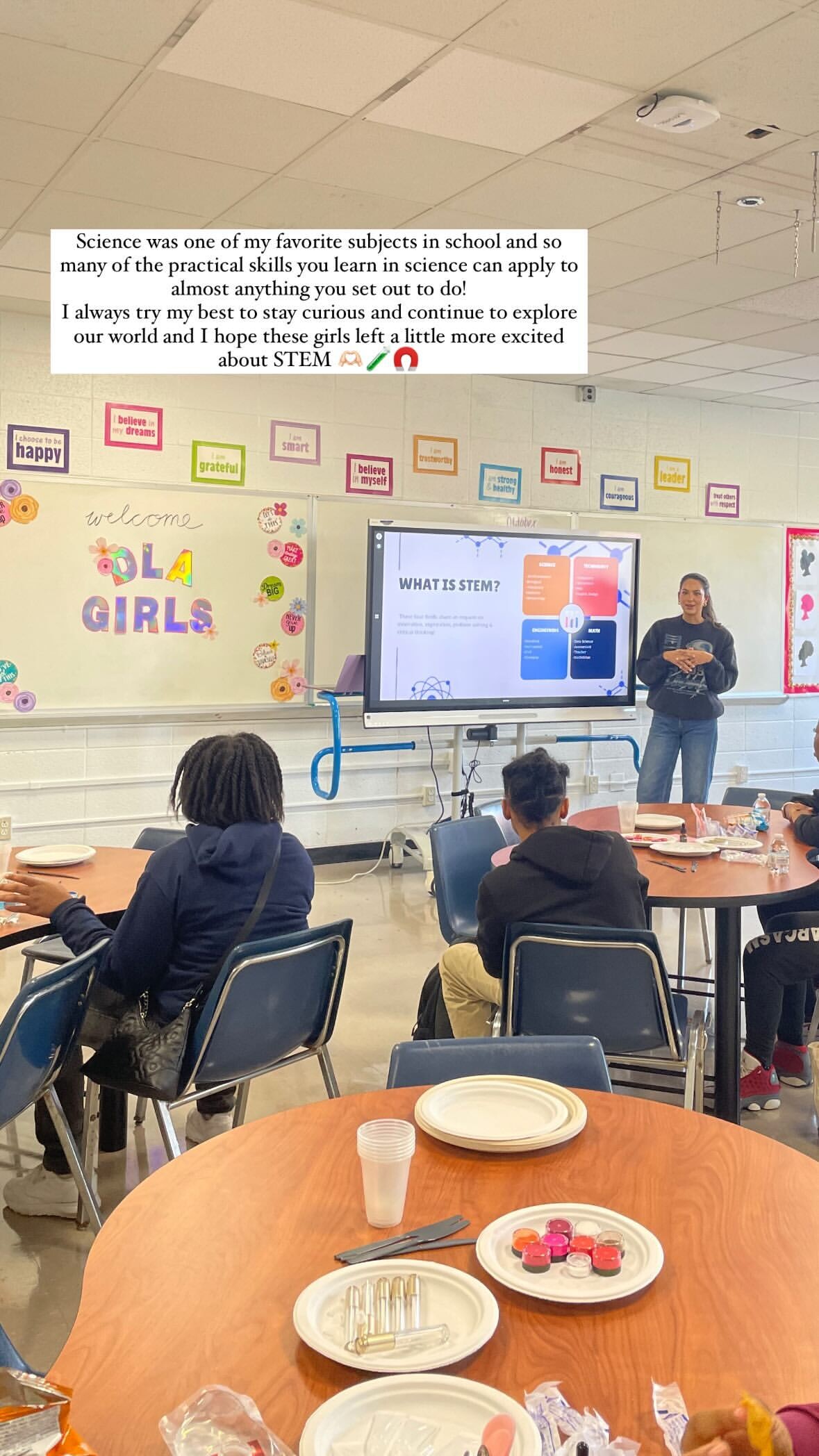
 Detroit Lions women threw a baby shower for military families in Michigan: new/old pics from September volunteering:


-
Not gonna lie, this shocked the hell outta me!
I think they probably assumed because of her chest LOL and we all know Christen has always had a large chest so that's nothing new. And it doesn't look any different than it typically does. WE would know. We look at her all the time!
She def had drinks with the models and unless she was just using the alcohol for pics....I don't think she is. YET. ssstik.io_@christenharper_1730209398359.mp4
 Happy Halloween from Christen 😅 Christen Harper_7430982954114944286-no-watermark.mp4
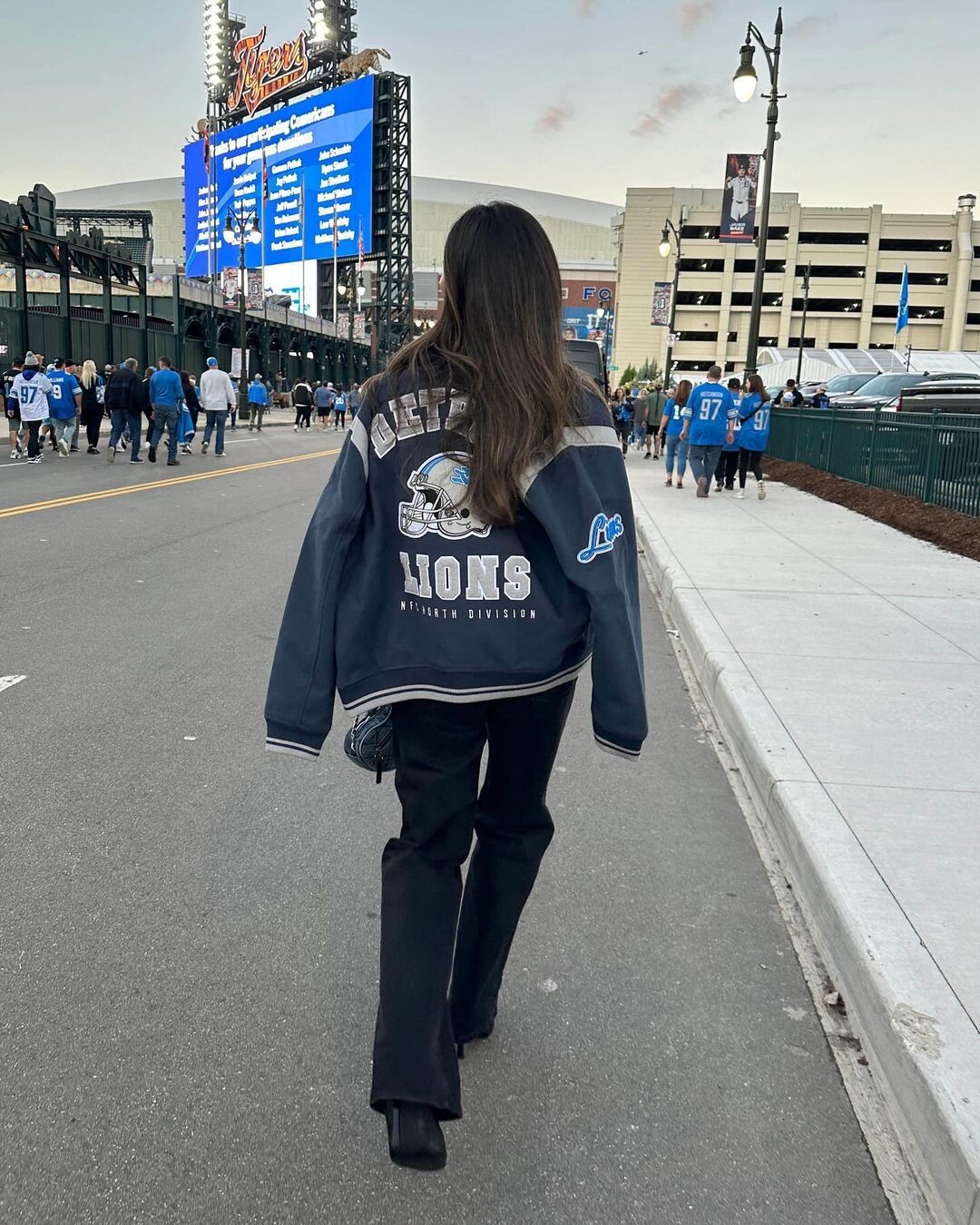
 Gameday in Detroit!







 More from Friday:










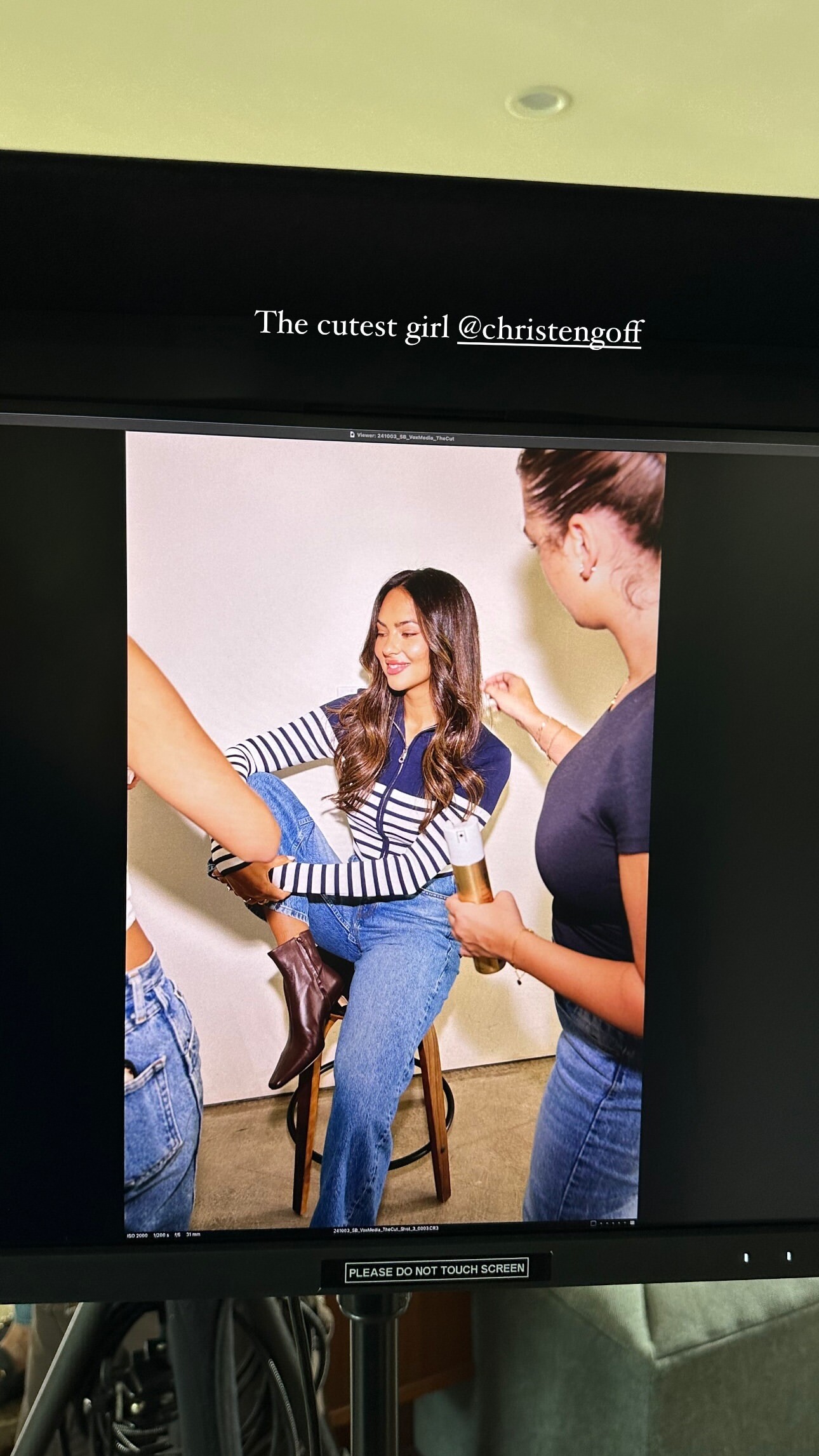
 Christen is in Texas today with SI:











 More BTS from SI Video-362.mp4
7OcI1LNHLCvPq4Qu.mp4
More BTS from SI Video-362.mp4
7OcI1LNHLCvPq4Qu.mp4 Some new goodies from SI swim week! Video-545.mp4 Video-510.mp4
 LA GOLF 2022







 StorySaver.net-pilatesbylucyco-Video-1729179302560.mp4 StorySaver.net-haleygravess-Video-1729196517247.mp4
 StorySaver.net-christengoff-Video-1729129829542.mp4 ssstik.io_@christenharper_1729134477205.mp4




 Last night celebrating Jared's 30th birthday. Christen surprised him: Some new wedding pics:



 Some more pics from MNF. So gorgeous 🥰

 abercrombie_7422007678060301599-no-watermark.mp4
kasey musgraves concert last night with Liz and friends
abercrombie_7422007678060301599-no-watermark.mp4
kasey musgraves concert last night with Liz and friends

 Christen is back to work! Don't know what this is for, but excited to see what she's working on
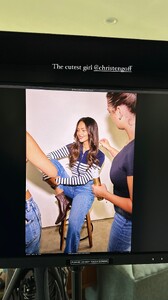 More from yesterday: Video-719.mp4






















































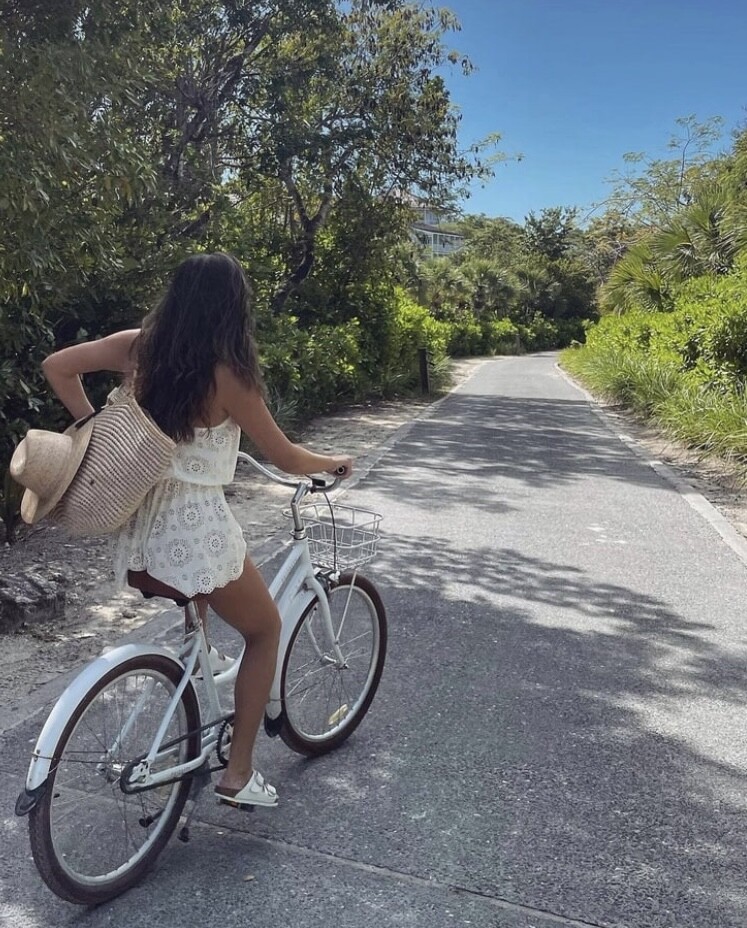







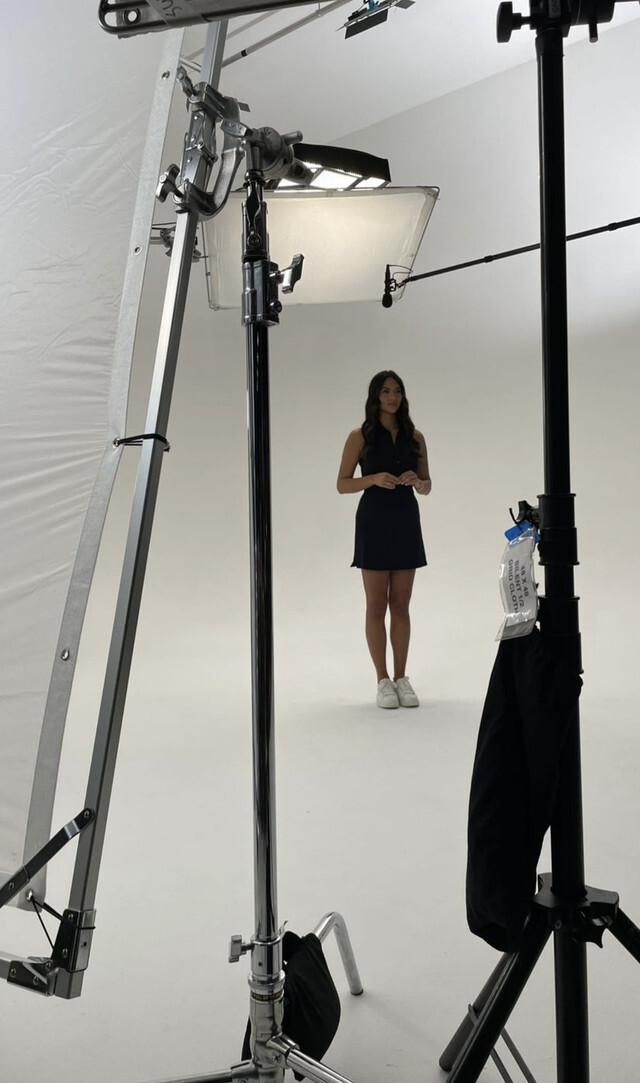





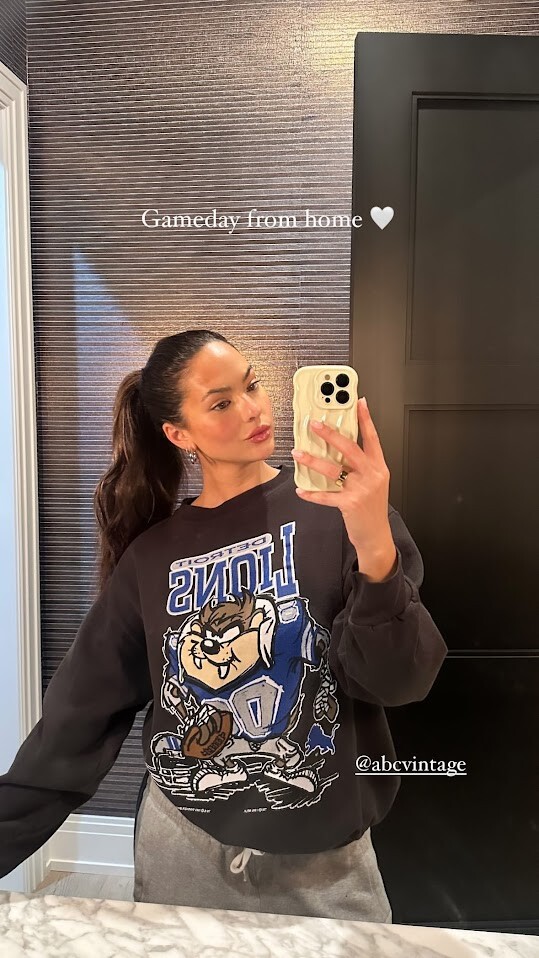
























Account
Navigation
Search
Configure browser push notifications
Chrome (Android)
- Tap the lock icon next to the address bar.
- Tap Permissions → Notifications.
- Adjust your preference.
Chrome (Desktop)
- Click the padlock icon in the address bar.
- Select Site settings.
- Find Notifications and adjust your preference.
Safari (iOS 16.4+)
- Ensure the site is installed via Add to Home Screen.
- Open Settings App → Notifications.
- Find your app name and adjust your preference.
Safari (macOS)
- Go to Safari → Preferences.
- Click the Websites tab.
- Select Notifications in the sidebar.
- Find this website and adjust your preference.
Edge (Android)
- Tap the lock icon next to the address bar.
- Tap Permissions.
- Find Notifications and adjust your preference.
Edge (Desktop)
- Click the padlock icon in the address bar.
- Click Permissions for this site.
- Find Notifications and adjust your preference.
Firefox (Android)
- Go to Settings → Site permissions.
- Tap Notifications.
- Find this site in the list and adjust your preference.
Firefox (Desktop)
- Open Firefox Settings.
- Search for Notifications.
- Find this site in the list and adjust your preference.