

PinkCouture
Admin
-
Joined
Everything posted by PinkCouture
-
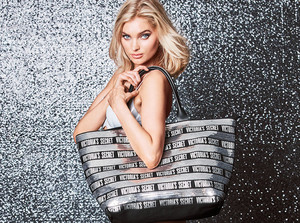
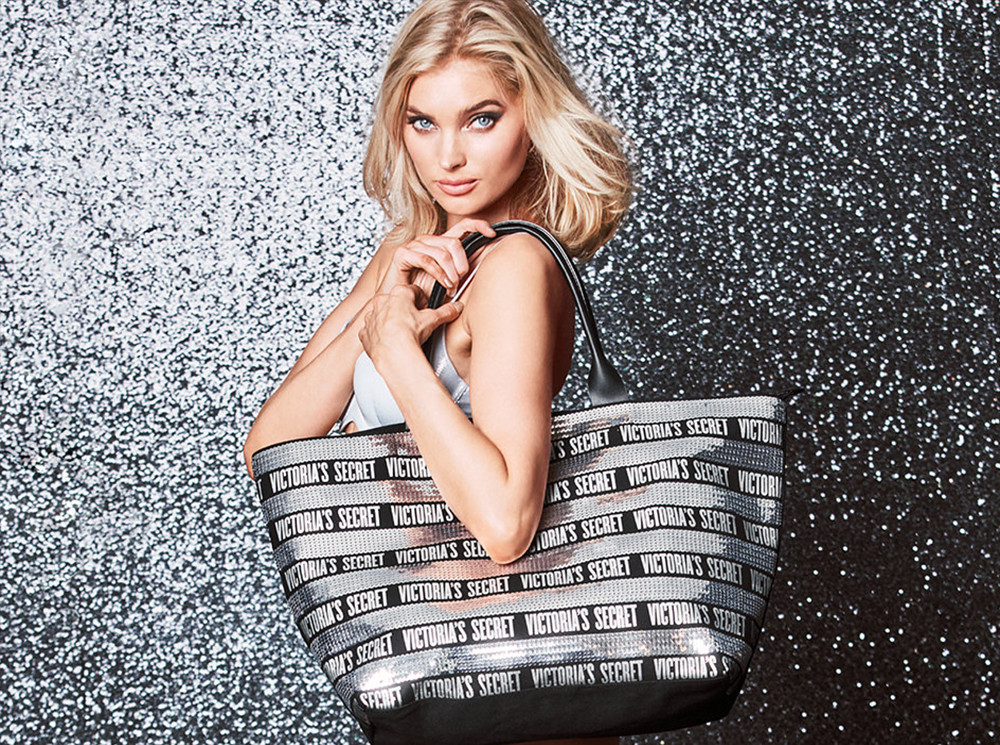
VS Black Friday Tote (2018)
-
Lameka Fox Overall Look: 8.5 /10 (Would have been a 10 if it wasn't for the fanny pack, and the mismatched color schemes of the belt & stockings) Kendall Jenner Overall Look: 9/10 (Would have been a 10 if it wasn't for the tacky jewelry and the odd looking train of the skirt)
-
VS
-
Two articles... 1. Victoria’s Secret parent L Brands could bring back its swimsuit business, analysts say 2. She Quit Her Victoria’s Secret Job Over Exec’s Trans InsultA little more Stella...I am pretty sure the song was especially produced for the VS commercial and not available for public download. However I do have the audio version of the song on my home computer---would you like me to send it to you?1. Prior to posting please check at least 5 page to make you are not reposting. This includes images that are lower quality, lower resolution, and cropped version of a larger image (such as those on IG). Example, this post is a repost of what ChristinaD posted on the previous page: https://www.bellazon.com/main/topic/7459-candice-swanepoel/?do=findComment&comment=4719210 b/c the images are lower quality and cropped versions of what was previously posted. This is not something subjectivity applies because it is so obvious. 2. Please carefully re-read what Clauds said: "If you wanna post edits go ahead, but don't jump on members when you get called out for it if it's truly not adding anything new" One staff member had already addressed this matter with you (multiple times) and now you have two. We have both clearly stated and clarified what are the rules and expectations. Whether you want to accept it is your choice but if you want to stay as a member of this community you must follow the rules---meaning no arguing with staff about the rules. If this issue continues you will be put on Mod Watch meaning your posts must be approved by staff prior to appearing publicly on the forum. Thank you.Maybe Holiday 2016? Definitely a holiday campaign. It might be an image they used for marketing and never released online. They do that a lot.Even Flare, a publication that have promoted VS, did an article... We Don’t Need to Watch the 2018 Victoria’s Secret Show to Know It’s Out of Touch The ratings are going to be worse than previous years. Wouldn't be surprised if it is a significant dropFor some reason I thought she was divorcedIn the interview I remember him saying that they don't require models to be physically fit. The models are fit b/c they choose to and some of them are competitive. We know this is BS b/c VS has rejected models who didn't fit their body standards and that have suggested to models they should lose weight. However later in the interview he said something along lines of part of being a model is to be fit. He contradicted himself a few times so it was confusing. The "fantasy" thing was kinda strange and I understand why it didn't sit well with many. I agree, many other brands are more appealing and sell better bras than VS.I think he wasn't very eloquent in what he said so it was confusing and people started twisting his words. Based on what I understood I think what he meant to say was he doesn't have anything against plus-size or trans models but he is not going to cast a plus-size or a trans model just because. Also, with the topic of sizes VS sells they want to keep it a certain range for brand purposes---not because they are against anyone who is above a certain size per se. I wouldn't be surprised it is b/c of his age that he misspoke. Someone as successful as he is knows better.I don't see them promoting her to be an Angel. They might have her do some e-commerce shoots and walk the show but other than that probably not.Hasn’t his account been taken down numerous times before and each time he starts a new one? Pretty sure he’ll be back up and running soonVS PanteneBioTherm (2018) Ming Xi for BioTherm.mp4 Random PhotoVS Ming BTS on VS Shoot.mp4


Account
Navigation
Search
Configure browser push notifications
Chrome (Android)
- Tap the lock icon next to the address bar.
- Tap Permissions → Notifications.
- Adjust your preference.
Chrome (Desktop)
- Click the padlock icon in the address bar.
- Select Site settings.
- Find Notifications and adjust your preference.
Safari (iOS 16.4+)
- Ensure the site is installed via Add to Home Screen.
- Open Settings App → Notifications.
- Find your app name and adjust your preference.
Safari (macOS)
- Go to Safari → Preferences.
- Click the Websites tab.
- Select Notifications in the sidebar.
- Find this website and adjust your preference.
Edge (Android)
- Tap the lock icon next to the address bar.
- Tap Permissions.
- Find Notifications and adjust your preference.
Edge (Desktop)
- Click the padlock icon in the address bar.
- Click Permissions for this site.
- Find Notifications and adjust your preference.
Firefox (Android)
- Go to Settings → Site permissions.
- Tap Notifications.
- Find this site in the list and adjust your preference.
Firefox (Desktop)
- Open Firefox Settings.
- Search for Notifications.
- Find this site in the list and adjust your preference.