ivante
Members
-
Joined
-
Last visited
-
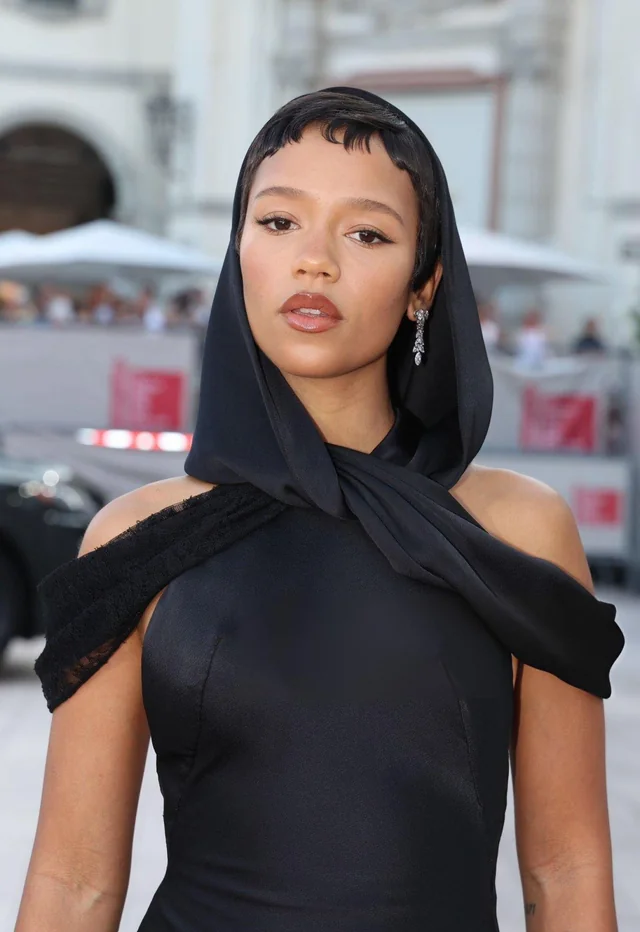
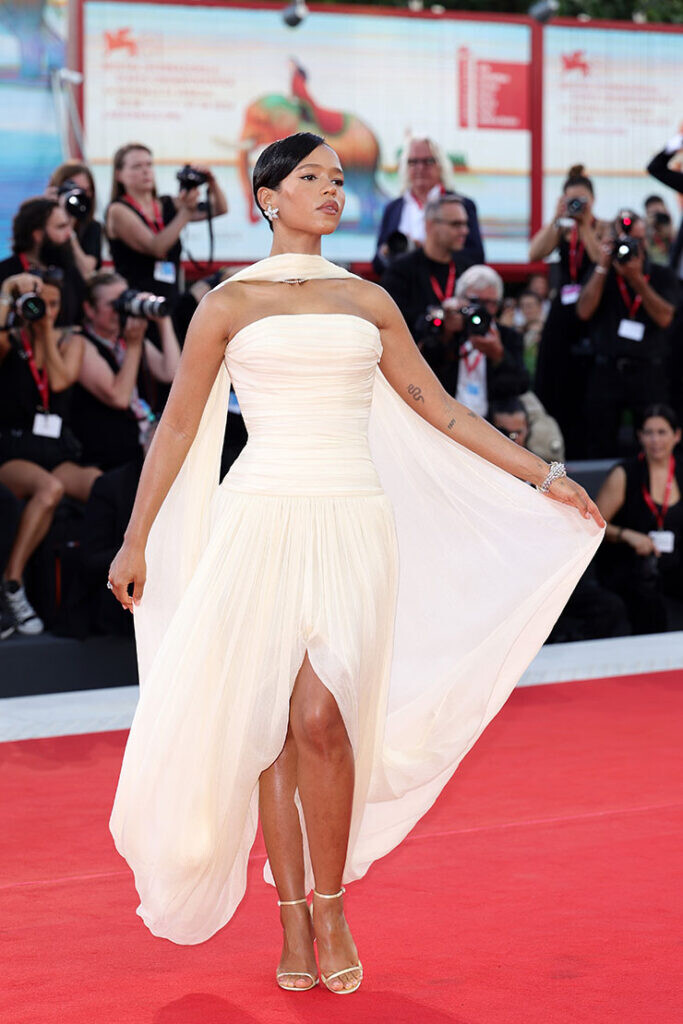
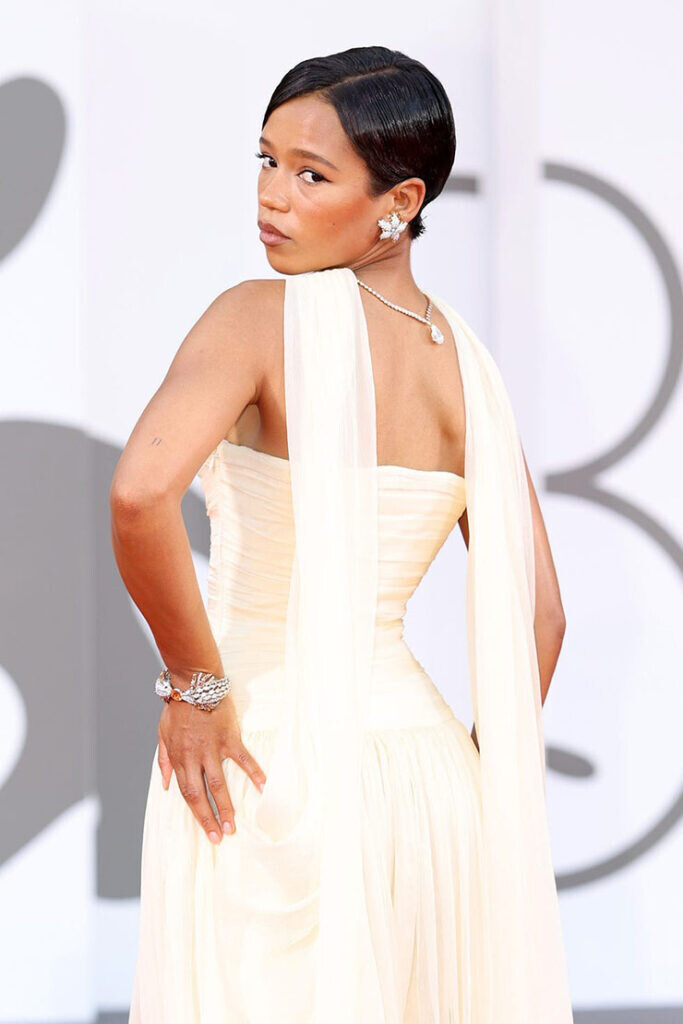
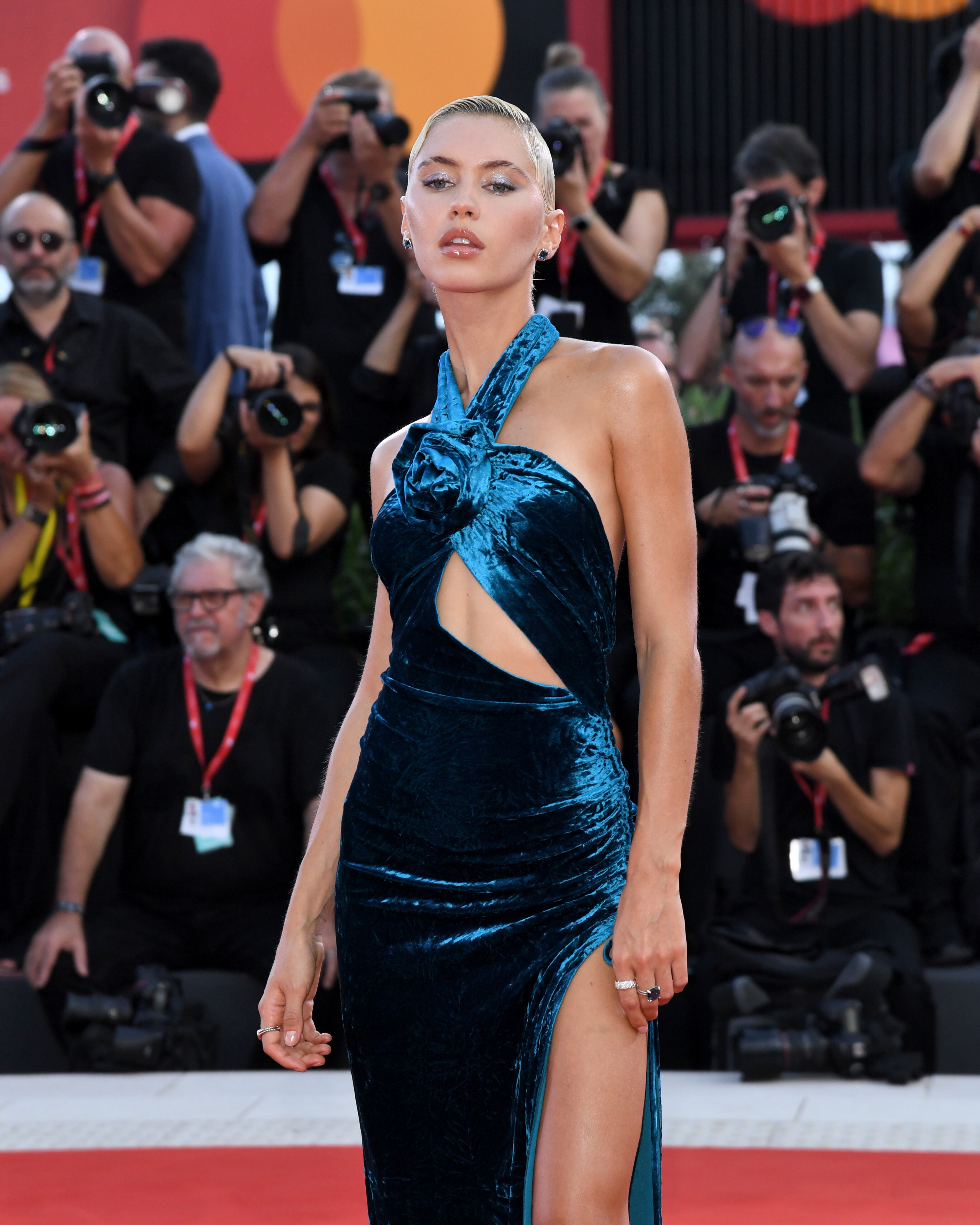
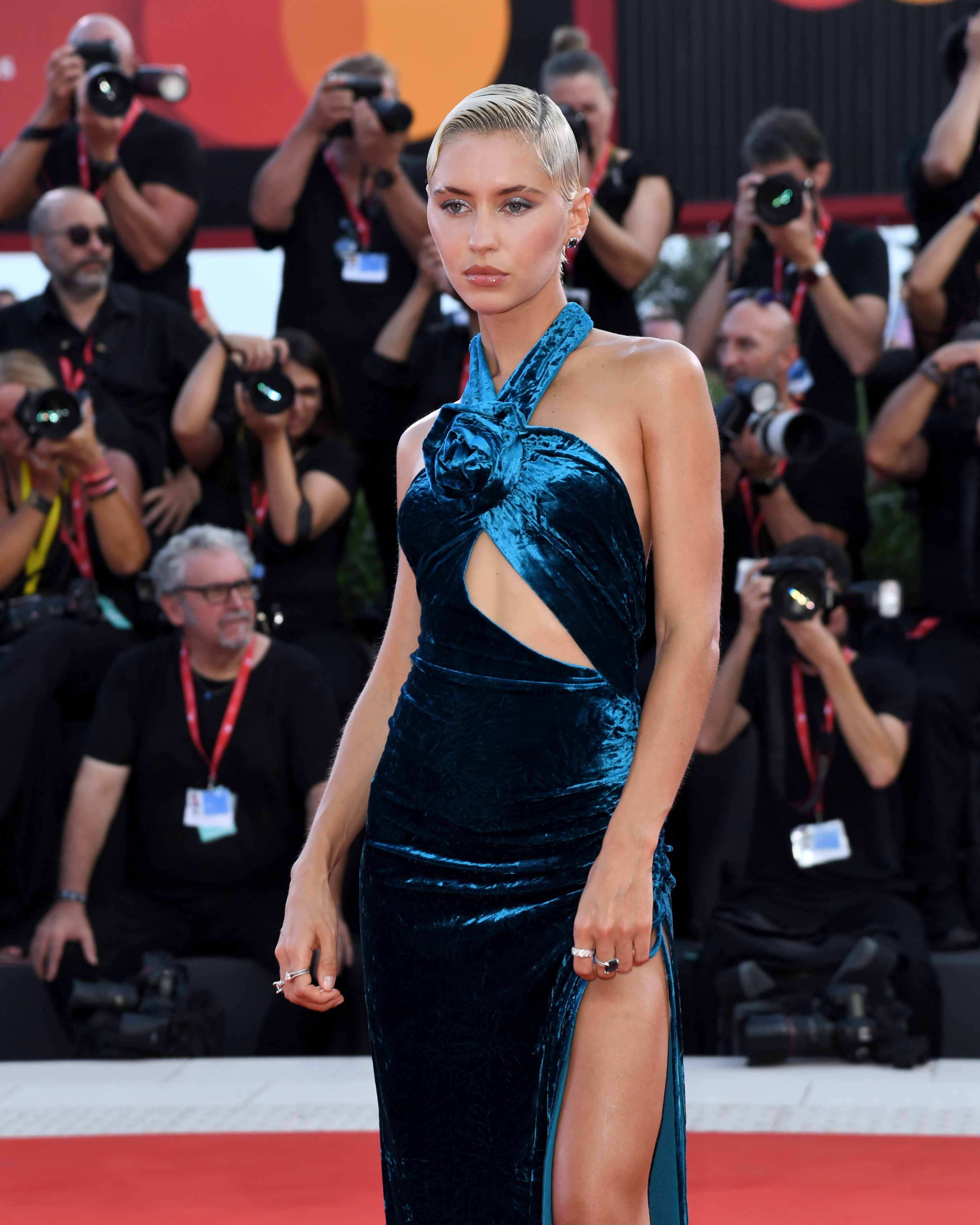
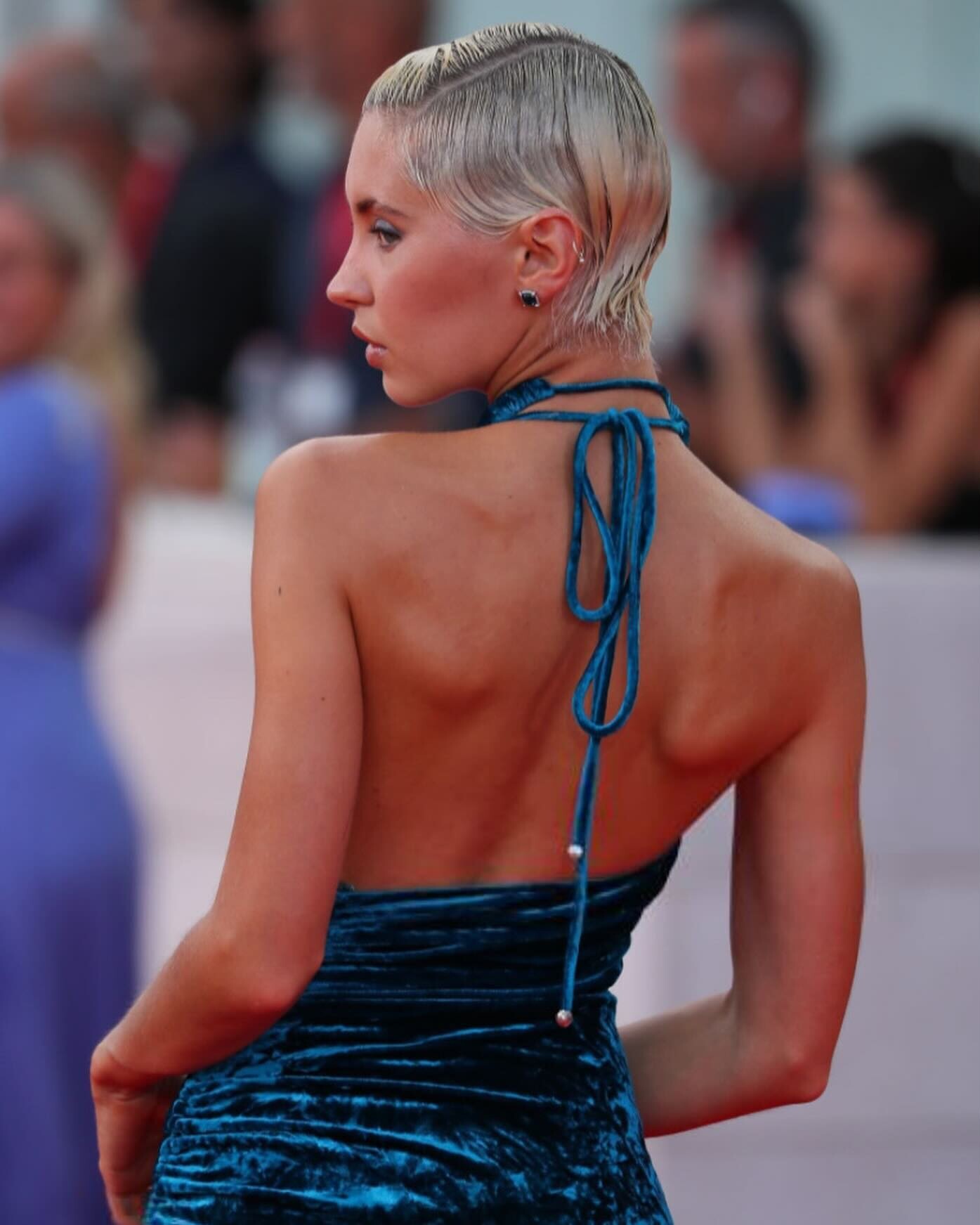
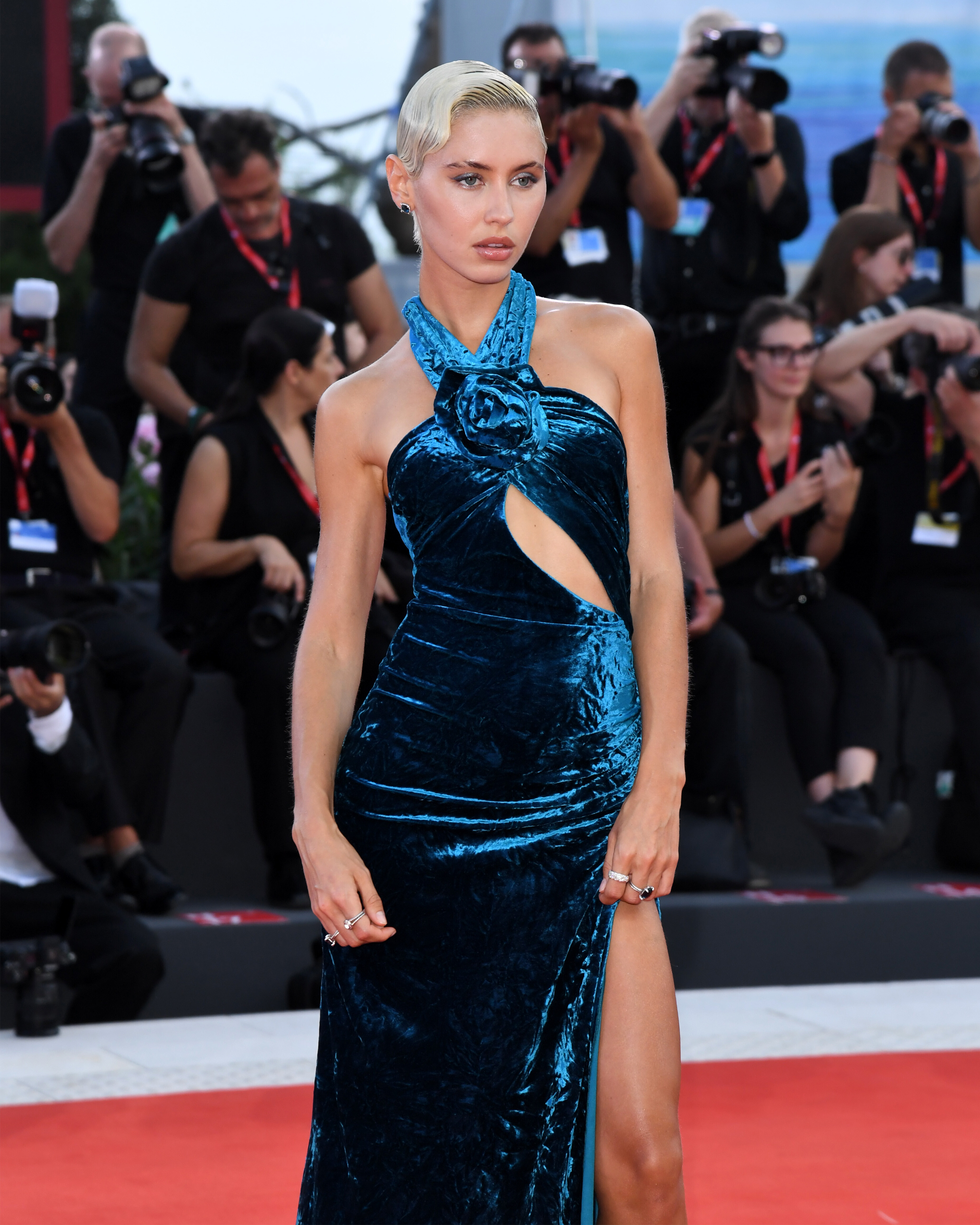
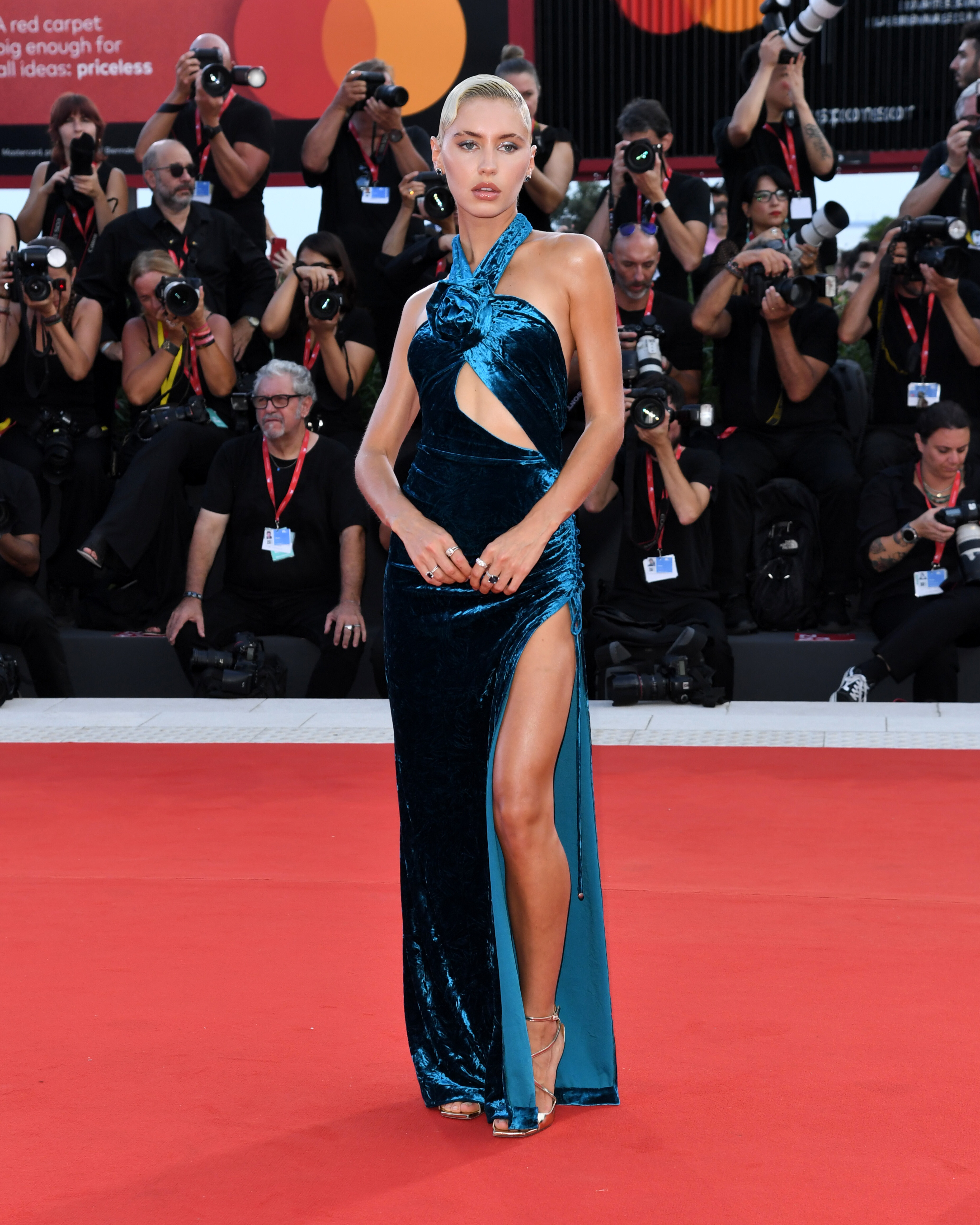
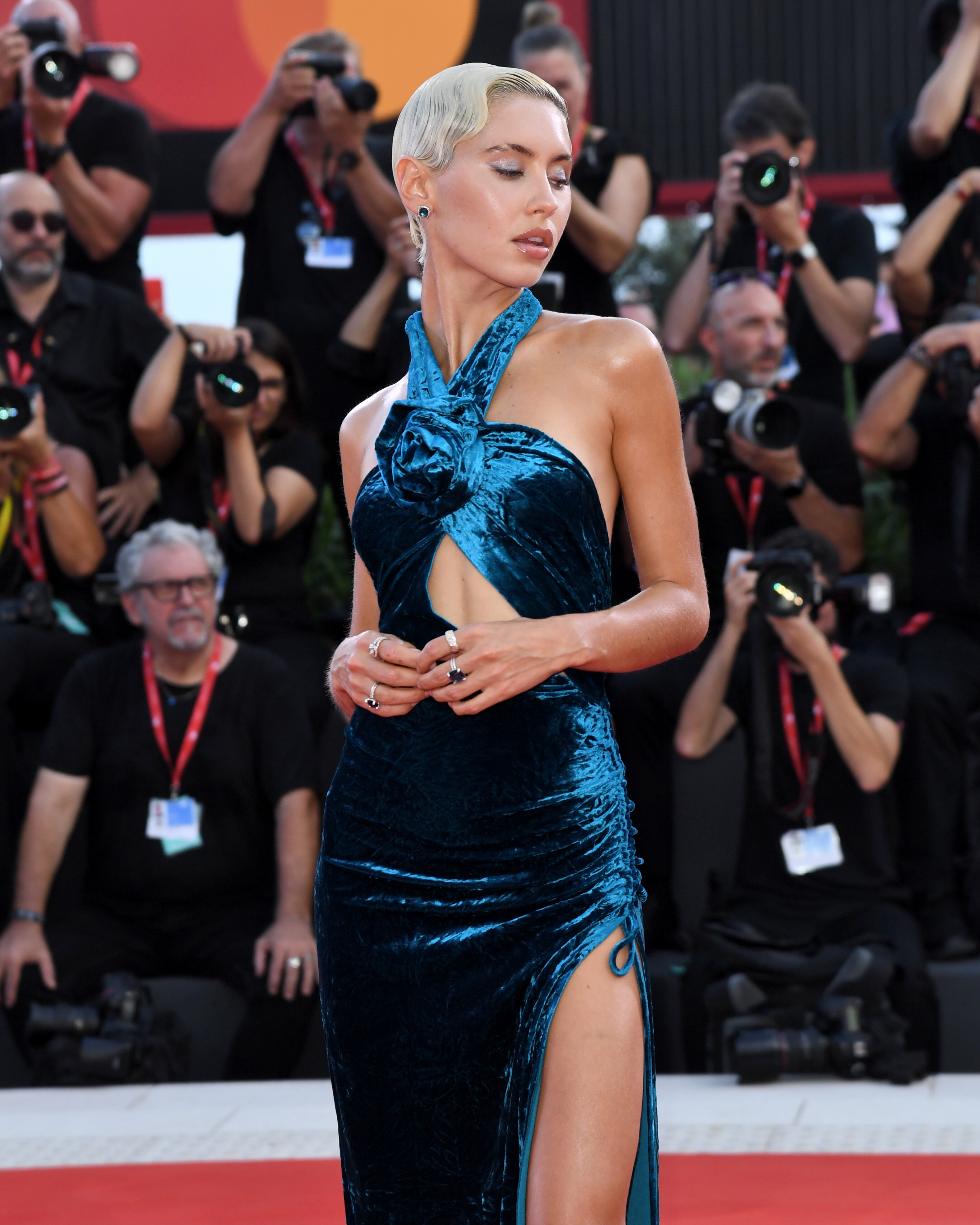
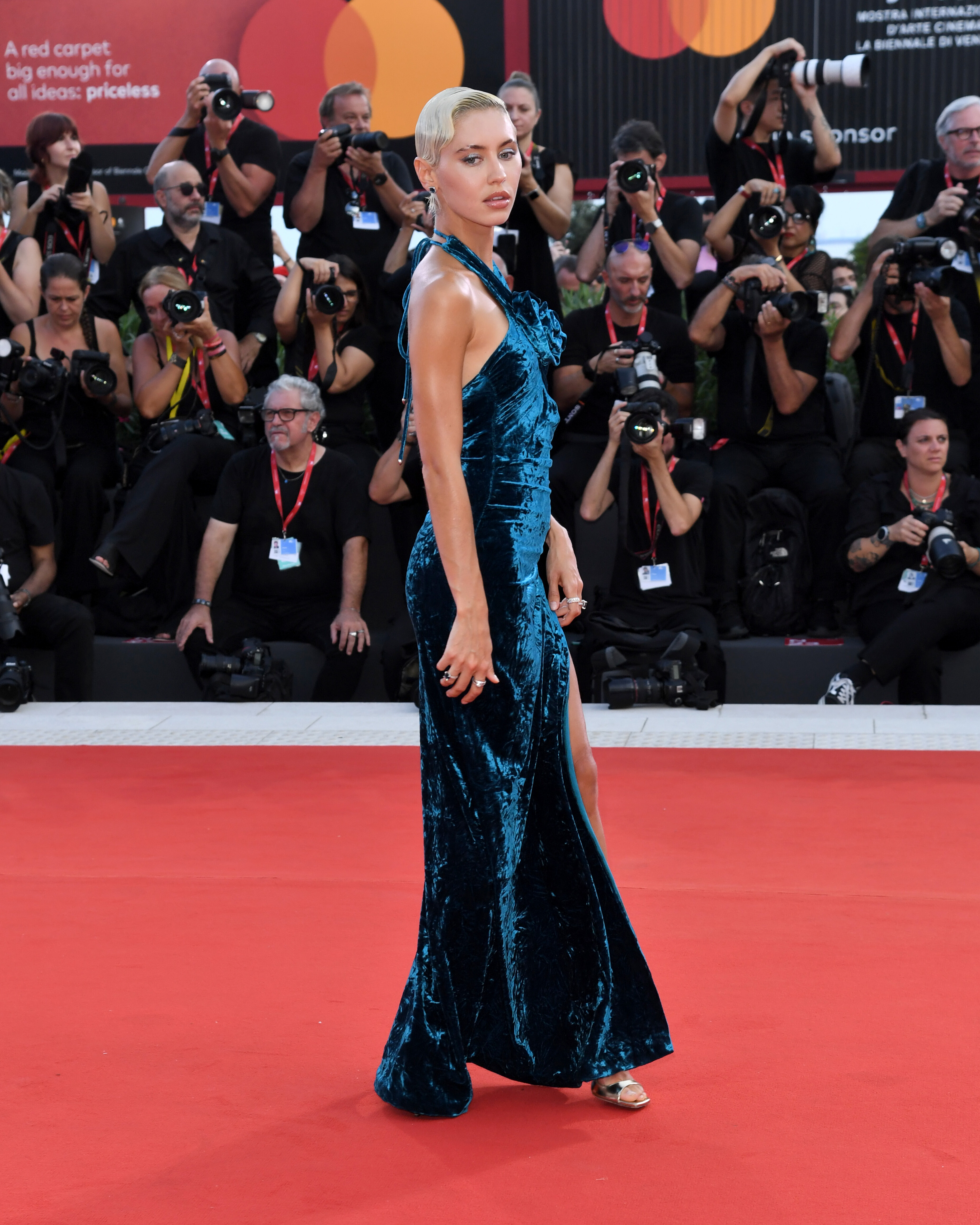
"Queer" premiere at the 81st Venice Film Festival
-
Ph by Greg Williams for Vogue
-
"Maria" premiere at the 81st Venice Film Festival




-
"Beetlejuice Beetlejuice" premiere at the 81st Venice Film Festival
-
Vogue Italia 2024
-
-
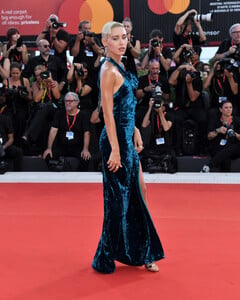
'Joker: Folie a Deux' premiere, at the 81st Venice International Film Festival in Italy





-
ivante changed their profile photo
-
-
@vspink
-
More Fleur du Mal, ph by Guy Aroch. Snapinsta.app_video_An-Vwz_28hb2TDM0-wV_uw6dKnCg5YkPbstOeLfJyHgMMX5vK0kOb1RwHdnf8LKnxtpXTnyhWs6DkxcSp1WPEooC.mp4Fleur du Mal 'Saucy Italian Summer Collection"Image hidden for guestsSign in to viewImage hidden for guestsSign in to viewImage hidden for guestsSign in to viewImage hidden for guestsSign in to viewImage hidden for guestsSign in to viewImage hidden for guestsSign in to viewImage hidden for guestsSign in to viewImage hidden for guestsSign in to view
 Image hidden for guestsSign in to view



 Image hidden for guestsSign in to viewImage hidden for guestsSign in to viewImage hidden for guestsSign in to viewImage hidden for guestsSign in to viewImage hidden for guestsSign in to viewImage hidden for guestsSign in to viewImage hidden for guestsSign in to viewImage hidden for guestsSign in to view